
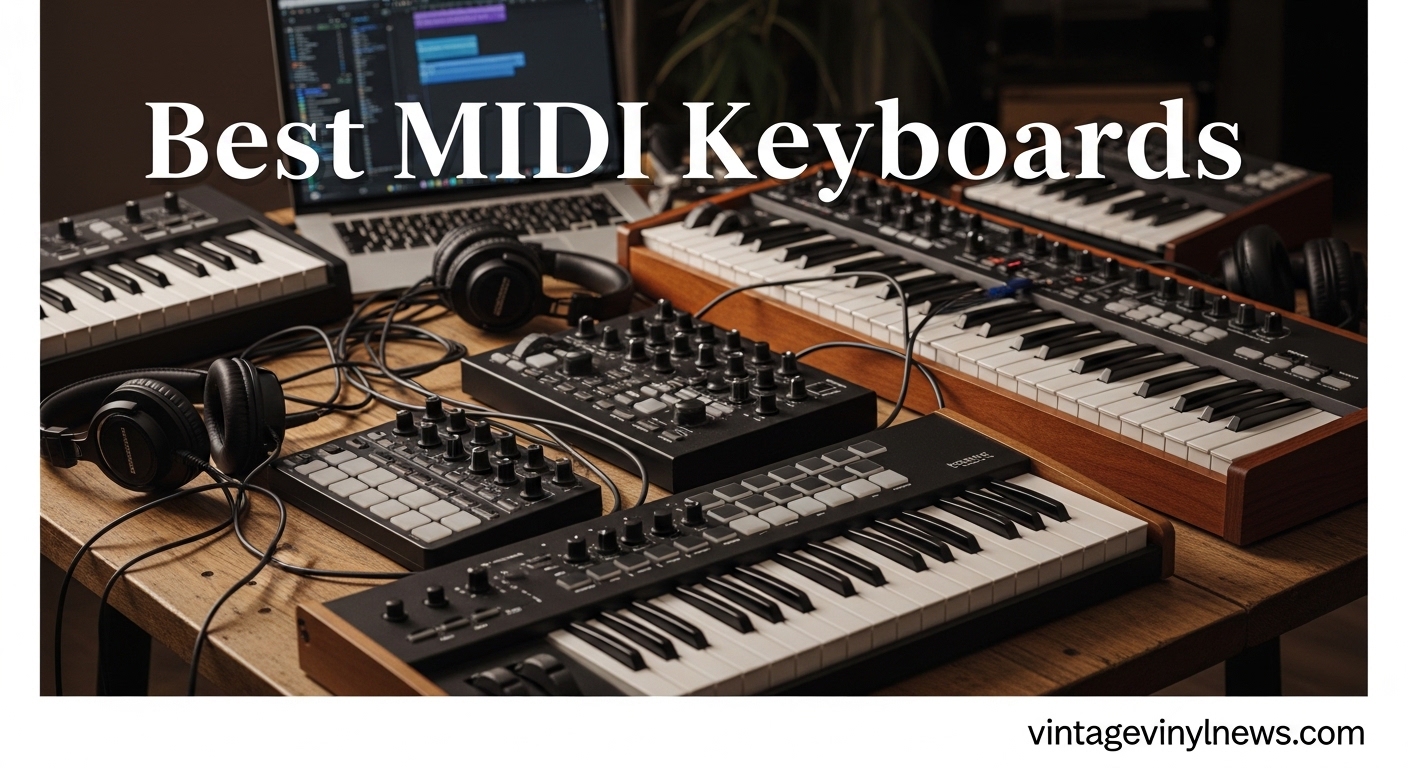
I’ve spent years watching producers struggle with mouse-based music production. The difference between clicking notes and actually playing them is transformative. A MIDI keyboard gives you that tactile connection to your software that turns bedroom experiments into compelling tracks. Whether you are just starting out or looking to upgrade your studio setup, finding the best MIDI keyboard for your workflow matters more than you might think.
The market spans from compact 25-key controllers that fit in a backpack to full-sized 88-key workstations with hammer-action keybeds. Each serves different needs: beat makers often prefer smaller keyboards with drum pads, while pianists transitioning to production might want weighted keys that mimic acoustic instruments. This guide covers ten options that consistently appear in studio setups and get recommended across music production communities.
I have organized these from budget-friendly picks under $150 to premium controllers over $250, with detailed analysis of what makes each worth considering. Every recommendation includes real-world performance notes, key specifications, and honest assessments of where each controller falls short.
Table of Contents
Top 3 Picks for Best MIDI Keyboards
These three controllers represent the best options across different price ranges and use cases. Each delivers reliable performance for music production workflows.

Novation Launchkey 49 MK4
- 49 semi-weighted keys
- Polyphonic aftertouch
- Deep Ableton integration
- Scale & Chord modes

M-Audio Keystation 49 MK3
- 49 full-size velocity keys
- Volume fader
- Transport controls
- Excellent software bundle

Akai Professional MPK Mini MK3
- 25 mini keys
- 8 MPC drum pads
- 8 assignable knobs
- Compact portable design
Best MIDI Keyboards (September 2026) – Quick Overview
This comparison table shows all ten MIDI controllers covered in this guide. Use it to quickly compare key counts, prices, and standout features before reading individual reviews.
| Product | Specifications | Action |
|---|---|---|
| Akai Professional MPK Mini MK3 |
|
Check Latest Price |
 Arturia MiniLab 3 Arturia MiniLab 3 |
|
Check Latest Price |
| M-Audio Keystation 49 MK3 |
|
Check Latest Price |
 Native Instruments Komplete Kontrol M32 Native Instruments Komplete Kontrol M32 |
|
Check Latest Price |
| Novation Launchkey 49 MK4 |
|
Check Latest Price |
 Arturia KeyLab Essential mk3 Arturia KeyLab Essential mk3 |
|
Check Latest Price |
 M-Audio Oxygen 49 MKV M-Audio Oxygen 49 MKV |
|
Check Latest Price |
 Akai Professional MPK Mini Plus Akai Professional MPK Mini Plus |
|
Check Latest Price |
 Nektar Impact LX49+ Nektar Impact LX49+ |
|
Check Latest Price |
 M-Audio Oxygen Pro 61 M-Audio Oxygen Pro 61 |
|
Check Latest Price |
1. Akai Professional MPK Mini MK3 – Best Compact MIDI Controller
Akai Professional MPK Mini MK3 25-Key USB MIDI Keyboard Controller
25 mini keys
8 MPC pads
8 knobs
USB powered
Pros
- Compact and portable|Excellent MPC drum pads|Good software bundle|NKS integration
Cons
- Mini keys not for everyone|Limited for two-handed playing
The MPK Mini MK3 sits at the sweet spot between portability and functionality. With 25 mini velocity-sensitive keys, it fits easily in a laptop bag but still provides enough range for melodic patterns and bass lines. The keys use a synth-action mechanism that responds well to fast playing, though they do feel different from full-size keys.
What sets this controller apart is the incorporation of Akai’s MPC-style drum pads. These backlit pads have become an industry standard for finger drumming and beat triggering. The Note Repeat feature works brilliantly for building hi-hat patterns and quick note sequences. Eight assignable knobs let you control parameters in your DAW or virtual instruments without reaching for a mouse.

Setup takes minutes. The controller is class-compliant, meaning your computer recognizes it immediately without installing drivers. I plugged it into Ableton Live and started playing within seconds. The bundled software includes MPC Beats, three virtual instruments, and access to the Native Instruments Komplete package.
The 4-way thumbstick handles pitch and modulation with surprising precision. Players used to piano-style controls might need adjustment time, but it becomes intuitive quickly. The built-in arpeggiator adds creative possibilities, cycling through patterns that would take forever to program manually.

Who should buy the Akai MPK Mini MK3
This controller works best for producers who travel frequently or have limited desk space. The 25-key range suits beat makers and electronic musicians who rarely need two-handed playing. Beginners appreciate the plug-and-play simplicity and reasonable price point. Reddit communities consistently recommend it as a first controller that does not limit future growth.
Who should look elsewhere
If you come from a piano background and expect acoustic-style key response, mini keys will feel frustrating. Composers working with orchestral arrangements or classical music often need the full 61 or 88 keys for proper hand positioning. The MPK Mini also lacks the semi-weighted or weighted action that pianists typically prefer.
2. Arturia MiniLab 3 – Best MIDI Controller for Key Feel
Arturia MiniLab 3 Universal MIDI Controller, White
25 slim keys
8 RGB pads
4 faders
Real MIDI out
Pros
- Best key feel in class|Faders and encoders|NKS integration|Quality bundled software
Cons
- 25 keys limits range|Stiff pads
Arturia built the MiniLab 3 with input from musicians who complained about cheap key feel on other compact controllers. The result is a 25-key keyboard that actually feels satisfying to play. The slim keys use a synth-action mechanism with velocity sensitivity that captures subtle playing dynamics. Reviewers frequently cite the key action as the best among mini controllers.
The device adds physical controls that smaller competitors skip. Four faders give you mixer control without touching your mouse, and eight endless encoder knobs handle everything from filter cutoffs to reverb parameters. A small display and clickable browsing knob make navigating presets and patches much faster than using software alone.

Real MIDI out via 5-pin connector distinguishes this controller from USB-only competitors. Producers working with hardware synthesizers and modular systems can send MIDI to older equipment without additional interfaces. This single feature opens up workflow possibilities that pure USB controllers cannot match.
Software integration runs deep. Ableton Live Lite comes included along with Analog Lab Intro and UVI Model D. The Analog Lab software alone provides thousands of synthesizer presets that map directly to the MiniLab controls. Arturia’s custom scripts handle DAW integration for Logic, Cubase, and other major platforms automatically.

Who should buy the Arturia MiniLab 3
Producers who prioritize key feel and want professional-grade controls in a compact format should consider this controller. Musicians with hardware synthesizers benefit from real MIDI connectivity. The generous software bundle provides enough value to justify the price premium over basic controllers.
Who should look elsewhere
The 25-key range remains limiting for anyone playing two-handed parts regularly. If you need to cover multiple octaves without octave shifting, choose a 49 or 61-key option. The RGB pads, while colorful, feel stiffer than Akai MPC pads according to some user reports.
3. M-Audio Keystation 49 MK3 – Best Value 49-Key MIDI Controller
M-AUDIO Keystation 49 MK3 USB MIDI Controller
49 full-size keys
Pitch/mod wheels
Transport buttons
Volume fader
Pros
- Full-size velocity keys|Excellent value|Generous software bundle|Plug and play
Cons
- USB only|No weighted action|Windows setup can vary
M-Audio designed the Keystation 49 MK3 for musicians who want full-size keys without spending premium money. The 49-note range covers most production needs without the desk footprint of 61 or 88-key controllers. Velocity-sensitive keys respond naturally, capturing soft touches and hard hits with equal accuracy.
Ergonomically-designed pitch and modulation wheels sit on the left side, positioned like a traditional keyboard. The volume fader and transport buttons let you control recording parameters without switching to mouse input. Directional buttons handle navigation through tracks and clips efficiently.

The software bundle rivals controllers twice the price. MPC Beats provides a complete production workstation, while Ableton Live Lite adds professional-grade recording capabilities. Velvet, XPand2, Mini Grand, and Touch Loops extend your sound palette significantly. Free lessons from Skoove and Melodics help beginners learn piano and production techniques.
Connection requires only a USB cable. The controller draws power from the bus, eliminating the need for external power supplies. Class-compliant operation means modern operating systems recognize it immediately. Some older Windows systems may require MIDI-OX configuration, though this affects only a small percentage of users.

Who should buy the M-Audio Keystation 49 MK3
This controller suits producers stepping up from 25-key controllers who need more range. The full-size keys feel more like traditional piano compared to mini-key alternatives. Budget-conscious buyers get professional features without premium pricing. The extensive software bundle provides everything needed to start producing immediately.
Who should look elsewhere
The synth-action keys lack the weighted feel pianists often prefer. If you learned on acoustic pianos and need hammer-action keys, look at the Komplete Kontrol S-series or high-end alternatives. The Keystation also lacks MIDI DIN output, so hardware synthesizer owners need a different controller.
4. Native Instruments Komplete Kontrol M32 – Best for NI Ecosystem
Native Instruments Komplete Kontrol M32 Controller Keyboard (26154)
32 keys
OLED display
Touch knobs
Smart Play
Pros
- 32 keys beats competitors|Excellent key feel|OLED feedback|NKS deep integration
Cons
- No drum pads|Non-NI setup complex|Buttons feel cheap
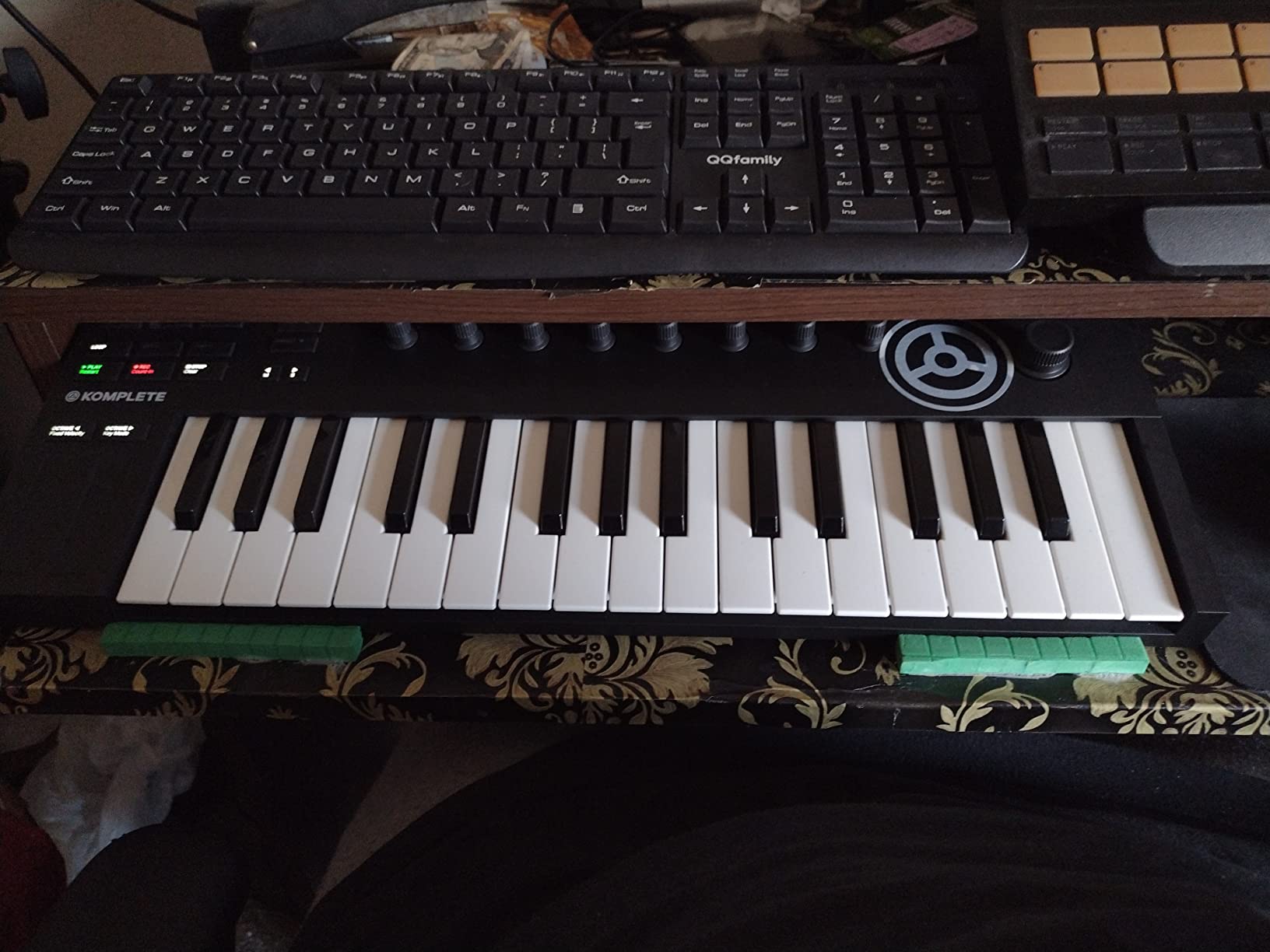
The Komplete Kontrol M32 adds one octave compared to typical mini controllers without increasing the footprint significantly. Thirty-two keys provide more playing range while maintaining portability. The stainless steel frame looks professional and resists the flexing that plagues cheaper plastic controllers.
An OLED display and touch-sensitive knobs give you real-time feedback while playing and tweaking parameters. The screen shows preset names, parameter values, and navigation information that would otherwise require looking at your computer monitor. Touch-sensitive knobs respond to both rotation and pressure for different control types.
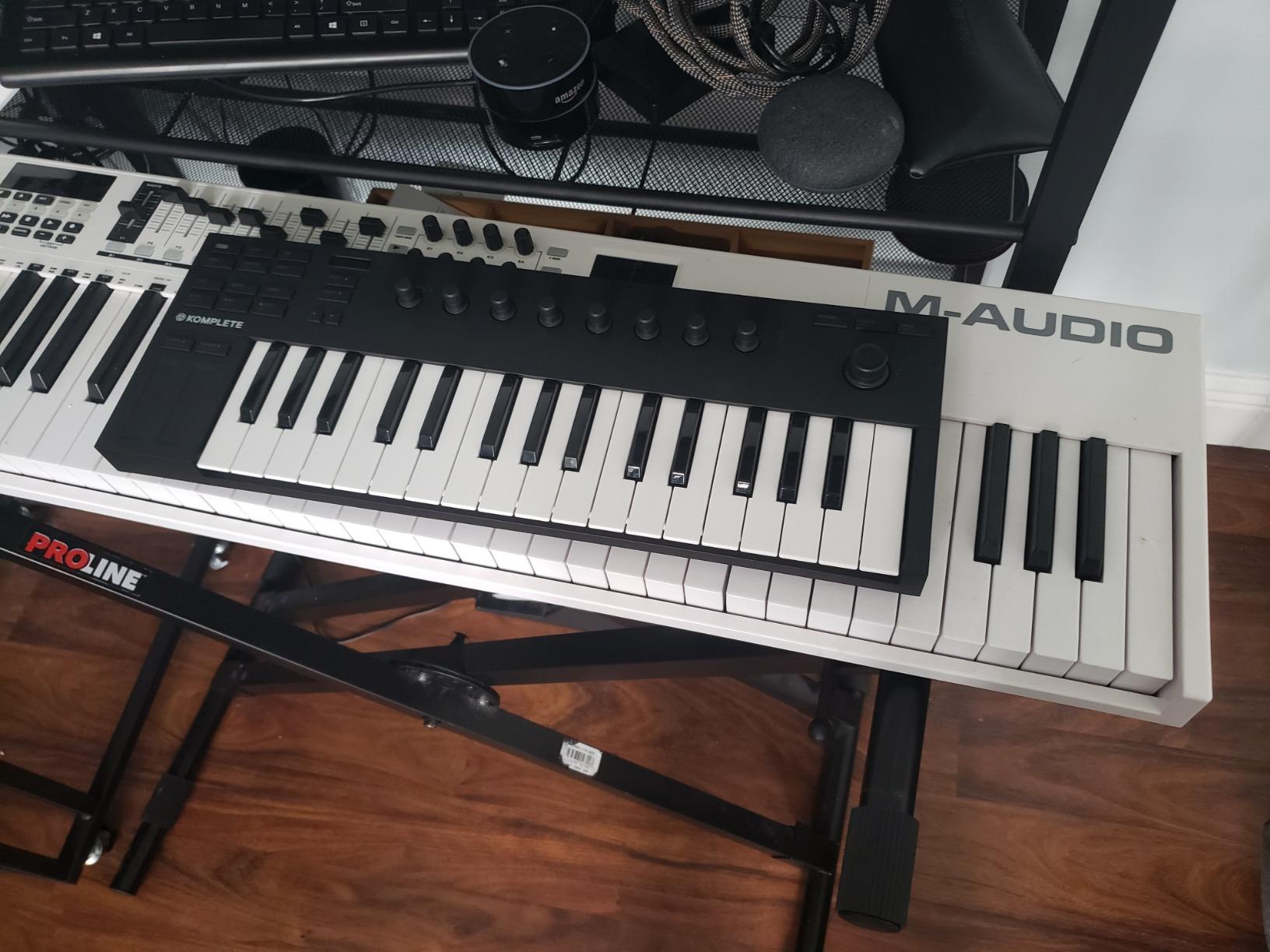
Smart Play features help beginners navigate scales and chords without music theory expertise. You select a scale from the keyboard, and only correct notes light up. Chord mode builds complex voicings from single keys. The arpeggiator creates rhythmic patterns from whatever you play, which works brilliantly for ambient textures and sequenced parts.
Integration with Native Instruments software goes deeper than competing controllers. The NKS standard means parameters map automatically to Komplete instruments. Transport controls, knobs, and keys all work with Komplete Browser without configuration. If you already use NI products, this integration saves significant setup time.
Who should buy the Native Instruments Komplete Kontrol M32
Musicians already in the Native Instruments ecosystem get the most value from this controller. Seamless integration with Komplete Kontrol software and Massive, Monark, and other NI instruments makes this a natural choice. The extra octave compared to 25-key controllers helps with live performance and two-handed playing.
Who should look elsewhere
Without Native Instruments software, some features become harder to use. Knob mappings do not persist on the device itself, which frustrates users working with non-NI DAWs. The lack of drum pads limits beat-making capabilities. Some users report button quality feels below the price point.
5. Novation Launchkey 49 MK4 – Best MIDI Controller Overall
Novation Launchkey 49 MK4 USB MIDI Keyboard Controller
49 semi-weighted keys
16 FSR pads
Scale/Chord modes
Arpeggiator
Pros
- Highest rated controller|Semi-weighted keybed|Deepest DAW integration|Innovative FSR pads
Cons
- Premium price|Software account complexity|No dedicated MIDI switch
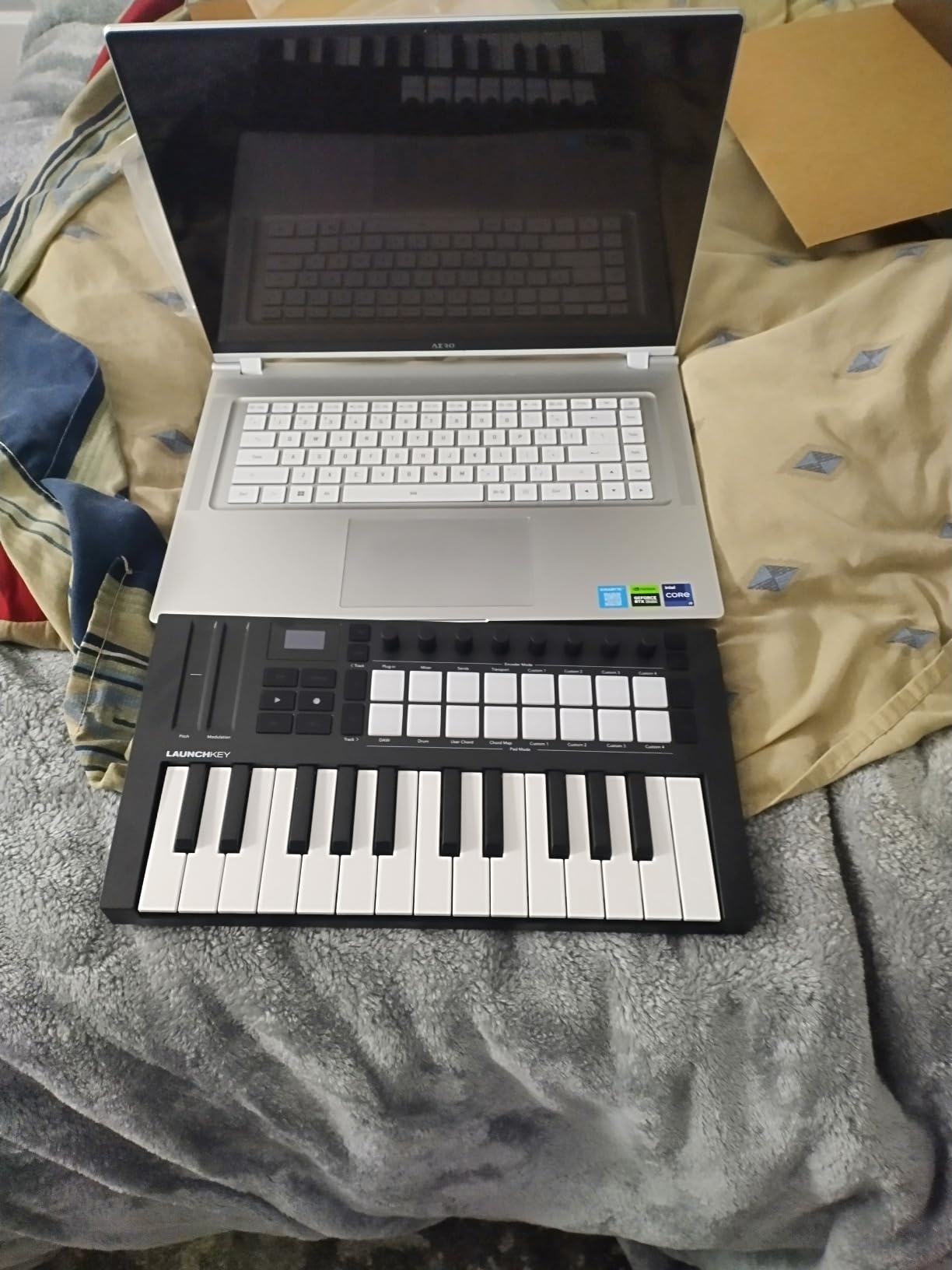
The Launchkey 49 MK4 earns its top reputation through thoughtful design across every dimension. Semi-weighted keys provide resistance that feels responsive without mimicking acoustic piano weight. Polyphonic aftertouch responds to finger pressure on individual notes, opening expression possibilities unavailable on most controllers at any price.
Force Sensitive Response pads detect not just velocity but continuous pressure. This makes them function as step sequencers, clip launchers, and chord triggers simultaneously. The pads serve multiple roles without requiring mode switching, which streamlines performance workflows significantly.
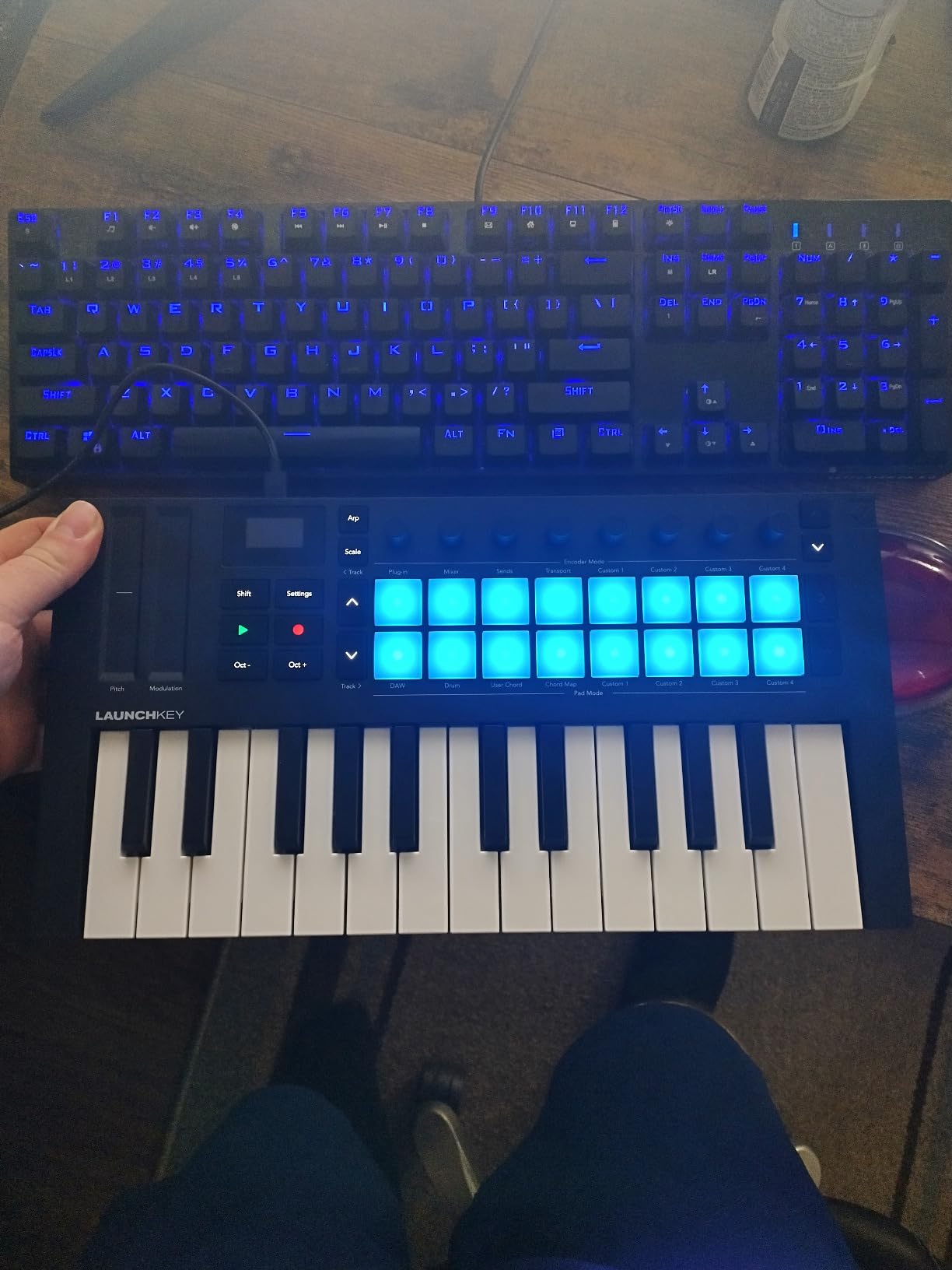
DAW integration reaches deeper than any competitor. Novation collaborated with Ableton, Logic, Cubase, Reason, Reaper, FL Studio, and Ardour to ensure controls map precisely where musicians expect them. Transport controls, track navigation, and mixer parameters all respond correctly without manual configuration.
Scale Mode eliminates wrong notes permanently. You select a key and scale, and the keyboard constrains input to notes within that structure. Chord Mode builds voicings from single keys, with the arpeggiator mutating patterns in real-time. Creative possibilities expand dramatically with these tools available.
Who should buy the Novation Launchkey 49 MK4
Serious producers who want the best available controller for music production should consider this their default choice. The combination of key quality, pad responsiveness, DAW integration, and creative features sets a new standard. While the price sits higher than alternatives, the feature set justifies the premium for working musicians.
Who should look elsewhere
Budget-conscious beginners may find the Launchkey price exceeds their current needs. The bundled software requires creating multiple accounts across different platforms, which frustrates users wanting simple setup. Linux users report occasional recognition issues, though functionality works once established.
6. Arturia KeyLab Essential mk3 – Best Software Bundle
Arturia KeyLab Essential mk3 — 49 Key USB MIDI Keyboard Controller with Analog Lab V Software Included
49 synth keys
Fatar keybed
2.5 inch LCD
9 faders
Pros
- Fatar quality keybed|2000 presets included|Excellent LCD display|Deep DAW integration
Cons
- No polyphonic aftertouch|Fake wood sides|Steep learning curve
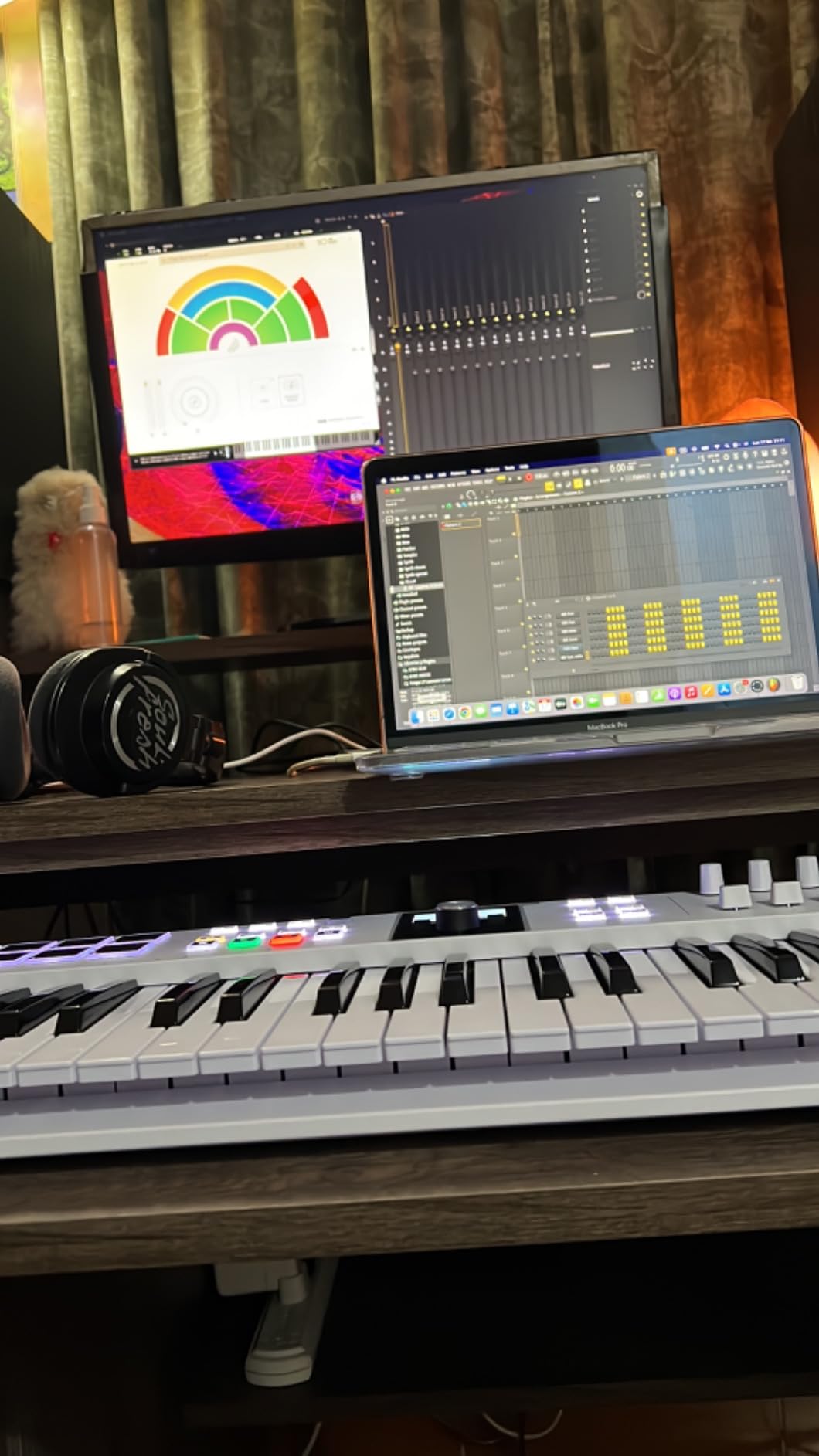
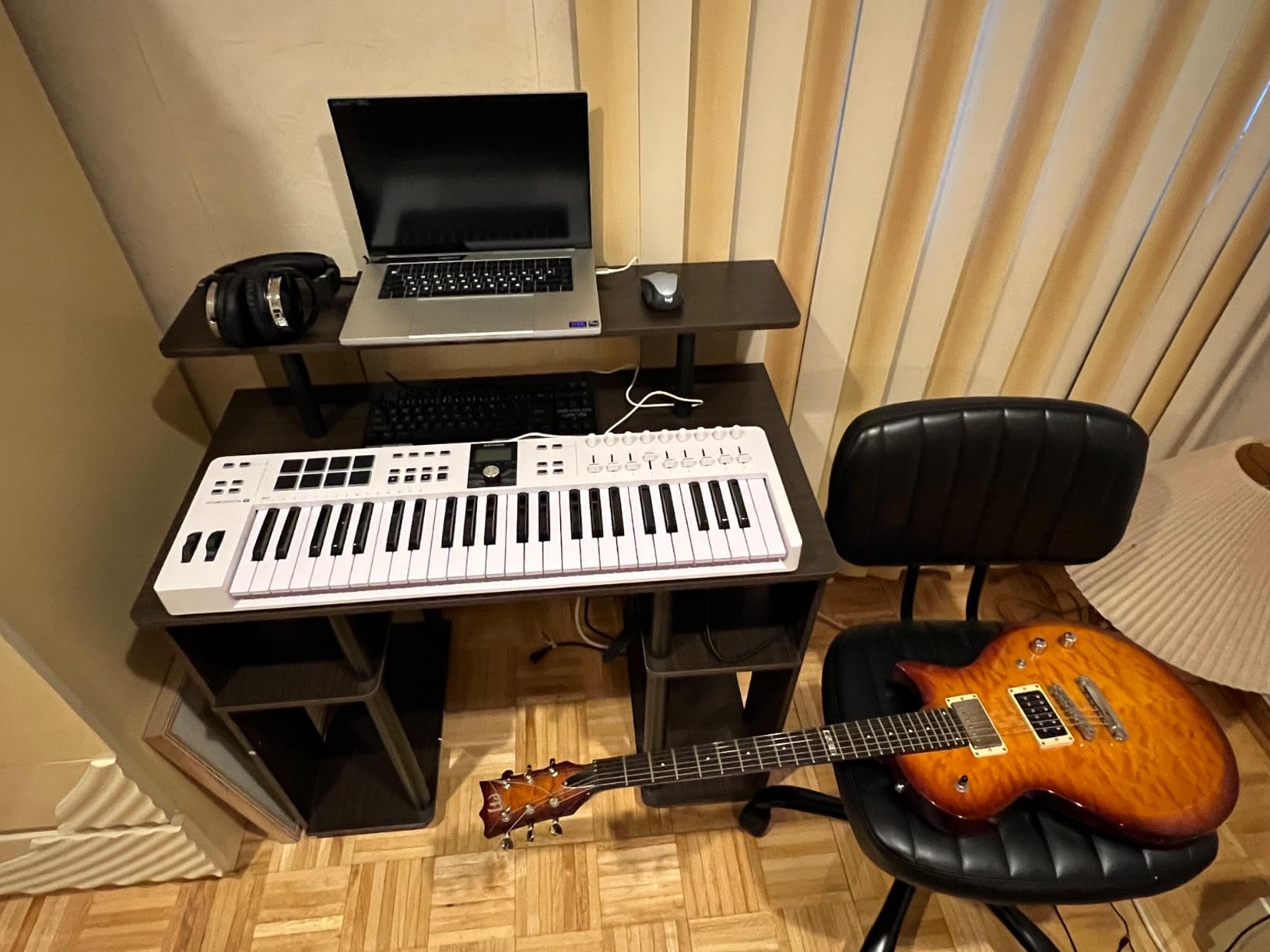
Arturia partnered with Fatar, the Italian company that makes keybeds for many professional keyboards, to give the KeyLab Essential mk3 superior key action. The synth-action mechanism provides velocity sensitivity with aftertouch capability on the black keys. Players transitioning from higher-end equipment notice the quality difference immediately.
The 2.5-inch LCD screen displays contextual information during workflow. You see preset names, parameter values, and navigation menus without looking at your computer. Eight velocity-sensitive RGB pads handle drum programming and sample triggering with professional responsiveness. Nine faders and nine encoders provide comprehensive control surface capabilities.
Software value exceeds $400 with the included bundle. Analog Lab V alone provides 2000 synthesizer presets covering vintage analog, modern digital, and hybrid sounds. UVI Model D adds Fender Rhodes and Wurlitzer electric pianos. Loopcloud provides sample management, and Melodics offers lesson content for skill development.
Custom integration scripts handle Ableton Live, Logic Pro X, FL Studio, and Cubase automatically. The controller recognizes which DAW is running and loads appropriate mappings. Transport controls, mixer tracks, and instrument parameters all respond correctly without manual configuration or third-party tools.
Who should buy the Arturia KeyLab Essential mk3
Producers who want the best key action under $300 and need comprehensive software bundles should consider this controller. The Fatar keybed quality rivals controllers costing twice as much. Musicians who prefer hardware controls over mouse input get nine faders, nine encoders, and an informative display that makes workflow faster.
Who should look elsewhere
Setup complexity challenges beginners. The software installation involves multiple accounts and downloads that feel overwhelming compared to simpler competitors. The decorative wooden sides feel fake upon close inspection, which disappoints players expecting premium aesthetics at this price point.
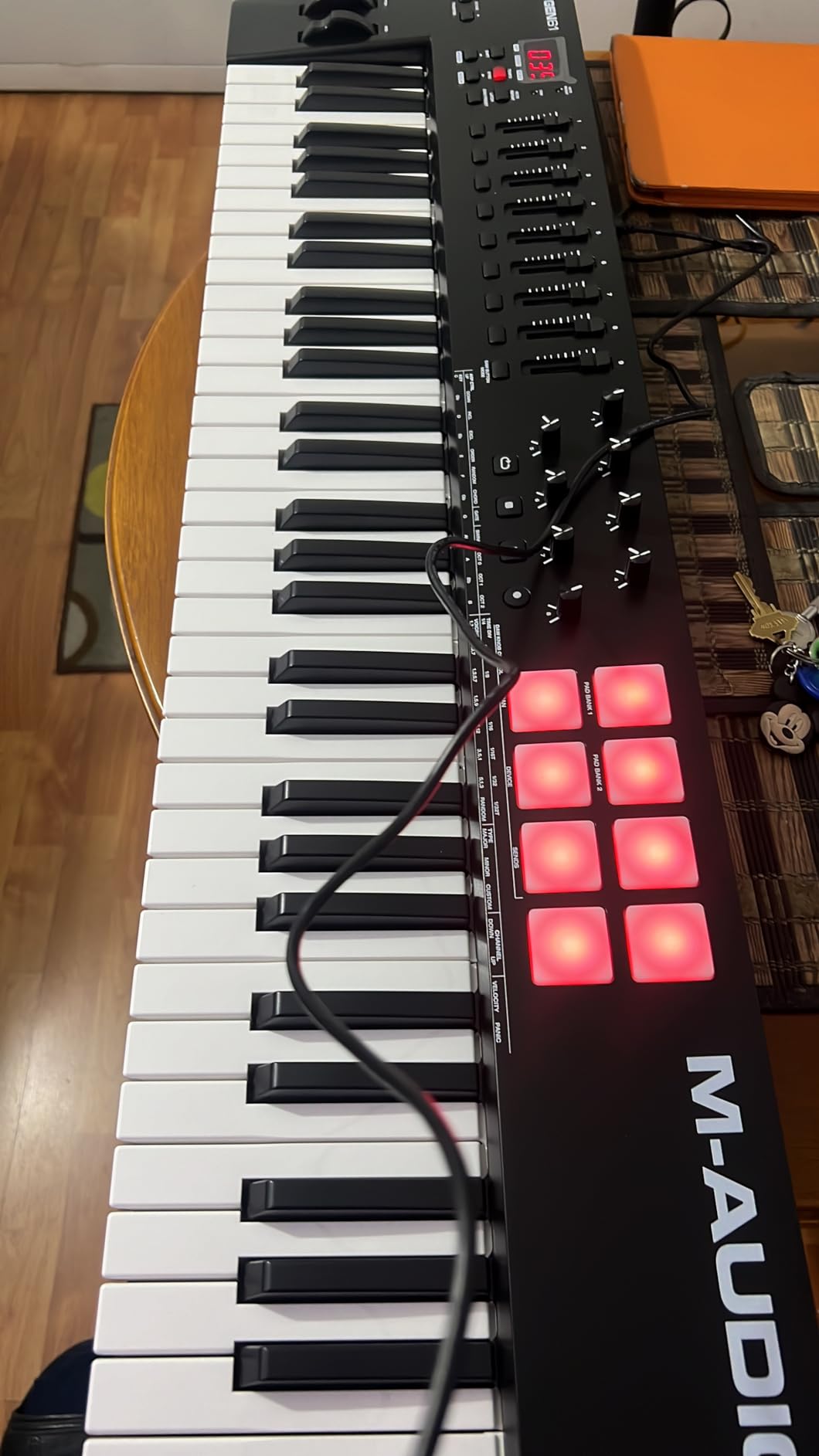
7. M-Audio Oxygen 49 MKV – Best Mid-Range 49-Key Controller
M-AUDIO Oxygen 49 MKV USB MIDI Keyboard Controller
49 velocity keys
8 drum pads
9 faders
Smart Chord/Scale
Pros
- Smart Chord saves time|NKS integration|Great auto-mapping|Quality drum pads
Cons
- Keys feel cheaper than premium|Plastic build
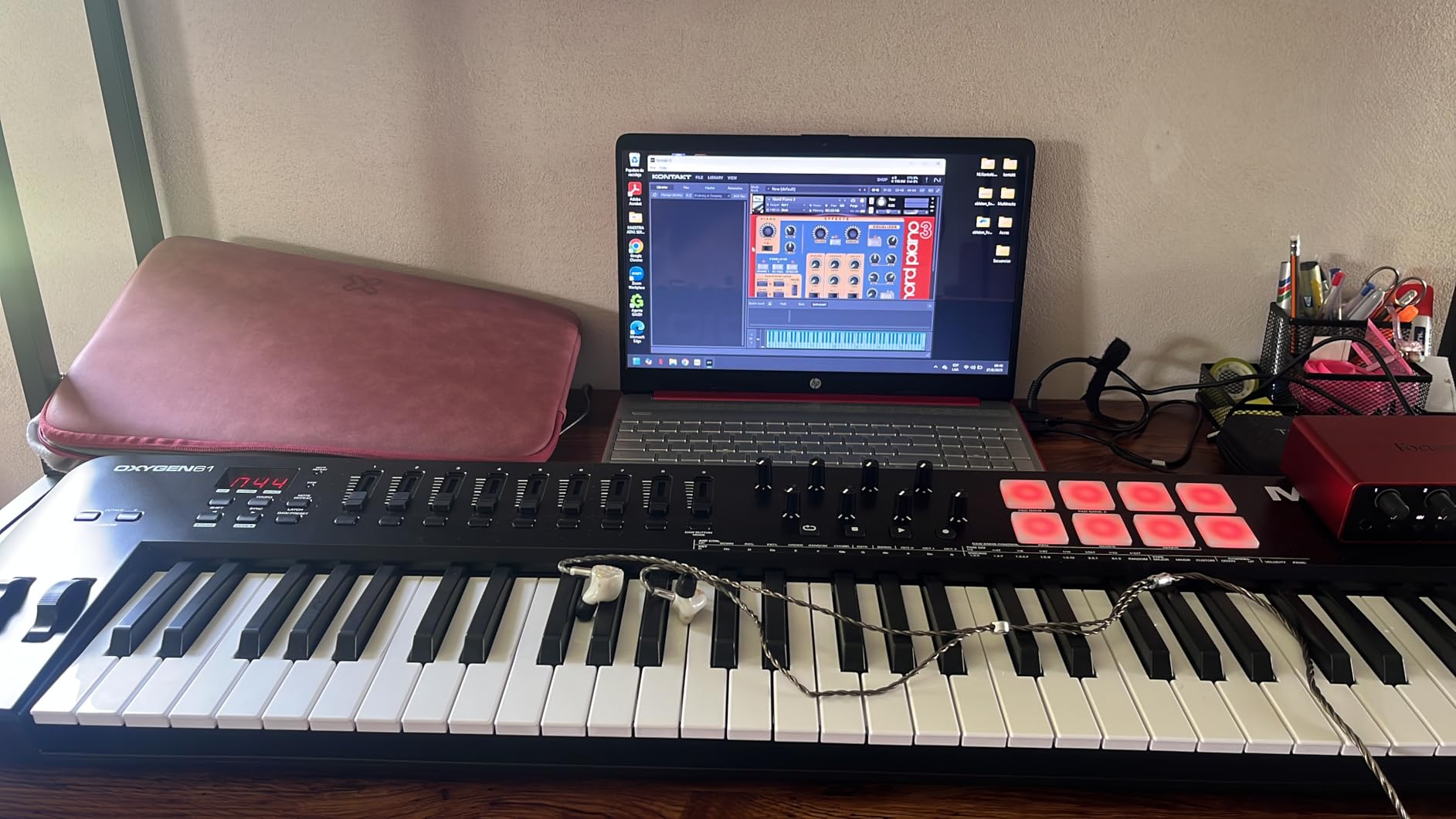
The Oxygen 49 MKV fills the gap between basic entry-level controllers and premium workstations. M-Audio packed useful features into a reasonable price point without cutting essential functionality. Velocity-sensitive keys respond to playing dynamics, while Smart Chord and Smart Scale modes help beginners create music without deep music theory knowledge.
Eight backlit drum pads with Note Repeat functionality support beat-making workflows. Two banks of pads switch between different sounds or drum kits without changing mappings. Nine assignable faders handle mixer control, and eight knobs adjust instrument parameters. The layout mirrors professional control surfaces costing significantly more.
NKS integration brings Native Instruments library access without additional configuration. The controller automatically recognizes NI instruments and maps controls appropriately. Hybrid 3 and Mini Grand add synthesizer and piano sounds to the MPC Beats and Ableton Live Lite bundle. Players get multiple ways to create without purchasing additional software.
Auto-mapping handles DAW controls without manual configuration. The controller recognizes Ableton Live, Logic, Cubase, and other major platforms and loads appropriate scripts. Transport controls, track selection, and mixer movements all respond as expected from the first connection.
Who should buy the M-Audio Oxygen 49 MKV
Intermediate producers who need more than basic functionality without premium pricing should consider this controller. The Smart Chord and Scale features help songwriters who know what they want to hear but lack theory training. NKS integration brings professional sound libraries within reach without complex setup.
Who should look elsewhere
Players accustomed to premium keybeds notice the difference immediately. The plastic chassis does not match the solid feel of metal-bodied competitors. While functional, build quality lags behind controllers in similar price brackets from other manufacturers.
8. Akai Professional MPK Mini Plus – Best for Modular Synths
Akai Professional MPK Mini Plus 37-Key USB MIDI Keyboard Controller
37 mini keys
8 MPC pads
MIDI/CV/Gate
64-step sequencer
Pros
- CV/Gate connectivity|Sequencer included|3 octaves range|Best MPC pads
Cons
- Mini keys feel thin|No faders|Sequencer navigation complex
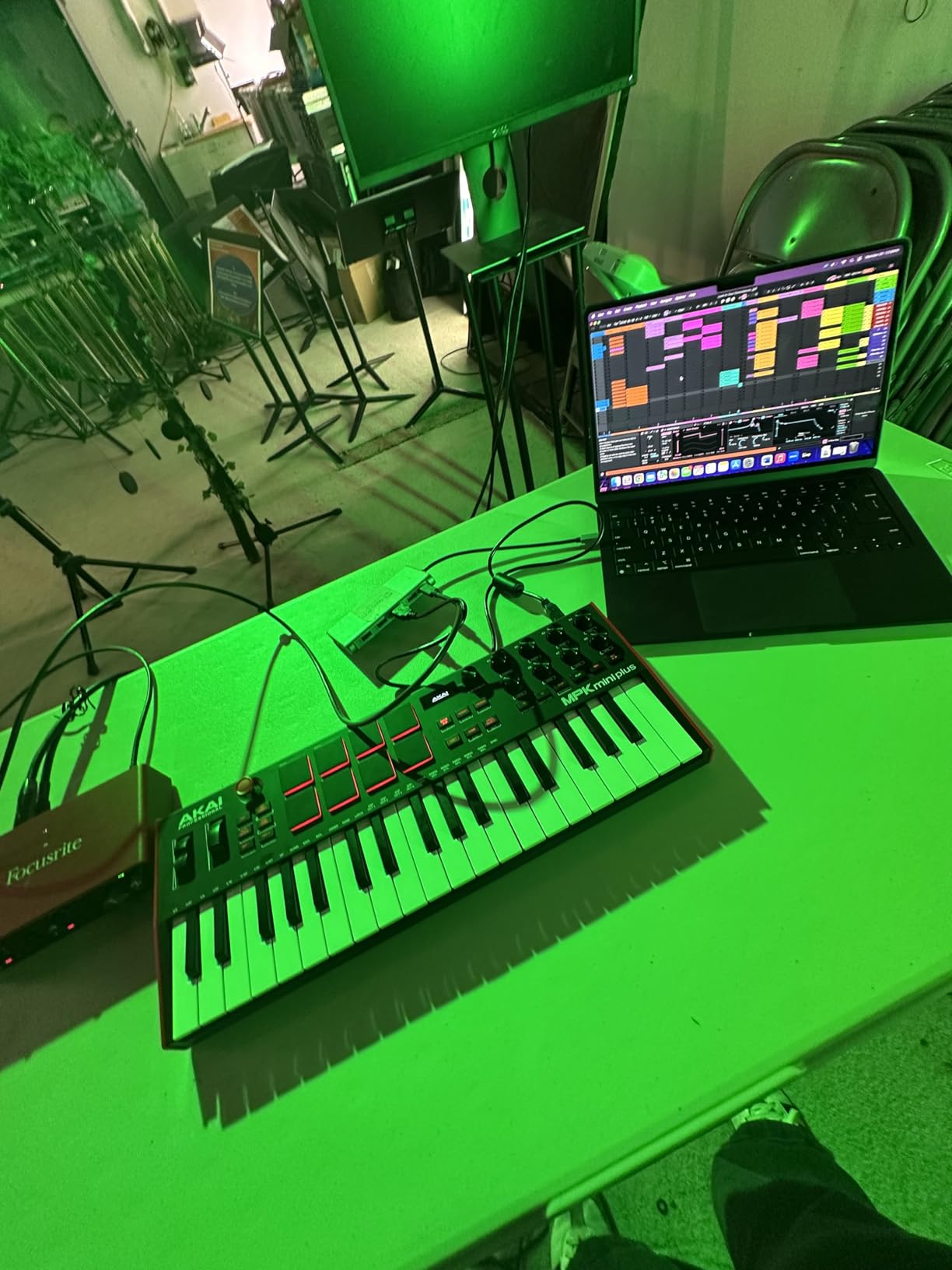
The MPK Mini Plus breaks away from USB-only limitations that trap most portable controllers. MIDI/CV/Gate outputs connect directly to modular synthesizers and vintage hardware without additional interfaces. Eurorack users and owners of classic synths like the Moog Grandmother gain hands-on control that USB controllers simply cannot provide.
Thirty-seven keys cover three full octaves, addressing the range limitations of 25-key competitors. The keyboard maintains portability while offering more practical playing range for melodies and bass lines. Eight premium RGB MPC pads match the quality of Akai flagship controllers, with responsive feel that professionals rely on for finger drumming.
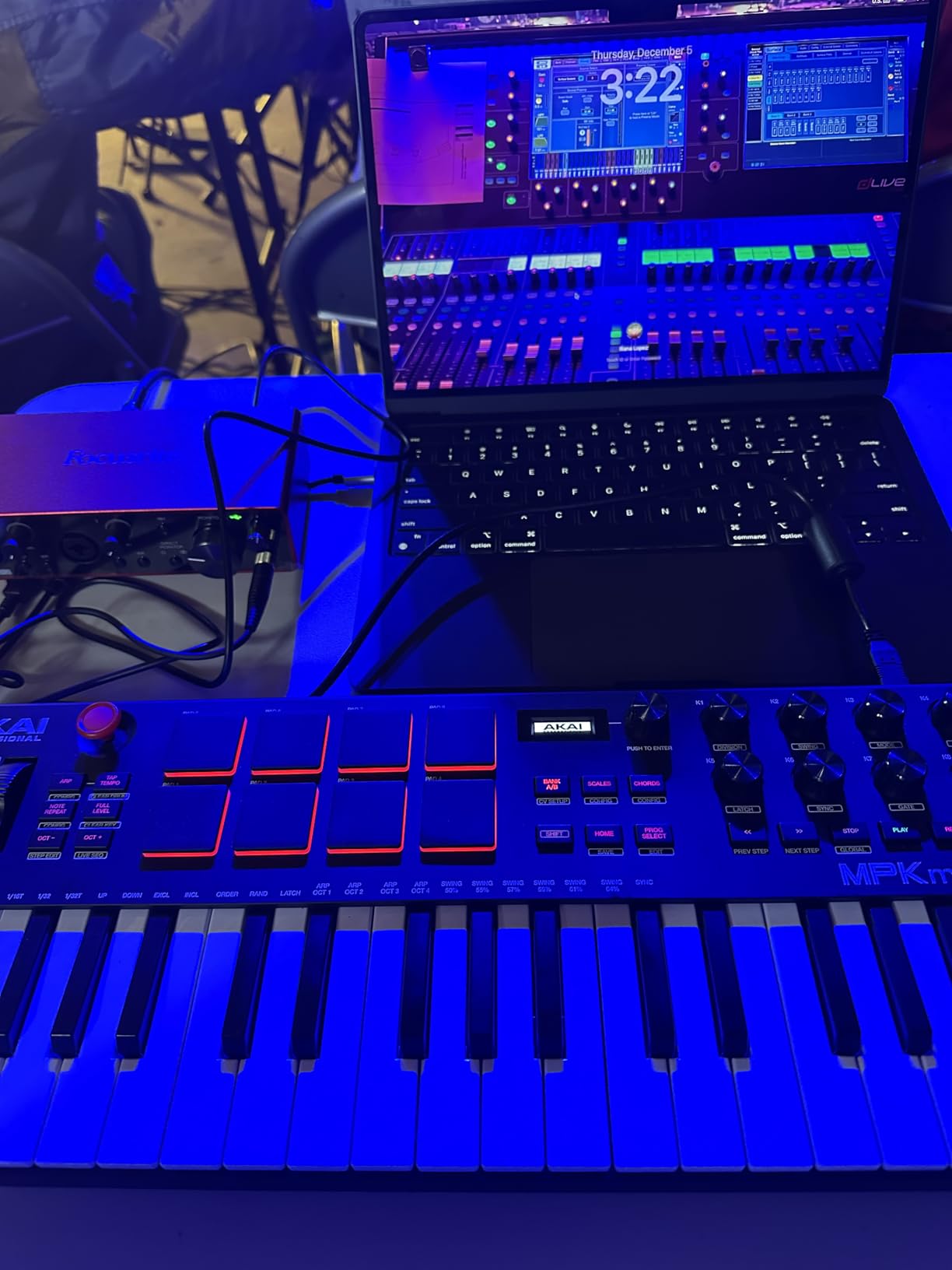
The built-in 64-step sequencer records patterns without a computer. One drum track and one melody/chord track create complete sequences. Up to eight notes per step allows chord voicings and drum rolls. This standalone capability transforms the controller into a performance instrument for live sets without laptop involvement.
NKS integration brings Native Instruments library access. The Komplete 15 Select bundle provides curated sounds that work immediately with mapped controls. MIDI DIN inputs and outputs enable connection to other MIDI devices for expanded systems. The included MPC Beats software handles computer-based production when needed.
Who should buy the Akai MPK Mini Plus
Modular synthesizer owners gain the most from this controller. CV/Gate connectivity opens hardware ecosystems that would otherwise require expensive interfaces. Musicians who perform live benefit from the built-in sequencer that removes computer dependency from their sets.
Who should look elsewhere
Mini keys feel thinner compared to larger controllers, which can frustrate pianists. Without faders, mixer control requires alternative solutions. The sequencer interface takes time to learn, and navigation becomes cumbersome for complex patterns.
9. Nektar Impact LX49+ – Best for Bitwig Users
Nektar Impact LX49+ USB MIDI Controller Keyboard with Nektar DAW Integration,Dark Grey
49 synth keys
8 drum pads
9 faders
Bitwig Studio
Pros
- Bitwig Studio included|Excellent DAW integration|Great faders|Solid build
Cons
- Bitwig loading issues|Lower stock availability|Keys feel plasticky
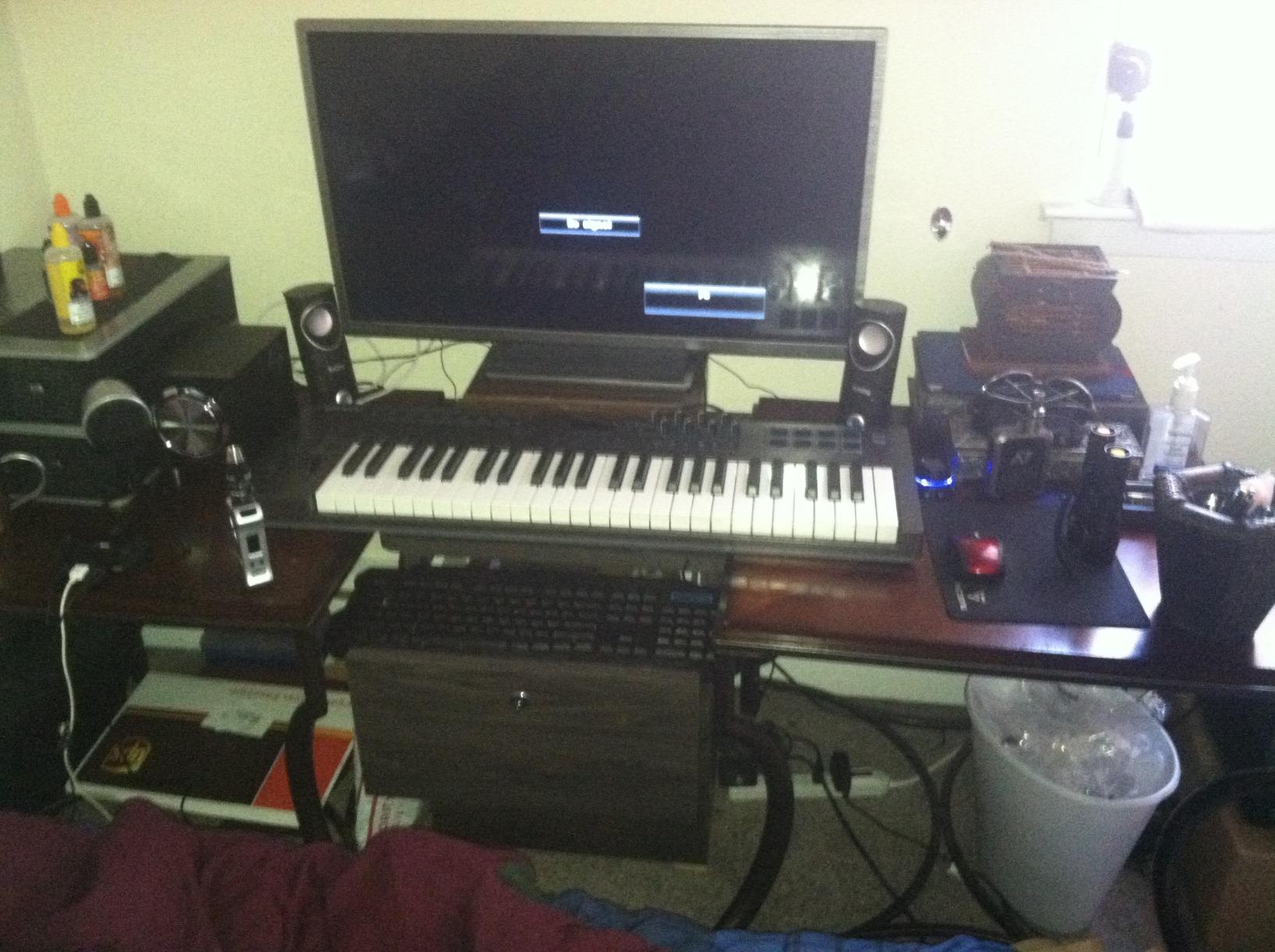
Nektar built the Impact LX49+ with deep DAW integration that goes beyond surface-level control mapping. The controller communicates bidirectionally with Bitwig, Cubase, FL Studio, GarageBand, and Logic, enabling features that simple MIDI controllers cannot access. Nine faders and eight knobs feel solid and responsive during extended sessions.
Bitwig Studio 8-track DAW comes included with purchase. This full-featured production environment supports audio, MIDI, and hybrid workflows without additional software purchases. Five Cherry Audio synthesizer and effect plugins add creative possibilities that competitors cannot match out of the box.
Mixer mode and Instrument mode switch fader and knob functions without manual reconfiguration. Mixer mode controls track volumes and panning during mixing sessions. Instrument mode adjusts plugin parameters without menu diving. This workflow efficiency saves time during creative sessions where momentum matters.
Semi-weighted keys provide good response for production work. The velocity curve adjusts in software to match personal playing preferences. Eight back-lit drum pads handle beat programming with appropriate sensitivity. Octave and transpose buttons extend the effective range without octave-jumping.
Who should buy the Nektar Impact LX49+
Bitwig users gain the most from this controller. The included software provides professional production capabilities without additional purchases. DAW integration for Cubase and FL Studio works equally well for users of those platforms. The price-to-features ratio delivers excellent value considering the included software.
Who should look elsewhere
Bitwig software can have loading issues on some computers that frustrate users. The keys feel more plasticky than premium alternatives, though functional. Low stock availability indicates this model may become difficult to source as remaining inventory sells through.
10. M-Audio Oxygen Pro 61 – Best 61-Key MIDI Controller
M-AUDIO Oxygen Pro 61 USB MIDI Keyboard Controller
61 semi-weighted keys
16 RGB pads
Aftertouch
NKS integration
Pros
- 61 keys with aftertouch|Professional build quality|16 responsive pads|5-pin MIDI output
Cons
- Logic tempo sync issues|No dedicated aftertouch|No arpeggiator
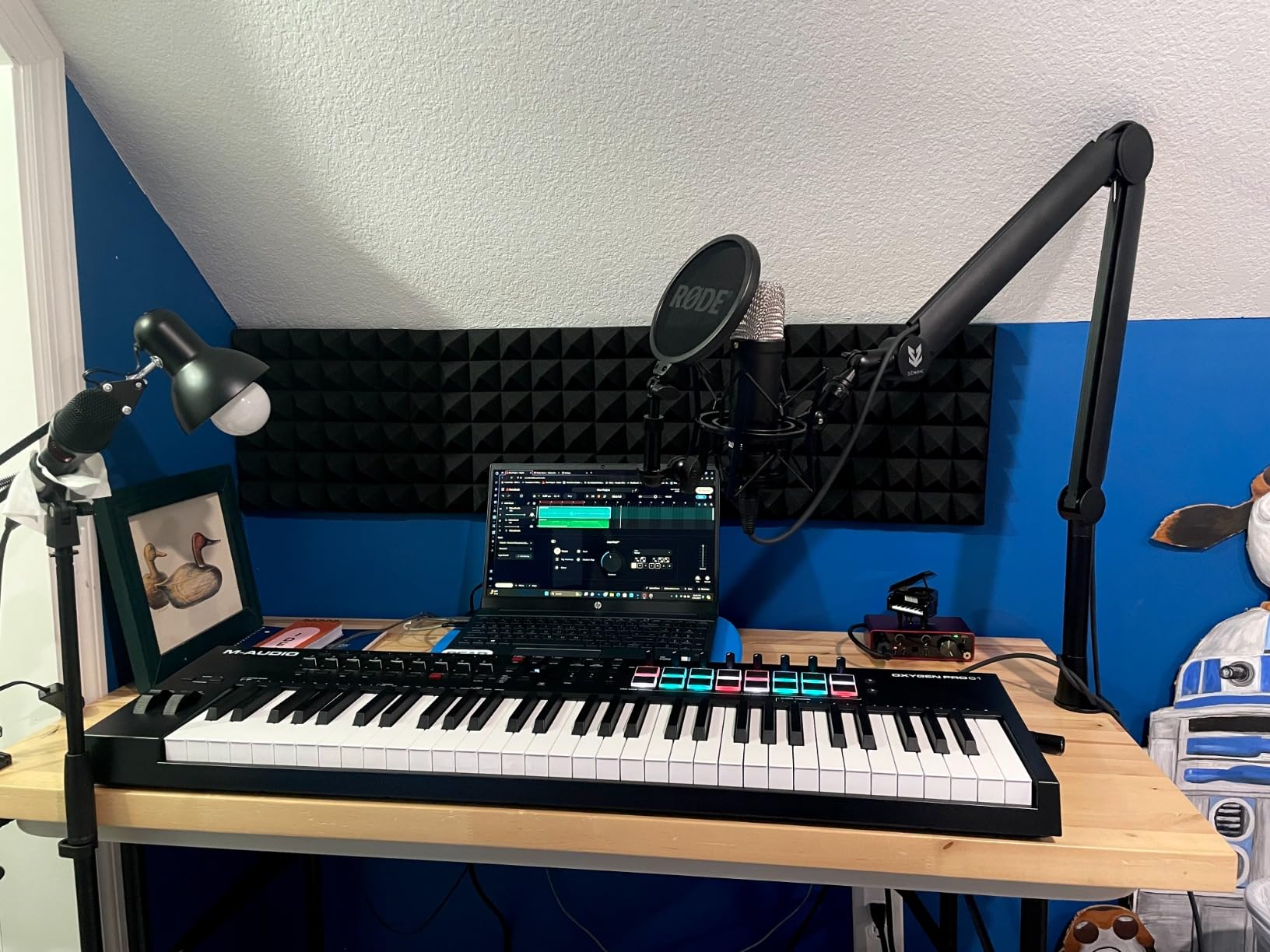
The Oxygen Pro 61 reaches the sweet spot between 49-key portability and 88-key range. Sixty-one notes accommodate most musical passages without octave shifting while maintaining reasonable desk footprint. Semi-weighted keys with aftertouch provide expression capabilities that unweighted alternatives cannot match. The 10.58-pound weight remains manageable for mobile setups.
Sixteen RGB backlit drum pads match the quality of professional Akai units. Note Repeat functionality helps build realistic-sounding drum patterns. The velocity-sensitive design captures different playing intensities for dynamic drum programming. RGB lighting provides visual feedback and aesthetic appeal that monochrome alternatives lack.
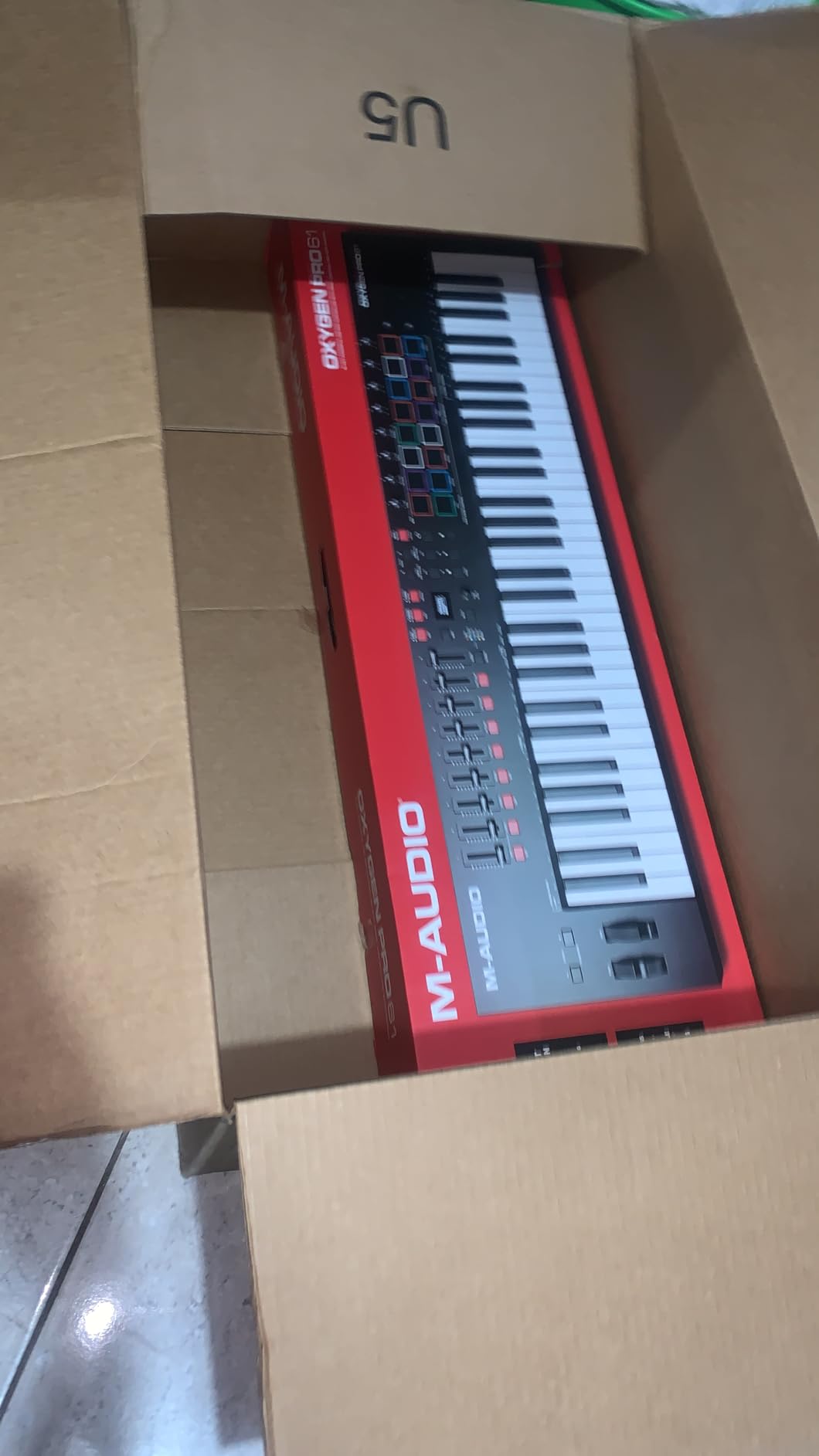
Smart Chord and Smart Scale modes assist composition when music theory knowledge feels limited. The arpeggiator creates rhythmic patterns, though some users report feature limitations compared to dedicated groove boxes. Nine assignable faders and eight knobs handle comprehensive mixer and instrument control without mouse input.
Five-pin MIDI output connects to hardware synthesizers and other MIDI devices. This connectivity expands workflow possibilities beyond computer-based production. NKS integration brings Native Instruments library access with automatic parameter mapping. The included software bundle provides multiple virtual instruments for diverse sound design.
Who should buy the M-Audio Oxygen Pro 61
Producers who need more than 49 keys without committing to full 88-key controllers should consider this option. Aftertouch capability enables expressive playing that aftertouch-free controllers cannot provide. Professional build quality and responsive pads suit serious studio and live performance applications.
Who should look elsewhere
Logic users report occasional tempo sync issues that require workarounds. Some users do not notice the aftertouch functionality despite its presence on the spec sheet. The arpeggiator, while functional, cannot match groove box complexity for advanced sequencing needs.
Buying Guide: How to Choose the Best MIDI Keyboard
Selecting a MIDI keyboard requires understanding how different specifications affect real-world use. The following factors matter most when comparing options for your setup.
Key Count: 25, 49, 61, or 88 Keys
The number of keys determines practical playing range and physical controller size. Twenty-five key controllers like the Akai MPK Mini MK3 fit in laptop bags and suit beat makers who rarely play two-handed parts. These compact options work well for recording bass lines, melodies, and basic chords.
Forty-nine keys serve most production needs without consuming excessive desk space. This range covers two-handed playing in most keys while remaining manageable for travel. Professional studios often use 49-key controllers as secondary input devices alongside larger primary keyboards.
Sixty-one keys approach the range of a real piano without full-size footprint. Advanced producers who play complex arrangements benefit from the additional range. Eighty-eight key controllers mimic acoustic piano dimensions and action, suiting pianists transitioning to production who refuse to compromise on key feel.
Key Action Types
Synth-action keys use spring mechanisms without weighted simulation. They feel light and responsive, suiting fast playing and electronic music production. Most budget controllers use synth-action mechanisms.
Semi-weighted keys add resistance that feels more substantial without full hammer simulation. The Novation Launchkey MK4 series uses this approach successfully, balancing playability with portability.
Hammer-action keybeds mimic acoustic piano weight and response. Professional controllers like the Native Instruments Komplete Kontrol S-series use Fatar keybeds for premium feel. These suit pianists who find synth-action too light for proper technique development.
Connectivity Options
USB MIDI serves most modern production setups. Class-compliant controllers work without drivers on current operating systems. This connectivity handles data transfer and power delivery through single cable connection.
Five-pin MIDI DIN output connects to hardware synthesizers, drum machines, and older equipment. The Arturia MiniLab 3 includes this connectivity, which matters for owners of modular systems or vintage hardware.
CV/Gate output serves Eurorack modular synthesizer owners. The Akai Professional MPK Mini Plus includes this connectivity for direct modular system control without MIDI-to-CV converters.
DAW Integration
Deep DAW integration means controllers automatically map to transport controls, mixer parameters, and instrument parameters. The Novation Launchkey series leads this category with Ableton, Logic, Cubase, and other platform partnerships.
NKS (Native Kontrol Standard) integration brings automatic mapping to Native Instruments software libraries. Multiple controllers on this list support NKS, which streamlines workflow for NI software users.
Generic MIDI controllers require manual mapping through your DAW. This process takes time but allows complete customization. Controllers with deep integration reduce setup requirements significantly.
Drum Pads and Additional Controls
Eight velocity-sensitive drum pads serve finger drumming and sample triggering. Akai MPC-style pads set the industry standard for responsiveness and durability. RGB backlighting adds visual feedback that monochrome alternatives cannot match.
Faders and rotary knobs provide mixer control without mouse input. Nine faders handle typical mixer channel counts efficiently. Eight knobs adjust instrument and effect parameters during performance.
Transport controls (play, stop, record, rewind) streamline recording workflow. Combined with faders, these controls create control surface functionality that rivals dedicated surfaces costing more.
Frequently Asked Questions
What is the best MIDI keyboard for beginners?
How many keys do I need on a MIDI keyboard?
What is the best MIDI keyboard for Ableton Live?
What is the best MIDI keyboard with drum pads?
What is the best 88-key MIDI controller?
Conclusion
Finding the best MIDI keyboard depends on your specific needs and budget. The Novation Launchkey 49 MK4 earns our top recommendation with its exceptional key feel, innovative FSR pads, and deep DAW integration that works with every major platform. The combination of semi-weighted keys with polyphonic aftertouch provides expression possibilities unavailable at lower price points.
Budget-conscious producers should consider the M-Audio Keystation 49 MK3 for full-size keys at an accessible price. The Akai Professional MPK Mini MK3 remains the portable champion for producers who travel or have limited desk space. Each controller on this list delivers reliable performance for music production workflows.
The MIDI keyboard you choose shapes how you interact with your music software. Take time to consider key count requirements, connectivity needs, and DAW compatibility before purchasing. A controller that fits your workflow today will serve you for years to come.