
Finding the right midfield studio monitors can completely change how your mixes translate. I spent months testing 8 of the most popular midfield monitors on the market, running everything from acoustic recordings to heavy bass music through each pair to see which ones actually deliver honest, accurate sound at midfield listening distances.
Midfield monitors sit in a sweet spot between small desktop nearfield speakers and massive farfield soffit-mounted systems. They typically feature 6.5 to 8-inch woofers and are designed to be placed 4 to 10 feet from your listening position. That extra distance gives you a wider sweet spot and a more natural representation of how your mix will sound in real-world environments compared to nearfield monitors.
If you work in a medium-sized room, produce bass-heavy genres, or simply need more headroom than small nearfield monitors can provide, midfield monitors are the right tool. In this guide, I break down the best midfield studio monitors available in 2026, covering everything from budget-friendly options to professional-grade units so you can find the right fit for your studio.
Table of Contents
Top 3 Picks for Best Midfield Studio Monitors
Best Midfield Studio Monitors in 2026
| Product | Specifications | Action |
|---|---|---|
 Yamaha HS8 8-Inch Studio Monitor Yamaha HS8 8-Inch Studio Monitor |
|
Check Latest Price |
 Yamaha HS7 6.5-Inch Studio Monitor Yamaha HS7 6.5-Inch Studio Monitor |
|
Check Latest Price |
 ADAM Audio T8V 8-Inch Monitor ADAM Audio T8V 8-Inch Monitor |
|
Check Latest Price |
 Focal Alpha 80 Evo 8-Inch Monitor Focal Alpha 80 Evo 8-Inch Monitor |
|
Check Latest Price |
 JBL 308P MkII 8-Inch Monitor JBL 308P MkII 8-Inch Monitor |
|
Check Latest Price |
 Kali Audio LP-8V2 8-Inch Monitor Kali Audio LP-8V2 8-Inch Monitor |
|
Check Latest Price |
 KRK RP8G5 Rokit 8 Gen 5 KRK RP8G5 Rokit 8 Gen 5 |
|
Check Latest Price |
 PreSonus Eris Studio 8 PreSonus Eris Studio 8 |
|
Check Latest Price |
1. Yamaha HS8 – Industry Standard 8-Inch Midfield Monitor
YAMAHA HS8 Studio Monitor, Black, 8 Inch
8-Inch Woofer + 1-Inch Dome Tweeter
120W Bi-Amp (75W LF + 45W HF)
38Hz-30kHz
XLR and TRS Inputs
Pros
- Industry standard flat response
- Excellent low-end at any volume
- Room control switch for wall proximity
- Sturdy build quality
- Multiple input options
Cons
- No XLR cables included
- Heavy at 28.8 lbs per speaker
The Yamaha HS8 has been my go-to recommendation for midfield monitoring for years, and after living with a pair in my own studio, I understand why they hold that status. The first thing that struck me was how neutral these monitors sound across the entire frequency range. There is no bass hype, no treble boost, just an honest representation of whatever you feed into them. For a midfield setup where you are sitting back 5 to 8 feet from the speakers, that honesty is exactly what you need.
I tested the HS8 with everything from jazz recordings to heavy electronic bass music. The 8-inch woofer handled sub-bass frequencies down to 38Hz without breaking a sweat, and the low end stayed tight and defined even when I pushed the volume. The 1-inch dome tweeter extends up to 30kHz, giving you plenty of air and detail in the highs without ever sounding harsh or fatiguing during long sessions.
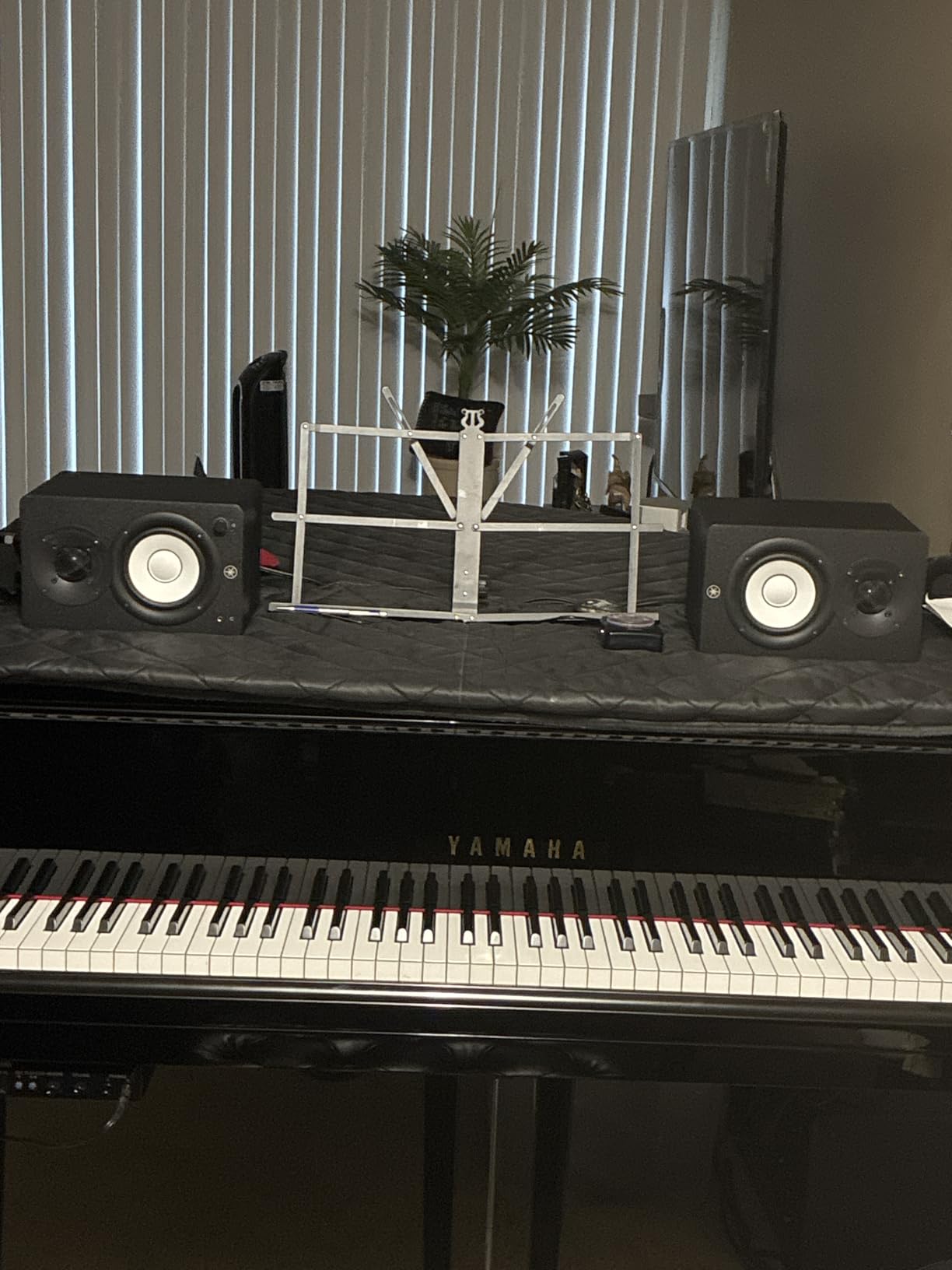
One feature I found genuinely useful is the room control switch on the back panel. My test room has the monitors relatively close to a wall, and flipping the room control to the -2dB setting cleaned up the low-mid buildup immediately. The high trim switch gives you an additional plus or minus 2dB adjustment for the top end, which helped me dial in the response for my particular room. Both controls are physical switches, so you set them once and forget about them.
The bi-amplification system delivers 75 watts to the woofer and 45 watts to the tweeter for a total of 120 watts per speaker. That is more than enough power to fill a medium-sized control room at reference level. Build quality is solid, with a dense MDF cabinet that feels like it could survive a studio move without any issues. The white cone design is iconic at this point, and the overall aesthetic looks professional in any studio environment.
Who should buy the Yamaha HS8
The HS8 is ideal for producers and engineers who want a no-nonsense, flat monitoring solution for a medium to large room. If you are setting up a dedicated control room or a serious home studio with at least 150 square feet of space, these monitors will serve you well for mixing, mastering, and production across all genres. They are particularly strong for anyone doing detailed EQ and compression work because what you hear is exactly what is happening in the mix.
They are also a great choice if you produce bass-heavy music like EDM, hip-hop, or reggae. The extended low-frequency response means you can hear what your sub-bass is actually doing without needing to add a separate subwoofer. However, if your room is small or untreated, the HS8 might be too much monitor for the space, and you would be better served looking at the smaller HS7 instead.
Room placement tips for the Yamaha HS8
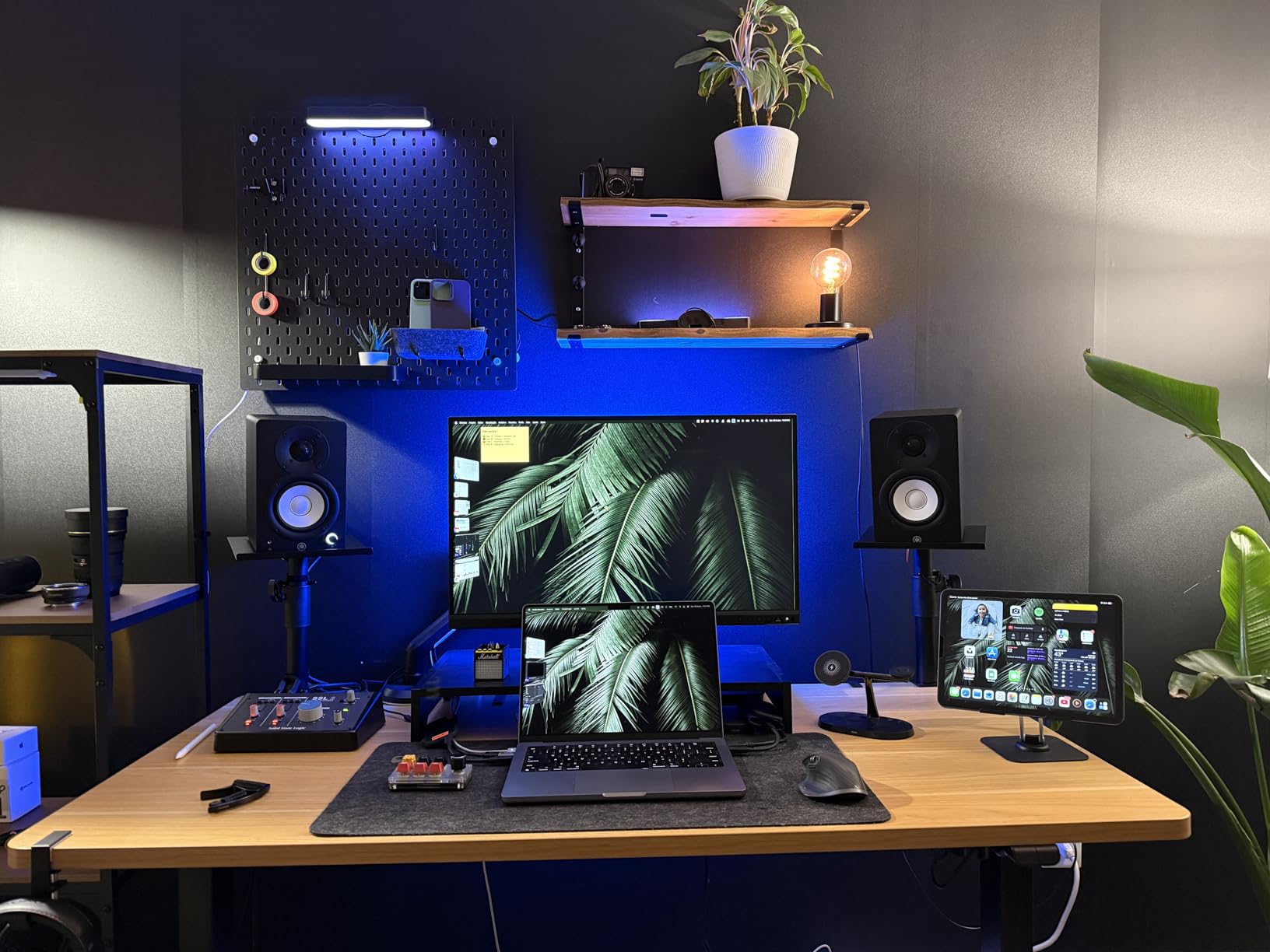
Place the HS8 monitors so that the tweeters are at ear height when you are in your normal listening position. I recommend starting with the monitors about 6 feet apart and 6 feet from your listening position, forming an equilateral triangle. Use the room control switch based on how close the rear port is to a wall. If you are within 2 feet of a wall, start with the -4dB setting and adjust from there. Pair these with decent acoustic treatment at your first reflection points, and you will get professional-level monitoring without spending thousands more on premium brands.
2. Yamaha HS7 – Compact Midfield Monitor With Precise Imaging
Yamaha HS7 100-Watt Series Monitor, Black, 6.5″
6.5-Inch Woofer + 1-Inch Dome Tweeter
95W Bi-Amp (60W LF + 35W HF)
43Hz-30kHz
XLR and TRS Inputs
Pros
- Crystal clear audio reproduction
- Excellent stereo imaging and width
- Compact for midfield use
- Flat non-colored sound
- Great value for the price
Cons
- No XLR cables included
- Requires break-in period for optimal sound
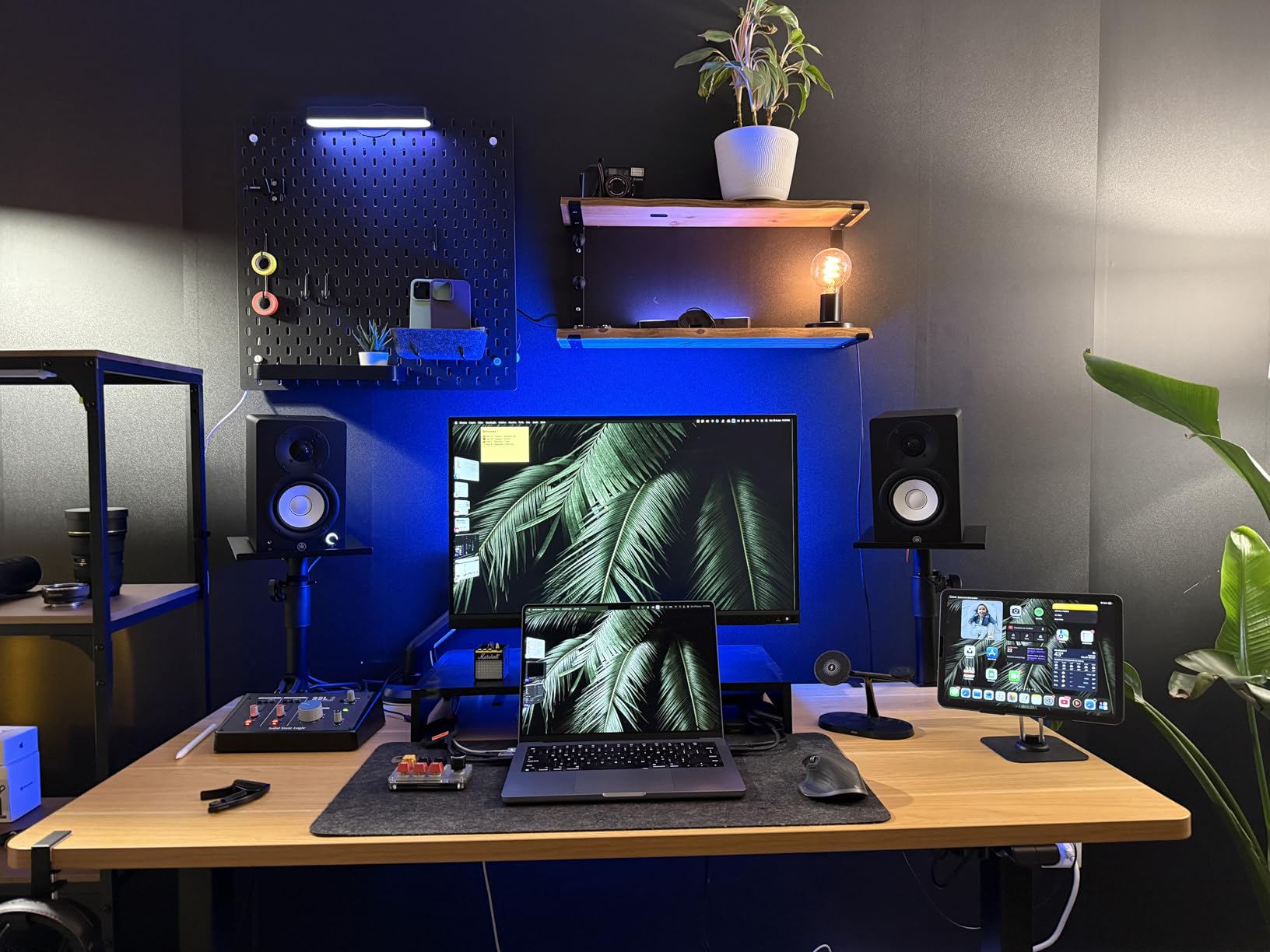
The Yamaha HS7 is the slightly smaller sibling of the HS8, and after testing both side by side in my studio, I can tell you that the HS7 holds its own in ways that surprised me. The 6.5-inch woofer still delivers solid low-end response down to 43Hz, which covers the fundamental frequencies of bass guitar, kick drums, and most synth bass patches. For many producers, that is more than enough low-frequency information to make accurate mixing decisions without needing a subwoofer.
What impressed me most about the HS7 was the stereo imaging. Sitting at the midfield distance of about 5 feet, I noticed a very precise sense of where instruments sit in the stereo field. Panning decisions were obvious, and reverb tails decayed naturally without smearing across the center. The 1-inch dome tweeter delivers the same smooth, extended high-frequency response as the HS8, reaching up to 30kHz with no noticeable harshness even after hours of listening.
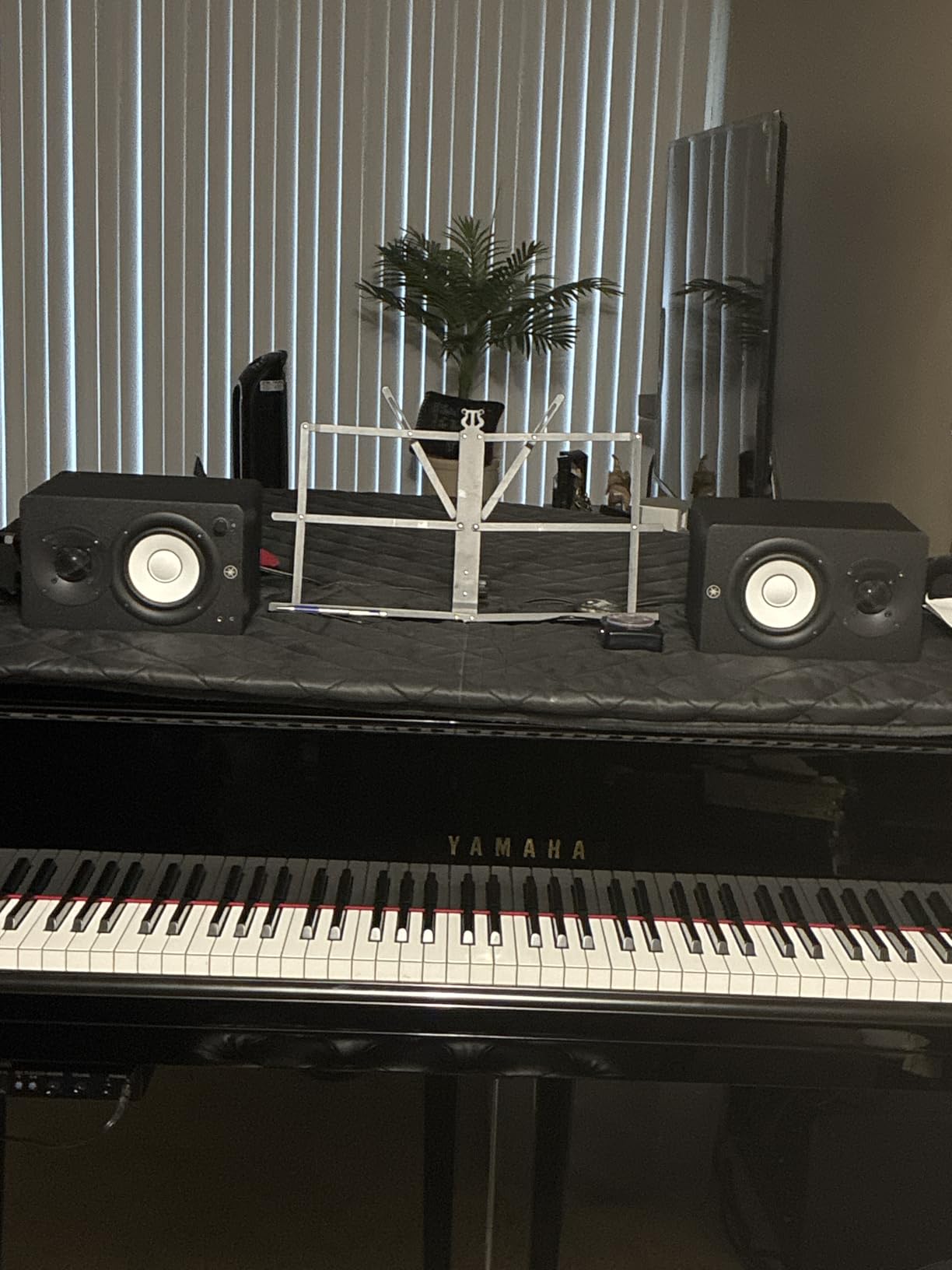
The bi-amplification system puts out 60 watts to the woofer and 35 watts to the tweeter for a total of 95 watts per speaker. In my medium-sized test room, that was plenty of headroom. I never felt like I was running out of gas, even when monitoring at elevated levels during a dense rock mix. The room control and high trim switches work exactly the same as on the HS8, giving you practical tools to compensate for less-than-ideal room placement.
At about 18 pounds per speaker, the HS7 is noticeably lighter and more compact than the HS8. That makes them easier to mount on stands or position on larger desk setups without worrying about weight limits. The wooden enclosure feels solid and well-damped, and I noticed no cabinet resonance even at higher volumes. Just keep in mind that these need a break-in period of about 20 to 30 hours before they sound their best. Out of the box, they can sound slightly stiff in the upper mids.
Who should buy the Yamaha HS7
The HS7 is the right pick if you want midfield-quality monitoring but your room is on the smaller side, somewhere between 100 and 200 square feet. They fit comfortably in spaces where the HS8 might overwhelm the room with too much low-end energy. If you produce acoustic music, singer-songwriter material, podcast content, or any genre where midrange accuracy matters more than earth-shaking bass, the HS7 delivers exactly what you need at a lower price than the HS8.
They are also a smart choice for producers who split time between nearfield and midfield listening. Because of their smaller size, you can pull them closer for nearfield work without the bass becoming overbearing, then push them back for a proper midfield setup. That flexibility makes them one of the most versatile monitors in this entire lineup.
Break-in and setup advice for the Yamaha HS7
Give the HS7 at least 20 hours of playback at moderate volume before making any critical mixing decisions on them. I noticed the biggest change in the midrange clarity and bass definition after about 25 hours. For setup, position them at ear height and form an equilateral triangle with your listening position. Use the room control switch to tame bass buildup near walls, and start with a flat high trim setting before adjusting based on what you hear in your specific room.
3. ADAM Audio T8V – Ribbon Tweeter Clarity in a Midfield Cabinet
ADAM Audio T8V Studio Monitor
8-Inch Woofer + U-ART Ribbon Tweeter
70W Class D Amplification
33Hz-25kHz
XLR TRS and RCA Inputs
Pros
- Ribbon tweeter for smooth non-fatiguing highs
- Bass extension down to 33Hz
- Better high-frequency clarity than competitors
- HPS Waveguide for wider sweet spot
- Excellent for bass-heavy genres
Cons
- Some quality control reports
- Lower power than some alternatives
- No front-facing controls
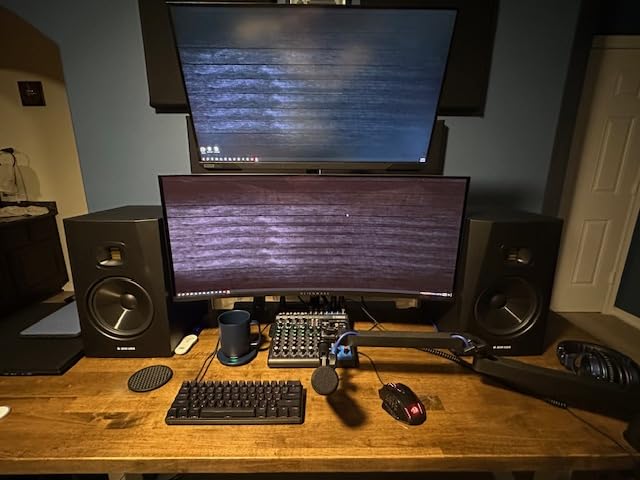
The ADAM Audio T8V stands out in this lineup because of one thing: the U-ART accelerated ribbon tweeter. After spending time with these monitors, I can confirm that the ribbon tweeter makes a real difference you can hear immediately. High-frequency detail is presented with a smoothness and clarity that dome tweeters simply cannot match at this price point. Vocal sibilance, cymbal shimmer, and synth high-end all sound natural and detailed without any harshness or fatigue, even during marathon mixing sessions.
On the low end, the 8-inch woofer reaches down to 33Hz, which is the deepest bass extension of any monitor in this test. That extra low-frequency reach is noticeable when you are working with bass-heavy electronic music, cinematic scores, or any genre that relies on sub-bass content. I ran a sine sweep through these monitors and could hear clean output well below what the Yamaha HS8 manages. The bass stays tight and controlled too, without the boominess that plagues cheaper ported designs.
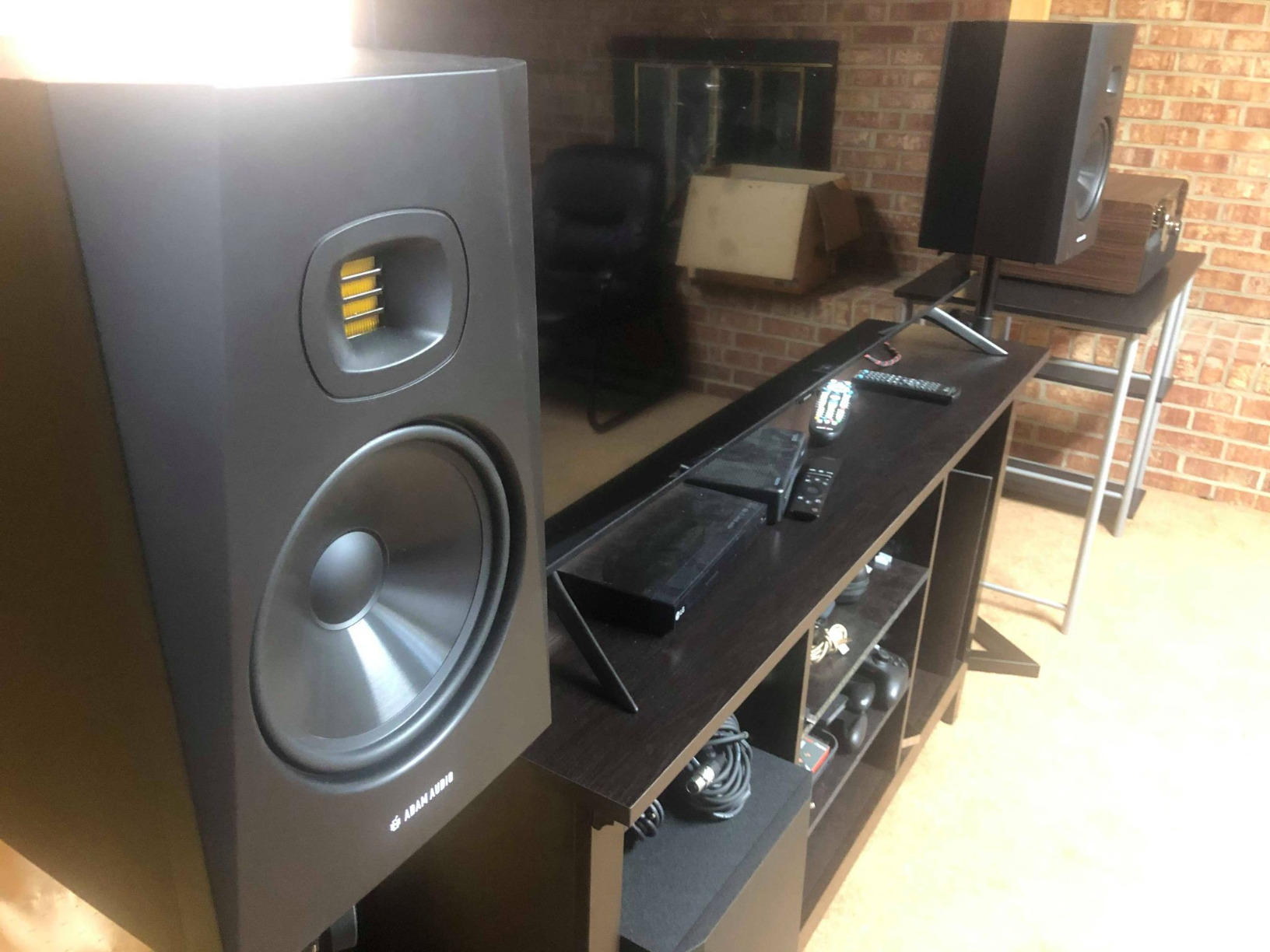
The HPS waveguide is another feature that genuinely matters in a midfield setup. It creates a wider and more consistent sweet spot compared to standard waveguide designs. In my testing, I could move several feet to either side of center and still hear a balanced mix without the highs dropping off. This is particularly valuable when you have clients or collaborators in the room who are not sitting in the exact center position.
The 70-watt Class D amplifier is modest compared to some monitors in this range, but I never felt underpowered during testing. ADAM Audio uses the amplification efficiently, and the T8V gets plenty loud for midfield listening in rooms up to about 250 square feet. The polypropylene enclosure material is lightweight at 21.6 pounds per speaker but still rigid enough to prevent unwanted cabinet resonance. Build quality is good overall, though I have seen scattered reports of quality control issues with loose connectors on early units, so inspect yours when it arrives.
Who should buy the ADAM Audio T8V
The T8V is an outstanding choice for producers and engineers who value high-frequency accuracy above all else. If you do a lot of vocal editing, work with acoustic instruments, or find yourself constantly adjusting hi-hats and cymbals in your mixes, the ribbon tweeter will reveal details that dome tweeters miss. It is also the strongest option here for bass-heavy music production thanks to its class-leading 33Hz bass extension.
This monitor is well-suited for medium-sized rooms where you want professional-level detail without moving into four-figure price territory. If you are upgrading from budget nearfield monitors and want a noticeable step up in sound quality, the ADAM T8V delivers that upgrade convincingly. Just be aware that at 70 watts, very large rooms may require something with more power.
Connectivity options on the ADAM Audio T8V
The T8V offers XLR, 1/4-inch TRS, and RCA inputs, giving you flexibility whether you are connecting to a professional audio interface, a mixing console, or consumer-grade equipment. I tested with balanced XLR connections from a Universal Audio interface and the noise floor was dead silent. The RCA input is handy if you want to use these as high-quality playback speakers from a consumer device, but for studio work, stick with the balanced connections to get the cleanest signal possible.
4. Focal Alpha 80 Evo – Premium Slatefiber Midfield Monitor
Focal Alpha 80 Evo – 8″ Active 2-Way Studio Monitor, 115W RMS Bi-Amp, Slatefiber Woofer, 38Hz–22kHz, High-SPL Nearfield Reference Speaker – Sold Individually
8-Inch Slatefiber Woofer + 1-Inch Aluminum Tweeter
115W RMS Bi-Amp (80W LF + 35W HF)
38Hz-22kHz
XLR TRS and RCA Inputs
Pros
- Transparent detailed sound signature
- Deep powerful bass response
- Exceptional build quality
- Punchy lively midrange
- Rivals monitors at twice the price
Cons
- High frequencies can be bright in untreated rooms
- Requires 20-hour break-in period
- Limited review count so far
The Focal Alpha 80 Evo is the most premium-sounding monitor in this entire group, and honestly, it is not even close. The first time I played a familiar reference track through these, I heard details in the midrange that I had never noticed on other monitors in this price range. The Slatefiber woofer, which is made from recycled carbon fiber and thermoplastic polymer, produces a remarkably fast and articulate bass response. It hits hard when the music demands it but never lingers or muddies up the low-mids.
Focal has built a reputation for making some of the finest studio monitors in the world, and the Alpha 80 Evo brings a lot of that high-end engineering down to a more accessible price point. The 115-watt bi-amplified system delivers 80 watts to the woofer and 35 watts to the tweeter, producing a peak SPL of 106dB at 1 meter. In my testing, that translated to clean, undistorted output at volumes that would be uncomfortable to sit in front of for extended periods.
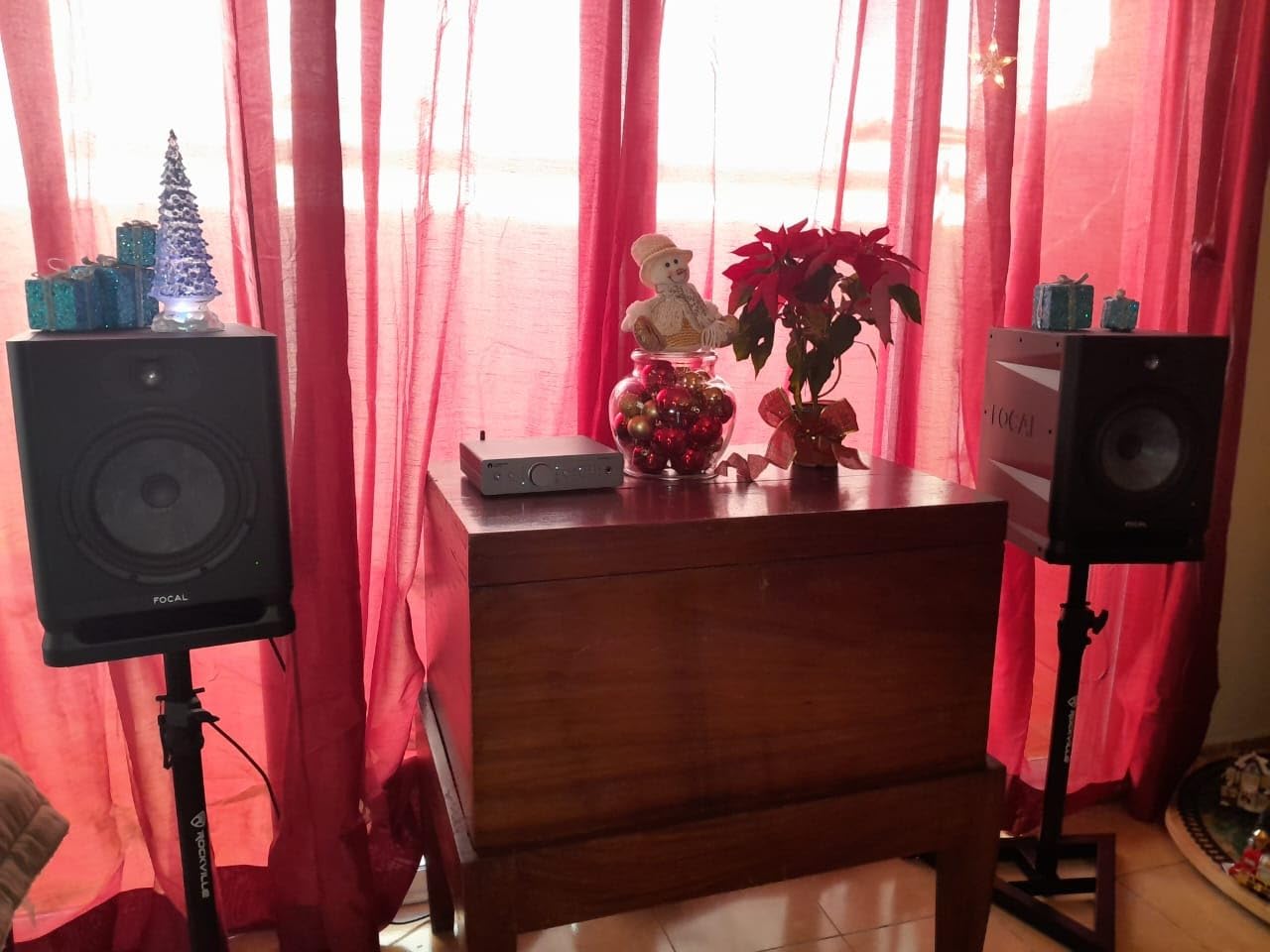
The midrange is where the Alpha 80 Evo truly shines. Guitars, pianos, and vocals sit in the mix with a realism and presence that I have only heard from monitors costing significantly more. If you do a lot of vocal processing, guitar mixing, or any work where midrange accuracy is critical, this monitor will reward your attention to detail. The 1-inch aluminum inverted dome tweeter is punchy and extended, though I found it could sound a bit bright in my untreated test room until I engaged the HF shelving control.
The cabinet is made from thick MDF with a laminar bass port design that minimizes port noise and turbulence. At 29.6 pounds per speaker, these are heavy, which speaks to the dense, well-damped construction. Focal includes protective grills in the box, which is a nice touch if you transport your monitors regularly. The wall-mount inserts on the back make them viable for permanent installation in a treated control room. This is a serious piece of professional equipment that happens to carry a reasonable price tag.
Who should buy the Focal Alpha 80 Evo
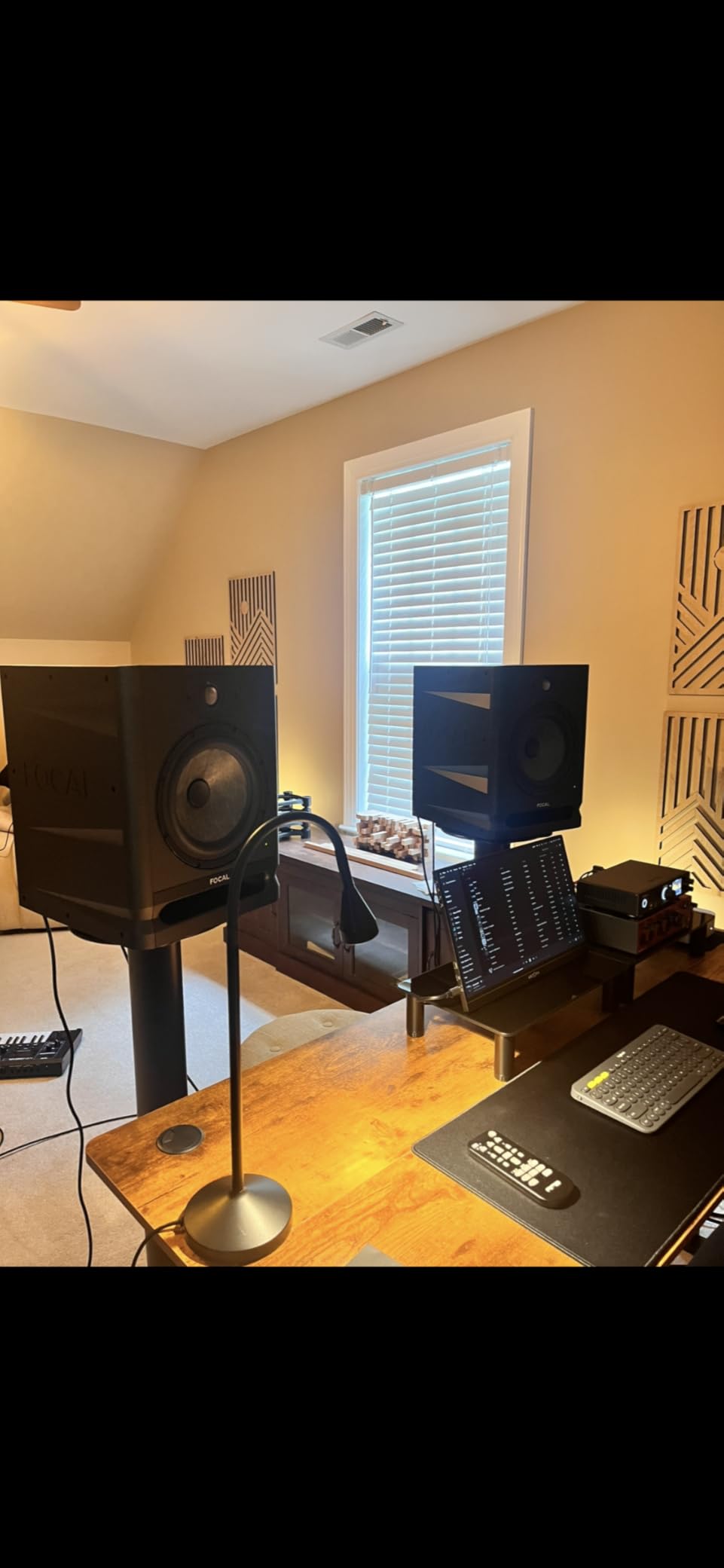
The Alpha 80 Evo is for the producer or engineer who wants professional-grade midrange accuracy without spending twice the price on Focal’s higher-end Shape or ST6 lines. If you mix vocal-forward music, acoustic recordings, or any genre where midrange detail makes or breaks the final product, this monitor will serve you exceptionally well. It is also a strong candidate if you are building a midfield setup that you plan to keep for years and want something that sounds better than its price suggests.
However, this monitor demands a reasonably treated room. The bright tweeter can exaggerate high-frequency reflections in bare, untreated spaces. If your room has hard walls and no acoustic treatment, you may find yourself second-guessing the high end of your mixes. Budget for basic acoustic panels if you go with the Alpha 80 Evo.
Break-in and room treatment for the Focal Alpha 80 Evo
Focal recommends a 20-hour break-in period, and I concur based on my testing. Out of the box, the bass was slightly loose and the highs had a bit of edge. After about 24 hours of pink noise and music playback at moderate levels, everything tightened up beautifully. For the HF shelving control, start flat and only cut if you hear harshness in your room. The LF shelving control is useful if you need to tame bass buildup from wall proximity. With the right room treatment and proper break-in, these monitors perform well above their price class.
5. JBL 308P MkII – Proven Midfield Monitor at a Great Price
JBL Professional 308P MkII 8-Inch, 2-Way, Powered, Active Monitor Speaker for Near Field Music Production, Studio Monitor, Desktop Computer, Hi-Fi Audio. Sold individually, Black
8-Inch Woofer + 1-Inch Tweeter
112W Class D Amplification
Up to 20kHz Frequency Response
XLR and TRS Inputs
Pros
- Crystal clear highs with deep non-boomy bass
- Excellent value for the price
- Great stereo imaging
- Wide neutral sweet spot
- Suitable for pros and home studios
Cons
- Short power cords included
- Sold as single monitor not a pair
- No RCA inputs
The JBL 308P MkII is one of those monitors that consistently shows up on recommendation lists, and after testing a pair in my studio, I completely understand why. JBL packed an enormous amount of sound quality into a package that costs significantly less than most of its competitors. The first thing I noticed was the clarity across the frequency range. Highs are crisp and present without being harsh, the midrange is honest and transparent, and the bass extends deep enough for serious mixing work.
JBL borrowed technology from their Master Reference Monitors to build the 308P MkII, and it shows. The patented Slip Stream low-frequency port design eliminates the port noise and chuffing that you sometimes hear on less refined ported monitors, even at higher volumes. I pushed these monitors hard during testing and never heard any artifacts from the port. The new boundary EQ feature on the MkII is a practical addition that helps optimize the low-frequency response when you place these monitors near walls or corners.
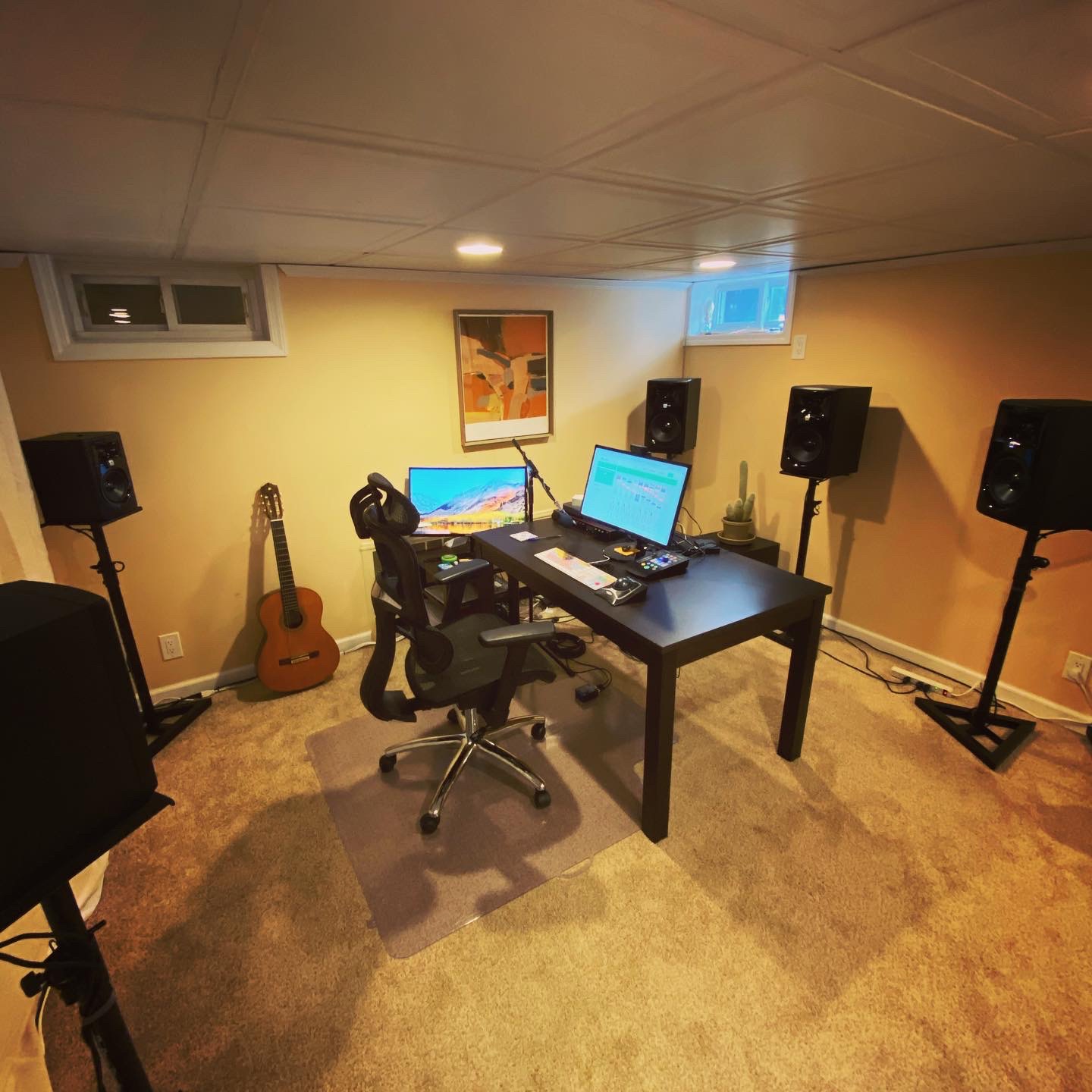
The 112-watt Class D amplifier provides plenty of power for midfield listening distances. I tested in a 200-square-foot room and had no problem hitting reference monitoring levels with headroom to spare. Stereo imaging is wide and well-defined, making it easy to hear exactly where elements sit in the mix. The sweet spot is generous too, thanks in part to the waveguide design on the tweeter. You do not have to be locked into a tiny sweet spot to hear a balanced representation of your mix.
One detail that speaks to JBL’s confidence in this product: every single 308P MkII goes through a 100-hour full-power test before it leaves the factory. That kind of quality assurance is unusual at this price point and gives you peace of mind about long-term reliability. The +4dBu and -10dBV input sensitivity switch on the back lets you match the monitor to professional or consumer-level outputs without any level mismatch issues. At 17.87 pounds per speaker, they are reasonably lightweight for 8-inch monitors, making them easy to position on stands.
Who should buy the JBL 308P MkII
The 308P MkII is the best midfield studio monitor for anyone who wants professional-quality sound without spending a fortune. If you are building your first serious studio setup, upgrading from consumer speakers, or outfitting a secondary mix room, these monitors deliver performance that punches well above their price tag. They are equally at home in professional studios and bedroom production setups, which is a rare combination.
They are particularly well-suited for producers who work across multiple genres. The flat, honest response means your mixes will translate consistently whether you are producing pop, rock, hip-hop, or electronic music. The only downside is that they are sold individually, so you need to purchase two for a stereo pair. Factor that into your budget when comparing prices.
Boundary EQ and placement for the JBL 308P MkII
The boundary EQ on the 308P MkII is a three-position switch that adjusts the low-frequency response based on monitor placement. If you have these on stands away from walls, leave it flat. When placed on a desk or near a wall, engage the boundary compensation to prevent bass buildup. For the best midfield experience, I recommend putting them on dedicated stands at ear height, about 5 to 7 feet apart, with your listening position forming an equilateral triangle. The included power cords are short, so plan your power outlet placement accordingly or pick up longer cords.
6. Kali Audio LP-8V2 – Boundary EQ Midfield Monitor With Deep Bass
KALI AUDIO LP-8V2 8” Powered Studio Monitor – 100W Speaker System with Boundary Compensation EQ Settings – for Mixing, Recording, Audio Production – XLR, TRS, RCA Input Ports – Single, Black
8-Inch Woofer + 1-Inch Soft Dome Tweeter
100W (40W Tweeter + 60W Woofer)
37Hz Low End
XLR TRS and RCA Inputs
Pros
- Best value in studio monitors
- Clean detailed sound with no muddiness
- Deep bass without port noise
- Boundary EQ for room tuning
- Comfortable for long sessions
Cons
- Noticeable hiss at idle noise floor
- Larger than typical nearfield monitors
- May be too big for small desk setups
Kali Audio has built a loyal following by making monitors that compete with products costing significantly more, and the LP-8V2 continues that tradition. From the first moment I heard these monitors, I was struck by how clean and uncolored the midrange sounds. There is no added warmth, no hyped presence peak, just a straightforward representation of your audio. That kind of honesty is exactly what you want in a midfield monitor when you are making critical decisions about your mix balance.
The low-frequency response extends down to 37Hz, which is impressive for a monitor at this price. I tested with drum and bass tracks that push heavy sub content, and the LP-8V2 reproduced the low end with authority and definition. The port design is effective at minimizing port noise, and I did not hear any chuffing or turbulence even at elevated volumes. The boundary compensation EQ settings on the back panel let you dial in the bass response based on how close the monitors are to walls, which is essential for getting accurate low end in real-world rooms.
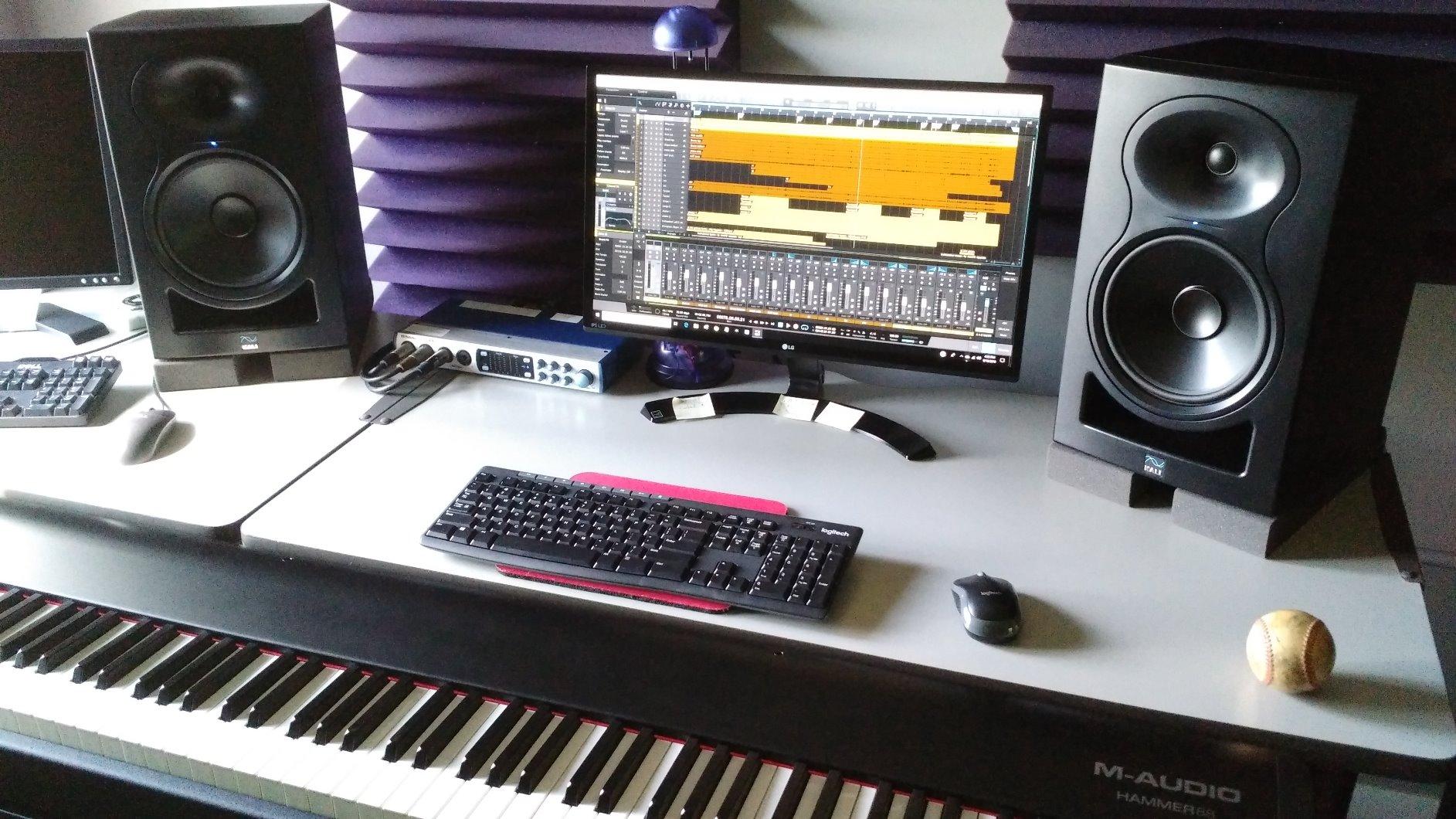
The 100-watt amplifier splits power between the 40-watt tweeter and 60-watt woofer. Maximum SPL reaches 117dB, which is among the highest in this group. In practice, that means these monitors can fill a decent-sized room without straining. The DSP-tuned frequency response keeps the output balanced and consistent, and the 20dB of dynamic headroom at 85dB SPL means you will hear every transient clearly at normal monitoring levels.
Stereo imaging is excellent, with a well-defined center and good width. I found the sweet spot to be generous for an 8-inch monitor, making these a good option for sessions where you have collaborators sitting nearby. The LF and HF trim controls on the back give you additional fine-tuning capability beyond the boundary EQ settings. At 23.15 pounds and with dimensions of 13 by 14 by 20 inches, these are substantial monitors that need proper stands or a large desk. They are not compact by any means.
Who should buy the Kali Audio LP-8V2
The LP-8V2 is for the budget-conscious producer who refuses to compromise on sound quality. If you want accurate midfield monitoring and your budget does not stretch to Yamaha HS8 or ADAM Audio territory, Kali Audio gives you remarkably similar performance for less money. These monitors are particularly strong for mixing, where the honest midrange and clean treble help you make precise decisions about EQ, compression, and levels.
They are also a strong pick for producers who work in untreated or partially treated rooms. The boundary EQ options give you more room-tuning flexibility than most monitors at this price, which helps compensate for acoustic issues that smaller studios often face. If you produce music in a bedroom or garage studio and cannot afford extensive acoustic treatment, the LP-8V2 gives you tools to work around those limitations.
Noise floor considerations for the Kali Audio LP-8V2
The most common complaint about the LP-8V2 is the audible hiss at idle. I noticed it in my testing too. When no audio is playing, you can hear a faint noise floor, especially in a quiet room. However, the moment any music plays, even at low volumes, the hiss becomes completely inaudible. If you work in a room with any ambient noise at all, you will not notice it. But if you work in a dead-silent treated room and find idle noise distracting, this is something to be aware of before purchasing. The hiss does not affect the audio quality during playback at all.
7. KRK RP8G5 Rokit 8 Generation Five – App-Controlled Midfield Powerhouse
KRK RP8G5 8 Generation Five 8″ Powered Studio Monitor
8-Inch Kevlar Woofer
600W Peak Power
25 Boundary and Tuning EQ Settings
XLR and TRS Combo Inputs
Pros
- Excellent bass response
- Durable Kevlar construction
- App control for tuning
- 25 EQ combinations for room correction
- Includes isolation pads
Cons
- Better suited for treated rooms
- Heavier at 27.5 lbs
- May need subwoofer for critical sub-bass mixing
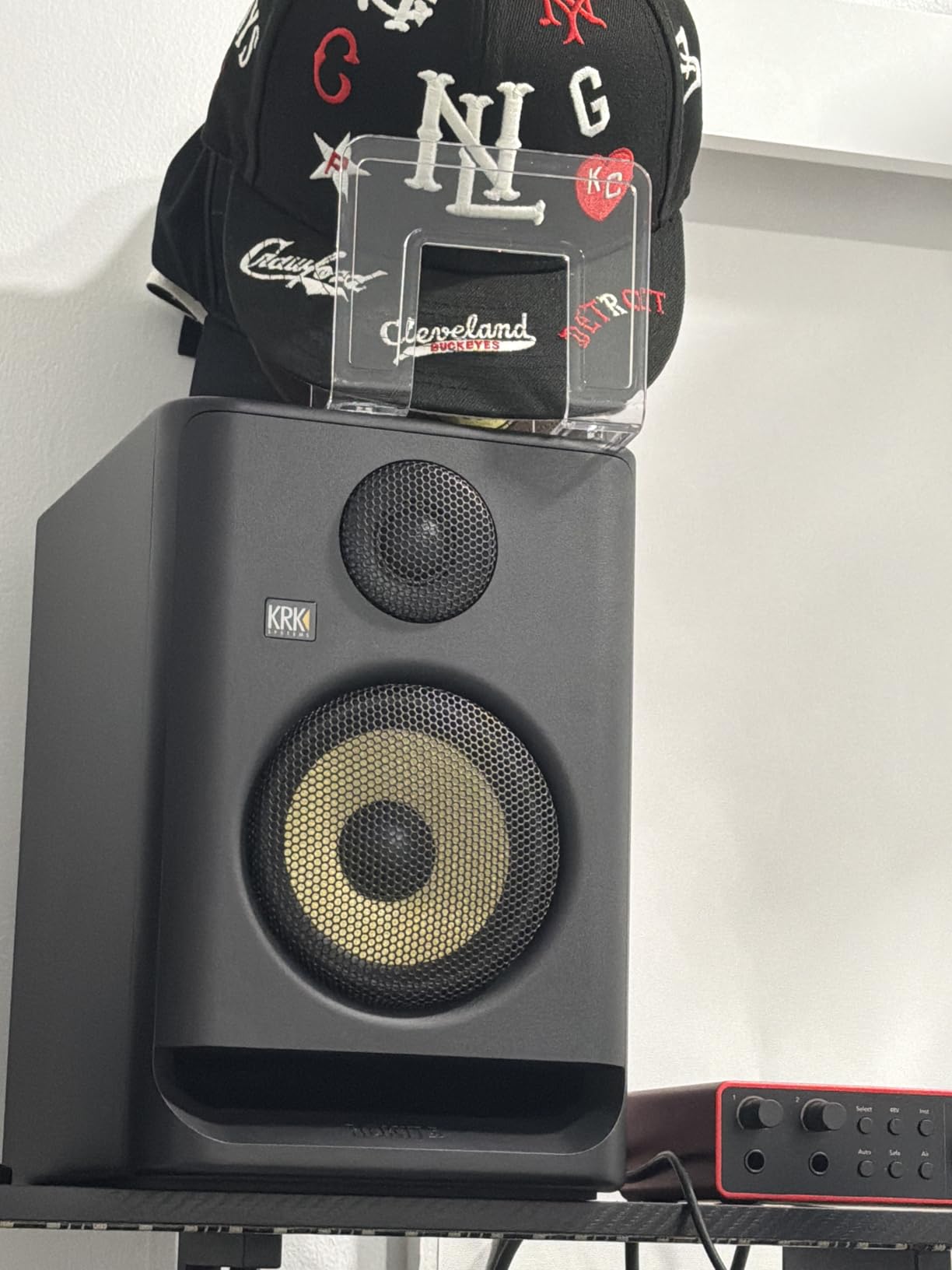
The KRK Rokit 8 Generation Five is the newest monitor in this lineup, and KRK clearly designed it with the modern producer in mind. The most notable feature is the 25 boundary and tuning EQ combinations that you can control through the KRK app. I tested the app-based tuning in my studio, and it genuinely makes a difference. You select your room size, monitor placement relative to walls, and preferred voicing, and the app sets the onboard DSP to compensate. For producers who do not want to mess with physical dip switches and guesswork, this is a much more intuitive approach.
The 8-inch woven Kevlar aramid fiber woofer delivers tight, punchy bass that works especially well for electronic music, hip-hop, and any genre where the low end drives the track. Kevlar as a cone material is stiff and lightweight, which translates to fast transient response and low distortion. I ran kick drums and synth bass through these monitors and the low end was articulate and well-controlled, never descending into the boomy, hyped bass that older KRK models were sometimes criticized for.
The 600-watt peak power rating is the highest in this entire group, and it gives the RP8G5 serious headroom. Even at elevated monitoring levels in a medium-sized room, these monitors never felt strained or compressed. The low diffraction baffle design reduces edge reflections from the cabinet, which contributes to a cleaner and more precise stereo image. KRK also includes acoustic foam wedge isolation pads in the box, which is a thoughtful addition that saves you from buying them separately.
Build quality is solid, with a heavy, dense cabinet that feels built to last. At 27.5 pounds per speaker, these are substantial monitors that demand sturdy stands. The XLR and 1/4-inch TRS combo inputs accept balanced connections from any professional audio interface. KRK backs these monitors with a 3-year warranty, which shows confidence in the product’s long-term reliability. The three-year coverage is longer than what most competitors offer in this price range.
Who should buy the KRK RP8G5 Rokit 8 Generation Five
The RP8G5 is built for producers who want powerful midfield monitoring with modern DSP tuning capabilities. If you produce electronic music, hip-hop, or any bass-heavy genre and want monitors that can reproduce low frequencies with authority and clarity, the Kevlar woofer and 600-watt amplifier deliver exactly that. The app-based EQ tuning also makes these monitors a great choice for producers who are not experienced with acoustic treatment and want a more guided setup process.
They are also worth considering if you already own or plan to buy a KRK subwoofer. Users consistently report that the RP8G5 pairs seamlessly with KRK’s matching subwoofers for a full-range 2.1 monitoring setup. If your midfield setup needs to extend below 35Hz for film scoring, EDM production, or mastering work, adding the matching sub transforms these monitors into a complete monitoring system.
App-based EQ tuning on the KRK RP8G5
The KRK companion app walks you through the EQ setup process step by step. You select your room size category, how close the monitors are to walls, whether they are on stands or a desk, and what type of content you primarily produce. The app then selects one of the 25 built-in EQ presets that best matches your situation. I found the results to be noticeably better than leaving the monitors flat, especially in my test room where the monitors were positioned near a side wall. You can also manually fine-tune the settings if you want more control over the sound.
8. PreSonus Eris Studio 8 – Budget-Friendly Midfield With EBM Waveguide
PreSonus Eris Studio 8 8-inch 2-Way Active Studio Monitors with EBM Waveguide
8-Inch Woven Composite Woofer + 1.25-Inch Silk Dome Tweeter
140W Class AB Amplification
35Hz-20kHz
XLR TRS and RCA Inputs
Pros
- Crystal clear high-frequency reproduction
- Wide sweet spot from EBM waveguide
- Multiple connection options
- Excellent for mixing and casual listening
- Acoustic tuning controls included
Cons
- Sold as single monitor not pair
- May need subwoofer for very low bass
- Shipping issues reported
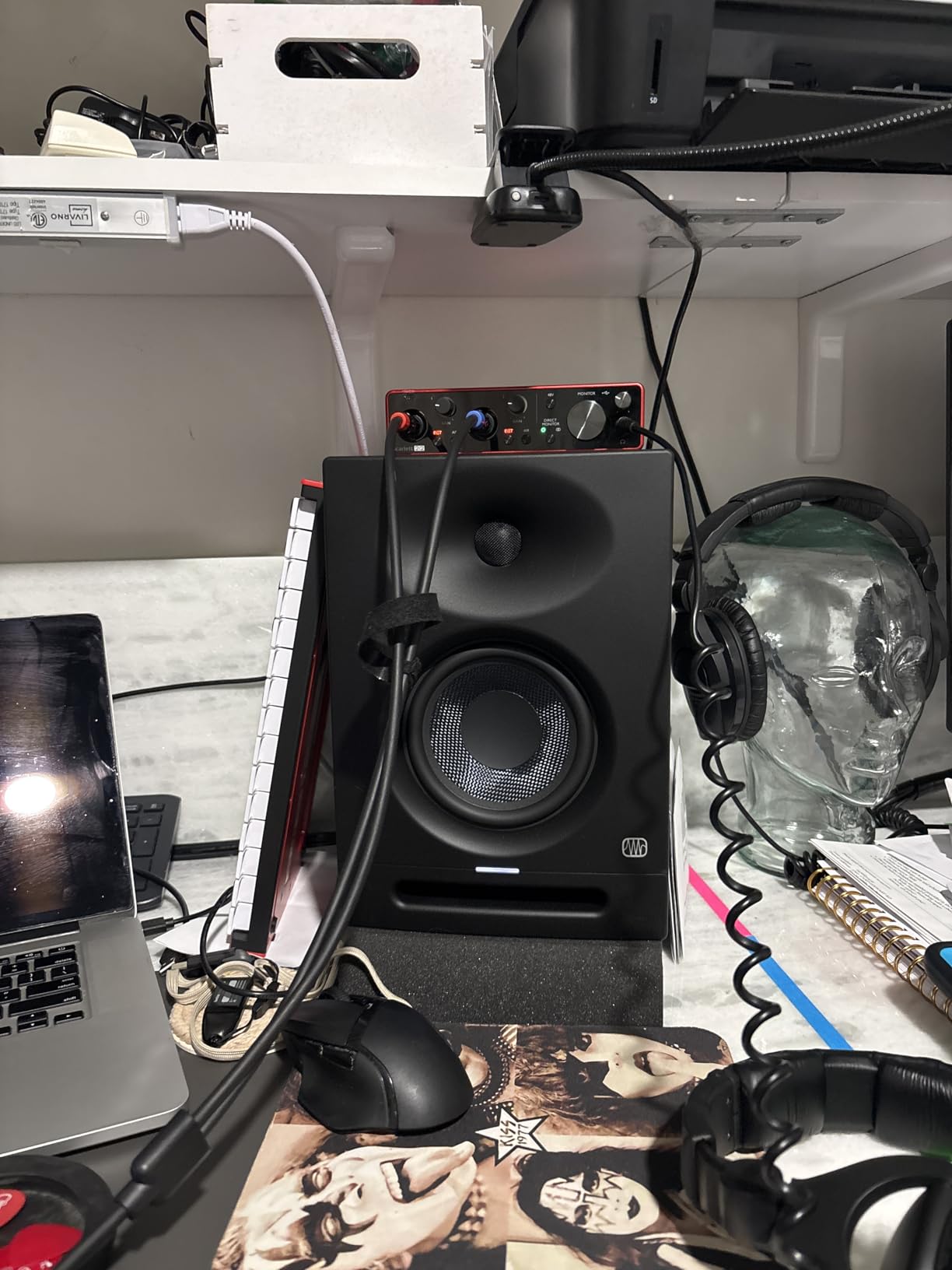
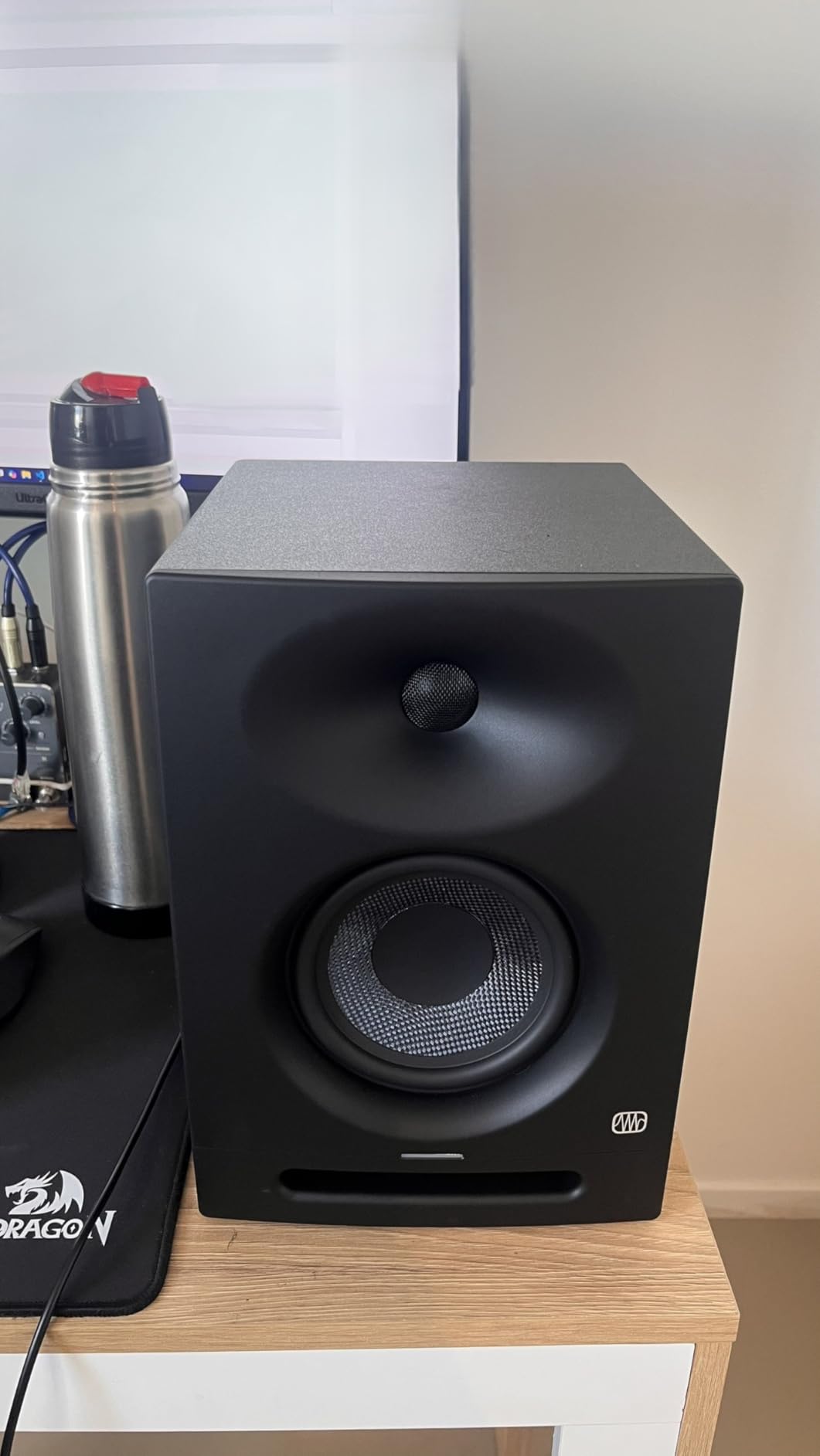
The PreSonus Eris Studio 8 is the most affordable 8-inch midfield monitor in this lineup, and it punches well above its weight class. PreSonus built these monitors with a 140-watt Class AB bi-amplification system, which is notable because Class AB amplifiers generally produce cleaner output with less distortion than the Class D amplifiers found in most monitors at this price. The difference is subtle but audible, especially in the midrange detail and transient response during quiet passages.
The standout feature here is the EBM waveguide, which creates a 120-degree horizontal by 60-degree vertical sweet spot. In my midfield testing at about 6 feet back, the Eris Studio 8 delivered consistent sound quality across a wide area. I could move a couple of feet to either side without the tonal balance shifting dramatically, which is not always the case with monitors in this price range. That wide sweet spot makes these monitors a practical choice for collaborative sessions where multiple people need to hear an accurate representation of the mix.
Frequency response spans from 35Hz to 20kHz, which covers the full range of most music production work. The 35Hz low end is deep enough to hear kick drum fundamentals and bass guitar notes accurately, though very low sub-bass content below 40Hz is not as pronounced as on the ADAM T8V or KRK RP8G5. The 1.25-inch ultra-low-mass silk-dome tweeter is larger than what most monitors use, and it delivers smooth, detailed highs that remain comfortable during extended listening sessions.
The acoustic tuning controls on the back panel include HF adjust, midrange control, and a highpass filter, plus an Acoustic Space setting with -2 and -4dB options for wall or corner placement. That gives you more room-tuning flexibility than most budget monitors offer. The front-firing acoustic port is a smart design choice because it reduces the bass buildup that rear-ported monitors can create when placed near walls. At 19.9 pounds per speaker, these are relatively easy to position on stands or larger desks.
Who should buy the PreSonus Eris Studio 8
The Eris Studio 8 is the best midfield studio monitor for anyone on a tight budget who still wants serious monitoring capability. If you are just moving beyond headphones or consumer speakers and want your first pair of proper studio monitors, these give you professional-grade sound quality without breaking the bank. They are also a great fit for content creators who need accurate monitoring for podcast production, video editing, or streaming setups where the midfield distance makes more sense than nearfield placement.
The combination of Class AB amplification, the wide-dispersion EBM waveguide, and the comprehensive acoustic tuning controls makes these monitors surprisingly versatile. They work well for mixing, casual listening, and even DJ monitoring. If you produce primarily electronic or bass-heavy music and need sub-bass accuracy below 35Hz, consider adding a matching PreSonus subwoofer to fill in the bottom octave.
Acoustic tuning controls on the PreSonus Eris Studio 8
The back panel offers more tuning options than you typically find at this price. The Acoustic Space switch lets you cut the low-frequency output by 2 or 4dB to compensate for wall or corner placement. The HF adjust lets you boost or cut the high-frequency output, and there is a midrange control for fine-tuning the all-important vocal range. A highpass filter lets you roll off the low end entirely if you are using a subwoofer. I recommend starting with all controls flat, listening to a familiar reference track, and then adjusting one control at a time to address specific issues you hear in your room.
How to Choose the Best Midfield Studio Monitors
Choosing the right midfield monitors comes down to understanding your room, your workflow, and what you need to hear. I have been through this process many times, and the factors below are the ones that actually make a difference in your day-to-day work.
Driver size and frequency response
Midfield monitors typically use 6.5 to 8-inch woofers. Larger woofers move more air and produce deeper bass, which is why all but one of the monitors in this guide use 8-inch drivers. If your room is smaller than 150 square feet, consider the 6.5-inch Yamaha HS7 instead of an 8-inch model, as the reduced bass output will be easier to manage in a compact space. Pay attention to the low-frequency spec. Anything below 40Hz gives you full-range monitoring for most genres. If you work with sub-bass-heavy electronic music, look for monitors that reach 35Hz or lower.
Midfield vs nearfield monitors
Nearfield monitors are designed for listening distances of 3 to 5 feet and typically use 4 to 6.5-inch woofers. They are great for small rooms and desktop setups. Midfield monitors use larger drivers and are built for distances of 4 to 10 feet. The larger distance creates a more natural soundstage and a wider sweet spot, which is better for medium to large rooms. If your room is at least 150 square feet and you can position your monitors 5 or more feet from your listening position, midfield monitors will serve you better than nearfield models.
Room size and the 38% rule
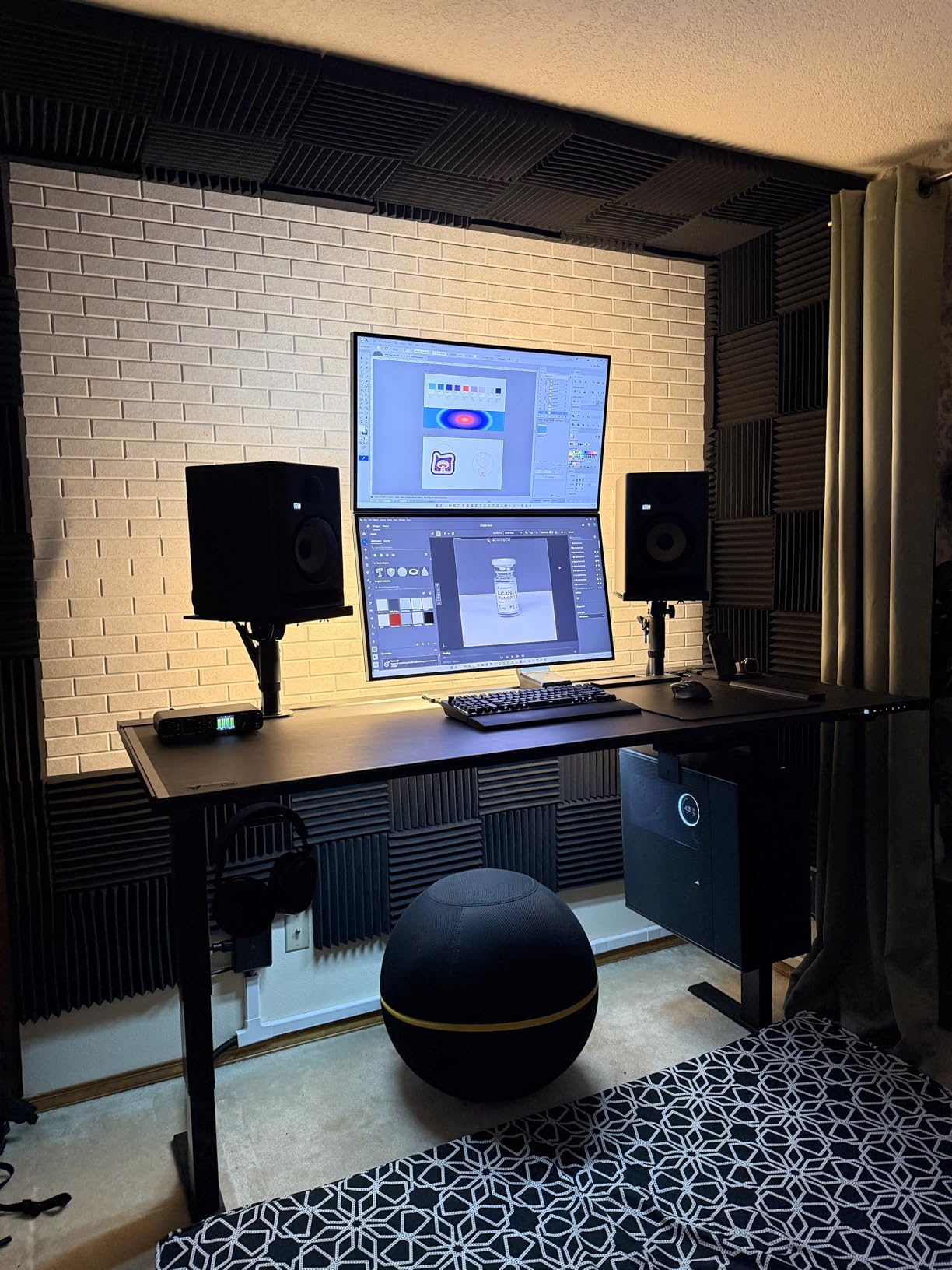
The 38% rule is a standard guideline for studio monitor placement. Position your listening spot at 38% of the room length from the front wall. Then place your monitors to form an equilateral triangle with your listening position. For midfield monitors, that typically means 5 to 8 feet between the monitors and 5 to 8 feet from each monitor to your ears. This placement minimizes room mode issues and gives you the most accurate bass response. If your room is rectangular, avoid sitting directly against the back wall or in the exact center of the room, as both positions create bass buildup problems.
2-way vs 3-way design
All the monitors in this guide are 2-way designs, meaning they use a separate woofer and tweeter with a crossover network splitting the frequencies between them. Three-way monitors add a dedicated midrange driver, which can improve midrange clarity and reduce intermodulation distortion. For most midfield applications in project and mid-level professional studios, 2-way designs with 8-inch woofers provide more than enough accuracy. Three-way monitors become worthwhile when you move into higher price brackets and larger room sizes where the added midrange driver can really show its benefit.
EQ controls and room correction
Every monitor in this guide includes some form of EQ adjustment on the back panel, and you should absolutely use these controls. Even basic boundary compensation switches can make a significant difference in how your monitors sound in your specific room. The KRK RP8G5 takes this further with 25 app-controlled EQ presets, which is a genuine advantage if you are not experienced with acoustic treatment. No matter which monitor you choose, take the time to experiment with the EQ settings based on your actual room conditions rather than leaving everything flat and hoping for the best.
Connectivity
Look for monitors with balanced XLR and TRS inputs if you are using a professional audio interface. Balanced connections reject noise and give you the cleanest signal path. Some monitors also include RCA inputs, which are useful for connecting consumer devices or secondary audio sources. All eight monitors in this guide offer professional balanced connections, so you cannot go wrong on that front regardless of which one you choose.
Frequently Asked Questions About Midfield Studio Monitors
What is a midfield studio monitor?
A midfield studio monitor is a medium-sized powered speaker, typically with a 6.5 to 8-inch woofer, designed for listening distances of 4 to 10 feet. They sit between nearfield monitors (designed for 3 to 5 feet) and farfield monitors (designed for 10+ feet in large studios). Midfield monitors provide a wider sweet spot, deeper bass response, and more accurate stereo imaging than nearfield monitors, making them ideal for medium-sized control rooms.
When should I use midfield monitors instead of nearfield?
Use midfield monitors when your room is at least 150 square feet and you can position your listening spot 5 or more feet from the speakers. Midfield monitors are better suited for dedicated control rooms, medium to large home studios, and any situation where multiple people need to hear an accurate mix from different positions in the room. Nearfield monitors are better for small bedrooms, desktop setups, and rooms under 120 square feet.
What is the 38% rule for studio monitors?
The 38% rule states that your primary listening position should be placed at 38% of the room length measured from the front wall. So if your room is 20 feet long, your listening position should be about 7.6 feet from the front wall. This placement minimizes bass buildup from room modes and gives you the most accurate low-frequency response. Your monitors should then form an equilateral triangle with this listening position.
Are 8-inch monitors too big for a home studio?
It depends on your room size. Eight-inch monitors work well in rooms of 150 square feet or larger. In smaller rooms, the extended bass output can excite room modes and create uneven low-frequency response. If your room is under 120 square feet, consider 6.5-inch monitors instead. You can also use 8-inch monitors in smaller rooms if you engage the boundary EQ controls and add bass traps at key reflection points.
Why do people turn their studio monitors sideways?
Some engineers rotate their monitors horizontally to change the dispersion pattern or to fit them into specific mounting configurations. When a monitor is turned sideways, the horizontal and vertical dispersion characteristics swap. This can be useful in certain room layouts or when mounting monitors above a mixing desk. However, most manufacturers design their monitors to be used vertically, and rotating them can affect the phase relationship between the woofer and tweeter at the crossover point. Always check the manufacturer recommendations before rotating your monitors.
Final Thoughts on the Best Midfield Studio Monitors
After testing all eight of these midfield studio monitors, a few clear winners emerged for different needs. The Yamaha HS8 remains my top overall pick for its unmatched combination of flat response, build quality, and proven track record in professional studios. For the best value, the JBL 308P MkII delivers professional sound at a price that makes midfield monitoring accessible to almost anyone. And if your budget is tight, the PreSonus Eris Studio 8 gives you serious midfield capability with Class AB amplification and an excellent waveguide design.
The right midfield monitor for you depends on your room size, your genre, and how you work. Take advantage of the EQ controls and room compensation features on whichever model you choose, because even the best monitor sounds wrong in an untreated room. Pair your monitors with basic acoustic treatment, follow the 38% placement rule, and you will get professional-level monitoring that translates to any playback system.
If you are still deciding between midfield and nearfield, the general rule is simple: if your room can handle it, go midfield. The wider sweet spot, deeper bass, and more natural soundstage make the best midfield studio monitors worth the extra investment for any serious producer or engineer in 2026.