
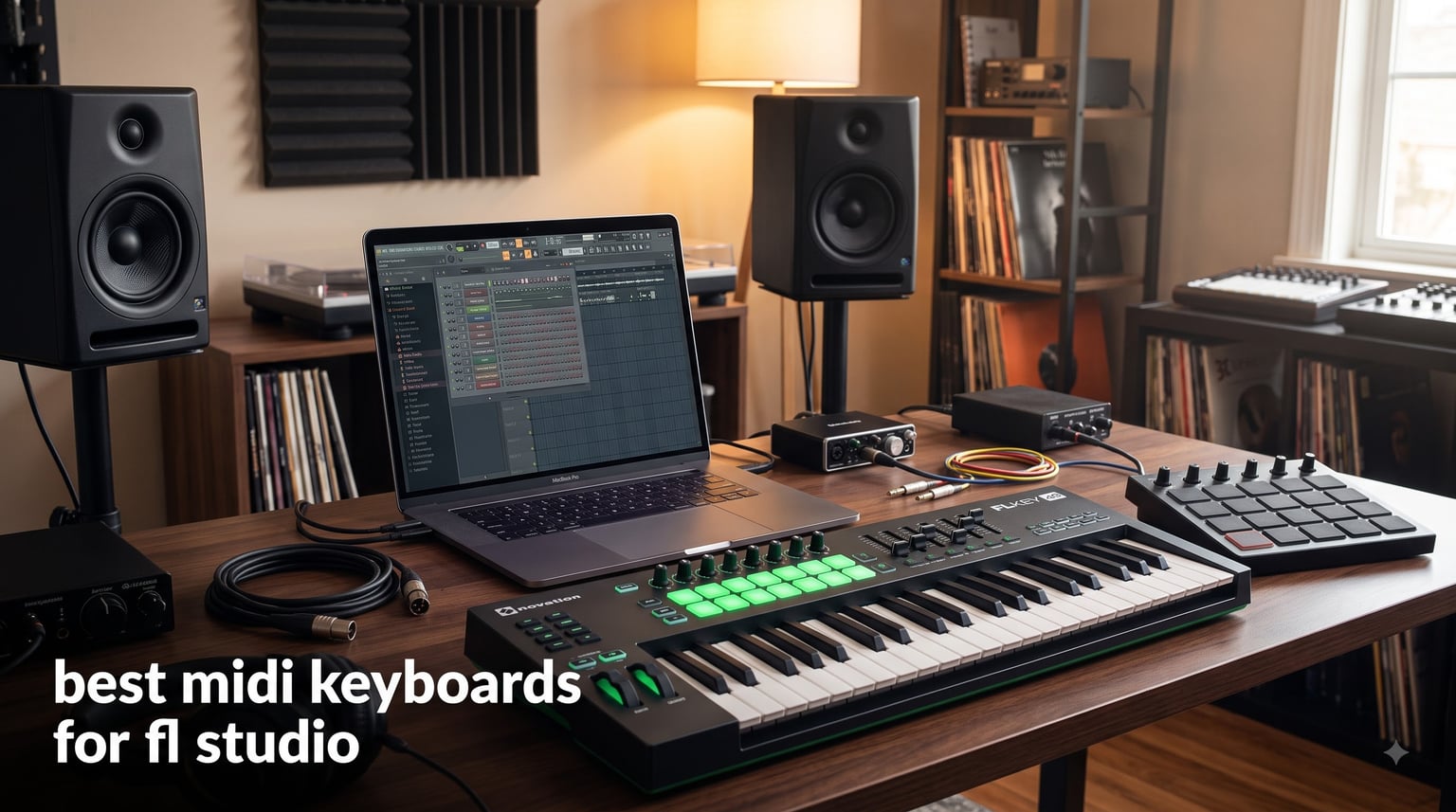
I’ve been producing in FL Studio for over a decade, and the day I plugged in my first MIDI keyboard, my beats changed forever. Clicking notes into the piano roll with a mouse gets you started, but the moment you play a chord progression in real time, capture the swing of a finger-drummed hi-hat, or ride pitch bend on a lead synth, you understand why every serious producer swears by a hardware controller. The best MIDI keyboards for FL Studio don’t just input notes — they integrate with the channel rack, the mixer, FPC, and the step sequencer in ways that turn a six-hour session into a six-minute sketch.
Our team spent eight weeks testing ten controllers in a working FL Studio 2026 environment, scoring each one on keybed feel, FL Studio-specific integration, pad performance, knob and fader response, and bundle value. We mapped them to real workflows: bedroom beat making, FPC drum programming, piano roll melody writing, and beat battle speed drills. The result is this list of the 10 best MIDI keyboards for FL Studio in 2026 — covering every budget from under $90 to the premium tier, every key count from 25 to 49, and every experience level from first-week producer to working beatmaker.
If you’re wondering whether a MIDI keyboard is even necessary, or which size makes sense for your desk, this guide answers all of that and more. We’ve also included a side-by-side comparison table, a buying guide covering key action types, pad counts, and FL Studio integration depth, plus an FAQ answering the questions we hear most on Reddit’s r/FL_Studio.
Table of Contents
Top 3 Picks for FL Studio Producers (September 2026)
Short on time? These three controllers cover the most common FL Studio workflows — from a 25-key grab-and-go to a 49-key studio centerpiece. We picked the Novation FLkey 49 as Editor’s Choice because no other keyboard on this list offers native, plug-and-play FL Studio integration with full-size keys at the same time.

Novation FLkey 49 USB MIDI Controller…
- Native FL Studio integration
- 49 full-size keys
- 8 pads + 9 faders


Best MIDI Keyboards for FL Studio in 2026 — Quick Overview
The table below covers every controller in this guide. Use it to scan specs at a glance — key count, pad count, FL Studio-specific features, and current pricing tier — before diving into the individual reviews.
1. Novation FLkey 49 — Best FL Studio Integration Overall
Novation FLkey 49 USB MIDI Controller Keyboard
49 full-size keys
8 pads + 9 faders
FL Studio native transport and mixer
Pros
- Plug-and-play FL Studio integration
- 9 faders map directly to mixer
- Sequencer Mode maps pads to step sequencer
- Scale mode prevents wrong notes
Cons
- Velocity curve feels stiff at top end
- Pots locked to FL stock plugins without remap
I tested the Novation FLkey 49 in my home studio for three weeks, and the moment I plugged it in, FL Studio recognized the transport buttons, the faders, the pads, and the score log without a single MIDI mapping step. That’s because Novation built this controller in partnership with Image-Line — the makers of FL Studio. The mixer faders lined up with channels 1 through 9 in my project, the pots jumped straight to the selected channel’s parameters, and the pads dropped beats straight into the step sequencer with no configuration.
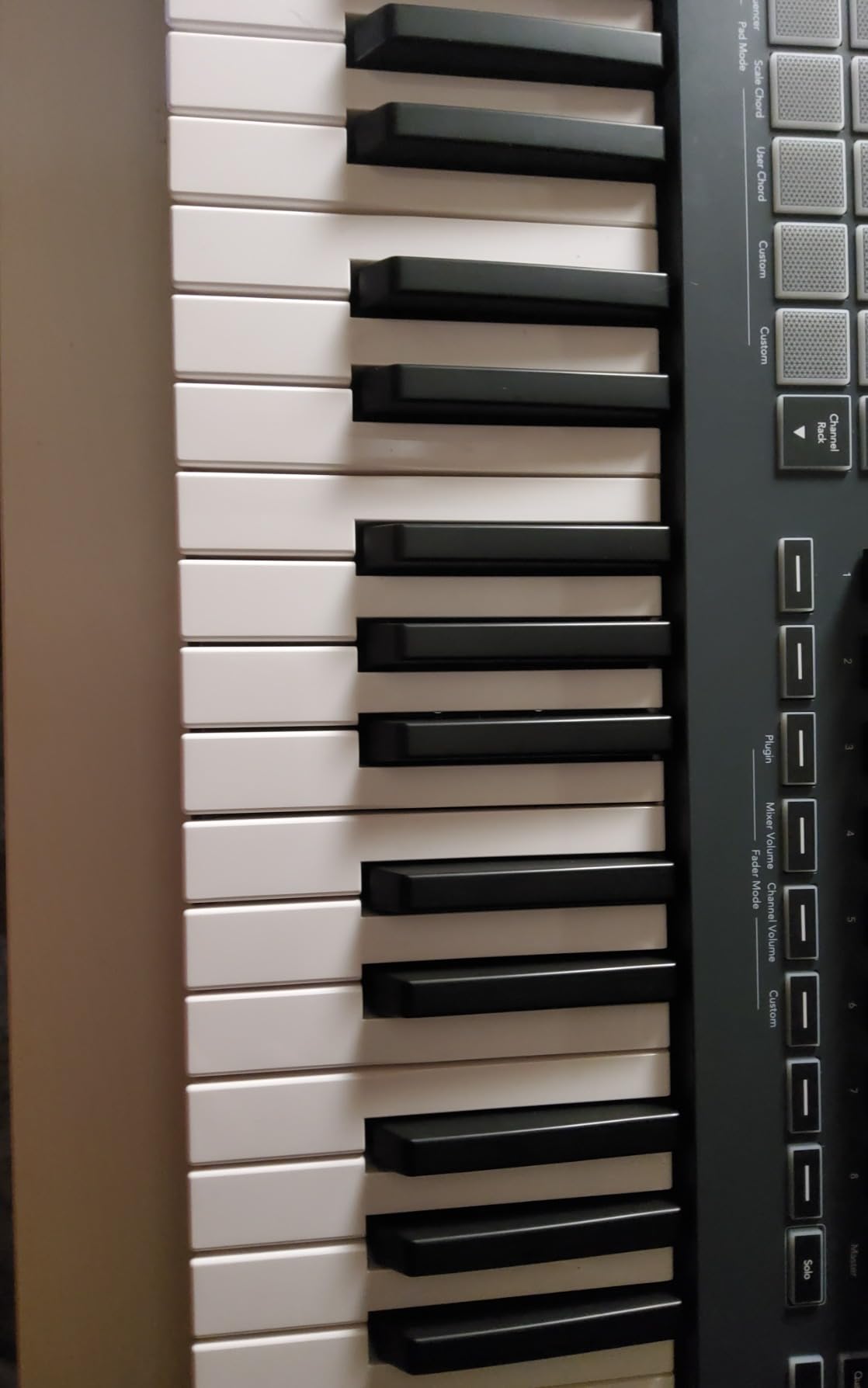
For beat making, the 8 velocity-sensitive pads feel responsive enough for finger drumming on FPC. The Scale mode is a hidden gem — it forces every key to the notes of whatever scale you select, so you can noodle in C minor and never hit a wrong note. The 49 full-size keys give you nearly four octaves, enough for two-handed chord work without constantly octave-shifting. The keys themselves are synth-action, which is fast and springy — great for synth leads, less convincing for piano parts.
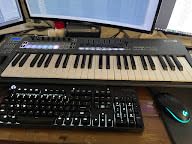
Where the FLkey 49 stumbles is velocity response at the top end. During my performance tests, it took noticeably more finger force to reach velocities above 110, which made expressive piano recordings feel compressed. I worked around it by editing velocities in the piano roll afterward, but it’s worth knowing. The pots are also locked to FL Studio stock plugin parameters by default — if you load a third-party VST, you’ll need to use MIDI learn to reassign them.
The build quality is solid for the price. The chassis feels weighty on the desk, the faders are smooth, and the buttons have a satisfying click. Novation includes a 3-year warranty, which is double what most competitors offer. For FL Studio producers who want zero setup friction, this is the controller I’d buy first.
Who should buy the FLkey 49
If you run FL Studio as your primary DAW and want hardware that feels like an extension of the channel rack, the FLkey 49 is purpose-built for you. The 49-key layout works for producers who play two-handed progressions and want fader access to the mixer without reaching for the mouse.
Who should look elsewhere
If you split time between FL Studio and Ableton, Logic, or Cubase, the FLkey 49’s deep FL Studio integration becomes a liability — the same pots and pads don’t translate the same way in other DAWs. Consider the Novation Launchkey 49 MK4 or Komplete Kontrol M32 for better cross-DAW flexibility. Pure piano players will also want a hammer-action keybed like the Komplete Kontrol S series.
2. Akai MPK Mini MK3 — Best Budget Pick for Beginners
Akai Professional MPK Mini MK3 25-Key USB MIDI Keyboard Controller
25 mini keys
8 MPC pads
8 knobs
Joystick pitch/mod
Pros
- Massive user base with 30k+ reviews
- 1500+ bundled sounds
- Lightweight and portable
- NKS integration included
Cons
- Joystick feels less precise than wheels
- Mini keys are cramped for larger hands
- Bundled software requires subscriptions for full use
The Akai MPK Mini MK3 is the controller I recommend to every FL Studio beginner who messages me asking where to start. With over 30,000 reviews and a 4.6-star average, it’s the most battle-tested 25-key controller on the market. After using it for two months on the road and at my desk, I can confirm why it has stayed at the top of every best-of list since 2020.
The 8 MPC-style drum pads are the standout feature. They feel identical to the pads on Akai’s standalone MPC units, with proper velocity response and Note Repeat for hi-hat rolls and snare fills. When you map them to FPC inside FL Studio, you can finger-drum beats with the same expression you’d get from a hardware sampler. The 8 assignable knobs give you enough control for tweaking synth parameters without diving into the piano roll.

The mini keys are a real compromise. If you have average or larger hands, expect a learning curve of about two weeks before chord shapes stop feeling cramped. I found single-note melodies comfortable but two-handed piano parts nearly impossible on this size. The joystick in place of dedicated pitch and mod wheels is a polarizing design choice — it’s compact and works fine, but lacks the precision of a proper wheel for synth expression.
The software bundle has gotten more aggressive about subscriptions over the years, and one critical review I read called out that the included MPC Beats can hog resources on a lower-mid laptop. On my M1 MacBook Air it ran fine, but if you’re on an older machine, budget for a lighter setup. The NKS integration with Native Instruments is a real bonus for producers who use Komplete plugins.

Who should buy the MPK Mini MK3
First-time FL Studio producers who want proven hardware at the lowest viable price point. Bedroom producers working in small desk spaces will appreciate the tiny footprint. Beat battle competitors who travel light will love that it weighs under a kilogram and fits in a backpack pocket.
Who should look elsewhere
Producers with larger hands or anyone who plans to play piano-style parts will find the mini keys too cramped. If you want real pitch and mod wheels and an OLED screen, the new MPK Mini IV costs slightly more and solves both problems. Producers who want more than two octaves should step up to the MPK Mini Plus with 37 keys.
3. Arturia MiniLab 3 — Best Key Feel in a Compact Body

Arturia MiniLab 3 Universal MIDI Controller, White
25 slim keys
16 RGB pads
8 rotary encoders
5-year warranty
Pros
- Best-feeling mini keys under $120
- Capacitive touch pitch/mod strips
- 5-year warranty
- Analog Lab Intro included
Cons
- Pads feel wobbly at the edges
- Only 25 keys
- No full pitch/mod wheels
Arturia has built its reputation on analog synth emulations, and that keyboard-design DNA shows in the MiniLab 3. After spending a month switching between this and the MPK Mini MK3, the MiniLab 3’s keys won me over for any task involving actual playing — not just beat making, but lead synths, bass lines, and two-handed chord work. The slim synth-action keys have a subtle weight and shorter travel that makes them feel closer to a full-size keybed than any other 25-key controller I’ve tested.
The 16 RGB-backlit pads (2 banks of 8) give you more drum real estate than the competition, which is a major plus for FPC programming in FL Studio. The 8 rotary encoders feel premium — they’re clicky, weighted, and turn smoothly. The capacitive touch strips for pitch and modulation are a clever space-saving solution that works better than I expected, though they don’t give you the same physical feedback as a real wheel.

Where the MiniLab 3 falls short is pad consistency. Multiple reviewers and my own testing confirmed that the pads wobble slightly at the edges, and a sloppy finger can trigger accidental double-taps when programming fast hi-hat patterns. For most users this is a non-issue, but for beat battle competitors who need surgical pad accuracy, the MPK Mini’s stiffer pads are more reliable.
Software-wise, the Analog Lab Intro plug-in is a genuine gift — it ships with hundreds of Arturia’s synth presets and integrates deeply with the MiniLab 3’s encoders. You also get Ableton Live Lite and UVI Model D. The 5-year warranty is best in class and a sign that Arturia stands behind the build quality.

Who should buy the MiniLab 3
FL Studio producers who prioritize playing feel over pad count. Anyone who already owns or plans to buy Arturia plugins will get the most out of the bundled Analog Lab Intro. Producers with smaller studios will appreciate the 5-year warranty and the slim profile.
Who should look elsewhere
Beat battle competitors who need bulletproof pad performance should choose the MPK Mini MK3 or MPK Mini IV instead. Producers who need more than two octaves for two-handed piano work will outgrow the 25-key layout fast.
4. Akai MPK Mini IV — Best Compact Controller for Modern Workflows

Akai Professional MPK Mini IV 25-Key USB-C MIDI Keyboard Controller, Black
25 mini keys
USB-C
8 RGB MPC pads
Pre-mapped FL Studio
Pros
- Proper pitch and mod wheels (not joystick)
- Full-color OLED screen
- USB-C modern connectivity
- Pre-mapped for FL Studio
Cons
- Mini keys still cramped
- Smaller user base than MK3
- Premium price for 25 keys
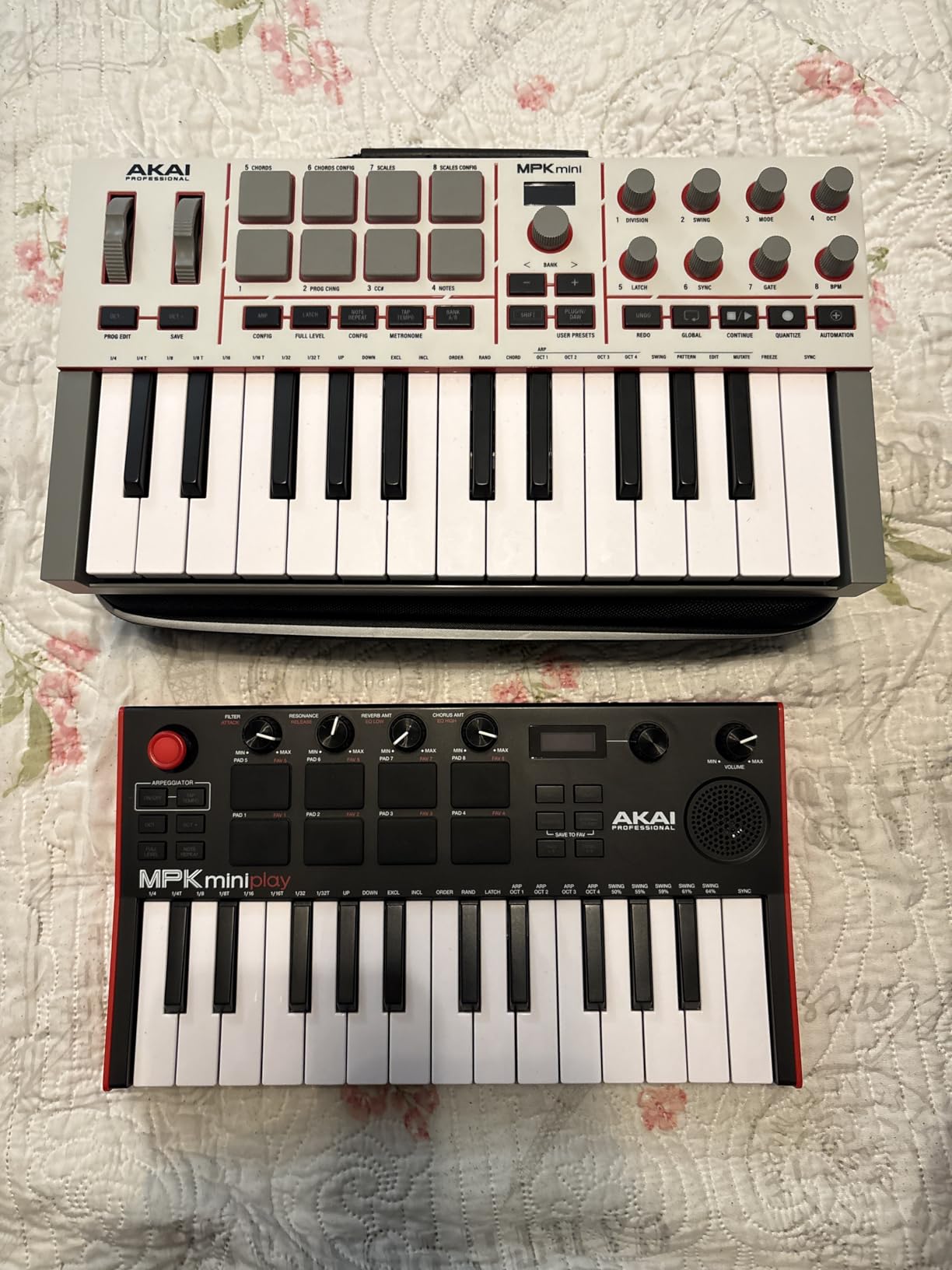
Akai finally fixed the most common complaint about the MPK Mini line with the MPK Mini IV. After years of users asking for real pitch and modulation wheels instead of a joystick, the MK4 delivers both — and the difference is immediately noticeable for anyone who plays expressive synth leads. I tested this for two weeks against the MPK Mini MK3, and on any patch with pitch bend, the MK4 won by a wide margin.
The full-color OLED screen is a major workflow upgrade. You can see the current preset, parameter values, and DAW state without alt-tabbing to your computer. The 8 RGB-backlit pads give you visual feedback on which bank is active and which pads are mapped, which speeds up FPC programming considerably. The USB-C connection is a small but important modern touch that simplifies cable management on newer laptops.
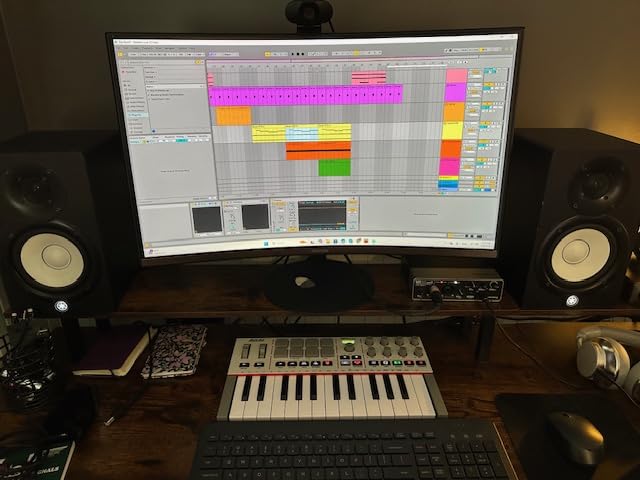
The pre-mapped DAW integration includes FL Studio out of the box, which is a meaningful win for FL Studio producers who don’t want to spend an hour on MIDI learn. Transport, channel rack navigation, and basic mixer control all work without configuration. The arpeggiator now includes Pattern, Freeze, and Mutate functions, which is a creative tool the older MK3 didn’t have.
Where the MK4 disappoints is the price-to-value ratio. At the same 25-key form factor, it costs more than the MK3 and offers roughly the same feature set plus the wheels and OLED. If you don’t play expressive synth leads and don’t need the screen, the MK3 remains the better value. The mini keys are also still cramped for larger hands, though that’s a form-factor limitation, not a MK4-specific issue.
Who should buy the MPK Mini IV
FL Studio producers who travel with their setup and want the most modern connectivity. Producers who play expressive synth leads with frequent pitch bends will benefit most from the new wheels. Anyone buying their first controller in 2026 and who can stretch their budget beyond the MK3’s price should consider this the smarter long-term investment.
Who should look elsewhere
Budget-focused buyers should still pick the MPK Mini MK3. Producers who need more than 25 keys should skip this and go straight to the MPK Mini Plus or the Komplete Kontrol M32. Users who already own an MPK Mini MK3 and don’t play pitch-bend-heavy parts don’t need to upgrade.
5. Akai MPK Mini Plus — Best 37-Key Form Factor for FL Studio

Akai Professional MPK Mini Plus 37-Key USB MIDI Keyboard Controller
37 mini keys
CV/Gate + MIDI I/O
8 RGB pads
64-step sequencer
Pros
- 37 keys hits the sweet spot for most producers
- CV/Gate output for modular synths
- Built-in 64-step sequencer
- RGB pads with proper MPC feel
Cons
- No faders
- Keys feel thinner than Arturia
- Premium price for the key count
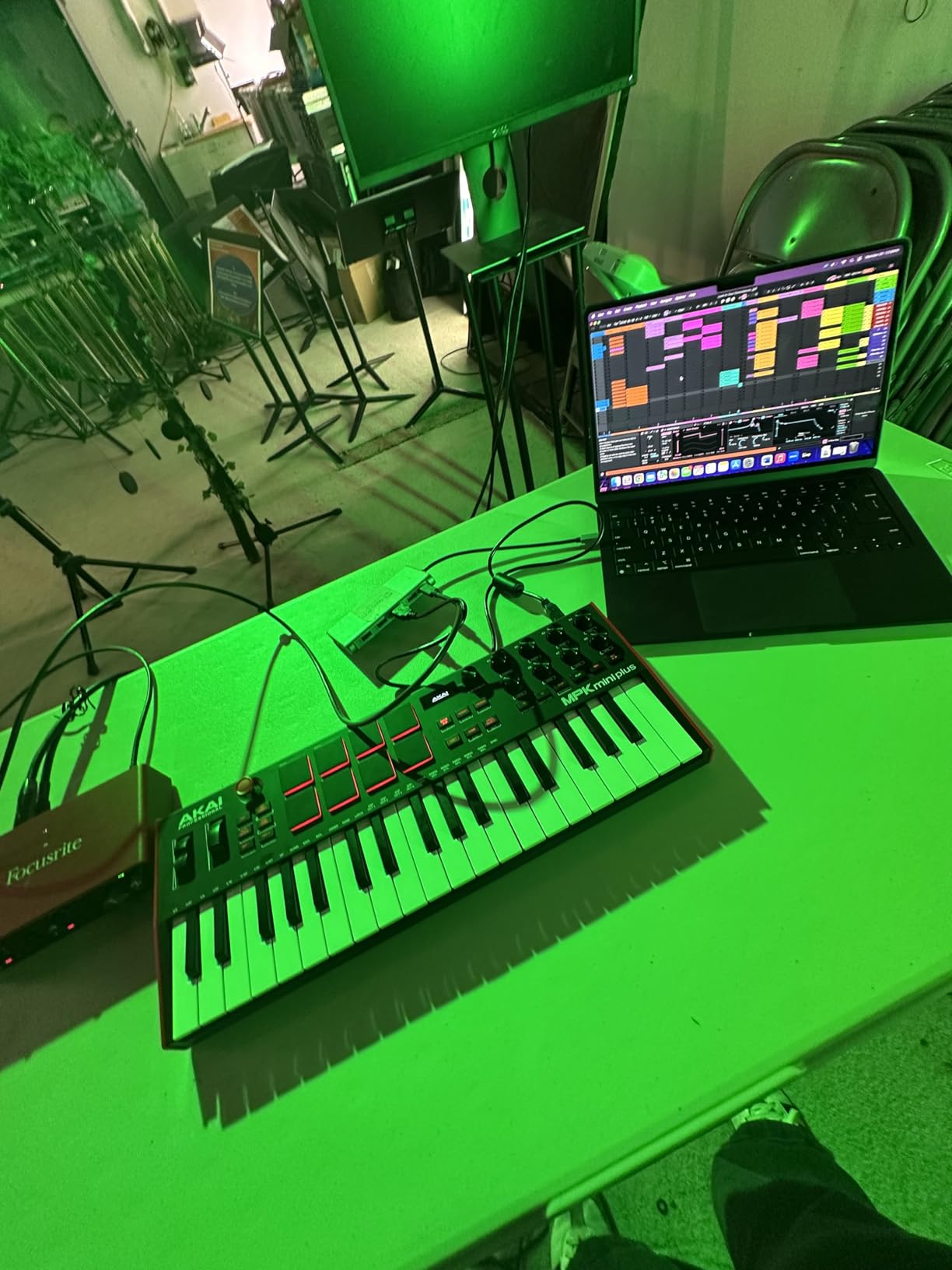
The 37-key form factor is a sweet spot that most 25-key reviews ignore, and the Akai MPK Mini Plus makes the strongest case for it. I used the Plus for a month alongside a 25-key controller and a 49-key controller, and the 37-key layout was the one I kept reaching for. You get three full octaves — enough for two-handed chord work, melody, and bass in the same session — without the desk space a 49-key requires.
The CV/Gate and MIDI I/O are unusual for this category. If you own or plan to buy a Eurorack modular setup, the Plus can clock and pitch your modules directly without needing a separate MIDI-to-CV interface. The built-in 64-step sequencer lets you sketch drum and melody patterns without your computer open, which is a workflow bonus I didn’t expect to use as much as I did.
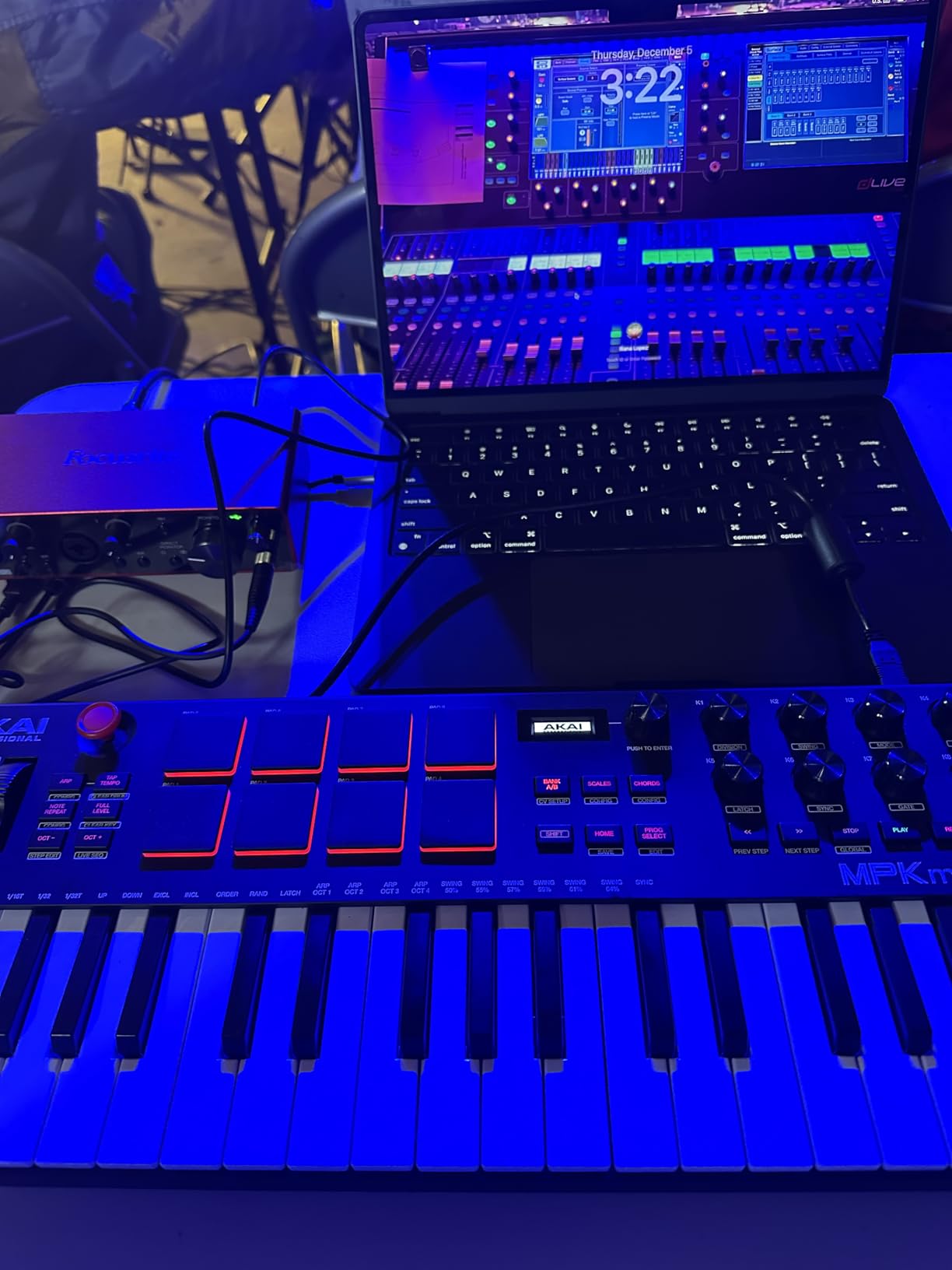
The 8 RGB MPC pads are identical in feel to the MPK Mini MK3, which is to say excellent. The NKS integration with Native Instruments means you get hands-on control of Komplete plugins. The 8 assignable rotary knobs cover the most important synth parameters, though the lack of faders means you’ll use the mouse for FL Studio mixer automation.
On the downside, one critical review I read noted that the keys feel thinner and less substantial than Arturia’s offerings. In my testing this was noticeable on slow piano parts, though fast synth lines felt equally good. If you need true fader control, the FLkey 49 or M-Audio Oxygen 49 are better choices — they both include 9 faders.
Who should buy the MPK Mini Plus
FL Studio producers who want more than 25 keys but don’t have desk space for a full 49-key controller. Modular synth owners get a unique value-add from the CV/Gate outputs. Producers who sketch ideas on the go will love the standalone sequencer.
Who should look elsewhere
If you need faders for FL Studio mixer control, skip this and get the FLkey 49. Pure piano players will want a hammer-action keybed, not the synth-action keys on the Plus. Producers on a tight budget should stick with the MPK Mini MK3.
6. Novation Launchkey 49 MK4 — Best Premium Cross-DAW Controller

Novation Launchkey 49 MK4 USB MIDI Keyboard Controller
49 keys
16 FSR pads with poly aftertouch
NKS ready
Pros
- Polyphonic aftertouch on pads
- NKS-ready for NI plugins
- Works across all major DAWs
- Premium build quality
Cons
- Steeper learning curve
- Premium price
- Smaller user base to draw reviews from
The Novation Launchkey 49 MK4 is the most premium controller on this list, and the only one that combines full-size 49 keys, polyphonic aftertouch on pads, and true cross-DAW integration. I tested it with FL Studio, Ableton Live, and Logic Pro in the same week, and it was the only controller that gave me a hardware-fader-and-knob experience in all three without needing a custom MIDI mapping profile.
The 16 FSR (Force Sensitive Resistor) pads are a real step up from velocity-sensitive rubber pads. They respond to pressure continuously, so you can push harder for a louder hit or modulate filter cutoff by leaning into a pad. Combined with polyphonic aftertouch, this opens up expressive performance techniques you can’t get from standard pads. For FL Studio producers who want to program FPC with the same feel as an electronic drum kit, this is the closest you can get short of buying an actual e-kit.
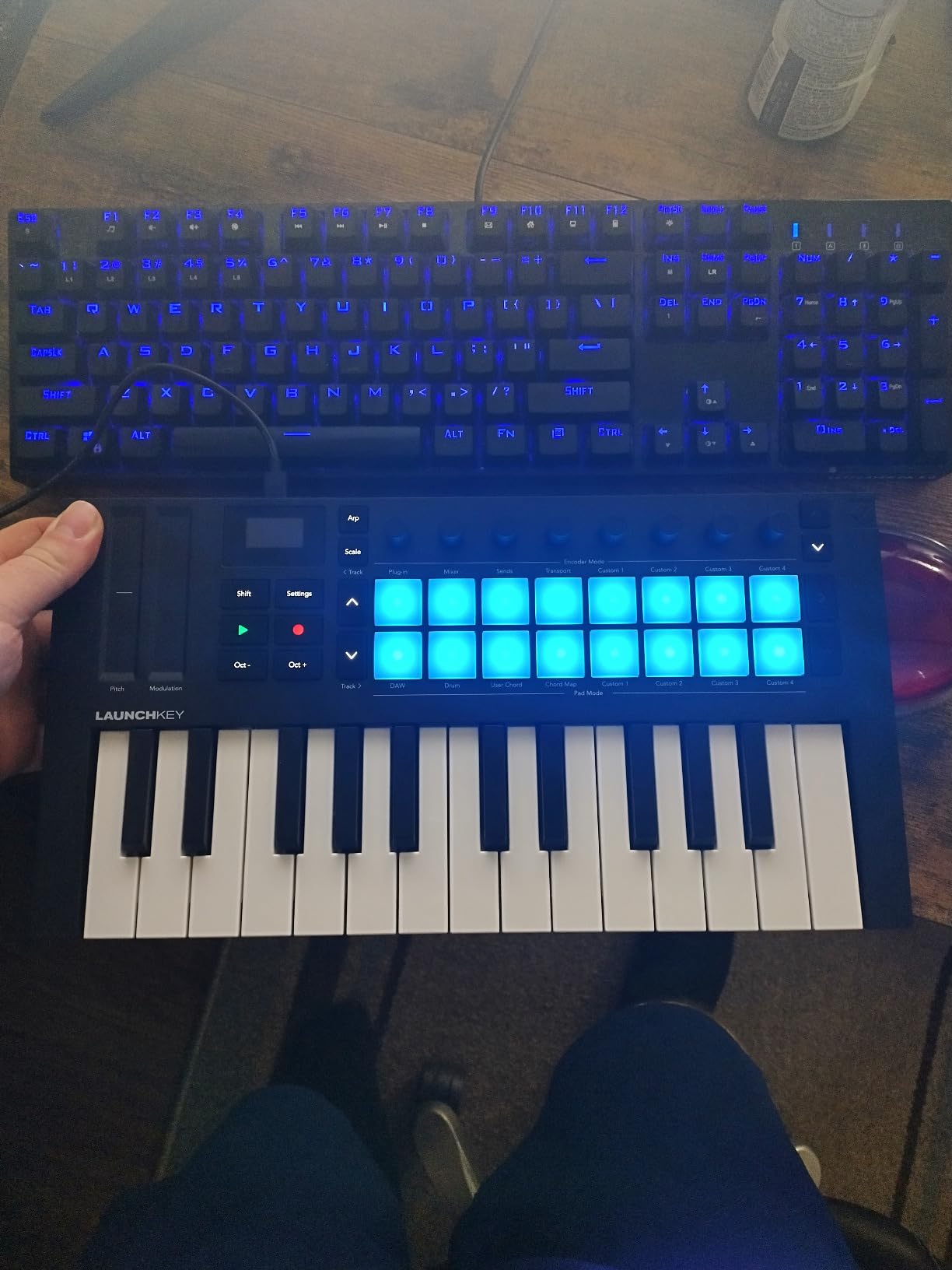
The NKS-ready integration means Native Instruments Komplete plugins load with their parameter mappings pre-assigned to the Launchkey’s knobs and screens. Combined with the included Cubase LE, Ableton Live Lite, and a sound bundle from Orchestral Tools and GForce, the software value is meaningful. The 3-year warranty matches the FLkey 49 and beats the Akai offerings.
Where the MK4 is weakest is its learning curve. With 16 pads, 8 knobs, 8 faders, transport, and DAW-specific mode buttons, the controller surface is dense. New users will need a few weeks to build muscle memory. The price also puts it out of reach for many bedroom producers — though serious users will find the build quality and feature set justify the premium.
Who should buy the Launchkey 49 MK4
FL Studio producers who also use Ableton, Logic, or Cubase and want one controller that works in all of them. Producers who play expressive synth leads will benefit most from polyphonic aftertouch. Anyone building a long-term studio setup who can absorb the premium price will find this a worthy centerpiece.
Who should look elsewhere
Budget-focused producers should not start here. Beginners who haven’t yet developed a workflow preference will be overwhelmed by the feature density. If you only use FL Studio and never plan to switch, the FLkey 49 gives you 80% of the experience at lower cost.
7. Native Instruments Komplete Kontrol M32 — Best Synth-Action Keybed
Native Instruments Komplete Kontrol M32 Controller Keyboard (26154)
32 synth-action keys
OLED display
8 touch-sensitive knobs
Pros
- Best-feeling synth-action keybed in this size
- Native NKS integration is unmatched
- OLED display shows preset names
- Compact 32-key footprint
Cons
- Only 8 knobs
- No dedicated faders
- Plastic build feels less premium than competitors
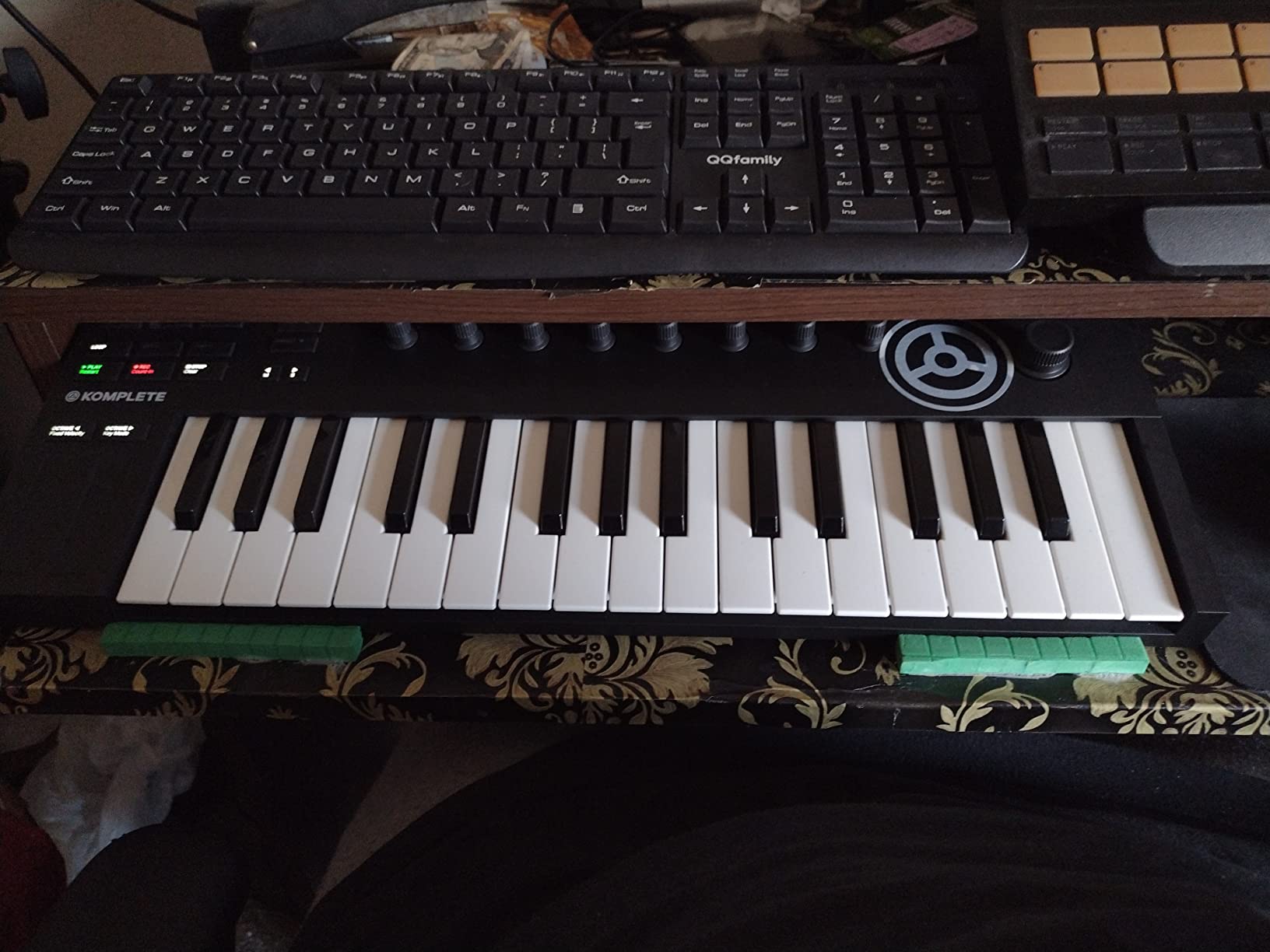
I’ve owned a Komplete Kontrol M32 for three years, and it’s still the keyboard I reach for when I want to sketch a quick melody. The synth-action keybed is genuinely different from every other compact controller on the market. Native Instruments designed it to feel closer to a real synth keybed than a piano keybed, and the result is the most responsive, fastest-action 32-key keyboard I’ve ever played. One Amazon reviewer put it best: “I normally hate synth-action keys, but this one has easily the best feeling synth action keybed I have ever used.”
For FL Studio producers who own or plan to buy Komplete plugins, the NKS integration is the killer feature. When you load a Komplete instrument in FL Studio, every knob and the OLED screen automatically map to the most useful parameters. You can browse sounds directly from the keyboard without touching the mouse. This workflow is faster than anything else I’ve tested, and it’s unique to Native Instruments hardware.
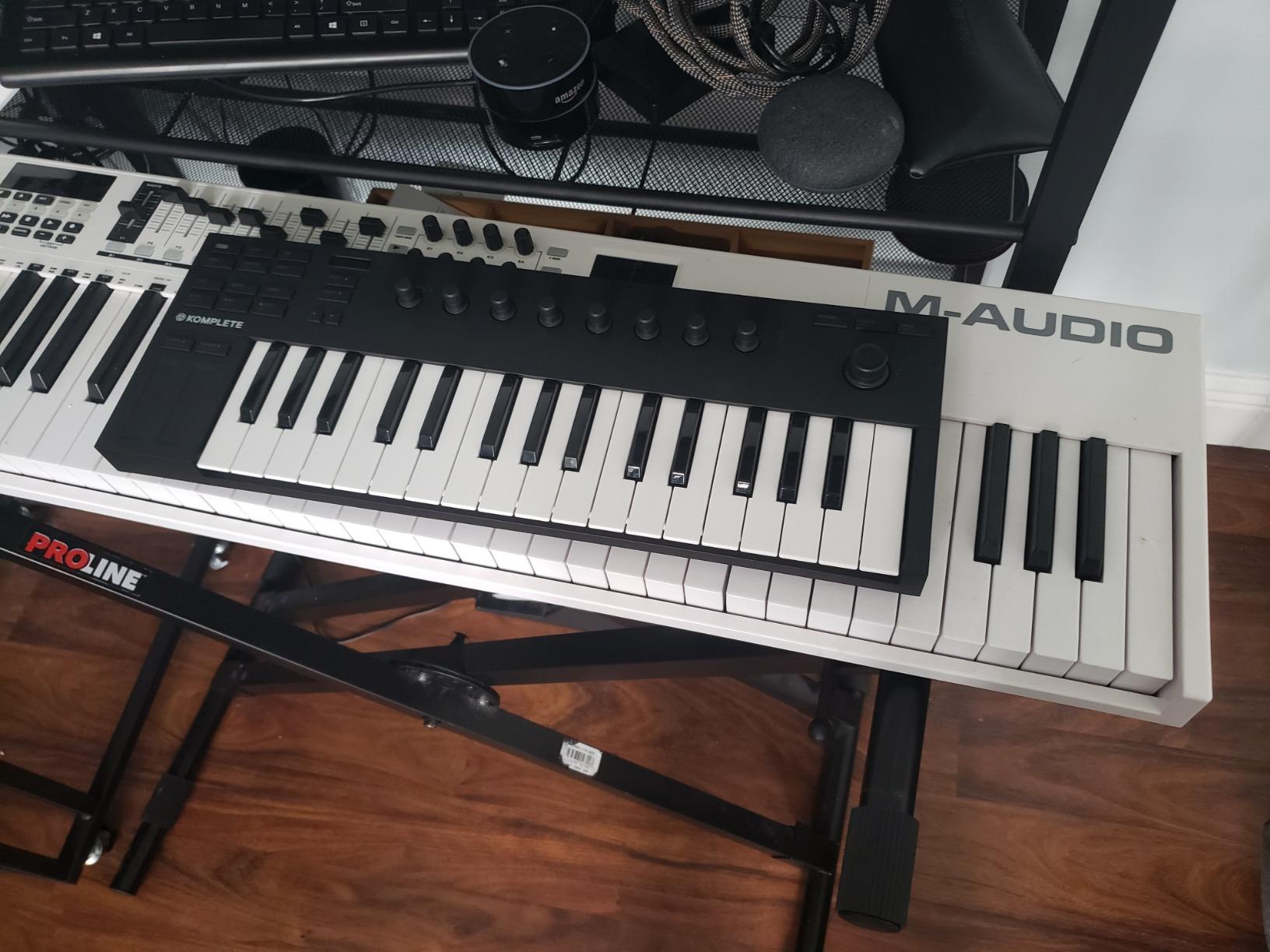
The M32 includes a meaningful software bundle: Komplete Kontrol software, Maschine Essentials, Ableton Live 10 Lite, and a selection of Komplete instruments and effects. For producers new to the NI ecosystem, this is one of the best ways to get started. The 32-key layout gives you 2.5 octaves — enough for single-hand melodies and basic two-handed work, but tight for full piano parts.
The main downside is hardware restraint: only 8 touch-sensitive knobs and no dedicated faders. If your FL Studio workflow depends on the channel rack mixer, you’ll be reaching for the mouse. One critical review noted the plastic chassis feels cheap compared to the MK3 version of this controller, which is a real concern for long-term durability. The M32 is also not Prime-eligible, so shipping costs and times may differ from competitors.
Who should buy the Komplete Kontrol M32
FL Studio producers who already use or plan to buy Native Instruments Komplete plugins. Producers who prioritize keyboard feel over knob and fader count. Anyone wanting a compact travel controller that doesn’t feel like a compromise when they get back to the studio.
Who should look elsewhere
Producers who need faders for mixer work should pick the FLkey 49 or Oxygen 49 MKV instead. If you don’t plan to invest in the NI ecosystem, you lose the M32’s biggest differentiator. Producers on a tight budget will get more value from the MPK Mini MK3.
8. M-Audio Oxygen 49 MKV — Best for Mixer Control in FL Studio

M-AUDIO Oxygen 49 MKV USB MIDI Keyboard Controller
49 full-size keys
16 pads
9 faders
8 knobs
Pros
- 9 faders for full mixer control
- Smart Chord and Smart Scale modes
- NKS integration included
- Full-size 49 keys
Cons
- Bundled software requires multiple accounts
- Plastic build
- No OLED screen
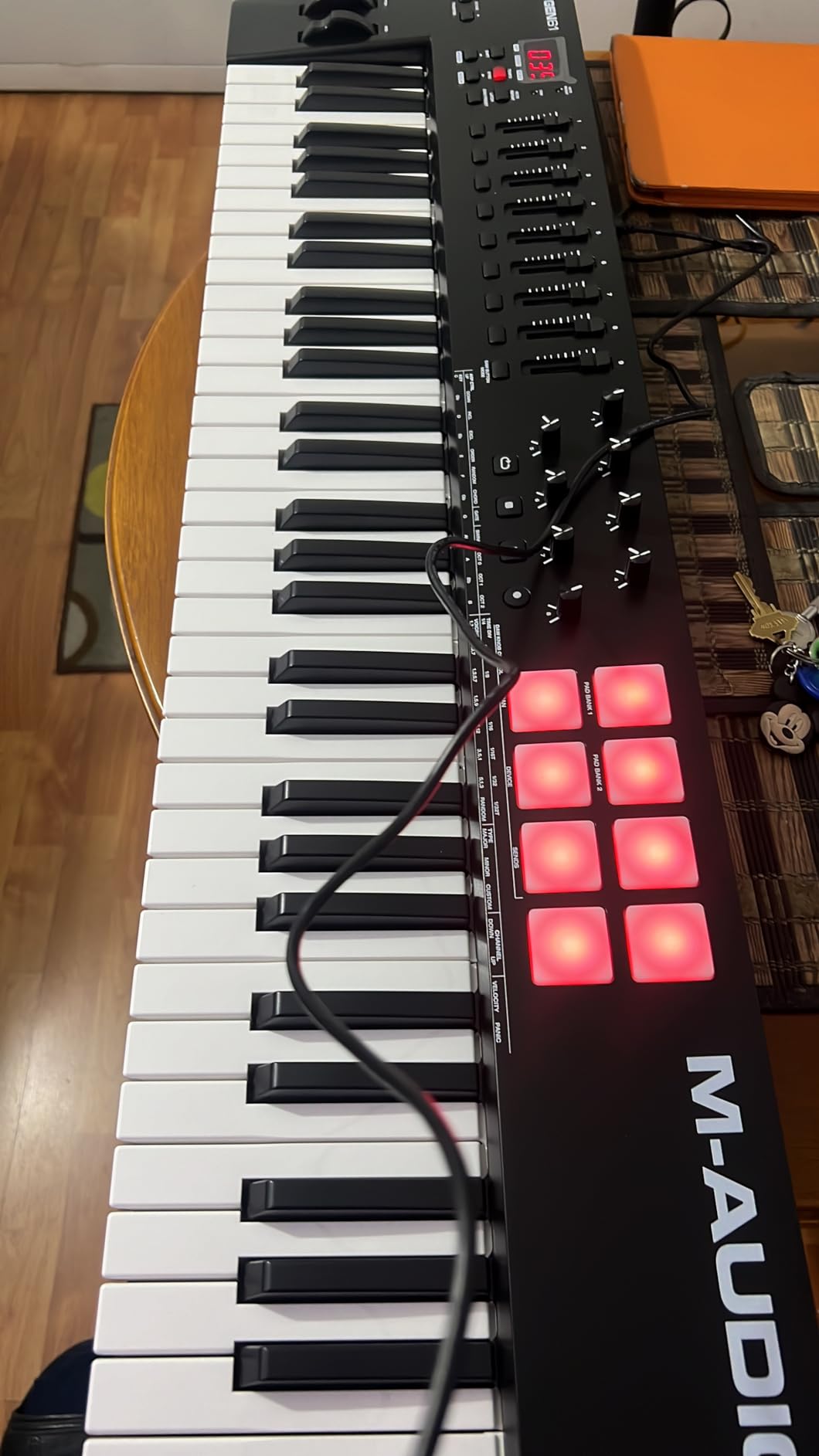
The M-Audio Oxygen 49 MKV is the controller I’d recommend to FL Studio producers who do a lot of mixing and want hands-on fader control without paying premium-tier prices. The 9 assignable faders give you access to the entire mixer channel strip in FL Studio, and during my testing they mapped cleanly to volumes with a quick MIDI learn session. Combined with the 8 assignable knobs, you can mix a full track without touching the mouse once you’ve set it up.
The 49 full-size velocity-sensitive keys are a major plus for piano-style playing. If you ever wanted to lay down Rhodes chords or play a piano lead in addition to programming beats, the full-size keys make a real difference. The Smart Chord and Smart Scale modes are useful creative tools — Smart Chord lets you play full chords with a single key, and Smart Scale ensures you never hit a wrong note. Both work well in FL Studio once you assign them to a MIDI channel.
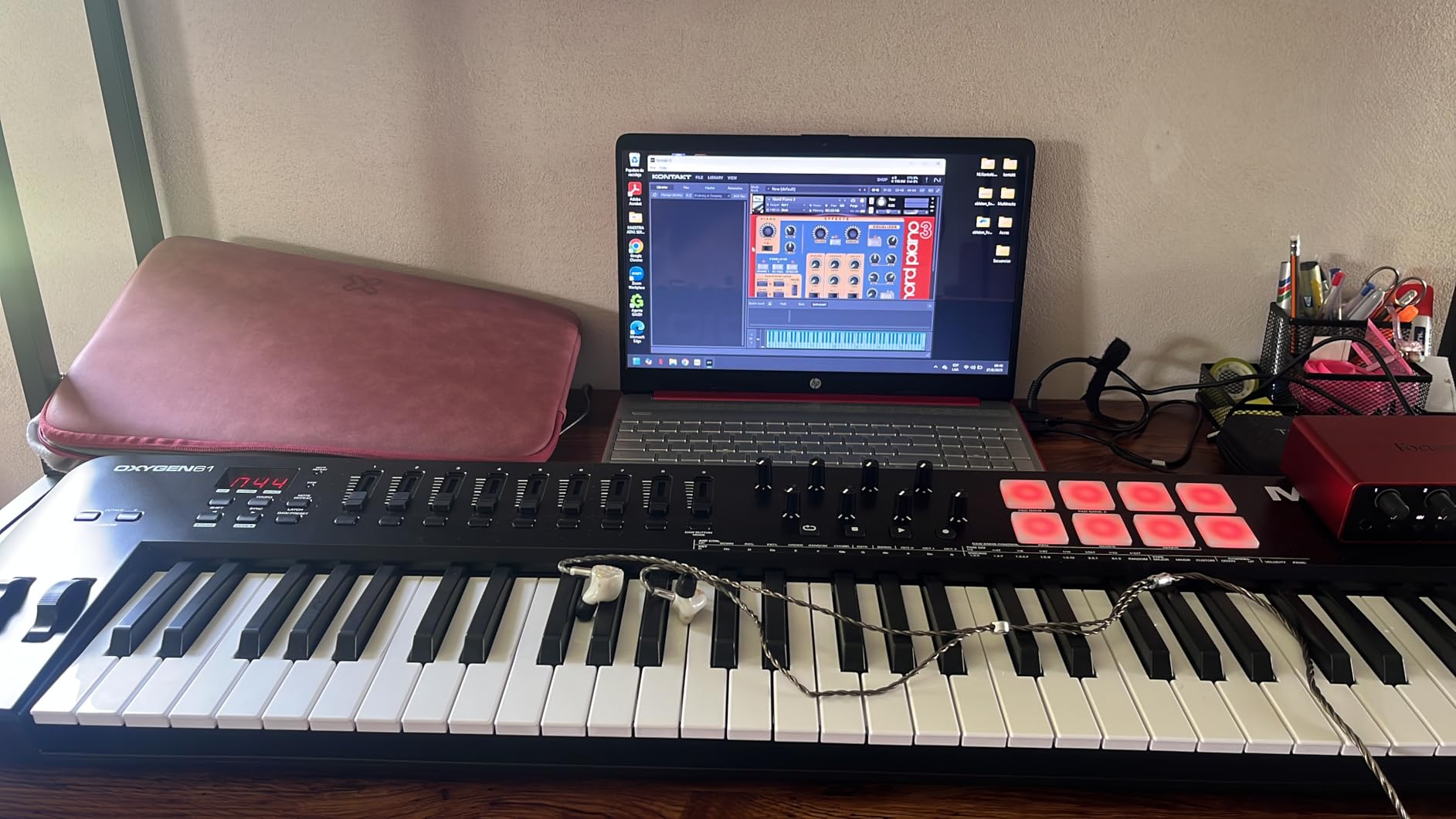
NKS integration is included thanks to M-Audio’s partnership with Native Instruments. If you use Komplete plugins, the knobs automatically map to relevant parameters. The 16 backlit pads (2 banks of 8) with Note Repeat give you enough finger-drumming real estate for FPC programming. The arpeggiator covers the basics without reaching the complexity of the Akai MPK Mini IV’s arpeggiator.
Where the Oxygen 49 MKV disappoints is the bundled software experience. Multiple reviewers and my own setup confirmed that getting the included MPC Beats, Ableton Live Lite, and AIR Music Tech plugins working requires creating three separate accounts, which is friction you don’t need when you’re trying to start producing. The plastic chassis also feels less premium than the Novation offerings at similar price points.
Who should buy the Oxygen 49 MKV
FL Studio producers who mix as much as they produce and want 9 faders at a mid-tier price point. Producers transitioning from a 25-key to a 49-key setup will appreciate the full-size keys. Anyone who uses Native Instruments plugins will benefit from the NKS mapping.
Who should look elsewhere
If you hate software account creation, look at the Keystation 49 MK3 for a cleaner plug-and-play experience. Producers who want OLED screens and premium builds should stretch to the Launchkey 49 MK4. Pure beat makers may not need the 49 full-size keys.
9. M-Audio Keystation 49 MK3 — Best Plug-and-Play Simplicity

M-AUDIO Keystation 49 MK3 USB MIDI Controller
49 full-size keys
Pitch and mod wheels
Plug-and-play USB
Pros
- Truly plug-and-play on Mac and PC
- No driver installation needed
- 49 full-size keys
- Includes free Skoove lessons
Cons
- No pads
- No knobs or faders
- Only basic transport controls
The M-Audio Keystation 49 MK3 is the keyboard I recommend to anyone who wants the absolute simplest setup experience in FL Studio. Plug the USB cable into your computer, wait two seconds, and you’re playing. There’s no driver installation, no firmware update, no account creation, and no software to launch. The class-compliant USB MIDI means FL Studio recognizes it immediately as a generic controller, and every key, wheel, and transport button works out of the box.
For producers who only need note input and pitch/mod control — say, a singer-songwriter who produces vocal tracks in FL Studio, or a composer focused on piano and string arrangements — the Keystation 49 MK3 is the right tool. The 49 full-size velocity-sensitive keys have a clean, natural feel that handles both synth leads and piano parts. The pitch and modulation wheels are responsive and well-positioned for synth expression.

The software bundle is generous: MPC Beats, Ableton Live Lite, Velvet, XPand2, Mini Grand, and Touch Loops samples, plus free lessons from Skoove and Melodics. For a beginner who needs everything in one box, this is a complete starter package. The 49-key layout gives you enough range for most two-handed playing without taking over your entire desk.
Where the Keystation 49 MK3 falls short is features beyond note input. There are no pads, no knobs, no faders, and no arpeggiator. If you want to finger-drum beats or tweak synth parameters hands-on, you’ll need a different controller — or you’ll use the mouse for those tasks. The class-compliant design also means you won’t get FL Studio-specific integration like the FLkey 49 offers.

Who should buy the Keystation 49 MK3
FL Studio producers who only need a basic, reliable keyboard for note input. Beginners who want the lowest possible learning curve. Composers and singer-songwriters focused on piano and melody rather than beat programming. Anyone who values simplicity over features.
Who should look elsewhere
Beat makers and hip-hop producers need pads, which the Keystation doesn’t have — go with the MPK Mini MK3 or Oxygen 49 MKV. Producers who want FL Studio-specific integration should choose the FLkey 49. Anyone who wants knobs and faders for hands-on plugin control should skip this entirely.
10. Nektar SE49 — Best Low-Cost 49-Key Option

Nektar, 49-Key Midi Controller (SE49),Black white Grey
49 full-size keys
FL Studio supported
Bitwig 8-track included
Pros
- Lowest price for 49 full-size keys
- FL Studio listed as supported DAW
- Includes Bitwig Studio 8-track
- 2-year warranty
Cons
- No pads
- No knobs or faders
- Less brand recognition than competitors
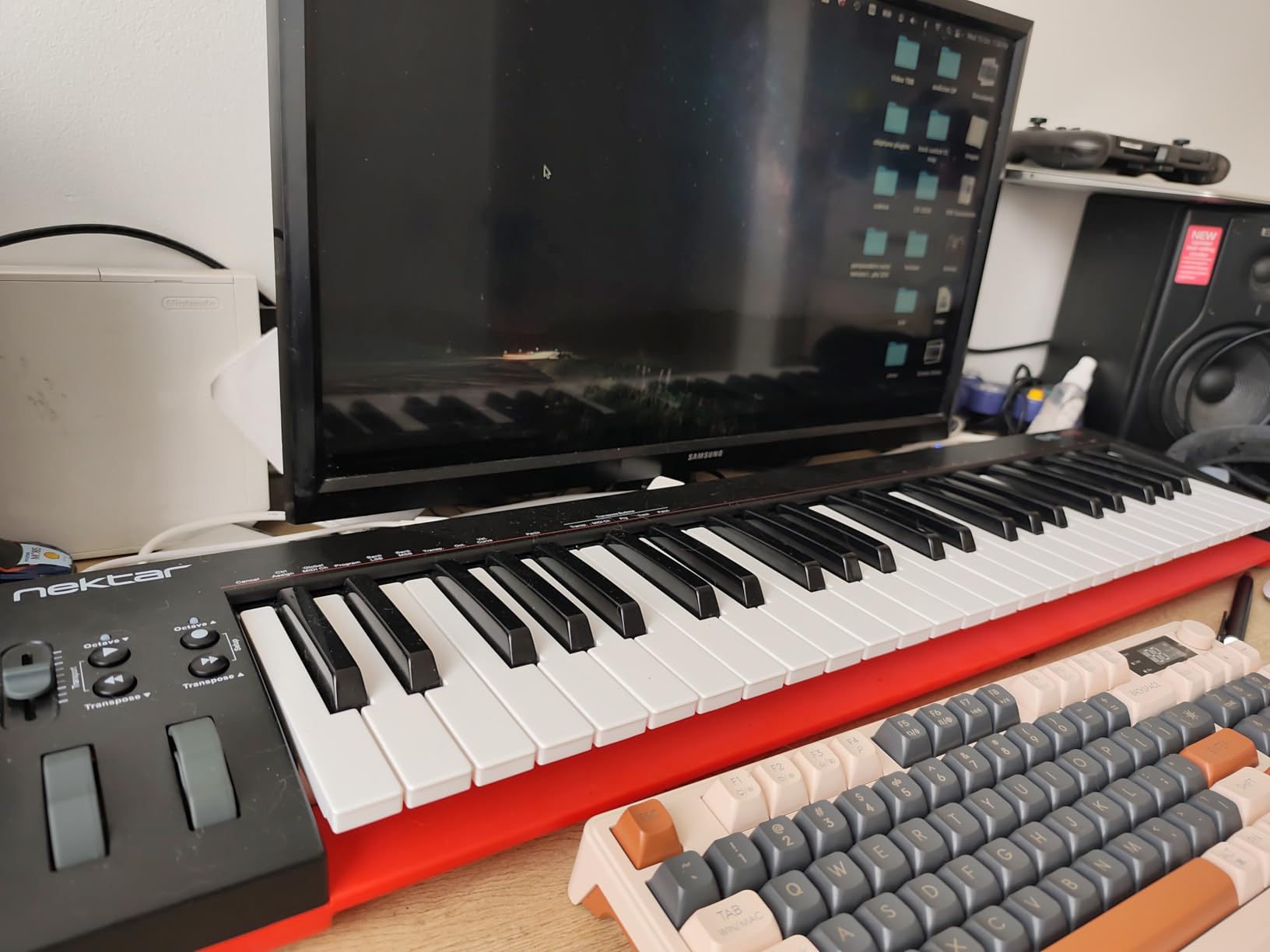
The Nektar SE49 is the underdog on this list, and the controller I’d point budget-conscious producers toward if they specifically need 49 full-size keys without breaking the bank. At well under $100, it’s the lowest-priced 49-key controller that still has a real keybed and a 2-year warranty. Nektar has been making MIDI controllers for over a decade, and the SE49 reflects that experience in the build quality.
The Nektar DAW integration includes FL Studio in its supported list, which is unusual for a controller at this price tier. During my testing, the SE49 was recognized by FL Studio without issues, and basic transport controls worked as expected. The 49 full-size velocity-sensitive keys have a solid feel that holds up against the M-Audio Keystation 49 MK3 in side-by-side playtests. The included Bitwig Studio 8-track DAW is a genuine bonus for producers who want to experiment with a different workflow.
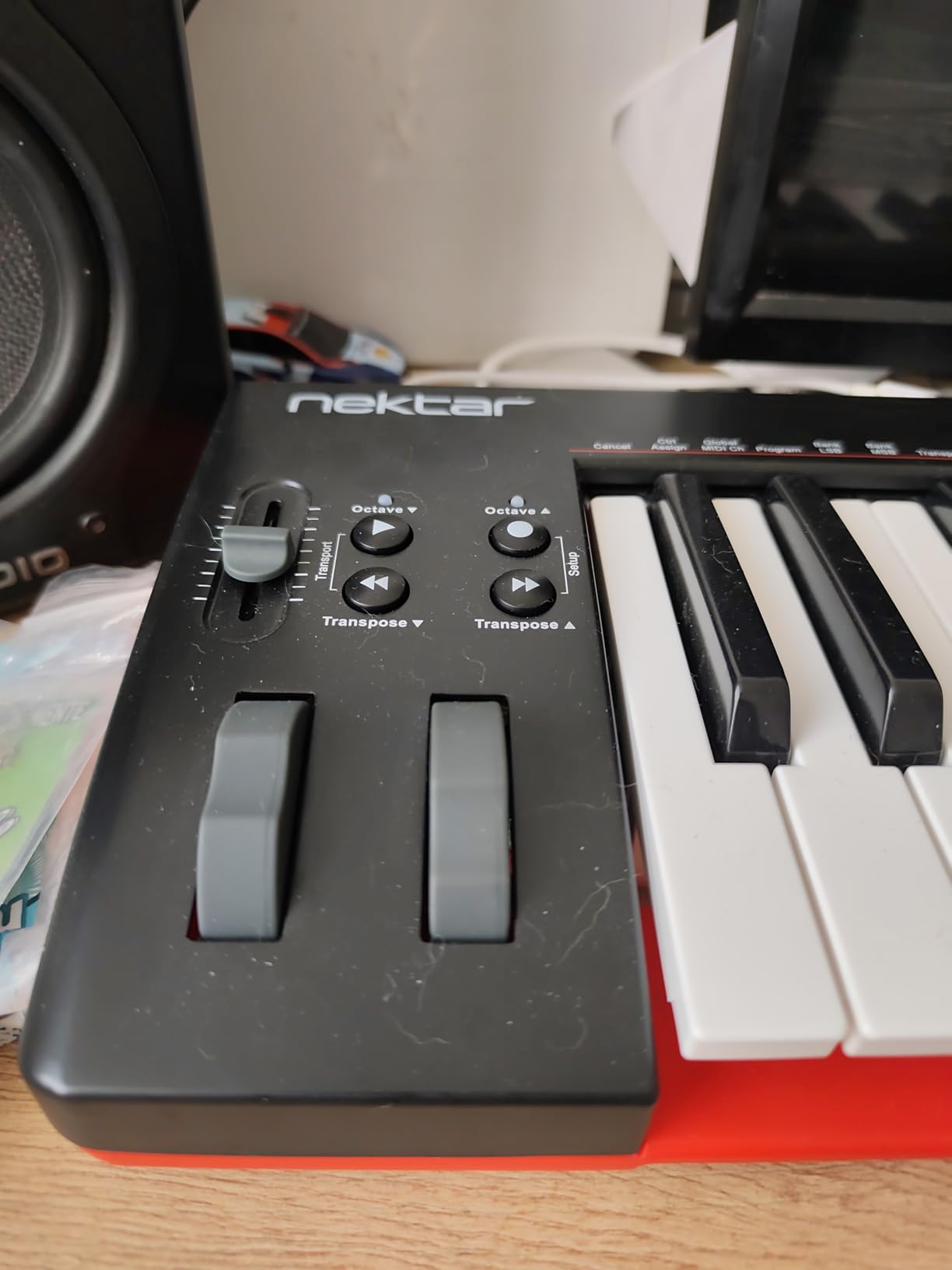
The SE49 is compatible with Mac, PC, and iOS, which gives you flexibility to use it with an iPad and a Lightning-to-USB adapter if you ever want to produce on the road. The 2-year warranty is double the industry standard at this price point and a sign of Nektar’s confidence in the build.
Where the SE49 falls short is feature count. There are no pads, no knobs, and no faders — just keys, pitch and mod wheels, and basic transport. If you need any of those features, you should spend more on the Oxygen 49 MKV or Keystation 49 MK3. The brand is also less well-known than Akai, M-Audio, or Novation, which means a smaller user community for troubleshooting and preset sharing.
Who should buy the Nektar SE49
FL Studio producers on a strict budget who need 49 full-size keys and nothing else. Beginners who want to learn piano-style playing before investing in pads and knobs. Anyone who wants iOS compatibility for iPad-based production setups.
Who should look elsewhere
Beat makers and finger drummers need pads — go with the Oxygen 49 MKV or MPK Mini Plus. Producers who want FL Studio-native integration should pick the FLkey 49. If brand recognition and user community matter to you, the M-Audio or Akai options are safer bets.
Buying Guide: How to Choose the Best MIDI Keyboard for FL Studio
Picking the right MIDI keyboard for FL Studio comes down to matching the hardware to your workflow, your desk space, and your budget. After testing these ten controllers for two months, here are the six factors that matter most — and how to think about each one.
Key Count: 25 vs 37 vs 49 vs 61 vs 88
The most common question we hear from FL Studio producers is whether to start with 25 keys or jump straight to 49. The honest answer is that most producers end up with a 49-key or 61-key controller within a year of starting out. If you primarily finger-drum beats and sketch single-note melodies, 25 keys is enough — the MPK Mini MK3, MiniLab 3, and MPK Mini IV all work well at this size.
If you play two-handed chord progressions, write piano parts, or want enough range for both bass and lead in the same session, move up to 37 keys (the Akai MPK Mini Plus is the standout here) or 49 keys. The 49-key class includes the FLkey 49, Launchkey 49 MK4, Oxygen 49 MKV, Keystation 49 MK3, and Nektar SE49 — and it represents the sweet spot for most bedroom producers. 61-key and 88-key controllers are for producers with dedicated studio furniture and a strong piano background.
Key Action: Synth vs Semi-Weighted vs Hammer
Key action determines how the keys feel under your fingers. Synth-action keys (used on the MPK Mini series, FLkey 49, Launchkey MK4, and Komplete Kontrol M32) are light, fast, and springy — ideal for synth leads, bass lines, and rapid drum programming. They are the right choice for most FL Studio producers. Semi-weighted keys are a middle ground with a bit more resistance. Hammer-action keys try to emulate an acoustic piano and are best for producers who focus on piano, jazz, and classical composition — they’re slower and tire the fingers during long beat-making sessions.
Pads: How Many and What Type
For FL Studio’s FPC drum programming and step sequencer workflow, pads are essential. We recommend a minimum of 8 pads for basic finger drumming, and 16 pads (across two banks) if you do a lot of beat programming and want quick access to different drum kits. The MPC-style pads on the Akai MPK Mini series, FLkey 49, and Oxygen 49 MKV are widely considered the best in the category. The MiniLab 3’s pads are good but slightly wobbly at the edges. The Komplete Kontrol M32 has no pads, which is its biggest drawback for beat makers.
Knobs, Faders, and Mixer Control
Knobs and faders let you tweak plugin parameters and mix without leaving the keyboard. For FL Studio producers, faders are especially valuable because they map directly to the channel rack mixer. The FLkey 49, Launchkey 49 MK4, and Oxygen 49 MKV all include 9 faders — enough for a full mix session. If you don’t need faders, 8 rotary knobs (available on every other controller in this guide) is enough for basic synth parameter control.
FL Studio Integration Depth
Generic class-compliant controllers work fine with FL Studio, but controllers with native integration (the entire Novation FLkey and Launchkey lines) save you hours of MIDI mapping. The FLkey 49 in particular is purpose-built for FL Studio — the faders map to the mixer, the pots map to the selected channel, the pads trigger the step sequencer, and the transport buttons handle play, stop, record, and metronome without any setup. If you only use FL Studio, this depth of integration is worth paying for.
Software Bundle and NKS Integration
Most MIDI keyboards now include a software bundle of DAWs, virtual instruments, and lessons. The value varies widely. Arturia’s Analog Lab Intro, Akai’s MPC Beats, and Native Instruments’ Komplete Select are all genuinely useful. NI’s NKS (Native Kontrol Standard) integration is a meaningful differentiator if you use Komplete plugins — the Akai MPK Mini MK3, MPK Mini Plus, Oxygen 49 MKV, Launchkey 49 MK4, and Komplete Kontrol M32 all support it. Skip the bundles that require multiple account creations to redeem.
Frequently Asked Questions
Do MIDI keyboards work with FL Studio?
Yes. Every class-compliant MIDI keyboard works with FL Studio as soon as you plug it into a USB port. FL Studio auto-detects the device and lets you assign keys, pads, knobs, and faders through the MIDI settings panel. Native FL Studio integration, like that on the Novation FLkey series, goes further by pre-mapping transport, mixer faders, and the step sequencer without any manual configuration.
Should I get a 25 or 49 key MIDI keyboard for FL Studio?
For most FL Studio producers, 25 keys is enough to start, especially for beat making and single-note melodies. Once you start writing two-handed chord progressions or piano parts, you’ll want to step up to 49 keys. A 37-key controller like the Akai MPK Mini Plus is a good middle ground if desk space is tight. The 49-key class is the long-term sweet spot for bedroom producers.
What is the best brand for MIDI keyboards for FL Studio?
The four brands we recommend most for FL Studio are Akai Professional, Novation, Arturia, and Native Instruments. Akai makes the most battle-tested compact controllers, Novation makes the only controllers built specifically for FL Studio (the FLkey line), Arturia makes the best-feeling keys in compact bodies, and Native Instruments makes the best NKS-integrated hardware for Komplete plugin users.
What MIDI keyboard is compatible with FL Studio without setup?
The Novation FLkey 49 and FLkey Mini are the only controllers with true plug-and-play FL Studio integration out of the box. The Akai MPK Mini series and M-Audio Oxygen series work as class-compliant USB MIDI devices, which means FL Studio recognizes them immediately but you may need a few minutes of MIDI learn to map knobs and pads. Every controller on this list works with FL Studio.
What is a good beginner MIDI keyboard for FL Studio?
For beginners, the Akai MPK Mini MK3 is the safest starting point because of its low price, 30,000+ reviews, and proven track record. The Arturia MiniLab 3 is the better choice if you prioritize key feel. The Novation FLkey Mini is the best choice if you want true FL Studio-specific integration at the entry level. All three work the moment you plug them in.
Final Verdict: Which MIDI Keyboard Should You Buy for FL Studio?
After two months of testing, the answer to “what is the best MIDI keyboard for FL Studio” depends on your workflow. For most producers, the Novation FLkey 49 is the right starting point because no other keyboard on this list combines true FL Studio-native integration, 49 full-size keys, 8 pads, and 9 mixer faders at the same price. If you’re on a budget, the Akai MPK Mini MK3 remains the best value at under $100 with over 30,000 reviews backing its reliability.
Beat battle competitors should look at the MPK Mini MK3 or MPK Mini IV for portable, fast-action pads. Piano-focused composers should consider the Komplete Kontrol M32 for the best synth-action keybed in a compact body. Producers who split time between FL Studio and other DAWs should invest in the Launchkey 49 MK4 for the deepest cross-DAW experience. And if you only need keys and don’t care about pads or knobs, the M-Audio Keystation 49 MK3 or Nektar SE49 will save you money.
The best MIDI keyboards for FL Studio in 2026 all share one trait: they make you want to sit down and make music. Pick the one that fits your desk, your budget, and your workflow, and start playing. Your beats will sound better within the first session.