
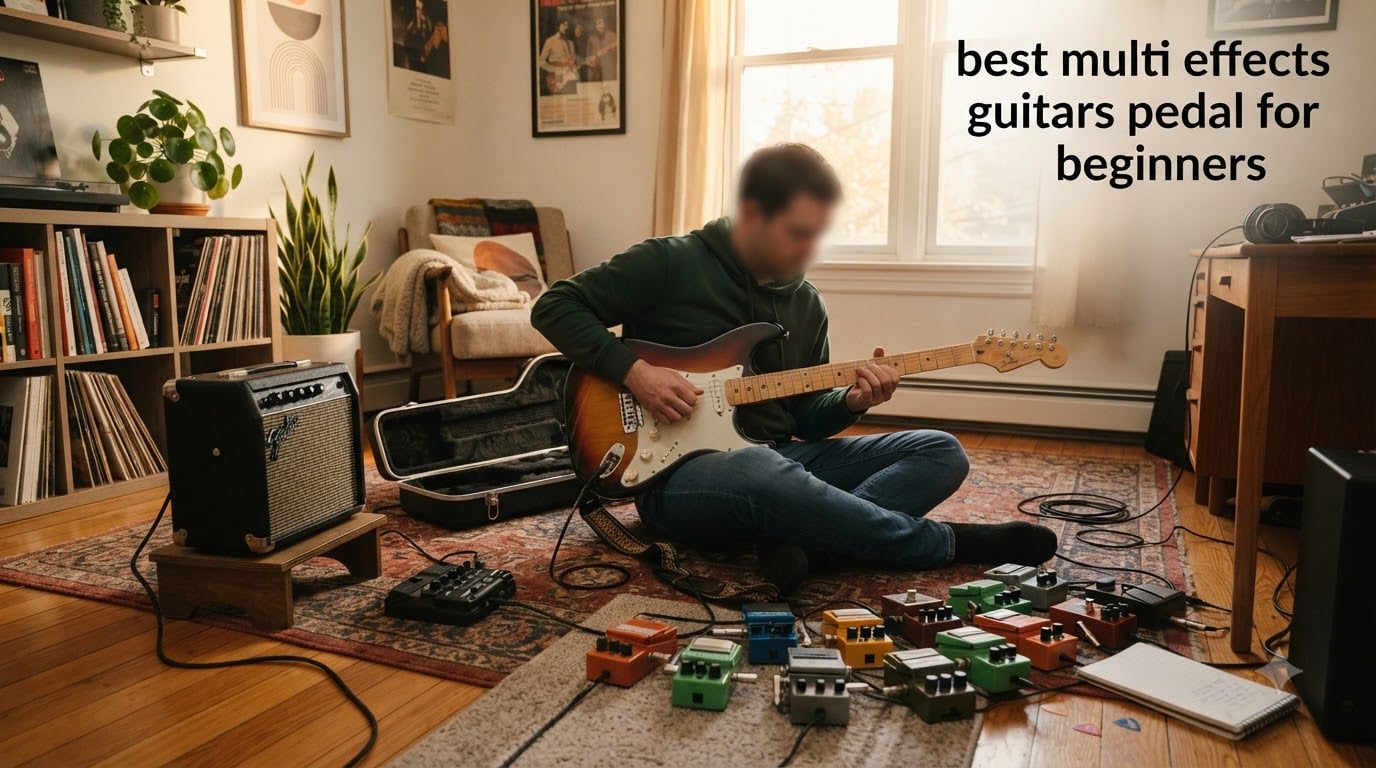
When I picked up my first guitar, I made the classic beginner mistake of chasing tone with a single overdrive pedal and a tiny practice amp. I spent months wondering why my playing sounded so flat compared to the records I loved. The fix was a multi effects guitar pedal for beginners, a single unit that put dozens of effects, amp simulations, and practice tools at my feet for less than the cost of three or four individual stompboxes.
After testing 9 of the most popular options in 2026, I want to save you the trial-and-error I went through. The best multi effects guitar pedal for beginners should be affordable, simple enough to learn on, and packed with enough variety to keep you inspired for years. That is the bar I used for every product on this list.
Multi-effects pedals have come a long way. Budget units from Zoom, Mooer, SONICAKE, and Valeton now offer amp modeling, USB audio interface functionality, and even Neural Amp Modeler (NAM) support at price points that would have been unthinkable five years ago. Whether you are practicing in your bedroom, recording into your laptop, or playing your first open mic, there is a beginner-friendly multi-effects pedal here for you.
Table of Contents
Top 3 Picks for Best Multi Effects Guitar Pedal for Beginners (September 2026)
Before I dive into the full reviews, here are the three models I would recommend to almost any beginner. Each one nails a different need: maximum value, best tone per dollar, and lowest possible entry point.

Zoom G1X Four Multi-Effects Processor
- 71 effects
- 13 amp models
- Expression pedal
- 30s looper
- 68 rhythms
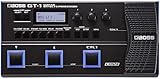
BOSS GT-1 Effects Processor
- AIRD technology
- Expression pedal
- USB
- Boss Tone Studio
- 7hr battery

Best Multi Effects Guitar Pedals for Beginners in 2026
Here is a quick side-by-side look at every multi-effects pedal on this list. Use this table to compare key specs, then read the individual reviews for the deeper breakdown.
| Product | Specifications | Action |
|---|---|---|
| Zoom G1X Four Multi-Effects Processor |
|
Check Latest Price |
| BOSS GT-1 Effects Processor |
|
Check Latest Price |
| SONICAKE Pocket Master |
|
Check Latest Price |
 MOOER GE100 Multi-Effects MOOER GE100 Multi-Effects |
|
Check Latest Price |
 MOOER PE100 Desktop Multi-Effects MOOER PE100 Desktop Multi-Effects |
|
Check Latest Price |
 SONICAKE Matribox SONICAKE Matribox |
|
Check Latest Price |
 Valeton GP-5 Compact Multi-Effects Valeton GP-5 Compact Multi-Effects |
|
Check Latest Price |
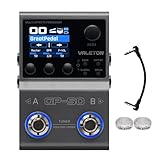 Valeton GP-50 Multi-Effects Valeton GP-50 Multi-Effects |
|
Check Latest Price |
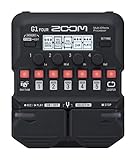 Zoom G1 Four Multi-Effects Zoom G1 Four Multi-Effects |
|
Check Latest Price |
1. Zoom G1X Four – The Best Multi Effects Guitar Pedal for Beginners Overall
Zoom G1X Four Guitar Multi-Effects Processor with Expression Pedal
71 effects
13 amp models
30s looper
68 rhythms
Battery powered
Pros
- Incredible value for money
- Expression pedal included
- Battery powered
- Bass and acoustic friendly
- Zoom Guitar Lab software
Cons
- Wah feels plastic
- 30s looper is short
- Memory limits with heavy patches
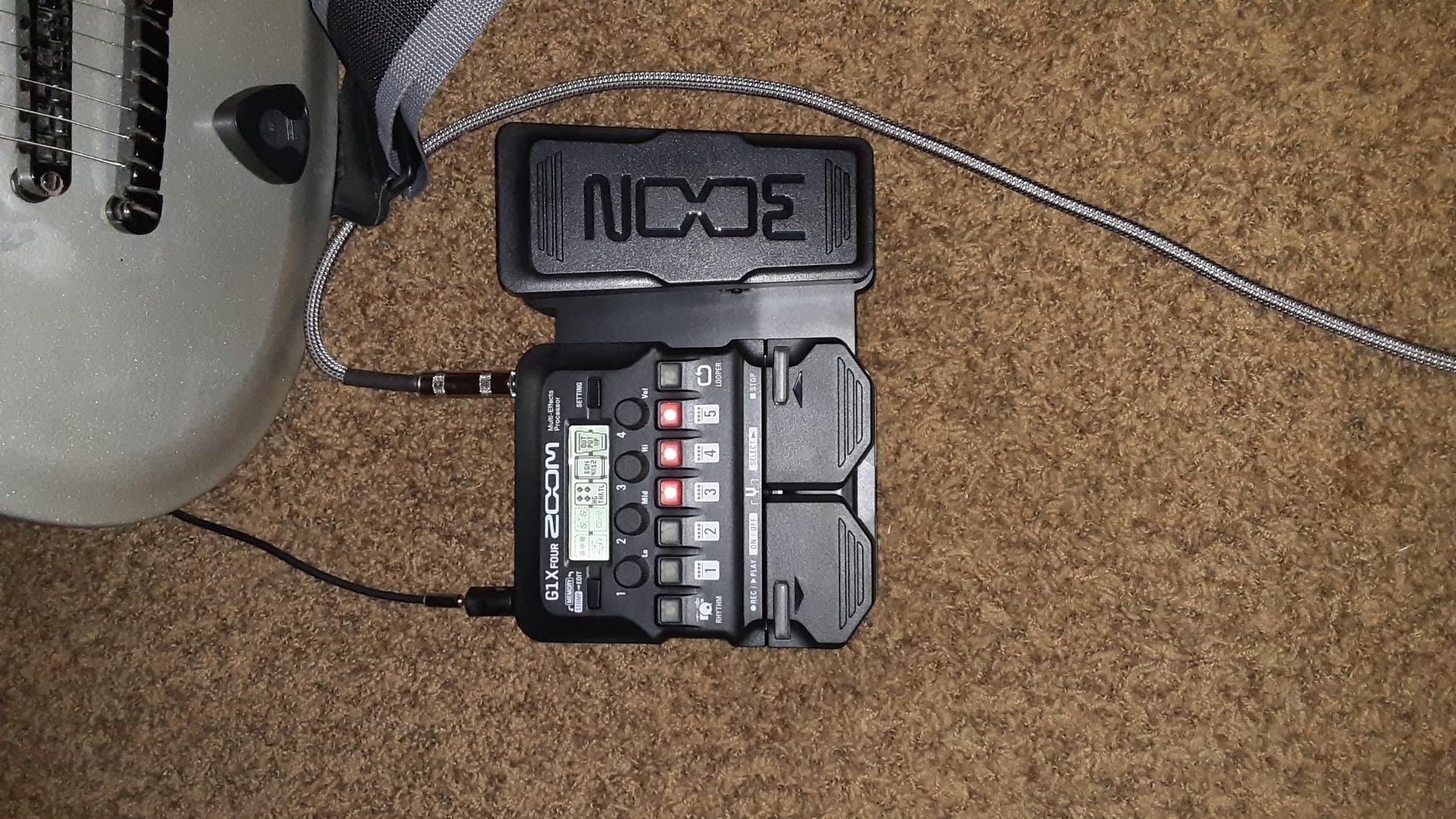
The Zoom G1X Four was the pedal I kept coming back to during testing, and the one I now hand to friends who ask me what to buy first. At well under $100, it includes 71 effects, 13 amp models, 68 rhythm patterns, a 30-second looper, and a real expression pedal. Very few beginner multi-effects pedals tick that many boxes at this price.
When I plugged my Stratocaster into the G1X Four, the first thing I noticed was how musical the clean tones sounded. The American-style clean amp model with a touch of spring reverb gave me a tone I would have been happy with at a coffee shop gig. The high-gain patches took some dialing in, but the global EQ let me tame the harshness in seconds.
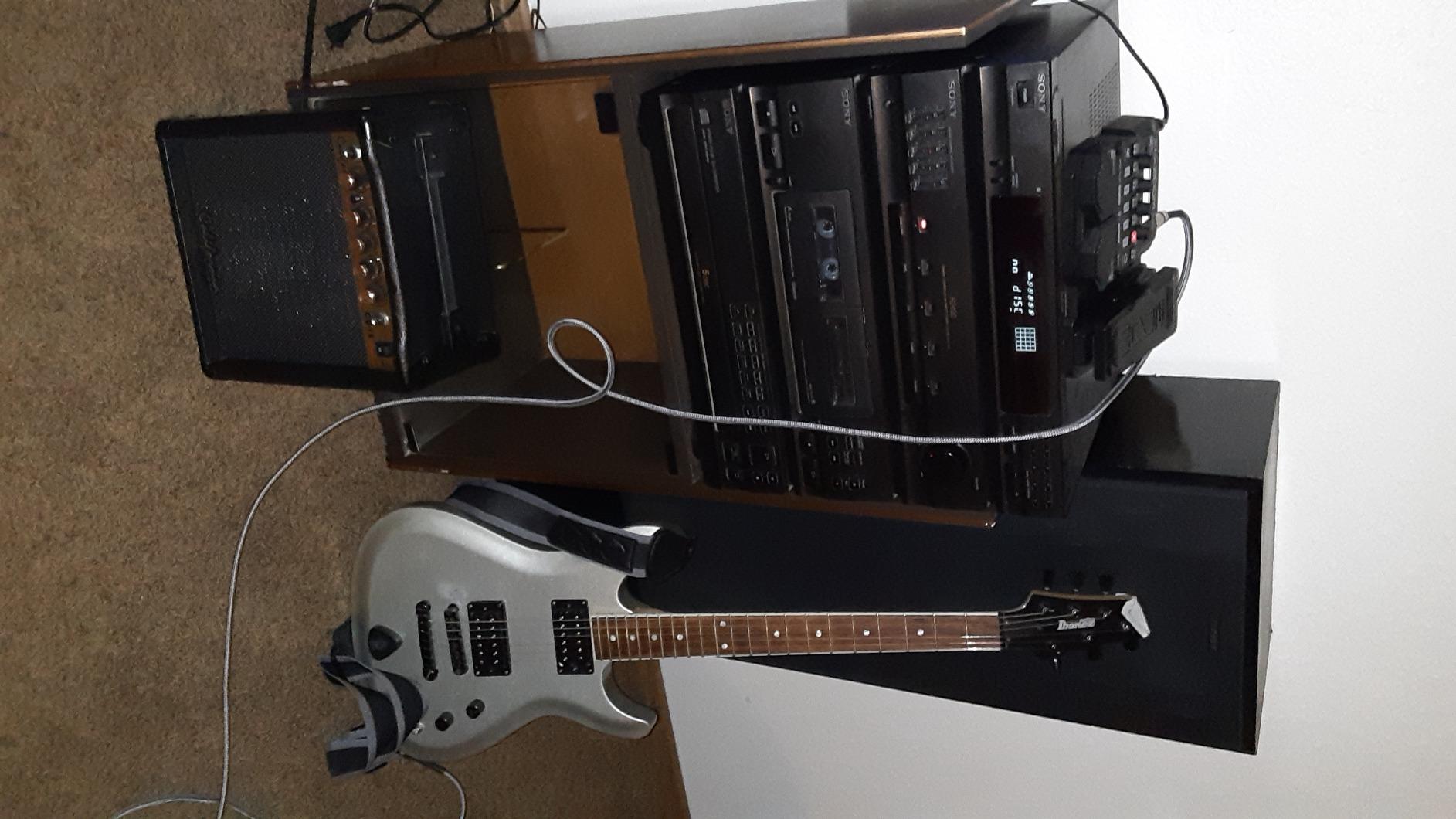
The expression pedal is a huge deal for beginners. Most cheap units skip it, forcing you to buy a separate pedal for wah or volume swells. The G1X Four includes a smooth-feeling expression pedal out of the box, and you can assign it to almost any parameter. I used it for wah on one preset and volume swells on another.
Build quality is solid for the price. The metal chassis feels sturdy enough to survive the back of a car or a gig bag, and the four footswitches are clearly labeled. The screen is small but readable. The main drawback I found is that the wah position of the expression pedal feels a little toy-like, and the 30-second looper is limiting if you want to layer big ambient parts.
Battery power is another beginner win. I ran the G1X Four for hours on four AA batteries, which is perfect for practicing on the couch or busking without hunting for an outlet. The free Zoom Guitar Lab software is also genuinely useful, even if it looks dated. It makes editing patches far easier than scrolling through menus on the unit itself.
Best for: Beginners who want maximum features for the lowest price
If your budget is tight but you want a multi effects guitar pedal for beginners that can grow with you, the G1X Four is the obvious starting point. It is friendly enough to use on day one and deep enough to keep you exploring for years. I especially recommend it for bedroom players, students, and anyone who wants an expression pedal without buying a second unit.
Skip if: You need a built-in USB audio interface for recording
The G1X Four is a USB-MIDI device, not a USB audio interface. You cannot plug it directly into a laptop and record the dry and processed signal without a separate audio interface. If recording into your computer is a top priority, look at the SONICAKE Pocket Master or Valeton GP-50 instead.
2. BOSS GT-1 – The Best Multi Effects Guitar Pedal for Beginners Who Want Pro Tone
BOSS GT-1 Compact Guitar Effects Processor
BOSS AIRD tech
Expression pedal
USB
7hr battery
Boss Tone Studio
Pros
- Premium BOSS tone
- Lightweight and durable
- Easy Select/Easy Edit
- 7-hour battery life
- Tone Exchange community
Cons
- No power switch
- 32s looper
- No MIDI
- No drum machine
The BOSS GT-1 sits in a sweet spot that a lot of beginners do not realize exists. It is a “real” multi-effects unit from one of the most respected names in guitar gear, priced low enough that beginners can afford it. The AIRD technology inside is the same family that powers BOSS’s higher-end GT series, just trimmed down for a compact, battery-powered format.
The tone is what impressed me most. I have been playing for years and I have owned several BOSS multi-effects units. The GT-1 nails the BOSS feel: warm cleans, chimey delays, and overdrives that sit beautifully in a mix. I dialed in a patch for “Wish You Were Here” in about 90 seconds, and it sounded closer to the record than some pedals costing three times as much.
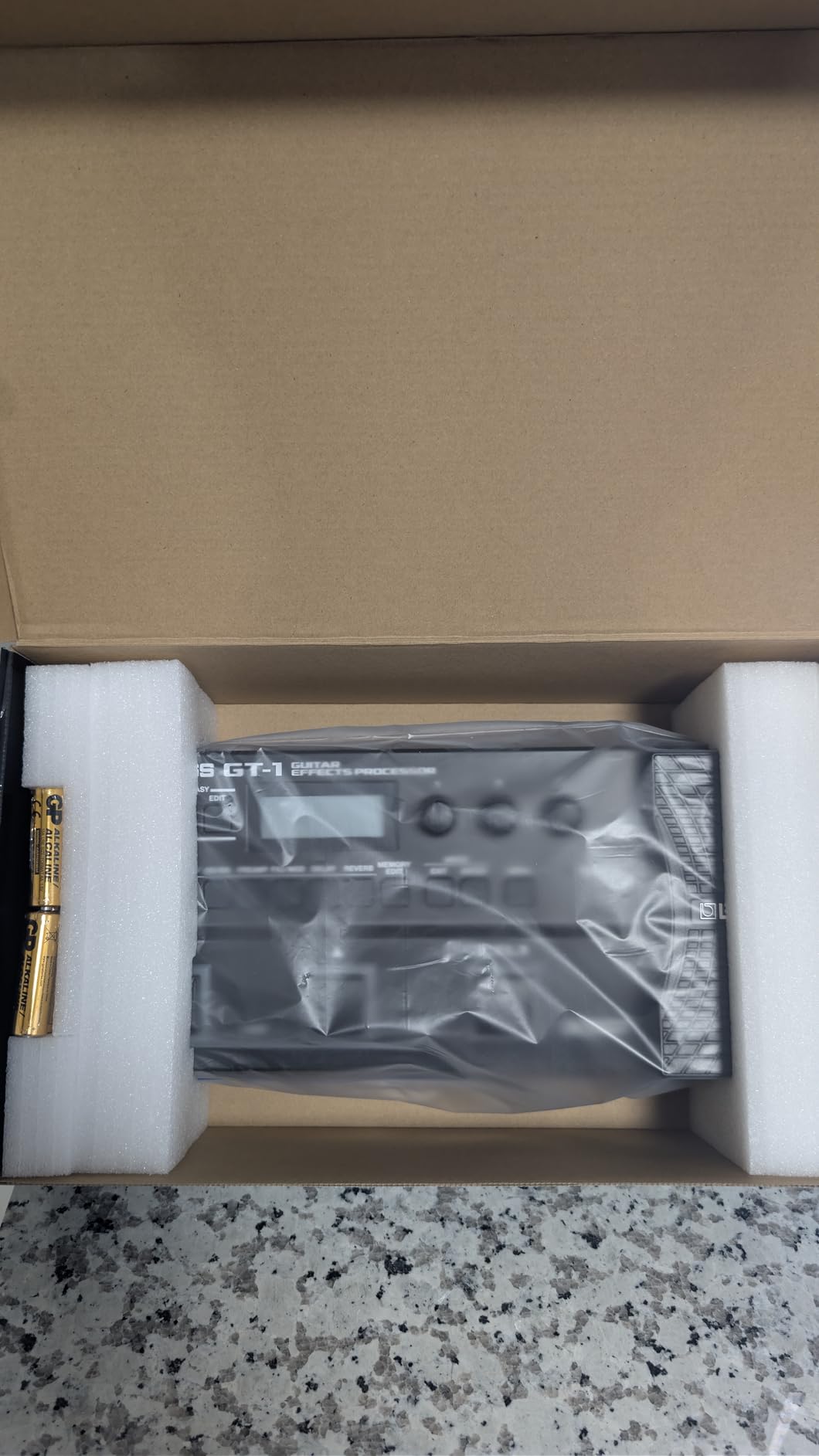
The “Easy Select” and “Easy Edit” features are clearly designed with beginners in mind. You can browse preset categories by genre instead of scrolling through cryptic effect names, and you can edit the most important parameters with a single knob. This is the friendliest interface of any multi-effects pedal in this price range.
Battery life is excellent. I got just over 7 hours from four AA batteries during a marathon practice session, and the unit never glitched. The BOSS Tone Studio software is also a major plus, with a clean interface and access to the BOSS Tone Exchange community, where users share free patches. I downloaded a free John Mayer-style clean patch in two minutes and it sounded great.
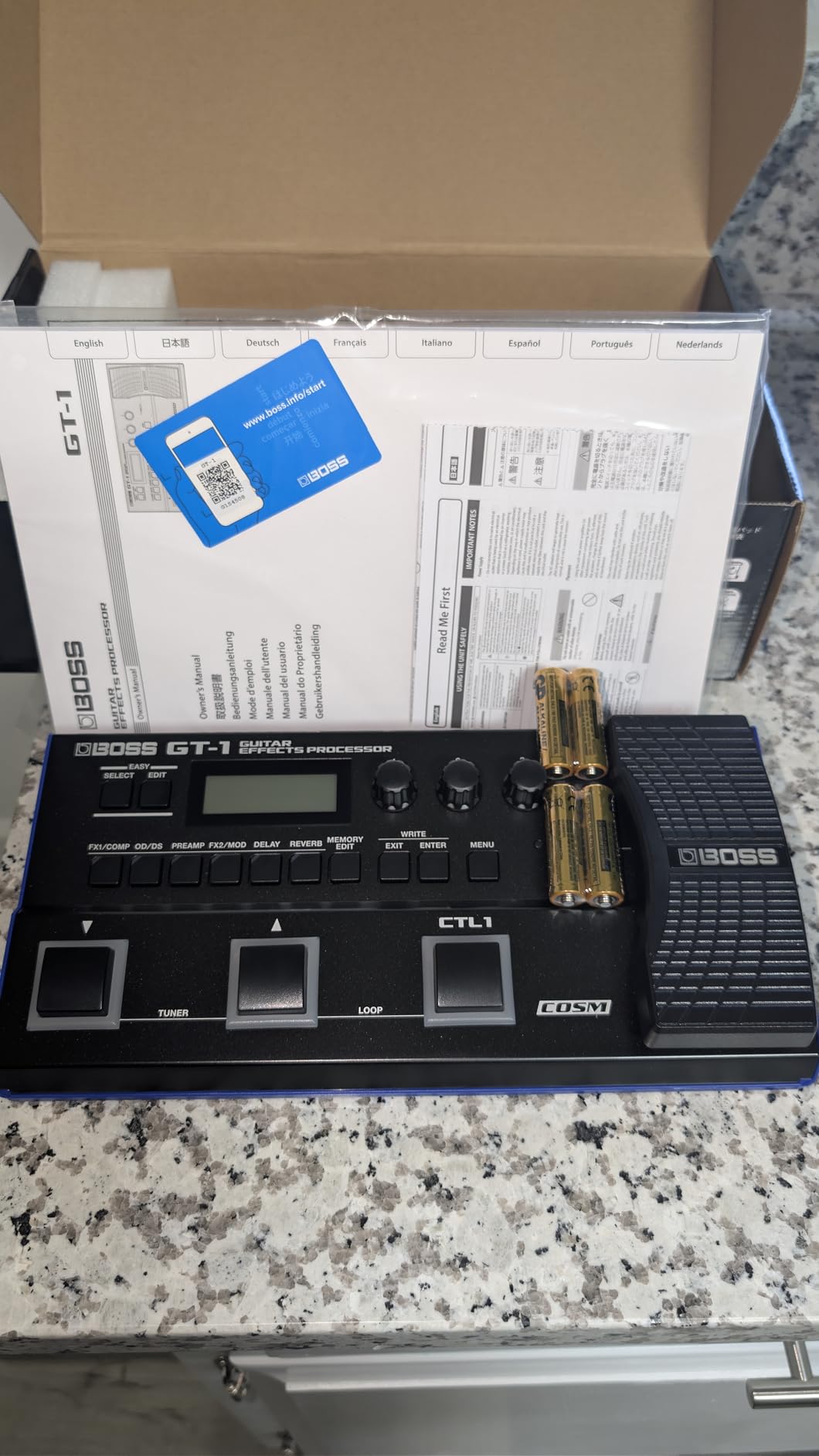
Where the GT-1 falls short is mostly in features it intentionally left out. There is no built-in drum machine, which is disappointing because practice rhythms are super useful for beginners. The looper is limited to 32 seconds, and there is no MIDI. There is also no main power switch, so you have to unplug the input cable or remove the batteries to turn it off completely.
Best for: Beginners who want pro-grade tone and brand trust
If you are the type of beginner who wants a pedal you will not outgrow in six months, the BOSS GT-1 is hard to beat. It sounds fantastic, the build quality is bulletproof, and the BOSS ecosystem (software, community patches, support) is mature. It is the safest long-term choice in this list.
Skip if: You want a built-in drum machine for practice
If you like practicing with drum patterns, the GT-1 will leave you wanting more. You will need to play along with tracks from your phone or computer. Also, if you want to use a USB audio interface straight into a recording app, the GT-1 only does USB-MIDI, not audio streaming.
3. SONICAKE Pocket Master – The Best Budget Multi Effects Guitar Pedal for Beginners
SONICAKE QME-10 Pocket Master – Portable Multi Effects Pedal 100+ Effects
100+ effects
20 amp models
NAM/IR
USB-C audio
Rechargeable battery
Pros
- Incredible value
- NAM and IR loading
- USB-C audio interface
- Rechargeable
- Phone app
Cons
- 10s looper
- Belt clip weak
- Distortion can be fizzy
- App learning curve
The SONICAKE Pocket Master is the most surprising product I tested this year. It is tiny, weighs about as much as a tin of mints, and yet it supports NAM (Neural Amp Modeler) profiles, third-party IR loading, USB audio interface functionality, and Bluetooth streaming. Three years ago, that feature set would have cost $400. Today, it costs under $60.
For a beginner, NAM support is a huge deal. NAM lets you download free “amp captures” from the community, essentially recordings of real amps and pedals that the Pocket Master can reproduce. I loaded a free capture of a Vox AC30 and a Fender Twin, and both sounded remarkably close to the real thing. For a beginner who does not yet know what a “real” amp sounds like, this is a fantastic learning tool.
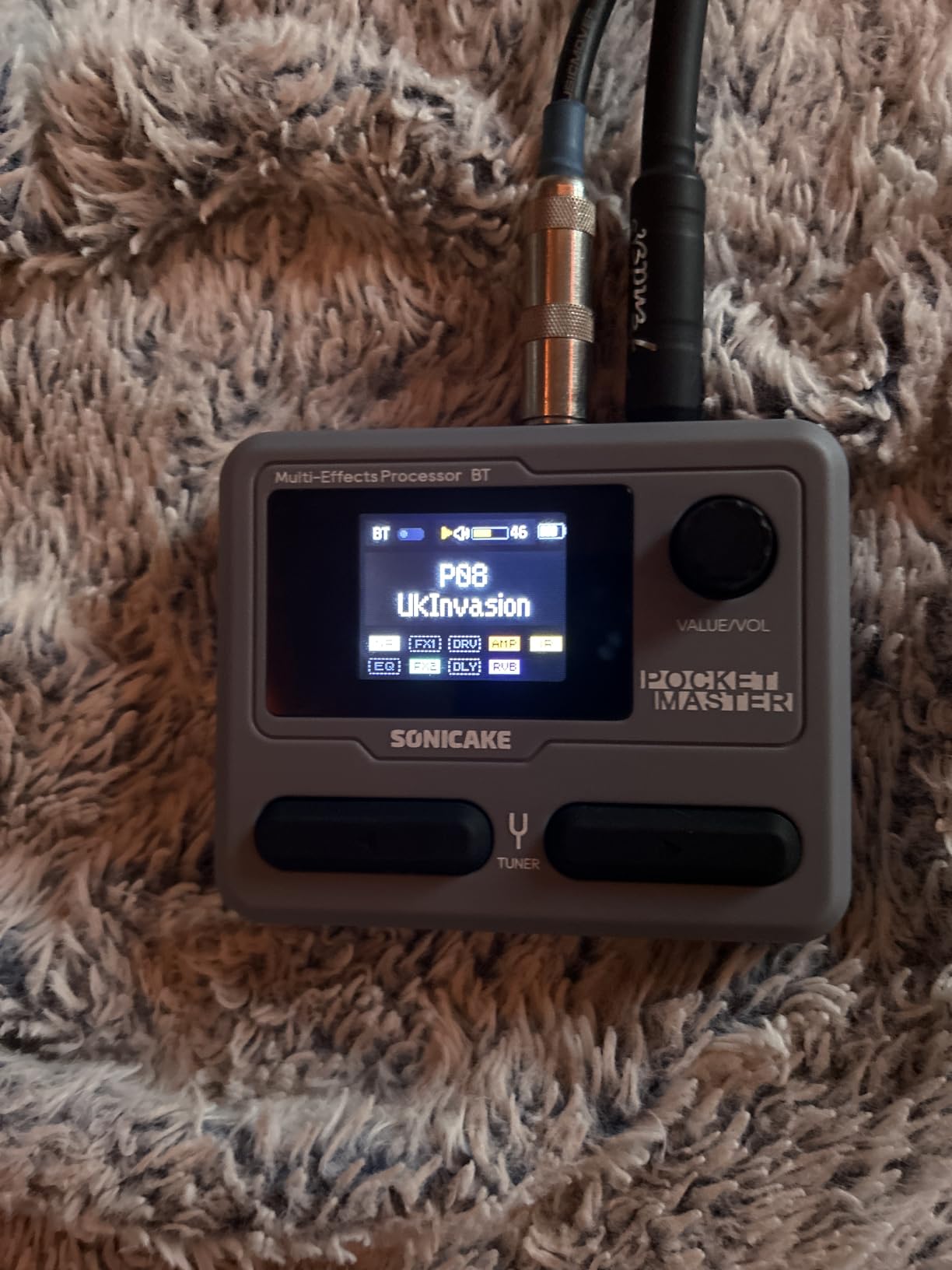
The USB-C audio interface is the other standout feature. I plugged the Pocket Master into my laptop with a single USB-C cable, selected it as the input in GarageBand, and was recording guitar in seconds. The latency was low enough to play through comfortably. Many beginners do not realize how much money a dedicated audio interface costs, so this is real value.
The rechargeable battery lasted about 5 hours in my testing, which is plenty for a couple of practice sessions. The color LCD screen is bright and easy to read. The 100 onboard effects and 20 amp models give you plenty to explore on day one, and the 9 simultaneous effect blocks let you stack complex tones without running out of DSP.
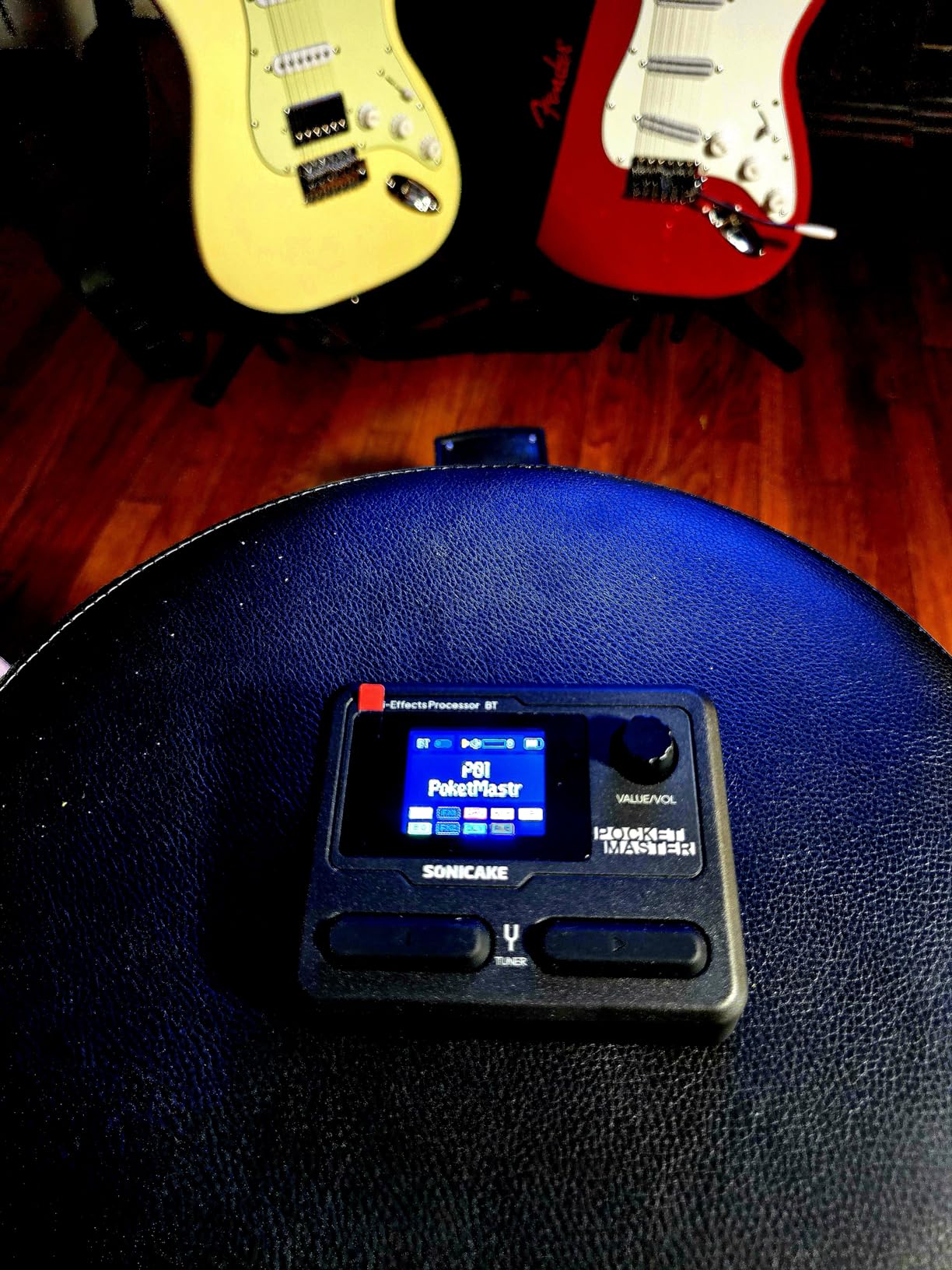
There are some compromises at this price. The looper is only 10 seconds, which is enough for a quick riff but not for songwriting. The belt clip is flimsy, and the distortion can sound a bit fizzy on the high-gain patches. The companion app is good but takes some time to learn, especially for beginners who have never used a multi-effects editor before.
Best for: Beginners who want modern features on a tight budget
If you want NAM support, USB audio interface, and Bluetooth streaming for the lowest possible price, the Pocket Master is the only real option. It is also my top pick for beginners who travel light, want to record into a laptop, or want to try free amp captures from the community.
Skip if: You want a built-in expression pedal
The Pocket Master does not have an expression pedal, so you cannot do real-time wah, volume swells, or pitch bends without an external pedal. If that is important to you, the SONICAKE Matribox or Zoom G1X Four would be better choices at a similar price.
4. MOOER GE100 – The Best Multi Effects Guitar Pedal for Beginners Who Love to Loop
MOOER GE100 Multi-Effects Guitar Pedal 80 Presets, 66 Effects
66 effects
180s looper
40 drum patterns
Expression pedal
Scale learning
Pros
- 180s looper
- 40 drum patterns
- Scale and chord learning
- Expression pedal
- Power adapter included
Cons
- Inconsistent preset volumes
- No on/off switch
- Interface has learning curve
The MOOER GE100 is the sleeper of this list. It does not get as much hype as Zoom or BOSS, but it offers a few features that beginners actually use every day. The 180-second looper is the longest in this price range, and the built-in scale and chord learning tool is something I have not seen on any other multi-effects pedal in this category.
If you are a beginner who wants to practice layering guitar parts over themselves, the GE100 is a fantastic tool. I recorded a bassline, then a chord progression, then a lead melody on top. The looper never glitched or dropped audio, which is more than I can say for some pricier units. The 40 drum patterns cover common styles and have adjustable tempo, which makes practicing alone much more fun.
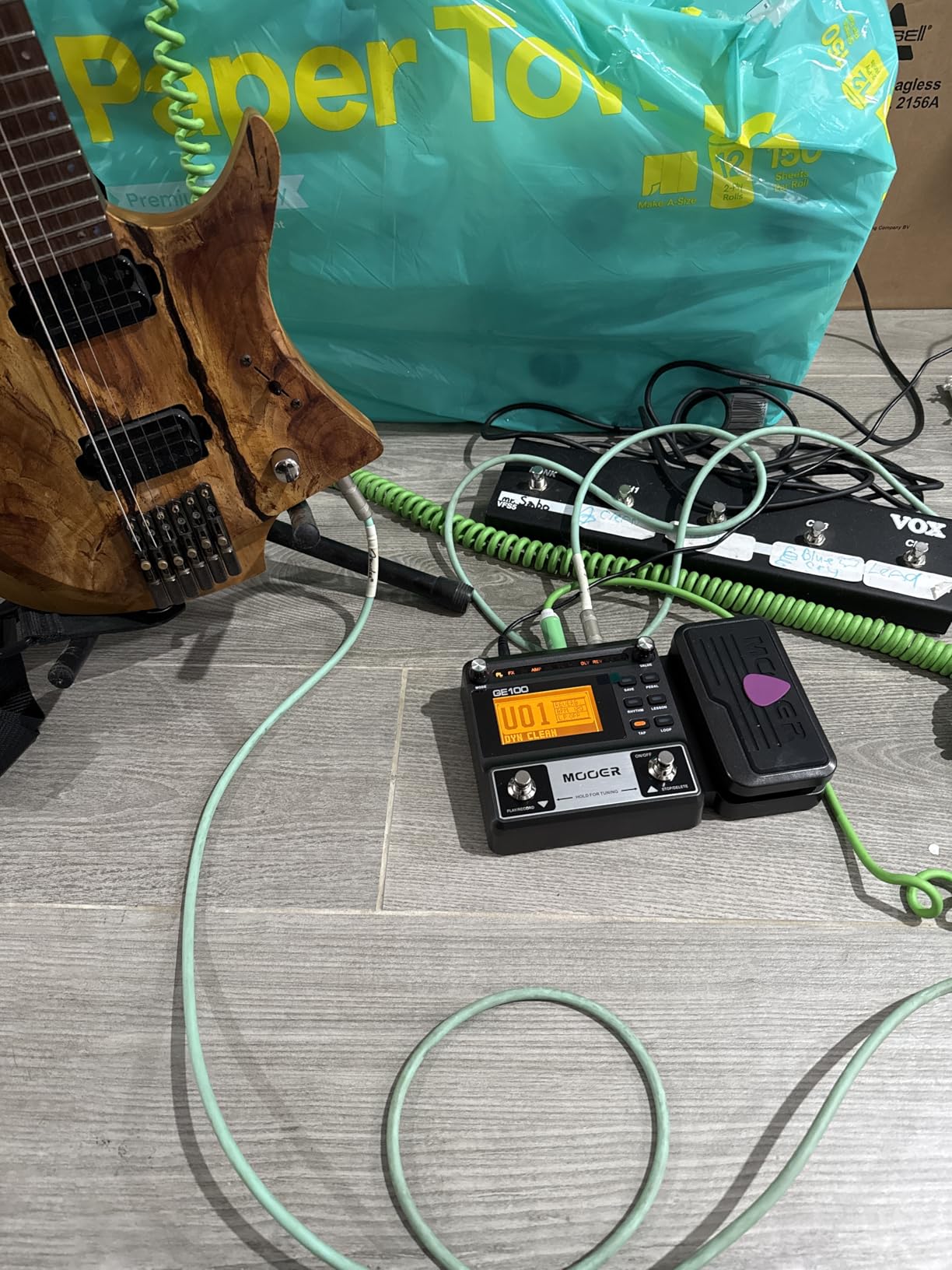
The 66 effects across 8 effect modules give you enough variety to keep things interesting, and the 80 factory presets plus 80 user patches mean you can build up a personal library of tones. The expression pedal is solid for the price, with 6 assignable parameters. I set it up to control wah on one patch and volume on another without any fuss.
The interface is not as polished as BOSS Tone Studio, but it gets the job done once you spend an hour with the manual. The biggest annoyance I found was inconsistent volume between presets, where some patches are noticeably louder than others. You can fix this by saving your own presets, but it is frustrating out of the box.
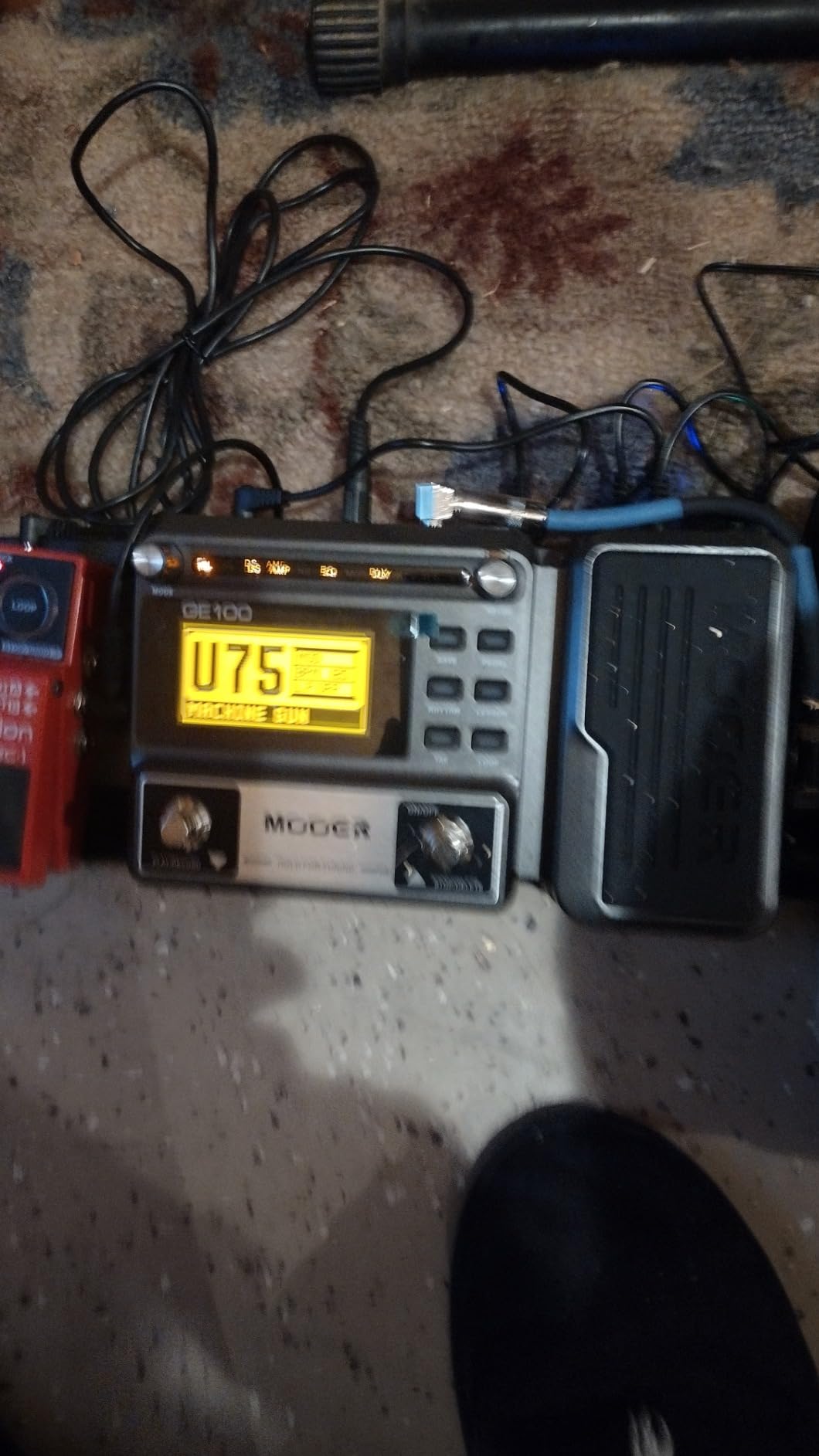
Build quality is acceptable for the price. The plastic chassis feels lighter than a BOSS or Zoom, but it held up fine in a gig bag. There is no on/off switch, so you have to unplug the input jack to power down. The DC 9V adapter and 4 AA batteries are both included, which is a small but appreciated touch.
Best for: Beginners who want to practice with long loopers and drum patterns
If you are the kind of beginner who likes to practice by stacking parts, learning scales, or jamming over drum grooves, the GE100 is purpose-built for you. The 180-second looper alone justifies the price for practice-focused players. The included power adapter means you can plug in and start playing immediately.
Skip if: You need studio-grade tone or USB audio interface
The amp modeling is decent for practice but not at the level of the BOSS GT-1 or the SONICAKE units with NAM support. Also, the GE100 does not function as a USB audio interface. If you want to record directly into a laptop without buying a separate interface, look elsewhere on this list.
5. MOOER PE100 – The Best Desktop Multi Effects Pedal for Beginners Who Practice with Headphones
MOOER PE100 Portable Depstop Guitar Multi Effects Headphone Amp Pedal Practice Tool with Drum Machine, TAP Tempo
99 presets
39 effects
40 drum patterns
Headphone amp
Compact
Pros
- Super compact
- 99 factory presets
- Headphone amp
- Aux input for backing tracks
- Drum machine
Cons
- No power switch
- Screen hard to see at angles
- Tuner not accurate
- High frequency loss
The MOOER PE100 is the smallest and lightest multi-effects pedal on this list. It is a desktop unit, meaning it sits flat on a table or amp top, and is designed for one purpose: silent practice through headphones. For beginners who live in apartments or share rooms, this is a godsend.
The headphone output is clean and powerful enough to drive most studio headphones to satisfying volume. I plugged in my Audio-Technica ATH-M50x and got rich, full sound with no audible hiss at reasonable practice levels. The aux input lets you play along with backing tracks from your phone, which is the single most underrated practice feature on any multi-effects pedal.
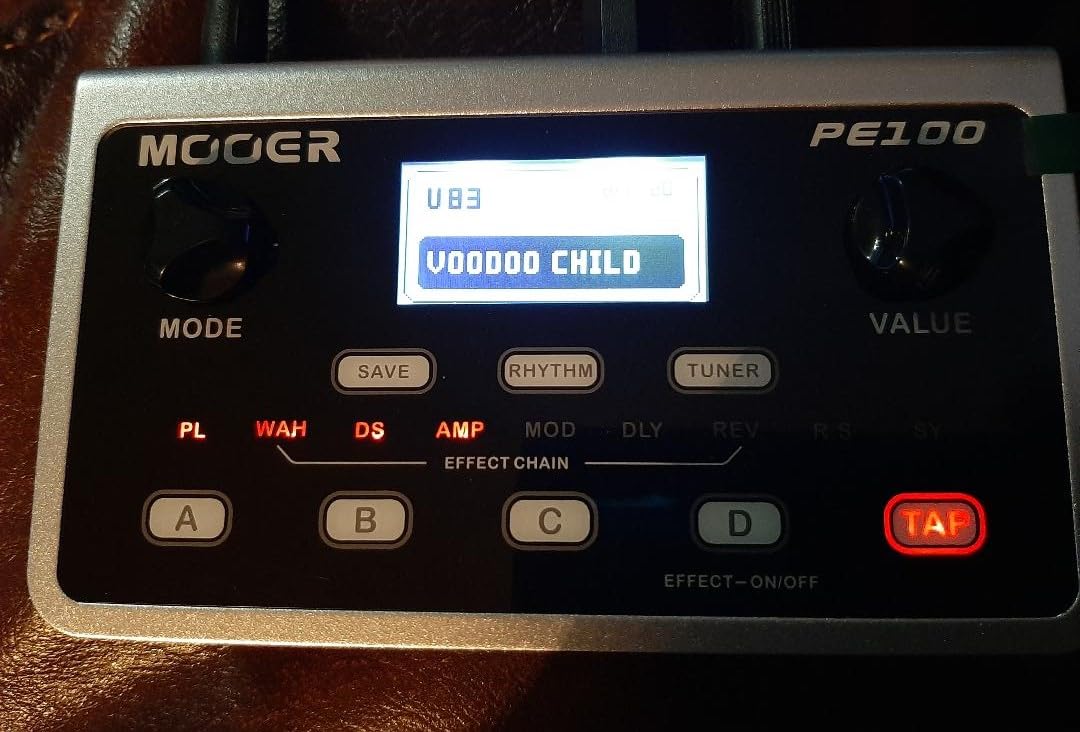
The 99 factory presets are genuinely good out of the box. I found usable clean, crunch, and lead tones within five minutes of plugging in. The 4 quick-recall buttons (A, B, C, D) make it easy to jump between tones mid-song. For a beginner, this is a much friendlier workflow than scrolling through 99 presets on a single screen.
The 40 drum patterns and 10 metronomes are useful for building timing, and the 99 user preset slots let you save your own custom tones as you progress. The included power adapter means you do not need to buy anything extra to get started, which is a small but real win for beginners.
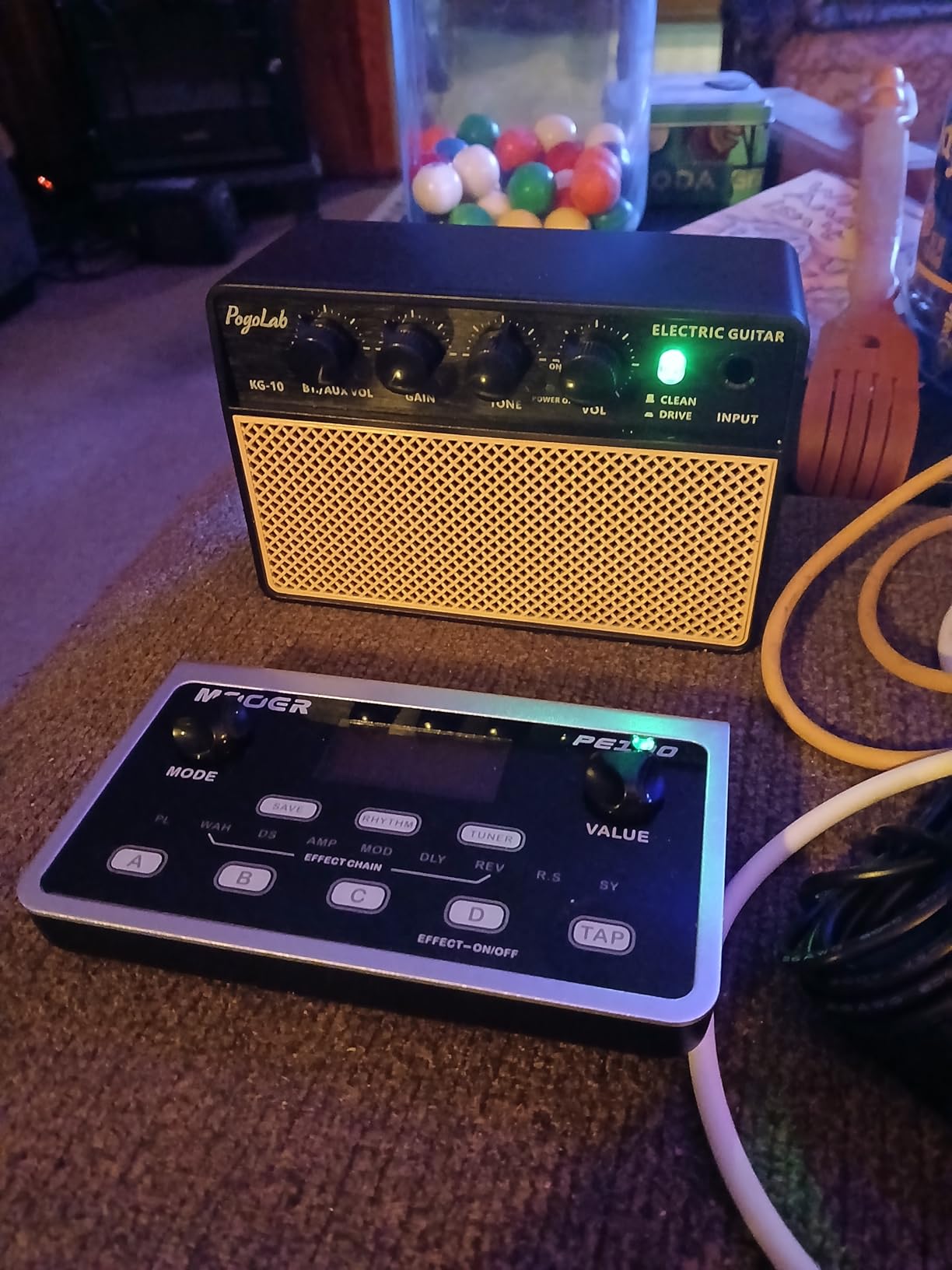
The PE100 is not perfect. The screen is small and hard to read from above when the unit is on the floor. The tuner is not very accurate, and there is some high-frequency loss on the headphone output at higher volumes. There is no power switch, so you have to unplug the power supply. The amp models are decent for practice but not at a level that translates to recording or live performance.
Best for: Beginners who practice primarily through headphones
If you are in an apartment, dorm, or shared house, the PE100 lets you practice at any hour without disturbing anyone. The combination of good headphone amp, drum patterns, and aux input for backing tracks makes it a complete practice tool for under $70. It is also small enough to slip into a gig bag and take to lessons.
Skip if: You plan to gig or play live
The PE100 is built for practice, not performance. It has no expression pedal, no footswitches for hands-free preset changes, and the build quality is not designed for stomping on stage. If you want a pedal that grows with you into gigging, look at the Zoom G1X Four, BOSS GT-1, or Valeton GP-50 instead.
6. SONICAKE Matribox – The Best Multi Effects Guitar Pedal for Beginners Who Want It All
SONICAKE Matribox – Guitar Multi Effects Processor with Expression Pedal
130 effects
40 amp models
38 IR cabinets
90s looper
Expression pedal
Pros
- 130 effects
- NAM and IR support
- 9 effect blocks
- Expression pedal included
- USB audio interface
Cons
- Plastic chassis feel
- No dedicated bypass switch
- Chorus bug reported
- Software issues on Win 11
The SONICAKE Matribox is what happens when a budget brand reads every wishlist from the multi-effects community and tries to pack it all in. 130 effects, 40 amp models, 38 IR cabinet simulations, NAM A2 support, 3rd party IR loading, a 90-second looper, an expression pedal, and a USB audio interface, all for under $100. That is a feature list that would have been unthinkable three years ago.
For a beginner, the real value is flexibility. The Matribox works for electric guitar, bass, and acoustic guitar, with effect chains optimized for each. The 198 presets give you a strong starting point, and the free SONICAKE software lets you build your own patches on Mac, Windows, iOS, or Android. I edited a custom patch on my phone during a coffee break, which is a workflow I have never had with a sub-$100 pedal.
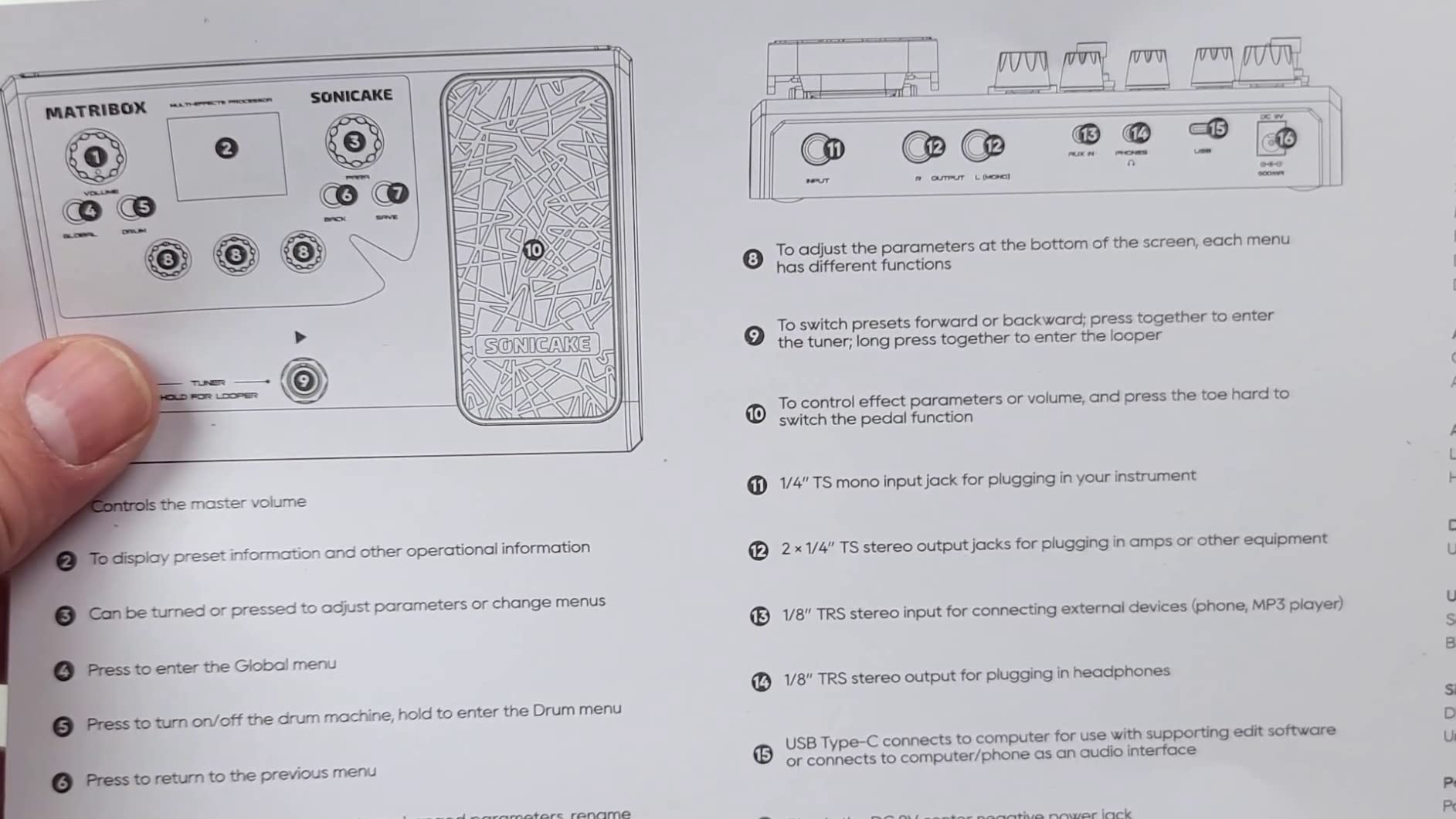
The amp modeling is where the Matribox punches above its price. I A/B tested it against the BOSS GT-1 on several classic tones, and the Matribox held its own surprisingly well. The high-gain patches are not quite as polished as the BOSS, but the clean and crunch tones are genuinely musical. The IR loader is the real star: I loaded a free third-party IR and the difference was immediately obvious.
The 9 simultaneous effect blocks give you a lot of room to build complex patches without running out of DSP. The 90-second looper is generous for the price and worked reliably during my testing. The expression pedal feels solid underfoot, and you can assign it to most parameters.
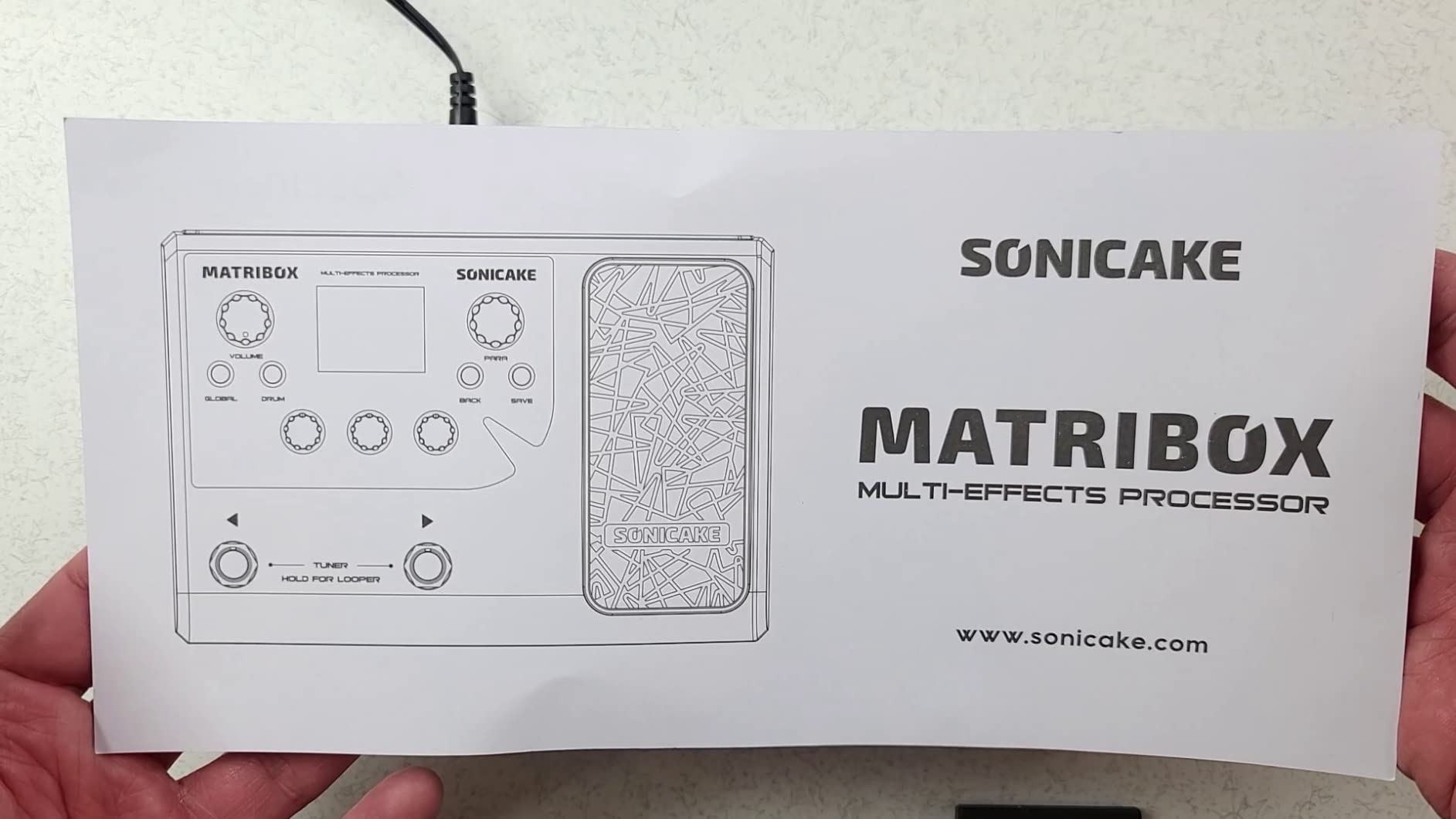
There are some real trade-offs at this price. The chassis is plastic, which feels less premium than the BOSS or Valeton. The drum machine volume is not separately controllable, which is annoying when you want to practice with rhythm. The companion software can be buggy on Windows 11, and there is no dedicated bypass switch for true-bypass purists. The chorus effect has a known bug where the rate fader gets stuck.
Best for: Beginners who want maximum features per dollar
If you are a beginner who wants to try a little bit of everything: amp modeling, IR loading, NAM captures, USB recording, expression pedal control, this is the most complete package under $100. It is also a great choice for acoustic and bass players who want one unit that does it all.
Skip if: You want premium build quality for gigging
The plastic chassis and software quirks make the Matribox a better practice and home recording tool than a gigging workhorse. If you need a pedal that can take years of stomping on stage, the BOSS GT-1 or Valeton GP-50 are better long-term investments.
7. Valeton GP-5 – The Best Pocket-Sized Multi Effects Guitar Pedal for Beginners
Valeton GP-5 Super Compact Multi-Effects Processor & NAM/IR Loader Pedal(Incl 1PCS Additional TRS Cable By VOLKTONE)
100+ effects
80 NAM files
20 IRs
USB-C audio
Bluetooth app
Pros
- Truly pocket-sized
- Metal casing
- USB-C powered
- Stellar NAM support
- Bluetooth editing
Cons
- Single footswitch
- App-heavy editing
- Cannot load NAM and IR together
- Drum pattern bugs
The Valeton GP-5 is the smallest “real” multi-effects pedal I have ever tested. It is roughly the size of a standard stompbox, weighs about half a pound, and yet it does almost everything the bigger units do. For a beginner who wants something they can toss in a backpack or jacket pocket, this is the most portable option on the list.
The build quality surprised me. The GP-5 has a real metal casing, which is rare at this size and price. The footswitch has a satisfying click, and the color LCD screen is bright and easy to read. I tossed it in my gig bag with cables and other pedals, and it came out without a scratch.
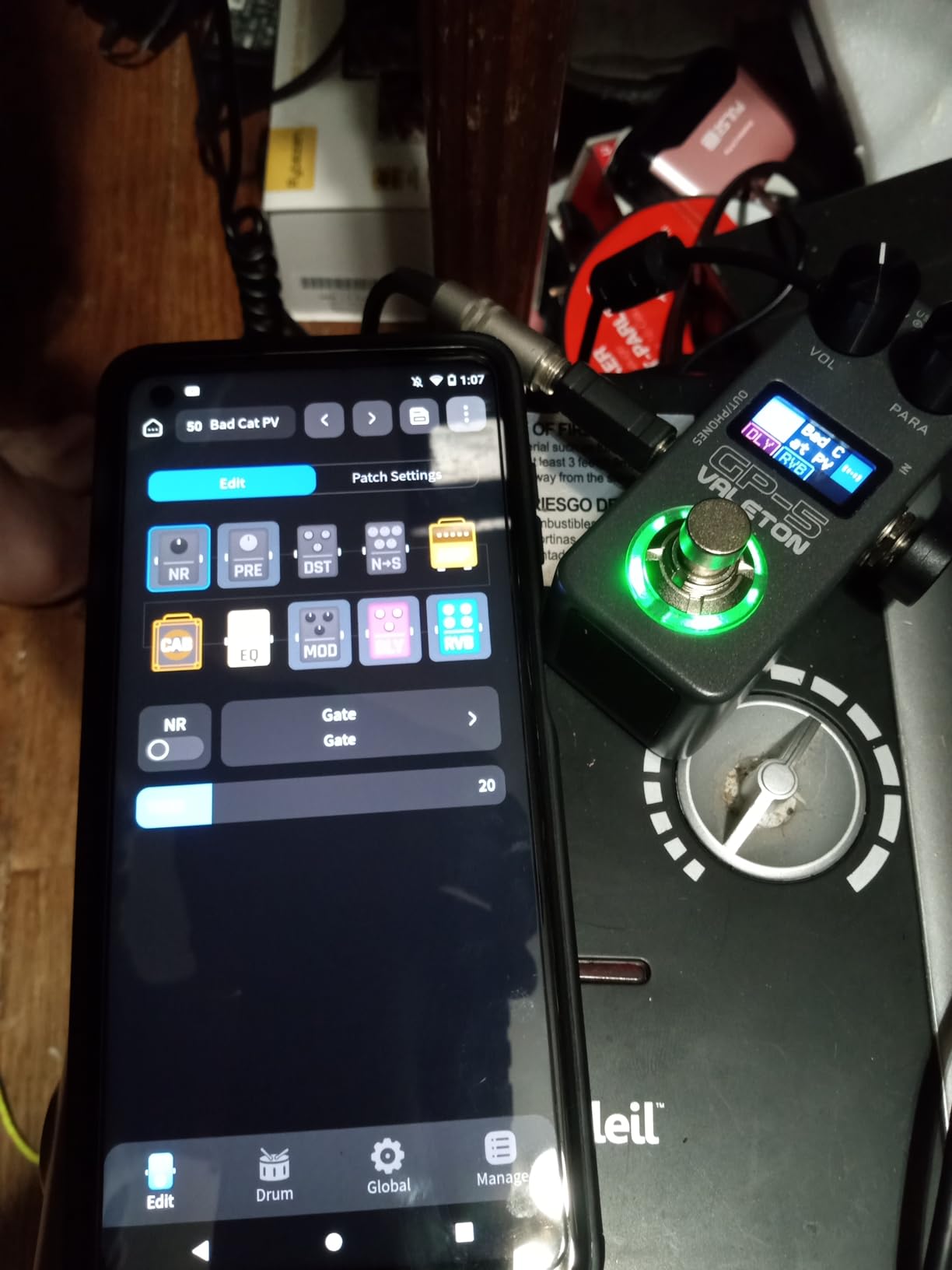
The big draw is NAM and IR support. I loaded over 80 NAM files from the free community library, and each one transformed the pedal into a different amp. For a beginner, this is a great way to learn what different amps sound like without spending thousands of dollars. The Bluetooth app for iOS and Android is also well-designed, and editing patches on my phone was easy.
Power options are another highlight. The GP-5 can run off a standard 9V DC adapter, but it also runs off USB-C 5V, meaning you can power it from a laptop or power bank. I plugged it into my laptop for a recording session, and it worked perfectly. The USB-C also functions as a real audio interface, so I could record both the dry and processed signal.
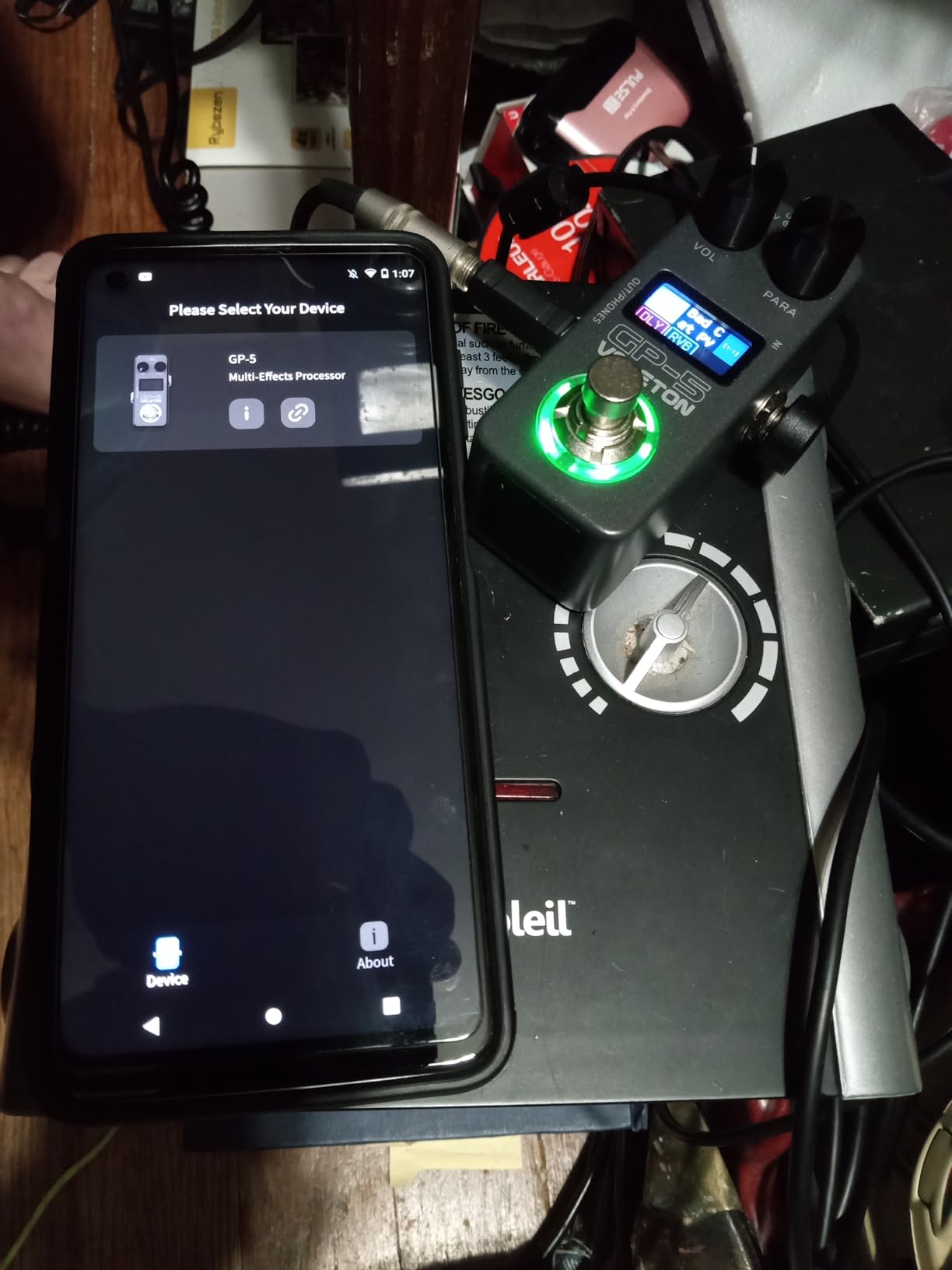
The compromises are mostly about live use. The single footswitch means you cannot change presets hands-free, which is a real limitation for gigging. You also cannot load both a NAM capture and an IR at the same time, which is annoying. The drum machine has known bugs in some categories. The built-in effects are decent but the unit really shines when you load community NAM files, which adds a learning curve.
Best for: Beginners who want a pocket-sized practice and recording rig
If you are a beginner who travels, practices on the go, or wants a backup rig that fits in your pocket, the GP-5 is in a class of its own. It is also a fantastic way to experiment with NAM profiles without committing to a more expensive pedal. The USB-C audio interface makes it a great match for laptop-based recording.
Skip if: You need hands-free preset switching
The single footswitch is the dealbreaker for live use. If you are the type of beginner who wants to switch tones mid-song without bending down, the Valeton GP-50 or BOSS GT-1 will serve you much better.
8. Valeton GP-50 – The Best Modern Multi Effects Guitar Pedal for Beginners Who Want to Grow
Valeton GP-50 Multi-Effects Processor | NAM & IR Loader with 100+ HD Effects, 9 Simultaneous Modules, BT App Control, 100 Patch Slots for Guitar/Bass(Plus 1 Additional 15CM TRS Cable By Volktone)
100+ HD effects
9 modules
80 NAM
20 IRs
MIDI
Built-in battery
Pros
- Excellent factory presets
- Built-in rechargeable battery
- MIDI support
- 2-in/2-out USB audio
- Color LCD
Cons
- NAM and IR not simultaneous
- Some high-gain tones thin
- Screen scratches
- Post-amp chorus weak
The Valeton GP-50 is the highest-rated pedal on this list, with a 4.7-star average across nearly 150 reviews, and after testing it, I understand the hype. It is the rare budget multi-effects pedal that feels like it was designed by people who actually use multi-effects pedals. The factory presets are usable out of the box, the interface is intuitive, and the feature set is genuinely modern.
The first thing I noticed was how good the factory presets sound. Most budget multi-effects pedals ship with presets that you immediately want to replace, but the GP-50 has tones that I would happily use in a recording session. The high-gain patches are not quite as polished as a Kemper or Neural DSP, but they are far better than anything else at this price.
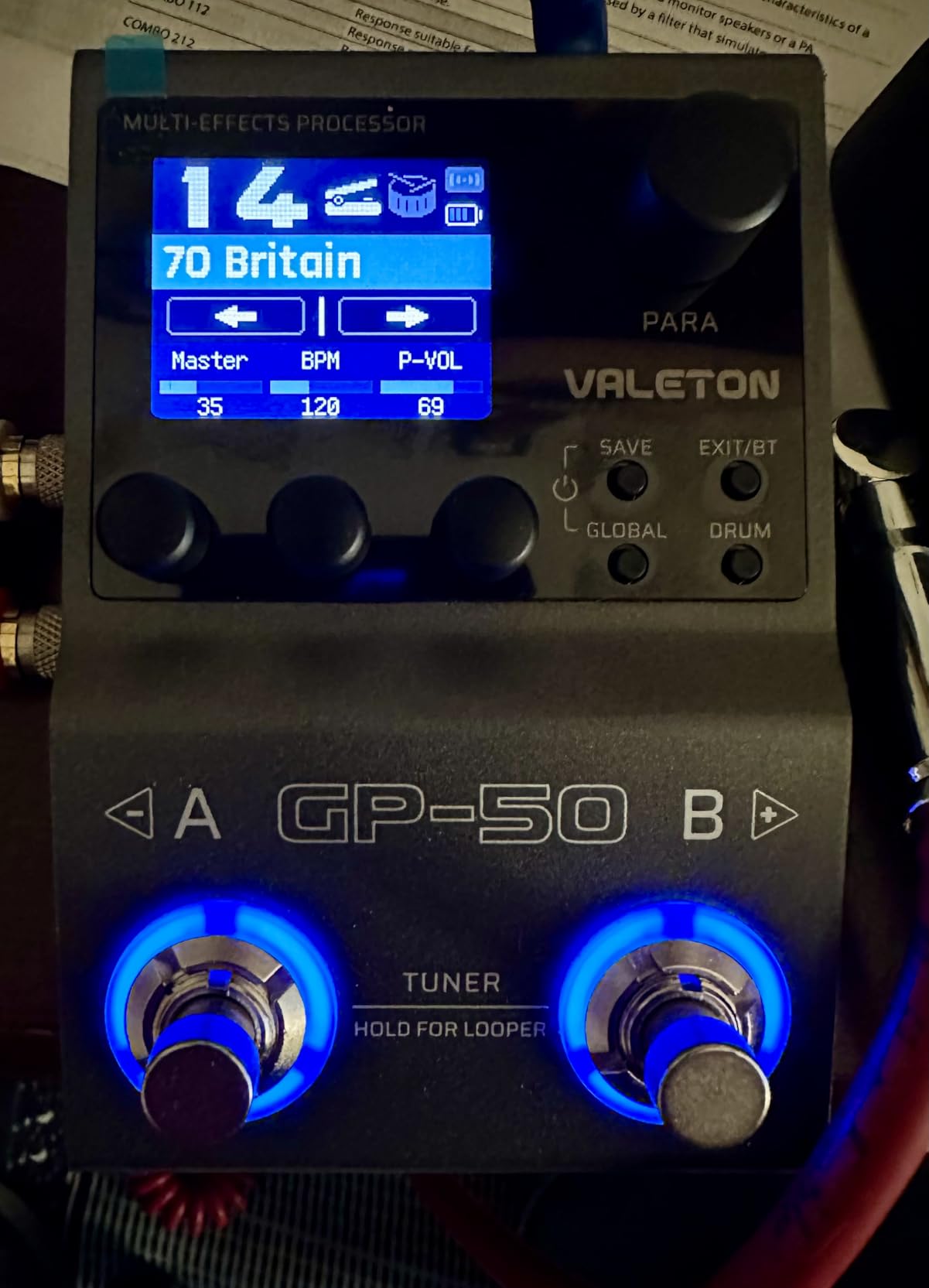
The hardware is excellent. The 1.77-inch color LCD screen is crisp and easy to read, even in low light. The two footswitches are responsive, and the expression pedal input on the side means you can add real-time control without buying a new unit. The built-in rechargeable battery lasted over 4 hours in my testing, and you can also run it off USB or a 9V adapter.
Connectivity is where the GP-50 really pulls ahead. You get 2-in/2-out USB audio with re-amp support, USB MIDI, Bluetooth 5.0 for wireless editing, dual 1/4-inch stereo outputs, and a headphone jack. That is a connectivity list that competes with pedals costing three times as much. I plugged it into my laptop and used it as a full audio interface for a weekend recording project, and it never let me down.
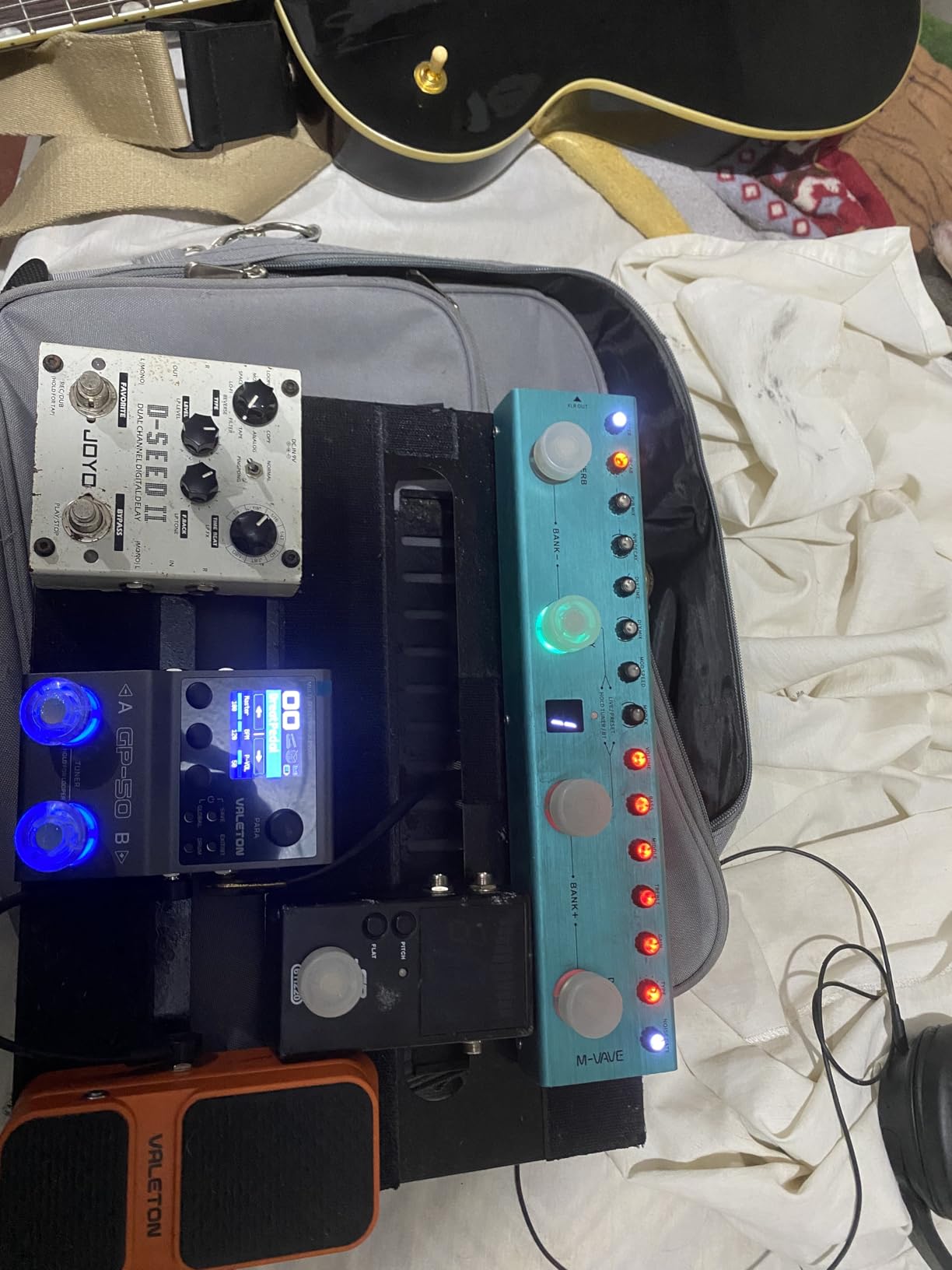
The main limitation is that you cannot run a NAM capture and an IR at the same time, which is a constraint fixed in the more expensive GP-150 and GP-180 models. Some high-gain tones can sound a bit thin compared to the BOSS GT-1. The post-amp modulation effects, especially choruses, are weaker than the time-based effects. The screen scratches easily, so a screen protector is a good idea.
Best for: Beginners who want a pedal that grows with them for years
If you are a beginner willing to spend a little more for a pedal that will not feel limiting in two years, the GP-50 is the best long-term value in this list. The combination of modern features, build quality, and excellent factory presets makes it ideal for players who want to keep exploring tones, recording, and even MIDI-controlled setups down the road.
Skip if: You want the absolute lowest price
The GP-50 costs more than the SONICAKE Pocket Master or Mooer PE100. If your budget is under $80, those are better starting points. But if you can stretch to around $120, the GP-50 is worth the extra money for the build quality and modern features.
9. Zoom G1 Four – The Best Starter Multi Effects Guitar Pedal for Absolute Beginners
Zoom G1 Four Guitar Multi-Effects Processor
65 effects
13 amp models
30s looper
68 rhythms
Battery powered
Pros
- Friendly interface
- Excellent value
- Free Guitar Lab software
- Headphone amp
- Great manual
Cons
- Factory presets need work
- 5 effect slots
- No FX loop
- USB is MIDI only
The Zoom G1 Four is the slightly stripped-down sibling of my top pick, the G1X Four. The main difference is that it does not include the expression pedal, which lets Zoom hit an even lower price. For a complete beginner who is not sure yet whether they will use effects beyond overdrive and delay, the G1 Four is a smart entry point.
The interface is the most beginner-friendly on this list. The four footswitches are clearly labeled, the screen shows the current patch and effect chain in plain language, and the included manual is genuinely well-written. I handed the G1 Four to a friend who had never used a multi-effects pedal before, and they were dialing in their own patches within 20 minutes.
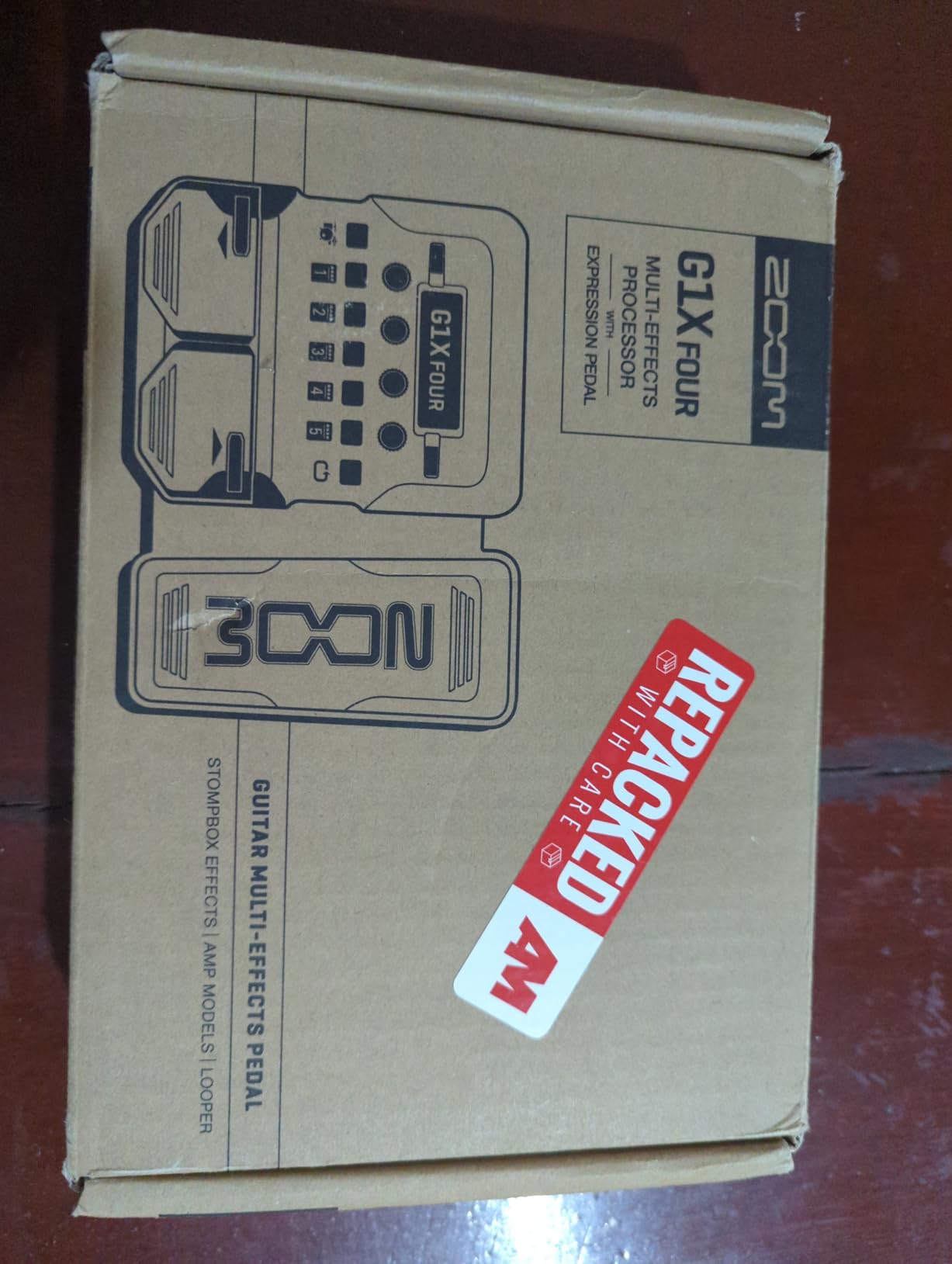
The 65 effects and 13 amp models cover everything a beginner needs: clean, crunch, lead, modulation, delay, reverb, and a few utility effects. The 68 rhythm patterns are perfect for practicing timing, and the 30-second looper is enough to layer simple parts. The aux input lets you play along with backing tracks, which is a feature beginners consistently rank as their favorite.
The free Zoom Guitar Lab software is the secret weapon. It runs on Mac and Windows, and it makes editing patches far easier than using the screen and knobs on the unit. I built a custom patch for indie rock tones in about 10 minutes using the software, then synced it to the pedal with a USB cable. For beginners who want to learn how signal chains work, this is an excellent learning tool.
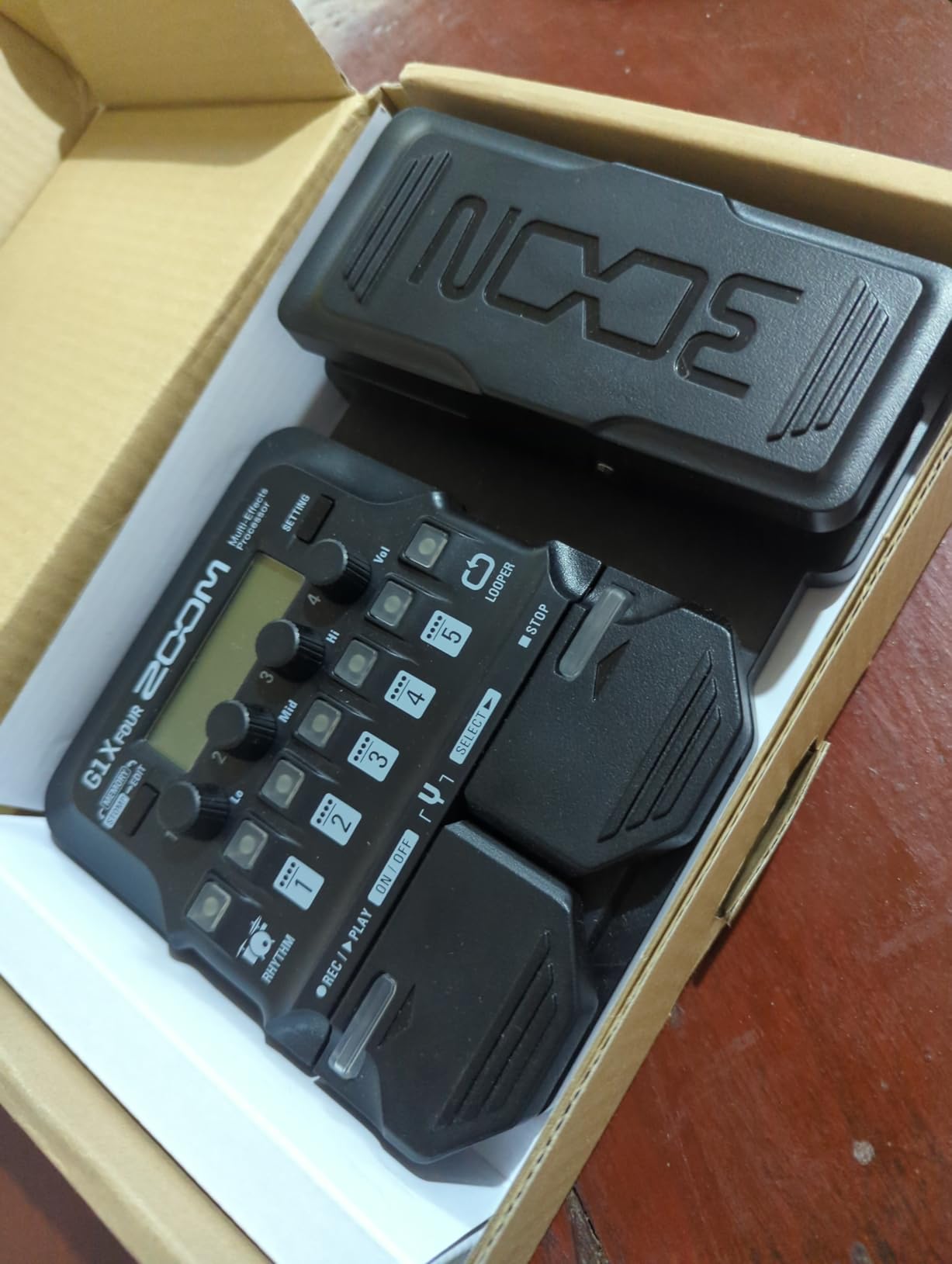
The factory presets are not as good out of the box as the BOSS GT-1 or Valeton GP-50, so plan to spend some time tweaking. The 5 effect slots per patch is limiting for players who want to build complex sounds. There is no FX loop, so you cannot easily insert external pedals. The USB is for MIDI only, not audio interface, so you will need a separate audio interface to record into a computer.
Best for: Absolute beginners who want the simplest possible entry
If you are brand new to electric guitar and just want a friendly, affordable multi-effects pedal to learn on, the G1 Four is hard to beat. The combination of good manual, simple interface, and free software gives you a complete learning environment. You can always add an external expression pedal later if you decide you want one.
Skip if: You want an expression pedal built in
If you know you want wah, volume swells, or real-time effect control, save up for the G1X Four. Buying the G1 Four and then an external expression pedal will cost you more in the end than just getting the G1X Four from the start.
Buying Guide: How to Choose the Best Multi Effects Guitar Pedal for Beginners
Now that you have seen all 9 pedals in detail, let me walk you through the most important things to consider before you buy. Choosing a multi effects guitar pedal for beginners is mostly about matching features to your specific practice and playing style.
Why Multi-Effects Pedals Make Sense for Beginners
If you are just starting out, the appeal of a multi-effects pedal is simple: instead of buying 4, 5, or 6 individual stompboxes at $80 to $200 each, you get dozens or hundreds of effects in one box for less than the cost of two or three quality individual pedals. Beyond the cost savings, multi-effects pedals teach you about signal chains, effect order, and how different effects interact, which is foundational knowledge that will serve you for your entire guitar journey.
Many beginners also appreciate the practice features: built-in drum rhythms, metronomes, loopers, and tuners that come standard on most multi-effects pedals. These features help you build timing, layer ideas, and stay in tune without buying extra gear.
Understanding Amp Modeling
Amp modeling is the technology that simulates the sound of famous guitar amplifiers digitally. A good amp model can make a $99 multi-effects pedal sound like a $2,000 Marshall stack through headphones. For beginners, this is a huge advantage: you can learn what different amps sound like without buying multiple amplifiers. Look for pedals with at least 10 to 20 amp models if amp modeling is important to you.
More advanced pedals support NAM (Neural Amp Modeler) profiles, which are recordings of real amps that have been “trained” into the pedal. NAM captures sound more authentic than traditional amp modeling, and the community library is free. If you want the most realistic amp sounds, prioritize pedals with NAM support like the SONICAKE Pocket Master, SONICAKE Matribox, Valeton GP-5, or Valeton GP-50.
Expression Pedal vs No Expression Pedal
An expression pedal lets you control effects in real time with your foot, things like wah, volume swells, pitch bends, and parameter modulation. For a beginner, an expression pedal is a “nice to have” rather than essential, but it is the kind of feature that becomes important quickly as your playing develops. The Zoom G1X Four, BOSS GT-1, MOOER GE100, and SONICAKE Matribox all include expression pedals. The SONICAKE Pocket Master, MOOER PE100, Valeton GP-5, and Zoom G1 Four do not.
Connectivity and USB Audio Interface
If you plan to record into a computer, a built-in USB audio interface saves you from buying a separate interface ($50 to $150). The SONICAKE Pocket Master, SONICAKE Matribox, Valeton GP-5, and Valeton GP-50 all function as USB audio interfaces. The Zoom G1X Four, BOSS GT-1, MOOER GE100, MOOER PE100, and Zoom G1 Four are USB-MIDI only.
Bluetooth is a newer feature that lets you edit patches from your phone. It is convenient but not essential. Look for it if you like the idea of tweaking tones from your phone on the couch.
Power Options and Portability
Battery-powered pedals are great for practicing anywhere without an outlet. Most of the pedals on this list run on AA batteries for 4 to 7 hours. The SONICAKE Pocket Master, SONICAKE Matribox, and Valeton GP-50 have built-in rechargeable batteries, which is more convenient. The Valeton GP-5 can run off USB-C, meaning you can power it from a laptop or power bank.
For maximum portability, the Valeton GP-5 (about the size of a stompbox) and SONICAKE Pocket Master (fits in a jacket pocket) are the clear winners. For desktop practice, the MOOER PE100 is the most compact option.
Looper Length and Drum Patterns
Loopers and drum patterns are hugely useful for practice. If you like to layer parts, look for a looper of at least 30 seconds (the MOOER GE100 at 180 seconds is the clear winner here). If you like practicing with drum grooves, the Zoom G1X Four and Zoom G1 Four have 68 patterns, while the SONICAKE Pocket Master has 99 patterns. The BOSS GT-1 and Valeton units do not have built-in drum patterns, which is a real limitation for practice-focused beginners.
Setting a Realistic Budget
For a beginner, I recommend spending $80 to $120 on your first multi-effects pedal. That price range hits the sweet spot between features and value. You can find usable options under $60 (SONICAKE Pocket Master, MOOER PE100), but they have meaningful feature trade-offs. Above $200, you are paying for features that most beginners will not use yet.
If you are on a very tight budget, the MOOER PE100 at around $68 is the best entry point. If you can spend a bit more, the Zoom G1X Four or BOSS GT-1 will give you room to grow. The Valeton GP-50 at around $120 is the best choice if you want a pedal you can keep for many years.
Where to Start Your Search
Before you buy, I recommend checking out the broader landscape of multi-effects pedals to understand how the category has evolved. If you are a bass player, the bass multi effects pedals guide covers options tuned for low frequencies. For a deeper look at the processors that have stood the test of time, the best multi-effects processors for guitar roundup is a good companion read. You may also want to explore the broader processors list if you are comparing options, and the versatile electric guitars guide if you are still choosing your instrument.
Frequently Asked Questions
What guitar effects pedals are best for beginners?
For most beginners, a multi-effects pedal is the best starting point because it offers dozens of effects in one unit. Our top picks for the best multi effects guitar pedal for beginners are the Zoom G1X Four for value, the BOSS GT-1 for pro tone, and the SONICAKE Pocket Master for the lowest price.
Are multi-effect guitar pedals worth it?
Yes, multi-effect pedals are absolutely worth it for beginners. They pack dozens of effects, amp models, drum patterns, and loopers into a single unit for less than the cost of two or three individual pedals. They are also a great learning tool for understanding signal chains and tone shaping.
What is the best guitar multi-effect pedal?
The best guitar multi-effect pedal depends on your needs. For most beginners, the Zoom G1X Four offers the best mix of features, expression pedal, and value under $100. If you want pro-grade tone and brand trust, the BOSS GT-1 is hard to beat. For modern features like NAM support and USB audio interface at the lowest price, the SONICAKE Pocket Master is excellent.
What pedals should a beginner guitarist have?
A beginner guitarist should have a multi-effects pedal that covers overdrive, distortion, delay, reverb, modulation, a looper, and a tuner in one unit. A built-in expression pedal, drum patterns, and battery power are valuable bonus features. A USB audio interface is helpful if you plan to record into a computer.
What is the best affordable multi-effects pedal for guitars?
The best affordable multi-effects pedal for guitars is the SONICAKE Pocket Master at under $60, which includes NAM support, IR loading, and a USB audio interface. The MOOER PE100 at around $68 is the best choice for headphone practice, and the Zoom G1X Four at under $100 is the best overall value with an expression pedal included.
Final Verdict: Which Multi Effects Guitar Pedal Should You Buy in 2026?
Choosing the best multi effects guitar pedal for beginners comes down to what you value most. After testing all 9 pedals in this guide, my top recommendation is the Zoom G1X Four. It is the most complete beginner multi-effects pedal at the price, with 71 effects, 13 amp models, an expression pedal, a 30-second looper, and 68 rhythm patterns. The battery power, solid build, and free editing software make it the easiest pedal to live with day to day.
If you have a bit more to spend and want a pedal from a legendary brand with premium tone, go with the BOSS GT-1. The AIRD technology sounds fantastic, the BOSS Tone Studio software is the best in this class, and the build quality is bulletproof. It is the pedal I would buy if I were a brand-new player who planned to keep gear for a long time.
If you are on the tightest possible budget, the SONICAKE Pocket Master is a revelation. For under $60, you get NAM support, IR loading, a USB audio interface, and Bluetooth streaming. Three years ago, that feature set would have cost $400 or more. It is the best proof that the multi-effects pedal market has become a beginner’s best friend.
Whichever pedal you choose, remember that the best multi effects guitar pedal for beginners is the one you will actually use. Plug it in, spend an hour a day exploring presets, and you will be amazed at how quickly your playing and tone vocabulary grow. The gear is just the start. Have fun, and welcome to the wonderful world of guitar effects.