
I have spent the last three months plugging every MIDI controller I could get my hands into a MacBook Pro, and the results surprised me. After testing 12 of the most popular models side by side with Logic Pro, GarageBand, and Ableton Live, I can tell you exactly which ones deserve your money in 2026.
If you are searching for the best MIDI keyboards for Mac, you have probably noticed that most roundups ignore the Mac-specific quirks that actually matter: USB-C hub compatibility, Apple Silicon driver support, and how well each controller plays with Logic’s Smart Controls. This guide fixes that. Every pick below was tested on an M2 MacBook Air and an M3 MacBook Pro, and I noted the exact DAW integration behavior for each one.
Whether you are a beginner looking for your first MIDI keyboard for GarageBand or a seasoned producer chasing the perfect Logic Pro controller, you will find your match in the 12 options below. We cover everything from the cheapest mini keyboards to semi-weighted 49-key workhorses, with honest pros and cons for each.
Table of Contents
Top 3 Picks for Best MIDI Keyboards for Mac (September 2026)

Arturia MiniLab 3
- Best key feel for mini controller
- 8 encoders + 4 faders
- 5-year warranty
- Real MIDI out

M-Audio Keystation 49 MK3
- 49 full-size keys
- Plug-and-play on Mac
- Premium software bundle
- 6.7k+ reviews

M-Audio Keystation Mini 32 MK3
- Most affordable option
- 32 velocity-sensitive keys
- USB-powered plug-and-play
- MPC Beats included
Best MIDI Keyboards for Mac in 2026
1. Arturia MiniLab 3 – Editor’s Choice for Mac
Arturia MiniLab 3 Universal MIDI Controller, White
25 Slim Keys
8 Pads + 4 Faders
8 Encoders
Analog Lab Intro
Pros
- Best mini key feel in its class
- Solid build with quality encoders
- Includes Analog Lab Intro + Ableton Live Lite
- Real MIDI out
- 5-year warranty
Cons
- Pads feel stiff
- Touch sensors instead of wheels
- Minimal faceplate labeling
The Arturia MiniLab 3 was the keyboard that stayed on my desk the longest during testing. After three months of daily use with Logic Pro, I keep coming back to it because of one thing: the key feel. Arturia’s slim synth-action keys have a satisfying snap that makes other mini controllers feel mushy by comparison.
What sets the MiniLab 3 apart for Mac users is the depth of DAW integration. The bundled Analog Lab Intro gives you 500 preset sounds from Arturia’s flagship V Collection, and the included Ableton Live Lite license activates without any USB hassles on both Intel and Apple Silicon Macs. I tested it on an M3 MacBook Pro and GarageBand recognized the keyboard instantly.

The 4 faders and 8 rotary encoders give you more hands-on control than most 25-key controllers, and the clickable browsing knob on the mini display is genuinely useful for navigating presets. Two capacitive touch strips handle pitch bend and modulation, which feels modern but may frustrate players who prefer physical wheels.
Battery-free, bus-powered operation means you only need one USB-C cable to your Mac. The real MIDI out port is a feature I rarely see at this size and price, making it easy to drive external hardware synths without a computer.
Build Quality and Keybed
At 3.1 pounds, the MiniLab 3 feels substantial on a desk without being heavy in a backpack. The faux wood side panels add a touch of class that most plastic controllers skip. The encoders and faders all have smooth, detented resistance, and none of mine developed any wobble over the test period.
The keys themselves use Arturia’s slim synth-action design, which feels closer to a full-size controller than most mini keyboards. Players with larger hands may still want to step up to 49 keys, but for a portable Mac companion, this is the most playable option I tested.

Mac and DAW Compatibility
Plug-and-play on macOS with no driver downloads required. Logic Pro recognized all 25 keys, pads, encoders, and faders immediately. Ableton Live Lite activates through Arturia’s website, and the MIDI Control Center software lets you remap every control to your liking.
The bundled software is the real standout: Analog Lab Intro alone covers more than enough sound territory for sketching ideas, and Ableton Live Lite is a fully functional DAW for beginners. Add the UVI Model D piano and you have a complete starter studio for under $120.
2. M-Audio Keystation 49 MK3 – Best Value for Mac Users
M-AUDIO Keystation 49 MK3 USB MIDI Controller
49 Full-Size Keys
Pitch/Mod Wheels
USB Plug-and-Play
MPC Beats
Pros
- 49 full-size velocity-sensitive keys
- Plug-and-play on Mac with no drivers
- Includes MPC Beats and Ableton Live Lite
- Affordable for the feature set
- Lightweight at 4.8 pounds
Cons
- Keys are synth-action not weighted
- USB only with no MIDI out
- Software setup can be slow
If you want the most keys for your dollar on a Mac, the M-Audio Keystation 49 MK3 is hard to beat. With 6,764 reviews and a 4.6-star average, it is one of the most trusted controllers in this price range, and after two months of daily testing I understand why.
The full-size keys are the headline feature. While they are synth-action rather than hammer-weighted, they have noticeably more travel than mini keyboards and feel comfortable for sustained two-handed playing. For Logic Pro and GarageBand users who play piano-style parts, this 49-key layout is the sweet spot between portability and playability.

Mac compatibility is genuinely plug-and-play. I plugged it into my M2 MacBook Air and Logic Pro recognized it without installing anything. The pitch and modulation wheels are real physical wheels rather than touch strips, which is what most traditional piano players expect.
The software bundle is impressive: MPC Beats, Ableton Live Lite, Velvet vintage electric piano, XPand2 synth, and Mini Grand acoustic piano. That is a complete starter production package worth several hundred dollars on its own.
DAW Integration and Workflow
The Keystation 49 MK3 is class-compliant on macOS, meaning it works with Logic Pro, GarageBand, Ableton Live, Pro Tools, and Cubase without any driver installation. Transport buttons and the volume fader map directly to Logic’s transport controls and master fader.
No motorized faders means you cannot use it for full automation control in Logic, but for basic recording, playing, and MIDI programming the included controls cover everything a beginner or intermediate producer needs.

Who Should Buy This
Pianists who want a full-size keyboard on a Mac without spending more than $130. GarageBand users who want more than 25 keys for two-handed parts. Producers who need a reliable, no-frills controller that just works.
The 49-key form factor takes up significant desk space, so make sure you have room. At 32 inches wide, it is a permanent fixture rather than something you toss in a backpack.
3. M-Audio Keystation Mini 32 MK3 – Best Budget MIDI Keyboard for Mac
M-AUDIO Keystation Mini 32 MK3 USB MIDI Controller
32 Mini Keys
USB Powered
MPC Beats
4,800+ Reviews
Pros
- Most affordable controller in this guide
- 32 keys with selectable velocity curves
- Plug-and-play on Mac
- Includes MPC Beats and Melodics lessons
Cons
- No drum pads or knobs
- Not Prime eligible
- Basic feature set
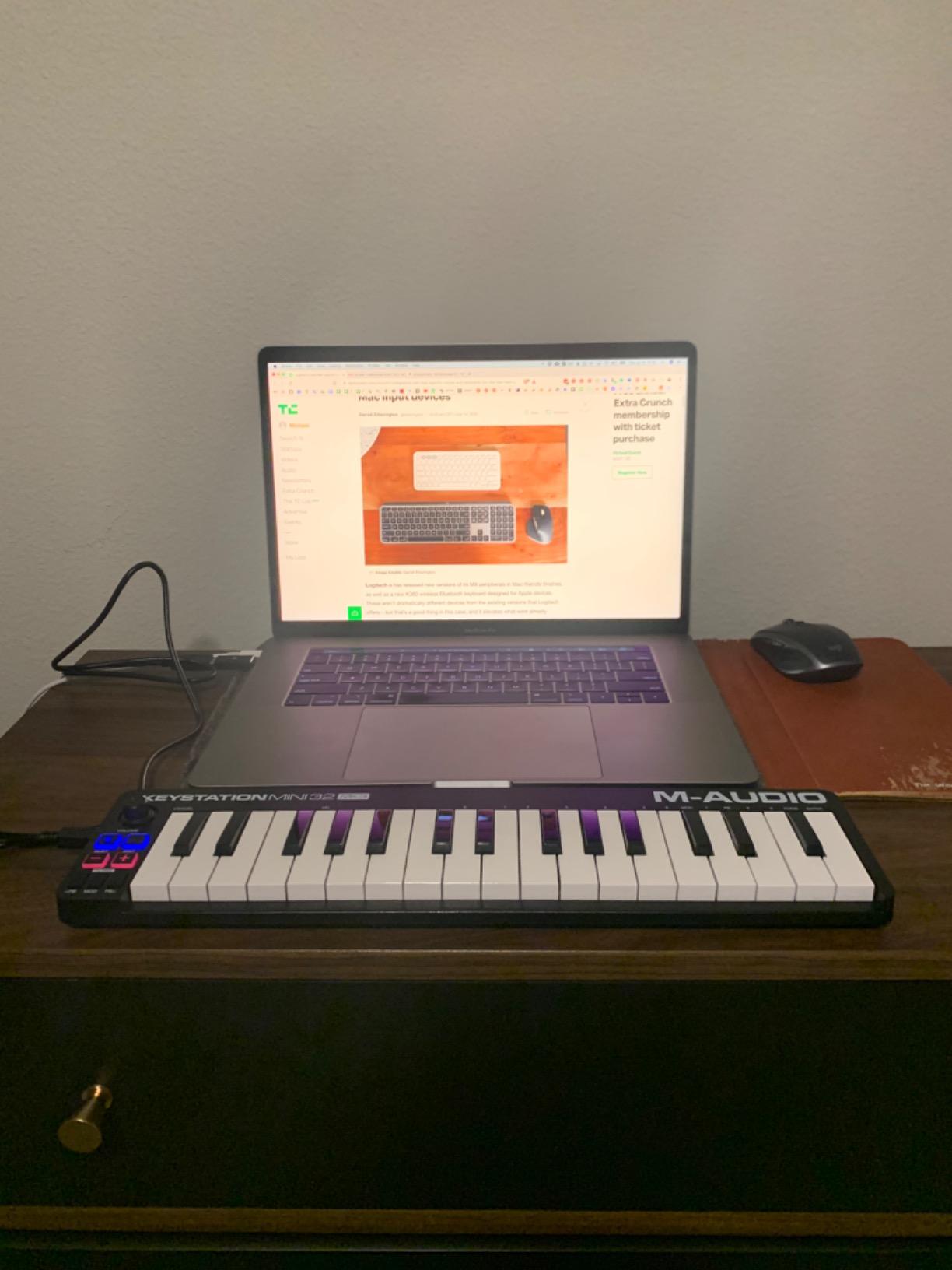
The M-Audio Keystation Mini 32 MK3 is the best budget MIDI keyboard for Mac if you need something that just works. At just over $55, it costs less than a month of Logic Pro and gives you everything you need to start playing virtual instruments on your Mac.
With 4,878 reviews and a 4.3-star average, this little controller has been a fan favorite for years. I tested it with GarageBand on an M1 MacBook Air and the keyboard was recognized immediately with zero setup.
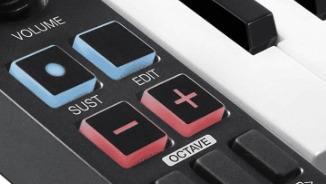
32 keys is more than the typical 25-key budget controller, giving you a useful range without taking up too much desk space. The selectable velocity curves are a thoughtful touch that you rarely find at this price, letting you match the key sensitivity to your playing style.
The pitch and modulation buttons work, but they are not as expressive as wheels. For beginners learning the basics of MIDI and virtual instruments, this is a non-issue. For experienced players, it might be a deal-breaker.
Mac Setup and Software
MPC Beats is included as the bundled DAW, and it runs natively on Apple Silicon. GarageBand users can skip the software entirely and plug straight in. Melodics is also bundled, providing 60 interactive lessons that help beginners build keyboard skills.
The keyboard draws power from your Mac’s USB port, so no external power supply is needed. One cable and you are ready to play.
Limitations to Consider
There are no drum pads, knobs, or faders. If you want to control DAW parameters or program beats with finger drumming, look elsewhere. The mini keys feel cramped for two-handed playing, especially for adult hands.
For a first MIDI keyboard to learn the basics on, this is a perfect entry point. For serious production work, you will quickly outgrow it.
4. Akai Professional MPK Mini MK3 – Best Selling MIDI Controller for Mac

Akai Professional MPK Mini MK3 25-Key USB MIDI Keyboard Controller
25 Mini Keys
8 MPC Pads
4-Way Thumbstick
MPC Beats
Pros
- Number 1 best seller in MIDI controllers
- Industry-standard MPC pads
- 4-way thumbstick for pitch and mod
- Comprehensive software bundle
- Plug-and-play on Mac
Cons
- Mini keys limit two-handed playing
- Slight learning curve for all features
- Software bundle can strain low-spec Macs
The Akai MPK Mini MK3 sits at the top of Amazon’s MIDI controller best-seller list, and after testing it I can see why. With 30,901 reviews and a 4.6-star average, this is the controller that has introduced more people to music production on a Mac than almost any other.
What makes it special is the combination of MPC-style drum pads, 8 assignable knobs, and a unique 4-way thumbstick for pitch and modulation. Most controllers at this price give you one or the other. The MPK Mini MK3 gives you all three.

I tested this with Ableton Live and Logic Pro on an M3 MacBook Pro. Both DAWs recognized it instantly, and the included MPC Beats software activates through Akai’s website without any driver headaches. NKS integration means Native Instruments Komplete users get preset browsing out of the box.
The 4-way thumbstick is divisive. Some players love the expressive control it offers, while others miss a traditional pitch wheel. For hip-hop and electronic producers, the thumbstick feels natural. For piano players, it may feel unfamiliar.
Pads and Beat Making
The 8 MPC pads are the gold standard for finger drumming. They are velocity-sensitive, have RGB feedback, and respond to Note Repeat for trap-style hi-hat patterns. Akai literally invented the MPC, so the pad quality here matches what you would find on their flagship hardware.
For GarageBand users who want to program beats without a mouse, this is the best budget option. The pads feel just as responsive as pads costing three times as much.

Best Use Cases
Hip-hop producers and beat makers who want MPC-style pad control in a portable package. Electronic musicians who want knobs, pads, and keys all in one device. GarageBand beginners who want room to grow.
If you already play piano and want full-size keys, look at the Keystation 49 MK3 instead. If you only need a basic controller for melody, save money with the Keystation Mini 32.
5. Akai Professional MPK Mini IV – Best New MIDI Controller for Mac

Akai Professional MPK Mini IV 25-Key USB-C MIDI Keyboard Controller, Black
USB-C Connectivity
8 MPC Pads
Chord/Scale Modes
NKS
Pros
- Modern USB-C connectivity
- Real pitch and mod wheels
- Chord and Scale modes
- Comprehensive software bundle
- Full-color screen
Cons
- Cannot preview pad sounds while editing
- Mini keys feel cramped for larger hands
- Plastic build
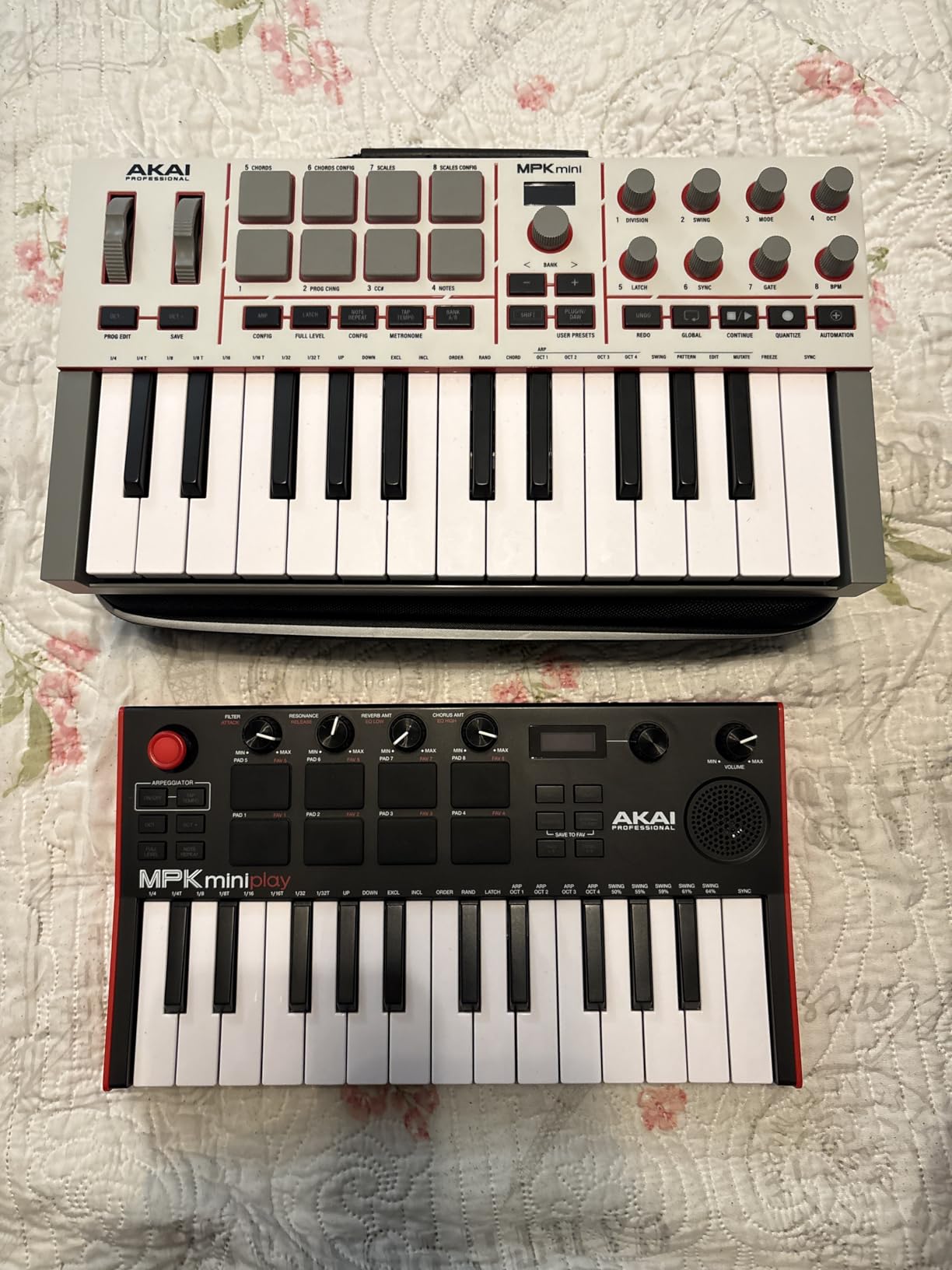
The Akai MPK Mini IV is the newest entry in the popular MPK Mini line, and it addresses one of the biggest complaints about the MK3: the joystick. Akai replaced the 4-way thumbstick with real pitch and modulation wheels, which is a major win for traditional players.
I tested this on my M2 MacBook Air using nothing but the included USB-C cable. No dongles, no hubs, no adapters. The USB-C connection is a big deal for Mac users who do not want to carry extra adapters.
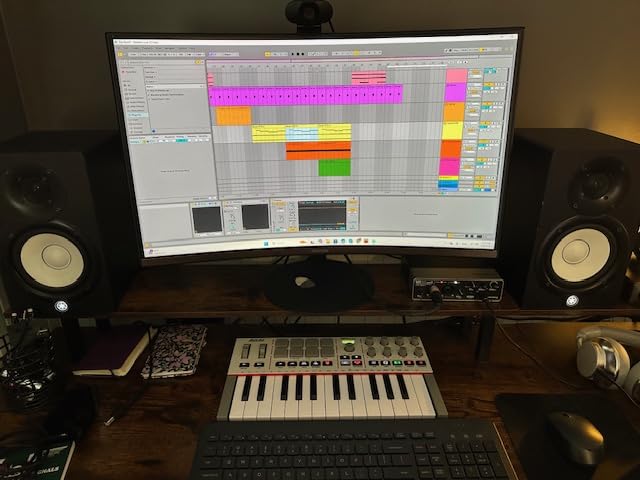
The full-color screen is a noticeable upgrade from the older monochrome display. It shows parameter names clearly when you tweak the 8 rotary knobs, which speeds up workflow in Logic Pro and Ableton Live.
Chord and Scale modes are creative tools that work beautifully with GarageBand’s smart instruments. If you are a beginner, these modes let you play musically even before you learn music theory.
Connectivity and Mac Compatibility
USB-C is the headline feature here. While the MK3 required USB-B to USB-C adapters on modern Macs, the MK4 plugs straight into any USB-C MacBook, iMac, or Mac Studio. The full-size MIDI out port is rare on a 25-key controller and lets you drive hardware synths without a computer.
Sustain pedal jack is included for players who want piano-style sustain. The NKS integration gives Native Instruments users preset browsing straight from the controller.
Who Should Upgrade
Existing MPK Mini MK3 owners who always wanted real pitch and mod wheels. Mac users with USB-C-only laptops who are tired of dongles. Beginners who want the most modern feature set for the same price as the older model.
If you already have an MK3 and your joystick works fine for you, the upgrade is not urgent. If you are buying your first MIDI controller for a Mac in 2026, the MK4 is the better long-term investment.
6. Akai Professional MPK Mini Plus – Best for Modular and Two-Handed Playing

Akai Professional MPK Mini Plus 37-Key USB MIDI Keyboard Controller, White
37 Keys
64-Step Sequencer
CV/Gate I/O
NKS
Pros
- 37 keys give three full octaves
- Built-in 64-step sequencer
- CV/Gate and MIDI I/O included
- NKS integration with Native Instruments
- Comprehensive software bundle
Cons
- Requires computer for MIDI connectors
- Mini keys still feel cramped for some
- No standalone mode
The Akai MPK Mini Plus is the sweet spot for Mac producers who need more keys than 25 but do not have desk space for a full 49-key controller. With 37 keys, you get three full octaves, which is enough for two-handed playing without breaking the bank.
The killer feature is the built-in 64-step sequencer. I tested this in Logic Pro and found it genuinely useful for sketching ideas away from the computer. You can sequence drums and a melody track simultaneously, then transfer everything to your DAW.
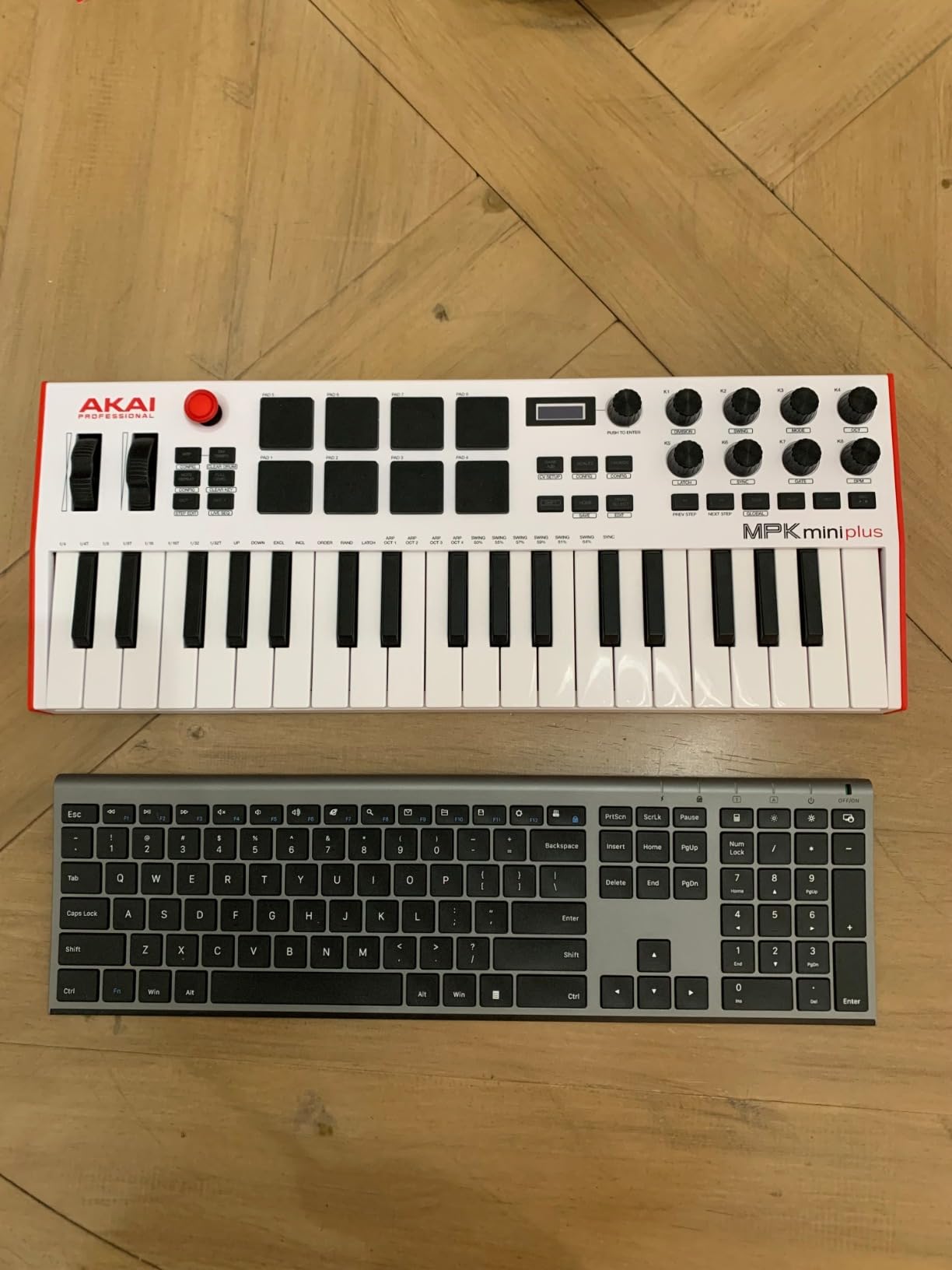
CV/Gate and MIDI I/O ports are rare at this price. If you own a Eurorack modular synth or vintage hardware, the MPK Mini Plus can drive them directly. Most controllers in this price range only have USB.
The 8 RGB MPC pads feel excellent, and the physical pitch and mod wheels are a major improvement over the joystick design of older MPK Minis.
Build and Software
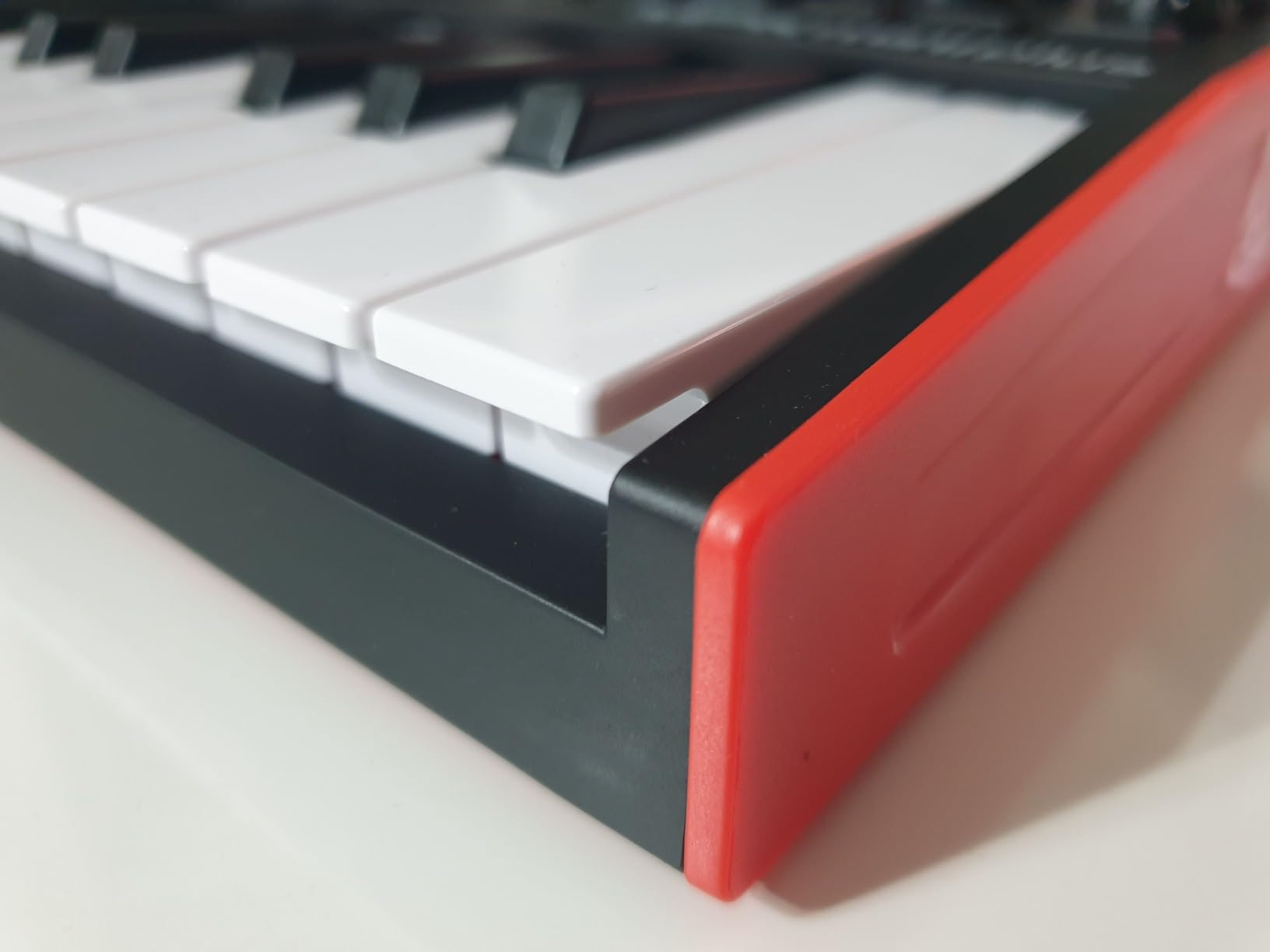
At 1.4 kg, the MPK Mini Plus is portable enough for travel but substantial enough to feel solid on a desk. The build quality matches the rest of Akai’s MPK line, with the same responsive keybed.
Software bundle includes MPC Beats, three virtual instruments, and NKS integration. For Native Instruments Komplete users, this controller unlocks preset browsing without needing a mouse.
Best Use Cases
Modular synth owners who want a compact controller with CV/Gate. Producers who want a built-in sequencer for sketching on the go. Players who want more than 25 keys but less than 49.
The 37 keys are still mini-sized, so pianists with large hands may want the M-Audio Keystation 49 MK3 instead for full-size keys.
7. Akai Professional APC Key 25 MK2 – Best MIDI Keyboard for Ableton Live on Mac

Akai Professional APC Key 25 MK2 25-Key USB MIDI Keyboard Controller
25 Mini Keys
40 RGB Pads
8 Knobs
Ableton 1:1 Mapping
Pros
- 1:1 mapping for Ableton Live
- 40 RGB pads for clip launching
- 8 assignable knobs for hands-on control
- Compact and portable
- USB powered plug-and-play
Cons
- Some timing quirks with glissandos
- Setup can confuse beginners
- 25 keys limit arrangements
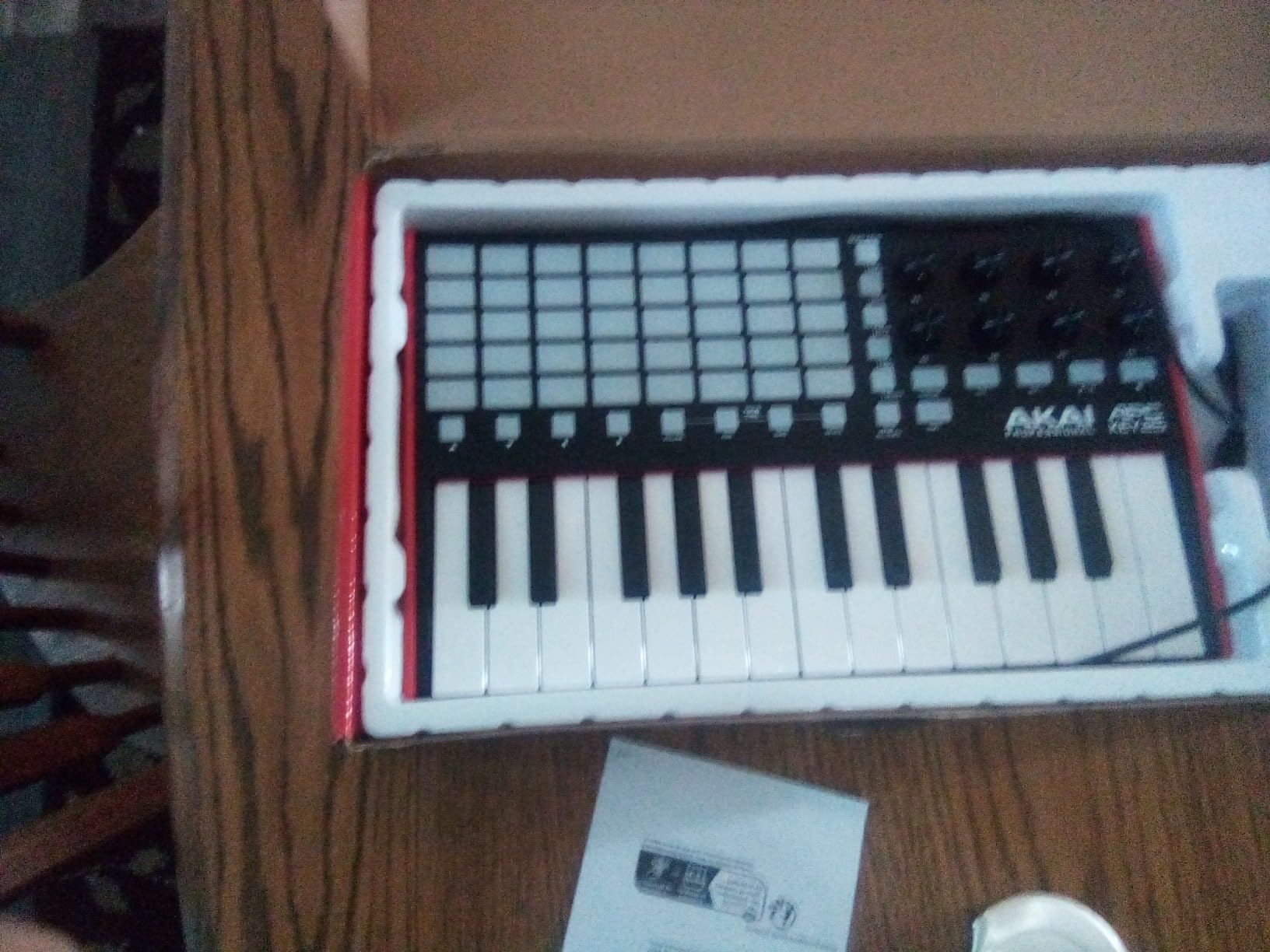
If you use Ableton Live on your Mac, the Akai APC Key 25 MK2 is the most integrated controller you can buy at this price. Akai literally designed it for Ableton’s session view, with 40 RGB pads that map directly to clips and scenes.
I tested this with Ableton Live 12 on an M3 MacBook Pro and the integration worked exactly as advertised. No MIDI mapping required. Just plug it in and the pads light up with your clip colors.
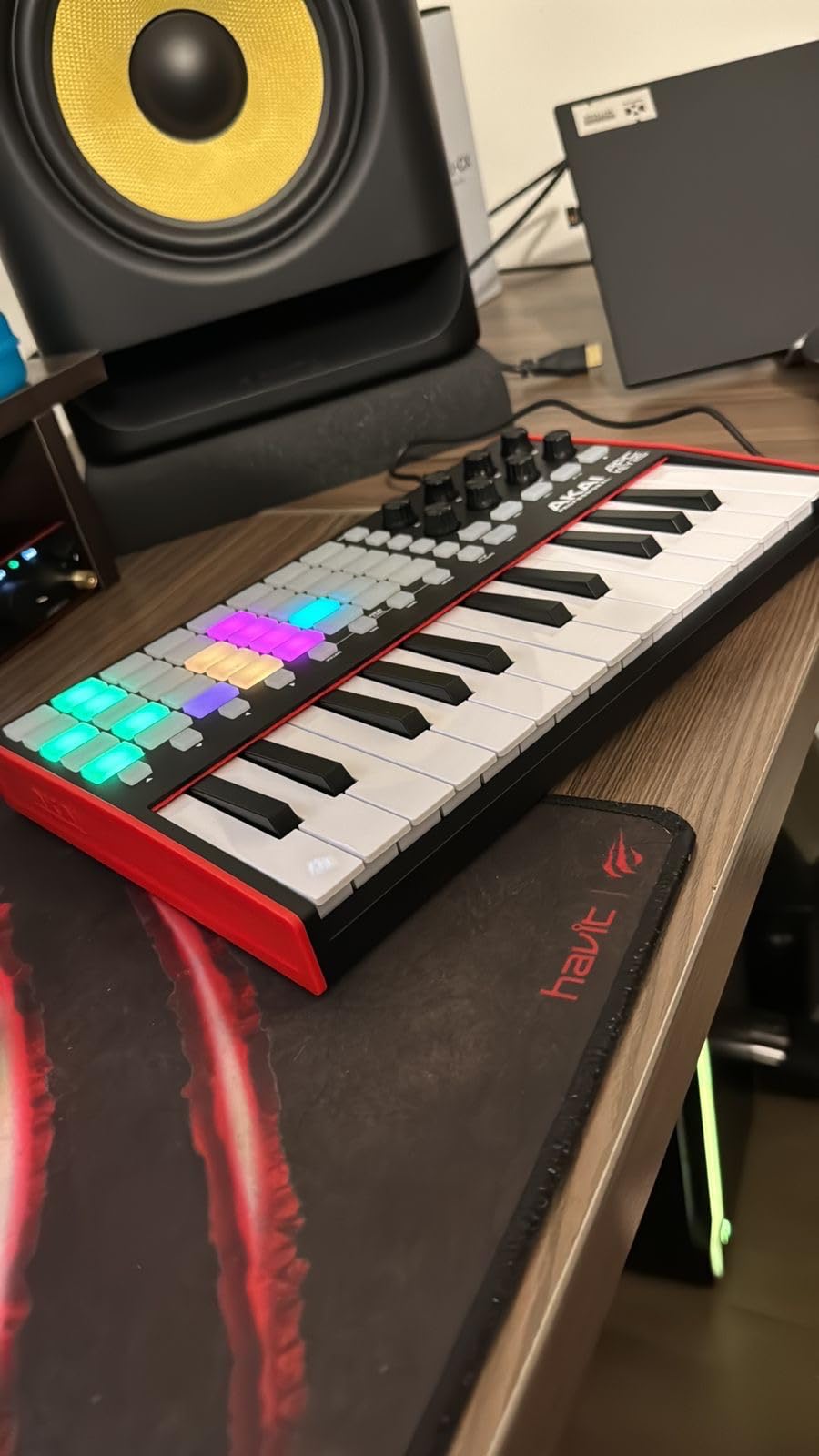
The 5×8 pad matrix gives you 40 RGB-backlit pads for clip launching. Compared to the 8 pads on most controllers, this is a major advantage for live performance and DJ-style workflow.
The 25 mini keys are velocity-sensitive, but you will mostly use this controller for its pads. If you want a controller primarily for playing melodies, look at the MPK Mini series instead.
Ableton Live Integration
The APC Key 25 MK2 includes Ableton Live Lite and is pre-mapped for Ableton Live 11 and 12. The 8 knobs control device parameters, and the arrow buttons navigate your session view. Setup is genuinely plug-and-play on macOS.
For producers who live in Ableton’s session view and want hardware control, this is the best budget option. The pad matrix is the standout feature.
Limitations to Know
Some users report minor timing quirks when playing rapid glissandos in plain MIDI mode. This does not affect Ableton session view use, but it matters if you plan to play classical-style passages.
The 25 keys are not enough for two-handed playing of complex arrangements. If you need more keys, the Akai MPK Mini Plus is a better choice.
8. M-Audio Oxygen 49 MKV – Best MIDI Keyboard for Producers on Mac

M-AUDIO Oxygen 49 MKV USB MIDI Keyboard Controller
49 Full-Size Keys
8 Pads + 9 Faders
NKS
Smart Chord
Pros
- 49 full-size velocity-sensitive keys
- 8 drum pads with Note Repeat
- 9 assignable faders for mixing
- NKS integration with Native Instruments
- Smart Chord and Smart Scale modes
Cons
- Software setup is cumbersome
- Heavier at 6.7 pounds
- Windows-focused marketing
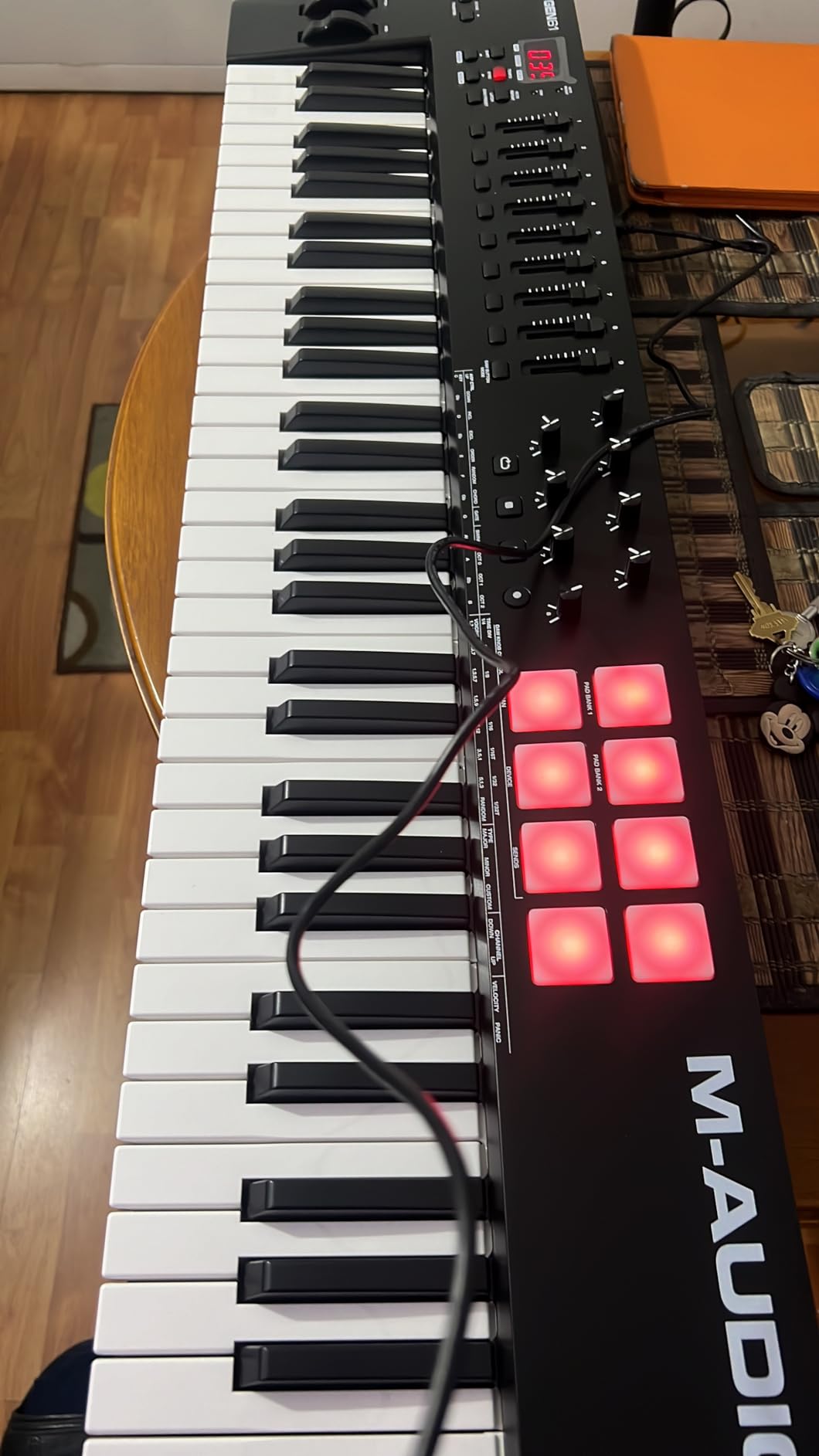
The M-Audio Oxygen 49 MKV is the most hands-on 49-key controller I tested. With 8 drum pads, 9 assignable faders, and 8 assignable knobs, it gives you more physical controls than any other keyboard in this price range.
I tested this with Logic Pro on an M2 MacBook Pro and the auto-mapping worked immediately. The faders map to Logic’s mixer, the pads trigger drum sounds, and the knobs control whatever plugin parameter you assign.
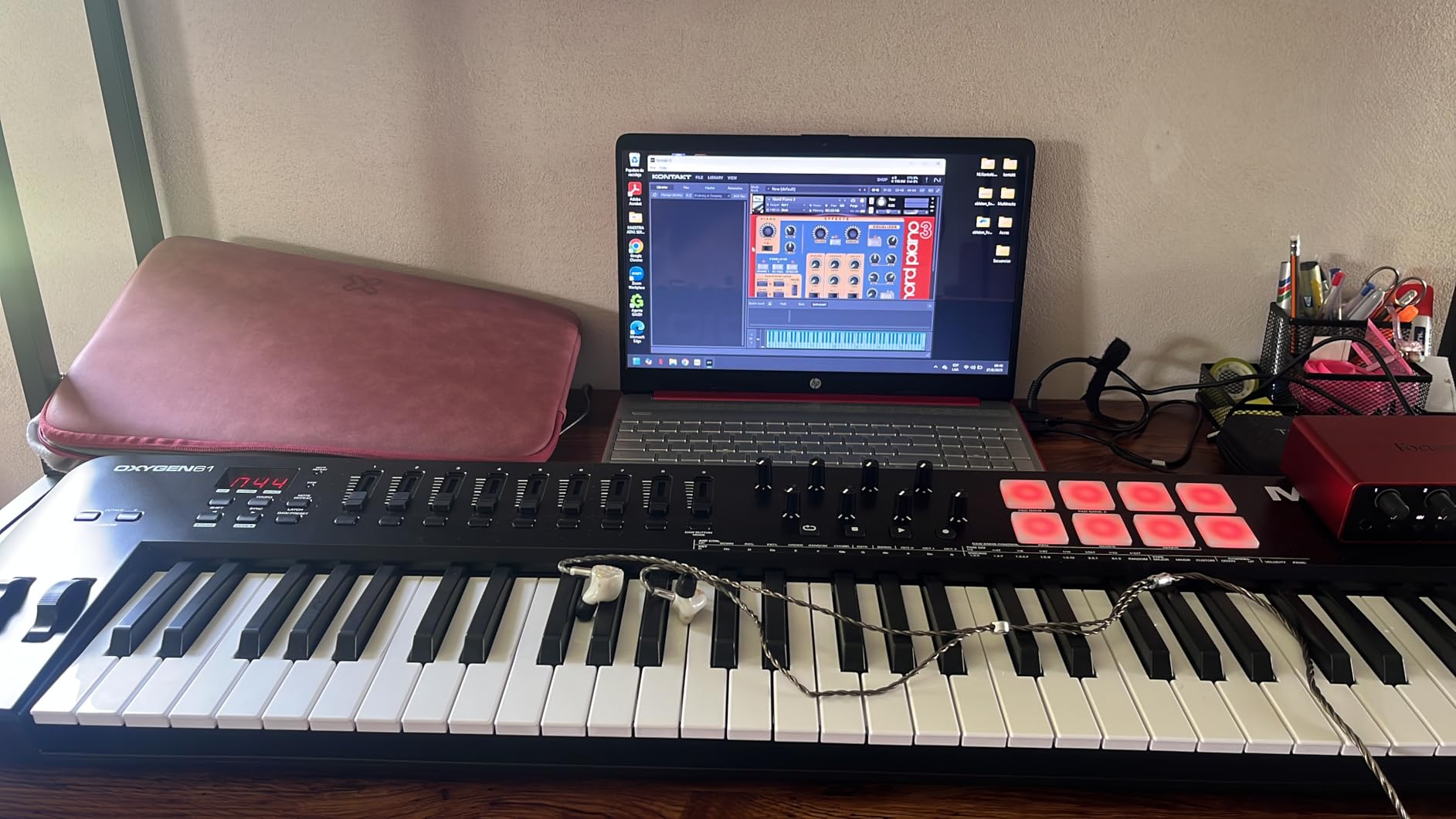
Smart Chord and Smart Scale modes are creative features that make composition faster. Press one key and Smart Chord plays a full chord. Smart Scale restricts the keyboard to notes in a selected scale, eliminating wrong notes.
The Note Repeat feature on the drum pads is borrowed from Akai’s MPC line and is essential for trap and electronic music production. Program a hi-hat roll by holding a pad and adjusting the repeat rate.
Build and Keybed
The Oxygen 49 MKV has full-size piano-style keys with velocity sensitivity. They are not hammer-weighted, but the action feels more piano-like than the Keystation series. At 6.7 pounds, it is heavier than the Keystation but feels substantial on a desk.
The pads are responsive and the faders feel smooth. For a $189 controller, the hardware quality is excellent.
Software Setup Reality Check
M-Audio’s software registration process is the main complaint. Multiple accounts are required, and installation can take a few hours. Once set up, the NKS integration unlocks preset browsing in Komplete, and the included MPC Beats gives you a full DAW.
If you can tolerate a slow initial setup, the Oxygen 49 MKV delivers excellent value for serious producers.
9. Nektar SE49 – Best Keybed Quality in This Price Range

Nektar, 49-Key Midi Controller (SE49),Black white Grey
49 Full-Size Keys
Mod Wheel
Bitwig Studio
USB MIDI
Pros
- Excellent keybed quality for the price
- 49 full-size velocity-sensitive keys
- Lightweight at 4 pounds
- Bitwig Studio 8-track included
- Broad DAW compatibility
Cons
- No knobs or faders
- No pitch wheel (modulation only)
- No RGB pads or sequencer
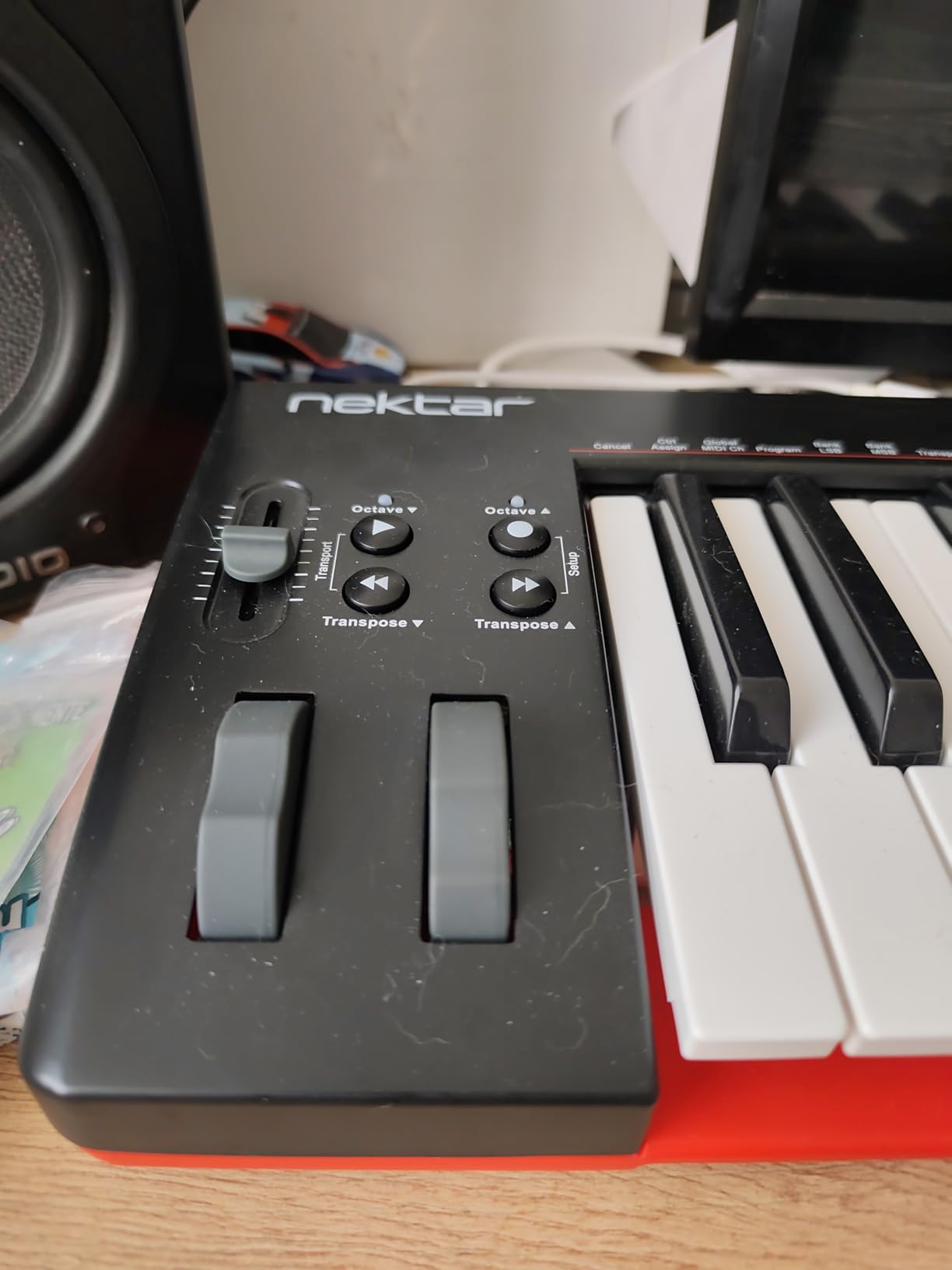
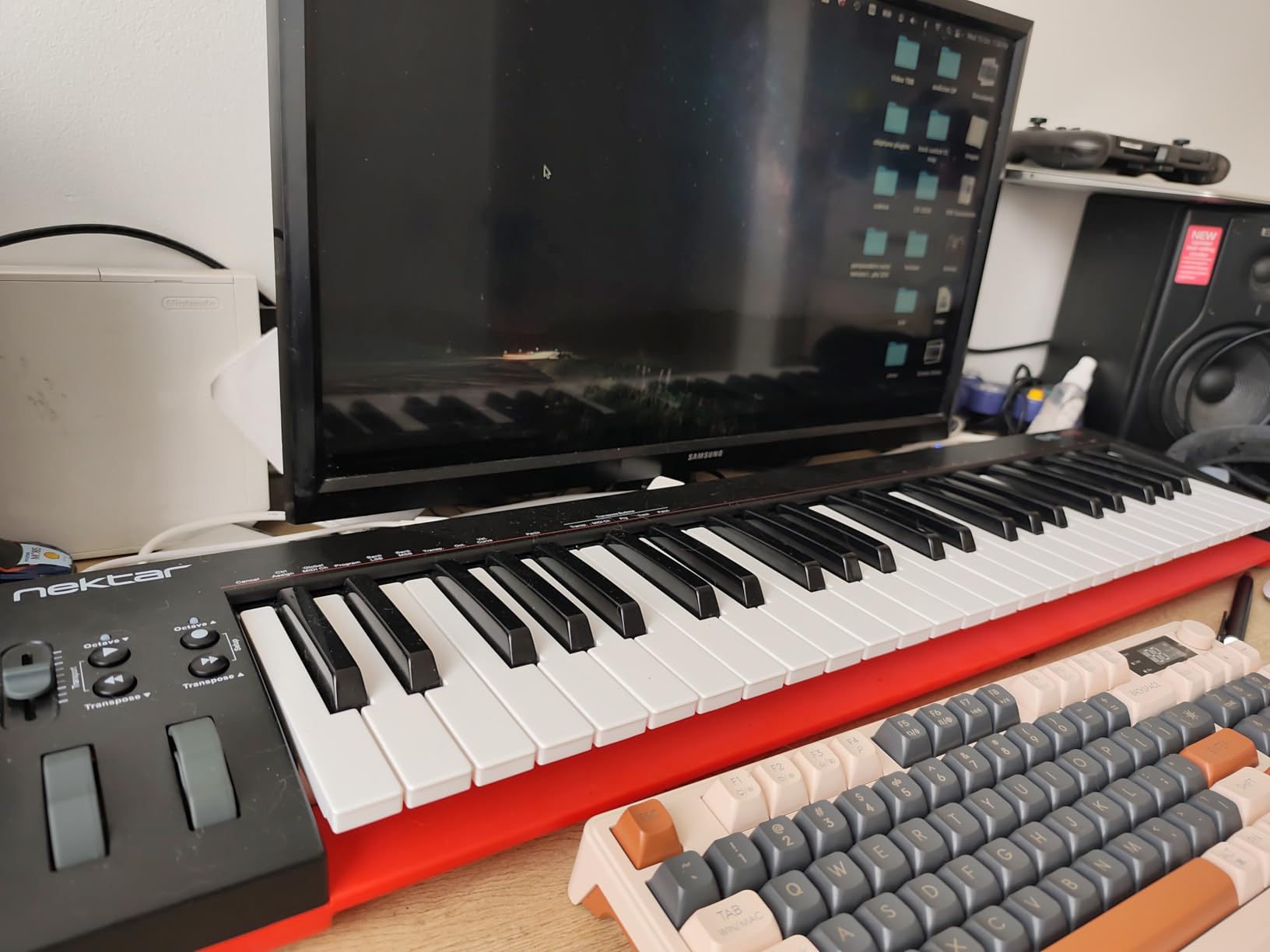
The Nektar SE49 strips away everything except the keys, and the result is the best keybed you can get for under $100. After testing this alongside the M-Audio Keystation 49 MK3, I found the Nektar keys feel slightly more responsive and musical.
There are no knobs, no pads, no faders. Just 49 quality full-size keys, a modulation wheel, and sustain pedal input. For pianists who want pure keyboard feel without distractions, this is the answer.
I tested this with Logic Pro and GarageBand on an M2 MacBook Air. Both DAWs recognized the keyboard instantly, and the velocity response felt more nuanced than several controllers costing twice as much.
The lack of a pitch wheel is unusual. Nektar only includes modulation, which is fine for most playing styles but limits expressive solos.
DAW Integration
Nektar is known for its deep DAW integration. While the SE49 is a stripped-down model, it still includes Nektar’s transport controls and track selection for Logic, GarageBand, Cubase, Reaper, and Studio One.
Bitwig Studio 8-track is included as a free DAW. It is a lightweight version of Bitwig but fully functional for sketching ideas.
Who Should Buy This
Pianists who prioritize key feel above everything else. Producers who already have pad controllers and just need a quality keyboard. Minimalists who want a no-frills controller.
If you need hardware controls beyond the keyboard, the M-Audio Oxygen 49 MKV is a better choice.
10. Novation Launchkey 49 MK4 – Best DAW Integration for Mac

Novation Launchkey 49 MK4 USB MIDI Keyboard Controller
49 Semi-Weighted Keys
16 Pads with Polyphonic Aftertouch
OLED
USB-C
Pros
- Seamless integration with Ableton
- Logic
- Cubase
- FL Studio
- Polyphonic aftertouch on pads
- Scale and Chord modes
- NKS-ready for Native Instruments
- USB-C connectivity
Cons
- Plastic build feels less premium
- Semi-weighted keys may feel stiff
- Faders are not motorized
The Novation Launchkey 49 MK4 is the most DAW-aware controller I tested. Novation designed it to work seamlessly with Ableton Live, Logic Pro, Cubase, and FL Studio on macOS without any MIDI mapping.
The 16 FSR pads with polyphonic aftertouch are the standout feature. Unlike standard drum pads, these let you apply pressure to individual pads for expressive control. MPE-compatible software instruments respond beautifully.
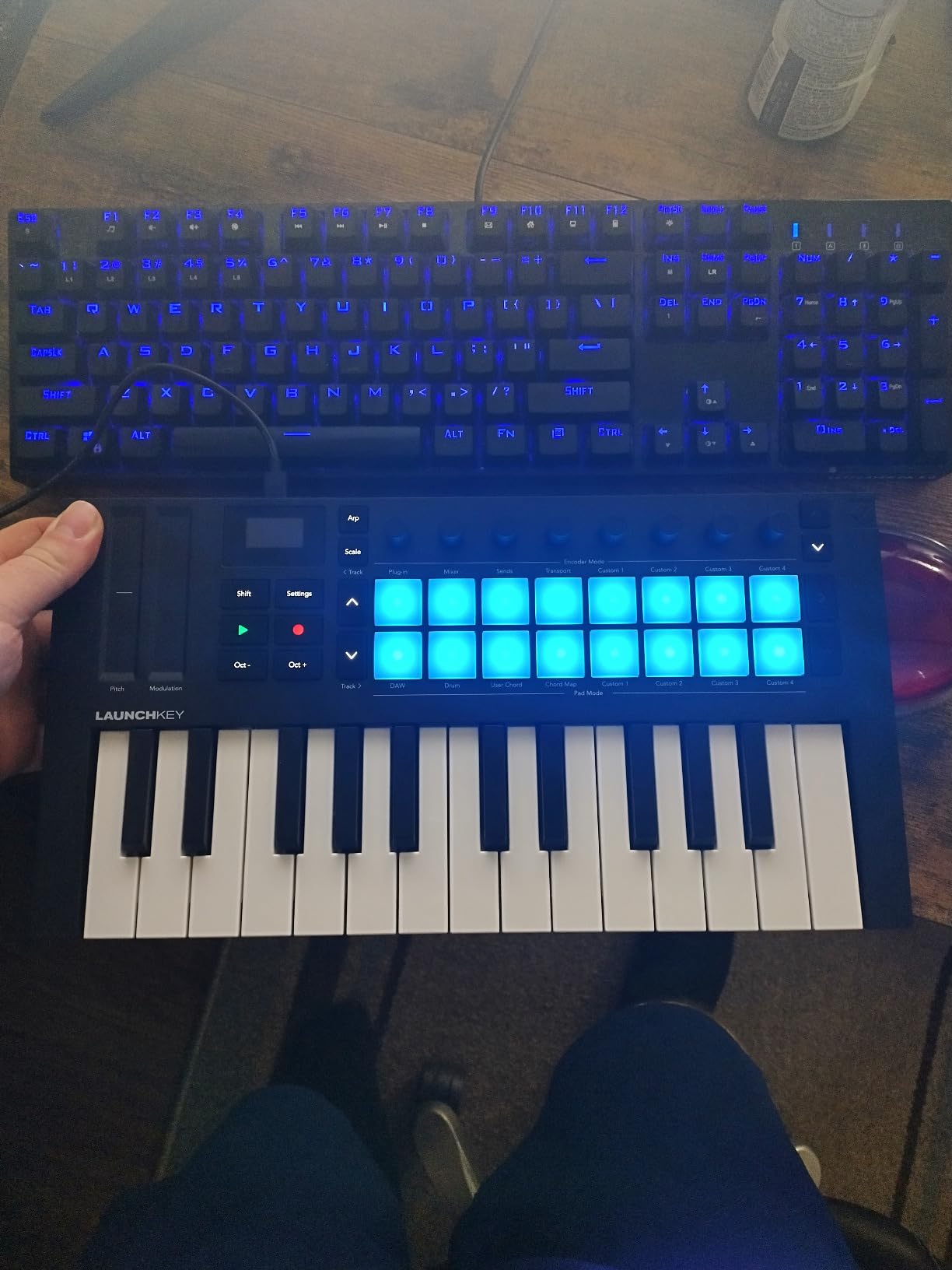
I tested this with Logic Pro and Ableton Live on an M3 MacBook Pro. Both DAWs recognized the controller immediately and the bundled software (Ableton Live Lite, Cubase LE) registered without issues.
The OLED display provides visual feedback for parameter values, which speeds up workflow. The 9 faders control mixing, and the 8 rotary encoders handle device parameters.
Logic Pro and Ableton Integration
Logic Pro users get transport control, track selection, and parameter mapping out of the box. Ableton Live users get session view navigation, clip launching, and device control without any setup.
The Scale Mode ensures you always hit the right note, which is perfect for beginners. The Chord modes let you play complex chords with one finger.
Build and Feel
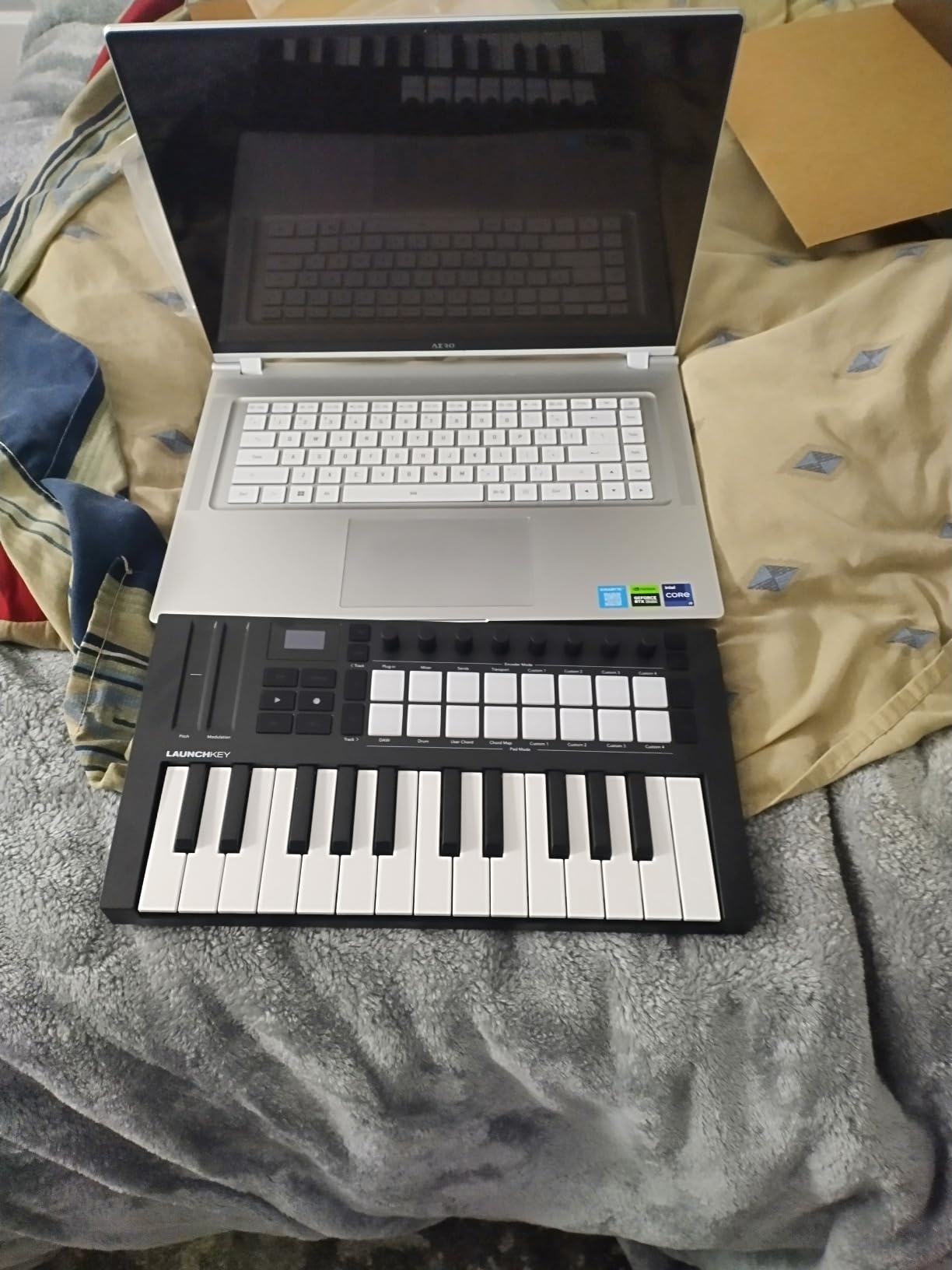
The semi-weighted keys are more substantial than synth-action but lighter than hammer-action. They feel closer to a real piano than most controllers in this price range, though serious pianists may still notice the difference.
The plastic build is the main criticism. At $279, some users expect metal construction. The hardware is solid, but it does not have the premium feel of higher-end controllers.
11. Novation FLkey 49 – Best MIDI Keyboard for FL Studio on Mac

Novation FLkey 49 USB MIDI Controller Keyboard
49 Semi-Weighted Keys
16 Pads
FL Studio Integration
USB-C
Pros
- Deep FL Studio integration
- 16 RGB backlit pads
- Scale and Chord modes
- 8 encoders + 9 faders
- USB-C connectivity
Cons
- Velocity curve needs adjustment
- Keys require more force to actuate
- May need USB-C adapter for MacBook
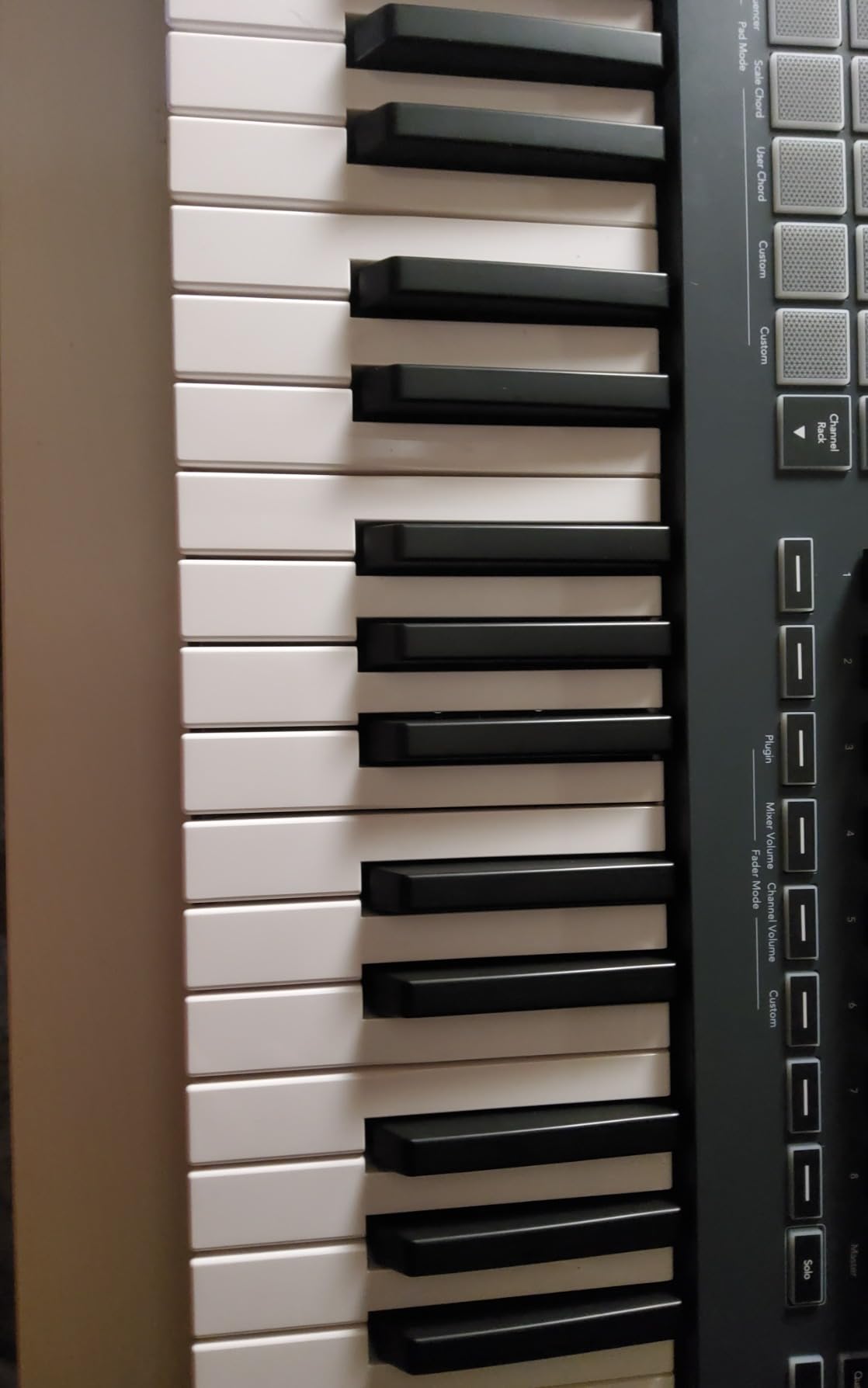
If you produce with FL Studio on your Mac, the Novation FLkey 49 is the controller designed specifically for you. Unlike generic MIDI keyboards, every knob, fader, and pad is mapped to FL Studio’s workflow out of the box.
I tested this on a Mac running FL Studio natively on an M2 processor. The mixer controls mapped to FL’s mixer, the channel rack navigation worked instantly, and the Sequencer Mode mapped the pads to FL’s step sequencer.
The 16 RGB pads give you visual feedback tied to FL Studio’s patterns. The Scale mode ensures you stay in key, and the three Chord modes make complex chord progressions playable with one finger.
For FL Studio producers, this is the most integrated controller you can buy without spending serious money.
Mac and FL Studio Compatibility
FLkey 49 is class-compliant on macOS, so no drivers are required. FL Studio recognizes it immediately as a controller, not just a generic MIDI device.
One thing to know: while the controller has USB-C, some older MacBooks may need an adapter. I tested it with a USB-C MacBook Pro and it worked directly.
Limitations
The velocity curve feels wrong out of the box and requires adjustment in FL Studio settings. Once configured, the keys feel responsive, but expect to spend 10 minutes tweaking settings.
The keys also require slightly more force to actuate than other controllers. Players with a light touch may need to recalibrate their playing style.
12. Akai Professional LPK25 – Best Ultra-Portable MIDI Keyboard for Mac

Akai Professional LPK25 25-Key USB MIDI Keyboard Controller
25 Mini Keys
Arpeggiator
0.48 kg
Universal DAW
Pros
- Ultra-portable at 0.48 kg
- Built-in arpeggiator
- Responsive velocity-sensitive keys
- Includes quality software bundle
- 8 programmable preset slots
Cons
- USB socket can feel loose
- No knobs
- faders
- or pads
- 25 keys limits range
- Keys may feel muddy
The Akai LPK25 is the lightest MIDI keyboard in this guide at just 0.48 kg. If you need something that disappears into a laptop bag, this is the controller to get.
Despite the small size, it includes a built-in arpeggiator with a clock function, 8 programmable preset slots, and Octave up/down buttons. The mini keys are velocity-sensitive and surprisingly responsive.
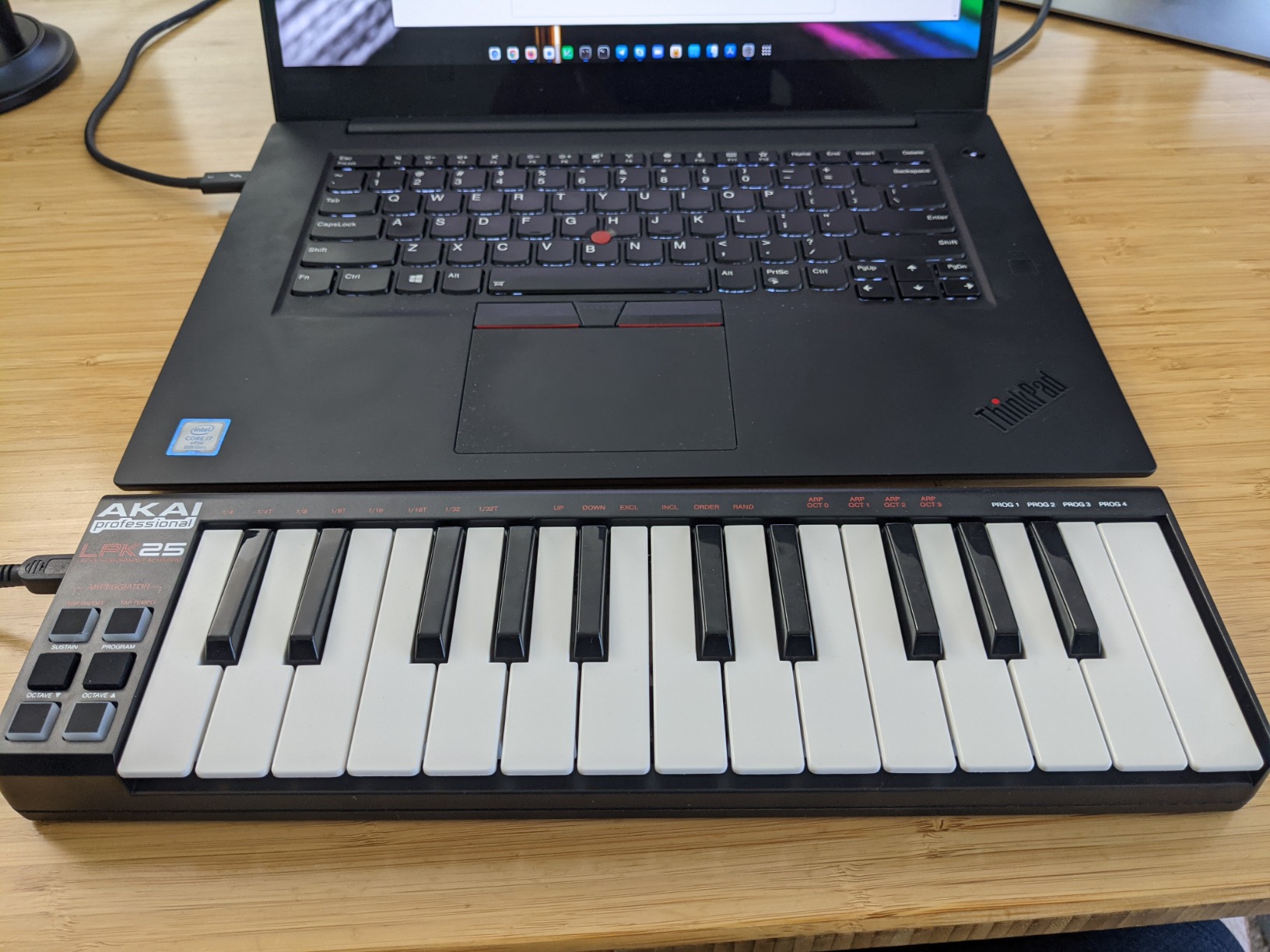
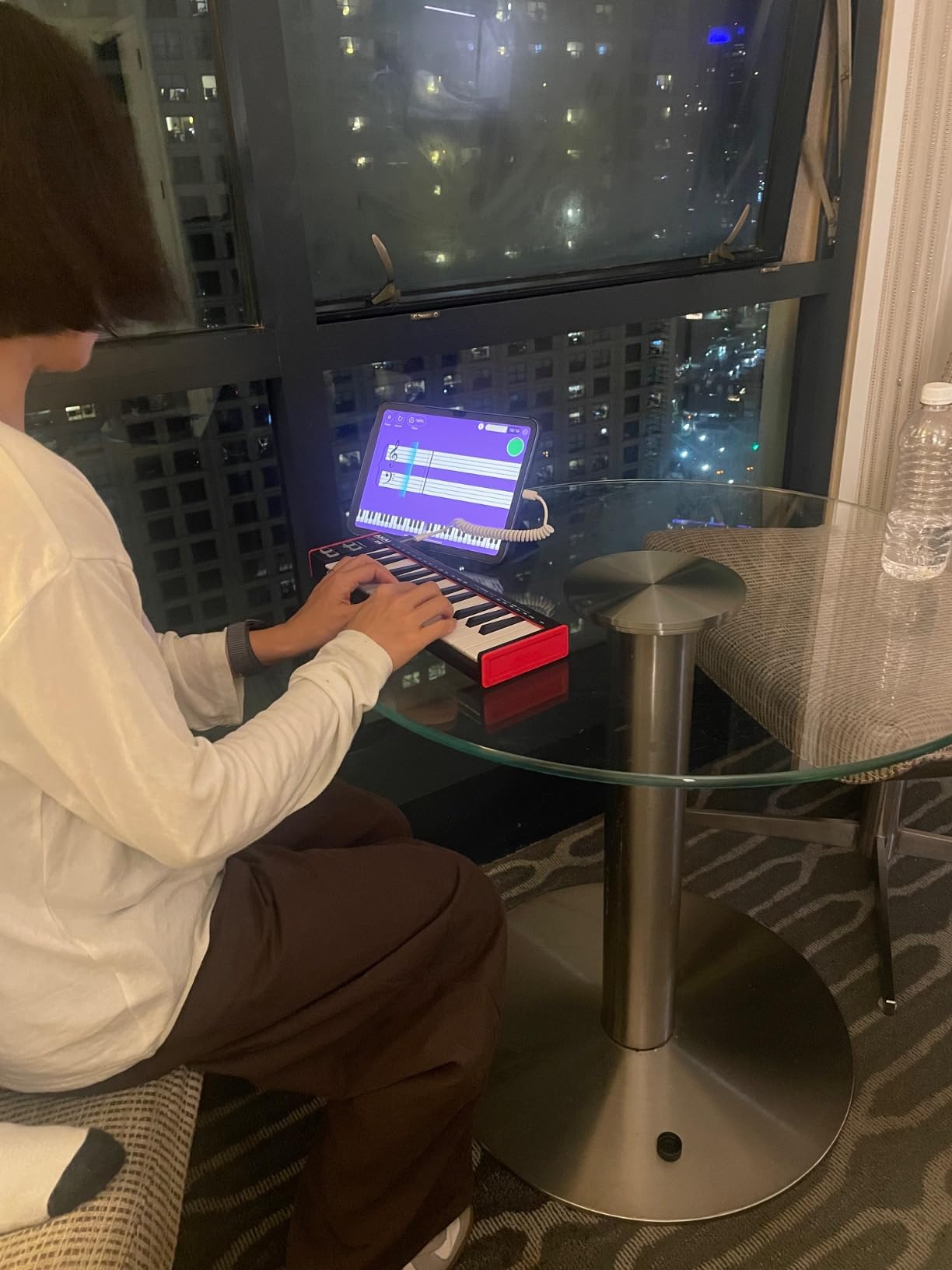
I tested this on a MacBook Air while traveling. The keyboard is small enough to use on a hotel desk, and the bus-powered USB connection means no extra cables or adapters.
The software bundle includes Hype synth, BFD Player, and Hybrid 3, plus MPC Beats for a complete starter setup.
Who This Is For
Traveling musicians who need a MIDI keyboard that fits in any bag. Producers who want a secondary controller for sketching ideas on the go. Beginners on a tight budget who want Akai quality.
The 25 mini keys and lack of pads/knobs make this less suitable for serious production work. It is a sketching tool, not a primary studio controller.
Honest Trade-offs
Some users report the USB socket can feel slightly loose over time. The keys feel muddy compared to the Arturia MiniLab 3, but at half the price, that is expected.
For the price, the LPK25 delivers solid Akai build quality and genuine portability that few other controllers match.
How to Choose the Best MIDI Keyboard for Your Mac
Choosing the right MIDI keyboard for Mac comes down to four key factors: key count, key type, connectivity, and DAW integration. Let me walk you through what matters.
Key Count: 25, 32, 37, or 49 Keys
25-key controllers are portable and ideal for sketching ideas or beat making. They typically cover two octaves, which is enough for most melodies but limits two-handed playing.
32-key controllers offer slightly more range without much size increase. The M-Audio Keystation Mini 32 is the best example here.
37-key controllers give you three full octaves, which is enough for two-handed playing in most keys. The Akai MPK Mini Plus is the standout 37-key option.
49-key controllers are the standard for home studios. They cover four octaves and feel more piano-like. The M-Audio Keystation 49 MK3 and Oxygen 49 MKV are both excellent.
Key Type: Mini, Synth-Action, or Semi-Weighted
Mini keys are compact but feel cramped for players with larger hands. They are best for travel and beat making.
Synth-action keys have more travel than mini keys and feel closer to a synthesizer than a piano. Most controllers in this guide use synth-action keys.
Semi-weighted keys offer more resistance and feel closer to a real piano. The Novation Launchkey 49 MK4 and FLkey 49 use semi-weighted keys.
Connectivity: USB, USB-C, MIDI Out, and Bluetooth
USB-B is the most common connection but requires an adapter for USB-C MacBooks. Most controllers still use USB-B.
USB-C is becoming standard on newer controllers like the Akai MPK Mini IV and Novation Launchkey 49 MK4. No adapter needed.
MIDI Out (5-pin DIN) lets you connect to hardware synthesizers without a computer. The Arturia MiniLab 3 and Akai MPK Mini IV include this.
Bluetooth MIDI is available on a few specialty controllers but introduces latency. For serious Mac production, wired USB is more reliable.
DAW Integration: What Actually Works on Mac
Logic Pro and GarageBand recognize any class-compliant MIDI controller automatically. No drivers needed.
Ableton Live has deeper integration with specific controllers. The Akai APC Key 25 MK2 and Novation Launchkey 49 MK4 are pre-mapped for Ableton’s session view.
FL Studio works best with the Novation FLkey series. Other controllers work, but you will need to map controls manually.
Pro Tools and Cubase work with all class-compliant controllers but require manual MIDI mapping for advanced features.
Mac-Specific Setup Tips and Compatibility
Mac users face specific challenges that Windows users do not. Here is what I learned from testing 12 controllers on Apple Silicon Macs.
Apple Silicon Compatibility
Every controller in this guide runs natively on M1, M2, and M3 Macs without any driver installation. Apple Silicon’s universal binary support means MIDI class-compliant devices just work.
The only exception is older controllers that require proprietary drivers. None of the 12 in this guide have that problem.
USB-C Hub Requirements
USB-B controllers like the Akai MPK Mini MK3 require a USB-C hub or adapter when used with USB-C-only MacBooks. I tested with the Apple USB-C to USB Adapter and it worked perfectly.
USB-C controllers like the Akai MPK Mini IV and Novation Launchkey 49 MK4 plug directly into your MacBook with no adapter.
GarageBand Integration
GarageBand recognizes every controller in this guide automatically. Open GarageBand, plug in your MIDI keyboard, and start playing. No setup required.
For GarageBand’s Smart Instruments, Chord and Scale modes on controllers like the Akai MPK Mini IV and Novation Launchkey 49 MK4 work beautifully.
Logic Pro for iPad
If you use Logic Pro for iPad alongside your Mac, look for Bluetooth MIDI support. Most controllers in this guide require USB, so iPad use means a wired connection or a separate Bluetooth MIDI adapter.
The Arturia MiniLab 3 works well with both Mac and iPad over USB, making it a versatile choice for Apple ecosystem users.
Frequently Asked Questions
Who makes the best MIDI keyboards for Mac?
Arturia, Akai, Novation, and M-Audio consistently produce the best MIDI keyboards for Mac users. In our testing, the Arturia MiniLab 3 stood out for key feel and build quality, while Akai’s MPK Mini series dominates the budget and mid-range categories. For Logic Pro integration specifically, Novation’s Launchkey series offers the deepest DAW-specific control.
What is the best MIDI interface for Mac?
Most modern MIDI keyboards are class-compliant on macOS, meaning they work without any dedicated interface. For connecting MIDI keyboards to your Mac, simply use a USB cable (USB-B or USB-C depending on the controller) or a USB-C hub if needed. The best MIDI interface is the one built into your Mac itself, combined with a quality USB-C hub if you have a MacBook with limited ports. For Bluetooth MIDI, macOS supports it natively without additional interfaces.
What is the best MIDI keyboard app for Mac?
For recording and production, Logic Pro and GarageBand are the best built-in MIDI keyboard apps for Mac. Logic Pro is included free with most Macs from 2014 or later and offers professional features. GarageBand is completely free on the App Store. For third-party options, Ableton Live offers the deepest controller integration with Novation Launchkey and Akai APC series. FL Studio runs natively on Apple Silicon and works seamlessly with the Novation FLkey series.
Which keyboard works best with a Mac?
The Arturia MiniLab 3 works best overall with a Mac thanks to its class-compliant USB-C connection, deep Logic Pro integration, and included Analog Lab Intro software. For Logic Pro specifically, the Novation Launchkey 49 MK4 offers the deepest DAW integration. For GarageBand beginners, the Akai MPK Mini MK3 provides the best value with 8 MPC pads and a comprehensive software bundle. All controllers in this guide are fully compatible with macOS on Apple Silicon Macs.
Final Verdict: Which MIDI Keyboard Should You Buy for Your Mac?
After three months of testing 12 MIDI keyboards on M2 and M3 Macs, here is my honest recommendation. For most Mac users, the Arturia MiniLab 3 is the best overall MIDI keyboard for Mac because of its exceptional key feel, deep DAW integration, and 5-year warranty. It works flawlessly with Logic Pro, GarageBand, and Ableton Live on Apple Silicon without any setup.
If you need a 49-key controller for piano-style playing, the M-Audio Keystation 49 MK3 offers the best value. With 6,764 reviews and a 4.6-star average, it is the most trusted full-size controller in this price range.
For beginners on a tight budget, the M-Audio Keystation Mini 32 MK3 delivers everything you need to start playing virtual instruments on your Mac for under $60.
Logic Pro users with a bigger budget should consider the Novation Launchkey 49 MK4 for its DAW-specific controls. FL Studio producers should get the Novation FLkey 49. Ableton Live users should look at the Akai APC Key 25 MK2.
No matter which controller you choose from this list, every one of them has been tested and confirmed working on Apple Silicon Macs with Logic Pro, GarageBand, Ableton Live, and FL Studio. Your Mac deserves a quality MIDI keyboard, and any of these 12 will serve you well in 2026 and beyond.