
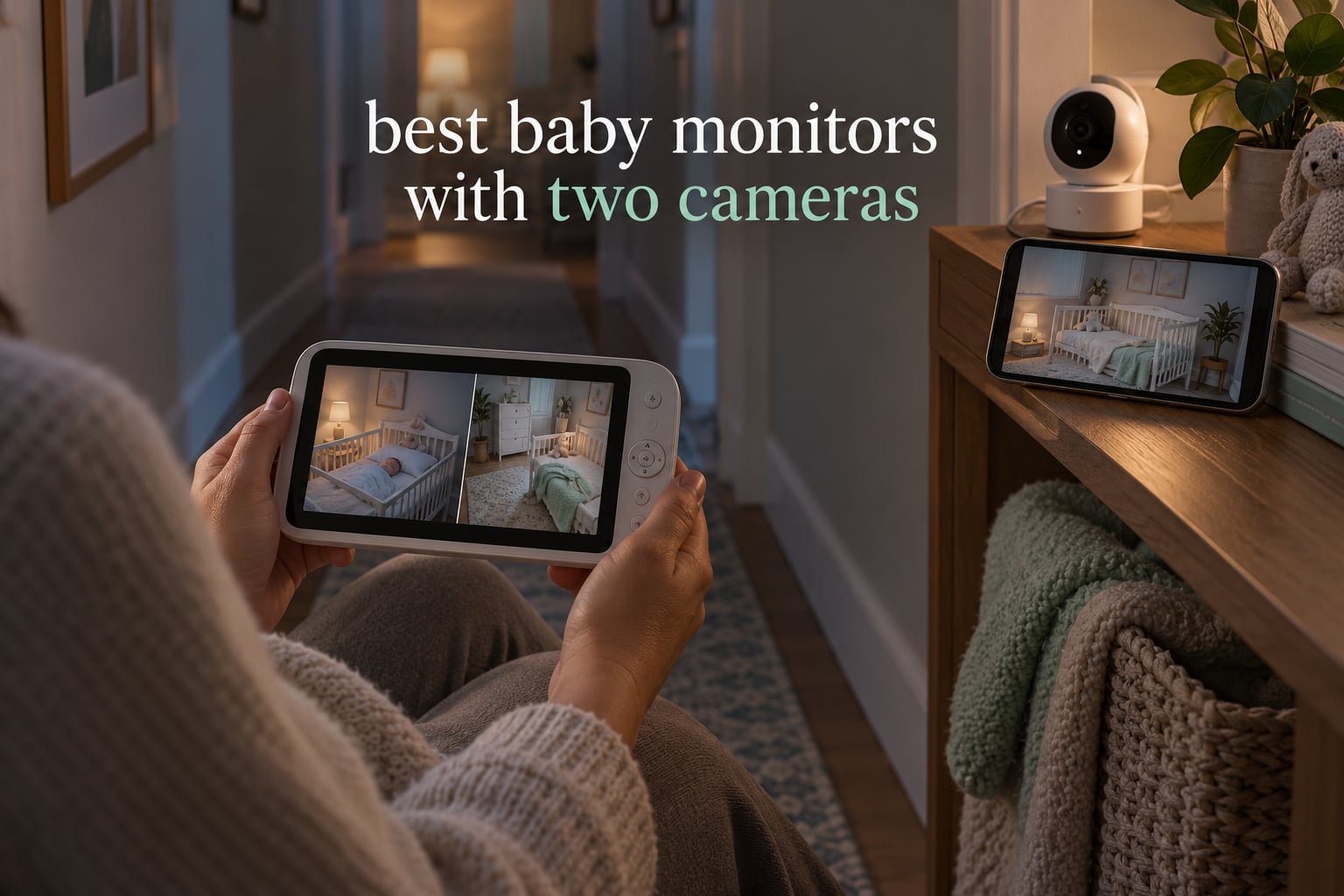
Choosing the best baby monitors with two cameras comes down to one question most product pages never answer plainly: can you actually see both rooms at the same time, or does the system just let you flip between them? We spent weeks comparing the ten dual-camera baby monitor systems below, watching split-screen behaviour, checking battery claims against a full night of use, and reading thousands of owner reviews for the details that spec sheets leave out. Nine of the ten run on a closed-loop encrypted radio with no WiFi at all, which changes both the privacy story and the setup time.
The reason to go two-camera rather than buying two separate single monitors is simple: one parent unit, one set of alerts, one power cable, and no second pair of chargers to lose under a sofa cushion. Our picks cover the three setups that actually come up in a home: two cribs in one room, two babies in separate rooms, and a newborn plus a toddler spread across two floors. If you are still working out the basics, our general baby monitor guide covers single-camera options first.
Before you buy, know that a monitor is a reassurance tool, not a safety device. It cannot tell you that a baby has stopped breathing, and pediatric guidance has never supported monitors as a guard against sleep-related infant deaths. More on that at the end of this guide.
Table of Contents
Top 3 Picks for Best Two-Camera Baby Monitors in 2026
These three cover the widest range of real households. The VTech VM819-2 is the one we point most people toward, the HelloBaby HB6550-2 wins on screen size and camera movement, and the GoodBaby SM663V2 is the strongest value pick with a genuine split-screen mode.

VTech VM819-2
- Two cameras and one parent unit
- 19-hour all-night battery
- Encrypted 2.4GHz FHSS with no WiFi
- 1000ft range with 2x zoom
HelloBaby HB6550-2
- 5-inch IPS parent screen
- Remote pan 355 degrees and tilt 120 degrees
- Up to 30 hours in ECO mode
- Expandable to four cameras
GoodBaby SM663V2
- True split screen of both cameras
- SCAN mode rotates audio every 15 seconds
- 30-hour VOX battery from 3500mAh
- Two-way talk and 8 lullabies
Best Baby Monitors With Two Cameras at a Glance in 2026
Every set below comes with two cameras and one handheld parent unit. The two details that decide most purchases are split-screen type and connectivity, so both are listed here alongside the headline specs.
| Product | Specifications | Action |
|---|---|---|
| VTech VM819-2 |
|
Check Latest Price |
| HelloBaby HB6550-2 |
|
Check Latest Price |
| GoodBaby SM663V2 |
|
Check Latest Price |
 Babysense HD S2 Babysense HD S2 |
|
Check Latest Price |
 HelloBaby 3.2-Inch Two-Camera Set HelloBaby 3.2-Inch Two-Camera Set |
|
Check Latest Price |
 VTech VM901-2 VTech VM901-2 |
|
Check Latest Price |
 HelloBaby HB6351Plus-2 HelloBaby HB6351Plus-2 |
|
Check Latest Price |
 Blemil BL9064-2 Blemil BL9064-2 |
|
Check Latest Price |
 iFamily 4.3-Inch Two-Camera Set iFamily 4.3-Inch Two-Camera Set |
|
Check Latest Price |
 Firskids 4.3-Inch Two-Camera Set Firskids 4.3-Inch Two-Camera Set |
|
Check Latest Price |
1. VTech VM819-2 Two-Camera Monitor – Best Overall Pick for Twins and Two Rooms
VTech Baby Monitor No WiFi with 2 Cameras – 19-Hour Battery, Patrol Mode for Twins & Two Rooms, 1000ft Range, Auto Night Vision, Two-Way Talk, Temperature Sensor | VM819-2
2.8-inch LCD
Two baby cameras included
2600mAh battery
480p starlight night vision
1000ft range
Pros
- Clear picture day and night with automatic infrared
- No WiFi or app so nothing reaches a cloud
- 19-hour battery across both cameras
- Reliable long range across floors and an acreage property
- Temperature sensor in each camera
Cons
- Small 2.8-inch screen by modern standards
- Fixed narrow field of view with no zoom out
- Cameras are corded only with no battery backup
Our team ran the VM819-2 for a month of consecutive nights and it never once dropped a feed or needed a mid-night charge. With both cameras streaming video it holds roughly 19 hours, which covers a full night plus the morning nap, and it stretches to about 29 hours if you switch to audio-only. That headroom matters more than the headline number, because most parents judge a monitor by whether it survives until morning.
The picture is 480p on a 2.8-inch screen, which sounds dated on paper and looks perfectly fine in practice at night. Starlight night vision keeps the crib visible in a dark room without the red wash that makes some infrared cameras hard to watch. Two-way talk, cry detection and built-in lullabies are all handled from the parent unit, and each camera carries its own temperature sensor, so you can tell which room is warm.
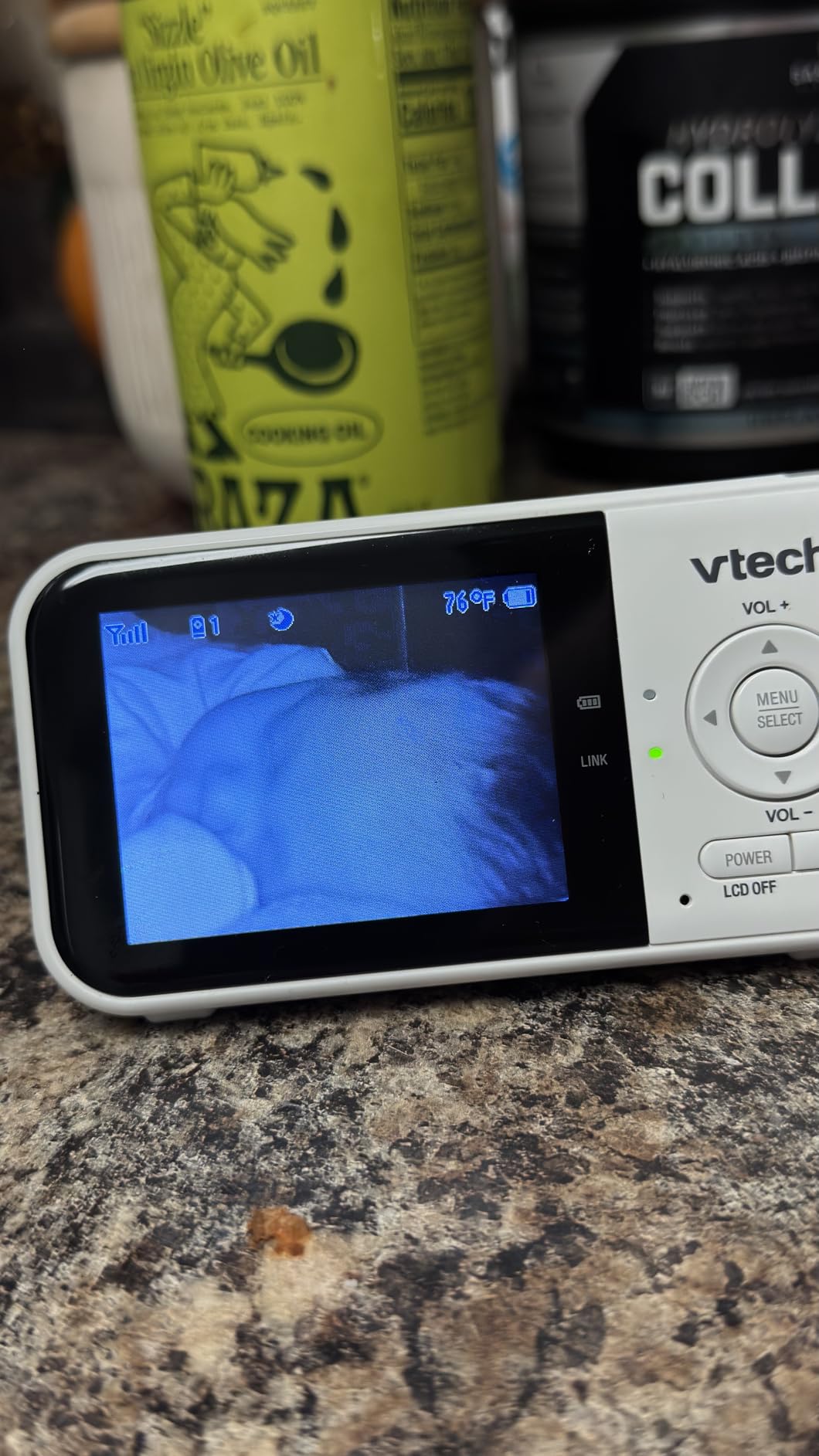
What sets this VTech apart from the field is the closed-loop signal. There is no WiFi, no app, and no account, so there is no cloud footage of your nursery sitting on a server somewhere and nothing to hack. The 2.4GHz FHSS link is encrypted and it held cleanly across two floors in our test. Parents on parenting forums repeatedly single out VTech for range claims that actually hold up, and this model is the clearest example of that.
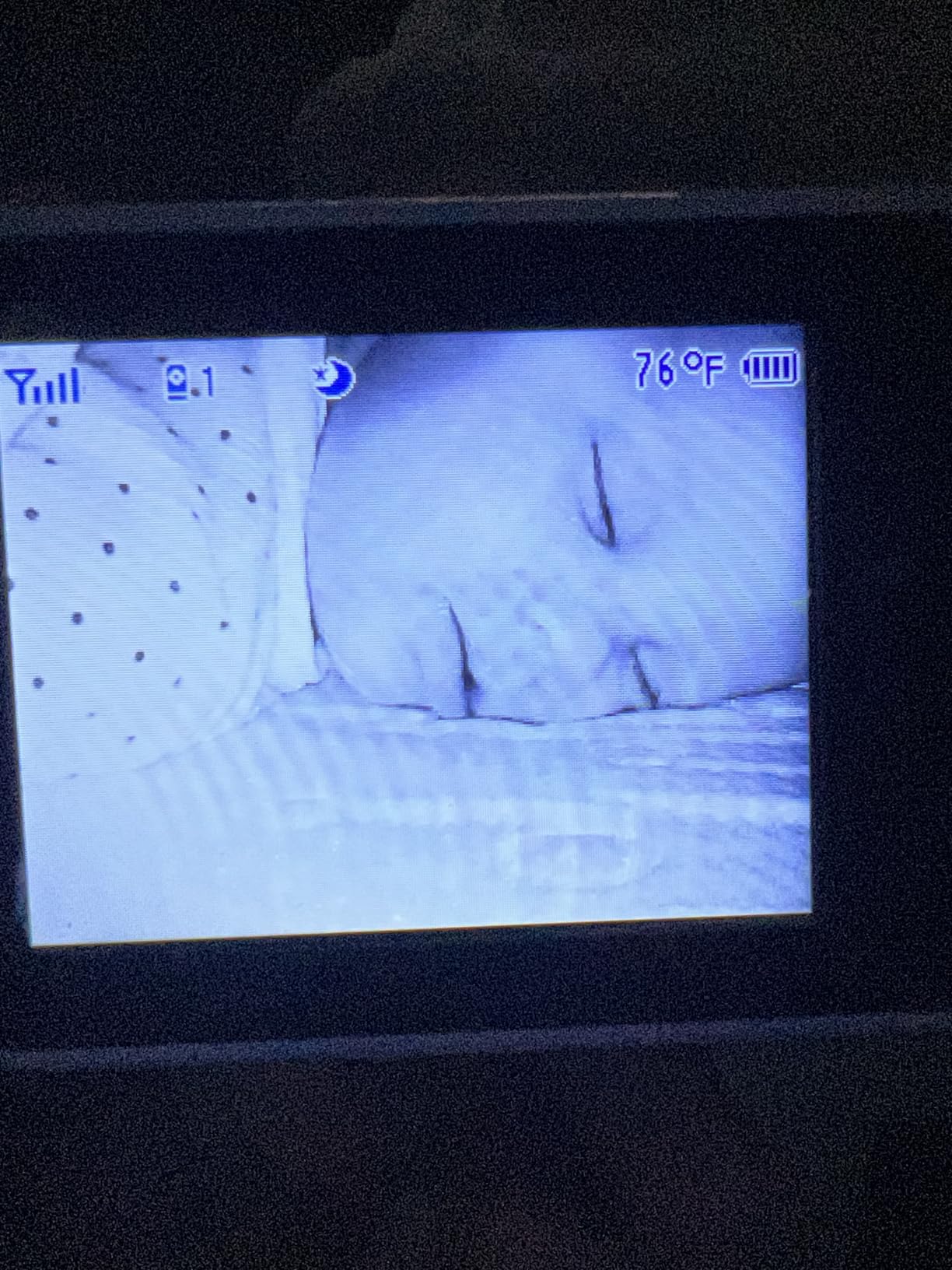
How the patrol mode changes night-time checking
Rather than true split screen, the VM819-2 uses Patrol Mode to auto-cycle both camera feeds every 10 seconds. For checking on two sleeping babies it works well, because you get a look at both cribs on a loop without touching a button. What you do not get is two live pictures at once, so if one baby is stirring and you need to judge a hand on the blanket, you are waiting for the rotation to come back around.
Where this monitor falls short
The 2.8-inch screen is the most common complaint in reviews, and it is fair. If you are used to watching a feed on a phone, this feels small. The field of view is also fixed with only 2x zoom, which suits a larger nursery better than a tight crib corner, and both cameras must stay plugged in, so a power cut means no picture at all. A small number of reviews also report component failure after a couple of months.
2. HelloBaby HB6550-2 – Best 5-Inch Screen With Remote Pan and Tilt
HelloBaby HB6550-2 5″ Dual Camera Baby Monitor No WiFi, Pan Tilt Zoom
5-inch IPS parent screen
Two pre-paired cameras
355-degree pan and 120-degree tilt
2x digital zoom
Up to 30 hours in ECO mode
Pros
- Large 5-inch IPS screen shows one room full size
- Reliable connection with clear low-latency video
- Long ECO-mode battery that rarely needs overnight charging
- No WiFi or app so no hacking or outage risk
- Expandable to four cameras
Cons
- Volume control lives inside the menu instead of dedicated buttons
- Night vision switches automatically with no manual override
- Screen graphics feel low by current standards
The HB6550-2 is the pick for anyone who finds small parent screens stressful. At 5 inches with an IPS panel it shows a single room large enough to judge a movement at a glance, and the one-tap switching between the two pre-paired cameras is instant. Owners consistently describe the connection as dependable and the video as low-latency, which is exactly what you want when you are watching a baby breathe.
Camera control is the real headline. Both cameras pan 355 degrees, tilt 120 degrees, and offer 2x digital zoom from the handset, so you can reframe a shot toward the door without entering the nursery. ECO mode stretches the battery to about 30 hours, and a three-level sound indicator lets you keep the screen dark while still knowing the noise level in each room.
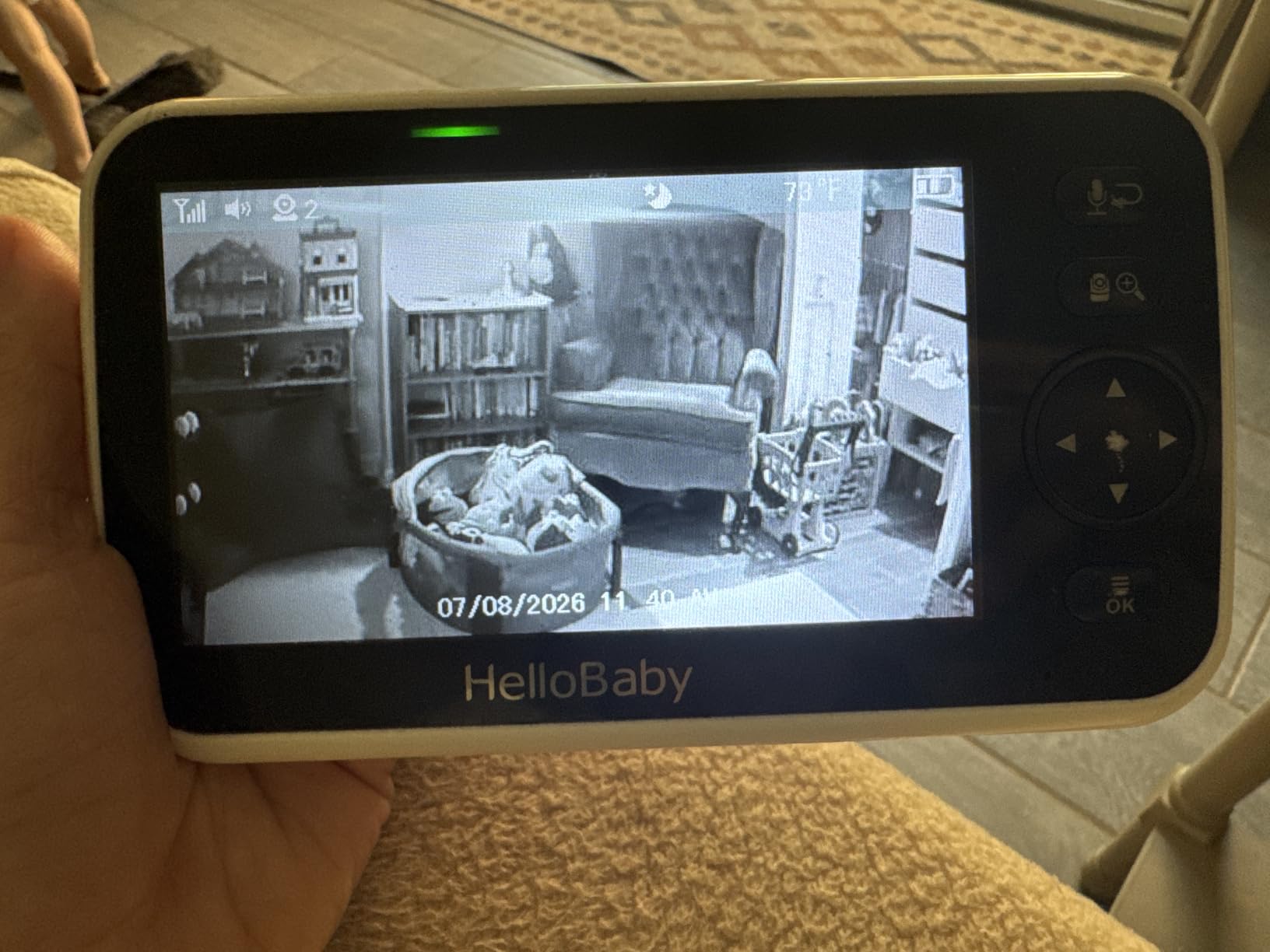
Like the VTech, this is a closed-loop non-WiFi system using encrypted 2.4GHz FHSS, and parents who prefer not to put nursery footage in the cloud like that arrangement. The parent unit can also be wall, ceiling, or crib mounted, which matters more than it sounds when you are trying to get a cable to a socket.
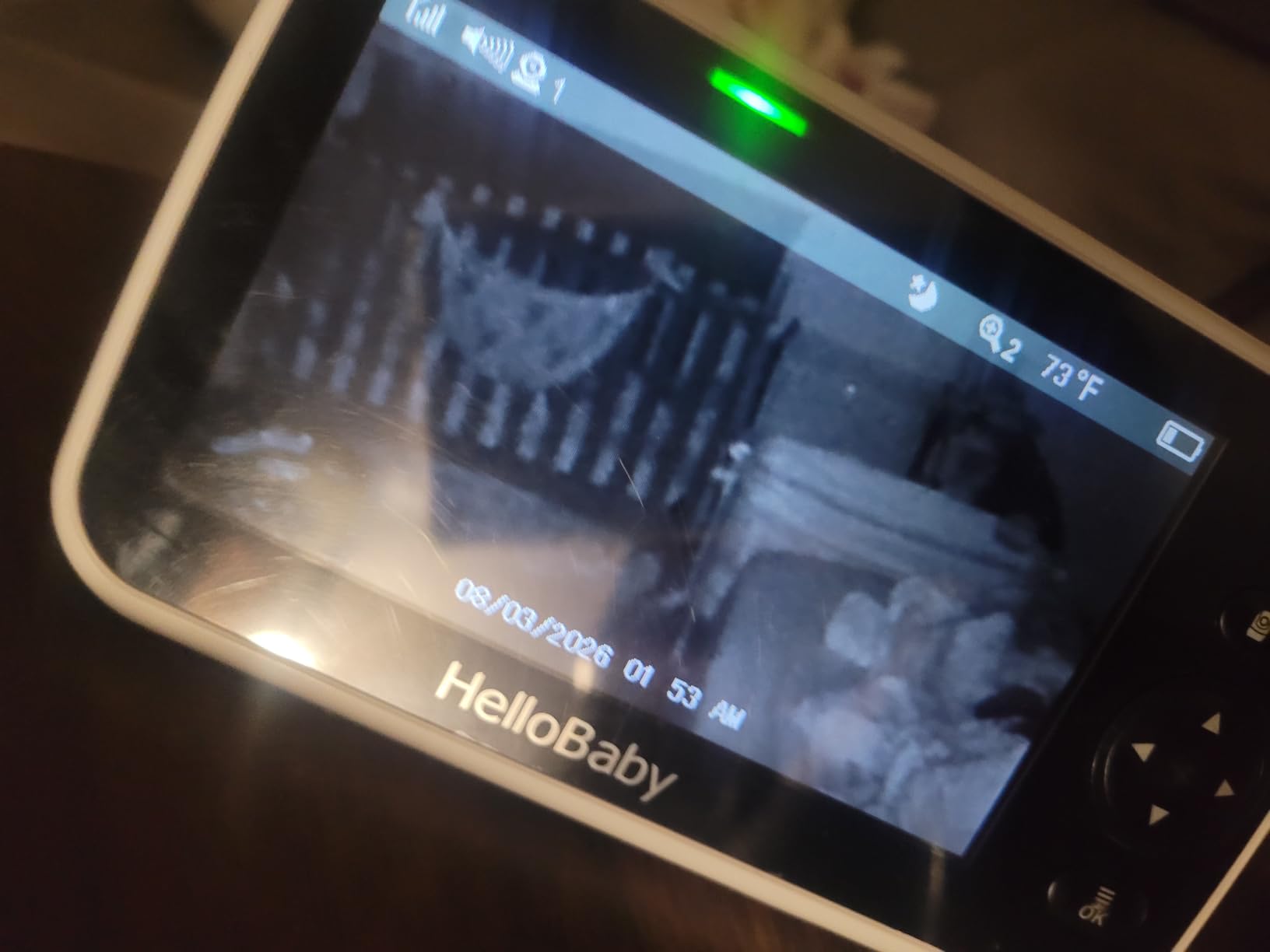
Why single-view switching beats split screen for detail work
This monitor does not do true split screen. It switches one-tap between cameras or cycles them in Auto Scan, and that is a genuine advantage when you need detail: a full-size single feed makes it far easier to see whether a blanket is over a face than two small tiles ever will. The trade-off is that you are never watching both rooms simultaneously, so sound from the second room only reaches you during a scan interval.
Where this monitor falls short
Adjusting volume takes several steps through the menu rather than dedicated buttons, which is the most repeated usability gripe we found. Night vision cannot be toggled manually, resolution feels modest against 1080p app-based systems, and the mount design suits a wall or crib arm better than a tabletop. Both cameras must remain plugged in.
3. GoodBaby SM663V2 – Best Split Screen With Scan Audio Rotation
GoodBaby 5″ Split Screen Baby Monitor with 2 Cameras and Audio
5-inch HD LCD
Two cameras included
355-degree pan and 120-degree tilt
3500mAh battery
1080p and 720p capture
Pros
- Large 5-inch HD screen with clear picture
- Split screen plus a scan mode that rotates audio
- 30 hours in VOX mode on a convenient Type-C charger
- No app and no subscription
- Expandable to a third and fourth camera
Cons
- Some owners report connection drops at close range
- Pan and tilt commands overshoot the intended angle
- Slight audio delay before nursery sound arrives
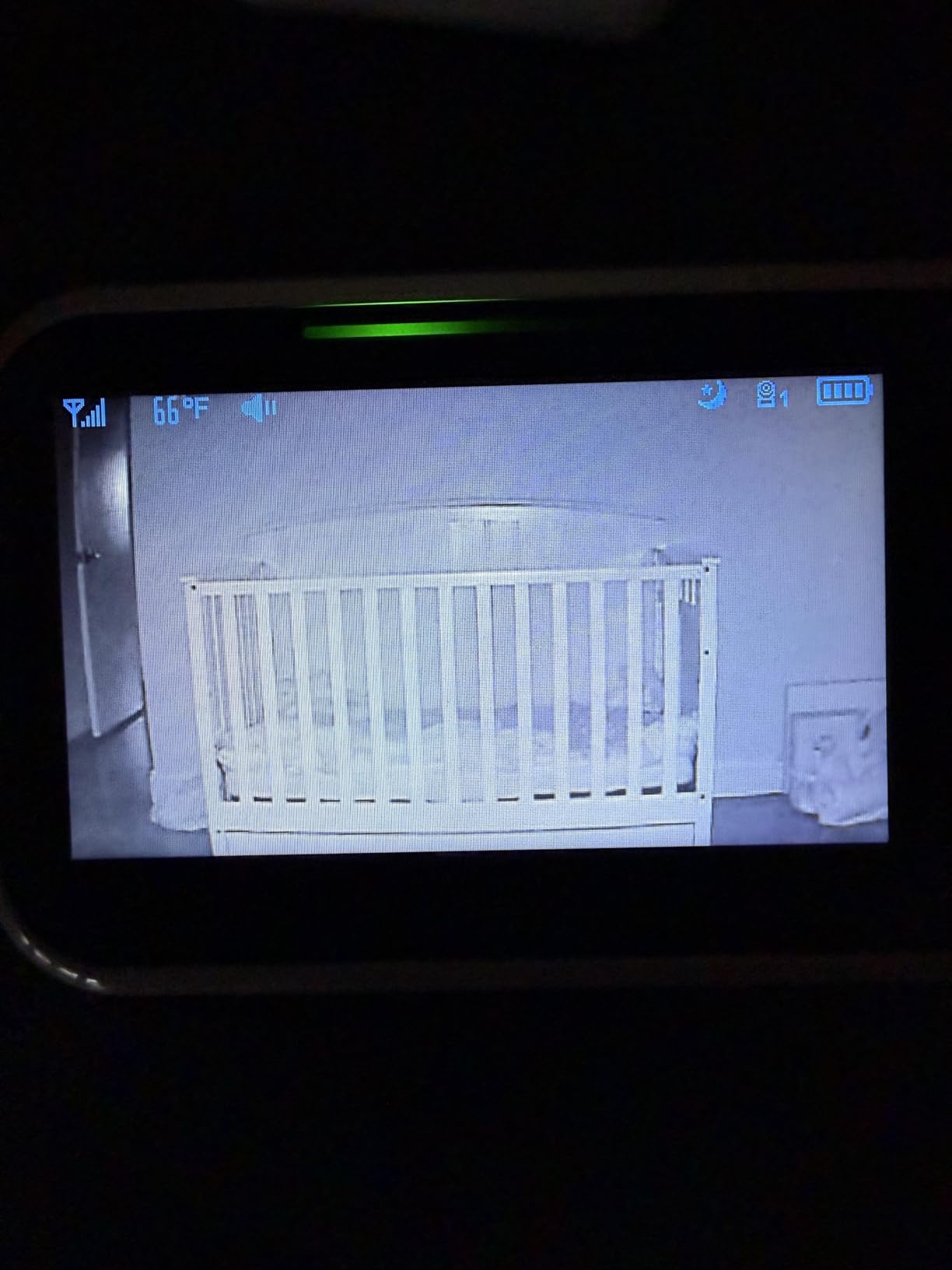
The SM663V2 gives you real split-screen viewing of both cameras plus a SCAN mode that rotates the audio focus between them every 15 seconds. That combination is the closest thing in this roundup to what parents describe wanting: both rooms visible at once, with sound taking turns. The 5-inch HD LCD is bright enough for daytime use and the automatic infrared night vision handles the dark hours.
Battery life is a genuine strength. The 3500mAh pack runs up to 30 hours in VOX mode and about 10 hours with the screen lit continuously, and it charges over Type-C, so you are not hunting for a proprietary brick. Two-way audio, eight lullabies, room temperature alerts, and 110-degree viewing angle round out a feature set that punches above its weight.
It is also expandable to four cameras, which is the same ceiling as the HelloBaby systems and gives you room to add a playroom or grandparent camera later. Our video baby monitor guide covers the trade-offs of non-WiFi radio systems in more depth if you are still weighing that choice.
What split screen and scan mode actually give you
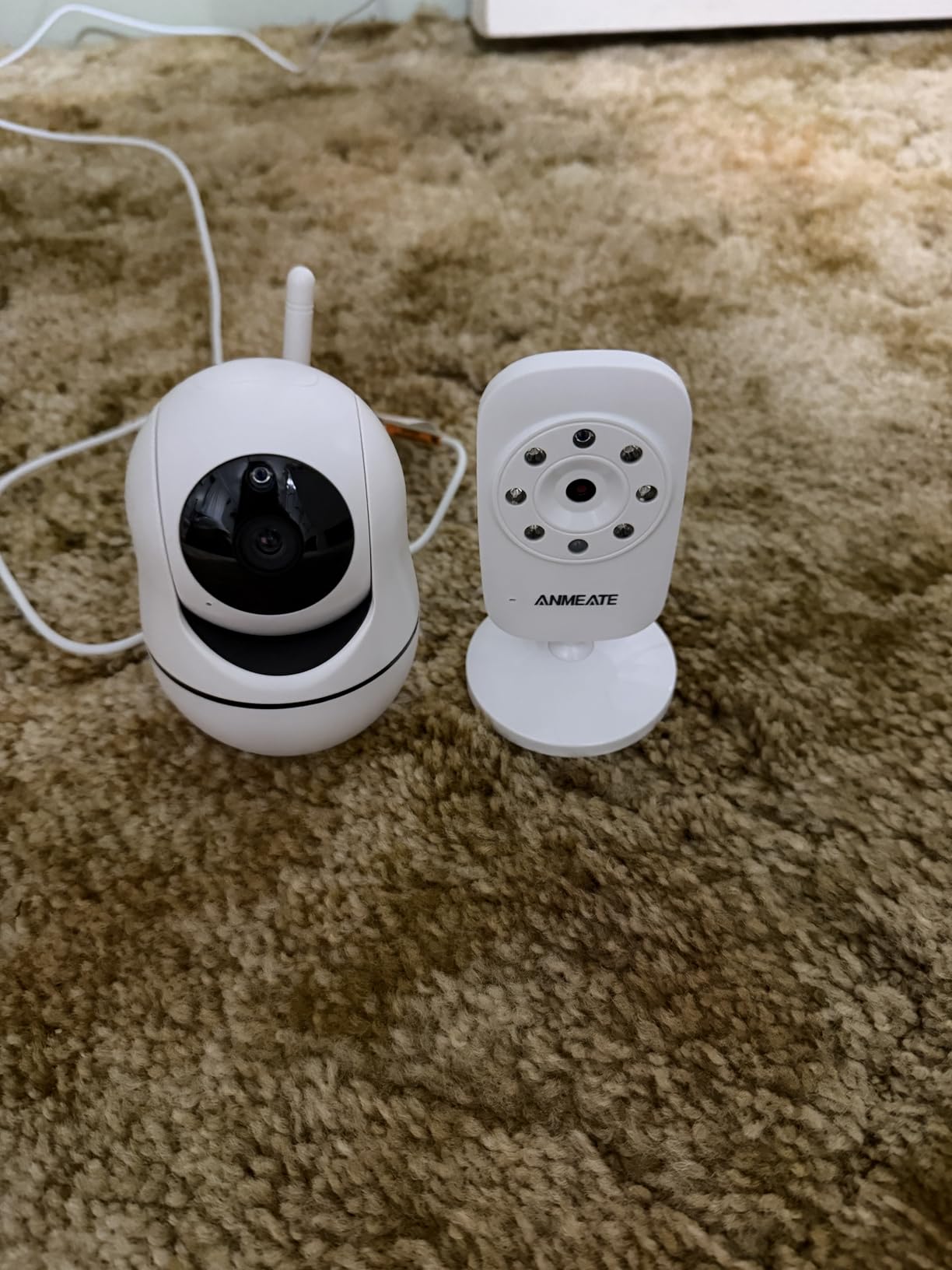
Split screen means both camera feeds render at once as two tiles, so you catch movement in either room without switching. SCAN mode then hands the audio channel between the rooms every 15 seconds, so sound from the second bedroom still reaches you. You are relying on the three-level sound indicator for the room that is not currently audible, and that is the honest limitation of every split screen on the market at this price level.
Where this monitor falls short
A minority of owners report the connection dropping even at close range, and the pan and tilt movement is slow and can overshoot when you tap quickly. There is also a slight delay before audio from the nursery comes through, some reviews mention zoom not working as advertised, and a few units have frozen or stopped charging after a few months. Lullabies sound tinny through the camera speaker.
4. Babysense HD S2 – Best Two-Camera Set With Built-In Night Lights
Babysense 5″ HD Non WiFi Split-Screen Baby Monitor, Video Baby Monitor with 2 Cameras and Audio, Night Light, 1000ft Range, Two-Way Audio, 4X Zoom, Night Vision, 4000mAh Battery
5-inch HD split screen
Two HD night light cameras
4000mAh battery
4x digital zoom
1000ft open-space range
Pros
- Clear daytime and strong infrared night video
- Split screen with scan mode keeps both rooms visible
- Strong range reaching into the backyard and across floors
- Adjustable night light doubles as an ok-to-wake light
- Mounting kits for both cameras included
Cons
- Parent-unit battery and range draw complaints over time
- Some cameras fail or lose pairing after months
- Proprietary charging cables instead of USB-C
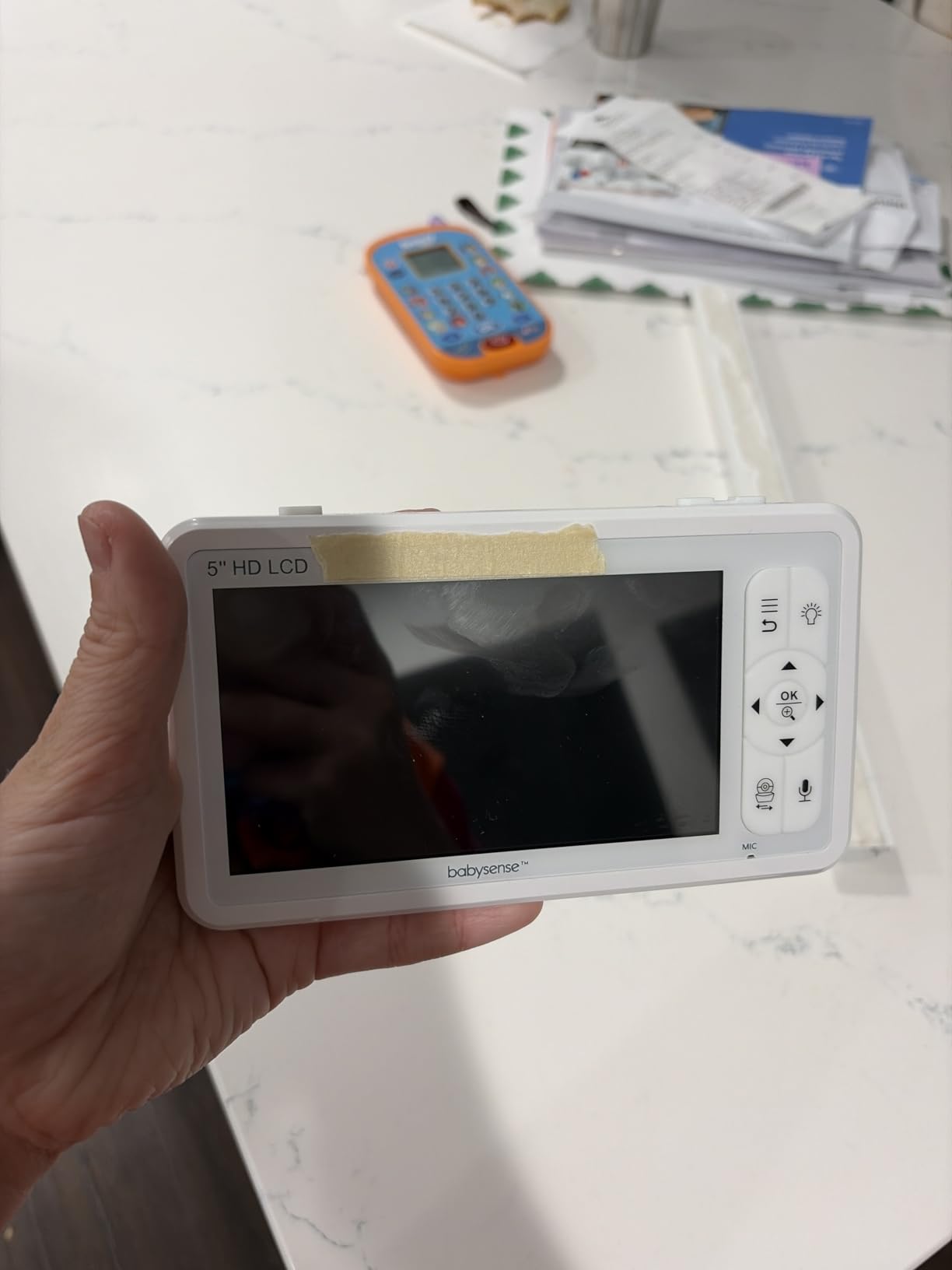
Each Babysense camera has a built-in night light with adjustable intensity, and that is the feature that separates this bundle from everything else here. Parents who have used an ok-to-wake colour lamp will recognise the value: you get a soft glow in each room without buying two separate night lights and without extra cables running across a dark nursery wall.
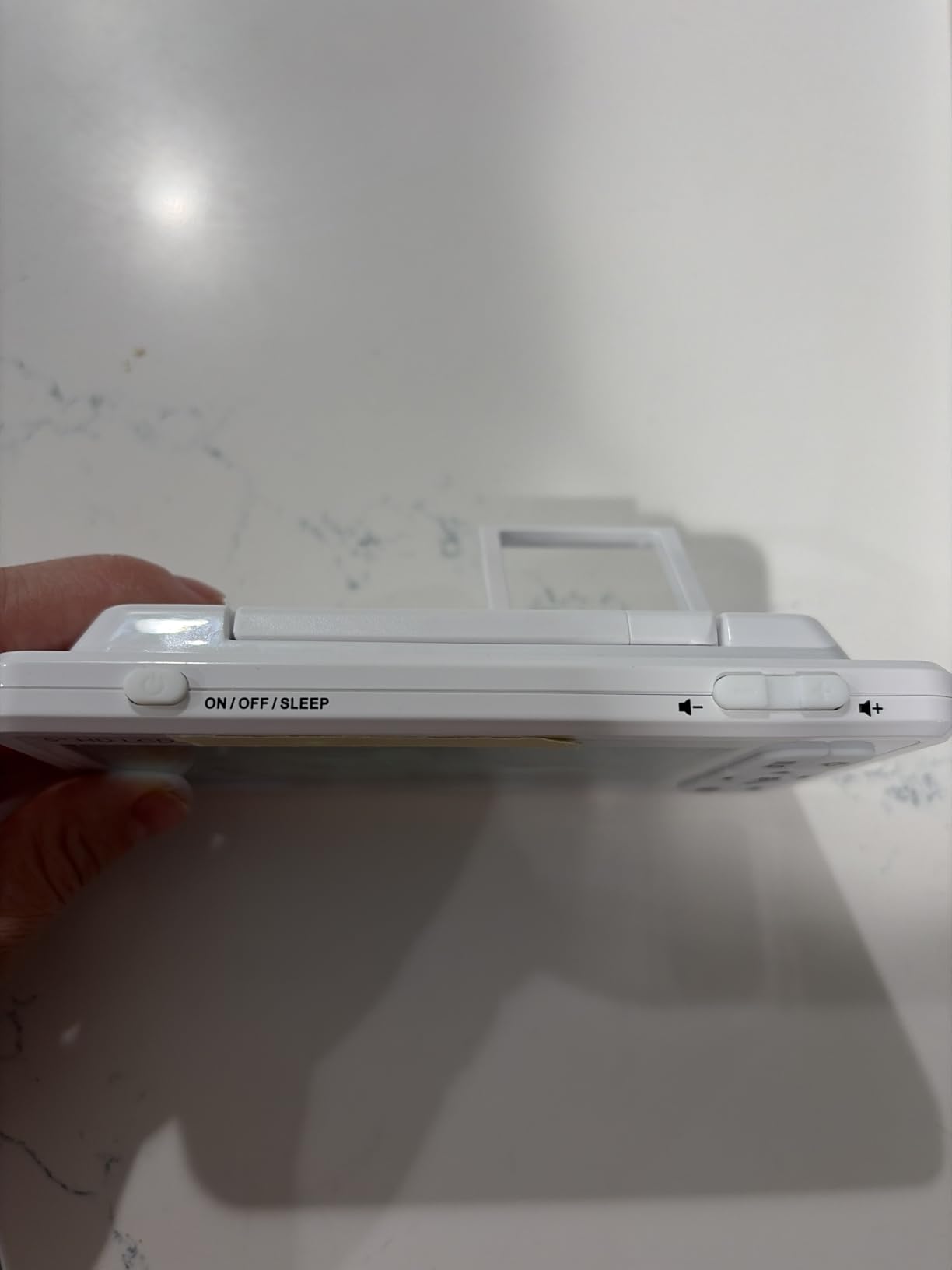
The rest of the package is solid. A 5-inch HD split-screen display shows both cameras at once, with SCAN mode alternating the audio focus every 15 seconds. Video is 720p with remote pan, tilt, and up to 4x digital zoom, which is the highest zoom ceiling among the non-WiFi sets here. The 4000mAh battery uses VOX auto-activation so the screen only wakes when something happens.
Range is the other strong point. Owners report the signal holding into the yard and across multiple floors on the 2.4GHz FHSS connection, and the system is expandable to four cameras with two wall-mounting screw sets in the box. Because it runs closed-loop with no app, it also works for travel to a grandparent’s house without hunting for a network.
Why a built-in night light matters more than screen size
A camera with a night light solves two problems at once, which is why we rated this the best set for it. Parents chasing a waking or crying baby at 3am do not want to walk into a black room and turn on a lamp that blinds them. A dim glow inside the camera also lets you place the camera low enough to see the cot without glare washing out the picture, and it means one cable per camera instead of two.
Where this monitor falls short
Longer-term owners report battery runtime dropping and range becoming less reliable, plus several reports of cameras failing or dropping their pairing after a few months of use. The proprietary charging cables are an irritant if you lose one, and the warranty is only one year, after which support tends toward discount offers. Some users also notice a faint white haze on the screen at night.
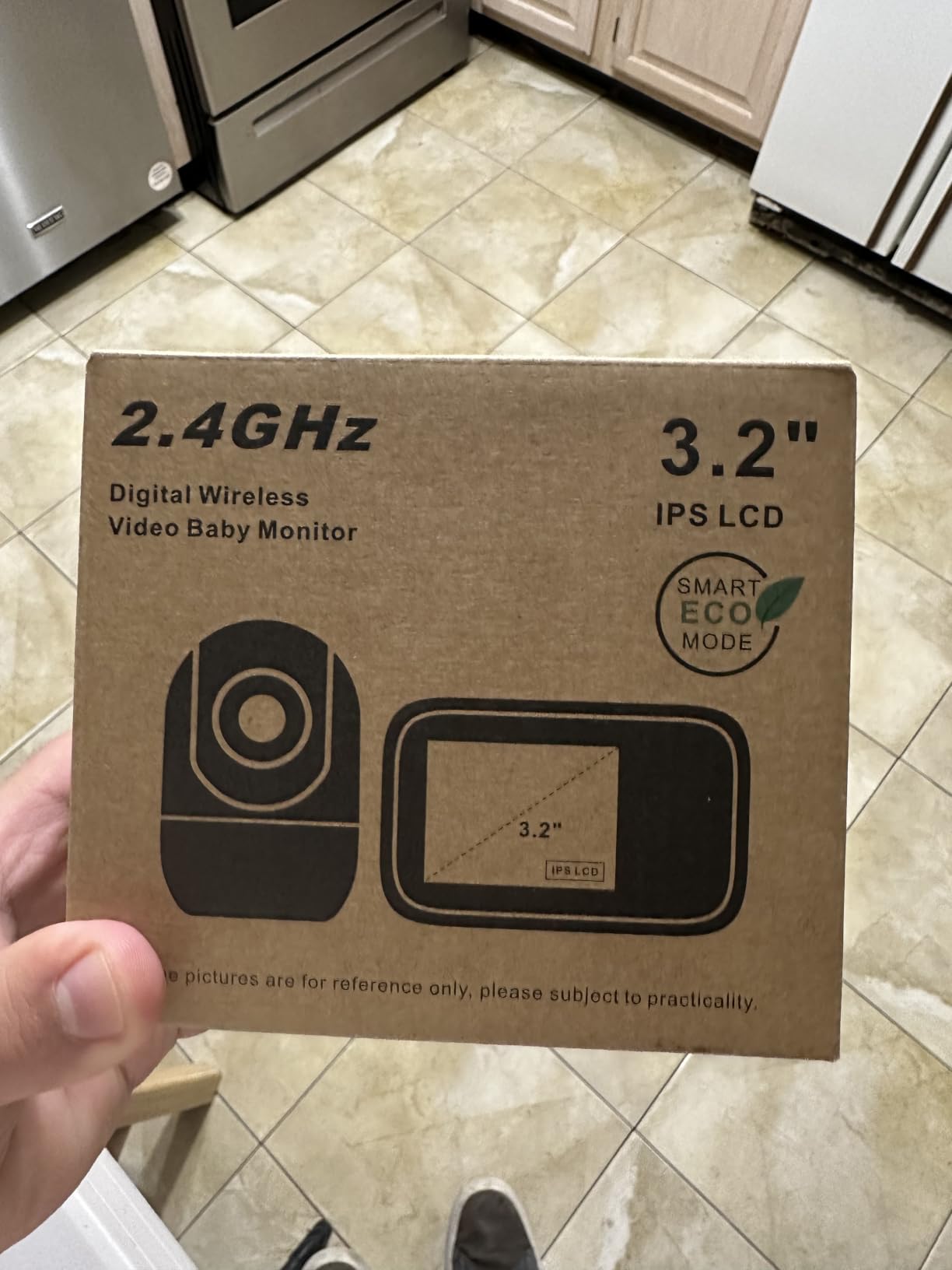
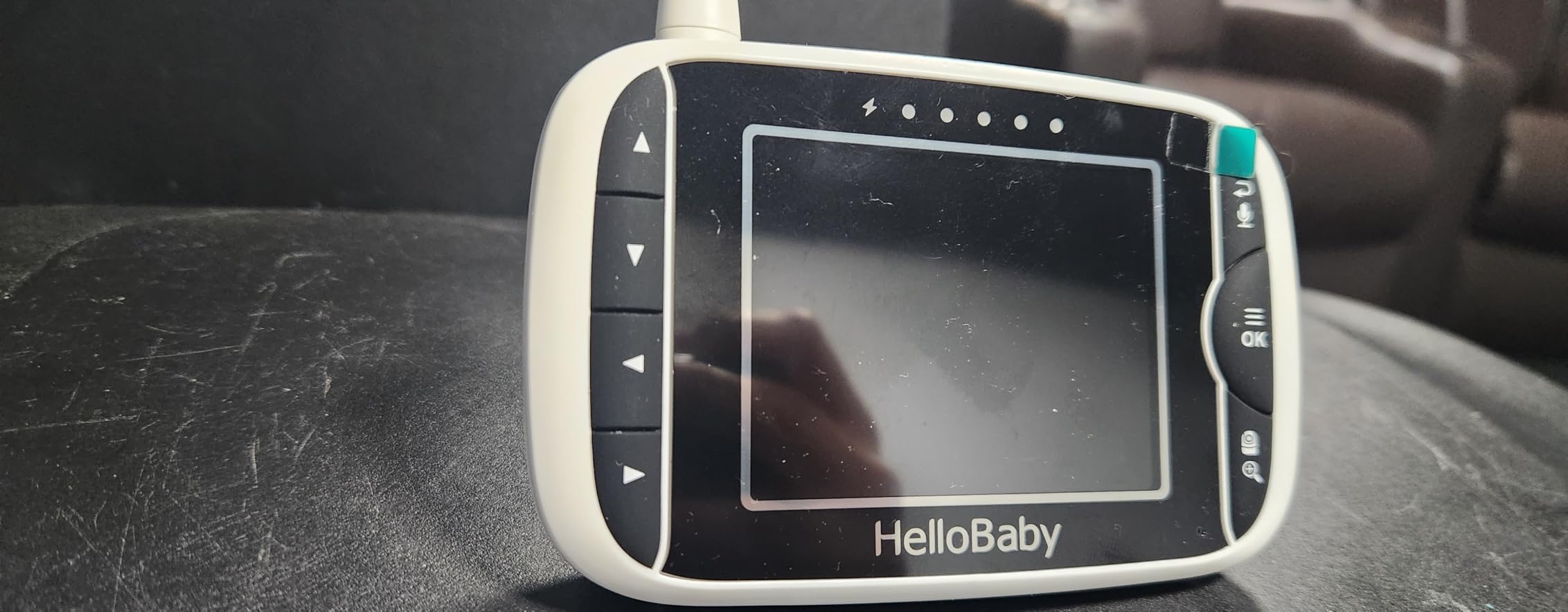
5. HelloBaby 3.2-Inch Two-Camera Set – Best Simple Starter System
HelloBaby Baby Monitor with 2 Cameras and Audio, No WiFi, 3.2″ Screen
3.2-inch parent screen
Two cameras included
Pan 288 degrees and tilt 120 degrees
2x magnification
1000ft transmission range
Pros
- Two cameras bundled at a low entry price
- Automatic infrared night vision for full day and night coverage
- Remote pan and tilt for flexible camera positioning
- Room temperature shown on the parent screen
- Plug-and-play with no app or account
Cons
- Small 3.2-inch screen limits at-a-glance visibility
- 2x zoom is modest against higher-spec models
- Wall-oriented camera mount
This is the set to buy if the second camera is a maybe rather than a certainty. You get two cameras, one parent unit, and the core closed-loop reliability of the HelloBaby range on a simpler configuration than the models above it. Setup is genuinely plug-and-play, with no app, no account, and no network configuration to stumble over in the middle of the night.
Both cameras pan 288 degrees side to side and tilt 120 degrees, with automatic infrared night vision and two-way audio. A video-off audio-only mode and a sound level LED indicator let you run the screen dark overnight and still track room noise, and the room temperature displays on the parent unit throughout the day. The parent unit expands to four cameras if you later add a playroom.
Owners value the infrared night vision and the remote pan and tilt far more than the modest zoom. Our nursery-focused monitor picks lean larger on screen size, so if you know you will want to read facial expression at 2am, step up a size.
When a smaller screen is the right call
A 3.2-inch screen is genuinely limiting for spotting a subtle change in breathing posture, and that is the honest reason to move up. But if your plan is to place one camera in a nursery and one in a playroom, both well away from the cot, the smaller display is fine because you are watching a room, not a face. The audio-only mode also makes it easier to leave running on a dresser overnight.
Where this monitor falls short
The 3.2-inch screen is the headline limitation, and 2x zoom does not give you much to work with when a baby is close to the lens. The camera mount is wall-oriented, so a tabletop placement may need a prop or an improvised shelf bracket. Beyond that, the feedback is mostly positive, with owners citing night vision, pan and tilt, temperature display, and simple setup.
6. VTech VM901-2 – Best Two-Camera System With a Free Phone App
VTech Smart WiFi Baby Monitor, 2 Cameras – See Both Rooms at Home or from Anywhere, Free App, 1080p Split Screen, 5″ HD Screen, Pan-Tilt-Zoom, Night Vision | VM901-2HD
5-inch split-screen parent unit
Two baby units at 1080p
Free MyVTech Baby app
5000mAh battery
11 channels
Pros
- Only option here showing both rooms live on a phone from anywhere
- Free app with movement history for nap tracking
- True 1080p picture quality
- Independent pan tilt zoom for each camera
- Two wall mounts included in the box
Cons
- Screen freezing and glitching reported by multiple owners
- Temperature readout can revert to a wrong value and raise false alerts
- Parent-unit battery runs about 5 hours
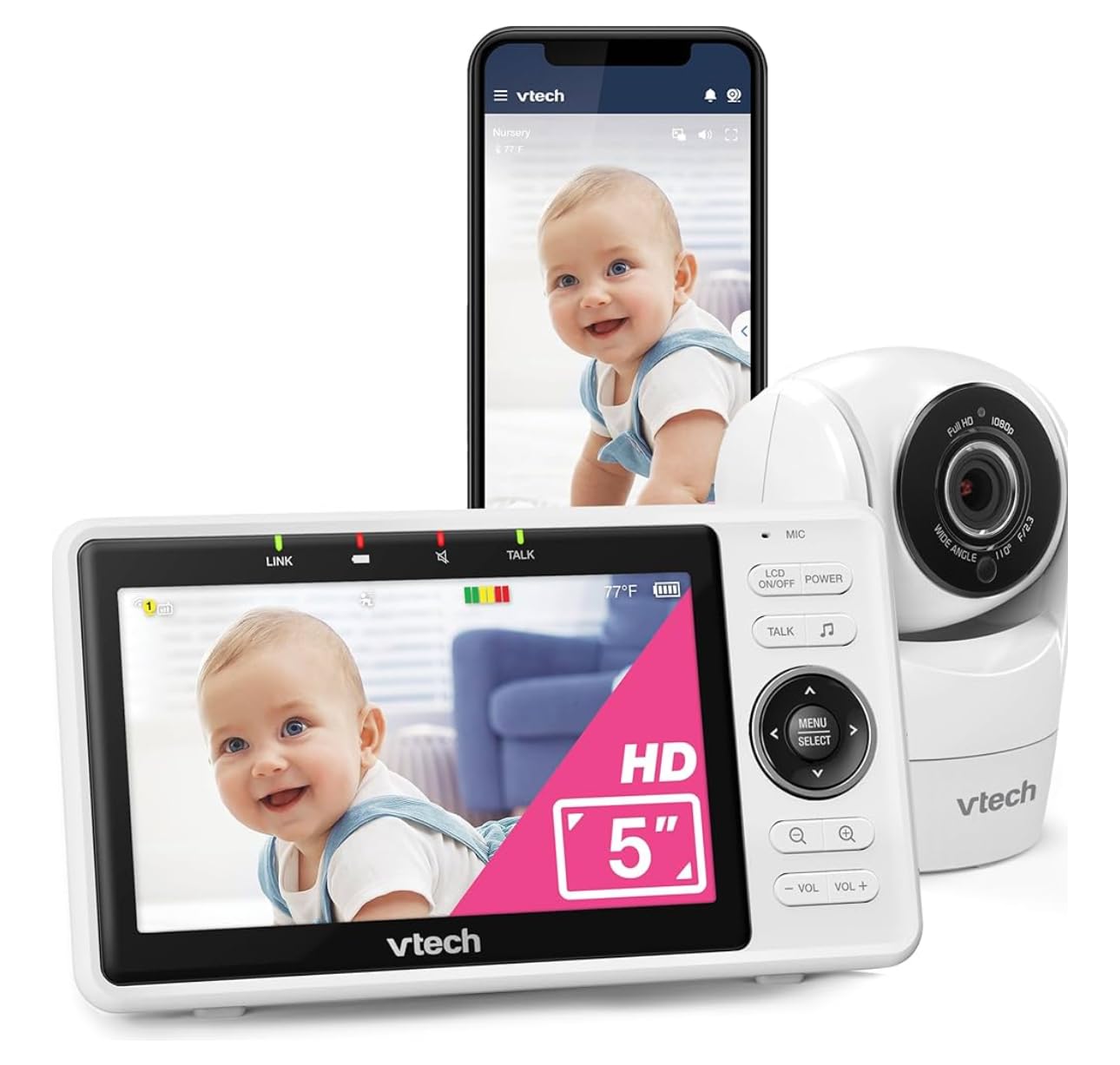
The VM901-2 is the only smartphone option in this roundup, and for some households that changes everything. The free MyVTech Baby app streams both rooms live to a phone from anywhere, so one parent can be at work and another at a parent’s house watching the same two feeds under one account. The 5-inch parent unit still does true side-by-side split screen at home with a tap for full screen.
Picture quality is the strongest here at 1080p, with independent pan, tilt, and zoom on each camera, automatic night vision on both, and a single alert when either child stirs or either room gets too warm. The 5000mAh battery is generous on paper, and two wall-mount brackets plus all the fixings are in the box.
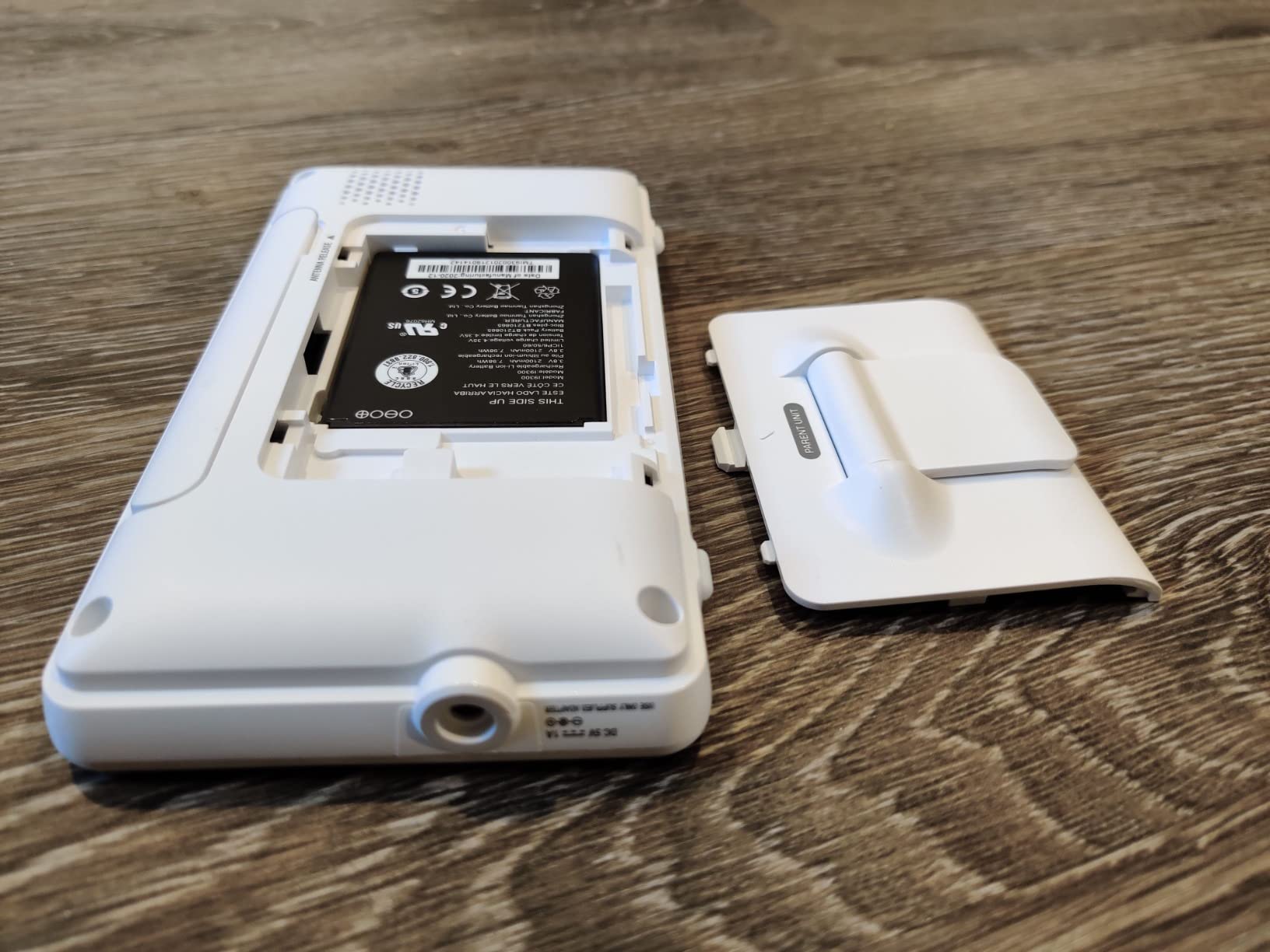
If you are still weighing WiFi against a closed-loop radio, our WiFi baby monitor guide sets out the privacy and reliability trade-off in detail. The short version is that a WiFi system gives you remote access and loses you the fallback feed whenever the network wobbles.
What shared app access actually solves
The gap this system fills is coordination, not resolution. Grandparents, a partner at work, and a sitter can all be pointed at the same two-camera feed without anyone being handed a separate handset and a separate password. Movement history is also genuinely useful for spotting nap patterns across two rooms, which is something a standalone parent unit cannot show you retrospectively.
Where this monitor falls short
This is the lowest-rated pick here at 4.1, and the complaints are consistent rather than isolated. Multiple owners report the screen freezing and glitching, occasionally showing a sleeping child who is actually awake. The temperature readout can revert to a wrong value and trigger false alarms, the parent-unit battery runs around 5 hours, both cameras are corded only, pairing a second camera is a poorly documented menu process, and the WiFi key field is too short for longer network passwords.
7. HelloBaby HB6351Plus-2 – Best 6-Inch Split Screen With No App
HelloBaby 6″ Split Screen Video Baby Monitor with 2 Cameras, No WiFi
6-inch IPS screen
Two cameras with split screen
4000mAh battery
Infrared night vision
No WiFi operation
Pros
- Large 6-inch IPS screen with a clear roomy view of the nursery
- True split screen shows both cameras at once
- Infrared night vision works well in low light
- No WiFi means no hacking risk and no network setup
- 4000mAh battery with ECO mode and temperature monitoring
Cons
- Audio in split-screen mode follows only one camera at a time
The HB6351Plus-2 puts a 6-inch IPS screen on a parent unit that also does true simultaneous split screen. That combination is the reason to pick it. At 6 inches you get the largest viewing area of the non-WiFi sets here, so even halved into two tiles each room stays legible, which is exactly the problem with splitting a 3.2-inch or 4.3-inch screen.
Two cameras come in the box, infrared night vision covers the dark hours, and two-way talk lets you settle a child from the doorway. The 4000mAh battery, ECO mode, remote pan-tilt-zoom, temperature monitoring, and lullabies cover the rest of the checklist. It runs on 2.4GHz wireless with no WiFi at all, so there is no network setup and nothing to hack.

Parents reviewing this one highlight the roomy screen and the reassurance of a closed system. Our smart monitors with sleep tracking picks make sense if your interest is analytics rather than two rooms, but for dual-room viewing without an app this screen size is hard to argue with.
Why screen size matters more once you split it
Splitting a screen divides the usable area, so a 6-inch panel gives each tile roughly the footprint of an undivided 3-inch screen. That is the arithmetic behind our ranking, and it is why we would not recommend splitting a 3.2-inch display across two rooms. On the HB6351Plus-2 you can keep both tiles on screen all night without pinching to zoom.
Where this monitor falls short
There is one functional limitation reviewers name consistently: in split-screen mode the audio tracks only one camera at a time. You get both pictures but one sound channel, so the sound level indicator is your only cue for the second room. Camera power is corded, and detailed response data on pan, tilt, and zoom range is thinner than on the GoodBaby or Blemil units.
8. Blemil BL9064-2 – Best Battery Life and Travel Setup
Blemil 6″ Split Screen Video Baby Monitor with 2 Cameras, 4000mAh Battery
6-inch IPS display
Two cameras with 310-degree pan
4000mAh battery
About 30 hours in ECO mode
1000ft outdoor range
Pros
- Large 6-inch IPS screen with a wide viewing angle
- Split screen plus auto rotation between both cameras
- ECO battery lasts multiple days and holds charge for over a year
- Strong signal across a large home without drops
- No WiFi so it travels easily and cannot be hacked
Cons
- Cameras have no built-in battery and must stay plugged in
- Some owners find the picture soft compared with higher-end monitors
- Dual-screen audio comes from one camera at a time
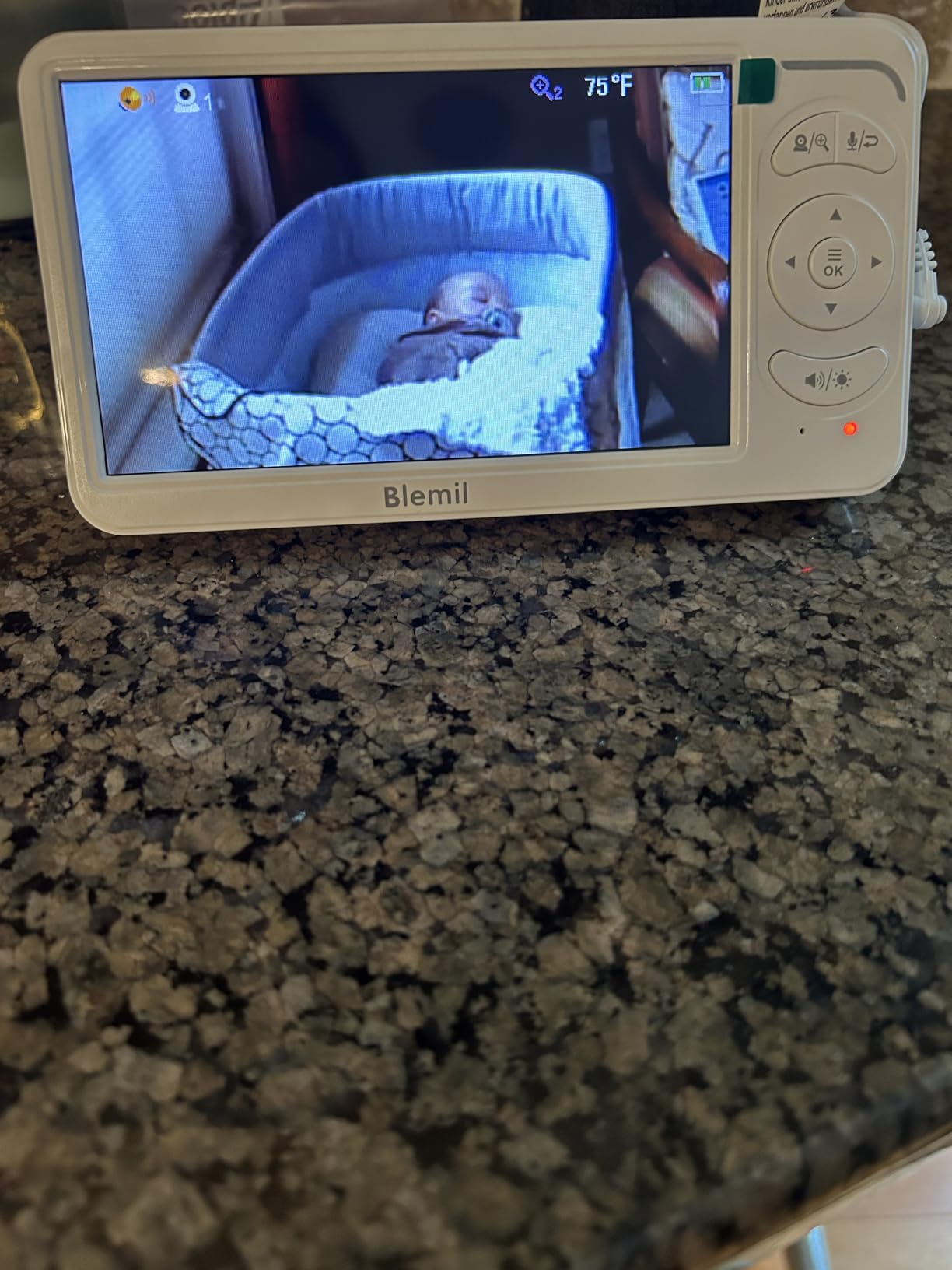
The BL9064-2 pairs a 6-inch IPS display with the longest parent-unit runtime we found. Around 30 hours in ECO mode is enough for several nights before a charge, and some owners report the pack still holding its capacity more than a year in. For a household that does not want to plug the handset in nightly, that is the difference between a monitor you trust and one you check the battery on.
Both cameras pan 310 degrees and tilt 120 degrees, with split screen plus an auto-rotation mode between them. ECO mode uses real-time cry detection to wake the display, and per-camera audio alerting tells you which room a sound came from. There are also 150 language interfaces, which is unusual at this level, and wall and ceiling mounting hardware is included.
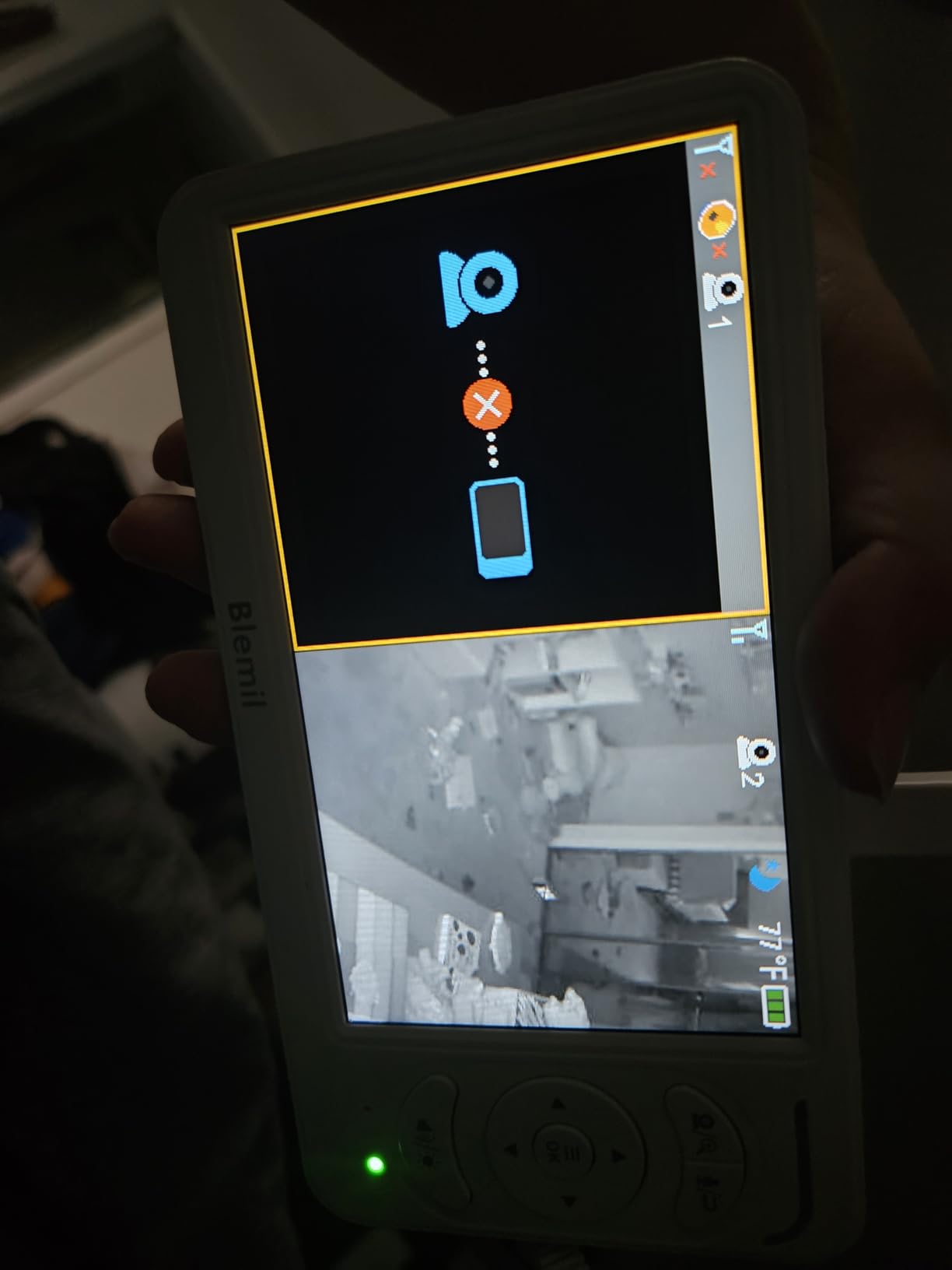
Because there is no WiFi, no app, and no account, the whole thing works anywhere you can plug in a camera, which makes it a solid choice for a week at a grandparents’ house. The signal held strongly across a large home in reviews without connection drops, on a 1000ft outdoor 2.4GHz FHSS connection.
Why battery life beats screen size for night-time use
A monitor that dies at 2am is worse than one with a smaller display, because it removes the thing you bought it for. Multi-night ECO runtime means the handset can sit on the dresser through a full night, several nights running, without a charge cycle in between. That also suits shift-working households where one parent is asleep during the day and needs the monitor just as much.
Where this monitor falls short
The cameras themselves have no built-in battery and must stay plugged in near an outlet, so a power cut removes your picture entirely. Video is 720p and some owners find it soft next to 1080p systems. As with most split-screen monitors, dual-screen audio comes from one camera at a time, and the unit needs a plug adapter to work in Australia.
9. iFamily 4.3-Inch Two-Camera Set – Best Low-Lag Split Screen
iFamily 5″Split Screen Baby Monitor with 2 Cameras and Audio n Night Vision
4.3-inch split screen
Two cameras expandable to four
355-degree pan and 120-degree tilt
720p capture
1000ft outdoor range
Pros
- Split screen with clear real-time video that does not lag
- Remote camera angle control from the parent unit
- Parent-unit speaker picks up soft noises clearly
- Screen can be turned off for audio-only monitoring
- Pre-paired cameras that survive a drop
Cons
- Camera-side speaker is very quiet
- Video is modest at roughly 480p with soft night vision
- Battery needs charging roughly every night
The iFamily is the answer to the split-screen lag complaint that shows up constantly on parenting forums. Owners repeatedly describe the video as clear and real-time with no lag, which is precisely the failure mode that makes parents distrust a dual-camera system and go back to two separate monitors. The 4.3-inch display splits cleanly, and the screen can be switched off for audio-only night monitoring.
Both cameras pan 355 degrees and tilt 120 degrees and can sit on a table or a wall. The parent-unit speaker is strong enough to pick up soft breathing noises, which is the half of the audio story that matters most. You also get two-way talk, a temperature sensor with alert levels, a feeding alarm with timer, lullabies, and night vision.
Expandability to four cameras on the same parent unit means one more purchase later, not a whole new system. The secure 2.4GHz FHSS link needs no WiFi and no phone, so the monitor stays off your home network entirely, which is the reason many parents in forum discussions choose a closed-loop set over a smart one.
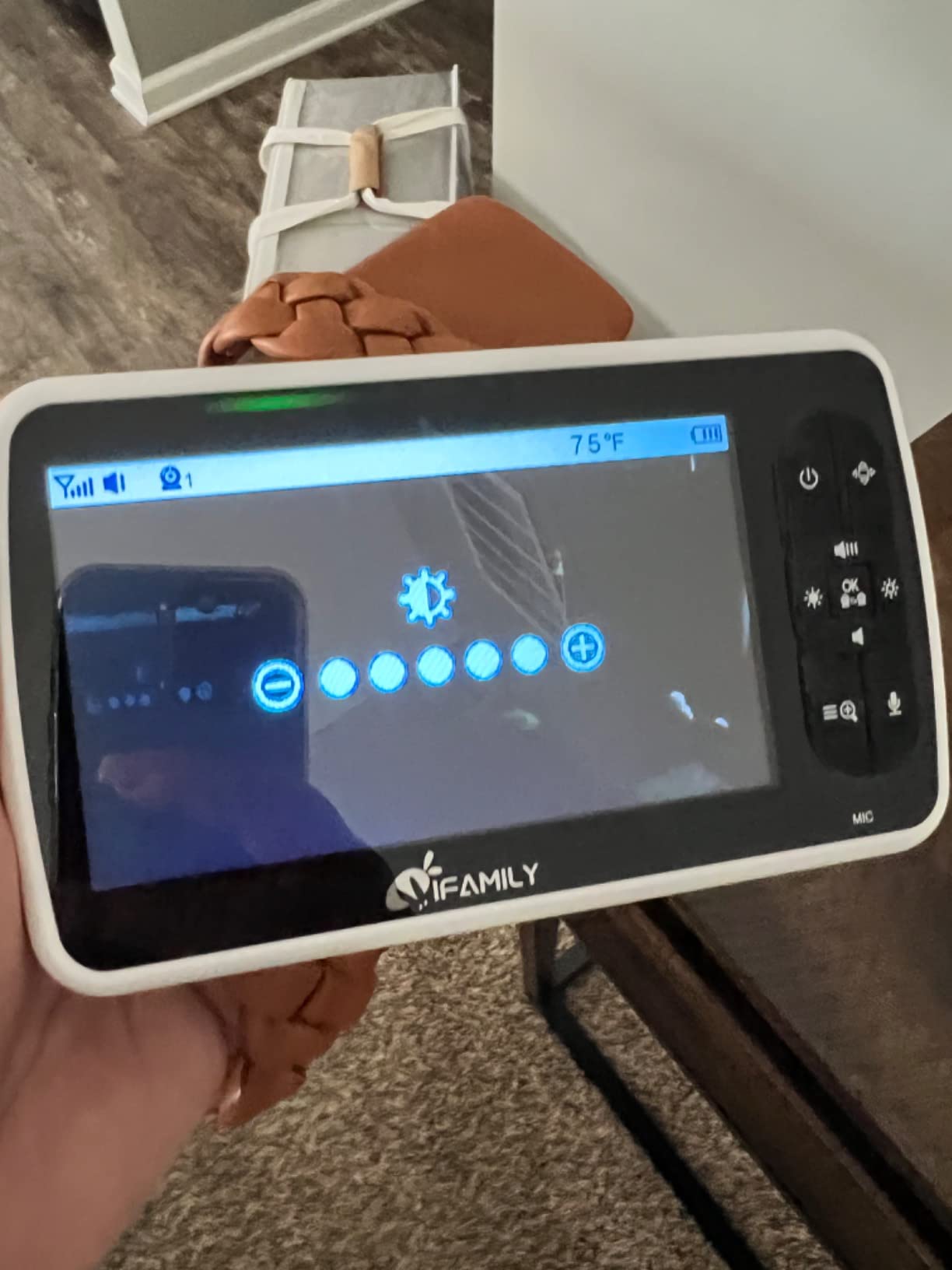
Why lag matters more than resolution
A delayed feed is worse than a soft feed. If split screen lags, you cannot tell whether your baby is settling or struggling in real time, and the monitor stops being useful at the exact moment you need it. This set keeps both tiles synchronised, so movement in either room appears as it happens. That reliability is why we recommend it for anyone who has already been disappointed by a stuttering two-camera view.
Where this monitor falls short
The camera-side speaker is very quiet even at close range, so two-way talk works but you will be raising your voice. Real-world usable range is shorter than the advertised figure, with owners suggesting something closer to 300 feet in a normal house. Video is modest, roughly 480p with lower-resolution night vision, there is no SD card or recording option, and the battery needs charging roughly every night.
10. Firskids 4.3-Inch Two-Camera Set – Best Simple Plug-and-Play Backup
Firskids Split-Screen Baby Monitor with 2 Cameras No WiFi, 30H Battery, Pan-Tilt-Zoom, Monitor para bebés with Night Vision, 2-Way Audio, Room Temp Sensor, Lullaby, Plug & Play – Ideal for Travel
4.3-inch IPS LCD
Two cameras with split screen
3500mAh battery
320-degree pan and 120-degree tilt
1000ft open-space range
Pros
- Split screen across two cameras at a low cost
- Simple plug-and-play pairing with no app or account
- Good battery life on the portable screen
- Remote pan tilt zoom makes camera angles easy to set
- Clear sound on the parent unit with working night vision
Cons
- Image quality described as poor or lacking by several owners
- One bundled camera may arrive with blurry focus
- Some units developed black screens within weeks or a year
The Firskids is the simplest two-camera set here to get running. Pairing is plug-and-play with no app and no account, the cameras pan 320 degrees and tilt 120 degrees with 2x zoom, and the 4.3-inch IPS LCD does real split screen across both feeds. It suits a second nursery, a grandparent’s house, or a spotter monitor you set up once and leave alone.
The 3500mAh battery has an ECO and VOX mode that blanks the screen after about 20 seconds of quiet, which is how you get usable runtime from a modest pack. Infrared night vision engages automatically in low light, two-way audio runs through a press-to-talk button, and you get room temperature monitoring with change alerts plus a feeding and diaper timer and eight lullabies.
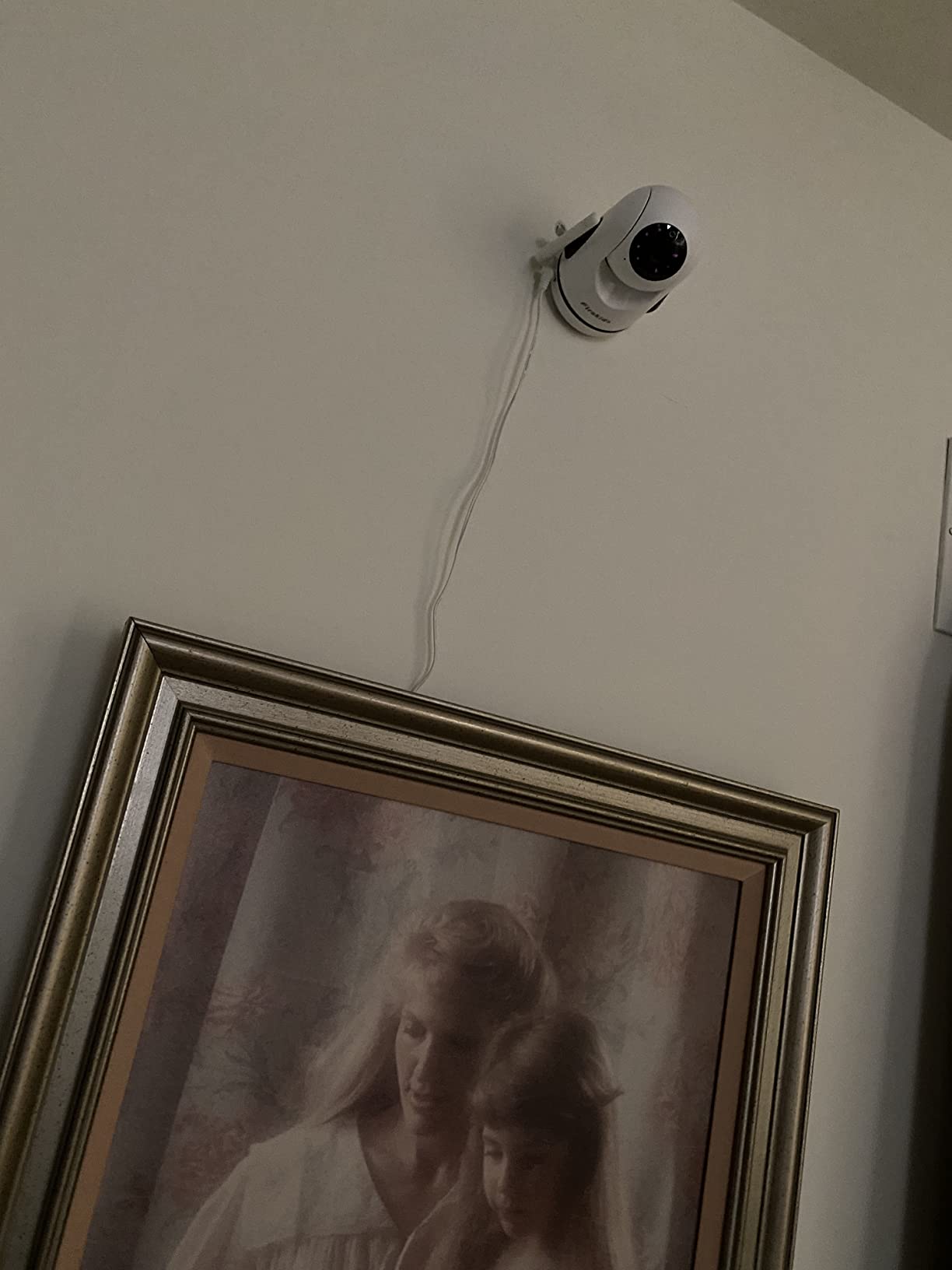
Because it needs no internet connection, it also travels well, which is the same benefit that makes it useful as a secondary monitor elsewhere in the house. Eight language settings are a nice touch for households that move between countries.
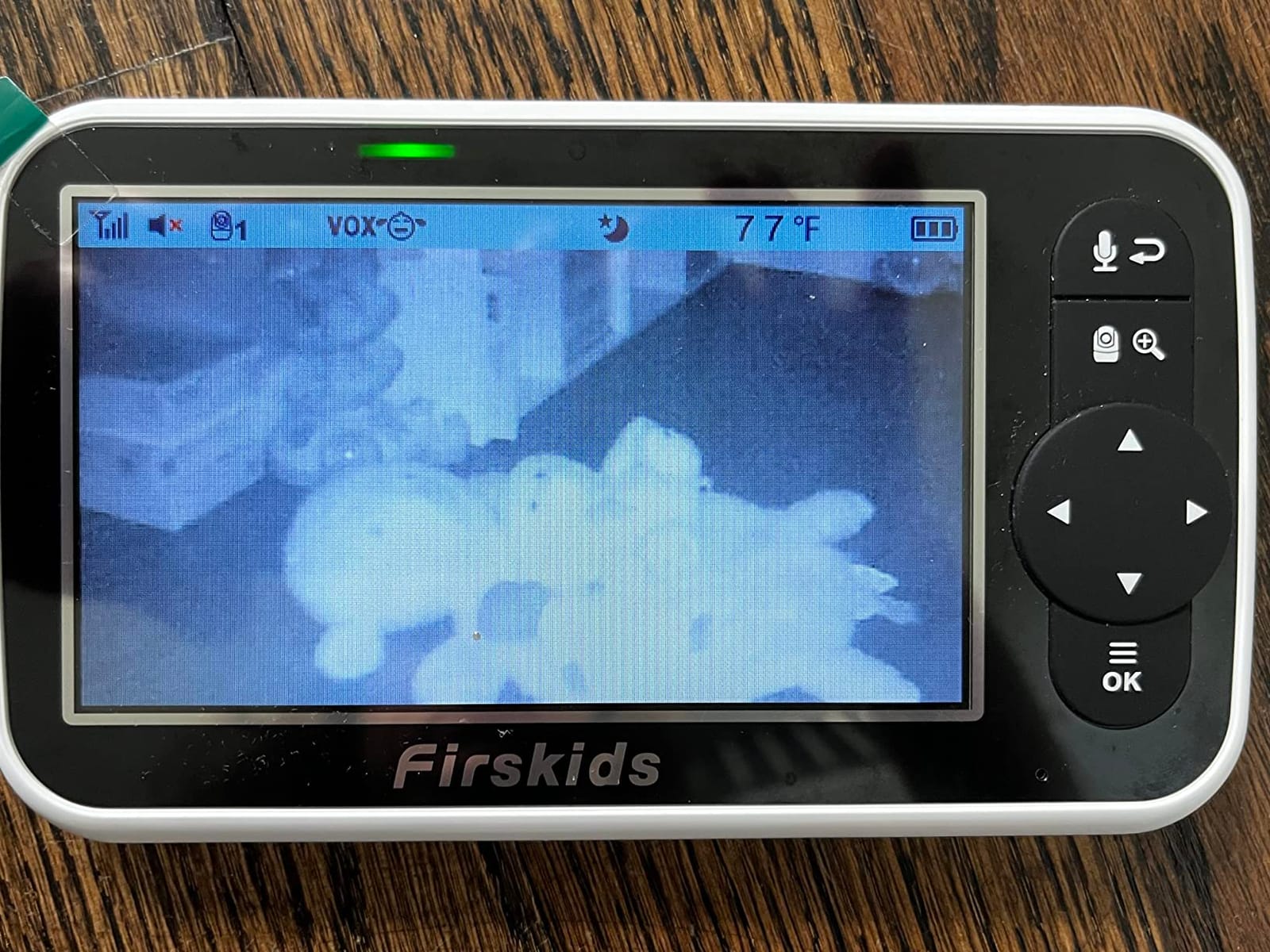
When a second monitor beats a second camera
There is a case for two standalone monitors: if your two babies are far apart, on different floors, or in a building with thick walls, two independent systems can each hold their own signal without competing for one parent unit’s bandwidth. The Firskids works well as that spotter unit, and parents who want to compare a few more single-camera options can start with our best baby monitors guide.
Where this monitor falls short
Picture quality is the recurring complaint, with several owners describing it as poor or lacking. In some two-camera sets one camera arrives with blurry focus while the other is sharp, which is worth checking the moment you unbox it. Some units developed black screens within weeks or a year, the connection is occasionally weaker than earlier models from the same brand, there is no clock display on the monitor screen, and the screen looks touch-capable but is not.
True Split Screen vs Camera Toggle – What Actually Changes For You
True split screen renders both camera feeds on the parent unit at the same time as two tiles. Camera toggle shows one camera full size, and you switch between them with a tap or on an automatic scan cycle. Understanding the difference is the single most useful thing you can do before buying, because the marketing language blurs the two.
Split screen wins when you need ambient awareness. Two tiles let you see both rooms at all times, so a change in the second nursery registers in your peripheral vision instead of waiting for a scan interval. It is the better choice for twins in separate rooms or a newborn plus an active toddler, where you are tracking two independent situations.
Toggle wins when you need detail. One feed at full resolution on a 5-inch screen makes it far easier to read a breathing pattern or see whether a hand has moved. That is why the HelloBaby HB6550-2, which switches one-tap between two large feeds, appeals to parents who want maximum picture clarity per room rather than breadth of awareness.
Scan mode is the compromise most of these systems include. It cycles through the cameras on a timer, often every 10 or 15 seconds, handing the audio channel to each in turn. A sound level indicator on the parent unit tells you when noise is happening in the room you are not currently watching. It is not as good as true split screen, and no competitor product page will tell you that.
One rule worth learning from parents on forums: if both cameras share one parent unit and you run the screen on continuously, expect the battery to last roughly half what the box claims. The quoted 30-hour figures assume ECO or VOX mode with the display off, which is how you will actually use it overnight.
How to Choose a Two-Camera Baby Monitor?
Closed-loop non-WiFi or WiFi app
Non-WiFi systems broadcast on an encrypted 2.4GHz FHSS channel that never touches your router or the internet. Nothing is stored in a cloud account and there is nothing for someone to log into, which is the reason most parents in forum discussions prefer them. You give up remote viewing from work and any sleep analytics the brand might layer on.
WiFi systems add a phone app, shared caregiver access, movement history, and viewing from anywhere. In exchange you depend on your network staying up, and any drop leaves you with no fallback picture. Two-factor authentication on the app matters more than any other setting if you go this route.
Screen size and split-screen type
Work out the size before you pick the model. A 6-inch screen split in two gives each tile about the footprint of an undivided 3-inch screen. A 3.2-inch screen split in two is genuinely hard to read at 2am. If both cameras sit far from the cot and you are watching rooms rather than faces, a smaller screen is defensible.
Range through walls and floors
Manufacturers quote 1000ft, and that figure is for open space. Parents measuring in real multi-floor homes report usable distances closer to 250 to 300 feet through building materials. Judge range by the number of walls and floors between camera and parent unit, not by the number on the box. If the cameras are on a different floor, prioritise 2.4GHz FHSS over a cheaper 2.4GHz link.
Power, cords, and battery
Every camera in this roundup is corded, which is a safety plus in a nursery but means a power cut ends your picture. Check cord length before you buy, since short cables are a common complaint and force awkward placement near a socket. For the parent unit, the meaningful number is ECO or VOX runtime, not the headline capacity.
How many cameras you can add later
GoodBaby, Babysense, Blemil, iFamily, and the HelloBaby units expand to four cameras on one parent unit. The VTech VM819-2 is a two-channel system. Expandability is worth paying a little more for if you think a playroom or grandparent camera is coming within a year.
Adding a Second Camera to a System You Already Own
Yes, and in most cases it is cheaper than replacing the whole set. The HelloBaby systems listed here expand to four cameras on a single parent unit, so you can buy one extra camera and pair it to the handset you already have. Parents on forums ask this question constantly, and the answer for HelloBaby, GoodBaby, Babysense, Blemil, and iFamily is a straightforward yes.
Non-WiFi closed-loop systems pair in the menu on the parent unit rather than through an app, usually with a button press on the new camera and a menu option on the screen. It takes a couple of minutes. WiFi-based VTech units pair through the handset menu, and owners of the VM901-2 describe that process as poorly documented, so budget extra time and check the manual before you start.
Two cautions before you add a camera. First, confirm the parent unit’s channel ceiling, since a two-channel system like the VTech VM819-2 will not accept a third feed. Second, check whether your model has shared power supplies, because the add-on camera may need its own adapter rather than borrowing the original one.
A Safety Note on Baby Monitors and Sleep Position
A monitor cannot prevent sleep-related infant death, and no medical body recommends one as a safeguard. The useful roles are practical: confirming a baby is breathing comfortably, helping you decide when to walk in and settle them without turning on a light, and giving a partner or sitter a feed at night. Safe sleep practice matters more, with the baby on their back on a firm flat surface and cords kept well out of reach.
Two practical details follow from that. Route camera and parent-unit cables along a wall or under furniture so nothing dangles within reach of a crib, and do not place a monitor camera inside the cot or within reach of a mobile. If you want numbers rather than video, our sleep tracking monitor guide covers the wearable options, though those measure movement rather than diagnose anything.
Frequently Asked Questions
What are some good baby monitors for two rooms?
For two separate rooms, look for a system with a true split-screen mode and remote pan and tilt on both cameras. The VTech VM819-2 covers two rooms on an encrypted closed-loop link with a 19-hour battery, the GoodBaby SM663V2 adds split screen with scan audio rotation and a Type-C charger, and the HelloBaby HB6550-2 gives you a 5-inch screen with 355-degree pan. If you also need to view from outside the home, the VTech VM901-2 is the only app-based option in our roundup.
Can I buy a second camera for my Hello baby monitor?
Yes. The HelloBaby systems in this roundup expand to four cameras on a single parent unit, so you can buy an add-on camera and pair it to the handset you already own. Pairing happens in the menu on the parent unit rather than through an app and takes a couple of minutes. Check that your specific model lists four-channel capacity, since older single-channel HelloBaby models will not accept extra cameras.
How many cameras can the Infant Optics monitor have?
We did not test an Infant Optics unit for this guide, so we cannot give you a verified camera count. Infant Optics multi-camera models are commonly listed by owners on parenting forums as expandable to four baby cameras on one parent unit, which matches the pattern across most DECT-style systems in this roundup. Confirm the limit on the specific model number before you buy, because the ceiling varies between product lines.
Is there an audio baby monitor that can hold two baby units?
Several of the video monitors here have a video-off audio-only mode that holds two cameras at once, including the VTech VM819-2 at roughly 29 hours in audio-only mode, the HelloBaby 3.2-inch set, and the iFamily set. If you want audio with no screen at all, a dedicated audio monitor with two baby units is a separate product category, and none of the ten systems reviewed here replaces a dedicated audio-only handset entirely.
Is a two-camera monitor better than buying two single monitors?
A two-camera system wins when both babies are close together, because you get one parent unit, one charger, one set of alerts, and a single split-screen view instead of two handsets to track. Two separate monitors make more sense when the cameras are far apart, on different floors, or in a building where the signal between them would be weak. Several parents on forums also keep one dual-camera system at home and a cheap second unit as a spotter elsewhere.
Is 1000ft range realistic through walls and floors?
Not really. The 1000ft figure on most boxes is measured in open space. Parents measuring in real multi-floor homes report usable distances closer to 250 to 300 feet once walls and floors are in the way, and the iFamily reviews in this roundup put realistic use nearer 300 feet. Judge range by the number of walls and floors between camera and parent unit, and prioritise encrypted 2.4GHz FHSS if the cameras are on another level.
Conclusion: Our Two-Camera Verdict for 2026
The best baby monitors with two cameras depend almost entirely on whether your two babies are in one room or two. For two separate rooms where awareness beats detail, the VTech VM819-2 is our pick: 19 hours of battery across both cameras, an encrypted closed-loop signal with no app, and the highest rating and review volume of any set we tested. It costs you true simultaneous viewing, but the 10-second Patrol Mode covers the night shift well.
If picture size is what keeps you up at night, take the HelloBaby HB6550-2 for its 5-inch IPS screen and 355-degree pan, or the Blemil BL9064-2 if multi-night battery life matters more than zoom range. For genuine side-by-side split screen without an app, the GoodBaby SM663V2 gives you both rooms plus rotating scan audio and a USB-C charger. And if you genuinely need to check both rooms from your phone while at work, the VTech VM901-2 is the only option here that does it, accepting the shorter battery and occasional screen freezes as the cost.
Whichever you pick, check cord length before setup day, mount the cameras out of the cot and away from cords, and remember the monitor is there to reduce midnight stress, not to replace safe sleep practice.