

The Fire 7 Kids is the one to watch during Amazon’s Prime Big Deal Days sale, because it does the three things parents actually ask for: a case that survives drops, controls they can run from their own phone, and a year of ad-free kid content in the box. The Fire HD 10 Kids covers the older end of the age range, and the LeapPad Academy tablet is the pick when learning apps matter more than streaming.
Prime Big Deal Days runs October 6-7, 2026, and most offers need an active Prime membership. A free trial counts.
Table of Contents
Our Top 3 Picks for Best Amazon Prime Big Deal Days Kids Tablet Deals

Fire 7 Kids
- 7-inch 16 GB
- Up to 10-hour battery
- Kid-Proof case and a year of Amazon Kids+

Fire HD 10 Kids
- 10.1-inch 1080p screen
- 32 GB and 3 GB RAM
- 13-hour battery and a thick case

LeapPad Academy
- 20+ educator-approved apps
- Stylus and kickstand bumper
- Three-month Academy trial
The Fire 7 Kids wins this list on evidence rather than novelty. Its review base is the largest here by a wide margin, and the same three themes come up again and again: the bumper survives being dropped, the Parent Dashboard does what it says, and the battery carries a full outing. The Fire HD 10 Kids answers the screen-size complaint that shows up most often against smaller Fire models, while the LeapPad Academy sits in a category of its own, since its app store only carries learning content.
Best Amazon Prime Big Deal Days Kids Tablet Deals Compared (October 2026)
| Product | Specifications | Action |
|---|---|---|
| Fire 7 Kids |
|
Check Deal Price |
| Fire HD 10 Kids |
|
Check Deal Price |
| LeapPad Academy |
|
Check Deal Price |
 Fire HD 8 Kids Pro Fire HD 8 Kids Pro |
|
Check Deal Price |
 COLORROOM 10 Kids COLORROOM 10 Kids |
|
Check Deal Price |
 ATOZEE 10 Kids ATOZEE 10 Kids |
|
Check Deal Price |
 Evermyth 10 Kids Evermyth 10 Kids |
|
Check Deal Price |
 aiprotablet 10 Kids aiprotablet 10 Kids |
|
Check Deal Price |
 Gleeso 10 Kids Gleeso 10 Kids |
|
Check Deal Price |
 ICONLINK 7 Kids ICONLINK 7 Kids |
|
Check Deal Price |
Read the table as three groups rather than one ranking. The Fire models sit at one end, built around a subscription and a locked-down interface. The Android models in the middle run standard software with a preloaded kids space. The ICONLINK 7 Kids and the LeapPad Academy are the strictest locks in the list, and that is deliberate on their part, not an oversight.
How We Chose
Every tablet here was compared on the specs that decide daily use for a child: screen size and resolution, usable storage after the operating system takes its cut, memory, battery claims, the case that ships in the box and how deep the parental controls go. Owner ratings and review volume on Amazon were weighed alongside those numbers, and product listings were checked in October 2026.
1. Fire 7 Kids: Editor’s Choice for Ages 3 to 7
Fire 7 Kids
Display: 7-inch
Stores: 16 GB
Battery: 10 hours
Case: Kid-Proof included
Pros
- Kid-Proof case survives repeated drops
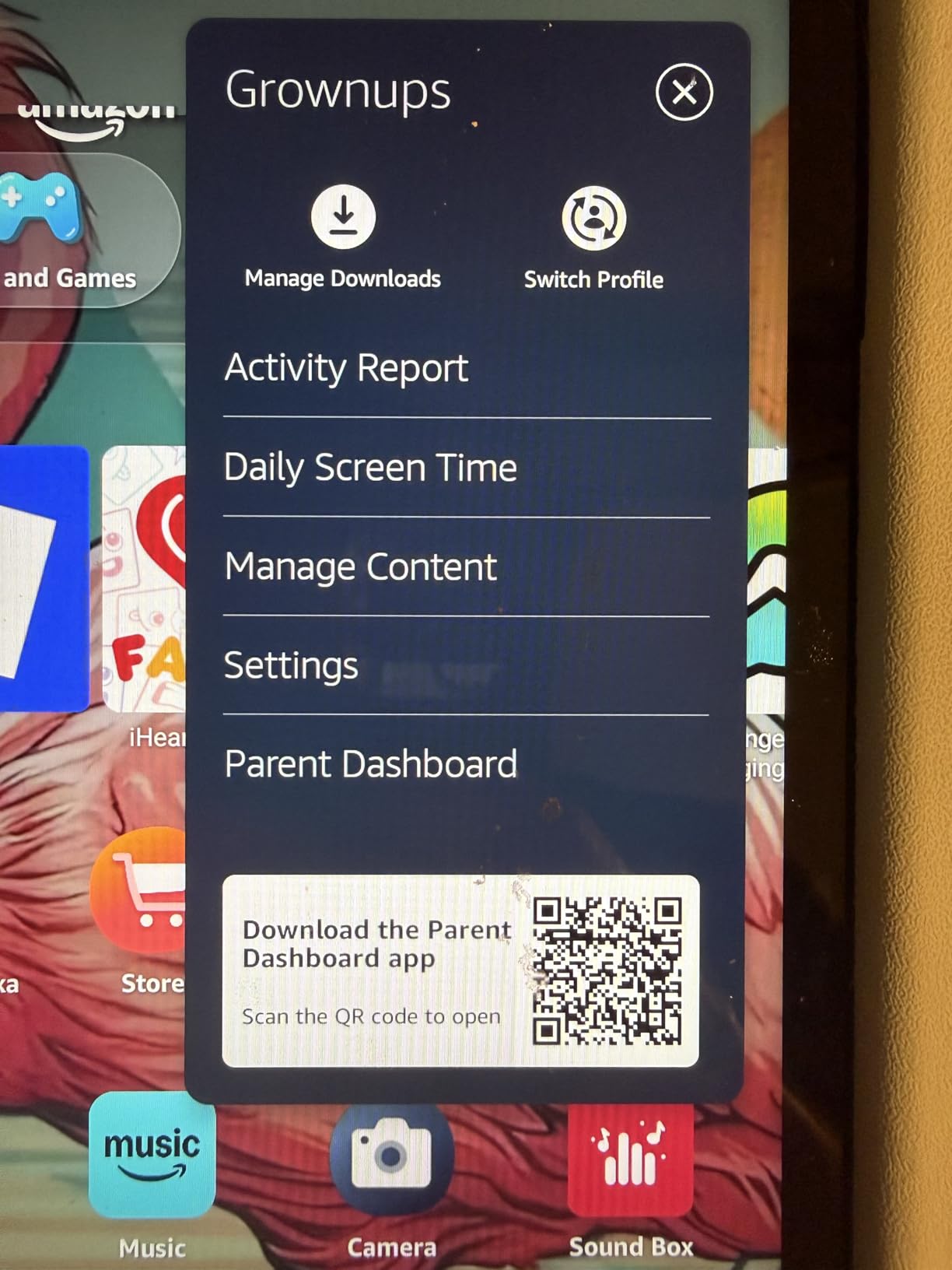
- Parent Dashboard for content and time limits
- One year of Amazon Kids+ included
- Right size for small hands
- Battery holds up on outings
Cons
- Only about 3.5GB of the 16GB is usable for apps
- Parent Dashboard limits can behave inconsistently
The Fire 7 Kids is the default answer for a reason: it is the most-reviewed tablet in this roundup by a distance, and the pattern in those reviews holds up over time. Owners of younger children tend to talk about the same three things, the bumper taking a beating, the dashboard being easy to set limits from a phone, and the battery surviving a long outing without a charger.
The honest catch is storage. Owners repeatedly point out that roughly 3.5GB of the advertised 16GB is left once the operating system has taken its share, which is a tight squeeze once a child starts downloading games and videos rather than streaming them. If that is the pattern in your house, the fix is the Fire HD 8 Kids Pro further down, which carries 64GB.
Skip it if your child is heading into school and will want to type documents. Compared with the Fire HD 8 Kids Pro, which carries 64GB and up to four gigabytes of RAM, this model is built for smaller hands and shorter sessions. Compared with the LeapPad Academy, it is the more open of the two, since a child can eventually reach more of the wider app catalogue as they get older.
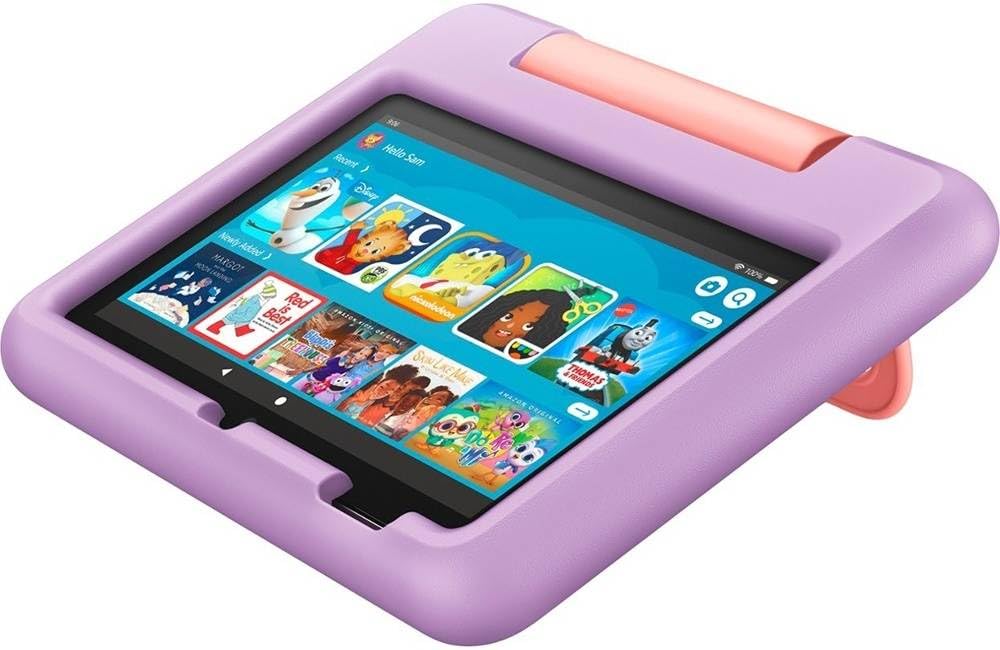
Long-term owners in the reviews mention something the specification sheet does not: a single Fire 7 handed down from an older sibling keeps working, which is the main argument for a tablet at this end of the price list. Two to three years of daily use is a reasonable expectation from the battery and the case, and the light storage load means the next child starts in the same place rather than sorting out a full device.
Parents also describe the initial setup as the part that puts them off, not the tablet itself. The kids interface is a separate space, so a child lands in filtered content while an adult handles the profile and the limits from the phone. Give it fifteen minutes on the first evening.
One theme runs through the reviews on every Fire model: the child profile is worth setting up properly, because the time limits and the content filters both live there. A parent who skips that step tends to come back to the same complaints a month later.
Good to know: the case is part of the package rather than an add-on, and it is the reason this model survives a household with a toddler on the floor. Set the daily limit from your own phone on day one, and the permission prompts stop being a negotiation.
2. Fire HD 10 Kids: Best for Big Screens
Fire HD 10 Kids
Display: 10.1-inch 1080p
Stores: 32 GB
Battery: 13 hours
Case: Thick bumper
Pros
- Large 1080p screen is a real upgrade for kids
- Survives serious drops in owner reports
- Controls manageable from a phone
- 13-hour battery handles long car rides
- Case is built for rough handling
Cons
- Kids interface can feel busy to navigate
- Storage limited once the OS is accounted for
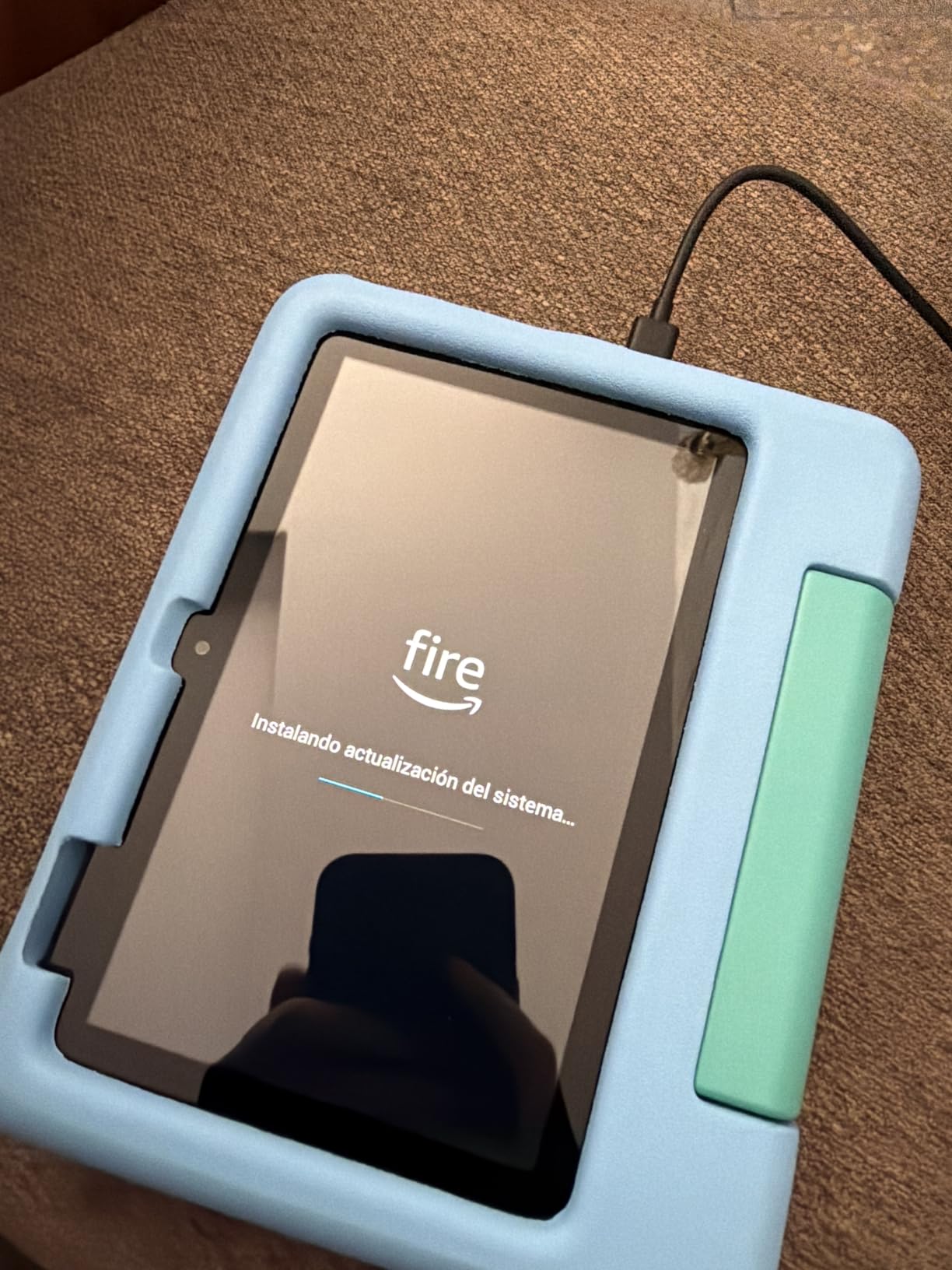
Most complaints about Fire tablets for children come down to a small screen and a short battery. This model was built to close both gaps, with a 10.1-inch 1080p panel, 32GB of storage and a claimed 13 hours per charge. Reviewers tend to lead with the screen and then the battery, which is the order you would expect from families who take the tablet on long drives.
The durability story here goes beyond the marketing copy. One owner reports the tablet surviving being run over by cars, which is not a test any of us would design, but it does explain why the case is as thick as it is. The three gigabytes of RAM and a processor Amazon rates at 25 percent faster than the previous generation are the other quiet reason it feels smoother than the models below it.
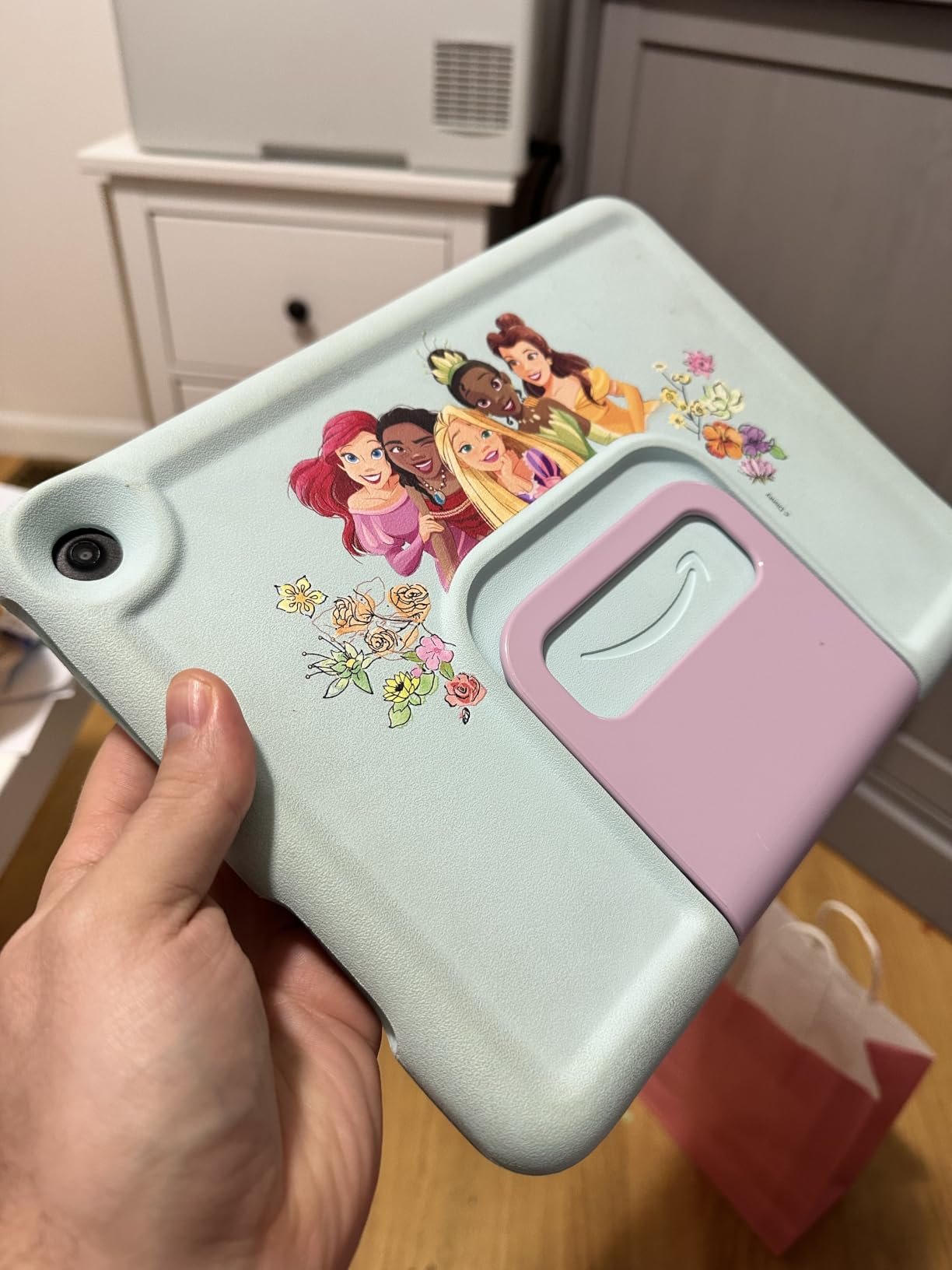
A routine that works for most families is setting the tablet on a table with the case propped up, which is what the thick bumper makes possible in the first place. It also means fewer loose accessories to lose between the sofa and the car.
Where it falls short is the interface. Parents describe the kids home screen as busy and cluttered, and the desktop is the first thing to tidy up in the settings. Compared with the Fire 7 Kids, the storage and battery are far more comfortable, so this is the model to move up to once a child is past the stage of dropping things on purpose.
A note on the subscription: a full year of Amazon Kids+ comes in the box here, and the tablet is listed for ages 3 to 7. The Fire HD 8 Kids Pro is the better fit for a preteen, and its 2024 refresh doubled the RAM of the earlier version.
3. LeapPad Academy: Best for Learning Apps
LeapPad Academy
Display: 7-inch 1024x600
Stores: 16 GB
Battery: Owners report weak
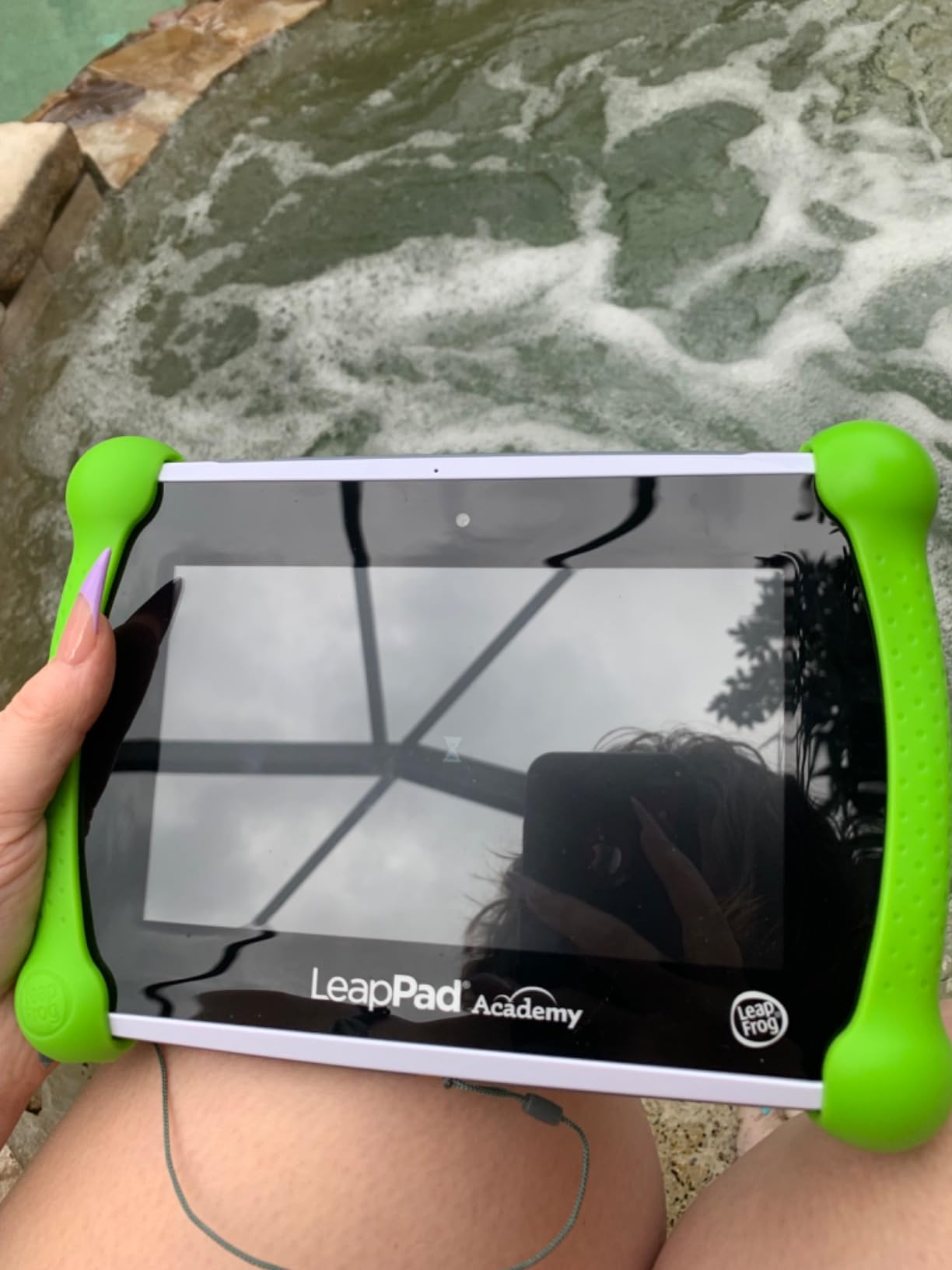
Case: Silicone with kickstand
Pros
- 20+ educator-approved learning apps
- Bumper and screen feel solidly built
- Stylus works well with the games
- Kickstand allows hands-free use
- Parent controls filter websites
Cons
- Weak battery life reported by several owners
- Only LeapFrog store apps can be installed
Nothing else in this list works the way the LeapPad Academy does. It does not run a general app store. Every app available comes from LeapFrog and has been reviewed by educators, covering math, reading, writing and the beginnings of coding, and the included stylus is a real input method rather than an afterthought.
That focus is the appeal for a family trying to keep a three to eight year old away from the wider web. The removable silicone bumper is chunky, the screen is shatter-safe, and the kickstand folds out of the same bumper for watching a lesson hands-free. It weighs 1.6 pounds, which is fine for this age group and easy to pass between siblings.
Owners do raise two real drawbacks. Battery life is the most common complaint, and charging then becomes part of the daily routine rather than a weekly one. And because the store is sealed, buying extra content means paying for subscriptions on top of the device.
It is also the narrowest choice in the roundup. There is no route to a general browser or a normal app, which is the point for the first few years and becomes a limitation the day a child needs a school app or a video call with a relative outside the house.
Choose this over the Fire 7 Kids when the goal is a narrow, safe library rather than entertainment. Choose the Fire 7 Kids when you expect the tablet to grow with the child and want the wider ecosystem waiting later.
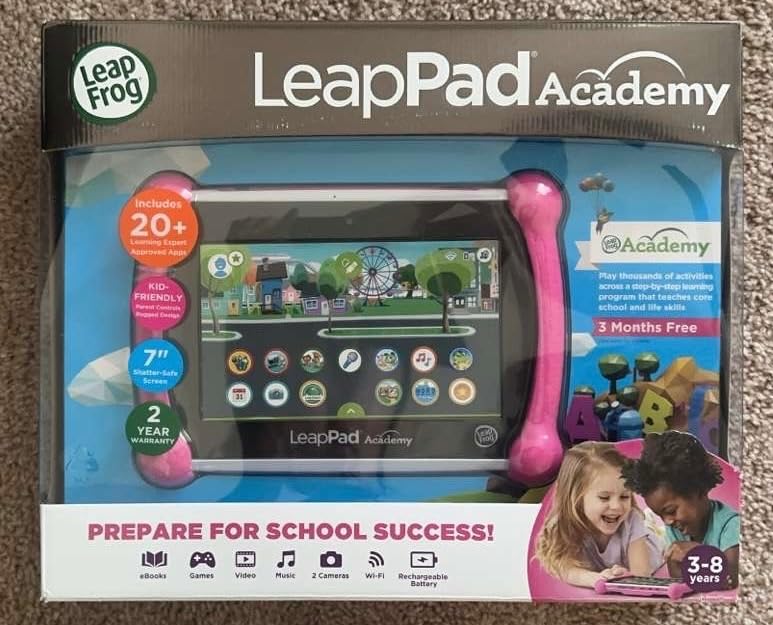
Worth knowing: it ships with a three-month LeapFrog Academy trial, so the paid content question comes up sooner than the hardware price suggests. Freeze the renewal from the day you sign in.
4. Fire HD 8 Kids Pro: Best for Ages 6 to 12
Fire HD 8 Kids Pro
Display: 8-inch HD
Stores: 64 GB
Battery: 13 hours
Case: Slim case
Pros
- Bright crisp 8-inch HD display
- Battery reliably survives long car rides
- Slim sturdy case handles throws
- Up to 4 GB RAM on the 2024 refresh
- Filtered web browsing with blockable sites
Cons
- YouTube Kids is not available to download
- Parental controls take time to learn
- Only 6 months of Amazon Kids+ is included
This is the model that suits a child who has outgrown the Fire 7 Kids and is not ready for a full adult tablet. The 2024 release fixed the two complaints that used to matter most: storage jumped to 64GB, and RAM doubled to as much as 4GB against the 2022 version, which is the difference between a tablet that feels fine and one that stalls when three apps are open.
Battery is the other headline. Owners report it reliably getting through long car journeys, and the 2024 refresh is largely credited for that. The case is slimmer than the chunky bumpers on the younger models, which suits an older child who thinks a babyish case is embarrassing, while still taking a thrown tablet without complaint.
Two things to check before you commit. YouTube Kids is not available for download on this model, which surprises people who assume every Amazon tablet has it. And the bundle carries six months of Amazon Kids+ rather than a full year, so the renewal lands sooner than it does on the Fire 7 Kids.
The 2024 refresh is the reason this is worth choosing over a cheaper 8-inch Fire, since the earlier generation was the model that drew the battery complaints. Storage and memory are what you are really paying for here: 64GB means a child can install games and leave them, which is where the 16GB Fire 7 Kids runs out of room.
Against the Fire HD 10 Kids, the choice is about size and storage rather than quality. Take the 8-inch model for a preteen who wants something less babyish, and the 10-inch for a younger child who will be watching longer.
5. COLORROOM 10 Kids: Best Value
COLORROOM 10 Kids
Display: 10.1-inch 1280x800
Stores: 64 GB
Battery: 6000 mAh
Case: Not included
Pros
- Strong value against Fire pricing
- 10.1-inch screen with anti-blue-light mode
- Solid app blocking and shutdown scheduling
- Storage expands to 1TB
- Smooth for the price
Cons
- Battery drains faster than expected
- Lag can develop with heavy long-term use
Plenty of families treat this as the sensible alternative to the Fire line, and the spec sheet is the reason. You get a 10.1-inch 1280×800 screen, 10GB of memory counting the extended allocation, 64GB of storage expandable to 1TB and a 6000mAh battery, which is a lot of hardware for the money when a 16GB Fire tablet is the comparison point.
It runs Android 15 with Google Kids Space preinstalled, so a child starts in a filtered space and an adult can leave from there. The controls go further than most at this level, covering app blocking and scheduled shutdowns, which is the feature families check first once a tablet is used by more than one person.
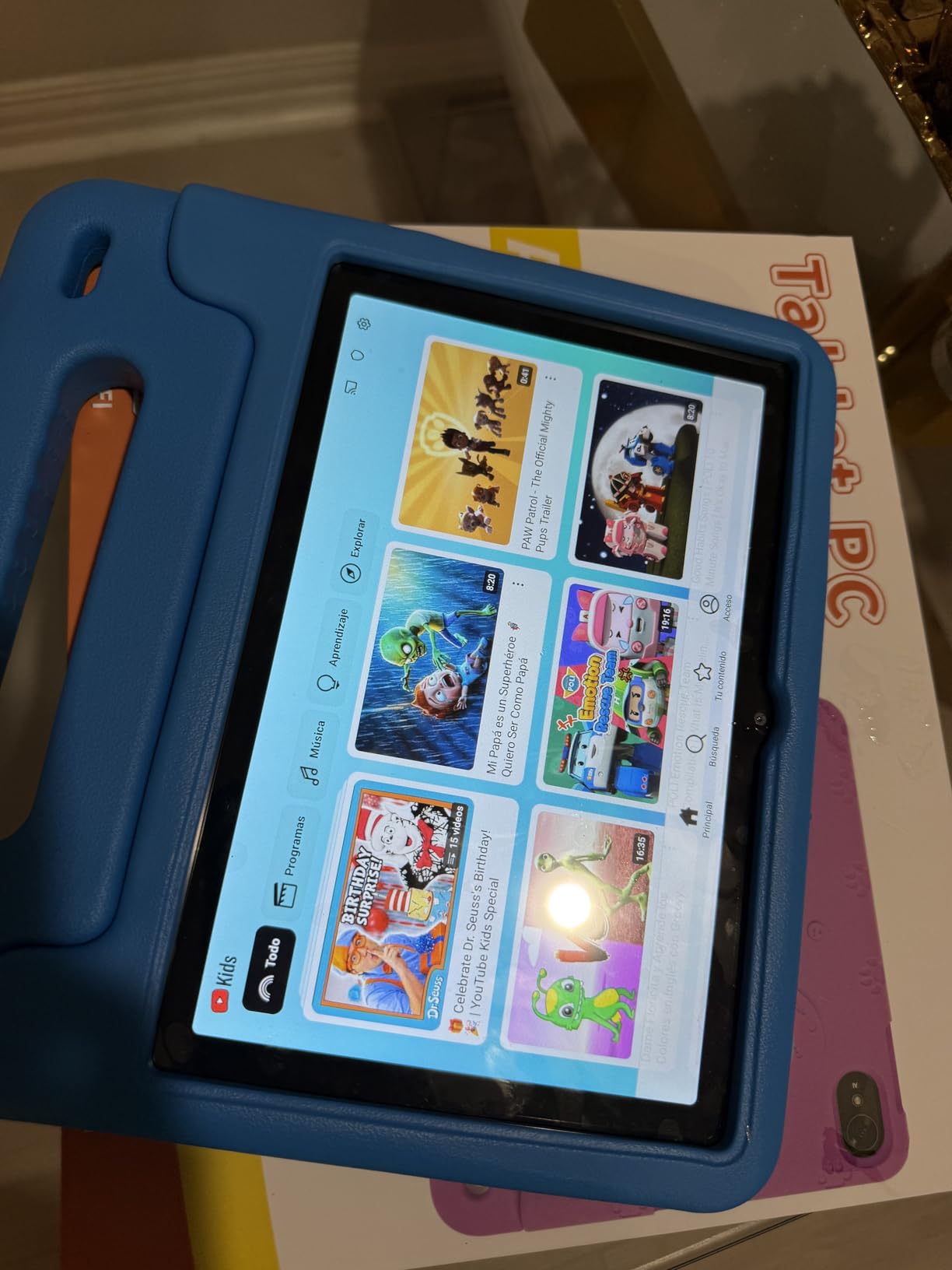
The anti-blue-light screen is the detail that comes up most in the reviews. A ten-inch tablet is a lot of glass for a five year old, and that matters at bedtime in a way a faster processor does not.
Battery is the recurring weak point. Families report the 6000mAh cell draining faster than the spec sheet implies, and some see lag creep in after months of heavy use. The anti-blue-light protection is built into the panel rather than offered as a night mode you toggle, so if your child reads at bedtime that is a small regression against the Fire interface.
Pick this one when the budget is the deciding factor and the tablet will mostly be used at home. If it is going into a car every day, the Fire HD 10 Kids battery claim is the more reassuring number.
6. ATOZEE 10 Kids: Best Entry-Level 10-Inch
ATOZEE 10 Kids
Display: 10.1-inch HD
Stores: 32 GB
Battery: 6000 mAh
Case: Shock-resistant with stand
Pros
- Low cost entry into a 10-inch tablet
- Shock-resistant case with a kickstand
- iWawa content preloaded for ages 3 and up
- Custom kid profiles with screen-time controls
- MicroSD expansion to 1TB
Cons
- Slower than the pricier models
- Some owners report power button failures
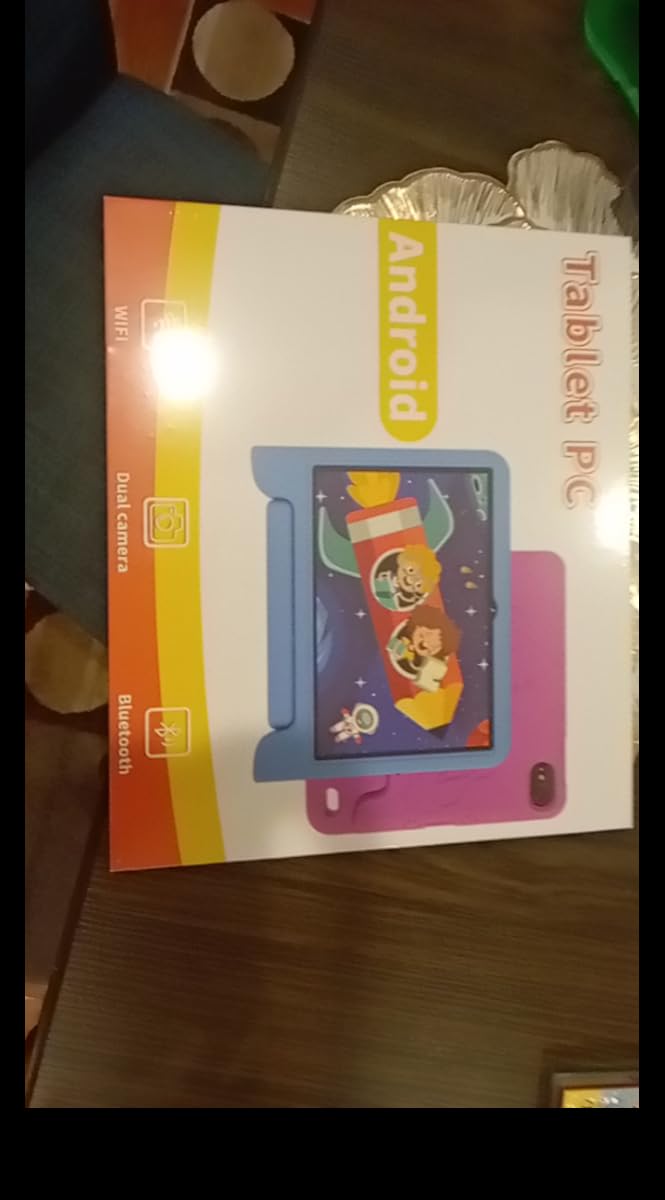
The ATOZEE is a low-cost route to a full-size screen, and it does not pretend otherwise. It arrives with a shock-resistant case that folds into a kickstand and iWawa educational content already installed for ages three and up, so there is a usable setup on the first afternoon rather than a blank tablet and a search for apps.
Profiles are the useful part for a shared household. A parent can set up a separate kid profile with its own screen-time limits and content rules, which is the feature most parents ask about first, and microSD expansion to 1TB solves the storage ceiling without touching the internal 32GB.
Owners accept slower performance in exchange for that price, describing it as reasonable rather than quick. A few have reported power buttons failing within the first months, and the rear and front cameras are basic, which is fine for a video call across a room and little more.
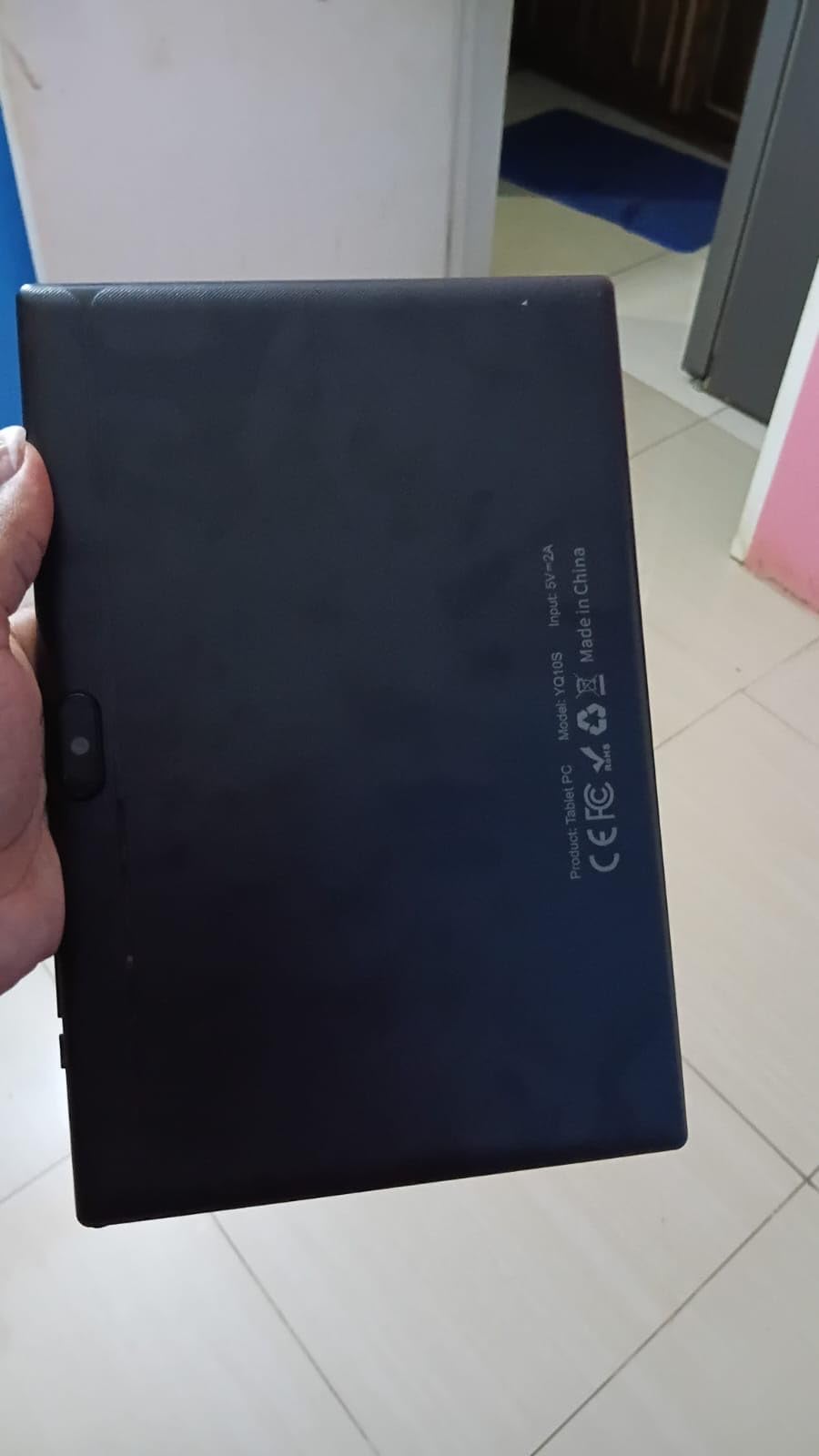
Compared with the ICONLINK 7 Kids, this is the version to buy for a child who is growing out of a small screen but not yet ready for more expensive hardware. Compared with the COLORROOM, you give up memory and some polish, and you get a case with a stand.
Good to know: the listed weight is 16 ounces, which is heavier than most tablets at this size. It matters less for a stationary playroom tablet than it would for a toddler who carries it everywhere.
7. Evermyth 10 Kids: Best for Stylus Work and Video Calls
Evermyth 10 Kids
Display: 10.1-inch IPS
Stores: 64 GB
Battery: Holds charge well
Case: Stand plus stylus
Pros
- Fast and responsive with no noticeable lag
- Battery holds its charge well
- Lightweight and comfortable for kids
- Case with 180-degree stand and stylus included
Cons
- Low review volume so long-term reliability is undocumented
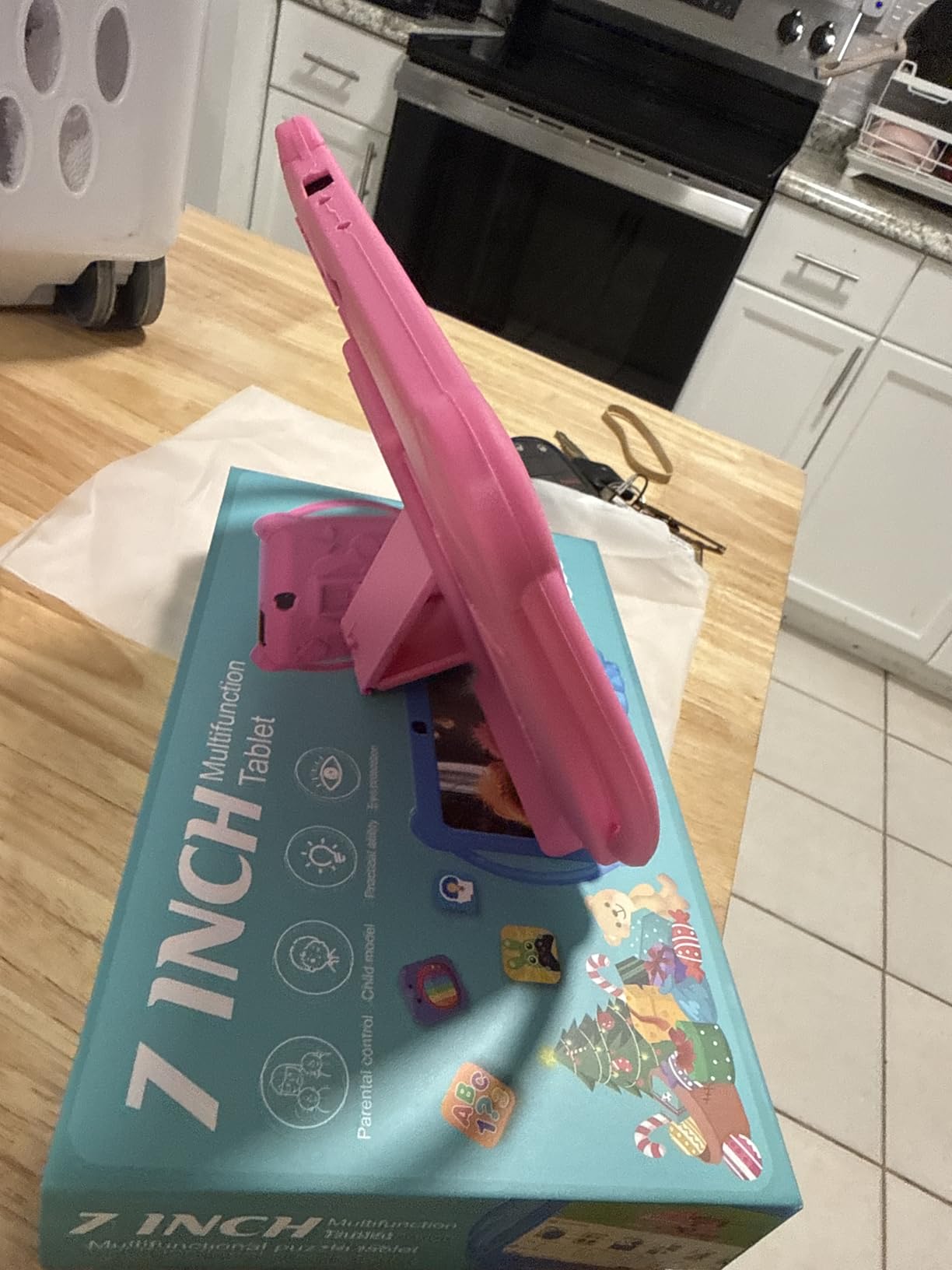
This one comes with the two accessories families otherwise buy separately. The case folds to a 180-degree stand, which turns the tablet into a small monitor for video calls or a drawing board, and a stylus is in the box for anything the child wants to write or sketch rather than tap.
Owners describe performance in plain terms: fast, responsive, no noticeable lag in games. The 24GB of memory and 64GB of storage expandable to 1TB give it more headroom than most of the Android tablets here, and at 1.1 pounds it is comfortable for a child to hold through a long session.
The 10.1-inch IPS panel runs at 1280×800 rather than Full HD, which is fine for streaming and less fine for fine text. Owners single out the screen quality as the reason it feels more expensive than it is.
The caution is the review base. With 126 ratings, the average is high but the sample is thin, which means long-term reliability simply is not documented yet. Treat the strong early response as encouraging rather than settled.
Against the aiprotablet 10 Kids, both include a stylus, and the decision comes down to what else you want in the box. This one is lighter, with a stand that opens flat. That one includes a keyboard and mouse for typing schoolwork.
8. aiprotablet 10 Kids: Best All-In-One Bundle
aiprotablet 10 Kids
Display: 10.1-inch FHD+ IPS
Stores: 64 GB
Battery: 2-hour full charge
Case: Included
Pros
- Keyboard and mouse bundled in the box
- Smooth octa-core performance for games and video
- Controls cover time limits and learning goals
- Storage expands to 2TB
- Eye-protection modes in the settings
Cons
- Several reports of the charging port failing
- Needs a 2-hour charge for stated battery figures
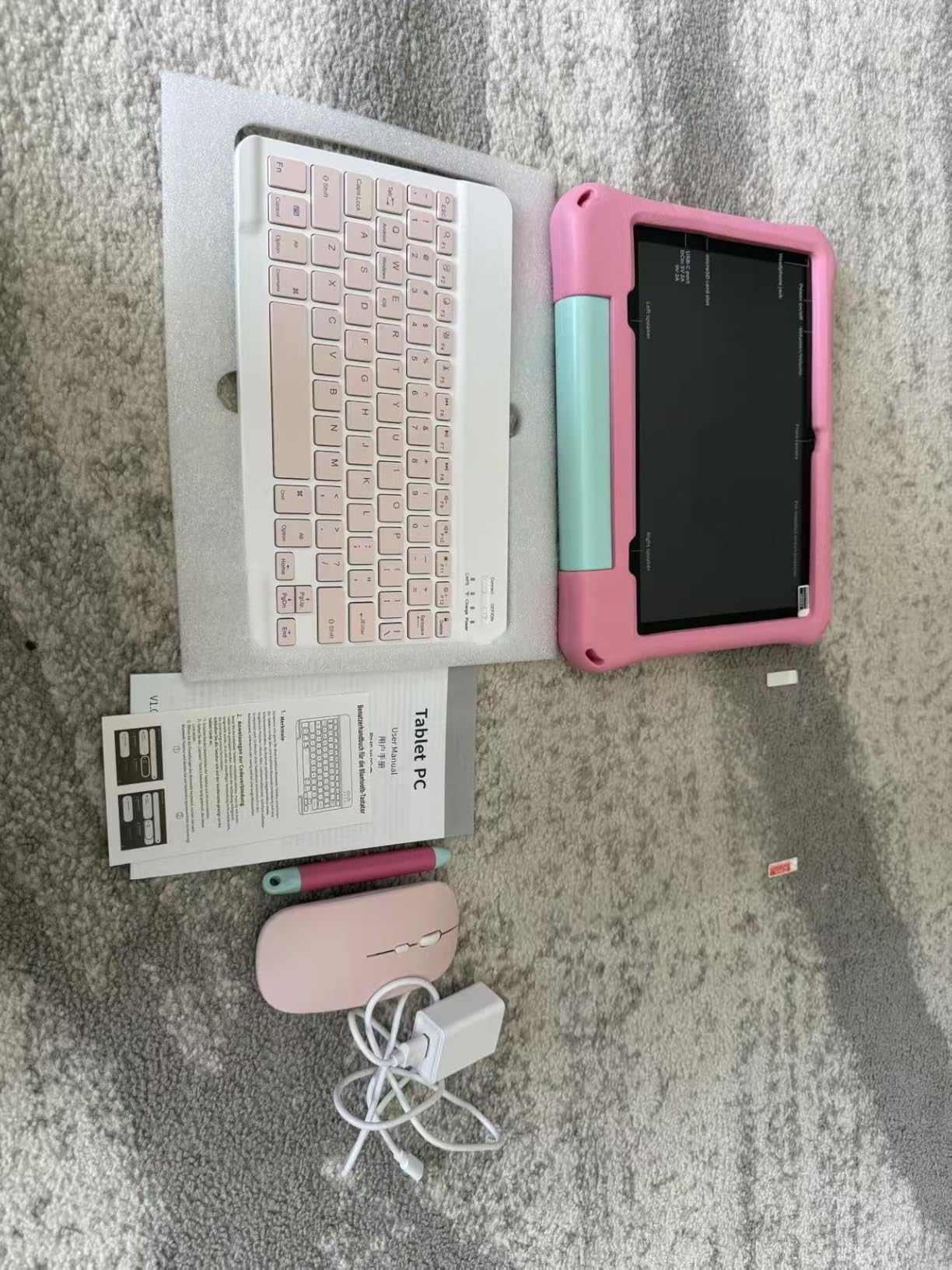
It is the most complete box in this roundup, and that is the whole argument. A keyboard, a mouse, a stylus and the case all ship together, which means a child who is starting to type gets a proper setup on day one instead of a list of accessories to hunt down later.
The hardware underneath is the strongest of the Android models here on paper: an octa-core Unisoc T7280 running at 2.2GHz, 30GB of memory combining 6GB physical with a 24GB extension, and 64GB of storage that expands to 2TB. The 10.1-inch FHD+ IPS panel is the sharpest screen in the group after the Fire HD 10 Kids, which matters for schoolwork rather than for streaming.
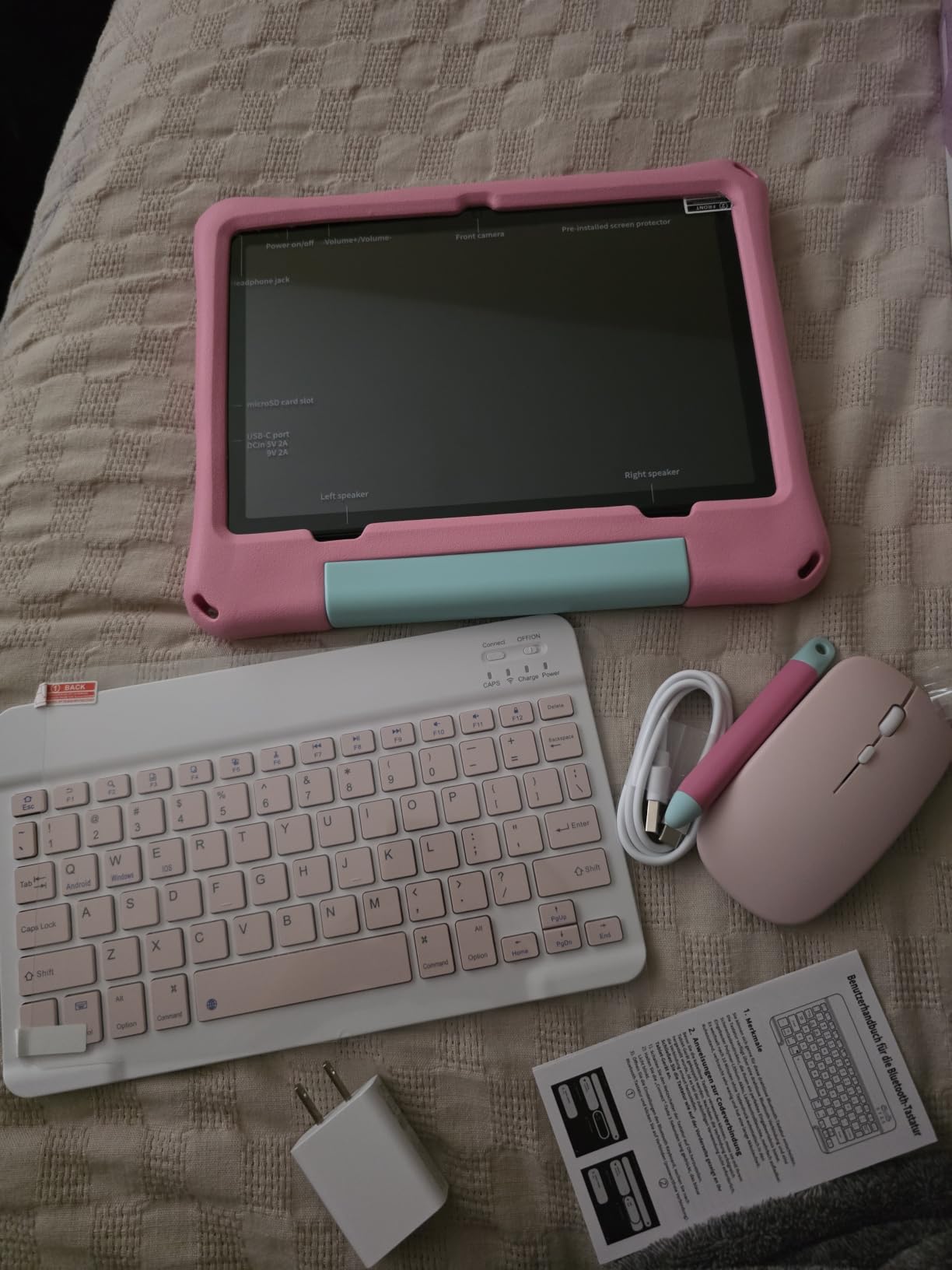
Reviewers back up the speed claim, describing smooth performance across games and video rather than the stutter that shows up on the cheaper Android models. At 0.8kg it is on the heavy side of the Android tablets here, which matters for a young child and not at all for one sitting at a desk.
Two downsides show up repeatedly in the reviews. Charging port failures appear more than once, one to two months after delivery, and the quoted battery figures assume a full two-hour charge. If the port worries you, keep the included cable within reach and avoid charging the tablet unattended while it sleeps.
There are eye-protection modes built into the settings, including a reading mode and a focus mode, which is a small extra that most rivals at this price do not offer. Pick this over the Evermyth when typing matters, and over the Evermyth’s open stand when it does not.
9. Gleeso 10 Kids: Best for Full Play Store Access
Gleeso 10 Kids
Display: 10.1-inch HD
Stores: 64 GB
Battery: 6000 mAh
Case: Anti-drop included
Pros
- GMS certified for full Google Play access
- UKIDOZ Kids Space with games and storybooks
- 24GB RAM for multitasking
- Blue-light reduction for evening reading
Cons
- Small number of reviews so reliability is uncertain
- No keyboard or stylus in the standard bundle
The distinction that matters on this one is certification. It is GMS certified, which means the full Google Play catalogue and the usual app updates are available, a distinction some cheaper Android tablets in this price bracket cannot make. A child can run the same apps they would find on an adult tablet, under UKIDOZ Kids Space and parental controls rather than on the open desktop.
UKIDOZ Kids Space ships preloaded with early education games and storybooks aimed at ages 3 to 12, so the age range is wider than the Fire Kids models claim. 24GB of memory and 64GB of storage expandable to 1TB give it enough room for several apps at once, and owners mention solid battery life for video calls.
The blue-light reduction mode is a nice touch for evening reading, and the anti-drop case is included in the box. As with the Evermyth, the review base is thin at 126 ratings, so long-term durability is not something the listing can tell you.
Choose this over the COLORROOM when the Play Store matters, since a fully certified device opens up everything a family already uses on a phone. Choose the COLORROOM when the kids space and the larger memory figure matter more, and when the narrower app pool is not a problem.
There is no keyboard or stylus in the standard bundle, so budget for those separately if the child is heading toward schoolwork.
10. ICONLINK 7 Kids: Budget Pick
ICONLINK 7 Kids
Display: 7-inch 1024x600
Stores: 32 GB
Battery: 3000 mAh
Case: Shockproof with stand
Pros
- Lowest cost in the roundup with a case included
- GMS certified with Widevine L1 for streaming
- Profiles with app blocking and web filtering
- Lightweight and compact for toddler hands
Cons
- 1024x600 screen is lower resolution than rivals
- 3000mAh battery gives shorter runtime
- Entry-level performance can feel slow
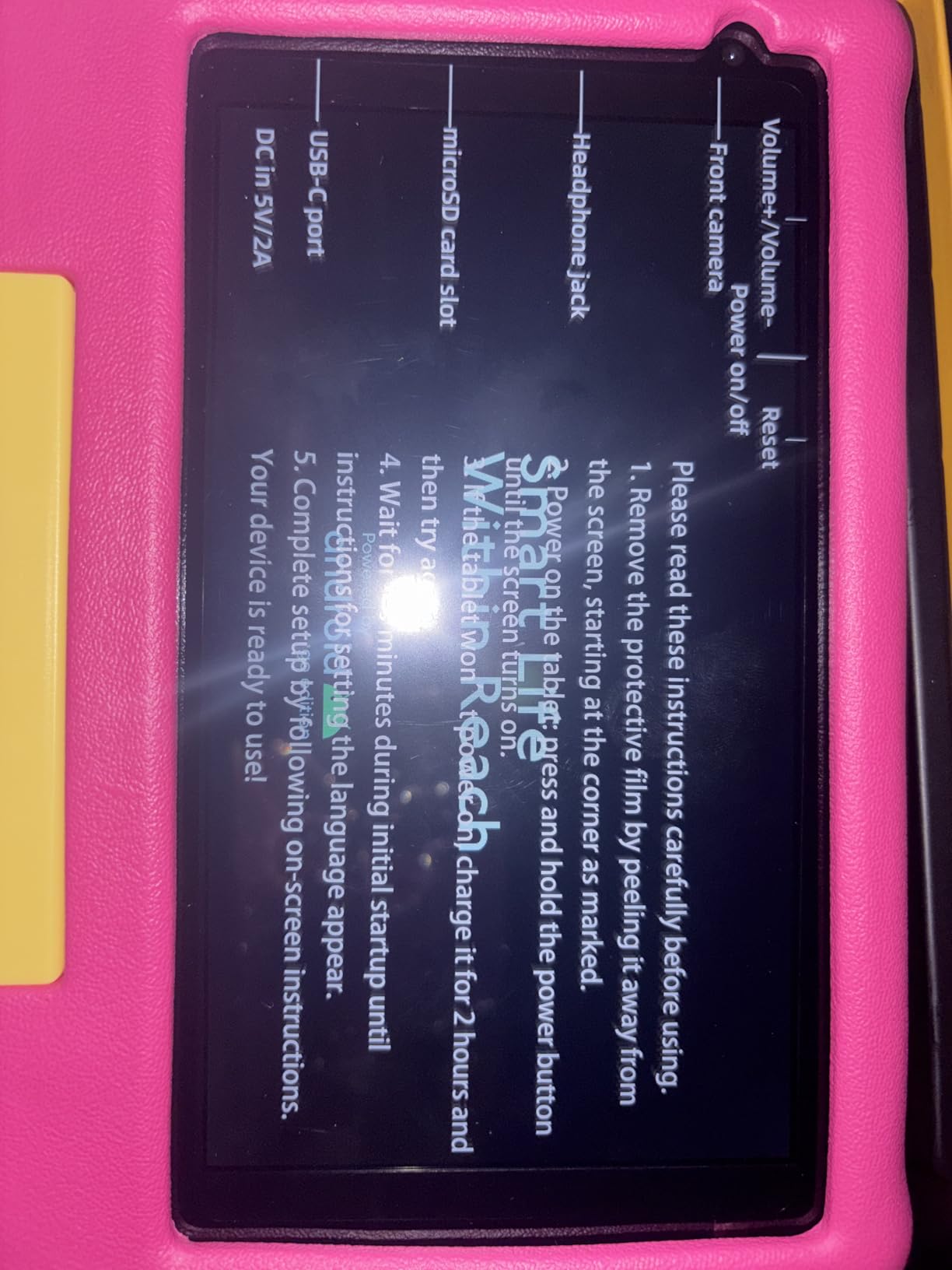
At the bottom of this list on both cost and specifications, the ICONLINK 7 Kids still does something several dearer models cannot: it is GMS certified with Widevine L1, so Netflix and the regular Google Play apps install and stream properly. That is the detail that decides whether a cheap tablet is usable or frustrating.
It is aimed at ages 3 to 9, and the setup supports that with per-child profiles, app blocking and web filtering. A shockproof case and an adjustable stand come in the box, and at this size the tablet stays comfortable in toddler hands.
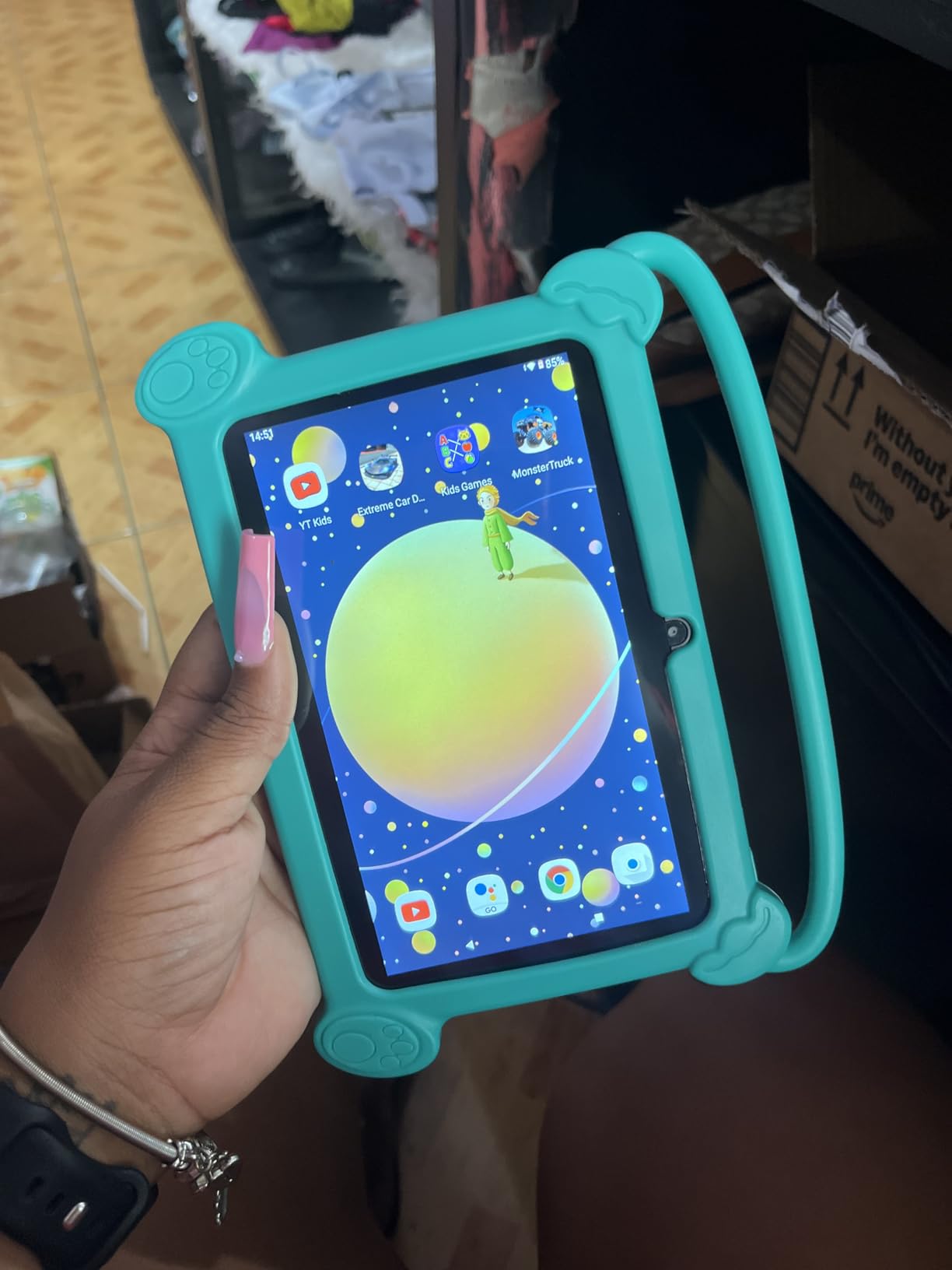
The compromises are obvious. The 7-inch 1024×600 screen is lower resolution than anything else here, so video looks softer, and the 3000mAh battery is the smallest cell in the roundup, which translates into shorter sessions. Owners also describe performance as entry-level, which is fine for the apps it ships with and slow for anything heavier.
Buyers in the reviews treat that resolution as an acceptable trade rather than a problem, since the tablet is aimed at streaming and simple apps. The case also folds out as a stand, so a small child can watch without holding the whole time.
Against the Fire 7 Kids, this is the cheaper route to a working kids tablet with a sealed app set. Against the ATOZEE 10 Kids, it is smaller, cheaper and slower. Storage expands to 512GB rather than 1TB, which is plenty for a first device.

How to Choose Kids Tablets During Prime Big Deal Days
Screen size, controls and storage decide most of this purchase, and the sale only changes the timing. Work through the factors below before any offer catches your eye.
Match the screen to the child’s age, not to your own tablet
A 7-inch panel suits a child under about seven, mostly because it is easier for small hands to hold and less painful to drop. From six or seven upward, an 8-inch or larger screen makes a real difference for reading and schoolwork. The Fire 7 Kids and the ICONLINK 7 Kids sit in the first group, and everything from the Fire HD 8 Kids Pro upward fits the second.
Check how the parental controls actually work
The useful question is whether you can manage the tablet from your own phone, and whether the child can bypass it. The Fire models push that to the Parent Dashboard, and the Android options here run a preloaded kids space with app blocking and scheduled shutdowns. A sealed store such as the LeapFrog Academy is the strictest version of the same idea.
There is a real trade-off in the Fire approach that parents should decide on deliberately. The interface is the tightest and simplest for a child to use, and the dashboard covers the things most families want, but reaching a wider catalogue means going through an Amazon account, and everything a child uses is filtered through one ecosystem. A GMS-certified Android tablet such as the Gleeso 10 Kids or the ICONLINK 7 Kids gives you the ordinary Play Store with a kids layer on top, which is a broader app pool and a steeper learning curve for a five year old.
Treat 16GB as about 3.5GB of usable space
The operating system takes a large slice, which is the single most repeated complaint in reviews of the Fire 7 Kids. If a child downloads content rather than streaming it, look at 64GB or check whether the model takes a memory card. The Fire HD 8 Kids Pro and the COLORROOM both give you 64GB out of the box, and the ATOZEE, Gleeso, Evermyth and aiprotablet models all list storage expansion as a headline feature.
Battery decides whether travel works
Fire models are quoted at up to 10 to 13 hours, and the 2024 Fire HD 8 Kids Pro refresh fixed the earlier battery complaints. The Android models here carry 6000mAh cells, which usually works out similar in practice, while the smaller 3000mAh cell in the ICONLINK 7 Kids gives the shortest sessions. For long drives and flights, the Fire HD 10 Kids and the Fire HD 8 Kids Pro are the safer bet.
Decide how much performance, storage and accessories matter
For a child doing drawings, typing schoolwork or video calls, the speed and the bundled accessories decide the price. The aiprotablet 10 Kids ships a keyboard, mouse and stylus, and the Evermyth 10 Kids ships a stylus with a stand that opens flat. A parent can see the same category of choice in our tablets for musicians guide, where processing power and storage matter for a different kind of user but the sizing logic is identical.
For streaming and light games, memory and storage headroom matter more than raw clock speed, which is why a 2.2GHz octa-core chip and a 1.8GHz Allwinner chip feel similar once a child is watching video rather than editing it. Judge the extras instead: a case that folds into a stand saves an accessory, a stylus saves another, and eye-protection modes matter more than a faster core for a child reading at bedtime. A keyboard only earns its place once real typing starts, and a stand that opens flat is the difference between a propped-up video call and one the child keeps knocking over.
How to shop kids tablet deals during the sale
Read the listing for the storage figure and the age band, since the same model name covers several colour variants and the bundled subscription length varies between them, from six months on the Fire HD 8 Kids Pro to a full year on the Fire 7 Kids. Check the seller line, confirm the tablet is new rather than renewed, and look at what sits in the box, since a case and stand are worth more on a kids tablet than on an adult one. Most offers during the event need an active Prime membership, and the pricing shifts through the two days, so the button below each product is the only reliable place to see the current figure.
- Match the screen to the age first, then everything else becomes easier to judge.
- Treat 16GB as 3.5GB of real space and plan accordingly.
- Set the screen-time limits from your own phone on day one.
- Count the bundled subscription length, not just the device.
- Confirm the case and stand are in the box before comparing prices.
- Check the seller and whether the unit is new before you commit.
Frequently Asked Questions
When does Amazon Prime Big Deal Days run, and do I need Prime?
Amazon Prime Big Deal Days runs October 6-7, 2026, and most offers on kids tablets require an active Prime membership. A free 30-day trial started before the event counts, so a family who is not already a member can usually join first and still catch the pricing. Check the membership terms on Amazon before you start a trial.
What are the best Amazon Prime Big Deal Days kids tablet deals for a 4 year old?
For a child around four, the Fire 7 Kids is the strongest pick because the case is genuinely drop-proof at that age and a year of Amazon Kids+ is included. The LeapPad Academy is the alternative when you want a sealed library of learning apps only. The ICONLINK 7 Kids is the cheapest option that still runs Netflix and Google Play apps properly.
Is the Amazon Fire kids tablet a good choice for children?
Yes for a child in roughly the three to twelve age range, because the case, the Parent Dashboard and the bundled subscription solve the problems parents complain about elsewhere. The trade-offs are real: storage is tight on the 16GB model, the app store is locked to Amazon, and renewal after the free year is a recurring cost. Parents who want the wider Play Store should look at a GMS-certified Android tablet instead.
Which is better for kids, the Amazon Fire HD 10 or 8?
Choose the 8-inch Fire HD 8 Kids Pro for a child from about six to twelve, since it carries 64GB, up to 4GB of RAM and a slim case that does not look babyish. Choose the 10-inch Fire HD 10 Kids for a younger child who will watch longer and travel more, since the 1080p screen and 13-hour battery make long journeys easier.
What does an Amazon Kids subscription cost?
The subscription is bundled with the Fire Kids tablets for a set period, which is a full year on the Fire 7 Kids and the Fire HD 10 Kids and six months on the Fire HD 8 Kids Pro. After that it renews on a paid basis, so the real question is whether your child will use the library past the free period. Check the current terms on the product page before you buy, and turn off renewal from your Amazon account if you do not intend to keep it.
Final Verdict: Best Amazon Prime Big Deal Days Kids Tablet Deals
Buy the Fire 7 Kids, our Editor’s Choice, if you have a child under seven who drops things and you want the case, the controls and the subscription in one box. It carries the largest review base of anything here, and the durability claims survive three years of family use.
Buy the Fire HD 10 Kids, our pick for big screens, when the tablet is going on long car journeys and a larger 1080p panel matters more than a small price gap. Buy the Fire HD 8 Kids Pro, our pick for ages 6 to 12, for a preteen who needs the storage and a case that does not look like a toddler toy.
Buy the COLORROOM 10 Kids, our Best Value pick, when the budget decides it and the tablet will mostly be used at home. Buy the aiprotablet 10 Kids, our all-in-one pick, for a child starting to type and video call who needs the keyboard, mouse and stylus in the box. Buy the Evermyth 10 Kids for drawing and hands-free video calls, and the Gleeso 10 Kids when full Google Play access matters more than anything else.
Buy the LeapPad Academy for a sealed library of learning apps and nothing else, and the ICONLINK 7 Kids, our Budget Pick, when cost is the deciding factor and the streaming certification still has to work. Set the screen-time limits on day one, then use the button on each section to see the current figure while the sale runs.