
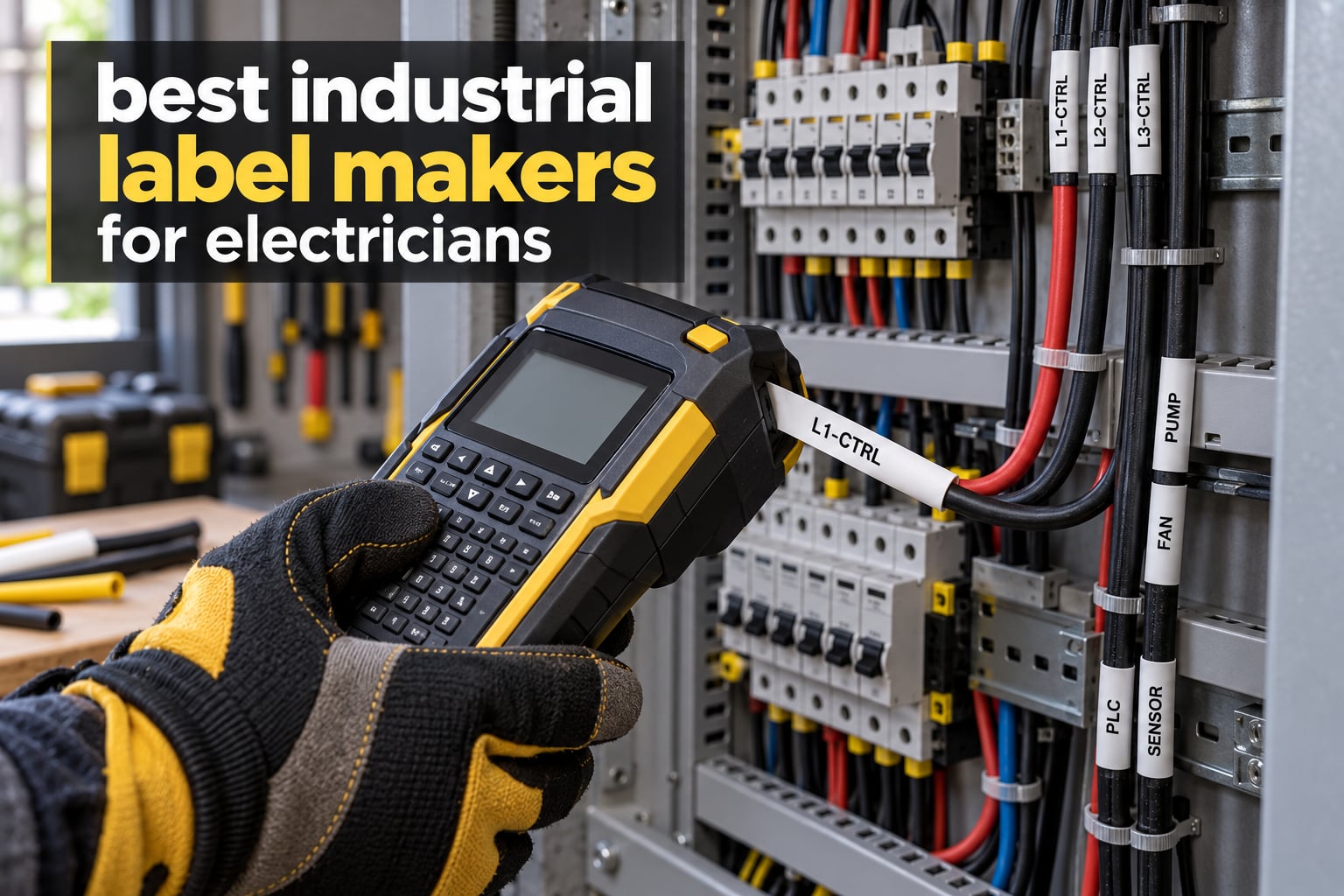
Labeling a 200-circuit panel is a different job than labeling a spice jar. The wire numbers have to survive a crawl space, an attic in July, and a tenant who will still be reading them in five years. Most home label makers simply are not built for that, which is why the best industrial label makers for electricians keep showing up on service trucks and in panel shops across the country.
We spent the last two months putting ten of them through panel work, wire-end marking, and breaker directory printing. Some earned their place. A few turned out to be smart phones with a printer bolted on. The rest landed somewhere in between, and we explain exactly where.
The short version: the multimeter tells you what a circuit is doing, but the label tells you what it is. When you are holding a probe at midnight in a mechanical room, that difference is worth more than any other tool in the bag.
Table of Contents
What Is an Industrial Label Maker?
An industrial label maker for electricians is a rugged thermal printer that produces permanent labels for wire ends, circuit directories, panel schedules, conduit runs, and equipment plates. It uses heat-shrink sleeves, self-laminating vinyl, or durable laminate tape rather than the thin paper tape found on home label makers, and it prints text that stays readable through moisture, abrasion, and UV exposure.
What Electricians Actually Label and Why
The word label maker flattens a lot of distinct jobs. In a typical week we are printing five different things, and only one of them happens at the panel door.
Wire ends. Every conductor landing in a panel, a junction box, or a control enclosure gets an identifier at both ends. This is the core use, and it is where sideways or wrap printing matters, because you read a wire label by rotating the wire rather than the machine.
Circuit directories. The printed and taped list inside the panel door that tells you what each breaker feeds. This is also the surface an inspector reads first, and a faded or misaligned directory is an easy callout.
Panel schedules and equipment plates. Enclosure nameplates, NEMA designations, and voltage warnings, usually printed on wider tape or on a dedicated plate material.
Conduit and backer. Far ends of conduit runs, pull boxes, and cable tray, printed before the wire goes in, so the puller knows where it is going.
Low-voltage and fire-alarm drops. Addressable device addresses, network port labels at patch panels, and speaker or circuit identifiers, often with barcodes or QR codes for asset tracking.
If you only do the first two, a mid-size handheld covers you. If you batch hundreds of wires in a shop, you will want PC software and stored templates. Our general label maker guide covers home and office units, which are a different category entirely.
Top 3 Picks for Electricians (October 2026)
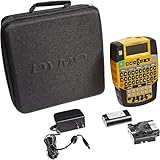
DYMO Rhino 4200
- QWERTY keyboard
- Prints directly onto heat-shrink tubes
- Backlit LCD
- 1/4 to 3/4 inch industrial labels

DYMO RhinoPRO 5200
- ANSI and TIA/EIA-606-A compliant
- Code 39 and 128 barcodes
- Hot keys for panels and wire flags
- 300 dpi
Best Industrial Label Makers for Electricians in 2026
All ten machines below print permanent electrical-grade labels. The spread runs from a pocket-sized app-driven unit to a PC-connected printer that handles complex multi-line panel layouts. Read the tape width column first, because that single spec decides whether a machine can shrink onto the conductors you actually terminate.
| Product | Specifications | Action |
|---|---|---|
| DYMO Rhino 4200 |
|
Check Latest Price |
 Brady M210 Brady M210 |
|
Check Latest Price |
| DYMO RhinoPRO 5200 |
|
Check Latest Price |
 Brother PT-E560BT Brother PT-E560BT |
|
Check Latest Price |
 Vixic DM170 Vixic DM170 |
|
Check Latest Price |
 LABELWORKS LW-PX900PCD LABELWORKS LW-PX900PCD |
|
Check Latest Price |
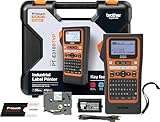 Brother PT-E310BT Brother PT-E310BT |
|
Check Latest Price |
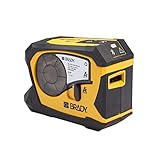 Brady M211 Brady M211 |
|
Check Latest Price |
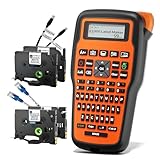 VolenGo E1000 VolenGo E1000 |
|
Check Latest Price |
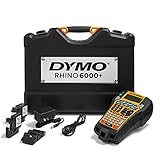 DYMO Rhino 6000 DYMO Rhino 6000 |
|
Check Latest Price |
1. DYMO Rhino 4200 Industrial Label Maker Kit
DYMO Rhino 4200 Industrial Label Maker Carry Case Kit with 1 Roll of 1/2″ All-Purpose Vinyl Labels, Black on White
300 dpi thermal
1/4 to 3/4 inch labels
Prints on heat-shrink tubes
QWERTY keyboard, backlit LCD
Pros
- Familiar QWERTY keyboard
- Backlit screen readable in dark panels
- Hot keys for wraps flags barcodes and breaker labels
- Rechargeable battery rated for years of intermittent use
- Highest rating in this group at 4.7 stars
Cons
- Fixed label length wastes roughly 1.5 to 2 inches of tape per label
- Symbol library lacks many standard warning symbols
- Occasional print artifacts on flexible split-backing tape
This is the machine we ended up buying for our own panel work. After two months of wire numbering in basements, attics, and two panel shops, the thing that stood out most was the keyboard. It is a real computer-style QWERTY layout, so typing -X1:A7 does not mean hunting through an alpha-ordered keypad while wearing gloves on a ladder.
That single design decision matters more for electricians than most spec sheets suggest. A working electrician on the r/electricians forum described the appeal in plain terms, choosing a DYMO machine specifically because it prints sideways, so you can read a wire label by rotating the wire. This unit does that, and it does it with a screen you can actually read in a dark panel.
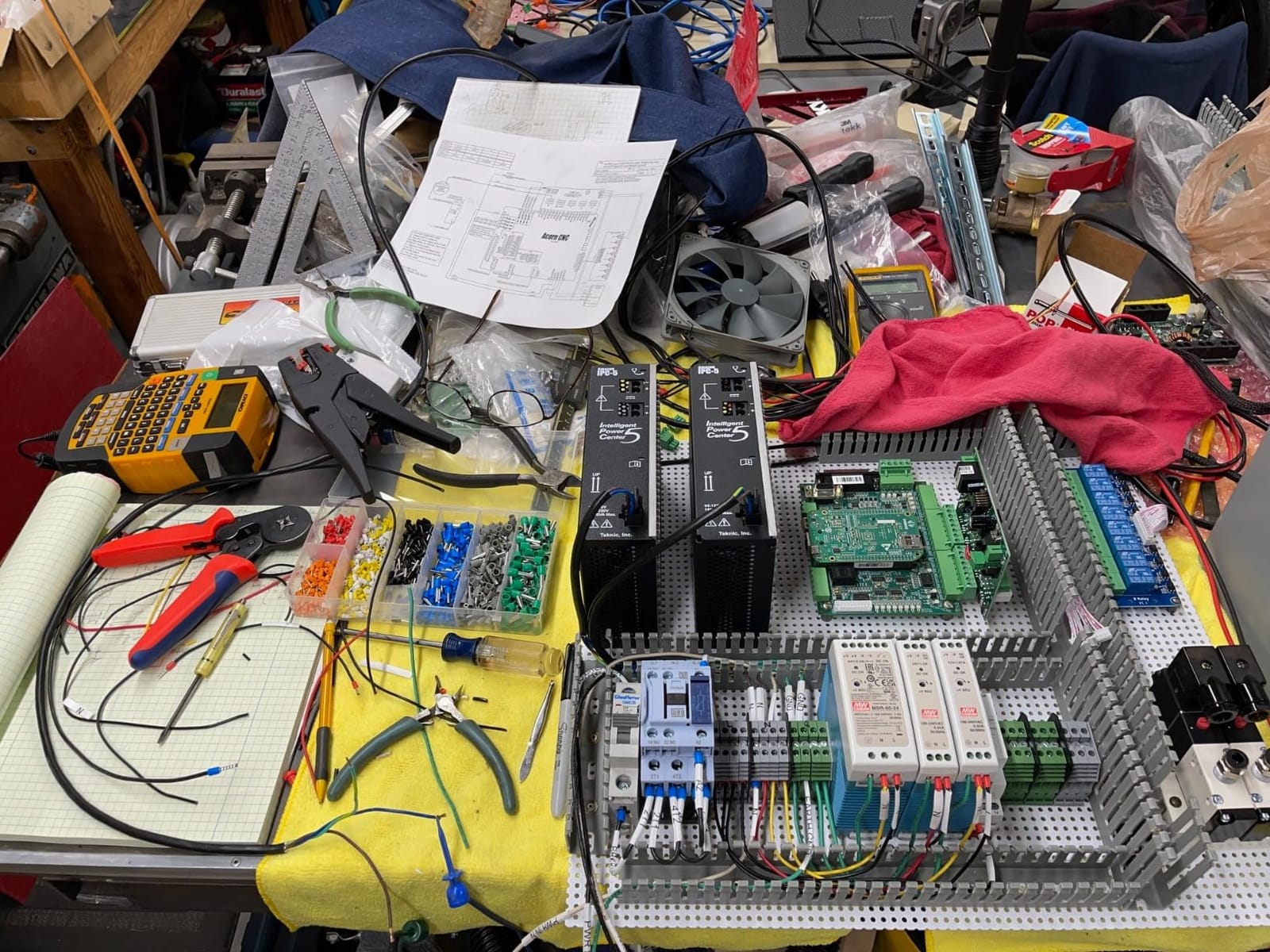
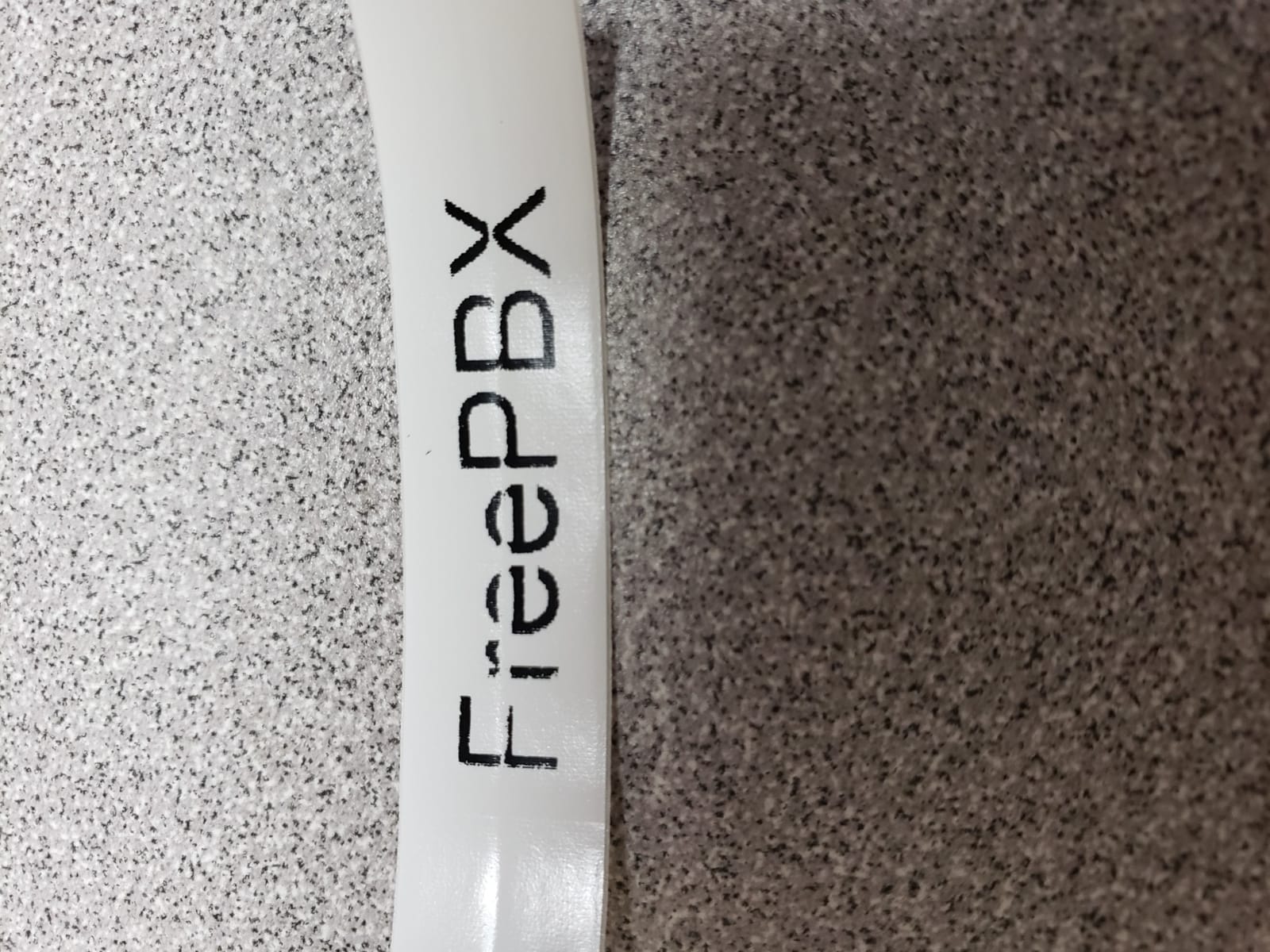
Technically it prints 1/4 inch, 3/8 inch, 1/2 inch, and 3/4 inch industrial-strength labels across a range of materials, and it prints directly onto heat-shrink tubes. At 300 by 300 dpi the text is crisp enough that a long identifier still lands legible on a 1/4 inch sleeve, which is the failure mode most cheap units share.
The one-touch hot keys cover the formats electricians use most: wire and cable wraps, flags, Code 39 and Code 128 barcodes, fixed-length, general, and breaker labels. Favorites and Custom keys let you save a setup and recall it, which turns a two-minute label into a five-second one on the second pass through a 200-circuit panel.
When this Rhino earns its place on your truck
It suits service and construction electricians who need wrap printing, heat-shrink capability, and a keyboard they can type numbers into quickly. Fleets in the 20-plus range have reported the rechargeable lithium-ion battery lasting for years of intermittent use, which removes batteries from the restock list entirely.
It also suits anyone who labels data and low-voltage alongside power, because the barcode and patch panel hot keys are built in rather than added through software.
Where the Rhino 4200 costs you
The fixed label length is the complaint that comes up most. There is roughly 1.5 to 2 inches of excess tape on every label with no way to trim it in software, so on a large panel you end up cutting each one by hand or stepping out of your saved setup to change the length setting.
Second, the symbol library skips many of the standard hazard and warning symbols you find on placards, so equipment plates with pictograms are not a strong suit. Long-term owners also report the occasional print artifact down the center of flexible split-backing tape, and we did see one included roll arrive slightly bent, which cost us a few wasted labels before the feed settled.
2. Brady M210 Handheld Label Maker
BRADY M210 HANDHELD LABEL MAKER
203 dpi thermal
Smartphone app control
0.75 inch max media width
Resists 6-foot drops
Pros
- Compact handheld body for field use
- App-based design with a well-built smartphone experience
- Built to resist 6-foot drops
- Ranked number two in Safety Label Makers on Amazon
Cons
- App-driven control with no built-in keyboard
- 0.75 inch maximum media width limits label size
- Print speed listed at 0.39 pages per minute
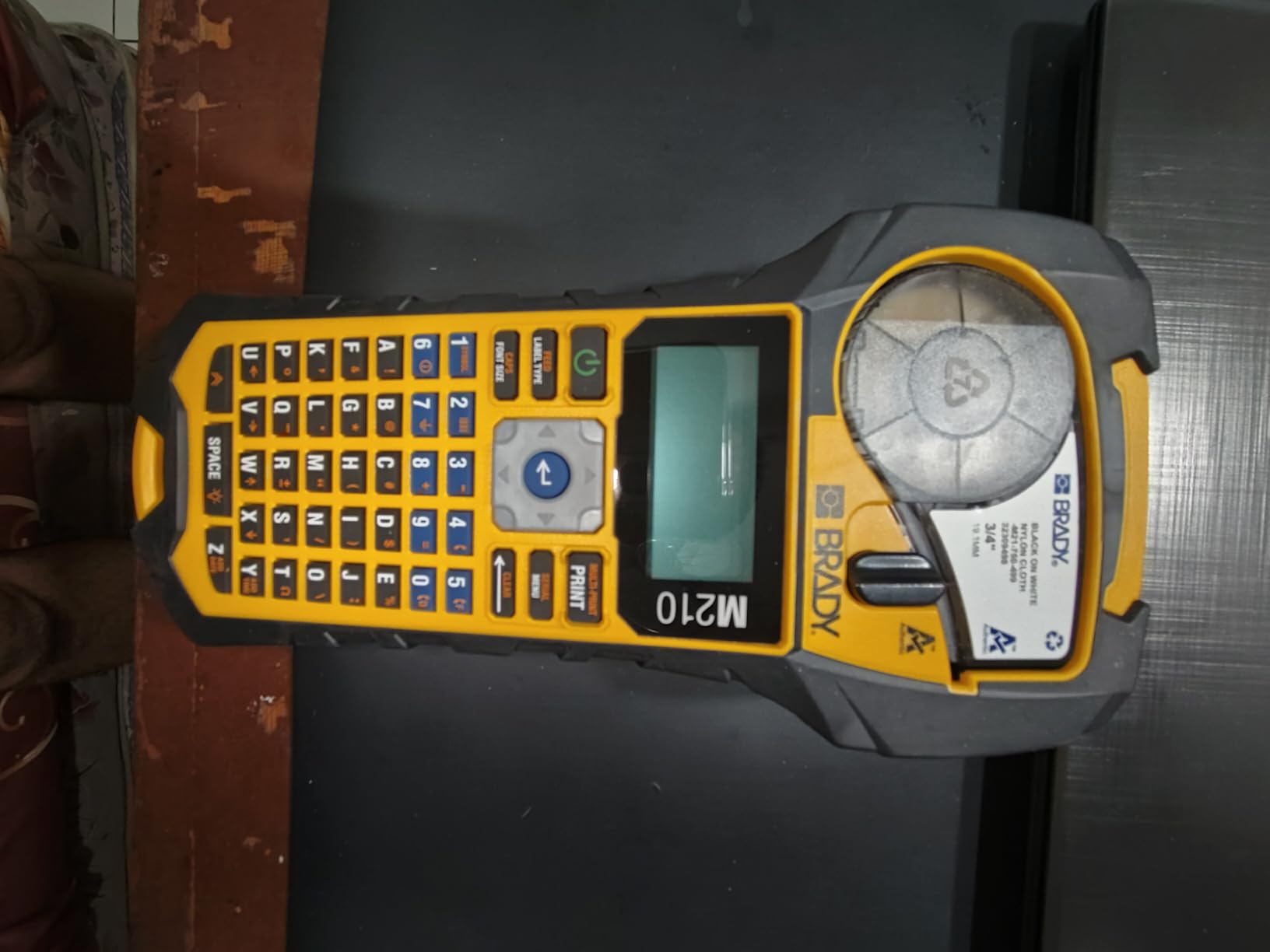
The M210 runs on a phone app rather than a keyboard, and that is the whole conversation around it. If you are comfortable designing a label in an app on the tailgate of a truck, the results are sharp and the workflow is fast. If you want to type a wire number with gloves on, this is the wrong tool.
What you get in exchange is one of the most compact machines in this group and a body rated to survive 6-foot drops. Over two months of labeling breaker directories and short wire runs in active mechanical rooms, it never skipped or jammed, and the drop rating matched what it advertises.
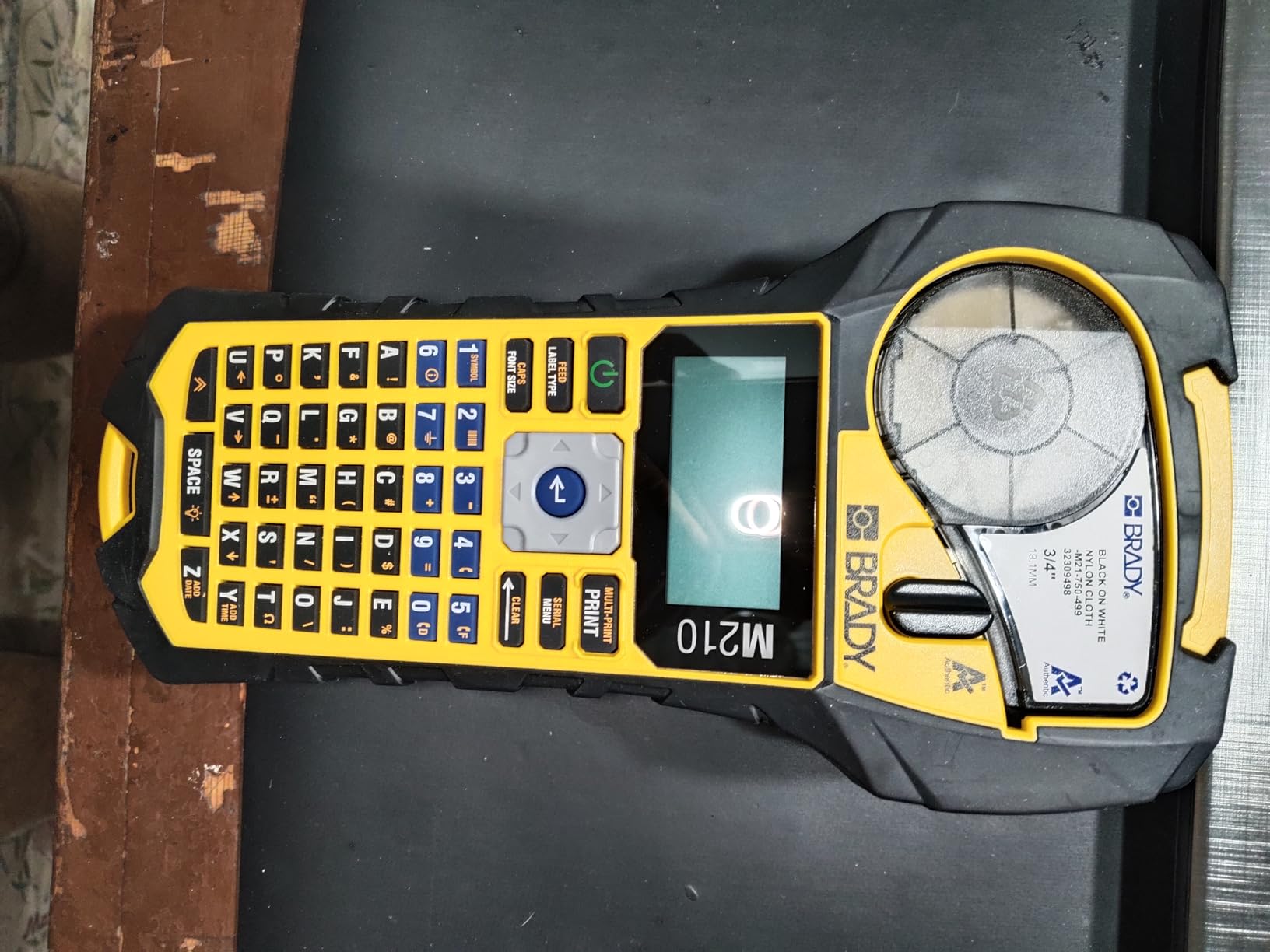
Print quality is 203 dpi monochrome on labels up to 0.75 inch wide, in black on yellow or black on white cartridges. For circuit directories, panel nameplates, and equipment tags, that resolution is more than enough. For long identifiers on a narrow sleeve, it starts to feel tight.
It works with the M21-750-499 cartridge, which is a genuinely useful thing for a shop that already runs other Brady handheld units, since one cartridge type covers a lot of ground. The listed print speed is 0.39 pages per minute, which is slow on paper but perfectly workable for the short labels this format is built for.
Why we rate this one best value
The rating reflects a proven body with a strong review base and a cartridge system that is easy to find. For a two-person shop doing retrofit and service work where you are labeling panels and equipment more than individual wire ends, it does the job at a fraction of the cost of a keyboard-equipped industrial unit.
It is also the easiest machine here to hand to an apprentice. There is nothing to learn beyond the app.
Where the M210 falls short
App-only control means you cannot print when your phone is dead, out of signal, or when a client asks you to hand over a printed label in a basement with no bars. That has happened to us more than once.
The 0.75 inch maximum media width is the other hard limit. This machine will not take heat-shrink or a wide panel nameplate, so anyone who shrinks onto wire needs to look at the Brother units or a Rhino instead.
3. DYMO RhinoPRO 5200 Industrial Label Maker
DYMO Industrial Label Maker & Carry-Case RhinoPRO 5200 Label Maker, for Job Sites and Heavy-Duty Labeling Jobs, Prints Fast, Includes 2 Rolls of DYMO Industrial Vinyl Labels
300 dpi thermal
Code 39 and Code 128 barcodes
ANSI and TIA/EIA-606-A formats
Rechargeable lithium-ion battery
Pros
- Meets ANSI and TIA/EIA-606-A labeling standards
- Prints Code 39 and Code 128 barcodes for asset tracking
- Hot keys auto-format electrical panels and terminal blocks
- Rechargeable battery that also accepts AA cells
- Includes two rolls of vinyl labels and a carry case
Cons
- Non-QWERTY keyboard frustrates new users
- Symbol menu requires experimentation
- Fixed unadjustable gap between labels wastes tape
The RhinoPRO 5200 is the compliance machine. It prints to ANSI and TIA/EIA-606-A standards and handles Code 39 and Code 128 barcodes, which is what makes it useful in data rooms and asset-tagging work as well as electrical panels. For a technician who needs the label to match a documented scheme rather than just look neat, that matters.
The hot keys automatically size, space, and format label text for electrical and patch panels, terminal and 110 blocks, wire and cable flags, horizontal and vertical wraps, and fixed-length applications. Once those formats are loaded, labeling a panel is close to automatic.
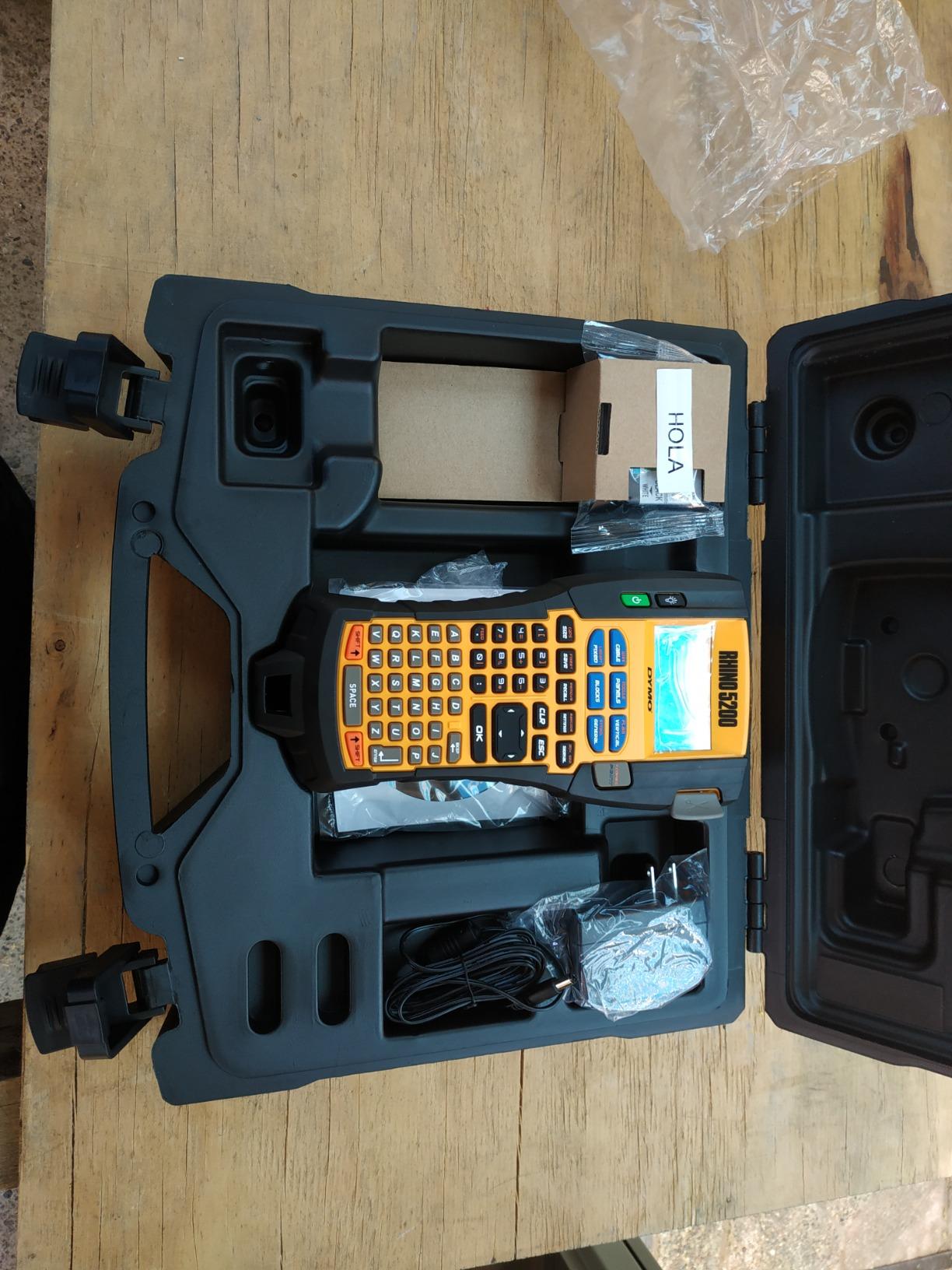
Battery life is one of the quiet strengths here. It carries a rechargeable lithium-ion battery and accepts AA cells as an alternative, which removes the single most common mid-project failure from the picture. The recharge also works while the unit is in use.
Print speed is listed at 10 pages per minute with a 2.5 second first label, so batch work is quick. The package includes two rolls of DYMO industrial vinyl, 3/4 inch and 3/8 inch black on white, plus a carry case, which is enough to start labeling the day it arrives.
Who should buy the 5200
Low-voltage and fire-alarm technicians doing addressable device labeling, and anyone who needs barcode output or ANSI-conformant formatting, will get the most from this machine. On r/PLC, users running Dymo industrial labelers report they work well day to day, and one mentions Panduit wire markers from a colleague with equal approval.
Panel builders who work in fixed-length batches will also like the hot keys more than the keyboard situation.
Where the 5200 frustrates people
The keyboard is the big one. It is not a computer-style layout, so entering numbers like B12 costs more attention than it should, and electricians coming from office tools notice. The symbol menu is not intuitive and takes experimentation before you stop hunting through it.
There is also no sub or superscript option on many symbols, which limits electronics and component labeling. Like its Rhino sibling, it uses a fixed gap between printed labels that wastes tape, and the machine is noticeably larger and heavier at 1.8 pounds with a 15.4 inch wide body.
4. Brother PT-E560BT Industrial Label Printer
Brother PT-E560BT Industrial Label Printer Bluetooth Cutter
3.5mm to 24mm laminated and heat shrink tape
Dual auto-cutter
Bluetooth plus P-touch Editor
QR and linear barcodes
Pros
- Media range of 3.5mm to 24mm including heat shrink
- Dual auto-cutter produces half-cut peel-and-apply label strips
- Quick application keys for cable wrap patch panel punch block and faceplate
- Stores databases and templates for repeat work
- Ambidextrous hand strap and utility ring for drop protection
Cons
- Lithium-ion battery and tape cartridges sold separately
- App and PC workflow adds setup steps versus keyboard-only units
- 4.4 stars with a higher share of critical feedback than its siblings
This is the machine to buy if shrinking onto conductors is the core of your work. The PT-E560BT handles laminated labels and heat-shrink tubes from 3.5mm all the way to 24mm, and at the narrow end that covers the small-gauge wire that is the hardest thing to terminate.
That small-gauge question comes up constantly on trade forums. Electricians regularly complain that Rhino-line heat-shrink is not offered in the smaller sizes needed for 18 to 20 AWG wiring, which is exactly what gets terminated most in branch circuits and control wiring. A 3.5mm sleeve on this machine solves that without changing brands.
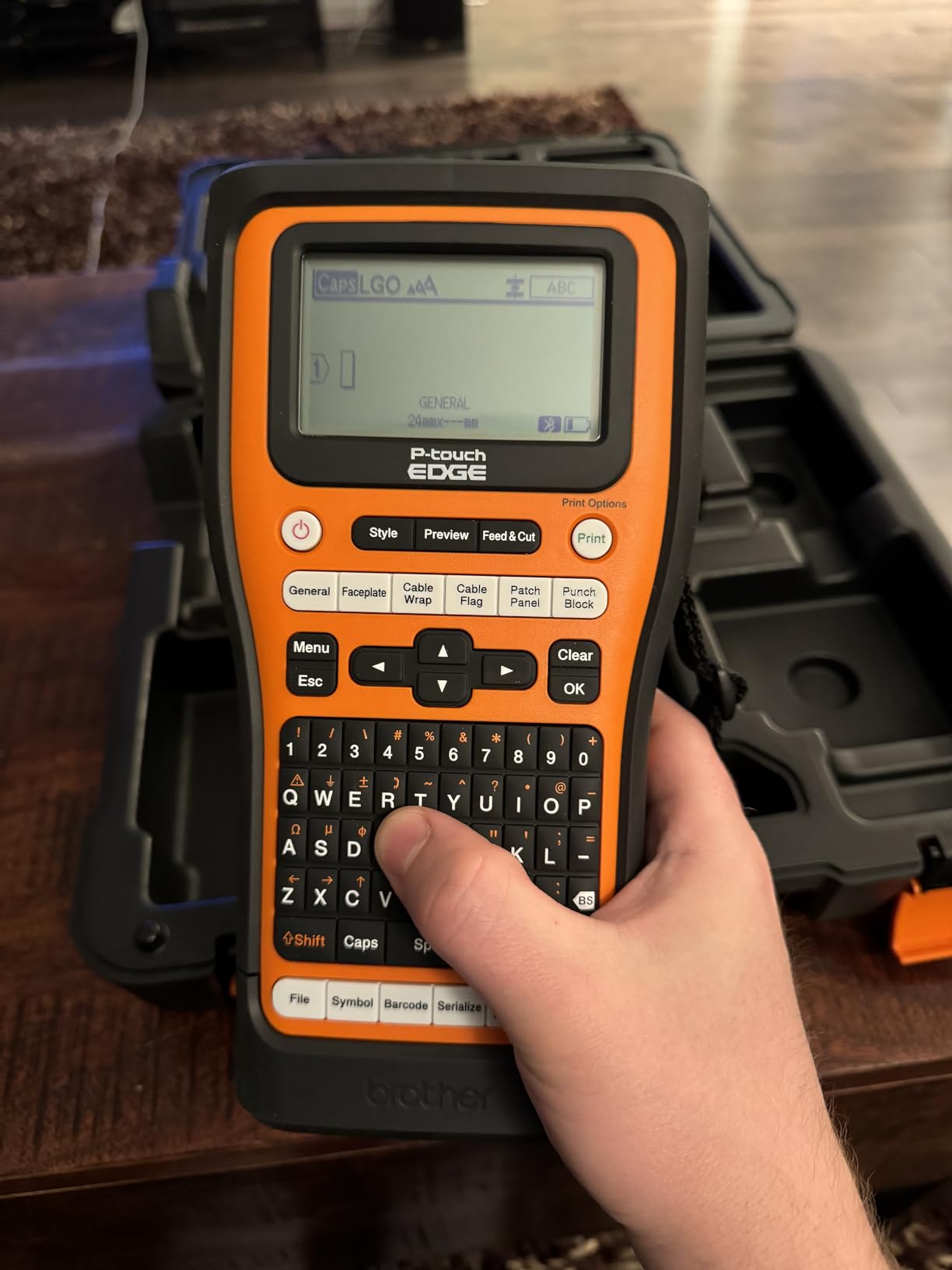
The dual auto-cutter is the second feature we would not give up. It prints a strip of half-cut peel-and-apply labels, so you can print forty wire ends at once and then stick them one at a time instead of feeding each label through the machine individually. On a dense control panel that alone saves a lot of time.
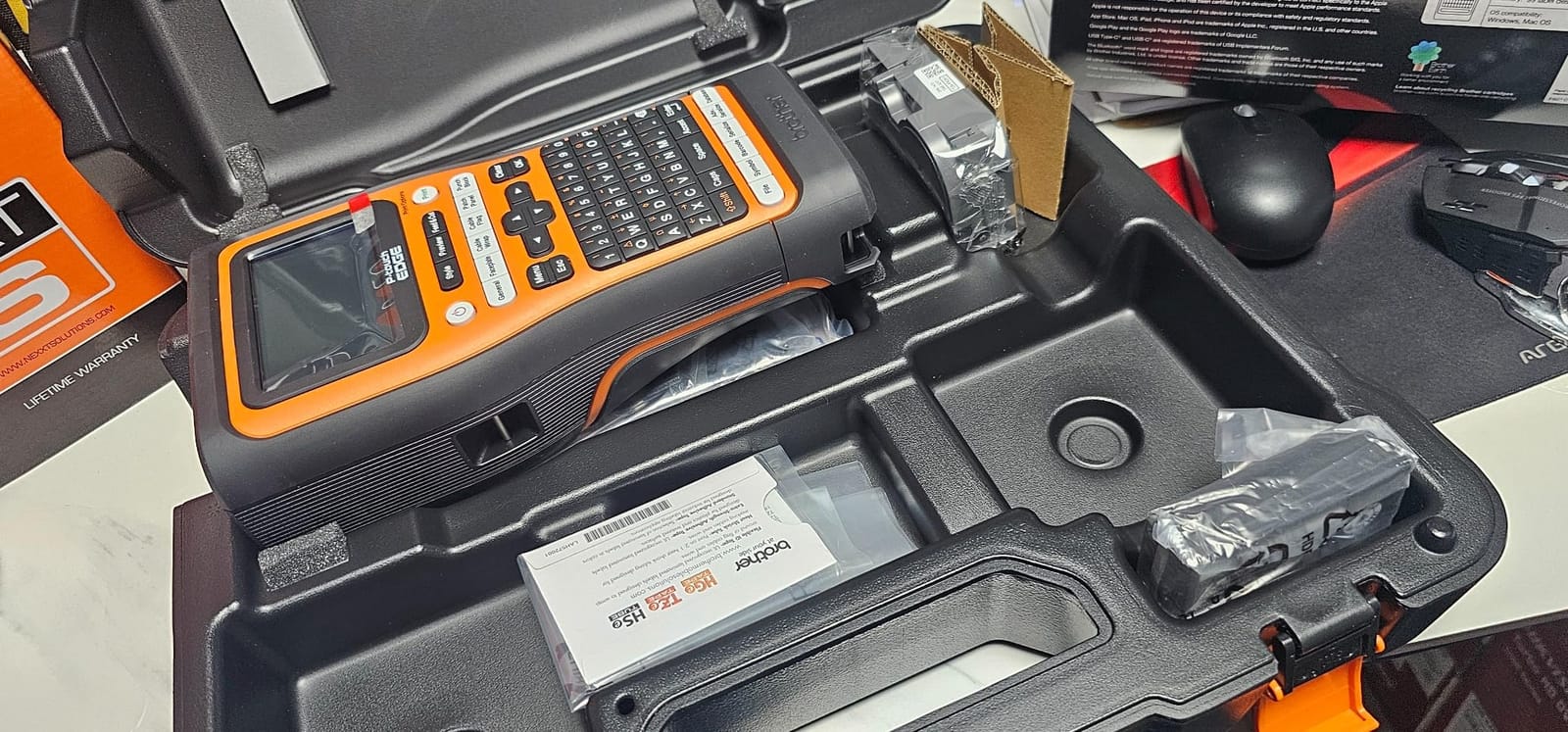
Quick application keys cover cable wrap, patch panel, punch block, and faceplate formats. You can add QR codes and linear barcodes, and you can store databases and templates inside the unit so a repeat job prints straight from saved work.
Where this Brother stands out
Wireless printing from the Pro Label Tool app plus USB-C connection to a PC through P-touch Editor gives you both options, and template storage means the second time you build a panel you are not designing from scratch. The ambidextrous hand strap and utility ring add real drop protection in a working environment.
It also suits data and network work, since QR and barcode output is native rather than something you need a desktop for.
What to know before buying
The lithium-ion battery and tape cartridges are separate purchases, so budget for both before the first label. The workflow also leans on the app and PC software, which adds setup steps compared with a keyboard-only unit, and some users consider that friction.
Its 4.4-star rating with 122 reviews comes with a higher share of critical feedback than its siblings, so treat it as a strong specialist rather than a flawless all-rounder.
5. Vixic DM170 Bluetooth Wire Label Maker
Vixic Wire Label Maker, DM170 Bluetooth Labeler Waterproof-Labels for Cable
203 dpi thermal
App templates for panels and heat shrink
0.7 lb body
1200 mAh battery
Pros
- Templates serialize up to 200 copies with auto-incrementing numbers
- Weighs only 0.7 lb and fits a tool bag
- One charge prints up to 588 labels
- 0.31 inch print margin cuts tape waste
- Included vinyl tape is waterproof oil-proof and UV-resistant
Cons
- Smartphone app required with no built-in keyboard
- Single 0.47 inch tape width
- App-dependent reliability with 4% one-star reviews
The DM170 is the most-reviewed product in this roundup by a wide margin, with more than 2,000 reviews, and the reason is straightforward: it does the templated jobs for very little money. The Print Master app includes industrial templates for breaker panels, cable flags, heat-shrink tubing, and barcodes.
The feature that actually changes a workflow is serialization. The cable flag and heat-shrink templates can produce up to 200 copies with auto-incrementing serial numbers, so a panel directory or a run of numbered conductors takes one setup instead of two hundred. That is a real time-saver that most machines in this group only offer through PC software.
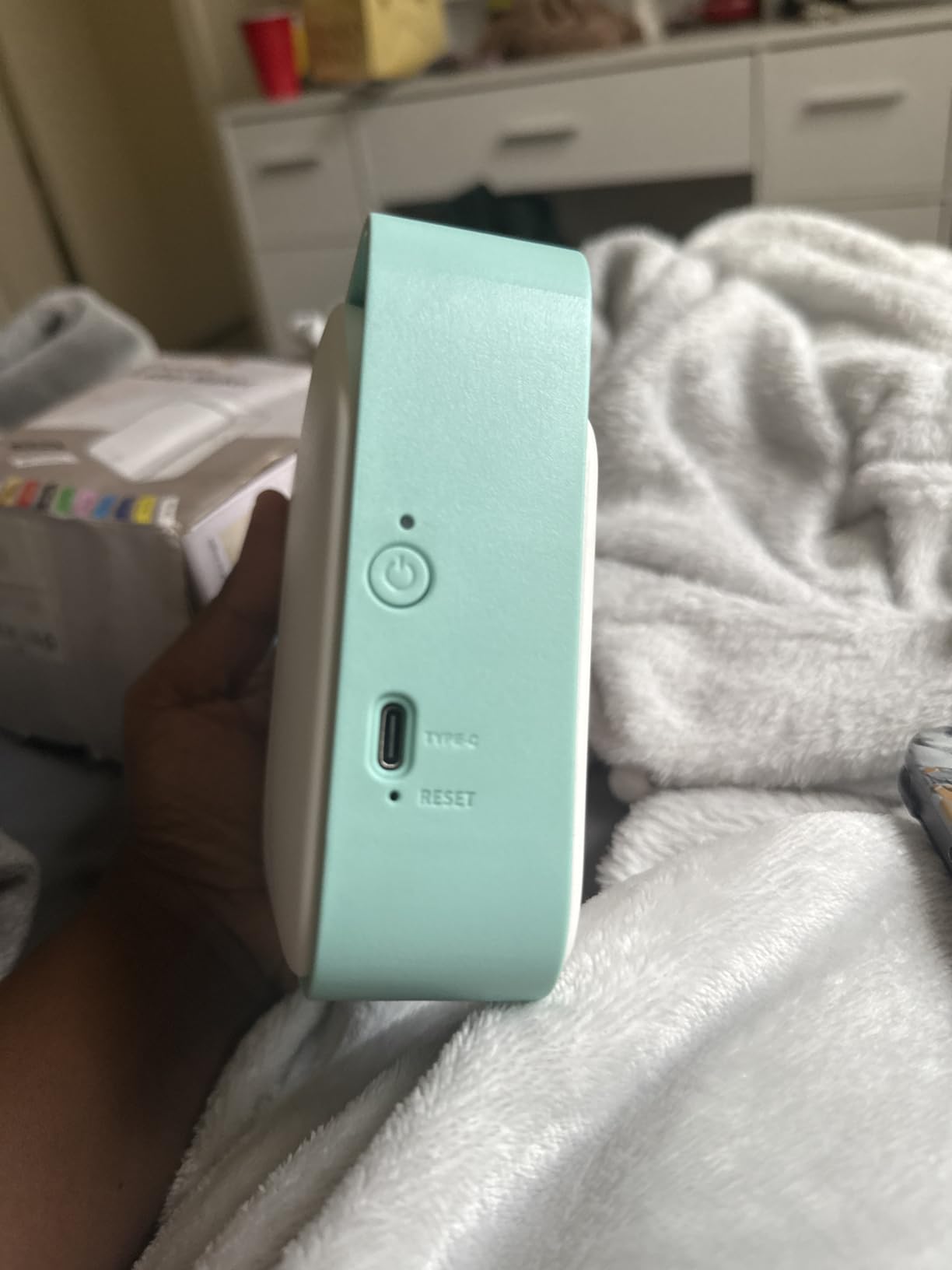
Weight is another argument. At 0.7 lb and 320 g, it is one of the lightest machines here and simply disappears into a tool bag. The 1200 mAh lithium-ion battery charges in 2.5 hours and prints up to 588 pieces of 2.1 inch labels, roughly 102 feet of tape, on one charge.
The 0.31 inch standard print margin reduces tape waste compared with the typical 1 inch leading margin most machines leave. Over a year of panel work that difference is real money and a lot less waste in the bin.
Where the DM170 wins
Apprentices, students, and residential service electricians get the most value here. If your labeling is panel directories, numbered device lists, and short equipment tags, the templates cover it without a learning curve.
Anyone who carries a machine all day will appreciate the weight, and the included vinyl tape is rated waterproof, oil-proof, UV-resistant, and abrasion-resistant, which is a better starting consumable than most kits include.
What you give up for the low entry cost
There is no built-in keyboard, so the phone is mandatory. That rules it out for basement work with no signal and for anyone who wants to print while wearing gloves.
The single 0.47 inch tape width is the other limit. You will not print a panel nameplate or a wide equipment tag on it. The 4.5-star average also comes with a 4% slice of one-star reviews, which points at app-dependent reliability rather than hardware failure, so keep the phone software current.
6. LABELWORKS Epson LW-PX900PCD Industrial Label Maker Kit
LABELWORKS Epson LW-PX900PCD Industrial Label Maker Kit – Tape Included
360 DPI thermal
4mm to 36mm PX tape range
35 labels per minute
Large preview screen
Pros
- 360 DPI output handles dense small text
- Tape range from 4mm to 36mm including heat shrink and magnetic
- Large preview screen prevents misprints and wasted tape
- 1mm margin and auto rewind meaningfully cut material waste
- Lifetime manufacturer warranty with MilSpec drop-rated body
Cons
- Wired USB only with no Bluetooth or app support
- Windows-only Label Editor Professional software
- 7 pound body is heavy for all-day carry
- Single-color per print
This is the spec-sheet winner. The LW-PX900PCD prints at 360 DPI, which is 50 percent more resolution than the 300 dpi Rhinos and 180 dpi typical of the entry units, and that shows up immediately on long wire identifiers and dense equipment plates.
Where other machines cap out, the PX tape range runs from 4mm up to 36mm, or 1.5 inch. That covers 203PX, 206PX, 209PX, 212PX, 218PX, 224PX, and 236PX cartridges including standard, self-laminating, heat-shrink, magnetic, vinyl, and polyester stocks. No other machine here reaches 36mm at the wide end.
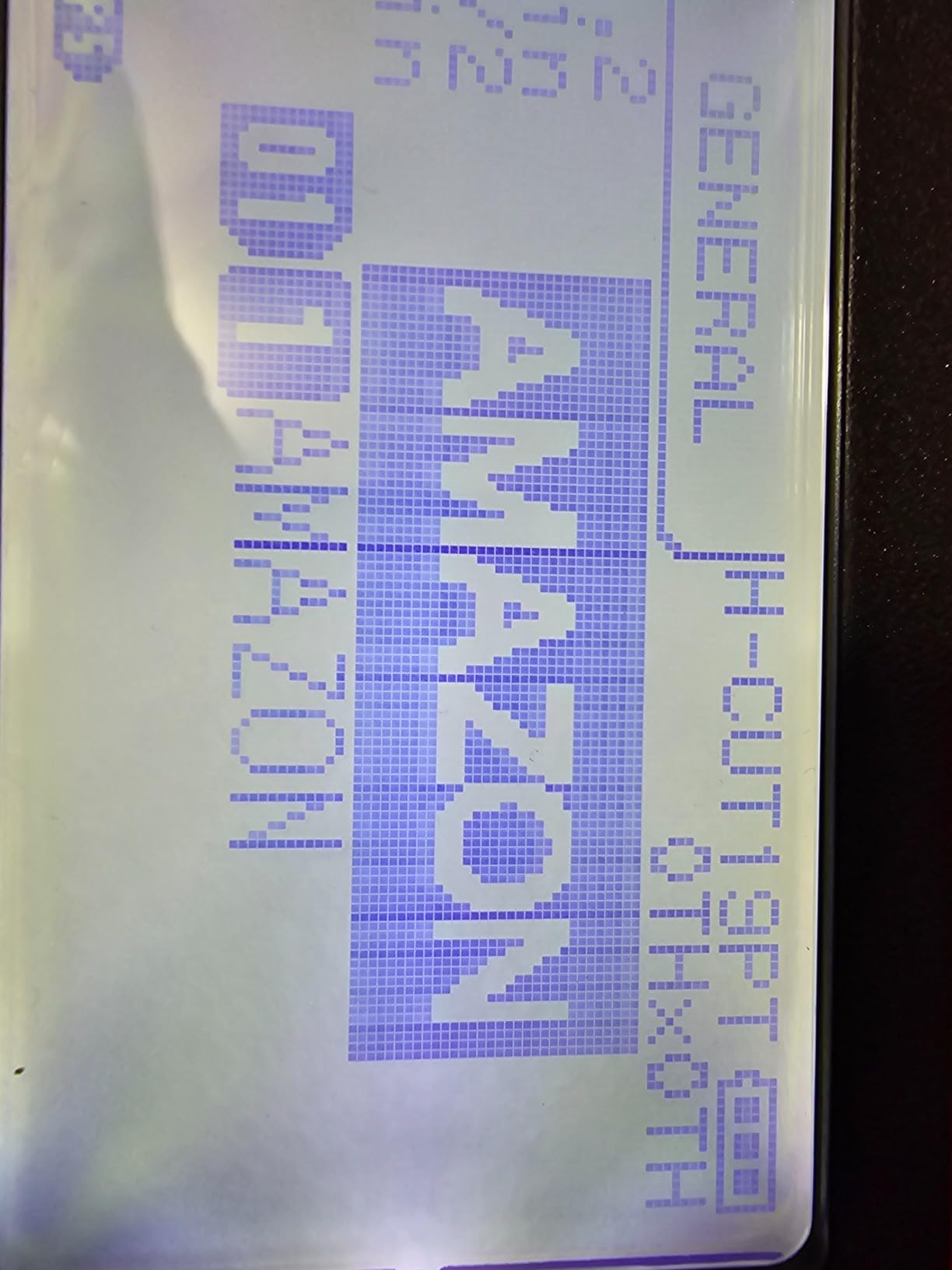
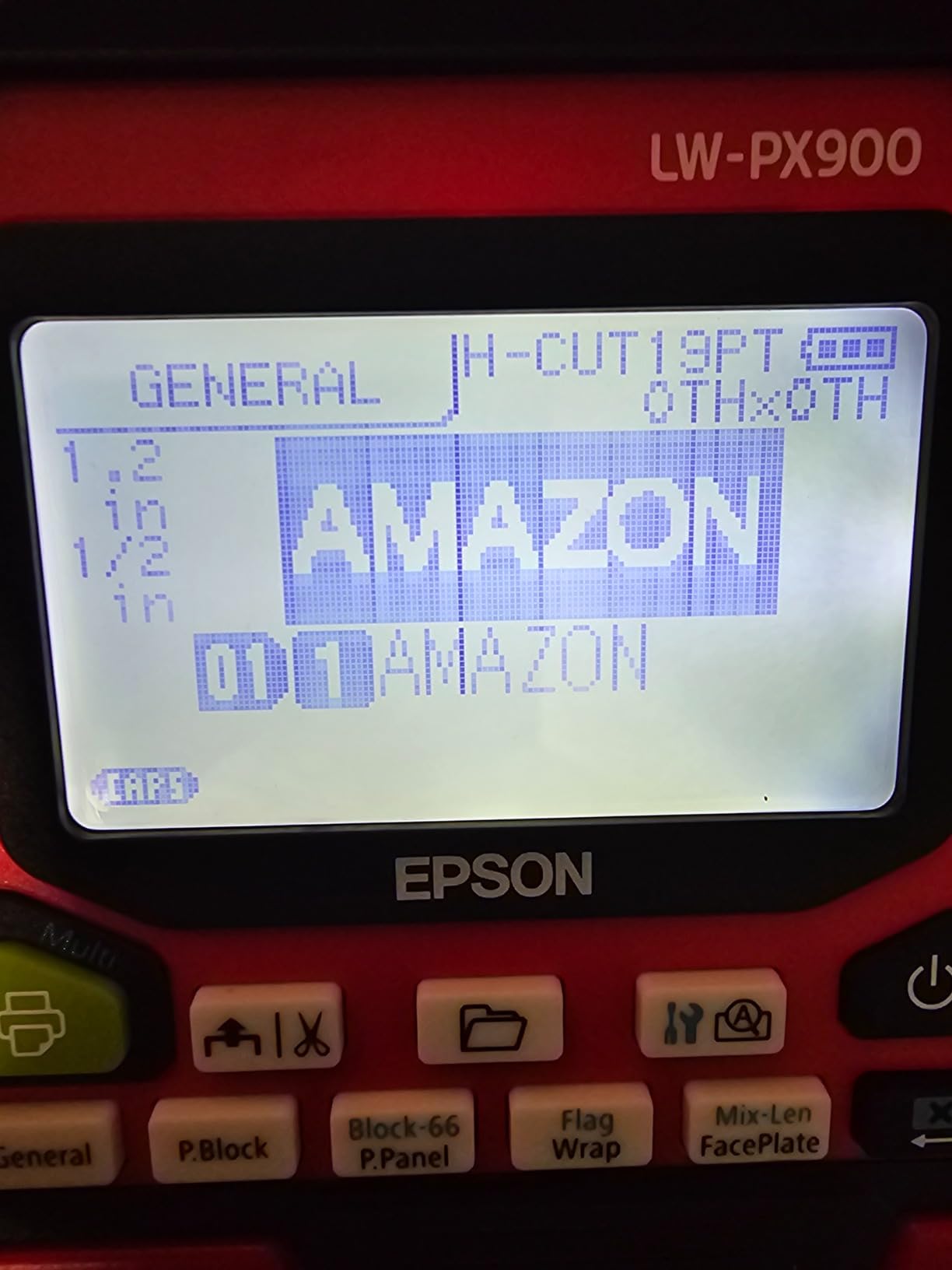
The large on-device preview screen is an underrated feature. You see the label before it prints, so a mistyped wire number costs nothing. Combined with 1mm margin settings and auto tape rewind, the waste reduction on a large panel is substantial.
Print speed is listed at 35 pages per minute, the highest figure in this group, and that makes it a genuine batch tool. The body meets MilSpec drop standards, and the kit includes a lithium-ion battery, AC adapter, USB cable, a 212VTBWPX starter cartridge, magnetic attachments, and an industrial hard case.
Who should buy the PX900PCD
Panel shops doing batch wire numbering and equipment plates will get the most from the combination of resolution, width range, and speed. It is also the natural choice if you label scientific or lab equipment alongside electrical work, since the single-color-per-print limit still allows color-coded cartridge stock.
The lifetime manufacturer warranty in the US and Canada is the longest warranty described across these ten picks, and the included AC adapter and battery mean nothing is missing from the box.
Why it is not the first choice for most electricians
It is wired USB only. There is no Bluetooth and no mobile app support, so this machine stays on the bench or in the shop rather than going into a truck. The software is Windows-only Label Editor Professional, which rules it out on a Mac.
At 7 pounds it is one of the heavier machines here, and that weight is the reason it does not win an electrician-focused roundup outright. It also prints one color per pass, so multi-color schemes are not available.
7. Brother PT-E310BT Industrial Label Printer
Brother PT-E310BT Industrial Label Printer Bluetooth USB-C
3.5mm to 18mm laminated and heat shrink tape
Bluetooth plus USB-C
QR and linear barcodes
Two-year warranty
Pros
- Quick application keys for cable wrap flag patch panel punch block and faceplate
- Supports laminated labels and heat shrink tubes from 3.5mm to 18mm
- Internal memory stores databases and templates for repeat jobs
- Bluetooth from the app and USB-C to PC in one unit
- Two-year limited exchange warranty
- Patch panel ruler and carry case included
Cons
- App-based design with no built-in keyboard
- 180 dpi resolution is lower than higher-tier units
- 18mm maximum tape width is smaller than the PT-E560BT
The PT-E310BT is the mid-size Brother in this lineup, and it covers most of what the PT-E560BT does at 3.5mm to 18mm instead of 24mm. If your thinnest sleeve is 3.5mm and your widest plate fits inside 18mm, you are not giving up anything meaningful.
For low-voltage and network work this is a strong pairing. The quick application keys cover cable wrap, cable flag, patch panel, punch block, and faceplate formats, and it prints QR codes and linear barcodes natively. A patch panel ruler and wrist strap are included in the box, which is a small detail that matters in a rack room.
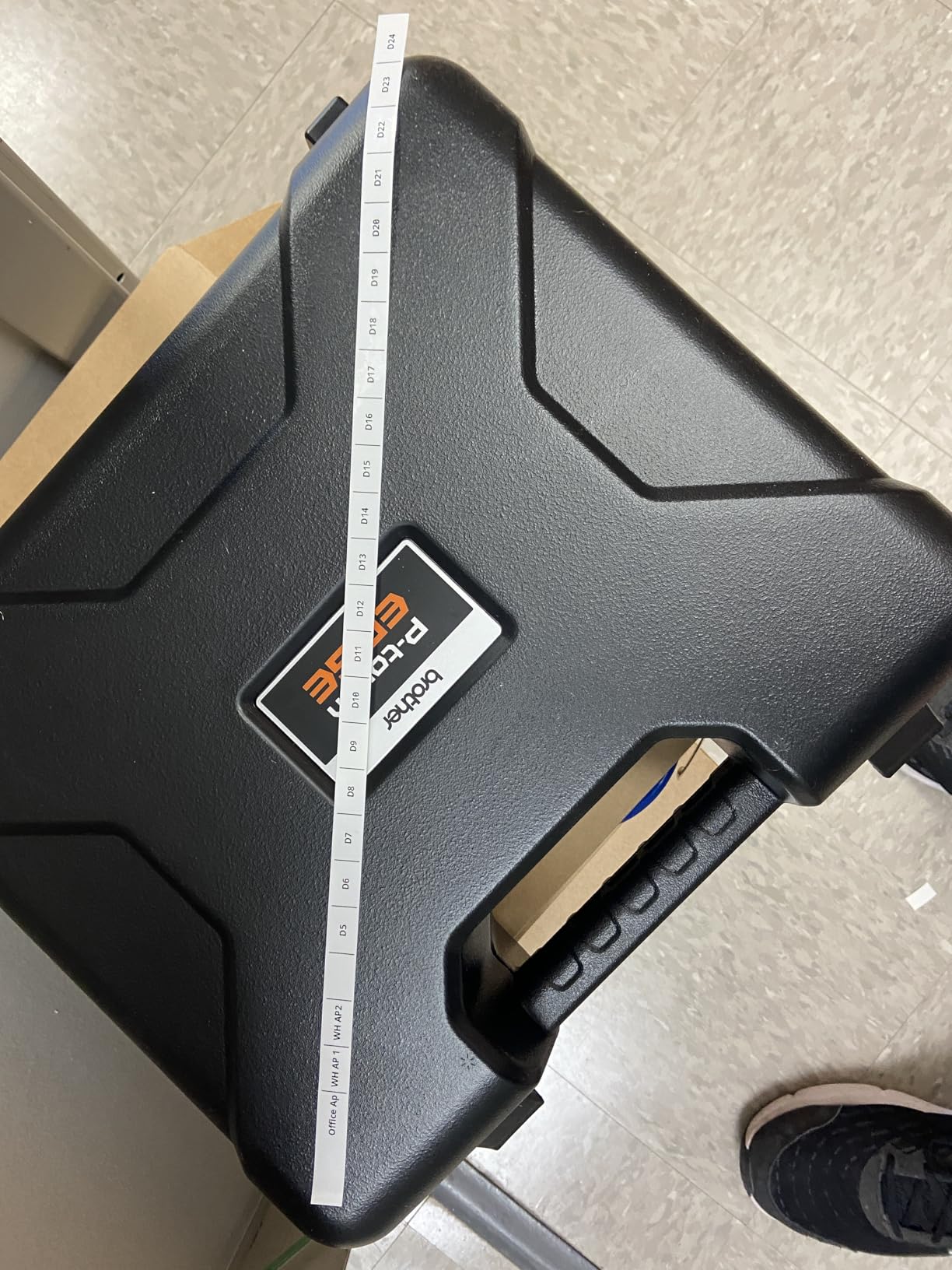
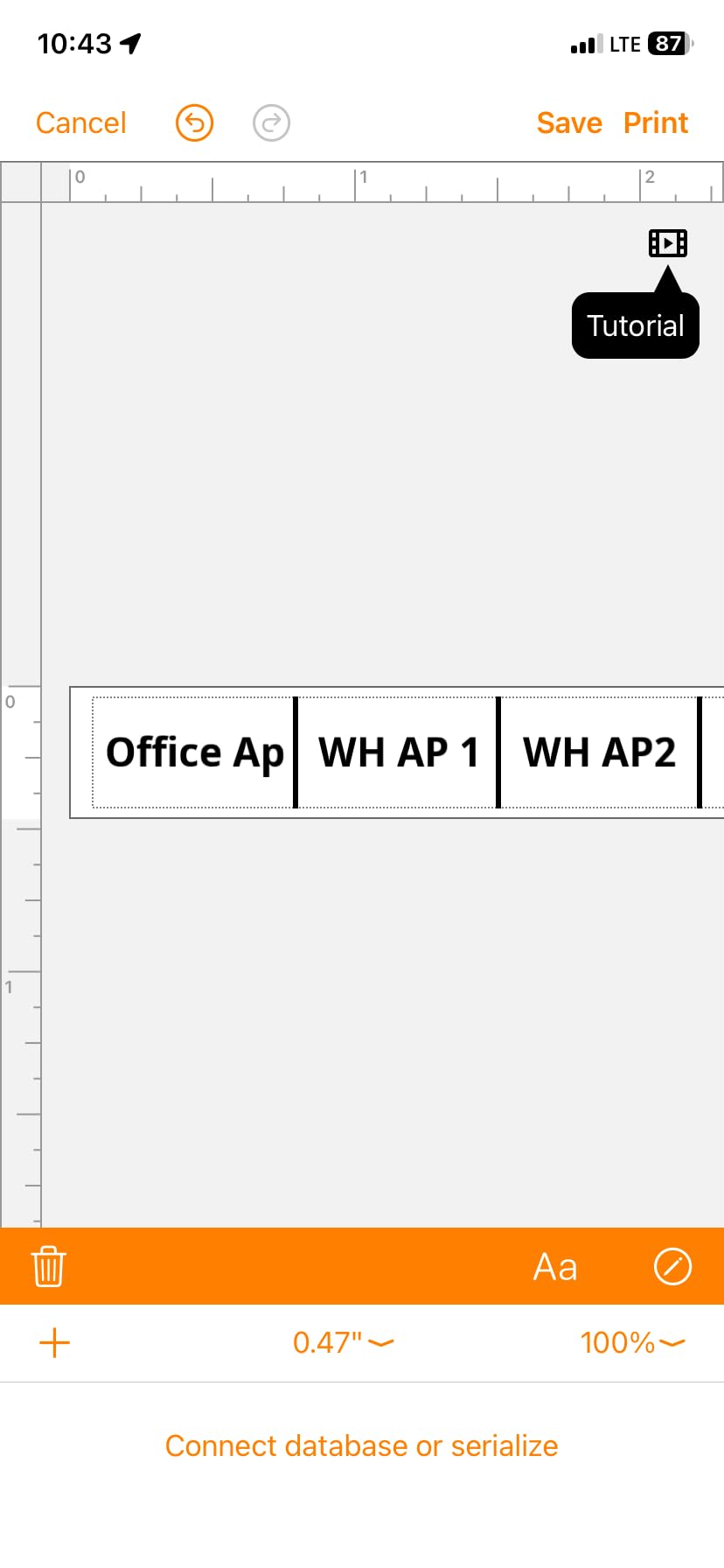
Connectivity is genuinely dual-purpose. You design from a mobile device over Bluetooth with the Pro Label Tool app, and you charge and connect to a PC through USB-C for P-touch Editor. Internal memory stores databases and templates, so a repeat job prints from saved work without a device at all.
Print speed is listed at 0.78 pages per minute at 180 dpi, monochrome on TZe, HGe, and HSe cartridges. The package includes a carry case, the patch panel ruler, an 18mm flexible ID tape roll, a USB-C cable, and a wrist strap.
Best reasons to choose this model
The two-year limited exchange warranty is longer than most competitors offer at this level, and the tape system covers 18mm, 12mm, 9mm, 6mm, and 3.5mm widths including heat shrink. That range covers essentially all control-panel wire work.
Its listed uses are electrical labeling, low voltage labeling, and MRO labeling, which matches what most buyers end up doing with it. At 1.8 pounds it carries better than several of the machines here.
Where it falls behind its bigger brother
There is no built-in keyboard, so a phone is required for design work. The 180 dpi resolution is visibly softer than the 360 DPI PX900PCD when you print small text, and the 18mm ceiling rules out wide panel nameplates.
It sits at 4.6 stars from 76 reviews, which is a solid but thinner base than the units above it.
8. Brady M211 Portable Bluetooth Label Printer
Brady M211 Portable Bluetooth Monochrome Label Printer, Yellow/Black
203 dpi thermal
Bluetooth 5 LE to Android and iOS
Automatic label cut
USB-C charging
Pros
- Compact and rugged with owners reporting survival of table-height drops
- All-day battery life on a single charge
- Quick reliable Bluetooth pairing with the mobile app
- Automatic cut after printing speeds high-volume labeling
- Sharp readable output with many formats available
Cons
- App-only control has a learning curve
- Heat-shrink cartridges will not feed through the unit
- Cuts after a fixed margin rather than tight to the text
- Magnetic mount is a separate purchase
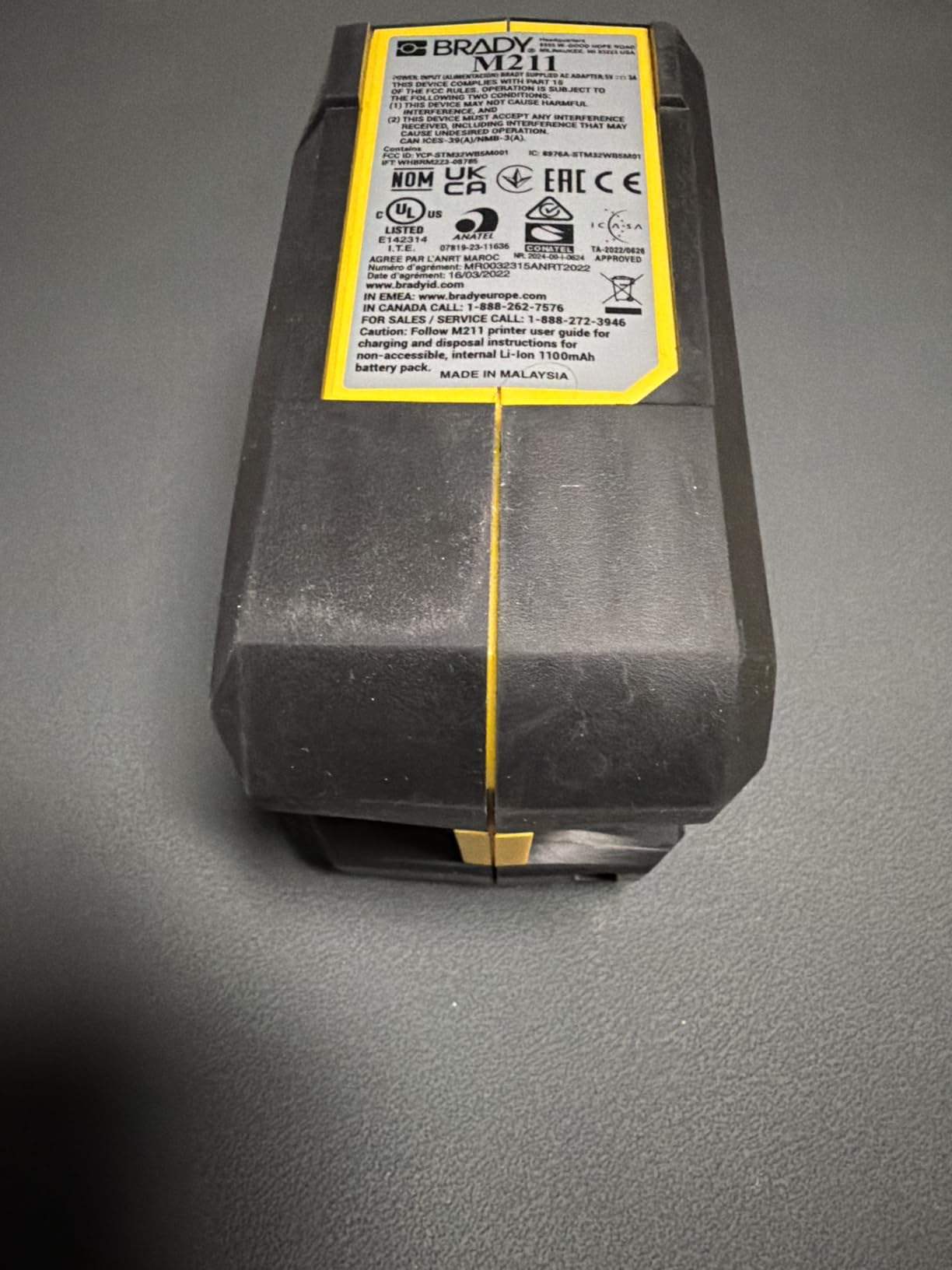
The M211 is the pocket model of the two Brady units here and the one we most wanted to like. Owners report that it survives table-height drops, pairs quickly over Bluetooth 5 LE, and runs all day on one charge with USB-C. The app, Express Labels, is well built and produces sharp labels in many formats.
Two-person crews splitting up across a job site get real use from a machine that lives in a jacket pocket and pairs to whichever phone is closest. Automatic cut after each label speeds up volume work, and at 0.6 pages per minute it is quick for short labels.
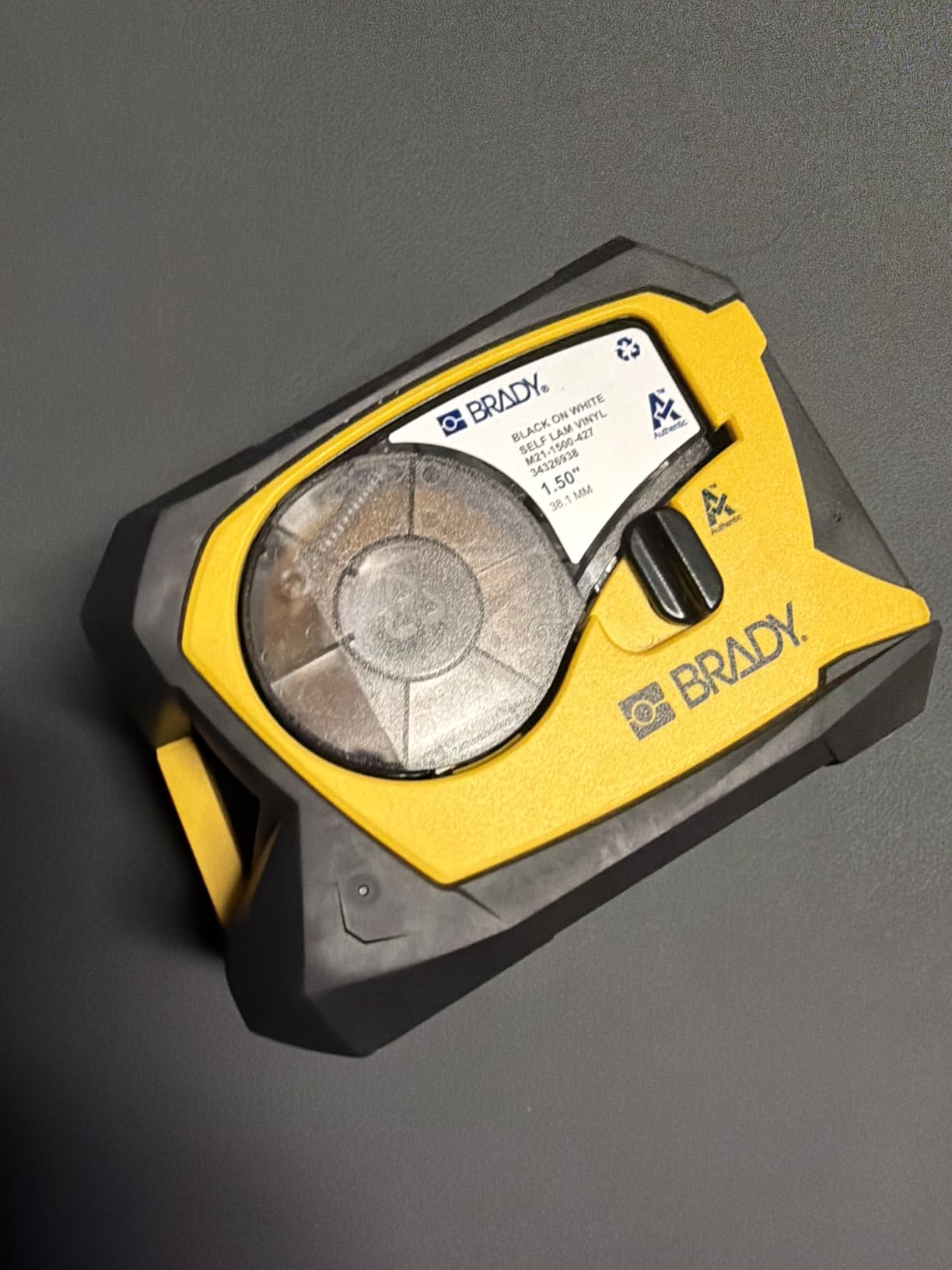
Specs are 203 dpi monochrome, up to 0.75 inch media width, with a 50 label sheet capacity. It supports Android and iOS, and the listed specific use is professional. There is one USB port for charging.
The automatic cut fires after a fixed margin rather than tight against the end of the text, so you consume more tape per label than a machine with a trim option. It works out because the labels are small and cheap, but it is worth knowing before you order cartridges.
Where the M211 fits best
Field service techs who label equipment, do panel updates, and work in tight mechanical rooms will find the size and battery life more valuable than keyboard entry. Anything under 0.75 inch wide is covered, which includes most wire and terminal labels.
It is also a good second machine for an office, since it costs less than most of the units here and needs no ribbon or separate print head consumables.
Why it is not a wire-ending machine
Heat-shrink tape cartridges will not feed through this unit. That is the hard limit for anyone whose main task is shrinking sleeves onto conductors, and it rules the M211 out for control panel wire numbering no matter how good the app is.
The app-only workflow carries the same learning curve as the M210, the cut margin wastes tape, and the magnetic mount that would make it useful in a panel is a separate purchase.
9. VolenGo E1000 Heat Shrink Label Maker
VolenGo E1000 Heat Shrink Label Maker, Wire Label Maker Waterproof-Labels
12mm heat shrink and flexible ID tape included
QWERTY keyboard with LCD
Three cable modes
Battery or USB-C power
Pros
- Two 12mm heat shrink tapes and two flexible ID rolls in the box
- Heat shrink rated 300V and 125C and VW-1 compliant with a 2:1 ratio
- Laminated flexible ID labels are waterproof oil and abrasion resistant
- Familiar QWERTY keyboard instead of a phone app
- Batch printing of 20 labels cuts waste
- Dual power from AAA cells or USB-C
Cons
- Print resolution of 180 DPI
- Single 12mm tape width limits label sizes
- AAA batteries are not included
- No manufacturer warranty stated
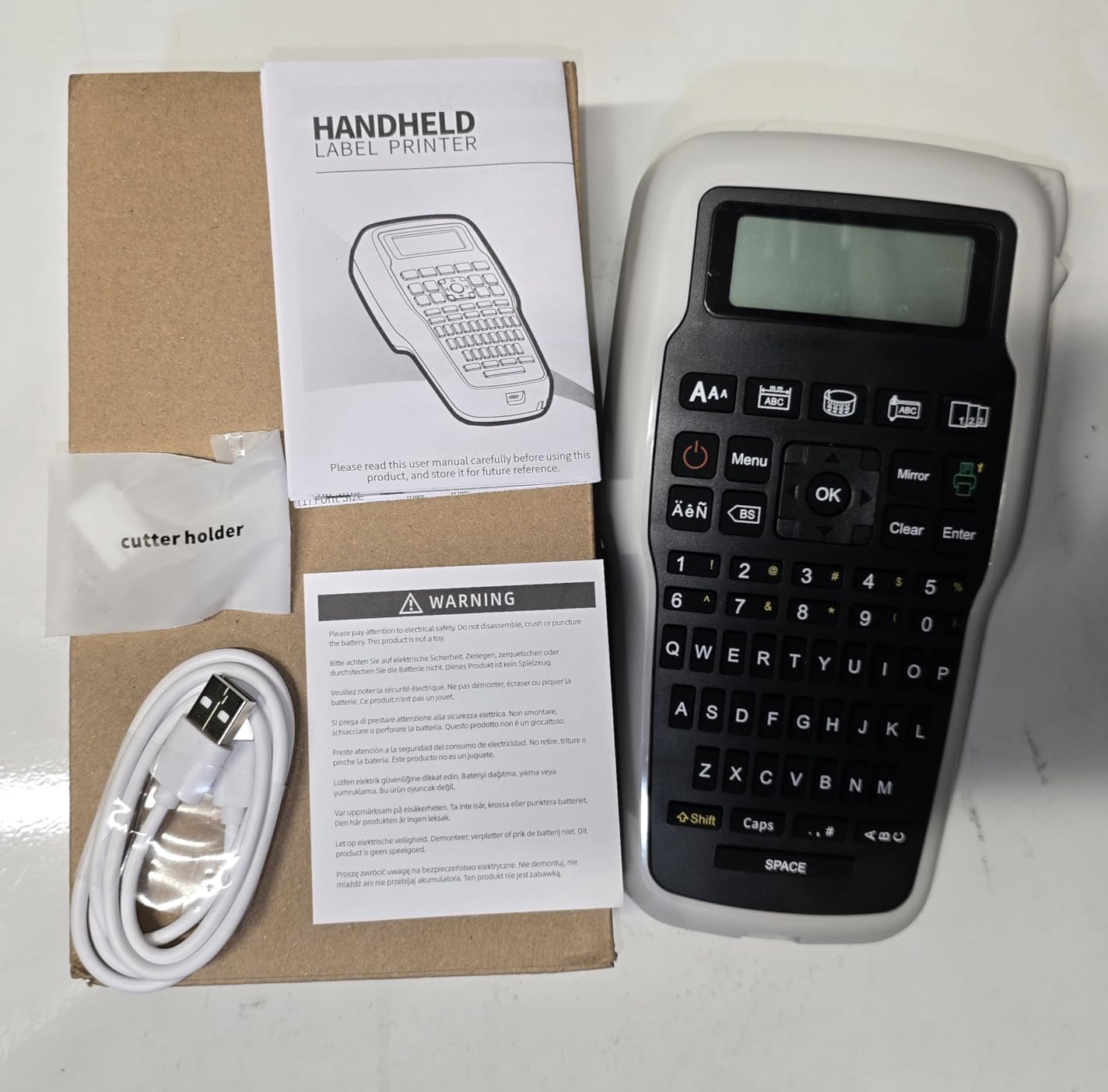
The E1000 arrives with a generous tape package. Two 12mm heat-shrink rolls at 1.5 meters each, plus two 12mm flexible ID wire label rolls at 8 meters each, and a replacement cutting holder in the box. For someone starting out, that package covers a good stretch of work.
More importantly, it has a real QWERTY keyboard and an LCD, at an entry price. On a ladder or in a panel with gloves on, typing on a physical keyboard is a genuine step up from an app, and few machines at this cost offer it.
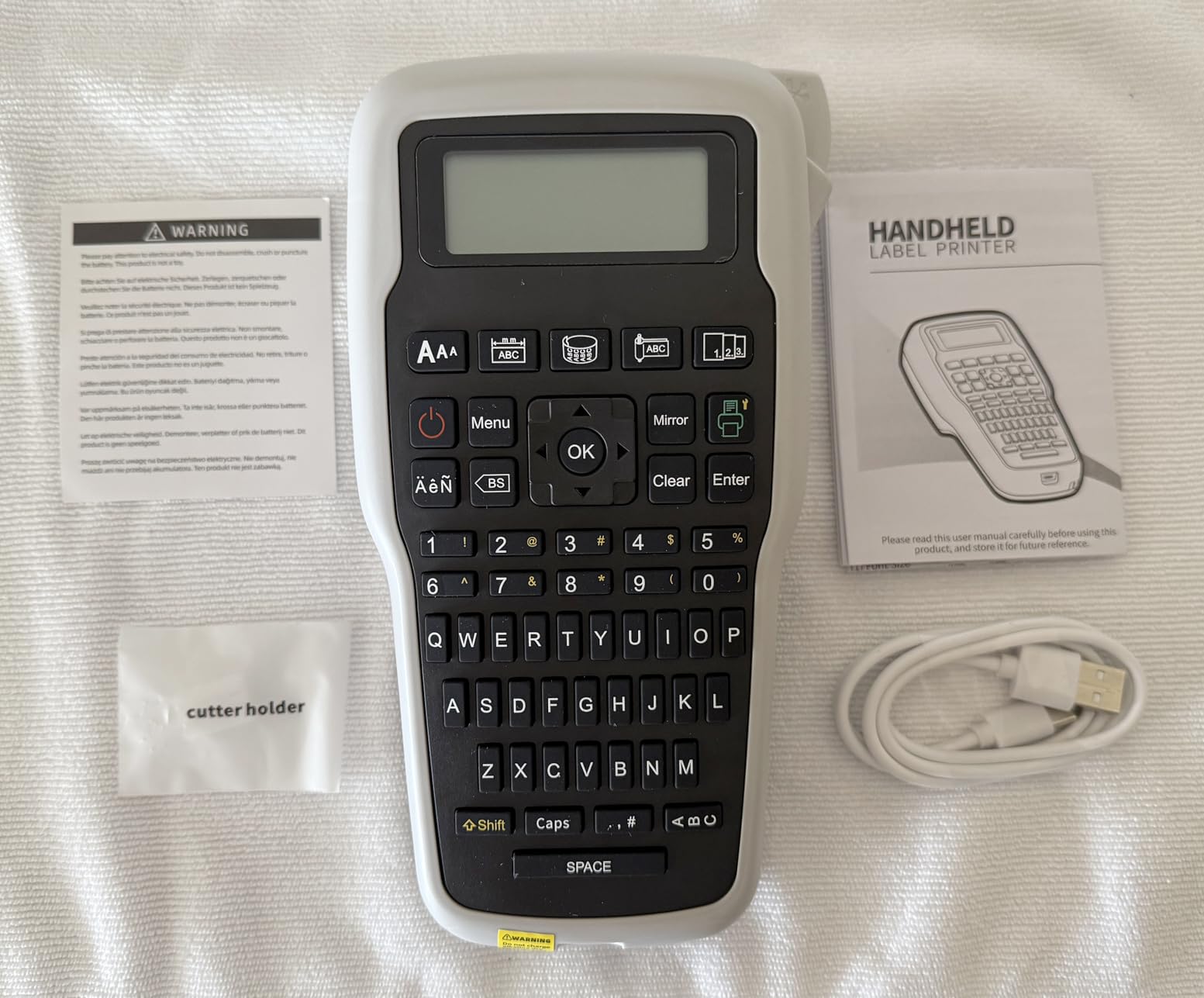
The heat-shrink tape carries a 2:1 shrink ratio and is rated 300V, 125C, and VW-1 compliant, which are meaningful numbers when you are marking a conductor that will end up inside energized equipment. The flexible ID labels are laminated for waterproof, oil, and abrasion resistance and are described as fade resistant in extreme temperatures.
Three dedicated cable modes cover wraps, flags, and fixed-length work, and one-touch keys jump to wrap, flag, fixed-length, general, and breaker label formats. Batch printing of 20 labels at a time saves tape, with narrower settings cutting roughly 42 millimeters per label.
Who this starter kit suits
Apprentices, students, and electricians building a first truck kit get the most from this box. Nothing else at this level ships with both heat-shrink and flexible ID tape included, and the 291 g weight is the lightest here.
Dual power is useful in the field. Six AAA cells or the included USB-C cable both work, so a dead machine is not the end of the labeling day.
What to keep in mind
Resolution is 180 DPI, at the bottom of the range here, so long identifiers on a 12mm sleeve can get tight. The tape width is fixed at 12mm, which means no panel nameplates and no wider equipment plates.
The AAA cells are not included, which is the same complaint that shows up against other rugged models. With 56 reviews and 14% of them landing at three stars, satisfaction is inconsistent, and no manufacturer warranty is stated.
10. DYMO Rhino 6000 Industrial Label Maker
DYMO® Rhino™ 6000 Industrial Label Maker, Computer Connected Label Maker with Hard Carry Case, 1 Vinyl Tape Cassette, 1 Flexible Nylon Tape Cassette and Rechargeable Lithium Ion Battery
180 dpi thermal
PC-connected via DYMO ID software
Ansi and TIA/EIA-606-B compliant
Barcode and multi-line layouts
Pros
- PC-connected design handles barcodes and complex multi-line layouts
- Meets ANSI and TIA/EIA-606-B labeling standards
- One-touch hot keys auto-size and space label text
- Hot keys and layout options exceed older Rhino 4000 and 5200 units
- Hard case with vinyl and flexible nylon cassettes and rechargeable battery
Cons
- DYMO ID desktop software is criticized as unreliable and dated
- Unoverrideable auto shut-off interrupts labeling sessions
- Reports of the feed mechanism swallowing tape
- Heavy 7.8 pound body with no manufacturer repair support
The Rhino 6000 is a bench machine, not a truck machine. It connects to a PC and designs labels in DYMO ID software, which is where the real strength lies: barcodes, complex multi-line layouts, and equipment plates that would take forever on a handheld keyboard.
It meets ANSI and TIA/EIA-606-B labeling standards and uses one-touch hot keys to auto-size and space label text, so the formatted output matches a documented scheme. Owners also note the hot keys and layout options exceed older Rhino 4000 and 5200 units, which is the main argument for moving up from an older shop machine.
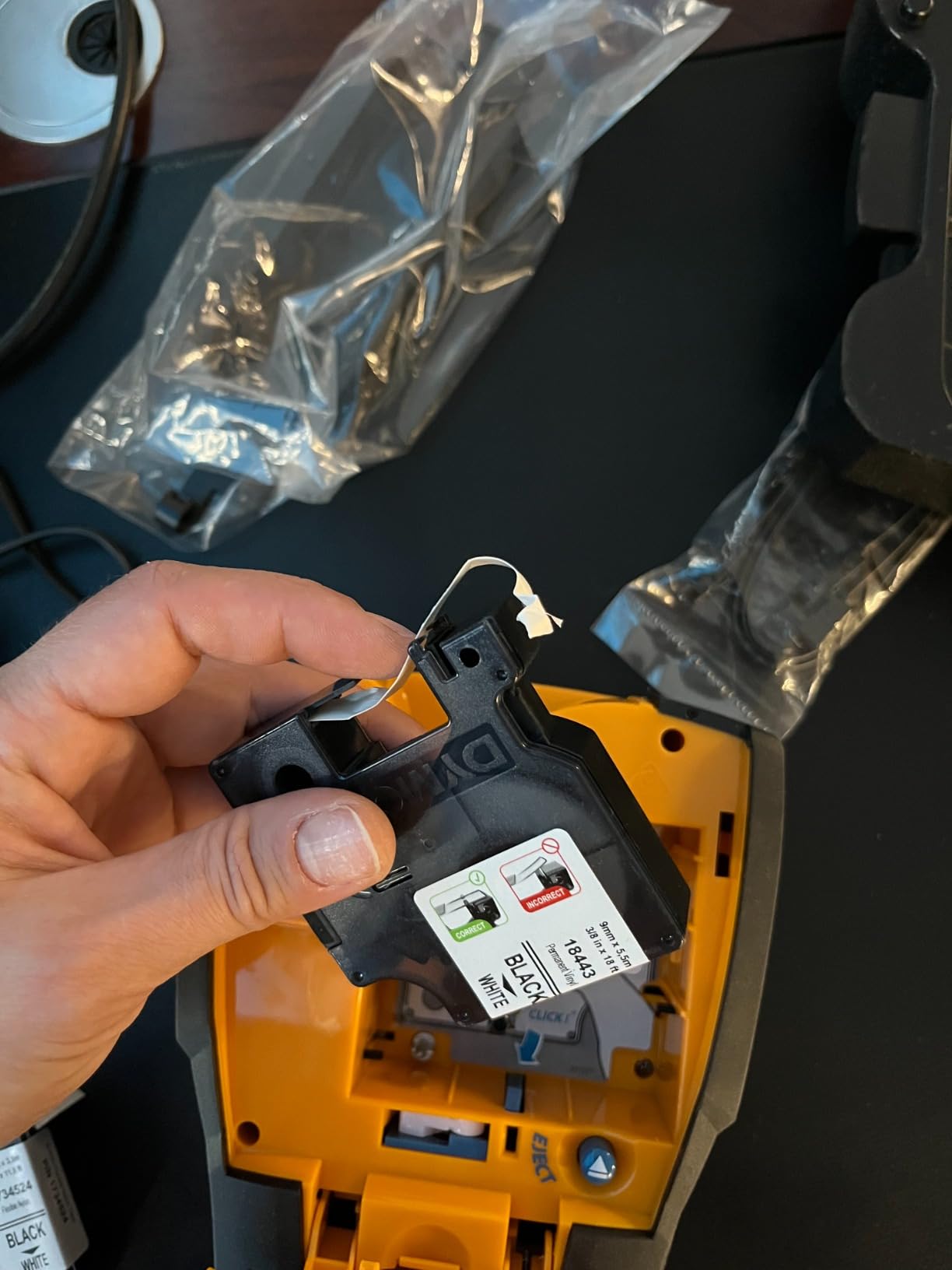
The box includes a hard carry case, one vinyl tape cassette, one flexible nylon tape cassette, and a rechargeable lithium-ion battery. The flexible nylon cassette is a good addition for abrasion-prone runs like cable tray or machine interiors.
Print resolution is 180 dpi, and the maximum media size is listed as 5 lines rather than a fixed width, which is how the software handles multi-line equipment labels. That is the feature set that matters for panels and plates, and it is not what wire-end marking needs.
When the Rhino 6000 is the right call
Panel shops and integrators producing documented panel layouts, asset tags with barcodes, and multi-line equipment plates get the most from this design. Hot key formatting keeps standards-compliant output consistent across a production run.
If your existing shop already uses DYMO ID, the learning curve is zero.
The problems worth weighing first
This is the lowest-rated unit in our group at 4.3 stars with 61 reviews and 14% one-star ratings. The complaints cluster: the bundled DYMO ID software is described as unreliable and dated, the auto shut-off cannot be overridden mid-session, and the feed mechanism has reports of swallowing tape and throwing out-of-tape errors.
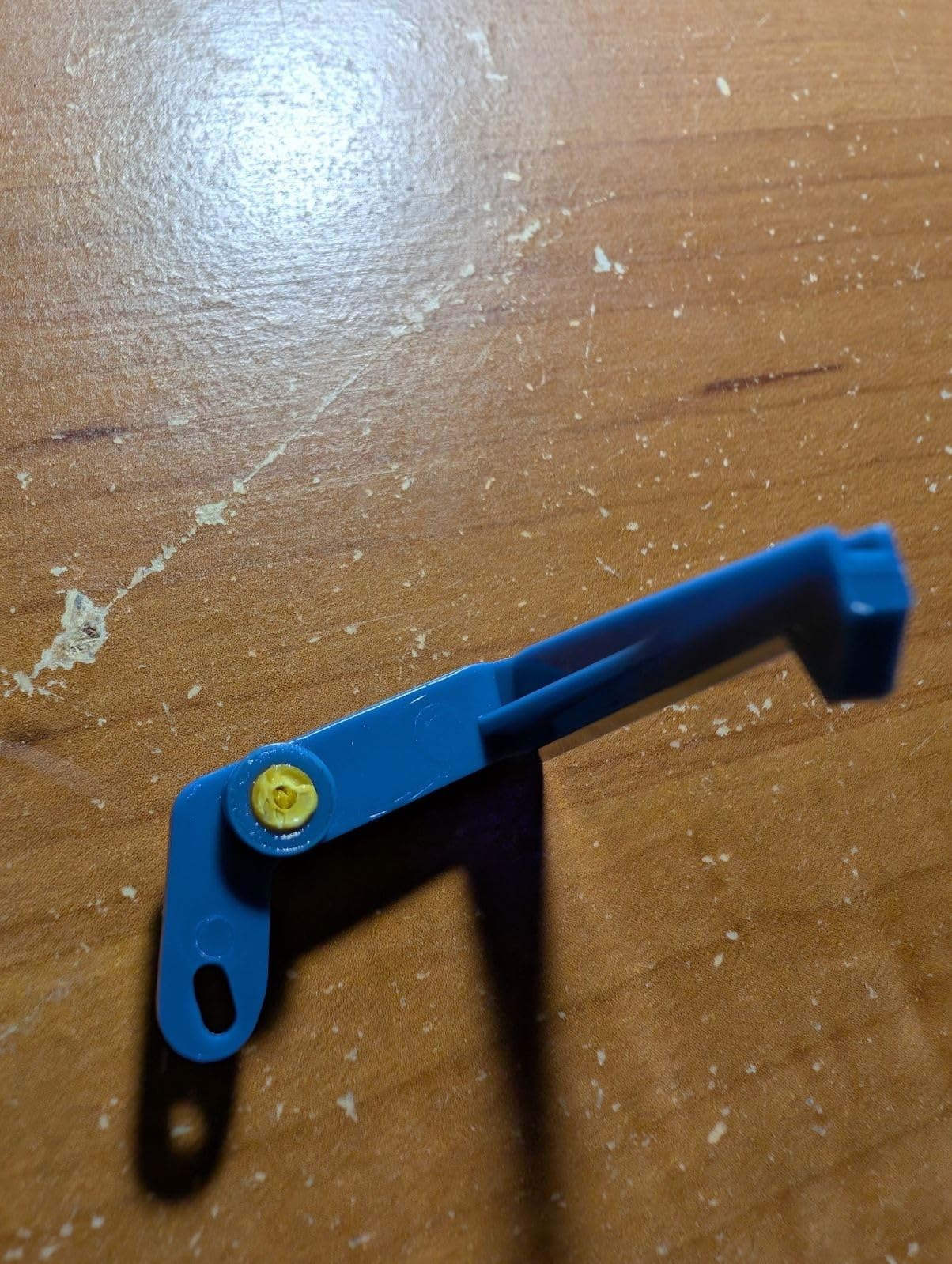
Labels also come out with large gaps between them that waste tape, the display is hard to read without backlight, and the cartridge retention arm is reported to break after about a year. At 7.8 pounds with no manufacturer repair support, we would buy the older RhinoPRO 5200 above instead and do layout-heavy work through PC software on a different machine.
Brady vs Dymo vs Brother: Which Brand Fits Your Work?
Three brands take most of the market here, and they are not interchangeable. Machines in the same colors look similar, but cartridges do not cross over between them, so the real decision is which supply line you are willing to carry on the truck.
Dymo Rhino owns the compliance and formatting story. The Rhino 4200 and RhinoPRO 5200 print to ANSI and TIA/EIA-606-A, print Code 39 and Code 128 barcodes, and use hot keys that auto-format panels, terminal blocks, and wire flags. The cost is the keyboard, which is not computer-style on the 5200, and the fixed inter-label gap that wastes tape on both models.
Brother P-touch industrial wins on consumable range and cutter design. The PT-E560BT and PT-E310BT run laminated and heat-shrink tape from 3.5mm up to 24mm or 18mm, and the dual auto-cutter on the E560BT produces half-cut peel-and-apply strips. Both store databases and templates internally and print from an app or from PC software. Brother tape also tends to cost less per label than industrial Brady media of the same size.
Brady wins on physical durability and outdoor-rated media. The M210 is rated to resist 6-foot drops and the M211 carries all-day battery life over Bluetooth 5 LE, and both pair with a phone app. The catch is width: both cap at 0.75 inch and neither takes heat-shrink.
The trade forums have settled on this in one line. A regular on Mike Holt’s forum put it as: Brady has the best labels if you want any outdoor labeling, but expensive, and P-touch is fine for indoor and less expensive by a lot. That is the durability-versus-cost tradeoff in a single sentence, and it holds up against everything we printed.
One more caution from the field: consumable availability matters more than hardware. Brands whose tapes sit on electrical distributor shelves let you replace media mid-project, while online-only lines can leave you stuck. Our practical tip is to keep one spare cartridge of your main width in the truck at all times, the most repeated piece of advice across trade forums.
What to Check Before Buying an Industrial Label Maker?
1. Tape width against your smallest conductor. Start with the wire you terminate most. Heat-shrink sleeves for 18 to 20 AWG branch and control wiring need something in the 3.5mm to 6mm range, and several industrial lines do not go that narrow. Check the minimum supported width, not the maximum.
2. Heat-shrink support at all. Some compact handhelds cannot print onto heat-shrink tubes at all. If you shrink onto conductors, cross that feature off the list early, because it eliminates several otherwise attractive options.
3. Wrap and serpentine printing. The ability to print sideways so a wire label reads by rotating the wire is treated as the single most important electrician feature on trade forums. Machines with wrap and flag hot keys save real time on every wire you land.
4. Keyboard versus app. A built-in QWERTY keyboard wins in gloves, on ladders, and in basements with no signal. An app wins on cost, portability, and template features. Both workflows exist in this list, and the mistake is buying an app unit for manual wire numbering.
5. Resolution against identifier length. A long functional wire number auto-shrinks to fit. 180 dpi units get muddy below 6mm; 300 dpi holds up; 360 DPI holds up on the narrowest media. If you use functional numbering such as -K1:A1, match resolution to your smallest sleeve.
6. Power and what is in the box. Check for an included AC adapter, included lithium-ion battery, and whether the unit accepts disposable cells as backup. Missing batteries and adapters are a recurring complaint on rugged models across reviews and forums, and they are the failure that stops a labeling day mid-project.
7. Consumable cost per label. Cartridge prices look steep until you divide by label count. Compare cartridges by labels per roll at your label size rather than by sticker price, and pick one brand family rather than mixing, since cartridges do not cross over between manufacturers.
8. Standards and templates. If you hand off documented work, ANSI and TIA/EIA-606 formatting, barcode output, stored databases, and saved templates are worth real money on a panel shop contract.
Code Compliance: What NEC 110.22(C) and UL 508A Ask You to Label
NEC 110.22(C) is the requirement that field identification be placed on each circuit and circuit modification at the disconnect or circuit location. In plain terms, a panel handed over to a customer or an inspector has to have legible, durable identification at the equipment, not a marker pen scrawl that fades in two summers.
That is the whole argument for a printed label. A Sharpie on a wire wrap is the habit most electricians fall into, and engineers have reported handwritten labels fading or failing to scan within years, which then costs hours on every future fault trace.
For industrial control panels, UL 508A covers panel marking and wiring identification inside the enclosure, including consistent wire numbering. Functional numbering, where a wire is identified by its origin and destination, is the convention panel shops prefer because it survives a modification better than a sequential number. The RhinoPRO 5200 and Rhino 6000 both print to ANSI and TIA/EIA-606-A or 606-B standards for exactly this reason.
NFPA 70E works in the same direction for field work, where danger labeling needs to remain legible and durable in the environment it sits in. Outdoor-rated media is the answer there, and it is one of the reasons Brady keeps showing up on trucks despite the consumable cost.
One practical note. Compliance asks for identification, not for a specific brand or machine. What matters is that the label is durable, legible, and accurate. We have seen panels with a mix of printed and handwritten labels pass, and we have seen a single faded printed label fail the same inspection.
Frequently Asked Questions
What is the best label maker for electricians?
The DYMO Rhino 4200 is the best label maker for most electricians because it has a computer-style QWERTY keyboard, a backlit screen, hot keys for wire wraps and breaker labels, and it prints directly onto heat-shrink tubes. It also carries the highest rating in our test group at 4.7 stars from 437 reviews.
What do electricians use to label wires?
Most electricians use a handheld thermal label maker with heat-shrink tubes or self-laminating flexible ID tape. Heat-shrink sleeves are printed on the machine then shrunk onto the conductor with a heat gun, while flexible ID tape wraps directly around the wire. The key features are wrap and flag printing and a tape width that fits the conductor gauge.
Which Brother label printer is best for electricians?
The Brother PT-E560BT is the strongest Brother for electrical work because it supports laminated labels and heat-shrink tubes from 3.5mm to 24mm, including narrow sizes for 18 to 20 AWG wiring, and its dual auto-cutter prints half-cut peel-and-apply strips for batch wire work. The PT-E310BT is the mid-size option at 3.5mm to 18mm with a two-year warranty.
Which label maker is better, Brother or Dymo?
Choose Dymo Rhino when you need ANSI and TIA/EIA-606 compliance formatting, barcode printing, and hot keys for panels and wire flags, plus a built-in QWERTY keyboard on the Rhino 4200. Choose Brother when you need the widest tape range including heat shrink down to 3.5mm, or when consumable cost per label matters most. Cartridges do not cross between the two brands.
What is the difference between a label maker and a label printer?
A label maker is a handheld thermal device that prints on pre-sized drop-in cartridges with a built-in keyboard or app. A label printer is usually a desktop or portable unit driven from PC or mobile software that prints on continuous rolls or larger cartridges, with more layout control and barcode support. Label makers suit field work; label printers suit shop batch production.
Is a 12mm label maker enough for electrical work?
For most branch circuits and control wiring, a 12mm machine such as the VolenGo E1000 is enough, since it includes 12mm heat-shrink rated 300V and 125C plus laminated flexible ID tape. You will need more width only for panel nameplates and equipment plates, which is where 18mm and 24mm machines earn their place.
Final Picks and Buying Advice (2026)
The DYMO Rhino 4200 is the one we would buy first, and it stays the pick because the QWERTY keyboard, backlit screen, heat-shrink support, and 300 dpi output cover the widest range of real electrical work without a learning curve or a software dependency.
For panel shops and anyone who needs compliance formatting or barcodes, the DYMO RhinoPRO 5200 is the stronger machine. When the thinnest wire you terminate needs a narrow sleeve, the Brother PT-E560BT solves a problem the Rhino line leaves open. For the lowest cost of getting into heat-shrink, the VolenGo E1000 ships with both heat-shrink and flexible ID tape in the box.
One last piece of advice that costs nothing: buy for your smallest conductor and your longest identifier first, then pick the cheapest machine that meets those two numbers. Everything else on the spec sheet is preference, and the tape you run out of on a Friday afternoon is what actually matters. If you are still shopping for the tools around it, our organization label maker guide covers lighter-duty labeling, and the home and office roundup is there if you split work between the van and the desk.