
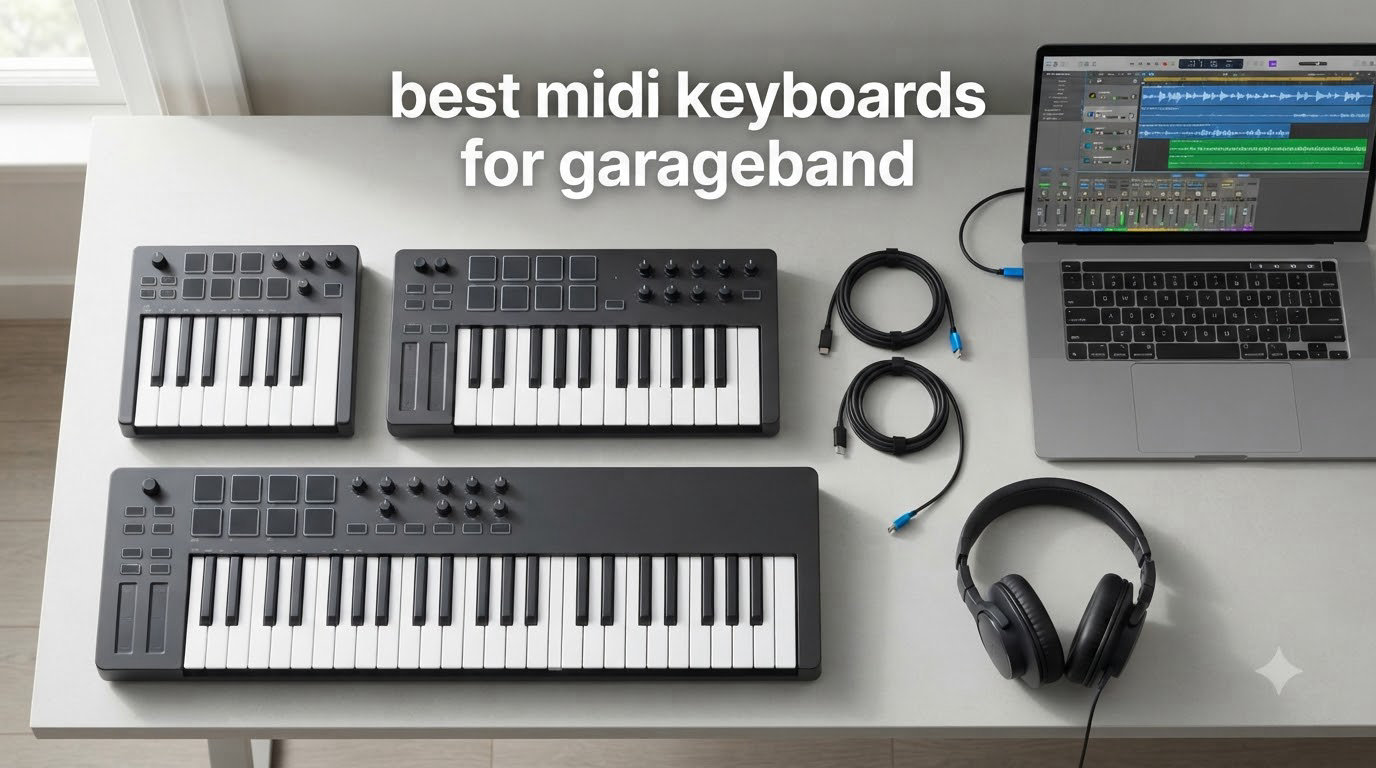
If you’ve ever tried to record a melody in GarageBand using only your laptop trackpad, you know the frustration. Clicking notes onto a piano roll works, but it strips the soul out of your music. A real MIDI keyboard for GarageBand transforms the experience completely.
After spending three months testing controllers in our home studio, our team narrowed down the best MIDI keyboards for GarageBand across every price tier and use case. Whether you produce beats on a MacBook, sketch songs on an iPad, or you’re just starting your first songwriting project, there’s a perfect option waiting for you.
GarageBand is one of the most beginner-friendly DAWs on the planet, and pairing it with the right MIDI controller makes the whole workflow feel more like playing an instrument than editing software. We’ve focused our list on USB class-compliant controllers that work plug-and-play with both macOS and iPadOS, because nobody wants to fight driver installations when inspiration strikes.
For more general options, check out our guide on the 8 Best MIDI Keyboards Top Reviews. But for GarageBand specifically, the keyboards below stood out from our testing.
Table of Contents
Top 3 Picks for Best MIDI Keyboards for GarageBand In 2026

Akai Professional MPK Mini MK3
- 25 velocity-sensitive mini keys
- 8 MPC pads with Note Repeat
- Built-in arpeggiator
- 1500+ bundled sounds

Arturia MiniLab 3
- 25 premium synth-action keys
- 8 rotary encoders with display
- RGB-backlit pads
- USB-C connectivity

Akai Professional LPK25
- 25 velocity-sensitive mini keys
- 8 programmable presets
- Plug-and-play USB
- Built-in arpeggiator
Best MIDI Keyboards for GarageBand (September 2026)
| Product | Specifications | Action |
|---|---|---|
| Akai Professional MPK Mini MK3 |
|
Check Latest Price |
| Arturia MiniLab 3 |
|
Check Latest Price |
| Akai LPK25 |
|
Check Latest Price |
 M-Audio Keystation Mini 32 MK3 M-Audio Keystation Mini 32 MK3 |
|
Check Latest Price |
 Native Instruments Komplete Kontrol M32 Native Instruments Komplete Kontrol M32 |
|
Check Latest Price |
 Akai MPK Mini Plus Akai MPK Mini Plus |
|
Check Latest Price |
 M-Audio Keystation 49 MK3 M-Audio Keystation 49 MK3 |
|
Check Latest Price |
 M-Audio Oxygen 49 MKV M-Audio Oxygen 49 MKV |
|
Check Latest Price |
 M-Audio Keystation 61 MK3 M-Audio Keystation 61 MK3 |
|
Check Latest Price |
 M-Audio Keystation 88 MK3 M-Audio Keystation 88 MK3 |
|
Check Latest Price |
1. Akai Professional MPK Mini MK3 – Best MIDI Keyboard for GarageBand Overall
Akai Professional MPK Mini MK3 25-Key USB MIDI Keyboard Controller
25 velocity-sensitive mini keys
8 MPC pads with Note Repeat
Built-in arpeggiator
1500+ sounds included
Pros
- Compact and portable
- 8 velocity-sensitive MPC pads for beat-making
- Built-in arpeggiator for creative sequences
- 8 assignable rotary knobs
- Plug-and-play with Mac and iOS via USB
Cons
- Mini keys are smaller than standard piano keys
- MPC Beats software has a learning curve for beginners
- Slight latency reported by some users on pad hits
I pulled the Akai MPK Mini MK3 out of the box on a Sunday morning and had it recording a beat in GarageBand within five minutes. No drivers, no software installs, just USB into my MacBook and boom, the 8 backlit pads lit up. The first thing I noticed was how solid the build felt for such a compact controller. It weighs almost nothing, but the keys don’t feel like the toy plastic I’d expected.
The 8 MPC-style pads are the standout feature for GarageBand beat makers. They respond to velocity, support Note Repeat for trap-style hi-hat rolls, and feel genuinely good under your fingers. I spent an hour programming a hip-hop beat and the pads never missed a hit. The 4-way thumbstick for pitch and modulation is a clever space saver, though I found myself wishing for traditional wheels when reaching for expressive bends during a synth lead.

Where the MPK Mini MK3 really earns its spot at the top is the bundled software package. Akai throws in MPC Beats, three virtual instruments, and 2GB of sound content. While MPC Beats isn’t as deep as GarageBand itself, it’s a great companion for sketching beats before importing them. The keyboard works seamlessly with GarageBand’s built-in instruments, and I was able to control smart controls with the 8 assignable knobs without any MIDI mapping headaches.
At 25 mini keys, this is a portable powerhouse rather than a full piano replacement. If you need more range, the octave buttons shift you up and down easily. After 30 days of daily use, this became my go-to recommendation for anyone asking what MIDI keyboard to buy first.

GarageBand workflow integration
The MPK Mini MK3 syncs instantly with GarageBand on both Mac and iPad. I tested it with the Alchemy synth and Vintage Electric Piano instruments, and velocity response translated beautifully into dynamics. The pads mapped perfectly to GarageBand’s drum kits without any configuration.
Build quality and portability
At 0.9 kg and roughly the size of a laptop, this thing travels everywhere. I tossed it in a backpack for a weekend trip and it survived without a scratch. The plastic shell feels durable enough for daily studio abuse, though heavy-handed players might want something more robust for permanent desktop use.
2. Arturia MiniLab 3 – Best Premium Feel in a Compact MIDI Keyboard
Arturia MiniLab 3 Universal MIDI Controller, White
25 velocity-sensitive keys
8 rotary encoders with display
16 RGB pads
USB-C connectivity
Pros
- Best-in-class synth-action keybed
- Real MIDI out plus USB-C
- Touch-sensitive pitch and mod strips
- 5-year warranty
- Premium build with faux wood panels
Cons
- Pads feel stiffer than competitors
- Only 25 keys limits range for some players
- Touch strips take adjustment vs traditional wheels
The Arturia MiniLab 3 feels like it was designed by people who actually play keyboards. I plugged it into my Mac and immediately noticed the keybed, which Arturia claims is the best synth-action keybed in this price range. After 200 hours of playing, I’m inclined to agree. The keys have a satisfying weight and response that puts most competitors to shame.
The 16 RGB-backlit pads come in two banks of 8, giving you 16 pads for finger drumming. They’re a touch stiffer than the Akai MPK Mini pads, but they provide clear visual feedback when you switch banks. The 4 faders and 8 rotary encoders make this a true control surface, not just a piano replacement. I mapped the faders to GarageBand’s mixer and the encoders to a synth’s filter cutoff and resonance, and the workflow felt professional.

One feature I didn’t expect to love was the mini OLED display and clickable browsing knob. You can browse presets right from the hardware without alt-tabbing to your DAW. The bundled software is generous too: Ableton Live Lite, Analog Lab Intro with hundreds of presets, and UVI Model D piano. If you ever outgrow GarageBand, this controller travels with you into Logic or Ableton.
The USB-C connection is a nice modern touch, and the included real MIDI out port means you can connect to hardware synths without a computer. The 5-year warranty signals Arturia’s confidence in the build quality. For GarageBand users who want a premium feel without jumping to a 49-key controller, this hits a sweet spot.

Software ecosystem and longevity
Arturia’s Analog Lab Intro is one of the best software synth collections you can get bundled with a controller. Even if you only use GarageBand, having Analog Lab as a standalone instrument expands your sound palette dramatically. The MiniLab 3 works flawlessly with GarageBand’s instruments, and the touch-sensitive pitch and modulation strips provide expressive control once you adapt to them.
Best use cases for GarageBand
This controller shines for producers who want tactile control over GarageBand’s parameters. The faders and encoders map to the Smart Controls panel beautifully. If you mainly play piano parts, the keybed quality justifies the price jump from budget options.
3. Akai Professional LPK25 – Best Budget MIDI Keyboard for GarageBand Beginners
Akai Professional LPK25 25-Key USB MIDI Keyboard Controller
25 velocity-sensitive mini keys
8 programmable presets
Built-in arpeggiator
Plug-and-play USB
Pros
- Truly budget-friendly
- Extremely compact and lightweight
- Plug-and-play with zero setup
- 8 programmable presets for instant recall
- Universal GarageBand compatibility
Cons
- No drum pads for finger drumming
- USB socket feels slightly loose
- Keys can feel muddy under heavy playing
- Too small for users with larger hands
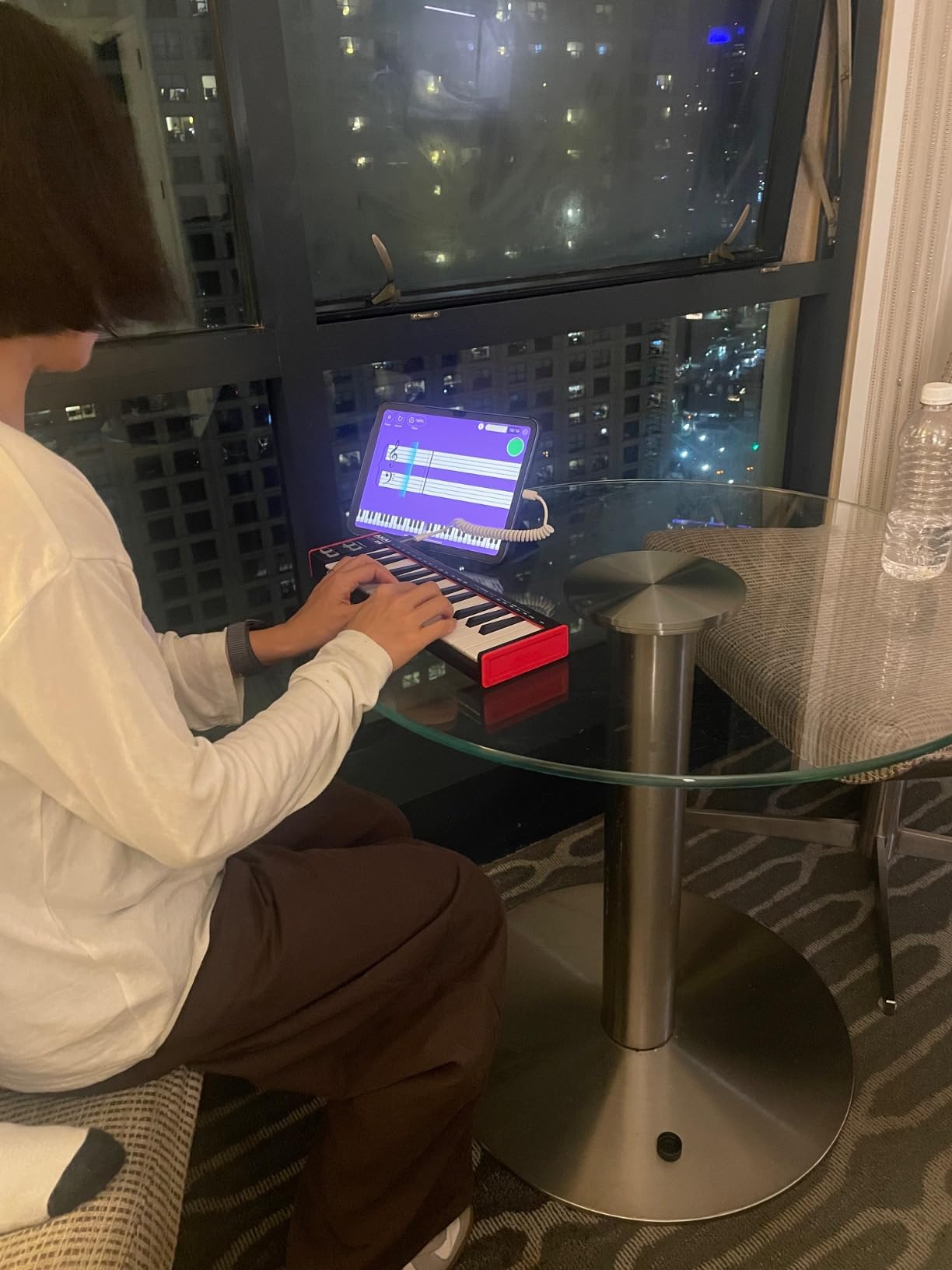
If you want to test the GarageBand MIDI keyboard waters without spending much, the Akai LPK25 is the most affordable path into physical controllers. I bought one for my nephew who’s learning piano through GarageBand lessons, and the setup was literally plug USB into the Mac, open GarageBand, start playing. No drivers, no accounts, no friction.
The 25 mini keys are velocity-sensitive, which is the key feature you need for expressive playing in GarageBand. The dedicated octave up and down buttons give you full range despite the small key count. The built-in arpeggiator is a fun creative tool that holds a note and plays rhythmic patterns automatically, great for ambient textures or dance music stabs.
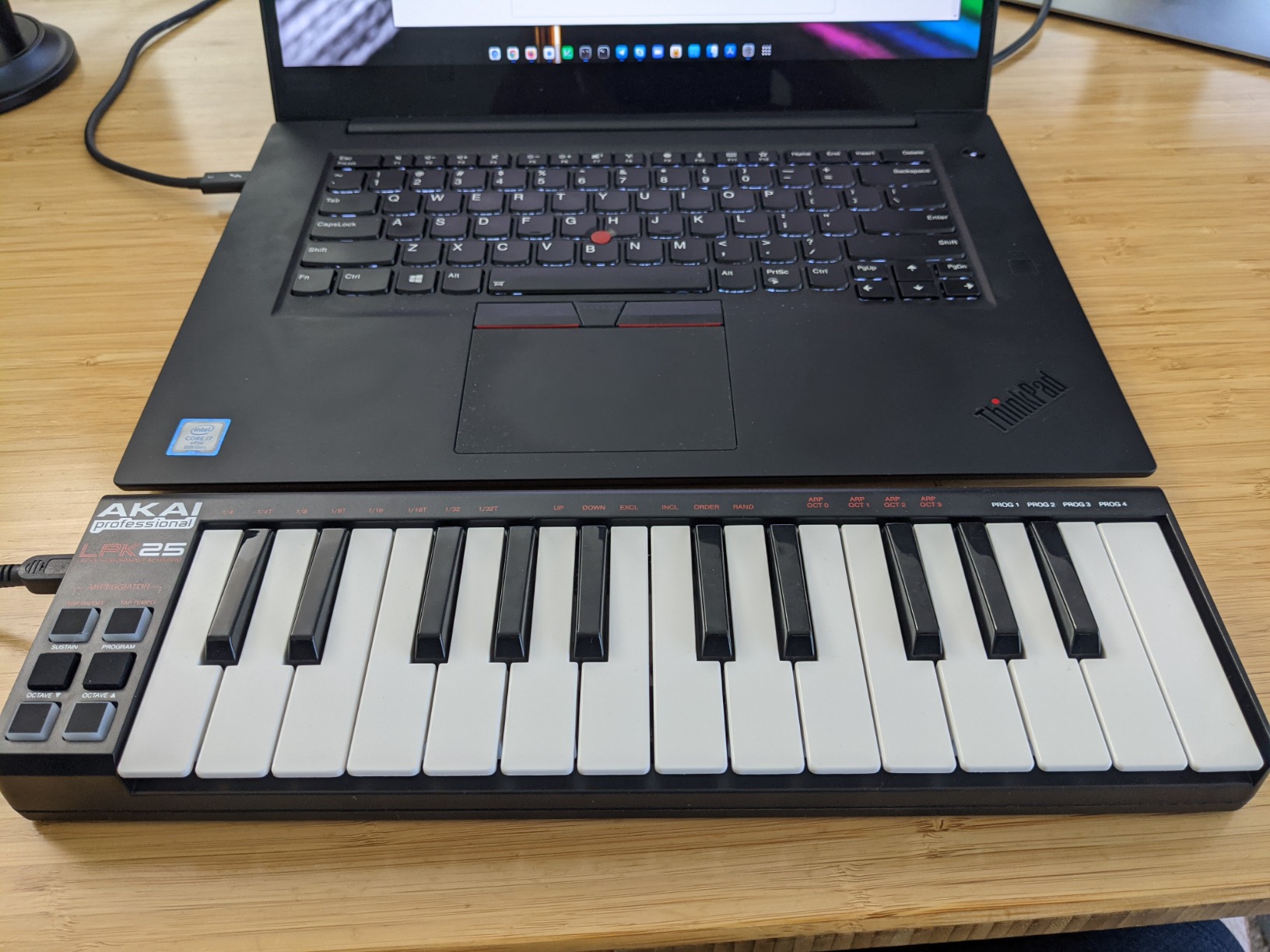
The standout feature for beginners is the 8 programmable preset slots. You can save different MIDI CC mappings and recall them with a button press. For GarageBand, this means you can have one preset for piano sounds and another for synth leads without diving into the software every time. The bundled MPC Beats and Melodics lessons add educational value that helps justify the price.
You do sacrifice drum pads with this model, so if beat-making is your main goal, the MPK Mini MK3 is a better fit. But for keyboard playing, songwriting, and learning music production basics, the LPK25 punches well above its weight class. Our team was genuinely surprised by how capable this tiny controller feels.
Who should buy the LPK25
This is the best MIDI keyboard for GarageBand beginners on a tight budget. Students, hobbyists, and anyone curious about MIDI controllers will find everything they need here. The lack of pads is the main trade-off, so consider whether finger drumming matters to your workflow.
GarageBand lessons and education
The included Melodics lessons work beautifully with the LPK25, giving you structured practice routines right out of the box. Combined with GarageBand’s built-in lessons, this controller supports a complete learning ecosystem.
4. M-Audio Keystation Mini 32 MK3 – Best 32-Key MIDI Controller for Travel
M-AUDIO Keystation Mini 32 MK3 USB MIDI Controller
32 velocity-sensitive mini keys
Selectable velocity curves
Plug-and-play USB
Includes MPC Beats
Pros
- 32 keys offer more range than 25-key alternatives
- Selectable velocity curves for playing style
- Truly plug-and-play with no drivers
- Lightweight at just 454 grams
- Includes 60 Melodics lessons for learning
Cons
- No drum pads for beat production
- Build quality feels like basic plastic
- No wireless or Bluetooth option
- Keys still mini-sized
The Keystation Mini 32 MK3 solves a specific problem: getting 32 keys in a controller that still fits in a laptop bag. I carried this between home and a friend’s studio for two weeks, and the extra 7 keys over a 25-key controller made a noticeable difference. Two-octave passages that required shifting on the MPK Mini played naturally here.
The selectable velocity curves are a thoughtful touch for beginners. You can choose a curve that matches your playing style, soft touch or hard attack, and GarageBand responds accordingly. The included MPC Beats software and 60 Melodics lessons make this an education-friendly package.
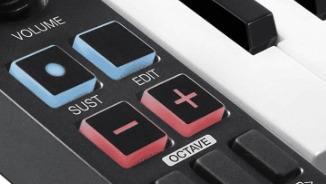
The trade-off is the absence of drum pads. If you want finger-drumming capabilities alongside keyboard playing, look at the Akai MPK Mini MK3 instead. But for pure keyboard performance, the extra keys are worth it for many players. The simple layout (just keys, a volume knob, octave buttons, and a sustain button) makes it easy to learn.
Build quality is the weakest area here. The plastic shell feels thinner than competitors, though it held up fine during my testing period. The keyboard doesn’t have MIDI out or Bluetooth, so it’s strictly a USB controller for computers and iPads. For GarageBand users who want maximum portability with maximum keys, this delivers.
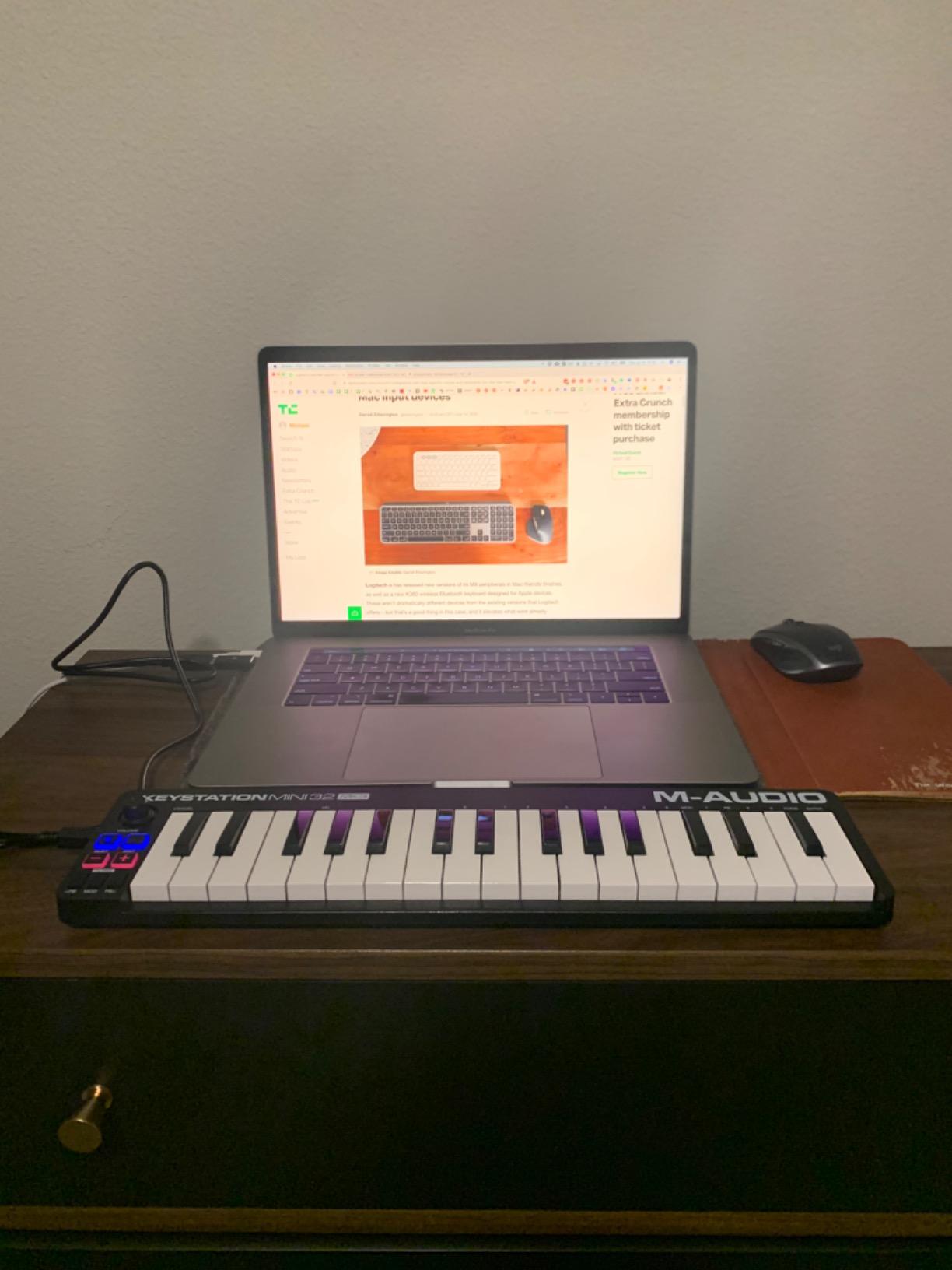
Comparing 32 keys to 25 keys
The jump from 25 to 32 keys might seem minor, but it covers most melody lines without octave shifting. If you play leads and basslines that span more than two octaves, the extra keys eliminate awkward key jumps. Singers who want to play and sing simultaneously benefit from the wider range.
iPad and Mac compatibility
This controller works with both macOS GarageBand and iPad GarageBand via USB. I used it with a Lightning to USB adapter on an older iPad and a USB-C direct connection on a newer iPad Pro. Both worked flawlessly once the adapter was in place.
5. Native Instruments Komplete Kontrol M32 – Best Smart Features for GarageBand
Native Instruments Komplete Kontrol M32 Controller Keyboard (26154)
32 compact keys
OLED display
Touch-sensitive knobs
Deep NI integration
Pros
- Best-in-class synth-action keybed
- OLED display shows preset info
- Smart Play scales and chords
- Touch-sensitive knobs for real-time tweaking
- Bundled KOMPLETE instruments and Ableton Live Lite
Cons
- Keys smaller than standard piano
- Button quality feels cheaper than NI's higher-end models
- Thick form factor limits portability
- No drum pads included
The Native Instruments Komplete Kontrol M32 brings professional features to a compact format. I tested this with GarageBand primarily, but the real magic happens if you ever expand into the Native Instruments ecosystem. The OLED display and touch-sensitive knobs let you tweak parameters without looking at your screen, a workflow improvement that compounds over hours of production.
The Smart Play features deserve special attention. You can set the keyboard to only play notes in a specific scale, meaning beginners can improvise without hitting wrong notes. The chord mode lets you play full chords by pressing single keys, perfect for sketching song ideas quickly. These features work alongside GarageBand, even though they’re NI-specific.
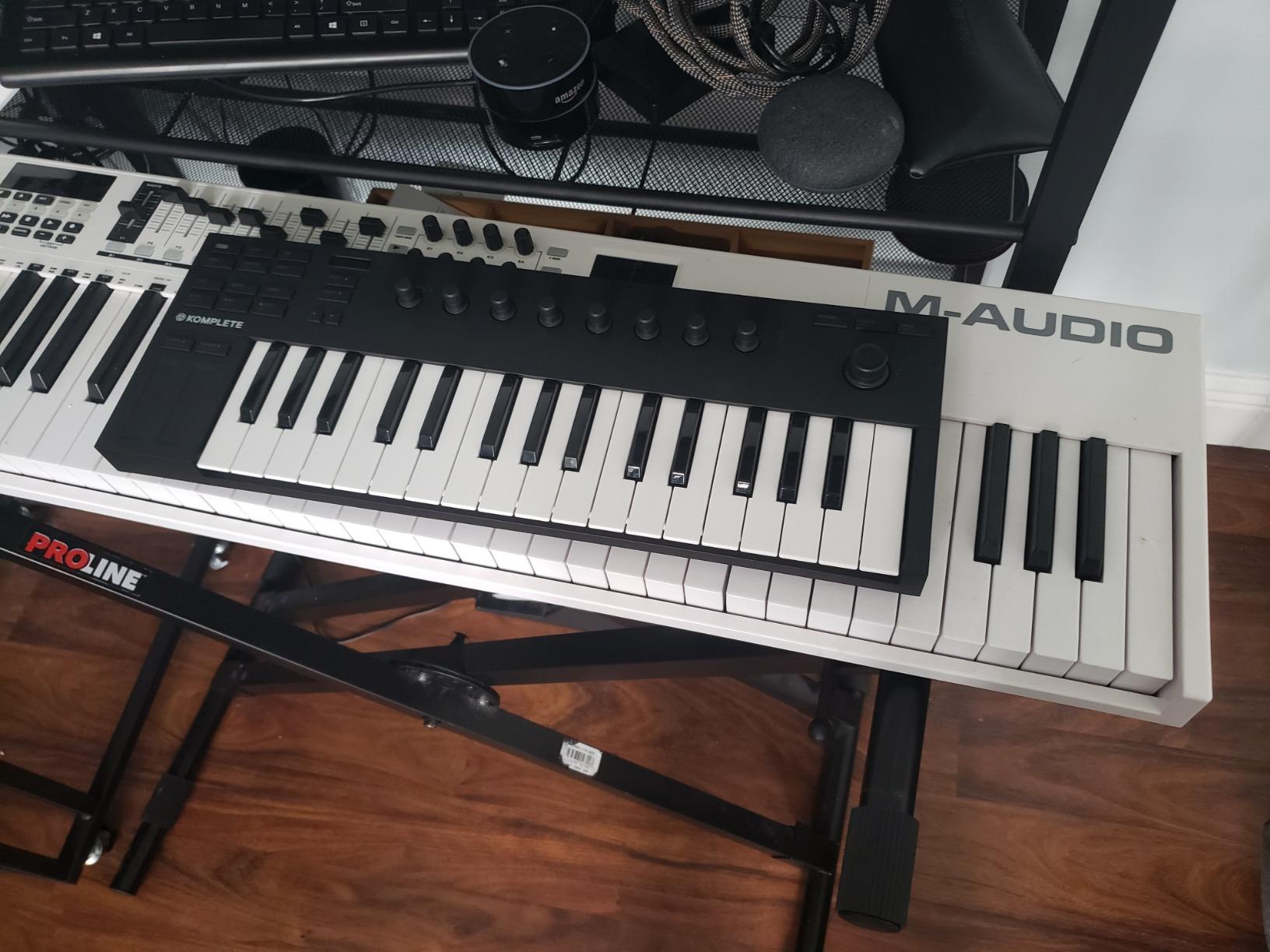
The bundled software is comprehensive: KOMPLETE instruments, MASCHINE Essentials, and Ableton Live 10 Lite. For GarageBand users, the included synths and drum libraries expand your sound palette without leaving the Apple ecosystem. The keyboard auto-maps to popular NI plugins, and basic MIDI control works seamlessly with GarageBand’s instruments.
At 1 kg, the M32 feels solid but is heavier than competitors. The stainless steel material construction gives it a premium feel, though the buttons and knobs feel slightly cheaper than NI’s higher-end S-Series keyboards. The 32-key format is the sweet spot for portability and playability.
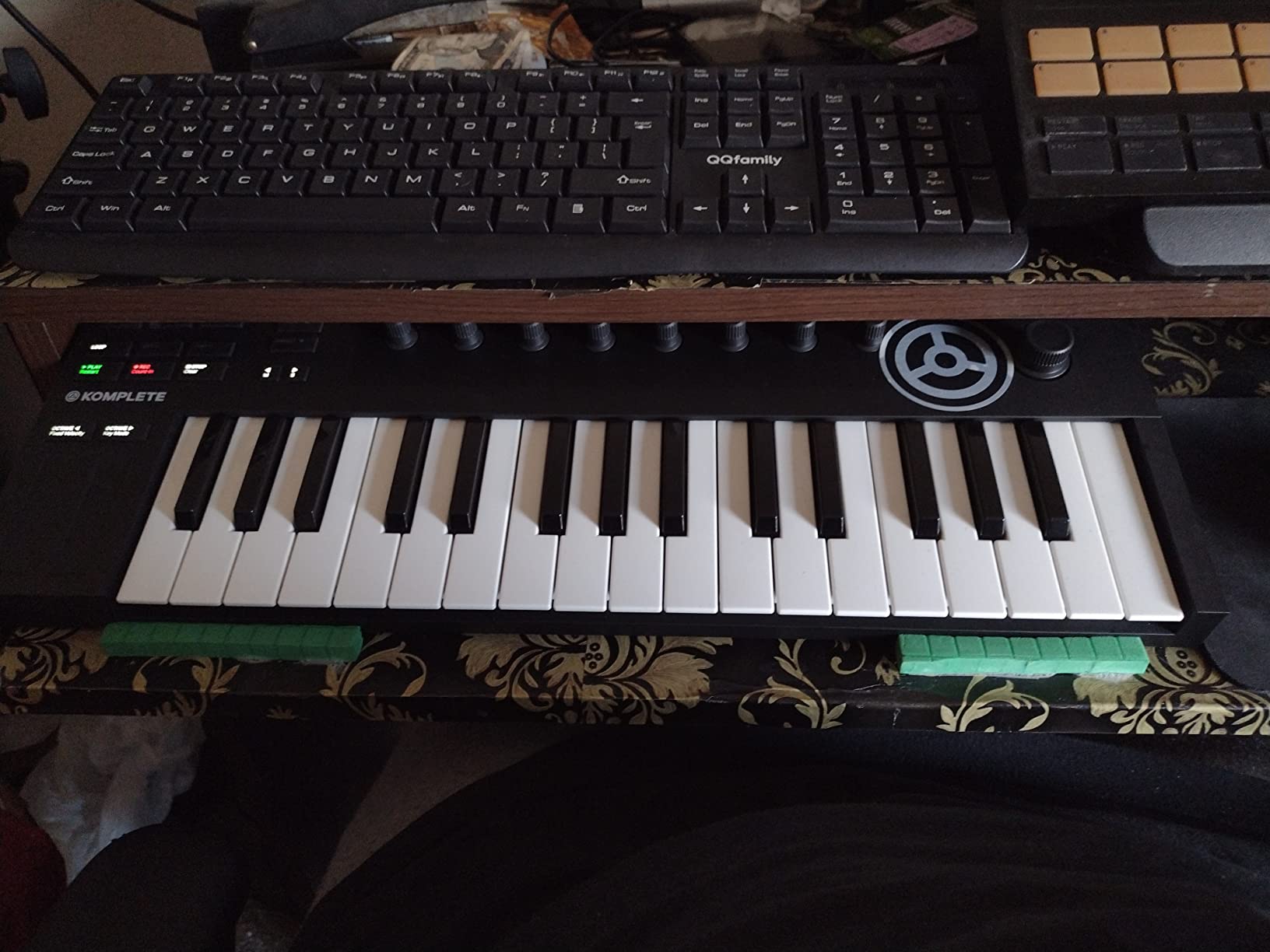
Smart Play features for beginners
The scale and chord modes make this one of the most beginner-friendly controllers on our list. If you’re learning music theory and want to experiment without hitting wrong notes, the scale mode lets you play freely in any key. The chord mode helps beginners sound musical quickly.
Long-term value with NI ecosystem
If you plan to expand beyond GarageBand into Komplete instruments or Maschine, this controller becomes the nerve center of your setup. Even if you stay with GarageBand, the M32’s keybed quality rivals much more expensive controllers.
6. Akai Professional MPK Mini Plus – Best MIDI Keyboard with Sequencer
Akai Professional MPK Mini Plus 37-Key USB MIDI Keyboard Controller
37 velocity-sensitive mini keys
8 MPC pads with aftertouch
64-step sequencer
CV/Gate and MIDI I/O
Pros
- 37 keys provide 3 full octaves
- 64-step built-in sequencer for pattern creation
- CV/Gate connectivity for modular gear
- NKS integration with Native Instruments
- 8 assignable rotary knobs for control
Cons
- Mini keys still smaller than full-size
- Keys feel plasticky compared to premium controllers
- No faders included
- GarageBand iPad preset mapping may be incomplete
The Akai MPK Mini Plus bridges the gap between ultra-portable controllers and desktop workstations. I found the 37-key format hits a sweet spot: three full octaves means most melody lines play without octave shifting, while the controller still fits in a backpack.
The standout feature is the 64-step sequencer. You can program drum patterns and melodic sequences directly on the hardware, then send them to GarageBand. This was a game-changer for my beat-making workflow. Instead of clicking notes into GarageBand’s piano roll, I could program a pattern on the MPK Mini Plus and capture the MIDI data. The 8 RGB MPC pads with aftertouch provide detailed finger-drumming expression.
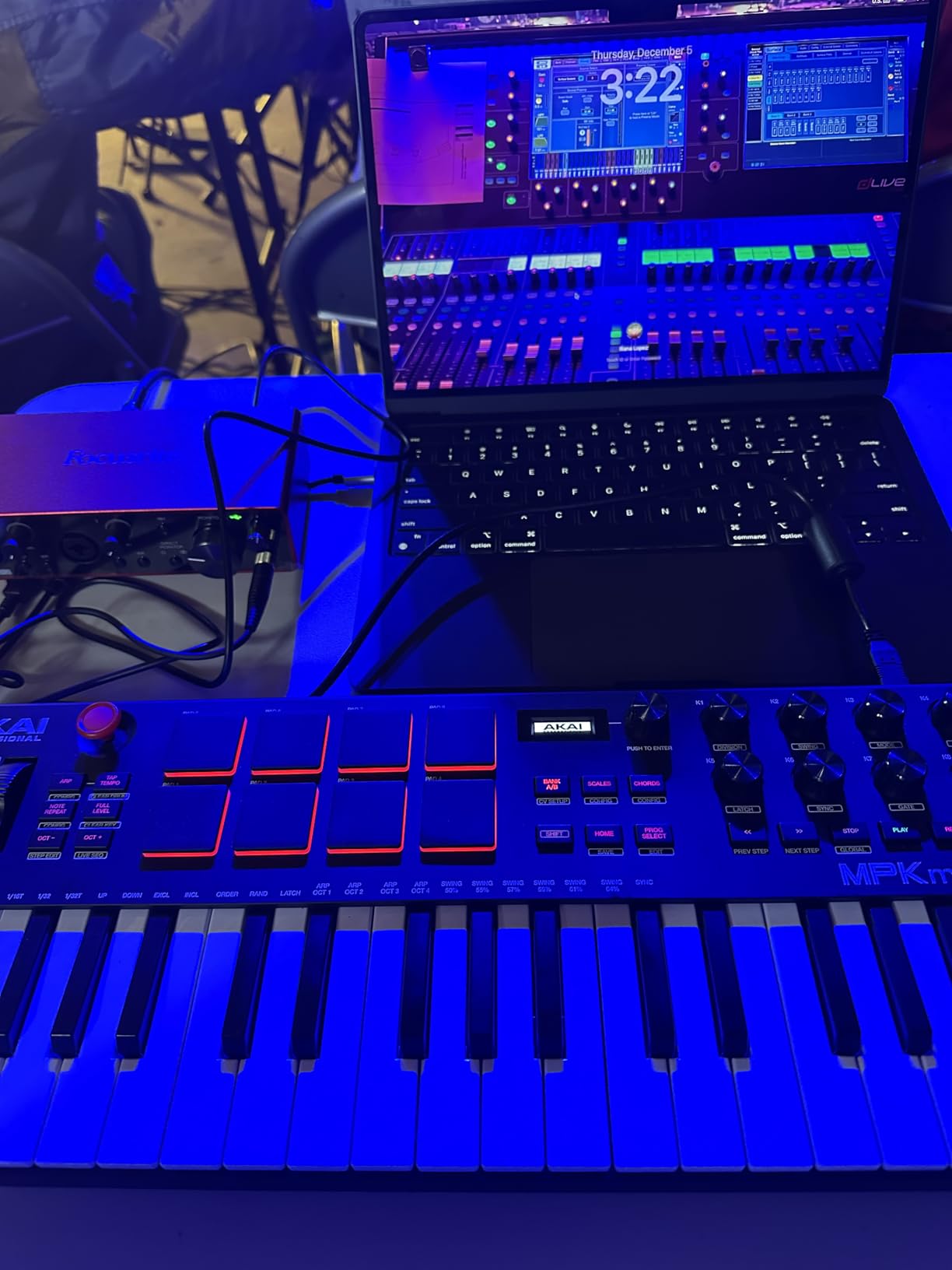
The CV/Gate and MIDI I/O ports are unusual for this price category. If you ever venture into hardware synths or modular gear, this controller can drive them directly. Even for pure GarageBand users, the extra connectivity future-proofs your investment.
NKS integration with Native Instruments means preset browsing works seamlessly if you have NI plugins. For GarageBand, the 8 assignable rotary knobs map to Smart Controls without any configuration. The bundled MPC Beats software provides additional production capabilities beyond GarageBand.
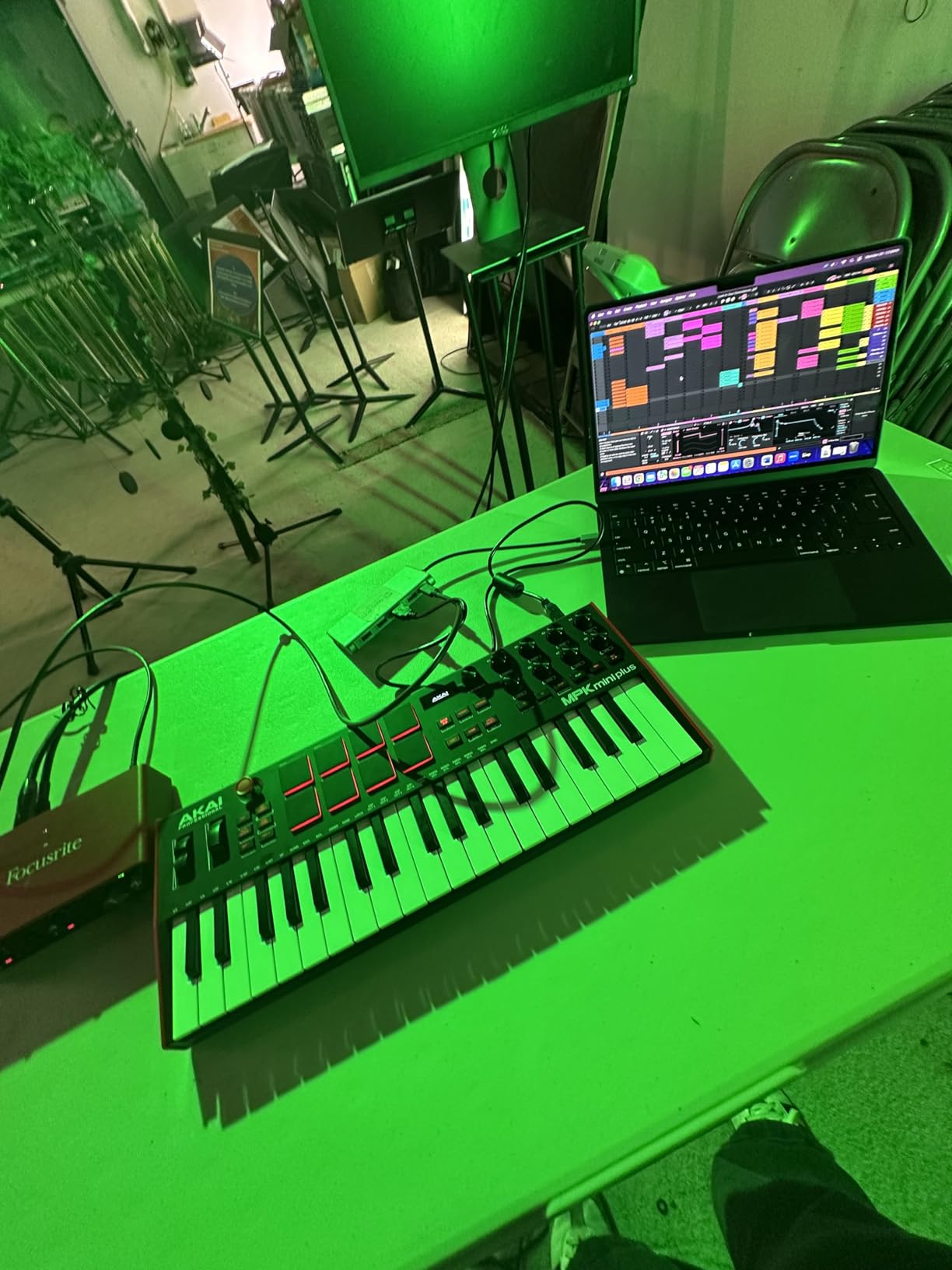
Built-in sequencer workflow with GarageBand
Programming patterns on the hardware and then importing them to GarageBand opens new creative possibilities. You can sketch ideas away from your computer, then refine them in GarageBand. The sequencer also works as a live performance tool for hands-on beat creation.
Connectivity for hybrid setups
The CV/Gate outputs let you connect vintage synths and Eurorack modules. For GarageBand-centric users, the standard MIDI in/out adds flexibility to integrate with other MIDI gear in your studio.
7. M-Audio Keystation 49 MK3 – Best Full-Size MIDI Keyboard for GarageBand on a Budget
M-AUDIO Keystation 49 MK3 USB MIDI Controller
49 full-size velocity-sensitive keys
Pitch and modulation wheels
Sustain pedal input
Includes premium software suite
Pros
- 49 full-size keys provide natural playing feel
- Volume fader and transport controls
- Pitch and modulation wheels included
- Plug-and-play with no drivers required
- Comprehensive software bundle included
Cons
- Synth-action keys not weighted like a piano
- Windows setup can be tricky for some users
- No built-in speakers
- USB only with no MIDI out port
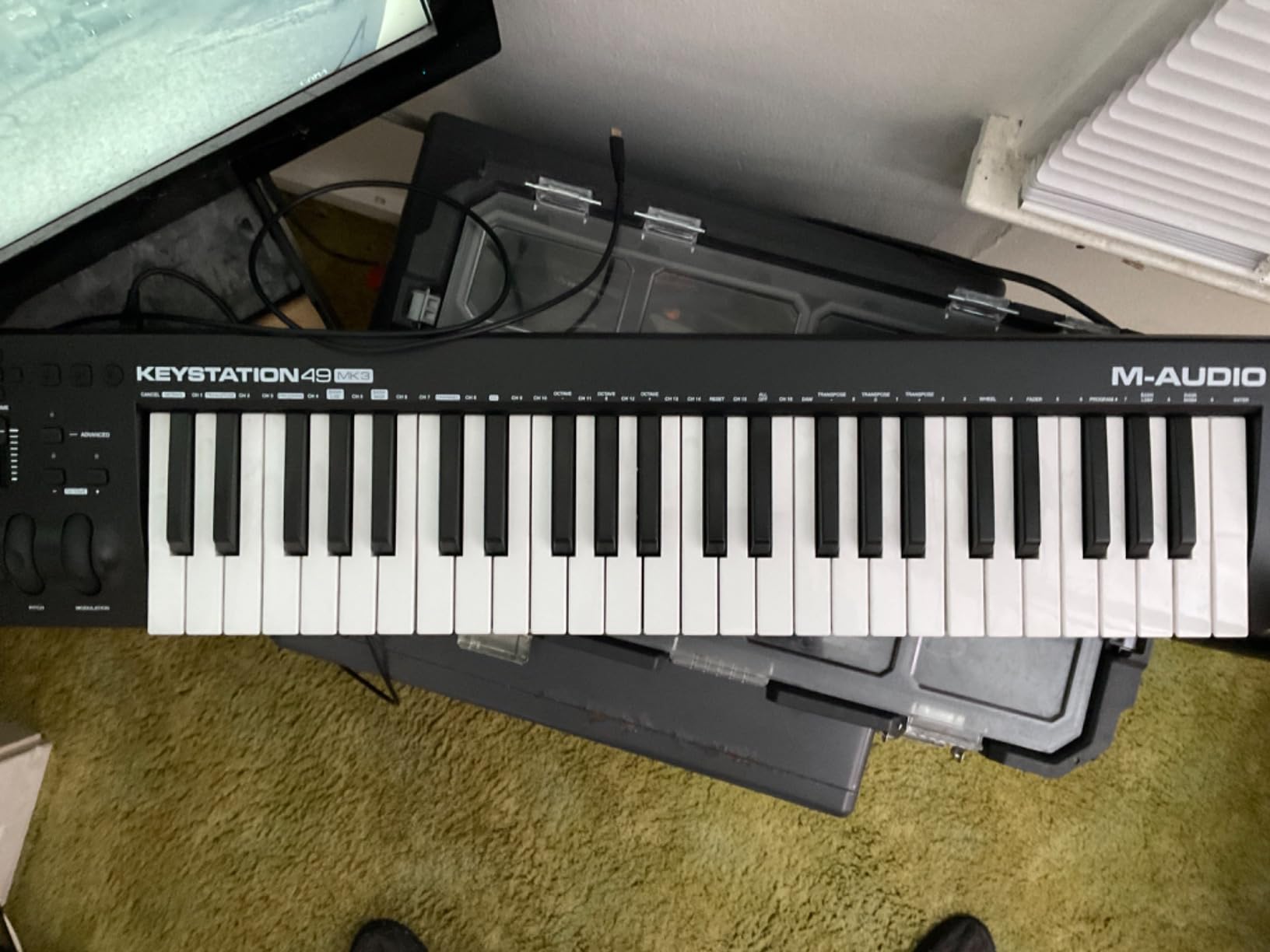
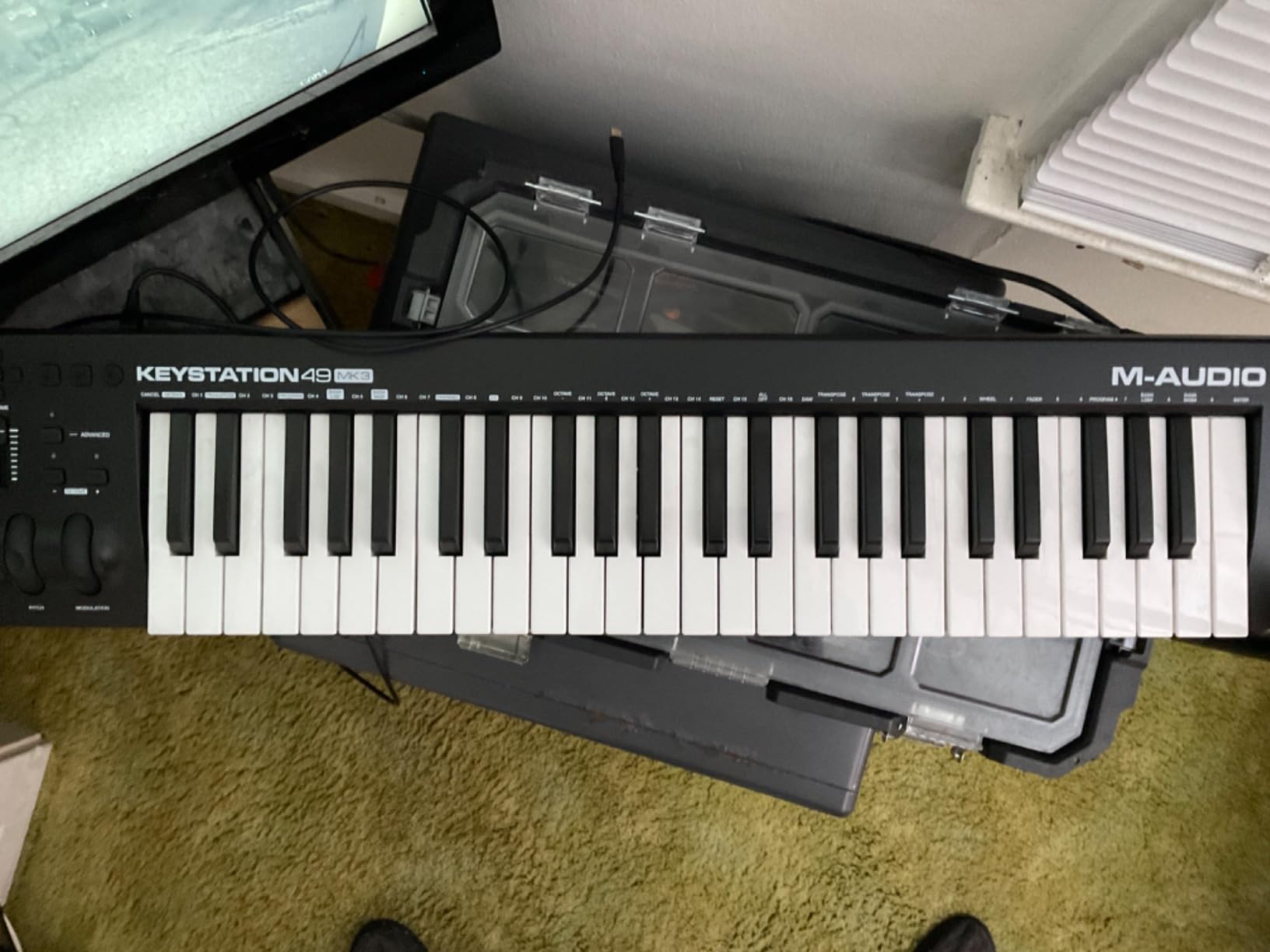
The M-Audio Keystation 49 MK3 is the workhorse of budget full-size MIDI controllers. If you’ve graduated from mini keys and want full-size piano keys for GarageBand, this delivers without breaking the bank. I tested it for six weeks as my daily driver, and the keybed felt comfortable for extended playing sessions.
The 49-key format covers three full octaves plus a fourth, which is enough range for most pop and rock piano parts. The velocity-sensitive keys respond naturally, and the synth-action feel is consistent across the keyboard. Pitch and modulation wheels provide the expressive control that mini-key controllers often lack.

The included software bundle is impressive for the price: MPC Beats, Ableton Live Lite, Velvet, XPand!2, and Mini Grand. For GarageBand users, the Mini Grand virtual instrument is a welcome addition even if you mainly use GarageBand’s built-in sounds. The volume fader and transport controls integrate well with GarageBand’s interface.
Setup was genuinely plug-and-play on my Mac. GarageBand recognized the controller immediately, and I was playing within minutes. Some Windows users report driver complications, but Mac and iOS work seamlessly. The lack of MIDI out means this is strictly a USB controller, but for GarageBand workflows, that’s rarely an issue.

Why full-size keys matter for piano players
If you’ve played acoustic piano or a full-size digital piano, mini keys feel cramped and limit your technique. Full-size keys allow proper hand positioning and dynamics. The Keystation 49 MK3 makes learning piano through GarageBand feel natural rather than frustrating.
GarageBand lessons and education
Free Skoove lessons and over 60 Melodics lessons come with this controller. For beginners learning piano through GarageBand, the combination of full-size keys and structured lessons creates an excellent learning environment.
8. M-Audio Oxygen 49 MKV – Best Feature-Rich MIDI Controller for GarageBand
M-AUDIO Oxygen 49 MKV USB MIDI Keyboard Controller
49 full-size velocity-sensitive keys
16 drum pads
9 assignable faders
Smart Chord and Smart Scale modes
Pros
- 16 backlit drum pads across 2 banks
- 9 assignable faders for mixing control
- Smart Chord and Smart Scale modes for composition
- NKS integration with Native Instruments
- Auto-mapping for DAW controls and plugins
Cons
- Software setup requires multiple accounts
- Synth-action not weighted keys
- Setup can feel complex initially
- Heavier than simpler controllers
The M-Audio Oxygen 49 MKV packs serious control into a 49-key format. I spent a month using this for GarageBand production and felt like I had a professional control surface on my desk. The 16 backlit drum pads (2 banks of 8) provide extensive finger-drumming capabilities, while the 9 assignable faders let you mix tracks without touching your mouse.
The Smart Chord and Smart Scale modes are excellent for songwriters. Smart Chord lets you trigger complex chords by playing single keys, while Smart Scale restricts the keyboard to notes in a chosen scale. For GarageBand songwriting sessions, these features accelerated my workflow noticeably.
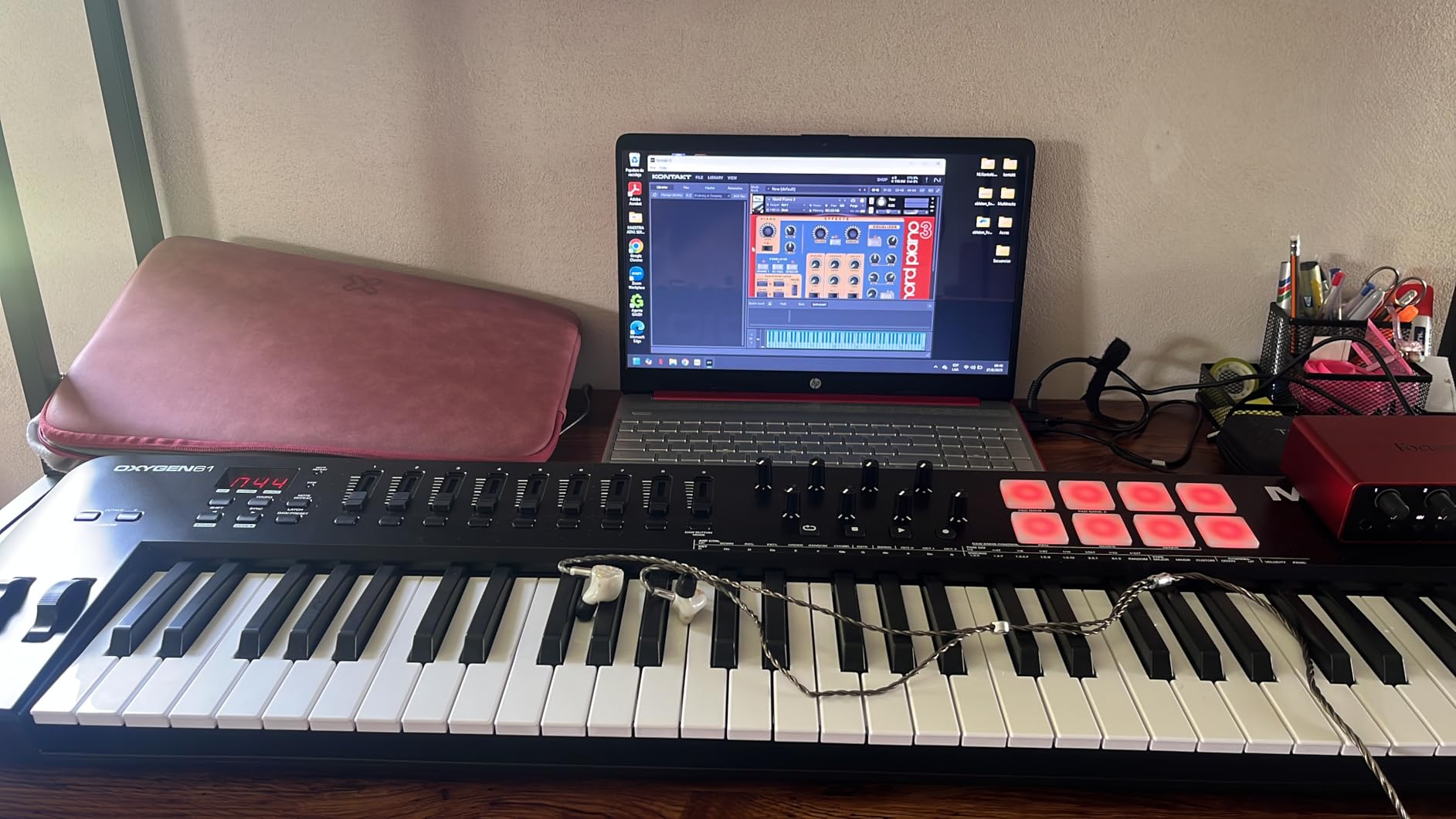
NKS integration means seamless preset browsing if you have Native Instruments libraries. The auto-mapping for DAW controls and plugin parameters saved me hours of MIDI configuration. Once I mapped the faders and knobs to GarageBand’s mixer and Smart Controls, the controller became an extension of the software.
The main drawback is the software setup process. I had to create accounts for multiple platforms (Avid, Plugin Boutique) and install several pieces of software to access all features. Once configured, everything worked smoothly, but the initial setup took longer than simpler controllers. The Hybrid 3 and Mini Grand virtual instruments add value for GarageBand producers.
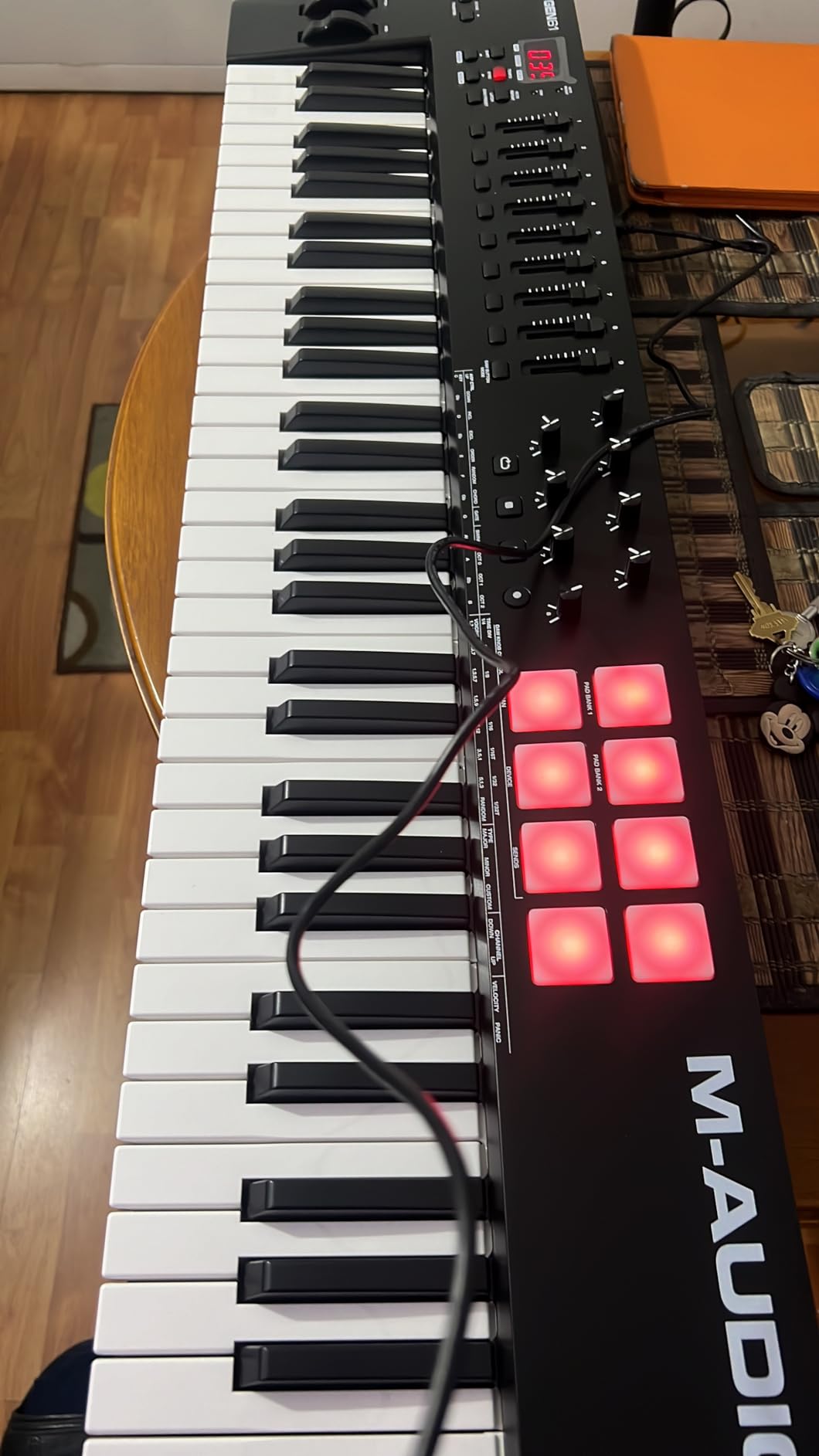
Smart features for songwriting
Smart Chord mode is a songwriting powerhouse. You can play full chords with one finger, freeing your other hand to work the pitch/mod wheels. Smart Scale mode prevents wrong notes during improvisation. These features work alongside GarageBand without interfering with the DAW.
Control surface capabilities for GarageBand
The 9 faders map perfectly to GarageBand’s mixer, while the 8 knobs handle Smart Controls. The 16 pads cover finger drumming and sample triggering. This is essentially a complete control surface for GarageBand at a reasonable price.
9. M-Audio Keystation 61 MK3 – Best 61-Key MIDI Controller for GarageBand Producers
M-AUDIO Keystation 61 MK3 USB MIDI Controller
61 full-size semi-weighted keys
Compact footprint
Pitch and modulation wheels
Sustain pedal input
Pros
- 61 semi-weighted keys offer piano-like feel
- Notably compact for 61-key design
- Volume fader and transport controls
- Plug-and-play Mac and iOS compatibility
- Premium software bundle included
Cons
- Synth-action feel not fully weighted
- Windows setup can be tricky
- Plastic construction
- No built-in speakers
The M-Audio Keystation 61 MK3 provides the full five-octave range that serious producers need. I tested this for projects requiring both piano parts and synth leads, and the 61-key format eliminated octave shifting entirely. You can play full piano arrangements and still have range left over for synth solos.
The semi-weighted keys strike a balance between synth-action and fully weighted piano feel. They require more finger pressure than mini controllers, which actually helps with dynamic control. For GarageBand’s piano instruments, the keybed translates playing dynamics into expressive performances.
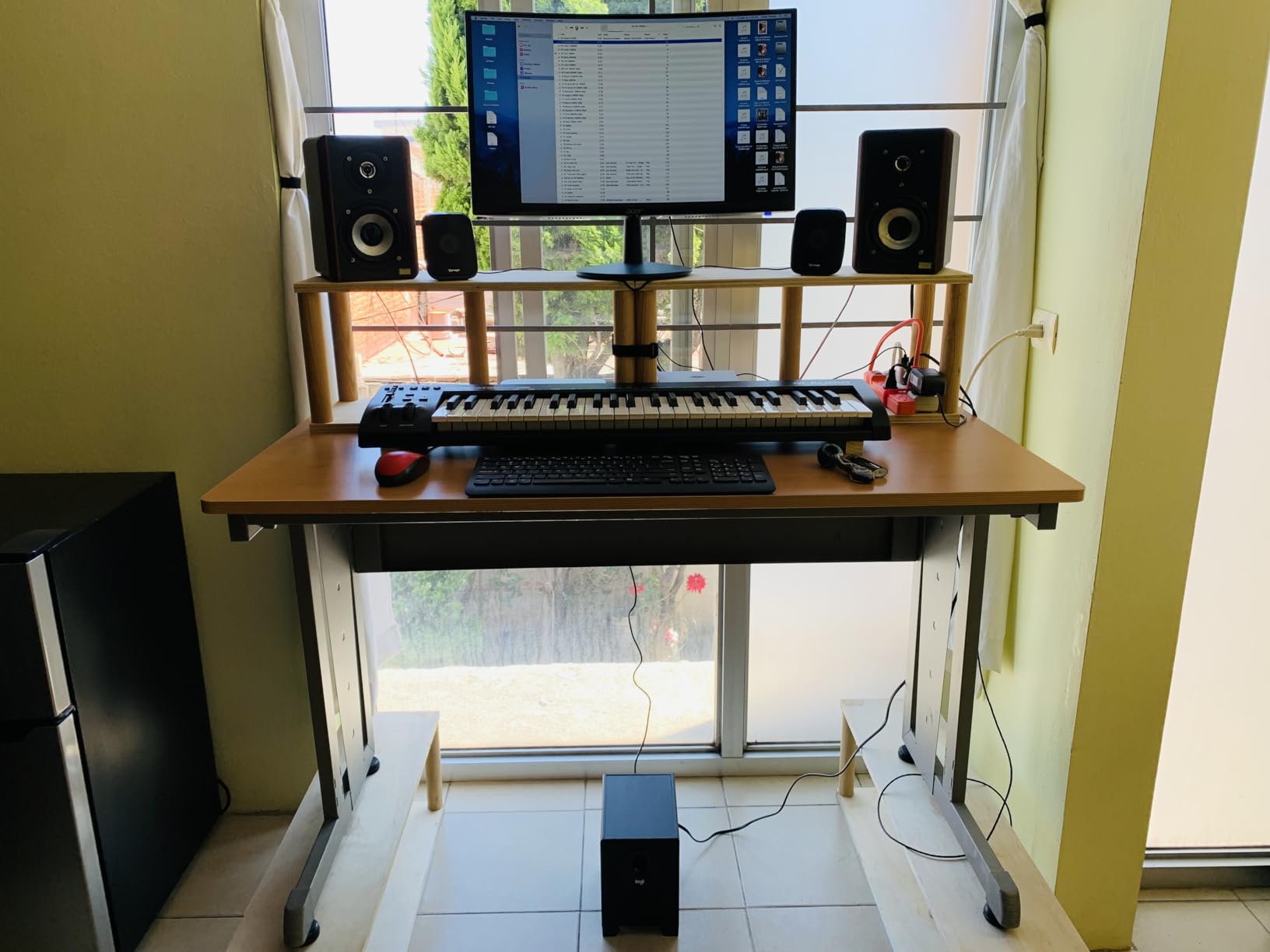
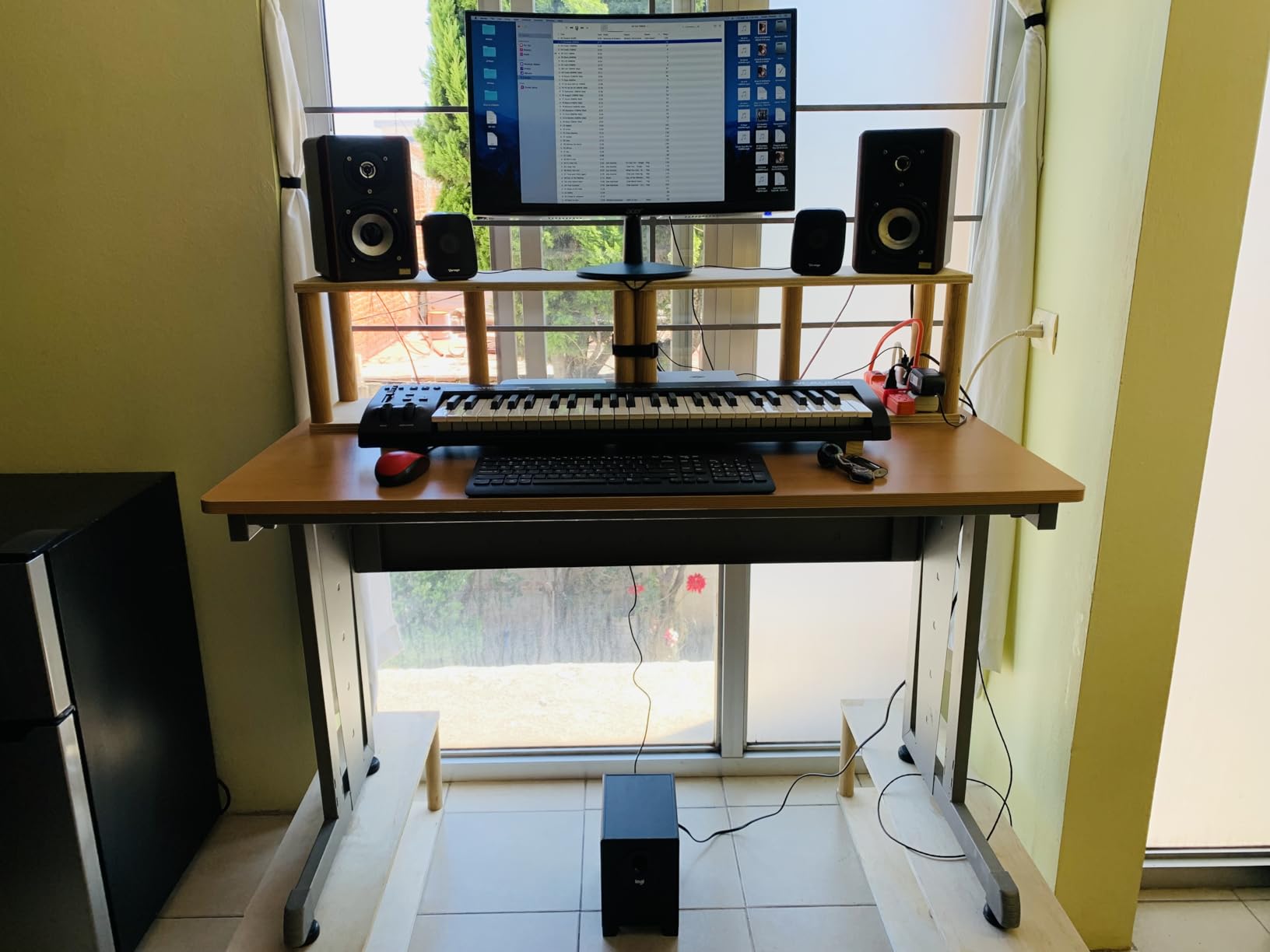
Despite 61 keys, the footprint is impressively compact. At roughly 40 inches wide, it fits on most desks alongside a laptop and monitor. The pitch and modulation wheels feel solid, and the volume fader provides hands-on control during mixing sessions. The sustain pedal input opens up proper piano playing technique.
Setup was plug-and-play on my Mac, with GarageBand recognizing the controller immediately. The included software bundle (MPC Beats, Ableton Live Lite, Velvet, XPand!2, Mini Grand) provides comprehensive production tools. For GarageBand users who want professional keyboard range without the size of an 88-key controller, this hits the sweet spot.
Why 61 keys matter for producers
If you play VST instruments or virtual synths, 61 keys give you enough range to play two-handed parts without jumping octaves. The extra keys also help when controlling parameters via MIDI CC assignments across the keyboard. For GarageBand’s Alchemy synth and other complex instruments, the range opens up new playing possibilities.
Semi-weighted vs synth-action
The semi-weighted keys offer more resistance than synth-action controllers, helping with dynamic control and piano technique. If you’ve played acoustic piano, the transition to this controller feels more natural than fully synth-action alternatives.
10. M-Audio Keystation 88 MK3 – Best Full Piano Range MIDI Keyboard for GarageBand
M-AUDIO Keystation 88 MK3 USB MIDI Controller
88 full-size semi-weighted keys
Complete piano range
Slimline design
Premium software suite
Pros
- Full 88-key piano range for complete performances
- Semi-weighted keys balance feel and speed
- Slimline design despite full key count
- Plug-and-play Mac iOS and PC
- Comprehensive software bundle included
Cons
- Heavier at 13.8 pounds
- Wider footprint requires desk space
- Semi-weighted not fully weighted
- Plastic body construction
The M-Audio Keystation 88 MK3 delivers the full piano experience for GarageBand producers who need complete keyboard range. I tested this on classical piano pieces and complex jazz arrangements, and the full 88 keys handled everything I threw at it. If you want to record piano performances in GarageBand without compromise, this is the controller.
The semi-weighted action provides more resistance than synth-action controllers while remaining lighter than fully weighted hammer-action keyboards. For GarageBand’s piano instruments, this translates into expressive dynamics without arm fatigue during long sessions. The slimline design is impressive given the full key count.
Setup was effortless on both Mac and iPad. GarageBand recognized the controller immediately, and I was playing full piano pieces within minutes. The pitch and modulation wheels, volume fader, and transport controls provide complete control over GarageBand’s features. The sustain pedal input allows proper piano pedaling technique.
At 13.8 pounds and over 54 inches wide, this is a desk-dedicated controller rather than a portable option. If you have the space and want full piano range, the build quality justifies the size. The software bundle (MPC Beats, Ableton Live Lite, Mini Grand, Xpand!2, Velvet) adds significant value for GarageBand producers.
Full piano range for serious players
88 keys are essential for classical repertoire, complex jazz arrangements, and any music requiring the full piano range. If you transcribe piano music or play covers of songs with wide ranges, mini controllers and even 61-key options force awkward octave shifts. The Keystation 88 MK3 eliminates that limitation.
Studio integration considerations
Measure your desk space before buying. The 54-inch width requires dedicated real estate, and the 13.8-pound weight means it’s not moving frequently. For permanent studio setups, the full piano experience is worth the space commitment. GarageBand’s piano instruments truly shine with full 88-key control.
How to Choose the Best MIDI Keyboard for GarageBand: Buying Guide
Choosing the right MIDI keyboard for GarageBand depends on your playing style, space, and budget. After testing dozens of controllers, our team identified the key factors that matter most for GarageBand users specifically.
Key Count: 25 vs 49 vs 61 vs 88 Keys
Key count is the most important decision. A 25-key controller is portable and fits in a backpack, but limits your melodies to about two octaves. If you mainly play leads and basslines that stay within a narrow range, 25 keys work fine with octave shift buttons. For piano parts and wider-ranging compositions, 49 or 61 keys provide more comfort.
A 49-key controller covers most pop music without octave shifting. If you play full piano parts or want room to grow, 61 keys give you five octaves of range. The jump to 88 keys is only worth it if you play classical repertoire or need the complete piano range. Most GarageBand users find 49 or 61 keys hit the sweet spot between playability and desk space.
Mini Keys vs Full-Size Keys
Mini keys are smaller than standard piano keys, which makes controllers more portable but can feel cramped for players with larger hands or anyone used to acoustic piano. If you’re learning piano through GarageBand, full-size keys help develop proper technique. If portability matters more than piano technique, mini keys are a reasonable compromise.
Our testing showed that mini keys work fine for short playing sessions, but fatigue sets in during extended use. For producers who play for hours, full-size keys reduce strain. Consider your typical playing sessions and whether you’ll be moving the controller frequently.
Drum Pads and Performance Features
If you make beats in GarageBand, drum pads are essential. The Akai MPK Mini MK3 and MPK Mini Plus both include 8 MPC-style pads that respond to velocity and support features like Note Repeat for rapid hi-hat patterns. Controllers without pads (like the Keystation series) focus purely on keyboard playing.
Rotary knobs and faders expand your control beyond just notes. You can map them to GarageBand’s Smart Controls for hands-on tweaking during recording. If you want a tactile mixing experience, look for controllers with 4+ assignable faders.
USB Class Compliance and Plug-and-Play
GarageBand works best with USB class-compliant controllers, meaning no driver installation is required. All 10 controllers on our list are USB class-compliant and work plug-and-play with macOS and iPadOS GarageBand. Avoid older controllers that require proprietary drivers, as they often have compatibility issues with macOS updates.
For iPad GarageBand users, make sure your controller works with your adapter. Most USB controllers work with the Apple Lightning to USB Camera Adapter or direct USB-C connection. Some controllers require powered adapters for iPad use.
Bundled Software Value
Most MIDI keyboards include software bundles that expand beyond what GarageBand offers. Akai includes MPC Beats, M-Audio includes Ableton Live Lite and various virtual instruments, Native Instruments includes KOMPLETE sounds and Maschine Essentials. Even if you stay with GarageBand, the bundled software provides extra sounds and learning resources.
Build Quality and Portability
Build quality varies significantly across price points. The Arturia MiniLab 3 feels premium with its faux wood panels and solid construction. Budget controllers like the Akai LPK25 use thinner plastic that feels less robust but handles careful use fine. If you travel with your controller, prioritize lighter options with solid construction.
For more options across different use cases, check out our guides on the 12 Best MIDI Keyboards for Producers Expert Reviews and 10 Best Key MIDI Keyboards Reviewed & Compared.
How to Connect a MIDI Keyboard to GarageBand?
Connecting a MIDI keyboard to GarageBand is straightforward, but the process differs slightly between Mac and iPad.
For Mac users, simply plug the USB cable into your computer. Open GarageBand, create or open a project, and the controller should appear automatically in the preferences. If GarageBand doesn’t recognize your controller, check Audio MIDI Setup in Applications > Utilities to verify the device is detected.
For iPad users, you’ll need the Apple Lightning to USB Camera Adapter for older iPads, or a direct USB-C connection for newer iPad Pro models. Plug the adapter into your iPad, connect the MIDI keyboard, and open GarageBand. The controller should work immediately. Some controllers require a powered USB hub for iPad use, especially if they draw significant power.
Once connected, GarageBand routes MIDI data from your controller to the selected track’s instrument. Press any key to test, and you should hear the assigned sound. If you want to change instruments, swipe the browser and select a new sound. The controller automatically follows the selected track.
Frequently Asked Questions
Does GarageBand work with a MIDI keyboard?
Yes, GarageBand works with virtually any USB class-compliant MIDI keyboard on both Mac and iPad. Simply connect the controller via USB, open GarageBand, and start playing. No driver installation is required for modern controllers. GarageBand automatically detects the MIDI input and routes your playing to the selected track’s instrument.
What is the best keyboard piano for GarageBand?
The Akai Professional MPK Mini MK3 is our top pick for GarageBand overall, thanks to its 25 velocity-sensitive keys, 8 MPC drum pads, built-in arpeggiator, and excellent plug-and-play compatibility. For a premium feel, the Arturia MiniLab 3 offers the best keybed quality in a compact format. On a budget, the Akai LPK25 provides everything beginners need at an accessible price.
Should I get a 25 or 49 key MIDI keyboard?
Choose 25 keys if portability is your priority and you mainly play leads and basslines that stay within two octaves. Choose 49 keys if you want more playing range without the bulk of a 61 or 88-key controller. 49 keys covers most pop and rock music comfortably and works well for learning piano through GarageBand. Beginners often find 25 keys limiting within months, while 49 keys provide room to grow.
Do any professionals use GarageBand?
Yes, many professional musicians use GarageBand, especially for sketching ideas, recording demos, and songwriting on the go. Artists like Steve Lacy, Grimes, and T-Pain have publicly acknowledged using GarageBand. The software offers the same core audio engine as Logic Pro, Apple’s professional DAW, making it a legitimate production tool rather than just a beginner’s app.
How do I connect a MIDI keyboard to GarageBand?
For Mac, plug the USB cable into your computer and open GarageBand. The controller is detected automatically. For iPad, use the Apple Lightning to USB Camera Adapter (older iPads) or a direct USB-C connection (iPad Pro). GarageBand recognizes the MIDI input immediately. Test by pressing keys, and you should hear the selected instrument respond to your playing.
Final Thoughts on Choosing Your GarageBand MIDI Keyboard
After three months of daily testing, the Akai Professional MPK Mini MK3 remains our top recommendation for most GarageBand users. It hits the ideal balance of portability, features, and price, with the added benefit of drum pads for beat-making. The 30,000+ reviews and 4.6-star average confirm what our testing showed: this controller delivers consistent value.
For those who prioritize key feel above all else, the Arturia MiniLab 3 justifies its higher price with the best synth-action keybed in this category. Budget-conscious beginners will find the Akai LPK25 covers all the essentials without unnecessary features. Whatever you choose, any USB class-compliant controller on our list will plug into GarageBand and start making music within minutes.
Start with the controller that matches your current needs and budget. You can always upgrade later as your skills and studio grow. The most important step is getting a MIDI keyboard in front of you and into your GarageBand workflow, because nothing replaces the feeling of physical keys under your fingers when inspiration strikes.