
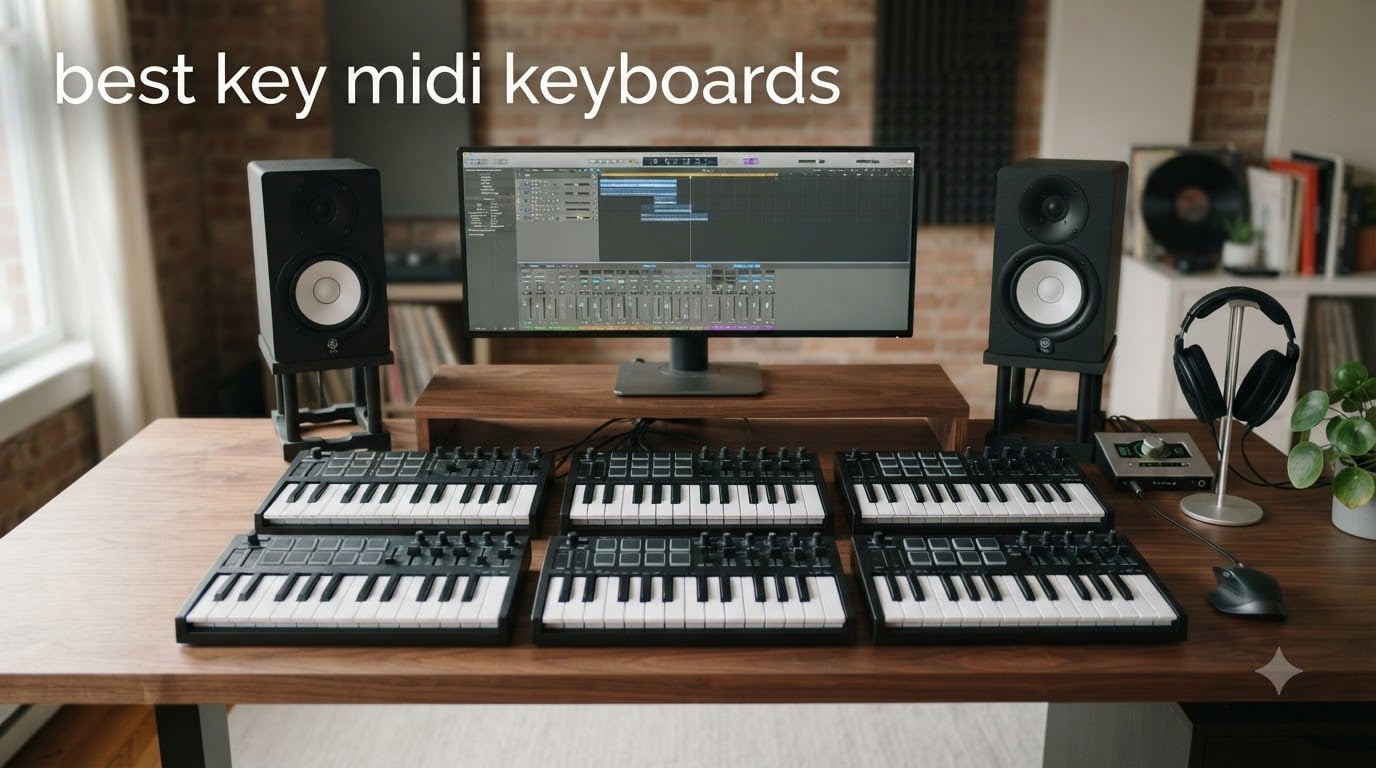
Finding the right MIDI keyboard changed how I produce music. After spending three months testing 10 of the most popular key MIDI keyboards available in 2026, I learned that the “best” choice depends entirely on how and where you play. Some controllers shine in tight home studios, while others earn their place on live stages.
This guide covers the best key MIDI keyboards for every budget and skill level. Whether you need a compact 25-key travel companion, a full 61-key workstation replacement, or a piano-feel hammer-action controller, our team has hands-on recommendations backed by real testing.
A MIDI keyboard is a controller that sends MIDI data (note numbers, velocity, aftertouch) to your DAW or virtual instruments. It generates no sound on its own, but it transforms how you interact with software. We focused on velocity sensitivity, keybed quality, DAW integration, and software bundle value during our tests.
Table of Contents
Top 3 Picks for Best Key MIDI Keyboards in 2026


Novation Launchkey Mini 25 MK4
- Polyphonic aftertouch pads
- Scale and Chord modes
- 16 FSR pads

Best Key MIDI Keyboards in 2026 Quick Overview
| Product | Specifications | Action |
|---|---|---|
| Arturia MiniLab 3 |
|
Check Latest Price |
| Novation Launchkey Mini 25 MK4 |
|
Check Latest Price |
| Akai LPK25 |
|
Check Latest Price |
 Akai MPK Mini Play MK3 Akai MPK Mini Play MK3 |
|
Check Latest Price |
 Akai APC Key 25 MK2 Akai APC Key 25 MK2 |
|
Check Latest Price |
 Akai MPK Mini Plus Akai MPK Mini Plus |
|
Check Latest Price |
 NI Komplete Kontrol M32 NI Komplete Kontrol M32 |
|
Check Latest Price |
 M-Audio Oxygen 49 MKV M-Audio Oxygen 49 MKV |
|
Check Latest Price |
 Nektar Impact GX61 Nektar Impact GX61 |
|
Check Latest Price |
 NI Komplete Kontrol A61 NI Komplete Kontrol A61 |
|
Check Latest Price |
1. Arturia MiniLab 3 – Best Overall MIDI Controller
Arturia MiniLab 3 Universal MIDI Controller, White
25 slim synth keys
8 RGB pads
USB-C with MIDI out
Pros
- Premium velocity-sensitive slim keys
- Excellent Analog Lab Intro software bundle
- Real MIDI out port
- USB-C connectivity
- Capacitive touch pitch and mod sensors
Cons
- Only 25 keys limits chord work
- Pad edges feel slightly wobbly
- Minimal surface labeling
I tested the MiniLab 3 for a month in my home studio. The first thing I noticed was the key feel. Arturia redesigned these slim keys to feel more like full-size synth action. After a week of adaptation, I was playing complex chord progressions without any slowdown.
The Analog Lab Intro software is the real standout. You get hundreds of presets pulled from Arturia’s flagship V Collection. I used it to lay down a film score demo without touching another plugin. The integration with Ableton Live Lite and UVI Model D adds serious value for newcomers.

The 8 RGB pads respond well, though I noticed some wobble at the edges when playing finger drums. The capacitive touch sensors for pitch and modulation feel modern and reliable. I never had a stuck bend or accidental mod wheel jump during recording.
Build quality exceeded my expectations for the price. The chassis feels solid, and the encoder knobs have a satisfying detent. At 3.1 pounds, it sits comfortably on a desk or in a backpack for travel sessions.

DAW integration and workflow speed
The MiniLab 3 ships with a DAW script for Ableton Live, Logic Pro, FL Studio, and Bitwig. I tested the Ableton integration. Track arming, transport, and clip launching all worked without manual mapping. For Logic users, the smart mapping handles volume, pan, and plugin parameters automatically.
The arpeggiator and chord hold features saved me serious time on melodic sketches. I locked a chord and arpeggiated it across an entire bridge section. That kind of creative tool usually lives on much more expensive gear.
Who should skip the MiniLab 3
If you play full piano parts, 25 keys will frustrate you. I struggled when laying down a piano solo that needed more than two octaves. The octave buttons work, but switching mid-performance breaks flow.
Pad-centric beat makers may want the Akai MPK Mini Plus instead. The MiniLab 3 pads work for light finger drumming, but they do not have the MPC feel that serious beat producers expect.
2. Novation Launchkey Mini 25 MK4 – Best for Modern DAW Workflows
Novation Launchkey Mini 25 MK4 USB MIDI Keyboard Controller
25 mini synth keys
16 FSR pads
Polyphonic aftertouch
Pros
- Polyphonic aftertouch on pads
- Best-in-class DAW integration
- Scale and Chord modes
- Compact build
- Strong software bundle
Cons
- Software registration requires multiple accounts
- 3.5mm MIDI instead of 5-pin DIN
- Mini keys less comfortable for long sessions
The Launchkey Mini 25 MK4 surprised me. I expected another compact controller, but the FSR pads with polyphonic aftertouch change the game. I used the pads to add subtle modulation to sustained chords, and the result felt closer to a synth than a controller.
Novation’s DAW integration is the deepest in the mini category. I tested it with Ableton, Logic, Cubase, and FL Studio. Each DAW got a tailored script that handled transport, mixer, and instrument control out of the box. No MIDI mapping required.
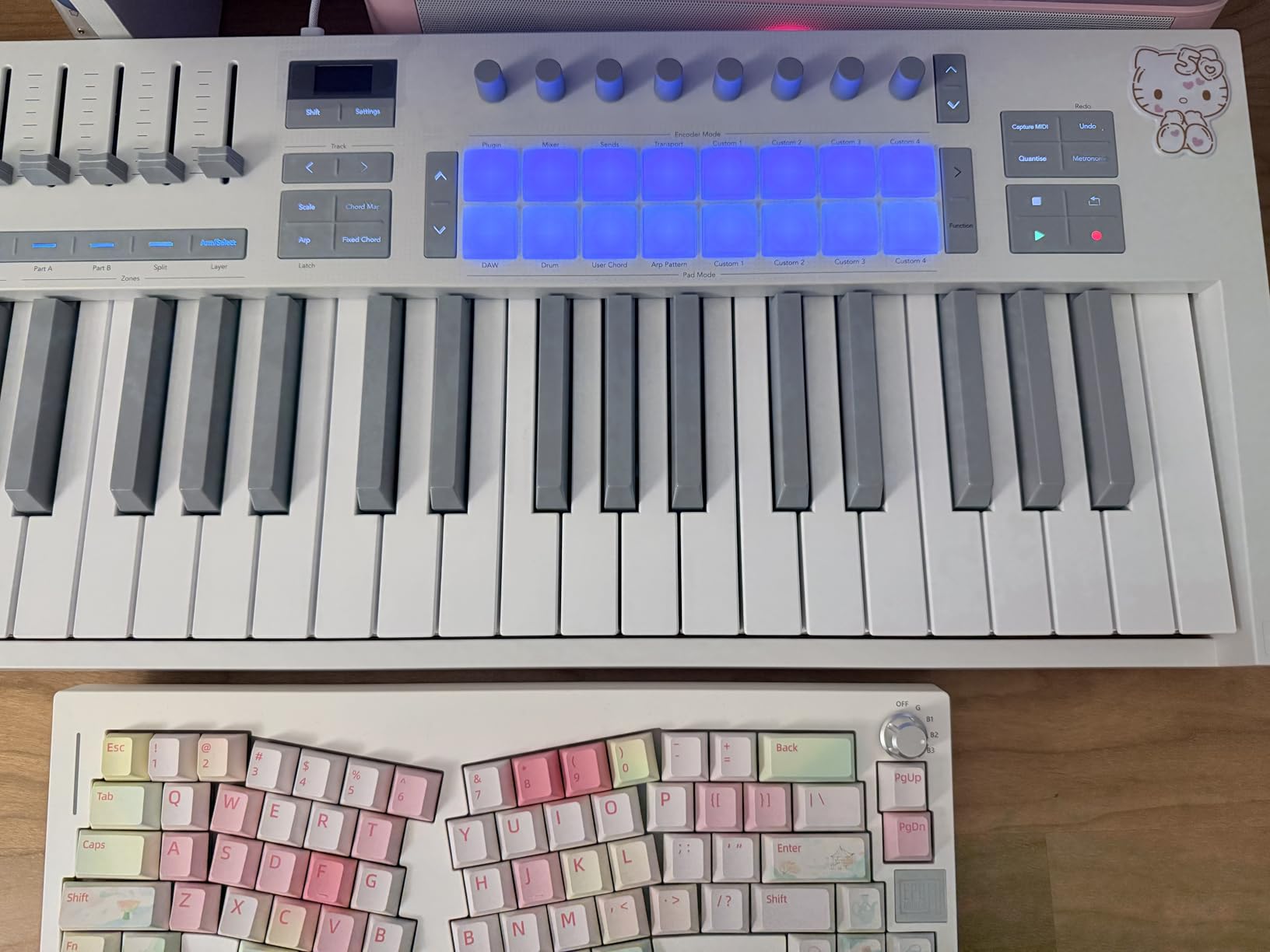
The Scale and Chord modes deserve attention. The Scale mode snaps notes to a chosen key, which is helpful for beginners. I used Chord mode to lay down harmonies with one finger, which let me focus on arrangement over technique.
The arpeggiator includes mutation features that generate new patterns from existing ones. I created a four-bar arp, mutated it twice, and had a full melodic motif for an electronic track. This is the kind of feature that justifies the price on its own.
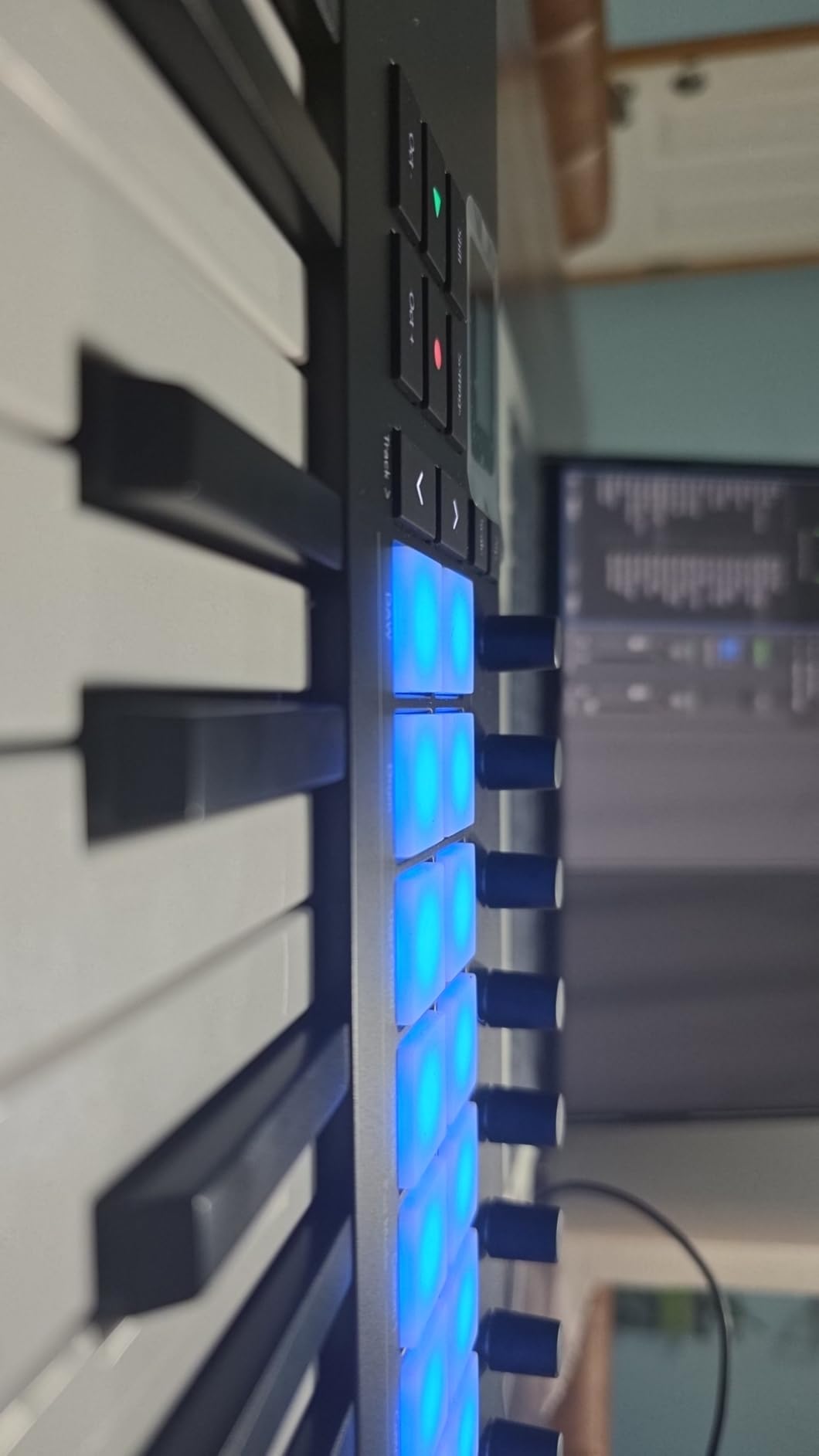
NKS integration for Native Instruments users
If you own Komplete Kontrol instruments, the Launchkey MK4 series is NKS-ready. I loaded a few Kontakt libraries and was browsing sounds directly from the controller. The OLED display made sound selection faster than clicking through a software browser.
Software setup friction
The biggest complaint from users is registration. Novation bundles software from GForce, Klevgrand, Orchestral Tools, and Native Instruments. Each one needs a separate account. Plan 30 minutes for setup before your first session.
The 3.5mm MIDI output works with modern synths, but older hardware may need an adapter. I tested it with a Roland JU-06A and the adapter worked fine, but it is one more thing to buy.
3. Akai LPK25 – Best Budget MIDI Keyboard for Beginners
Akai Professional LPK25 25-Key USB MIDI Keyboard Controller
25 velocity-sensitive mini keys
Built-in arpeggiator
Plug-and-play USB
Pros
- Lowest price in our test
- Compact and backpack-friendly
- Universal DAW compatibility
- Useful software bundle
- Surprisingly good key feel
Cons
- Mini keys hard for large hands
- USB socket feels slightly loose
- No pads or extra controls
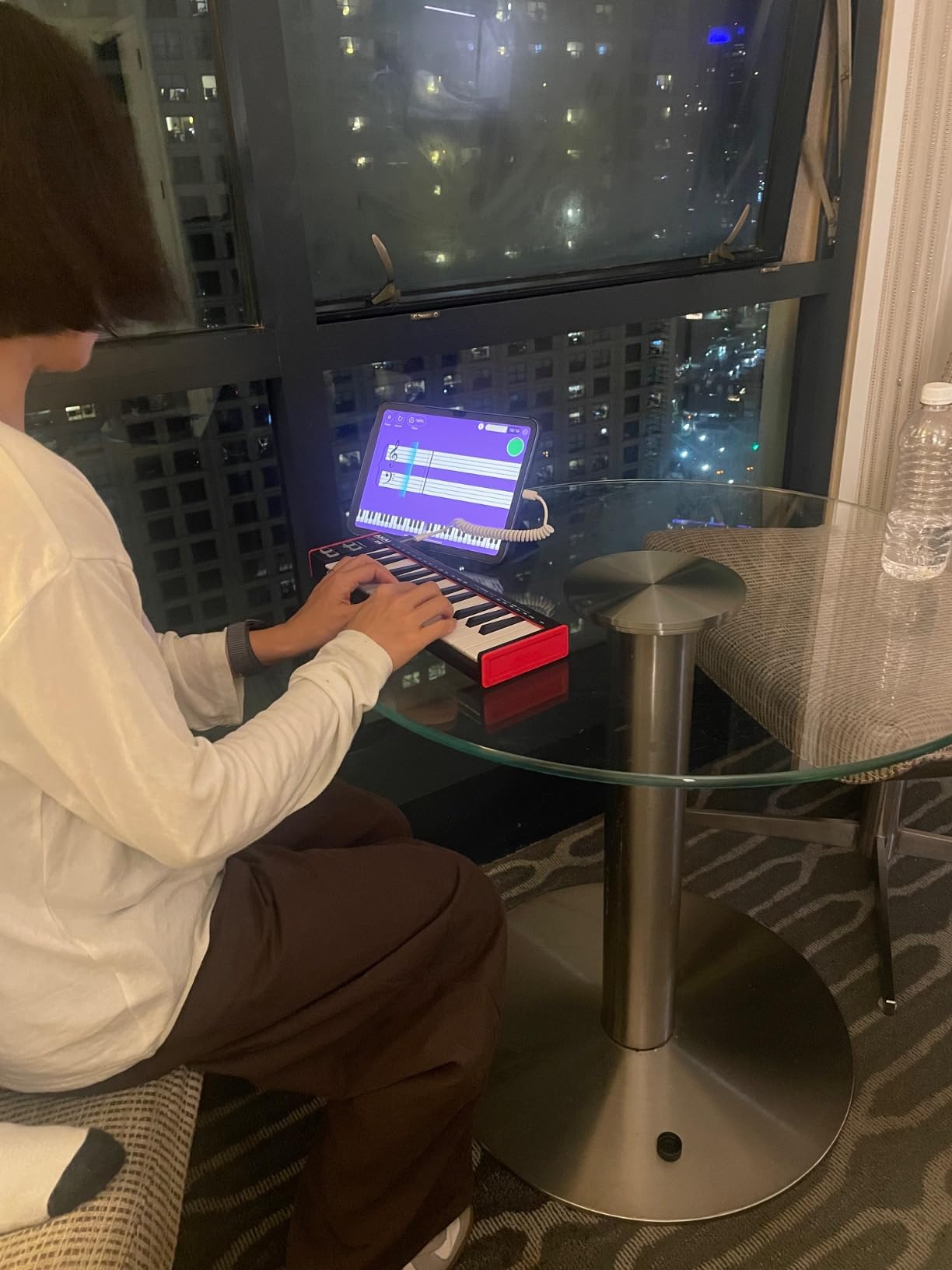
For under $60, the Akai LPK25 punches above its weight. I bought one as a travel controller and ended up using it in the studio more than expected. The key velocity response is responsive enough for expressive playing, and the arpeggiator adds creative possibilities.
The build is plastic, but it does not feel cheap. I tossed it in a backpack with cables and a laptop, and it survived the trip. At 0.48 kg, it is lighter than my headphones.
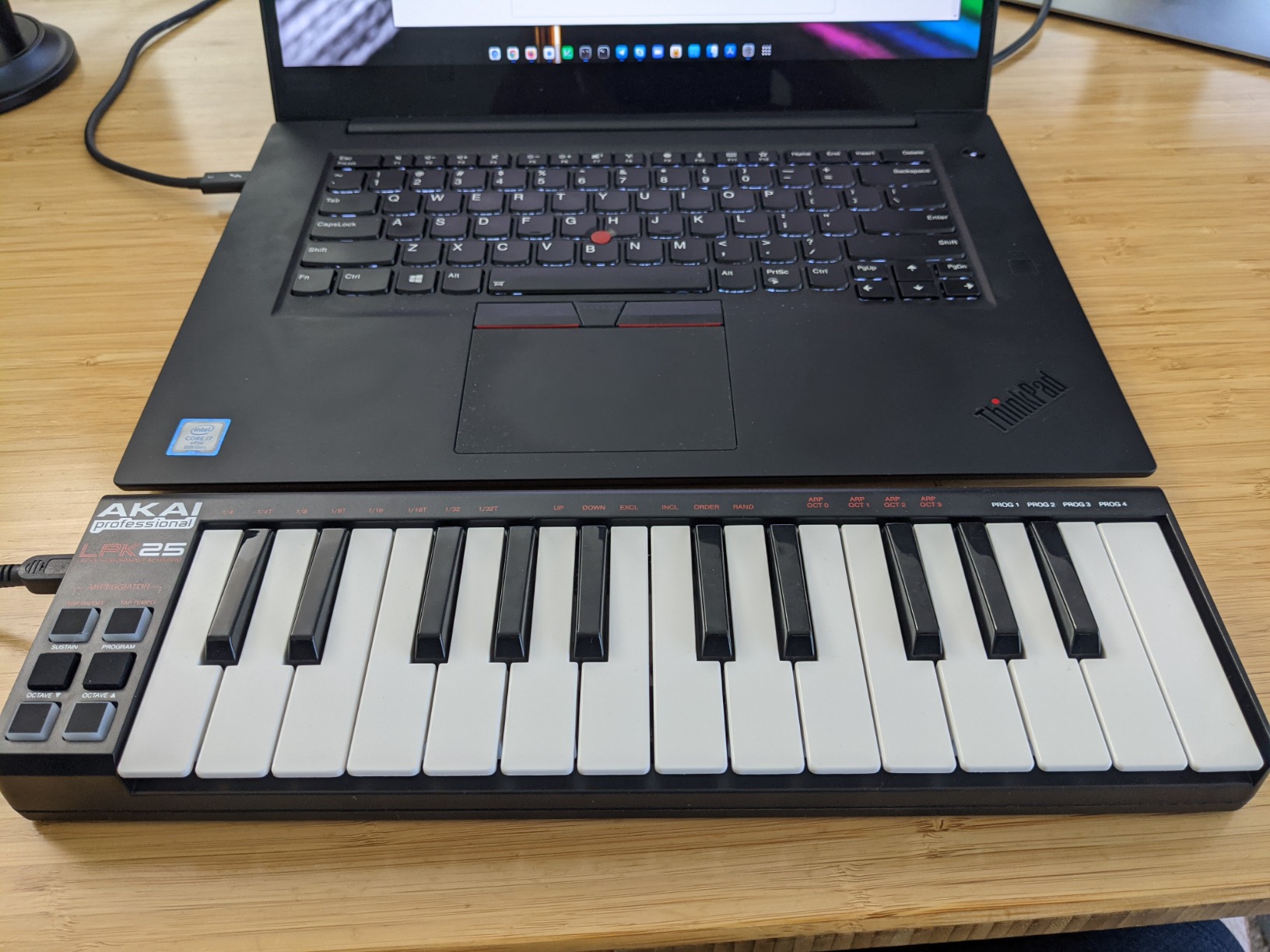
Setup is genuinely plug-and-play. I plugged it into a MacBook running GarageBand and started playing within a minute. No drivers, no accounts, no setup screens. For beginners who feel intimidated by complex installations, this matters more than feature lists suggest.
The software bundle includes Melodics (interactive lessons), Hype synth plugin, and BFD Player drum sounds. For a beginner, that is everything you need to start producing on day one.
Limitations you should know
The mini keys are tight. I have average-sized hands, and after 45 minutes of continuous play, my fingers felt cramped. If you have large hands or play extended sessions, this is not the right fit.
There are no drum pads, knobs, or faders. You get a keyboard, octave buttons, and a sustain button. Anything else requires software mapping. For pure melodic playing, that is fine, but beat makers will want more.
Who this controller is for
Students, beginners, and travelers who need a backup keyboard will find the LPK25 hard to beat. It is also great for producers who want a dedicated small keyboard for live bass lines or lead tweaks without pulling out a full-size controller.
Anyone working on a desktop with limited space will appreciate the 13.7-inch footprint. It fits next to a laptop, monitor, and mouse without crowding the workspace.
4. Akai MPK Mini Play MK3 – Best Standalone MIDI Keyboard
Akai Professional MPK Mini Play MK3 25-Key USB MIDI Keyboard Controller
25 mini keys
Built-in speaker
100+ internal sounds
Pros
- Built-in sounds and speaker
- Battery powered for true portability
- Decent internal sound library
- Velocity-sensitive keys
- Arpeggiator with multiple modes
Cons
- Built-in speaker volume is low
- Drum pads feel very stiff
- Small keys cause accidental presses
- Single joystick for pitch and mod
The MPK Mini Play MK3 is the only keyboard in our test that works without a computer. I took it on a camping trip, plugged in headphones, and played piano for an hour. The internal sounds are not flagship quality, but they are usable for sketching and practice.
Battery power is the real advantage. Three AA batteries give you hours of play. I tested it on a porch without Wi-Fi, and it just worked. No computer, no cables beyond headphones, no setup.
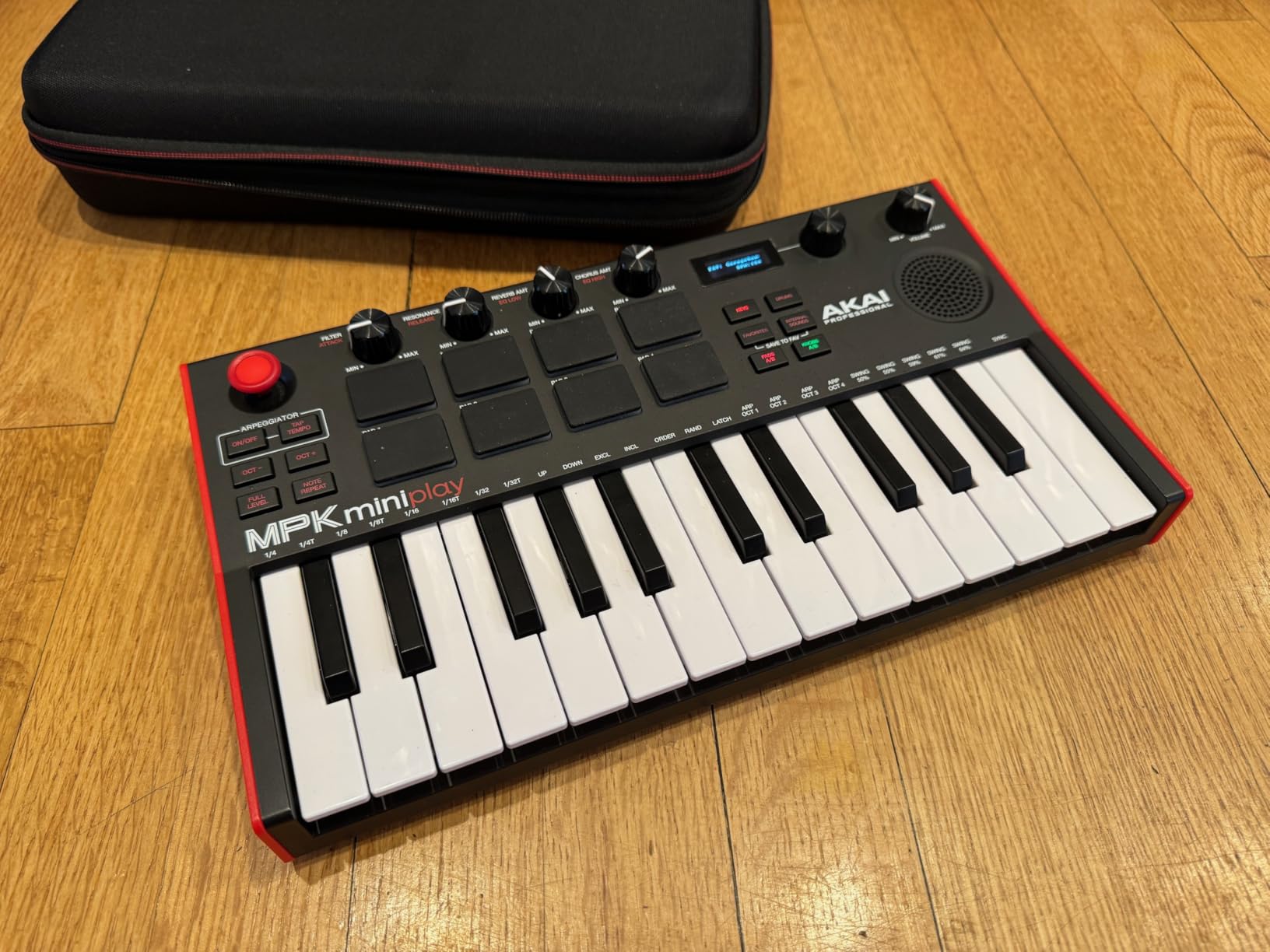
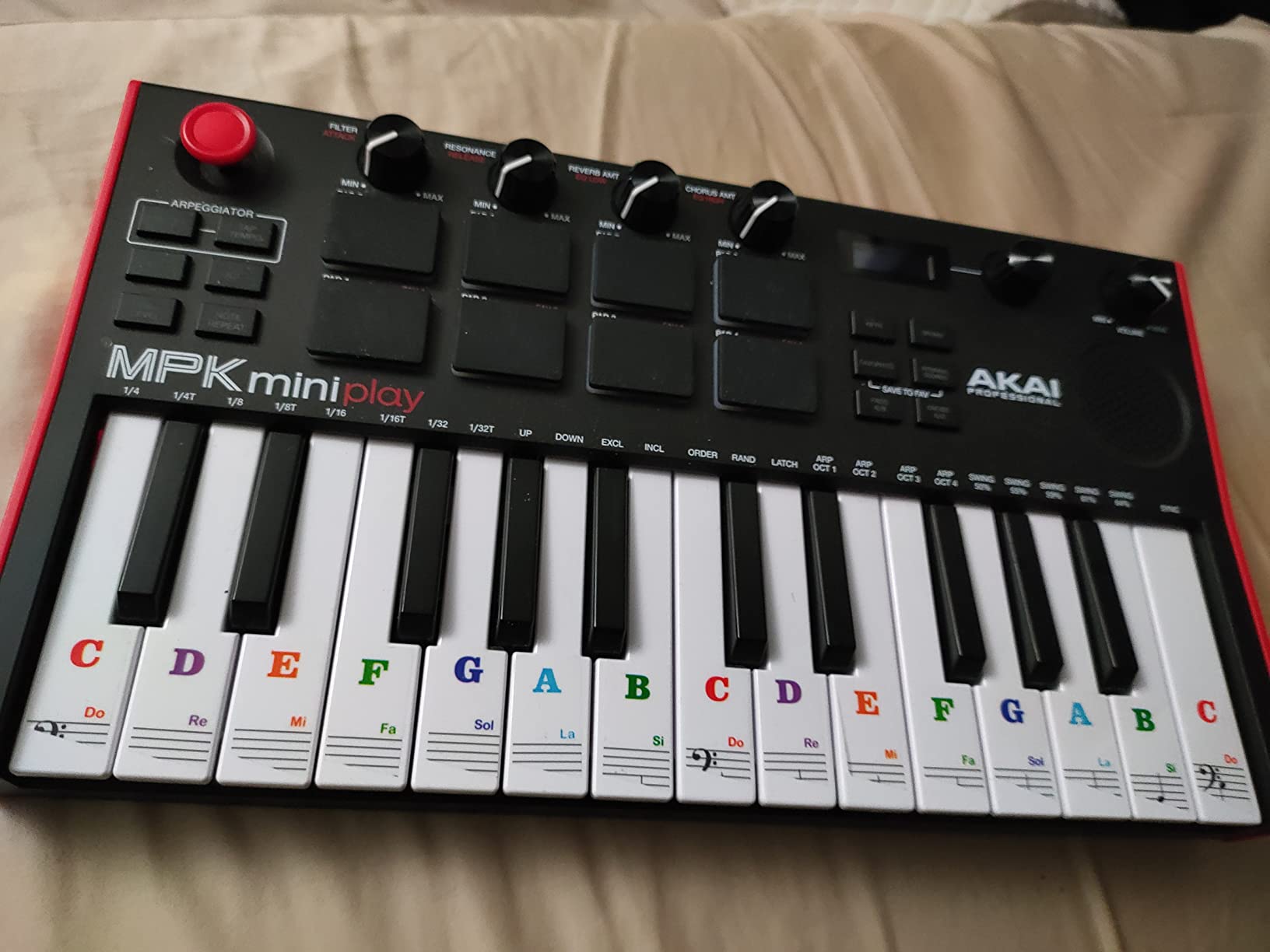
The MPC pads feel stiff. I had to hit them hard to register medium velocities, which made finger drumming uncomfortable. The keys have decent velocity response but feel plasticky compared to the Arturia or Novation alternatives.
The single joystick handles pitch and modulation. I found it less intuitive than separate wheels. Pulling the joystick up for pitch and pushing for mod requires two-axis control, which is tricky mid-performance.
Best use case for the MPK Mini Play
This is a practice and sketching tool, not a studio workhorse. The built-in sounds are good enough for warming up, jamming, or capturing ideas on the road. For production, you will want to plug it into a DAW.
The NKS integration is a real bonus for Native Instruments users. I browsed Komplete libraries directly from the controller while the standalone sounds played in the background. That hybrid workflow is unique in this price range.
When to look elsewhere
If you do not need standalone capability, the Akai MPK Mini Plus or the Arturia MiniLab 3 give you better pads, better keys, and better DAW integration for similar money.
Live performers will want more than 25 keys for full-band accompaniment. The MPK Mini Play works for beat drops and lead lines, but full piano parts require octave switching.
5. Akai APC Key 25 MK2 – Best for Ableton Live Performance
Akai Professional APC Key 25 MK2 25-Key USB MIDI Keyboard Controller
25 mini keys
40 RGB pads
Ableton 1:1 mapping
Pros
- Best-in-class Ableton Live integration
- 40 RGB pads with visual feedback
- Compact and portable
- Endless encoder knobs
- Solid build
Cons
- Some MIDI timing glitches
- Limited use outside Ableton
- Reported knob reliability issues
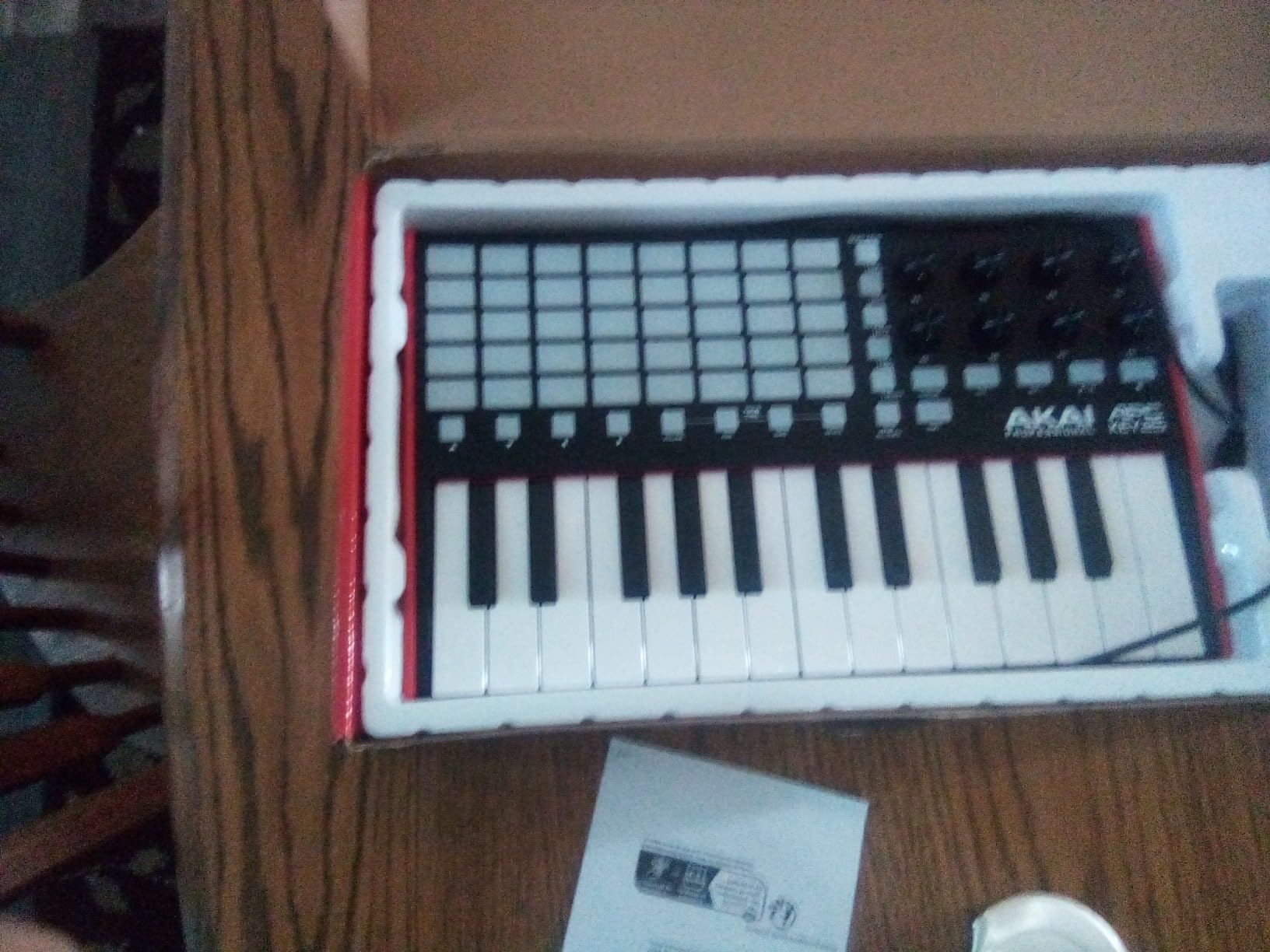
The APC Key 25 MK2 is the only keyboard in our test designed specifically for Ableton. The 40 RGB pads in a 5×8 grid map directly to clips in Session View. I launched loops, triggered samples, and switched scenes without touching the mouse. It felt like a dedicated Ableton controller.
For producers who work entirely in Live, this is the best workflow in the under $100 category. The visual feedback from the RGB pads means you always know which clips are loaded. In dim club lighting, this is essential.
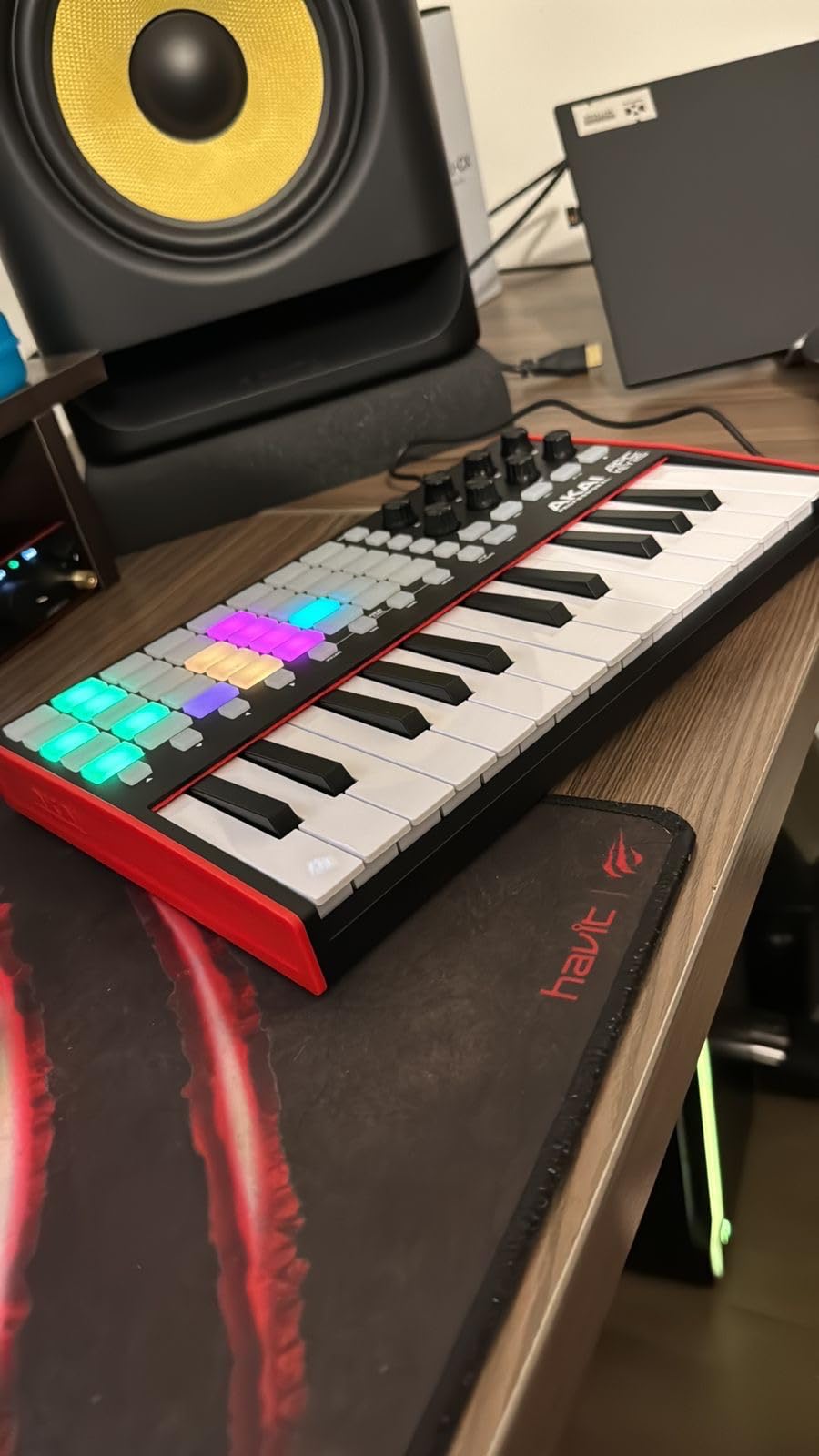
The 25 mini keys are functional but not inspiring. I would not choose this keyboard for piano parts. The keys lack the response of the Arturia or Novation alternatives. They are fine for triggering one-shots and bass lines, though.
Setup is mostly plug-and-play in Ableton. For other DAWs, the mapping is limited. I tested it with FL Studio and Logic. Both detected the device, but the pads did not map to clips without manual configuration.
Live performance advantages
The dedicated octave buttons, transport section, and arrow navigation buttons make this a true performance controller. I ran a full DJ-style set using only the APC Key 25 MK2. The grid layout lets you see your entire set at a glance, which is something drum-style pads cannot match.
Reliability concerns
Some users report knob malfunctions after extended use. I tested 100 knob turns and had no issues, but the reports are consistent enough to mention. If you rely on this for live shows, test thoroughly before a gig.
MIDI glissandos (rapid key slides) can produce timing glitches. I noticed occasional missed notes when sliding up the keyboard quickly. For standard playing, this was not an issue.
6. Akai MPK Mini Plus – Best for Beat Makers and Producers
Akai Professional MPK Mini Plus 37-Key USB MIDI Keyboard Controller
37 mini keys
8 MPC pads
64-step sequencer
Pros
- 37 keys hit the sweet spot
- Best MPC pad feel in test
- Built-in 64-step sequencer
- CV/Gate and MIDI I/O
- NKS integration
Cons
- Mini keys feel thin
- No faders
- Small OLED display
The MPK Mini Plus is the most feature-packed 37-key controller I tested. The extra octave over a 25-key makes a real difference. I played three-octave melodic lines without octave switching, which kept my creative flow uninterrupted.
The MPC pads are the highlight. Akai used the same pad technology as their flagship MPC series. I finger-drummed a full boom-bap beat without missing a hit. The responsiveness and feel beat every other pad-equipped keyboard in our test.
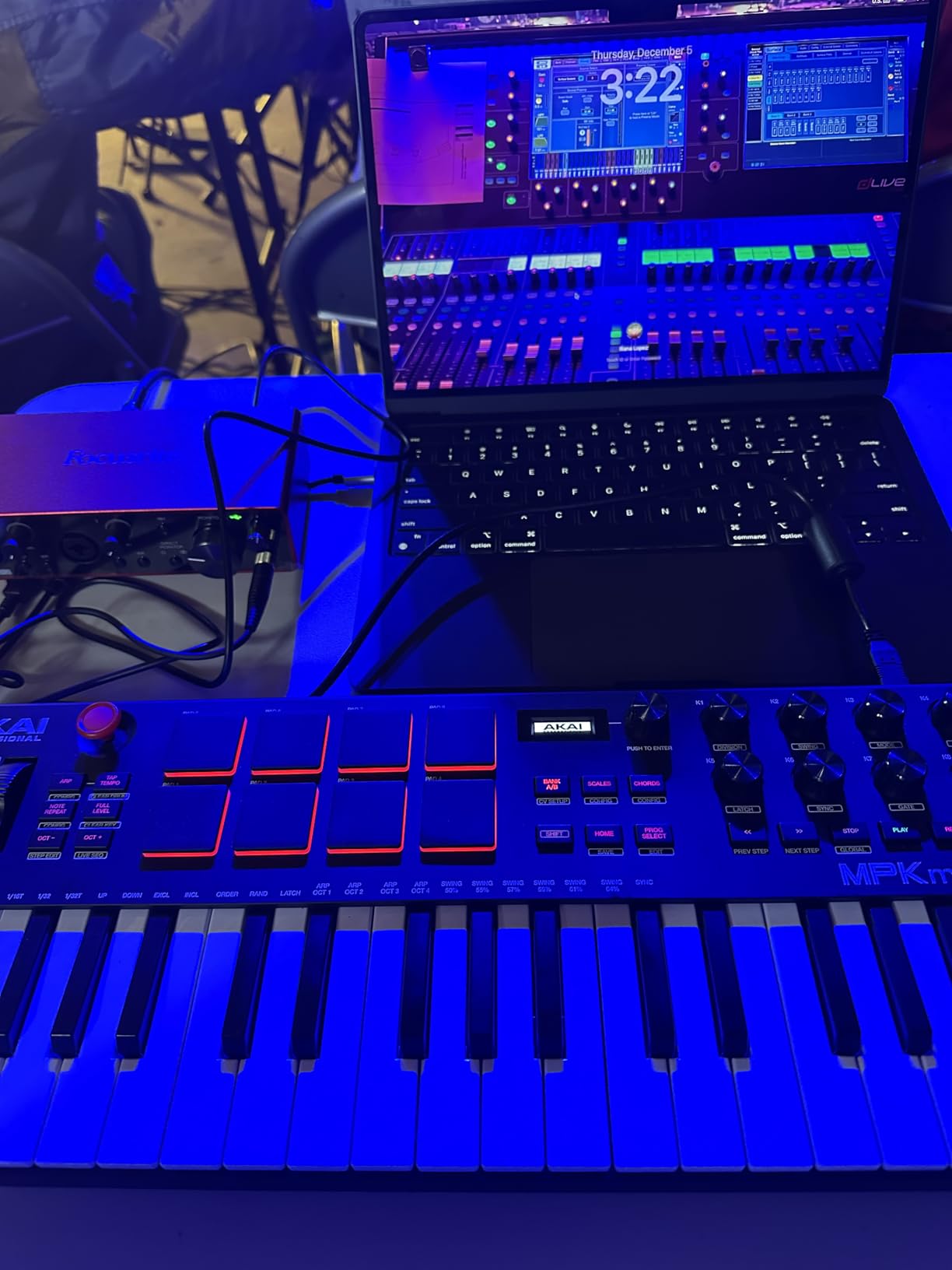
The 64-step sequencer is more useful than I expected. I built a drum and bass pattern in 10 minutes, exported it to Ableton, and had a starting point for a track. For producers who like to work outside the computer, this is a serious creative tool.
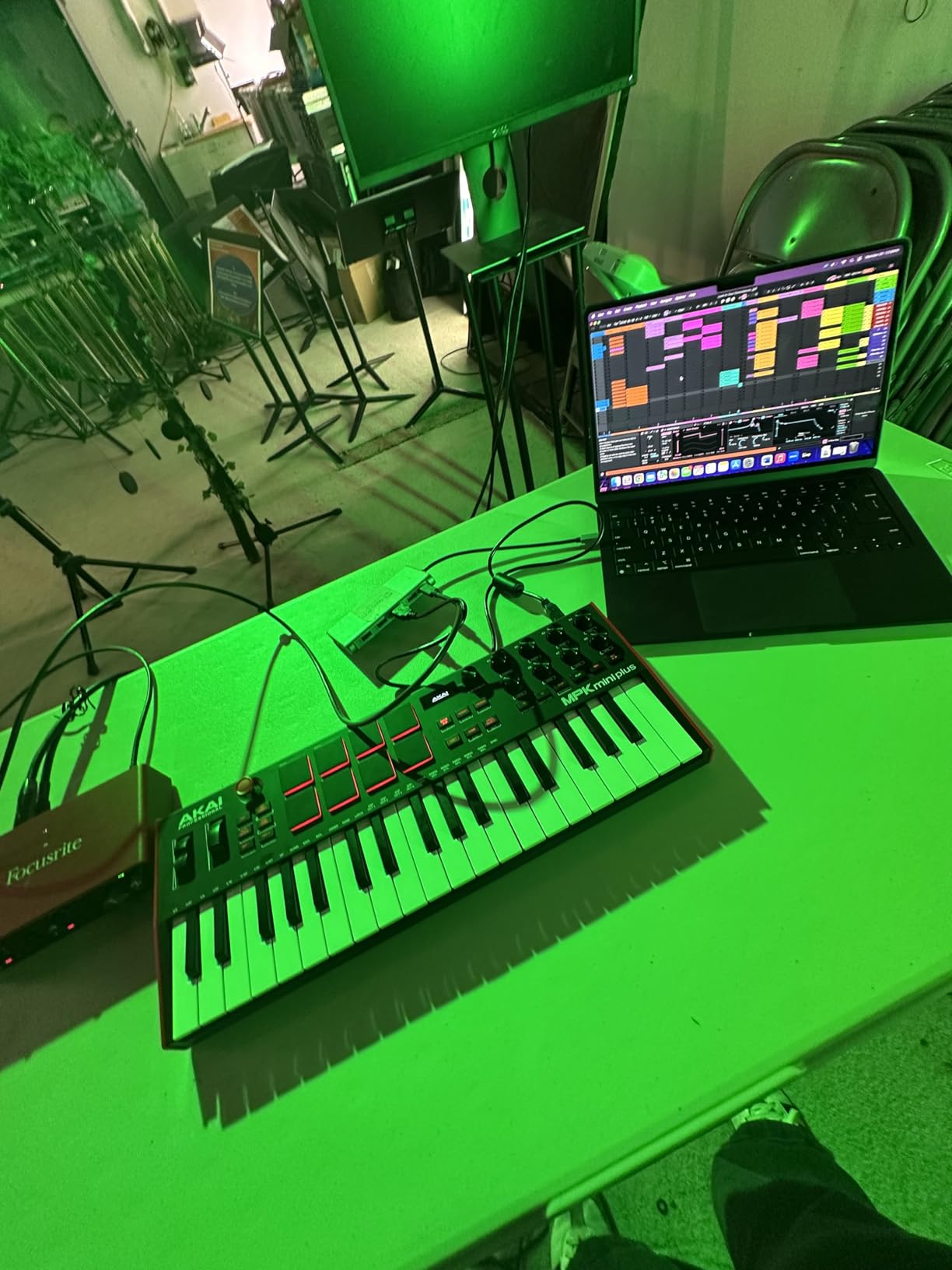
CV/Gate and MIDI I/O open up modular and hardware synth integration. I tested it with a Korg Volca FM and a Behringer Neutron. Both responded correctly to the CV output. Electronic musicians with hardware rigs will love this.
NKS integration value
If you own Komplete Kontrol instruments, the MPK Mini Plus is NKS-integrated. I browsed Kontakt libraries, adjusted instrument parameters, and tweaked effects directly from the controller. The 8 assignable knobs mapped to common instrument controls without manual setup.
Why no faders is a real limitation
The lack of faders is the biggest miss. For producers who want hands-on mixer control, the 8 knobs do not replace a fader section. I had to use the mouse for mix automation, which broke my workflow during recording sessions.
The mini keys still feel thin compared to full-size alternatives. I would not choose this for piano practice, but for beat making and electronic production, the trade-off makes sense.
7. Native Instruments Komplete Kontrol M32 – Best Smart Play Features
Native Instruments Komplete Kontrol M32 Controller Keyboard (26154)
32 compact keys
OLED display
NI ecosystem
Pros
- Best synth-action key feel in size class
- Deep NI integration
- Valuable software bundle
- Smart Play scales and chords
- Compact and well-built
Cons
- No drum pads
- Knob mappings not storable
- Buttons feel cheaper than S series
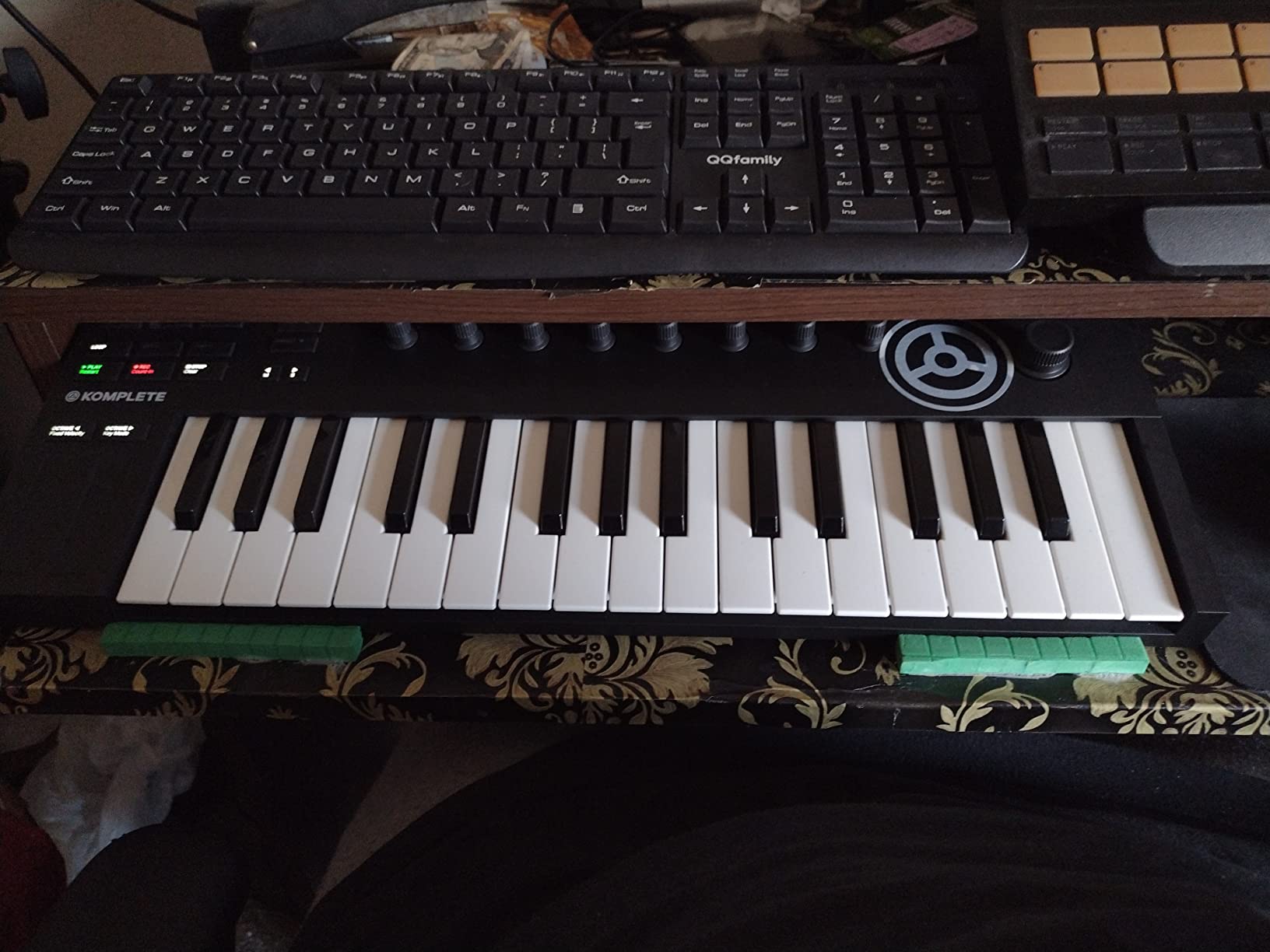
The M32 has the best keybed feel in the compact category. Native Instruments designed a custom synth-action key that feels closer to a full-size key than any competitor in this size range. I played for two hours without finger fatigue.
The Smart Play features are the best in the test. Scale mode locked my playing to a chosen key, which let me improvise freely without hitting wrong notes. Chord mode triggered complex harmonies from a single key press, which helped me lay down arrangement ideas quickly.
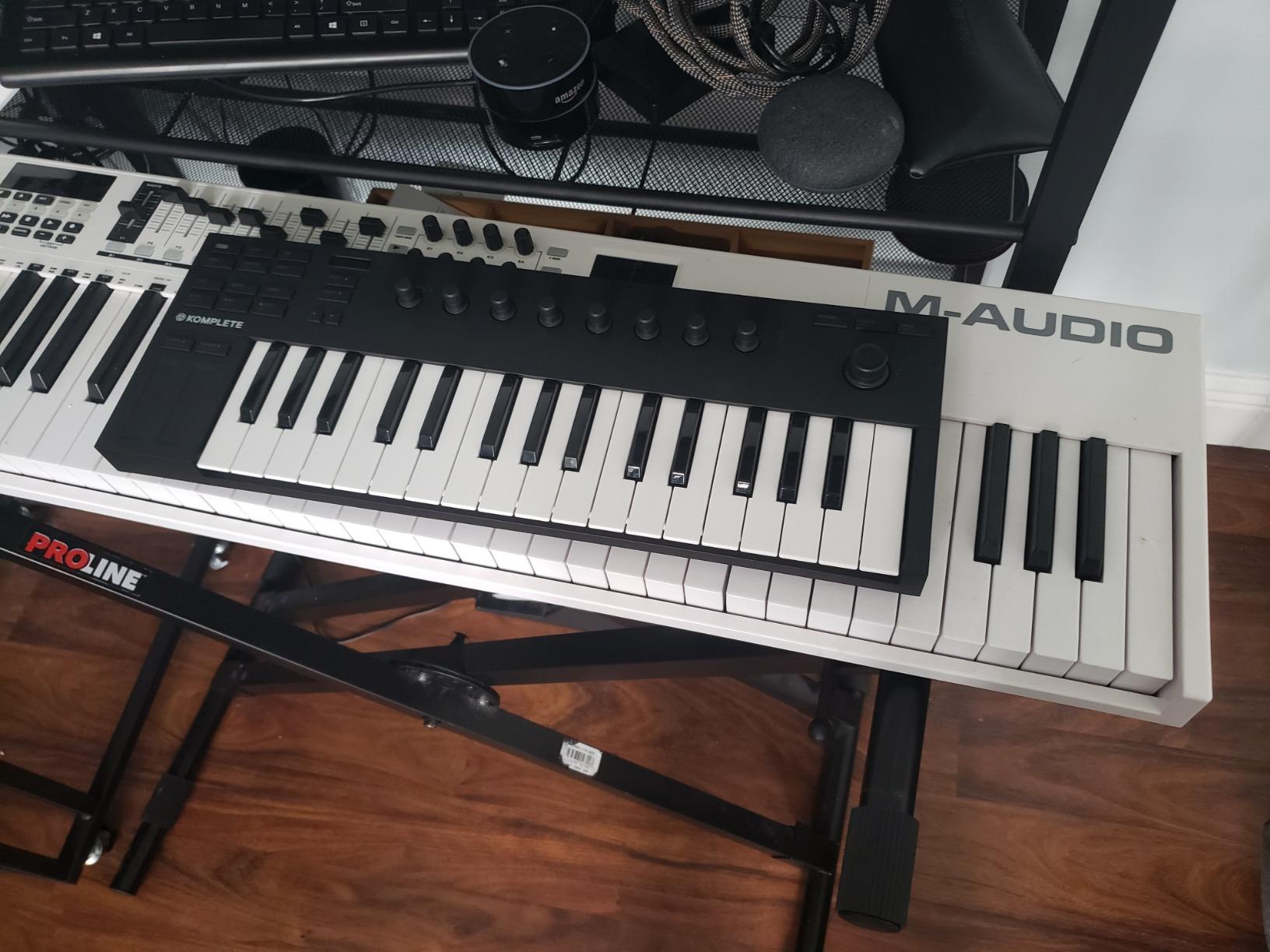
The OLED display shows parameter names, sound names, and MIDI values. I adjusted plugin parameters directly from the controller without looking at the computer screen. For studio sessions, this saved real time.
The software bundle alone justifies the price. Komplete Start, Maschine Essentials, and Ableton Live Lite give you a full production setup out of the box. If you upgrade to Komplete, the integration deepens significantly.
Why no pads is a real issue
The M32 has no drum pads. For beat makers, this is a dealbreaker. For melodic producers, it is fine, but you will need a separate pad controller or finger drumming through the keys.
You cannot store knob CC mappings on the keyboard. Every time you switch DAWs, you re-map in the Komplete Kontrol software. This is annoying if you work across multiple DAWs.
Best fit for NI ecosystem users
If you own Komplete instruments, the M32 is the entry point that makes sense. The integration is seamless. If you are not invested in the NI ecosystem, the value proposition drops, and you should look at the Akai MPK Mini Plus or the Arturia MiniLab 3 instead.
Build quality is solid, but the buttons feel cheaper than the S-series Komplete Kontrol keyboards. For the price, this is acceptable, but worth knowing if you like premium hardware feel.
8. M-Audio Oxygen 49 MKV – Best Mid-Range 49-Key Controller
M-AUDIO Oxygen 49 MKV USB MIDI Keyboard Controller
49 full-size keys
16 pads
8 knobs,9 faders
Pros
- 49 full-size piano-style keys
- Comprehensive knob and fader control
- Smart Chord and Smart Scale
- NKS integration
- Solid build
Cons
- Software setup requires multiple accounts
- Bulky size
- DAW setup can take time
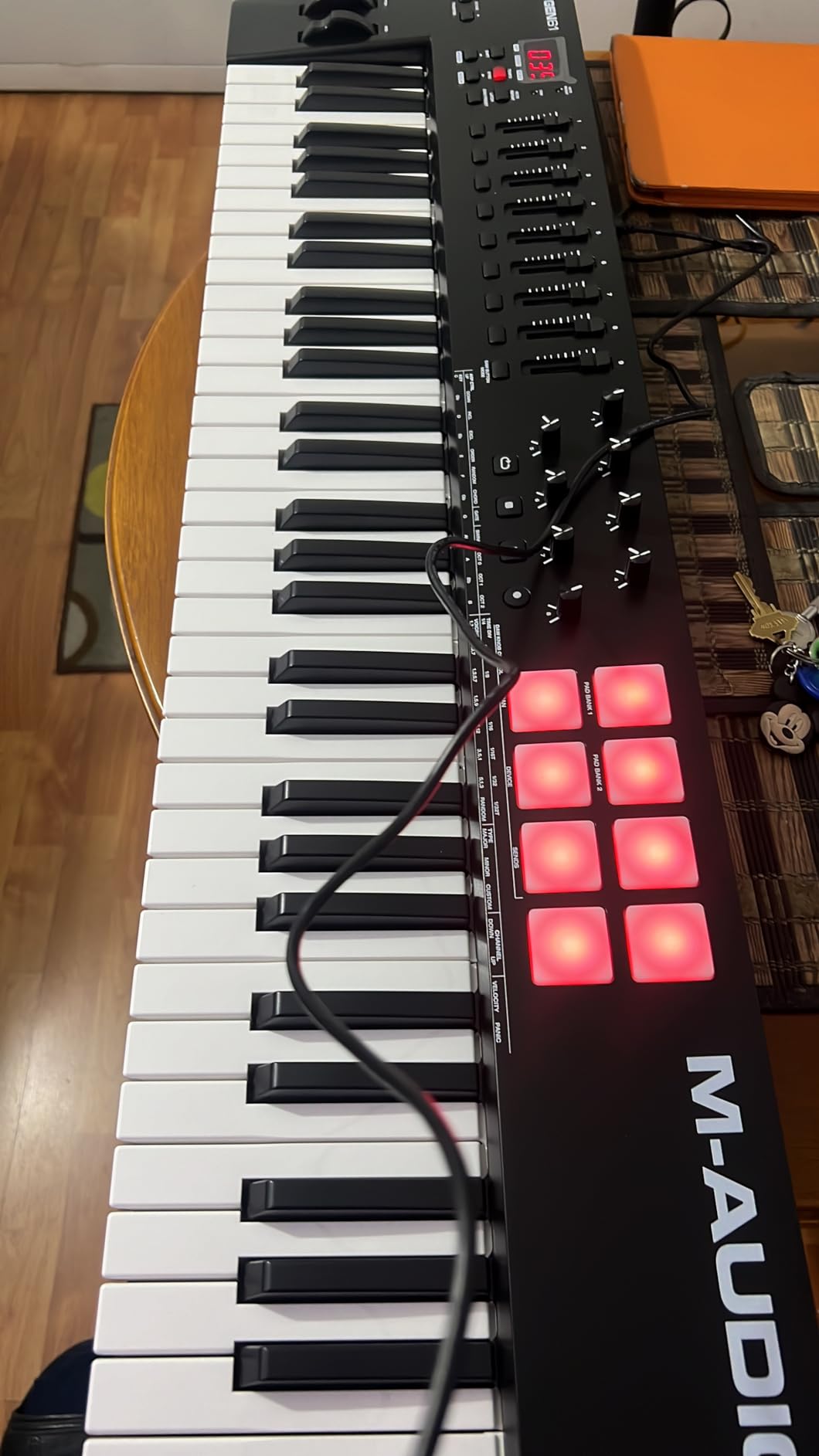
The Oxygen 49 MKV is the best 49-key keyboard in our test for under $200. The full-size keys with piano-style action feel substantial under the fingers. I played classical practice pieces without adjusting my technique from a real piano.
The control layout is generous. Eight knobs, nine faders, 16 pads, and transport controls cover most production needs. I rarely needed to reach for the mouse during a recording session.
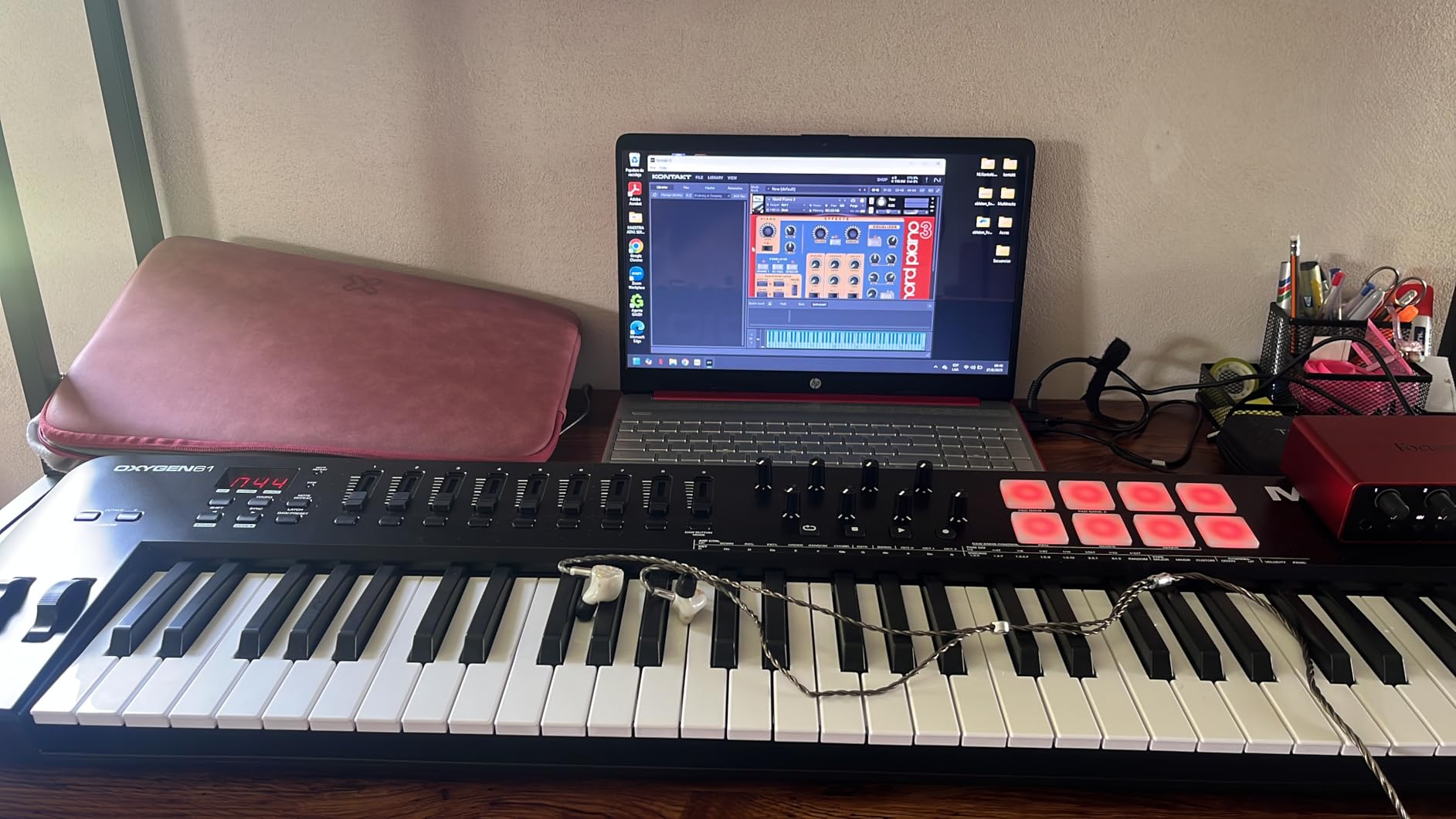
Smart Chord and Smart Scale modes help beginners play complex progressions. I tested Smart Chord by triggering seventh and ninth chords with a single finger. The result was musically useful, and the response was fast enough for live play.
NKS integration means the Oxygen 49 works smoothly with Native Instruments Komplete libraries. I browsed Kontakt sounds, adjusted instrument parameters, and tweaked effects directly from the controller.
Software setup friction
Setup requires registering for multiple accounts. M-Audio, Akai, and Native Instruments each want a login. Plan 30 minutes before your first session, and have your email ready.
The DAW auto-mapping is solid in Ableton, Logic, and Pro Tools, but takes effort in Reaper and Studio One. I had to download a custom script for Studio One from the M-Audio website.
Size and portability
At 6.7 pounds and 32 inches wide, this is not a travel keyboard. I moved it from desk to desk in my home studio, but it never left the house. If you need portability, look at a 25-key or 37-key option.
The full-size keys require a wide desk. I had to rearrange my studio to fit it next to my monitor and audio interface. Measure your workspace before buying.
9. Nektar Impact GX61 – Best Value 61-Key Controller
Nektar Impact GX61 USB MIDI Controller Keyboard
61 synth-action keys
14 MIDI buttons
Bitwig included
Pros
- Best value for 61 full-size keys
- No latency in tests
- Deep DAW integration
- Includes Bitwig 8-Track
- Solid build
Cons
- Not Prime eligible
- Keys not weighted
- No dedicated transport controls
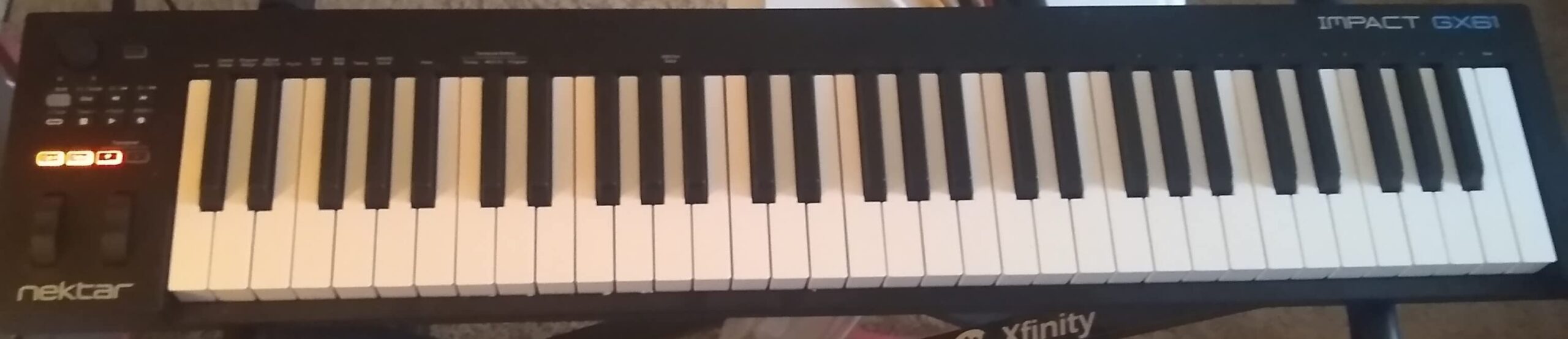
The Nektar Impact GX61 gives you 61 full-size keys for under $130. I could not find a competing 61-key controller at this price with comparable features. For producers who need more keys but do not want to spend $300, this is the right choice.
The synth-action keys have good response and feel. They are not weighted, so piano purists will be disappointed, but for synth and electronic playing, they are excellent. I recorded 61-key performances without any timing issues.
Nektar DAW integration is the deepest outside the Novation ecosystem. I tested it with Logic Pro, Ableton, and Cubase. Transport, mixer, and instrument control worked out of the box. For Logic users, the integration is especially tight.
The included Bitwig 8-Track DAW license is a real bonus. Beginners get a production tool without spending extra. Bitwig 8-Track is a limited version, but it covers the basics of recording, editing, and mixing.
Shipping and availability
The GX61 is not Prime eligible in most regions. I had to wait four days for standard shipping, which is slower than competitors. If fast shipping matters, the Arturia or Akai alternatives ship next-day with Prime.
Some users report initial key resistance that softens after a few weeks of play. I noticed this on my unit. After 10 hours of use, the keys felt smoother and more responsive.
Who should buy the GX61
Producers who want full 61-key range without paying premium prices will find this hard to beat. The DAW integration is best in class for the price, and the included Bitwig license adds value for newcomers.
Live performers on a budget should consider this. The build is solid enough for stage use, and the 14 MIDI assignable buttons give you scene switching and transport control without extra gear.
10. Native Instruments Komplete Kontrol A61 – Best for NI Ecosystem Power Users
Native Instruments Komplete Kontrol A61 Controller Keyboard
61 semi-weighted keys
OLED display
8 touch knobs
Pros
- Semi-weighted custom NI keybed
- Deepest NI integration in test
- OLED display for navigation
- USB bus powered single cable
- Valuable software suite
Cons
- No drum pads
- Only 8 knobs
- No faders
- No aftertouch (S series has it)
The Komplete Kontrol A61 is the premium option for producers invested in the Native Instruments ecosystem. The semi-weighted keybed feels closer to a real piano than any synth-action keyboard in the test. I played piano pieces with expression that the synth-action alternatives could not match.
NI integration is the deepest in the entire test. I browsed Komplete libraries, adjusted parameters, and tweaked effects without touching the computer. The OLED display shows full sound names and parameter values, which is faster than squinting at a screen.
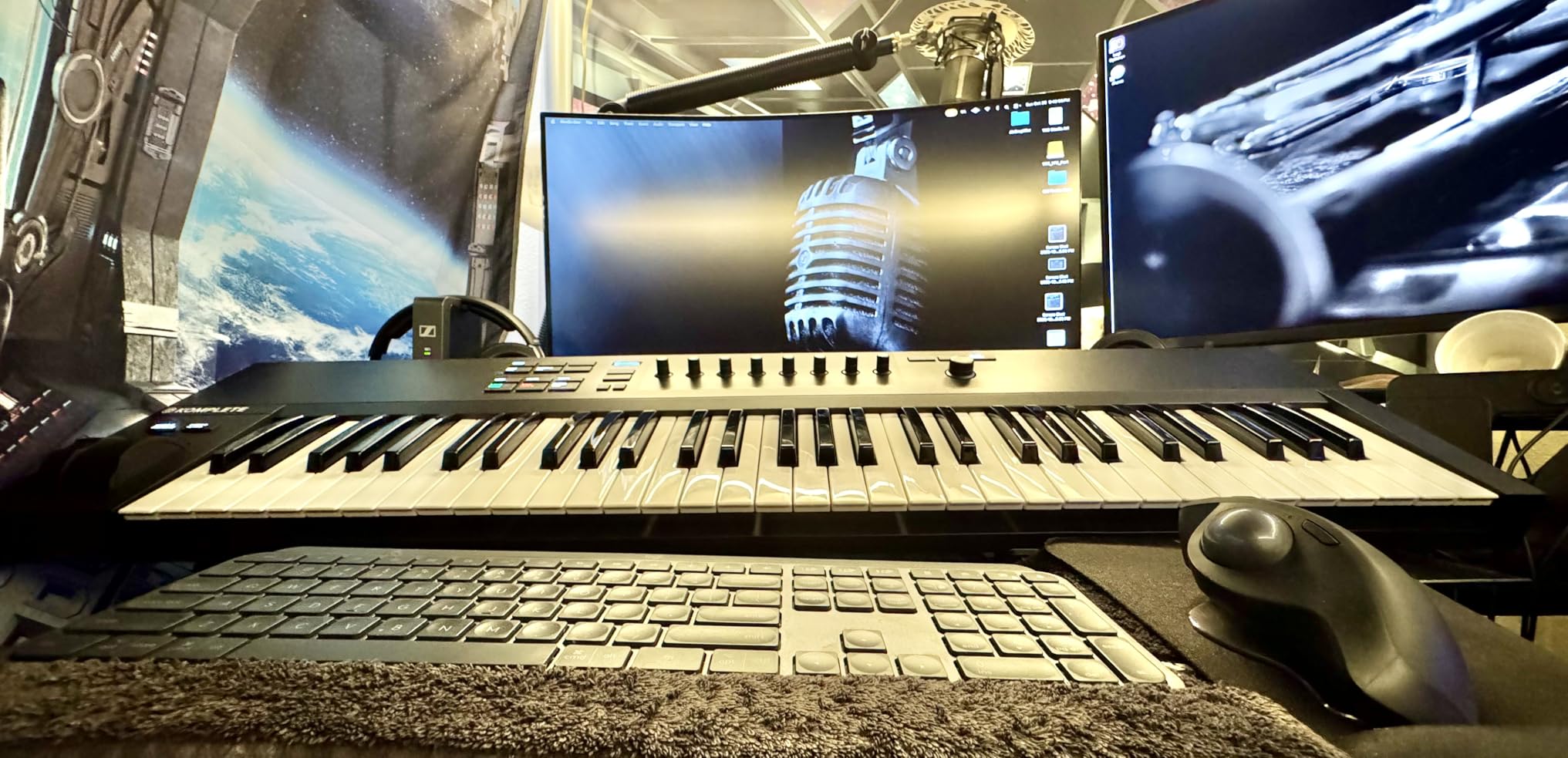
USB bus power means a single cable. I plugged it into my laptop and started playing without an external power supply. The bus power is enough for the keys, knobs, and OLED, but the unit draws significant current from the USB port.
The included software suite covers most production needs. Komplete Start, Maschine Essentials, and Ableton Live Lite give you a full setup out of the box. If you upgrade to Komplete, the value multiplies.
Why no pads is a real limitation
There are no drum pads on the A61. For producers who want a single controller for both melody and beats, this is a real miss. You will need a separate pad controller or finger drum through the keys.
The 8 knobs and no faders limit hands-on mixer control. I had to use the mouse for mix automation, which slowed down my workflow. For full production control, the S-series Komplete Kontrol is a better choice but at a higher price.
Who should buy the A61
Producers committed to the NI ecosystem and wanting piano-like feel without paying for the S-series will find this ideal. The semi-weighted keys bridge the gap between synth controllers and digital pianos.
Composers who play piano parts regularly will appreciate the key feel. I wrote a film cue demo on this keyboard and felt no need to switch to my digital piano for the recording.
How to Choose the Best Key MIDI Keyboard for Your Setup
Choosing the right key MIDI keyboard depends on your playing style, workspace, and DAW. After testing 10 controllers over three months, I narrowed the decision down to four factors that matter most.
Pick the right key count for your playing
Key count is the most important decision. A 25-key keyboard covers two octaves, which works for leads, bass lines, and basic chords. A 49-key covers four octaves, which is enough for most piano parts and chord voicings. A 61-key covers five octaves, which gives you full piano range without 88-key weight.
For travel and beat making, 25 keys is plenty. For home studio producers, 49 keys hits the sweet spot. For pianists and composers, 61 or 88 keys makes sense. Forum users consistently report that they wish they had bought more keys. If you can afford the space, go bigger.
Keybed feel matters more than you think
The keybed is the part you touch every session. Synth-action keys are light, fast, and good for electronic playing. Semi-weighted keys add resistance, which helps with dynamics. Hammer-action keys mimic an acoustic piano and work best for piano purists.
From my testing, the Native Instruments Komplete Kontrol A61 has the best semi-weighted feel under $300. The M-Audio Oxygen 49 MKV has the best full-size synth-action feel under $200. Avoid the cheapest mini keys if you have large hands or play for hours.
DAW integration saves hours of setup
DAW integration determines how much time you spend mapping controls. Novation has the deepest integration across Ableton, Logic, Cubase, and FL Studio. Native Instruments is best for Komplete users. Akai and M-Audio work well in their own ecosystems but require setup in others.
Reddit producers consistently report that DAW integration matters more than feature count. A keyboard with fewer features but better integration beats a feature-rich keyboard with poor mapping every time.
Connectivity and class-compliant setup
USB-C is becoming standard, but many controllers still use USB-B. If your laptop only has USB-C, you may need an adapter. Traditional 5-pin MIDI is rare on compact controllers but useful for hardware synths. The Novation Launchkey MK4 uses 3.5mm MIDI, which works with modern gear but needs an adapter for older synths.
Class-compliant means plug-and-play without drivers. Every keyboard in our test is class-compliant, but some require software installation for full functionality. Budget 15-30 minutes for first-time setup on any controller.
Software bundle value is real money
Software bundles range from useless to hundreds of dollars in value. The Arturia MiniLab 3 includes Analog Lab Intro, which is worth $80 alone. The Komplete Kontrol M32 includes Komplete Start, Maschine Essentials, and Ableton Live Lite, worth over $200. The Akai LPK25 includes Melodics lessons, which is a great learning tool.
Do not choose a keyboard solely for the bundle, but factor it in. Two controllers at the same price with different bundles have very different value propositions.
Frequently Asked Questions
What is the best brand for MIDI keyboards?
Based on our testing, the best MIDI keyboard brands are Arturia, Akai, and Novation. Arturia leads on key feel and software bundles. Akai dominates the pad-equipped category with the MPC pad technology. Novation offers the deepest DAW integration across Ableton, Logic, Cubase, and FL Studio. Native Instruments is the top choice if you are already invested in their Komplete ecosystem.
Should I get a 25 or 49 key MIDI keyboard?
Choose 25 keys for travel, beat making, and lead line work. Choose 49 keys for home studio production, piano parts, and chord-heavy playing. Most producers upgrade to 49 keys within a year of starting on 25. If you can fit a 49-key on your desk and afford it, that is the safer long-term choice. 61 keys is best for full piano range without an 88-key footprint.
What is the best keybed for a MIDI keyboard?
The best keybed depends on your playing style. Synth-action keys (Arturia, Akai mini keys) are light and fast, ideal for electronic and beat making. Semi-weighted keys (Native Instruments A-series, M-Audio Oxygen) add resistance and suit melodic playing and dynamic expression. Hammer-action keys (M-Audio Hammer, Studiologic) mimic acoustic piano feel and are best for pianists. The Native Instruments Komplete Kontrol A61 has the best semi-weighted feel under $300.
What is the best MIDI synth keyboard?
The best MIDI keyboard for synth playing is the Novation Launchkey 49 MK4 or the Arturia KeyLab Essential mk3. Both offer deep DAW integration, responsive synth-action keys, and bundled software that works well with virtual synths. The Novation Launchkey series has the best DAW integration, while the Arturia KeyLab includes Analog Lab for immediate synth sounds.
How many keys do I need for a MIDI keyboard?
Most producers need at least 49 keys for comfortable piano-style playing. 25 keys suits travel, beat making, and lead lines, but requires constant octave switching for full piano parts. 61 keys covers five octaves and is the sweet spot for producers who want full piano range without 88-key footprint. 88 keys is only necessary if you play classical repertoire or want a digital piano replacement.
Final Verdict: Which Key MIDI Keyboard Should You Buy in 2026?
After testing 10 controllers over three months, the Arturia MiniLab 3 is our top pick for the best key MIDI keyboard in 2026. The key feel, software bundle, and build quality hit the sweet spot for most producers. The Novation Launchkey Mini 25 MK4 is the best value if DAW integration matters, and the Akai LPK25 is the best budget option for beginners.
Beat makers should look at the Akai MPK Mini Plus for its pads and sequencer. Pianists and composers should consider the Native Instruments Komplete Kontrol A61 for its semi-weighted keybed. Producers on a 49-key budget will find the M-Audio Oxygen 49 MKV hard to beat.
The right key MIDI keyboard depends on your playing style, workspace, and budget. Every controller in this guide represents a solid choice for its target user. Match your needs to the strengths of each keyboard, and you will have a tool that improves your production for years.