
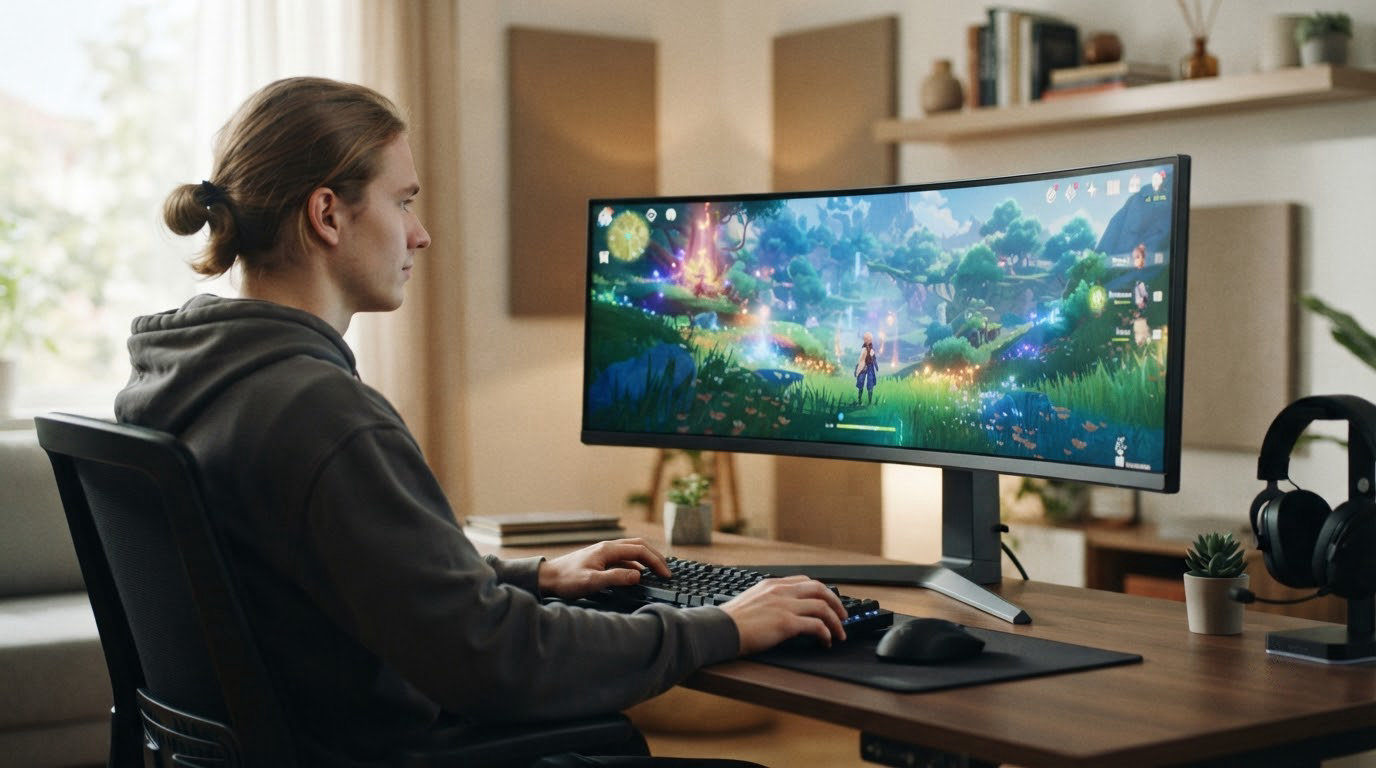
Most people upgrading a display are not chasing a bigger screen. They want a 1440p panel that holds 180Hz without smearing, and they want to pay as little as possible for it, which is why the Samsung Odyssey G5 27 leads this list: a VA panel with a 1ms rating, HDR10 and a stand that actually tilts, pivots and raises.
On a tighter budget, the SANSUI 27 Curved 200Hz runs 2560×1440 at 200Hz and has the largest owner base of any pick here. If your desk setup matters more than raw speed, the Acer Nitro XV271U is the one with the full swivel and pivot stand. Prime Big Deal Days runs October 6-7, 2026, and most offers need a Prime membership. Figures move through the event, so check the button on each pick for what it is today.
Table of Contents
Our Top 3 Picks for Best Amazon Prime Big Deal Days Gaming Monitor Deals in 2026

Samsung Odyssey G5 27
- 2560x1440 VA panel
- 180Hz refresh rate
- 1ms response time
- Tilt pivot and height adjustment

Acer Nitro XV271U
- 1440p IPS at 180Hz
- FreeSync Premium
- Full height swivel and pivot stand
- Three-year warranty
Best Amazon Prime Big Deal Days Gaming Monitor Deals Compared
| Product | Specifications | Action |
|---|---|---|
| Samsung Odyssey G5 27 |
|
Check Deal Price |
 SANSUI 27 Curved 200Hz SANSUI 27 Curved 200Hz |
|
Check Deal Price |
| Acer Nitro XV271U |
|
Check Deal Price |
 SANSUI 32 Curved 240Hz SANSUI 32 Curved 240Hz |
|
Check Deal Price |
 Samsung Odyssey G55C 32 Samsung Odyssey G55C 32 |
|
Check Deal Price |
 ASUS TUF VG27AQ3A ASUS TUF VG27AQ3A |
|
Check Deal Price |
 SANSUI 34 Ultrawide 240Hz SANSUI 34 Ultrawide 240Hz |
|
Check Deal Price |
 AOC Q27G41ZE AOC Q27G41ZE |
|
Check Deal Price |
 Acer Nitro KG271U Acer Nitro KG271U |
|
Check Deal Price |
 Alienware AW3425DWM Alienware AW3425DWM |
|
Check Deal Price |
How We Chose
Every monitor here was compared on the fields that actually change how a game feels: panel type, native resolution, refresh rate, response time, adaptive sync support, brightness, stand adjustment and warranty. Owner ratings and review themes on the Amazon listings were read alongside the spec sheets, and the data was checked in October 2026. Nothing below depends on a discount size.
1. Samsung Odyssey G5 27: Editor’s Choice for 1440p
Samsung Odyssey G5 27
Panel: VA
Size: 27 inch
Resolution: 2560x1440
Refresh: 180 Hz
Sync: FreeSync
Pros
- Sharp 1440p detail at 1.7x Full HD density
- 180Hz refresh with a 1ms rating
- Tilt pivot and height adjustment
- Tool-free setup in under five minutes
- Suits gaming and photo or video editing
Cons
- VA panel smears slightly in dark scenes
- On-screen menus give little help switching refresh rates
- Bright power LED in standby
The 1440p all-rounder to watch first.
The G51F is the version of Samsung’s mid-range Odyssey that actually moved up to 180Hz, and at 27 inches the 2560×1440 grid gives you 1.7x the pixel density of a Full HD panel. Contrast is listed at 3000:1, which is where the VA panel earns its keep in dark scenes, and HDR10 comes along for consoles.
Owners consistently mention three things: the picture is sharp, the stand moves, and the box arrives ready to assemble. The stand handles tilt, pivot and height adjustment, and setup is tool-free, so a full 1440p upgrade from a bundled TV takes minutes rather than an evening. Colour usually needs a short adjustment out of the box before it looks right.
- 180Hz with a 1ms rated response and FreeSync for tear-free play
- Two HDMI and one DisplayPort, enough for a console and a PC
- Black Equalizer to lift shadow detail in shooters
- Can output 4K at 60Hz when FreeSync is switched off
The trade-off is the panel, not the frame. VA panels carry a little black smearing as dark objects move across dark backgrounds, and this is the first thing reviewers pick out. The on-screen menus are also thin on guidance, so the refresh rate change is a settings-dive rather than a one-press switch. Owners also flag the standby LED as brighter than they would like in a dark room.
Compared with the Acer Nitro XV271U, you trade a more accurate IPS picture and a better stand for a faster refresh ceiling and stronger native contrast. Compared with the SANSUI 27 Curved 200Hz, you get less colour coverage and no curve, but a stand that raises and pivots, which that one does not, and a matte panel that holds up better in a bright room.
Good to know: the model number is S27FG512EB. Matching that code on the listing is the fastest way to avoid a lookalike panel.
2. SANSUI 27 Curved 200Hz: Best Value
SANSUI 27 Curved 200Hz
Panel: LED WQHD
Size: 27 inch
Resolution: 2560x1440
Refresh: 200 Hz
Sync: FreeSync
Pros
- 2560x1440 running at 200Hz
- 5000:1 contrast and 90% DCI-P3 coverage
- Crosshair timer and shadow booster
- Two DisplayPort inputs
- 1500R curve with VESA 100x100 mounting
Cons
- No built-in speakers
- Stand height is not adjustable
- Limited brightness and color controls on the rear joystick
- Colors run warm out of the box
Roughly 7,700 ratings sit behind this one, more than any other monitor in the list, and owners keep confirming 2560×1440 at high refresh inside Windows and their GPU control panels. That volume matters: it is the pick most likely to have a well-known fault pattern rather than a surprise.
What you get for the money is unusual on paper. A 1500R curve, 5000:1 contrast, 90% DCI-P3 and 120% sRGB coverage, plus a 200Hz refresh rate with a 1ms MPRT rating. Gaming utilities include a crosshair, a timer and a shadow booster for shooters that do not ship one.
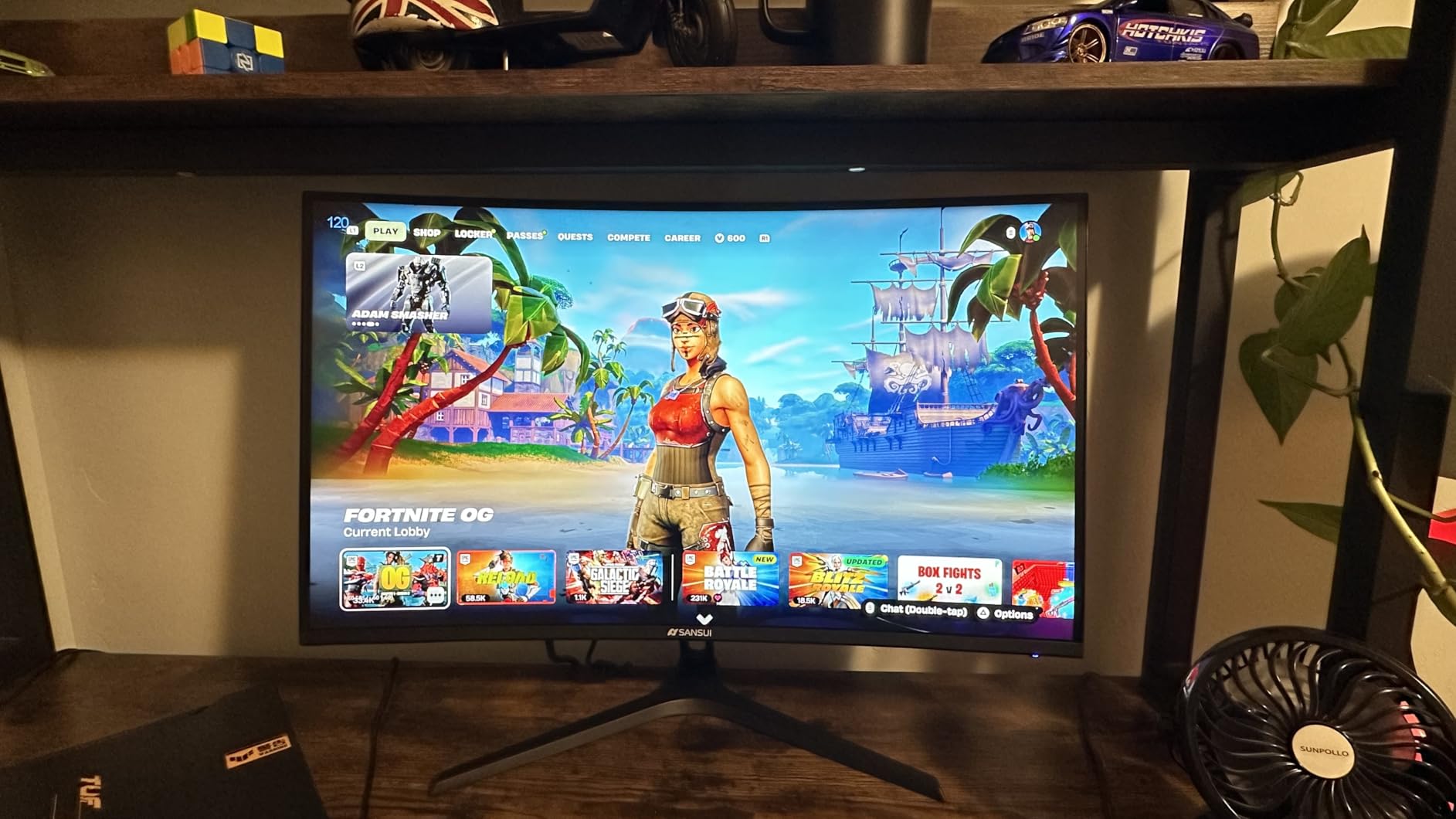
The stand is the weak point. It tilts from -5 to 15 degrees and it is VESA 100×100 compatible, so a monitor arm fixes it, but there is no height adjustment out of the box. There are no speakers either, only an earphone jack, which is fine if you already run external audio.
- Two DisplayPort inputs and HDMI, so dual-PC setups are straightforward
- One-year quality warranty with 30-day returns and lifetime technical support
- Matte anti-glare finish for a bright room
- Model number ES-G27C1Q, 7.7 pounds
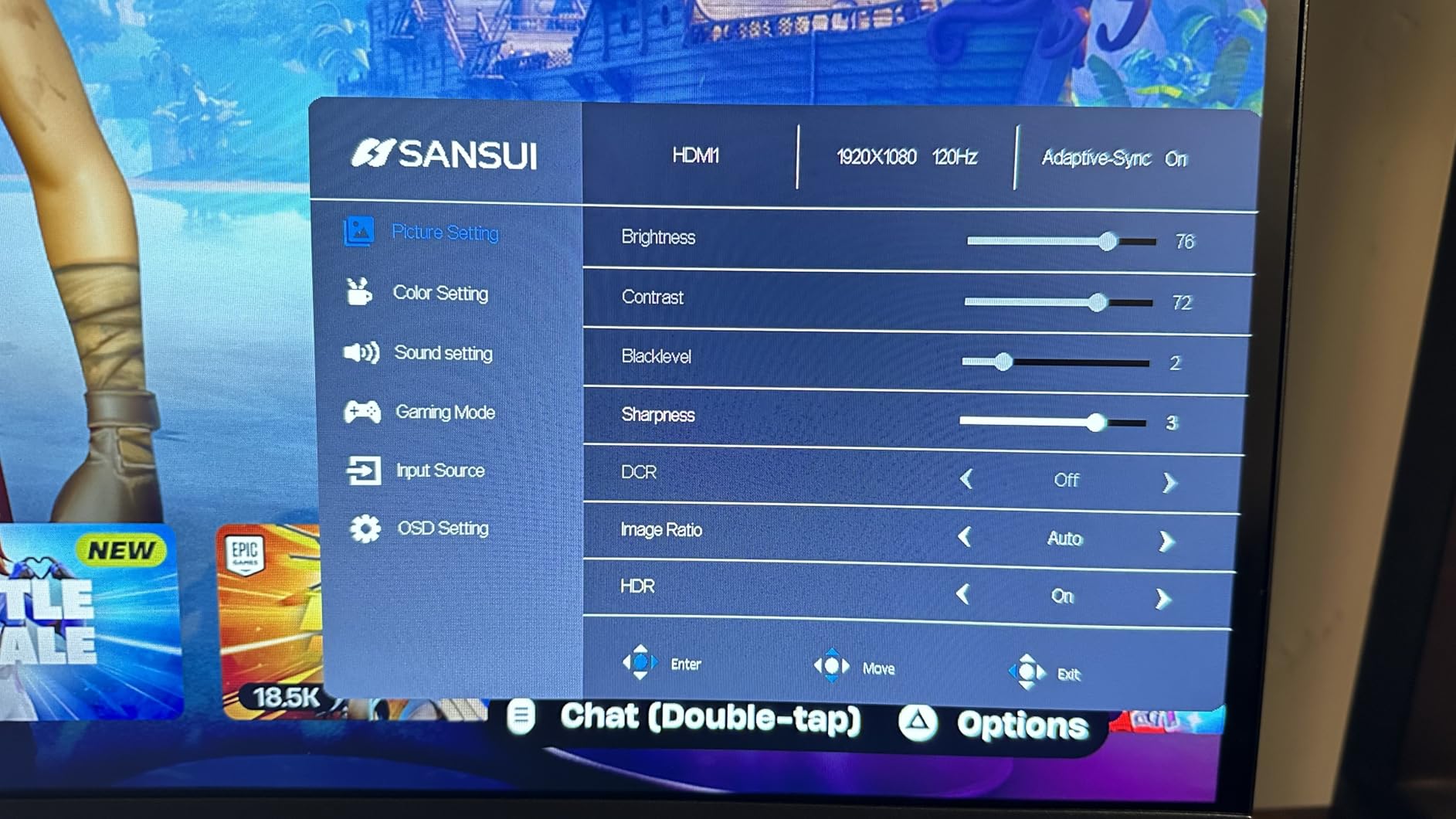
Owners also report warm colour straight out of the box, which usually settles with a few minutes in the on-screen display, and the rear joystick does not offer much beyond brightness and basic colour. If picture accuracy out of the box matters to you, the Acer Nitro XV271U needs almost no calibration and is the better buy for that reason alone.
Skip it if your desk is a shared family surface where a fixed-height panel will annoy you daily. The Samsung Odyssey G5 27 raises and pivots; this one does neither.
3. Acer Nitro XV271U: Best for Ergonomic Desks
Acer Nitro XV271U
Panel: IPS
Size: 27 inch
Resolution: 2560x1440
Refresh: 180 Hz
Sync: FreeSync Premium
Pros
- Accurate vibrant IPS color with little calibration
- 180Hz over DisplayPort
- Full height swivel and pivot stand
- Both DisplayPort and HDMI cables included
- Three-year parts and labor warranty
Cons
- Two 2-watt speakers sound muffled and tinny
- 250 nit brightness is modest for HDR
- FreeSync clamps overdrive to Normal
- One DisplayPort input for dual-PC setups
Where the Samsung G5 and the SANSUI each give something up, this one gives up very little. The stand is the best in the group: 4.7 inches of height adjustment, 360-degree swivel and a 90-degree pivot in either direction, on a weighted metal base that does not wobble when you nudge it.
Colour is the other reason reviewers keep recommending it. The IPS panel is accurate and vibrant out of the box, which matters if the same screen does double duty for editing photos or video, and FreeSync Premium keeps fast titles smooth without tearing.
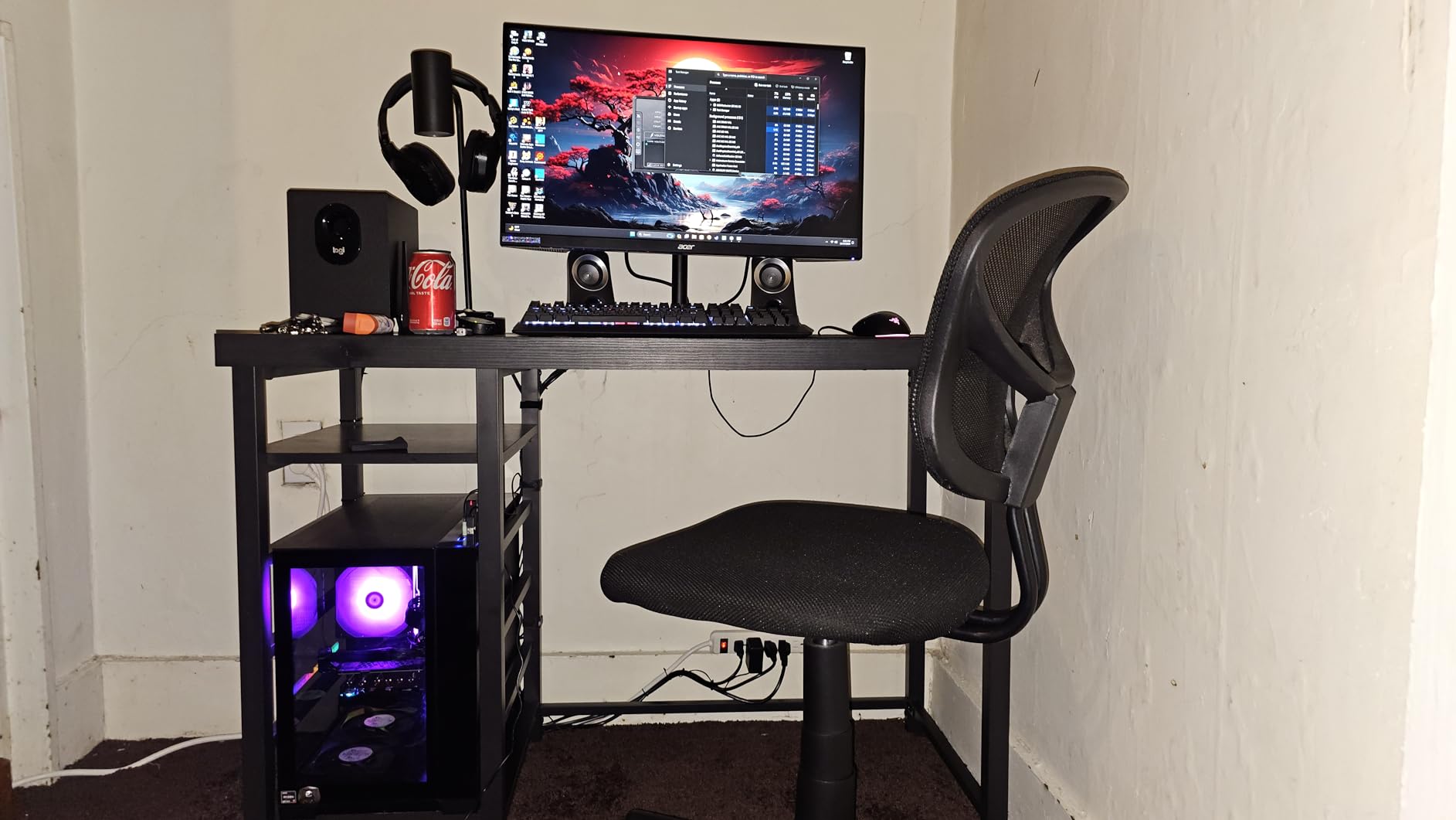
Two details catch people out. The 180Hz rating applies over DisplayPort; HDMI tops out at 144Hz, so plug the PC into the DP cable included in the box. And with FreeSync on, overdrive clamps to the Normal setting, so the advertised response time is not what you get in practice even though input lag stays imperceptible.
- 0.5ms to 1ms GtG response, 250 nit brightness, 1000:1 contrast
- Both DisplayPort and HDMI cables ship in the box, a small nicety
- VESA 100×100 wall mount capable
- Model UM.HX1AA.301, 12.1 pounds
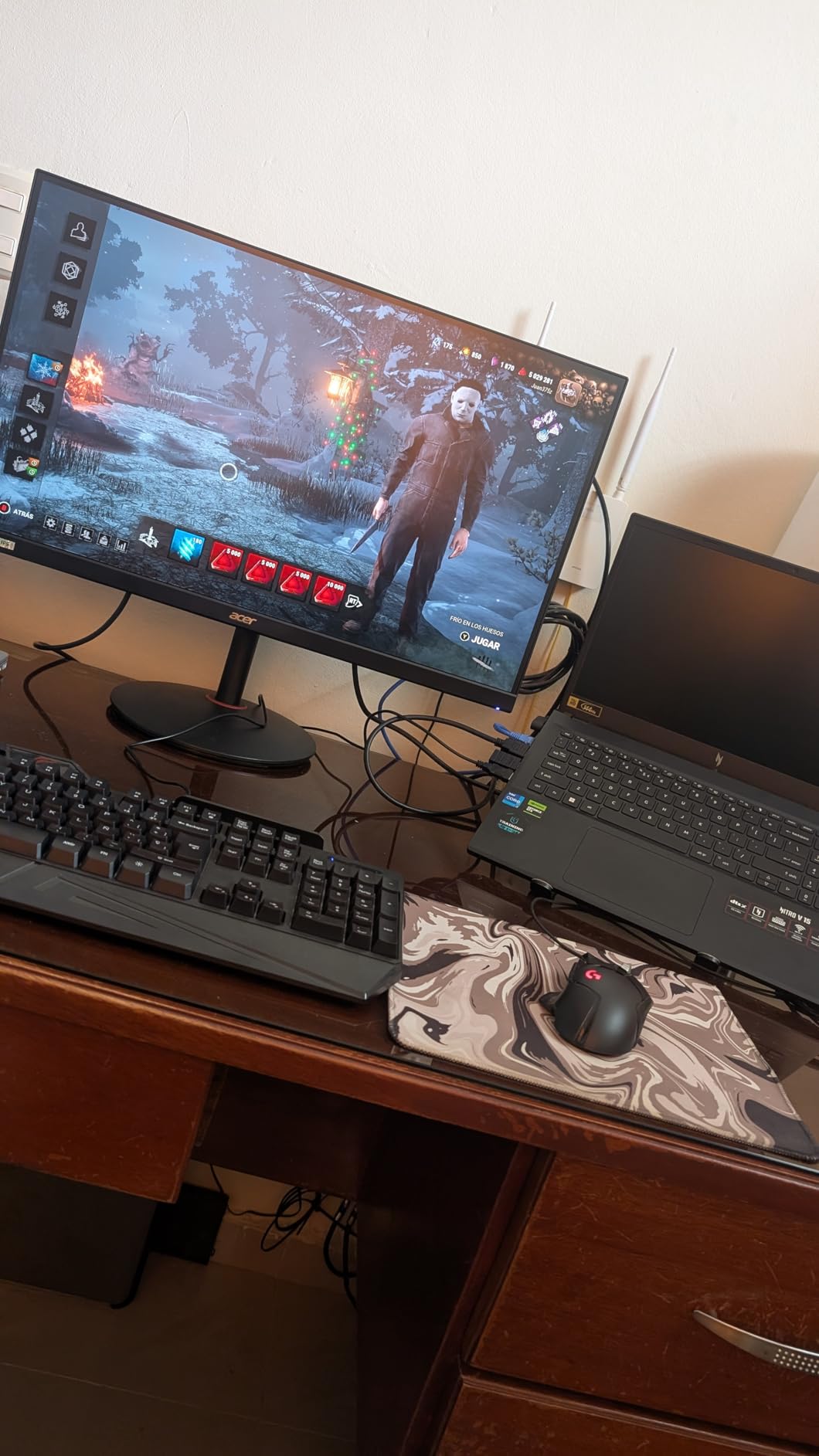
The most repeated complaint is the built-in pair of 2-watt speakers, which reviewers describe as muffled and tinny. Treat them as confirmation tones and bring external audio. 250 nits is also modest for HDR, and some models turn up with backlight bleed in a lower corner or a dead pixel, so check the panel on arrival with a dark image.
Against the Acer Nitro KG271U, this is the smarter buy: same resolution and refresh, but a stand you can actually position. The KG271U is the option when a borderless look matters more than adjustability.
4. SANSUI 32 Curved 240Hz: Best for High-Refresh Shooters
SANSUI 32 Curved 240Hz
Panel: LED LCD
Size: 32 inch
Resolution: 1920x1080
Refresh: 240 Hz
Sync: FreeSync
Pros
- 240Hz refresh with a 1ms MPRT rating
- Roomy 32-inch 1500R curved panel
- FreeSync with both HDMI and DisplayPort driving 240Hz
- Anti-flicker and low blue light modes
- Metal stand included in the box
Cons
- Full HD resolution looks soft at 32 inches
- No built-in speakers
- Tilt is the only ergonomic adjustment
- 125% sRGB coverage is narrower than QHD panels
A 240Hz panel at 32 inches is not a combination most catalogs offer, and that rarity is the entire argument here. If you play competitive shooters or console action and want the highest refresh number in this list, this is the monitor to look at during the sale.
The curve is 1500R, wide enough to fill peripheral vision without the aggressive wrap of a 1000R panel, and both HDMI and DisplayPort drive the full 240Hz. Anti-flicker and low blue light modes are included, which owners appreciate during long sessions.
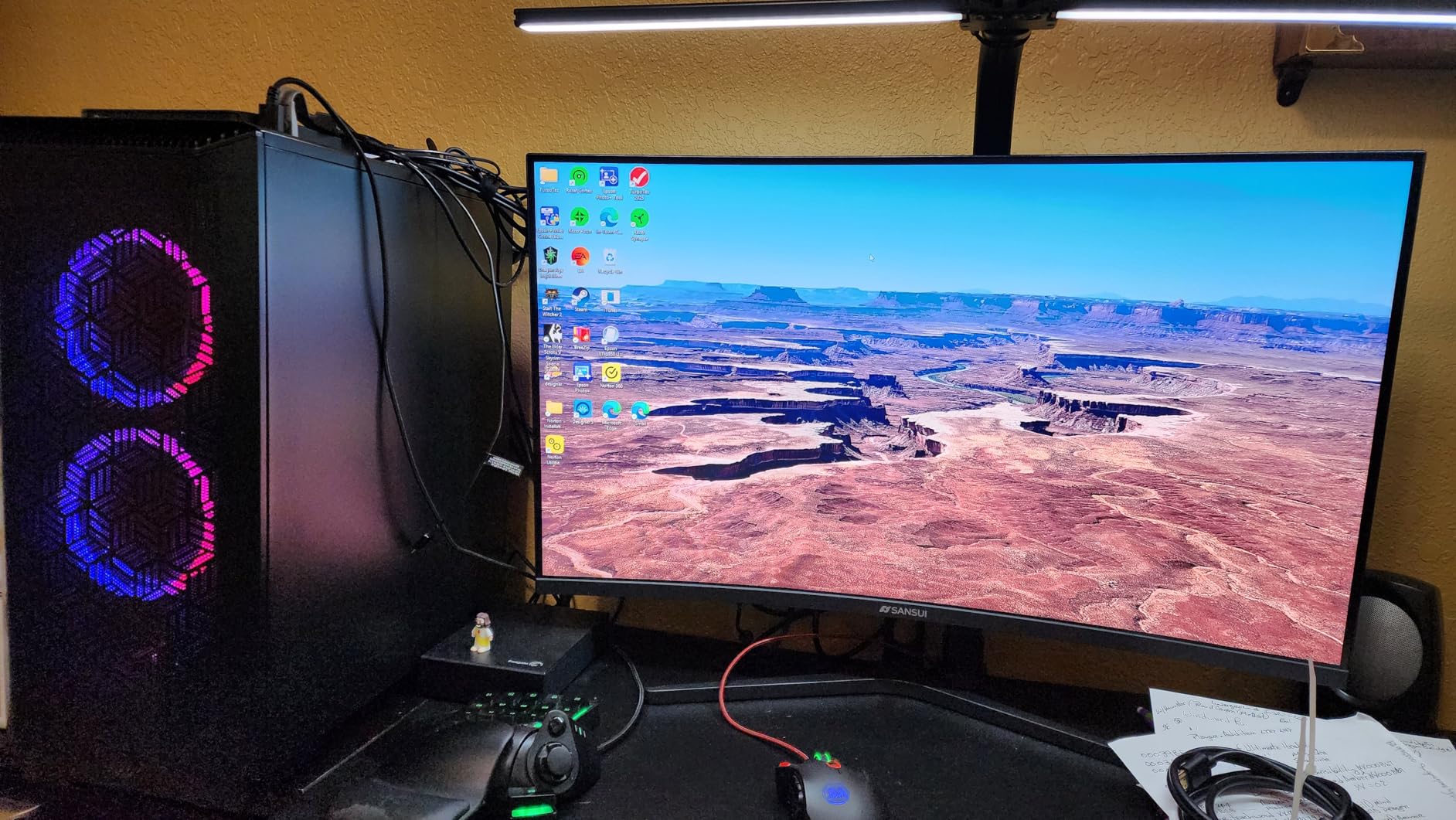
Here is the compromise, and owners say it plainly: 1920×1080 stretched across 32 inches is visibly softer than any of the 2560×1440 panels here. Text edges look rougher, and a 1440p PC running at native 1440p will look noticeably crisper. The recommended viewing distance of roughly 1.2 meters helps, but it does not close the gap.
The stand tilts and mounts to VESA 100×100, and that is the full list of adjustments. There are no speakers. Colour coverage is listed at 125% sRGB, the narrowest in this group, so this is a gaming monitor rather than a creative one.
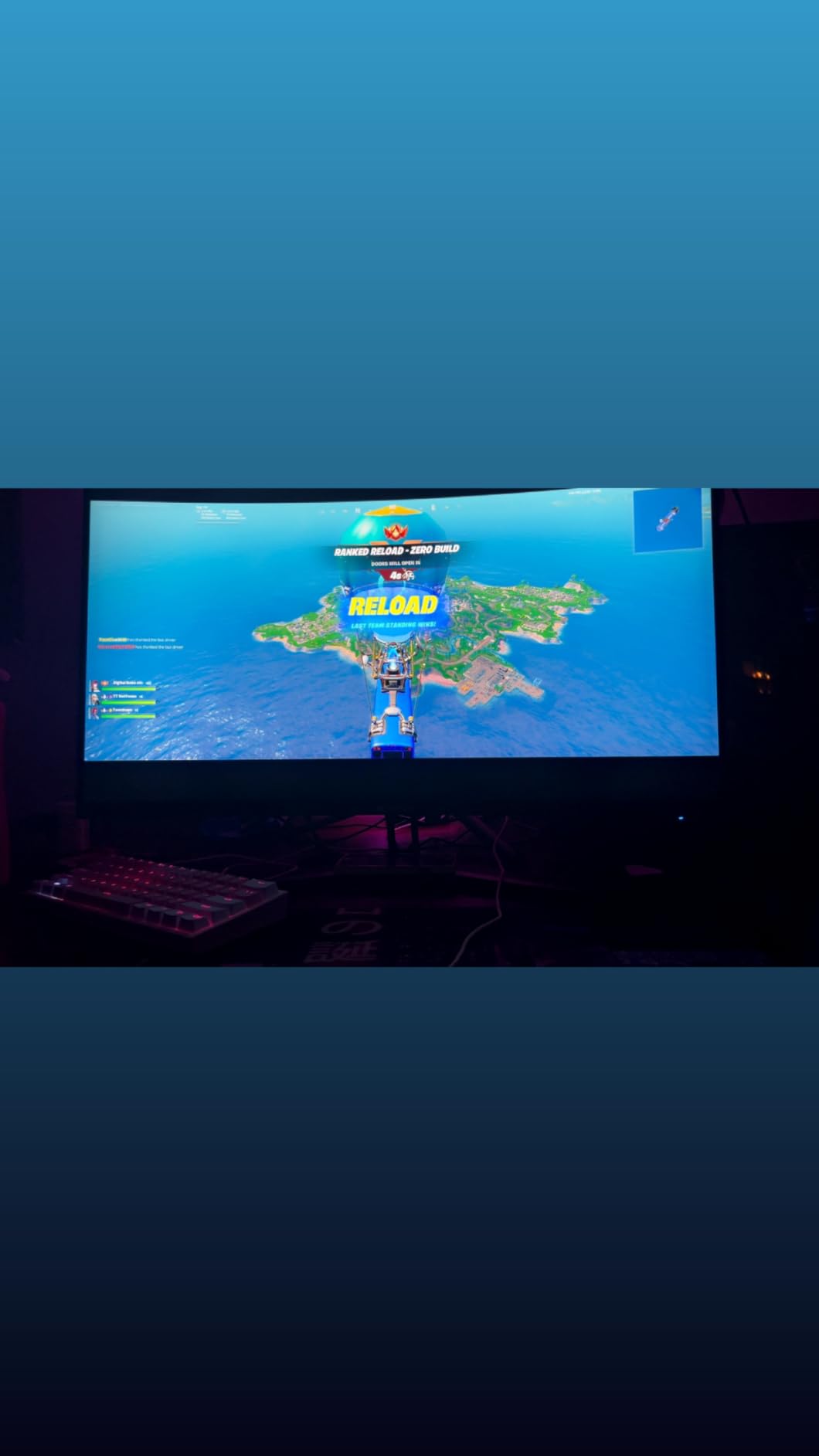
Model ES-G32C1F, and the box includes the monitor, a DisplayPort cable, the metal stand, a power adapter and the manual. Owners report the refresh rate confirming cleanly in Windows once enabled, which is worth doing before you judge it.
Compared with the AOC Q27G41ZE, you give up 1440p sharpness for a larger screen and a more aggressive refresh tier. Compared with the SANSUI 27 Curved 200Hz, the resolution drop is the price of those extra 40Hz.
5. Samsung Odyssey G55C 32: Best for Tight 1000R Curves
Samsung Odyssey G55C 32
Panel: LED curved
Size: 32 inch
Resolution: 2560x1440
Refresh: 165 Hz
Sync: FreeSync
Pros
- Sharp 1440p detail with 1.7x Full HD density
- Tighter 1000R curve than any other pick
- 165Hz with a 1ms MPRT rating
- FreeSync keeps motion tear-free
- HDR10 with Eye Saver Mode
Cons
- 165Hz trails the 180Hz and 240Hz panels here
- Glossy finish catches room light
- Stand offers tilt adjustment only
- Single HDMI port
Every other curved panel in this list uses a 1500R curve. The G55C tightens that to 1000R, and the effect is obvious in a racing game or a flight sim: the edges wrap closer to your face and the cockpit feels deeper than it does on a gentler radius.
Sharpness is 1440p at 2560×1440, again 1.7x the density of Full HD, with HDR10, Eye Saver Mode and flicker reduction for long evening sessions. 165Hz with a 1ms MPRT rating keeps fast action fluid, and FreeSync handles the tearing.
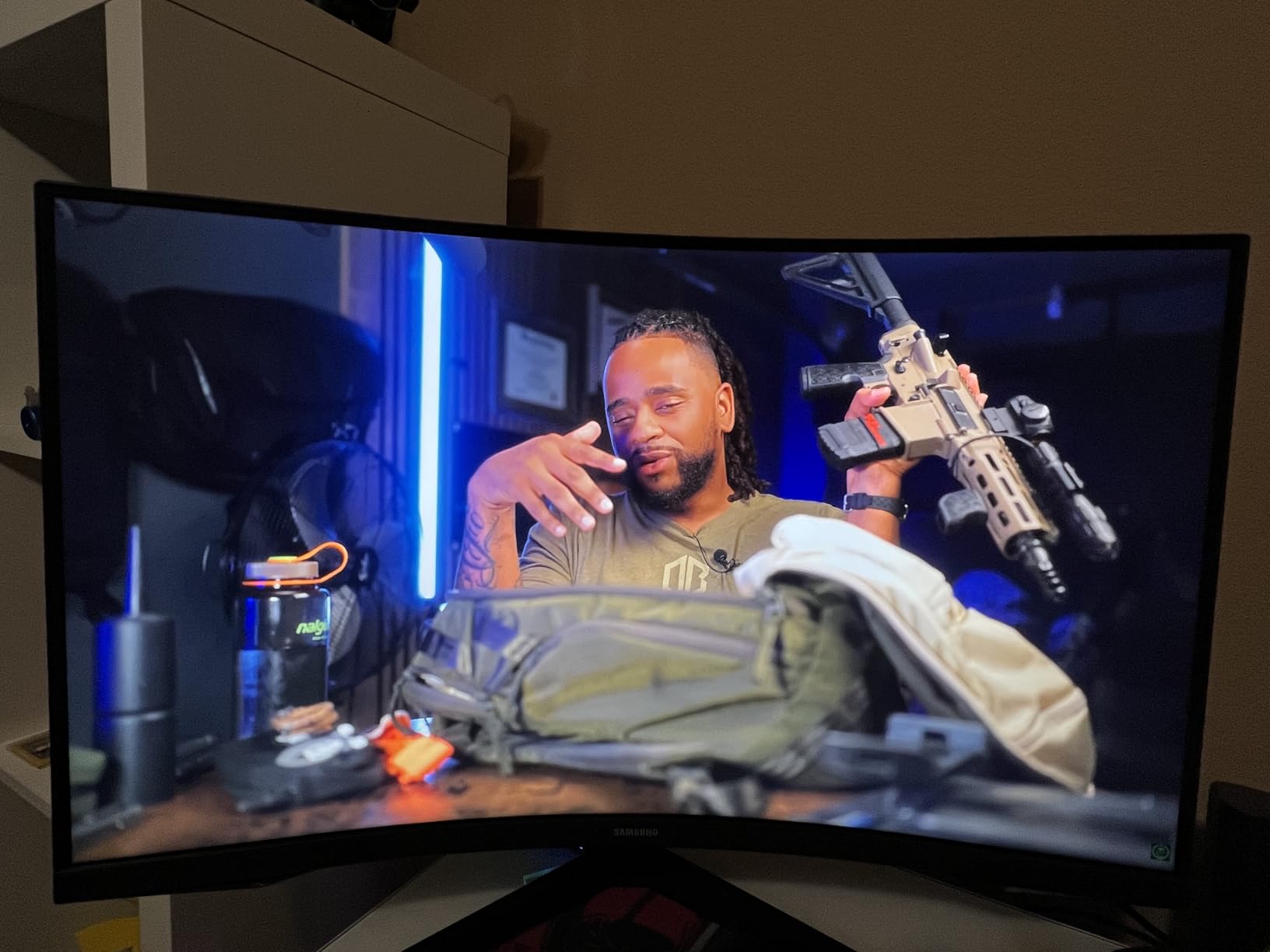
The reservations owners raise are consistent. 165Hz is slower than the 180Hz IPS panels and much slower than the 240Hz options, so competitive players are leaving frames on the table. The glossy coating picks up room light, which is a real problem in a bright bedroom setup, and the stand tilts only.
Ports are thin as well, with a single HDMI limiting how many devices you can have ready at once. The model number is LS32CG550ENXZA, and the panel is 11.5 pounds, so a standard desk arm takes it without a reinforced mount.
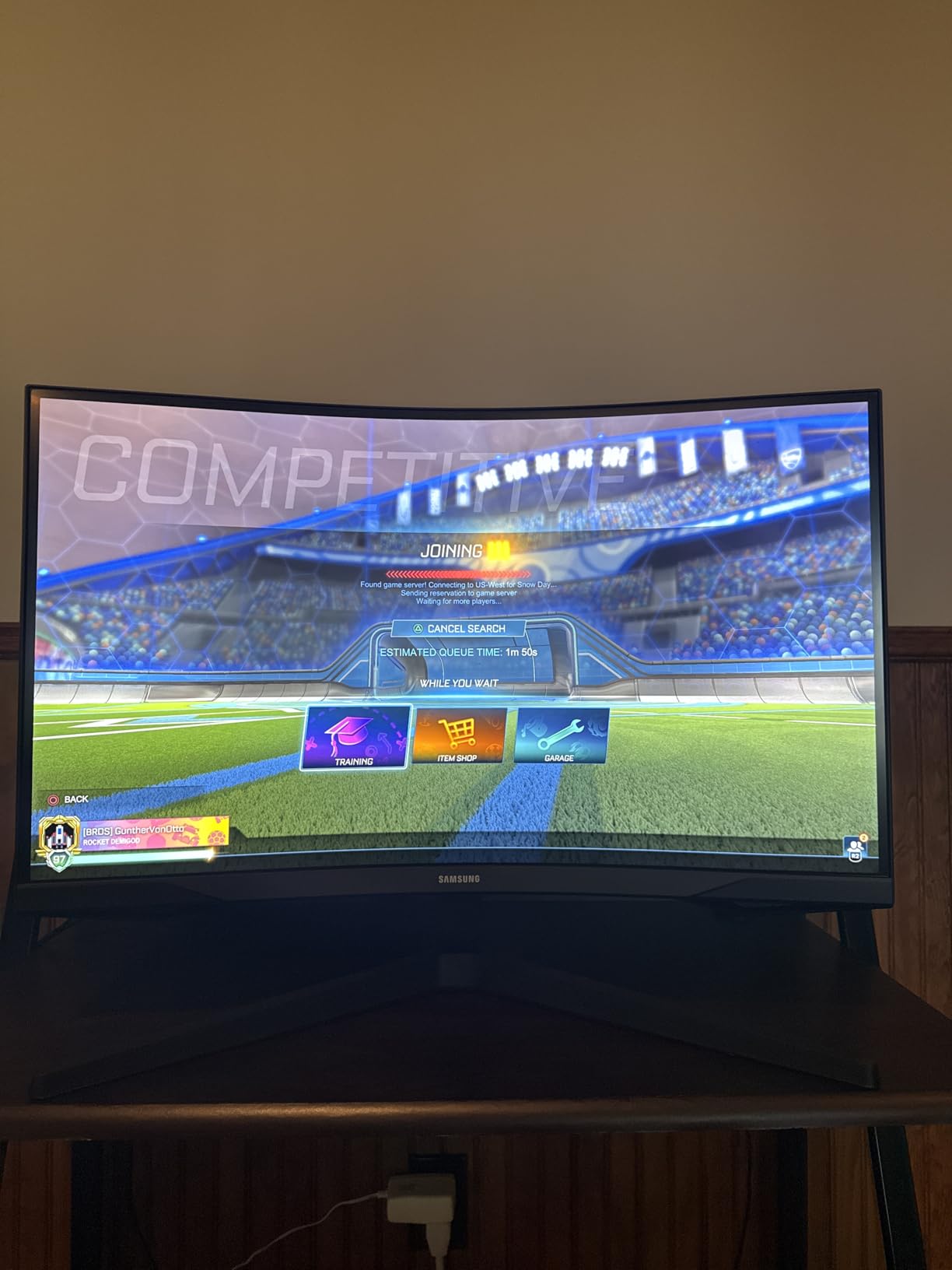
Compared with the Samsung Odyssey G5 27, the family resemblance is obvious but the priorities differ. The G5 is faster, matte and adjustable; the G55C is larger, tighter-curved and glossier. Choose the G55C for immersion in cockpit games, and the G5 for everything else.
For an ultrawide at this immersion level, the Alienware AW3425DWM gives you 3440×1440 of it and raises in height, at a step up in cost.
6. ASUS TUF VG27AQ3A: Best for Mixed GPU Brands
ASUS TUF VG27AQ3A
Panel: Fast IPS
Size: 27 inch
Resolution: 2560x1440
Refresh: 180 Hz
Sync: G-Sync and FreeSync
Pros
- Works with NVIDIA G-Sync and AMD FreeSync hardware
- 180Hz Fast IPS with clean motion handling
- Useful racing FPS and MOBA presets
- VRR active on PS5 in practice
- VESA 100x100 mounting
Cons
- Two 2-watt speakers are very quiet and tinny
- Stand has no height adjustment and no portrait mode
- Entry-level HDR only
- Slight color temperature differences between models
Most panels in this list list FreeSync and leave it there. The TUF lists FreeSync Premium, G-Sync compatibility and VESA AdaptiveSync together, so it does not matter whether your machine is an AMD or an NVIDIA build, or whether you swap cards between sessions. That flexibility is the reason to pick it.
The panel itself is a 27-inch Fast IPS at 2560×1440 and 180Hz with a 1ms response time, and owners describe motion as clean with virtually no ghosting at sensible overdrive settings. ASUS ELMB Sync layers motion blur reduction on top of variable refresh, and the OSD carries dedicated racing, FPS, sRGB and MOBA presets.
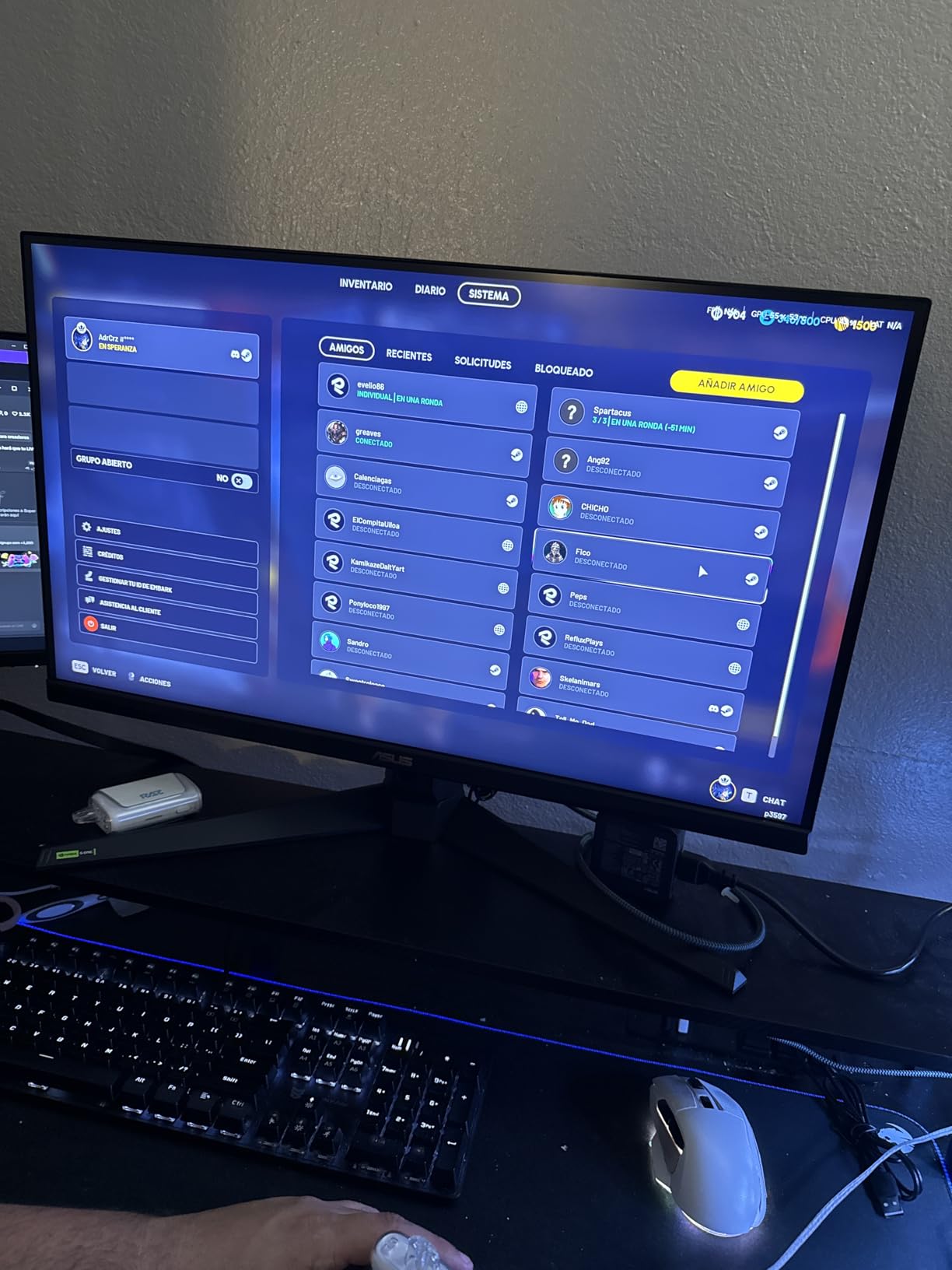
Reported in practice, variable refresh stays active on a PS5 even though the console is not officially on the list, which console players appreciate. Colour coverage is listed at 130% sRGB and the HDR-10 implementation is entry-level, so this is a fast competitive panel rather than an HDR showcase.
The stand is the compromise, and it is a real one: fixed height, no swivel, no portrait rotation. Owners building a multi-PC desk also note only one DisplayPort, so cable swapping is part of the routine. The package includes a DisplayPort cable, an L-shaped screwdriver, power cord, adapter and quick start guide.
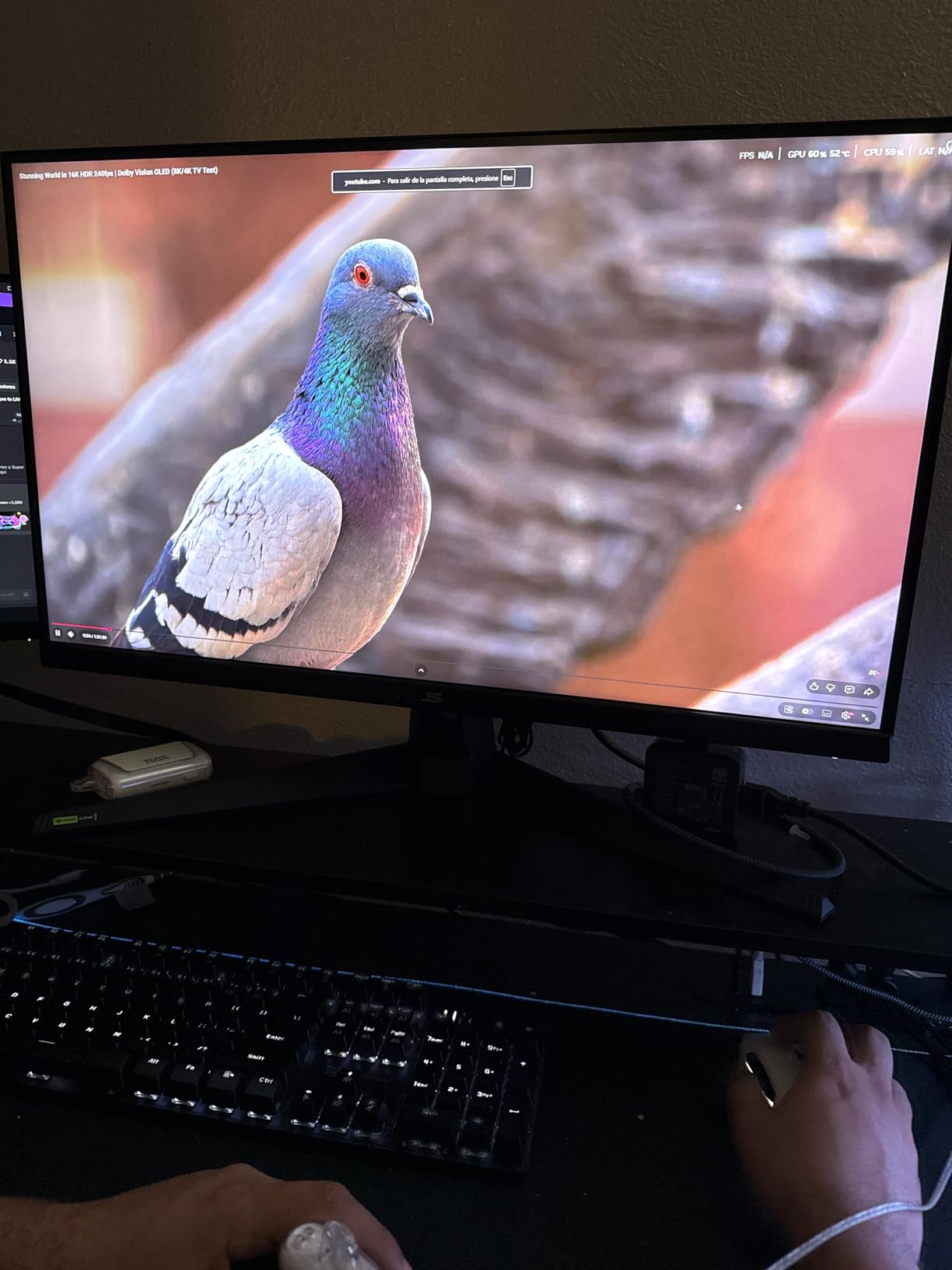
Best to know before you order: the built-in 2W by 2W speakers are quiet, tinny and bass-free, and almost every owner replaces them. Some also report small colour temperature differences between models, so if you already own a second panel, plan for a calibration pass.
Where the Acer Nitro XV271U wins is the stand. This one wins the sync story and the 130% sRGB coverage. Both land at 1440p and 180Hz, so the decision is simple: adjustable desk, or mixed graphics hardware.
7. SANSUI 34 Ultrawide 240Hz: Best for Sim Racing
SANSUI 34 Ultrawide 240Hz
Panel: Fast VA
Size: 34 inch
Resolution: 3440x1440
Refresh: 240 Hz
Sync: FreeSync VRR
Pros
- Verified 3440x1440 at 240Hz in Windows and Nvidia control panels
- 34-inch 21:9 format for immersion and multitasking
- Fast VA panel with minimal motion blur at 240Hz
- HDMI 2.1 VRR for Xbox PlayStation and Switch
- AI crosshair and sniper scope
Cons
- Backlight bleed on dark scenes with a pink cast
- Stand height is not adjustable
- Brightness cannot be adjusted while HDR mode is on
- No built-in speakers
Twenty-one to nine at 3440×1440 is the format sim racers and flight sim pilots ask for by name, and this is the only 240Hz ultrawide in the list. Owners regularly verify the full resolution and refresh combination in Windows and the Nvidia control panel, and treat the panel as a sleeper alternative to far costlier branded ultrawides.
Brightness is listed at 450 cd with 3000:1 contrast on a Fast VA panel, which is a good pairing for dark cockpit interiors. PIP and PBP multi-window support is included, so a secondary window can sit alongside the game without a second monitor.
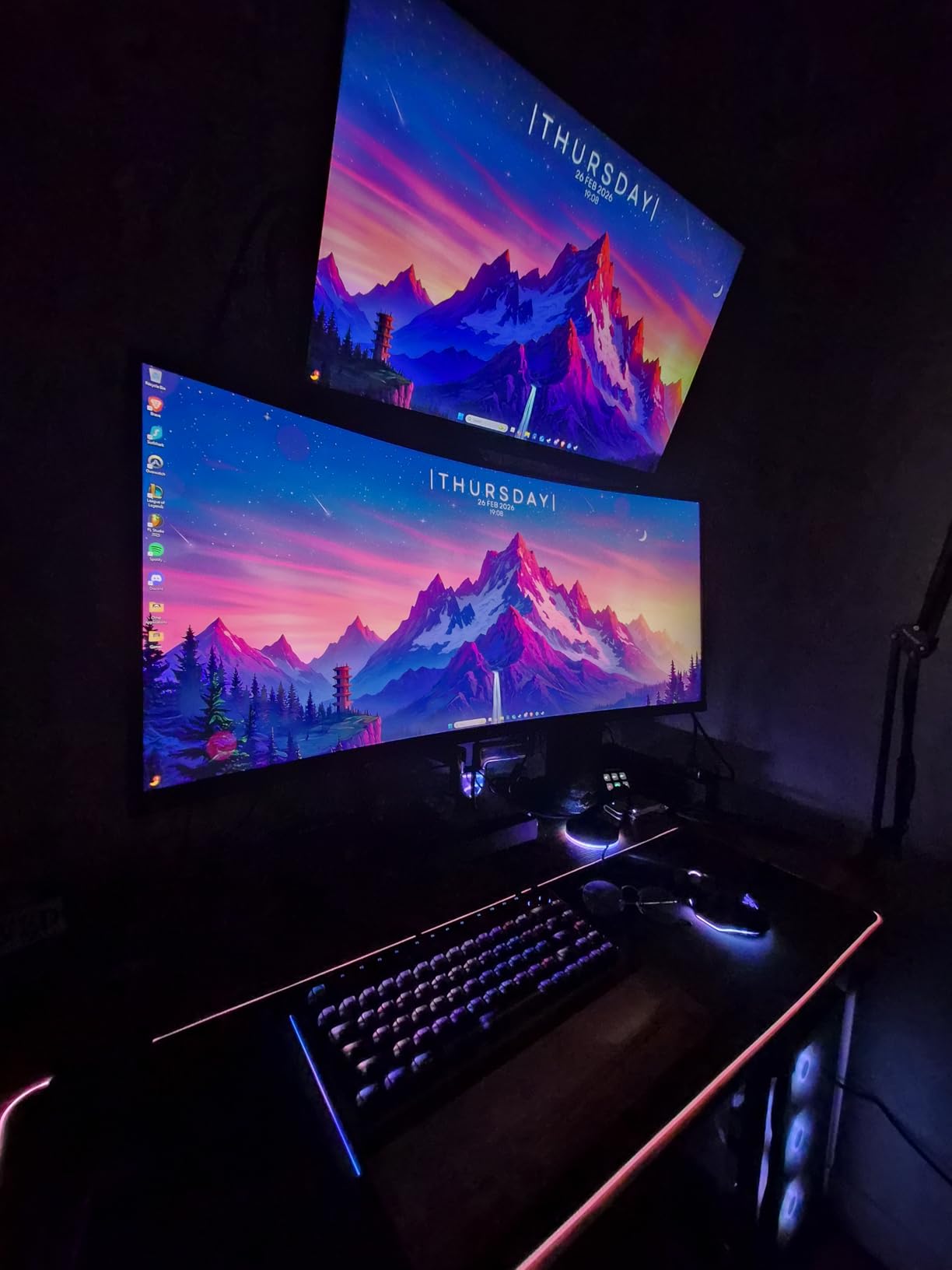
Backlight bleed is the issue that dominates reviews. Some owners see it on dark and low-contrast scenes, occasionally with a pink cast, and one detailed reviewer described it as the worst they had seen and returned the unit. Check a near-black image on arrival and use the return window if it bothers you.
Other gripes are smaller: the stand does not raise, there are no speakers, and brightness is locked while HDR mode is active, which owners who want a darker night-time cockpit find genuinely annoying. Colors also run warm out of the box, and only one DisplayPort cable is included despite the two DP 1.4 inputs.
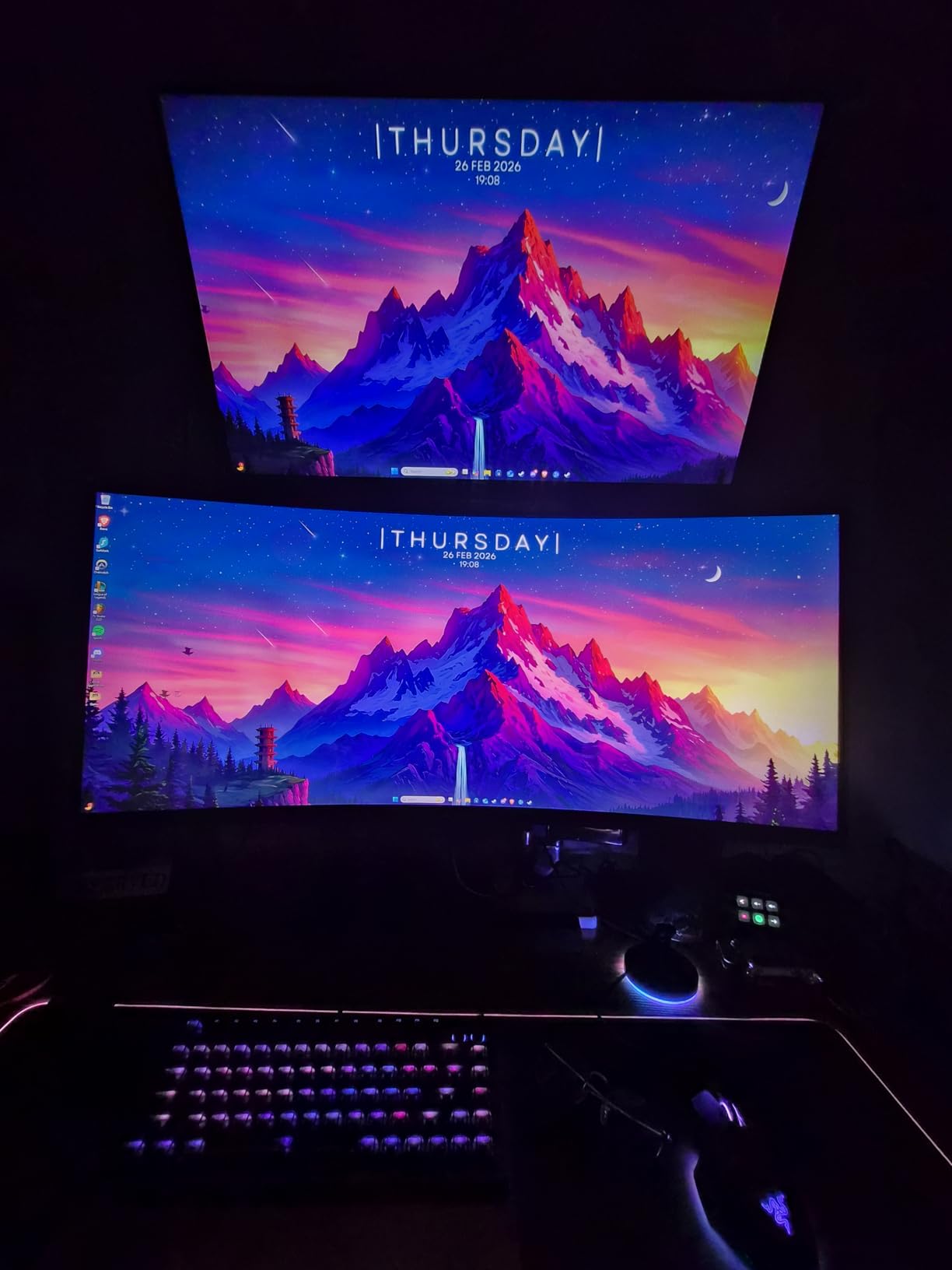
Console support is a genuine plus here. HDMI 2.1 VRR is listed for Xbox, PlayStation and Switch, which makes it one of the few picks that can carry a 240Hz signal from a console as well as from a PC.
Model ES-G34C5 PRO, and the panel is 31.77 inches wide, so measure your desk and check for arm clearance before you commit. If the curve is not the draw, the SANSUI 32 Curved 240Hz is a smaller, cheaper route to the same refresh tier.
8. AOC Q27G41ZE: Best for Maximum Refresh
AOC Q27G41ZE
Panel: IPS
Size: 27 inch
Resolution: 2560x1440
Refresh: 240 Hz
Sync: Adaptive-Sync
Pros
- 240Hz native with an overclocked mode up to 260Hz
- 0.3ms MPRT response time
- Works across both AMD and NVIDIA GPUs
- Three-sided frameless design
- Shadow Control and Game Mode presets
Cons
- Tilt is the only ergonomic adjustment
- Glossy finish picks up reflections
- 300 nit brightness is modest for HDR
- Overclocked mode may not be supported on every GPU
Most other 27-inch panels here run at 180Hz or 200Hz. This one runs natively at 240Hz and can be pushed to 260Hz through an overclocked mode, with a 0.3ms MPRT rating. For a player whose card can feed it, that is the fastest 27-inch 16:9 option in the list without going ultrawide.
Sync support is broad: Adaptive-Sync, FreeSync and G-Sync Compatible are all listed, so it pairs with either GPU brand. Shadow Control lifts or crushes dark areas and a Game Mode preset handles the rest, and the three-sided frameless design keeps the bezel out of the way.
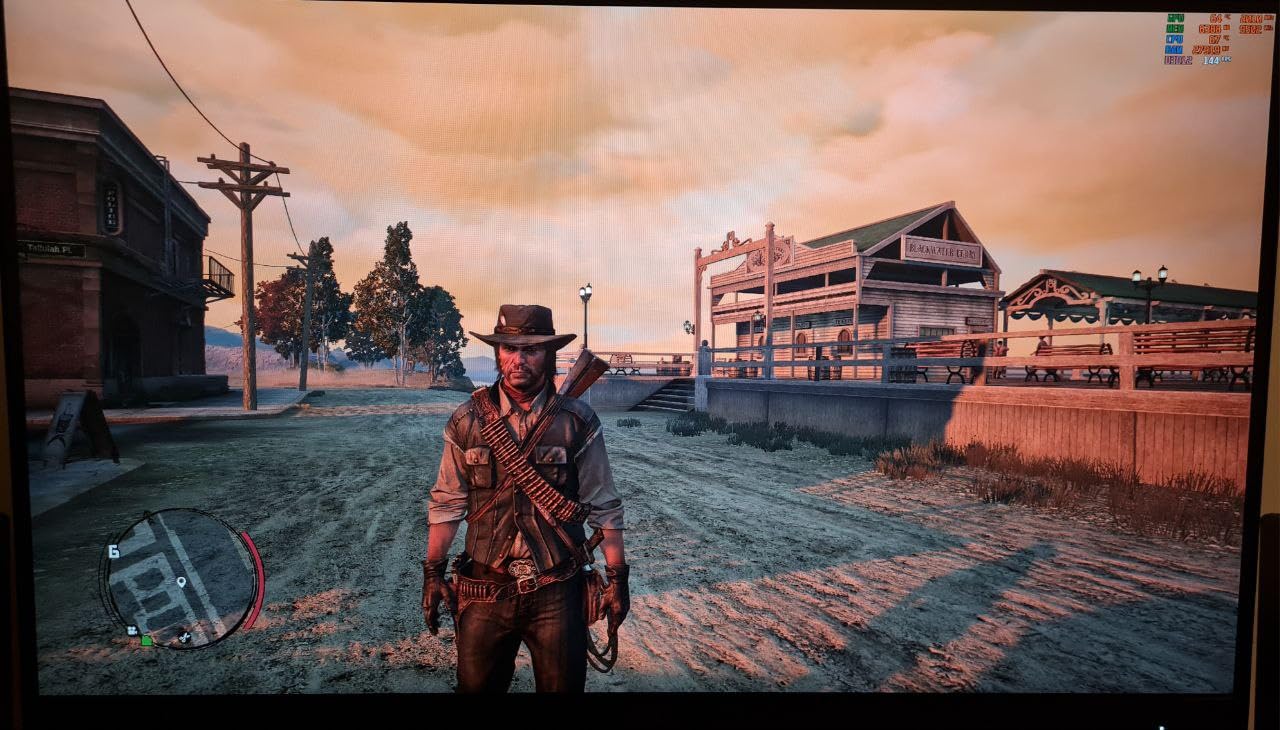
The refresh ceiling needs one caveat. Owners note the overclocked mode is not supported on every GPU, so confirm it in your card’s control panel before you build a purchase plan around 260Hz. Connectivity is one DisplayPort 1.4 and two HDMI 2.0, which is a thinner DP offering than the ASUS TUF.
Adjustment is the other limit. The stand tilts from -3 to +21 degrees and does nothing else, no height, no swivel, no pivot. The finish is glossy and picks up reflections, and 300 nits is modest for HDR content.
Model Q27G41ZE, and at 6.15 kg it is one of the heavier units in the group, so a monitor arm needs a rated mount rather than a flimsy clamp. It is also the only pick here with an overclocked refresh mode rather than a fixed ceiling.
Compared with the Samsung Odyssey G5 27, you are choosing speed over stand and over native contrast: 240Hz and 0.3ms against 180Hz and 3000:1. Compared with the SANSUI 32 Curved 240Hz, you keep the same refresh rate and gain 1440p sharpness at a smaller size.
9. Acer Nitro KG271U: Best for Multi-Monitor Desks
Acer Nitro KG271U
Panel: IPS
Size: 27 inch
Resolution: 2560x1440
Refresh: 180 Hz
Sync: FreeSync
Pros
- Smooth 180Hz motion with 0.5ms GTG response
- DCI-P3 95% color coverage
- Zero-frame bezel design
- Built-in speakers and DisplayPort cable in the box
- Three-year parts and labor warranty
Cons
- Flimsy stand with no height adjustment
- Brightness feels low in bright rooms
- Overdrive at extreme causes visible overshoot
- HDMI limited to 144Hz
- Light bleed reported on some models
The zero-frame bezel is the reason this one earns its place. The borders are thin enough to run two of these side by side, or to pair with a 16:9 screen in a three-monitor layout, without the black gaps that make a multi-panel desk look accidental.
Underneath the styling it is a solid 1440p IPS at 180Hz with 0.5ms GTG response, and the colour figure is the best on a budget Nitro: DCI-P3 95%, with wide viewing angles for when the panel is not square to your face. FreeSync handles refresh matching, and a DisplayPort cable is in the box.
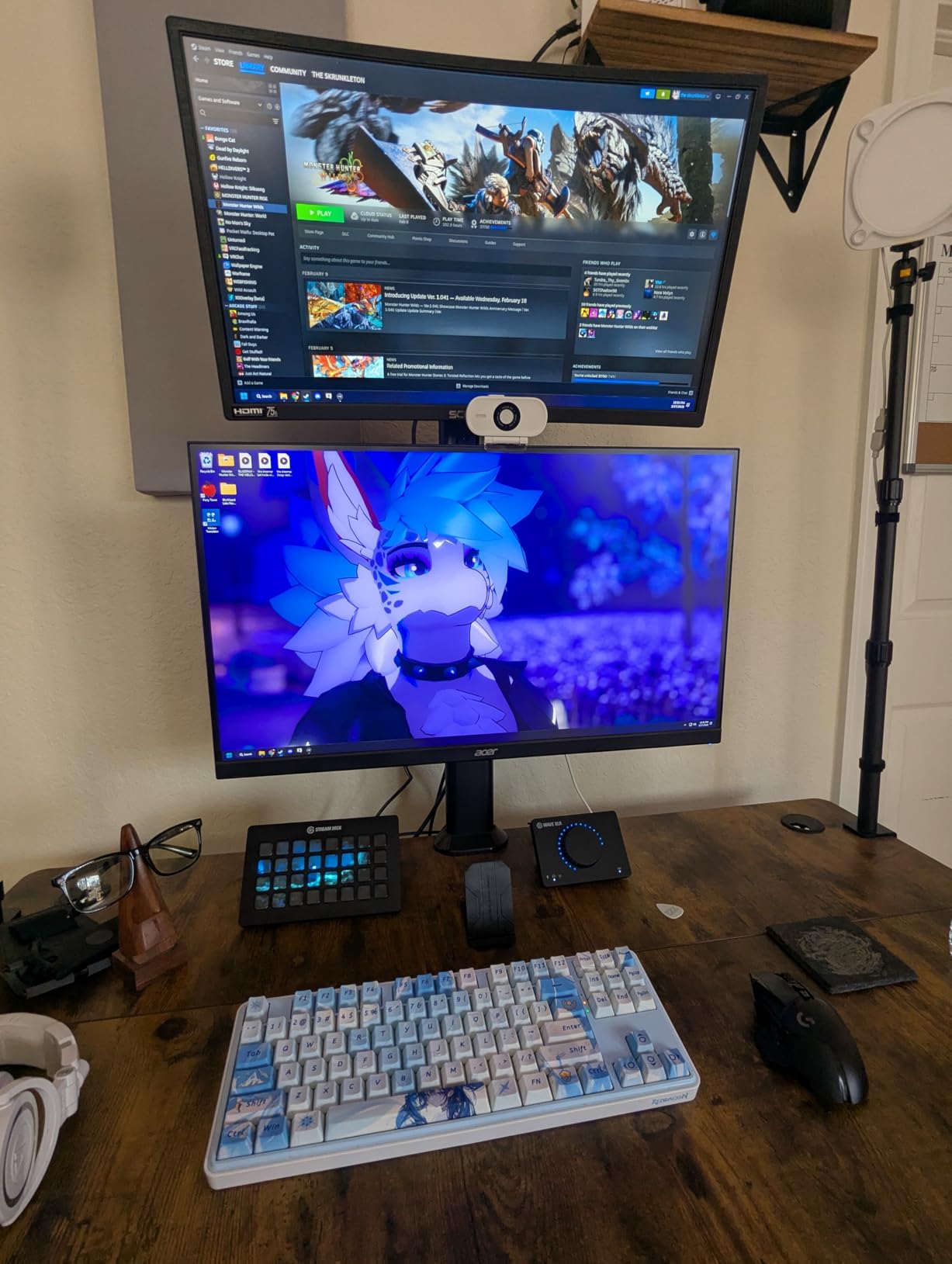
The 250 cd/m2 brightness is the practical limit. In a well-lit room the screen can look flat unless you enable HDR, and owners report that brightness cannot then be adjusted with HDR mode active, which is a frustrating pairing. A few models also ship with light bleed in more than one corner.
Then there is the stand, and it is the weak point: flimsy, tilt only, no height or swivel. If you plan to run two of these, a monitor arm is close to essential. Overdrive is also worth checking by hand, since owners report visible overshoot at the extreme setting and recommend minimum or off.
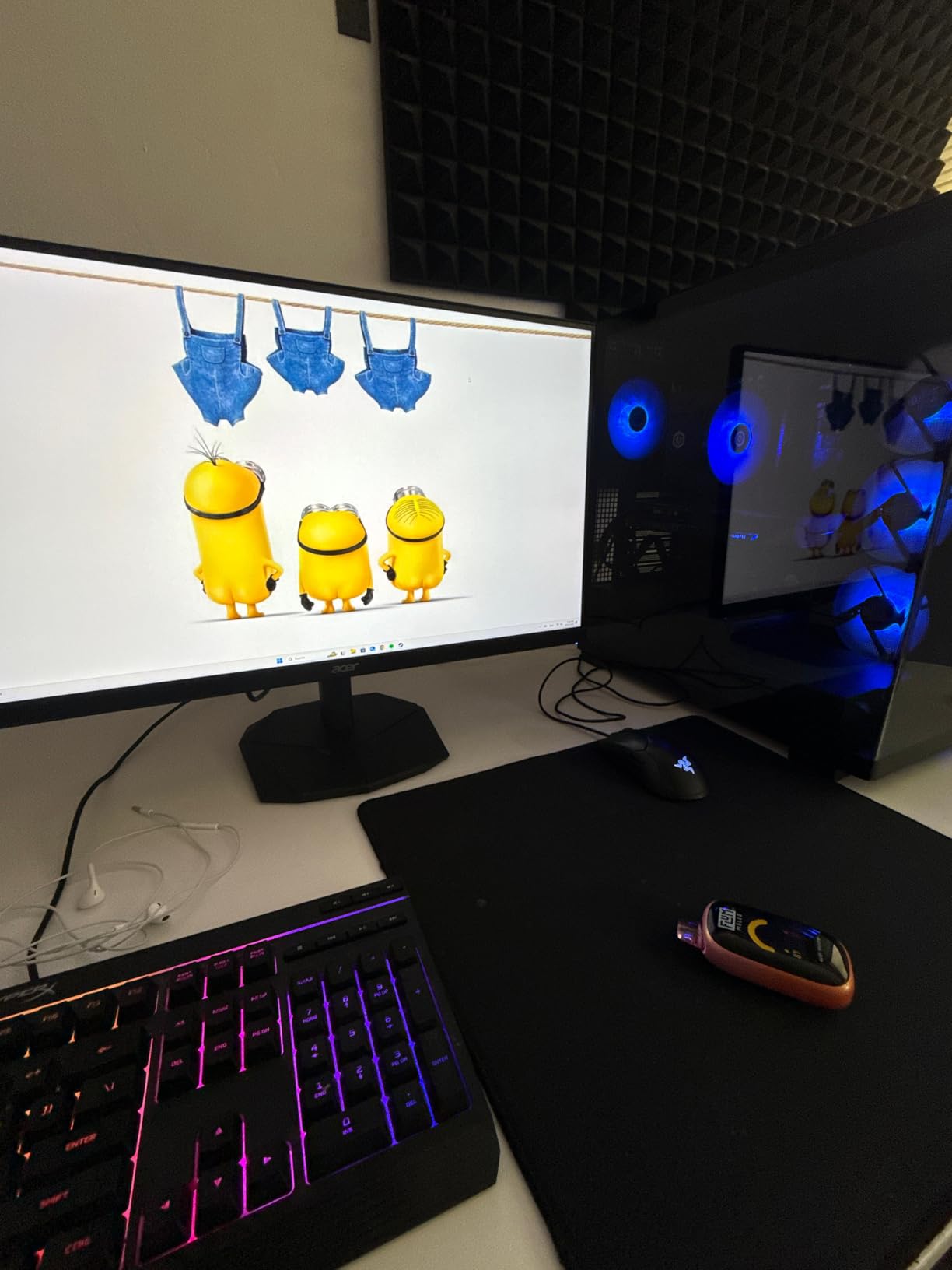
Model UM.HX1AA.307, wall mount capable, 5.5 kg, three-year parts and labor warranty. Note that HDMI is limited to 144Hz here, the same caveat as the Nitro XV271U, so use DisplayPort for the full 180Hz.
Between the two Acers, take the XV271U if you sit at one desk and care about posture, and the KG271U if you are tiling panels and care about the seam. Same resolution, same refresh, different priorities.
10. Alienware AW3425DWM: Best for Console Ultrawide
Alienware AW3425DWM
Panel: LED curved
Size: 34 inch
Resolution: 3440x1440
Refresh: 180 Hz
Sync: FreeSync Premium
Pros
- 34-inch 3440x1440 ultrawide with a 1500R curve
- 180Hz with 1ms gray-to-gray response
- DCI-P3 95% with DisplayHDR 400
- Height adjustment and tilt
- Dedicated console mode and hardware low blue light
Cons
- Heaviest unit here at 21 pounds
- 180Hz is below the 240Hz ultrawide
- DisplayHDR 400 is an entry-level certification
- Costs well above IPS alternatives with similar specs
This is the one to buy if the display is a centrepiece rather than a utility. The 34-inch 3440×1440 panel with a 1500R curve, a 400 nit panel and a metal chassis with a stand riser looks like a design piece, and owners who came from cheaper ultrawides single out the build and the polish as much as the picture.
Under the styling the numbers are respectable rather than leading: 180Hz refresh, 1ms gray-to-gray response, FreeSync Premium alongside VESA Adaptive Sync, and DCI-P3 95% coverage with DisplayHDR 400. The stand adjusts for height and tilt, which is more than the SANSUI ultrawide offers.
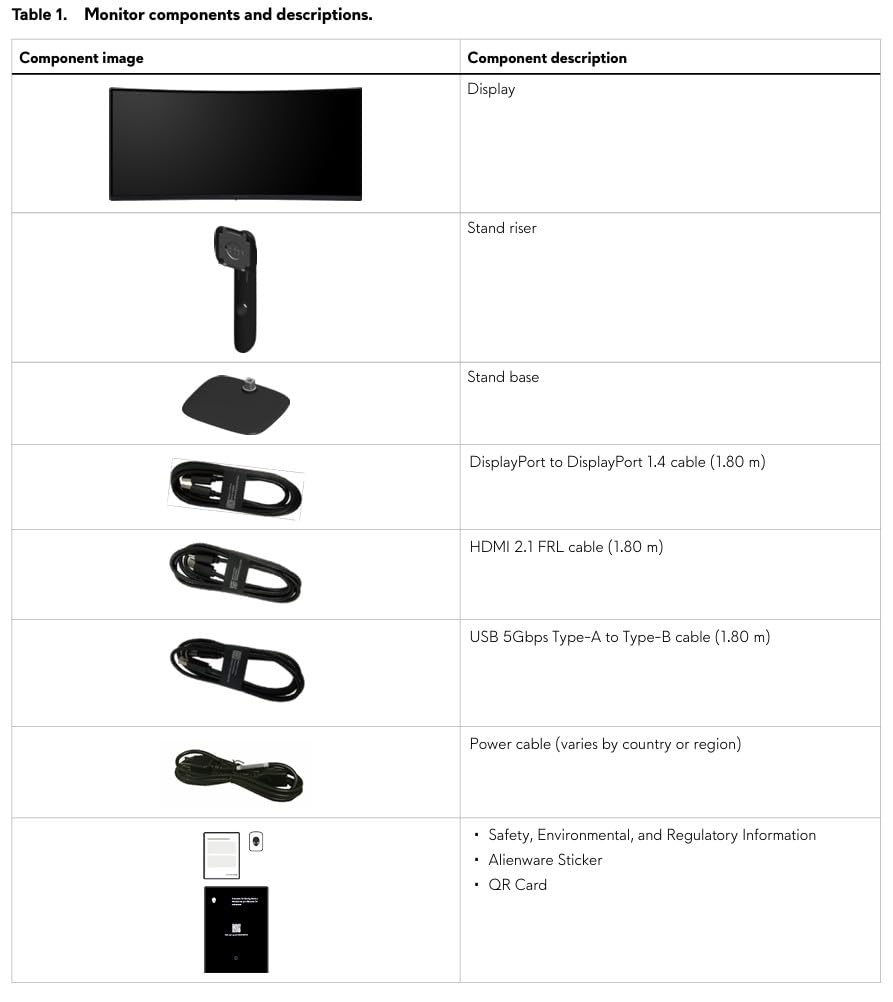
Two features make it a good console display. A dedicated console mode is tuned for marathon sessions, and the low blue light filtering is handled in hardware rather than in software, so it does not wash out the picture. Bluetooth and three USB ports round out the connections.
The weight is the practical warning: 21 pounds, the heaviest in this list, and it needs a large, sturdy desk. Two spec comparisons also matter. 180Hz is below the 240Hz of the SANSUI 34 Ultrawide, and DisplayHDR 400 is an entry-level certification rather than a high-nit HDR panel.
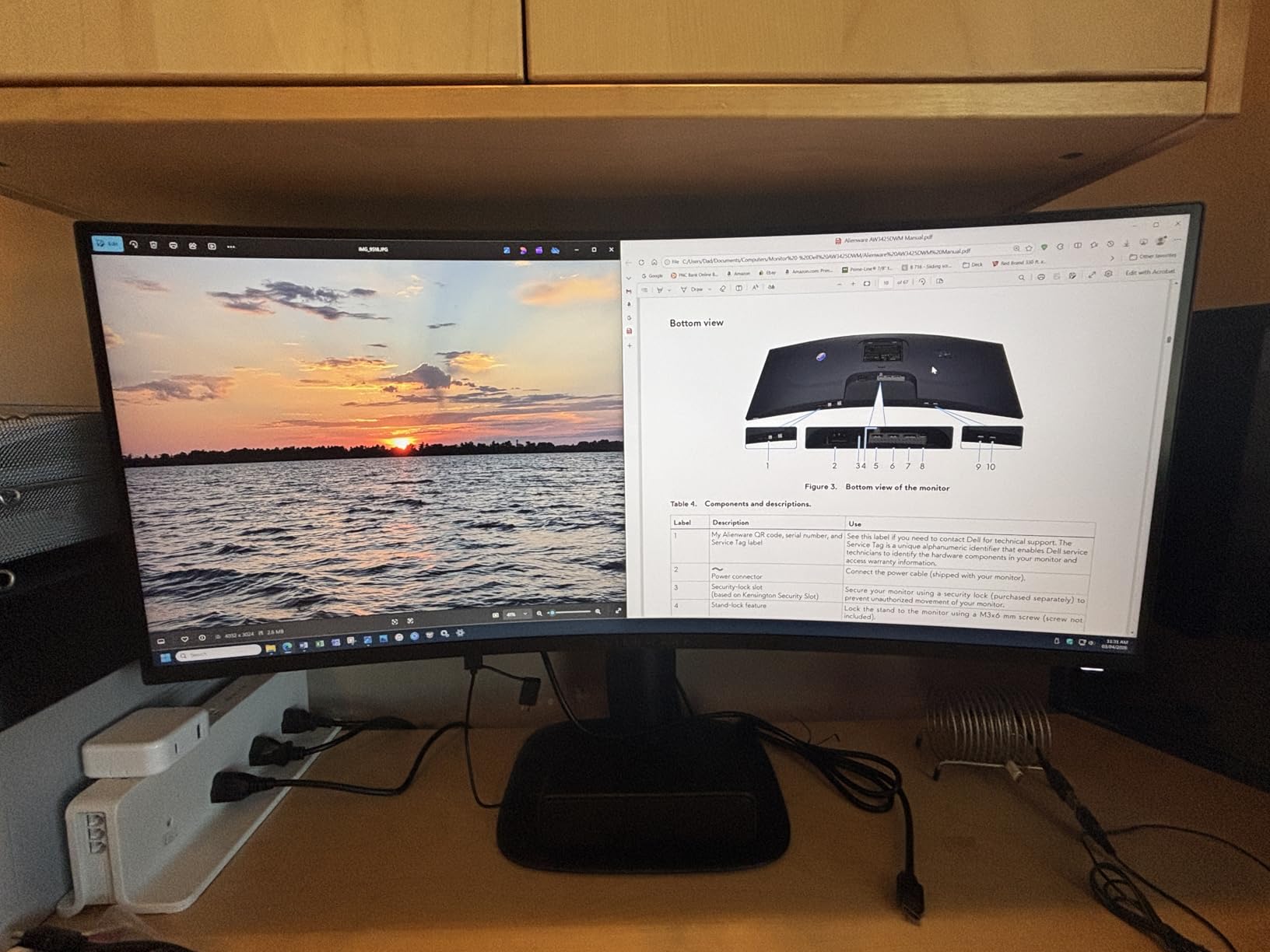
Owners weighing it against cheaper ultrawides consistently land on size, weight and cost as the deciding factors rather than image quality, which tells you how much of this monitor you are paying for the chassis and the three-year warranty. Model AW3425DWM, matte finish, 178-degree viewing angles.
If the numbers matter more than the object, the SANSUI 34 Ultrawide 240Hz gives you 3440×1440 at 240Hz with HDMI 2.1 console VRR, at a fraction of the outlay. If the room and the desk can take it, this one rewards the eye.
How to Choose Gaming Monitors During Prime Big Deal Days
Panel Technology and Visual Quality
IPS gives you accurate color and wide viewing angles with modest contrast, which is why the Acer Nitro panels and the ASUS TUF sit at the top of this list for mixed use. VA trades contrast for a little dark-scene smearing, as on the Samsung Odyssey G5. Choose IPS for color-critical work and sharing one screen between gaming and editing; VA suits players who mostly want deep blacks and punchier contrast.
Resolution and Screen Size
2560×1440 at 27 inches is the sweet spot for most gaming PCs today, and six of these ten picks use it. 1920×1080 only works well at 24 inches or smaller, which is why the 32-inch Full HD option here reads soft. If your desk space forces a 32-inch 16:9 screen, accept 165Hz over sharpness, or move to 3440×1440 ultrawide and make sure your graphics card can push the extra pixels.
Refresh Rate and Response Time
Above 144Hz you are buying headroom for the future rather than a visible difference today, because most gaming PCs sit between 100 and 200 frames per second in demanding titles. Treat the 0.3ms and 1ms response figures as marketing shorthand; the Acer Nitro XV271U demonstrates the point, where FreeSync clamps overdrive to Normal and the real response is slower than the sheet claims. Prioritize refresh rate, panel type and sync support over a sub-millisecond number.
Adaptive Sync and Gaming Features
Check which standard your hardware speaks before you buy. FreeSync works with most modern AMD and NVIDIA cards, G-Sync Compatible widens that further, and VESA AdaptiveSync is the general label. Console players should look for HDMI 2.1 with VRR rather than a PC-oriented sync badge, since only some panels here pass a console signal at high refresh. Shadow boosters, crosshairs and presets are conveniences, not reasons to choose one panel over another.
How to Shop Gaming Monitor Deals During the Sale
Monitor listings change during the event, so verify the exact model number before you buy, since the same family ships in multiple panel and size variants. Check whether the box includes a DisplayPort cable, whether the offer is new or renewed, and who the seller and shipper are on the listing. Most offers need a Prime membership, and a free trial counts, while deal pricing shifts through the window rather than lasting the whole event.
- Match the model number in the listing to the model number in the spec sheet
- Confirm the cable situation, since several picks here ship with DisplayPort only
- Confirm adaptive sync support against the graphics card or console you own
- Check panel size and curvature against your desk depth and monitor arm clearance
- Look at the return window and the warranty length before committing to a curved or ultrawide panel
- Recheck the current figure at the end of the event, since offers are limited-time
Frequently Asked Questions
When do Best Amazon Prime Big Deal Days gaming monitor deals start?
Amazon’s Prime Big Deal Days event runs October 6-7, 2026. Offers open at the start of the window and many are limited-time, so a pick can be worth watching for a day and gone the next. Check the listing early in the window and again near the end, because the same monitor can reappear at a different figure during the event.
Do I need a Prime membership to use these gaming monitor deals?
Most offers during Prime Big Deal Days require a Prime membership, and an active free trial counts toward that. A few monitor deals run for everyone, but they are the exception rather than the rule. If you are not sure whether your trial is active, check the membership page before you start shopping, since a deal can look available and then fail at checkout.
Is 144 Hz enough for competitive gaming?
Yes, 144Hz is still a genuine upgrade over 60Hz and remains the entry point for competitive play, where a higher ceiling helps more than a faster panel type. The gains get smaller above roughly 200Hz, so a 180Hz monitor like the Samsung Odyssey G5 27 or the ASUS TUF VG27AQ3A is a sensible place to stop unless your card can feed a 240Hz panel.
Should I choose a 1440p or 4K monitor?
For most gaming PCs, 1440p at 27 inches offers the better balance of sharpness and GPU load, and every 1440p pick in this list sits there. A 4K monitor only pays off if your card can hold playable frame rates at that resolution and you sit close enough to notice the difference. Most of these deals are 1440p or below, so treat 4K as a separate, later upgrade rather than a sale-day purchase.
How do I check whether a gaming monitor supports my PC or console?
For a PC, look for FreeSync, FreeSync Premium, G-Sync Compatible or VESA AdaptiveSync in the specifications, since any of those will work with a modern AMD or NVIDIA card. For a console, look for HDMI 2.1 with VRR support, which is the feature that carries high refresh rates on current PlayStation and Xbox hardware.
Do gaming monitor deals during Prime Big Deal Days reach lower figures every year?
No, there is no guarantee that this year’s figures are the lowest of the year or the lowest ever. Monitor pricing moves with panel supply and with the wider electronics calendar, and the same model can be cheaper in July, in November, or on a single mid-year promotion. Judge a pick on the specs and the return window, not on how large the reduction looks.
Final Verdict: Best Amazon Prime Big Deal Days Gaming Monitor Deals
The monitor most worth watching during Prime Big Deal Days is the Samsung Odyssey G5 27. It puts a 180Hz 1440p VA panel, HDR10 and a stand that raises and pivots in one package, and it holds up for editing work as well as play.
For a budget-friendly alternative, the SANSUI 27 Curved 200Hz gives you 2560×1440 at 200Hz with a curve and wider colour coverage, and the SANSUI 32 Curved 240Hz is the route to a 240Hz panel when refresh beats sharpness. The Acer Nitro XV271U is the pick for anyone who needs a fully adjustable stand, and the ASUS TUF VG27AQ3A is the one that works cleanly on either GPU brand.
Go further up the list for width rather than speed: the SANSUI 34 Ultrawide 240Hz for sim racing and console VRR, the Alienware AW3425DWM for a polished 34-inch desk centrepiece, and the Samsung Odyssey G55C 32 for the tightest curve. The AOC Q27G41ZE covers the raw refresh ceiling and the Acer Nitro KG271U covers borderless multi-monitor layouts. Use the buttons to check the current figure, and pick the panel that fits your desk and your card rather than the one with the largest number on the spec sheet.