

The Lenovo Flagship Chromebook is the machine to watch in the best Lenovo deals during Amazon’s Prime Big Deal Days sale, because a 14-inch Full HD touchscreen, a backlit keyboard and 13.5 hours of rated battery add up to a laptop that a student can carry all day without planning around a charger. For anyone who needs Windows on a larger screen, the IdeaPad Slim 3 16 puts a 16-inch panel and 16GB of memory on a desk without turning into a brick. And when the ask is a screen rather than a computer, the Idea Tab 11 ships with the pen and folio case already in the box.
Amazon’s Prime Big Deal Days runs October 6-7, 2026, and these picks are the Lenovo hardware worth putting on your list before it opens. Every offer shifts through the event, so treat the picks as what to watch rather than what is guaranteed.
Table of Contents
Our Top 3 Picks for Best Amazon Prime Big Deal Days Lenovo Deals
Three picks cover most of what people arrive here looking for: an everyday computer, a big-screen work laptop, and a tablet that arrives complete. Here they are in ranked order.

Lenovo Flagship Chromebook
- 14 inch FHD IPS touchscreen
- MediaTek Kompanio 520 octa-core
- 4GB RAM and 64GB eMMC
- 13.5 hours rated battery

Lenovo IdeaPad Slim 3 16
- 16 inch WUXGA IPS display
- Intel Core i5-13420H
- 16GB DDR5 and 512GB SSD
- 1.68 kg aluminium chassis

Lenovo Idea Tab 11
- 11 inch 2.5K display at 90Hz
- MediaTek Dimensity 6300
- 8GB memory and 256GB storage
- Tab Pen and folio case included
1. Lenovo Flagship Chromebook is the pick for the widest group of buyers, because Chrome OS asks less of the hardware than Windows does and the hardware here is already modest. 2. Lenovo IdeaPad Slim 3 16 is the one for spreadsheet-heavy work at a desk, where 16GB of memory and a numeric keypad matter more than weight. 3. Lenovo Idea Tab 11 wins the value slot because the pen and case normally sold separately are in this box.
Best Amazon Prime Big Deal Days Lenovo Deals Compared
Twelve devices, and they are not all laptops. Two are monitors, four are tablets, one is a dock, and two picks at the end are not Lenovo hardware at all. They are here because they sit in the same shopping lists during the sale and beat the equivalent Lenovo option on a specific spec, and we would rather say so than pretend otherwise.
| Product | Specifications | Action |
|---|---|---|
| Lenovo Flagship Chromebook |
|
Check Deal Price |
| Lenovo IdeaPad Slim 3 16 |
|
Check Deal Price |
| Lenovo Idea Tab 11 |
|
Check Deal Price |
 Lenovo Tab One 8.7 Lenovo Tab One 8.7 |
|
Check Deal Price |
 Lenovo Idea Tab Pro Lenovo Idea Tab Pro |
|
Check Deal Price |
 Lenovo V15 Lenovo V15 |
|
Check Deal Price |
 Lenovo L15 Portable Monitor Lenovo L15 Portable Monitor |
|
Check Deal Price |
 Lenovo Yoga 7i Lenovo Yoga 7i |
|
Check Deal Price |
 Lenovo ThinkVision M15 Lenovo ThinkVision M15 |
|
Check Deal Price |
 TCL TAB 10 Gen 4 TCL TAB 10 Gen 4 |
|
Check Deal Price |
 Dell 24 SE2426H Dell 24 SE2426H |
|
Check Deal Price |
 ThinkPad USB-C Dock Gen 2 ThinkPad USB-C Dock Gen 2 |
|
Check Deal Price |
Read the Type column first. If your day is documents and video calls, the three Windows laptops are the only rows that matter. If it is reading, streaming and handwriting, the tablet rows carry the better battery numbers at lighter weights.
How We Chose
Every pick was checked on the same four things: the exact configuration listed for that specific model number, the panel or memory figures that decide day-to-day comfort, the pattern across owner reviews, and the star rating and review count on the listing. Listings and specifications were checked in October 2026. Where a feature is missing or contradictory, it is left out rather than guessed at.
1. Lenovo Flagship Chromebook: Best for Students and Light Work
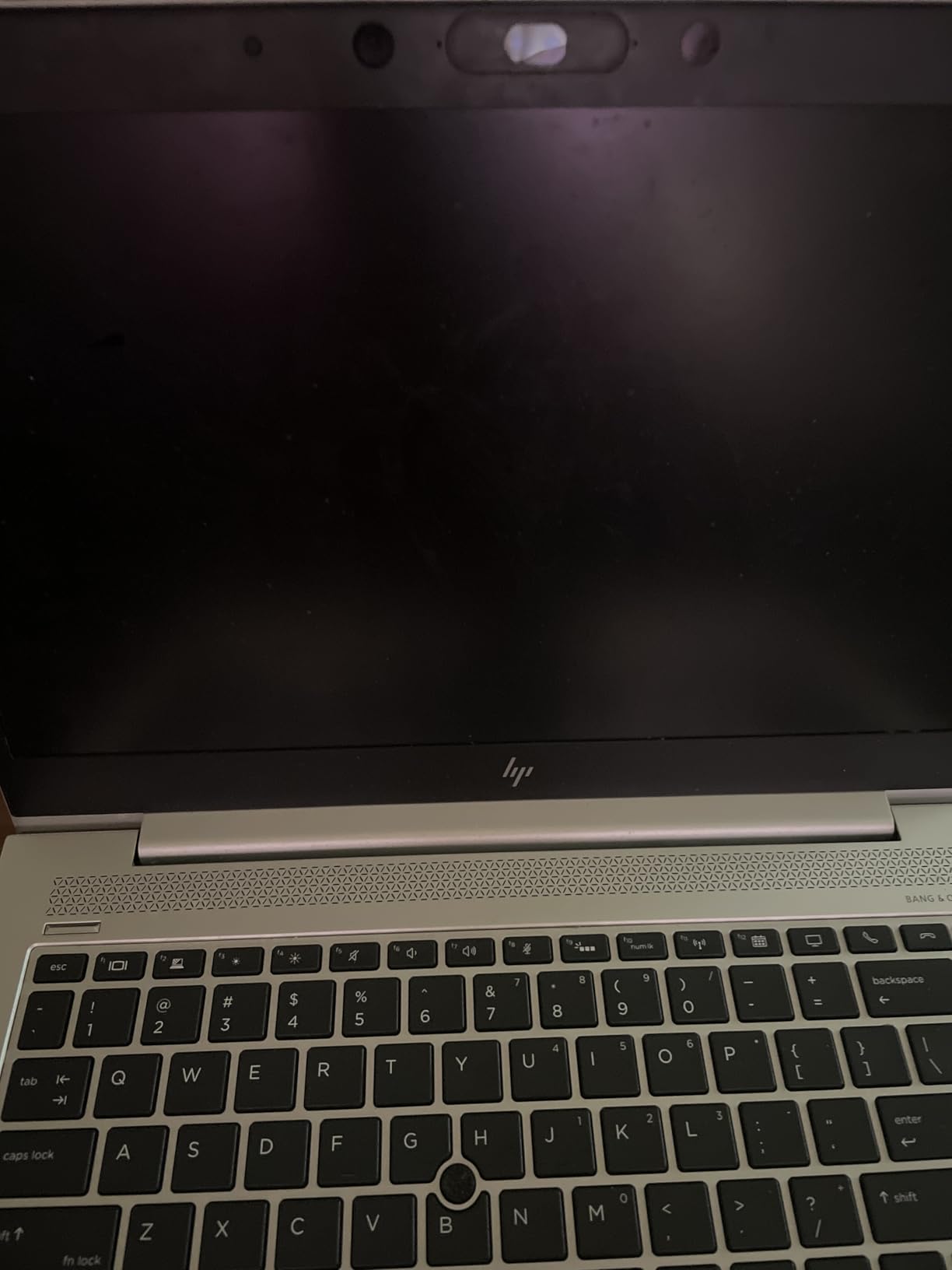
Lenovo Flagship Chromebook, 14” FHD Touchscreen Slim Thin Light Laptop Computer, 8-Core MediaTek Kompanio 520 Processor, 4GB RAM, 64GB eMMC, WiFi 6,Chrome OS, Abyss Blue
Type: Chromebook laptop
Weight: 2.9 lb
Warranty: 90 days
Standout: 14 inch FHD touch
Pros
- 14 inch Full HD IPS touchscreen at 250 nits
- 13.5 hours of rated battery life
- Backlit keyboard for late study sessions
- 2.9 lb body and 0.73 inch thick
- Camera privacy shutter over the 720p webcam
Cons
- 4GB RAM and 64GB eMMC limit heavy multitasking
- Touchpad and keyboard feel basic to some owners
- 90 day warranty is shorter than one year
This is the one to buy if the machine mostly has to survive Google Classroom, Docs, browsing and video calls, and has to be carried up stairs at the end of the day. The 14-inch 1920 x 1080 IPS touchscreen is genuinely sharp for the money, and the 2.9 lb weight means it disappears in a backpack the way a 4 lb machine never does.
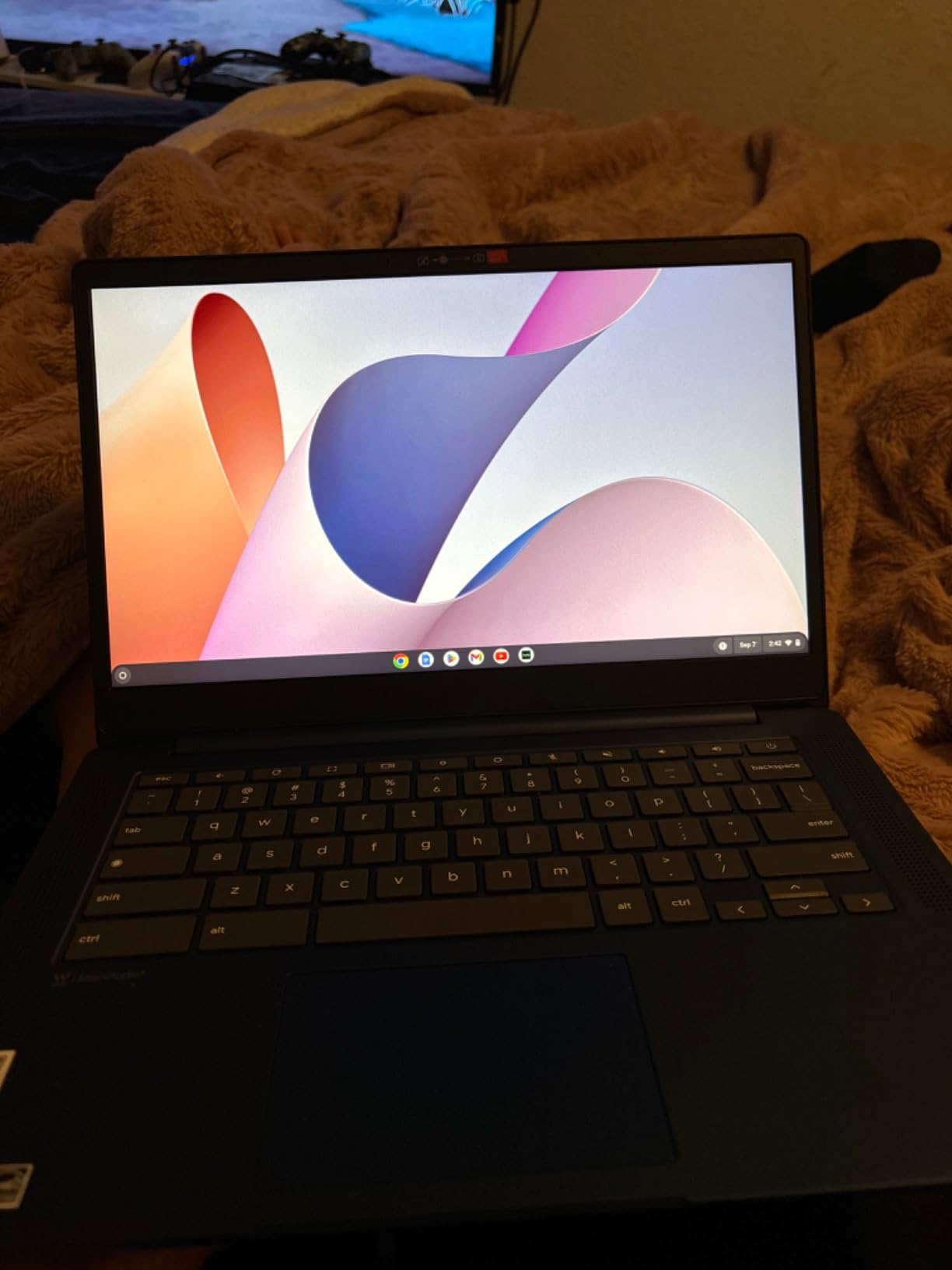
What stands out in the specs is how little the battery figure is inflated. The 47 watt-hour cell is rated at 13.5 hours, and owners consistently describe it as outliving the previous Chromebooks they owned. The backlit QWERTY keyboard is the other spec that changes daily use, since late library sessions are the normal case rather than the exception.
Skip it if you plan to run a lot of Windows software or keep thirty browser tabs open. Owners report the machine struggling with many apps or tabs at once, and 4GB of DDR4 memory with 64GB of eMMC storage is why. Some owners also describe the touchpad as imprecise and the keyboard as wide and plastic-feeling, with a non-standard Caps Lock key that catches people out on day one.
Compared with the IdeaPad Slim 3 16, the trade is direct: full Windows apps and a numeric keypad against roughly twice the weight and a much smaller review base on that model. Compared with the Idea Tab Pro, the Chromebook wins on keyboard and battery, while the tablet wins on screen resolution and included pen.
One detail worth knowing: the warranty here is 90 days, not a full year. That is the shortest coverage in this list, so register the machine with Lenovo as soon as it arrives.
2. Lenovo IdeaPad Slim 3 16: Best for Big-Screen Desk Work
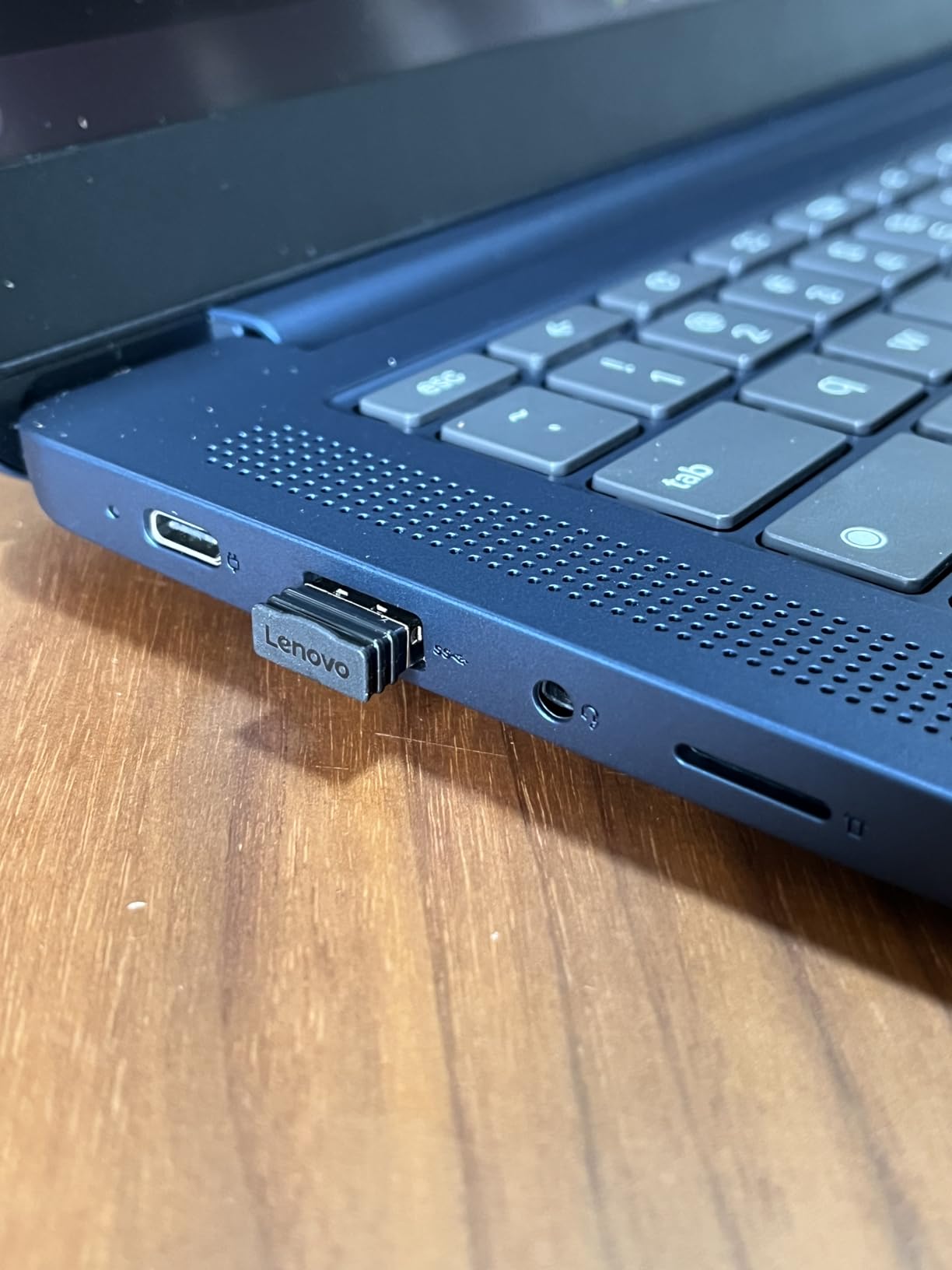
Lenovo Business 15.6″ FHD Laptop, Intel Processor, 8GB DDR5, 128GB Storage
Type: Windows laptop
Weight: 3.7 lb
Warranty: 1 year
Standout: 16GB DDR5 and 512GB SSD
Pros
- 16 inch WUXGA IPS anti-glare panel at 300 nits
- 16GB DDR5 memory upgradeable to 40GB
- 512GB PCIe Gen4 NVMe SSD
- 1.68 kg aluminium chassis with MIL-STD-810H testing
- Full port set with HDMI and DisplayPort over USB-C
Cons
- 45 percent NTSC colour is dim for photo work
- Battery capacity is adequate rather than strong
- No Windows Hello face login
Owners pick this one because it does the unglamorous jobs without complaint: invoices, scheduling, a shared household laptop, a machine for a parent handling forms. The Intel Core i5-13420H is an eight-core part with 16GB of DDR5 alongside it, and memory can be pushed to 40GB, which is unusual at this tier.
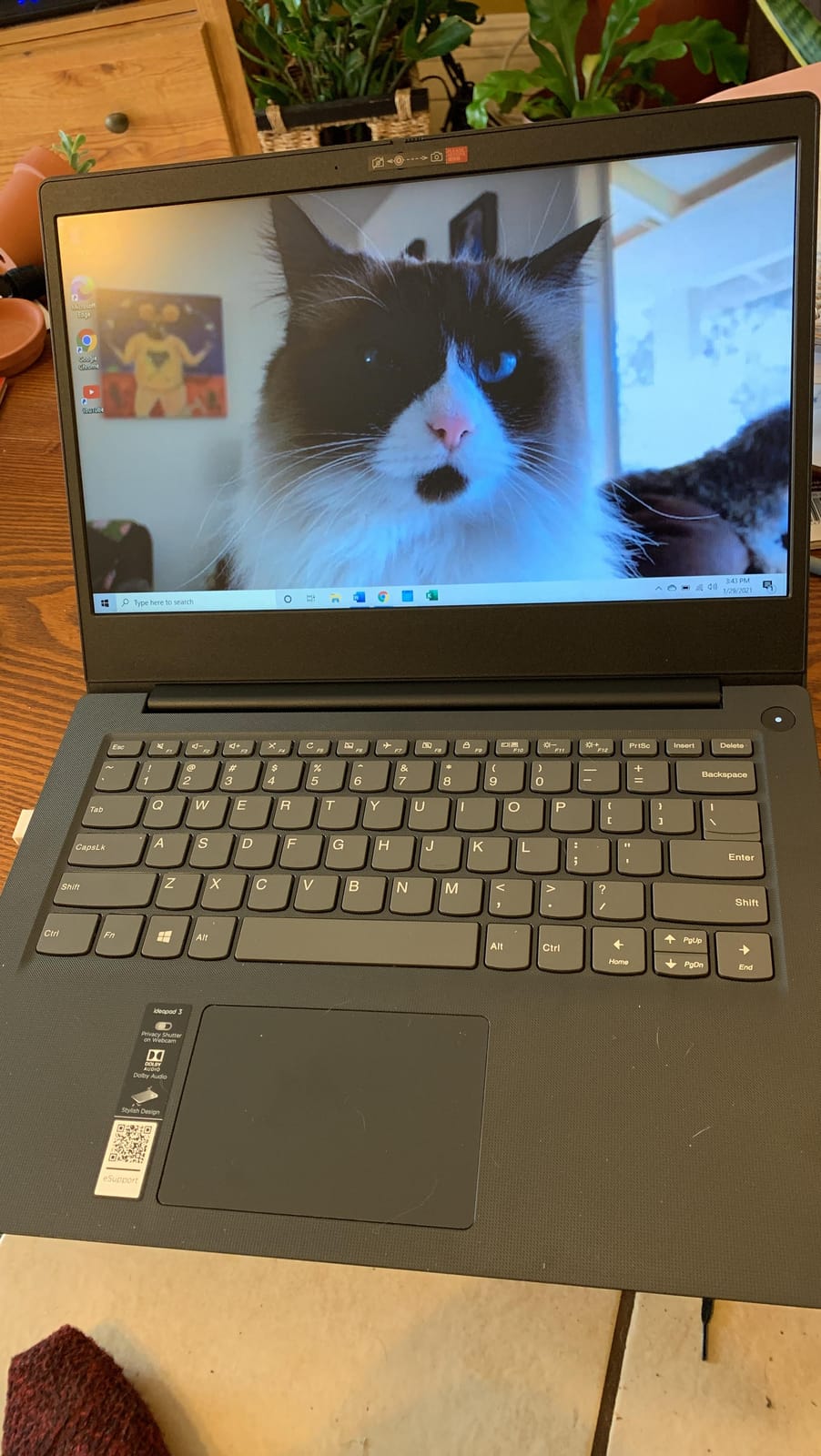
The 16-inch WUXGA panel runs 1920 x 1200 at 300 nits with an anti-glare coating, so it holds up in a bright room where a glossy screen would wash out. A numeric keypad, an SD card reader and a USB-C port with both DisplayPort 1.2 and power delivery cover the desk-laptop case well.
The trade-off is colour. At 45 percent NTSC the panel is noticeably less rich than the Idea Tab’s screen, and that is a real limit for anyone editing photos. A small number of owners also report units where the screen went black within a few months, which is worth knowing about but is not the dominant pattern in the reviews.
Where it beats the Lenovo V15 is weight and memory ceiling: 3.7 lb against 3.8 lb is a tie, but the DDR5 here can reach 40GB while the V15’s LPDDR4 is fixed. Where the V15 wins is the RJ45 Ethernet jack, which this model does not have.
Good to know: the 720p camera has a privacy shutter but does not support Windows Hello facial login, so the password is your route in.
3. Lenovo Idea Tab 11: Best Value
Lenovo Idea Tab – College Tablet – 11″ 2.5K IPS Touchscreen Display – 90Hz – MediaTek Dimensity 6300-8 GB Memory – 256 GB Storage – Integrated Arm Mali-G57 MC2 – Tab Pen and Folio Case
Type: 11 inch tablet
Weight: 1.1 lb
Warranty: 1 year
Standout: pen and case in box
Pros
- 11 inch 2.5K IPS panel at 90Hz and 500 nits
- Tab Pen and folio case included in the box
- Dimensity 6300 handles study apps smoothly
- Up to 12 hours of YouTube playback
- 1.1 lb body with 7216 mAh battery
Cons
- 72 percent NTSC colour is modest for a 2.5K panel
- Memory and storage cannot be upgraded
- 20W charger is slow
The strongest argument for this tablet is arithmetic. A stylus and a folio case are in the box, which on most competing tablets is a separate purchase that adds up quickly, and 256GB of storage removes the usual anxiety about filling it with lecture recordings.
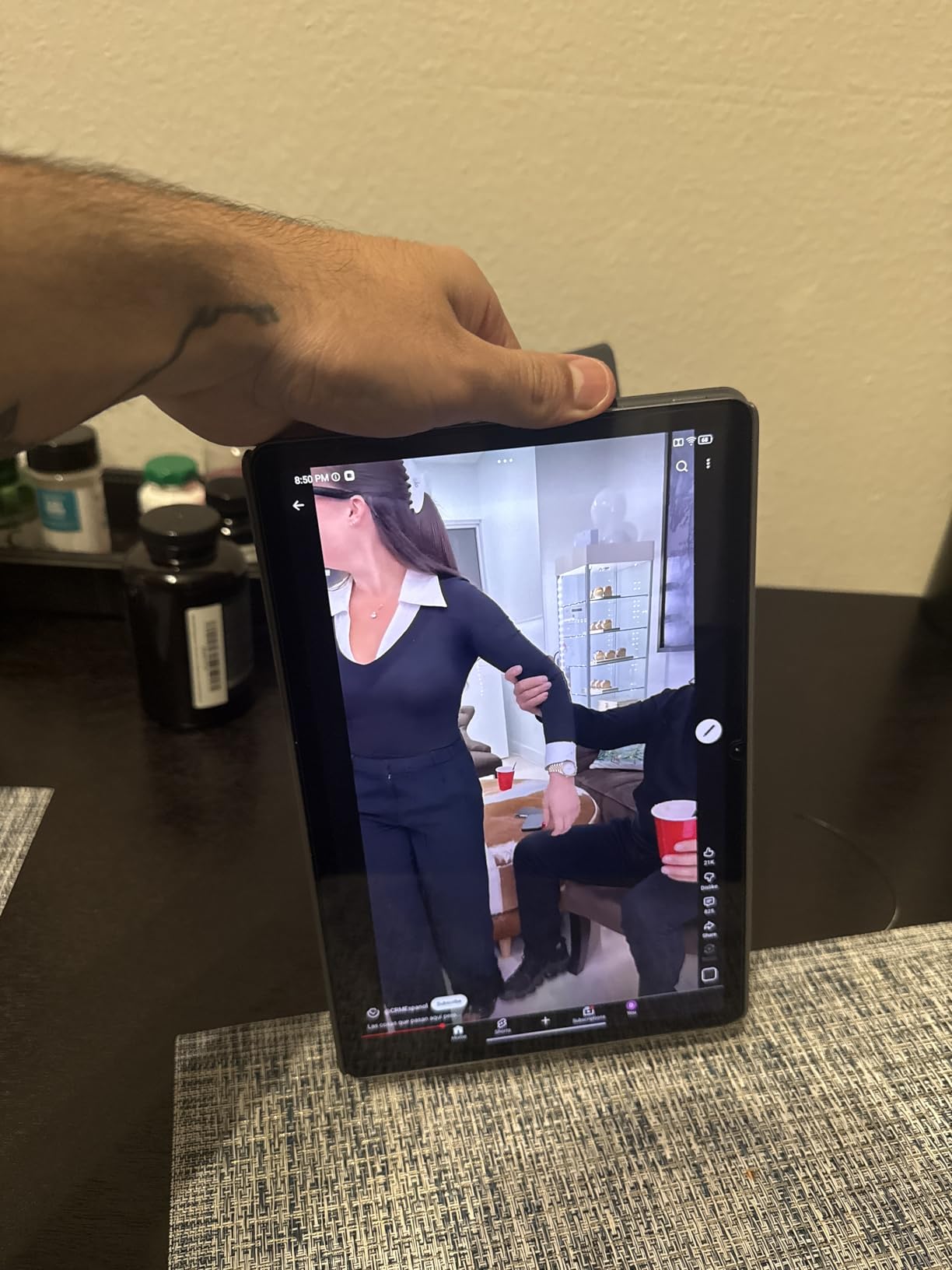
On the hardware side, the 11-inch 2560 x 1600 IPS panel running at 90Hz and 500 nits is bright enough for a classroom, and the Dimensity 6300 keeps Google services and Circle to Search responsive. Four Dolby Atmos-tuned speakers make it a reasonable second screen for a lecture or a recipe video.
Owners rate the 12 hours of YouTube playback as realistic for a full school day. They also flag the same three limits each time: the 72 percent NTSC colour gamut is modest for a panel this sharp, memory and storage are soldered and cannot be upgraded later, and the bundled 20W adapter charges slowly.
Against the Idea Tab Pro, this is the smaller, lighter, cheaper option with a lower-resolution screen. Against the Tab One, it is the one that takes notes properly. If handwriting is not part of the plan and the screen can be smaller, the Tab One is the more sensible buy.
The Flagship Chromebook is the better typing machine, but reading and drawing are exactly where the tablet pulls ahead, and by more than the difference in screen size suggests.
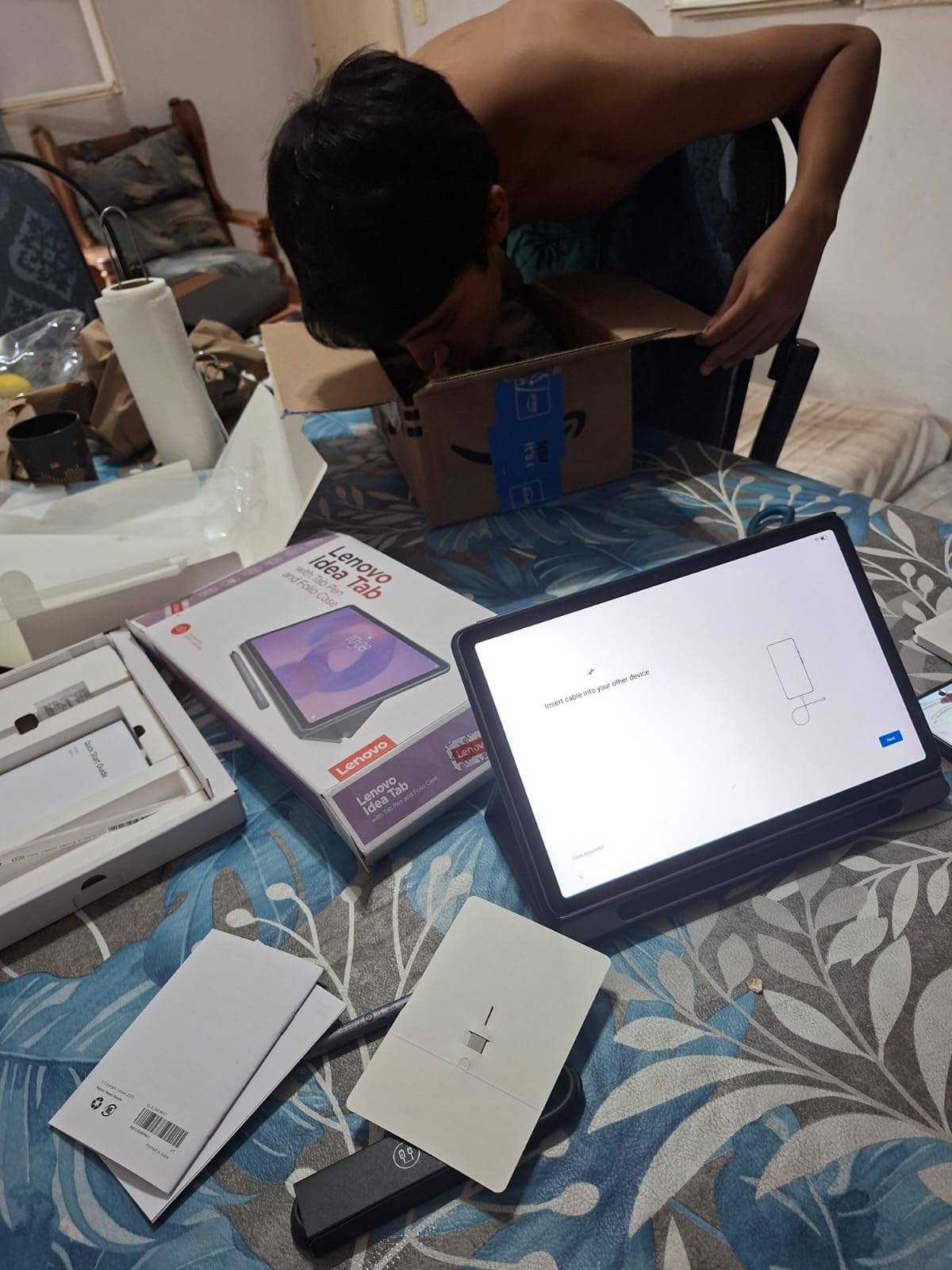
4. Lenovo Tab One 8.7: Best for Light Travel
Lenovo Tab One – Lightweight Tablet – up to 12.5 Hours of YouTube Streaming – 8.7″ HD Display – 4 GB Memory – 64 GB Storage – MediaTek Helio G85 – Includes Folio Case
Type: 8.7 inch tablet
Weight: 11.2 oz
Warranty: 1 year
Standout: 12.5 hours streaming
Pros
- 11.2 ounces and small enough for a coat pocket
- microSD expansion and a headphone jack at this tier
- Up to 12.5 hours of YouTube streaming
- Folio case with built-in stand included
Cons
- Screen is dim and cannot play 60fps video
- Weak cameras make for poor video calls
- Substantial pre-installed apps cannot be removed
At 11.2 ounces this is the lightest device on the list by a wide margin, and it is the one that disappears into a coat pocket. Owners use it as a second screen for a flight, a bedside reader and a way to keep a child occupied in a restaurant, and the microSD slot means the 64GB of internal storage is not a ceiling.
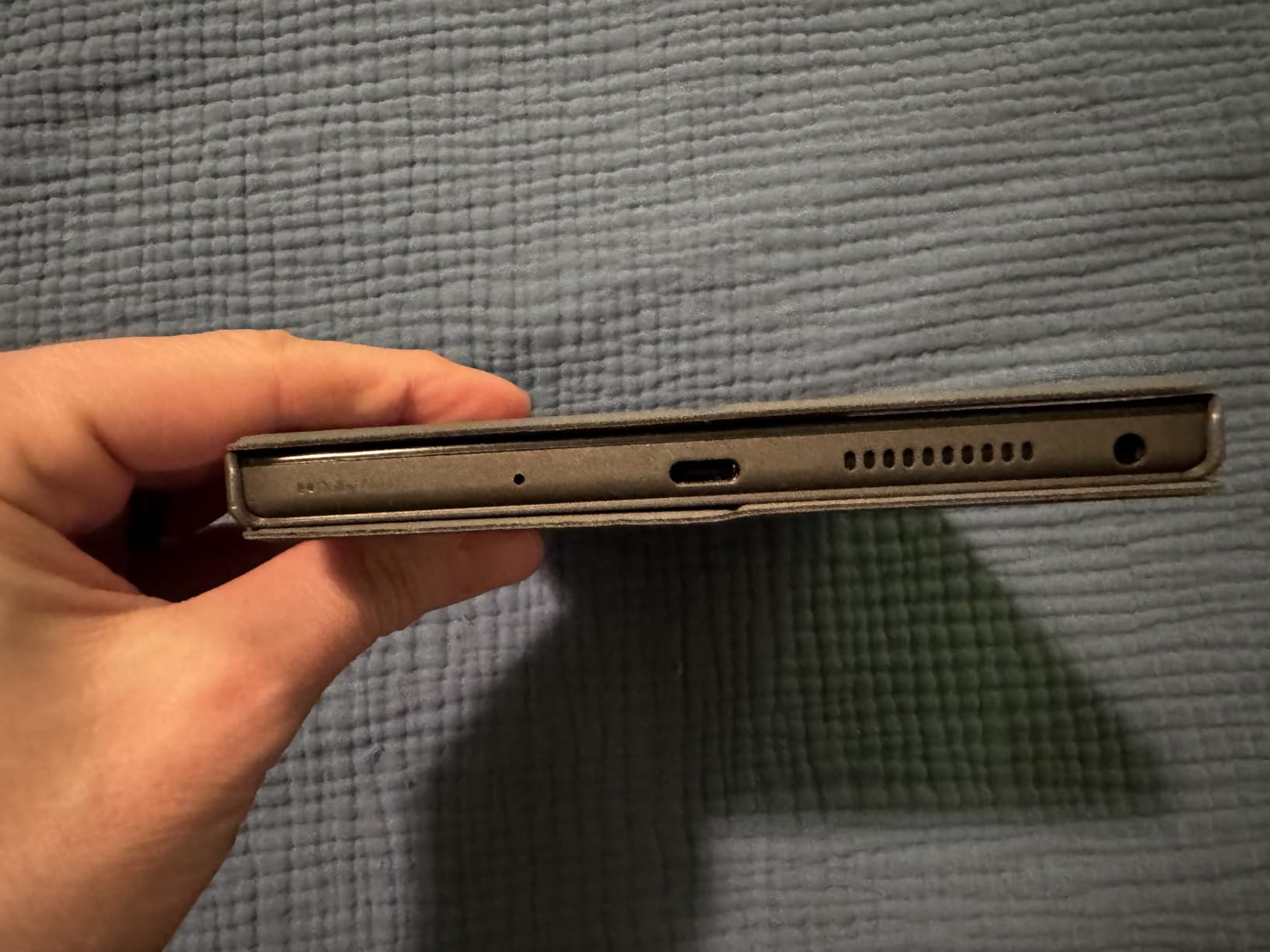
The Helio G85 is an older part, and owners say so plainly. It is fine for reading, streaming and light browsing, especially once the pre-installed apps are cleared out, but it is not a machine for games or for keeping many apps open at once.
Skip it if video calls matter. Owners report the cameras are weak, and with no fingerprint reader the only unlock is a PIN or pattern. The 480-nit 60Hz panel is also dim in daylight, and it will not play high frame rate video.
The folio case with a built-in stand is included, which removes the usual reason to buy a case separately. Compared with the Idea Tab 11, you give up the stylus, the sharper panel and the faster chip, and gain a device you can genuinely carry anywhere.
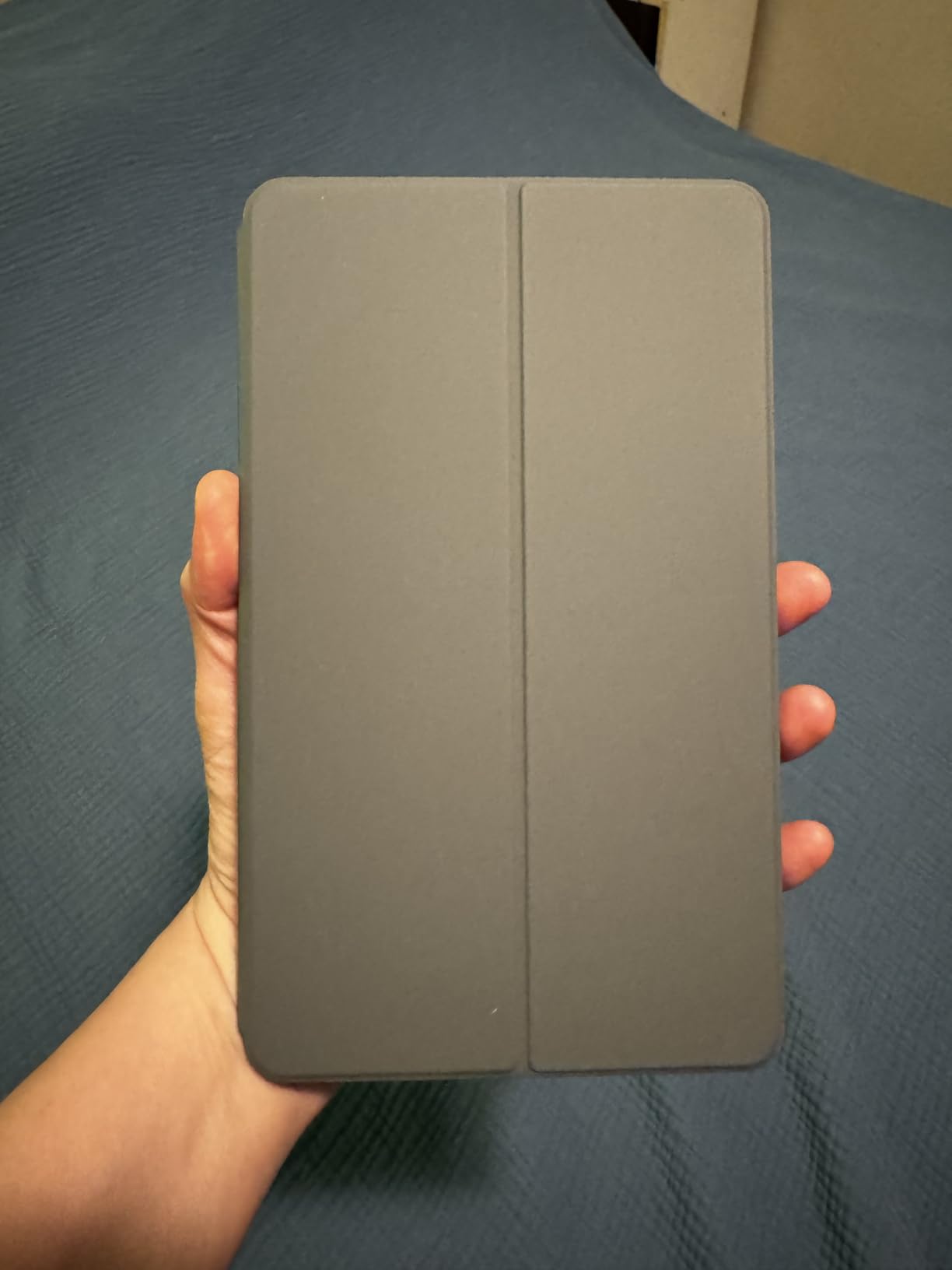
5. Lenovo Idea Tab Pro: Best for Handwriting and Reading
Lenovo Idea Tab Pro with Google Gemini – Student Tablet – 12.7” 3K LCD Display – 8 GB Memory – 128 GB Storage – MediaTek Dimensity 8300 – Includes Pen and Folio Case
Type: 12.7 inch tablet
Weight: 1.4 lb
Warranty: 1 year
Standout: 3K screen and pen
Pros
- 12.7 inch 3K LCD at 90Hz with 360Hz touch sampling
- Dimensity 8300 handles many tabs without stalling
- Tab Pen Plus and folio case included
- Quad JBL Dolby Atmos speakers
- 10200 mAh battery with 11 hours of video
Cons
- 1.4 lb is heavy for a 12.7 inch tablet
- 45W USB-C PD charger is not in the box
- Software update support is shorter than main rivals
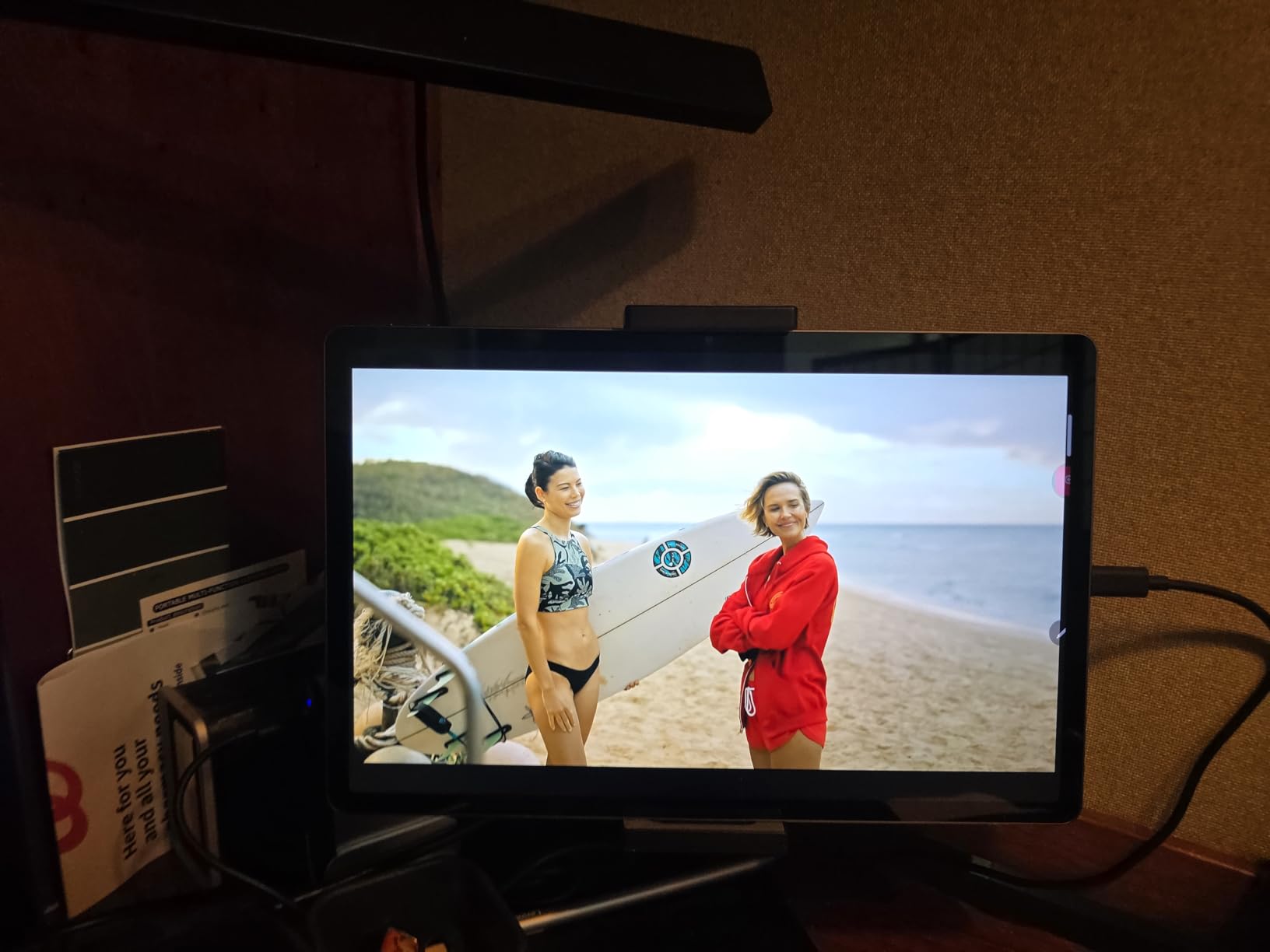
Anyone whose tablet use is reading and writing rather than watching should start here. The 2944 x 1840 panel at 90Hz with 360Hz touch sampling makes a pen feel like it is keeping up, and the bundled Tab Pen Plus is the higher-spec stylus in the range.
The Dimensity 8300 is the step up that matters here. Owners report it handling multitasking and many browser tabs smoothly, which is exactly where the 11-inch Idea Tab starts to strain. The 10200 mAh battery gives around 11 hours of video and supports 45W quick charging.
Four JBL Dolby Atmos speakers make it the best-sounding tablet here, and the 13MP rear camera records 4K video. The PUBG certification and 90fps support mean it is also the only tablet on this list that is honestly set up for games.
What you give up: it weighs 1.4 lb, which is heavy for its size, and the charger in the box is a cable rather than a 45W USB-C PD brick. Owners also note roughly 400 nits of peak brightness, which limits HDR and outdoor use, and software update support that runs shorter than the main tablet competitors.
Compare with the Lenovo V15: this wins the screen by a distance, the V15 wins the keyboard. Owners who pair the tablet with a Bluetooth keyboard report the PC mode works well as a laptop alternative.
6. Lenovo V15: Best for Office Setups
Lenovo V15 Laptop, 15.6″ FHD Display, AMD Ryzen 5 5500U Hexa-core Processor (Beat Intel i7-1065G7), 16GB RAM, 512GB SSD, HDMI, RJ45, Numeric Keypad, Wi-Fi, Windows 11 Pro, Black
Type: Windows laptop
Weight: 3.8 lb
Warranty: 1 year
Standout: RJ45 Ethernet and keypad
Pros
- Rare RJ45 Ethernet port alongside HDMI and USB-C
- 16GB LPDDR4 and 512GB PCIe NVMe SSD
- 500 nit 15.6 inch FHD display
- Windows 11 Pro with Group Policy and BitLocker
- Full-size keyboard with numeric keypad
Cons
- Older Ryzen 5 5500U with modest integrated graphics
- Glossy screen finish catches reflections
- Battery capacity is modest in a large chassis
The wired Ethernet port is the reason to look here. In a small office, a school or a shared study space where Wi-Fi is unreliable, having RJ45 plus HDMI, USB-C and two USB-A ports solves problems that a thinner machine cannot.
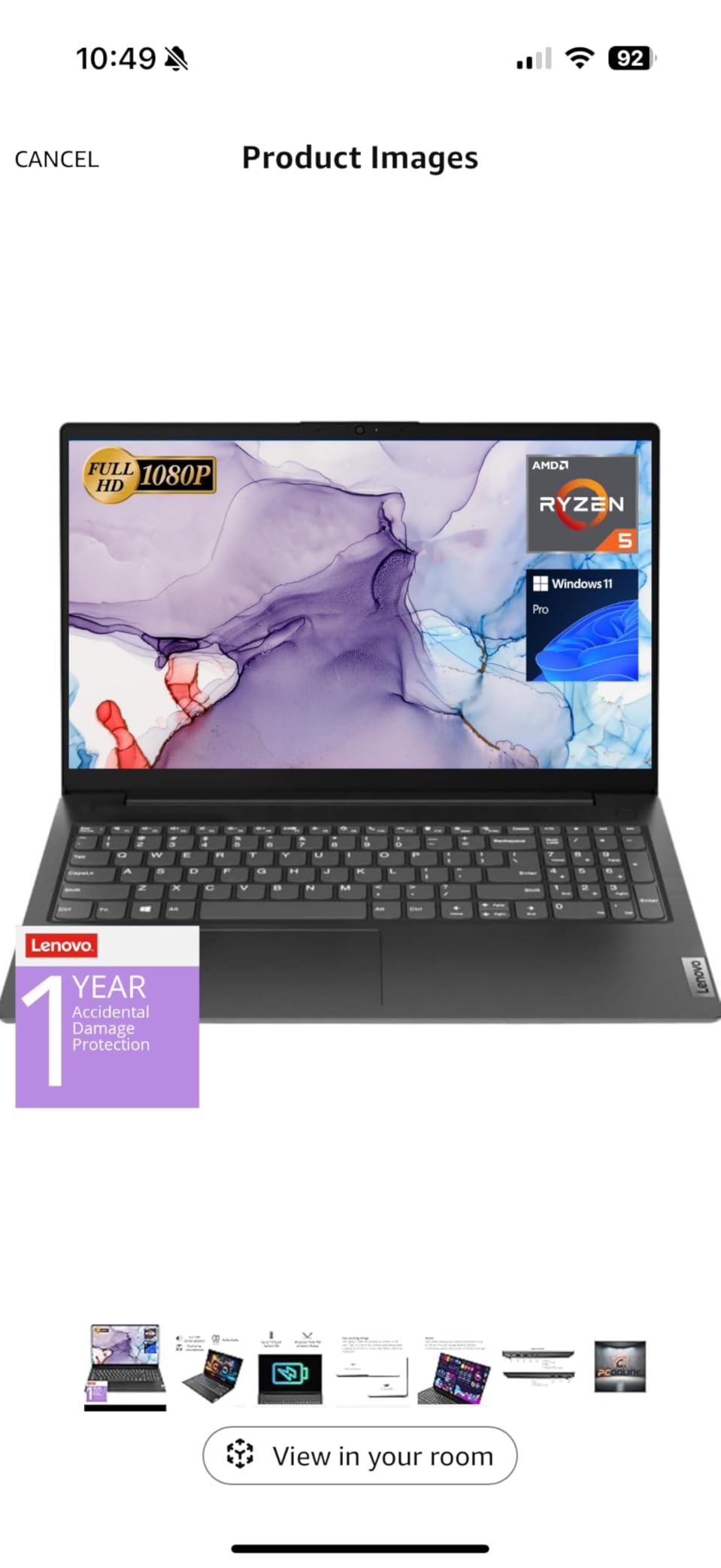
Windows 11 Pro is a genuine upgrade over Home for this audience. Group Policy, BitLocker, Active Directory and Kiosk mode are all present, so a small business can manage the machine the same way it manages a desktop.
Owners value the 16GB of memory and 512GB of NVMe storage more than the processor. The Ryzen 5 5500U is an older Zen-based part with modest integrated graphics, and it handles business workloads smoothly but is not a chip to build around for anything graphical.
The IdeaPad Slim 3 16 sits on a newer platform with upgradeable DDR5 and a lighter aluminium chassis, and the two overlap closely on memory and storage. The V15 wins on Ethernet, Pro licensing and the bright 500 nit panel; it loses on the glossy finish that catches reflections and on battery capacity in a large chassis.
Good to know: 3.8 lb is a two-bag carry. If it lives on one desk, that does not matter at all.
7. Lenovo L15 Portable Monitor: Best for Hotel and Shared Desks
Lenovo L15 Portable Monitor, 15.6” Display, Full HD Resolution, IPS Panel, 250 nits Brightness, 60Hz Refresh Rate, USB-C Ports, Height-Adjustable Stand, Flicker-Free Technology, Grey
Type: portable monitor
Weight: under 2 lb
Warranty: 1 year
Standout: dual USB-C inputs
Pros
- Panel weighs just under two pounds
- Built-in height-adjustable folding stand
- Two USB-C ports for display and power
- Crisp Full HD IPS text with a 6ms response time
- Carrying sleeve included
Cons
- USB-C only so HDMI-only laptops need an adapter
- Some buyers report a cracked panel after light travel use
- 250 nits is modest in a bright room
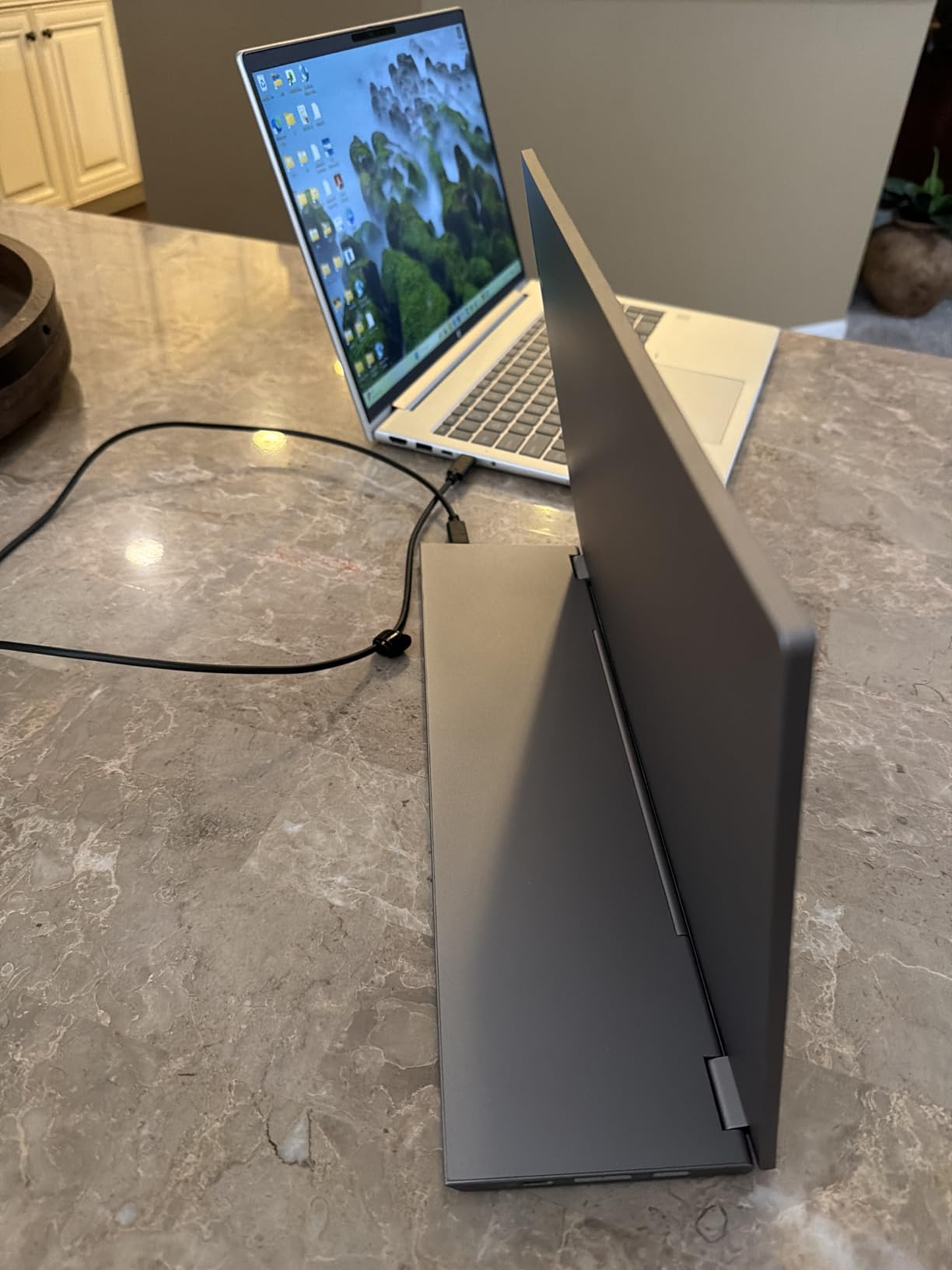
Two USB-C ports is the feature that separates this from the ThinkVision M15. One can drive the display while the other passes power back to the laptop from a suitable supply, so a hotel room with one socket can still run a two-screen setup.
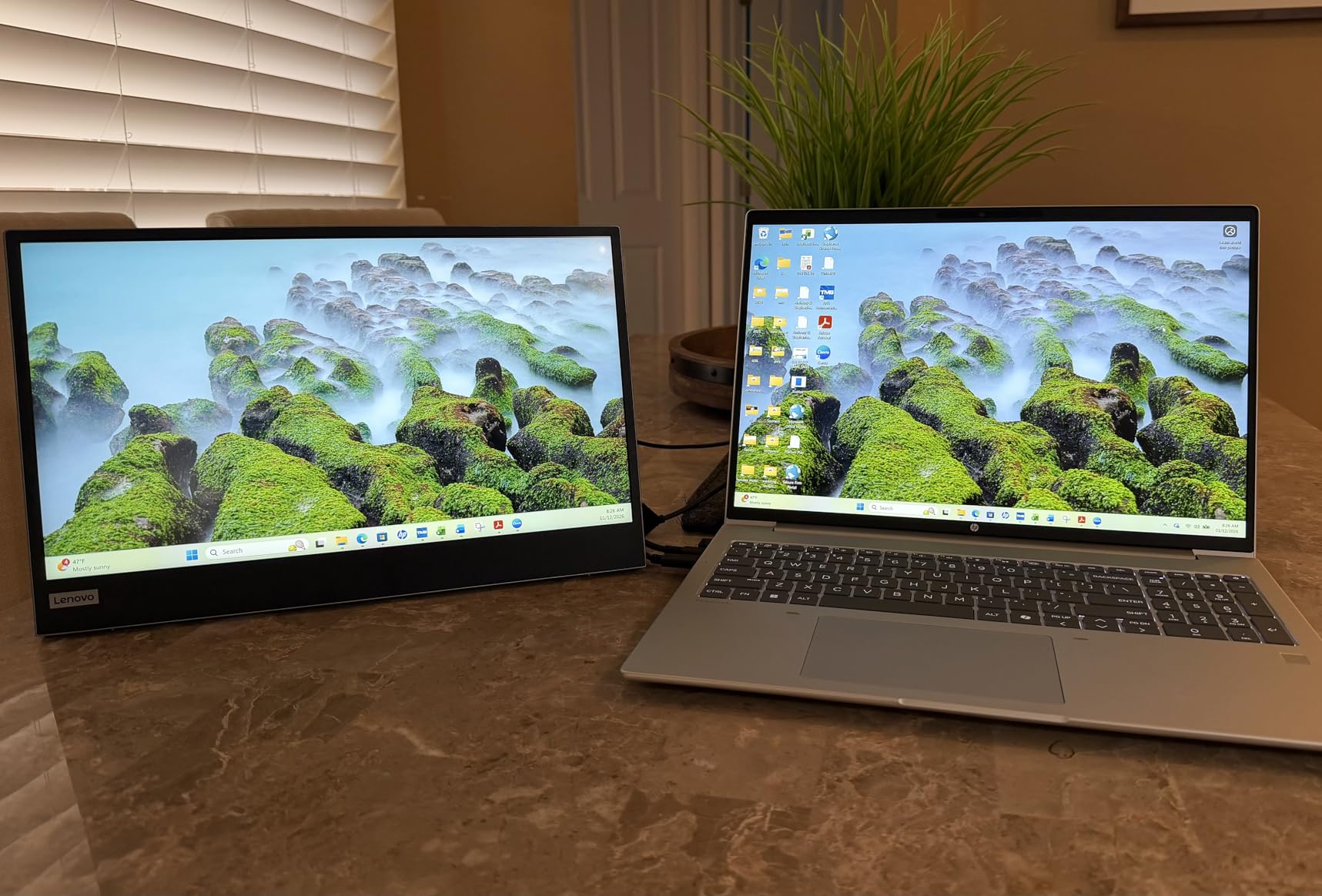
Owners are genuinely surprised by the stand. It is a height-adjustable folding stand rather than the folding cover most portable monitors use, and it is stable enough to type on. The Full HD IPS panel produces crisp text, which is the whole point when the alternative is squinting at a 13-inch laptop screen.
The recurring complaint is durability. A number of buyers report a cracked panel after light travel use, and one unit stopped waking from standby. At under two pounds the panel is thin, and thin panels in a laptop bag have a shorter life than desk monitors.
The ThinkVision M15 is the other portable monitor here, and the split between them is straightforward. The L15 has the height-adjustable stand and dual USB-C; the M15 has the USB hub and included clips. For a fixed desk, the Dell 24 SE2426H below is the better buy by a wide margin.
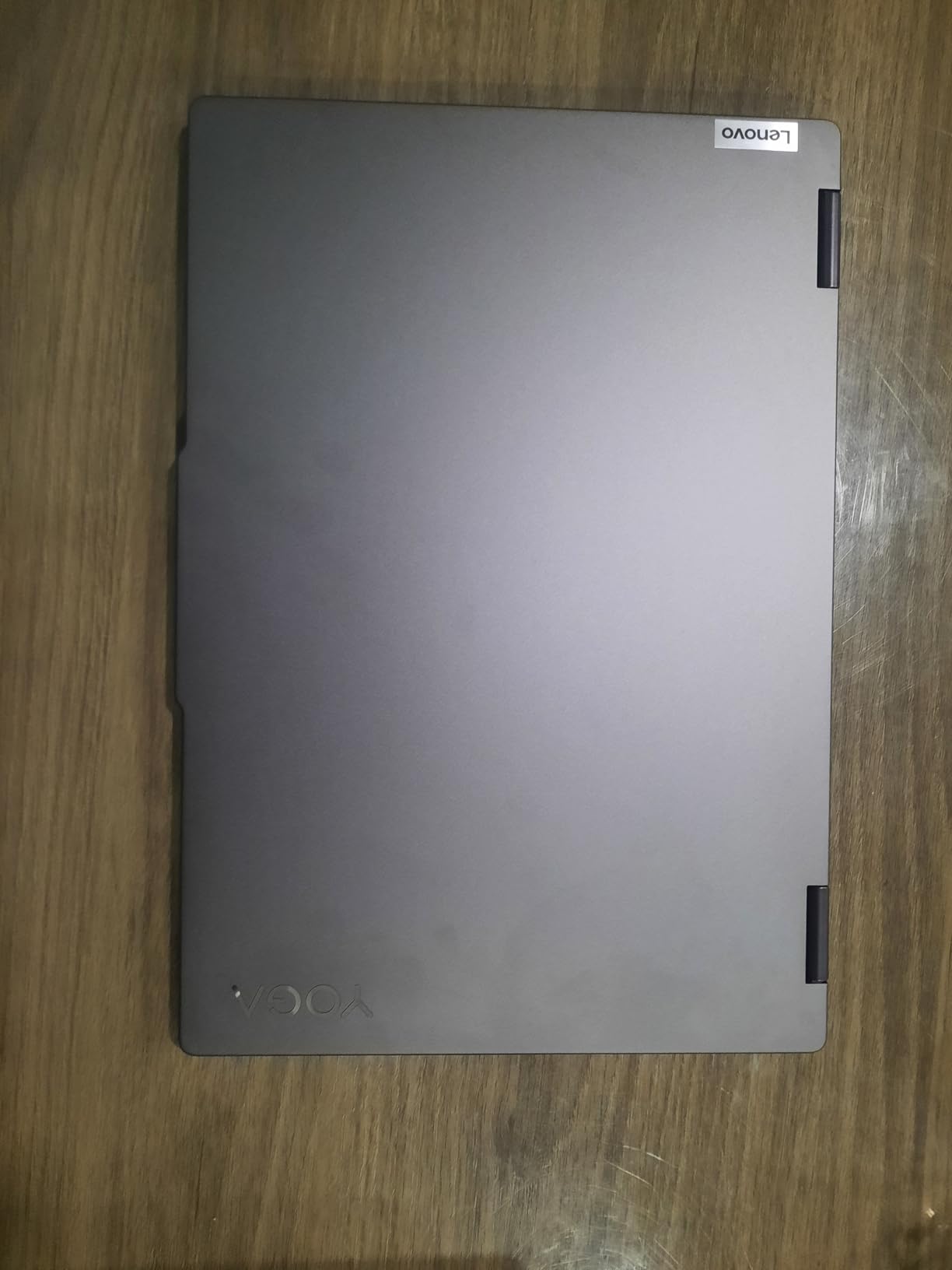
8. Lenovo Yoga 7i: Best for Convertible Work
Lenovo Yoga 7i 2-in-1 Laptop, 16″ 2K Touchscreen Display, Core Ultra 7 155U
Type: 2-in-1 laptop
Weight: 4.6 lb
Warranty: 1 year
Standout: Core Ultra 7 with 1TB SSD
Pros
- Intel Core Ultra 7 155U with 12 cores
- 16GB DDR5 and 1TB PCIe 4.0 SSD
- 360 degree hinge with four working modes
- Thunderbolt 4 alongside Gigabit Ethernet
- Backlit keyboard with numeric keypad and fingerprint reader
Cons
- 4.6 lb is heavy in tablet mode
- Speakers are ordinary despite Dolby Atmos branding
- Only 300 nits of brightness
This is the most capable machine in the list, and the highest rated at 4.7 stars across 229 reviews. A 12-core Intel Core Ultra 7 155U, 16GB of DDR5 and a 1TB PCIe 4.0 SSD is a configuration that will not need replacing in four years, and the port selection including Thunderbolt 4 and Gigabit Ethernet reflects a business laptop at heart.
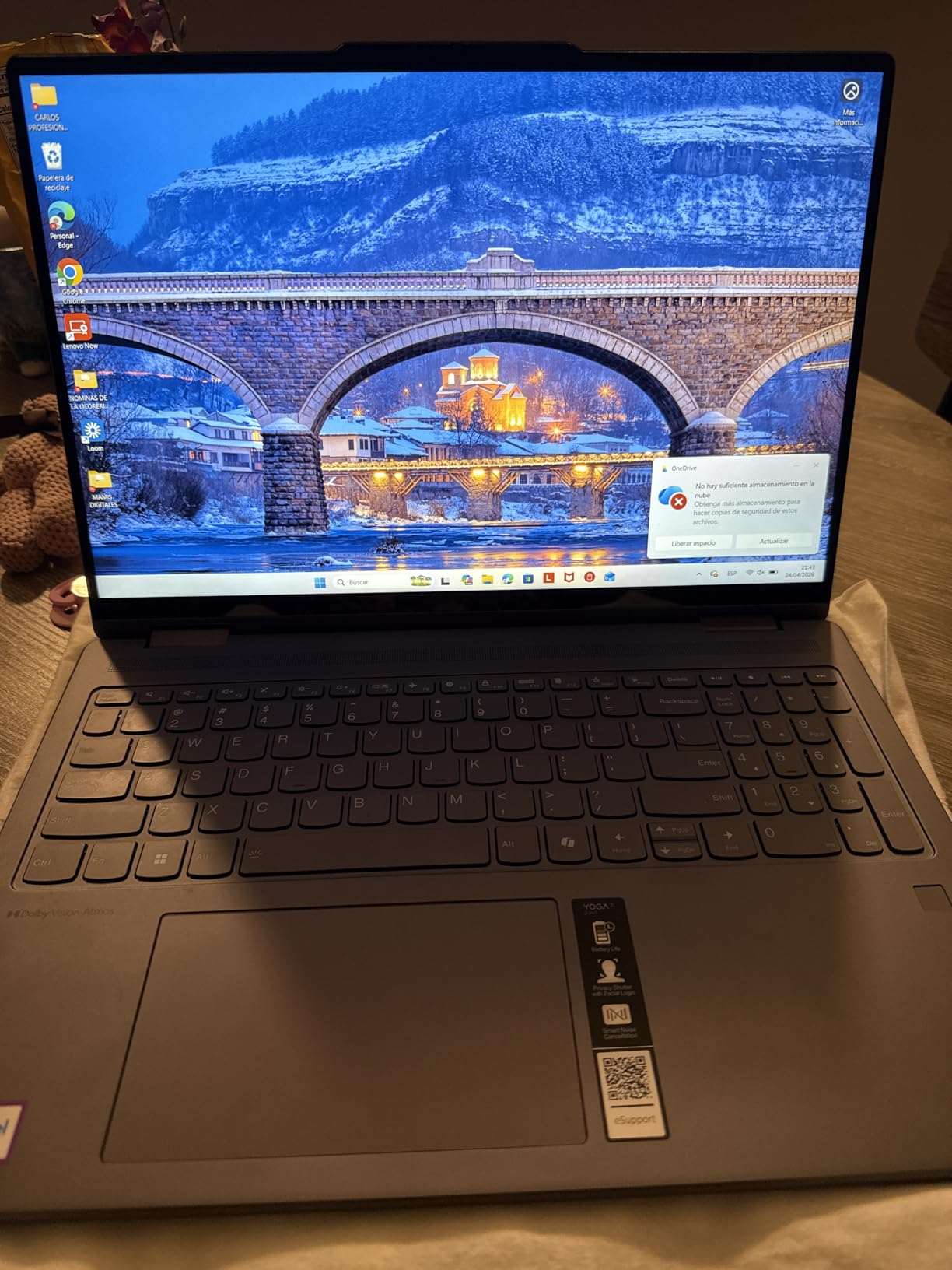
Owners single out build quality first, then the 16-inch touchscreen, which they report works reliably every time. The 360 degree hinge gives laptop, tablet, tent and stand modes, and tent mode as a third display for a meeting is the arrangement reviewers mention most.
Weight is the honest problem. At 4.6 lb it is noticeably harder to hold than any other laptop on this list, and it is most awkward in exactly the mode people buy a 2-in-1 for. Owners also note the speakers are not as good as the Dolby Atmos branding suggests, and 300 nits of brightness is on the low side for a screen this size.
Against the IdeaPad Slim 3 16, this is a faster platform with more storage and it adds the convertible hinge. Against the Idea Tab Pro, it is the better typing machine and the far heavier one.
Check the box contents before you commit, because they are generous for a machine at this level: the power adapter, USB-C and USB-A cables, an HDMI cable and a microSD card are all in it.
9. Lenovo ThinkVision M15: Best for One-Cable Setups
Lenovo ThinkVision M15 15.6″ Full HD WLED LCD Monitor – 16:9 – Raven Black
Type: portable monitor
Weight: 4.7 lb
Warranty: 1 year
Standout: USB-C hub with 4 ports
Pros
- USB-C connection with four USB ports and HDMI built in
- Folds flat into a laptop bag with included clips
- Full HD panel with crisp text at 178 degree viewing angles
- Draws about 9.5 watts
- FreeSync and G-Sync adaptive sync support
Cons
- 250 nits is dim for a bright room
- 60Hz refresh rate
- Depends on USB-C so older laptops need adapters
Where the L15 gives you a second screen, the M15 gives you a second screen plus a dock. Four USB ports, HDMI and a 3000000:1 dynamic contrast ratio are built into a 15.6-inch Full HD panel that draws around 9.5 watts, so running it from a laptop is realistic.
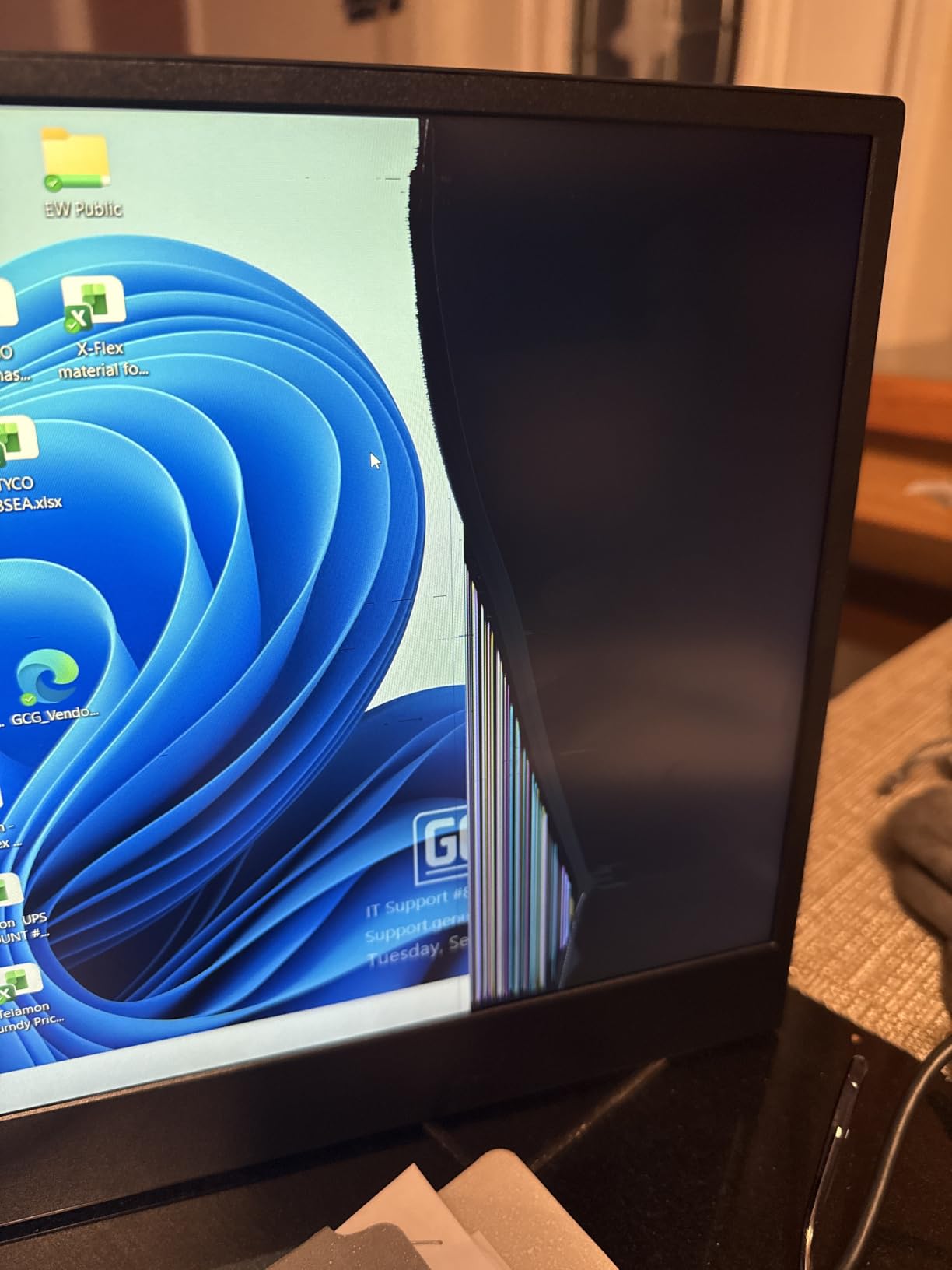
Owners like the slim folding design and the fact that a single USB-C cable does everything. The included clips and sleeve cover several desk arrangements, and the 6ms Extreme Mode response time is fine for documents and video.
The limits are consistent with the price class. 250 nits is dim in a room with daylight, 60Hz is not a gaming refresh rate, and the whole design leans on USB-C, so an older HDMI-only machine needs an adapter it has to source separately.
Compare with the L15: the M15 is the hub option, the L15 is the stand option and the lighter one. If neither fits and you want a screen that stays put, the Dell 24 SE2426H is the step up.
Good to know: the panel is thin, and owners report fragility during travel. Buy the sleeve and travel with the case on rather than loose in a bag.

10. TCL TAB 10 Gen 4: Best for Family Use
TCL TAB 10 Gen 4 Android Tablet, 10.1″ FHD Display, 4+128GB
Type: 10.1 inch tablet
Weight: 0.87 lb
Warranty: 1 year
Standout: 128GB with microSD slot
Pros
- Sharp 10.1 inch FHD 1920x1200 panel at 16:10
- Slim 0.30 inch unibody metal body at 0.87 lb
- 128GB storage with microSD expansion up to 1TB
- Kids Space and Family Link parental controls plus Eye Comfort mode
- 6000 mAh battery with 18W fast charging
Cons
- Only 4GB of physical RAM
- Wi-Fi 5 only with no Wi-Fi 6
- Charger is not included in the box
This is the one non-Lenovo pick that earns its place, and it does so on storage and handling. 128GB of internal storage plus a microSD slot that accepts cards up to 1TB is more expandable memory than any Lenovo tablet here offers, and the 0.87 lb unibody metal body feels a class above the plastic competition.
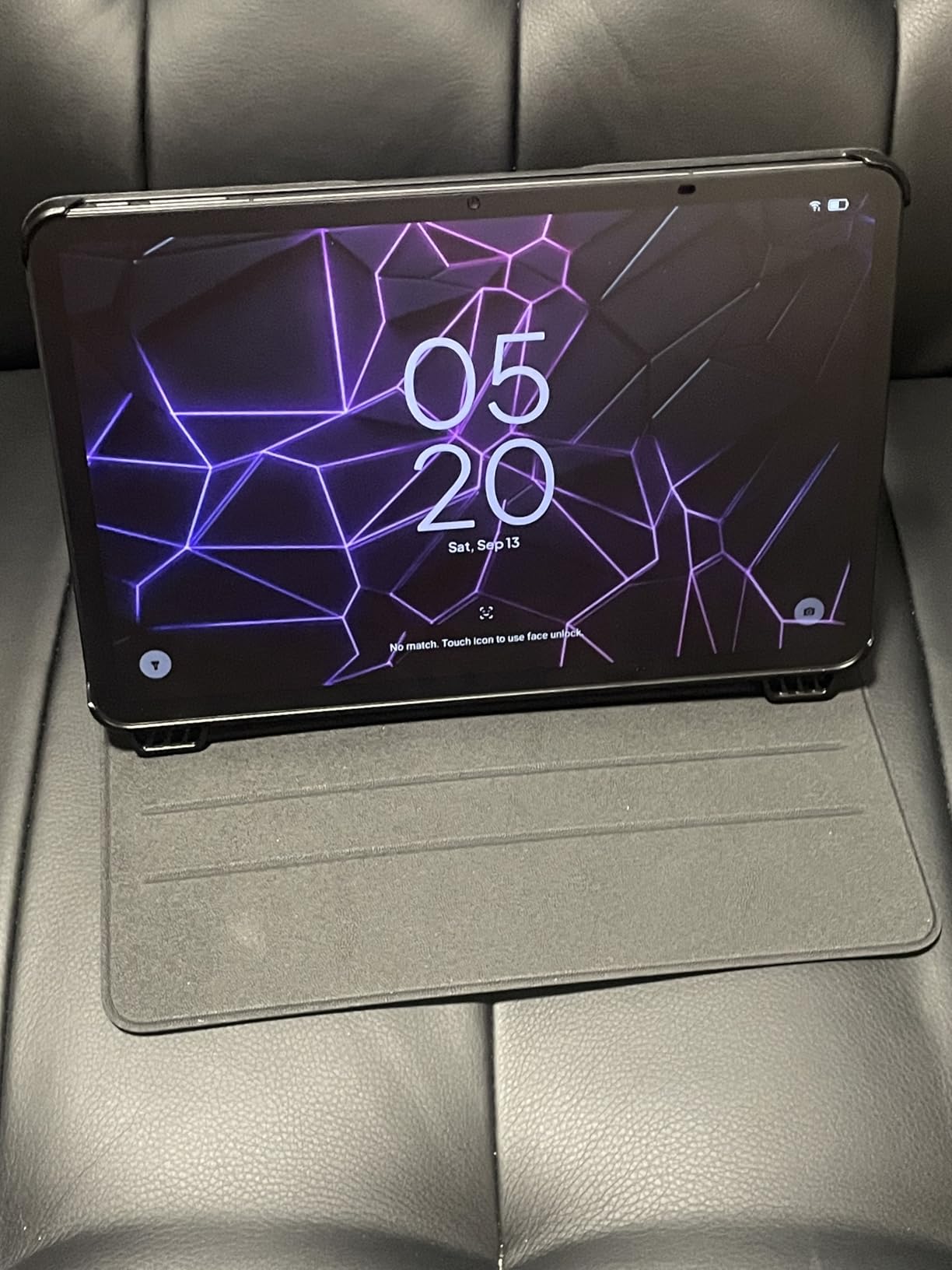
Owners point to parental controls as the deciding feature in a house with children. Kids Space, Family Link and an Eye Comfort mode cover the boring parts of that job, and the 6000 mAh battery carries a full day of streaming and study on the 10.1-inch Full HD screen.
The compromises are real. There is 4GB of physical RAM plus 8GB of expandable, which is enough for ordinary use but pulls up short under heavy multitasking, and it is Wi-Fi 5 only, so no Wi-Fi 6 or 6E router benefit. The 18W fast charging also needs a compatible charger that is not in the box.
Compare with the Lenovo Tab One: this has the better screen, more storage and a faster chip, while the Tab One is smaller and rated for longer streaming. For a child who watches and does schoolwork, the faster storage and larger screen here are worth more.
11. Dell 24 SE2426H: Best for a Fixed Desk
Dell 24 Monitor – SE2426H – 23.8-inch FHD (1920×1080) 144Hz 1ms Display, in-Plane Switching (IPS) Technology, AMD FreeSync™, TÜV 3-Star 2X HDMI, Tilt
Type: desktop monitor
Weight: 7.4 lb
Warranty: 1 year
Standout: 144Hz with 1ms MPRT
Pros
- 144Hz refresh rate with 1ms MPRT response
- IPS panel with 178 degree viewing angles
- AMD FreeSync adaptive sync support
- Two HDMI inputs with a 1.8m cable included
- Dell Advanced Exchange Service warranty
Cons
- Tilt adjustment only with no height swivel or pivot
- No DisplayPort or USB hub
- 72 percent colour gamut is limited for creative work
A 144Hz IPS panel at this tier changes what a desk feels like, and this is the only screen on the list built to stay on a desk rather than travel. Owners report crisp colour, quick out-of-box setup and a 23.8-inch size that pairs well with a laptop or a small home office.
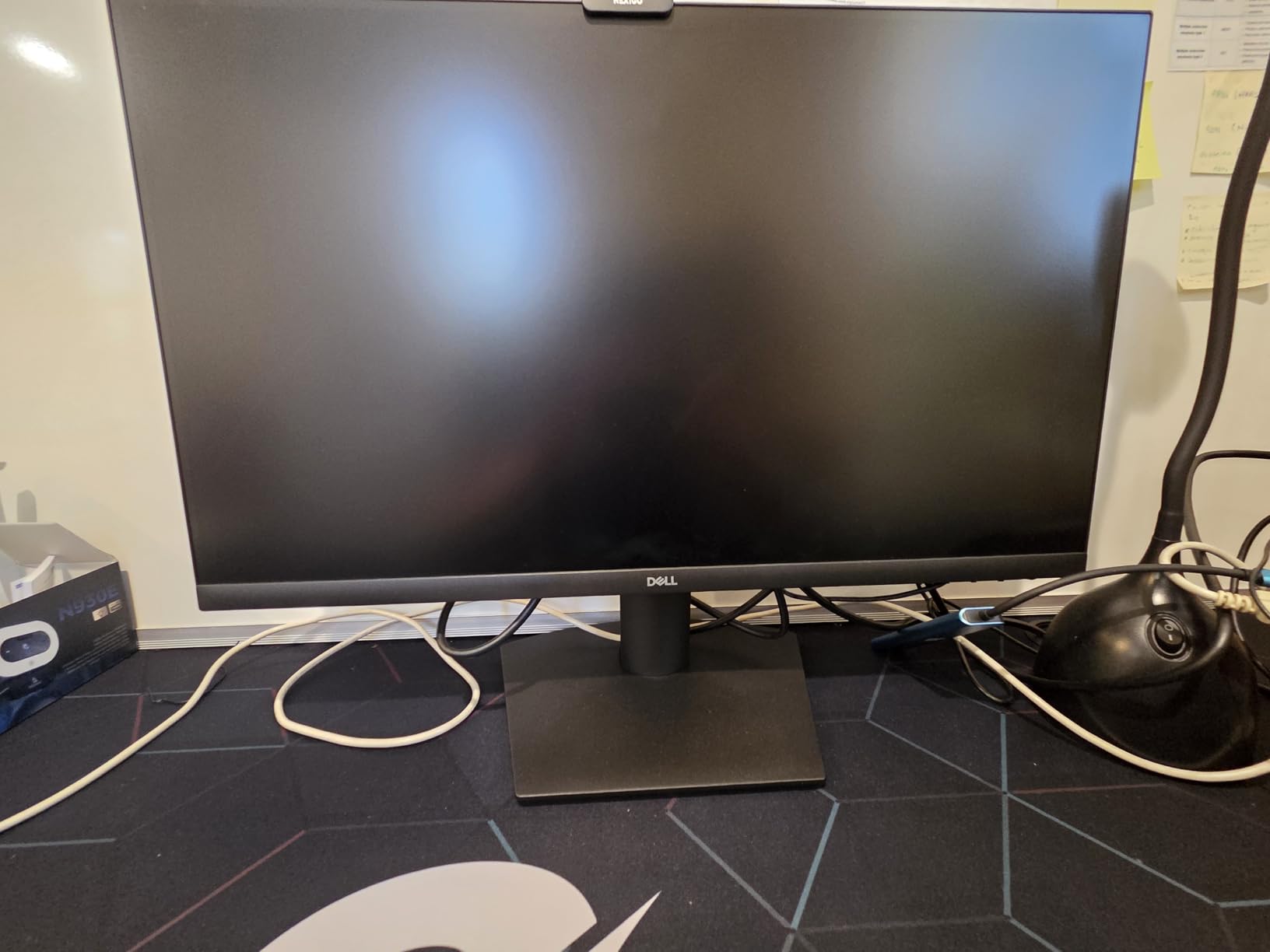
AMD FreeSync support means the picture stays tear-free when a laptop pushes frames at it, and the TUV Rheinland 3-star eye comfort certification matters during long sessions. Two HDMI ports with a 1.8m cable in the box mean most setups need nothing else.
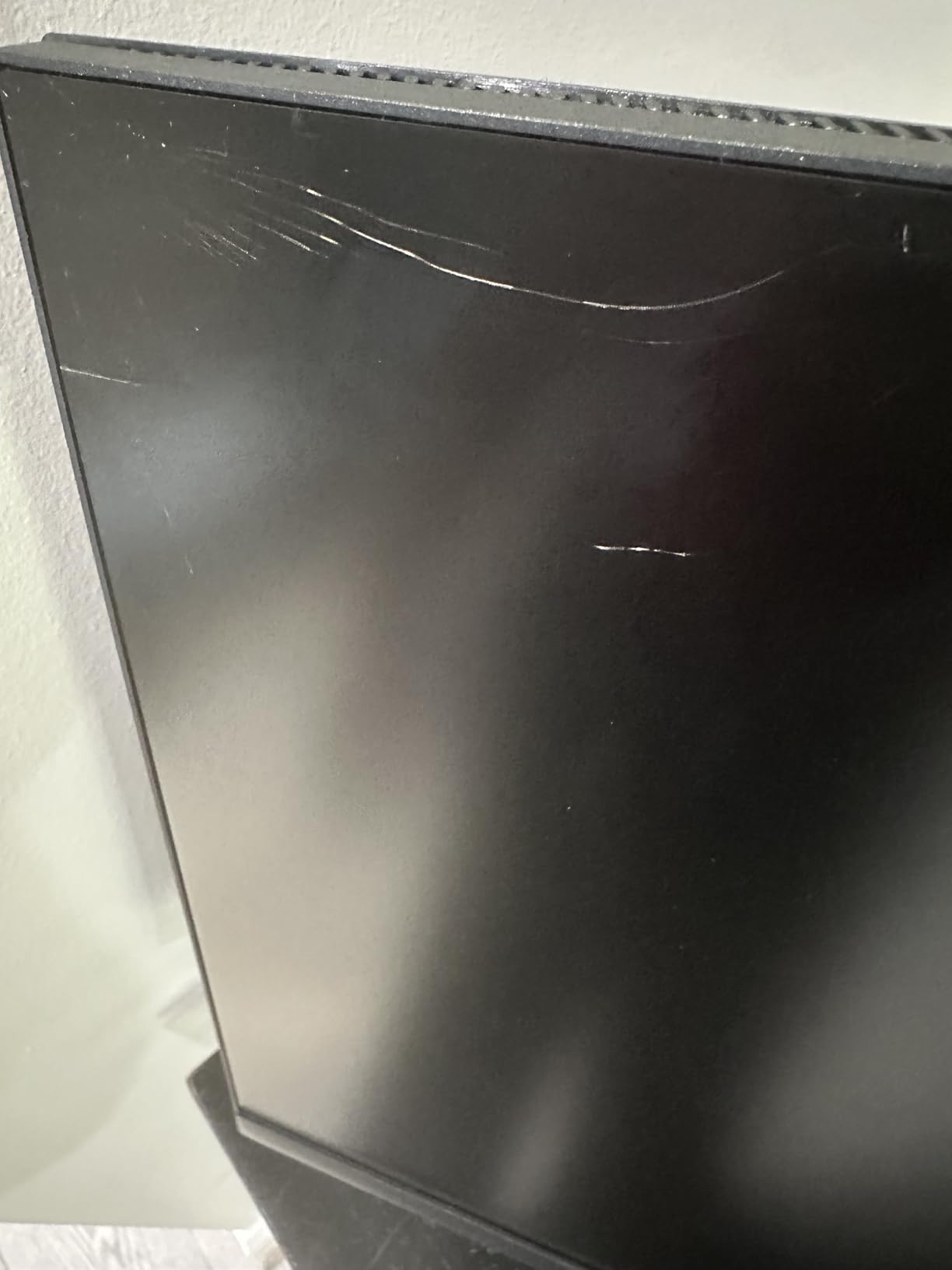
It is also rated 4.7 stars, matching the highest figure on this list, with 336 reviews behind that. The stand is the limitation: tilt only, with no height, swivel or pivot adjustment, so setting it at eye level may need a riser. There is no DisplayPort and no USB hub, and 72 percent colour coverage is not enough for colour-critical work.
The two Lenovo portable monitors fold up; the Dell does not. If the monitor stays on one desk and the machine is a laptop that can output over HDMI, the higher refresh rate is the deciding factor.
Several owners mention that the printed instructions and safety text are extremely small, so set the panel up from the on-screen guide instead.
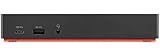
12. ThinkPad USB-C Dock Gen 2: Most Versatile
Lenovo USA Lenovo ThinkPad USB-C Dock Gen 2 (40AS0090US)
Type: docking station
Weight: 16 oz
Warranty: 3 years
Standout: 3 monitors at 4K 60Hz
Pros
- Single cable adds three USB 3.1 and two USB 2.0 ports
- Gigabit Ethernet and a combo audio jack
- Up to three external monitors at up to 4K 60Hz
- 90W power adapter included so it charges the laptop
- Three year warranty and 1493 owner reviews
Cons
- Compatibility is limited to a listed set of ThinkPad models
- Monitor count depends on the host laptop's video output
- Some owners report needing firmware or driver updates
Nothing else on this list has the owner history behind it, at 1493 reviews on a dock that has been sold for years. For anyone running a ThinkPad from a fixed desk, a single USB-C cable replacing a nest of peripherals is the whole value proposition, and the 90W adapter in the box means the dock also charges the laptop.

Video output covers HDMI 2.0 and two DisplayPort 1.4 connections, which supports up to three external monitors and one 4K display at 60Hz. At 16 ounces and about 8 inches long it stays out of the way, and the three-year warranty is the longest coverage on this list.
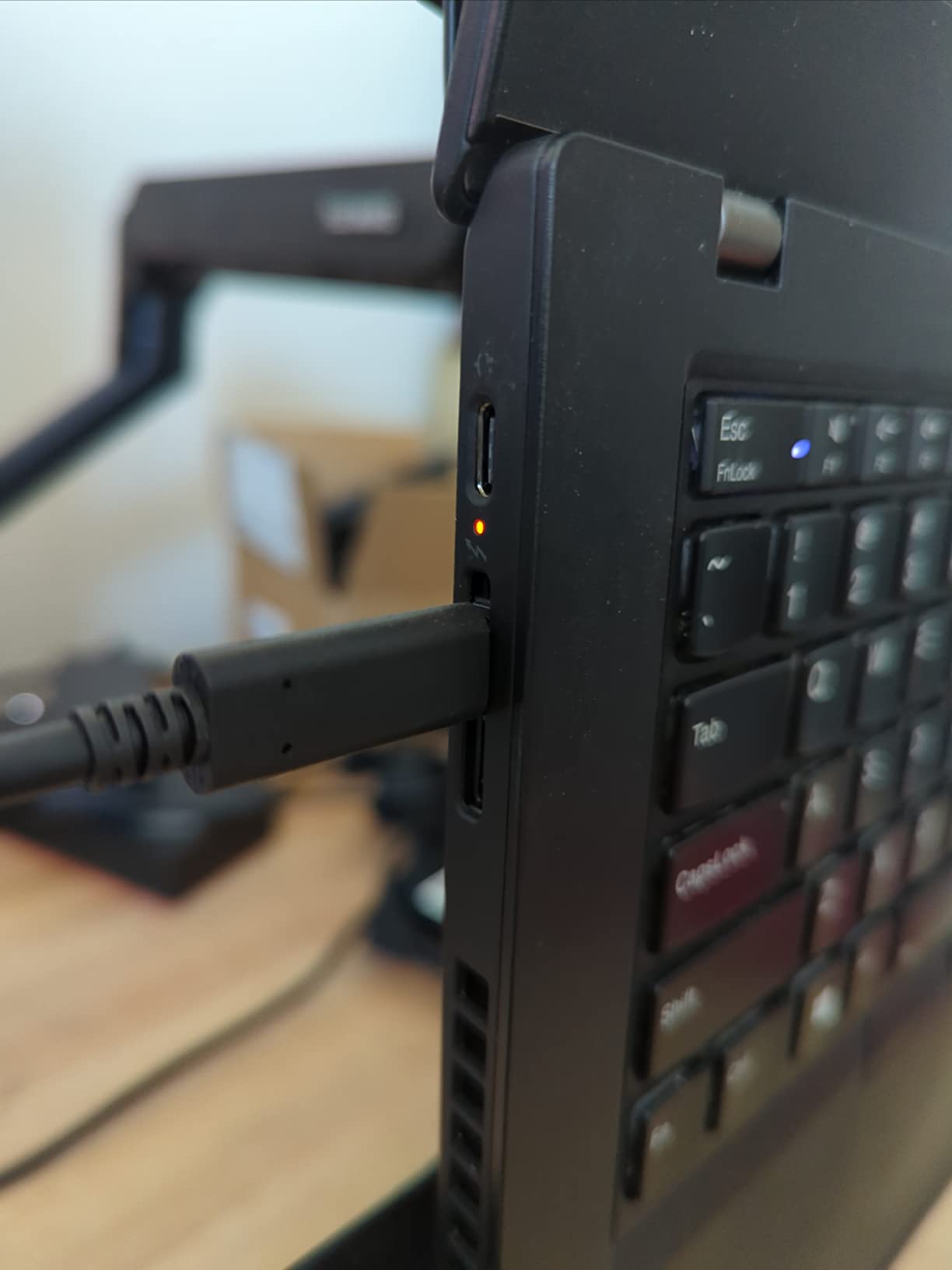
Compatibility is the thing to check first. The dock is built for a specific list of ThinkPad models, from older E-series and T-series machines through X1 Carbon and X1 Yoga generations, and the actual number of monitors you can run depends on what the host laptop outputs. Some owners also report needing a firmware or driver update before the full port set appears.
Compare with the ThinkVision M15: the monitor gives you a screen and four USB ports but no Ethernet, no power delivery to the laptop and no three-monitor support. If the ThinkPad stays docked, the dock is the better foundation and the monitor is the better companion.
How to Choose Lenovo Devices During Prime Big Deal Days
Lenovo splits into families that differ in ways a discount will not fix. Know which family your use case belongs to before you compare anything, because the same amount of money buys a very different machine in a ThinkPad than in an Idea Tab.
Processor and Performance
For browsing, documents and video calls, the processors here are not the deciding factor; Chrome OS and memory are. The octa-core MediaTek Kompanio 520 in the Flagship Chromebook and the Helio G85 in the Tab One handle ordinary work and are not built for multitasking or games. The Dimensity 6300 and 8300 in the two Idea Tabs are the faster tablet chips, and the 8300 is the one to pick if you keep many tabs open.
On Windows machines, the Ryzen 5 5500U in the V15 is an older but capable six-core part, the Core i5-13420H in the IdeaPad Slim 3 16 is a newer eight-core part, and the Core Ultra 7 155U in the Yoga 7i is a 12-core chip that will outlast the other two. Match the processor to the workload: office documents do not need twelve cores.
Memory and Storage
Set a floor of 16GB of RAM and 512GB of storage for a Windows laptop that will be kept for several years, and 8GB with 128GB or more for a tablet. The IdeaPad Slim 3 16 and the V15 both meet the laptop bar, with 16GB and 512GB, and the IdeaPad’s DDR5 can be raised to 40GB. The Flagship Chromebook’s 4GB and 64GB are fine for Chrome OS and frustrating for anything else, which is the honest limitation of the least powerful machine here.
Storage expansion differs by device. The Tab One and the TCL TAB 10 Gen 4 both take microSD cards, and the TCL can go up to 1TB. The Idea Tab and Idea Tab Pro have fixed memory and storage that cannot be upgraded later, so buy the larger size up front.
Display Size and Quality
Brightness is the number most worth reading on these listings. The Idea Tab 11 leads the tablets at 500 nits, the V15 leads the laptops at 500 nits, and the Idea Tab Pro sits at roughly 400 nits. The two portable monitors are both 250 nits, which is fine indoors and thin on detail in daylight.
Resolution follows size. The Idea Tab Pro’s 2944 x 1840 is the sharpest screen in the list and the best for reading and handwriting. The 15.6 and 16-inch laptops at 1920 x 1080 or 1920 x 1200 are the practical sweet spot for desk work, while the 45 percent NTSC colour gamut on the IdeaPad Slim 3 16 is a real limit for photo editing.
Battery Life and Portability
Carry weight matters more than most spec sheets admit. The Tab One at 11.2 ounces and the Flagship Chromebook at 2.9 lb are the two you will genuinely carry all day. The Idea Tab 11 at 1.1 lb is the easy carry. At the other end, the Yoga 7i at 4.6 lb is heavy precisely in tablet mode, and the V15 at 3.8 lb is a two-bag carry.
Rated battery figures here run from 11 to 13.5 hours and are broadly credible for video and light work. The Tab One’s 12.5 hours of YouTube streaming and the Chromebook’s 13.5-hour rating are the two strongest claims, while the V15’s battery capacity is described by owners as modest inside a large chassis.
Connectivity and Compatibility
Check the ports you will actually use before you buy. The V15 is the only machine here with a wired RJ45 Ethernet port, which decides it for a fixed office desk. The Yoga 7i is the only one with Thunderbolt 4, and it also carries Gigabit Ethernet, HDMI, USB-A and a microSD reader.
For displays and docks, the deciding question is USB-C. Both portable monitors and the ThinkPad dock depend on USB-C, so an older HDMI-only laptop needs an adapter. The ThinkVision M15 adds four USB ports and HDMI; the L15 offers dual USB-C with power pass-through. The ThinkPad dock lists specific supported ThinkPad models, so confirm yours is on that list before ordering.
How to Shop Lenovo Devices During the Sale
Read the model number, not the marketing name. The same IdeaPad or Idea Tab name can cover very different configurations, and Amazon can swap what sits behind a listing during an event. Confirm the CPU, memory and storage in the specification block before you commit, and check the model number in the details section, such as the Idea Tab’s ZAFR0920US.
Then check what is in the box, because accessories change the calculation. The Idea Tab 11 and the Tab One include a pen or a folio case, the Idea Tab Pro includes the Tab Pen Plus and a case, and the ThinkPad dock includes a 90W adapter. A bundle at the same listing price is the better deal than a bare machine, and the dock without its charger is not the dock.
Finally, look at who sells and who ships the item, confirm whether the condition is new or renewed, and read the warranty length, which ranges from 90 days on the Flagship Chromebook to three years on the dock. Most offers during the event require a Prime membership, and a free trial counts, and prices and offer types shift through the sale.
- Decide the device family first: laptop, tablet, monitor or dock, and then the model within it.
- For Windows laptops, aim for at least 16GB of RAM and 512GB of storage, and check whether memory can be upgraded later.
- Read the brightness figure, not just the resolution, and expect 250 nits on budget portable monitors.
- Match the ports to your desk: RJ45 for a fixed office, USB-C for a portable setup, Thunderbolt 4 only if you need it.
- Confirm the exact model number and the contents of the box before the offer changes.
- Use the price button on each card to see the current price, and check a price history tracker if a number looks unusually low.
Frequently Asked Questions
When does Amazon Prime Big Deal Days run in 2026?
Amazon Prime Big Deal Days runs October 6-7, 2026. The event opens early access for Prime members before the full sale begins, and offer types and prices change through both days, so the list of products worth watching shifts as the event goes on.
Do I need Prime membership to buy during Amazon Prime Big Deal Days?
Most offers during the event require a Prime membership. A free trial counts for the length of the sale, so anyone planning a laptop or tablet purchase for October 6-7 can start a trial and cancel afterwards. A small number of offers are open to everyone.
Are Amazon Prime Big Deal Days Lenovo deals guaranteed on the picks in this list?
No offer is guaranteed. The picks here are the Lenovo and comparable devices with the specifications that hold up best for the money, and the actual offer, its price and its duration are set during the event. Use the price button on each card to see where a listing stands today.
How can I tell whether a Lenovo deal is for the model I want?
Check the model number in the listing details rather than the marketing name, then confirm the CPU, memory, storage and screen size in the specification block. Configurations behind the same product name change often, and the same model number can be listed with different bundles.
Should I wait for a laptop deal during Prime Big Deal Days?
It depends on the machine and the date. Laptops in this list cover everything from a low-cost Chromebook to a convertible with a 1TB SSD, and each is a normal configuration rather than a clearance item, so a good offer on a machine you want does not usually repeat at a better number later in the year.
Is buying a Lenovo device directly from Amazon safer than from a marketplace seller?
Buying direct from Amazon gives a single returns process and a clearer warranty path, which matters for a laptop or a tablet. Marketplace sellers can price lower, but the warranty is handled by the seller and the return window may differ, so check the seller and shipper on the listing before ordering.
Final Verdict: Best Amazon Prime Big Deal Days Lenovo Deals
Buy the Lenovo Flagship Chromebook if the machine is for a student, a first laptop or a secondary computer that lives in a bag, and the 90-day warranty is the one thing to act on quickly. For Windows work at a desk with a spreadsheet in view, pick the IdeaPad Slim 3 16, and pick the Lenovo V15 instead if that desk needs wired Ethernet and Pro licensing.
For a screen rather than a computer, the Idea Tab 11 is the best value in the list because the pen and case are in the box, and the Idea Tab Pro is the upgrade when handwriting and screen sharpness matter more than weight. The Tab One is the pick for anything that travels, at 11.2 ounces it is the one you will actually use on a trip. The Yoga 7i is the machine to buy when you want the strongest specifications here and the convertible hinge to justify them.
For a desk, the ThinkVision M15 handles one-cable setups, the L15 is the lighter travel option, and the Dell 24 SE2426H is the screen that stays put. The ThinkPad USB-C Dock Gen 2 turns any supported ThinkPad into a desktop setup with a single cable. Check the live listing on each card before you commit, because the offers move through the event.