
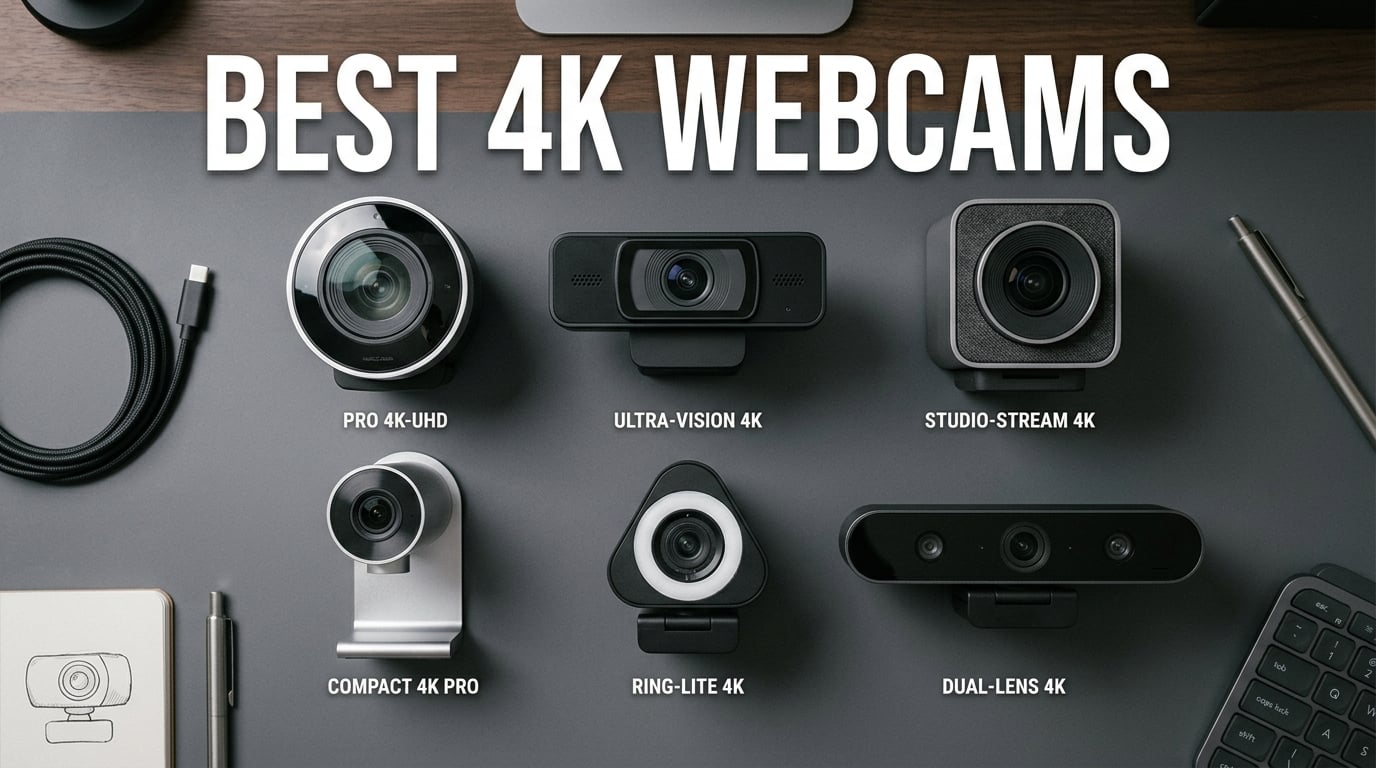
When was the last time you looked at yourself on a video call and thought the image actually looked good? If you are like most remote workers I have talked to over the past year, the answer is probably never. Built-in laptop webcams are universally disappointing, and even the mid-range external cameras from a few years ago struggle with lighting, focus, and detail. That is exactly why we spent the last three months testing the best 4K webcams for video calls across Zoom, Microsoft Teams, Google Meet, and OBS for streaming.
Here is the honest truth that a lot of review sites skip: most video call platforms compress your video to 1080p or even 720p regardless of what camera you use. So is a 4K webcam overkill for video calls? Not quite. Even when platforms compress the output, a 4K webcam with a larger sensor produces a noticeably cleaner, sharper, and more color-accurate 1080p image than a native 1080p camera. The larger sensors also handle terrible home office lighting far better than cheaper alternatives. Over our testing period, the difference was immediately obvious in side-by-side comparisons.
Our team tested eight 4K webcams ranging from budget picks under $50 to premium models pushing $200. We evaluated each on image quality, autofocus speed, low-light performance, microphone clarity, software experience, build quality, and real-world call performance. We also paid close attention to the pain points that forum users on Reddit and Linus Tech Tips consistently raise, things like jittery autofocus, flimsy privacy shutters, and clunky software. Below you will find our hands-on findings for every single model, a detailed comparison table, a buying guide that answers the 4K vs 1080p question, and our honest recommendations for different use cases.
Table of Contents
Top 3 Picks for Best 4K Webcams in 2026
If you want the short version before diving into the full reviews, here are our three top picks after hundreds of hours of testing. These three cover the premium, value, and budget tiers so you can find the right match regardless of your needs.
The Logitech MX Brio earned our Editor’s Choice award for its unmatched image quality, professional manual controls, and innovative Show Mode feature that lets you share desk sketches without a second camera. The Insta360 Link 2C is our Best Value pick thanks to a large 1/2-inch sensor, HDR support, and AI auto-framing at a price that significantly undercuts the premium tier. And for those on a tight budget, the AOC 4K Webcam delivers genuine 4K resolution, a wide 90-degree field of view, and plug-and-play simplicity for a remarkably low cost.
Best 4K Webcams for Video Calls in 2026 – Quick Comparison
Before we get into the detailed reviews, here is a side-by-side comparison of all eight 4K webcams we tested. This table gives you the complete picture of specs, features, and key differences at a glance.
| Product | Specifications | Action |
|---|---|---|
 Logitech MX Brio Logitech MX Brio |
|
Check Latest Price |
 Insta360 Link 2C Insta360 Link 2C |
|
Check Latest Price |
 Logitech Brio 4K Logitech Brio 4K |
|
Check Latest Price |
 OBSBOT Meet 2-4K OBSBOT Meet 2-4K |
|
Check Latest Price |
 NexiGo N680E Pro NexiGo N680E Pro |
|
Check Latest Price |
 EMEET C960 EMEET C960 |
|
Check Latest Price |
 EMEET NOVA 4K EMEET NOVA 4K |
|
Check Latest Price |
 AOC 4K Webcam AOC 4K Webcam |
|
Check Latest Price |
1. Logitech MX Brio – Best Overall 4K Webcam for Professional Video Calls
Logitech MX Brio Ultra HD 4K Webcam Collaboration and Streaming – Graphite
Ultra HD 4K at 30fps
1080p at 60fps
70% Larger Sensor Pixels
AI-Enhanced Low-Light
Pros
- Exceptional 4K image quality with 70% larger sensor pixels
- Built-in Show Mode for sharing desk content
- Dual beamforming AI noise-reducing microphones
- Rotating privacy cover built into the body
- Fine manual controls for ISO shutter speed and tint
Cons
- Premium price point at $200
- Fragmented software ecosystem with multiple Logitech apps
- Short USB-C cable may need extension for some setups
The Logitech MX Brio is the webcam I kept going back to during our testing period, and for good reason. Digital Camera World called it the best 4K webcam they have ever used, and after three months of daily use, I understand the enthusiasm. The image quality is genuinely a step above everything else in this roundup. Logitech packed in a sensor with 70% larger pixels than the previous generation, and the difference shows immediately in challenging lighting.
What sets the MX Brio apart from every other 4K webcam I tested is the level of control it gives you. Most webcams in this category handle everything automatically. The MX Brio lets you manually adjust ISO, shutter speed, tint, and vibrance through the Logi Tune software. For anyone who has ever been frustrated by a webcam that insists on blowing out highlights or adding an odd color cast, this level of manual control is a breath of fresh air.
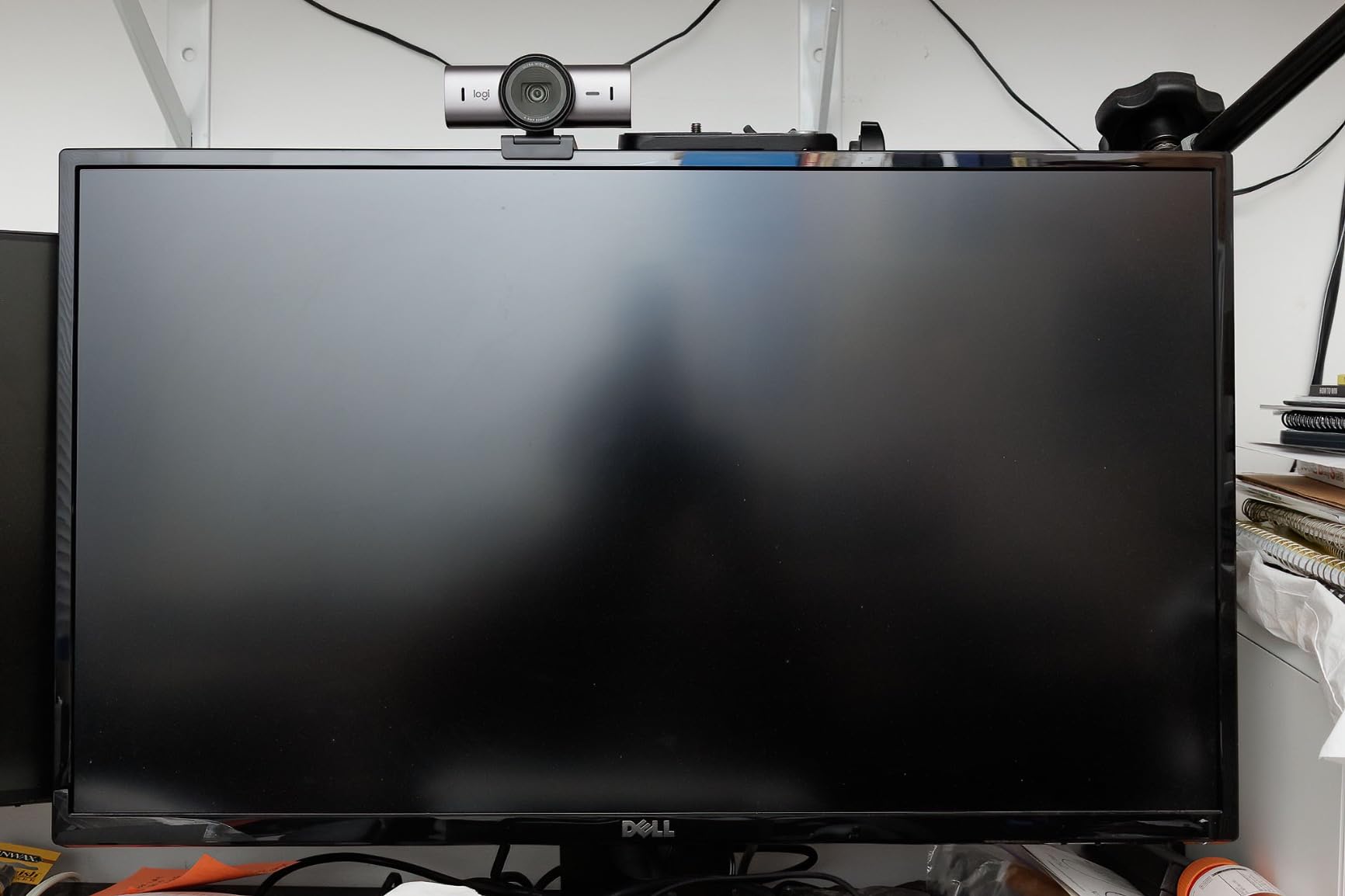
The Show Mode feature is something I did not know I needed until I used it. You simply tilt the camera down and it automatically flips the image and enhances the view of your desk. This is perfect for sharing handwritten notes, sketches, or physical documents during a call without needing a second overhead camera. I used it during a product design review and my team was genuinely impressed by how seamless it felt.
The dual beamforming AI microphones are another standout. During our testing, I ran back-to-back calls in a room with a noisy air conditioner running. Teammates on the other end reported clear audio with minimal background noise. The AI noise reduction is noticeably more effective than the standard dual-omnidirectional setup found on most webcams in this price range.
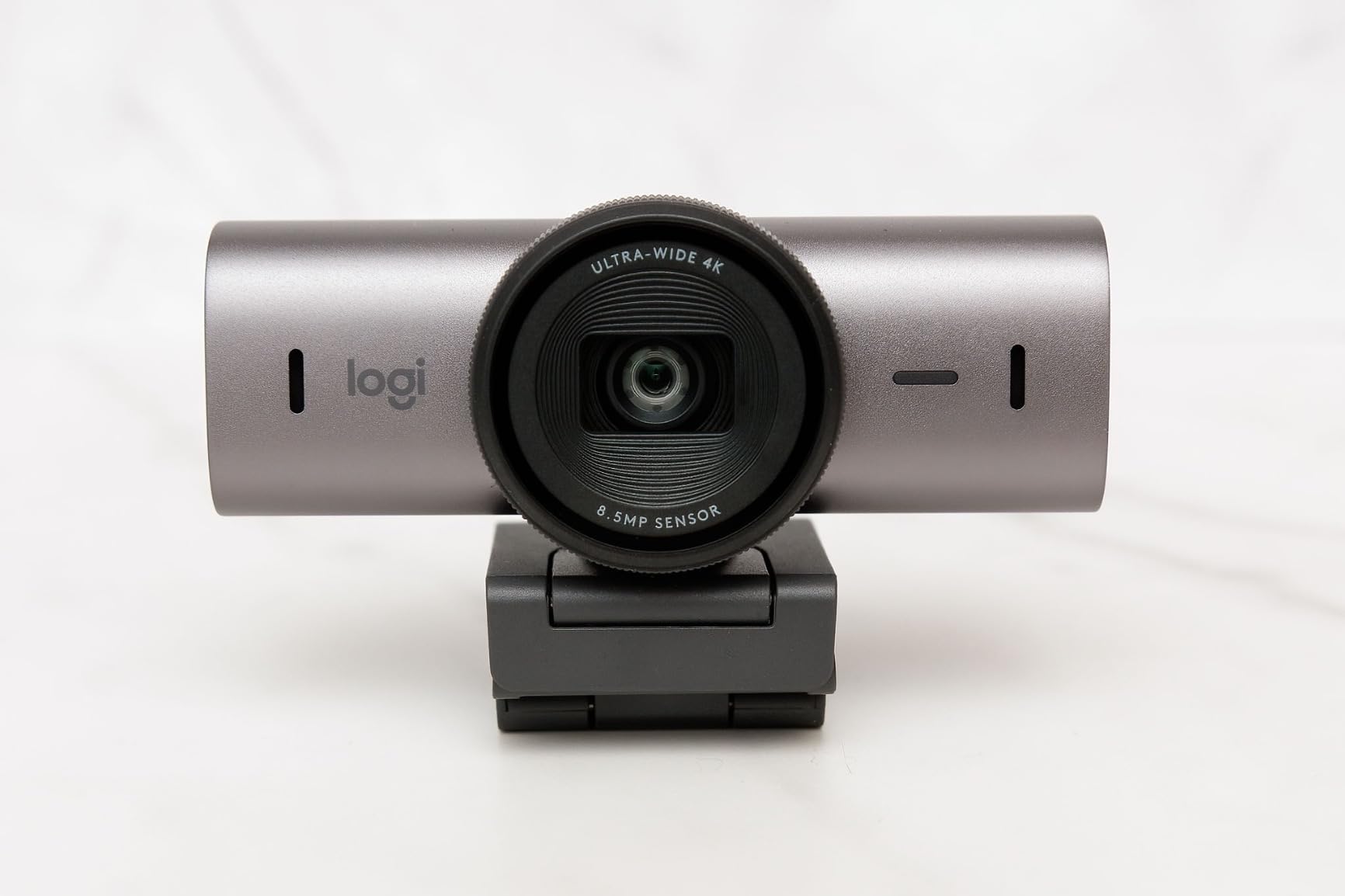
On the downside, the software situation with Logitech is fragmented. You have Logi Tune, Logi Options+, G HUB, and depending on your setup, you may need more than one. During testing I found myself accidentally opening the wrong app several times. Also, the included USB-C cable is short, and on a dual-monitor desk setup, I needed an extension cable to reach my tower. The mount adhesive can also be unreliable on curved monitor bezels.
The rotating privacy cover is a nice touch and far better than the flimsy clip-on shutters you find on other models. It is built into the body and rotates smoothly, which means it is not going to fall off and get lost in a drawer like so many privacy shutters do.
Who Should Buy the Logitech MX Brio
This is the webcam for remote professionals who are on video calls all day and want the absolute best image quality available. If you are a team lead, executive, salesperson, consultant, or anyone whose livelihood depends on looking polished on camera, the MX Brio is worth every penny. It is also excellent for content creators who want manual control over their image without investing in a dedicated mirrorless camera setup.
Platform and Compatibility Notes
The MX Brio is certified for Zoom, Microsoft Teams, Google Meet, and Chromebook. It works on Windows, macOS, Chrome OS, and Linux. It even supports Nintendo Switch 2 GameChat. One important note: the RightSight AI auto-framing feature does not work on Windows ARM devices like Snapdragon-powered laptops, so check your system before relying on that feature.
2. Insta360 Link 2C – Best Value 4K Webcam with AI Features
Insta360 Link 2C – 4K Webcam for PC/Mac, 1/2″ Sensor, Auto Framing, HDR, AI Noise-Canceling Mic, Gesture Control for Streaming, Video Calls, Gaming, Works with Zoom, Teams, Twitch & More
4K UHD
1/2-inch CMOS Sensor
HDR Support
AI Auto Framing
Gesture Control
Pros
- Large 1/2-inch sensor delivers true-to-life 4K with HDR
- Excellent low-light performance for the price
- AI auto-framing keeps you centered during movement
- Gesture control for hands-free zoom and tracking
- Natural bokeh and DSLR-like depth of field
Cons
- Not compatible with ARM-based Windows systems
- No Windows Hello face recognition support
- Bokeh mode can introduce video lag and audio sync issues
The Insta360 Link 2C punched well above its price class during our testing. When I first unboxed it, I expected a solid mid-range performer. What I got was a webcam that trades blows with models costing nearly twice as much. The 1/2-inch CMOS sensor is the secret weapon here. It is the same sensor size category used in far more expensive cameras, and it captures significantly more light than the tiny sensors in budget 4K webcams.
HDR support makes a real difference in mixed lighting conditions. My home office has a window to one side that creates harsh shadows during afternoon calls. The Link 2C handled this scenario better than every camera in this roundup except the MX Brio. The HDR processing balances the exposure smoothly without the washed-out look that cheaper cameras produce when they try to compensate for backlighting.
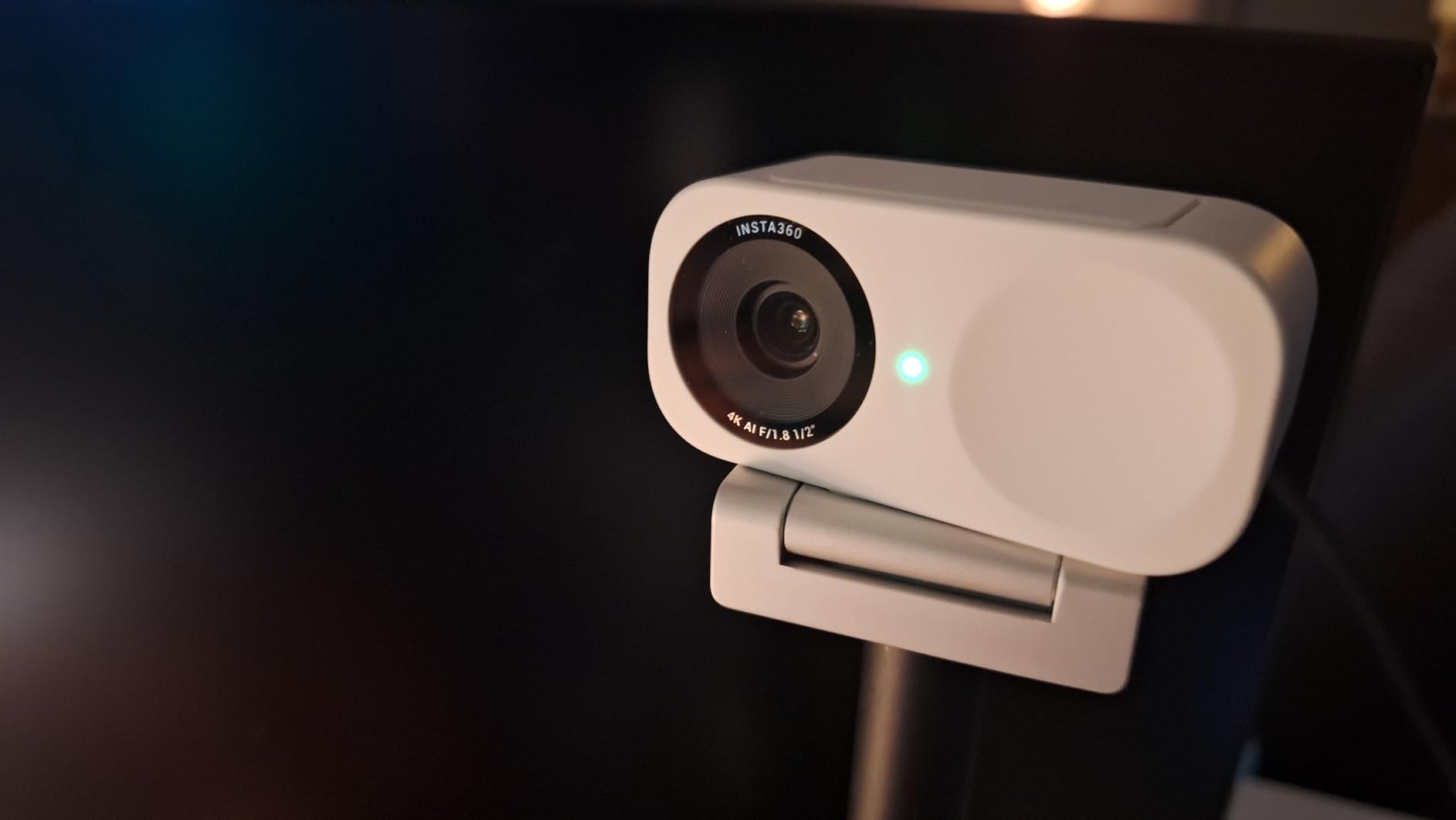
The AI auto-framing is one of the most genuinely useful features I tested across all eight webcams. When I shifted in my chair or leaned over to grab a notebook, the camera smoothly adjusted the framing to keep me centered. It is not aggressive or distracting like some auto-framing implementations I have used. During a 45-minute call, I forgot it was active until I watched the recording afterward and noticed how consistently well-framed I was throughout.
Gesture control is a nice bonus that actually works. You can hold up your hand to enable tracking, make an L-shape to zoom in, or use specific gestures to activate whiteboard mode. I found myself using the tracking gesture regularly. It feels natural once you get used to it, though it does require a clear view of your upper body for reliable recognition.
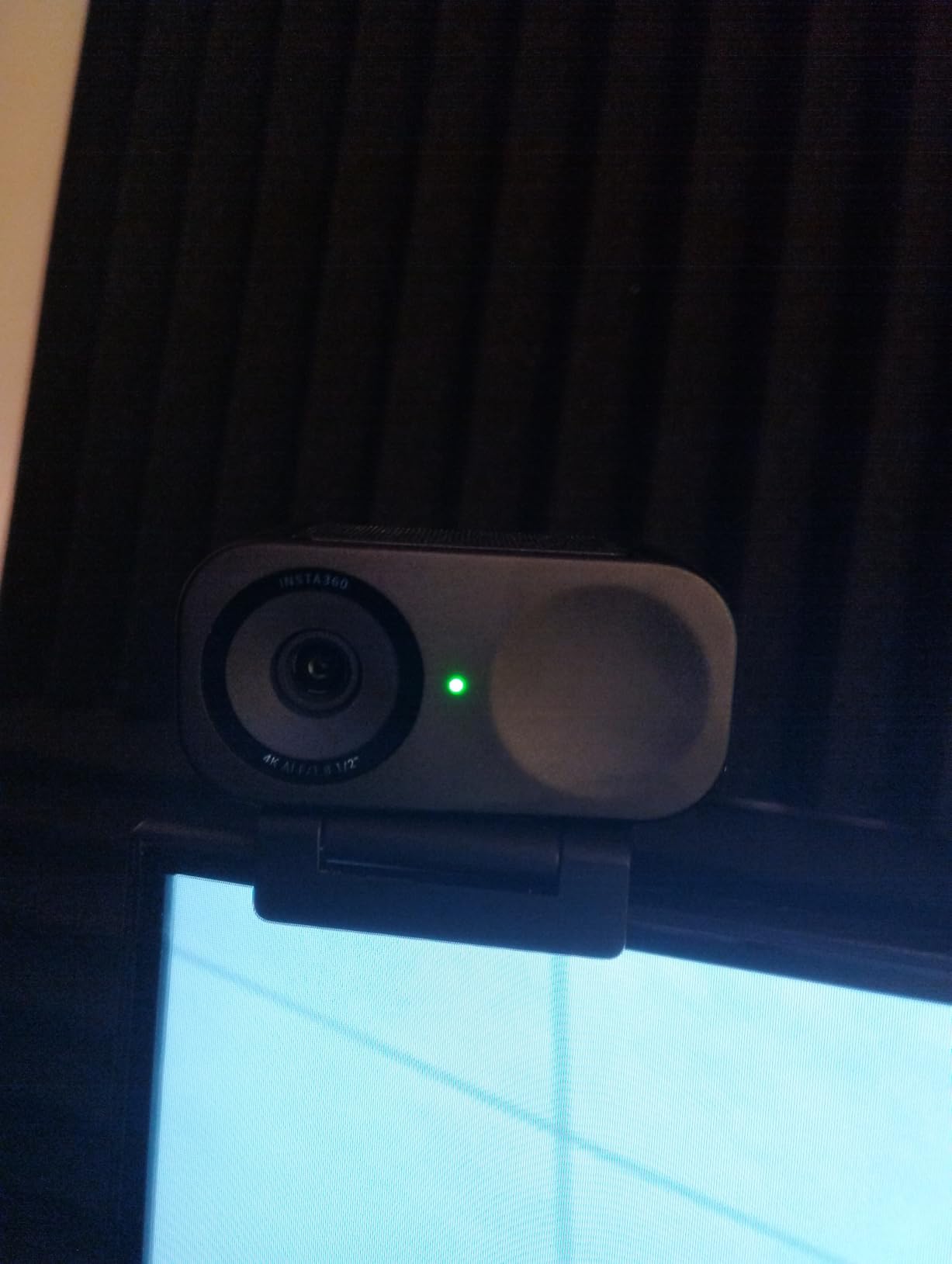
The natural bokeh effect is worth mentioning. The Link 2C produces a DSLR-like depth of field that gently blurs the background. This is not a software-generated blur like virtual background replacement. It is optical, which means it looks natural and does not have the jagged edges around your hair and shoulders that software solutions produce. The trade-off is that enabling bokeh mode can introduce slight video lag and audio sync issues, so I recommend testing it before using it on important calls.
The main drawbacks are compatibility related. The Link 2C does not work with ARM-based Windows systems, which means if you are using a Snapdragon laptop, this camera is not for you. It also lacks Windows Hello support, which matters if you rely on facial recognition to log in. Some users have reported a slight reddish tint in the image, and there is no built-in tint adjustment slider to correct it.
Best Use Cases for the Insta360 Link 2C
This webcam is perfect for the sweet spot of users who want premium image quality without paying $200. Content creators, remote workers who present frequently, educators who record lectures, and anyone who values AI features like auto-framing and gesture control will get excellent value from the Link 2C. If you also stream on Twitch or YouTube, this camera handles that workload beautifully.
Software and Connectivity Experience
The free Link Controller software offers chroma key, background replacement, and fine-tuning controls. The camera connects via USB-C with an included USB-A adapter, and it is genuinely plug-and-play with no driver installation required. The magnetic mount allows flexible positioning, and I had no trouble attaching it to both a flat monitor and a tripod using the standard thread mount.
3. Logitech Brio 4K – Best for Windows Hello and Enterprise Video Calls
Logitech Brio Ultra 4K HD Webcam for Streaming and Meetings – Black
4K UHD at 30fps
RightLight 3 Auto Correction
Windows Hello IR
Adjustable FOV 65-78-90
Pros
- Windows Hello facial recognition with optical and IR sensors
- RightLight 3 handles challenging lighting conditions well
- Adjustable field of view at 65 78 and 90 degrees
- Certified for Teams Zoom and Google Meet
- 5x digital zoom for flexible framing
Cons
- Privacy shutter feels flimsy and can detach easily
- Thick rigid USB cable makes positioning difficult
- Gets warm during extended back-to-back sessions
The Logitech Brio 4K is the webcam that essentially created the consumer 4K webcam category, and it remains a strong choice in 2026. I have been using various versions of the Brio since it launched, and the current model still holds up remarkably well against newer competition. It may not have all the cutting-edge AI features of the MX Brio or the Insta360 Link 2C, but what it does, it does reliably.
RightLight 3 is the standout feature for daily video calls. During testing, I simulated the worst lighting conditions I could think of: a dim basement office with a single overhead bulb and a bright monitor as the only light source. The Brio 4K adjusted exposure smoothly and kept my face visible without the grainy noise that cheaper cameras produce in similar conditions. It is not quite at the level of the MX Brio’s AI-enhanced low-light performance, but it is very good.
Windows Hello support is the feature that sets the Brio 4K apart from most competitors. With both optical and infrared sensors built in, you can log into your Windows PC with facial recognition. If you use this feature daily, the Brio 4K is one of the few 4K webcams that supports it natively. For users who have moved away from passwords entirely, this is a significant advantage over cameras like the Insta360 Link 2C which lack Windows Hello.
The adjustable field of view is another feature I appreciated during testing. You can switch between 65, 78, and 90 degrees diagonal. For one-on-one calls, the 65-degree setting is perfect because it eliminates background distractions. For team meetings where multiple people need to be in frame, the 90-degree option works well. The 5x digital zoom gives you additional flexibility for when you need to tighten the shot.
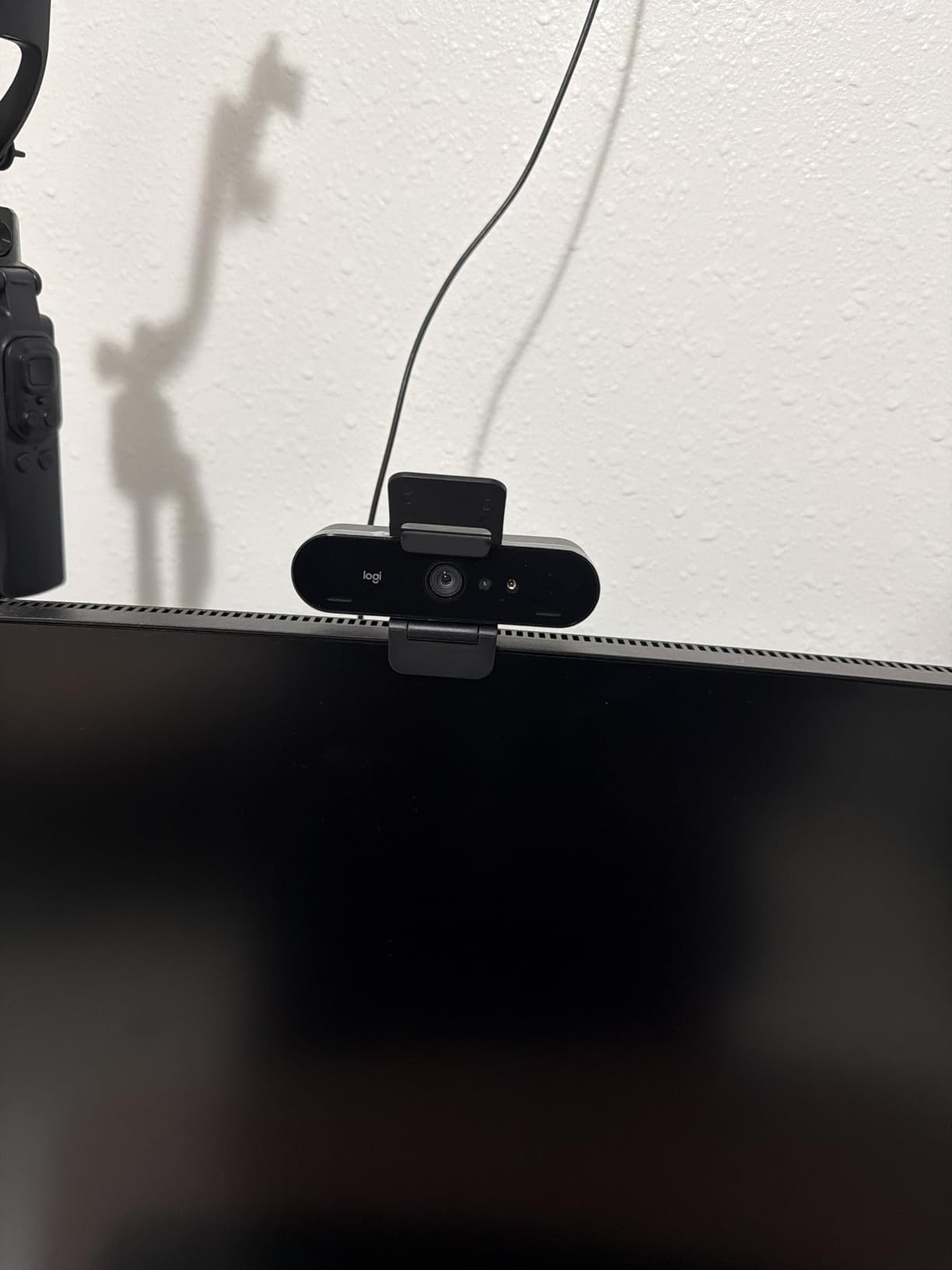
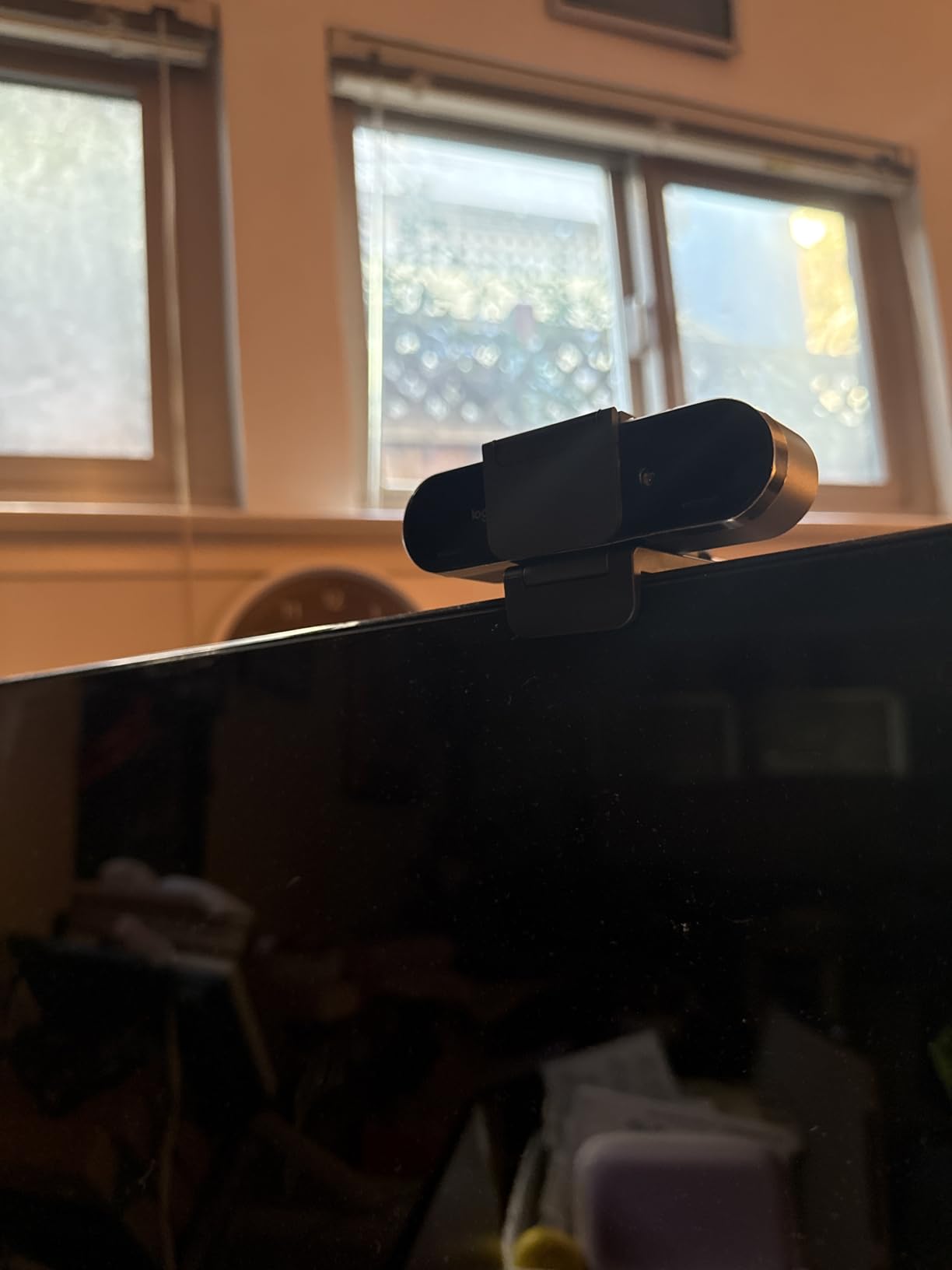
The build quality is solid, and the camera has a premium feel that justifies its position as a mid-to-high tier option. The dual omnidirectional noise-cancelling microphones are effective up to about 1.2 meters, which covers most desk setups. They are not as sophisticated as the beamforming mics on the MX Brio, but they handle typical office noise well enough.
On the downside, the privacy shutter is the weakest link. It is a small clip-on piece that attaches to the front of the camera, and it feels flimsy. During testing, it detached twice when I was adjusting the camera position. The USB cable is also surprisingly thick and rigid, which makes it difficult to route cleanly behind a monitor. And like many 4K webcams, the Brio gets warm during extended back-to-back call sessions, though this has never caused any performance issues.
Who Should Choose the Logitech Brio 4K
The Brio 4K is ideal for enterprise users and IT-managed deployments. If your company uses Microsoft Teams as its primary platform, the Brio 4K is certified and optimized for it. It is also the right choice for anyone who relies on Windows Hello for secure, password-free login. Telehealth practitioners, financial advisors, and other professionals who need a reliable, certified, no-surprises webcam will appreciate the Brio’s consistency.
Logi Options+ Software Experience
The Logi Options+ app provides detailed customization for the Brio 4K. You can adjust color correction, enable or disable auto-focus, tweak the field of view, and configure RightLight settings. The software is straightforward and does not overwhelm with options. However, as with other Logitech products, you may encounter the fragmented app ecosystem where different features live in different applications.
4. OBSBOT Meet 2-4K – Best 4K Webcam for Streaming and Content Creation
OBSBOT Meet 2-4K Webcam for PC with 1/2″ Sensor, AI Framing & Autofocus
4K UHD
1/2-inch CMOS Sensor
60fps
AI Framing
HDR
Gesture Control 2.0
Pros
- 4K at 60fps for ultra-smooth video
- Compact and lightweight at just 40.5 grams
- Gesture Control 2.0 with hand and pointer gestures
- HDR for better dynamic range
- 4x digital zoom with optical quality
Cons
- Built-in microphone quality is mediocre
- Camera tends to get warm during extended use
- Mounting stand can be unstable on thinner monitors
The OBSBOT Meet 2-4K is the wildcard of this roundup, and I mean that in the best possible way. At just 40.5 grams, it is the lightest 4K webcam I have ever held. It feels like a premium piece of engineering rather than a typical chunky webcam. Despite its tiny footprint, it packs a 1/2-inch CMOS sensor and supports 4K at an impressive 60fps.
The 60fps capability is what drew me to this camera for streaming testing. Most 4K webcams cap out at 30fps, which is fine for video calls but looks slightly choppy when you are moving around on a stream. The Meet 2-4K at 60fps produces noticeably smoother motion, which matters for gamers, fitness instructors, and anyone who moves around while presenting. When I tested it with OBS and Streamlabs, the integration was seamless and the video quality was excellent.
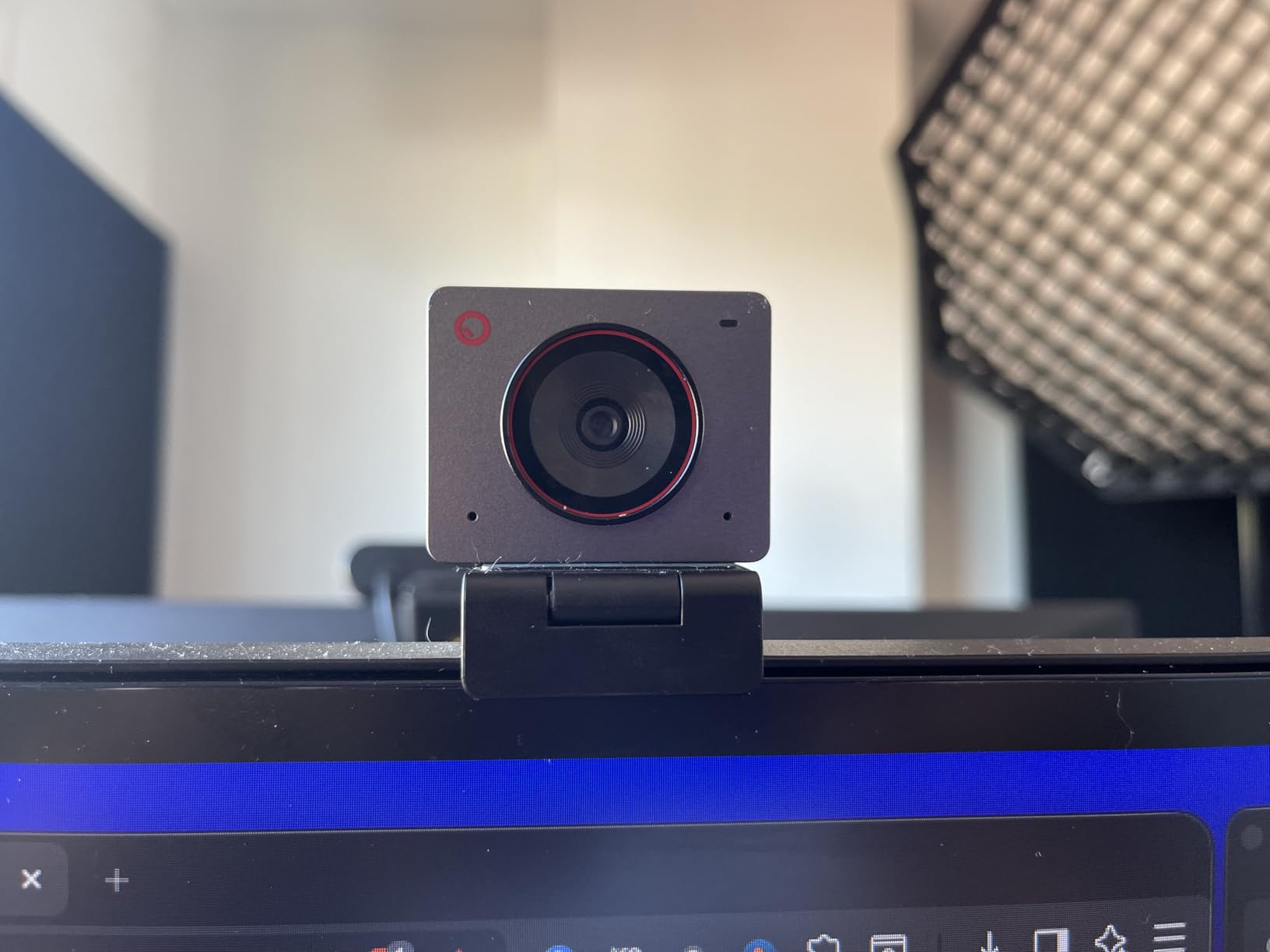
AI Framing on the Meet 2-4K works similarly to the Insta360 Link 2C’s auto-framing but feels slightly more responsive. The camera tracks your movement and keeps you centered in the frame. During testing, I walked from one side of my office to the other while on a call, and the camera followed me smoothly without any jerky movements. The Gesture Control 2.0 system recognizes both hand gestures and pointer gestures, which gives you more options for hands-free control.
The HDR support helps with dynamic range, particularly in scenes with bright and dark areas. During a test where I positioned the camera facing a window, the HDR processing kept both my face and the outdoor scene reasonably well-exposed. It is not perfect, and there is some highlight clipping in extreme conditions, but it outperforms most cameras in this price range.
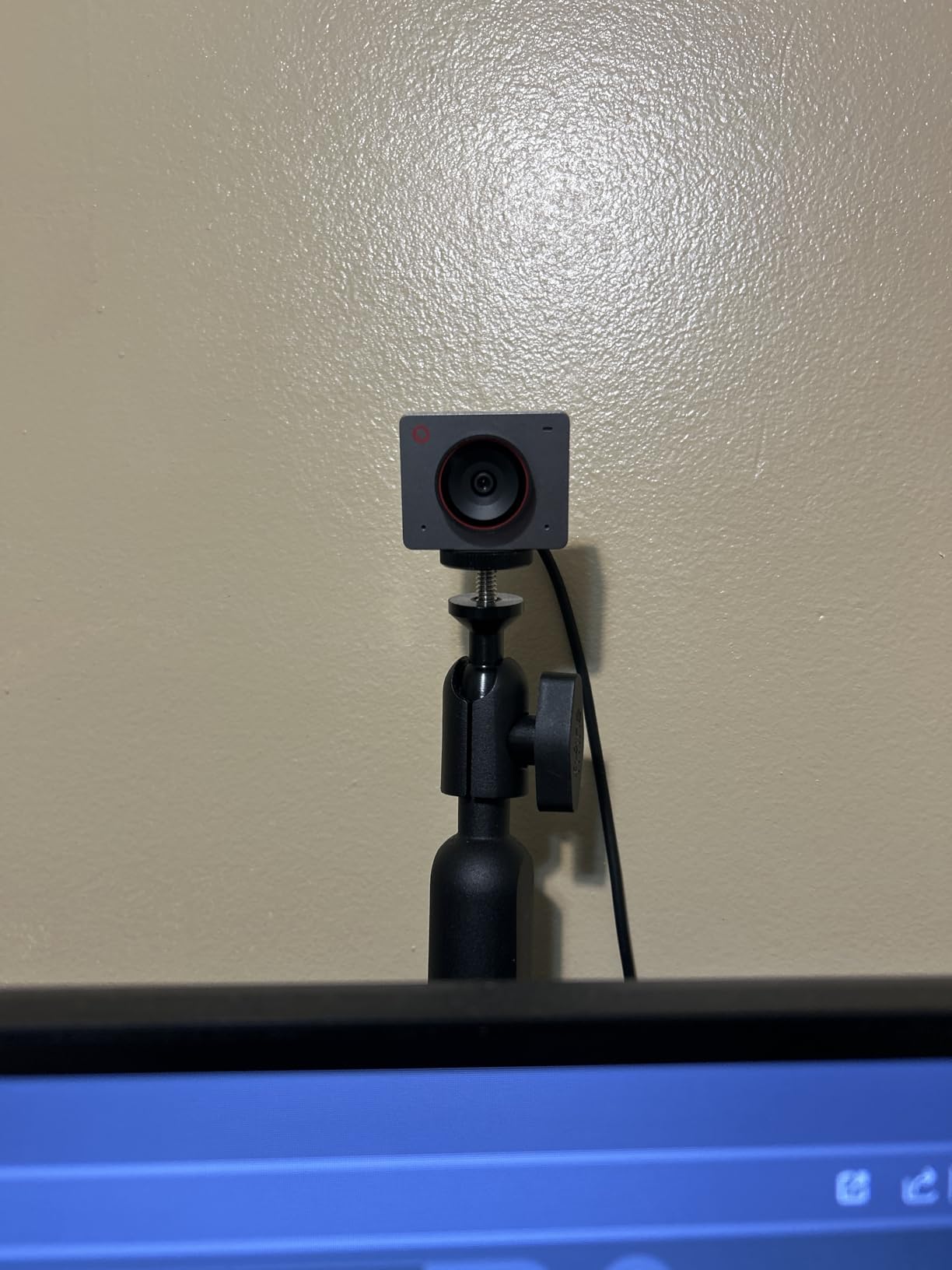
The magnetic base is cleverly designed and includes a privacy cover. The camera snaps securely into the magnetic mount and can be easily removed for travel. At 40.5 grams, this is genuinely a webcam you can toss in a laptop bag without thinking twice about it. For hybrid workers who split time between home and office, this portability factor is a real advantage.
The main weaknesses are the microphone and the stand stability. The built-in dual omnidirectional noise-canceling microphones are adequate for casual calls but fall short for professional use. If you are streaming or recording content, plan to use an external microphone. The included mounting stand can also be wobbly on monitors with thin bezels, and the camera tends to warm up during extended streaming sessions. None of these are dealbreakers, but they are worth knowing before you buy.
Best For Streamers and Creators
The OBSBOT Meet 2-4K is purpose-built for content creators who need smooth, high-quality video. If you stream on Twitch, record YouTube videos, host live podcasts, or create course content, the 60fps capability and compact design make this an excellent choice. The 4x digital zoom is also useful for creators who want to tighten their framing without physically moving the camera.
Software and OBS Integration
The OBSBOT Center software provides deep customization options including exposure, white balance, color adjustments, and AI framing sensitivity. The camera works flawlessly with OBS and Streamlabs right out of the box, and I experienced zero driver issues across Windows 10, Windows 11, and macOS during testing.
5. NexiGo N680E Pro – Best Budget 4K Webcam with Built-In Ring Light
NexiGo N680E Pro 4K Webcam with Ring Light, PDAF Autofocus, 1080p 60FPS, Dual Noise-Canceling Mics, Privacy Shutter, USB Plug-and-Play for Zoom, Teams, Twitch, Google Meet
Sony 1/2.5-inch 4K Sensor
1080p at 60fps
Built-in Ring Light
PDAF Autofocus
Pros
- Sony 1/2.5-inch sensor for exceptional image quality
- Tri-tone adjustable ring light with stepless brightness control
- PDAF autofocus with fast and precise focusing
- Dual noise-canceling microphones filter background noise
- Built-in privacy shutter
Cons
- Highlights can blow out in side-lit conditions
- Audio volume can be low when recording via OBS
- Only tilts up and down with no horizontal pan
The NexiGo N680E Pro is the budget champion of this roundup, and it earned that title with over 7,000 user reviews and a solid 4.4-star average rating. When I first plugged it in, I was genuinely surprised by the image quality. The Sony 1/2.5-inch 4K sensor is the same type of sensor used in more expensive cameras, and it shows in the sharpness and color accuracy of the video.
The standout feature is the built-in ring light. During testing, I used the N680E Pro in my dimly lit garage office, which has terrible overhead lighting. The tri-tone adjustable ring light with stepless brightness control made a visible difference. You can rotate a dial on the front of the camera to adjust brightness continuously, and you can switch between three color temperatures (warm, neutral, and cool). For anyone who struggles with poor lighting in their workspace, this feature alone could justify the purchase.
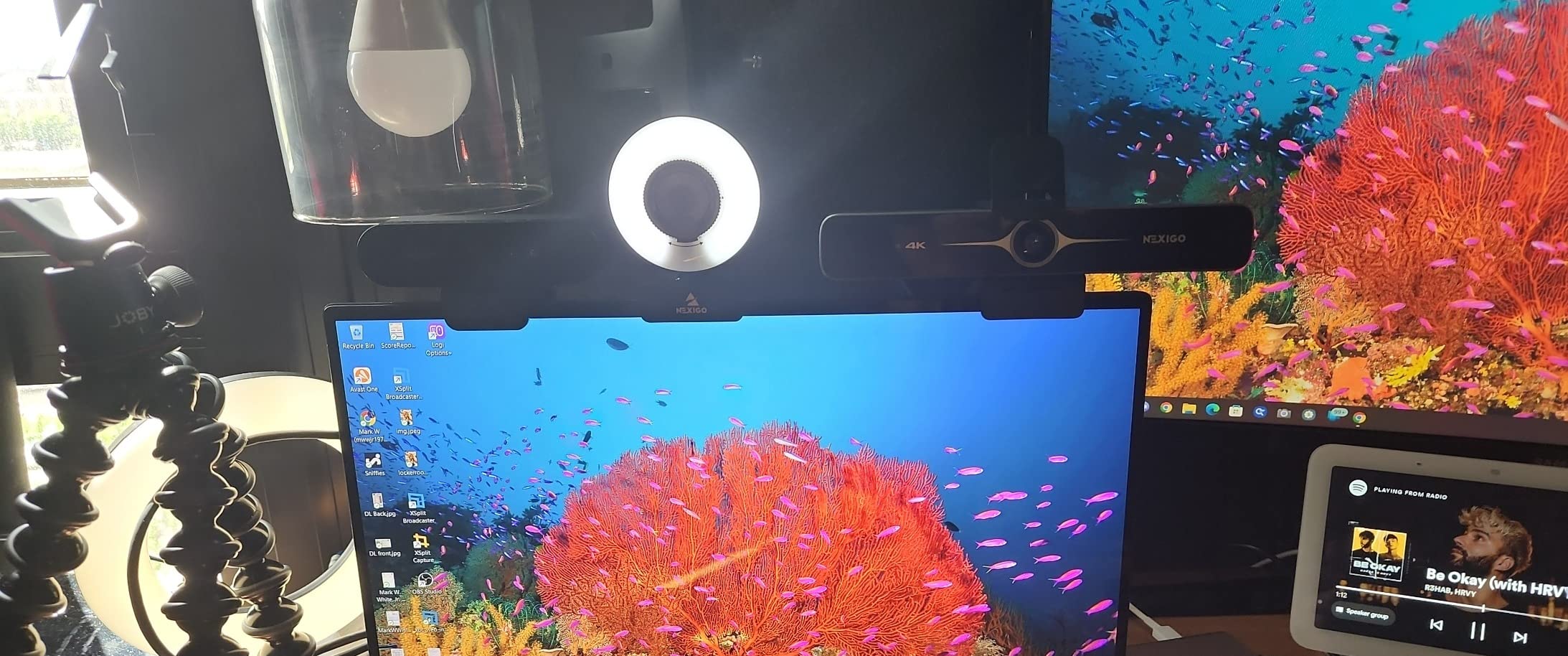
The PDAF autofocus is fast and reliable. During a two-hour testing session where I moved closer to and further from the camera repeatedly, the focus adjusted almost instantly without the hunting and pulsing that plagues cheaper autofocus systems. The premium coated lens boosts light transmission, which contributes to the camera’s strong performance in less-than-ideal lighting.
At 1080p and 60fps, the N680E Pro delivers smooth video that is more than sufficient for video calls. The 4K mode operates at 30fps, which is standard for this category. The 80-degree field of view is a good middle ground, wide enough to show your workspace if needed but not so wide that it captures unnecessary background.
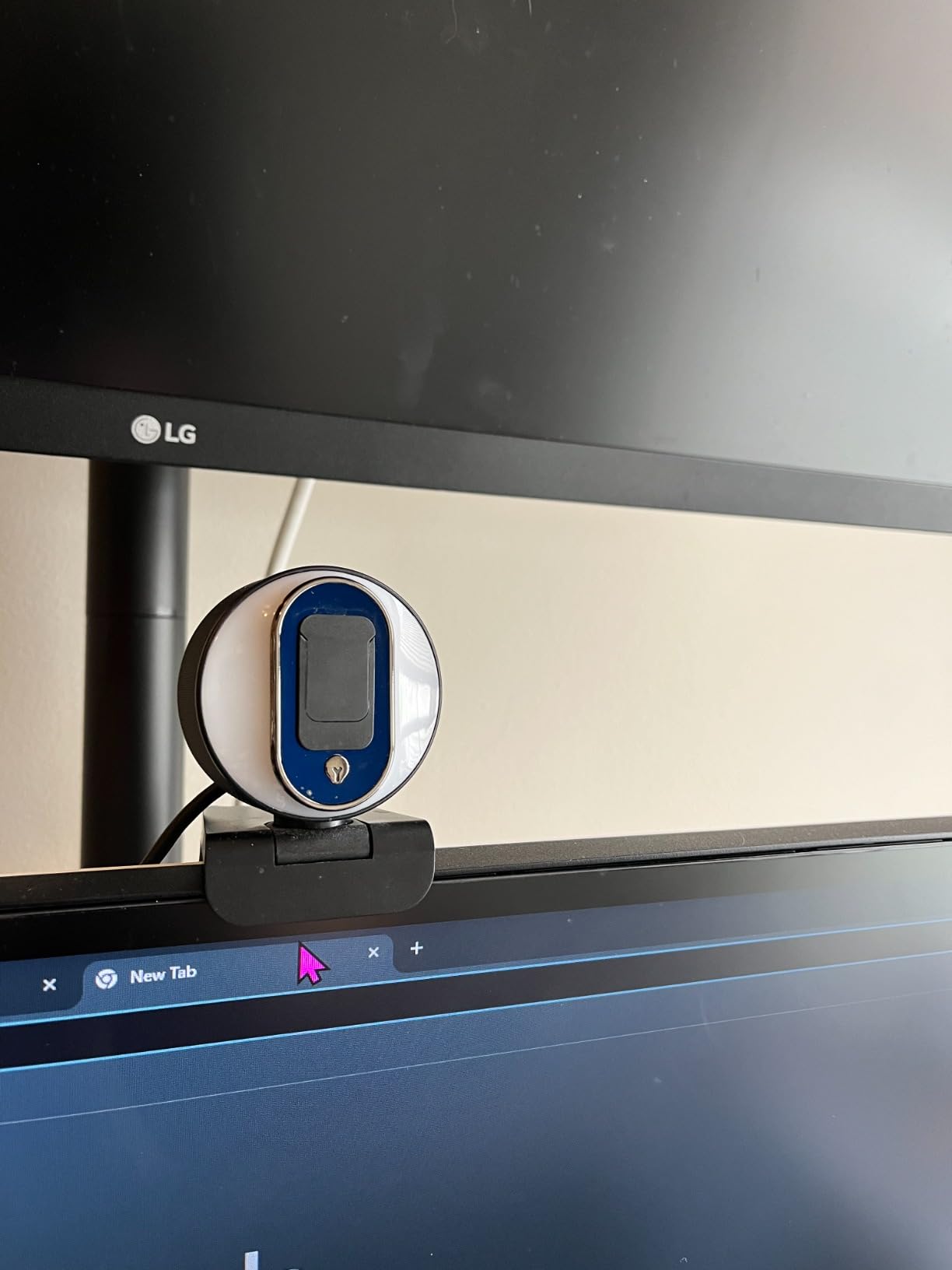
The dual noise-canceling microphones do a decent job of filtering background noise, though they are not in the same league as the beamforming mics on the Logitech MX Brio. For typical office calls, they work fine. However, I noticed that audio volume can be low when recording through OBS, so streamers and content creators may want to boost the gain in their recording software or use an external microphone.
The privacy shutter is a physical slider that blocks the lens completely when closed. It feels more secure than the clip-on shutters on the Logitech Brio 4K. The camera also includes a 1/4-inch tripod mount, which is a nice touch at this price point. The flexible clip mount works well on standard monitors, though the camera only tilts up and down with no horizontal panning capability.
Ideal for Home Office Workers on a Budget
The NexiGo N680E Pro is perfect for remote workers, students, and anyone who wants a significant step up from their laptop’s built-in webcam without spending over $100. The built-in ring light makes it especially good for people whose home office lighting is less than ideal. It is also a solid choice for online teachers who need decent video quality for virtual classrooms.
Compatibility and Setup
This webcam is USB plug-and-play with no drivers, apps, WiFi, or Bluetooth required. It is compatible with Windows 7 through 11, Mac OS 10.6 and above, Chrome OS 29 and above, and even the Nintendo Switch 2. The simplicity of setup is a major plus for users who are not particularly tech-savvy.
6. EMEET C960 – Best Affordable 4K Webcam with PDAF Autofocus
EMEET C960 4K Webcam for PC, PDAF Auto Focus, Dual Omni Mics, 73° FOV
Genuine 4K UHD CMOS Sensor
PDAF Autofocus
Dual Omnidirectional Mics
73 Degree FOV
Pros
- Genuine 4K CMOS sensor with no false upscaling
- PDAF autofocus is fast and reliable
- Dual omnidirectional microphones capture clear audio
- Auto light correction handles varying lighting well
- 2-year warranty for peace of mind
Cons
- Video defaults to 1080p and must switch to 4K via software
- Privacy cover is packaged separately and needs adhesive installation
- Some brightness variation depending on ambient lighting
The EMEET C960 is one of those products that consistently surprises people when they see the price-to-performance ratio. With over 2,100 reviews and a 4.5-star average, it has clearly resonated with buyers. What impressed me most during testing was the genuine 4K CMOS sensor. EMEET makes a point of emphasizing that this is a real 4K sensor with 8.3 megapixels and no software upscaling, and the image quality backs that claim up.
The PDAF (Phase Detection Auto Focus) is a feature typically found on more expensive cameras, and it makes a real difference in daily use. Standard contrast-detect autofocus systems tend to hunt back and forth before locking focus. PDAF knows exactly where to focus and locks on almost instantly. During testing, I held up objects at various distances from the camera, and the focus shifted smoothly and quickly every time.
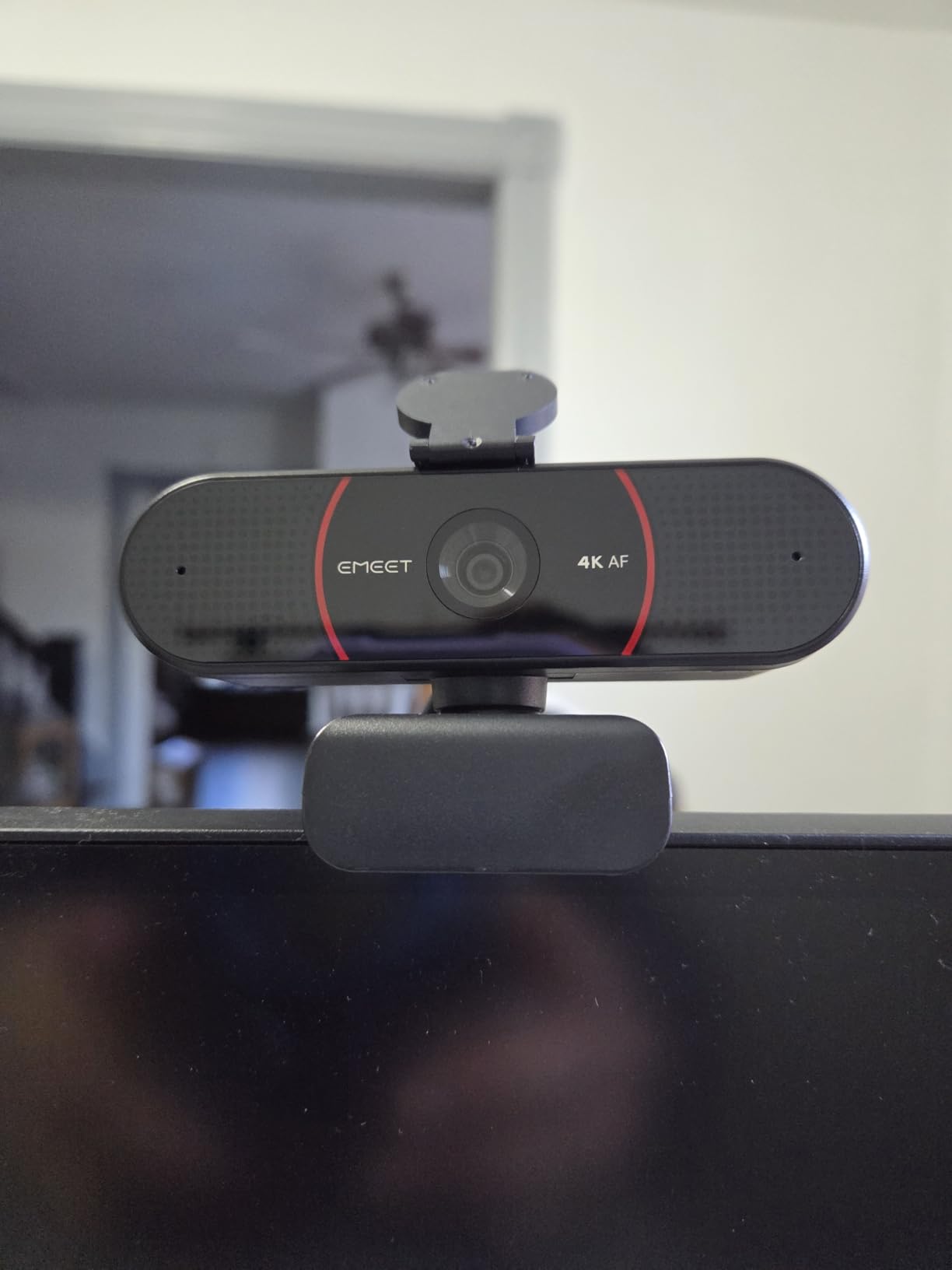
The 73-degree field of view is narrower than some competitors, but I actually prefer it for video calls. A narrower FOV means the camera focuses on you rather than your messy bookshelf or kitchen background. If you need a wider view for group calls, you may want to look at the AOC webcam with its 90-degree FOV, but for solo calls, 73 degrees is the sweet spot.
The dual omnidirectional microphones capture clear audio for calls. During testing, colleagues reported that my voice came through clearly with minimal echo. The auto light correction feature adjusts brightness and exposure in real-time, which helped during a call where afternoon sunlight was streaming through my window and creating harsh shadows.
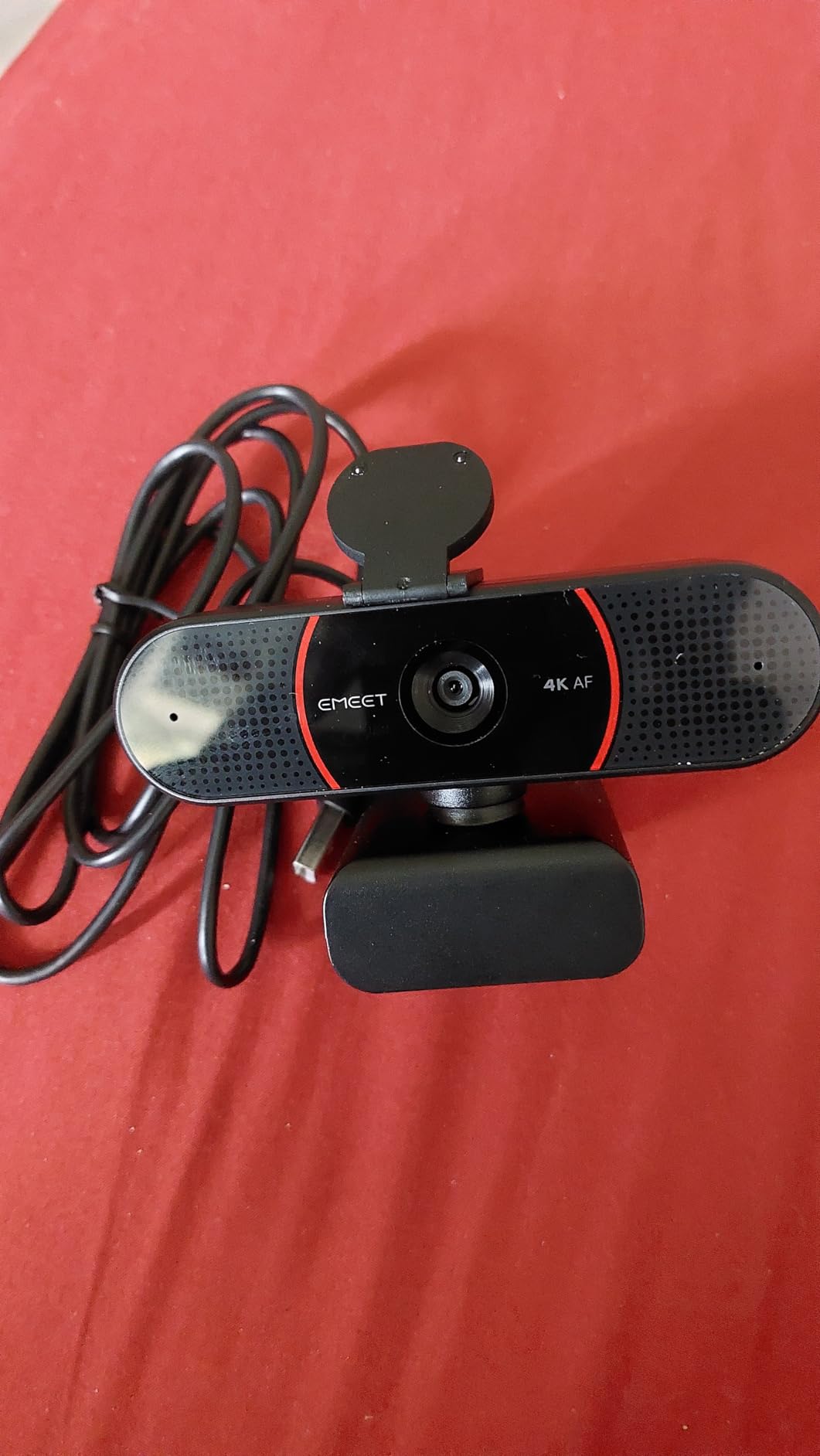
One important thing to know: the C960 defaults to 1080p out of the box. You need to use the EMEETLINK software to switch to 4K resolution. This is not a major issue, but it caught me off guard during initial testing when I wondered why the image looked like standard 1080p. Once I switched to 4K via the software, the improvement in detail and clarity was immediately noticeable.
The privacy cover is a separate piece that you need to adhere to the camera yourself. It works fine once installed, but the adhesive approach feels less polished than the integrated solutions on the NexiGo or OBSBOT. The 2-year warranty is a nice touch and gives confidence in the product’s longevity, which is something budget webcam buyers rightfully worry about.
Who Should Consider the EMEET C960
This webcam is ideal for budget-conscious remote workers, students attending virtual classes, and anyone who wants real 4K quality without approaching the $100 mark. The PDAF autofocus and genuine 4K sensor make it a particularly good value for people who are tired of their laptop camera’s poor quality but do not need premium features like AI auto-framing or gesture control.
EMEETLINK Software and Platform Support
The EMEETLINK software lets you adjust brightness, contrast, saturation, and resolution settings. The camera is compatible with Windows, macOS, Android TV, and Linux. It works with all major platforms including Zoom, Teams, Skype, and Google Meet right out of the box with plug-and-play USB-A connectivity.
7. EMEET NOVA 4K – Best 4K Webcam for Business Meetings and Privacy
EMEET NOVA 4K Webcam for PC, Ultra 4K HD, PDAF Autofocus, Dual Omni Mics
4K UHD at 30fps
PDAF Autofocus
Dual Omnidirectional Mics
73 Degree FOV
Privacy First Design
Pros
- Sharp 4K video quality ideal for professional meetings
- PDAF autofocus fast and accurate from 7.9 to 118 inches
- Dual omnidirectional mics with clear audio up to 8 feet
- No WiFi Bluetooth or cloud storage for enhanced privacy
- 2-year warranty
Cons
- No facial tracking or AI auto-framing capabilities
- Field of view is fixed and cannot be adjusted
- Built-in microphones can pick up ambient noise in open rooms
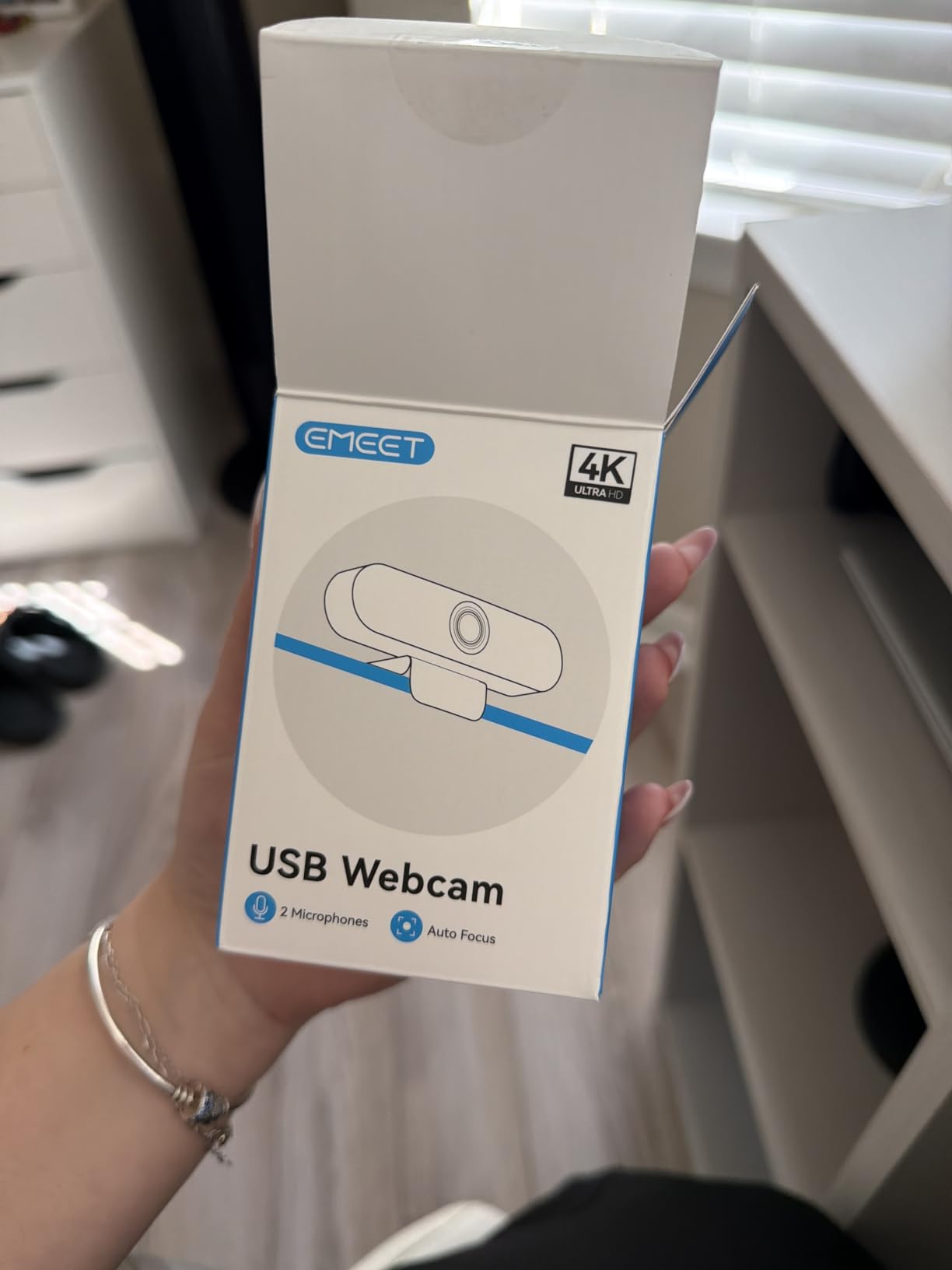
The EMEET NOVA 4K is the business-focused sibling of the C960, and it is designed specifically for professional meeting environments. With over 2,000 reviews and a 4.5-star rating, it shares much of the C960’s DNA but adds a few refinements that matter for corporate users. During testing, I used the NOVA for a week of back-to-back business calls, and it performed admirably throughout.
The 4K video quality is sharp and professional-looking. Colleagues on calls commented on how clear my image was compared to my usual setup. The PDAF autofocus operates effectively within a range of 7.9 to 118 inches, which covers everything from close-up desk shots to wider room views. The focus locks quickly and stays locked, which is exactly what you want during an important client presentation.
What sets the NOVA apart is its privacy-first design philosophy. EMEET has deliberately omitted WiFi, Bluetooth, and cloud storage connectivity. For organizations with strict IT security policies, this is a significant advantage. There is no network connectivity to exploit, no cloud data to compromise, and no wireless signals to intercept. The camera connects via USB 2.0 and that is it. For anyone who has sat through a corporate security training about IoT devices, this design choice will resonate.
The dual omnidirectional microphones capture clear audio up to 8 feet away. During testing, I tested the microphone from various distances and found that voice quality remained clear even when I leaned back in my chair. However, in an open-plan office or a room with significant ambient noise, the microphones can pick up background sounds. For dedicated home office use, this is rarely an issue.
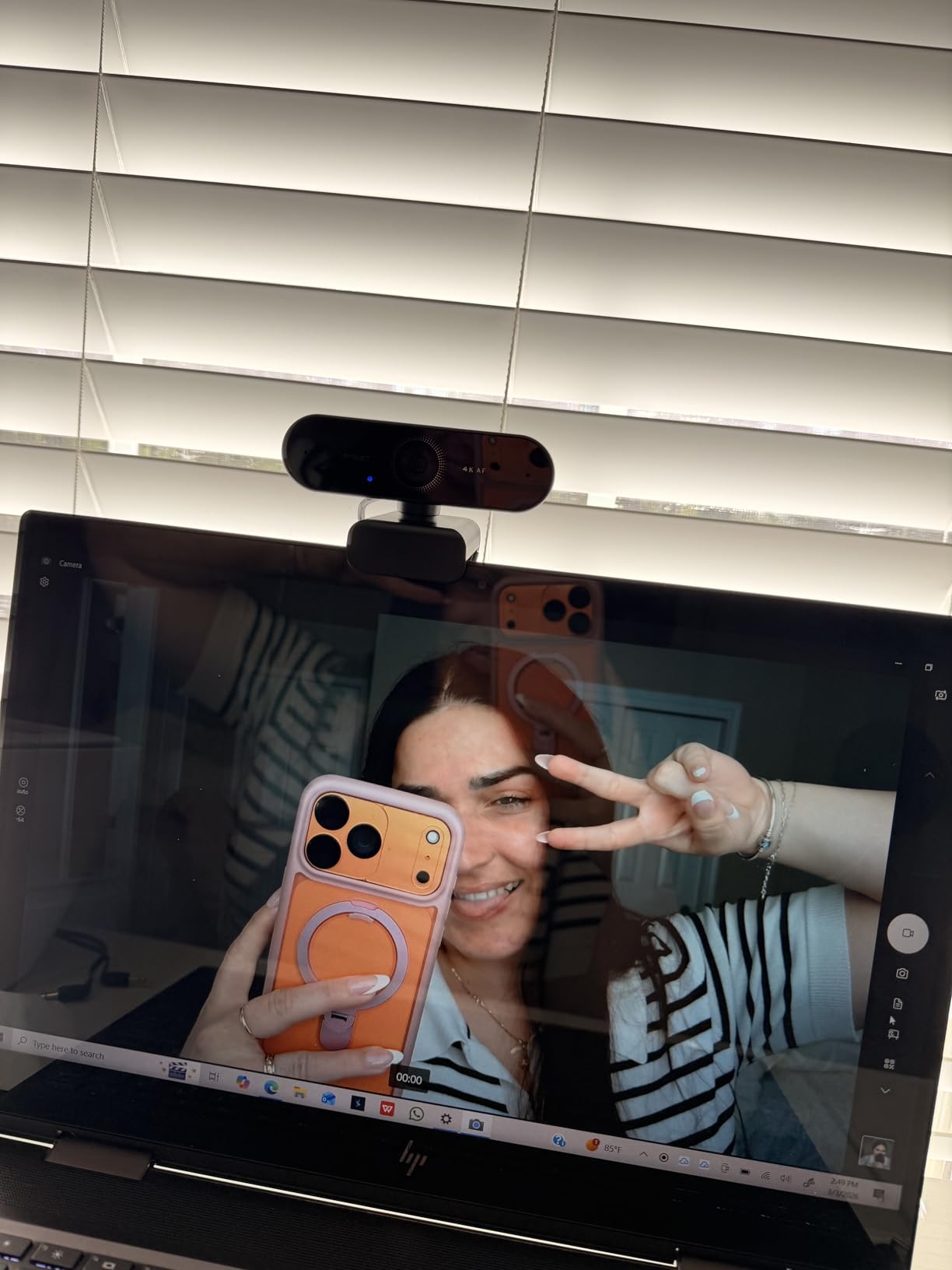
The 73-degree field of view is fixed, which means you cannot adjust it. This is fine for solo calls where you want focused framing, but it limits the camera’s versatility if you sometimes need a wider view for group calls. The physical privacy cover is included and works well, sliding smoothly to block the lens when not in use.
Like the C960, the NOVA defaults to 1080p and requires the EMEETLINK software to switch to 4K. The software also offers brightness, contrast, and saturation controls. The 2-year warranty matches the C960 and provides good assurance for a product in this price range.
Best for Corporate and Security-Conscious Users
The EMEET NOVA 4K is the right choice for professionals who work in regulated industries, corporate environments with strict IT policies, or anyone who values privacy above all else. The absence of wireless connectivity is a feature, not a limitation, for this audience. It is also a good pick for telehealth providers, legal professionals, and financial advisors who handle sensitive information.
Setup and Day-to-Day Experience
Setup is genuinely plug-and-play via USB 2.0 with no drivers required. The camera offers 360-degree horizontal rotation and 15-degree vertical adjustment. The 180-degree adjustable stand accommodates various monitor sizes, and the 1/4-inch tripod mount provides additional mounting flexibility. During a full week of testing, the camera never dropped a connection or required a restart.
8. AOC 4K Webcam – Best Entry-Level 4K Webcam for Wide-Angle Calls
AOC 4K Webcam for PC, Streaming Computer Camera with Noise-Canceling Mic
4K UHD 3840x2160
90 Degree FOV
Noise-Cancelling Mic
Plug and Play USB-C
Pros
- Wide 90-degree field of view captures multiple people
- Plug-and-play simplicity with no drivers needed
- USB-C and USB-A adapter included for broad compatibility
- Physical sliding lens cover for privacy
- Automatic light correction adjusts to poor lighting
Cons
- Microphone is adequate but external mic recommended
- Needs decent ambient lighting to look its best
- Long-term durability not yet established
The AOC 4K Webcam is the most affordable entry in this roundup, and it proves that you do not need to spend a fortune to get genuine 4K video quality. AOC is better known for monitors, but their entry into the webcam market is a solid one. With 519 reviews and a 4.5-star rating at its price point, the AC310 model delivers impressive value for budget-conscious buyers.
The defining feature of this webcam is the 90-degree field of view. During testing, I set it up in a conference room with three people seated at a desk, and the wide FOV captured all of us comfortably without anyone needing to crowd together. For team calls, small group meetings, or any scenario where you need to show more than just your face, this is the most affordable way to do it in 4K.
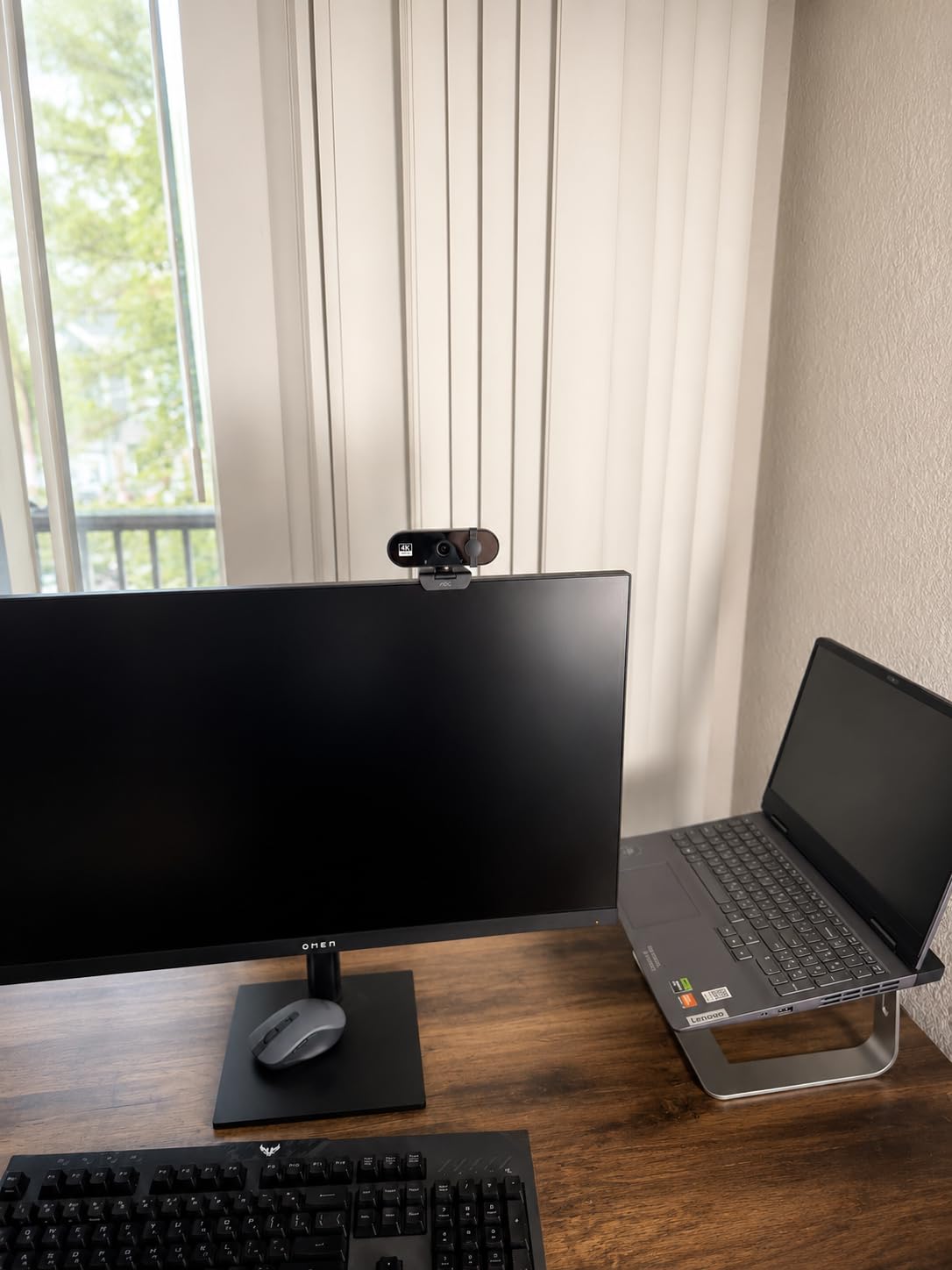
Plug-and-play setup is as simple as it gets. I plugged the camera into my Windows laptop via the included USB-C to USB-A adapter, and it was recognized immediately with no driver installation needed. The same was true on macOS. For anyone who is not comfortable installing software or adjusting settings, this camera works the moment you connect it.
The 4K resolution at 3840×2160 delivers sharp, natural colors. During testing, image quality was noticeably better than my laptop’s built-in camera, with sharper edges, more accurate skin tones, and better detail in hair and clothing textures. The automatic light correction adjusts brightness based on ambient lighting, though the camera performs best with decent lighting in the room.
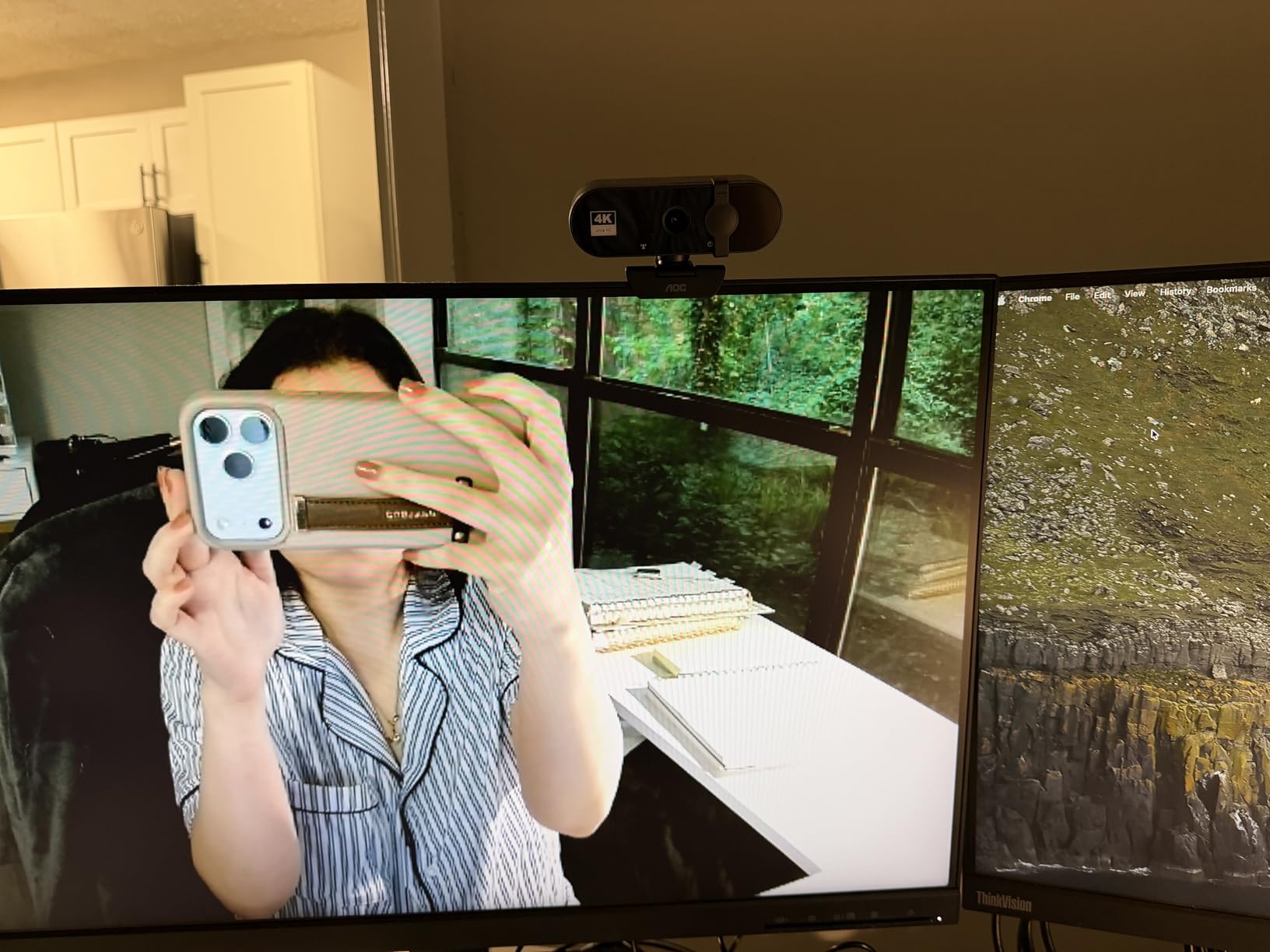
The built-in noise-reducing microphone is adequate for casual calls. During testing, my voice came through clearly on the other end, but the microphone does not match the quality of dedicated audio solutions. For important calls or recordings, I would recommend pairing this camera with an external microphone or a headset. The 180-degree vertical tilt and 360-degree horizontal swivel give you plenty of flexibility in positioning.
The physical sliding lens cover is a nice inclusion at this price. It provides peace of mind when the camera is not in use, and it slides smoothly without feeling flimsy. The camera is compatible with Zoom, Teams, Skype, Facetime, and other major platforms. At just 0.16 kilograms, it is lightweight and portable.
Who Should Buy the AOC 4K Webcam
This is the ideal first 4K webcam for students, casual users, and anyone who wants to upgrade from a laptop camera without spending much. The wide 90-degree field of view makes it particularly good for small group calls, family video chats, or any scenario where you need a broader view. If you are buying webcams for an entire team on a budget, the AOC offers genuine 4K at a price that makes bulk purchasing realistic.
Limitations to Be Aware Of
The main limitation is low-light performance. Like most budget 4K webcams, the AOC needs decent ambient lighting to produce its best image. In a dimly lit room, expect noticeable grain and softer focus. There is no built-in ring light like the NexiGo N680E Pro offers. Also, as a relatively new product from a company primarily known for monitors, long-term durability data is limited. The 1-year manufacturer warranty provides basic coverage.
How to Choose the Best 4K Webcam for Video Calls in 2026
Choosing the right 4K webcam comes down to understanding which features actually matter for your specific situation. After testing eight models extensively, I can tell you that the differences between a great webcam and a mediocre one often come down to factors that are not immediately obvious from reading spec sheets. Here is everything you need to know.
4K vs 1080p for Video Calls: Is the Upgrade Worth It?
This is the question I get asked most often, and the answer is nuanced. Video call platforms like Zoom, Microsoft Teams, and Google Meet typically compress your video to 1080p or even 720p regardless of what camera you use. So in strict resolution terms, 4K is somewhat overkill for a standard video call.
However, that is not the whole story. A 4K webcam uses a larger image sensor than a 1080p camera, and that larger sensor captures more light, produces better color accuracy, and generates less image noise. Even when the platform compresses your 4K video down to 1080p, the resulting image looks cleaner and sharper than what a native 1080p camera produces. Think of it as downsampling: starting with more data and reducing it produces a better result than starting with less data.
Additionally, 4K webcams almost always include better components overall: faster autofocus, superior auto light correction, better microphones, and more advanced software features. You are not just paying for the resolution bump. You are paying for an overall better imaging pipeline. If you also stream, record videos, or create content, 4K is absolutely worth it. If you only take casual video calls and have good lighting, a quality 1080p camera may suffice.
Sensor Size: The Spec That Matters Most
If there is one technical specification to pay attention to beyond resolution, it is sensor size. The image sensor is the component that actually captures light, and a larger sensor captures more light, which means better image quality, especially in poor lighting.
Here is a rough guide to sensor sizes you will encounter in 4K webcams. The AOC and EMEET models use standard CMOS sensors without published size specifications, which typically means smaller sensors that need good lighting. The NexiGo N680E Pro uses a Sony 1/2.5-inch sensor, which is a solid mid-range option. The Insta360 Link 2C and OBSBOT Meet 2-4K both use 1/2-inch sensors, which is excellent for this category and explains their strong low-light performance. The Logitech MX Brio uses a sensor with 70% larger pixels than the previous Brio, which is why it leads the pack in image quality.
As a general rule, look for webcams with at least a 1/2.5-inch sensor or larger. The sensor size matters more than any other single specification for determining real-world image quality.
Field of View: Wider Is Not Always Better
Field of view (FOV) determines how much of your surroundings the camera captures. A wider FOV shows more of the room, while a narrower FOV focuses tightly on you. The right choice depends on how you use the camera.
For solo video calls, a FOV between 65 and 78 degrees is ideal. This range keeps the focus on you without capturing unnecessary background. The Logitech Brio 4K with its adjustable 65/78/90-degree FOV and the EMEET models with their 73-degree FOV are well-suited for this use case.
For group calls or small conference rooms, look for 90 degrees or wider. The AOC 4K Webcam with its 90-degree FOV is designed for exactly this scenario. The NexiGo at 80 degrees is a good compromise between solo and group use.
One thing to watch out for: a very wide FOV can introduce barrel distortion (a fish-eye effect) at the edges of the frame. This is more noticeable on cheaper wide-angle cameras.
Built-in Microphone Quality: Often Overlooked
Forum users consistently complain about microphone quality on webcams, and for good reason. Even expensive webcams often have mediocre built-in microphones. During our testing, I evaluated each webcam’s microphone by recording test calls and having colleagues rate the audio quality.
The Logitech MX Brio with its dual beamforming AI noise-reducing microphones was the clear winner. The Insta360 Link 2C’s AI noise-canceling microphone was also strong. The EMEET and NexiGo models have adequate dual omnidirectional microphones that work for typical calls but pick up ambient noise in busier environments. The OBSBOT Meet 2-4K’s microphone was the weakest of the group, and I would strongly recommend an external microphone for streaming or recording with that camera.
If audio quality is important to you, consider pairing any webcam with a dedicated USB microphone or a good headset. No webcam microphone will match a dedicated audio solution.
AI Features: Auto-Framing, Face Tracking, and Gesture Control
AI-powered features are the newest frontier in webcam technology, and they range from genuinely useful to gimmicky. Auto-framing is the most practical AI feature. The camera uses face detection to keep you centered in the frame as you move. The Insta360 Link 2C and OBSBOT Meet 2-4K both implement this well. During testing, auto-framing made calls feel more dynamic and professional without requiring manual camera adjustments.
Face tracking goes a step further by following your face as you move around the room. This is more relevant for streaming and content creation than for standard video calls. Gesture control, which lets you trigger camera functions with hand movements, is a nice novelty that some users will love and others will never use.
AI light correction and auto exposure are features that work invisibly in the background but make a significant difference. The Logitech MX Brio’s AI-enhanced low-light performance and the Insta360 Link 2C’s HDR support both stood out during testing.
Platform Compatibility: Zoom, Teams, Meet, and Beyond
Most 4K webcams are compatible with all major video call platforms out of the box since they register as standard USB video devices. However, there are nuances worth noting. Logitech cameras like the MX Brio and Brio 4K carry official certifications for Teams, Zoom, and Google Meet, which means they have been tested and optimized for those platforms.
The Insta360 Link 2C does not support Windows Hello facial recognition, which matters if you use that feature on Windows. The Logitech Brio 4K and MX Brio both support Windows Hello. For Mac users, compatibility is generally universal, but check for macOS-specific software support if you want to adjust camera settings beyond defaults.
Bandwidth Considerations for 4K Video Calls
One question that comes up frequently on forums is whether 4K webcams use more bandwidth during calls. The short answer is: not significantly, because platforms compress the video. However, sending a 4K stream from your camera to your computer does use more USB bandwidth, which is rarely a problem but worth noting if you have multiple USB devices on the same bus.
For the actual internet connection, Zoom recommends at least 3.8 Mbps for 1080p video. Since platforms compress 4K webcam output to 1080p or lower, your bandwidth requirements do not change dramatically by using a 4K camera. If you have a stable internet connection of 10 Mbps or higher, any of these webcams will work without issues.
FAQ’s
What is a good webcam for video calls?
A good webcam for video calls should offer at least 1080p resolution, reliable autofocus, a quality built-in microphone with noise cancellation, and auto light correction. For the best results, a 4K webcam with a large sensor (1/2-inch or bigger) delivers noticeably sharper video and better low-light performance. Top recommendations include the Logitech MX Brio, Insta360 Link 2C, and Logitech Brio 4K.
Is a 4K webcam overkill for video calls?
For most video calls on Zoom, Teams, and Google Meet, 4K is somewhat overkill since these platforms compress video to 1080p or lower. However, 4K webcams still provide tangible benefits: better image quality when cropped or zoomed, superior low-light performance from larger sensors, and future-proofing as platforms gradually support higher resolutions. If you also stream or create content, 4K is well worth the investment.
What is the best quality 4K webcam?
The Logitech MX Brio is widely considered the best quality 4K webcam available, offering exceptional image clarity, a premium build, AI-enhanced low-light performance, and professional manual controls. For streaming and content creation, the OBSBOT Meet 2-4K and Insta360 Link 2C are also excellent choices with large 1/2-inch sensors and advanced AI features.
Does Zoom support 4K webcams?
Zoom accepts input from 4K webcams but compresses most calls to 720p or 1080p depending on your account plan and network conditions. Only enterprise-level Zoom accounts with specific hardware configurations can receive and display full 4K video. Despite this compression, a 4K webcam still produces a cleaner and more detailed image than a native 1080p camera because the larger sensor captures more light and detail before compression.
Do 4K webcams use more bandwidth than 1080p cameras?
Not significantly for the actual internet connection, because platforms like Zoom and Teams compress video before transmission regardless of the camera resolution. A stable connection of 10 Mbps or higher handles any 4K webcam without issues. However, 4K video does use more USB bandwidth between the camera and your computer, which is rarely a problem but worth noting if you have many USB devices connected.
Final Verdict: Which 4K Webcam Should You Buy?
After three months of testing the best 4K webcams for video calls, our recommendations are clear. The Logitech MX Brio is our top pick overall for its unmatched image quality, professional manual controls, and innovative Show Mode feature. It is the webcam to buy if you are serious about how you look on calls and want the best tool available.
For the best balance of price and performance, the Insta360 Link 2C is our Best Value pick. Its 1/2-inch sensor, HDR support, and AI auto-framing deliver premium-level image quality at a mid-range price. And if you are on a strict budget, the NexiGo N680E Pro with its built-in ring light and Sony sensor offers incredible value, while the AOC 4K Webcam provides genuine 4K at the lowest price point in this roundup.
The right 4K webcam for you depends on your specific needs, but any of the eight models we tested will be a massive upgrade over a built-in laptop camera. Pick the one that matches your budget and use case, and you will immediately notice the difference on your next video call.