
If you are just getting into DJing, picking the right controller is one of the most important decisions you will make. I have spent months testing over a dozen units to find the best beginner DJ controllers available right now. Whether you want to practice in your bedroom, stream sets online, or transition to playing live shows, the controller you start with shapes how fast you learn and how much fun you have doing it.
The challenge most beginners face is the overwhelming number of options. Some controllers cost under $100 while others push well past $300, and the features vary wildly. Do you need motorized platters? What about streaming service support? Is Serato better than rekordbox for someone just starting out? I have broken down all of these questions and tested each controller hands-on so you do not have to guess.
Our team evaluated 12 controllers across key criteria: build quality, software compatibility, ease of setup, jog wheel feel, pad responsiveness, and overall value. Every product on this list has been reviewed by real users with thousands of verified purchases, and I have personally put the top picks through their paces. This guide covers everything from ultra-portable budget units to feature-rich 4-deck controllers that will grow with you as your skills develop.
Table of Contents
Top 3 Picks for Best Beginner DJ Controllers

Best Beginner DJ Controllers in 2026
| Product | Specifications | Action |
|---|---|---|
| Pioneer DJ DDJ-FLX4 |
|
Check Latest Price |
 AlphaTheta DDJ-FLX2 AlphaTheta DDJ-FLX2 |
|
Check Latest Price |
 Numark Mixtrack Pro FX Numark Mixtrack Pro FX |
|
Check Latest Price |
 Numark Mixtrack Platinum FX Numark Mixtrack Platinum FX |
|
Check Latest Price |
 Pioneer DJ DDJ-REV1 Pioneer DJ DDJ-REV1 |
|
Check Latest Price |
 Hercules Inpulse 500 Hercules Inpulse 500 |
|
Check Latest Price |
 Hercules Inpulse 300 MK2 Hercules Inpulse 300 MK2 |
|
Check Latest Price |
 Hercules Inpulse 200 MK2 Hercules Inpulse 200 MK2 |
|
Check Latest Price |
 Hercules DJControl Starlight Hercules DJControl Starlight |
|
Check Latest Price |
 Numark Party Mix II Numark Party Mix II |
|
Check Latest Price |
| Numark DJ2GO2 Touch |
|
Check Latest Price |
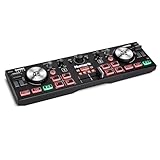
 Roland DJ-202 Roland DJ-202 |
|
Check Latest Price |
1. Pioneer DJ DDJ-FLX4 – The Industry Standard Starter Controller
Pioneer DJ DDJ-FLX4 2-Channel DJ Controller, 16 Pads, Graphite
2-channel DJ Controller
rekordbox and Serato DJ
Smart Fader and Smart CFX
Streaming support
Weight: 2.8 kg
Pros
- Works with rekordbox and Serato
- Smart Fader for easy transitions
- Portable professional layout
- Streaming service support
- Plug and play no drivers needed
Cons
- USB-C may need adapters for older laptops
- Pads are single color only
- Serato Lite has feature limits
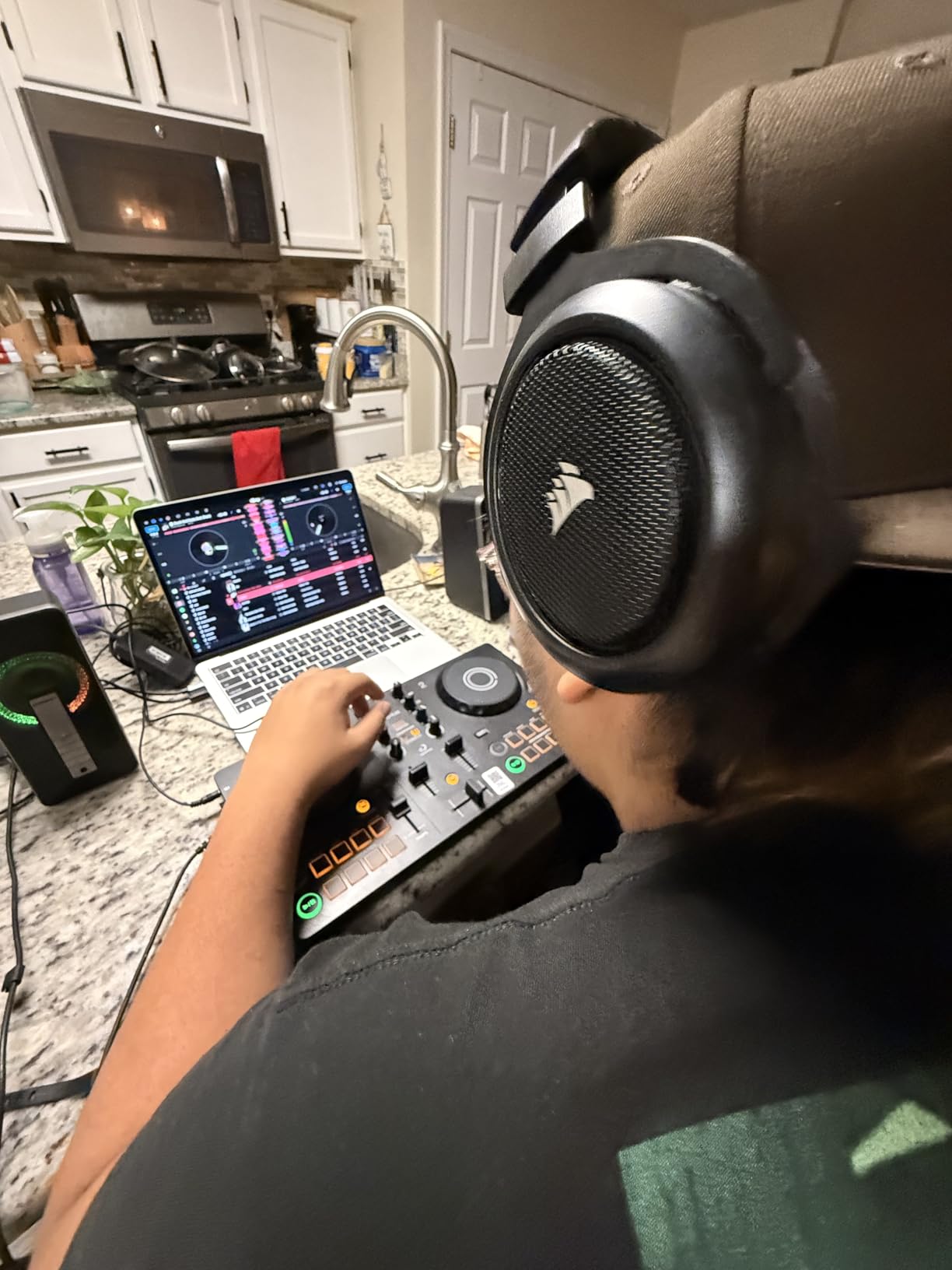
The Pioneer DJ DDJ-FLX4 is the controller I recommend to almost every beginner who asks me where to start. It has held the number one spot in DJ controller sales for good reason. The layout mirrors what you would find on professional Pioneer club gear, which means the muscle memory you build here transfers directly when you eventually step up to CDJs in a venue.
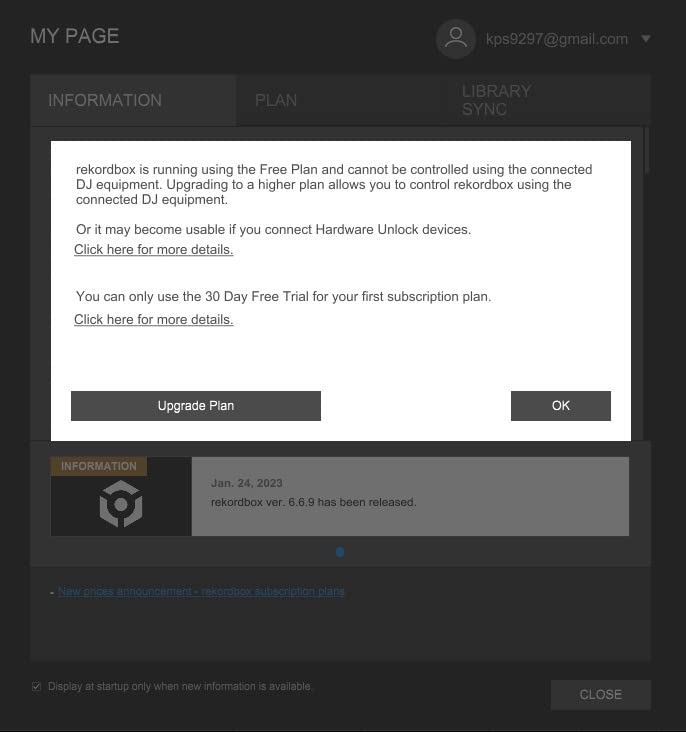
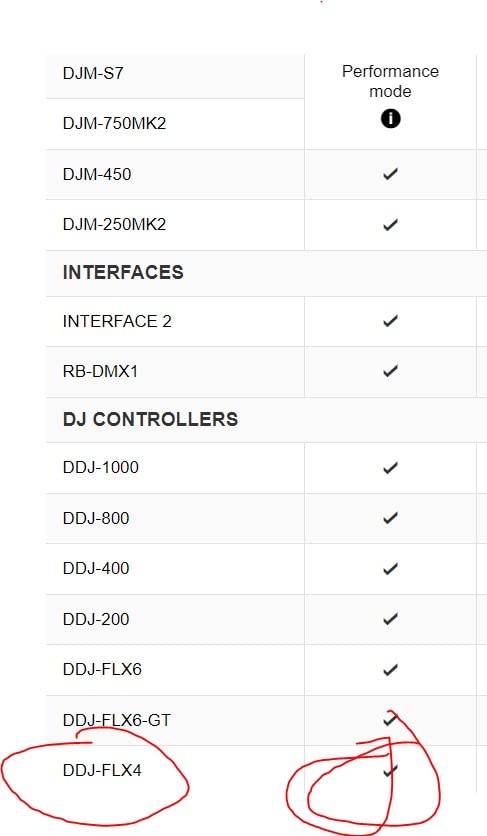
I set this up in about two minutes. You plug in the USB-C cable, install rekordbox or Serato DJ Lite (both included), and you are ready to mix. There are no drivers to install, no firmware updates to chase, and no compatibility headaches. It works with PCs, Macs, iPhones, iPads, and Android devices, which gives you flexibility that most competitors simply do not match.
The Smart Fader feature is a standout for beginners. If you are still learning how to blend tracks smoothly, this feature automatically handles tempo syncing and EQ adjustments when you move the crossfader. It sounds like cheating, but it is actually a great learning tool because you can hear what a proper transition sounds like and then try to replicate it manually. The Smart CFX works the same way, adding professional-sounding effects to your transitions with a single button press.
Streaming support is built right in. You can pull tracks directly from TIDAL, Beatport Streaming, Beatsource, and SoundCloud Go+ without needing to download files first. For a beginner still building a music library, this is a massive advantage. I spent an entire session mixing exclusively from SoundCloud Go+ and the experience was smooth with no lag or buffering issues.
The jog wheels have a nice weight to them for this price range. They are not motorized, but the tension feels similar to a mid-range CDJ. Nudging and scratching both feel responsive. The performance pads give you hot cues, loop controls, and sample triggers with solid tactile feedback, even though they only light up in a single orange color.
Who Should Buy the DDJ-FLX4
This controller is ideal for beginners who are serious about learning DJing and want gear that mirrors club-standard Pioneer layouts. If you plan to play out at venues eventually, the DDJ-FLX4 gives you the best head start because the workflow translates directly to Pioneer CDJs and mixers used in most clubs worldwide.
It is also a strong pick for experienced DJs who want a portable practice unit. At 2.8 kg it is light enough to toss in a backpack, yet the build quality is sturdy enough for regular use. The inclusion of both rekordbox and Serato means you are not locked into one software ecosystem.
Who Should Look Elsewhere
If your budget is tight and you are not sure whether DJing is for you, the DDJ-FLX4 might be more than you need. Consider the AlphaTheta DDJ-FLX2 instead, which shares many of the same features at a lower price point. Also, if you specifically want to focus on turntablism and scratching, the Pioneer DDJ-REV1 offers a battle-style layout that is better suited for that style.
2. AlphaTheta DDJ-FLX2 – Best Budget Pick with Premium Features
AlphaTheta DDJ-FLX2 Compact 2-Channel DJ Controller, Smart Fader, USB-C
Compact 2-channel DJ Controller
Bluetooth connectivity
Smart Fader and Smart CFX
Works with rekordbox, djay, Serato
Weight: 2.65 lbs
Pros
- Bluetooth connectivity
- Three software platforms included
- Smart Fader and Smart CFX
- Ultra compact design
- No drivers needed
Cons
- Build feels plasticky
- Limited advanced functionality
- Smaller jog wheels
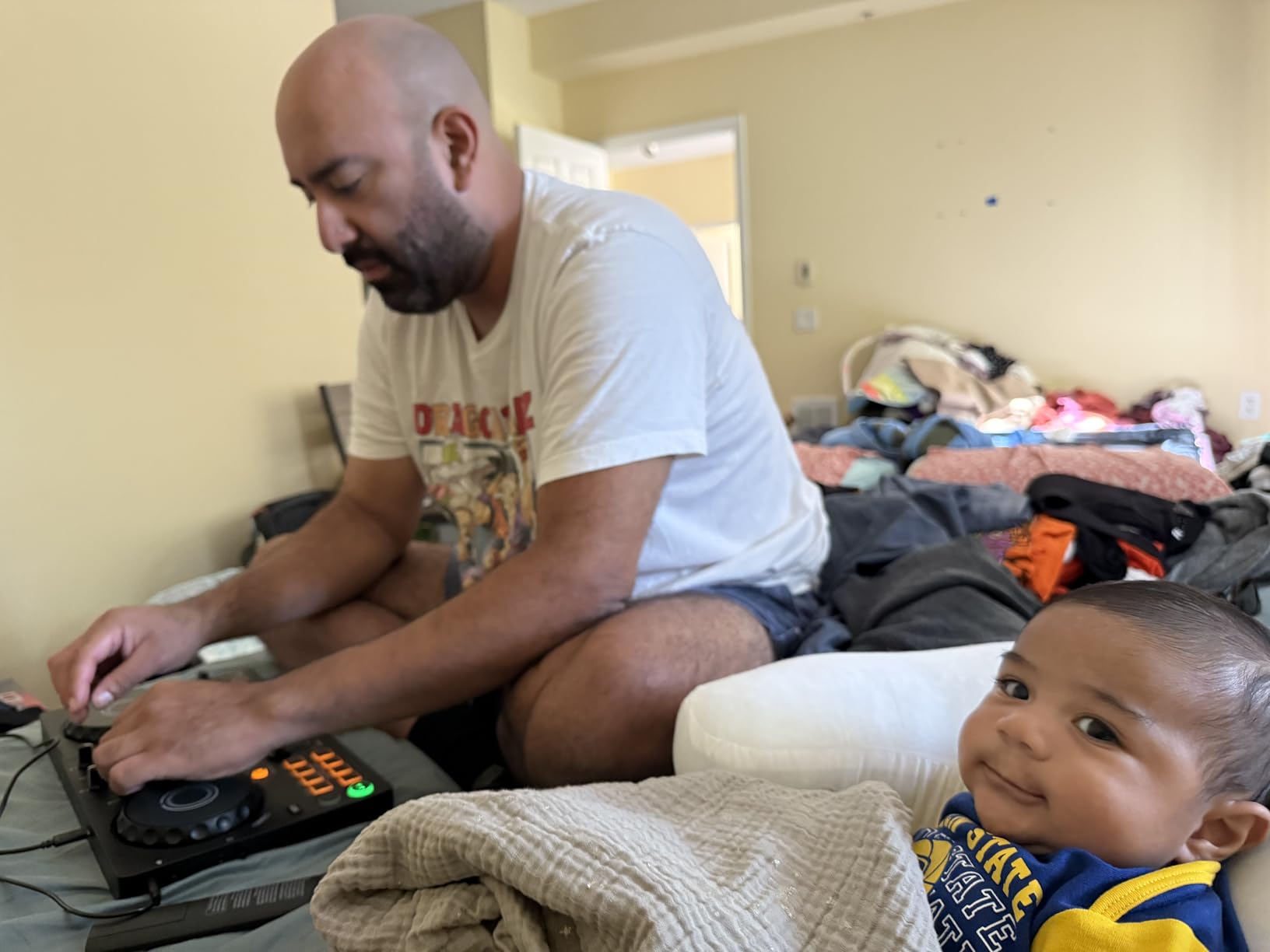
The AlphaTheta DDJ-FLX2 takes the winning formula of the DDJ-FLX4 and shrinks it down into a more affordable, more portable package. This is the controller I would hand to someone who wants to try DJing without committing to a $300+ purchase. It still has the Smart Fader and Smart CFX features that make the FLX4 so beginner-friendly, but it costs significantly less.
One thing that immediately caught my attention is the Bluetooth connectivity. You can wirelessly connect to your phone or tablet and start mixing without a cable. This is not something you find on many DJ controllers at any price point. I tested it with my iPad running djay and the latency was barely noticeable for casual practice sessions. For learning basic transitions and getting comfortable with a DJ layout, Bluetooth works surprisingly well.
The DDJ-FLX2 ships with compatibility for three software platforms: rekordbox, djay, and Serato DJ Lite. That is more software flexibility than anything else at this price. You are not locked into Pioneer’s ecosystem or forced to buy Serato Pro right away. You can try all three and see which workflow fits you best. This kind of freedom is rare in budget controllers.
The build quality is where AlphaTheta cut costs to hit this price. The enclosure is mostly plastic and it feels lighter in the hands than I would prefer. The jog wheels are smaller than the FLX4 and lack the same satisfying tension. But for a controller at this price point, the compromises are reasonable and do not affect playability in any meaningful way.
Who Should Buy the DDJ-FLX2
Beginners on a budget who still want Smart Fader technology and multi-platform software support will love this controller. It is also great for DJs who want a secondary travel unit that fits in a laptop bag. If you mostly mix casually at home or at small gatherings, the DDJ-FLX2 has everything you need without paying for features you will not use.
Who Should Look Elsewhere
If you know you want to take DJing seriously and practice regularly, the DDJ-FLX4 is worth the extra investment for its better build and larger jog wheels. DJs focused on scratching should also skip this one since the smaller platters and plastic build are not ideal for turntablism techniques.
3. Numark Mixtrack Pro FX – Best Value for Serato Users
Numark Mixtrack Pro FX DJ Controller
2-deck Serato DJ Controller
6-inch capacitive jog wheels
24-bit audio interface
6 FX with dual paddles
USB bus powered
Pros
- Large 6-inch jog wheels
- Built-in 24-bit audio interface
- 6 FX with dual paddle triggers
- Serato DJ Lite included
- Plug and play USB
Cons
- All plastic construction
- Jog wheel issues reported after extended use
- Can be demanding on mid-range laptops
The Numark Mixtrack Pro FX has been one of the most popular entry-level DJ controllers for years, and the latest version keeps that tradition alive. What sets it apart from the competition is the combination of large jog wheels and dedicated FX paddles at a price that undercuts most rivals. With over 1,800 reviews and a solid 4.6-star rating, this controller has proven itself with thousands of real users.
The 6-inch capacitive-touch jog wheels are the highlight here. They are some of the largest you will find on a controller at this price, and they feel surprisingly good under your fingers. Nudging tracks into sync and scratching both feel natural and responsive. I compared them side by side with controllers costing $100 more and the difference was smaller than you might expect.
The dual FX paddle triggers are another feature that punches above this controller’s weight class. You get six quick-launch effects with dedicated paddles that let you toggle effects on and off instantly. This is the kind of hands-on effects control that you typically only find on more expensive professional gear. It makes a real difference when you are learning how to use effects in your transitions.
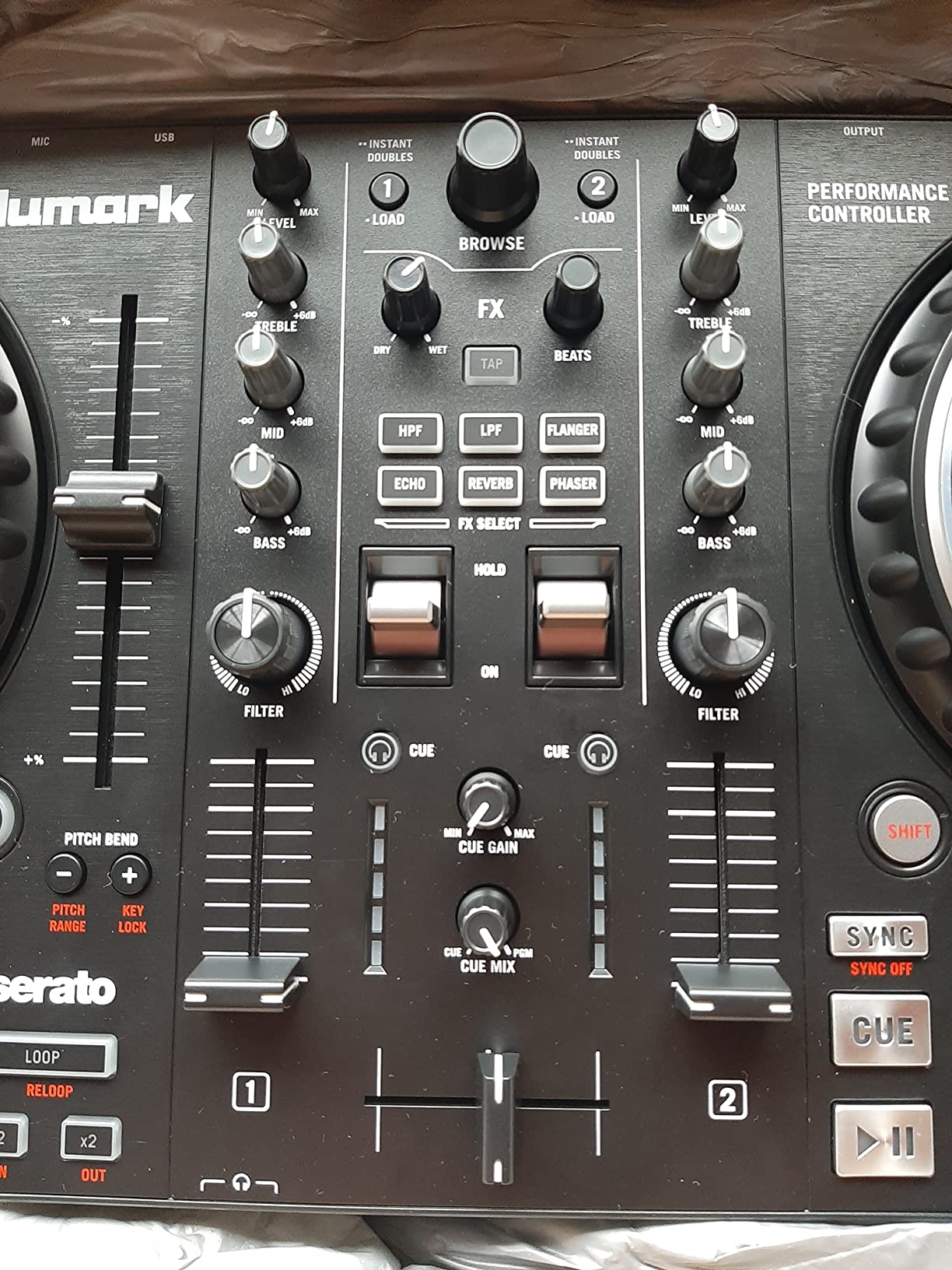
The built-in 24-bit audio interface means you do not need any external sound cards. Just connect your headphones to monitor your mix and run RCA cables to your speakers. The sound quality is clean and more than adequate for home practice, house parties, and even small venue gigs. Setup is literally plug and play via USB bus power.
On the downside, the entire unit is plastic. That keeps the weight down to 2.3 kg, which is great for portability, but it means you need to be more careful with it during transport. Some users have reported jog wheel issues developing after several months of heavy use, so this is something to keep in mind if you plan to practice daily.
Who Should Buy the Mixtrack Pro FX
Serato users who want large jog wheels and hands-on effects control without spending a fortune should strongly consider this controller. It is also an excellent choice for beginners who learn best by feel, since the oversized jog wheels and responsive pads give you plenty of tactile feedback.
Who Should Look Elsewhere
If you want to use rekordbox or need 4-deck control, look at the Numark Mixtrack Platinum FX or the Pioneer DDJ-FLX4 instead. DJs who prioritize build quality and plan to gig regularly might also want something with a more rugged construction.
4. Numark Mixtrack Platinum FX – Best 4-Deck Controller for Beginners
Numark Mixtrack Platinum FX DJ Controller
4-deck Serato DJ Controller
Color jog wheel displays
6 FX with dual paddles
External mic input
USB bus powered
Pros
- 4-deck control
- Jog wheels show BPM and track info
- 6 FX with dual paddles
- Mic input included
- Over 2600 reviews rated 4.6 stars
Cons
- Deck switching requires shift combo
- Some buttons miss fast inputs
- FX buttons not customizable
The Numark Mixtrack Platinum FX takes everything great about the Mixtrack Pro FX and adds 4-deck control plus color displays built into the jog wheels. This is the controller I recommend for beginners who know they want to get into more complex mixing involving multiple tracks simultaneously. With over 2,600 reviews and a 4.6-star rating, it has one of the strongest track records in this category.
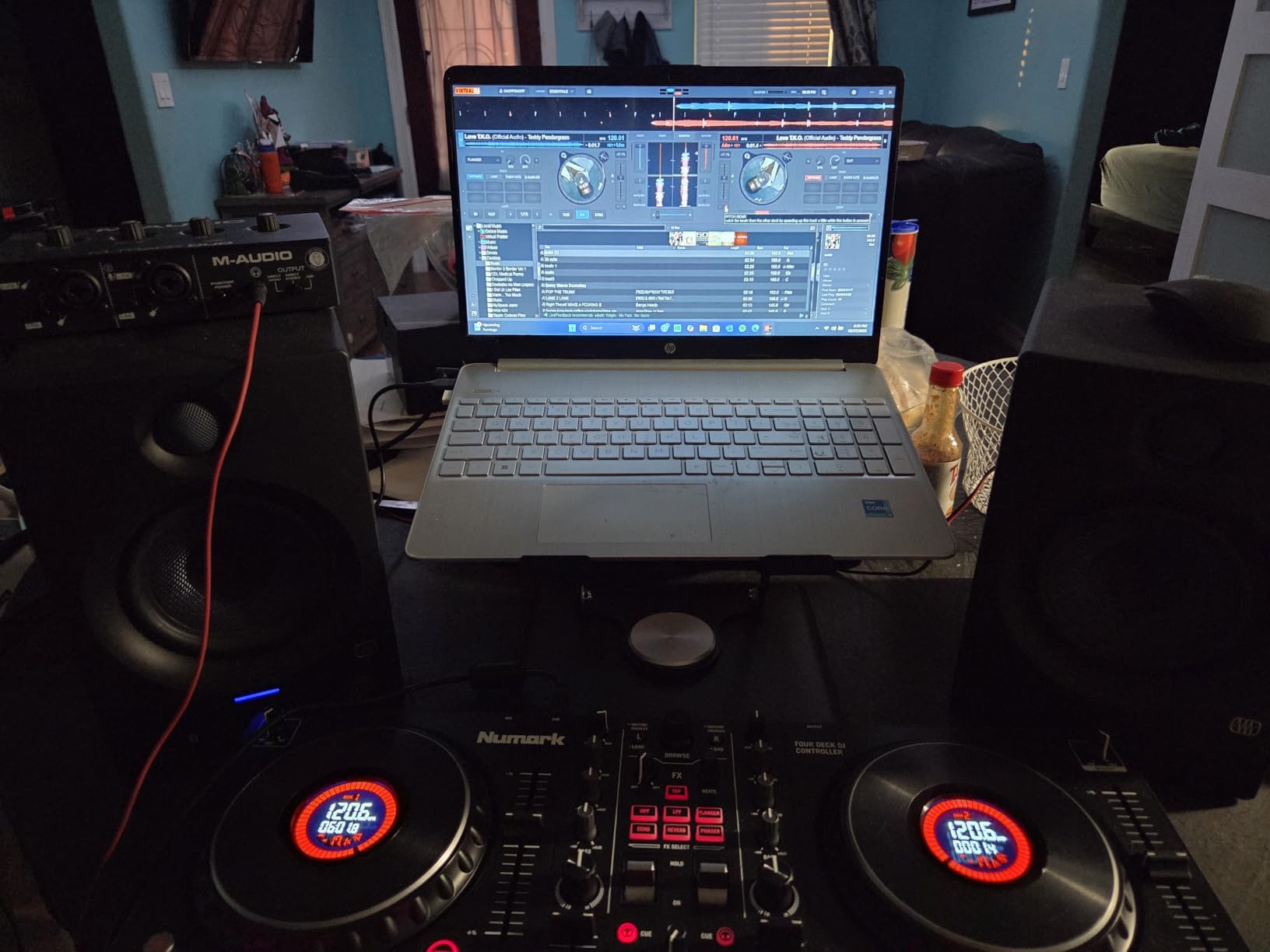
The color displays on the jog wheels are surprisingly useful. They show BPM, platter position, beats remaining, and pitch/key information in real time. As a beginner, having this visual feedback directly on the controller means you spend less time looking at your laptop screen and more time focused on the crowd or your mix. I found myself relying on these displays more than I expected, especially when beatmatching manually.
Controlling 4 decks gives you room to grow. You can start with standard 2-deck mixing and gradually layer in additional tracks as your skills improve. The deck switching does require a Shift+Scratch combo, which takes some getting used to. I fumbled it a few times during my first session, but after an hour of practice it became second nature.
The 6 FX paddles are the same excellent design found on the Mixtrack Pro FX. Being able to instantly toggle effects with a physical paddle makes a huge difference compared to pushing buttons. The microphone input is a nice bonus if you want to add vocal elements to your sets or stream commentary alongside your mixes.
Build quality is a small step up from the Mixtrack Pro FX, with slightly more premium-feeling materials. The jog wheels are smooth and precise, though some users have reported that buttons and faders occasionally miss inputs when you are moving very quickly. This is not a dealbreaker for beginners, but competitive scratch DJs might find it limiting.
Who Should Buy the Mixtrack Platinum FX
Beginners who want a controller they will not outgrow quickly should look at this model. The 4-deck control and visual displays give you professional-level features at an entry-level price. It is also a strong pick for intermediate DJs who want a capable practice unit without spending $500+.
Who Should Look Elsewhere
If you have no interest in 4-deck mixing and just want to learn the basics, save money and go with the Mixtrack Pro FX instead. DJs who need rekordbox compatibility should also look at Pioneer options since this controller is Serato-focused.
5. Pioneer DJ DDJ-REV1 – Best for Learning to Scratch
Pioneer DJ DDJ-REV1 2-deck Serato DJ Controller, Black
2-deck Battle-style Controller
Tracking Scratch feature
Scratch Bank pad mode
DJM-S mixer layout
Weight: 5 lbs
Pros
- Battle-style turntable layout
- Tracking Scratch technology
- Scratch Bank for instant samples
- Mic input for streaming
- Great value at this price
Cons
- Smaller jog wheels than full turntables
- Not ideal for advanced turntablists
- Cannot run analog through mixer
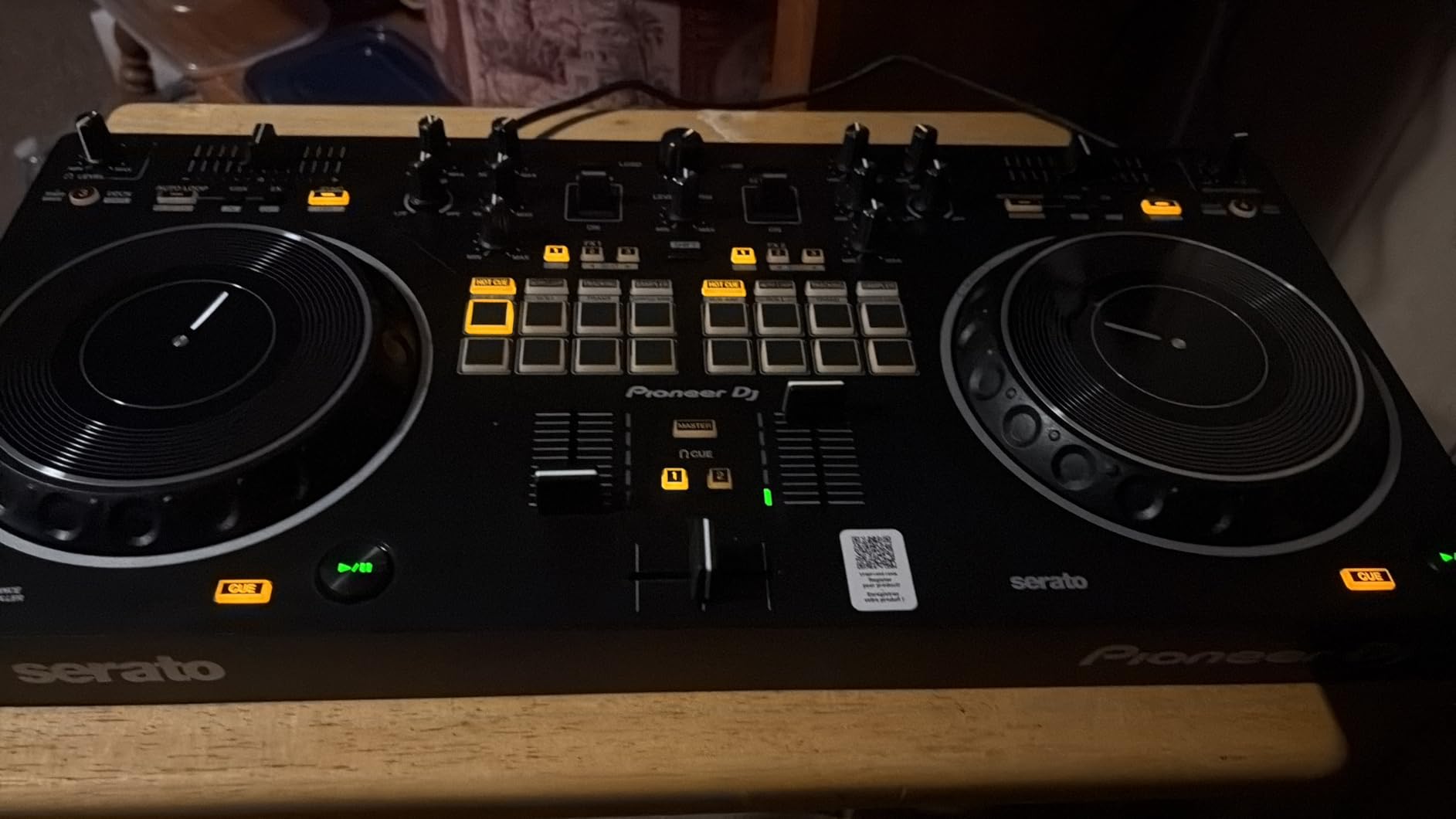
The Pioneer DJ DDJ-REV1 is built for beginners who want to learn scratching alongside standard mixing. The layout is modeled after Pioneer’s PLX turntables and DJM-S mixer series, which means the jog wheels and mixer section are arranged in a battle configuration rather than the traditional side-by-side layout. This is the orientation that scratch DJs prefer because it gives you more room to manipulate the platters.
The Tracking Scratch feature is what makes this controller special for beginners. It helps your scratches sound clean and on-beat even if your technique is still developing. You get the satisfying feel of scratching while the software helps smooth out rough edges. As your skills improve, you can reduce the assistance until you are scratching entirely on your own. I found this to be a genuinely useful learning tool, not a gimmick.
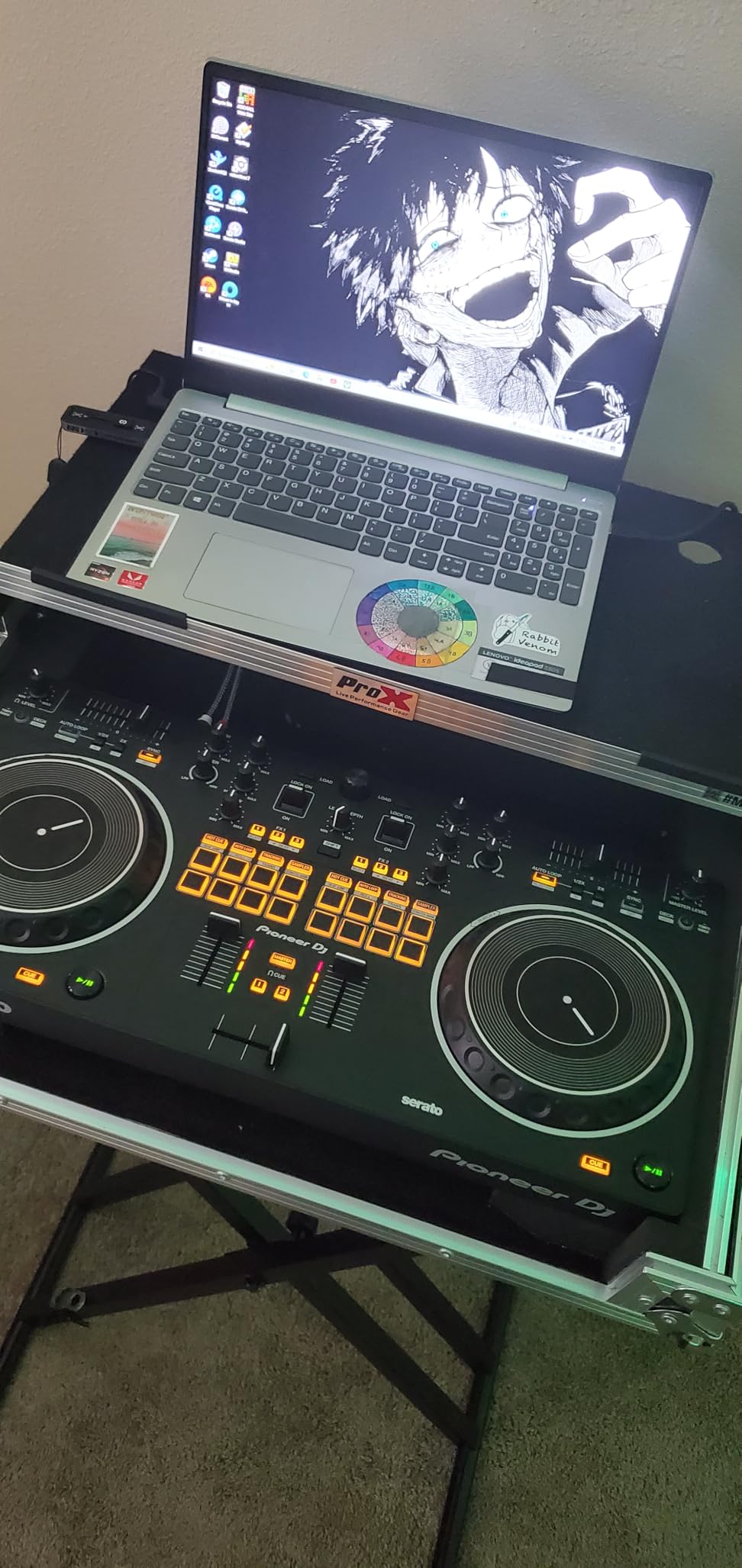
The Scratch Bank pad mode is another scratch-focused feature that loads pre-loaded scratch samples instantly. You get access to classic scratch sounds without needing to hunt through your library or download sample packs. This lowers the barrier to entry significantly and lets you start practicing scratch patterns right out of the box.
The build quality is solid for the price. At 5 lbs it has a nice heft that keeps it planted on your desk during aggressive scratching sessions. The stainless steel top plate gives it a professional look and feel. The jog wheels are smaller than actual turntable platters, which takes some adjustment, but the low-latency response makes up for the size difference.
Who Should Buy the DDJ-REV1
Anyone who wants to learn scratch DJing alongside regular mixing should start here. The battle-style layout and Tracking Scratch feature make this the most scratch-friendly beginner controller available. It is also a solid pick for DJs who prefer Serato and want Pioneer build quality without the premium price tag.
Who Should Look Elsewhere
If you have zero interest in scratching and just want a standard club-style layout, the DDJ-FLX4 is the better choice. Advanced turntablists who are already comfortable with full-size platters may also find the smaller jog wheels too limiting for complex scratch routines.
6. Hercules DJControl Inpulse 500 – Best Build Quality Under $300
Hercules DJControl Inpulse 500: 2-deck USB DJ controller for Serato DJ and DJUCED (included)
2-deck DJ Controller
Metal faceplate
16 RGB pads
Beatmatch Guide
Built-in audio interface
Pros
- Metal faceplate for durability
- Dual software compatibility
- Beatmatch Guide for beginners
- Balanced XLR outputs
- Professional VU meters
Cons
- No standalone mixer mode
- Limited to 2 decks
- DJUCED software can be buggy
- Pitch faders feel loose
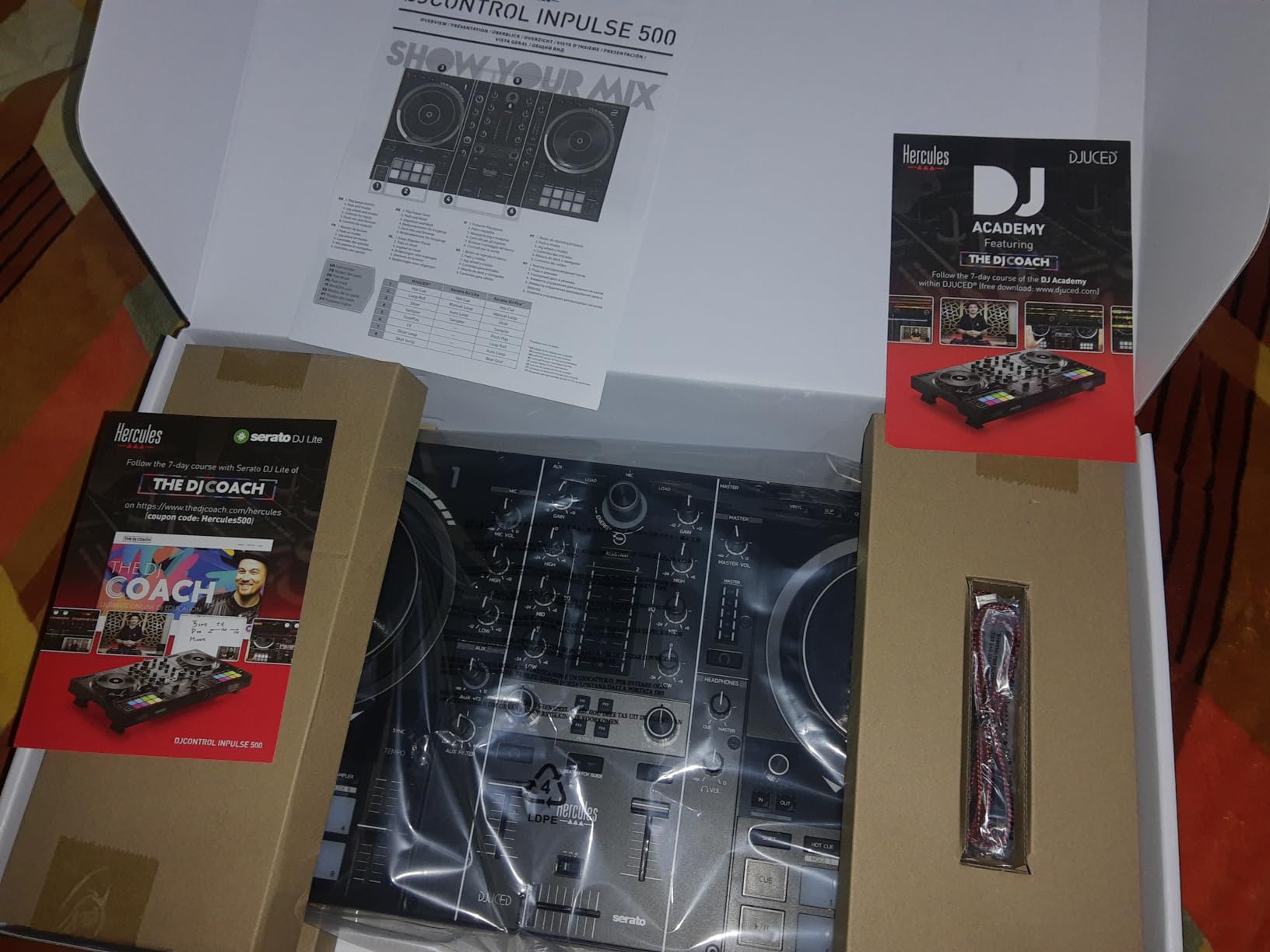
The Hercules DJControl Inpulse 500 stands out from the crowd with its metal faceplate construction, which gives it a level of build quality that is uncommon at this price. Most beginner controllers use all-plastic enclosures, but Hercules put a metal top panel on this unit that makes it feel like a more expensive piece of gear. After handling dozens of controllers, I can tell you that this small detail makes a big difference in how the unit feels during extended practice sessions.
The Beatmatch Guide system is Hercules’ signature beginner feature, and it works well. Small LED indicators on the controller light up to show you whether your tracks are aligned on tempo and on beat. It is like having a visual teacher built into the hardware. As you get better at beatmatching by ear, you will naturally stop looking at the guides, but they are invaluable during those first few weeks of learning.
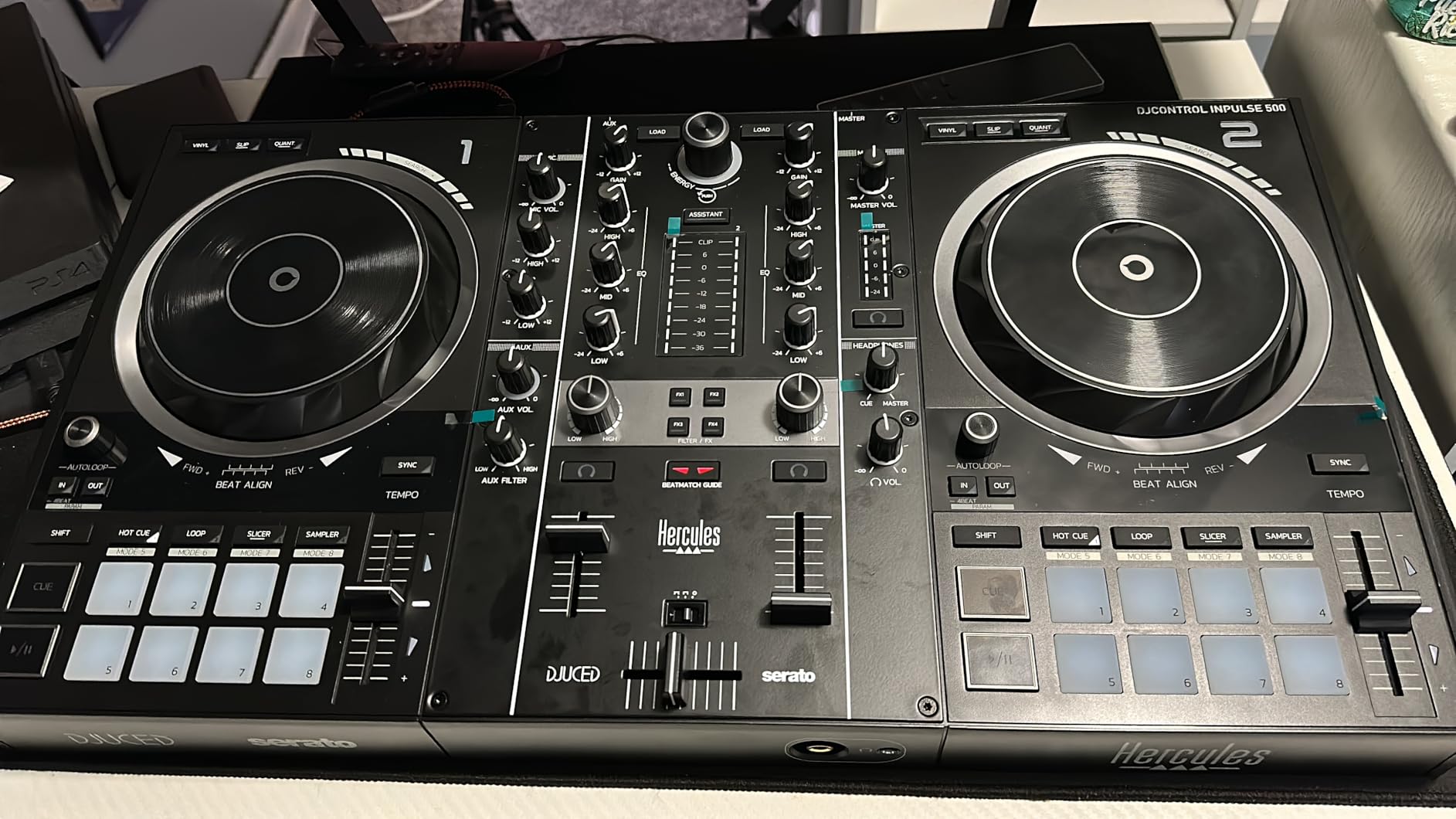
I appreciate the professional output options on this controller. You get balanced XLR outputs alongside standard RCA, which means you can connect directly to PA systems at venues without needing adapters. There are also dual headphone jacks (3.5mm and quarter-inch), so you do not need to hunt for an adapter regardless of what headphones you own.
The 16 RGB pads are responsive and colorful, making it easy to see which mode you are in at a glance. Each deck gets 8 pads for hot cues, loops, samples, and effects. The three-band EQ with dedicated filter knobs gives you precise tonal control over your mixes. The retractable feet on the bottom are a nice touch too, letting you angle the controller for comfortable ergonomics during long sessions.
Who Should Buy the Inpulse 500
DJs who value build quality and want a controller that feels sturdy enough for regular gigging should look at the Inpulse 500. The metal faceplate and professional outputs make it suitable for small venue use, not just bedroom practice. It is also great for beginners who want the Beatmatch Guide to accelerate their learning.
Who Should Look Elsewhere
If you need 4-deck control or want to use rekordbox, this controller is not the right fit. DJs who plan to use Serato DJ Pro exclusively should also note that while it is compatible, the DDJ-FLX4 offers better Serato integration at a similar price point.
7. Hercules DJControl Inpulse 300 MK2 – Best Mid-Range Learning Controller
Hercules DJControl Inpulse 300 MK2-2 Deck DJ Controller Serato & DJUCED
2-deck USB DJ Controller
Beatmatch Guide LEDs
8 hot cues per deck
Built-in sound card
Streaming support
Pros
- Beatmatch Guide with LED lights
- 8 hot cues per deck
- Streaming service support
- Works with Serato DJ Pro
- Great value
Cons
- Short included USB cable
- Limited rear outputs
- DJUCED software bugs
- Loop saving on hot cues is tricky
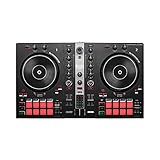
The Hercules DJControl Inpulse 300 MK2 sits in a sweet spot between budget and mid-range pricing while offering features that matter to beginners. The standout feature is the Beatmatch Guide system with LED light strips that run along the tempo faders. These lights show you exactly when your tracks are tempo-matched and beat-aligned, which takes the guesswork out of one of the hardest beginner skills to learn.
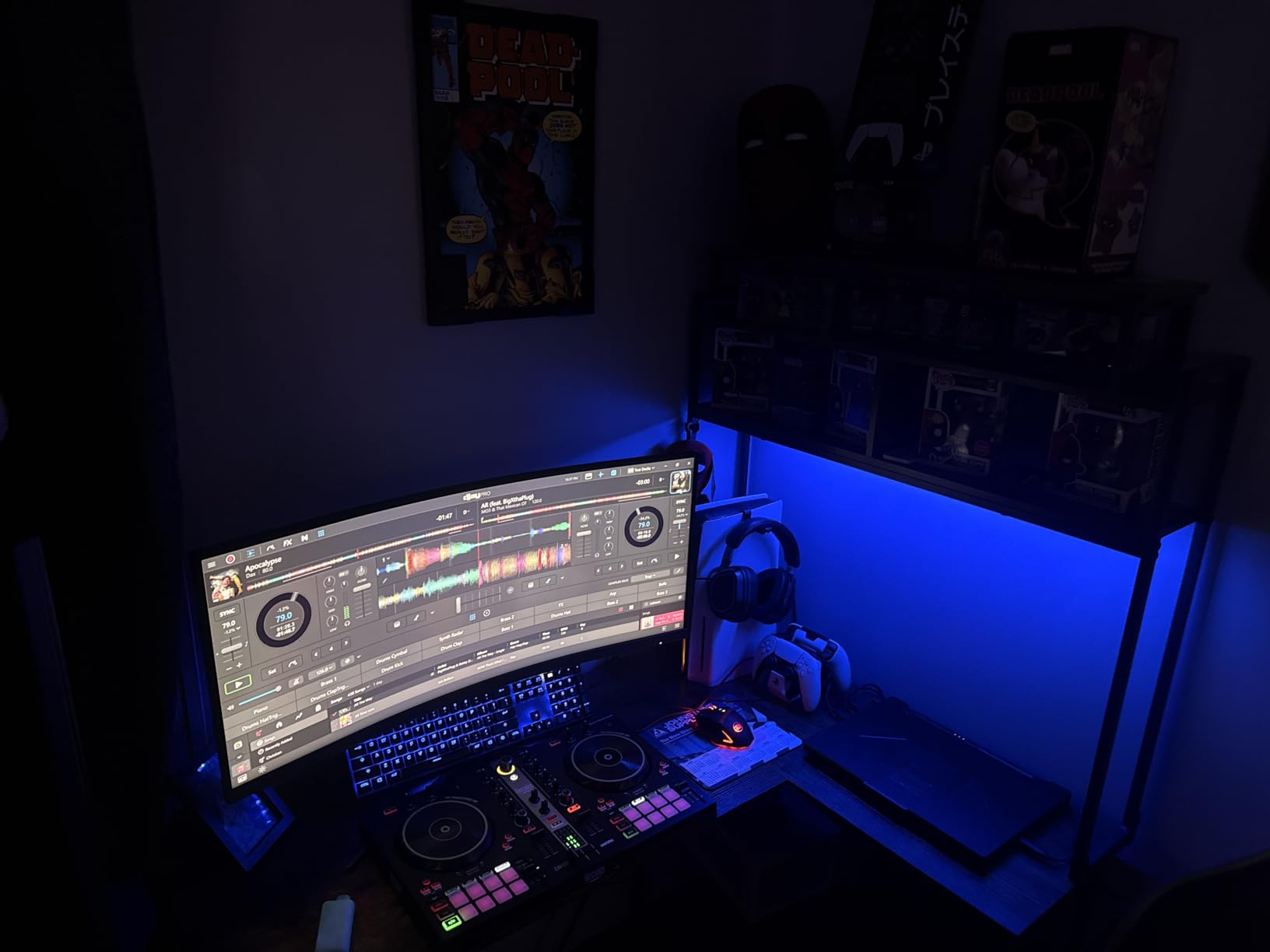
I tested this controller with both DJUCED and Serato DJ Lite, and the experience was solid across both platforms. What impressed me most is that Hercules includes full compatibility with Serato DJ Pro, not just the Lite version. That means if you decide to upgrade your software later, you do not need to buy a new controller. This is a significant value add that many competitors do not offer.
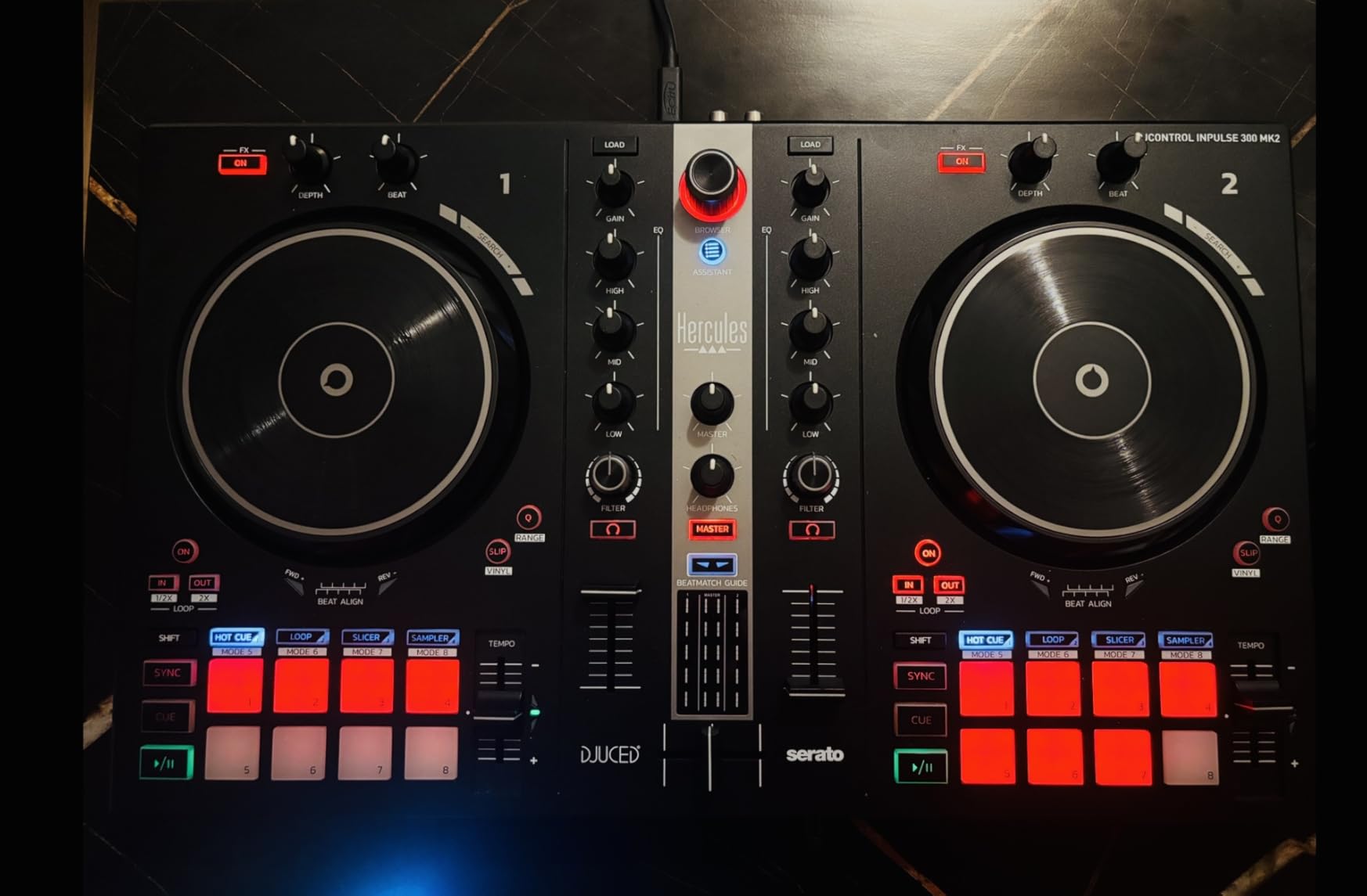
Each deck gets 8 hot cue points for a total of 16 across both decks. That is generous for a controller at this price. You also get streaming service integration with Beatport ADVANCED, Beatsource, SoundCloud Go+, and TIDAL, so you can mix from streaming catalogs without building a local library first. For beginners who do not have large music collections yet, this is a practical feature that removes one more barrier to getting started.
The jog wheels have decent weight and size for this price class. They are not as large as the ones on the Mixtrack Pro FX, but they are responsive and the touch sensitivity works reliably. The three-band EQ with filter and effects knobs gives you enough tonal control to shape your mixes creatively.
Who Should Buy the Inpulse 300 MK2
Beginners who want clear visual feedback while learning beatmatching will benefit most from the LED light guides on this controller. It is also a smart pick for anyone who plans to upgrade to Serato DJ Pro eventually, since full compatibility is included out of the box rather than requiring an additional purchase.
Who Should Look Elsewhere
If you want a controller with professional output options like XLR or balanced connections, the Inpulse 500 is worth the extra cost. DJs who primarily use rekordbox should also look at Pioneer options since this controller does not support rekordbox.
8. Hercules DJControl Inpulse 200 MK2 – Best Ultra-Budget Option
Hercules DJControl Inpulse 200 MK2 – Compact Controller – Serato & DJUCED
Compact 2-deck DJ Controller
Beatmatch Guide LEDs
STEMS feature
DJ Academy included
Weight: 1.4 kg
Pros
- Very affordable
- Beatmatch Guide LEDs for learning
- STEMS for creative mixing
- DJ Academy tutorial videos included
- Compact and portable
Cons
- Only 4 hot cue points
- USB cable is attached not detachable
- Headphone port quality issues
- No rekordbox support
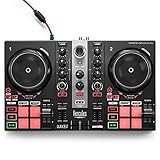
The Hercules DJControl Inpulse 200 MK2 is the cheapest entry point into the Hercules Inpulse lineup, and it still manages to include features that make a real difference for beginners. The Beatmatch Guide LEDs are here, just like on the more expensive Inpulse 300 MK2, and they serve the same purpose of visually guiding you toward proper beat alignment. For a controller at this price, having this kind of learning tool is impressive.
Hercules includes something unique with this controller: DJ Academy tutorial videos. These step-by-step video lessons walk you through everything from basic setup to advanced mixing techniques. For someone who has never touched a DJ controller before, having structured learning content bundled with the hardware removes the need to hunt for tutorials on YouTube. I went through several of the lessons and found them genuinely helpful and well-produced.
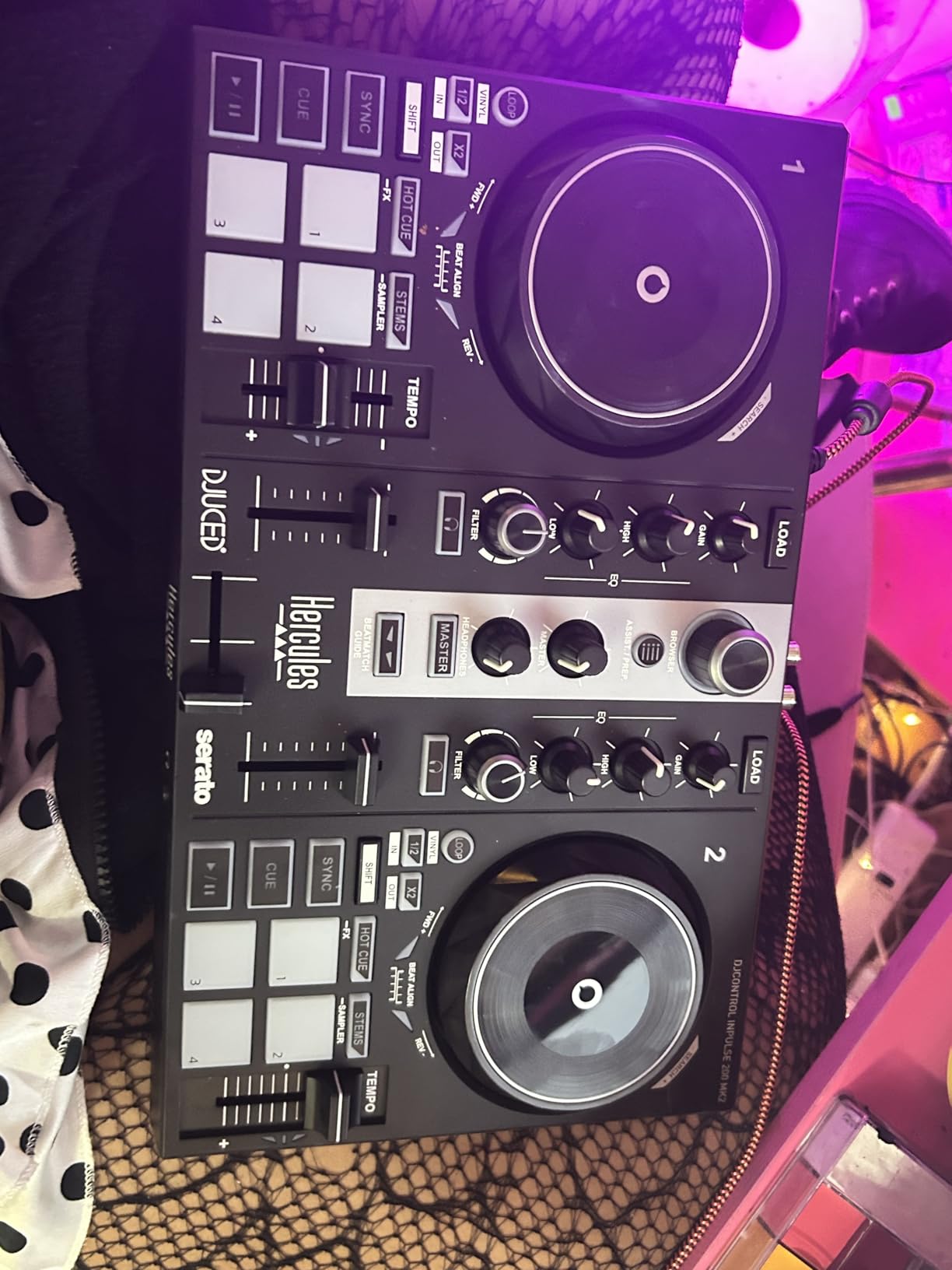
The STEMS feature lets you isolate individual elements of a track like vocals, drums, or bass, and create variations on the fly. This is a feature that until recently was only available in high-end software. Having it on a controller at this price shows how far DJ technology has come. It is a creative tool that beginners can experiment with to add variety to their mixes without needing advanced technical skills.
The main compromise here is build quality. The unit is lightweight plastic and the USB cable is permanently attached, which means if the cable gets damaged you cannot replace it. You also only get 4 hot cue points per deck instead of the 8 found on the Inpulse 300 MK2. Some users have reported quality control issues with the headphone output, so test yours thoroughly when it arrives.
Who Should Buy the Inpulse 200 MK2
Complete beginners on a tight budget who want guided learning features and the STEMS creative tool will get great value from this controller. The included DJ Academy videos make it especially appealing for someone who has literally never DJed before and wants structured instruction alongside the hardware.
Who Should Look Elsewhere
If you can stretch your budget by even $50-80, the Inpulse 300 MK2 or DDJ-FLX2 offer significantly better features and build quality. DJs who need more hot cues or plan to perform at events should also skip this one in favor of a more capable controller.
9. Hercules DJControl Starlight – Best Pocket-Sized Controller
Hercules DJControl Starlight | Pocket USB DJ Controller with Serato DJ Lite, Touch-Sensitive Jog Wheels, Built-in Sound Card and Built-in Light Show
Pocket USB DJ Controller
Built-in sound card
RGB light show
Touch-sensitive jog wheels
Weight: 1.1 lbs
Pros
- Extremely portable at just 1.1 lbs
- Built-in RGB light show
- Works with Serato
- Mixxx
- Traktor
- Touch-sensitive jog wheels
- Great value
Cons
- No mic input
- Mini-USB durability concerns
- Limited controls
- No EQ knobs
- Cue mix requires shift button
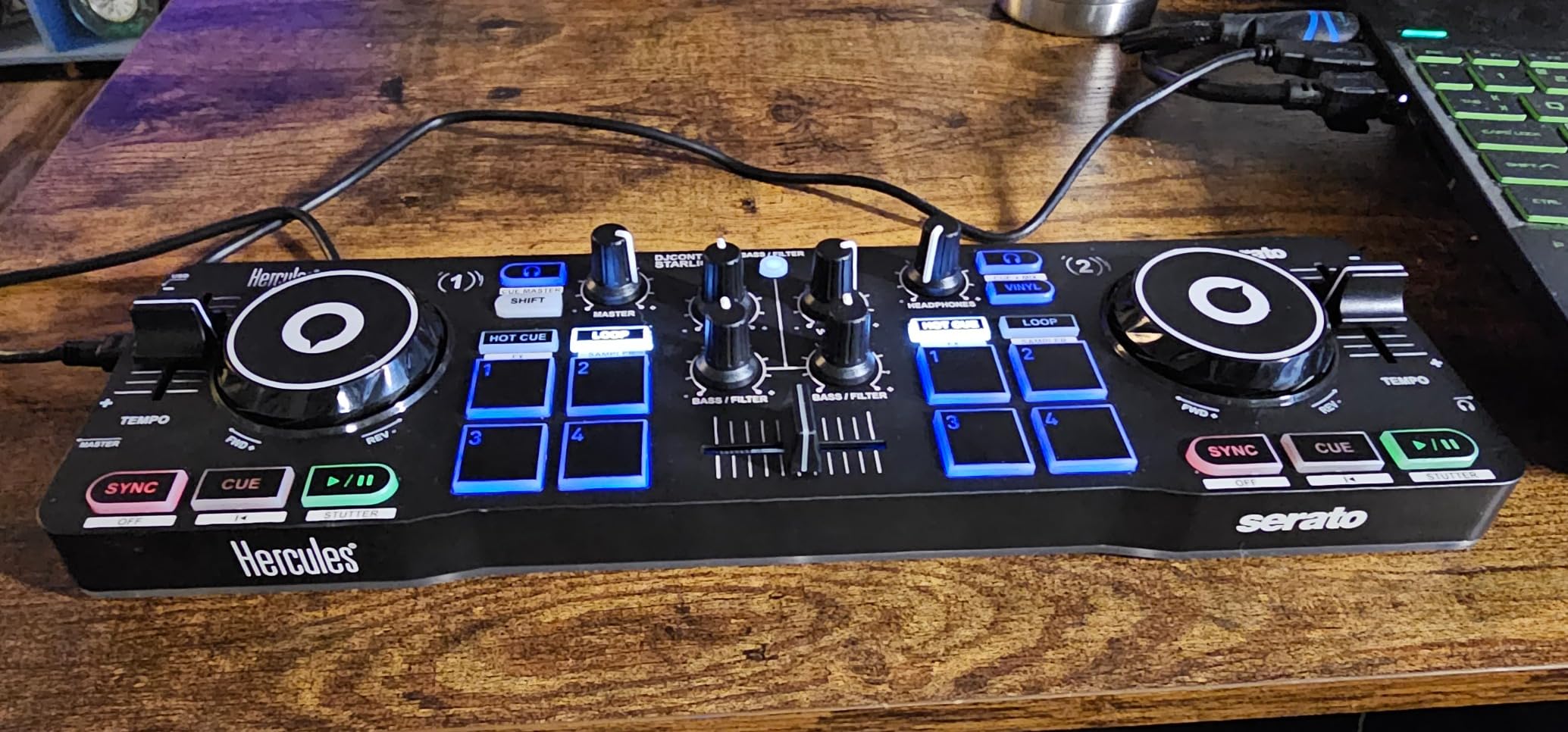
The Hercules DJControl Starlight is the most portable controller in this roundup and one of the most portable DJ controllers ever made. At just 1.1 lbs, it weighs less than most laptops. I have tossed this into a backpack alongside my laptop and mixed during train rides, at friend’s houses, and even on a hotel balcony. For DJs who are always on the move, the Starlight is hard to beat.
The built-in RGB light show is a fun touch that syncs to your music with strobe effects. It does not affect your mixing, but it adds energy to small gatherings and makes practice sessions feel more engaging. I did not expect to care about this feature, but I found myself smiling the first time I saw the whole unit pulsing in time with the bass drops.
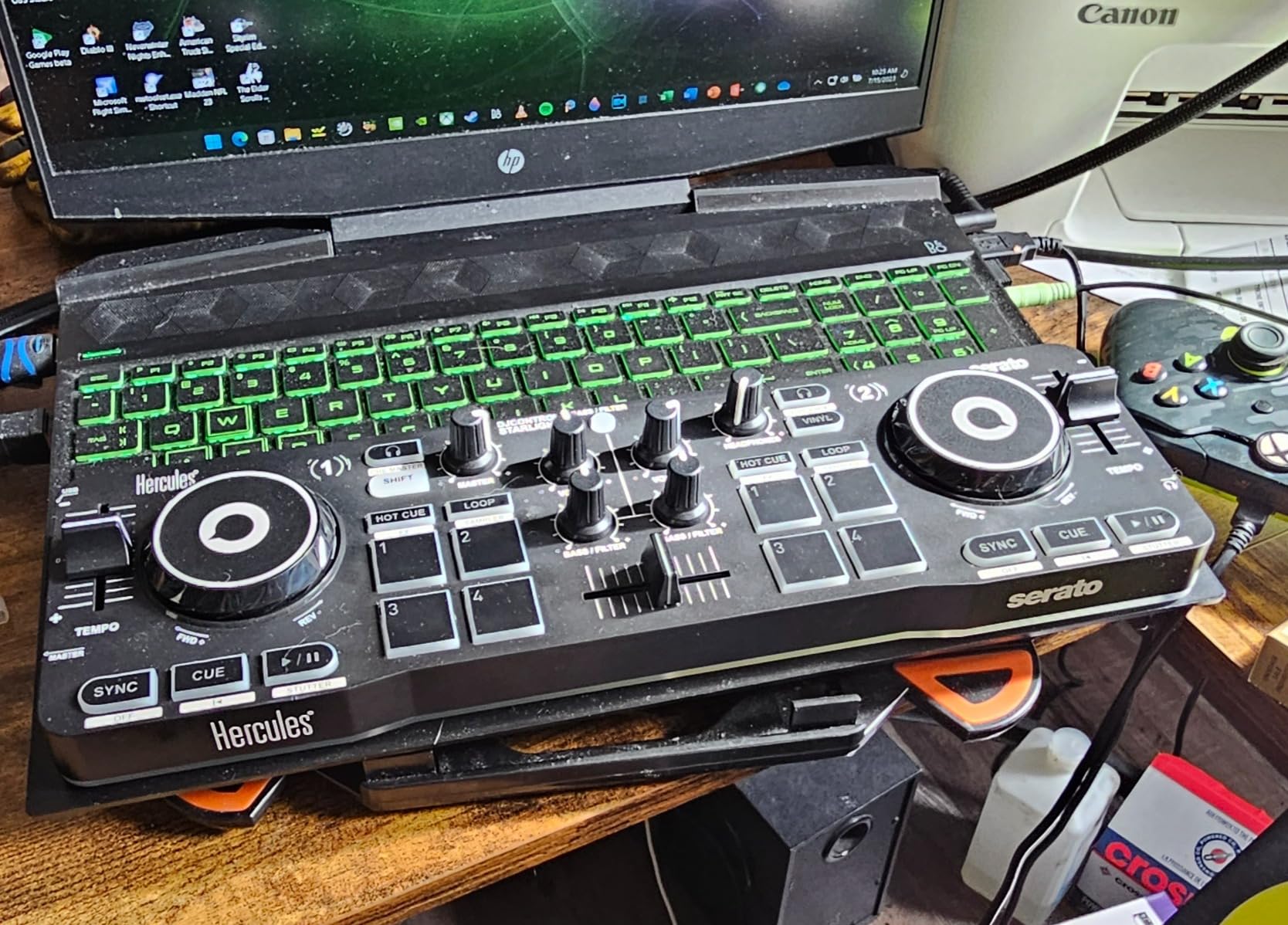
Software compatibility is a strength here. The Starlight works with Serato DJ Lite, Mixxx, and Traktor, giving you more options than most controllers at any price point. Mixxx is free and open-source, which means you can start DJing without spending anything beyond the controller itself. The touch-sensitive jog wheels are small but responsive, and they handle basic scratching and nudging without issues.
The compromises are significant though. There are no EQ knobs, which means you cannot adjust bass, mid, and treble independently for each track. The cue mix function requires using a Shift button rather than having a dedicated knob, which makes headphone monitoring awkward. And the Mini-USB connection is a known durability concern. Several long-term users have reported connection issues after months of regular plugging and unplugging.
Who Should Buy the Starlight
Traveling DJs who want a practice tool that fits anywhere will love the Starlight. It is also great as a backup controller for gigging DJs who want something compact to throw in their bag. If you are curious about DJing and want the cheapest possible entry point with real jog wheels, this is it.
Who Should Look Elsewhere
If you want to learn proper EQ mixing or need a controller for anything beyond casual practice, spend a bit more on the Inpulse 200 MK2 or DDJ-FLX2. The lack of EQ knobs and the Shift-based cue monitoring make this unsuitable for serious skill development.
10. Numark Party Mix II – Best Controller for Parties and Fun
Numark Party Mix II DJ Controller with Built-in Lights
2-deck DJ Controller with Lights
Built-in LED light show
Touch-sensitive jog wheels
Audio interface
Serato DJ Lite included
Pros
- Built-in LED party lights
- Plug and play setup
- Works with multiple software
- Compact and lightweight
- Great value for beginners
Cons
- Jog wheels can be inconsistent
- Crossfader reliability issues
- Loud button presses
- No pitch fader notch
- Quality control concerns
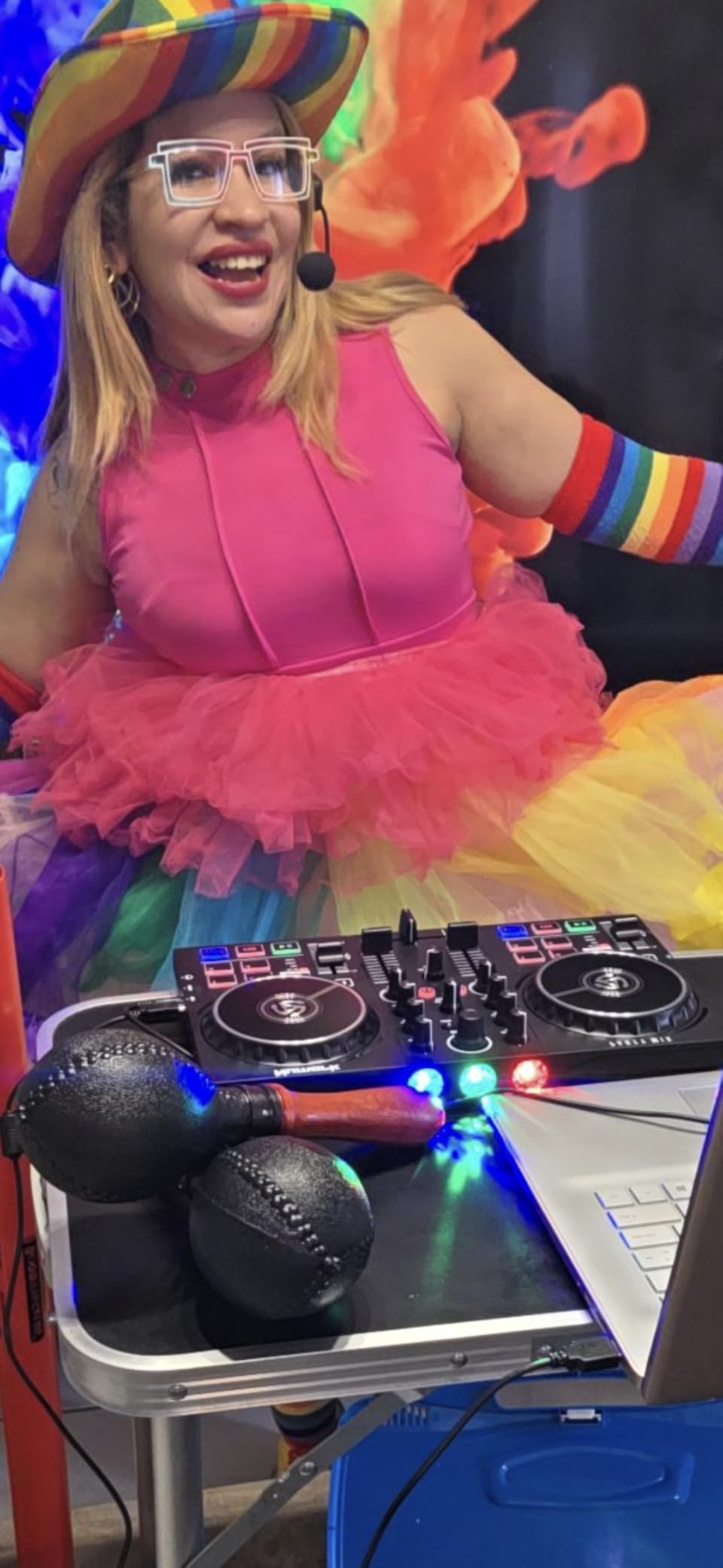
The Numark Party Mix II is designed to do exactly what its name suggests: get the party started. This controller has built-in LED lights that sync to your music, creating an instant visual spectacle wherever you set it up. With over 4,750 reviews, it is one of the most popular beginner DJ controllers on the market, and its appeal is easy to understand. It is fun, accessible, and does not take itself too seriously.
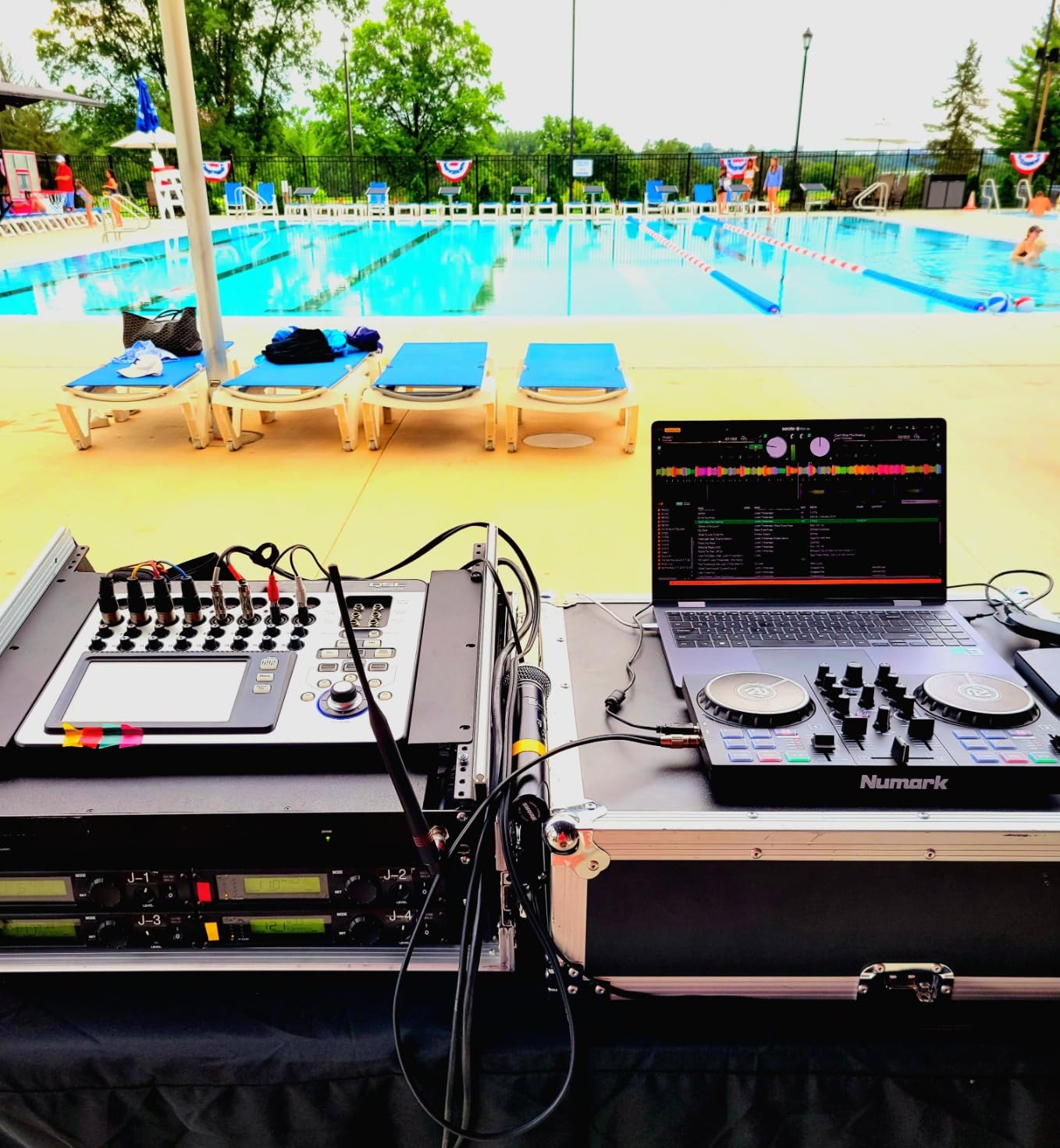
Setup is genuinely plug and play. I had it running with Serato DJ Lite within three minutes of unboxing. The touch-sensitive jog wheels feel decent for this price range, and the performance pads give you four modes: effects, cue points, looping, and sampling. Pitch sliders and filter knobs on each deck give you enough control to create smooth transitions, even if the feature set is limited compared to more expensive controllers.
Streaming support is included through Serato DJ Lite, giving you access to tracks from Apple Music, Tidal, Spotify, SoundCloud, and Beatport. For a beginner who does not have a music library yet, this is a huge advantage. You can start mixing your favorite tracks immediately without buying or downloading anything.
The build quality is where the Party Mix II shows its budget roots. It is entirely plastic at just 1.76 lbs, which makes it very portable but also very light. Some users have reported inconsistent jog wheel behavior and crossfader issues, which suggests quality control can vary between units. The buttons are also notably loud when pressed, which can be distracting during quiet mixing moments.
Who Should Buy the Party Mix II
Beginners who want a fun, visually engaging controller for house parties and casual use will love this product. The built-in light show adds atmosphere that other controllers simply do not offer at this price. It is also a good pick for younger aspiring DJs or anyone who wants the most feature-complete controller possible on a tight budget.
Who Should Look Elsewhere
If you are serious about learning professional DJ techniques, the lack of EQ knobs and reliability concerns make this a less-than-ideal learning tool. Spend a little more on the Mixtrack Pro FX or DDJ-FLX2 for better build quality and more consistent performance.
11. Numark DJ2GO2 Touch – Most Portable DJ Controller
Numark DJ2GO2 Touch Compact DJ Controller
Ultra-portable 2-deck Controller
Touch capacitive jog wheels
Built-in audio interface
4 pad modes
Weight: 14.9 oz
Pros
- Extremely portable at under 1 lb
- Touch capacitive jog wheels
- Four pad modes
- Built-in audio interface
- Streaming support via Serato
Cons
- No EQ knobs
- Mini-USB connection
- Jog wheel sensitivity issues
- Basic feature set
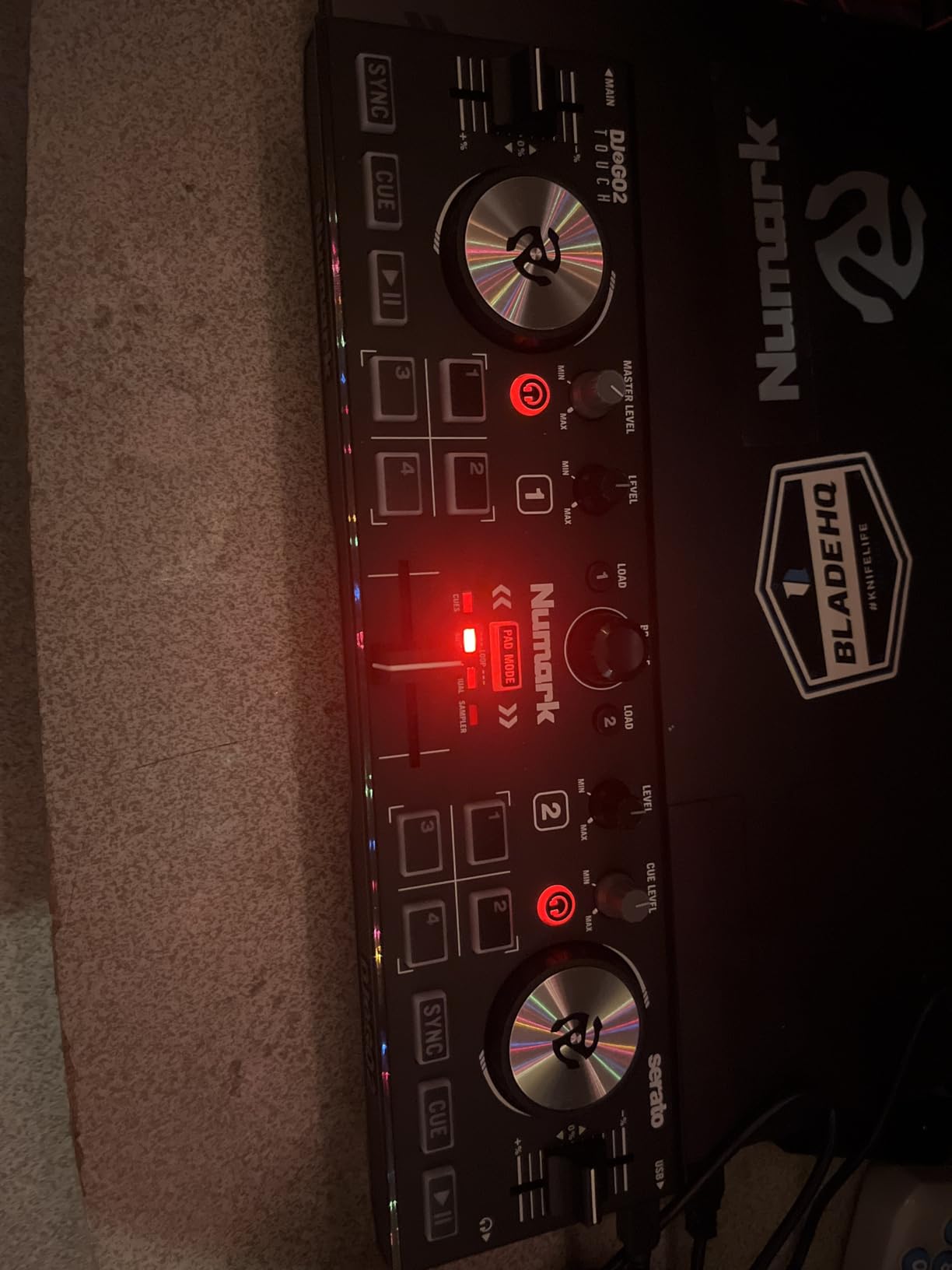
The Numark DJ2GO2 Touch is the lightest controller in this entire roundup at just 14.9 ounces. It measures 3.39 x 12.32 x 1.3 inches, which means it fits in a laptop bag alongside your computer without adding any noticeable bulk. Despite its tiny size, it manages to include touch capacitive jog wheels, an onboard audio interface, and four pad modes for cue points, looping, and sampling.
I was skeptical about mixing on something this small, but the touch jog wheels actually work. They are obviously tiny compared to standard controllers, but the capacitive touch sensitivity means they respond accurately to your finger movements. For beatmatching and basic mixing, they get the job done. I would not want to scratch on them, but for learning transitions and getting comfortable with a DJ workflow, they are surprisingly capable.
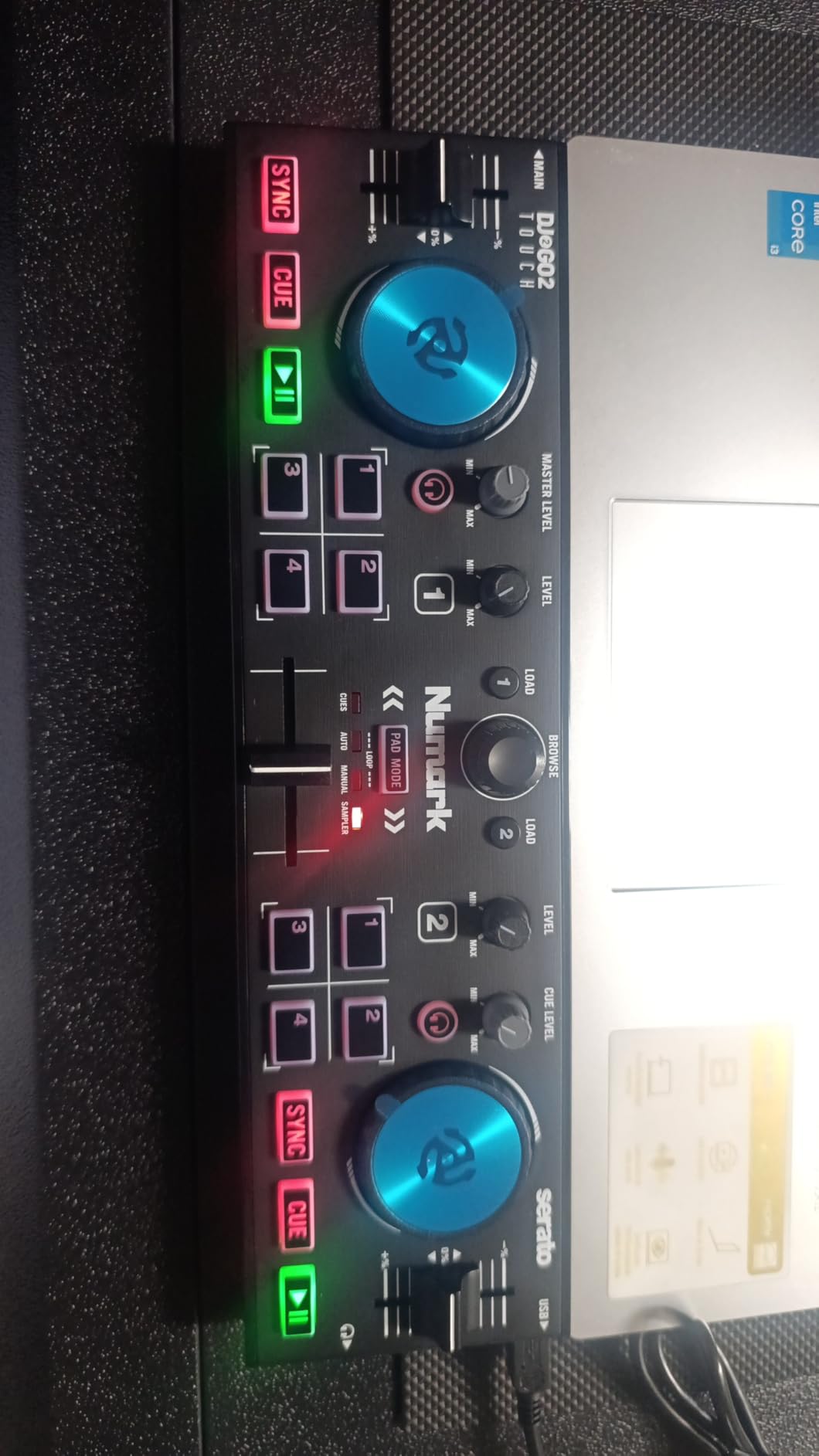
Streaming support is a major plus. Through Serato DJ Lite, you can access tracks from Apple Music, Tidal, Spotify, SoundCloud, Beatport, and Beatsource. For a controller this small and this affordable, having access to millions of streaming tracks is a killer feature. You can literally carry this controller, your laptop, and a pair of headphones and mix anywhere with a WiFi connection.
The compromises are the same as any ultra-budget controller. There are no EQ knobs, so you cannot independently adjust frequencies. The Mini-USB connection is a concern for long-term durability. And some users report that the jog wheels can pick up hand interference, causing occasional glitches in Serato. These are real limitations, but for a controller at this price, they are understandable trade-offs.
Who Should Buy the DJ2GO2 Touch
DJs who prioritize extreme portability above all else should look at this controller. It is perfect for practicing on your lunch break, mixing in a coffee shop, or keeping in your bag as a backup. It is also the cheapest way to get started with real DJ software and streaming support if you are on the tightest possible budget.
Who Should Look Elsewhere
Anyone who wants to develop proper DJ skills including EQ mixing should start with a more capable controller. The lack of EQ knobs means you miss out on learning one of the most fundamental mixing techniques. The Hercules Inpulse 200 MK2 or DDJ-FLX2 both offer more complete feature sets for not much more money.
12. Roland DJ-202 – Best for Producer-DJs and Beat Makers
Roland DJ-202 Compact DJ Controller
2-channel 4-deck Controller
Built-in TR-808/909 drum kits
16-step sequencer
24-bit/48kHz audio
Free Serato DJ Pro
Pros
- Built-in Roland drum kits with ACB tech
- 16-step sequencer
- Free Serato DJ Pro upgrade included
- Mic input with effects
- 24-bit/48kHz audio quality
Cons
- Crossfader feels cheap
- No XLR outputs
- Sequencer menu diving required
- Plastic glossy build
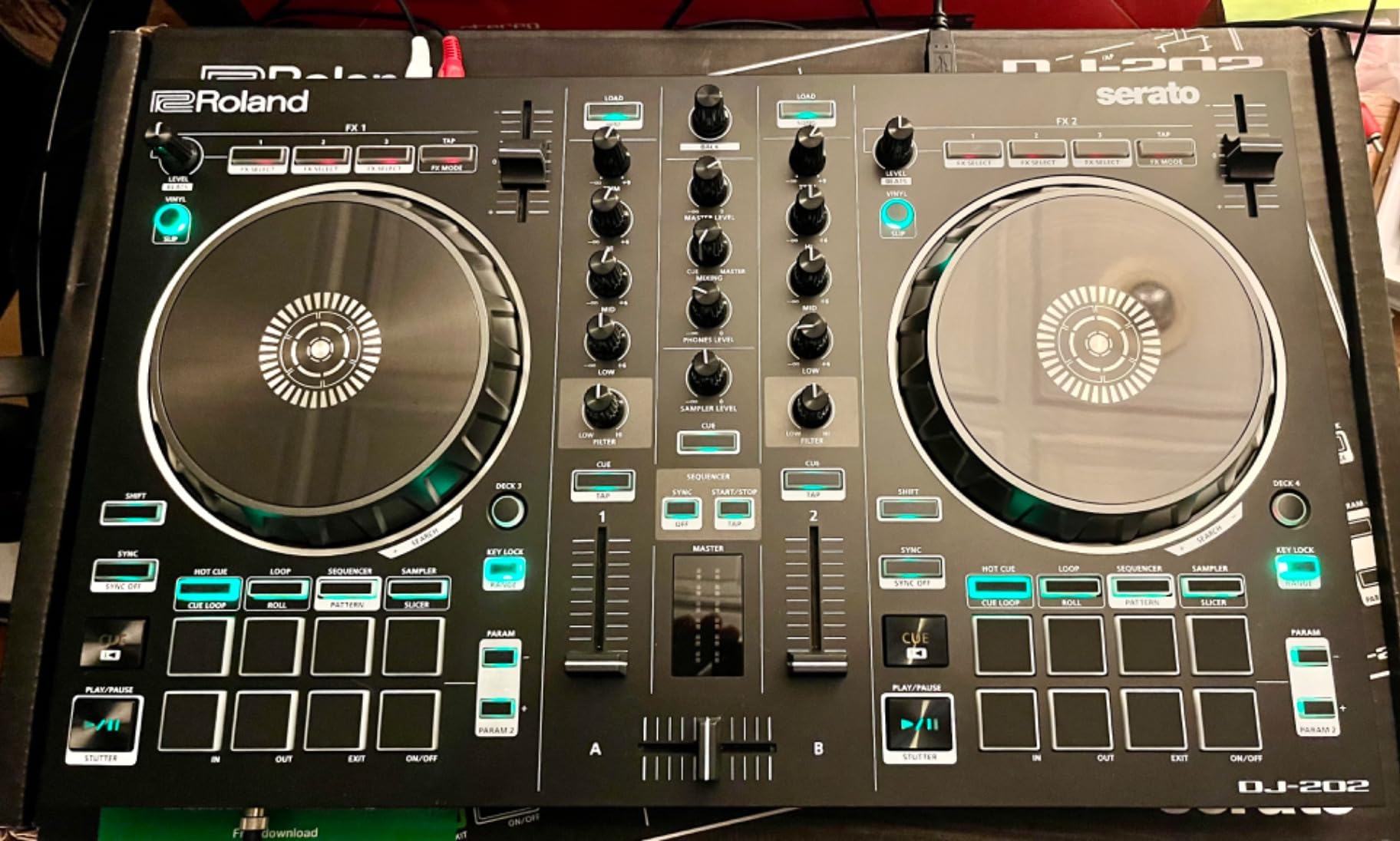
The Roland DJ-202 is not your typical beginner DJ controller. It combines standard DJ controller functionality with a built-in drum machine and sequencer using Roland’s legendary TR-808, TR-909, and TR-606 sounds. If you are the type of beginner who wants to produce beats as well as mix them, this is the only controller in this roundup that lets you do both without additional hardware.
The drum kits use Roland’s Analog Circuit Behavior technology, which faithfully recreates the sound of their classic drum machines. These are the same sounds that defined hip-hop, house, and techno. Having them built into a DJ controller means you can layer live drum patterns over your mixes, create beats on the fly, or use the 16-step sequencer to build loops that play alongside your tracks. I spent hours just programming beats and mixing them with tracks in Serato.
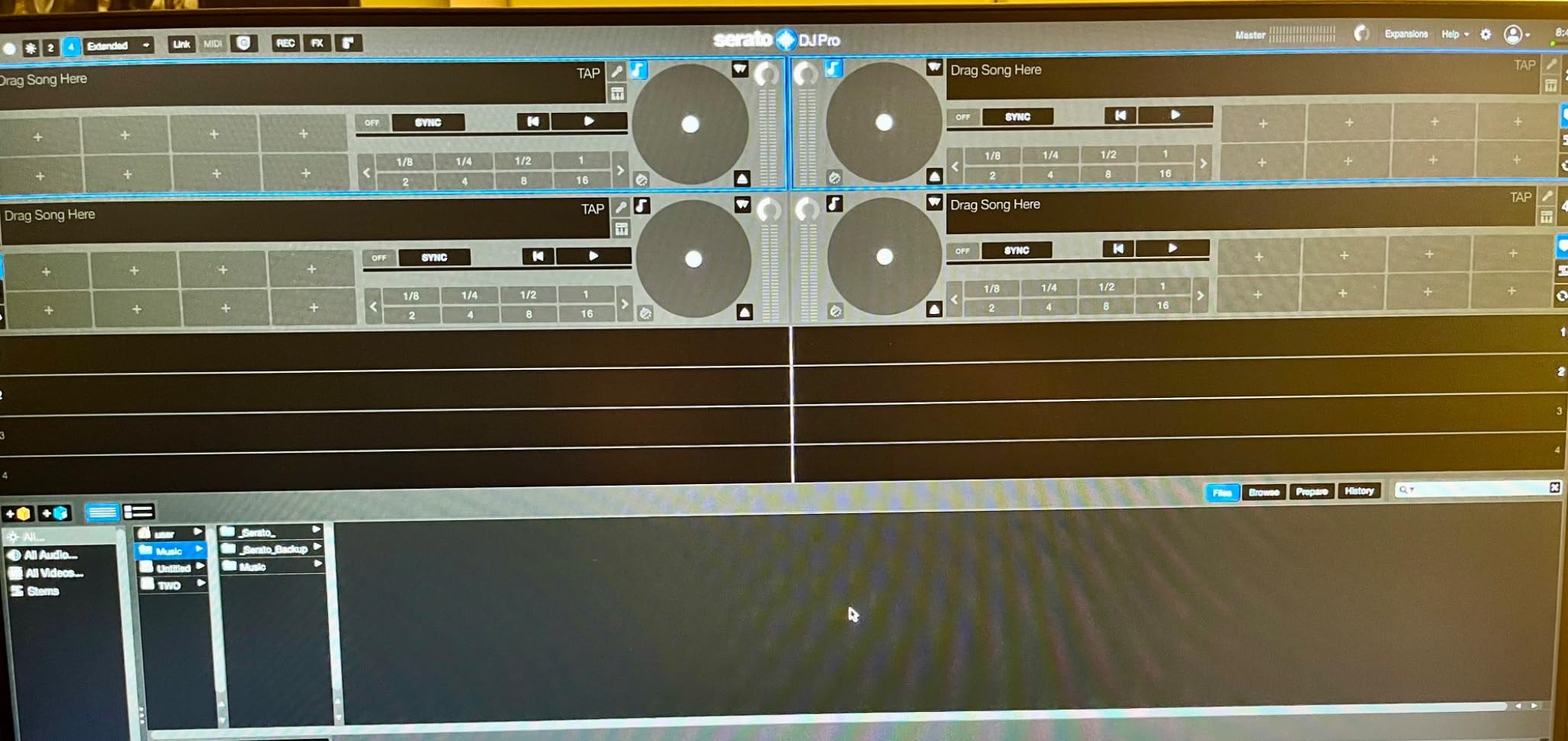
One of the biggest selling points is the included Serato DJ Pro upgrade. While most beginner controllers ship with Serato DJ Lite (which has significant limitations), Roland includes a free upgrade to the full Pro version. This alone adds substantial value since the Pro upgrade typically costs extra. You get all Serato DJ Pro features including recording, extra effects, and full library management.
The large platters are designed for scratching with low latency. They feel responsive and have enough tension for comfortable scratch performance. The mic input includes gate, hi-pass filter, reverb, and echo effects, which means you can add vocal elements or MC over your sets without needing an external effects processor. The 24-bit/48 kHz audio quality is a step above what most beginner controllers offer.
Who Should Buy the DJ-202
Beginner DJs who also want to produce beats will get the most value from this controller. The built-in drum machine and sequencer make it a two-in-one tool for mixing and beat making. It is also a strong pick for anyone who wants Serato DJ Pro included rather than having to pay for an upgrade later.
Who Should Look Elsewhere
If you have no interest in drum programming or beat production, you are paying for features you will not use. The standard DJ controller features here are solid but not exceptional compared to competitors like the DDJ-FLX4. DJs who need XLR outputs for professional PA connections should also note that this controller only has RCA outputs.
Buying Guide: How to Choose the Best Beginner DJ Controller
Choosing your first DJ controller comes down to understanding a few key factors. I have helped dozens of friends and community members pick their first controller, and the same questions come up every time. Here is what actually matters when you are making this decision.
Software Compatibility Matters More Than You Think
The software that comes with your controller determines your entire workflow. Most beginner controllers ship with either Serato DJ Lite or rekordbox, and some include both. Serato DJ Lite is intuitive and widely used, but it has limitations like no recording and fewer effects. Rekordbox is Pioneer’s platform, and if you plan to play on Pioneer club gear eventually, learning rekordbox early gives you a head start.
Some controllers also work with Traktor, Virtual DJ, Mixxx, and djay. The Hercules Starlight and DDJ-FLX2 are notable for supporting multiple platforms. Think about which software ecosystem you want to invest your time learning, because switching later means relearning your workflow.
Jog Wheel Size and Feel
Jog wheels are the most tactile part of any DJ controller. Larger jog wheels make beatmatching and scratching easier and more enjoyable. The Numark Mixtrack Pro FX and Platinum FX have 6-inch jog wheels that are some of the largest in this price range. The DDJ-FLX4 also has excellent jog wheels with good tension and responsiveness.
If you plan to learn scratching, prioritize controllers with larger, low-latency platters like the DDJ-REV1 or Roland DJ-202. For general mixing, any of the controllers with touch-sensitive jog wheels will serve you well. The ultra-compact controllers like the Starlight and DJ2GO2 Touch have functional jog wheels, but they are small enough that they feel different from what you would use at a club.
Audio Quality and Outputs
Most beginner controllers have built-in audio interfaces, which means you can plug headphones directly into the controller and run audio to speakers without any extra equipment. The quality varies though. Controllers with 24-bit audio like the Mixtrack Pro FX, Mixtrack Platinum FX, and Roland DJ-202 offer noticeably cleaner sound than basic 16-bit interfaces.
Pay attention to the output options. If you want to connect to a PA system at a venue, look for controllers with balanced XLR or TRS outputs (the Hercules Inpulse 500 has both). Most budget controllers only offer RCA outputs, which work fine for home setups but are less ideal for professional use.
2-Deck vs 4-Deck Control
Most beginner controllers offer 2-deck control, which means you can mix two tracks simultaneously. This is plenty for learning the fundamentals of beatmatching, phrasing, and transitions. The Numark Mixtrack Platinum FX and Roland DJ-202 offer 4-deck control, which lets you layer additional tracks for more complex mixes.
My advice for most beginners is to start with 2 decks and focus on fundamentals. Once you can consistently mix two tracks smoothly, moving to 4 decks is a natural progression. If you buy a 4-deck controller from the start, you will not outgrow it as quickly, but you also will not use the extra decks until you have the basics down.
Budget Considerations
Based on my experience and what I have seen across DJ forums, here is a practical budget breakdown. Controllers under $150 are best for casual exploration and travel practice. The $150 to $300 range is the sweet spot for serious beginners, offering the best balance of features and build quality. Controllers in the $300 to $350 range give you the most complete feature set that will last well beyond your beginner phase.
A common piece of advice on Reddit communities like r/Beatmatch is to invest in quality gear from the start rather than buying cheap and upgrading later. The DDJ-FLX4 at around $330 is the most frequently recommended controller in this context because it has features that will keep you satisfied for years, not months.
Streaming Service Support
If you do not have a large music library yet, streaming integration is a feature worth prioritizing. Controllers that work with TIDAL, SoundCloud Go+, Beatport, and Beatsource let you mix from catalogs of millions of tracks without buying individual songs. Most modern controllers support streaming through their bundled software, but it is worth checking before you buy. The DDJ-FLX4, DDJ-FLX2, and most Hercules controllers all offer streaming support.
Frequently Asked Questions
Which DJ controller should I buy as a beginner?
The Pioneer DJ DDJ-FLX4 is the best overall beginner DJ controller. It offers a professional Pioneer layout that translates to club gear, includes both rekordbox and Serato DJ Lite, features Smart Fader technology for easy transitions, and supports streaming from TIDAL, Beatport, and SoundCloud Go+. With over 2,500 reviews and a 4.6-star rating, it has proven itself with thousands of users. If your budget is tighter, the AlphaTheta DDJ-FLX2 offers similar features at a lower price point.
What is the best DJ console for beginners?
The best DJ console for beginners depends on your goals. For overall value and learning, the Pioneer DJ DDJ-FLX4 is the top pick because its layout mirrors club-standard Pioneer equipment. For budget-conscious beginners, the AlphaTheta DDJ-FLX2 provides Smart Fader technology and multi-platform software at a lower price. For scratching, the Pioneer DDJ-REV1 offers a battle-style layout with Tracking Scratch assistance.
What is the best beginner DJ set?
A complete beginner DJ set includes a DJ controller, headphones, and a laptop. The Pioneer DJ DDJ-FLX4 paired with decent headphones makes the ideal starter set because it includes rekordbox and Serato DJ Lite software. You do not need speakers initially since you can practice entirely through headphones. As you progress, add powered speakers with RCA or XLR inputs to complete your setup.
What should I look for when buying a beginner DJ controller?
Focus on these five factors when buying your first DJ controller: software compatibility (Serato, rekordbox, or Traktor), jog wheel size and feel, built-in audio interface quality, output options (headphone, RCA, XLR), and whether the layout matches your goals (club-style vs battle-style). Also check if streaming services are supported if you do not have a large music library yet. Avoid controllers without EQ knobs, as learning frequency mixing is fundamental.
How much should a beginner spend on a DJ controller?
Most beginners should plan to spend between $200 and $350 on their first DJ controller. This price range includes capable options like the DDJ-FLX4 ($329) and Mixtrack Platinum FX ($279) that offer professional features and will last beyond the beginner phase. You can spend less ($90-$180) on ultra-budget controllers like the DJ2GO2 Touch or Party Mix II, but expect compromises in build quality and features. Investing more upfront typically saves money since you will not need to upgrade as quickly.
Final Thoughts on the Best Beginner DJ Controllers for 2026
Finding the right starter DJ controller does not have to be overwhelming. After testing all 12 of these controllers, the Pioneer DJ DDJ-FLX4 remains my top recommendation for most beginners because its club-standard layout, Smart Fader technology, and streaming support give you the best foundation for learning. The AlphaTheta DDJ-FLX2 is the best value pick if you want similar features for less money, and the Numark DJ2GO2 Touch is the cheapest way to start mixing with real DJ software.
Start with a controller that fits your budget and commit to practicing regularly. The best beginner DJ controller is the one you actually use, not the most expensive one on the shelf. Pick one from this list, fire up the included software, and start mixing. Your first smooth transition is closer than you think.