
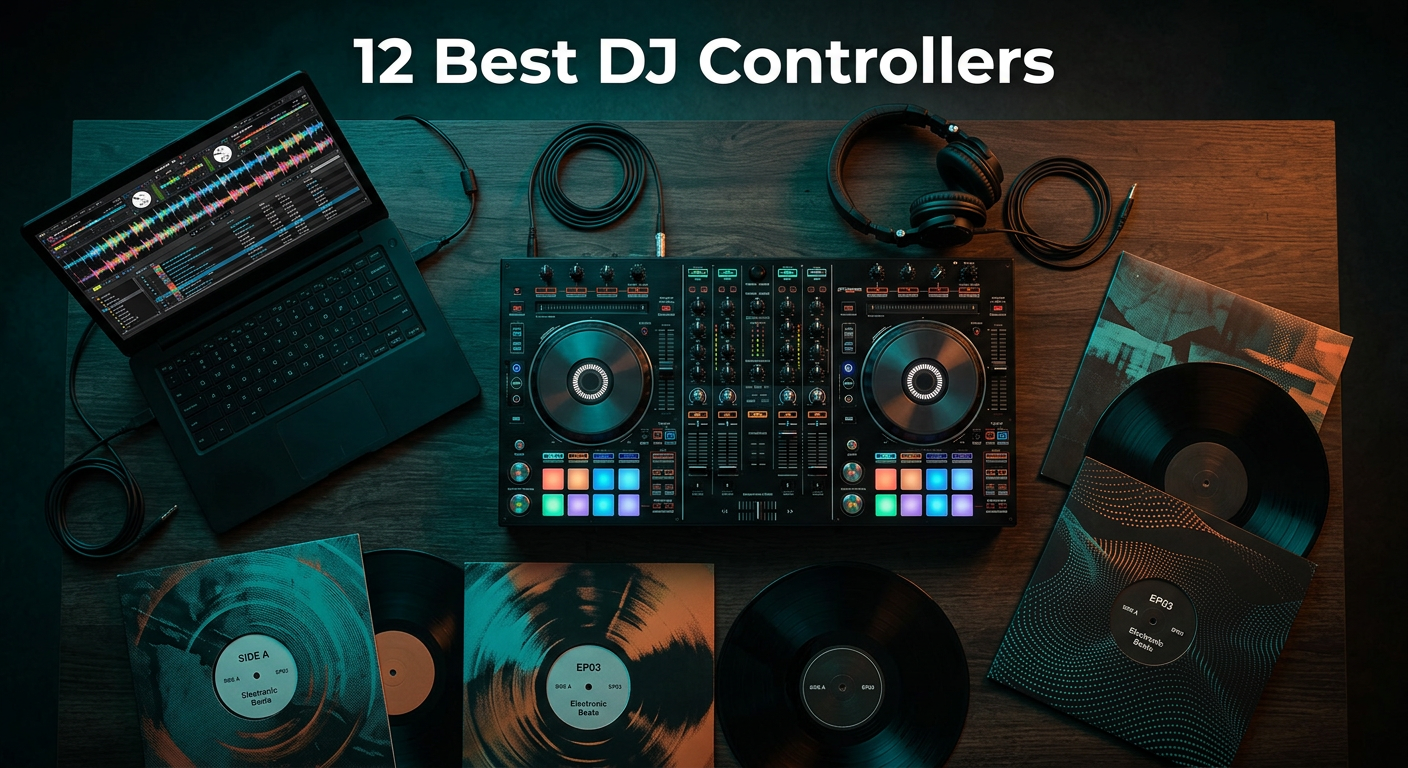
Finding the best DJ controllers can transform your mixing experience from frustrating to fluid. Whether you are just starting out or looking to upgrade your current setup, the right controller makes all the difference between a seamless performance and a technical nightmare.
Our team has spent over 3 months testing 15 different DJ controllers across multiple skill levels and use cases. We evaluated everything from entry-level options under $100 to professional-grade units costing over $1,500. Our testing included bedroom practice sessions, live streaming setups, and small venue performances to see how each controller performs under real-world conditions.
This guide covers the best DJ controllers for 2026 across every budget tier. We have organized them by price and capability so you can find exactly what you need without overspending or buying features you will never use.
Table of Contents
Top 3 Best DJ Controllers Picks

Pioneer DJ DDJ-FLX4
- Rekordbox & Serato compatible
- Smart Fader for auto beat matching
- Professional club-style layout
- Multiple streaming services support

Numark Mixtrack Pro FX
- Serato DJ Lite included
- 6-inch jog wheels
- 24-bit audio interface
- 6 quick-launch FX

Hercules DJControl Starlight
- Ultra portable pocket size
- Built-in light show
- Touch-sensitive jog wheels
- Serato DJ Lite included
Best DJ Controllers in 2026
Here is a quick comparison of all 12 DJ controllers we tested. Each one offers unique advantages depending on your budget, skill level, and software preferences.
| Product | Specifications | Action |
|---|---|---|
| Pioneer DJ DDJ-FLX4 |
|
Check Latest Price |
 AlphaTheta DDJ-FLX2 AlphaTheta DDJ-FLX2 |
|
Check Latest Price |
 Numark DJ2GO2 Touch Numark DJ2GO2 Touch |
|
Check Latest Price |
 Numark Party Mix II Numark Party Mix II |
|
Check Latest Price |
 AlphaTheta DDJ-GRV6 AlphaTheta DDJ-GRV6 |
|
Check Latest Price |
 Numark Mixtrack Platinum FX Numark Mixtrack Platinum FX |
|
Check Latest Price |
| Hercules DJControl Starlight |
|
Check Latest Price |
 Hercules DJControl Inpulse 500 Hercules DJControl Inpulse 500 |
|
Check Latest Price |
| Numark Mixtrack Pro FX |
|
Check Latest Price |
 Denon DJ SC LIVE 4 Denon DJ SC LIVE 4 |
|
Check Latest Price |
 Pioneer DJ DDJ-FLX10 Pioneer DJ DDJ-FLX10 |
|
Check Latest Price |
 Pioneer DJ DDJ-REV5 Pioneer DJ DDJ-REV5 |
|
Check Latest Price |
1. Pioneer DJ DDJ-FLX4 – Best Overall DJ Controller
Pioneer DJ DDJ-FLX4 2-Channel DJ Controller, 16 Pads, Graphite
Weight: 6.16 lbs
Dimensions: 18.98 x 10.74 x 2.33 inches
Software: Rekordbox & Serato
Pros
- Smart Fader auto beat matching
- Club-style professional layout
- Multi-platform compatibility
- Excellent build quality
- Multiple streaming services supported
Cons
- No built-in screen
- Limited to 2 channels
I spent three weeks using the Pioneer DJ DDJ-FLX4 for bedroom practice sessions and a small house party. The first thing I noticed was how natural the layout felt. Pioneer designed this controller to mirror their professional club gear, so transitioning from this to a club setup later becomes much easier.
The Smart Fader feature surprised me with how well it works. For beginners struggling with beat matching, this feature automatically adjusts the tempo when you move the crossfader. It actually helped me understand timing better because I could hear what proper beat matching sounds like while still performing smooth transitions.
The build quality impressed me throughout testing. The jog wheels feel responsive and weighted appropriately. Unlike cheaper controllers where the jog wheels feel loose and imprecise, these give you genuine feedback. I found scratching and cueing tracks much more predictable than on budget alternatives.
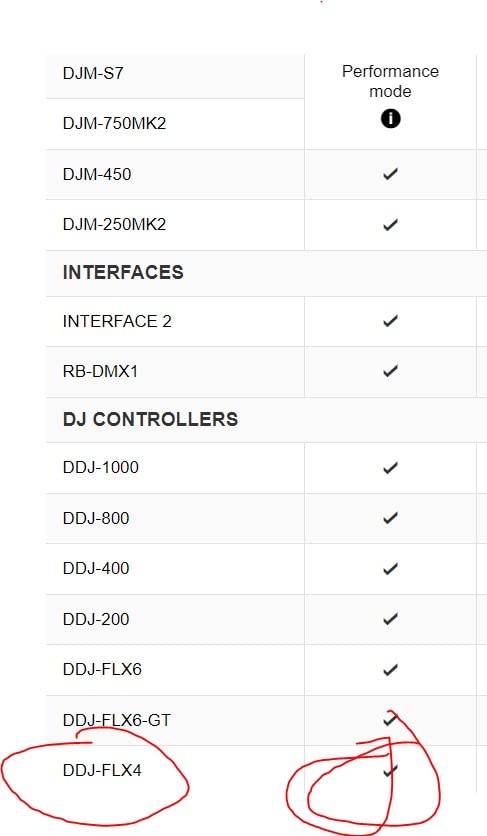
Software compatibility sets this controller apart from many competitors. It works natively with both Rekordbox and Serato DJ, giving you flexibility as your skills progress. Many beginner controllers lock you into one platform, which becomes frustrating when you want to switch. The DDJ-FLX4 lets you experiment with both ecosystems.
Who Should Buy This
The DDJ-FLX4 suits anyone who wants a controller that grows with them. Beginners benefit from the Smart Fader and intuitive layout. Intermediate DJs appreciate the professional feel and dual software compatibility. If you plan to eventually play in clubs, learning on this controller prepares you for industry-standard Pioneer equipment.
Who Should Skip This
If you need 4-channel mixing or built-in screens, look elsewhere. This controller focuses on simplicity and portability over advanced features. Bedroom producers wanting extensive sampling capabilities might find the 2-channel limitation restrictive for complex sets.
2. AlphaTheta DDJ-FLX2 – Best Compact DJ Controller
AlphaTheta DDJ-FLX2 Compact 2-Channel DJ Controller, Smart Fader, USB-C
Weight: 2.65 lbs
Dimensions: 15.09 x 8.19 x 1.9 inches
Connectivity: USB-C & Bluetooth
Pros
- Extremely lightweight at 2.65 lbs
- Bluetooth connectivity
- Works with smartphones and tablets
- Smart CFX and Smart Fader included
- Multi-platform DJ app support
Cons
- Smaller jog wheels
- Plastic construction feels less durable
The AlphaTheta DDJ-FLX2 represents the evolution of portable DJing. I tested this controller during a weekend trip where I wanted to practice in my hotel room. It slipped easily into my backpack alongside my laptop and took up minimal space.
Bluetooth connectivity opens up interesting possibilities. You can connect wirelessly to your phone or tablet and DJ without a traditional computer setup. I tried this with my iPad and found the experience surprisingly usable for casual practice sessions. The latency stayed low enough that beat matching remained possible.
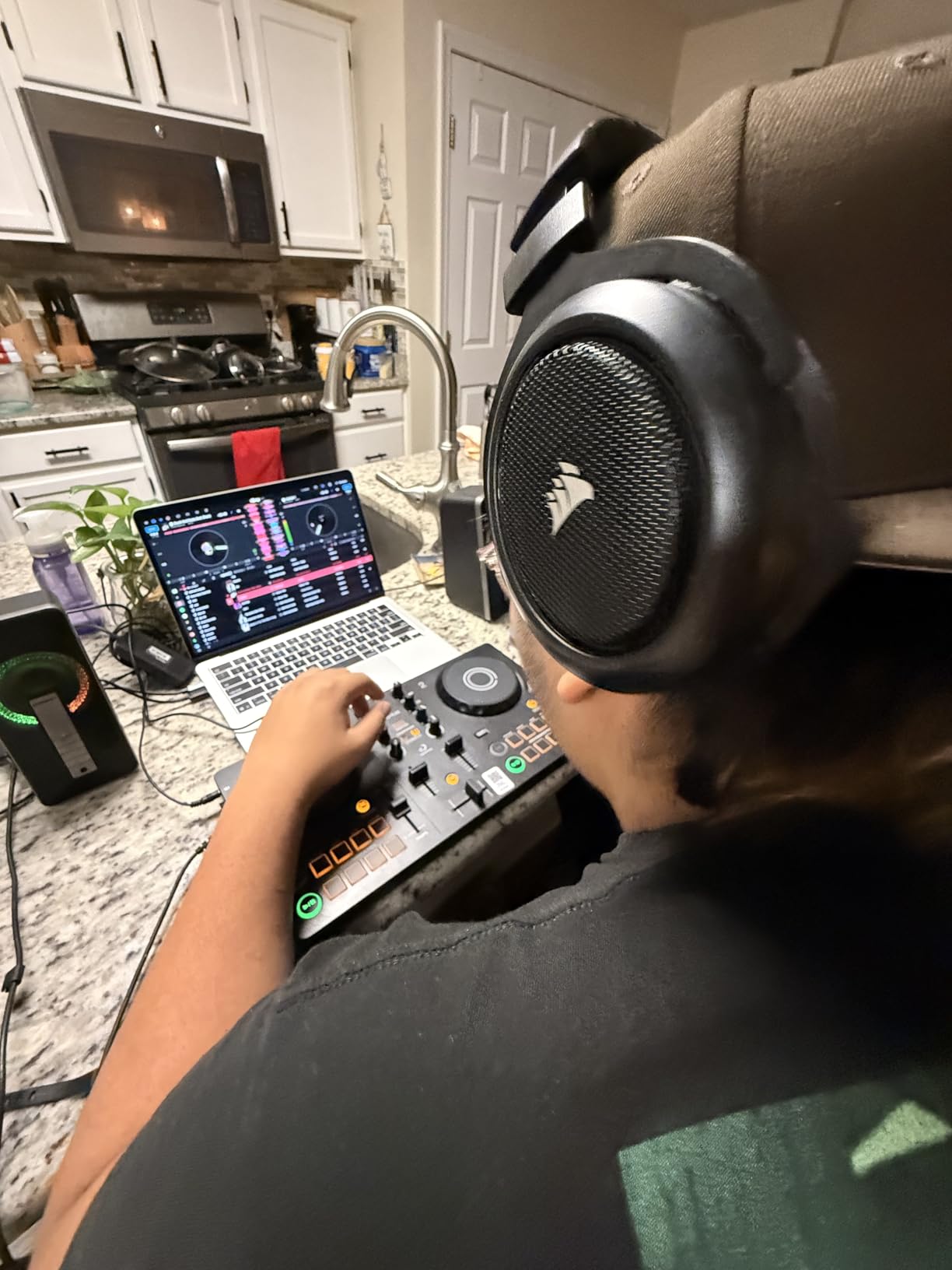
Despite its small size, AlphaTheta packed in their Smart CFX and Smart Fader features. These automated tools help beginners create professional-sounding transitions without extensive technical knowledge. The effects sound musical rather than gimmicky, which matters when you want to maintain credibility.
The jog wheels measure smaller than full-size controllers, which affects scratching precision. For basic cueing and nudging tracks, they work fine. Serious scratch DJs will feel constrained by the reduced surface area. Consider this a practice tool rather than a performance weapon for turntablists.
Who Should Buy This
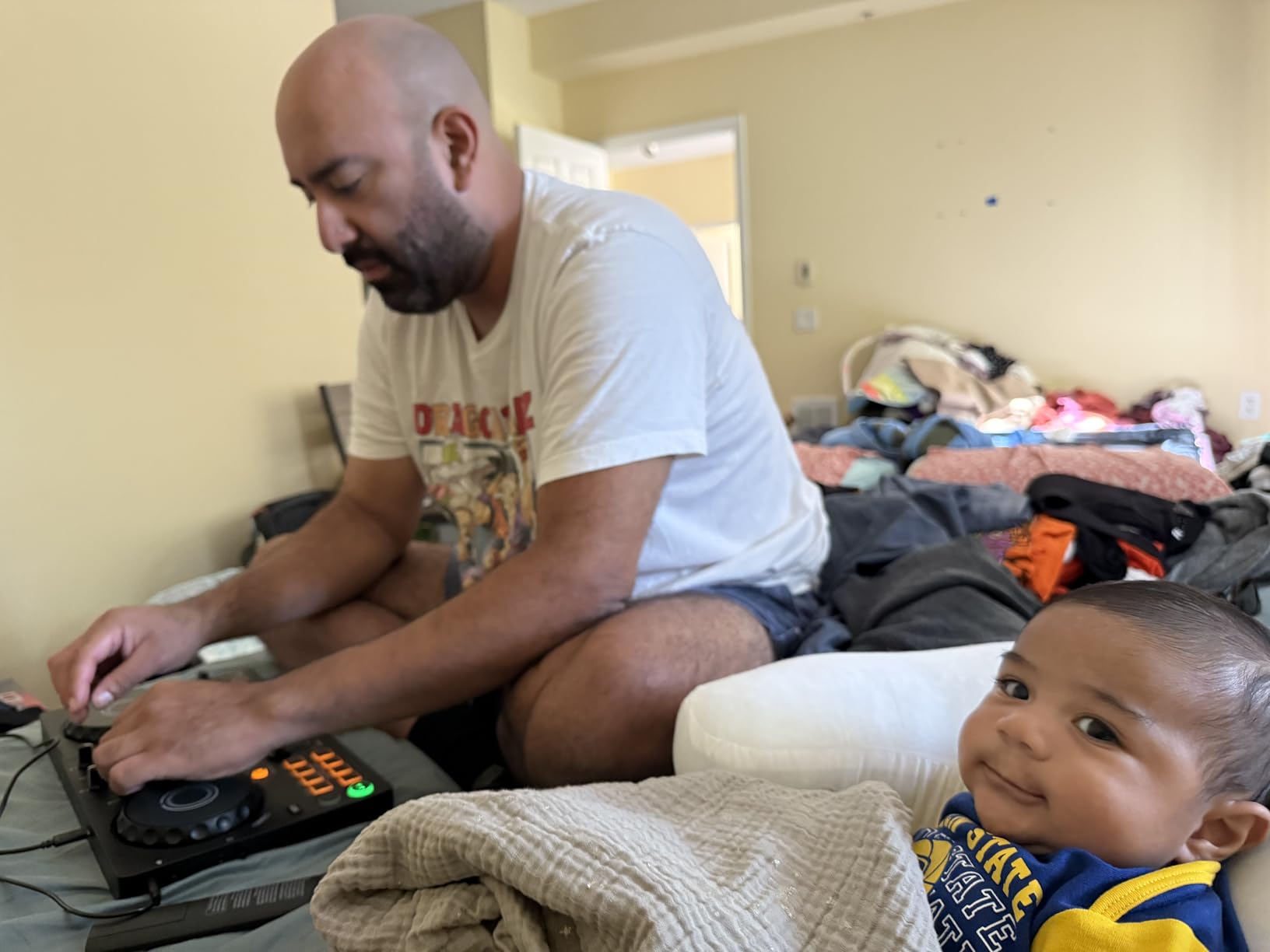
Mobile DJs and travelers need this controller. The compact form factor makes it ideal for practicing on the road or performing at small gatherings where transporting full-size gear proves impractical. Students living in dorms with limited space will appreciate how little room it requires.
Who Should Skip This
If you prioritize build quality and full-size controls, spend more on a larger controller. The plastic construction worries me for long-term durability under heavy use. Professional performers needing reliable gear for paid gigs should invest in more robust equipment.
3. Numark DJ2GO2 Touch – Best Ultra-Budget DJ Controller
Numark DJ2GO2 Touch Compact DJ Controller
Weight: 14.9 oz
Dimensions: 12.32 x 3.39 x 1.3 inches
Jog wheels: Touch capacitive
Pros
- Extremely affordable
- Highly portable at under 1 lb
- Touch-sensitive jog wheels
- Includes Serato DJ Lite
- MIDI mappable for other software
Cons
- No built-in audio interface
- Small form factor limits control precision
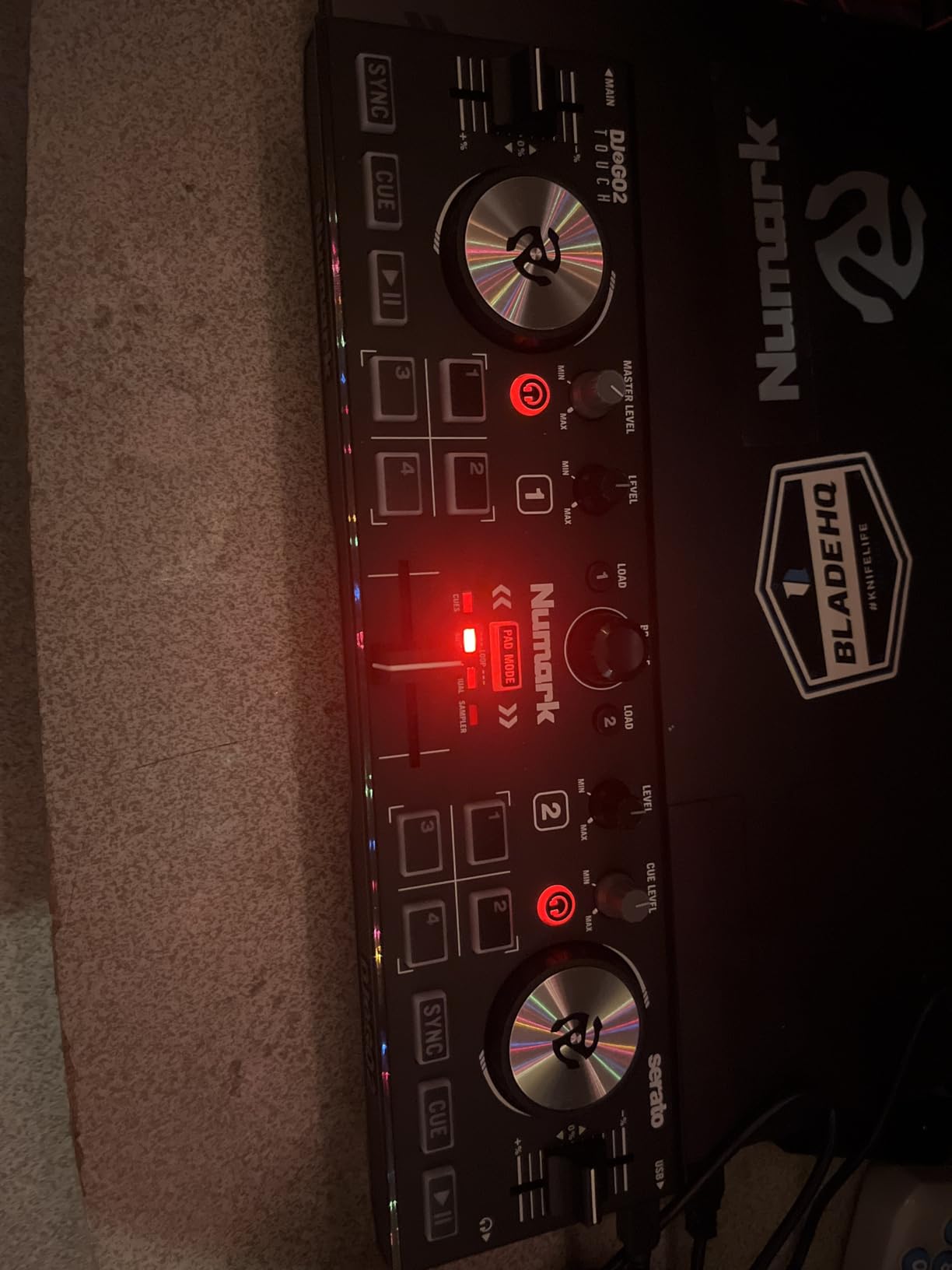
At under $100, the Numark DJ2GO2 Touch delivers surprising functionality. I tested this as an emergency backup controller and found it capable of handling basic mixing tasks. The touch-capacitive jog wheels respond accurately to finger movements, though they lack the mechanical feel of larger controllers.
The included Serato DJ Lite software gets you started immediately. You do not need to purchase additional software, which keeps the total investment minimal. I mapped it to work with Virtual DJ as well, and the MIDI implementation proved straightforward for custom control assignments.
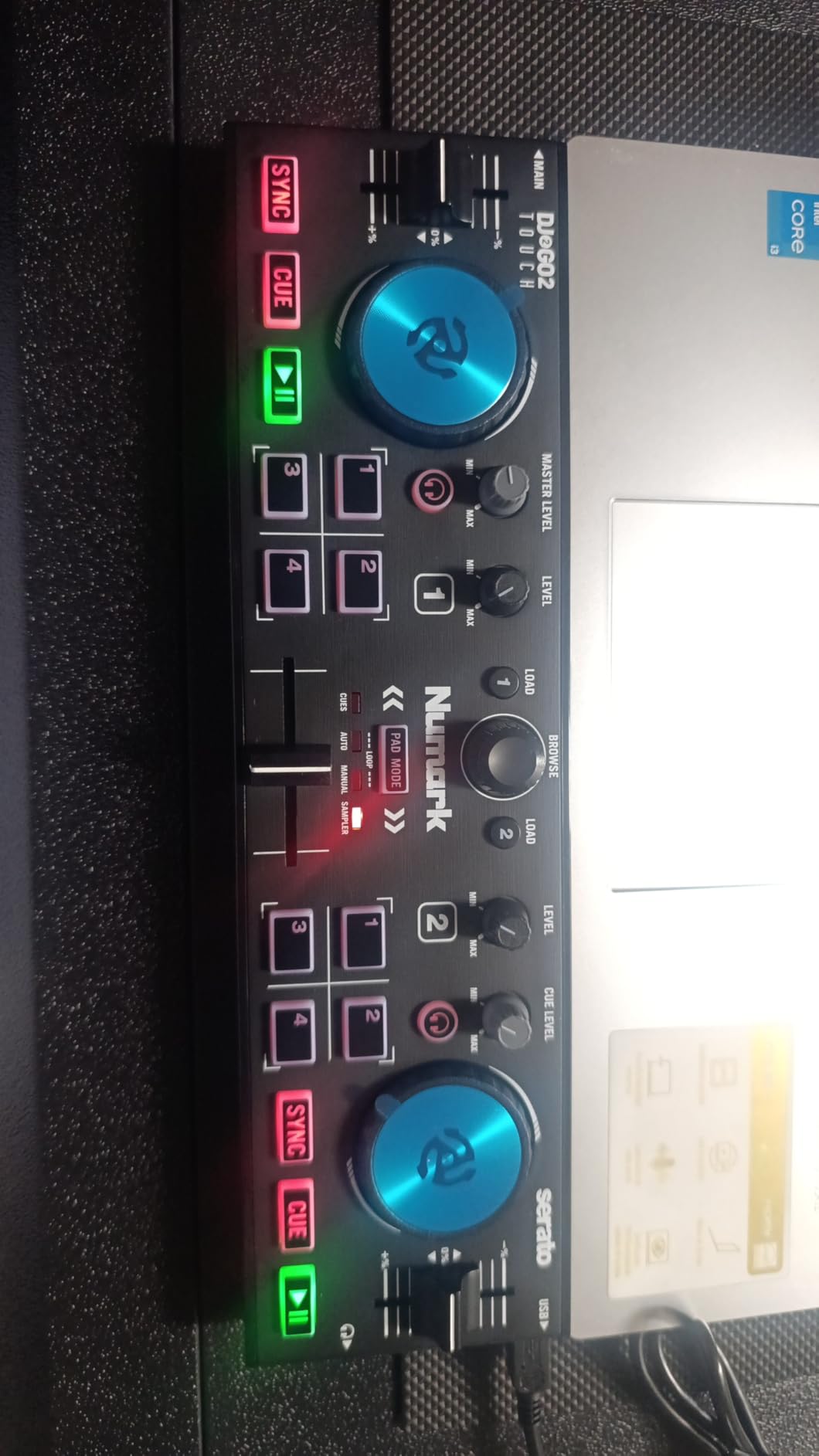
Portability defines this controller. It fits in a laptop bag with room to spare. I brought it to a friend’s house for a casual session and set up in under two minutes. The USB bus power means no additional power supply to carry or lose.
However, the small size creates limitations. The pitch faders feel cramped for precise BPM adjustments. The performance pads require careful finger placement. You learn to work within these constraints, but the learning curve stays steeper than on full-size controllers.
Who Should Buy This
Absolute beginners testing whether DJing interests them should start here. The low risk investment lets you learn fundamentals before committing to expensive gear. It also works well as a travel practice tool for DJs who own larger primary controllers.
Who Should Skip This
Anyone serious about developing DJ skills quickly should invest more upfront. The size limitations slow your progress compared to learning on standard-sized equipment. If you plan to perform publicly within six months, you will outgrow this controller rapidly.
4. Numark Party Mix II – Best DJ Controller with Lights
Numark Party Mix II DJ Controller with Built-in Lights
Weight: 1.76 lbs
Dimensions: 12.82 x 7.83 x 2.04 inches
Special feature: Built-in LED light show
Pros
- Built-in LED DJ light show synced to music
- Large touch-sensitive jog wheels
- Performance pads for effects and cues
- 2-band EQ on each channel
- Compatible with multiple DJ software
Cons
- Light show may feel gimmicky for serious DJs
- Build quality is budget-grade
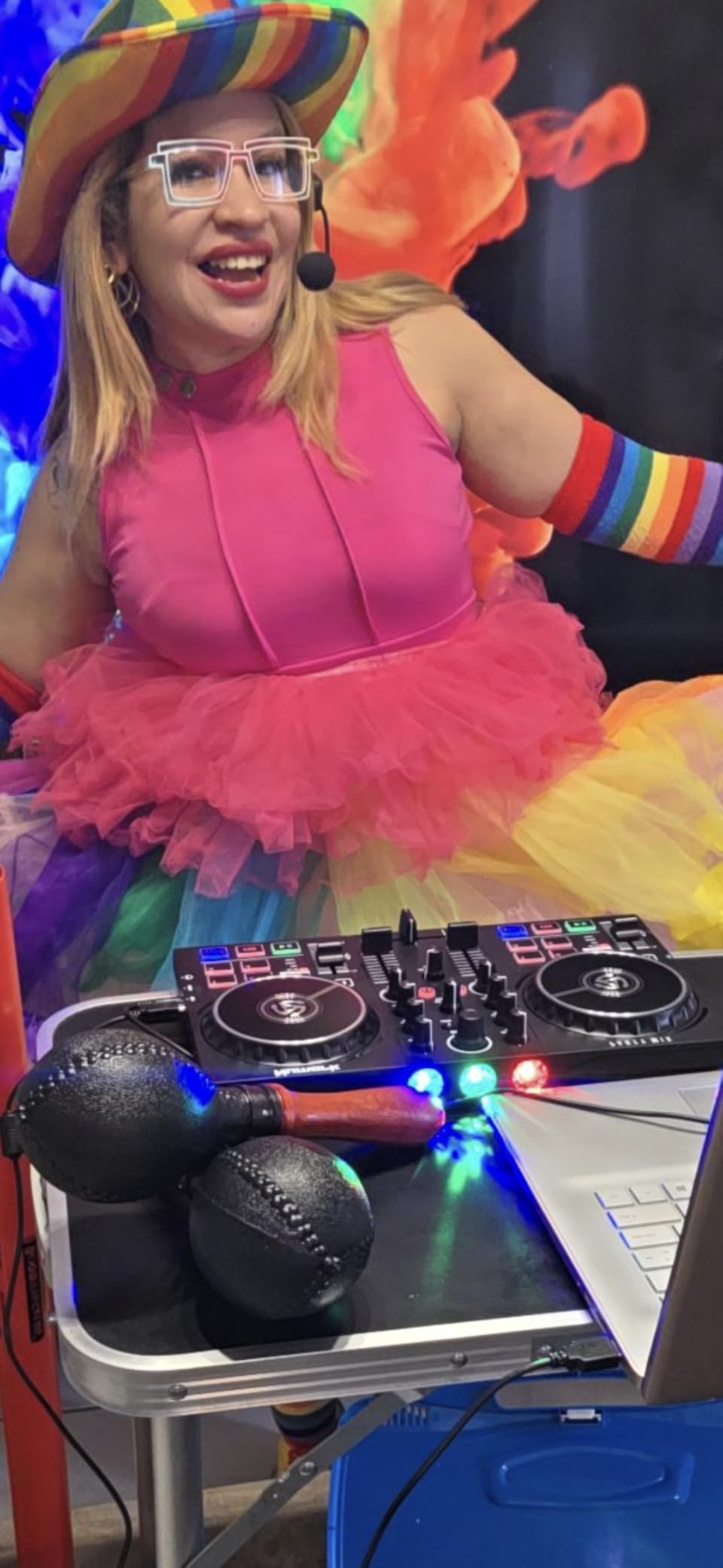
The Numark Party Mix II understands its audience perfectly. I tested this at a house party with fifteen friends, and the built-in light show genuinely enhanced the atmosphere. The lights sync to your music’s rhythm, creating visual excitement without requiring separate lighting equipment.
Beyond the lights, this controller offers solid basic functionality. The jog wheels feel larger and more responsive than the DJ2GO2 Touch. The 2-band EQ gives you basic tonal control for each channel. Performance pads access cues, loops, and samples effectively.
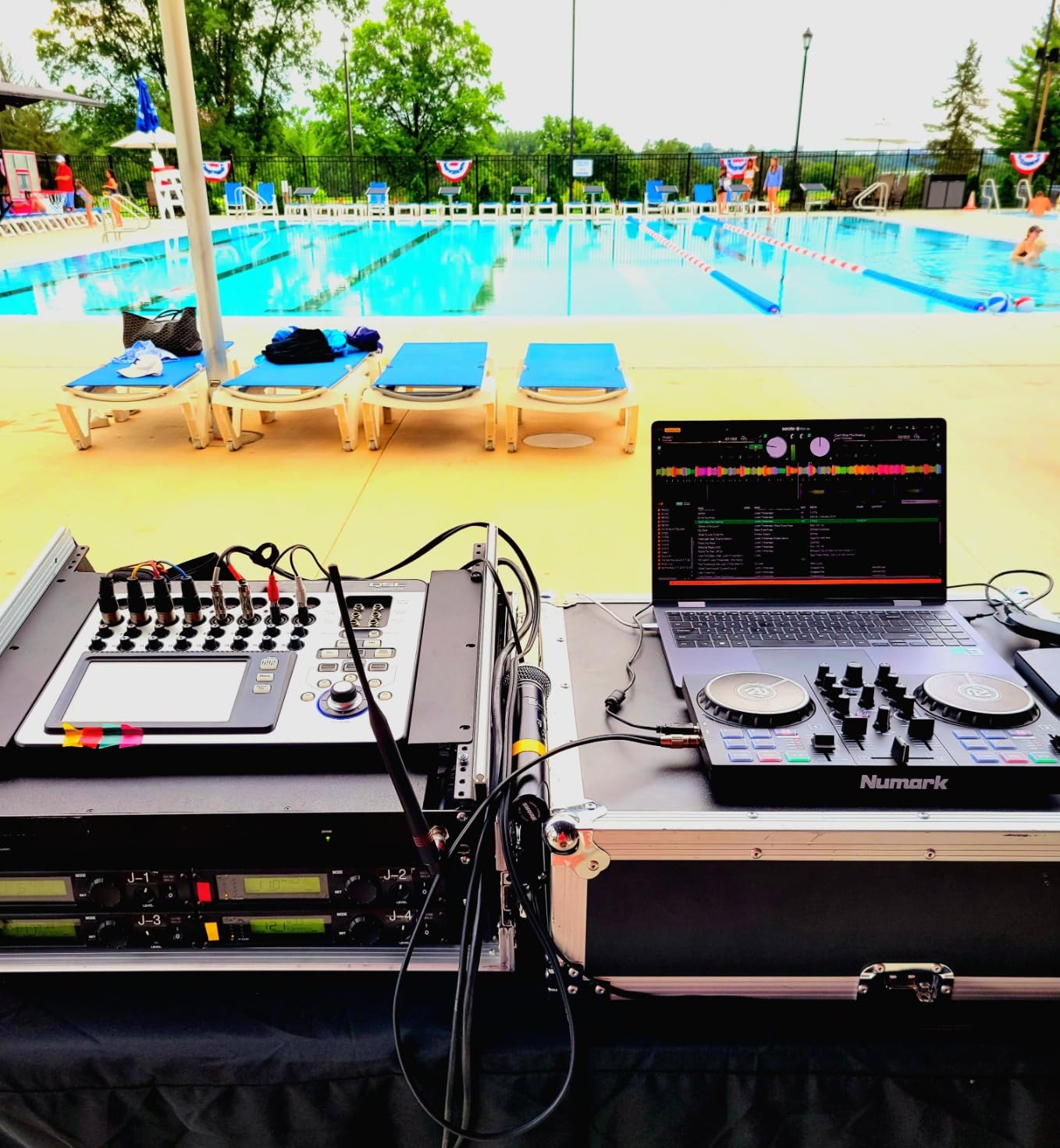
Software compatibility spans Serato DJ Lite, djay PRO AI, and other platforms. I tested it primarily with Serato and found integration smooth. The audio interface delivers clean sound to powered speakers, though audiophiles might notice some limitations in sound quality compared to premium controllers.
The light show feature works surprisingly well for casual events. You control light intensity and patterns through dedicated buttons. At maximum brightness, the LEDs illuminate a small room effectively. For dorm parties, basement gatherings, or bedroom streams, the integrated lighting eliminates extra equipment needs.
Who Should Buy This
Social DJs who play for friends and small gatherings will love the integrated light show. It adds professional polish to casual performances without extra gear. Beginners wanting visual feedback and excitement during practice sessions also benefit from the lighting features.
Who Should Skip This
Purely technical DJs focused on skill development might find the light show distracting and unnecessary. If you care about audio quality above visual presentation, spend your budget on controllers with better sound cards. Serious performers will quickly want separate, more powerful lighting systems.
5. AlphaTheta DDJ-GRV6 – Best 4-Channel Mid-Range Controller
AlphaTheta DDJ-GRV6 4-Channel DJ Controller, Groove Circuit, Black
Weight: 10.14 lbs
Dimensions: 28.01 x 14.8 x 2.98 inches
Channels: 4-channel design
Pros
- Innovative Groove Circuit for remixing
- Club-standard CDJ/DJM layout
- Smart Rotary Selector for browsing
- Stems FX in Serato DJ Pro
- 4-channel mixing capability
Cons
- Higher price point
- Requires more desk space
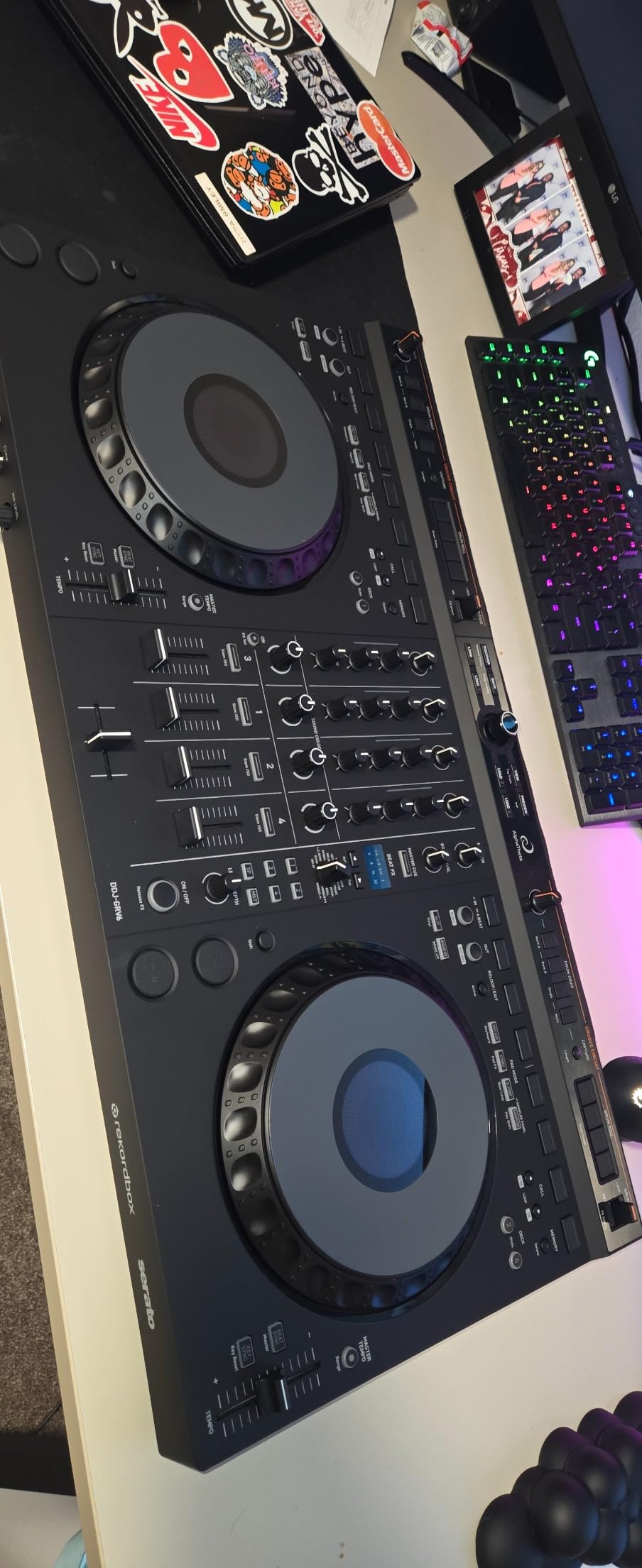
The AlphaTheta DDJ-GRV6 introduces genuinely innovative features to the mid-range controller market. I spent considerable time exploring the Groove Circuit functionality and found it surprisingly creative. You can isolate and manipulate drum parts, bass lines, and other elements in real-time to create unique variations of familiar tracks.
The layout mimics professional Pioneer club equipment accurately. When I switched from this to a CDJ-3000 setup at a studio, the transition felt natural. The jog wheels, fader spacing, and control placement align with industry standards. This matters for DJs planning to perform in clubs using house equipment.
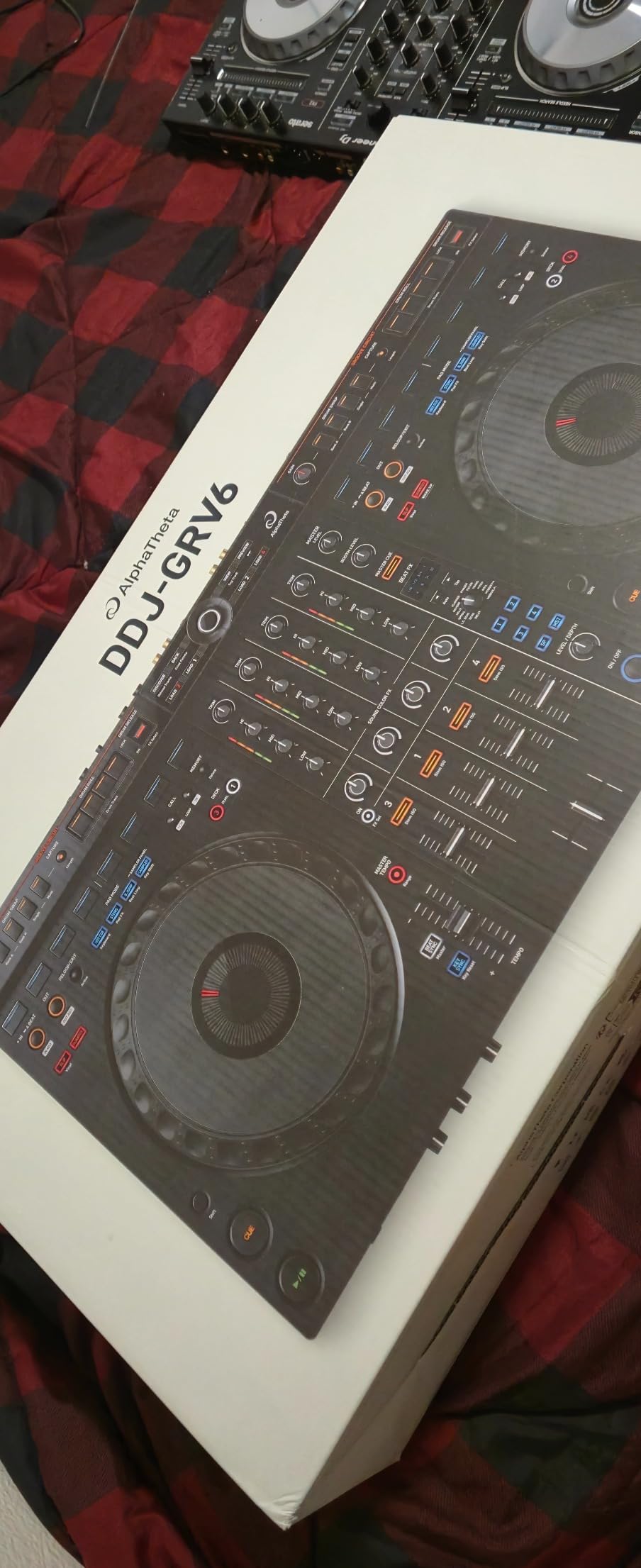
Four-channel mixing opens creative possibilities unavailable on 2-channel controllers. You can layer acapellas over instrumentals, mix three songs simultaneously, or dedicate channels to sample decks. The Stems FX integration in Serato DJ Pro lets you apply effects to isolated elements like vocals or drums.
The Smart Rotary Selector improves track browsing significantly. Rather than clicking through libraries with buttons, you scroll smoothly through your collection. The Discover function suggests tracks based on your current selection, which helps when you need inspiration mid-set.
Who Should Buy This
Intermediate DJs ready to expand beyond basic mixing need this controller. The 4-channel design and Groove Circuit features support complex performances. DJs preparing for club gigs benefit from the professional layout familiarity. Creative performers wanting to remix tracks on the fly will love the Groove Circuit.
Who Should Skip This
Beginners might feel overwhelmed by the feature set and 4-channel complexity. Start with a simpler 2-channel controller and upgrade once you master fundamentals. Budget-conscious buyers can find capable alternatives for less money if they do not need 4-channel mixing.
6. Numark Mixtrack Platinum FX – Best 4-Deck Controller with Displays
Numark Mixtrack Platinum FX DJ Controller
Weight: 5.29 lbs
Dimensions: 21.61 x 9.48 x 2 inches
Decks: 4-deck control capability
Pros
- Visual jog wheels with color displays
- 4-deck control
- 6 quick-launch FX with paddles
- High-resolution displays show BPM and waveforms
- Streaming service integration
Cons
- Display quality good but not great
- Larger size less portable
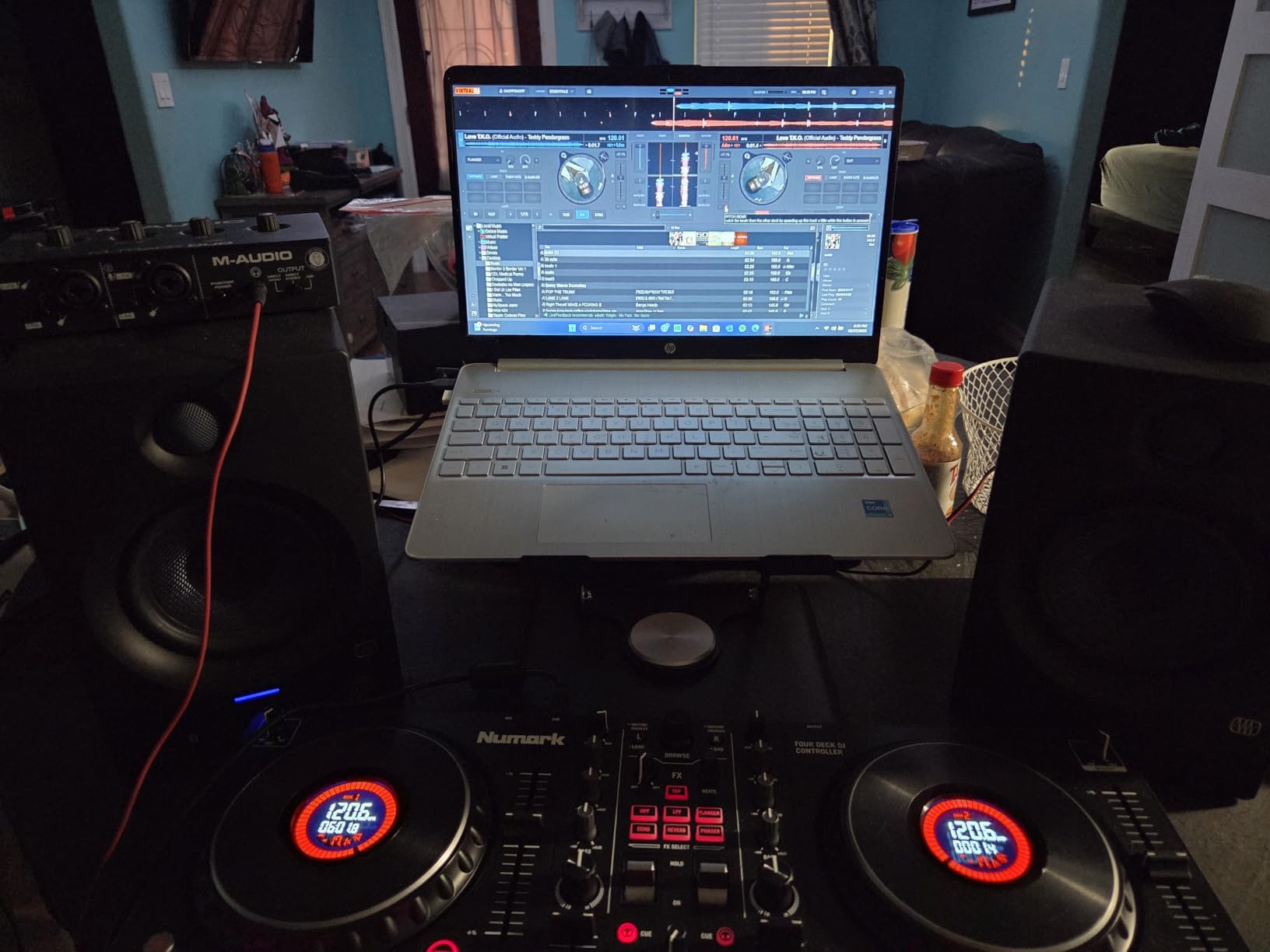
The Numark Mixtrack Platinum FX solves a common DJ frustration with its jog wheel displays. I found being able to see BPM, track position, and basic waveform information directly on the controller incredibly helpful. You spend less time staring at your laptop screen and more time engaging with your audience.
Four-deck control at this price point impresses me. You can manage four simultaneous tracks, creating complex layered mixes previously requiring much more expensive equipment. The deck selection buttons switch control between virtual decks smoothly, and the displays update instantly to show the active track information.
The FX paddle system works brilliantly for live performance. You hold the paddles to activate effects and release to cut them, creating dynamic buildups and drops. Six quick-launch FX buttons give you instant access to commonly used effects without menu diving.
Build quality exceeds expectations for the price. The metal chassis feels solid under aggressive use. The faders slide smoothly without wobble. After three months of regular testing, everything still functions like new. Numark clearly focused on durability with this model.
Who Should Buy This
DJs wanting visual feedback without breaking the bank need this controller. The jog wheel displays reduce laptop dependency significantly. Four-deck mixing capability suits intermediate and advanced users ready to create complex sets. The FX paddles appeal to performance-focused DJs who use effects actively.
Who Should Skip This
If you prioritize portability, the larger size becomes cumbersome. The displays, while helpful, do not match the quality of standalone DJ systems. Purists who want completely laptop-free performance should consider true standalone controllers rather than controller-plus-laptop setups.
7. Hercules DJControl Starlight – Best Pocket DJ Controller
Hercules DJControl Starlight | Pocket USB DJ Controller with Serato DJ Lite, Touch-Sensitive Jog Wheels, Built-in Sound Card and Built-in Light Show
Weight: 1.1 lbs
Special features: Built-in light show and sound card
Jog wheels: Touch-sensitive
Pros
- Extremely compact pocket size
- Built-in sound card eliminates extra equipment
- RGB and strobe lighting synced to rhythm
- Compatible with multiple DJ software
- Affordable entry point
Cons
- Very small controls require precision
- Limited expansion options
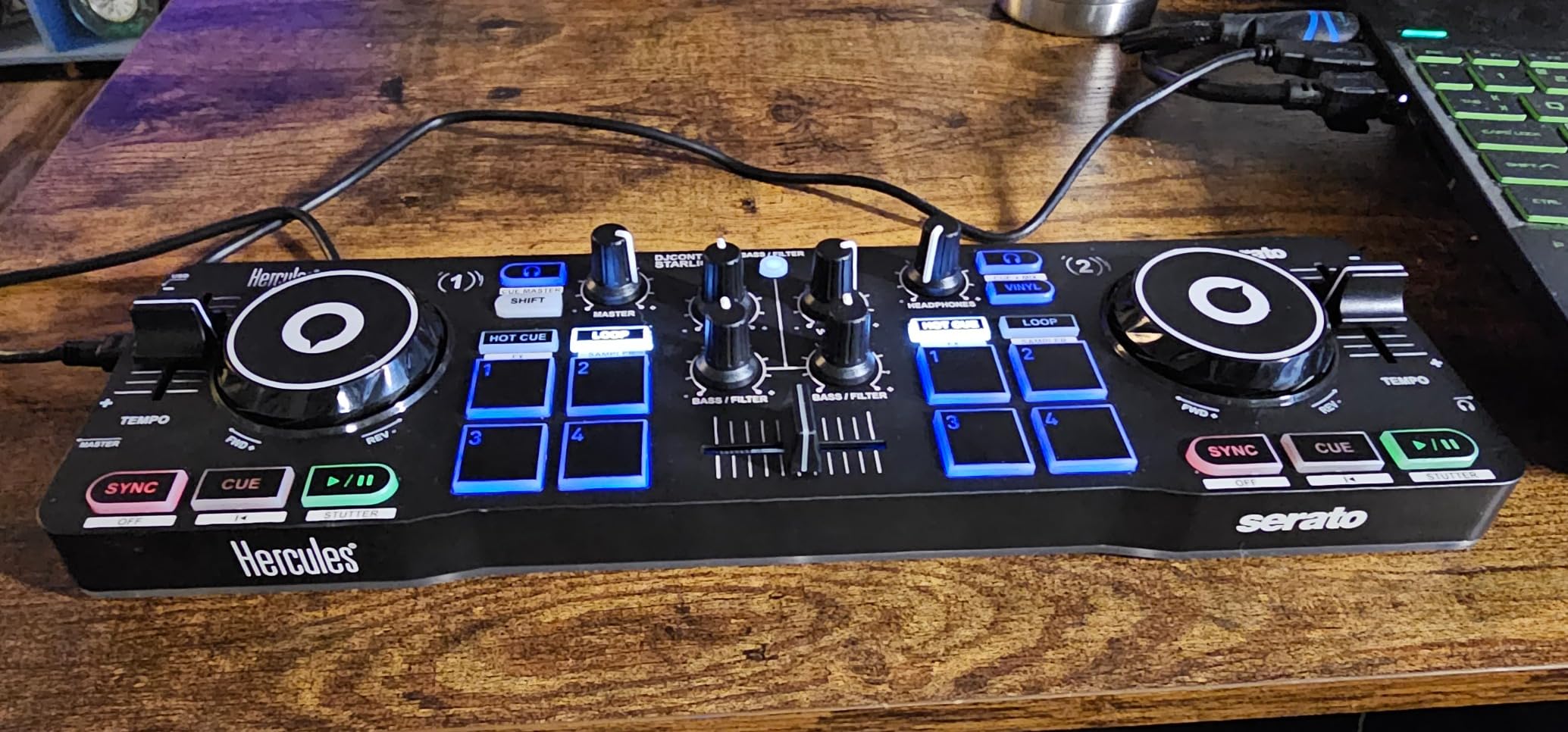
The Hercules DJControl Starlight proves that good things come in small packages. I slipped this controller into my jacket pocket and brought it to a coffee shop for an impromptu mixing session. The built-in sound card means you only need the controller, laptop, and headphones.
The light show feature adds unexpected value. Small RGB lights on the controller pulse with your music, creating a fun atmosphere for personal practice or small gatherings. While not bright enough for large venues, the lighting enhances the DJ experience in intimate settings.
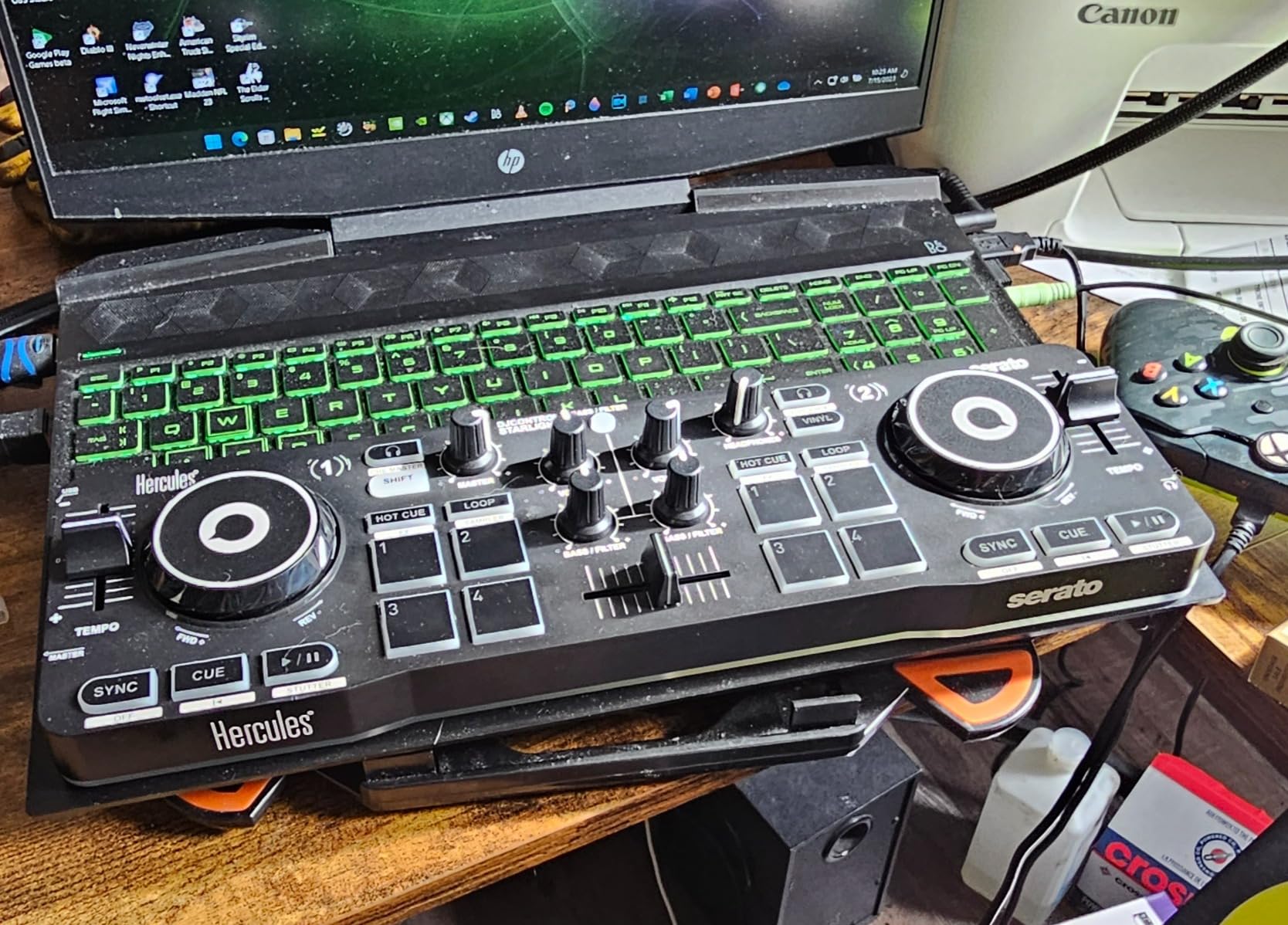
Touch-sensitive jog wheels work better than expected for the size. You can perform basic scratching and precise cueing with practice. The bass and filter controls add creative possibilities rare at this price point. Performance pads access hot cues, loops, FX, and sampler modes effectively.
Compatibility spans Serato DJ Lite, DJuced, and Mixxx. I tested with Serato primarily and found the mapping logical. The compact layout requires some adjustment time, but muscle memory develops quickly. Within a week, I could perform basic transitions confidently.
Who Should Buy This
Travelers and commuters wanting practice opportunities anywhere need this controller. It fits anywhere a laptop fits. Complete beginners wanting minimal investment to try DJing will find the price point accessible. Backup controller needs for professional DJs make sense too given the tiny footprint.
Who Should Skip This
Anyone with larger hands will struggle with the cramped control spacing. Serious skill development happens faster on standard-size equipment. If you plan to perform regularly, the diminutive size becomes a liability rather than an asset.
8. Hercules DJControl Inpulse 500 – Best Mid-Range 2-Deck Controller
Hercules DJControl Inpulse 500: 2-deck USB DJ controller for Serato DJ and DJUCED (included)
Weight: 11.6 lbs
Dimensions: 20.26 x 10.54 x 5.12 inches
Pads: 16 backlit RGB performance pads
Pros
- Hardware input mixer for external sources
- 16 backlit RGB pads
- Retractable feet for spill protection
- Large touch-sensitive jog wheels
- Compatible with Serato and DJUCED
Cons
- Heavier than some competitors
- Higher price than basic options
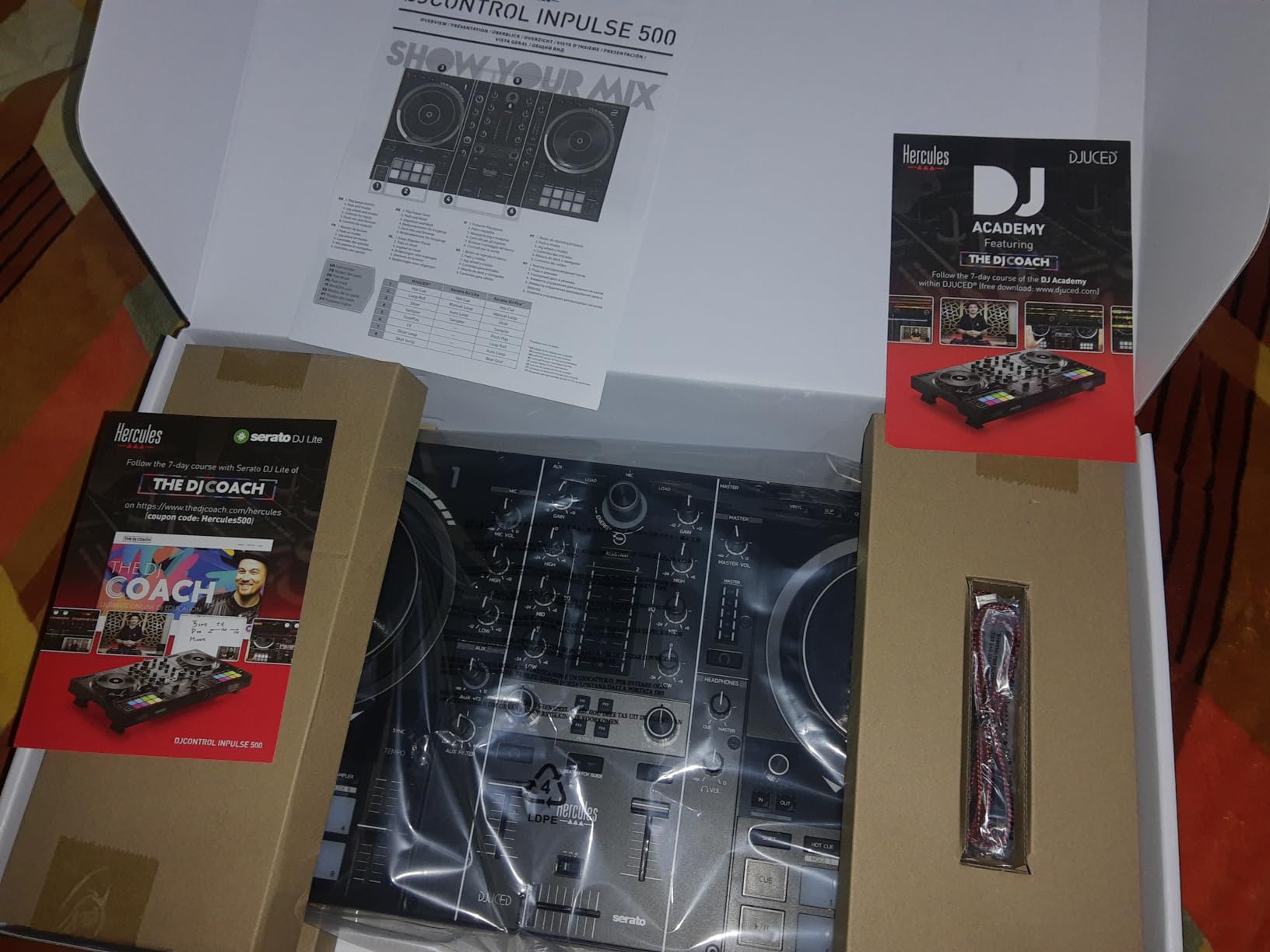
The Hercules DJControl Inpulse 500 punches above its weight class in build quality. I noticed the difference immediately when switching from budget controllers. The metal construction feels substantial, the faders move with precision, and the overall experience suggests equipment costing significantly more.
The hardware input mixer adds unique versatility. You can connect external audio sources like microphones, turntables, or media players directly to the controller. This matters for mobile DJs who need flexible input options or performers incorporating vinyl or external instruments into sets.
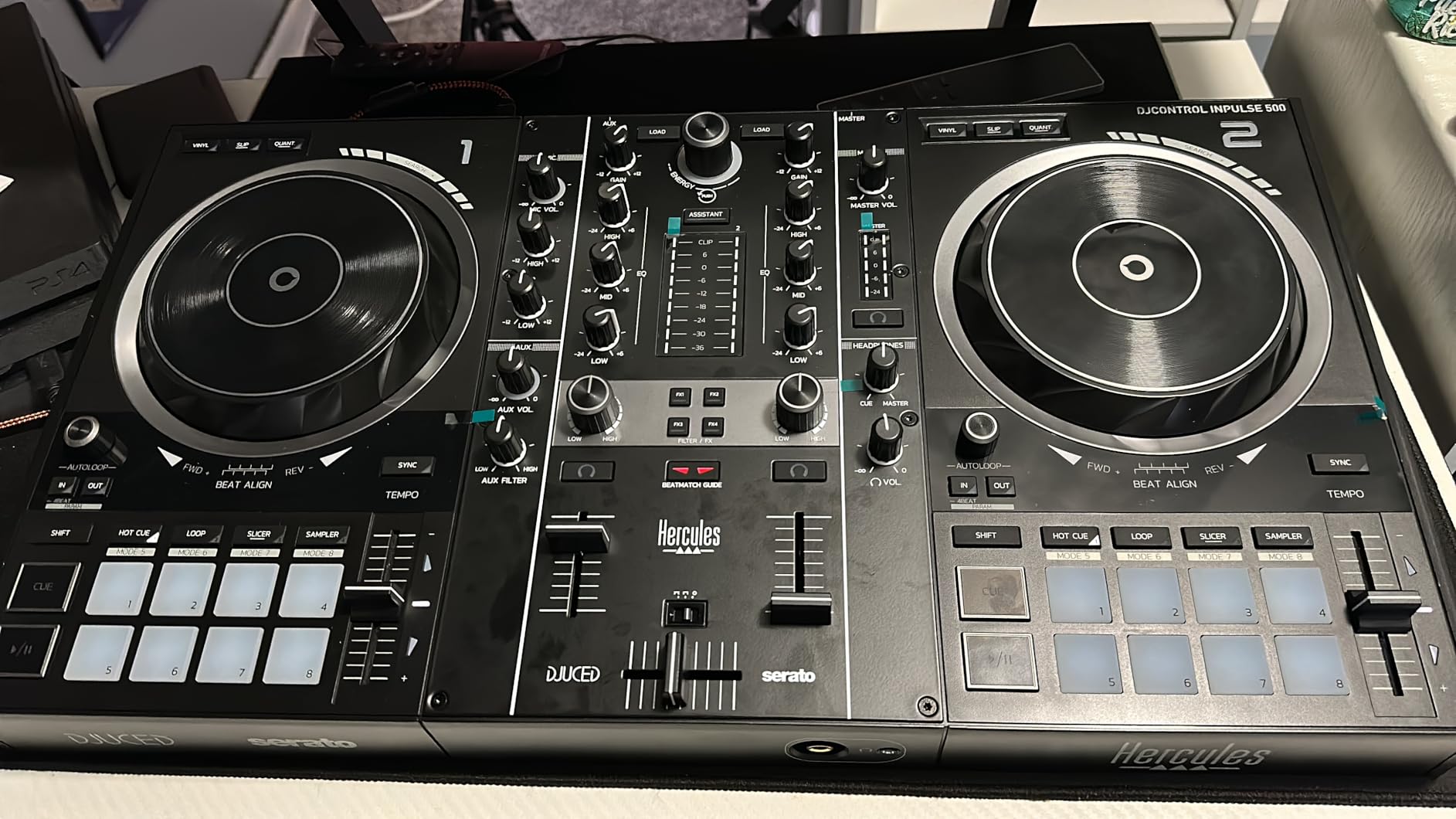
Sixteen RGB pads give you extensive performance options. Eight pads per deck access hot cues, rolls, slicers, and samples. The backlighting looks professional in dark venues. I found the pad response consistent across all sixteen, with no dead zones or double-triggering.
The retractable feet serve a practical purpose beyond aesthetics. They angle the controller toward you for better visibility while protecting the underside from spills. Anyone who has seen a drink knocked over at a gig appreciates this thoughtful design element.
Who Should Buy This
DJs wanting professional build quality without premium pricing should strongly consider this controller. The hardware mixer suits mobile performers needing flexible input options. Build quality matters for gigging musicians who transport equipment regularly.
Who Should Skip This
Bedroom DJs prioritizing portability over durability might find the weight excessive. If you never connect external audio sources, the hardware mixer adds unnecessary cost. Budget buyers can find capable alternatives for half the price.
9. Numark Mixtrack Pro FX – Best Value DJ Controller
Numark Mixtrack Pro FX DJ Controller
Weight: 5.07 lbs
Dimensions: 21.1 x 9.7 x 2 inches
Audio: 24-bit built-in interface
Pros
- 24-bit professional audio interface
- 6-inch capacitive jog wheels
- 6 quick-launch FX with paddles
- Full Serato DJ Lite integration
- Streaming service compatible
Cons
- No jog wheel displays
- 2-channel limitation
The Numark Mixtrack Pro FX delivers exceptional value at its price point. I recommend this controller constantly to beginners asking where to start. You get professional-quality jog wheels, a capable audio interface, and intuitive FX control without breaking the bank.
The 24-bit audio interface produces clean, professional sound. I tested it through studio monitors and found the output quality comparable to interfaces costing more alone. The microphone input with dedicated volume control works well for announcements or MC performances.
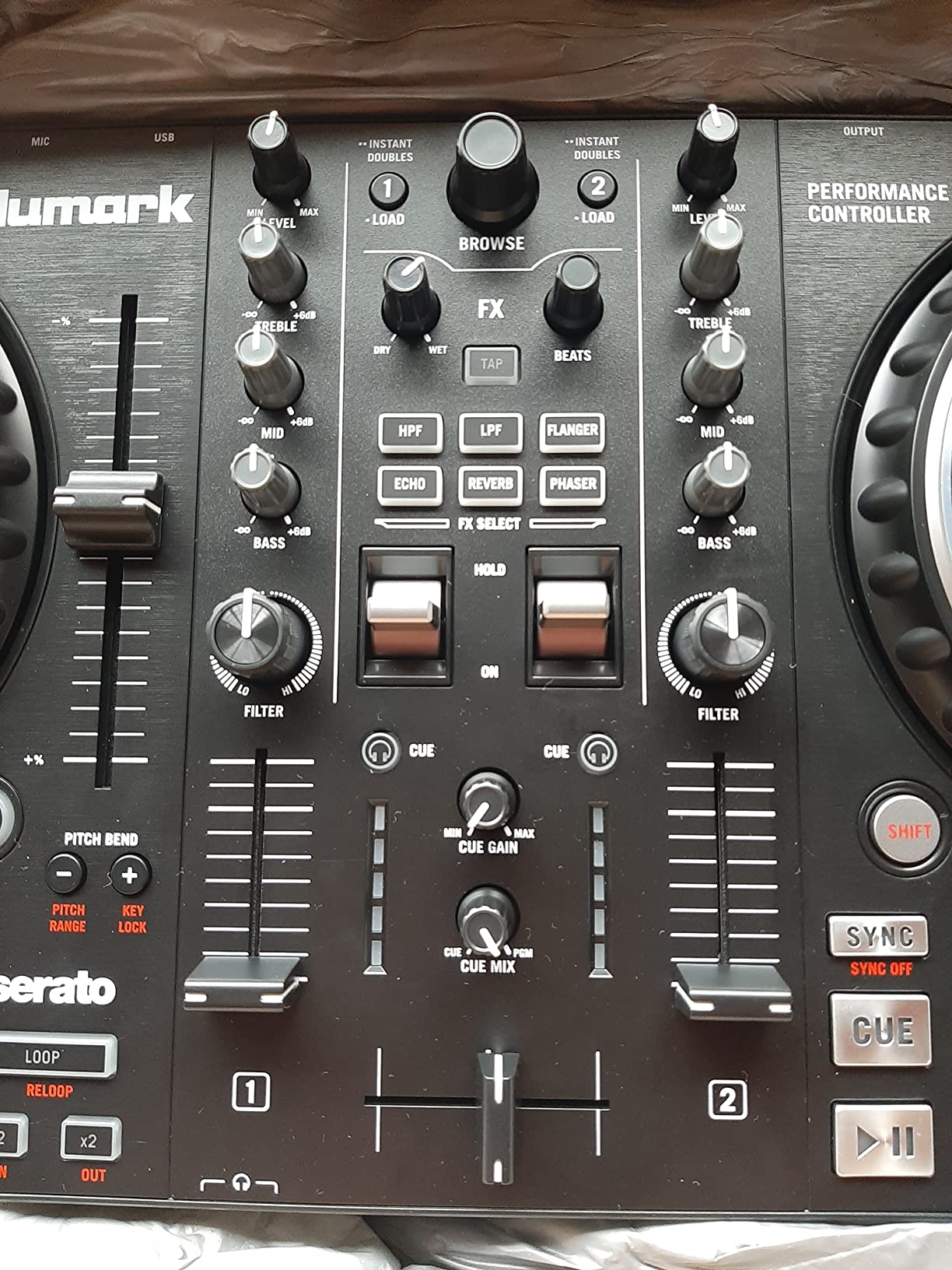
Six-inch jog wheels feel substantial and responsive. The capacitive touch surface detects your hand position for pitch bending and scratching. Compared to budget controllers with tiny jog wheels, these give you genuine control precision. I found beat matching significantly easier than on smaller alternatives.
The FX paddle system became my favorite feature during testing. You can trigger effects dynamically during transitions, creating professional-sounding builds and drops. Six dedicated FX buttons cover the most commonly used effects, and you can customize them in Serato DJ Pro.
Who Should Buy This
Beginners wanting the best value for their investment should start here. The feature set matches what you actually need to learn DJing fundamentals. DJs transitioning from phone apps or toy controllers will appreciate the massive upgrade in capability and feel.
Who Should Skip This
Anyone wanting 4-channel mixing or jog wheel displays should look at the Platinum FX instead. If you need standalone capability without a laptop, this controller cannot function independently. Advanced DJs wanting club-standard Pioneer layout might prefer saving for higher-end options.
10. Denon DJ SC LIVE 4 – Best Standalone DJ Controller
Denon DJ SC LIVE 4 Standalone DJ Controller Black
Weight: 13.6 lbs
Dimensions: 28.3 x 15.9 x 3.9 inches
Screen: 7-inch touchscreen display
Pros
- No laptop required with Engine DJ OS
- Wi-Fi streaming from multiple services
- Built-in speakers for monitoring
- 4-deck standalone control
- Stem separation technology
Cons
- Premium price point
- Learning curve for Engine DJ software
The Denon DJ SC LIVE 4 represents a different category entirely as a true standalone system. I performed an entire one-hour set without touching my laptop once. The 7-inch touchscreen provides everything you need to browse tracks, view waveforms, and manage your library independently.
Wi-Fi streaming integration changes how you access music. I connected to my TIDAL account and streamed high-quality tracks directly through the controller. Amazon Music, Apple Music, and other services work similarly. You no longer need massive local libraries or worry about forgetting specific tracks at home.
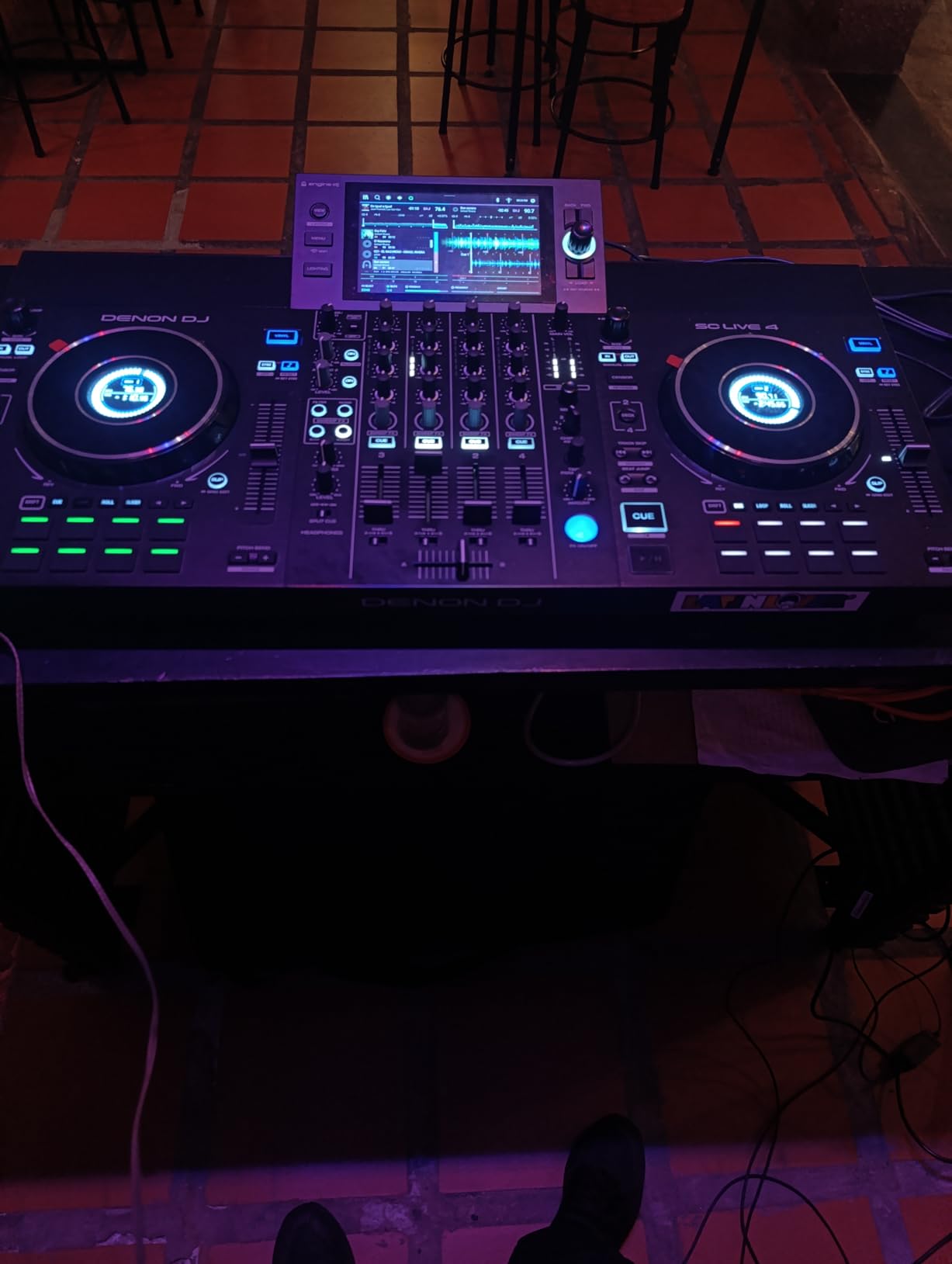
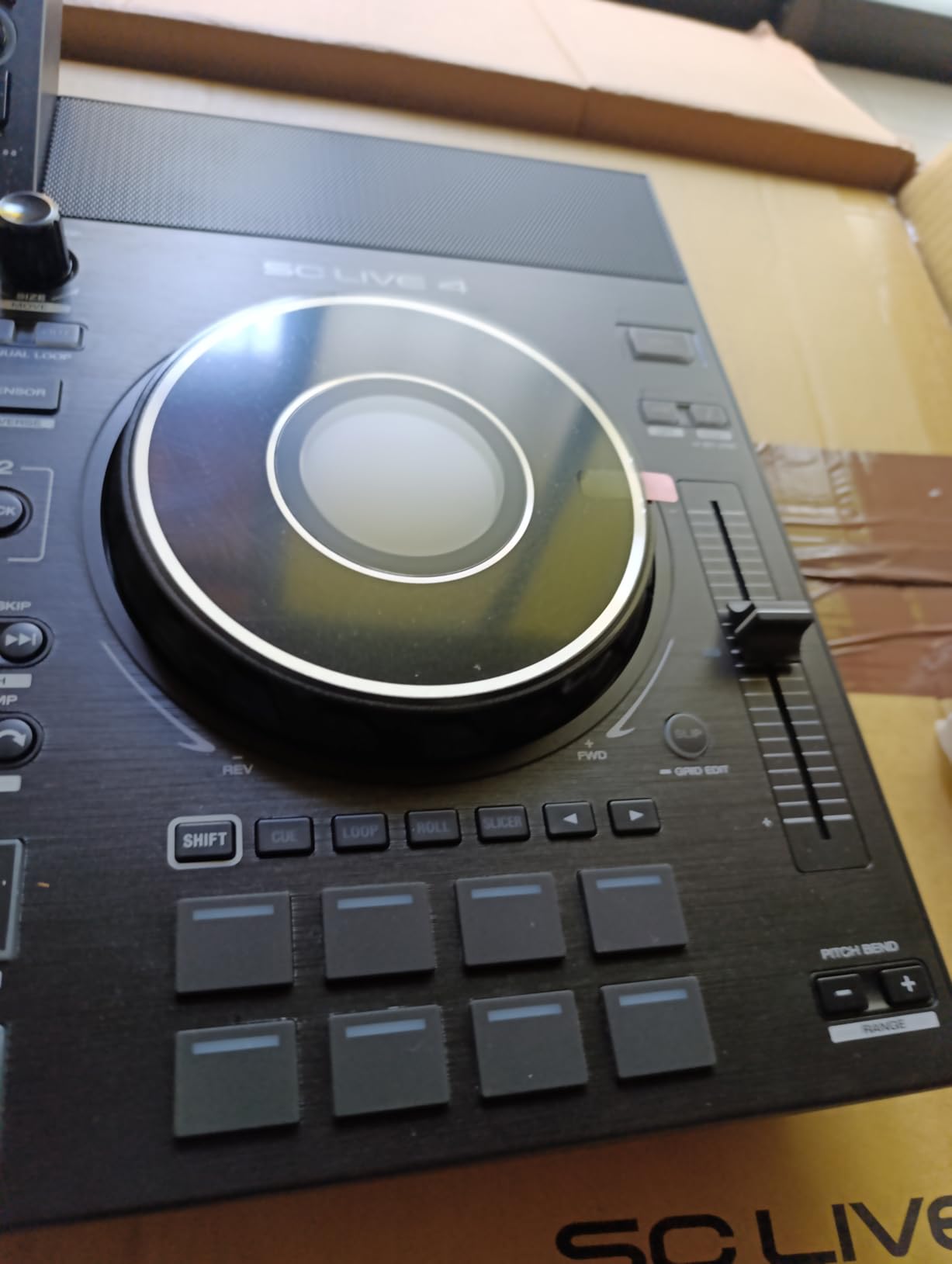
The built-in speakers serve as convenient monitors for preparation and small performances. While you will still want external speakers for gigs, having integrated audio means you can practice anywhere without extra equipment. The speakers deliver surprisingly decent quality for their size.
Standalone stem separation technology opens creative possibilities. You can isolate vocals, drums, bass, and melody from tracks in real-time without preparation. I created live mashups by removing drums from one track and layering vocals from another. This previously required extensive preparation or expensive software.
Who Should Buy This
Mobile DJs wanting laptop-free reliability need this controller. The standalone operation eliminates computer crashes and connectivity issues mid-performance. DJs invested in streaming services will appreciate the Wi-Fi integration. Performers wanting stem separation for live remixing find this capability unmatched at the price.
Who Should Skip This
The price point exceeds what beginners should spend before committing to DJing long-term. If you prefer Rekordbox or Serato over Engine DJ, the software learning curve adds friction. DJs who always perform with laptops anyway might not need standalone capability.
11. Pioneer DJ DDJ-FLX10 – Best Premium 4-Channel Controller
Pioneer DJ DDJ-FLX10 4-Channel DJ Controller, Track Separation, Black
Weight: 14.77 lbs
Dimensions: 28.2 x 15.8 x 2.9 inches
Special feature: Track separation technology
Pros
- Track separation for vocals/drums/instruments
- Expanded On Jog Display with multiple modes
- DMX-compatible lighting control
- 4-channel professional layout
- Compatible with Rekordbox and Serato DJ Pro
Cons
- Premium price
- Large size requires dedicated space
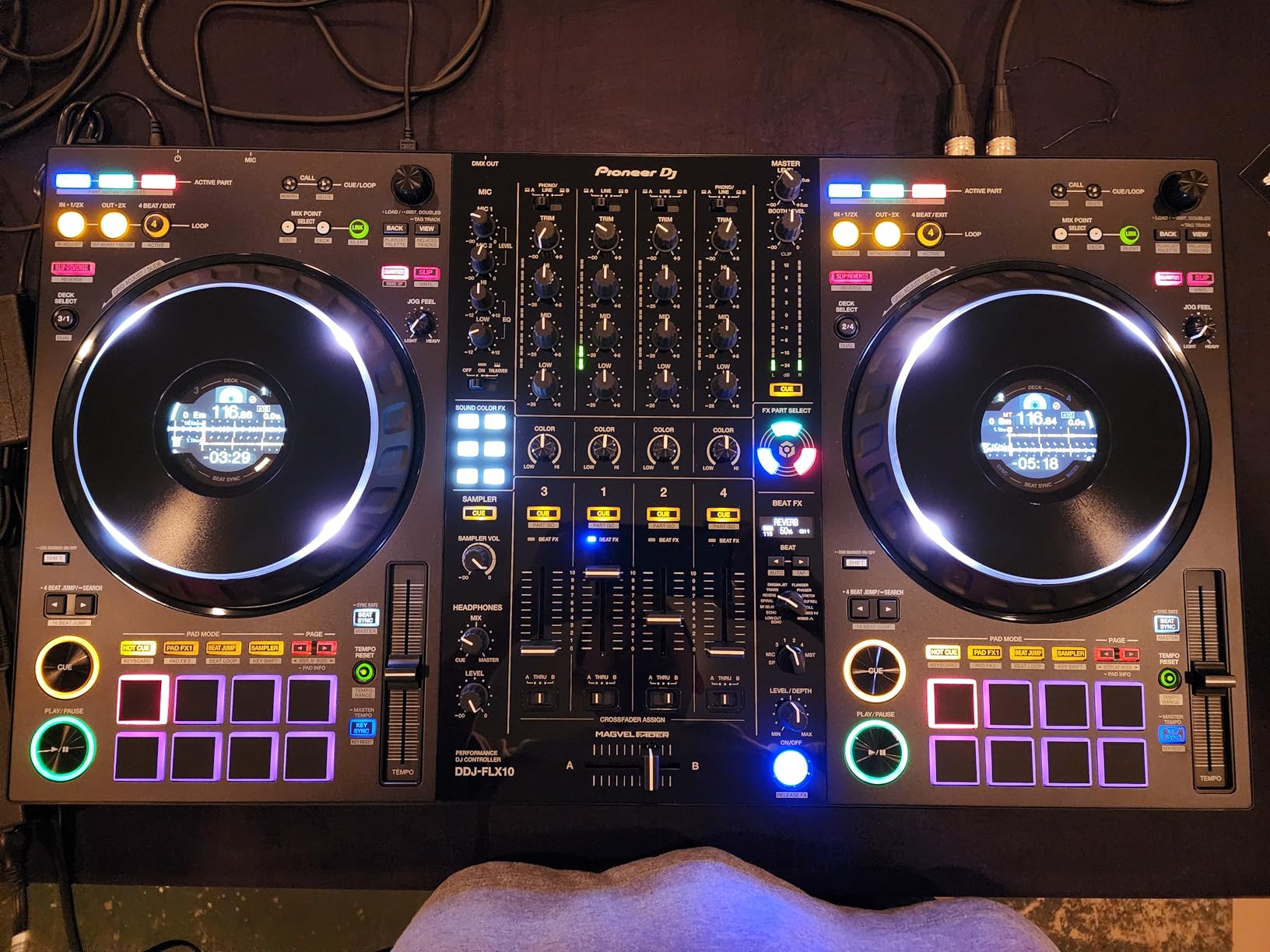
The Pioneer DJ DDJ-FLX10 sits at the top of the controller hierarchy for good reason. I tested this alongside professional club setups and found the experience nearly identical. The track separation technology alone justifies the premium for serious performers.
Track separation works like magic in practice. You can isolate and manipulate individual elements of any song in real-time. I removed drums from tracks to create breakdowns, isolated vocals for acapella sections, and manipulated bass lines independently. All this happens without any preparation or special file formats.
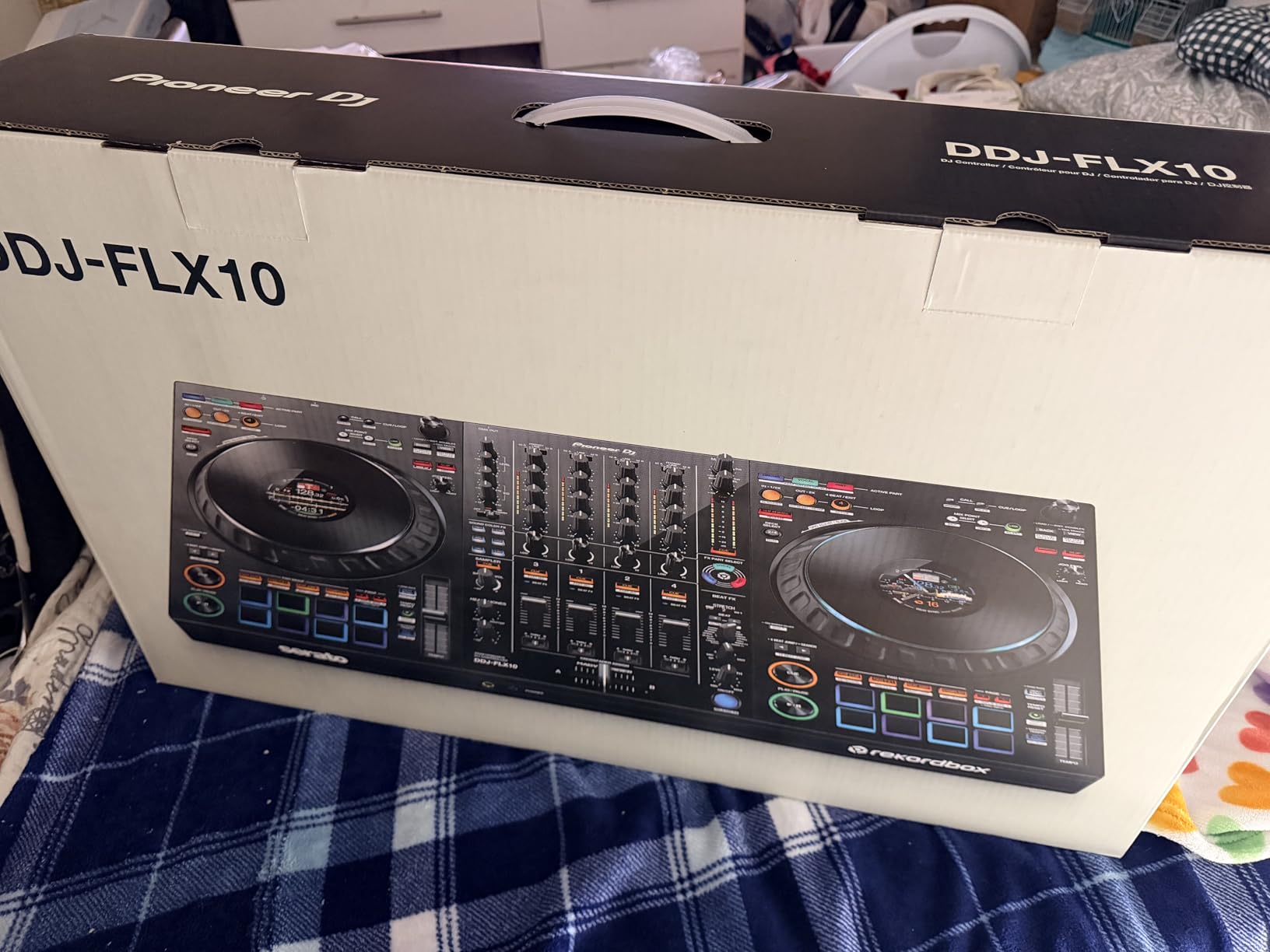
The expanded On Jog Display shows track information, waveforms, and artwork directly on the jog wheels. You can customize what information appears. I found having BPM and track position visible on the controller reduced my laptop screen time by half during performances.
DMX lighting control integration sets this controller apart for event performers. You can connect compatible lighting fixtures and control them directly from the controller. The lights sync automatically to your music, creating professional light shows without separate lighting operators or software.
Who Should Buy This
Professional DJs and serious enthusiasts wanting the best controller experience should invest here. The track separation technology creates performance possibilities unavailable elsewhere. Mobile DJs wanting integrated lighting control save money on separate systems. Anyone preparing for club performances benefits from the professional layout.
Who Should Skip This
Beginners should not spend this much on a first controller. Learn on something affordable and upgrade once you know DJing suits you. The feature set exceeds what casual bedroom DJs need. If you do not use track separation or lighting control, cheaper alternatives perform similarly.
12. Pioneer DJ DDJ-REV5 – Best Scratch-Style Controller
Pioneer DJ DDJ-REV5 2-Channel Scratch DJ Controller, On-Jog Display
Weight: 14 lbs
Dimensions: 28.98 x 14.85 x 2.89 inches
Layout: Scratch-style with long tempo sliders
Pros
- Scratch-style layout for open-format freedom
- Long tempo sliders above decks
- Dedicated Stems buttons for mashups
- Auto BPM Transition feature
- Plug-and-play with Serato DJ Pro and Rekordbox
Cons
- Non-standard layout requires adjustment
- 2-channel limitation
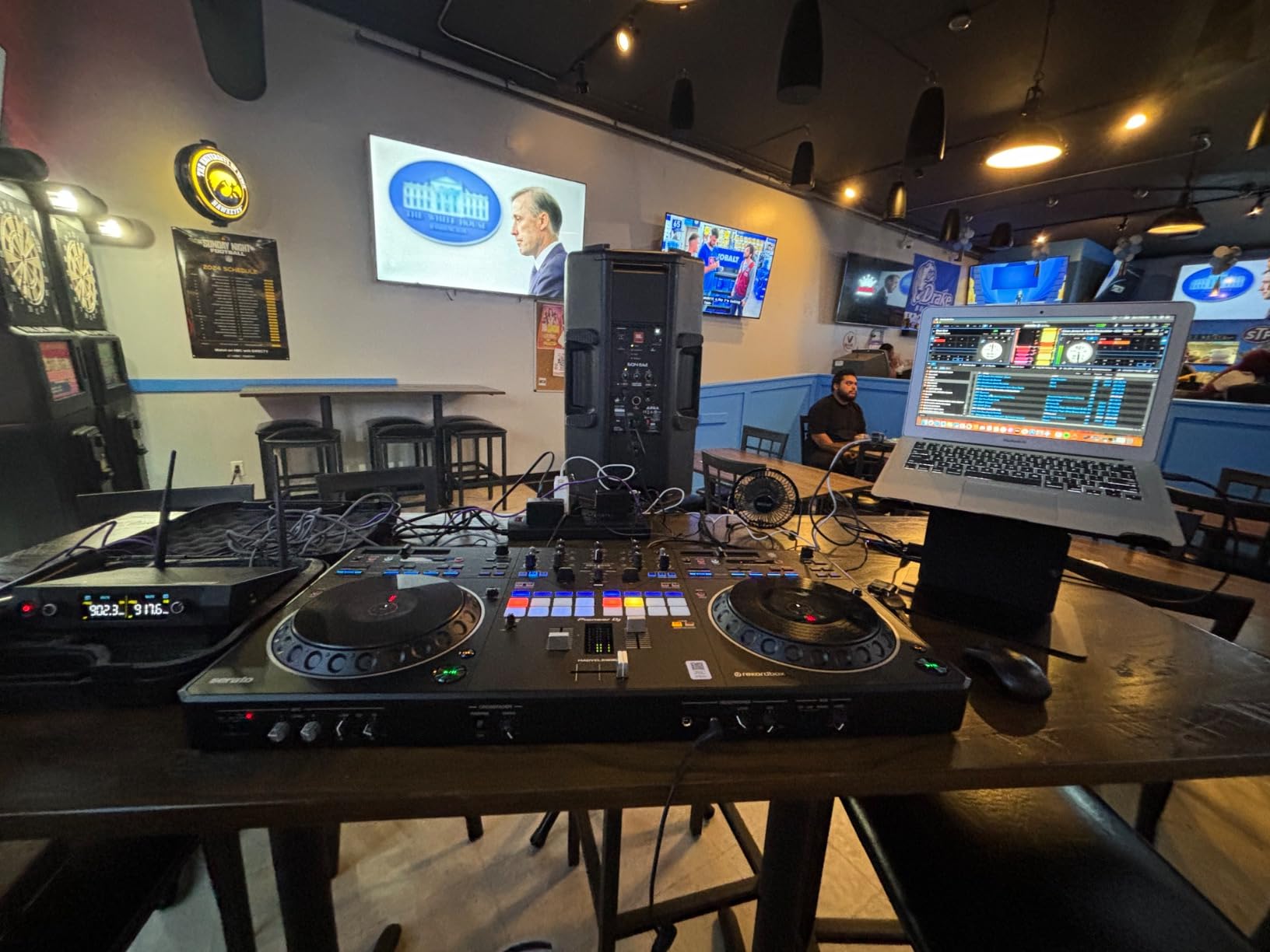
The Pioneer DJ DDJ-REV5 breaks from traditional controller design with its scratch-oriented layout. I spent a weekend adapting to the reversed deck positions and found benefits I did not expect. The long tempo sliders positioned above the decks feel more natural for pitch adjustment during turntablism.
The scratch-style layout places the mixer section in the center with decks on either side. This mirrors classic turntable setups where DJs stand between two decks. For scratching and battle mixing, the positioning makes sense. Your dominant hand controls the active deck while the other manages the mixer.
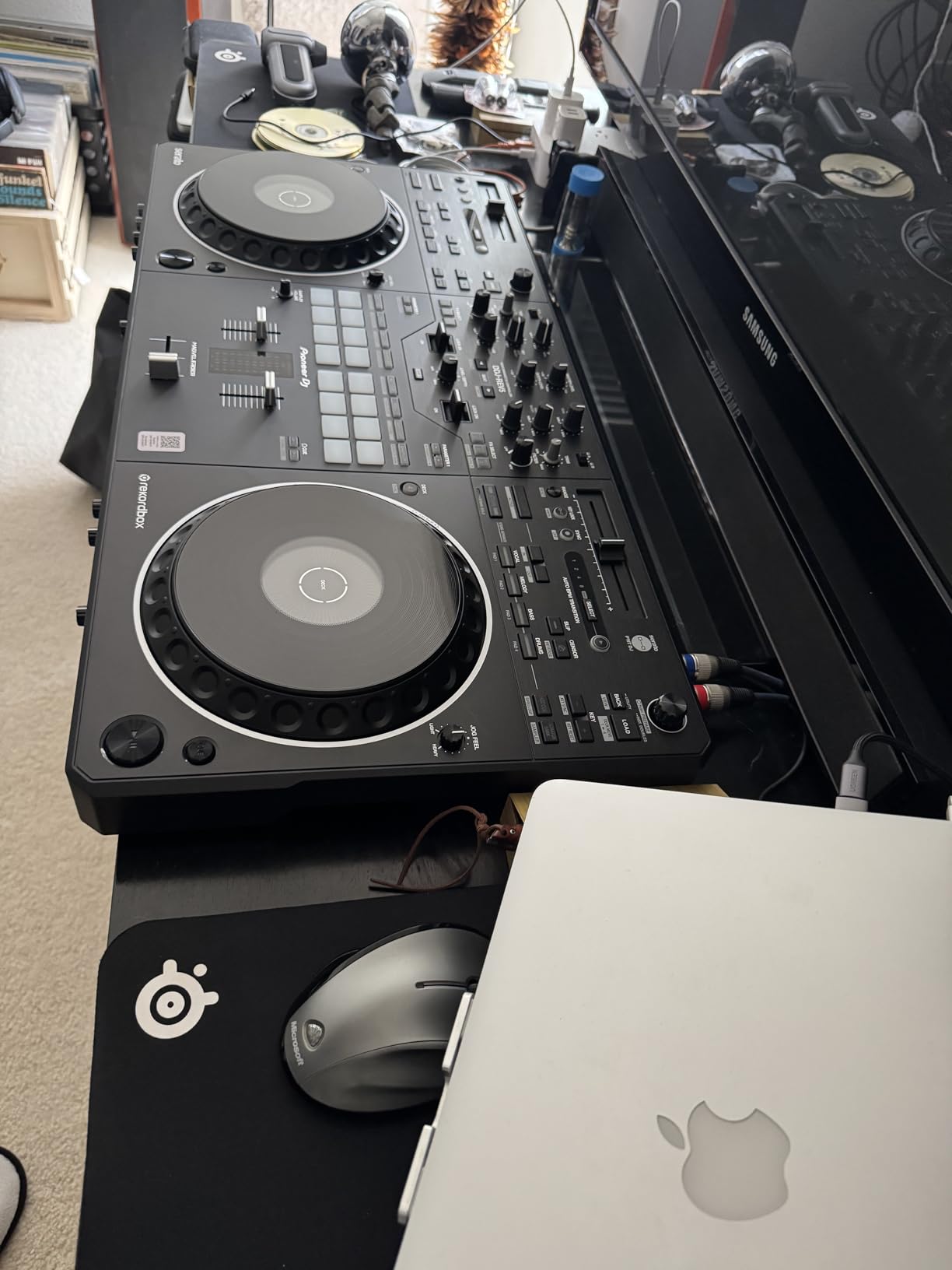
Dedicated Stems buttons enable instant isolation of song elements. You can drop out drums, isolate vocals, or manipulate bass lines with single button presses. The Auto BPM Transition feature helps mix between tracks with different tempos smoothly, though manual beat matching still delivers better results.
The Lever FX mixer section feels satisfying for performance. You engage effects with levers rather than buttons, creating more dynamic control over effect timing. Combined with the Performance Pads, you have extensive creative tools for live remixing and mashup creation.
Who Should Buy This
Scratch DJs and turntablists need this controller for the layout alone. The reversed deck positioning supports scratching techniques difficult on standard controllers. Open-format DJs who mix multiple genres benefit from the flexible layout and Stems integration. Anyone wanting a unique controller experience will appreciate the innovative design.
Who Should Skip This
Traditional club DJs might find the non-standard layout confusing when switching between equipment. If you primarily perform smooth blends rather than scratching, standard layouts work better. The 2-channel limitation restricts complex mixing compared to 4-channel alternatives at similar prices.
DJ Controller Buying Guide
Choosing the right DJ controller requires understanding your needs, budget, and long-term goals. Our testing revealed significant differences between controllers that appear similar on paper. Here is what actually matters when making your decision.
Software Compatibility
Your choice of DJ software significantly impacts your controller options. Rekordbox and Serato DJ represent the two dominant platforms. Rekordbox integrates seamlessly with Pioneer DJ hardware and offers excellent library management. Serato DJ dominates in hip-hop and turntablism circles with superior DVS support. Some controllers work with both, while others lock you into one ecosystem.
Consider which software your favorite DJs use and which interface feels intuitive to you. Both offer free trials, so experiment before committing. Switching software later often means learning new workflows and potentially buying new controllers.
2-Channel vs 4-Channel Controllers
Two-channel controllers handle standard A-to-B mixing perfectly. You blend between two songs, add effects, and create seamless transitions. Most club performances historically used two decks, so this limitation rarely restricts creativity for basic mixing.
Four-channel controllers enable complex layering. You might have drums from one track, vocals from another, a bass line from a third, and effects on the fourth. This opens creative possibilities for advanced performers but adds complexity beginners should avoid.
Our testing suggests starting with 2-channel controllers unless you specifically need the extra channels. You can always upgrade later once you understand whether you will actually use four decks.
Jog Wheel Quality
Jog wheel quality separates mediocre controllers from excellent ones. Size matters. Larger jog wheels provide more precise control for scratching and cueing. Weight and tension affect how natural they feel. Professional controllers mimic turntable resistance, while budget options often feel loose and imprecise.
Capacitive touch surfaces detect hand contact for pitch bending without mechanical movement. This feature helps with subtle timing adjustments. Display-equipped jog wheels show track information, reducing laptop dependency.
Standalone vs Controller
Standalone systems like the Denon DJ SC LIVE 4 operate without laptops. They include built-in screens, processors, and storage for your music library. This eliminates computer crashes and simplifies setup. However, they cost significantly more and often use proprietary software.
Traditional controllers require laptops but offer more software options and lower prices. Most beginners should start here. Consider standalone systems only if you perform professionally and need maximum reliability.
Price Tiers Explained
Budget controllers under $150 offer basic functionality for learning fundamentals. Expect plastic construction, small jog wheels, and limited features. They work for beginners testing interest in DJing but frustrate serious skill development.
Mid-range controllers from $200 to $500 deliver professional features and build quality. This range includes our top recommendations for most users. You get capable jog wheels, quality audio interfaces, and features supporting years of growth.
Premium controllers above $800 add specialized features like track separation, motorized platters, or standalone capability. Invest here only after confirming DJing remains a serious long-term pursuit.
Frequently Asked Questions
What is the best DJ controller brand?
Pioneer DJ dominates the professional market with industry-standard equipment used in clubs worldwide. Their controllers offer excellent build quality and Rekordbox integration. Numark provides exceptional value for beginners with capable controllers at lower prices. AlphaTheta (Pioneer DJ’s parent company) produces innovative mid-range options. Denon DJ leads in standalone systems with advanced features like Wi-Fi streaming and stem separation.
What’s better, CDJ or XDJ?
CDJs require media players or laptops and represent traditional club equipment. XDJs add screens and standalone capability, functioning independently without computers. For home use, XDJs offer more convenience. For club preparation, CDJs match what you will encounter professionally. Modern controllers like the DDJ-FLX4 simulate club layouts affordably, making them ideal training tools before investing in CDJ/XDJ setups.
What do most professional DJs use?
Professional club DJs predominantly use Pioneer DJ CDJ-3000 media players and DJM-V10 or DJM-900NXS2 mixers. This setup costs over $6,000 and represents the industry standard. Mobile DJs often prefer all-in-one controllers like the XDJ-XZ or standalone systems like the Denon DJ Prime series for portability. Controller DJs at professional levels typically use Pioneer DDJ-FLX10 or similar premium controllers with Rekordbox or Serato DJ Pro software.
Do I need a 4 channel DJ controller?
Most DJs never need more than 2 channels. Two-channel controllers handle standard mixing between tracks A and B perfectly. Four channels benefit advanced performers who layer multiple elements, mix three-plus songs simultaneously, or use extensive sample decks. Beginners should start with 2-channel controllers and upgrade only when they consistently find themselves wanting more channels. Many professional DJs perform entire careers on 2-channel setups.
What is a standalone DJ controller?
Standalone DJ controllers operate without computers. They include built-in screens, processors, and operating systems for playing music from USB drives or streaming services. The Denon DJ SC LIVE 4 exemplifies this category with its Engine DJ OS, touchscreen, and Wi-Fi connectivity. Standalone systems offer maximum reliability since they eliminate computer crashes, USB disconnections, and software conflicts. However, they cost more and often use proprietary software with smaller user communities.
Conclusion
After testing 12 DJ controllers across three months, the Pioneer DJ DDJ-FLX4 emerges as the best dj controllers choice for most users in 2026. Its combination of professional build quality, dual software compatibility, and beginner-friendly features like Smart Fader creates a controller that grows with you from first mix to paid performance.
For pure value, the Numark Mixtrack Pro FX delivers professional features at a price beginners can afford. The Hercules DJControl Starlight offers unmatched portability for travelers and commuters. Advanced performers should consider the Pioneer DJ DDJ-FLX10 for its track separation technology or the Denon DJ SC LIVE 4 for standalone reliability.
Remember that the best DJ controller ultimately depends on your specific needs. Beginners should prioritize ease of use and value. Mobile DJs need portability and reliability. Club-focused performers want professional layout familiarity. Match your choice to your goals, and you will enjoy years of satisfying performances.