
Finding the right drum machine can change the way you make music entirely. I have spent months testing hardware drum machines, grooveboxes, and beat-making controllers across every price range, and I know firsthand how overwhelming the options can be. Whether you are building your first home studio or adding another piece to an established setup, the best drum machines for beat making give you a tactile, hands-on connection to rhythm that software alone simply cannot match.
This guide covers 13 drum machines we have put through real production sessions, live jamming, and studio recording. I am not here to list specs on paper. Every recommendation below comes from actual time spent programming patterns, finger drumming, and building full tracks on each unit. From pocket-sized beat companions to professional-grade sampling workstations, I will help you figure out which drum machine fits your workflow, your budget, and your creative goals in 2026.
If you have ever asked yourself whether you need a hardware drum machine at all, the answer comes down to one thing: how much you value the feel of tapping out a groove on physical pads and twisting real knobs. Once you experience that flow, going back to clicking notes on a grid feels limiting. Let me walk you through the top options available right now.
Table of Contents
Top 3 Picks for Best Drum Machines for Beat Making


Roland AIRA Compact T-8
- TR-808/909/606 Sounds
- TB-303 Bass Synth
- 12-Hour Battery
- Built-in Effects

Best Drum Machines for Beat Making in 2026
| Product | Specifications | Action |
|---|---|---|
| Elektron Digitakt II |
|
Check Latest Price |
| Roland AIRA Compact T-8 |
|
Check Latest Price |
| Korg Volca Beats |
|
Check Latest Price |
 Teenage Engineering PO-12 Teenage Engineering PO-12 |
|
Check Latest Price |
 Alesis SR-16 Alesis SR-16 |
|
Check Latest Price |
 Korg KR11 Korg KR11 |
|
Check Latest Price |
 Arturia DrumBrute Impact Arturia DrumBrute Impact |
|
Check Latest Price |
 NI Maschine Mikro Mk3 NI Maschine Mikro Mk3 |
|
Check Latest Price |
 Arturia BeatStep Pro Arturia BeatStep Pro |
|
Check Latest Price |
 Teenage Engineering EP-133 Teenage Engineering EP-133 |
|
Check Latest Price |
 Elektron Model:Cycles Elektron Model:Cycles |
|
Check Latest Price |
 Roland TR-6S Roland TR-6S |
|
Check Latest Price |
 NI Maschine Mk3 NI Maschine Mk3 |
|
Check Latest Price |
1. Teenage Engineering PO-12 Rhythm – Best Ultra-Portable Drum Machine
teenage engineering pocket operator PO-12 rhythm, drum machine and sequencer with parameter locks and punch-in effects
Pocket-Sized Drum Machine
16 Synthesized Sounds
16 Punch-In Effects
Battery Powered (2xAAA)
Pros
- Ultra-portable pocket-sized design
- Great sound quality for the size
- 16 punch-in effects add character
- Syncs with Korg Volca series
- Built-in speaker for instant playback
Cons
- No protective case included
- No MIDI connectivity
- Bare board design feels fragile
I picked up the PO-12 on a whim, and it has been one of the most fun pieces of gear I own. This tiny device fits in the palm of your hand and runs on two AAA batteries for about a month. The fact that Teenage Engineering packed 16 synthesized drum sounds, a sequencer, and punch-in effects into something this small still surprises me every time I use it.
The 16-step sequencer is straightforward enough that you can start making patterns within minutes of unboxing it. The parameter locks let you save knob positions per step, which adds movement and life to your beats without extra effort. I found myself creating patterns on bus rides and during lunch breaks because the PO-12 is genuinely pocketable.
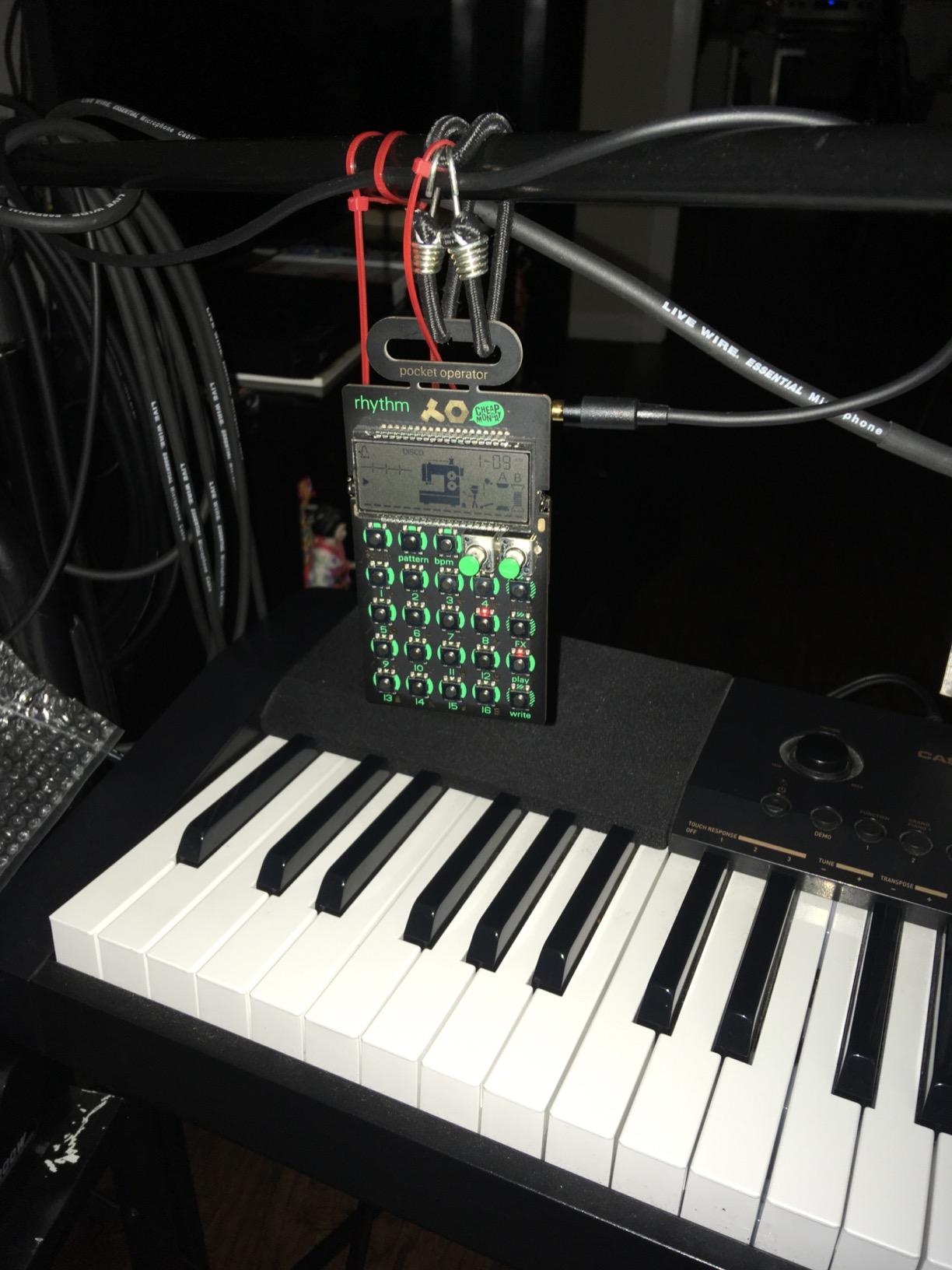
Sound quality is impressive for the form factor. The synthesized drum sounds have a gritty, lo-fi character that works beautifully for electronic music, hip-hop, and experimental beats. The punch-in effects are a blast, letting you stutter, sweep, and mangle sounds in real time during playback. The built-in speaker is convenient but distorts at higher volumes, so headphones or an external speaker are the way to go for serious listening.
The bare PCB construction is the main drawback. There is no protective case, so you need to be careful about tossing it in a bag. There is also no MIDI connectivity, which limits integration with other studio gear. Still, as a creative sketchpad for beats, the PO-12 is hard to beat at this price.
Who should buy the Teenage Engineering PO-12
This is the ideal first drum machine for beginners who want to explore beat making without a big investment. It is also a fantastic travel companion for experienced producers who want something to capture ideas on the go. If you already own other Pocket Operators or a Korg Volca, the sync feature makes it a natural addition to a portable setup.
Who should look elsewhere
If you need MIDI integration, a robust build, or deep sound design capabilities, the PO-12 will frustrate you. Producers building a studio-centered workflow should consider something with more connectivity and a full-size form factor instead.
2. Korg Volca Beats – Best Budget Analog Drum Machine
Korg Volca Beats Analog Rythem Machine w/Electribe-style 16-step Sequencer and Real Analog Sounds
Analog-Digital Hybrid Engine
Electribe-Style 16-Step Seq
MIDI In
Built-in Speaker
Pros
- Incredible analog kick drum
- Intuitive Electribe-style sequencer
- Syncs with other Volca units
- Great value for analog sounds
- Motion recording for automation
Cons
- Snare sound is weak out of the box
- No swing control
- No pattern chaining without footswitch
The Korg Volca Beats is one of those pieces of gear that earns a permanent spot on the desk. I have used it for everything from techno to ambient music, and the analog kick drum alone justifies the price. It delivers a deep, punchy low end that digital emulations struggle to replicate. The Electribe-style 16-step sequencer is intuitive and makes pattern creation feel natural.
What makes the Volca Beats special for beat making is the motion recording feature. You can record knob movements in real time, which means your hi-hats can gradually open, your toms can sweep in pitch, and your kicks can shift in decay, all without touching a DAW. This hands-on approach to rhythm programming is exactly why hardware drum machines are worth having.
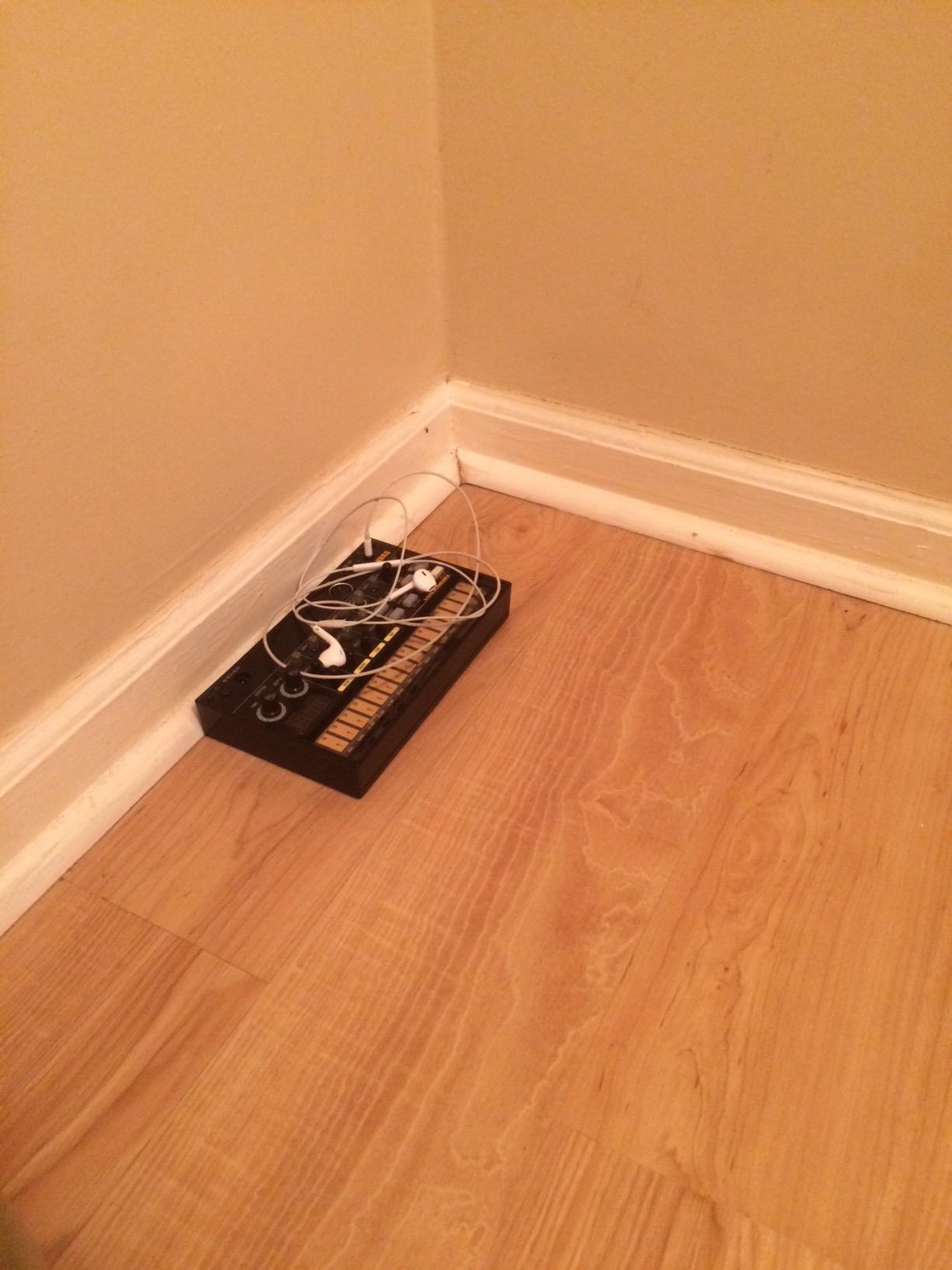
The built-in speaker is adequate for quick jams, and battery power means you can make beats anywhere. The sync in and out ports work perfectly with other Volca units, which is great if you want to build a portable production rig. MIDI in allows you to sync with your DAW or trigger sounds from an external controller.
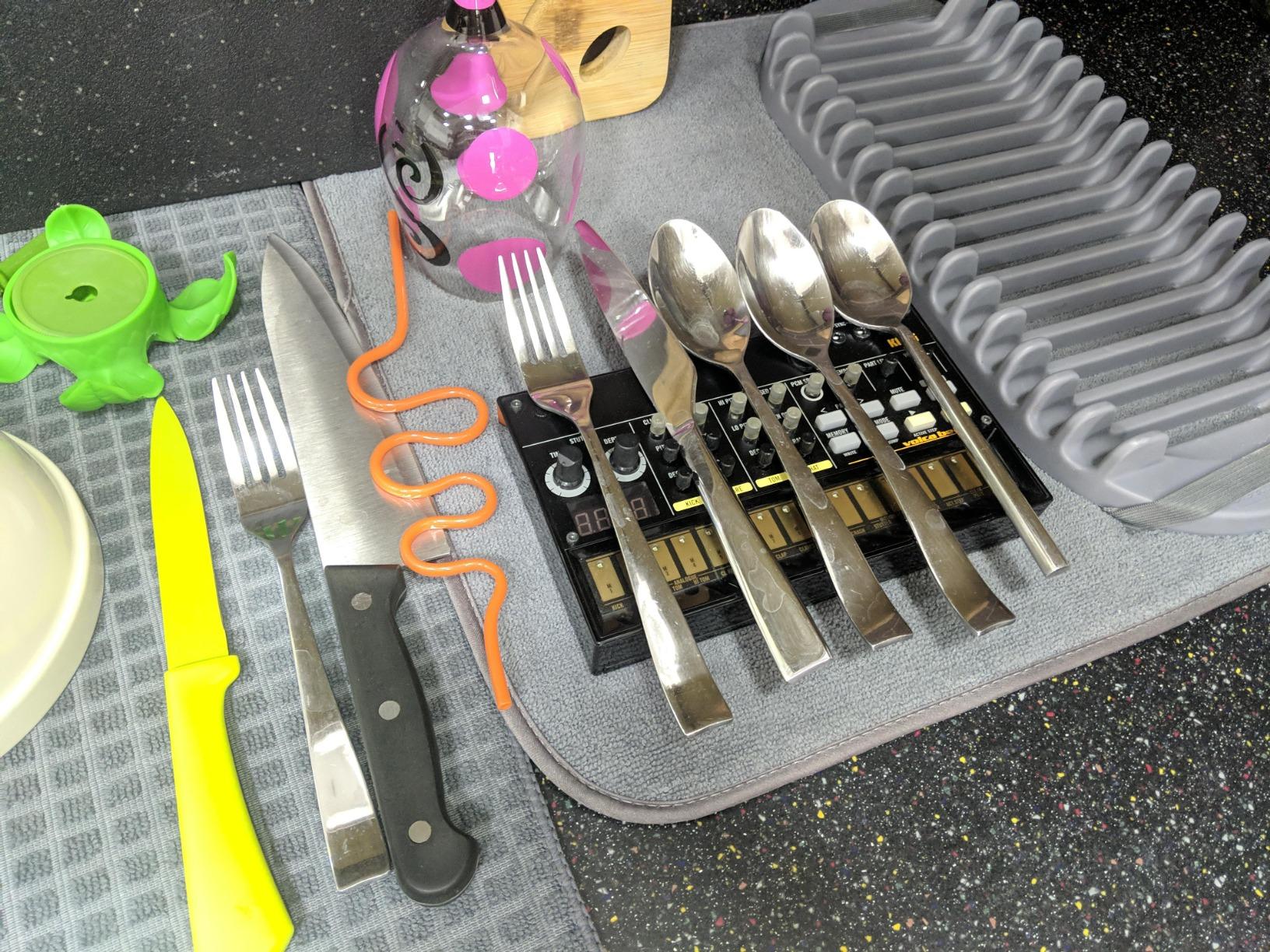
The biggest complaint from users, and I agree, is the snare drum. It sounds thin and uninspiring out of the box. Many producers fix this with a simple capacitor mod, but out of the box, it is a noticeable weak point. There is also no swing control, which means all your patterns play straight unless you manually shift individual steps. Despite these quirks, the Volca Beats remains one of the best drum machines for beat making when you want real analog sound without spending a fortune.
Who should buy the Korg Volca Beats
Electronic music producers who want authentic analog drum sounds at a budget-friendly price will love this machine. It is also ideal for anyone building a Volca-based portable setup. The Volca Beats excels at techno, electro, house, and any genre where that warm analog character is important.
Who should look elsewhere
If you need sample playback, deep sound design, or a versatile snare drum without modification, you will be better served by a digital drum machine like the Roland TR-6S or the Elektron Model:Cycles. Producers who rely on swing and groove in their patterns may also find the lack of swing control limiting.
3. Alesis SR-16 – Best Studio-Grade Drum Machine for Songwriters
Alesis SR-16 Standalone Drum Machine
233 Professional Sounds
50 Preset/50 User Kits
12 Velocity-Sensitive Pads
Complete MIDI Support
Pros
- Massive 233-sound library
- Legendary studio-standard reliability
- Versatile across all genres
- Dynamic Articulation for realism
- Complete MIDI implementation
Cons
- No USB connectivity
- No backlit display
- Pads lack tactile feedback
- Menu-driven workflow
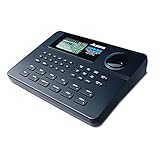
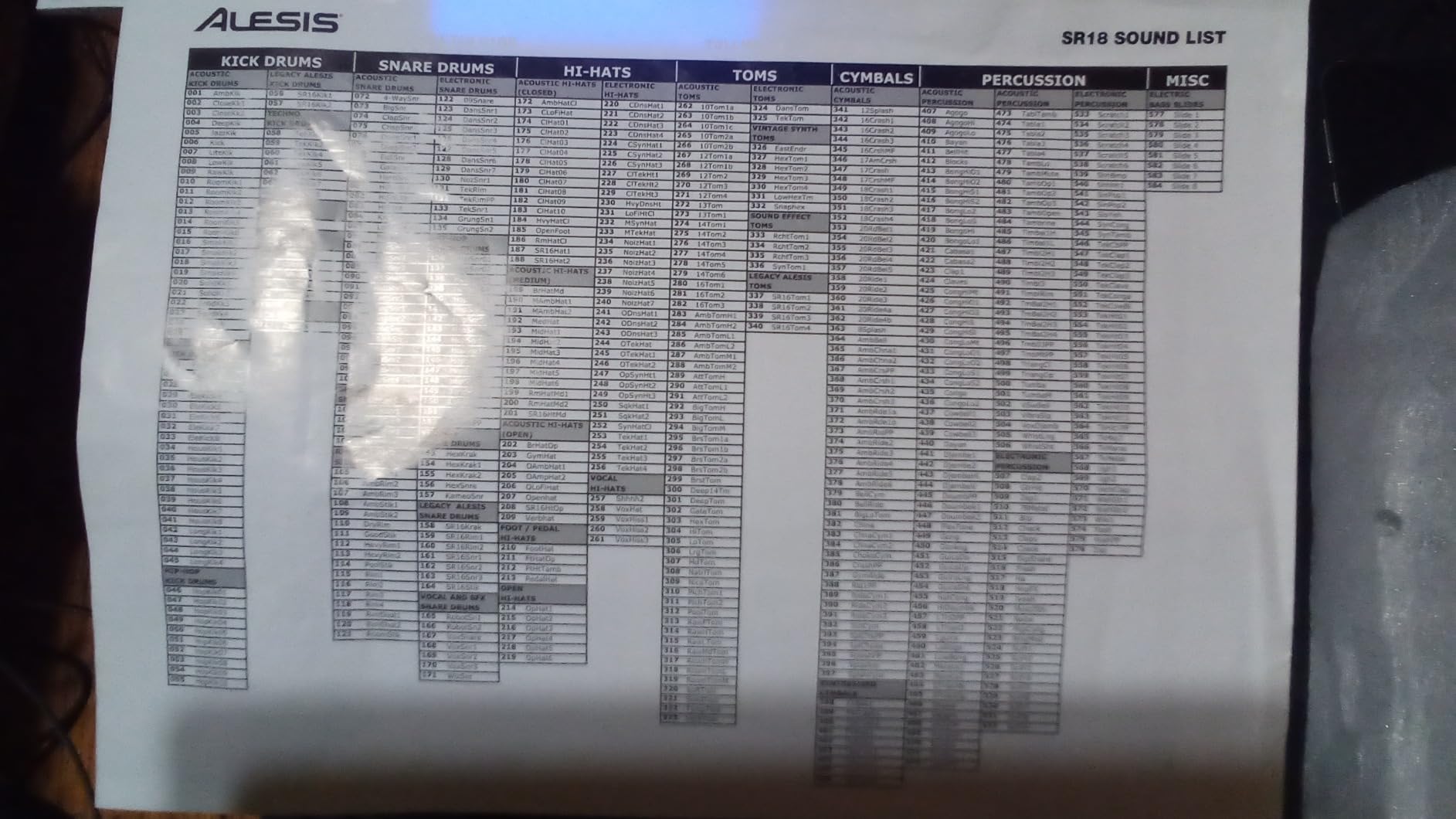
The Alesis SR-16 has been a studio staple for decades, and for good reason. I have encountered this drum machine in home studios, rehearsal spaces, and professional recording setups for years. With 233 built-in sounds and 100 drum kits (50 preset and 50 user), the SR-16 covers nearly every genre you can think of, from rock and pop to jazz and Latin music.
What sets the SR-16 apart is the Dynamic Articulation feature. Each of the 12 pads responds to velocity, and the onboard processing adds subtle variations to how sounds are triggered. This makes patterns feel more human and less mechanical, which is a big advantage for songwriters who want realistic drum accompaniment without programming complex velocity maps.
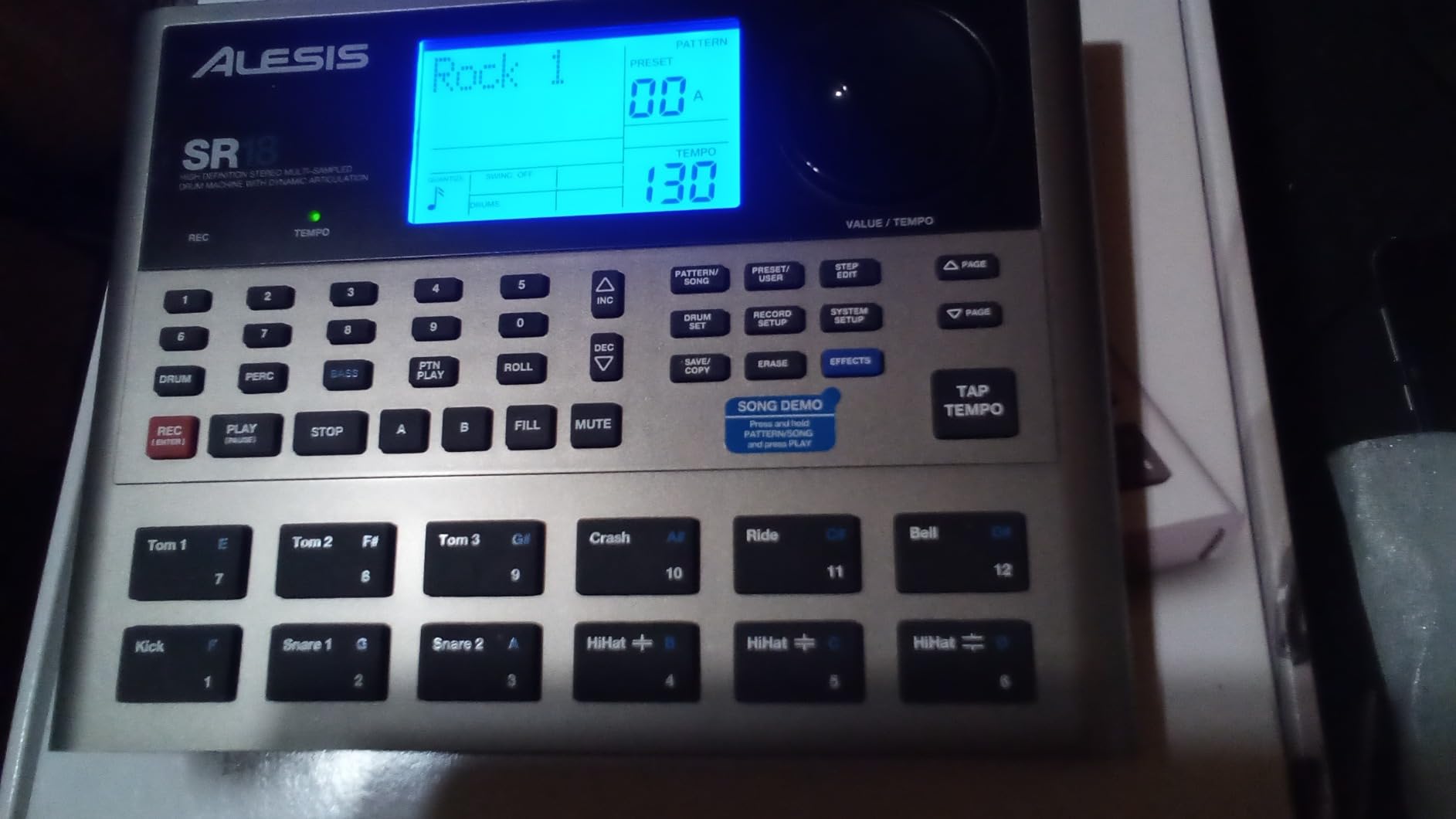
The built-in digital effects, including reverb and ambience, add depth to the sounds without needing external processing. I found the presets surprisingly usable for quick songwriting sessions. The 100 preset patterns cover common time signatures and feels, and you can edit them or create your own from scratch using the step editor.
The main limitation is connectivity. The SR-16 uses traditional MIDI ports but lacks USB, so connecting to a modern computer requires a MIDI interface. The display is not backlit, making it difficult to read in dim studio environments. The pads are also flush with the faceplate and do not provide the satisfying tactile feedback you get from dedicated drum pads. Still, with over 2,150 reviews and a 4.4-star rating, the SR-16 has earned its reputation as a reliable workhorse.
Who should buy the Alesis SR-16
Songwriters who need a straightforward, no-nonsense drum machine for writing and practice will get excellent value here. The massive sound library and genre versatility make it a solid choice for musicians who play multiple styles. It is also a great option for live performers who need reliable backing tracks without depending on a laptop.
Who should look elsewhere
Producers who want modern USB connectivity, a touchscreen, or deep synthesis capabilities should skip the SR-16. Electronic music producers looking for analog or FM drum sounds will also want something more specialized. The menu-driven interface makes real-time sound design cumbersome compared to knob-per-function designs.
4. Korg KR11 Portable Rhythm Box – Best for Practice Sessions
Korg KR-11 Compact Rhythm Box
16 Velocity-Sensitive Pads
126 Patterns
Built-in Speaker
Acoustage Bass Tech
Pros
- Lightweight and very portable
- 126 patterns across genres
- Easy intuitive controls
- Great built-in speaker
- Excellent price for features
Cons
- No detailed manual included
- AC adapter not included
- Cannot chain patterns without footswitch
The Korg KR11 is a compact rhythm box designed for musicians who want a simple practice companion. I found it genuinely useful for running through songs with a guitar or bass without needing to fire up a DAW. The 16 velocity-sensitive pads respond well to finger drumming, and the 126 built-in patterns cover a wide range of styles from rock and pop to funk and Latin rhythms.
The built-in speaker with Acoustage Bass technology produces a surprisingly full sound for the unit’s size. I was not expecting much from a speaker this small, but it handled low-frequency kick drums and toms with reasonable clarity. For practice sessions, it is more than adequate. The headphone output is also clean and useful for late-night playing.
At just 0.28 kilograms, the KR11 is one of the lightest options in this guide. It runs on batteries, making it easy to toss in a gig bag for rehearsals. The 14 user preset slots let you save your favorite patterns, and the optional footswitch adds hands-free control for starting, stopping, and triggering fills.
The limitations become apparent quickly, though. There is no detailed manual included, which makes discovering some of the deeper features a guessing game. You also cannot chain patterns without buying an optional footswitch, and there is no way to adjust individual drum volumes within a kit. For its intended purpose as a practice tool, these are manageable trade-offs, but they rule it out for serious production work.
Who should buy the Korg KR11
Musicians who want a simple, battery-powered rhythm box for practice and casual jamming will find the KR11 hits the sweet spot. It is especially useful for guitarists, bassists, and vocalists who need a basic drum backing without the complexity of a full drum machine.
Who should look elsewhere
If you need a drum machine for studio production, live performance, or deep beat programming, the KR11 is too limited. Producers looking for sound design capabilities, sampling, or DAW integration should consider the Roland T-8 or Arturia DrumBrute Impact instead.
5. Roland AIRA Compact T-8 – Best Portable Beat and Bass Machine
Roland AIRA Compact T-8 Beat Machine
TR-808/909/606 via ACB
TB-303 Bass Synth
12-Hr Rechargeable Battery
USB-C Audio/MIDI
Pros
- Authentic Roland TR-series sounds
- Built-in TB-303 bass synth
- 12-hour rechargeable battery
- Deep sequencer with probability per step
- Gorgeous built-in effects
Cons
- Limited drum sound selection
- Small squishy buttons
- Knobs lack paint markings for low light
The Roland AIRA Compact T-8 packs genuine TR-808, TR-909, and TR-606 drum sounds alongside the legendary TB-303 bass synthesizer into a unit small enough to fit in a backpack. Roland’s ACB technology recreates the analog circuit behavior of these classic machines, and the result sounds authentic and full. I was skeptical that something this compact could deliver the real Roland feel, but the T-8 genuinely nails it.
The TR-REC sequencer is a joy to use. You get 64 user patterns with up to 32 steps each, and each step can have its own probability setting, velocity, and sub steps. This level of control lets you create patterns that evolve and surprise you, which is a big part of what makes beat making on hardware so inspiring. The real-time recording mode captures your pad performances accurately.
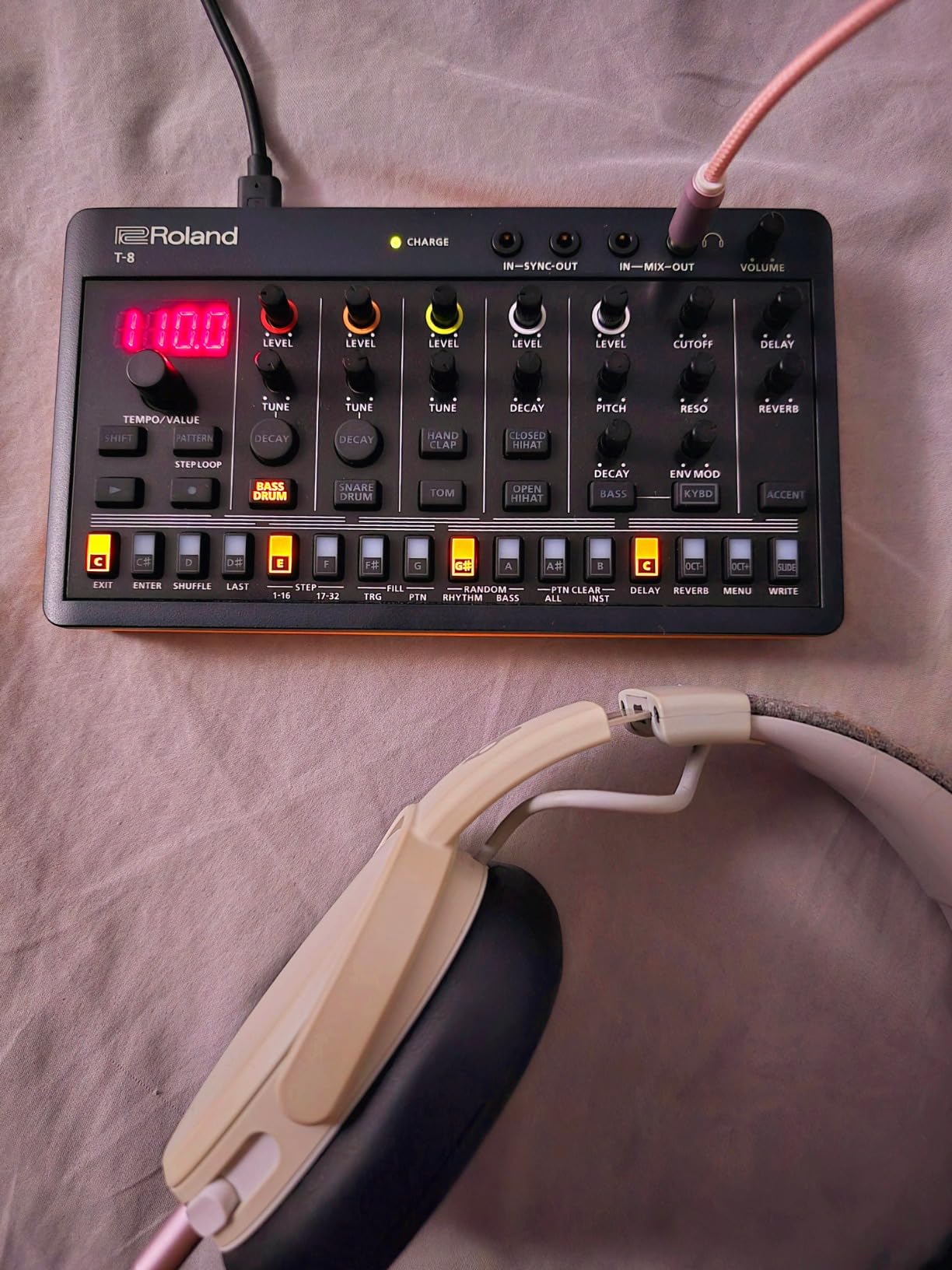
The built-in effects are surprisingly good. Delay, reverb, overdrive, and sidechain compression are all available, and the sidechain feature is particularly useful for getting that pumping, breathing feel that defines modern electronic music. Having these effects built in means you can create complete-sounding tracks without any outboard processing.
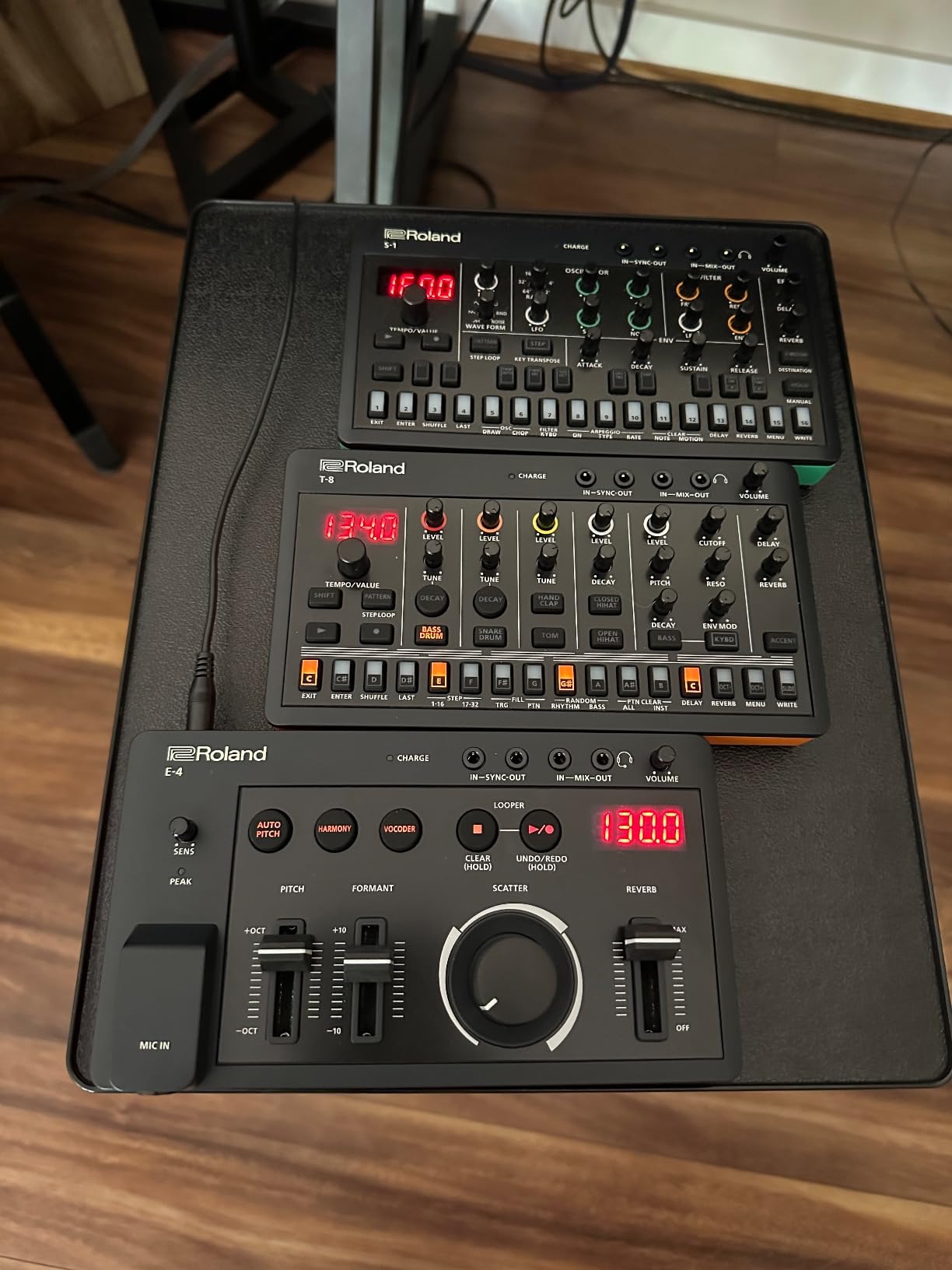
The rechargeable battery lasts up to 12 hours, which is exceptional for a drum machine in this category. I took the T-8 on a weekend trip and never needed to charge it. The USB-C port handles both power and audio/MIDI connectivity, which simplifies setup when connected to a computer. The main downsides are the small buttons, which can occasionally miss presses, and the limited drum sound palette that borrows piecemeal from different Roland machines rather than giving you a full TR-808 or TR-909 kit.
Who should buy the Roland AIRA Compact T-8
Producers who want classic Roland sounds in a truly portable package will find the T-8 irresistible. It is perfect for making beats on the couch, in a coffee shop, or during travel. The inclusion of the TB-303 bass synth makes it a complete groovebox for acid house, techno, and electronic music production.
Who should look elsewhere
If you need a full complement of drum sounds from a single classic Roland machine, the TR-6S gives you more complete kits and greater sound selection. Producers who prioritize sample-based beat making or extensive sound design may also find the T-8 too limited in its sonic palette.
6. Arturia DrumBrute Impact – Best Analog Drum Machine for Live Performance
Arturia DrumBrute Impact Analog Drum Machine
10 Analog Drum Sounds
64-Step Sequencer
Individual Outputs
Polyrhythm Capable
Pros
- Punchy and powerful analog sound
- Intuitive knob-per-function layout
- Individual outputs for mixing
- Song mode for full arrangements
- Beat repeat function is addictive
Cons
- Limited to 10 sound types
- Plastic top plate construction
- No per-voice output on back
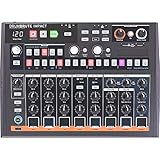
The Arturia DrumBrute Impact is built for live performance. From the moment I plugged it in, the analog drums hit with a weight and authority that commands attention. The kick drum is massive, the FM drum circuit produces aggressive textures, and the distortion channel adds grit that works perfectly for techno and industrial music. This is not a polite drum machine. It is loud, punchy, and fun.
The knob-per-function layout means every parameter has a dedicated control. There is no menu diving, no hidden settings, and no complicated button combinations. You twist a knob and hear the result immediately. This makes the DrumBrute Impact incredibly fast to work with, both in the studio and on stage. The 64-step sequencer supports polyrhythms, which opens up creative possibilities for complex rhythmic patterns.
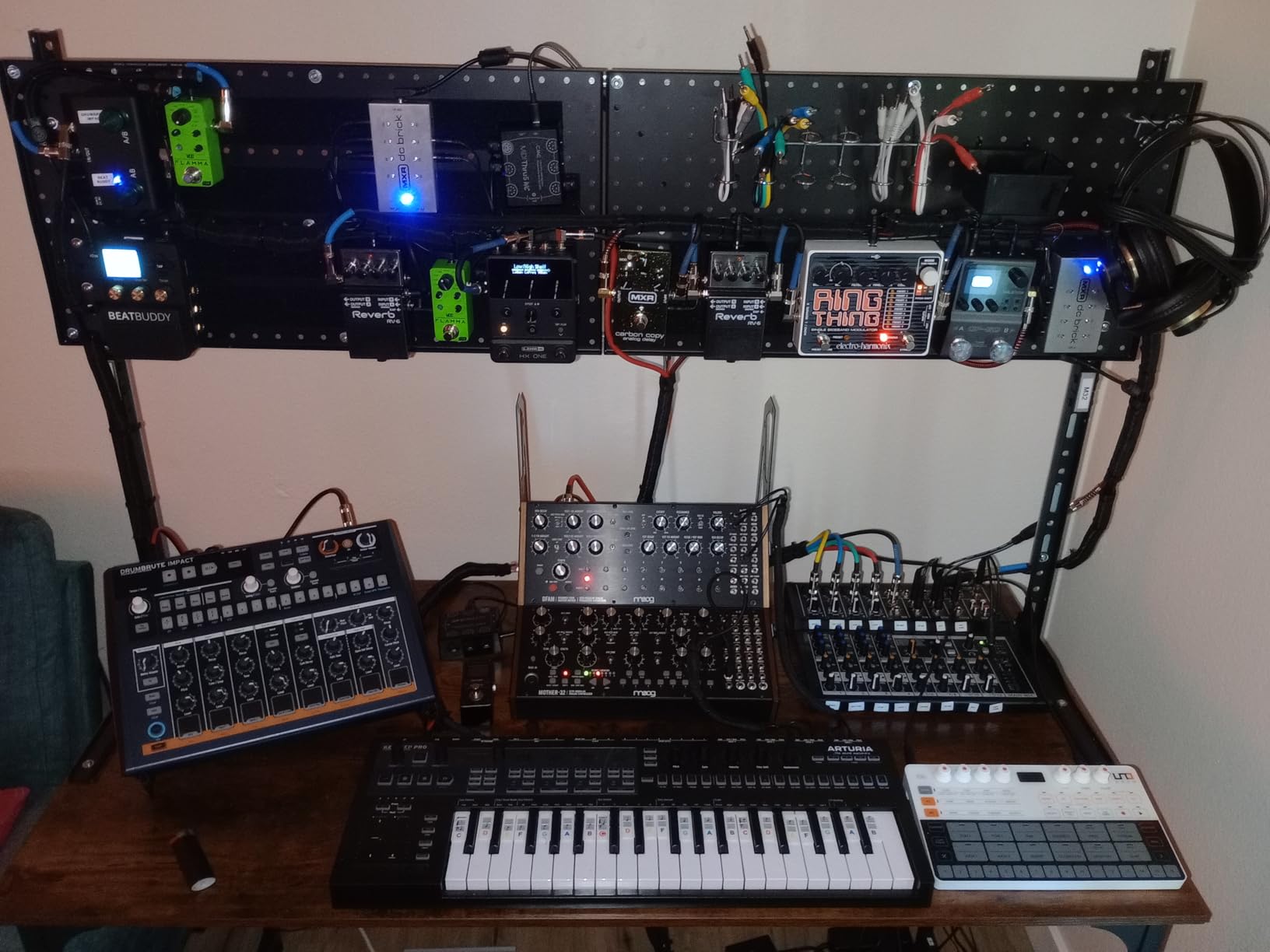
The individual outputs are a major advantage for live performers and studio producers alike. You can route each drum sound to its own channel on a mixer, giving you independent control over levels, EQ, and effects processing. The song mode lets you chain patterns together for full arrangements, which is essential for performing without a laptop. The beat repeat and roll function adds spontaneity to live sets.
The limitations are straightforward. With only 10 sound types, you are working within a focused sonic palette. There is no sampling, no digital sounds, and no way to load custom kits. The top plate is plastic despite the metal bottom, which feels like a cost-cutting measure. If you need sonic variety beyond analog drums, you will need to pair this with another sound source.
Who should buy the Arturia DrumBrute Impact
Live performers and producers who want immediate, hands-on control over analog drum sounds will love this machine. It is perfect for electronic music genres where punch and character matter more than variety. The individual outputs and song mode make it stage-ready right out of the box.
Who should look elsewhere
Producers who need sample playback, a wide variety of sounds, or DAW integration should look at the Maschine or Elektron options in this guide. If you are looking for subtle, nuanced drum sounds for jazz or acoustic music styles, the DrumBrute Impact is too aggressive for that role.
7. Native Instruments Maschine Mikro Mk3 – Best Drum Controller for DAW Producers
Native Instruments Maschine Mikro Mk3 Drum Controller, 25707
16 Ultra-Responsive Pads
DAW Integration
1.6GB Factory Library
USB Powered
Pros
- Exceptional pad sensitivity and feel
- Seamless DAW integration as VST/AU/AAX
- Compact and portable design
- Four input modes for creative flexibility
Cons
- Requires Maschine software for full use
- Setup can be complex on some systems
- Limited MIDI mapping without workarounds
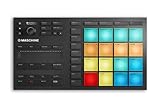
The Maschine Mikro Mk3 bridges the gap between hardware drum machines and software-based production. I have used this controller extensively with Ableton Live and FL Studio, and the pad quality is outstanding. The 16 pads are responsive, consistent, and feel great under your fingers whether you are finger drumming or programming patterns step by step.
The four input modes (drum, keyboard, chord, and step) give you different ways to interact with sounds. Drum mode is obvious, but the chord mode is particularly useful for building melodic elements without switching to a keyboard. The step mode turns the pads into a visual sequencer, which is helpful for detailed programming. The included 1.6GB Maschine Factory Selection provides a solid starting library of drum sounds, instruments, and effects.
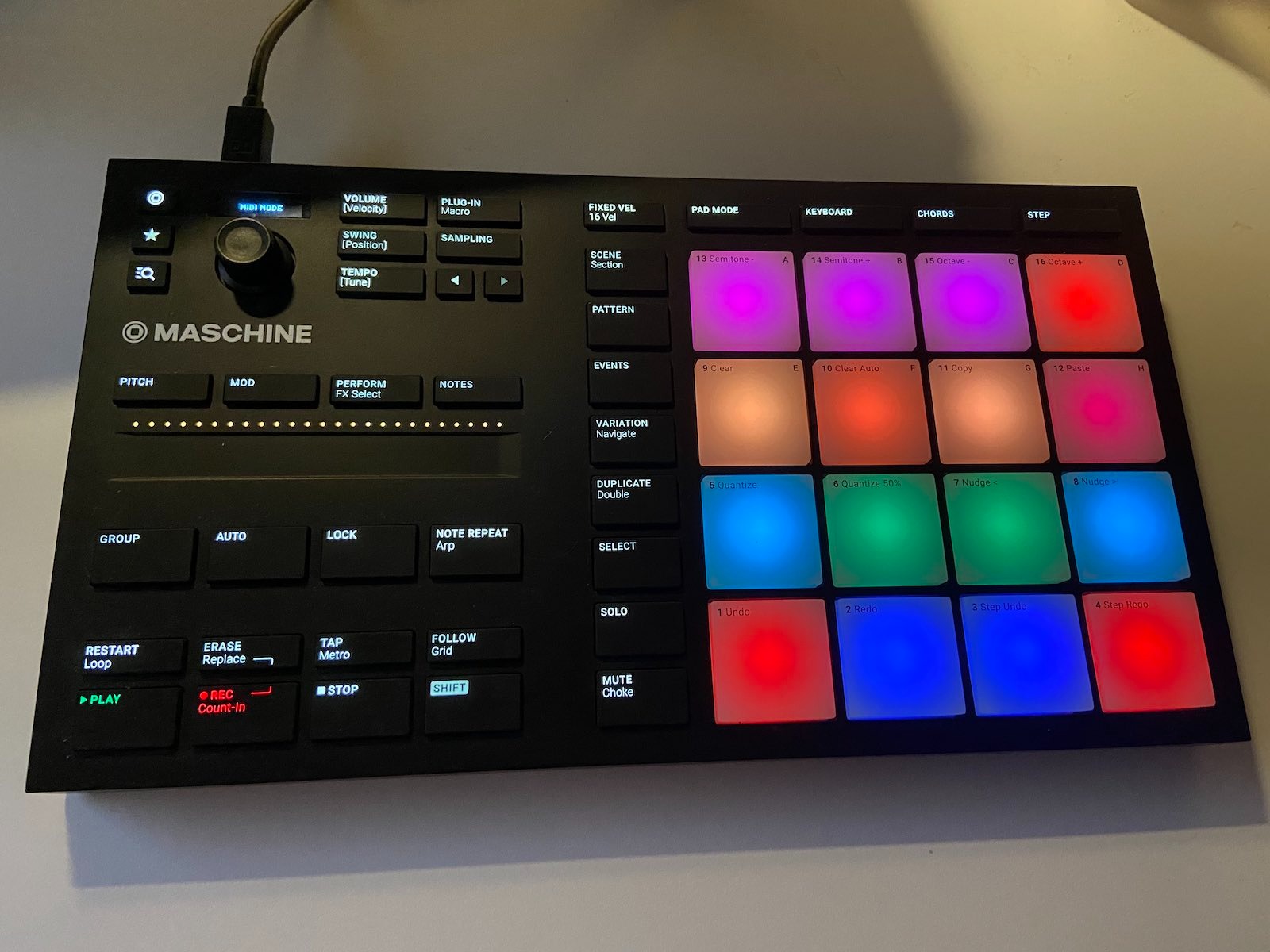
Where the Maschine Mikro Mk3 shines is DAW integration. It works as a VST, Audio Unit, or AAX plug-in in all major DAWs, which means you can use it seamlessly within your existing production workflow. The controller maps automatically to the Maschine software, and you can also switch it to MIDI mode to control other instruments and software.
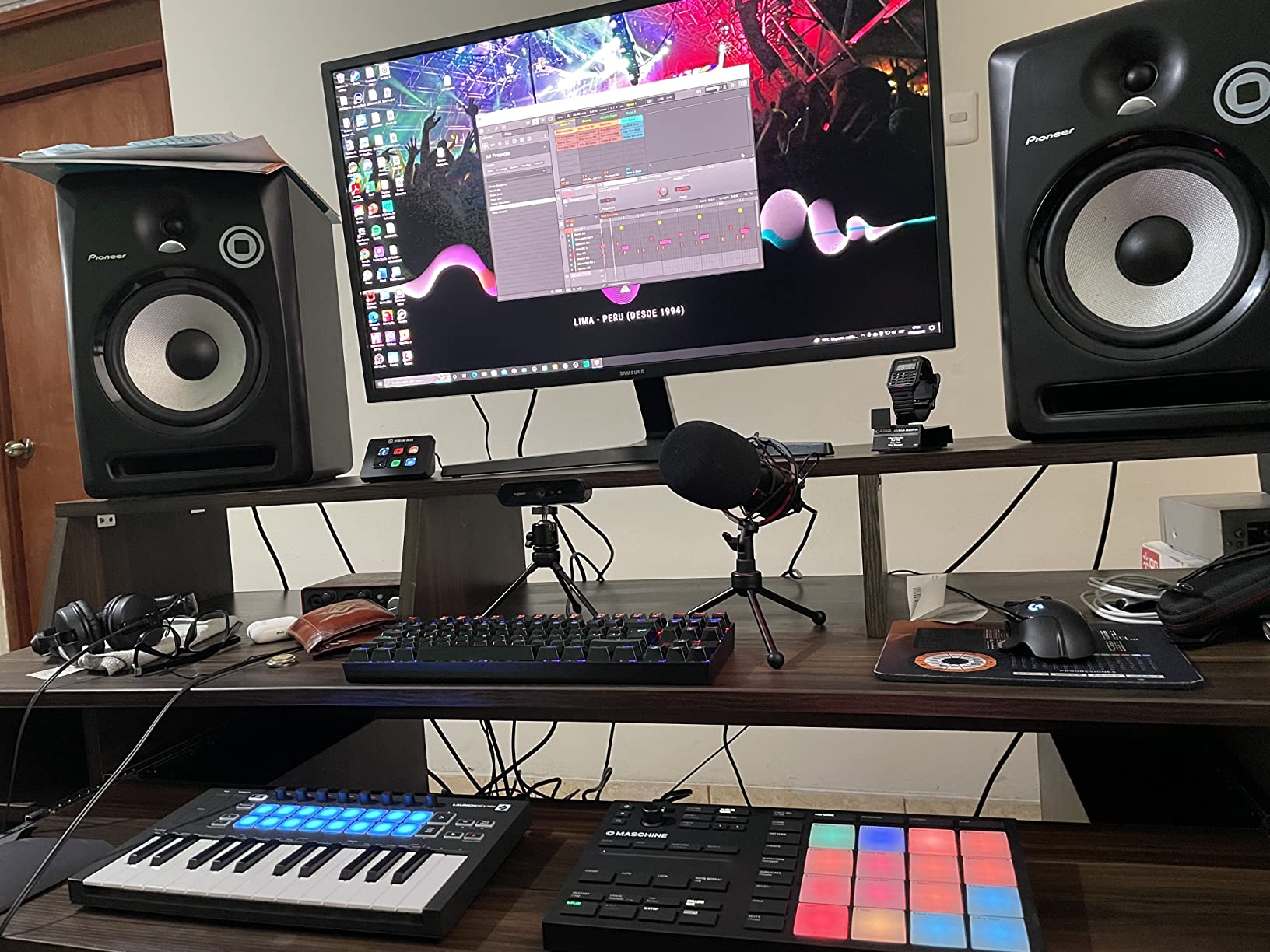
The main caveat is that the Maschine Mikro Mk3 is not a standalone drum machine. It requires the Maschine software and a computer to function at full capacity. While the build quality is solid, the dependency on software means it is not the right choice if you want a DAWless beat-making experience. Some users have also reported setup complexity on Windows systems and limited MIDI mapping flexibility without third-party tools.
Who should buy the Maschine Mikro Mk3
DAW-based producers who want a tactile, pad-driven workflow for beat making will benefit most from the Maschine Mikro Mk3. It is ideal for hip-hop, electronic music, and any genre where finger drumming and sample chopping are core to the creative process. The compact size makes it easy to integrate into a desk setup alongside a keyboard and mouse.
Who should look elsewhere
If you want a standalone drum machine that works without a computer, this is not it. Producers who prefer hardware-only workflows should consider the Elektron Digitakt II or the Roland TR-6S instead. The software dependency is the defining factor here, so make sure your production style aligns with a hybrid hardware-software approach before committing.
8. Arturia BeatStep Pro – Best Sequencer and Controller Hub
Arturia BeatStep Pro Controller and Sequencer — Aftertouch, Velocity Sensitive, With 2 Independent Melodic Sequencers, Drum Sequencer, 16 Drum Pads, MIDI/CV/Gate I/O and Music Production Software
Dual Melodic Sequencers
16-Track Drum Sequencer
CV/Gate Outputs
MIDI In/Out
Pros
- Three independent sequencers in one unit
- Excellent CV/Gate and MIDI connectivity
- Solid build quality
- Includes Ableton Live Lite and Analog Lab
Cons
- Intermediate to advanced learning curve
- Plastic outer housing
- Complex feature set can overwhelm
The Arturia BeatStep Pro is not a traditional drum machine, and that is exactly why it belongs in this guide. It is a sequencing powerhouse that can serve as the central brain of an entire hardware setup. With two independent melodic sequencers and a 16-track drum sequencer, the BeatStep Pro can control drum machines, synthesizers, and modular gear simultaneously.
I connected the BeatStep Pro to a Volca Beats, a modular synthesizer, and a computer running Ableton Live, and it handled all three without breaking a sweat. The 16 velocity and pressure-sensitive pads feel responsive for finger drumming, and the 16 knobs can be mapped to control parameters on connected devices. The swing settings and randomizer add human feel to rigid step sequences.
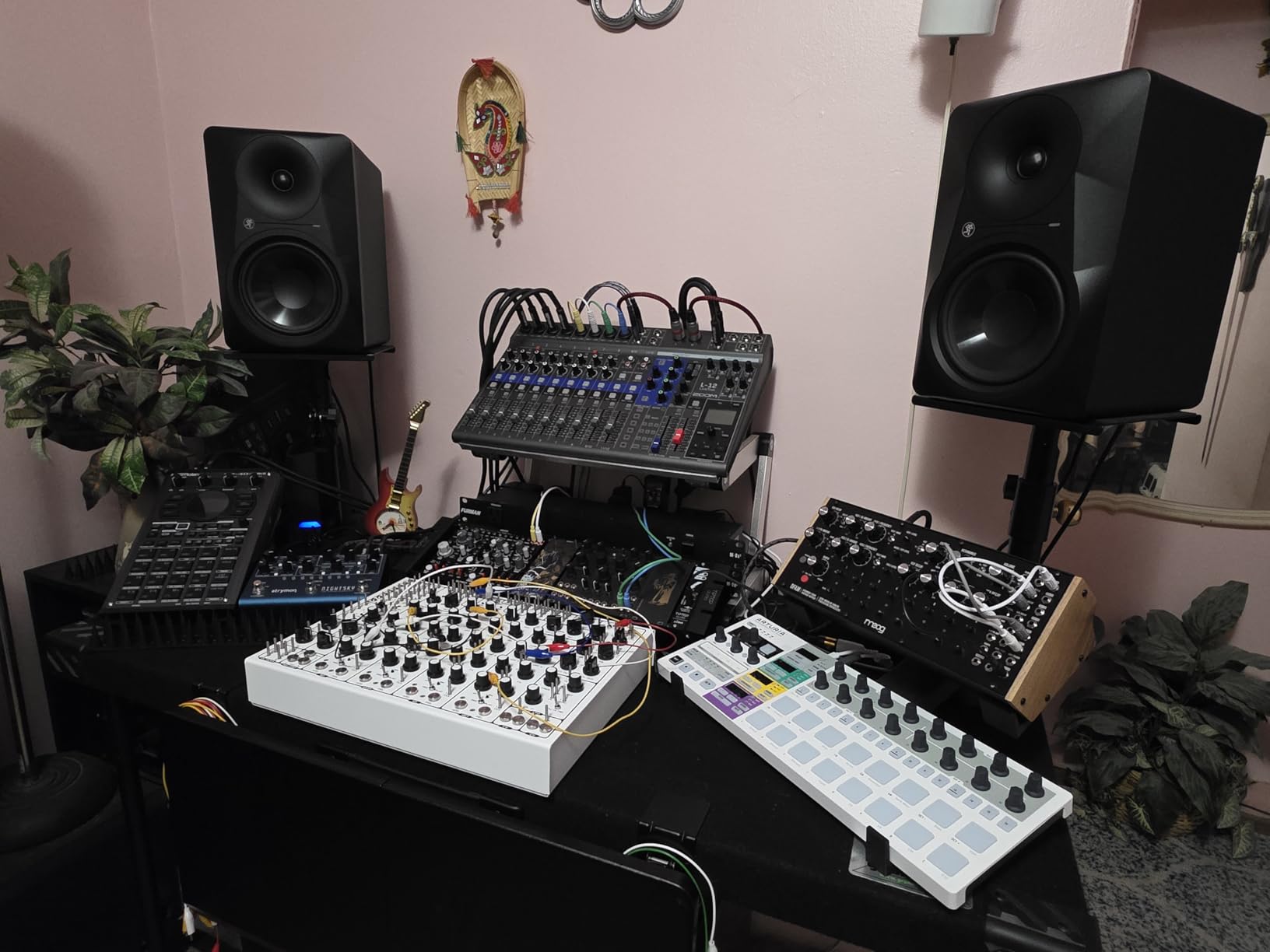
The CV/Gate outputs are a standout feature. With 8 analog drum gate outputs and CV outputs supporting 1 volt per octave, the BeatStep Pro integrates seamlessly with modular synthesizers and vintage analog gear. This makes it one of the most versatile sequencing hubs available at this price point. The looper function with touch strip adds performance flair to live sets.
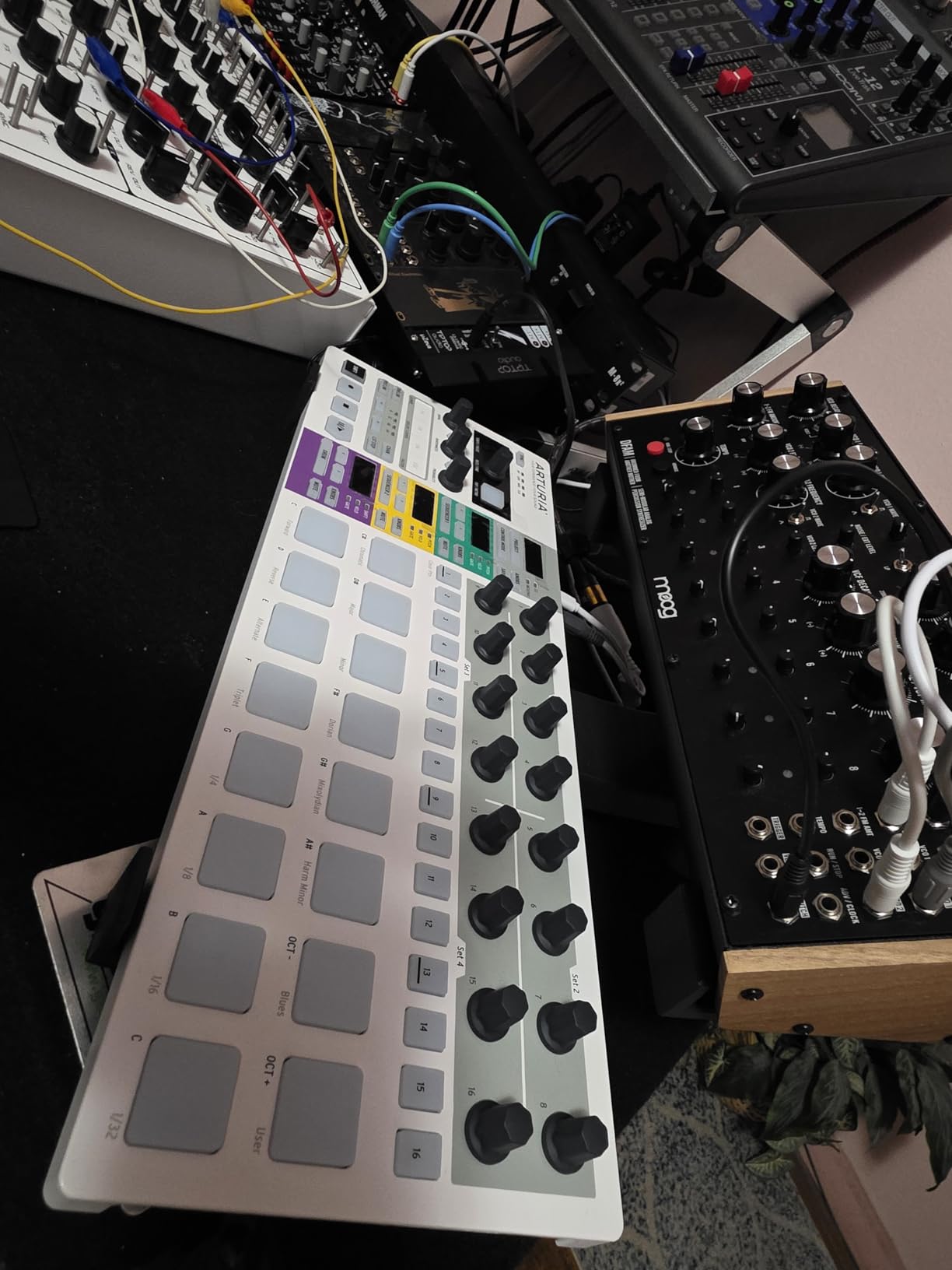
The trade-off for all this power is complexity. The BeatStep Pro has a steeper learning curve than most dedicated drum machines. Understanding how to route sequences, configure MIDI channels, and manage the three sequencer modes takes time and patience. The plastic housing also feels less premium than the feature set suggests. But once you master the workflow, the BeatStep Pro becomes an irreplaceable hub for hardware-based production.
Who should buy the Arturia BeatStep Pro
Producers with multiple hardware devices who need a central sequencer to tie everything together will find the BeatStep Pro invaluable. It is also ideal for modular synthesizer owners who want precise, programmable control over their systems. If you have a growing hardware collection and need one device to coordinate it all, this is it.
Who should look elsewhere
Beginners looking for a simple drum machine to learn beat making should start with something more straightforward like the Volca Beats or Roland T-8. The BeatStep Pro rewards experience and a clear understanding of your studio setup. If you only need to sequence one device, it offers more capability than you need.
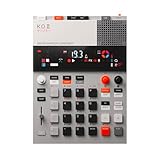
9. Teenage Engineering EP-133 K.O. II – Best Portable Sampler and Drum Machine
teenage engineering EP–133 K.O. II 128MB sampler, drum machine and sequencer with built-in microphone and effects
128MB Sample Memory
Built-in Microphone
999 Sample Slots
Song Mode
Pros
- Built-in mic for instant sampling
- Intuitive punch-in effects
- Battery powered for portability
- OS 2.0 adds resampling and sidechain
Cons
- No SD card expansion slot
- Limited storage for large sample libraries
- Plastic construction feels light
The Teenage Engineering EP-133 K.O. II takes everything that makes the PO-12 great and scales it up into a more capable sampler and drum machine. I was drawn to the built-in microphone, which lets you capture sounds anywhere and immediately chop them into beats. This kind of spontaneous sampling workflow is rare at this price point and makes the EP-133 genuinely fun to use.
The 128MB sample memory gives you 999 sample slots to fill, and the OS 2.0 update added resampling, chopping, and sidechain compression, which significantly expanded what this device can do. The 12 punch-in 2.0 effects and 6 master effects provide plenty of sound-mangling potential. The 4-track sequencer handles 12 stereo voices or 16 mono voices, which is generous for a portable unit.
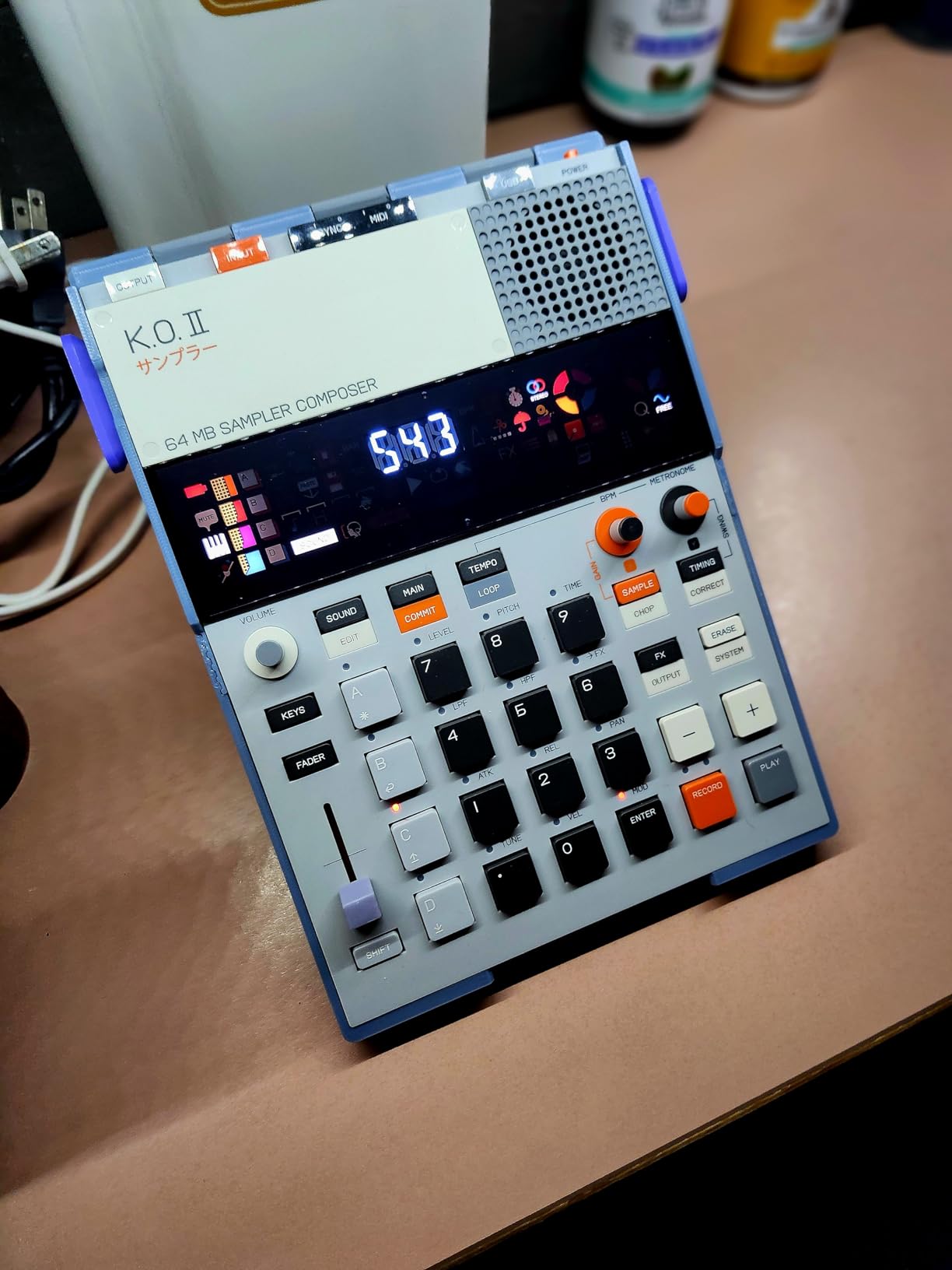
Song mode is another standout feature. You can create arrangements up to 9,801 bars long, which is enough for full compositions. The sync in/out and MIDI in/out ports mean the EP-133 integrates with external gear and other Teenage Engineering devices. Battery power from four AAA batteries keeps the portable spirit alive.
The main limitation is storage. There is no SD card slot, so you are limited to the internal memory. For producers who work with large sample libraries, this will feel restrictive. The plastic construction is also lightweight, which aids portability but does not inspire confidence when it comes to durability. These are reasonable trade-offs for what the EP-133 offers, but they are worth knowing about going in.
Who should buy the Teenage Engineering EP-133 K.O. II
Creative producers who love sampling and want a portable, self-contained device for capturing and manipulating sounds will thrive with the EP-133. It is perfect for lo-fi hip-hop, experimental music, and producers who find inspiration in field recordings and found sounds. The Teenage Engineering design philosophy also appeals to anyone who values aesthetics in their gear.
Who should look elsewhere
If you need extensive sample memory, professional-grade build quality, or deep DAW integration, look at the Elektron Digitakt II or NI Maschine Mk3 instead. The EP-133 is designed for creative spontaneity, not for being the center of a professional studio setup.
10. Elektron Model:Cycles – Best FM Synthesis Groovebox
Elektron Model:Cycles 6-Track FM Based Groove Box
6-Track FM Groovebox
300 Splice Presets
1GB Storage
Parameter Locks
Pros
- Powerful FM synthesis engine
- Excellent parameter locks per step
- Compact portable design
- Each track works as MIDI track
- Great Splice presets included
Cons
- Steep Elektron learning curve
- No ADSR envelope controls
- Snare sounds are mediocre
The Elektron Model:Cycles is a 6-track groovebox built around FM synthesis, and it produces some of the most interesting drum sounds I have heard from a compact unit. FM synthesis creates metallic, bell-like tones and deep kicks that analog machines simply cannot replicate. If you are tired of the same 808 and 909 sounds, the Model:Cycles offers a genuinely different sonic palette.
The sequencer is where Elektron machines shine. Each step can have parameter locks, which means you can change the tuning, decay, or any other parameter on every single step of a pattern. This creates evolving, complex rhythms that would take hours to program in a DAW. The 300 included presets from Splice give you a strong starting library, and the 1GB internal storage holds plenty of custom content.
Each of the six tracks can also function as a MIDI track, which means the Model:Cycles can sequence external gear. This makes it a versatile hub in a small setup. The 96 projects with 96 patterns each give you massive capacity for storing ideas. Both real-time and grid recording modes are available, catering to different workflow preferences.
The learning curve is real. Elektron machines have a reputation for complexity, and the Model:Cycles is no exception. Understanding the sound engine, parameter locks, and pattern management takes commitment. There are also no ADSR envelope controls, which limits how you shape sounds. The snare quality is mediocre compared to the kicks and hi-hats. But for producers willing to invest the time, the Model:Cycles rewards you with sounds and sequencing depth that few other machines offer at this price.
Who should buy the Elektron Model:Cycles
Producers who want unique FM drum sounds and deep sequencing capabilities will find the Model:Cycles compelling. It is ideal for techno, IDM, ambient, and any genre where sonic exploration is part of the creative process. The 4.7 rating from 126 reviews confirms that users who commit to learning the workflow are consistently impressed.
Who should look elsewhere
Beginners who want a plug-and-play experience should avoid the Model:Cycles until they are comfortable with more complex gear. Producers who prioritize sample-based beat making or classic analog sounds should look at the Roland TR-6S or Korg Volca Beats instead. The lack of ADSR controls also makes it less suited for producers who need detailed sound shaping.
11. Roland TR-6S Rhythm Performer – Best Compact Drum Machine with Classic Roland Sounds
Roland Tr-6S Compact Drum Machine
TR-808/909/606/707/CR-78 Models
FM Sound Engine
Custom User Samples
Battery Powered
Pros
- Authentic ACB-modeled TR-series sounds
- FM engine for futuristic tones
- Advanced sequencer with probability
- Compact and portable
- Battery or USB powered
Cons
- LCD menu-driven interface
- Limited sample memory
- No USB audio on Windows
- Some idle noise reported
The Roland TR-6S brings the complete Roland drum machine legacy into a compact, affordable package. Using the same ACB technology as the flagship TR-8S, the TR-6S delivers detailed circuit models of the TR-808, TR-909, TR-606, TR-707, and CR-78. These are not samples or approximations. They are mathematical recreations of the original analog circuits, and they sound remarkably close to the real thing.
I was particularly impressed by the FM sound engine, which adds futuristic, metallic tones that complement the classic analog models. The ability to mix and match sounds from different Roland machines into hybrid kits is something you cannot do on the originals. You could put an 808 kick with a 909 snare and a CR-78 hi-hat pattern in the same kit, which opens up creative possibilities that vintage purists never had.
The sequencer is deep and capable. Sub steps, flam, step loop, motion recording, and probability settings give you the tools to create complex, evolving patterns. The probability feature is especially powerful, letting you set the chance that any given step will trigger. This adds controlled randomness that makes patterns feel alive and organic.
The main frustration is the LCD-based interface. While the TR-6S has knobs for key parameters, accessing deeper settings requires menu navigation on a small screen that feels dated. The sample memory is also limited, and there is no USB audio support on Windows, which means you need to use the analog outputs for monitoring. Despite these interface quirks, the sound quality and sequencing power make the TR-6S one of the best drum machines for beat making in 2026.
Who should buy the Roland TR-6S
Producers who want the most authentic Roland drum sounds in a compact format will find the TR-6S delivers exactly that. It is perfect for house, techno, electro, and any genre built on the foundation of classic Roland rhythm. The FM engine also makes it relevant for producers exploring more experimental electronic music.
Who should look elsewhere
If you dislike menu diving and prefer knob-per-function layouts, the TR-6S will test your patience. Producers who need extensive sampling capabilities or large sample storage should look at the Elektron Digitakt II instead. Windows users should also be aware of the lack of USB audio support.
12. Native Instruments Maschine Mk3 – Best Premium Beat Production Workstation
Native Instruments Maschine Mk3 Drum Controller
25GB KOMPLETE Library
Dual Color Screens
96kHz Audio Interface
Smart Strip
Pros
- Exceptional build quality with metal construction
- Two high-res color screens for visual workflow
- 25GB included library
- Built-in pro-grade audio interface
- Full DAW integration
Cons
- No phantom power for condenser mics
- 717-page manual and steep learning curve
- Large storage requirement around 120GB
The Native Instruments Maschine Mk3 is the full-size flagship of the Maschine line, and it shows. The build quality is immediately apparent when you pick it up. Metal construction, two high-resolution color screens, touch-sensitive knobs, and 16 large, responsive pads make this feel like a professional instrument. I have spent months producing entire tracks on the Maschine Mk3, and the hardware-software integration is the best I have experienced in any beat-making system.
The included 25GB KOMPLETE 11 SELECT library provides a massive collection of sounds, instruments, and effects. You get pro-quality studio effects, creative processing tools, and enough drum sounds to keep you exploring for months. The 96kHz/24-bit audio interface built into the unit means you can record external instruments and monitor your output without needing a separate interface.
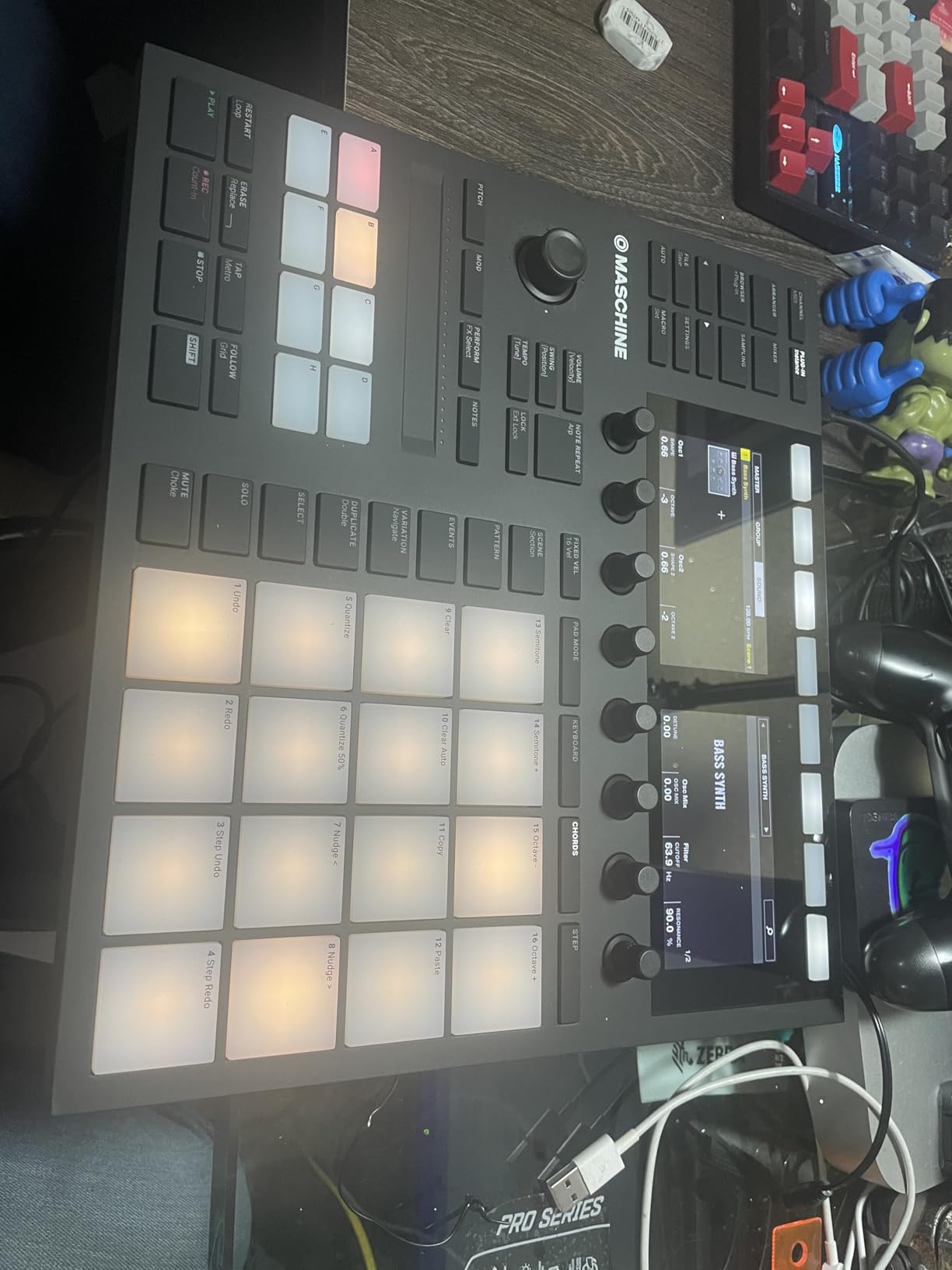
The dual color screens are a real advantage for workflow. You can browse sounds, edit patterns, mix tracks, and apply effects without looking at your computer monitor. The Smart Strip adds expressive control for pitch bending, performing effects, and strumming notes. The touch-sensitive knobs respond to how you interact with them, providing visual feedback on the screens above.
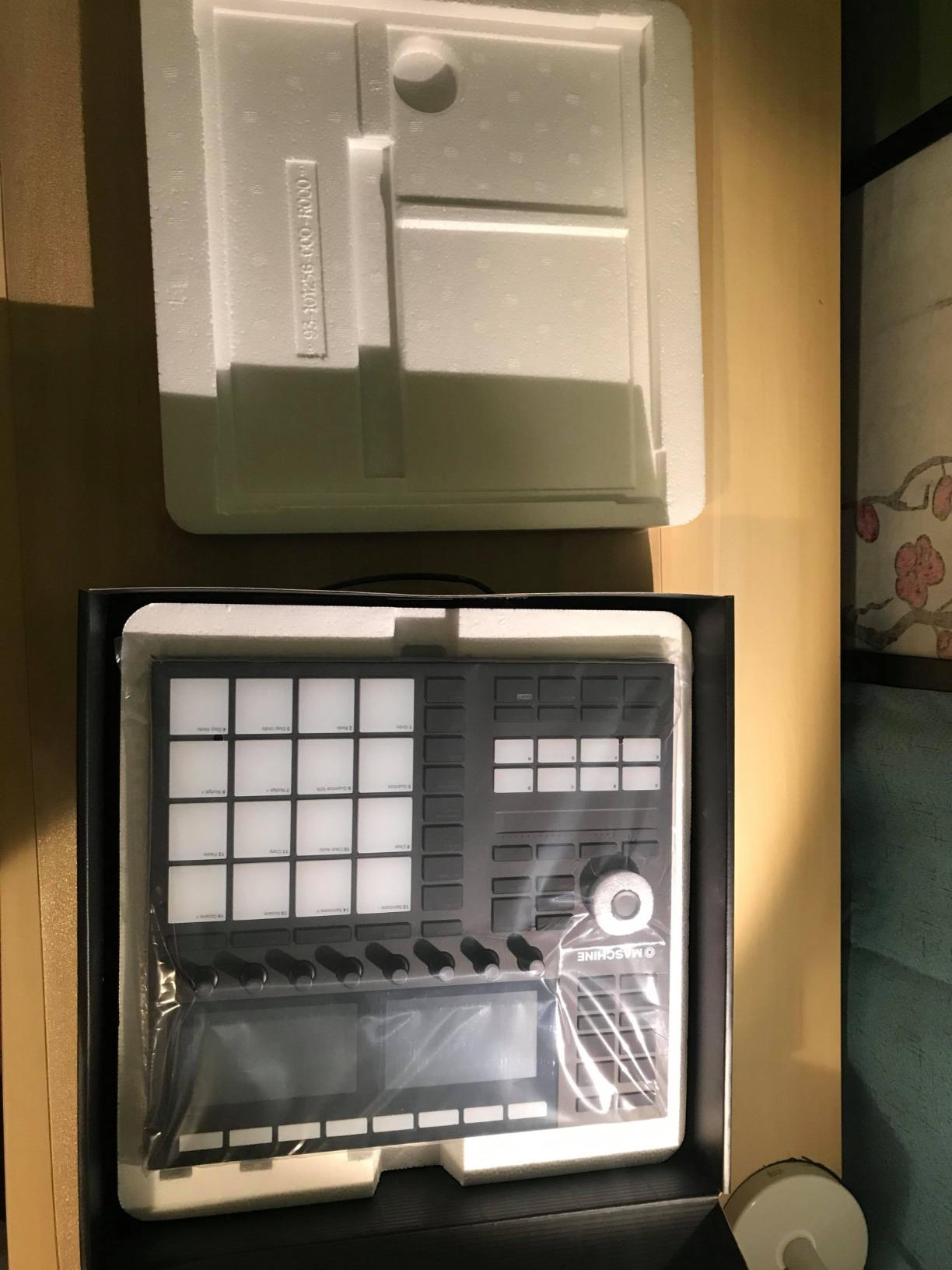
The 717-page manual tells you everything you need to know about the learning curve. The Maschine Mk3 is deep, powerful, and complex. Setting up the software, understanding the browser, and mastering the workflow takes significant time. The full software installation requires around 120GB of storage, which is substantial. Some users have also reported occasional software bugs that require reboots. But for producers committed to the Native Instruments ecosystem, the Maschine Mk3 is an extraordinarily capable beat production workstation.
Who should buy the Maschine Mk3
Producers who want a complete hardware-software beat production system and are willing to invest time in learning the workflow will get the most from the Maschine Mk3. It is ideal for hip-hop, electronic music, and any genre where sampling, finger drumming, and sound design are central. The built-in audio interface also makes it a great all-in-one solution for smaller studios.
Who should look elsewhere
If you want a standalone machine that works without a computer, the Maschine Mk3 is not the right choice. Producers on a budget should also consider the Maschine Mikro Mk3, which offers much of the same software experience in a more affordable package. The large storage requirement and complex setup also make it a poor fit for casual or beginner producers.
13. Elektron Digitakt II – Best Professional Drum Computer and Sampler
Elektron Digitakt II 16-Track Drum Computer and Sampler
16-Track Drum Computer
128-Step Sequencer
3 LFOs Per Track
Cast Aluminum Build
Pros
- Phenomenal build quality with cast aluminum
- Powerful 128-step sequencer with trig conditions
- 3 LFOs per track for deep modulation
- Song Mode for full compositions
- Professional bus compressor
Cons
- Steep learning curve
- Limited DAW integration
- No touchscreen
- Small 3-inch display
The Elektron Digitakt II sits at the top of this list for good reason. After spending weeks with it in the studio, I can confidently say it is one of the most capable drum machines ever made. The cast aluminum body feels indestructible, the knobs are precise and satisfying to turn, and the 16-track architecture handles stereo or mono samples and MIDI with equal competence. This is a professional instrument designed for serious producers.
The 128-step sequencer with trig conditions, parameter locks, and the Euclidean sequence generator gives you more creative control over rhythm than almost any other hardware drum machine available. Each of the 16 tracks can have 3 assignable LFOs for extensive modulation. The swappable filters, including multimode, low pass 4, comb, and EQ options, let you shape sounds with precision. The professional bus compressor with sidechaining adds the final polish to your mix directly within the machine.
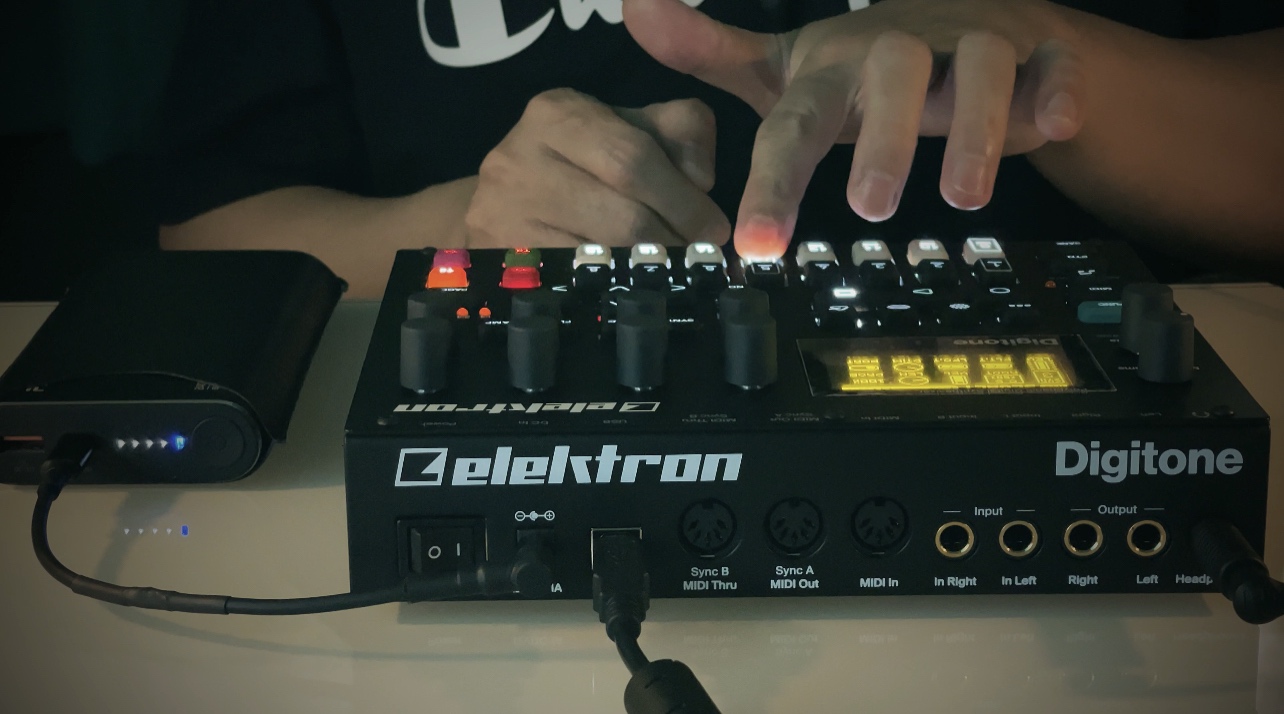
Song Mode is where the Digitakt II becomes a full composition tool. You can create, edit, and play complete arrangements without touching a computer. The delay, reverb, chorus, bit reduction, sample reduction, and overdrive effects per track mean you can process each element independently. The 4 trig modes offer different ways to trigger sounds, adding versatility to your programming.
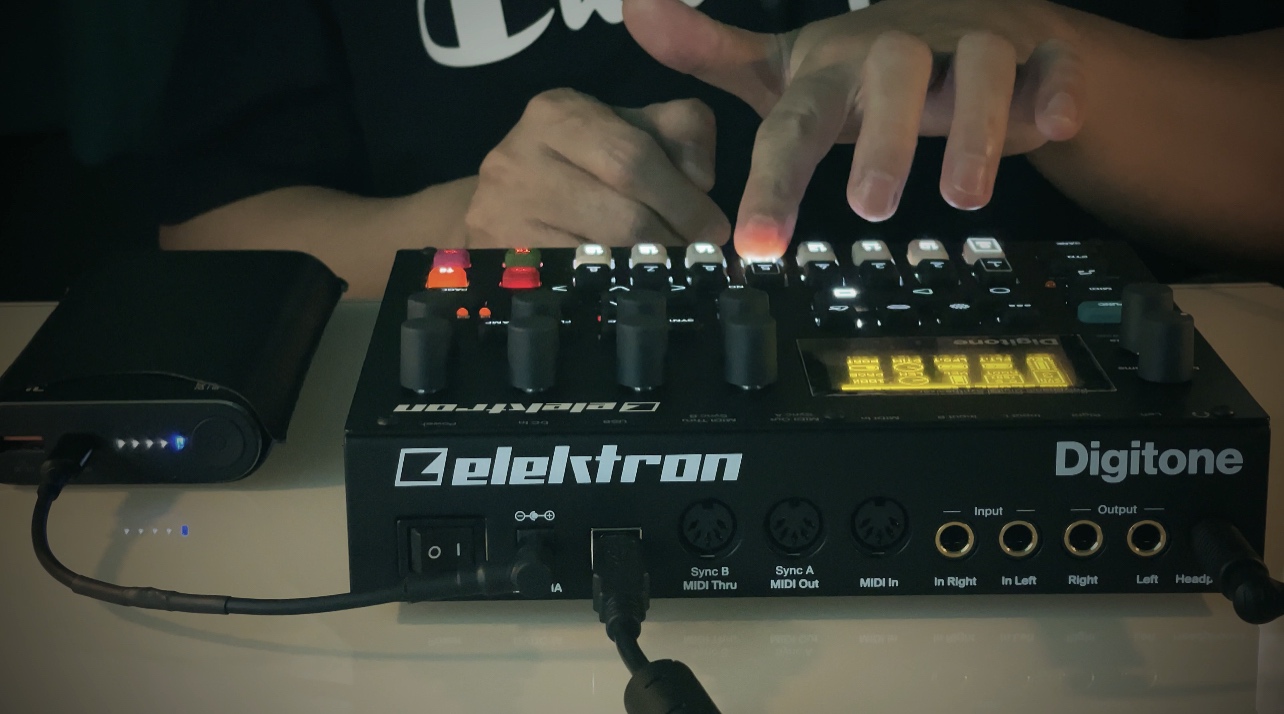
The compromises are familiar for Elektron products. The learning curve is steep, and the small 3-inch display requires significant menu navigation. There is no touchscreen, which puts it behind MPC competitors in terms of visual workflow. DAW integration is limited compared to the Maschine ecosystem. But these trade-offs are intentional. Elektron prioritizes a dedicated, focused workflow that keeps you creating rather than browsing. The 4.6-star rating from 283 reviews and the 3-year manufacturer warranty reflect the confidence both users and the company have in this machine.
Who should buy the Elektron Digitakt II
Professional producers and serious beat makers who want the most powerful hardware drum machine and sampler available should look no further. The Digitakt II excels at DAWless production, live performance, and studio work. It is ideal for techno, house, IDM, ambient, and any genre that rewards deep sound design and complex sequencing.
Who should look elsewhere
Beginners and casual producers will find the Digitakt II overwhelming and potentially frustrating. The price point also places it firmly in the professional category. If you prefer a touchscreen workflow, the MPC Live II is a strong alternative. Producers deeply invested in the Native Instruments ecosystem should consider the Maschine Mk3 for better software integration.
How to Choose the Right Drum Machine for Beat Making
Choosing a drum machine comes down to understanding your workflow, your budget, and the kind of music you want to make. I have broken down the key factors below to help you narrow down the right choice from the 13 machines covered in this guide.
Sound Engine: Analog, Digital, FM, or Sample-Based
The sound engine determines the character of your drums. Analog machines like the Korg Volca Beats and Arturia DrumBrute Impact produce warm, punchy sounds with a natural grit that digital emulations approximate but never fully replicate. Digital and sample-based machines like the Alesis SR-16 and Elektron Digitakt II offer massive sound libraries and the flexibility to load any sample you want. FM synthesis machines like the Elektron Model:Cycles create unique metallic and percussive tones that stand apart from both analog and sample-based approaches. Roland’s ACB technology in the TR-6S and T-8 bridges the gap, recreating analog circuit behavior digitally with impressive accuracy.
Sequencer Workflow: Step Sequencing vs Finger Drumming
How you prefer to program beats matters. Step sequencers (Volca Beats, TR-6S, Digitakt II) let you place hits on a grid, which is precise and great for electronic music genres. Finger drumming (Maschine, KR11, DrumBrute Impact) lets you play patterns in real time on velocity-sensitive pads, which feels more natural and spontaneous. Some machines like the Roland T-8 and Elektron Model:Cycles support both approaches. If you are new to beat making, I recommend starting with a machine that supports both so you can discover your preferred workflow.
Standalone vs Software-Dependent
This is a critical decision point. Standalone machines like the Elektron Digitakt II, Roland TR-6S, and Arturia DrumBrute Impact work independently of a computer. You can make beats anywhere, anytime, without launching software. Software-dependent devices like the Maschine Mikro Mk3 and Maschine Mk3 require a computer and software to function. They offer deeper DAW integration and larger sound libraries, but they sacrifice portability and independence. Think about where and how you want to make music before choosing.
Connectivity: MIDI, USB, CV/Gate
If you plan to integrate your drum machine with other gear, connectivity matters. The Arturia BeatStep Pro offers the most comprehensive connectivity with MIDI in/out, CV/gate outputs, and USB. The Elektron Digitakt II provides MIDI and USB with multi-channel support. Budget machines like the Volca Beats have MIDI in only, while the PO-12 has no MIDI at all. Consider what you already own and what you might add to your setup in the future when evaluating connectivity options.
Portability and Power
For making beats on the go, battery-powered machines are essential. The Roland T-8 leads with a 12-hour rechargeable battery. The Korg Volca Beats runs on AA batteries, and the Teenage Engineering PO-12 and EP-133 run on AAA batteries. Larger machines like the Maschine Mk3 and Digitakt II require wall power and are designed for studio use. If portability is a priority, focus on the battery-powered options in this guide.
Genre Considerations
Different genres favor different machines. Techno and house producers gravitate toward Roland machines for their 808 and 909 sounds. Hip-hop producers often prefer the Maschine line for sampling and finger drumming. Experimental and IDM producers love Elektron machines for their deep parameter control. Rock and pop songwriters do well with the Alesis SR-16 for its realistic sounds. Lo-fi and chill beat makers will enjoy the Teenage Engineering EP-133 for its gritty character and sampling workflow. There is no single best drum machine for every genre, which is why considering your musical direction matters.
Budget Tiers
Drum machines range from under $60 to over $1,000, and more expensive does not always mean better for your needs. Under $150, the Teenage Engineering PO-12 and Korg Volca Beats offer incredible value. The $200-$350 range includes the Roland T-8, Arturia DrumBrute Impact, Elektron Model:Cycles, and Teenage Engineering EP-133, all of which are capable production tools. Above $400, the Roland TR-6S, Maschine Mk3, and Elektron Digitakt II deliver professional-grade performance. Set your budget first, then find the best machine within that range that matches your workflow and genre preferences.
Frequently Asked Questions
What are the best beat maker machines?
The best beat maker machines in 2026 include the Elektron Digitakt II for professional sampling and sequencing, the Roland AIRA Compact T-8 for portable classic Roland sounds, the Korg Volca Beats for budget-friendly analog drums, and the Arturia DrumBrute Impact for hands-on live performance. Your best choice depends on your budget, workflow preference, and whether you need standalone operation or DAW integration.
What machine do I need to make beats?
To make beats, you need either a standalone drum machine like the Roland TR-6S or Elektron Model:Cycles, a hybrid controller like the Native Instruments Maschine Mikro Mk3 paired with your DAW, or a sampler like the Elektron Digitakt II. Beginners should start with a simple, intuitive machine like the Korg Volca Beats or Roland T-8 to learn fundamentals before investing in more complex gear.
What is the best drum machine to buy?
The best drum machine to buy depends on your needs. For professional production, the Elektron Digitakt II offers unmatched sequencing depth and sound design capabilities. For value, the Roland AIRA Compact T-8 delivers legendary sounds with portability. For budget-conscious buyers, the Korg Volca Beats provides real analog sounds at an accessible price. For DAW-based producers, the Native Instruments Maschine Mk3 is the complete workstation solution.
Are hardware drum machines better than software for beat making?
Hardware drum machines offer tactile, hands-on control that software cannot replicate. Turning real knobs and tapping physical pads creates a more intuitive and inspiring workflow for many producers. However, software offers unlimited sounds, larger libraries, and no additional cost beyond your computer. The best approach for many beat makers is using hardware for the creative process and software for arranging and mixing. Neither is universally better, but the tactile feel of hardware is consistently cited by users as more enjoyable and inspiring.
Final Thoughts on the Best Drum Machines for Beat Making
Finding the best drum machines for beat making comes down to matching a machine to your creative process. The Elektron Digitakt II stands out as the most capable professional option with its 16-track architecture and deep sequencing engine. The Roland AIRA Compact T-8 delivers remarkable value with authentic Roland sounds and a rechargeable battery that keeps you making beats for 12 hours straight. The Korg Volca Beats remains the best entry point for anyone wanting real analog drums without spending much.
For DAW-based producers, the Maschine Mk3 and Mikro Mk3 provide the best hybrid hardware-software workflow available. Live performers should look hard at the Arturia DrumBrute Impact for its punchy sound and knob-per-function immediacy. And for pure creative fun, the Teenage Engineering EP-133 K.O. II and PO-12 are impossible to beat on the portability front.
Whatever you choose, the most important thing is to start making beats. A drum machine in your hands, even an inexpensive one, will teach you more about rhythm and groove than reading reviews ever will. Pick the machine that fits your budget and workflow, and let the hardware guide you toward new creative territory in 2026.