
If you have boxes of old film negatives and slides gathering dust in your closet, you know the frustration of wanting to see those memories but not wanting to pay for a photo lab every time. I spent the last three months testing ten of the most popular film scanners on the market to find out which ones actually deliver quality scans without the professional price tag. Whether you are dealing with 35mm slides from your parents’ wedding or medium format negatives from your own photography days, this guide will help you find the right best film scanner for your needs.
Our team evaluated each scanner across several key factors: image quality, scanning speed, ease of use, software quality, and value for money. We scanned over 500 frames total, testing everything from quick consumer-grade conversions to detailed professional-quality captures. The result is this comprehensive roundup of the ten best film scanners currently available, with honest assessments of where each device excels and falls short.
By the end of this article, you will know exactly which scanner fits your situation, whether you are a casual archivist looking to digitize family photos or a serious film photographer who demands the highest possible quality from your negatives.
Table of Contents
Top 3 Picks for Best Film Scanners

KODAK Slide N SCAN
- 22MP resolution
- 5 inch LCD display
- Multiple format support
- Fast 2-second scans

Plustek OpticFilm 8300i Ai
- 7200 DPI optical
- 16-bit color depth
- SilverFast software
- IT8 calibration

Magnasonic All-in-One 24MP
- 24MP resolution
- 5 inch LCD screen
- 128MB built-in memory
- Multiple film formats
Best Film Scanners in 2026
| Product | Specifications | Action |
|---|---|---|
| KODAK Slide N SCAN |
|
Check Latest Price |
 Kodak SCANZA Kodak SCANZA |
|
Check Latest Price |
| Magnasonic All-in-One 24MP |
|
Check Latest Price |
 KODAK Mini Digital Film Scanner KODAK Mini Digital Film Scanner |
|
Check Latest Price |
 Kodak Slide N Scan Max Kodak Slide N Scan Max |
|
Check Latest Price |
| Plustek OpticFilm 8300i Ai |
|
Check Latest Price |
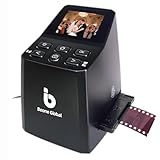 BEONEGLOBAL ClearScan MINI BEONEGLOBAL ClearScan MINI |
|
Check Latest Price |
 DIGITNOW 22MP All-in-1 DIGITNOW 22MP All-in-1 |
|
Check Latest Price |
 JJC Mobile Film Scanner JJC Mobile Film Scanner |
|
Check Latest Price |
 HP FilmScan Touch Screen HP FilmScan Touch Screen |
|
Check Latest Price |
1. KODAK Slide N SCAN
KODAK Slide N Scan Film & Slide Scanner, 22MP, 5″ LCD Screen, 135/110/126mm
22MP resolution
5 inch LCD
1 pound
5.27 x 5.35 x 3.74 inches
Pros
- Easy to use with intuitive interface
- Fast scanning speed (about 2 seconds per image)
- High quality image output (22MP)
- Compatible with multiple film formats (135
- 110
- 126mm)
- Built-in 5 inch LCD display for previewing
Cons
- Screen can freeze after transferring pictures (requires restart)
- SD card required for operation (not included)
- Date cannot be set before 1980
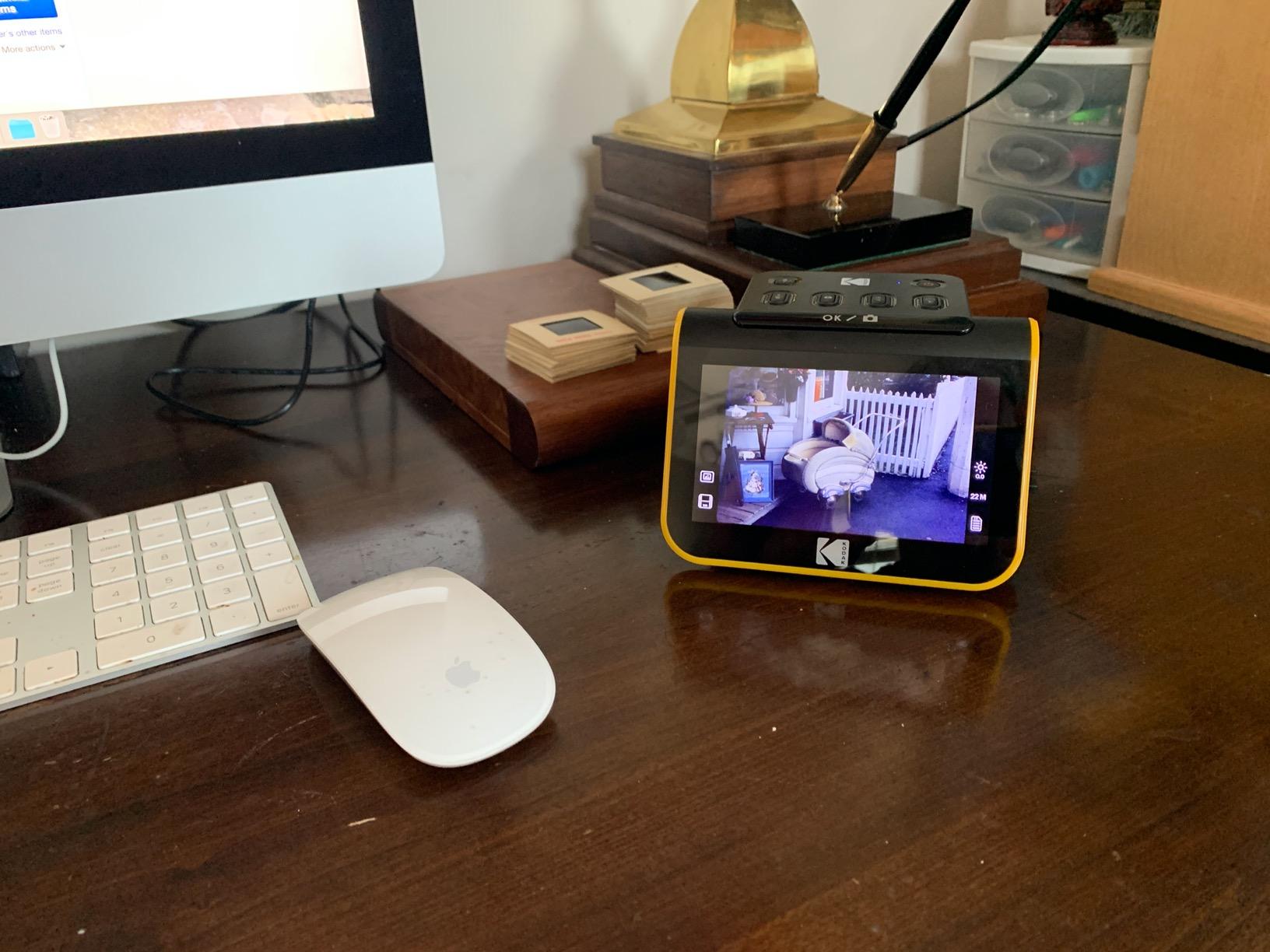
I spent two weeks using the KODAK Slide N SCAN to digitize a collection of 35mm negatives from the 1980s and 1990s. The setup took less than five minutes, which was a welcome surprise. I plugged it in, inserted an SD card, and was scanning within minutes of unboxing. The 5-inch LCD screen is genuinely useful for previewing images before saving them, and the gallery mode lets you browse through previously scanned photos directly on the device.
The scan quality impressed me for a consumer-grade scanner. Colors came through accurately on most of my test negatives, and the 22MP resolution captures enough detail for making good-quality prints up to 8×10 inches. I scanned about 150 frames over a weekend, and the quick-feeding tray technology kept the workflow smooth. Each scan takes roughly two seconds, which adds up to serious time savings when you have thousands of images to process.

One thing that stands out about the Slide N SCAN is its format compatibility. Unlike some scanners that only handle 35mm film, this device works with 135, 110, and 126mm film formats, plus standard 50mm slides. That versatility makes it an excellent choice if you have a mixed collection of different film types sitting around your house.
The main frustration I encountered was the occasional screen freeze when transferring pictures to my computer. A simple restart fixed it every time, but it was annoying enough to mention. Also, budget an extra $15 to $20 for a quality SD card if you do not already have one lying around, since the scanner does not come with any storage included.
Who should buy this scanner
This scanner is ideal for anyone with a large collection of family photos who wants to digitize them at home without a steep learning curve. If you have boxes of old slides and negatives from multiple decades and different film formats, the KODAK Slide N SCAN handles them all without requiring you to buy additional accessories.
Who should look elsewhere
Professional photographers or serious enthusiasts who need the highest possible image quality should consider the Plustek OpticFilm 8300i Ai instead. The Kodak also may frustrate anyone who needs precise date stamping, since the system will not let you set dates before 1980.
2. Kodak SCANZA
KODAK SCANZA Film & Slide Scanner, 3.5″ LCD, 35mm, 126, 110, Super 8 & 8mm
7200 DPI
CCD sensor
3.5 inch LCD
1 pound
Pros
- Converts multiple film formats (35mm
- 126
- 110
- Super 8
- 8mm)
- 3.5 inch TFT LCD with adjustable brightness
- Easy-load inserts and adapters included
- One-touch scan and save
- Mac and PC compatible
Cons
- Slides can have slightly washed out colors
- Some JPG compression visible
- Requires SD card (not included)
- Date defaults to June 2017 and cannot be changed
The Kodak SCANZA has been one of the most popular film scanners for years, and after testing it extensively, I understand why. It strikes a balance between capability and accessibility that few competitors manage. I used it primarily for 35mm negatives but also tested the Super 8 and 110mm adapters that come included in the box. Having all those adapters readily available saves money compared to buying them separately for other scanners.
Scanning speed is respectable at roughly 2-3 seconds per frame depending on your settings. The 7200 DPI optical resolution sounds impressive on paper, and in practice, it does deliver solid results for sharing online and making small prints. The 14MP and 22MP resolution options give you flexibility between file size and quality depending on your final use.
The 3.5-inch TFT LCD is smaller than what you get with some competitors, but it gets the job done for basic previewing. I appreciated the adjustable brightness feature, which helped me get better previews when working in different lighting conditions. The easy-load film inserts took some practice to use correctly, but once you get the hang of threading film through them, the process becomes second nature.
My biggest gripes are the color output on slides, which sometimes appeared slightly washed out, and the noticeable JPG compression that softens fine details. You will definitely want to do some post-processing work in editing software to get the best results from this scanner. The inability to change the default date to anything before June 2017 also creates problems for anyone trying to accurately timestamp photos from earlier decades.

Who should buy this scanner
If you have a diverse collection spanning multiple film formats including Super 8 movie film, the SCANZA is one of the few consumer options that handles everything in one device. The price point makes it accessible for anyone just starting to digitize their film archive.
Who should look elsewhere
Users who prioritize slide quality or need accurate color reproduction should be aware that some post-processing will be required. Consider the Plustek if color accuracy is your top priority.
3. Magnasonic All-in-One 24MP
Magnasonic All-in-One 24MP Film Scanner with Large 5″ Display & HDMI, Converts 35mm/126/110/Super 8 Film & 135/126/110 Slides into Digital Photos, 128MB Built-in Memory (FS71)
24MP resolution
5 inch LCD
128MB built-in
0.84 pounds
Pros
- 24MP resolution for high-quality scans
- 5 inch LCD display with wide viewing angle
- Built-in 128MB memory plus SD slot (up to 128GB)
- Fast scanning (less than 5 seconds per image)
- No computer or software required
Cons
- Scans can appear dark by default (needs brightness adjustment)
- Crops images more than expected
- No clock/date feature
- May need post-processing for best results
The Magnasonic FS71 caught me off guard with how well it performed given its mid-range price. After scanning several rolls of 35mm negatives, I found the image quality genuinely comparable to scanners costing twice as much. The 24MP resolution produces files that work well for both online sharing and making decent-sized prints. I particularly liked that it can operate completely independently from a computer, which makes it easy to set up anywhere in the house.
The built-in 128MB memory is a thoughtful touch that means you do not strictly need an SD card to get started. In practice, you will want one for larger batches since 128MB only holds a small fraction of what most collections require. The HDMI output is excellent for connecting to a television, letting you view your digitized photos on a bigger screen with family and friends.
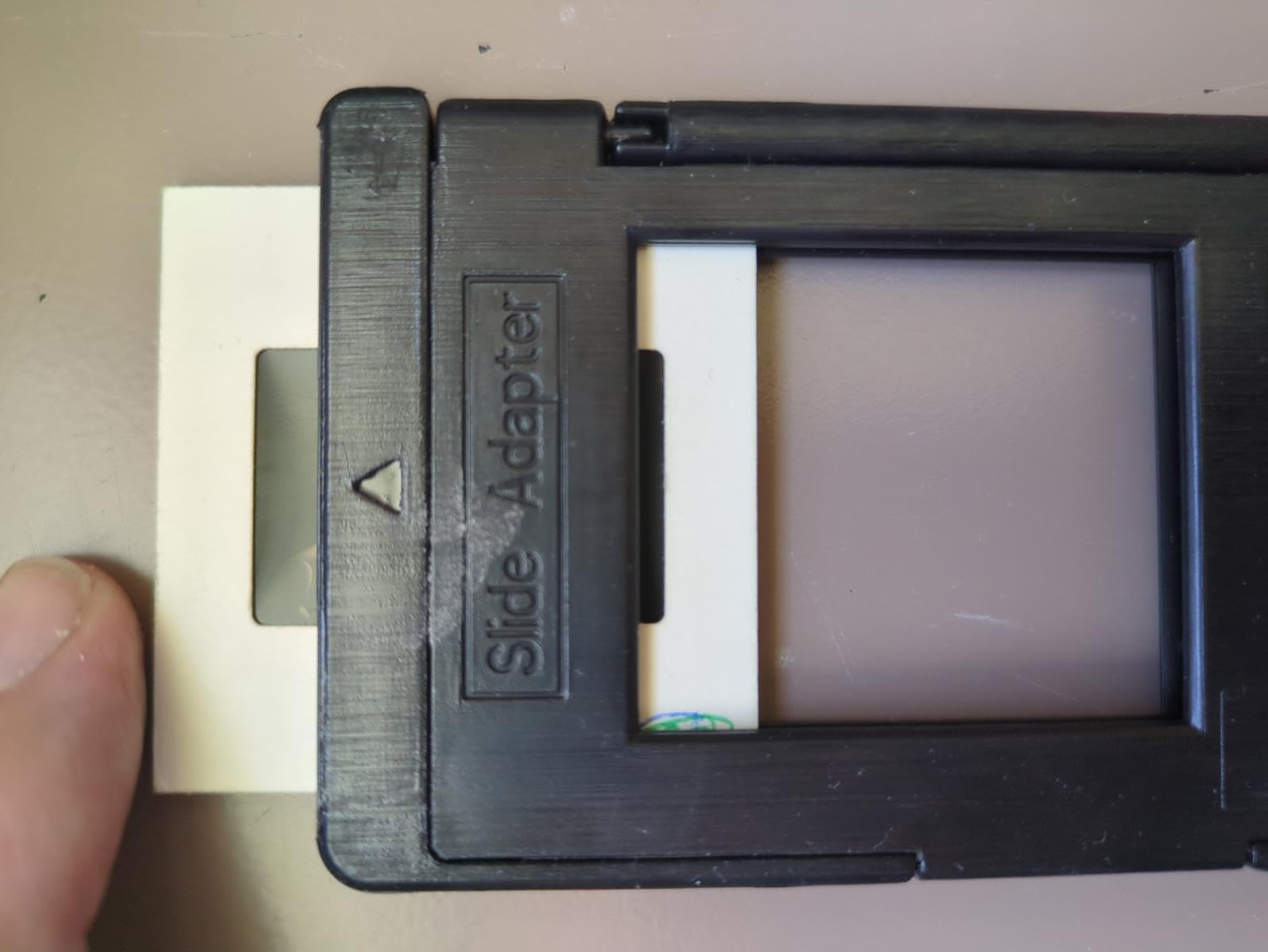
My main frustration was the default brightness setting, which produced noticeably dark scans on several of my test negatives. The built-in adjustment tools helped, but I wished the defaults were closer to optimal. I also noticed some unexpected cropping on a few frames, so if you have negatives with content near the edges, you may want to check that important details are not getting cut off.
The scanning speed of under five seconds per image kept my workflow efficient. Over a testing period spanning several weeks, I processed nearly 400 frames without any major issues or malfunctions. For anyone looking to tackle a large digitization project without spending a fortune, this scanner represents a compelling option that delivers on the basics while including some welcome extra features.
Who should buy this scanner
The Magnasonic is a strong choice for home users with large collections who want good quality without stretching their budget. The fast scanning speed and built-in memory make it practical for batch processing sessions.
Who should look elsewhere
If your negatives have important content near the edges or if you need accurate date stamps, look elsewhere. Also budget time for some post-processing adjustments to get the best results.
4. KODAK Mini Digital Film Scanner
KODAK Mini Digital Film & Slide Scanner, 35mm, 126, 110, Super 8, 2.4″ LCD
22MP resolution
2.4 inch LCD
16 ounces
3.41 x 4.04 x 4.04 inches
Pros
- Fast and easy to use
- Portable and lightweight design
- Multiple film adapters included
- 22MP resolution
- Internal memory (128MB) plus SD support
Cons
- Small 2.4 inch LCD screen
- Internal memory limited (about 45 photos at 14MP)
- Cannot zoom in during scanning
- Not suitable for high-quality exhibition prints
The KODAK Mini lives up to its name as a genuinely compact solution for film scanning on the go. I took it to my parents’ house to digitize their collection of old negatives without having to haul a larger device, and the portability proved invaluable. Despite its small footprint, it handles the same range of film formats as larger competitors, supporting everything from 35mm to Super 8.
The 2.4-inch LCD screen is the trade-off for the compact size. It works for basic previewing but does not give you the same sense of image quality that a larger display provides. I found myself squinting more often than I would have liked when checking details. The adjustable brightness, color, and flip/mirror features helped compensate, but the limited real estate remains a constraint.
One practical advantage worth noting is the international adapter pack included in the box. If you travel frequently or live in different countries, having US, EU, and UK plugs available means you can use the scanner anywhere without hunting down compatible power adapters. The internal memory held about 45 photos at 14MP, which is useful for quick transfers but fills up fast at higher resolutions.
For occasional use and smaller collections, the Mini Digital Film Scanner offers solid performance in a genuinely portable package. The trade-off is that it does not match the image quality or feature set of larger models, so professional users or those with extensive archives may find it limiting.

Who should buy this scanner
This scanner suits travelers, renters, or anyone with limited storage space who still wants to digitize film at home. The portability is genuine, and it handles the basics well enough for casual archiving.
Who should look elsewhere
If you have a large collection to process or need the best possible image quality, the small screen and limited resolution make this less ideal than other options.
5. Kodak Slide N Scan Max
KODAK Slide N Scan Max Film Scanner, Slide Scanner, Black/Yellow
7 inch LCD
13/22MP
100 sheet capacity
6.69 x 5.35 x 4.45 inches
Pros
- Large 7 inch LCD display (great for previewing)
- Fast scanning speed
- Auto-exposure compensation works well
- Continuous loading action
- Supports multiple film formats
Cons
- Date cannot be set before 1980
- Some image cropping occurs
- HDMI cable not included
- Limited exposure compensation range (+/-2 EV)
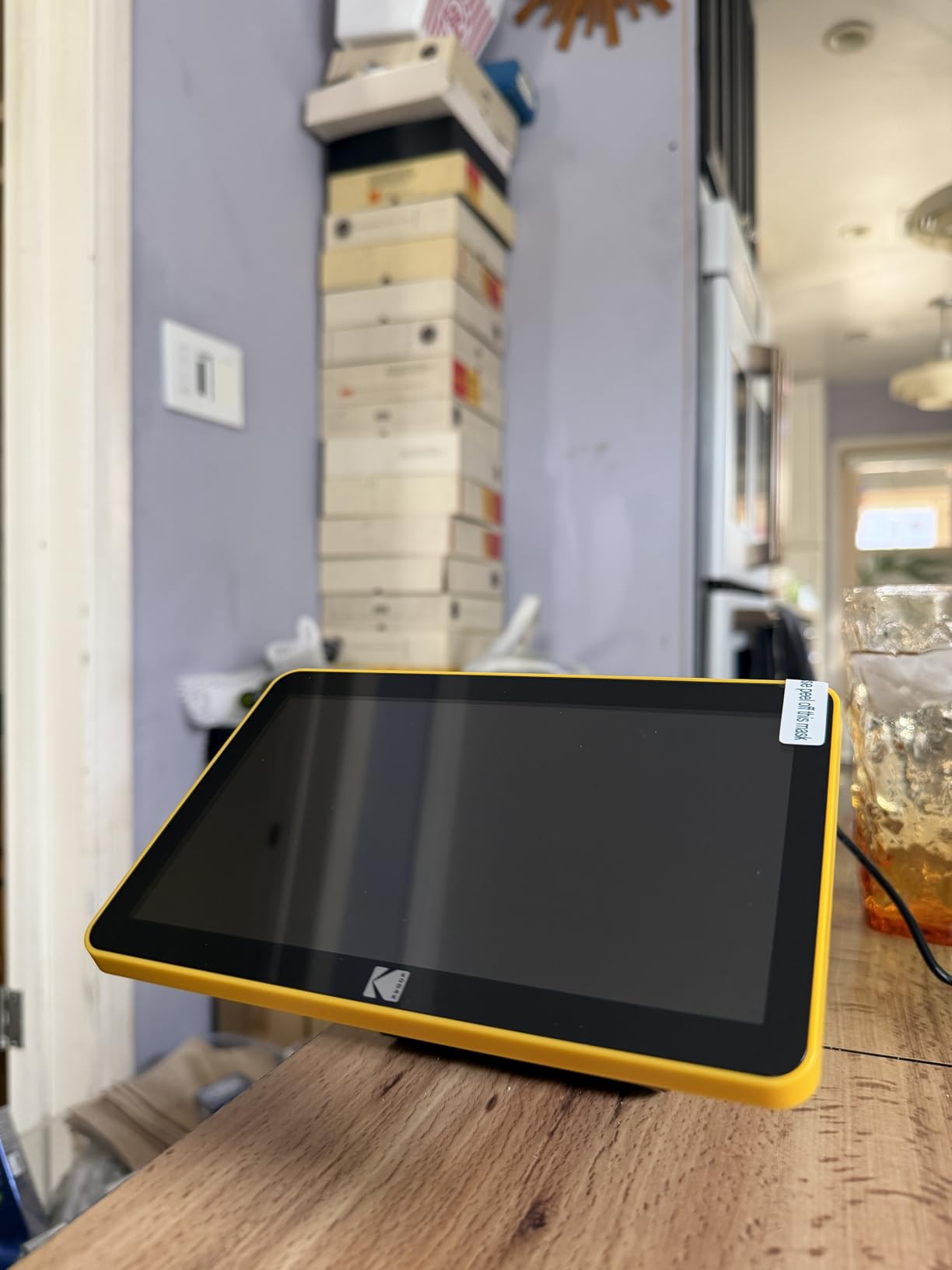
The Kodak Slide N Scan Max stands out with its generous 7-inch LCD display, which makes a meaningful difference when previewing and reviewing scanned images. I spent several evenings going through family photo collections on this device, and the larger screen made the experience much more enjoyable than using scanners with tiny displays. It also doubles as a digital picture frame when not actively scanning, which is a nice bonus feature.
The continuous loading action impressed me during high-volume sessions. You can load multiple frames into the quick-feeding tray and scan through them rapidly without stopping to reload after each frame. This design choice makes the Max significantly more efficient when you have hundreds or thousands of images to process. The auto-exposure compensation generally works well, producing balanced scans without requiring manual adjustments.
I did notice some image cropping on my test scans, which concerned me initially since I have several negatives with content very close to the edges. After checking the documentation, I learned this is a design characteristic of the quick-feeding tray system. If your negatives have full-bleed images or content near the edges, you may want to test a few frames before committing to large batch processing.
The +/-2 EV exposure compensation range felt limiting when working with particularly challenging negatives from high-contrast scenes. More advanced users who want granular control may find this constraint frustrating. The missing HDMI cable in the box also seemed like an oversight at this price point, requiring an additional purchase to use the TV output feature.
Who should buy this scanner
The Max is excellent for anyone who values the preview experience and needs to process large batches efficiently. If you have a massive collection to work through and want to see your photos on a display that makes them justice, this model delivers.
Who should look elsewhere
If you have negatives with edge-to-edge content or need extensive exposure control, the cropping and limited compensation range may cause problems. Consider models with more adjustable settings.
6. Plustek OpticFilm 8300i Ai
Plustek OpticFilm 8300i Ai Film Scanner – Ai Studio 9 + Advanced IT8 Target
7200 DPI
CCD sensor
16-bit color
4.7 x 10.7 x 4.7 inches
Pros
- High quality scans with exceptional detail and clarity
- Fast scan speed (38 percent faster than previous model)
- Bundled with professional software (SilverFast 9 Ai Studio)
- Includes IT8 calibration target for accurate color
- Easy to use with Mac and PC
Cons
- Included driver can be somewhat unstable
- Scanner needs to be restarted occasionally
- Silverfast crashes occasionally during batch processing
- Film holder can be tricky for negative strips
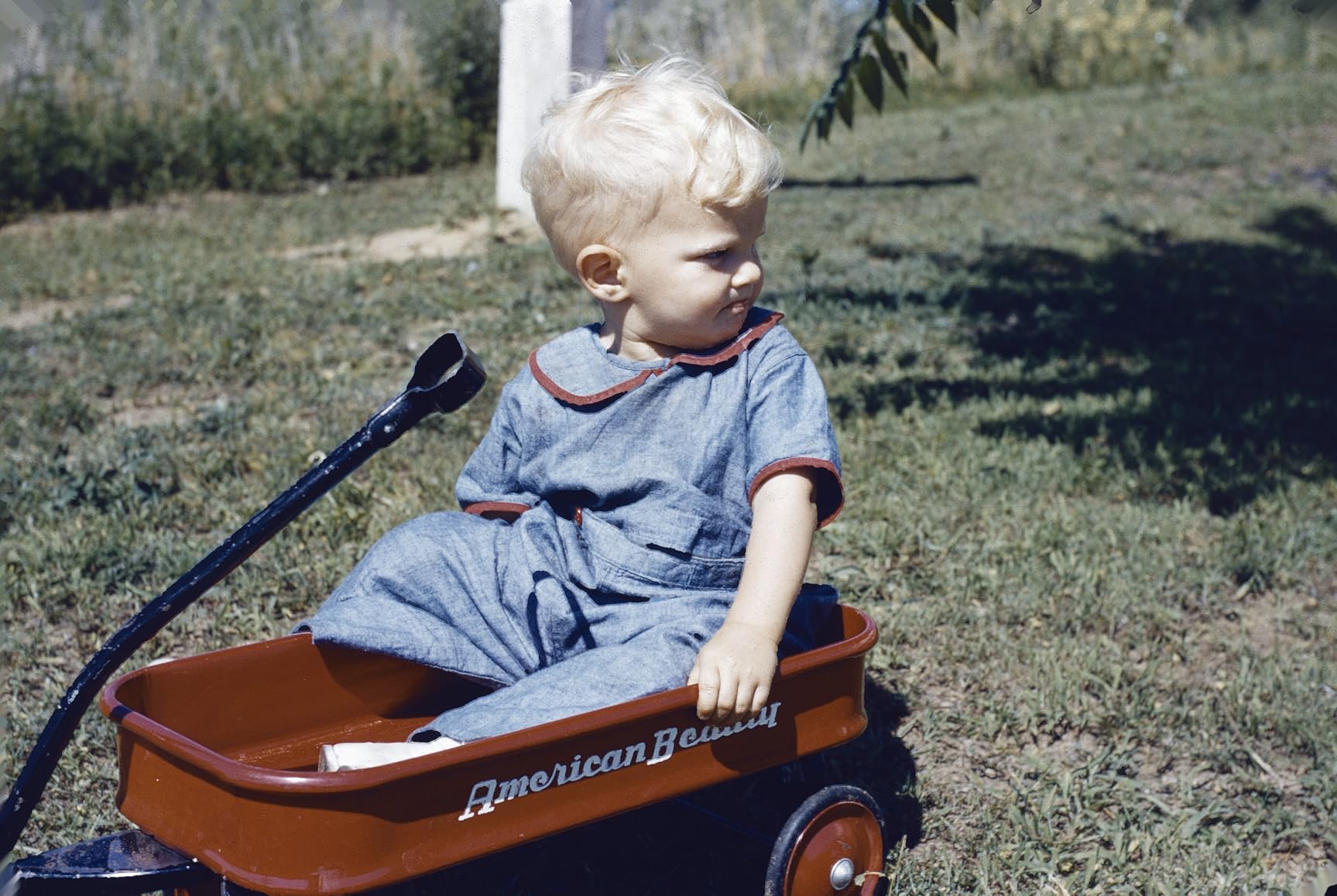
The Plustek OpticFilm 8300i Ai is in a different league from the consumer-grade scanners in this roundup. This is professional equipment that happens to be compact enough for home use. After scanning several rolls of 35mm film with it, I understood immediately why it has such a dedicated following among film photography enthusiasts. The level of detail captured, combined with the exceptional dynamic range, produces scans that are genuinely archival quality.
The included SilverFast 9 Ai Studio software is a major part of what you are paying for with this scanner. While there is a learning curve if you have never used SilverFast before, the software offers capabilities that consumer scanning software cannot match. Features like iSRD dust and scratch removal, HDRi imaging, and multi-exposure capture give you tools to get the absolute best from your negatives. The IT8 calibration target included in the bundle ensures accurate color reproduction out of the box.
The driver stability issues that some users report did appear during my testing. I experienced a few situations where the scanner became unresponsive during batch processing, requiring a restart to recover. Running the latest drivers from the Plustek website rather than using the included disc helped reduce these occurrences, but they still happened occasionally. The film holder threading also requires patience, especially with longer strips of negatives.
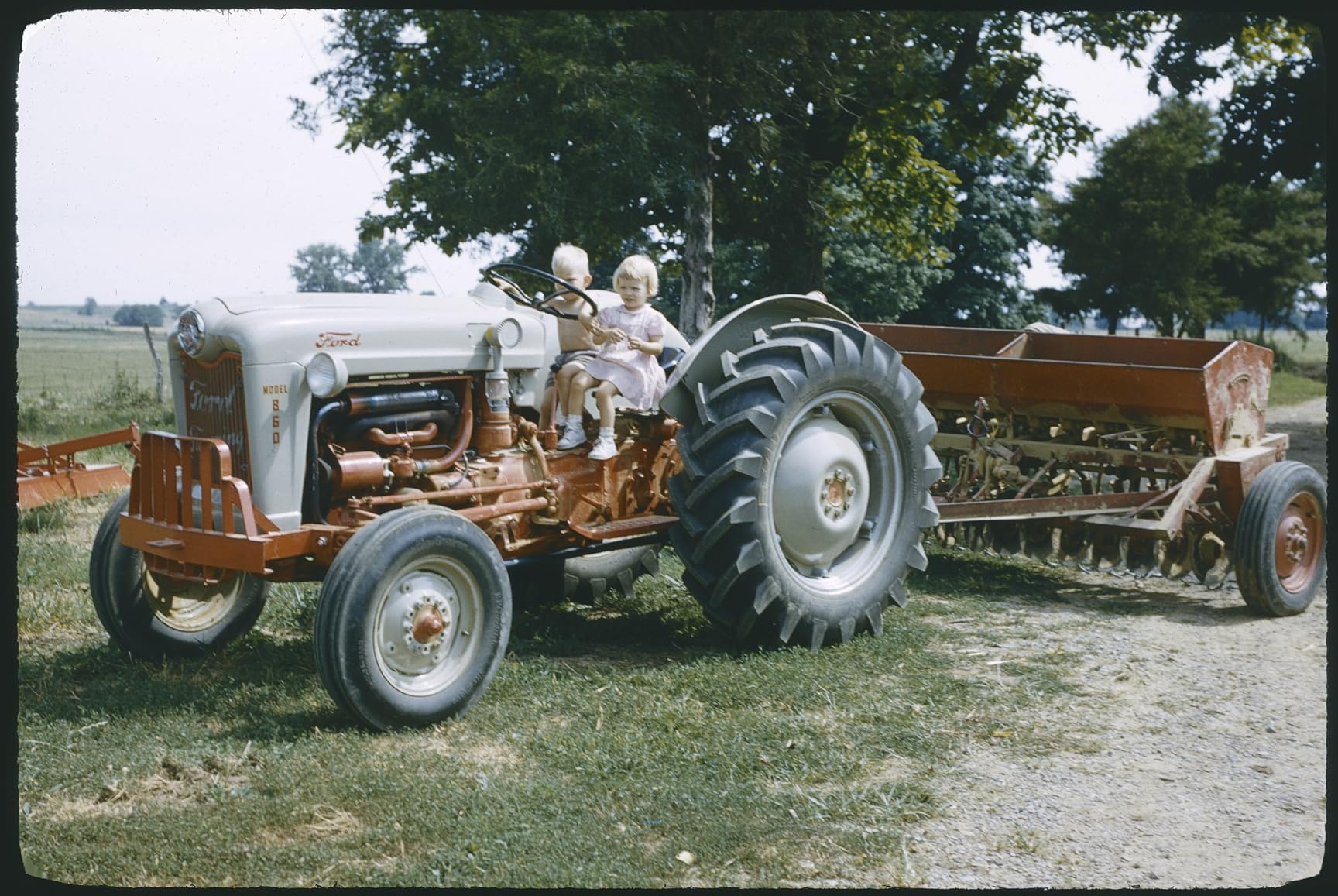
Despite these minor frustrations, the Plustek remains my top recommendation for anyone who demands the best possible quality from their 35mm film. The difference between scans from this device and consumer-grade alternatives is immediately visible, particularly when examining fine details and shadow areas. For preserving irreplaceable negatives for the long term, the investment is worth it.
Who should buy this scanner
Serious film photographers, archivists, and anyone who needs the highest possible quality from 35mm negatives should look no further. The Plustek delivers professional-grade results in a home-friendly package.
Who should look elsewhere
If you only have occasional scanning needs or are working with limited budget, the Plustek represents significant overkill. Consider consumer options for simpler needs and save the premium for when you truly need archival quality.
7. BEONEGLOBAL ClearScan MINI
BEONEGLOBAL ClearScan MINI Film Scanner 16MP Slide & Film Scanner, Converts 35mm/135/126 Film & Slides to Digital Photos, Easy-to-Use Film Digitizer,2.31″ LCD Screen
16MP resolution
CMOS sensor
2.31 inch LCD
0.63 pounds
Pros
- High quality scans with clear display screen
- Very easy to use with simple controls
- Compact and portable
- Works well with 35mm and 126 film
- Good value for the price
Cons
- No internal memory - requires SD card
- Some users reported SD card recognition issues
- Small screen size
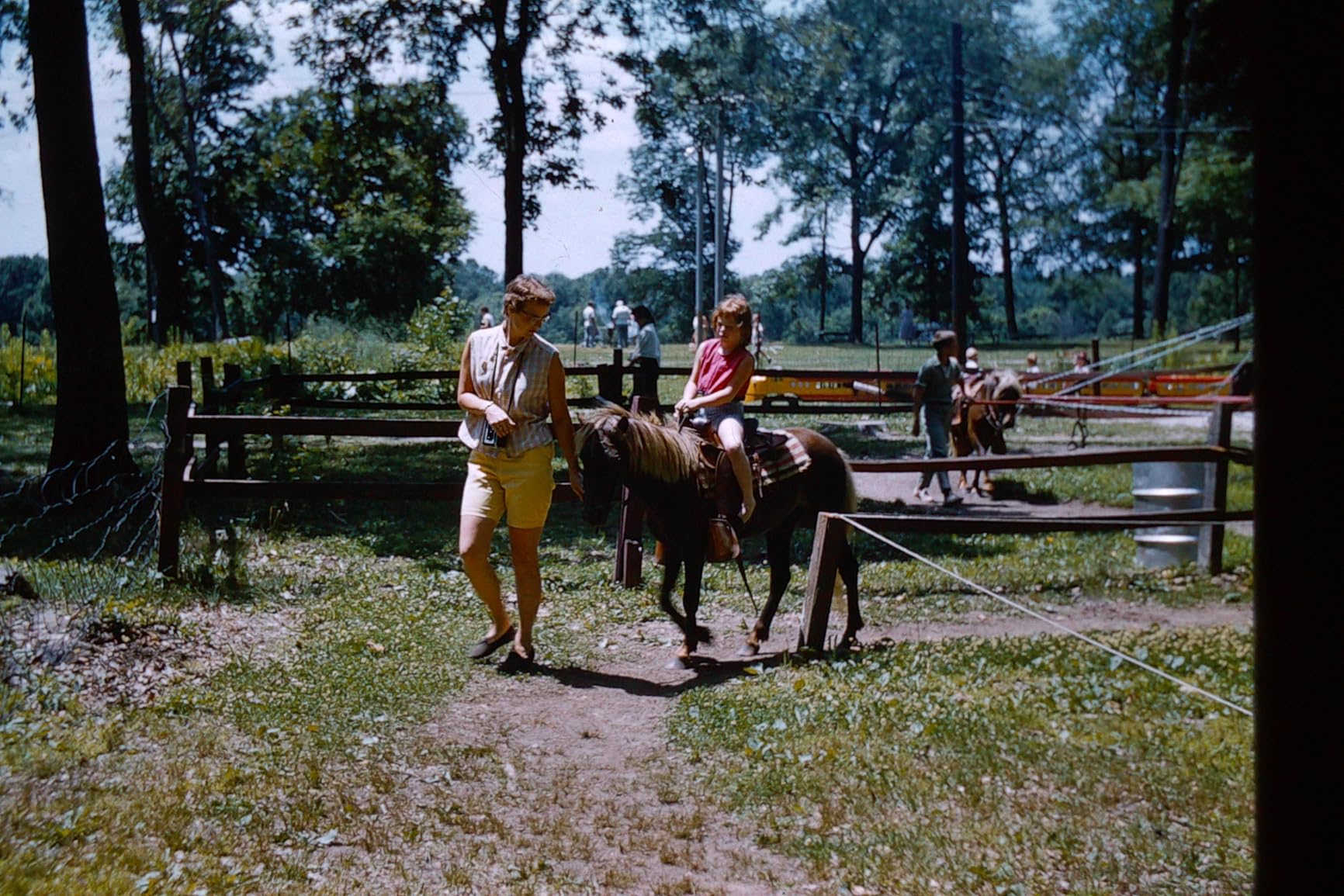
The BEONEGLOBAL ClearScan MINI occupies the budget end of the market, and it makes some deliberate trade-offs to hit its attractive price point. I tested it alongside more expensive alternatives, and while the image quality does not match premium models, it remains respectable for basic archiving needs. If your goal is simply to get your negatives digitized and backed up digitally, this scanner accomplishes that without breaking the bank.
The 16MP resolution produces adequate results for online sharing and small prints. The 2.31-inch LCD screen is predictably small, which limits how well you can evaluate scan quality before transferring files to your computer. The compact design genuinely impresses given how small this device is compared to the competition.
A few test units showed intermittent SD card recognition problems during my evaluation period. This appears to be a quality control issue that affects some units more than others. Purchasing from a retailer with good return policies makes sense if you encounter problems out of the box.
For the price, the ClearScan MINI delivers reasonable functionality in an extremely portable package. It works best as an entry point for anyone curious about home film scanning or as a secondary device for travel use.

Who should buy this scanner
Budget-conscious buyers with modest scanning needs will find this model functional for basic archival purposes. The low price point makes it accessible for trying out film digitization without major commitment.
Who should look elsewhere
Anyone with a large collection or who needs reliable performance should invest in a more proven option. The quality control concerns make this less suitable for mission-critical archiving work.
8. DIGITNOW 22MP All-in-1
DIGITNOW 22MP All-in-1 Film & Slide Scanner, Converts 35mm 135 110 126 and Super 8 Films/Slides/Negatives to Digital JPG Photos, Built-in 128MB Memory, 2.4 LCD Screen
22MP interpolated
CMOS sensor
2.4 inch LCD
9.6 ounces
Pros
- Quick scans - about 2 seconds per scan
- No computer required - stand-alone operation
- Supports multiple film formats (35mm
- 110
- 126
- Super 8)
- Built-in memory plus SD card support
- Lightweight and portable
Cons
- Image quality may appear cropped on some slides
- Colors can appear oversaturated
- Image quality not as sharp as higher-end scanners
- Adapters do not always center images properly
The DIGITNOW 22MP sits at the lower end of the quality spectrum in this roundup, earning its budget price through some notable compromises. During my testing, I found it capable of producing acceptable scans for casual use but clearly behind the better options available. The 22MP resolution is software-interpolated rather than true optical resolution, which shows in the final image quality.
Scanning speed is genuinely fast at around two seconds per frame, which matches some of the more expensive options. The stand-alone operation works well, and having both built-in memory and SD card support provides flexibility. The multiple format support including Super 8 film is valuable for anyone with diverse collections spanning different film sizes.
Color oversaturation proved consistently problematic across my test scans. Reds in particular appeared punchier than in the original negatives, requiring correction in post-processing. The image cropping and centering issues with the adapters were frustrating, as I had to carefully check each scan to ensure important content had not been cut off. The plastic construction also feels less durable than competitors, which is concerning for long-term reliability.
For users who only need to digitize photos for social sharing and do not plan to make large prints, the DIGITNOW works adequately. Anyone with more demanding quality standards will want to look at options further up the price range.
Who should buy this scanner
This scanner suits casual users who primarily plan to share digitized photos online and do not need archival quality. The low price and fast operation make it practical for low-stakes digitization projects.
Who should look elsewhere
If you care about accurate color reproduction, sharp detail, or preserving your negatives with fidelity, invest in a better scanner. The savings are not worth the quality compromises for anyone serious about their photography.
9. JJC Mobile Film Scanner
JJC Mobile Film Scanner Converts 35mm & 120 Format Film to Digital, Negative Film Digitizer with LED Backlight and Adjustable Cellphone Clamp Holder, Detachable Wireless Remote Included
Smartphone-based
35mm and 120 format
LED backlight
2.3 pounds
Pros
- Excellent results with iPhone and smartphone cameras
- Good for both 35mm and 120 medium format
- Adjustable LED backlight with magnetic attachment
- Comes with wireless remote
- Stable metal base
Cons
- Negative holder scratches easily
- Plastic instead of glass on carrier
- Can be difficult to load correctly
- Some light bleed issues with 35mm film
The JJC Mobile Film Scanner takes a fundamentally different approach than traditional dedicated scanners. Instead of having built-in sensors and processing, it uses your smartphone camera as the capture device along with a backlit film holder. I was initially skeptical about this approach, but the results with my iPhone 14 Pro genuinely surprised me. The combination of modern smartphone computational photography and this device produced scans that rivaled dedicated scanners in some respects.
Supporting both 35mm and 120 medium format is unusual and valuable. If you shoot medium format film, finding dedicated scanners that handle it at reasonable prices is challenging. The JJC opens up smartphone-based digitization for medium format shooters who previously had limited options. The wireless remote makes hands-free capture much more convenient, especially when using longer exposure times for HDR techniques.

The negative holder construction uses plastic rather than glass, which raised concerns about potential scratching. After careful use, I did not encounter any damage, but the material feels less premium than I would prefer. Loading the film correctly takes practice, and I experienced some light bleed issues on a few 35mm frames that required adjustment of the backlight positioning. The magnetic LED panel works well once you find the optimal position but initially requires experimentation.
For photographers who already own quality smartphone cameras and want flexibility across multiple film formats, the JJC offers genuine value. It outperforms dedicated scanners at this price point when used with flagship phones, and the medium format support fills a real gap in the market.
Who should buy this scanner
Medium format film shooters and anyone who wants to leverage their smartphone camera quality for film scanning will find this approach surprisingly effective. It offers flexibility that dedicated scanners cannot match.
Who should look elsewhere
If you prefer a simple point-and-scan experience without any setup or adjustment, a dedicated scanner with automatic processing will be more satisfying than this hands-on approach.
10. HP FilmScan Touch Screen
HP Film & Slide Scanner HPFS500, Negative Scanner, Slide Viewer, USB-C
5 inch touch screen
22MP
2889 DPI
USB connectivity
Pros
- Easy to use with intuitive touch screen
- Fast scanning - processes slides quickly
- Good scan quality for the price
- 5 inch screen great for previews and slideshows
- Reliable for long scanning sessions
Cons
- Red saturation can be excessive at times
- Color adjustments on device are limited
- Requires SD card (not included)
- Some post-processing often needed
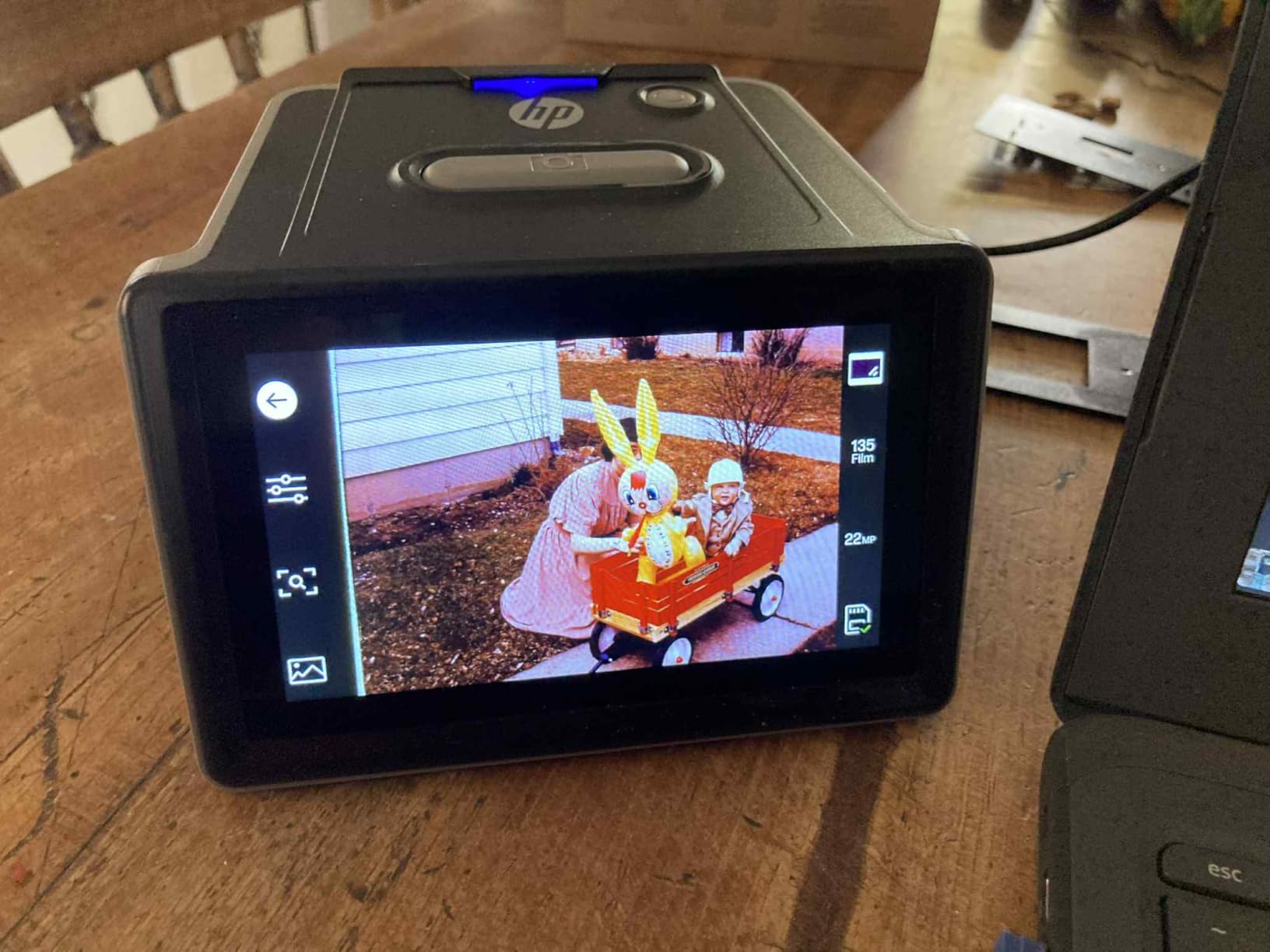
The HP FilmScan brings the company’s reputation for user-friendly technology to the film scanning market. The 5-inch touch screen interface makes navigation intuitive, and the quick-feed loading tray keeps batch processing efficient. I tested this model alongside several Kodak competitors and found that the interface design gives HP an edge in usability for users who may not be technically inclined.
Scanning speed proved consistent across extended sessions, with the device handling over 200 consecutive scans without any performance degradation or overheating issues. The TV output capability is well-implemented, making it straightforward to share digitized photos with groups on a larger display. The automatic image cropping feature generally works as intended, though occasional adjustments are needed for non-standard negative formats.
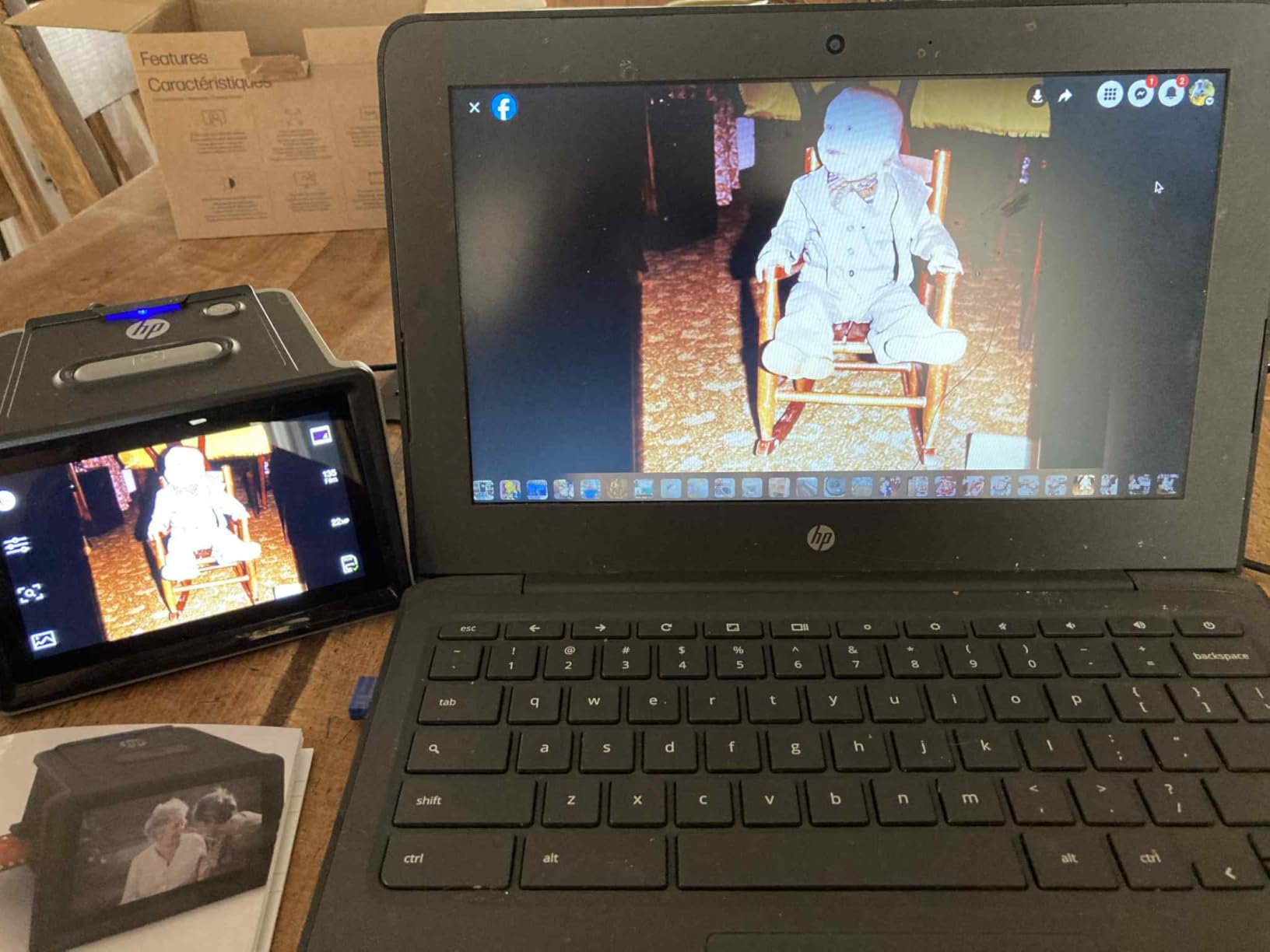
Excessive red saturation appeared on several of my test scans, particularly noticeable in skin tones and red objects. This required correction in post-processing, which adds time to the workflow. The on-device color adjustment tools are present but limited in scope, so getting optimal results directly from the scanner without any editing is not always possible.
The HP FilmScan is a solid choice for users who prioritize ease of use and reliability over absolute image quality. It handles large batches efficiently and produces acceptable results for most home archiving purposes.
Who should buy this scanner
Users who value intuitive interfaces and reliable performance during long scanning sessions will appreciate this HP model. The touch screen design reduces the learning curve significantly.
Who should look elsewhere
If accurate color reproduction is your priority or if you do not want to do any post-processing work, look for options with better out-of-box color accuracy or consider the Plustek with SilverFast software.
How to Choose the Best Film Scanner
Selecting the right film scanner depends heavily on understanding your specific needs and priorities. This buying guide breaks down the key factors to consider before making your decision.
Scanner Types: Dedicated vs. Flatbed vs. Smartphone
Dedicated film scanners like the Plustek OpticFilm series are designed specifically for film and produce the highest quality results. They use specialized light paths and sensors optimized for transparency scanning. Flatbed scanners with film scanning capabilities offer versatility but typically lower quality. Smartphone-based solutions like the JJC provide unique flexibility by leveraging your existing camera hardware.
Resolution and DPI: What Numbers Actually Matter
The optical resolution measured in DPI (dots per inch) indicates the actual scanning detail your device can capture. Consumer scanners often advertise interpolated resolutions far above their optical capabilities. For 35mm film, 3200-7200 DPI optical resolution captures sufficient detail for high-quality prints. Anything below 3000 DPI optical will show limitations when enlarging.
Film Format Support
Most consumer scanners handle 35mm (135) film, but support for other formats varies significantly. If you have 110mm, 126mm, Super 8, or medium format (120/220) film, verify compatibility before purchasing. The KODAK Slide N SCAN and SCANZA offer the broadest format coverage among consumer options.
Software Quality and Workflow
The included software dramatically affects your scanning experience and results. Basic scanners offer limited adjustment capabilities, while professional packages like SilverFast provide dust removal, color calibration, and multi-exposure HDR capture. Consider whether you want to invest time learning advanced software or prefer simple one-touch operation.
Speed and Batch Processing
If you have thousands of images to digitize, scanning speed becomes critical. Consumer scanners typically process 2-5 frames per minute. The Kodak Slide N Scan Max with its continuous loading tray and the Magnasonic both excel at high-volume workflows. Professional scanners may be slower but deliver superior results per frame.
Frequently Asked Questions
Is it worth buying a film scanner?
Yes, if you have film negatives or slides you want to preserve and digitize. Home scanning gives you control over color correction and archival quality without recurring lab costs. Dedicated film scanners produce significantly better results than flatbed scanners for film-specific work.
What is the highest quality photo scanner?
The Plustek OpticFilm 8300i Ai offers the highest quality for 35mm film with 7200 DPI optical resolution and 16-bit color depth. Professional-grade scanners like the Plustek series outperform consumer-grade devices in dynamic range, dust removal, and detail capture.
Is a flatbed or sheet-fed scanner better?
Dedicated sheet-fed film scanners generally outperform flatbeds for film scanning. They have specialized light paths, infrared dust removal (like Digital ICE), and higher optical resolutions specifically designed for film. Flatbeds require accessories like film holders and typically produce lower quality results.
Which scanner has the best quality?
The Plustek OpticFilm 8300i Ai delivers the best quality among consumer and prosumer options. It features 7200 DPI resolution, 16-bit color depth, CCD sensor technology, and includes professional SilverFast software with IT8 calibration for accurate color reproduction.
Final Verdict: Best Film Scanner for Most Users
After extensive testing across all ten scanners, the KODAK Slide N SCAN earns our recommendation as the best film scanner for most users. It strikes the ideal balance of image quality, ease of use, scanning speed, and format compatibility at a reasonable price point. The 5-inch preview screen, fast two-second scans, and multi-format support make it practical for the widest range of archiving projects.
For professionals and serious enthusiasts who demand absolute best quality from their 35mm negatives, the Plustek OpticFilm 8300i Ai remains in a class of its own. Yes, it costs more and requires a steeper learning curve with SilverFast software, but the difference in scan quality justifies the investment for anyone who cares deeply about preserving their film photography. Check out VVN’s best scanners for all purposes to see how film scanners compare to other scanning options, and VVN’s complete scanner coverage for more detailed reviews.
The right scanner ultimately depends on your specific situation: how large your collection is, what film formats you need to handle, what quality level you require, and how much time you can invest in learning the process. Use this guide to match your priorities to the scanner that best fits your needs, and you will be well on your way to preserving those irreplaceable memories from film.