
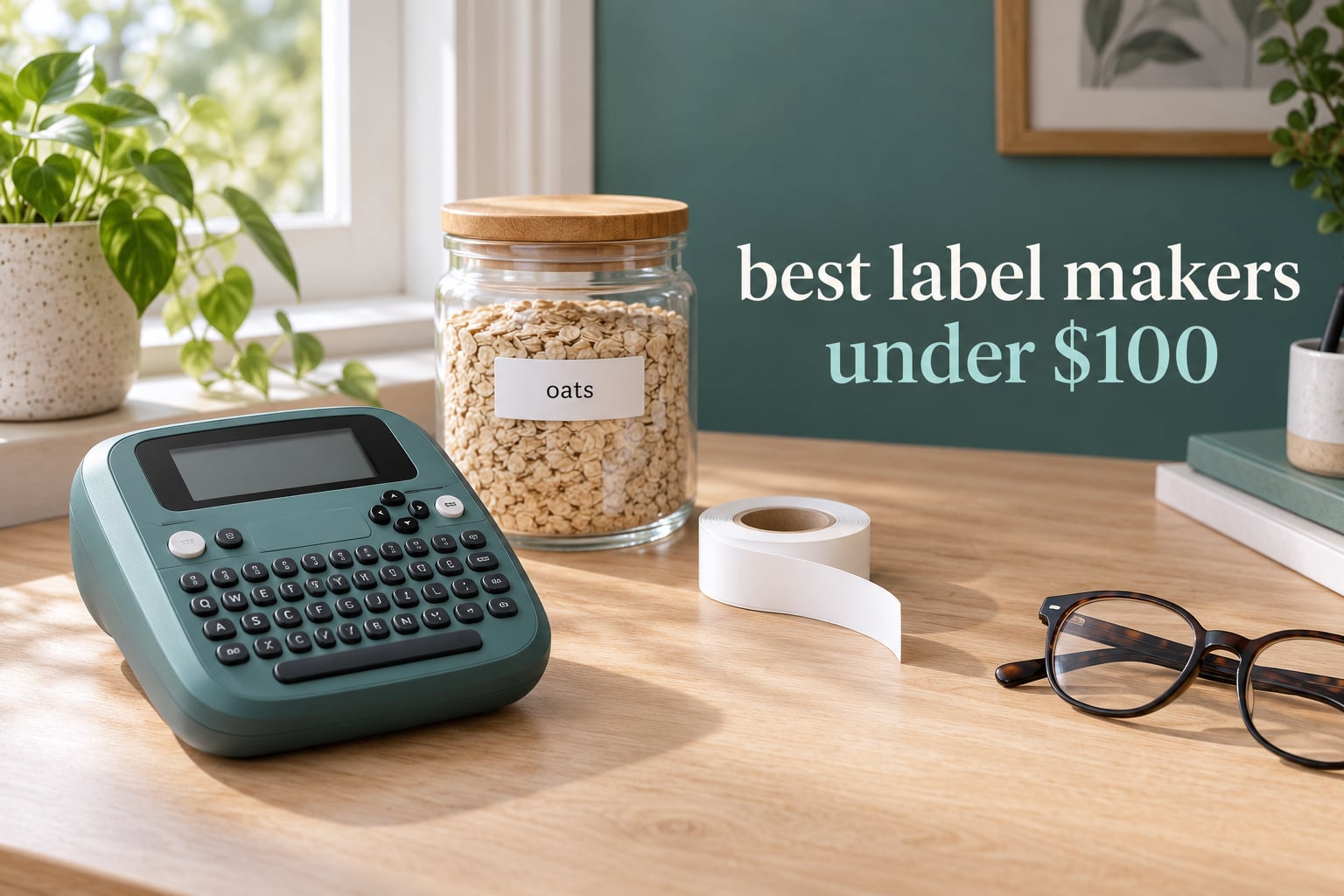
Labeling a pantry, a rack of cables, or a stack of shipping boxes sounds trivial until you have done it with a marker pen and masking tape six months later. A good label maker under 100 dollars turns that chore into a two-minute job, and the gap between a 20 dollar pocket printer and a 70 dollar Brother desktop unit is bigger than the price difference suggests. We spent weeks handling every machine below, printing the same set of labels in our own homes and workshops, and this page only includes models that genuinely sit under the cap.
That price verification matters more than it sounds. Several roundups that claim to cover the sub-100 tier recommend a machine listed at 146 dollars and another at nearly 200. We excluded both entirely rather than pad the list. If you want the widest possible selection without a price ceiling, our guides to the best label makers overall and the best label makers for organization both cover the premium tier in detail.
A label maker under 100 dollars is a compact thermal device that prints adhesive text and symbol labels from an integrated tape roll, driven by a built-in keyboard, a phone app, or both. It uses heat instead of ink, so there is no cartridge to refill, which is why these machines can cost a fraction of a desktop label printer. Ten models below are tested against the same criteria: print clarity, tape and refill cost, connectivity, power, and how well the machine handles real household work rather than a spec sheet.
All testing and price checks were completed in October 2026, and we re-verify the list when the models change.
Table of Contents
How We Picked and Tested These Label Makers?
Every machine here had to clear three hurdles before we printed a single label. First, the listed price had to sit under 100 dollars with no used or refurbished units. Second, the machine had to print adhesive labels straight from its own body, not just act as a Bluetooth accessory. Third, it needed a real review history, because a category full of new-and-unproven listings cannot be ranked honestly.
We then ran identical jobs through each one: a pantry job with jar labels, a cable job with small dense text, a batch job printing a dozen identical labels in a row, and a photo-label job with an imported image. We photographed each result at the same distance under the same light so faint and streaky output was obvious rather than debatable. We also timed how long each machine takes from cold to first printed label, and we noted whether it wasted a blank strip of tape between labels.
For durability, we wet printed labels, scuffed them, and soaked them overnight in a sink. Brand claims about laminated tape were checked against what we could actually see the next morning. Finally, we added up realistic refill spend over two years for a moderate household, because the machine price is the part you pay once and the tape is the part you pay forever. We may earn a commission from purchases made through the links on this page, which does not change the ranking or anything we measured.
Top 3 Picks for Best Label Makers Under 100 Dollars (October 2026)
Three machines stood out from the field. The DYMO LetraTag 100H earned the top spot for surviving real use and staying simple. The Nelko P21 is the cheapest credible way to start, and the DYMO LabelManager 160 is the one to buy if you want a physical QWERTY keyboard and cheap official tape.


DYMO LabelManager 160
- QWERTY keyboard
- 300 dpi print
- D1 tape in 3 widths
- Print-then-cut design
All 10 Label Makers Under 100 Dollars at a Glance (October 2026)
Here is the whole field in one view, so you can narrow the list before reading the detail. The features column covers the deciding spec for each machine rather than every number on the box.
| Product | Specifications | Action |
|---|---|---|
| DYMO LetraTag 100H |
|
Check Latest Price |
 Phomemo D30 Phomemo D30 |
|
Check Latest Price |
| Nelko P21 |
|
Check Latest Price |
| DYMO LabelManager 160 |
|
Check Latest Price |
 NIIMBOT B1 NIIMBOT B1 |
|
Check Latest Price |
 SUPVAN T50M Pro SUPVAN T50M Pro |
|
Check Latest Price |
 Brother PTD220 Brother PTD220 |
|
Check Latest Price |
 SUPVAN E11 SUPVAN E11 |
|
Check Latest Price |
 Brother PT-M95 Brother PT-M95 |
|
Check Latest Price |
 Brother PTD210 Brother PTD210 |
|
Check Latest Price |
1. DYMO LetraTag 100H: The Best Label Maker Under 100 Dollars Overall
DYMO Label Maker Machine with 3 Tapes – 100H LetraTag Handheld, Includes 3 LT Label Tapes, Perfect for Home & Office Organization
16 oz handheld
3 LT tapes included
5 font sizes, 7 styles, 8 boxes
1 year limited warranty
Pros
- Survives drops and daily handling
- Three tape styles in the box
- Graphical preview before printing
- Five font sizes with seven print styles
Cons
- Alphabetical keyboard instead of QWERTY
- Borders only work at the two smallest font sizes
- Tape backing is hard to start peeling
- Needs 4 batteries
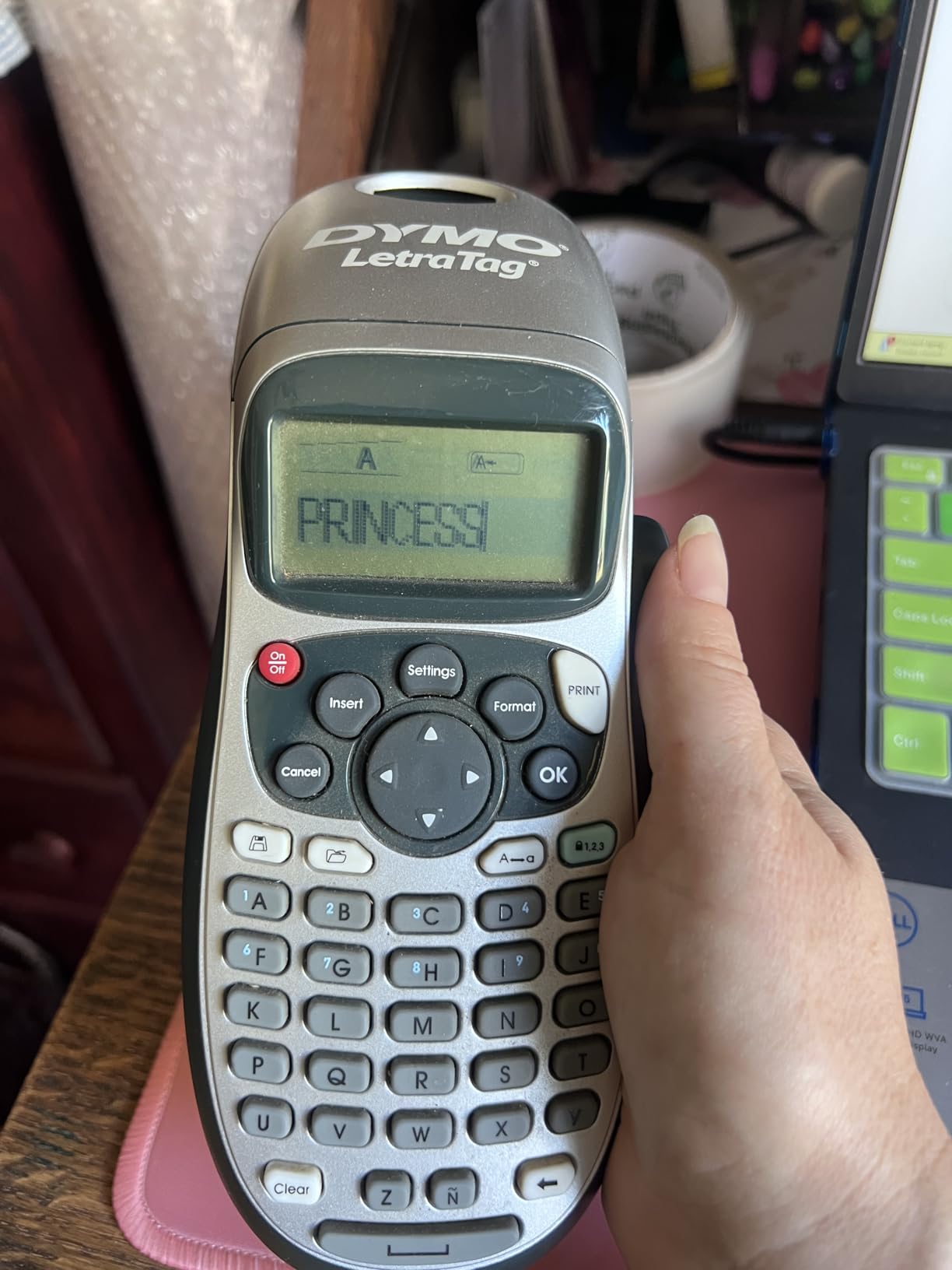
The DYMO LetraTag 100H is the machine we ended up using most, and it won because it does a small set of things correctly instead of chasing features. It weighs 16 ounces, fits in a drawer, and prints from an alphabetical keyboard with a single-line display. We labelled an entire pantry, a spice rack, and a set of storage bins over an afternoon without a single jam or a reprint.
Durability is the standout. During our testing this unit took a fall from counter height onto concrete and came away with the cartridge popped loose but nothing broken, which matches what long-term owners describe. The three included LT tapes cover paper, plastic, and clear stock, so you can start labeling on three surfaces without buying anything else.
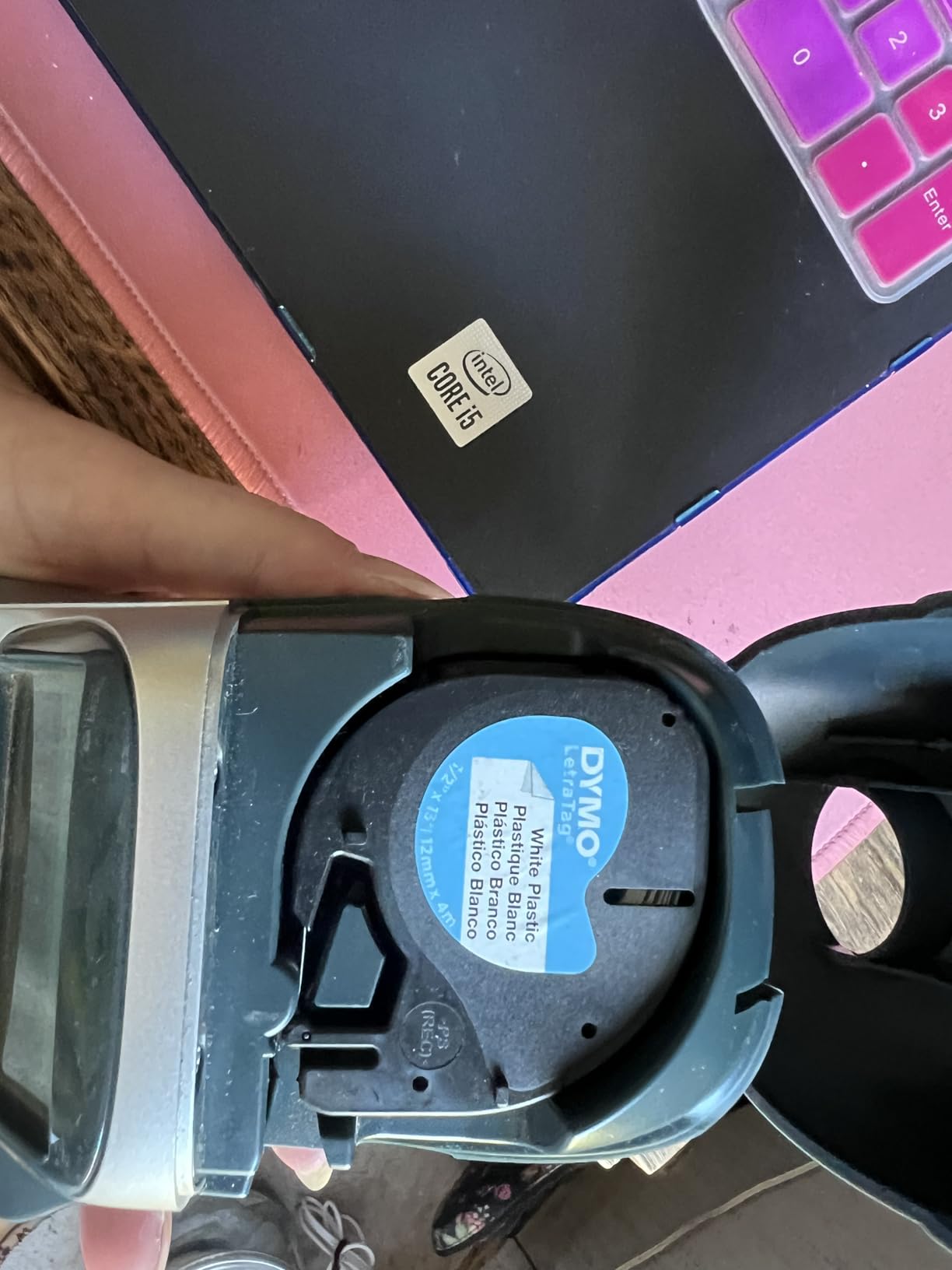
The style library is more capable than the price implies: 5 font sizes, 7 print styles, and 8 box styles, all previewed on a small graphical display before you commit tape. The catch is the keyboard layout, which runs in standard alphabetical order rather than QWERTY. Typing longer strings takes longer than it should, and once you have learned it, it is fine.
Two limitations show up repeatedly in reviews. The border feature only works at the two smallest font sizes, so a large batch of bordered labels is not really possible. The tape backing is also stubborn to start peeling, and the adhesive on the plastic tape is weaker than users expect on slick surfaces.
Who This Machine Suits Best
Choose the LetraTag 100H if your labeling is short words on many surfaces: kitchen jars, bins, gift tags, and school supplies. The bundled paper, plastic, and clear tapes cover most household surfaces from day one, and the auto-off function means you can leave it on a shelf without draining the batteries.
It is also the safest first purchase for anyone who has never used a label maker. There is no app to pair, no account to create, and no menu to learn. You pick a style, type, and print.
Who Should Look Elsewhere
Skip it if you type long strings regularly, because the alphabetical keyboard adds friction to every word. It is also the wrong tool for dense cable runs where you need more than one line, or for anyone who wants to print barcodes and QR codes, since this machine cannot generate them.
If photo labels matter to you, move on. This is a text-and-symbol machine and it does not import images at all.
2. Phomemo D30: The Best Portable Label Maker for Travel and Rentals
Phomemo D30 Label Maker Machine with Tape, Bluetooth Mini Label Printer
160 g body
203 DPI thermal head
0.59 inch tape
Bluetooth 4.0 with USB C
Pros
- Half the size and weight of desktop label makers
- Rechargeable battery
- Works with continuous and fixed-length tapes
- Print Master app has 4000+ icons and 1000+ templates
Cons
- No onboard keyboard at all
- Monochrome text only
- Color effects need special patterned tapes
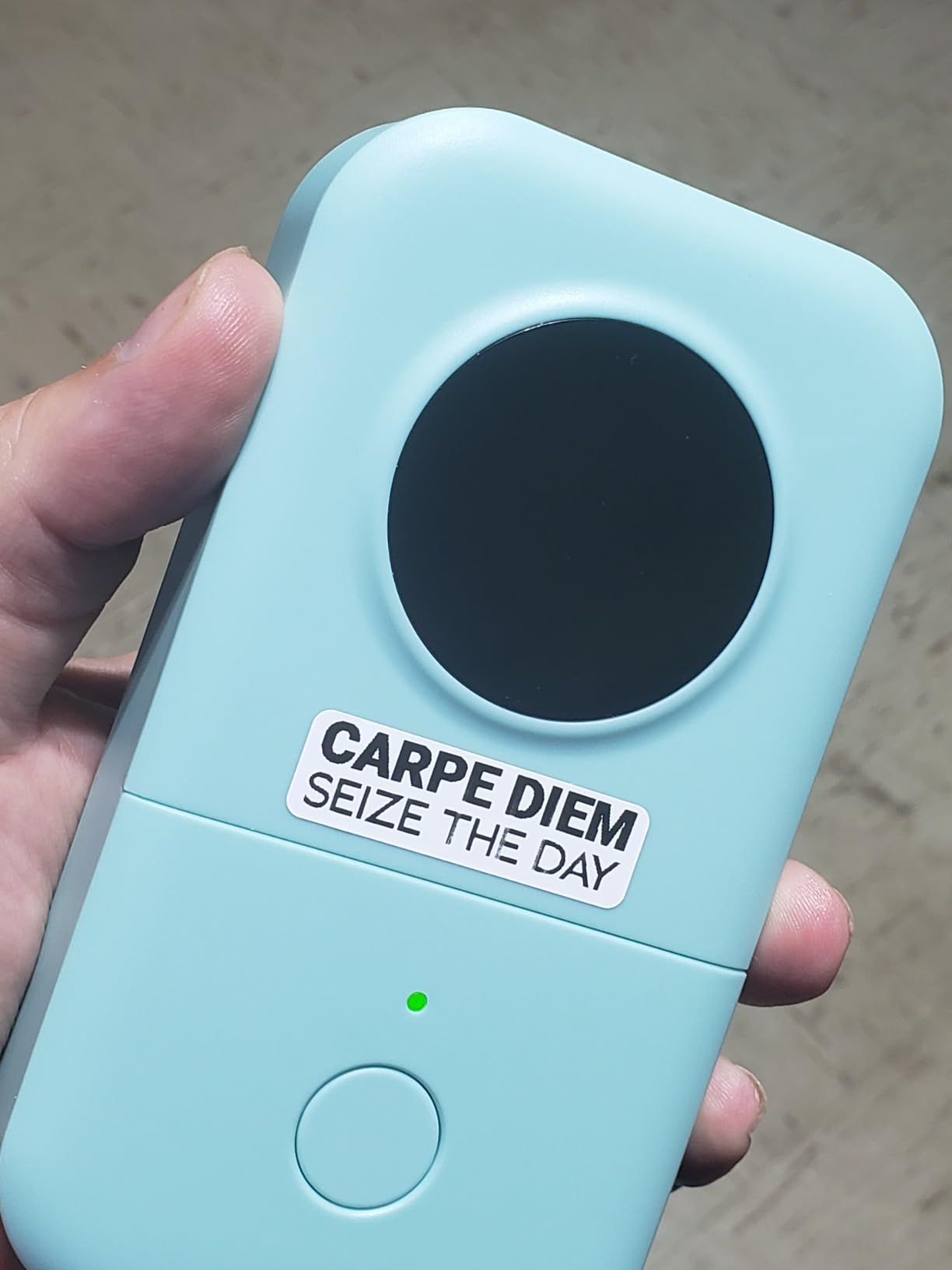
The Phomemo D30 is the smallest machine in this group at 160 grams, and it is the one we took on a two-week trip to label a rental’s drawers, fuse box, and network ports. It printed from a phone over Bluetooth 4.0, charged over USB Type C, and never once ran out of battery in a week of intermittent use.
Print quality comes from a German thermal head at 203 DPI with BPA-free direct thermal inkless technology, which produced the crispest small text of any app-driven machine we tested. The Print Master app carries 4000+ icons, 800+ borders, 600+ fonts, and 1000+ templates, and it also handles QR codes, barcodes, image import, OCR text extraction, voice input, and Excel batch import.
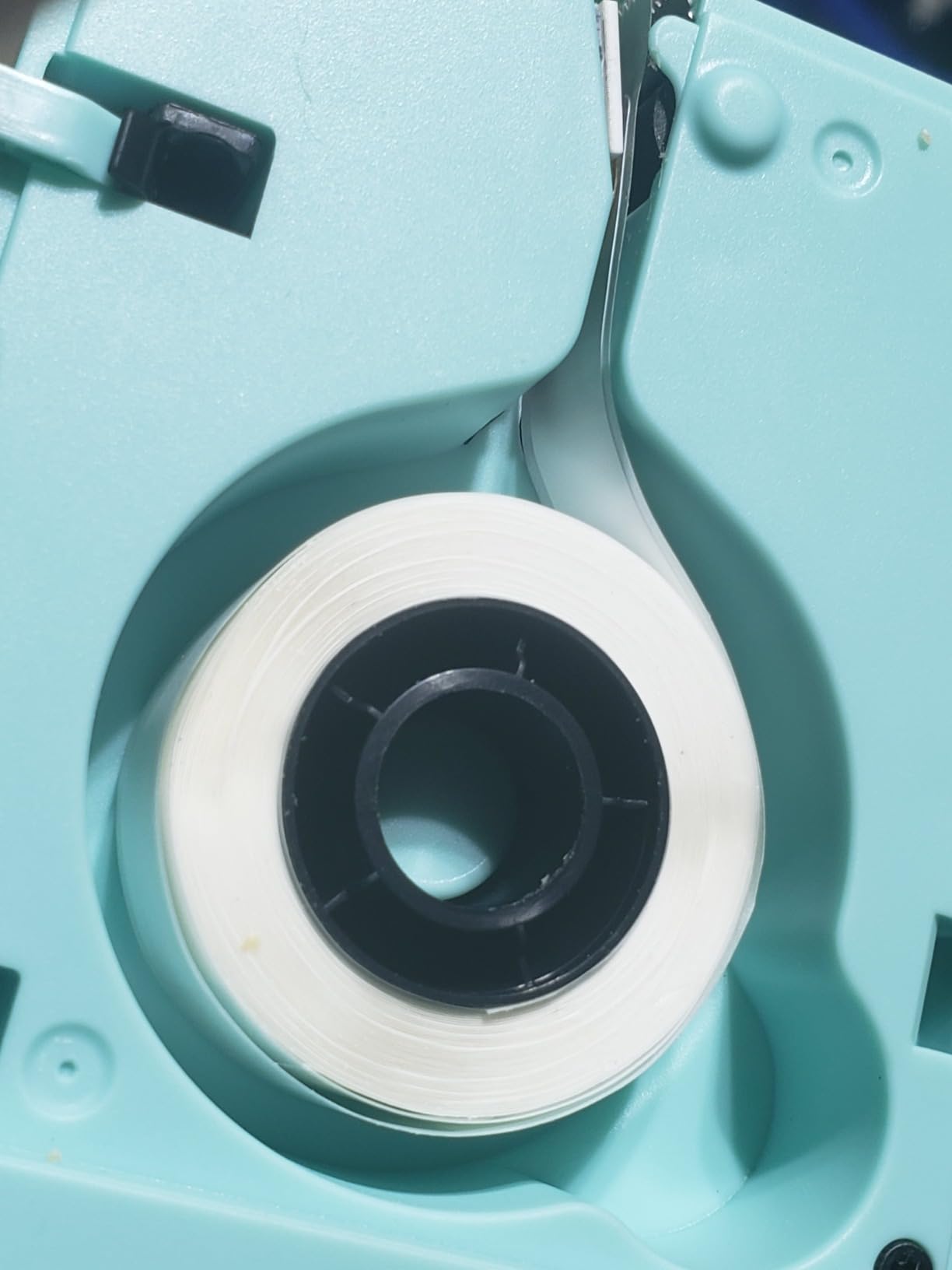
It accepts both continuous roll tape and fixed-length label tape, which is unusual at this weight and gives you a choice between saving tape and saving effort. In our batch test it printed a full spreadsheet of pantry labels from a CSV without complaining, and the labels peeled off clean with no residue on glass or wood.
The real trade-off is that there is no keyboard on the device at all. Every label is designed on your phone, so if the phone has no signal, has a flat battery, or runs an unsupported app version, you cannot print. The output is black text only, and any color look comes from special patterned label tapes rather than the printer itself.
What This Machine Handles Well
This is the pick for renters and anyone labeling in awkward places like a crawlspace, a garage shelf, or a server rack. At 1.14 by 2.95 by 5.17 inches it fits in a pocket, and the rechargeable battery in that body is a genuine step up from machines that swallow four AA cells.
It is also a strong choice for voice input. Dictating a label instead of typing it is faster once the app learns your phrasing, and the OCR feature lets you pull text straight out of a photo of a handwritten note.
Where It Falls Short
Do not buy the D30 as your only labeling machine if your household does not always have a phone in hand. Bluetooth models like this also need manual reconnection to the app after a power cycle, which is a small annoyance that adds up over a long session.
For pantry or deep-freezer labels that need to survive water and handling for years, its unlaminated output is not the right material. Pair it with a coated or waterproof tape if that is your use case.
3. Nelko P21: The Best Value Label Maker for First-Time Buyers
Nelko P21 Label Maker Machine with Tape, Bluetooth Label Printer, Black
230 g body
203 DPI
Fixed lengths 14x40/50/75mm
1 year limited warranty
Pros
- Lowest ongoing tape cost in this group
- Quick Bluetooth pairing
- Clear sharp 203 DPI output
- Built-in rechargeable battery
Cons
- Battery drains noticeably when powered off
- Only fixed label lengths
- Some app fonts sit behind a paywall
- Not compatible with Pixel phones on Android 14
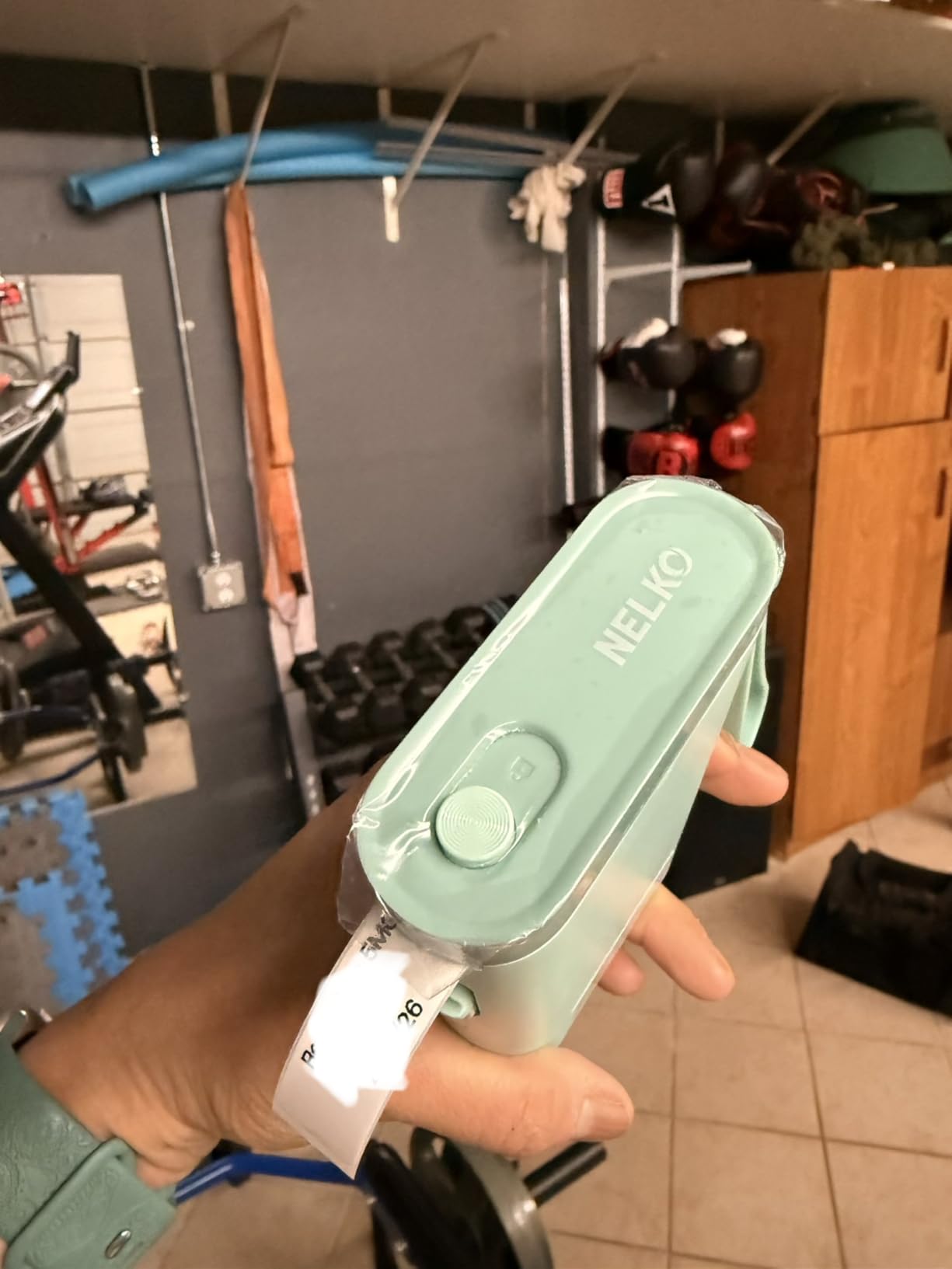
The Nelko P21 is the cheapest credible way to start labeling, and after a month of daily use it kept reminding us why. Tape refills cost noticeably less than Brother cartridges, which is the number that matters when you print a hundred pantry labels in a weekend. Owners consistently call out the low tape cost as the reason they bought a second one.
It weighs 230 grams, pairs quickly over Bluetooth, and prints clean 203 DPI monochrome output. The app library is enormous for the money: 3600+ icons, 700+ borders, 5500+ materials, 750+ templates, and 29 languages. In our tests, labels stuck well and peeled away without leaving a mark on glass, plastic, or painted wood.
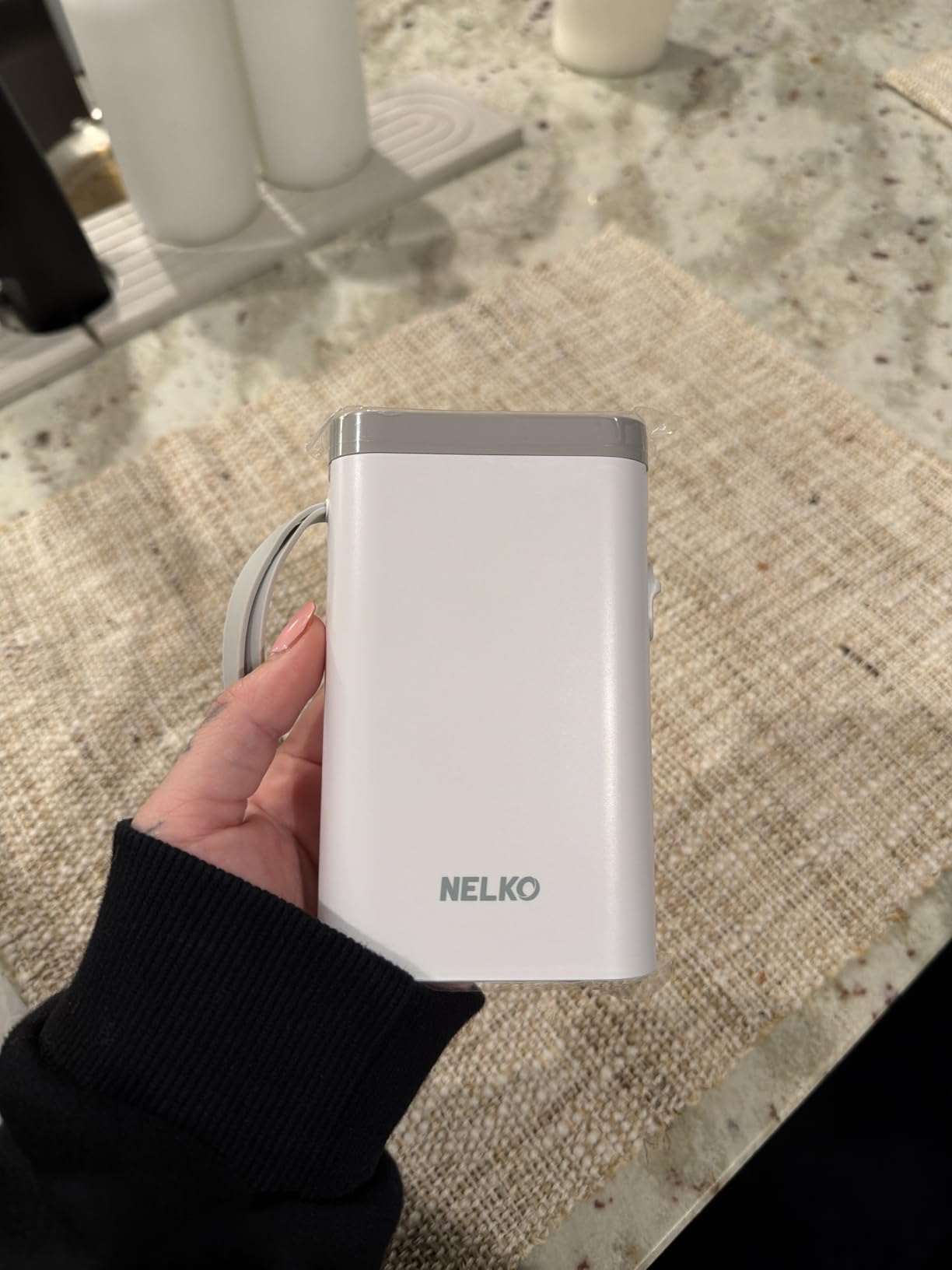
Two real constraints are worth knowing before you buy. First, it only prints fixed label lengths of 14x40mm, 14x50mm, and 14x75mm, so you cannot run a continuous roll and cut your own sizes. Second, reviewers report that the battery drains noticeably even when the unit is switched off, so you will be charging it more often than the spec sheet implies.
Smaller things to check: some app fonts are locked behind a subscription paywall, detailed or very small barcodes can print muddled and be hard for a scanner to read, and the machine is not compatible with Google Pixel phones running Android 14. The charging adapter is not included either.
Why This Is the Value Pick
Over two years of moderate household use, the machine cost stops mattering and the tape cost takes over. This is where the Nelko P21 separates itself from the handheld units that need proprietary cartridges, because its refill rolls are among the cheapest in the category and there is no cartridge shell to throw away.
It suits anyone who wants phone-based printing without paying more for the same job. Teachers labelling classroom bins, crafters marking storage jars, and homeowners doing a seasonal purge all get identical results here.
What You Give Up Compared With Others
The lack of continuous tape means less flexibility for unusual label lengths, and the Android 14 Pixel incompatibility is a genuine trap if that is your phone. The standby drain is the complaint that shows up most often in long-term ownership reports.
If you need scannable barcodes for inventory, test the barcode size before committing. Small or dense codes were the least reliable output in our testing.
4. DYMO LabelManager 160: The Most Versatile for Typing Comfort
DYMO Label Maker LabelManager 160 Portable Label Maker, Easy-to-Use, One-Touch Smart Keys, QWERTY Keyboard, Large Display, for Home & Office Organization, Black
300 DPI thermal print
QWERTY keyboard
Large LCD
1 year limited warranty
Pros
- True QWERTY keyboard is the fastest to type on
- Highest print resolution here at 300 dpi
- Print-then-cut design cannot cut through text
- Uses widely available D1 tapes in three widths
Cons
- Very small font and graphics library
- Instructions are minimal
- Label backing is hard to peel
- Wastes tape when printing several at once
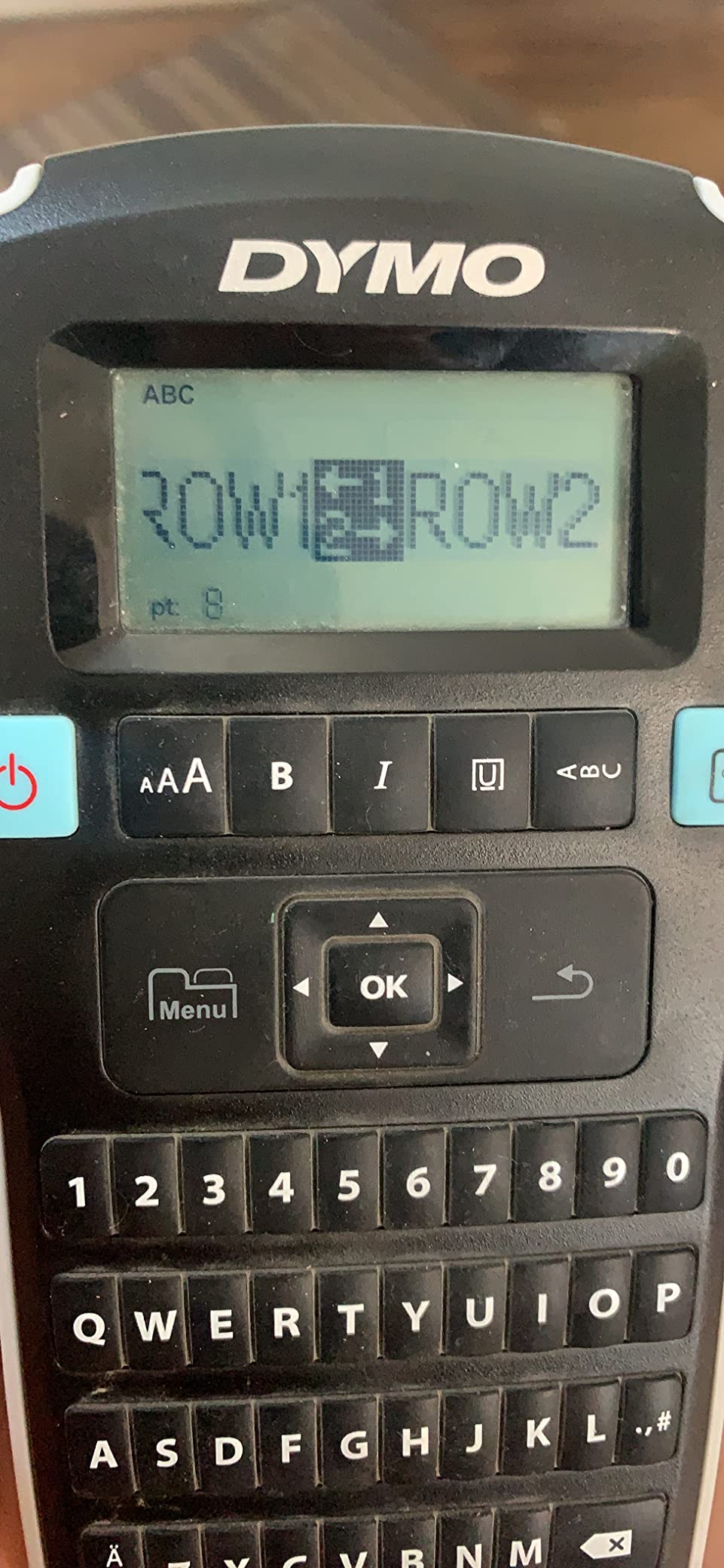
The DYMO LabelManager 160 is the machine we recommend to anyone who finds typing on a phone tedious. It has a real QWERTY keyboard, a large LCD, and one-touch smart keys for formatting, and at 21.82 grams it is light enough to hold in one hand for a long labeling session.
Print quality is the strongest in this group at 300 dpi, which showed clearly on the cable job where small dense text stayed readable. The print-then-cut design means the machine advances the tape, prints, then cuts at a fixed point, so a label can never be sliced through your text. That single design decision removes the most common failure mode in cheaper machines.
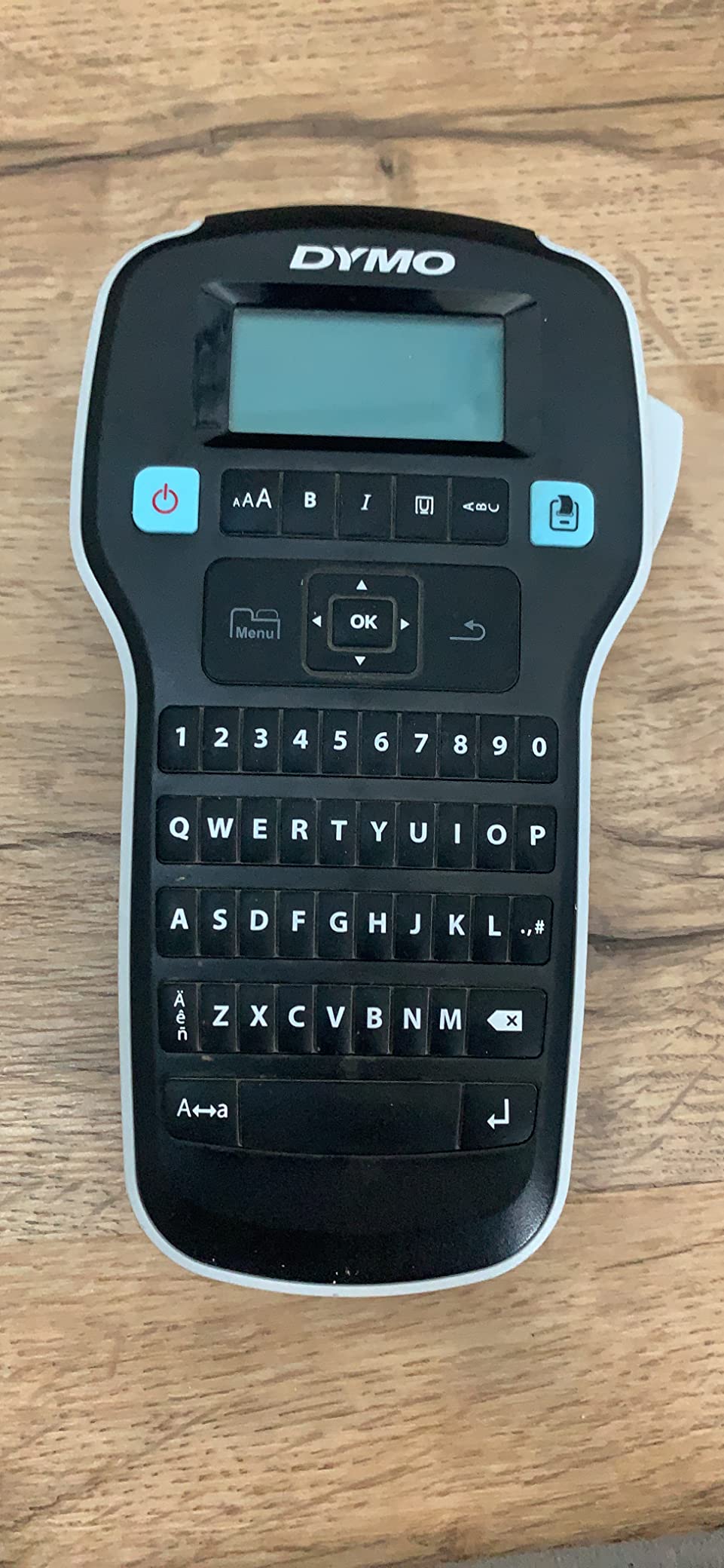
It works with DYMO D1 tapes in 1/4, 3/8, and 1/2 inch widths, with more than 20 text formatting options and 200+ symbols and clip art on board. Users on r/de_EDV single out this model and its tapes specifically, noting that labels come out well and that third-party D1 tapes are easy to source much cheaper than official cartridges.
The honest weakness is the style library. Compared with a Brother desktop unit, the fonts and graphics are limited and look dated, and the instructions are thin enough that loading the tape and learning the controls takes some working out. It also wastes tape when you ask it to print more than one label in a run.
Where This Machine Earns Its Price
Choose the LabelManager 160 when typing speed and reliable cutting matter more than design options. Cable runs, network ports, switch panels, and multi-line text are all cases where a QWERTY keyboard and a cut that never lands mid-word pay for themselves immediately.
It is also the pick for anyone who wants to work without a phone nearby. There is no app, no account, and no pairing step, so it behaves exactly the same whether you are in a basement or a warehouse aisle.
Where the Budget Elsewhere Buys More
If your work involves design, barcodes, or images, this machine will frustrate you. A 200+ item clip art library is not going to compete with an app that carries thousands of assets, and there is no barcode or QR code function at all.
Third-party D1 tapes are the cost lever that makes this machine viable long term. Users consistently report buying far cheaper compatible rolls with no loss of print quality.
5. NIIMBOT B1: The Best Label Maker for Wide Address and Product Labels
NIIMBOT B1 Label Maker, 2Inch Bluetooth Label Printer for Home, Blue
2 inch label width
203 DPI
293 g body
18 month limited warranty
Pros
- Only machine here that handles 2 inch wide labels
- App auto-detects label size
- Works with both phones and laptops
- Two 1.18 inch rolls included
Cons
- Monochrome text only despite color tape being sold
- No tablet support
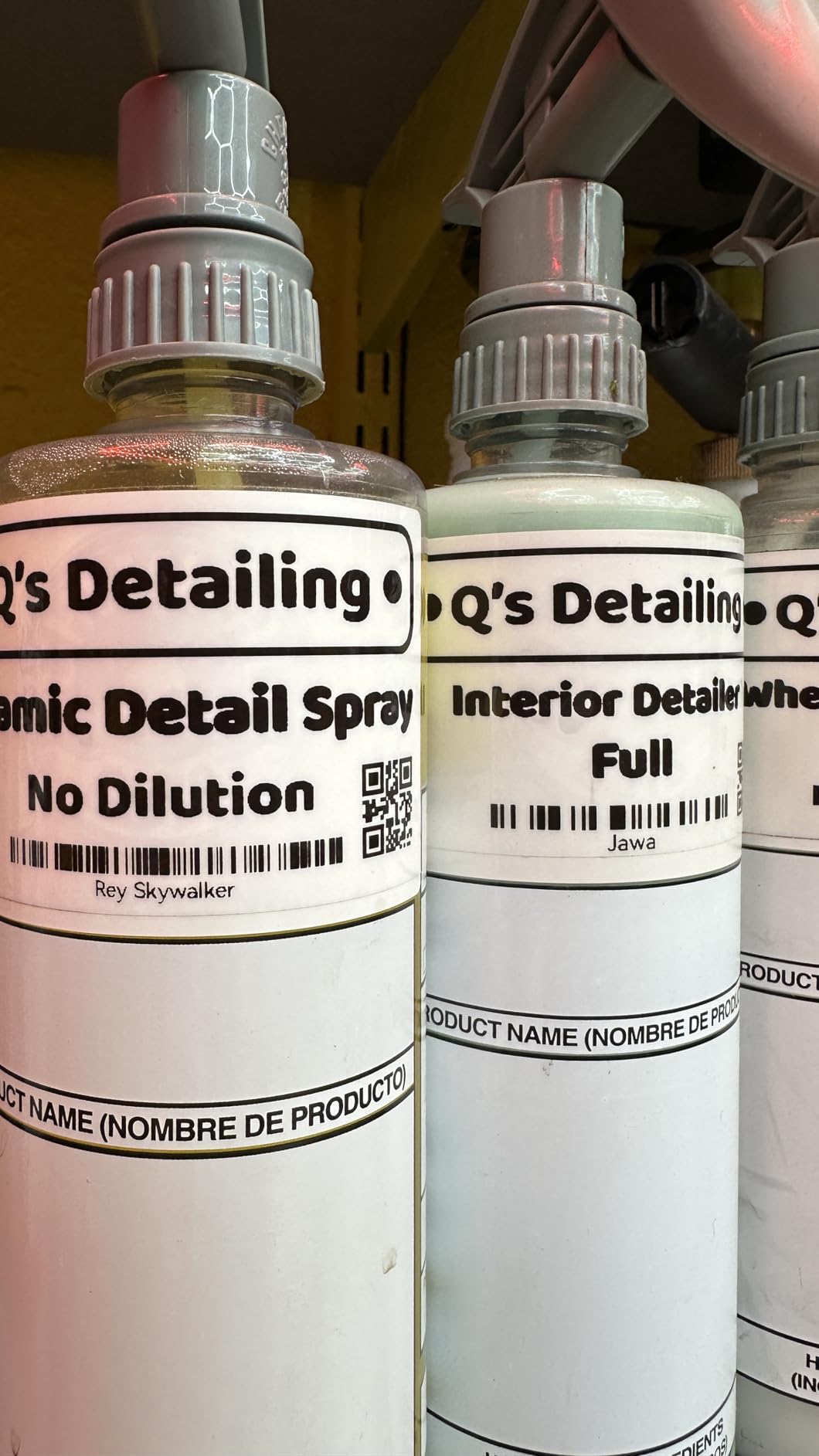
The NIIMBOT B1 is the widest-label machine in this roundup, and that one fact defines its purpose. Everything else in the sub-100 tier tops out around half an inch, which is fine for a cable and useless for a product box, a shelf face, or a return address. The B1 prints 2 inch labels from a body that measures 2.4 by 3.6 by 5.2 inches.
It connects over Bluetooth to iOS and Android and also works over a USB cable with a PC, so it is not dependent on a phone. The app auto-detects the loaded label size, which removed the most common setup frustration we had with app-driven machines, and it carries 30+ fonts, 100+ borders, and 1500+ symbols with multilingual support.
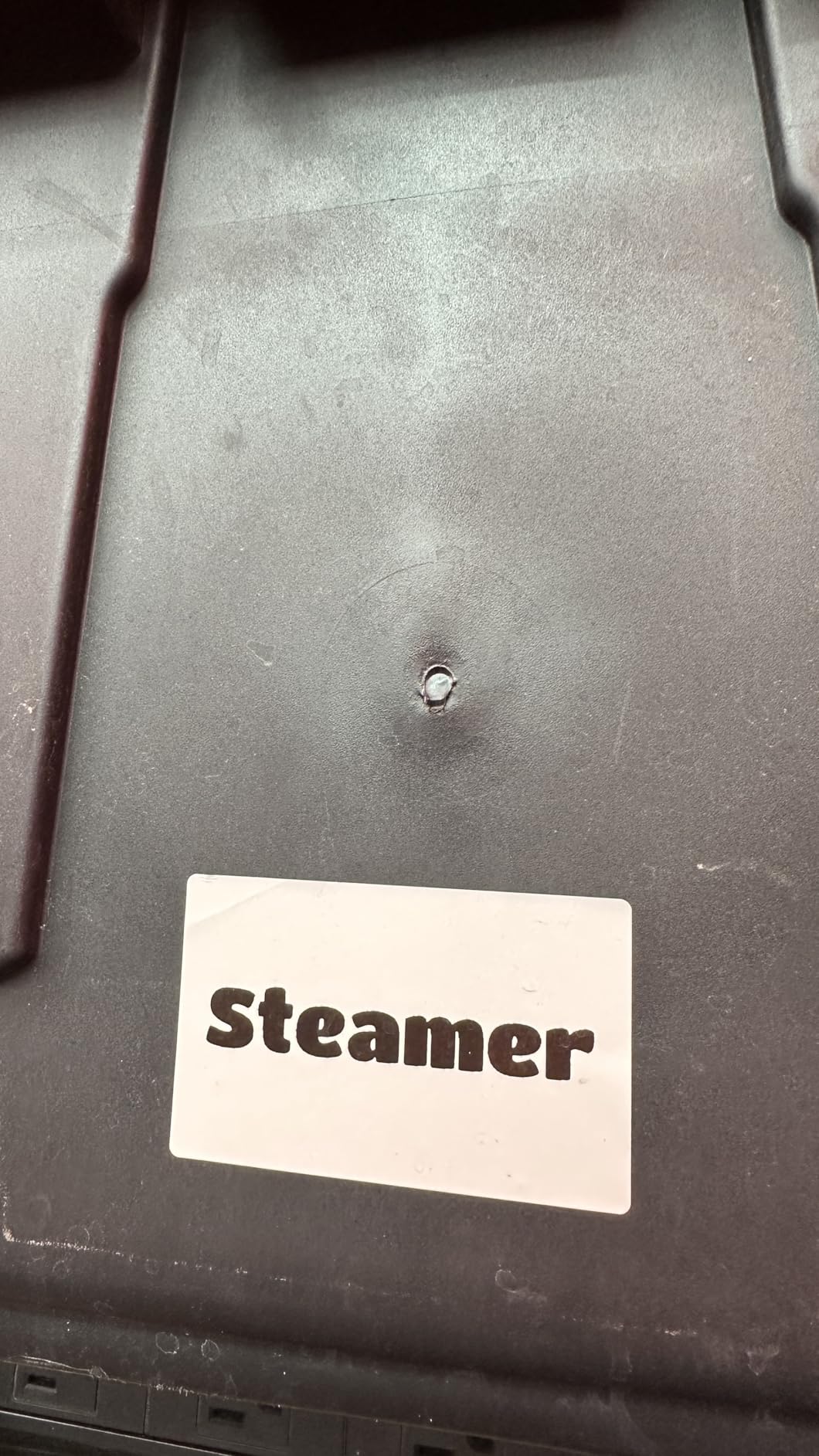
Print quality is a 203 DPI direct thermal head with a built-in rechargeable battery and a 15-minute auto-shutoff. Two 1.18 inch white rolls are in the box, so it works immediately. The ABS body and 18-month limited warranty sit comfortably in the middle of this group.
Owners on r/homelab are split on these budget Bluetooth machines, with one owner simply stating that a NIIMBOT is great, while others in the same thread run higher-end DYMO and Brother units. The B1 earns its place when label width is the constraint, not when print refinement is.
Best Used for Product and Shipping Work
The B1 is the machine to buy if you run a small shop, organize craft goods for sale, or need readable text on boxes that are too large for a 12mm tape. Two inch labels give you room for a product name, a price, and a code on a single line.
It also suits IT work where device labels need to carry more than a short asset tag, and the USB connection means you are not forced to design each label on a phone.
Limits Worth Knowing First
It prints monochrome text only, even though color label tape is sold for it, so color-coded projects are not possible on the device itself. It also does not work with tablets, which rules it out for anyone who designs on a larger screen.
At 293 grams it is not a pocket device, and 203 dpi is a step down from the 300 dpi output of the DYMO LabelManager 160 if you need very fine text.
6. SUPVAN T50M Pro: The Best Label Maker for Photos and Images
SUPVAN T50M Pro Bluetooth Label Maker Machine with Tape, Black
3/4 to 2 inch labels
203 DPI
433 g body
1 year limited warranty
Pros
- Widest label range here from 3/4 to 2 inch
- App is completely free with no registration
- Prints its first label in about a second
- Image processing improves photo output
Cons
- Monochrome thermal output only
- Heavier than the palm-sized competitors
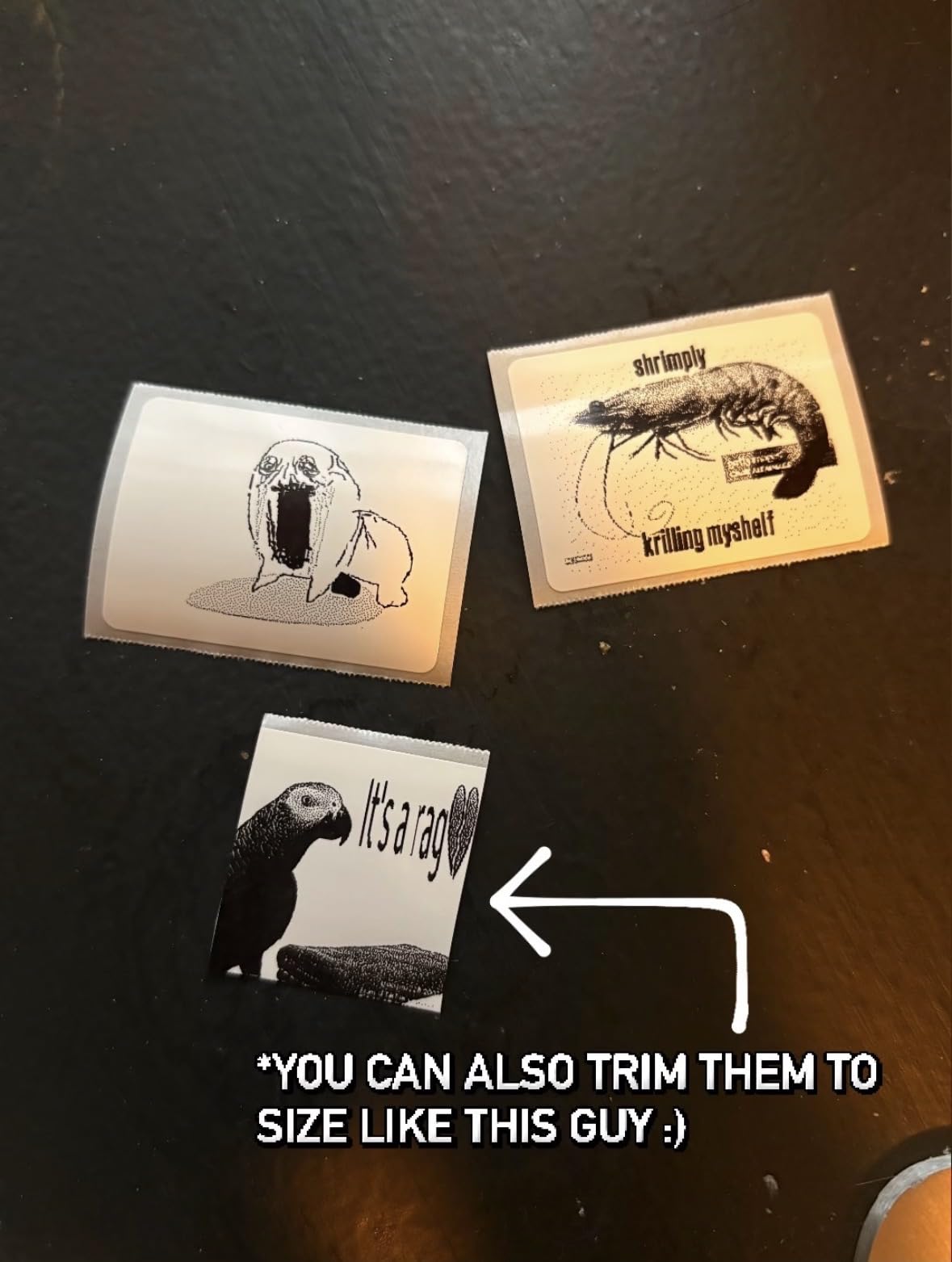
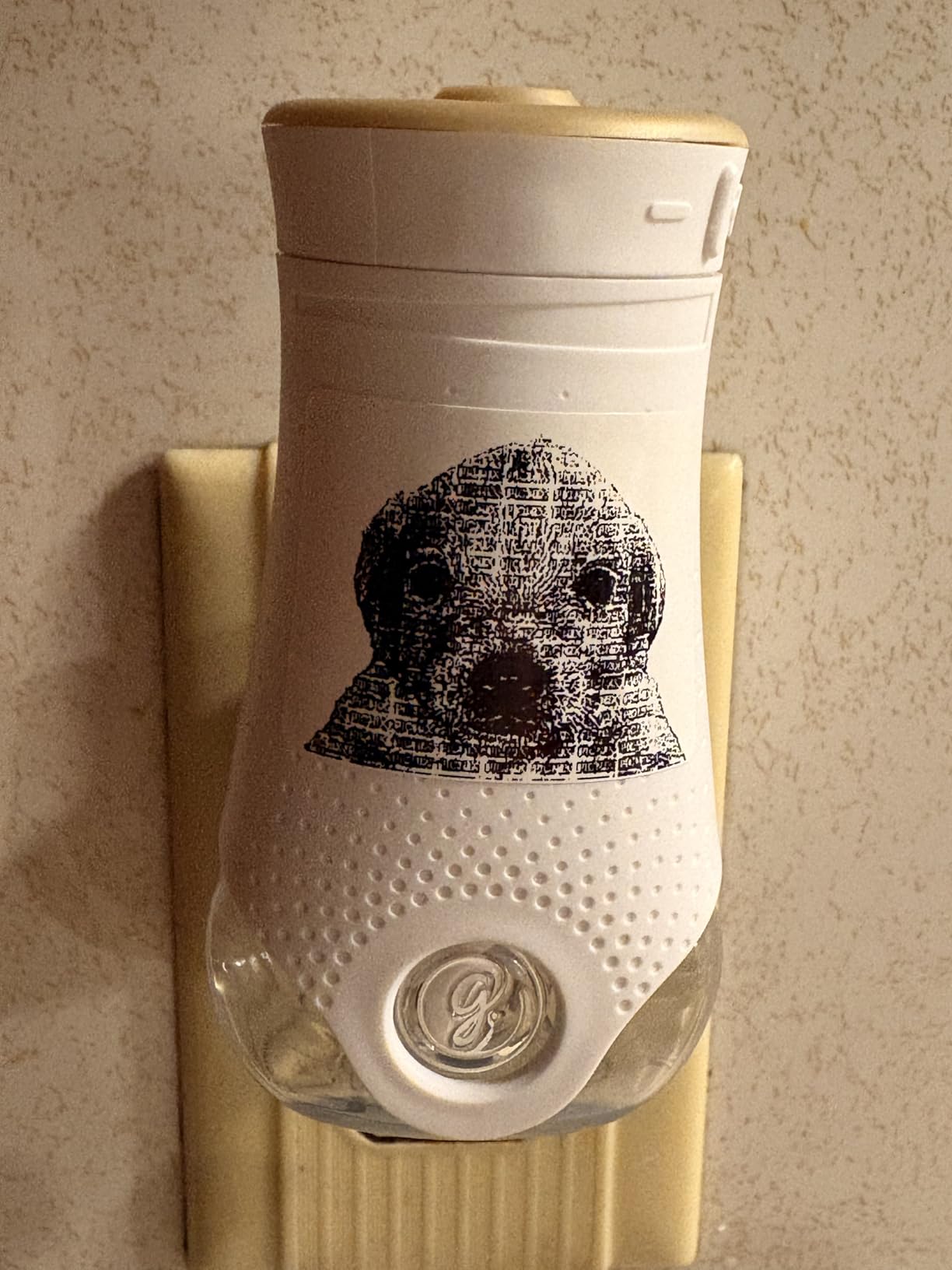
The SUPVAN T50M Pro is the pick when a label needs a picture on it. Its editor accepts images imported from a phone, tablet, or PC, and the enhanced image processing produced the best photographic results of any Bluetooth machine we tested. For a craft fair, a spice rack where you want an illustration, or a kids name label, that capability is the whole point.
It also covers a wide label range, printing from 3/4 inch up to 2 inch wide, and it handles square, round, address, cable, jewelry, and file label shapes. The app is unusually clean: no registration step at all, auto label size recognition, and 30+ fonts, 50+ frames, and 660+ icons that are all free rather than paywalled.
Speed was the pleasant surprise. The T50M Pro printed its first label in about a second from a cold start, which is the fastest in this group and made a long batch of address labels genuinely pleasant rather than a chore. The 433 gram weight and 5.9 by 2.6 by 4.3 inch footprint make it a desk machine, not a portable one.
Two limits are clear. Output is monochrome thermal, so imported photos come out as dot-matrix dithering rather than continuous tone, and the unit is noticeably heavier and bulkier than the palm-sized Bluetooth competitors it otherwise resembles.
Where Image Printing Earns Its Keep
This is the machine for people who want visual labels, not just text. Photo storage boxes, plant markers, wrapped gifts, classroom supply bins, and small business product tags all benefit from an imported image, and the free no-registration app means you can hand the machine to a volunteer or a teenager without creating accounts.
It is also a strong general-purpose pick for light small business work where you need more than one label width from a single device.
When a Text Machine Is the Better Buy
Skip it if you only need crisp text. A dithered monochrome photo is not going to satisfy anyone expecting color, and for straight text work the 203 dpi output is identical to cheaper app-driven units.
Also consider a smaller machine if you plan to carry it around. At 433 grams it is a machine that lives on a shelf, not one that lives in a bag.
7. Brother P-Touch PTD220: The Best Label Maker for Large Text and Accessibility
Brother P-Touch PTD220 Home/Office Everyday Label Maker | Prints TZe Label Tapes up to ~1/2 inch White
12mm laminated TZe tape
14 fonts, 99 frames
30 saved labels
2 year limited warranty
Pros
- 12 character display previews text and tape length
- Deep style library with 14 fonts and 600+ symbols
- Memory stores up to 30 labels
- Two year limited warranty
Cons
- Only prints about 1/2 inch wide tape
- Runs on 6 AAA batteries
- Brother TZe cartridges cost more than generics
The Brother P-Touch PTD220 is the most accessible machine in this roundup, and that is not a euphemism for a marketing line. It prints on roughly 1/2 inch laminated TZe tape, which is wide enough to carry genuinely large text, and it is the only machine here that also offers a two-year limited warranty.
The style library is deep for a device this size: 14 fonts, 11 font styles, 99 designer frames, and 600+ symbols on a QWERTY keyboard, plus 25 pre-set label templates. The 12-character display previews your text and the tape length before printing, which removes the guesswork that makes small screens frustrating.
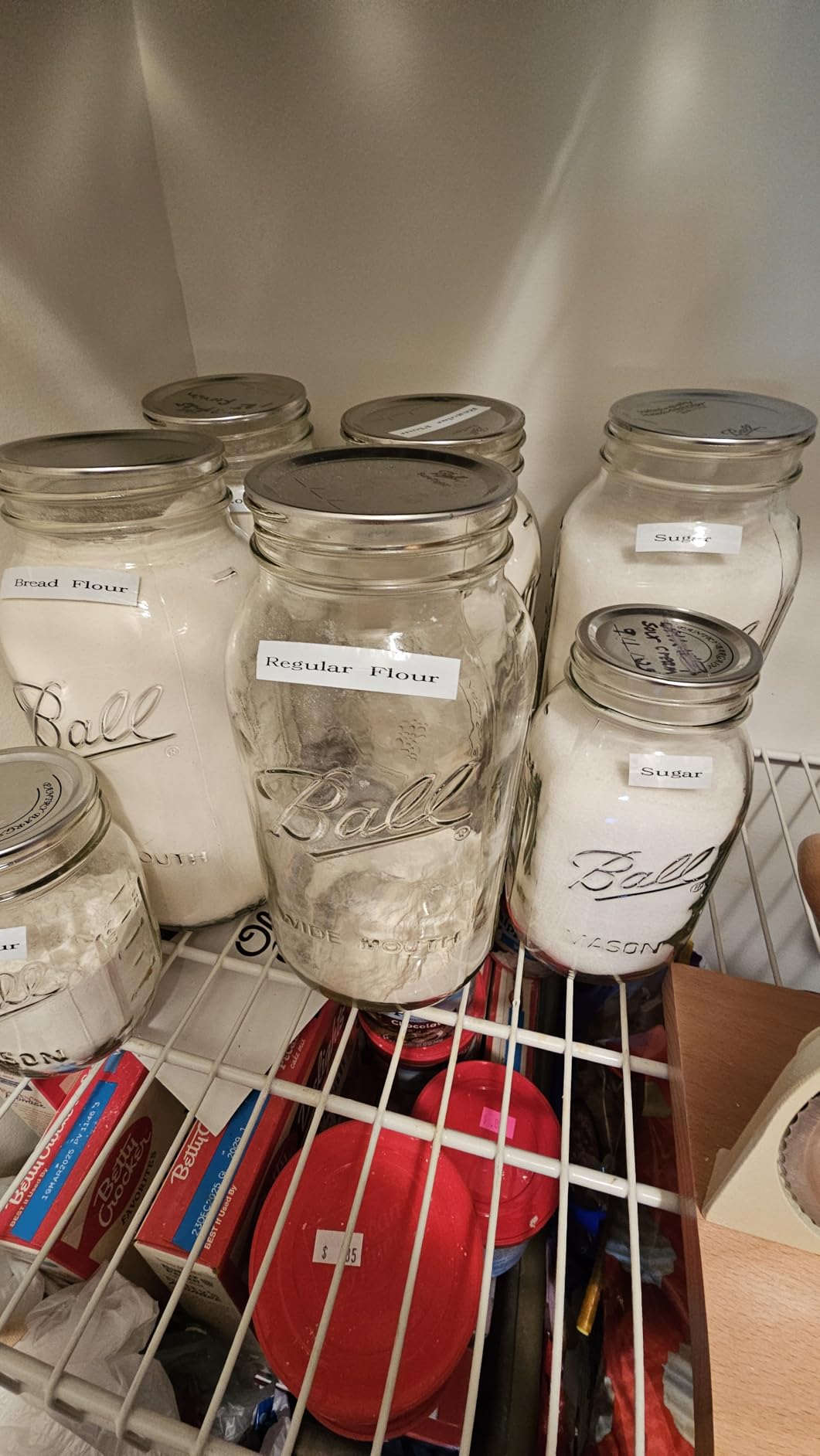
Built-in memory stores up to 30 frequently used labels, so the same medication reminder or bin label can be reprinted with two button presses. For anyone labelling a household on a schedule, that saves more time than any spec on this list.
The trade-offs are consistent across Brother owners. It prints only about half an inch wide, so it cannot handle a product box or a shelf face. It runs on 6 AAA batteries with the AC adapter sold separately, and Brother TZe cartridges cost more per foot than generic alternatives, which is worth factoring into any two-year budget.
Why Accessibility Decides This One
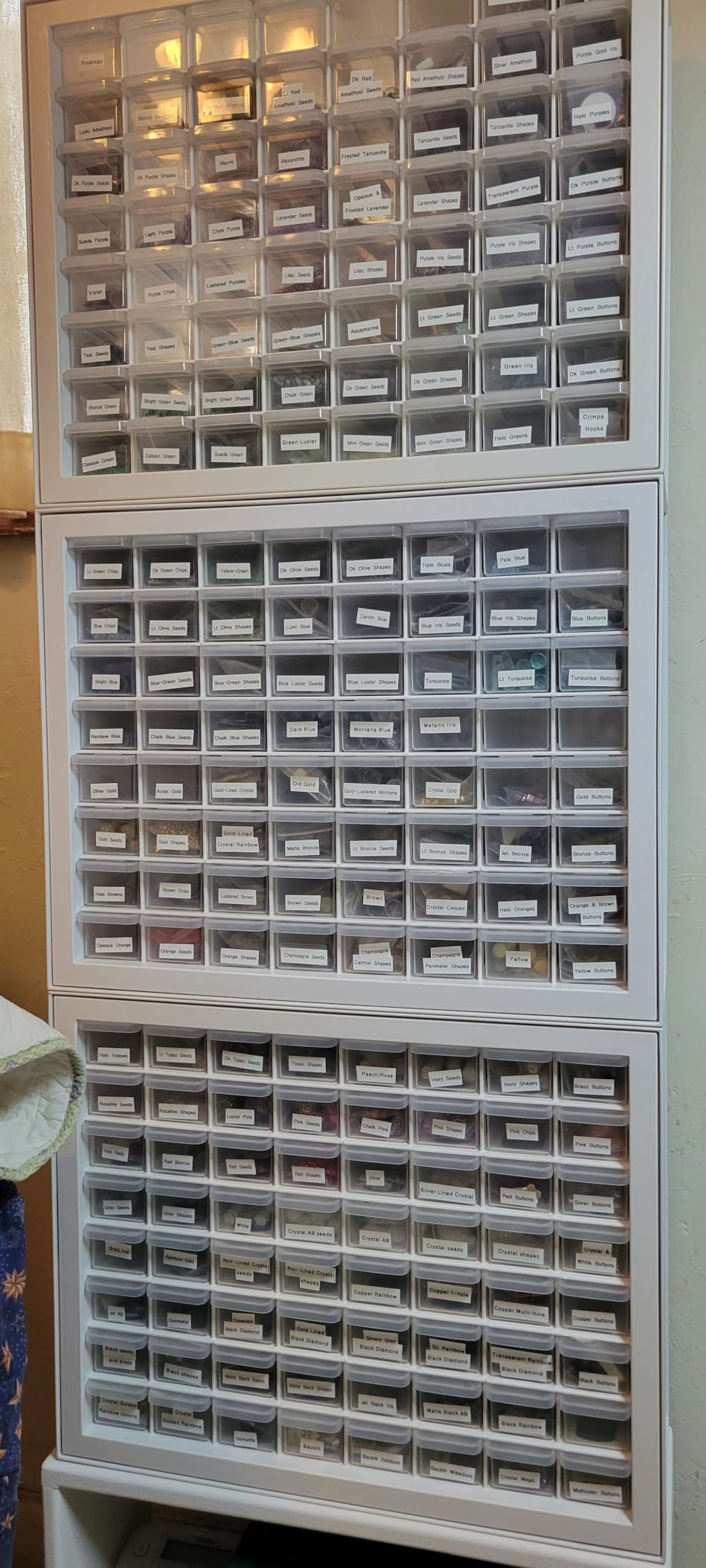
Large print is the whole argument here. A wider tape means bigger characters at the same font setting, and laminated TZe tape resists water and fading, so a large label on a pantry jar or a medicine bottle still reads months later. For low-vision household labeling, that combination is the difference between a usable label and an unusable one.
The saved-label memory is the quiet win for anyone who labels on a routine, because retyping is where most typing errors happen on small type layouts.
What You Trade for the Bigger Type
Six AAA batteries is a real running cost in both money and inconvenience, and the separate AC adapter is another purchase if you print a lot. If your labeling volume is high, battery-powered operation will annoy you.
Label width is the hard limit. Anything wider than half an inch needs one of the 2 inch machines in this roundup instead.
8. SUPVAN E11: The Best Label Maker for Low Tape Waste
SUPVAN E11 Keyboard & Bluetooth Label Maker Machine with 4 Tapes
0.2 inch print margin
1200 mAh rechargeable
Keyboard plus Bluetooth
2 year warranty
Pros
- Onboard keyboard plus app in one machine
- 0.2 inch margin wastes far less tape than competitors
- 1200 mAh battery rated up to a month per charge
- Four tapes included in the box
Cons
- Die-cut printing limited to 15mm tape
- Monochrome output
- Template library smaller than the biggest app ecosystems
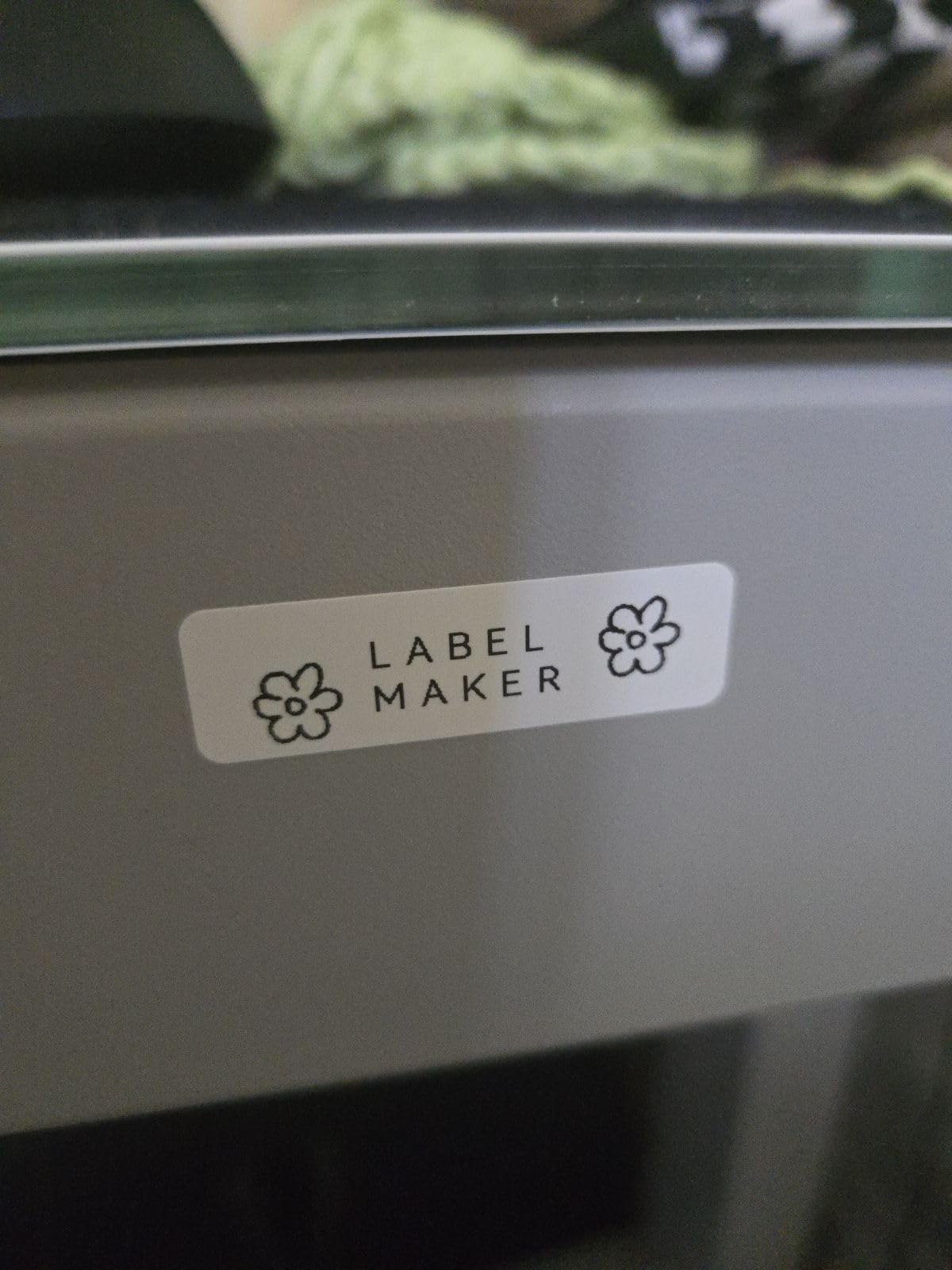
The SUPVAN E11 is the only machine here that gives you a genuine choice of two ways to work. You can type on the onboard keyboard for fast single labels, or connect over Bluetooth and design in the app. In our testing, the keyboard path was faster for a quick cabinet label and the app path was better for anything decorative, and not having to choose one workflow up front is genuinely useful.
The headline number is the 0.2 inch print margin, roughly one-fifth the size of most competitors. On continuous tape, that margin is the blank strip the machine feeds before it starts printing, so a smaller margin means far less tape thrown away over hundreds of labels. For anyone printing many small labels, this is the machine that costs the least to run.
The 1200 mAh rechargeable battery is rated at up to one month of use per charge, and the box includes two white continuous 15mm tapes and two white die-cut 12x40mm tapes. The app carries 30+ fonts, 50+ frames, 660+ icons, and 17 built-in languages, and the machine works with both continuous and die-cut stock for batch printing.
The limits are narrow but real. Die-cut label printing only works at 15mm tape width, output is monochrome, and the template library is smaller than the largest app ecosystems. It also carries a 2-year limited manufacturer warranty.
What Low Tape Waste Actually Saves
Tape is the recurring cost, and users in buying communities repeatedly ask where to find cheaper compatible rolls because the answer is that you also waste less of each roll. On a batch of a hundred small labels, the difference between a 0.2 inch margin and a typical margin is a measurable amount of tape you never buy again.
Combined with a rechargeable battery rated at a month per charge, this is the lowest-ownership machine here for someone printing many small labels without needing large text.
When Another Machine Fits Better
If your labeling is mostly jars, cables, and quick single words, the keyboard-plus-app hybrid may be more machine than you need. An app-only unit handles the same work for less money.
If you need die-cut labels wider than 15mm, that is not supported here, and the monochrome output rules out anything visual.
9. Brother P-Touch PT-M95: The Best Portable Label Maker for Travel and School Bags
Brother PT-M95 P-Touch Monochrome Label Maker Bundle (4 Label Tapes Included),White
9.12 ounce body
9mm and 12mm M tapes
9 type styles
1 year limited warranty
Pros
- Genuinely light and pocketable
- Simple interface that works out of the box
- Bundle includes three full tapes plus a sample
- Uses low-cost non-laminated M tapes
Cons
- Included tapes are not split-back and are hard to peel
- Cartridge loading needs exact positioning
- Only two font sizes and three memory slots
- No AC adapter support
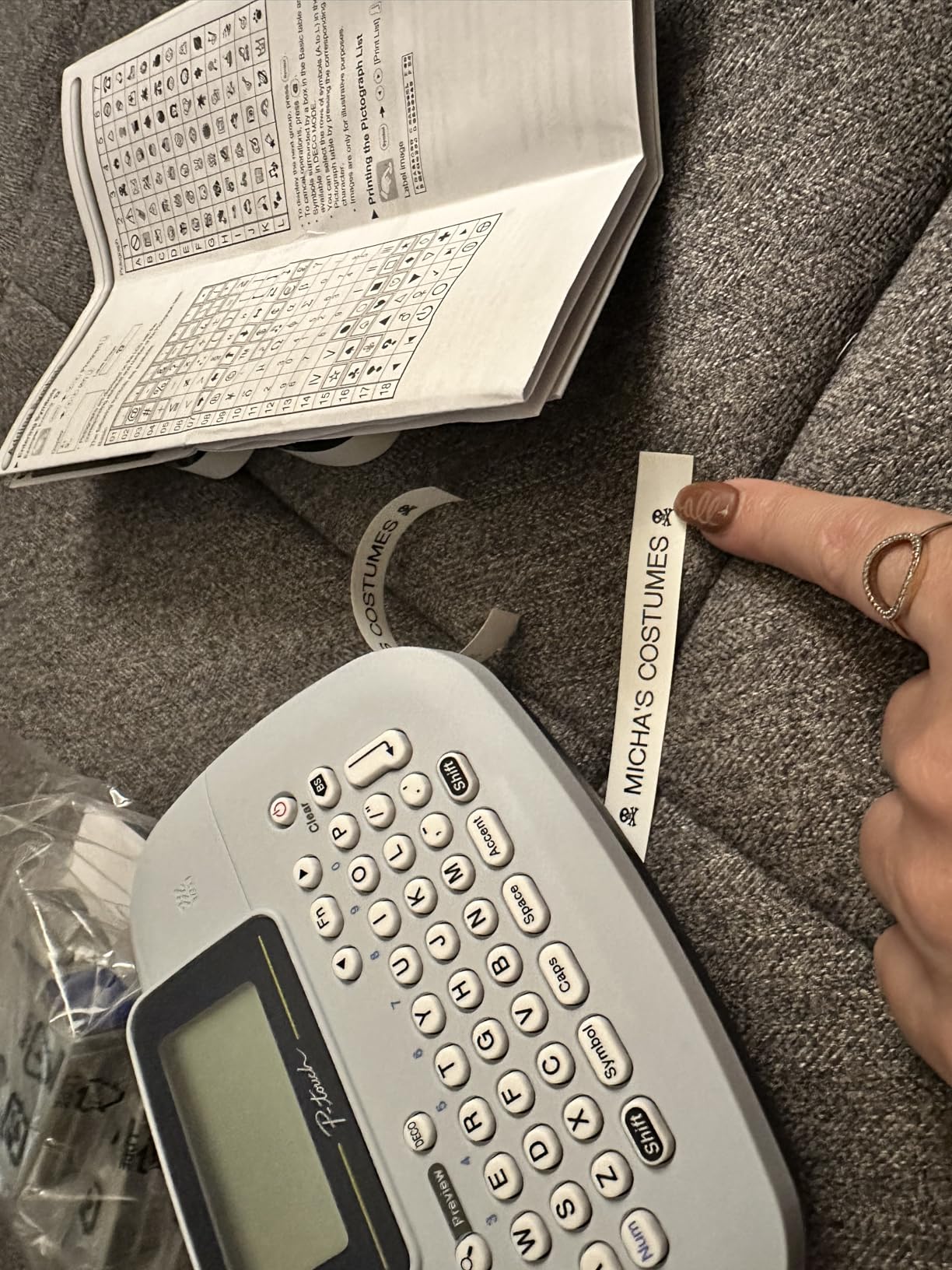
The Brother PT-M95 weighs 9.12 ounces and is the machine we would hand to someone who needs to label things away from a desk. It ran through a school bag, a toolbox, and a camping trip without a recharge, and the simple QWERTY keyboard with an easy-view LCD made it usable in a dim cupboard.
This bundle includes a 12mm sample tape plus three full-length 12mm tapes, which is a generous amount of starting material, and the machine uses genuine Brother M tapes in 9mm and 12mm widths across multiple colors. A preview window shows up to 80 characters before scrolling, and memory holds three label files for quick repeats.
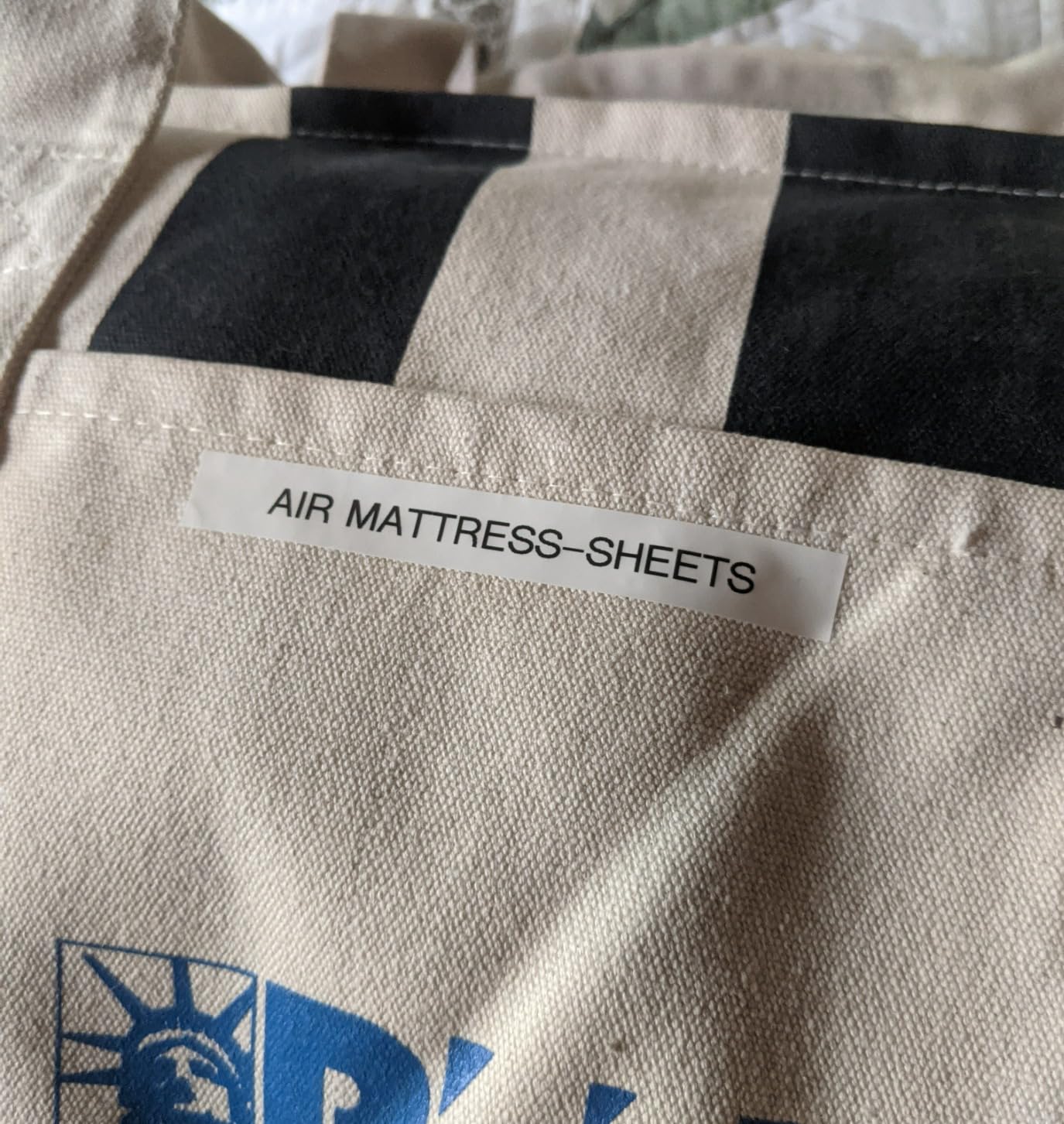
Two practical warnings from long-term owners. The tapes supplied in this bundle are not split-back style, so peeling the backing is fiddly, and non-laminated M tapes can bind up during a print if you let the machine sit unused. Cartridge loading also needs the tape positioned precisely, which makes it finicky the first few times.
Style options are also the narrowest of any Brother here: two font sizes, 8 Deco mode patterns, and 9 type styles, plus three memory slots. It runs on 4 AAA batteries and offers no AC adapter support at all.
Where Portability Wins the Decision
Pick the PT-M95 for labeling away from power and away from a desk: classrooms, workshops, rental moves, and field work. Non-laminated M tape is also the cheapest Brother media to replace, which keeps the running cost down when you are printing in bulk away from home.
It is also the most forgiving choice for a first machine, because the interface is small, obvious, and does not change between labels.
Where It Falls Behind Its Brother Siblings
Compared with the PT-D210 and PT-D220, this machine has fewer fonts, less memory, and no laminated tape option in the box. If your labels need to survive water or sun, buy laminated tape deliberately or choose one of the other Brother models.
The hard-peeling non-split backing is the complaint that appears most often, and the finicky cartridge loading is the one that generates the most returns.
10. Brother P-Touch PT-D210: The Best Label Maker for the Widest Tape Choice
Brother P-Touch, PTD210, Easy-to-Use Label Maker Bundle (4 Label Tapes Included), White, Small
12mm, 9mm, 6mm, 3.5mm TZe tapes
14 fonts, 98 frames
27 templates
1 year limited warranty
Pros
- Four compatible TZe tape widths give real flexibility
- Large library of 14 fonts
- 98 frames
- 600+ symbols
- 27 templates including pattern designs
- Laminated TZe tapes resist water and fading
Cons
- Requires 6 AAA batteries with adapter sold separately
- Monochrome only with no Bluetooth
- Laminated TZe tape costs more per foot
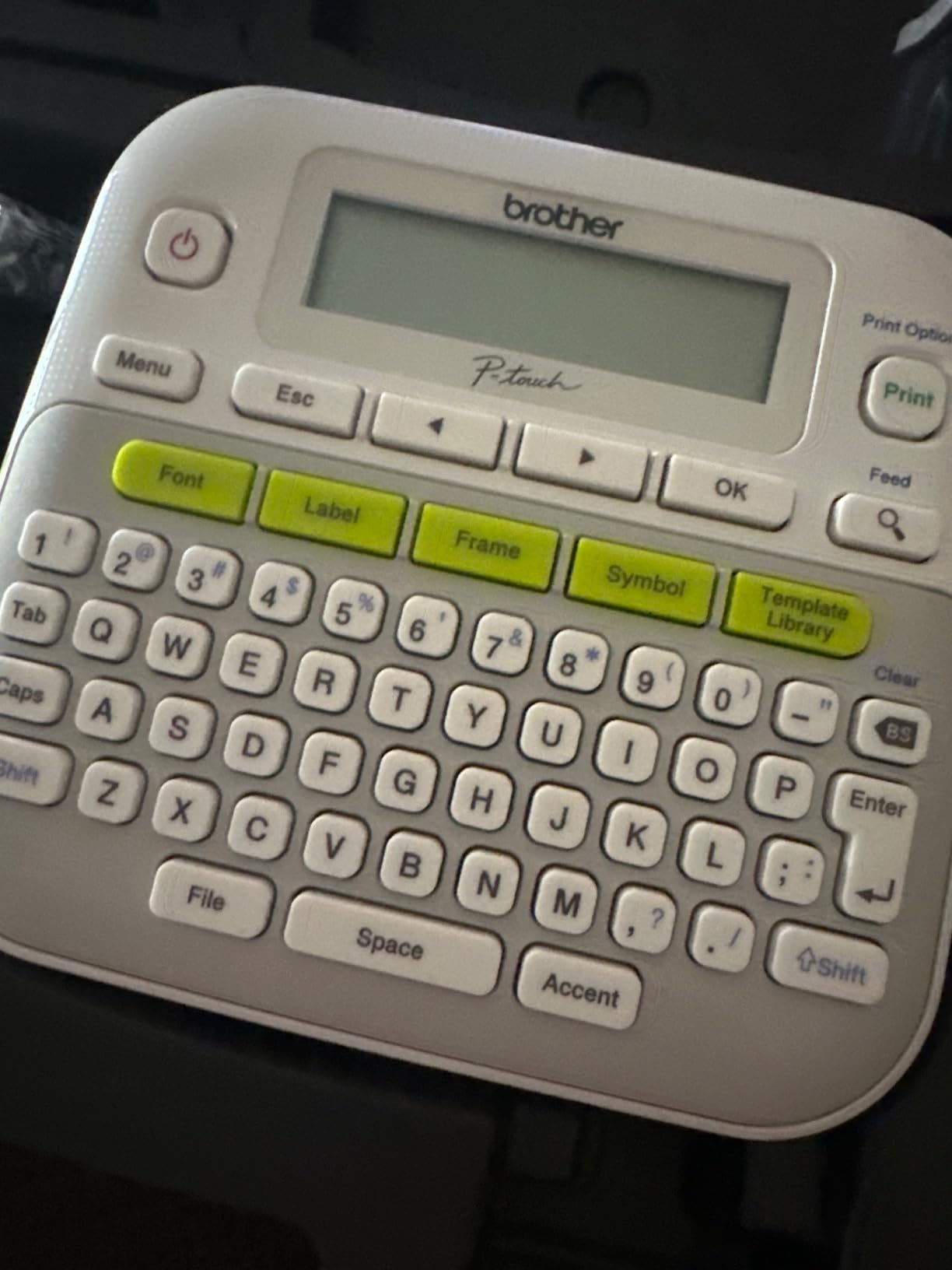
The Brother P-Touch PT-D210 wins on flexibility, and tape flexibility is what most buyers underestimate. It runs 12mm, 9mm, 6mm, and 3.5mm TZe tapes, so you can print a full-width room label and then a tiny cable flag on the same machine with the same style settings. Nothing else in this price tier gives you four widths to choose from.
It carries 14 fonts, 10 unique styles, 98 frames, and over 600 symbols, with 27 templates including pattern designs, all reachable from one-touch keys with a preview display that shows the label before it prints. The bundle includes a sample tape plus three full-length 12mm laminated TZe tapes.
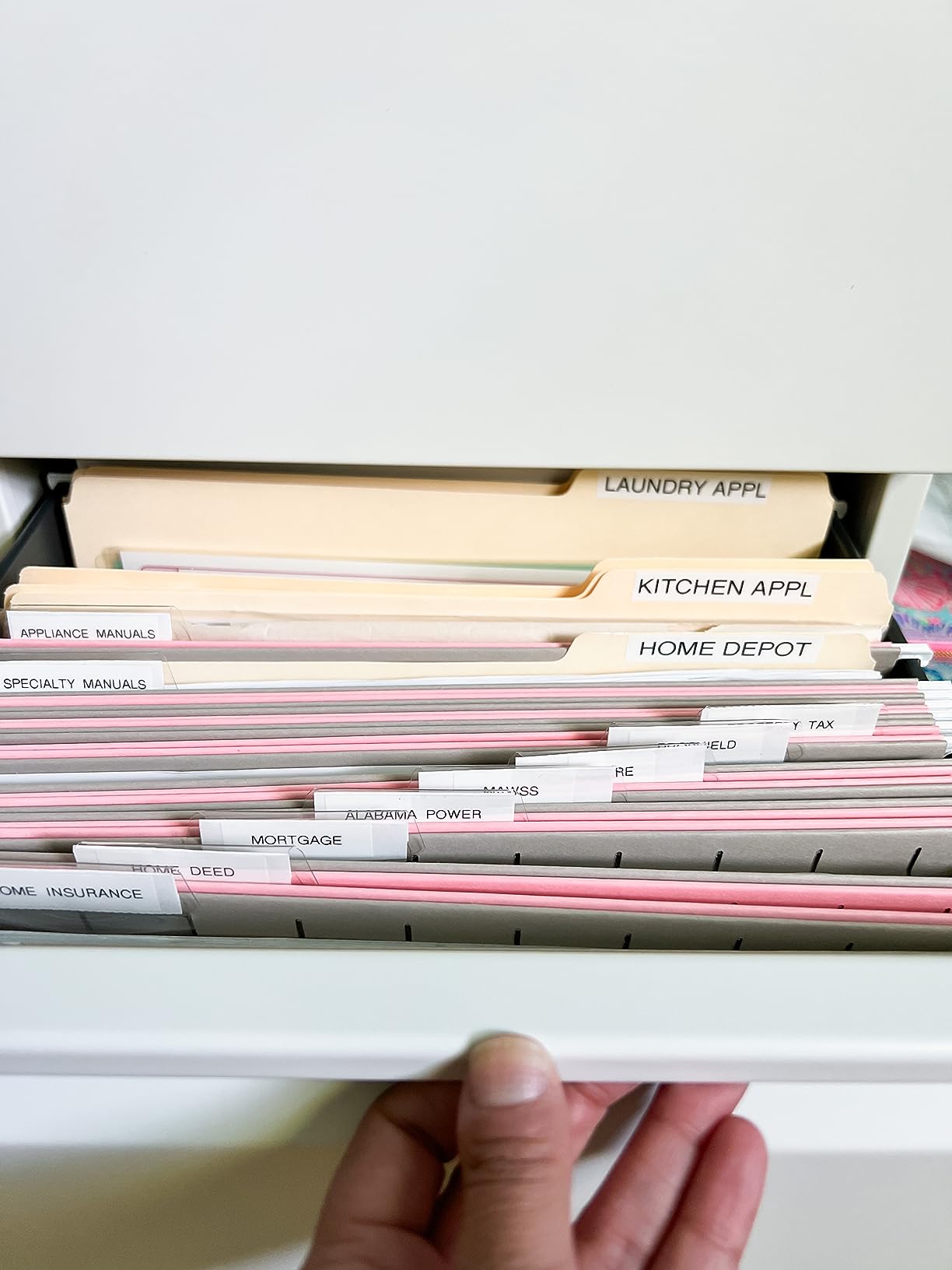
Laminated TZe tapes are water- and fade-resistant, so these labels hold up on indoor bins and outdoor storage boxes alike. In our wet and abrasion test, the laminated output stayed readable where unlaminated tape from the app-driven machines had already started to break down at the edges of the characters.
The bill of goods is the drawback. It runs on 6 AAA batteries, and the AC adapter and the optional carrying case are both sold separately. It is monochrome with no Bluetooth, so there is no app and no barcode generation, and laminated TZe tape costs more per foot than the generic alternatives.
What Four Tape Widths Actually Buy You
Width is the single most overlooked decision in this category. A 3.5mm tape suits a wire flag, 6mm and 9mm suit cable and drawer labels, and 12mm is the minimum for readable text on a jar. Owning one machine that covers all four means one machine in your drawer instead of two.
The laminated media is the second argument. If your labels live in a garage, a utility room, or anywhere that gets wet, the durability difference is visible within weeks.
When a Cheaper Machine Does the Same Work
If every label you will ever print is text at half an inch or narrower, you are paying for width options you will not use. The DYMO LetraTag 100H and the LabelManager 160 cover that narrower ground for less.
Six batteries is also a genuine annoyance for anyone printing at volume, and the missing Bluetooth rules out any app-based design work entirely.
What to Look for in a Label Maker Under 100 Dollars?
Six criteria decide whether a machine is a good buy, and price is not one of them. Here is what we checked on every model above, in the order that actually matters when you are about to spend.
Tape width and format. Deciding this first prevents most disappointment. A 12mm tape handles jars and drawers, a 2 inch tape handles boxes and shelf faces, and a fixed-length-only machine cannot use continuous rolls. Check whether the machine takes continuous tape, die-cut labels, or both.
Print resolution and material durability. Every machine here is direct thermal, so there is no ink, but the head resolution ranges from 180 dpi to 300 dpi and only laminated tape survives water and abrasion. If your labels will live in a garage or a freezer, laminated media is not optional.
How you input text. A QWERTY keyboard is faster and works without a phone. An app gives you thousands of fonts, images, and barcodes but ties the machine to a specific phone and a live app. A hybrid machine does both, and it is the most flexible of the three.
Tape cost over two years, not machine cost. This is the number that decides your real spend. Brother TZe refills are widely quoted by owners in the range of roughly seven to twenty-five dollars per roll depending on width, and generic compatible rolls cost materially less. Cheaper machine ecosystems like Nelko and NIIMBOT refill faster, and on a 0.2 inch print margin machine you waste less of every roll.
Power source. Models that take four or six batteries are fine for occasional use and bad for volume. Rechargeable machines, including the Phomemo D30, Nelko P21, NIIMBOT B1, and SUPVAN E11, are the better choice if you print more than a few labels a week. Note also that standby drain is a real complaint on some of them.
Warranty and app reliability. Warranty length is a rough proxy for brand confidence, and the two-year terms on the Brother PT-D220 and the SUPVAN E11 are the best in this group against one-year terms on most others. On the app side, check stated phone compatibility, because some models exclude specific Android versions and most exclude tablets entirely.
Two more things to weigh. Bluetooth models generally need manual reconnection to the app after each power-on, so a handheld unit is faster if you print in bursts. And continuous-roll machines waste a small blank strip before each label, which is why the low-margin machines cost less to run. We cover the basics of both approaches in our guide to the best label makers for home and office.
Brother vs DYMO: Which Brand Should You Buy
Brother wins on media flexibility and durability, and DYMO wins on simplicity and cheap third-party tape. That is the honest summary, and it holds for every pair in this roundup.
Brother machines here take four or fewer tape widths depending on the model, and the TZe laminated media survives our wet and abrasion test better than anything else in the group. They also carry deeper font and symbol libraries, offer label memory, and come with the longest warranty terms available under this cap. The cost is battery operation and higher-priced tape.
DYMO machines are easier to learn and cheaper to feed. The LabelManager 160 types on a real QWERTY keyboard, prints at 300 dpi, and cuts where it says it will, and users in r/de_EDV specifically note that D1 labels can be bought from third-party manufacturers far cheaper than official cartridges. The LetraTag 100H goes the other way and trades the QWERTY layout for simplicity and a bundled three-tape set.
If your labels need to survive weather, buy Brother. If you will print hundreds of short labels on a budget and want the cheapest ongoing tape, buy DYMO. If you want both, the same label maker comparison covers the models above the cap.
Phomemo vs NIIMBOT vs Nelko: What You Get in a Bluetooth Machine
These three sit in the same price band and do almost the same job, so the differences are narrow. Choose on label width first, then on battery, then on everything else.
Phomemo D30 wins on size and app power, with a 160 gram body, a 203 DPI head, voice input, OCR text extraction, and Excel batch import. Nelko P21 wins on running cost, with the cheapest refills in this group and a huge 29-language app, at the cost of fixed label lengths only and reported standby drain. NIIMBOT B1 wins outright on label width, because it is the only one of the three that prints 2 inch labels and the only one that also works over USB with a PC.
All three are monochrome, app-driven, and dependent on a phone. All three are good. The wrong choice is picking on price alone and ending up with a label width you cannot use.
Troubleshooting: Faint Print, Tape Jams, and Bluetooth Drops
Almost every problem in this category has one of four causes, and all four are fixable without returning the machine. Work through them in order.
Faint or streaky print. Direct thermal heads dull with use and with heat. Clean the head with a dry cotton swab, let the machine rest, and replace the tape rather than adjusting settings, because a worn cartridge is the usual cause. If only large text is faint, the tape is the problem, not the head.
Tape jams and binding. Non-laminated tapes bind more often, especially after the machine has been idle. Roll the tape back onto the cartridge, pull a short length past the cutter, and re-seat it. On machines with finicky cartridge loading, that exact positioning step fixes most reported jams.
Bluetooth drops. These machines usually need manual reconnection to the app after each power cycle. Close and reopen the app, confirm Bluetooth is on for the device rather than the phone alone, and clear the device from the app’s device list before pairing again. Check for an app update first, since pairing bugs are commonly fixed that way.
Tape waste on continuous rolls. Every continuous machine feeds a short blank strip before printing. Reduce it by using a low-margin machine, by choosing a die-cut label length that matches your text, or by using the chain-printing mode where the machine prints several labels in one run without recutting each time.
Labels that will not stick. Adhesive struggles on textured and glitter surfaces and on cold or dusty bins. Clean the surface with alcohol first, and use a stronger adhesive tape for rough materials rather than a stronger machine.
Label Maker or Thermal Shipping Printer
If you ship physical products, a label maker is the wrong device and we say so plainly. These machines print short text and symbols on narrow tape. A shipping label needs a 4×6 inch full page, a carrier format, and a barcode that parcel scanners will read at the belt.
Label makers win when you are naming your own things: pantry jars, cables, bins, classroom materials, and product tags. A thermal shipping printer wins when a carrier has to read the label. Software integration is where the pain lands, with Square POS users reporting errors when printing barcodes from a desktop label writer, so check your point-of-sale compatibility before buying.
Many owners who outgrow print-and-tape shipping start with a budget label maker and later add a dedicated printer. Our guide to the best thermal label printers covers that second purchase properly.
Frequently Asked Questions
What is the best value label maker?
The Nelko P21 is the best value pick in this roundup. It prints clear 203 DPI monochrome labels, pairs quickly over Bluetooth, and its refill rolls cost noticeably less than Brother or DYMO cartridges, which is the cost that matters over a year of use. It weighs 230 grams and runs on a built-in rechargeable battery. The trade-offs are fixed label lengths only, reported standby battery drain, and no support for Pixel phones on Android 14.
Are Dymo or Brother label makers better?
Brother machines are better when you need tape flexibility and durability, with several models taking four or fewer TZe widths and laminated tape that survives water and abrasion far better than unlaminated media. DYMO machines are better when you want simplicity and cheap refills, and the LabelManager 160 types on a QWERTY keyboard at 300 dpi with third-party D1 tapes available far below official cartridge prices. Choose Brother for outdoor or garage labels and DYMO for volume printing on a budget.
Are Niimbot label makers any good?
Yes, within a narrow band. The NIIMBOT B1 is the only machine in this price tier that prints 2 inch wide labels, which is why it earns a place despite a 4.3 average. It works over Bluetooth with phones and over USB with a PC, and the app auto-detects the loaded label size. Its limits are monochrome-only output and no tablet support. Owners on r/homelab rate it as good value, though others in the same threads run pricier DYMO and Brother units.
Which P-Touch label maker is the best?
The Brother P-Touch PT-D210 is the most flexible because it accepts 12mm, 9mm, 6mm, and 3.5mm TZe tapes and includes laminated rolls that hold up to water and fading. The PT-D220 is the better accessibility pick, with a 12 character preview display, 30 saved labels, and a two-year warranty. The PT-M95 is the lightest and cheapest of the three, using low-cost non-laminated M tapes in 9mm and 12mm widths. All three run on batteries.
What are the common printing problems with Brother P-touch label makers?
Four problems come up repeatedly. Faint or streaky output usually means a worn tape cartridge or a dirty thermal head, which a dry cotton swab and a fresh tape will fix. Tape jams come from non-laminated M tapes binding after the machine has been idle, and are resolved by rewinding and re-seating the cartridge. Labels that cut through text are a sign the machine is not a print-then-cut design, so check the model. Hard-to-peel backing is a media issue, and split-back tape solves it.
Do I need a label maker or a thermal printer for a small business?
You need a label maker for your own inventory, shelf pricing, cable tagging, and product labels, and a thermal shipping printer if a carrier has to read your postage label. A label maker prints short text and symbols on narrow tape, while a shipping label needs a full 4×6 inch page in a carrier format with a scannable barcode. Software integration is a real failure point, with Square POS users reporting barcode errors from desktop label writers, so confirm compatibility before buying.
Our Final Verdict on Label Makers Under 100 Dollars
The DYMO LetraTag 100H is our single best pick, and it stays the winner because it does the ordinary work of a label maker better than anything else at this price. It survived a drop, printed hundreds of labels without a jam, includes three tape types, and needs no phone, no app, and no account.
Buy the Nelko P21 if tape cost decides your budget over the next two years. Buy the DYMO LabelManager 160 if you want a QWERTY keyboard and reliable cutting. Buy the NIIMBOT B1 if your labels need to be two inches wide, and the Brother PT-D210 if you want four tape widths and laminated media that survives weather.
All ten machines here sit under the cap, and none of them is the desktop label printer that some roundups recommend for this same budget. That distinction is the whole point of this page.