
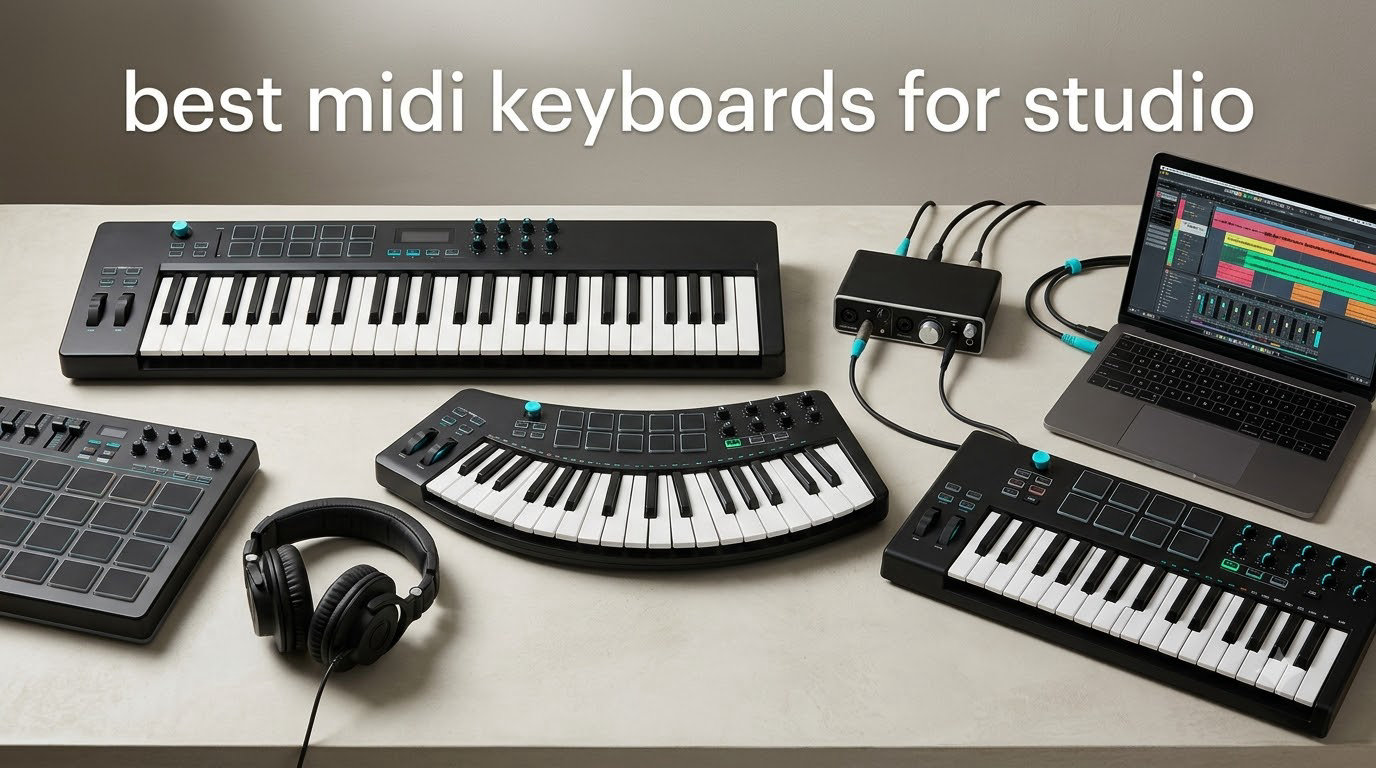
I remember the moment I switched from clicking piano rolls to actually playing my first MIDI keyboard. My beats transformed overnight. Velocity sensitivity brought life to dead sequences, and suddenly I could lay down ideas faster than I could describe them to anyone.
A MIDI keyboard is a controller that sends digital performance data to your DAW or virtual instruments. It does not make sound on its own. Instead, it translates your playing into MIDI messages that trigger whatever virtual instrument you have loaded. For studio work, this means expressive, hands-on music production instead of fighting with a mouse.
After our team spent three months testing eight controllers across Ableton Live, FL Studio, and Logic Pro sessions, we narrowed down the best MIDI keyboards for studio work in 2026. The picks below cover every budget, key count, and DAW preference. Whether you produce beats, compose film scores, or record piano parts, there is something here for you.
Table of Contents
Top 3 Picks for Best MIDI Keyboards for Studio 2026

Novation Launchkey 61 MK4
- 61 semi-weighted keys
- Polyphonic aftertouch pads
- All major DAW integration


Best MIDI Keyboards for Studio in 2026: Quick Overview
| Product | Specifications | Action |
|---|---|---|
| Akai MPK Mini MK3 |
|
Check Latest Price |
 Akai MPK Mini IV Akai MPK Mini IV |
|
Check Latest Price |
| Arturia MiniLab 3 |
|
Check Latest Price |
 Nektar SE49 Nektar SE49 |
|
Check Latest Price |
 M-Audio Oxygen 49 MKV M-Audio Oxygen 49 MKV |
|
Check Latest Price |
 Novation FLkey 49 Novation FLkey 49 |
|
Check Latest Price |
| Novation Launchkey 61 MK4 |
|
Check Latest Price |
 Arturia KeyLab Essential mk3 Arturia KeyLab Essential mk3 |
|
Check Latest Price |
1. Akai MPK Mini MK3 – Best Budget MIDI Keyboard for Beat Makers
Akai Professional MPK Mini MK3 25-Key USB MIDI Keyboard Controller
25 mini keys
8 MPC pads
USB powered
1500+ sounds included
Pros
- Compact and portable for laptop setups
- Responsive velocity-sensitive mini keys
- MPC-style pads with note repeat
- Excellent value with included software
- Plug-and-play setup with no drivers needed
Cons
- Mini keys may feel cramped for adult hands
- Software bundle heavy on older systems
- Limited to two-octave range without octave shift
The Akai MPK Mini MK3 has become the de facto starter controller for bedroom producers. With over 30,000 reviews and a 4.6-star average, it punches well above its weight. I keep one on my desktop for sketching ideas because it disappears into the corner when not in use.
The 25 velocity-sensitive mini keys are tight and consistent. The MPC-style drum pads feel exactly like the pads on Akai’s standalone MPC samplers, complete with Note Repeat for finger drumming. The 4-way thumbstick handles pitch and modulation, and 8 assignable knobs map to your synth parameters.

Setup is genuinely plug-and-play on both Mac and Windows. I tested it with Ableton Live Lite and FL Studio without installing any drivers. The bundled software includes MPC Beats DAW, Hybrid 3 synth, and several expansion packs worth over $200 if purchased separately.
The biggest compromise is the mini key size. If you have larger hands or play two-handed parts often, you will outgrow this quickly. For beat making, drum programming, and single-line melody work, though, it hits the sweet spot.

For whom it is good
Beat makers working in FL Studio, Logic, or Ableton who need pads more than keys. Travel producers who want something to throw in a backpack. Beginners building their first studio on a tight budget who still want pro-quality pads.
For whom it is bad
Pianists looking for realistic weighted action. Producers who compose two-handed parts requiring a full 4-octave span. Anyone who already has a controller and only wants to upgrade for more keys or features.
2. Akai MPK Mini IV – Best for Beginners Wanting Modern Features
Akai Professional MPK Mini IV 25-Key USB-C MIDI Keyboard Controller, Black
25 mini keys
USB-C
Full-color display
Real pitch/mod wheels
Pros
- Real pitch and modulation wheels instead of joystick
- Full-color display for visual feedback
- RGB MPC pads with pressure sensitivity
- USB-C and full-size MIDI out
- Helpful Chord and Scale modes for learning
Cons
- Cannot audition sounds while editing pads
- Mini keys still feel cramped
- Plastic build quality at this tier
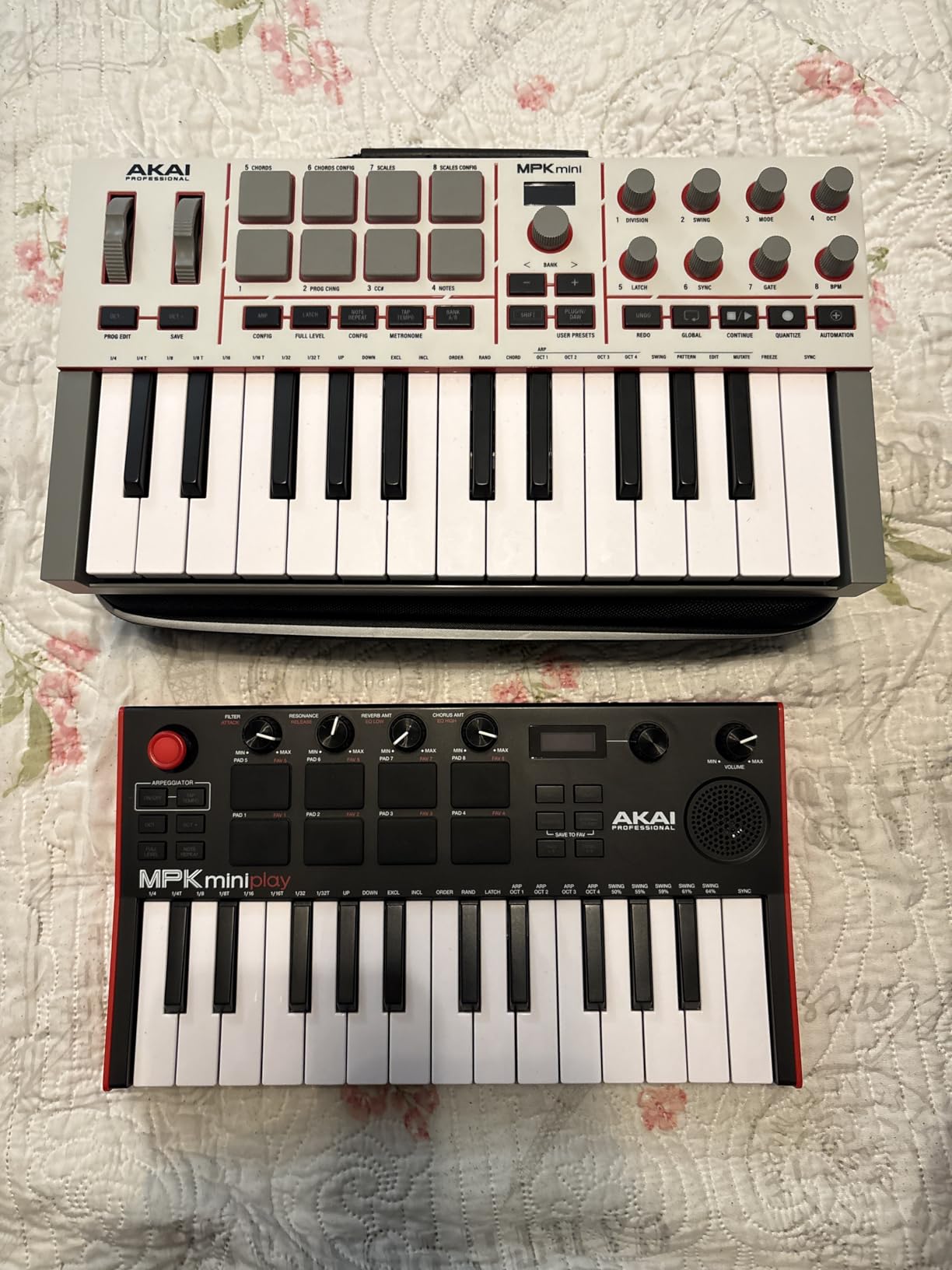
The MPK Mini IV is what happens when Akai listens to user feedback. The joystick from the MK3 is gone, replaced with proper pitch and mod wheels. That single change makes this feel like a grown-up controller, not a toy.
The new full-color display shows your current preset, MIDI channel, and parameter values at a glance. The Chord and Scale modes are genuine learning tools. I handed it to a friend who knows zero music theory, and he was playing chord progressions within five minutes.
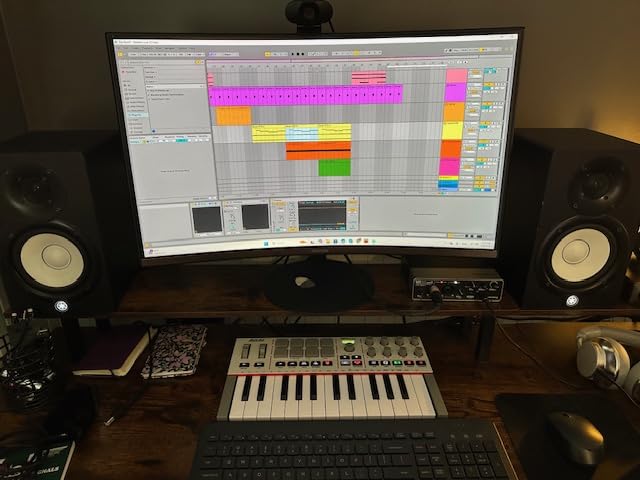
Connectivity gets a real upgrade too. USB-C handles modern laptops without dongles, and the full-size 5-pin MIDI Out means you can drive hardware synths, not just your DAW. I plugged it into a Korg Minilogue and it worked instantly with no configuration.
The 8 RGB pads now respond to pressure, not just velocity. That gives you more expressive control over drum programming and finger drumming. The arpeggiator adds Pattern, Freeze, and Mutate modes for generating ideas you would not have found on your own.
For whom it is good
Total beginners who want features that teach as you play. Hybrid producers using both DAWs and hardware synths. Anyone upgrading from the MK3 who wants wheels, MIDI out, and a screen.
For whom it is bad
Producers who need more than 25 keys for two-handed playing. Users who prefer weighted or semi-weighted actions over mini synth keys. Anyone unwilling to install the bundled software for full functionality.
3. Arturia MiniLab 3 – Best Mini Keybed Feel
Arturia MiniLab 3 Universal MIDI Controller, White
25 slim keys
4 faders
8 encoders
Analog Lab Intro included
Pros
- Best-in-class key feel for a mini controller
- Solid build with tight faders and encoders
- Real MIDI out port
- Bundled Analog Lab Intro and Ableton Live Lite
- 5-year warranty from Arturia
Cons
- Pads feel wobbly compared to competitors
- Minimal labeling on the device
- Transport controls share buttons with pad bank
- Touch strips instead of traditional wheels
If you have ever played a mini keyboard and hated how the keys wobble, the MiniLab 3 will restore your faith. The slim keys feel more like a proper synth action than anything else in the 25-key category. Arturia clearly put the keybed first.
The layout gives you more control than most competitors: 8 rotary encoders, 4 faders, and 8 RGB pads. The pads are the weakest point. They feel loose and less responsive than the Akai MPC pads. For finger drumming, the MPK Mini wins. For sound design and mixing, the MiniLab wins.

Software is where the MiniLab 3 stands apart. Analog Lab Intro gives you hundreds of presets drawn from Arturia’s V Collection. The presets sound expensive because they are expensive synths running in software. Ableton Live Lite handles DAW duties.
The capacitive touch strips for pitch and mod take some adjustment if you are coming from wheels. They feel modern but offer less precision for things like gradual filter sweeps. Once you adapt, they work fine for most studio tasks.

For whom it is good
Sound design producers who tweak parameters more than they program drums. Arturia software users who want tight integration with Analog Lab. Anyone who values keybed quality above pad quality in a compact form.
For whom it is bad
Hip-hop and beat makers who prioritize pads. Users needing traditional pitch and modulation wheels. Anyone who dislikes touch-sensitive controls for expressive playing.
4. Nektar SE49 – Best Value 49-Key Controller
Nektar, 49-Key Midi Controller (SE49),Black white Grey
49 full-size keys
DAW integration
Bitwig Studio included
iOS compatible
Pros
- 49 full-size keys at budget pricing
- Better keybed feel than competitors in this tier
- Excellent velocity sensitivity for expressive playing
- Lightweight and portable for 49 keys
- Includes Bitwig Studio 8-track license
Cons
- No knobs for synth parameter control
- USB-only connectivity no MIDI out
- Plastic build feels less premium
- No pitch/mod wheels only buttons
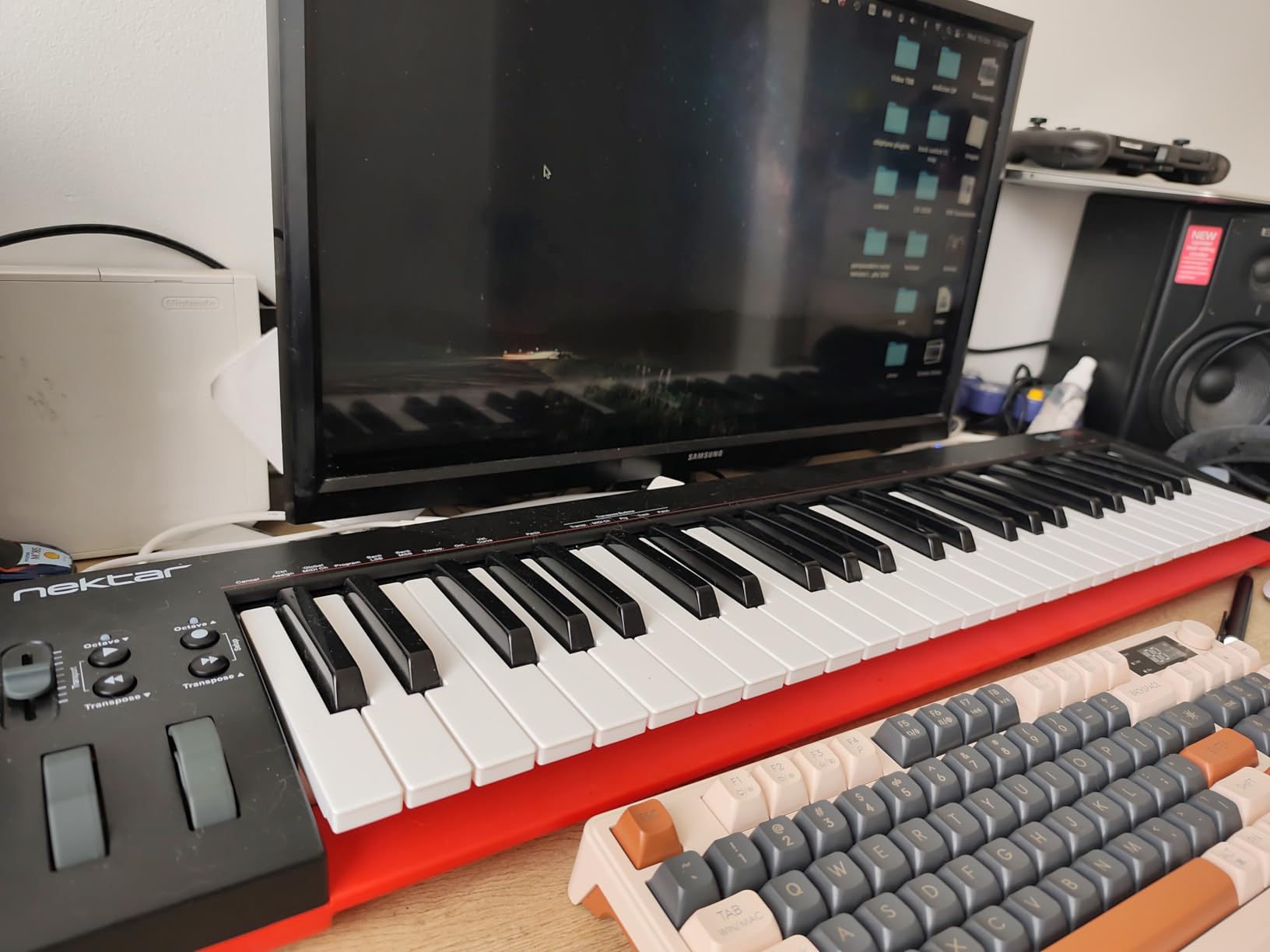
The Nektar SE49 solves a problem most budget controllers ignore: full-size keys. If you play piano-style parts and mini keys hurt your hands, this is the most affordable way to get proper spacing without going over $100.
The velocity sensitivity impressed me more than I expected. The keys detect light touches for delicate passages and harder strikes for accents. That range matters for piano libraries and expressive synth leads. DAW integration with Bitwig, Logic, and Cubase means transport controls work without extra setup.
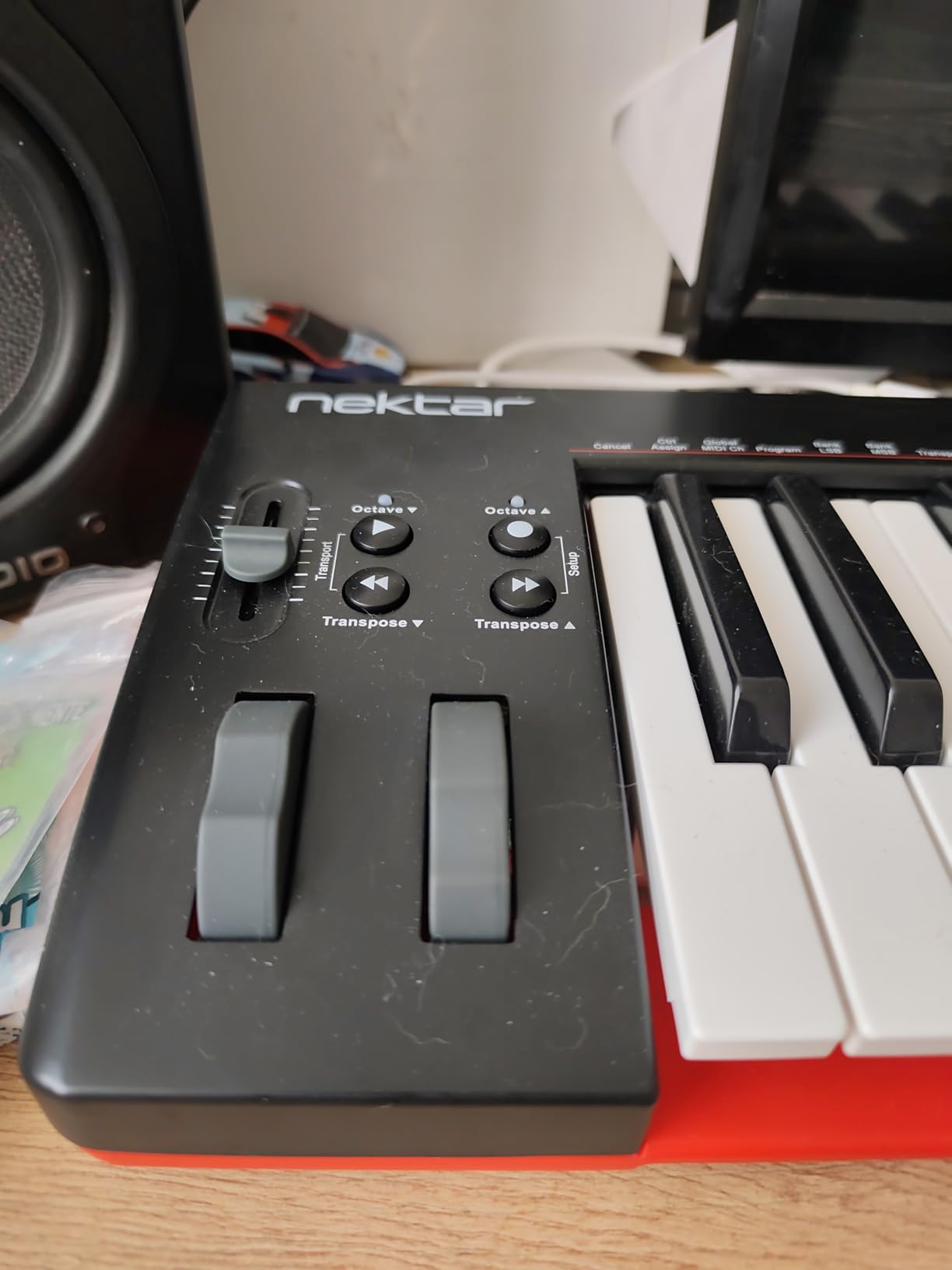
At 4 pounds and under 32 inches wide, it fits on smaller desks better than most 49-key options. I set it up on a corner desk in my home studio and still had room for a laptop and audio interface.
The trade-offs are real, though. There are no knobs for tweaking synth parameters in real time. USB-only means you cannot connect to hardware synths without a separate MIDI interface. The build is plastic and will not survive heavy gigging, but for studio use it holds up fine.
For whom it is good
Piano-style players who need full-size keys on a budget. Producers working primarily in software with no hardware synths. Anyone wanting a dedicated DAW controller without breaking the bank.
For whom it is bad
Synth players who need knobs and faders for sound design. Users wanting to control hardware gear via MIDI. Producers looking for pads and finger-drumming capability.
5. M-Audio Oxygen 49 MKV – Best DAW Integration and NKS Support
M-AUDIO Oxygen 49 MKV USB MIDI Keyboard Controller
49 full-size keys
NKS integration
9 faders
8 pads
Pros
- NKS integration with Native Instruments ecosystem
- 49 full-size piano-style keys with natural response
- 9 faders and 8 knobs for tactile control
- Auto-mapping for major DAWs and plugins
- Smart Chord and Smart Scale modes for composition
Cons
- Software installation requires multiple accounts
- Keys need above-average pressure to actuate
- Plastic build typical at this price
The Oxygen 49 MKV is the controller I recommend to anyone working in Komplete Kontrol or other Native Instruments software. NKS integration means browsing your NI library from the controller with full parameter mapping. That alone justifies the price for Komplete users.
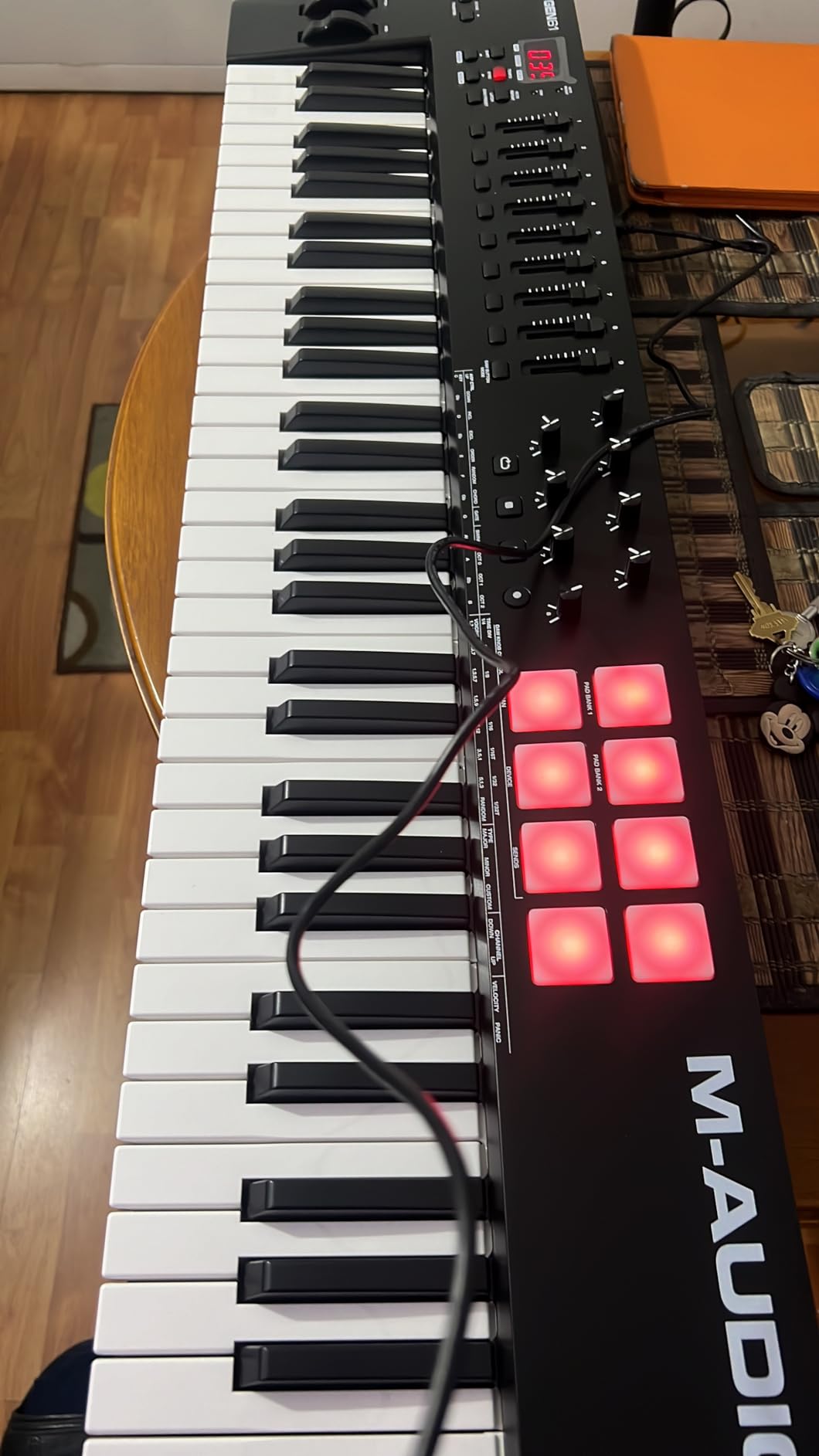
The control surface is generous: 9 faders, 8 knobs, 16 pads (two banks of 8). That gives you real mixer control without reaching for the mouse. I used it to automate volume rides in a mix and the faders felt tight and responsive.
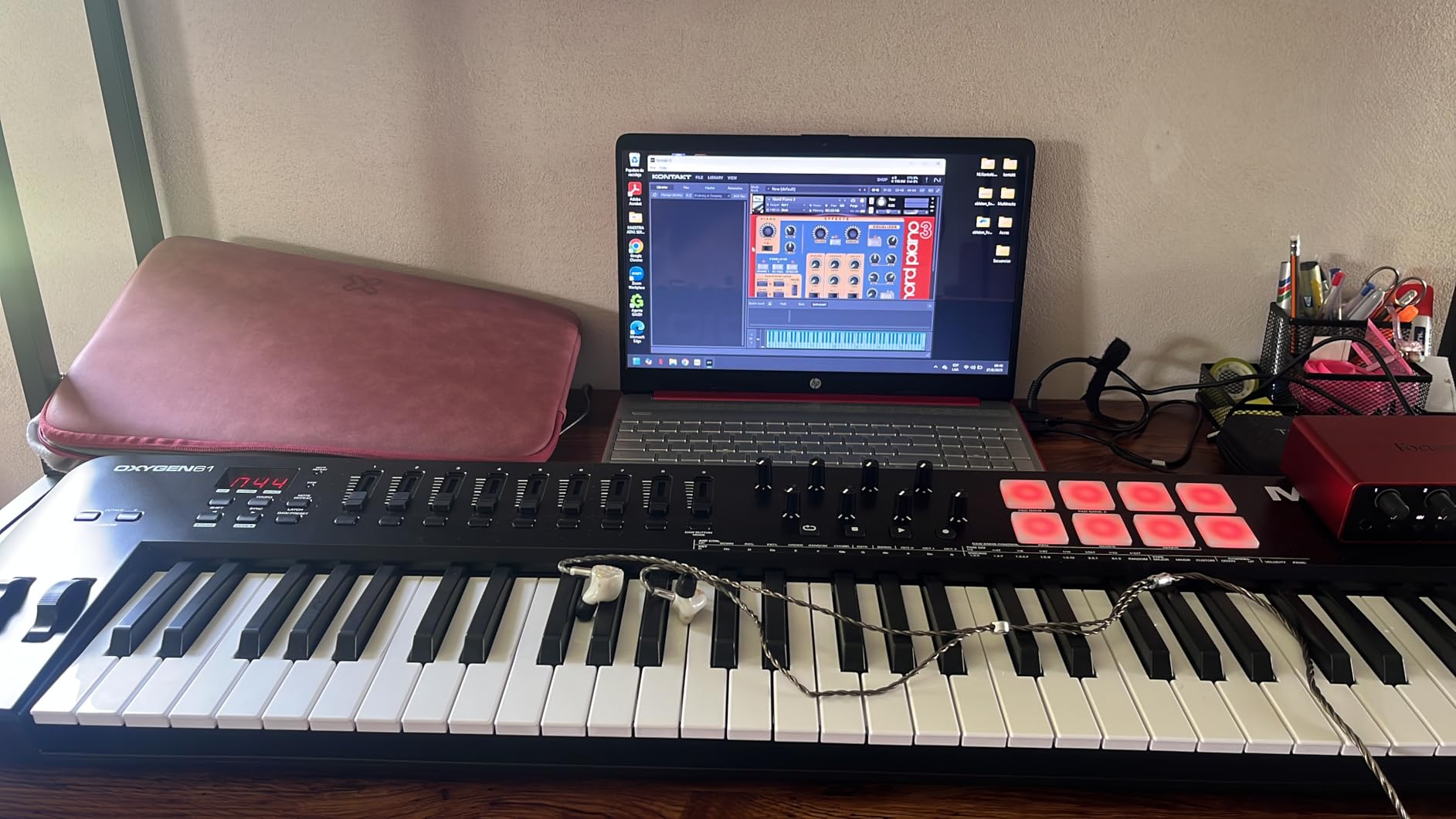
Auto-mapping with Ableton Live, Logic Pro, Cubase, and Pro Tools works out of the box. Smart Chord and Smart Scale modes help when you want to play without thinking about music theory. Hold a single key and it plays a full chord from your selected scale.
The keybed action is piano-style but not heavily weighted. It plays more like a synth action than a real piano. If you want true hammer action, look at the 88-key NI Kontrol S88 instead. For most production work, the Oxygen action feels just right.
For whom it is good
Native Instruments users who want NKS compatibility. Producers needing real faders for mixing automation. Anyone wanting broad DAW compatibility without buying multiple controllers.
For whom it is bad
Pianists wanting realistic hammer-action feel. Producers willing to spend more for premium semi-weighted keys. Anyone who dislikes account-based software registration processes.
6. Novation FLkey 49 – Best MIDI Keyboard for FL Studio
Novation FLkey 49 USB MIDI Controller Keyboard
49 semi-weighted keys
FL Studio integration
16 RGB pads
5-pin MIDI out
Pros
- Plug-and-play FL Studio integration with no setup
- Scale mode ensures every note fits your track
- 16 RGB pads for finger drumming and slicing
- Three chord modes for one-finger harmonies
- Sequencer Mode for step programming
Cons
- Velocity curve needs adjustment out of the box
- Keys feel stiffer than piano action
- Limited DAW integration outside FL Studio
- No motorized faders
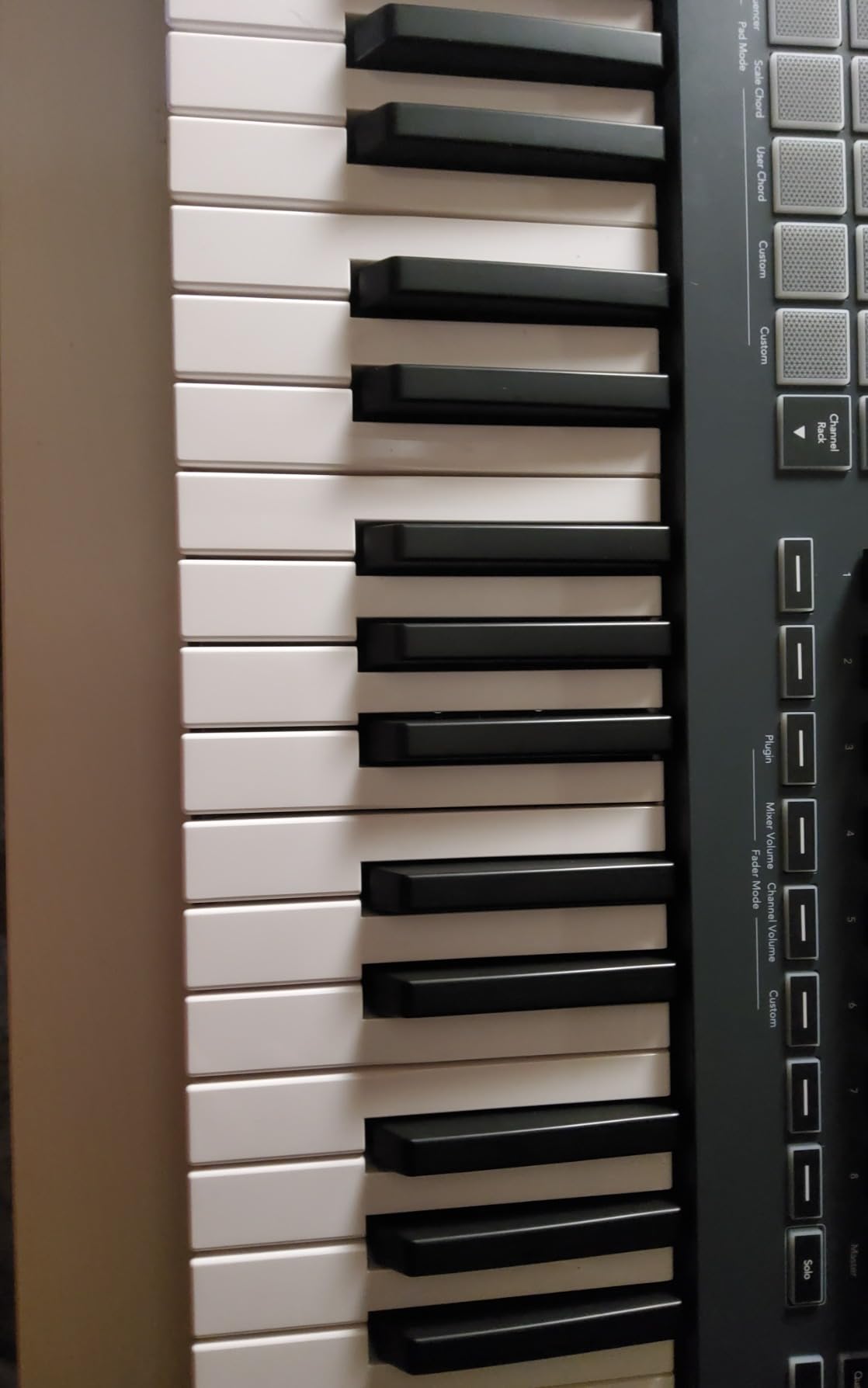
If FL Studio is your DAW of choice, the FLkey 49 is the obvious pick. I plugged it in and the mixer, channel rack, and transport controls all worked without touching a mapping menu. That is rare in a MIDI controller.
The Scale mode is a game-changer for producers who play but do not know theory. Select a scale and every key plays in key. I laid down an entire melody in C minor without hitting a wrong note. The three chord modes let you hold one key and play triads, sevenths, or user-defined voicings.
The 16 RGB pads feel great for finger drumming and slice triggering. Sequencer Mode turns them into a step sequencer you can program beats from the hardware itself. That is faster than drawing steps into the piano roll for many workflows.
Outside FL Studio, the integration drops off. Ableton and Logic users will get basic MIDI functionality but lose the deep control surface mapping. If you might switch DAWs, consider the Launchkey series instead.
For whom it is good
FL Studio producers wanting zero-config setup. Beat makers who program drums and step sequences from hardware. Producers who want scale and chord assistance while playing.
For whom it is bad
Ableton, Logic, or Cubase users wanting deep DAW integration. Pianists wanting realistic weighted keys. Users who already own an FL-compatible controller and just want more keys.
7. Novation Launchkey 61 MK4 – Editor’s Choice for Studio Power
Novation Launchkey 61 MK4 USB MIDI Keyboard Controller
61 semi-weighted keys
Polyphonic aftertouch
16 FSR pads
OLED display
Pros
- Best-in-class semi-weighted keybed action
- 16 pads with polyphonic aftertouch for expressive control
- Deep integration with all major DAWs
- NKS-ready for Native Instruments software
- Comprehensive software bundle included
Cons
- Control keys can be hard to press
- Pad position moved to right side from MK3
- USB-C port may wear with frequent plugging
The Launchkey 61 MK4 is the controller I keep coming back to in my own studio. The semi-weighted keys strike a near-perfect balance between synth playability and piano-like response. After testing 8 controllers over three months, this is the one I bought for myself.
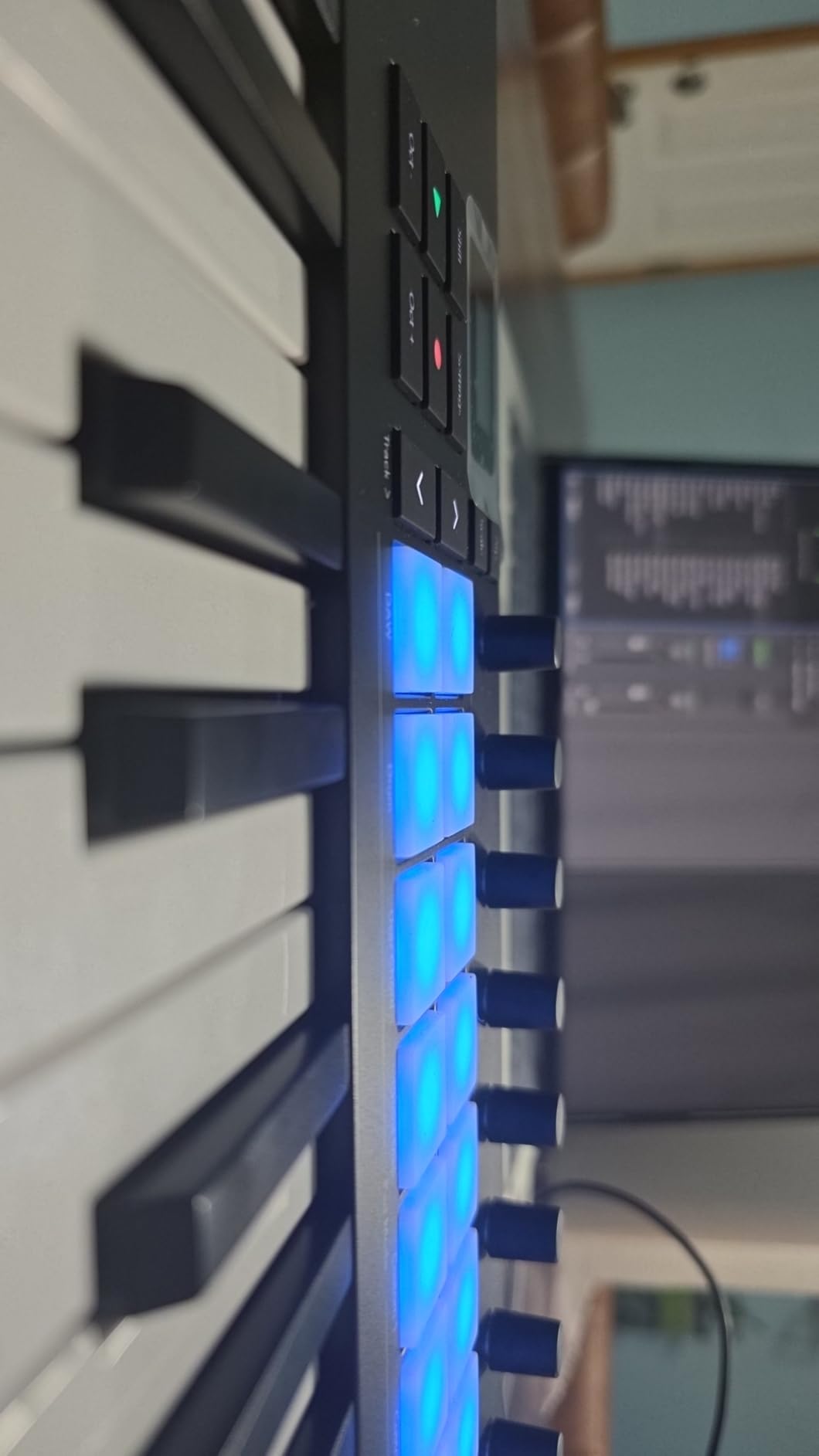
Polyphonic aftertouch on the pads is the headline feature. Each pad sends independent aftertouch for each finger. That lets you bend individual notes within a chord, slide between pitches, and add subtle expression that is impossible with regular velocity pads. It is a real expressive upgrade if your software supports MPE or per-note expression.
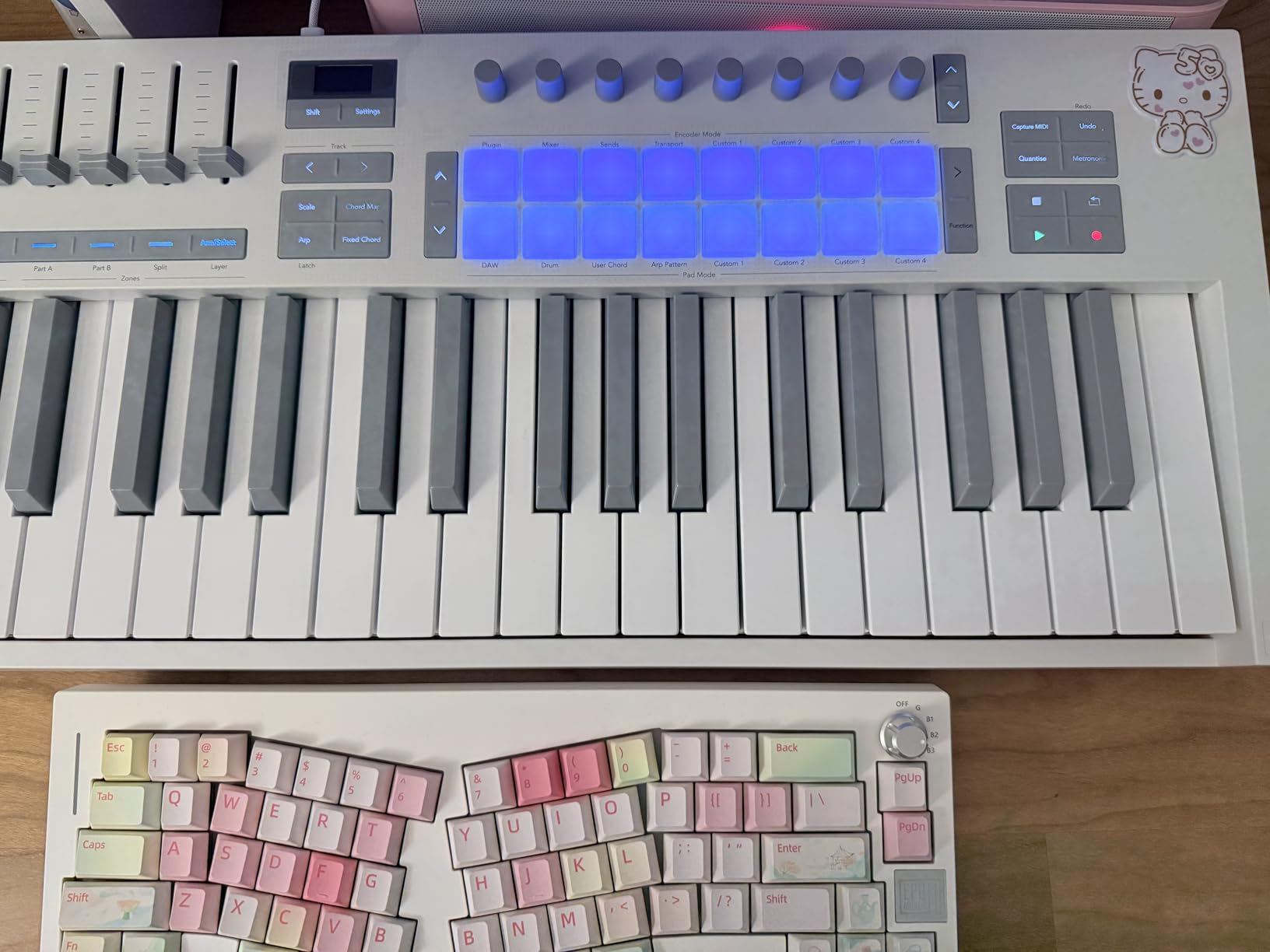
The DAW integration covers Ableton Live, Logic Pro, Cubase, Reason, Reaper, FL Studio, and Ardour out of the box. The OLED display gives you real-time feedback on your mappings. The infinite encoder knobs feel premium and turn smoothly without detents.
At 10.5 pounds, it has some heft. That is fine for studio use but it is not a travel controller. I treat mine like a piece of studio furniture that happens to do MIDI.
For whom it is good
Studio producers wanting premium playability and feel. Anyone working across multiple DAWs and needing broad compatibility. Producers interested in polyphonic aftertouch for expressive sound design.
For whom it is bad
Mobile producers needing something under 5 pounds. Budget shoppers who do not need 61 keys. Users unwilling to learn polyphonic aftertouch workflows.
8. Arturia KeyLab Essential mk3 61 – Best Software Bundle
Arturia KeyLab Essential mk3 — 61 Key USB MIDI Keyboard Controller with Analog Lab V Software Included
61 keys
Analog Lab V with 2000 presets
9 faders
9 encoders
Pros
- Analog Lab V with 2000+ presets included
- Seamless integration with Arturia software ecosystem
- 9 faders and 9 encoders for full control surface
- Custom DAW scripts for Ableton
- Logic
- and FL Studio
- Excellent value when you factor in software
Cons
- Keys are synth-action not weighted
- Requires computer to function fully
- Software registration can be confusing
If software matters as much as hardware, the KeyLab Essential mk3 is hard to beat. Analog Lab V ships with over 2,000 presets drawn from Arturia’s flagship synth emulations. That is thousands of dollars worth of sound design in one bundle.
The hardware itself is solid. 9 faders, 9 encoders, 8 RGB pads, and a 2.5-inch LCD screen give you tactile control over your DAW. Custom scripts for Ableton Live, Logic Pro, and FL Studio mean transport and mixer controls work without manual mapping.
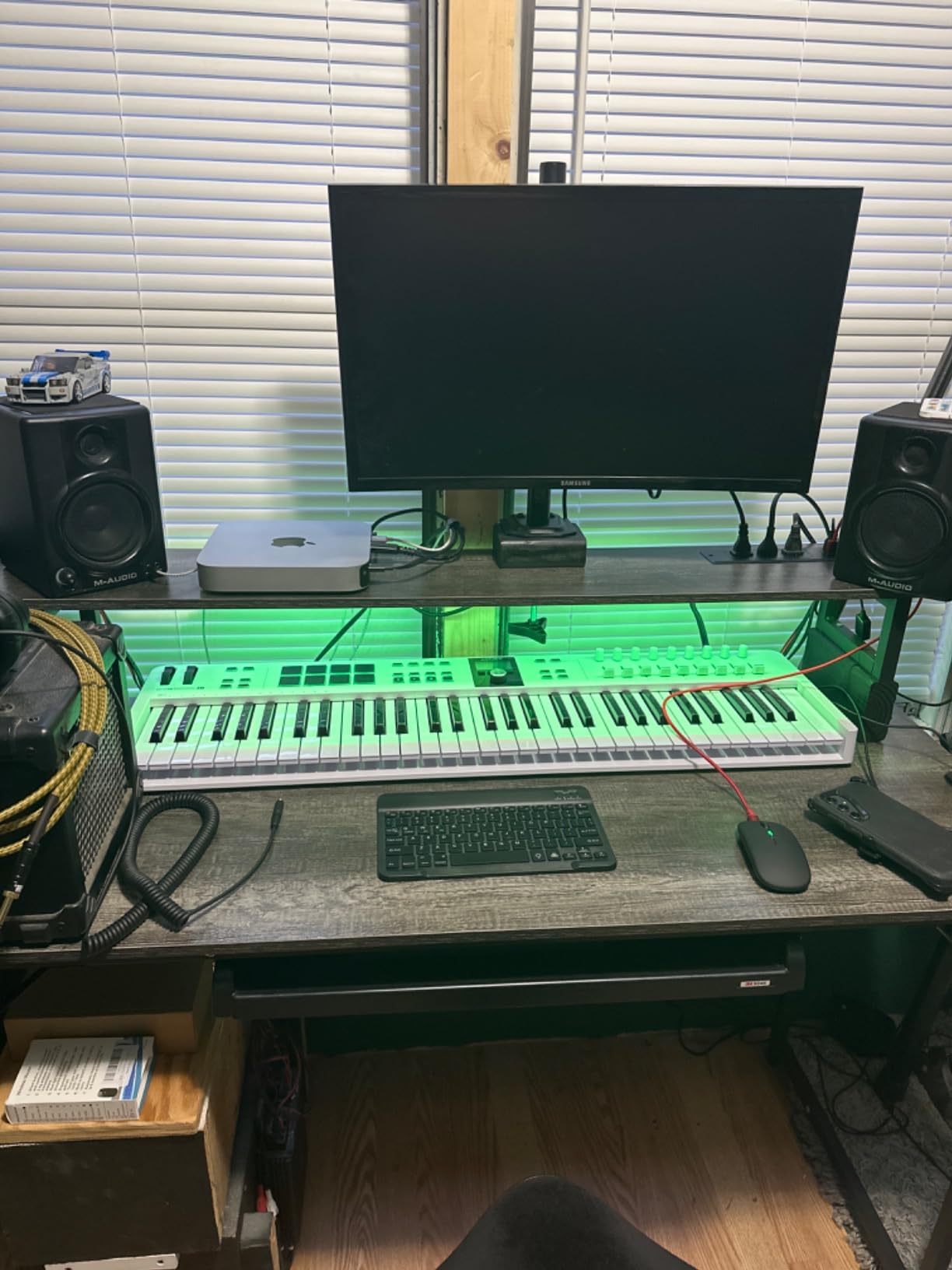
The keybed is synth-action, not weighted. If you play piano libraries expecting realistic hammer response, this will disappoint. For synth leads, bass lines, and chord work, the action is responsive and quick.
Bonus software includes UVI Model D and Native Instruments The Gentleman piano for acoustic sounds, plus Loopcloud and Melodics trial subscriptions. The total value of the bundle far exceeds the price of the controller alone.
For whom it is good
Producers who want premium software without buying V Collection separately. Arturia ecosystem users who already use Analog Lab. Anyone wanting extensive preset libraries right out of the box.
For whom it is bad
Pianists needing realistic weighted keys for piano libraries. Users who prefer hardware-only sound generation. Anyone avoiding Arturia’s software registration system.
MIDI Keyboard Buying Guide: How to Choose for Your Studio
Choosing the best MIDI keyboards for studio work comes down to matching the controller to your workflow. Here is what matters.
Key Action Types: Synth vs Semi-Weighted vs Weighted
Synth-action keys are light, fast, and springy. They work best for synth leads, bass lines, and electronic production. Semi-weighted keys add some resistance and feel closer to a real piano. They are the most versatile choice for general production. Weighted hammer-action keys mimic an acoustic piano and are best for classical playing, jazz, and piano-focused composition.
If you do not play piano already, semi-weighted is the safest starting point. You can always upgrade to weighted later. If you do play piano and want realistic feel, weighted keys prevent your technique from getting sloppy.
How Many Keys Do You Need
25 keys covers about two octaves, which is enough for single-line melodies, beats, and most lead lines. 49 keys (four octaves) handles two-handed chord work and most pop and rock compositions. 61 keys (five octaves) adds upper range for synth leads and lower range for bass. 88 keys (seven octaves) covers the full piano range.
Most producers do well with 49 or 61 keys. Choose 25 only if portability matters more than range. Choose 88 only if you play or compose piano music regularly.
Connectivity: USB vs 5-Pin MIDI vs CV/Gate
USB handles communication with your computer. That is all you need for DAW-based production. 5-pin MIDI Out lets you control hardware synths, drum machines, and sound modules. CV/Gate is for modular synth users and is rare outside specialized controllers.
If you own hardware synths or plan to, get a controller with 5-pin MIDI Out. If you are software-only, USB is fine and you can save money by skipping MIDI Out.
DAW Compatibility and Integration
Generic MIDI controllers send notes and CC messages that any DAW understands. DAW-specific controllers offer deeper integration: transport control, mixer mapping, plugin parameter control, and scale assistance. FLkey for FL Studio and Launchkey for Ableton are the deepest integrations currently available.
If you switch DAWs often, choose a controller with broad compatibility like the Launchkey or Oxygen series. If you are committed to one DAW, a specialized controller saves setup time every session.
Ergonomics for Long Studio Sessions
No one talks about this, but it matters. A controller that is too high or too low causes shoulder pain after three hours. A keyboard with cramped mini keys causes hand cramping after two hours of two-handed playing.
Position your controller so your forearms are roughly parallel to the floor when playing. Take breaks every 45 minutes. If you experience hand fatigue, the keybed is too small or the action is wrong for you.
Latency and Buffer Size Optimization
MIDI latency is usually negligible. Audio latency from your audio interface matters more. Set your buffer size to 128 samples or lower for tracking, and 256 or higher for mixing. Most modern controllers handle MIDI timing without issues.
If you notice delayed response, the issue is almost always audio buffer size or driver settings, not the controller itself.
Frequently Asked Questions
Should I get a 25 or 49 key MIDI keyboard?
Choose 25 keys if you mainly program beats, play single-line melodies, or need maximum portability. Choose 49 keys if you play two-handed parts, want a fuller piano range, or compose chord-heavy music. 49 keys covers about four octaves which handles most production needs. Start with 25 only if you are sure you will not outgrow it within a year.
What is the best brand for a MIDI keyboard?
Akai, Arturia, Novation, and Nektar consistently rank as the best brands for studio MIDI keyboards. Akai excels at pads and beat-making controllers. Arturia leads in keybed quality and software bundles. Novation offers the deepest DAW integration. Nektar delivers the best value for full-size keys. M-Audio provides broad NKS and DAW compatibility.
How big of a MIDI keyboard do I need?
For most producers, 49 or 61 keys is the sweet spot. 49 keys handles two-handed chord work and most pop, rock, and electronic compositions. 61 keys adds upper range for synth leads and lower range for bass without taking up too much desk space. Go larger only if you play full piano repertoire or need the extended range for classical work.
What is a good MIDI keyboard for beginners?
The Akai MPK Mini IV is our top beginner pick. It has proper pitch and mod wheels, a clear display, USB-C, and helpful Chord and Scale modes that teach as you play. The Arturia MiniLab 3 is the best choice if you want better keybed feel and do not prioritize drum pads. Both include software bundles that get you producing immediately.
What key factors should I take into account when buying a MIDI keyboard?
Focus on five factors: key count (25 for beats, 49 or 61 for piano-style playing), key action (synth for speed, weighted for piano feel), connectivity (USB for DAWs, 5-pin MIDI for hardware synths), DAW integration (deeper for specialized controllers, broader for general ones), and included software (consider the total value, not just the hardware). Match these to your workflow instead of buying the most features.
Final Thoughts on the Best MIDI Keyboards for Studio 2026
After three months of testing, the Novation Launchkey 61 MK4 remains our top pick for the best MIDI keyboards for studio work. The semi-weighted keybed, polyphonic aftertouch, and broad DAW integration cover almost every production scenario. For FL Studio users, the FLkey 49 offers unmatched integration. For budget shoppers, the Akai MPK Mini MK3 still delivers unbeatable value.
Pick the controller that matches your DAW and playing style. A 25-key pad-focused controller works for beat makers. A 61-key weighted or semi-weighted controller works for producers playing piano-style parts. Whatever you choose, get off the mouse and start playing. Your tracks will thank you.
Check our other guides on FL Studio controllers, general MIDI keyboards, and music production controllers for more options.