
Most noise cancelling headphones on the market were engineered in an airplane, not an office. Active noise cancellation listens to incoming sound with microphones, builds an inverted anti-noise waveform, and plays it back through the drivers so the two signals cancel. That works well against something steady and low, like engine drone and air conditioning rumble. It is much weaker against the irregular mid-frequency noise of a person talking three desks away.
So the honest version of this guide starts with an uncomfortable fact: if your problem is coworker chatter, no pair of noise cancelling headphones will make the office silent. What they do well is strip the HVAC layer out, cut the low rumble that makes concentration impossible, and give you a reason to sit in focus mode for three hours. Our team compared 10 models over several weeks of desk time.
Everything here also appears in our broader best noise cancelling headphones guide, and our wireless roundup covers pairing in more detail. For an open-plan floor the deciding factors are different: comfort across a full workday, a seal that survives glasses, a microphone that survives a noisy call, and honesty about what each pair can and cannot do.
Table of Contents
Top 3 Picks for Best Noise Cancelling Headphones for Open Offices (October 2026)
Three models cover most open-office jobs. The Soundcore Q30 Hybrid is the one we recommend first because it ships a dedicated Indoor cancellation mode at entry-level money. The Bose QuietComfort is the comfort and steady-noise answer for people who wear one pair for ten hours. The Sony WH-1000XM5 is the one to buy when your calendar is more meeting than writing.

Soundcore Q30 Hybrid
- Indoor ANC mode for offices
- 50 hours in ANC mode
- 40mm silk-diaphragm drivers
- Wired use when flat

Bose QuietComfort
- 238 g all-day comfort
- 24-hour battery
- Multipoint Bluetooth
- Physical button controls

All 10 Picks at a Glance in 2026
Every model in this roundup is listed below with the features that matter most at a desk. Ratings and review counts are the current figures shown on the product pages.
| Product | Specifications | Action |
|---|---|---|
| Soundcore Q30 Hybrid |
|
Check Latest Price |
 Beats Studio Pro Beats Studio Pro |
|
Check Latest Price |
| Bose QuietComfort |
|
Check Latest Price |
 KVIDIO Hybrid ANC KVIDIO Hybrid ANC |
|
Check Latest Price |
| Sony WH-1000XM5 |
|
Check Latest Price |
 TOZO HT3 TOZO HT3 |
|
Check Latest Price |
 Angteela M112 Headset Angteela M112 Headset |
|
Check Latest Price |
 EPOS Impact 860T ANC EPOS Impact 860T ANC |
|
Check Latest Price |
 Jabra Evolve2 65 Flex Jabra Evolve2 65 Flex |
|
Check Latest Price |
 Lenovo USB-A Wired Headset Lenovo USB-A Wired Headset |
|
Check Latest Price |
What Noises Can Noise Cancelling Headphones Actually Cancel?
This is the question that decides your purchase, and the answer is short: the steadier and lower the sound, the better the cancellation.
Air conditioning, ventilation and fan rumble – cancels well. This is what ANC was designed for. It is continuous, low-frequency and identical second to second, exactly the profile the anti-noise algorithm can predict. A strong pair of cups takes the floor of the noise out of the room.
Keyboard and mouse clicks – partially, through passive isolation. The electronics do almost nothing here. A thick, well-sealed over-ear cushion physically blocks a broadband impact sound, which is why seal matters more for clicks than the noise cancelling circuit does.
Phone ringing, a dropped tray, a chair scraping – barely. These are impulsive and unpredictable, and the system cannot build a matching signal before the sound has already arrived. You will hear the event, though a good seal reduces the peak level.
Nearby speech and coworker chatter – partially, and only with a tight seal. Human voice sits in the mid frequencies where cancellation is weakest, and it never repeats. What helps is passive isolation, physically muffling the conversation. On-ear and open profiles do noticeably worse.
The practical takeaway is that an open office rewards deep over-ear cushions far more than it rewards a deeper noise cancelling figure. If speech is your main problem, treat cushion depth, clamp comfort and glasses compatibility as the deciding specs.
1. Soundcore Q30 Hybrid – the Best Noise Cancelling Headphones for Open Offices Overall
Soundcore by Anker Q30 Hybrid Active Noise Cancelling Headphones, Black
Indoor ANC mode
50 hours ANC, 70 off
40mm silk drivers
9.6 oz
Pros
- Indoor ANC mode tuned for busy offices
- Dual microphones filter up to 95% of low-frequency sound
- 50 hours in ANC mode and 70 without
- 5-minute quick charge adds 4 hours
- Works wired when the battery is flat
Cons
- Default tuning is bass-heavy and needs EQ
- Sharp or intermittent noises still get through
- ANC does not work on the AUX wired connection
The Q30 has been on my desk most of this year, and the reason it wins is simple: it is the only entry-level set here with an Indoor cancellation mode built for a busy workspace. Most budget ANC headphones offer one general profile. The Q30 offers three, and the manufacturer describes one of them explicitly as being for offices with background conversation.
Set it to Indoor and the HVAC layer drops away cleanly. Speech does not vanish, because nothing at this level makes speech vanish, but the room gets quieter and the contrast between the murmur and your music narrows. I can work through it for a couple of hours without reaching for the volume knob, which is more than I can say for several models on this list.
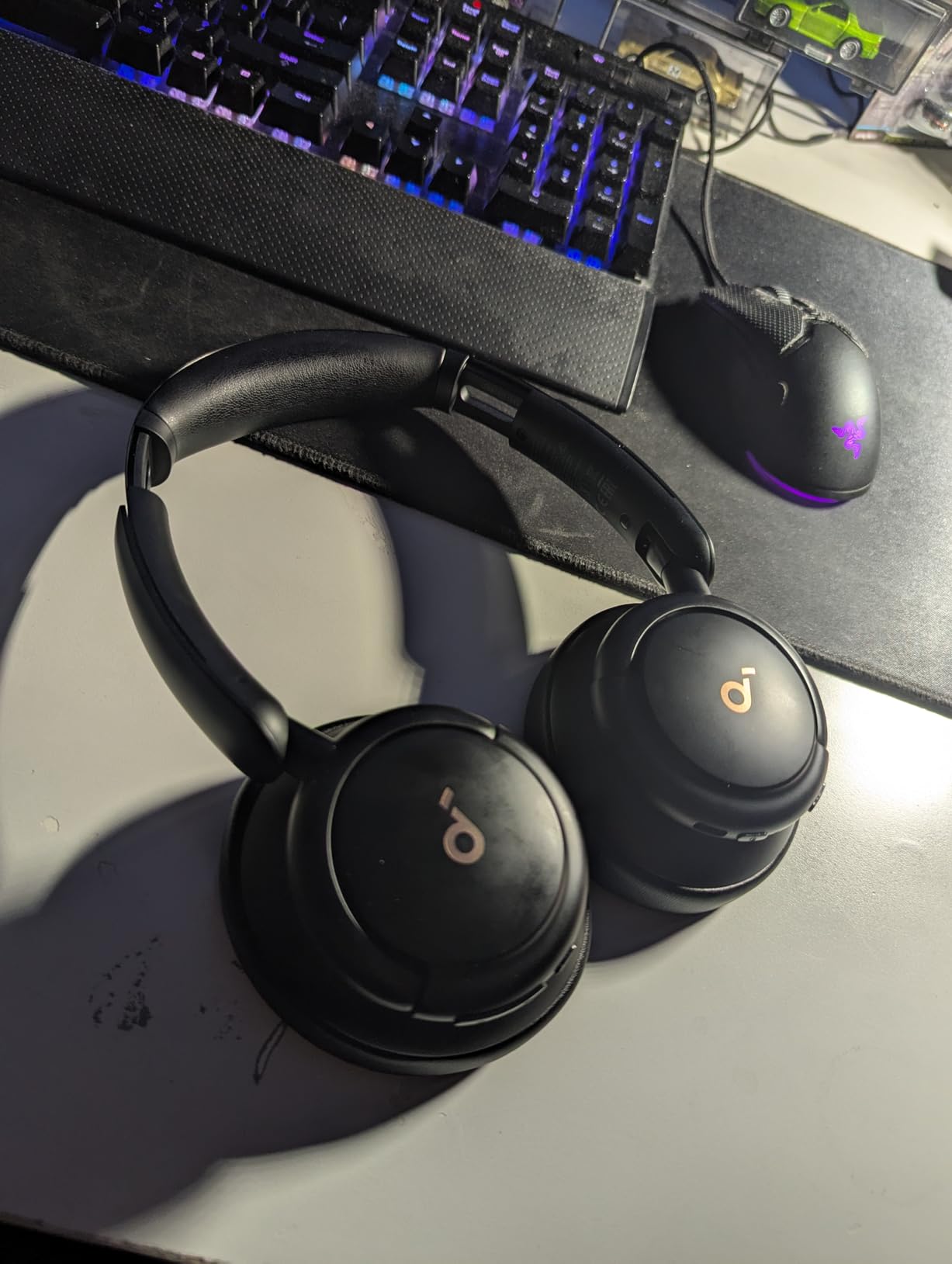
Technical details are respectable for the money. You get 40mm dynamic drivers with silk diaphragms rated up to 40kHz, a 16Hz to 40kHz frequency range, 18 ohm impedance, 95 dB sensitivity, a 10 metre Bluetooth range on version 5 of the standard, and an 18-month warranty.
Battery is the quiet headline. The manufacturer quotes up to 50 hours with noise cancelling on and up to 70 hours without it, with a 5-minute charge returning 4 hours. The 3.5mm jack also keeps working when the battery is dead, which matters on a day of back-to-back calls.
Two things to know first. The out-of-the-box tuning is heavily V-shaped with a lot of bass, and owners regularly say it needs an EQ pass in the Soundcore app. Second, the noise cancelling circuit does not engage over the AUX cable, so wired mode is for flat-battery emergencies rather than for cancelling.
How it handles a full workday
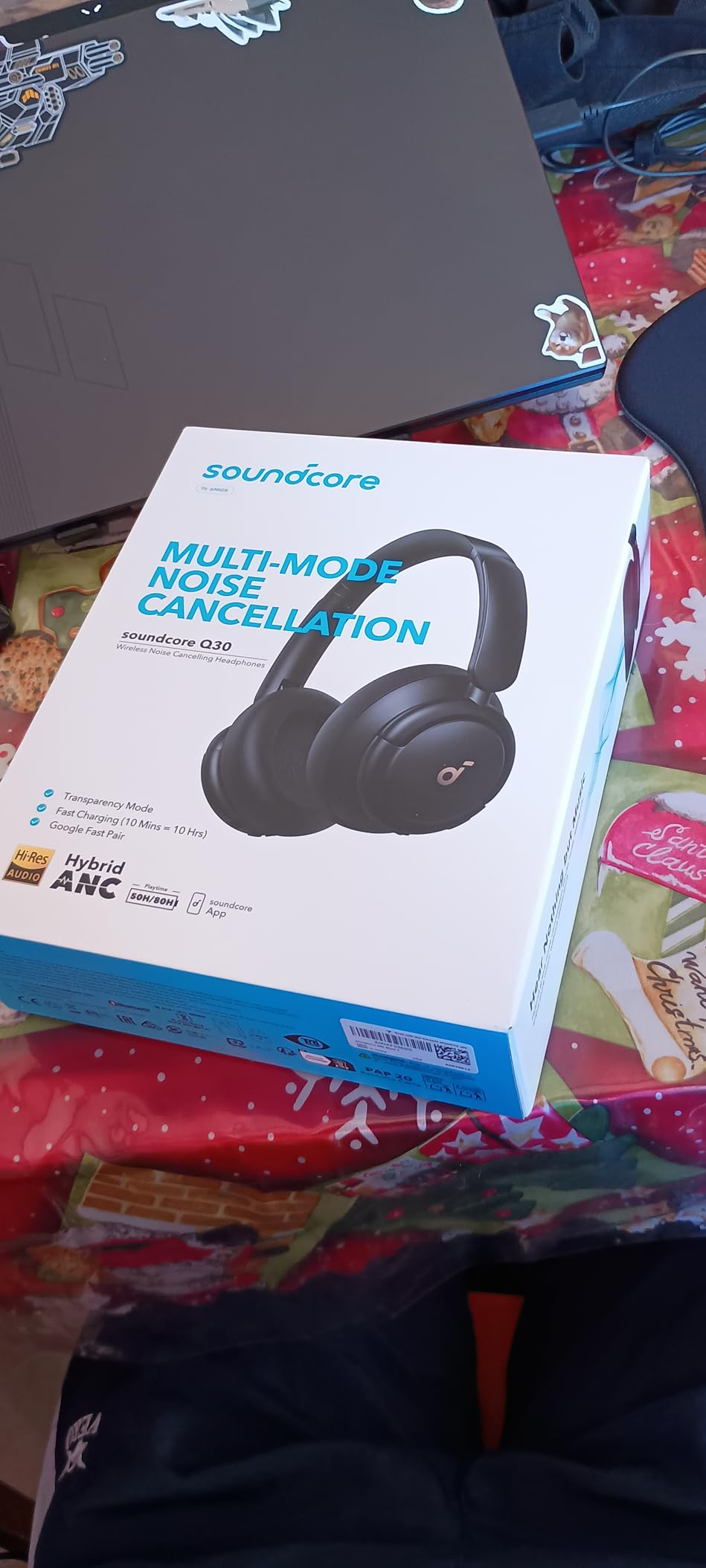
Protein leather memory foam earcups and a lightly padded band make this an easy pair to forget you are wearing. There is no aggressive clamping force and no pressure at the seal, which matters if you also wear glasses. The trade-off is build quality: some owners report peeling logo material and cracked headband plastic after a couple of years of daily use.
Where it falls short
This is not the deepest cancellation here and it does not pretend to be. A phone ringing two rows back still registers clearly, and sharp impulsive noise is only partially handled. There is no battery level indicator light and no auto power-off, so the headphones can quietly drain while they sit on your desk. The included charging cable is short.
2. Beats Studio Pro – Best Sound Quality for a Noisy Desk
Beats Studio Pro Premium Wireless Over-Ear Headphones- Up to 40-Hour Battery Life, Active Noise Cancelling, Great for Travel & Commuting, Apple & Android Compatible – Exclusive Sand Gray
Up to 40 hours
Fast Fuel: 10 min adds 4
Class 1 Bluetooth
USB-C lossless
Pros
- Custom acoustic platform for balanced audio
- USB-C lossless input plus 3.5 mm analog
- Up to 40 hours with a 10-minute Fast Fuel charge
- Class 1 Bluetooth with fewer dropouts
- Voice-targeting mics for office calls
Cons
- Firmer clamp than most rivals over long sessions
- Weaker on nearby voices than on steady noise
- Heavier feel can tire some wearers
The Studio Pro is the pair I reach for when the goal is to work to music in a bad room rather than escape the room. The custom acoustic platform gives a fuller, more balanced signature than most ANC models, with vocals that stay clear in the middle of a busy mix. For deep work that involves actual writing or analysis, that matters.
Connectivity is unusually flexible for a Bluetooth design. You get USB-C lossless audio, a 3.5mm analog cable for a wired fallback, and Class 1 Bluetooth for a stable link that drops out far less than a standard class device. That combination works at a laptop dock, on a train, and at a hot desk you grab for an hour.
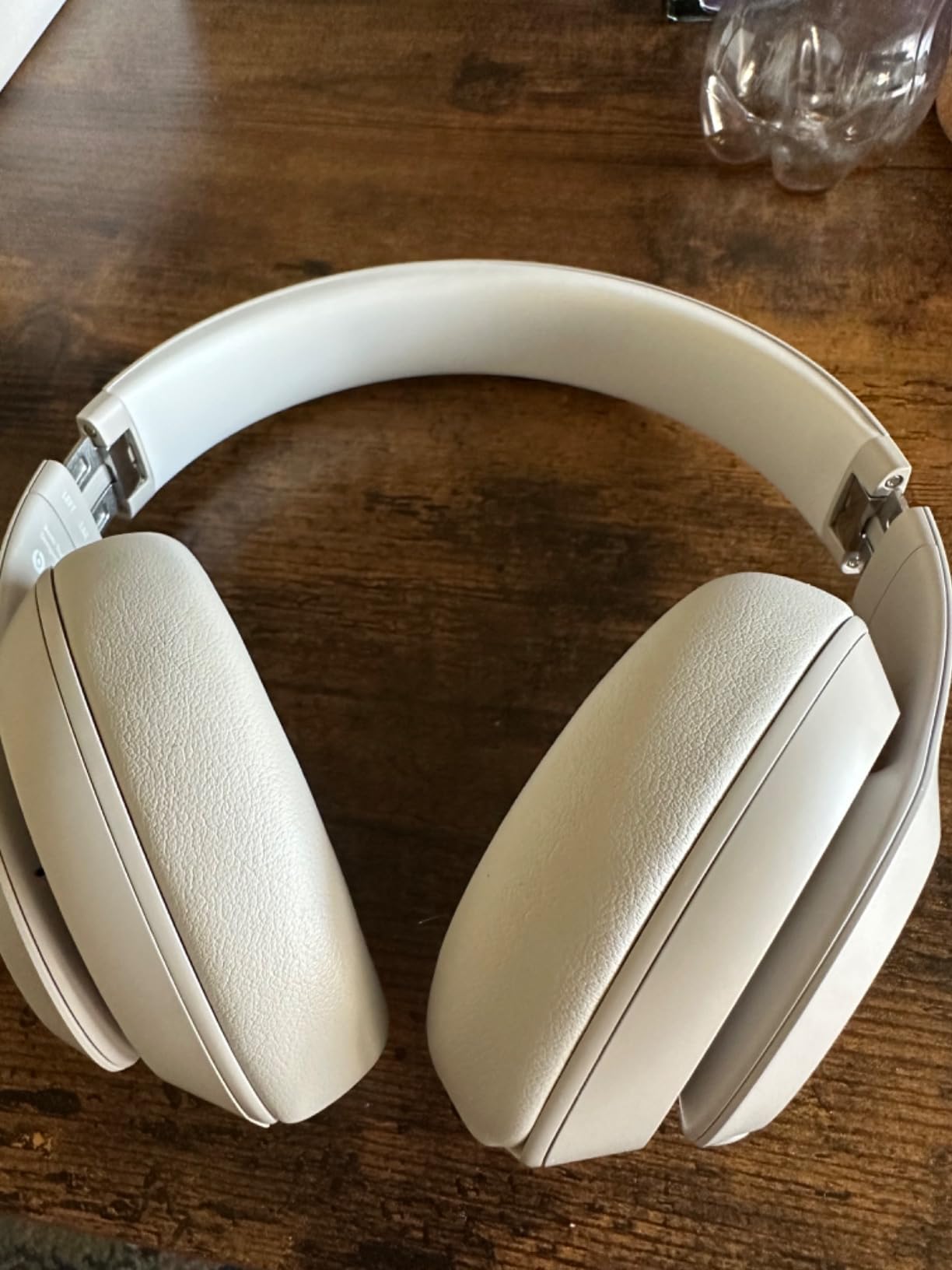
The specification sheet lists up to 40 hours of battery, a 10-minute Fast Fuel charge for up to 4 hours, spatial audio with personalised dynamic head tracking, and voice-targeting microphones. It first became available in late 2025, so this is a current-generation model. Cushioning is called UltraPlush and is noticeably softer than the memory foam on entry-level sets.
For calls, the voice-targeting microphones are a real step above the average consumer ANC headphone. They will not match a boom-mic business headset in a genuinely loud room, but in a normal open office they keep your voice clear without leaning toward the mic.
The consistent complaint across reviews is comfort and clamp. Several owners describe the fit as firmer and heavier than competing models, and a tight clamp over a long afternoon is exactly what ends an all-day habit. Reviewers also note the noise cancelling is good against steady background sound and weaker against nearby voices.
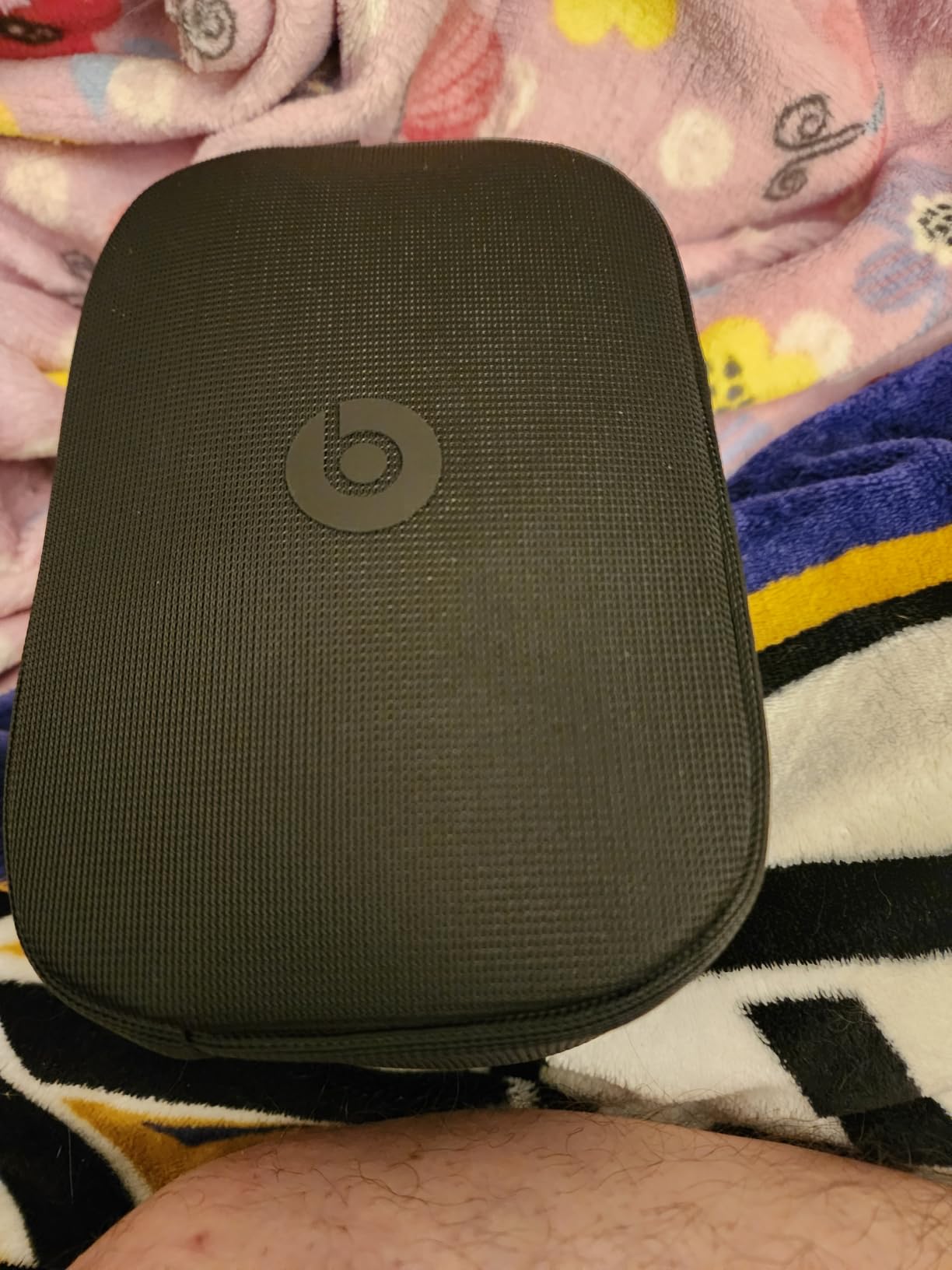
Do the cushions survive glasses?
They sit close to the head, which keeps the seal tight and helps with passive isolation of voices. It also means temple arms press into the same padding, and with a firm clamp that gets uncomfortable sooner. If you wear glasses all day, test this pair in the afternoon rather than the morning.
Who should skip it
If you need a near-total seal over an eight-hour session with no pressure points, the Bose QuietComfort is the safer recommendation. This pair is better when sound quality is the reason you put headphones on and comfort is something you can adapt to.
3. Bose QuietComfort – Best All-Day Comfort for an Open Office
Bose QuietComfort Headphones – Wireless Bluetooth Headphones, Active Over Ear Noise Cancelling and Mic, USB-C Charging, Deep Bass, Up to 24 Hours of Playtime, Black
238 g
24-hour battery
15-min quick charge
Multipoint, 3.5mm wired
Pros
- Excellent cancellation on HVAC
- fans and steady mechanical noise
- Very light at 238 g for long sessions
- Multipoint switching between devices
- Physical buttons instead of touch controls
- Works wired with inline mic when flat
Cons
- Less effective on nearby speech and television
- Some pumping noise at maximum ANC
- Multipoint can pick the wrong device
- 24 hours is short for a long work week
The QuietComfort is the pair I recommend to people who wear headphones all day and expect to keep doing it. At 238 grams it is one of the lightest full over-ear sets in this roundup, and owners describe the plush cushions and padded band as comfortable enough for a full shift, including lying on your side during a break.
On steady mechanical noise it performs as advertised. Air handling, fans, hum from a monitor and the low drone of a busy floor all drop away cleanly, which is the class of sound that actually lives in the bottom octave. It carries a one-year manufacturer warranty and ranks in the top tier of the over-ear category.
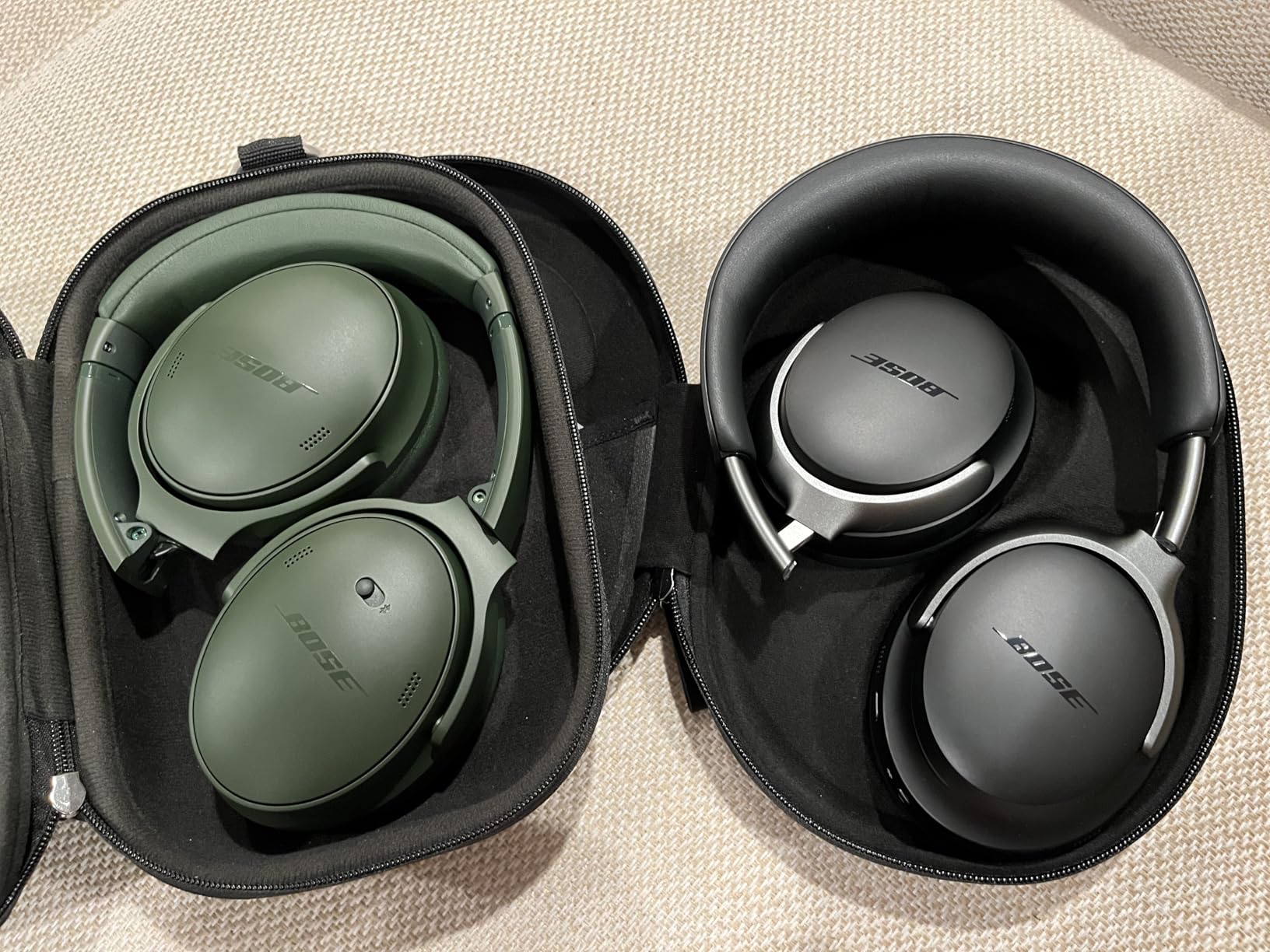
The details that matter at a desk are all here: Bluetooth 5.1 with a 10 metre range and multipoint, so you stay connected to a laptop and a phone. Physical buttons rather than touch controls, which is a real usability win for anyone who wants to find the control without looking. A 3.5mm jack with an inline mic that works when the battery is dead. 32 ohm impedance, 20kHz response, adjustable EQ in the Bose app.
Battery is quoted at 24 hours with a 2.5 hour charge, and a 15-minute USB-C quick charge returns up to 2.5 hours. Owners generally confirm the 24-hour figure is real, but it is the shortest runtime among the over-ear sets here, so this is a pair you charge at lunch rather than on Monday morning.
The honest weakness is speech. Reviews are consistent that the cancellation is less effective against irregular sound, specifically nearby conversation and a television, and that at maximum level there can be a slight pumping artefact. If your problem is a person rather than a hum, expect a reduction, not a removal.
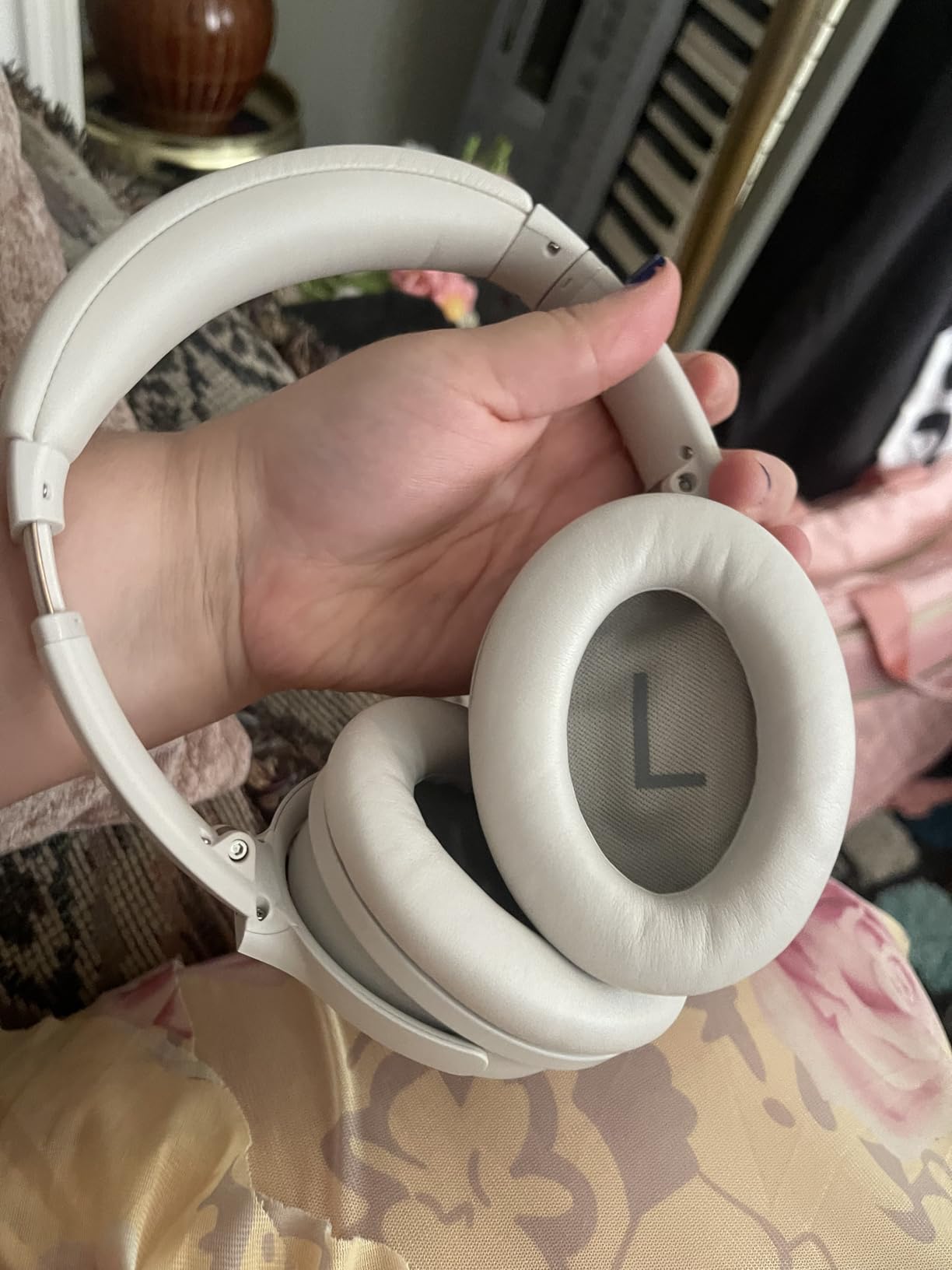
Getting through the day on one charge
Twenty-four hours is fine if you take the headphones off for lunch. It is tight if you keep ANC on while you step away from your desk. The quick charge helps in a pinch, and multipoint is genuinely useful, though owners report it occasionally selects the wrong device when three are connected.
Comfort, ears and glasses
This is the lightest option and the one most likely to disappear on your head. A minority of owners with sensitive ear canals report pressure discomfort, particularly during exercise when the seal changes. If you have had that problem before, buy where returning is painless and test it long.
4. KVIDIO Hybrid ANC – Best Entry-Level Pick for Steady Office Hum
KVIDIO Hybrid Active Noise Cancelling Headphones Over Ear
70 hours total, 40 with ANC
5-min charge: 4 hours
0.35 kg
Bluetooth 6
Pros
- Cancels a large share of steady hum
- 70 hours total and 40 with ANC on
- 5-minute quick charge adds 4 hours
- DSP for clearer voice pickup on calls
- Includes a 3.5 mm cable
- Transparency mode
Cons
- ANC handles hum and fans
- not voices
- Bulky over long sessions or while lying down
- Basic build creaks after extended use
- Clamp can feel tight on larger heads
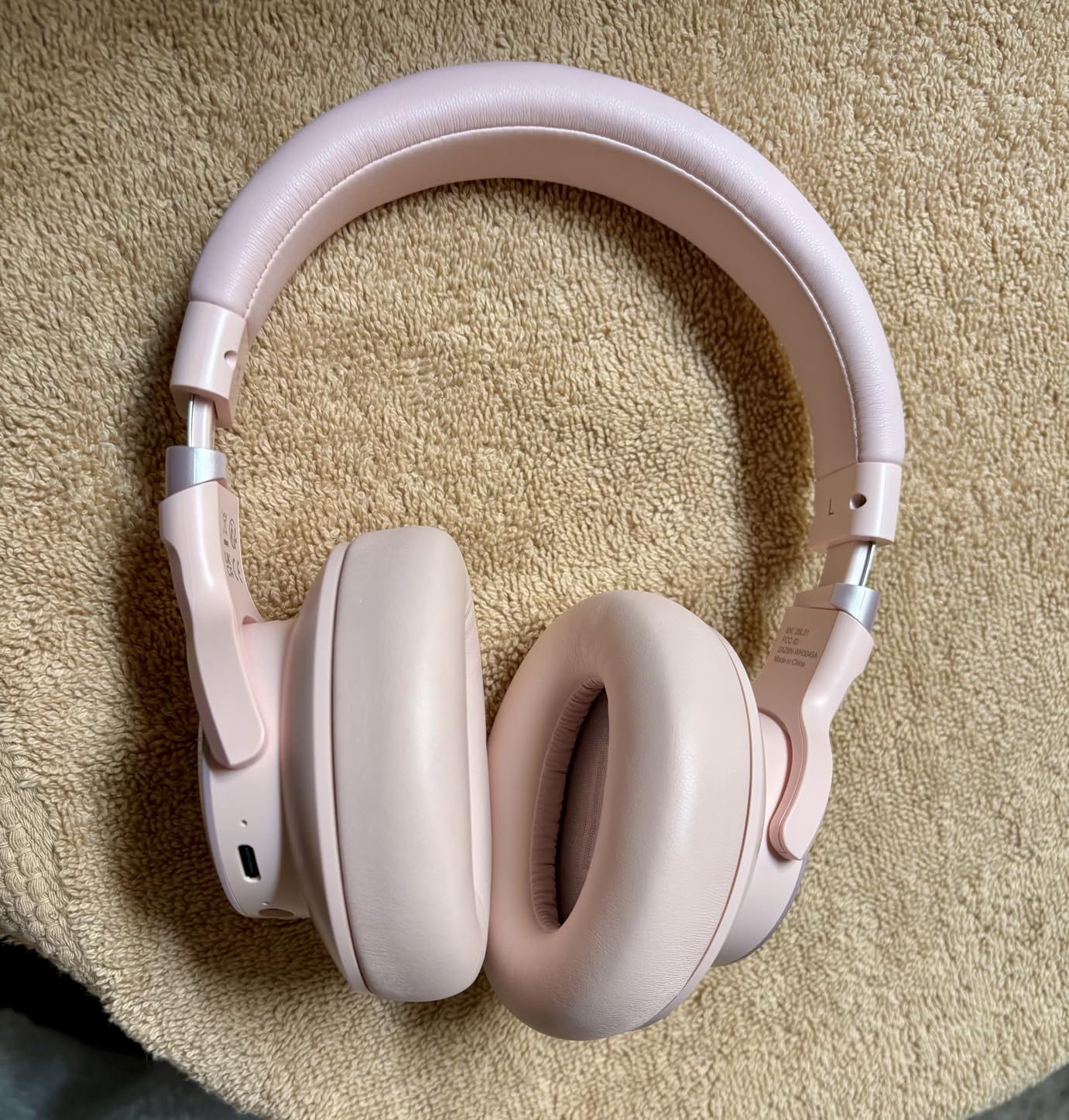
The KVIDIO exists to prove a point: you can get usable steady-noise cancellation without spending real money. Owners describe the sound quality as regularly comparable to headphones costing several times more, and the battery as measured in weeks rather than days. At 70 hours total and 40 hours with noise cancelling engaged, you will rarely look at the charger.
What it does well is hum. It handles low-frequency background sound and fans effectively, which is the majority of what makes an open office unbearable. Owners also praise stable Bluetooth across a room, the included 3.5mm cable, and three listening modes covering noise cancelling, transparency and off.
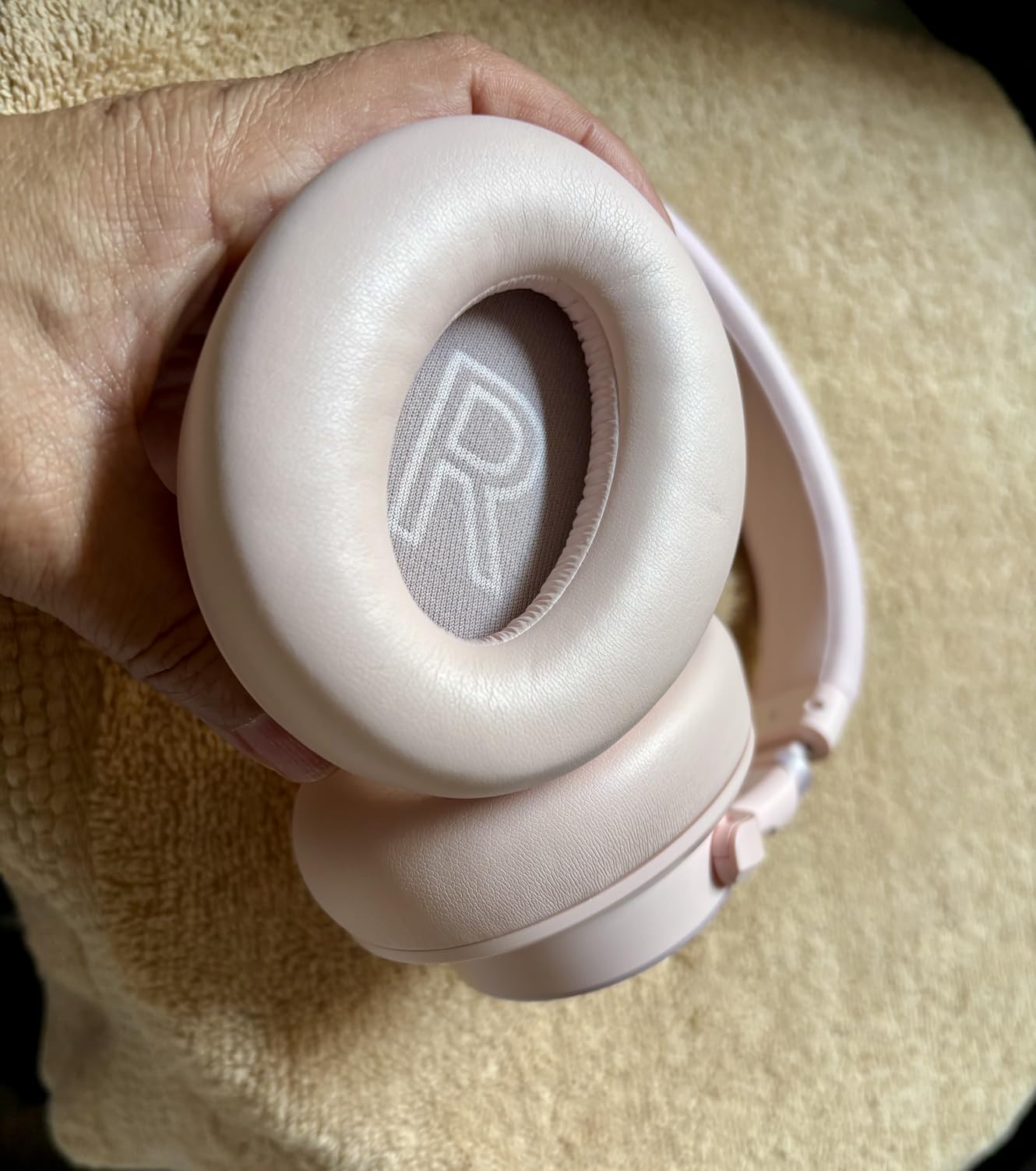
The specification sheet is reasonable for the tier: Bluetooth 6 with a 10 metre range, dynamic drivers, 20Hz to 20kHz response, 32 ohm impedance, digital signal processing aimed at clearer voice pickup on conference calls, and a transparency mode for hearing the room. A 5-minute quick charge returns 4 hours and a full charge takes 2.5 hours. The warranty is listed as 30 days free return.
The soft over-ear pads and adjustable fit get positive mention for daily wear, and the build does the job even if it does not feel premium. It is a good first pair of ANC headphones for someone who wants to find out whether noise cancelling helps their focus at all before spending properly.
The limitations are consistent. The cancellation is described as mainly handling low-frequency hum and fans rather than voices. The profile is bulky enough to be uncomfortable over many hours or while lying down. Build quality is basic, with creaking and flaking after extended use, the clamp can feel tight on a larger head, and there is no battery level announced on power-up.
Best use case for this pair
Hot-desking, study at home and shared rooms where the noise is a washing machine or a fan rather than a conversation. It suits a first ANC purchase, or a second pair for a shared desk where a dropped device would be costly.
Where the money saved shows up
Expect compromise in cushion quality, seal consistency and plastics. If your main noise is speech rather than hum, put the saving toward a deeper over-ear cushion instead. The KVIDIO will not make conversation disappear, and no entry-level hybrid system will.
5. Sony WH-1000XM5 – Best for Call-Heavy Open-Office Workers
Sony WH-1000XM5 Premium Noise Cancelling Wireless Headphones, Black
8 mics, 2 processors
30-hour battery
3-min charge: 3 hours
30mm drivers
Pros
- Eight microphones and two processors drive class-leading ANC
- Auto NC Optimizer adapts to your fit and environment
- Four beamforming microphones isolate your voice on calls
- 30-hour battery with a 3-minute quick charge
- Multipoint
- Speak-to-Chat and wear detection
Cons
- No longer folds and the case is bulkier
- Windows PC Bluetooth can drop repeatedly
- Minimally padded headband can press on the crown
- Touch-only controls with no physical buttons
The WH-1000XM5 has the most microphones pointed at the open-office problem of any model here. Eight microphones feed two dedicated processors, and the Auto NC Optimizer samples the seal around your head and adjusts the cancellation curve to match, which is why it handles a slightly imperfect fit better than most rivals.
On steady background noise it sits at the top of this list, removing HVAC, fans and general chatter effectively. The limitation is the same one every ANC set has against speech, but the microphone density means residual chatter sits further down than on the entry-level models. For a room that mixes hum and voices, this is the pair that handles the combination best.
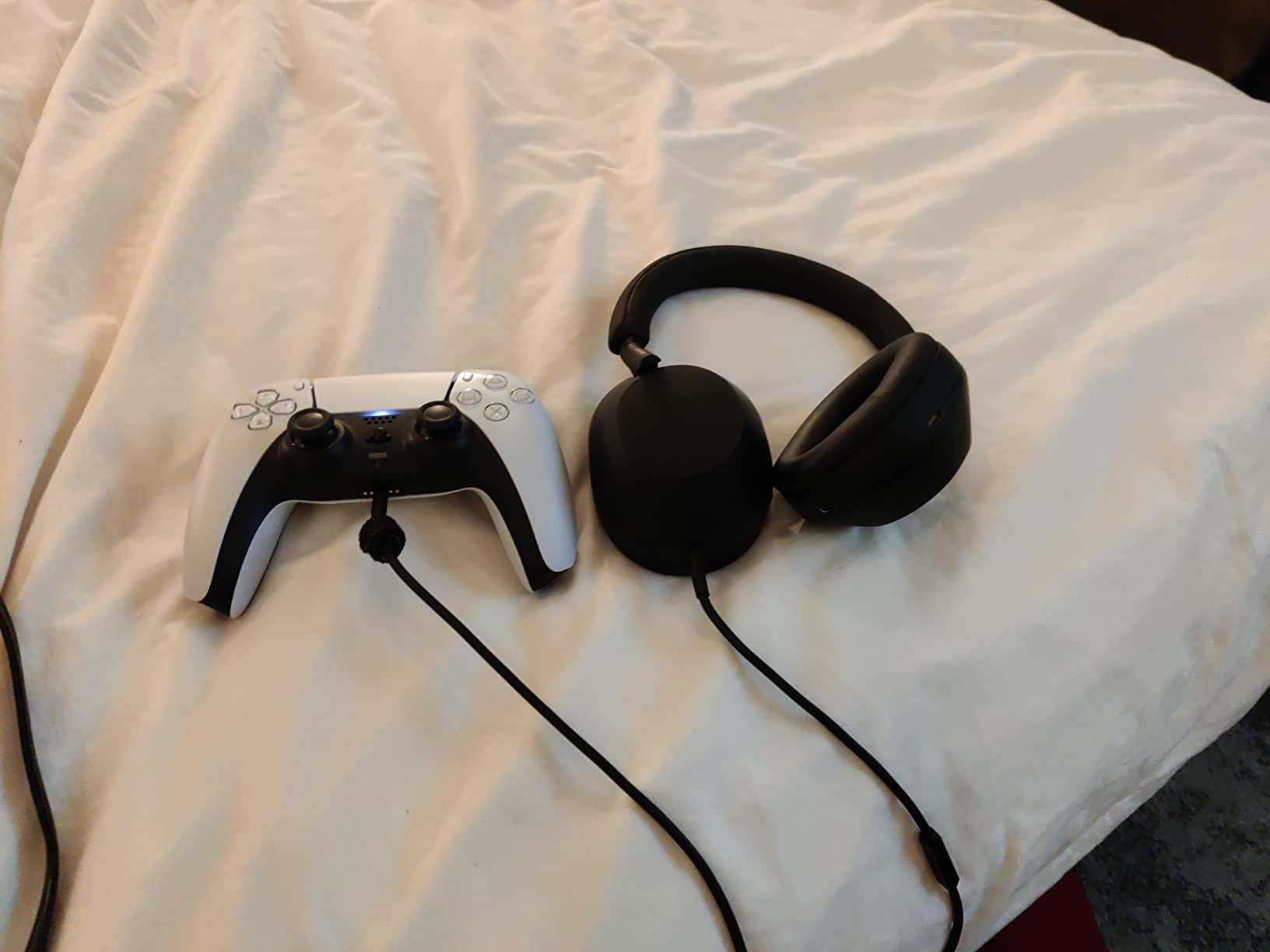
Where it earns its reputation is calls. Four beamforming microphones isolate your voice, and on a desktop Bluetooth connection owners report your voice coming through clearly in a noisy room. On r/HeadphoneAdvice, the WH-1000XM5 has long been the reference pick for over-ear noise cancelling headphones used for work calls, and that reputation has held up.
Battery is 30 hours with a 3.5 hour charge, and a 3-minute quick charge returns 3 hours, the fastest recovery in the roundup. Connectivity is Bluetooth 5.2 with a 10 metre range, multipoint, 30mm drivers and 200 milliseconds of audio latency. Speak-to-Chat pauses playback when you start talking, and wear detection resumes it.
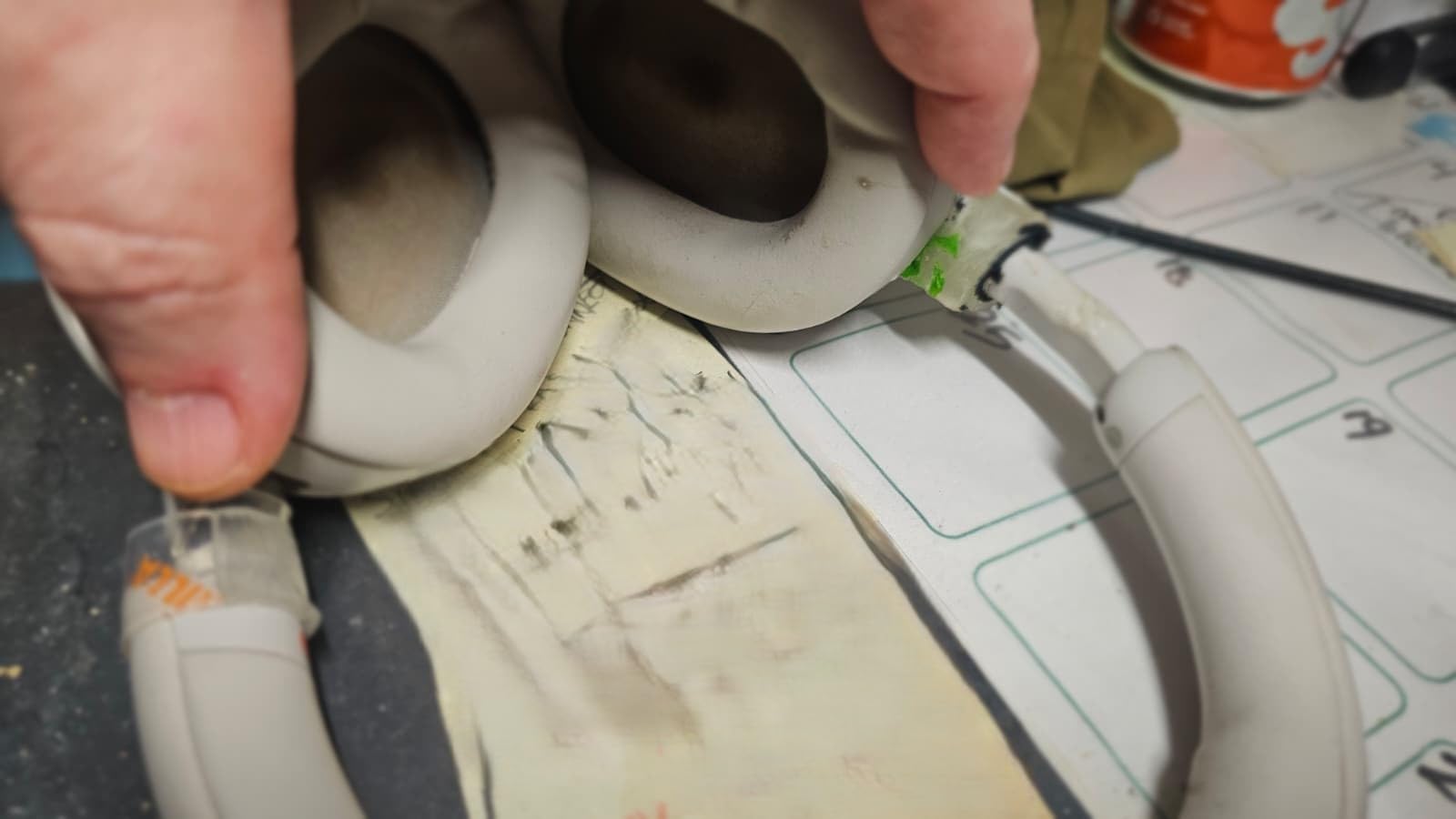
The complaints are specific and repeatable. The XM5 no longer folds, so the case is bulkier and some owners report the zipper jamming in a bag. Windows PC Bluetooth drops repeatedly for a subset of users. The headband has minimal padding and can press on the crown over a long session. Controls are touch-only. And Speak-to-Chat occasionally triggers on its own and drops the volume for several seconds.
Call quality versus a business headset
Beamforming beats a bare earphone mic, but it does not beat a boom arm a couple of centimetres from your mouth. If you are on calls more than half the day, the EPOS Impact 860T ANC and the Jabra Evolve2 65 Flex were built for that job. Choose the Sony when calls and deep work are mixed evenly.
Office and travel double duty
This is also a strong pair on a plane and on public transport, which makes it the easiest to justify if you want one headset for commuting and the desk. Our noise cancelling headphones for airplanes roundup covers the flight side in more detail.
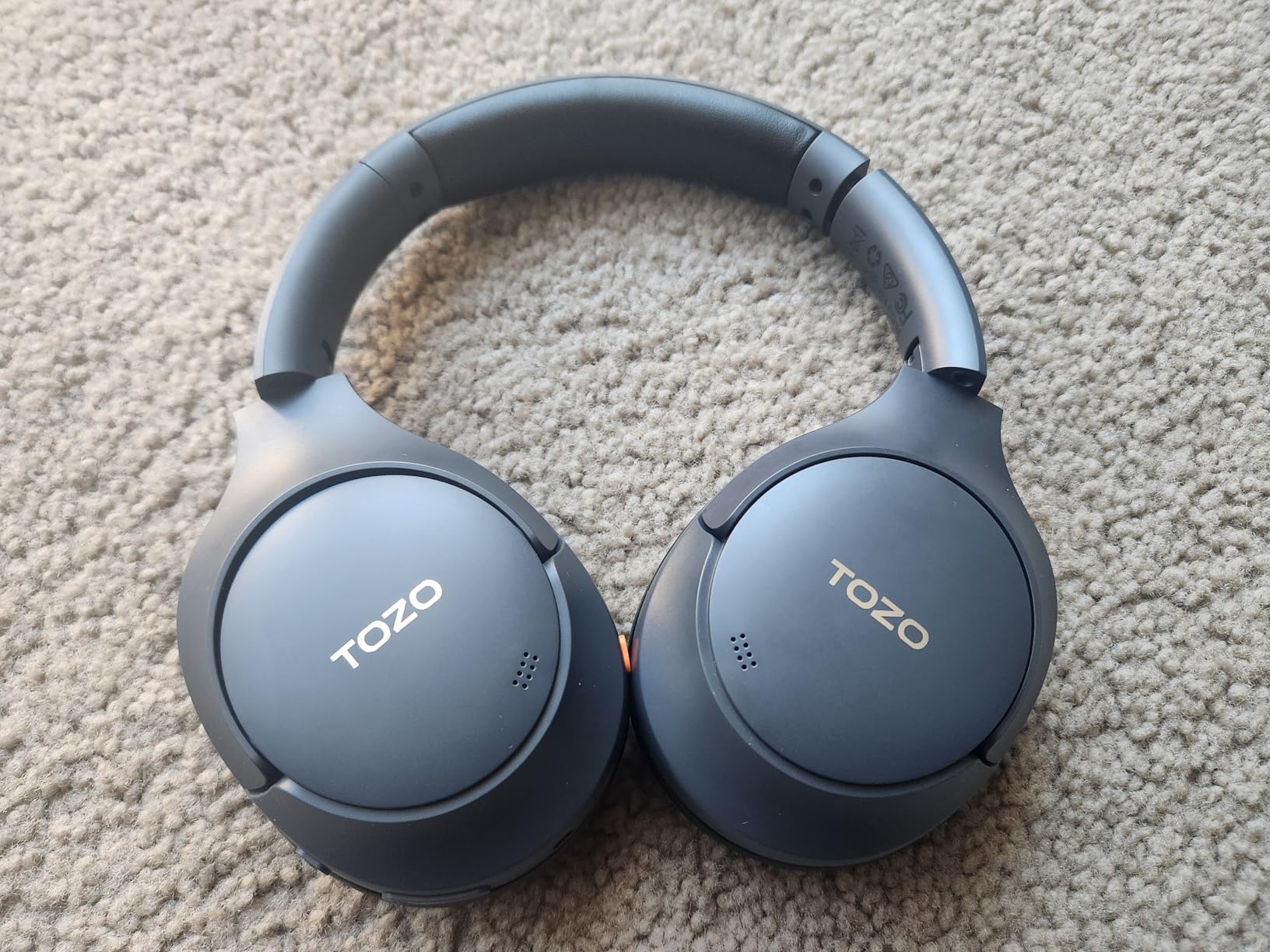
6. TOZO HT3 – Best Battery Life in the Roundup
TOZO HT3 Hybrid Noise Cancelling Wireless Headphones, 90H Over Ear Headset
90-hour battery
10-min charge: 9 hours
45 dB adaptive ANC
Dual device pairing
Pros
- Adaptive ANC rated up to 45 dB using four microphones
- 90-hour battery with 9 hours from a 10-minute charge
- USB-C digital audio plus AUX and Bluetooth
- Dual device connection for phone and computer
- Replaceable ear pads
- 32 EQ modes in the app
Cons
- Bass heavily boosted out of the box
- Limited passive isolation when nothing is playing
- ANC can be knocked off by adjusting the cups
- Slightly creaky after several months
- No carrying case included
The TOZO HT3 wins on a number that changes daily behaviour: 90 hours of playback. With a 10-minute charge returning 9 hours, you can put it on in January and not think about the charger until spring. Owners typically report 30 to 40 hours per charge in normal use, still ahead of most of the premium models here.
The cancellation is adaptive, using four high-sensitivity microphones and rated up to 45 dB of reduction. Several owners rate it ahead of headphones costing several times more. At 254 grams it is a mid-weight over-ear, and the headband is metal-reinforced for daily handling.
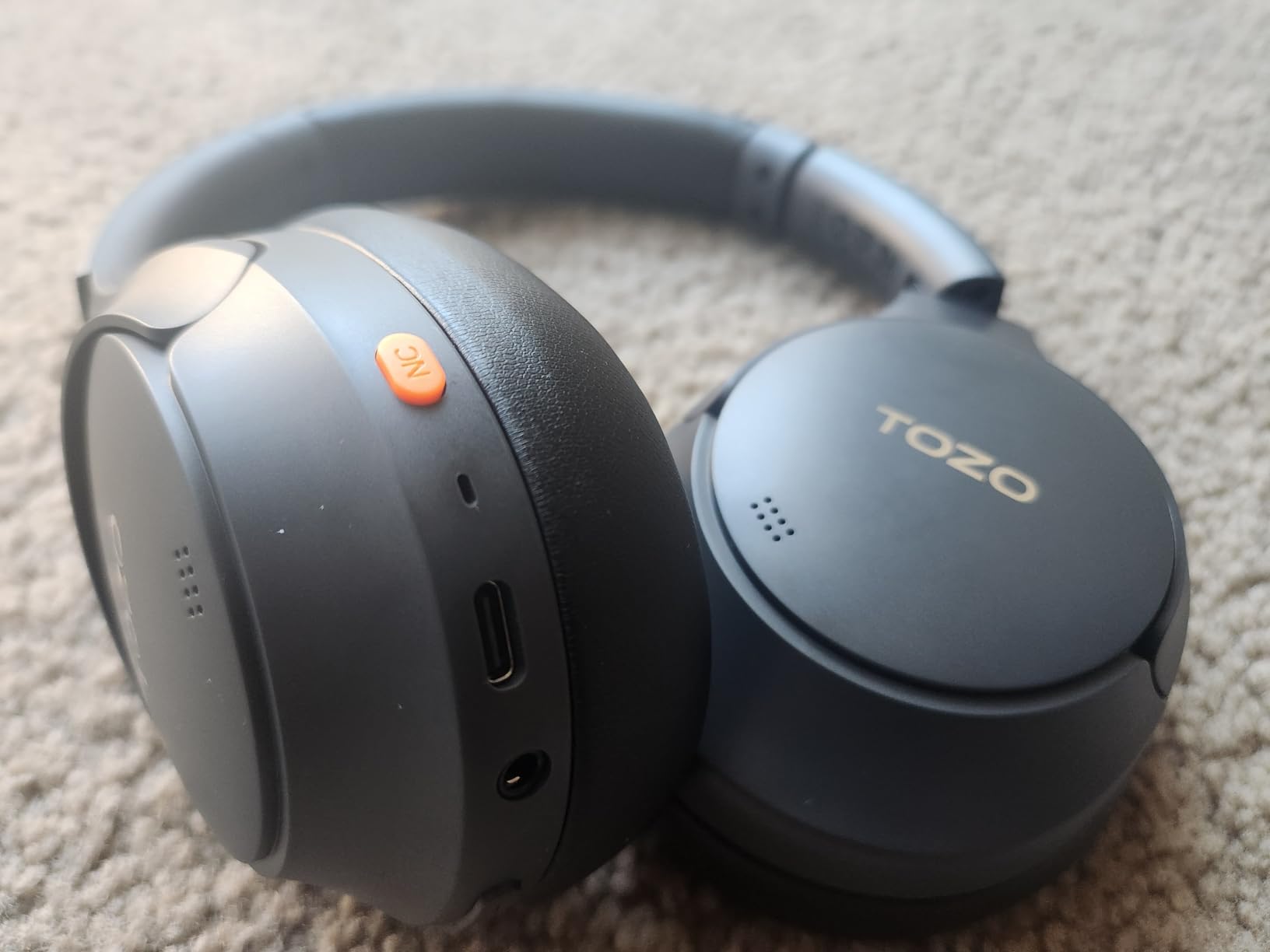
The feature list is generous for the tier: 40mm dynamic drivers with TOZO OrigX tuning, Bluetooth 6 with a 20 metre range, 60 milliseconds of audio latency, AUX and USB-C wired modes alongside wireless, dual device connection so you can stay on a phone call while your computer is connected, and 32 EQ modes in the app. The ear pads are removable and replaceable.
USB-C digital audio is the sleeper feature. It adds clarity and fuller bass you do not normally get from Bluetooth, and at a laptop it removes the codec from the equation. Dual device connection then works reliably for switching between phone and computer, which is the everyday pattern in a hybrid office.
The criticisms are consistent. The default tuning boosts bass heavily and stock EQ controls do not fully correct it on desktop. Passive isolation from the earcups is limited, so external sound leaks in when nothing is playing. The ANC control can be switched off by adjusting the headphones and is awkward to re-engage. There is no carrying case in the box, and the frame can creak after a few months.
Battery and charging reality
Charging takes 2 hours for a full cycle and the USB-C port handles both audio and power, so one cable covers the desk and the commute. If you travel with the pair regularly, budget for a separate case, because none is included.
What the 45 dB figure actually means
Forty-five decibels is a laboratory ceiling measured on steady low-frequency sound, the same caveat that applies to every claim in this roundup. Against a colleague talking, expect a reduction and not a silence. The deep 40mm drivers do help here by giving more low-end weight to mask residual noise with.
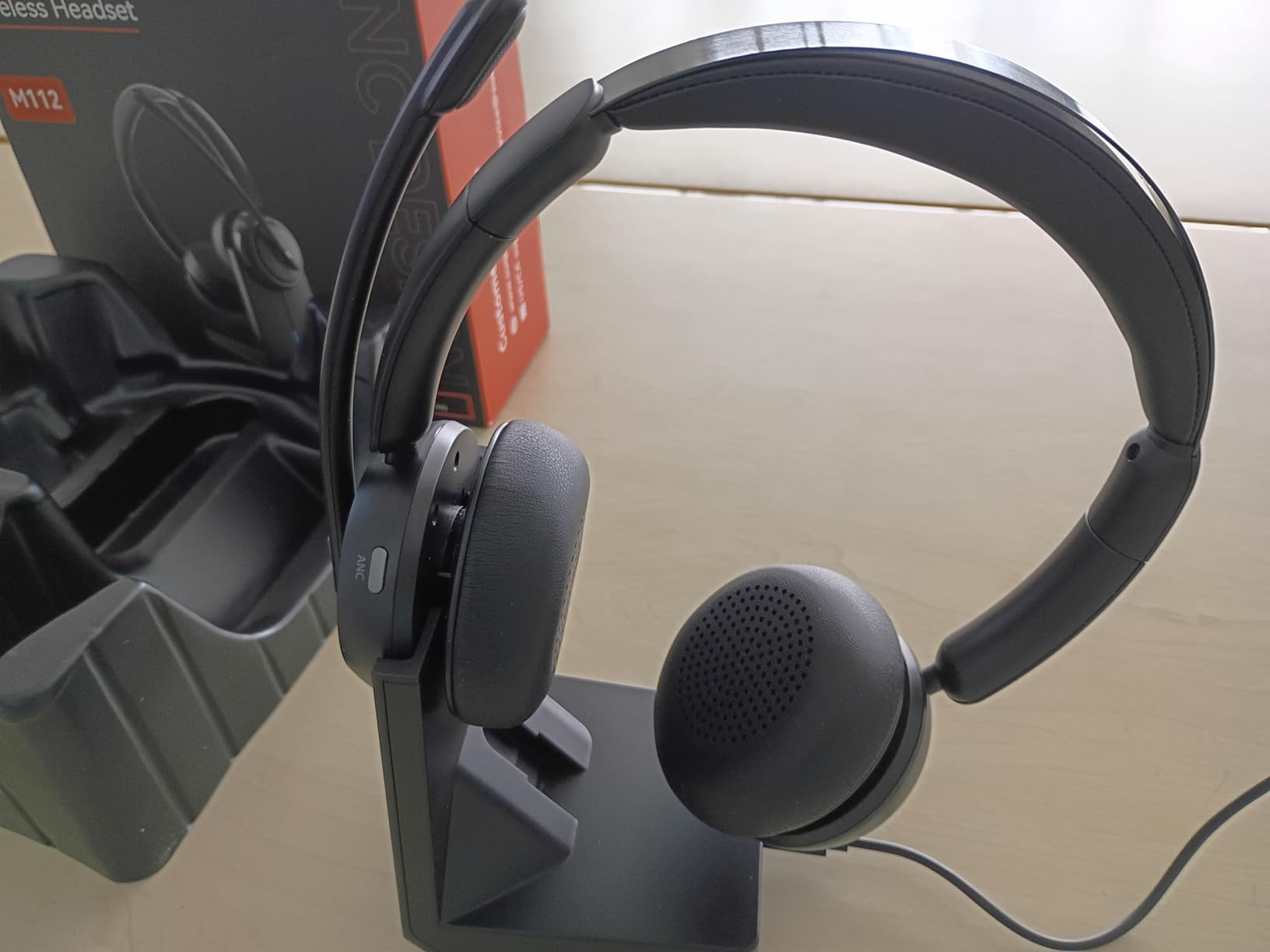
7. Angteela M112 – Best USB Dongle Headset for Teams and Zoom
Upgrade ANC & ENC Wireless Headset with Mic for Work(Flip-to-Mute & Dongle)
Hybrid ANC plus ENC
Qualcomm USB-A dongle
35 h talk, 50 h music
Flip-to-mute boom
Pros
- Hybrid ANC plus ENC keeps your voice clear on calls
- Qualcomm USB-A dongle for stable low-latency PC audio
- Dual connection keeps the dongle and Bluetooth live at once
- Flip-to-mute boom microphone
- Charging dock included
- 35 hours talk time and 50 hours music
Cons
- Emits static when idle with ANC on
- Mute voice prompts cannot be disabled
- Mixed durability reports after 6 to 24 months
- Not compatible with desk or VoIP phones
The M112 is the first headset in this list that treats the computer as the primary target, and that changes what you can expect. It combines hybrid active noise cancelling in three modes with ENC microphone noise cancellation, so the same pair reduces what you hear and improves what the other party hears.
The included Qualcomm USB-A dongle is the reason to choose it over a Bluetooth consumer headphone. It is plug and play, it holds a low-latency connection to a PC or Mac, and it removes the pairing dance entirely. The headset then stays connected to the dongle and your phone at the same time, which is the real working pattern for most hybrid employees.
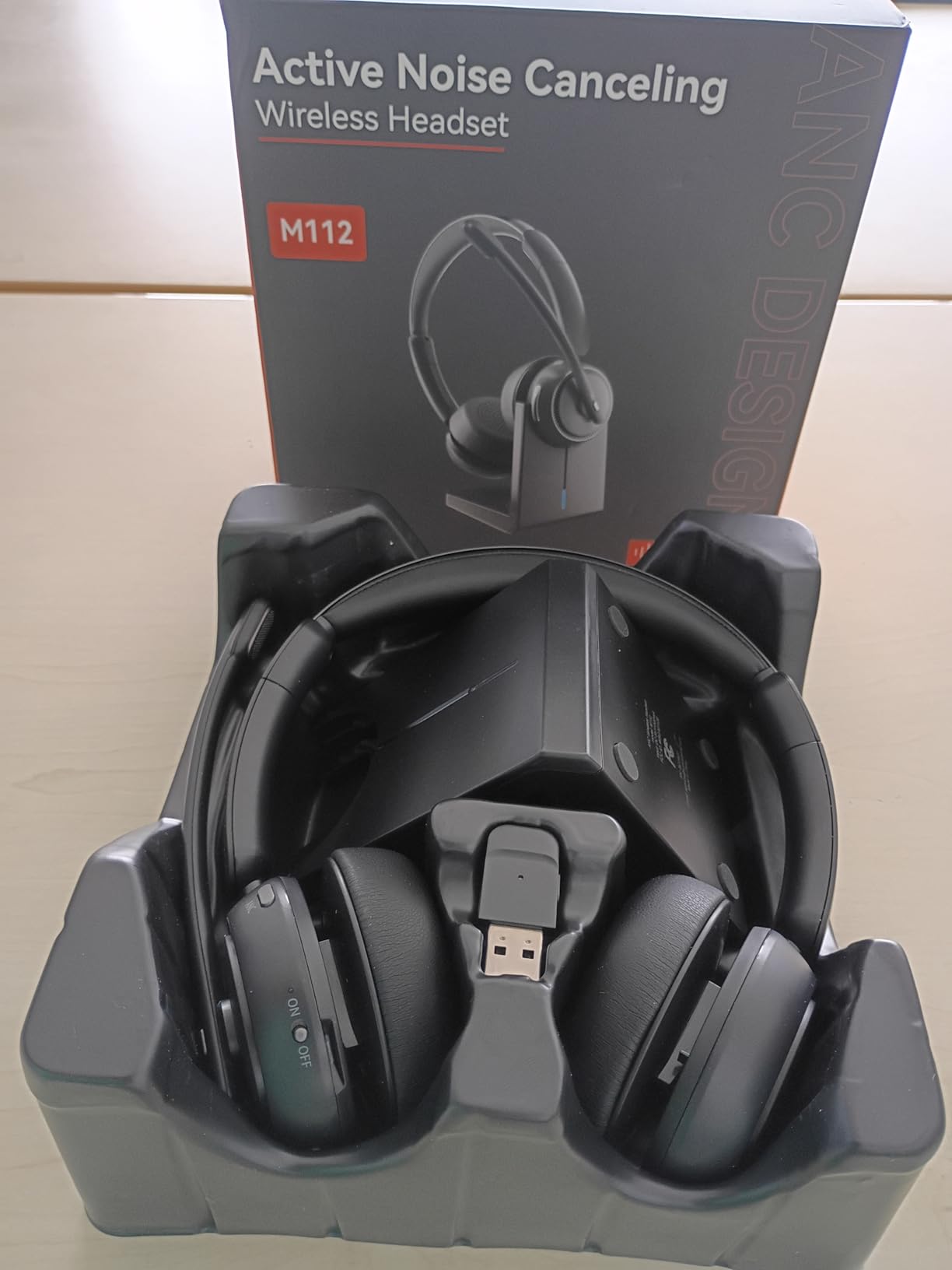
Call handling is designed for meetings rather than music. The boom microphone flips to mute in one movement and rotates 270 degrees, so you can position it in front of your mouth or swing it aside. Battery is 35 hours of talk time and 50 hours of music on a 2-hour charge, with a charging dock in the box. Range is a listed 33 feet on Bluetooth 5.4.
Comfort comes from breathable leather cushions and an adjustable headband, and reviewers focused on call quality describe the padding as holding up across a full shift. Voice prompts announce connection and feature changes, which helps while you are still learning the controls.
There is one specific flaw: the headset emits static when idle with noise cancelling enabled, so ANC has to be switched off when you are not on a call. Owners also report that mute announcements cannot be disabled, some units failed between 6 and 24 months, and routing call notification sounds correctly needed a Windows sound settings adjustment. It is not compatible with landlines or VoIP desk phones.
Why the dongle matters for enterprise IT
Corporate laptops ship with Bluetooth that manages power aggressively, and that is the root of the dropout complaints we see on consumer ANC models. A USB-A dongle bypasses the laptop radio completely. If your IT team hands out headsets centrally, a dongle model is simpler to deploy and support than a pairing-based one.
Where the ANC falls short
Cancellation is aimed at background office sound, not speech, and the idle static means you will not sit in ANC mode all afternoon. If your goal is all-day focus rather than call quality, the Soundcore Q30 covers more hours per charge and never emits a hiss.
8. EPOS Impact 860T ANC – Best Wired Business Headset for the Open Office
EPOS Impact 860T ANC Dual-Sided Wired Headset with Active Noise Cancellation, Microsoft Teams Certified, USB C and USB A, Super Wideband Audio, Ideal for Office Calls, Zoom, Home & Hybrid Work, Black
Microsoft Teams certified
Wired USB-C and USB-A
192 g
EPOS AI voice pickup
Pros
- Microsoft Teams certified for meeting-platform integration
- EPOS AI and BrainAdapt shape the voice pickup
- Adaptive noise cancelling aimed at open offices
- Double-sided ergonomic fit for extended wear
- Wired USB-C and USB-A with no pairing
- Two-year warranty with ActiveGard protection
Cons
- Wired only
- so you cannot walk away from the desk
- Stereo tuning is aimed at speech rather than music
- Only a small pool of customer reviews
The Impact 860T ANC is the only headset here the manufacturer explicitly designates for open offices, and it is built on a different premise. Instead of trying to cancel sound at your ears, the emphasis is adaptive noise cancelling for voice pickup, using EPOS AI and BrainAdapt processing to shape what the microphone hears.
That is the right priority for a call centre or a floor where you speak all day. On an r/Headsets discussion about budget options for open offices, the advice from that community was to prioritise a headset with a proper noise-cancelling microphone over one with better earcup cancellation. This is that recommendation in a full over-ear form factor.
The Microsoft Teams certification is a practical advantage rather than a marketing line. The platform recognises the device, which reduces the friction of getting into meetings quickly, and the same unit works with Zoom and other collaboration tools. ActiveGard acoustic shock protection guards against sudden loud spikes, which matters near a speaker wall.
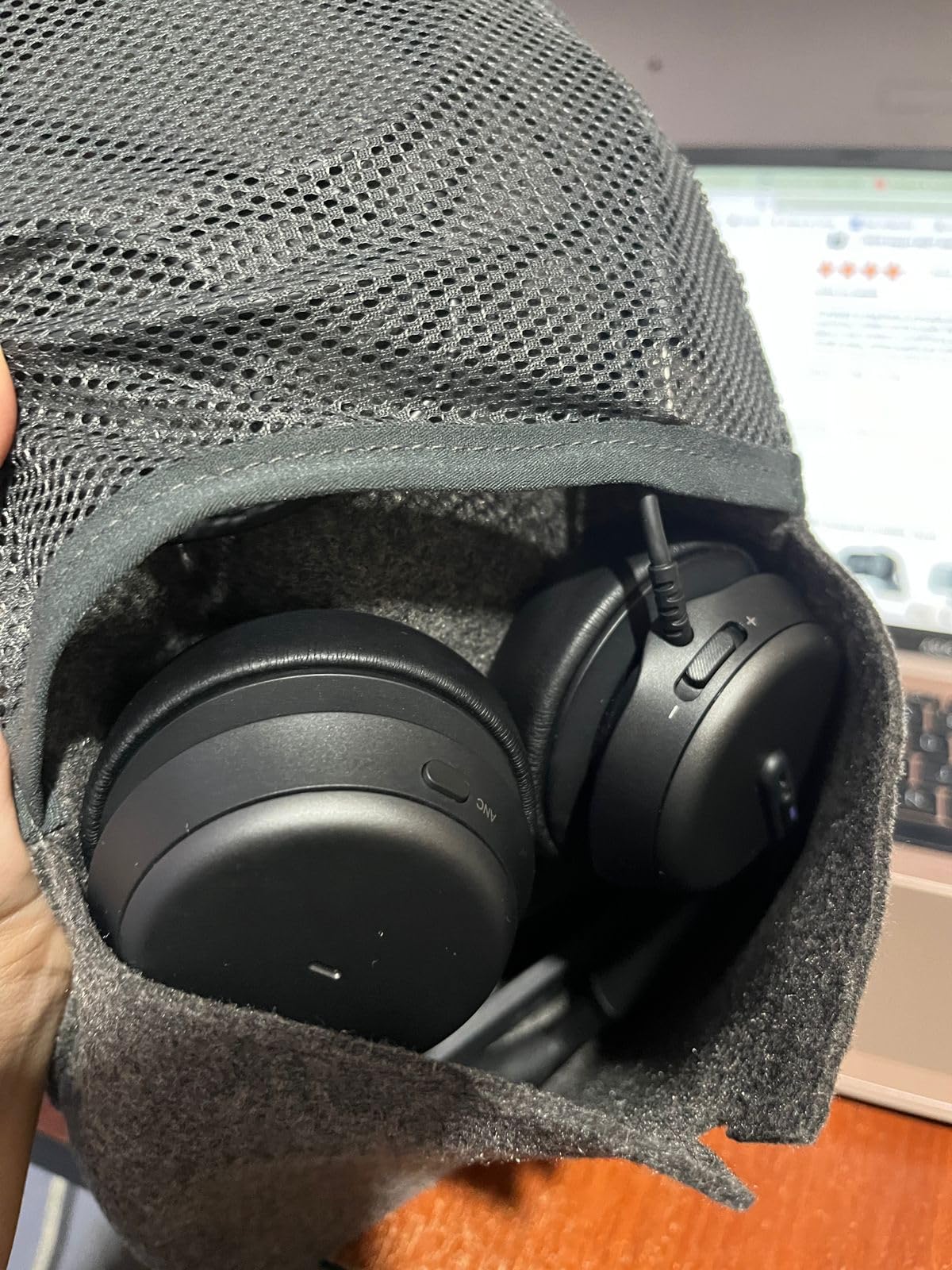
Physically it is light for a double-sided headset at 192 grams, with a quick-access boom arm control for call management and an ergonomic design meant for extended wear. Connectivity is wired USB-C and USB-A at 20 ohm impedance, so there is no pairing, no battery and no latency. The two-year manufacturer warranty is the longest in this roundup.
The trade-offs are structural. A wired headset ties you to your desk, so it does not work on a hot-desking floor where you move between spaces. The stereo tuning is shaped for speech rather than music, so this is not a pair for enjoying an album. And the customer review base is small at 274 ratings, so the owner feedback is thinner than for the consumer models even though the specification is the most business-specific of the ten.
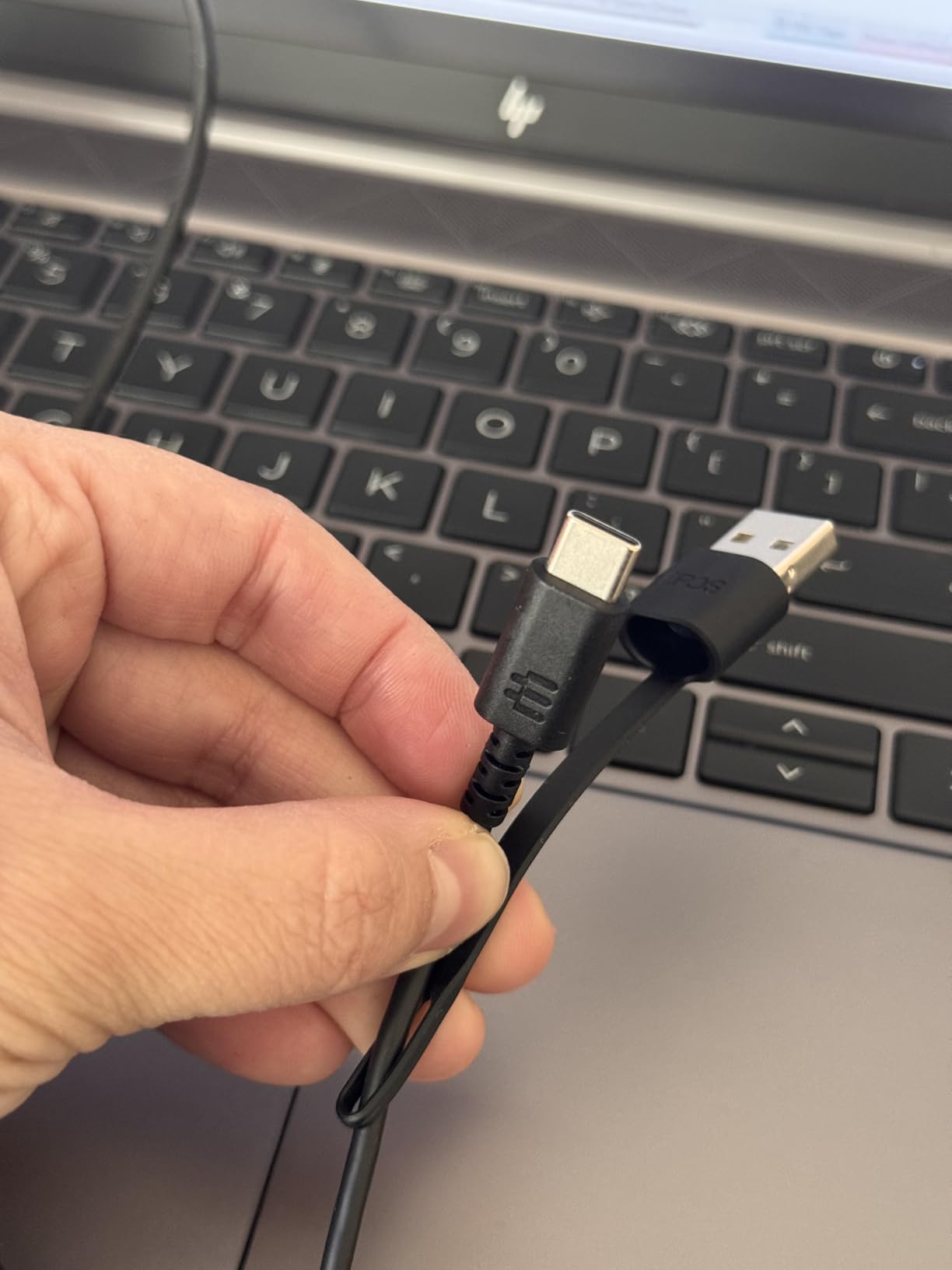
When a wired headset wins
Fixed-desk roles, call-heavy teams and any environment where a dropped wireless connection mid-meeting is a bigger problem than freedom of movement. Plug it in and it works, every time, with no firmware to manage.
How it fits a mixed work week
Many people end up owning two devices: this at the office and something wireless for commuting. Our mid-tier guide covers the value options, and our wireless roundup covers the second device.
9. Jabra Evolve2 65 Flex – Best for Hybrid Workers Who Travel Between Home and Office
Jabra Evolve2 65 Flex Wireless Stereo Headset – Bluetooth, Noise-Cancelling ClearVoice Technology & Hybrid ANC – Certified for Microsoft Teams – Black
ClearVoice mics
Teams, Zoom, Meet certified
4.8 oz
Folds flat
Pros
- ClearVoice microphones give outstanding voice isolation
- Exceptionally light at 4.8 ounces
- Folds flat by twisting an earcup into its pouch
- Hybrid ANC plus HearThrough mode
- Certified for Teams
- Zoom and Google Meet
- Two-year warranty
Cons
- On-ear fit gives less passive isolation
- Padding and cushions wear out quickly
- Some users lose Teams wireless pairing after a month or two
- HearThrough can get uncomfortable over a full day
The Evolve2 65 Flex is the lightest headset here at 4.8 ounces, and the foam-filled cushioned headband with rotating earcups is what makes that possible. It disappears on your head in a way the over-ear models never quite manage, which is what you want if you put headphones on at 8am and take them off at 6pm.
ClearVoice is the headline feature and it is not marketing padding. Owners report outstanding voice isolation, with background noise rarely reaching the other party. Hybrid active noise cancelling suppresses background noise for the wearer too, and HearThrough lets you check traffic or speak to someone without taking the headset off.
It is certified for Google Meet, Microsoft Teams and Zoom, and setup is fast through either the USB dongle or Bluetooth. The folding design is genuinely clever: twist an earcup and the headset folds into its own pouch, the smallest travel footprint of any pick here. For someone who carries a headset between a home desk and an office, that is a real advantage.
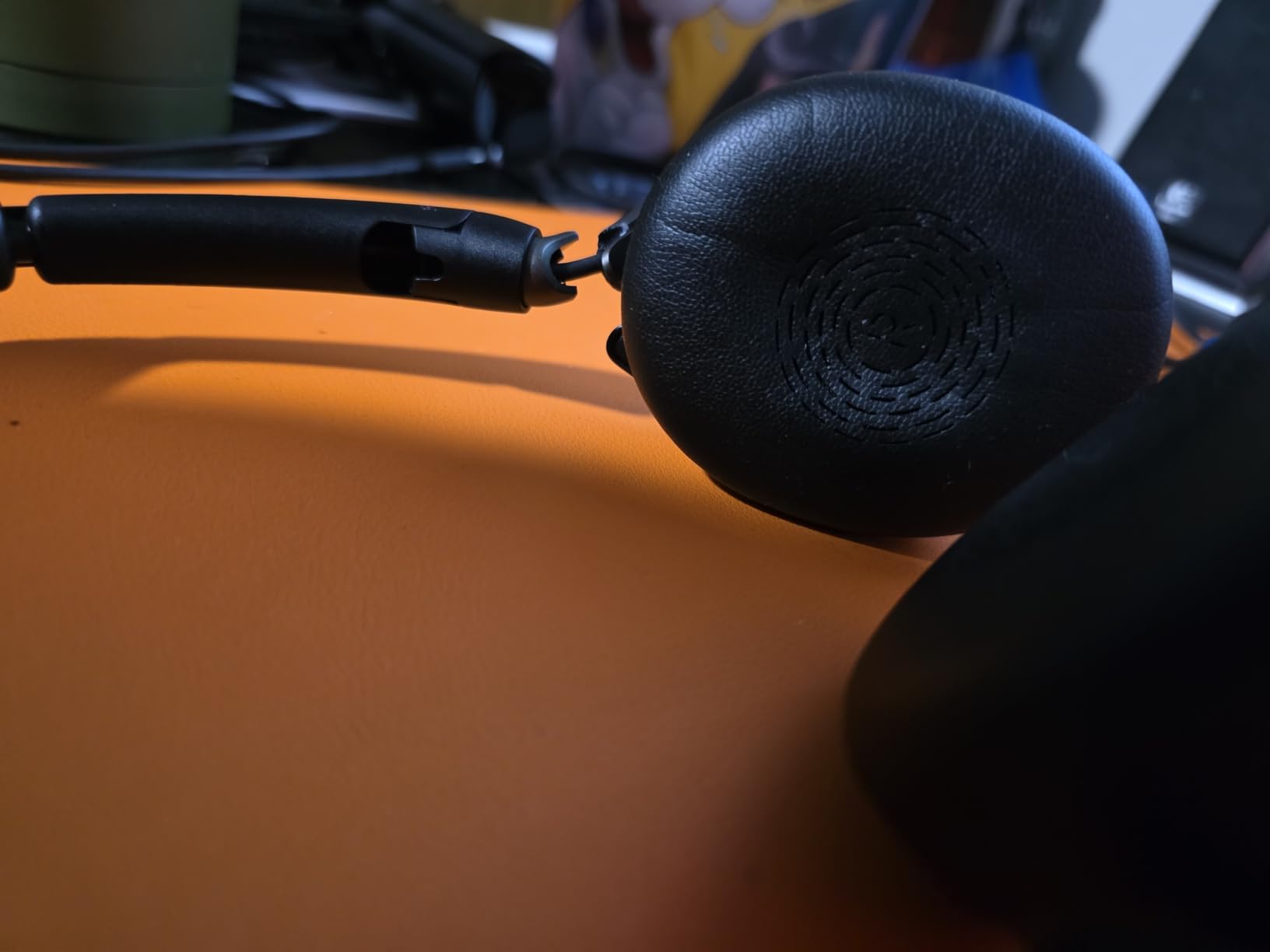
The important caveat is the fit type. This is on-ear, not over-ear, so the seal is shallow. That means noticeably less passive isolation of nearby speech than the over-ear models in this list. It is a comfortable, portable, call-first headset, and it is not the tool for making a chatty colleague disappear.
Durability is the other concern. Owners report the ear cushions and headband padding wearing out quickly with daily use, and one owner reported the boom microphone failing within a few months. Some also found the wireless connection to Microsoft Teams stopped working after one to two months. The two-year warranty helps, but the review base is the smallest here at 190 ratings.
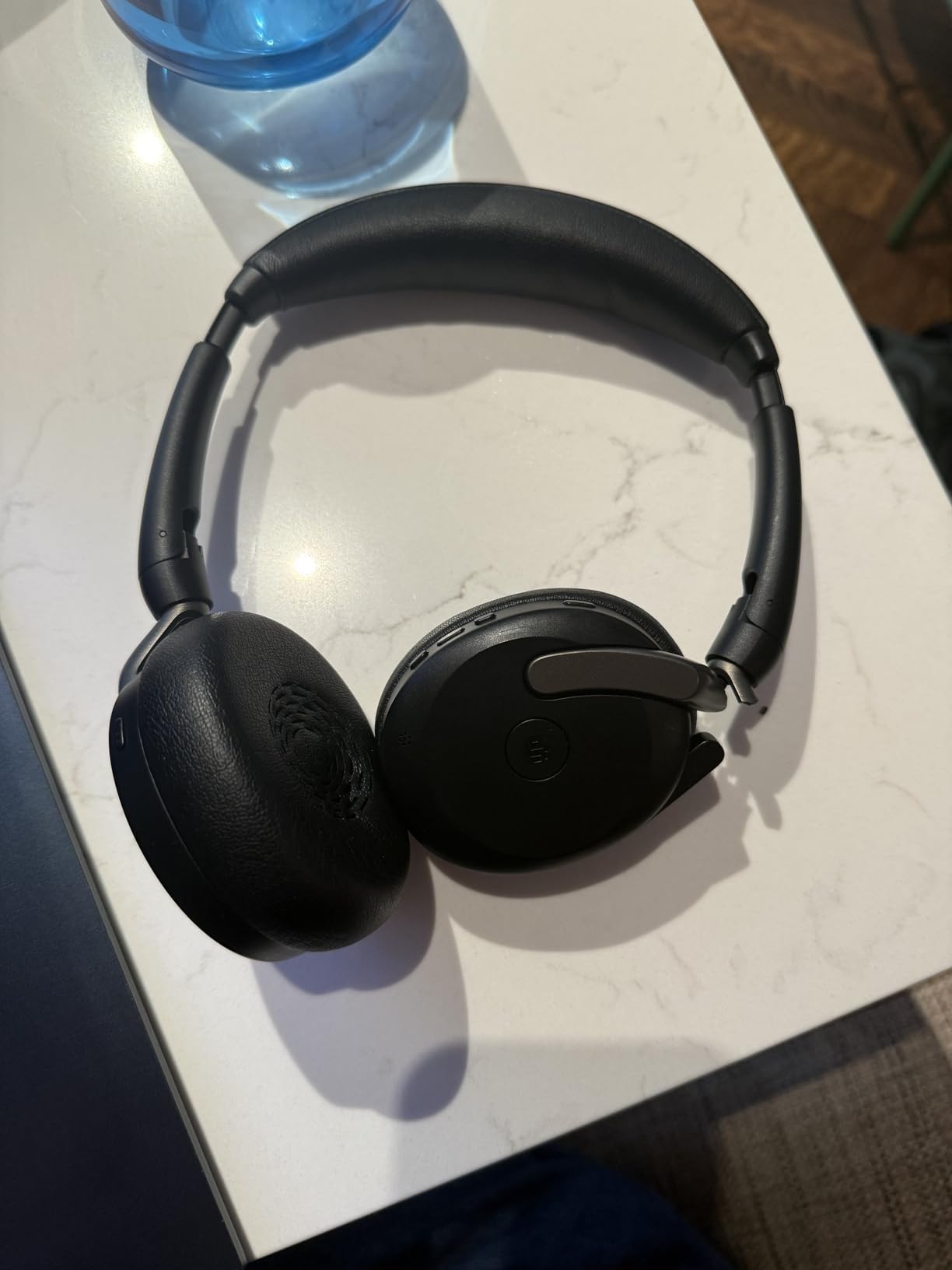
Is on-ear enough isolation for an open office?
For a seated call role facing a wall, it is enough when combined with ClearVoice. For a floor with conversation behind you, you will hear it. If speech is the problem, physical cushion size matters more than the electronics.
How it compares to the Angteela
Both are call-first. The M112 is a wireless over-ear with a USB-A dongle and a flip-to-mute boom, so it isolates more and covers full shifts. The 65 Flex is lighter, folds into its pouch and is certified across three platforms, so it suits a hybrid week better.
10. Lenovo USB-A Wired Headset – Best Plug-and-Play Call Headset
Lenovo USB-A Wired Stereo Headset for PC/Laptop, AI Noise Canceling via APP, 140g Lightweight, Replaceable Earcups, Double-Sided Boom Mic, in-line Controls with Mute for Call. Work with Teams/Zoom
140 g
USB-A plug and play
Double-sided boom
Replaceable earcups
Pros
- Weighs 140 g with replaceable earcups
- USB-A plug and play with no pairing or charging
- In-line control box for call
- volume and mute
- Double-sided boom mic keeps the voice close
- Works with Teams
- Zoom
- Meet
- Slack and more
- Strong sales rank in computer headsets
Cons
- Wired only
- with no Bluetooth mobility
- Noise cancelling runs through desktop software
- USB-A only
- so USB-C laptops need an adapter
- Small pool of customer ratings
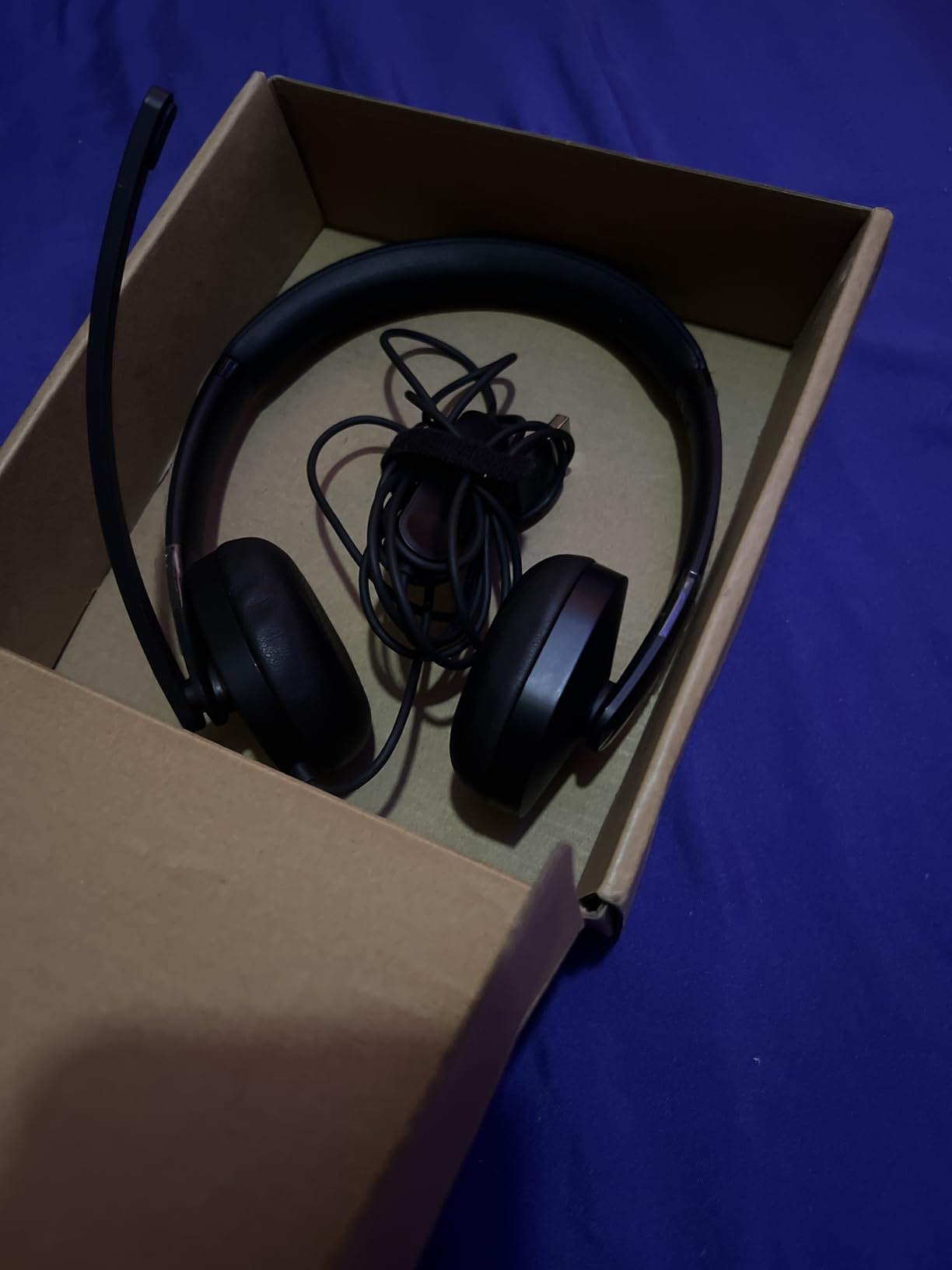
The Lenovo USB-A wired headset is the simplest call tool in this roundup and the least likely to cause a support ticket. It weighs 140 grams, it has replaceable earcups, and it plugs into a USB-A port. There is nothing to pair, nothing to charge and no firmware to chase, which makes it the fastest path to a working call headset.
The in-line control box is the detail that separates it from a bare headset. Call answer, volume and mute sit under your hand on the cable, so you are not fishing for a button mid-meeting. The double-sided boom microphone keeps pickup close to your mouth, the single most effective thing you can do for how you sound in a noisy room.
Its noise cancelling runs through Lenovo Accessories and Device Manager software on the desktop rather than dedicated hardware in the headset. That means the laptop does the processing, which works but ties the feature to the machine. Platform support is broad, covering Teams, Zoom, Google Meet, Google Voice, Slack, GoTo Meeting, WeChat and Cisco Webex.
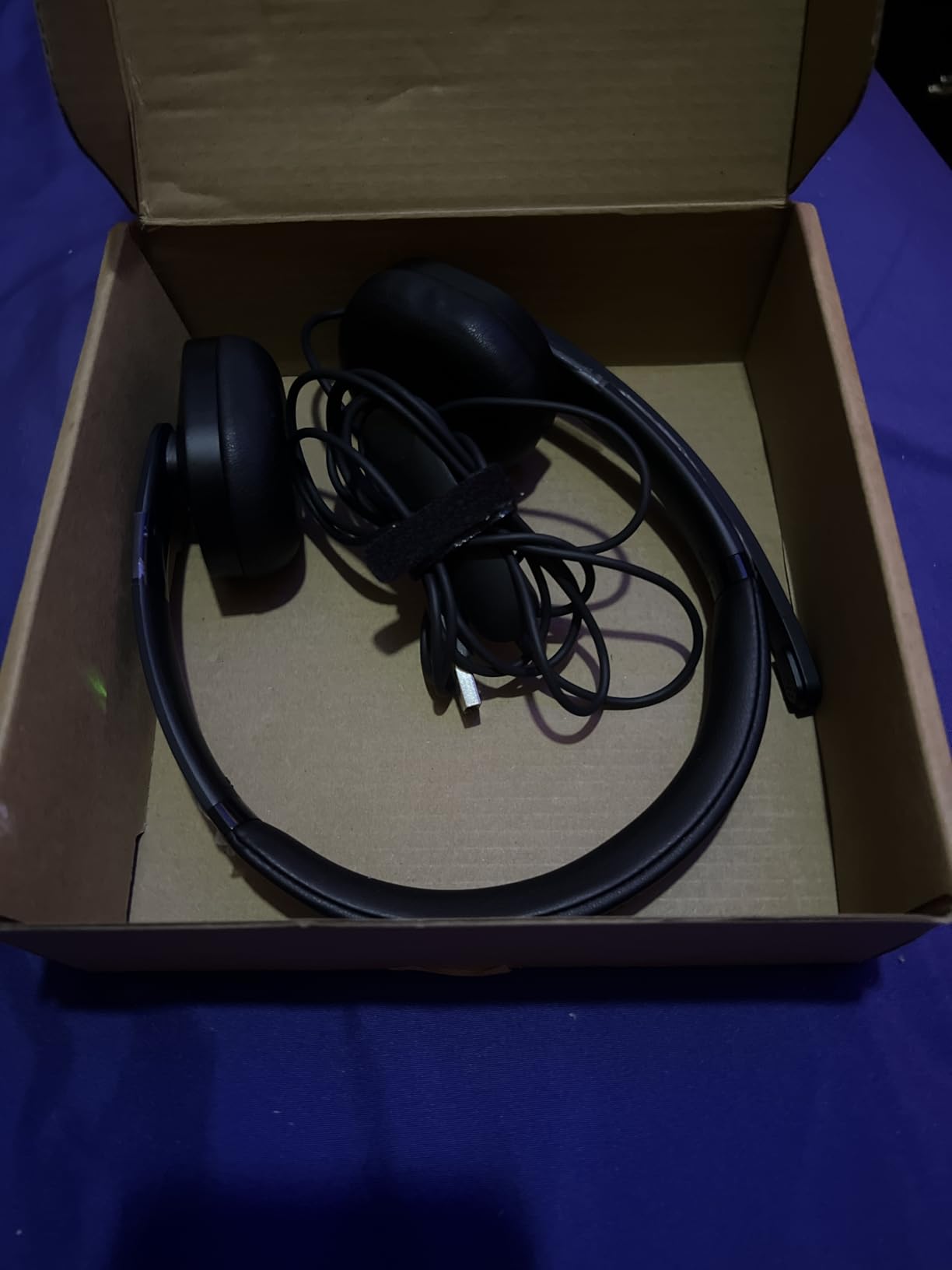
The honest limits are straightforward. It is wired only, so it is not a headset for hot-desking. It needs a USB-A port, so a USB-C-only laptop requires an adapter. And the customer rating pool is small at 232, so the feedback is thinner than for the consumer models even though satisfaction among those owners is high at a 4.4 average.
It also does nothing for your ears. There is no active noise cancelling, and the passive seal of a lightweight on-ear profile will not touch the HVAC hum that makes an open office tiring. Choose it for the call, not for the focus.
When this is the right pick
New starters, contractors, anyone on a fixed desk with a USB-A port, and any team that needs a consistent, supportable headset standard. The replaceable earcups extend its life, since the cushion is the part that normally fails first.
Pairing it with something else
Many people use a wired call headset during the day and put on noise cancelling headphones for deep work. If that is your pattern, the comfort spec on the Q30 or the Bose QuietComfort is the one that has to survive eight hours.
How to Choose Noise Cancelling Headphones for an Open-Plan Floor
Active noise cancelling vs passive isolation vs mic noise reduction
These are three different things and buyers constantly confuse them. Active noise cancelling is the electronic anti-noise system; it works on sound, targets the noise around you, and is strongest against steady low frequencies. Passive isolation is purely physical: a large cushioned seal that blocks sound by mass and airtightness, with no power required, and it is what handles speech and clicks. Microphone noise reduction is a third system entirely; it processes what your microphone captures so the other party hears a cleaner version of you, and it has no effect at all on what you hear.
Most disappointing office experiences come from expecting the third one to fix the first. If you cannot concentrate near talking, you need passive isolation, which means bigger over-ear cushions. If people cannot hear you on calls, you need a boom mic. The best noise cancelling headphones for open offices do both, and no single cheap pair maximises both.
Do you need multipoint and a USB dongle?
Multipoint holds two connections at once, so you move between a laptop and a phone without re-pairing. The Bose QuietComfort, the Sony WH-1000XM5, the TOZO HT3 and the Angteela M112 all support it in some form. It is close to essential if you take calls on a mobile as well as a desktop.
A USB dongle is a different tool: a small receiver that gives a stable, low-latency connection to a PC or Mac and bypasses the laptop’s own Bluetooth radio, where most wireless dropout complaints originate. If your IT department issues headsets, a dongle model such as the Angteela M112 or a wired unit such as the EPOS Impact 860T is simpler to deploy. On a personal machine, Bluetooth multipoint is enough.
Wired or wireless, and does certification matter?
Wireless wins on flexibility and on platform certification, and the Jabra and Angteela units cover Teams, Zoom and Meet out of the box. Wired wins on reliability, on battery, and on deployment simplicity. Check the connector before buying, because a USB-A-only headset such as the Lenovo will need an adapter on a USB-C-only laptop.
Bluetooth hands-free also narrows the audio bandwidth on a call, so a microphone that sounds good over USB can sound thinner over Bluetooth. That is why the call-first picks here all favour a wired or dongle path when the job is talking all day.
Comfort, glasses and heat: the make-or-break test
The failure mode on an open office is rarely sound quality. It is ear fatigue by 3pm. Three things decide whether a pair survives: cushion depth and seal, headband padding, and how warm the cups get. The Bose QuietComfort weighs 238 g and the EPOS Impact 860T 192 g, both lighter than the 254 g TOZO HT3 and the 9.6 oz Q30. The Sony WH-1000XM5 has a minimally padded headband that can press on the crown, and its pads can run warm. The Beats Studio Pro clamps firmer than most.
If you wear glasses, the temple arms press into the same cushion padding, so a firmer clamp gets uncomfortable sooner. Test in the afternoon, not the morning, and wear the pair for 90 minutes before deciding. A quick attention mode that lowers the volume or pauses playback when you touch the cup lets you take a colleague’s call without ripping the headphones off.
Office etiquette and staying aware
Wearing headphones at a desk is normal professional practice in most open-plan offices. What is not normal is being unable to hear your name. Use a transparency, ambient, awareness or hear-through mode to check the room, and use speak-to-chat or quick attention to respond without removing the set.
If you need to hear the room while still wearing a cup, a single-ear or one-ear design is the practical answer: a headset with a boom arm that can be worn on either ear. That approach came up repeatedly as a fix for a colleague walking up to a sealed pair, and it is worth raising with your employer before committing to a full over-ear.
Downsides and Hearing Safety of All-Day ANC Wear
None of these picks solves the following issues, and the people who regret a set usually regret one of them rather than the noise cancelling.
Ear soreness and oil. Over-ear cups seal against skin, and a full day of that produces warmth, sweat and irritation around the ear canal. This is the most common complaint across this roundup, and the fixes are cheap: microfiber cloths, a washable replacement cushion, and taking the headphones off for ten minutes every couple of hours.
Clamping pressure and headaches. A tight band does not become more comfortable with time, it becomes a headache. Pressure at the crown or behind the ears in the first hour will be worse in the eighth. Favour the lighter options here if this has been a problem before.
Reduced situational awareness. Sealed ANC means you will not hear a fire alarm announcement, a printer jam behind you, or a colleague who needs you. This is a genuine safety consideration in shared spaces and the strongest argument for a good transparency mode and for taking one ear off when you are not in deep focus.
Your own voice going boomy. Sealed cups change how your voice sounds in your head, which some people find irritating for the first week. The Bose, Beats and Jabra models here have an awareness, Transparency or HearThrough mode that solves it in a tap.
Heat buildup. The XM5 pads in particular run warm, and any over-ear set will heat up in a warm office. A desk fan and a break from the cups solve more than any specification.
Frequently Asked Questions
What are the best noise cancelling headphones for an open office?
The Soundcore Q30 Hybrid is our best overall pick because it ships a dedicated Indoor cancellation mode and runs up to 50 hours with ANC on. For all-day comfort choose the Bose QuietComfort at 238 g, and for call-heavy calendars choose the Sony WH-1000XM5 with four beamforming microphones. Entry-level budgets still get usable steady-noise cancellation from the KVIDIO and TOZO HT3.
What is the best headset for an open office?
For a headset specifically, the EPOS Impact 860T ANC is the purpose-built answer. It is Microsoft Teams certified, uses EPOS AI and BrainAdapt for voice pickup, and is wired so there is nothing to pair. If you need to move between desks, the Angteela M112 adds hybrid ANC, a flip-to-mute boom and a Qualcomm USB-A dongle.
What is the best headset with noise cancellation for office calls?
The EPOS Impact 860T ANC leads on certification and call clarity because its boom arm sits close to your mouth and the wired connection avoids Bluetooth bandwidth limits. The Jabra Evolve2 65 Flex is the wireless alternative, with ClearVoice microphones and certification for Teams, Zoom and Google Meet, at the cost of less passive isolation from an on-ear fit.
Can noise cancelling headphones block out voices?
Only partially. Active noise cancelling targets steady low-frequency sound, and human speech is irregular and mid-frequency, so the system cannot build a matching anti-noise signal in time. What helps with voices is passive isolation: a deep over-ear cushion physically muffling the conversation. On-ear designs such as the Jabra Evolve2 65 Flex do the least of any pick here.
Do noise cancelling headphones work for open office chatter?
They reduce it rather than remove it. The residual chatter sits lower and the room feels quieter, particularly with the Sony WH-1000XM5, which runs eight microphones and an Auto NC Optimizer that adapts to your seal. In r/HeadphoneAdvice discussions the recurring consensus is that ANC is weak against irregular non-repeating sound such as speech, so treat it as a reduction, not a fix.
What are the downsides of using noise-cancelling headphones?
The common complaints are ear soreness and oil from a full day of sealed cushions, clamping pressure headaches from a tight headband, heat buildup, and reduced situational awareness that stops you hearing colleagues or announcements. Some people also find their own voice boomy in a sealed cup. Taking breaks, using a lighter pair, and relying on transparency mode addresses most of these.
Is it unprofessional to wear headphones in the office?
No, not on an open-plan floor. Wearing headphones at a desk is normal practice, and the concern that comes up is being unable to hear someone who walks up. Solve that with a transparency or awareness mode, a quick attention gesture, or a one-ear headset you can flip off when someone approaches.
How do I stop hearing my coworkers with headphones on?
Start with fit: a deeper over-ear cushion blocks more speech passively than any electronics. Then add ANC with a mode tuned for indoor noise, such as the Indoor mode on the Soundcore Q30. For the days it is not enough, use a quick attention or hear-through function to check the room, and consider a single-ear headset that leaves one ear open while you take calls.
The Verdict for Your Desk in 2026
For most people, the best noise cancelling headphones for open offices are the Soundcore Q30 Hybrid, because a dedicated indoor mode and 50 hours of battery solve the steady-noise problem for the least money. If the pair has to disappear on your head for ten hours, take the Bose QuietComfort for its 238 gram weight. If meetings fill your calendar, buy call hardware instead: the EPOS Impact 860T ANC for a fixed desk, or the Angteela M112 with its USB-A dongle if you move.
Whichever you choose, test it late in the day, wear glasses if you wear glasses, and give the return window a real workout. ANC changes what an office sounds like. It does not make the office quiet.