
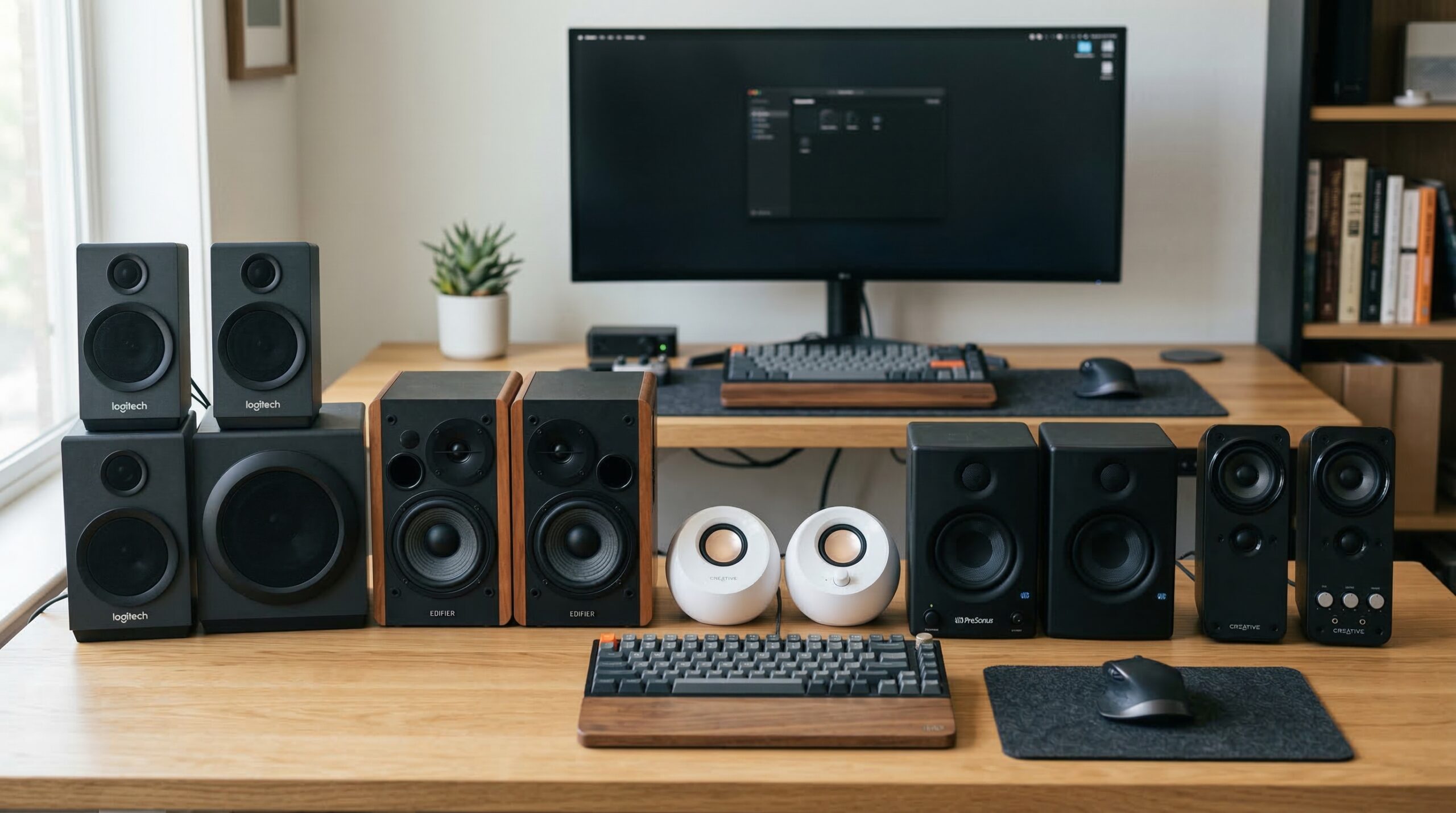
Finding quality computer audio on a tight budget used to mean settling for tinny, distorted sound. That changed dramatically over the past few years. Today’s budget PC speakers deliver surprisingly good audio quality without breaking the bank.
After testing dozens of desktop speaker systems, I found that you can absolutely get clear, room-filling sound for under $100. The key is knowing which features matter most for your setup and listening habits. Whether you need compact speakers for a small desk, a 2.1 system with subwoofer for gaming, or Bluetooth connectivity for multiple devices, there’s an affordable option that fits.
In this guide, I’ll walk you through the best PC speaker systems under $100 I’ve tested. If you want USB-powered options specifically, check out our guide to speakers with USB ports. For wireless alternatives, our Bluetooth speakers under $100 guide covers portable options that work well with computers too.
Table of Contents
Top 3 Picks for Best PC Speaker Systems Under $100


Best PC Speaker Systems Under $100 in 2026
| Product | Specifications | Action |
|---|---|---|
| Creative Pebble 2.0 USB-Powered |
|
Check Latest Price |
| Logitech Z313 2.1 Multimedia |
|
Check Latest Price |
| Edifier R980T 4 inch Active |
|
Check Latest Price |
 Creative Pebble Plus 2.1 Creative Pebble Plus 2.1 |
|
Check Latest Price |
 Logitech Z207 2.0 Bluetooth Logitech Z207 2.0 Bluetooth |
|
Check Latest Price |
 Sanyun SW208 3 inch Active Sanyun SW208 3 inch Active |
|
Check Latest Price |
 Cyber Acoustics CA-3908 2.1 Cyber Acoustics CA-3908 2.1 |
|
Check Latest Price |
 Redragon GS520 RGB Desktop Redragon GS520 RGB Desktop |
|
Check Latest Price |
 Amazon Basics Stereo 2.0 Amazon Basics Stereo 2.0 |
|
Check Latest Price |
 Logitech S150 USB Speakers Logitech S150 USB Speakers |
|
Check Latest Price |
1. Creative Pebble 2.0 USB-Powered Desktop Speakers – Best Overall Budget Pick
Creative Pebble 2.0, USB Desktop Stereo Speakers for PC/Laptop, Black
2.0 System
USB-Powered
4.5x4.5x4.8 inch
1.42 lbs
100Hz-17kHz
Pros
- Excellent value with impressive sound quality
- Far-field drivers project sound beautifully
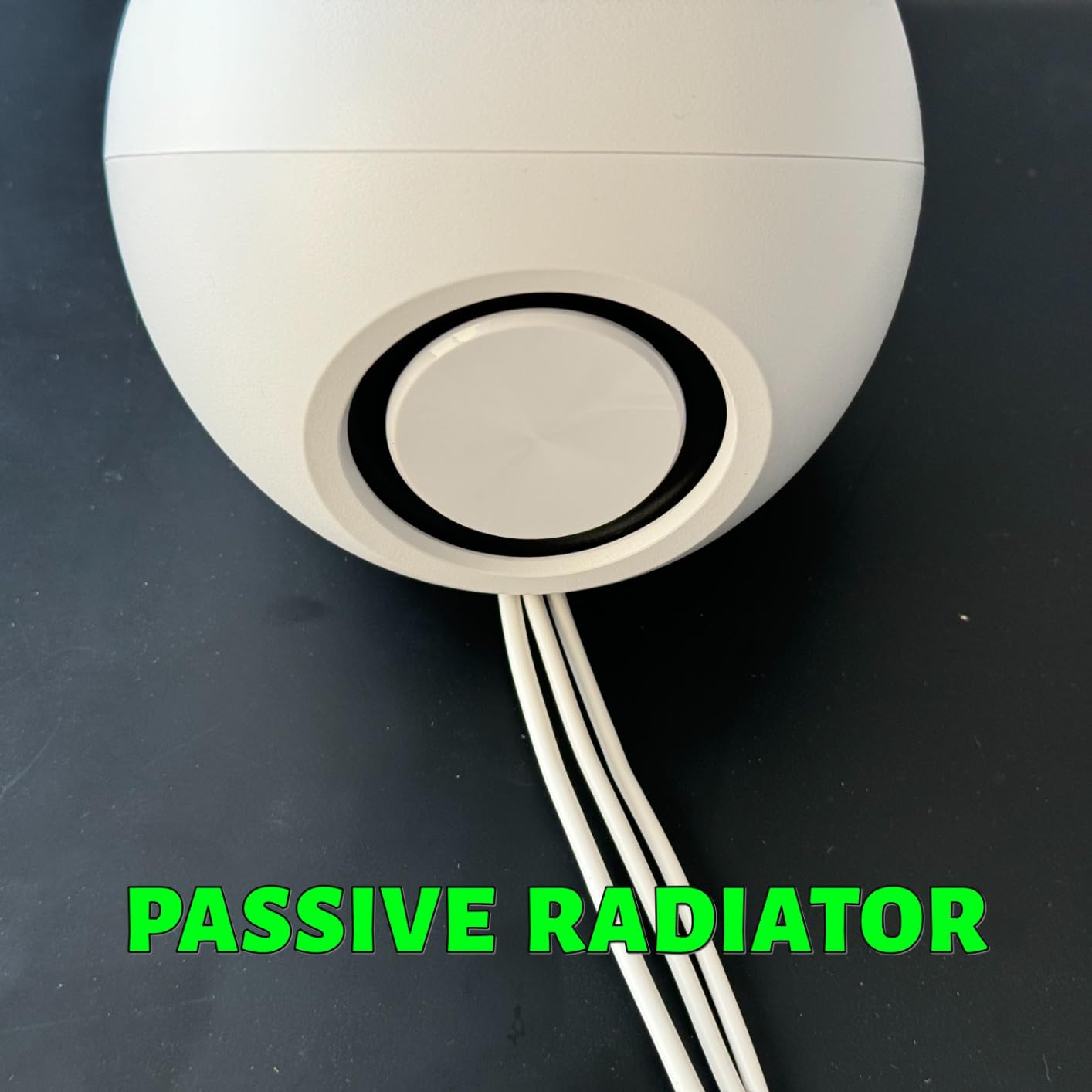
- Passive radiators add noticeable bass
- Minimalist design looks great on any desk
- Plug-and-play setup with single USB cable
Cons
- Bass fades when not sitting directly in front
- Volume may be limited without dedicated USB adapter
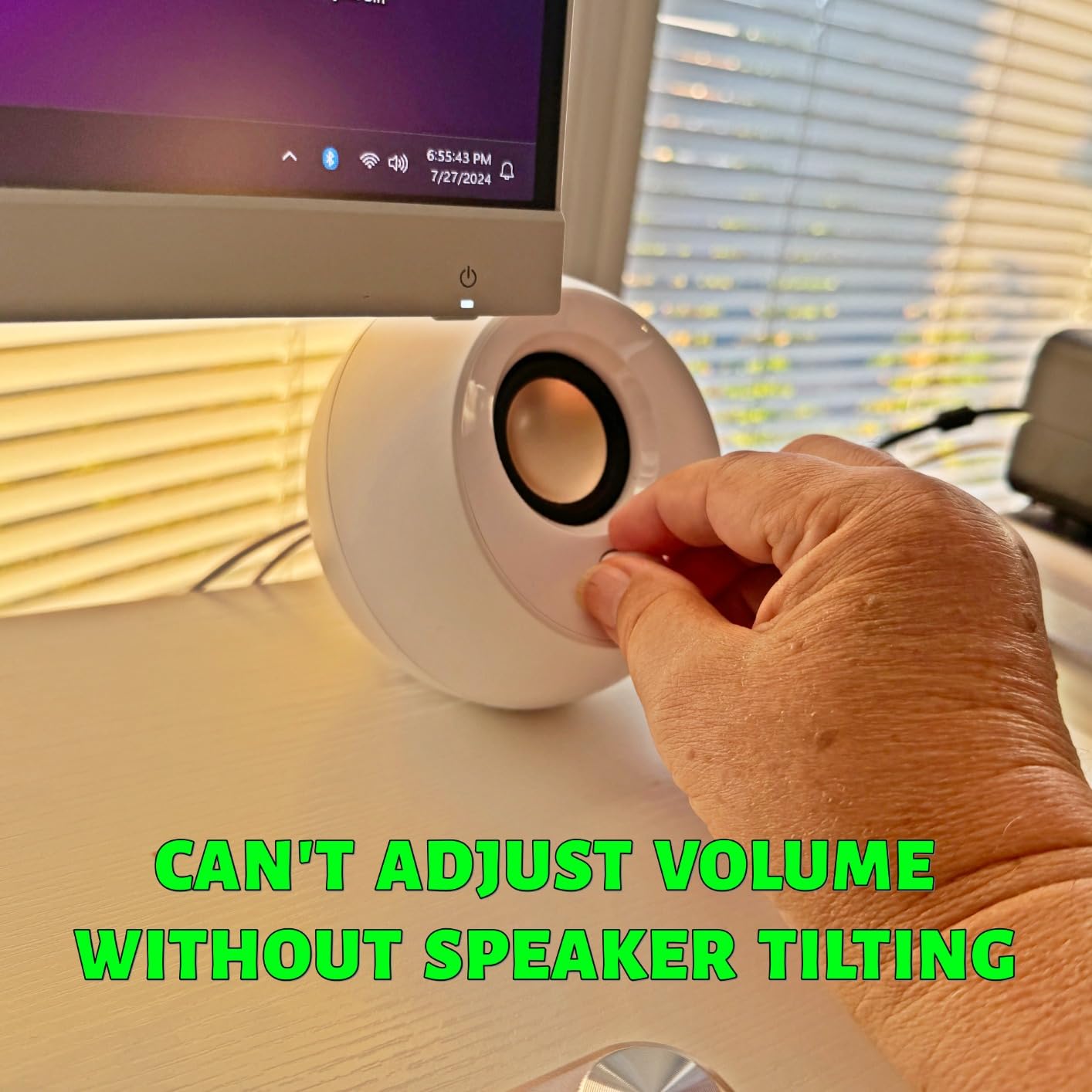
- Sphere design tilts slightly when adjusting volume
When I first set up the Creative Pebble speakers on my desk, I was skeptical about how much sound could come from such compact orbs. After plugging in the single USB cable, those doubts disappeared within seconds. The 45-degree elevated drivers aim the audio directly at your ears, creating a surprisingly focused soundstage.
The passive radiators on the back do more than I expected for bass reproduction. While they won’t shake your desk like a dedicated subwoofer, they add warmth to music and depth to game audio that most USB-powered speakers simply lack. I found myself enjoying music I hadn’t listened to in months because suddenly it sounded alive instead of flat.
Forum discussions consistently mention the Creative Pebble series as the go-to recommendation for ultra-budget speakers, and after using them, I understand why. The far-field driver design means the speakers sound good even when you’re not sitting in the perfect position, though the sweet spot is definitely directly in front of them.
What impressed me most was the build quality for the price. The plastic housing feels solid, not cheap, and the fabric grilles give them a more premium look than their price suggests. The front-mounted volume knob is responsive and has a satisfying feel when adjusting.
Best For
The Creative Pebble shines brightest for everyday desktop use where you want clear audio without spending much. They excel at voice calls, YouTube videos, casual music listening, and light gaming. Office workers and students will appreciate how they transform laptop audio without adding clutter to the desk.
Not Ideal For
If you need room-filling sound for parties or want to feel explosions in games, look elsewhere. The lack of a dedicated subwoofer limits their low-end impact. Audiophiles seeking accurate frequency response should consider the Edifier options instead, and anyone wanting Bluetooth connectivity will need to step up to other models.
2. Logitech Z313 2.1 Multimedia Speaker System – Best Value 2.1 System
Logitech Z313 2.1 Multimedia Speaker System with Subwoofer – Black
2.1 System
50W Peak
25W RMS
6.25x13x1 inch Satellites
Compact Subwoofer
Pros
- Room-filling sound from small package
- Subwoofer adds real bass impact
- Control pod with headphone jack
- Easy setup with clear instructions
- No distortion at high volumes
Cons
- No Bluetooth connectivity
- Subwoofer cable may seem thin
- Wired control pod limits placement
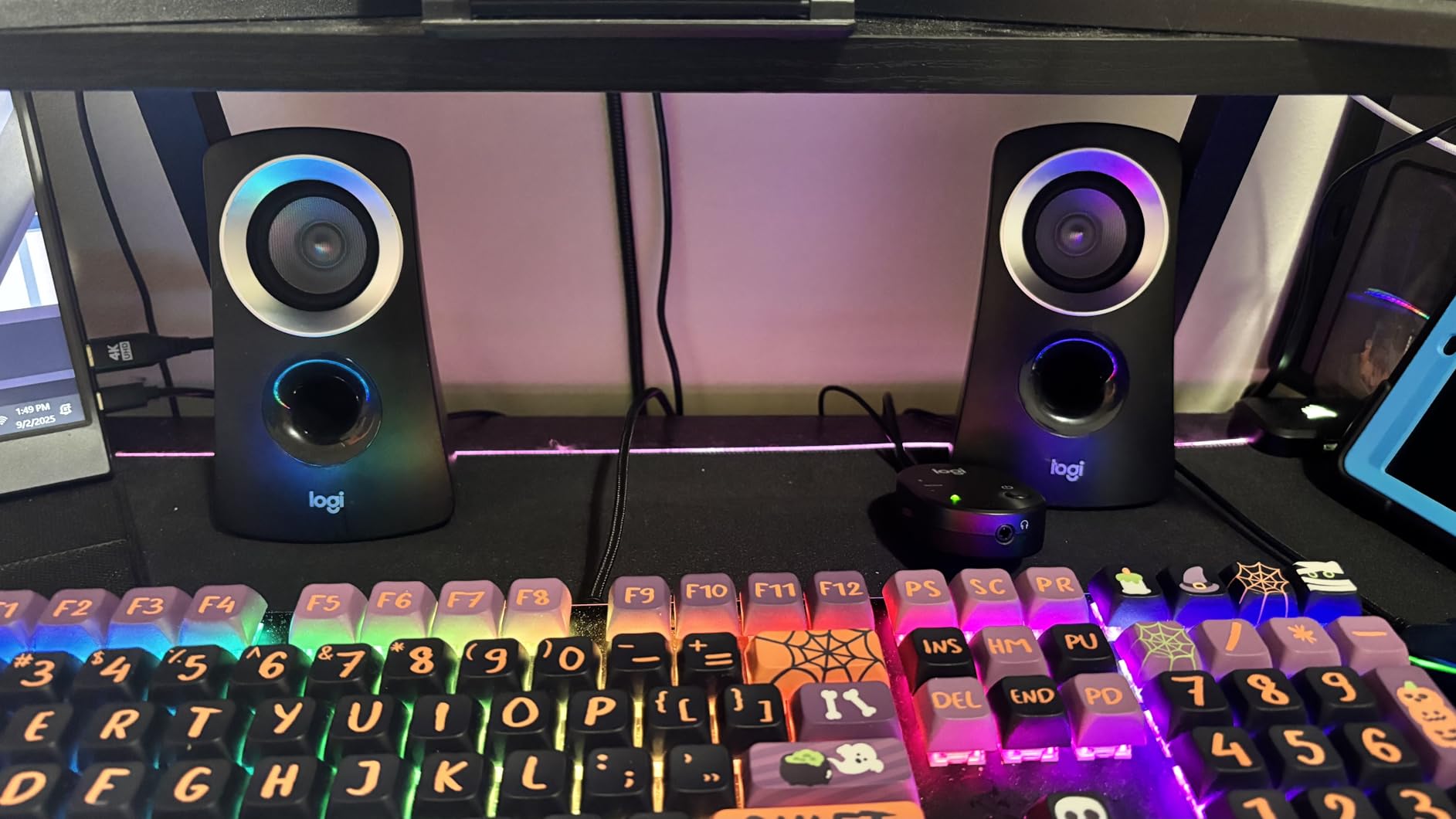
The Logitech Z313 changed my perception of what a sub-$100 2.1 system could deliver. When I fired up my first test track, the compact subwoofer immediately made its presence known. Not in an overwhelming, muddy way, but with tight, punchy bass that actually enhanced the music instead of drowning it.
What surprised me most was the volume capability. These speakers filled my 15×20 foot room without breaking a sweat, and I never heard distortion even when pushing them to uncomfortable listening levels. The satellite speakers are small enough to fit anywhere on a desk but produce sound that seems to come from much larger cabinets.
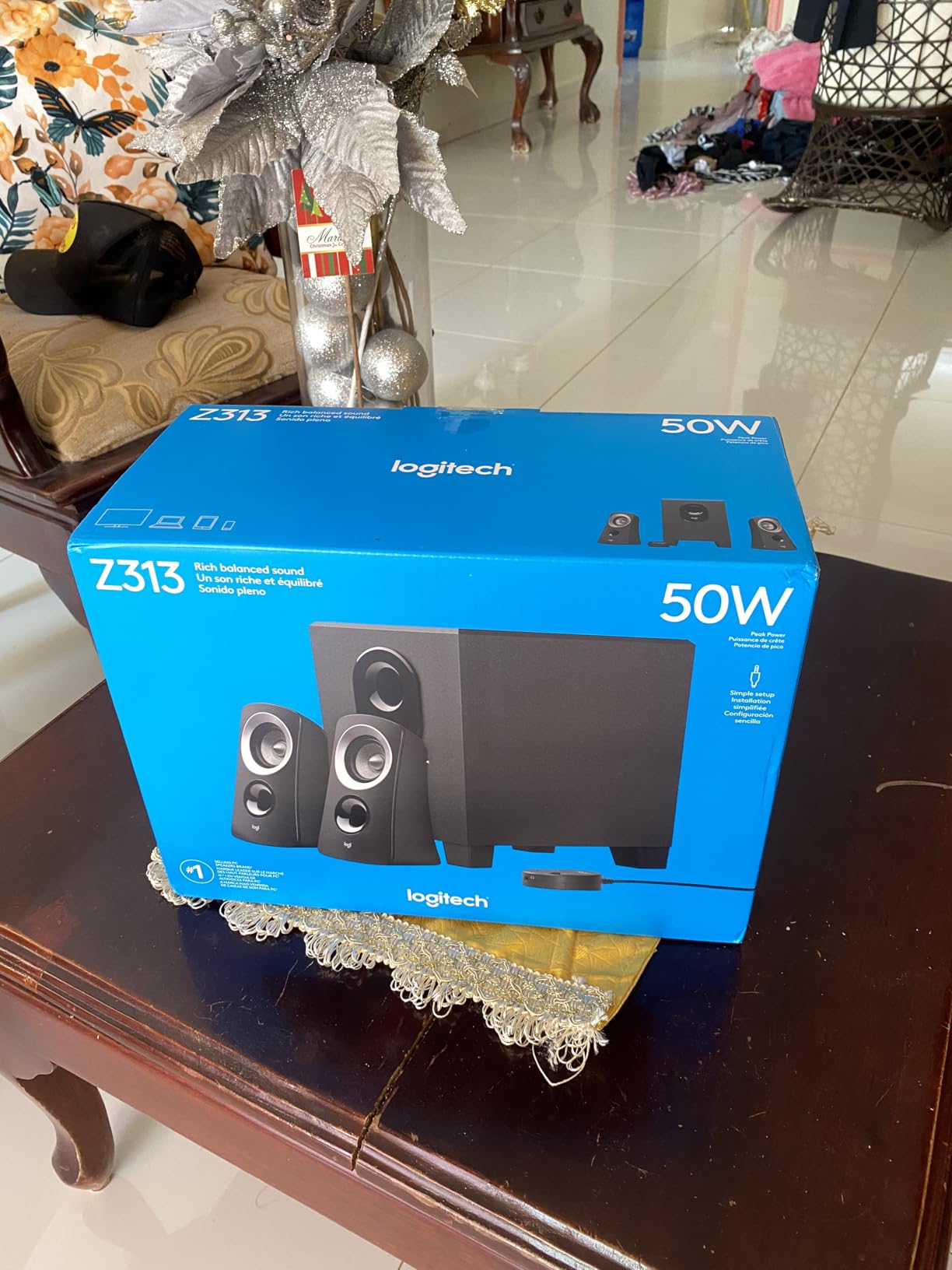
The wired control pod deserves special mention. It sits on my desk within easy reach, letting me adjust volume, turn the system on and off, or plug in headphones for private listening. This convenience factor makes a huge difference in daily use compared to reaching behind speakers for controls.
Setup was genuinely plug-and-play. I connected the satellites to the subwoofer, plugged in the 3.5mm cable to my PC, and powered on. No drivers, no configuration, just working audio in under two minutes. The included cables are generous in length, accommodating various desk setups.
Best For
The Z313 hits the sweet spot for users who want the full 2.1 experience without complexity. Gamers will appreciate the subwoofer adding impact to explosions and engine sounds. Movie watchers get more immersive audio than any 2.0 system can provide. The system works equally well for music across genres, from electronic to classical.
Not Ideal For
Anyone wanting wireless connectivity should look at the Logitech Z207 instead. The lack of Bluetooth means you’re limited to devices with 3.5mm outputs. The wired control pod, while convenient, adds another cable to manage on your desk. Those seeking the deepest possible bass might want the Cyber Acoustics system with its larger subwoofer.
3. Edifier R980T 4″ Active Bookshelf Speakers – Best Premium Budget Option
Edifier R980T 4″ Active Bookshelf Speakers – 2.0 Computer Speaker – Powered Studio Monitor (Pair)
2.0 System
24W RMS
4 inch Drivers
11.5x7.5x17 inch
Wooden Enclosures
Dual AUX
Pros
- Clean flat sound suitable for monitoring
- Wooden enclosures minimize resonance
- No distortion even at maximum volume
- Can connect two devices simultaneously
- Excellent build quality and finish
Cons
- Volume knob inconveniently on back
- Limited bass without subwoofer
- Sound may need EQ tuning out of box
Stepping up to the Edifier R980T feels like entering a different category of audio. These are not typical computer speakers but proper bookshelf speakers that happen to work perfectly on a desk. The wooden enclosures immediately signal this is a more serious audio product.
The sound quality confirmed my first impression. The 4-inch drivers deliver clean, accurate audio that reveals details in music I hadn’t noticed with cheaper speakers. The frequency response is notably flatter than gaming-focused speakers, making these excellent for anyone who wants to hear music as it was recorded rather than heavily colored.
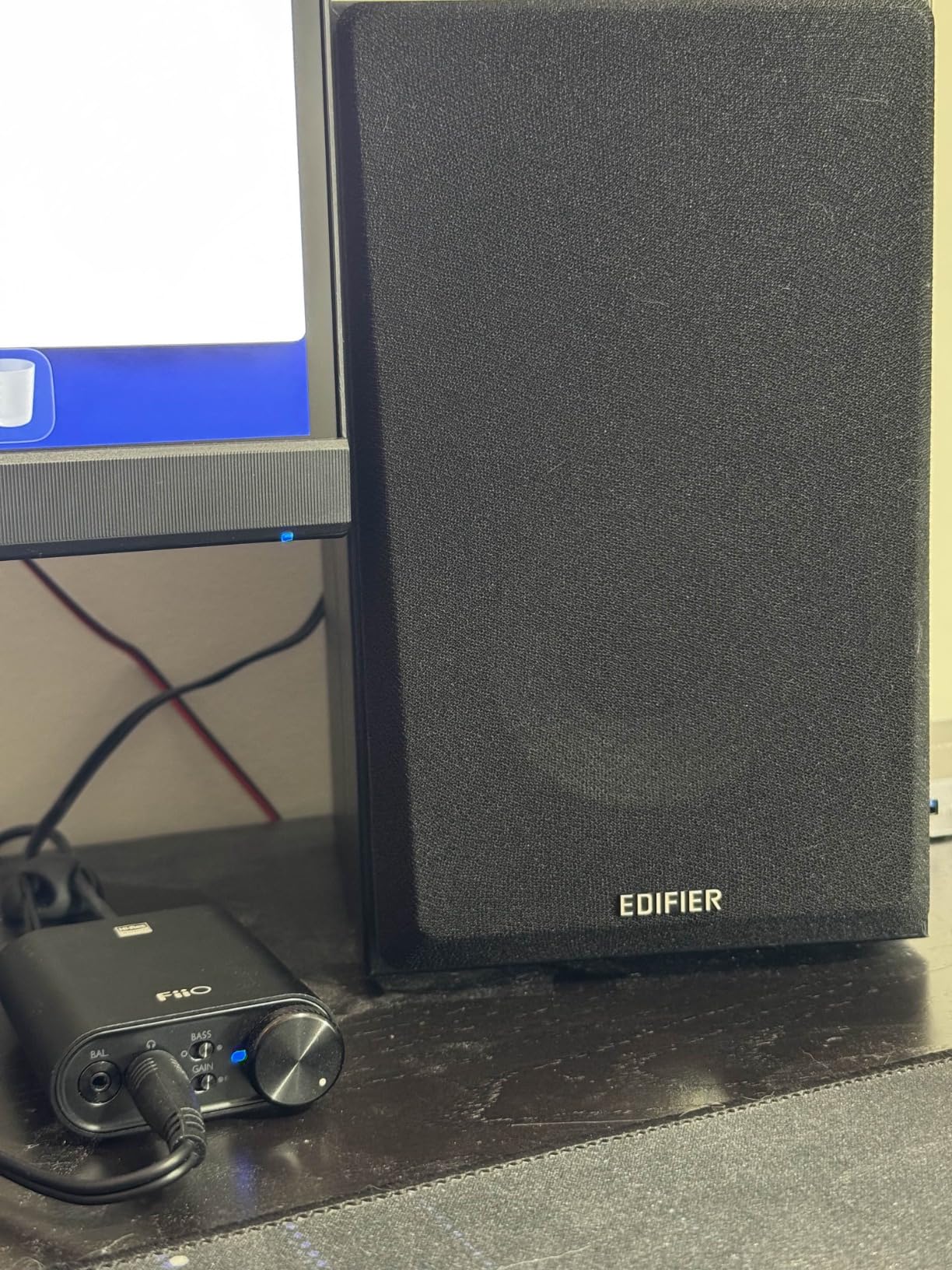
Forum users consistently praise Edifier for having the budget powered speakers market cornered, and the R980T shows why. The build quality rivals speakers costing twice as much. The wood grain finish looks professional, and the removable grilles let you choose between a clean look or showing off the drivers.
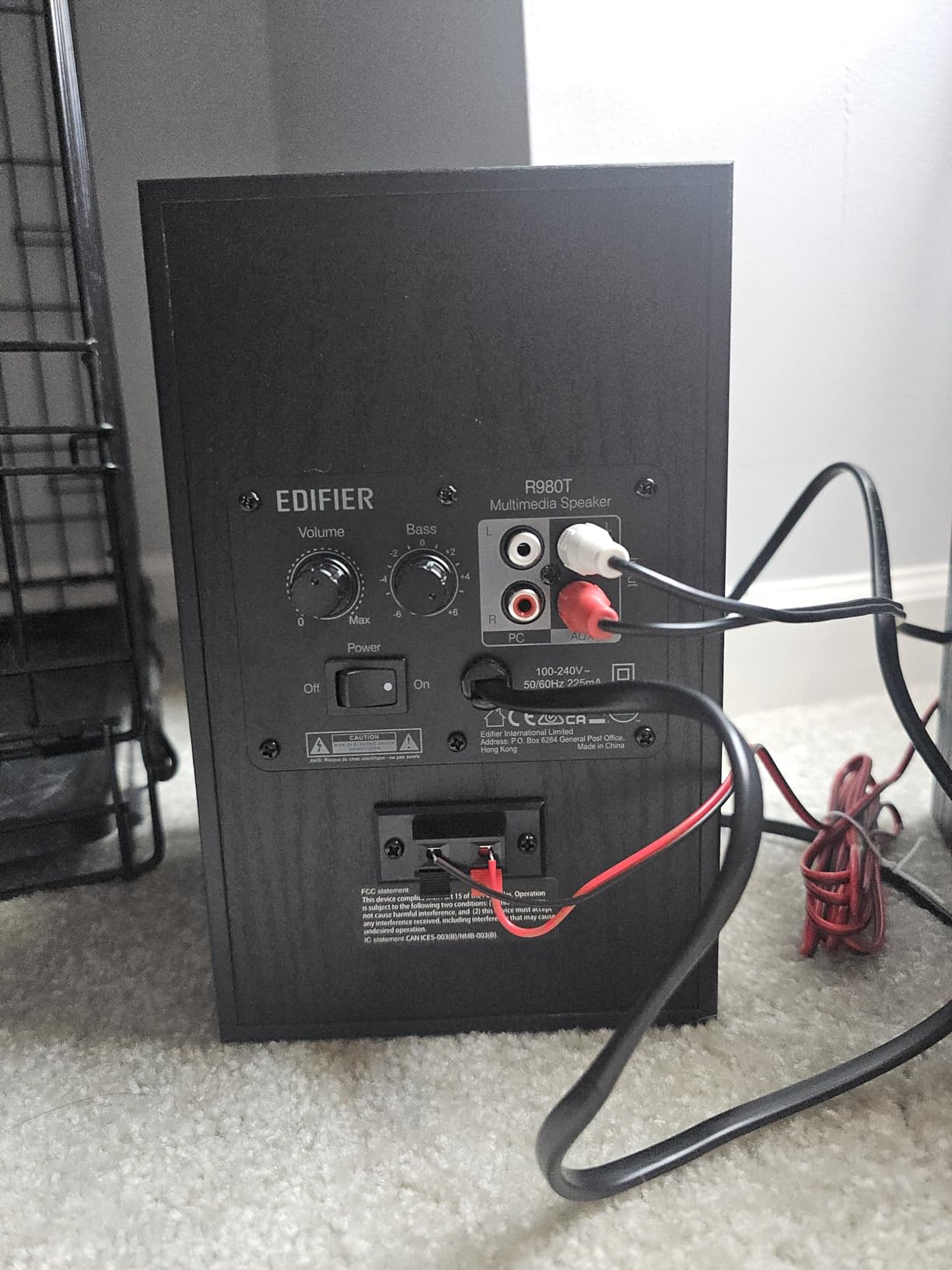
Having two AUX inputs proved more useful than I expected. I connected my PC to one and my phone to the other, switching between them without unplugging anything. This dual-input feature makes the speakers more versatile for different setups.
Best For
Audio enthusiasts on a budget will love the accurate sound reproduction. The R980T works beautifully for music production, video editing, and critical listening where you need to hear every detail. Anyone frustrated by the artificial bass boost of typical computer speakers will appreciate the balanced presentation here.
Not Ideal For
Gamers seeking immersive, bass-heavy experiences might find these too neutral. The rear-mounted volume knob is genuinely inconvenient for frequent adjustments. Those wanting Bluetooth must look at other Edifier models or the Logitech Z207. The larger size also requires more desk space than compact desktop speakers.
4. Creative Pebble Plus 2.1 USB-Powered Desktop Speakers – Best Budget 2.1
Creative Pebble Plus 2.1 USB-Powered Desktop Speakers with Powerful Down-Firing Subwoofer and Far-Field Drivers, Up to 8W RMS Total Power for Computer PCs and Laptops (Black)
2.1 System
8W RMS
4 inch Down-Firing Sub
7.68x5.91x7.95 inch
High Gain Mode
Pros
- Down-firing subwoofer adds real bass
- 45deg elevated drivers aim at ears
- High Gain Mode boosts output with adapter
- Compact footprint despite subwoofer
- USB-powered convenience
Cons
- Subwoofer lacks deep low-end thump
- Four second delay from power-on
- Wires may be short for some setups
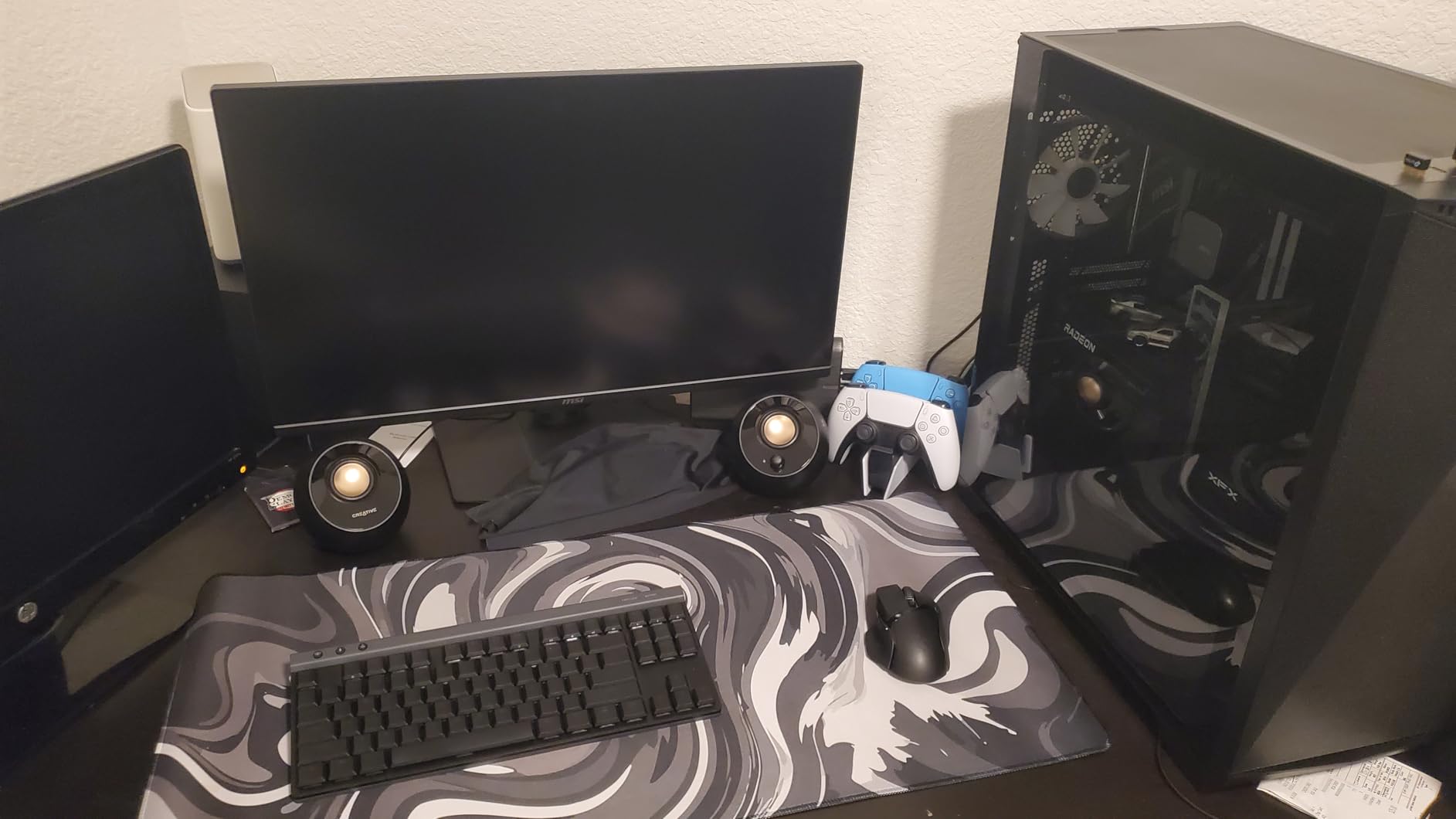
The Creative Pebble Plus takes everything great about the original Pebble and adds a subwoofer that actually makes a difference. I was curious whether a 4-inch down-firing sub could deliver meaningful bass, and I came away impressed. It won’t rattle your windows, but it fills in the low end that the original Pebble lacks.
Setting up the system was straightforward despite having three components. The subwoofer connects to your PC via 3.5mm cable while drawing power from USB. This hybrid approach means you get stronger audio than USB-only speakers without needing a wall outlet for the satellites.
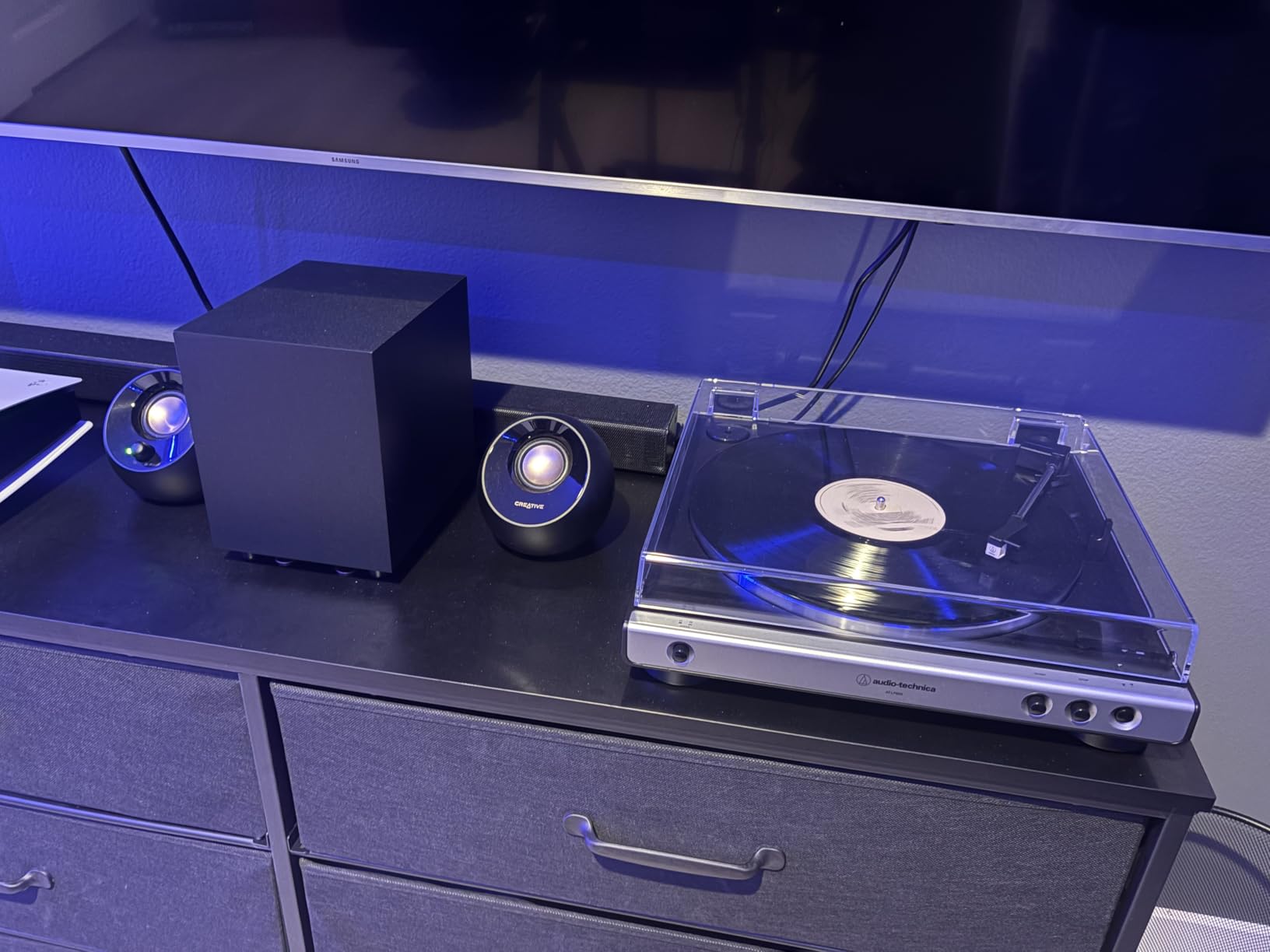
The High Gain Mode feature caught my attention. Using a 5V 2A USB adapter instead of a standard USB port increases power output from 4.4W to 8W RMS. I tested both configurations and noticed a clear improvement in bass authority and overall volume with the higher power adapter.
What I appreciate most is how Creative maintained the compact design. The subwoofer fits under my desk while the Pebble-style satellites take minimal desk space. This makes the system practical for smaller setups that still want 2.1 audio.
Best For
Users who want subwoofer bass without the complexity of traditional 2.1 systems will find this perfect. The USB power means no wall outlet needed for the satellites. It works great for gaming, movies, and music where you want more low-end impact than 2.0 speakers provide.
Not Ideal For
Bass enthusiasts seeking room-shaking low frequencies should consider the Logitech Z313 or Cyber Acoustics systems instead. The four-second startup delay is annoying if you frequently turn speakers on and off. The wire lengths work for standard desk setups but may be problematic for unusual configurations.
5. Logitech Z207 2.0 Stereo Computer Speakers with Bluetooth – Best Bluetooth Pick
Logitech Z207 2.0 Stereo Computer Speakers with Bluetooth
2.0 System
Bluetooth 4.2
Easy-Switch Tech
4.88x1.39x9.49 inch
Passive Radiators
Pros
- Bluetooth and 3.5mm connection simultaneously
- Easy-Switch for seamless device changes
- Excellent Bluetooth range and stability
- Compact vertical design saves space
- Surprisingly good bass for 2.0 system
Cons
- Minimal bass compared to systems with subwoofer
- Volume control dot hard to see
- Not suitable for large spaces
The Logitech Z207 solved a problem I didn’t know I had: connecting to multiple audio sources without constantly switching cables. With Bluetooth 4.2 and a 3.5mm input active simultaneously, I could play audio from my phone while keeping my PC connected. The Easy-Switch technology handled transitions smoothly.
Sound quality exceeded my expectations for a 2.0 Bluetooth system in this price range. The passive radiators in each speaker add bass presence that many Bluetooth speakers lack. While it can’t match a dedicated subwoofer, the low end is satisfying for casual listening.
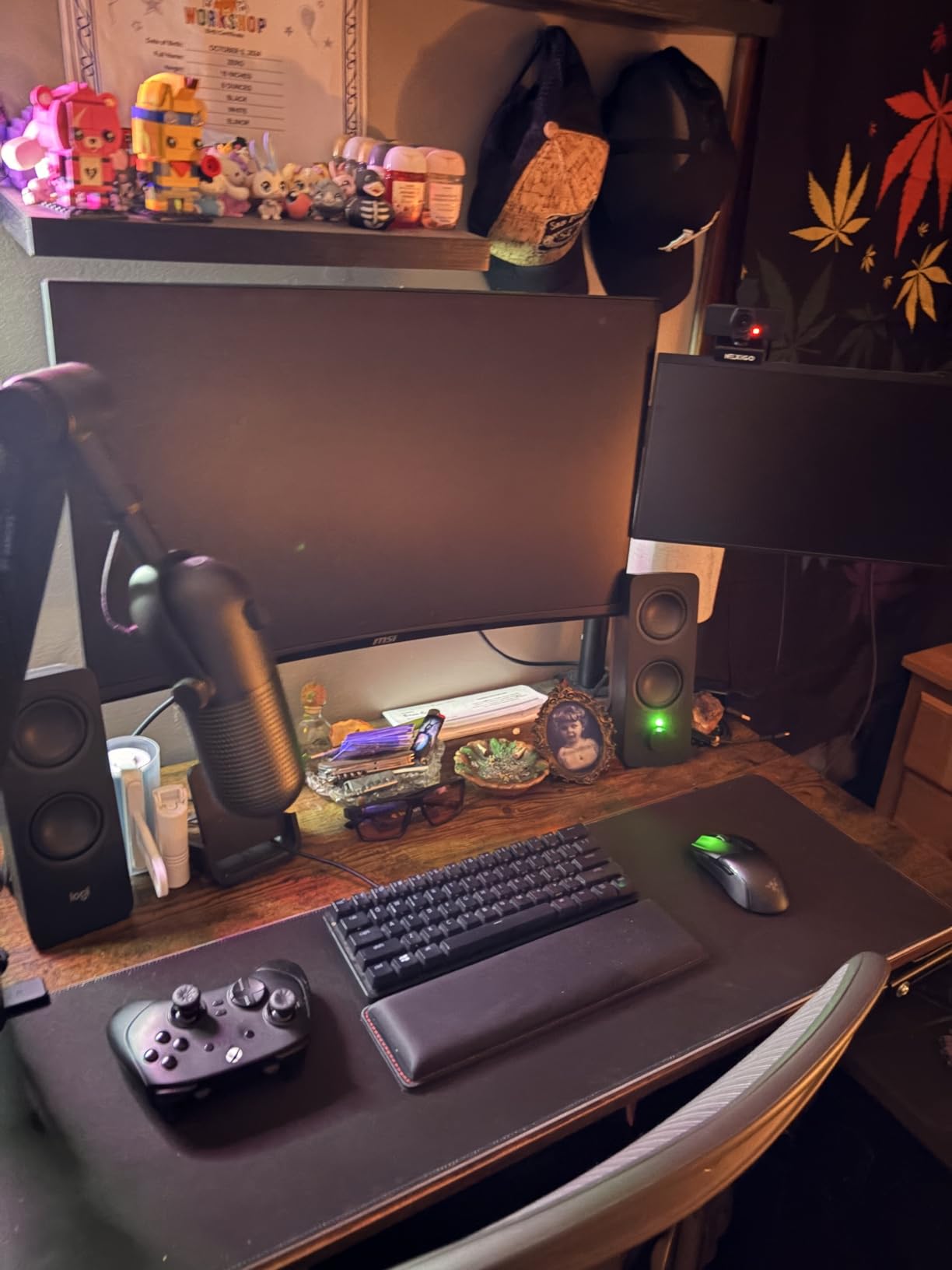
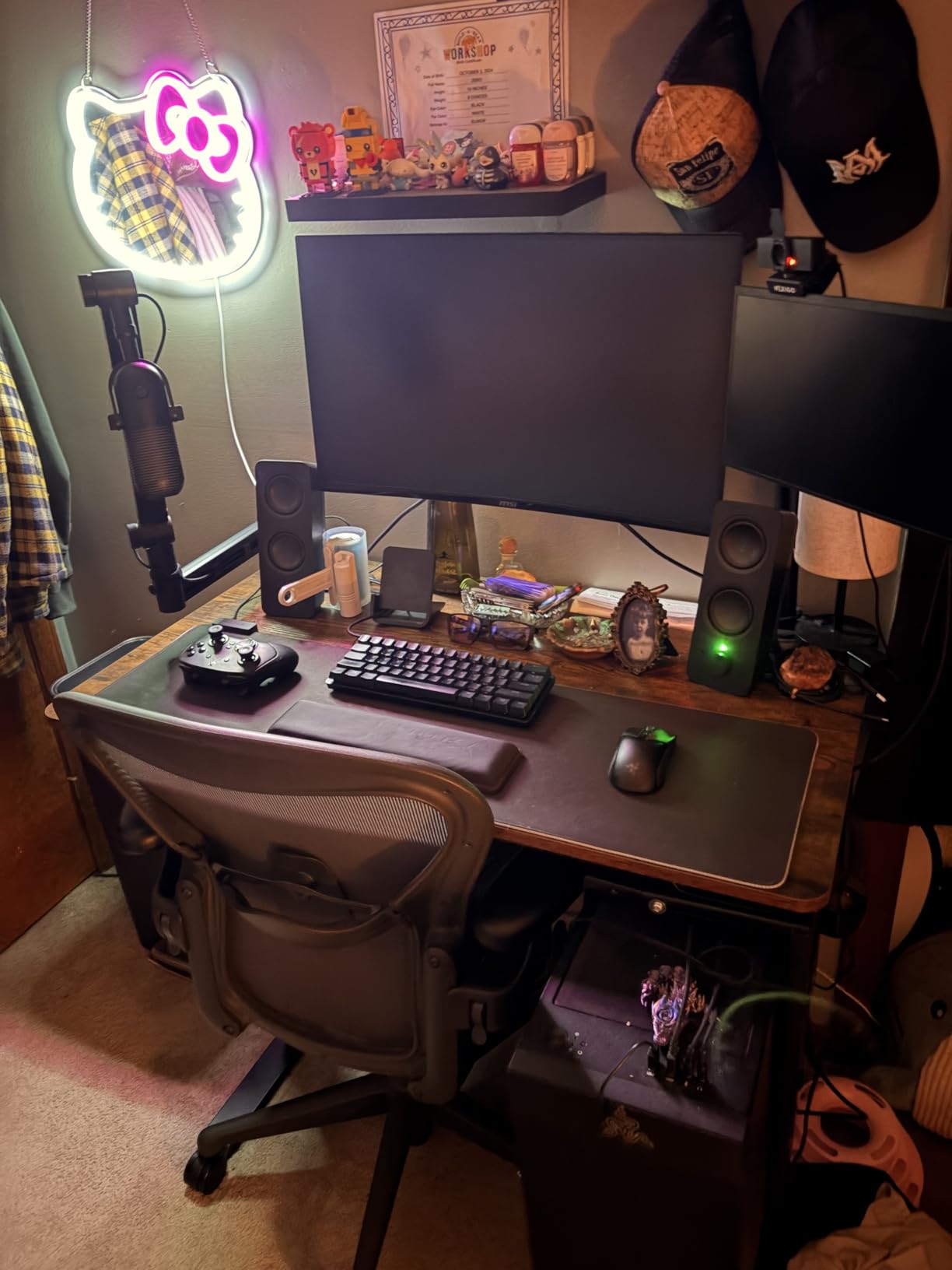
The vertical design saves considerable desk space compared to traditional horizontal speakers. They stand about 9.5 inches tall but only 1.4 inches wide, fitting easily beside monitors without dominating the workspace. The built-in stands are stable and keep the speakers properly angled.
Battery life isn’t a concern since these are AC-powered. I appreciated having consistent volume levels without the variability that battery-powered Bluetooth speakers sometimes exhibit. The headphone jack on the front panel is a thoughtful addition for private listening.
Best For
Anyone who regularly switches between devices will love the dual connectivity. The Z207 works perfectly for users who want to stream from phones and tablets while maintaining a wired PC connection. Office workers, students, and anyone with limited desk space will appreciate the compact vertical design.
Not Ideal For
Bass lovers should look at the 2.1 systems in this list instead. The black volume control dot is genuinely difficult to see in low light. Those wanting to fill large rooms or outdoor spaces will find the output insufficient. Audiophiles seeking the highest fidelity should consider the Edifier options.
6. Sanyun SW208 3″ Active Bluetooth 5.0 Bookshelf Speakers – Best Features
Sanyun SW208 3″ Active Bluetooth 5.0 Bookshelf Speakers, Built-in 24bit DAC
2.0 System
60W Total
Bluetooth 5.0
24bit DAC
4.68x7.48x5.35 inch
Carbon Fiber
Pros
- Excellent sound quality for price
- Very loud with no distortion at high volumes
- USB connection with 24bit DAC
- Adjustable treble and bass controls
- Premium wood structure appearance
Cons
- Volume knob doesn't work in USB mode
- USB connection can be flaky
- Confusing mode switching controls
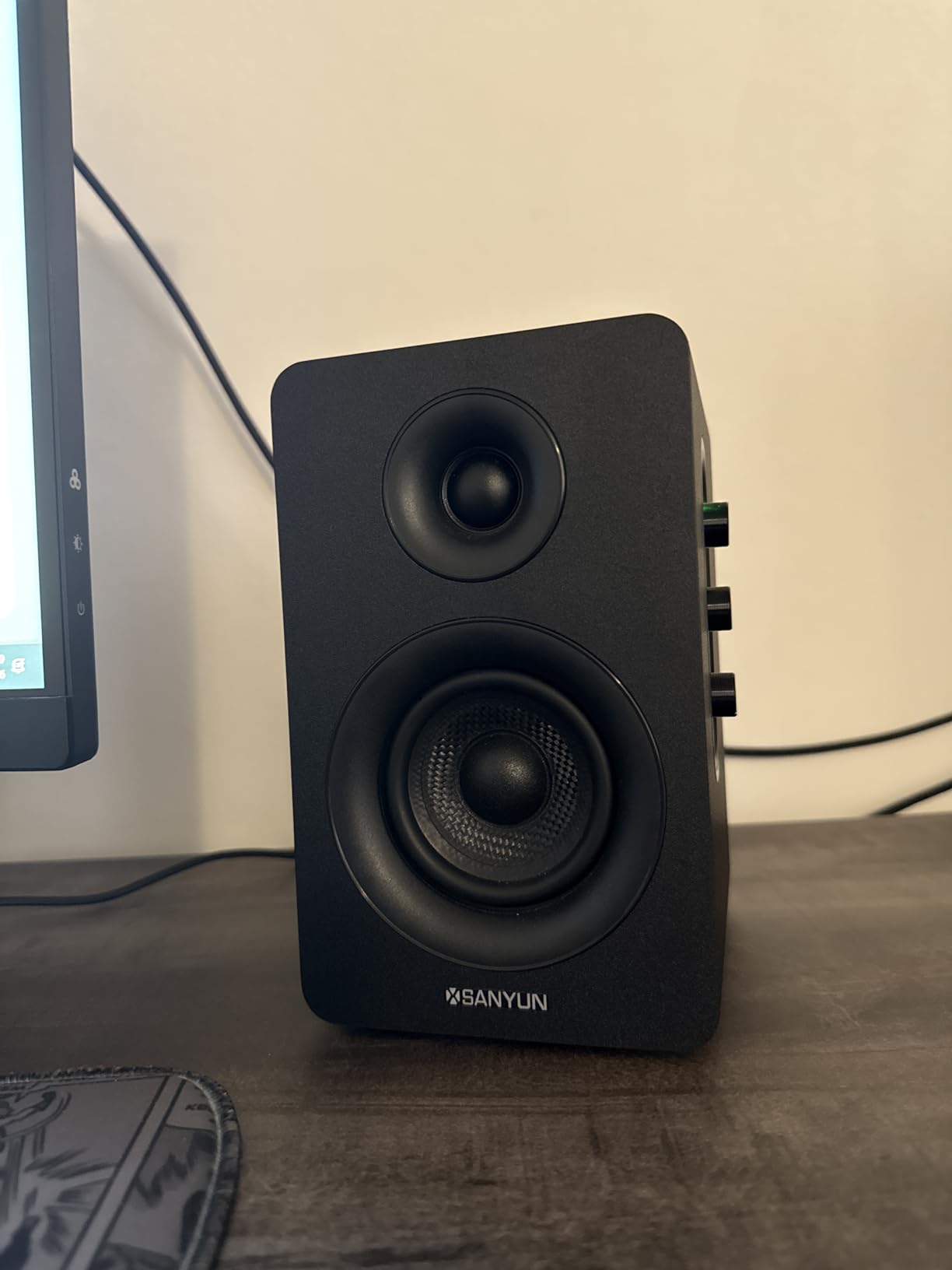
The Sanyun SW208 packs an impressive feature set into its bookshelf-style cabinets. The carbon fiber driver cones and wooden enclosures give these speakers a premium feel that belies their price point. When I first powered them on, the 60W total output immediately made clear these aren’t typical budget computer speakers.
The built-in 24bit DAC via USB caught my attention as an unusual feature at this price. Connecting via USB instead of 3.5mm bypassed my computer’s onboard audio, delivering cleaner sound with less noise. The Bluetooth 5.0 connection proved stable with my phone at distances up to 20 feet.
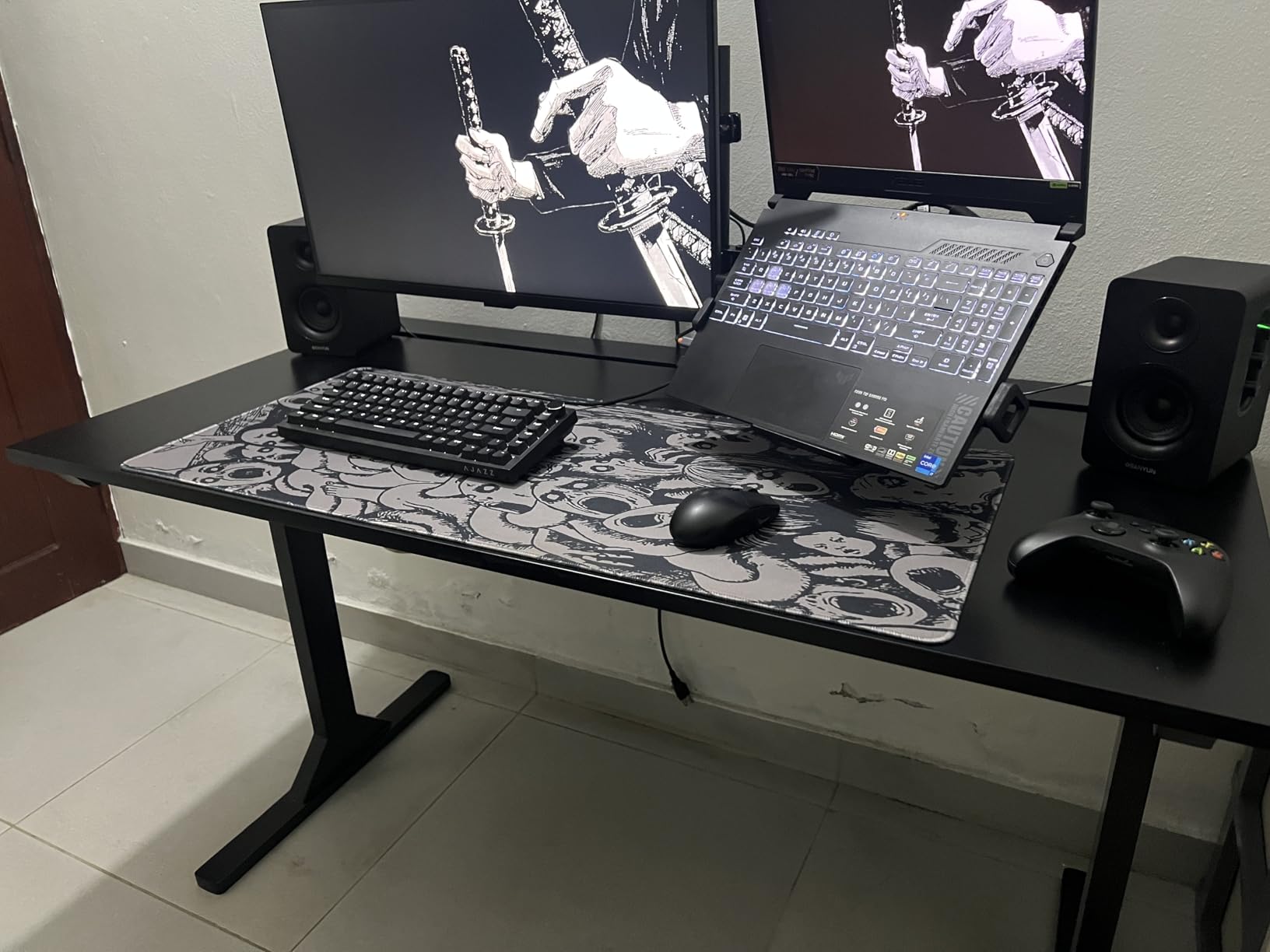
Having physical treble and bass knobs on the front panel is genuinely useful. I found myself tweaking settings based on what I was listening to, something impossible with most fixed-eq budget speakers. The ability to shape the sound to your preference makes these more versatile than competitors.
The wood construction isn’t just aesthetic. It genuinely reduces cabinet resonance compared to all-plastic designs. I noticed cleaner midrange and less muddiness in complex passages. The white finish with removable grilles looks elegant on a desk.
Best For
Feature-hungry users who want Bluetooth, USB DAC, and tone controls in one package will find the SW208 compelling. The powerful output suits larger rooms where weaker speakers would struggle. Anyone who likes to adjust sound characteristics will appreciate the bass and treble knobs.
Not Ideal For
The USB mode quirks are frustrating if you plan to use that connection primarily. Mode switching requires a long press that isn’t obvious from the documentation. Those wanting simpler plug-and-play operation should consider the Creative Pebble instead. The rear cable connections can be awkward depending on desk setup.
7. Cyber Acoustics CA-3908 2.1 Multimedia Speaker System – Most Powerful Under $100
Cyber Acoustics CA-3908 2.1 Speaker System, 92W, Subwoofer
2.1 System
92W Peak
46W RMS
6.5 inch Subwoofer
10.65x15.25x11 inch
Control Pod
Pros
- Powerful 92W peak output for room-filling sound
- 6.5 inch subwoofer delivers deep bass
- Convenient control pod with bass adjustment
- Piano black finish looks premium
- Works with multiple device types
Cons
- Satellite construction feels light
- Can distort at very high volumes
- Power switch difficult to toggle
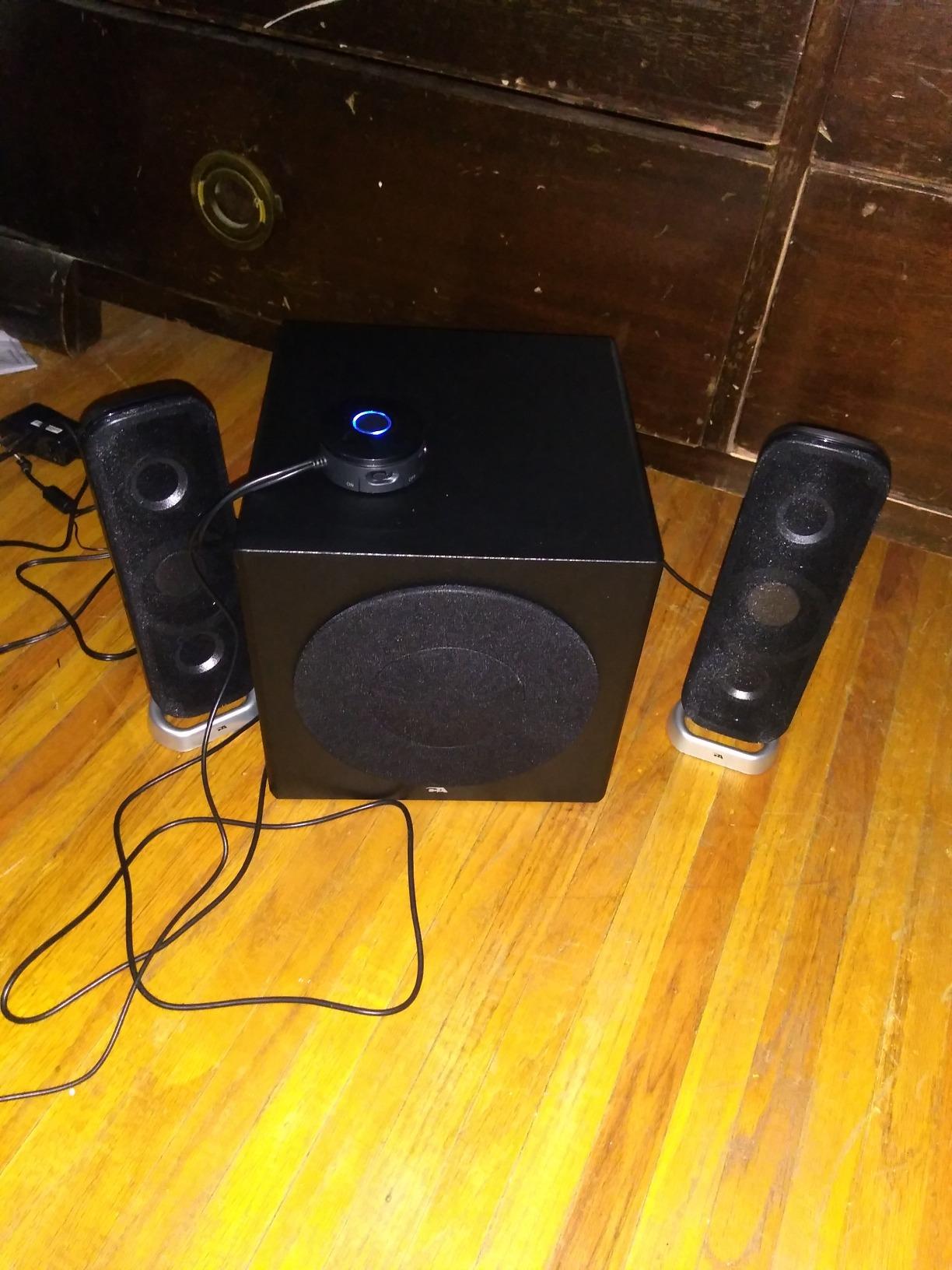
The Cyber Acoustics CA-3908 brings serious power to the budget speaker category. With 92 watts peak output and a 6.5-inch subwoofer, this system delivers the kind of volume and bass that makes you check the price tag twice. I tested it in my living room, and it easily filled the 20×15 foot space.
The subwoofer is the star here. The ported, side-firing design produces bass you can feel, not just hear. Action movies gained impact, and electronic music finally had the low-end punch it deserved. For a system under $100, the bass quality surprised me repeatedly.
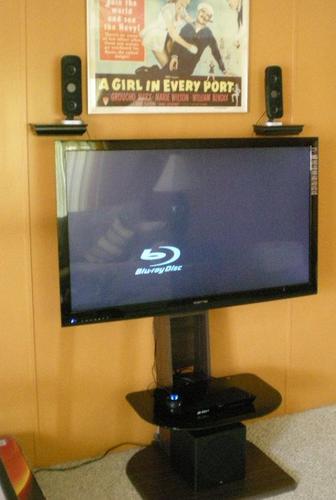
The control pod is well-designed with volume and bass adjustment within easy reach. A headphone jack on the pod makes private listening simple. The 3.5mm aux input works with virtually any device, from PCs to phones to tablets.
Build quality on the subwoofer is solid, though the satellite speakers feel lighter than expected. The piano black finish with aluminum pedestals looks attractive but shows fingerprints easily. Removable cloth grilles let you customize the appearance.
Best For
Power seekers who want maximum output under $100 will find their match here. The CA-3908 excels at filling larger rooms with sound. Gamers and movie watchers who crave bass impact will appreciate the 6.5-inch subwoofer. The system works well for parties and social gatherings too.
Not Ideal For
Those wanting premium build quality throughout should consider the Edifier instead. The lightweight satellites feel less substantial than competitors. Audio purists may notice some distortion at maximum volume when not in the ideal listening position. The size requires more setup planning than compact systems.
8. Redragon GS520 RGB Desktop Speakers – Best for Gaming Aesthetics
Redragon GS520 Wired 2.0 Channel Stereo Sound Desktop RGB Computer Speakers
2.0 System
USB Powered
6 RGB Modes
3.5x4x7 inch
Touch Control
31 inch Cable
Pros
- Attractive RGB lighting with 6 modes
- Good sound quality for the price
- Minimalist modern design looks great
- Individual volume buttons for precise control
- Easy plug-and-play setup
Cons
- High-pitched tone when not playing audio
- Short cable between speakers
- Distortion at higher volumes
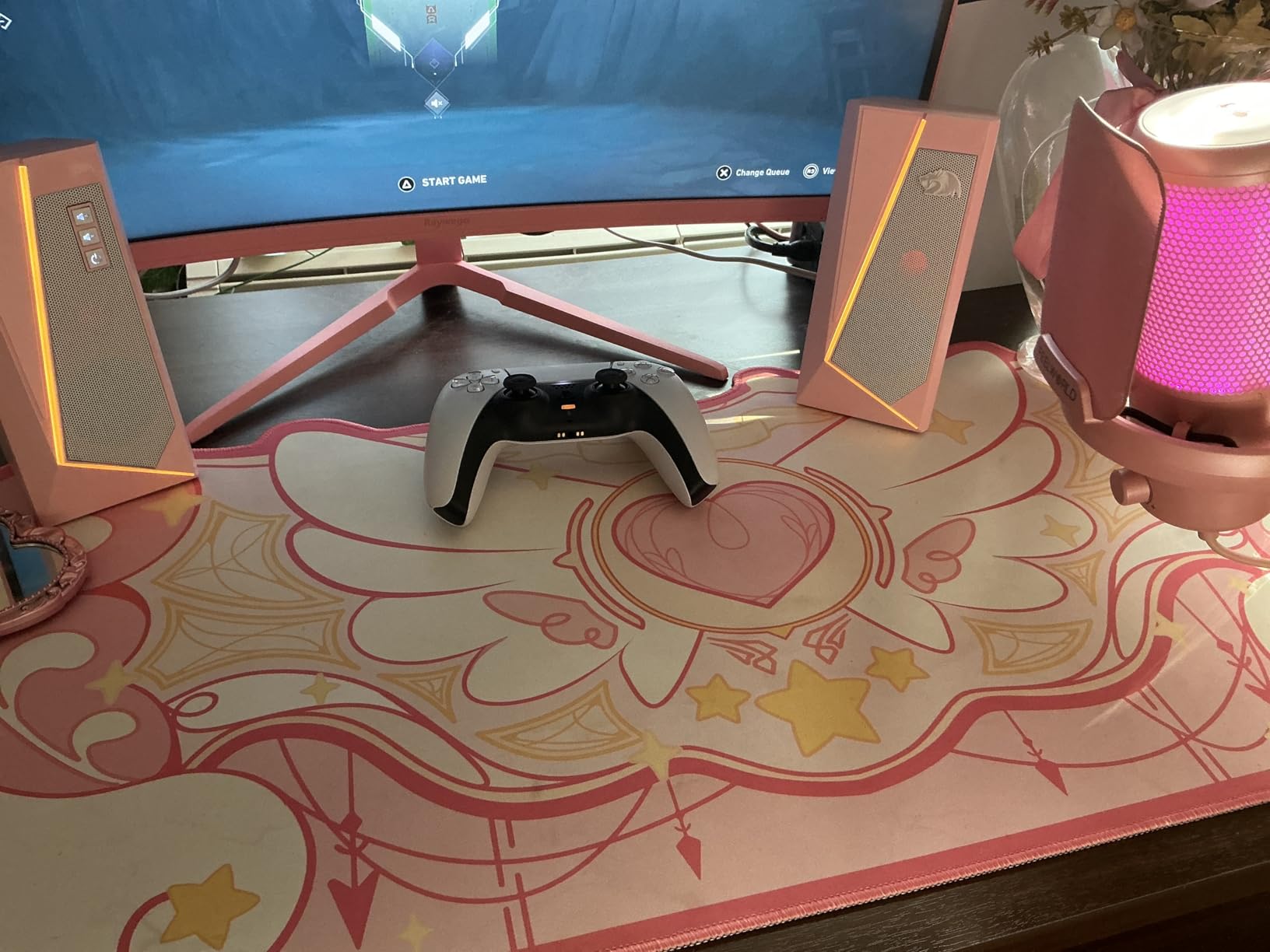
The Redragon GS520 brings gaming aesthetics to budget desktop audio. The RGB lighting immediately caught my attention with six different modes accessible via touch control. Whether you want a static color, breathing effect, or color cycle, the speakers deliver visual appeal that matches gaming setups.
Beyond the lights, the sound quality holds up for casual use. The 2.0 channel enhanced stereo core produces clear audio suitable for gaming, videos, and background music. The brushed aluminum finish on the front panels looks more expensive than the price suggests.
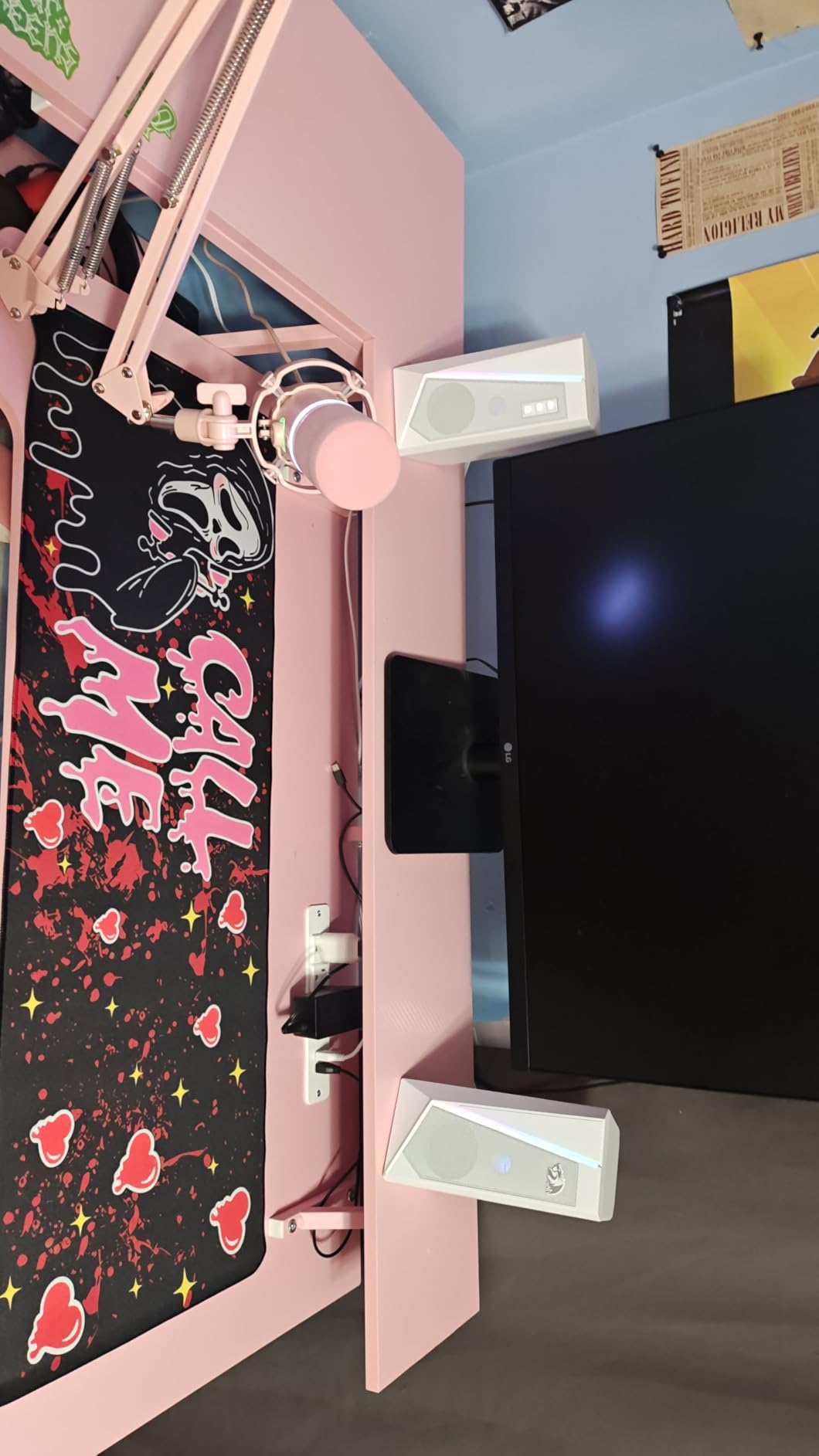
Setup was genuinely simple with USB power and 3.5mm audio connection. No drivers needed, no software to install. The individual volume up and down buttons on the front provide more precise control than a single knob.
The compact size fits well on gaming desks where space is at a premium. At 7 inches tall and 4 inches wide, they sit nicely beside monitors without blocking the view. The black finish with RGB accents coordinates well with other gaming peripherals.
Best For
Gamers who want RGB-coordinated setups will love the aesthetic integration. The GS520 fits perfectly in gaming rooms where visual style matters. Casual listeners who want better audio than monitor speakers without spending much will find these adequate. The touch controls appeal to users who prefer buttons over knobs.
Not Ideal For
Audiophiles should look elsewhere since sound quality is average for the price point. The high-pitched idle noise bothered me during quiet moments. The 31-inch cable between speakers limits placement flexibility for larger desks. Anyone wanting strong bass should consider a 2.1 system instead.
9. Amazon Basics Stereo 2.0 Speakers – Best Ultra-Budget Pick
Amazon Basics Stereo 2.0 Speakers for PC or Laptop with Volume Control, 3.5mm Aux Input, USB-Powered, 1 Pair, Black
2.0 System
USB Powered
3.94x2.6x2.88 inch
1.43 lbs
3.5mm Aux
Blue LED
Pros
- Clear and balanced sound for everyday use
- Easy plug-and-play setup
- Compact design with small footprint
- Good value for the price
- Solid build quality with metal finish
Cons
- Limited bass response expected for size
- Blue LED lights cannot be turned off
- Slight static noise when idle
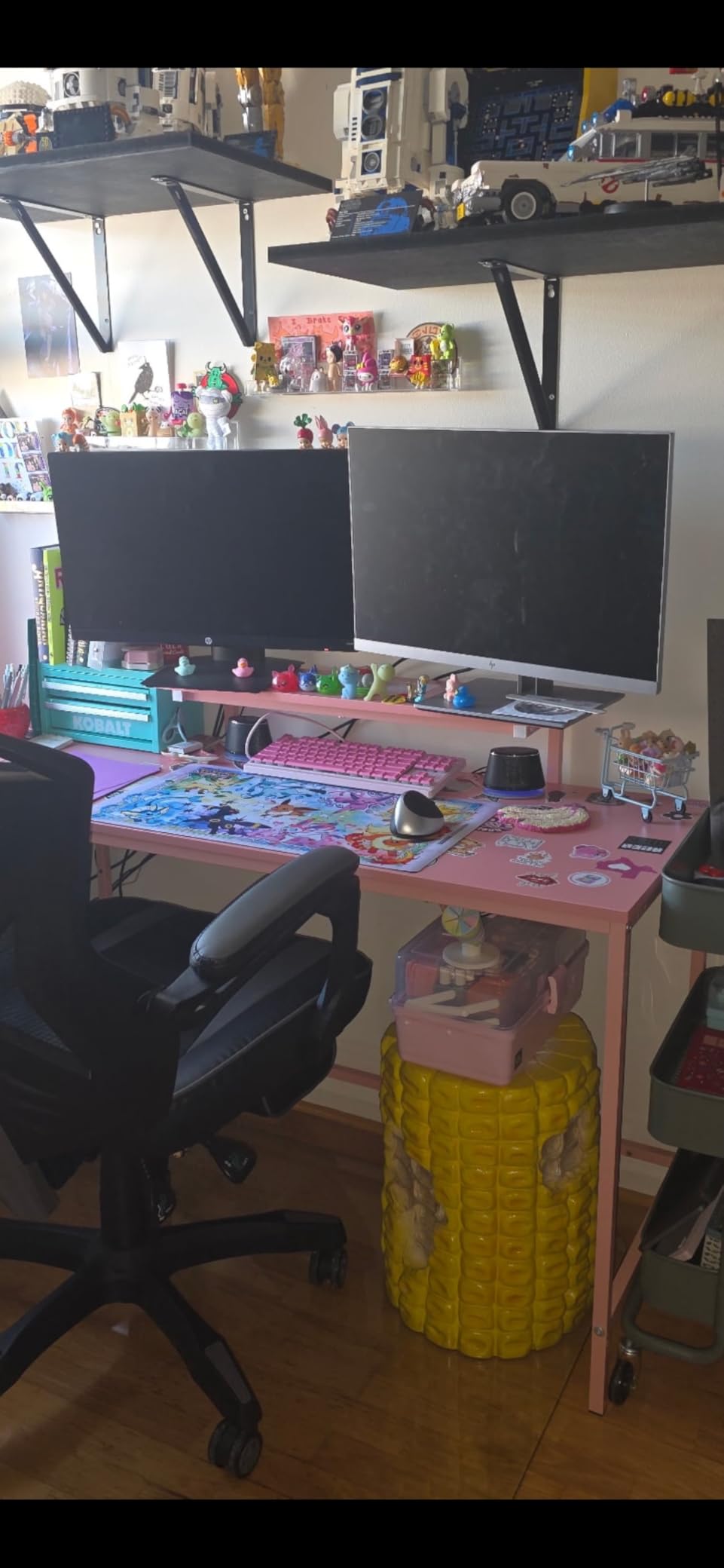
Sometimes you just need speakers that work without spending much, and the Amazon Basics 2.0 speakers deliver exactly that. At under $20, these provide a significant upgrade over laptop or monitor speakers while keeping things simple. I was surprised by how much better my video calls and YouTube watching became with these compact units.
The metal finish and padded base give these a more substantial feel than I expected at this price. They sit securely on the desk without sliding around. The in-line volume control is convenient, sitting on the cable within easy reach.
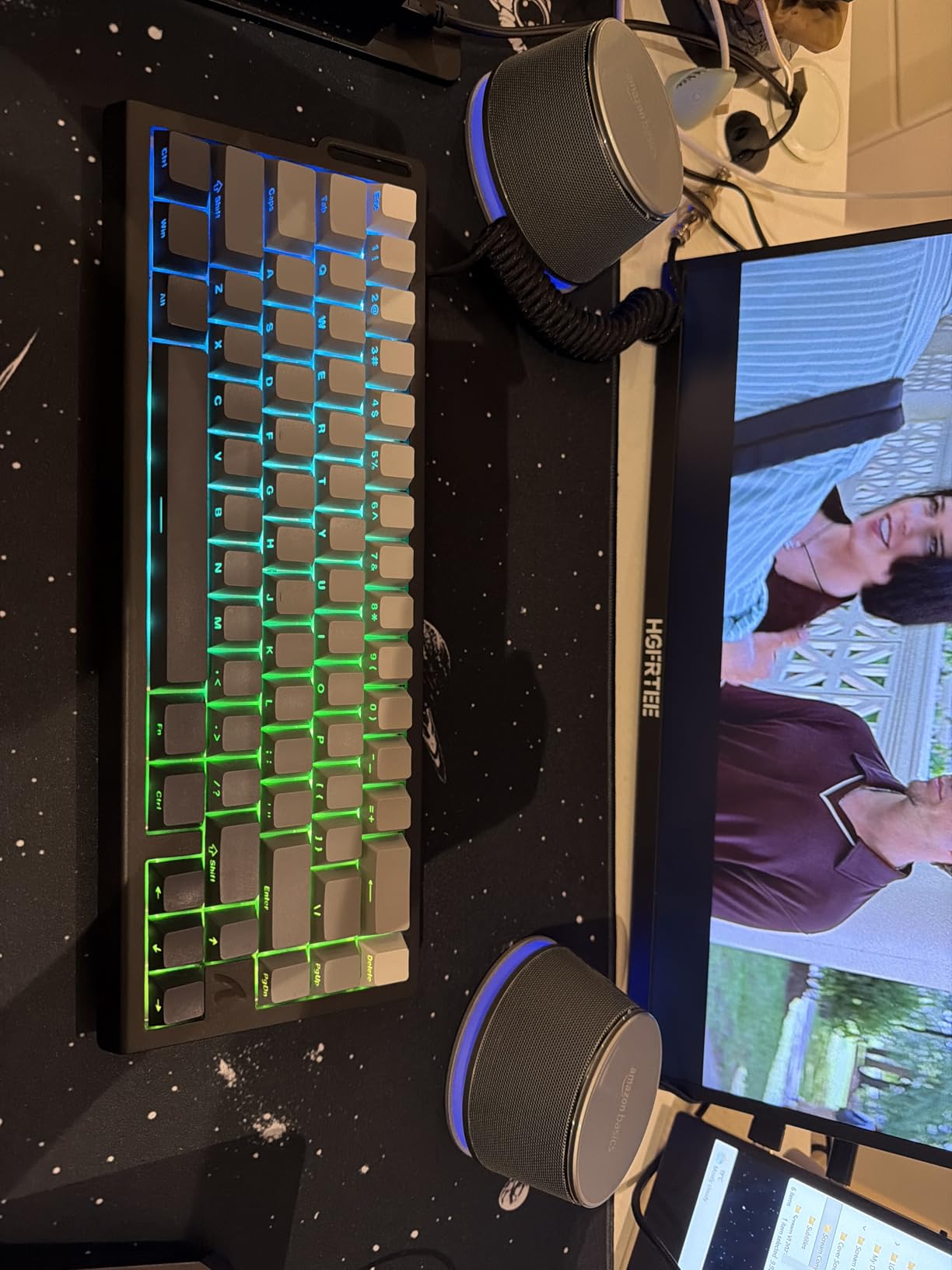
Setup couldn’t be simpler: plug the USB for power and the 3.5mm cable for audio, and you’re done. No drivers, no configuration, no complications. The blue LED lights add a bit of style, though I wish they could be turned off since they’re always on when powered.
Sound quality is what you’d expect from small, budget speakers. They handle voice and midrange content well but lack bass depth. For basic desktop audio tasks, they’re perfectly adequate. The bottom radiator attempts to add some bass presence with limited success.
Best For
Ultra-budget shoppers who want better audio than built-in speakers will find these perfect. They work well for video calls, system notifications, and casual YouTube watching. Students and office workers on tight budgets get good value here. Anyone needing simple, no-fuss speakers will appreciate the straightforward design.
Not Ideal For
Music lovers wanting rich, full sound should spend more for the Creative Pebble or Logitech options. The lack of bass makes these unsuitable for gaming or movies where low-end matters. The always-on LED lights may annoy users who prefer dark setups. Anyone seeking premium build quality should look at higher-priced alternatives.
10. Logitech S150 USB Speakers with Digital Sound – Best for Basic Office Use
Logitech S150 USB Speakers with Digital Sound
2.0 System
USB Powered
2W Peak
2.52x2.68x6.22 inch
6.4 oz
Digital Sound
Pros
- Very affordable price point
- Plug-and-play USB setup with no software
- Compact and lightweight design
- Clear sound for voice and basic audio
- Good for office applications
Cons
- Volume control issues with Windows
- Limited bass response
- Low maximum volume
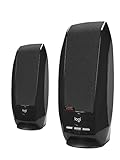
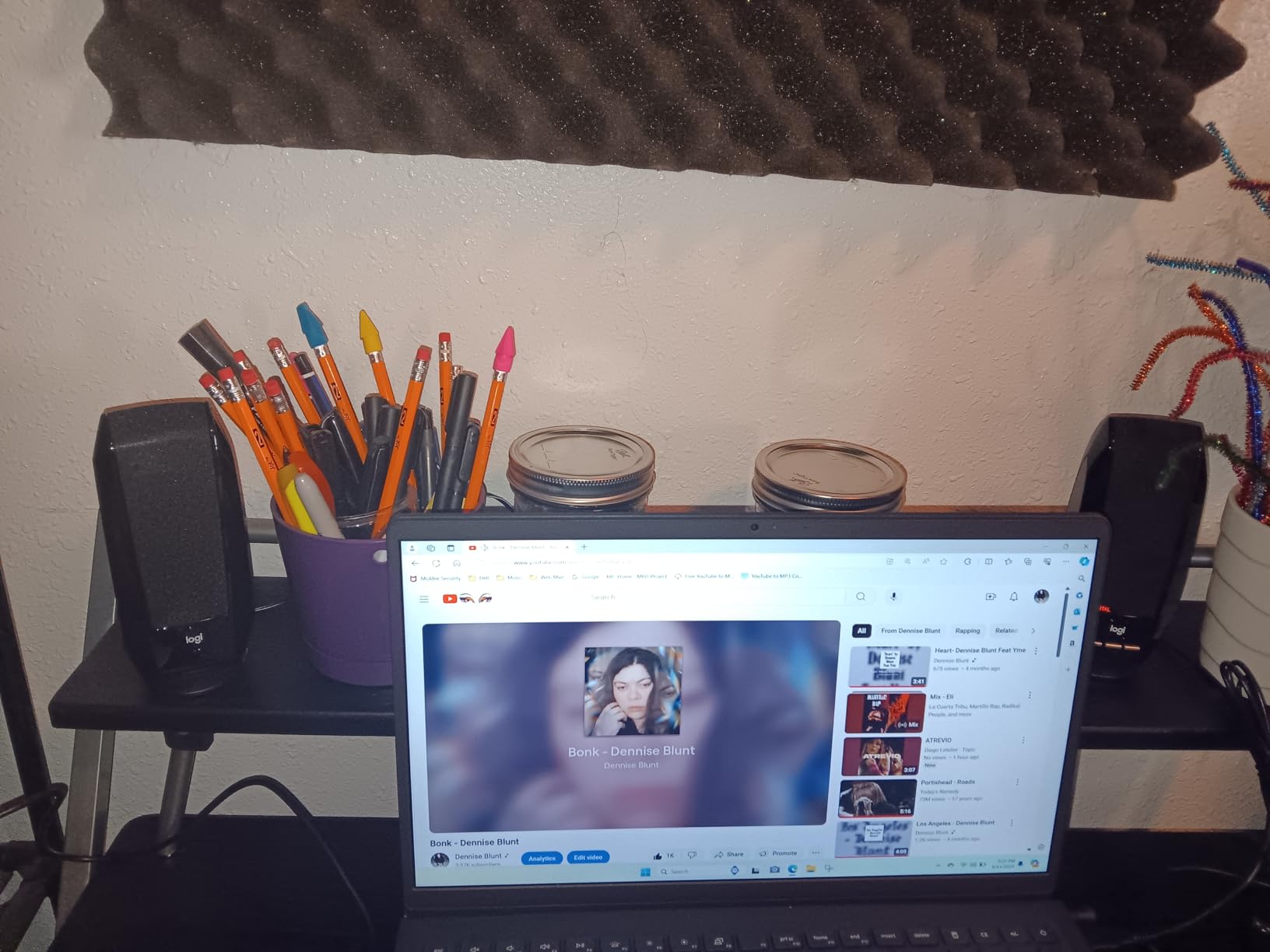
The Logitech S150 represents the entry point for desktop audio. These ultra-compact speakers handle basic audio tasks competently without any complexity. I found them adequate for video conferences, system sounds, and occasional background music in an office setting.
The single USB cable handles both power and audio, keeping cable management simple. An orange LED indicates power status. The front-mounted controls for volume and mute are easily accessible during calls.
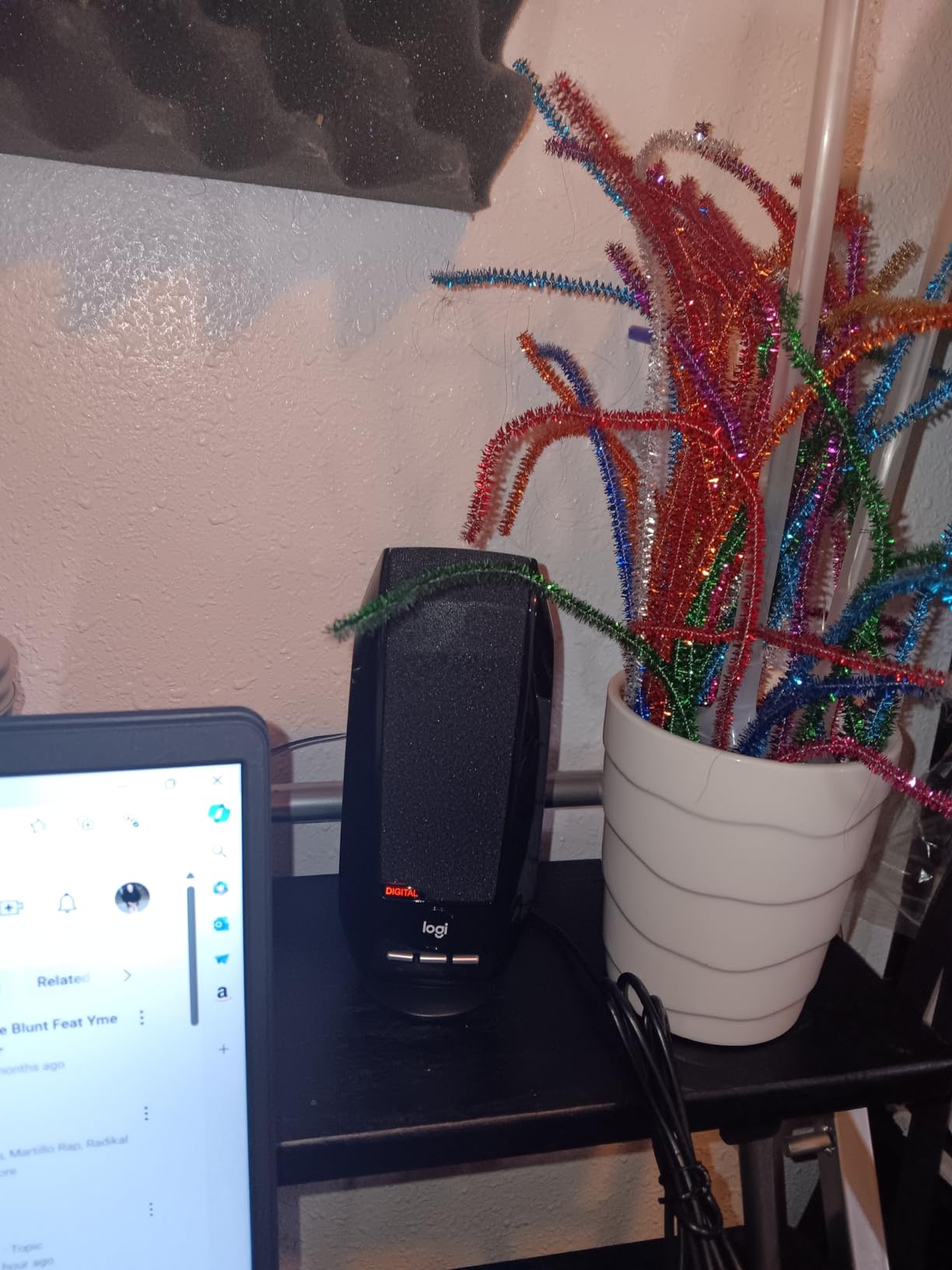
At just 6.4 ounces total, these are among the lightest computer speakers available. They’re easy to move between locations if needed. The slim profile fits well on crowded desks where space is at a premium.
Sound quality is basic but functional. The 2-watt peak output produces clear enough audio for voice content. Music sounds thin, and bass is virtually non-existent, but for spoken word content, they work fine. I wouldn’t use them for entertainment, but for work applications, they serve their purpose.
Best For
Office workers who need basic audio for calls and system sounds will find these sufficient. Businesses equipping multiple workstations inexpensively get good value here. Users who prioritize simplicity over sound quality will appreciate the single-cable setup. Those with minimal desk space benefit from the slim design.
Not Ideal For
Anyone wanting enjoyable music listening should spend more for better options. The Windows volume control quirks frustrate users who expect system volume to work normally. Gaming and movie watching suffer from the limited output and lack of bass. Those wanting room-filling sound need more powerful speakers.
Buying Guide: How to Choose the Best PC Speaker System Under $100
Choosing the right budget PC speakers involves understanding several key factors that affect your listening experience. Here’s what I learned from testing these systems.
2.0 vs 2.1 Speaker Systems: Which Is Right for You?
The first decision is between 2.0 (two speakers) and 2.1 (two speakers plus subwoofer) configurations. 2.0 systems like the Creative Pebble and Edifier R980T are simpler, take less space, and work well for general desktop use. They produce cleaner, more accurate sound but lack deep bass.
2.1 systems like the Logitech Z313 and Cyber Acoustics CA-3908 add a subwoofer for bass impact. This makes a significant difference for gaming, movies, and bass-heavy music. The trade-off is more components to place and typically higher cost within the same budget.
Forum users often recommend starting with quality 2.0 speakers if you’re unsure. You can always add a subwoofer later with some systems, giving you an upgrade path. If you know you want bass impact now, go with 2.1 from the start.
Connectivity Options: USB, Bluetooth, and 3.5mm Explained
USB-powered speakers like the Creative Pebble draw power and sometimes audio through a single USB cable. This simplifies setup but limits power output to what your USB port provides. They’re ideal for laptops and minimal desk setups.
3.5mm auxiliary connections are the most universal, working with virtually any device that has a headphone jack. Systems using this typically need separate AC power for the amplifier. This provides more power but requires a wall outlet.
Bluetooth connectivity, featured in the Logitech Z207 and Sanyun SW208, lets you connect phones, tablets, and other wireless devices. If you stream audio from multiple sources, Bluetooth is worth having. For more wireless options, see our guide to Bluetooth speakers under $100.
Power Requirements: USB-Powered vs AC-Powered
USB-powered speakers max out around 4-8 watts RMS because USB ports provide limited current. This is adequate for near-field listening but won’t fill large rooms. The Creative Pebble Plus High Gain Mode shows how using a more powerful USB adapter can increase output.
AC-powered speakers typically produce 20-60 watts RMS or more, enabling room-filling volume. The Cyber Acoustics CA-3908 demonstrates what 46 watts RMS can do for impact. If you want loud, powerful sound, AC-powered is the way to go.
Room Size and Desk Space Considerations
Small dorm rooms and home offices work well with compact 2.0 systems. The Creative Pebble and Amazon Basics speakers take minimal desk space while providing adequate sound for near-field listening. You don’t need massive power for small spaces.
Larger rooms benefit from 2.1 systems with more output capability. The Logitech Z313 and Cyber Acoustics CA-3908 can fill 15×20 foot spaces effectively. Consider where you’ll place the subwoofer when planning a 2.1 setup.
What to Expect from Sound Quality Under $100
Realistic expectations are important. Budget speakers won’t match $500+ systems, but the gap has narrowed significantly. The Edifier R980T and Sanyun SW208 deliver genuinely good sound that would have cost much more a few years ago.
You can expect clear midrange and treble from quality budget speakers. Bass varies the most, with 2.1 systems having a clear advantage. Build quality ranges from basic plastic to surprisingly solid wood and metal construction.
If you can stretch your budget slightly, the Klipsch ProMedia 2.1 THX Certified system offers a notable step up in performance. For those interested in eventually upgrading to passive speakers, our guide to budget stereo amplifiers covers the amplification side of that equation.
What are the best PC speaker systems under $100 for gaming?
The Logitech Z313 2.1 system is excellent for gaming under $100 thanks to its subwoofer adding impact to explosions and game audio. The Cyber Acoustics CA-3908 offers even more power with 92 watts peak for immersive gaming. For gamers who want RGB aesthetics, the Redragon GS520 provides visual coordination with gaming setups along with decent sound quality.
Should I get 2.0 or 2.1 speakers for my computer?
Choose 2.0 speakers if you have limited desk space, prioritize accurate sound for music production, or want simplicity. Go with 2.1 speakers if you want bass impact for gaming and movies, have room for a subwoofer, or enjoy bass-heavy music genres. Quality 2.0 speakers like the Edifier R980T can sound better than cheap 2.1 systems for critical listening.
Are USB-powered speakers as good as AC-powered speakers?
USB-powered speakers are convenient but limited in power output to about 4-8 watts RMS. They work well for near-field desktop listening but won’t fill large rooms. AC-powered speakers can produce 20-60 watts or more, enabling room-filling volume and stronger bass. For simple desk setups, USB power is fine. For more impact, choose AC-powered systems.
Can I get good bass from budget PC speakers under $100?
Yes, but you need a 2.1 system with subwoofer. The Logitech Z313 and Creative Pebble Plus both offer meaningful bass under $100. The Cyber Acoustics CA-3908 with its 6.5-inch subwoofer delivers the deepest bass in this price range. 2.0 systems like the Creative Pebble use passive radiators to enhance bass but can’t match a dedicated subwoofer’s impact.
What brands make the best budget computer speakers?
Creative, Logitech, and Edifier consistently produce the best budget computer speakers. Creative excels at compact USB-powered designs like the Pebble series. Logitech offers reliable 2.1 systems like the Z313 with good value. Edifier focuses on audiophile-oriented bookshelf speakers with wooden enclosures. Cyber Acoustics provides powerful budget options for those wanting maximum output.
Conclusion
Finding the best PC speaker systems under $100 no longer means settling for poor audio quality. From the value-packed Creative Pebble 2.0 to the room-filling Logitech Z313 2.1, there’s an affordable option for every need and setup. The Edifier R980T stands out for audiophiles wanting accurate sound, while the Cyber Acoustics CA-3908 delivers maximum power for gaming and movies.
Your choice ultimately depends on your priorities. For simple desk audio, the Creative Pebble offers unbeatable value. For bass impact, any 2.1 system will serve you better. For critical listening, the Edifier R980T brings audiophile quality to the budget category. Whatever you choose, you’ll be amazed at how much better your computer audio can sound for under $100.