
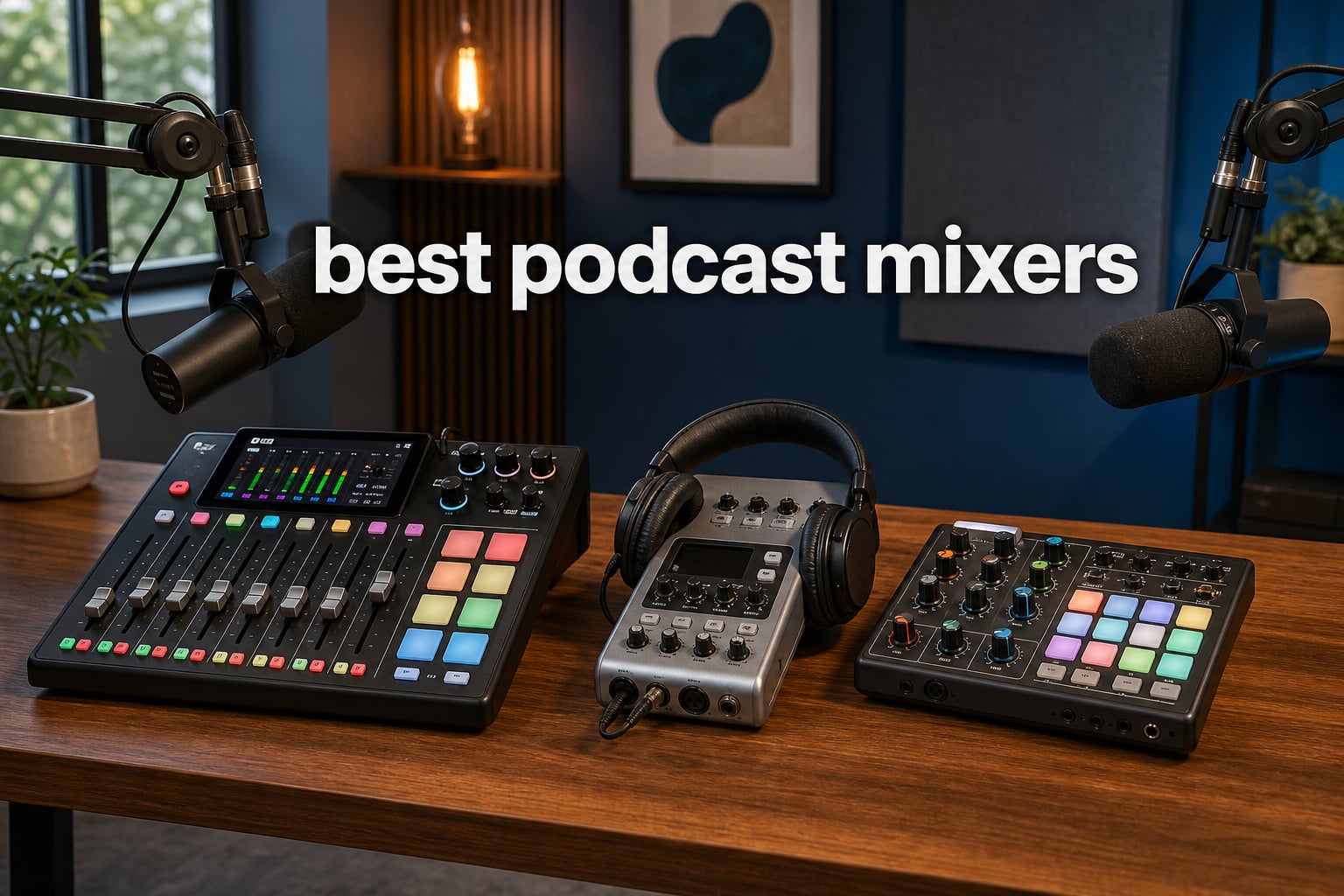
I have spent the better part of three years recording in closets, spare rooms, and one very echoey garage, and the single biggest upgrade I ever made to my setup was not a new microphone. It was a podcast mixer. The best podcast mixers give you real-time control over levels, sound pads for intros and stingers, individual headphone outputs for every host, and recording straight to SD card or USB without touching post-production for an hour afterward.
Our team compared 8 mixers for this guide, from a $99 budget console to a full production suite. We focused on the things that actually matter on recording day: how many XLR inputs you get, how easy the learning curve is, whether remote callers sound clean thanks to mix-minus, and how each unit handles multi-track recording.
Every pain point we prioritized came straight from podcasting communities on Reddit, where the same complaints appear over and over: audio spikes during laughter, endless level adjustments in post, and gear that takes a weekend to learn. We kept all of that in mind while ranking these picks.
If you only have 30 seconds: the RODE RØDECaster Pro II is the most complete production console you can buy, the Zoom PodTrak P4 is the portable workhorse most people should start with, and the MAONO AME2 covers the essentials for under $100.
Table of Contents
Top 3 Picks for Best Podcast Mixers (September 2026)



These three cover the three most common situations we hear about: a permanent studio with serious production needs, a portable setup for remote interviews, and a first-time buyer who does not want to spend more than $100. Below is the full comparison table, followed by detailed reviews of all 8 mixers.
Best Podcast Mixers in 2026 Quick Comparison
| Product | Specifications | Action |
|---|---|---|
| RODE Rodecaster Pro II |
|
Check Latest Price |
| Zoom PodTrak P4 |
|
Check Latest Price |
 Tascam Mixcast 4 Tascam Mixcast 4 |
|
Check Latest Price |
 Zoom LiveTrak L-8 Zoom LiveTrak L-8 |
|
Check Latest Price |
 Yamaha MG10XU Yamaha MG10XU |
|
Check Latest Price |
 Elgato Stream Deck + Elgato Stream Deck + |
|
Check Latest Price |
| MAONO AME2 Podcast Mixer |
|
Check Latest Price |
 FIFINE AmpliGame KS5 Bundle FIFINE AmpliGame KS5 Bundle |
|
Check Latest Price |
1. RODE RØDECaster Pro II – The Complete Production Console
RØDE RØDECaster Pro II All-in-One Audio Production Studio
4 combo inputs
Revolution preamps
8 SMART pads
APHEX processing
microSD recording
Pros
- Studio-quality Revolution preamps
- APHEX effects including Aural Exciter and Compellor
- 8 customizable SMART pads with 8 banks
- Records to microSD
- USB
- or external storage
- Bluetooth and dual USB connectivity
Cons
- High price point
- Steep learning curve for beginners
- Some USB connectivity issues reported
- Not portable at 2 kg
After a month with the RØDECaster Pro II, I understood why the Rodecaster line gets recommended constantly in podcasting communities. The Revolution preamps are genuinely quiet with high gain, which means my Shure MV7X-style dynamic mic needed almost no noise floor cleanup afterward. It is the kind of console that makes your raw recordings sound produced before you open your editing software.
The APHEX processing is the standout for me. Aural Exciter, Big Bottom, and the Compellor leveler took care of the exact problem forum users complain about most: volume swings between quiet conversation and uncontrolled laughter. I set the Compellor once and stopped riding the faders entirely.
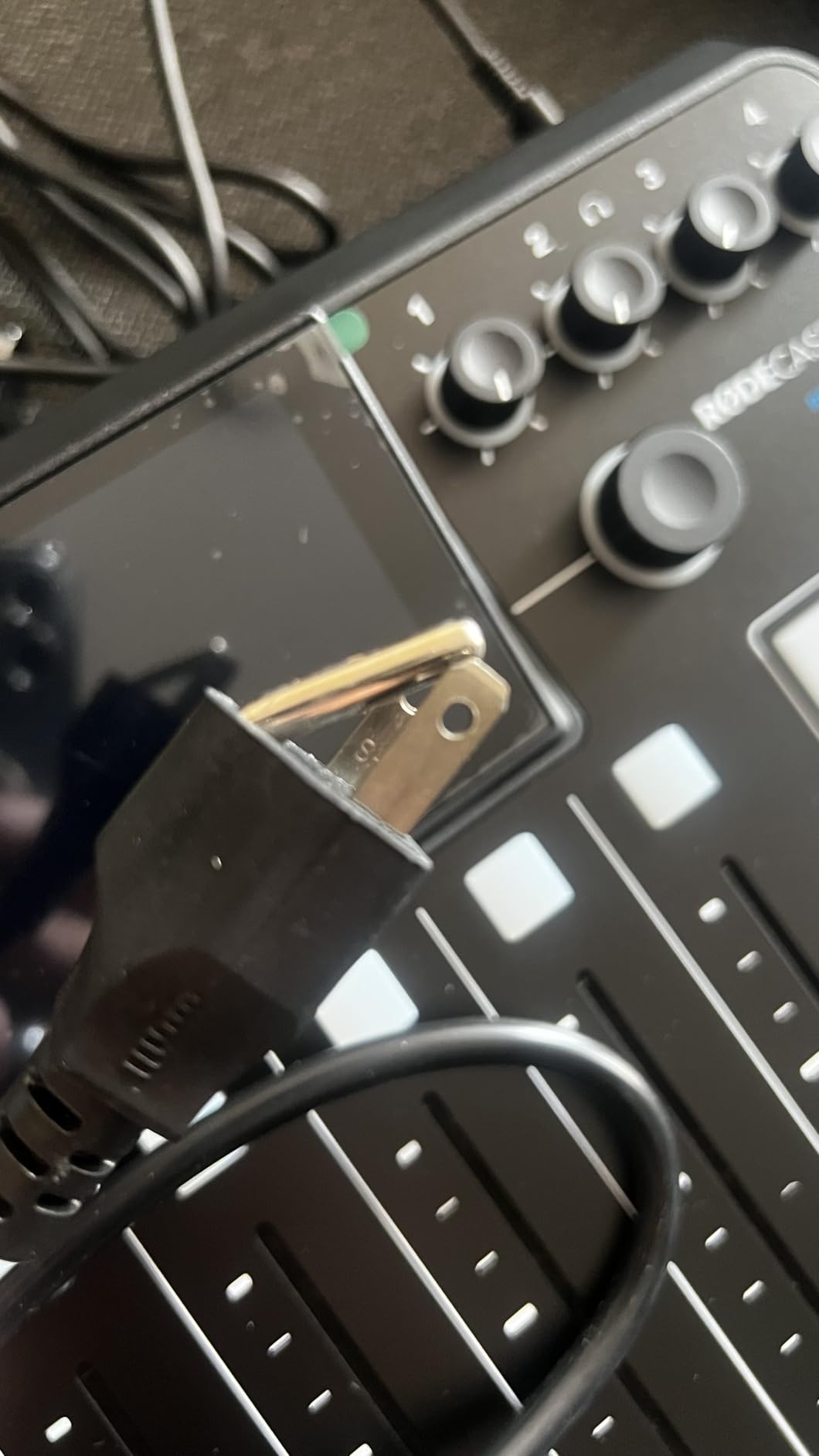
The eight SMART pads across eight banks give you 64 programmable actions, and I loaded mine with intro music, ad reads, applause, and a “wrap it up” sting for my co-host. The touchscreen makes loading samples and configuring channels fast once you learn the menu structure.
On the technical side, you get four combo inputs that accept mic, line, and instrument level sources, dual USB channels for two computers at once, Bluetooth for phone callers, and recording to microSD, external storage, or computer in stereo or multi-track. It is a full studio hub, not just a podcast mixer.
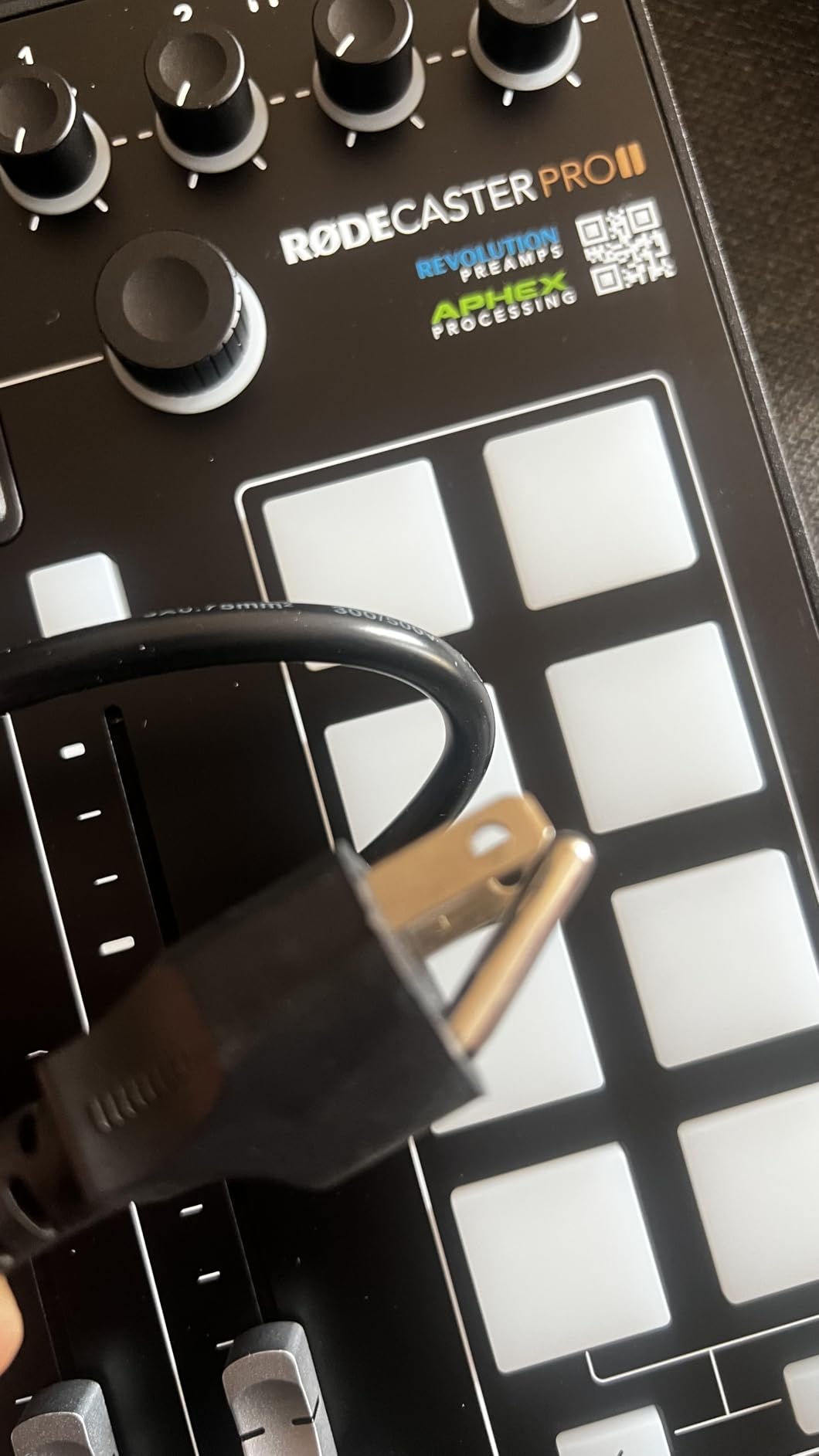
Who the RØDECaster Pro II suits best
This is the right pick for a permanent studio with two to four hosts, remote guests, and a production schedule that justifies real DSP processing. If you stream and podcast from the same desk, the multi-device connectivity alone saves a tangle of cable swapping.
It also suits anyone whose end goal is a polished broadcast sound without hiring an editor.
Who should skip it
If you are a solo podcaster recording one microphone to a laptop, this is far more console than you need. First-time buyers often report a steep learning curve, and firmware updates are required to unlock full functionality out of the box.
At this price, only step up if you will actually use the SMART pads, APHEX chain, and multi-input recording.
2. Zoom PodTrak P4 – The Portable Podcast Workhorse
Zoom PodTrak P4 Podcast Recorder with 4 XLR Mic Inputs, 4 Headphone Outputs, Phone & USB Input for Remote Interviews, Sound Pads, 2-In/2-Out USB Audio Interface, Battery Powered
4 XLR inputs
4 headphone outputs
Automatic mix-minus
Sound pads
AA battery powered
Pros
- Four XLR inputs with phantom power
- Four headphone outputs with individual volume
- Automatic mix-minus for phone interviews
- Multi-track recording to SD
- Runs on 2 AA batteries
- Extremely compact at 130 g
Cons
- Small buttons and knobs
- Battery life limited to 3.5 hours
- Volume meters hard to see
- Limited on-device editing
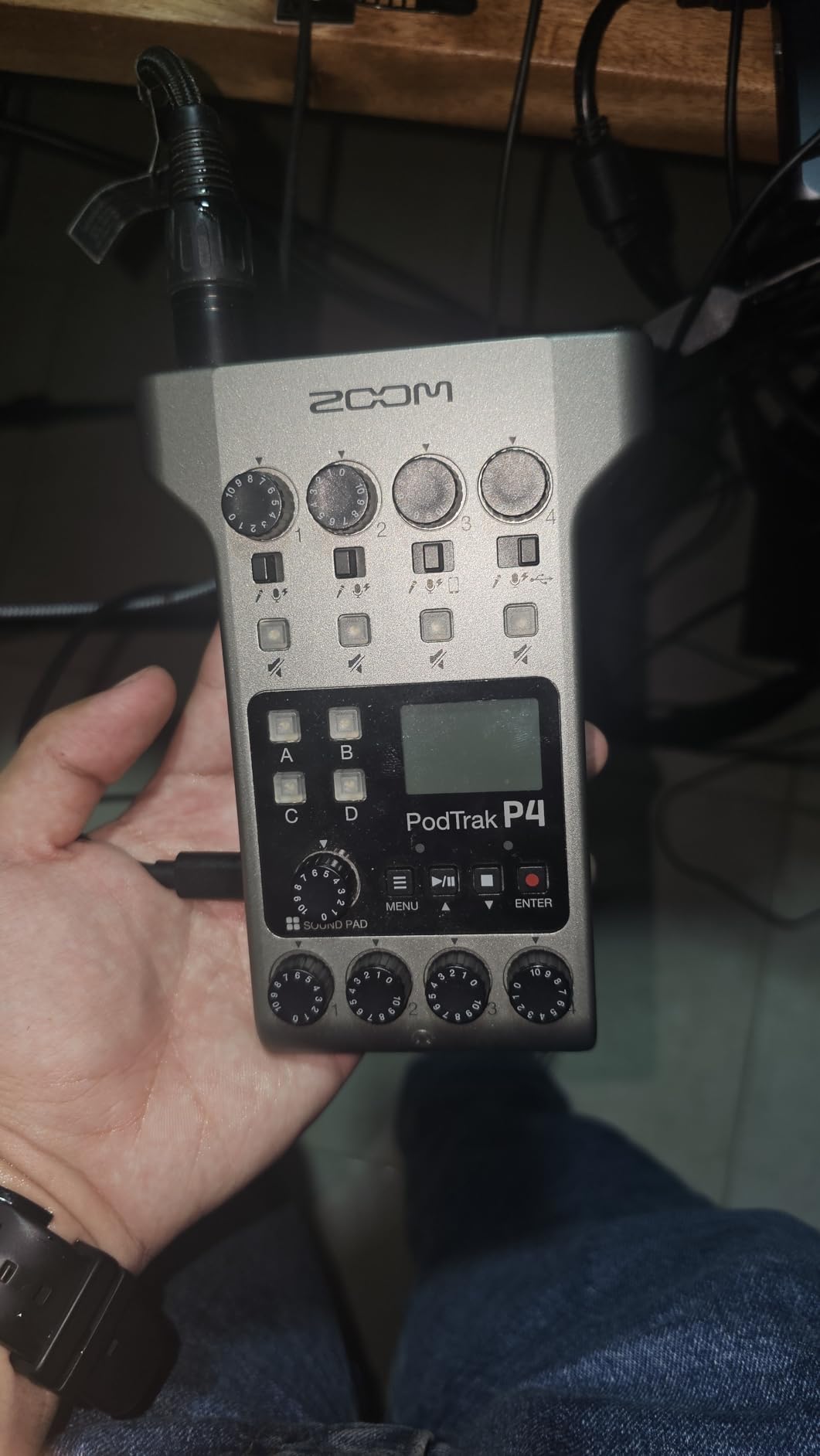
The PodTrak P4 is the mixer I reach for when I am recording away from my desk, and honestly some weeks it never leaves my bag. It does the four things a podcast mixer must do: four XLR inputs, four headphone outputs, sound pads, and multi-track recording to SD card. It skips everything else, and that simplicity is why it has a 4.7 rating across more than 1,800 reviews.
Automatic mix-minus is the killer feature for interview shows. I plugged my phone into the TRRS jack, and my remote guest heard me clearly with zero echo, which is exactly the setup headache the P4 eliminates. You can also connect it to a computer as a USB audio interface for Zoom or Riverside calls.
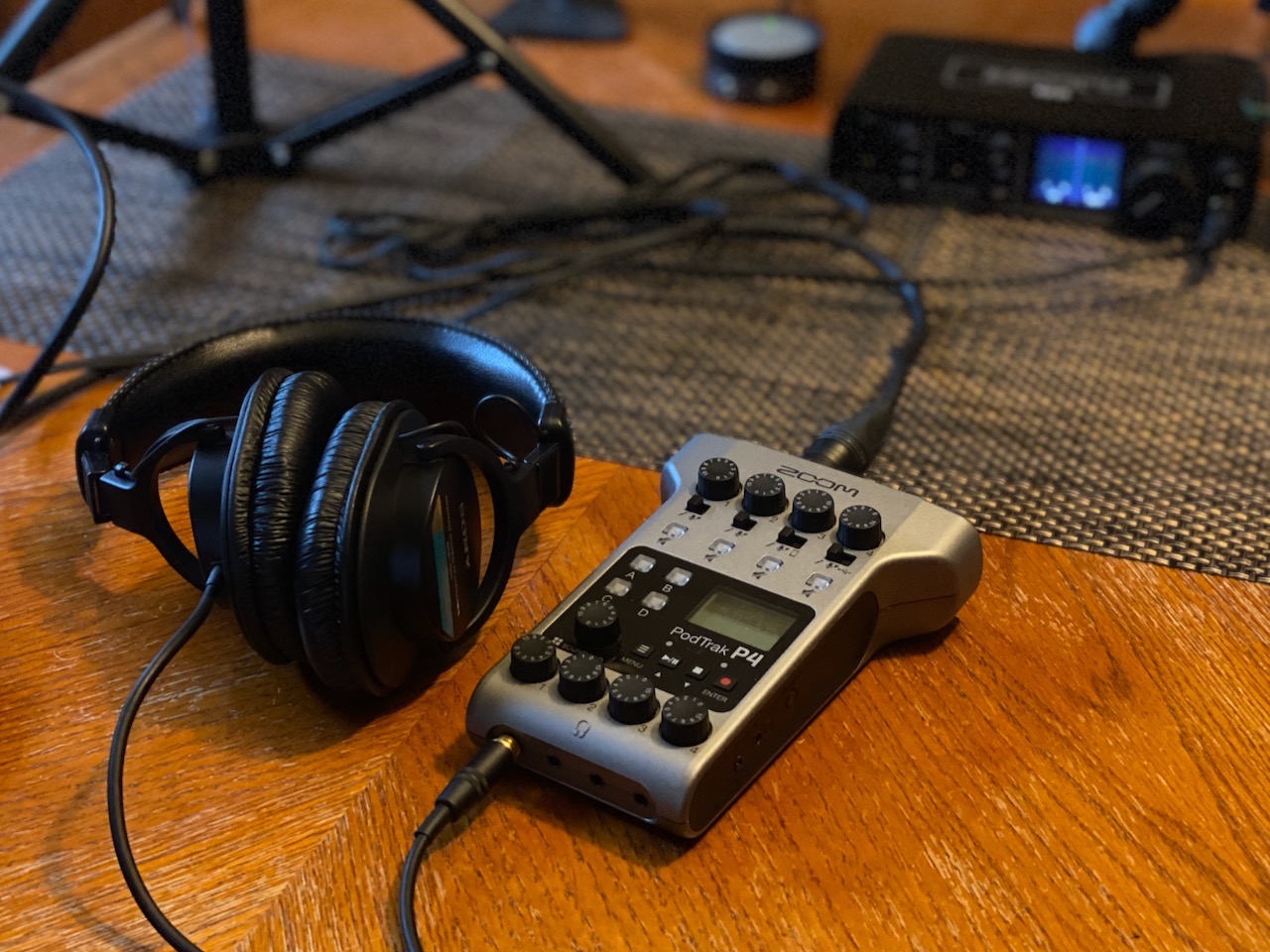
Technically, this is a recorder-first device. Each of the four mic inputs gets its own track, plus a track for the sound pads, so you can fix one person’s levels in post without touching anyone else’s audio. The four programmable sound pads hold your intro, outro, and mid-roll stings.
The trade-offs are real but manageable. The knobs are small, the meters are tiny, and 3.5 hours on two AA batteries means you should carry spares or a USB power bank for long sessions.
Who the PodTrak P4 suits best
This is the best podcast mixer for beginners and anyone recording on the move: conference floors, interviews, or a two-to-four person show on a budget. Community forums consistently praise it as the “easy to set up and not fiddle with” option.
It also a smart upgrade path if you already own XLR dynamic mics like the MV7X.
Who should skip it
If you need built-in effects, EQ, compression, or Bluetooth, the P4 will feel limited. Streamers who want live sound effects and voice processing should look at the Rodecaster or a dedicated streaming mixer instead.
People with large hands may find the controls genuinely fiddly.
3. Tascam Mixcast 4 – Best Touchscreen Mixer for Four-Host Shows
TASCAM Mixcast 4 Podcast Streaming Mixer, Recorder, and USB Audio Interface — Four XLR/TRS Mic Inputs, Touch Screen and Editing Software Included
4 XLR/TRS inputs
14-track SD recording
Touchscreen
Bluetooth input
8 sound pad banks
Pros
- Four XLR/TRS inputs with individual headphone outputs
- 14-track recording direct to SD card
- Bluetooth audio input
- Mix-minus built in
- Powerful headphone amplifier
- Includes Tascam Podcast Editor software
Cons
- USB connection issues after firmware updates
- Front TRRS port needs specific setup
- Occasional troubleshooting required
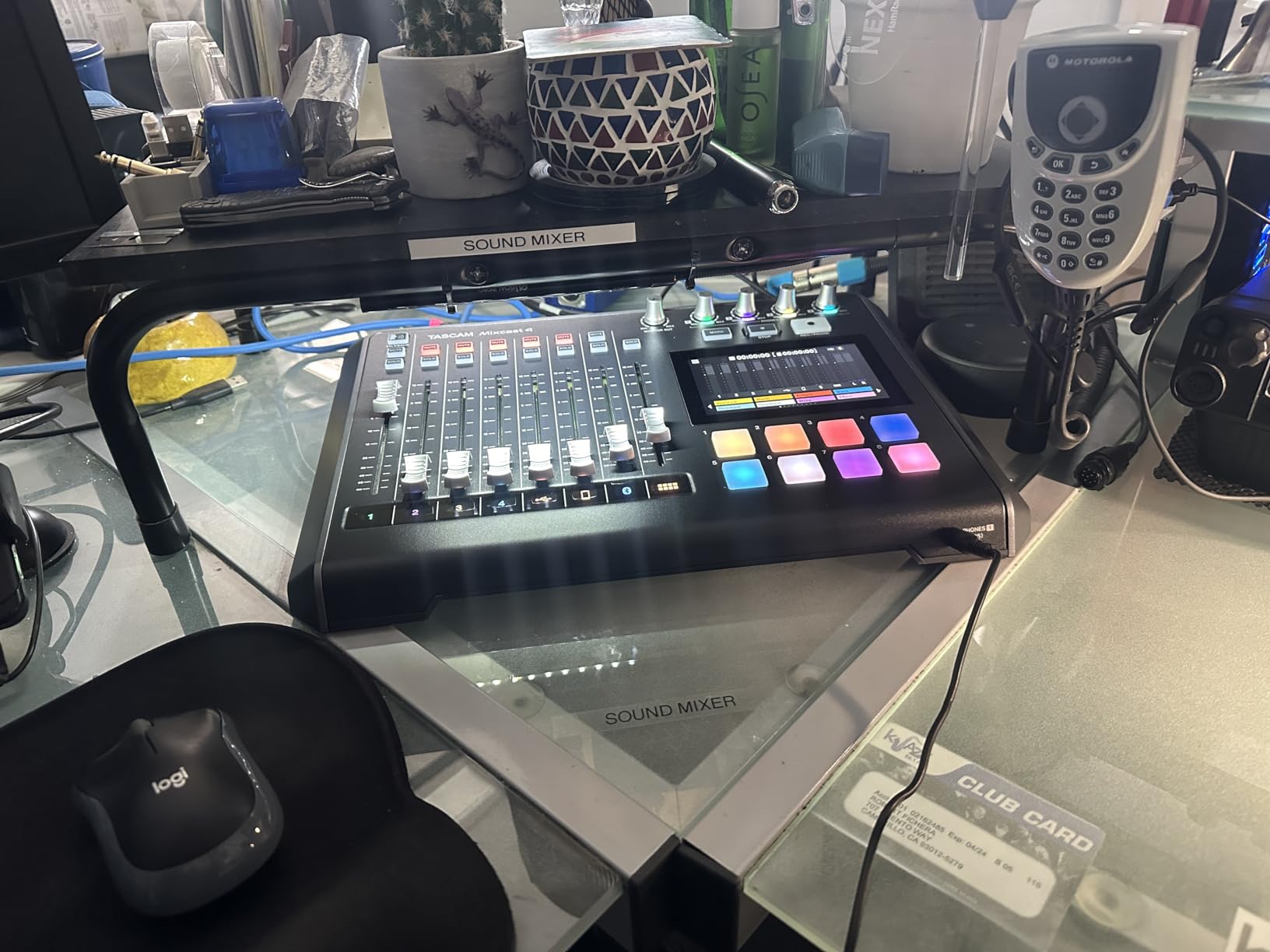
The Tascam Mixcast 4 sits right between the simple recorders and the full production consoles, and that middle ground is where most four-person shows live. Four mic inputs, four headphone outputs, and 14-track recording to SD card means everyone gets isolated audio plus a mixed safety track.
The touchscreen is the part I did not expect to like as much as I did. Navigating menus by touch feels faster than the button-and-scroll approach on competing units, and loading custom sounds onto the illuminated pads is straightforward.
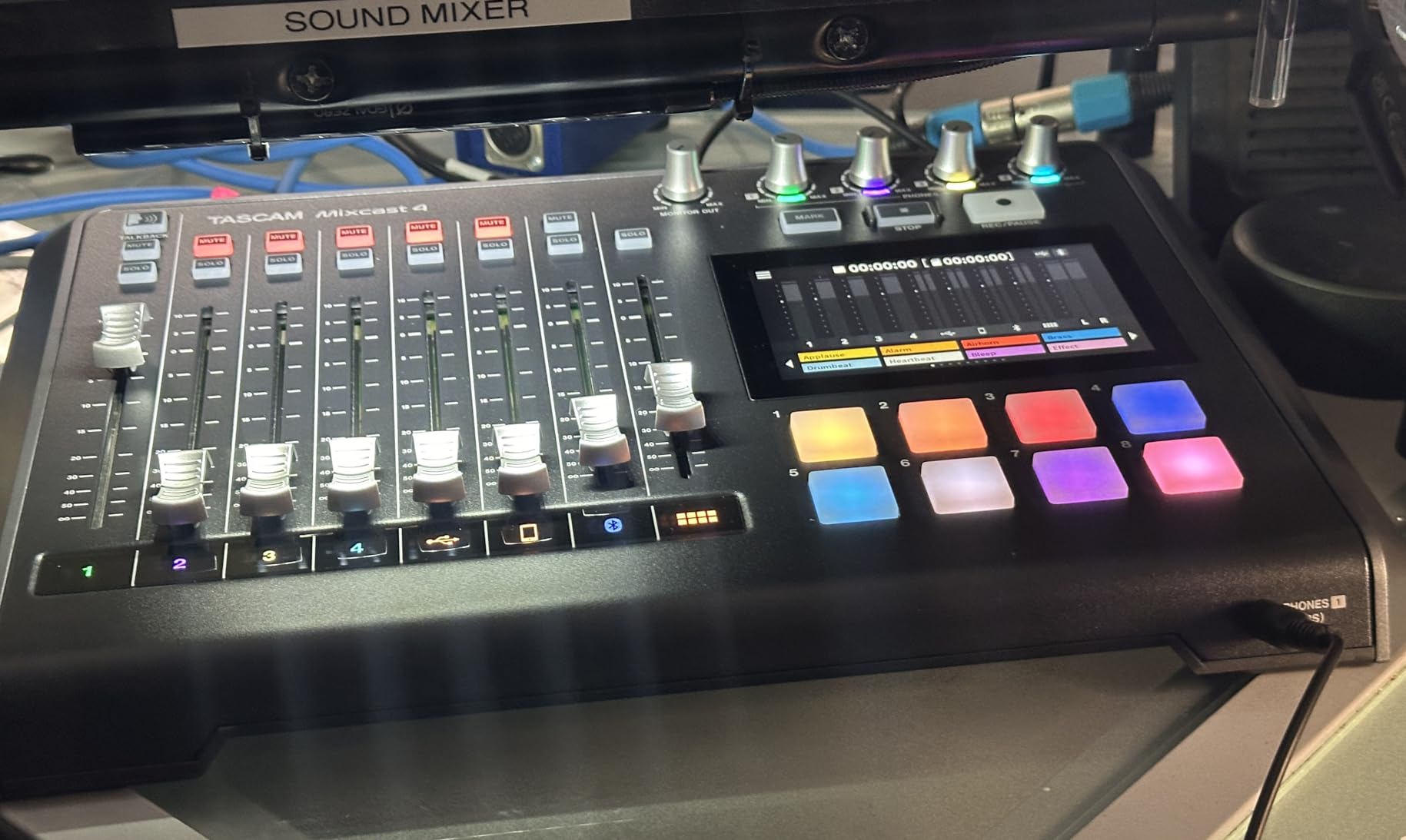
Sound pad coverage is generous: eight banks of customizable illuminated pads, more than most people will ever fill. Bluetooth input plus a TRRS connection with mix-minus handles phone guests cleanly, and USB connectivity lets you pull sounds straight from your computer.
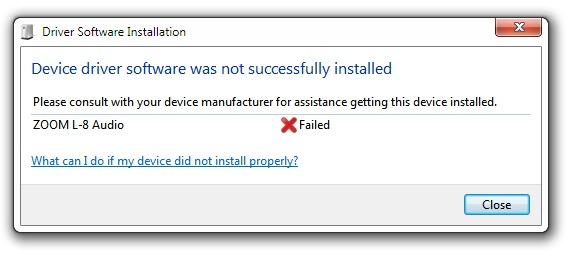
The weak spot is reliability after firmware updates. Several users, including one on our team, ran into USB connection hiccups that required re-installing drivers. Once set up, it records flawlessly, but budget some troubleshooting time on day one.
Who the Mixcast 4 suits best
Roundtable shows with three or four regular hosts who want isolated tracks and a touchscreen workflow. It is also a strong choice if you want bundled editing software, since Tascam Podcast Editor handles post-production and track configuration.
Voice-over artists and event producers will appreciate the 14-track depth.
Who should skip it
If you want plug-and-play simplicity with zero software interaction, the Zoom PodTrak P4 is easier out of the box. The Mixcast 4 rewards a bit of setup patience.
Anyone who needs battery power for field recording should also look elsewhere.
4. Zoom LiveTrak L-8 – Best for Podcasters Who Also Record Music
Zoom LiveTrak L-8 Battery Powered Mixer/Recorder for Musicians & Podcasters
8 channels
12-track 24-bit/96kHz
6 sound pads
4 headphone outputs
Battery powered
Pros
- 12 simultaneous tracks at 24-bit/96kHz
- Six preamps with -121dBu noise floor
- Four headphone outputs with three independent mixes
- Records to SD card and computer at once
- Battery powered for portable use
- 3-band EQ and onboard effects
Cons
- Learning curve for new users
- Menu-driven controls feel complex
- Saved settings issues reported
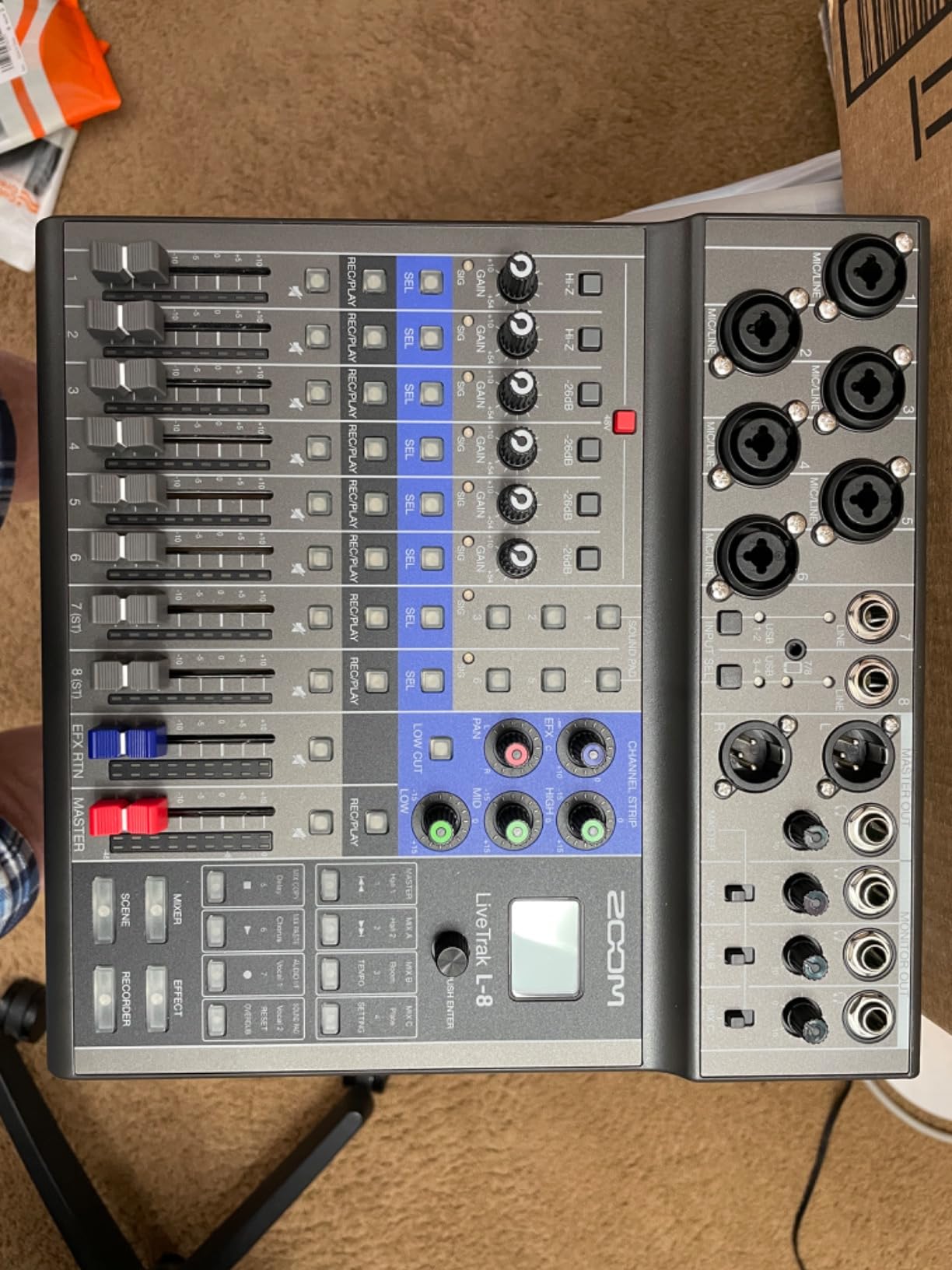
The LiveTrak L-8 is what happens when a company builds a mixer for musicians and podcasters at the same time. Eight channels, six preamps with a genuinely quiet -121dBu noise floor, and 12-track recording at 24-bit/96kHz put it a step above dedicated podcast consoles in raw recording quality.
I used it for a session with two guitarists and a vocal mic, then the next week for a three-person podcast. Very few devices cross over that cleanly. The 12-in/4-out USB interface means each channel shows up separately in your DAW.
For podcast-specific features, you get six sound pads, mix-minus for phone callers via the included TRRS cable, and four headphone outputs with three independent monitor mixes. That last one matters more than people expect: your guest can have a different balance than your host.
The catch is the menu system. Settings are buried in layered menus rather than dedicated knobs, and a few users have reported saved settings not sticking between sessions. Once you learn the workflow, it becomes second nature, but the first week takes patience.
Who the LiveTrak L-8 suits best
Podcasters who also record music, bands that want isolated demo tracks, and anyone who wants broadcast-grade recording specs. The battery power and simultaneous SD-plus-computer recording make it great for mobile multitrack work.
It is also a strong pick if your show has live musical segments.
Who should skip it
If you only ever record four talking microphones, the simpler PodTrak P4 does 90 percent of this job for less. Non-technical users may find the menu-driven control structure frustrating compared to one-knob-per-function consoles.
Streamers wanting flashy sound pads and voice effects should look at dedicated streaming gear.
5. Yamaha MG10XU – Best Traditional Analog Mixer
YAMAHA MG10XU 10-Input Stereo Mixer with Effects
10 channels
Class A D-PRE preamps
24 SPX effects
1-knob compressors
24-bit USB
Pros
- Studio-grade Class A D-PRE preamps
- 24 SPX digital effects
- 1-knob compressors on channels 1-2
- 3-band EQ and high-pass filters
- Rugged powder-coated metal chassis
- 24-bit USB recording interface
Cons
- No Prime shipping
- Some EQ is fixed not sweepable
- Effects limited to one at a time
- Power cord awkward to manage
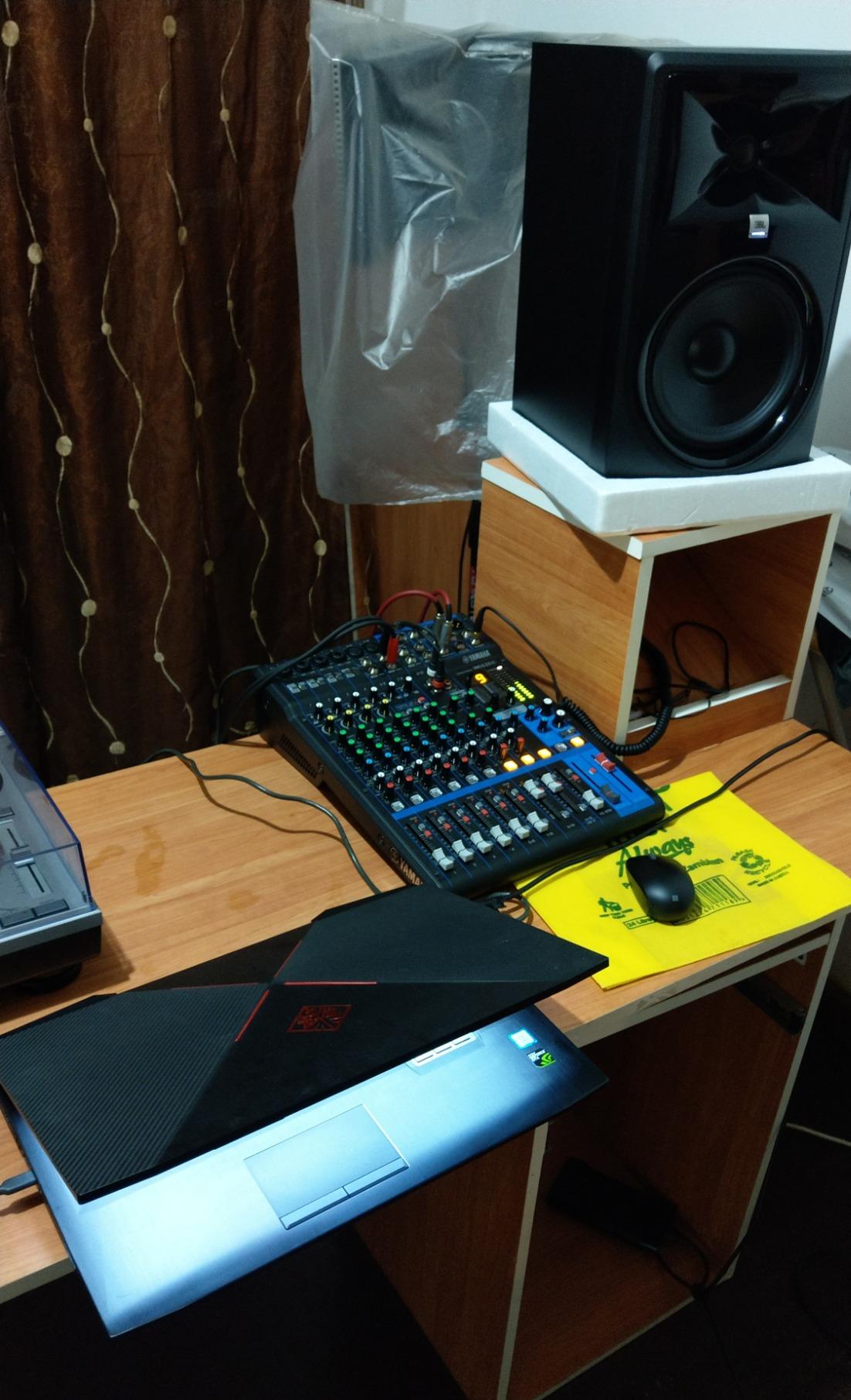
The Yamaha MG10XU is not a podcast-specific console, and that is exactly its strength. It is a proper 10-channel analog mixer with the kind of clean, neutral preamps Yamaha has built its reputation on. With over 2,000 reviews and a 4.6 rating, it is the safe, no-nonsense choice.
Those discrete Class A D-PRE preamps with inverted Darlington circuits are the reason to buy this over cheaper analog desks. My dynamic mics came through with fat, natural bass and smooth highs, with a 128dB signal-to-noise ratio that means effectively zero hiss.
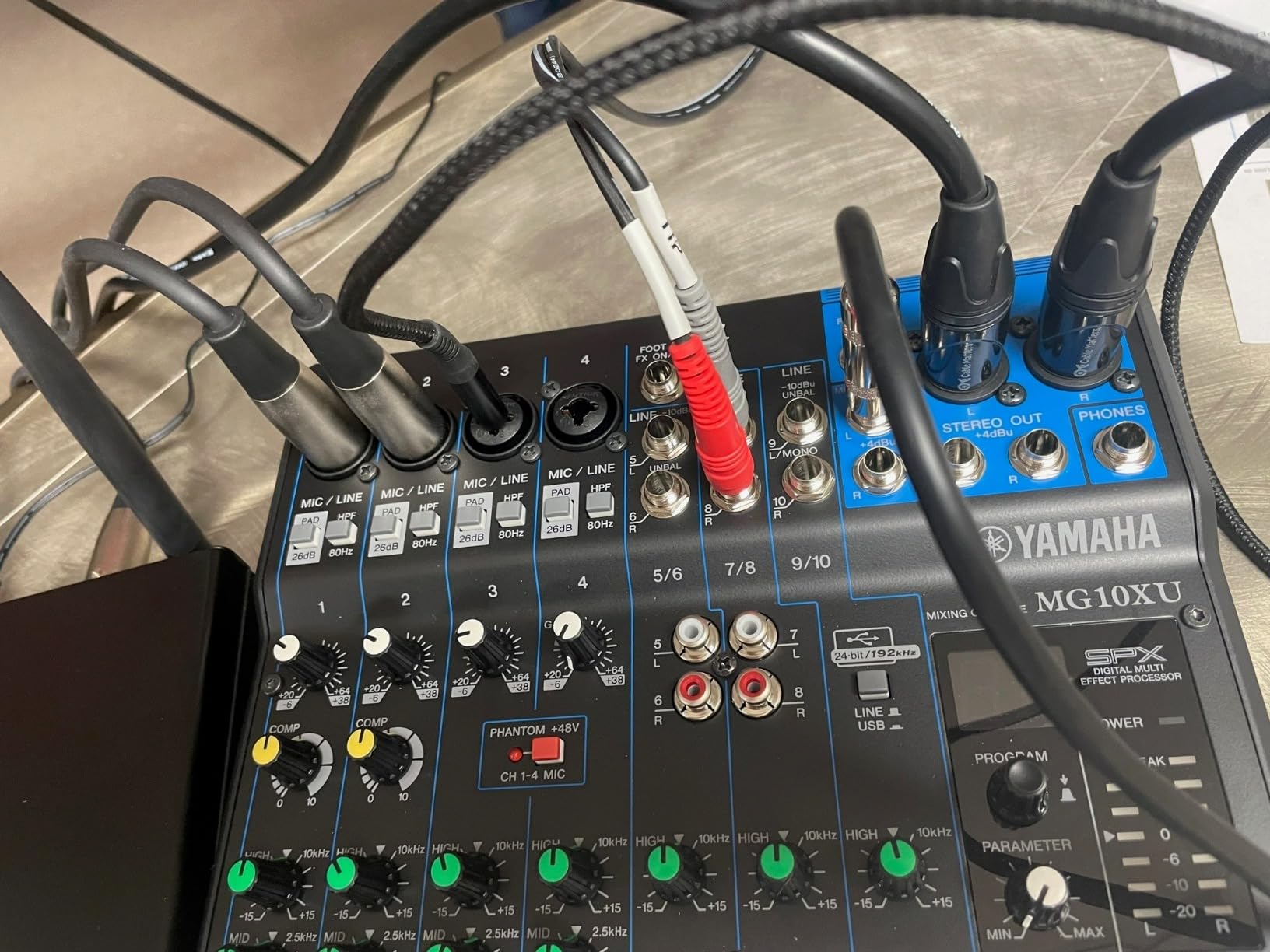
Podcast-friendly features include one-knob compressors on the first two channels, which is the simplest fix for hosts whose levels bounce around, plus 3-band EQ and high-pass filters. The 24 SPX effects cover reverb, delay, and compression for intro music or voice sweetening.
What you give up are podcast conveniences: no sound pads, no SD card recording, and no mix-minus. It records to your computer via the 24-bit USB interface, which is fine for a fixed studio but not for portable use.
Who the Yamaha MG10XU suits best
Anyone who wants pro-grade preamps and a physical fader for every input in a permanent studio. It is a great heart for a growing setup that may add more hosts or live instruments later.
Budget-conscious buyers who prioritize raw sound quality over podcast gimmicks.
Who should skip it
If sound pads, Bluetooth callers, or standalone SD recording are on your wishlist, this is the wrong tool. It also lacks auto mix-minus, so remote interviewing requires extra routing work.
Note that it ships with standard shipping rather than Prime.
6. Elgato Stream Deck + – Best Software Mixer for Streamers
Elgato Stream Deck +, Audio Mixer and Studio Controller
8 LCD dials
Touch strip
15 programmable keys
Smart profiles
Mac and PC
Pros
- 8 tactile dials for volume and muting
- LCD keys give instant visual feedback
- Multi Actions automate repetitive tasks
- Smart Profiles switch configurations automatically
- Deep integration with OBS
- Twitch
- Discord
- Wave Link
Cons
- Software occasionally glitchy
- Some plugins crash or fail
- Plugin installation site slow
- Steep for pure beginners
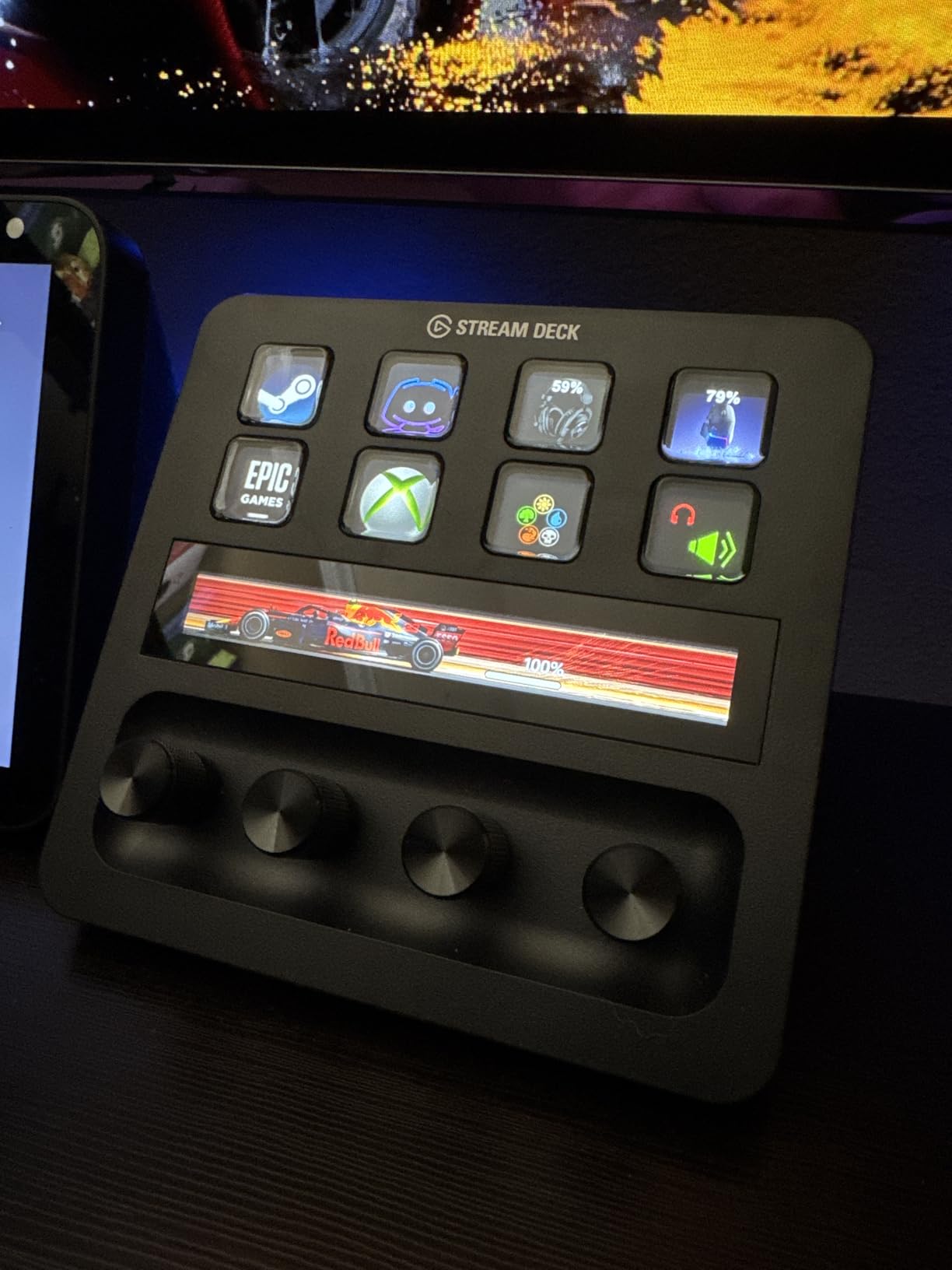
The Stream Deck + approaches mixing from a completely different angle: it is not an audio device at all, but a control surface that unlocks Elgato Wave Link software mixing on your computer. With 3,700+ reviews and a 4.6 rating, it is the most popular option on this list, and the number one ranked DAW controller for a reason.
Eight rotary dials give you physical volume control over every audio source in your stream: mic, game, chat, music, browser. During a live session, dropping my mic and boosting a guest took two dial twists, no alt-tabbing required.
The 15 LCD keys and touch strip handle everything else: launching scenes, triggering sound effects, toggling mute, posting to social. Multi Actions let you trigger a sequence, like “start recording, switch scene, play intro,” from one press.
Understand what you are buying though. This has no XLR inputs and no preamps, so it pairs with a separate audio interface and works only when your computer is running. Software glitches and plugin crashes show up in reviews often enough that I recommend keeping your setup simple at first.
Who the Stream Deck + suits best
Streamers and content creators who already own a USB or XLR audio interface and want hands-on, visual control of their software mix. Anyone producing multi-app live content will get enormous value from Smart Profiles and Multi Actions.
It doubles as a genuine productivity controller for non-streaming work.
Who should skip it
Pure podcasters recording to SD card do not need this at all. If you want a standalone mixer that records without a computer, every other product on this list serves you better.
Beginners who just want to plug in a mic and hit record will find the software ecosystem overwhelming.
7. MAONO AME2 – Best Budget Podcast Mixer
MAONO AME2 Audio Interface Mixer, Podcast Studio Console with XLR Input
48V phantom power
11 sound pads
Bluetooth
60dB gain
6 reverb modes
Pros
- 48V phantom power for condenser mics
- Up to 60dB gain with 32-bit chipset
- 11 customizable sound pads
- Bluetooth wireless audio input
- DENOISE function
- Dual headphone outputs
Cons
- USB-C port durability concerns
- Sound pad customization learning curve
- Not compatible with USB microphones
- Instrument output differs from monitoring
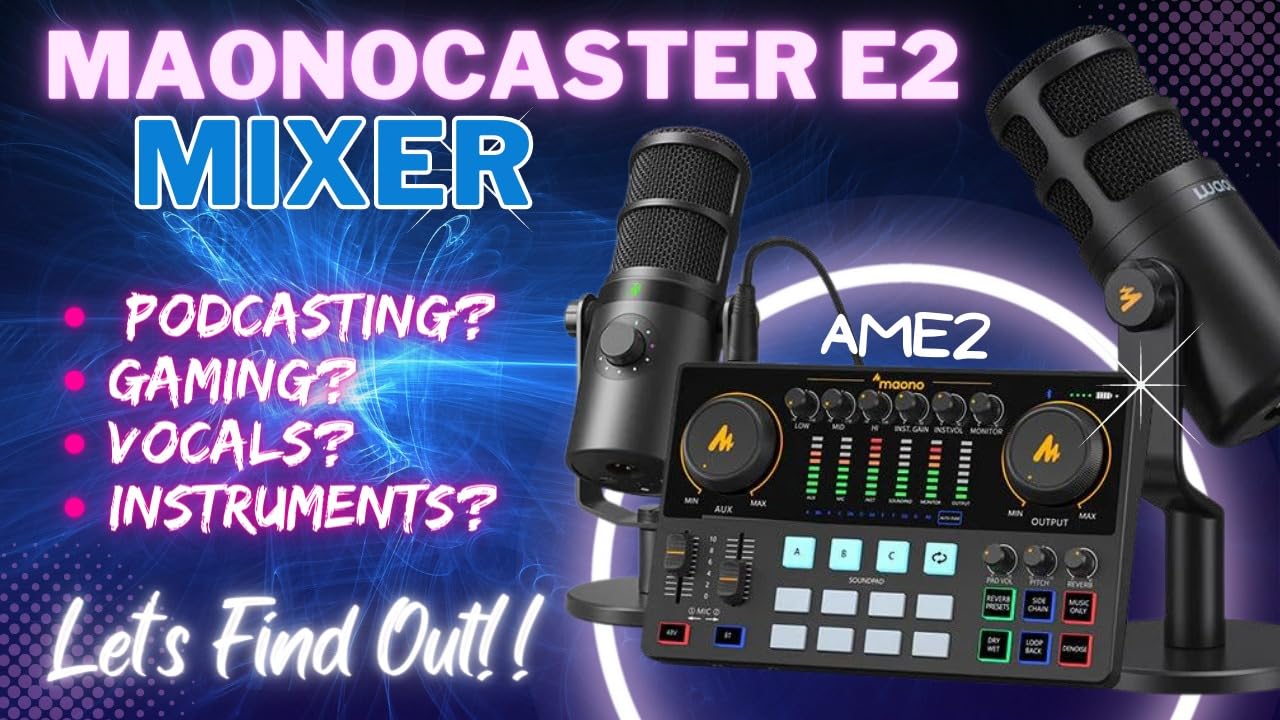
The MAONO AME2 proves you can get a real feature set into a podcast mixer under $100. With 48V phantom power, up to 60dB of gain, Bluetooth input, and 11 sound pads, it covers the checklist that budget consoles usually fail.
The DENOISE function on the 32-bit chipset genuinely reduces background hiss for a unit at this level. Not studio-clean, but far cleaner than a bare interface, and clear enough for a solo or two-person show.
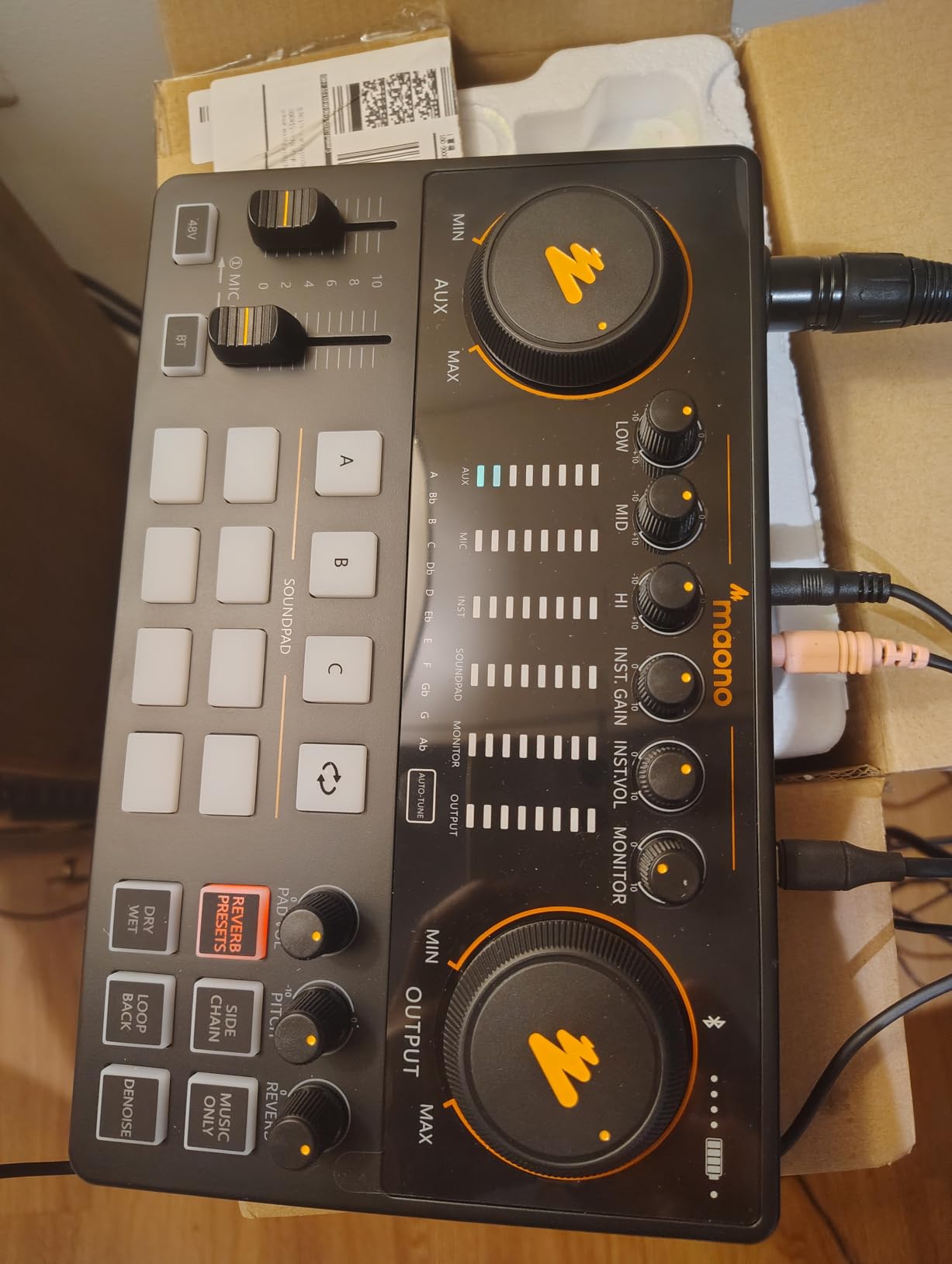
Six reverb modes, a 12-step auto-tune, and adjustable tone controls round out the voice processing. For streamers and creators who want to sound more produced without editing, these features are fun and usable.
The compromises are build-related. USB-C port durability comes up in reviews, and the unit only accepts XLR mics, not USB ones. Customizing the sound pads also takes some manual reading.
Who the MAONO AME2 suits best
First-time podcasters and live streamers who want sound pads, Bluetooth, and phantom power without a big investment. It is the cheapest way to learn whether a mixer belongs in your workflow at all.
It also works with phones, tablets, and cameras, making it a nice portable kit piece.
Who should skip it
If you own a USB microphone, look elsewhere, because this mixer only takes XLR and instrument inputs. Serious multi-host shows should also skip it, since it offers only one XLR mic input.
Long-term durability is more of a question mark here than with Yamaha, Zoom, or Rode gear.
8. FIFINE AmpliGame KS5 – Best Starter Mic-plus-Mixer Bundle
FIFINE Gaming Equipment Bundle, Dynamic XLR/USB Gaming Microphone Set with Streaming Audio Mixer for Podcast Recording Video Vocal, RGB Gamer Set with Volume Fader/XLR Interface for PC-AmpliGame KS5
XLR dynamic mic
Gaming mixer
Volume fader
RGB lighting
USB and XLR
Pros
- Complete bundle includes dynamic XLR microphone
- Volume fader for input and output
- Individual mute control and headphone monitoring
- RGB lighting with 5 effects
- Easy setup out of the box
Cons
- Mixer features lost over XLR connection
- Mic amp too powerful for included mic
- Sound pads do not work over mic input
- Voice changers limited appeal
The FIFINE AmpliGame KS5 is the answer to “I want to start a podcast or stream this weekend and I own nothing.” It bundles a dynamic XLR microphone with windscreen, a compact gaming mixer, and every cable you need in one box.
Setup took me about ten minutes: mic to mixer, mixer to PC, arm the fader, go. The volume fader for input and output plus a dedicated mute button is genuinely useful in live situations, which is not always true at this level.
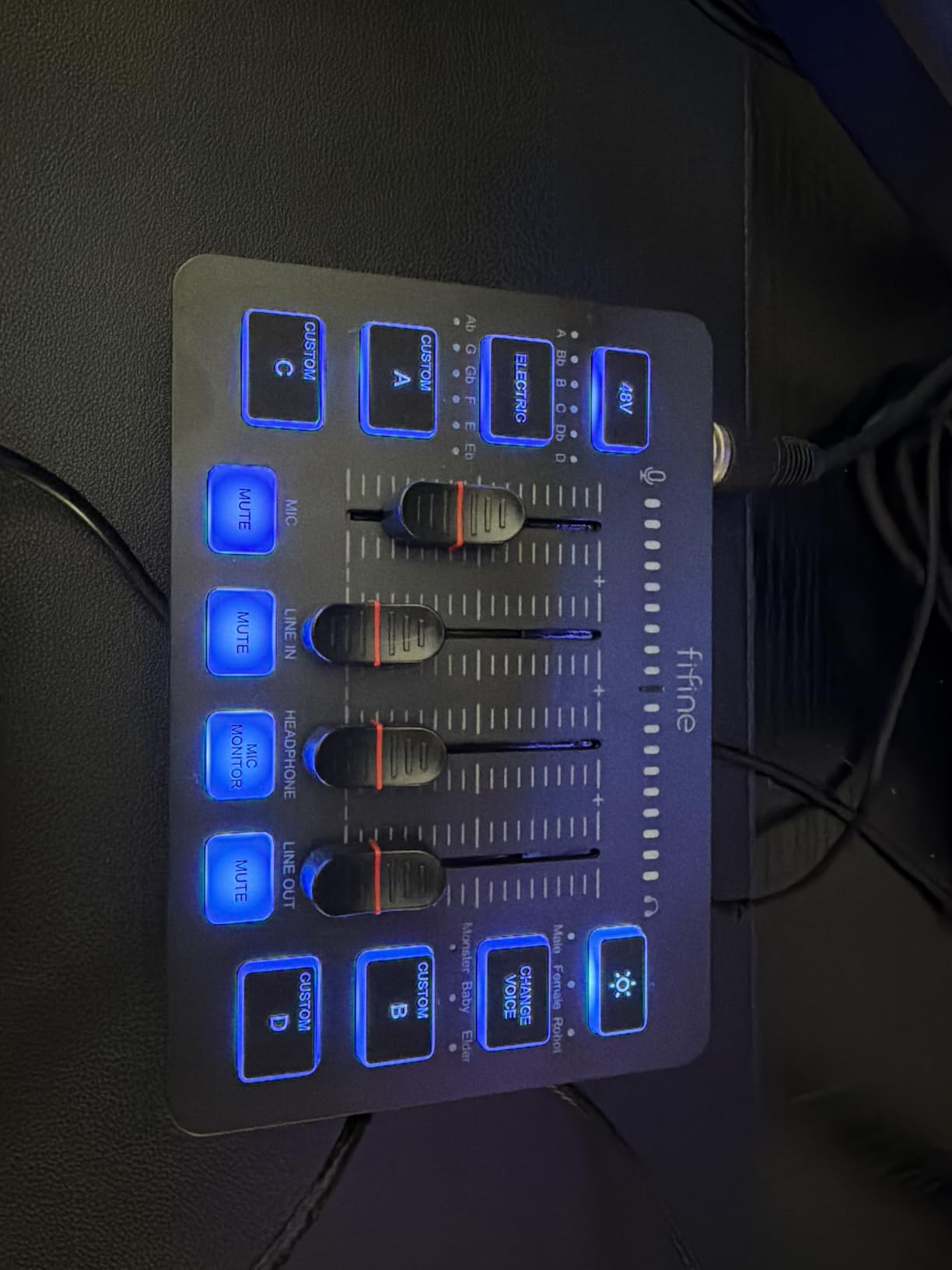
Connectivity is flexible, with both XLR and USB paths. The RGB lighting offers five effects and, yes, it looks great on camera, which matters more than non-streamers think for a desk setup.
Know the limitations before buying. Several mixer features, including the sound pads and voice changers, do not function when using the XLR connection, and the mixer’s mic amp is reportedly too hot for the included microphone. Many users dial back the gain significantly.
Who the FIFINE KS5 suits best
Complete beginners and gamers who want a matching mic-and-mixer set for streaming, casual podcasting, or Discord. As a low-risk first purchase, it is hard to argue with the value.
It also makes a solid gift setup for a teen or new creator.
Who should skip it
Anyone who already owns a good XLR microphone should buy a standalone mixer instead, since you lose key features when using the XLR path. Multi-host podcasts need more than one mic input.
If you dislike RGB gamer aesthetics on your desk, this is not your console.
How to Choose the Best Podcast Mixer in 2026?
Choosing between these comes down to five decisions, and getting them right saves you an upgrade cycle. Here is what our team checks before buying any mixer.
XLR inputs and preamp quality
Count your hosts and guests first, then add one spare input. A solo podcaster needs one XLR input, a two-person show needs two, and a roundtable needs four, which is exactly why four-channel consoles dominate this list.
Preamp quality determines how hard you can push a quiet dynamic mic before noise appears. The Revolution preamps in the Rodecaster Pro II and the Class A D-PRE amps in the Yamaha MG10XU are the benchmarks here, both delivering high gain with very low noise floors.
Sound pads and live effects
Sound pads trigger your intro, outro, stings, and ad reads in real time. The Rodecaster Pro II offers 64 programmable actions across 8 banks, the Tascam Mixcast 4 matches that with 8 banks of illuminated pads, and the MAONO AME2 squeezes in 11 pads on a budget.
If your show leans heavily on produced elements, pads matter. If it is straight conversation, they are a nice-to-have.
Recording options: SD card, USB, or both
SD card recording means the mixer works standalone without a computer, which is safer for long sessions since a crash never costs your audio. The Zoom PodTrak P4, LiveTrak L-8, Mixcast 4, and Rodecaster Pro II all record directly to card.
Multi-track recording is the bigger deal: each microphone gets its own file, so you can fix one person’s levels without affecting anyone else. This single feature eliminates the most common post-production complaint we see in podcasting forums.
Mix-minus for remote guests
If you take phone or Zoom calls, mix-minus prevents the caller from hearing their own voice echoed back. The PodTrak P4 does this automatically, and the Mixcast 4, Rodecaster, and LiveTrak L-8 all support it. This is non-negotiable for interview shows.
Mixer or audio interface?
An audio interface converts mic signals to digital and leaves all control to software, while a podcast mixer gives you physical faders, live effects, and often standalone recording. If you record in one take with guests and want real-time control, get a mixer. If you edit everything in a DAW anyway and record solo, an interface may serve you fine.
That question, “do I even need a mixer,” is one of the most asked in podcasting communities, and the honest answer is that mixers earn their keep the moment a second microphone or a remote guest enters the picture.
Frequently Asked Questions
What are the top 5 podcast mixers?
The top 5 podcast mixers are the RODE Rodecaster Pro II for full studio production, the Zoom PodTrak P4 for portable recording, the Tascam Mixcast 4 for four-host shows, the Zoom LiveTrak L-8 for podcasting plus music, and the Yamaha MG10XU for premium analog sound quality.
What is the best audio mixer for podcasting?
The RODE Rodecaster Pro II is the best audio mixer for podcasting overall, thanks to its four combo inputs, ultra-low-noise Revolution preamps, APHEX processing, eight SMART pads, and recording to microSD, USB, or external storage in stereo or multi-track.
What mixer do most streamers use?
Most streamers use either the Elgato Stream Deck + paired with Wave Link software for visual control over every audio source, or the RODE Rodecaster Pro II when they want a hardware console with sound pads and effects that works independently of streaming software.
What equipment do most podcasters use?
Most podcasters use a dynamic or condenser XLR microphone, a podcast mixer or audio interface with phantom power, closed-back headphones for monitoring, and either an SD card recorder or a computer with recording software. Popular mixer choices include the Rodecaster series, Zoom PodTrak, and Tascam Mixcast 4.
Conclusion
After testing all 8, our verdict on the best podcast mixers is straightforward: the RODE RØDECaster Pro II is the total package for a serious studio, the Zoom PodTrak P4 is the smart, portable choice most podcasters should start with, and the MAONO AME2 or FIFINE KS5 bundle gets you recording for under $100.
Pick based on your host count, your remote-guest workflow, and whether you need standalone SD recording. Whichever you choose, a good mixer will repay you with cleaner recordings and far less time fixing levels in post.