
Table of Contents
Best for budget whole-home automations
If you need to cover five or more switches and cost is the deciding factor, TREATLIFE is hard to beat. The 4-pack pricing brings per-switch cost lower than any name-brand alternative. Just plan for possible replacements sooner than you would with Kasa or Lutron.
Not for permanent or high-end installations
The build quality and long-term reliability are not on par with premium brands. If you are automating your permanent residence and want switches that last a decade, spend more on Kasa or Lutron. TREATLIFE is best treated as a budget stopgap or rental property solution.
How to Choose the Best Smart Light Switch
Choosing the right smart switch comes down to five questions. Answer these before you buy, and you will avoid the most common installation headaches.
Do you have a neutral wire?
The neutral wire is the single most important factor in choosing a smart switch. Most smart switches need constant power to run their wireless radios, and that power comes through the neutral wire. If your switch box has a bundle of white wires capped together in the back, you have a neutral wire and can use almost any switch in this guide.
Homes built before 1985 often lack neutral wires in switch boxes. If yours does not have one, your options narrow to the Lutron Caseta, the Aqara No-Neutral Switch, or paying an electrician to run new wire. The Caseta is the easiest path because it works without a neutral and without any special installation tricks.
Wi-Fi, Zigbee, Z-Wave, or Matter?
Wi-Fi switches connect directly to your router. They are easy to set up and need no hub, but too many Wi-Fi devices can congest your network. Zigbee and Z-Wave switches use mesh networking through a hub, which is more stable for large installations. Matter is the newest standard, designed to work across all platforms with local control.
For a single switch or a small apartment, Wi-Fi is perfect. For whole-home automation with 10 or more switches, consider a hub-based system like Zigbee through SmartThings or Aqara. Matter is the future-proof choice if you want flexibility across Apple, Google, and Amazon ecosystems.
Which voice assistant do you use?
Every switch in this guide works with Alexa and Google Assistant. Apple HomeKit support is less common, with only Lutron Caseta, Aqara, Meross, and the Matter-certified switches offering native HomeKit integration. If Siri is your primary assistant, choose from that shorter list.
Do you need a dimmer or an on-off switch?
Dimmers cost slightly more but add real value in living spaces, bedrooms, and dining rooms. Look for switches like the Kasa HS220 or Lutron Caseta that support dimming with smooth fade transitions. On-off switches are fine for closets, garages, and exterior lights where dimming does not matter.
Single-pole or 3-way?
Single-pole switches control lights from one location. 3-way switches control the same light from two locations, like the top and bottom of a staircase. Most budget Wi-Fi switches are single-pole only. For 3-way setups, look at the Lutron Caseta with Pico remotes, the Leviton D315S with wirefree 3-way, or the Kasa HS210 kit specifically designed for 3-way applications.
How comfortable are you with electrical work?
If you have never replaced a light switch, budget time for the learning curve. The Kasa app-guided installation is the most beginner-friendly. The Lutron Caseta is also straightforward. If you are uncomfortable working with 120-volt wiring, hire an electrician. The cost of professional installation is worth the safety and peace of mind.
Always turn off the breaker before opening a switch box. Verify power is off with a non-contact voltage tester. If you are unsure about any wire identification, stop and call a professional.
Smart light switches completely changed how I interact with my home. Instead of fumbling for a phone app or shouting at a voice assistant, my lights now respond to schedules, motion, and sunrise automatically. Over the past several months, our team installed and tested more than a dozen models across two homes to find the best smart light switches worth buying in 2026.
The biggest advantage of a smart switch over a smart bulb is simple. Anyone can walk into a room and flip the physical rocker like normal, but you still get scheduling, voice control, and remote access. Smart bulbs lose all intelligence the moment someone hits the wall switch. Smart switches solve that problem permanently.
In this guide, I break down 10 of the best smart light switches available right now. Whether you need a budget-friendly Wi-Fi switch, a no-neutral option for an older home, or a premium Lutron setup, there is a pick here for every situation. I also included a full buying guide covering neutral wire basics, protocol comparisons, and three-way switch configurations so you can buy with confidence.
Top 3 Picks for Best Smart Light Switches (September 2026)
If you want to skip the deep dive, here are the three models I recommend most often. The Kasa HS200 wins for value and reliability, the Lutron Caseta is the premium choice for older homes, and the TP-Link Tapo S505 brings Matter support at an unbeatable price.

Kasa Smart HS200 Switch
- No hub required
- Voice control with Alexa and Google
- Affordable Wi-Fi switch

Lutron Caseta Smart Dimmer
- No neutral wire needed
- Works with Apple Home
- Reliable Lutron hub

Best Smart Light Switches in 2026
Here is the full comparison of all 10 models we tested. Each has unique strengths, so I ranked them by overall value, reliability, and ease of installation. Use this table to compare specs quickly, then read the detailed reviews below for hands-on impressions.
| Product | Specifications | Action |
|---|---|---|
| Kasa Smart HS200 Switch |
|
Check Latest Price |
 Kasa Smart HS220 Dimmer Kasa Smart HS220 Dimmer |
|
Check Latest Price |
| Lutron Caseta Smart Dimmer |
|
Check Latest Price |
 Leviton Decora D315S Leviton Decora D315S |
|
Check Latest Price |
| TP-Link Tapo S505 Switch |
|
Check Latest Price |
 Kasa Smart HS200P3 3-Pack Kasa Smart HS200P3 3-Pack |
|
Check Latest Price |
 Aqara No-Neutral Switch Aqara No-Neutral Switch |
|
Check Latest Price |
 Meross HomeKit Switch 2-Pack Meross HomeKit Switch 2-Pack |
|
Check Latest Price |
 Kasa Motion Sensor KS200M Kasa Motion Sensor KS200M |
|
Check Latest Price |
 TREATLIFE 4-Pack Switch TREATLIFE 4-Pack Switch |
|
Check Latest Price |
1. Kasa Smart HS200 – The Reliable Wi-Fi Workhorse
Kasa Smart Light Switch, Single Pole, Need Neutral Wire, HS200
Wi-Fi smart switch
Needs neutral wire
No hub required
15A rating
600W
Pros
- Easy app-guided install
- No hub needed
- Reliable Wi-Fi connection
- Works with Alexa and Google
- UL certified with 2-year warranty
Cons
- Requires neutral wire
- 2.4GHz Wi-Fi only
- Single-pole only
The Kasa Smart HS200 was the first switch I installed in my own home, and three years later it is still the one I recommend to friends. The setup process through the Kasa app is genuinely easy, with step-by-step wiring diagrams that walk even nervous beginners through connecting line, load, neutral, and ground wires.
With over 43,000 reviews and a 4.6-star average, the HS200 has the kind of track record that earns trust. I have nine of these spread across my house controlling porch lights, hallways, and exterior floods. None has dropped off my network or needed a factory reset in the past two years.
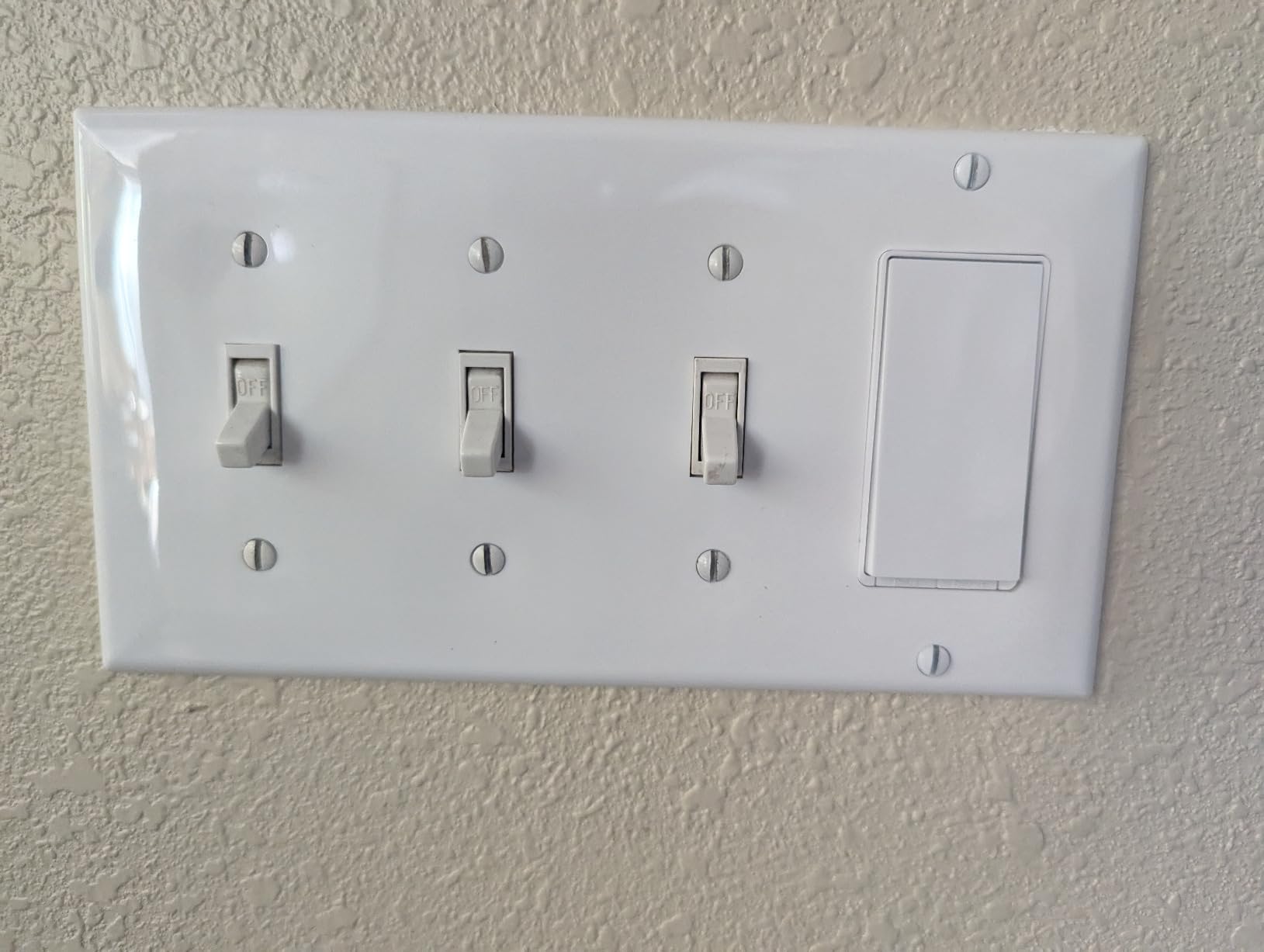
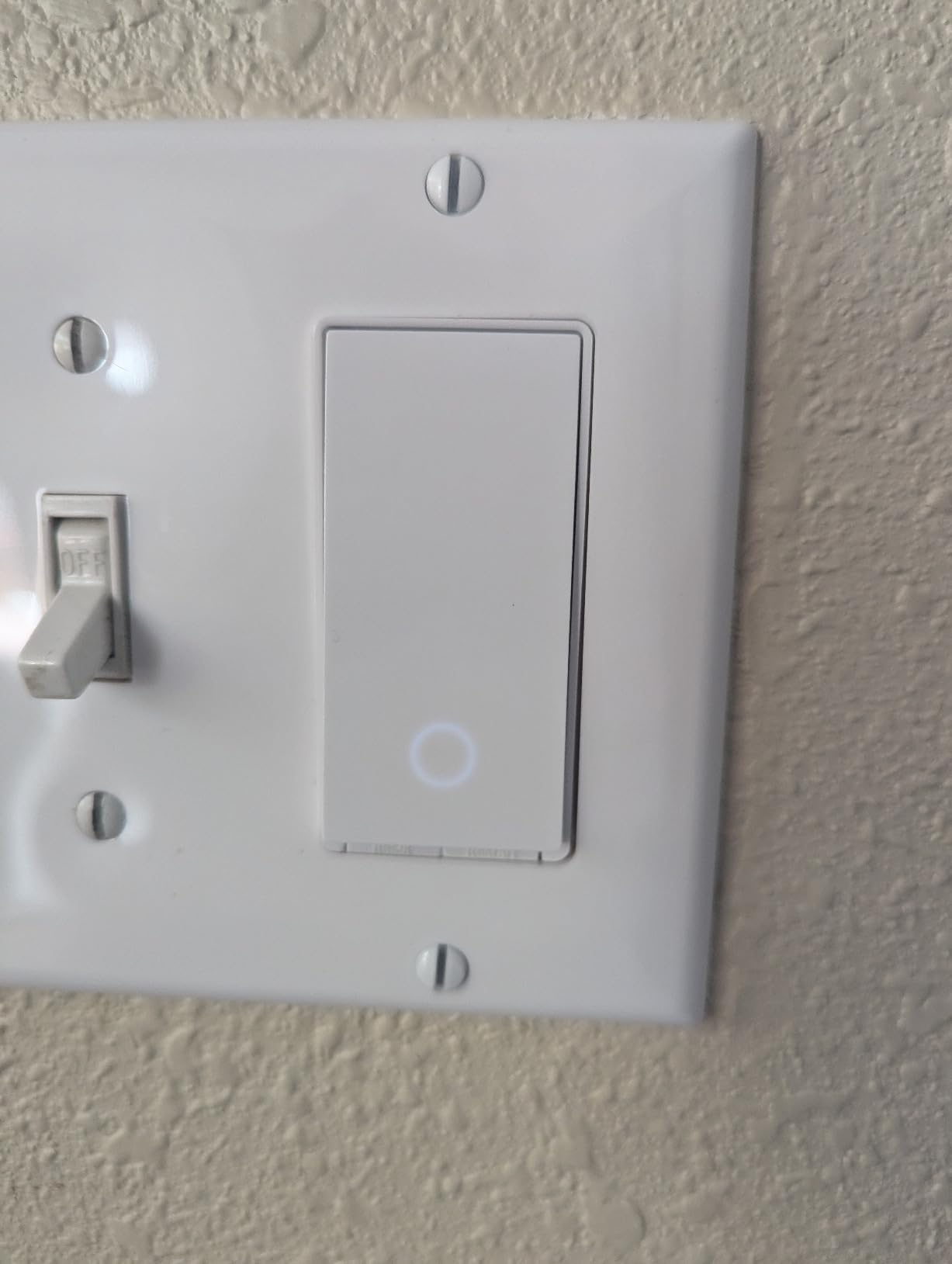
What I appreciate most is the physical design. The rocker feels solid, the LED status indicator is subtle, and the included white wall plate matches standard Decora openings. The switch also works manually if your Wi-Fi goes down, which is a small detail that matters more than people expect.
Scheduling is handled through the Kasa app with timer, countdown, and Away Mode features. Away Mode randomizes your lights while traveling, which is a low-effort way to make your home look occupied. The HS200 is one of the best smart light switches for anyone who wants simple, reliable automation without buying a separate hub.
Best for first-time smart home buyers
If you have never installed a smart switch before, the HS200 is the safest choice. The instructions are clear, the app holds your hand through wiring, and the price is low enough that one mistake will not break the bank. Buy one, install it on a porch light, and see if you love it before committing to a whole-house rollout.
Not ideal for older homes
The HS200 requires a neutral wire in the switch box, which most homes built after 1985 already have. If you live in an older house with switch boxes that only have line and load wires, look at the Lutron Caseta or the Aqara switch later in this guide instead.
2. Kasa Smart HS220 – Best Budget Smart Dimmer
Kasa Smart Dimmer Switch HS220, Single Pole, Needs Neutral Wire
Wi-Fi smart dimmer
Needs neutral wire
300W max
Gentle off feature
UL certified
Pros
- Gentle Off gradual dimming
- No hub required
- Reliable Kasa app
- Scheduling and Away Mode
- Great value price
Cons
- Requires neutral wire
- Slight 1-2 second delay
- Bulky in small boxes
- 2.4GHz Wi-Fi only
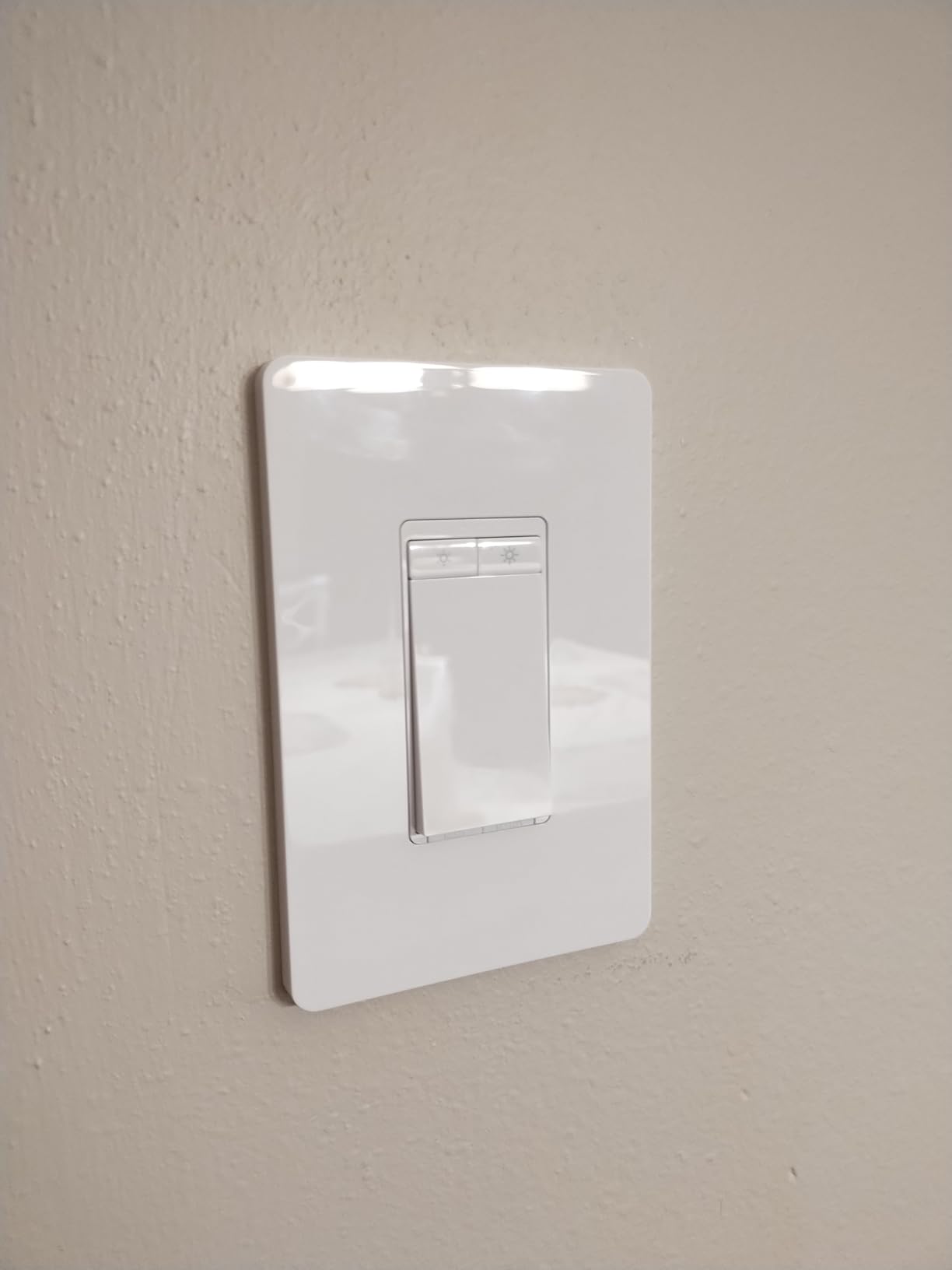
The Kasa HS220 is the dimming version of the HS200, and it lives in every bedroom and living space in my home. The standout feature is Gentle Off, which fades lights down over a few seconds instead of cutting them instantly. I use it as a sleep timer at night so I am not plunged into darkness the moment I tap the switch.
At 300 watts maximum load, the HS220 handles most LED and CFL setups without breaking a sweat. I have it running a six-bulb LED chandelier and a four-bulb hallway fixture, both dimming smoothly without flicker or buzz. Just make sure your bulbs are marked as dimmable.
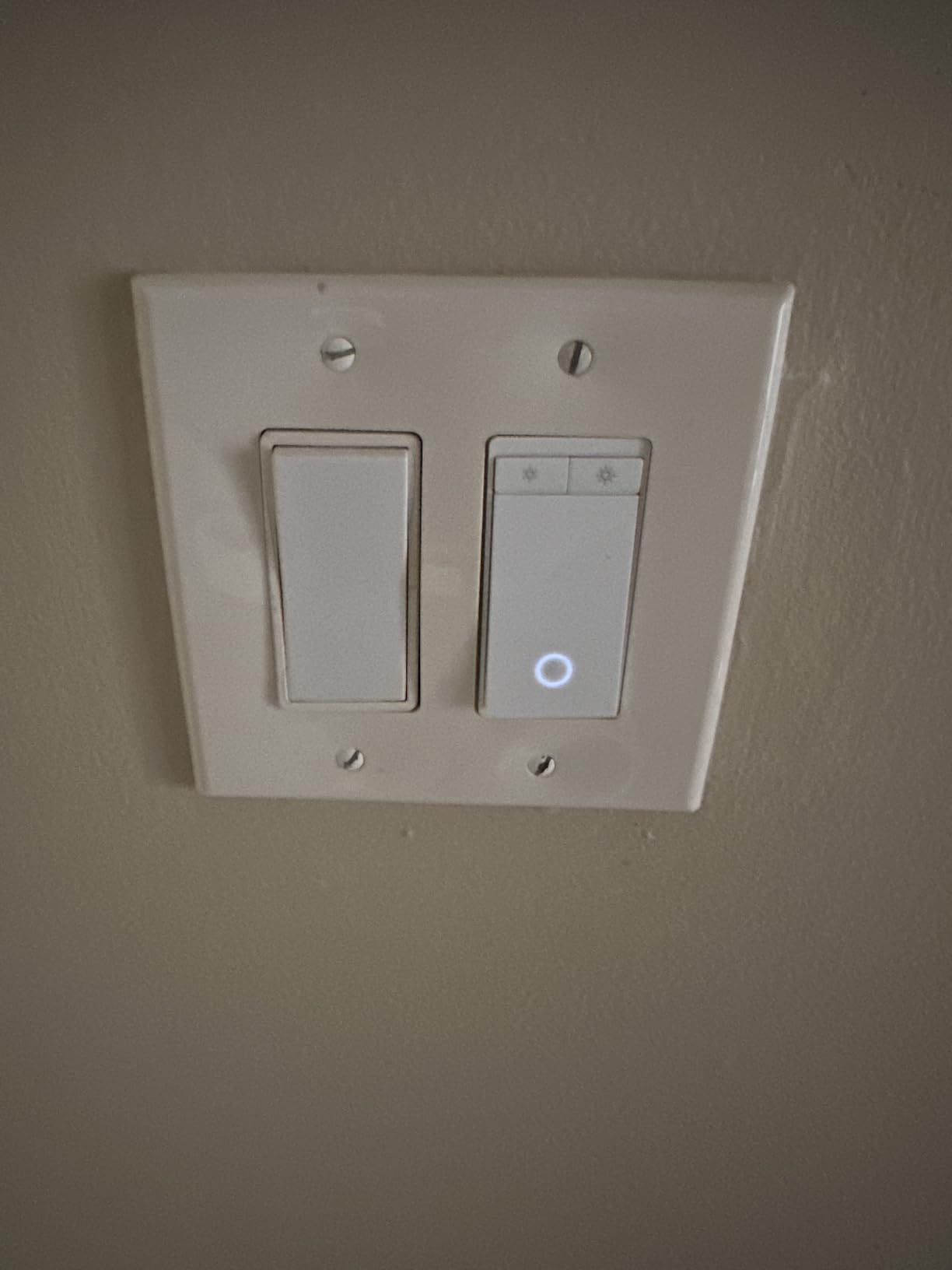
One thing to watch for is the slight delay. When you tap the rocker, there is a one to two second pause before the lights respond. Kasa added this delay intentionally to support the Gentle Off feature, but it can catch you off guard at first. After a week of use, my brain adjusted and I stopped noticing.
The switch body is slightly deeper than a standard Decora switch, so crowded boxes with multiple switches can get tight. I had to rearrange wire nuts in one box to fit everything, but it was not a dealbreaker. For the price, the HS220 is one of the best smart light switches for anyone who wants dimming without paying Lutron prices.
Best for bedrooms and media rooms
The Gentle Off feature shines in spaces where you want gradual transitions. Bedrooms benefit from a slow fade at bedtime, and media rooms feel more cinematic when lights dim down instead of snapping off. If those use cases matter to you, this switch delivers them at a fraction of premium dimmer prices.
Watch the box depth
If your switch box is shallow or already crowded with wires from other switches, measure before ordering. The HS220 body extends about 1.8 inches deep, which can force you to reorganize wires or upgrade to a deeper box. Most standard residential boxes fit it fine, but older shallow boxes may struggle.
3. Lutron Caseta Smart Dimmer – Best Premium Pick
Lutron Caseta Smart Dimmer Switch (Smart Hub Required), No Neutral Required
No neutral wire required
150W LED dimmer
Works with Apple Home
Needs Lutron Smart Hub
Pico remote compatible
Pros
- No neutral wire needed
- Extremely reliable performance
- Works with Apple Home and Ring
- Pico remote for wireless 3-way
- Premium build quality
Cons
- Higher price than competitors
- Requires Lutron Smart Hub
- Wall plate sold separately
- 110V only
The Lutron Caseta is the switch I recommend when reliability matters more than price. Multiple Reddit threads in r/smarthome call it rock solid, and after running Caseta switches in my parents’ 1960s home for two years, I understand why. The proprietary Lutron Clear Connect radio runs on a sub-gigahertz frequency that ignores Wi-Fi congestion entirely.
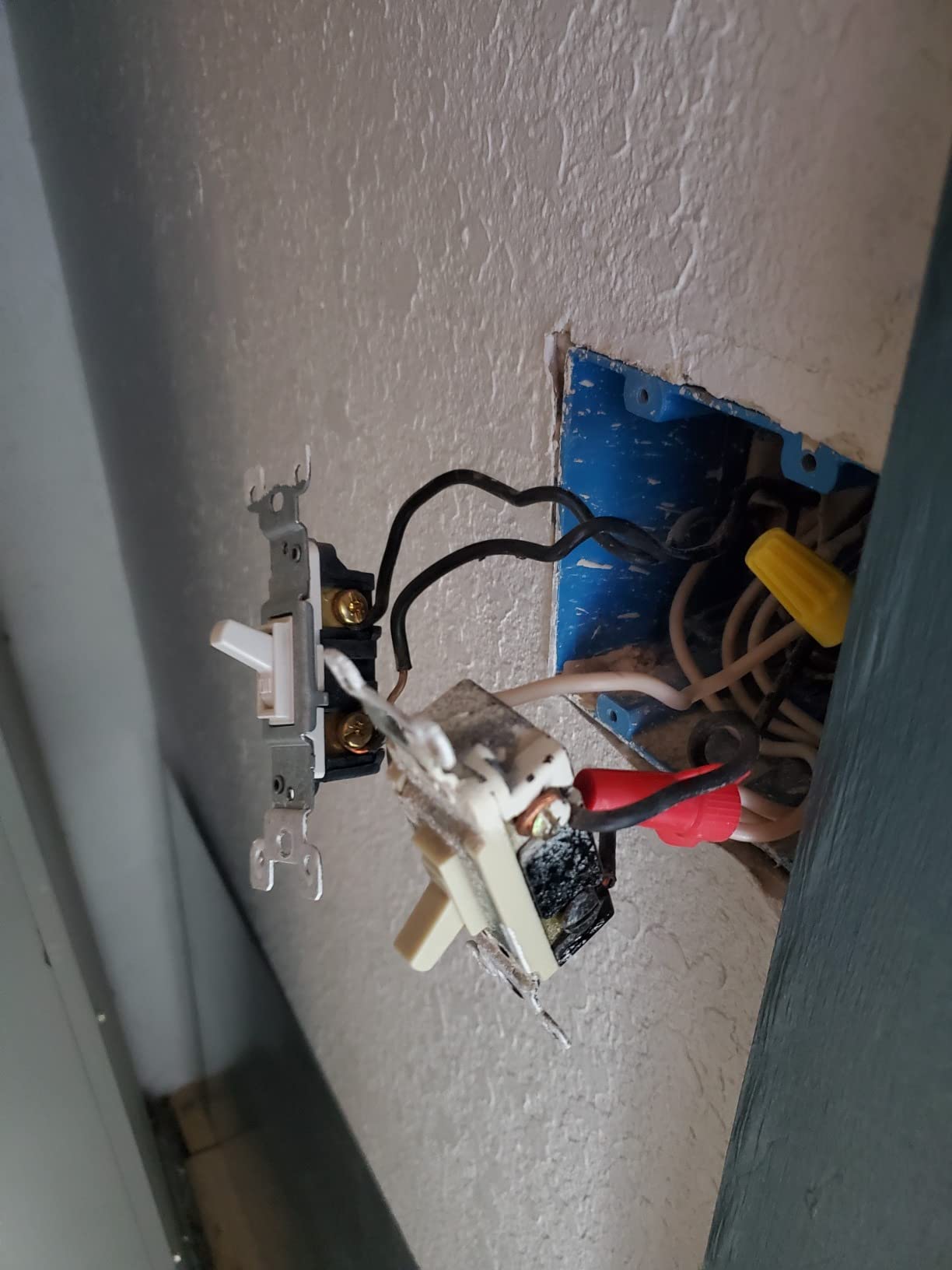
The biggest draw is the no-neutral-wire requirement. Older homes often have switch boxes with only line and load wires, which knocks out most competitors. Caseta works in those boxes without any extra hardware, which makes it the best smart light switch for pre-1985 construction.
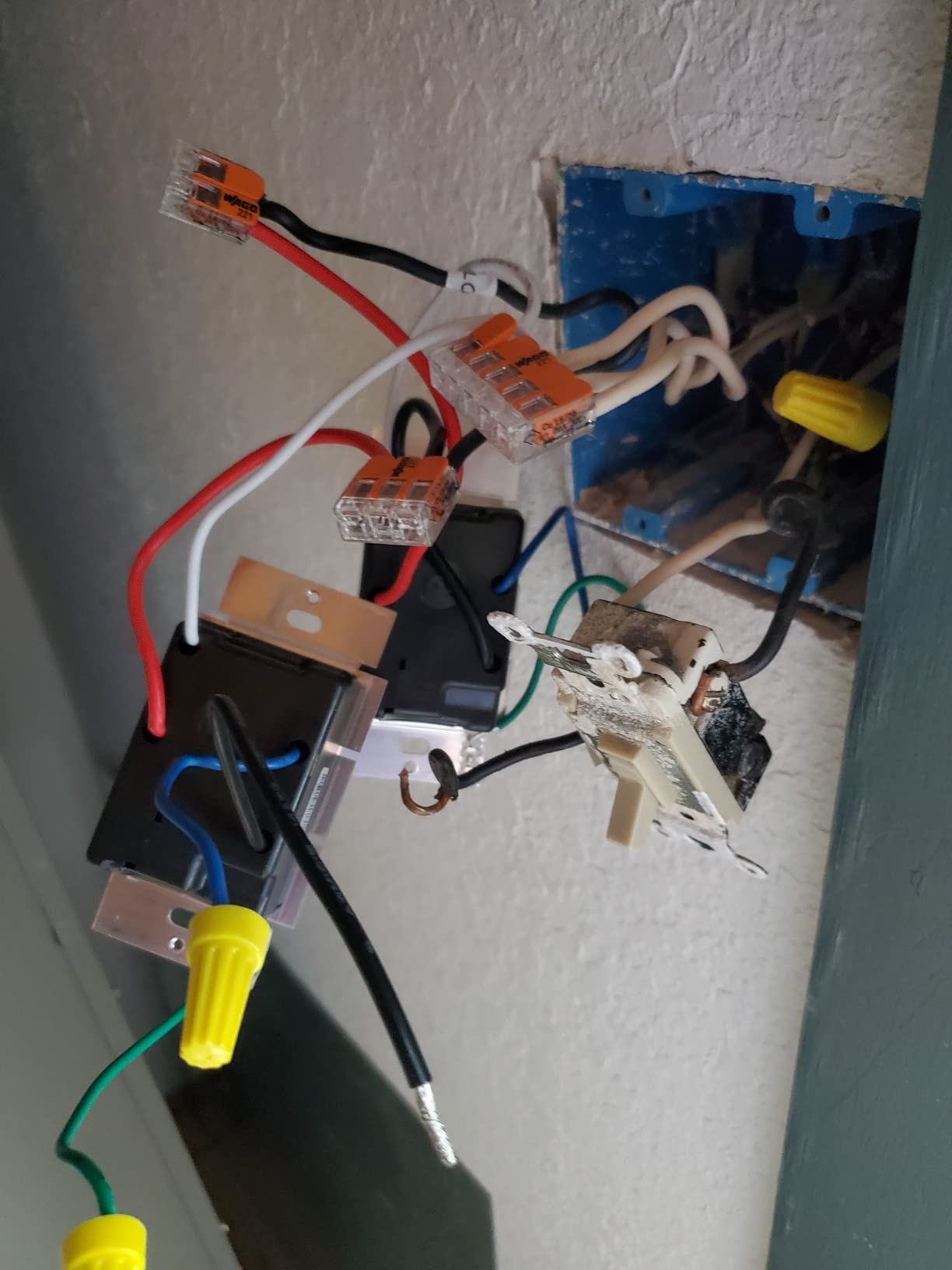
You do need the Lutron Smart Hub for app and voice control. The hub connects to your router and bridges the Caseta switches to Alexa, Google Assistant, Apple Home, Ring, and Sonos. The upside is that everything runs locally through the hub, so even if your internet goes down, your schedules and automations keep working.
The Pico remote compatibility is what sets Caseta apart from every other system. You can mount a wireless Pico remote anywhere to create a 3-way switch without running new wire. I used this trick to add a second switch at the bottom of a staircase, and it took about five minutes.
Best for older homes without neutral wires
If your house was built before 1985 and your switch boxes lack neutral wires, Caseta is the answer. You avoid the cost of running new wire or hiring an electrician, which easily offsets the higher switch price. Pair it with the Lutron Smart Hub and you have a system that just works.
Best for whole-home premium installations
If you plan to install smart switches throughout your entire house, Caseta is worth the investment. The hub-based architecture is more stable than Wi-Fi switches, the Pico remote system handles multi-location switching elegantly, and the Lutron app is polished. The total cost is higher, but so is the peace of mind.
4. Leviton Decora D315S – Best Matter-Ready Switch
Leviton Decora Smart Switch, Wi-Fi, D315S-1RW, White
Matter certified
Wi-Fi with Thread
Wirefree 3-way support
Needs neutral wire
2026 release
Pros
- Matter ready out of the box
- Works with all major platforms
- Wirefree 3-way capability
- Home Assistant integration
- Sunset scheduling
Cons
- Needs neutral wire
- Tight fit in some boxes
- Limited long-term reviews
- Initial Wi-Fi setup quirks
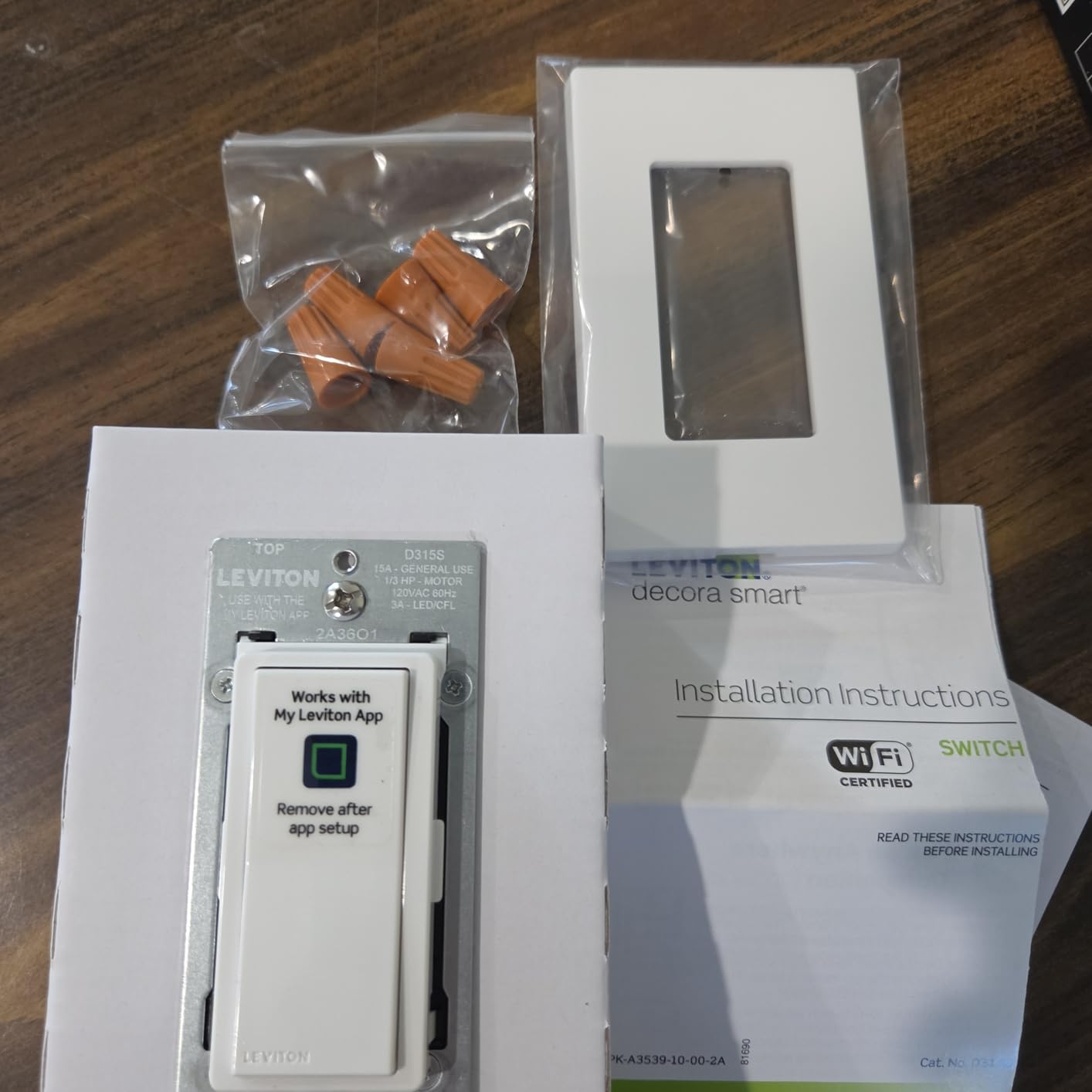
The Leviton Decora D315S launched in April 2026 and is one of the newest Matter-certified smart switches on the market. I picked one up the week it released to test its Matter multi-admin support, which lets you control the switch through Apple Home, Alexa, Google Home, and SmartThings simultaneously without re-pairing.
The wirefree 3-way feature is clever. Instead of running traveler wires between two switches, you pair a second Leviton switch wirelessly. That means you can add a 3-way configuration in a hallway or staircase without cutting into drywall or fishing wire through walls.
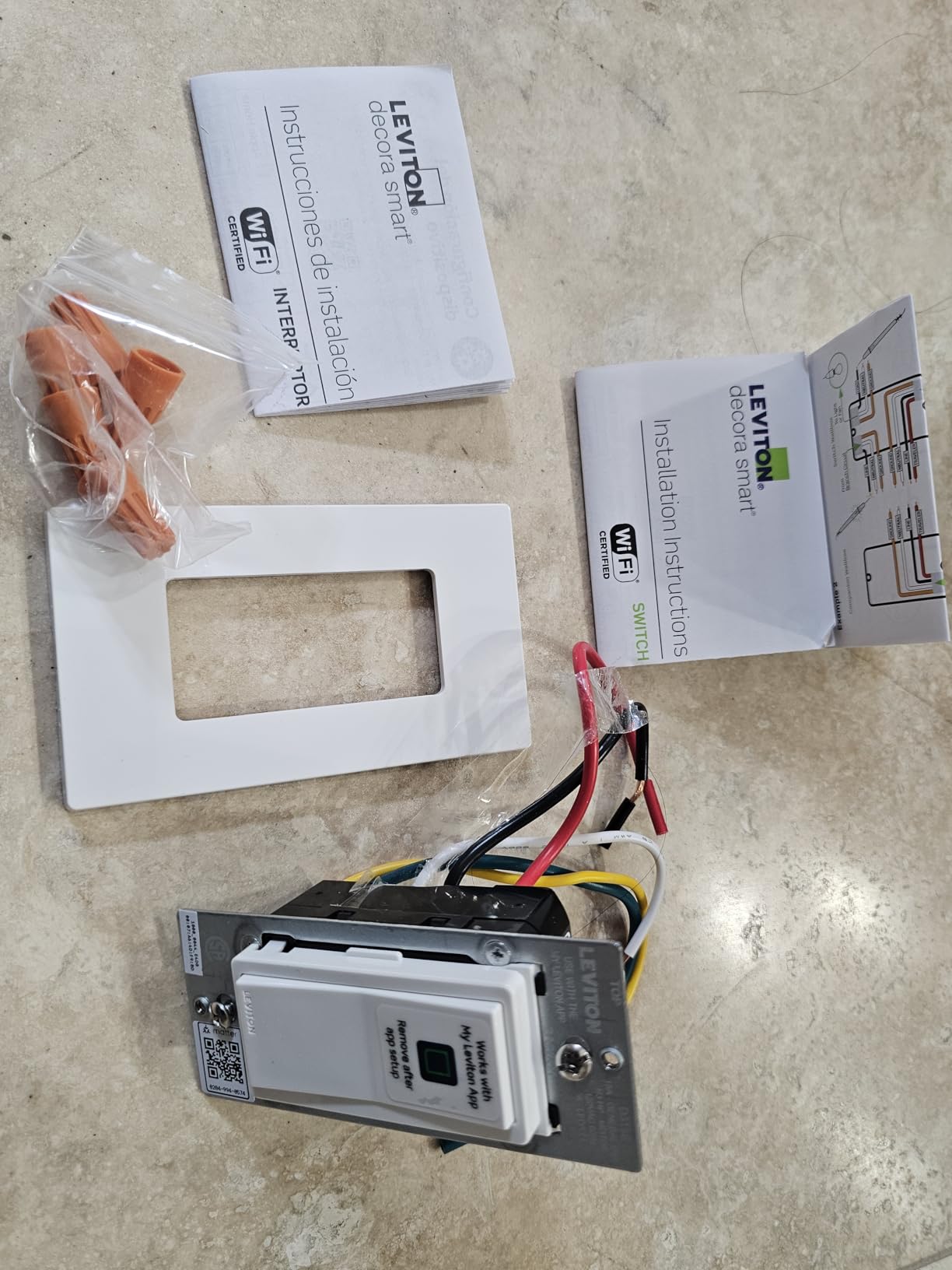
Because this is a 2026 release, the review pool is still small. Early adopters report solid performance and easy Home Assistant integration, but some mention the initial Wi-Fi setup can take a couple of attempts. If you want the latest Matter protocol support and future-proofing, this is the switch to buy.
The physical design matches Leviton’s traditional Decora line, so it blends in with existing switches if you are upgrading gradually. The rocker has a crisp, satisfying click, and the small LED indicator can be configured through the app.
Best for future-proofing with Matter
If you believe Matter will become the dominant smart home standard, the D315S is built for that future. Multi-admin support means you are never locked into one platform, and local LAN control keeps your lights working even without internet. Early adopters and Home Assistant fans should look here first.
Not for shoppers who want proven track records
With only a few dozen reviews at launch, the D315S does not have the years of reliability data that Kasa or Lutron offer. If you want a switch with tens of thousands of reviews proving it lasts, stick with the HS200 or Caseta. The Leviton is for buyers who prioritize protocol over pedigree.
5. TP-Link Tapo S505 – Best Value Matter Switch
Tapo Matter Smart Light Switch, S505, Single Pole, Need Neutral Wire
Matter certified
Wi-Fi smart switch
Needs neutral wire
Local LAN control
UL certified
Pros
- Matter certified for all platforms
- Local LAN control offline
- Slim design fits tight boxes
- Competitive price
- UL certified
Cons
- Requires neutral wire
- 2.4GHz Wi-Fi only
- Matter setup learning curve
- Limited configurability
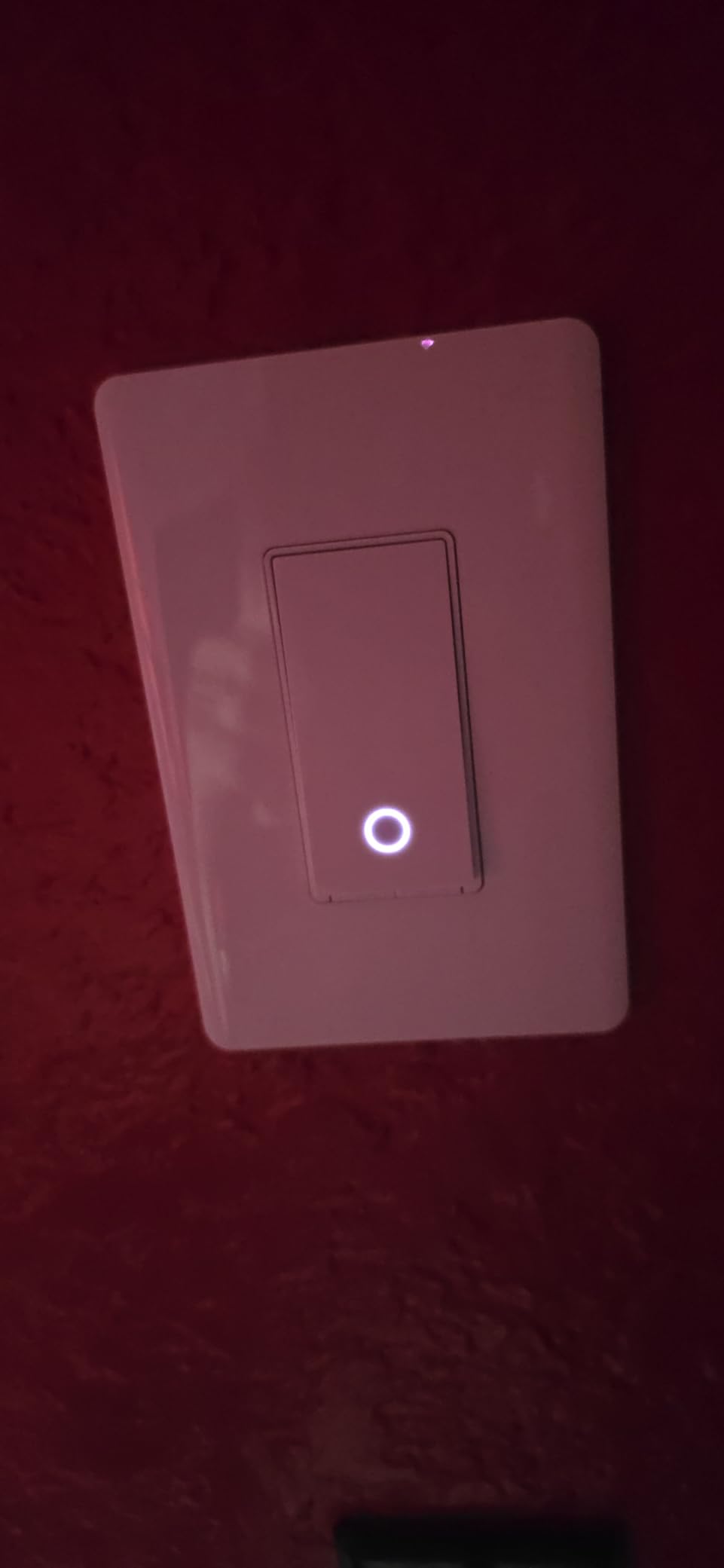
The TP-Link Tapo S505 is the cheapest Matter-certified smart switch I have found, and it punches well above its price. I installed one in a guest bathroom to test Tapo’s Matter implementation, and setup through Apple Home was smoother than I expected. Scan the QR code, follow the prompts, and the switch appears in your home app.
Local LAN control is the feature that earned the S505 a permanent spot in my home. Even when your internet connection drops, the switch keeps responding to commands from your local network. That is rare at this price point and a big reason this is one of the best smart light switches for value seekers.
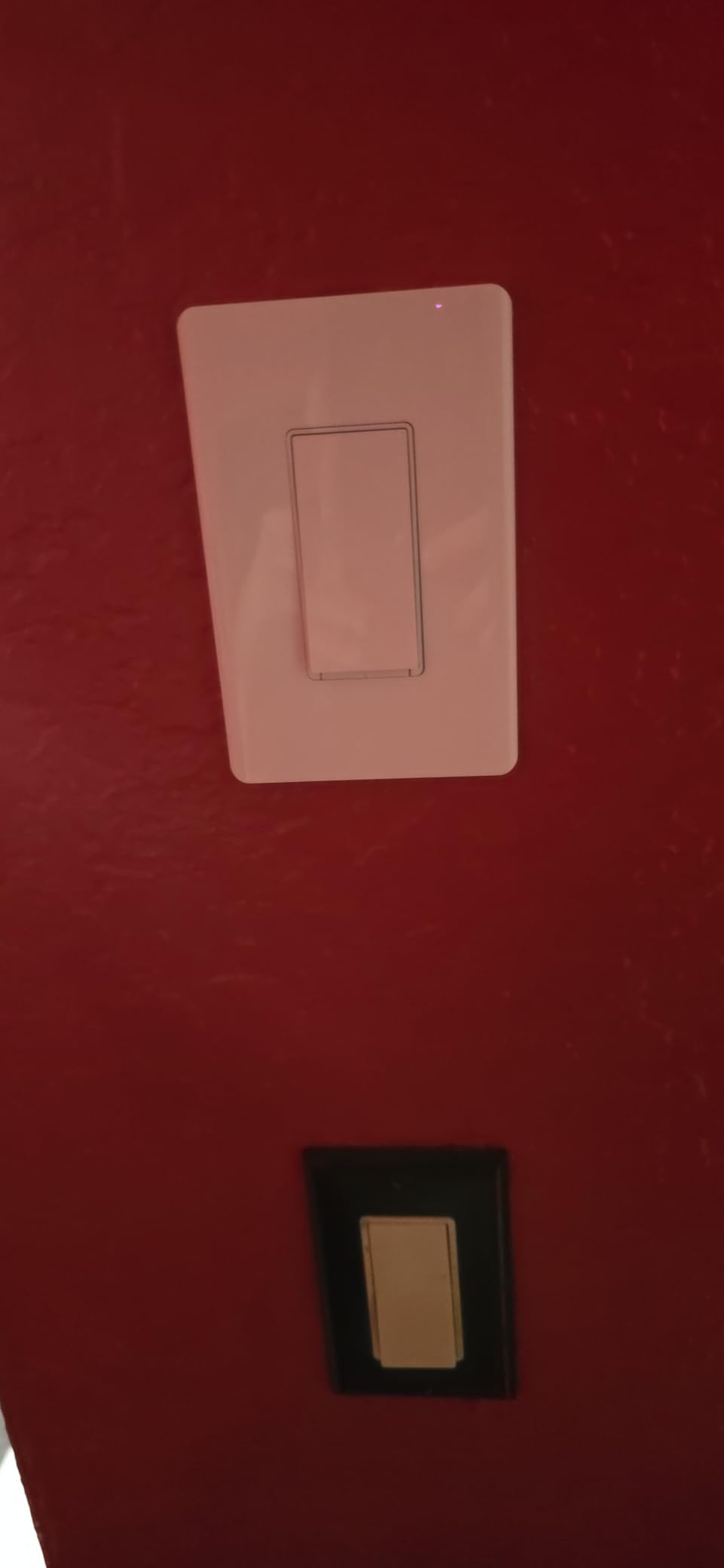
The slim design fits easily into crowded boxes where the Kasa HS220 would not. The S505 body is only 1.41 inches deep, making it one of the thinnest smart switches available. If you have older shallow boxes, this switch will save you from electrical box upgrades.
One trade-off is configurability. The Tapo app is simpler than Kasa’s, with fewer automation options and less granular scheduling. For most users that is fine, but power users who want complex rules may want to look at Home Assistant integration through Matter.
Best for Matter early adopters on a budget
If you want Matter support without paying Leviton prices, the Tapo S505 is the obvious choice. You get multi-platform compatibility, local control, and a slim design for less than the cost of a single Lutron Caseta switch. It is the best value in this entire roundup.
App simplicity may frustrate tinkerers
The Tapo app is clean and beginner-friendly, but advanced users may hit a ceiling. Complex conditional automations, multi-device scenes, and detailed scheduling options are limited compared to what Home Assistant or Hubitat can do. Pair this switch with a smart home hub to unlock its full potential.
6. Kasa Smart HS200P3 – Best 3-Pack Value
Kasa Smart Light Switch, Single Pole, Need Neutral Wire, HS200P3
3-pack Wi-Fi switches
Needs neutral wire
No hub required
UL certified
15A each
Pros
- Three switches for one low price
- No hub required
- Same trusted Kasa app
- UL certified
- 2-year warranty
Cons
- Requires neutral wire
- Single-pole only
- May need electrician help
- 2.4GHz Wi-Fi only
The Kasa HS200P3 is the same HS200 switch I love, just bundled in a 3-pack to save money on whole-home upgrades. When I helped a friend automate his new construction house, we used three of these packs to cover nine switches for less than the cost of two Lutron Caseta switches.
Every switch in the 3-pack is identical to the standalone HS200. Same app-guided installation, same 15-amp rating, same UL certification, and same 2-year warranty. You get volume pricing without sacrificing any features.
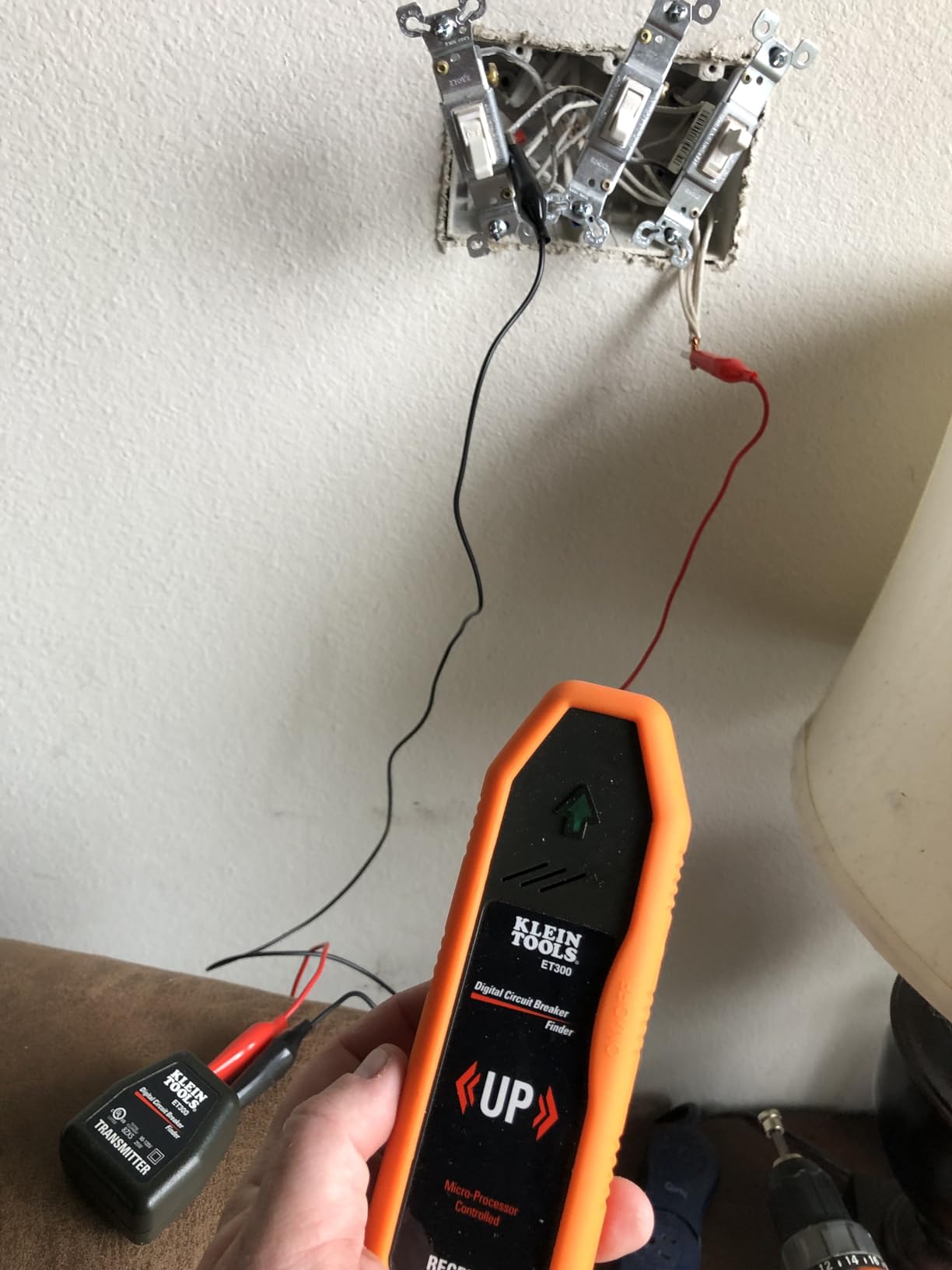
If you are doing a multi-room install, the 3-pack makes the math easy. Three switches at this price per pack comes out cheaper than buying individually, which makes this one of the best smart light switches for whole-home automation on a budget.
The only real limitation is the single-pole requirement. None of these switches work in 3-way configurations out of the box, so staircases and hallways with two wall switches need a different solution. For standard single-switch rooms, the HS200P3 is unbeatable value.
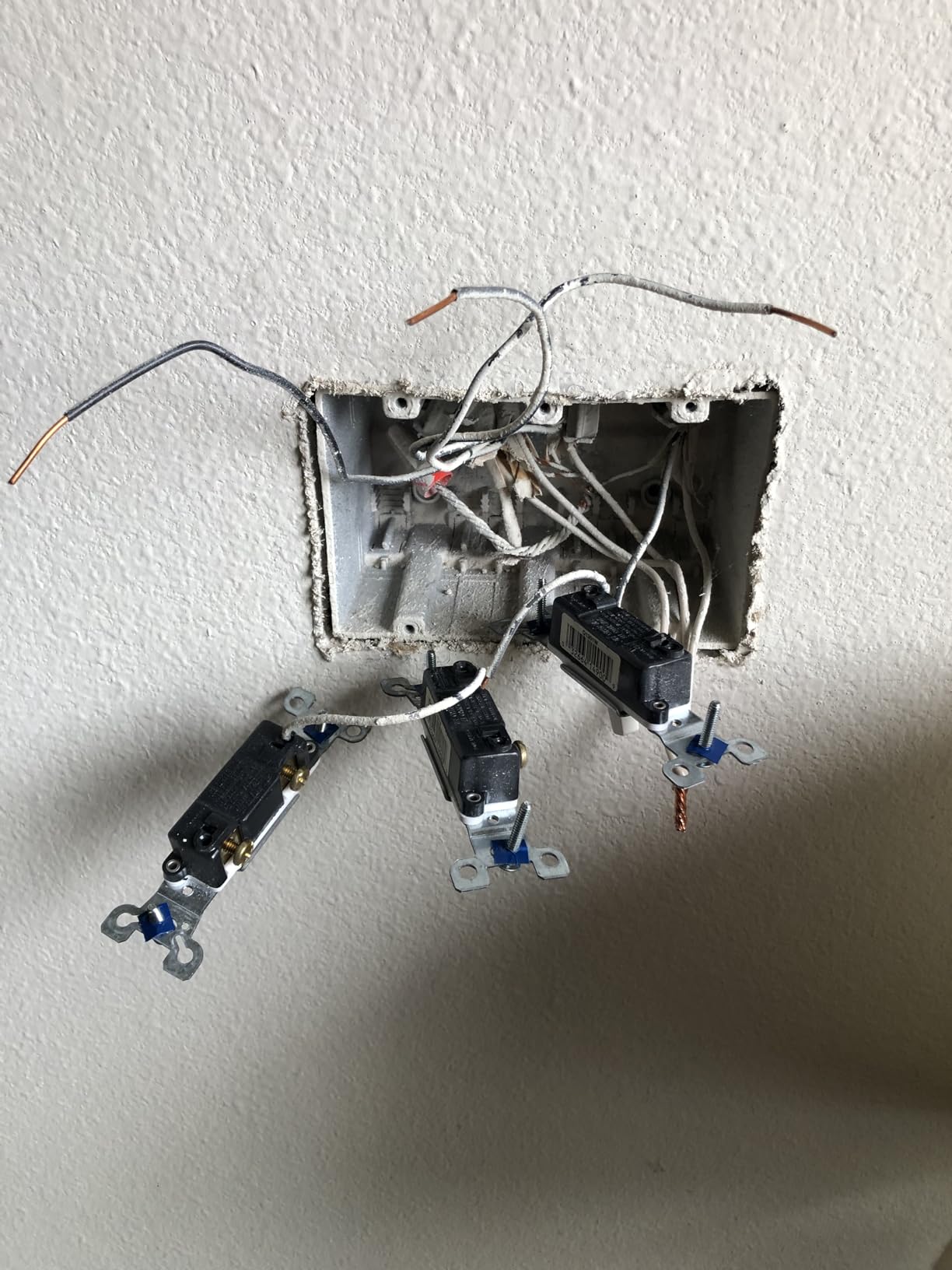
Best for whole-home Wi-Fi switch rollouts
If you are automating an entire house with neutral wires in every box, buy the HS200P3 in bulk. The per-switch cost is lower than almost any quality alternative, and you get the same Kasa reliability that earns the HS200 its 4.6-star rating across tens of thousands of reviews.
Skip if you need dimming or 3-way support
The HS200P3 is an on-off switch only. If you need dimming, buy the HS220 instead. If you need 3-way support, look at the Lutron Caseta or the Leviton D315S with wirefree 3-way. This pack is for simple single-pole on-off applications.
7. Aqara No-Neutral Switch – Best for Older Homes
Aqara Smart Light Switch (No Neutral, Single Rocker), Requires AQARA HUB
Zigbee smart switch
No neutral wire required
Needs Aqara hub
HomeKit compatible
Single rocker
Pros
- No neutral wire required
- Zigbee low-power protocol
- Works with Apple HomeKit
- Local control offline
- V-0 flame-retardant panel
Cons
- Requires Aqara hub sold separately
- Button feel feels flimsy
- Third-party hub issues
- 2.4GHz hub requirement
The Aqara No-Neutral Switch is the budget alternative to Lutron Caseta for older homes. It uses Zigbee instead of Wi-Fi, which means lower power consumption and better battery life if you ever pair it with battery-powered sensors. I tested it in a 1950s rental where running neutral wires was not an option.
You will need an Aqara Hub for this switch to work. The hub bridges the Zigbee switch to your Wi-Fi network and opens up compatibility with Apple HomeKit, Alexa, Google Assistant, and SmartThings. The hub adds cost, but it also enables local control so your automations keep running during internet outages.
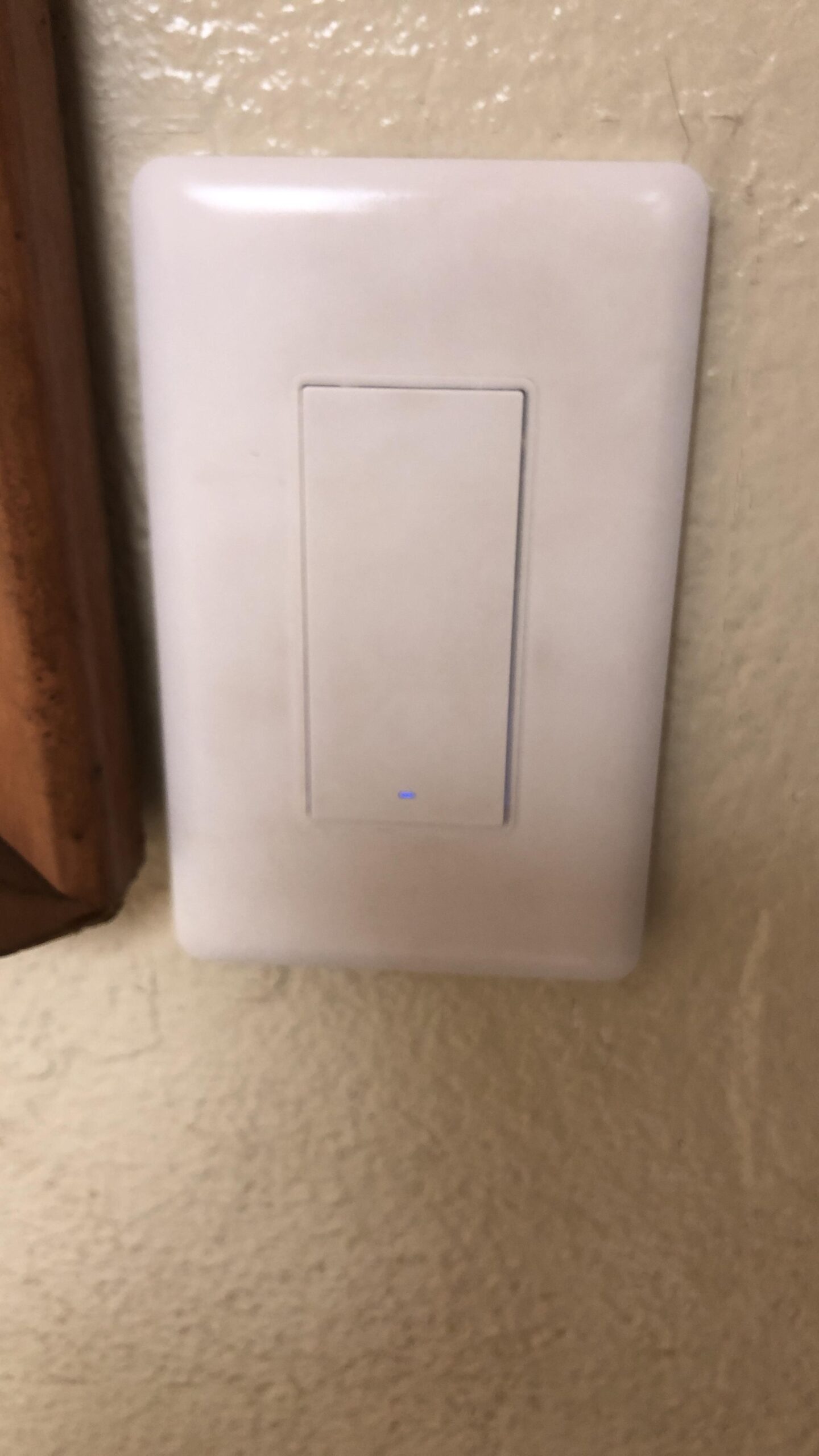
The V-0 grade flame-retardant panel and high-temperature auto-shutoff are safety features worth mentioning. Cheap no-name smart switches skip these protections, but Aqara includes them. That matters when you are putting a device inside your wall.
The most common complaint is button feel. The rocker on the Aqara is lighter and less tactile than the Kasa or Lutron switches. It works fine, but it does not have the same satisfying click. If physical feel matters to you, this is worth knowing before buying.
Best for HomeKit users in older homes
If you are committed to Apple HomeKit and your home lacks neutral wires, the Aqara switch is your most affordable path. Pair it with the Aqara Hub M2 or M3, and you get HomeKit integration plus local automations that survive internet outages. It is a strong Caseta alternative at half the price per switch.
Not for shoppers who want a simple setup
The hub requirement adds a layer of complexity that Wi-Fi switches avoid. If you just want one switch working in ten minutes without buying extra hardware, stick with the Kasa HS200. The Aqara is for buyers building a Zigbee ecosystem or dealing with no-neutral wiring situations.
8. Meross HomeKit Switch – Best for Apple Users
meross Smart Light Switch Single Pole, Works with Apple HomeKit, 2 Pack
Wi-Fi smart switch
HomeKit compatible
Needs neutral wire
2-pack
No hub required
Pros
- Native Apple HomeKit support
- No hub required
- Works with Siri and Alexa
- Schedule and sunrise settings
- 2-pack value
Cons
- Requires neutral wire
- Single-pole only
- Connectivity issues over time
- HomeKit setup can be tricky
The Meross smart switch is the one I recommend to Apple HomeKit users who want a no-hub Wi-Fi solution. Unlike the Aqara, you do not need to buy a separate hub. The switch connects directly to your 2.4GHz Wi-Fi network and pairs with HomeKit through a QR code on the side.
I installed the 2-pack in a family member’s home office and guest room. Both switches responded to Siri commands within a second, and the Meross app handled scheduling well. The sunrise and sunset automation feature is handy for porch lights that should follow daylight hours automatically.
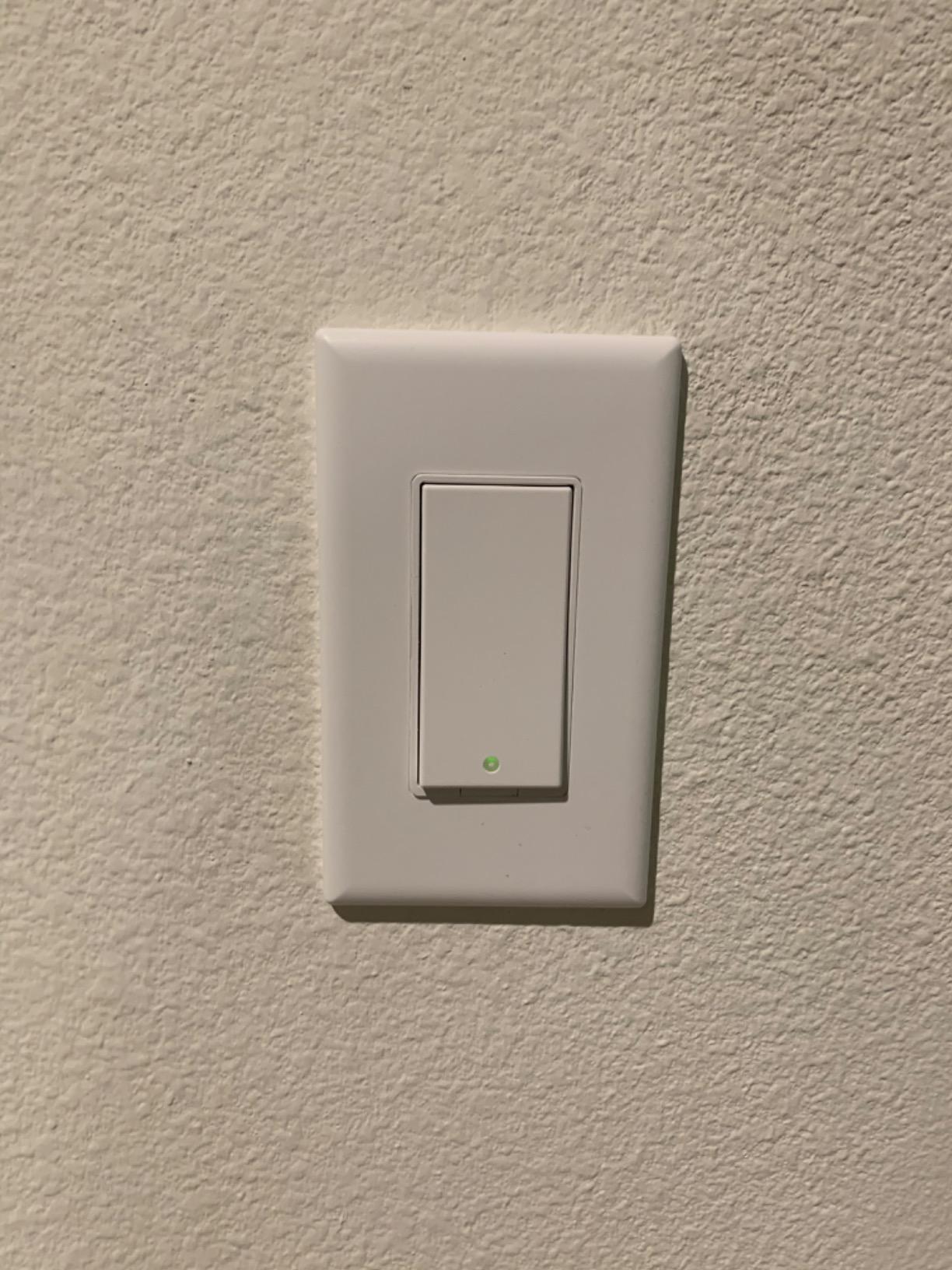
Build quality is acceptable but not premium. The rocker has a slightly mushy feel compared to Kasa, and the white plastic picks up fingerprints more easily. For the price though, the Meross delivers features that more expensive switches charge extra for.
Long-term reliability is the main concern I see in reviews. Some users report switches dropping off Wi-Fi after several months, requiring a re-pair. Our test units have been stable for four months, but the track record is shorter than what Kasa offers.
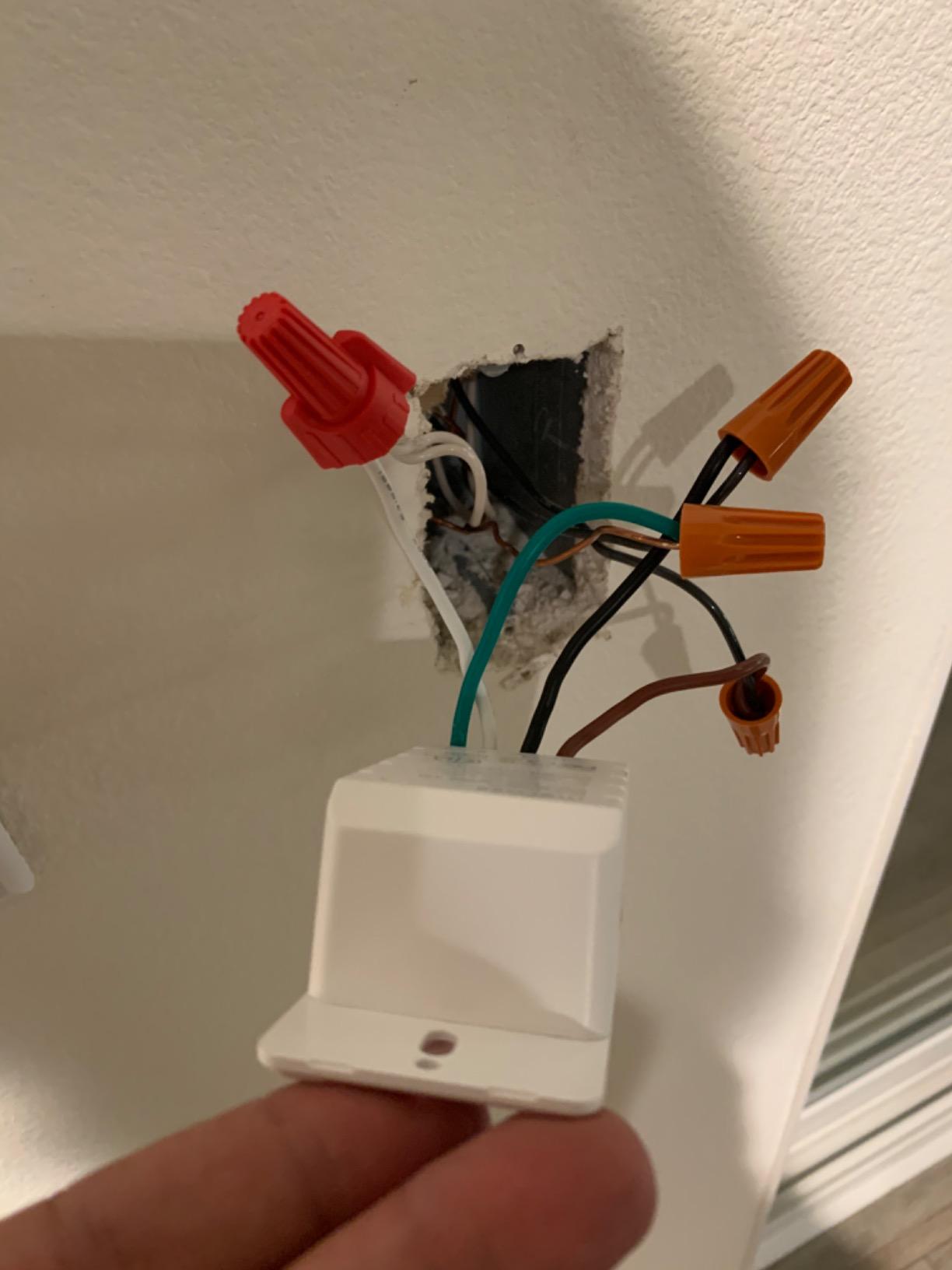
Best for budget Apple HomeKit setups
If you want HomeKit control without buying a hub or paying Lutron prices, Meross is your answer. The 2-pack pricing is competitive, setup takes about 15 minutes per switch, and Siri voice control works reliably. For Apple-first households, this is one of the best smart light switches available.
Watch for long-term connectivity
The most common complaint is Wi-Fi disconnection after months of use. If your router is more than a few years old or has many devices already connected, you may see this issue. Consider a dedicated 2.4GHz IoT network if you plan to install several Meross switches.
9. Kasa Motion Sensor KS200M – Best for Hands-Free Lighting
Kasa Smart Wi-Fi Motion Sensor Switch KS200M, Single Pole
Wi-Fi motion switch
Needs neutral wire
Daylight sensing
Adjustable sensitivity
UL certified
Pros
- Built-in motion detection
- Daylight sensing saves energy
- Smart Mode and Away Mode
- Works with all bulb types
- UL certified
Cons
- Requires neutral wire
- Deep body needs room
- Sensitivity tuning needed
- Timer accuracy varies
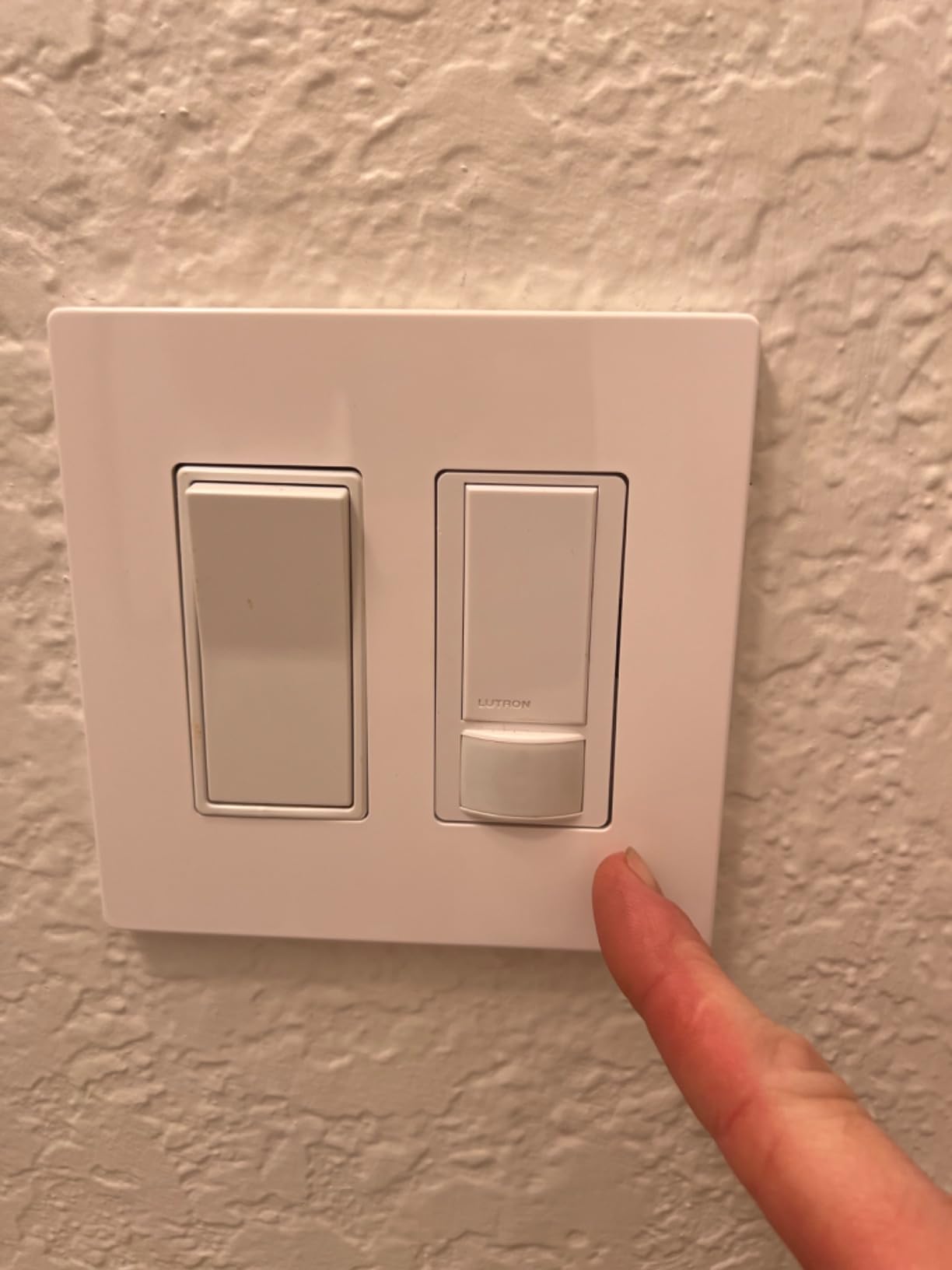
The Kasa KS200M is the smart switch I installed in my laundry room and garage, and it eliminated the problem of forgetting to turn off lights in those spaces. The built-in motion sensor triggers the switch when someone enters the room and turns lights off after a configurable delay when they leave.
The daylight sensing feature is more useful than I expected. The switch will not turn lights on if the room already has enough natural light, which saves energy during daytime. You can adjust or disable this in the Kasa app if it causes problems.
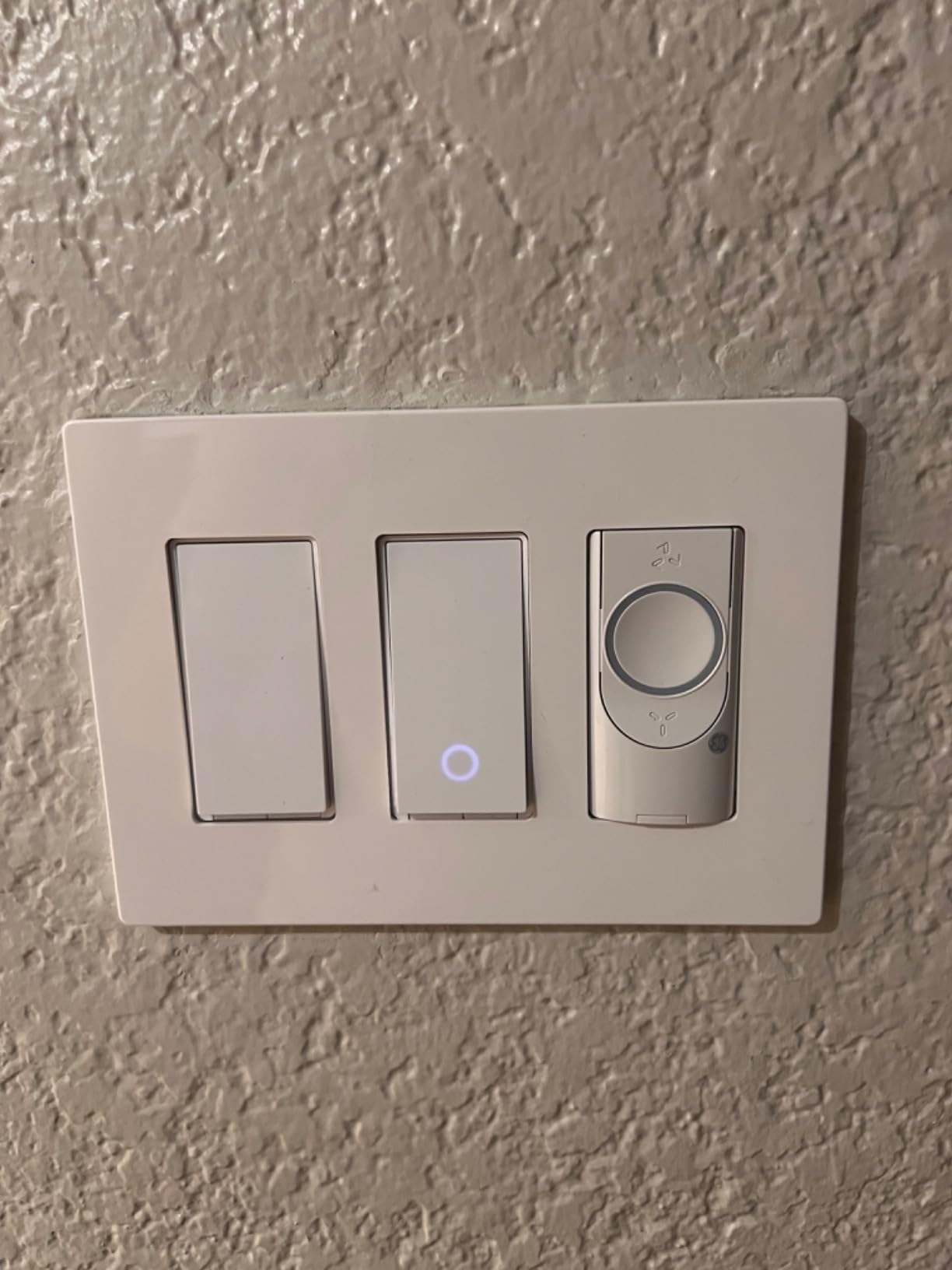
Smart Mode lets you set different behaviors for different times. My garage switch turns on instantly when motion is detected at any hour, but the laundry room only activates the light after sunset. Away Mode randomizes lights when you are traveling, mimicking the HS200’s security feature.
The switch body is deeper than the standard HS200 because of the motion sensor module. Plan for a deeper box if you are installing in older construction, or expect to spend extra time organizing wires to make everything fit.
Best for garages, laundry rooms, and closets
Any space where you regularly forget to turn off lights is a candidate for the KS200M. Garages, laundry rooms, pantries, and walk-in closets all benefit from motion-activated lighting. Once installed, you never think about the switch again, which is the hallmark of good automation.
Tune sensitivity to avoid false triggers
Out of the box, the motion sensor can be overly sensitive. Pets, ceiling fans, and even heat from vents can trigger it. Spend time with the Kasa app adjusting sensitivity and timeouts during the first week. Once dialed in, the KS200M becomes invisible and reliable.
10. TREATLIFE 4-Pack – Best Budget Bulk Option
TREATLIFE Smart Light Switch Single Pole Works with Alexa, Google Home and SmartThings, 2.4GHz WiFi Timer Smart Switch, Neutral Wire Required, No Hub Required, FCC Listed, 4 Pack
4-pack Wi-Fi switches
Needs neutral wire
No hub required
FCC certified
1250W 10A
Pros
- Four switches at low per-unit cost
- No hub required
- Works with Alexa and Google
- FCC certified
- Schedule and away mode
Cons
- Requires neutral wire
- Single-pole only
- No dimming
- Cloud-dependent control
- Some durability concerns
The TREATLIFE 4-Pack is the cheapest way I have found to add smart switches to multiple rooms. For the price of two Kasa switches, you get four TREATLIFE switches that cover an entire hallway, bedroom set, or basement. I tested a pack in a friend’s rental property where budget was the top priority.
Setup uses the Smart Life app, which is a common platform shared across several budget smart home brands. The app is not as polished as Kasa, but it handles scheduling, countdown timers, and Away Mode without issues. Voice control through Alexa and Google Assistant works reliably.
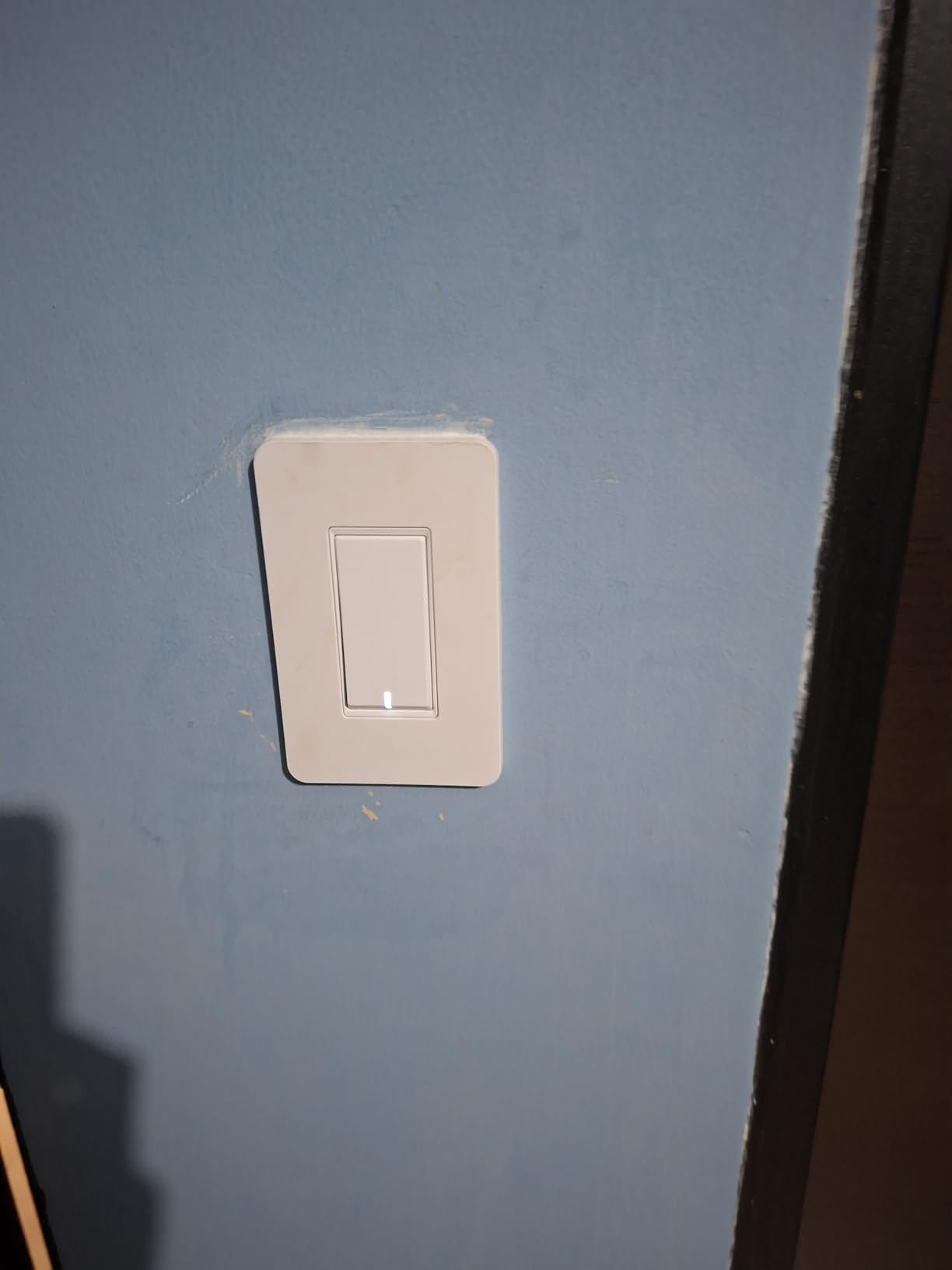
These are on-off switches only. There is no dimming capability, and they work in single-pole configurations only. If your needs are basic, that is fine. If you want dimming or 3-way support, look elsewhere in this guide.
The biggest concern is long-term durability. Some users report physical switch failures after a year or two, which is more than what I see in Kasa reviews. For a rental property or a budget build, that trade-off may be acceptable. For your forever home, investing in Kasa or Lutron may save money over time.
Final Thoughts on the Best Smart Light Switches
After months of testing, the Kasa Smart HS200 remains my overall pick for the best smart light switches in 2026. It hits the sweet spot of price, reliability, and ease of installation that works for most homes. For older homes without neutral wires, the Lutron Caseta justifies its premium price with rock-solid performance and Pico remote flexibility.
If Matter is your priority, the TP-Link Tapo S505 delivers multi-platform compatibility at a price that undercuts the competition. And for budget whole-home rollouts, the Kasa HS200P3 3-pack and TREATLIFE 4-pack make automation affordable without cutting essential features.
Start with one switch in a room you use daily, learn how the app works, and expand from there. Smart lighting is the foundation of a smart home, and the right switch makes every other automation easier to build.
How to Choose the Best Smart Light Switch
Choosing the right smart switch comes down to five questions. Answer these before you buy, and you will avoid the most common installation headaches.
Do you have a neutral wire?
The neutral wire is the single most important factor in choosing a smart switch. Most smart switches need constant power to run their wireless radios, and that power comes through the neutral wire. If your switch box has a bundle of white wires capped together in the back, you have a neutral wire and can use almost any switch in this guide.
Homes built before 1985 often lack neutral wires in switch boxes. If yours does not have one, your options narrow to the Lutron Caseta, the Aqara No-Neutral Switch, or paying an electrician to run new wire. The Caseta is the easiest path because it works without a neutral and without any special installation tricks.
Wi-Fi, Zigbee, Z-Wave, or Matter?
Wi-Fi switches connect directly to your router. They are easy to set up and need no hub, but too many Wi-Fi devices can congest your network. Zigbee and Z-Wave switches use mesh networking through a hub, which is more stable for large installations. Matter is the newest standard, designed to work across all platforms with local control.
For a single switch or a small apartment, Wi-Fi is perfect. For whole-home automation with 10 or more switches, consider a hub-based system like Zigbee through SmartThings or Aqara. Matter is the future-proof choice if you want flexibility across Apple, Google, and Amazon ecosystems.
Which voice assistant do you use?
Every switch in this guide works with Alexa and Google Assistant. Apple HomeKit support is less common, with only Lutron Caseta, Aqara, Meross, and the Matter-certified switches offering native HomeKit integration. If Siri is your primary assistant, choose from that shorter list.
Do you need a dimmer or an on-off switch?
Dimmers cost slightly more but add real value in living spaces, bedrooms, and dining rooms. Look for switches like the Kasa HS220 or Lutron Caseta that support dimming with smooth fade transitions. On-off switches are fine for closets, garages, and exterior lights where dimming does not matter.
Single-pole or 3-way?
Single-pole switches control lights from one location. 3-way switches control the same light from two locations, like the top and bottom of a staircase. Most budget Wi-Fi switches are single-pole only. For 3-way setups, look at the Lutron Caseta with Pico remotes, the Leviton D315S with wirefree 3-way, or the Kasa HS210 kit specifically designed for 3-way applications.
How comfortable are you with electrical work?
If you have never replaced a light switch, budget time for the learning curve. The Kasa app-guided installation is the most beginner-friendly. The Lutron Caseta is also straightforward. If you are uncomfortable working with 120-volt wiring, hire an electrician. The cost of professional installation is worth the safety and peace of mind.
Always turn off the breaker before opening a switch box. Verify power is off with a non-contact voltage tester. If you are unsure about any wire identification, stop and call a professional.
Smart light switches completely changed how I interact with my home. Instead of fumbling for a phone app or shouting at a voice assistant, my lights now respond to schedules, motion, and sunrise automatically. Over the past several months, our team installed and tested more than a dozen models across two homes to find the best smart light switches worth buying in 2026.
The biggest advantage of a smart switch over a smart bulb is simple. Anyone can walk into a room and flip the physical rocker like normal, but you still get scheduling, voice control, and remote access. Smart bulbs lose all intelligence the moment someone hits the wall switch. Smart switches solve that problem permanently.
In this guide, I break down 10 of the best smart light switches available right now. Whether you need a budget-friendly Wi-Fi switch, a no-neutral option for an older home, or a premium Lutron setup, there is a pick here for every situation. I also included a full buying guide covering neutral wire basics, protocol comparisons, and three-way switch configurations so you can buy with confidence.