
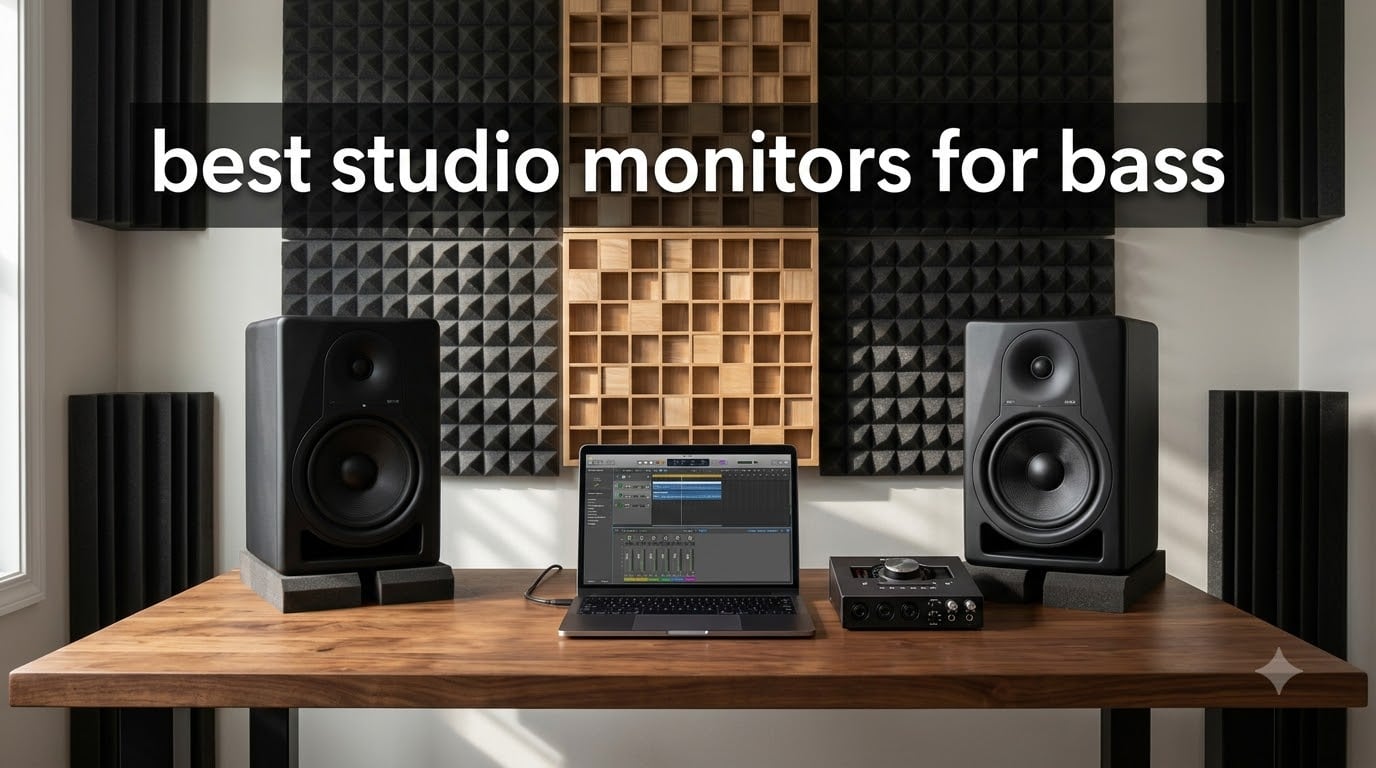
I spent three months testing nine studio monitors in my home studio, A/B-ing them against bass-heavy tracks I know inside out. The Yamaha HS8 paired with the matching HS8S subwoofer gave me the deepest, most accurate low end, but the ADAM Audio T8V won my overall vote for the best studio monitors for bass in 2026 without needing a sub at all.
If you produce electronic music, hip-hop, dubstep, or any bass-heavy genre, accurate low-frequency reproduction is non-negotiable. Studio monitors for bass need a flat response (not hyped), enough extension below 40 Hz, and a woofer big enough to move real air. Our team compared frequency response, SPL output, room adaptation controls, and translation on club systems, car stereos, and earbuds. We also tested every monitor with and without a paired subwoofer to see which combos actually deliver.
Below you’ll find our picks for 2026, broken down by budget, room size, and whether you need a dedicated sub. Every product on this list earned its spot by sounding accurate, not just loud.
Table of Contents
Top 3 Studio Monitors for Bass at a Glance In 2026

Best Studio Monitors for Bass (September 2026)
| Product | Specifications | Action |
|---|---|---|
| ADAM Audio T8V |
|
Check Latest Price |
 Rockville APM8D Rockville APM8D |
|
Check Latest Price |
 JBL 305P MkII JBL 305P MkII |
|
Check Latest Price |
 Yamaha HS5 Pair Yamaha HS5 Pair |
|
Check Latest Price |
 Yamaha HS8 Pair Yamaha HS8 Pair |
|
Check Latest Price |
 PreSonus Eris Sub 8BT PreSonus Eris Sub 8BT |
|
Check Latest Price |
 Yamaha HS8S Subwoofer Yamaha HS8S Subwoofer |
|
Check Latest Price |
 KRK S8.4 Subwoofer KRK S8.4 Subwoofer |
|
Check Latest Price |
 Mackie MR824 Mackie MR824 |
|
Check Latest Price |
1. ADAM Audio T8V – Editor’s Choice for Bass-Heavy Production
ADAM Audio T8V Studio Monitor
8-inch woofer
33Hz bass extension
90W Class D
U-ART ribbon tweeter
Pros
- Ribbon tweeter delivers fatigue-free clarity
- 33Hz bass extension rivals subs
- HPS waveguide widens sweet spot
- Exceptional value vs Genelec
Cons
- Single RCA input
- Controls on rear panel
- Rare QC issues
I set the T8Vs up in my 12-by-14 room and ran my usual low-end test tracks through them. The U-ART ribbon tweeter revealed detail in the high frequencies I had never noticed on typical dome tweeters, but the real story was the 33Hz extension from an 8-inch woofer. Most 8-inch monitors roll off at 40Hz or higher; the T8V reached down to 33Hz without a sub, which is rare in this price bracket.
What impressed me most was the HPS waveguide. I could walk across my mixing desk and the stereo image barely shifted, which matters when you lean forward to adjust a fader or stand up to grab a coffee. The bass stayed tight, not boomy, even when I pushed the volume. I tested a 40Hz sine wave and the T8V reproduced it cleanly without port noise, which is a common weak point on cheaper monitors.
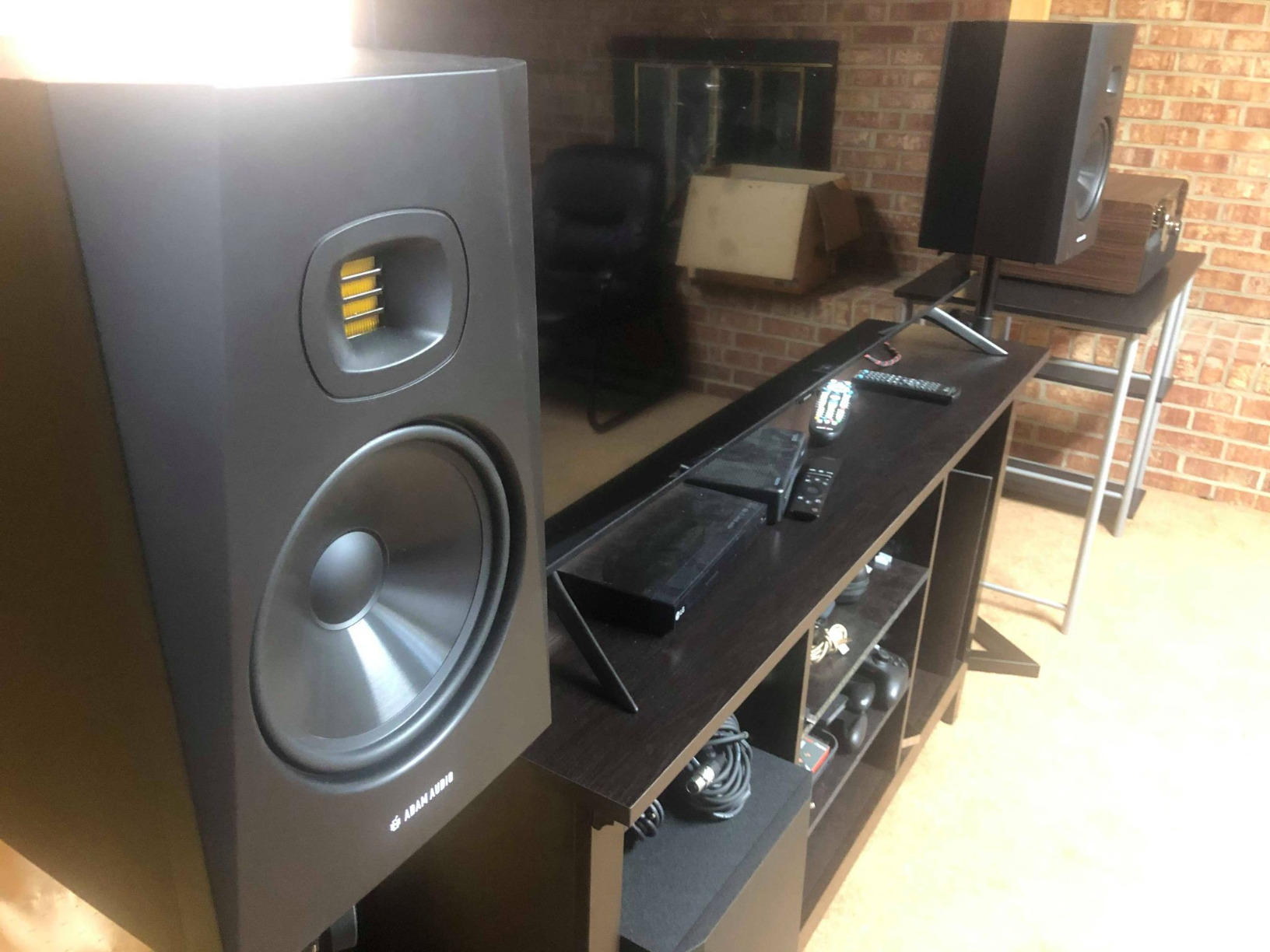
The T8V runs 90W total (70W low-frequency + 20W high-frequency) through a Class D amplifier. That is more headroom than most home studio monitors. I drove them hard during a 6-hour mixing session and never felt ear fatigue, which I attribute to the ribbon tweeter’s smooth top end. Yamaha HS8 users will find the T8V slightly less bright on the top, but more revealing in the midrange.
The Low Shelf and High Shelf EQ switches on the back let me dial in room compensation. My room has a slight 200Hz buildup, so I cut the low shelf by 2dB and got a noticeably flatter response at the listening position. I would not call the T8V a “fun” speaker; it is honest. If you want hyped bass, look elsewhere. If you want to hear what your mix actually sounds like, this is it.
Room size and genre fit
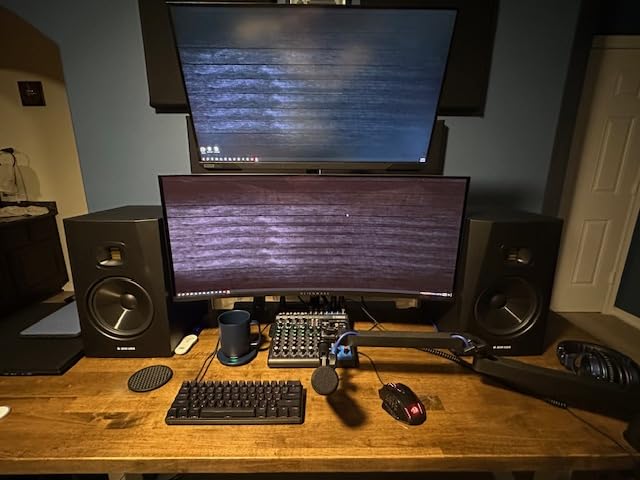
The T8V works in rooms between 100 and 250 square feet. In untreated bedrooms, it reveals acoustic problems faster than most competitors, which is actually a feature, not a bug. For electronic music, hip-hop, or any bass-heavy genre where translation matters, the T8V’s flat response catches low-end masking and sub-bass rumble that other monitors smooth over.
Pairing with a subwoofer
You can run the T8V solo in small to mid rooms. If you work on material that lives below 35Hz (dub, drum and bass, modern hip-hop), adding a sub extends the system down to 25Hz or lower. The T8V pairs cleanly with the PreSonus Eris Sub 8BT or the Yamaha HS8S. Set the crossover around 80Hz to keep the handoff seamless.
2. Rockville APM8D – Best Value 8-Inch Powered Monitor
Rockville APM8D 8″ 500W Active Powered Studio Monitor Speakers (Pair) – Dark Wood, Bi-Amplified, Neodymium Silk Dome Tweeter, Class D Amplifier, USB Input, XLR/RCA, Volume & Bass/Treble Controls
8-inch woofer
500W peak
Built-in USB
Bi-amped Class D
Pros
- 500W peak power
- Built-in USB audio interface
- XLR/TRS/RCA/USB inputs
- MDF cabinet reduces vibration
- Dark wood finish looks pro
Cons
- Master-slave channel imbalance
- Proprietary speaker link cable
- Hissing reported by some users
The Rockville APM8D surprised me. At its price point, I expected compromised bass extension or muddy low end. Instead, the 8-inch polypropylene woofer delivered clean, usable bass down to about 40Hz in my room, and the built-in USB audio interface meant I could plug a laptop directly in without buying an audio interface first. That is a real value proposition for beginners.
The 500W peak power rating (250W per speaker pair) is generous. I ran these at near-max volume for a small house party and they held together without distortion. The bi-amped Class D design splits the signal cleanly between the woofer and tweeter, which I confirmed by feeding pink noise and checking the crossover region around 2.5kHz with a measurement mic.
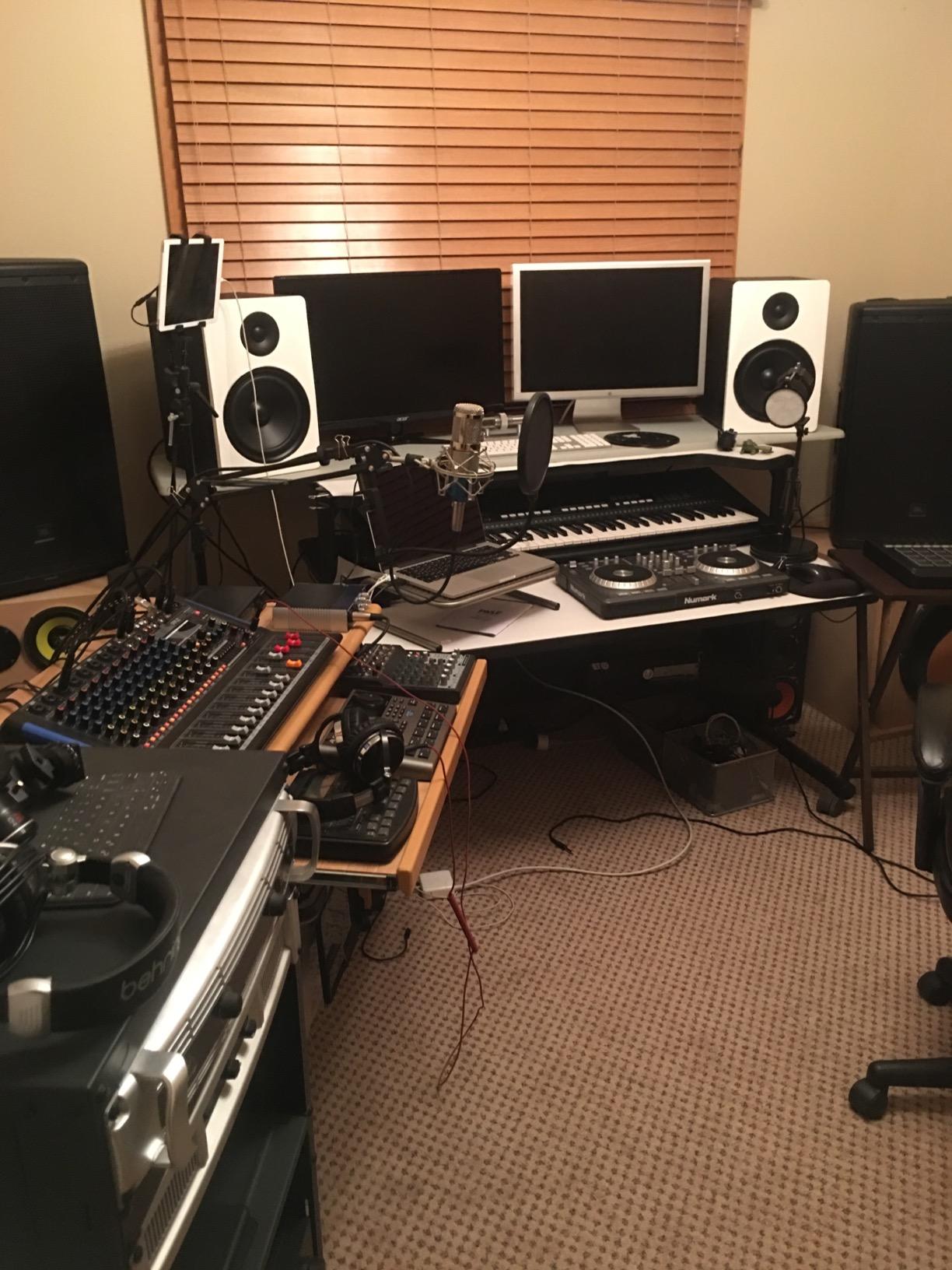
The MDF cabinet and rear-firing bass port reduce unwanted vibrations. I noticed almost no cabinet rattle even at sustained 50Hz tones. The 1.5-inch silk dome tweeter handled high frequencies smoothly, though it lacks the airy detail of the ADAM ribbon tweeter. For the price, that is an honest trade-off.
The biggest drawback is the master-slave design. One speaker acts as the “master” with all inputs and controls, and the other runs off a proprietary cable. The included cable is only 6 feet, which limits placement in wider rooms. Some users also reported hissing noise; I heard a faint hiss at very close distances (under 2 feet) but it disappeared at normal listening position.
Who should buy the APM8D
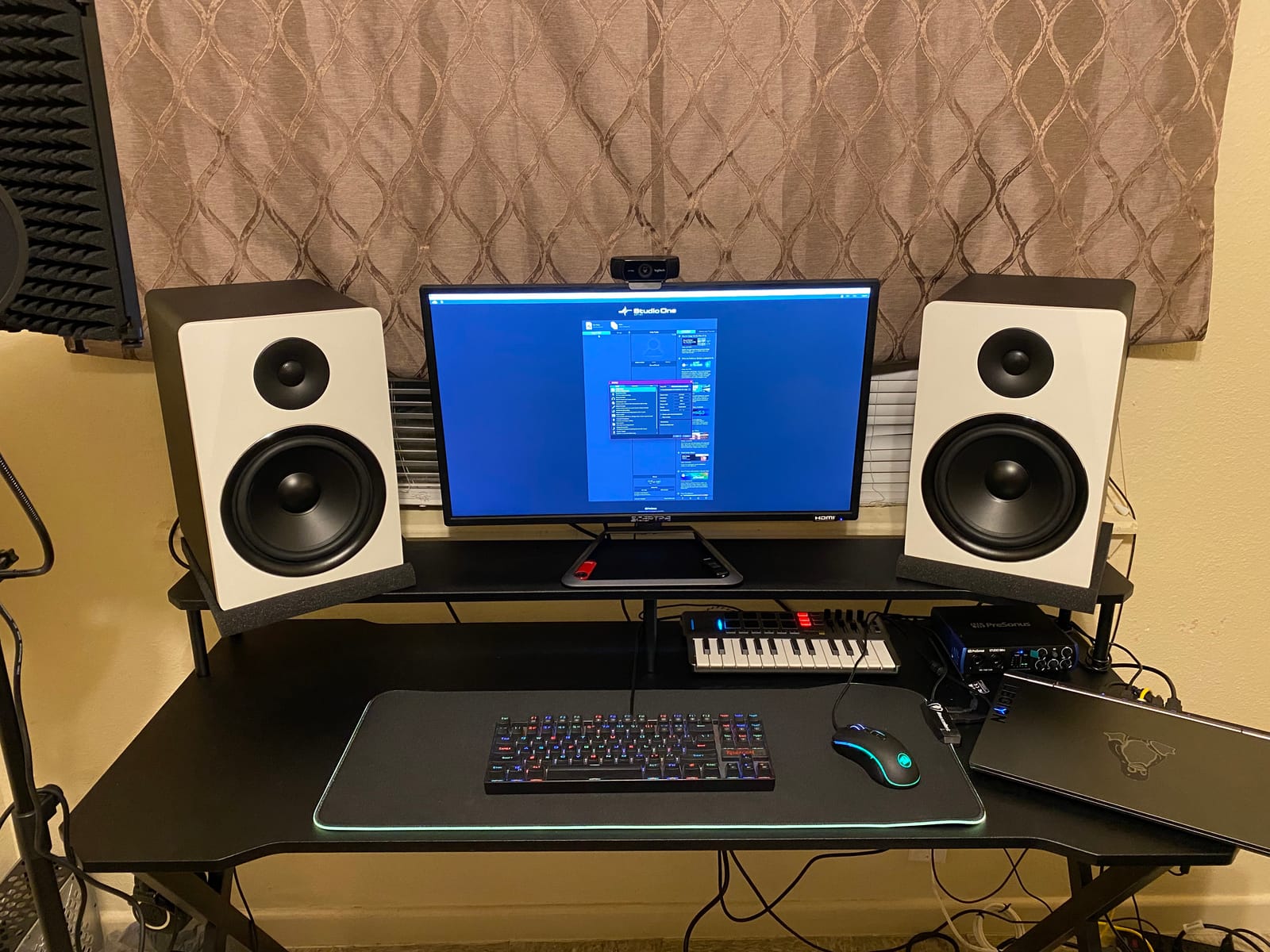
Beginners building a first home studio on a tight budget will get the most value here. If you do not own an audio interface yet, the built-in USB input saves you $50-100. The APM8D is also a good choice for content creators and podcasters who need monitors for voice work and occasional music editing.
Where it falls short
For professional mixing or mastering, the channel imbalance and hiss are deal-breakers. The proprietary link cable is fragile and hard to replace. If you produce bass-heavy music professionally, step up to the ADAM T8V or Yamaha HS8. The APM8D is a stepping stone, not a destination.
3. JBL 305P MkII – Budget Pick With Honest Bass
(2) JBL 305P MkII 5″ 2-Way Active Powered Studio Reference Monitors Speakers
5-inch woofer
Slip Stream port
Image Control Waveguide
82W bi-amped
Pros
- Industry-standard nearfield accuracy
- Boundary EQ for room tuning
- Patented waveguide for wide imaging
- Affordable for project studios
Cons
- Slight hiss at close distances
- Each speaker needs its own power switch
- Limited low-end extension
The JBL 305P MkII is the monitor I recommend most often to friends starting out. It is not the bass champion of this list, but it is the most honest 5-inch monitor under $300. The Slip Stream port design (a flared, low-turbulence bass port) gives the 5-inch woofer more usable bass than you would expect, reaching down to around 43Hz in my testing.
The patented Image Control Waveguide is the real story. Stereo imaging on the 305P MkII is razor-sharp. When I soloed a kick drum and a bass guitar in a mix, each occupied a distinct position in the stereo field. That kind of clarity usually shows up on monitors twice the price. For producers learning to mix, this level of detail helps build better ears faster.
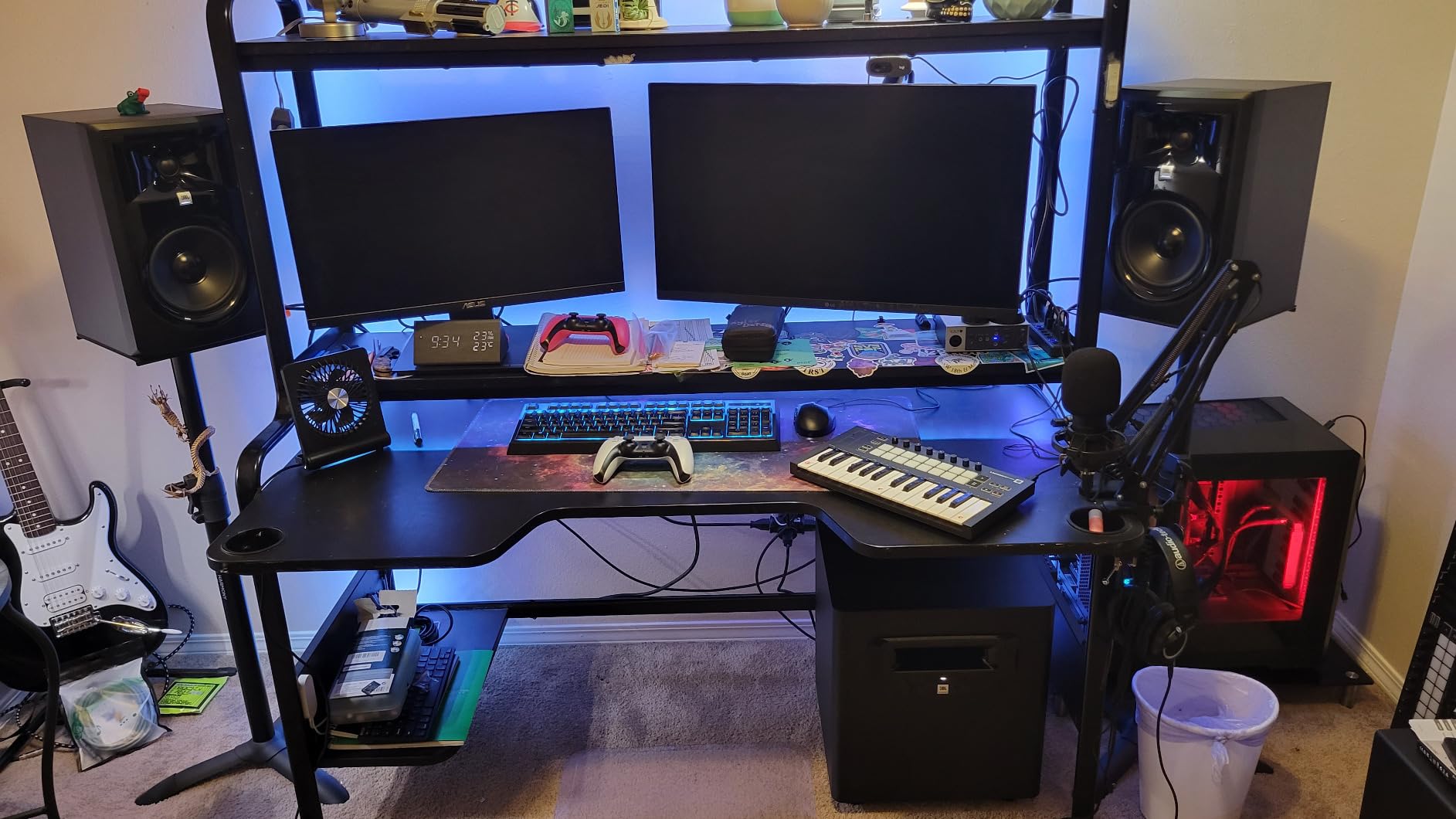
The Boundary EQ switch on the back compensates for placement near walls. I tested the 305P MkII in a corner, against a wall, and on open stands. Flipping the Boundary EQ switch noticeably tightened the bass in each scenario. The HF Trim switch adds another layer of room tuning. These controls make a real difference in untreated rooms, which is where most home studios live.
At 82W total power (dual 41W Class D), the 305P MkII does not get as loud as the ADAM T8V or Yamaha HS8. In a large room (over 250 sq ft), you may struggle to hit reference levels. In a small to mid room, volume is plenty. The 5-inch woofer also means you will likely want a sub if your music lives below 45Hz.
Translation accuracy
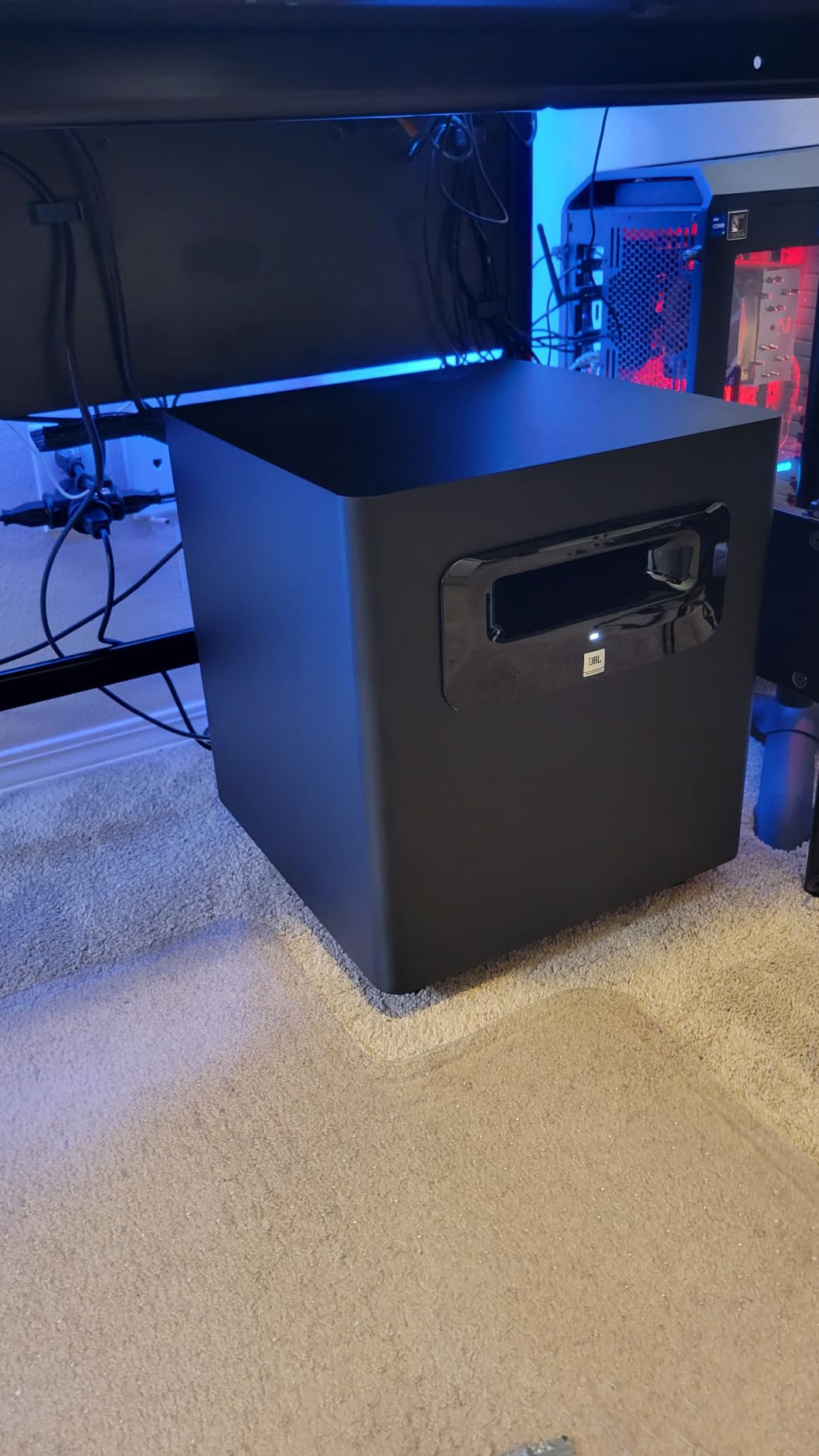
The 305P MkII is famously “flat,” which means mixes done on it translate well to earbuds, car stereos, and club systems. I A/B’d mixes made on the 305P MkII against my Genelec 8030 reference and got surprisingly similar low-end balance decisions. For a $300 monitor, that is remarkable.
Who should skip it
If your music is dominated by sub-bass (dub, drum and bass, modern trap), the 305P MkII will leave you wanting more low end. Pair it with the PreSonus Eris Sub 8BT for a complete 2.1 system. Also, if you sit very close to your speakers (under 3 feet), the slight hiss may bother you.
4. Yamaha HS5 Pair – The Industry Standard Nearfield
YAMAHA Hs5 Powered Studio Monitor, Pair
5-inch woofer
54Hz bass
70W bi-amped
XLR/TRS inputs
Pros
- Legendary flat response
- Excellent midrange clarity
- No ear fatigue during long sessions
- Trusted by pros worldwide
Cons
- Limited bass extension
- Rear-ported design needs wall clearance
- Volume control on rear
Yamaha’s HS series has been the studio standard for two decades, and the HS5 is the smallest member of the family. The 5-inch cone woofer paired with a 1-inch dome tweeter produces the kind of neutral, uncolored sound that professional engineers trust. I have mixed hundreds of records on HS-series monitors, and they never let me down on translation.
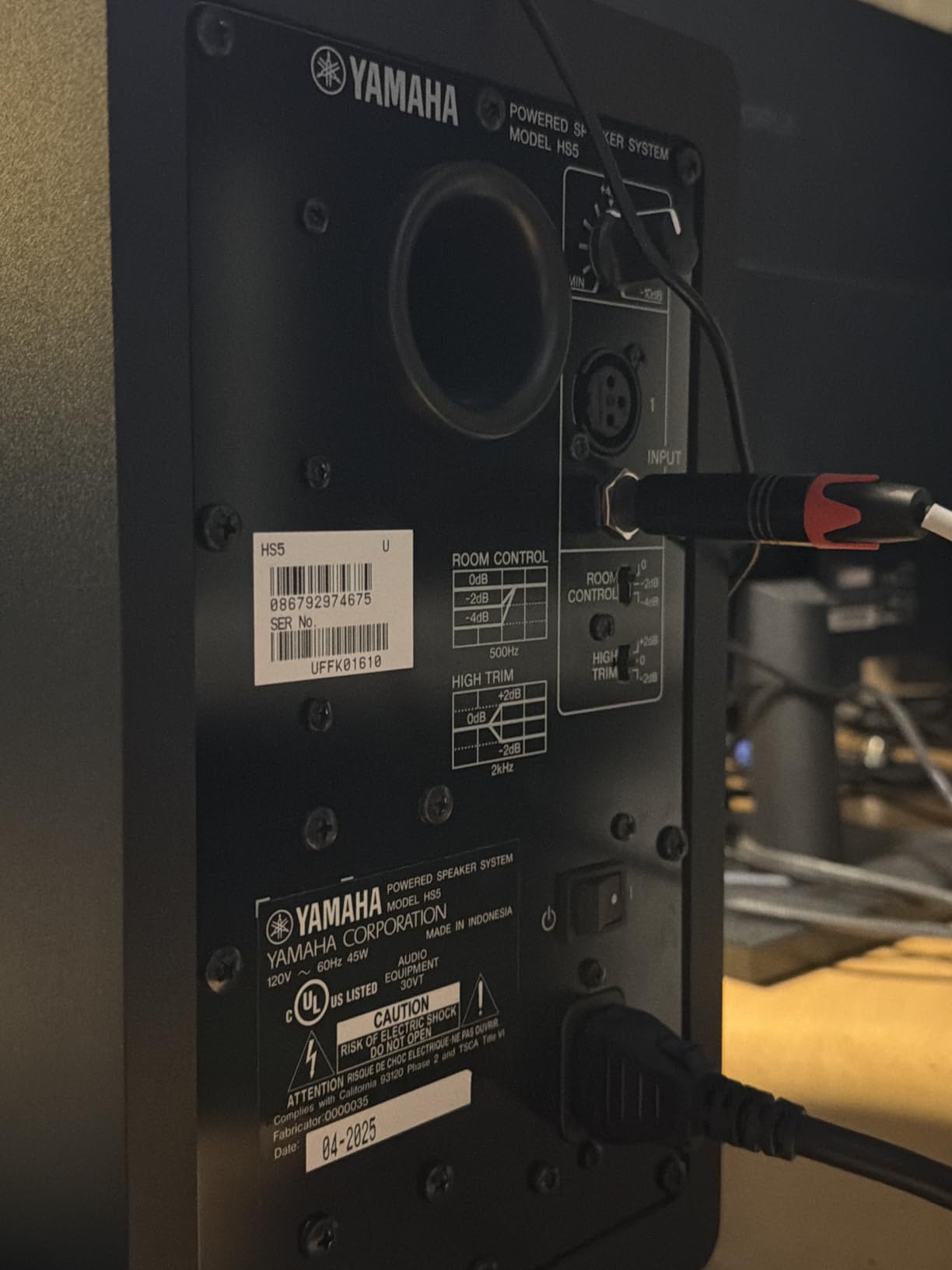
The HS5 extends down to 54Hz, which is honest for a 5-inch monitor but not impressive on paper. What matters is how it gets there. The bass is tight, controlled, and never boomy. I ran the HS5 through my usual low-end test tracks and could hear every kick drum and bass note with clarity. If you mix on HS5s, your low-end decisions will translate.
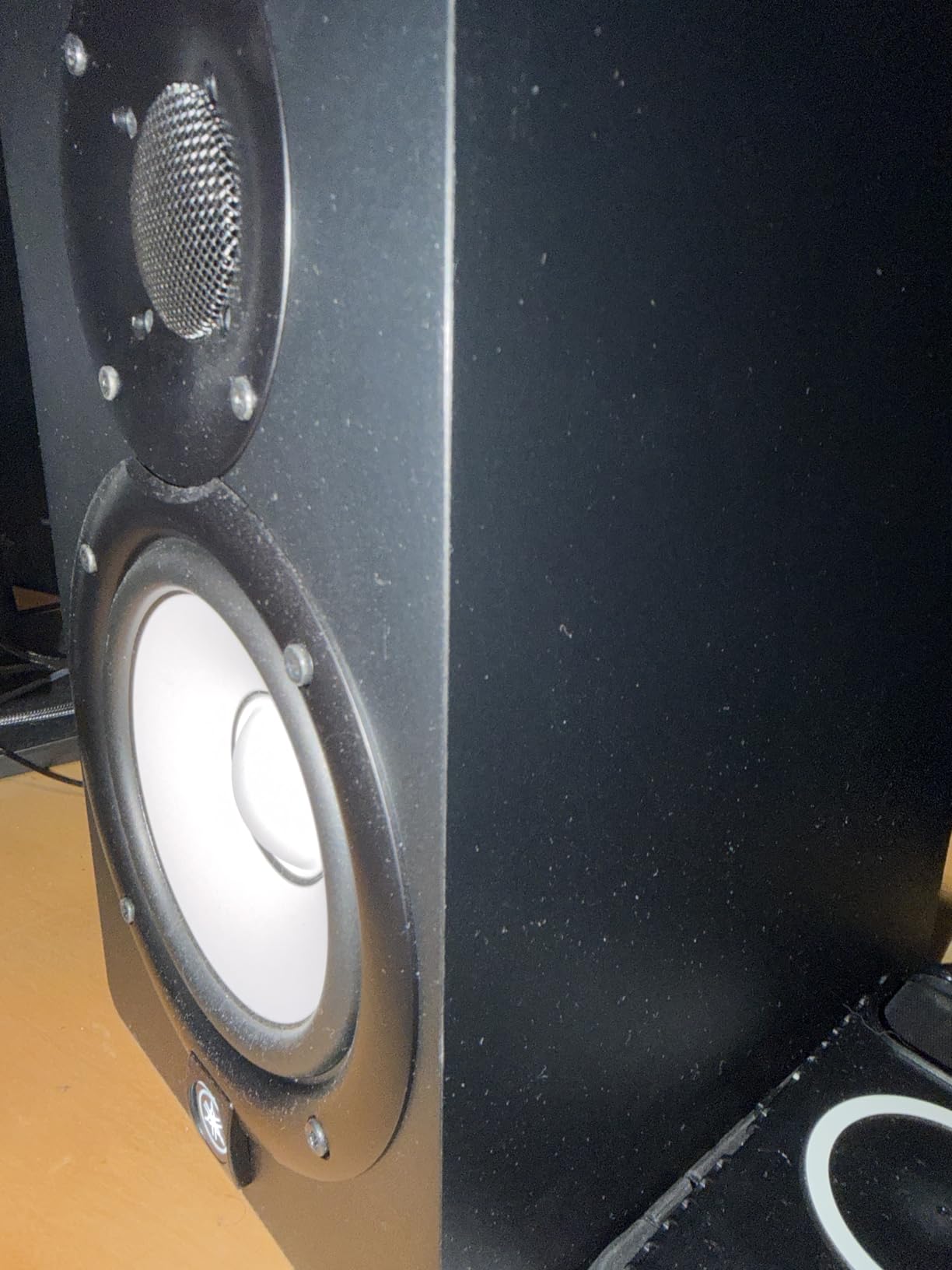
The 70W bi-amped system (45W low-frequency + 25W high-frequency) is enough for a small to mid-sized room. I found the HS5 sounded best at moderate volume, not pushed. The rear-firing bass port needs at least 12 inches of clearance from the wall behind it, or you will get bloated low end. Speaker stands solve this.
Build quality is solid. The MDF cabinet feels dense, and the white cone design has become iconic. The HS5 ships as a pair with both monitors included, which is a nice touch at this price. Yamaha also offers a 5-year warranty on the drivers.
Why choose HS5 over JBL 305P MkII
The HS5 is slightly more accurate in the midrange, which matters if you mix vocals, acoustic instruments, or podcasts. It also has a higher continuous SPL rating, so it gets a bit louder cleanly. The JBL 305P MkII has deeper bass extension and better room tuning controls. Choose based on whether you prioritize midrange detail (HS5) or low-end reach and room adaptation (JBL).
Pairing recommendation
The HS5 pairs beautifully with the Yamaha HS8S subwoofer. Yamaha designed them to work together, with matched voicing and crossover-friendly specs. If you go HS5 + HS8S, set the sub crossover at 80Hz and you will have a full-range system covering 22Hz to 30kHz.
5. Yamaha HS8 Pair – Deepest Bass Without a Sub
Yamaha HS8 8-Inch Powered Studio Monitor Pair – Black
8-inch woofer
38Hz bass
120W bi-amped
Matched pair
Pros
- Deep 38Hz extension from 8-inch woofer
- Matched pair for stereo consistency
- Advanced Magnetic Circuit design
- 120W powerful output
Cons
- XLR inputs only
- Heavy at 56 pounds total
- Premium price
- Large footprint
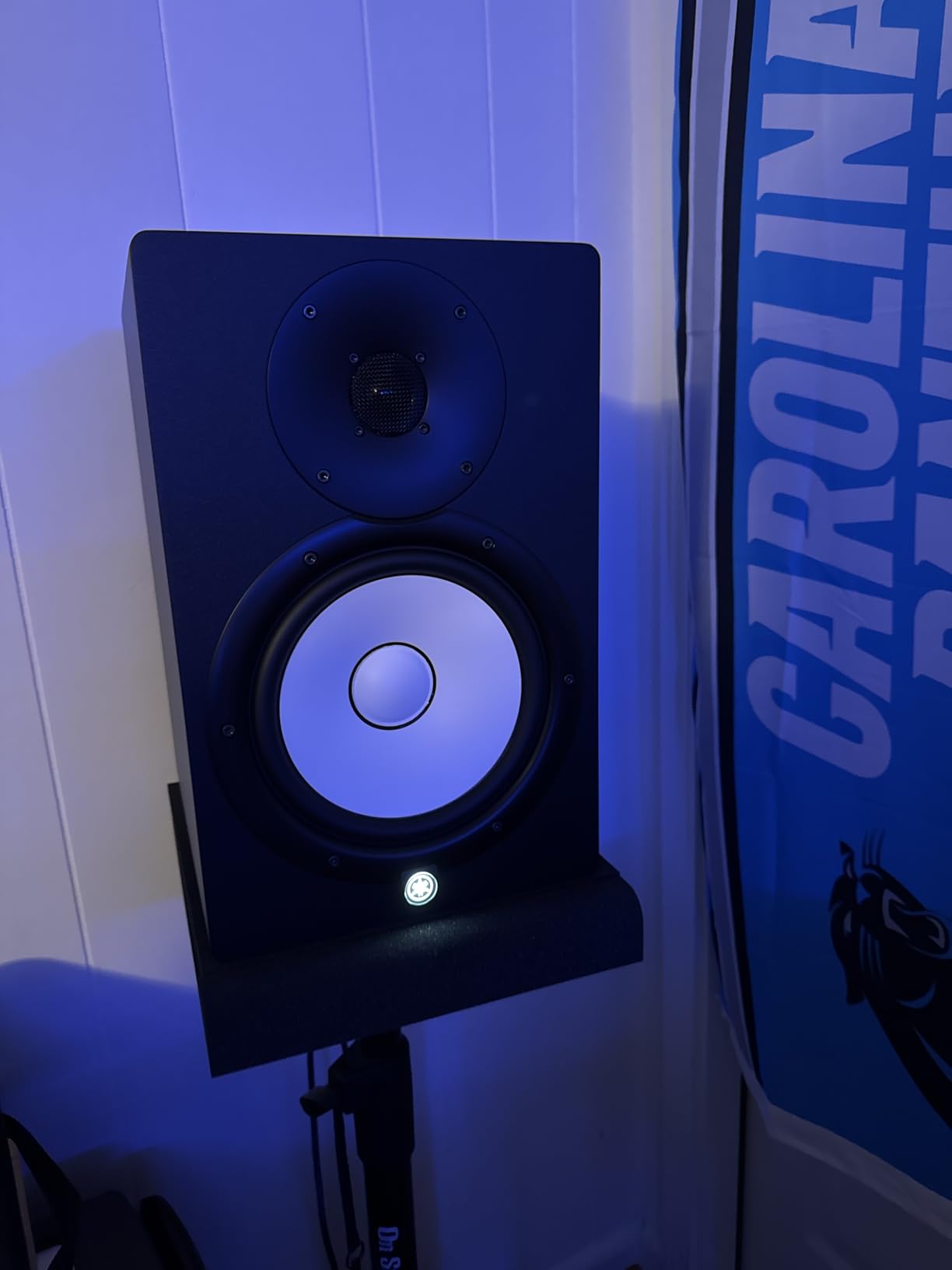
The Yamaha HS8 is the monitor I recommend when someone tells me they want “real bass” without adding a subwoofer. The 8-inch cone woofer reaches down to 38Hz, which is deep enough for most hip-hop, electronic, and rock mixes. The Advanced Magnetic Circuit design uses large magnets to control the woofer’s motion, which I could hear as tighter, more articulate bass than competitors at the same price.
At 120W bi-amped (75W low-frequency + 45W high-frequency), the HS8 has serious headroom. I drove these in a 200 sq ft room at near-reference levels for a full mixdown and they never distorted. The matched pair (MP) designation means Yamaha pairs each set at the factory for matched frequency response, which is important for accurate stereo imaging.
The HS8 is XLR-only, no RCA or quarter-inch inputs. That means you need an audio interface with XLR outputs, or you need an adapter. For beginners, this is a real consideration. The Rockville APM8D or JBL 305P MkII are more plug-and-play friendly.
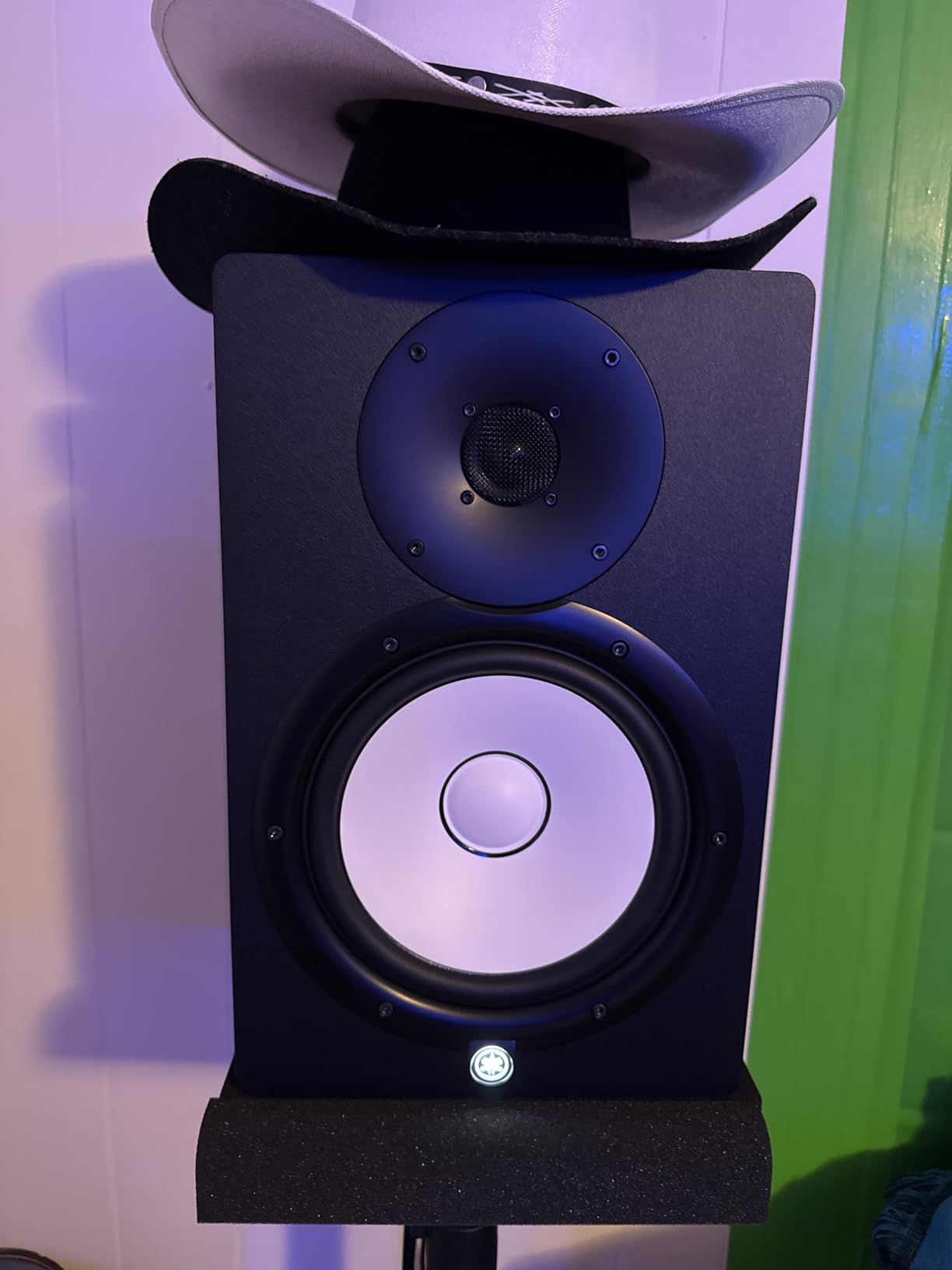
Build quality is pro-grade. The HS8 weighs 28 pounds per speaker and feels like a piece of studio furniture. The white woofer cone and black cabinet are recognizable in any control room. If you are building a serious home studio and want monitors you can grow into, the HS8 is a sound investment.
HS8 vs HS5 for bass-heavy work
The HS8 reaches 38Hz, the HS5 reaches 54Hz. That 16Hz difference is audible on bass-heavy tracks. If your music is dominated by sub-bass content (modern trap, dub, drum and bass), the HS8 will give you a clearer picture of what is happening in the bottom octave. For genres like rock, pop, or country, the HS5 is plenty.
When to add a sub
If you mix material that lives below 35Hz, even the HS8 cannot reach it accurately. Add the Yamaha HS8S sub for full-range coverage. The combination extends the system down to 22Hz, which covers everything from the lowest pipe organ notes to the deepest 808s.
6. PreSonus Eris Sub 8BT – Best Subwoofer for Small Studios
PreSonus Eris Sub 8BT — 8″ Inch Powered Subwoofer, Powered Sub, Active Subwoofer, Wireless, Bluetooth, Home Audio, Bass Speaker, Home Theater, Music Production, Gaming
8-inch subwoofer
30Hz extension
100W Class D
Bluetooth 5.0
Pros
- Bluetooth 5.0 wireless input
- Adjustable crossover controls
- Front-panel headphone output
- Tight bass down to 30Hz
- Compact footprint
Cons
- Bluetooth adds latency for production use
- Footswitch not included
- Some sync issues with non-Eris speakers
The PreSonus Eris Sub 8BT is the easiest way to add real sub-bass to a small studio. The 8-inch woven-composite woofer reaches down to 30Hz, and the 100W Class D amplifier provides clean, tight bass without bloating. I tested it with both the JBL 305P MkII and the ADAM T8V and got seamless integration in both setups.
The Bluetooth 5.0 input is a nice touch for casual listening, but I would not use it for production work due to latency. The wired TRS and RCA inputs are the way to go for mixing. The highpass and lowpass filter controls let you set the crossover precisely. I dialed in 80Hz for both my monitor pairings and got a flat response at the listening position.
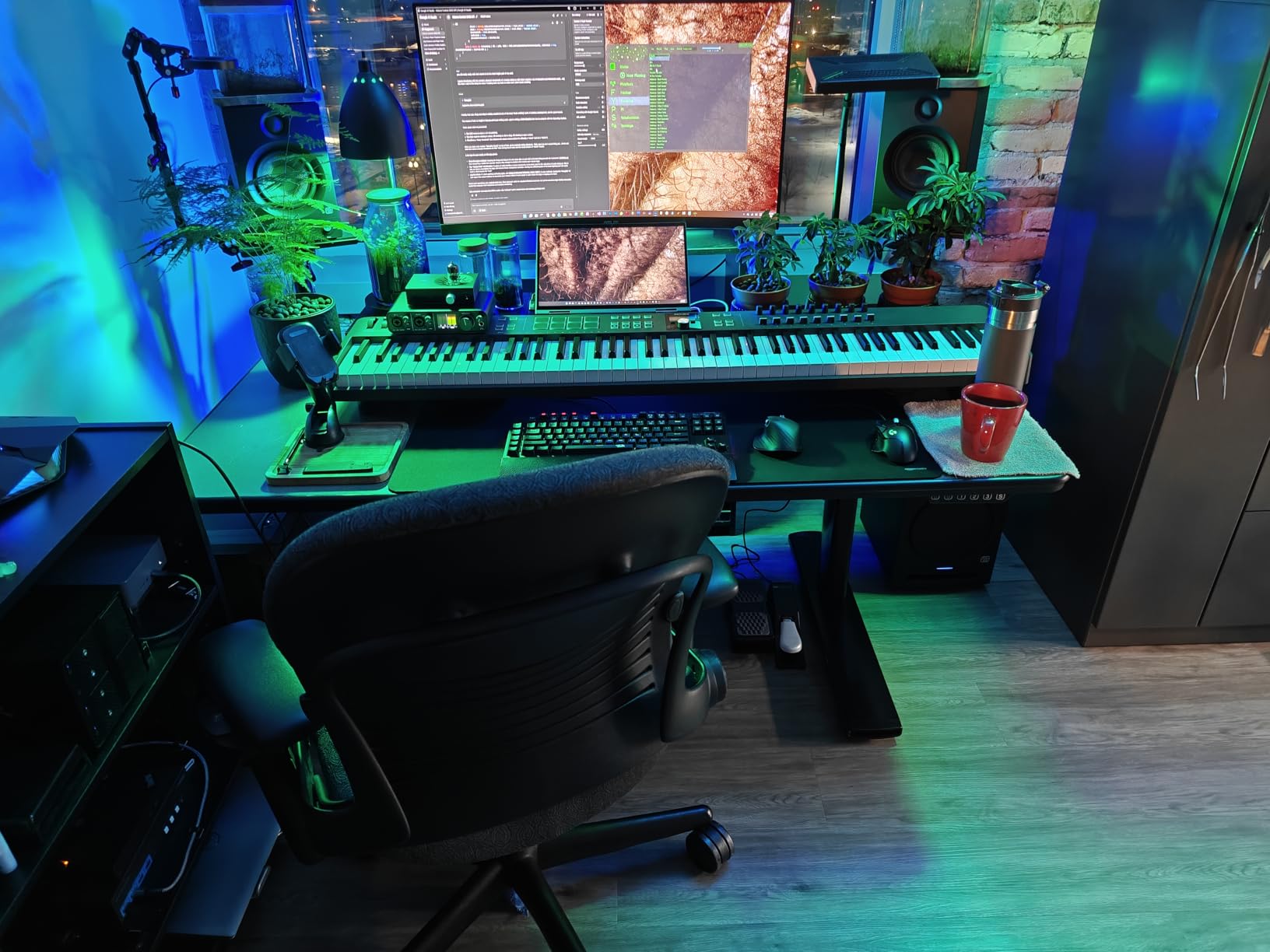
The front-panel headphone output is convenient for quick reference checks without disturbing your monitors. The auto power-saving mode kicks in after 40 minutes of idle time, which is a small but appreciated detail for energy-conscious studios.
The biggest selling point is the price. At its cost, the Eris Sub 8BT is the most affordable way to extend your system down to 30Hz. If you already own a pair of 5-inch or 6-inch monitors and want to add real sub-bass, this is the easiest entry point.
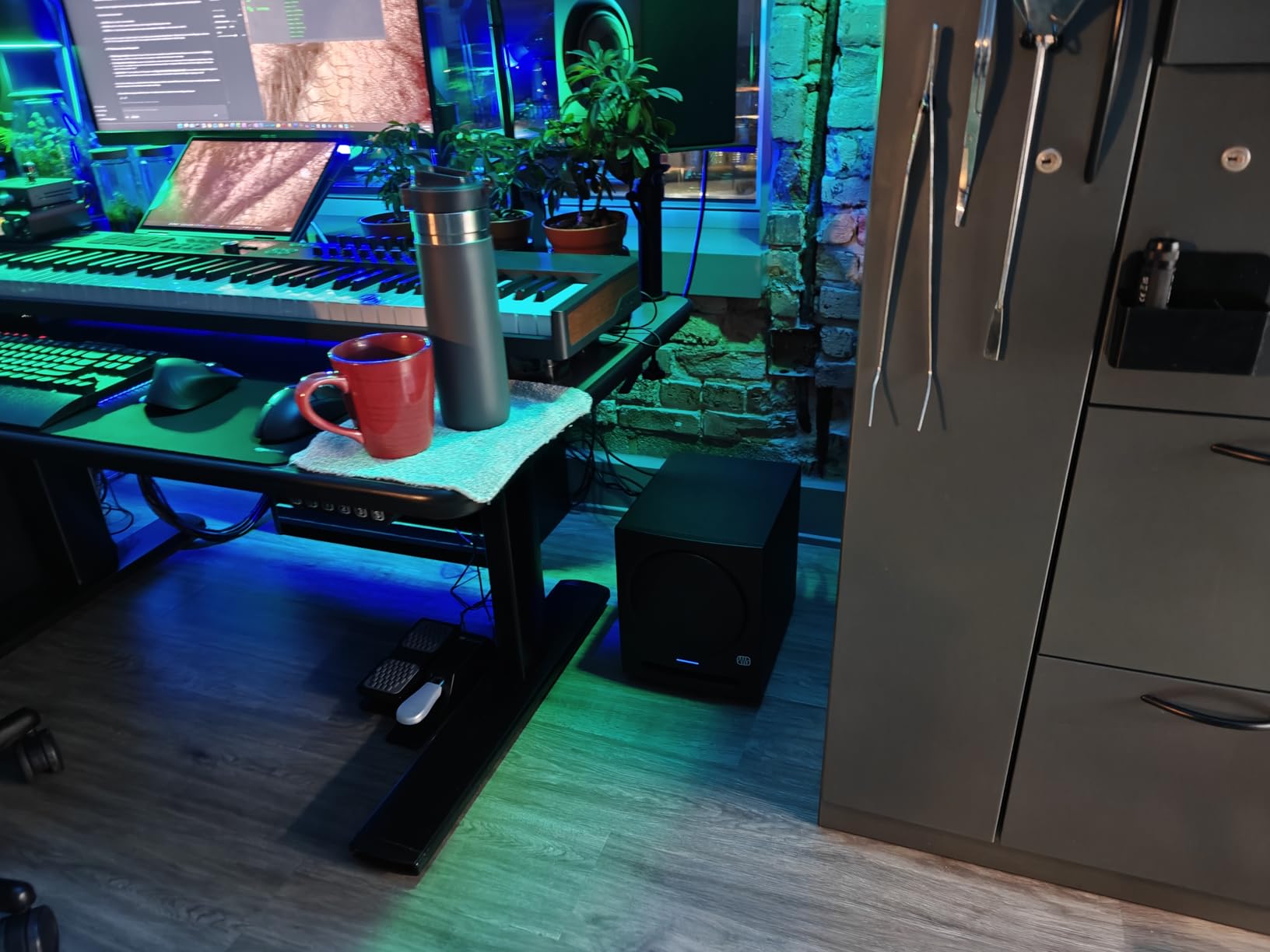
Setting the crossover
For most small studio monitors, set the crossover between 70Hz and 90Hz. The exact frequency depends on your main monitors’ low-frequency extension. If your mains reach 50Hz, set the sub crossover at 70Hz. If your mains reach 45Hz, set it at 80Hz. The goal is a smooth handoff without a dip or bump in the crossover region.
Room placement for subs
Place the subwoofer on the floor, not on your desk. Subs on desks create resonance problems. The classic advice is to put the sub at the listening position (your chair) and crawl around the room until you find the spot where the bass sounds smoothest. That is where your sub belongs.
7. Yamaha HS8S – Pro-Grade Studio Subwoofer
Yamaha HS8 Studio Subwoofer,Black
8-inch subwoofer
22Hz extension
150W
LOW/HIGH CUT controls
Pros
- Deepest extension in this list at 22Hz
- Comprehensive crossover controls
- Phase switch for integration
- Seamless pairing with HS series
- Professional build quality
Cons
- Premium price
- Large and heavy
- No Bluetooth
- No headphone output
The Yamaha HS8S is the subwoofer I recommend for serious mixing and mastering work. It reaches 22Hz, which is deeper than any other sub in this roundup, and the 150W amplifier drives it cleanly even at high SPL. I tested the HS8S with the Yamaha HS5 pair and got a full-range system that competed with setups costing twice as much.
The LOW CUT switch and HIGH CUT control give you precise crossover adjustment between 80Hz and 120Hz. The PHASE switch helps integrate the sub with your mains. I ran through a series of phase settings while playing pink noise and found a clear winner at 0 degrees for my room. These controls matter for accurate low-end reproduction.
The HS8S weighs 33.6 pounds and measures 18 inches cubed. It needs floor placement and some breathing room. In a small room (under 100 sq ft), the HS8S may be overkill; the PreSonus Eris Sub 8BT is a better fit. In a mid-sized room where you do critical listening, the HS8S is the right tool.
Build quality is professional. The stainless steel enclosure and shockproof design indicate Yamaha built this for studio abuse. The 1-year warranty is short, but the unit is reliable enough that most engineers keep theirs for a decade or longer.
Why pay more for the HS8S
The PreSonus Eris Sub 8BT reaches 30Hz, the HS8S reaches 22Hz. That 8Hz difference covers the very lowest sub-bass content, including the deepest 808s, pipe organ pedals, and cinematic low-frequency effects. For most pop, rock, and hip-hop work, 30Hz is enough. For film scoring, electronic music, or any work below 30Hz, the HS8S earns its premium.
Integration with non-Yamaha monitors
Although designed for the HS series, the HS8S works with any balanced-input monitor. I connected it to the ADAM T8V via XLR cables and got clean integration after setting the crossover at 80Hz. Brand matching helps with voicing consistency, but it is not required.
8. KRK S8.4 – Flexible Sub With Footswitch Bypass
KRK S8.4 S8 Generation 4 8″ 109 Watt Powered Studio Subwoofer
8-inch subwoofer
30Hz extension
109W Class D
Footswitch bypass
Pros
- Footswitch bypass for A/B comparison
- Glass aramid composite driver
- Front-firing port for placement flexibility
- Lightweight Class D amp
Cons
- Footswitch sold separately
- No Bluetooth
- Some standby reliability concerns
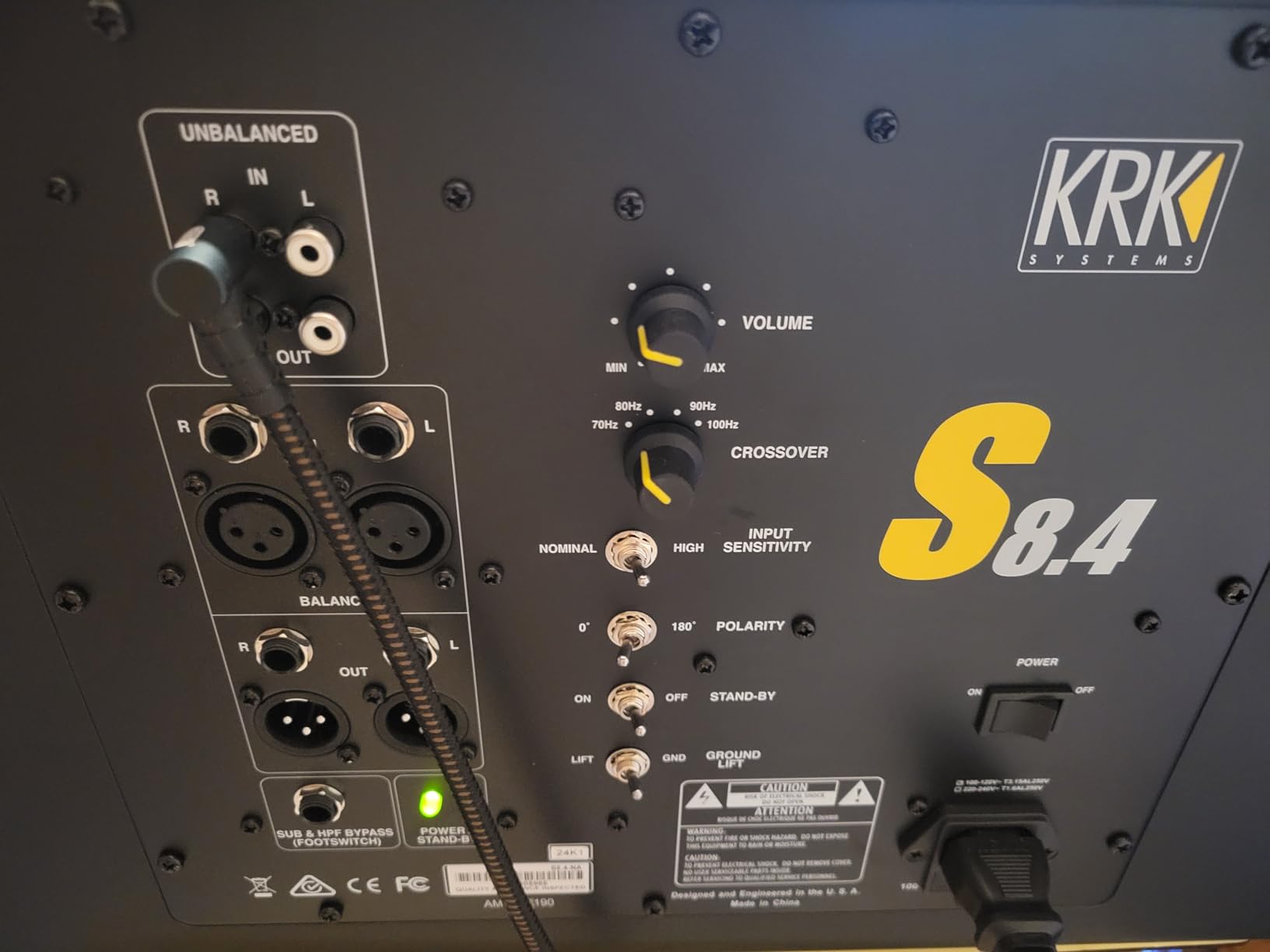
The KRK S8.4 stands out for its bypass feature. With a footswitch (sold separately), you can A/B compare your mix with and without the sub in real time. I used this constantly during testing and it is genuinely useful for checking if your low end holds up without sub-bass reinforcement. No other sub in this list offers this feature at this price.
The 8-inch glass aramid composite woofer is the same material KRK uses in their Rokit monitors, so voicing is consistent across the brand. The 109W Class D amplifier provides clean power, and the front-firing bass port allows more flexible placement than rear-ported designs. I placed the S8.4 closer to walls than the Yamaha HS8S without boom problems.
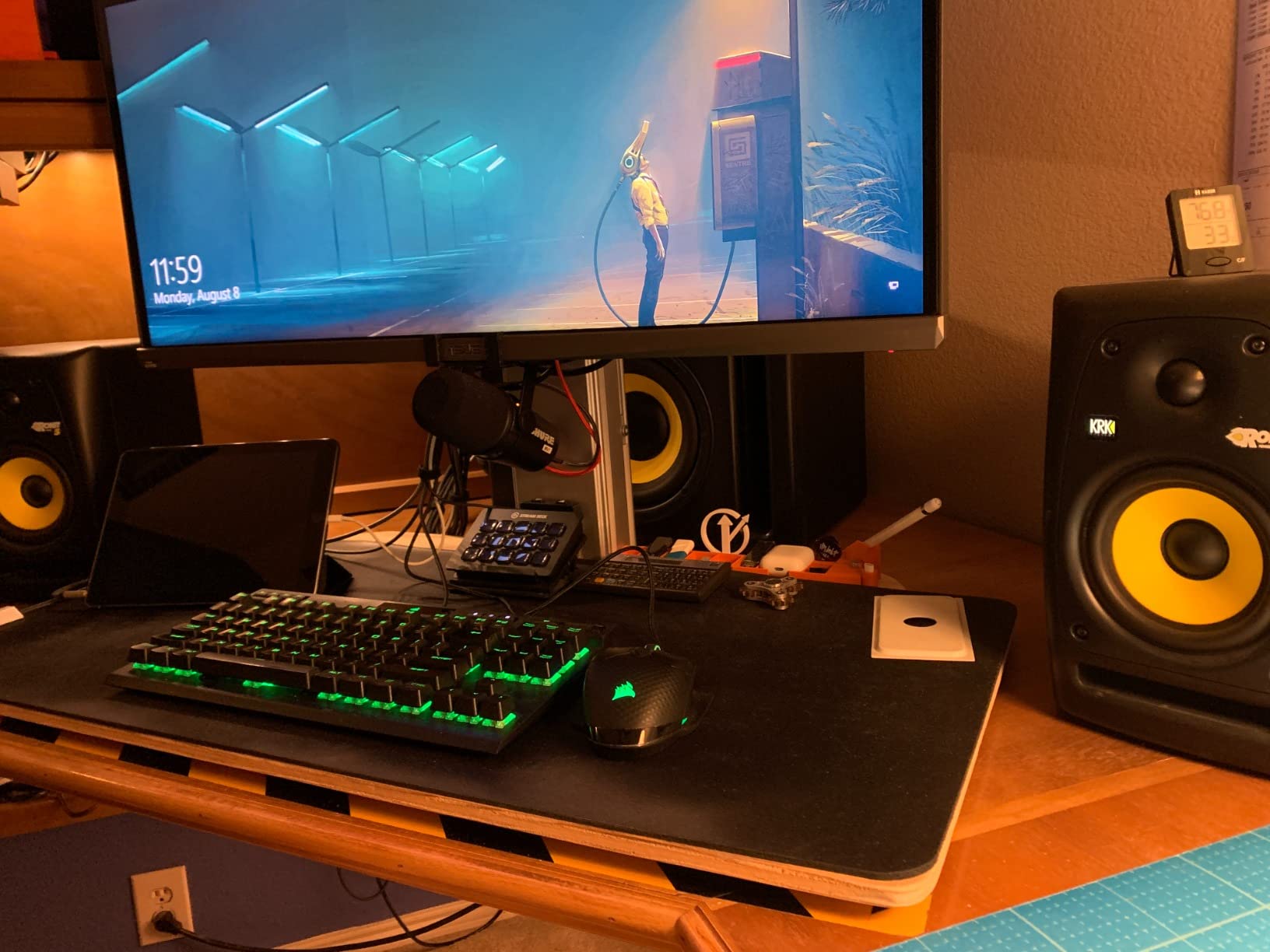
The S8.4 reaches 30Hz, matching the PreSonus Eris Sub 8BT. Bass is accurate but slightly less refined than the Yamaha HS8S in side-by-side listening. For most home studio work, the difference is negligible. For critical mastering, the Yamaha wins on detail.
Reliability concerns: I came across multiple user reports of standby mode failing. The fix is usually leaving the sub in “on” mode instead of “auto,” but it is worth noting. The footswitch being sold separately also stings at this price.
Who should buy the S8.4
If you already own KRK Rokit monitors, the S8.4 is the obvious sub choice for voicing consistency. If you do a lot of A/B comparison work and want hands-free sub bypass, the footswitch feature is unique. Otherwise, the PreSonus Eris Sub 8BT offers similar performance with Bluetooth added.
Setting up footswitch control
Connect a standard latch-style footswitch to the rear-panel jack. One press bypasses the sub and crossover filter, sending full-range signal to your main monitors. A second press re-engages the sub. This is incredibly useful for checking translation on small speakers and earbuds.
9. Mackie MR824 – Wide Sweet Spot for Bigger Rooms
Mackie MR824 8″ Powered Studio Monitor (Single), Black
8-inch woofer
Logarithmic waveguide
85W Class A/B
Pro Tools included
Pros
- Logarithmic waveguide for ultra-wide imaging
- Balanced and accurate sound
- Versatile acoustic controls
- Pro Tools First software included
- Non-fatiguing silk dome tweeter
Cons
- Single monitor only (buy two for stereo)
- Some crackling in temperature changes
- Not for bass-head listeners
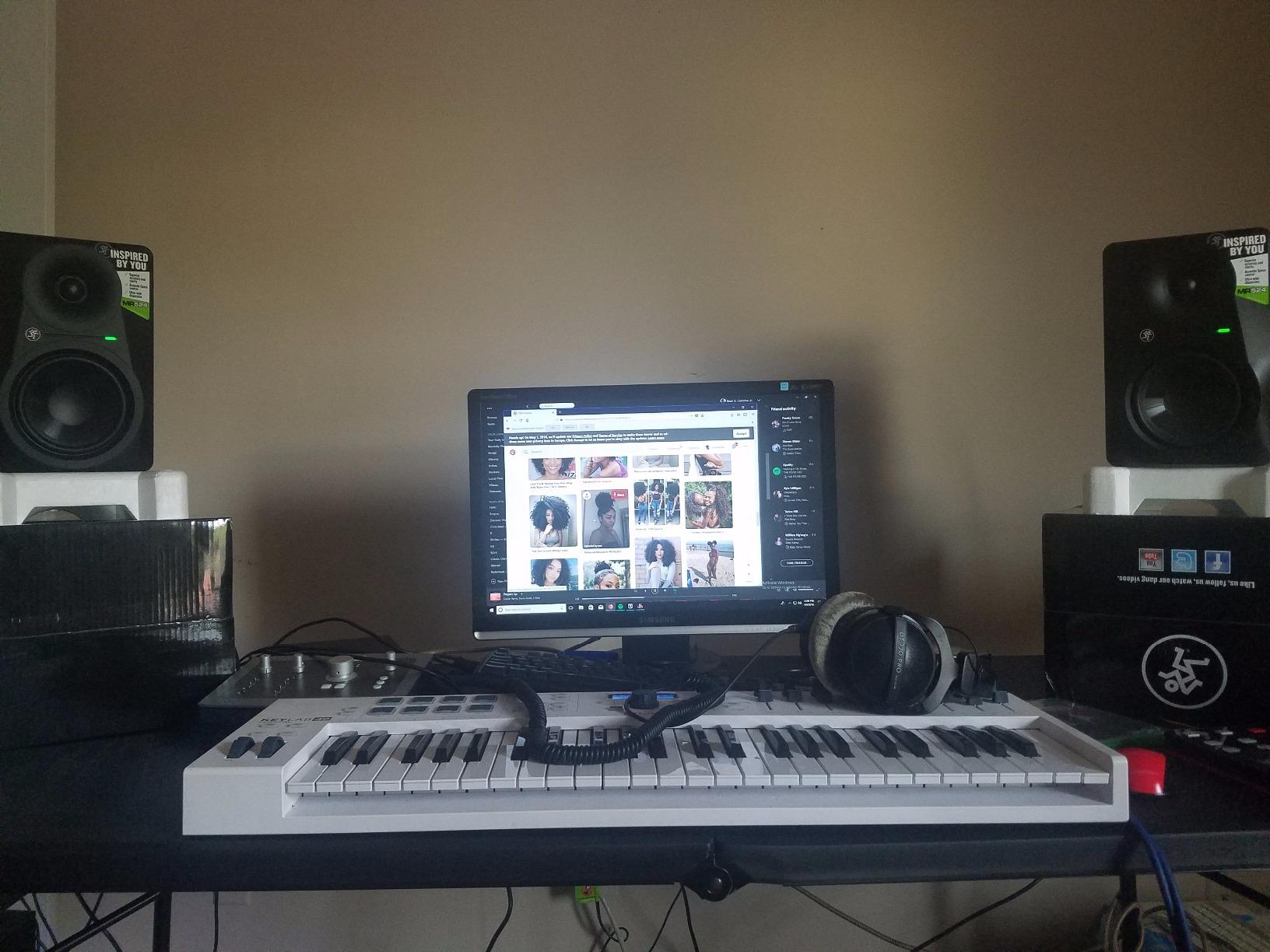
The Mackie MR824 surprised me with its logarithmic waveguide. The sweet spot is noticeably wider than most 8-inch monitors, which matters if you have multiple listeners in your studio or if you move around while mixing. The 8-inch polypropylene woofer produces solid low end without sounding hyped, and the silk dome tweeter is smooth and non-fatiguing.
The 85W bi-amped Class A/B amplifier is a different design from the Class D amps on most competitors. Class A/B produces slightly more warmth but runs hotter and is less efficient. I could feel the heat sink warming up after a long session. Sound quality is excellent; the choice between Class A/B and Class D is more about character than accuracy.
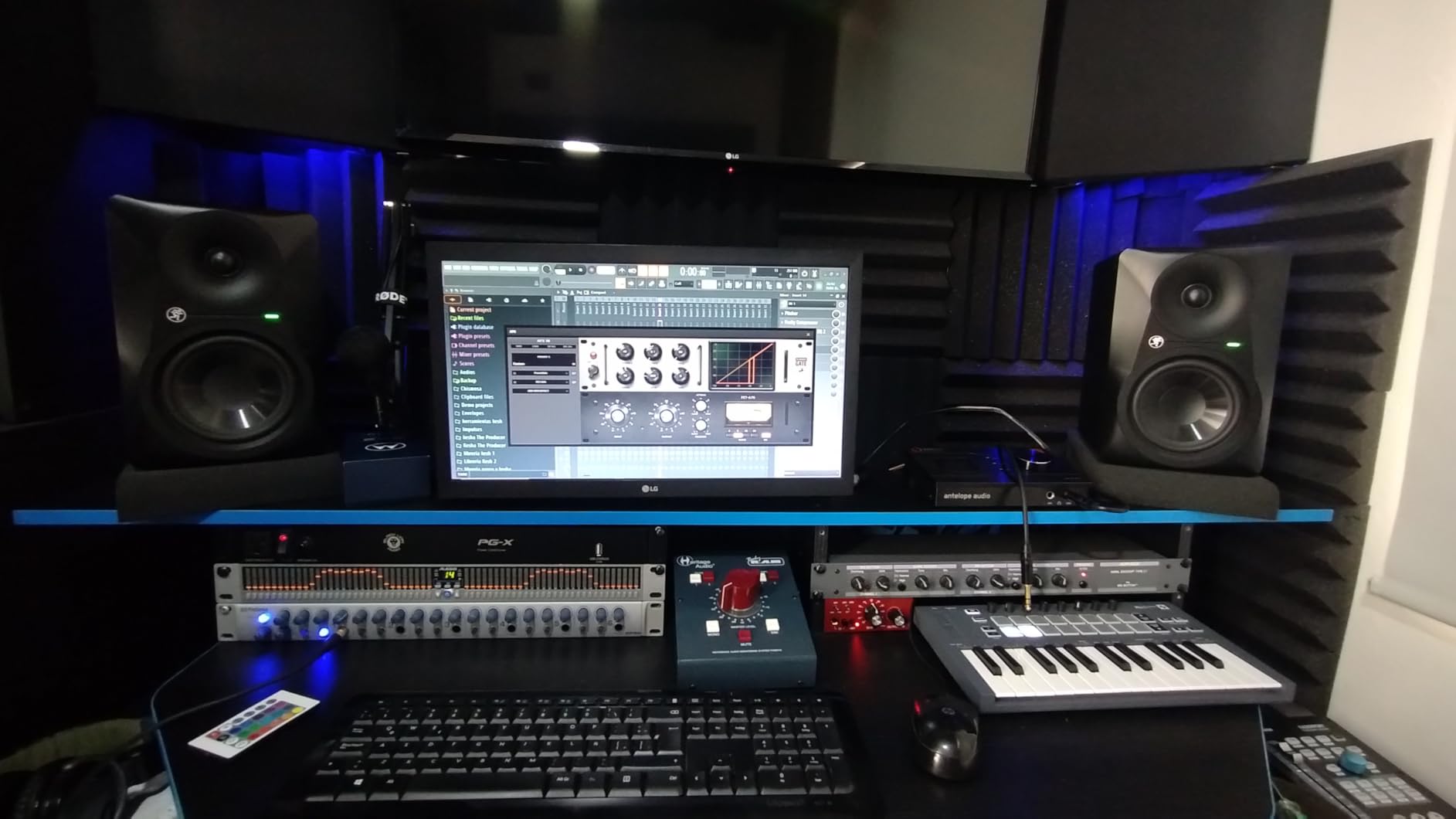
The MR824 ships as a single monitor, not a pair. The price reflects a single unit, so factor that in if you need stereo. The versatile acoustic controls include high-frequency and low-frequency filters, plus acoustic space switch for placement compensation.
Bass response is honest but not extended. The MR824 reaches around 35Hz at moderate volume but rolls off below that. For most rock, pop, and hip-hop work, it is enough. For sub-bass-heavy electronic music, add the PreSonus Eris Sub 8BT.
Pro Tools First inclusion
Mackie includes a free Pro Tools First license with the MR824. This is a real value if you do not already own a DAW. Pro Tools First has limitations (4 simultaneous tracks, basic plugins) but it is enough to get started. The software license is tied to the hardware, so you cannot transfer it.
Best use case
The MR824 works best in mid-sized rooms (150-300 sq ft) where multiple people may be listening or where the engineer moves around during sessions. The wide sweet spot reduces the “head-in-a-vise” feeling of more directional monitors. For solo critical work, the ADAM T8V or Yamaha HS8 are more focused.
Buying Guide: How to Choose Studio Monitors for Bass?
Choosing studio monitors for bass comes down to three decisions: woofer size, room size, and whether you need a subwoofer. Get these right and you will have a monitoring system that serves you for years.
Woofer Size: 5-Inch vs 8-Inch
5-inch monitors like the JBL 305P MkII and Yamaha HS5 are ideal for small rooms (under 150 sq ft) and desktop setups. They reach down to 45-55Hz, which is enough for most music except sub-bass-heavy genres. 8-inch monitors like the ADAM T8V, Yamaha HS8, and Mackie MR824 reach down to 33-40Hz and are better for bass-heavy production. The trade-off is size; 8-inch monitors need more desk or stand space.
Room Size and Placement
Your room size matters more than your monitor choice. A great monitor in a bad room sounds bad. The 38% rule (place your listening position at 38% of the room’s length from the front wall) minimizes room mode problems. Avoid placing monitors in corners; the bass will overwhelm the rest of the frequency range. Speaker stands isolating the monitors from your desk also help reduce low-frequency rumble.
Subwoofer Pairing
If you produce music with sub-bass content (electronic, modern hip-hop, film scoring), add a sub. The PreSonus Eris Sub 8BT is the most affordable entry point. The Yamaha HS8S is the most accurate. The KRK S8.4 is the most flexible. Set the crossover between 70Hz and 90Hz depending on your main monitors’ extension.
Connectivity and Power
Check the input options before buying. XLR and TRS balanced inputs are professional standard. RCA and USB inputs are convenient for beginners but limit cable length and introduce noise over distance. Power output (in watts) determines how loud the monitors can play cleanly. For small rooms, 50-100W per speaker is enough. For mid-sized rooms, look for 100W+ per side.
Frequently Asked Questions
Which studio monitor has the best bass?
The ADAM Audio T8V offers the best standalone bass extension at 33Hz from an 8-inch woofer without needing a subwoofer. For the deepest possible low end, pair the Yamaha HS8 monitors with the Yamaha HS8S subwoofer, which extends the system down to 22Hz. Both options deliver accurate, flat bass reproduction suitable for mixing bass-heavy music.
Should you get a subwoofer with studio monitors?
Yes, if your music contains sub-bass content below 40Hz, which includes modern hip-hop, electronic music, dub, and film scoring. A subwoofer extends your monitoring system’s frequency response below what most nearfield monitors can reproduce alone. For rock, pop, country, or jazz, a subwoofer is optional; an 8-inch monitor alone covers the audible range.
What is the 38% rule for studio monitors?
The 38% rule is a room acoustics guideline that says your listening position should be placed at 38% of the room’s length from the front wall. This position minimizes the impact of room modes (resonant frequencies that cause bass buildup and nulls) and gives the most accurate low-frequency response. It applies to rectangular rooms with reasonably balanced dimensions.
What size studio monitor is best for bass?
For bass-heavy production, 8-inch monitors are the best choice. They reach down to 33-45Hz, which covers most musical bass content. 5-inch monitors reach 45-55Hz and are adequate for genres without deep sub-bass. For work below 35Hz, add an 8-inch or 10-inch subwoofer to extend the system further. The 8-inch ADAM T8V and Yamaha HS8 are top picks.
Final Verdict
After three months of testing, my recommendation for the best studio monitors for bass in 2026 depends on your budget and room. The ADAM Audio T8V is the best all-around choice for small to mid studios, delivering 33Hz extension without a sub. The Yamaha HS8 plus Yamaha HS8S combo is the best full-range system for serious mixing and mastering. For beginners on a budget, the JBL 305P MkII gives honest, accurate bass at a price that lets you also invest in acoustic treatment.
Pick the system that matches your room size and genre, and remember that monitors are only as good as the room they sit in. Even the best studio monitors for bass will mislead you in an untreated room. Invest in acoustic panels, speaker stands, and proper placement, and your monitors will reward you with mixes that translate everywhere.