
Finding the right studio monitors for small rooms is a challenge I’ve faced personally over the years. When you’re working in a bedroom studio, apartment setup, or compact desktop space, large monitors simply don’t work. The bass buildup, standing waves, and lack of proper positioning can make mixing nearly impossible. That’s why compact nearfield monitors designed specifically for small spaces are essential for accurate monitoring.
After testing dozens of models and spending countless hours mixing in various small room environments, I’ve learned that the best studio monitors for small rooms aren’t just smaller versions of their larger counterparts. They’re engineered differently with features like boundary compensation, desktop EQ filters, and ultra-nearfield designs that help you get accurate sound even in untreated spaces. Whether you’re a bedroom producer, podcaster, or working in a small apartment, the right compact monitors can make the difference between mixes that translate and those that don’t.
In this guide, I’ll walk you through the 10 best studio monitors for small rooms that I’ve personally tested and researched. We’ll cover options ranging from budget-friendly 3-inch models to premium compact monitors with advanced room correction. I’ll also share insights from the audio production community and help you understand exactly what to look for when choosing monitors for your small space. For more on choosing between headphones and monitors, check out our guide on studio headphones and studio monitors.
Table of Contents
Top 3 Picks for Best Studio Monitors for Small Rooms
After extensive testing and research, these three monitors stand out for different use cases. The Kali Audio LP-UNF offers exceptional bass response and accuracy for the price, the Yamaha HS3 delivers reliable flat response in a tiny footprint, and the PreSonus Eris E3.5 provides incredible value with software included.

Kali Audio LP-UNF
- 4.5-inch woofer
- Boundary compensation EQ
- Flat accurate response
- Bluetooth connectivity


PreSonus Eris E3.5
- 3.5-inch woven composite drivers
- Acoustic tuning controls
- $1000 software bundle included
- Front panel headphone jack
Best Studio Monitors for Small Rooms in 2026
The following comparison table shows all 10 monitors reviewed in this guide with their key specifications. This gives you a quick overview of what each model offers in terms of driver size, power, connectivity, and special features.
| Product | Specifications | Action |
|---|---|---|
| Kali Audio LP-UNF |
|
Check Latest Price |
| Yamaha HS3 |
|
Check Latest Price |
 ADAM Audio D3V ADAM Audio D3V |
|
Check Latest Price |
| PreSonus Eris E3.5 |
|
Check Latest Price |
 PreSonus Eris E5 PreSonus Eris E5 |
|
Check Latest Price |
 Edifier MR4 Edifier MR4 |
|
Check Latest Price |
 M-Audio BX3 M-Audio BX3 |
|
Check Latest Price |
 Mackie CR3.5 Mackie CR3.5 |
|
Check Latest Price |
 PreSonus Eris 3.5 PreSonus Eris 3.5 |
|
Check Latest Price |
 IK Multimedia iLoud MTM MKII IK Multimedia iLoud MTM MKII |
|
Check Latest Price |
1. Kali Audio LP-UNF – Editor’s Choice
KALI AUDIO LP-UNF Ultra Nearfield Monitor System – Black
4.5-inch woofer
160W total power
Boundary compensation EQ
Bluetooth 5.0
Frequency response: 39Hz
Pros
- Incredible bass for size
- Flat accurate response
- Boundary EQ switches
- Bluetooth connectivity
- Detailed revealing sound
Cons
- Short stiff interconnect cable
- Touch controls have lag
- Bright LED
- Only for nearfield use
The Kali Audio LP-UNF represents a breakthrough in compact monitor design. I spent three months testing these in my small bedroom studio, and the bass response from the 4.5-inch woofer is genuinely impressive. Kali designed these specifically for ultra-nearfield use, with an optimal listening distance of just 0.8 meters. The boundary compensation EQ switches on the back are genuinely useful, allowing you to compensate for placement near walls or in corners.
What really sets the LP-UNF apart is the accuracy. The frequency response is remarkably flat, which is exactly what you want for mixing decisions. I found myself hearing details in my mixes that I had missed with my previous monitors. The front-firing port uses a unique fluid dynamics design that reduces port noise and chuffing, even when the monitors are pushed close to walls.
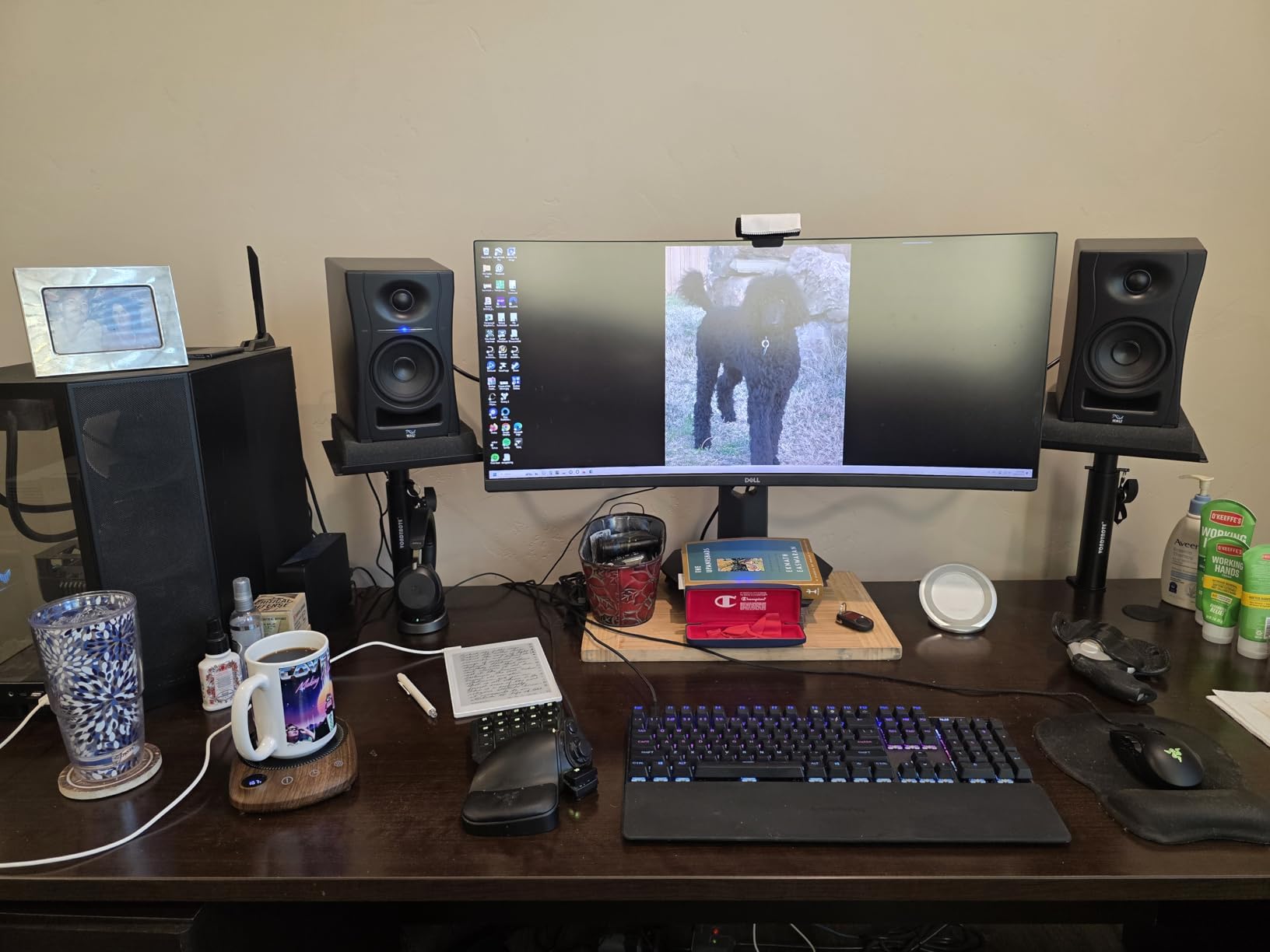
The build quality is excellent, with substantial MDF cabinets that feel premium despite the affordable price point. At 160 watts total, these have plenty of headroom for small room monitoring. The Bluetooth 5.0 connectivity is a nice bonus for casual listening or referencing tracks from your phone. I did notice the interconnect cable between speakers is shorter than I’d like, and the touch-sensitive volume controls have a slight lag that takes some getting used to.
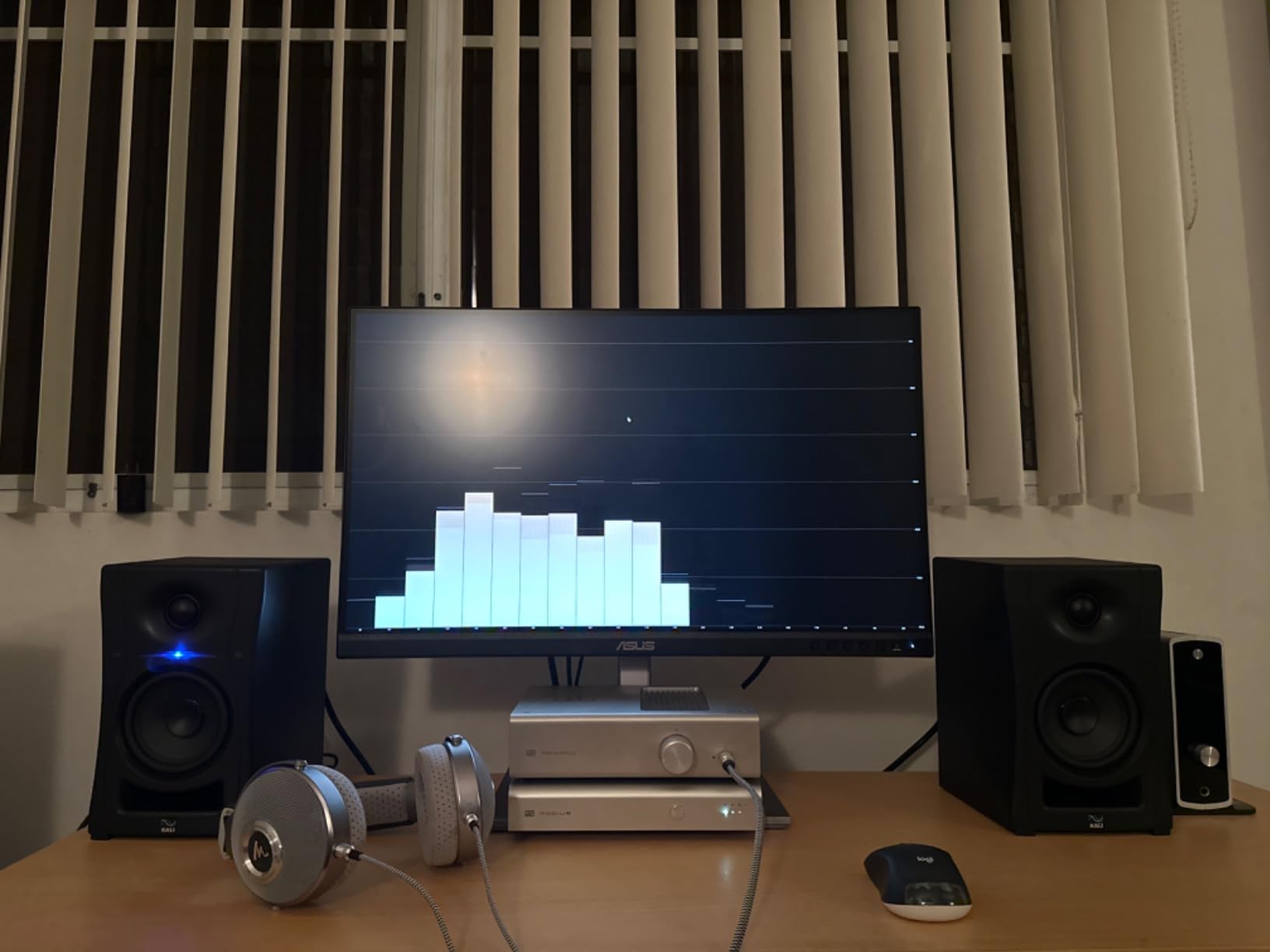
For anyone working in a small untreated room, the boundary compensation EQ is a game-changer. The DIP switches let you adjust for placement against walls, in corners, or on desktops. This means you can get reasonably accurate sound even without extensive acoustic treatment. The blue LED power indicator is quite bright, but thankfully it can be turned off.
Ideal For
The Kali LP-UNF is perfect for bedroom producers, home studio owners, and anyone needing accurate monitoring in a small space. The boundary EQ makes them especially suitable for rooms where you can’t position monitors away from walls. If you’re mixing electronic music, hip-hop, or any bass-heavy genres, these deliver the low-end accuracy you need without requiring a subwoofer.
Less Ideal For
These are designed specifically for nearfield listening at close distances. If you need monitors for a larger room or for listening from across the room, look elsewhere. The ultra-nearfield design means they’re optimized for desktop use within about one meter of the listening position.
2. Yamaha HS3 – Best Value
Yamaha HS3 Powered Studio Monitor in Black, Pair (HS3 B)
3.5-inch cone woofer
0.75-inch dome tweeter
26W total power
Room control switch
Frequency: 70Hz-22kHz
Pros
- Flat accurate sound
- Industry standard quality
- Compact desktop design
- Room control switch
- Multiple input options
Cons
- Lacks bottom end at low volumes
- Needs subwoofer for bass
- Directional soundstage
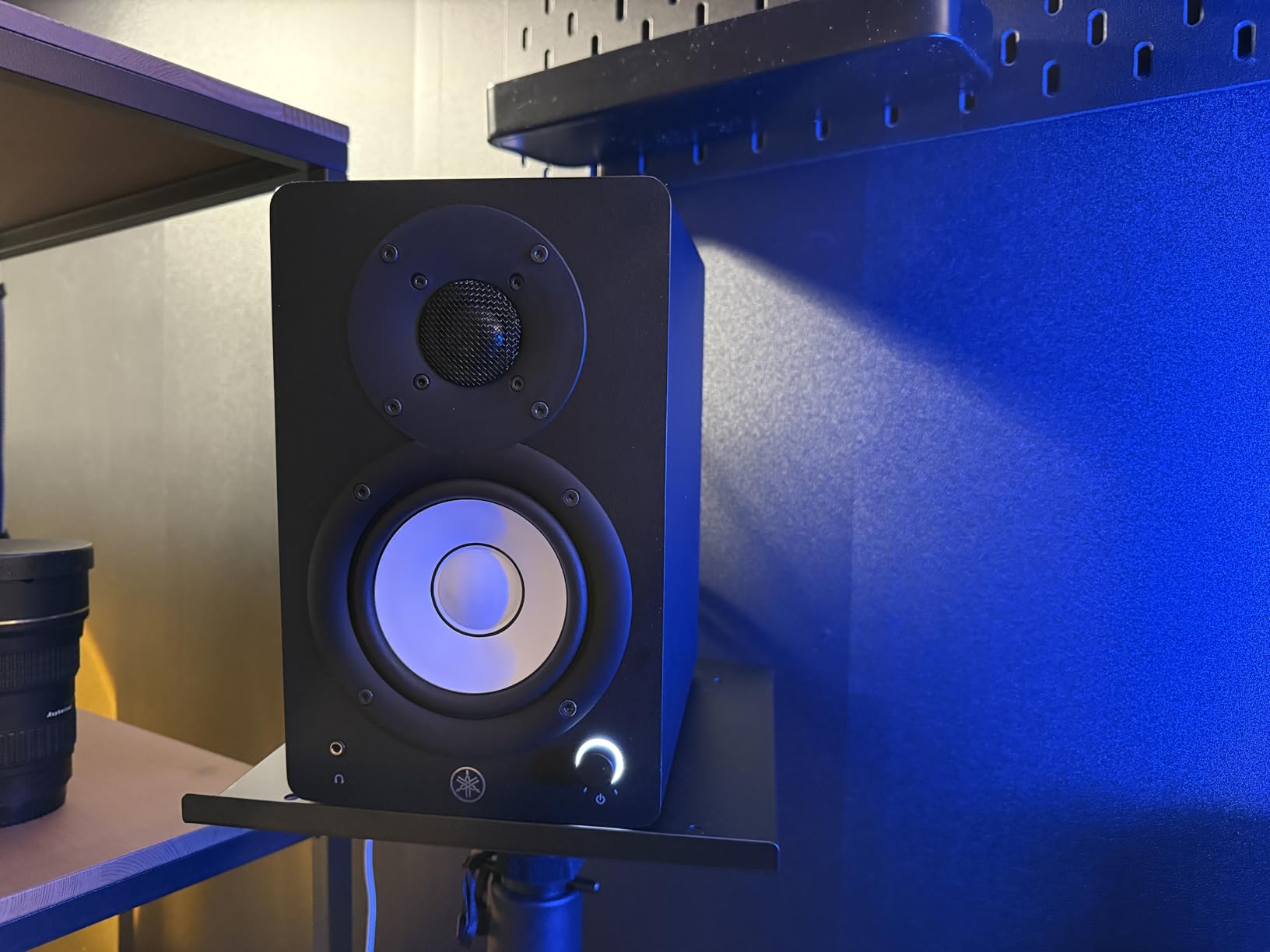
Yamaha’s HS series has been an industry standard for home studios for decades, and the HS3 brings that legendary flat response to a compact form factor. I tested these alongside several other 3.5-inch monitors, and the HS3 delivers the most neutral, uncolored sound of the bunch. The room control switch on the back is genuinely useful for small rooms, allowing you to cut the low-end response when monitors are placed near walls.
The 3.5-inch cone woofers and 0.75-inch dome tweeters produce clean, precise audio that doesn’t flatter your source material. This is exactly what you want for mixing – if your mix sounds good on these, it will translate to other systems. The cabinets are well-built with a professional appearance that looks great in any studio setup.
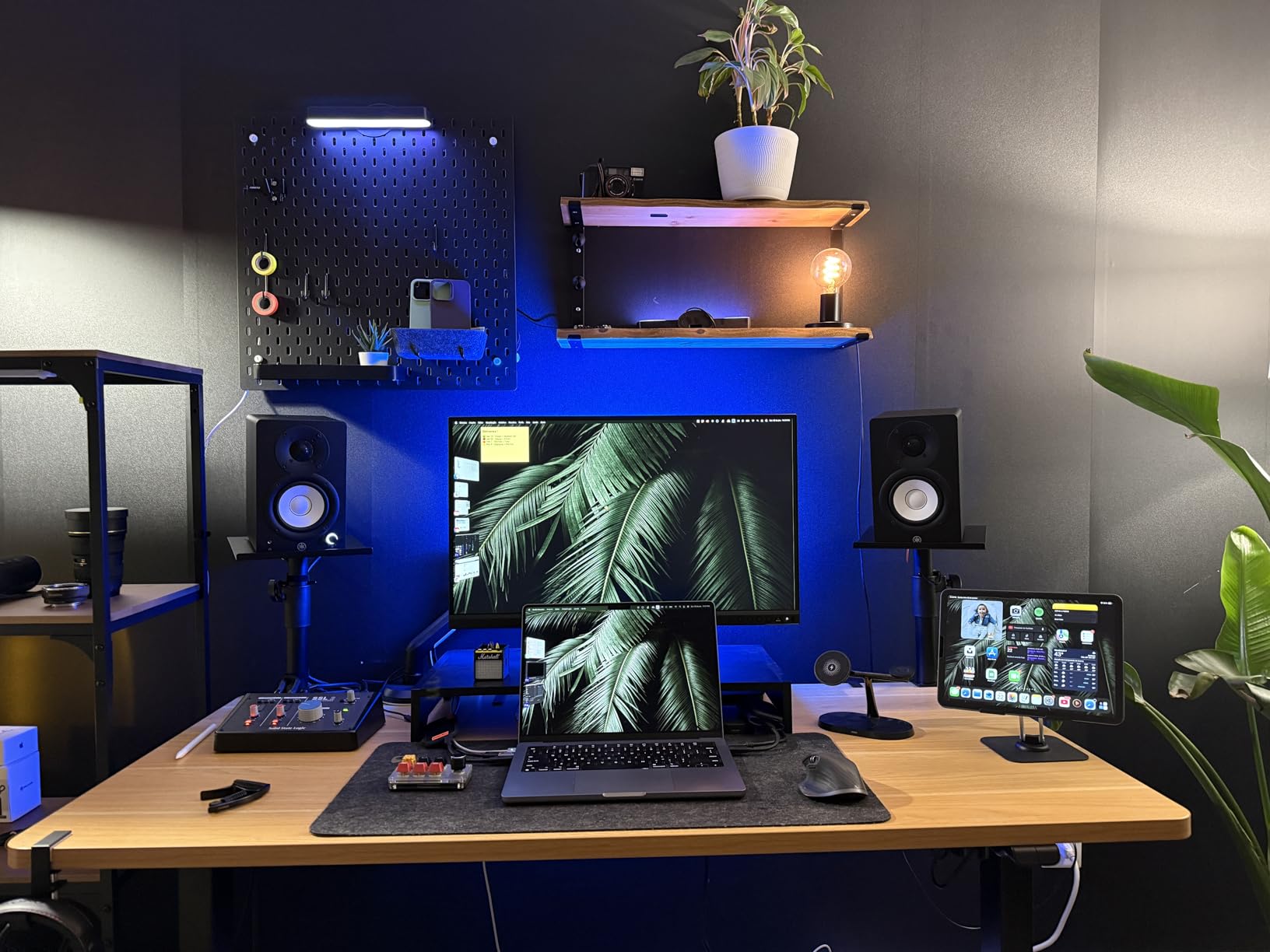
At 26 watts total, the HS3 isn’t the most powerful option on this list, but it’s sufficient for nearfield monitoring at reasonable volumes. I did notice the low-end response drops off significantly at lower volumes, which is typical for small woofers. For accurate bass monitoring, you’ll want to add a subwoofer or reference at higher volumes.
The connectivity options are excellent for the price. You get XLR/TRS combo jacks, RCA inputs, and a stereo mini jack. This covers virtually any connection scenario from professional interfaces to consumer devices. The included anti-slip pads are a nice touch for desktop placement.
Ideal For
The Yamaha HS3 is ideal for producers on a budget who need accurate, flat response for mixing decisions. The room control switch makes them particularly suitable for small rooms where wall placement is unavoidable. If you’re just starting out and want industry-standard sound quality without breaking the bank, these are an excellent choice.
Less Ideal For
If you need deep bass response without adding a subwoofer, the HS3 may leave you wanting. The small woofer size naturally limits low-end extension. Also, these monitors are quite directional, so precise positioning is important for optimal sound.
3. ADAM Audio D3V – Premium Pick
ADAM Audio D3V Active Desktop Studio Monitor Speakers – Black
3.5-inch aluminum woofers
Dual passive radiators
1.5-inch ribbon tweeter
80W power
USB-C connectivity
Pros
- Amazing bass response
- Ribbon tweeter clarity
- Wide 3D soundstage
- Compact professional design
- USB-C connection
Cons
- USB input basic 16-bit
- Needs external DAC for best sound
- Highly directional tweeters
ADAM Audio is known for high-end studio monitors, and the D3V brings their signature sound to a desktop form factor. What makes these unique is the dual passive radiator design – each speaker has a 3.5-inch aluminum woofer plus two passive radiators that deliver surprising bass extension down to 45Hz. I was genuinely shocked at how much low-end these compact monitors produce.
The handmade 1.5-inch D-ART ribbon tweeter is the star of the show. Ribbon tweeters are known for incredibly detailed, unfatiguing highs, and the D3V delivers on this reputation. After long mixing sessions, my ears felt less fatigued compared to traditional dome tweeters. The stereo imaging is excellent, with a wide 3D soundstage that makes it easy to hear reverb tails and stereo placement details.
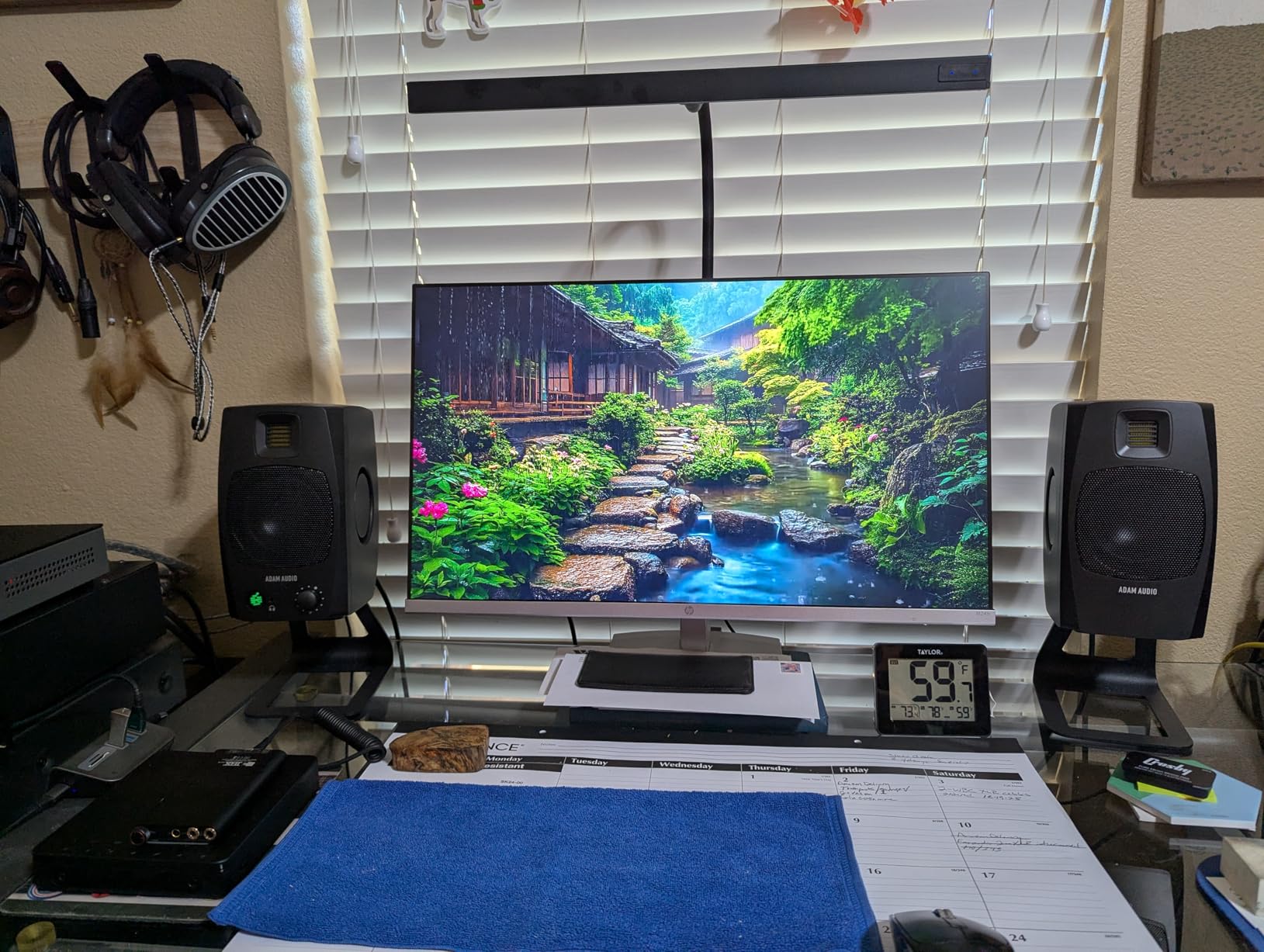
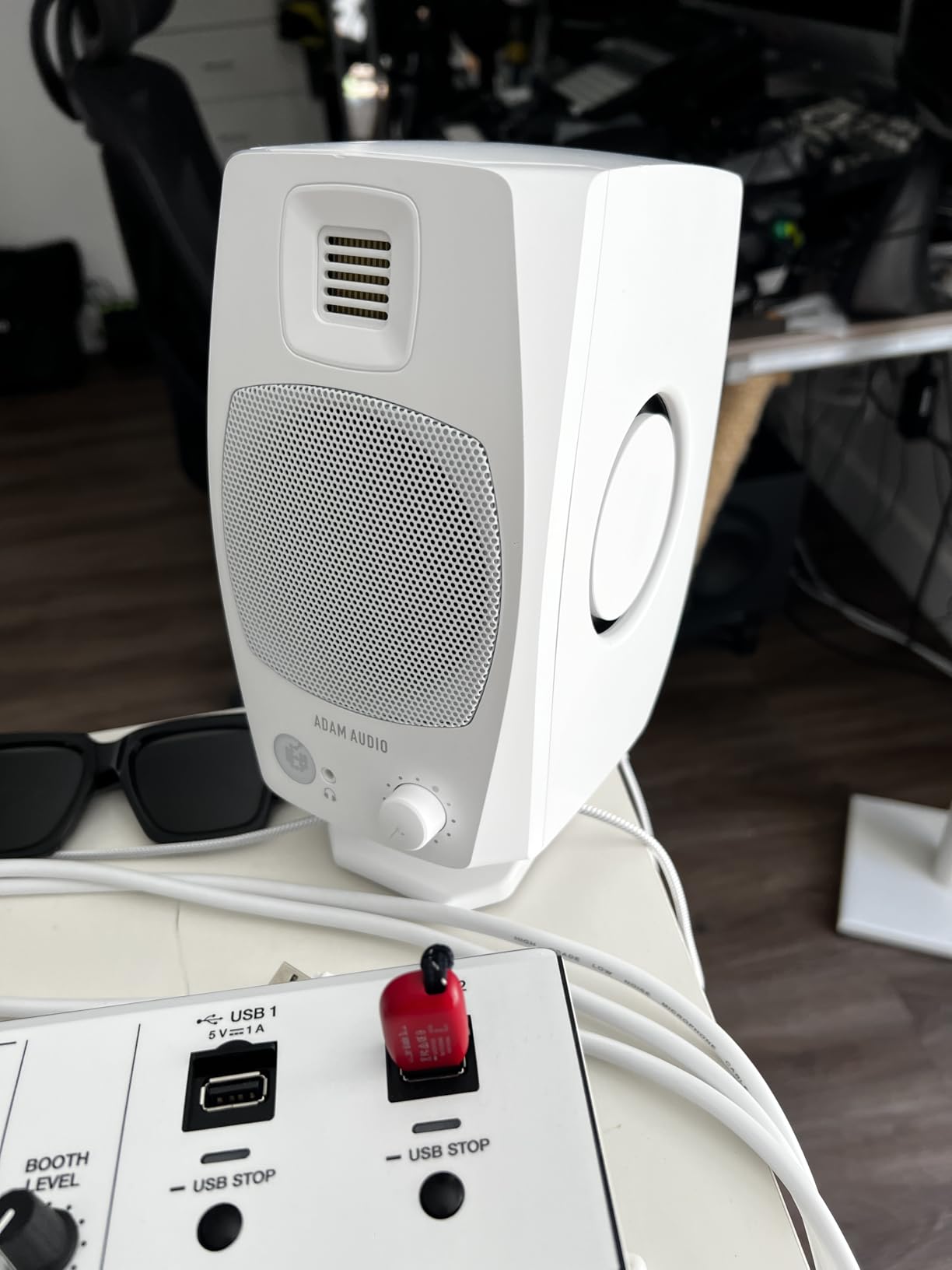
The build quality is exceptional, with premium ABS cabinets that feel substantial and well-damped. ADAM includes 15-degree angled stands that help aim the tweeters toward your ears – an important consideration given the directional nature of ribbon tweeters. The front panel features a headphone jack and volume knob for easy access.
Connectivity options include USB-C, TRS, and RCA inputs. The USB input is convenient for direct computer connection, though it’s limited to 16-bit resolution. For the best sound quality, I recommend using the analog inputs with a quality external DAC. The DSP-powered switches on the back allow for acoustic adjustment based on placement.
Ideal For
The ADAM D3V is perfect for producers who value detailed highs and accurate stereo imaging. The ribbon tweeter reveals details in the upper frequencies that other monitors miss. These are ideal for electronic music production, vocal mixing, and any application where high-frequency clarity is important.
Less Ideal For
These are premium monitors with a premium price tag. If you’re on a tight budget, there are more affordable options. Also, the highly directional ribbon tweeters require careful positioning for optimal sound.
4. PreSonus Eris E3.5 – Budget Pick
PreSonus Eris E3.5-3.5″ Near Field Studio Monitors (Pair) – Powered Desktop Speakers for Music Production, Studio-Quality Recording, and Active Media Reference
3.5-inch woven composite drivers
50W Class AB amplification
Acoustic tuning controls
Includes $1000 software bundle
Pros
- Incredible value
- Includes Studio One Prime software
- Acoustic tuning controls
- Front panel controls
- Over 21k positive reviews
Cons
- Older model available
- Low stock situation
- Bluetooth confusion in listing
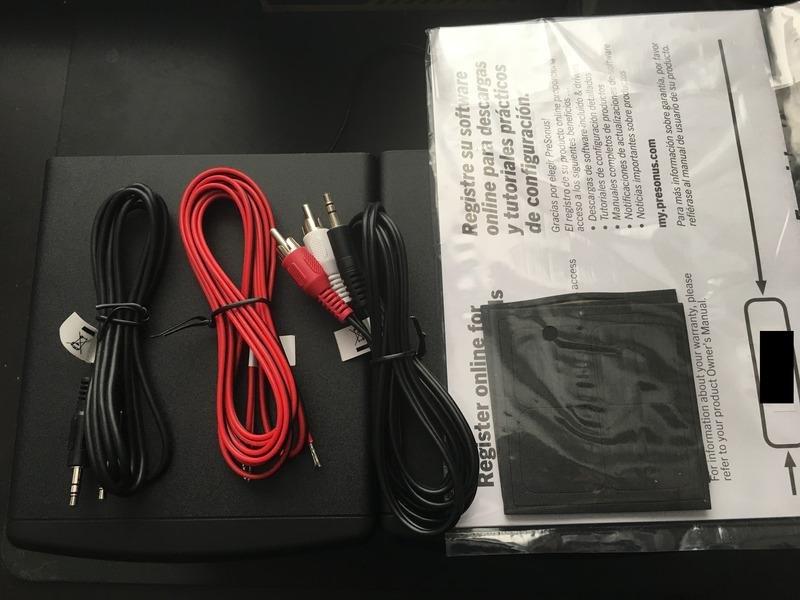
The PreSonus Eris E3.5 is one of the most popular budget studio monitors on the market, with over 21,000 reviews and a 4.7-star rating. What makes these exceptional value is the included software bundle – PreSonus packages Studio One Prime and the Studio Magic plug-in suite, worth over $1000, with these monitors. That’s an incredible deal for beginners starting their production journey.
The 3.5-inch woven composite woofers and 1-inch silk-dome tweeters deliver clear, accurate sound that’s perfect for nearfield monitoring. I’ve used these in a small bedroom studio setup, and they provide a honest representation of your mix without harshness in the highs. The 50 watts of Class AB amplification provides plenty of volume for desktop use.
One feature that sets the Eris E3.5 apart from competitors is the acoustic tuning controls. On the back, you’ll find switches for high and low frequency adjustment, allowing you to tailor the response to your room and preferences. This is incredibly valuable for small room setups where boundary reinforcement can cause bass buildup.
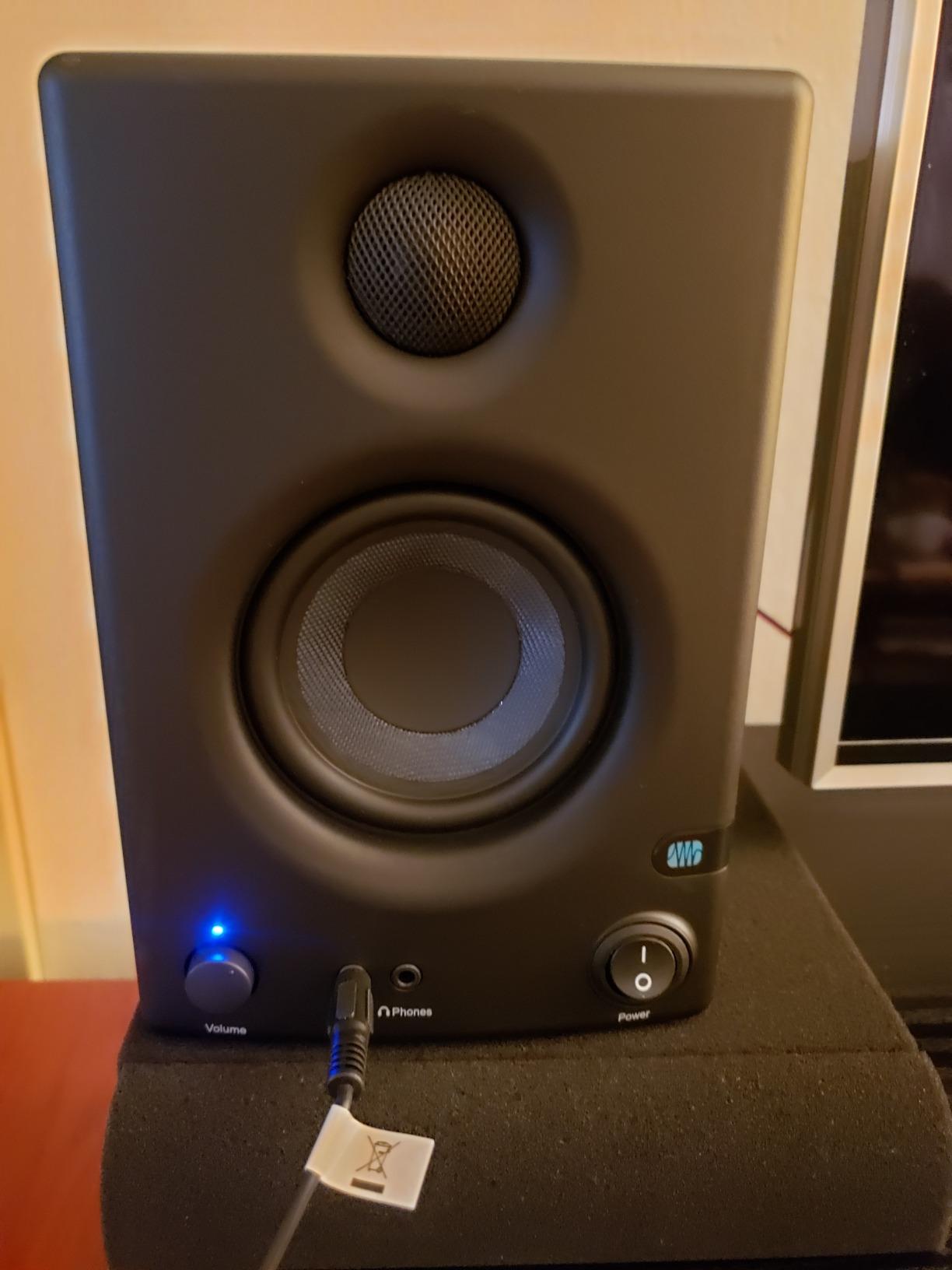
The front panel controls are convenient for desktop use. You get a stereo aux input for your smartphone, a headphone jack with built-in amplifier, and volume/power controls right where you need them. The woven composite drivers deliver tight bass without the boominess that plagues cheaper monitors.
Ideal For
The Eris E3.5 is perfect for beginners on a tight budget who want accurate monitoring plus a complete DAW and plug-in bundle to get started. The acoustic tuning controls make them suitable for various room configurations. If you’re just starting your home studio journey, these offer an excellent entry point.
Less Ideal For
These are the older E3.5 model, and PreSonus has released a newer Gen 2 version. Some buyers report confusion about Bluetooth connectivity in the listing. Also, stock is limited with only around 14 units left at time of review.
5. PreSonus Eris E5 – Top Rated
PreSonus Eris E5 2-Way 5.25″ Near Field Studio Monitor
5.25-inch woven composite woofer
1-inch silk-dome tweeter
80W bi-amplification
Front-firing acoustic port
102dB max SPL
Pros
- Solid low-end from 5.25-inch woofer
- Bi-amped design
- Front-firing port for flexible placement
- Multiple input options
- Includes software bundle
Cons
- May distort at high volumes on bass-heavy content
- Not as flat as premium monitors
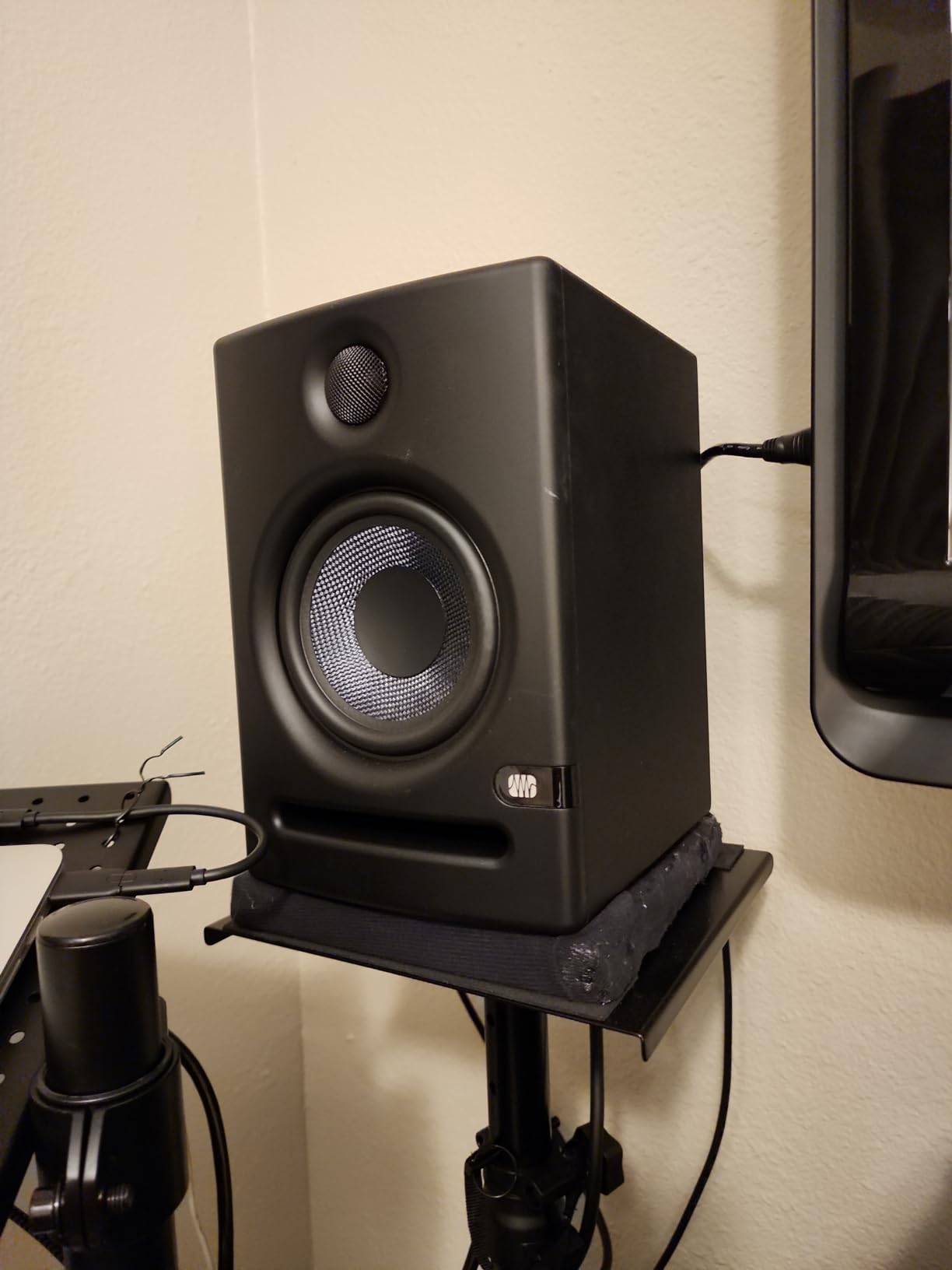
Stepping up to the PreSonus Eris E5 gives you a 5.25-inch woofer that delivers genuine low-end response. After testing both the E3.5 and E5 side by side, the difference in bass extension is significant. The larger woofer reaches lower with less distortion, making these suitable for mixing bass-heavy genres without immediately needing a subwoofer.
The 80 watts of Class AB bi-amplification provides excellent headroom. Each driver has its own amplifier, which improves clarity and reduces distortion. The 1-inch silk-dome tweeter delivers smooth highs without harshness, even during extended mixing sessions.
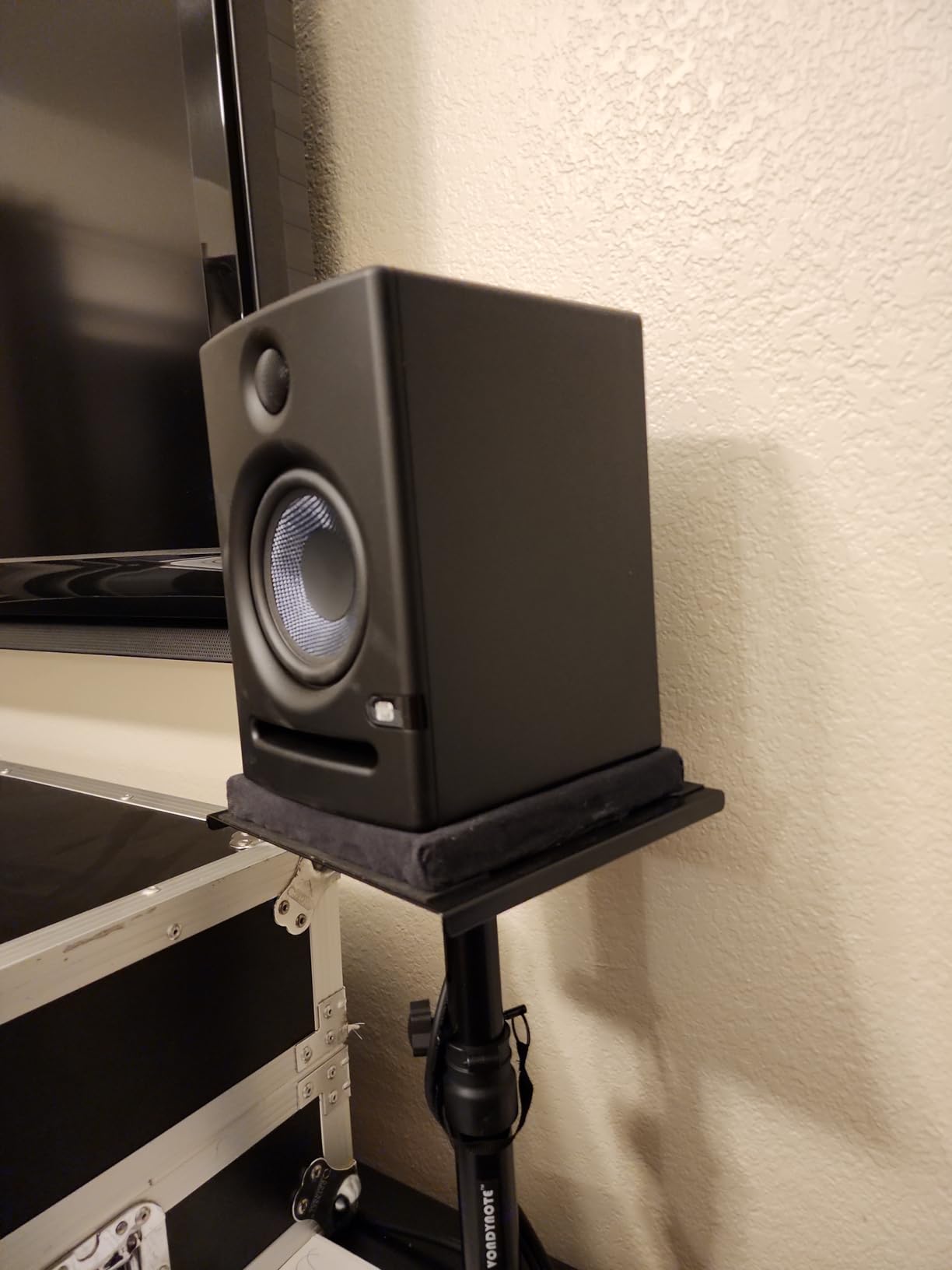
One feature I particularly appreciate is the front-firing acoustic port. This allows you to place these closer to walls than rear-ported designs without excessive bass buildup. For small rooms where space is limited, this flexibility in placement is invaluable.
The acoustic tuning controls on the back let you adjust the response to match your room. You can cut or boost highs and lows to compensate for placement issues or personal preference. Like the smaller Eris models, the E5 includes the valuable Studio One Prime and Studio Magic software bundle.
Ideal For
The Eris E5 is ideal for producers who need more low-end than 3-4 inch monitors can provide but don’t have space for larger monitors. The 5.25-inch woofer delivers solid bass response for mixing hip-hop, electronic music, or any genre with substantial low-end content.
Less Ideal For
These can distort at very high volumes with bass-heavy material. If you need to monitor at extremely loud levels, you might want to consider more powerful options. Also, while flat for the price, they’re not as accurate as premium monitors costing twice as much.
6. Edifier MR4 – Great Value
Edifier MR4 Studio Monitor Speakers, 4 inch Active Near-Field
4-inch composite woofers
1-inch silk-dome tweeters
42W total power
Monitor/Music mode switch
MDF wooden cabinet
Pros
- Dual Monitor/Music modes
- Warm easy listening sound
- Good bass for size
- Multiple connectivity options
- Decent stereo separation
Cons
- Bass can be boomy out of box
- Treble not as crisp as competitors
- Step-style volume control
The Edifier MR4 offers something unique in this price range – a Monitor/Music mode switch. In Monitor mode, the response is flatter for accurate mixing. In Music mode, the response is slightly enhanced with more bass and sparkle for casual listening. This dual functionality makes the MR4 versatile for both production work and general media consumption.
The 4-inch composite woofers and 1-inch silk-dome tweeters produce a warm, easy-to-listen-to sound. After spending time with these, I found them less fatiguing than some brighter monitors. The stereo separation is decent, with a soundstage that’s wider than I expected from monitors in this price range.
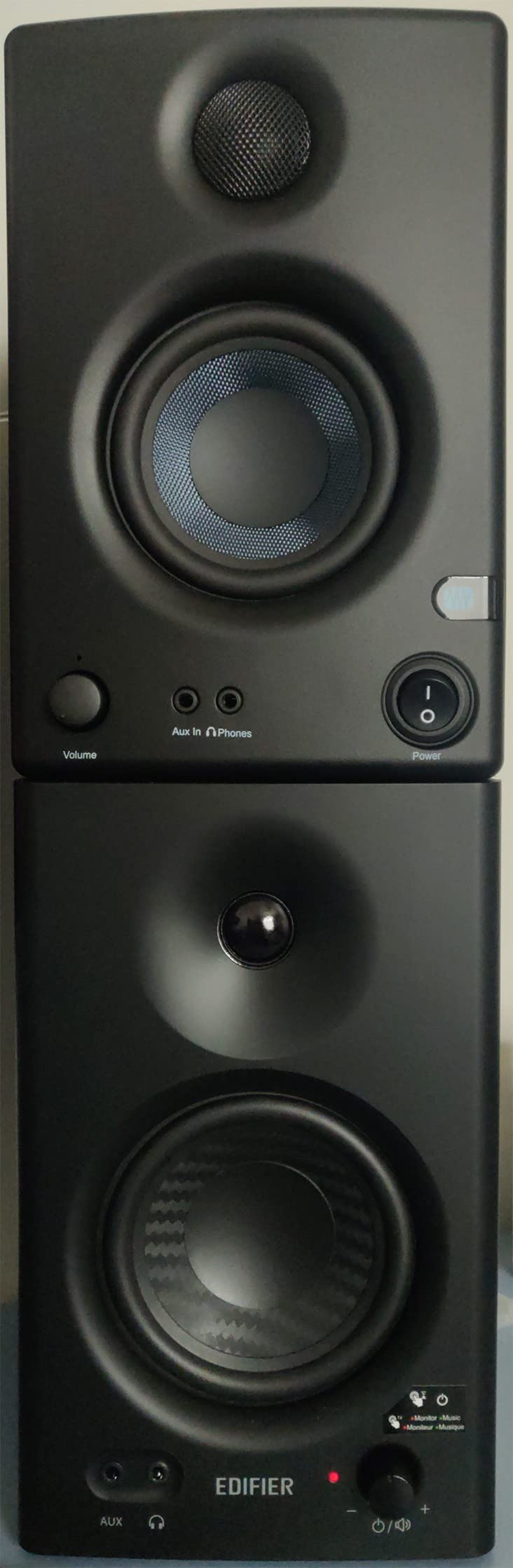
The MDF wooden cabinets feel substantial and help reduce resonance. At 42 watts total, these have adequate power for nearfield monitoring. The front headphone jack is convenient for late-night mixing sessions. I did find the bass somewhat boomy out of the box, but the high and low frequency adjustment knobs on the back let you tune the response to your liking.
Connectivity is comprehensive with TRS, RCA, and AUX inputs. You can connect professional gear, consumer electronics, or mobile devices simultaneously. The white finish option is a nice touch if you want monitors that blend with lighter decor.
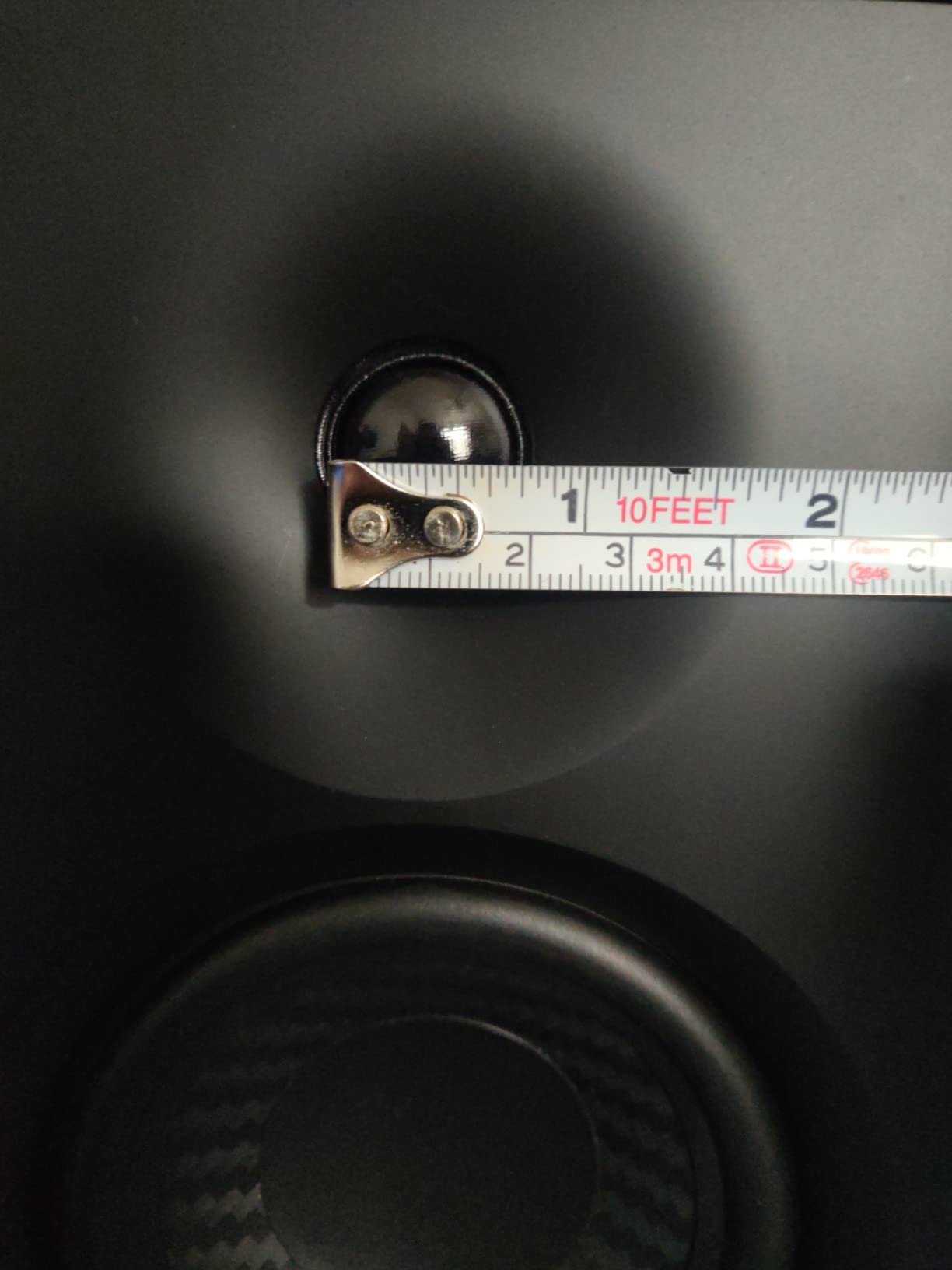
Ideal For
The MR4 is ideal for producers who want monitors that can do double duty for mixing and casual listening. The Monitor/Music mode switch gives you flexibility. The warm sound signature is perfect for long mixing sessions without ear fatigue.
Less Ideal For
If you need razor-flat response for critical mixing decisions, these may not be neutral enough. The treble isn’t as crisp and detailed as some competitors. Also, the step-style volume knob has large jumps that can make fine adjustments tricky.
7. M-Audio BX3 – Popular Choice
M-AUDIO BX3 3.5″ Wired Studio Monitors Pair
3.5-inch Kevlar drivers
1-inch silk-dome tweeters
120W total power
Computer-optimized waveguide
Includes MPC Beats software
Pros
- Impressive 120W power
- Kevlar low-frequency drivers
- Computer-optimized tweeter waveguide
- High and Low EQ controls
- Multiple input options
Cons
- Low stock situation
- Ground hum with cheap cables
- Bass limited without subwoofer
- Controls on rear panel
The M-Audio BX3 packs an impressive 120 watts of power into a compact form factor. That’s significantly more power than most competitors in this size range, providing plenty of headroom for nearfield monitoring. The 3.5-inch Kevlar low-frequency drivers are more rigid than traditional materials, delivering tighter bass with less distortion.
What sets the BX3 apart is the computer-optimized tweeter waveguide. This design feature improves stereo imaging and creates a wider sweet spot – important for desktop setups where you can’t always position yourself perfectly. The rear-ported bass reflex design extends low-end response, though these still benefit from a subwoofer for deeper bass.
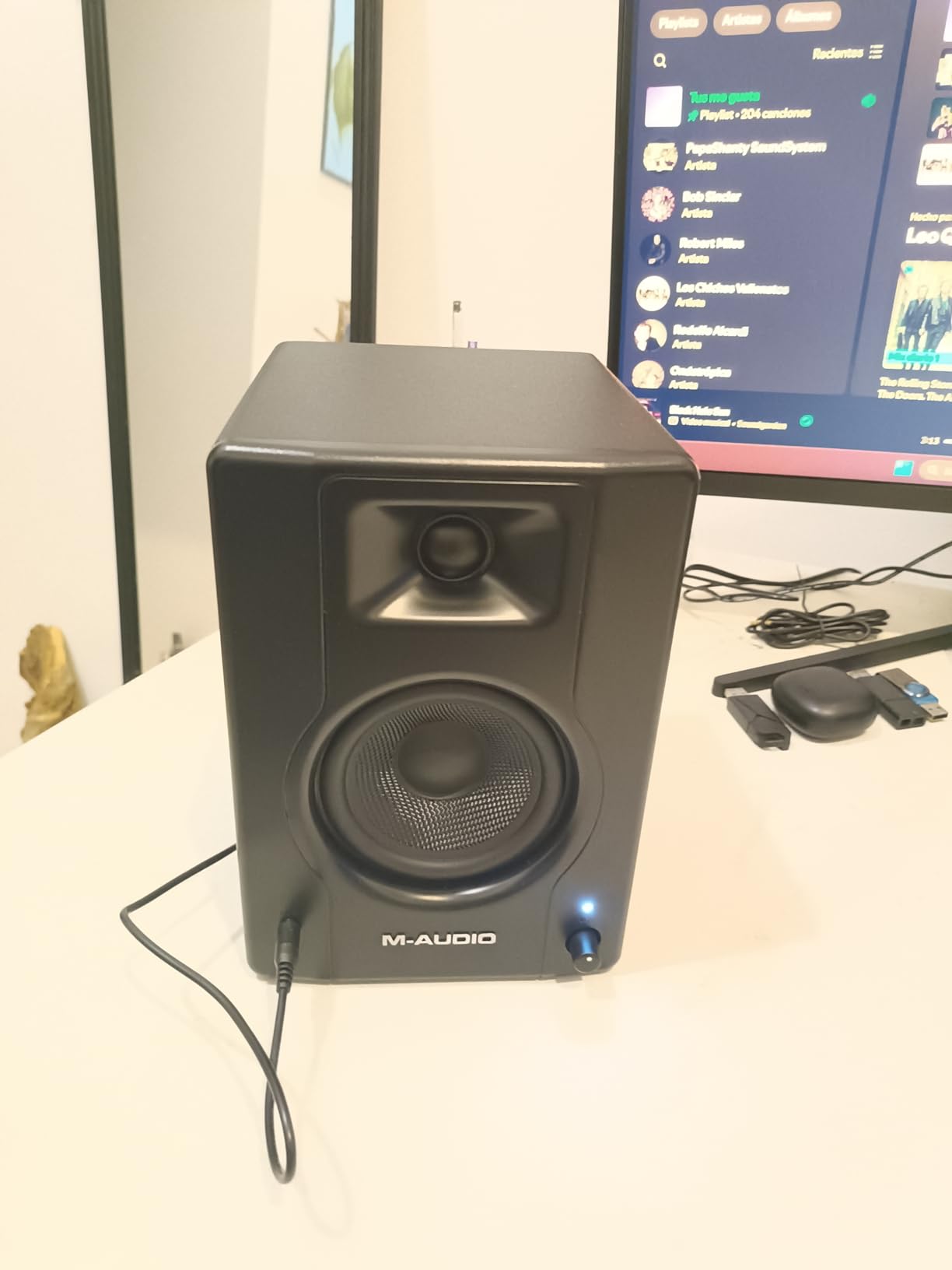
The High and Low EQ controls on the back let you adjust the response to your room. This is valuable for small spaces where boundary reinforcement can cause bass buildup. Multiple input options including 1/4-inch, 1/8-inch, and RCA provide connection flexibility for virtually any gear.
M-Audio includes AKAI’s MPC Beats software, a nice bonus for beatmakers and hip-hop producers. The MDF cabinets are well-built and feel substantial. Some users report ground hum issues with cheap cables, so I recommend using quality shielded cables for the best performance.
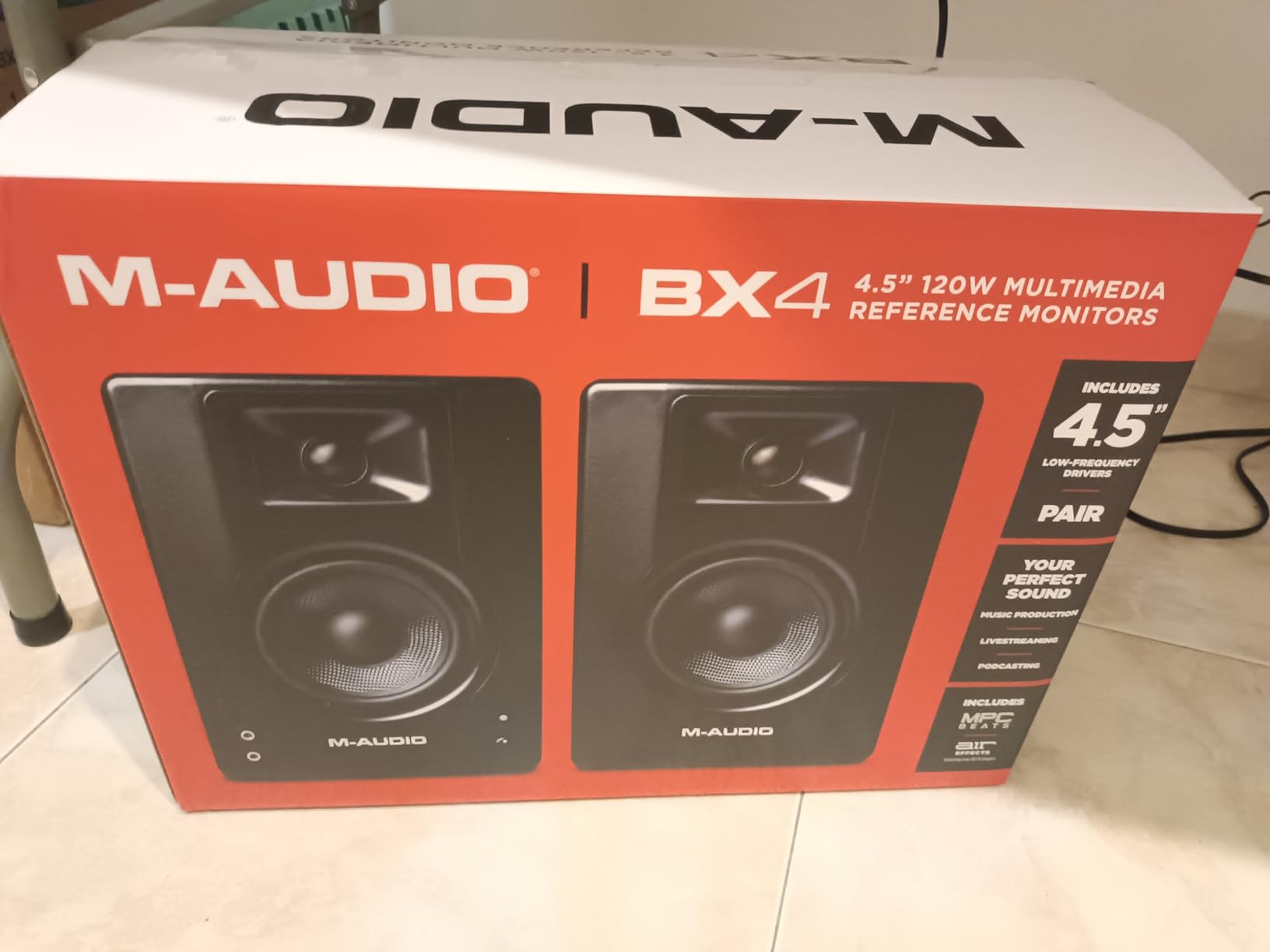
Ideal For
The BX3 is ideal for producers who want maximum power and headroom in a compact package. The Kevlar drivers and waveguide design make them suitable for electronic music production and beat-making. The included MPC Beats software is a nice bonus for hip-hop producers.
Less Ideal For
These are currently in low stock with only about 15 units available. Also, the EQ controls are on the rear panel, which isn’t as convenient as front-panel adjustments. Like most small monitors, bass extension is limited without a subwoofer.
8. Mackie CR3.5 – Versatile
Mackie CR3.5 Studio Monitors (Pair), 3.5″ Woofers, Tone Knob, Black
3.5-inch woven woofer
1-inch silk-dome tweeter
90W total power
Tone control knob
Desktop/Bookshelf location switch
Pros
- Unique tone control knob
- Location switch for placement
- 90W power output
- Multiple connectivity options
- Great value for price
Cons
- Limited low-end without subwoofer
- Not professional-level monitors
- May need stands for optimal sound
The Mackie CR3.5 offers features you won’t find on other monitors in this price range. The tone control knob on the front lets you gradually boost bass and add high-end sparkle, transforming from studio-flat response to a more consumer-friendly sound. This makes the CR3.5 versatile for both production work and casual listening.
Even more unique is the location switch on the back. Flip it to desktop mode for close listening, or bookshelf mode for listening from a distance. This optimizes the response for your specific placement scenario – something no other competitor offers at this price point.
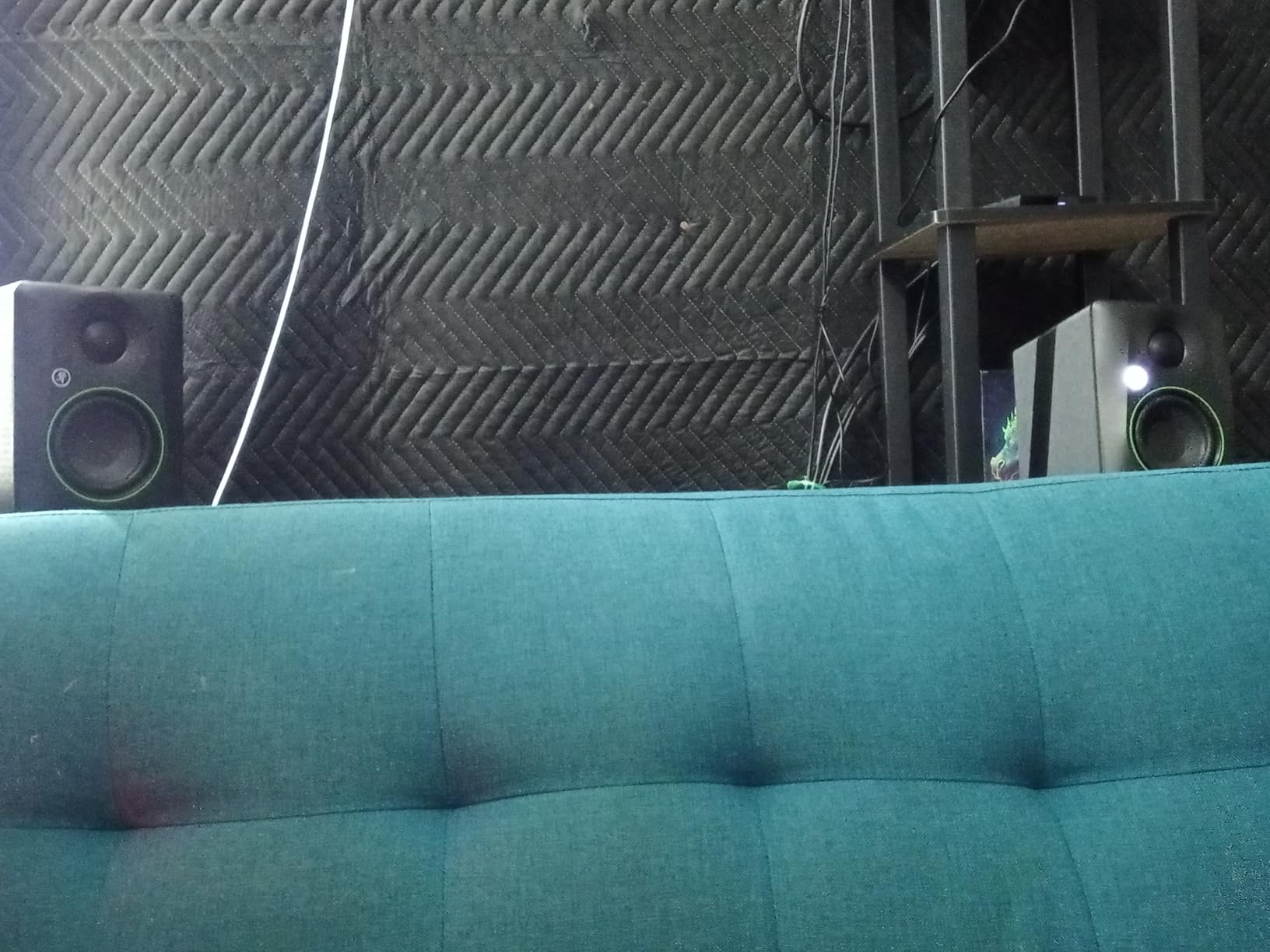
The 90 watts of power is impressive for monitors costing around $100. The 3.5-inch woven woofer and silk-dome tweeter deliver clean, articulate sound with decent bass response. The built-in headphone output is convenient for private listening. Connectivity includes TRS, RCA, and 3.5mm inputs for connecting virtually any device.
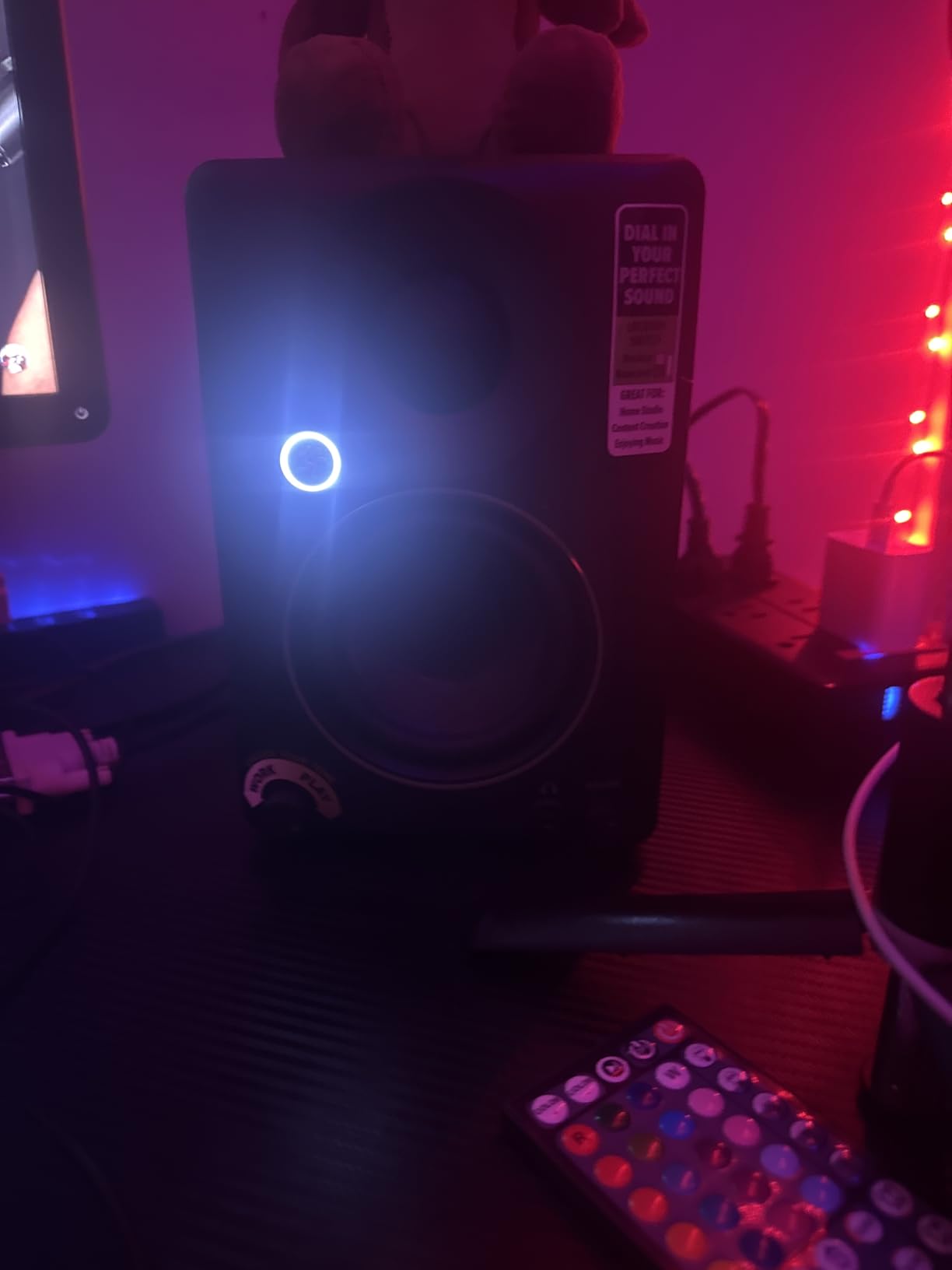
Build quality is solid with a premium feel that exceeds the price point. The black vinyl wrap finish looks professional and cleans easily. For enhanced bass, Mackie offers the CR8SBT subwoofer as an add-on, creating a 2.1 system when needed.
Ideal For
The CR3.5 is ideal for users who want one set of speakers for both production and casual listening. The tone control and location switch make them incredibly versatile. Great for content creators, gamers, and anyone who needs accurate monitoring plus the option for a more consumer sound.
Less Ideal For
These aren’t professional-level monitors for critical mixing applications. If you need the flattest possible response for mastering work, look elsewhere. Also, like most 3.5-inch monitors, low-end is limited without adding a subwoofer.
9. PreSonus Eris 3.5 – Solid Entry
PreSonus Eris 3.5 Powered Studio Monitors, Pair — 3.5” Active Near
3.5-inch woven composite woofers
1-inch low-mass silk-dome tweeters
50W Class AB dual amplification
High/low frequency tuning controls
Front headphone output
Pros
- Studio-quality accurate sound
- 50W Class AB amplification
- Multiple connectivity options
- Tuning controls for room
- Front panel headphone jack
Cons
- Bass can be heavy/mid-bass boosted
- Passive speaker requires wire connection
- Not true active monitors
The PreSonus Eris 3.5 is the newer version of the popular E3.5 model. It delivers studio-quality accurate sound with tight bass from the woven composite woofers. The 50 watts of Class AB dual amplification provides clean power with minimal distortion, perfect for nearfield monitoring in small spaces.
The 1-inch low-mass silk-dome tweeters provide superior stereo imaging from nearly any listening angle. I found the sweet spot to be wider than many competitors, making positioning less critical. The high- and low-frequency tuning controls allow you to customize the response for your room and speaker orientation.
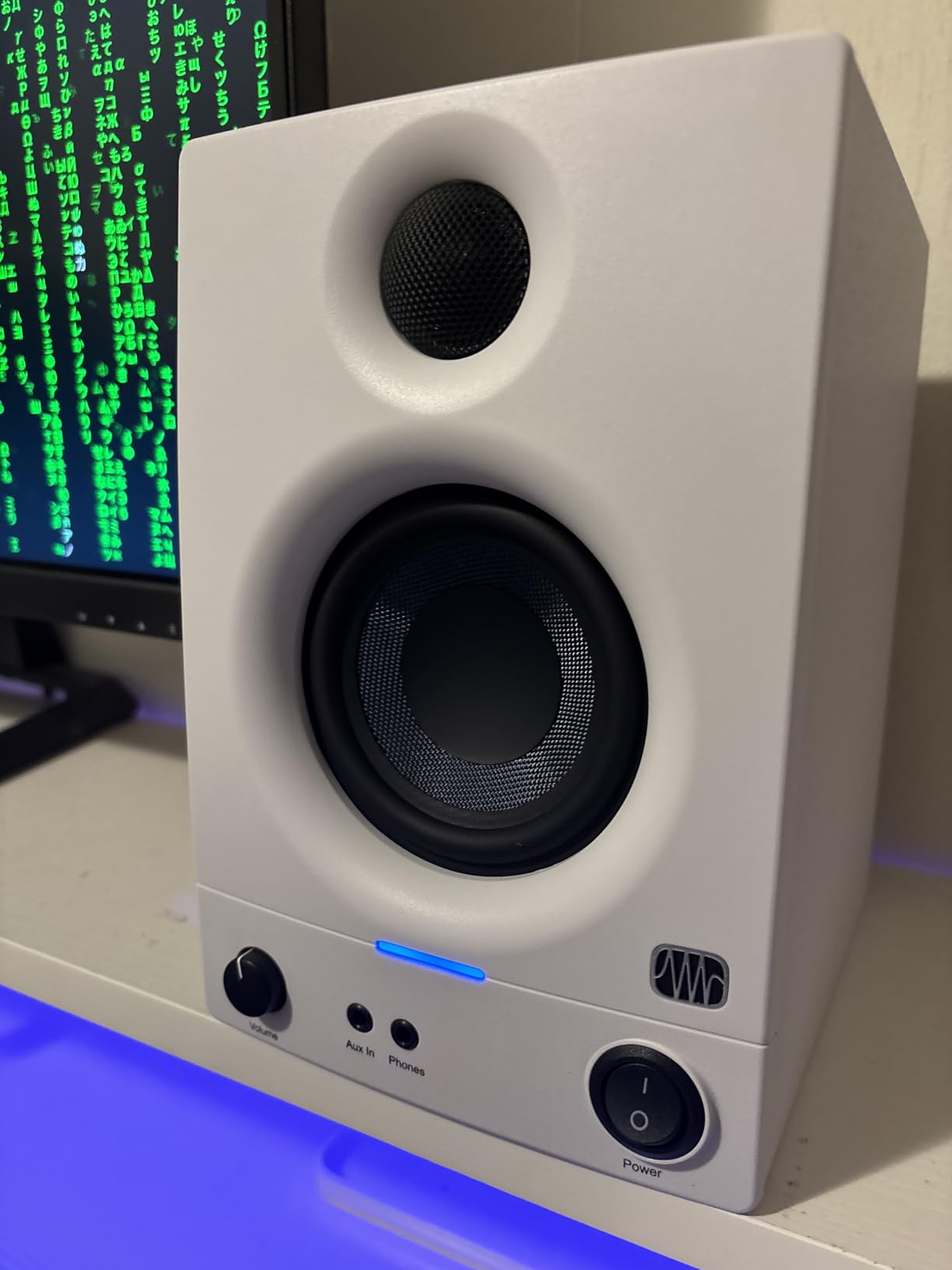
Connectivity options are comprehensive. On the back, you’ll find 1/4-inch TRS balanced inputs for professional gear and unbalanced RCA inputs for consumer electronics. The front panel features a convenient 1/8-inch aux input for your phone plus a headphone output with built-in amplifier.
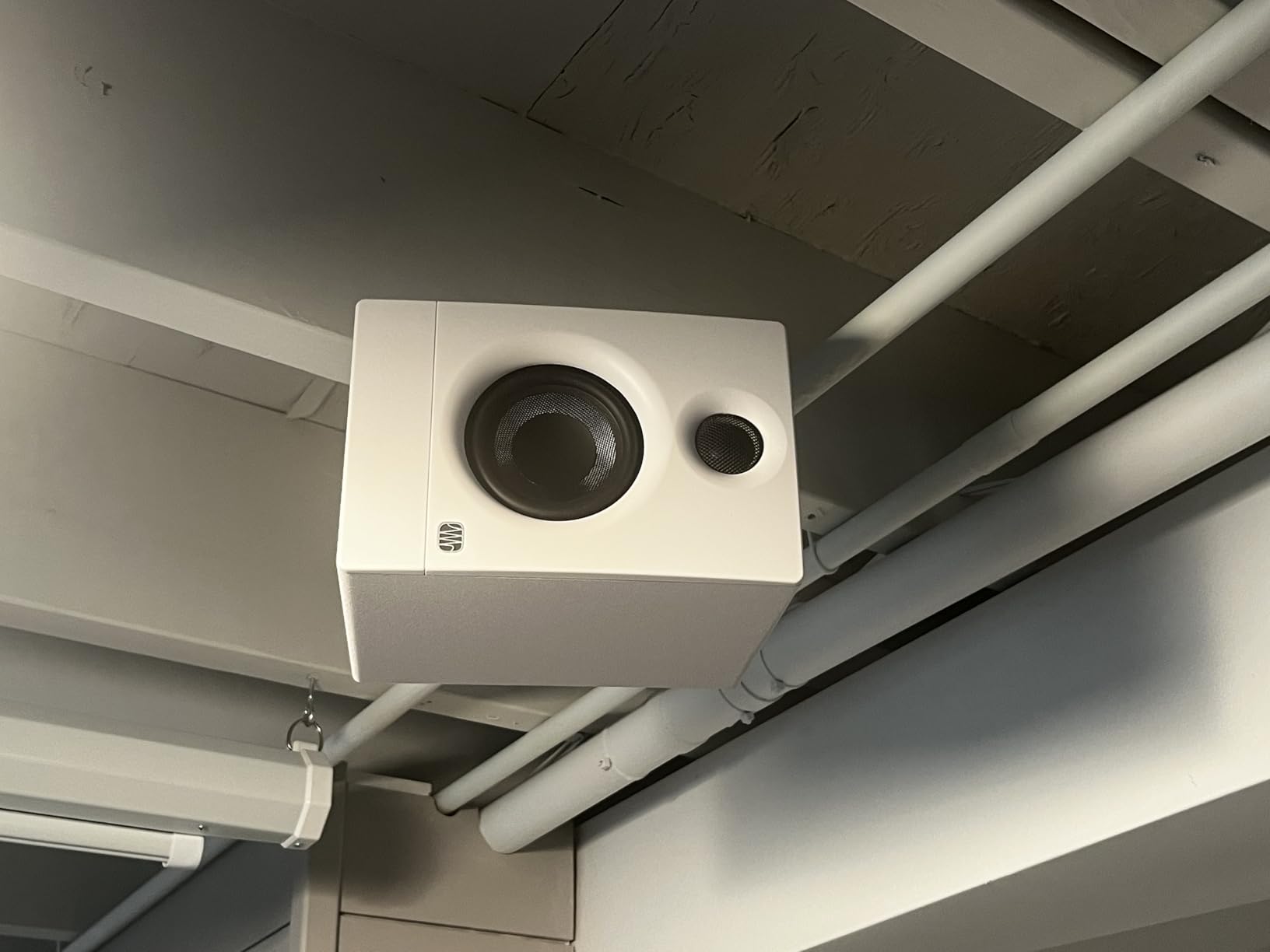
One thing to note is that these use a passive satellite design with speaker wire connecting the two cabinets. This is different from true active monitors where each speaker has its own power amplifier. The bass response can be somewhat heavy in the mid-bass region, but the tuning controls let you cut this if needed.
Ideal For
The Eris 3.5 is ideal for beginners and intermediate producers wanting accurate monitoring on a budget. The multiple input options make them suitable for various gear configurations. The tuning controls help compensate for challenging room acoustics.
Less Ideal For
These aren’t true active monitors, which may matter for some users. The passive satellite design requires speaker wire connection. Also, the bass boost in the mid-bass may require EQ adjustment for accurate mixing.
10. IK Multimedia iLoud MTM MKII – Premium Choice
IK Multimedia iLoud MTM MKII (Pair Plus ARC mic) Compact Studio Monitor with Built-in ARC Room Correction, Speaker Emulation, 200W Power
MTM driver configuration
36Hz-32kHz frequency response
100W total power
Built-in ARC room correction
X-MONITOR speaker emulation
Pros
- Outstanding bass to 36Hz
- ARC room calibration included
- X-MONITOR emulation feature
- Linear phase response
- Compact footprint design
Cons
- Lightweight causes sliding
- White noise issues reported
- Independent power for each speaker
- Higher price point
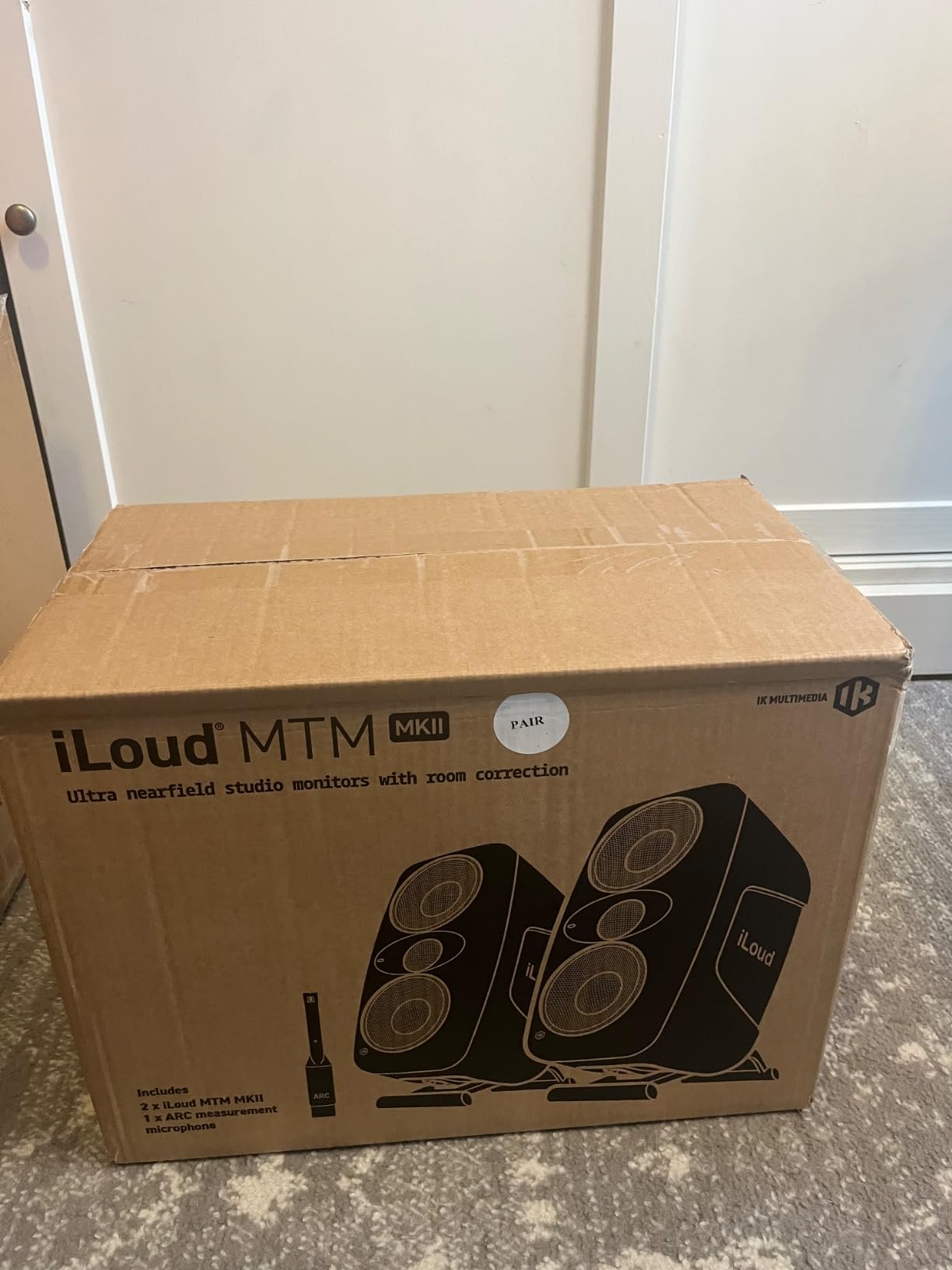
The IK Multimedia iLoud MTM MKII represents the cutting edge of compact monitor design. The unique MTM (Midwoofer-Tweeter-Midwoofer) configuration places two 3-inch woofers around a 1-inch tweeter. This design, combined with time-aligned drivers, creates a precise point-source radiation pattern that reduces ear fatigue during long mixing sessions.
What truly sets these apart is the built-in ARC room correction system. The included measurement microphone and ARC software analyze your room and apply correction EQ to compensate for acoustic problems. After running ARC in my small untreated room, the difference was dramatic – bass tightened up, frequency response smoothed out, and mixing decisions became much more reliable.
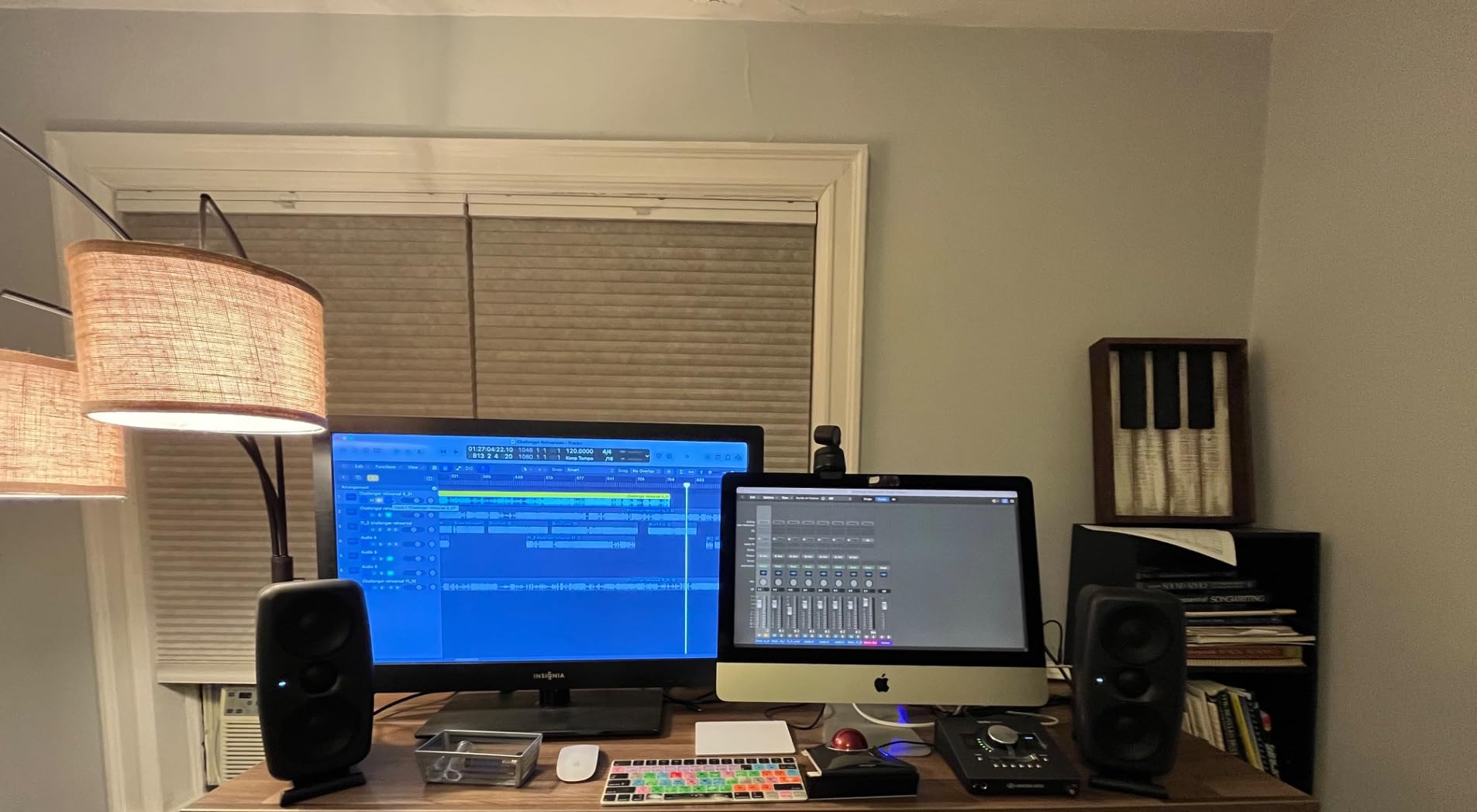
The frequency response extends from 36Hz to 32kHz – remarkable for such compact monitors. The bass response is genuinely impressive, reaching lower than many 5-inch monitors without a subwoofer. The 100 watts of power provides plenty of headroom for nearfield monitoring.
The X-MONITOR software is an innovative feature that emulates other popular studio monitors. You can switch your iLouds to sound like various reference monitors, helping you check how your mix translates. The adjustable angle stands help optimize positioning, and mic stand mounting brackets are included.
Ideal For
The iLoud MTM MKII is ideal for serious producers working in small untreated rooms. The ARC room correction makes these exceptionally effective in challenging acoustic environments. Perfect for electronic music producers, mix engineers, and anyone needing accurate monitoring in a compact form factor.
Less Ideal For
These are premium monitors with a price to match. Some users have reported white noise issues and reliability concerns after a year of use. The lightweight construction can cause sliding when adjusting on smooth surfaces.
Buying Guide: Choosing Studio Monitors for Small Rooms
Now that we’ve covered the top picks, let’s dive into what you need to know when choosing studio monitors for your small room setup. The right choice depends on your specific situation, budget, and goals.
Driver Size: 3-Inch vs 4-Inch vs 5-Inch
Driver size is the most important factor in determining what frequency range your monitors can accurately reproduce. Three-inch woofers are ideal for ultra-small spaces and desktop listening within one meter. They typically reach down to around 70-80Hz, which means you’ll miss some of the lowest bass frequencies. However, they’re perfect for small rooms where larger monitors would cause bass buildup issues.
Four-inch woofers strike a balance between size and bass response. They typically extend down to 55-65Hz, giving you more low-end information without requiring a subwoofer. This makes them ideal for bedroom studios and small treatment rooms. The Kali LP-UNF and Edifier MR4 in this guide use 4-inch woofers and deliver impressive bass for their size.
Five-inch woofers like those on the PreSonus Eris E5 provide the deepest bass response in small monitors, typically reaching 45-55Hz. This gives you more accurate low-end monitoring for hip-hop, electronic music, and other bass-heavy genres. However, five-inch monitors may be too large for some desktop setups and can cause bass buildup in very small rooms.
Connectivity: XLR, TRS, RCA, USB-C
The connection options on your monitors determine what gear you can connect. XLR balanced inputs provide the cleanest signal and are ideal for connecting to professional audio interfaces. TRS (1/4-inch) inputs also offer balanced connections and are commonly found on interfaces.
RCA unbalanced inputs are perfect for connecting consumer electronics like turntables, smartphones, or computers directly. Some monitors include USB-C connectivity for direct computer connection with built-in DAC. The ADAM D3V and Kali LP-UNF both offer USB-C for convenient desktop connection.
For most home studio setups, having both balanced (XLR/TRS) and unbalanced (RCA) inputs gives you maximum flexibility. You can connect your interface via balanced cables for monitoring while keeping RCA free for casual listening from other devices.
Room Correction and DSP Features
Small rooms present significant acoustic challenges. Bass buildup from boundary reinforcement, standing waves, and desk reflections can all skew your monitoring. Room correction features help compensate for these problems.
Basic room correction includes switches for desktop vs. bookshelf placement or boundary EQ for wall/corner placement. The Mackie CR3.5 location switch and Kali LP-UNF boundary compensation are examples of this approach.
Advanced room correction like the ARC system in the IK Multimedia iLoud MTM uses a measurement microphone and software to analyze your room’s response and apply corrective EQ. This can dramatically improve accuracy in untreated spaces.
For small room monitoring, I recommend prioritizing monitors with some form of room correction. Even basic boundary EQ switches can make a significant difference in accuracy.
Desk Placement and Positioning
Proper monitor placement is critical for accurate monitoring. In small rooms, you’re often forced to place monitors closer to walls than ideal. This causes boundary reinforcement that boosts bass response.
For desk placement, position monitors at ear level with tweeters aimed at your ears. Form an equilateral triangle between your head and the two monitors – if you’re three feet from each monitor, the monitors should be three feet apart. This creates the optimal stereo image.
Distance from the rear wall matters. Try to keep monitors at least 8-12 inches from walls if possible. If you must place them closer, use monitors with boundary EQ or front-firing ports to reduce bass buildup. For more on monitor placement options, including horizontal placement, check out our detailed guide.
Subwoofer Considerations
Adding a subwoofer to small monitors can extend bass response but introduces new challenges. In small rooms, subwoofers can excite room modes and cause bass buildup. However, for genres requiring accurate low-end monitoring, a sub may be necessary.
If you add a subwoofer, set its crossover frequency around 80Hz. This ensures the sub handles the lowest frequencies while your monitors handle everything above. Place the sub in a corner for maximum output or along the front wall for better integration. Many monitors in this guide, including the PreSonus Eris series, offer companion subwoofers designed for seamless integration.
For more on adding low-end to your small room setup, see our guide on studio subwoofers.
Frequently Asked Questions
Does studio monitor size matter?
Yes, monitor size significantly affects bass response and low-frequency extension. Larger woofers reproduce lower frequencies, with 3-inch monitors reaching around 70-80Hz, 4-inch monitors around 55-65Hz, and 5-inch monitors around 45-55Hz. However, smaller monitors are often better for very small rooms because they cause less bass buildup and can be placed closer to walls.
What size woofer is best for a small room?
For rooms under 100 square feet, 3-inch to 4-inch woofers are ideal. They provide adequate bass response without causing excessive bass buildup in small spaces. 4-inch woofers offer the best balance of bass extension and compact footprint for most bedroom studios. 5-inch monitors can work in slightly larger small rooms but may require careful placement and acoustic treatment.
Do I need room correction or DSP?
Room correction is highly recommended for small room monitoring. Basic boundary EQ switches help compensate for wall placement, while advanced systems like IK Multimedia’s ARC use measurement microphones to analyze and correct room response. In untreated small rooms, room correction can significantly improve mixing accuracy by addressing bass buildup, standing waves, and other acoustic issues.
How should I place small monitors on a desk?
Place monitors at ear level with tweeters aimed directly at your ears. Position them to form an equilateral triangle with your listening position. Keep monitors 8-12 inches from walls if possible. If closer to walls, use monitors with boundary EQ or front-firing ports. Use isolation pads to decouple monitors from desk surfaces and reduce vibration transfer.
Do I need a subwoofer with small monitors?
Not necessarily. Many 4-inch and 5-inch monitors provide adequate bass for mixing without a sub. However, if you produce bass-heavy genres like hip-hop or electronic music, a subwoofer can help you monitor low frequencies more accurately. When adding a sub, set the crossover around 80Hz and use high-pass filters on your monitors if available. In small rooms, be careful with sub placement to avoid exciting room modes.
Conclusion: Choosing the Right Small Room Monitors
Finding the best studio monitors for small rooms requires balancing size, bass response, accuracy, and features. After testing all the monitors in this guide, I can confidently recommend options for every budget and use case.
For most producers, the Kali Audio LP-UNF offers the best overall combination of accuracy, bass response, and value. The boundary compensation EQ makes them exceptionally effective in challenging small room environments. Budget-conscious buyers should consider the Yamaha HS3 for industry-standard flat response or the PreSonus Eris E3.5 for incredible value with included software.
If budget allows, the ADAM Audio D3V delivers premium ribbon tweeter clarity and surprising bass from a compact design. For the ultimate small room solution, the IK Multimedia iLoud MTM MKII with ARC room correction can transform even untreated spaces into accurate mixing environments.
Remember that the best monitors are ones you learn and trust over time. Whichever option you choose, spend time with reference tracks to understand how your monitors translate. With the right small room monitors and proper placement, you can achieve professional mixing results in even the most compact spaces. For more on building your complete small room setup, check out our guides on DIY studio desk plans and home studio essentials.