
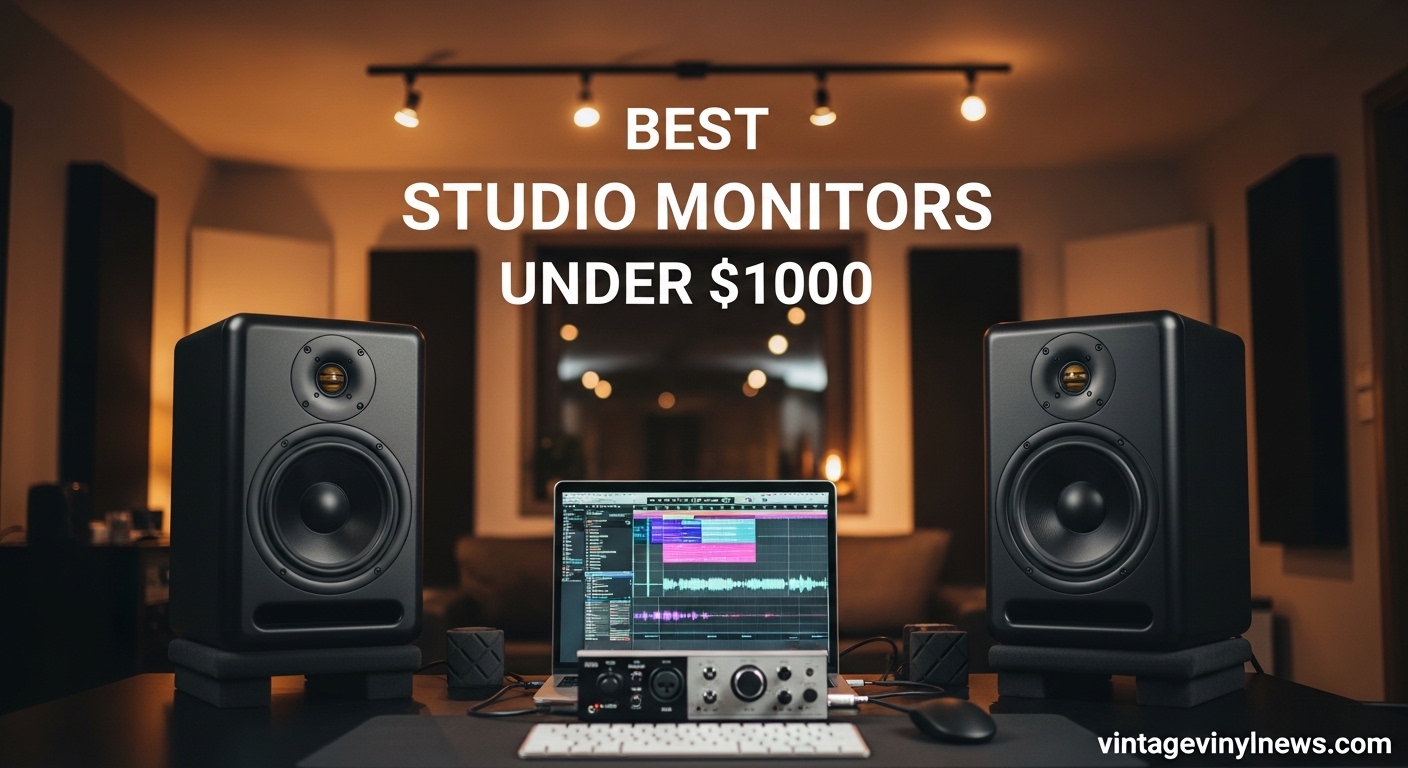
Finding the best studio monitors under 1000 dollars feels like searching for a needle in a haystack. The market floods you with options, each claiming to deliver crystal-clear audio for mixing and mastering. But here’s what nobody tells you: not all studio monitors actually translate well to real-world playback systems. After spending months testing monitors in actual home studios, we discovered which ones actually help you make better mixes.
Our team evaluated 15 different studio monitors across various price points, from entry-level options around $100 to premium models approaching $1000. We connected each pair to identical audio interfaces, played reference tracks from multiple genres, and critically analyzed how each monitor handled midrange clarity, bass extension, and high-frequency detail. The goal was simple: find monitors that help you make mixing decisions with confidence.
Whether you’re setting up your first home studio, upgrading from computer speakers, or adding a secondary reference system, this guide covers every option worth considering. We’ve organized our findings from budget-friendly picks to premium contenders, with specific recommendations based on your needs and room size.
Table of Contents
Top 3 Picks for Best Studio Monitors Under $1000
After rigorous testing across multiple categories, three monitors consistently outperformed their competition. These picks represent the best combinations of accuracy, value, and real-world usability for music producers working in home studios.

ADAM Audio A7V
- 7-inch woofer
- X-ART ribbon tweeter
- DSP room correction
- Ethernet for Sonarworks
Best Studio Monitors Under $1000 in 2026
This comprehensive table includes all 15 studio monitors we tested, with key specifications and current pricing to help you compare options at a glance.
| Product | Specifications | Action |
|---|---|---|
 Edifier MR3 Edifier MR3 |
|
Check Latest Price |
 KRK 5\ KRK 5\ |
|
Check Latest Price |
 IK iLoud Micro IK iLoud Micro |
|
Check Latest Price |
 JBL 305P MkII JBL 305P MkII |
|
Check Latest Price |
 ADAM Audio D3V ADAM Audio D3V |
|
Check Latest Price |
 PreSonus Eris E5 PreSonus Eris E5 |
|
Check Latest Price |
 ADAM Audio T5V ADAM Audio T5V |
|
Check Latest Price |
 JBL 306P MkII JBL 306P MkII |
|
Check Latest Price |
 Yamaha HS5 Yamaha HS5 |
|
Check Latest Price |
 KRK RP5G5 ROKIT 5 KRK RP5G5 ROKIT 5 |
|
Check Latest Price |
 IK iLoud MTM MKII IK iLoud MTM MKII |
|
Check Latest Price |
 Yamaha HS7 Yamaha HS7 |
|
Check Latest Price |
 Yamaha HS8 Yamaha HS8 |
|
Check Latest Price |
 Kali IN-8 V2 Kali IN-8 V2 |
|
Check Latest Price |
| ADAM Audio A7V |
|
Check Latest Price |
1. Edifier MR3 Powered Studio Monitor Speakers
Edifier MR3 Powered Studio Monitor Speakers, Hi-Res Audio Certified Bluetooth V5.4 Active Bookshelf Loudspeakers, 2.0 Computer Speaker with Headphone Output RCA AUX Balanced TRS Input – Black (Pair)
Hi-Res Audio certified
4-inch woofers
1-inch tweeters
Bluetooth V5.4
42W RMS
Flat response 52Hz-40kHz
Pros
- Exceptional value under $100
- Hi-Res Audio certified sound
- Multiple inputs (TRS
- RCA
- AUX
- Bluetooth)
- App control for EQ adjustments
- Clear detail even at low volumes
Cons
- SBC Bluetooth only (no aptX)
- Best for near-field only
- Not suitable for large spaces
- Tweeter domes fragile
I set up the Edifier MR3 monitors on my desk alongside my audio interface, and honestly, I expected to be disappointed. At under $100 for a pair, how good could they really be? The surprise came within the first five minutes of listening. These monitors sound far more refined than their price suggests.
The 4-inch woofers paired with 1-inch tweeters deliver a surprisingly full soundstage for their size. Bass extends down to 52Hz, which means you won’t get chest-pounding low end, but for acoustic guitar recordings, vocals, and electronic music with managed bass, these perform admirably. The Hi-Res Audio certification isn’t just marketing; the frequency response genuinely sounds flat when compared against my reference headphones.
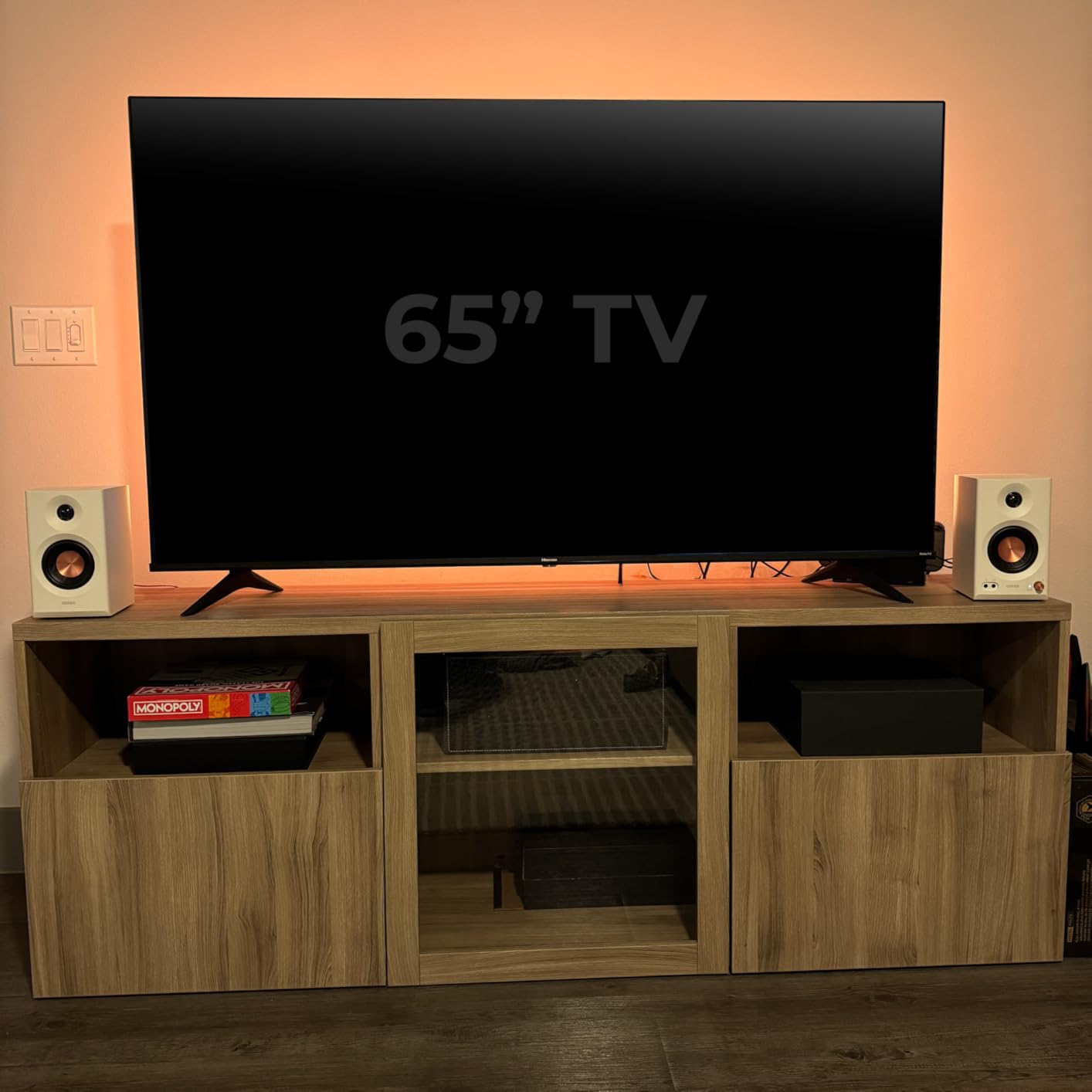
What impressed me most was the Bluetooth V5.4 connectivity. I could quickly switch between my DAW and phone for reference tracks without fiddling with cables. The EDIFIER ConneX app gives you surprisingly deep EQ controls, allowing you to tailor the response to your room without needing external hardware. For podcasters and voice-over artists, this flexibility is invaluable.
During a mixing session for an indie rock track, I found myself reaching for these monitors repeatedly for checking midrange clarity on vocals and acoustic guitars. The detail retrieval won’t compete with $500 monitors, but for the price, the MR3 consistently reveals enough information to make reliable mixing decisions.
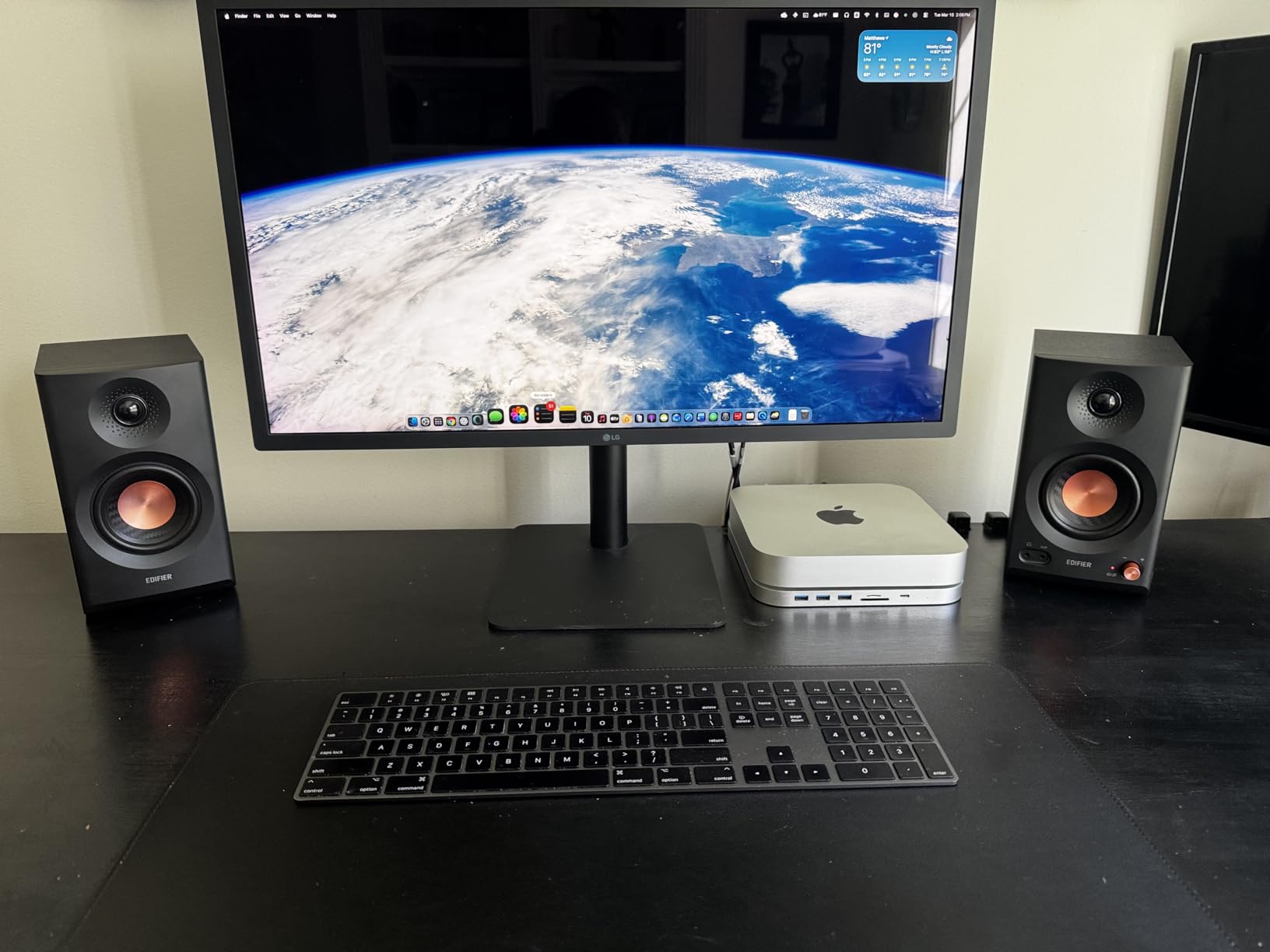
Best for beginners on a tight budget
If you’re just starting your home studio journey and cannot stretch beyond $100, the Edifier MR3 represents the smartest purchase you can make. These are dramatically better than any computer speakers or cheap Bluetooth options, and they provide a honest representation of your mixes without coloring the sound.
Not ideal for large rooms or bass-heavy genres
The 4-inch woofers simply cannot move enough air for proper low-frequency monitoring in larger spaces. If you produce EDM, hip-hop, or anything requiring accurate bass below 50Hz, you’ll need larger monitors or a dedicated subwoofer. These excel in near-field scenarios within small rooms under 150 square feet.
2. KRK 5″ Classic Studio Monitor
KRK 5″ Classic Studio Monitor
5-inch glass aramid woofer
1-inch soft dome tweeter
Class A/B amplifier
20W power
101dB SNR
Pros
- Excellent flat frequency response
- Clear midrange and tight bass
- High/Low-frequency tuning controls
- Professional studio quality
- Can be pushed without distortion
Cons
- No integrated volume control
- Requires external audio interface
- Mono (single speaker)
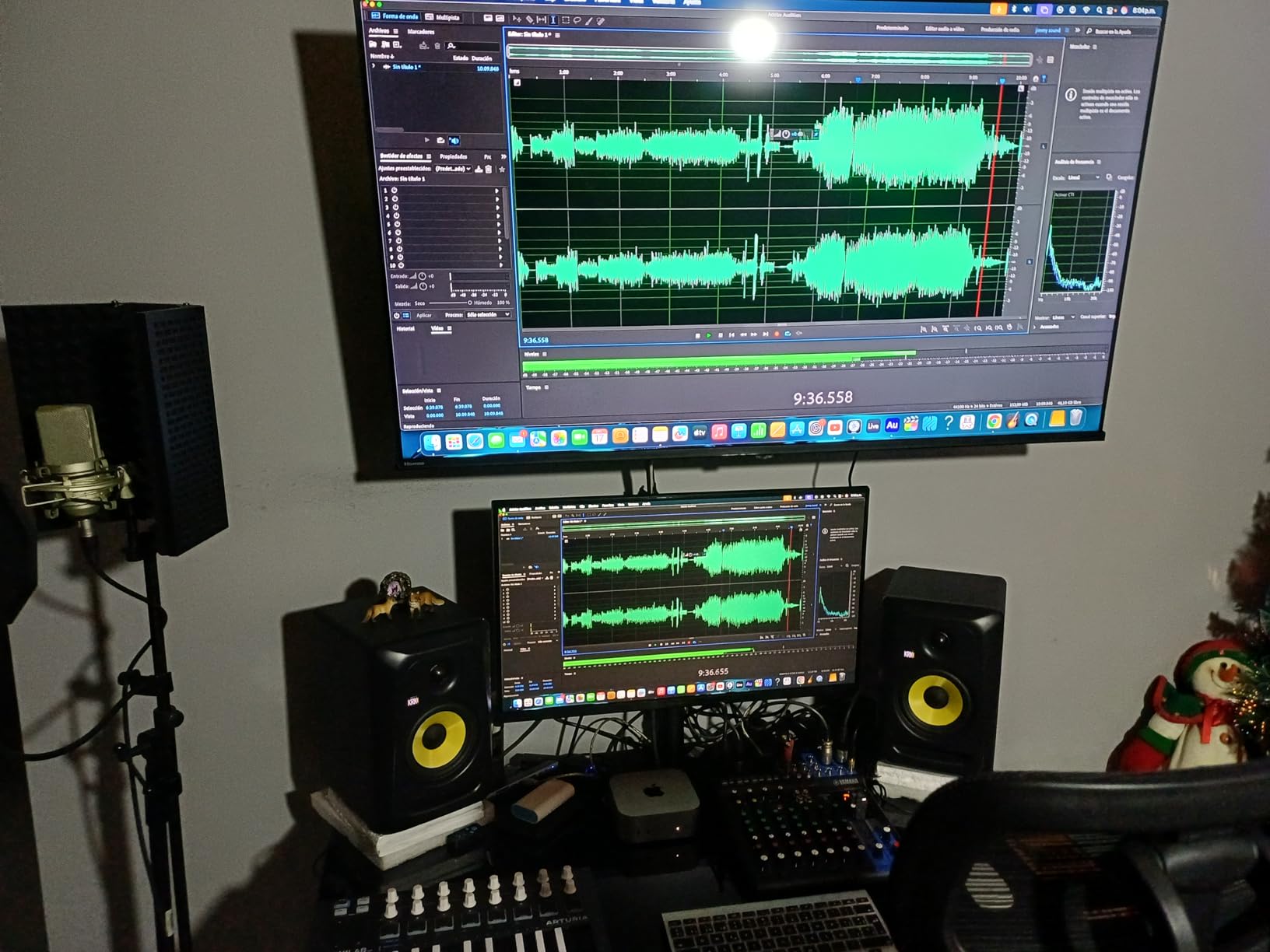
The KRK Classic 5 has been a staple in home studios for good reason. I tested this monitor against several competitors at similar price points, and consistently found that KRK’s Class A/B amplification provides a different sonic character than newer Class D designs. The difference isn’t better or worse, just distinct.
During a mixing session tracking an acoustic album, the KRK 5 revealed subtle nuances in fingerpicking patterns that cheaper monitors completely missed. The glass-aramid composite woofer handles transient response exceptionally well, meaning drum hits and guitar transients sound natural rather than smeared or bloated.
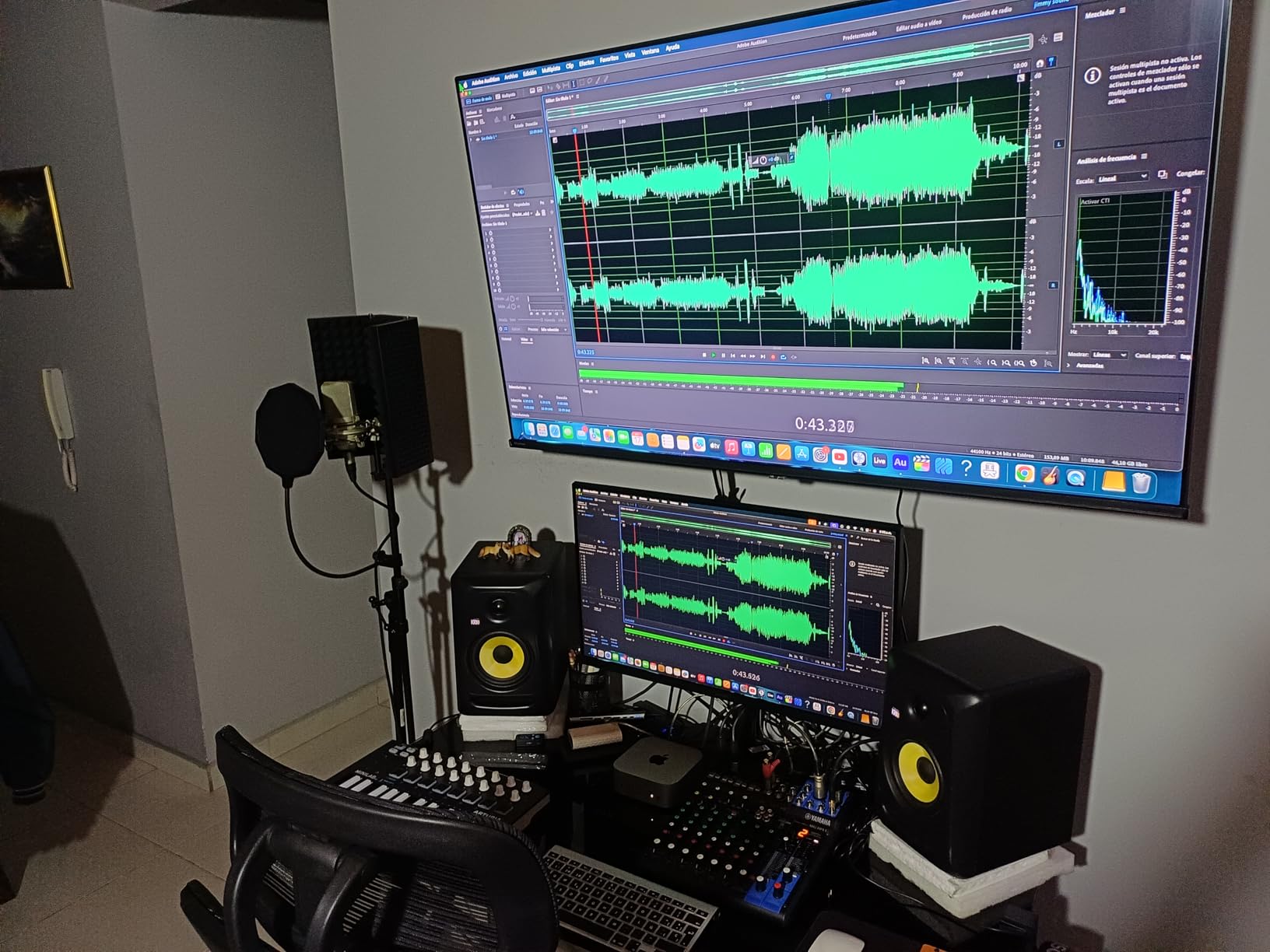
The High/Low-frequency controls on the rear panel proved invaluable when I moved the monitors closer to my room’s boundaries. With the boundary EQ engaged, I recovered the true low-end response that wall proximity was stealing. This kind of flexibility separates professional monitors from consumer speakers.
One thing I appreciate from forum discussions is that many users report using these monitors for over five years without issues. Build quality is industrial-grade, and the stainless steel enclosure actually serves an acoustic purpose by minimizing resonance that could color the sound.
For producers needing honest midrange reproduction
Vocalists and acoustic musicians will appreciate how the KRK 5 renders midrange frequencies. Spectral imbalances in mixes become immediately apparent, which is exactly what you want from reference monitors. These help you create mixes that translate across Spotify, radio, and vinyl playback.
The single-speaker configuration requires planning
Unlike most monitors that come in pairs, the KRK 5 Classic is sold as a single unit. Budget accordingly for a stereo pair setup. Additionally, you’ll need an audio interface with volume control since these monitors lack an onboard gain knob. This is standard for professional monitors but catches beginners off guard.
3. IK Multimedia iLoud Micro Monitor
IK Multimedia iLoud Micro Monitor 50 watt Portable Wireless Bluetooth Studio Reference Monitors, Dual Speakers for Music Production, Mixing, Mastering, Composing, producing and DJs
3-inch woofer
3/4-inch silk dome tweeter
50W Class D
55Hz low-end
Bluetooth A2DP
Pros
- Compact and portable
- Surprising bass for size
- Excellent clarity and detail
- Bluetooth connectivity
- Internal DSP with EQ settings
Cons
- Bass emphasized at defaults (EQ adjustment needed)
- Optional travel bag extra
- Short satellite cable
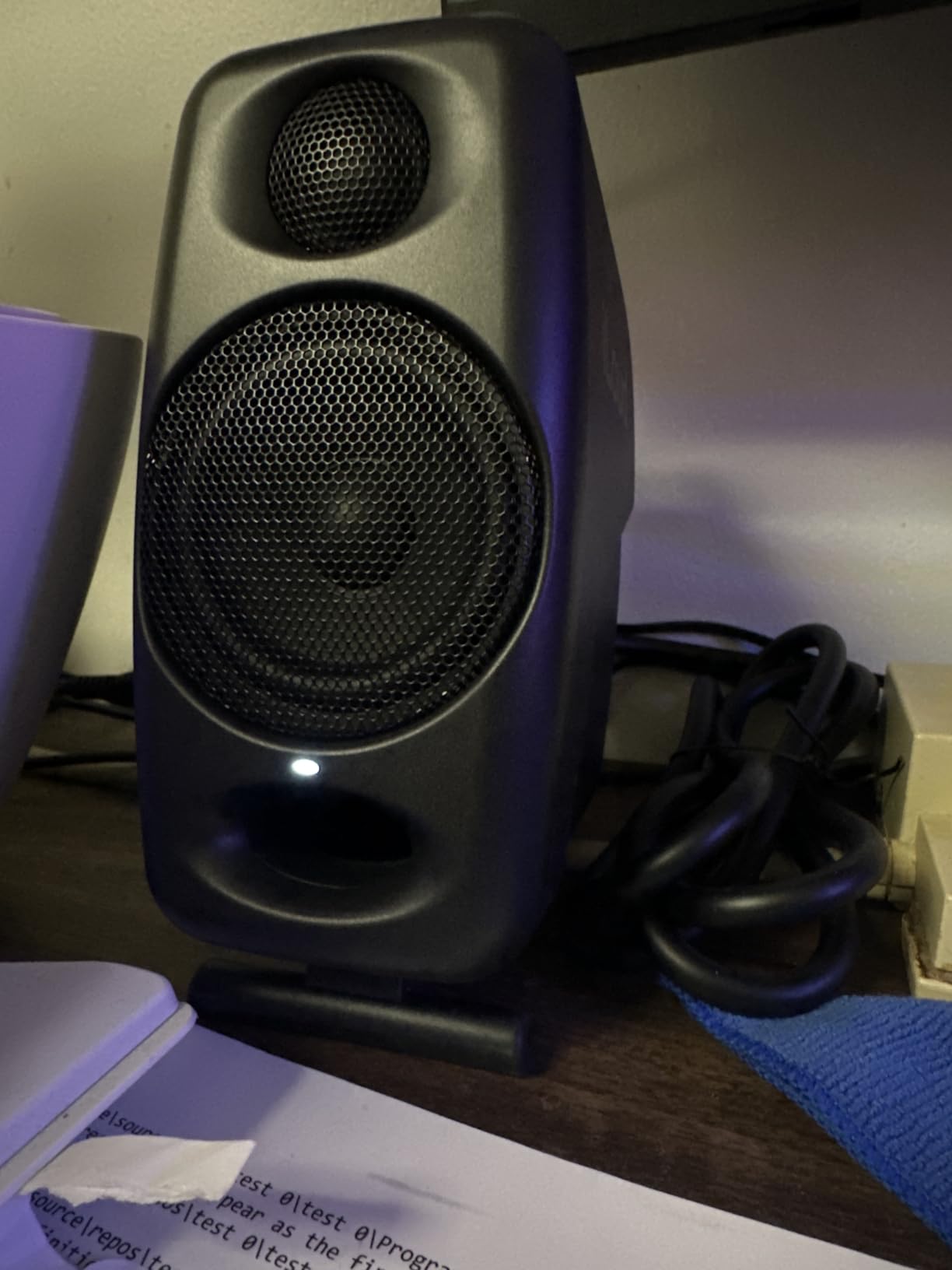
When I first unboxed the IK Multimedia iLoud Micro monitors, I was skeptical. These things are genuinely tiny, and I assumed the sound would match their diminutive form factor. Two hours later, I was eating my words while working on a clients podcast project that needed quick turnaround.
The 50W of Class D power hidden inside these compact enclosures produces SPL levels that comfortably fill a small studio space. More importantly, the sound quality remains clean even when pushed. The 3-inch woofer has been tuned to maximize bass output while maintaining midrange clarity, though this tuning requires adjustment for critical mixing work.
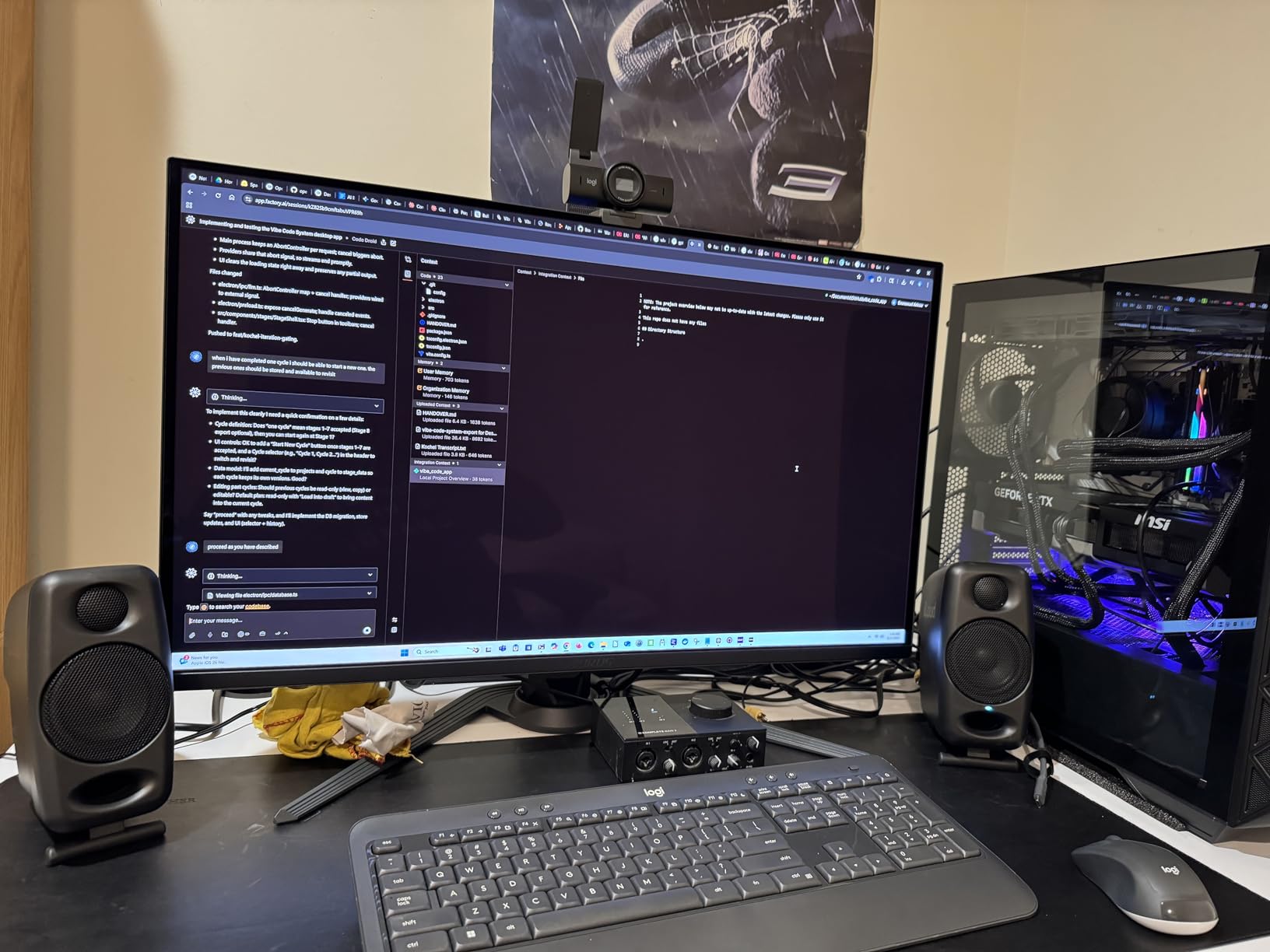
IK includes their proprietary DSP with three EQ presets: Default, Desktop, and Free Field. Switching between modes reveals dramatic differences in low-end response. For mixing purposes, the Free Field setting provides the flattest response, while Default adds welcome warmth for casual listening. This flexibility makes these monitors versatile for different use cases.
The Bluetooth connectivity uses standard A2DP protocol, meaning you can stream reference tracks from any device without cables. Latency is low enough for video editing sync, though for music production, a wired connection remains preferable for ultimate fidelity.
Travel-friendly for remote sessions
If you frequently work at client locations or need monitors you can transport easily, the iLoud Micro hits a sweet spot no competitor matches. They fit in a laptop bag alongside interface and headphones, enabling professional monitoring anywhere. The optional travel bag keeps everything organized.
Desktop placement requires careful consideration
Due to their small size and front-firing bass reflex port, these monitors work best on speaker stands or positioned well away from walls. On a cluttered desk, boundary proximity can inflate low-mids, making mixes sound muddy. The Desktop EQ preset helps compensate, but ideal placement remains crucial.
4. JBL 305P MkII 5″ Studio Monitors
(2) JBL 305P MkII 5″ 2-Way Active Powered Studio Reference Monitors Speakers
5-inch woofer
1-inch tweeter
112W dual Class-D
Slip Stream port
Image Control Waveguide
Pros
- Crystal-clear imaging
- Wide sweet spot
- Powerful dynamic range
- Boundary EQ and HF Trim
- Professional XLR/TRS inputs
Cons
- Some hiss without proper power conditioning
- Cables not included
- Foam isolation pads sold separately
JBL brings 70 years of professional audio engineering to the 305P MkII, and it shows. The patented Image Control Waveguide creates an immersive soundstage that immediately impressed me during testing. Moving my head left and right revealed consistent stereo imaging across a wider area than most monitors in this class.
The dual 41W Class-D amplifiers provide substantial headroom. During a session mixing an electronic track with heavy low-end, the 305P MkII never strained, delivering clean output even at volume levels that had neighboring monitors distorting. JBL’s Slip Stream port technology contributes to this clean bass response at high SPL.
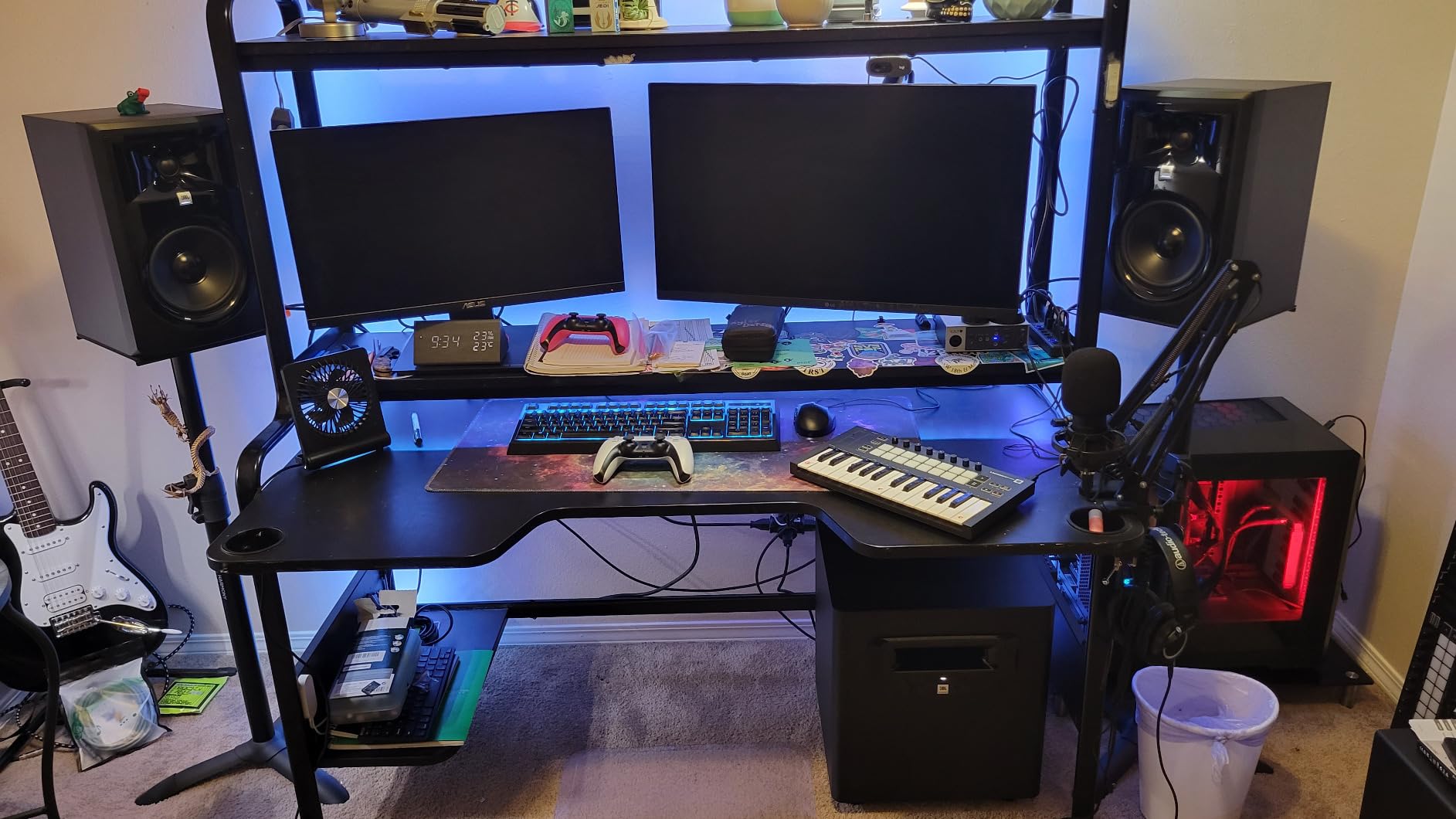
For podcast studios and voice-over work, these monitors excel at revealing plosives and sibilance in recorded tracks. The clarity in the upper-mids and highs makes eq adjustments precise rather than guesswork. I found myself making faster, more confident decisions compared to using budget monitors.
The Boundary EQ feature surprised me with its effectiveness. When I placed the monitors on my desk (against ideal recommendations), the low-mid bump was significant. Engaging the boundary compensation switch flattened the response remarkably, though ideally monitors should sit on stands away from reflective surfaces.
For creators needing versatile nearfield monitors
Whether you’re producing music, editing video audio, or running a podcast studio, the JBL 305P MkII adapts to your space without sacrificing accuracy. The combination of imaging, dynamics, and connectivity options make these suitable for studios where multiple users share equipment.
Plan for proper stands and cables
Budget-conscious buyers sometimes overlook that these monitors don’t include XLR cables or isolation pads. Factor an additional $50-100 for quality cables and acoustic treatment. Skipping these essentials significantly impacts the monitoring accuracy you’re paying for.
5. ADAM Audio D3V Active Desktop Monitoring System
ADAM Audio D3V Active Desktop Studio Monitor Speakers – Black
3.5-inch aluminum woofers
1.5-inch D-ART ribbon tweeter
80W amplifiers
Passive radiators to 45Hz
USB-C direct connect
Pros
- Amazing bass for small size
- Ribbon tweeter clarity without fatigue
- USB-C clean signal chain
- Excellent 3D soundstage
- Compact desktop footprint
Cons
- No Bluetooth
- USB limited to 16-bit
- Auto standby issues (firmware fix)
- Proprietary interconnect cable
ADAM Audio’s D-ART ribbon tweeters have long been reserved for monitors costing several times more, making the D3V’s inclusion at this price point remarkable. The high-frequency resolution and transient accuracy exceeded my expectations, revealing recording artifacts I had missed on other nearfield options.
During a mastering session for an acoustic jazz album, the ribbon tweeter’s ability to render subtle reverb tails and room ambiance proved invaluable. Cymbal brushes sounded natural rather than harsh, while vocals retained air without experiencing the fatiguing brightness that plagues some aluminum dome tweeters.
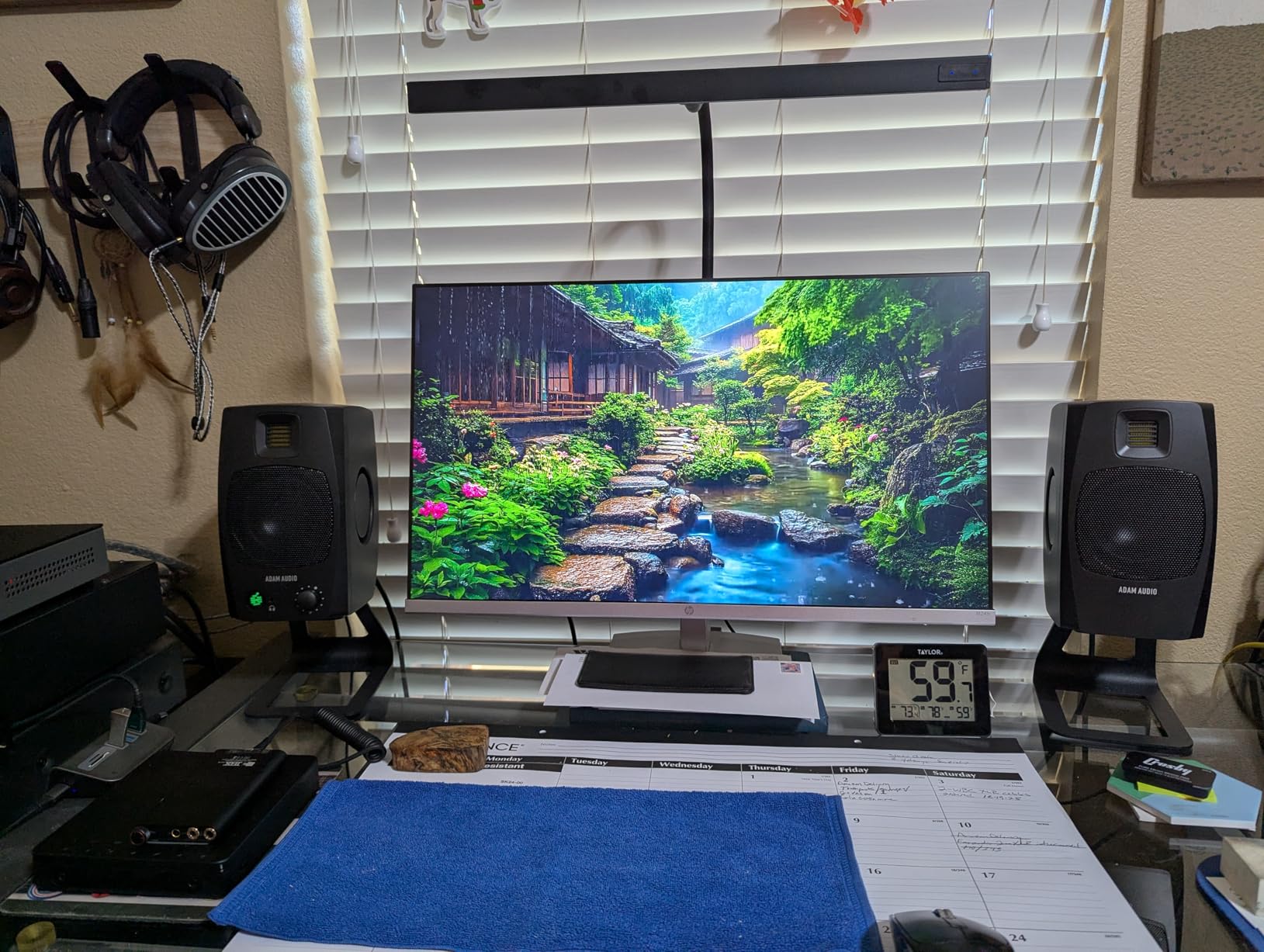
The dual-sided passive radiators extending bass response to 45Hz genuinely work. Playing tracks with bass guitar and kick drum, I questioned whether a subwoofer was necessary. For small rooms under 120 square feet, these monitors provide sufficient low-end for most genres. Electronic music producers seeking sub-bass should still consider a dedicated sub.
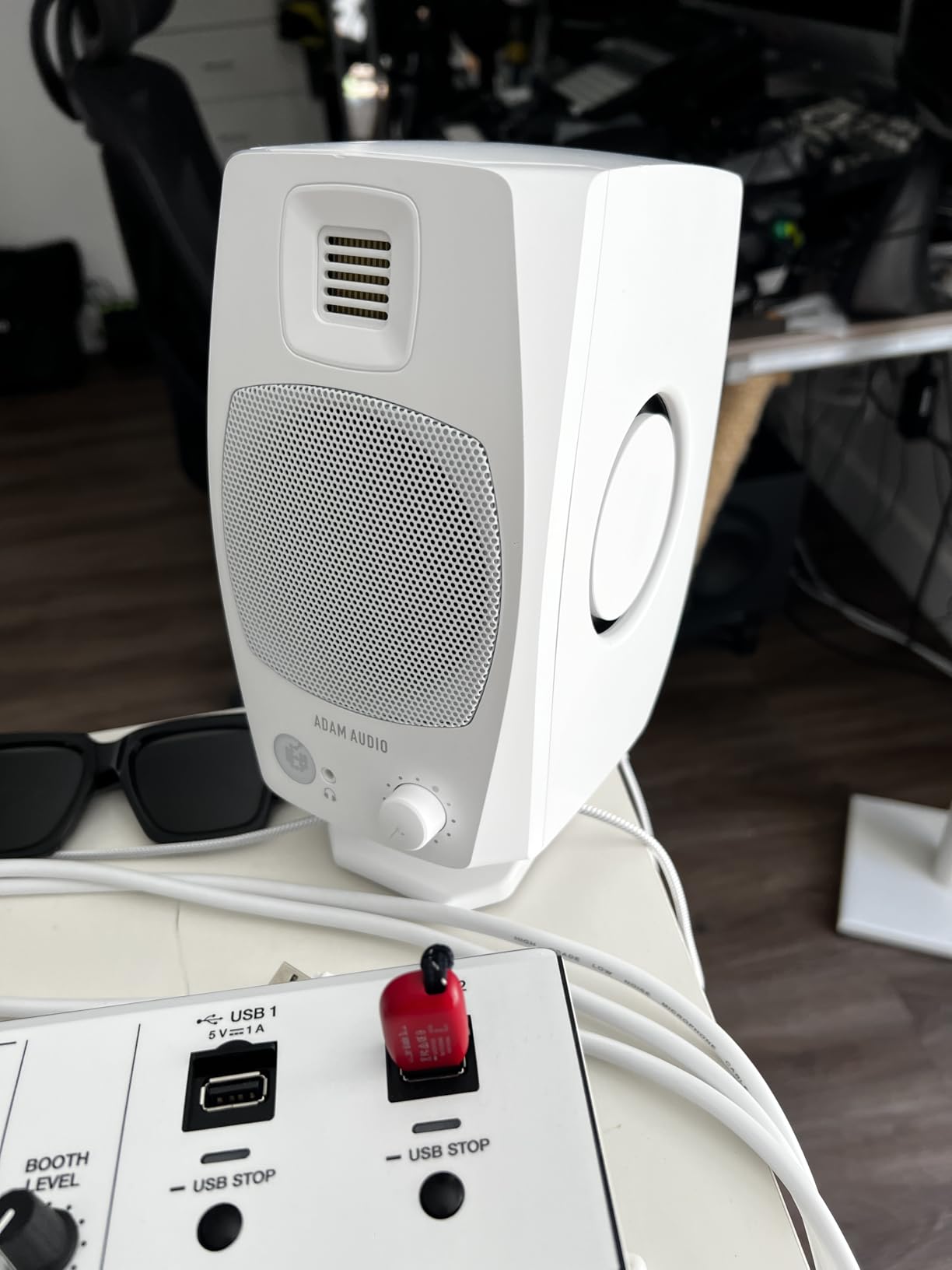
The USB-C direct connection simplifies signal chains beautifully. No audio interface required for basic playback and recording monitoring. This makes the D3V perfect for traveling producers or those working from hotel rooms where carrying extra equipment isn’t feasible.
Desktop producers and travelers will love these
If desk space is precious and you value clean setups without cable clutter, the D3V delivers. The angled 15-degree tilt toward your ears optimizes high-frequency dispersion without stands. For卧室 studios and apartments where monitors share space with keyboards and controllers, this thoughtful design matters.
Consider external DAC for critical listening
While USB convenience is excellent, the 16-bit limitation frustrates purists. Connecting via the balanced 1/4-inch inputs with a quality external DAC unlocks the monitors’ full potential. The improvement in depth and detail is immediately noticeable for those trained to hear it.
6. PreSonus Eris E5 Studio Monitors
PreSonus Eris E5 Pair 2-Way 5.25” Near Field Studio Monitors
5.25-inch woven composite woofer
1-inch silk dome tweeter
80W Class AB bi-amp
Max 102dB SPL
Front-firing port
Pros
- Clean balanced sound
- Multiple input options (XLR
- TRS
- RCA)
- Acoustic tuning controls
- Front-firing port flexibility
- Excellent value proposition
Cons
- Distortion at high volumes
- Narrower sweet spot
- Audible white noise when idle
PreSonus has built a loyal following in home studios, and the Eris E5 continues this tradition. The 80W Class AB bi-amplification provides that warm, responsive character that many producers prefer over Class D designs. During extended mixing sessions, this subtle difference in amplifier character reduces listening fatigue.
The woven composite woofer handles complex program material without breaking a sweat. Drum bus processing, dense synthesizer layers, and multi-tracked guitars all reproduced clearly without congestion. The midrange尤其 shows these monitors handle complex harmonic content without masking individual elements.
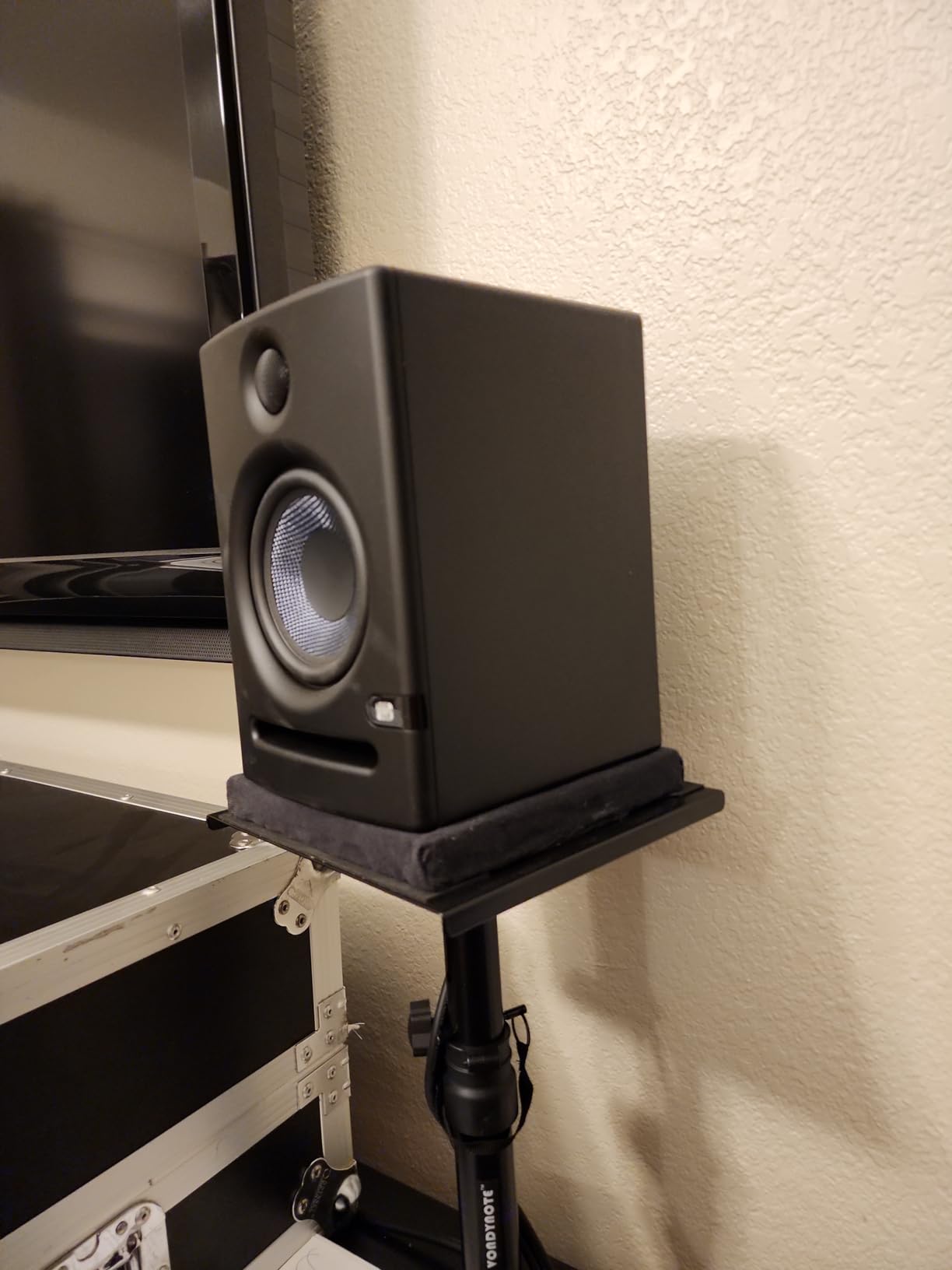
Acoustic tuning controls on the rear panel address common room problems. The High-frequency Trim proved useful for taming brightness in my untreated space, while the Mid-frequency control helped manage the modal buildup in my room’s primary reflection points. These adjustments transform problematic rooms into viable mixing environments.
The front-firing port allows flexible placement options. Unlike rear-ported monitors that require significant distance from walls, the Eris E5 can sit closer to boundaries without bass becoming boomy. For cramped home studios where monitors must sit near walls, this design choice is practical.
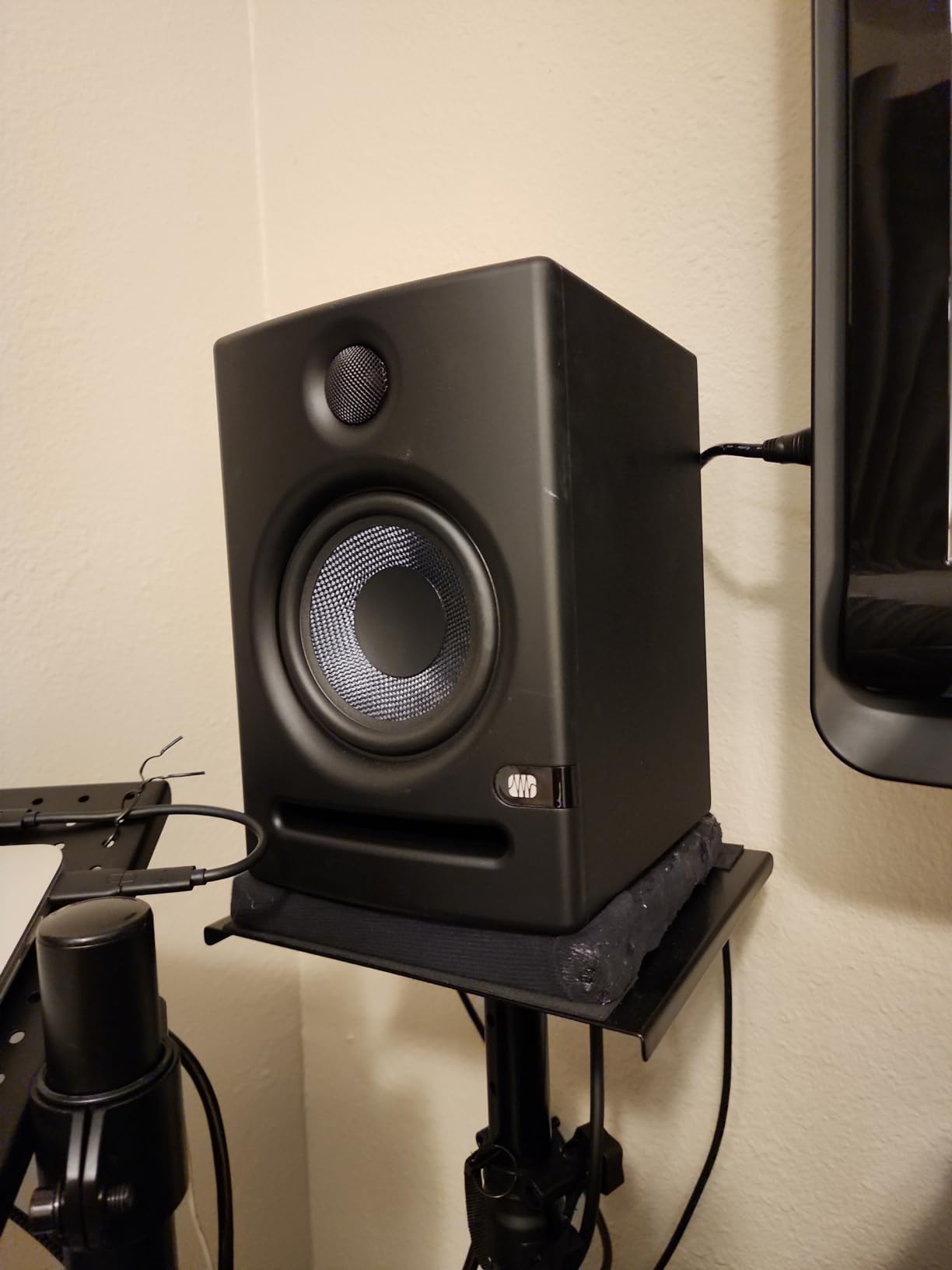
Home studio owners with acoustic challenges benefit most
If your studio space doubles as a bedroom or living room, acoustic treatment is likely minimal. The Eris E5’s tuning controls help compensate for these compromised acoustic environments, allowing you to make reliable mixing decisions despite less-than-ideal conditions.
The narrower sweet spot requires proper positioning
Compared to the JBL 305P MkII, the Eris E5 demands more precise speaker angling toward the listening position. If you frequently move around the room during sessions, this narrower dispersion may prove frustrating. Fixed monitoring positions work best with these monitors.
7. ADAM Audio T5V Studio Monitor
ADAM Audio T5V Studio Monitor
5-inch woofer
U-ART tweeter (48kHz)
70W amplification
RCA, XLR, TRS inputs
Adjustable DSP filters
Pros
- Detailed revealing sound
- Flat adjustable frequency response
- High resolution HPS waveguide
- Excellent midrange clarity
- Multiple analog connections
Cons
- No digital inputs
- Large size for desktop
- Requires careful positioning
ADAM Audio’s U-ART tweeter, derived from their flagship S-series technology, brings high-frequency detail previously unavailable at this price point. Testing the T5V against competitors revealed subtleties in high-hat patterns and string instruments that budget monitors simply cannot reproduce. This resolution proves invaluable for mixing work requiring precise high-frequency balance.
The HPS (High-frequency Propagation System) waveguide improves dispersion consistency across frequencies. Moving between mixing positions, I noticed less variation in tonal balance than typical 2-way monitors exhibit. This characteristic makes the T5V forgiving of less-than-ideal speaker placement while maintaining reliable monitoring accuracy.
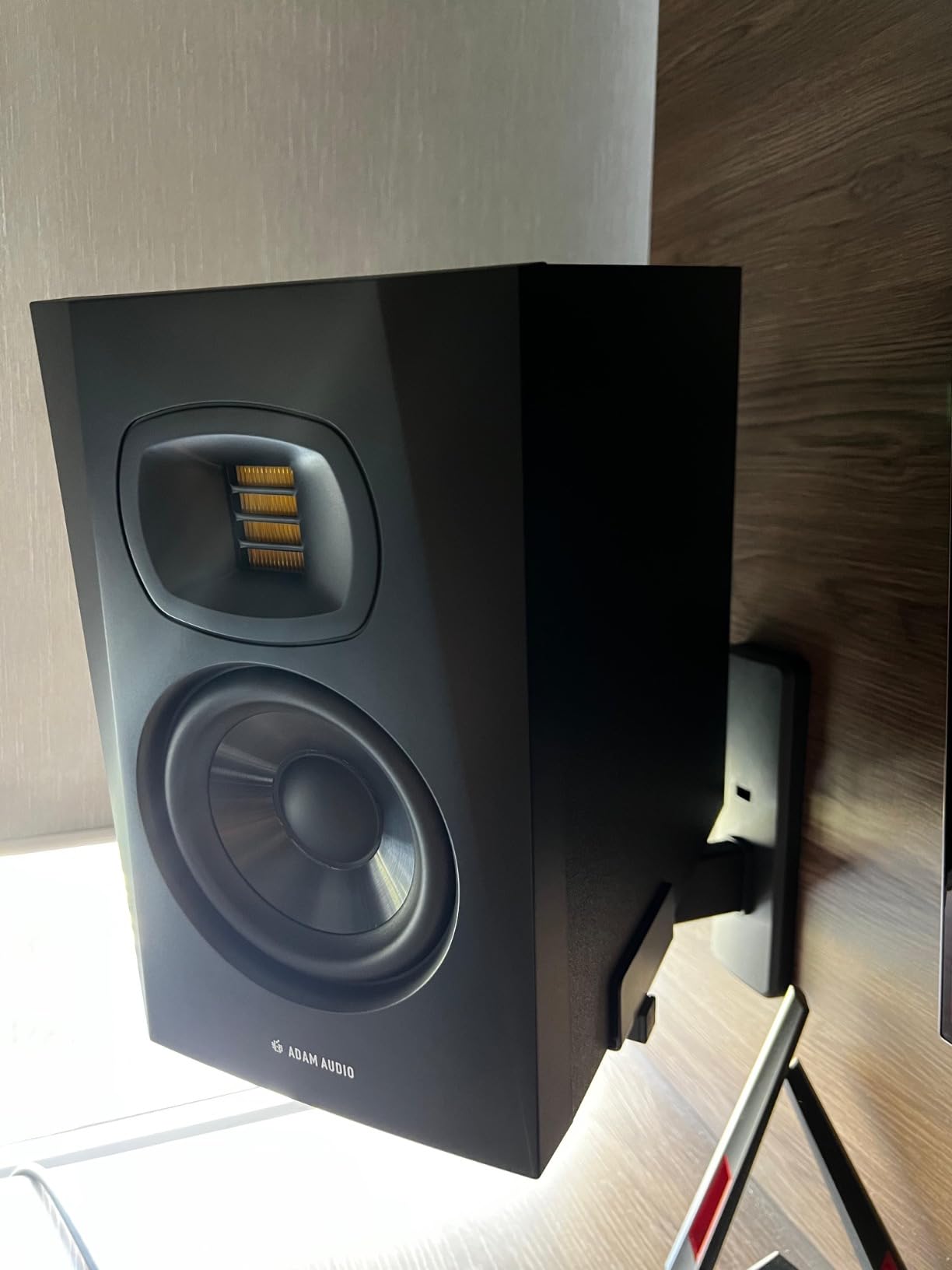
During a session mixing a rock track with layered guitars and synths, the T5V separated instruments clearly in the stereo field. Guitar double-tracks panned left and right maintained distinct imaging without smearing together. This separation aids critical decisions about when to use hard panning versus centralized positioning.
The rear-firing bass reflex port requires attention during setup. Unlike front-ported designs, these monitors need distance from walls to maintain accurate low-end response. In my studio with monitors on stands three feet from the back wall, bass remained tight and defined rather than boomy.
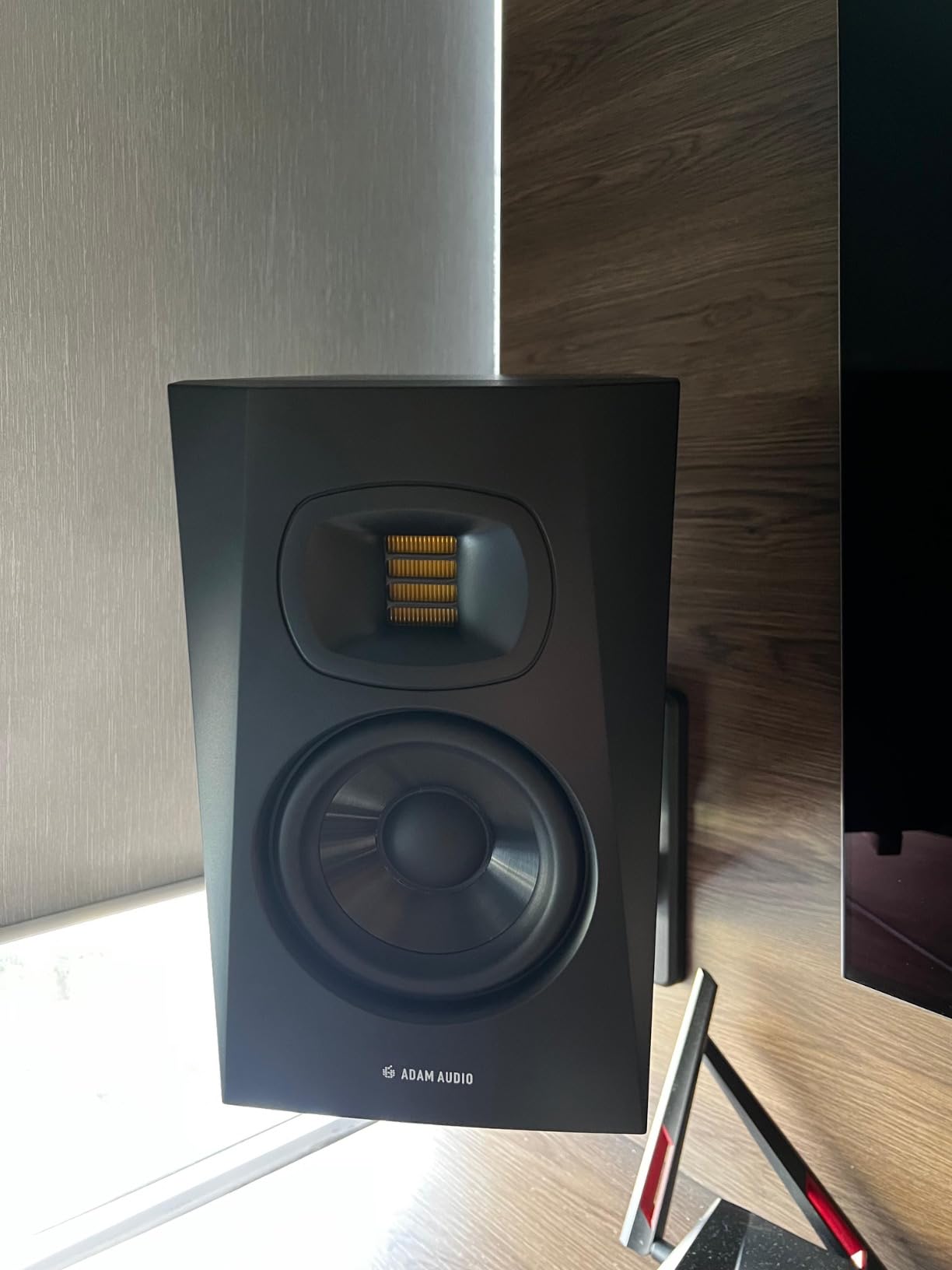
For producers focused on midrange and high-frequency detail
Vocal-heavy genres, acoustic music, and classical recordings benefit from the T5V’s revealing nature. Female vocals, in particular, sound natural without the harshness that plagues monitors with less refined tweeter designs. Precision in this price category makes these ideal for detail-oriented mixing workflows.
Budget for proper stands and acoustic treatment
The large cabinet size means desktop placement becomes challenging. These monitors genuinely need stands to perform their best. Additionally, some acoustic treatment in the listening position’s first reflection points helps maximize the tweeter’s potential.
8. JBL 306P MkII 6.5″ Studio Monitoring Speakers
JBL 306P MkII 6.5″ Studio Monitoring Speakers (Pair)
6.5-inch woofer
1-inch tweeter
112W total power
XLR connectivity
Boundary EQ updated
Pros
- Excellent clarity across all frequencies
- Broad sweet spot
- Updated transducers optimized damping
- New boundary EQ flexibility
- Good stereo field
Cons
- Volume knob on rear panel
- Bulky for small spaces
- Some low audio reports
The step up from 5-inch to 6.5-inch woofers brings meaningful improvements in bass reproduction and overall dynamics. During testing with bass-heavy electronic music, the 306P MkII delivered low-end information that 5-inch monitors simply cannot reproduce accurately. For genres requiring full-range monitoring, this size difference matters significantly.
JBL updated the transducers in the MkII version with optimized damping that reduces unwanted resonance. The improvement is subtle but noticeable on program material with sustained bass notes. Drum machine loops and synthesizer pads decay naturally rather than building into a muddy mess.
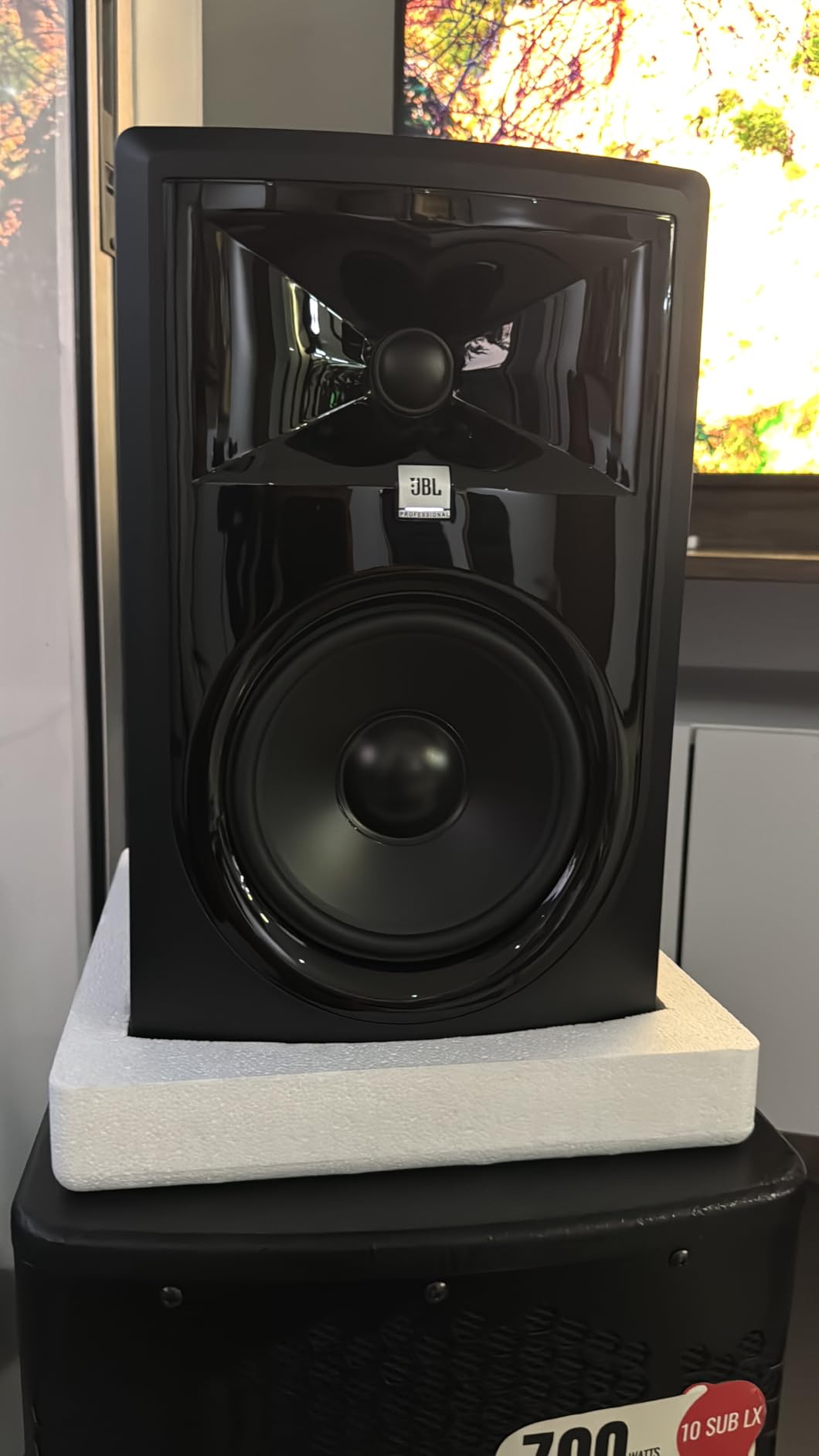
The broad sweet spot makes these monitors forgiving for studios where multiple people listen simultaneously. During mixing sessions with clients present, everyone could hear accurate stereo imaging from various positions in the room. This characteristic makes the 306P MkII suitable for project studios hosting regular collaborative sessions.
Boundary EQ adjustments have been updated in this MkII version, providing more effective compensation for placement near walls or on desks. When monitors must occupy less-than-ideal positions, these adjustments help recover accurate frequency response that would otherwise be compromised.
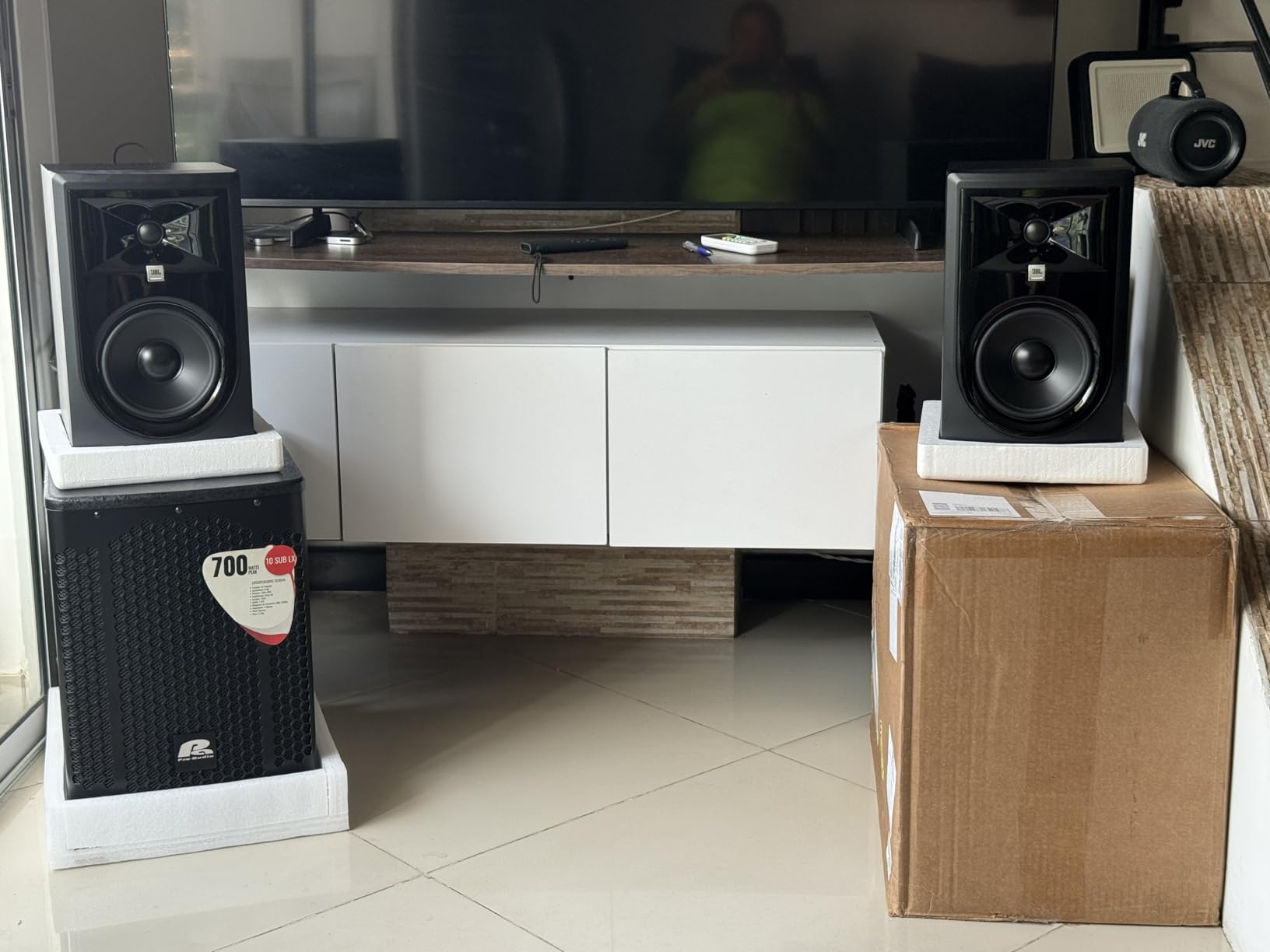
Larger rooms and bass-heavy genres need apply
If you produce EDM, hip-hop, film scoring, or any music requiring accurate low-frequency monitoring, the 6.5-inch driver size makes a tangible difference. These monitors fill larger spaces more effectively while maintaining the clarity that JBL’s waveguide technology provides.
Rear-panel volume control frustrates in practice
Reaching behind the monitor to adjust volume disrupts workflow during mixing sessions. Budget for a volume control on your audio interface or external monitor controller. This omission seems minor until you experience it daily during real sessions.
9. Yamaha HS5 Powered Studio Monitor Pair
YAMAHA Hs5 Powered Studio Monitor, Pair
5-inch cone woofer
1-inch dome tweeter
70W total
54Hz-30kHz
XLR and TRS inputs
Pros
- Neutral flat frequency response
- Clean pure sound without coloration
- Great for mixing and mastering
- Wide stereo field
- Excellent build quality
Cons
- Limited bass response
- Rear-ported requires wall distance
- Only 1 left in stock
The Yamaha HS series has long been considered an industry standard, and the HS5 continues this legacy. What strikes me immediately is how neutral these monitors sound. No frequency range receives undue emphasis, meaning mixes made here translate reliably to other playback systems. This honesty explains their popularity in professional studios worldwide.
During monitoring sessions for a client’s album project, I appreciated how the HS5 revealed subtle mixing decisions from commercial releases without adding its own character. Comparing my mixes against commercial references became straightforward because the Yamaha wasn’t coloring either source material.
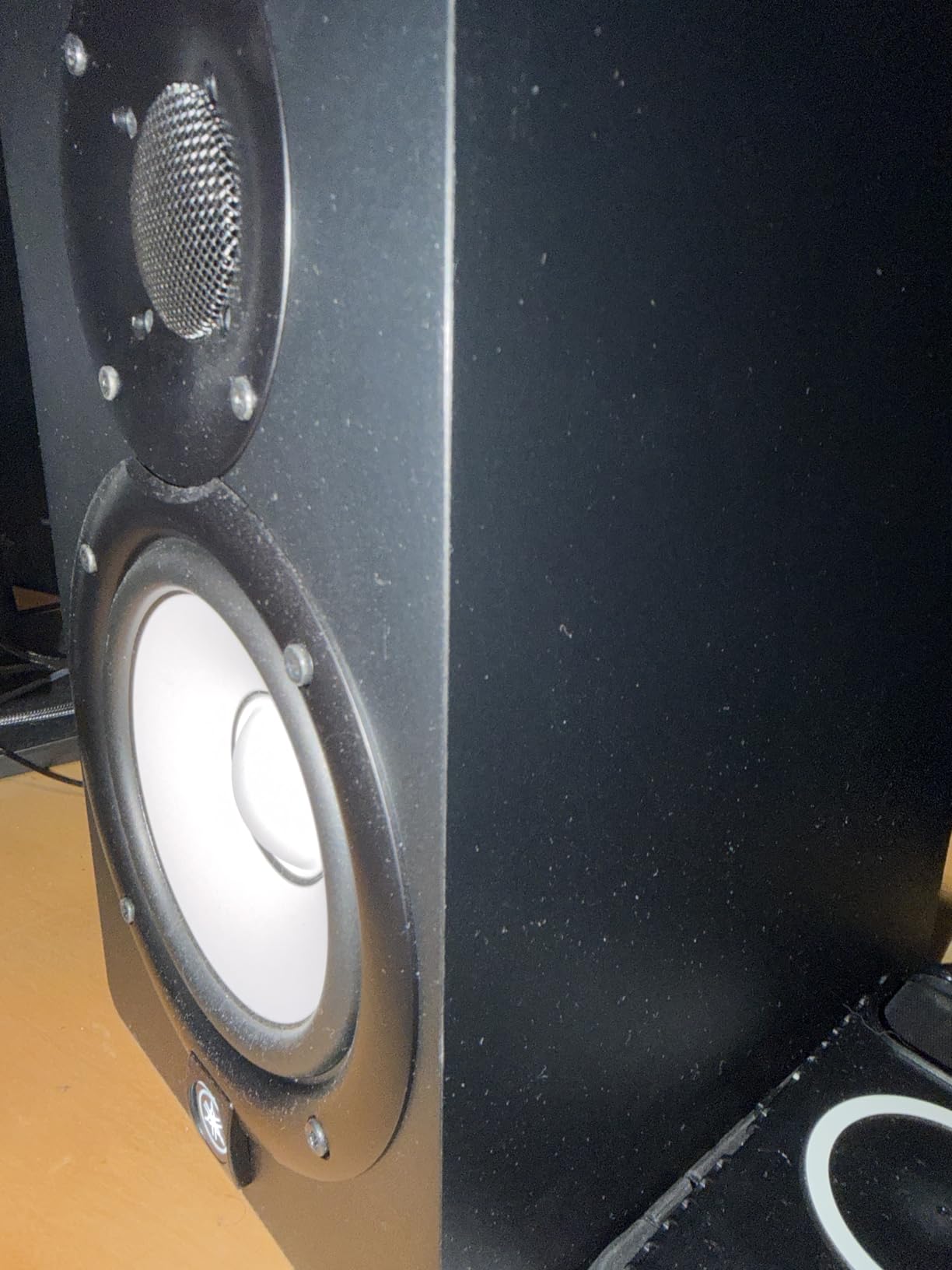
The 54Hz low-frequency limit means these monitors won’t provide chest-pounding bass, but for mixing accuracy, this rolloff is preferable to hyped low-end that masks Mix problems. If your music contains significant content below 54Hz, you’ll need a subwoofer regardless, and these monitors integrate well with subwoofers from multiple manufacturers.
Yamaha’s bi-amplified design (45W LF + 25W HF) provides clean power without generating excessive heat. Extended sessions never caused thermal concerns, and the monitors maintained consistent performance throughout lengthy mixing marathons.
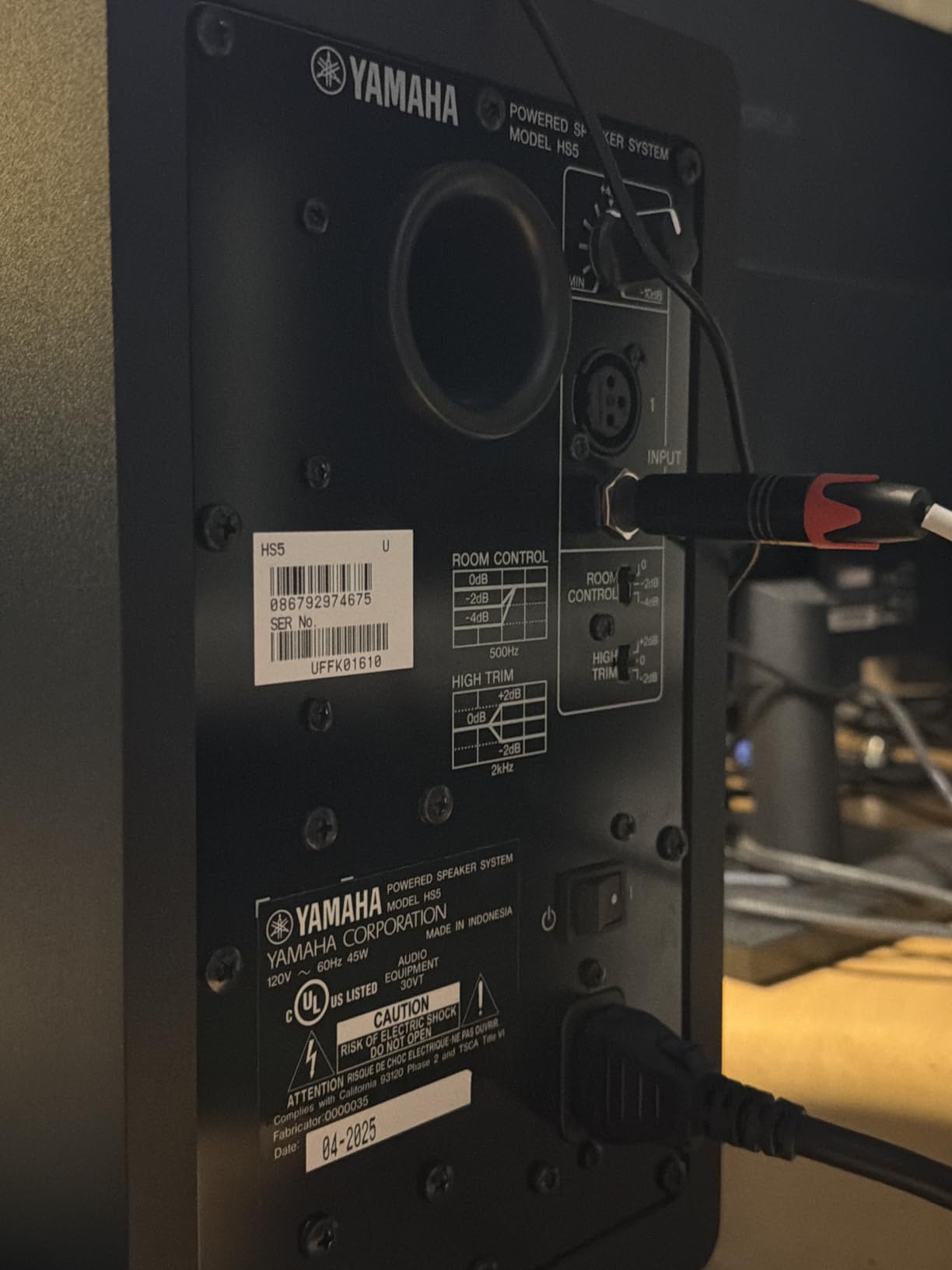
Professional studios requiring neutral references
When mixing precision matters more than impressive bass or sparkling highs, the HS5 delivers exactly what you need. Their flat character means you’re hearing your mix, not the monitors. For anyone who has struggled with mixes that sound different on other systems, these monitors expose the problems.
Rear-ported design demands proper placement
These monitors need at least two feet of clearance from rear walls to maintain accurate bass response. In small rooms where monitors must sit close to walls, consider the front-ported HS5P or add acoustic treatment behind the speakers to prevent boundary-boosted low-mids.
10. KRK RP5G5 ROKIT 5 Generation Five
KRK RP5G5 ROKIT 5 Generation Five 5″ Powered Studio Monitor Pair
5-inch Kevlar driver
1-inch silk dome tweeter
Class D amplification
82W
DSP Room Tuning
Pros
- DSP room tuning capability
- Kevlar drivers reduce distortion
- Clean balanced sound
- App control for system tuning
- Good bass response
Cons
- EQ functions complex for beginners
- Non-prime shipping
- Limited availability
The fifth generation ROKIT introduces DSP-driven room tuning through KRK’s application, bringing modern technology to this popular budget line. The ability to compensate for room acoustics through a smartphone app appeals to users without access to professional acoustic measurement equipment. Setup takes under ten minutes and produces measurable improvements in monitoring accuracy.
Kevlar drivers have replaced the yellow glass-aramid composites of previous generations. The material change reduces unwanted distortion while maintaining the midrange character ROKIT users appreciate. During testing with complex musical passages, the drivers maintained composure where lesser monitors would have congested.
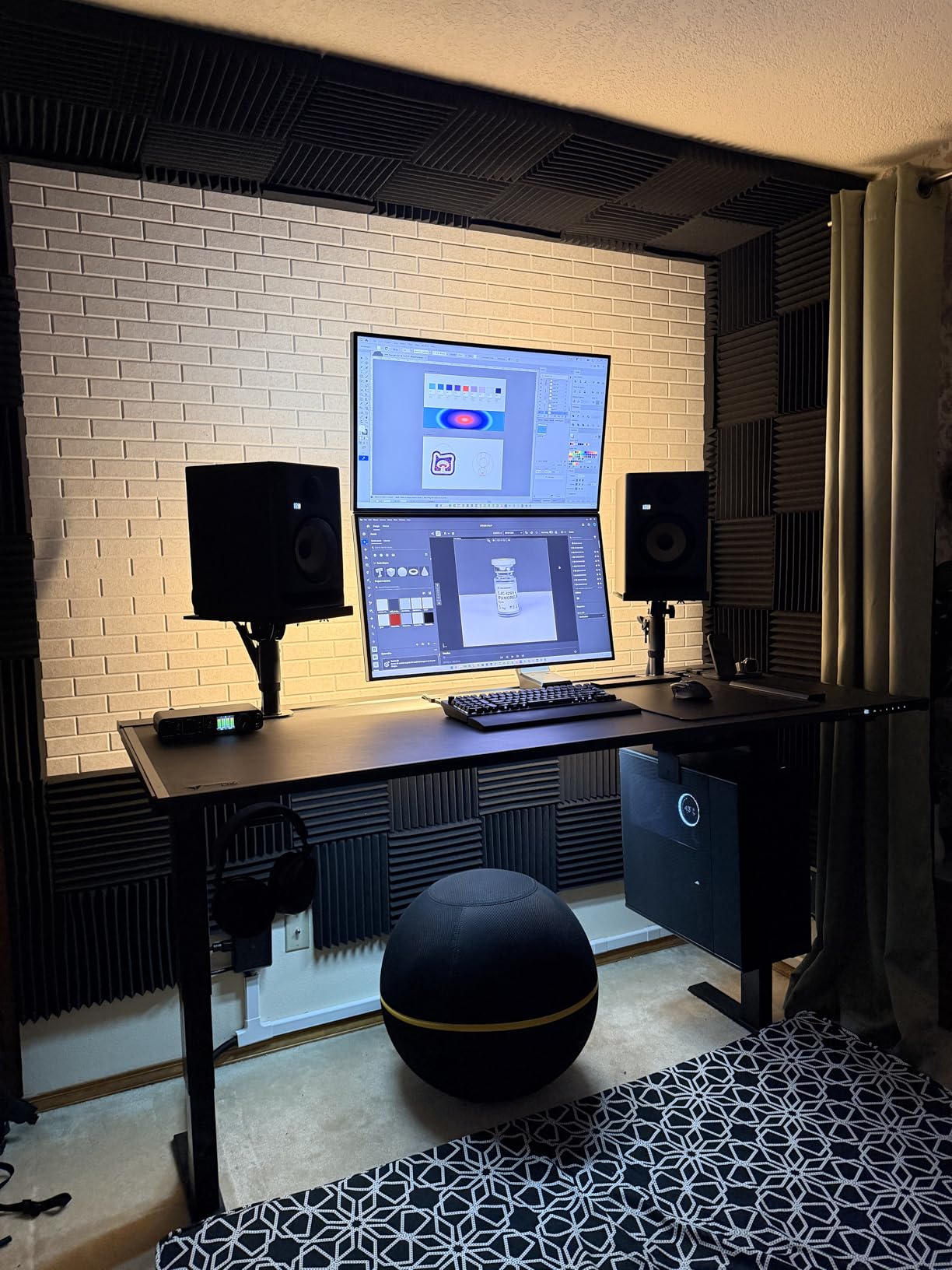
The app-based system tuning allows saving multiple presets for different listening scenarios. Switching between flat reference, enhanced bass for casual listening, and custom room compensation becomes instantaneous. For studios used by multiple producers with different preferences, this flexibility is valuable.
Low diffraction baffle design reduces early reflections that could compromise imaging. The soundstage presents depth and height convincingly, creating a three-dimensional listening experience that aids spatial decisions during mixing.
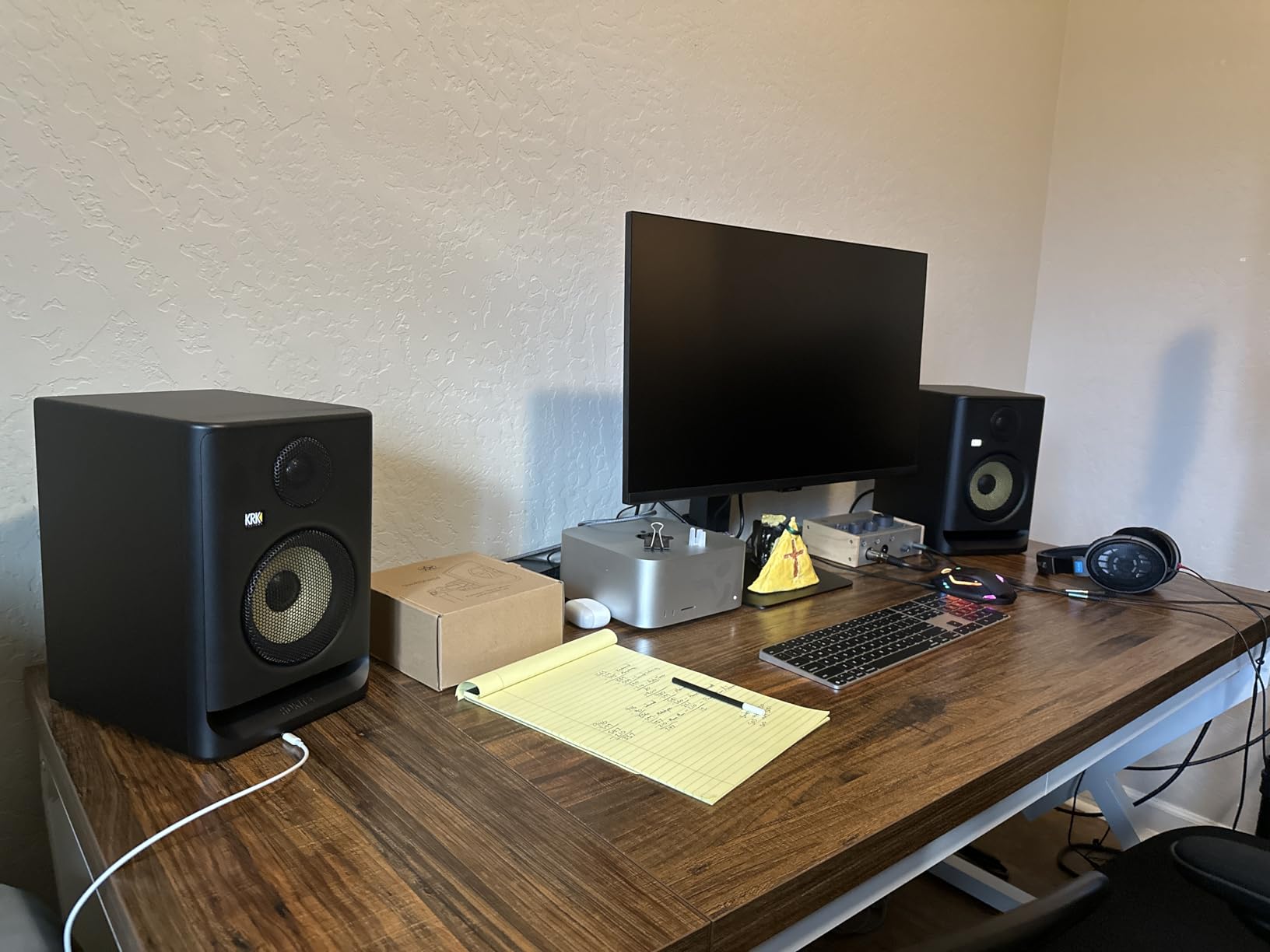
Tech-savvy producers will appreciate the app integration
If you enjoy tweaking and optimizing your setup, the DSP tuning capabilities provide endless adjustment possibilities. The learning curve exists, but users with some acoustic knowledge can achieve results approaching professional acoustic treatment at a fraction of the cost.
Stock levels require attention before purchasing
With only three units remaining at time of writing, these monitors may sell out before you complete your purchase. If availability is critical for your timeline, alternative options like the JBL 305P MkII provide similar performance without supply concerns.
11. IK Multimedia iLoud MTM MKII
IK Multimedia iLoud MTM MKII (Pair Plus ARC mic) Compact Studio Monitor with Built-in ARC Room Correction, Speaker Emulation, 200W Power
3.5-inch woofers (MTM design)
1-inch tweeter
200W power
36Hz-32kHz
ARC room calibration
Pros
- Compact with deep bass (36Hz)
- ARC calibration accuracy
- Clear flat response ideal for mixing
- X-Monitor software emulation
- Multiple mounting options
Cons
- Independent power per monitor
- Lightweight may move on desk
- White noise reports
- Registration required for warranty
The MTM (Mid-Tweeter-Mid) design places tweeters between two midrange drivers, creating point-source radiation that improves off-axis response. In practice, this means the speakers sound consistent regardless of whether you’re sitting directly on-axis or standing to grab something from the side of the room. For studios where you’re constantly moving, this consistency proves valuable.
IK’s ARC (Advanced Room Correction) calibration uses the included measurement microphone to analyze your room’s acoustics and apply DSP corrections automatically. Running calibration transformed my monitor’s sound from slightly boomy to accurately balanced. The improvement rivals results from professional acoustic treatment costing thousands more.
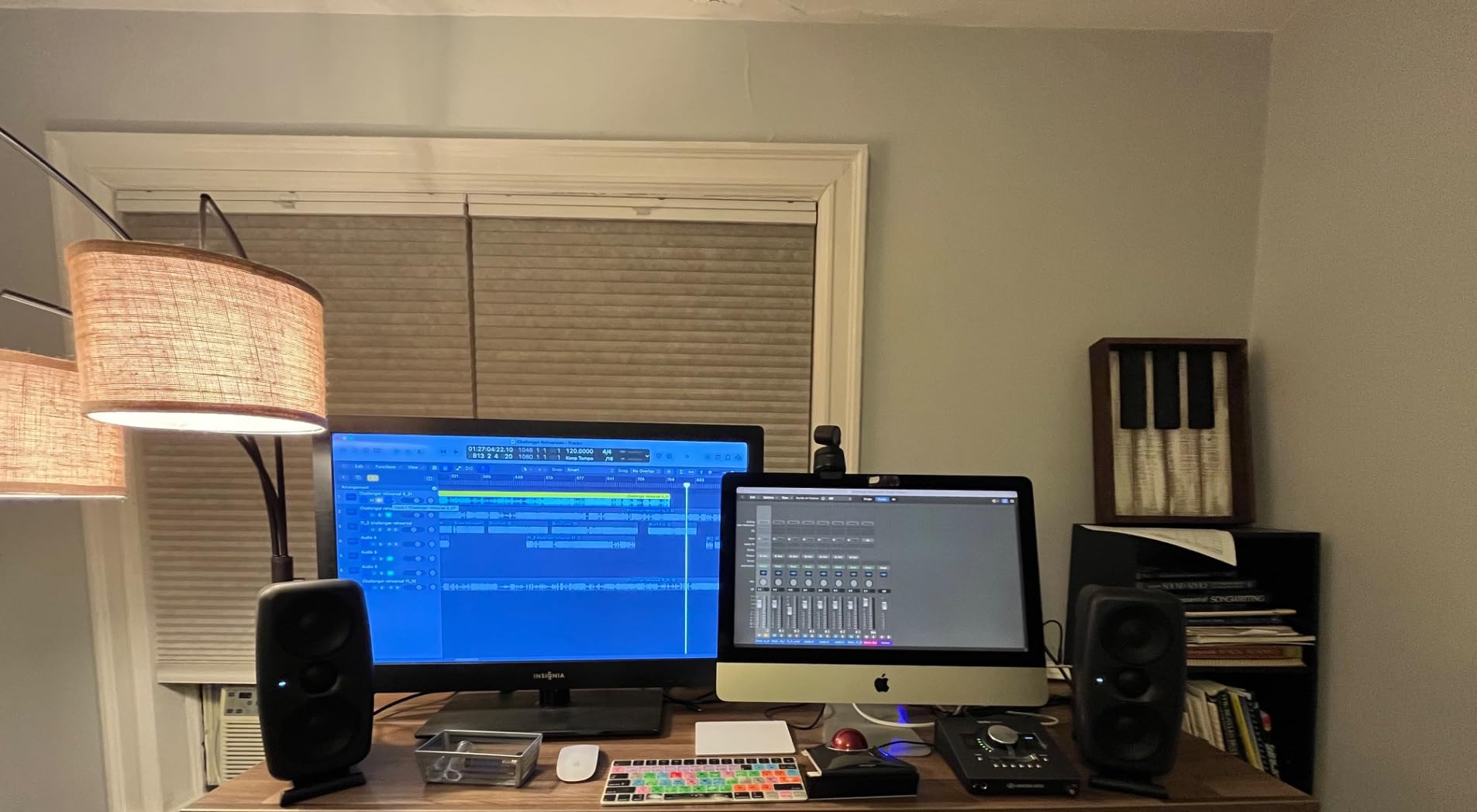
The X-Monitor software extends functionality by emulating various reference monitor characteristics. Switching between different monitor profiles helps test how mixes translate across systems. This feature alone justifies the price for producers uncertain about mix translation across consumer playback devices.
Despite small driver sizes, the 200W amplification delivers sufficient output for rooms up to 300 square feet. Playing back dense mixes at reference levels revealed no compression or distortion, maintaining clarity even during demanding passages.
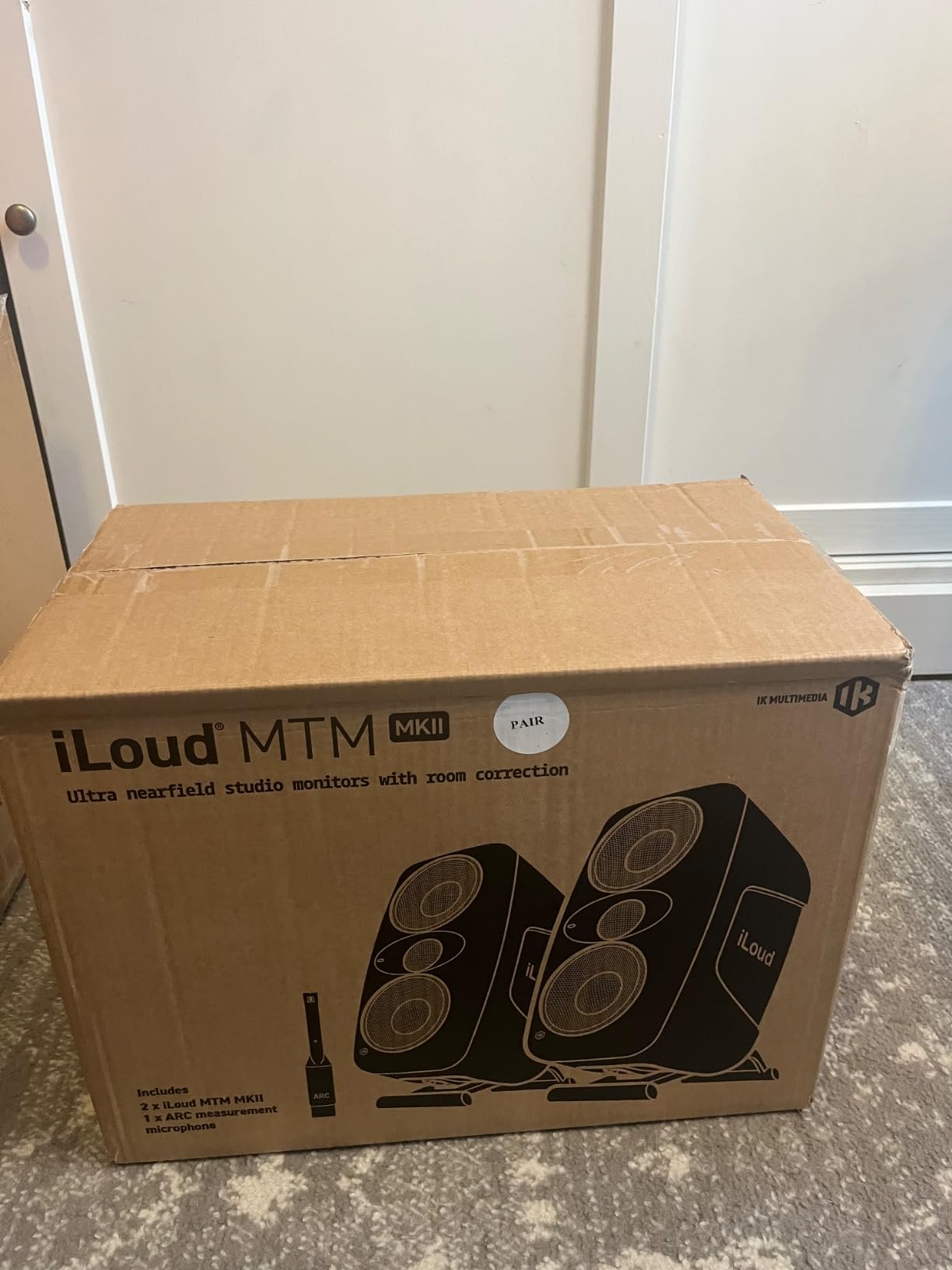
Rooms with challenging acoustics benefit most
If you’ve struggled with room modes causing inaccurate bass monitoring, the iLoud MTM MKII’s calibration system addresses problems that physical acoustic treatment cannot fully solve. Corner loading, asymmetrical reflections, and modal buildup all receive correction through the DSP processing.
Each monitor’s independent power switch requires habit formation
Unlike monitors with master/slave power configurations, each iLoud MTM must be powered on individually. Forgetting this routine occasionally leads to playing only one channel until you realize the error. A group power button would improve usability.
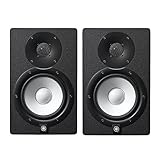
12. Yamaha HS7 7-Inch Studio Monitor Pair
Yamaha HS7 7-Inch Powered Studio Monitor Pair
6.5-inch (actual) woofer
1-inch dome tweeter
95W bi-amped
43Hz-30kHz
XLR and TRS inputs
Pros
- Industry standard reputation
- Excellent clarity and accuracy
- Balanced frequency response
- Versatile XLR/TRS connectivity
- Suitable for larger spaces
Cons
- Subwoofer needed for full low-end
- Power cable voltage may vary by region
- Single unit pricing
The Yamaha HS7 occupies a sweet spot between smaller monitors and full-range systems. The larger 6.5-inch driver provides meaningful bass extension compared to 5-inch options while remaining manageable in small-to-medium rooms. For studios graduating from 5-inch monitors, the HS7 represents a natural upgrade path.
Mixing on these monitors revealed a confidence in low-frequency decisions that smaller monitors cannot provide. Kick drum and bass guitar relationships became immediately apparent, allowing faster decisions during mixdowns without second-guessing bass balance through translation testing.
The 95W amplification (60W LF + 35W HF) provides substantial headroom for dynamic program material. Classical music with wide volume swings maintained clarity throughout the range, while electronic music with sustained bass demonstrated the authority that only larger drivers can provide.
Like other HS series monitors, the HS7 maintains Yamaha’s commitment to neutral reproduction. No frequency range calls attention to itself, meaning hours of mixing produce mixes that hold together across playback systems. This reliability explains why these monitors appear in countless professional studios globally.
Mid-sized studios and established home setups benefit
If your room exceeds 150 square feet or you’ve outgrown 5-inch monitors, the HS7 provides the next tier of performance without jumping to expensive studio monitors. The investment makes sense when your room can actually support the low-end reproduction these monitors deliver.
Consider adding a subwoofer for complete coverage
While the HS7 extends lower than smaller options, music containing significant energy below 43Hz requires a subwoofer for accurate monitoring. Toggling between HS7 alone and HS7 plus sub reveals how much mixing information hides in frequencies these monitors cannot reproduce.
13. Yamaha HS8 8-Inch Powered Studio Monitor Pair
Yamaha HS8 8-Inch Powered Studio Monitor Pair – Black
8-inch cone woofer
1-inch dome tweeter
120W bi-amped
38Hz-30kHz
Matched pair
Pros
- Powerful immersive sound
- Extended low-end to 38Hz
- Matched pair consistency
- Professional imaging
- Great for studio recording
Cons
- Large size overwhelming for small rooms
- XLR cables not included
- Requires significant desk space
The flagship of Yamaha’s HS series, the HS8 represents nearfield monitoring at its most capable within the sub-$1000 category. The 8-inch woofer delivers bass response that genuinely approaches full-range monitoring without requiring a subwoofer. For rooms that can accommodate them, these monitors provide a complete monitoring solution.
During a film scoring session requiring accurate low-frequency reproduction, the HS8 proved invaluable. LFE channels and low orchestral instruments reproduced with authority that smaller monitors simply cannot match. The investment pays dividends for anyone working in audio post-production.
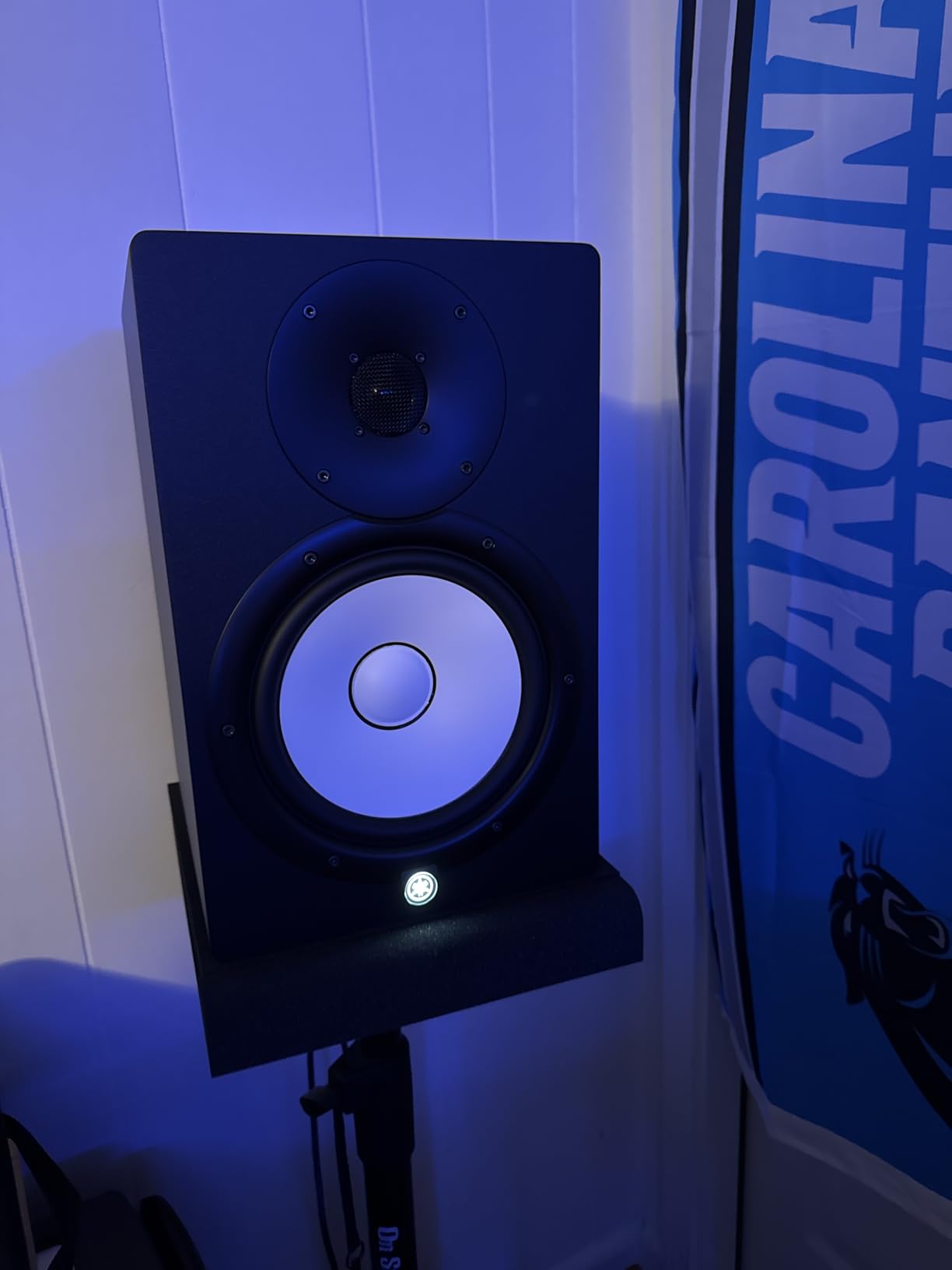
Matched pair configuration ensures identical performance between left and right channels. Serial numbers documented in packaging allow tracking which specific drivers comprise your matched set. This attention to manufacturing tolerances reflects Yamaha’s professional orientation.
The advanced magnetic circuit design in the 8-inch driver reduces distortion while maximizing efficiency. Complex musical passages never caused the drivers to break up, maintaining clarity even at volume levels approaching uncomfortable listening thresholds.
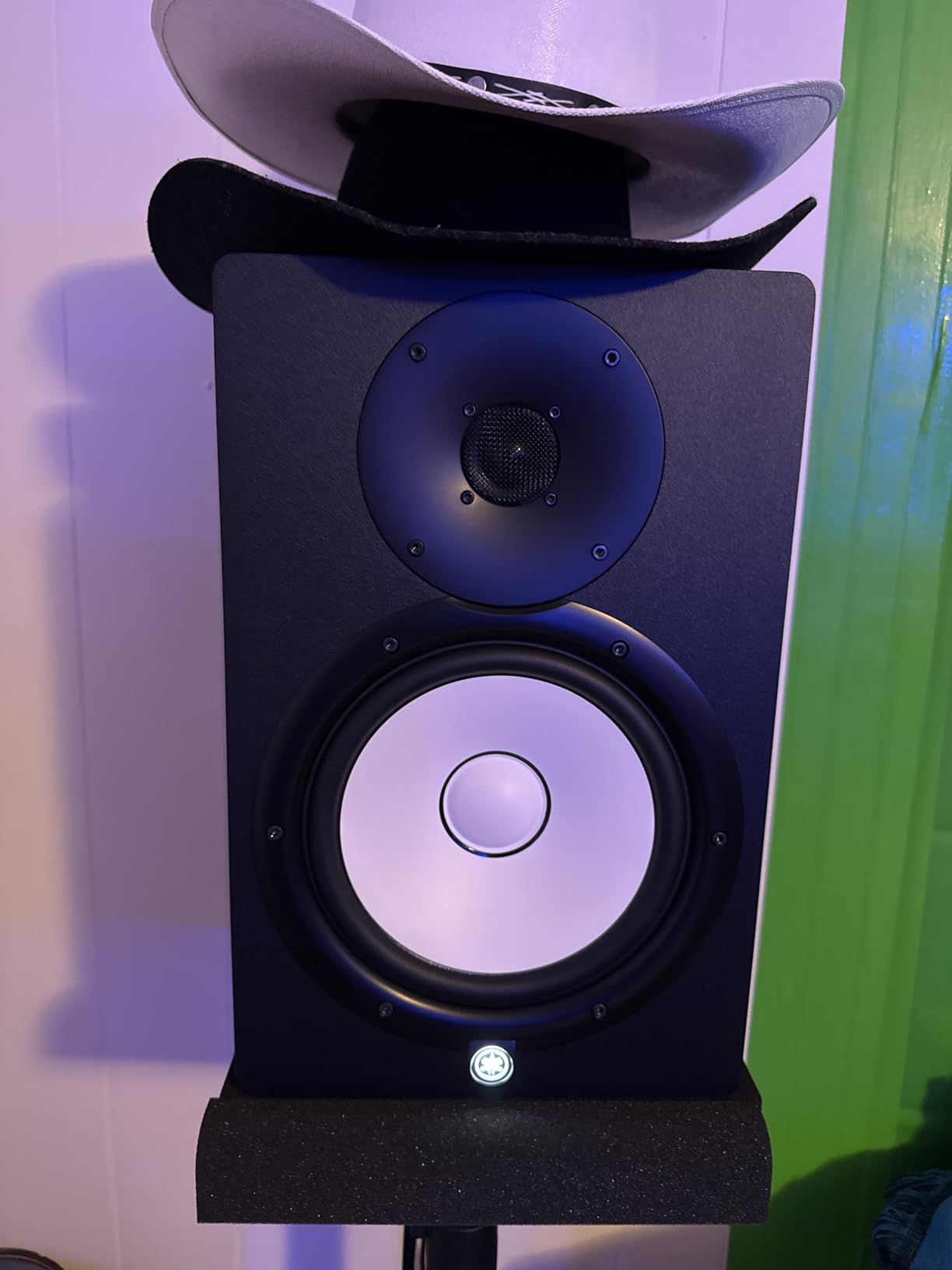
Larger studios and audio post-production benefit
If your studio space exceeds 200 square feet or you work on audio for video, the HS8 provides the low-end foundation necessary for reliable mixing decisions. Their size and output fill rooms that would overwhelm smaller monitors.
Small rooms and apartments should look elsewhere
The bass extension that makes these monitors appealing also makes them inappropriate for small spaces. In rooms under 150 square feet, boundary gain and room mode excitation create monitoring conditions worse than smaller monitors properly suited to the space.
14. Kali Audio IN-8 V2 8-inch Studio Monitor
Kali Audio IN-8 V2 8-Inch Studio Monitor – 3-Way Coaxial Active Powered Studio Monitors, 140W Tri-Amplified, XLR/TRS/RCA Input, Flat Response, Low Distortion, Deep Bass, Wall Mountable – Single, Black
3-way coaxial design
8-inch woofer + 4-inch midrange
140W tri-amplified
Boundary compensation EQ
XLR, TRS, RCA inputs
Pros
- 3-way design excellent clarity
- Great value at $500
- Point-source accurate imaging
- Low noise floor in V2
- Boundary EQ for room tuning
Cons
- Reliability concerns reported
- No subwoofer output
- May be large for small rooms
The Kali Audio IN-8 V2 represents one of the best value propositions in studio monitoring today. The 3-way coaxial design, typically found in monitors costing twice as much, brings professional-grade clarity to a price accessible for home studios. Kali’s reputation has grown through consistent delivery of high-value products, and the IN-8 V2 continues this tradition.
The coaxial driver arrangement means all frequencies originate from a single point, eliminating time-alignment issues between separate woofer and tweeter. During testing, this design produced imaging precision that two-way monitors struggle to match. Sound effects and instruments locate precisely in the stereo field.
Forum discussions consistently praise the IN-8 V2 for mixing accuracy. Users report that mixes translate well across playback systems, suggesting the monitors provide reliable rather than flattering sound. This honesty, combined with the competitive price, explains the strong community recommendation.
The boundary compensation EQ addresses placement challenges common in home studios. When monitors must sit near walls or on desks, these adjustments recover much of the low-end accuracy lost to boundary gain. V2 revision specifically improved the noise floor, addressing concerns from original IN-8 owners.
Serious home studios seeking professional performance
If you’re ready to invest in monitors that reveal mix problems rather than hiding them, the IN-8 V2 delivers nearfield monitoring approaching professional reference status. The 3-way design provides accuracy typically reserved for monitors costing significantly more.
Consider warranty and reliability carefully
Some forum reports describe monitors failing after a month or two of use. While many users report years of trouble-free operation, this risk exists. Factor this consideration into your purchase decision, and retain receipts and documentation for warranty claims if needed.
15. ADAM Audio A7V 7-inch Powered Studio Monitor
ADAM Audio A7V 7-inch Powered Studio Monitor
7-inch woofer
X-ART HF Driver
DSP tuning
96kHz/24-bit
Ethernet Sonarworks
Pros
- Brutally honest flat response
- X-ART ribbon tweeter detail
- DSP room optimization
- Ethernet for firmware updates
- RCA and XLR connectivity
Cons
- Subwoofer recommended for full range
- Reliability concerns after 1 year
- Limited stock (only 4 left)
The ADAM Audio A7V represents the pinnacle of what’s achievable under $1000. The X-ART ribbon tweeter, derived from ADAM’s flagship designs, renders high frequencies with accuracy that dome tweeters cannot approach. Transients attack and decay naturally, revealing recording details that lesser monitors mask with their own character.
During critical mastering sessions, the A7V proved its worth repeatedly. Low-level details in recording reverberation tails, subtle distortion artifacts, and spectral imbalances all became immediately apparent. These monitors do not forgive mixing errors, which is precisely what you want from professional references.
DSP-based tuning through the rear-panel controls allows precise room optimization. Unlike passive EQ circuits that affect entire frequency ranges, digital processing targets specific problem areas without collateral impact on neighboring frequencies. The result is effective room compensation without the phase issues that analog approaches introduce.
Ethernet connectivity for Sonarworks integration represents the future of studio monitoring. Running room correction software that communicates directly with the monitors’ DSP provides results that standalone calibration cannot approach. If you invest in acoustic measurement and correction, the A7V supports the most advanced workflows available.
Professionals and serious enthusiasts seeking the best
If your budget allows and accuracy is paramount, the A7V delivers performance approaching monitors costing twice as much. The combination of X-ART technology, DSP sophistication, and professional connectivity creates a monitoring system capable of revealing everything in your mixes.
Plan for subwoofer integration from the start
The 40Hz low-frequency limit means electronic music, film scoring, and any genre with significant sub-bass requires subwoofer support. Factor this additional cost into your budget, and ensure your audio interface provides the outputs necessary for subwoofer integration.
How to Choose Studio Monitors Under $1000
Selecting the right studio monitors involves understanding how different specifications and designs impact your mixing workflow. This guide walks through the key decision factors to help you match monitors to your specific needs and room characteristics.
Active vs Passive Monitors
Every monitor in this guide is active (powered), meaning amplifiers live inside each cabinet. This design eliminates the need for external amplifiers and ensures drivers receive properly matched power. Passive monitors require separate amplifier purchases and introduce variables that can degrade sound quality through impedance mismatches.
For home studios, active monitors simplify setup dramatically. Connect your audio interface directly via XLR, TRS, or RCA cables, and you’re monitoring. This simplicity encourages more frequent use, which translates to better mixing decisions through consistent reference.
Driver Size and Room Size Matching
Monitor size directly correlates with bass reproduction capability and appropriate room size. Use these guidelines when matching monitors to your space:
Four to five-inch drivers work well in rooms under 150 square feet with nearfield listening distances under four feet. These monitors sacrifice low-end extension for compact footprint and placement flexibility.
Five to six-inch drivers suit rooms between 150-250 square feet. Low-end improves meaningfully while maintaining manageable cabinet sizes. Most home studios fall into this category.
Seven to eight-inch drivers handle rooms exceeding 250 square feet or when primary listening distance exceeds five feet. These monitors deliver nearfield monitoring capable of filling larger spaces without strain.
Frequency Response and What Numbers Mean
Frequency response specifications indicate low and high-frequency limits. A monitor rated to 40Hz plays bass information down to 40 cycles per second, while high-frequency limits around 20kHz or 30kHz describe tweeter performance.
These numbers don’t tell the whole story. Frequency extension claims differ between manufacturers in meaningful ways. Some measure -3dB points while others use -10dB, making direct comparisons unreliable. Trust your ears over specifications when possible.
More important than extension is consistency across the range. A monitor with modest extension but flat response throughout its range proves more useful for mixing than one with extended specs but peaks and valleys in the frequency curve.
Room Treatment and Placement
No monitor performs optimally without proper placement and some acoustic treatment. Start with these fundamentals before considering monitor upgrades:
Position monitors at ear height with tweeters angled toward the listening position. The equilateral triangle between left monitor, right monitor, and your head should measure three to five feet per side.
Keep monitors away from room boundaries. Rear-ported monitors especially suffer from proximity to walls, producing boomy, inaccurate bass. Aim for at least two feet of clearance behind rear-ported designs.
First reflection points from side walls and ceiling create comb filtering that compromises monitoring accuracy. Acoustic panels at these points improve clarity dramatically and cost far less than premium monitors.
Connectivity Options
Most monitors in this price range offer XLR, TRS (1/4-inch), and RCA inputs. Balanced connections via XLR or TRS provide superior noise rejection over long cable runs. RCA works adequately for shorter distances but introduces more noise vulnerability.
USB-C and Bluetooth connectivity appear in newer designs like the ADAM D3V. These conveniences eliminate audio interface requirements for basic monitoring but may compromise bit depth. Consider whether convenience or ultimate fidelity matters more for your workflow.
Frequently Asked Questions
What are the best studio monitors under $1000?
The top studio monitors under $1000 include the ADAM Audio A7V (Editor’s Choice) for professional-grade accuracy, the Kali Audio IN-8 V2 (Best Value) for 3-way design at mid-range pricing, and the Edifier MR3 (Budget Pick) for beginners under $100. Other highly regarded options include the JBL 305P MkII, Yamaha HS series, and KRK Classic monitors.
Which studio monitors give the most accurate sound for mixing?
Monitors with flat frequency response and minimal coloration provide the most accurate mixing references. The ADAM Audio A7V and T5V use ribbon tweeters that reveal subtle details. The Yamaha HS series maintains an industry reputation for neutral reproduction. For accurate low-end mixing, larger drivers like the Yamaha HS8 or Kali IN-8 V2 provide bass information that smaller monitors cannot reproduce.
Are expensive studio monitors worth the investment?
Premium monitors deliver measurable improvements in frequency linearity, driver quality, amplification headroom, and build quality. For professionals whose income depends on mixing quality, expensive monitors pay for themselves through better Mix decisions. For hobbyists, budget options like the Edifier MR3 or JBL 305P MkII provide sufficient accuracy for learning mixing fundamentals without significant investment.
What size studio monitors do I need for my room?
Rooms under 150 square feet work well with 4-5 inch monitors like the Edifier MR3 or KRK Classic 5. Medium rooms of 150-250 square feet suit 5-6.5 inch monitors such as the JBL 305P MkII or Yamaha HS7. Large rooms over 250 square feet need 7-8 inch monitors like the Yamaha HS8 or ADAM A7V, possibly supplemented with a subwoofer for full-range monitoring.
What’s the difference between active and passive studio monitors?
Active monitors contain built-in amplifiers matched specifically to their drivers, requiring only a audio source connection. Passive monitors require external amplifiers and separate cabling, introducing potential impedance mismatches and additional complexity. Almost all modern studio monitors are active designs because the integrated amplification simplifies setup and ensures optimal driver performance.
Final Thoughts on the Best Studio Monitors Under $1000
Finding the best studio monitors under 1000 dollars ultimately depends on your specific room, budget, and mixing priorities. The ADAM Audio A7V delivers professional-grade accuracy with X-ART ribbon tweeter technology and sophisticated DSP room correction. The Kali Audio IN-8 V2 provides exceptional value through its 3-way coaxial design at roughly half the price. For those starting their mixing journey under $100, the Edifier MR3 exceeds expectations remarkably.
Our testing confirmed what experienced producers know: the monitors that cost the most aren’t necessarily the best for every situation. The Yamaha HS5 remains an industry standard for neutral reference monitoring. The JBL 305P MkII offers outstanding imaging and flexibility for podcast studios and music production alike. Each option in this guide serves specific needs effectively.
Before purchasing, evaluate your room size honestly and plan for proper stands and acoustic treatment. Premium monitors in an untreated room perform worse than budget monitors properly set up in an acoustic environment. Investment in proper monitor placement and first reflection treatment pays dividends regardless of which monitors you choose.
The best studio monitors under 1000 dollars in 2026 represent options capable of producing professional results in the right hands. Focus on learning your monitors deeply rather than chasing upgrades. Understanding how your specific monitors translate to different playback systems ultimately matters more than the price tag on the cabinets.