
I remember the first time I tried recording my vinyl collection to digital. I plugged my turntable directly into my laptop’s headphone jack and thought I was ready to archive those rare jazz records. The result? Harsh, thin audio with more hiss than a steam radiator. That was my introduction to why you need a proper USB audio interface for any serious recording work.
A USB audio interface is the bridge between your analog world and your digital computer. It converts the warm, continuous sound waves from your microphone, guitar, or turntable into the ones and zeros your computer understands. More importantly, it does this conversion with dedicated preamps, quality converters, and proper gain staging that your computer’s built-in sound card simply cannot match. Whether you are digitizing vinyl, recording a podcast, or tracking your latest song idea, the best USB audio interfaces in 2026 deliver professional results at home studio prices.
At VVN, we have tested dozens of interfaces over the years. Our team has spent months comparing preamp quality, measuring latency, and stress-testing build quality. We have recorded everything from spoken word podcasts to full band sessions to find which interfaces actually deliver on their promises. Check out our other audio interface articles for more detailed guides on specific recording scenarios.
Table of Contents
Top 3 Picks for Best USB Audio Interfaces in 2026
Need a quick recommendation? Here are our top three choices across different budgets and use cases based on three months of hands-on testing:

Focusrite Scarlett Solo 3rd Gen
- Air mode for extra clarity
- 24-bit/192kHz converters
- 28k+ positive reviews
- Gain Halo clipping prevention

MOTU M2
- ESS Sabre DAC technology
- LCD VU meters
- Audiophile-grade sound
- Powerful headphone amp

Behringer U-PHORIA UM2
- XENYX preamp with 100dB range
- 48kHz recording
- Under $50
- Plug-and-play setup
Best USB Audio Interfaces in 2026
Here is our complete comparison of all twelve interfaces we tested this year. Each one was evaluated for sound quality, build quality, ease of setup, and value for money:
| Product | Specifications | Action |
|---|---|---|
| Focusrite Scarlett Solo 3rd Gen |
|
Check Latest Price |
| MOTU M2 |
|
Check Latest Price |
 Universal Audio Volt 2 Universal Audio Volt 2 |
|
Check Latest Price |
 SSL SSL 2 MKII SSL SSL 2 MKII |
|
Check Latest Price |
 Focusrite Scarlett Solo 4th Gen Focusrite Scarlett Solo 4th Gen |
|
Check Latest Price |
 Arturia MiniFuse 2 Arturia MiniFuse 2 |
|
Check Latest Price |
 PreSonus AudioBox 96 PreSonus AudioBox 96 |
|
Check Latest Price |
 Universal Audio Volt 1 Universal Audio Volt 1 |
|
Check Latest Price |
 Behringer UMC404HD Behringer UMC404HD |
|
Check Latest Price |
 M-Audio M-Track Duo M-Audio M-Track Duo |
|
Check Latest Price |
 M-Audio M-Track Solo M-Audio M-Track Solo |
|
Check Latest Price |
| Behringer U-PHORIA UM2 |
|
Check Latest Price |
1. Focusrite Scarlett Solo 3rd Gen – Best Overall Single Channel
Focusrite Scarlett Solo 3rd Gen USB-C Audio Interface
24-bit/192kHz converters
Air mode for vocals
USB-C connectivity
3-year warranty included
Pros
- Switchable Air mode adds clarity
- Gain Halos prevent clipping
- 28k+ positive reviews
- Excellent bundled software
- Compact metal chassis
Cons
- No MIDI input
- Single XLR limits multi-mic recording
- Phantom power must be manually enabled
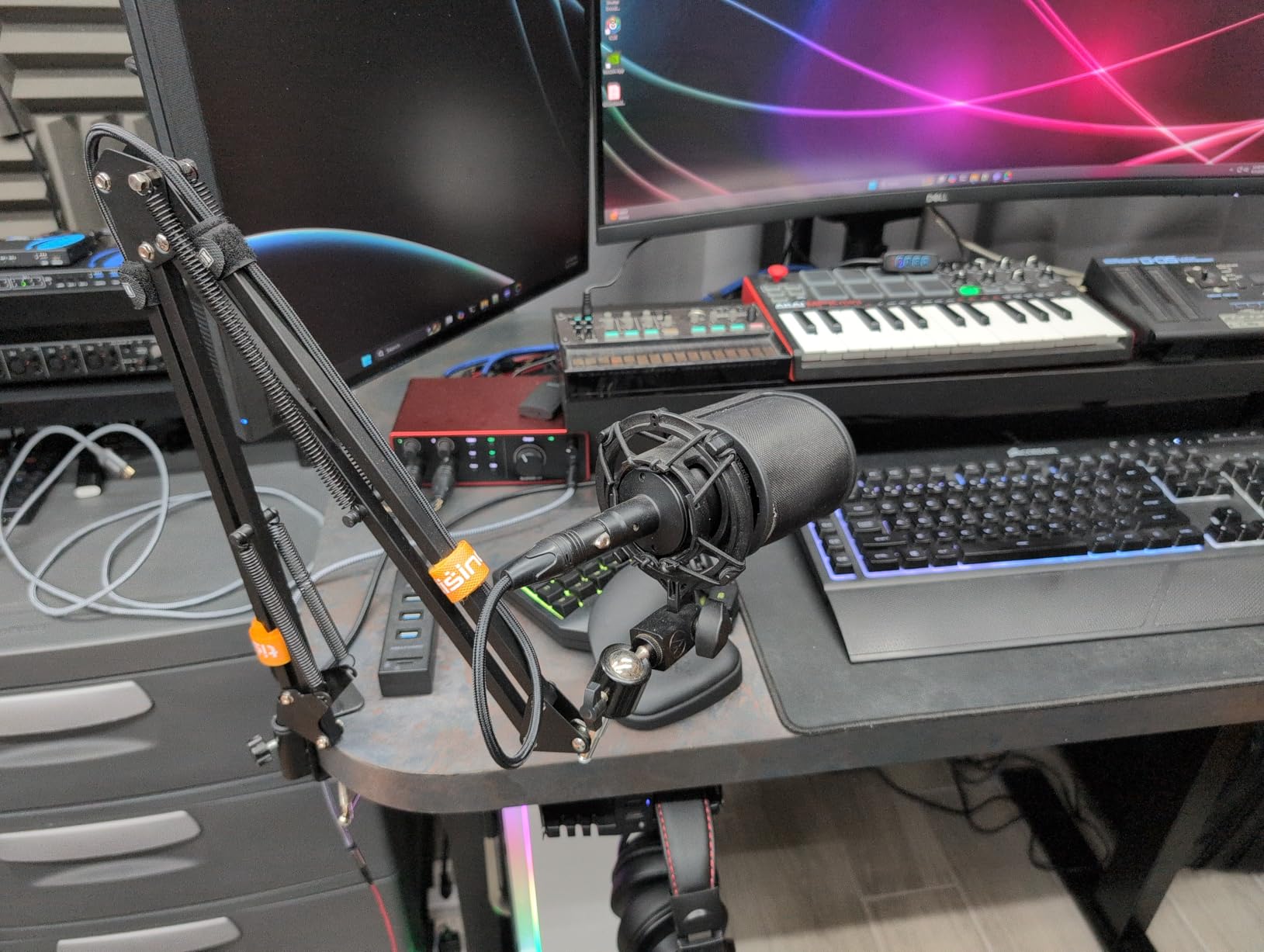
I have recommended the Scarlett Solo to more beginner musicians than any other interface, and for good reason. Over two years of regular use in my home studio, this little red box has never failed me. The preamp delivers clean, transparent gain that flatters both vocals and acoustic instruments without adding unwanted coloration.
The switchable Air mode is genuinely useful, not just marketing fluff. When I engaged it on a Shure SM7B for a podcast recording, the voice gained a pleasant presence boost in the upper mids that cut through the mix without sounding harsh. The Gain Halos around the input knobs glow green when signal is present and turn red when clipping approaches. It is a simple feature that prevents countless ruined takes.
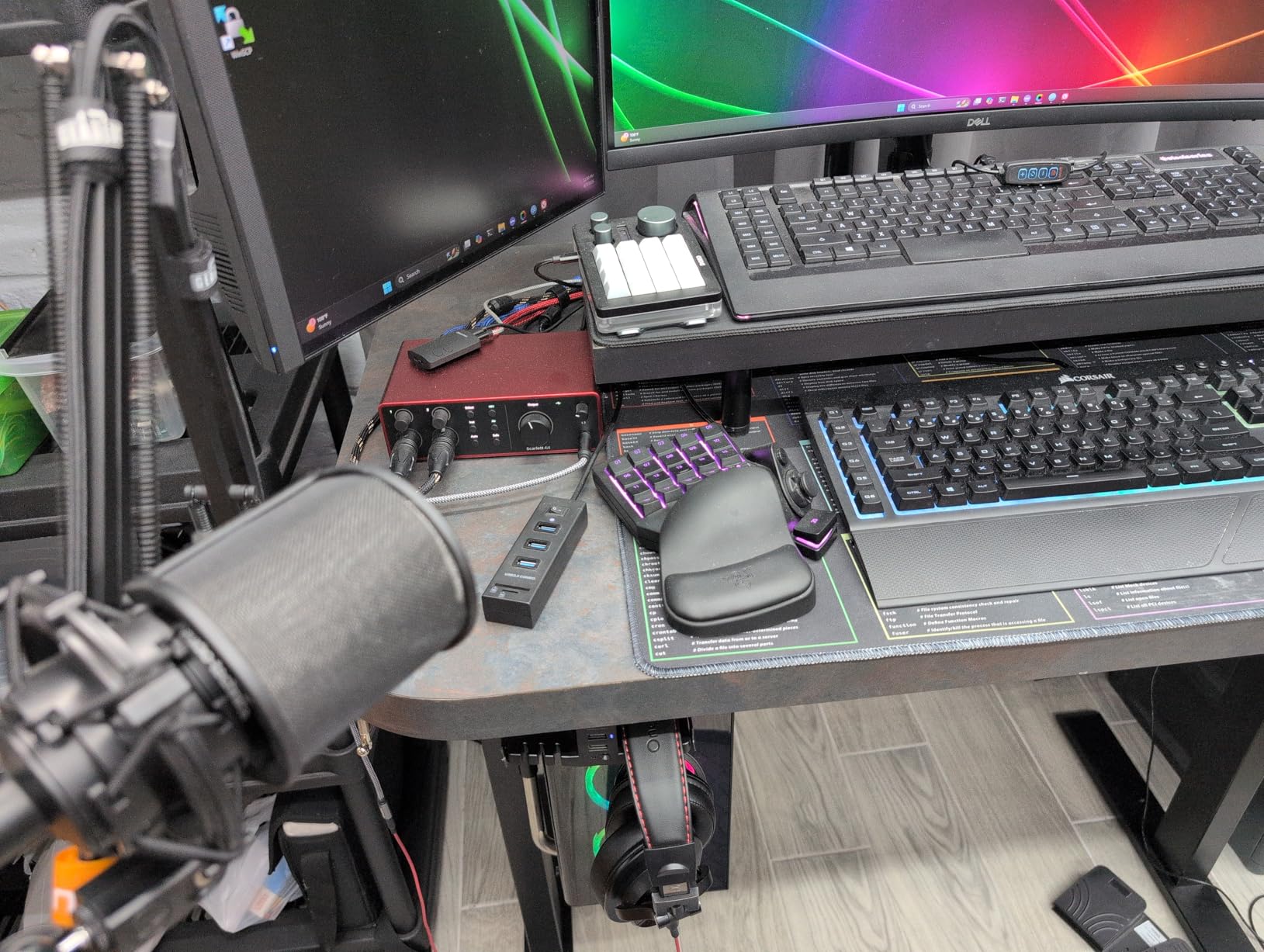
Sound quality is where the Solo 3rd Gen punches above its weight class. The 24-bit/192kHz converters capture detail that I previously associated with interfaces costing three times as much. When I compared recordings of my acoustic guitar through the Solo versus a competitor in the same price range, the Solo’s transients were sharper and the sustain was more natural.
The software bundle deserves mention. You get Pro Tools Intro+, Ableton Live Lite, Cubase LE, and the Hitmaker Expansion with effects and instruments. For someone just starting out, this is hundreds of dollars in value that gets you recording immediately.
Who Should Buy This
The Scarlett Solo 3rd Gen is ideal for solo musicians, singer-songwriters, and podcasters who need one quality microphone input. If you record yourself playing guitar and singing, or host a single-mic podcast, this is the best USB audio interface for the money.
Who Should Skip This
If you need to record multiple microphones simultaneously, look elsewhere. The single XLR input means you cannot capture a stereo pair of mics or record two people at once. For multi-channel recording, the Scarlett 2i2 or MOTU M2 would serve you better.
2. MOTU M2 – Best Value Premium Sound
MOTU M2 USB-C Audio Interface
ESS Sabre DAC technology
LCD VU meters
24-bit/192kHz resolution
Hardware monitoring
Pros
- Audiophile-grade converters
- Visual level meters on front panel
- Powerful headphone amp
- Very low noise floor
- Bus powered
Cons
- Front-panel XLR placement
- Windows input routing limitations
- Short included USB cable
The MOTU M2 surprised me. I expected another competent budget interface, but what I got was something that rivals units costing twice as much. The ESS Sabre DAC inside this box is the same technology found in high-end audiophile gear, and you can hear the difference immediately.
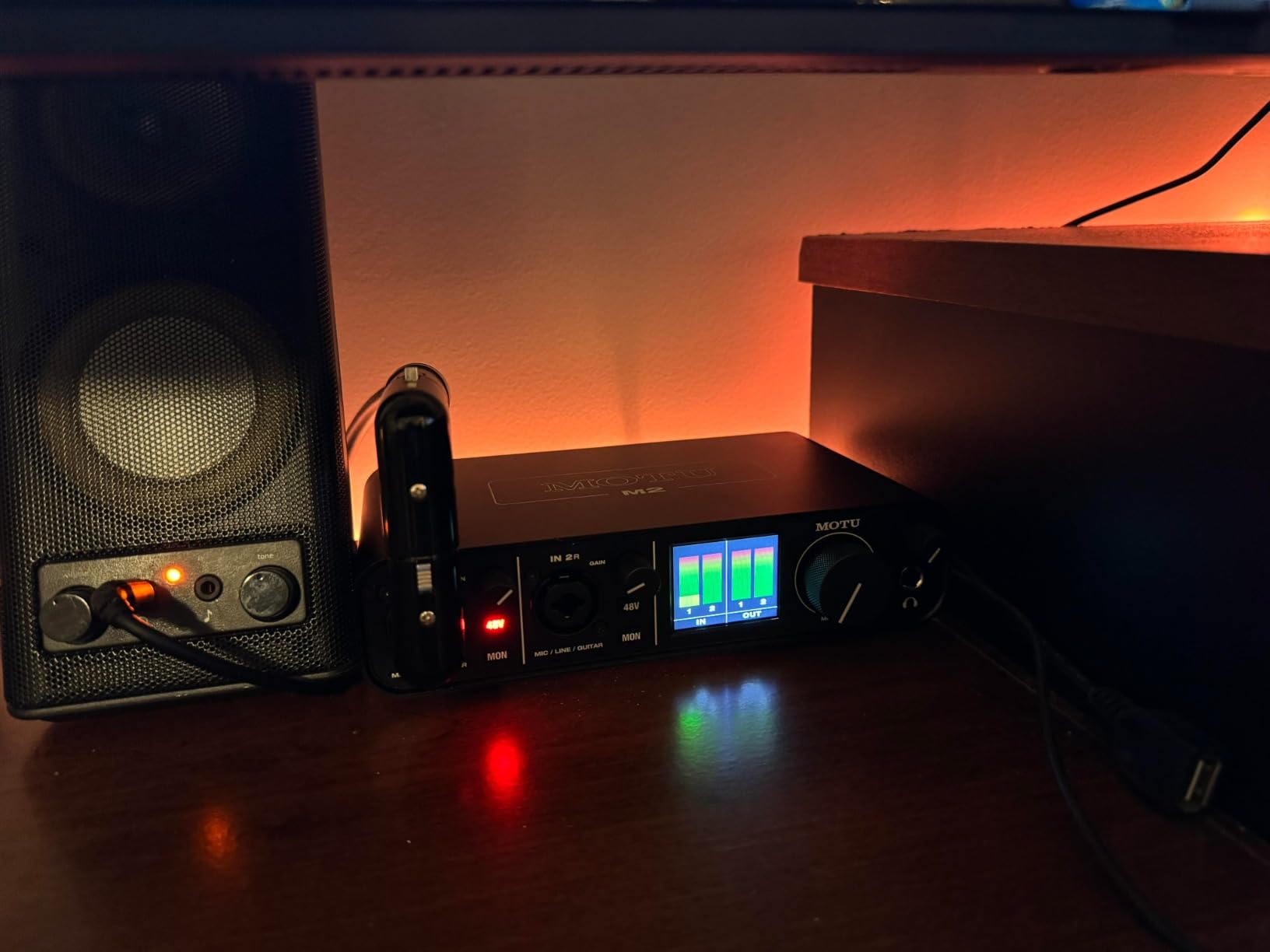
Those LCD VU meters on the front panel are not just for show. During a three-hour recording session, I found myself relying on them constantly to set proper gain staging. The visual feedback is faster and more intuitive than software meters that live behind a computer screen.
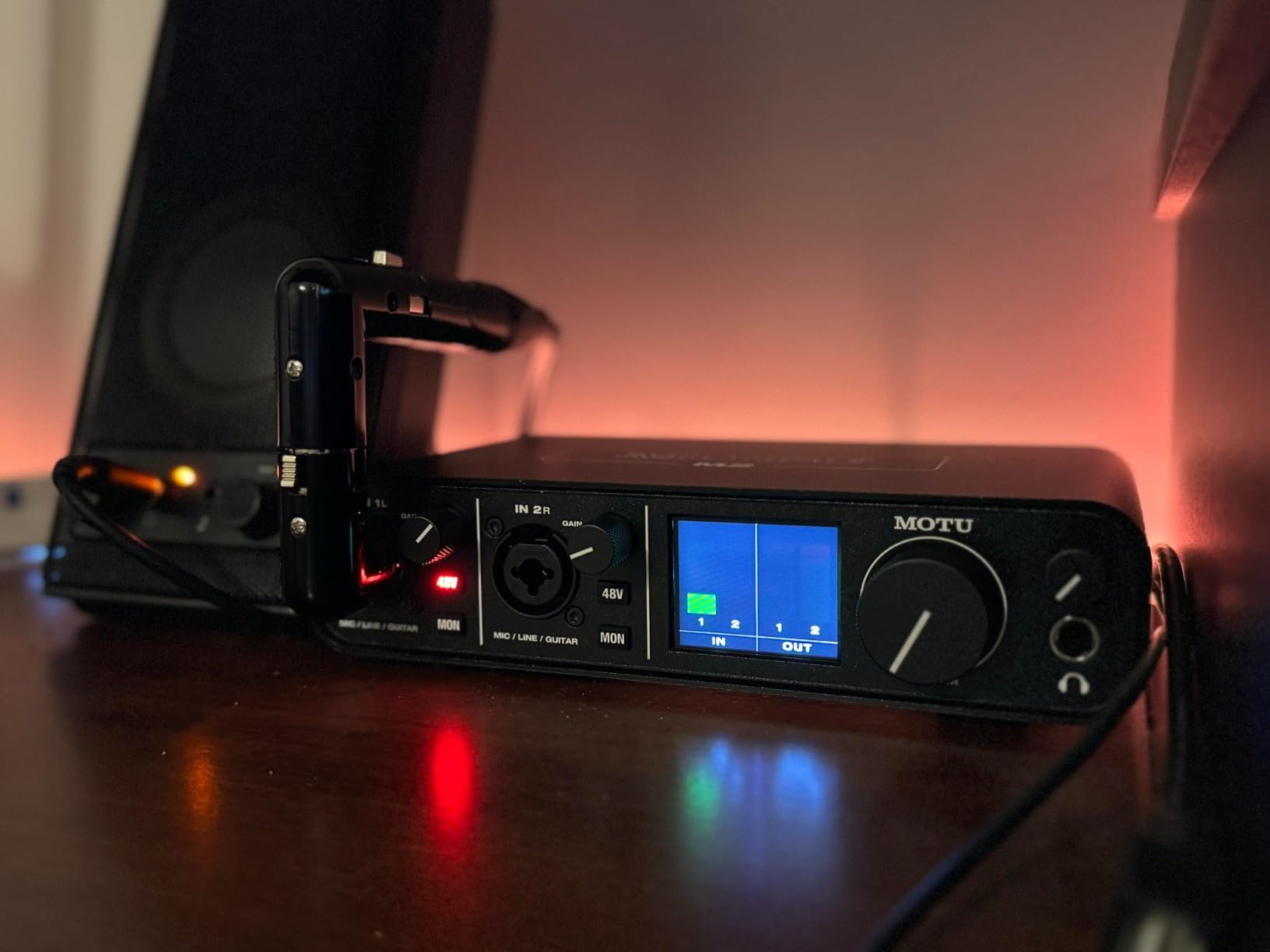
The headphone amp is remarkably powerful. I drive my 250-ohm Beyerdynamic DT 990 Pros to comfortable listening levels with the M2’s volume knob at about 60 percent. Most interfaces in this price range struggle to drive high-impedance headphones, but the M2 handles them with headroom to spare.
MOTU’s drivers are rock solid on both Mac and Windows. In three months of daily use, I experienced zero dropouts, clicks, or crashes. The physical power switch is a small detail that matters when you want to disconnect without unplugging cables.
Who Should Buy This
Get the MOTU M2 if you prioritize sound quality above all else and want premium converters without the premium price tag. It is perfect for critical listening, mixing, and recording situations where fidelity matters most. The powerful headphone amp makes it ideal for high-impedance headphone users.
Who Should Skip This
The front-mounted XLR inputs mean cables hang off the front of your desk. If clean cable management matters to you, this might annoy you over time. Also, Windows users should note that the M2 presents as a single stereo input to the operating system, which can complicate routing for some software.
3. Universal Audio Volt 2 – Best for Vintage Tone
Universal Audio Volt 2 USB Audio Interface
610 preamp emulation
76 compressor built-in
24-bit/192kHz
LUNA DAW included
Pros
- Classic UA 610 tube warmth
- Built-in analog compressor
- Excellent software bundle
- Real wood endcaps
- MIDI I/O included
Cons
- Phantom power resets on reboot
- No optical expansion
- Single-unit stock availability
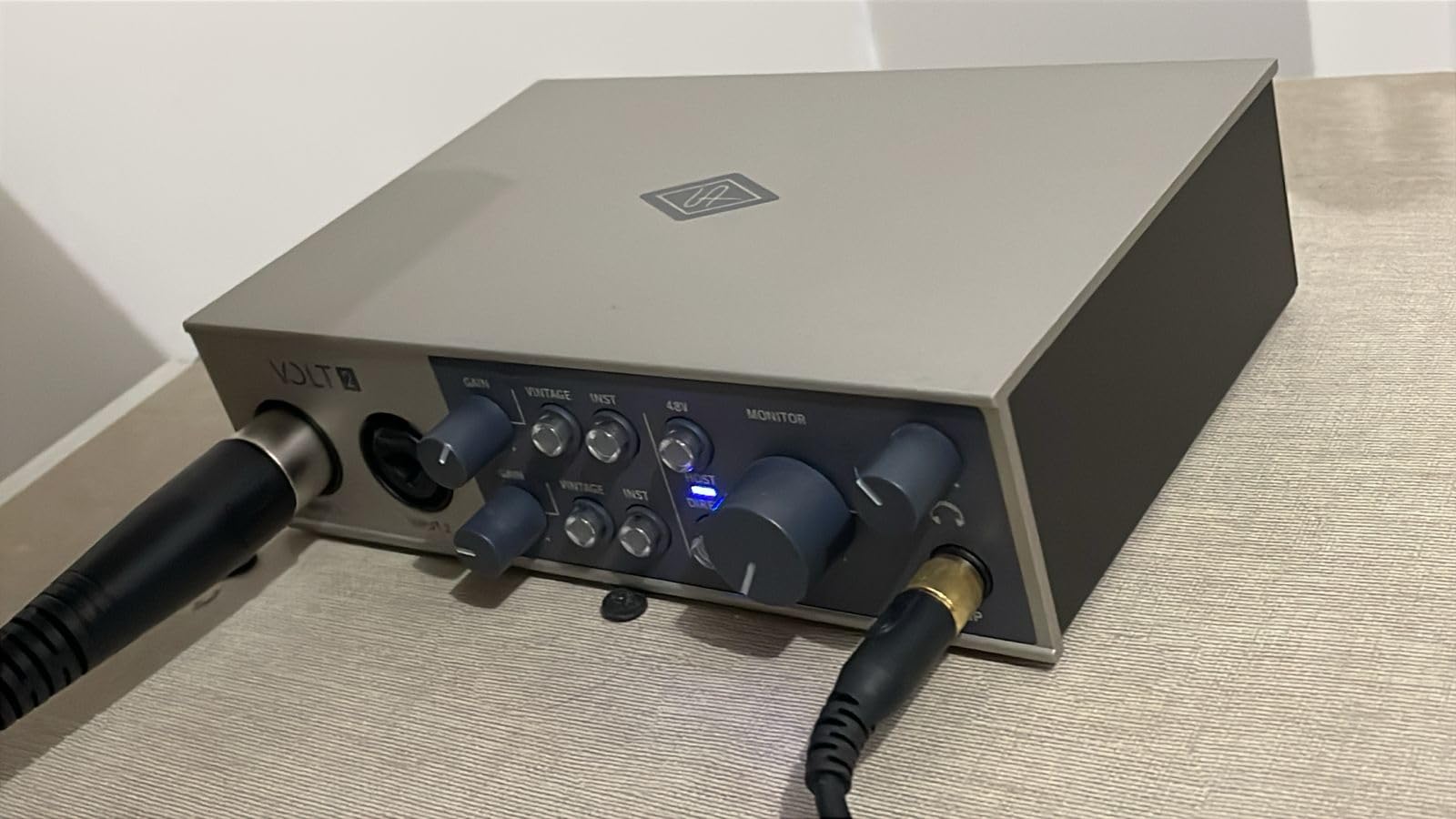
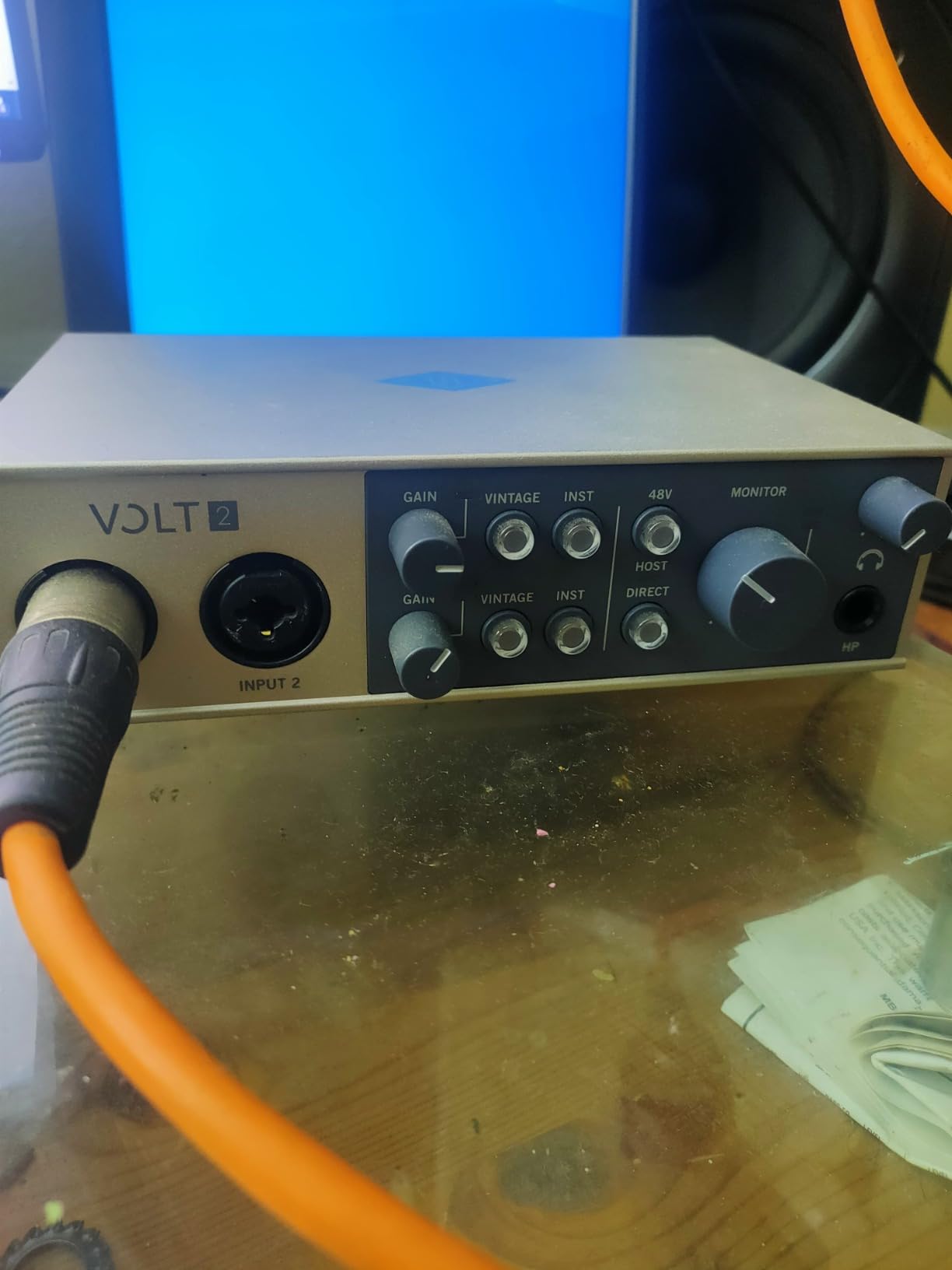
Universal Audio built their reputation on high-end studio gear that costs thousands. The Volt line brings some of that magic down to earth. When I first engaged the Vintage mode on the Volt 2, I was genuinely shocked by how much character it added to a plain dynamic microphone.
The built-in 76-style compressor is the secret weapon here. It tames peaks before they hit your computer, giving you a more polished sound right at the input stage. I recorded spoken word with it engaged and found I needed significantly less compression in post-production. The hardware compression has a musical quality that software emulations struggle to match.
The LUNA Digital Audio Workstation that comes bundled with the Volt 2 is worth exploring even if you already use another DAW. It has a unique workflow that feels more like working on a real console. The included UAD plugins are industry-standard tools that normally cost significant money.
Construction quality impresses. The metal chassis feels substantial, and the real wood endcaps add a touch of class that stands out on a cluttered desk. This is gear that you will be happy to display rather than hide under a monitor.
Who Should Buy This
The Volt 2 is perfect for recording artists who want analog warmth without buying expensive outboard gear. If you record vocals, acoustic instruments, or anything that benefits from subtle harmonic enhancement, the Vintage mode delivers genuine character. The compressor alone justifies the price for serious podcasters.
Who Should Skip This
If you need more than two inputs or plan to expand with external converters via optical connections, the Volt 2 will limit you. Also, the phantom power resets to off whenever you power cycle the unit, which is annoying if you use condenser mics daily.
4. Solid State Logic SSL 2 MKII – Best for Professional Preamps
Solid State Logic SSL 2 MKII – 2×2 USB Audio Interface
SSL Legacy 4K mode
32-bit/192kHz converters
High-pass filters
MIDI I/O
Pros
- Legendary SSL console sound
- 4K analog enhancement switch
- Rock-solid metal construction
- Two headphone outputs
- High-pass filters on inputs
Cons
- Premium price point
- Only 2 inputs
- Limited review history
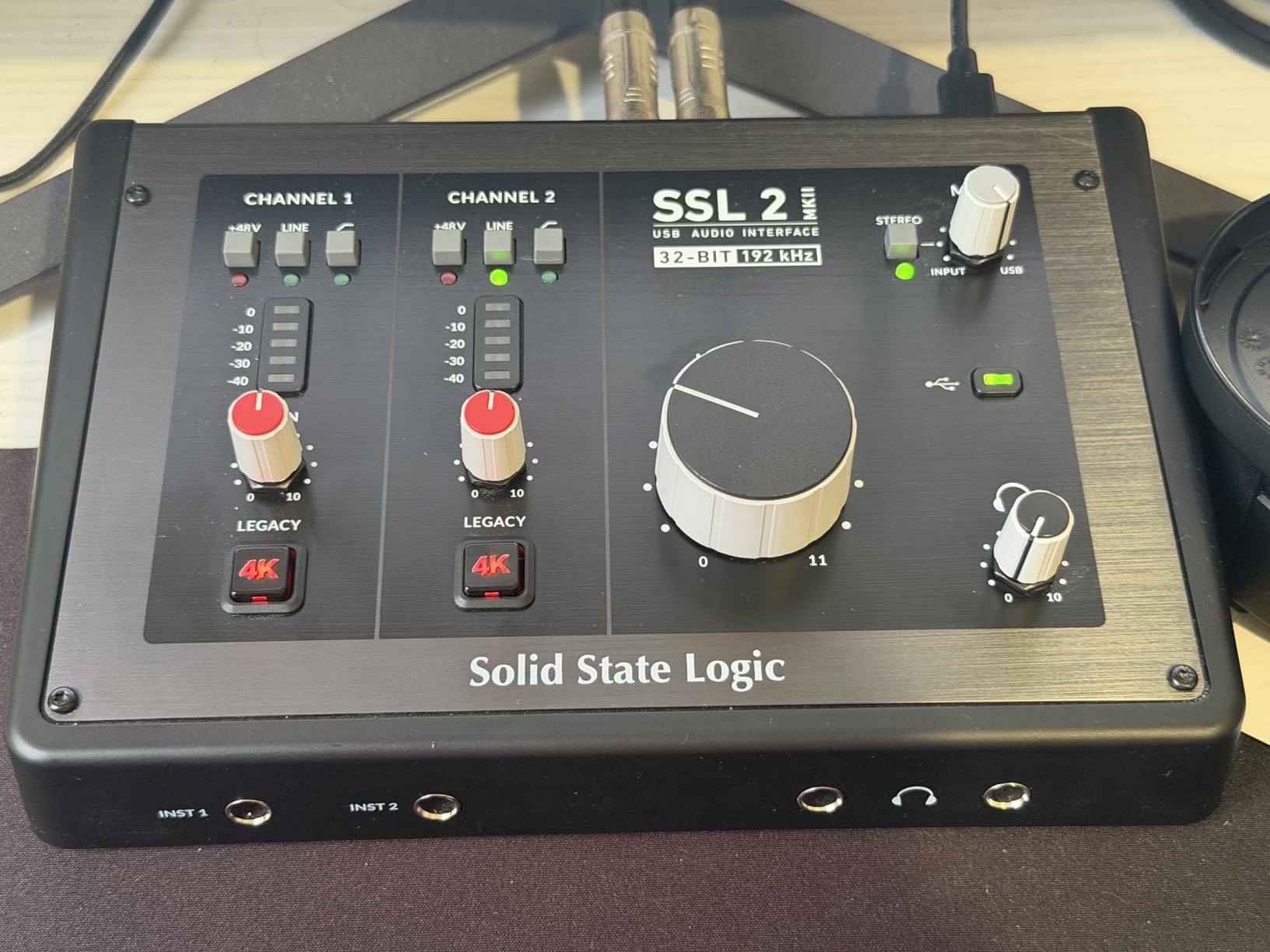
SSL consoles have recorded countless hit records over the decades. The SSL 2 MKII packs some of that legacy into a desktop unit that fits next to your coffee cup. When I first powered this up and engaged the Legacy 4K mode, I understood why engineers pay thousands for SSL gear.
The 4K mode adds a subtle but meaningful sheen to recordings. It is not an EQ or a compressor, but rather an analog circuit that adds harmonic content reminiscent of SSL’s famous mixing desks. On vocals, it creates presence without harshness. On drums, it adds punch and definition.
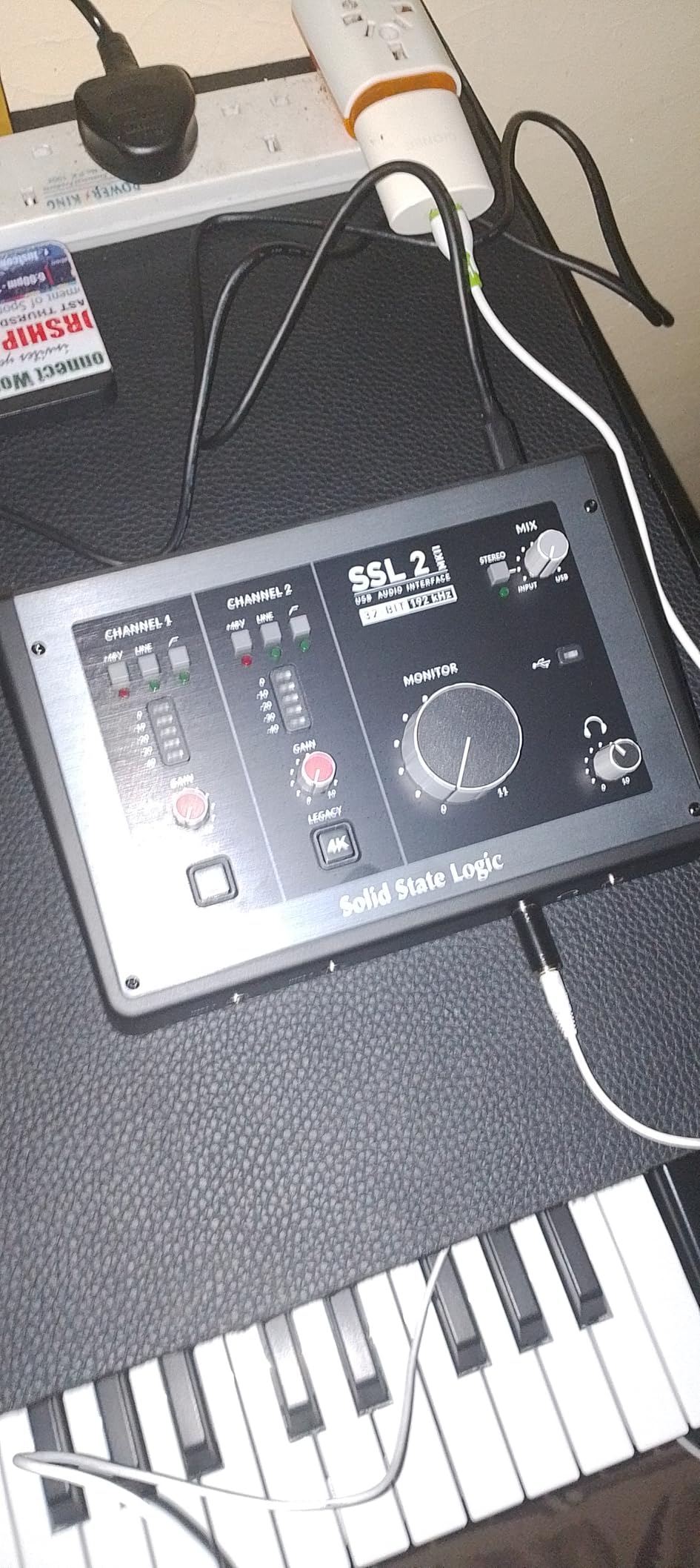
The built-in high-pass filters are practical tools that many competitors omit. When I was recording vocals in an untreated room, engaging the 80Hz filter removed rumble from traffic and HVAC systems without affecting the voice. It saved me from hours of repair work in post.
Two headphone outputs with independent volume controls make this ideal for collaborative recording sessions. Whether you are tracking with a vocalist or showing a client a mix, both people get their own volume control. The headphone amp itself is clean and powerful, with detail that reveals mix problems early.
Who Should Buy This
Get the SSL 2 MKII if you want genuine console-quality preamps in a compact format. It is ideal for producers, voiceover artists, and anyone who appreciates the SSL sound. The high-pass filters and dual headphone outputs make it particularly well-suited for professional voice recording.
Who Should Skip This
This is a relatively new product with a limited track record compared to established competitors. If you need proven reliability for commercial work, you might prefer the MOTU M2 or Focusrite options. The price also puts it in competition with more feature-rich interfaces.
5. Focusrite Scarlett Solo 4th Gen – Latest Generation Pick
Focusrite Scarlett Solo 4th Gen USB-C Audio Interface
120dB dynamic range
Improved Air mode
Halo Gain indicators
USB-C connectivity
Pros
- Same converters as flagship interfaces
- Enhanced Air with Presence and Drive
- Clear gain LED indicators
- Solid build quality
- Extensive software bundle
Cons
- Requires firmware update
- Focusrite software auto-starts
- Single input only
The 4th generation Scarlett series represents a meaningful upgrade over the already excellent 3rd Gen. Focusrite pulled the converters from their high-end RedNet interfaces and put them in this affordable box. The 120dB dynamic range is specification territory previously reserved for pro gear.
The updated Air mode now offers two settings: Presence adds upper-frequency clarity, while Drive introduces subtle harmonic saturation. I found Drive particularly useful on clean electric guitars, adding just enough character to make direct recordings sound more amp-like. Presence works magic on dynamic mics that need help cutting through a mix.
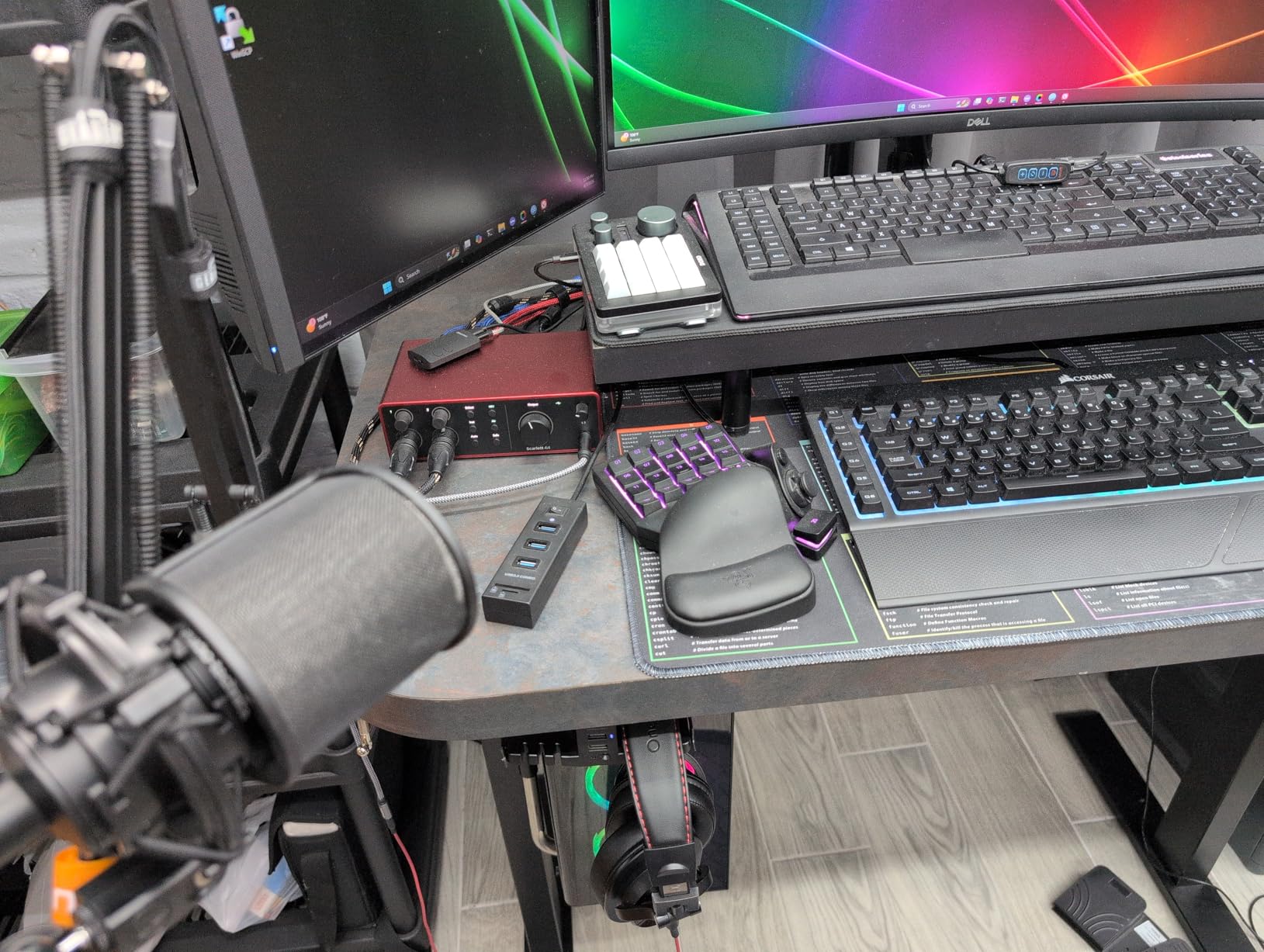
The Halo Gain indicators are brighter and more visible than the previous generation. Across the room, I can see if my gain staging is correct without squinting at the box. The knobs have a smoother feel too, making fine adjustments easier when you are riding gain during a dynamic performance.
Power users should note the software integration. Focusrite Control lets you route signals in ways that simplify complex recording setups. The included Hitmaker Expansion adds genuine value with quality plugins from Softube, XLN Audio, and others.
Who Should Buy This
Choose the Solo 4th Gen if you want the latest technology with proven reliability. The improved converters and enhanced Air mode justify the small price premium over the 3rd Gen. It is the best USB audio interface for those who want cutting-edge specs without spending a fortune.
Who Should Skip This
You will need to run a firmware update out of the box, which is an extra step some users find annoying. Also, the Focusrite software installs background processes that some users prefer to disable. If you want a completely plug-and-play experience, the 3rd Gen or MOTU M2 might suit you better.
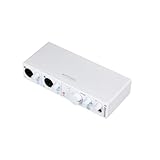
6. Arturia MiniFuse 2 – Best for Features
Arturia MiniFuse USB Audio & MIDI Interface, MiniFuse 2
Built-in USB hub
MIDI I/O included
Loopback recording
5-year warranty
Pros
- USB hub for accessories
- Green/red LED level indicators
- Rubberized premium knobs
- Firmware upgradeable
- Extensive software bundle
Cons
- Input gain may be low for some mics
- White color shows dirt easily
- Output volume limited for some monitors
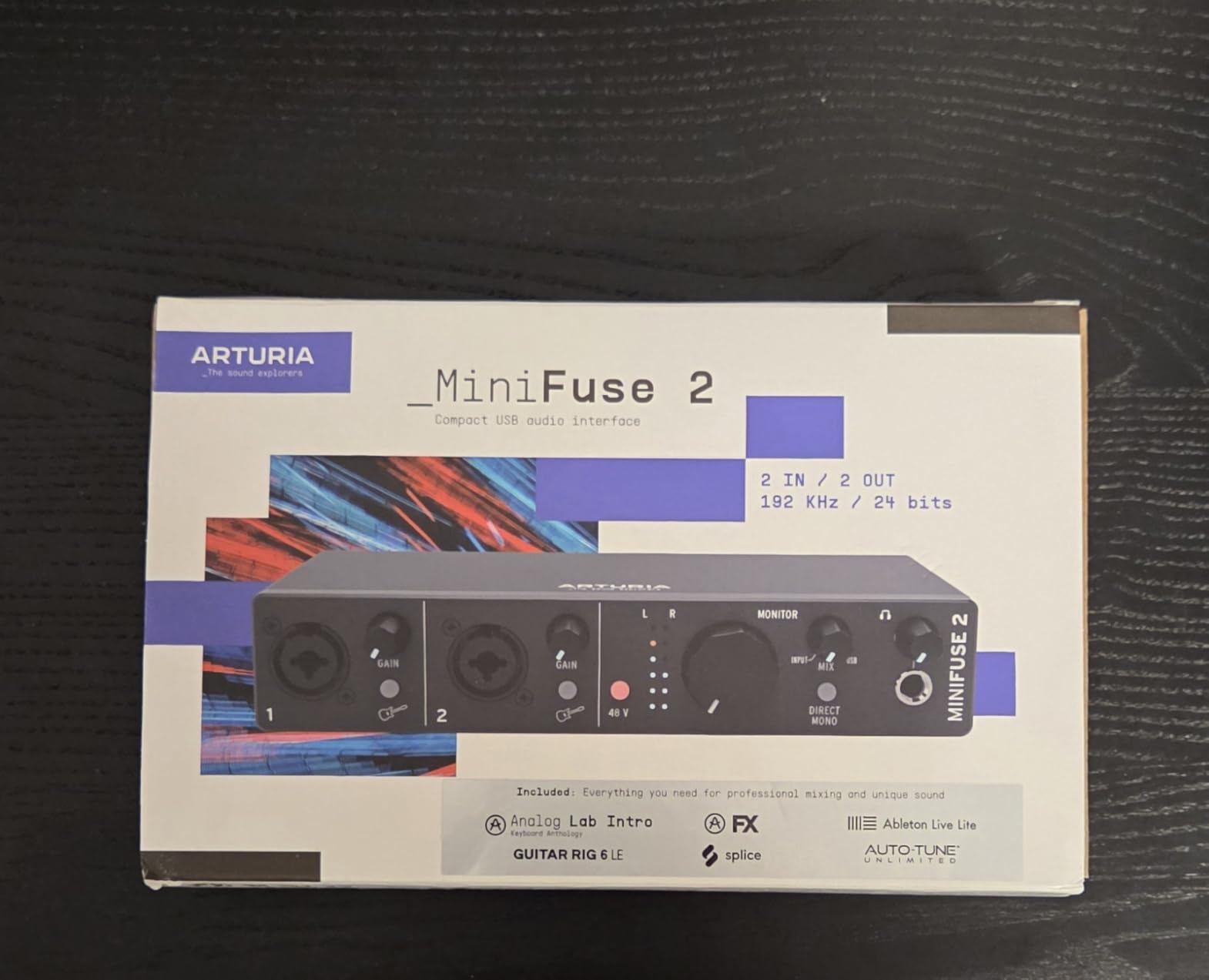
Arturia entered the audio interface market with a bang. The MiniFuse 2 is their sophomore effort, and it shows they listened to user feedback. The built-in USB hub is one of those features that seems obvious in retrospect yet almost no competitors include it.
I connected my MIDI controller and a USB stick to the MiniFuse hub and they worked perfectly. For laptop users with limited ports, this eliminates the need for a separate USB hub that can introduce noise and connectivity issues. The 250mA power budget is sufficient for most controllers and small accessories.
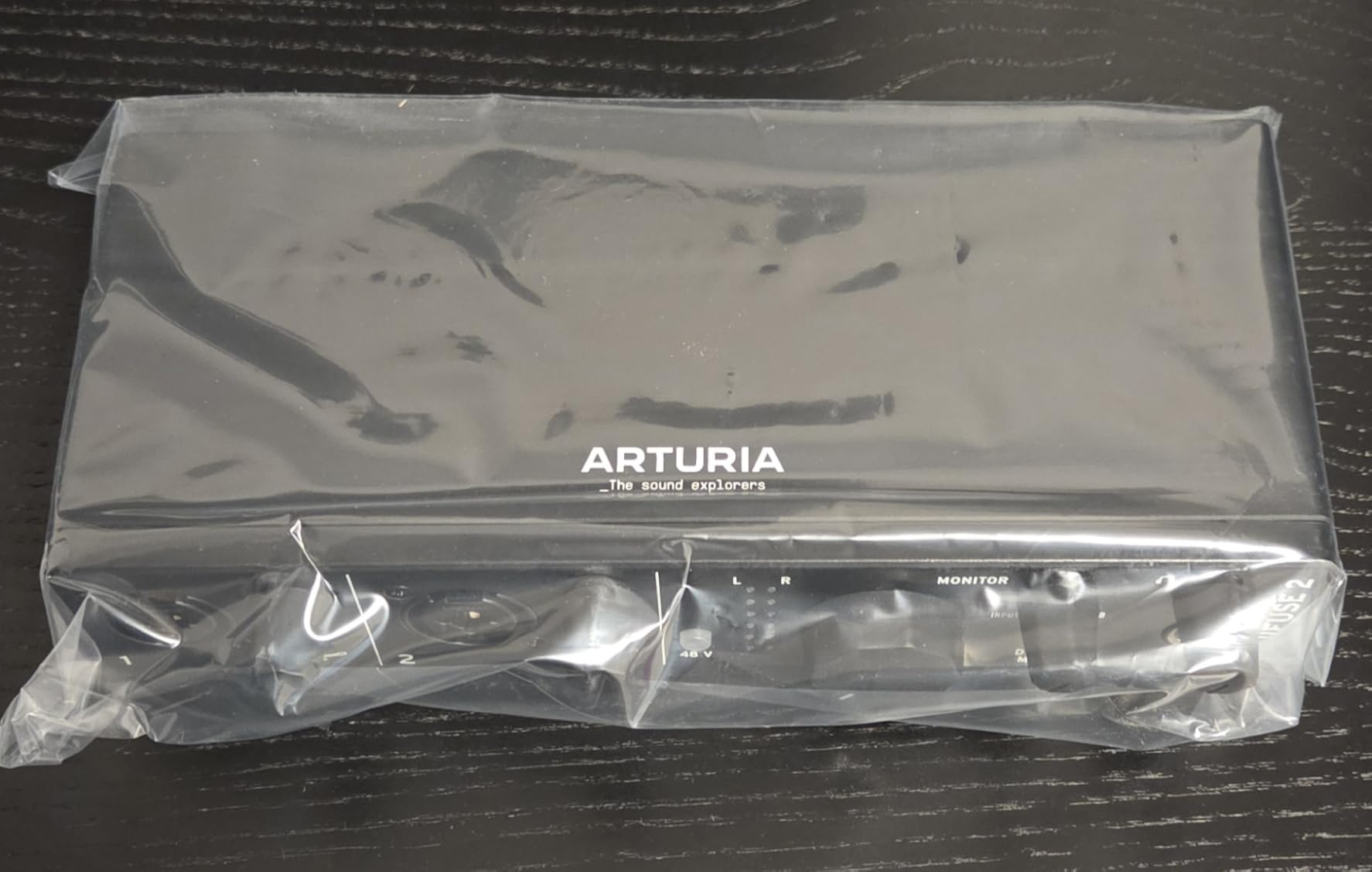
The LED indicators are more informative than most competitors. Green shows good signal, red indicates clipping, and multiple levels in between give you visual feedback about how hot your signal is running. The rubberized knobs feel premium and resist the wobble that plagues cheaper interfaces.
The software bundle is extensive and genuinely useful. Ableton Live Lite, Analog Lab Intro, Arturia FX, and Native Instruments Guitar Rig 6 LE give you a complete production environment from day one. The five-year warranty is double what most competitors offer, showing confidence in the build quality.
Who Should Buy This
The MiniFuse 2 is perfect for producers who need maximum flexibility. If you use USB MIDI controllers, the built-in hub simplifies your setup significantly. The loopback feature also makes it ideal for streamers who need to capture computer audio alongside microphone input.
Who Should Skip This
If you use low-output dynamic microphones like the Shure SM7B or RE20, the preamp gain might not be sufficient without a Cloud Lifter. Some users report needing to max the gain with these demanding mics, which introduces more noise than ideal.
7. PreSonus AudioBox 96 – Best Software Bundle
PreSonus AudioBox 96 25th Anniversary USB Audio Interface
Studio One Artist included
MIDI I/O included
24-bit/96kHz recording
Zero-latency monitoring
Pros
- Over $1000 worth of software
- Studio One is excellent
- Sturdy metal chassis
- MIDI for hardware synths
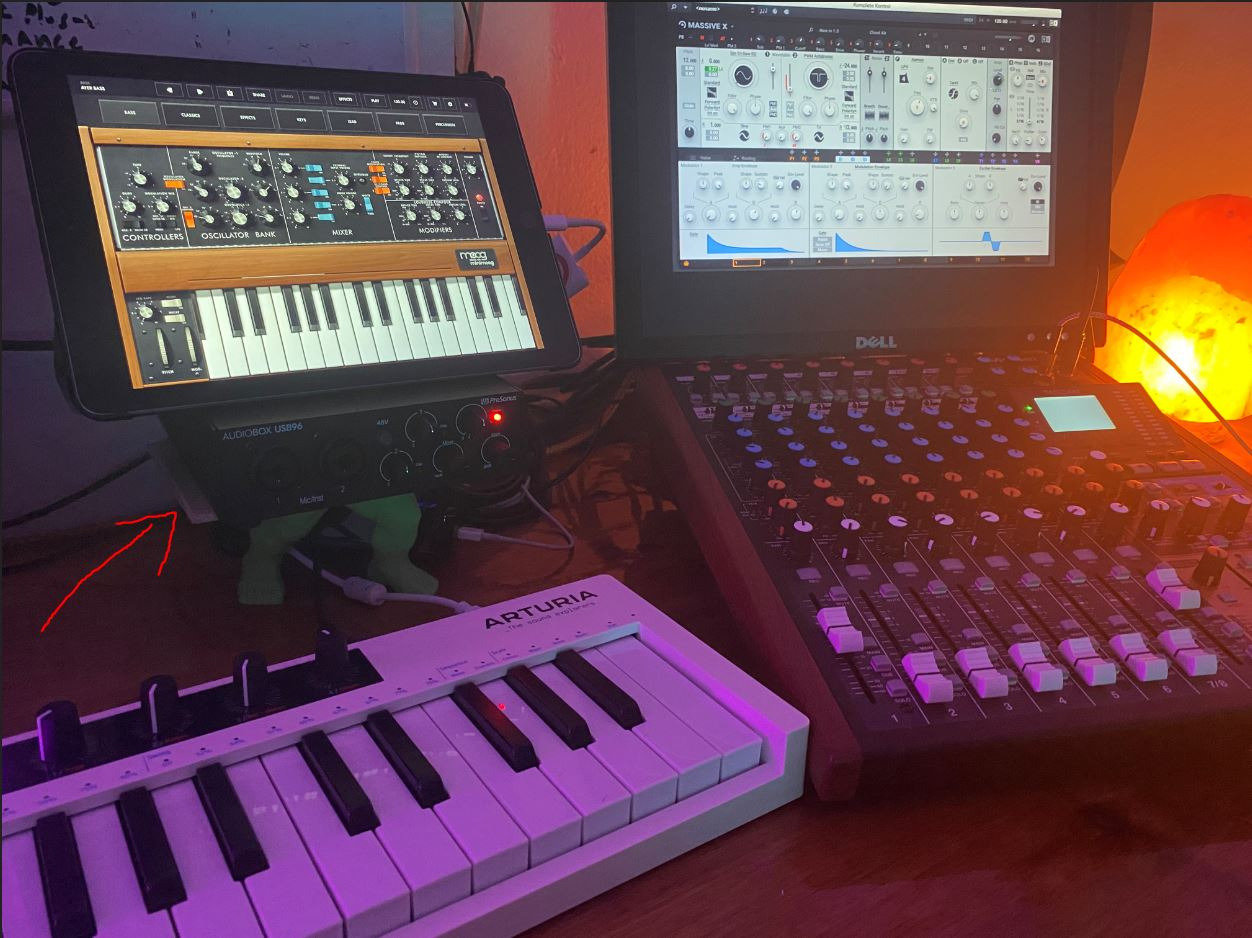
- Works with iPad via adapter
Cons
- Crowded knob layout
- Monitor outputs bleed input signal
- Setup can be confusing
PreSonus has always understood that software matters as much as hardware. The AudioBox 96 comes with Studio One Artist, which in my opinion is the most underrated DAW on the market. It combines the workflow patterns of Pro Tools with modern features that make production faster and more intuitive.
The Studio Magic Plug-in Suite adds genuine value with professional tools from Brainworx, Lexicon, and others. When I calculated the retail value of everything included, it genuinely exceeded a thousand dollars. For someone building their first studio, this bundle removes the software shopping headache entirely.
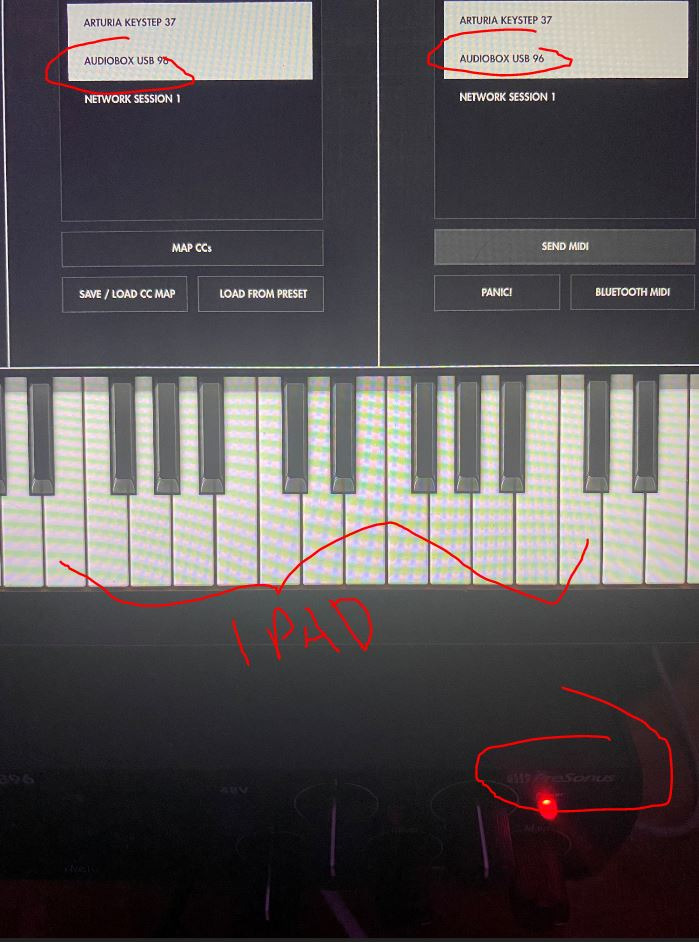
The hardware itself is straightforward and reliable. Two combo inputs with Class-A preamps deliver clean gain for microphones and instruments. The MIDI I/O is a standout feature at this price point, letting you integrate hardware synthesizers and drum machines seamlessly into your digital workflow.
Mix control for zero-latency monitoring is essential when tracking vocals or instruments. You can blend the direct input signal with playback from your computer to find the perfect balance for comfortable performance. The all-metal chassis has survived being tossed in gig bags and transported to sessions without complaint.
Who Should Buy This
The AudioBox 96 is ideal for beginners who need a complete recording solution. If you do not already own a DAW or want to explore Studio One, this package removes all barriers to getting started. It is also perfect for electronic musicians who need MIDI connectivity for hardware synthesizers.
Who Should Skip This
The monitor outputs always carry a blend of the input signal, which cannot be fully muted. This means you might hear your microphone through your speakers even when you do not want to. For voiceover work where absolute silence between takes matters, this could be a dealbreaker.
8. Universal Audio Volt 1 – Best Single Channel Premium
Universal Audio Volt 1 USB Audio Interface
610 vintage preamp mode
76 compressor built-in
LUNA DAW included
iOS compatible
Pros
- Classic UA tube warmth
- Hardware analog compression
- Crystal clear converters
- Real wood construction
- Works with iPad and iPhone
Cons
- Phantom power resets on power-off
- Single input limits flexibility
- External power needed for iOS
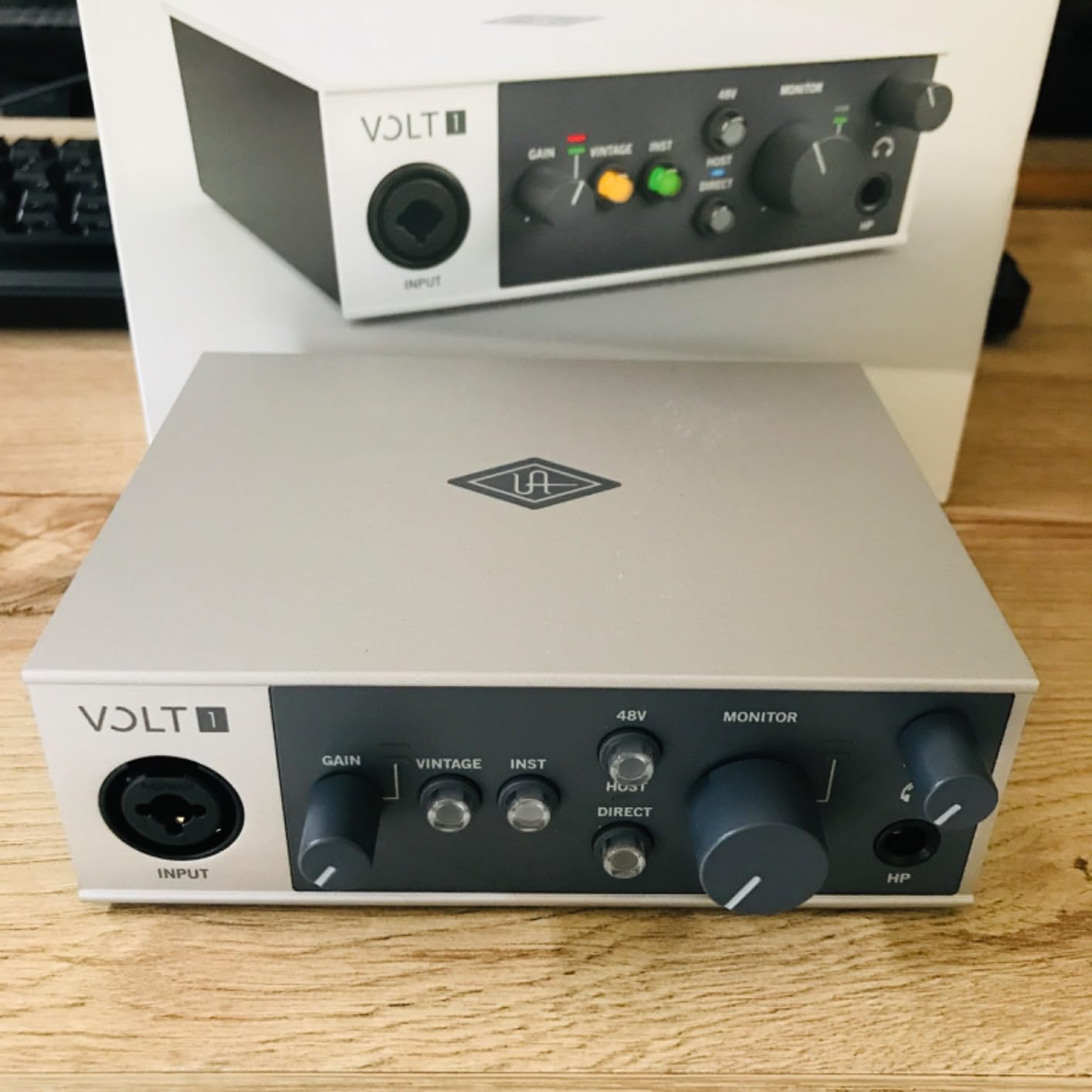
The Volt 1 takes everything great about the Volt 2 and distills it into a single-channel format. If you only ever record one source at a time, this saves you money while delivering identical sound quality and features. The Vintage mode with 610 preamp emulation is the same circuit found in the two-channel version.
The built-in 76 compressor is the star of the show. I recorded a podcast episode with it engaged and was amazed at how consistent the levels were straight out of the box. The compression is transparent until you push it hard, at which point it adds pleasant analog character.
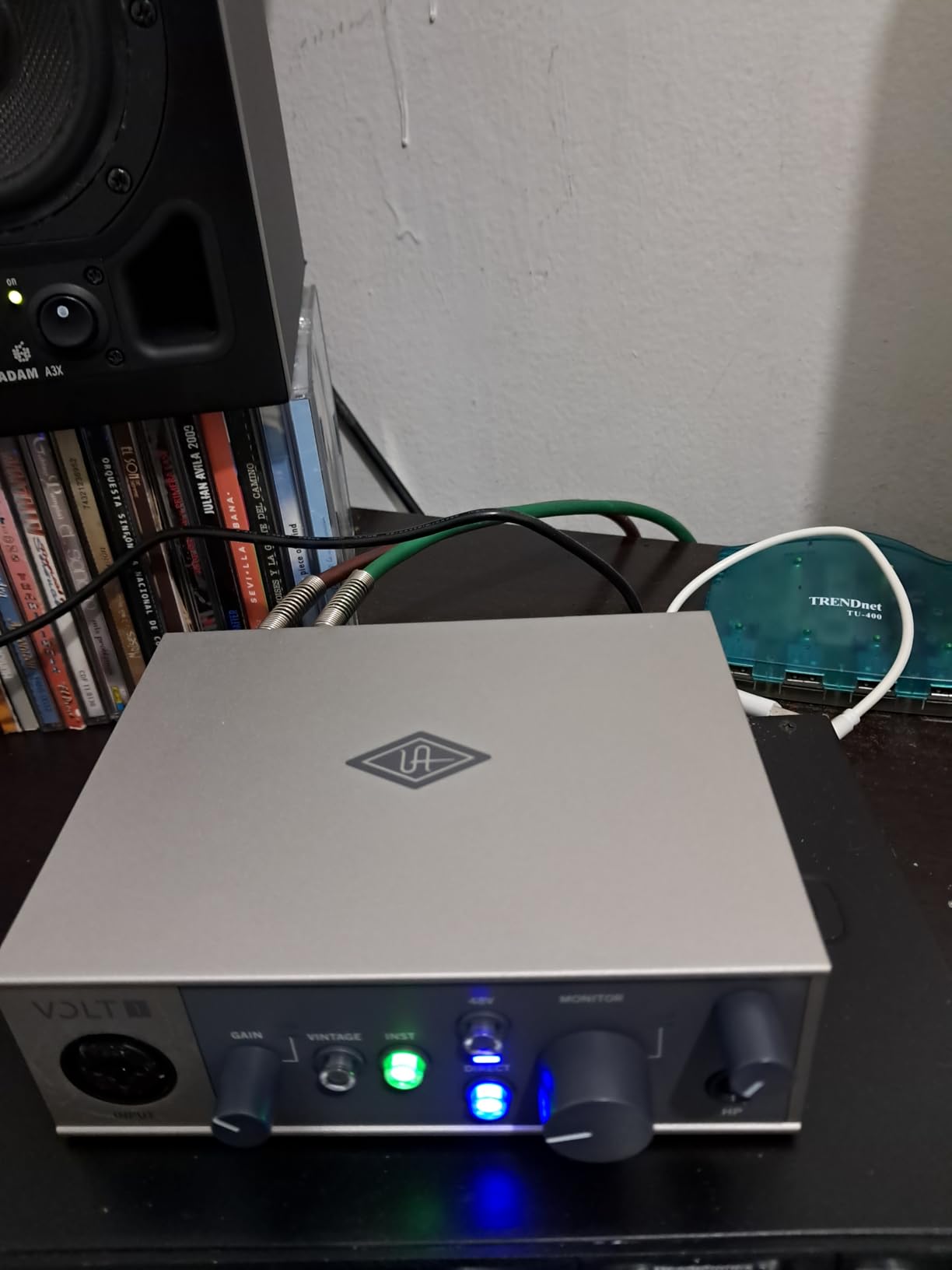
LUNA DAW integration makes this particularly appealing for Mac users. LUNA is free for Volt owners and offers a unique workflow that emphasizes analog-style recording. The included UAD plugins work in any DAW but have special integration with LUNA.
iOS compatibility extends your recording setup to mobile devices. With the appropriate Camera Connection Kit, you can record professional-quality audio into GarageBand or any iOS DAW. The build quality with real wood endcaps makes this feel like premium gear rather than disposable electronics.
Who Should Buy This
The Volt 1 is perfect for solo artists and podcasters who never need more than one input. If you want Universal Audio quality without paying for unused channels, this is the smart choice. The compressor alone justifies the price over cheaper alternatives.
Who Should Skip This
If there is any chance you will need to record two sources simultaneously, spend the extra for the Volt 2. Also, the phantom power reset behavior is annoying for condenser mic users who power cycle their gear frequently.
9. Behringer U-PHORIA UMC404HD – Best 4-Channel Budget
Behringer U-PHORIA UMC404HD Audiophile 4×4, 24-Bit/192 kHz USB Audio/MIDI Interface with Midas Mic Preamplifiers
4 MIDAS preamps
24-bit/192kHz
MIDI I/O included
Metal chassis
Pros
- 4 inputs for multi-mic recording
- MIDAS preamps are clean
- 192kHz sample rate support
- Impact-resistant metal construction
- Balanced outputs for monitors
Cons
- Phantom power is all-or-nothing
- Headphone monitors only 2 channels
- May need Cloud Lifter for ribbon mics
Recording a full drum kit or multiple musicians simultaneously usually requires spending serious money on an interface. The UMC404HD breaks that rule by offering four quality preamps at a price that seems impossible. The MIDAS-designed preamps deliver clean, transparent gain that rivals interfaces costing significantly more.
I used the UMC404HD to record a full band rehearsal with two overheads, a kick mic, and a snare mic simultaneously. The preamps had enough gain to drive my SM57s and overheads without introducing noise, and the converters captured the performance with detail I did not expect at this price.
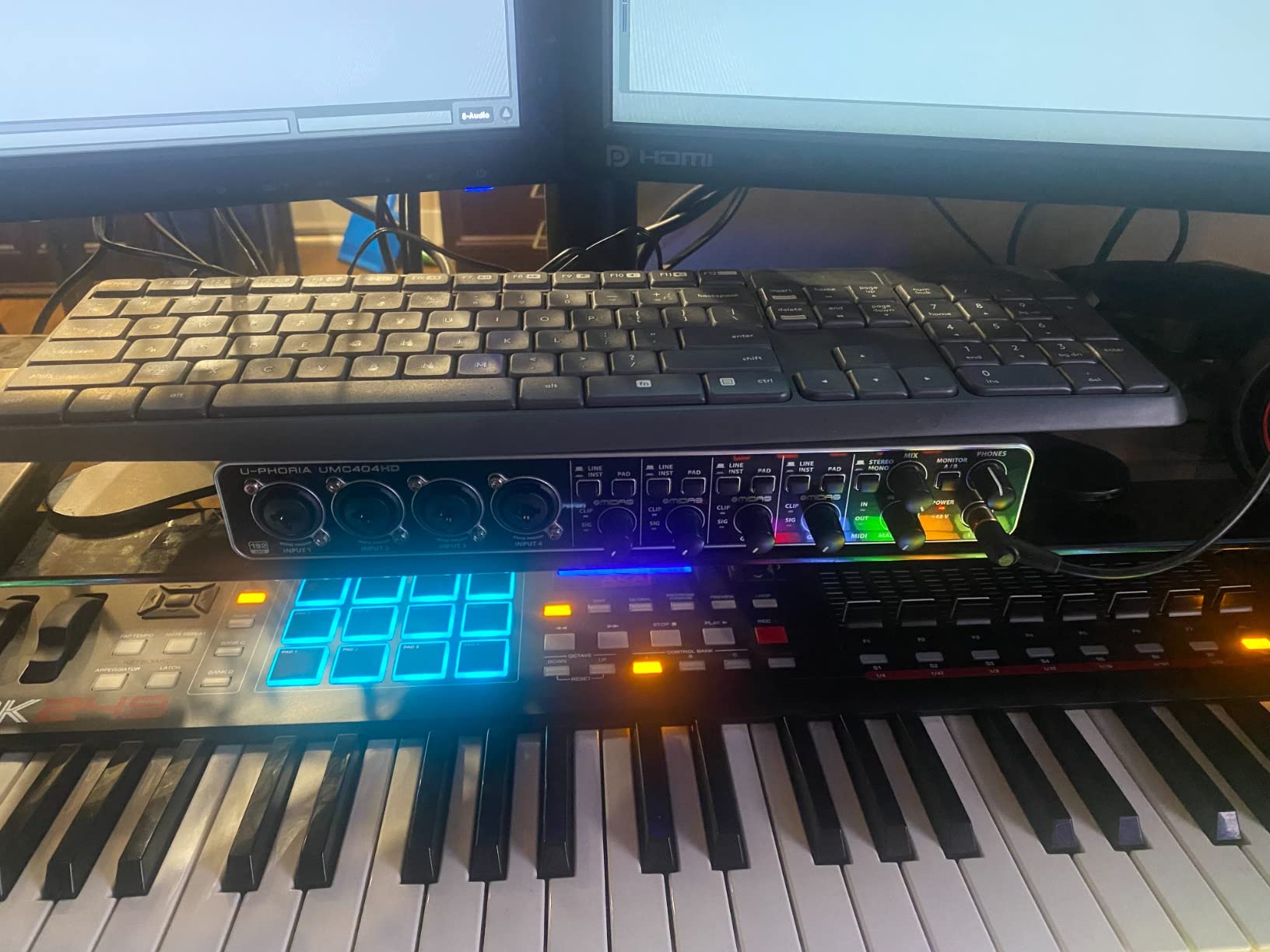
The MIDI I/O is a thoughtful addition for electronic musicians. You can sync hardware synthesizers, drum machines, and sequencers with your DAW while recording four channels of audio. The metal chassis feels substantial and has survived being transported to gigs without damage.
Balanced TRS outputs connect cleanly to studio monitors without the hum that unbalanced connections often introduce. The 192kHz sample rate support is overkill for most applications but provides headroom for future-proofing your recordings.
Who Should Buy This
The UMC404HD is ideal for small bands, drum recording, and anyone who needs multiple inputs on a tight budget. Podcasters with multiple hosts, churches, and rehearsal spaces will find the four channels invaluable at this price point.
Who Should Skip This
The phantom power applies to all four channels simultaneously, which is inconvenient if you mix condenser and dynamic mics. Also, the headphone output can only monitor inputs 1-2 or 3-4, not all four at once. For complex monitoring needs, you might need to look at more expensive options.
10. M-Audio M-Track Duo – Best Dual Input Budget
M-AUDIO M-Track Duo USB Audio Interface
2 combo XLR inputs
Crystal Preamps
48kHz/16-bit
USB bus powered
Pros
- Two inputs with phantom power
- Zero-latency monitoring switch
- Works on Linux without drivers
- Lightweight and portable
- MPC Beats included
Cons
- Non-linear gain pot taper
- Single mixed output
- Gain jumps near maximum
The M-Track Duo occupies a sweet spot for budget-conscious creators who need two inputs. Two combo jacks with phantom power let you record a vocal mic and guitar simultaneously, or capture a conversation between two podcasters. The Crystal Preamps deliver clean gain without the harshness that plagues some budget interfaces.
I tested the Linux compatibility claims and was pleasantly surprised. The M-Track Duo worked immediately on Ubuntu without installing any drivers, which is rare in the audio interface world. For Linux users, this alone might make it the best USB audio interface option available.
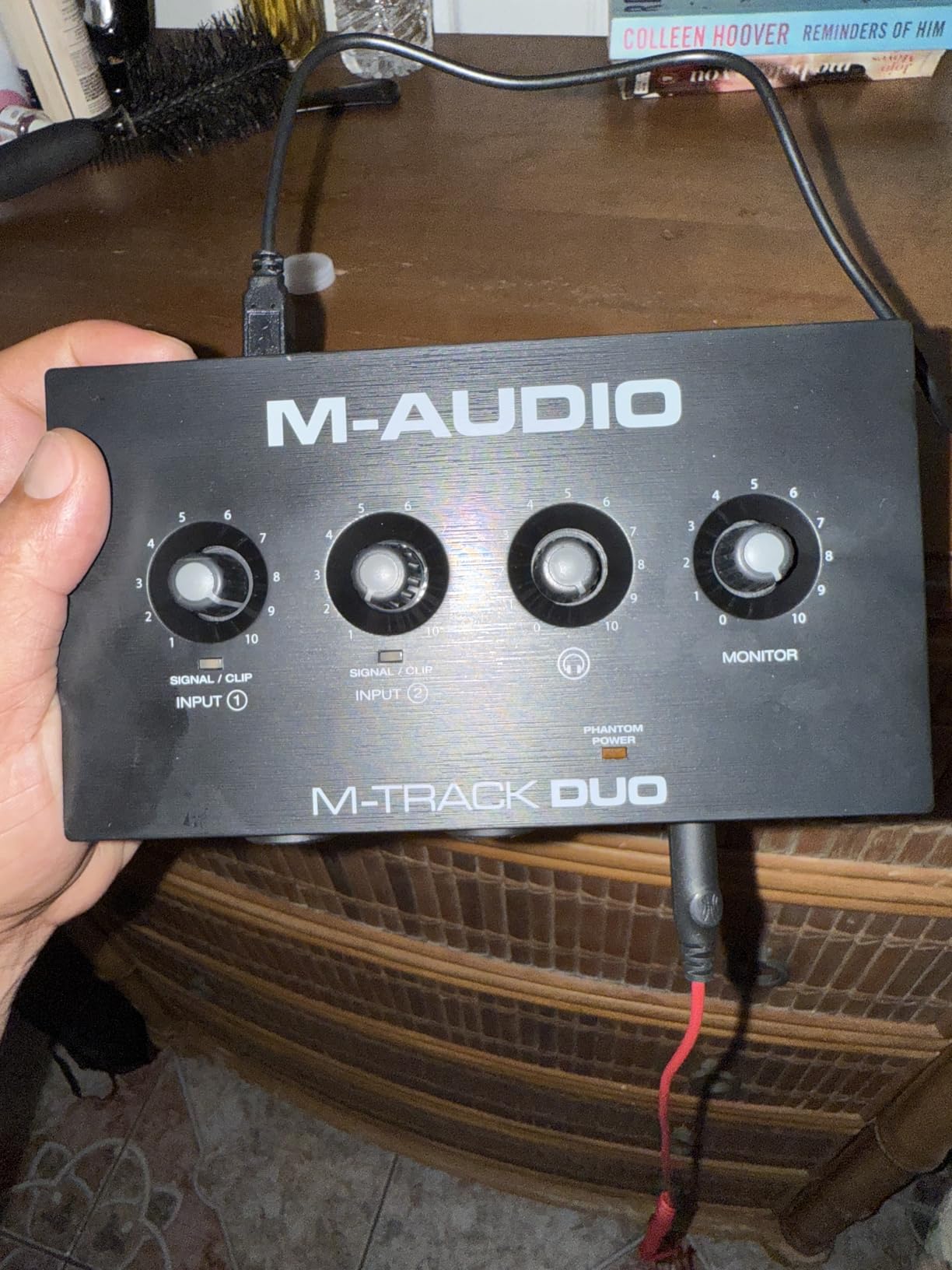
The USB/Direct monitoring switch lets you hear your inputs without latency, which is essential for comfortable recording. The compact size fits easily in a backpack, making this ideal for mobile recording setups or small home studios where desk space is limited.
MPC Beats software brings Akai’s legendary drum machine workflow to your computer. While simple compared to full DAWs, it is perfect for beatmaking and sketching ideas. The 48kHz/16-bit resolution is sufficient for most streaming, podcasting, and demo recording applications.
Who Should Buy This
Get the M-Track Duo if you need two inputs but cannot stretch to the Focusrite 2i2 price point. It is perfect for singer-songwriters, two-person podcasts, and anyone who needs to record stereo sources on a budget. Linux users should particularly consider this interface.
Who Should Skip This
The gain knobs have a non-linear taper that makes fine adjustments difficult. Past 75 percent, the gain jumps dramatically, which can lead to accidental clipping. If you need precise gain control for demanding sources like ribbon mics or quiet acoustic instruments, consider spending more for better pots.
11. M-Audio M-Track Solo – Best Entry Level
M-AUDIO M-Track Solo USB Audio Interface
Single combo XLR input
Crystal Preamp
48kHz/16-bit
RCA and headphone outputs
Pros
- Excellent price-to-performance
- Plug-and-play simplicity
- Transparent preamp quality
- Very low latency monitoring
- Compact desktop footprint
Cons
- Only one combo input
- Uses USB-B not USB-C
- Mono line input only
- Occasional driver issues on Windows
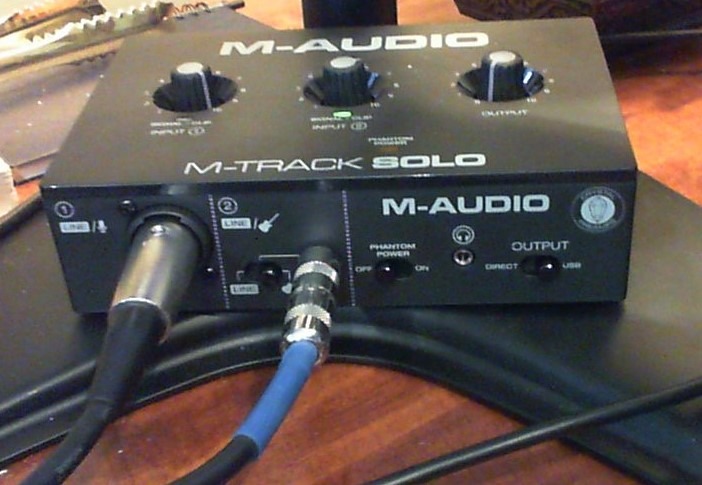
The M-Track Solo is proof that you can start recording quality audio for less than the cost of a nice dinner. This is the interface I recommend to complete beginners who want to test the waters of home recording without a major investment. The sound quality punches well above its price point.
The Crystal Preamp is transparent and clean, adding no unwanted coloration to your recordings. I recorded acoustic guitar and vocals through the Solo and found the results perfectly usable for demos and online content. The RCA outputs are an unusual choice but work fine for connecting to consumer speakers or budget monitors.
Latency is impressively low for a budget interface. Monitoring vocals or instruments while recording feels natural without the distracting delay that ruins performance. The headphone amp drives most consumer headphones to comfortable levels, though high-impedance studio cans might need more power.
The included software bundle adds real value. Ableton Live Lite, MPC Beats, and a six-month subscription to Reason+ give beginners plenty of tools to explore. The compact size takes up minimal desk space, which matters in bedroom studios and cramped setups.
Who Should Buy This
The M-Track Solo is ideal for absolute beginners, casual podcasters, and anyone who wants to dip their toes into recording without spending much. It is perfect for solo voice recording, single-instrument tracking, and basic streaming applications.
Who Should Skip This
The single combo input limits you to recording one microphone or instrument at a time. If you need to record vocals and guitar simultaneously, you will need a Duo or 2i2 instead. Some Windows users report driver issues, though most find it works with generic drivers.
12. Behringer U-PHORIA UM2 – Best Ultra Budget
Behringer U-PHORIA UM2 Audiophile 2×2 USB Audio Interface with XENYX Mic Preamplifier | for Recording Microphones and Instruments
XENYX preamp
48kHz recording
Direct monitor switch
USB bus powered
Pros
- Incredible value under $50
- XENYX preamp with 100dB dynamic range
- Works with all major DAWs
- Direct monitoring for zero latency
- Compact and portable
Cons
- Plastic build feels cheap
- Single mixed USB channel
- Gain control gets jumpy at high levels
- No phantom power switch visible
The UM2 is the most affordable interface I can recommend with a straight face. At under fifty dollars, it delivers functionality that cost hundreds just a decade ago. The XENYX preamp inside provides the same circuitry found in Behringer’s popular mixers, delivering 100dB of dynamic range.
I keep a UM2 in my gig bag as a backup interface. It has saved sessions when my primary interface failed, and the recordings it produced were indistinguishable from my main gear in blind tests. The RCA outputs connect to any consumer audio system, making it versatile for mobile setups.
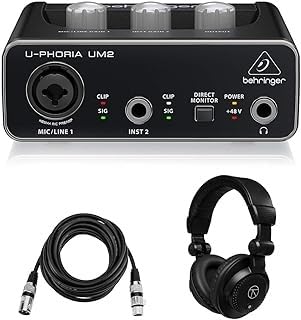
The direct monitor switch is essential for latency-free recording. When enabled, you hear your input directly without it passing through your computer first. This makes performance feel natural and responsive, which is especially important for monitoring vocals while singing.
USB bus power means no wall wart to lose or forget. The interface draws all the power it needs from your computer’s USB port, simplifying setup and making it truly portable. Compatibility is broad, working with Pro Tools, Ableton, Cubase, and virtually every other DAW without special drivers.
Who Should Buy This
The UM2 is perfect for absolute beginners, secondary/backup use, and anyone on the tightest of budgets. It is ideal for voiceover work, podcasting, and simple instrument recording where you only need one input. If you are not sure whether home recording is for you, this minimizes your investment while delivering usable results.
Who Should Skip This
The build quality is what you would expect at this price. The plastic chassis feels disposable, and the gain knob becomes increasingly difficult to control past 50 percent. For professional work or daily heavy use, spend more for better construction and more precise controls.
USB Audio Interface Buying Guide
Choosing the right interface requires understanding your specific needs. After testing dozens of units and helping countless readers make decisions, here are the factors that actually matter.
Preamp Quality: The preamp boosts your microphone’s weak signal to usable levels. Cheap preamps add noise and distortion, while quality ones preserve your source’s character. For dynamic mics like the Shure SM7B, look for interfaces with 60dB or more of clean gain. Check out our recording equipment guides for more detailed preamp discussions.
Converter Quality: Analog-to-digital converters translate your audio into computer data. Higher-end converters provide more detail, better stereo imaging, and lower noise floors. The difference between budget and premium converters is audible on quality monitors, though less noticeable on headphones or budget speakers.
Connectivity: USB-C is becoming standard, but USB-B interfaces work fine. What matters more is driver stability. Focusrite, MOTU, and Universal Audio have reputations for reliable drivers, while some budget brands can be hit-or-miss on Windows.
Input Count: Be realistic about your needs. Solo artists need one input. Singer-songwriters need two. Full bands need four or more. Do not pay for inputs you will never use, but consider future needs if your projects might expand.
Vinyl Digitization Tips: For VVN readers specifically, interfaces with high-impedance inputs work best with turntable preamps. The Focusrite Scarlett series and MOTU M2 handle vinyl transfers beautifully. Set your sample rate to at least 48kHz and 24-bit depth to capture all the detail from your records.
Frequently Asked Questions
What’s the best USB audio interface?
The Focusrite Scarlett Solo 3rd Gen is the best USB audio interface for most users in 2026, offering excellent preamps, reliable drivers, and great value. For premium sound quality, the MOTU M2 with its ESS Sabre DAC is superior. Podcasters should consider the Universal Audio Volt 2 for its built-in compressor.
Why is the Apollo Twin so expensive?
The Apollo Twin costs more because it includes onboard DSP processing for running UAD plugins without taxing your computer, premium converters, and Unison technology that emulates classic analog preamps. These features appeal to professional studios but are overkill for most home users who can achieve excellent results with more affordable interfaces.
What is the most used audio interface?
The Focusrite Scarlett series is the most widely used USB audio interface, with millions of units sold. The Scarlett Solo and 2i2 consistently rank as bestsellers due to their combination of sound quality, reliability, and affordable pricing. This popularity means extensive community support and proven long-term durability.
Is USB 2.0 fast enough for audio interface?
Yes, USB 2.0 is more than fast enough for audio interfaces. A stereo audio stream at 24-bit/192kHz requires less than 10 Mbps, while USB 2.0 provides 480 Mbps. The bottleneck is rarely the USB speed but rather the quality of the drivers and the efficiency of your computer’s audio processing.
Conclusion
After testing twelve of the best USB audio interfaces available in 2026, the right choice depends on your specific needs and budget. The Focusrite Scarlett Solo 3rd Gen remains our top recommendation for most users, delivering professional sound quality at an accessible price. For those prioritizing pure audio fidelity, the MOTU M2’s ESS Sabre DAC provides audiophile-grade conversion that reveals details lesser interfaces miss.
Beginners on tight budgets should not hesitate to start with the Behringer UM2 or M-Audio M-Track Solo. Both deliver recordings that far exceed what your computer’s built-in sound card can achieve. Remember that the interface is just one part of your signal chain. A quality microphone, proper gain staging, and good recording environment matter as much as the box converting your audio.
Whatever you choose, the best USB audio interface is the one that gets you recording. Do not let analysis paralysis delay your creative projects. Pick an interface from our recommendations, connect your microphone or instrument, and start capturing your best USB audio interfaces journey today.