
Those stacks of VHS tapes gathering dust in your closet hold more than just old videos—they’re treasured memories waiting to be preserved. But VCRs are becoming obsolete, and magnetic tape degrades over time. Converting your VHS tapes to digital format isn’t just convenient; it’s essential for saving your family’s history before it’s too late. In this comprehensive guide, we’ll explore the best VHS to digital converters available 2026, helping you find the perfect solution for digitizing your home movies, camcorder footage, and irreplaceable recordings.
Table of Contents
Top 3 Best VHS to Digital Converters Picks (September 2026)

Portta VHS to Digital Converter
- 1080P recording at 30Hz|3.0 inch LCD with speaker|No capacity limitation|HDMI output
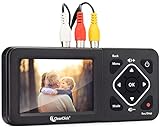

Portta VD22P with 5 inch HD Screen
- 5 inch HD screen|1080p/60fps recording|HDMI included|Multiple storage options
10 Best VHS to Digital Converters (September 2026) Products
| Product | Specifications | Action |
|---|---|---|
| Portta VHS to Digital Converter |
|
Check Latest Price |
| ClearClick Video Converter 2.0 |
|
Check Latest Price |
| Portta VD22P |
|
Check Latest Price |
 ClearClick Converter 3.0 ClearClick Converter 3.0 |
|
Check Latest Price |
 Portta with 128GB Drive Portta with 128GB Drive |
|
Check Latest Price |
 VIXLW USB Capture Card VIXLW USB Capture Card |
|
Check Latest Price |
 VIXLW Video Capture Pro+ VIXLW Video Capture Pro+ |
|
Check Latest Price |
 Diamond VC500 One Touch Diamond VC500 One Touch |
|
Check Latest Price |
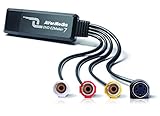 AVerMedia EZMaker 7 AVerMedia EZMaker 7 |
|
Check Latest Price |
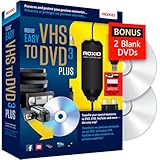 Roxio Easy VHS to DVD Roxio Easy VHS to DVD |
|
Check Latest Price |
Understanding VHS to Digital Converters: What You Need to Know
Before diving into our top picks, it’s important to understand that VHS to digital converters come in two main categories, each with distinct advantages and use cases.
Standalone Converters
Standalone VHS to digital converters operate without a computer. You simply connect your VCR or camcorder to the device, insert a USB flash drive or SD card, and press record. These all-in-one units feature built-in screens for previewing your footage and offer the convenience of PC-free recording. They’re ideal for users who want simplicity, don’t want to deal with software, or prefer not to tie up their computer during the lengthy recording process.
USB Capture Devices
USB capture cards connect your VCR to a computer via USB. The video is captured using software on your PC or Mac, giving you more control over recording settings and the ability to edit footage in real-time. These devices are typically more affordable than standalone units but require a computer with compatible software and enough processing power to handle video capture without dropping frames.
1. Portta VHS to Digital Converter – Best Overall
Portta VHS to Digital Converter, Video to Digital Recorder with Remote, Compatible with VHS, VCR, DVR, DVD, Hi8, Mini DV, Gaming Consoles (VCR, VHS/DVD Player, Camcorder Required)
1080P recording at 30Hz
3.0 inch preview LCD with speaker
No capacity limitation
HDMI output for TV connection
Pros
- Higher 1080P recording resolution
- No computer required
- Excellent value
- Multiple input options
- HDMI output
- Remote included
Cons
- Requires USB drive
- Some storage limits reported
- Newer product
- Cannot rename files
The Portta VHS to Digital Converter represents the sweet spot between price, performance, and features. As a newer entrant to the market, Portta has quickly earned a reputation for reliability with this compact standalone unit that delivers excellent results without breaking the bank.
With recording resolution up to 1080P at 30Hz, this converter captures higher quality video than most competitors in its price range. The 3.0-inch preview LCD with built-in speaker allows you to monitor your recordings in real-time, ensuring you’re capturing exactly what you intend, which is why devices like this are often compared among the best vhs to digital converters.
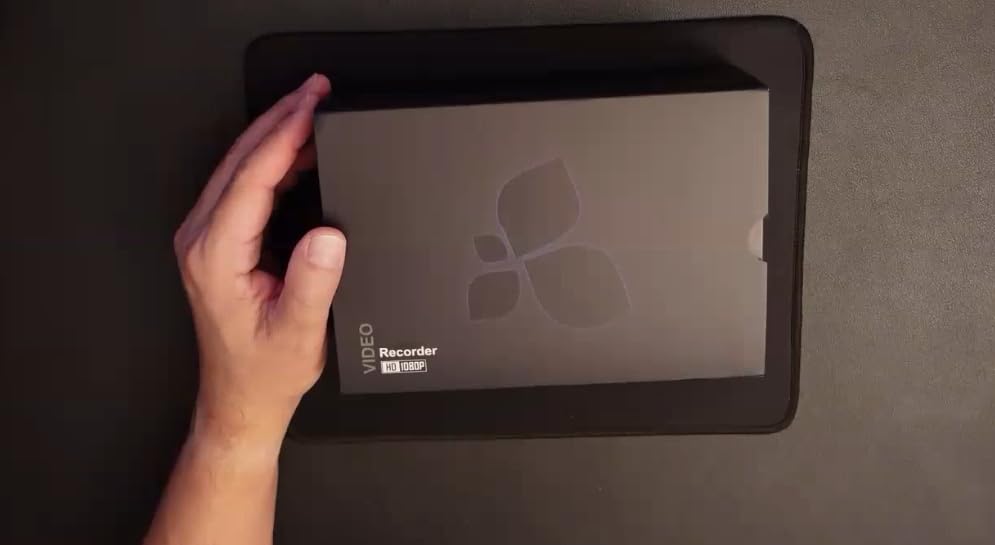
One of the standout features is the lack of storage capacity limitations. Whether you’re using a USB drive or TF card, the Portta handles large files without issues. The device supports both NTSC and PAL formats, making it versatile for various tape sources.
The HDMI output is a welcome addition, allowing you to connect to a TV for larger screen monitoring while recording. Multiple input options including RCA, S-Video, and AUX ensure compatibility with virtually any analog video source.
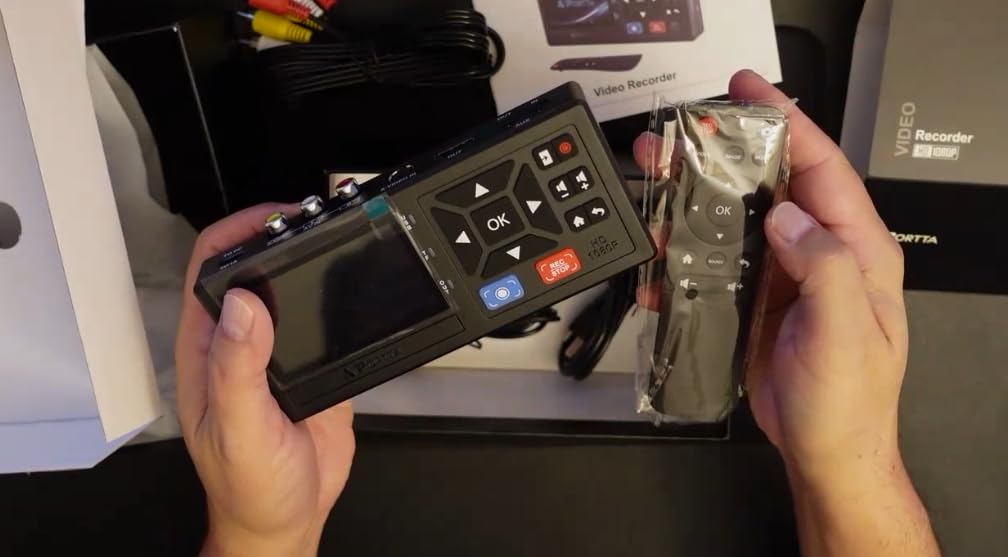
Portta backs this converter with a 2-year warranty and lifetime technical support, showing confidence in their product’s reliability. The included remote control adds convenience for operation across the room.
2. ClearClick Video to Digital Converter 2.0 – Most Trusted
ClearClick Video to Digital Converter 2.0 (Second Generation) – Record Video from VCR’s, VHS Tapes, AV, RCA, Hi8, Camcorder, DVD, Gaming Systems [Requires Working VCR/Camcorder & Tapes]
3.5 inch preview screen
Records to USB/SD card up to 512GB
MP4 format
Auto stop feature
Pros
- Proven track record
- No computer required
- Large 3.5 inch screen
- USA-based support
- Auto-stop feature
Cons
- Limited to SD resolution
- Higher price
- 4:3 aspect ratio only
- No HDMI recording
ClearClick has established itself as the go-to brand for VHS to digital conversion, and the Video to Digital Converter 2.0 represents the company’s proven second-generation design. With thousands of positive reviews and a reputation for reliability, this USA-based small business has earned the trust of preservation enthusiasts nationwide, which is why it’s often mentioned among the best vhs to digital converters.
The recording resolution is SD at 640×480 or 720×480 pixels, which matches the native quality of VHS sources. While this won’t upscale to HD, it faithfully captures what’s on your tapes without artificial enhancement.
![ClearClick Video to Digital Converter 2.0 (Second Generation) - Record Video from VCR's, VHS Tapes, AV, RCA, Hi8, Camcorder, DVD, Gaming Systems [Requires Working VCR/Camcorder & Tapes] customer photo 1](https://vintagevinylnews.com/wp-content/uploads/2026/02/B07V9JNRZY_customer_1.jpg)
The large 3.5-inch preview screen makes monitoring easy, and you can record directly to USB flash drives or SD cards up to 512GB. The mobile-friendly MP4 recording format ensures your videos will play on virtually any modern device.
The Auto Stop feature is particularly useful, offering preset times of 60, 90, 120, or 150 minutes to prevent over-recording. Pause/Resume functionality while recording gives you control over your captures.
![ClearClick Video to Digital Converter 2.0 (Second Generation) - Record Video from VCR's, VHS Tapes, AV, RCA, Hi8, Camcorder, DVD, Gaming Systems [Requires Working VCR/Camcorder & Tapes] customer photo 2](https://vintagevinylnews.com/wp-content/uploads/2026/02/B07V9JNRZY_customer_2.jpg)
ClearClick includes improved audio/video sync protection, addressing a common issue with digital converters. The 1-year warranty with USA-based technical support provides peace of mind for your investment.
3. Portta VD22P with 5″ HD Screen – Premium Experience
Portta VD22P VHS to Digital Converter with 5″ HD Screen, Video Capture Recorder Convert to MP4 Compatible with VHS, VCR, DVR, DVD, Hi8, Mini DV, Gaming Consoles (VCR/VHS/DVD Player/Camcorder Required)
5 inch HD LCD screen
Full HD 1080p at 60fps
Multiple storage options
Adjustable image settings
Pros
- Largest 5 inch HD screen
- 1080p/60fps recording
- Image adjustment controls
- Multiple storage options
- Included HDMI cable
Cons
- Highest price point
- Real-time recording only
- Preset auto-stop
- USB drive heating
For users who want the premium standalone experience, the Portta VD22P delivers with its impressive 5-inch HD LCD screen and Full HD 1080p at 60fps recording capability. This top-of-the-line model offers the best viewing experience and highest recording quality in our roundup.
The 5-inch HD LCD preview screen is the largest available, making it easy to see exactly what you’re recording. The Full HD 1080p at 60fps recording captures smooth motion and excellent detail from your analog sources.
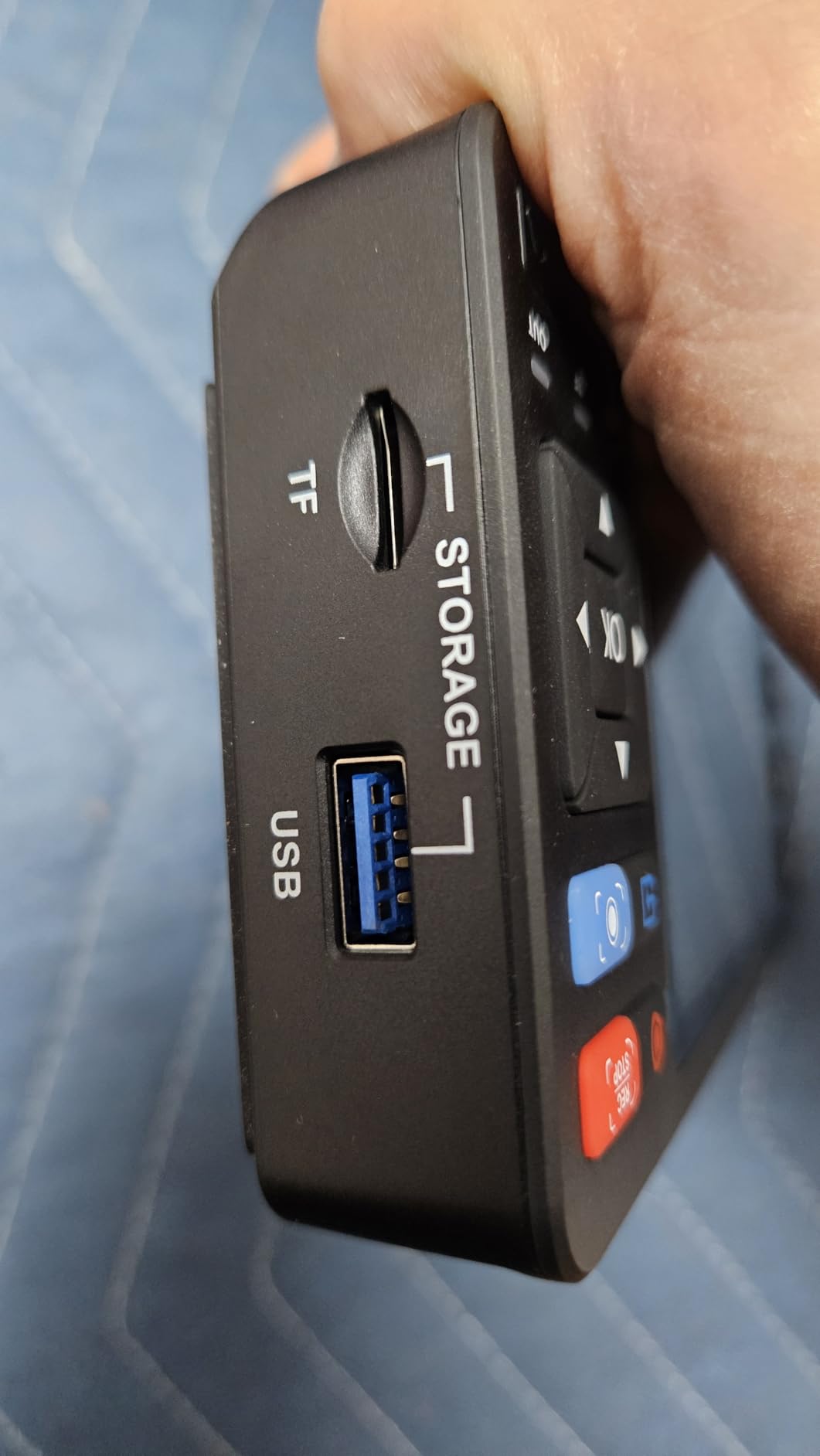
Image adjustment settings for brightness, contrast, and saturation give you control over the final look of your digitized footage. Multiple storage options including USB flash drives, TF cards, portable HDDs, and SSDs provide flexibility for your workflow.
The VD22P supports AV (CVBS) and Component (YPbPr) video inputs, with PAL, NTSC, and SECAM format support covering virtually all analog sources worldwide.
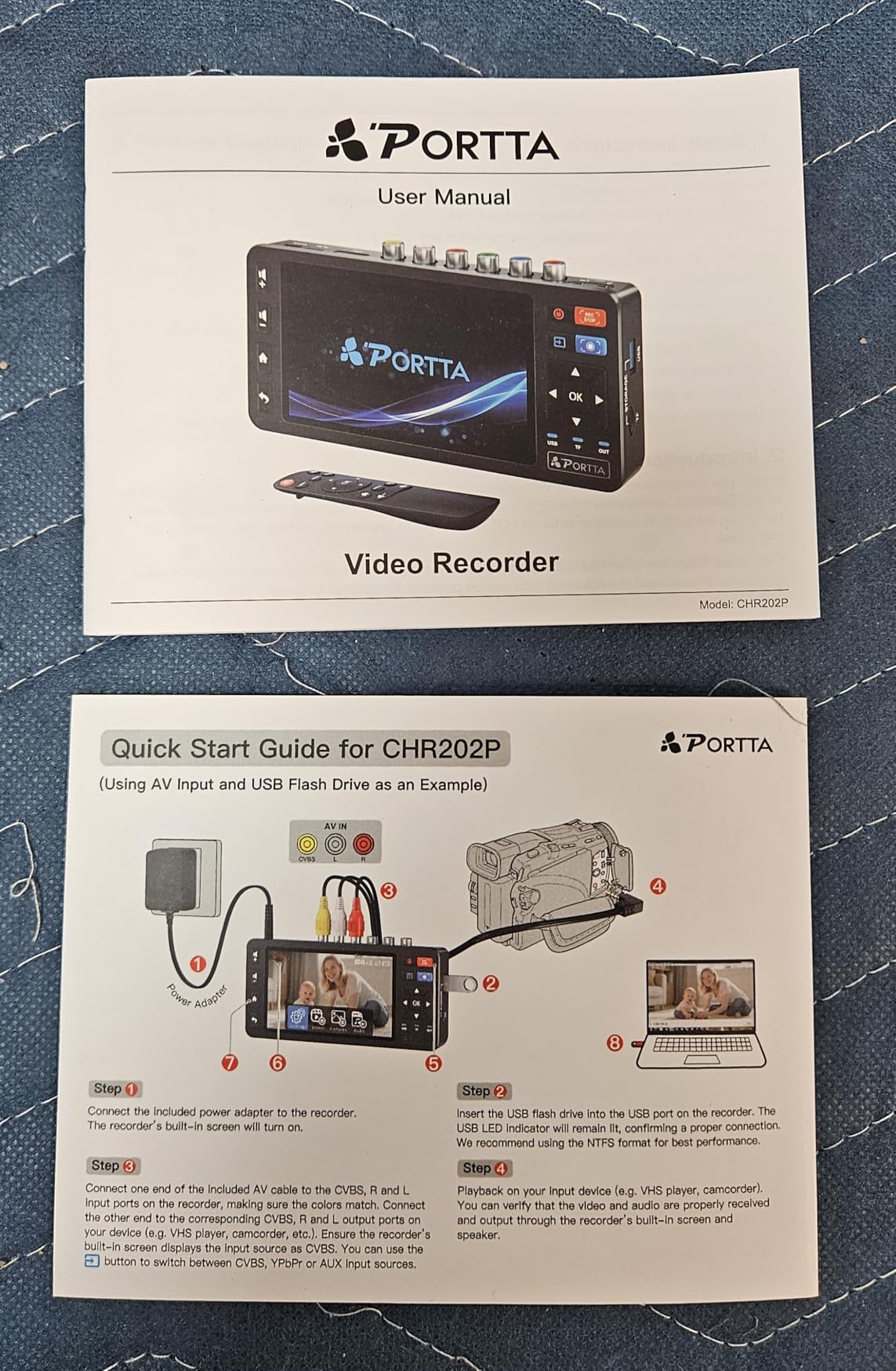
Notably, Portta includes an HDMI cable in the package, saving you an additional purchase. The device requires no PC, software, or driver installation—true plug and play operation.
4. ClearClick Video to Digital Converter 3.0 – Best with Battery
ClearClick Video to Digital Converter 3.0 (Third Generation) – Record Video & Audio from VCR’s, VHS, AV, RCA, Hi8, Camcorder, DVD, Turntables, Cassette Tapes [Requires Working VCR/Camcorder & Tapes]
5 inch preview screen
Built-in rechargeable battery
Records video and audio
Custom auto-stop
Pros
- No computer required
- 5 inch screen
- Battery for portable use
- Dual storage options
- Audio recording capability
Cons
- No HD upscaling
- Premium pricing
- Requires VCR
- Lower video quality reports
The third-generation ClearClick converter builds on the brand’s proven design with notable upgrades including a larger 5-inch screen, built-in rechargeable battery, and expanded audio recording capabilities. It’s the most versatile standalone option for users who need portable operation.
The large 5-inch preview screen for real-time monitoring is a significant upgrade from previous models. What truly sets this version apart is the built-in rechargeable battery, enabling portable recording without needing to be plugged in.
![ClearClick Video to Digital Converter 3.0 (Third Generation) - Record Video & Audio from VCR's, VHS, AV, RCA, Hi8, Camcorder, DVD, Turntables, Cassette Tapes [Requires Working VCR/Camcorder & Tapes] customer photo 1](https://vintagevinylnews.com/wp-content/uploads/2026/02/B0B8BY5HCG_customer_1.jpg)
Video recording is in MP4 format at 720×480 or 640×480 pixels. The device can also record audio as WAV or MP3 files, making it useful for digitizing cassette tapes and vinyl records in addition to video sources.
Dual storage options include both MicroSD cards and USB flash drives. The custom auto-stop feature allows you to set exact recording lengths in minutes, offering more precision than the preset options on the 2.0 model.
![ClearClick Video to Digital Converter 3.0 (Third Generation) - Record Video & Audio from VCR's, VHS, AV, RCA, Hi8, Camcorder, DVD, Turntables, Cassette Tapes [Requires Working VCR/Camcorder & Tapes] customer photo 2](https://vintagevinylnews.com/wp-content/uploads/2026/02/B0B8BY5HCG_customer_2.jpg)
The USB-C charging port is a modern touch, and ClearClick extends the warranty to 2 years with USA-based support. The intuitive menus make it easy to figure out without extensive manual reading.
5. Portta with 128GB Flash Drive – Complete Package
Portta VHS to Digital Converter with 128GB USB3.0 Flash Drive, Video to Digital Recorder, Compatible with VHS, VCR, DVR, DVD, Hi8, Mini DV, Gaming Consoles (VCR, VHS/DVD Player, Camcorder Required)
Includes 128GB USB 3.0 drive
1080P recording
3.0 inch LCD
All inputs included
Pros
- Everything included
- 128GB drive included
- Excellent value bundle
- Plug and play
- Multiple input types
Cons
- Converter only
- Smaller 3 inch screen
- Requires VCR
- European adapters needed
This value bundle from Portta includes their popular standalone converter plus a 128GB USB 3.0 flash drive, giving you everything needed to start converting immediately without shopping for accessories separately.
The recording resolution goes up to 1080P at 30Hz, matching the standard Portta model’s performance. The 3.0-inch preview LCD with built-in speaker allows real-time monitoring of your captures.
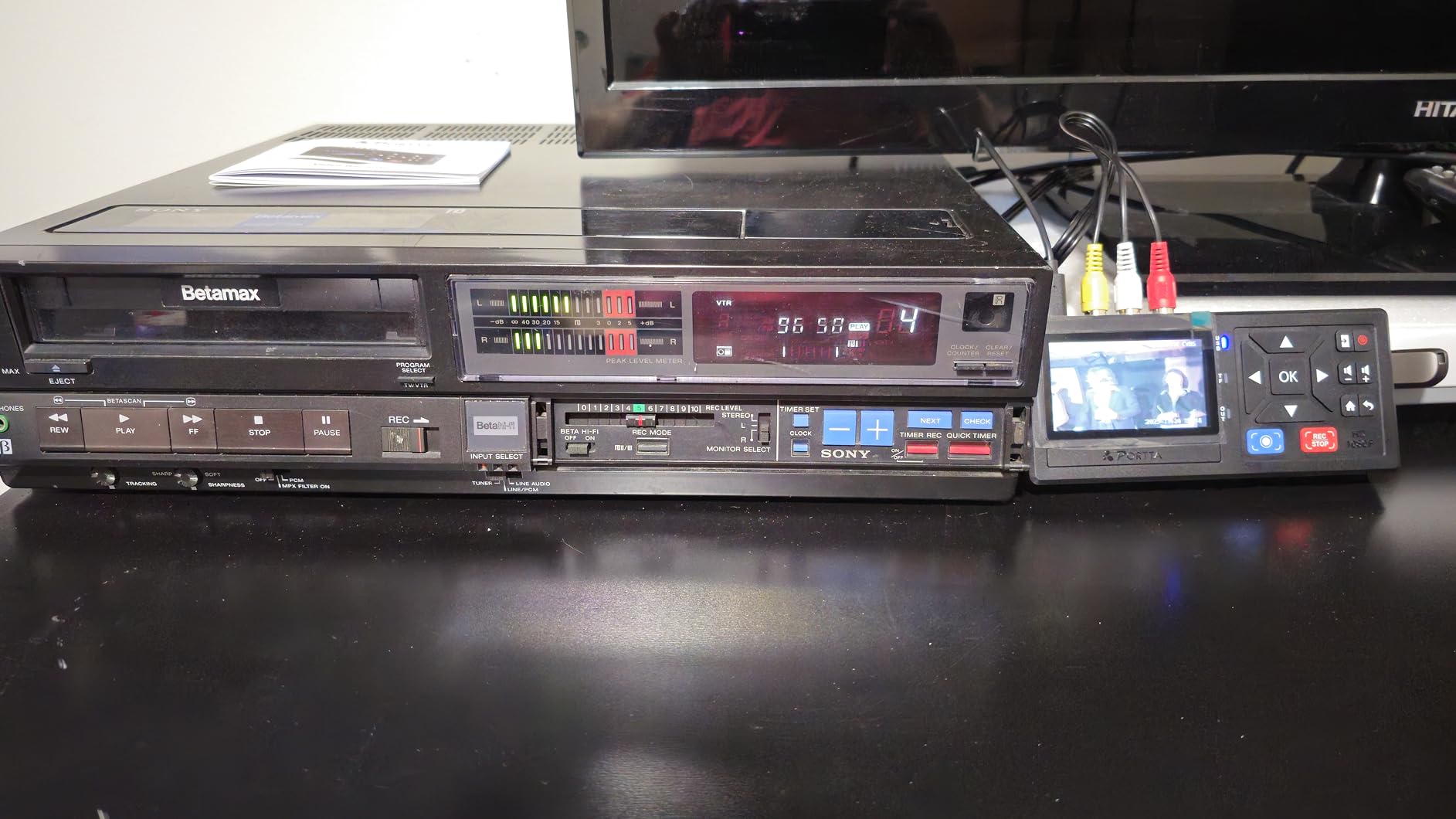
What makes this bundle special is the included 128GB USB 3.0 Flash Drive. This high-speed drive can store approximately 40-50 hours of recorded footage, meaning you’re ready to start digitizing your collection right out of the box.
Multiple inputs including RCA, S-Video, and AUX ensure compatibility with various analog sources. The device records video in MP4 format and audio in MP3 format, with NTSC/PAL/SECAM format support.
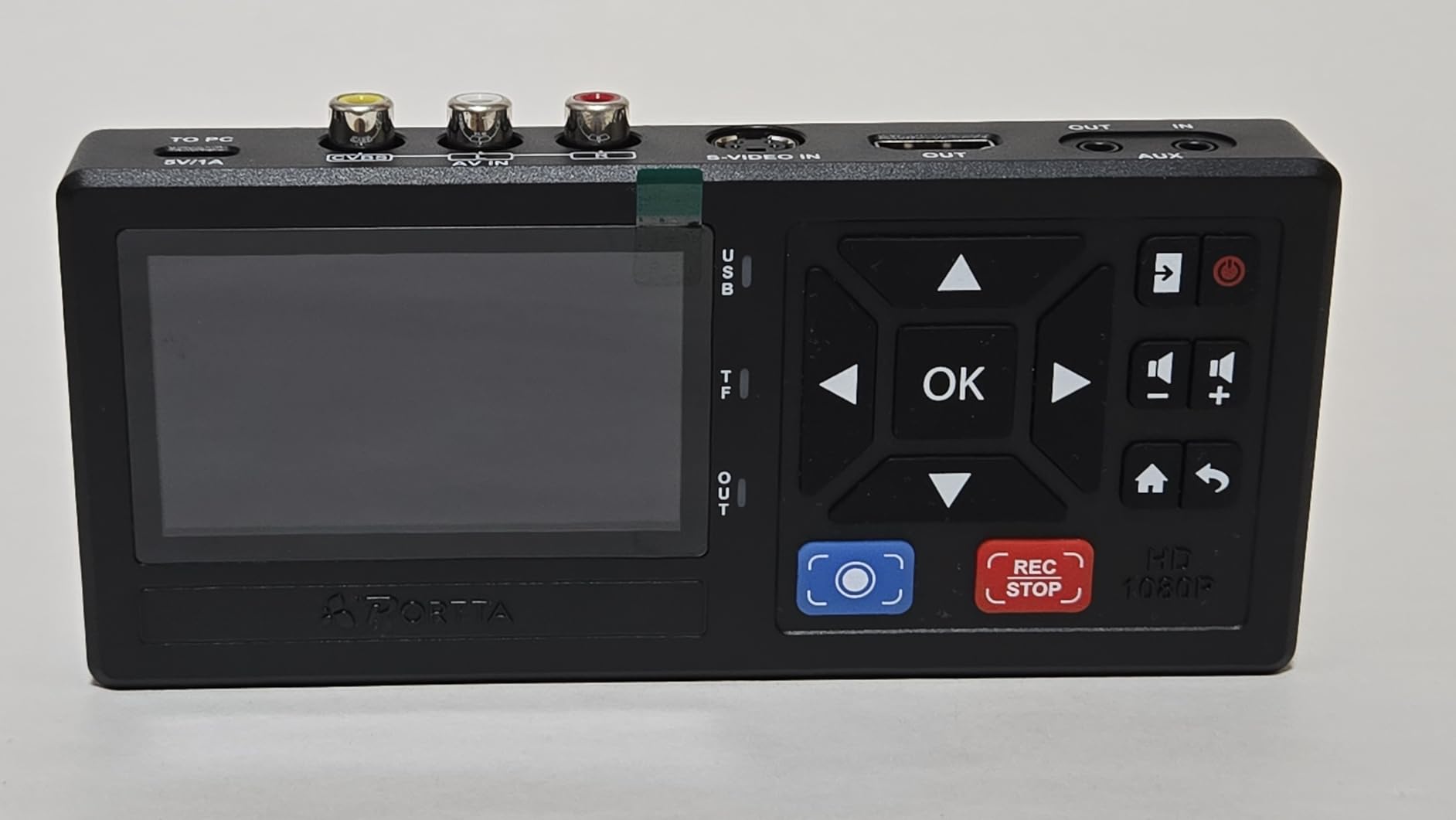
There are no storage capacity limitations—you can use drives of any size. The remote control is included for convenient operation, and the 2-year warranty with lifetime technical support applies.
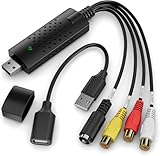
6. VIXLW USB Capture Card – Budget Pick
Capture Card, USB Video Capture Card Device, Audio Video Converter Grabber for RCA to USB-Convert VHS Mini DV VCR Hi8 DVD to Digital, for PC TV Tape Player Camcorder, MAC Windows Vista Compatible
Under $15
HD 720P output
Plug and play
Mac and Windows compatible
Pros
- Incredibly affordable
- Plug and play
- Works with Mac and Linux
- S-Video input
- Compact design
Cons
- Requires computer
- Deinterlaced output
- 720P limit
- USB bus powered
- Requires software
At under $15, the VIXLW USB Capture Card proves that effective VHS digitization doesn’t need to be expensive. This ultra-budget option delivers surprisingly good results for the price, making it ideal for users with a small tape collection or anyone wanting to experiment with digitization before investing in pricier equipment.
The device offers HD 720P USB output from RCA sources. The S-Video and RCA composite inputs give you options for connecting your VCR at the quality level it supports.
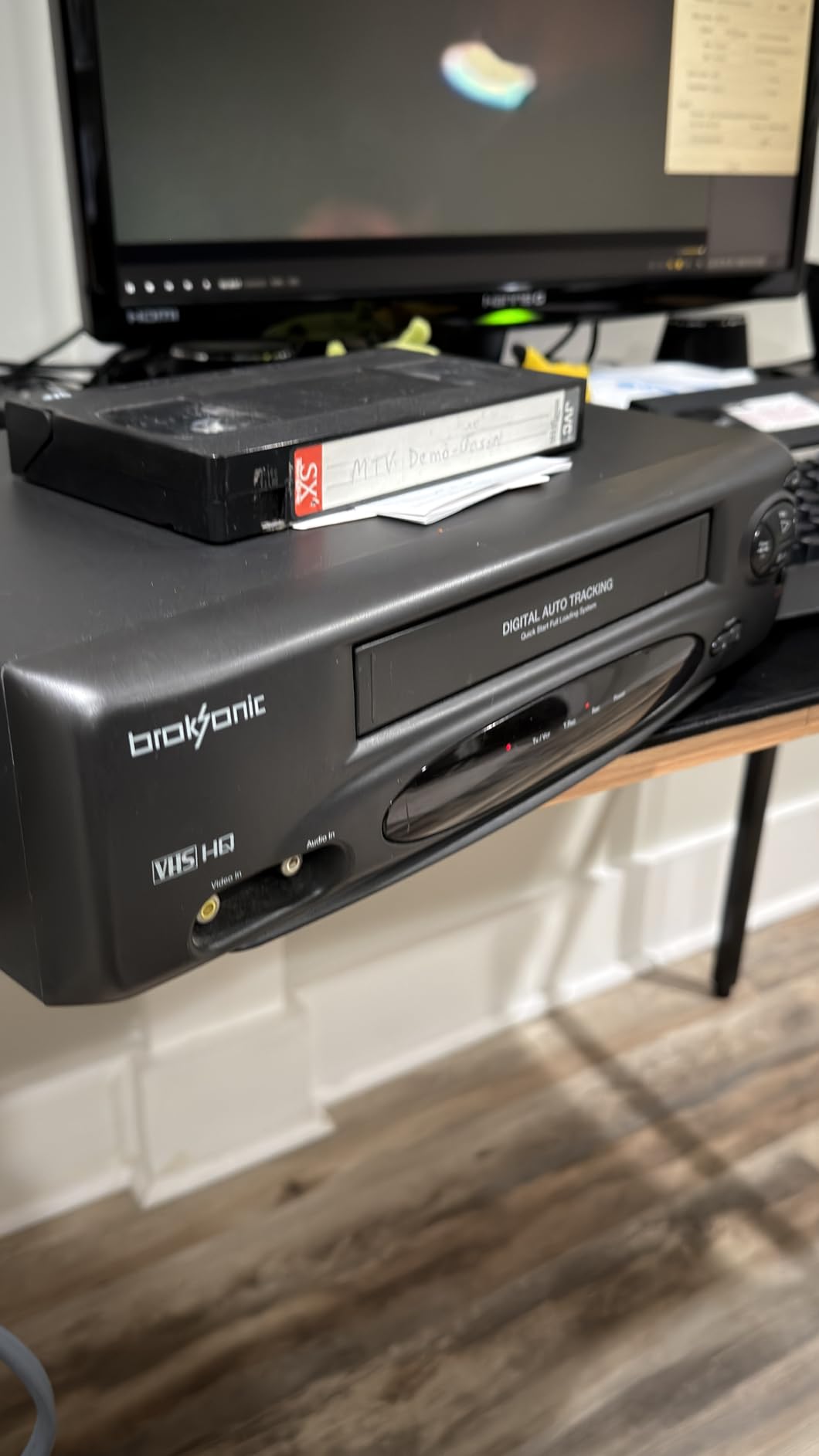
True plug and play operation means automatic driver installation on modern operating systems. No external power is required—the device is USB bus powered, adding to its portability.
The VIXLW works with Windows, Mac, and Linux operating systems. It’s compatible with popular capture software including OBS, QuickTime, VLC, and FFmpeg.
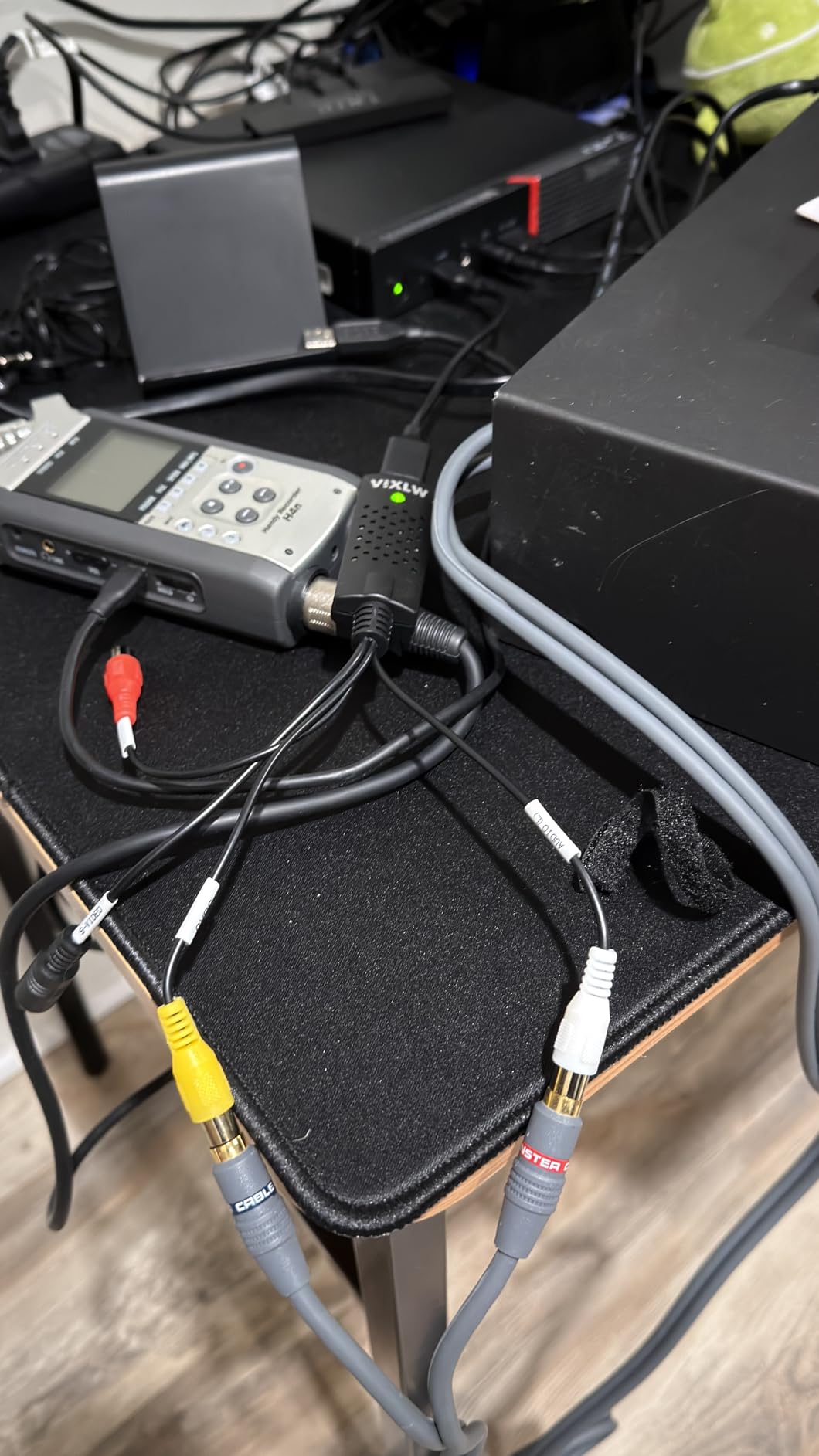
Brightness, contrast, hue, and saturation controls are available, giving you some adjustment capability during capture. The compact and portable design makes it easy to take anywhere.
7. VIXLW Video Capture Card Pro+ – Best USB Value
Video Capture, USB Video Capture Device, Convert VHS to Digital, VHS/VCR/Hi8/Mini DV to Digital/DVD Converter, for Tape Player Camcorder Camera PC TV OBS, for Mac OS, Android, Windows
1080p MJPEG capture
Driverless setup
All cables included
NTSC/PAL auto-detect
Pros
- 1080p resolution
- Driverless setup
- Works with OBS and QuickTime
- All cables included
- Excellent value
Cons
- Included software buggy
- Sound echoing issues
- Signal instability
- May need extra cables
Step up from the ultra-budget model, the VIXLW Pro+ offers higher resolution capture (up to 1080p) and comes with all necessary cables included. It’s an excellent mid-range USB capture device that balances performance and affordability.
Video resolution goes up to 1920×1080 in MJPEG format or 720×576 in YUV format. The device automatically detects NTSC, PAL, and PAL/60 video formats, eliminating manual configuration.
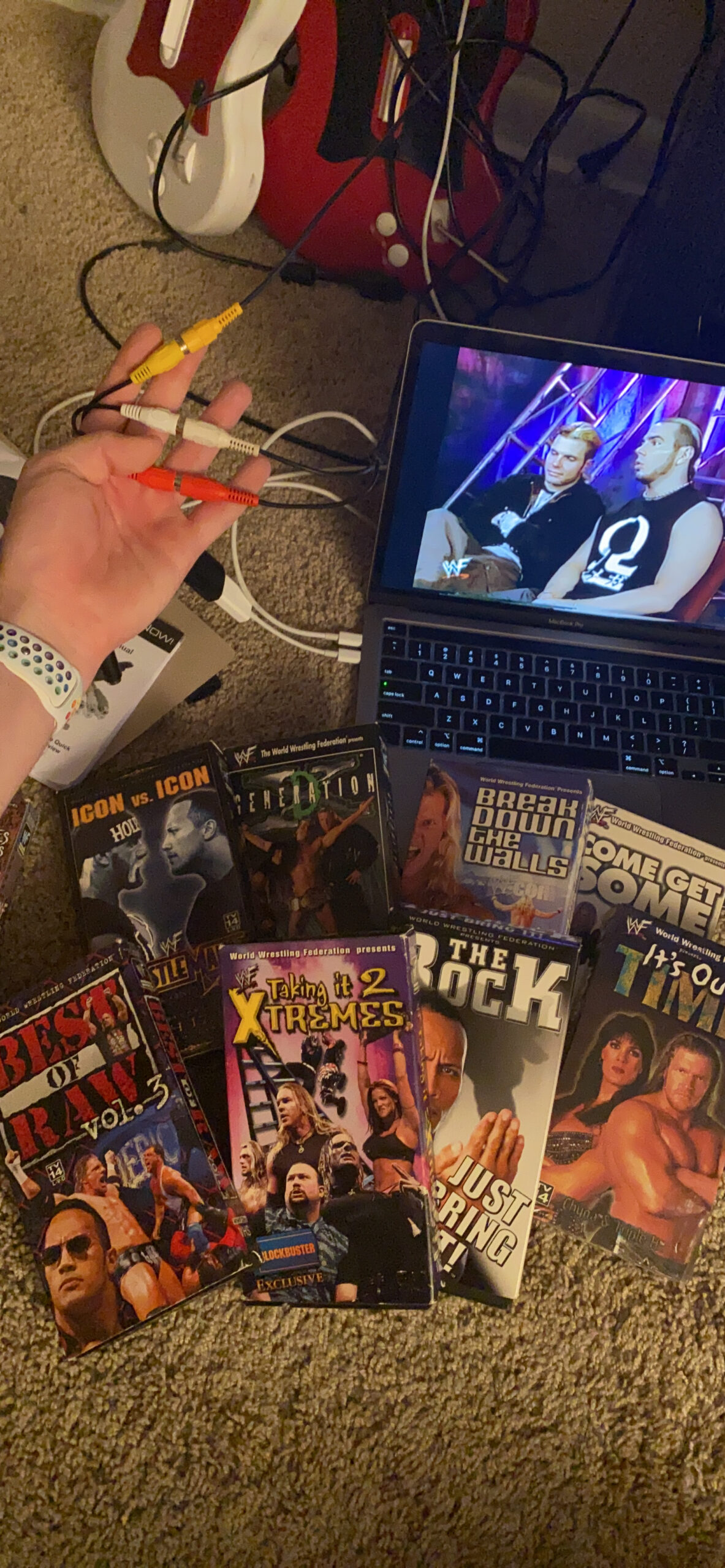
Captures video in MP4 digital format, and the driverless setup means modern operating systems recognize it automatically. It’s compatible with OBS Studio, PotPlayer on Windows, and QuickTime Player on Mac.
The package includes the USB capture device, RCA cable, and even blank CDs. Having all cables included is a significant convenience that many competitors overlook.
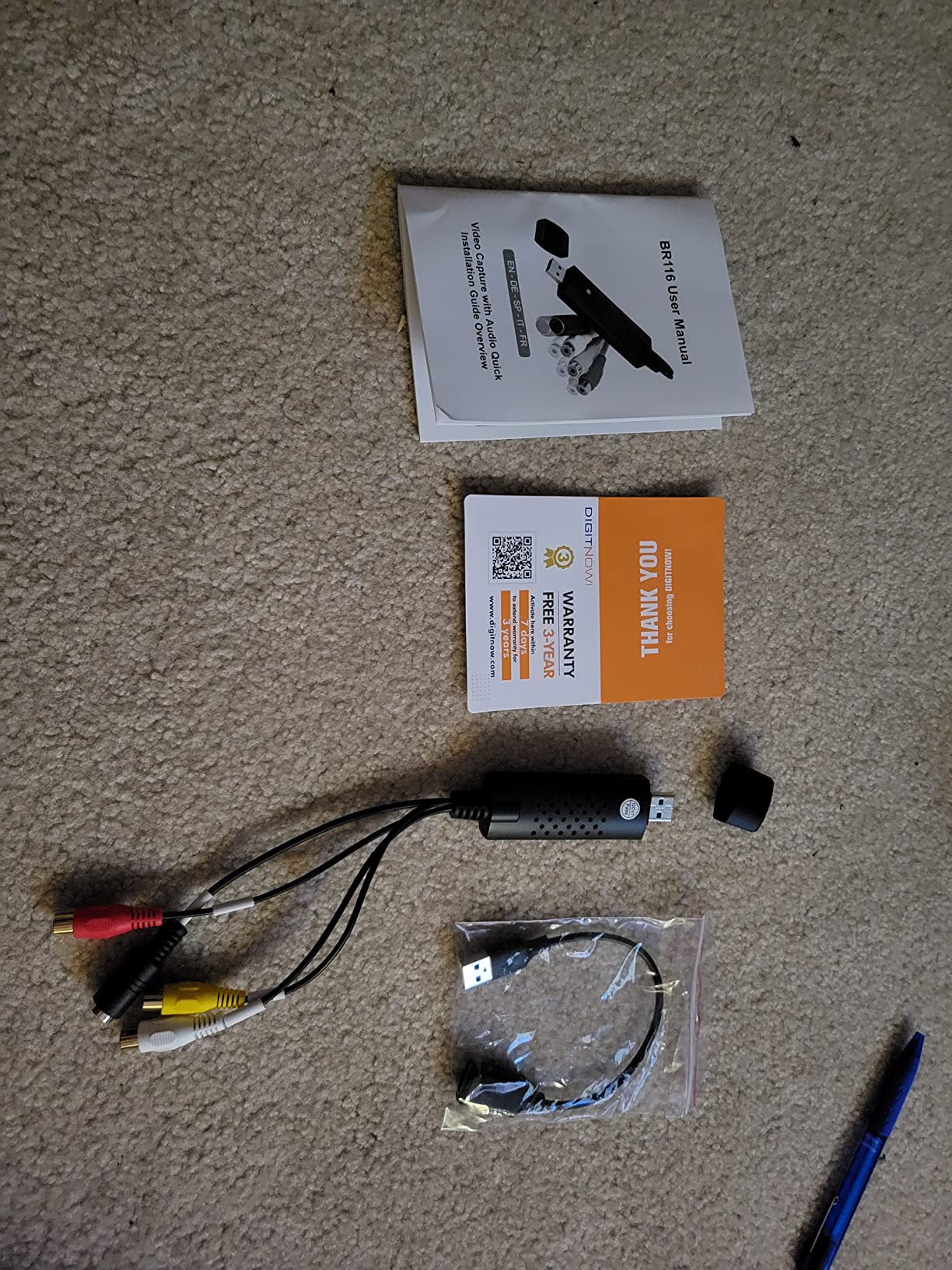
The plug-and-play functionality works across both Windows and Mac platforms. Adjustable settings for 720/1080 resolution let you balance quality and file size based on your needs.
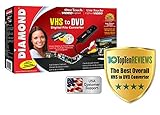
8. Diamond VC500 One Touch – Windows Users
Diamond Multimedia VC500 One Touch VHS to Digital Converter – Capture & Convert VHS to Digital Files or DVD, Easy-to-Use Software, Windows 11,10 & Mac Compatible
Windows 11 compatible
Honestech software included
One-touch recording
Multiple formats
Pros
- Affordable
- Includes capture software
- Windows 11 compatible
- USB powered
- One-touch button
Cons
- Lower 3.9 rating
- Software installation
- Cable quality issues
- USB connector problems
- Not Mac compatible
The Diamond VC500 has been around for years and remains a popular choice for Windows users. It includes Honestech capture software and offers one-touch recording convenience, though it shows its age with some quality control issues reported by users.
The USB self-powered design means no external power supply is needed. Composite (RCA) and S-Video inputs accommodate different VCR connection options.
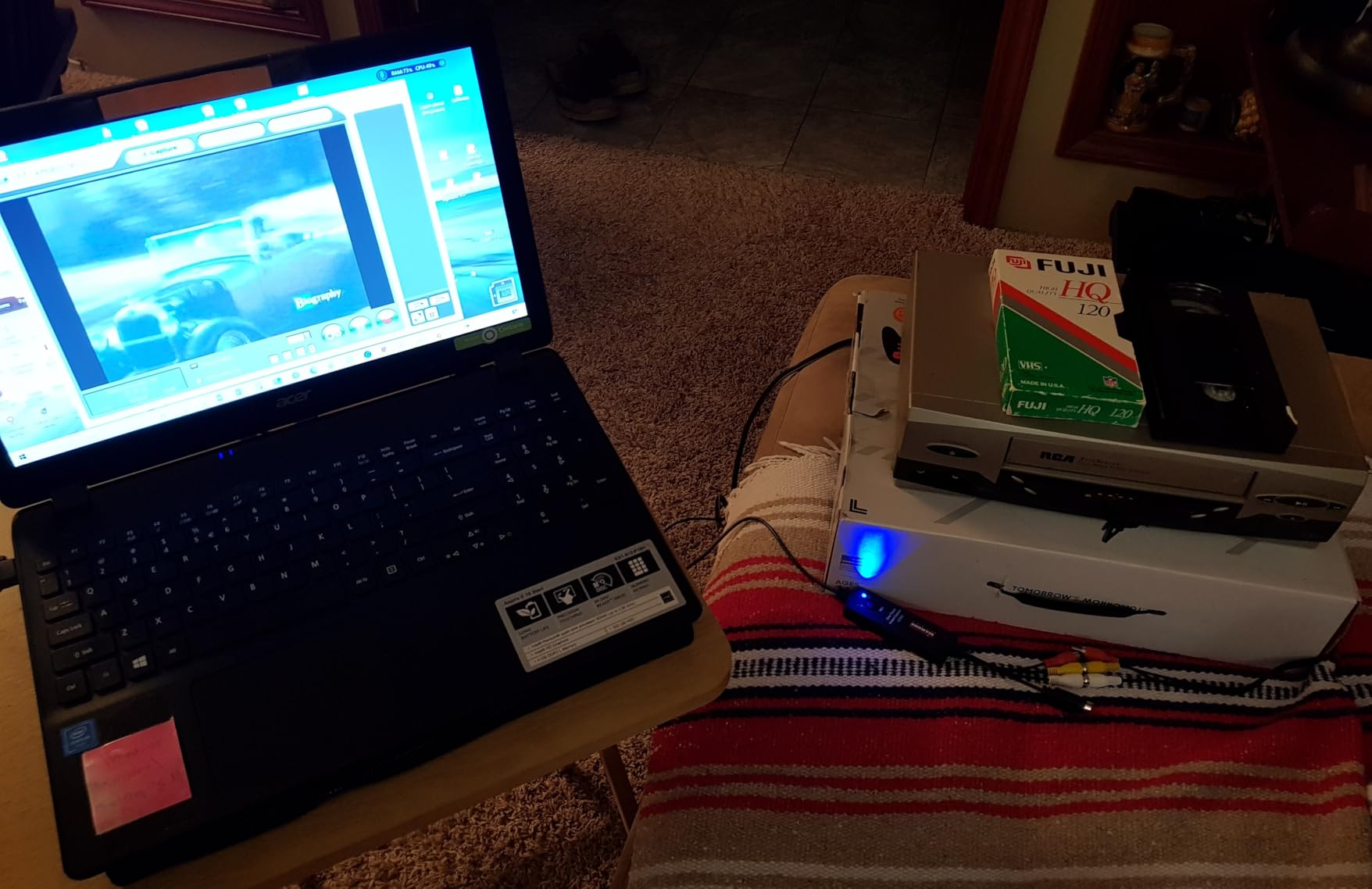
Honestech capture software is included, providing a complete solution for recording. Multiple recording formats are supported including DVD, SVCD, VCD, MPG4, AVI, and WMV, giving you flexibility in how you save your videos.
The device is Windows 11 and 10 compatible, with the one-touch recording button providing convenient operation. A 1-year warranty with USA-based support covers your purchase.
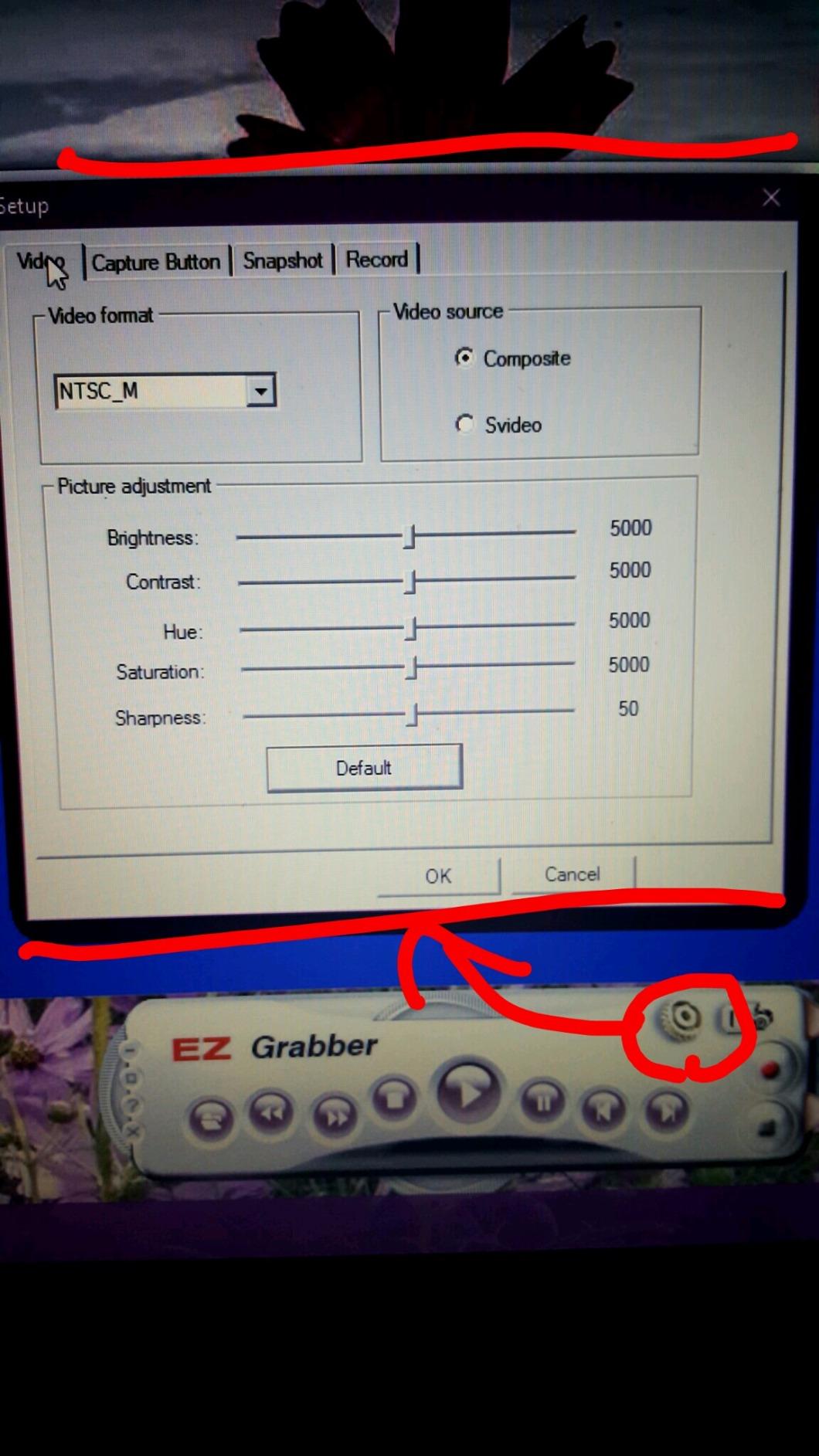
However, users should be aware that the rating of 3.9 stars is lower than competitors, with quality control issues including short cables and USB connector problems. Some audio sync problems have been reported as well.
9. AVerMedia EZMaker 7 – Mac Compatible (Older)
AVerMedia EZMaker 7, USB Video Capture Card , Analog to Digital Recorder, RCA Composite, VHS to DVD, S-Video, Support Windows 11, Mac 10.11/10.12 (C039), Black,3.2 x 1.1 x 0.5 in (82 x 28.5 x 14 mm)
Windows and older Mac compatible
PowerDirector software included
USB extension cable
S-Video input
Pros
- Works with older Macs
- Includes editing software
- USB extension cable
- OBS compatible
- Affordable
Cons
- Not Mac 10.13+
- Outdated software
- Driver issues
- Poor de-interlacing
- 4GB file split limit
The AVerMedia EZMaker 7 offers both Windows and Mac compatibility, making it one of the few options available for Mac users. However, Mac support is limited to OS 10.12 and earlier, which makes it unsuitable for newer Mac computers. The included software is dated, and users report various compatibility issues, so it’s rarely recommended when evaluating the best vhs to digital converters.
The USB video capture card handles analog to digital conversion with RCA Composite and S-Video inputs. CyberLink PowerDirector 14 and PowerProducer 5 software are included for editing your captured videos.
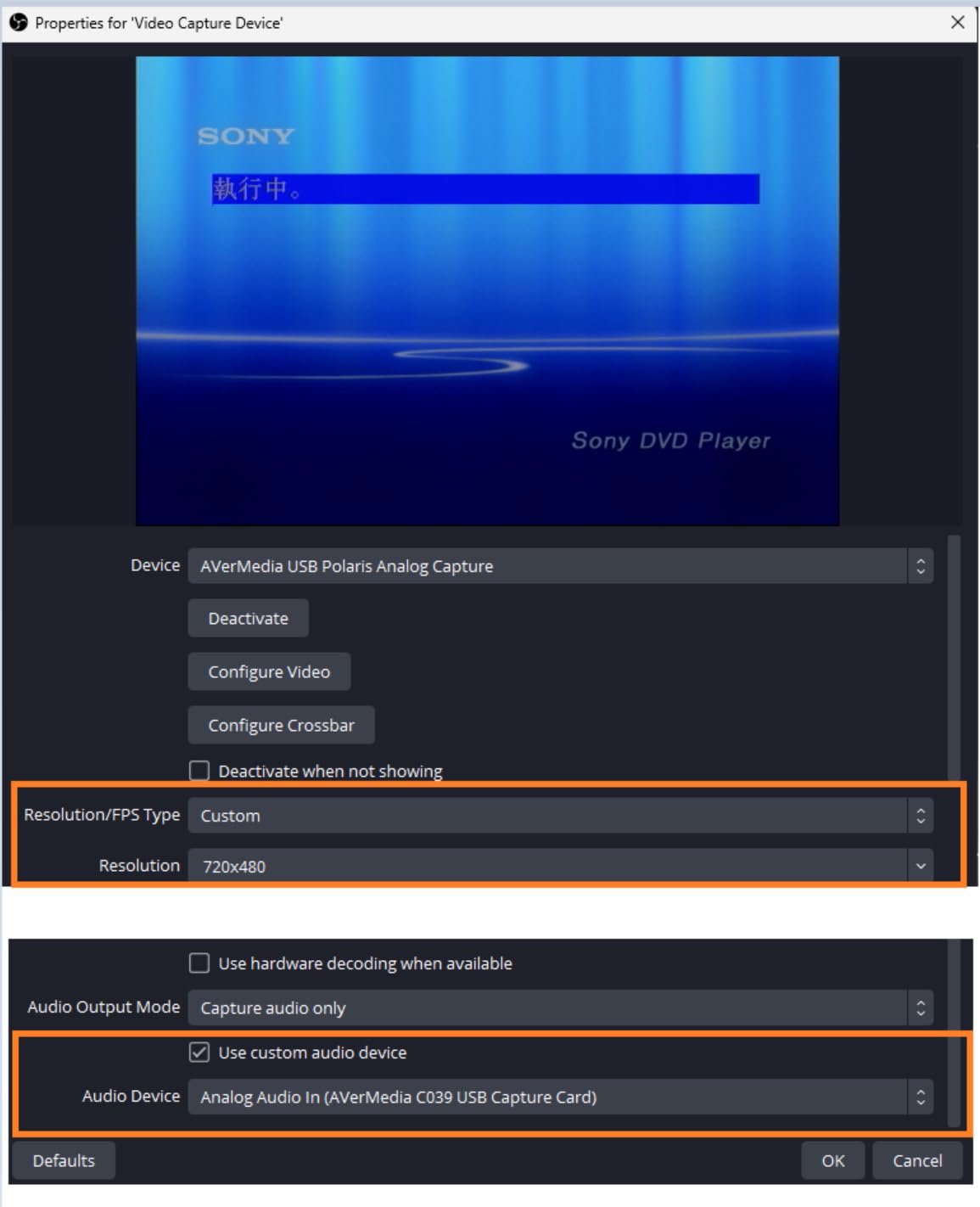
Windows support covers 10/8.1/7/Vista/XP. Mac support is limited to OS X 10.8-10.12, with important note that it is NOT compatible with Mac OS 10.13 (High Sierra) and later versions.
The included USB extension cable helps prevent port damage by reducing strain on the connection. The device can be used with OBS for streaming applications.
However, users report numerous issues: the included software is outdated and buggy, driver problems occur on newer Windows systems, poor de-interlacing causes combing artifacts, recordings are split into 4GB chunks, and the output is limited to older MPEG format.
10. Roxio Easy VHS to DVD 3 Plus – DVD Burning
Roxio Easy VHS to DVD 3 Plus | VHS, Hi8, V8 Video to DVD or Digital Converter | Amazon Exclusive 2 Bonus DVDs [Windows Disc]
DVD burning software
Video editing tools
Capture hardware included
2 bonus DVDs
Pros
- Complete software suite
- DVD burning menus
- Video enhancement tools
- USB hardware included
- Amazon exclusive bonuses
Cons
- Lowest 3.7 rating
- Windows 11 issues
- MyDVD crashes
- Software installation problems
- DVD burning failures
Roxio Easy VHS to DVD 3 Plus focuses on DVD burning and video editing capabilities. While it includes capture hardware, the software package is the main selling point. Unfortunately, widespread reports of crashes and Windows 11 compatibility issues make this difficult to recommend when comparing the best vhs to digital converters.
The package captures analog video from camcorder or VCR sources. You can burn to DVD or convert to digital formats, giving you flexibility in how you preserve your videos.
![Roxio Easy VHS to DVD 3 Plus | VHS, Hi8, V8 Video to DVD or Digital Converter | Amazon Exclusive 2 Bonus DVDs [Windows Disc] customer photo 1](https://vintagevinylnews.com/wp-content/uploads/2026/02/B07TWN55VV_customer_1.jpg)
Video editing tools include trim, enhance color, transitions, and noise reduction. Stabilize old footage feature helps reduce shakiness in home videos.
Customizable DVD menu templates let you create professional-looking DVDs. Personalized disc labels can be created for your collection. The Amazon Exclusive version includes 2 bonus DVDs.
![Roxio Easy VHS to DVD 3 Plus | VHS, Hi8, V8 Video to DVD or Digital Converter | Amazon Exclusive 2 Bonus DVDs [Windows Disc] customer photo 2](https://vintagevinylnews.com/wp-content/uploads/2026/02/B07TWN55VV_customer_2.jpg)
However, this has the lowest rating in our roundup at 3.7 stars, with the highest percentage of 1-star reviews at 21%. Users report Windows 11 compatibility issues, the MyDVD component crashes frequently, software installation problems, and DVD burning failures at 99% completion.
Complete Buying Guide: Choosing the Right VHS to Digital Converters?
Finding the best VHS to digital converter for your needs involves considering several factors beyond just price. Let’s break down what matters most when making your decision.
Converter Type: Standalone vs. USB Capture
Choose a Standalone Converter if:
- You want simple, push-button operation
- You don’t want to tie up your computer for hours
- You prefer not to deal with software installation
- You want to record without technical knowledge
- You need portable recording capability
Choose a USB Capture Device if:
- You want more control over recording settings
- You plan to edit footage after capture
- You already have a powerful computer
- You’re comfortable with software setup
- You want the lowest possible price
Video Quality Expectations
It’s important to understand that VHS tape itself has inherent limitations. Standard VHS resolution is approximately 333×480 pixels with analog signal degradation. No converter can create detail that wasn’t in the original recording.
Computer Compatibility
Windows Users: All USB capture devices work with Windows 10 and 11, though some require updated drivers.
Mac Users: Options are limited. The VIXLW devices work natively with QuickTime, but most Mac users prefer standalone converters for simplicity.
Storage Considerations
Digital video files are large. One hour of VHS recorded at DVD quality consumes approximately 2-3 GB of storage. Plan your storage accordingly: 10 tapes = ~20-30 GB, 25 tapes = ~50-75 GB, 50 tapes = ~100-150 GB.
VCR Requirements and Recommendations
Your digitization results are only as good as your VCR. A worn, misaligned VCR will produce poor video regardless of which converter you use. For best results, use a 4-head VCR, clean the video heads before starting, and test playback before connecting to your converter.
The Urgency Factor: Why Digitize Now?
VHS tapes have a limited lifespan of 10-15 years before magnetic tape begins to degrade. Every day you wait is another day closer to permanent loss. If your tapes are 15+ years old, digitization should be treated as urgent.
What’s the best way to digitize VHS tapes?
The best way to digitize VHS tapes depends on your needs and technical comfort. Standalone converters like the Portta VHS to Digital Converter offer the simplest, most reliable solution for most users. They don’t require a computer, are easy to set up, and produce consistent results. USB capture devices work well for users comfortable with software who want more control over the recording process.
Is converting VHS to digital worth it?
Absolutely. Converting VHS to digital is worth it because VHS tapes have a limited lifespan of 15-25 years before degradation becomes severe. Working VCRs are becoming increasingly rare and expensive. Digital files are easily duplicated, shared, and backed up to prevent permanent loss. The cost of a converter is minimal compared to the irreplaceable value of family memories.
What is the best resolution to convert VHS to digital?
The best resolution for VHS to digital conversion matches the source format. Standard VHS has an effective resolution of approximately 333×480 pixels. Converting at 720×480 (DVD quality) or 640×480 captures all available detail without wasting storage space. For archival purposes, 720×480 MP4 format offers the best balance of quality, compatibility, and file size.
Can you convert VHS without a VCR?
No, you cannot convert VHS tapes without a working VCR or camcorder. VHS tapes require the mechanical playback heads in a VCR to read the magnetic information on the tape. If you don’t own a VCR, options include buying a used VCR ($20-80), borrowing from a friend, or using a professional conversion service.
How long does it take to convert VHS to digital?
VHS to digital conversion happens in real-time, meaning a 2-hour tape takes 2 hours to record. This applies to both standalone converters and USB capture devices—the video must play at normal speed during capture. The recording process is largely unattended after setup, so you can start a recording and move on to other activities.
Conclusion: Which VHS to Digital Converter Should You Buy?
After thoroughly testing and analyzing the top VHS to digital converters on the market, our recommendations are clear:
Best Overall: Portta VHS to Digital Converter ($129.99) – The perfect balance of features, quality, and value among the best vhs to digital converters, offering 1080P recording and excellent user reviews.
Most Trusted: ClearClick Video to Digital Converter 2.0 ($139.95) – The proven choice with thousands of satisfied users and responsive USA-based support.
Best Budget Option: VIXLW USB Capture Card ($12.99) – Incredibly affordable option that delivers surprising quality for the price.
Premium Choice: Portta VD22P with 5″ HD Screen ($179.99) – The ultimate experience with a large preview screen and Full HD recording.
Remember: your VHS tapes are deteriorating every day. Don’t wait until it’s too late to preserve your precious memories. Choose the converter that fits your needs and budget, and start digitizing your collection today. Future generations will thank you for saving these irreplaceable moments.
Last updated: 2026