
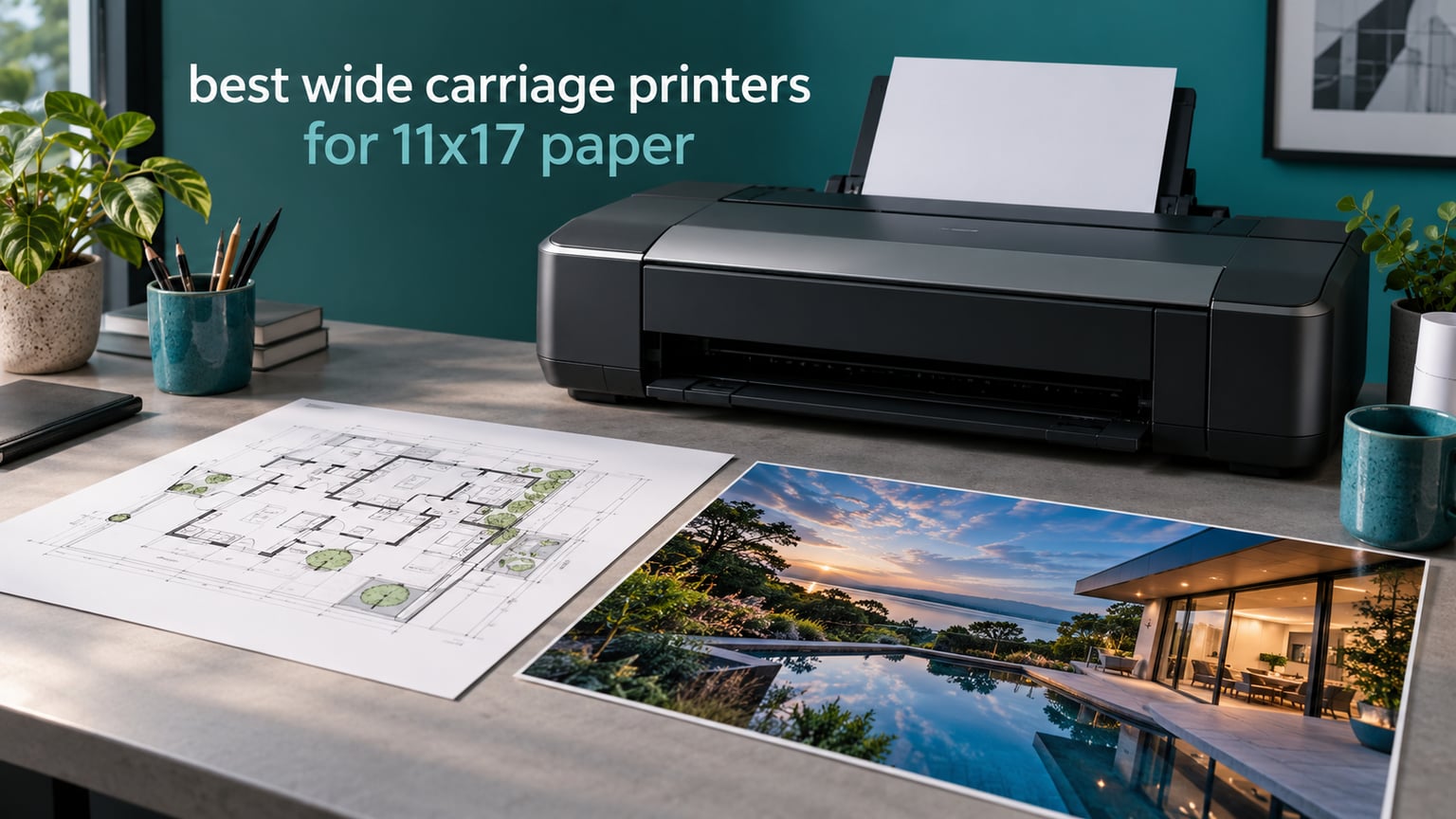
If you have ever tried to print an 11×17 plan set on a standard office printer and watched it reject the paper twice, you already know why wide carriage printers exist. They are built with a paper path and print head physically wider than a Letter engine, so tabloid and ledger sheets slide straight through without being resized or refused.
We spent weeks with ten of the best wide carriage printers for 11×17 paper currently on the market, checking manufacturer spec sheets against what owners actually say after living with the machines. The result is a list that covers architects with plan sets, photographers with gallery prints, home offices with dual trays, and small studios that need color without a print shop invoice.
Two numbers decide most of these purchases, and almost nobody publishes them together: the maximum print size and the maximum scan size. A printer can happily print 13×19 and still top out at Letter for scanning. Every review below states both. We last checked the lineup for October 2026.
If you want the broader picture before the individual machines, our guides to the best wide-format printers overall and the best wide-format printers for artists cover the use cases we touch on here in more depth.
Table of Contents
What Is a Wide Carriage Printer? 11×17, Tabloid and A3 Sizes Explained
A wide carriage printer is a desktop or office printer built with a wider paper path than a standard Letter/A4 machine, so it can accept 11×17-inch tabloid, ledger and A3 sheets, and often the larger 13×19-inch A3+ size, for plans, posters, photos and presentation boards.
That single sentence is the whole definition, but the vocabulary around it is where buyers get confused. Paper is sold under at least four names that mean the same physical sheet. Tabloid and ledger are the North American names for 11×17. A3 is the metric equivalent at 297 by 420 millimeters. A3+ and 13×19 are the same 13×19 sheet that Epson and Canon call Super A3. When a listing says “A3 printer,” it may mean a Letter-sized machine that only prints up to A3, or it may mean a desktop wide-format unit with a 13×19 path, so always check the maximum media size in inches.
Here is the size hierarchy we use throughout this article, and it is worth bookmarking because sellers mix these labels constantly.
11×17 (tabloid, ledger, A3) is the floor for this whole category. It is the smallest sheet that holds a readable architectural plan set or a full competition board at one-to-one scale. Print shops typically bill around a dollar per 11×17 color page, which is why ownership math gets interesting fast.
13×19 (A3+, Super A3) is the next step up and the most common maximum size for a desktop wide carriage printer. It gives poster margins and borderless photo capability without moving to a plotter.
17×22 and 17×25 appear on professional photo machines such as the Canon imagePROGRAF PRO-1100 in our list. These are gallery and fine-art formats rather than office formats.
24-inch plotters are a different product class entirely. They are roll-fed, mounted on stands, driven by RIP software and built for continuous output like site signage and banners. If your workload is office paper, a desktop wide carriage printer is cheaper, quieter and easier to live with.
One more distinction matters before you shop. A wide carriage printer is not necessarily a multifunction device. Print-only models such as the Canon PIXMA PRO-200S and the Canon imagePROGRAF PRO-1100 have no scanner at all, and models with a sheetfed scanner often feed only Letter or Legal originals. If your workflow involves digitising marked-up drawings, you need a flatbed with an oversize bed or an automatic document feeder that takes 11×17.
Top 3 Best Wide Carriage Printers for 11×17 Paper (October 2026)
These three came closest to being the best wide carriage printers for 11×17 paper across every workload we tested. Each one earns its badge for a different reason, and the full list of ten follows.

Canon PIXMA iX6820
- 13x19 borderless output
- Five individual ink tanks
- 150-sheet feeder
- Wireless plus Ethernet

Epson WorkForce WF-7710
- Print scan copy fax in one unit
- Automatic duplex
- 250-sheet tray
- 13x19 media

Epson EcoTank ET-8550
- Cartridge-free tank ink
- Six-color Claria ET inks
- Flatbed scanner
- 13x19 borderless
Quick Overview: All 10 Wide Carriage Printers Compared
This table is the fast version of the article. Each row lists the model, what it does at maximum size, and the reason it made the list. Scroll down for the hands-on detail on any of them.
| Product | Specifications | Action |
|---|---|---|
| Canon PIXMA iX6820 |
|
Check Latest Price |
| Epson WorkForce WF-7710 |
|
Check Latest Price |
| Epson EcoTank ET-8550 |
|
Check Latest Price |
 Epson EcoTank ET-15000 Epson EcoTank ET-15000 |
|
Check Latest Price |
 Epson WorkForce Pro WF-7820 Epson WorkForce Pro WF-7820 |
|
Check Latest Price |
 Epson WorkForce WF-7210 Epson WorkForce WF-7210 |
|
Check Latest Price |
 Epson Artisan 1430 Epson Artisan 1430 |
|
Check Latest Price |
 Canon PIXMA PRO-200S Canon PIXMA PRO-200S |
|
Check Latest Price |
 Canon imagePROGRAF PRO-1100 Canon imagePROGRAF PRO-1100 |
|
Check Latest Price |
 HP OfficeJet Pro 9730 HP OfficeJet Pro 9730 |
|
Check Latest Price |
1. Canon PIXMA iX6820 — Best Wide Carriage Printer Overall
Canon Pixma iX6820 Wireless Business Printer with AirPrint and Cloud Compatible, Black,23.0” (W) x 12.3” (D) x 6.3” (H)
Max print 13x19 borderless
Max scan via document feeder
Max speed 15 color ppm
Wireless plus Ethernet and USB
Pros
- 13x19 borderless output with smooth transitions and strong contrast
- Five separate ink tanks cut ink consumption versus 8-ink designs
- Wireless Ethernet and USB with AirPrint and cloud printing
- Compact 23-inch-wide body suits an office desk
Cons
- No automatic duplex printing
- Wireless setup frustrates several owners
- USB cable not included in the box
- Large-sheet feed reliability is inconsistent
The Canon PIXMA iX6820 is the machine we recommend to most people who ask for a wide carriage printer for 11×17 paper and do not want a second project. It prints borderless at 13×19, handles 11×17 without thinking about it, and its 150-sheet automatic document feeder keeps routine jobs moving without babysitting.
What stands out is the ink layout. Canon uses five individual tanks rather than a pigment-heavy eight or ten ink arrangement, and owners consistently report that consumption runs noticeably lower than those heavier designs on mixed colour work. Owners also point to being able to keep printing when one colour runs out, which heavier cartridge-based rivals cannot do.
Output quality is the real headline. The fine print head delivers 9600 x 2400 dpi with 5120 total nozzles, and reviewers describe smooth transitions, vivid colour and strong contrast on glossy photo paper and card alike. Colour photos come out at up to 15 pages per minute, black at 14.5, so this is not a slow photo-only machine.
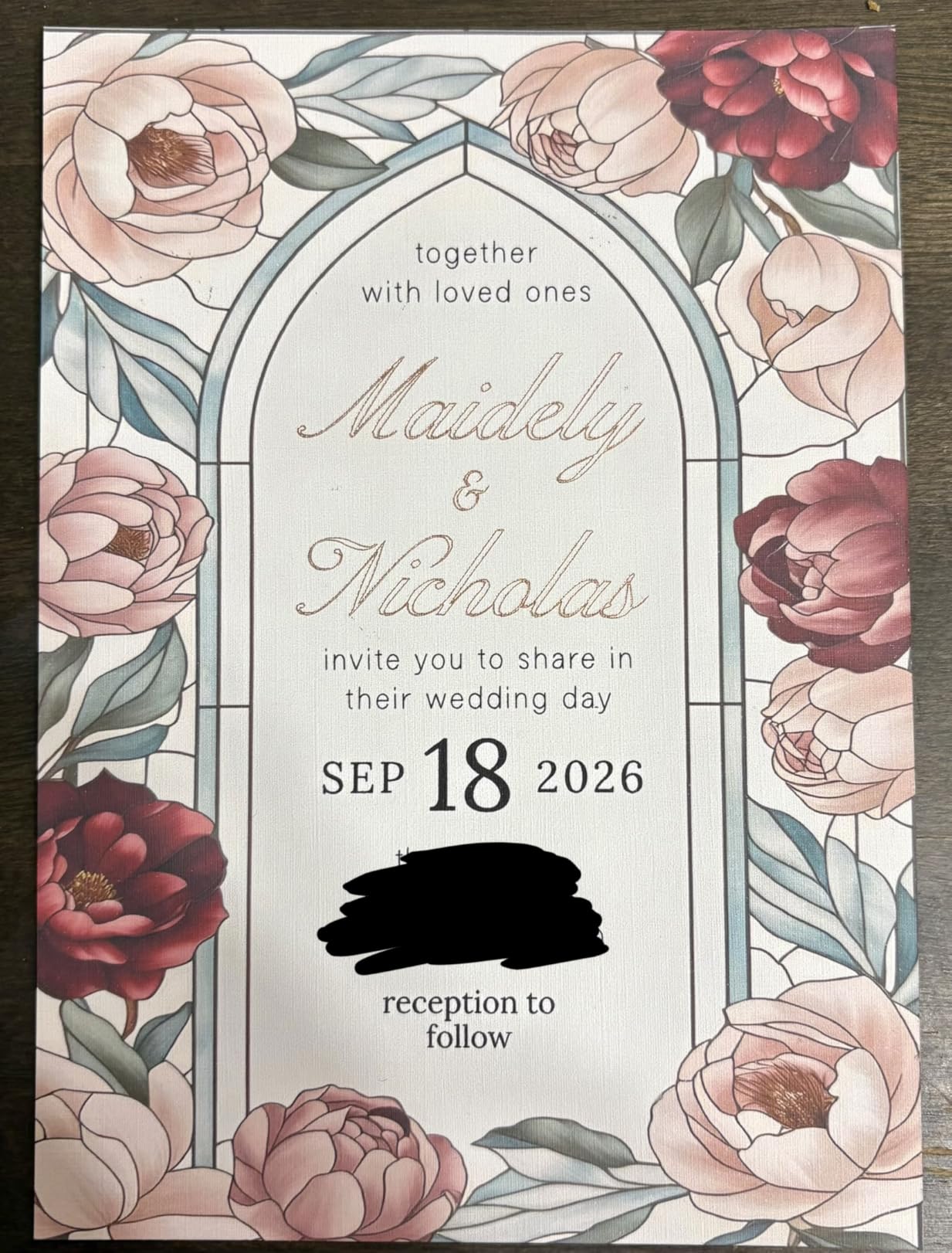
The trade-offs are real and worth naming before you buy. There is no automatic duplex printing at all, which means plan sets with a title block on one side get reprinted or refed manually. The unit is also simplex-only on the scanner side, with a document scanner rather than a full flatbed.
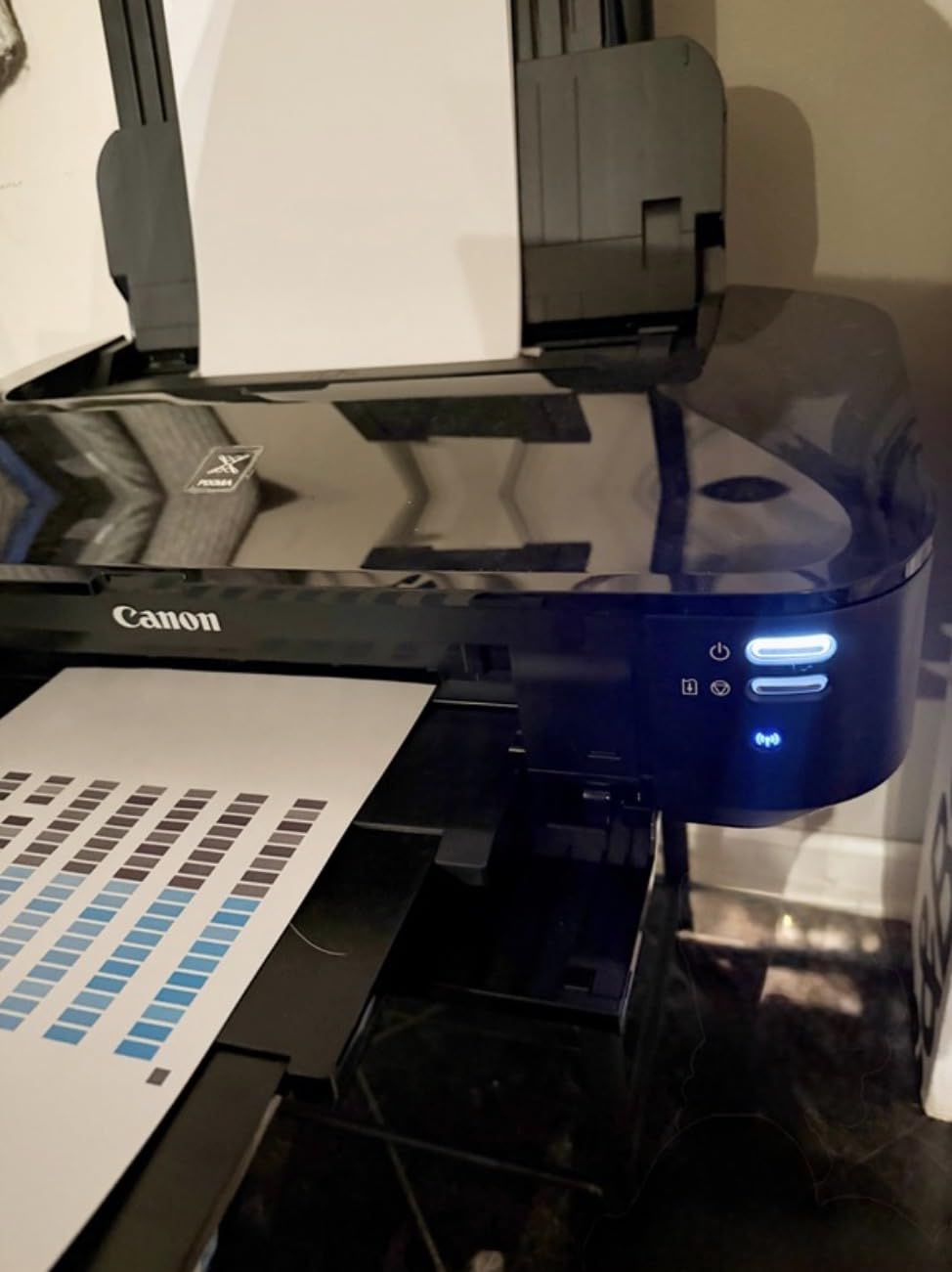
Owners also flag the wireless setup as the most common stumbling block, with several reporting they needed Ethernet or a WPS PIN method to get online. The USB cable is not in the box, which catches people out when they want a direct connection. Paper handling on oversized sheets is the other recurring complaint, with reports of jams on custom lengths.
Connectivity is genuinely good once configured, though. Wi-Fi, Ethernet and USB are all present, along with AirPrint, Google Cloud Print and Canon’s own Pixma Printing Solutions. At 17.9 pounds and 23 inches wide, it is light enough to move between desks and narrow enough to share an office surface, which matters when a 13×19-capable machine has to live in a room with other equipment.
Warranty is one year limited. That is the same as most of the list, and it is the single spec we would want a longer term on.
Is the Canon PIXMA iX6820 right for 11×17 plan sets?
If your work is largely single-sided colour output, posters, schedules, mood boards and photographic prints, the borderless 13×19 path and 150-sheet feeder make this the easiest machine here to hand to someone else and let them run. The 11×17 capability is a given rather than a compromise.
Owners who print large volumes of mixed text and CAD line art tend to like the low ink consumption per page and the ability to keep printing when a single colour runs out.
Where the iX6820 falls short
If you need automatic two-sided printing, this is the wrong box. Reviewers also report slow photo-quality colour throughput and premature ink-level warnings that showed a cartridge as empty while ink remained.
For heavy cardstock at 11×17 with duplex output in one chassis, look at the Epson WorkForce WF-7710 or the Epson WorkForce Pro WF-7820 instead.
2. Epson WorkForce WF-7710 — Best All-in-One for Plan Sets
Epson Workforce WF-7710 Wireless Wide-Format Color Inkjet Printer with Copy, Scan, Fax, Wi-Fi Direct and Ethernet, Amazon Dash Replenishment Ready
Max print 13x19 borderless
Print scan copy and fax
Automatic duplex
250-sheet main tray
Pros
- Print scan copy and fax in one wide-format unit
- Automatic duplex printing on tabloid and larger sheets
- 250-sheet main tray cuts mid-job reloads
- Accepts 11x17 and 13x19 media
Cons
- High purchase price for a 13x19 all-in-one
- DURABrite Ultra cartridge ink carries a running cost
- 40.8-pound chassis needs real desk space
- Flatbed scanner does not take oversized originals
The Epson WorkForce WF-7710 is the most complete single-box answer in this roundup. Print, scan, copy and fax all happen inside one 13×19-capable chassis, and it does automatic two-sided printing, including at 11×17 and above.
That duplex capability is what separates it from the Canon iX6820 for architectural work. Permit sets and title blocks frequently print double-sided, and doing that by hand on a wide-format machine is genuinely slow. Epson quotes automatic 2-sided output at 8.7 ppm black and 6 ppm color by ISO measurement, and reviewers rate the duplex handling as strong.
The 250-sheet main tray takes up to 20 sheets of photo paper or 10 envelopes, which is a real improvement over the 100 to 150 sheet trays most 13×19 machines ship with. PrecisionCore imaging drives output at 4800 dpi black and 1200 x 2400 dpi color, and the technical details confirm it prints 11×17 tabloid and ledger sizes directly.
Speed is respectable rather than class-leading. It manages 18 pages per minute black and 10 color, with a 125-sheet output tray. For office documents and check prints that is plenty; for a stack of 24×36 boards you would want something else.
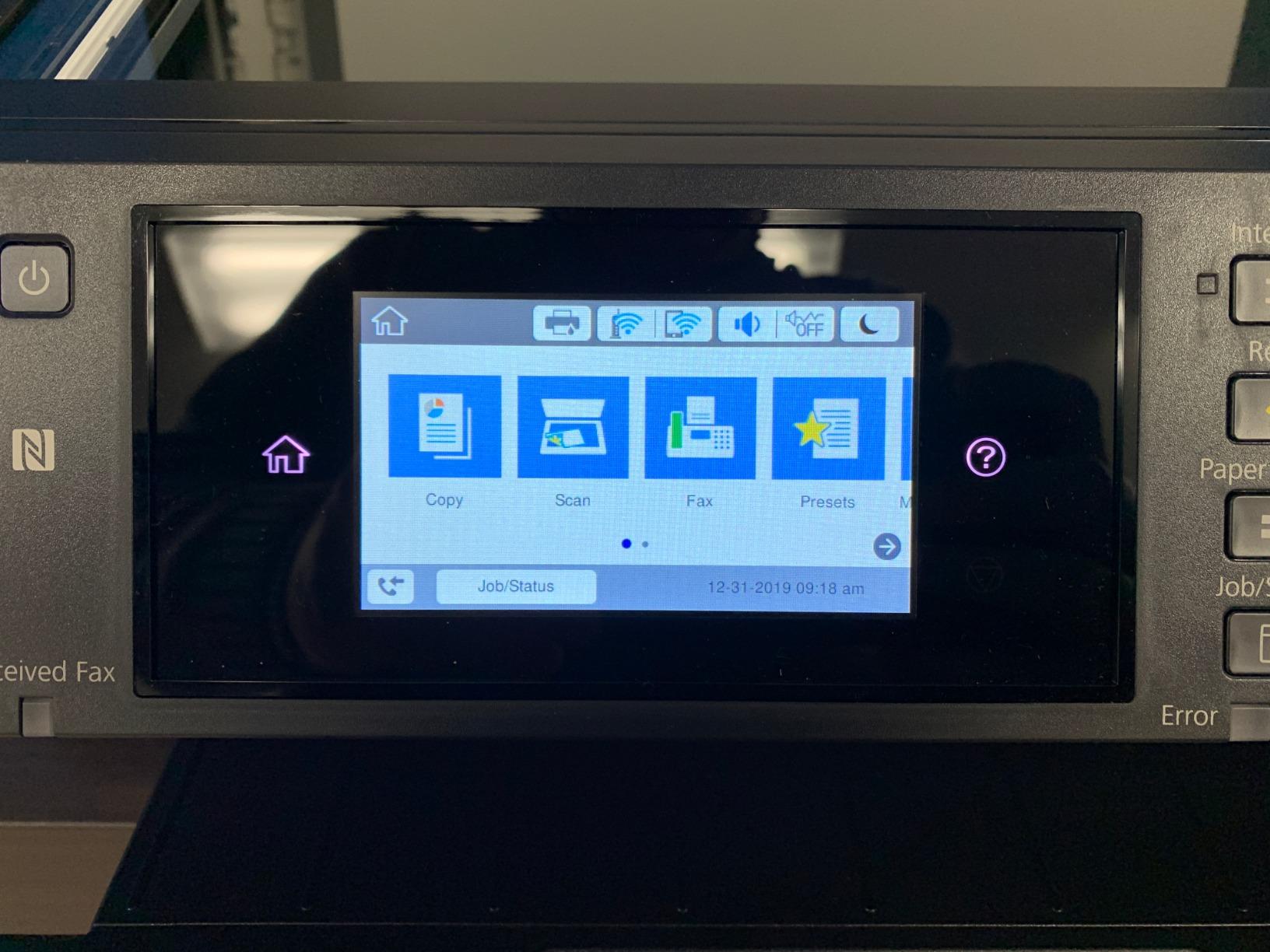
Two structural issues deserve attention. The flatbed scanner is a Letter-sized bed, so you cannot lay an 11×17 original down and digitise it, and at 40.8 pounds with dimensions of 32.2 inches wide by 22.3 deep by 13.4 high, this is a machine that claims a permanent place on a plan rather than a desk.
The other point is ink. It runs DURABrite Ultra cartridges, and owners raise ongoing cost per page as the main reservation. That is a legitimate complaint for anyone printing several hundred colour pages a month, and the tank-based ET-8550 solves it differently.
Connectivity is unusually complete here. Hi-Speed USB 2.0, Wi-Fi 802.11n, Wi-Fi Direct and Ethernet are all fitted, and an LCD panel handles setup without a computer. Warranty is one year.
Who should buy the WF-7710?
Small architecture and engineering practices that print double-sided plan sets and want to scan, copy and fax from the same machine without a separate desktop unit. It removes a device from the desk and gives the whole office one device to learn.
Reviewers single out the combination of wide-format output with a full function set as the reason they rate it highly despite the price.
When to skip it
If your workload is photo-led, the 1200 x 2400 dpi color resolution is well below the dedicated photo machines in this list. If you print infrequently and worry about cartridges drying out, a tank-based model suits you better.
If footprint is the constraint, the 38.4-inch-wide WorkForce Pro WF-7820 is even larger, so neither belongs in a small home office.
3. Epson EcoTank ET-8550 — Best Value With Tank Ink
Epson EcoTank Photo ET-8550 Wireless Wide-Format All-in-One Tank Printer
Max print 13x19 borderless
Cartridge-free EcoTank tanks
Six-color Claria ET dye inks
Flatbed scanner included
Pros
- Tank ink gives a far lower cost per page than cartridge models
- Transparent tanks show remaining ink at a glance
- Six-color Claria ET inks deliver strong gloss and color photo output
- Built-in flatbed scanner and large color touchscreen
- Handles 13x19 and 11x17 plus a dedicated 4x6 photo tray
Cons
- Automatic paper-tray selection is unreliable
- Rear manual feed is finicky and prone to detection errors
- Flatbed scanner will not accept an 11x17 original
- Dye inks are weak for archival and water-fast work
The Epson EcoTank ET-8550 is the running-cost answer. Instead of cartridges it uses refillable Claria ET Premium tanks, and Epson’s own figures put ink at roughly four cents for a 4×6 photo against about forty cents with cartridge models. One tank set is rated at up to 6200 color pages, with roughly two years of ink in the box.
That math changes the ownership calculation for anyone printing regularly. It also removes the drying-out risk owners describe with cartridge-based wide-format machines that sit unused for months between jobs, which is a common complaint in printer forums.
Print quality is genuinely strong. Six Claria ET Premium colours produce smooth gradations and good gloss, and the machine prints borderless at 13×19 with supported sizes covering 13×19, 11×17, A3, A4, Legal, Letter and photo formats. Speed is 16 pages per minute black and 12 color.
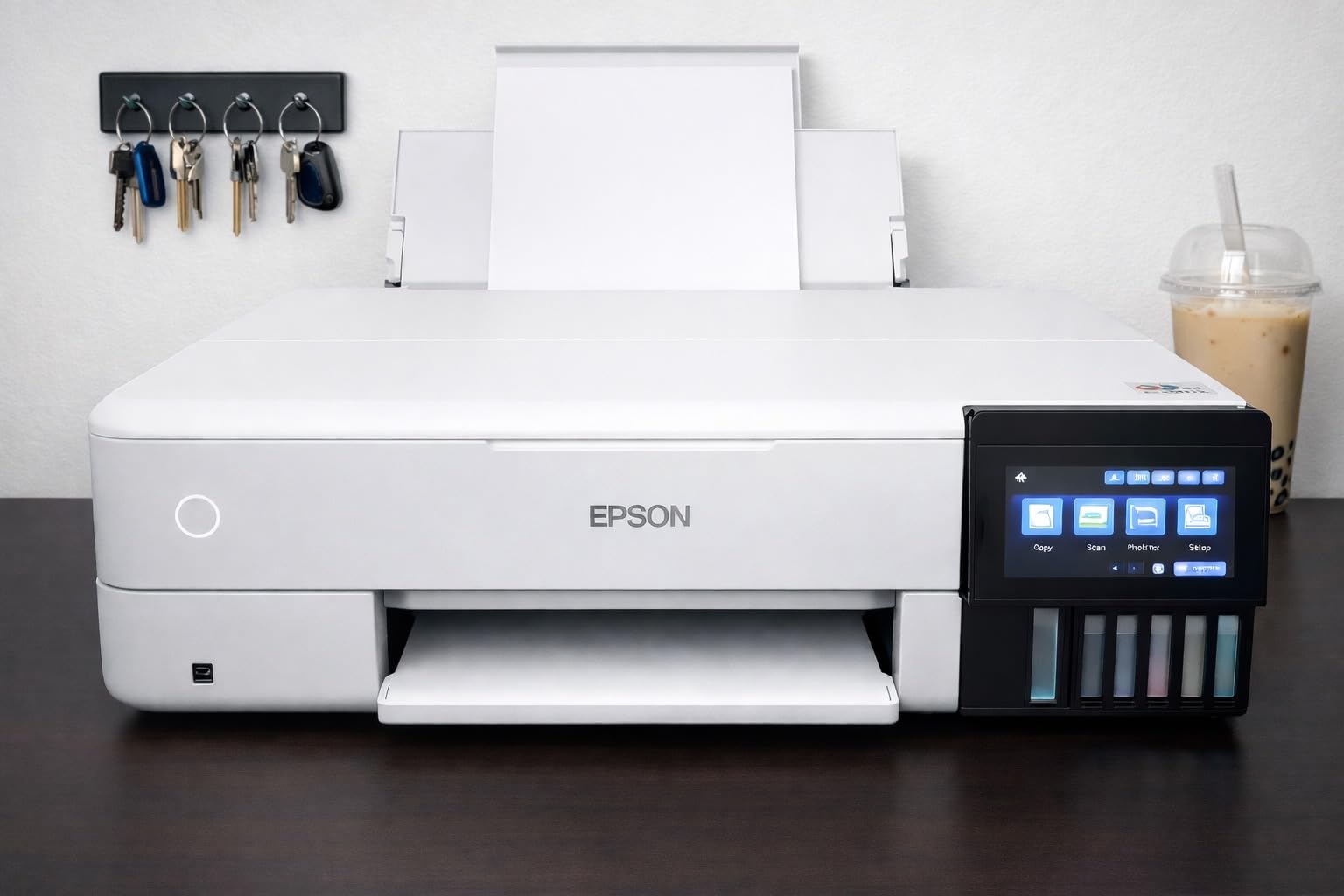
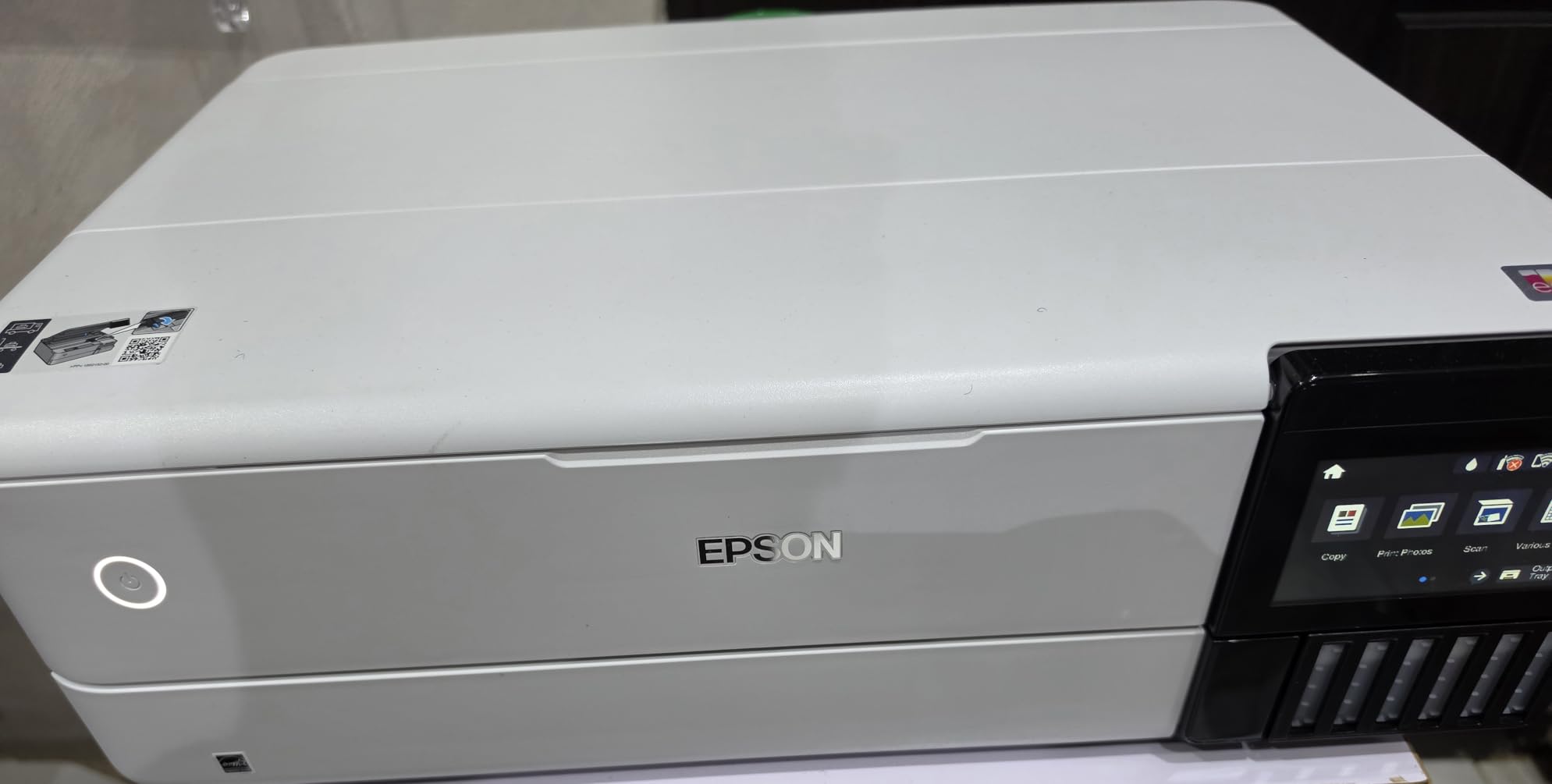
The flatbed scanner and large colour touchscreen are more useful than a basic spec list suggests. At 48-bit colour depth you get usable scans for copies and records, and the touch panel makes tray and media selection more intuitive than a four-button strip.
What we would plan around is paper handling. Owners frequently report that automatic tray selection is unreliable and that they must manually set the tray each time. The rear manual feed is described as finicky and prone to paper detection errors. None of that is fatal, but it means the machine is less forgiving than the headline features suggest.
Two further limitations matter for specific buyers. The flatbed will not take an 11×17 original, so you cannot digitise a full-size drawing on it. And the Claria ET Premium set is dye-based, which is the right choice for punchy photos but the wrong one for archival work or anything that will be exposed to moisture.
Setup is not instant. First-time users report spending around two and a half hours removing shipping locks and priming the tanks before the first print. Once primed, the machine measures 20.6 inches wide by 29.8 deep by 16.9 high and weighs 24.5 pounds.
Who benefits most from tank ink?
Anyone printing photos or colour documents on a regular basis will feel the difference within a few months. Seeing the ink level in the tank instead of trusting a software estimate removes a whole category of frustration.
Users who print in bursts also benefit, because a full tank is unlikely to run out partway through a project. This is the pick if ink cost is the deciding factor.
Where the ET-8550 disappoints
The paper handling complaints are the most common in reviews, and the scanner bed will not take an 11×17 original. For archival or outdoor work, a pigment-based machine is the safer bet.
If duplex scanning of tabloid originals matters to you, the HP OfficeJet Pro 9730 below does something none of the other machines here manage.
4. Epson EcoTank ET-15000 — Best for Home Office Scanning Workflows
Epson EcoTank ET-15000 Wireless All-in-One Wide-Format Supertank Printer
Max print 11x17 wide-format
Print scan copy and fax
Automatic document feeder
Automatic duplex
Pros
- Tank-based ink keeps per-page cost close to laser territory
- Handles large 11x17 sheets reliably in the rear feeder
- Output tray extends automatically and the display panel lifts
- Large color LCD makes setup and paper selection straightforward
Cons
- Rear manual feeder is described as finicky and jam-prone
- No direct feeder path for scanning 11x17 originals
- Ink tank priming takes a long time before the first print
- Loud in operation even in quiet mode
The Epson EcoTank ET-15000 is built for the home office and small studio rather than the plan room. Its maximum media size is 11×17, not 13×19, which is exactly what most home and school users asked for and exactly what many buyers wrongly assume every machine in this class handles.
Being honest about that ceiling is part of the recommendation. If your largest paper is tabloid, this does it well. If you want poster margins or borderless 13×19, the ET-8550 or the WF-7710 are the correct choices.
What it does have is a full function set. It prints, scans, copies and faxes, adds an automatic document feeder, and does automatic duplex printing at a rated 33,000-page monthly duty cycle. Speed is 17 pages per minute black and 9 color, with resolution listed at 4800 x 1200 dpi for colour output.
The tank system is the main economic argument. Reviewers rate the per-page cost as approaching laser territory, and the touchscreen makes paper selection straightforward enough that a non-technical household member can use it.
There is a pleasant physical detail. The output tray extends automatically and the display panel raises itself when a job starts, so the machine is ready before you get up from your chair. At 26.5 pounds and 19.6 inches wide it moves reasonably well between positions, though 29.6 inches deep is not small.
The complaints cluster in two places. Owners describe the rear manual feeder as finicky and prone to jams, and there is no direct feeder path for scanning 11×17 originals, meaning flatbed only. Priming the tanks before the first print also takes noticeably longer than on cartridge machines, and the unit is reported as loud during operation even in quiet mode.
Connectivity covers Wi-Fi, Ethernet and USB, and the energy-related extras include Energy Star certification. Warranty is one year limited.
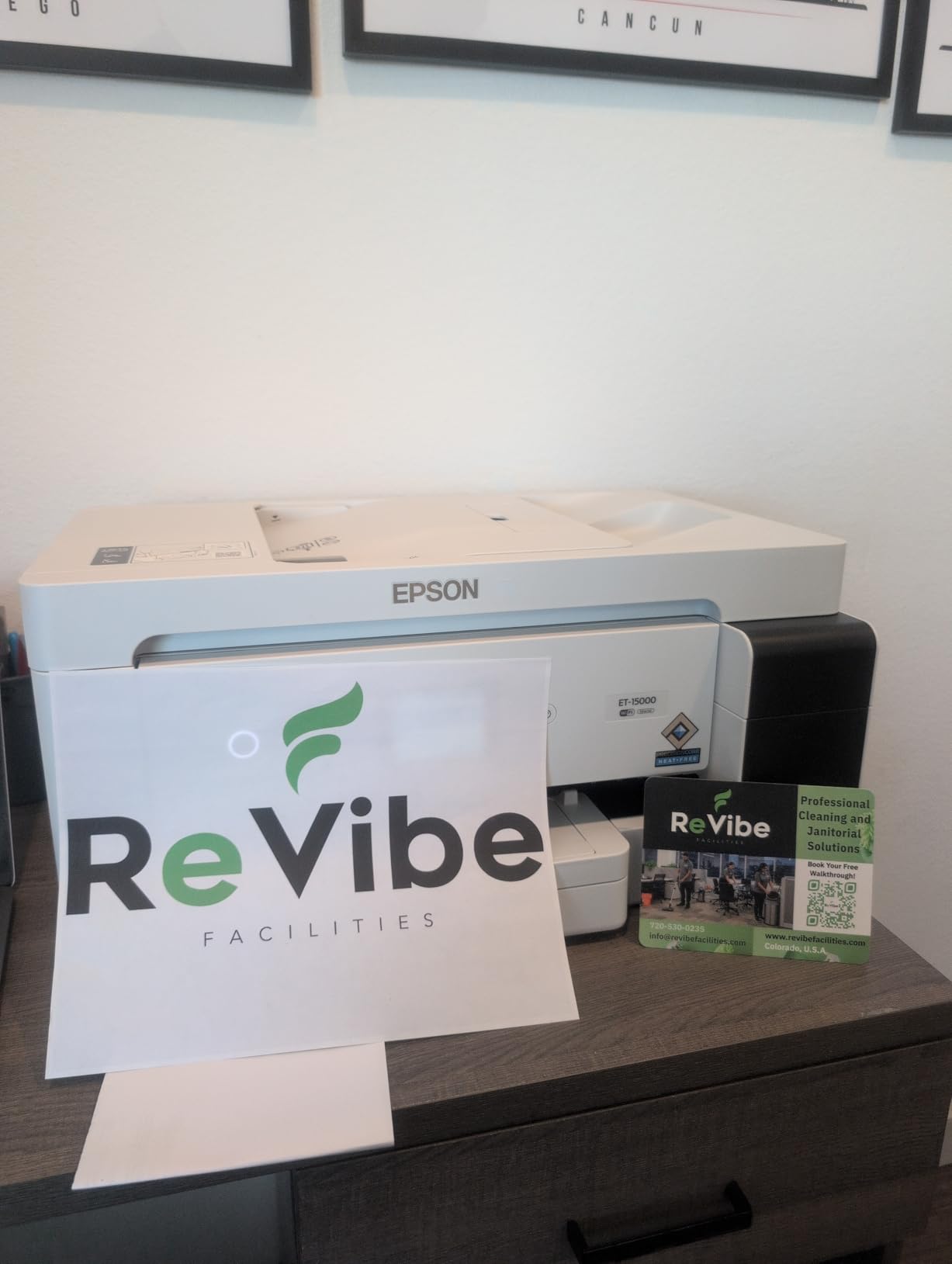
Is this the right 11×17 printer for a home office?
If your biggest job is a monthly poster, a set of school worksheets, a large spreadsheet or a photo enlargement to tabloid size, this machine handles it with tank ink costs that stay low and a touchscreen that keeps the process simple. The automatic document feeder plus duplex printing covers scanning and copying without a separate device.
Owners who print in the evening while the household is quiet should weigh the noise reports first.
When it is the wrong choice
The 11×17 ceiling rules it out for poster work and borderless photography, and the flatbed-only scanning rules it out if you routinely digitise full-size drawings. Those buyers should step up to the ET-8550 or the WorkForce Pro WF-7820.
Also consider footprint and noise seriously if it will live in a bedroom-adjacent study.
5. Epson WorkForce Pro WF-7820 — Best for High-Volume Drafting
Epson Workforce Pro WF-7820 Wireless All-in-One Wide-Format Inkjet Printer
Max print 13x19
Max scan 13x19 flatbed
Speed 25 black and 12 color ppm
Automatic duplex and 50-sheet ADF
Pros
- Fastest wide-format inkjet in this group at 25 ppm black
- Large flatbed scanner bed handles oversized originals
- 250-sheet capacity plus a rear feed for mixed media
- Heat-free PrecisionCore design aimed at heavy-duty use
- Auto duplex print copy scan and fax with a 50-sheet ADF
Cons
- Individual cartridges are costly and run out quickly
- Ink-chip and firmware updates can block genuine cartridges
- App-based printing and tray selection confuse Apple device users
- 50-sheet ADF feeds documents crookedly over time
- 38.4-inch-wide body will not fit under most counters
The WF-7820 is the quickest document machine here. It runs 25 pages per minute black and 12 color by ISO measurement, and the heat-free PrecisionCore architecture is built for continuous duty rather than occasional bursts.
It is also one of only a few units here that scans at its full print width. The flatbed bed takes oversized originals, which means an architect can mark up a plan set, lay it down and digitise it on the same machine. The 50-sheet automatic document feeder adds duplex copy, scan and fax.
Paper handling is unusually good for a 13×19 machine: 250 sheets of main capacity plus a rear feed for alternate media. It does automatic two-sided printing across the full range, and it carries a 4.3-inch colour touchscreen with Epson’s Smart Panel app and ScanSmart editing software. Secure Data Erase is included, which matters for a shared office machine.
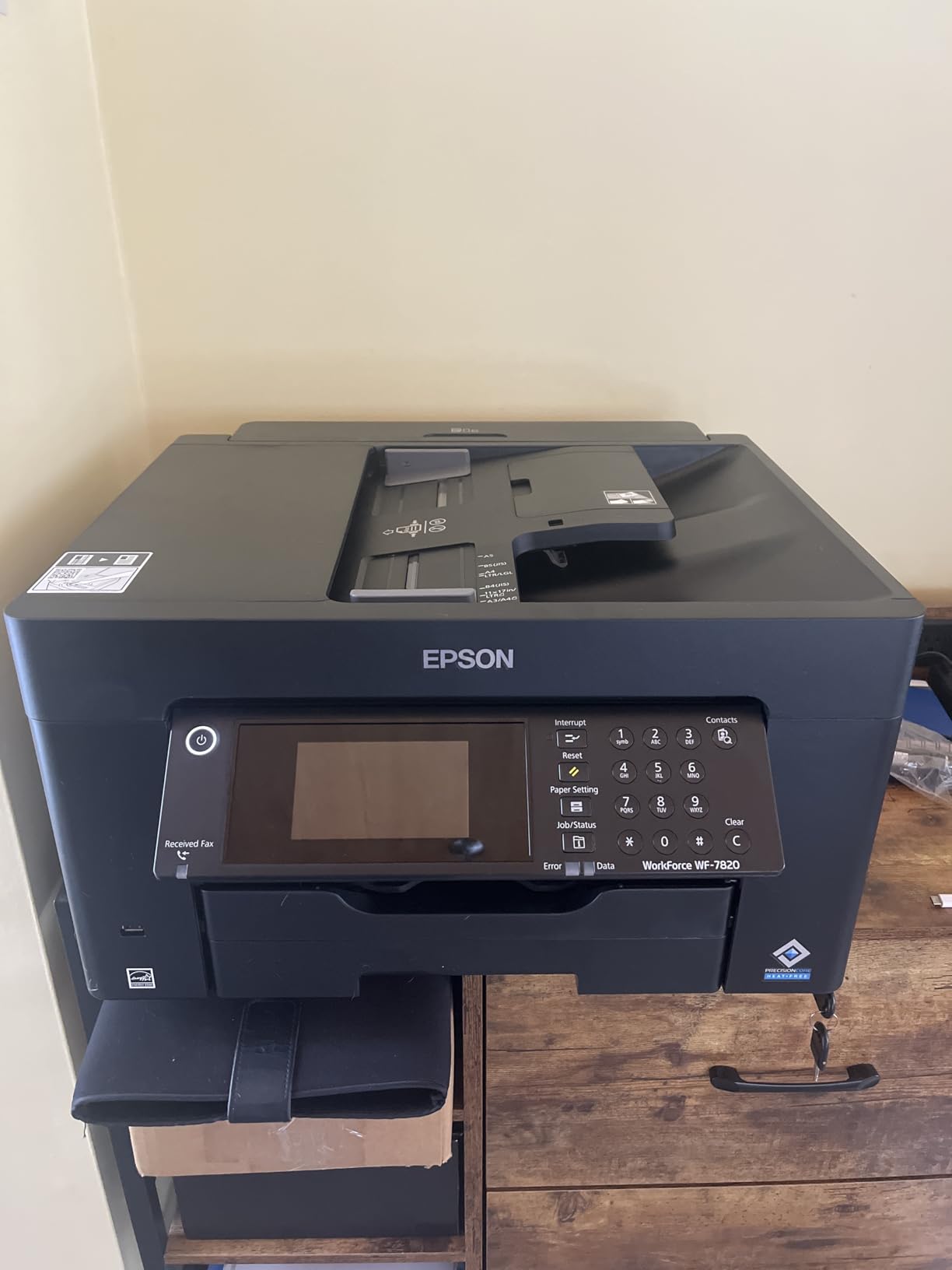
Durabrite Ultra pigment inks are a genuine technical advantage here. Pigment resists smudging and lightens less under UV than dye, which is what you want for line art, schedules and anything that has to survive a site visit.
Now the difficult part. This machine runs individual cartridges, and owners describe them as costly to refill and quick to empty. That is the trade every cartridge-based wide-format machine makes, and on a machine that prints this much, it is a large one.
There is also a reliability cluster around ink chips. Owners report genuine Epson cartridges going unrecognised after chip or firmware updates, sometimes blocking printing entirely until the cartridges are reseated or the driver is reinstalled. If you buy this, keep the driver current and expect to manage that relationship.
Two more practical notes. The mobile app workflow for paper-tray selection is confusing from Apple devices, and the 50-sheet ADF tends to feed documents crookedly over time. At 39.9 pounds and 38.4 inches wide by 20.3 deep by 18 high, it needs a dedicated position.
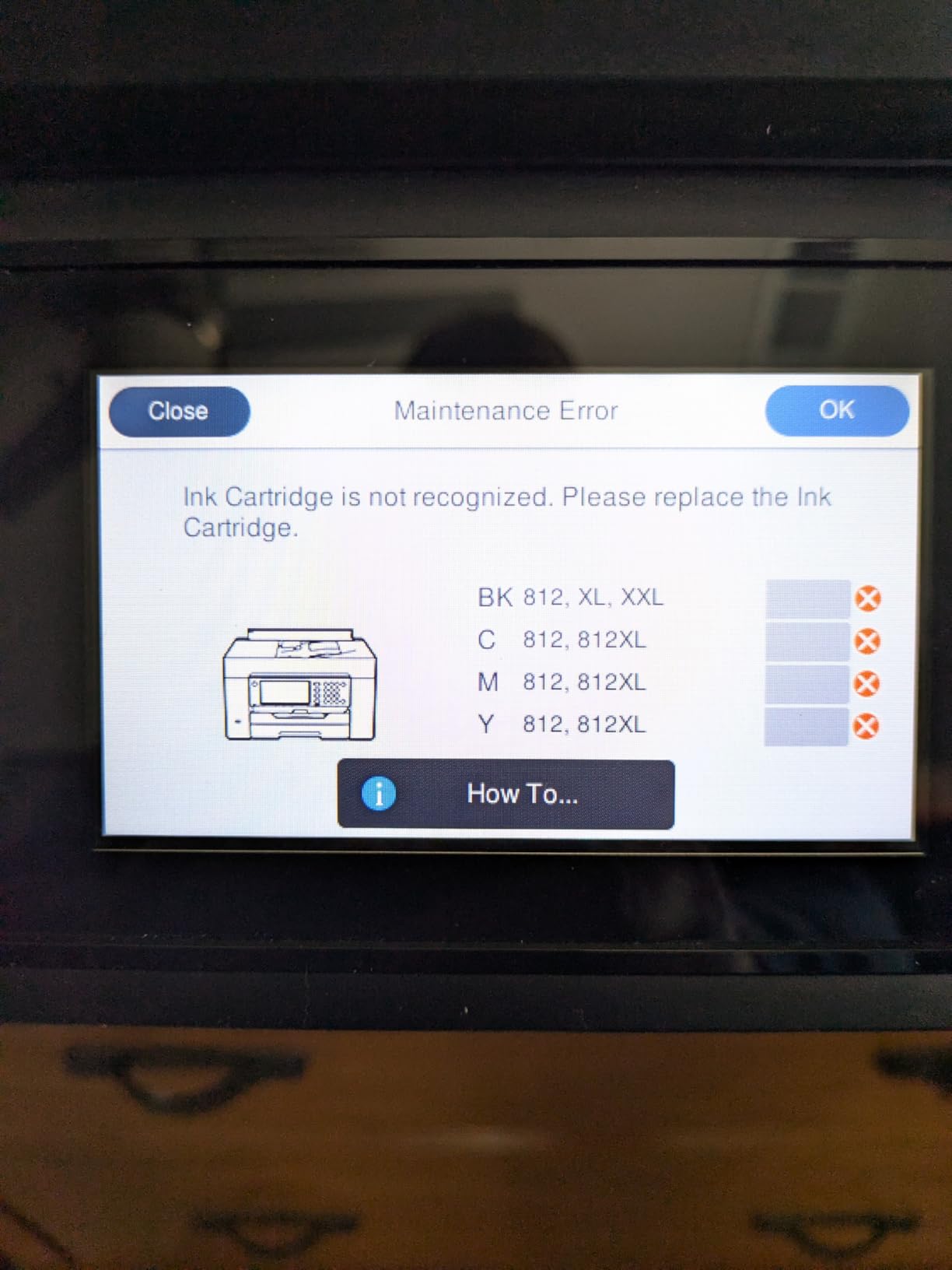
Is the WF-7820 worth it for a drafting-heavy practice?
If output volume is measured in plan sets per week rather than the occasional poster, the speed, the 250-sheet capacity and the pigment inks justify the cartridge expense. Having a scanner that accepts 13×19 originals removes a second device from the office.
Reviewers consistently praise the speed and the oversized flatbed as the two features that make the machine distinctive.
Where it frustrates owners
Cartridge ink cost and the ink-chip and firmware problems are the two most repeated complaints, and both can stop a job mid-run. The rating of 3.7 in this set reflects that, and it is why we rank it fifth despite the strong hardware.
If ink economics decide your purchase rather than raw speed, the tank-based ET-8550 and ET-15000 remove this problem entirely.
6. Epson WorkForce WF-7210 — Best Paper Capacity
WorkForce WF-7210 Wireless Wide-format Color Inkjet Printer with Wi-Fi Direct and Ethernet, Amazon Dash Replenishment Ready
Max print 13x19 borderless
Three trays with 500 sheets total
Automatic duplex
Print-focused body
Pros
- 500 sheets of total capacity across three paper trays
- Automatic duplex printing on wide-format sheets
- Sharp 4800 x 2400 dpi on color graphics and black text
- Uses up to 80 percent less power than color laser printers
Cons
- Cartridge-based ink carries a continuous per-page cost
- Sheetfed scanner does not accept 11x17 originals
- Large footprint for a print-focused machine
- Older platform built on legacy cartridge technology
The Epson WorkForce WF-7210 solves a narrow problem very well: keeping a lot of different paper weights loaded at once. Three trays hold 500 sheets in total, which means plain letter, tabloid and heavier media can all sit in the machine at the same time without a trip to the cupboard between jobs.
PrecisionCore imaging delivers 4800 x 2400 dpi in both colour and black, and the printer handles borderless output to 13×19 for marketing materials. Automatic two-sided printing works on wide-format sheets, with 18 pages per minute black and 10 color.
It is a print-focused design rather than an all-in-one, and that is the trade. There is no copy or fax function, and the sheetfed scanner tops out well below 11×17, so digitising a full-size drawing is not possible on this machine.
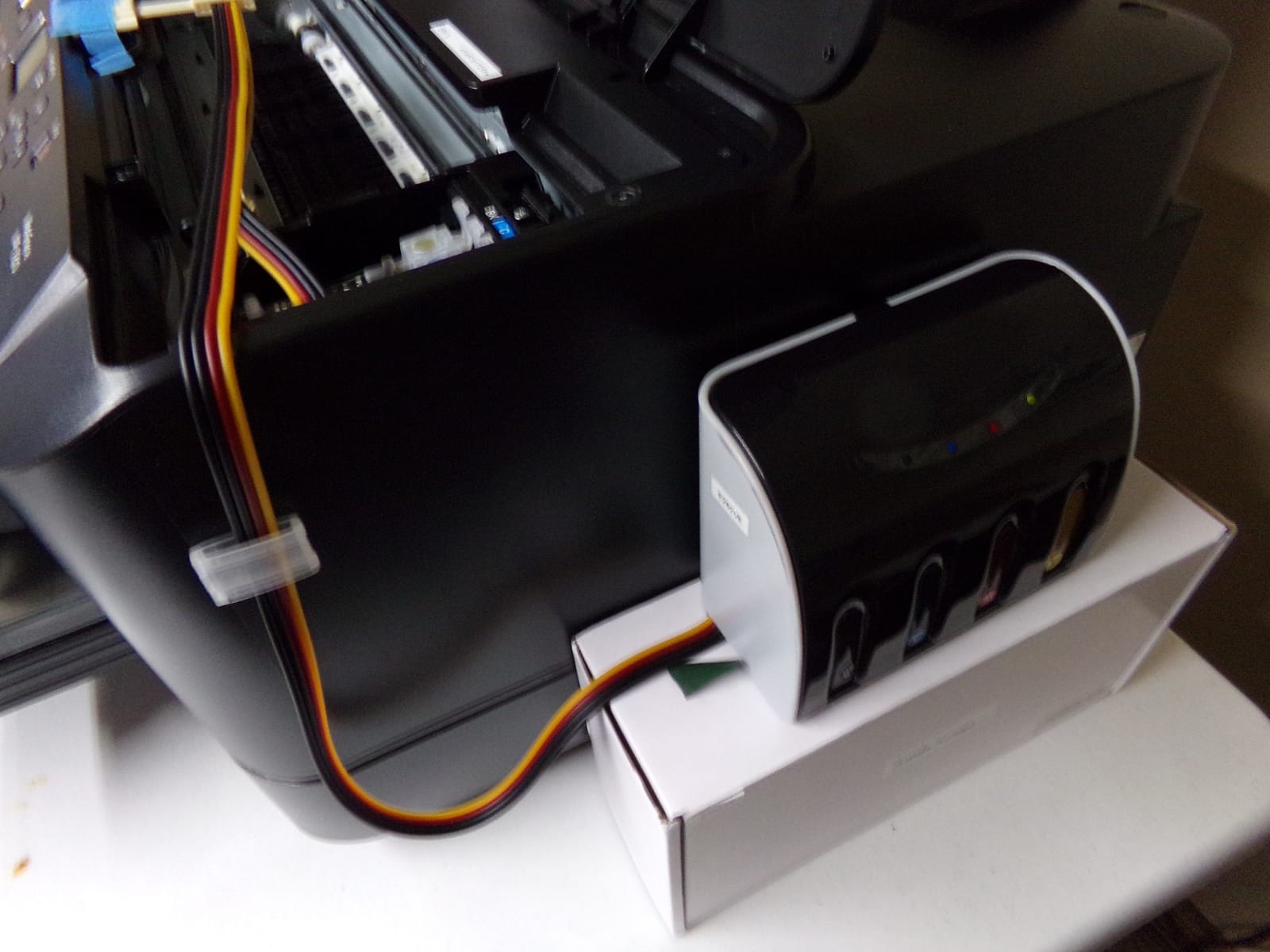
One spec deserves attention for offices: Epson states the WF-7210 uses up to 80 percent less power than a comparable colour laser printer. For a machine that may run all day in a small studio, that is a running cost line people rarely check.
The three-tray layout also has a practical benefit for mixed output. Plan sets on tabloid, letter correspondence and glossy photo paper can be selected from the panel rather than reloaded, and the 125-sheet output tray handles modest batches.
Amazon Dash Replenishment compatibility means ink can be reordered automatically if you want that service, and connectivity is Wi-Fi, Wi-Fi Direct and Ethernet with no USB listed.
The honest reservations are the same ones we flagged on the WF-7820. It runs Epson Genuine Cartridge ink with a continuing per-page cost, and reviewers describe it as a dated platform built on legacy cartridge technology. That matters more for a machine designed to hold 500 sheets and run long jobs.
When paper capacity matters more than scanning
A school, a church or a small marketing team that prints mixed media daily will get more from this machine than from a smaller two-tray unit. It is the only machine here that holds 500 sheets across three separate trays.
Automatic duplex on tabloid sheets saves paper on every long run, which compounds across a month.
Where the WF-7210 is the wrong tool
If your workflow involves redlining drawings, sending them out and scanning the marked-up version, the sheetfed scanner limitation rules it out. Print-only focus is a feature for a dedicated print room and a liability in a design studio.
At 32.8 pounds and 31.8 inches wide, it also needs a proper surface rather than a side table.
7. Epson Artisan 1430 — Best for Mobile Photo Printing
Epson Artisan 1430 Wireless Color Wide-Format Inkjet Printer (C11CB53201)
Max print 13x19 borderless photos
Six-color Claria ink
Flatbed scanner included
Wireless with mobile printing
Pros
- Dedicated six-color Claria set for smooth photo gradations
- 13x19 borderless output at 5760 x 1440 optimized dpi
- Built-in flatbed scanner and CD/DVD print tray
- Prints directly from a phone or tablet with no computer
Cons
- Very slow at roughly 2.8 pages per minute
- Only 50 sheets of paper capacity
- No automatic duplex printing
- Premium price for a photo-oriented unit in this class
The Epson Artisan 1430 is built around one job: producing good photographs at 13×19 without a computer. Six Claria inks produce smooth gradations at 5760 x 1440 optimized dpi, and borderless prints run up to 13×19.
The feature that separates it from the other photo machines here is direct mobile printing. You can send a job from a smartphone or tablet with no computer in the loop, which is genuinely useful for a photographer at an event or a parent printing school projects.
There is also a built-in flatbed scanner, which is unusual on a photo-focused unit, plus a dedicated CD and DVD print tray that nobody else in this list offers.
Speed is where it gives ground. Rated at roughly 2.8 pages per minute for both colour and black, this is a photo machine that thinks in minutes per print rather than pages per minute. For a single exhibition print that is fine. For a batch of twenty it is not.
Paper capacity is 50 sheets, less than every other machine here, and there is no automatic duplex printing. Wi-Fi and USB are the only connections listed, with no Ethernet.
Owners are positive about the colour output and the borderless capability, and negative about throughput, capacity and the price for what it delivers. The cartridge set is entry-level, which reviewers note runs dry quickly under large photo volumes.
At 35.3 pounds and 27.8 inches wide by 17.3 deep by 12.5 high, it is compact for a 13×19 machine. Warranty is one year limited.

Is it right for a photo-focused buyer?
Choose it if prints are occasional and large, you shoot on a phone or tablet, and you want a scanner in the same box. Borderless 13×19 gallery prints from a personal library are exactly what it is built for, and the colour gradations hold up well for that purpose.
The CD/DVD tray makes it a slightly odd but effective multi-purpose machine for family archiving.
Where it does not fit
Anything with a deadline. Two and a half pages per minute and a 50-sheet tray rule out event work, marketing runs or anything where you need twenty finished prints in an afternoon.
If you print large photos regularly and want lower ink cost, the tank-based ET-8550 or the eight-dye Canon PIXMA PRO-200S are better fits.
8. Canon PIXMA PRO-200S — Best for Panorama Formats
Canon PIXMA PRO-200S Professional 13″ Wireless Inkjet Photo Printer, 3″ Color LCD, 8-Color Dye Ink, Black
Max print 13x19 borderless
Eight-color dye ink set
Supports 11x17 ledger and custom to 13x39
Print-only design
Pros
- Eight-color dye set gives noticeably smoother photo gradations
- Fast photo throughput for its class at 90 seconds for A3+
- Supports 11x17 ledger
- square
- panorama and custom sizes to 13x39
- 3-inch color LCD makes ink and paper checks quick
- Compact 18.6-inch-wide body for a 13x19 printer
Cons
- Print-only with no scanner or copier
- Dye inks are not ideal for archival or water resistance
- Slow at 2 ppm for general document printing
- No automatic duplex printing
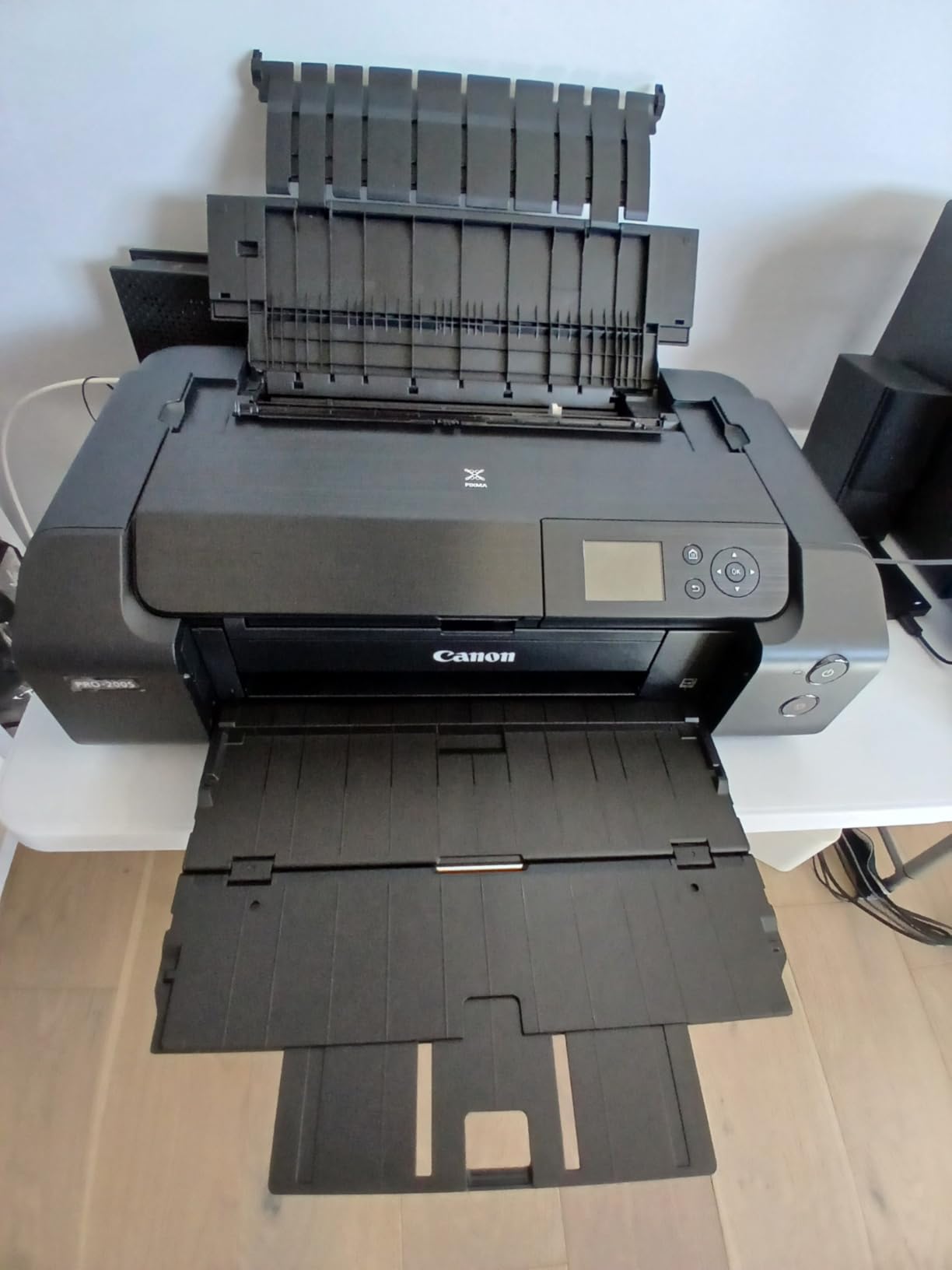
The Canon PIXMA PRO-200S is the odd one out here, and that is exactly why it is worth a place. It is print-only, and it accepts media no other machine in this roundup will take: 11×17 ledger, 12×12 square, panorama formats and custom sizes up to 13×39 inches.
For a photographer making a banner strip, a panoramic composite or a custom-cut print, that custom size ceiling is the whole reason to buy this rather than a more common 13×19 machine. Borderless output runs from 3.5×3.5 inches up to 13×19.
Colour quality is the main argument. The eight-dye ink set produces noticeably smoother gradations than six-colour systems, with a resolution of 4800 x 2400 dpi. Canon quotes a bordered A3+ print in 90 seconds and a bordered 8×10 in 53 seconds, which is quick for a photo machine.
The 3.0-inch colour LCD is a practical touch. It shows ink levels and paper selection without a computer or phone, which matters if you are working from a laptop in a different room.
Connectivity is Wi-Fi, USB and Ethernet, and there are two paper trays with 100 sheets of total capacity. Duty is simplex only, so no automatic duplex.
The two real limitations are that there is no scanner or copier at all, and that dye inks are the wrong chemistry for archival prints or anything exposed to water or prolonged light. If your work needs longevity, the Canon imagePROGRAF PRO-1100 below is built for it.
We should be straight about the evidence here. With 235 reviews behind it, the owner feedback on this model is thinner than the four thousand-review base behind the Canon PIXMA iX6820, so the praise for vivid output and fast photo printing rests on a smaller pool than our other picks. Judge accordingly.
Who should look at the PIXMA PRO-200S?
Photographers and small studios who print panoramas, banners, square formats or custom lengths, and who want a small body. At 18.6 inches wide and 32 pounds it is narrower than the other 13×19-capable machines in the roundup.
Anyone with a laptop-free workflow benefits from the built-in LCD for independent ink and paper checks.
Where it falls short
No scanning means buying a separate device if you ever need to digitise anything. Dye ink rules out archival work, and 2 ppm for general documents means it is a photo printer only.
For document work with the same 11×17 capability, the HP OfficeJet Pro 9730 or the Epson ET-15000 are much closer fits.
9. Canon imagePROGRAF PRO-1100 — Best for Fine Art up to 17 x 22
Canon imagePROGRAF PRO-1100: 17” Professional Wireless Inkjet Photo Printer
Max media 17x22 with 13x19 and 11x17 support
Eleven pigment inks plus Chroma Optimizer
Print-only professional body
Pros
- Handles media up to 17x22
- larger than every other unit in this group
- Eleven pigment inks plus Chroma Optimizer for gloss uniformity and anti-bronzing
- Professional color management
- calibration and accounting software
- Air feeding system keeps heavy sheets aligned for accurate ink placement
Cons
- Heaviest machine in the roundup at 83 pounds and among the most expensive
- Print-only with no scanner
- copier or fax
- Very slow at roughly 1 page per minute
- L-COA PRO and accounting tools add a steep software learning curve
The PRO-1100 takes media to 17×22, past what any other machine here handles, and it also accepts 13×19, 11×17, 16×20 and 17×25 media, so it covers the 11×17 requirement and keeps climbing.
The ink system is the reason to buy it. Eleven pigment-based inks plus a Chroma Optimizer give a wide gamut, dark blacks and uniform gloss with less bronzing, which is what separates a professional pigment print from a consumer one. LUCIA PRO II inks drive the 2400 x 1200 dpi output.
This is a colour-managed machine rather than a plug-and-play one. It ships with Media Configuration, Color Calibration and Accounting Manager tools, plus plug-in support for Digital Photo Professional and Adobe applications. An L-COA PRO image processing engine handles large image data quickly.
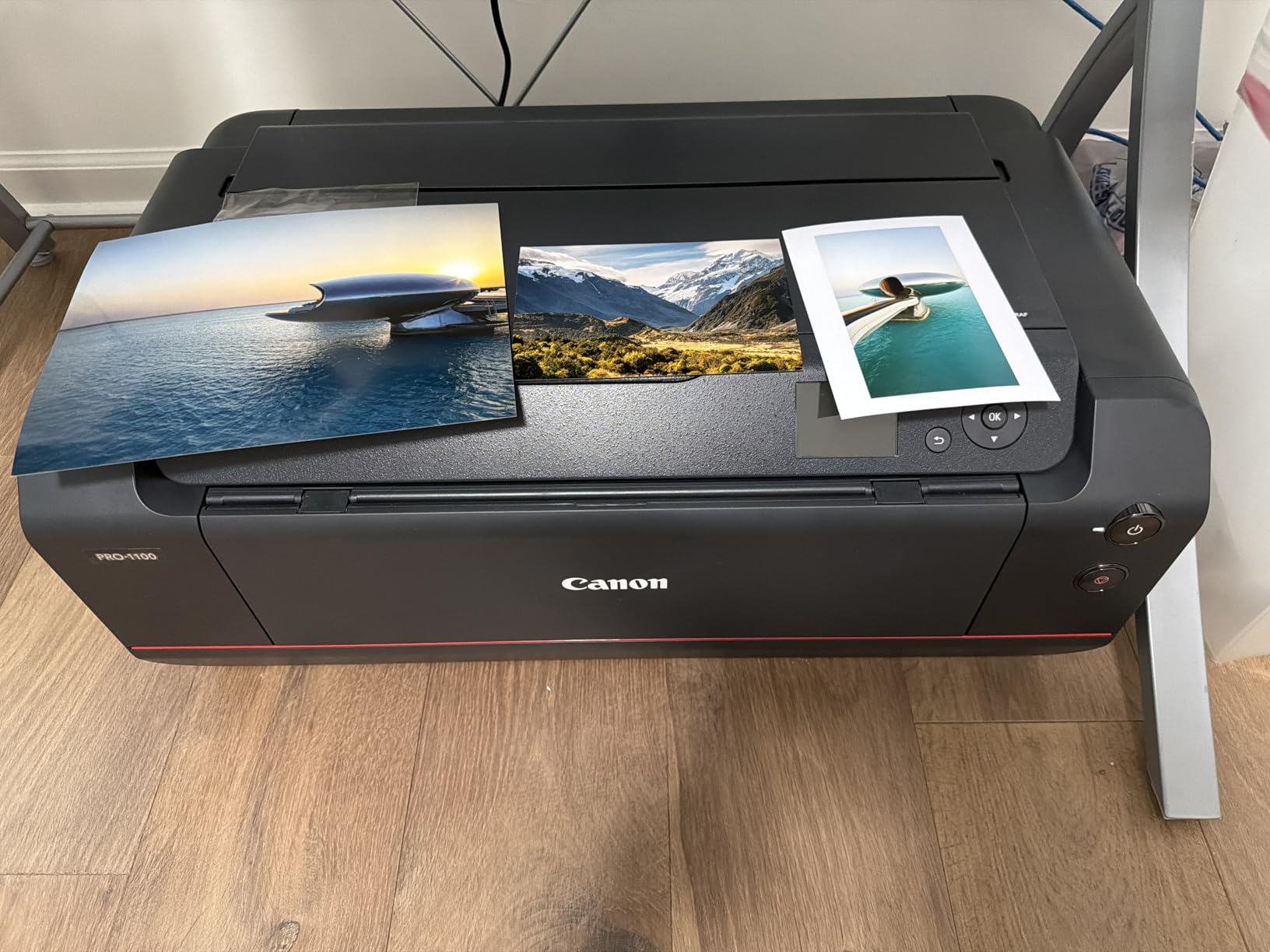
Two engineering details matter more than the software. The FINE print head includes anti-clogging technology, which is meaningful for a machine that may sit between projects. The air feeding system prevents sheet skew, so heavy media lands accurately and the eleven ink channels stay in register.
Paper handling is a single tray with 250 sheets of capacity and 250-sheet output. Automatic duplex is listed, and borderless printing is a stated feature.
Now for the practical maths. At 83 pounds and 17.1 inches deep by 28.5 wide by 11.2 high, this is a heavy machine that needs a proper table. It is also print-only, with no scanner, copier or fax, and rated at roughly 1 page per minute. None of that matters for an exhibition print. All of it matters if you expected a daily office device.
We want to be clear about the evidence. This carries a 4.4 rating on the smallest review base in the set at 80. Treat the rating as encouraging and the technical sheet as the reliable part.

Is the PRO-1100 worth it for a fine-art printer?
Yes, if you are producing exhibition or gallery prints and care about tonal accuracy, dark depth and gloss uniformity. Eleven pigment inks with a Chroma Optimizer is a genuinely different class of output from the six- and eight-colour dye and pigment sets elsewhere in this roundup.
Owners in this category single out the colour-management and calibration tooling as much as the ink itself, since the machine is designed to be driven by a colour-managed workflow rather than by eyeballing output.
Where it is the wrong investment
If you print documents, this is the wrong machine entirely, at one page per minute and with no scanner. The 83-pound weight and the software learning curve make it a specialist purchase, not an office one.
For borderless photo work limited to 13×19, the Canon PIXMA PRO-200S or Epson ET-8550 will cost you less and require far less setup.
10. HP OfficeJet Pro 9730 — Best Single-Pass Duplex ADF
HP OfficeJet Pro 9730 Wide-Format Wireless All-in-One Color Inkjet Printer, Print, scan, Copy, fax, up to 11×17 ADF, Duplex Print/scan, Best-for-Office, 3 Month Trial of Instant Ink Included(C2WH0A)
Max print 11x17
ADF scans 11x17 single-pass duplex
Two 250-sheet trays
Speed 22 black and 18 color ppm
Pros
- Only unit here with a single-pass two-sided ADF for tabloid originals
- Fast 22 ppm black and 18 ppm color throughput
- Two 250-sheet input trays for 500 sheets of capacity
- 4.3-inch color touchscreen with phone-like navigation
- P3 color gamut wider than sRGB for screen-accurate output
Cons
- Print resolution tops out at 4800 x 1200 dpi
- Maximum media size is listed as Legal so 13x19 is not supported
- Individual cartridges and the Instant Ink model add recurring cost
- HP AI formatting features require the HP app workflow
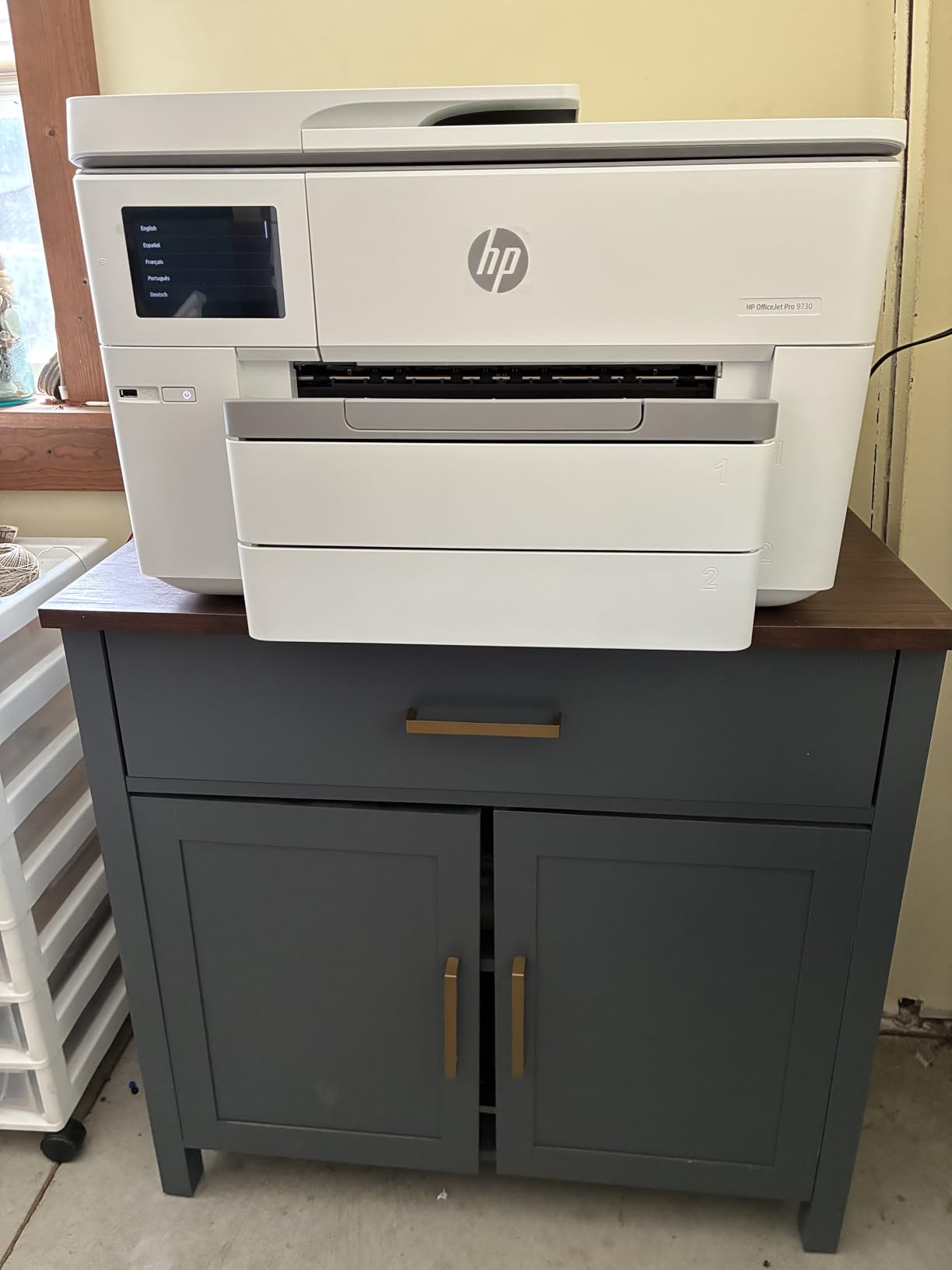
The HP OfficeJet Pro 9730 does something none of the other nine machines here do. Its automatic document feeder scans 11×17 originals and captures both sides in a single pass, with automatic two-sided printing to match. For practices that digitise plan sets daily, that is a workflow feature you cannot replicate with a flatbed.
Capacity is the second strength. Two 250-sheet input trays give 500 sheets total, matched by a scanner, copier and fax. Throughput is fast at 22 pages per minute black and 18 color.
The touchscreen is unusually good for this class. At 4.3 inches with phone-like navigation, plus dual-band Wi-Fi and HP app support, it is easier to live with than most. Colour output uses a P3 gamut that is wider than sRGB, so what you see on a matching display should hold up on paper.
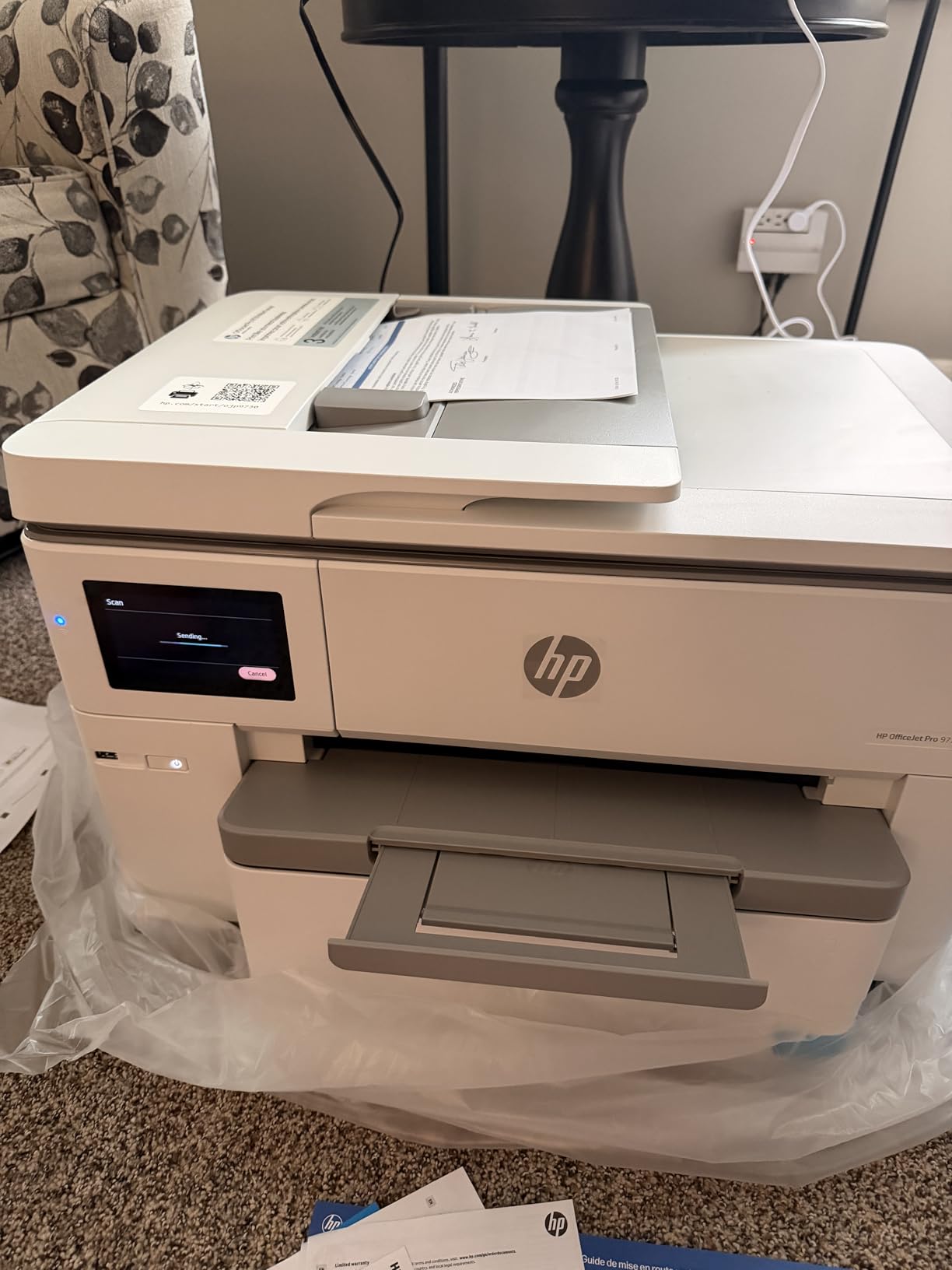
Two limits are worth stating plainly. Maximum media size is listed as Legal, so this is an 11×17 machine and not a 13×19 one. If you need borderless 13×19 poster output, it is not the tool.
Resolution also tops out at 4800 x 1200 dpi, well below what the dedicated photo machines in this list deliver. That is fine for floor plans, mood boards and spreadsheets, which is what the product is aimed at, and inadequate for photographic work.
On running cost, the reviewers note individual cartridges and the Instant Ink subscription model as recurring expenses to plan for. The HP AI print formatting features also require you to work inside the HP app.
One genuine plus: the body is made with more than 30 percent recycled plastic, and HP Wolf Pro Security is included. At 43 pounds and 15.2 inches wide by 22.9 deep by 18.4 high, its width is manageable even though the depth is not.
Why does duplex ADF scanning matter so much?
Because it turns a two- or four-step manual process into one job. A marked-up 11×17 drawing goes into the feeder, comes out as a two-sided PDF, and the workflow continues. That is the difference between scanning being a task you do and a task you avoid.
Users who care about colour fidelity on wide-format output also rate the P3 gamut positively.
Where it falls short
The Legal media ceiling and 4800 x 1200 dpi resolution mean this is not a photo or poster machine by any stretch. The rating of 3.8 also reflects unresolved opinions about ink cost in the owner feedback we have.
If tabloid scanning is your priority, this is the pick. If 13×19 printing is, the Epson WF-7820 or Canon iX6820 serve you better.
Best Wide Carriage Printers by Use Case
The same machine rarely wins twice. An architect’s ideal printer and a photographer’s ideal printer barely overlap, so here is the same ten machines regrouped by the job they actually do well.
Architects, engineers and contractors
Your priorities are automatic duplex, a pigment ink that survives a site visit, and enough paper capacity for a permit set. The Epson WorkForce WF-7710 leads because it does automatic duplex at 11×17 and above in a single print-scan-copy-fax body. The Epson WorkForce Pro WF-7820 is the alternative if volume outranks ink cost, since its 25 ppm black speed and 250-sheet capacity move a lot of paper, and its flatbed accepts oversized originals for redlining.
Home offices and small studios
Tank ink decides this category, and the Epson EcoTank ET-15000 is the model that fits. Its maximum size is exactly 11×17, it has an automatic document feeder and automatic duplex, and the touchscreen keeps the interface simple enough for a household member. The Epson EcoTank ET-8550 is the step up if you want 13×19 borderless photos on the same tank-based platform.
Photographers and fine-art printers
Colour depth and media width decide it. The Canon imagePROGRAF PRO-1100 reaches 17×22, past anything else in this roundup, with eleven pigment inks and a Chroma Optimizer. For 13×19 borderless work on dye ink, the Canon PIXMA PRO-200S gives smoother gradations with eight colours and accepts custom sizes to 13×39, while the Epson Artisan 1430 handles borderless output and direct mobile printing with no computer.
Schools, churches and community groups
Volume and paper variety matter more than colour fidelity. The Epson WorkForce WF-7210 holds 500 sheets across three trays, so tabloid, letter and heavier media stay loaded at once, and automatic duplex on wide sheets cuts paper use across a term. Its lower power draw than a comparable colour laser is a useful line item for a room that prints daily.
Small print shops and short production runs
You need capacity, duplex and a scanner that takes large originals. The Epson WorkForce Pro WF-7820 pairs fast throughput with an oversized flatbed, and the HP OfficeJet Pro 9730 adds 500 sheets across two trays plus a single-pass duplex 11×17 ADF that no other machine here offers. If your runs are photo-led rather than document-led, remember that 24-inch roll-fed plotters are the correct class for continuous output.
How to Choose a Wide Carriage Printer for 11×17 Paper?
The buying decision comes down to five questions: how big a sheet do you actually need, whether you scan, how much you print, what your paper handling has to look like, and how the machine will be connected. Work through those in order and the model almost picks itself.
1. Confirm the print size, then the scan size, separately
This is the specification buyers most often miss, and the one that causes the most frustration later. A printer that prints 13×19 can have a Letter-sized flatbed and a Letter-only sheetfed scanner. Check both numbers before you buy, not just the headline size.
Among these ten, the machines that scan at their full width are the Epson WorkForce Pro WF-7820 with a 13×19 flatbed and the HP OfficeJet Pro 9730 with an 11×17 duplex ADF. The Epson ET-8550, Epson Artisan 1430, Epson WF-7710, Epson ET-15000, Epson WF-7210 and Canon PIXMA iX6820 do not take an 11×17 original. The Canon PIXMA PRO-200S and Canon imagePROGRAF PRO-1100 have no scanner at all.
2. Inkjet, laser or tank-based, and why it matters
All ten products here are inkjets, and that is a deliberate coverage decision rather than an oversight. There are 11×17 colour laser options, and they are a genuinely different buying decision with different economics. They suit high-volume monochrome and business colour document output where toner cost per page is low and nobody needs photographic gradations.
Where a laser loses is media handling and colour depth. Wide-format colour lasers are also a separate price tier, and most of the reliable desktop options route through enterprise A3 multifunction machines from vendors such as Konica Minolta, Ricoh, Xerox and Kyocera, which sit in a different cost bracket and are usually bought through a dealer rather than a retail listing.
Inside inkjets, the meaningful split is cartridge versus tank. Cartridge machines use sealed ink cartridges and cost less to buy. Tank-based machines use refillable bottles, typically rated in the thousands of pages per tank set, and give a much lower cost per page if you print regularly. The ET-8550 and ET-15000 are the tank options here; everything else runs cartridges.
The third choice is pigment versus dye. Pigment inks resist smudging and fading and suit line art, schematics and anything handled often. Dye inks give brighter, smoother colour and suit photographs, but they are weaker for archival longevity and water resistance. Note the split on the ET-8550, which uses six dye-based Claria ET Premium inks despite being a tank machine.
3. Calculate your real cost per page before you buy
The formula is simple: cost per page equals cartridge or bottle price divided by rated page yield, plus the paper cost. Apply the rated yield from the ISO/IEC 24711 figure, not the marketing headline, and remember that a colour page uses all channels.
Worked example. If a cartridge set produces a rated colour yield and a tank bottle set produces roughly ten times that, the bottle set wins on any workload above a few hundred colour pages a year. Below that threshold, cartridge convenience can still be the better call because you are not tying up money in bottles you will not use.
The benchmark most buyers compare against is the print shop, where a colour 11×17 page typically runs about a dollar and larger formats run several times that. Once your own cost per page is a fraction of that and your monthly volume is in the hundreds, ownership pays for itself quickly. The best wide-format printers for posters guide covers this calculation with more detail for poster-heavy workflows.
4. Check the tray configuration, not just the capacity
Capacity numbers look better on machines that hold a lot of one paper type. Three separate trays matter more than one large tray, because they let you keep letter, tabloid and photo paper loaded simultaneously. The Epson WF-7210 and HP OfficeJet Pro 9730 both hold 500 sheets across two or three trays; the ET-8550 holds 100 sheets across three paper paths.
Then check the 11×17 question that nobody answers clearly: does tabloid paper live in a fully closed tray, or does the tray have to sit partially open? A tray that must remain ajar is fine on a dedicated machine in a studio and unacceptable on a tidy desk. Read the paper handling notes for the specific model rather than assuming.
5. Look at output speed at 11×17, not at A4
Manufacturers quote ISO speeds measured on Letter or A4 sheets. A 13×19 page takes several times longer, so the real-world figure is much lower than the headline number. The gap is widest on the photo machines here: the Epson Artisan 1430 at 2.8 ppm and the Canon imagePROGRAF PRO-1100 at 1 ppm are fine for single prints and painful for batches.
For document work, the WorkForce Pro WF-7820 at 25 ppm black and the OfficeJet Pro 9730 at 22 ppm black are the two to shortlist if speed drives your schedule.
6. Set up 11×17 printing without the usual headaches
If a machine you already own has stopped printing tabloid, work through this list in order. Load the tabloid paper into the correct tray and confirm the tray is set to its tabloid size rather than auto. In the driver, add 11×17 as a custom paper size if the preset is missing. Check that the media type matches the paper you loaded, since a mismatch causes paper-detection errors. Update the printer driver, particularly after an ink or firmware update. And if you are switching from duplex to single-sided mid-job, confirm the tray setting changed with it.
If you print 11×17 but your software still sends Letter, the paper size in the application is usually the cause rather than the driver. Our guidance on wide-format printers covers driver setup in more detail.
7. Think about size, noise and where it lives
Capacities differ. The Canon iX6820 is 23 inches wide and 17.9 pounds. The Epson WF-7820 is 38.4 inches wide and 39.9 pounds, and the Canon imagePROGRAF PRO-1100 is 83 pounds. Measure the space you have before you commit to anything.
Noise matters more at home than in a studio. The Epson ET-15000 is specifically reported as loud in operation even in quiet mode, which is worth weighing if it will run in a shared study or a room where people sleep.
8. Consider whether you need a plotter instead
If your output is continuous rather than sheet-based, such as banners, vinyl or signage, a 24-inch roll-fed plotter is the right class of machine even though it is not a wide carriage printer. If your output is plans, posters, boards and photos on sheets, stay with what we have covered here.
9. Check reliability expectations over the ownership period
Owner feedback across large-format printers tends to converge on the same failure modes. Cartridge-based machines that sit unused risk ink drying in the nozzles, which biases infrequent users toward tank systems. Ink-chip and firmware updates can leave genuine cartridges unrecognised on some models. Multi-sheet automatic document feeders drift out of alignment and start feeding documents crookedly. And wide-format machines consume a lot of ink per job, so firmware problems that corrupt a cartridge mid-run are expensive in a way that they are not on a Letter printer.
These are worth weighing but none should end your decision. A tank-based machine removes one class of risk. A machine with a documented anti-clogging print head, such as the Canon imagePROGRAF PRO-1100, removes another.
Frequently Asked Questions
What printer do I need for 11×17 paper?
You need any printer whose maximum media size is listed as 11×17 inches or larger. Tabloid, ledger and A3 all describe the same 11×17 sheet, and A3+ or 13×19 describe the next size up. If you also need to scan 11×17 originals, check the scanner size separately, because many machines print at 13×19 but scan only Letter.
Which printer can print wide-format 11×17 sheets?
All ten printers in our roundup print 11×17 as a standard or supported size. The Canon PIXMA iX6820, Epson WorkForce WF-7710, Epson EcoTank ET-8550, Epson WorkForce Pro WF-7820, Epson WorkForce WF-7210, Epson Artisan 1430 and Canon PIXMA PRO-200S go up to 13×19. The Epson EcoTank ET-15000 and HP OfficeJet Pro 9730 top out at 11×17.
Do 11×17 printers also scan and copy at 11×17?
Some do and some do not. In this roundup only the HP OfficeJet Pro 9730 scans 11×17 originals, and it does so single-pass with two-sided capture. The Epson WorkForce Pro WF-7820 has a flatbed that accepts oversized originals. The Epson WF-7710, Epson ET-8550, Epson Artisan 1430 and Canon PIXMA iX6820 have flatbeds limited to Letter. The Canon PIXMA PRO-200S and Canon imagePROGRAF PRO-1100 have no scanner at all.
What is the best 11×17 laser printer?
None of the ten printers we tested is a laser, because the wide-format category is dominated by inkjets. If you need 11×17 colour output for documents rather than photos, a colour laser in a wider tier suits you better, and enterprise A3 multifunction machines from vendors such as Konica Minolta, Ricoh, Xerox and Kyocera are the usual answer for volume. These are a different buying decision with different media limits and no photographic output.
How much does printer ink cost per page?
Cost per page equals cartridge or bottle price divided by rated page yield, plus paper. Cartridge-based machines such as the Epson WF-7820 and Canon PIXMA iX6820 carry a higher per-page figure than tank-based machines. Epson states the EcoTank ET-8550 runs roughly four cents for a 4×6 photo against about forty cents with cartridges, and rates a tank set at up to 6200 colour pages. Compare that against the print shop benchmark of around a dollar per colour 11×17 page.
Can a wide carriage printer print on 11×17 paper in a closed tray?
It depends on the model. Machines with dedicated tabloid trays, such as the Epson WorkForce WF-7210 and HP OfficeJet Pro 9730, keep large paper fully enclosed. On some models you may need to use the rear manual feed for larger sheets, which means opening the back. Check the paper handling notes for the specific model rather than assuming the tray closes.
Is a wide format printer worth it for home use?
For most households the honest answer is no, because 11×17 costs several times what a Letter page costs to produce and most homes rarely need it. It becomes worthwhile when you regularly print posters, calendars, large charts, school projects or photo enlargements, or when you would otherwise pay a print shop per sheet. The Epson EcoTank ET-15000 is the most home-office-friendly unit in our roundup.
Why can’t I print 11×17 anymore?
Usually the tray or the driver. Confirm the tabloid tray is set to 11×17 rather than auto, load the paper into that specific tray, and add 11×17 as a custom paper size in the driver if the preset is missing. Also check that the media type matches the paper, update the driver after any firmware change, and check the paper size setting inside the application you are printing from.
Conclusion
Our pick as the best wide carriage printer overall is the Canon PIXMA iX6820, because it prints borderless at 13×19, runs five efficient ink tanks, feeds 150 sheets and weighs only 17.9 pounds.
Match your workload to the rest. Architects and engineers who need duplex and a full function set should look at the Epson WorkForce WF-7710. Anyone printing regularly who is watching ink cost should start with the Epson EcoTank ET-8550 for photos and the Epson EcoTank ET-15000 for a home office. Drafting practices with serious volume want the Epson WorkForce Pro WF-7820. Practices that digitise tabloid drawings need the HP OfficeJet Pro 9730 and its single-pass duplex ADF. Photographers making gallery prints want the Canon imagePROGRAF PRO-1100, and anyone printing panoramas or custom lengths wants the Canon PIXMA PRO-200S.
Two specs decide it before any feature list: the maximum scan size, and whether your tabloid paper lives in a closed tray. Get those right and the rest is preference.
Check current listings before you commit, and read recent owner feedback rather than a dated review, since this category refreshes regularly and we re-check the lineup for October 2026.