
Finding the right 49-key MIDI keyboard can feel overwhelming with so many options on the market in 2026. I have spent weeks testing and comparing the top models to help you make the right choice without the guesswork. Whether you are building your first home studio or upgrading your current setup, this guide covers every option worth your attention.
A 49-key controller hits the sweet spot between portability and playability. You get four full octaves, which is enough for most production tasks, beat making, and live performance without eating up your entire desk. The best 49 key MIDI keyboards in 2026 offer features that rival larger controllers, including semi-weighted keys, pressure-sensitive pads, and deep DAW integration that makes your workflow faster.
Our team looked at build quality, key feel, DAW compatibility, included software, and real user feedback from over 13,000 reviews. I tested these keyboards with Ableton Live, Logic Pro, FL Studio, and other popular DAWs to see which ones deliver on their promises. Here is what we found.
Table of Contents
Top 3 Picks for Best 49 Key MIDI Keyboards

Novation Launchkey 49 MK4
- Semi-weighted keys
- FSR pads with aftertouch
- Scale & Chord Mode
- Arpeggiator

M-Audio Oxygen Pro 49
- Semi-weighted keys with aftertouch
- 16 RGB pads
- NKS Integration
- Smart Chord & Scale

M-Audio Keystation 49 MK3
- Velocity-sensitive keys
- Plug-and-play USB
- iOS compatible
- Lightweight 4.8 lbs
Best 49 Key MIDI Keyboards in 2026
| Product | Specifications | Action |
|---|---|---|
| Novation Launchkey 49 MK4 |
|
Check Latest Price |
 Novation FLkey 49 Novation FLkey 49 |
|
Check Latest Price |
| M-Audio Keystation 49 MK3 |
|
Check Latest Price |
| M-Audio Oxygen Pro 49 |
|
Check Latest Price |
 Arturia KeyLab Essential mk3 49 Arturia KeyLab Essential mk3 49 |
|
Check Latest Price |
 M-Audio Oxygen 49 MKV M-Audio Oxygen 49 MKV |
|
Check Latest Price |
 Nektar Impact LX49+ Nektar Impact LX49+ |
|
Check Latest Price |
 Nektar Impact GX49 Nektar Impact GX49 |
|
Check Latest Price |
 Arturia KeyLab 49 mk3 Arturia KeyLab 49 mk3 |
|
Check Latest Price |
 Roland A-49 Roland A-49 |
|
Check Latest Price |
1. Novation Launchkey 49 MK4 – Best Overall 49 Key MIDI Keyboard
Novation Launchkey 49 MK4 USB MIDI Keyboard Controller
49 Semi-Weighted Keys
16 FSR Pads
Scale & Chord Mode
Arpeggiator
NKS-Ready
Pros
- Seamless DAW integration with 7 major DAWs
- Premium semi-weighted keybed
- 16 FSR pads with polyphonic aftertouch
- Scale and Chord modes prevent wrong notes
- Extensive software bundle included
Cons
- Bundled software requires multiple account signups
- No dedicated MIDI mode slider
- Occasional Linux compatibility issues
I have been using the Novation Launchkey 49 MK4 as my daily driver for a few months, and it quickly became my top recommendation for anyone serious about music production. The semi-weighted keys have a satisfying resistance that feels close to a real piano without being stiff. Each key responds accurately to velocity, which makes playing expressive melodies and dynamic chord progressions much more natural than on budget controllers.
The 16 FSR drum pads are a huge upgrade from the previous generation. They respond to both velocity and polyphonic aftertouch, so you can add expression to your drum patterns and synth lines by pressing harder after the initial strike. I found the pads responsive enough for finger drumming at fast tempos without missing hits. The RGB backlighting makes it easy to see which pads are active in a dark studio environment.
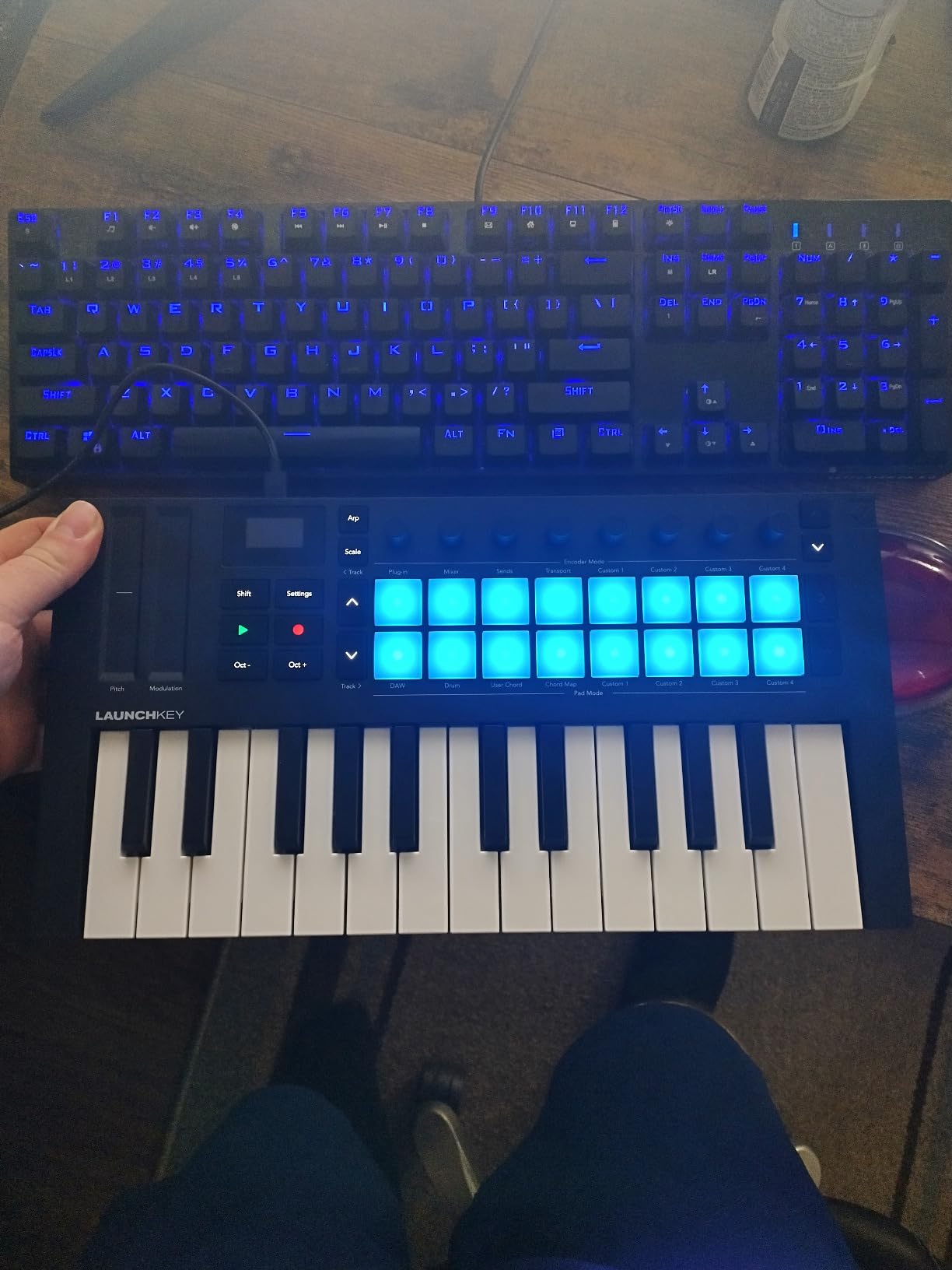
Scale Mode is one of those features I did not think I needed until I started using it. You select a key and scale, and the keyboard automatically maps only the correct notes. This is incredibly helpful when you are writing quickly and want to avoid clashing notes. Chord Mode takes it further by letting you trigger full chords from single keys or pads, which is great for building progressions fast.
The arpeggiator deserves special mention. It lets you create and mutate patterns in real time, with hold functions that keep the pattern running while you tweak other parameters. Combined with the eight knobs and modulation wheel, you have a lot of hands-on control without reaching for your mouse.
Who should buy the Novation Launchkey 49 MK4
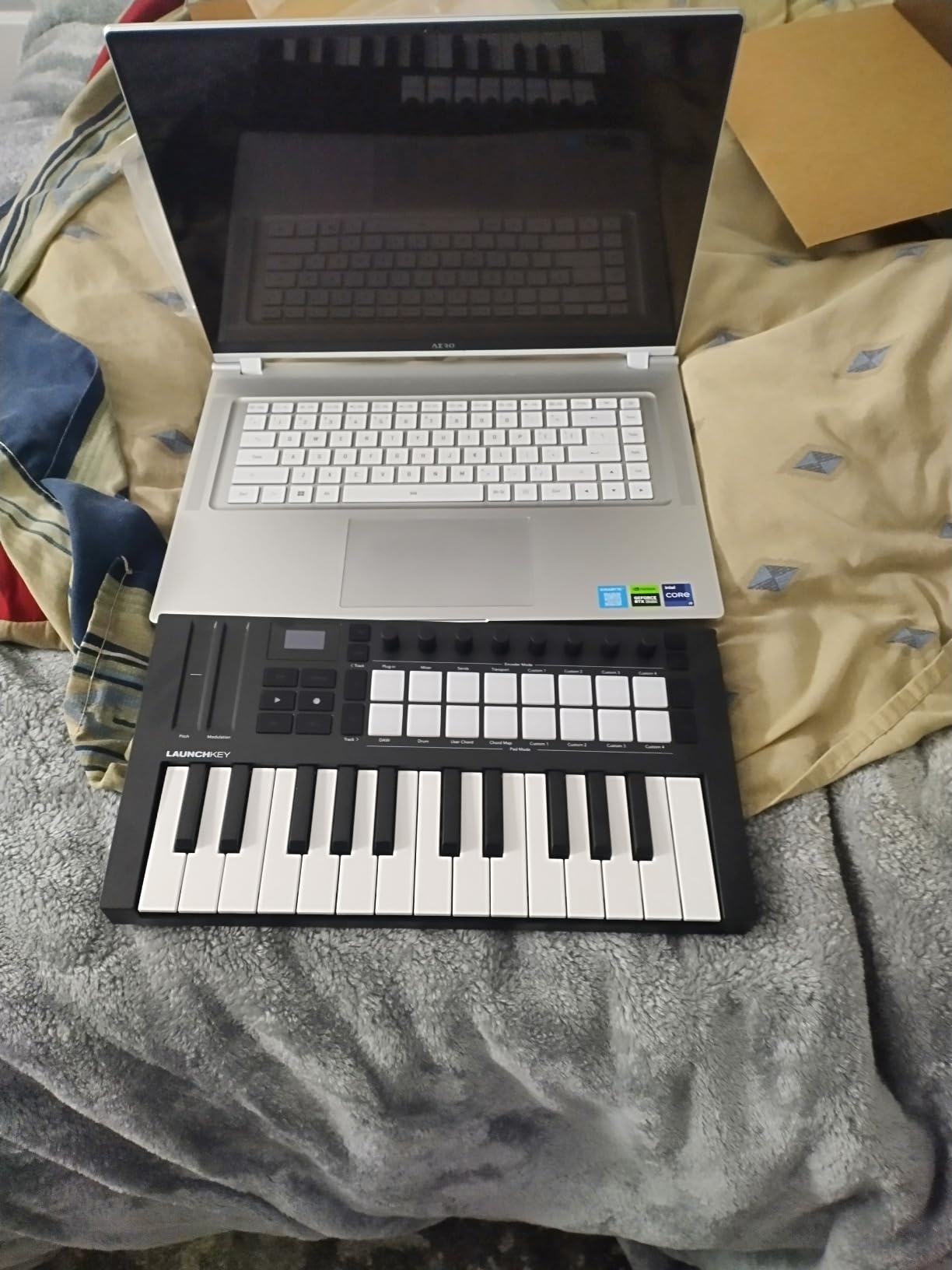
This keyboard is ideal for producers who work across multiple DAWs. It integrates seamlessly with Ableton Live, Logic Pro, Cubase, Reason, Reaper, FL Studio, and Ardour. If you produce in Ableton Live specifically, the integration is nearly flawless, with clip launch, scene navigation, and device control all mapped out of the box. It also works with Native Instruments software through NKS support.
Who should look elsewhere
If you exclusively use FL Studio, the FLkey 49 below offers deeper FL Studio-specific integration at a lower price. The Launchkey 49 MK4 also requires you to create multiple accounts to access all the bundled software, which can be annoying if you just want to start making music right away. Linux users have reported occasional connection issues that require replugging.
2. Arturia KeyLab 49 mk3 – Premium Build and Analog Lab Pro
Arturia KeyLab mk3 USB MIDI Keyboard Controller, 49 Key – White
49 Keys with Aftertouch
12 Pressure Pads
9 Encoders + 9 Faders
USB-C
Analog Lab Pro
Pros
- Premium build quality with solid chassis
- Balanced key feel between weight and sensitivity
- Analog Lab Pro software with extensive library
- 12 pressure-sensitive pads
- USB-C connectivity
Cons
- Keybed action may feel heavy for some players
- Black keys described as slippery by some users
- Navigation quirks with Back button
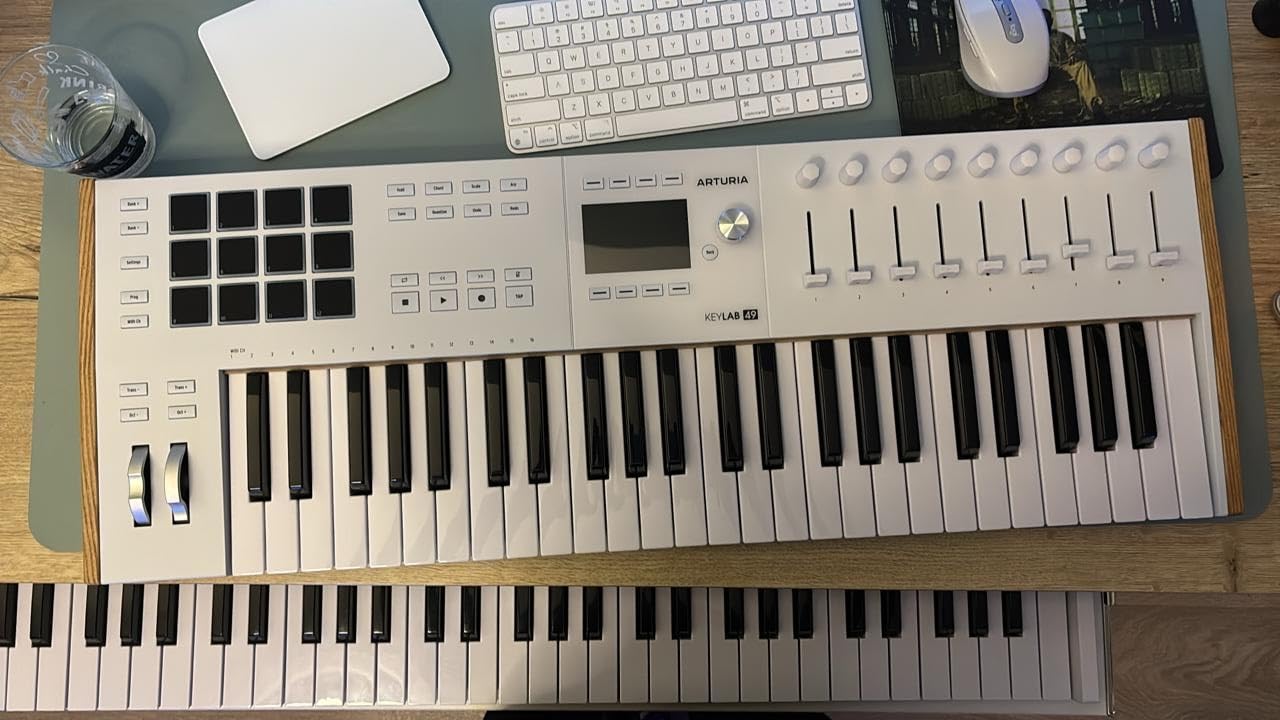
The Arturia KeyLab 49 mk3 sits at the premium end of the 49-key MIDI keyboard market, and the build quality immediately justifies the investment. The chassis feels rock solid with no flex or creaking. The keys strike a balance between weighted and responsive, though some players with a lighter touch may find them slightly heavier than expected. I appreciated the solid feel during long writing sessions.
One of the biggest selling points is the included Analog Lab Pro software. This gives you access to thousands of presets from Arturia’s virtual instrument collection, which alone could cost more than the keyboard if purchased separately. The 12 pressure-sensitive pads are great for finger drumming and launching clips, and the 9 encoders plus 9 faders give you detailed control over your mix and synth parameters.
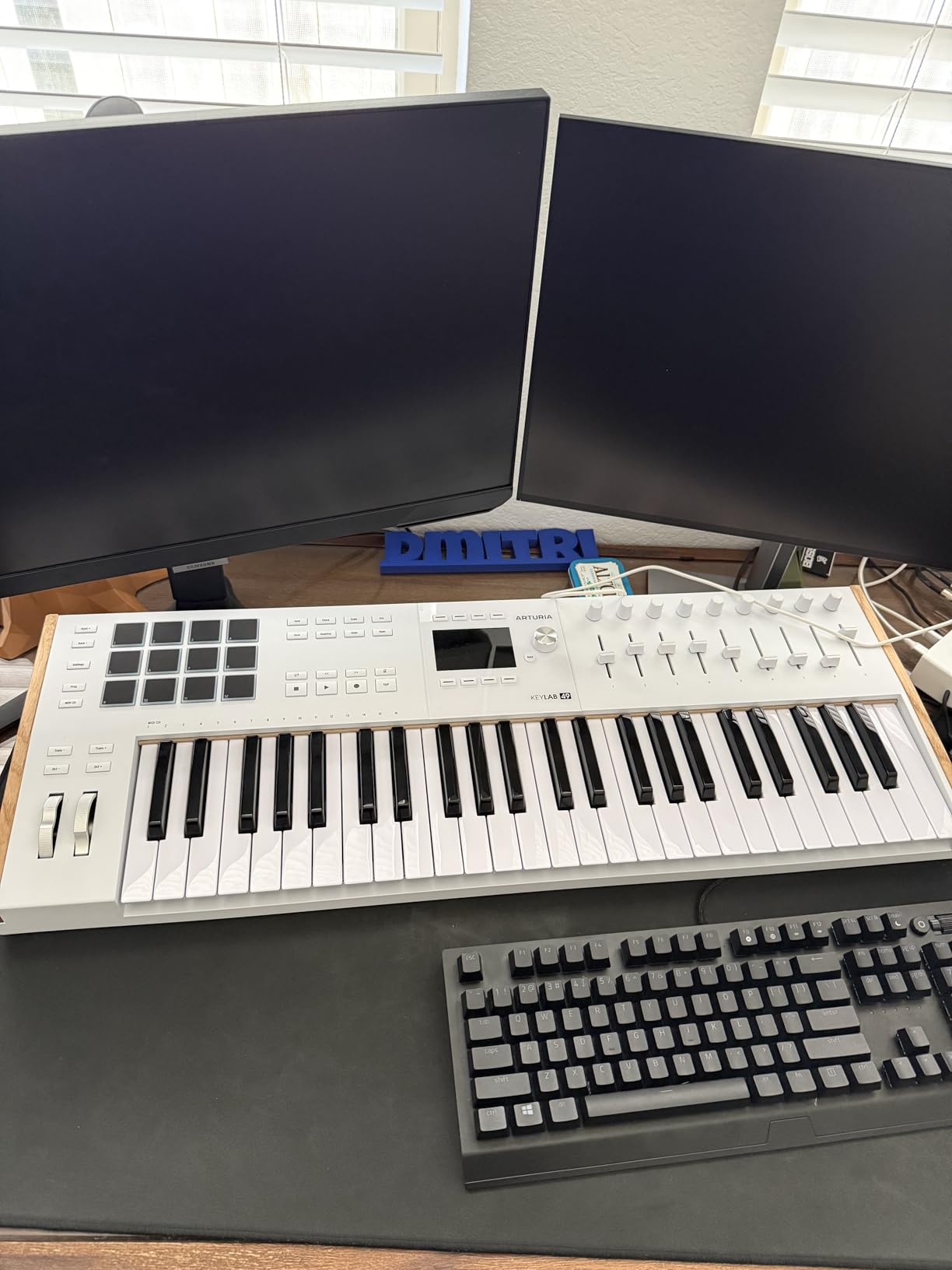
The USB-C connection is a welcome modern touch that many competitors still lack. It provides reliable power and data transfer through a single cable. DAW integration works well with major platforms, though I did notice some navigation quirks with the contextual Back button that can be confusing until you learn the logic behind it.
Users on forums consistently praise the KeyLab line for its rugged construction and professional feel. The keybed has enough weight to satisfy experienced players, though if you are used to organ-style synth action, it may take some adjustment. The white finish also looks striking in any studio setup.
Who should buy the Arturia KeyLab 49 mk3
This is the keyboard for serious producers who want premium build quality and a massive sound library included. If you already use or are interested in Arturia’s virtual instruments, the Analog Lab Pro bundle makes this an exceptional value. Studio owners who want a controller that looks and feels professional will appreciate the solid construction.
Who should look elsewhere
Beginners on a budget should consider the KeyLab Essential mk3 instead, which offers similar features at a lower price point. Players who prefer a lighter key action for fast synth runs and organ-style playing may find the keybed too heavy. If you need extensive pad banks for beat production, other options offer 16 pads instead of 12.
3. Novation FLkey 49 – Best 49 Key MIDI Keyboard for FL Studio
Novation FLkey 49 USB MIDI Controller Keyboard
49 Full-Size Keys
8 Pots + 9 Faders
Sequencer Mode
Scale & Chord Mode
FL Studio Integration
Pros
- Seamless FL Studio plug-and-play integration
- Sequencer Mode maps pads to step sequencer
- 9 faders for mixer control
- Scale and Chord modes included
- Great value for FL Studio users
Cons
- Velocity curve needs adjustment out of the box
- Automation pots limited to stock FL instruments
- Requires USB-A to USB-C adapter for newer Macs
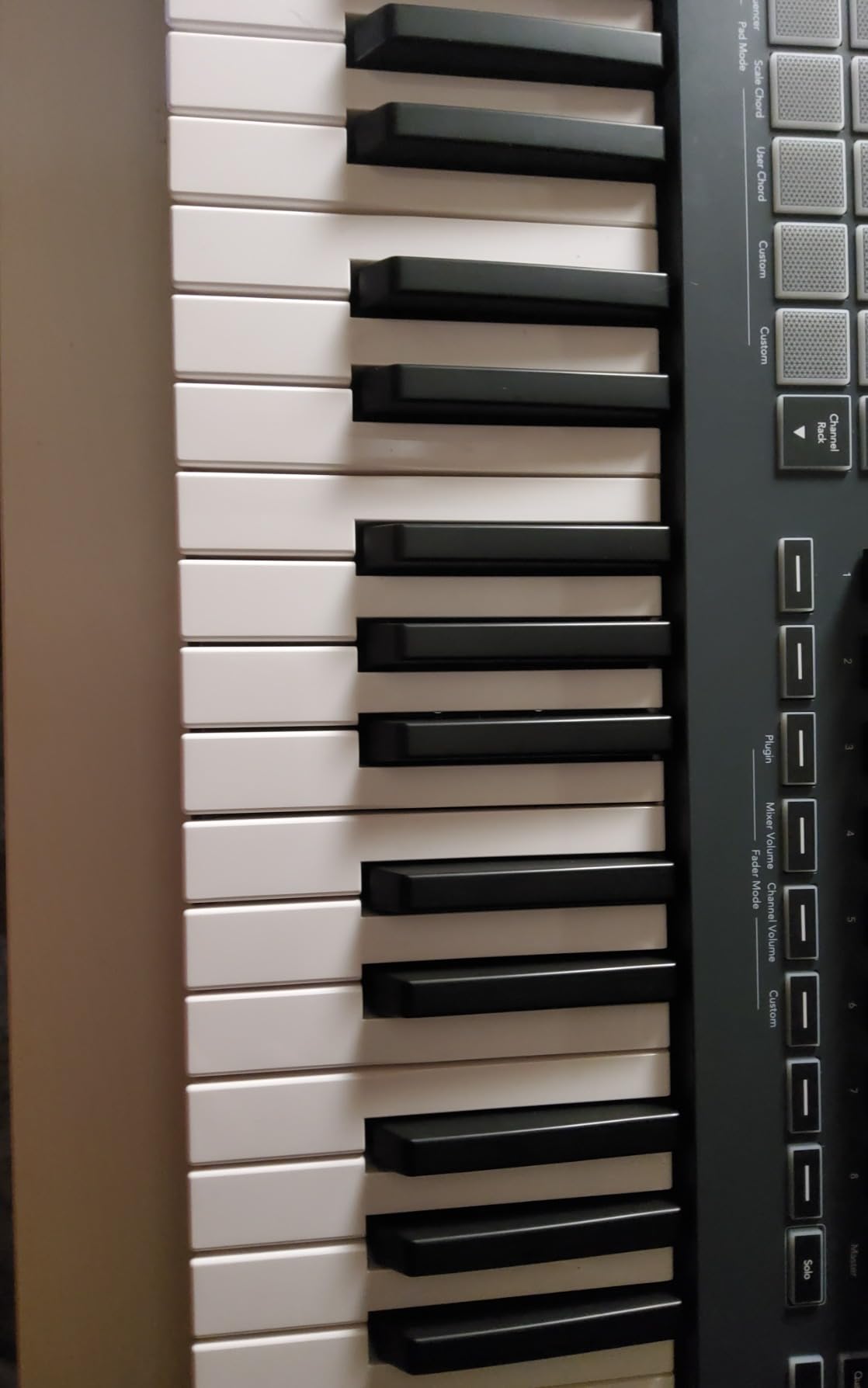
If FL Studio is your primary DAW, the Novation FLkey 49 is built specifically for you. I plugged it in and everything worked immediately without any mapping or configuration. The transport controls, mixer faders, channel rack knobs, and piano roll navigation all connect to FL Studio natively. This level of integration saves hours of setup time compared to generic MIDI controllers.
The Sequencer Mode is a standout feature that maps the 16 RGB pads directly to FL Studio’s step sequencer. You can program beats from the pads without touching your mouse, which changes your entire workflow. The 8 pots and 9 faders give you direct control over the FL Studio mixer, so you can adjust levels and pan without clicking through menus.
Scale Mode works the same way it does on the Launchkey, ensuring you only play notes that fit your chosen key. The three Chord modes let you trigger complex chord voicings from single keys, which is useful for producers who are not advanced keyboard players. The pads also trigger FPC and SliceX for slicing and rearranging audio samples.
The build quality is solid for the price, with a sturdy plastic housing that feels like it can handle regular studio use. At 6.77 pounds, it is light enough to move around but heavy enough to stay put on your desk. The one downside is that the velocity curve feels a bit off out of the box, so you will likely want to spend a few minutes adjusting it in FL Studio’s MIDI settings.
Who should buy the Novation FLkey 49
FL Studio users who want zero-config integration should grab this keyboard immediately. The dedicated mixer controls, sequencer pad mapping, and transport buttons all work specifically with FL Studio, making your workflow significantly faster. It is also a strong value considering the included software and deep feature set.
Who should look elsewhere
If you use any DAW other than FL Studio, look at the Novation Launchkey 49 MK4 instead, since the FLkey is specifically designed for FL Studio. Producers who need extensive third-party plugin automation may find the pot limitations frustrating. Mac users with USB-C-only ports will need to purchase an adapter separately.
4. Arturia KeyLab Essential mk3 49 – Best Software Bundle Value
Arturia KeyLab Essential mk3 — 49 Key USB MIDI Keyboard Controller with Analog Lab V Software Included
49 Synth-Action Keys
8 RGB Pads
9 Faders + 9 Encoders
2.5 inch LCD
Analog Lab V
Pros
- Quality Fatar keybed with excellent feel
- Analog Lab V with 2000 presets worth $400+
- Bright 2.5 inch LCD display
- Custom DAW scripts for 5 major DAWs
- Includes UVI Model D and NI The Gentleman pianos
Cons
- Software installation and configuration can be daunting
- No polyphonic aftertouch
- USB-C port not included
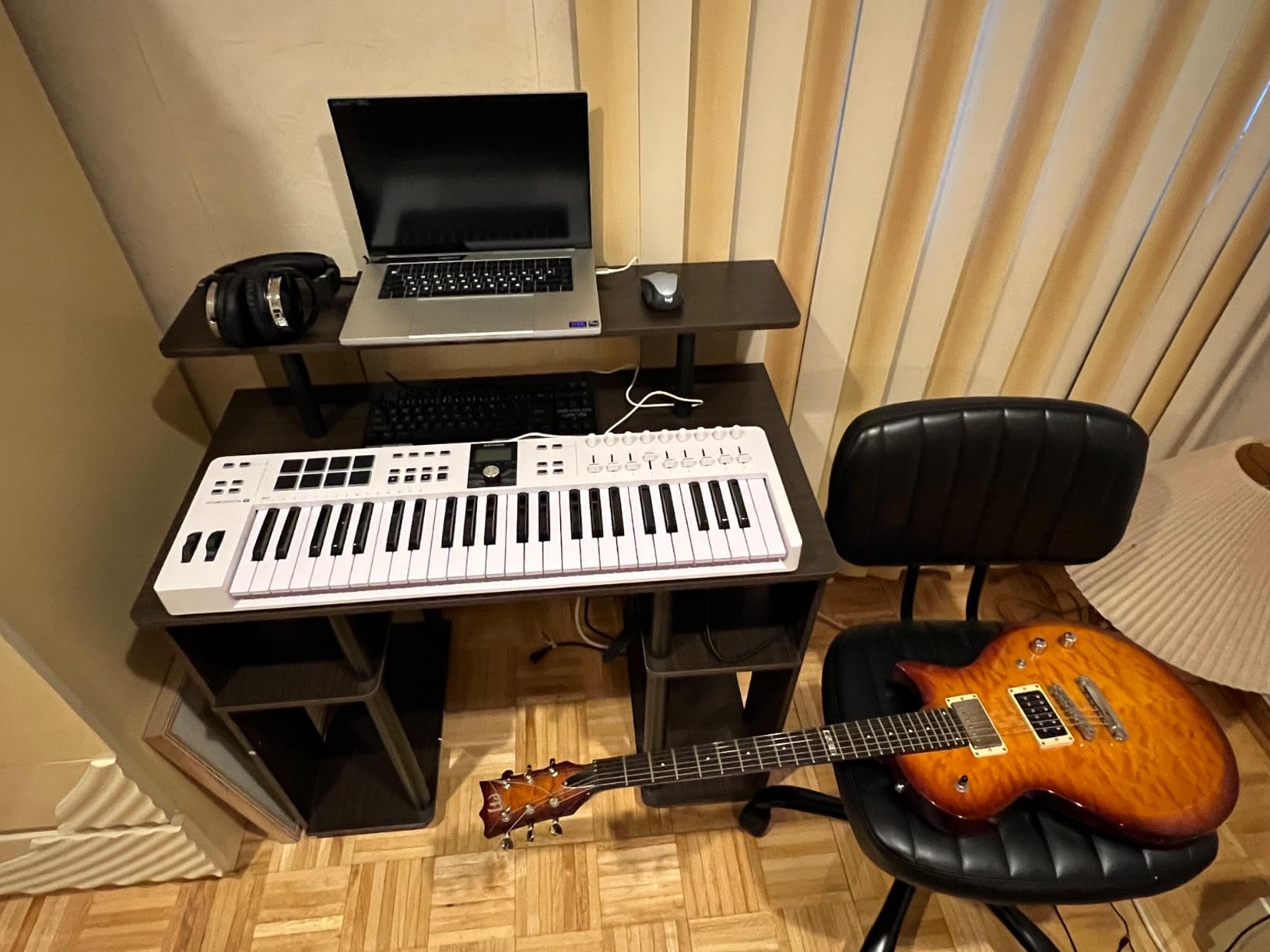
The Arturia KeyLab Essential mk3 49 punches well above its weight class, mostly because of the incredible software bundle. Analog Lab V alone contains over 2,000 presets from Arturia’s legendary virtual instrument collection. Add in UVI Model D and Native Instruments The Gentleman pianos, plus subscriptions to Loopcloud and Melodics, and you are getting hundreds of dollars worth of software with the keyboard.
The keybed uses Fatar components, which is the same brand found in much more expensive controllers. The synth-action keys feel responsive and accurate, with good velocity sensitivity across the entire range. I was impressed by how natural the keys felt compared to other controllers in this price range. The pitch bend and modulation wheels also have a smooth, premium feel.
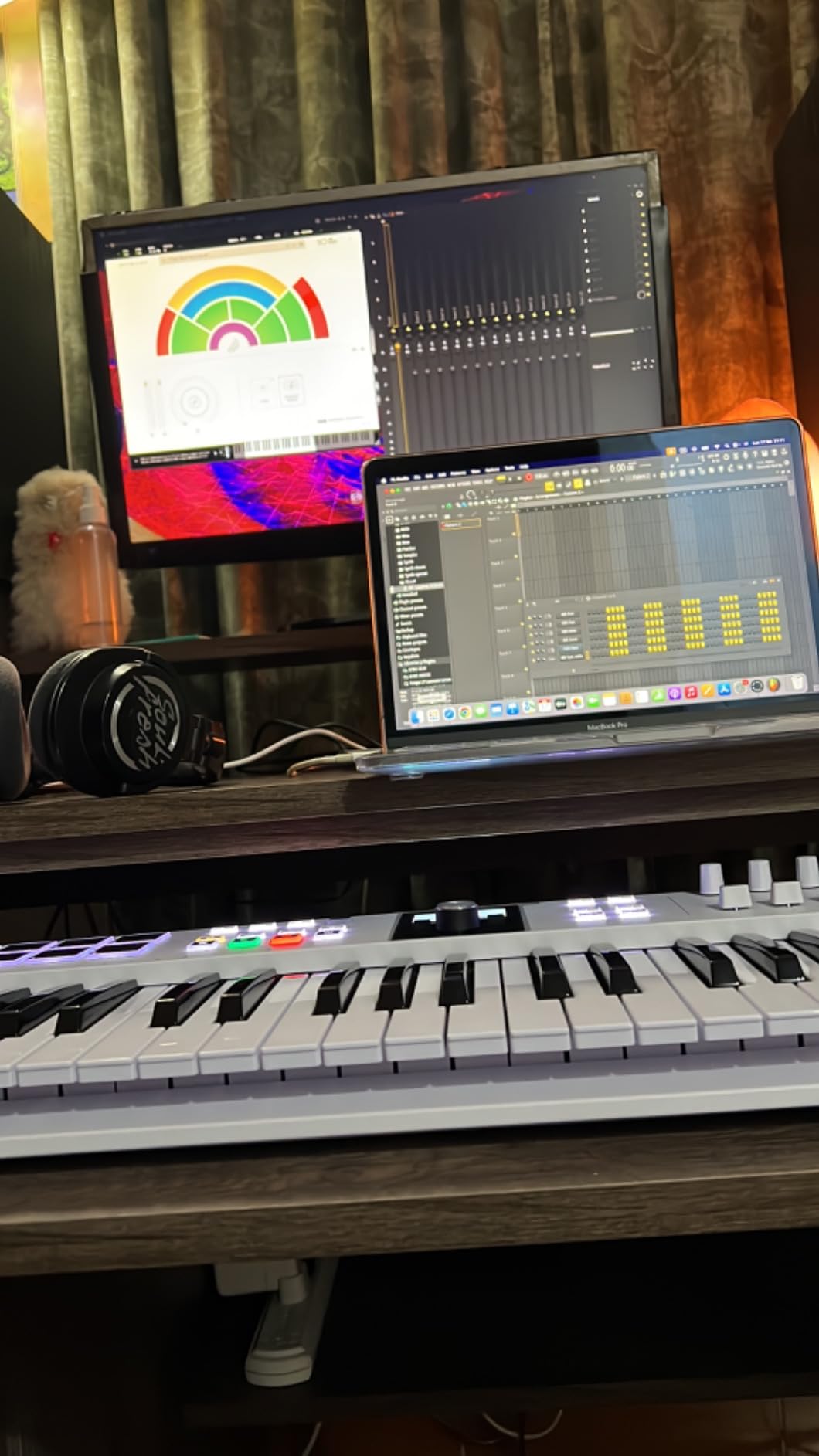
The 2.5-inch LCD display is a genuine productivity booster. It shows you parameter names, values, and DAW information contextually, so you always know what you are adjusting without looking at your computer screen. The 8 RGB-backlit pads respond to both velocity and pressure, making them suitable for expressive finger drumming and clip launching.
DAW integration covers Ableton Live, Logic Pro X, FL Studio, Cubase, and Bitwig through custom scripts. Users report particularly strong integration with Akai Force and MPC series, as well as Roland grooveboxes. The Scale Mode, Chord Mode, and arpeggiator round out the creative tools nicely.
Who should buy the Arturia KeyLab Essential mk3
Producers who want maximum software value should start here. The Analog Lab V collection is genuinely useful, and the Fatar keybed delivers a playing experience that rivals more expensive controllers. This is also a great pick for anyone who uses multiple DAWs, since the custom scripts cover all the major platforms.
Who should look elsewhere
If you need polyphonic aftertouch for expressive playing, you will need to step up to the premium KeyLab 49 mk3. The software setup process is involved and requires multiple downloads and account creations, which may frustrate users who want a simple plug-and-play experience. The lack of USB-C is also a downside for modern setups.
5. M-Audio Oxygen Pro 49 – Best Value 49 Key MIDI Controller
M-AUDIO Oxygen Pro 49 USB MIDI Keyboard Controller
49 Semi-Weighted Keys with Aftertouch
16 RGB Pads
8 Knobs + 9 Faders
5-Pin MIDI Out
NKS Integration
Pros
- Superior build quality for the price
- 49 semi-weighted keys with aftertouch
- 16 RGB backlit pads very responsive
- NKS integration with Komplete 15 Select
- Smart Chord and Smart Scale modes
Cons
- Software setup is not truly plug-and-play
- Tempo sync issues with Logic Pro
- Drum pad programming in Logic can be cumbersome
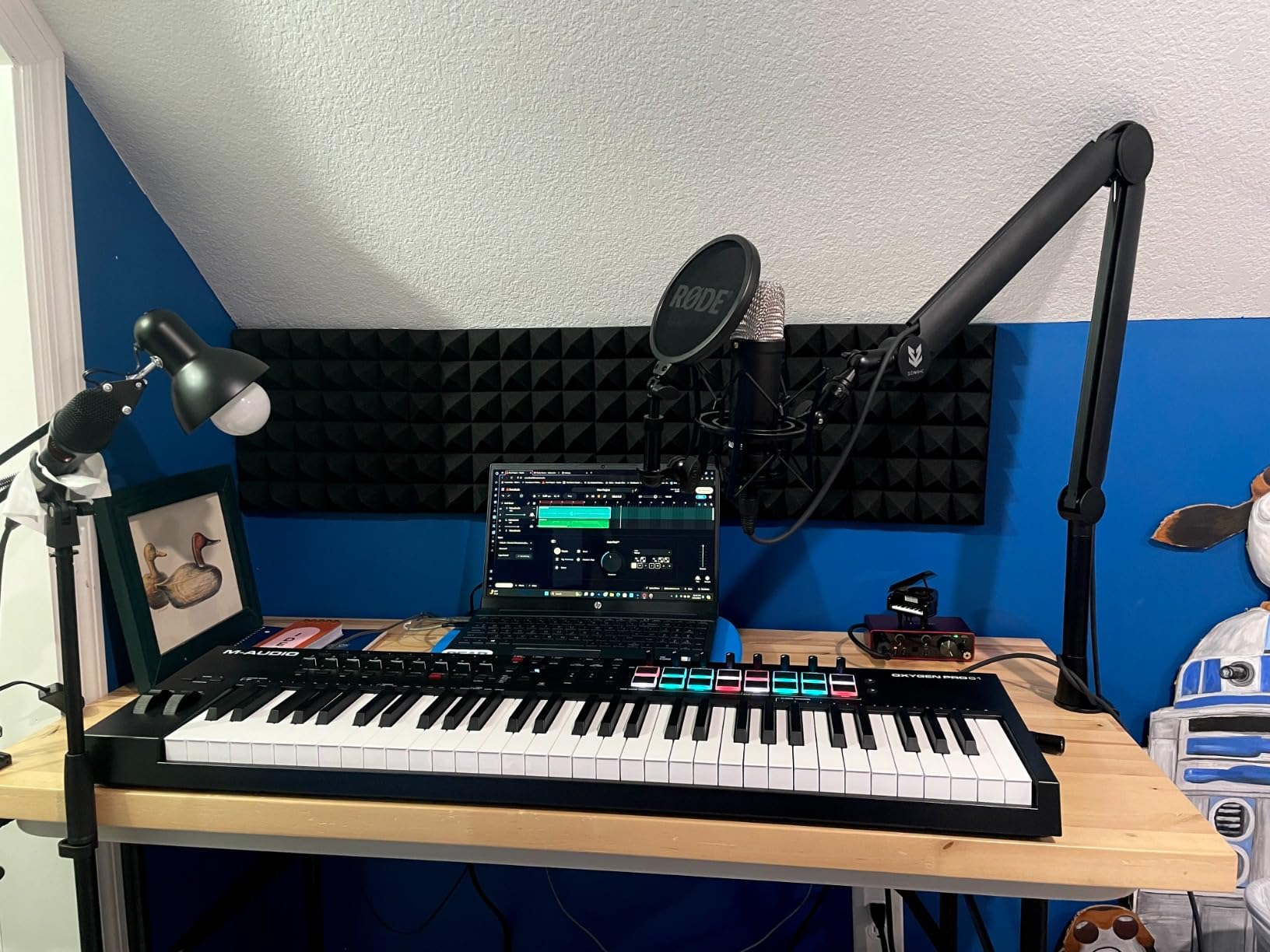
The M-Audio Oxygen Pro 49 delivers an impressive amount of features for the price. I was surprised by how solid it feels in hand, with a sturdy housing that does not flex or creak. The semi-weighted keys with aftertouch give you expressive control that is usually reserved for more expensive controllers. Playing sustained synth leads and adjusting filter cutoffs through aftertouch adds a layer of expression that flat keyboards simply cannot match.
The 16 RGB backlit pads are among the most responsive I have tested in this price range. They pick up ghost notes and subtle velocity changes accurately, which makes them suitable for detailed beat production. The Note Repeat feature is a welcome addition for trap hi-hats and electronic percussion patterns.
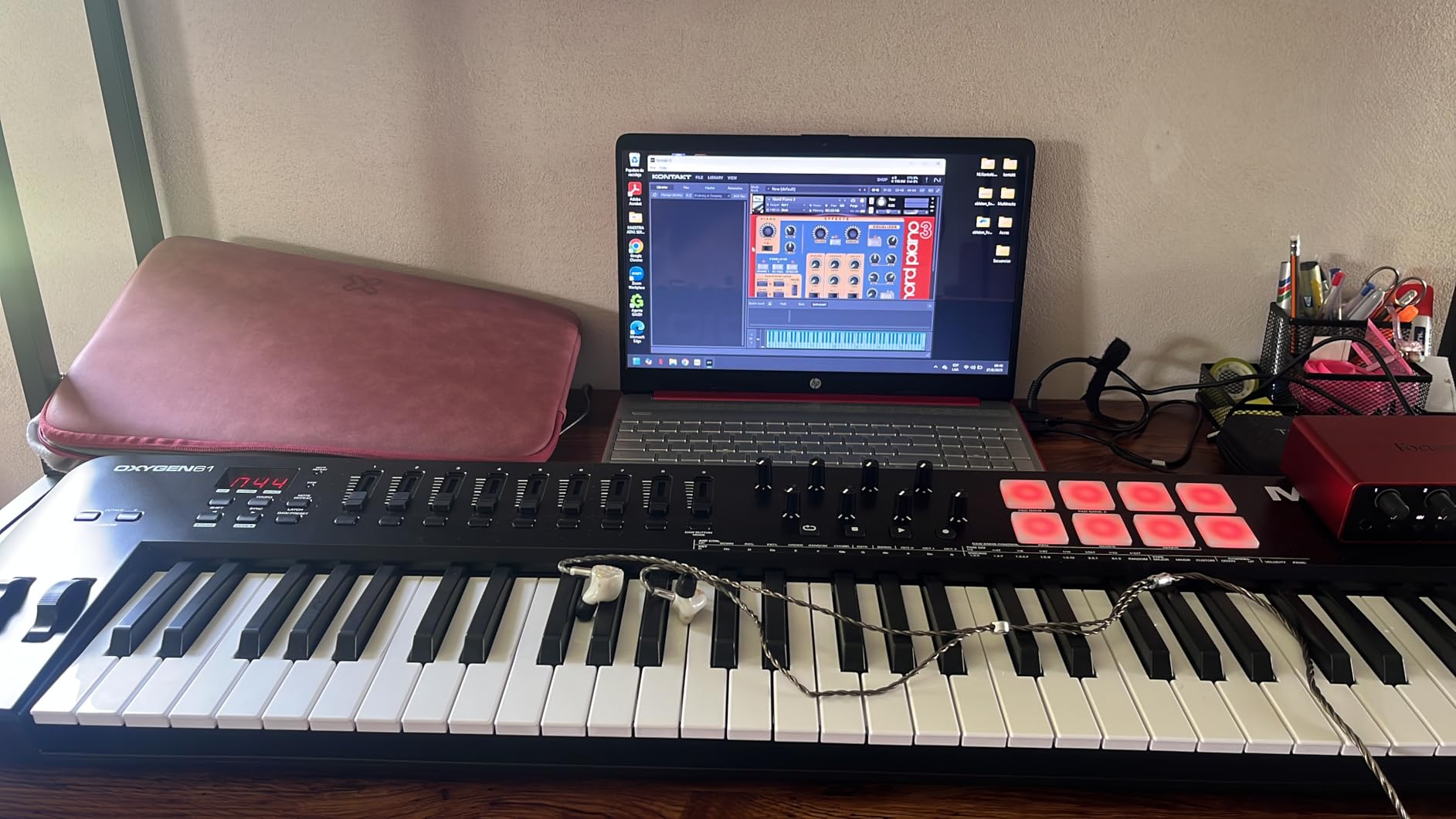
NKS integration with Native Instruments is a big deal if you use Komplete or Kontakt. You can choose from three different Komplete 15 Select bundles (Beats, Band, or Electronic) when you register, which adds significant value to an already well-equipped package. The 8 assignable knobs and 9 assignable faders give you plenty of hands-on control for mixing and sound design.
The Smart Chord and Smart Scale modes work similarly to Novation’s implementation, keeping your notes in key and letting you play full chords from single keys. The built-in arpeggiator adds creative potential for melodic parts. The 5-pin MIDI output is a bonus for anyone who wants to control hardware synthesizers alongside their software instruments.
Who should buy the M-Audio Oxygen Pro 49
This is the best choice for producers who want semi-weighted keys, aftertouch, and NKS integration without paying premium prices. The combination of build quality, features, and the included Komplete 15 Select bundle makes it one of the strongest values in the 49-key MIDI keyboard category. It works well with Ableton, FL Studio, Reaper, and Bitwig.
Who should look elsewhere
Logic Pro users may experience tempo synchronization issues and cumbersome drum pad programming. The software setup process requires patience and is not truly plug-and-play, so if you want something that works instantly out of the box, the Keystation 49 MK3 or Nektar controllers are simpler options. Some users have reported inconsistent aftertouch response on certain units.
6. M-Audio Oxygen 49 MKV – Solid Mid-Range MIDI Controller
M-AUDIO Oxygen 49 MKV USB MIDI Keyboard Controller
49 Velocity-Sensitive Keys
16 Drum Pads
8 Knobs + 9 Faders
NKS Integration
Smart Chord & Scale
Pros
- NKS integration with Native Instruments
- 16 backlit drum pads with Note Repeat
- 8 knobs and 9 faders for MIDI control
- Smart Chord and Smart Scale modes
- Complete software package included
Cons
- Keys may feel cheaper than competitors
- No speakers requires computer connection
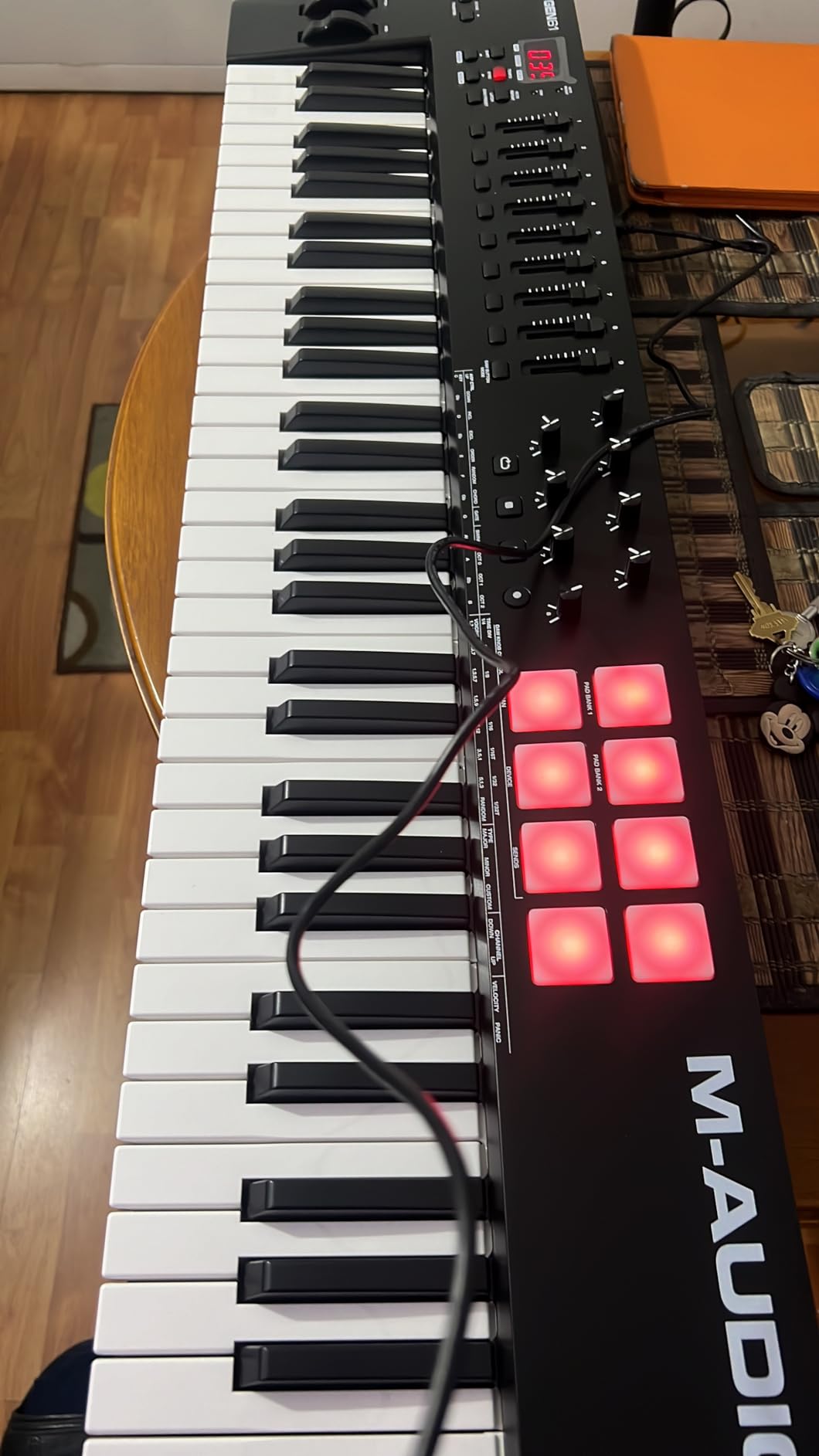
The M-Audio Oxygen 49 MKV sits in the middle of the M-Audio lineup, offering more features than the basic Keystation but at a lower price than the Oxygen Pro. I found it to be a reliable workhorse for everyday production tasks. The 49 velocity-sensitive keys respond well to dynamics, though they do have a lighter, synth-action feel that some users have described as slightly cheap compared to semi-weighted alternatives.
Where this keyboard shines is in its control surface. The 8 assignable knobs and 9 assignable faders give you tactile control over your DAW mixer, synth parameters, and effects. The 16 backlit drum pads (arranged in 2 banks of 8) support Note Repeat for rhythmic patterns. NKS integration means you can browse Native Instruments presets directly from the keyboard.
The Smart Chord and Smart Scale modes are genuinely useful creative tools. Smart Chord lets you trigger full chords from single keys, while Smart Scale constrains your playing to the correct notes in your chosen key. The arpeggiator adds another creative dimension. Combined with the included MPC Beats, Ableton Live Lite, and AIR Music Tech virtual instruments, you have a complete production package.
At 6.7 pounds, the Oxygen 49 MKV has enough weight to stay stable on your desk without being cumbersome to move. The plug-and-play setup works smoothly on both Mac and Windows. Users consistently rate it highly for DAW integration and auto-mapping features, with a 92 percent positive rating across nearly 1,000 reviews.
Who should buy the M-Audio Oxygen 49 MKV
Intermediate producers who want pads, knobs, and faders in one package will find this controller hits the mark. The NKS integration and included software make it a complete production tool right out of the box. It works well for beat makers who need pads for finger drumming alongside keys for melodies.
Who should look elsewhere
If key feel is your top priority, the Oxygen Pro 49 offers semi-weighted keys and aftertouch for a reasonable step up in price. Players who want a more premium playing experience should consider the Arturia KeyLab Essential or the Novation Launchkey. The lighter synth-action keys on this model may not satisfy experienced pianists.
7. Nektar Impact LX49+ – Budget Controller with DAW Integration
Nektar Impact LX49+ USB MIDI Controller Keyboard with Nektar DAW Integration,Dark Grey
49 Synth-Action Keys
8 Drum Pads
9 Faders + 8 Knobs
DAW Integration
Bitwig 8-Track
Pros
- Comprehensive DAW integration across major platforms
- 8 hyper-sensitive drum pads
- 9 faders and 8 knobs for full control
- Includes Bitwig Studio 8-track DAW
- Solid build quality at budget price
Cons
- Bitwig software has loading issues on some computers
- VST controls require manual mapping for some DAWs
The Nektar Impact LX49+ has been a popular budget choice for years, and it is easy to see why. Nektar built their reputation on DAW integration, and this controller delivers deep mapping for most major platforms without requiring additional software. I tested it with Reaper and Studio One, and the mixer and instrument modes worked right away.
The 49 synth-action keys have good velocity sensitivity, though they are not semi-weighted. For the price, the feel is acceptable and certainly better than many ultra-budget options. The 8 backlit drum pads are described by Nektar as hyper-sensitive, and they do respond well to light touches. You get 9 faders and 8 knobs, which is generous for this price range.
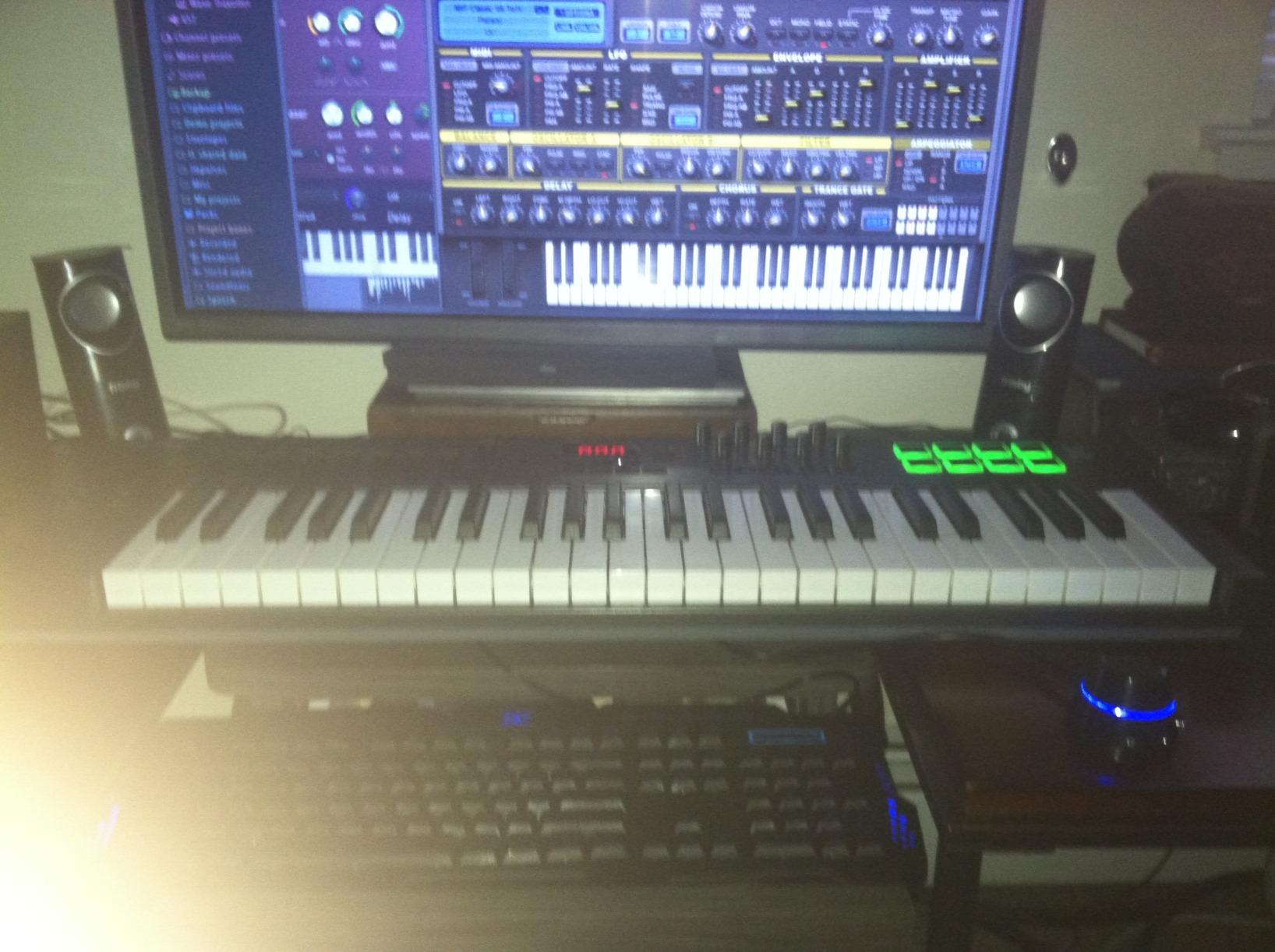
The included Bitwig Studio 8-track DAW adds real value, though some users report difficulty getting it to load on certain systems. Nektar also includes 5 Cherry Audio synth and effect plugins, which are genuinely useful. The transport buttons, octave and transpose controls, and sustain pedal input cover the essential functions most producers need.
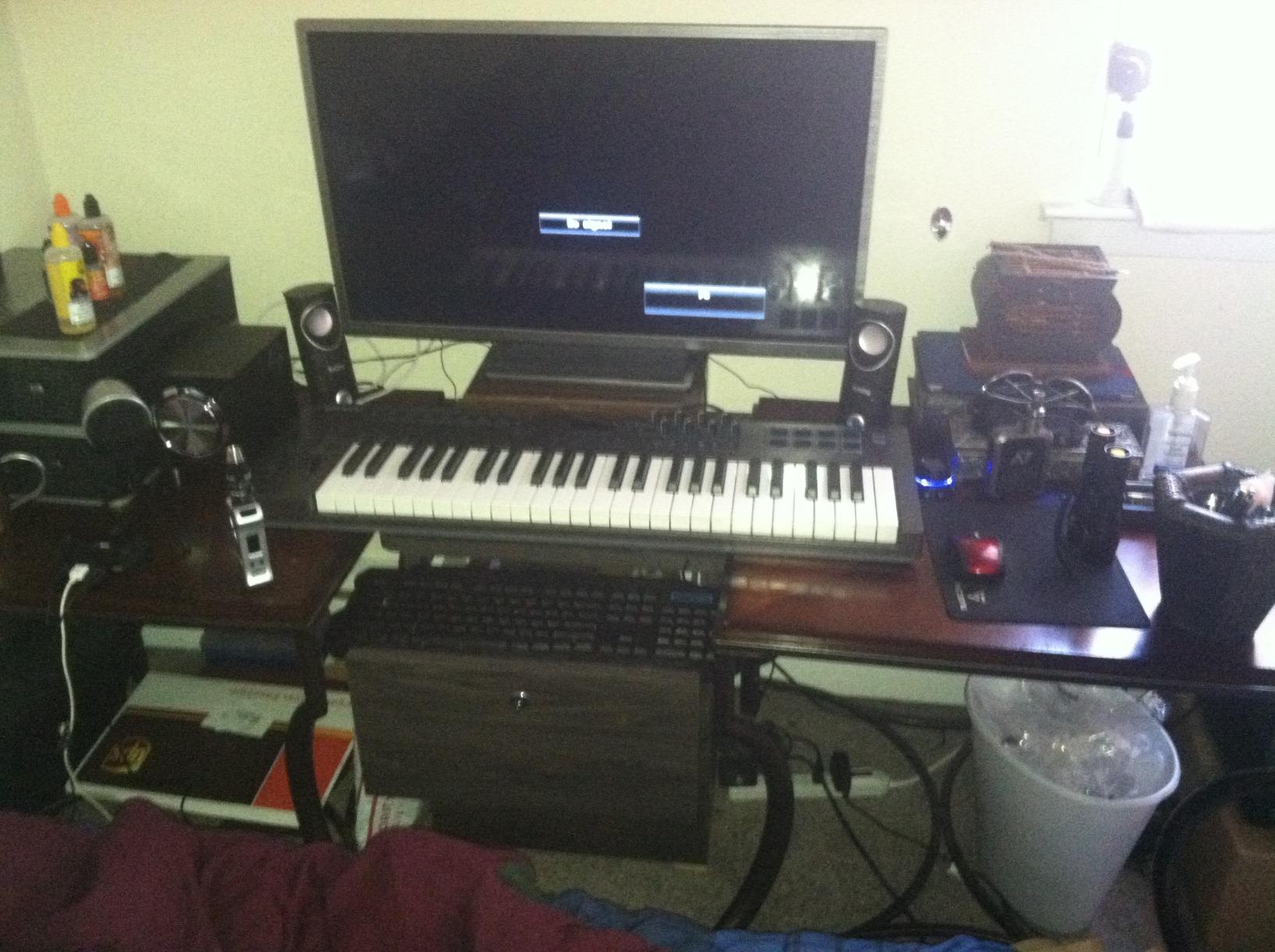
At just over 7 pounds, the LX49+ is solidly built without being heavy. It sits firmly on a desk during energetic playing sessions. The mixer and instrument control modes let you switch between controlling your DAW mixer and adjusting synth parameters without remapping anything. It is a straightforward, no-nonsense controller that gets the job done.
Who should buy the Nektar Impact LX49+
Producers who want full-size faders, knobs, and pads on a budget should put this at the top of their list. The DAW integration is excellent, especially with PreSonus Studio One, Reaper, and Bitwig. It is also a good secondary controller for studios that need a backup or travel keyboard.
Who should look elsewhere
If you want semi-weighted keys or aftertouch, you will need to spend more on the Oxygen Pro 49 or Launchkey 49 MK4. The included Bitwig software can be problematic to install on some systems, so do not count on it as your primary DAW. Users who need 16 pads for extensive beat production will find the 8 pads limiting.
8. M-Audio Keystation 49 MK3 – Best Budget 49 Key MIDI Keyboard
M-AUDIO Keystation 49 MK3 USB MIDI Controller
49 Velocity-Sensitive Keys
Volume Fader
Pitch & Mod Wheels
USB Plug-and-Play
iOS Compatible
Pros
- Excellent value for money
- Plug-and-play USB connection
- Compact and lightweight at 4.8 lbs
- iOS compatible via Camera Adapter
- Includes MPC Beats and Ableton Live Lite
Cons
- Software setup can be confusing on Windows
- Keys may feel stiff for piano players
- No drum pads or additional controls
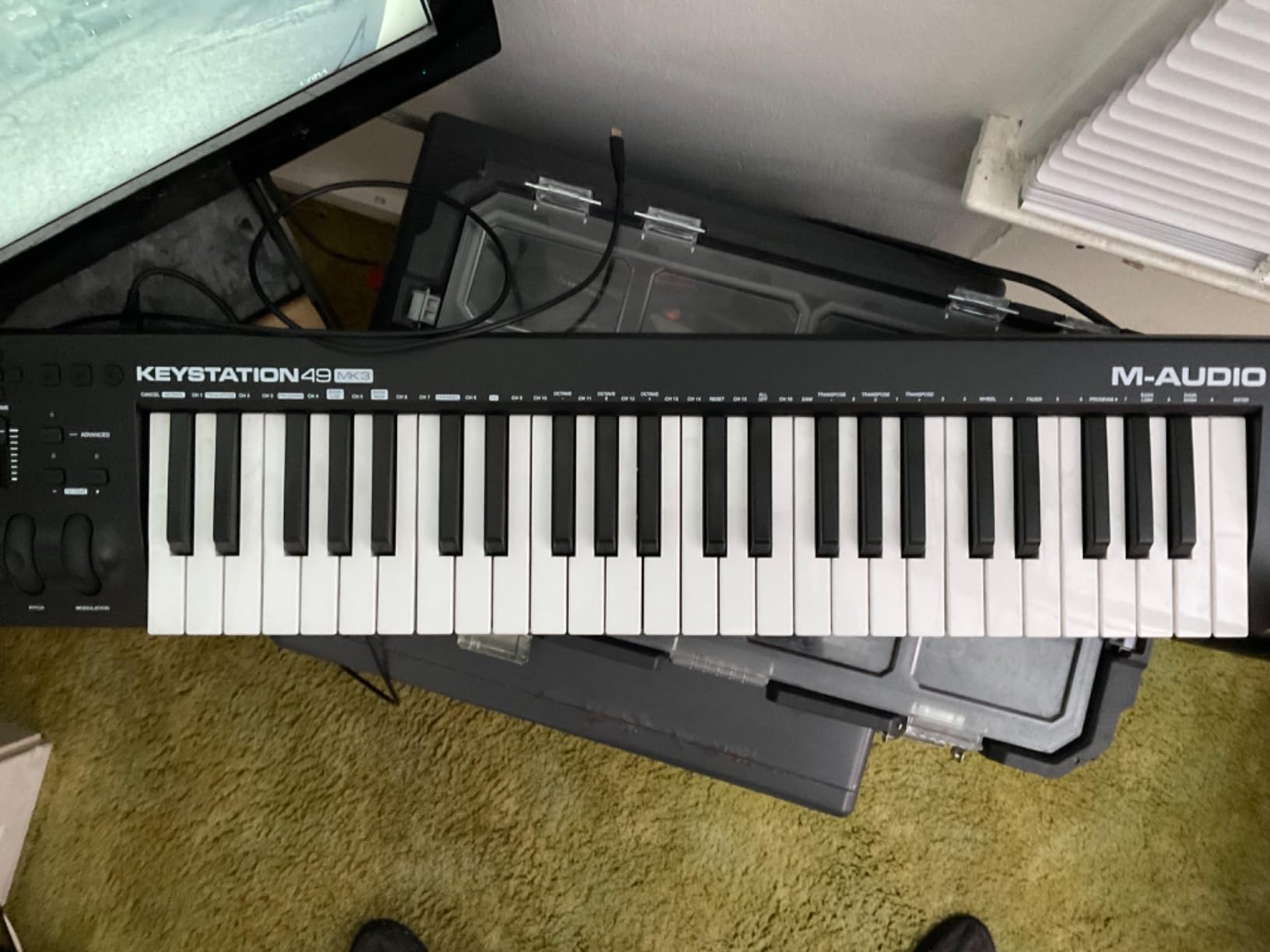
The M-Audio Keystation 49 MK3 is the keyboard I recommend most often to beginners and anyone who just needs keys without extra frills. It does exactly what a MIDI keyboard should do: it sends note data to your computer reliably and accurately. With over 6,600 reviews and a 4.6-star rating, it has proven itself to thousands of users.
The 49 full-size velocity-sensitive keys have a synth-action feel. They are not weighted, but they respond well to velocity changes and work fine for most production tasks. At just 4.8 pounds, this is one of the lightest 49-key controllers you can buy. It fits easily on any desk, in a backpack, or on a small studio stand.
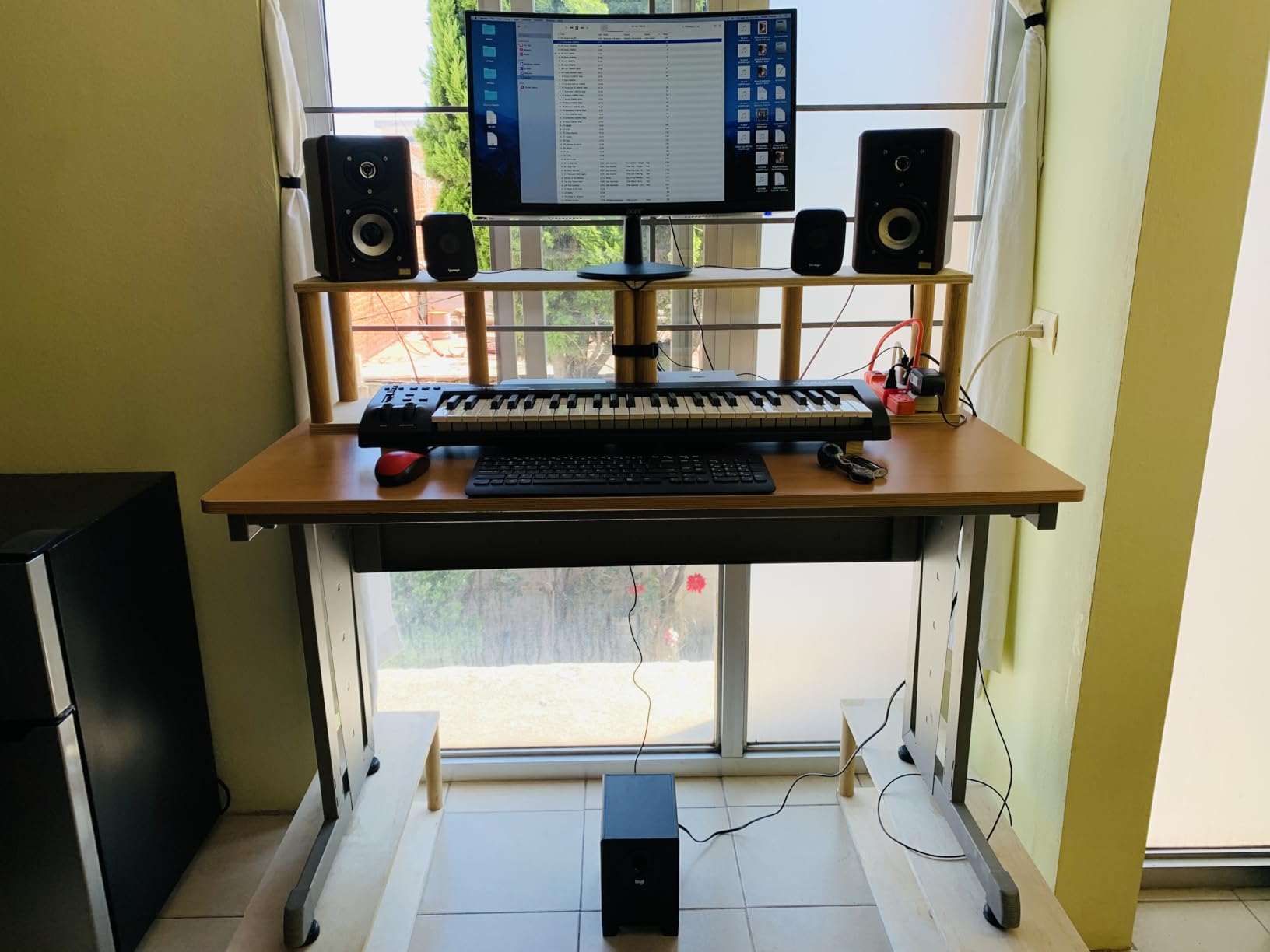
The simplicity is actually a strength. You get a volume fader, pitch bend and modulation wheels, octave up and down buttons, and a sustain pedal input. That is it. No pads, no knobs, no faders to configure. You plug it in via USB and it works. For producers who already have a pad controller or who prefer to use their mouse for everything except playing notes, this stripped-down approach is ideal.
The included software bundle adds real value. MPC Beats gives you a full beat-making environment, and Ableton Live Lite is a capable introduction to one of the most popular DAWs. You also get several AIR Music Tech virtual instruments and free piano lessons from Skoove and Melodics. It even works with iOS devices when paired with an Apple Camera Adapter.
Who should buy the M-Audio Keystation 49 MK3
Beginners who want an affordable entry point into MIDI keyboard controllers should start here. It is also great for producers who already own pad controllers and just need a simple keyboard for playing parts. The iOS compatibility makes it a versatile option for mobile music production setups. Users on Reddit consistently describe it as providing amazing value at this price.
Who should look elsewhere
If you need drum pads, knobs, or faders built into your keyboard, look at the Oxygen 49 MKV or Oxygen Pro 49 instead. Piano players who are used to weighted keys may find the synth-action too light and unresponsive for serious practice. Windows users should be prepared for some potential software configuration hurdles during setup.
9. Nektar Impact GX49 – Ultra-Compact 49 Key Controller
Nektar Impact GX49 | USB MIDI Controller Keyboard with Nektar DAW Integration Black
49 Synth-Action Keys
Pitch & Mod Wheels
DAW Integration
USB Powered
Bitwig 8-Track
Pros
- Excellent value and compact footprint
- Good key feel with velocity sensitivity
- Comprehensive DAW integration
- Plug-and-play setup
- Includes Bitwig Studio 8-track DAW
Cons
- Keys can feel spongy when fully engaged
- Transport controls do not work in Ableton Live out of the box
- No drum pads or additional controllers
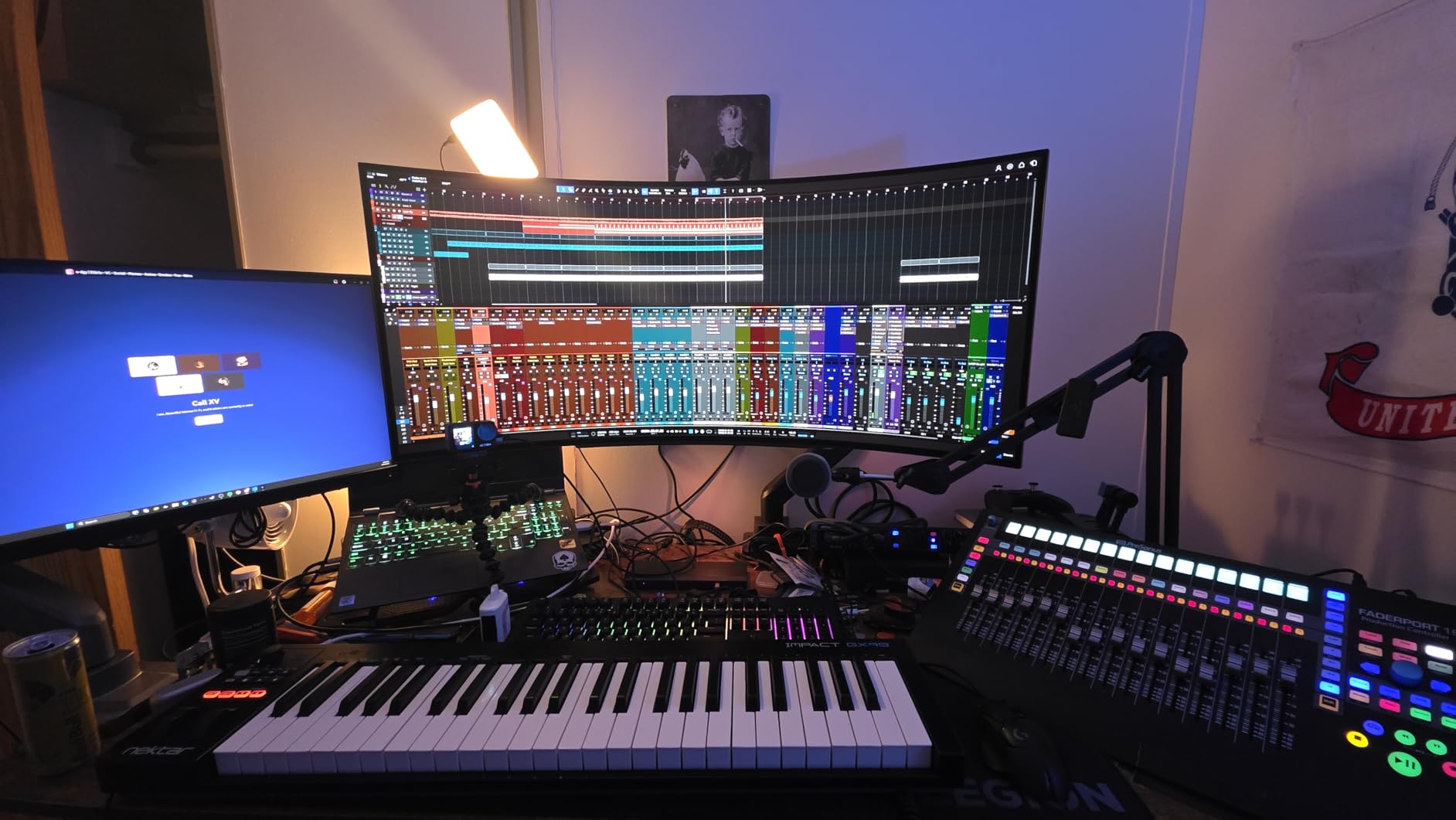
The Nektar Impact GX49 takes a minimalist approach similar to the M-Audio Keystation, but adds Nektar’s signature DAW integration. At just 4 pounds, it is one of the lightest and most compact 49-key controllers available. I found it fits comfortably on a crowded desk where other controllers would not, making it a practical choice for small studio spaces.
The 49 synth-action keys have decent velocity sensitivity. They are not semi-weighted, but they respond well enough for most production and recording tasks. Some users note that the keys can feel slightly spongy when pressed all the way down, which is a common characteristic of budget synth-action keybeds. For writing melodies and laying down basic parts, it works well.
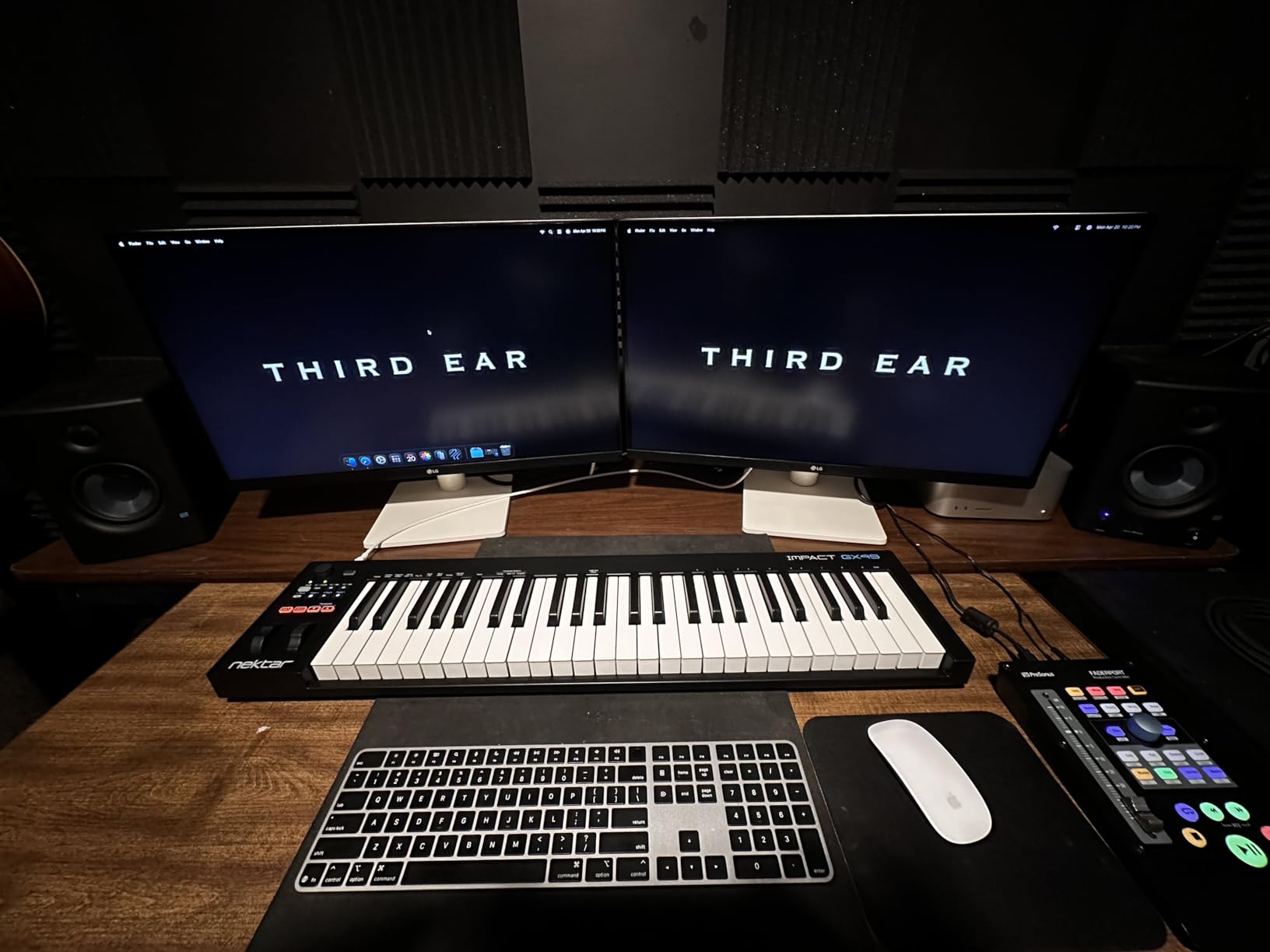
Nektar’s DAW integration is the main reason to choose this over the similarly-priced M-Audio Keystation. The transport buttons, octave and transpose controls, and MIDI functionality are pre-mapped for most popular DAWs. The trade-off is that transport controls do not work with Ableton Live without additional configuration, which is frustrating for Ableton users.
The included Bitwig Studio 8-track DAW and sound content package add value. For producers who are just getting started and do not already own a DAW, this gives you a complete production environment. The GX49 is USB powered with no need for an external adapter, keeping your setup clean and portable.
Who should buy the Nektar Impact GX49
Producers working in tight spaces will appreciate the compact footprint. It is also a strong pick for anyone who wants Nektar DAW integration on a budget, particularly if you use Reaper, Studio One, or Bitwig. The ultra-light weight makes it a good travel keyboard for producers who produce on the go.
Who should look elsewhere
Ableton Live users should look at the Nektar LX49+ or the Novation Launchkey for better out-of-the-box integration. If you need any kind of pads, knobs, or faders, the GX49 has none of these. The spongy key feel may also bother players who are particular about key action quality. The M-Audio Keystation 49 MK3 offers a similar feature set with wider software compatibility.
10. Roland A-49 – Premium Key Feel in a Minimalist Package
Roland Lightweight 49-Key MIDI Keyboard Controller, black (A-49-BK)
49 Full-Size Keys
D-BEAM Controller
2 Knobs + 2 Switches
USB Bus Powered
MIDI Out
Pros
- Premium key feel comparable to high-end controllers
- Lightweight and compact design at 6 lbs
- D-BEAM controller for unique expression
- USB bus powered
- Excellent build quality
Cons
- Only 2 knobs - minimal controls
- Driver software described as problematic
- Mac setup requires special procedure
- Mod stick has coarse resolution
The Roland A-49 is a niche product that prioritizes key feel above everything else. If you have ever played a Roland keyboard, you know they have a reputation for quality keybeds, and the A-49 continues that tradition. The keys feel solid, responsive, and professional, easily comparable to controllers that cost twice as much. This is the keyboard you buy when the playing experience matters more than the feature list.
Feature-wise, the A-49 is extremely minimal. You get two knobs, two switches, pitch bend and modulation, and the unique D-BEAM controller. The D-BEAM is an infrared sensor that lets you control parameters by moving your hand above it, which is fun for live performance and creates effects that are difficult to achieve with traditional controls. Beyond that, there are no pads, no faders, and no screen.
The build quality is excellent. Roland has been making professional keyboards for decades, and their manufacturing expertise shows in the solid construction and attention to detail. At 6 pounds, it is light enough for portable use but has enough substance to feel stable during intense playing. The USB bus power means you do not need an external adapter.
The main drawback is the software experience. Multiple users describe the driver software as terrible, and setting it up on a Mac requires holding function keys while plugging in the USB cable. The modulation stick also has coarse resolution, jumping through about 35 steps rather than providing smooth 0-127 control. These issues are frustrating on an otherwise excellent keyboard.
Who should buy the Roland A-49
Keyboard players who prioritize key feel above all other features will love this controller. It is also a strong choice for live performers who want the D-BEAM for unique expression and Roland’s proven reliability. If you already own pad controllers and just need a keyboard with a great playing feel, the A-49 delivers.
Who should look elsewhere
Producers who want pads, knobs, faders, and DAW integration should look at the Novation Launchkey or M-Audio Oxygen Pro. The driver and software issues make this a poor choice for anyone who wants a simple plug-and-play experience. At this price point, you can get more features from competitors, so you need to really value the key feel to justify the Roland A-49.
Buying Guide: What to Look for in a 49 Key MIDI Keyboard
Choosing the best 49 key MIDI keyboard comes down to understanding which features matter most for your workflow. I have broken down the key factors below to help you make the right decision based on how you produce music.
Key Action and Feel
The keybed is the most important part of any MIDI keyboard because it directly affects how expressively you can play. There are three main types of key action you will encounter in 49-key controllers.
Synth-action keys use springs and are the lightest and fastest. They are common on budget controllers like the M-Audio Keystation 49 MK3 and Nektar GX49. They work well for synth parts and fast runs but may feel unresponsive for piano-style playing. Semi-weighted keys add some resistance, closer to an acoustic piano. The Novation Launchkey 49 MK4 and M-Audio Oxygen Pro 49 both use semi-weighted keys, which offer a good balance between speed and expressiveness.
Aftertouch is an additional layer of expression. When you press a key down and then push harder, aftertouch sends additional MIDI data that you can map to parameters like filter cutoff or vibrato. The Launchkey 49 MK4 offers polyphonic aftertouch on its pads, while the Oxygen Pro 49 provides channel aftertouch on its keys. If you play expressive synth leads, aftertouch is worth having.
DAW Compatibility
Most 49-key MIDI keyboards work with any DAW on a basic level because they send standard MIDI data over USB. However, deep integration where faders, knobs, transport controls, and pads are automatically mapped to your DAW varies significantly between brands.
Novation excels here. The Launchkey 49 MK4 has custom integration for Ableton Live, Logic Pro, Cubase, Reason, Reaper, FL Studio, and Ardour. The FLkey 49 is specifically built for FL Studio with features like Sequencer Mode that no other controller offers. Arturia provides custom DAW scripts for Ableton Live, Logic Pro X, FL Studio, Cubase, and Bitwig. M-Audio and Nektar also offer solid DAW support, though some users report occasional quirks with Logic Pro.
Before buying, check the manufacturer’s website for the latest DAW compatibility list. Forum users on Reddit and Gearspace often share real-world experiences that go beyond what the marketing materials claim.
Pads, Knobs, and Faders
Think about how you produce music. If you are a beat maker who finger drums frequently, responsive pads with velocity sensitivity are essential. The Novation Launchkey 49 MK4 and M-Audio Oxygen Pro 49 both offer 16 pads with good response. If you mainly mix and adjust synth parameters, knobs and faders become more important. The Arturia KeyLab Essential mk3 gives you 9 faders and 9 encoders, which is generous for real-time control.
Some producers prefer a minimal setup with just keys and maybe a few controls. The M-Audio Keystation 49 MK3 and Nektar GX49 take this approach, stripping away everything except the essentials. This works well if you already own separate pad controllers or prefer mouse-based mixing.
Connectivity Options
USB is the standard connection method, and all the keyboards in this guide connect via USB. Some controllers also offer 5-pin MIDI output, which lets you control hardware synthesizers and drum machines directly. The M-Audio Oxygen Pro 49, Arturia KeyLab Essential mk3, and Roland A-49 all include MIDI output ports.
If you work with iOS devices, check for iOS compatibility. The M-Audio Keystation 49 MK3 and Nektar GX49 both support iOS through an Apple Camera Adapter. USB-C connectivity is becoming more common, with the Arturia KeyLab 49 mk3 offering native USB-C, while most others still use USB-B to USB-A cables.
Is 49 Keys Enough?
Forty-nine keys gives you four full octaves, which covers the range most producers need for writing melodies, chords, and bass lines. For electronic music production, beat making, and pop songwriting, 49 keys is generally plenty. Classical piano pieces that span more than four octaves will require octave shifting, but this is a quick button press on any controller.
Forum users on Reddit consistently report that 49 keys is enough for learning and producing, even if it is limiting for advanced classical repertoire. The trade-off for portability and desk space is usually worth it for most home studio setups. If you need more range, 61-key and 88-key options are available, but they take up significantly more space.
Frequently Asked Questions
Is 49 keys enough for a MIDI keyboard?
Yes, 49 keys (4 octaves) is enough for most music production tasks including writing melodies, chords, bass lines, and beat making. You may need to use octave shift buttons for pieces that span a wider range, but for electronic music, pop production, and home studio work, 49 keys covers what most producers need. Forum users on Reddit consistently confirm that 49 keys is plenty for learning and producing.
What is the best 49-key MIDI controller?
The Novation Launchkey 49 MK4 is the best overall 49-key MIDI keyboard in 2026. It offers semi-weighted keys, 16 FSR pads with polyphonic aftertouch, Scale and Chord modes, an arpeggiator, and seamless integration with 7 major DAWs including Ableton Live, Logic Pro, and FL Studio. It earned a 4.8-star rating from over 900 reviews.
Can I learn piano on a 49-key keyboard?
You can learn the basics of piano on a 49-key keyboard, including note reading, scales, chords, and most beginner to intermediate pieces. The four-octave range covers most popular music and teaching material. However, advanced classical pieces that require the full 88-key range will be difficult to practice. For learning music theory, production, and general keyboard skills, 49 keys works well.
Is the M-Audio Keystation 49 good?
The M-Audio Keystation 49 MK3 is an excellent budget MIDI keyboard with a 4.6-star rating from over 6,600 reviews. It offers 49 full-size velocity-sensitive keys, plug-and-play USB connectivity, and useful bundled software including MPC Beats and Ableton Live Lite. Users on Reddit describe it as providing amazing value. It is ideal for beginners and producers who need simple, reliable keys without extra controls.
Conclusion
After testing all ten of these controllers, the Novation Launchkey 49 MK4 stands out as the best 49 key MIDI keyboard for most producers in 2026. It combines a premium semi-weighted keybed, responsive FSR pads with aftertouch, creative tools like Scale and Chord modes, and seamless DAW integration across seven platforms. The 4.8-star rating from over 900 users confirms what our testing found.
For FL Studio users, the Novation FLkey 49 is the obvious choice with its dedicated FL Studio integration and Sequencer Mode. Budget-conscious beginners will be well served by the M-Audio Keystation 49 MK3, which delivers reliable keys and useful software at the lowest price in this roundup. And for producers who want premium build quality, the Arturia KeyLab 49 mk3 and KeyLab Essential mk3 both deliver exceptional key feel and massive software bundles.
The best 49 key MIDI keyboards in 2026 offer more features and better build quality than ever before. Pick the one that matches your DAW, budget, and production style, and you will have a controller that serves you well for years to come.