
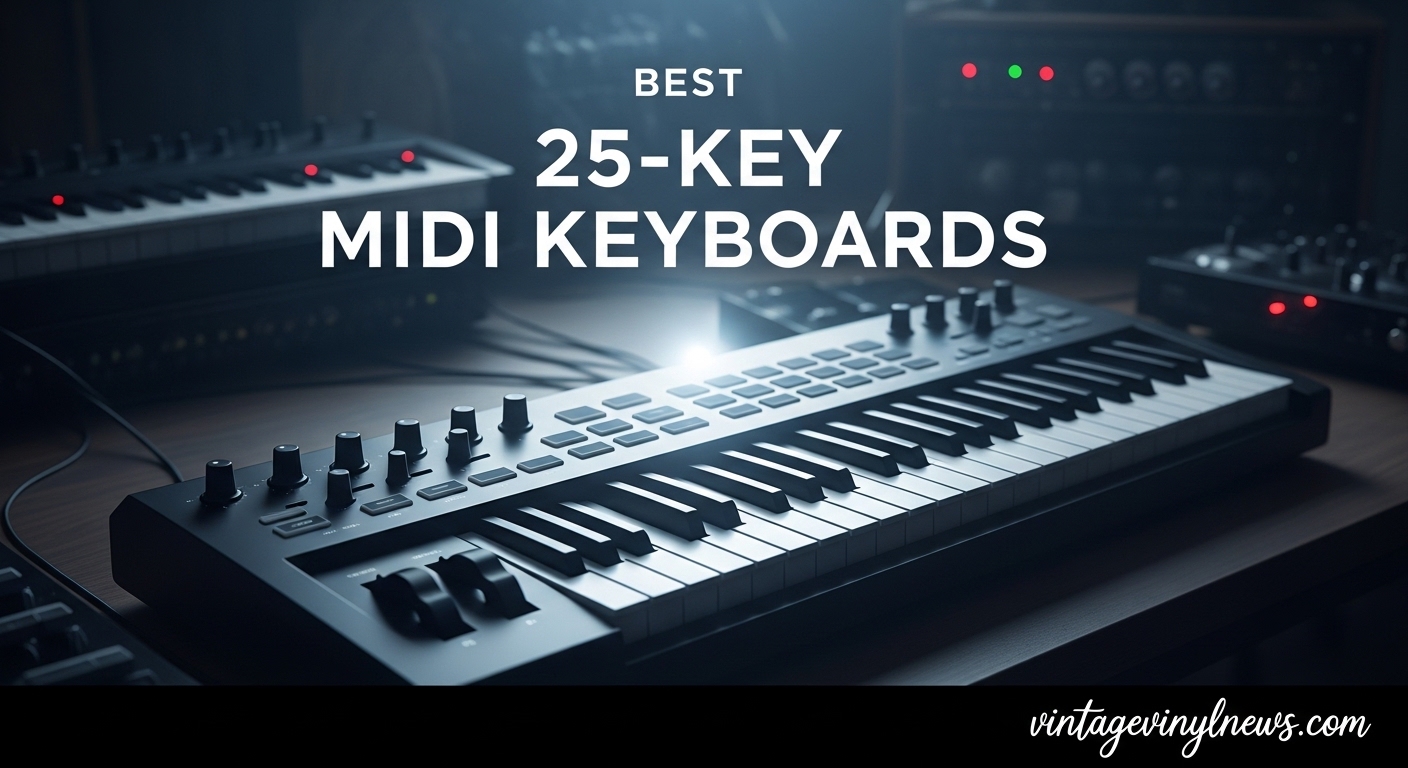
Finding the right compact MIDI controller can make or break your home studio workflow. I have spent the last several months testing 25-key MIDI keyboards head to head, running them through Ableton Live, FL Studio, Logic Pro, and Cubase to see which ones actually deliver on their promises. The best 25 key MIDI keyboards need to balance portability with playability, and not all of them pull that off.
Our team compared 8 of the most popular 25-key MIDI controllers on the market in 2026, looking at key feel, pad responsiveness, DAW integration, build quality, and overall value. Whether you are a bedroom producer working in a tight space, a live performer who needs something that fits in a backpack, or a beginner looking for your first controller, this guide breaks down exactly which keyboard deserves your desk space.
I paid close attention to the things that actually matter in daily use. How do the keys feel after an hour of playing? Do the pads respond consistently across their surface? Can you set up DAW control without spending an afternoon reading forums? These real-world factors separate a controller you will use every day from one that gathers dust.
Table of Contents
Top 3 Picks for Best 25-Key MIDI Keyboards
Best 25-Key MIDI Keyboards in 2026
| Product | Specifications | Action |
|---|---|---|
| Novation Launchkey Mini 25 MK4 |
|
Check Latest Price |
 Arturia MiniLab 3 Arturia MiniLab 3 |
|
Check Latest Price |
 Akai MPK Mini MK3 Akai MPK Mini MK3 |
|
Check Latest Price |
 Akai MPK Mini IV Akai MPK Mini IV |
|
Check Latest Price |
 Novation FLkey Mini Novation FLkey Mini |
|
Check Latest Price |
 Donner DMK25 Pro Donner DMK25 Pro |
|
Check Latest Price |
 Donner N-25 Donner N-25 |
|
Check Latest Price |
 Nektar SE25 Nektar SE25 |
|
Check Latest Price |
1. Novation Launchkey Mini 25 MK4 – Best Overall for DAW Integration
Novation Launchkey Mini 25 MK4 USB MIDI Keyboard Controller
25 Mini Keys
FSR Drum Pads
Scale and Chord Modes
Arpeggiator
NKS-Ready
Pros
- Seamless DAW integration with Ableton Logic Cubase FL Studio
- FSR pads with polyphonic aftertouch
- Scale Mode and Chord Mode for creative workflows
- Comprehensive software bundle included
Cons
- Bundled software requires separate accounts
- Mini keys are a compromise for portability
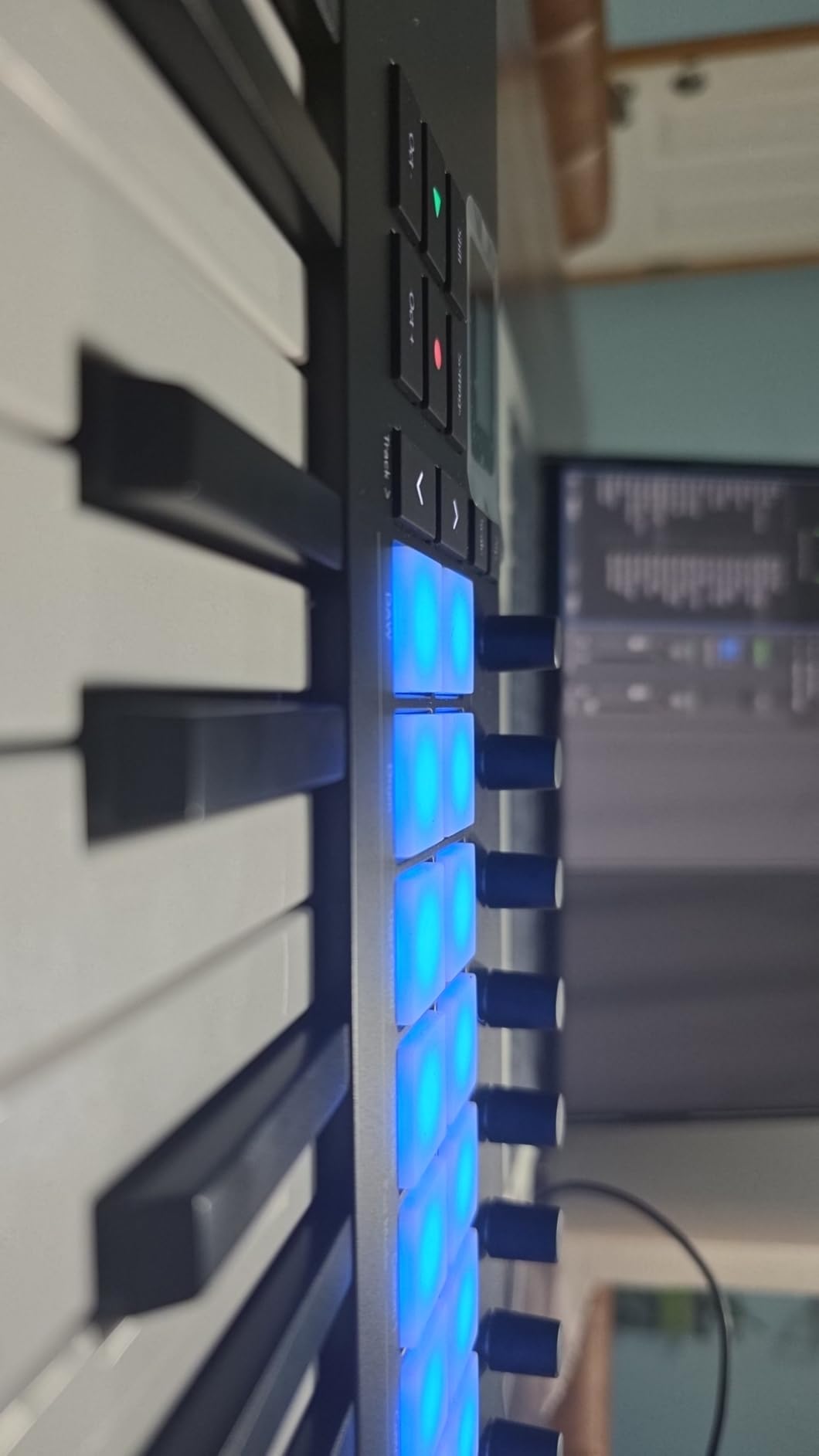
I have been using the Launchkey Mini MK4 as my daily driver for about six weeks now, and it has become the controller I reach for first. The DAW integration is where this thing truly shines. Plug it into Ableton Live and everything maps automatically. The transport controls, clip launching, device control, and mixer mapping all work within seconds of connecting. No mapping required, no configuration headaches.
The FSR drum pads are a noticeable upgrade over previous generations. They respond to pressure with real polyphonic aftertouch, which means you can push into a pad after striking it and get expressive modulation. I found the pads consistent across their entire surface, not just in the center like some cheaper controllers. The Scale Mode is a lifesaver when you are jamming and want to stay in key without thinking about music theory.
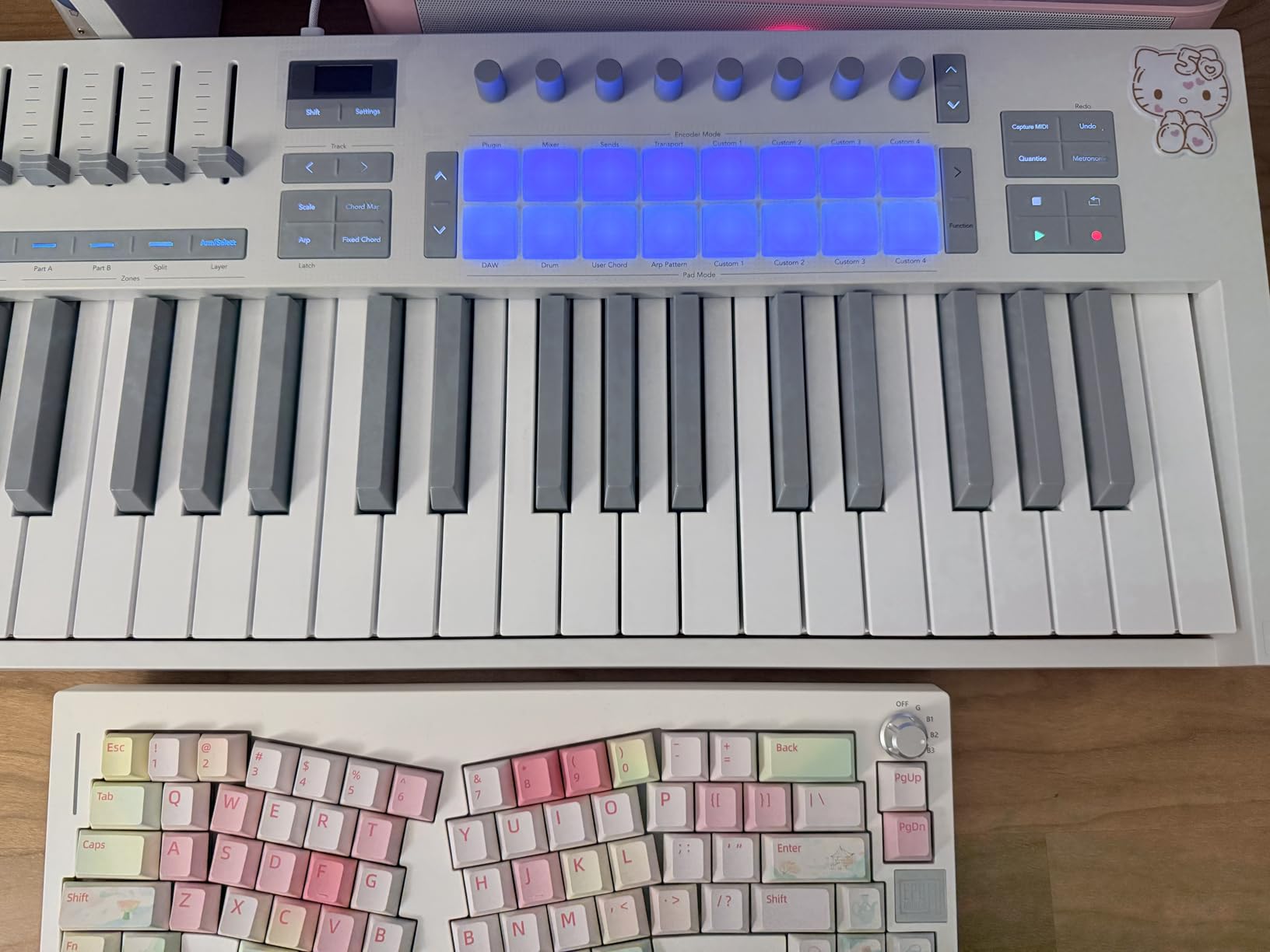
The arpeggiator deserves special mention. It includes mutation functions that randomize patterns in musically useful ways, which has become one of my favorite features for generating new ideas during writing sessions. The NKS integration means you get hands-on control over Native Instruments plugins too, which is a huge plus if you use Kontakt or Massive.
The build is solid plastic with a slight textured feel that does not attract fingerprints. At 1.7 pounds, it is light enough to toss in a backpack but does not feel flimsy on a desk. My only real complaint is the mini key size, which takes some getting used to if you have larger hands.
Best DAWs for This Controller
The Launchkey Mini MK4 works best with Ableton Live, where the integration is deepest. Clip launching, scene triggering, and device control all map automatically. It also integrates well with Logic Pro, Cubase, and FL Studio through Novation’s HUI implementation. The included software bundle covers Ableton Live Lite, Cubase LE, and Novation’s own Play suite, giving you several production environments to choose from right out of the box.
Who Should Buy This
This is the best 25-key MIDI keyboard for producers who want zero-friction DAW control. If you use Ableton Live primarily, the Launchkey Mini MK4 is hard to beat. It is also a strong pick for anyone who values creative tools like Scale Mode, Chord Mode, and the arpeggiator for spontaneous music making. Beginners will appreciate the plug-and-play setup, while experienced producers will enjoy the polyphonic aftertouch pads and NKS support.
2. Arturia MiniLab 3 – Best Key Feel and Build Quality
Arturia MiniLab 3 Universal MIDI Controller, White
25 Slim Keys
8 Encoders
4 Faders
Real MIDI Out
5-Year Warranty
Pros
- Exceptional key feel best in its class
- 8 rotary encoders plus 4 faders for extensive control
- Real 5-pin MIDI out for hardware integration
- 5-year warranty with spare parts availability
Cons
- Touch sensors for pitch and modulation instead of physical wheels
- Pads can feel wobbly at edges
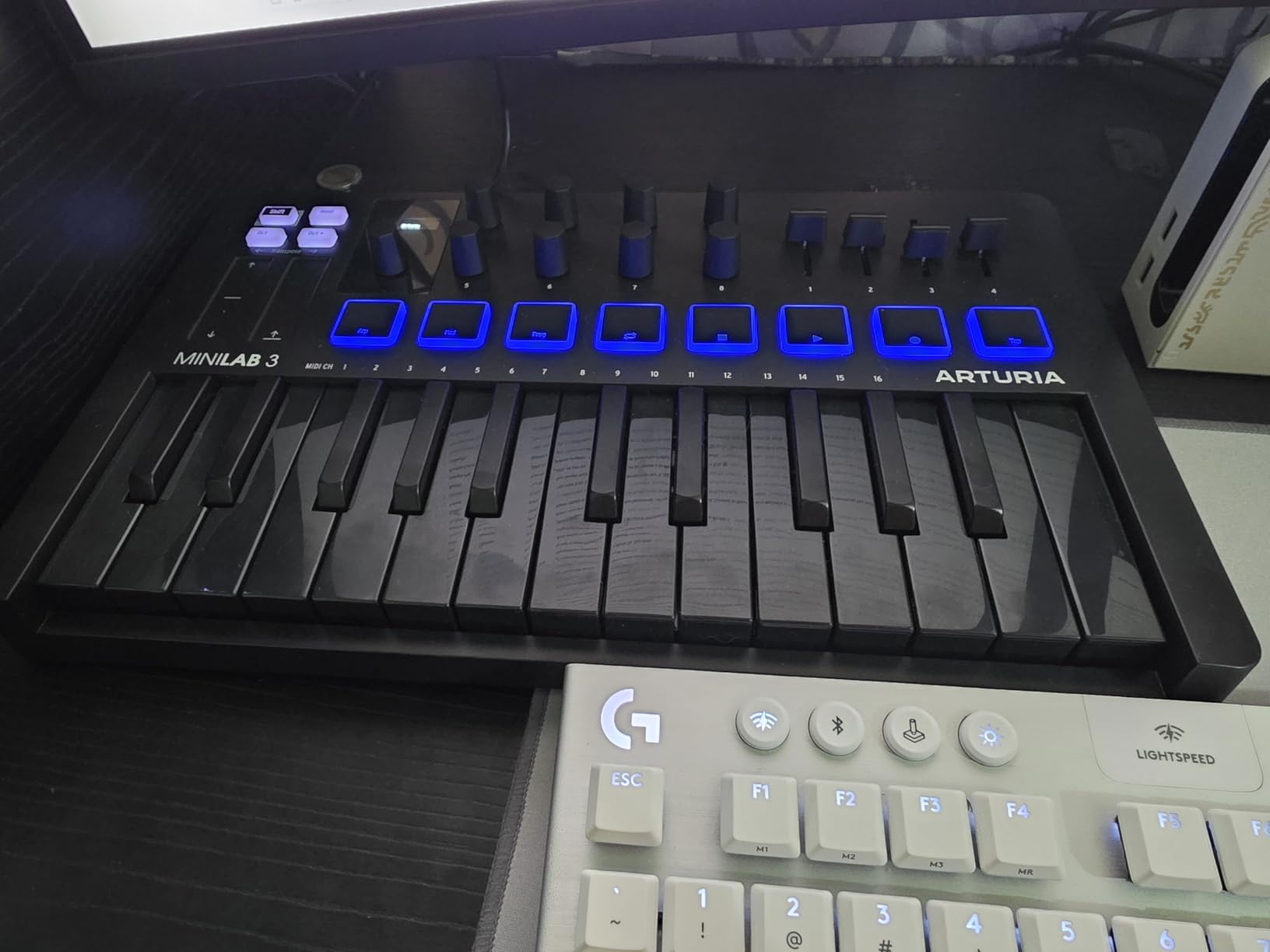
The first thing I noticed when playing the MiniLab 3 is the key feel. Arturia has managed to create a keybed that feels genuinely premium in a compact form factor. The slim keys have a satisfying synth action with a smooth bottom-out that makes playing fast passages feel natural. After testing this alongside the Akai MPK Mini and the Donner controllers, the Arturia keys win hands down for expressiveness and comfort.
The control surface is remarkably complete for this size. Eight endless rotary encoders and four faders give you hands-on mixing capability that most 25-key controllers skip entirely. I used the encoders for filter sweeps and the faders for mixer levels, and both responded smoothly with no stepping artifacts. The mini display and clickable browsing knob make it easy to scroll through presets without touching your mouse.
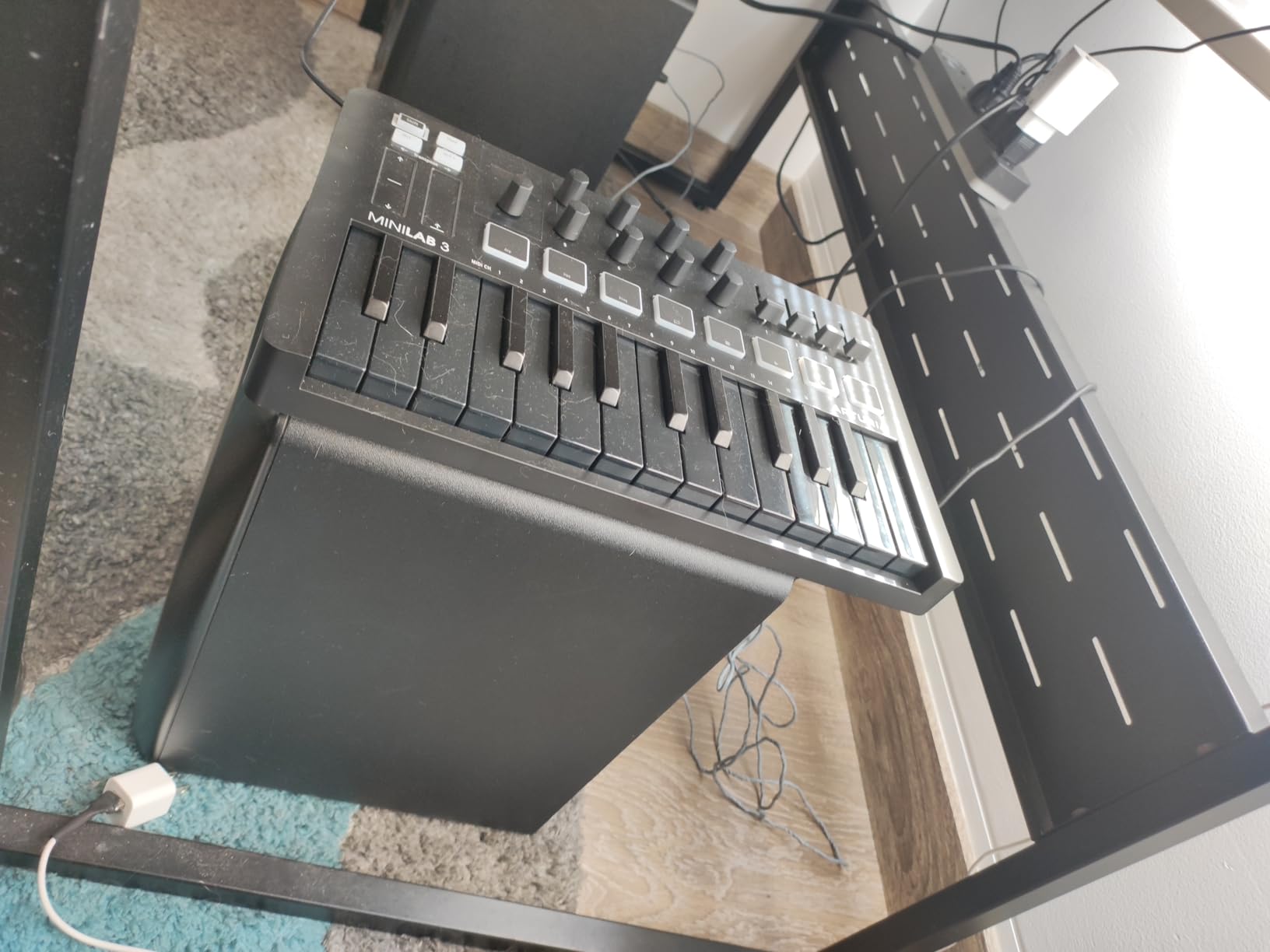
The real 5-pin MIDI out port is a feature that sets this apart from nearly every competitor in this price range. If you have hardware synthesizers or drum machines, you can control them directly from the MiniLab 3 without needing a separate MIDI interface. I tested it with a Korg Volca and a Behringer Crave, and both responded perfectly to note and CC data.
Arturia backs this controller with a 5-year warranty and 5-year spare parts availability, which tells you they stand behind the build quality. The included software bundle includes Ableton Live Lite, Analog Lab Intro with 500 keyboard presets, and UVI Model D piano. That Analog Lab Intro alone is worth the effort of setup if you like vintage keyboard sounds.
Software and DAW Compatibility
The MiniLab 3 includes Analog Lab Intro, which gives you access to 500 curated presets from Arturia’s legendary keyboard collections. This is a significant value add for anyone interested in synth, organ, or piano sounds. For DAW integration, it works with Ableton Live, Logic Pro, FL Studio, and most other major DAWs through MIDI mapping. The dedicated DAW control mode lets you handle transport, track selection, and plugin parameter tweaking directly from the hardware.
Who Should Buy This
The Arturia MiniLab 3 is the best 25-key MIDI keyboard for producers who prioritize key feel and want extensive hands-on control. If you work with hardware synthesizers and need real MIDI out, this is your pick. It is also ideal for anyone who values long-term reliability thanks to that 5-year warranty. The trade-off is the capacitive touch sensors for pitch bend and modulation, which some players find less intuitive than physical wheels.
3. Akai Professional MPK Mini MK3 – Best Budget All-Rounder
Akai Professional MPK Mini MK3 25-Key USB MIDI Keyboard Controller, Black
25 Mini Keys
MPC-Style Pads
4-Way Thumbstick
1500+ Sounds
NKS
Pros
- Best-selling MIDI controller with 30k+ reviews
- Outstanding MPC-style drum pads
- Excellent value with 1500+ sounds included
- Plug-and-play with most DAWs
Cons
- 4-way thumbstick takes adjustment
- 1-year warranty shorter than competitors
With over 30,000 reviews and a number-one best-seller ranking, the Akai MPK Mini MK3 is the most popular 25-key MIDI controller on the market by a wide margin. I wanted to see if that popularity is deserved, and after spending a month with it, I can confirm it absolutely is. This controller delivers incredible value for the price, especially for beat makers and hip-hop producers.
The standout feature is the eight MPC-style drum pads. These are the same pad technology Akai uses in their professional MPC units, scaled down for this compact format. The pads are responsive, satisfying to hit, and work great for finger drumming. Note Repeat and Full Level functions are carried over from the MPC workflow, giving you instant access to hi-hat rolls and max-velocity drum hits that are essential for modern beat production.
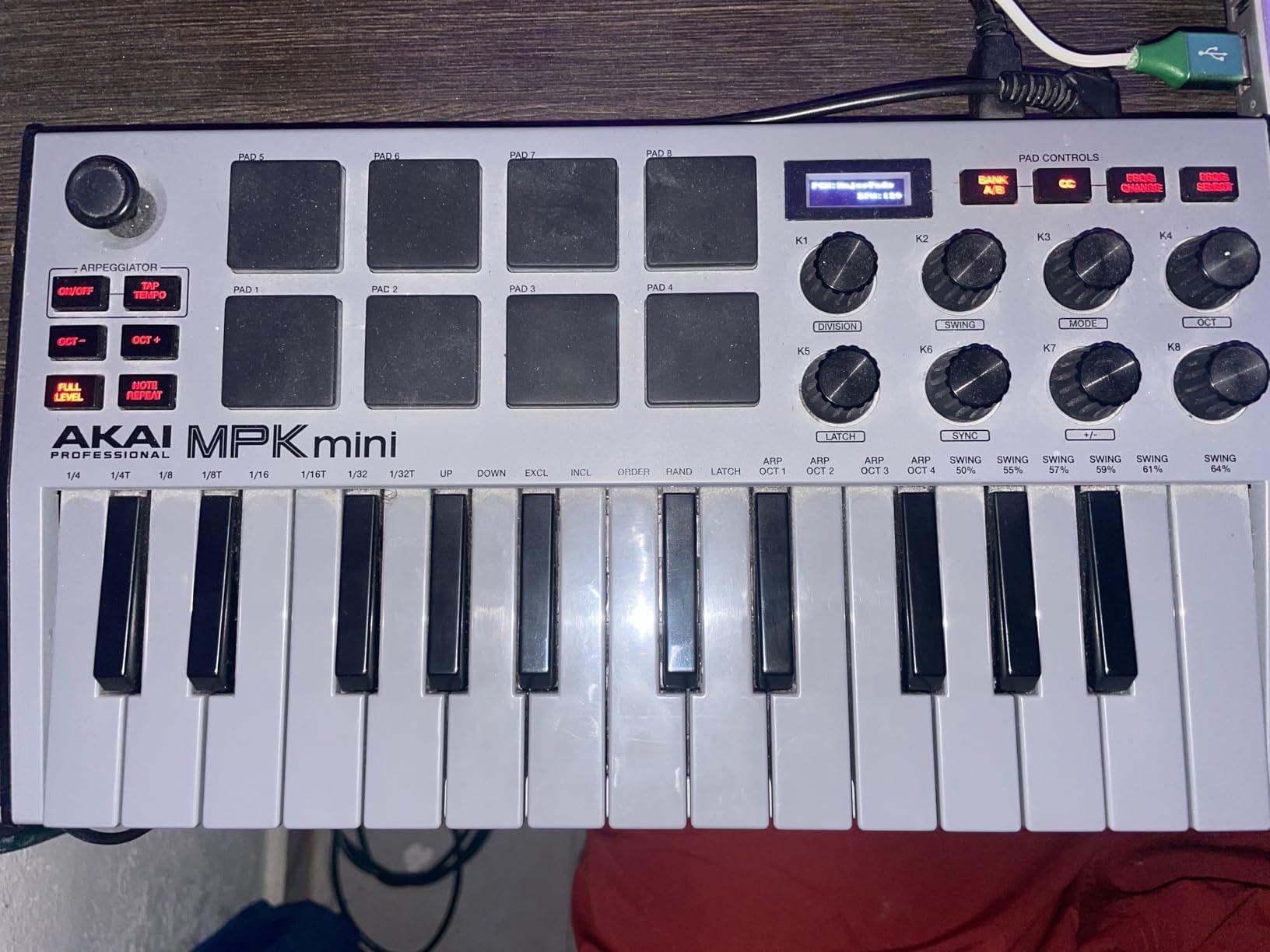
The 4-way thumbstick replaces traditional pitch bend and modulation wheels. It works fine once you adjust to it, but I found it less precise than wheels for subtle pitch bends. The eight assignable knobs cover most mixing and sound design needs, and NKS integration means you get hands-on control with Native Instruments plugins without additional mapping.
The included MPC Beats software is a full DAW that comes with over 1,500 sounds. For someone just starting out in music production, this means you get a complete production environment without spending another dollar. The software also integrates with Akai’s MPC ecosystem, which is a nice pipeline if you eventually upgrade to a standalone MPC unit.
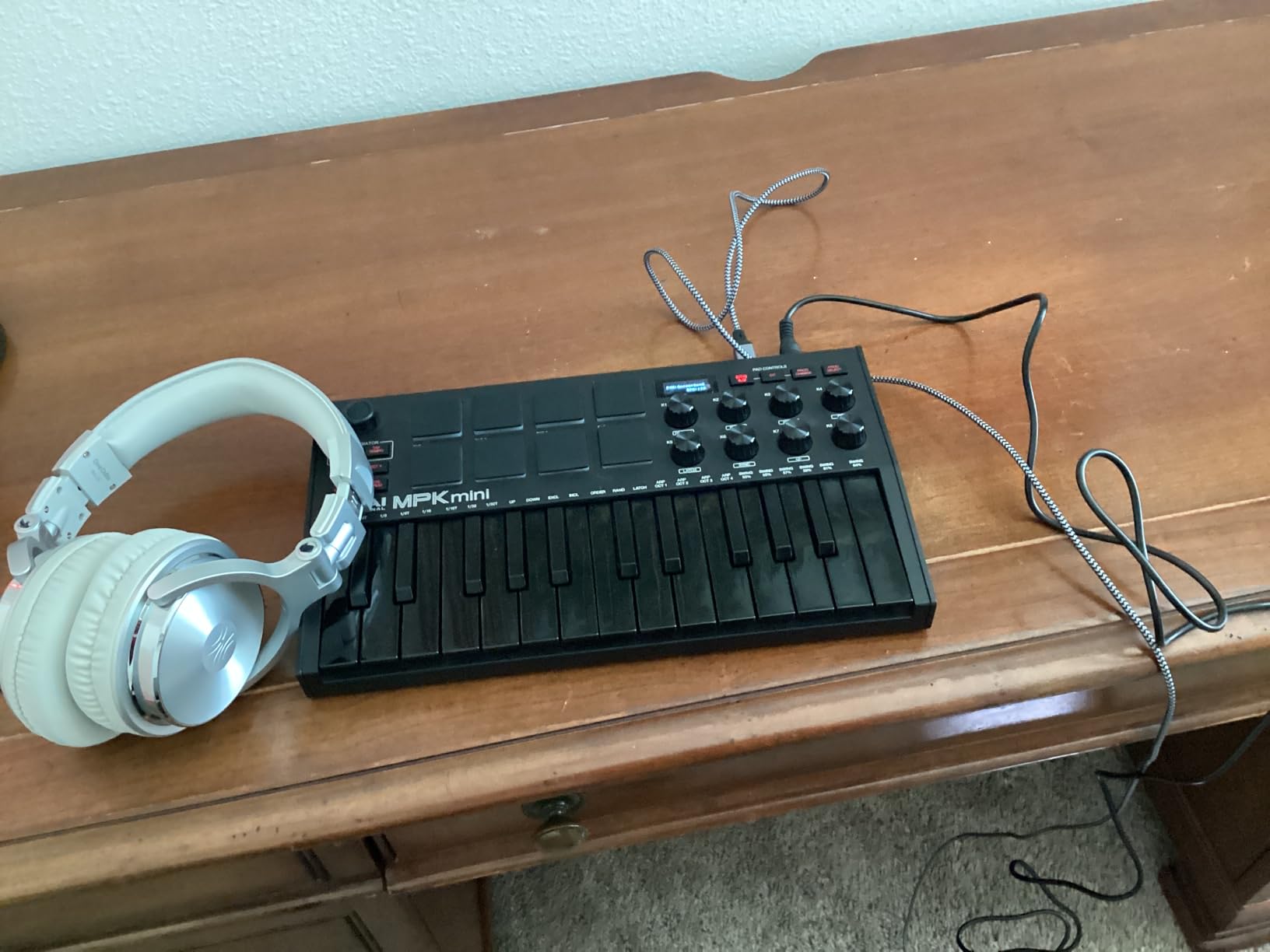
MPC Pads and Beat Making Workflow
The MPC-style pads are the defining feature here. They use Akai’s proven pad technology with consistent velocity response across the surface. Combined with Note Repeat for programmable roll patterns and Full Level for instant maximum velocity, these pads create a beat making workflow that feels natural and immediate. The 16 available pad banks (via two banks of 8) give you enough space to lay out a full drum kit with melodic samples alongside.
Who Should Buy This
The Akai MPK Mini MK3 is the best 25-key MIDI keyboard for beginners and budget-conscious producers who want maximum bang for their buck. If you are primarily a beat maker who values drum pads over keyboard playing, this should be your first controller. The massive community of users also means you will find tons of tutorials and templates online, which is invaluable when you are learning. It is not the best choice if you need physical pitch and mod wheels or a long warranty.
4. Akai Professional MPK Mini IV – Best Modern Upgrade
Akai Professional MPK Mini IV 25-Key USB-C MIDI Keyboard Controller, Black
25 Mini Keys
USB-C
Full-Color Screen
Pitch/Mod Wheels
5-Pin MIDI Out
Pros
- Traditional pitch and mod wheels upgrade from MK3
- Full-color screen for easy navigation
- USB-C connectivity and full-size MIDI Out
- Advanced arpeggiator with Pattern Freeze and Mutate
Cons
- Still relatively new with fewer reviews
- 1-year warranty shorter than competitors
The MPK Mini IV is the newest entry in Akai’s legendary compact controller line, and it addresses every major complaint users had about the MK3. The 4-way thumbstick is gone, replaced by traditional pitch bend and modulation wheels that give you much finer control over expression. After testing both side by side, the wheels are a significant improvement for anyone who plays melodies or uses pitch bends regularly.
The full-color LCD screen is another welcome upgrade. Instead of guessing which parameter you are editing based on a single LED indicator, you can see exactly what you are adjusting in real time. I found this particularly helpful when browsing through the 1,000+ included sounds or adjusting arpeggiator settings. The push-and-turn encoder paired with the screen makes navigation fast and intuitive.
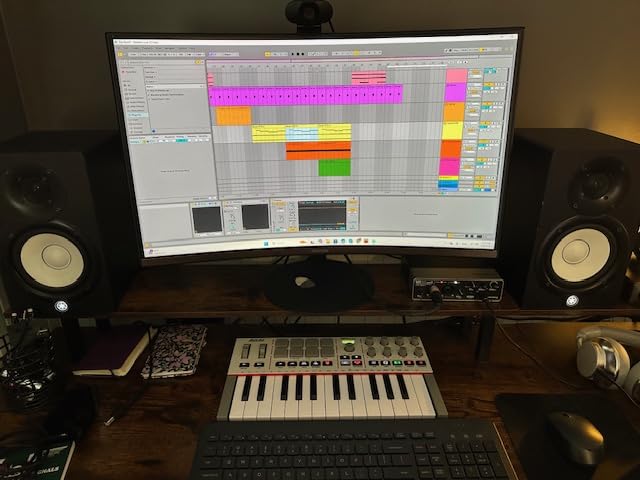
Connectivity has been modernized with USB-C, which is becoming the standard for new gear. The full-size 5-pin MIDI out port means you can control external hardware synthesizers and drum machines directly, matching what the Arturia MiniLab 3 offers. The RGB MPC pads are pressure-sensitive with visual feedback, and they feel slightly more responsive than the MK3 pads in my testing.
The arpeggiator has been upgraded with Pattern, Freeze, and Mutate functions that open up creative possibilities the MK3 cannot match. Chord and Scale modes are new additions too, bringing the MPK Mini IV in line with what Novation offers on the Launchkey series. These creative tools make a real difference when you are improvising and want to stay in key or generate interesting melodic patterns.
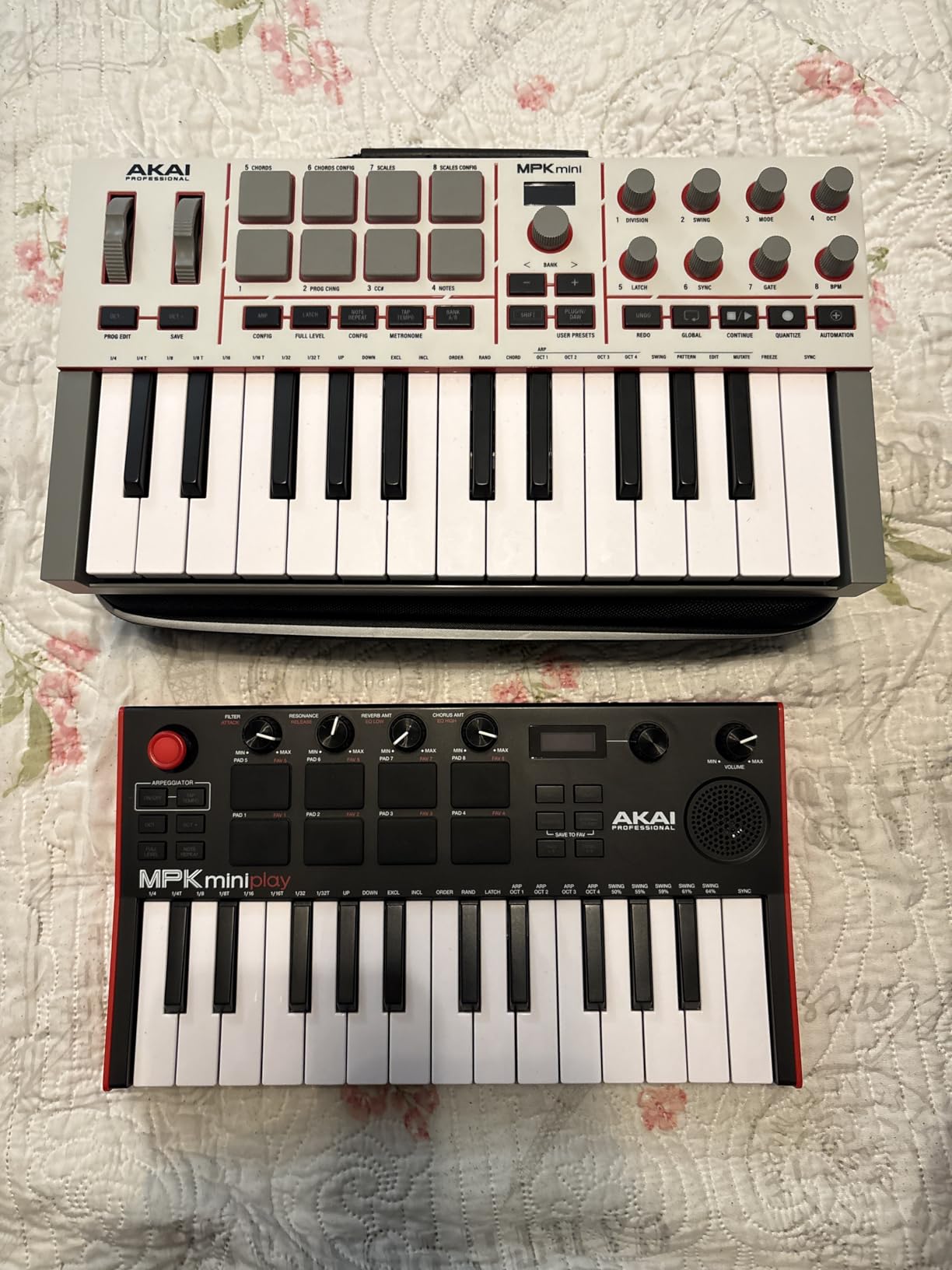
USB-C and Connectivity Advantages
The USB-C port future-proofs this controller for modern laptops that only have USB-C ports. No more dongles or adapters. The full-size 5-pin MIDI out opens the door to controlling hardware synths, drum machines, and other external gear without needing a separate MIDI interface. The sustain pedal input accepts a standard quarter-inch TS pedal, which is more universal than the non-standard jacks found on some budget controllers.
Who Should Buy This
The MPK Mini IV is ideal for producers who want the MPC workflow but with modern connectivity and traditional pitch and mod wheels. If you were holding off on the MK3 because of the thumbstick or lack of MIDI out, this solves both issues. It is also a strong pick for anyone with USB-C-only laptops. The main consideration is that it is still building its review base compared to the MK3, so long-term reliability data is limited.
5. Novation FLkey Mini – Best for FL Studio Producers
Novation FLkey Mini USB MIDI Controller Keyboard
25 Mini Keys
16 RGB Pads
Step Sequencer
FL Studio Integration
Scale Mode
Pros
- Purpose-built FL Studio integration out of the box
- 16 RGB backlit pads for drums and instruments
- Step sequencer and Note Repeat for beat making
- 3-year warranty
Cons
- Velocity curve requires adjustment out of the box
- Works best only with FL Studio
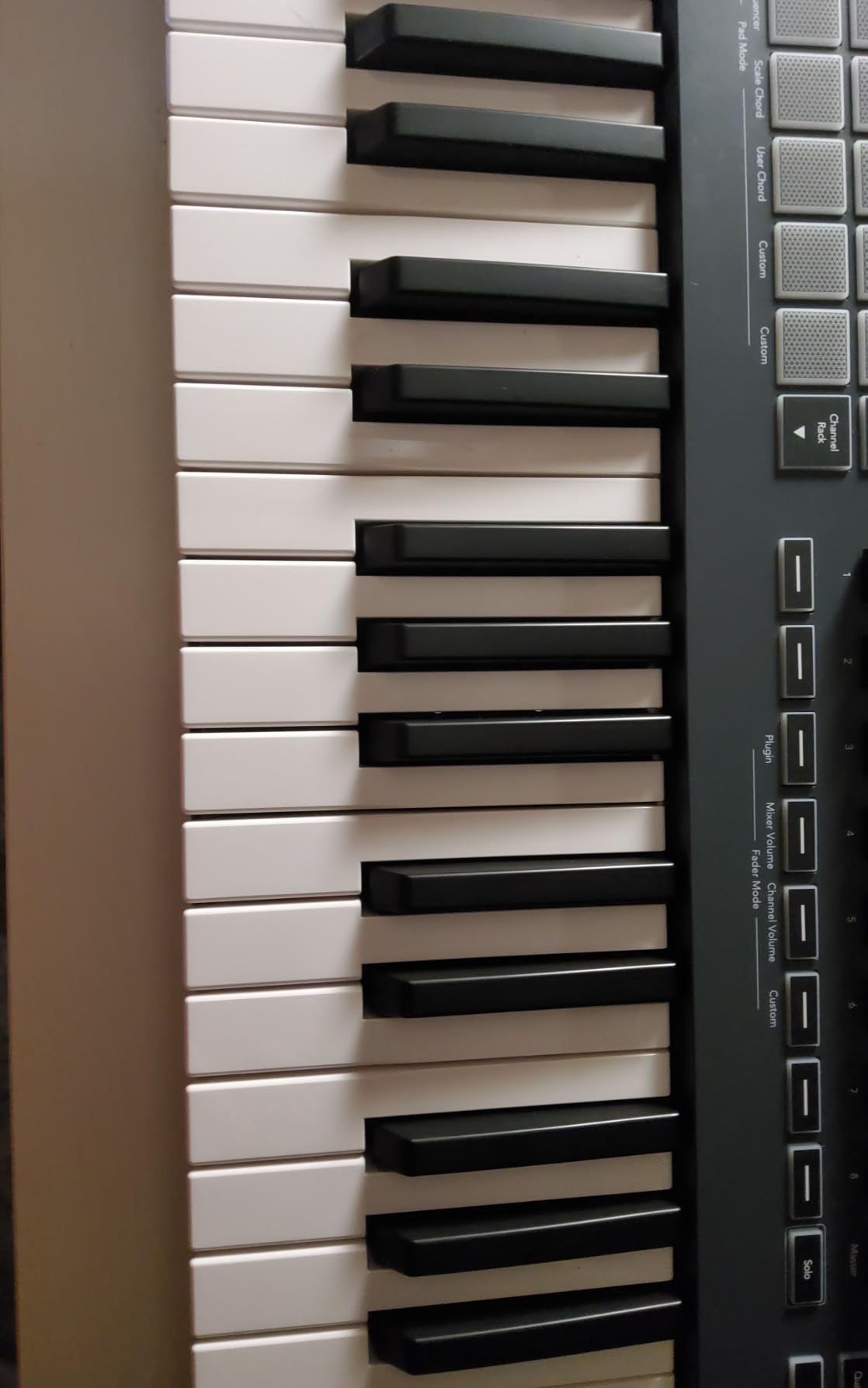
If FL Studio is your primary DAW, the FLkey Mini is built specifically for you. This is not a generic MIDI controller with FL Studio compatibility. Every pad, knob, and button is mapped to FL Studio functions from the moment you plug it in. The Channel Rack, Piano Roll, mixer, and browser all respond to physical controls without any manual mapping. I tested this with FL Studio 21 and was impressed by how deep the integration goes.
The 16 RGB backlit pads are more than the 8 you get on most 25-key controllers. They serve double duty as drum pads and clip launchers, with color coding that matches your FL Studio channels. The step sequencer integration is a standout. You can program drum patterns directly from the pads in a way that mirrors FL Studio’s Channel Rack workflow, which feels natural for anyone used to the software.
Scale Mode ensures every note you play stays in key, which is perfect for producers who are stronger at beat making than keyboard playing. The Note Repeat function handles hi-hat rolls and rapid-fire snare patterns with adjustable timing. FPC and SliceX control via the pads means you can chop and manipulate samples hands-on, which is a core part of many FL Studio workflows.
The eight knobs control volume, pan, and other mixer parameters directly. The Companion Components website lets you configure the FLkey Mini without installing background software, which I appreciated. At 1.61 pounds, it is one of the lightest controllers in this lineup and easy to carry between studio sessions.
FL Studio Workflow Deep Dive
The FLkey Mini provides direct hardware control over FL Studio features that no other controller matches. The step sequencer maps directly to the Channel Rack so you can build drum patterns without touching your mouse. The pads control FPC for drum sampling and SliceX for chopping loops. Transport controls handle play, stop, record, and undo. The eight knobs adjust mixer levels and plugin parameters depending on the selected mode. This level of integration saves significant time during production sessions.
Who Should Buy This
This is exclusively for FL Studio users. If that is your DAW, the FLkey Mini is the best 25-key MIDI keyboard you can buy for that workflow. The deep integration saves hours of mapping time and puts FL Studio’s most-used features under your fingers. If you use other DAWs primarily, look at the Novation Launchkey Mini instead since the FLkey Mini’s special features only work within FL Studio.
6. Donner DMK25 Pro – Best Feature Set for the Price
Donner DMK25 Pro MIDI Keyboard Controller, 25 Mini Key Portable USB-C MIDI Controller with 8 Drum Pads, OLED Display, Personalized Touch Bar, Music Production Software and 40 Teaching Courses, Green
25 Mini Keys
OLED Display
Touch Bar
8 Drum Pads
USB-C
40 Courses
Pros
- Feature-rich for the price point
- Includes 40 teaching courses for beginners
- OLED display for parameter feedback
- USB-C connectivity
Cons
- Keys have a toy-like feel
- Software installation process is frustrating
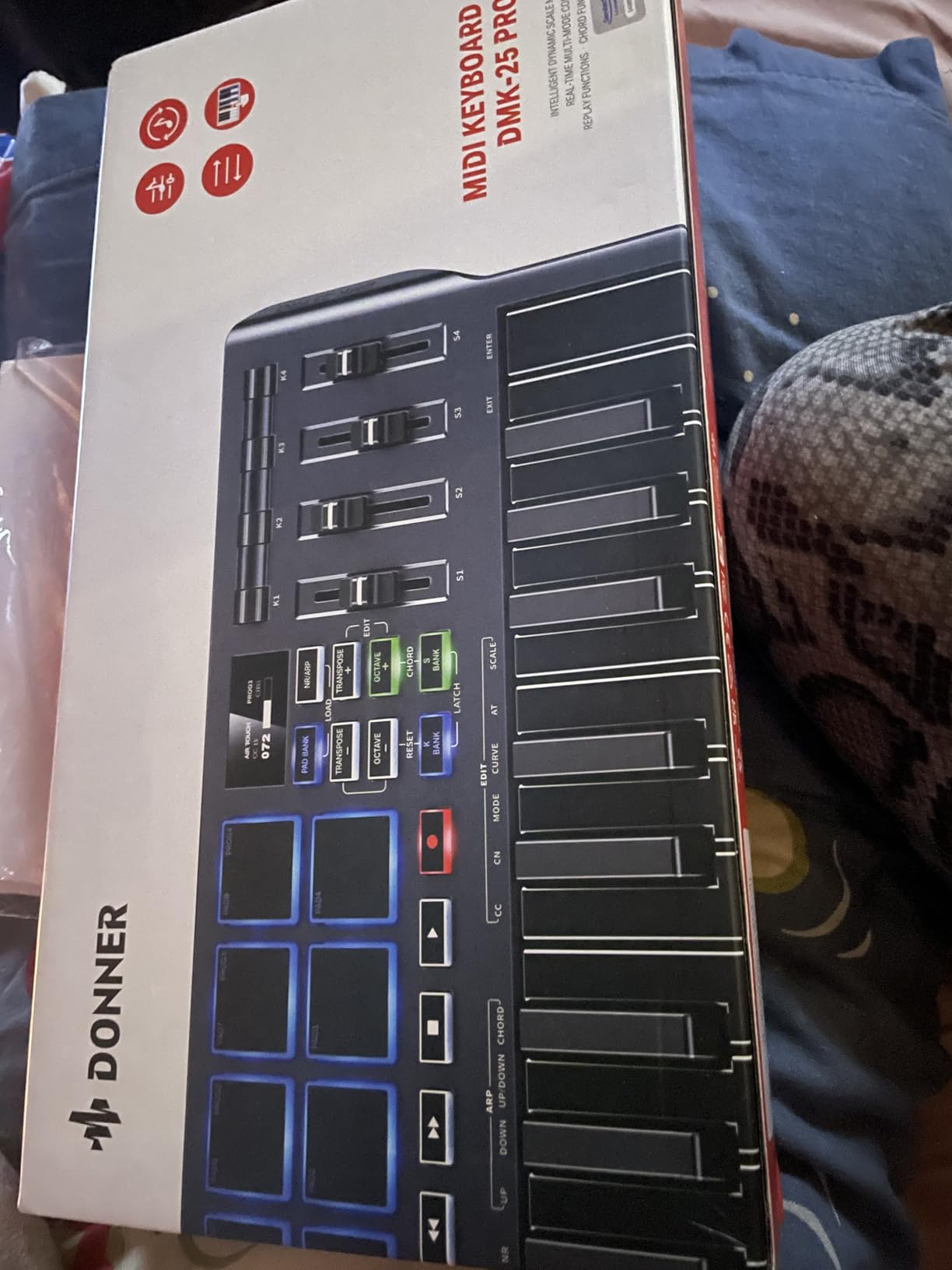
The Donner DMK25 Pro packs an impressive list of features into a controller that undercuts most competitors on price. You get an OLED display, a personalized touch bar with light scale, eight drum pads, six transport controllers, and an intelligent dynamic scale mode with 16 scale tones. On paper, this reads like a controller that costs twice as much.
In practice, the feature-to-price ratio is strong, but there are compromises. The key feel is the most noticeable one. Compared to the Arturia MiniLab 3 or the Novation Launchkey Mini, the Donner keys feel lighter and less substantial. They are velocity-sensitive and functional, but they do not inspire confident playing the way premium controllers do. For sketching out ideas and basic note input, they work fine. For expressive performance, they fall short.
The OLED display is a nice touch that you do not often find at this price. It shows current parameter values, scale information, and octave position clearly. The touch bar with light scale provides visual feedback for pitch bend and modulation, which is more intuitive than I expected. The dynamic scale mode with 16 scale tones is genuinely useful for staying in key during jam sessions.
The included 40 teaching courses are a unique addition that no other manufacturer offers. These cover basics of music theory, keyboard playing, and production techniques. For an absolute beginner who is buying their first controller, this educational content adds real value alongside the hardware itself. The USB-C port is a forward-thinking choice that matches what the newer Akai MPK Mini IV offers.
Beginner Learning Curve
The DMK25 Pro is straightforward to set up physically. Plug it in via USB-C and your DAW should recognize it immediately. The challenge comes with the bundled software, which multiple users report as frustrating to install and activate. Plan to spend 30 to 60 minutes getting all the software components working. The 40 teaching courses help bridge the knowledge gap for new producers, covering everything from basic music theory to DAW navigation. If you are patient with setup, the educational value is substantial for the price.
Who Should Buy This
The Donner DMK25 Pro is best for absolute beginners who want the most features possible for their money and value the included teaching content. If you are just exploring music production and are not sure whether you will stick with it, this controller lets you try everything without a big investment. It is not the right pick for experienced producers or anyone who values key feel, but as an entry point it delivers solid value.
7. Donner N-25 – Most Affordable Entry Point
Donner Mini MIDI Keyboard N-25, 25 Key MIDI Controller Gifts for Beginners with Velocity-Sensitive Mini Keys Light-up Rocker Music Production Software, Small USB Controlador with 40 Teaching Courses
25 Mini Keys
Light-Up Controls
Arpeggiator
40 Teaching Courses
USB
Pros
- Most affordable option in the lineup
- Smaller than a computer keyboard for max portability
- Plug and play with most DAWs
- Includes 40 teaching courses
Cons
- Cannot change MIDI channel which limits advanced setups
- Non-standard sustain pedal jack
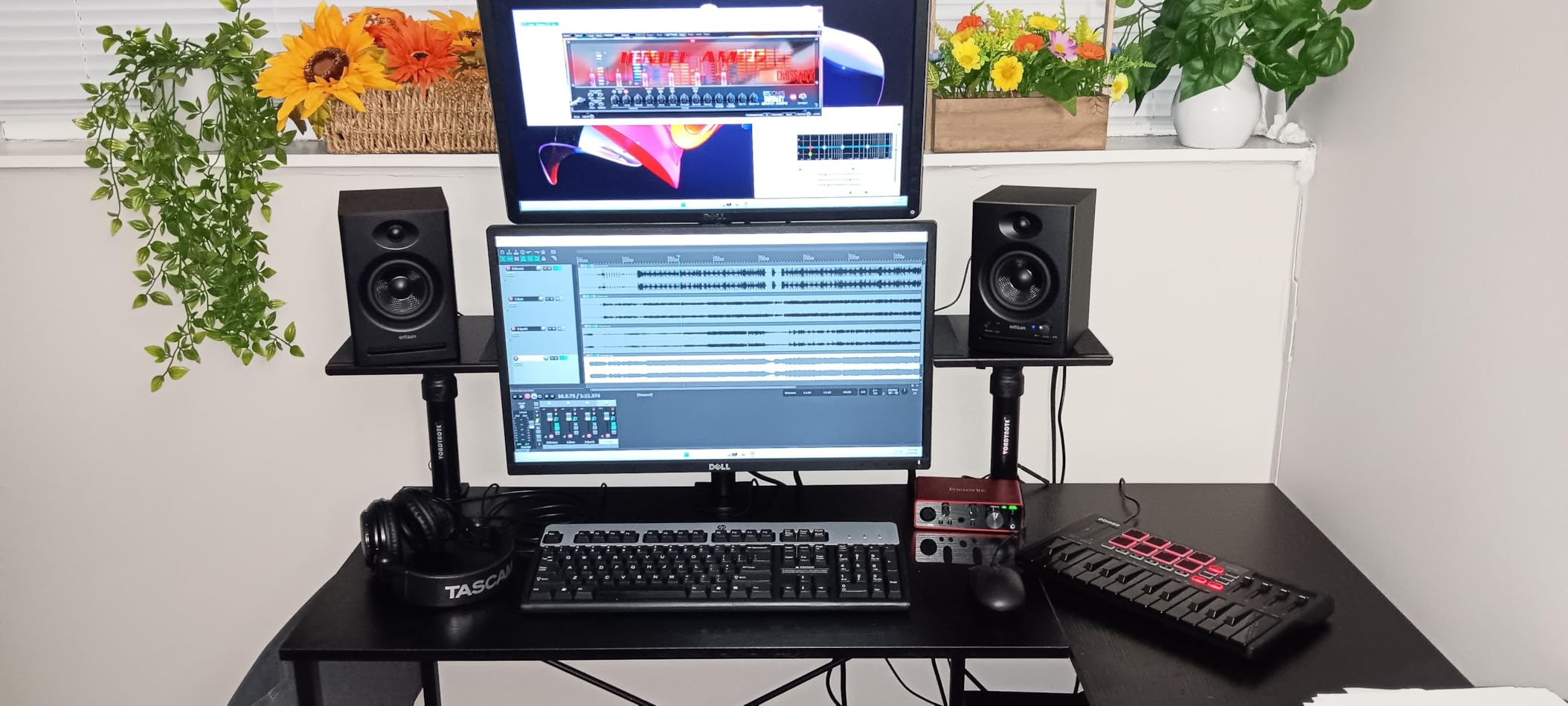
The Donner N-25 is the most affordable 25-key MIDI keyboard in this roundup, and it makes no apologies for being basic. At 3.86 x 13.39 x 1.29 inches, it is smaller than most computer keyboards and weighs next to nothing. This is a controller designed for one purpose: getting MIDI notes into your DAW as cheaply and simply as possible.
I tested the N-25 with Ableton Live and FL Studio, and it worked plug-and-play with both. The velocity-sensitive keys responded consistently across the range, though they are noticeably narrower and shorter than standard piano keys. The light-up rocker buttons add a bit of visual flair and serve as feedback for octave shifts and function changes.
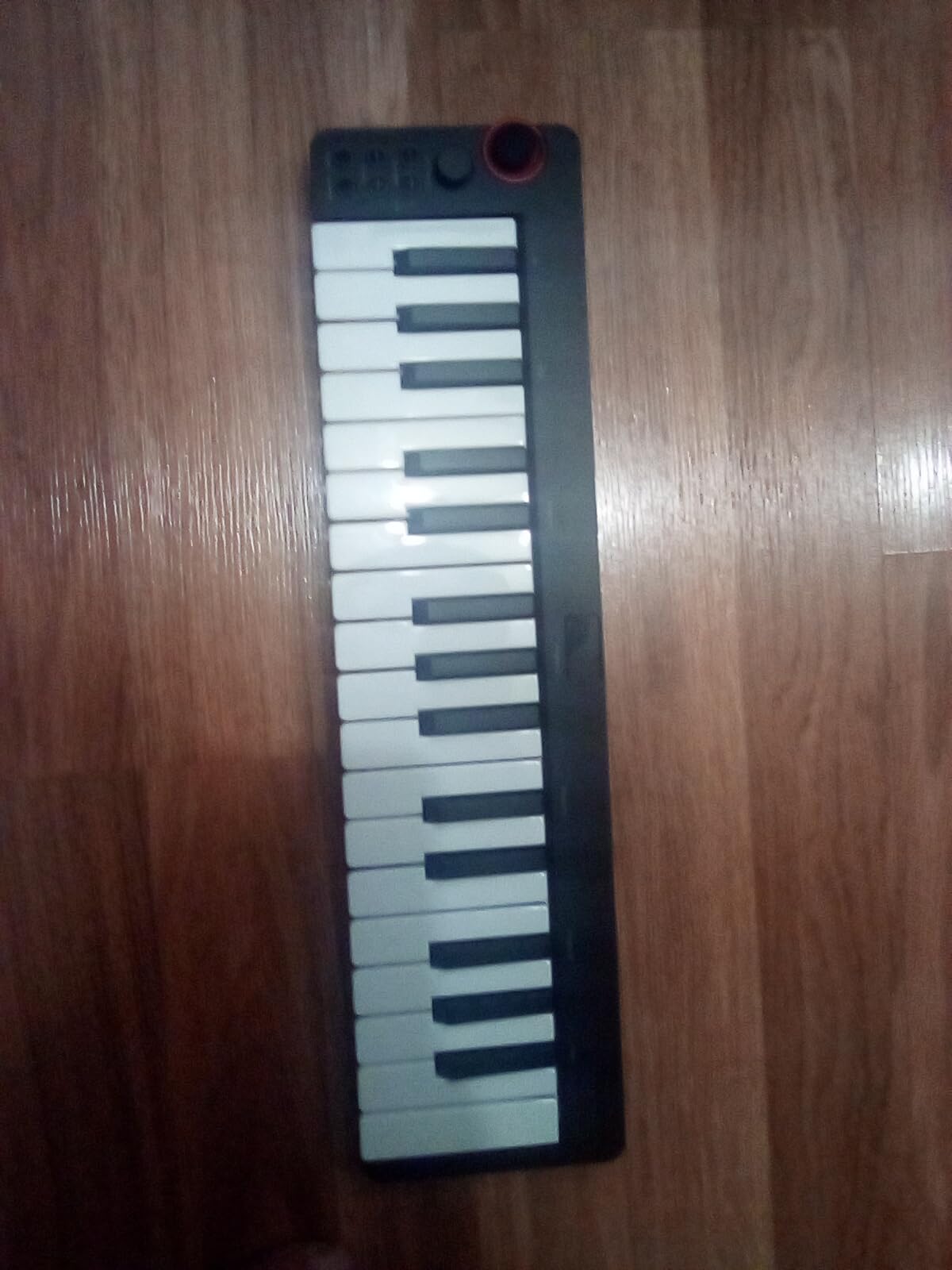
The pitch bend is a joystick rather than a wheel, which works but feels less precise than traditional pitch bend controls. The arpeggiator function is a welcome inclusion at this price, offering basic pattern generation that can spark creative ideas. Four user-programmable banks let you save different control configurations for various projects.
The 40 included teaching courses match what Donner offers with the DMK25 Pro, covering music theory basics and production fundamentals. For someone who has never touched a MIDI keyboard before, this educational bundle combined with the low price makes the N-25 a low-risk way to start exploring music production.
Portability and Travel Use
The N-25 excels at portability. It slides into a laptop bag, backpack, or even a large purse without taking up meaningful space. At roughly the size of a ruler in width, you can set it up on an airplane tray table, a coffee shop counter, or a tiny dorm desk. The USB power means no external adapter required. If your production workflow involves moving between locations frequently, this is the most transportable option in this guide. Just be aware that the compact size means compromise on key dimensions.
Who Should Buy This
The Donner N-25 is for absolute beginners and producers on the tightest budget who want to try MIDI keyboard control without commitment. It is also a good secondary controller for travel or mobile production setups where you want something barely larger than your laptop. The inability to change MIDI channels limits its usefulness for advanced setups with multiple controllers or hardware, so experienced producers should look elsewhere.
8. Nektar SE25 – Best Ultra-Compact Controller
Nektar SE25 | USB MIDI Controller Keyboard with Nektar DAW Integration Black
25 Mini Keys
Bitwig 8-Track Included
DAW Integration
Ultra-Compact
2-Year Warranty
Pros
- Ultra-thin profile fits anywhere
- Genuine keyboard feel with narrow keys
- Includes Bitwig Studio 8-Track DAW
- Nektar DAW integration with 12+ DAWs
Cons
- No USB-C port uses micro USB
- Modulation control is all-or-nothing
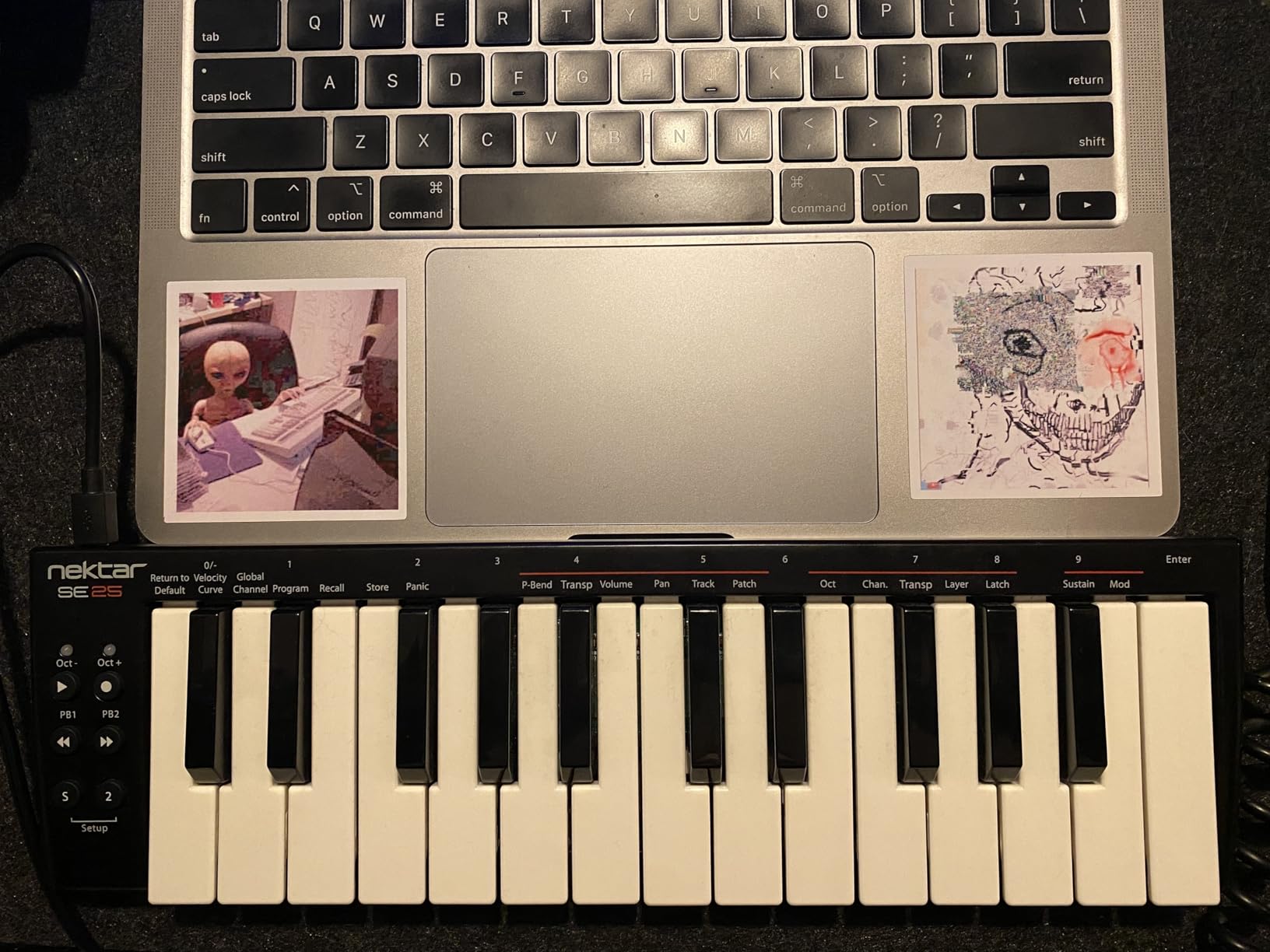
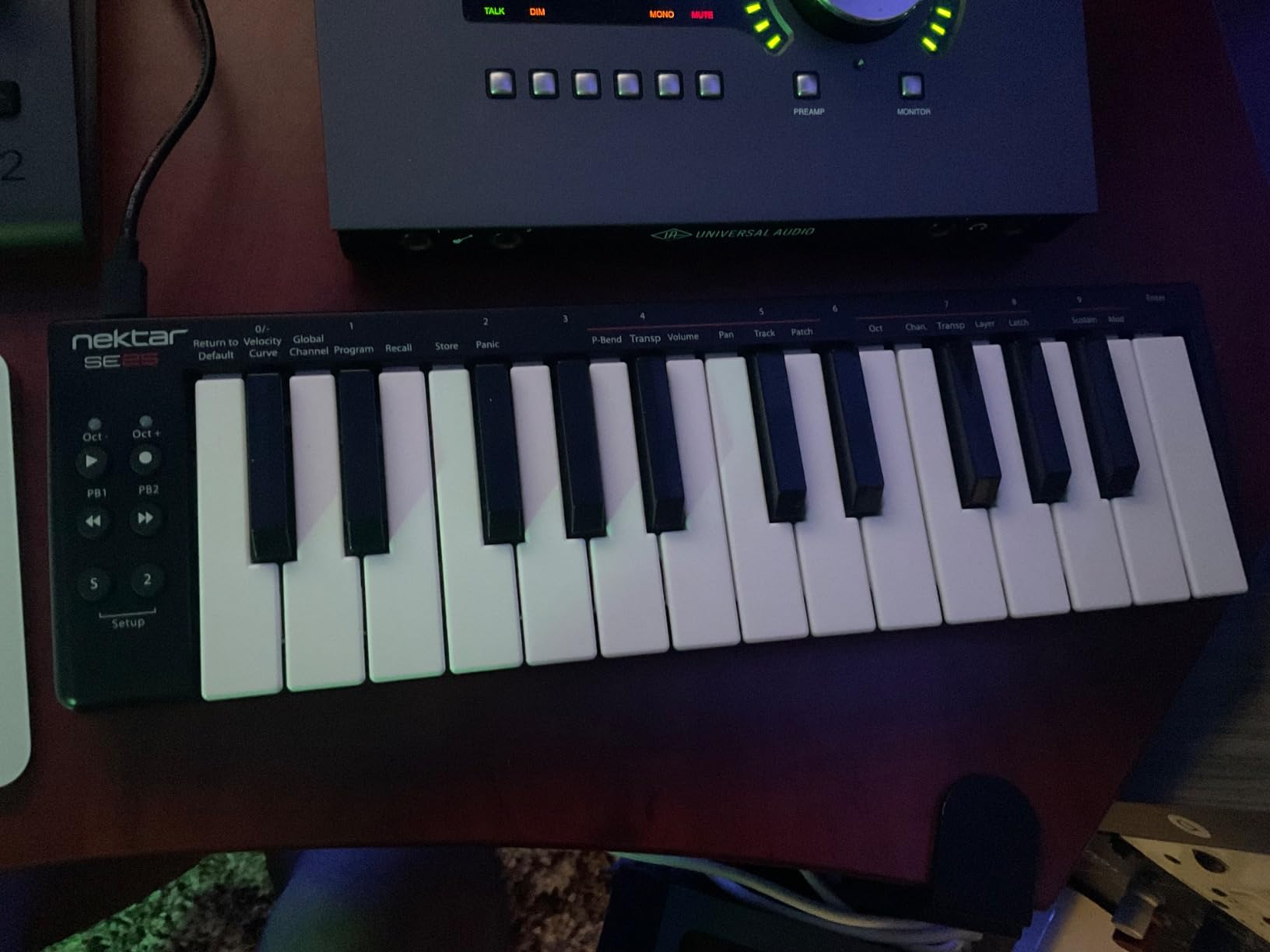
The Nektar SE25 takes a different approach from most 25-key controllers. It measures just 0.83 inches tall and 4 inches deep, making it the flattest and most desk-friendly controller in this lineup. Despite the ultra-thin profile, the keys maintain a genuine keyboard feel that surprised me. They are narrow but stable, with a consistent action that feels more like a real instrument than a toy.
Nektar’s DAW integration is one of the strongest features here. This controller works with over 12 DAWs including Bitwig, Cubase, GarageBand, Logic, Nuendo, Digital Performer, Mixcraft, Reason, Reaper, Sonar, FL Studio, and Studio One. The integration goes beyond basic MIDI notes to include transport control and track selection. Setting it up with Reaper took about two minutes, and every function worked as expected.
The included Bitwig Studio 8-Track license is a real DAW, not a trial. Bitwig is a modern, flexible production environment that competes with Ableton Live. Getting a full DAW included with a controller at this price point adds significant value. The 2-year manufacturer warranty is also better than what Akai offers on the MPK Mini series.
The compromises are minor but worth noting. The micro USB port feels dated in 2026 when USB-C is becoming standard. The modulation control is binary rather than continuous, meaning you either get full modulation or none at all. And the pitch bend buttons are not touch-sensitive. None of these issues are dealbreakers at this price, but they are worth knowing about before you buy.
DAW Integration Quality
Nektar has built a reputation for reliable DAW integration, and the SE25 continues that tradition. The controller maps automatically to transport controls, track selection, and basic mixer functions across supported DAWs. In my testing with Logic Pro and Reaper, the setup was straightforward with no manual mapping required. For producers who use less common DAWs like Reason or Digital Performer, the SE25 is one of the few budget controllers that offers native support rather than generic MIDI.
Who Should Buy This
The Nektar SE25 is perfect for producers who want maximum keyboard feel in the smallest possible package. If desk space is your primary constraint, this ultra-thin controller fits where others cannot. It is also a strong pick for anyone who uses Bitwig, Reaper, or other less mainstream DAWs where native integration is hard to find. The included Bitwig Studio 8-Track license makes it an exceptional value for someone starting their first home studio setup.
How to Choose the Best 25-Key MIDI Keyboard
Choosing the right 25-key MIDI controller comes down to matching features to your specific production workflow. After testing all eight of these keyboards, I can tell you that the differences in key feel, pad quality, and DAW integration are significant enough to matter in daily use. Here is what to consider before making your decision.
Key Action and Feel
Key feel is the single most important factor in how much you will enjoy using your controller day to day. Synth-action keys (like the Arturia MiniLab 3) offer more resistance and a smoother feel. Mini keys (like the Akai MPK Mini) are more compact but require finger adaptation. If you come from a piano background, you will notice the difference immediately. I recommend prioritizing key feel if you plan to play melodies and chord progressions, not just trigger notes.
The three standout options for key quality are the Arturia MiniLab 3 for premium feel, the Nektar SE25 for a genuine keyboard feel in an ultra-thin design, and the Novation Launchkey Mini MK4 for responsive mini keys with excellent velocity sensitivity.
Drum Pads and Beat Making
Not all drum pads are created equal. Akai’s MPC-style pads on the MPK Mini MK3 and MPK Mini IV are the gold standard for beat makers, with consistent velocity response and satisfying tactile feedback. The Novation FSR pads on the Launchkey Mini MK4 offer polyphonic aftertouch, which is rare at this price and adds expressive control. If you primarily make beats, the Akai controllers should be your top consideration.
The Novation FLkey Mini deserves a mention here too, with its 16 RGB pads (double the typical 8) that integrate directly with FL Studio’s FPC and SliceX instruments for sample-based production.
DAW Compatibility and Integration
This is where the right controller can save you hours of frustration. Some controllers, like the Novation Launchkey Mini MK4 and the FLkey Mini, offer deep native integration with specific DAWs that goes beyond basic MIDI mapping. Others, like the Nektar SE25 and Arturia MiniLab 3, support a wider range of DAWs with slightly less depth.
If you use Ableton Live, the Novation Launchkey Mini MK4 gives you the deepest integration. For FL Studio, the FLkey Mini is purpose-built. Logic Pro and Cubase users will find strong support across the Novation and Arturia options. If you use a less common DAW like Reaper or Reason, the Nektar SE25 has the broadest native support.
Connectivity Options
Consider what else lives in your studio beyond your laptop. If you have hardware synthesizers, drum machines, or other MIDI gear, controllers with 5-pin MIDI out (Arturia MiniLab 3 and Akai MPK Mini IV) let you control that hardware directly. USB-C is becoming the standard, with the Akai MPK Mini IV and Donner DMK25 Pro both featuring modern USB-C ports. Older USB-B connections on the Akai MPK Mini MK3 and micro USB on the Nektar SE25 work fine but require adapters on newer laptops.
Software Bundle Value
The included software can significantly affect the real value of your purchase. Akai includes MPC Beats with 1,500+ sounds and NKS integration. Novation bundles Ableton Live Lite and their own creative software. Arturia provides Analog Lab Intro with 500 vintage keyboard presets. Nektar includes Bitwig Studio 8-Track, which is a full DAW. Donner includes 40 teaching courses. Think about which software ecosystem aligns with your production goals.
Portability and Desk Space
All 25-key controllers are portable by design, but some are more portable than others. The Nektar SE25 is the flattest at 0.83 inches tall. The Donner N-25 is the most compact overall, smaller than most computer keyboards. The Arturia MiniLab 3 is the heaviest at 3.09 pounds but offers the most control surface. If you plan to produce on the go or in tight spaces, weight and dimensions matter more than extra knobs and faders.
Frequently Asked Questions
Which 25-key MIDI controller has the best build quality?
The Arturia MiniLab 3 has the best build quality among 25-key MIDI controllers. It features a solid construction with premium-feeling keys, a real 5-pin MIDI out port, and comes with a 5-year warranty with spare parts availability. Users consistently praise its key feel as the best in the compact controller category. The Novation Launchkey Mini 25 MK4 is also well-built with textured plastic and responsive FSR pads.
Are 25 keys enough on a MIDI controller for complete music production?
Yes, 25 keys are enough for most music production tasks including melody writing, bass lines, chord progressions (using octave shift), and drum programming. Most producers use 25-key controllers alongside piano roll editing in their DAW for full-range compositions. While you cannot play two-handed piano pieces spanning multiple octaves simultaneously, the octave shift buttons give you access to the full 88-key range. Many professional producers use 25-key controllers as their primary input device.
What is the best 25-key MIDI controller for beginners?
The Akai MPK Mini MK3 is the best 25-key MIDI controller for beginners due to its unbeatable value, included MPC Beats software with 1,500+ sounds, plug-and-play setup, and massive community support with thousands of tutorials online. At a budget-friendly price point with over 30,000 reviews, it is the most popular choice for first-time buyers. The Novation Launchkey Mini MK4 is another excellent beginner option, especially for Ableton Live users.
Which 25-key MIDI controller is best for Ableton Live?
The Novation Launchkey Mini 25 MK4 is the best 25-key MIDI controller for Ableton Live. It offers automatic mapping for clip launching, scene triggering, device control, mixer functions, and transport controls with zero manual configuration. The Scale Mode, Chord Mode, and arpeggiator integrate smoothly with Ableton’s workflow. Novation is owned by the same parent company as Ableton, which ensures ongoing compatibility and deep integration that third-party controllers cannot match.
What should I look for in a 25-key MIDI keyboard?
Focus on five key factors: key feel and action type, pad quality and quantity, DAW integration depth, connectivity options (USB-C, MIDI out), and included software value. Key feel matters most for daily use, so prioritize controllers with quality keybeds like the Arturia MiniLab 3. For beat makers, responsive drum pads like Akai’s MPC pads are essential. Check that your preferred DAW is supported for native integration. Consider whether you need 5-pin MIDI out for hardware control or USB-C for modern laptop compatibility.
Final Thoughts
After testing all eight of these controllers, the best 25 key MIDI keyboards in 2026 each serve different production needs. The Novation Launchkey Mini 25 MK4 wins as the best overall pick thanks to its unbeatable DAW integration, creative tools, and polyphonic aftertouch pads. The Arturia MiniLab 3 delivers the best key feel and build quality with real MIDI out and a 5-year warranty. And the Akai MPK Mini MK3 remains the best value for beginners with its MPC pads and massive sound library.
Your ideal choice depends on your DAW and workflow. Ableton Live users should grab the Launchkey Mini MK4. FL Studio producers need the FLkey Mini. Beat makers will love either Akai MPK Mini. And anyone who values premium key feel and hardware integration should look at the Arturia MiniLab 3. Any of these controllers will serve you well in 2026 and beyond.