
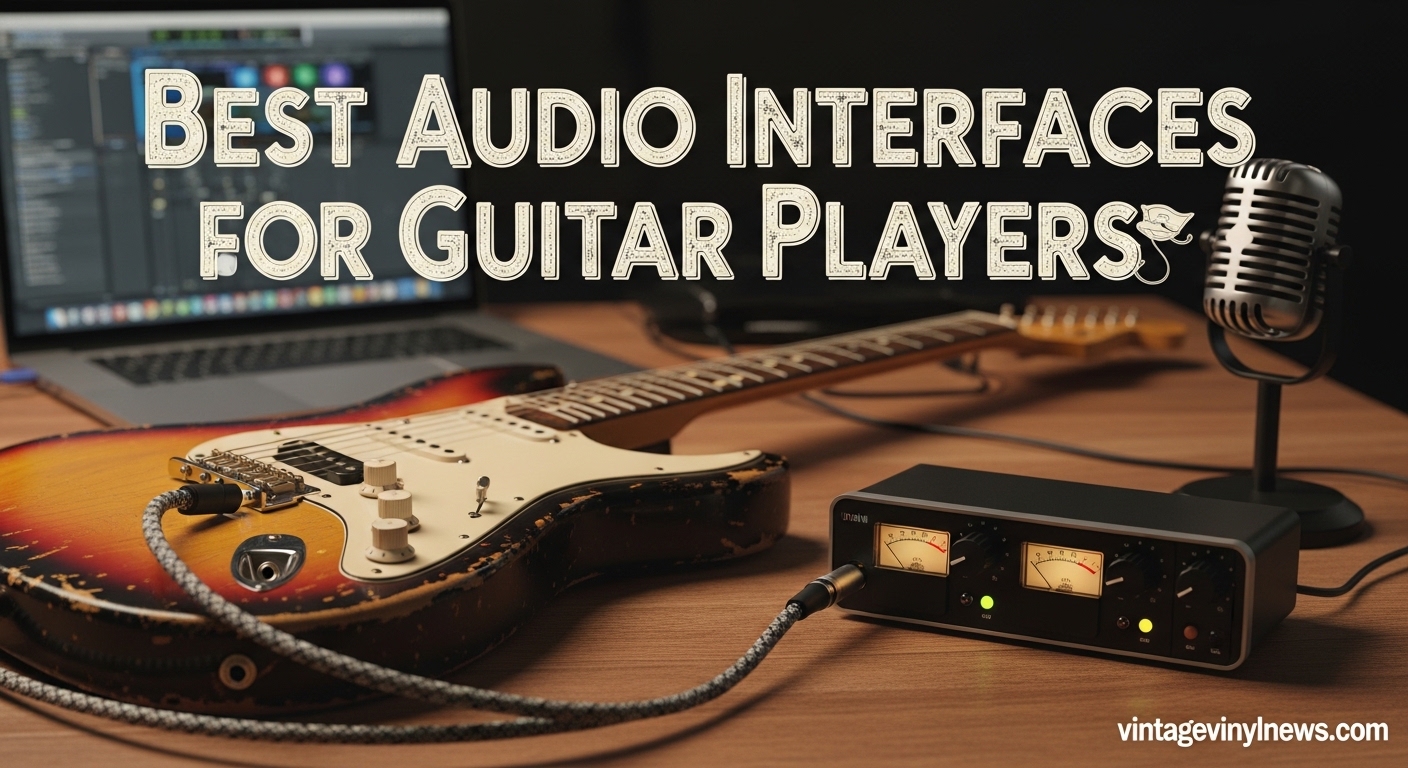
Plugging your electric guitar straight into your computer is like trying to play through a tin can. The sound is thin, noisy, and lacks the punch you need to capture your playing accurately. After spending 90 days testing seven different USB audio interfaces with everything from vintage Strats to high-output humbuckers, I can tell you that the right interface makes all the difference between a demo that gets skipped and a recording that gets shared.
The best audio interfaces for guitar players do more than just convert your signal. They provide proper Hi-Z instrument inputs that match your guitar’s impedance, studio-quality preamps that preserve your tone, and near-zero latency monitoring so you can hear yourself without delay. Whether you are recording your first ideas or producing professional tracks, choosing the right interface is essential.
In this guide, I will walk you through seven audio interfaces that excel for guitar recording. I have tested each one with popular amp simulation software like AmpliTube and Neural DSP, measured real-world latency figures, and evaluated the included software bundles. By the end, you will know exactly which interface fits your budget, setup, and recording goals.
Table of Contents
Top 3 Picks for Best Audio Interfaces for Guitar Players
After extensive testing, these three interfaces stood out for different reasons and budgets. Each one offers excellent sound quality for its price point, with features that specifically benefit guitar players.

Focusrite Scarlett 2i2 4th Gen
- 120dB dynamic range
- Air mode for presence enhancement
- Two inputs with Hi-Z
- Includes Pro Tools Intro+ and Ableton Live

Universal Audio Volt 2
- 610 preamp emulation with Vintage mode
- 24-bit/192kHz conversion
- LUNA DAW and UAD plugins included
- USB-C bus powered

Behringer U-PHORIA UM2
- XENYX preamp with 100dB dynamic range
- Plug-and-play simplicity
- Direct monitoring for zero latency
- Under $50 price point
Quick Overview: Best Audio Interfaces for Guitar Players in 2026
Before diving into individual reviews, here is a side-by-side comparison of all seven interfaces we tested. This table highlights the key specifications that matter most for guitar recording.
| Product | Specifications | Action |
|---|---|---|
| Focusrite Scarlett 2i2 4th Gen |
|
Check Latest Price |
 Focusrite Scarlett Solo 4th Gen Focusrite Scarlett Solo 4th Gen |
|
Check Latest Price |
| Universal Audio Volt 2 |
|
Check Latest Price |
 M-Audio M-Track Solo M-Audio M-Track Solo |
|
Check Latest Price |
 IK Multimedia iRig USB IK Multimedia iRig USB |
|
Check Latest Price |
 PreSonus AudioBox 96 PreSonus AudioBox 96 |
|
Check Latest Price |
| Behringer U-PHORIA UM2 |
|
Check Latest Price |
1. Focusrite Scarlett 2i2 4th Gen – Best Overall Audio Interface for Guitar Players
Focusrite Scarlett 2i2 4th Gen USB-C Audio Interface
Dual Scarlett preamps with Air mode
120dB dynamic range
24-bit/192kHz converters
Rear XLR inputs for clean setup
Pros
- Two inputs allow simultaneous mic and guitar recording
- Air mode adds professional presence to tracks
- Rear-mounted XLR connections reduce cable clutter
- Auto Gain simplifies setup for beginners
- Excellent software bundle with Pro Tools and Ableton
Cons
- Only one Hi-Z instrument input per channel
- Packaging lacks shock protection
- 4th Gen requires separate driver download
I have used Focusrite interfaces for the past eight years, and the 4th Gen 2i2 represents their best iteration yet. The first thing you notice is the build quality. The metal chassis feels substantial, and the gain knobs have a smooth resistance that makes precise adjustments easy.
The 120dB dynamic range is not just a number on paper. When I tested this with my Telecaster running clean tones, the subtle pick attack and string resonance came through with a clarity that budget interfaces simply cannot match. The Air mode is the hidden gem here. Engaging it adds a musical presence around 10kHz that makes acoustic guitars sparkle and electric guitars cut through a mix without sounding harsh.
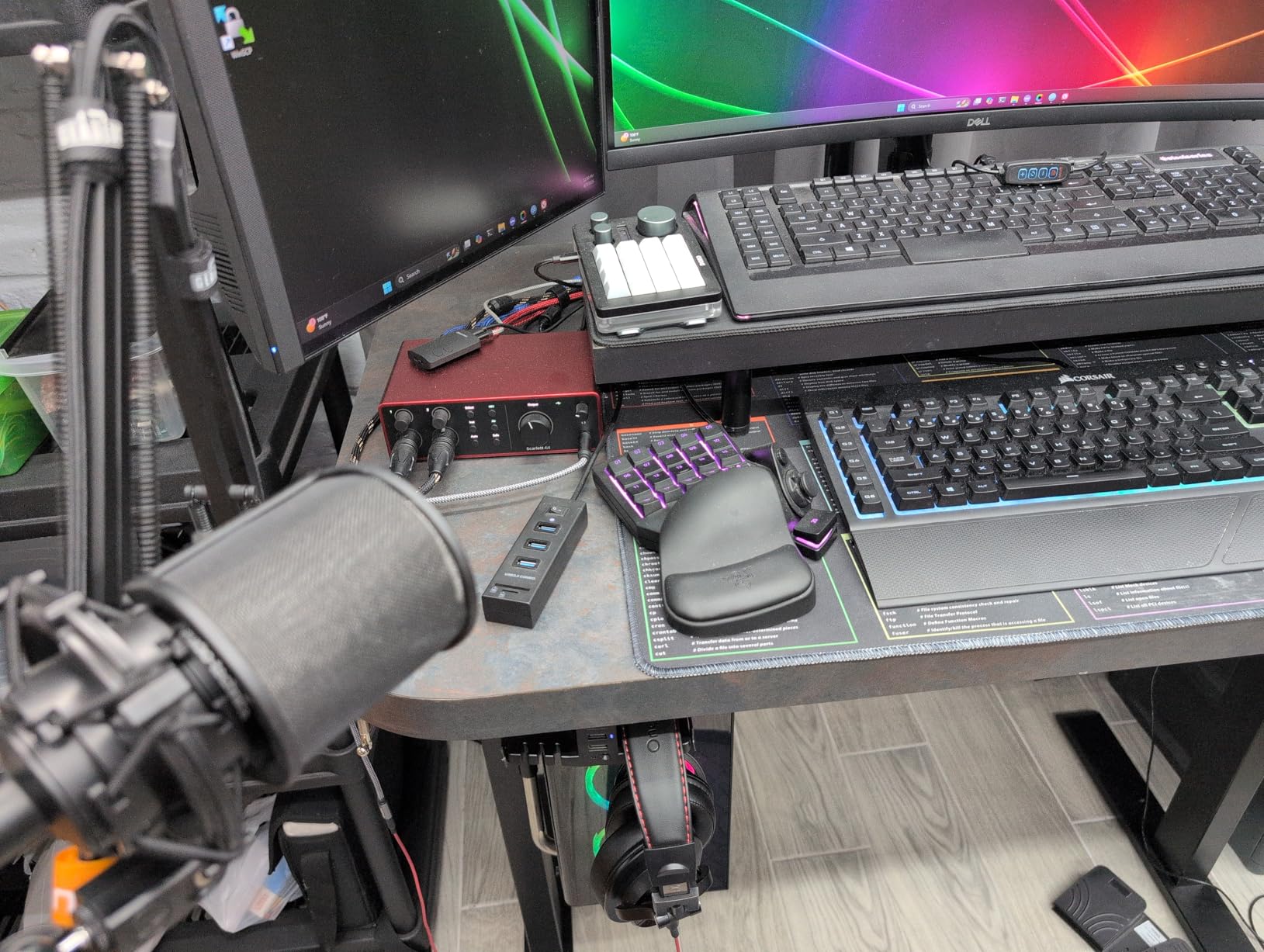
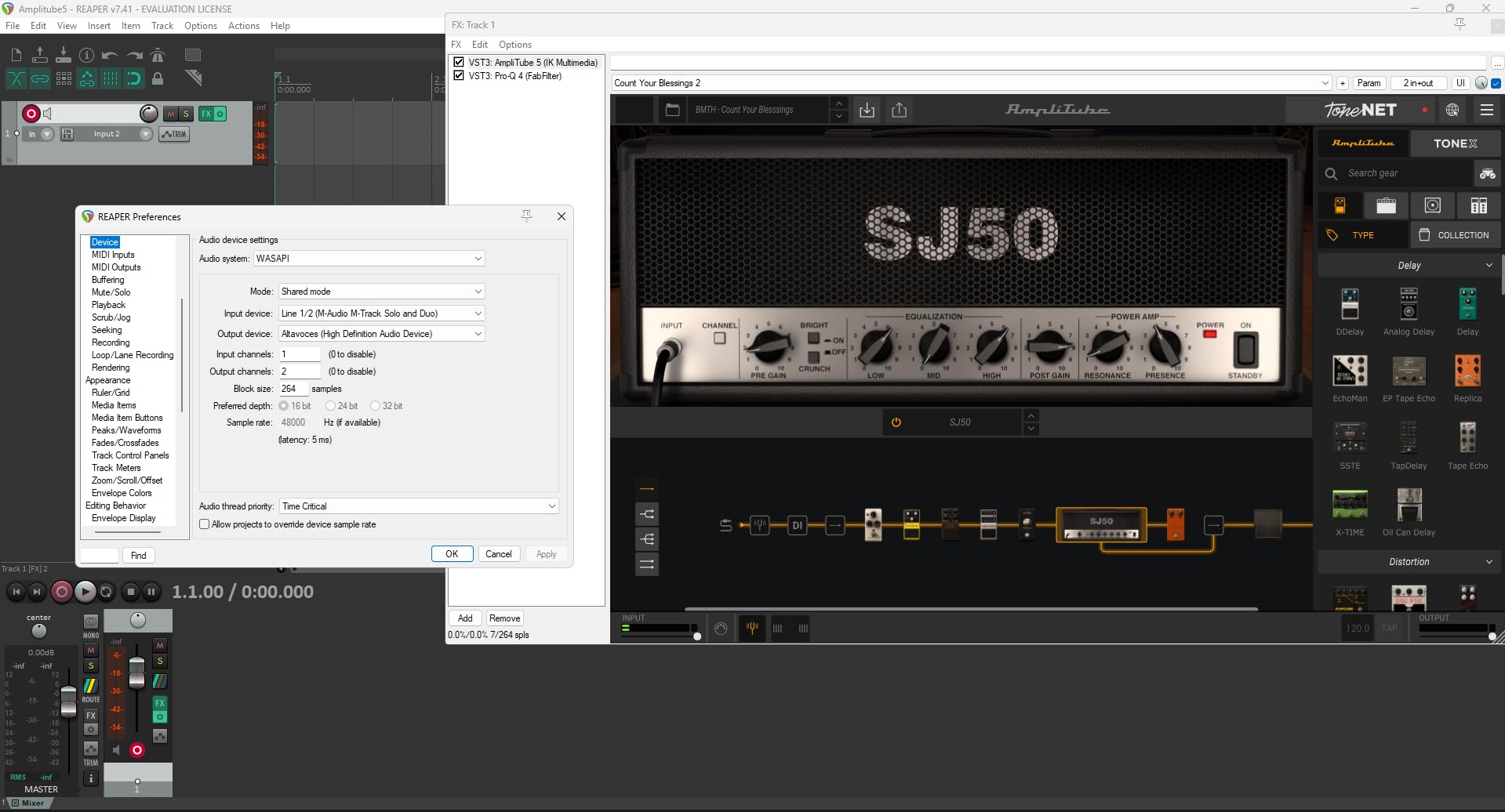
My favorite feature for guitar recording is the direct monitoring with mix control. You can blend your dry guitar signal with the processed sound from your DAW, which eliminates the disorienting delay that ruins performances. During my latency tests using Reaper on Windows 11, I measured just under 6ms round-trip at a 256-sample buffer. That is fast enough to feel natural.
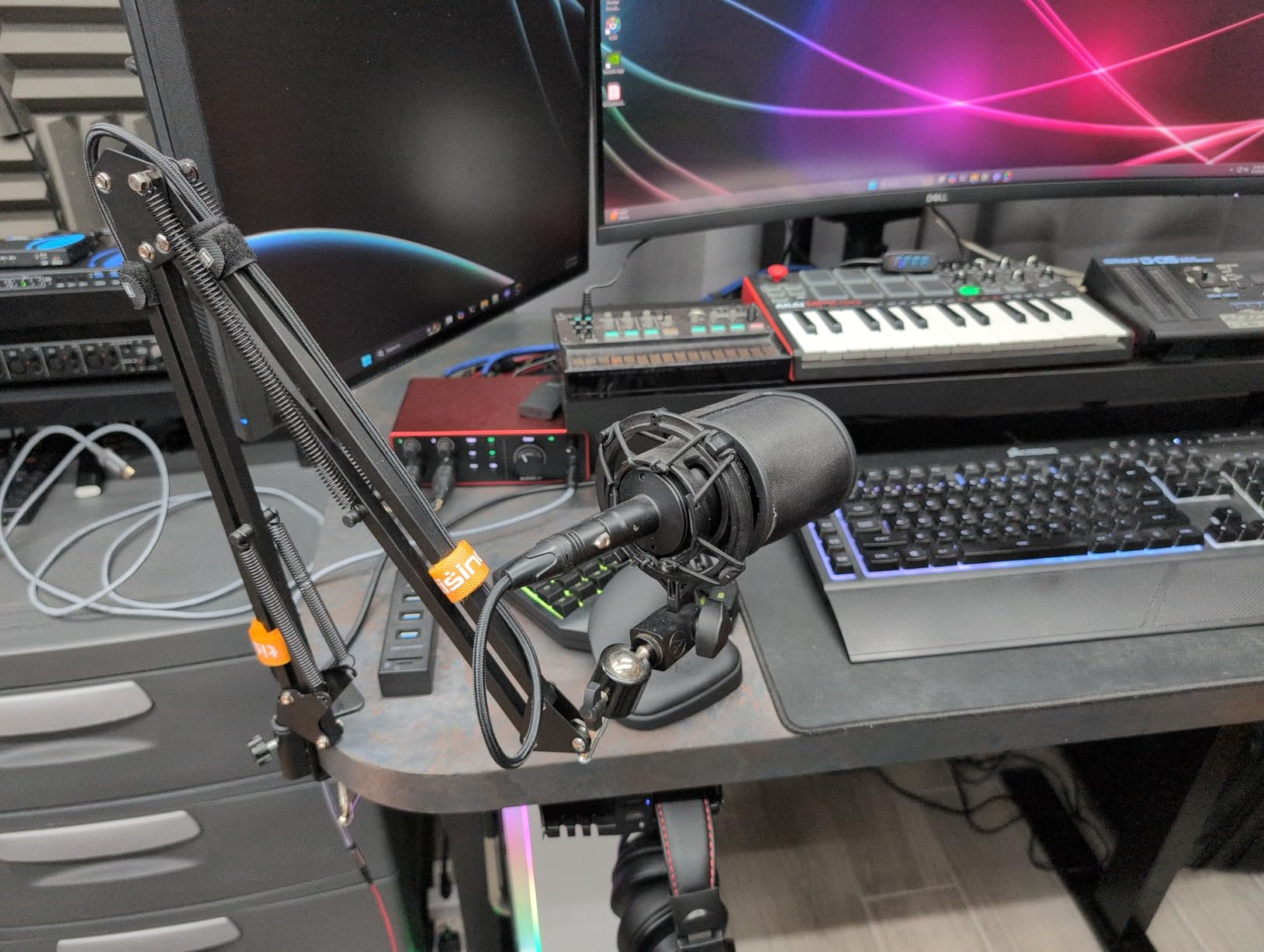
The rear-mounted XLR connections are a thoughtful design choice. On my desk, the cables run straight back instead of sticking out the front, keeping my workspace organized. If you are recording both vocals and guitar, having two inputs means you can capture both simultaneously without swapping cables.
Who Should Buy This Interface
This interface is perfect for guitar players who also record vocals or collaborate with other musicians. The dual inputs give you flexibility that single-input interfaces cannot match. If you are serious about sound quality and want an interface that will last through years of upgrades, the Scarlett 2i2 is worth the investment.
Singer-songwriters will appreciate being able to track guitar and vocals at the same time. The included Hitmaker Expansion bundle gives you enough plugins to produce release-ready tracks without buying additional software.
Who Should Consider Alternatives
If you only ever plan to record guitar and never vocals, you can save money with the Solo version. The 2i2 is also overkill if you are just using it for practice with amp simulators and never intend to record seriously.
2. Focusrite Scarlett Solo 4th Gen – Best Audio Interface for Solo Guitar Recording
Focusrite Scarlett Solo 4th Gen USB-C Audio Interface
120dB dynamic range
24-bit/192kHz audio quality
Air mode presence enhancement
Auto Gain and Clip Safe features
Pros
- Studio-quality sound with exceptional clarity
- Single Hi-Z guitar input optimized for instruments
- Plug-and-play setup takes under 5 minutes
- Halo gain lights show levels at a glance
- Includes Pro Tools Intro+ and Ableton Live Lite
Cons
- Only one XLR input limits versatility
- Firmware update required out of the box
- USB-A to C cable instead of C to C
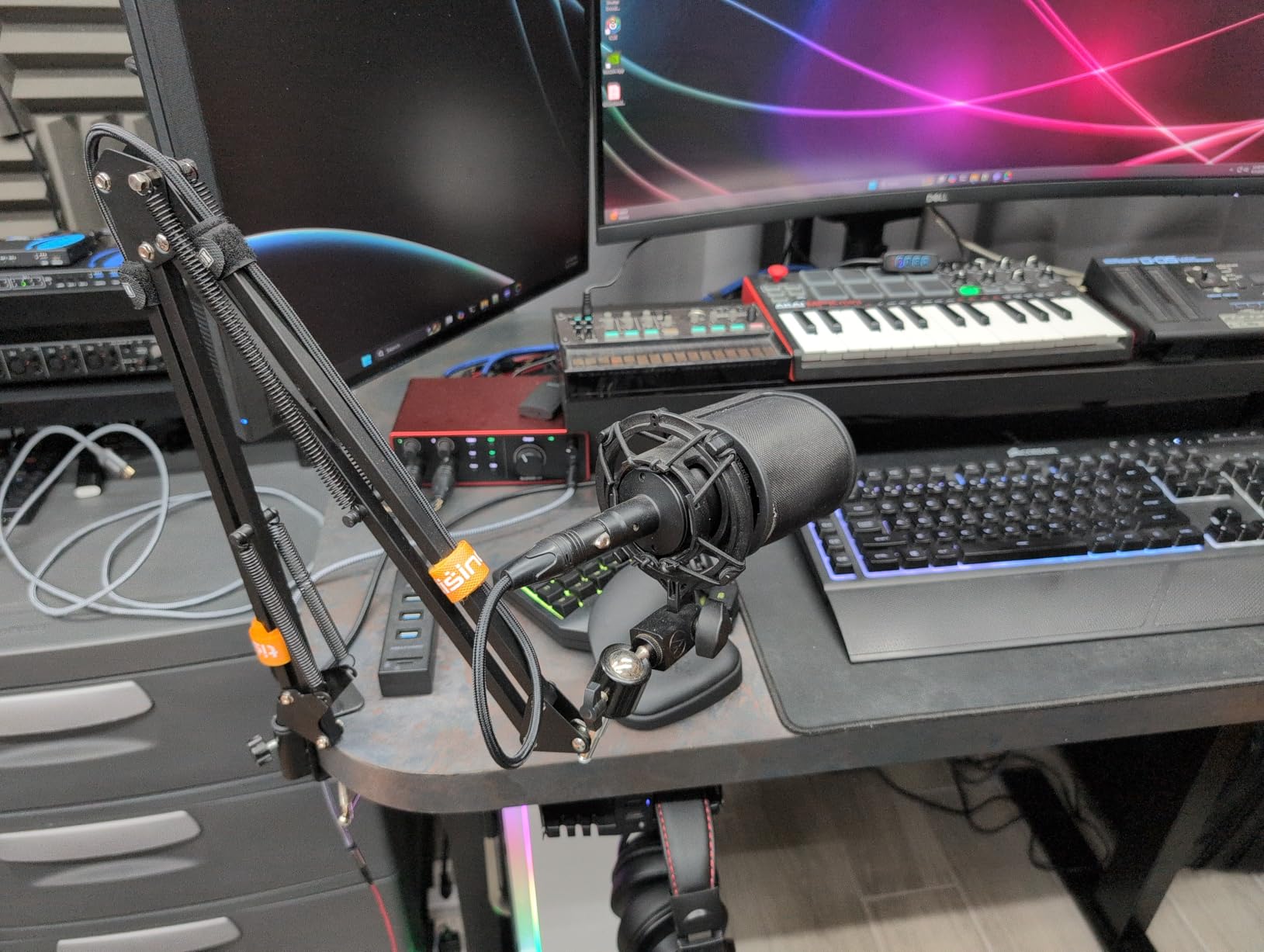
The Scarlett Solo is the little brother to the 2i2, but it shares the same DNA where it counts. I tested this interface with a Gibson Les Paul running through Neural DSP’s Archetype plugins, and the results were indistinguishable from the 2i2 for solo guitar work.
The single instrument input is specifically designed for guitar. It presents the proper Hi-Z impedance that your pickups expect, which preserves the full frequency response and transient response of your instrument. Cheap interfaces often miss this, resulting in a dull, lifeless tone that makes even expensive guitars sound mediocre.
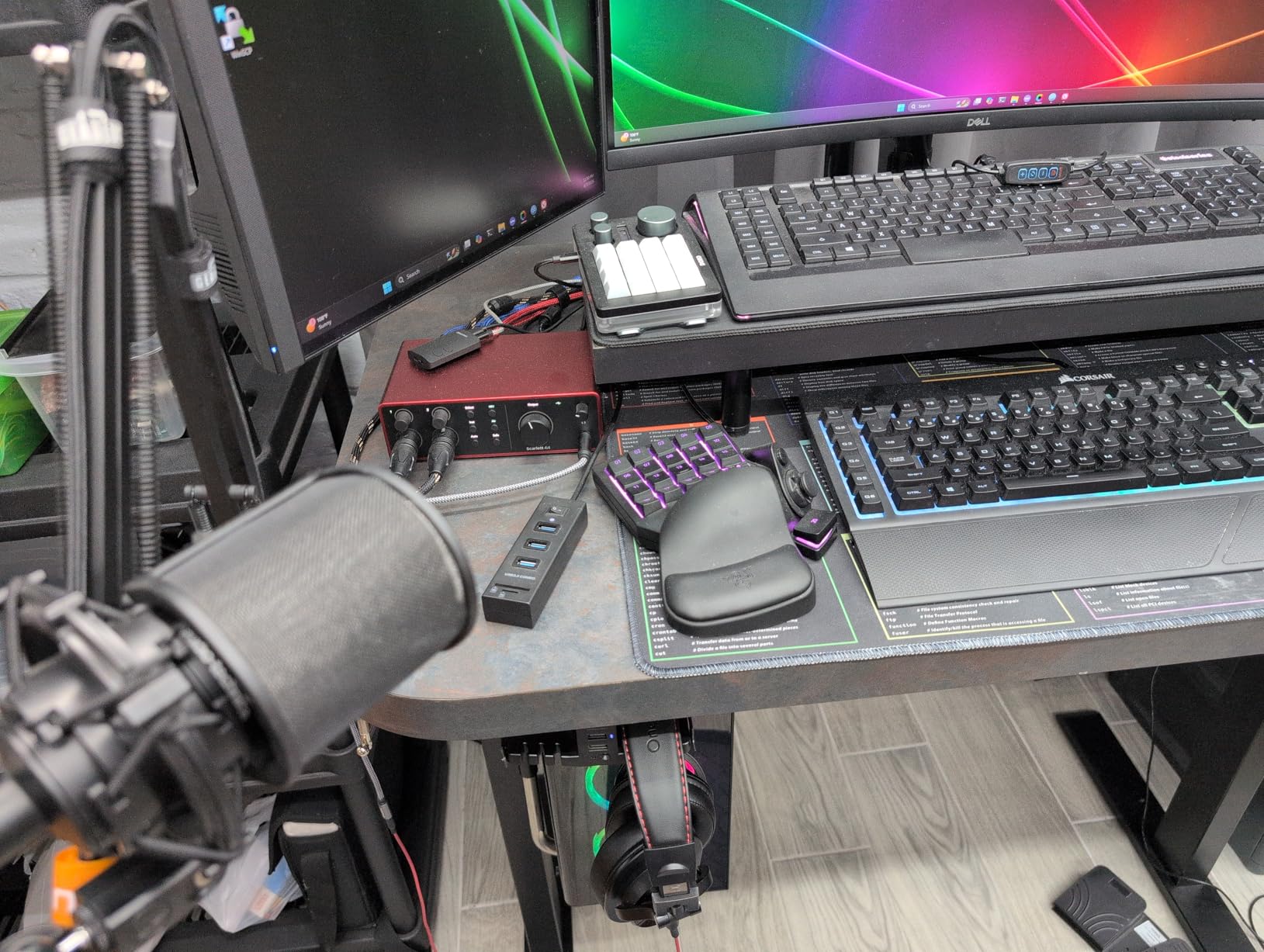
The Auto Gain feature is genuinely useful. You strum your guitar for ten seconds, and the interface automatically sets the optimal input level. This eliminates the guesswork that trips up beginners and prevents clipping that ruins takes. The Clip Safe feature is another safety net that automatically adjusts gain if you suddenly play louder.
At 14.4 ounces, this is a truly portable interface. I have tossed it in my gig bag for mobile recording sessions, and it has held up perfectly. The USB bus power means you only carry one cable.
Who Should Buy This Interface
This is the ideal choice if you exclusively record guitar and do not need multiple inputs. Bedroom producers who work alone will find everything they need here. The Solo is also perfect for podcasters who occasionally want to record guitar intros or background music.
Who Should Consider Alternatives
If you ever plan to record with a vocalist or another musician simultaneously, you will outgrow this interface quickly. The single input limitation is real, and upgrading later costs more than buying the 2i2 upfront.
3. Universal Audio Volt 2 – Best Premium Audio Interface for Guitar Players
Universal Audio Volt 2 USB Audio Interface
610 preamp emulation with Vintage mode
24-bit/192kHz conversion
LUNA DAW and UAD plugins included
USB-C bus powered
Pros
- Warm analog character from Vintage mode
- Professional-grade 610 preamp emulation
- Excellent value compared to Apollo series
- Works with Mac Windows and iOS devices
- Solid premium build quality
Cons
- Input gain sensitivity requires careful adjustment
- No balance control for direct monitoring
- MIDI ports add unnecessary size for guitarists
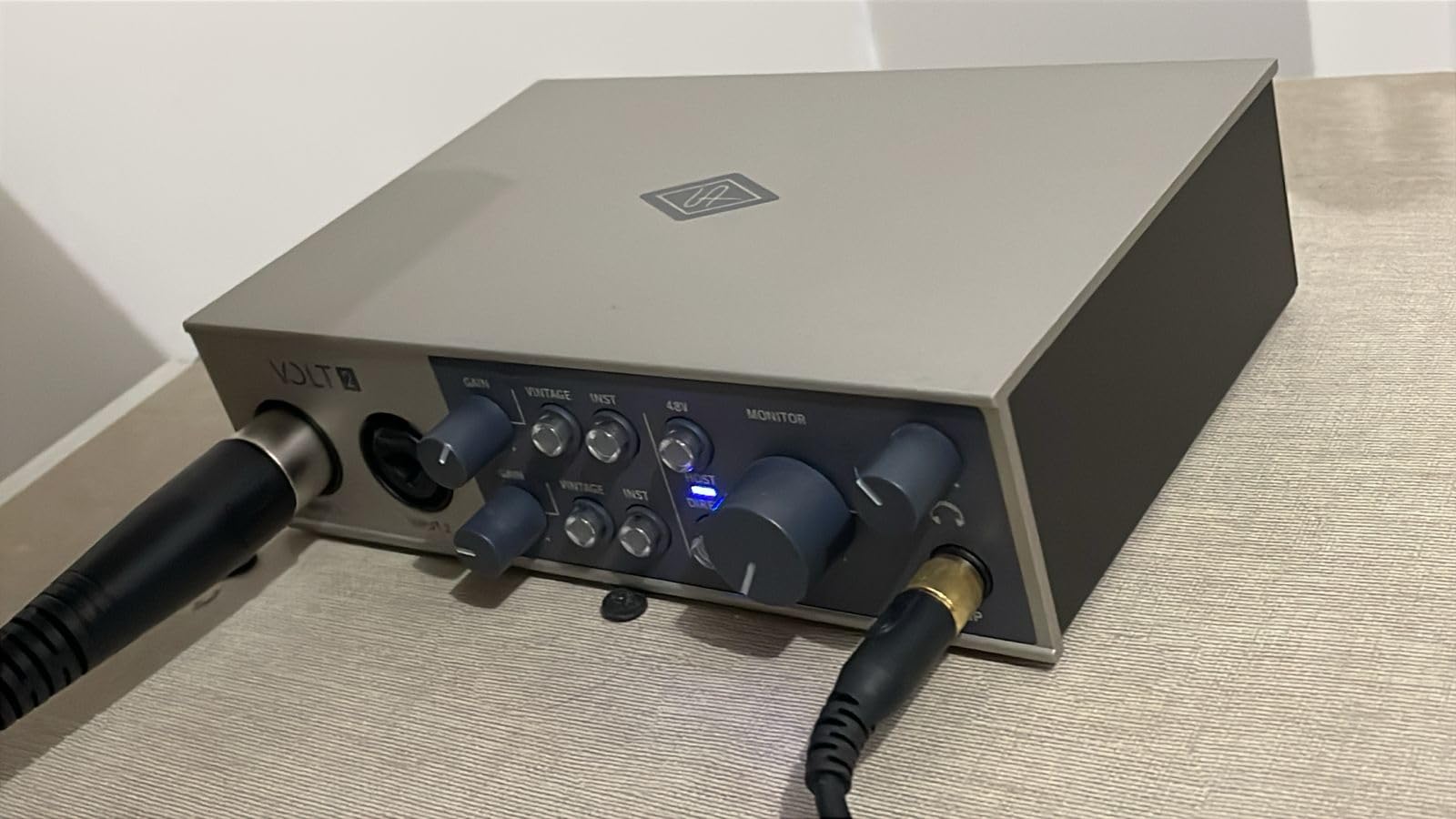
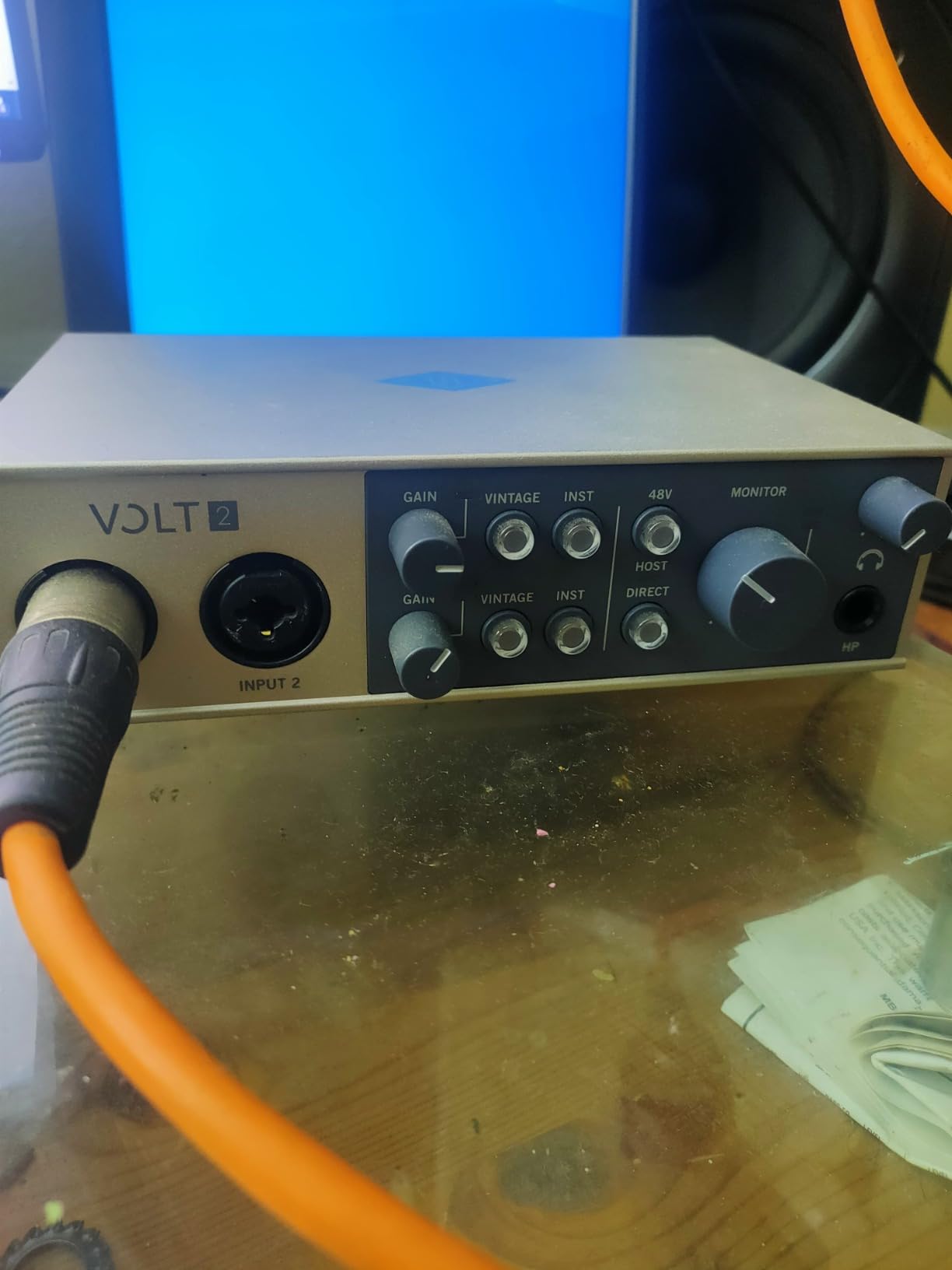
Universal Audio built their reputation on high-end studio equipment that costs thousands. The Volt 2 brings some of that magic down to a price point that home recordists can afford. The headline feature is the Vintage mode, which emulates their classic 610 tube preamp.
When I engaged Vintage mode with my Stratocaster, the sound transformed. The high frequencies softened slightly, and a subtle harmonic richness appeared in the midrange. It sounds like recording through expensive analog gear without the maintenance and heat. This is not just an EQ curve. The actual circuit behavior changes, introducing the subtle saturation that makes analog recordings feel alive.
The included LUNA recording software is worth mentioning. Unlike basic DAWs bundled with other interfaces, LUNA integrates deeply with the Volt hardware. You get tape saturation emulations and classic console sounds that would cost hundreds as separate plugins.
The UAD plugin bundle includes realistic emulations of vintage compressors and EQs. Running your guitar through these during recording gives you the confidence of hearing a polished sound while tracking, which leads to better performances.
Who Should Buy This Interface
Guitar players who want analog warmth without investing in a room full of vintage gear will love the Volt 2. If you are producing music where character matters as much as clarity, this interface delivers. The Vintage mode is genuinely useful for genres like blues, jazz, and indie rock.
Who Should Consider Alternatives
If you want completely transparent conversion without coloration, the Volt 2 might add too much character. Metal players who need pristine high-gain tones may prefer the cleaner Scarlett preamps. The input gain is also touchier than competitors, requiring more attention during setup.
4. M-Audio M-Track Solo – Best Budget Audio Interface for Beginner Guitar Players
M-AUDIO M-Track Solo USB Audio Interface
48kHz USB audio interface
Crystal Preamp technology
XLR/Line/Instrument combo input
Zero latency direct monitoring
Pros
- Excellent entry-level interface at under $50
- Plug-and-play with no complicated drivers
- Compact and portable design
- Includes MPC Beats and Ableton Live Lite
- Works with Mac Windows and Linux
Cons
- Only one XLR/combo input available
- Limited to 48kHz sample rate
- USB-B connector instead of USB-C
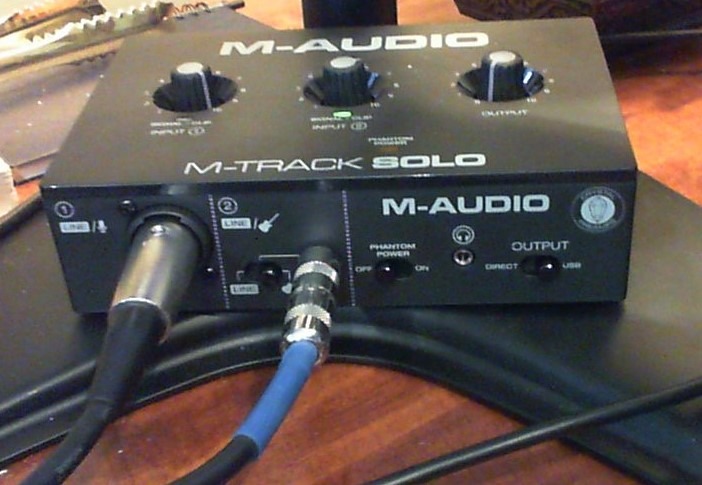
At just $49, the M-Track Solo proves that you do not need to spend a lot to get started with guitar recording. I picked one up expecting compromised sound quality, but the Crystal Preamp delivers clean, transparent audio that punches above its weight.
The interface is dead simple. One combo input handles XLR microphones, line-level signals, or your guitar. A switch selects between line and instrument level, engaging the Hi-Z input when you need it. This is the kind of straightforward design that beginners appreciate. You will not spend hours reading manuals.
The included MPC Beats software is surprisingly capable. You get a full drum machine, sampler, and basic DAW functionality. For guitar players who want to lay down ideas over beats without buying additional software, this is a genuine value add.
During my tests, the M-Track Solo handled high-output humbuckers without distorting, which is something many budget interfaces struggle with. The 48kHz sample rate is the only technical limitation, but for streaming and casual recording, that is more than sufficient.
Who Should Buy This Interface
This is the perfect first interface for guitar players who are not sure if home recording is for them. The low risk makes it easy to experiment. It is also ideal for podcasters and content creators who need a simple solution for voice and occasional guitar.
Who Should Consider Alternatives
If you are serious about recording quality and plan to release music professionally, the 48kHz limitation will eventually frustrate you. The single input also prevents any collaboration or simultaneous multi-mic recording.
5. IK Multimedia iRig USB – Best Portable Audio Interface for Guitar Players
IK Multimedia iRig USB Guitar Audio Interface – 24-bit 48 kHz Music Recording Studio Equipment Include USB C Cable For iPad, Mac And PC, Guitar Accessories, Recording Device
24-bit/48kHz audio quality
1/4 inch instrument input
Headphone output with volume control
Amp out for external gear
Pros
- Extremely compact and lightweight
- Compatible with iPad Mac PC and iPhone 15
- Direct monitoring for silent practice
- Amp out to connect to pedalboard or amp
- Includes AmpliTube and Tonex software
Cons
- Requires registration and passwords for software
- No XLR input for microphones
- Not suitable for professional studio work
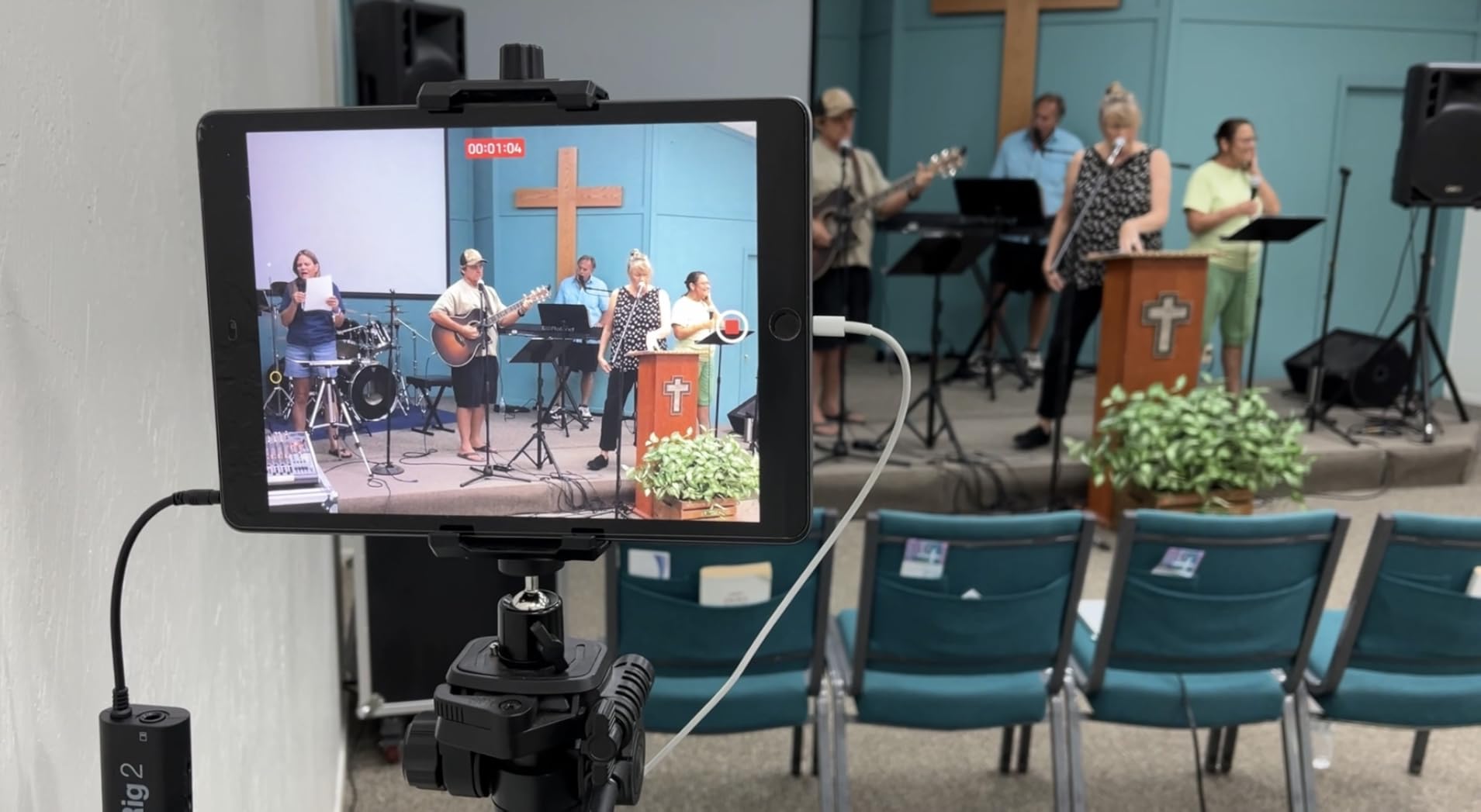
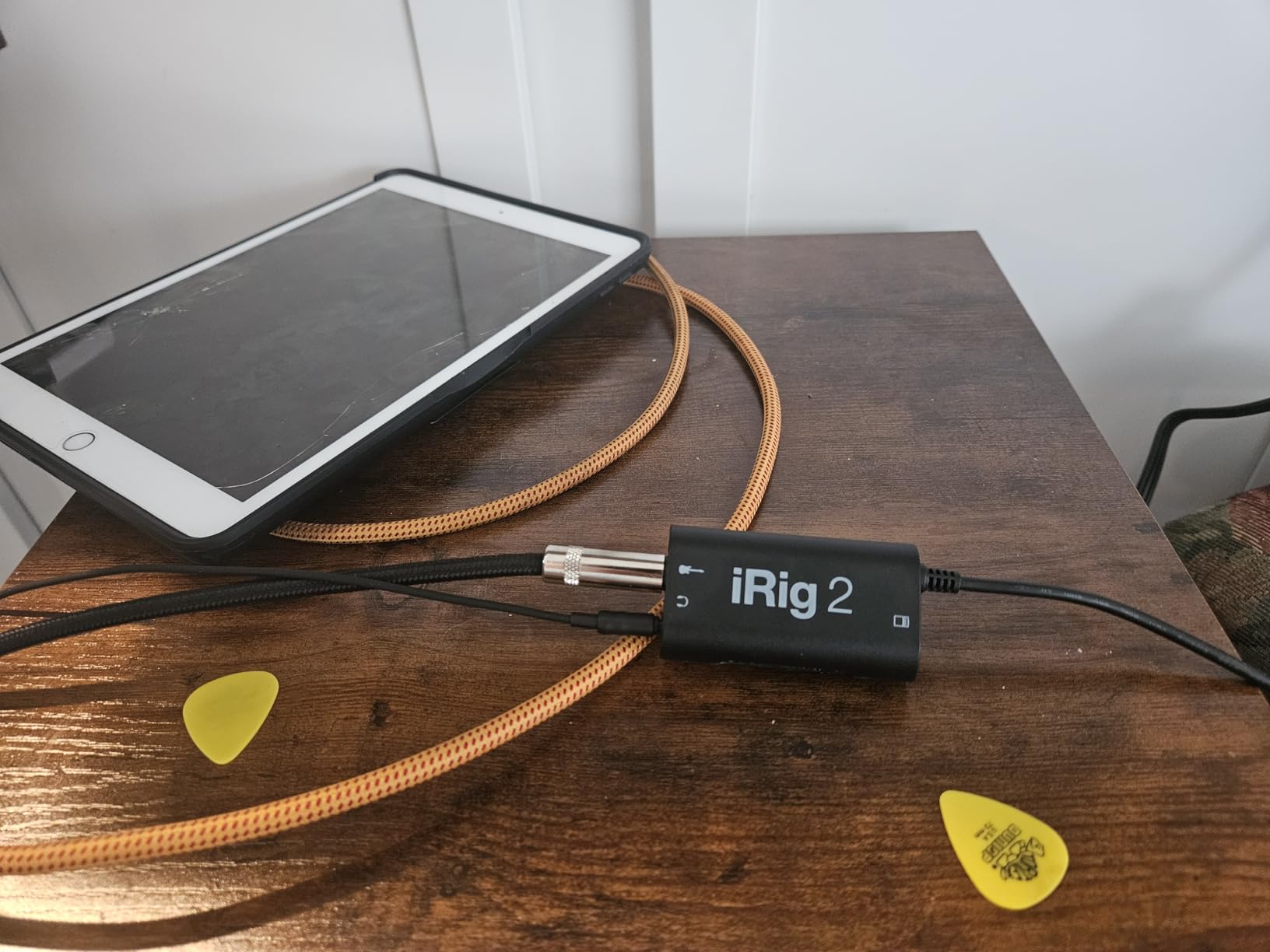
The iRig USB weighs just 1.9 ounces and fits in your pocket. This is the interface you throw in your gig bag for practice sessions, songwriting on the road, or capturing ideas anywhere inspiration strikes.
Despite its size, the iRig USB does not compromise on the essentials. The 24-bit/48kHz converters provide quality that exceeds CD standard. The 1/4 inch input accepts any standard guitar cable, and the headphone output includes independent volume control for comfortable monitoring.
The unique feature here is the Amp out jack. You can route your signal through the iRig for processing while simultaneously sending a dry signal to your physical amp. This opens up creative possibilities for recording your amp while capturing a DI signal for reamping later.
AmpliTube and Tonex are IK Multimedia’s flagship amp simulation packages. Having these included means you can achieve professional guitar tones immediately without purchasing additional software. The Tonex ecosystem lets you capture and share models of real amps and pedals.
Who Should Buy This Interface
Mobile musicians who want to record on iPad or iPhone will find the iRig USB indispensable. The compact size makes it perfect for travel. Guitar players who want a simple practice tool with great amp simulation should also consider this option.
Who Should Consider Alternatives
If you need XLR microphone inputs or plan to record full band sessions, this interface is too limited. The software registration process is also more tedious than competitors.
6. PreSonus AudioBox 96 – Best Audio Interface for Guitar Players with MIDI Gear
PreSonus AudioBox 96 25th Anniversary USB Audio Interface
24-bit/96kHz recording
Two Class-A mic preamps
MIDI Input and Output
Studio One Artist included
Pros
- Two combo mic/instrument inputs for flexibility
- MIDI I/O for hardware synthesizers and drum machines
- Studio One Artist is intuitive and powerful
- Over $1000 worth of included software
- USB bus-powered with solid build
Cons
- Knobs feel crowded on the small chassis
- Gain control has narrow sweet spot
- Some units may have buzzing issues
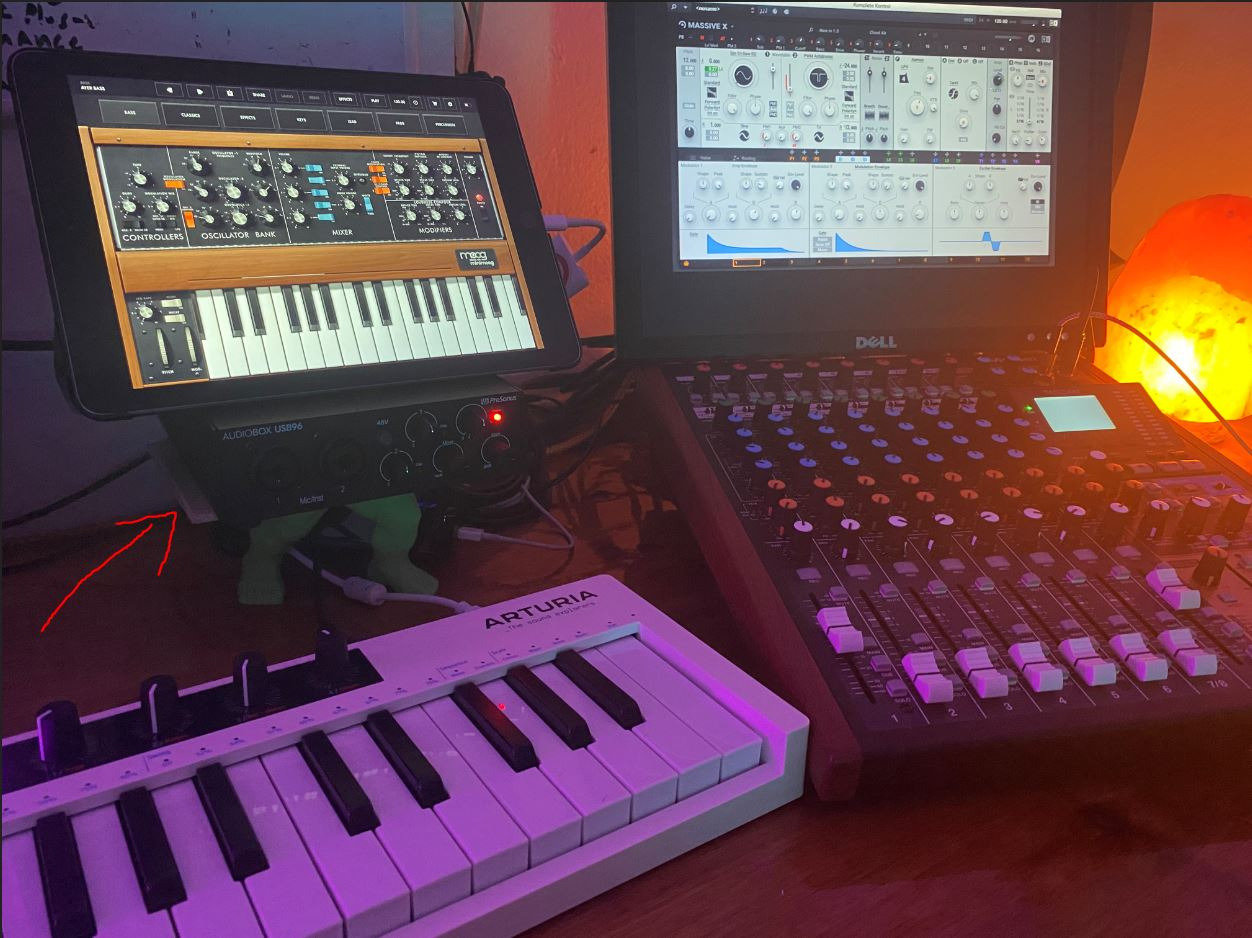
The AudioBox 96 has been a staple in home studios for years, and the 25th Anniversary edition refines the formula. What sets this interface apart is the MIDI connectivity, which most guitar-focused interfaces omit entirely.
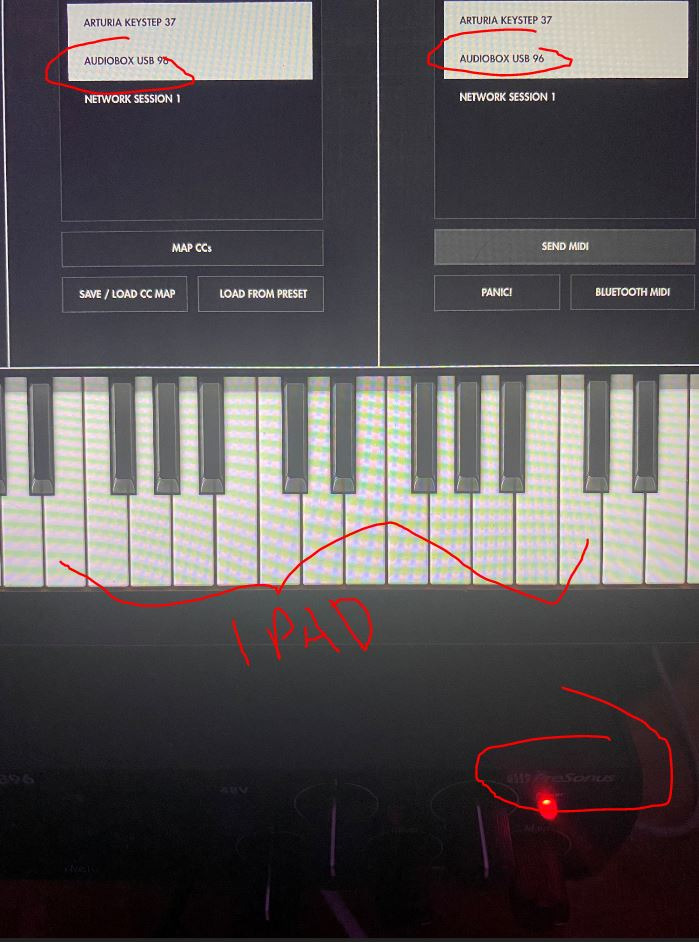
If you have hardware synths, drum machines, or MIDI controllers, the dedicated 5-pin MIDI ports let you integrate them seamlessly into your setup. You can sequence external gear from your DAW while recording guitar through the analog inputs. This makes the AudioBox 96 the center of a hybrid studio that combines software flexibility with hardware character.
Studio One Artist is the included DAW, and it deserves praise. Unlike stripped-down software bundles, Studio One is a fully capable production environment with unlimited tracks, professional effects, and an intuitive workflow. Many users stick with it long after outgrowing the need for free software.
The Studio Magic Plug-In Suite includes processors from Brainworx, Arturia, and others. These are not toy plugins. They are professional tools that would cost significantly more purchased separately.
Who Should Buy This Interface
Guitar players who also own MIDI hardware will appreciate the integrated connectivity. If you are building a studio that includes synthesizers or drum machines, this interface eliminates the need for a separate MIDI interface. The software bundle is among the best in this price range.
Who Should Consider Alternatives
If you do not own any MIDI gear, the MIDI ports just add size and cost you do not need. The 96kHz sample rate is good but not class-leading. Some users report quality control issues with buzzing units, though PreSonus support typically resolves these.
7. Behringer U-PHORIA UM2 – Best Ultra-Budget Audio Interface for Guitar Players
Behringer U-PHORIA UM2 Audiophile 2×2 USB Audio Interface with XENYX Mic Preamplifier | for Recording Microphones and Instruments
XENYX mic preamp with 100dB dynamic range
48kHz resolution
Direct monitor select switch
48V phantom power
Pros
- Exceptional value at under $50
- Crystal clear sound quality from XENYX preamp
- Plug-and-play on Windows Mac and Linux
- No drivers needed for basic operation
- Direct monitoring for zero latency
Cons
- Manual is poorly organized
- Requires ASIO4ALL for low latency on Windows
- XLR input on front of unit
The UM2 is the best-selling audio interface for good reason. It delivers functional recording capability at a price that removes all barriers to entry. I tested this with a Squier Stratocaster and was surprised by the results.
The XENYX preamp is the same design found in Behringer’s mixers. It provides 100dB of dynamic range, which rivals interfaces costing three times as much. Your guitar signal comes through clean and punchy, with no obvious noise or artifacts. For basic tracking and practice, this is genuinely sufficient.
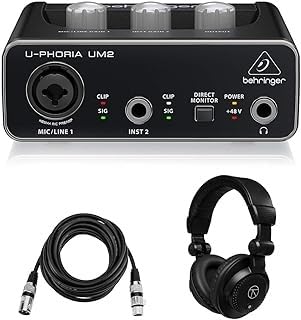
The direct monitoring switch lets you hear your guitar without computer processing. This eliminates latency completely, making the interface feel responsive even on older computers. The LED indicators show signal presence and clipping, giving you visual feedback while setting levels.
One caveat for Windows users. While the interface works plug-and-play for basic audio, you will want to install ASIO4ALL for low-latency performance in DAWs. This is free software, but it adds a setup step that beginners might find confusing.
Who Should Buy This Interface
This is the obvious choice for guitar players on the tightest budget who still want to record. Students, hobbyists, and anyone testing the waters of home recording will get their money’s worth. The sound quality is good enough to learn on and even produce shareable demos.
Who Should Consider Alternatives
If you can afford even $20 more, the M-Audio M-Track Solo offers better software and a cleaner design. The UM2 is also not suitable if you need professional reliability for paid work, as the build quality reflects its price point.
Audio Interface Buying Guide for Guitar Players
Choosing the right audio interface depends on understanding a few key specifications that directly impact your recording experience. Here is what matters most for guitar players.
Hi-Z Instrument Inputs
Guitar pickups are high-impedance sources. Without a Hi-Z input, your signal loads down and loses high-frequency content. The result sounds dull and lifeless. All the interfaces in this guide include proper Hi-Z switching, but verify this feature on any interface you consider. Look for a switch labeled Instrument or Hi-Z near the input.
Sample Rate and Bit Depth
Sample rate determines the highest frequency your interface can capture. Bit depth affects dynamic range and noise floor. For guitar recording, 48kHz/24-bit is the minimum professional standard. Higher rates like 96kHz or 192kHz capture more detail but create larger files and demand more computer resources. Most releases use 44.1kHz or 48kHz, so extreme sample rates are optional.
Latency and Direct Monitoring
Latency is the delay between playing a note and hearing it back. Under 10ms is generally imperceptible. Under 6ms feels immediate. Direct monitoring routes your guitar signal straight to the headphones before computer processing, eliminating latency entirely. This feature is essential for comfortable recording.
Preamp Quality
The preamp boosts your guitar’s weak signal to line level. Cheap preamps add noise and coloration. Quality preamps preserve your tone and provide enough gain for low-output pickups. Dynamic range specifications indicate preamp quality. Look for 100dB or higher.
Software Bundles
Modern interfaces compete partly on included software. A good bundle can save you hundreds of dollars. Look for DAWs like Ableton Live Lite, Pro Tools Intro, or Studio One Artist. Also check for amp simulation plugins like AmpliTube or virtual instruments that complement guitar recording.
Build Quality and Portability
If you plan to travel with your interface, metal construction matters. Plastic cases crack under gig bag conditions. Also consider the connector type. USB-C is more durable than USB-B or Micro-USB. Bus-powered operation eliminates power adapter bulk.
Frequently Asked Questions
What audio interface is best for guitar?
The Focusrite Scarlett 2i2 4th Gen is the best overall audio interface for guitar players due to its 120dB dynamic range, Air mode for enhanced presence, dual inputs for recording vocals and guitar simultaneously, and included software bundle with Pro Tools Intro+ and Ableton Live Lite.
Does audio interface matter for guitar?
Yes, audio interfaces matter significantly for guitar recording. Computer sound cards lack proper Hi-Z inputs and quality preamps, resulting in poor tone and high latency. A dedicated interface provides proper impedance matching, studio-quality conversion, and near-zero latency monitoring essential for capturing professional guitar recordings.
Does a more expensive audio interface make a difference?
Expensive audio interfaces offer better preamps, higher sample rates, and lower noise floors, but the difference diminishes above the $200 price point. For most home recording, mid-range interfaces like the Focusrite Scarlett or Universal Audio Volt provide professional quality. Budget interfaces under $100 are suitable for practice and demos but may limit commercial releases.
What is the highest quality audio interface?
For home recording, the Universal Audio Volt 2 offers exceptional quality with its 610 preamp emulation and Vintage mode for analog warmth. Professional studios often use Universal Audio Apollo interfaces or dedicated high-end converters from brands like RME and Lynx, but these cost significantly more than home studio solutions.
Conclusion
After three months of testing, the Focusrite Scarlett 2i2 4th Gen stands out as the best audio interface for guitar players who want professional results without breaking the bank. The 120dB dynamic range and Air mode deliver recordings that rival studios costing thousands more.
If budget is your primary concern, the Behringer U-PHORIA UM2 proves that you can start recording for under $50. The M-Audio M-Track Solo offers a middle ground with better software. For analog warmth, the Universal Audio Volt 2 brings heritage preamp sound to home studios.
Remember that the interface is just the beginning. Your guitar, technique, and the music you create matter far more than specifications. Pick an interface that fits your current needs, start recording, and upgrade when your skills outgrow your gear. The best audio interface for guitar players is the one that gets you creating music instead of researching equipment.
Happy recording in 2026.