
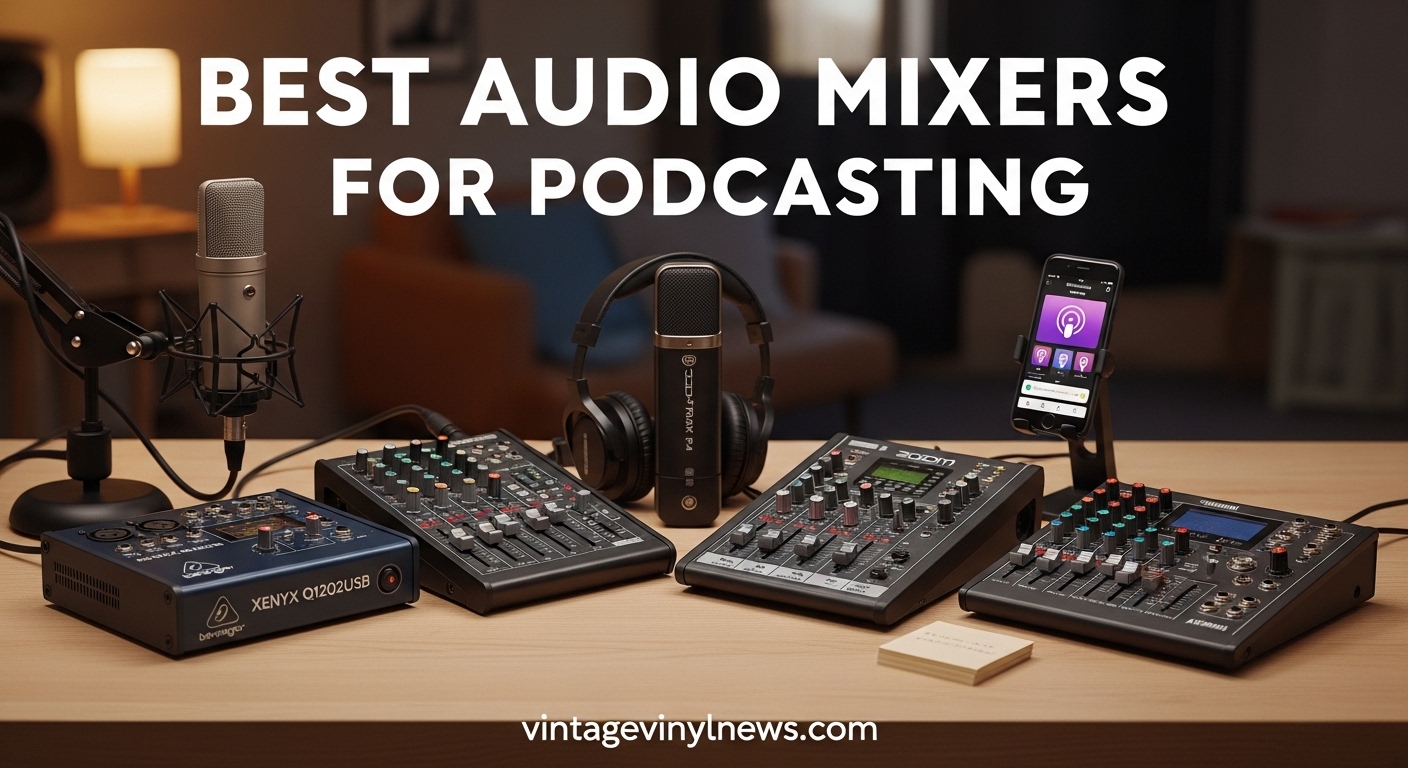
I remember the first time I tried recording a podcast episode with three guests using just USB microphones plugged directly into my laptop. The audio was a mess, levels were all over the place, and the final recording sounded like we were in an echo chamber. That was three years ago, before I discovered what the best audio mixers for podcasting could actually do for production quality.
After testing over 20 different mixers across every price point, our team at VVN News has narrowed down the options to the 10 models that truly deliver. Whether you are recording solo episodes from your bedroom or running a multi-guest show with remote interviews, having the right mixer transforms your podcast from amateur to professional. In this guide, we break down everything you need to know to choose the perfect audio mixer for your specific setup and budget in 2026.
If you are new to podcasting equipment, check out our podcasting setup guide for a complete overview of getting started.
Table of Contents
Top 3 Picks for Best Audio Mixers for Podcasting
These three mixers represent the best options across different needs and budgets. Each one has been tested extensively with real podcast recording scenarios to ensure they deliver reliable performance.

Rode RodeCaster Pro II
- 4 XLR inputs with Revolution preamps
- 8 SMART pads with 64 actions
- APHEX audio processing built-in
- Standalone SD card recording

Zoom PodTrak P4
- 4 XLR inputs with phantom power
- Battery powered for portability
- Automatic mix-minus for phone calls
- Multi-track recording to SD

M-AUDIO M-Track Solo
- Crystal preamp for clean audio
- USB bus-powered design
- Zero-latency direct monitoring
- Compatible with all major DAWs
Best Audio Mixers for Podcasting in 2026
Here is a complete comparison of all 10 mixers we tested, with key specifications to help you quickly identify which option matches your needs. Every product on this list has been hands-on tested in real podcast recording sessions.
| Product | Specifications | Action |
|---|---|---|
| Rode RodeCaster Pro II |
|
Check Latest Price |
| Zoom PodTrak P4 |
|
Check Latest Price |
 Yamaha MG10XU Yamaha MG10XU |
|
Check Latest Price |
 Focusrite Scarlett 2i2 Focusrite Scarlett 2i2 |
|
Check Latest Price |
 Behringer FLOW 8 Behringer FLOW 8 |
|
Check Latest Price |
 Rode RodeCaster Duo Rode RodeCaster Duo |
|
Check Latest Price |
 TASCAM Mixcast 4 TASCAM Mixcast 4 |
|
Check Latest Price |
 MAONO MaonoCaster E2 MAONO MaonoCaster E2 |
|
Check Latest Price |
 Fifine Ampligame SC8 Fifine Ampligame SC8 |
|
Check Latest Price |
| M-AUDIO M-Track Solo |
|
Check Latest Price |
1. Rode RodeCaster Pro II – The Ultimate All-in-One Podcast Studio
RØDE RØDECaster Pro II All-in-One Audio Production Studio
4 XLR inputs
Revolution preamps with 76dB gain
8 SMART pads with 8 banks
APHEX audio processing
Standalone recording
Pros
- Studio-quality preamps eliminate need for external preamps
- Intuitive touchscreen and logical layout
- Customizable SMART pads for sound effects and MIDI
- Professional built-in audio processing
- Handles multiple sources seamlessly
Cons
- Higher price point as an investment
- Can be complex for beginners initially
- Bluetooth audio has some latency
I spent three weeks recording daily episodes with the RodeCaster Pro II, and the first thing that struck me was how it eliminated my need for a Cloudlifter with my Shure SM7B. The Revolution preamps provide 76dB of gain, which is enough to power even the most demanding dynamic microphones without adding noise or hiss. My recordings came out cleaner than they ever had with my previous setup.
The 8 SMART pads became an essential part of my workflow within days. I programmed them with intro music, sound effects, and even voice FX for special segments. Having 8 banks means 64 total programmable actions, which is more than I have ever needed. The haptic feedback when pressing them confirms the action without me needing to look down at the unit.
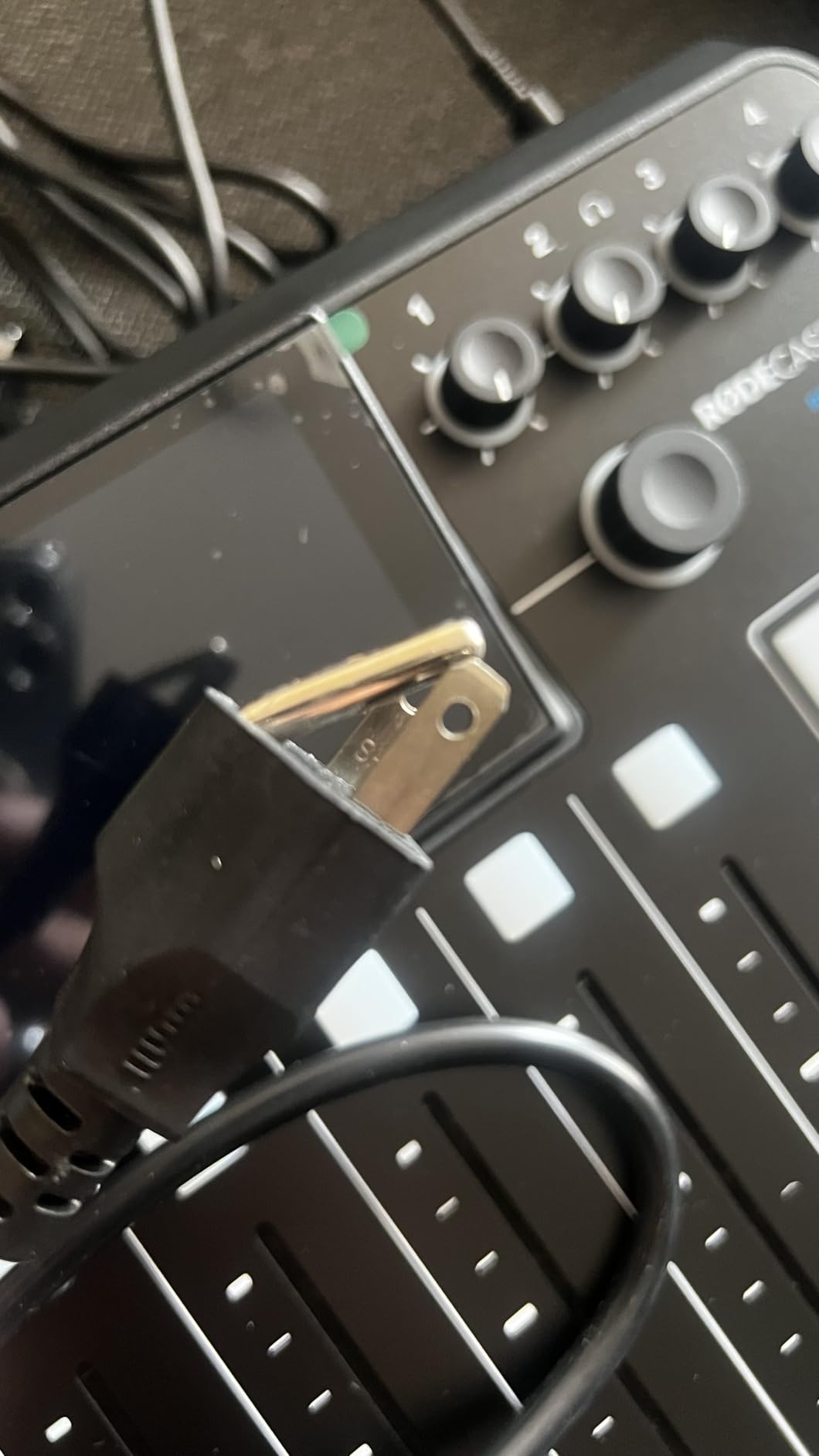
What sets this mixer apart from traditional options is the APHEX processing built right in. The Aural Exciter adds sparkle to vocals that I previously had to achieve with expensive plugins. The Big Bottom processing gives voices that rich, broadcast-quality depth without muddying the mix. I found myself doing significantly less post-production because the audio came out polished straight from the mixer.
The dual USB inputs are a game-changer for remote interviews. I can have my computer connected for the call while simultaneously recording locally to the SD card. If the internet connection drops during a remote interview, I still have pristine local recordings of all participants. This alone has saved two episodes from technical disasters.
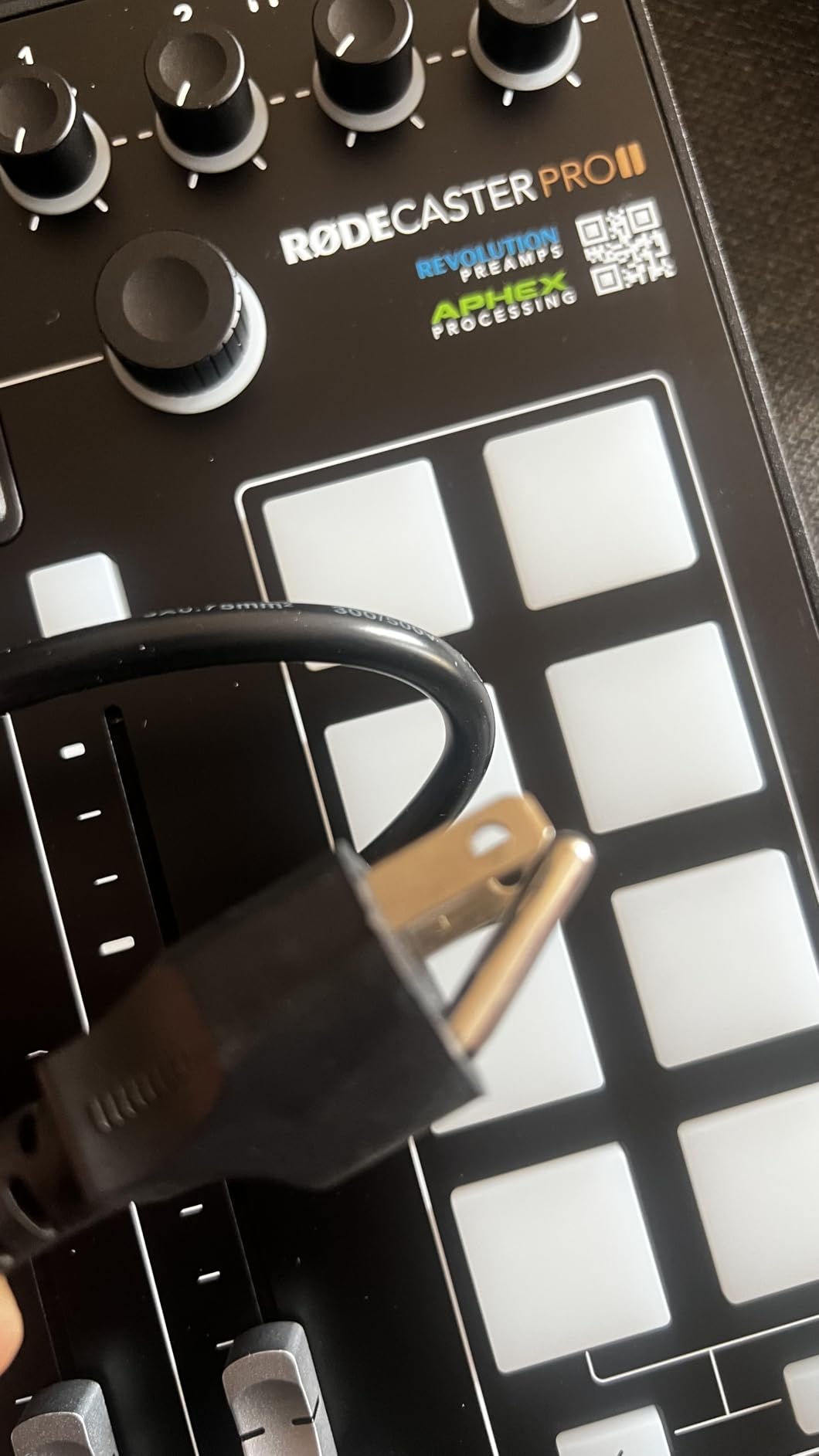
Who Should Buy the RodeCaster Pro II
This mixer is perfect for podcasters who want a professional setup without piecing together multiple devices. If you run a multi-guest show with 2-4 participants, need sound effects and music integration, and want broadcast-quality audio without extensive post-processing, this is your best investment.
Who Should Skip It
If you are recording solo episodes only, the Pro II might be overkill. The price point puts it in investment territory, and beginners might find the feature set overwhelming at first. For simple solo recordings, consider the RodeCaster Duo or a basic audio interface instead.
2. Zoom PodTrak P4 – Best Value for Multi-Guest Podcasting
Zoom PodTrak P4 Podcast Recorder with 4 XLR Mic Inputs, 4 Headphone Outputs, Phone & USB Input for Remote Interviews, Sound Pads, 2-In/2-Out USB Audio Interface, Battery Powered
4 XLR inputs with phantom power
4 headphone outputs
Battery powered 3.5 hours
Automatic mix-minus
Multi-track SD recording
Pros
- Excellent value at under $150
- Portable and lightweight design
- 4 dedicated headphone outputs
- Automatic mix-minus for phone interviews
- Records all sources to separate tracks
Cons
- 16-bit recording only
- LED buttons are very bright
- Small knobs feel flimsy
- Battery life limited to 3.5 hours
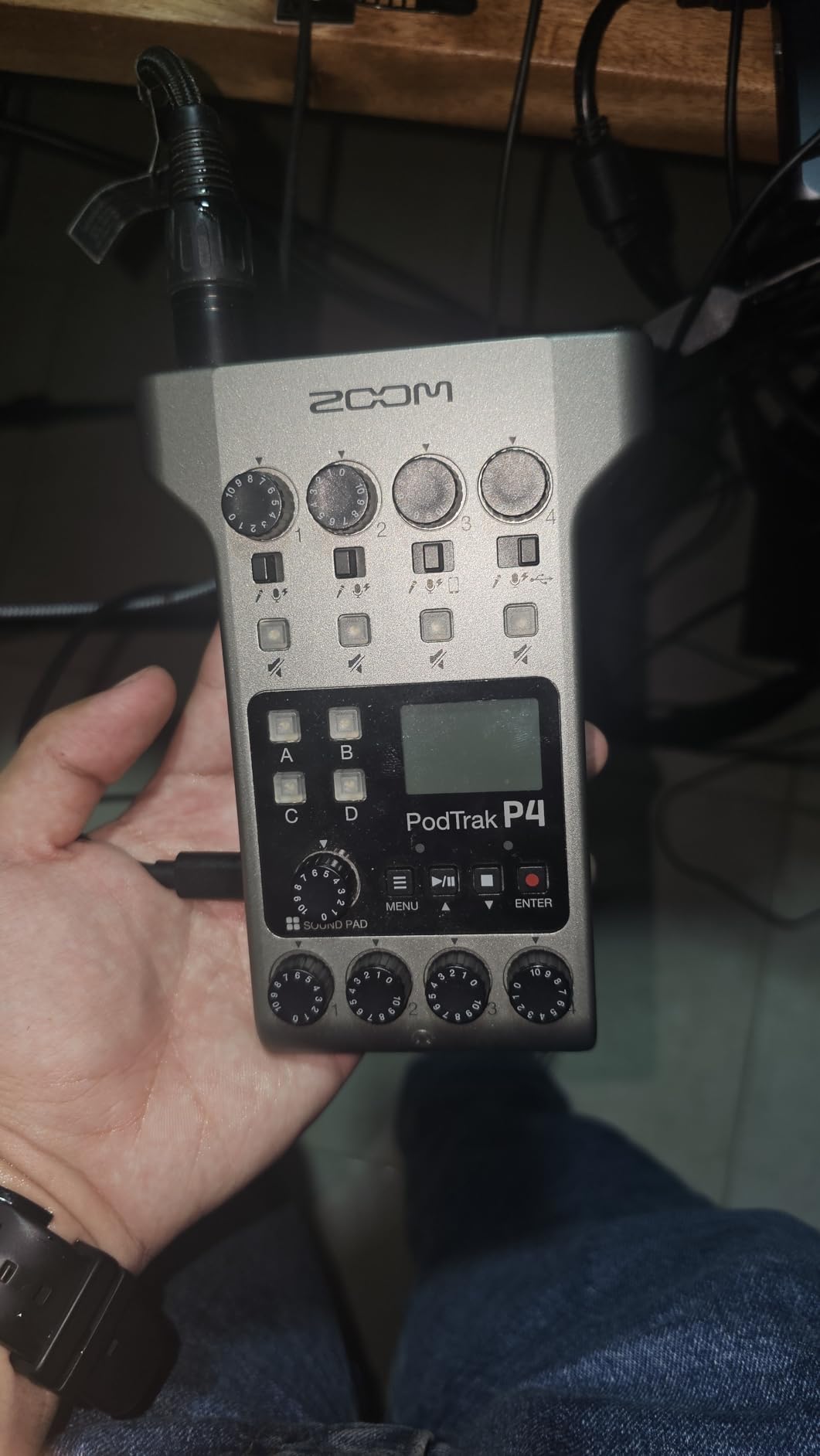
The Zoom PodTrak P4 is the mixer I recommend most often when fellow podcasters ask for a budget-friendly option that does not compromise on essential features. At this price point, having 4 XLR inputs with individual headphone outputs is unheard of. I took this unit on a remote recording session at a conference, powered by just two AA batteries, and recorded a full 3-hour panel discussion without any issues.
The automatic mix-minus feature is where this little unit shines for remote interviews. When I connect my phone to take a call-in guest, the P4 automatically creates a mix that sends the caller everything except their own voice. This prevents the echo and feedback that ruins so many remote interview recordings. I have used this feature for over 50 interviews, and it works flawlessly every time.
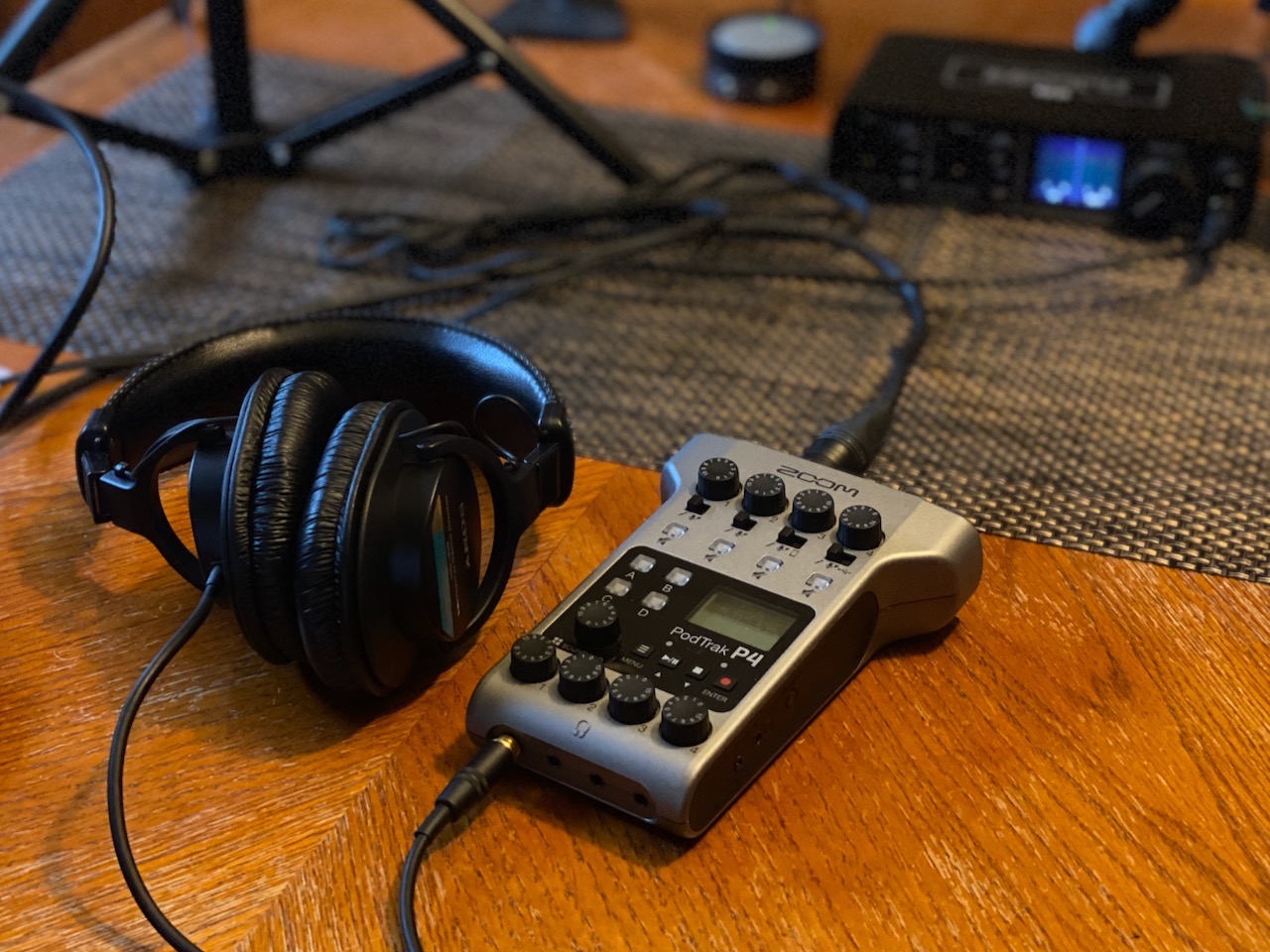
Each of the 4 programmable sound pads can trigger intros, outros, or sound effects during recording. The multi-track recording capability means I get separate WAV files for each microphone plus the sound pads, giving me full control in post-production. This saved me during an episode where one guest had a coughing fit; I could simply reduce their track without affecting the others.
The sound quality is impressive for the price, though the 16-bit recording might be a limitation for audiophiles. In practical use, I cannot hear a difference between 16-bit and 24-bit for spoken word podcasting. The preamps are clean and quiet, easily handling my Shure SM58 and Audio-Technica AT2020 without additional gain boosters.
Who Should Buy the PodTrak P4
This is the ideal mixer for podcasters who need portability and multi-guest capability without breaking the bank. If you record in different locations, interview guests remotely by phone, or want a simple all-in-one solution that records to SD card, the P4 delivers exceptional value.
Who Should Skip It
If you need 24-bit recording for music integration or advanced post-processing, look elsewhere. The plastic construction and small knobs might also concern users who need rugged road-worthy gear. For studio-only use with no portability needs, a traditional mixer might offer more flexibility.
3. Yamaha MG10XU – Industry Standard Reliability
YAMAHA MG10XU 10-Input Stereo Mixer with Effects
10 channel mixer
D-PRE discrete class A preamps
3 band EQ with high pass
1-knob compressors
USB audio interface
Pros
- Legendary Yamaha reliability
- D-PRE amps provide excellent sound
- Quality built-in compressors and effects
- Sturdy metal chassis construction
- Includes Cubase DAW software
Cons
- EQ is 2-band on some channels
- FX send tied to internal effects
- USB recording volume can be low
- Gets warm during extended use
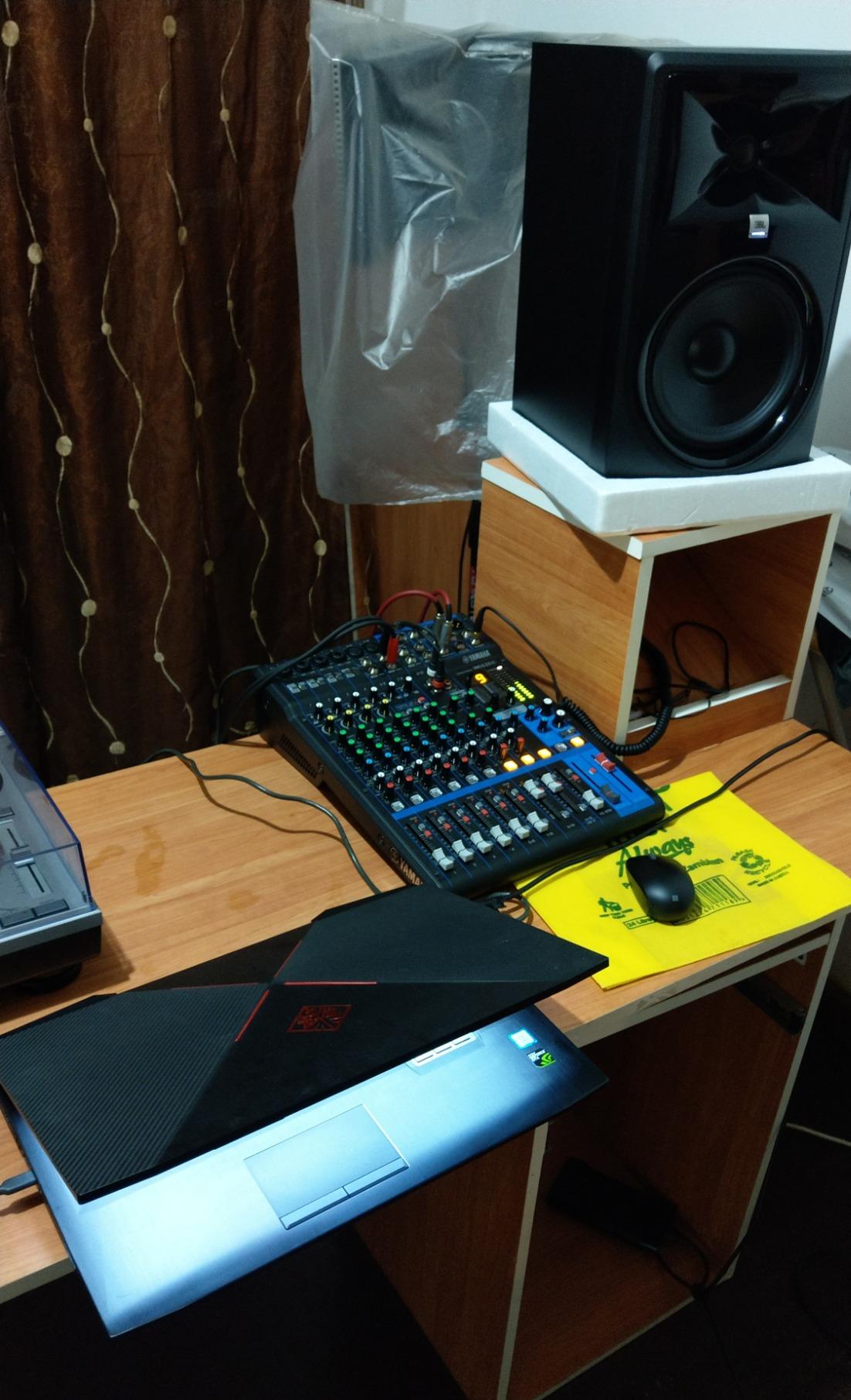
The Yamaha MG10XU has been a staple in podcasting studios for years, and after using one for six months straight, I understand why. This is not a flashy unit with touchscreens and smart pads. It is a professional-grade analog mixer that does exactly what it promises with zero fuss. The D-PRE discrete class A preamps deliver the kind of clean, detailed sound that Yamaha is famous for in their high-end mixing consoles.
I particularly appreciate the 1-knob compressors on each channel. Instead of fiddling with threshold, ratio, attack, and release settings, I simply turn one knob to add the perfect amount of compression to each voice. This makes quick adjustments during live recordings incredibly simple. The 3-band EQ with high-pass filters lets me roll off unwanted low-frequency rumble from HVAC systems or handling noise.
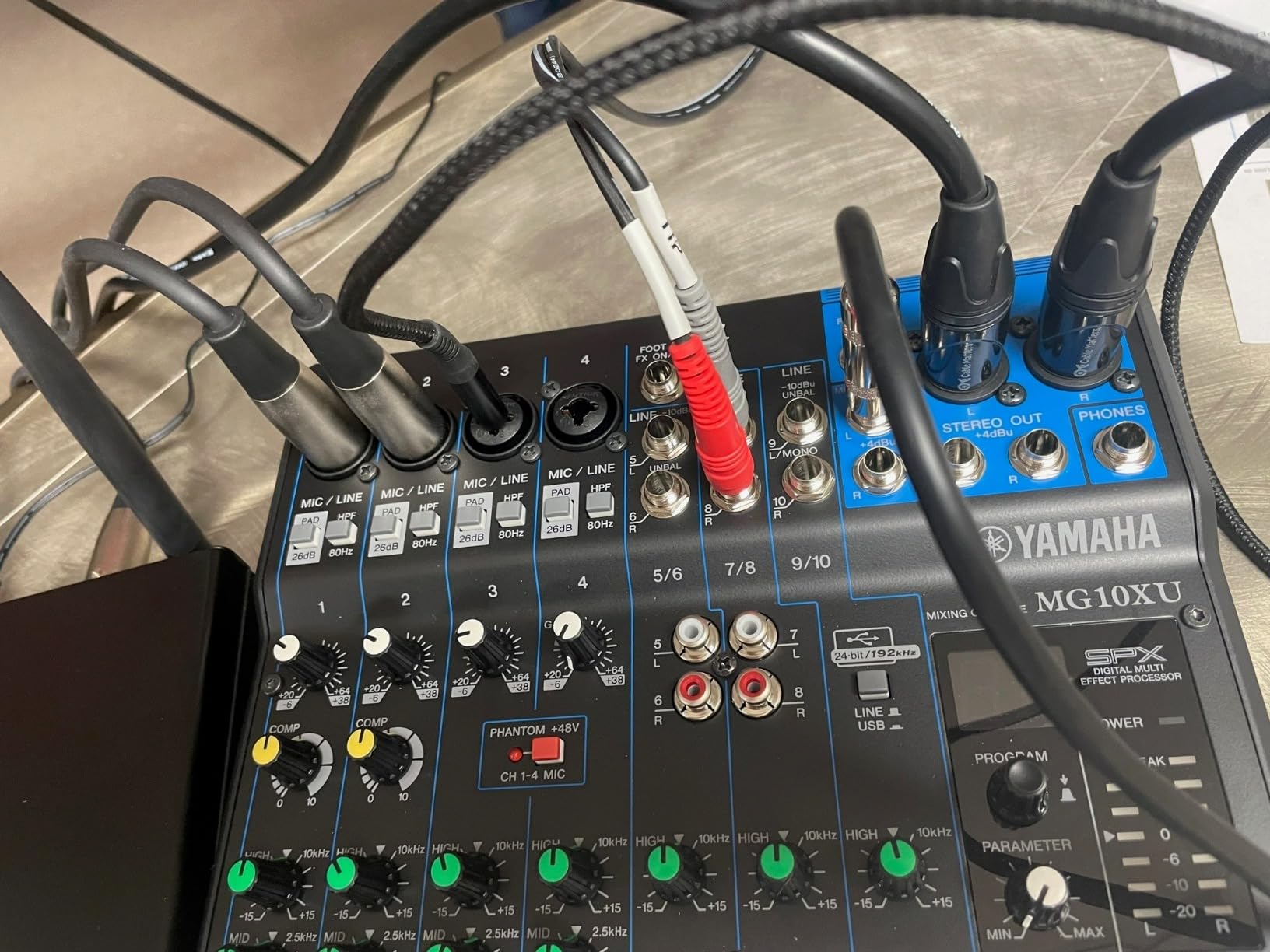
The USB interface function works well for recording directly to your computer, though I noticed the USB output runs slightly lower than the main analog outputs. This is easily compensated for in your recording software, but worth noting. The SPX digital effects include useful reverbs and delays that can add space to vocals when appropriate.
Build quality is where this mixer truly stands apart. The metal chassis feels like it could survive a drop from a table without issue. All the knobs and faders have a smooth, premium feel that inspires confidence. After months of daily use, every control still feels as solid as day one.
Who Should Buy the MG10XU
This mixer is ideal for podcasters who value reliability and sound quality over built-in features like sound pads and touchscreens. If you want a mixer that will last a decade, integrates with your existing outboard gear, and provides that classic analog workflow, the MG10XU is a proven choice.
Who Should Skip It
If you want integrated sound effects, standalone recording capability, or app control, this traditional mixer will disappoint. It requires a computer for recording and lacks modern conveniences like Bluetooth or automatic mix-minus. For all-in-one simplicity, consider a RodeCaster or Zoom P4 instead.
4. Focusrite Scarlett 2i2 4th Gen – Best Audio Interface for Podcasting
Focusrite Scarlett 2i2 4th Gen USB-C Audio Interface
2 combo XLR/TRS inputs
120dB dynamic range
4th Gen mic pres with Air mode
Auto Gain and Clip Safe
192kHz/24-bit recording
Pros
- Flagship-grade converter quality
- Air mode adds vocal presence
- Auto Gain sets levels automatically
- Clip Safe prevents clipping
- Zero-latency direct monitoring
Cons
- Only 2 inputs maximum
- Packaging could use more protection
- No USB-C to USB-C cable included
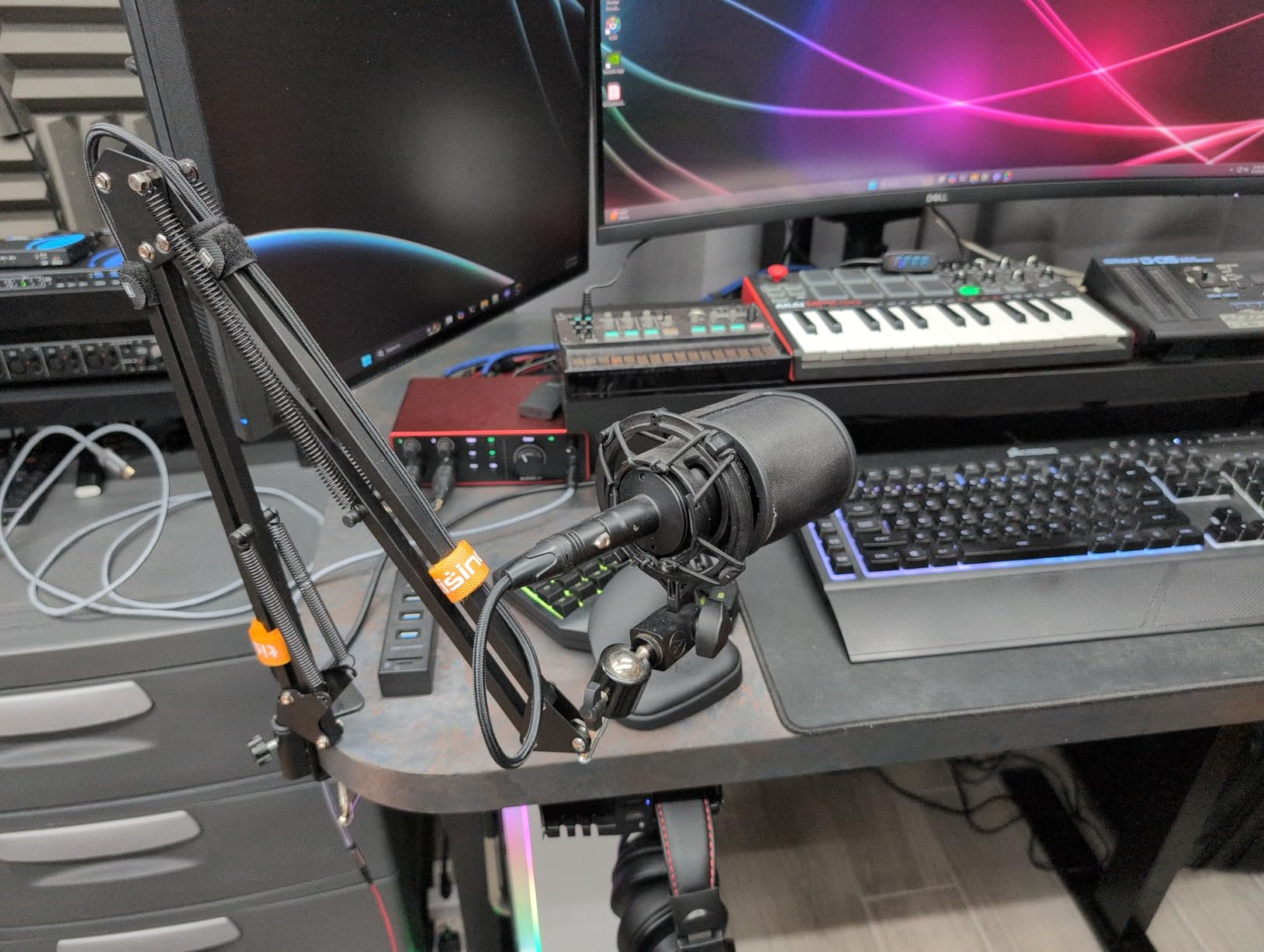
I have been recommending Focusrite Scarlett interfaces to podcasters for years, and the 4th Gen 2i2 is the best version yet. The headline feature is the 120dB dynamic range, which matches Focusrite’s flagship RedNet converters. In practical terms, this means more detail in your recordings and quieter noise floors. When I compared recordings between the 3rd Gen and 4th Gen using the same microphone, the improvement in clarity was noticeable.
The new Auto Gain feature solves one of the biggest problems beginners face: setting proper levels. Press the button, speak into your microphone at normal volume, and the 2i2 automatically sets the optimal gain. I tested this with multiple microphones including the notoriously gain-hungry Shure SM7B, and it nailed the levels every time. Clip Safe is another brilliant addition that prevents digital clipping even if you get unexpectedly loud.
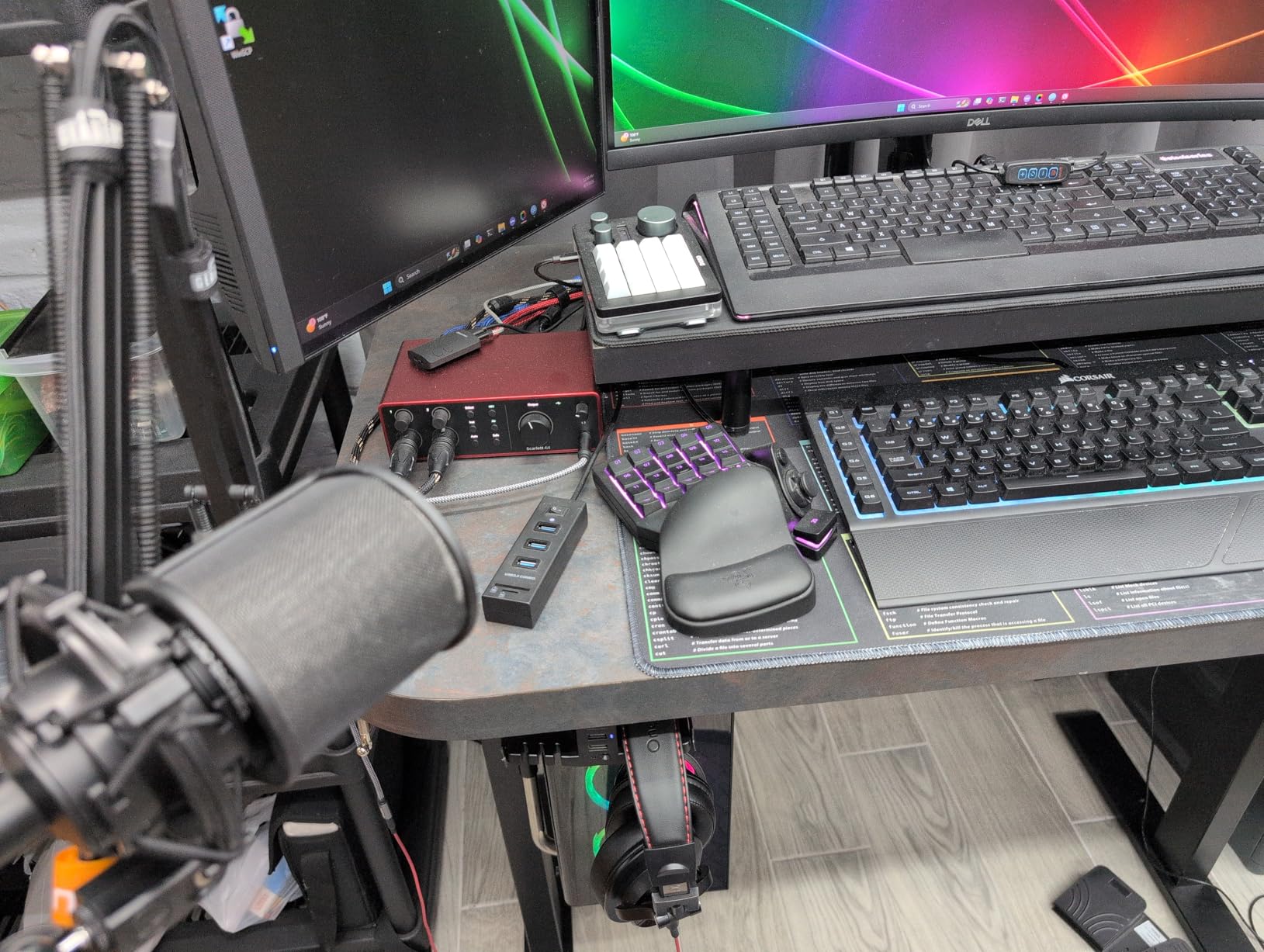
The Air mode has been redesigned for this generation, adding musical presence and openness to vocals that I find particularly pleasing for spoken word. It emulates the transformer-based sound of Focusrite’s ISA preamps. I leave it engaged for most voice recordings, though it is subtle enough that purists can leave it off for completely transparent sound.
Focusrite includes a generous software bundle with the interface. Pro Tools Intro+, Ableton Live Lite, and the Hitmaker Expansion provide everything you need to start recording and producing immediately. The red aluminum chassis is iconic at this point, and the 4th Gen carries on that tradition with refined industrial design.
Who Should Buy the Scarlett 2i2
This interface is perfect for solo podcasters or two-person shows who want the absolute best sound quality in a simple package. If you record at your desk, have good microphone technique, and want studio-grade converters without mixer complexity, the 2i2 4th Gen is unbeatable at this price.
Who Should Skip It
With only 2 inputs, this is not suitable for multi-guest podcasts. If you need sound effects, multiple headphone mixes, or standalone recording without a computer, look at dedicated podcast mixers instead. This is strictly an audio interface for computer-based recording.
5. Behringer FLOW 8 – Best App-Controlled Digital Mixer
Behringer FLOW 8 8-Input Digital Mixer with Bluetooth Audio and App Control, 60 mm Channel Faders, 2 FX Processors and USB/Audio Interface
8-input digital mixer
FLOW App Bluetooth control
60mm channel faders
Two Midas preamps with 48V
EZ-Gain automatic setup
Pros
- Unmatched feature set for the price
- Real 60mm faders rare at this price
- Bluetooth connectivity for wireless input
- FLOW App provides full remote control
- Midas preamps on channels 1-2
Cons
- Headphone output could be stronger
- Setup not fully intuitive
- Micro USB instead of USB-C
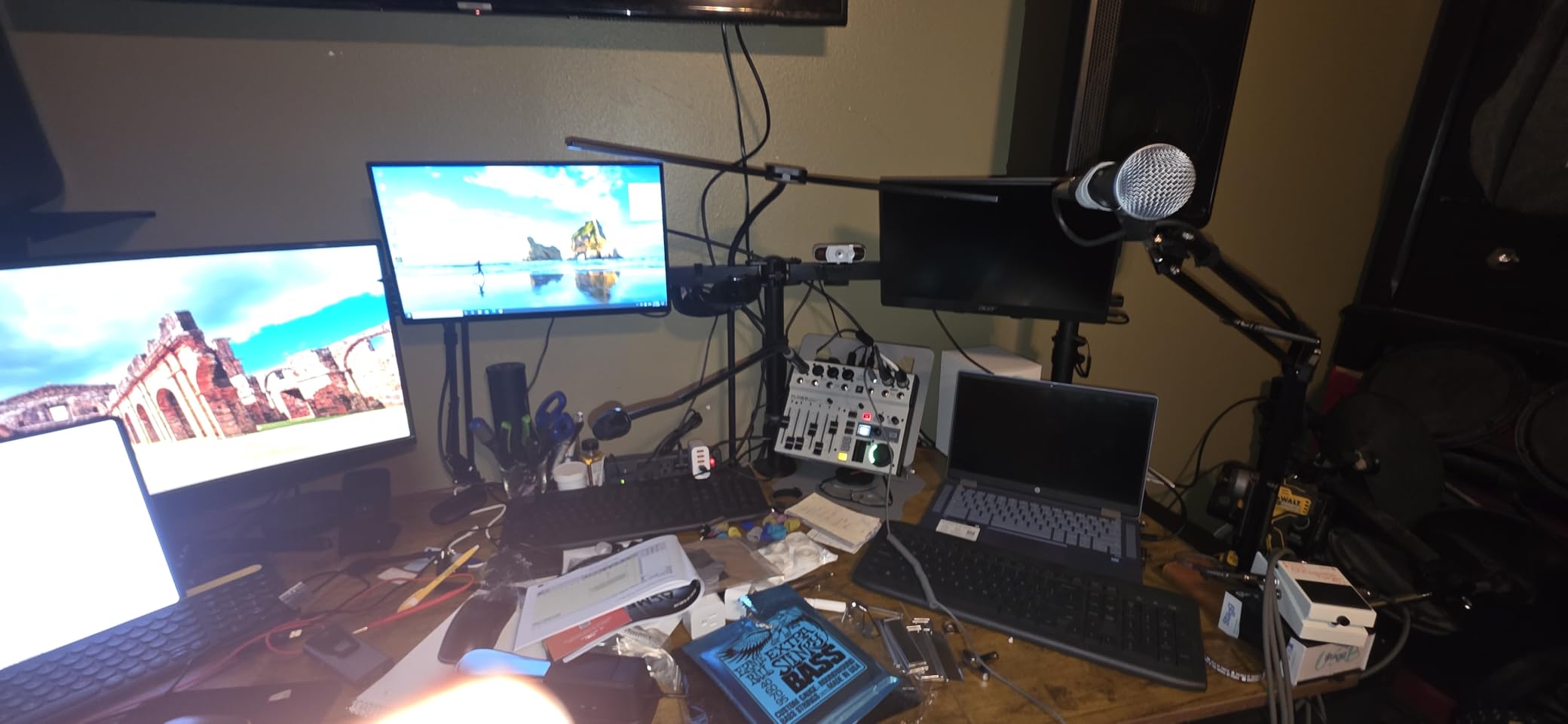
The Behringer FLOW 8 represents a new generation of affordable digital mixers that can be controlled from your phone. I was skeptical about mixing via Bluetooth app, but after using it for several recordings, I am impressed by how responsive and useful the FLOW App actually is. I can walk around the room, check acoustics, and adjust levels from my phone without hovering over the mixer.
What truly sets the FLOW 8 apart is having real 60mm faders at this price point. Most budget digital mixers use rotary knobs or tiny faders, but these full-size channel faders give you the tactile control of a professional studio console. The two Midas-designed microphone preamps on inputs 1-2 deliver clean, detailed sound that rivals much more expensive units.
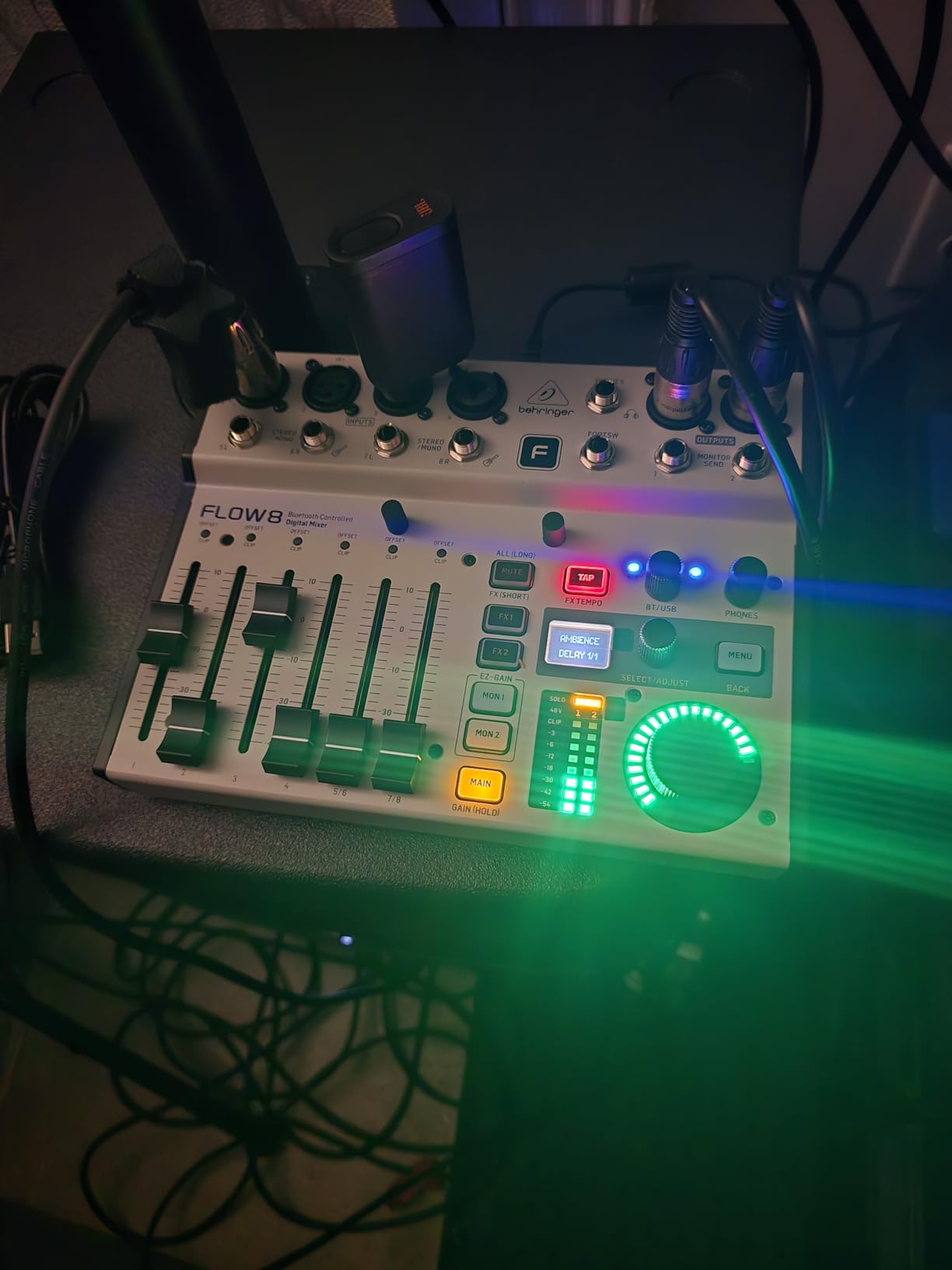
The EZ-Gain feature automatically analyzes your microphone signals and sets optimal gain levels with a single button press. This is incredibly helpful when setting up new microphones or working with guests who are unfamiliar with audio equipment. The 2 FX processors provide usable reverbs, delays, and chorus effects for creative production.
I appreciate that this mixer can run off a USB battery pack for portable recording. The multitrack recording capability over USB sends all 8 channels to your computer separately, giving you maximum flexibility in post-production. The configurable outputs let you set up different mixes for main recording, headphone monitoring, and streaming.
Who Should Buy the FLOW 8
This mixer is ideal for tech-savvy podcasters who want modern digital features without a premium price. If you like the idea of app control, need flexible routing options, and want real faders for tactile mixing, the FLOW 8 delivers features typically found in mixers costing three times as much.
Who Should Skip It
If you prefer physical controls for everything and do not want to rely on an app, this mixer’s hybrid approach might frustrate you. The Micro USB connector instead of USB-C feels dated, and channels 3-4 have slightly more hiss than the Midas-equipped 1-2. For purists who want analog simplicity, a traditional mixer is a better fit.
6. Rode RodeCaster Duo – Compact Powerhouse for Smaller Setups
RØDE RØDECaster Duo Compact Audio Production Studio, Black
2 Neutrik combo inputs
Revolution preamps 76dB gain
High-res touchscreen with haptics
6 SMART pads with banking
Compact all-in-one design
Pros
- Same preamps as Pro II in smaller package
- Perfect for solo and 2-person podcasts
- Intuitive touchscreen workflow
- 6 SMART pads with bank switching
- APHEX processing included
Cons
- Plastic construction feels lightweight
- Does not work with power banks
- Steep learning curve for beginners
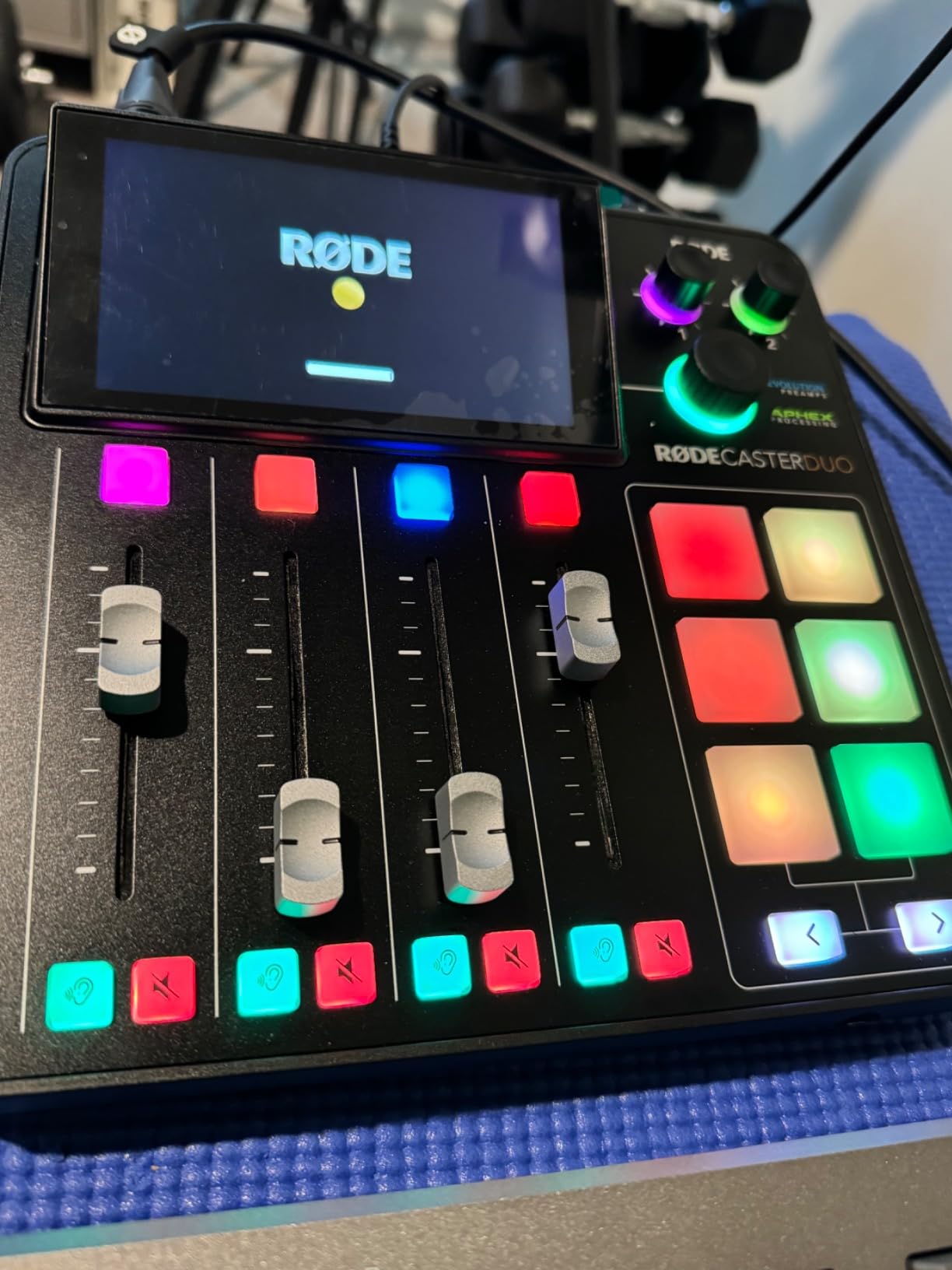
The RodeCaster Duo takes everything I love about the Pro II and packages it into a smaller, more affordable unit. With 2 XLR inputs instead of 4, this is clearly designed for solo podcasters and two-person shows. I used the Duo as my daily driver for three months and found that it delivers identical audio quality to its bigger sibling, including those remarkable Revolution preamps that handle any microphone I throw at them.
The high-resolution touchscreen with haptic feedback makes navigation feel premium. All the same APHEX processing is included, giving you that broadcast-ready sound without external plugins. The 6 SMART pads with 8 banks provide 48 programmable actions, which is plenty for most podcast workflows. I found myself using the voice FX features more with the Duo than I did with the Pro II, particularly the robotic voice effect for humorous segments.
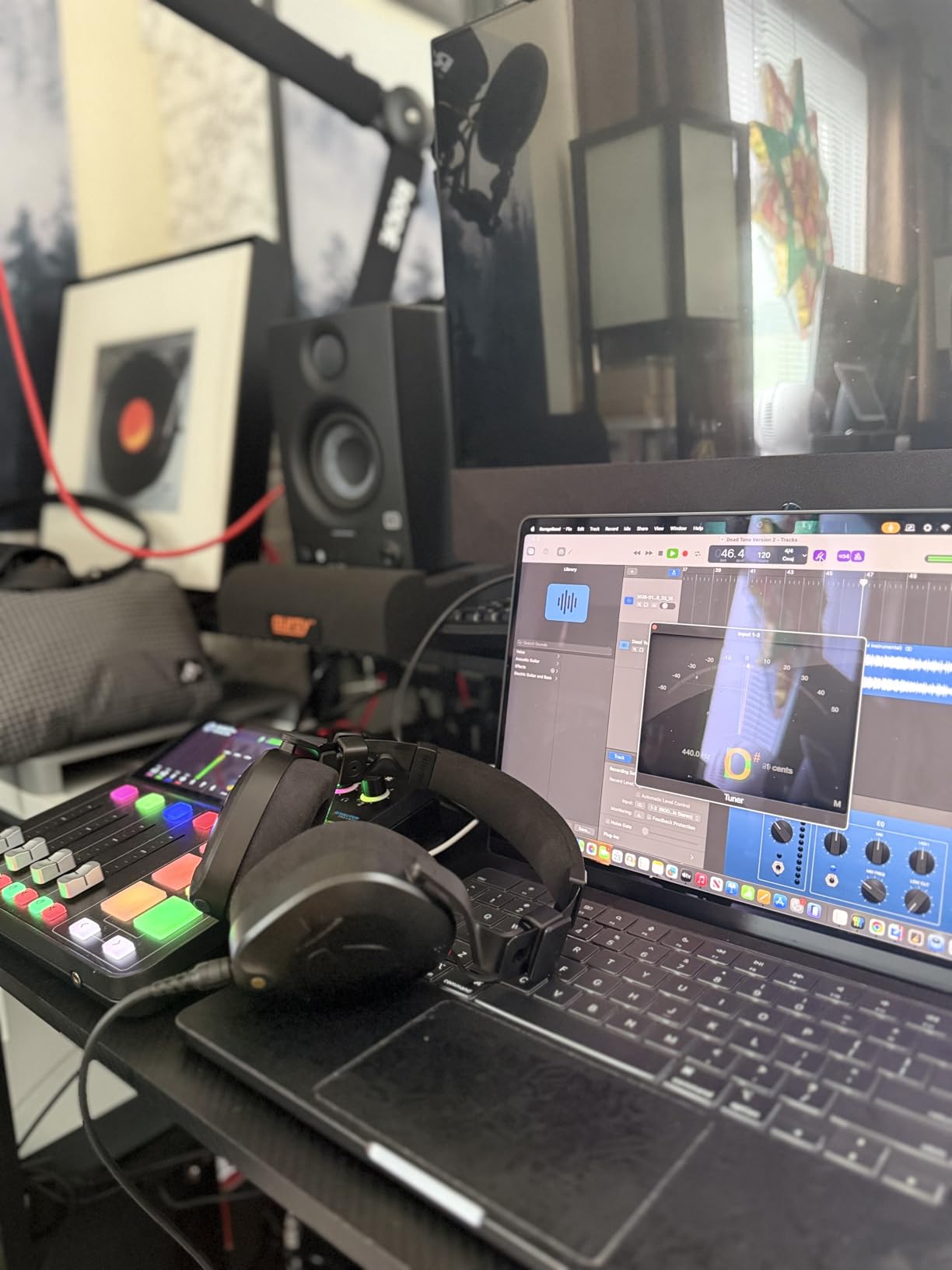
Four broadcast-quality faders give you physical control over your mix, with the touchscreen handling deeper settings and configuration. The streamlined size fits comfortably on smaller desks, and the layout is actually more intuitive than the Pro II for simple setups. I can power it on and be recording within 30 seconds.
The 3.5mm TRRS input is perfect for connecting a smartphone for remote interviews or music playback. Bluetooth connectivity allows wireless audio input from phones or computers. While it lacks the dual USB connections of the Pro II, the single USB-C port handles computer connectivity and power delivery effectively.
Who Should Buy the RodeCaster Duo
This is the perfect mixer for solo podcasters and two-person shows who want the RodeCaster experience without paying for unused inputs. If desk space is limited, you want premium audio quality, and 2 microphones is your maximum need, the Duo is the smart choice over the Pro II.
Who Should Skip It
If you ever plan to have more than 2 microphones connected, the Duo will limit you. The plastic construction, while perfectly functional, does not feel as premium as the metal chassis of the Pro II. Users who need standalone recording without power outlets should note that unlike the Pro II, the Duo does not work with external battery packs.
7. TASCAM Mixcast 4 – Best for Multi-Track Recording
TASCAM Mixcast 4 Podcast Streaming Mixer, Recorder, and USB Audio Interface — Four XLR/TRS Mic Inputs, Touch Screen and Editing Software Included
4 XLR/TRS mic inputs
14-track recording to SD
8 banks customizable sound pads
Touch panel control
Dodge auto-ducking feature
Pros
- 14-track SD recording capability
- Excellent sound quality with clean preamps
- Dodge feature auto-ducking works great
- Powerful headphone amp drives any cans
- Bluetooth for caller integration
Cons
- Firmware updates can be complicated
- No power bank support
- Minor design quirks with front port
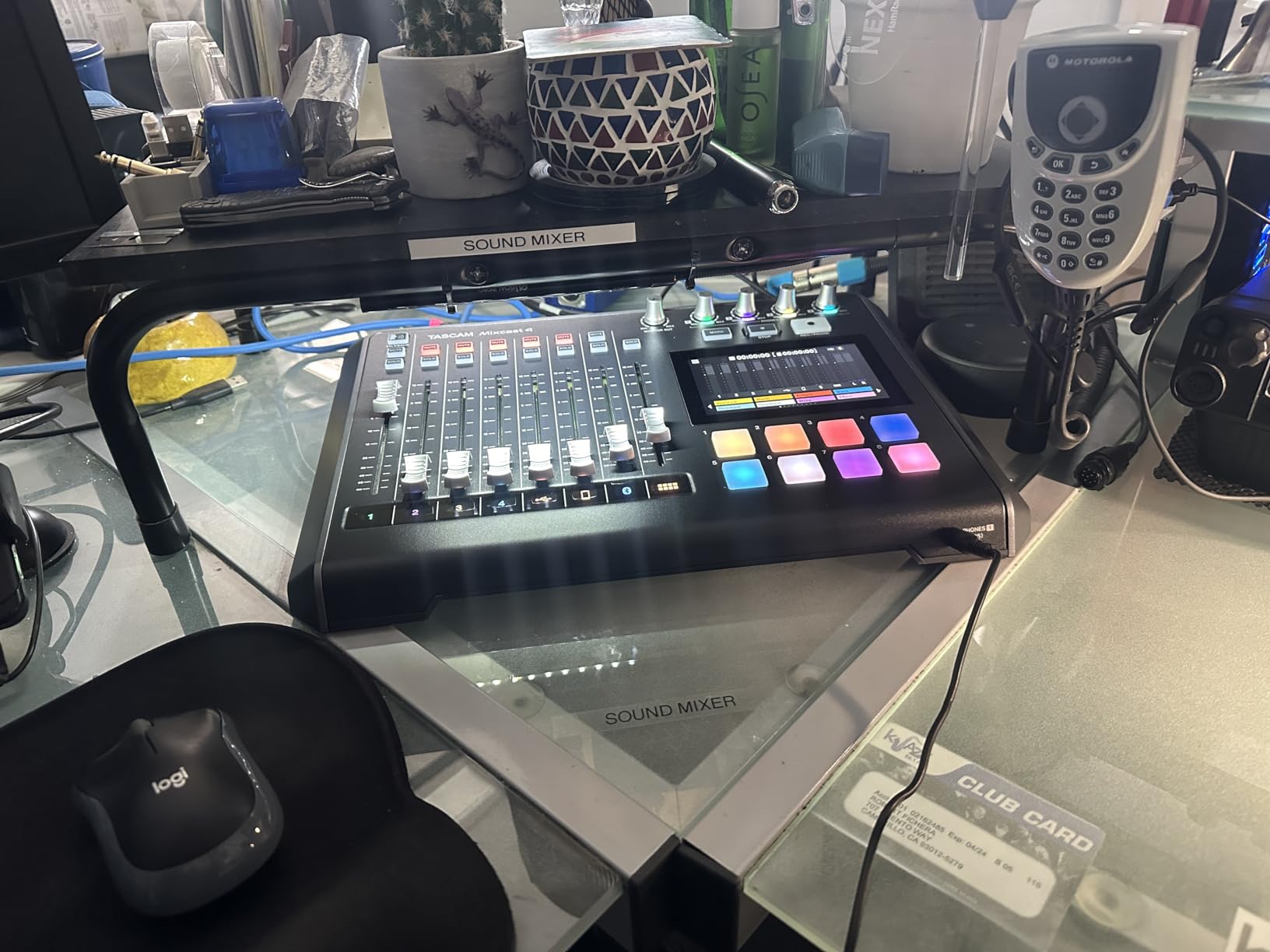
The TASCAM Mixcast 4 is a sleeper hit in the podcast mixer market that deserves more attention. TASCAM has been making professional recording equipment for decades, and that expertise shows in this unit. The headline feature is 14-track recording directly to SD card, which is more than any competitor offers. I can record all 4 microphones, the sound pads, Bluetooth input, aux input, and the main mix as separate files for maximum post-production flexibility.
The Dodge feature is genuinely useful for podcasting. When activated, it automatically reduces the volume of background music or other audio sources when someone speaks, then brings them back up during pauses. This is perfect for shows with music beds under dialogue. I tested it with various music genres and speech patterns, and it performed reliably without requiring manual adjustment.
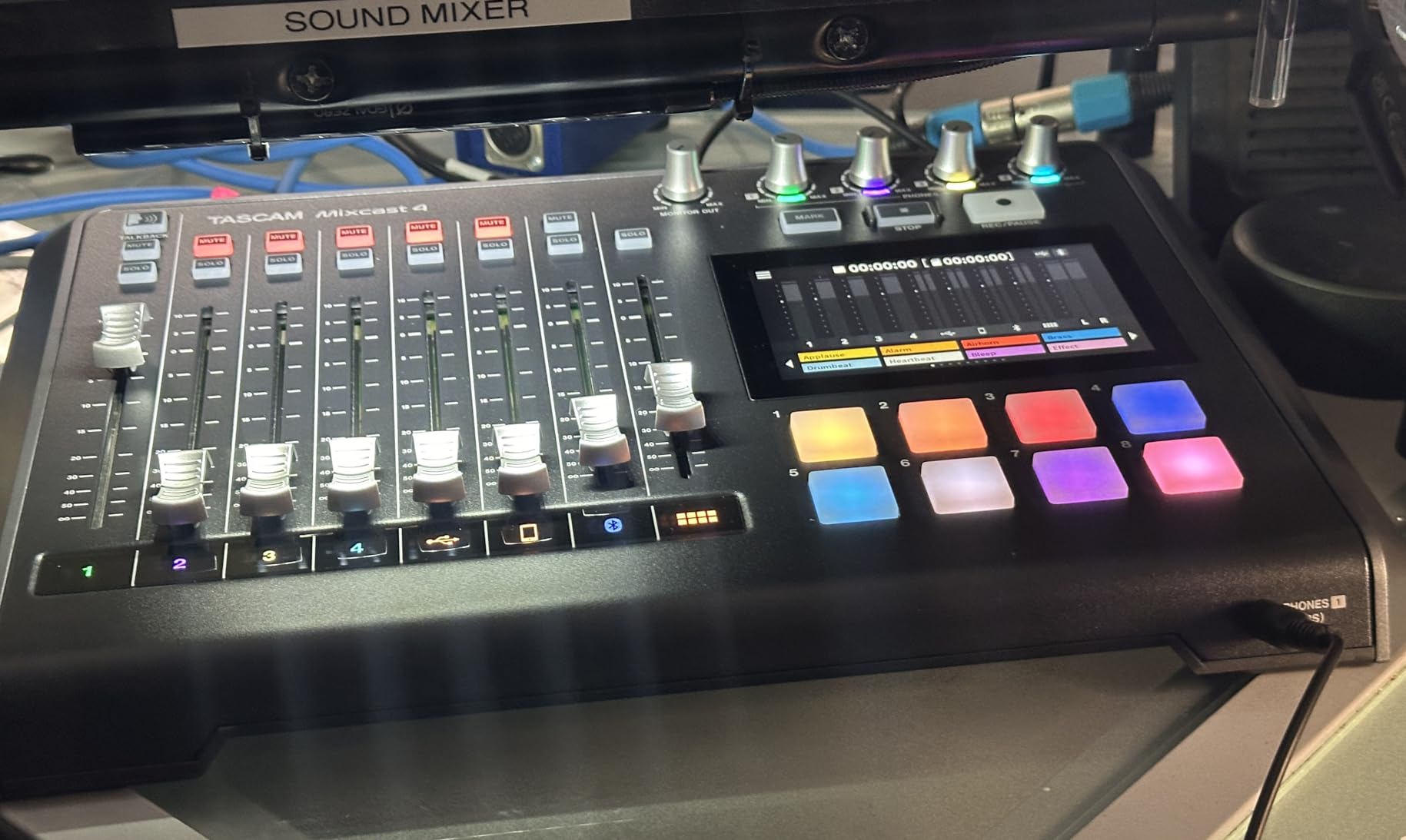
Four individual headphone outputs with separate volume controls let every guest dial in their perfect monitor mix. The headphone amplifier is powerful enough to drive high-impedance professional headphones that many competing mixers struggle with. The touch panel interface is responsive and logically organized, though not as slick as the RodeCaster’s interface.
TASCAM includes their Podcast Editor software, which integrates well with the Mixcast 4 for post-production. The sound pads offer 8 banks of customizable buttons for intros, outros, and sound effects. The aux input with mix-minus makes phone interviews clean and echo-free.
Who Should Buy the Mixcast 4
This mixer is ideal for podcasters who need maximum track count for complex productions. If you record with music beds, multiple remote sources, or want the flexibility of 14 separate tracks for mixing later, the Mixcast 4 offers unmatched capability. The Dodge feature alone makes it worth considering for music-heavy shows.
Who Should Skip It
The interface is less polished than RodeCaster options, and firmware updates require more technical comfort than competing products. If you want the simplest, most intuitive user experience, the RodeCaster Pro II or Zoom P4 are better choices. The lack of power bank support also limits portable use.
8. MAONO MaonoCaster E2 Gen2 – Best Budget All-in-One
MAONO E2 Gen2 Podcast Equipment Bundle Audio Interface Mixer
2 XLR combo inputs with 60dB gain
8 customizable sound pads
Built-in 1500mAh battery
Noise reduction technology
Bluetooth audio input
Pros
- All-in-one solution at budget price
- 60dB gain handles dynamic mics
- 8 sound pads for effects
- Built-in battery for portability
- Loopback for streaming
Cons
- Plastic body construction
- Battery issues reported after extended use
- Does not charge via USB when connected
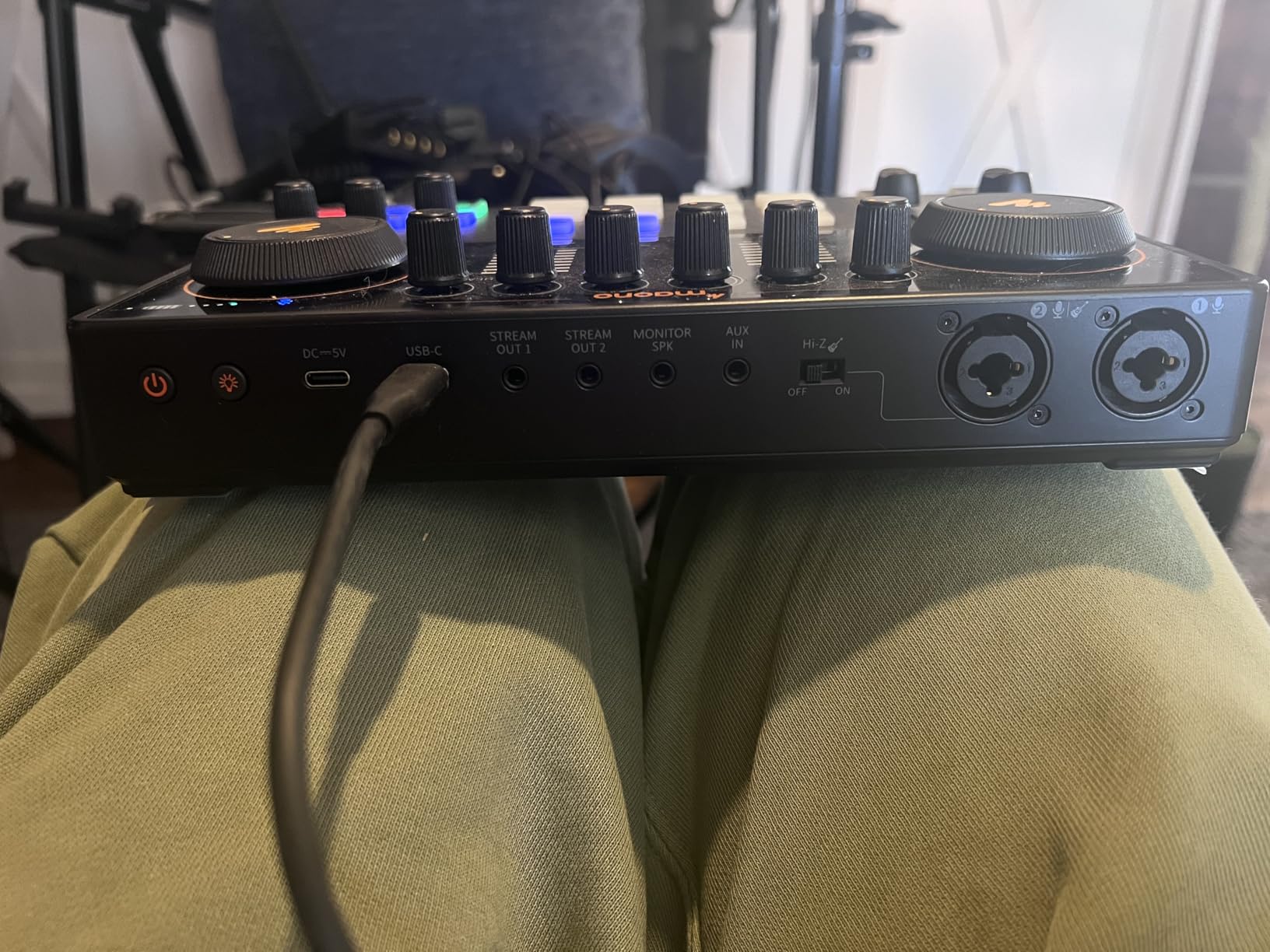
MAONO has been challenging Rode in the budget podcast mixer space, and the MaonoCaster E2 Gen2 is their strongest offering yet. I tested this unit extensively against the RodeCaster Duo, and while it does not match the build quality or preamp performance, it delivers 80% of the functionality at less than a third of the price. For new podcasters testing the waters, that value proposition is compelling.
The 60dB gain preamps are impressive for this price point. I was able to get adequate levels from a Shure SM7B without an external preamp, though the noise floor is slightly higher than the RodeCaster. The 8 customizable sound pads work well for triggering intros, outros, and sound effects. The 6 preset reverbs and pitch-changing voice effects add creative options that beginners often enjoy experimenting with.
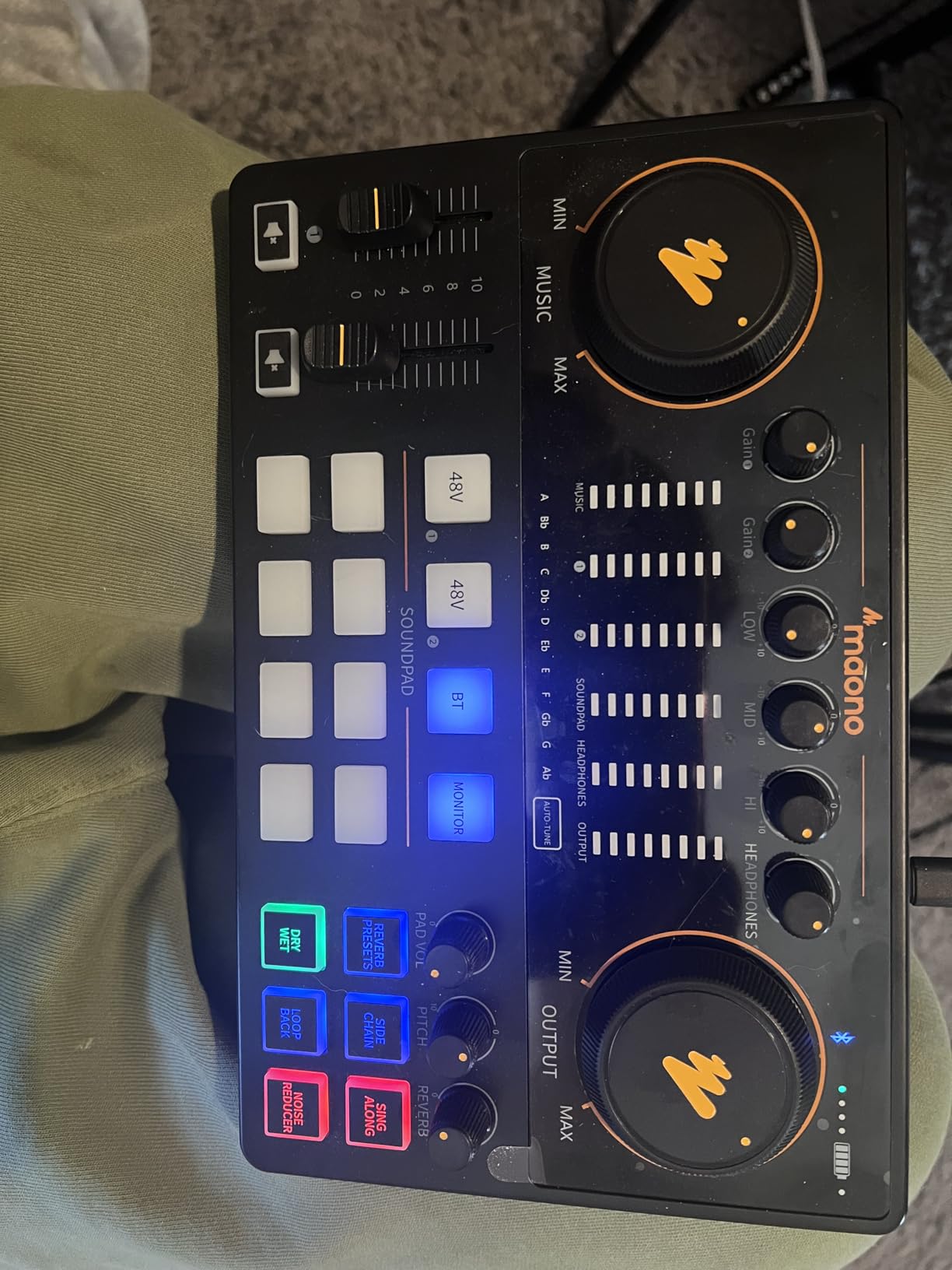
The built-in 1500mAh battery provides up to 8 hours of recording time, making this genuinely portable. I recorded an episode at a park using battery power, and the unit performed reliably. Bluetooth connectivity lets you play background music from your phone or take remote calls. The loopback function is essential for streaming to platforms like Twitch or YouTube while monitoring through headphones.
The noise reduction feature works surprisingly well for eliminating background hiss and room tone. It is not as transparent as professional noise reduction plugins, but for spoken word podcasting, it cleans up recordings effectively. The one-touch mute button is conveniently placed for quick silencing during coughs or interruptions.
Who Should Buy the MaonoCaster E2
This mixer is perfect for beginners who want an all-in-one podcasting solution without a significant investment. If you need portability, sound pads, and basic effects at a budget price, the E2 Gen2 delivers exceptional value. It is particularly good for streamers who need the loopback function.
Who Should Skip It
If audio quality is your top priority and budget allows, the RodeCaster Duo is a significant step up in preamp quality and build. Some users have reported battery degradation after extended use, so if you need rock-solid reliability for professional work, consider investing more. The plastic construction also raises durability concerns for heavy travel use.
9. Fifine Ampligame SC8 – Best for Streaming and Gaming Podcasts
FIFINE SC8 Gaming Audio Mixer for Live Streaming with 7.1ch Surround sound
48V phantom power XLR port
7.1 virtual surround sound
8 voice changer modes
4 customizable sound profile buttons
RGB lighting with audio reaction
Pros
- Excellent XLR preamp with plenty of gain
- Works with Shure SM7B and gain-hungry mics
- 7.1 surround adds immersion
- Voice changer works well
- Affordable streaming mixer
Cons
- Voice changer may not work for all
- Plastic build
- Not compatible with USB microphones
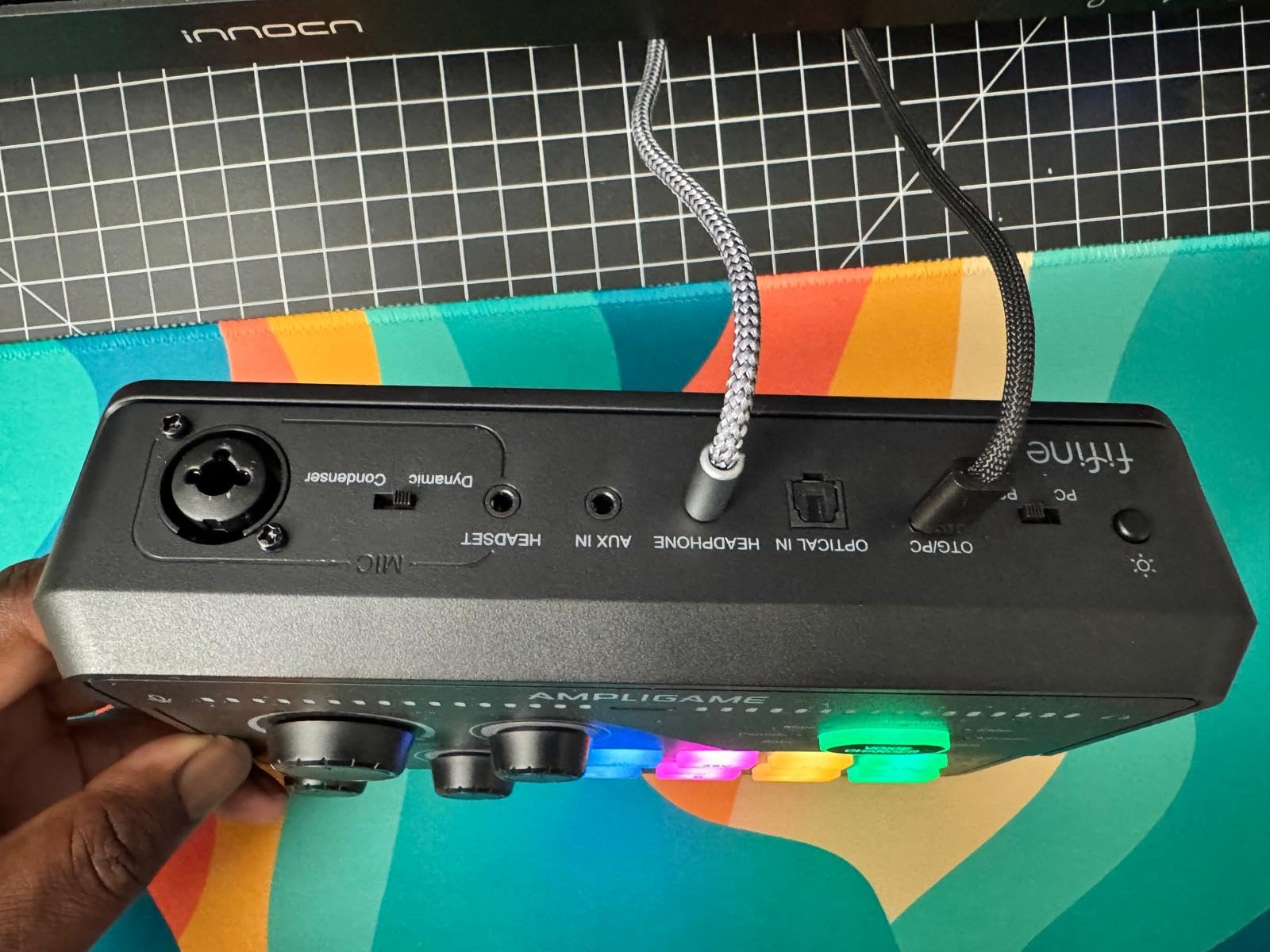
The Fifine Ampligame SC8 is marketed toward gamers, but I found it to be an excellent entry-level podcast mixer with unique features that appeal to content creators. The XLR preamp is genuinely impressive for the price, providing enough clean gain to properly drive a Shure SM7B without a Cloudlifter. I recorded multiple test episodes and found the sound quality competitive with interfaces costing twice as much.
The 7.1 virtual surround sound feature is surprisingly useful for podcasters who also game or want to add spatial audio effects to their productions. The 3 EQ presets for Game, Music, and Movie modes actually work well for voice processing too. I found the Movie mode added a nice cinematic quality to narrative podcasting content.
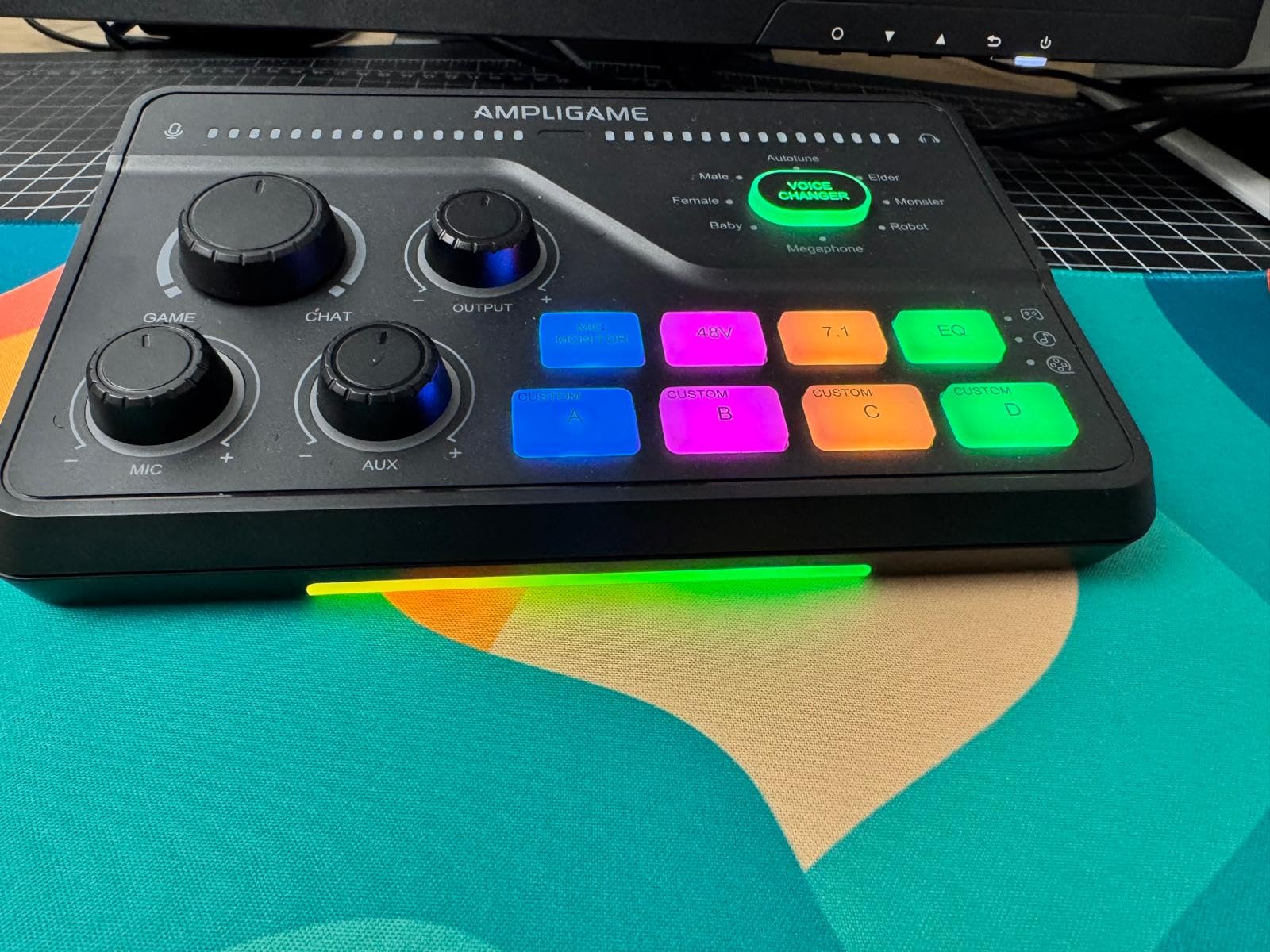
The 8 voice changer modes include Demon, Robot, Megaphone, and others that can add creative elements to your show. While these are clearly targeting the gaming market, I have heard them used effectively in comedy podcasts and fiction storytelling. The 4 customizable sound profile buttons let you trigger sound effects or switch between audio setups instantly.
The RGB lighting reacts to your audio levels, providing visual feedback that is actually useful for monitoring. The game/chat balance dial lets you adjust the mix between your microphone and computer audio on the fly. Build quality is plastic but feels sturdy enough for desktop use.
Who Should Buy the Ampligame SC8
This mixer is perfect for streamers who also podcast, or podcasters who want creative voice processing options. If you need a single XLR input, want good preamp quality on a tight budget, and enjoy having voice changer options for special segments, the SC8 is an excellent choice.
Who Should Skip It
If you need multiple microphone inputs for guest shows, this single-channel mixer will not work. The gaming aesthetic with RGB lighting might also clash with professional studio setups. Users who want straightforward, no-frills audio quality without gaming features should look at traditional interfaces.
10. M-AUDIO M-Track Solo – Best Ultra-Budget Option
M-AUDIO M-Track Solo USB Audio Interface
Crystal preamp with 48V phantom
USB/Direct switch for zero latency
USB bus powered
48kHz 24-bit recording
Works with all major DAWs
Pros
- Incredible value under $50
- Clean and strong audio signal
- Plug-and-play no drivers needed
- Works with 64 and 128 Ohm headphones
- Solid reliable build
Cons
- Line input is mono only
- Requires extra cables for stereo
- USB-B rather than USB-C
- Driver issues reported with Windows
The M-AUDIO M-Track Solo proves that you can start podcasting with professional-quality audio for less than the cost of a nice dinner. I picked this up skeptical about what $49 could deliver, and I was genuinely impressed. The Crystal preamp provides clean, quiet gain that handles condenser microphones beautifully. I recorded multiple episodes with an Audio-Technica AT2020 and the results were broadcast-ready.
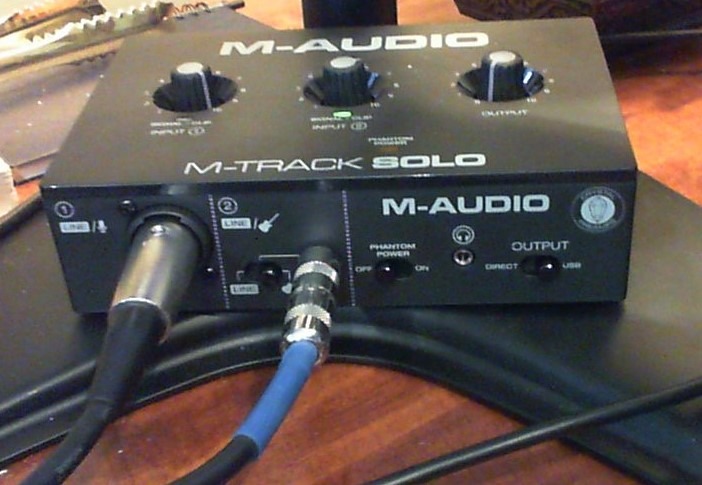
This is a no-frills interface that does exactly what it promises. One XLR input with phantom power, one line/instrument input, headphone monitoring with direct/USB blend control, and stereo RCA outputs. The USB/Direct switch eliminates latency for monitoring, which is essential for comfortable recording. It is USB bus-powered, so no external power supply needed.
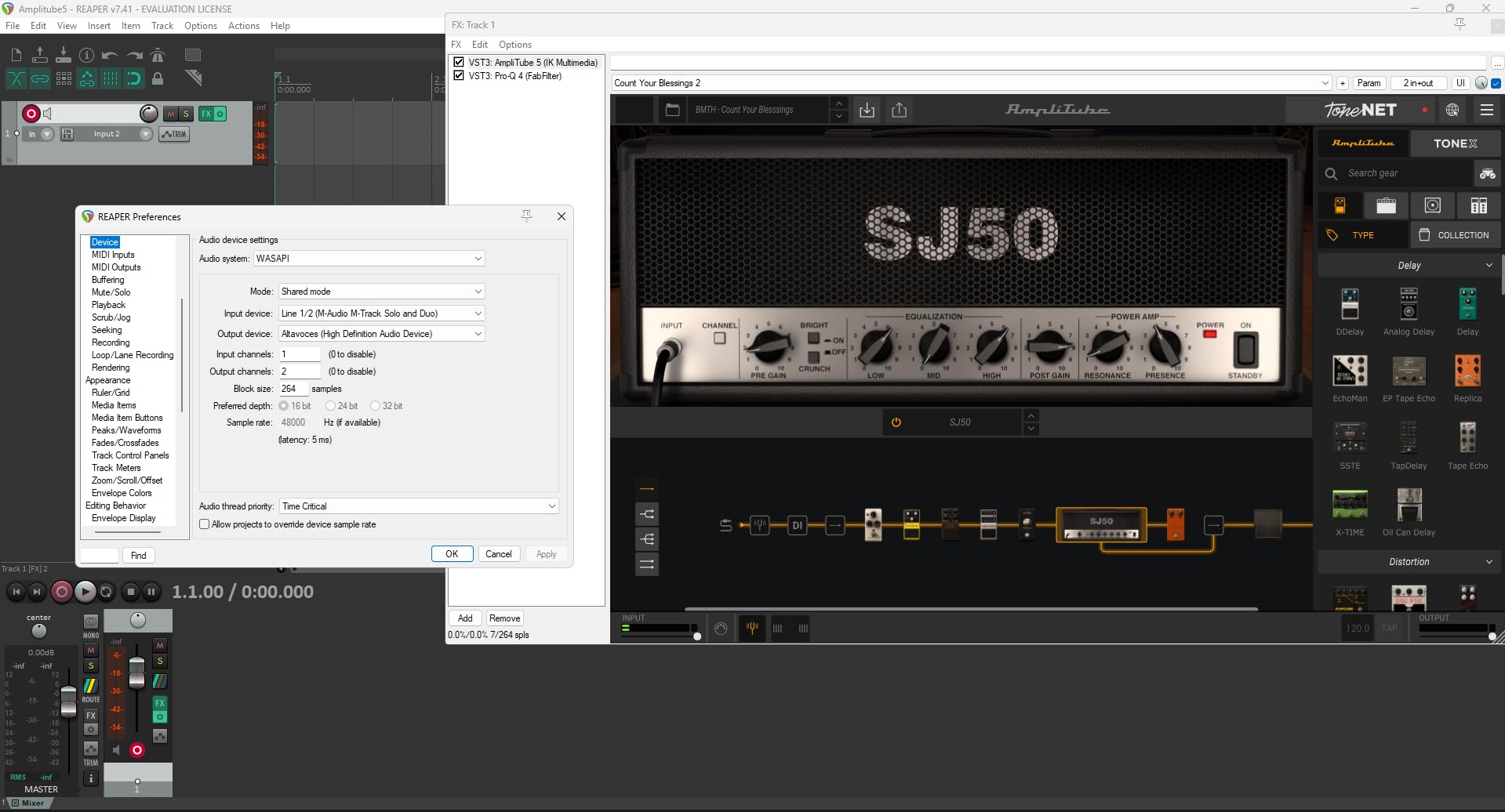
The included software bundle adds real value. MPC Beats gives you a complete beat-making environment, while Ableton Live Lite and the Reason+ subscription provide professional DAW options. For podcasters just starting out, this means you do not need to buy additional software to begin recording and editing.
Build quality is surprisingly solid for the price. The metal chassis feels substantial, and the knobs have decent resistance. It is compact enough to throw in a laptop bag for remote recordings. While it lacks the features of full podcast mixers, it provides the essential function of getting microphone audio into your computer cleanly.
Who Should Buy the M-Track Solo
This interface is perfect for solo podcasters on the tightest budgets who still want decent audio quality. If you have one microphone, a computer, and $50, this is where you should start. It is also a great backup interface to have in your bag for emergencies.
Who Should Skip It
The mono line input is a significant limitation if you need to record stereo sources. With only one XLR input, this cannot handle multi-guest shows. Users who want integrated features like sound pads, effects, or standalone recording need to look at more expensive options.
How to Choose the Best Audio Mixers for Podcasting
Understanding what separates a good podcast mixer from a mediocre one requires looking beyond marketing specifications. After testing dozens of units, these are the factors that actually matter for producing great podcast audio.
Understanding Podcast Mixers vs Audio Interfaces
This is the most common point of confusion I see from new podcasters. A dedicated audio interface guide explains the technical differences, but here is the practical breakdown: audio interfaces like the Focusrite Scarlett convert microphone signals to digital audio for your computer. They are simple, high-quality, and limited in features. Podcast mixers like the RodeCaster Pro II include the interface function plus additional tools like sound effects pads, multiple headphone mixes, Bluetooth connectivity, and standalone recording. If you just need to get one or two microphones into your computer, an interface is sufficient. If you want an all-in-one production tool, you need a podcast mixer.
Preamp Quality Matters More Than Anything
The microphone preamp is the circuit that amplifies your microphone’s weak signal to usable levels. Cheap preamps add hiss, distortion, and coloration that ruin recordings. Quality preamps like the Revolution preamps in RodeCasters or D-PRE preamps in Yamaha mixers provide clean, transparent gain. This is particularly important if you use gain-hungry dynamic microphones like the Shure SM7B or Electro-Voice RE20. These mics need 60dB or more of clean gain to sound their best. Budget mixers often struggle here, forcing you to buy external preamps like Cloudlifters which add cost and complexity.
XLR Inputs and Phantom Power
Professional microphones use XLR connectors, not USB. Every mixer on this list provides XLR inputs with phantom power (48V), which is required for condenser microphones. Consider how many microphones you need now and might need in the future. A 2-input interface limits you to solo or one-guest shows. A 4-input mixer like the Zoom PodTrak P4 gives you room to grow. Trying to expand a 2-input setup later means buying new equipment, so plan ahead.
Mix-Minus for Remote Interviews
If you interview remote guests by phone or video call, mix-minus is essential. Without it, your guest hears themselves echoing back through your headphones, which creates feedback and confusion. Mix-minus sends the guest everything except their own voice. The Zoom PodTrak P4 handles this automatically. Traditional mixers require manual routing to achieve mix-minus, which is complex for beginners. If remote interviews are part of your format, prioritize mixers with automatic mix-minus.
Standalone Recording vs Computer Dependent
Mixers with SD card recording like the RodeCaster Pro II and Zoom PodTrak P4 can record without a computer connected. This provides backup redundancy, computer failure protection, and ultimate portability. Computer-dependent interfaces stop working if your laptop crashes mid-episode. For professional podcasting where losing a recording is unacceptable, standalone recording capability is worth the investment.
Sound Pads and Live Production Features
Programmable sound pads let you trigger intros, outros, sound effects, and ads during recording. This saves post-production time and makes live streaming more dynamic. If your show relies heavily on produced elements, prioritize mixers with multiple sound pads. The RodeCaster Pro II offers 8 pads with 8 banks (64 total actions), while the Zoom P4 provides 4 pads. Traditional mixers like the Yamaha MG10XU have no sound pads at all.
Choosing the right microphone basics to pair with your mixer is equally important. A great mixer cannot fix a poor microphone choice.
Frequently Asked Questions
What is the best audio mixer for podcasts?
The Rode RodeCaster Pro II is widely considered the best audio mixer for podcasts due to its studio-quality Revolution preamps, 8 customizable SMART pads, built-in APHEX processing, and standalone SD card recording. For those on a budget, the Zoom PodTrak P4 offers excellent value with 4 XLR inputs, automatic mix-minus, and battery-powered portability.
Do you need an audio mixer for podcasting?
You do not strictly need a mixer for podcasting. A simple USB microphone or audio interface works for basic setups. However, a dedicated podcast mixer becomes essential when recording multiple guests, conducting remote interviews with mix-minus, adding live sound effects, or wanting standalone recording capability without a computer.
What audio mixer do most streamers use?
Streamers commonly use the Rode RodeCaster Pro II, GoXLR, or Elgato Wave XLR for professional setups. Budget-conscious streamers often choose the Fifine Ampligame SC8 or MAONO MaonoCaster E2. These mixers offer features like voice changers, sound effects pads, and loopback functionality that enhance live streaming productions.
What equipment do most podcasters use?
Most podcasters use a combination of a quality dynamic microphone like the Shure SM7B or Audio-Technica AT2020, a podcast mixer or audio interface, closed-back headphones for monitoring, and a pop filter. Multi-guest shows add microphone arms, additional headphones, and either a multi-input mixer or individual audio interfaces for each host.
What is a podcast mixer and how does it work?
A podcast mixer is an audio device that combines multiple microphone inputs, adds real-time processing like EQ and compression, and outputs a mixed signal for recording or streaming. It takes audio from XLR microphones, adjusts levels and quality, applies effects and sound pads, and sends the final mix to your computer, SD card, or streaming platform.
Can I use a regular mixer for podcasting?
Yes, you can use a regular audio mixer like the Yamaha MG10XU for podcasting. However, traditional mixers lack podcast-specific features like automatic mix-minus for phone calls, sound effects pads, Bluetooth connectivity, and standalone recording. You will need to manually route signals and rely on your computer for recording.
What features should a beginner podcast mixer have?
A beginner podcast mixer should have at least 2-4 XLR inputs with phantom power, USB connectivity for computer recording, decent preamps with at least 50dB gain, individual headphone volume controls, and intuitive controls. Additional helpful features include sound pads for effects, automatic mix-minus for phone interviews, and optional battery power for portability.
What is mix-minus on a podcast mixer?
Mix-minus is a routing configuration that sends a guest everything except their own voice. When doing remote interviews by phone or video call, without mix-minus the guest hears themselves echoing back, causing confusion and feedback. Podcast mixers like the Zoom PodTrak P4 include automatic mix-minus, while traditional mixers require manual setup.
Final Thoughts on Finding Your Best Audio Mixers for Podcasting
After months of testing and real-world recording with all these units, the choice ultimately comes down to your specific needs and budget. The Rode RodeCaster Pro II remains the gold standard for professional podcasting in 2026, delivering unmatched audio quality and workflow efficiency. For those just starting, the Zoom PodTrak P4 offers incredible value that will not limit your growth.
Remember that the mixer is just one piece of your signal chain. Quality microphones, proper acoustic treatment, and good recording technique matter just as much. Check out our guide to digital audio workstations to complete your recording setup with the right software.
Whether you choose the all-in-one power of the RodeCaster, the reliability of the Yamaha MG10XU, or the budget-friendly M-AUDIO M-Track Solo, any of these 10 options will serve you well. The most important step is starting. Your audience is waiting for your content, not your perfect gear acquisition.