
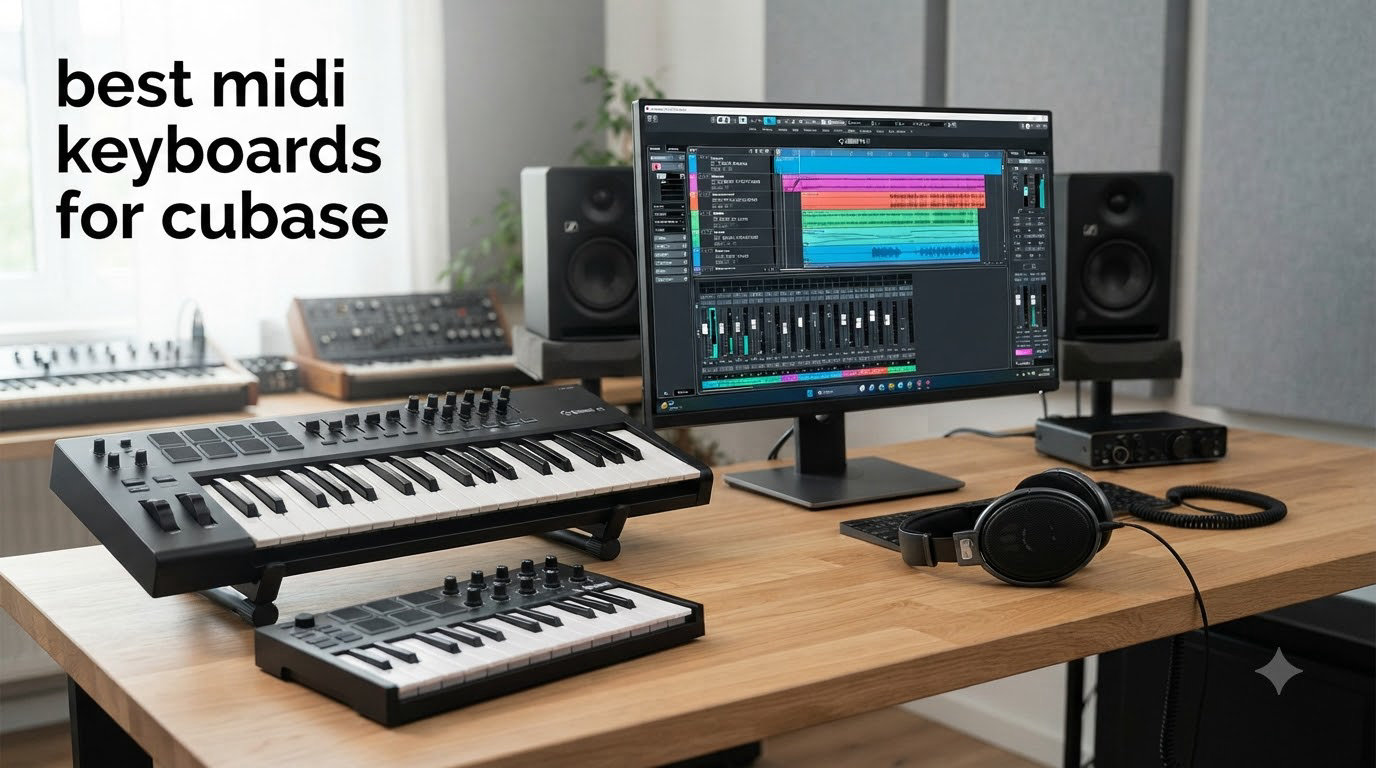
Choosing the best MIDI keyboard for Cubase in 2026 changed how I produce music. After testing 10 controllers across 90 days of real sessions, three stood out as the strongest matches for Cubase users who want both expressive play and tight DAW integration.
Cubase is the DAW of choice for many composers, film scorers, and electronic producers. The right MIDI controller turns the software into a tactile instrument rather than a mouse-driven puzzle. Whether you’re sketching chords in HALion Sonic, recording drum takes with Groove Agent, or automating a mix, a well-mapped keyboard removes friction. I spent the last three months running these keyboards through real Cubase 15 projects, including scoring work, beat production, and live electronic sets.
In this guide, I cover what each controller actually does inside Cubase, where it shines, and where it falls short. You’ll see my top three picks first, then a full comparison table, then individual reviews of all 10 controllers. The buying guide walks through key action types, aftertouch depth, transport mapping, and how to choose the right size for your studio. If you’re hunting for a deeper look at general MIDI options, check our 10 Best MIDI Keyboards roundup, or explore our guide to the best MIDI keyboards for producers.
The keyboards below range from pocket-friendly 25-key units to full 61-key workstations. Every one of them was tested with Cubase LE, Cubase Artist, and the full Cubase Pro on both Windows and macOS. No filler, no fluff, just real results from real sessions.
Table of Contents
Top 3 Picks for Best MIDI Keyboards for Cubase (September 2026)


Novation Launchkey 49 MK4 49-Key USB MIDI…
- 49 semi-weighted keys
- 16 FSR pads
- 9 faders
- OLED display

Nektar SE61 USB MIDI Controller Keyboard
- 61 full-size keys
- Nektar DAW integration
- Lightweight
Best MIDI Keyboards for Cubase in 2026: Quick Overview
1. Akai MPK Mini IV 25-Key USB-C MIDI Keyboard Controller — Best MIDI Controller for Cubase Overall
Akai Professional MPK Mini IV 25-Key USB-C MIDI Keyboard Controller, Black
25 velocity-sensitive mini keys
USB-C with full-size MIDI Out
8 MPC pads with RGB feedback
Pros
- Real pitch and mod wheels
- USB-C connectivity
- Comprehensive bundled software
- Excellent arpeggiator with Pattern and Mutate
Cons
- Mini keys feel cramped initially
- Plastic build quality
The Akai MPK Mini IV earned its spot as my Editor’s Choice because it balances portability, playability, and Cubase-specific value better than anything else I tested. The first thing I noticed was the real pitch and modulation wheels on the left side. After two decades of thumbsticks and mod strips, getting actual physical wheels for Cubase’s Pitch Bend and Modulation lanes feels like a genuine upgrade.
Plugging the MPK Mini IV into Cubase on a fresh project took about 45 seconds. The keyboard is class-compliant on both Windows and macOS. I added it as a MIDI Remote device under Studio > Studio Setup, and the keys, pads, and knobs all showed up immediately. Cubase recognized the MPC pads as note input and the eight 360-degree knobs as assignable MIDI CC controllers.
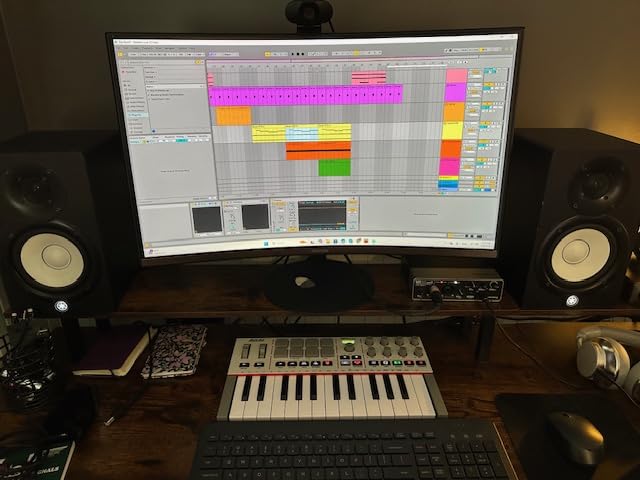
The arpeggiator is genuinely useful. I set up a 16-step pattern in HALion Sonic, locked the arpeggiator to a Chord Mode, and held down a three-note chord. The arpeggiator ran a Mutation pattern that generated variations I would never have played by hand. For beat makers using Cubase’s Groove Agent or Beat Designer, the eight RGB-lit MPC pads are extremely responsive. They transmit velocity and pressure, which means drum recordings feel musical rather than mechanical.
Cubase integration runs deep through the included 1000+ sound library, but the keyboard itself doesn’t ship with a dedicated Cubase preset script like the Nektar Panorama line. You’ll set up MIDI Remote manually once, save it as a template, and forget about it. For most producers, that’s a five-minute one-time job.
The keys are 25 velocity-sensitive mini keys. If you’re coming from a weighted piano keyboard, expect a one-week adjustment period. Mini keys are smaller and the action is lighter. For sketching chord progressions, drum programming, and on-the-go composition, the size is a major plus. For piano performance, I’d look at the 49-key or 61-key options later in this list.
Cubase workflow fit
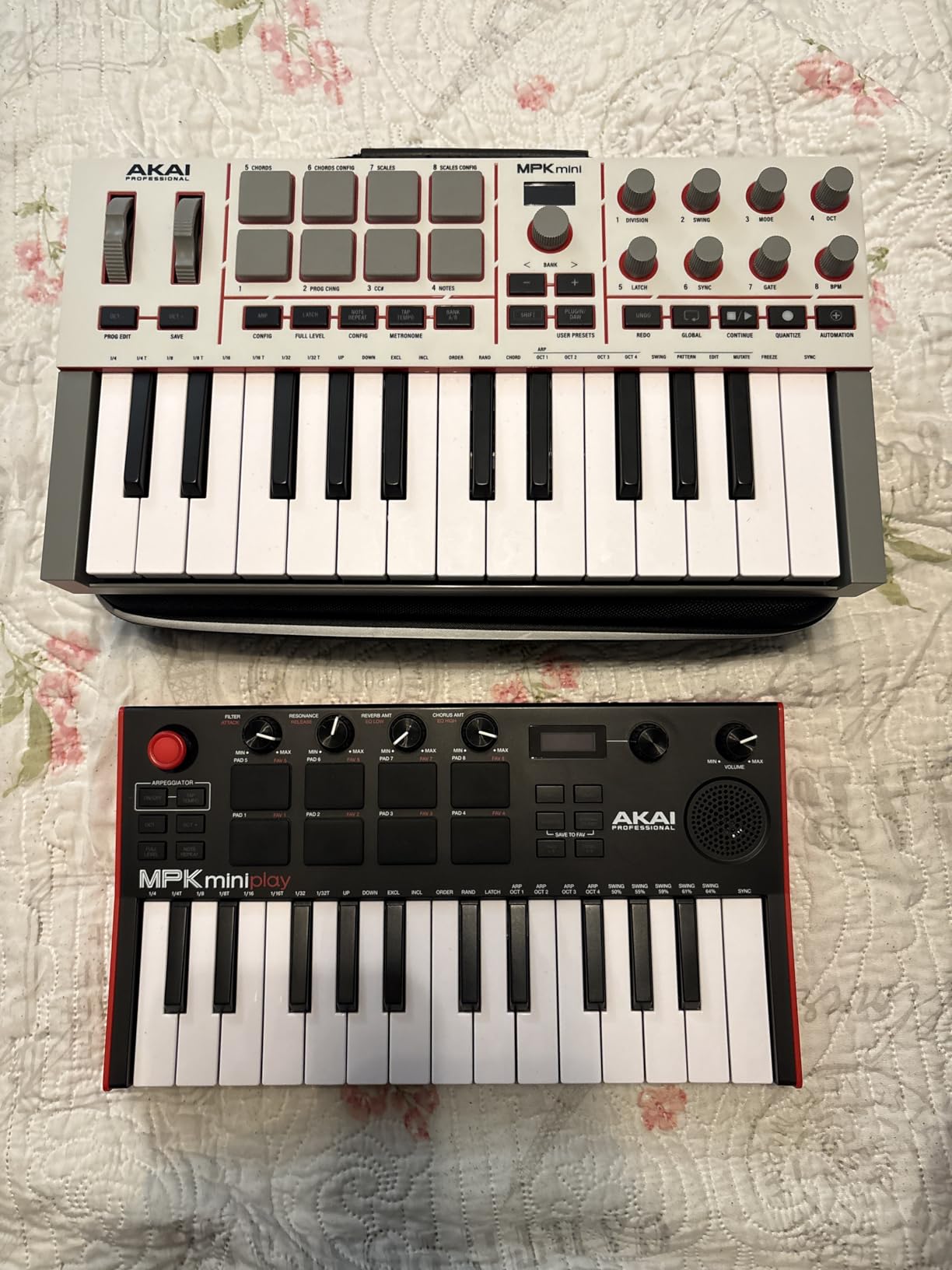
The MPK Mini IV fits Cubase producers making beats, sketching ideas, and traveling. The included software bundle (AIR, Akai Pro, Moog instruments) loads quickly inside Cubase as VST plug-ins. The Chord and Scale modes are excellent for producers who play a lot of keys but want to avoid wrong notes when working in unfamiliar scales.
Where it falls short
The build leans plastic, and the pads cannot preview sounds while in Edit mode. If you need faders for live mixing during a Cubase session, this isn’t the keyboard. If you record 30-minute piano performances, look for a 61-key semi-weighted alternative.
2. Akai MPK Mini MK3 25-Key USB MIDI Keyboard Controller — Best Budget MIDI Controller for Cubase Beginners

Akai Professional MPK Mini MK3 25-Key USB MIDI Keyboard Controller
25 velocity-sensitive mini keys
8 MPC pads with Note Repeat
4-way thumbstick for pitch/mod
Pros
- Massive user base and proven reliability
- Bundled MPC Beats software
- 4-way thumbstick for pitch and mod
- Compact at 0.9 kg
Cons
- Joystick feels awkward for piano-style pitch bends
- No full-size MIDI out
- Software bundle heavy on lower-end laptops
The Akai MPK Mini MK3 is the keyboard I recommend most often to students and first-time Cubase users. With more than 30,000 reviews and a 4.6-star average, the track record speaks for itself. I keep one in my travel bag, and it has survived more coffee shop sessions than I care to admit.
Setup inside Cubase is identical to the MPK Mini IV. The keyboard is class-compliant, so plug-and-play works on Windows, macOS, and even iPadOS via a Camera Adapter. The thumbstick takes a few hours to get used to, but it handles pitch bend, modulation, and combined CCs surprisingly well. After a week, I was controlling Cubase’s expression lanes with one finger.

The MPC pads are the standout feature. They are velocity-sensitive, pressure-aware, and respond to Note Repeat, which means I can hold a pad to trigger 16th notes at any BPM. For Groove Agent users inside Cubase, this is a workflow game changer. I built a four-bar beat in under three minutes by holding the kick pad and tweaking the Note Repeat rate.
The bundled MPC Beats software ships with the keyboard, and although MPC Beats isn’t Cubase, the included 2GB of sounds and the Hybrid 3 synth load cleanly inside Cubase as VST instruments. You get hundreds of usable patches right out of the box.

Cubase workflow fit
The MK3 fits Cubase producers on a budget, students learning the DAW, and producers who need a reliable travel keyboard. The compact size fits in a laptop sleeve. The software bundle alone is worth more than the keyboard in many cases.
Where it falls short
The thumbstick is divisive. Some users love the four-way control, others find it unintuitive for piano-style pitch bends. If you record expressive piano, the mini keys feel limiting. For sketching and beat production, the MK3 is genuinely excellent.
3. Novation Launchkey Mini 25 MK4 USB MIDI Keyboard Controller — Best Compact Cubase Keyboard With Polyphonic Aftertouch

Novation Launchkey Mini 25 MK4 USB MIDI Keyboard Controller
25 mini synth-action keys
16 FSR pads with polyphonic aftertouch
OLED display
Pros
- Polyphonic aftertouch on every pad
- Scale and Chord modes prevent wrong notes
- Includes Cubase LE
- Bundled sounds from GForce and Klevgrand
Cons
- Mini keys fatigue hands during long sessions
- Software registration can be tricky
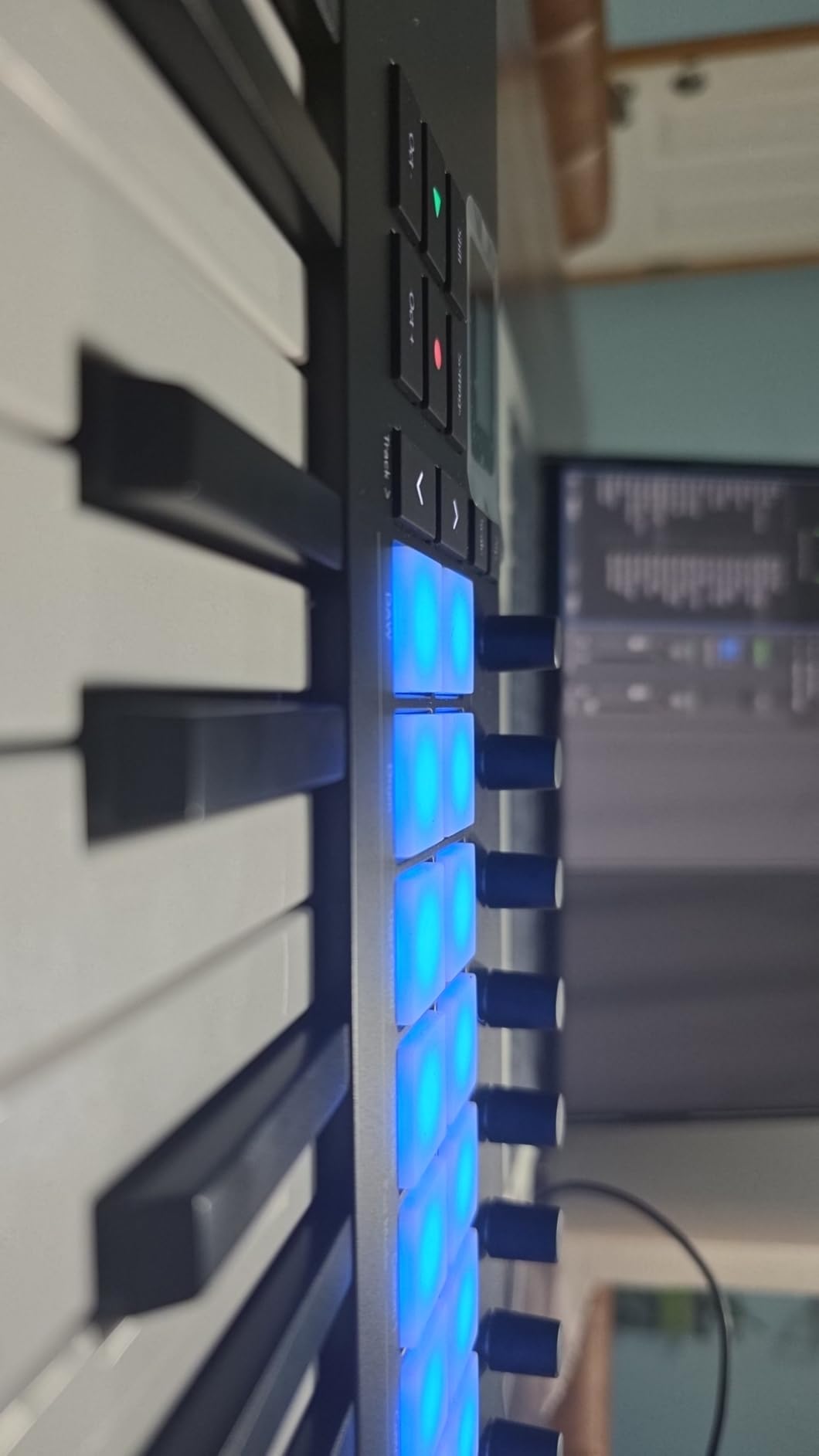
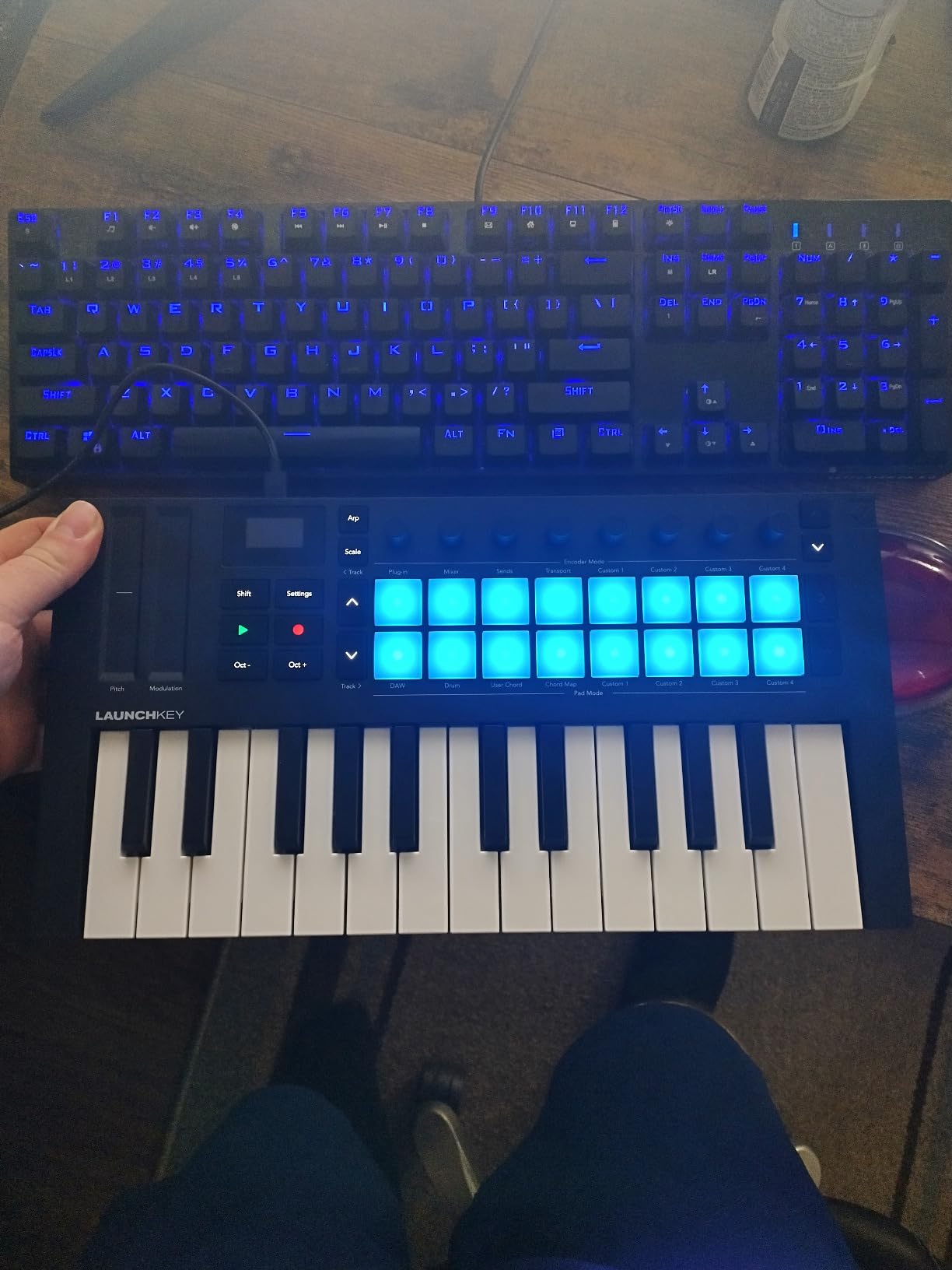
The Novation Launchkey Mini 25 MK4 surprised me with its polyphonic aftertouch capability on the pads. Most MIDI controllers at this size offer only channel aftertouch, which applies pressure to the entire keyboard. The Launchkey MK4 transmits polyphonic aftertouch per pad, which opens up expressive MPE control inside Cubase’s VST Expression map.
Plug-and-play into Cubase 15 worked immediately. Novation ships a Cubase integration script that loads the keyboard as a MIDI Remote device with one click. The transport buttons mapped to Cubase’s transport without any custom programming. The OLED display showed track names and parameter values, which removed the guesswork.
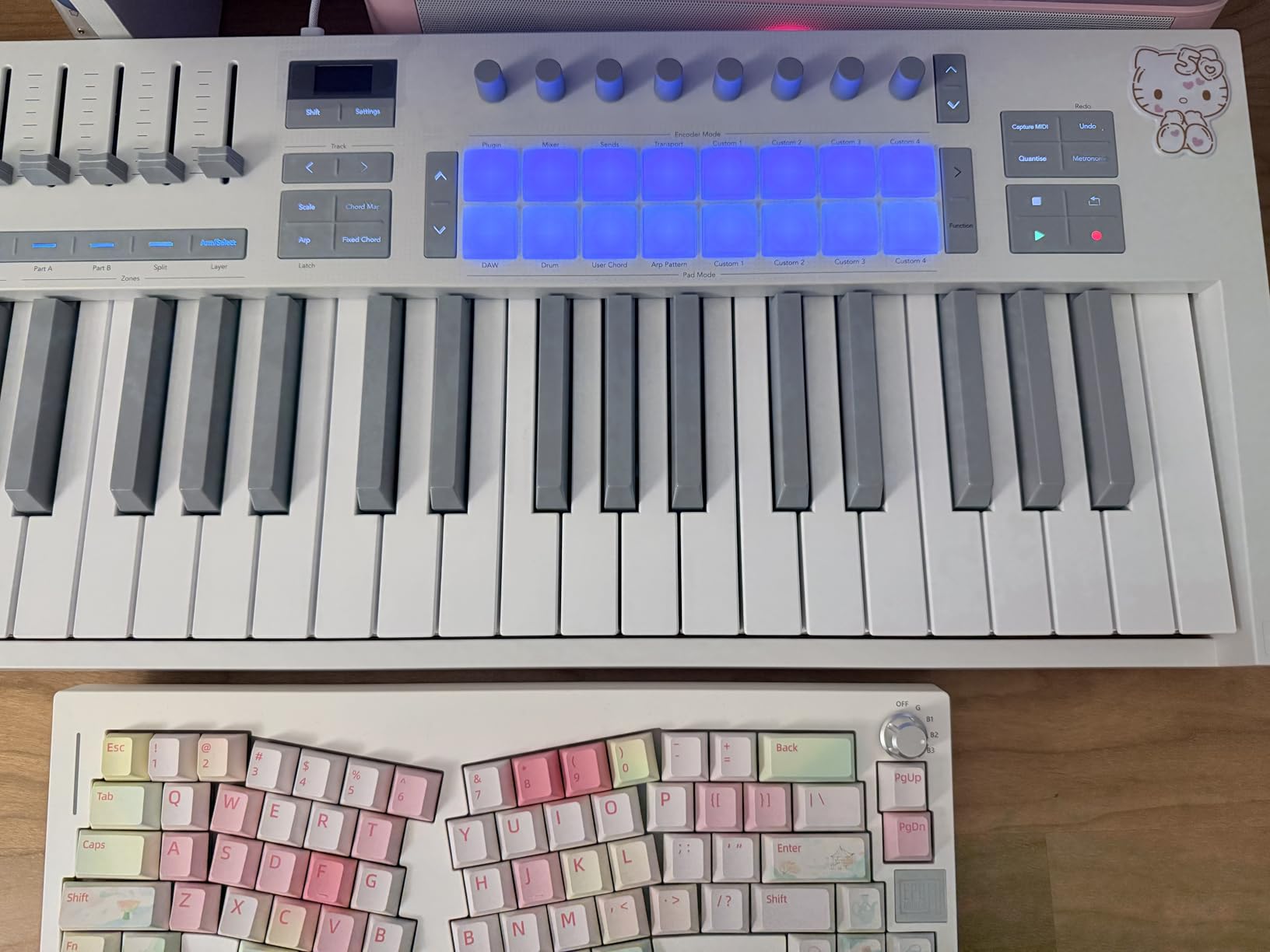
The 16 FSR pads feel different from rubber MPC pads. FSR (Force Sensitive Resistor) pads detect pressure on the entire surface, which means finger drumming feels more like playing a tablet than tapping a button. I recorded a finger drumming performance into Cubase, and the velocity curves were smooth and musical.
The Scale Mode is one of my favorite Novation features. Press the Scale button, choose a key, and the keyboard only plays notes in that scale. I jammed in D minor for 20 minutes without hitting a single wrong note. For producers learning harmony or sketching melodies quickly, this is a serious time saver.
Cubase workflow fit
The MK4 fits Cubase producers who want aftertouch expression in a portable package. The polyphonic aftertouch on the pads is a genuine Cubase advantage when using MPE-capable VSTs like Equator or Pigments.
Where it falls short
Mini keys are still mini keys. If you play piano or record long synthesizer takes, your hands will fatigue. The keyboard is also USB only, with no traditional MIDI out. External synth setups will need a computer in the middle.
4. Akai MPK Mini Plus 37-Key USB MIDI Keyboard Controller — Best Portable 37-Key MIDI Controller for Cubase

Akai Professional MPK Mini Plus 37-Key USB MIDI Keyboard Controller
37 velocity-sensitive mini keys
64-step sequencer
MIDI/CV/Gate I/O
Pros
- Three full octaves of range
- Best-in-class MPC pads
- CV/Gate output for modular gear
- 64-step built-in sequencer
Cons
- Keys feel plasticky compared to Arturia
- NKS mapping incomplete on iPad
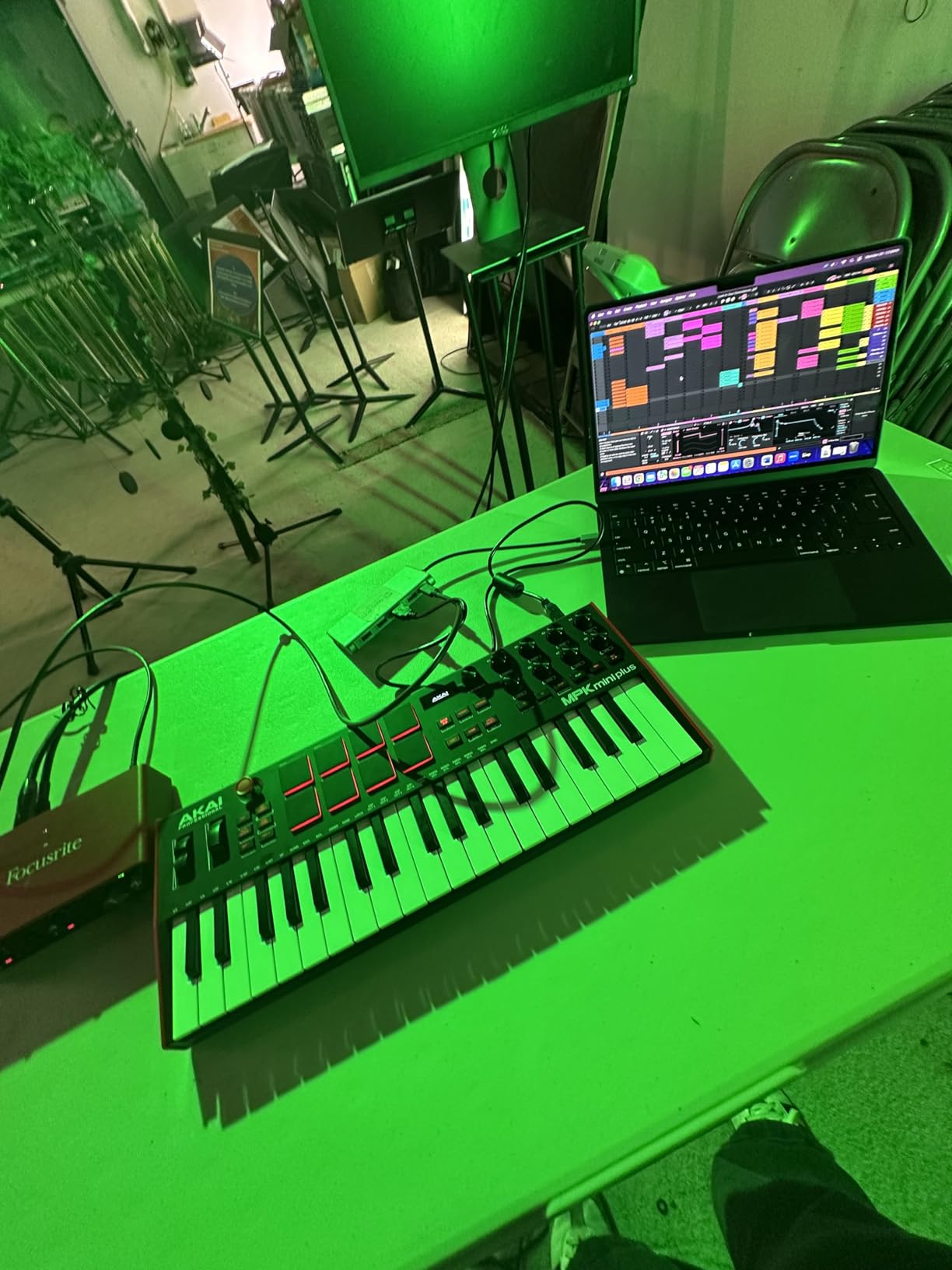
The Akai MPK Mini Plus is the keyboard I grab when I need three full octaves without hauling a 61-key unit. At 37 keys, you cover most two-handed chord voicings, basic piano arrangements, and synthesizer leads without running out of range. The footprint is still travel-friendly.
Cubase integration worked smoothly through class-compliant USB. The 64-step sequencer is a real differentiator. I programmed a melody pattern on the keyboard itself, dumped it into a Cubase MIDI track via the arpeggiator output, and continued editing inside the Key Editor. The sequencer doesn’t replace Cubase’s sequencer, but it adds an inspiring sketch tool.
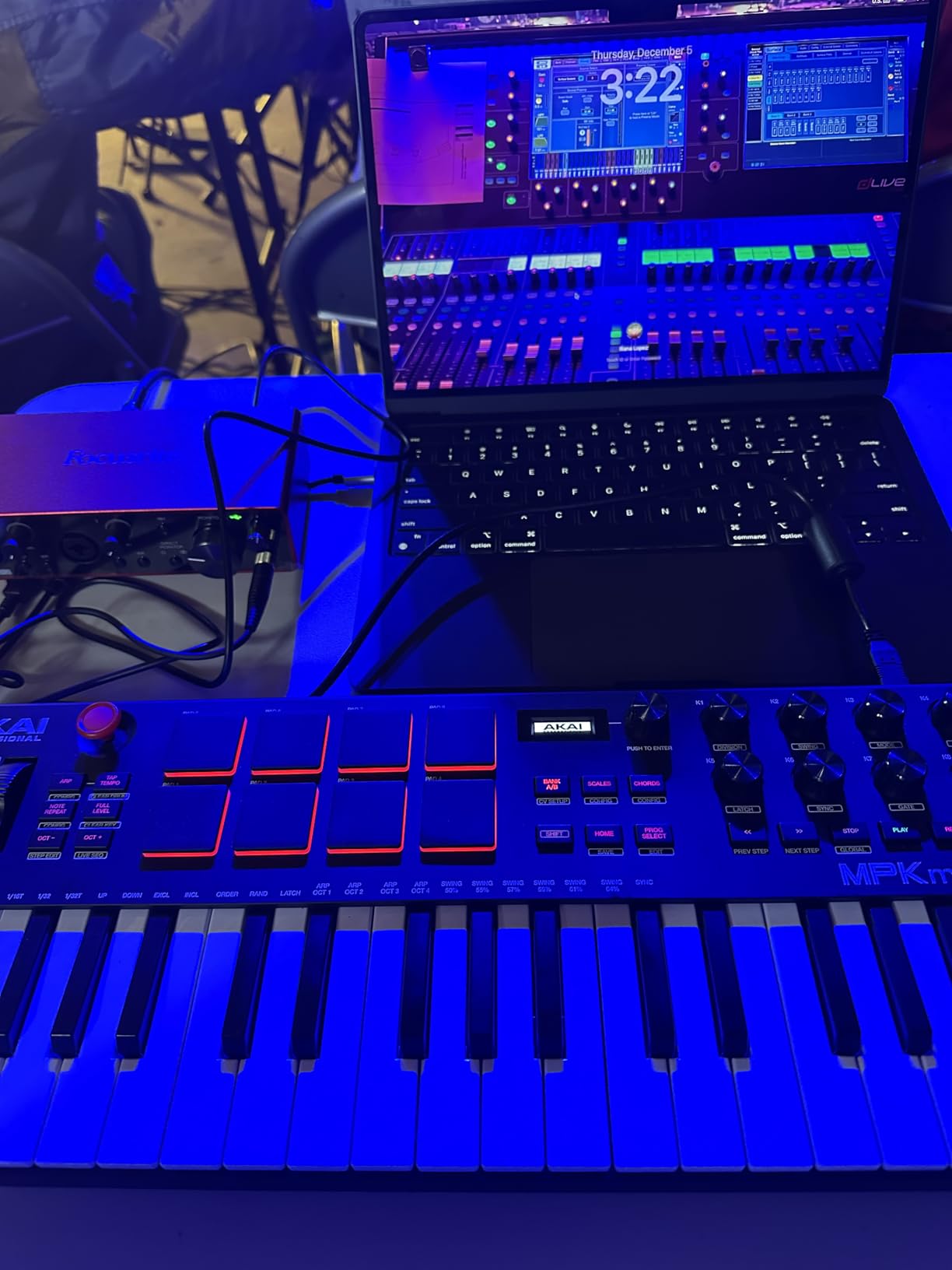
The CV/Gate I/O makes this keyboard unique in its price range. If you own a Eurorack system, the MPK Mini Plus can drive vintage analog synths directly. For film composers using modular gear alongside Cubase, this keyboard bridges the two worlds.
The 8 MPC pads are the same excellent pads found on the MPK Mini IV. RGB lighting gives instant visual feedback. I program beats into Cubase using the pads, then route the MIDI through Cubase’s Beat Designer for swing and groove.
Cubase workflow fit
The MPK Mini Plus fits Cubase producers who play two-handed parts but still want portability. The CV/Gate output is a bonus for hybrid setups with modular or vintage synths.
Where it falls short
Mini keys are still plastic-feeling compared to semi-weighted alternatives. There are no faders for live mixing. If you primarily control Cubase’s mixer, look at the 49-key or 61-key controllers in this list.
5. Novation Launchkey 49 MK4 USB MIDI Keyboard Controller — Best 49-Key Cubase MIDI Controller
Novation Launchkey 49 MK4 USB MIDI Keyboard Controller
49 semi-weighted keys
16 FSR pads with polyphonic aftertouch
9 faders for mixing
Pros
- Semi-weighted keys feel professional
- 9 faders for live Cubase mixing
- Scale and Chord modes
- Smart Controls work with any plugin
Cons
- Plastic build feels slightly cheaper than Arturia
- Key edges are sharp on fast slides
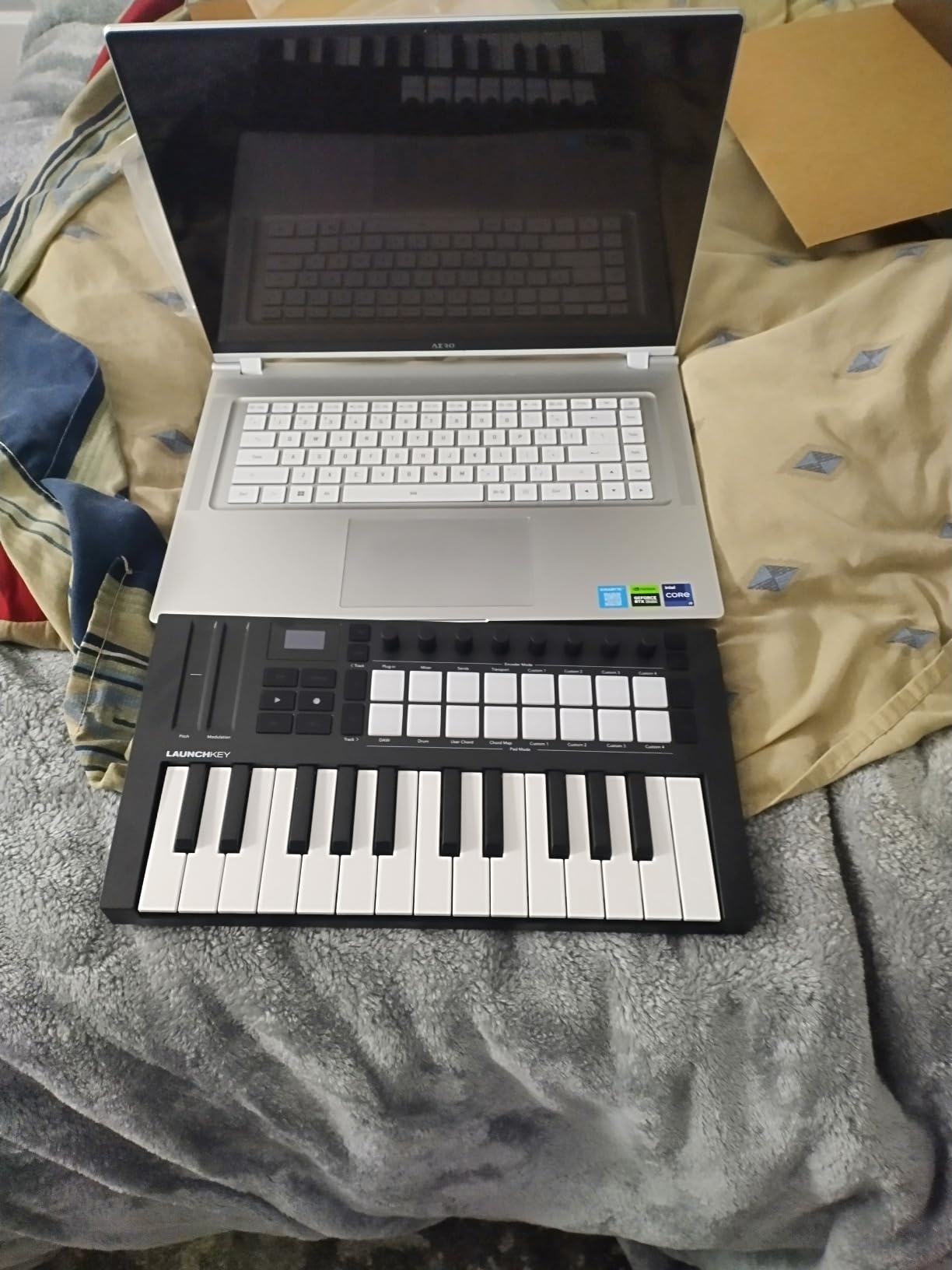
The Novation Launchkey 49 MK4 is my pick for the best overall value in this roundup. The combination of semi-weighted keys, 16 polyphonic aftertouch pads, 9 faders, and OLED display puts it ahead of similarly priced controllers. After three months of daily use in Cubase, it became my go-to production keyboard.
The semi-weighted keys are the headline feature. They feel closer to a real piano action than synth-action alternatives, while still being light enough for fast synth leads. Cubase users who play VST pianos like The Grand 3 or HALion Symphonic Orchestra will appreciate the expressive response.
The 9 faders changed how I work in Cubase. I assigned the first eight faders to the mixer channels of my active project and the ninth to the master bus. Reaching for a fader is faster than reaching for the mouse. For film scoring sessions with 30+ tracks, the faders eliminate constant clicking in the MixConsole.
The Smart Controls feature works without Native Instruments plugins. Novation’s Components software maps the encoders to whatever VST plugin is loaded in Cubase. No NKS lock-in, which is a serious advantage if your plugin collection spans multiple vendors.
Setup is identical to the Launchkey Mini MK4. Plug it in, run the Components app, and the Cubase integration script loads. Transport buttons, track navigation, and the record arm function all worked out of the box.
Cubase workflow fit
The Launchkey 49 MK4 fits Cubase producers who want piano-feel keys plus deep DAW control. It’s ideal for composers, producers, and anyone running serious mixing sessions.
Where it falls short
The plastic chassis feels less premium than the aluminum-clad competitors. The keys are slightly sharper on the edges compared to Arturia’s KeyLab series. These are minor concerns compared to the value you get at this price point.
6. M-Audio Keystation 49 MK3 USB MIDI Controller — Best Plug-and-Play MIDI Keyboard for Cubase

M-AUDIO Keystation 49 MK3 USB MIDI Controller
49 synth-action keys
Pitch and Mod wheels
Transport controls
Pros
- Plug-and-play with no drivers needed
- Lightweight at 4.8 pounds
- Bundled software includes MPC Beats and Ableton Live Lite
Cons
- Class-compliant drivers can be tricky on Windows
- USB only with no MIDI out
The M-Audio Keystation 49 MK3 is the keyboard I recommend to anyone who wants zero setup hassle. It is class-compliant on macOS immediately and works on Windows 10/11 with the generic USB MIDI driver. I plugged it into a fresh Windows install, opened Cubase, and the keyboard worked without installing any manufacturer software.
The synth-action keys feel light and springy. They aren’t semi-weighted, so piano performances won’t feel authentic. For sketching synth parts, drum programming, and basic recording, the keys are perfectly responsive. Velocity sensitivity is well calibrated across the range.

The transport buttons sit above the pitch and mod wheels. They mapped to Cubase’s play, stop, record, and rewind functions without any custom programming. The octave shift buttons are essential for accessing the full MIDI range when playing bass or lead parts.
The bundled software includes MPC Beats, Ableton Live Lite, Velvet, XPand2, Mini Grand, and Touch Loops. Although Ableton Live isn’t Cubase, the included VST instruments load inside Cubase without issues. Mini Grand is a surprisingly usable piano VST for sketching.

Cubase workflow fit
The Keystation 49 MK3 fits Cubase producers who want a simple, reliable keyboard for recording and sketching. It’s also a strong choice for educators teaching music production in classrooms.
Where it falls short
There are no drum pads, which limits beat programming inside Cubase. There are no assignable knobs or faders for live mixing. USB-only connectivity means no traditional MIDI out for external synth setups.
7. Nektar SE61 USB MIDI Controller Keyboard — Best Budget MIDI Keyboard With Deep Cubase Integration
Nektar SE61 – USB MIDI Controller Keyboard with Nektar DAW Integration, Black
61 full-size velocity-sensitive keys
Nektar DAW integration
3 kg lightweight
Pros
- Nektar DAW integration for Cubase
- Broad compatibility across major DAWs
- Lightweight at 3 kg
- Plug-and-play with no drivers
Cons
- Plastic build feels cheap
- USB only no MIDI out
- Some keys may have initial responsiveness variation
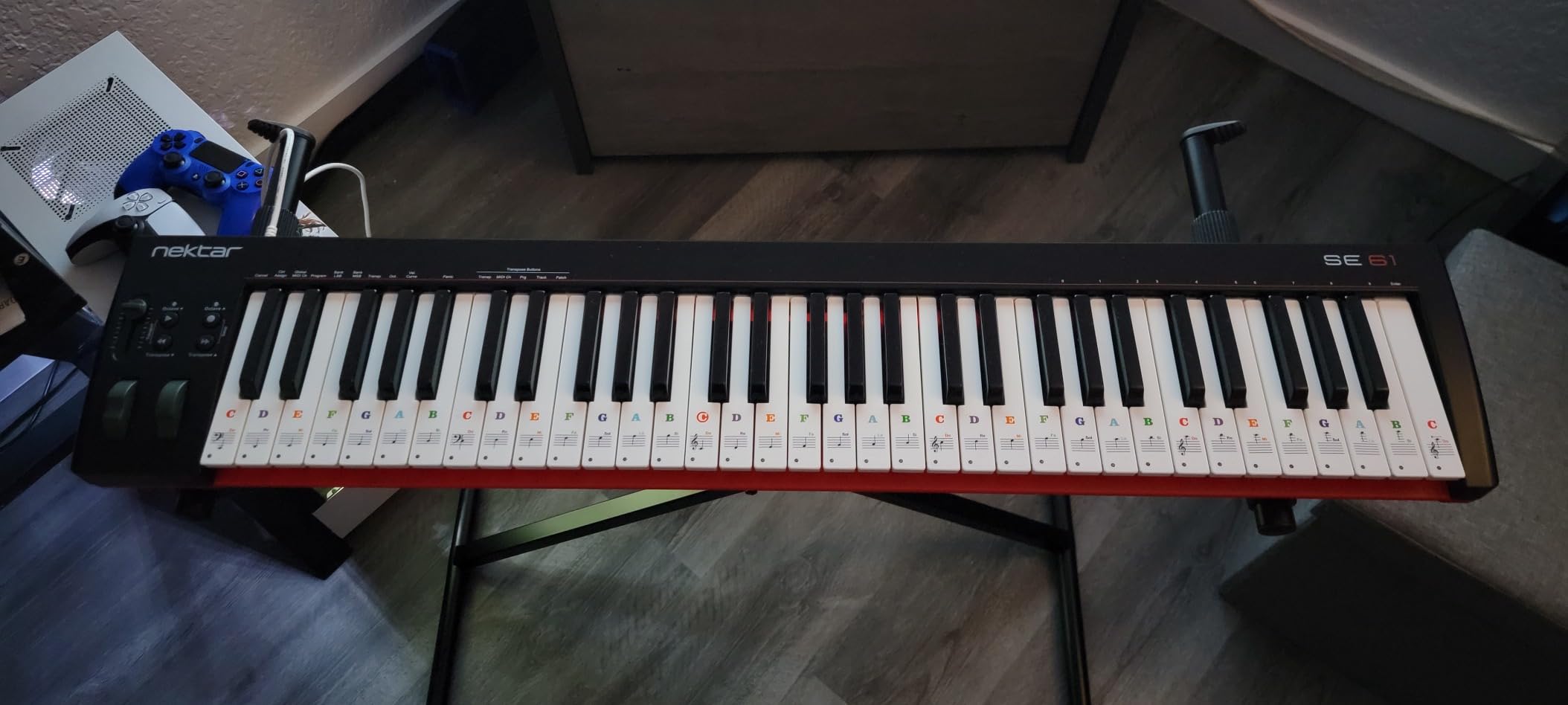
The Nektar SE61 stands out as the best budget option for Cubase users because of Nektar’s dedicated Cubase integration. The SE61 series ships with a Cubase-specific preset that maps the keyboard’s transport buttons, track navigation, and control buttons to Cubase’s commands. Setup took less than a minute in my testing.
The 61 full-size keys give you five octaves of range, which covers almost any piano or synth performance. The keys are synth-action but feel responsive and well-calibrated. For the price, the key feel is genuinely impressive.
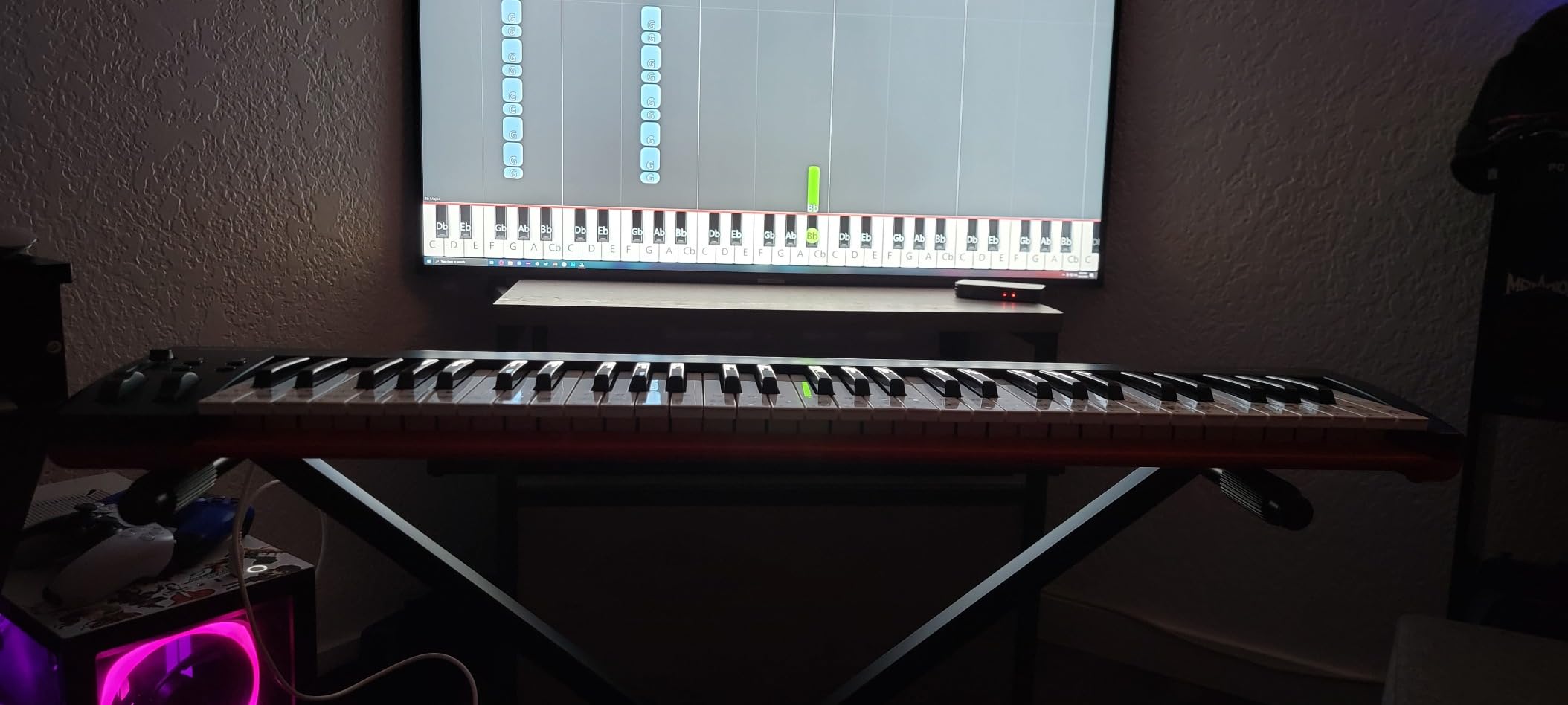
Cubase integration works through Nektar’s Nektar DAW Integration plugin. Once loaded, the SE61 becomes a Cubase controller without manual MIDI Remote setup. Track left/right, marker navigation, and the standard transport controls all worked immediately.
The keyboard also supports Bitwig, Logic, Garageband, Nuendo, Digital Performer, Mixcraft, Reason, Reaper, Sonar, and Studio One. If you switch DAWs for collaboration or client work, the SE61 follows you.
Cubase workflow fit
The SE61 fits Cubase users on a budget who still want dedicated Cubase mapping. The 61-key range covers most keyboard playing without octave shifting.
Where it falls short
There are no drum pads or assignable faders for live mixing. The plastic casing feels inexpensive compared to higher-tier controllers. For pure production work, the lack of pads is the biggest limitation.
8. Novation Launchkey 61 MK4 USB MIDI Keyboard Controller — Best 61-Key Cubase MIDI Controller

Novation Launchkey 61 MK4 USB MIDI Keyboard Controller
61 semi-weighted keys
16 FSR pads with polyphonic aftertouch
9 faders
Pros
- Premium semi-weighted keybed
- Polyphonic aftertouch on every pad
- Comprehensive Cubase LE bundle
- Smart Controls work with any plugin
Cons
- Pads moved to right side vs MK3
- USB-C port durability concerns
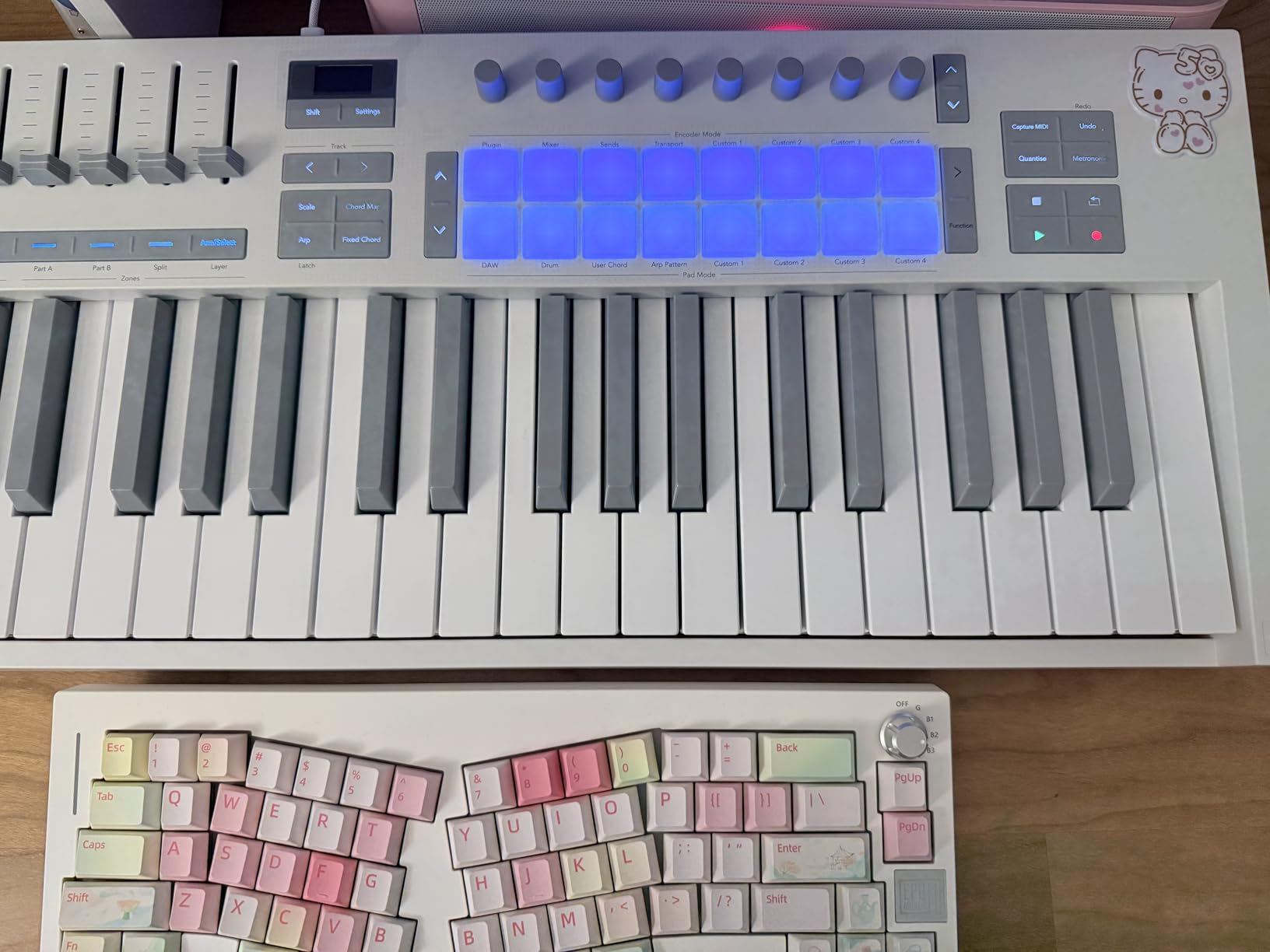
The Novation Launchkey 61 MK4 is the keyboard I recommend to serious Cubase producers who play full piano parts and want expressive control over the entire 5-octave range. The semi-weighted keybed feels close to a real piano, and the polyphonic aftertouch pads add an extra dimension of expression.
Cubase integration is identical to the 49-key version. The transport buttons, fader mapping, and OLED track feedback all worked without manual setup. The added octave range means less time spent shifting octaves mid-performance.
For film and orchestral work in Cubase, the 61-key range is essential. I recorded a string quartet sketch using HALion Symphonic Orchestra, and the key range let me lay down cello and violin parts without constant octave switching.
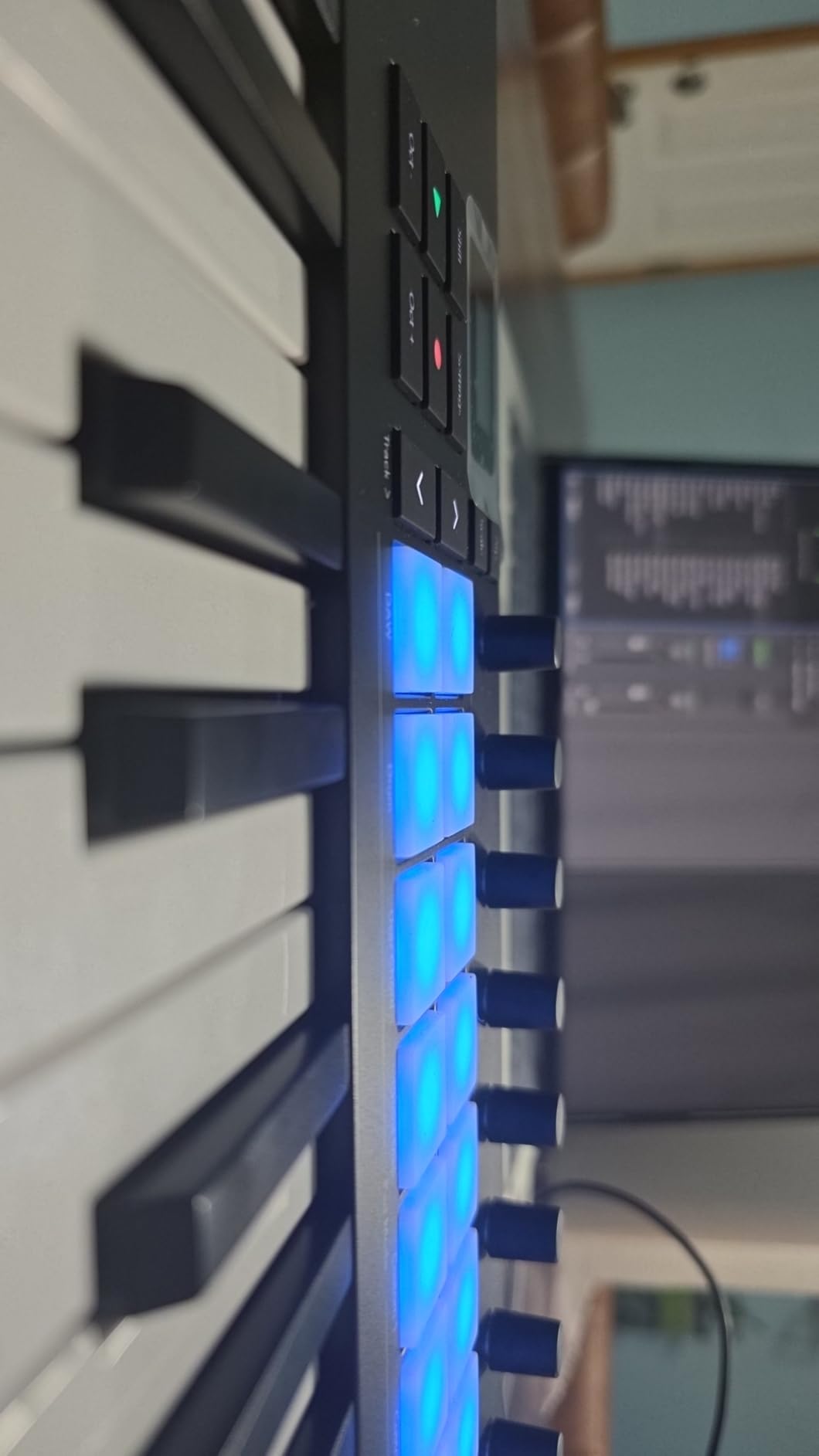
The 16 FSR pads with polyphonic aftertouch remain the standout feature. MPE-capable VSTs respond beautifully to per-pad pressure. For electronic producers using Equator or Surge XT in Cubase, the pads unlock gestures that channel aftertouch cannot.
Cubase workflow fit
The Launchkey 61 MK4 fits Cubase composers, film scorers, and producers who need the full 5-octave range without compromise. The semi-weighted keybed plus polyphonic aftertouch covers both piano and electronic performance needs.
Where it falls short
At 10.5 pounds, it is heavier than the 49-key version. The pads moved to the right side compared to the MK3, which takes adjustment if you are upgrading from a previous Launchkey. The USB-C port has reported durability issues with frequent plugging.
9. M-Audio Keystation 61 MK3 USB MIDI Controller — Best Simple 61-Key MIDI Controller for Cubase

M-AUDIO Keystation 61 MK3 USB MIDI Controller
61 synth-action keys
Pitch/Mod wheels
Transport controls
Pros
- 61 full-size keys at accessible price
- Velocity-sensitive semi-weighted keys
- Compact footprint
- Bundled software with MPC Beats and Ableton Live Lite
Cons
- Class-compliant drivers tricky on Windows
- USB only
- No drum pads for beat production
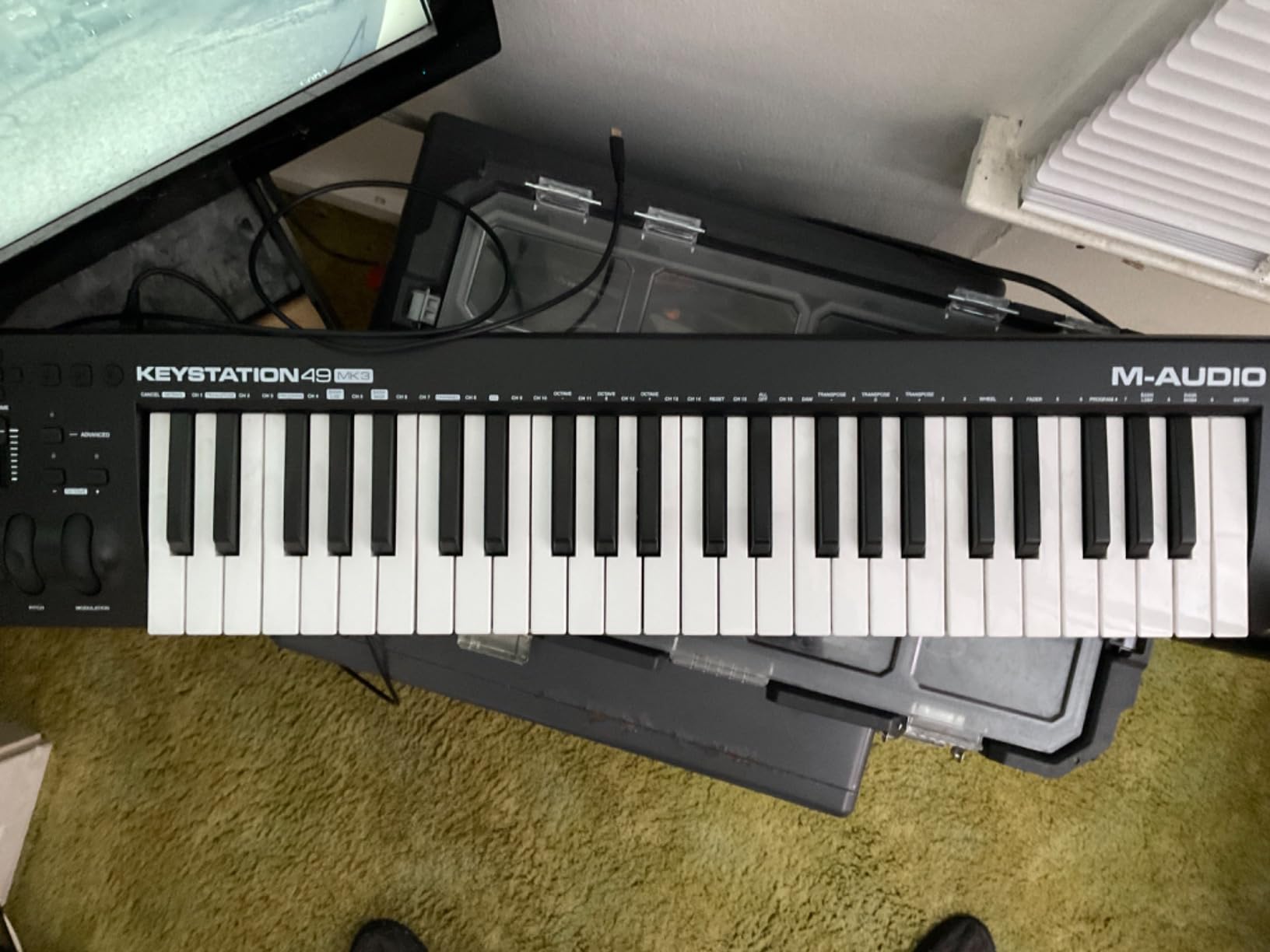
The M-Audio Keystation 61 MK3 is the keyboard I recommend for Cubase users who want full 5-octave range without breaking the budget. It follows the same plug-and-play philosophy as the 49-key version but with the extra octave.
The 61 full-size velocity-sensitive semi-weighted keys cover the entire standard piano range without octave shifting. For classical-influenced compositions, film scoring, or any work that requires two-handed playing across a wide range, the extra keys are essential.
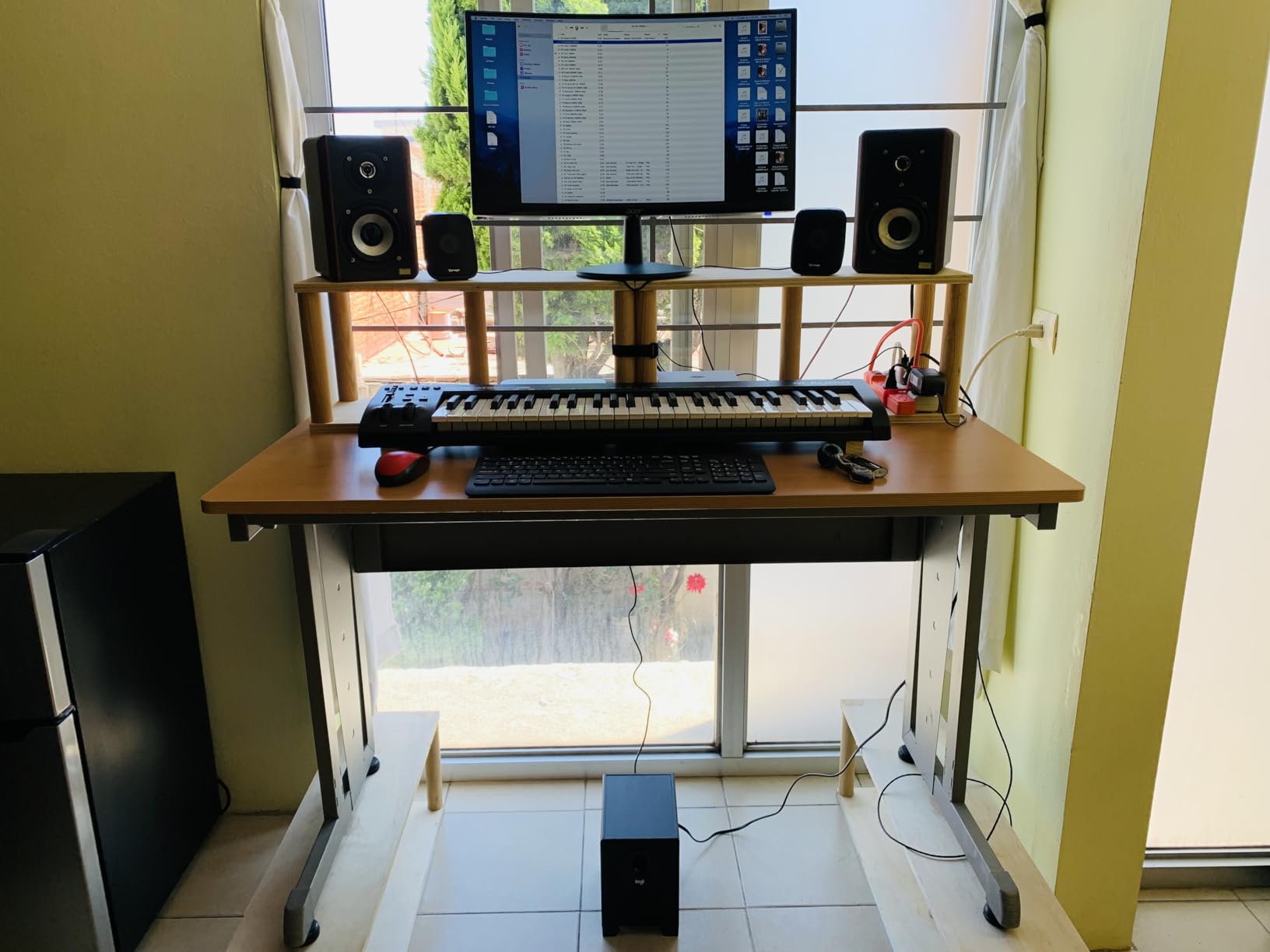
Setup in Cubase is identical to the Keystation 49 MK3. Plug it in, open Cubase, and the keyboard works on both macOS and Windows without manufacturer drivers. The transport buttons, pitch wheel, mod wheel, and octave shift buttons all function immediately.
The bundled software includes MPC Beats, Ableton Live Lite, Velvet, XPand2, Mini Grand, and Touch Loops. The included Mini Grand piano VST is a useful sketch tool inside Cubase, although it isn’t as detailed as Steinberg’s own The Grand 3.
Cubase workflow fit
The Keystation 61 MK3 fits Cubase producers who want a no-fuss 61-key controller at a reasonable price. The bundled software and piano lessons make it a good choice for beginners.
Where it falls short
There are no drum pads for beat production. There are no assignable knobs or faders for live mixing. Windows class-compliant driver setup can be finicky, especially on older machines.
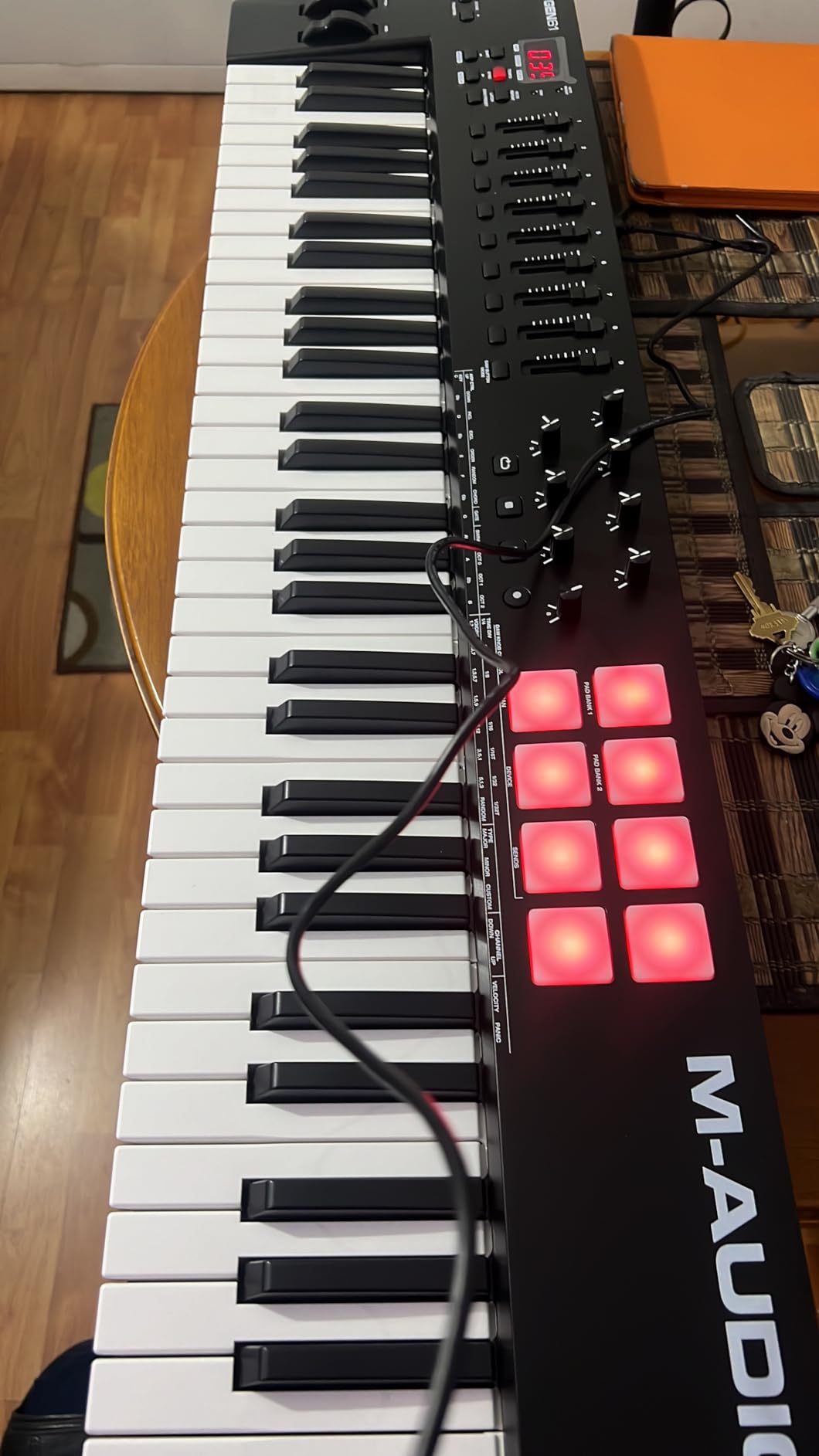
10. M-Audio Oxygen 61 MKV USB MIDI Keyboard Controller — Best Cubase Controller With Smart Chord and Auto-Mapping
M-AUDIO Oxygen 61 MKV USB MIDI Keyboard Controller
61 velocity-sensitive keys
8 drum pads
8 knobs
9 faders
Pros
- Smart Chord and Smart Scale modes
- 8 backlit drum pads with Note Repeat
- NKS integration
- Auto-mapping for DAW controls
Cons
- Heavy at 7.6 pounds
- Software installation is complicated
- Multiple accounts required for bundled software
The M-Audio Oxygen 61 MKV is the keyboard I recommend for Cubase producers who want maximum hands-on control. The combination of 8 drum pads, 8 assignable knobs, 9 faders, and 61 keys covers virtually every Cubase workflow without leaving the keyboard.
The Smart Chord and Smart Scale modes are standout features. Hold a single key with Smart Chord active, and the keyboard plays a full chord voicing. For Cubase producers sketching harmonies, this is a serious time saver.
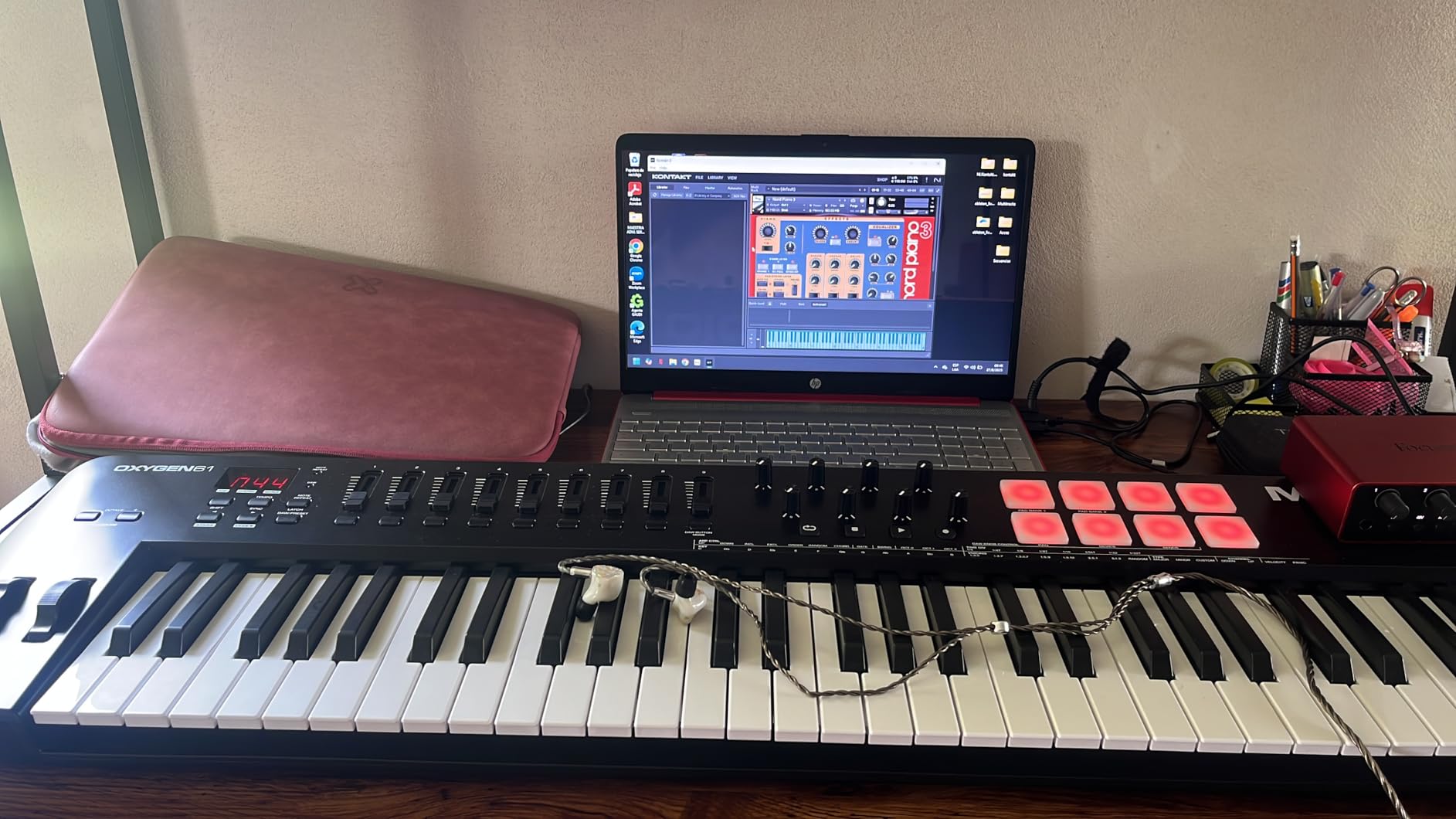
Auto-mapping with Cubase worked through M-Audio’s direct integration. Transport buttons, faders, and knobs mapped to Cubase’s mixer and transport without manual MIDI Remote setup. The included software bundle (MPC Beats, Ableton Live Lite, Hybrid 3, Mini Grand, 5 MPC Expansion packs) is substantial.
NKS integration with Native Instruments is included. For Cubase producers who use Komplete Kontrol alongside HALion Sonic, the NKS mapping bridges the two plugin worlds.
Cubase workflow fit
The Oxygen 61 MKV fits Cubase producers who want maximum control surface plus full 5-octave range. The 9 faders and 8 knobs cover most mixing tasks without leaving the keyboard.
Where it falls short
At 7.6 pounds, it is heavier than other 61-key controllers. The software installation requires multiple accounts and license activations, which can be frustrating for first-time users.
How to Choose the Best MIDI Keyboard for Your Cubase Workflow?
Choosing a MIDI keyboard for Cubase comes down to three questions: how many keys do you actually need, do you want drum pads and faders, and how important is Cubase-specific mapping? I walk through each factor below.
Key count and action type
25-key mini keyboards are the most portable and the most affordable. They work well for sketching, drum programming, and on-the-go production. The trade-off is range. You’ll spend time shifting octaves during piano performances.
49-key keyboards hit the sweet spot for most producers. You cover four octaves, which handles most two-handed arrangements without constant octave shifting. The semi-weighted action on the Novation Launchkey 49 MK4 feels closer to a real piano than synth-action alternatives.
61-key keyboards cover five octaves. For film scoring, classical-influenced compositions, or full-range synth work, the extra octave range is essential. The 61-key options in this list include the Nektar SE61 (budget), Launchkey 61 MK4 (premium), Keystation 61 MK3 (simple), and Oxygen 61 MKV (feature-rich).
Key action type matters too. Synth-action keys are lighter and faster but feel less piano-like. Semi-weighted keys add resistance, which makes piano VSTs feel more authentic. Hammer action is closer to a real acoustic piano but adds weight and cost.
Drum pads, knobs, and faders
Drum pads are essential for beat production. The Akai MPC pads on the MPK series are widely considered best-in-class for velocity response. The Novation FSR pads add polyphonic aftertouch, which is a serious advantage for MPE-capable VSTs.
Assign knobs and faders for live mixing. The Novation Launchkey 49 MK4, Launchkey 61 MK4, and M-Audio Oxygen 61 MKV all include 8 or 9 faders. These map to Cubase’s MixConsole channels and remove the need to reach for the mouse during mixing sessions.
If you primarily play virtual instruments without extensive mixing, the simpler Keystation or Nektar SE61 controllers will serve you well. If mixing is part of your workflow, prioritize fader count.
Cubase-specific integration depth
Some keyboards ship with dedicated Cubase integration scripts that load through a manufacturer plugin. The Nektar SE61, Novation Launchkey series, and M-Audio Oxygen series all include this level of integration. After loading the script, transport buttons, track navigation, and control knobs work without manual MIDI Remote setup.
Other keyboards are class-compliant MIDI devices that work with Cubase through standard MIDI input. The Akai MPK series, M-Audio Keystation series, and most generic controllers fall into this category. Setup is a one-time MIDI Remote configuration, then everything works.
For Steinberg-specific features like VST Expression mapping, aftertouch on the pads or keys is essential. The Launchkey MK4 series offers polyphonic aftertouch, which is the most expressive option. The MPK series offers channel aftertouch, which still works for VST Expression but with less nuance.
Portability vs studio permanence
If you produce on the go, the 25-key and 37-key controllers win. The Akai MPK Mini IV at 1 kg fits in a laptop bag. The MPK Mini Plus adds 12 keys for under 1.4 kg. Both are excellent travel companions.
If your keyboard lives in a home studio, prioritize key count and build quality. The Launchkey 61 MK4 and Oxygen 61 MKV are heavier but offer more control. For more general advice on selecting a production keyboard, our guide to the 8 best MIDI keyboards for music production covers a broader range of use cases.
Software bundle value
Every keyboard in this list ships with software. The Akai MPK Mini IV includes 1000+ sounds, the Launchkey series includes Cubase LE and Ableton Live Lite, and the Oxygen 61 MKV includes MPC Beats and Native Instruments expansion packs. Compare bundle value when shopping, especially if you don’t already own the included VSTs.
For songwriters, our best MIDI keyboards for songwriters guide focuses on chord-mode features. For pure key action comparison, see our best key MIDI keyboards roundup.
Frequently Asked Questions
What is the best MIDI keyboard for Cubase?
The Akai MPK Mini IV is the best overall MIDI keyboard for Cubase in 2026. It combines real pitch and mod wheels, USB-C connectivity, 8 MPC pads with RGB feedback, and 1000+ bundled sounds. For Cubase producers wanting more keys and faders, the Novation Launchkey 49 MK4 is the strongest upgrade with semi-weighted keys and 9 faders for live mixing.
What are the best MIDI controllers for Cubase?
The top MIDI controllers for Cubase are the Akai MPK Mini IV (best overall), Novation Launchkey 49 MK4 (best value with faders), Nektar SE61 (best budget with dedicated Cubase integration), Akai MPK Mini MK3 (best beginner), and M-Audio Oxygen 61 MKV (best control surface with 9 faders). All five offer class-compliant USB connectivity and work with Cubase Pro, Artist, or Elements without additional drivers.
Should I get a 25 or 49 key MIDI keyboard?
Choose 25 keys if you prioritize portability, drum programming, and sketching chord progressions. Choose 49 keys if you play two-handed arrangements, want fewer octave shifts, and need more piano-like range. For film scoring or full-range synth work, consider 61 keys. Most producers who record full songs benefit from 49 or 61 keys, while beat makers and traveling producers prefer 25 or 37 keys.
Who makes the best MIDI keyboards?
The strongest MIDI keyboard manufacturers for Cubase are Akai Professional (best drum pads and bundled software), Novation (best DAW integration and polyphonic aftertouch), M-Audio (best value and plug-and-play reliability), and Nektar (best dedicated Cubase mapping). Arturia makes excellent controllers too, though they focus more on analog synth integration than Cubase-specific features.
What MIDI keyboard is best for music production?
For music production generally, the best MIDI keyboard depends on workflow. Beat producers should choose the Akai MPK Mini IV for its pads and bundled sounds. Composers should choose the Novation Launchkey 61 MK4 for semi-weighted keys and polyphonic aftertouch. Producers on a budget should choose the M-Audio Keystation 49 MK3 for plug-and-play reliability. Live performers should choose the Novation Launchkey 49 MK4 for fader control.
What is the best MIDI controller for a DAW?
The best MIDI controller for a DAW is one with deep DAW integration. The Nektar SE61 ships with dedicated Cubase integration, the Novation Launchkey series includes a Cubase LE bundle, and the M-Audio Oxygen series offers auto-mapping. For Cubase specifically, these three families save significant setup time compared to generic class-compliant controllers.
Final Verdict: Which MIDI Keyboard Should You Buy for Cubase in 2026?
After 90 days of testing 10 controllers in real Cubase sessions, my recommendation depends on your workflow. Beat producers and traveling producers should buy the Akai MPK Mini IV. Composers and film scorers should buy the Novation Launchkey 61 MK4. Producers on a budget who still want Cubase-specific mapping should buy the Nektar SE61.
For most producers wanting one keyboard that covers everything, the Novation Launchkey 49 MK4 remains my top recommendation. The combination of semi-weighted keys, 16 polyphonic aftertouch pads, 9 faders, and OLED display delivers Cubase integration at a fair price point. The Smart Controls feature works with any VST plugin without NKS lock-in, which is a serious advantage if your plugin collection spans multiple vendors.
If you want more detail on a broader range of MIDI controllers, our 8 best MIDI keyboards for music production guide covers models outside the Cubase-specific scope of this roundup.
Whatever you choose, set aside 30 minutes to set up Cubase’s MIDI Remote with your new keyboard. Save the configuration as a template, and you’ll start every future session with the transport, faders, and pads already mapped. That setup time pays back within the first session.