
Most college students do not need an expensive printer, and the wrong one can quietly cost more than the campus print center over four years. When we sat down to compare the best printers for college students, the deciding factor was not print quality or brand loyalty. It was running cost per page, footprint, and whether the machine can survive a semester break.
We spent several weeks with these ten models, printing problem sets, lab reports, financial aid forms and photo-heavy coursework while tracking paper use and refills. Three kept coming back: the Epson EcoTank ET-2800 for students who want color without cartridge anxiety, the Canon MegaTank G3270 as the value pick, and the Canon PIXMA TS6520 for anyone on a tight budget who still wants two-sided printing.
The category splits cleanly in two. Inkjet machines use liquid ink, either sealed in cartridges or poured into refillable tanks, and they handle color. Laser machines use powdered toner, print text fast, and cannot dry out over summer. Choosing wrong between those two families is the single most expensive mistake a student can make, so we explain the tradeoff in full below.
One more thing worth saying early: a printer is an accessory, not a requirement. Your library or print center already covers finals week at short notice. Buy your own machine only when the convenience of printing at 11pm in your dorm room is worth a real running cost. If you are still choosing a laptop, our guides to the best laptops for college students and best budget laptops for college students cover that side.
Table of Contents
Top 3 Picks for College Students in 2026

Epson EcoTank ET-2800
- Cartridge-free ink bottles
- Up to 2 years of ink in the box
- Wireless print copy and scan

Canon MegaTank G3270
- Refillable GI-21 ink tanks
- Up to 6000 pages per ink set
- Wireless print copy and scan

The Epson EcoTank ET-2800 takes the top spot because it solves the two problems students actually hit: cartridge running costs and ink drying out during a break. It also holds the largest review base in this group, at more than 18k ratings, which means the failure modes are well documented rather than surprising.
The Canon MegaTank G3270 is the cheaper route to the same tank-based economics, with up to 6,000 black and white pages per ink set. The Canon PIXMA TS6520 wins on hardware alone at the bottom of the range: automatic duplex and dual-band Wi-Fi in a body that sits 6.7 inches tall.
Best Printers for College Students at a Glance (October 2026)
| Product | Specifications | Action |
|---|---|---|
| Epson EcoTank ET-2800 |
|
Check Latest Price |
 Canon PIXMA TR8620a Canon PIXMA TR8620a |
|
Check Latest Price |
| Canon MegaTank G3270 |
|
Check Latest Price |
 Brother HL-L2460DW Brother HL-L2460DW |
|
Check Latest Price |
 Brother HL-L2405W Brother HL-L2405W |
|
Check Latest Price |
| Canon PIXMA TS6520 |
|
Check Latest Price |
 HP LaserJet M209dw HP LaserJet M209dw |
|
Check Latest Price |
 Brother HL-L2480DW Brother HL-L2480DW |
|
Check Latest Price |
 HP Envy 6155 HP Envy 6155 |
|
Check Latest Price |
 HP Smart Tank 5003 HP Smart Tank 5003 |
|
Check Latest Price |
Two patterns jump out. Every tank-based machine here cuts ink cost sharply but gives up automatic duplex. Every machine with hardware duplex tends to be cartridge-fed, and that is where per-page cost quietly climbs.
1. Epson EcoTank ET-2800: Best Overall for Color Printing Without Cartridge Fear
Epson EcoTank ET-2800 Wireless Color All-in-One Supertank Printer – Black
Cartridge-free ink bottles
10 ppm black and 5 ppm color
100-sheet tray
Flatbed scan and copy
Pros
- Up to 2 years of ink in the box
- Up to 4500 black and 7500 color pages per ink set
- Wireless plus USB and app control
- Print copy and scan in one unit
Cons
- Single-sided printing only
- Small 100-sheet paper tray
- Plain LCD control screen
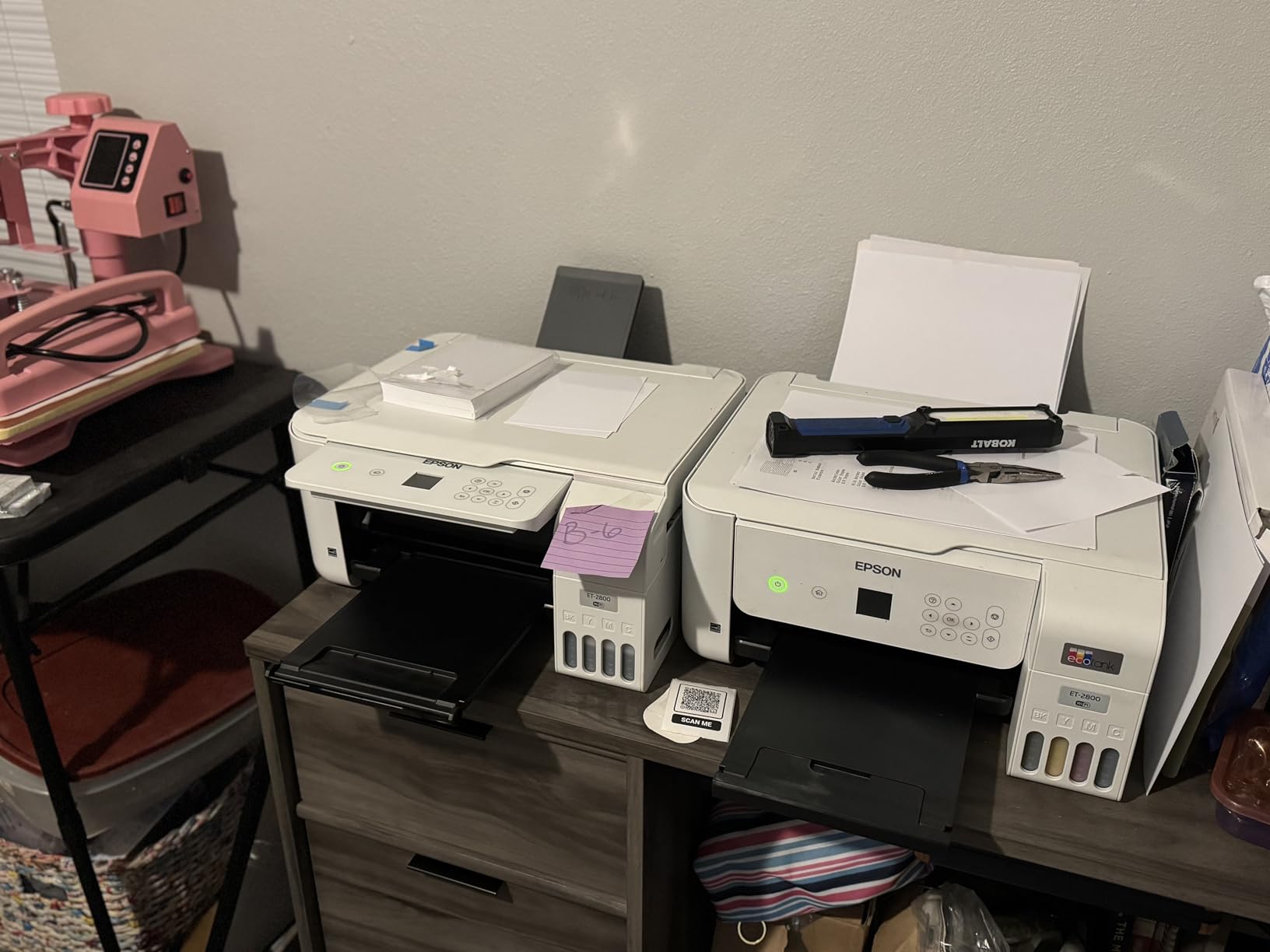
The ET-2800 is the machine I keep recommending to students who panic at the word ink. There is no cartridge to swap, only bottles you pour into four tanks inside the body. Over our testing period the running cost stayed flat month to month, which is the opposite of what a cartridge printer does.
Each bottle set is rated at up to 4,500 black pages and 7,500 color pages, and Epson puts up to two years worth of ink in the box. For a student printing a few hundred pages a month, that head start alone covers most of the first year.
Setup took a few minutes over Wi-Fi and the app handled ink level reporting well enough that I never had to open the ink view to check. Copy and scan come from a flatbed, and the control screen is a plain LCD rather than a touchscreen. That is fine for most coursework.
Speed is 10 pages per minute in black and 5 in color, with a resolution of 5760 dpi black and white and 5760 x 1440 dpi color. The paper tray holds 100 sheets and the unit handles media up to 8.5 x 14 inch, so legal-size coursework is not a problem.
What you gain and what you give up with a tank printer
You gain cheap color and a machine that will not clog after a summer at home, because sealed ink tanks with no cartridge nozzle do not dry the same way. You give up automatic duplex. Flipping the stack by hand for a 12-page essay is tedious but not fatal.
Check the bottle economics against your own volume before committing. If you genuinely print 30 pages a term, the ET-2800’s capacity is far more than you need and a cheaper cartridge machine would serve you. The tank math only breaks in your favor past a few hundred pages.
Where this model frustrates students
The 100-sheet tray means refilling paper more often than in a laser unit with a 250-sheet tray. Epson also recommends genuine ink, and third-party bottle use can affect warranty coverage, so factor that into any savings plan.
At 11.4 pounds and 14.8 by 22.8 by 10 inches, it is not a tiny machine, though it is lighter than most inkjets here. Plan shelf space rather than assuming it lives on a dorm desk.
2. Canon PIXMA TR8620a: Best for Forms, Faxing and Two-Sided Reports
Canon PIXMA TR8620a – All-in-One Printer Home Office|Copier|Scanner|Fax|Auto Document Feeder | Photo, Document | Airprint (R), Android, Black, Works with Alexa
Wireless print copy scan fax
Automatic duplex
20-sheet document feeder
15 ppm black and 10 color
Pros
- Only machine here with a built-in fax
- Automatic two-sided printing
- Large tilting front touchscreen
- Two paper sources for letter and legal stock
Cons
- Canon mobile app can be slow and report errors
- Single-sided document feeder
- Bulky at 17.3 inch wide
The TR8620a is the only printer in this group with a working fax function, and for nursing, education and administrative coursework that can matter. Internship and financial aid paperwork still arrives as forms that assume a fax machine exists.
It prints 15 pages per minute in black and 10 in color, and automatic duplex is hardware, not a driver trick. The 20-sheet document feeder takes the stack of signed forms you are faxing or scanning so you are not lifting pages one at a time.
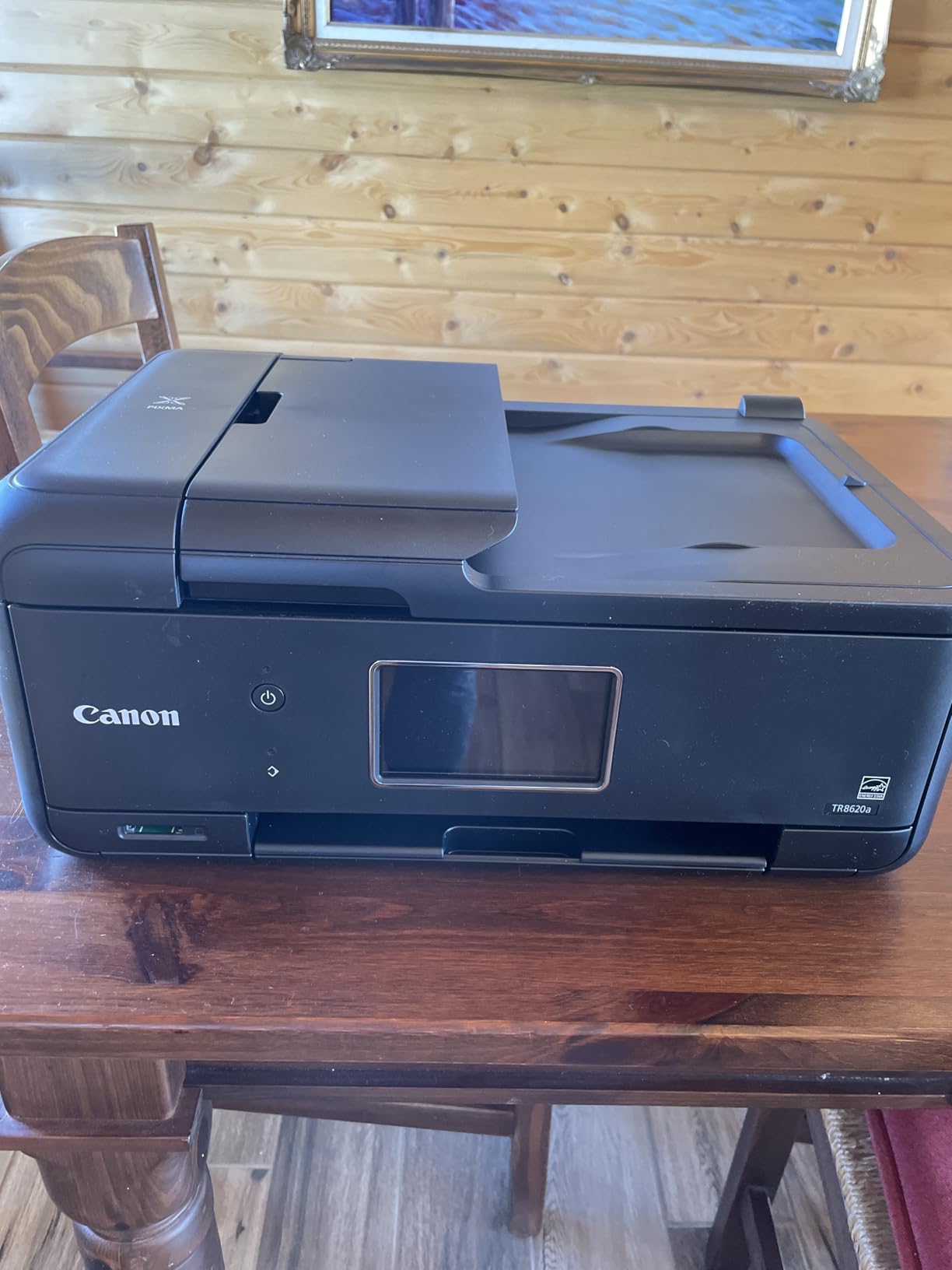
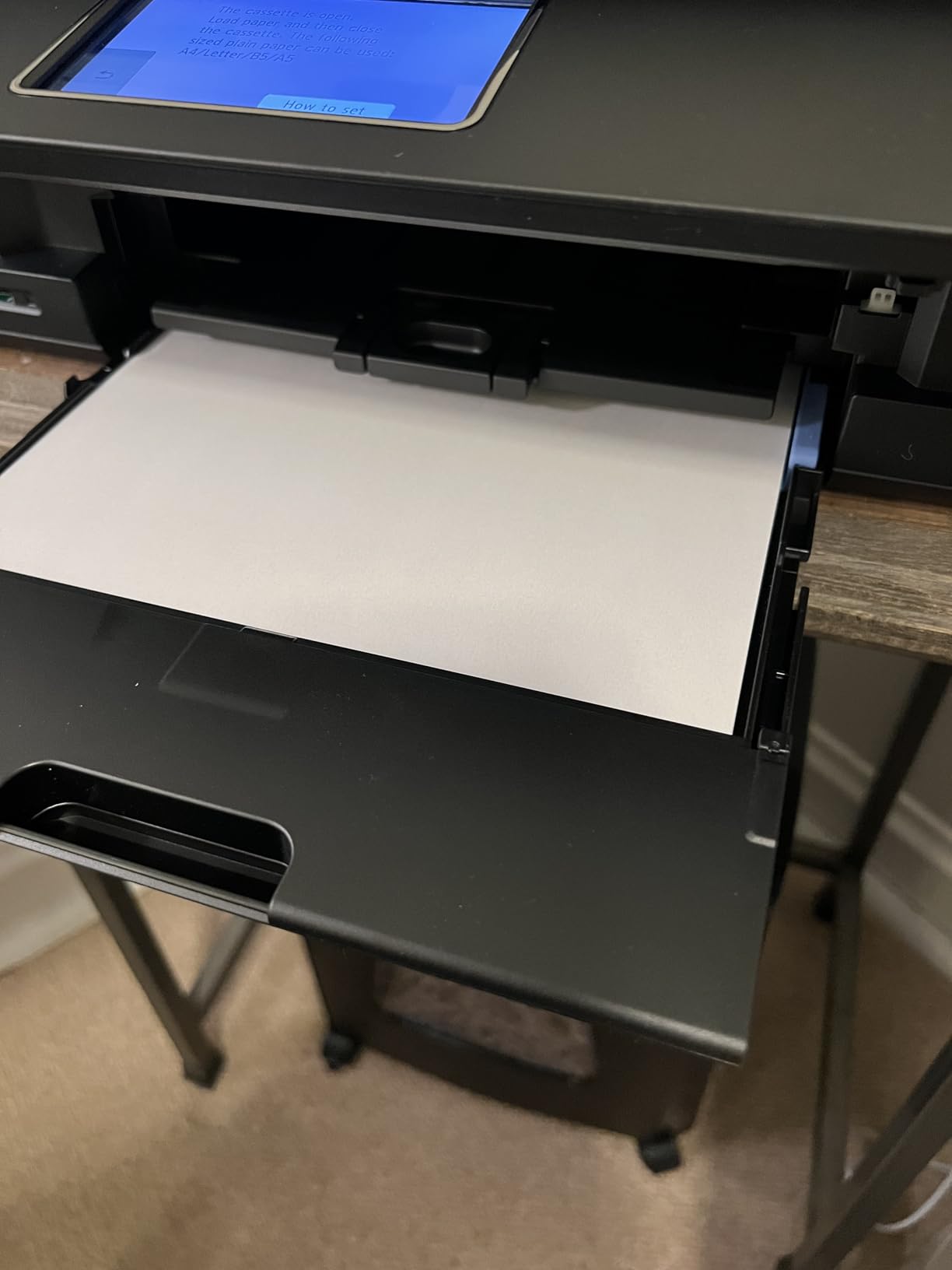
Two paper sources are a sleeper feature for students: a 100-sheet cassette plus a 100-sheet rear feed, giving 200 sheets total and letting you keep letter paper in one tray while feeding envelopes or a different stock through the other.
The tilting front LCD touchscreen is the easiest control panel here. Ink level notifications and reorder prompts work through the app, and five individual ink tanks mean you replace only the color that actually ran out.
When a four-function machine earns its desk space
Choose this one if your major involves clinical paperwork, permission slips, or any assignment where a fax number is still the expected submission method. The duplex scanner plus ADF combo also makes it a copier, so you never need to hunt down a campus copier for a single duplicate page.
Borderless printing up to 8.5 x 11 inch and a 1,000 page duty cycle cover poster-grade coursework. The micro SD slot is a small extra for photo projects.
Where this model frustrates students
The Canon mobile app is the weak link. Reviewers report slow performance and intermittent false error states, so budget for a restart or a second cable when it happens. The document feeder is single-sided, so duplex scanning still needs the flatbed.
Size is the bigger issue in a dorm. At 17.3 inches wide, 13.8 deep and 17.4 pounds, this is the heaviest machine in the roundup and needs a real shelf, not a laptop riser.
3. Canon MegaTank G3270: Best Value Tank Printer for Regular Color Work
Canon MegaTank G3270 All-in-One Wireless Color Printer
Refillable GI-21 ink tanks
11 ppm black
Wireless print copy and scan
100-sheet tray
Pros
- Up to 2 years of ink included
- Up to 6000 black and 7700 color pages per ink set
- Wireless print copy and scan
- Compact for a tank all-in-one
Cons
- Single-sided printing only
- Only a 100-sheet paper tray
- Basic LCD rather than a touchscreen
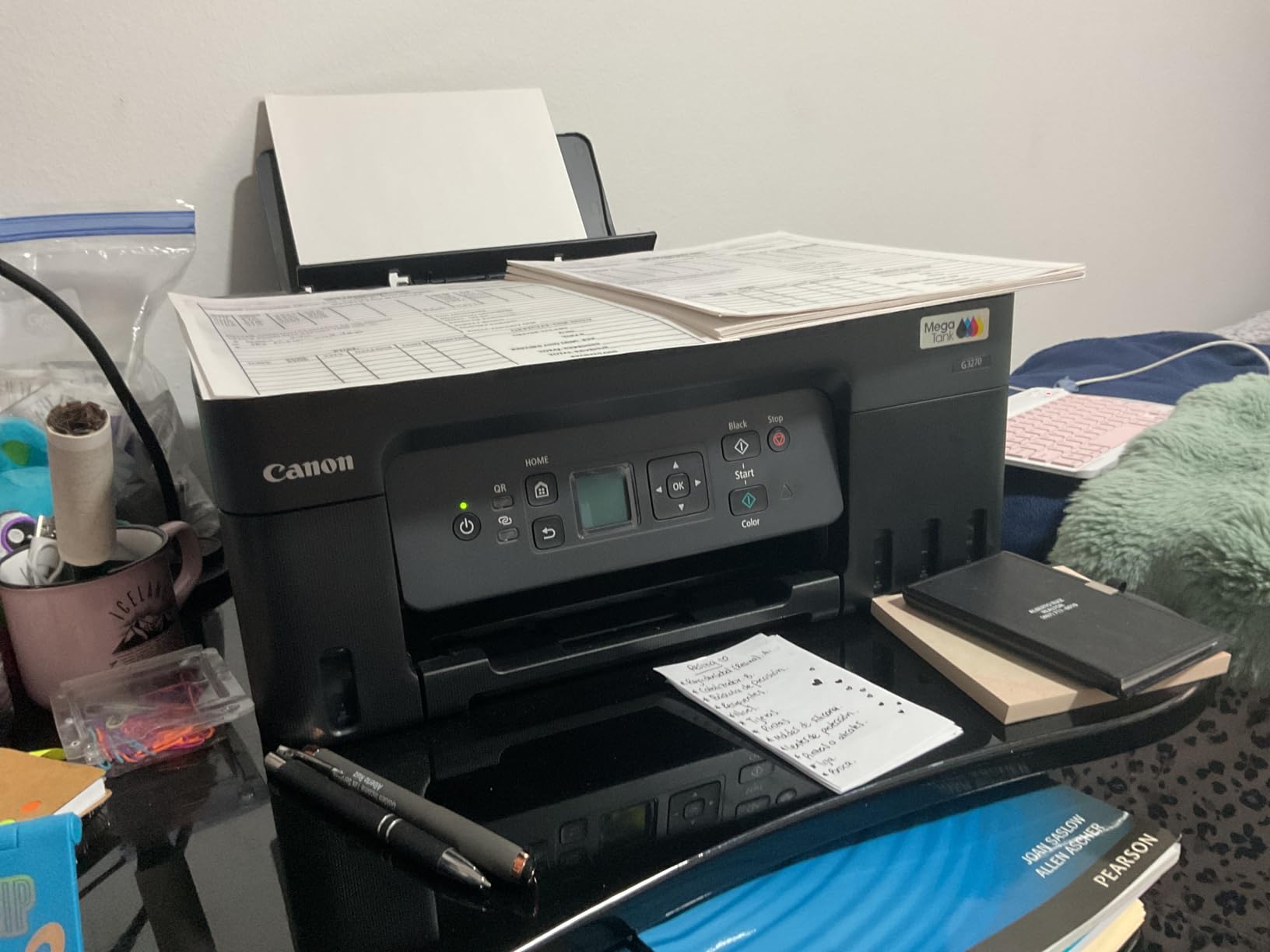
The MegaTank G3270 is the version of the tank formula most students should actually buy. It costs less than the ET-2800, ships with up to two years of ink, and holds 67 percent five-star ratings across more than 5,000 reviews, which puts it above the group average on satisfaction.
Refillable GI-21 tanks cover PGBK, cyan, magenta and yellow. One ink set is rated at up to 6,000 black and white pages and 7,700 color pages, so the refill cycle is roughly twice a semester for a moderately busy student.
Wireless print, copy and scan all work, and the 1.35-inch square LCD is backlit, which matters more than it sounds when you are checking status at night in a dim room. Copy resolution runs to 300 x 600 dpi black and 720 x 720 dpi color.
Speed is 11 pages per minute in black, with a maximum media size of 8.5 x 14 inch. The machine makes up to 99 copies per run, which covers a study group packet without babysitting the button.
Why the tank route wins over cartridges for most majors
Students in design, architecture, marketing and education print color charts and slides far more than pure text. A cartridge inkjet charges the color cartridge for every printed page, including ones with no color at all. A tank machine bills you only for what you actually put in.
That makes the G3270 the pick for anyone whose coursework includes color diagrams, presentation slides or photo output, and who cannot justify a subscription plan they will forget to cancel. In our testing the ink never prompted us to reorder, which is the entire point.
Where this model frustrates students
Duplex printing is the recurring request. You flip the stack yourself for every two-sided page, and during a week of heavy reading-response assignments that adds up. There is also no touchscreen and no document feeder, so multi-page copying means standing at the flatbed.
The body is 16.4 inches wide and 21.9 deep, and it weighs 13.2 pounds. The depth matters more than the width in a narrow dorm, since you need clearance to open the rear feed.
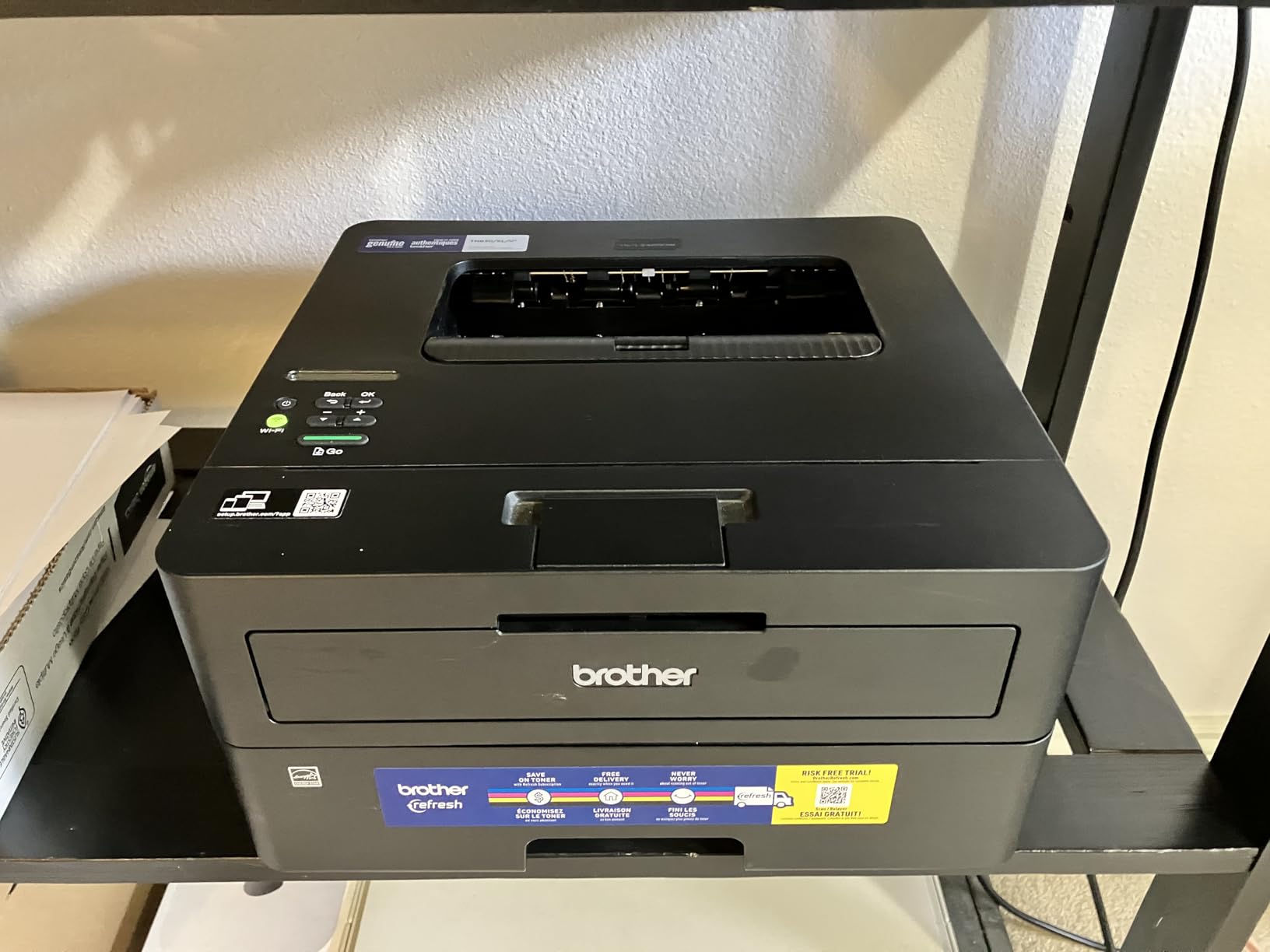
4. Brother HL-L2460DW: Best for Fast Black and White with Auto Duplex
Brother HL-L2460DW Wireless Compact Monochrome Laser Printer with Duplex, Mobile Printing, Black & White Output | Includes Refresh Subscription Trial(1), Works with Alexa
36 ppm monochrome
Automatic duplex
250-sheet tray
Dual-band Wi-Fi Ethernet USB
Pros
- Fastest monochrome output in this group
- Automatic duplex as real hardware
- Dual-band wireless plus Ethernet and USB
- No forced accounts or opt-ins during setup
Cons
- Print only with no scanner
- Black and white output only
- Onscreen Wi-Fi setup is fiddly on the small panel
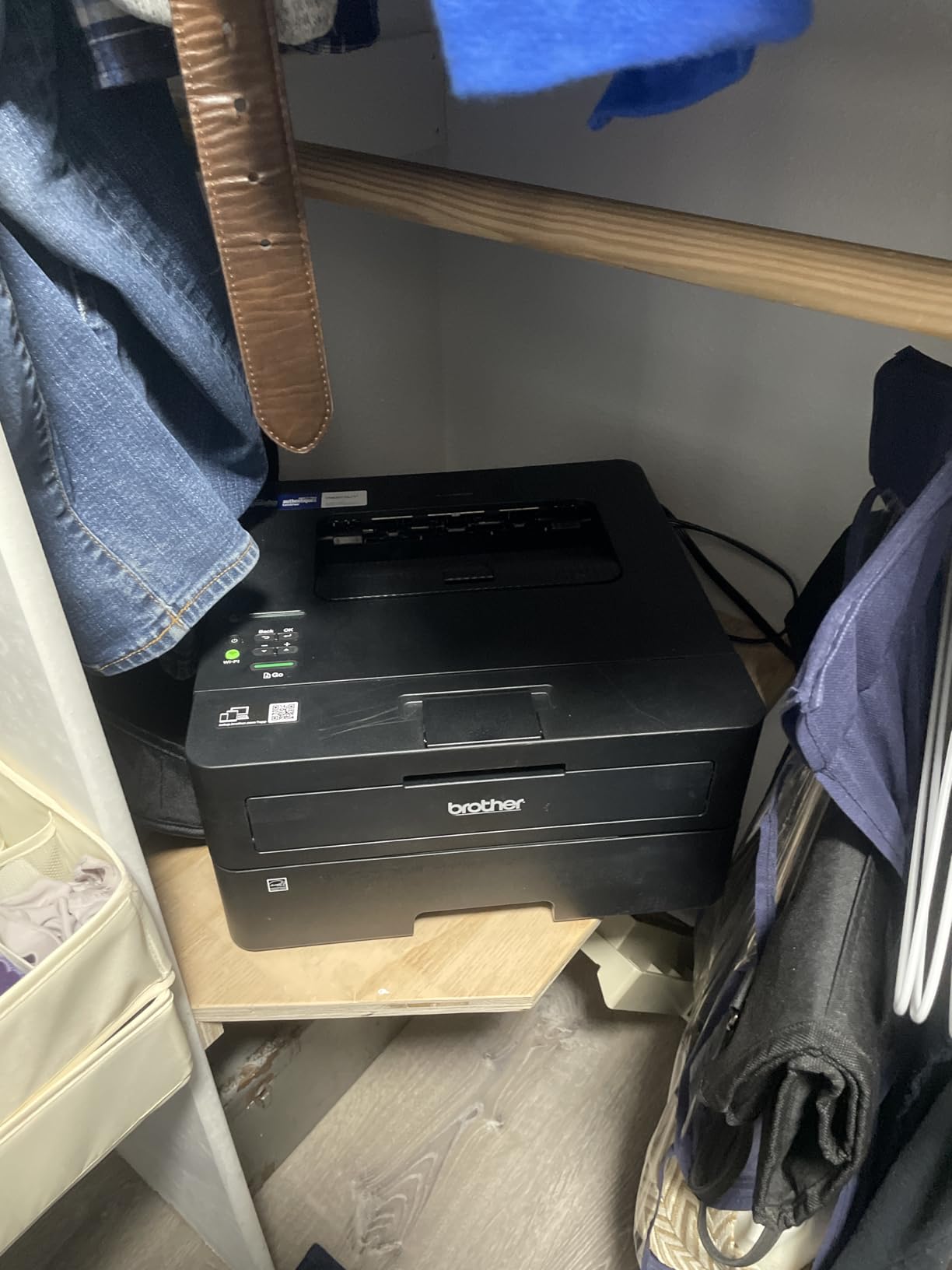
If your degree is text-heavy, this is the honest answer. Thirty-six pages per minute of black output with hardware duplex is more speed than any student will use, and toner does not dry out, which removes the summer-break failure mode entirely.
First page comes out in about 8.5 seconds, resolution reaches 1200 x 1200 dpi, and the 250-sheet tray plus manual feed slot handles letter, legal up to 8.5 x 14 inch, and envelopes without a second tray.
Connectivity is dual-band wireless at 2.4GHz and 5GHz, plus Ethernet and USB. In a dorm full of 2.4GHz congestion, the 5GHz band is the difference between a printer that works and one that stalls during finals.
Setup was among the cleanest we tested. Brother ships no mandatory software bundle and no terms-and-conditions prompt, which matters when you are registering a device on a campus network that requires authentication.
When a print-only laser is the correct student tool
English, history, economics, law and accounting students mostly produce text. This machine handles a 25-page annotated bibliography at speed while using toner that costs far less per page than inkjet ink. Add auto duplex and your paper bill drops too.
The Brother Mobile Connect app handles remote printing and toner tracking, so you can see remaining pages from your phone before finals week. The TN830, TN830XL and TN830XL2PK cartridges are widely available, which keeps restocking simple.
Where this model frustrates students
There is no scanner or copier, so a single-page copy means the campus print center or a phone camera. Output is black and white only, which rules it out for design, architecture or photography work entirely.
The onscreen Wi-Fi setup is fiddly because the button panel is small. And a one-year limited warranty on a machine you hope to keep for four years is thinner than the coverage on the multi-function laser later in this list.
5. Brother HL-L2405W: Best Text-Only Pick for Students Who Never Need Color
Brother HL-L2405W Wireless Compact Monochrome Laser Printer with Mobile Printing, Black & White Output | Includes Refresh Subscription Trial(1), Works with Alexa
30 ppm monochrome
250-sheet tray
Dual-band wireless and USB
Print only
Pros
- No forced software or marketing opt-ins
- Fast sharp 30 ppm monochrome output
- Cheap standard TN830 toner
- Quiet and compact compared with inkjets
Cons
- Manual duplex only
- No scanner or copier
- QR-code driven Wi-Fi onboarding can be tedious
This is the sibling of the machine above, and the difference is duplex. If two-sided printing is not on your list of requirements and you want the lower ticket, the HL-L2405W prints 30 pages per minute of monochrome output with the same 250-sheet tray.
Toner is the TN830 family again, with an XL option for heavier semesters. At 15.1 pounds and 14.2 by 14 by 7.2 inches, it is one of the smaller footprints here, which makes it a good dorm shelf option.
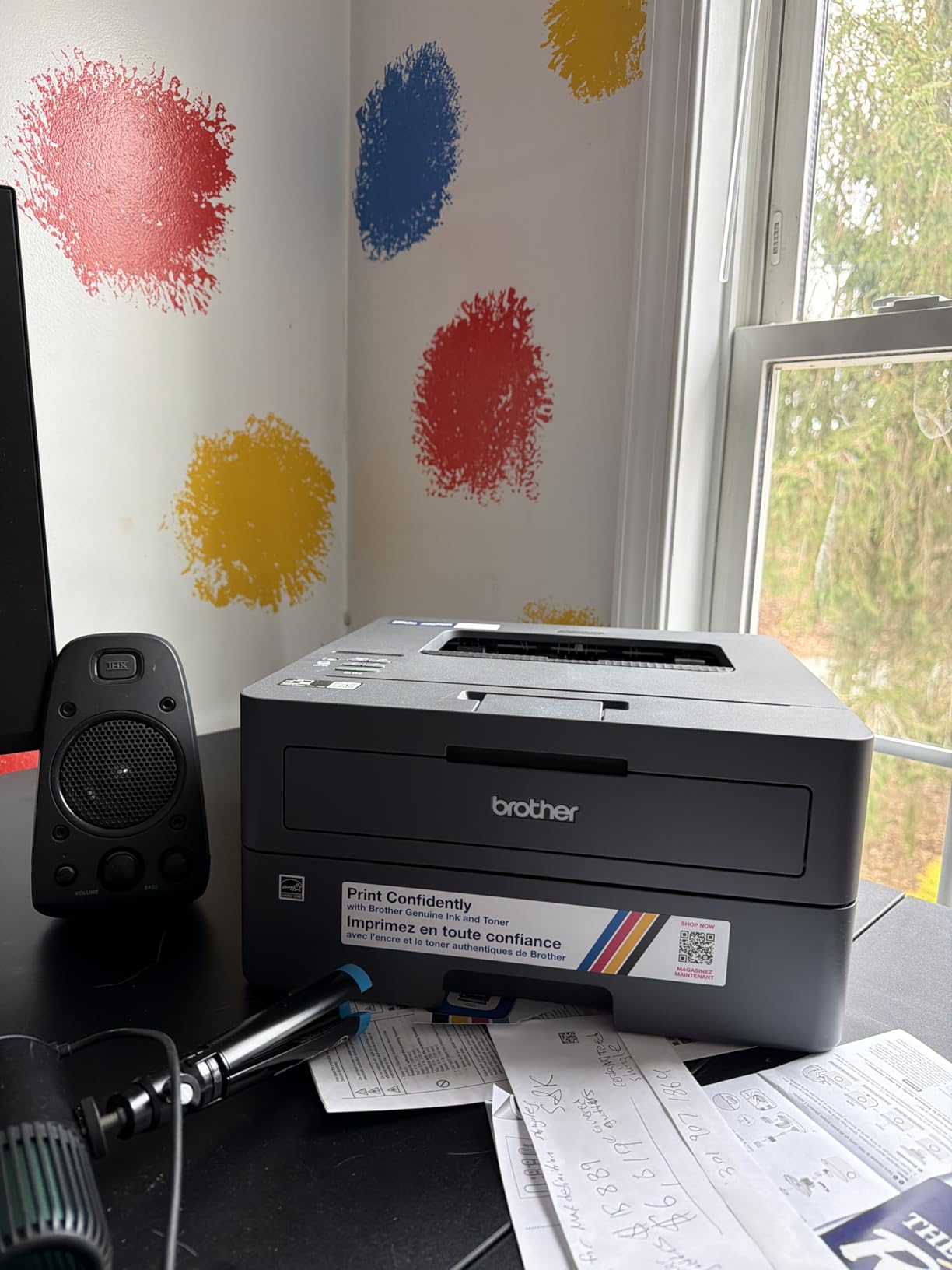
Reviewers who switched from HP inkjets single out the clean install as the main change. There is no account creation, no cloud enrollment prompt and no marketing opt-in, which also means fewer things to reset if you move out and move back in.
First page time is about 8.5 seconds and print resolution reaches 1200 x 1200 dpi, so thesis text and endnotes come out crisp enough for submission without a fallback to a copy shop.
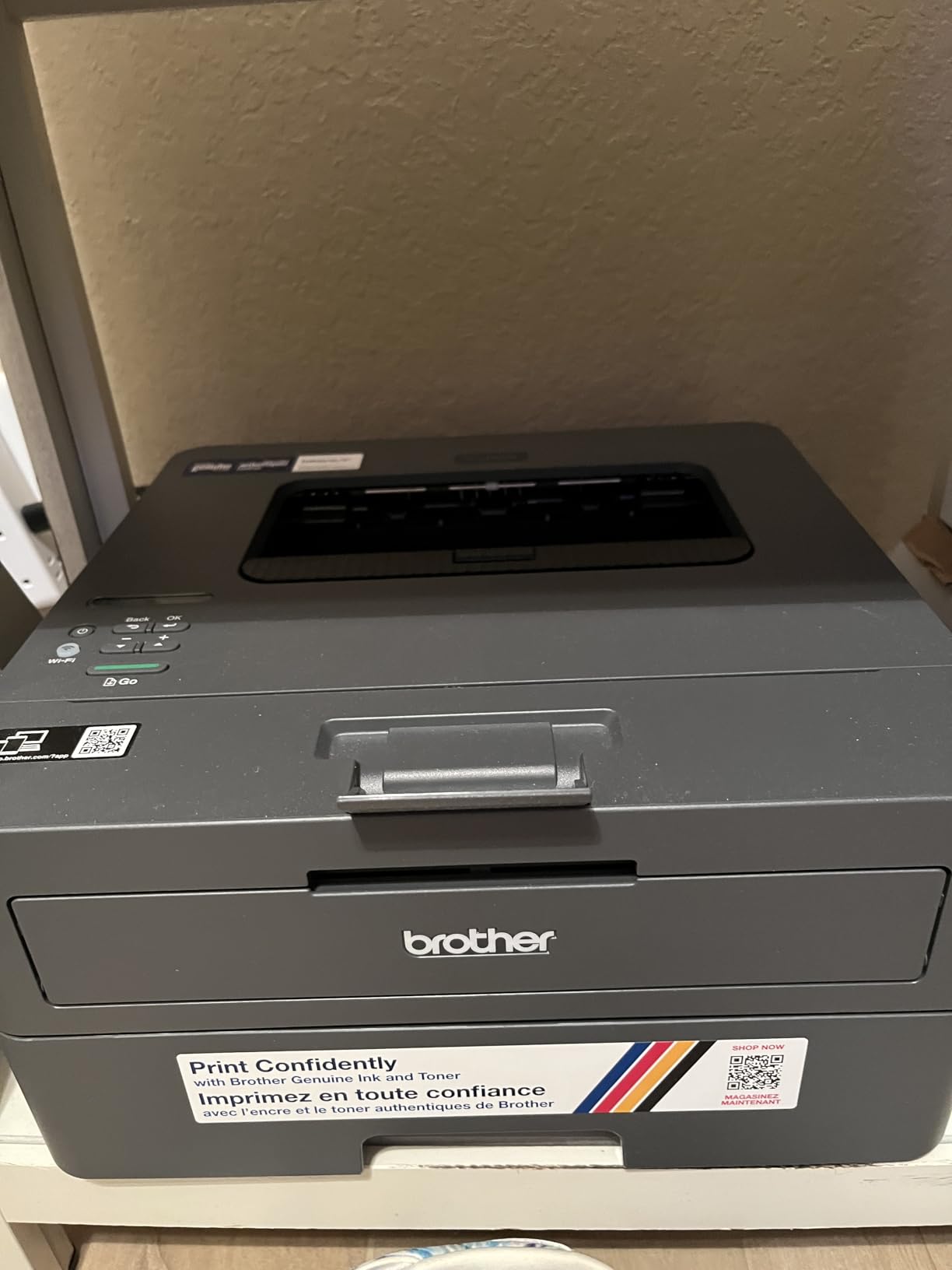
When this beats the duplex version
Take this one if you print single-sided notes, flashcards and drafts, and want the smallest, cheapest machine in the roundup that still uses cheap toner. Energy use of this class of laser is also lower than a color inkjet left plugged in all semester.
It handles media up to 8.5 x 14 inch, so legal paper from the library database still prints. The manual feed slot takes envelopes for internship applications, which is the kind of task students forget until the last morning.
Where this model frustrates students
Manual duplex means flipping the whole stack and refeeding it correctly, and getting the orientation wrong on back pages is a rite of passage nobody enjoys. Reviewers also report that toner save mode cannot be set as a permanent default, so it silently reverts.
Wi-Fi onboarding is QR-code driven, which is a mild extra step compared with the panel-guided setup of some rivals. Print-only hardware also means no scanner, so digitizing a signed form is not possible here.
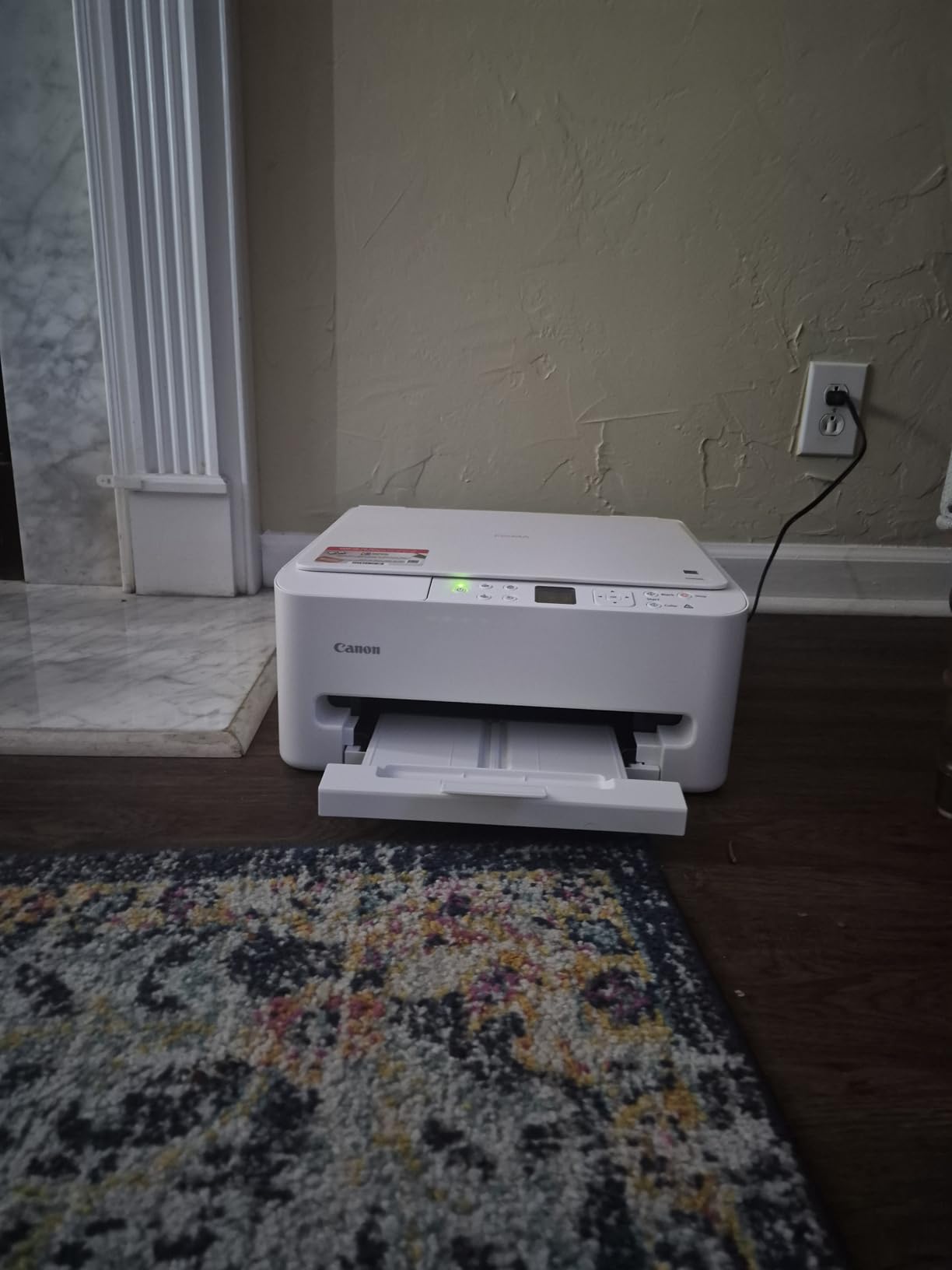
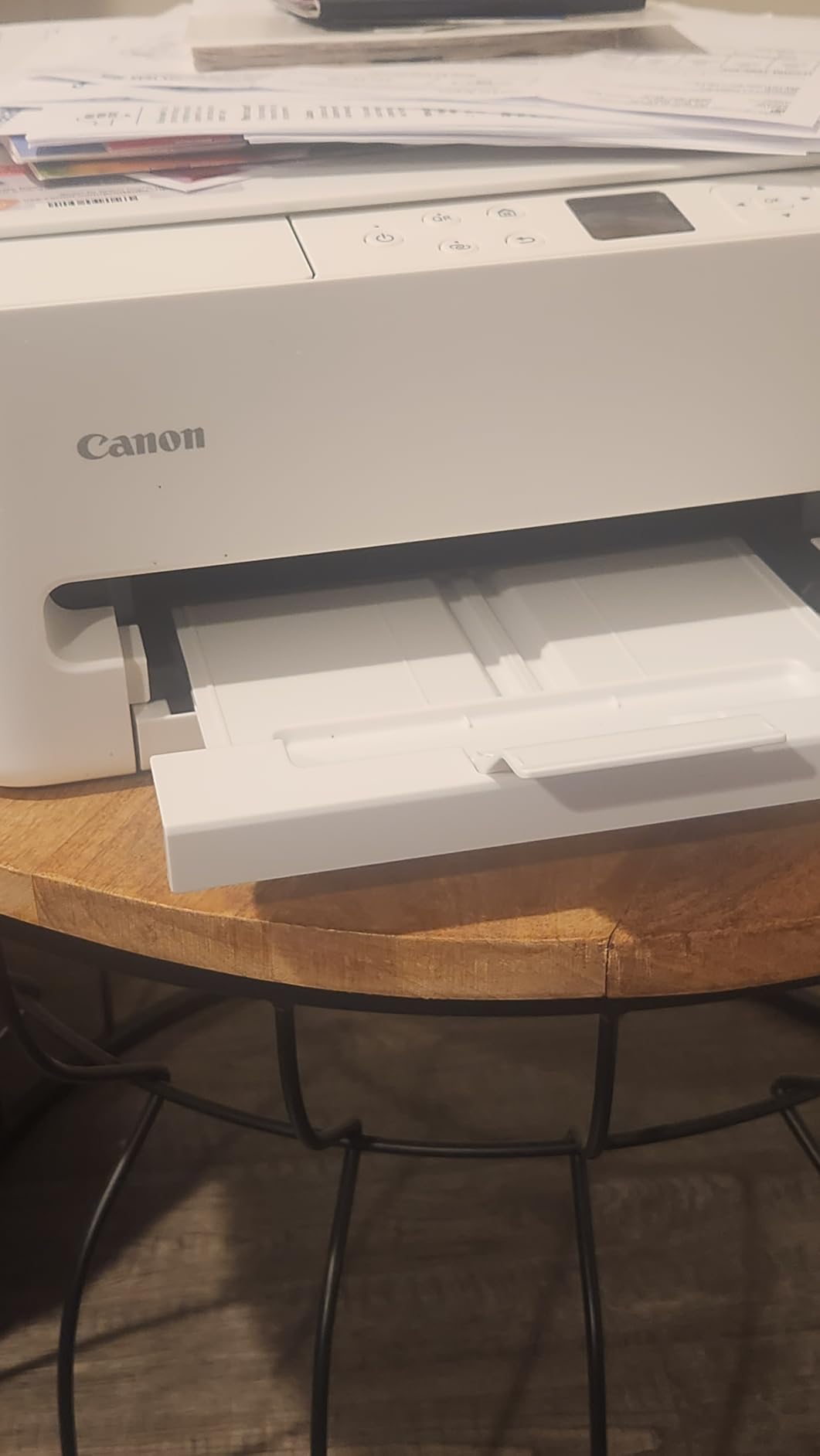
6. Canon PIXMA TS6520: Best Budget Pick with Real Two-Sided Printing
Canon PIXMA TS6520 Wireless Color Inkjet Printer, Duplex Printing, Copier/Scanner, 1.42″ OLED Display, Compact, White
Automatic duplex printing
Dual-band Wi-Fi
14 ppm black and 9 color
1.42 inch OLED display
Pros
- Automatic two-sided printing at this price
- Dual-band Wi-Fi for stable wireless printing
- OLED status screen shows ink levels at a glance
- Three-year manufacturer warranty
Cons
- Only two ink tanks so color drains the black cartridge
- No automatic document feeder
- Letter size maximum only
The TS6520 is the surprise of the roundup, with the highest five-star share of any color inkjet here at 70 percent across roughly 2,000 ratings. At the bottom of the price range it still gives you hardware duplex, which almost nothing else at this level does.
Dual-band Wi-Fi at 2.4GHz and 5GHz is built in, and the flatbed scanner handles copy and scan. Printing works through the Canon PRINT app, Apple AirPrint and Mopria, so a Chromebook prints without installing anything.
First page comes out in 7.5 seconds for black and 9.5 for color. Print speed is 14 pages per minute black and 9 color, with color resolution up to 1200 x 1200 dpi and borderless output up to 8.5 x 11 inch.
Body size is the other quiet win: 14 inches wide, 14.8 deep and only 6.7 inches tall, at 15.4 pounds. That height means it can slide under a dorm desk instead of occupying the top of it.
When a budget inkjet is the smarter buy
This fits students who print perhaps 200 pages a month, need color occasionally, and want two-sided printing without moving up a tier. The hybrid ink tank system uses pigment black plus dye color, which keeps text sharp and photos vivid on the same machine.
That matters for a first-year seminar where you might print two color slides and twenty pages of notes. A three-year manufacturer warranty is also the longest coverage listed here, useful if you plan to keep the machine past graduation.
Where this model frustrates students
There are only two ink tanks, so any color print draws on the black cartridge. Print one saturated photo and your text quality can drop until the black tank refills. This is the classic cartridge model behavior, just with better hardware around it.
There is no automatic document feeder, copy resolution caps around 600 dpi, and maximum paper size is Letter only, with no legal or 8.5 x 14 inch support. If your coursework involves posters or tabloid sheets, look elsewhere.
7. HP LaserJet M209dw: Best for Tight Desk Space in a Laser Body
HP LaserJet M209dw Wireless Printer, Print, Fast speeds, Easy Setup, Mobile Printing, Best-for-Small Teams, Instant Ink Eligible
30 ppm single-sided,19 ppm two-sided
Automatic duplex
150-sheet tray
OLED control panel
Pros
- Automatic duplex in a small footprint
- Lightest laser body in this group at about 11 pounds
- Handles letter and legal plus envelopes labels and card stock
- Built-in security features for shared networks
Cons
- Print only with no scanner
- Wireless connection can drop for some users
- No USB printer cable included
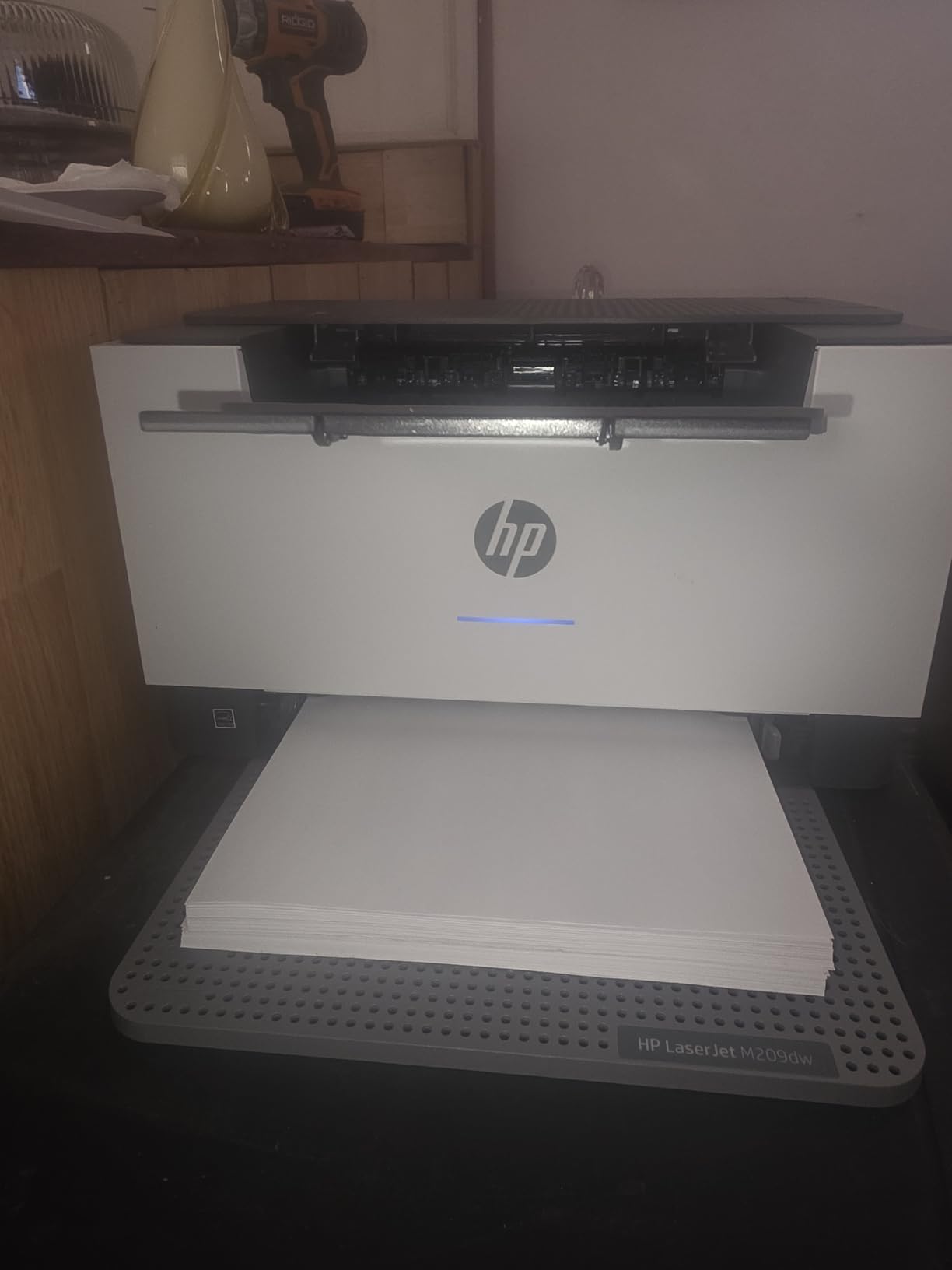
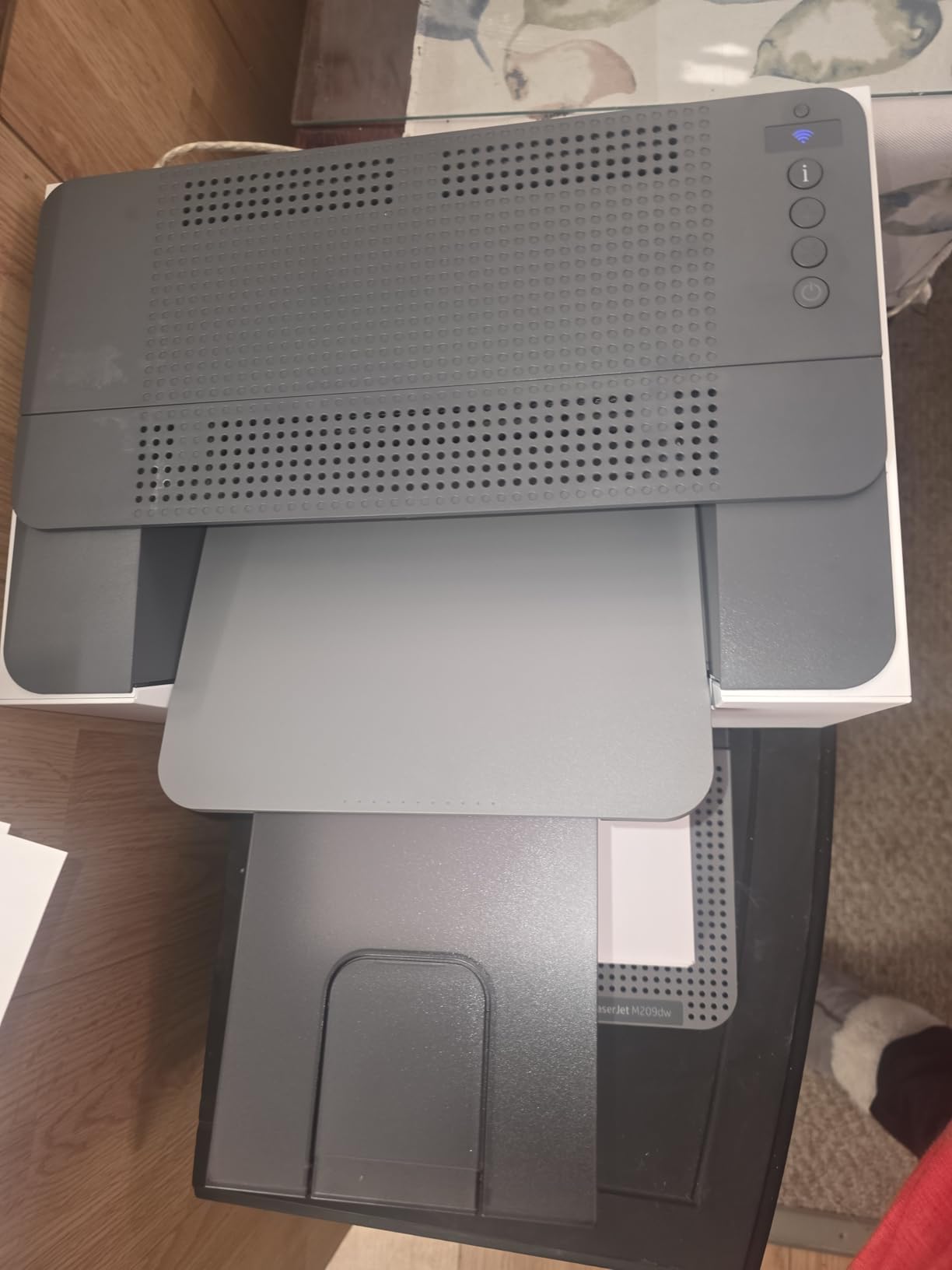
The M209dw is the laser to look at if desk depth is your binding constraint. At 11 inches deep and 13.98 inches wide it needs less room than most inkjets, and it weighs about 11.2 pounds, the lightest laser in this group.
It prints 30 pages per minute single-sided and 19 pages per minute two-sided, with automatic duplex. The 150-sheet tray handles envelopes, labels and card stock, so internship mailers do not force you to the campus mailroom.
Mobile printing from iPhone, iPad, laptops and desktops works through the standard HP apps, and dual-band Wi-Fi with self-reset means a dropped connection often recovers on its own without a reboot.
Media size goes up to 8.5 x 14 inch, and the one-year limited warranty covers the hardware. Built-in security features are unusual on a student-class machine and matter if you share the printer with a roommate.
When a small laser beats a larger one
Dorm desks are usually 24 inches wide with a shelf underneath, and this machine fits either. If you print mostly text with an occasional two-sided handout, the combination of small footprint and real duplex is the trade that matters most.
Because it is print-only, it also removes the temptation to keep it in a walk-in closet for scanning duty. Students who do not scan often should spend the savings on duplex and paper capacity instead.
Where this model frustrates students
The most common complaint is wireless reliability. Some users report having to re-pair the printer after a network change or a campus authentication refresh, which on a secured dorm network can mean repeating setup each semester.
No USB printer cable is included, so if you want a wired fallback you need your own. Output is monochrome only, and the control buttons are low-contrast gray on gray, which is a real problem when you are half asleep at 2am.
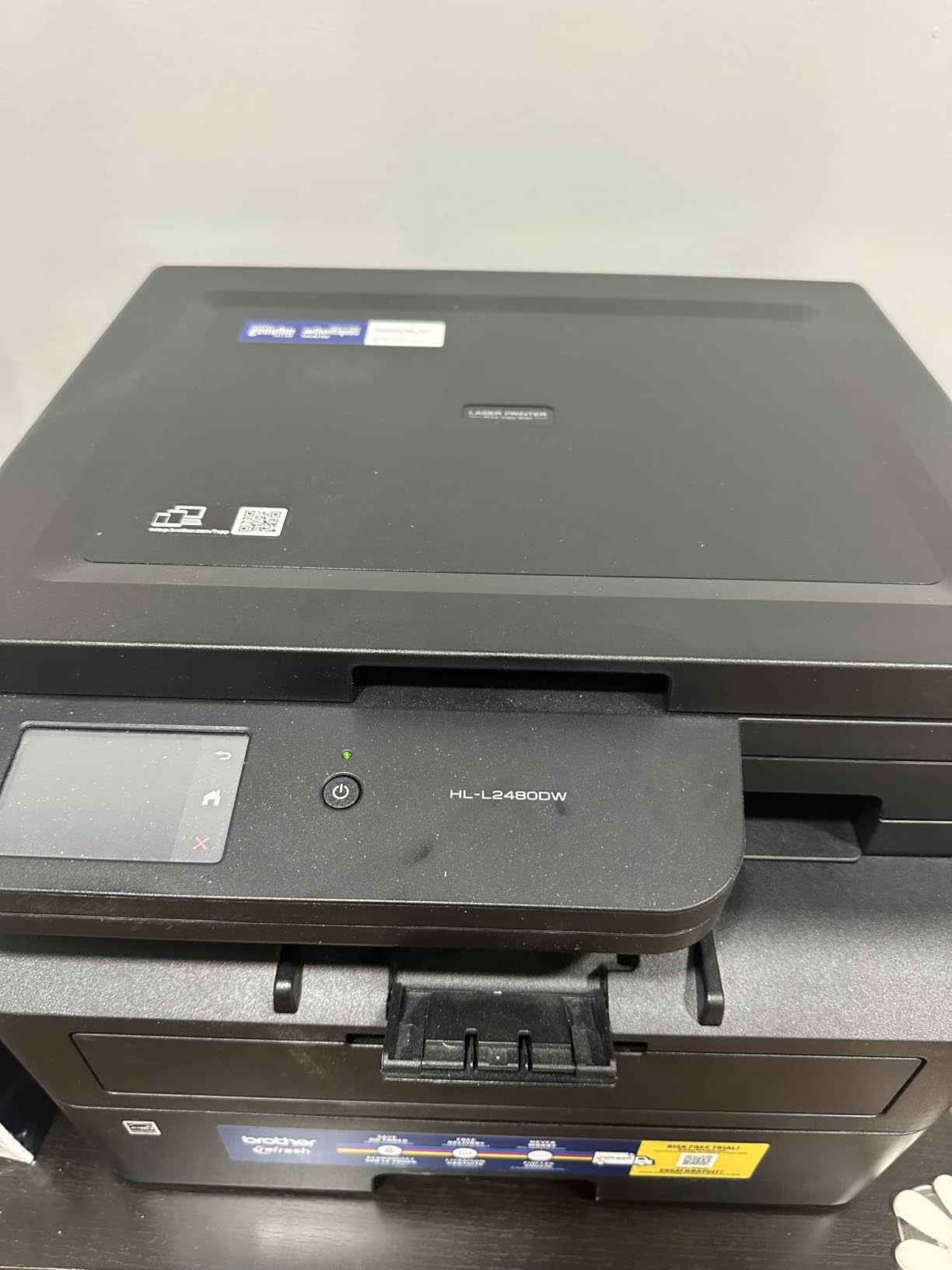
8. Brother HL-L2480DW: Best for Scan and Copy on a Laser
Brother HL-L2480DW Wireless Compact Monochrome Multi-Function Laser Printer with Copy and Scan, Duplex, Mobile, Black & White | Includes Refresh Subscription Trial(1), Works with Alexa
Print copy and scan
36 ppm with duplex
2.7 inch touchscreen
250-sheet tray
Pros
- Highest satisfaction score in this group at 4.5 stars
- Print copy and scan with flatbed glass in one footprint
- 2.7 inch touchscreen with direct cloud print and scan targets
- Quiet fast 36 ppm output with reliable wireless
Cons
- Most expensive machine in the roundup
- Heaviest unit at 22.2 pounds
- Setup is more involved than simpler models
This is the machine to buy if you want laser economics and a working scanner, and it posts the strongest satisfaction numbers here: 4.5 stars with 75 percent five-star ratings. That comes from owners who gave up on inkjets and never went back.
It runs at 36 pages per minute with automatic duplex, first page in about 8.5 seconds, at 1200 x 1200 dpi. The flatbed scanner means a single-page copy no longer requires walking to the library.
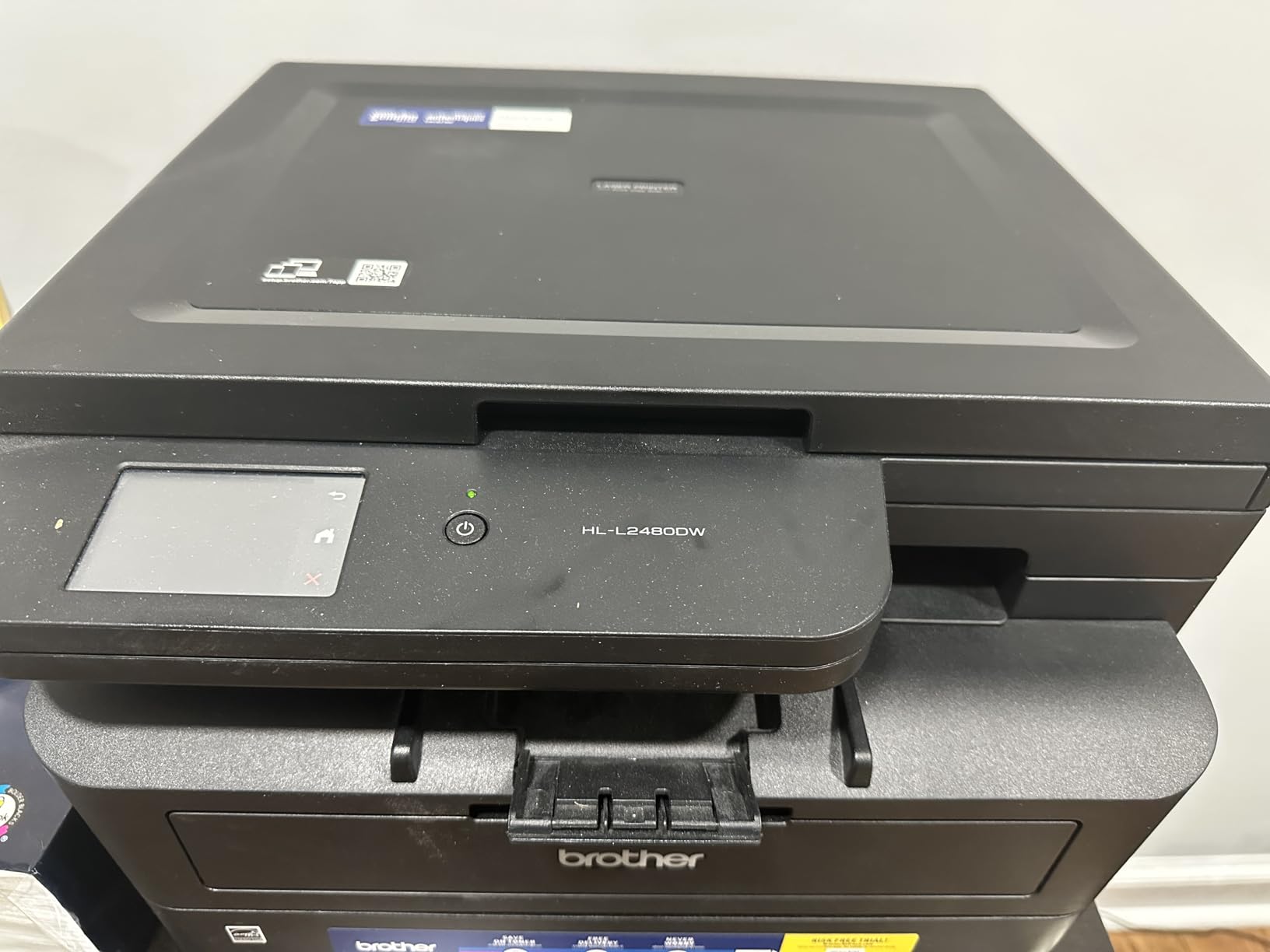
The 2.7-inch touchscreen is the control panel that justifies the premium here. Print-to and scan-to Google Drive, Dropbox, Evernote and OneNote are direct menu targets rather than app round trips, which saves time when a deadline is close.
Connectivity is dual-band wireless plus Ethernet and USB, and the 250-sheet tray with manual feed slot handles envelopes. Media up to 8.5 x 14 inch is supported, with a one-year limited warranty.
When a multi-function laser is worth the extra money
Graduate students, doctoral candidates and anyone writing a thesis benefit most. Scanning citations, archiving research and duplicating annotated pages are daily tasks in that phase, and doing them on your own desk removes a trip and a queue.
The touchscreen also makes this the easiest machine here for anyone who does not want to learn a phone app. If you are buying one printer to last a full degree and a little beyond, this is the most complete option in the roundup.
Where this model frustrates students
It is the most expensive machine here and the heaviest at 22.2 pounds, with a 16.1 by 15.7 by 10.7 inch body. Moving it between a dorm and a parents house at the end of the year is a two-person job.
Setup takes longer than the simpler single-function Brothers, and output is black and white only. A few owners also reported an unhelpful support handoff when a firmware issue stalled them.
9. HP Envy 6155: Best All-in-One with a Color Touchscreen
HP Envy 6155 Wireless All-in-One Color Inkjet Printer, Print, Scan, Copy, Duplex Printing Best-for-Home, 3 Month Trial of Instant Ink Included, AI-Capable (C2WR7A) Portobello
2.4 inch color touchscreen
Automatic duplex
Wireless only
100-sheet tray
Pros
- Largest control panel among the entry level units
- Automatic two-sided printing plus scan and copy
- HP app handles print scan copy and fax from a phone
- Made with at least 60 percent recycled plastic
Cons
- Works only with HP chip cartridges
- Three-month Instant Ink trial converts to a paid plan
- No automatic document feeder and no USB
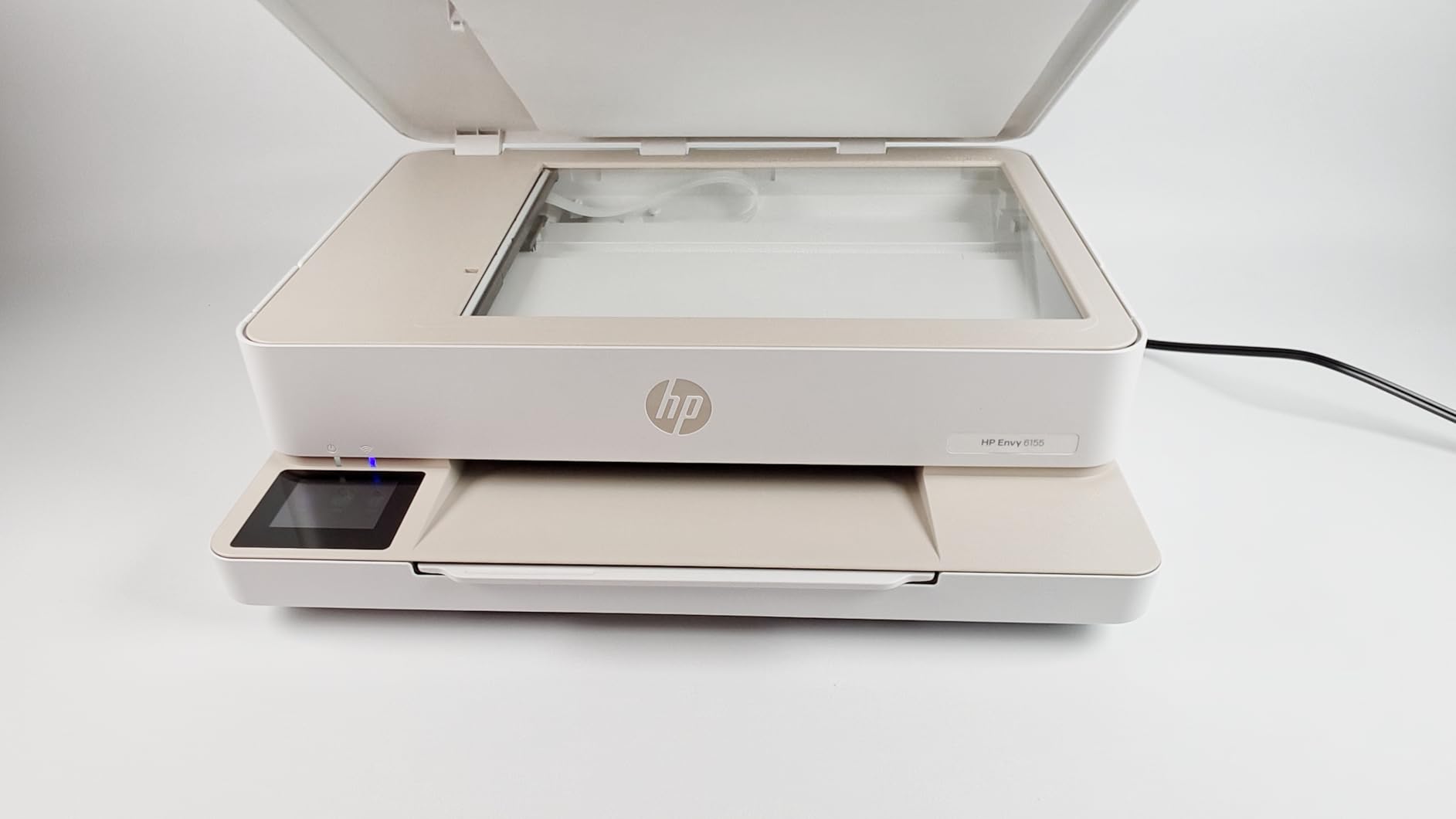
The Envy 6155 is the budget machine that feels modern, largely because of the 2.4-inch color touchscreen. For a student who has never owned a printer, tapping icons beats navigating a two-button panel.
Print speed is 10 pages per minute black and 7 color, resolution up to 4800 x 1200 dpi, and automatic duplex is hardware. The HP app covers print, scan, copy and fax from a phone, and dual-band Wi-Fi self-resolves connection issues.
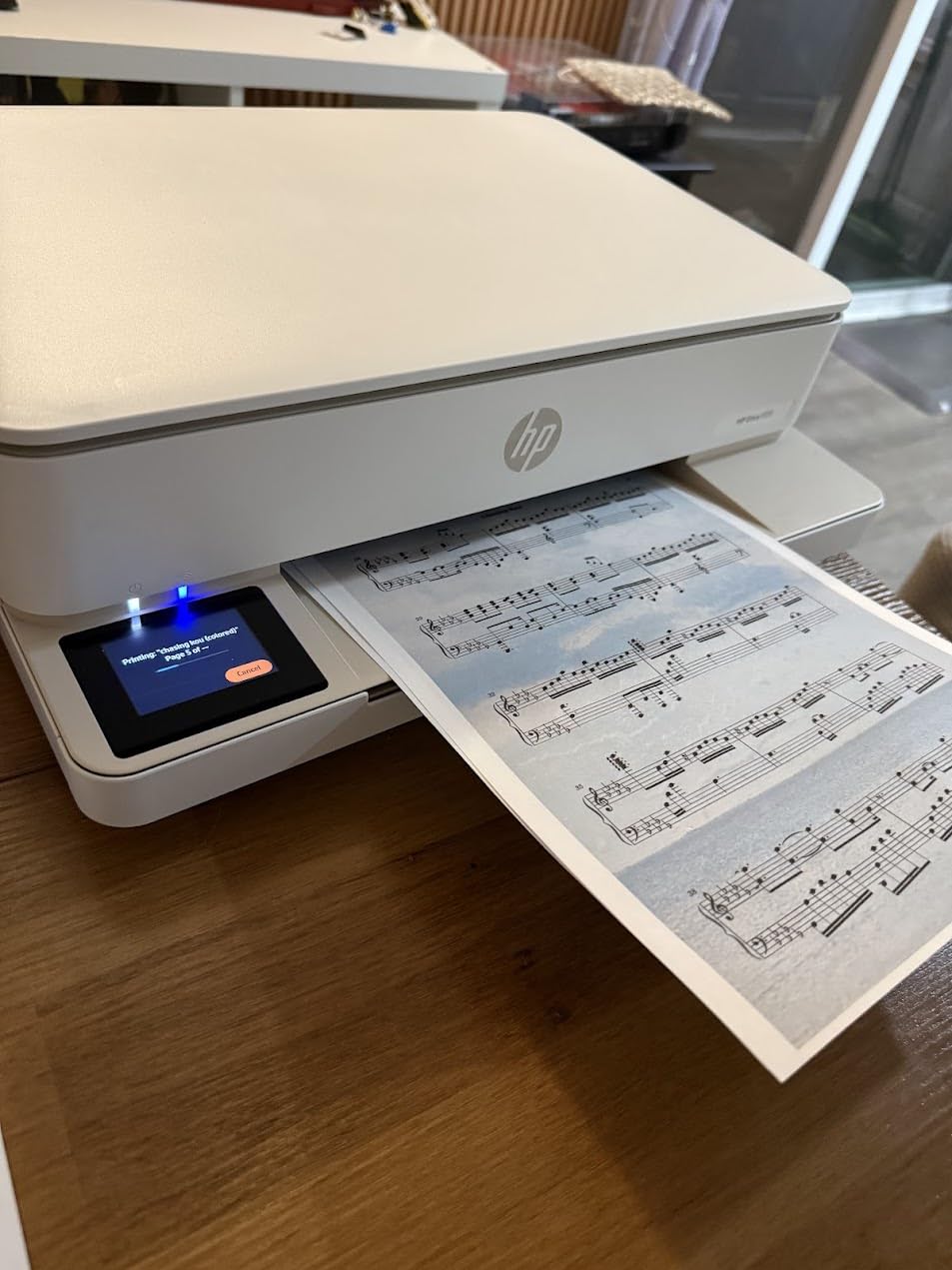
Power draw is 12.2 watts and the body uses at least 60 percent recycled plastic. Dimensions are 5.35 inches wide by 17.05 deep and 14.21 tall, so it is shallow and upright, which works on a narrow shelf.
Setup cartridges are included: a black cartridge rated around 120 pages and a tri-color around 75. That is enough to get through move-in week without an immediate supply run.
When this fits a student who values control over running cost
Pick this if you print under 150 pages a month, want a color touchscreen, and mostly need homework, a photo now and then, and a two-page handout. The app-based fax means you can send a signed form from the library without finding a machine.
It is also the only unit here that is wireless-only with no USB port at all, so if your dorm blocks the printer’s join process entirely, a USB fallback is not available as a rescue.
Where this model frustrates students
This printer requires HP chips, and non-HP cartridges are blocked, with firmware updates enforcing it. That removes the third-party ink option some students rely on to cut costs, and it is worth knowing before you buy rather than after.
The included Instant Ink trial converts to a paid monthly plan unless cancelled, and subscription fatigue is a real complaint across student forums. There is no document feeder, so multi-page copies mean standing at the flatbed.
10. HP Smart Tank 5003: Best for the Lowest Long-Run Color Ink Cost
HP Smart Tank 5003 Wireless All-in-One Ink Tank Printer, Scanner, Copier with up to 3 Years of Ink Included, Best-for-Home, Cartridge-Free Refillable, AI-Capable (9B2D3A)
Cartridge-free ink tank
Up to 3 years of ink included
10 ppm black and 5 color
Low 6.19 inch height
Pros
- Up to 3 years or 6000 pages of ink in the box
- Mess-free bottle refills with no squeezing
- Lowest long-run ink cost among the color options
- Lightweight body that fits tight desks
Cons
- Manual duplex with driver support only
- No display screen so status is app-only
- Slow first page time of about 21 seconds
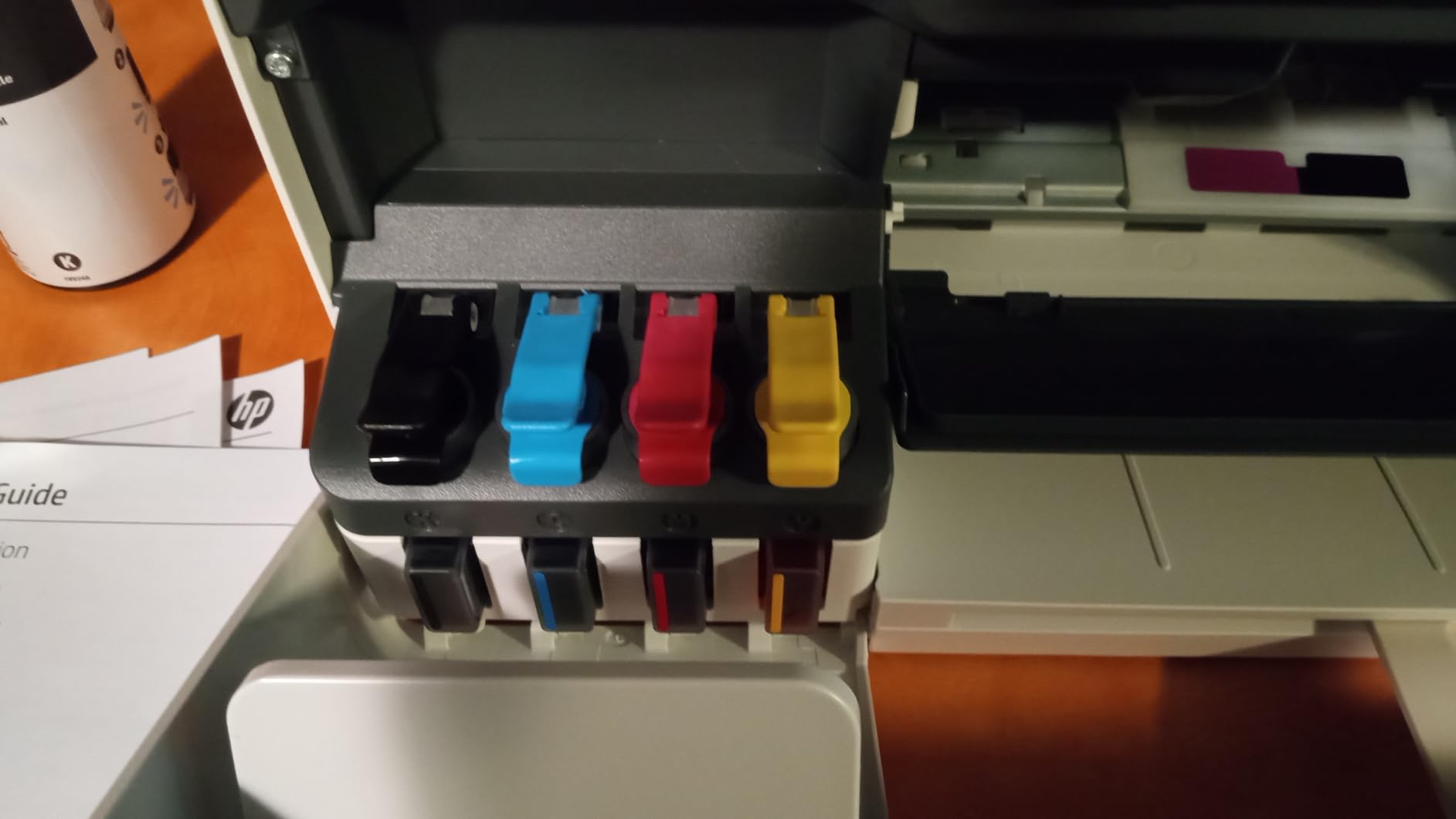
The Smart Tank 5003 carries the deepest ink supply of anything we tested, with up to three years or 6,000 pages in the box. Refills are mess-free: you plug HP 32XL Black or HP 31 color bottles straight into the cartridge-free tanks.
It handles print, copy and scan plus borderless, mobile and wireless output, and prints through Apple AirPrint, HP ePrint, Mopria, USB and Wi-Fi. Media size goes up to Legal at 8.5 x 14 inch, which is unusual for a unit this small.
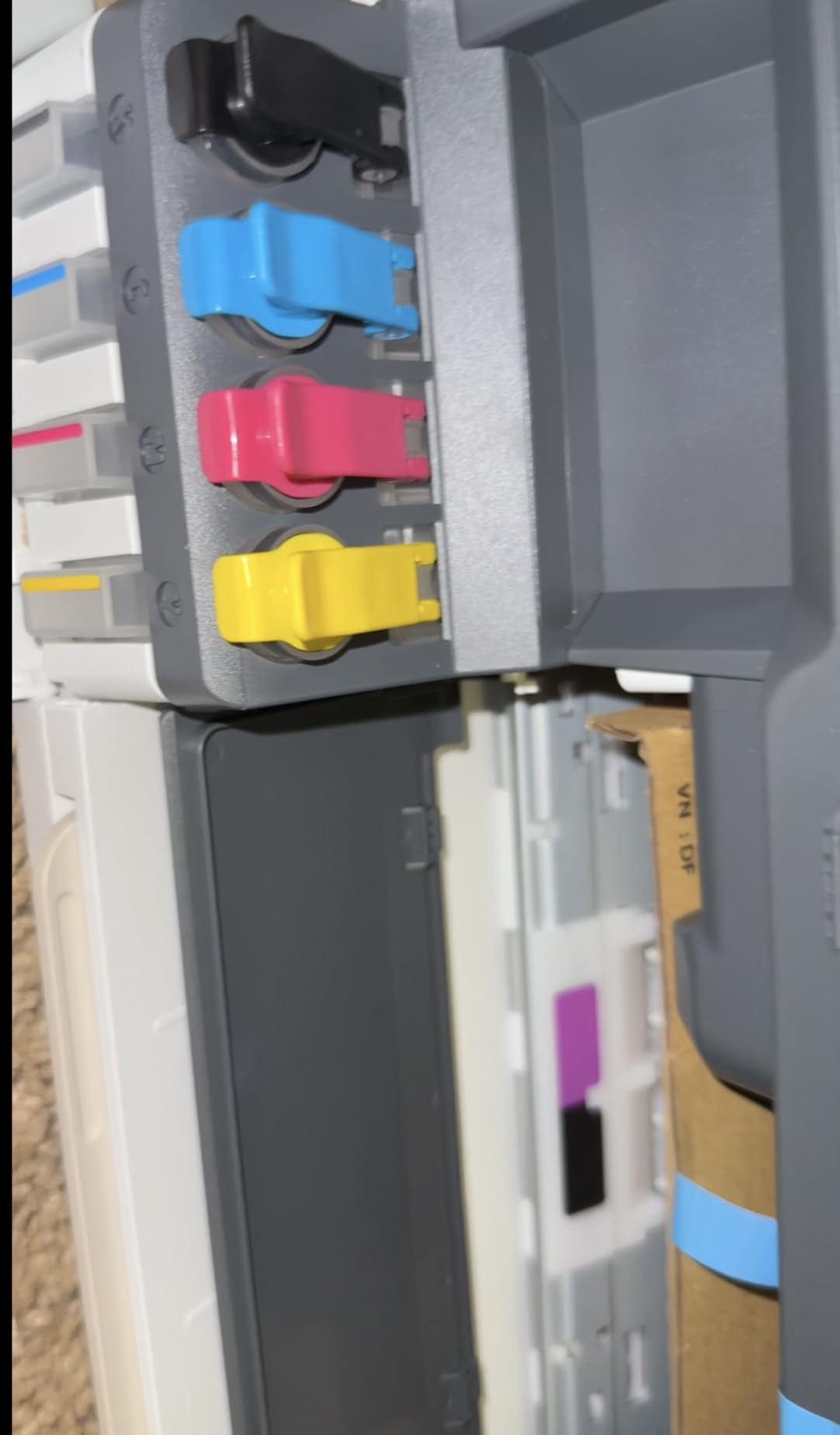
Color resolution reaches up to 4800 x 1200 optimized dpi. Speed is 10 pages per minute black and 5 color, with a first-page time of about 21 seconds, and duplex is manual with driver support rather than real hardware.
Size is the quiet advantage: 14.23 inches deep, 17.11 wide and just 6.19 tall, at 11.1 pounds. That height lets it sit under a desk or on a low dorm shelf where taller machines will not fit.
When the cheapest ink matters more than hardware features
If you print color every week and you care about the four-year bill more than automatic duplex or a scanner screen, this is the lowest ongoing cost in the group. The included ink alone can carry you through most of a first year.
AirPrint and Mopria support also means a phone or Chromebook prints without an app, which is convenient in a shared dorm where three people rotate through the same machine.
Where this model frustrates students
There is no display screen at all, so ink level and status are only visible in the app. If your phone is not in your hand, you have no idea whether a job is running or the machine is paused.
Manual duplex means flipping stacks, and a 21-second first page makes it a poor choice for someone printing a boarding pass in a rush. It also carries the fewest ratings in the roundup, so there is less long-term feedback from other students.
How to Choose a Printer for College?
Start by estimating your monthly page volume, then work backwards. A student printing under 100 pages a month is fine with any cartridge inkjet. Past 300 pages a month, running cost per page matters more than sticker price, and a tank or laser machine wins every time.
Inkjet or laser: what changes over four years
Inkjets print both color and black, cost little upfront, and use liquid ink that can dry in the nozzles if the machine sits unused for months. Lasers print black only at this budget level, run cooler, use powdered toner that does not dry, and handle four-year ownership with far less anxiety.
The math favors the laser once you pass a few hundred pages a term. The math favors the inkjet when you need color and print occasionally. Students on Reddit overwhelmingly recommend a monochrome laser for text-heavy majors, and that advice holds up in practice.
Tank printers versus cartridge printers
A tank printer such as the ET-2800, MegaTank G3270 or Smart Tank 5003 removes the cartridge entirely and ships with one to three years of ink. Cartridge models replace sealed units and bill the color cartridge whether or not the page has color on it.
Tank printers lose automatic duplex on every model in this roundup. Cartridge printers win on hardware features. That trade is the defining tension in this category, and no machine here fully solves both sides of it.
Connectivity that survives dorm Wi-Fi
Campus networks typically use WPA2-Enterprise authentication, which many printers cannot complete through their own join process. Dual-band support at 2.4GHz and 5GHz helps with congestion, and Ethernet or a USB cable gives you a fallback that wireless setup troubles cannot break.
Wi-Fi Direct matters as a workaround. It creates a private link between your phone and the printer, bypassing the campus network entirely. The Brother HL-L2480DW, Canon PIXMA models and the HP Smart Tank all support direct printing paths of some kind.
Footprint, weight and paper capacity
Dorm space is the constraint most students forget to measure. The smallest bodies here are the HP LaserJet M209dw at 11 inches deep and the HP Smart Tank 5003 at 6.19 inches tall. The largest is the Canon PIXMA TR8620a at 17.3 inches wide and 17.4 pounds.
Paper capacity changes your routine more than you would expect. A 250-sheet laser tray covers a full semester of reading lists at once, while a 100-sheet inkjet tray means refilling paper during a busy week. If you plan to leave for a month, the larger tray is not wasted money.
Running cost per page is the real price
Cost per page is the cartridge or toner price divided by its rated page yield. Compute it for your own volume, multiply by four years, and add the printer price. That single calculation settles most arguments, including whether an ink tank upgrade pays for itself.
Watch for subscription structures as well. The Envy 6155 includes a three-month Instant Ink trial that becomes a paid plan, and the Brother machines ship with a Refresh trial. Both are optional, but you have to cancel them deliberately.
How to Connect a Printer to Dorm Wi-Fi
Most dorm networks will not let a printer join through the normal setup flow. Work through these steps in order and stop at the first one that succeeds. If you are still building out your dorm setup, our picks for the best gaming laptops for college students and the best AI note-taking devices for college students cover the rest of the desk.
1. Connect on your own phone hotspot first. This proves the printer and your device can talk before the campus network is involved. Print a test page from the phone.
2. On the campus network, prefer a wired path. If the printer has an Ethernet port, plug it in and skip wireless authentication entirely. The HL-L2460DW, HL-L2480DW and LaserJet M209dw all have Ethernet.
3. Use the manual connect option rather than QR-code setup. QR codes assume a phone camera with an active data connection, which is often the step that fails behind a captive portal.
4. Register the device through your university network portal. Printers are frequently blocked by default, and the help desk will usually add a MAC address on request.
5. Keep Wi-Fi Direct as your fallback. Printing through a direct link from a phone or laptop works even when the printer has never joined the dorm network at all.
How to Keep Ink From Drying Out Over Break
Inkjets that sit unused through spring break or a full summer are the most common student regret. Five habits reduce the risk.
1. Print one full-color page every two to three weeks. A clean purge cycle moves ink through the nozzles and keeps them clear.
2. Leave the printer plugged in with auto power off enabled. Repeated full power cycles are harder on inkjets than standby.
3. Store cartridges upright in their sealed packaging. Cartridges left on their side in a hot dorm room are the ones that fail in September.
4. Pick a tank printer if you will be gone for a full term. Sealed refillable tanks with no cartridge nozzle are simply less exposed, and laser toner has no drying risk at all.
5. Run the cleaning cycle before your first print after returning. If a nozzle is partially blocked, one cleaning cycle fixes what a dozen failed pages do not.
Frequently Asked Questions
Should I take a printer to university?
Most students do not need one. Your library or print center covers casual and finals-week printing, and the campus rate is often cheaper than a low-volume home printer once you add ink. Buy your own only if printing at your desk late at night saves you real time, and choose a machine with cheap running costs rather than the lowest sticker price.
What is the best home printer for school work?
For most majors, the Epson EcoTank ET-2800 is the best overall choice because the ink cost per page stays low and the sealed tanks survive a semester break. Students who only need black and white text should look at a monochrome laser such as the Brother HL-L2460DW for faster output and cheaper toner.
What printer is best, inkjet or laser?
Inkjets handle color and cost less upfront, but liquid ink can dry during long gaps and cartridge running costs add up fast. Lasers use toner that does not dry, print text faster and cheaper per page, and are usually black only at this budget. Choose laser for text-heavy majors and inkjet when coursework is graphic-heavy.
What is the best printer for a college dorm room?
Look at footprint first. The HP LaserJet M209dw is 11 inches deep and the HP Smart Tank 5003 is only 6.19 inches tall, so both fit on a dorm desk or low shelf. Wi-Fi Direct is also important, because it lets you print from a phone without joining the secured campus network at all.
What is grayscale printing?
Grayscale printing outputs shades of gray instead of color. It uses only the black ink or toner, which makes it faster and cheaper than color output. Every printer in this roundup prints grayscale, and using grayscale by default is the single easiest way to lower your ink bill.
Are laser printers being phased out?
No. Laser printers remain the standard choice for high-volume text because toner does not dry out and pages per minute ratings are much higher. What has changed is that ink tank printers have closed much of the gap on running cost for color work, so the choice is now about your subject and volume rather than ink versus laser as a category.
The Bottom Line for College Students in 2026
The Epson EcoTank ET-2800 is the best printer for college students overall, because cheap color ink and break-proof tanks solve the two costs that catch most students by surprise. The Canon MegaTank G3270 gives you the same tank economics for less, and the Canon PIXMA TS6520 is the pick when your budget is the main constraint.
Text-heavy majors should skip color entirely and pick a monochrome laser, with the Brother HL-L2480DW adding a scanner if you copy and digitize regularly. Measure your desk before you order, cancel any trial subscription the day it starts, and print one test page before move-in day so you are not debugging Wi-Fi the night a deadline hits.