
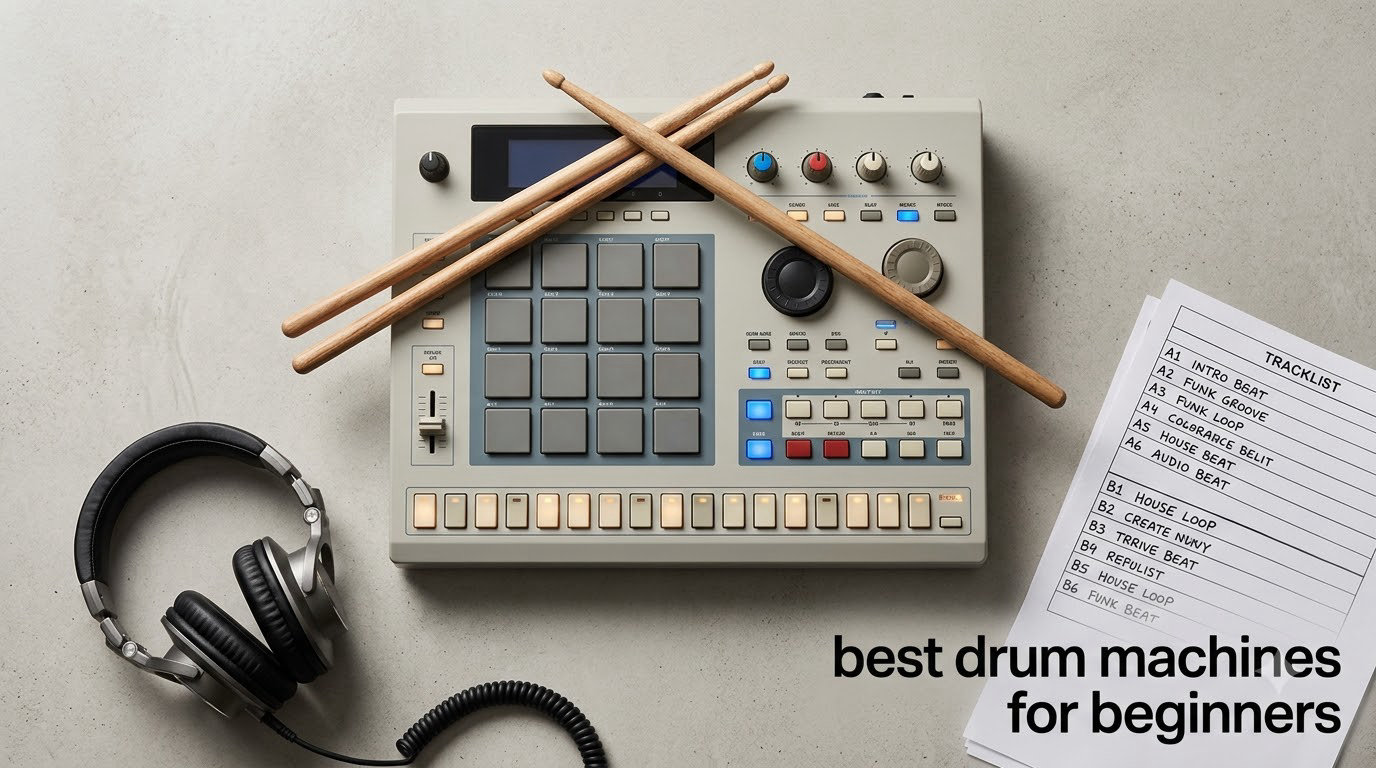
I remember the first time I sat in front of a drum machine with no idea what I was doing. Twenty minutes later, I had a beat I actually liked. That moment of instant feedback is what makes a drum machine such a great starting point for new producers. No acoustic kit, no noisy practice space, no expensive microphones. Just hands on pads and a beat waiting to come out.
Choosing the best drum machine for beginners means balancing three things: how fast you can make music on it, how much it costs, and whether it will still be useful a year from now. We have spent weeks testing and comparing eight machines across every price point. From credit-card-sized pocket units to fully loaded standalone boxes, this guide covers what we found.
If you are just starting out, you might also want to read our guide to the best drum machines overall or check out our picks for drum machines for beat making. For those deciding between electronic pads and traditional kits, our electronic drum sets for beginners roundup is worth a look.
Table of Contents
Top 3 Picks for Best Drum Machines for Beginners (September 2026)
Best Drum Machines for Beginners in 2026
| Product | Specifications | Action |
|---|---|---|
 Stylophone Beat Stylophone Beat |
|
Check Latest Price |
 Teenage Engineering PO-12 Teenage Engineering PO-12 |
|
Check Latest Price |
 Teenage Engineering PO-33 K.O. Teenage Engineering PO-33 K.O. |
|
Check Latest Price |
 Teenage Engineering PO-32 Tonic Teenage Engineering PO-32 Tonic |
|
Check Latest Price |
 Donner STARRYPAD Donner STARRYPAD |
|
Check Latest Price |
 Korg Volca Beats Korg Volca Beats |
|
Check Latest Price |
 Akai MPD218 Akai MPD218 |
|
Check Latest Price |
 Alesis SR-16 Alesis SR-16 |
|
Check Latest Price |
1. Korg Volca Beats – Best Analog Drum Machine for Beginners
Korg Volca Beats Analog Rythem Machine w/Electribe-style 16-step Sequencer and Real Analog Sounds
Real analog sounds
16-step sequencer
Built-in speaker
Pros
- Genuine analog drum voices
- Compact and battery powered
- Electribe-style step sequencer
- Syncs with other Volca gear
- Great kick and tom sounds
Cons
- Weak stock snare sound
- No song mode
- 1/8 inch outputs only
The Korg Volca Beats is the drum machine I keep coming back to when I want pure analog character without menu diving. From the moment I powered it on, the layout made sense. Each drum sound has its own knob row across the top, and the 16-step sequencer sits right below. You can build a beat in under a minute, even if you have never touched a drum machine before.
What sets the Volca Beats apart is its hybrid analog and PCM engine. The kick, snare, toms, and hi-hats are real analog circuits, which gives them a warmth that purely digital machines often miss. The clap and crash use PCM samples, blending old-school grit with modern reliability. With 930 reviews averaging 4.5 stars, it is clearly resonating with the beat-making community.
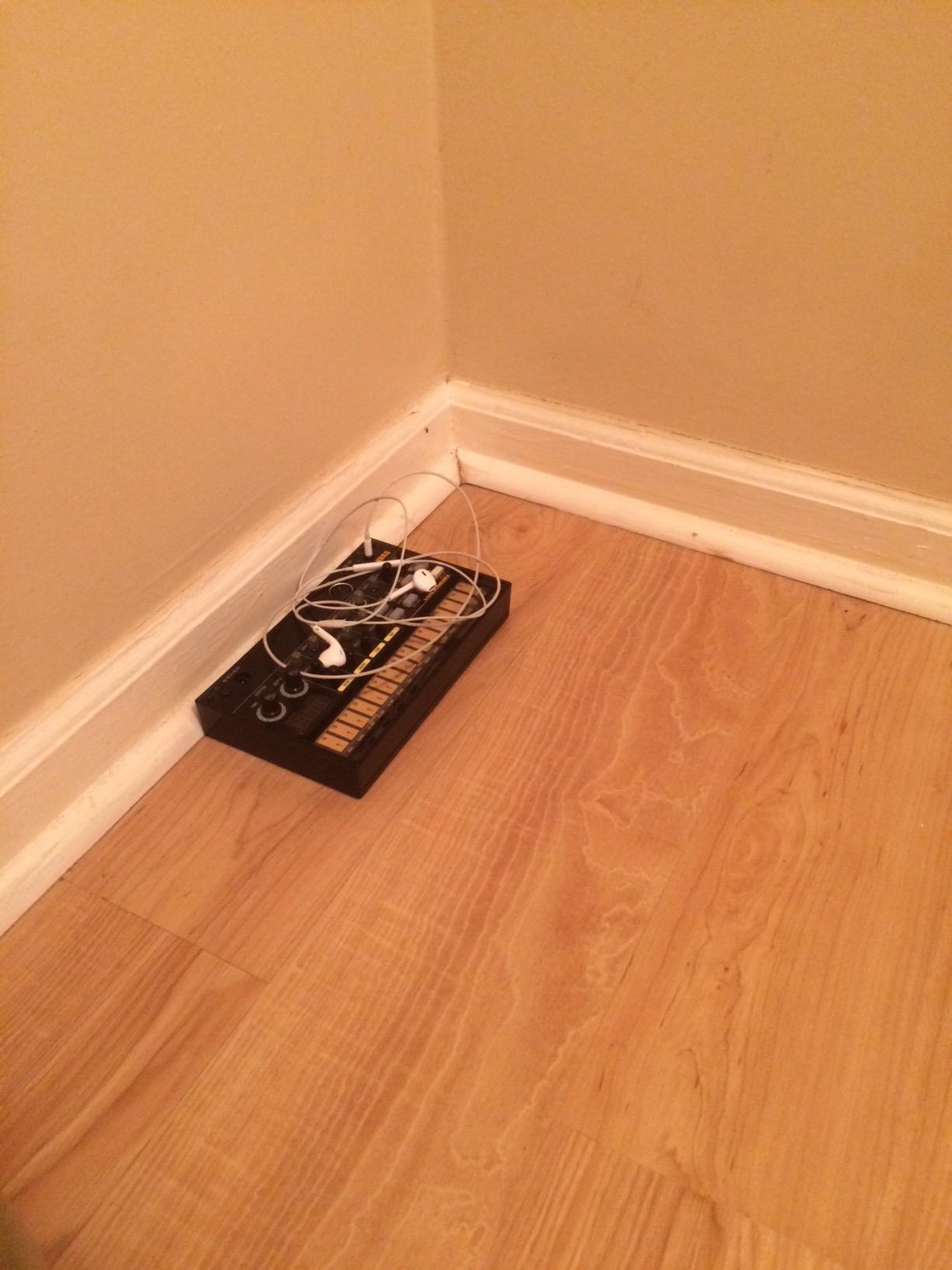
In my testing, the kick drum punched through a mix with minimal EQ work, and the closed hat had that crispy 808-style snap I love. The snare out of the box is the one weak spot, but a quick search online shows easy mods to fatten it up. You will also find 8 memory patches for saving your patterns, plus sync in and out ports for connecting to other Volca synths or a Korg monotribe.
Battery operation is a huge plus for practice sessions on the couch or jamming with friends. Six AA batteries give you hours of cord-free play. The built-in speaker is small but functional for sketching ideas.
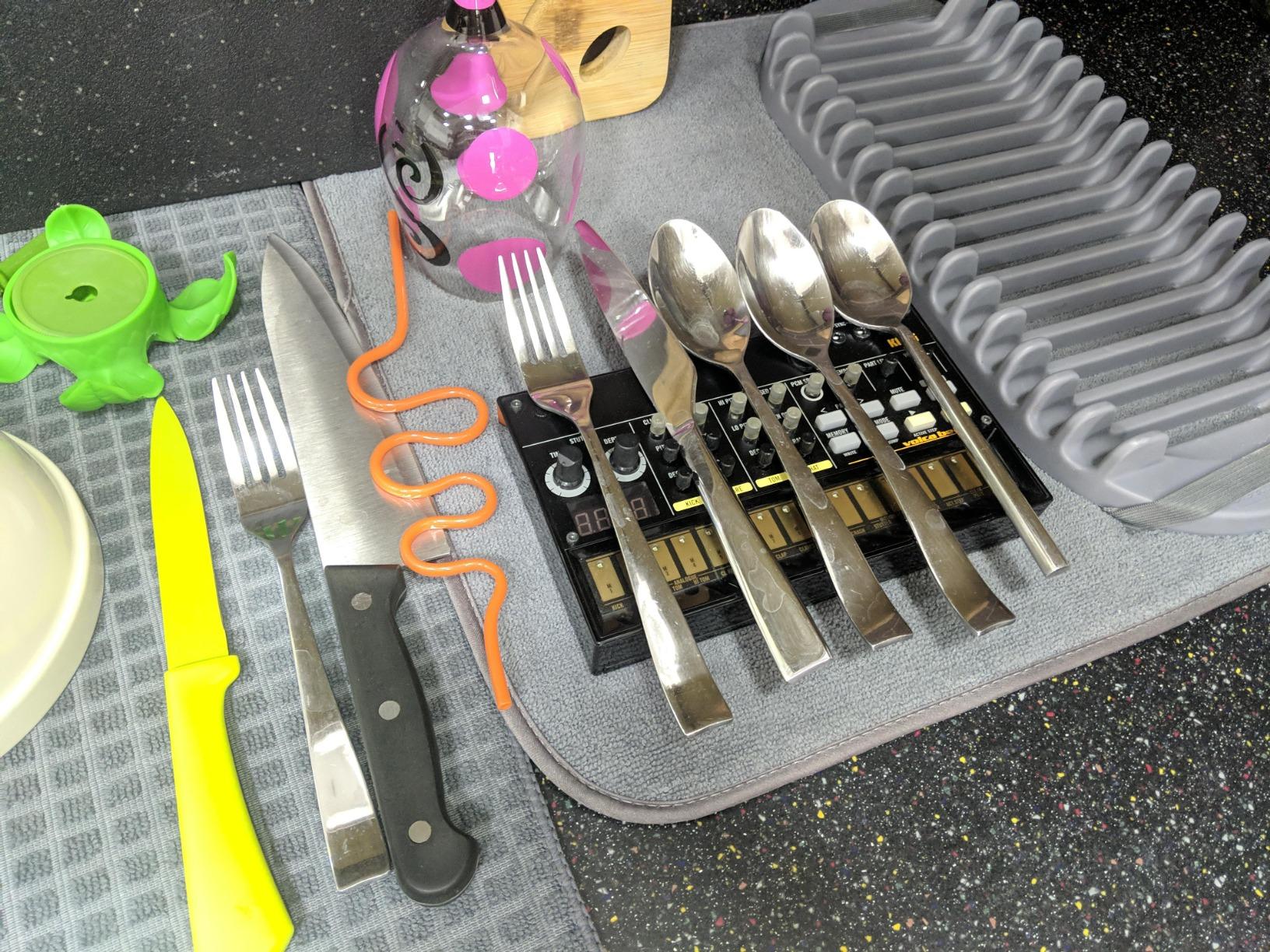
Connectivity and integration
The Volca Beats includes MIDI In for sequencing from a DAW or controller, plus the proprietary sync ports for the Volca family. Audio output is 1/8 inch, so you will need an adapter or cable to connect to most studio monitors or mixers. The lack of USB MIDI is a minor inconvenience but the sync I/O more than makes up for it in a hardware setup.
Step entry feels immediate. Press a step button, twist the accent knob, and you have a groovy hi-hat pattern. Stutter and shuffle functions add live performance flair without complex menu navigation.
Where it falls short
If you need song mode to chain patterns into full arrangements, you will be disappointed. The Volca Beats is more of a pattern machine than a complete composition tool. The 1/8 inch jacks also feel dated in a world of 1/4 inch studio standards.
For a beginner, though, these limitations actually help. By keeping the feature set focused, the Volca Beats lets you learn rhythm and sound design without overwhelm. I would recommend pairing it with a small mixer or audio interface to get the most out of those analog voices.
2. Stylophone Beat – Best Cheap Drum Machine for Absolute Beginners
Stylophone Beat – Compact Stylus Drum Machine | 4 Drum Kits & 4 Bass Sounds | Rhythm Machine Beat Maker | Drum Loop Machine
Stylus-controlled
4 drum kits
Built-in speaker
Pros
- Incredibly affordable
- No learning curve
- Fun stylus play
- Built-in click track
- Record and layer patterns
Cons
- 3 AA batteries not included
- Limited to 8 bar loops
- Battery cover flimsy
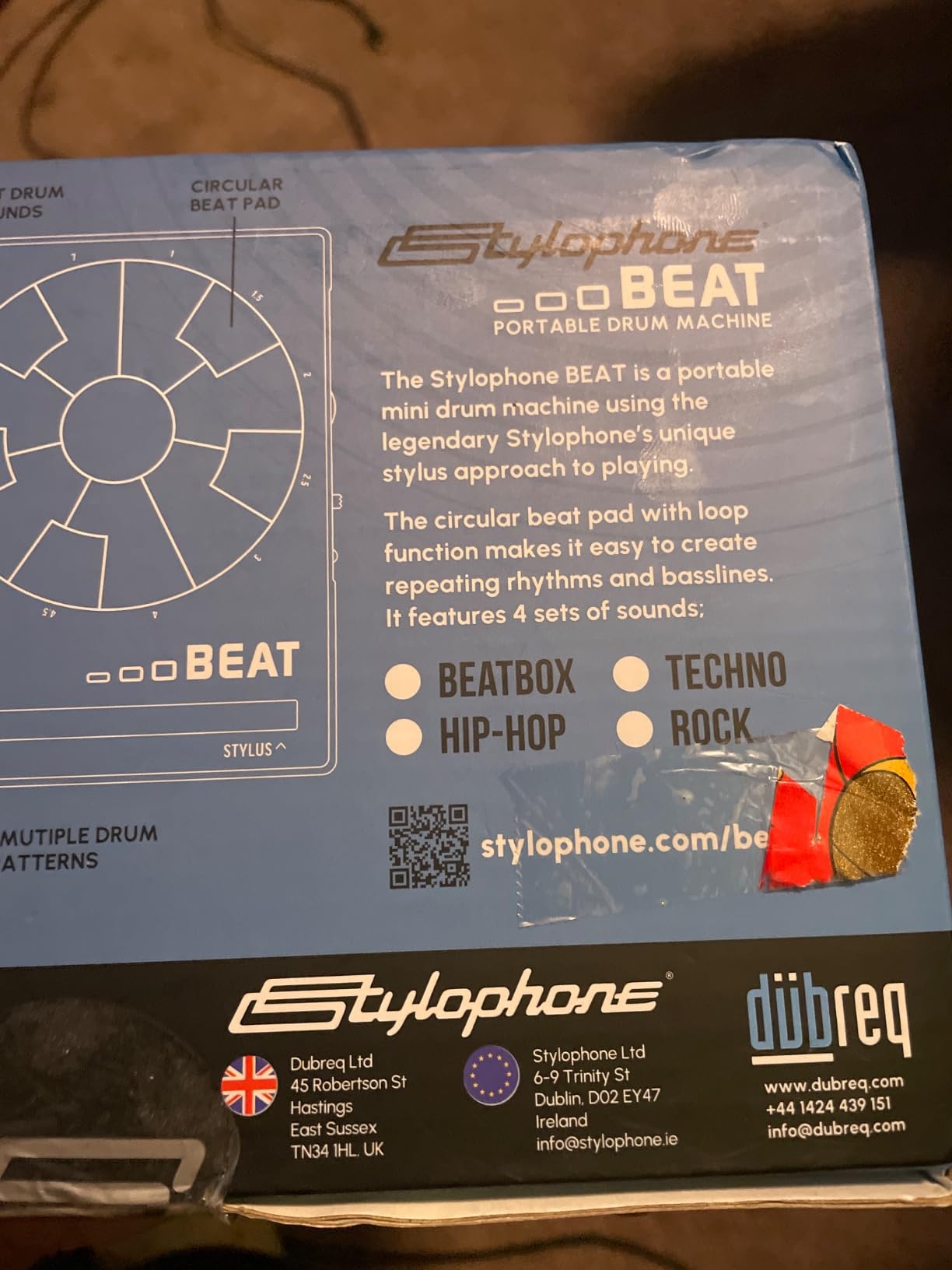
The Stylophone Beat is the drum machine I hand to anyone who says they have no musical ability. The stylus-based interface removes any intimidation factor. You tap, slide, and play rather than reading a manual. At under $40 with a 4.6-star average from over 1,500 reviews, it is the most affordable entry point on this list.
Inside the small black box you get 4 drum kits and 4 bass sounds. There is a built-in speaker, headphone output, and even a click track for keeping time. The pattern and transpose functions let you build simple loops, and you can layer multiple recordings together to create fuller beats.
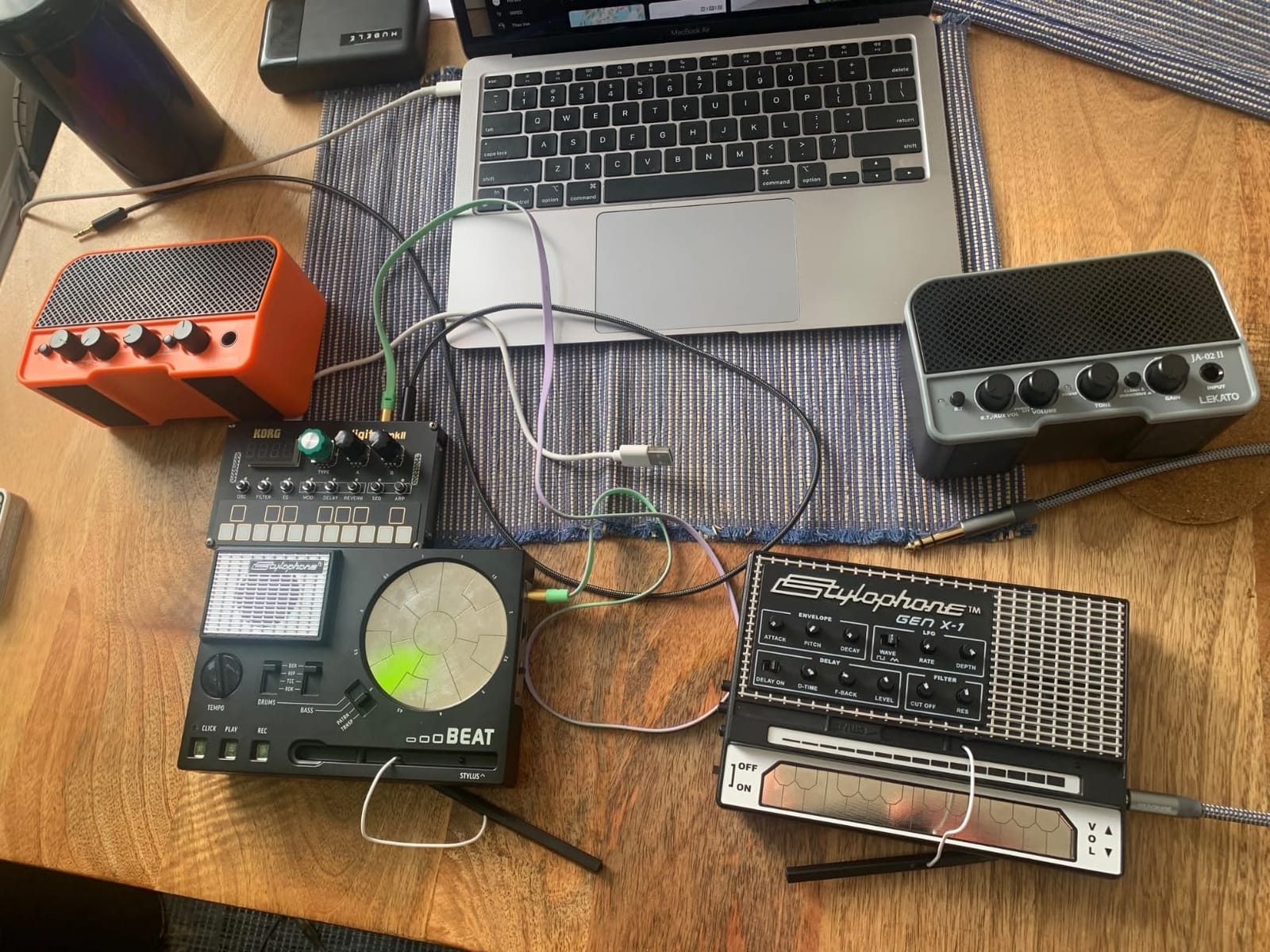
When I first tried the Stylophone Beat, I made a usable four-bar loop within five minutes. The glitch and filter effects add character without complexity. It is not a serious production tool, but that is the point. It is a gateway device that gets you excited about making beats.
For parents buying a first instrument for a curious kid, the Stylophone Beat is hard to beat. It survives drops, the volume control protects young ears, and the headphone jack means quiet practice. The rating of 1,514 reviews and 4.6 stars tells you thousands of buyers agree.
Playability and controls
The stylus works on a touchpad area rather than traditional drum pads. This makes it feel more like playing an instrument than programming one. You can record patterns in real time, then loop and tweak them.
Mute buttons let you drop out individual sounds, which is a great way to learn arrangement. The click track is essential for keeping time when you are playing along.
Honest limitations
The 8 bar loop limit will frustrate anyone wanting to make full songs. The battery cover is plastic and feels like the first thing to break. You also need to buy 3 AA batteries separately.
None of these are dealbreakers at this price. The Stylophone Beat is a fun, low-risk way to find out if beat-making is for you before investing in something more serious.
3. Alesis SR-16 – Most Versatile Standalone Drum Machine
Alesis SR-16 Standalone Drum Machine
233 sounds
50 drum kits
12 velocity pads
Pros
- Massive sound library
- Dynamic Articulation
- Complete MIDI I/O
- Reliable build quality
- Step programming
Cons
- Small pads for live play
- No direct USB computer connection
- Step entry can be slow
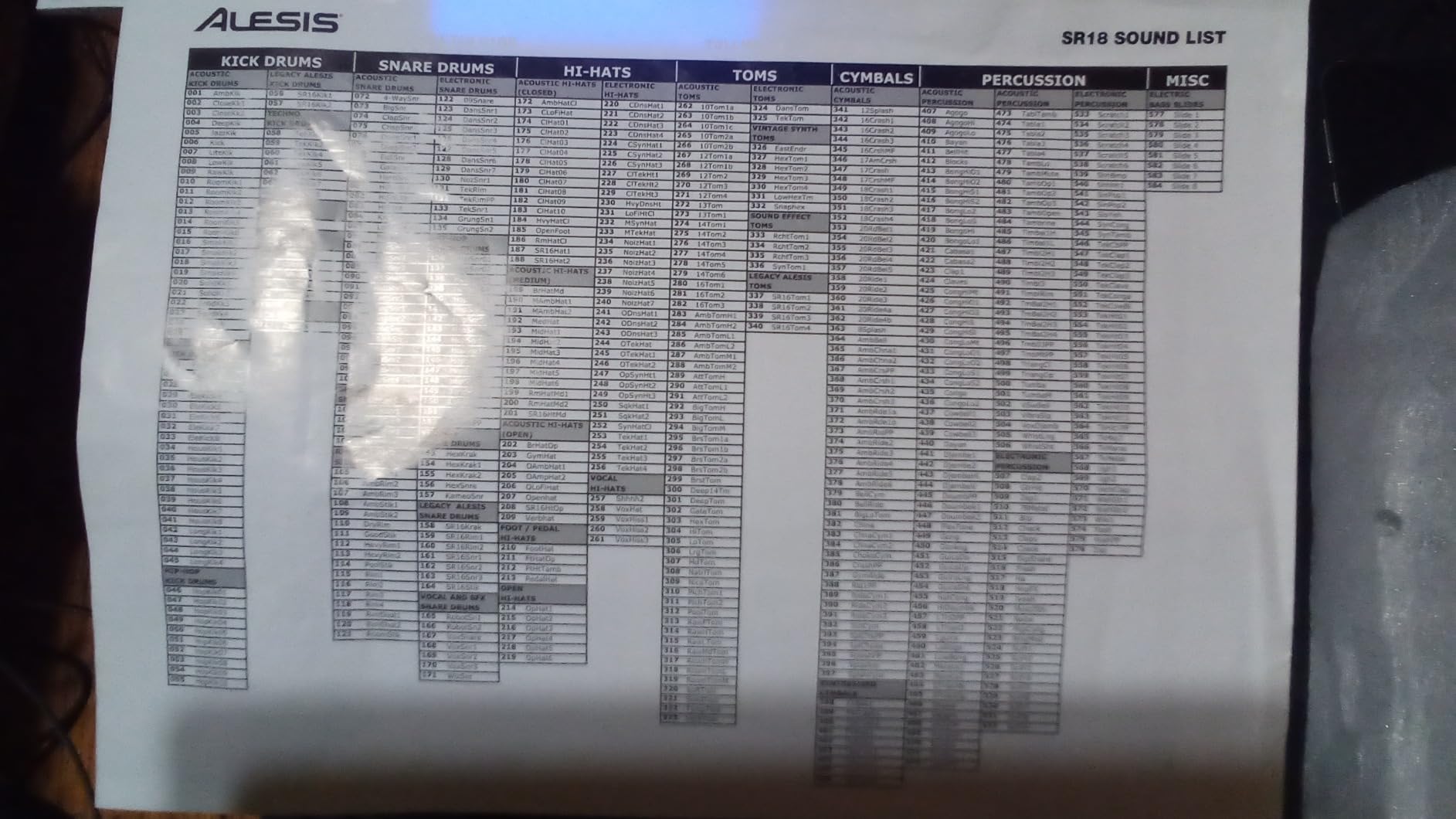
The Alesis SR-16 has been a studio staple since the early 1990s, and after testing it, I understand why it has lasted. With 233 professional sounds, 50 preset drum kits, and full MIDI support, this is the drum machine you grow into rather than out of. Over 2,170 reviews and a 4.4-star average show this machine keeps delivering decades after release.
What makes the SR-16 special for beginners is the Dynamic Articulation feature. Instead of triggering a single static sample each time you hit a pad, the sounds change based on how hard and where you play. Ghost notes on snare, accented kicks, flam cymbals. It sounds more like a real drummer than a typical drum machine.
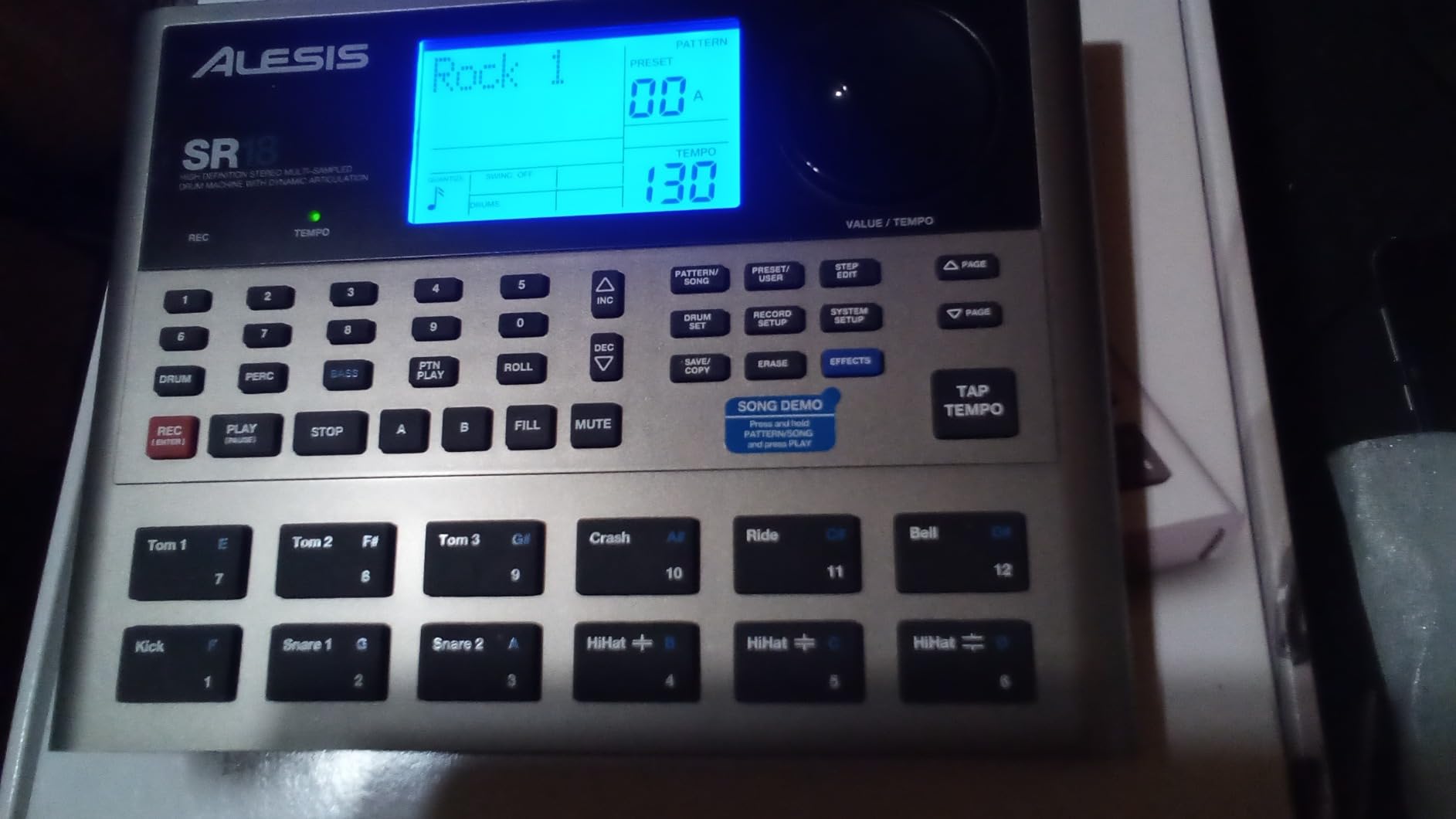
My favorite use case for the SR-16 is songwriting. I can dial up a rock kit, lay down a beat with bass line programming, and capture a complete rhythm section in minutes. The four stereo outputs let me send different drum groups to separate mixer channels for detailed mixing.
For guitarists looking to add a practice companion or live performance tool, the SR-16 is a smart pick. It pairs easily with any MIDI controller, footswitch, or keyboard. The 2-function footswitch jacks let you start and stop hands-free while playing guitar.
Step programming and patterns
The Alesis SR-16 uses traditional step programming with a clear LED display. You dial in a sound, set the tempo, and tap steps in one at a time. It is more methodical than the Stylophone or Volca, but it teaches you the fundamentals of beat construction.
Pattern memory is limited, so for longer compositions you will rely on MIDI sequencing from a DAW. This is actually a great training ground. You learn the core machine first, then expand into computer-based production.
Where it falls behind modern rivals
The pads are small and do not feel great for finger drumming. Step programming is slower than pad-based workflows. There is no direct USB connection to a computer, so you need a MIDI interface for DAW integration.
For absolute beginners who want tactile pad playing, the Akai MPD218 is a better fit. But for anyone who values sound library depth, build quality, and longevity, the Alesis SR-16 remains a smart buy.
4. Teenage Engineering PO-12 Rhythm – Best Pocket Drum Machine
teenage engineering pocket operator PO-12 rhythm, drum machine and sequencer with parameter locks and punch-in effects
Pocket-sized
16-step sequencer
16 effects
Pros
- Truly pocketable
- Surprisingly deep sound design
- 16 punch-in effects
- Pattern chaining
- Syncs with other POs
Cons
- No MIDI in/out
- Exposed board feels fragile
- Limited screen
The Teenage Engineering PO-12 is the drum machine I throw in my jacket pocket before leaving the house. It is genuinely credit card sized, weighs almost nothing, and runs on two AAA batteries for a month. With 843 reviews and 4.6 stars, it has earned a cult following among producers who value portability above all else.
Despite the small size, the PO-12 packs a real synthesizer engine. You get 16 drum sounds, 16 punch-in effects, and 16 patterns that can be chained into full songs. Parameter locks let you automate settings per step, which is something most budget machines cannot do.
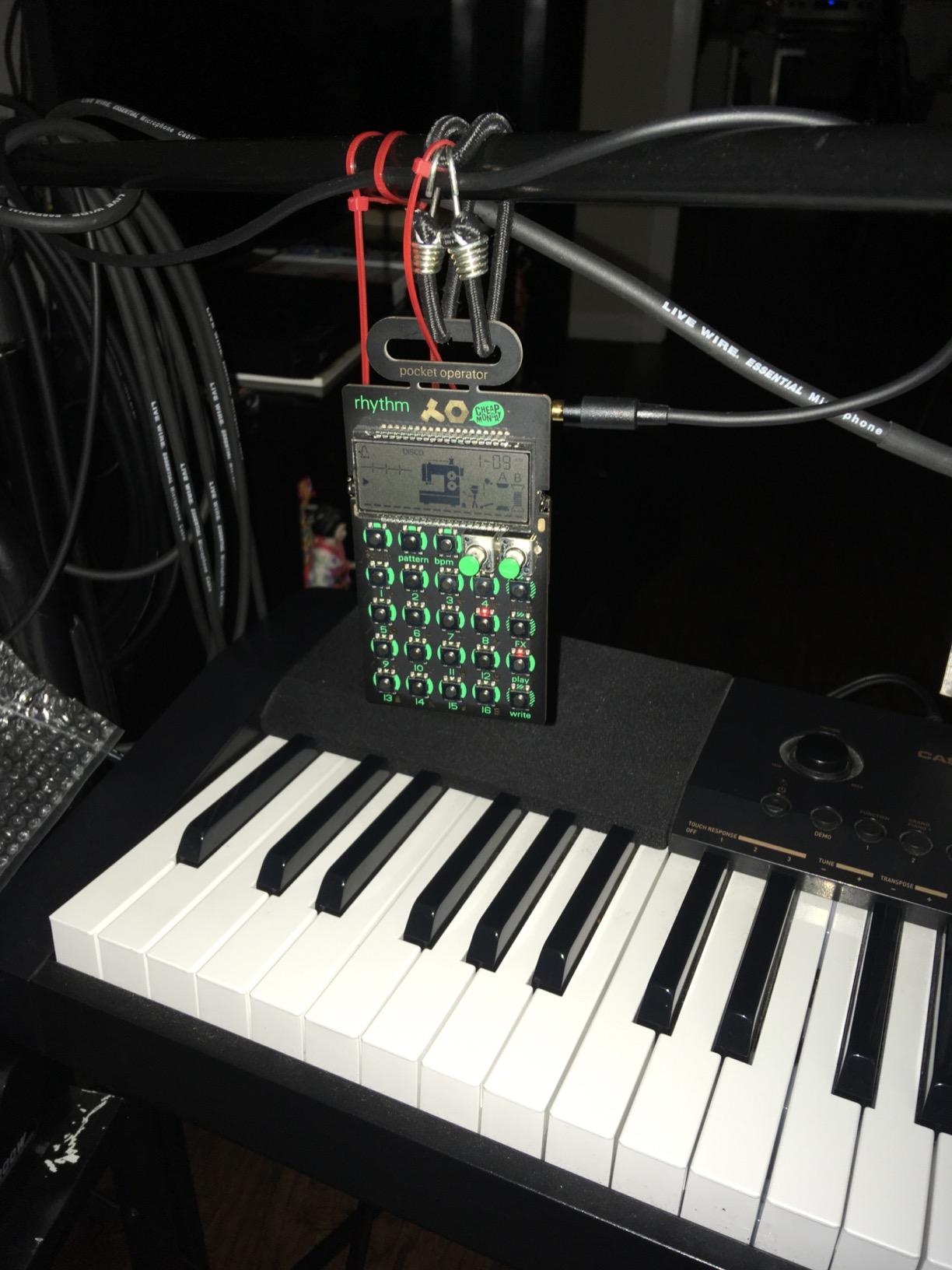
My first hour with the PO-12 was spent watching YouTube tutorials because the printed instructions are nearly useless. Once I got past that learning curve, I was hooked. The synth engine creates sounds that range from classic 808-style kicks to glitchy IDM percussion. It is a creative tool that rewards experimentation.
Pairing two or more Pocket Operators with audio cables creates a portable jam setup that fits in your pocket. They sync automatically through the built-in microphone sync. I have used mine on long flights to sketch beats when I had no other gear available.
Sound design depth
Each sound has its own synthesis engine rather than being a static sample. This means you can morph kick drums, snares, and hats using the parameter locks. The 16 effects include delay, distortion, bit crush, and filter sweeps that transform basic patterns into complex textures.
For electronic music producers focused on IDM, chiptune, lo-fi hip hop, or experimental beats, the PO-12 punches well above its price tag.
Honest drawbacks
No MIDI connectivity means you cannot sequence the PO-12 from a DAW or trigger it from external gear. The exposed circuit board design looks cool but is fragile. The screen shows very little information, so you will need the cheat sheet or a tutorial video for reference.
For under $60, these trade-offs are acceptable. The PO-12 is a creative sketchpad, not a finished production environment.
5. Teenage Engineering PO-33 K.O. – Best Sampler Drum Machine for Beginners
teenage engineering pocket operator PO-33 K.O.! micro sampler and drum machine with built-in microphone, sequencer and effects
Built-in microphone
40 sec sample memory
16 effects
Pros
- Built-in mic for sampling anywhere
- Versatile melodic and drum modes
- 8-bit lo-fi character
- Syncs with other POs
Cons
- Steep learning curve
- 40 second sample limit
- Gritty at high volumes
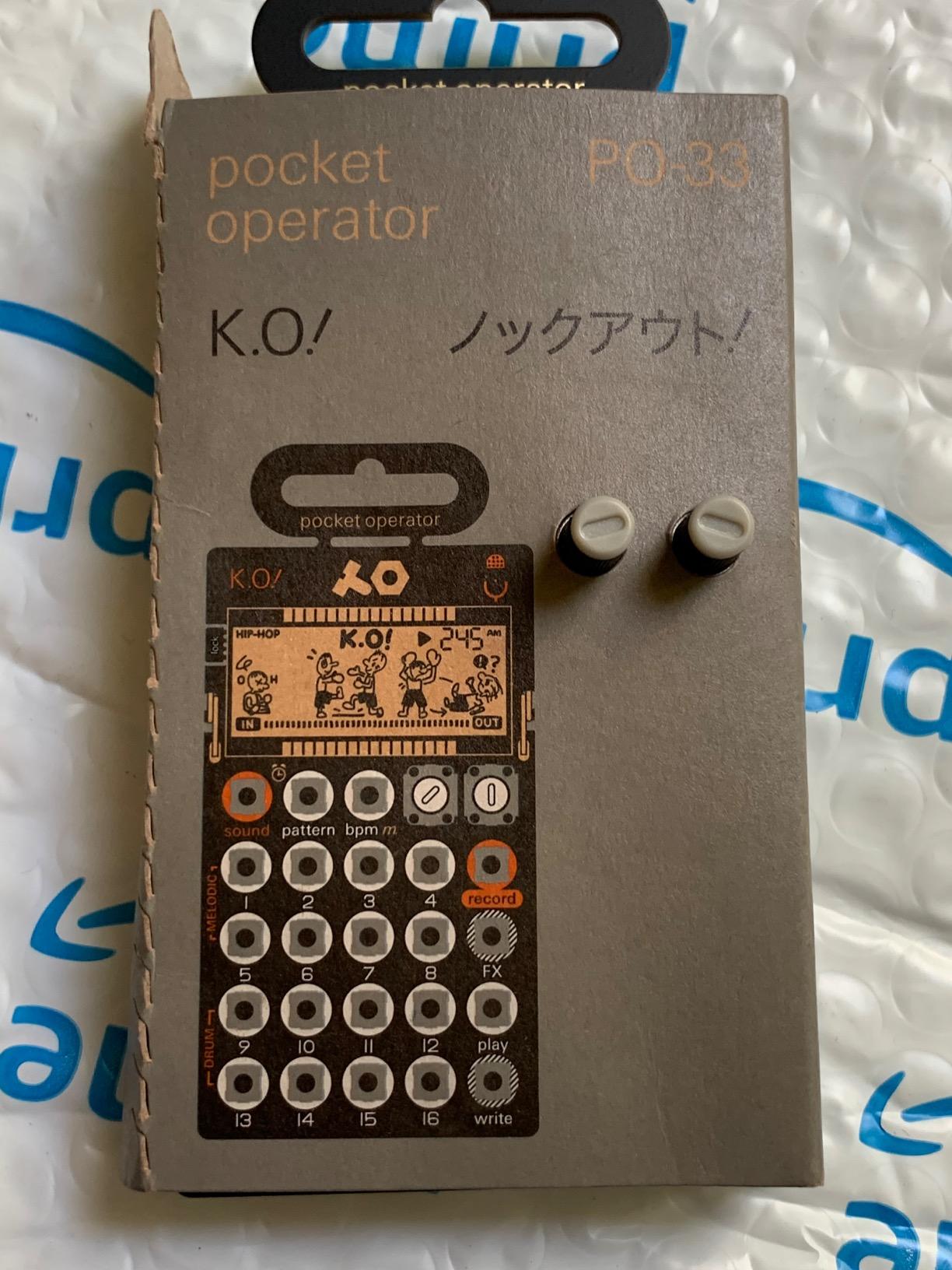
The Teenage Engineering PO-33 K.O. takes the pocket drum machine concept and adds a sampler. With a built-in microphone and 40 seconds of sample memory, you can capture sounds from the world around you and turn them into drum hits. The 2,279 reviews and 4.6-star average make it one of the most loved pocket samplers ever made.
When I tested the PO-33, I sampled a coffee machine, my dog barking, and a kitchen timer. Within 15 minutes I had a beat built entirely from those samples. The 8-bit character gives everything that classic lo-fi hip hop feel without any extra processing.
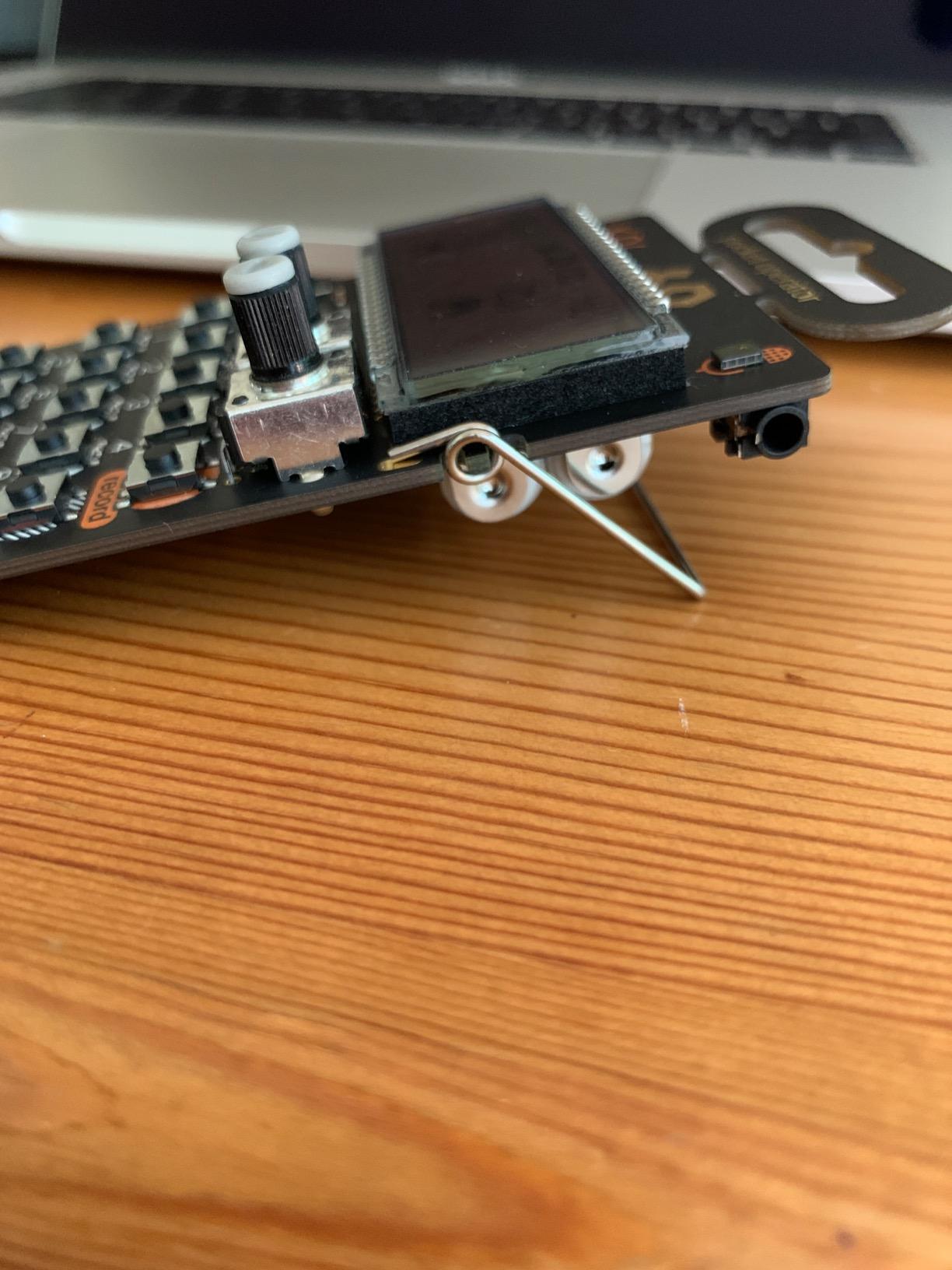
The 8 melodic sample slots handle pitched instruments, while the 8 drum slots trigger one-shot samples. Melodic mode lets you play samples chromatically across the keyboard. Drum mode gives you classic 16-step sequencing. Switching between the two expands what the device can do dramatically.
For hip hop producers, the built-in microphone is a game changer. You can sample vinyl cracks, vocals, or field recordings without any extra gear. The 16 onboard effects include stutter, delay, and bit crush for shaping your samples.
Creative workflow
Record a sound, chop it into a slot, sequence it, add effects, chain patterns. That is the basic workflow, and it mirrors what professional samplers like the Akai MPC or Elektron Digitakt do, just on a much smaller scale.
Syncing with other Pocket Operators expands the possibilities further. You can use the PO-33 as a melodic complement to a PO-12 drum machine, creating full arrangements across two devices.
When to skip this one
If you want clean, polished sounds, the 8-bit character is not for you. The 40-second memory fills up fast when sampling. Polyphony is limited to 4 samples per step, so dense arrangements are not possible.
Also expect to invest time in tutorials. The interface is dense and not intuitive from the manual alone. Plan to spend an afternoon learning the workflow.
6. Teenage Engineering PO-32 Tonic – Best Analog Synthesis Drum Machine
teenage engineering pocket operator PO-32 tonic, drum and percussion synthesizer and sequencer, unlimited sounds with microtonic through data transfer
MicroTonic engine
64 patterns
16 effects
Pros
- Real analog drum synthesis
- Excellent sound variety
- MicroTonic VST data transfer
- Punch-in effects
Cons
- Fragile board design
- Not intuitive without tutorials
- Limited MIDI
The Teenage Engineering PO-32 Tonic is the only pocket operator with a true analog drum synthesizer engine. Based on the MicroTonic VST plugin, it delivers sounds that range from classic 808 and 909 kicks to unique electro and IDM textures. With 415 reviews and 4.6 stars, the user base is smaller but very enthusiastic.
What I love about the PO-32 is the unlimited sound expansion through MicroTonic. You can design sounds in the VST plugin on your computer, then transfer them to the PO-32 using the built-in microphone. This means your sound library grows over time without ever hitting a ceiling.
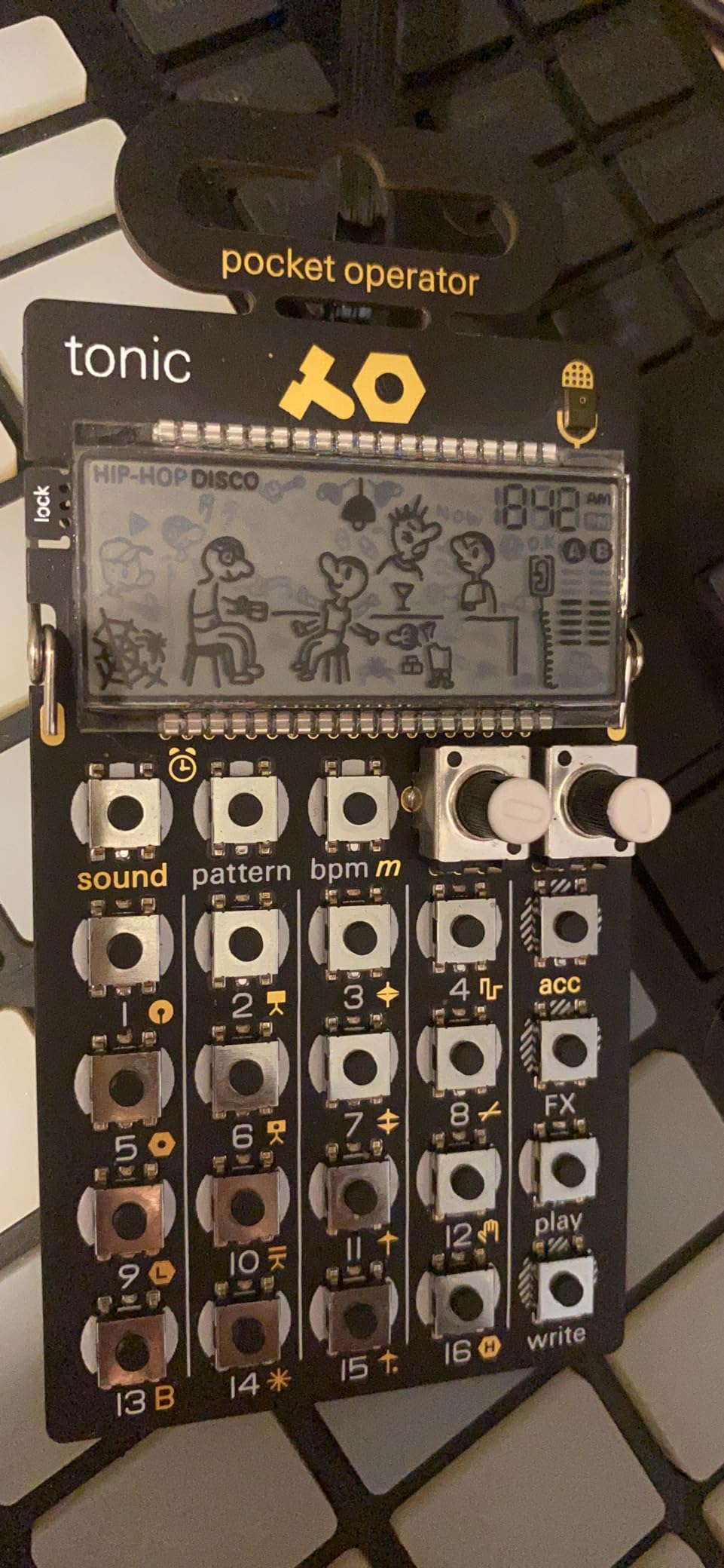
The 16 preset sounds cover the basics well, but the real power is in the parameter locks. You can automate pitch, decay, and filter settings per step, creating evolving beats that feel alive. The 16 effects include stutter, delay, and bit crush for performance flair.
For electronic music producers who want analog character in a pocket-sized form, the PO-32 is a strong choice. The sounds are punchy, full, and translate well to a mix without extra processing.
Pattern and song structure
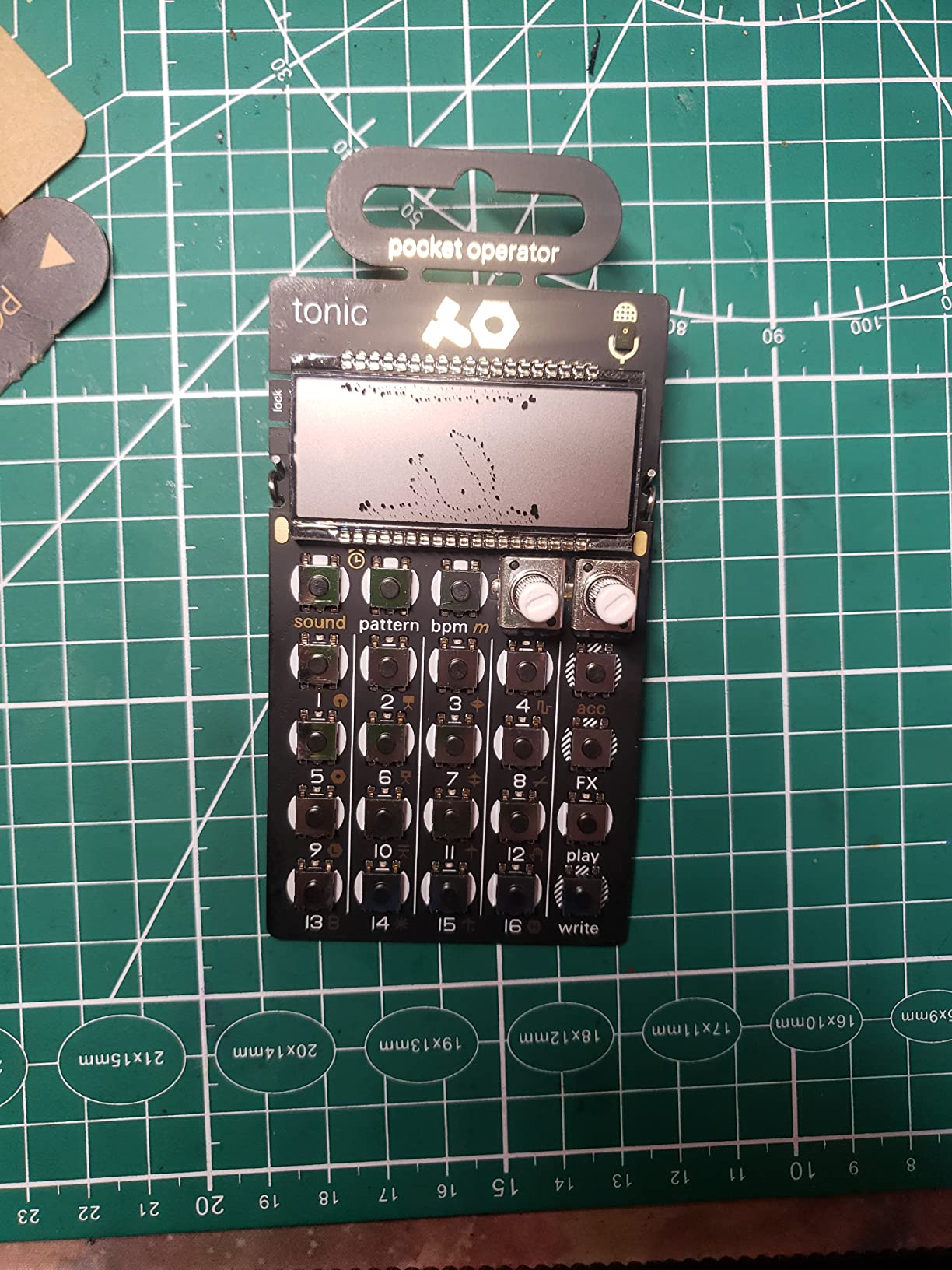
You get 16 patterns and 64 pattern chain slots, so building a full song is possible. Each pattern can be up to 16 steps with parameter locks on every step.
The metronome function makes practice sessions easy. Set a tempo, play along with the click, and build your timing skills while having fun.
Known weak points
The exposed circuit board design is fragile. The battery contacts can fatigue over time, and the I/O jacks feel prone to damage. Tutorials are essential because the manual is not helpful.
MIDI compatibility is limited, so integration with a DAW or external gear requires creative workarounds like audio sampling or sync cables.
7. Donner STARRYPAD – Best Budget MIDI Drum Pad
Donner MIDI Pad Beat Maker Machine Professional, Drum Machine with 16 Beat Pads, 2 Assignable Fader & Knobs and Music Production Software, USB MIDI Controller with 40 Courses, STARRYPAD
16 silicone pads
USB-C
3 pad banks
Pros
- Affordable alternative to AKAI
- Responsive silicone pads
- Includes music software
- Multi-platform support
Cons
- Requires DAW to produce sound
- USB-C port durability concerns
- Editor software limited
The Donner STARRYPAD is a 16-pad MIDI controller designed for beat makers who want hands-on pad play without the AKAI price tag. At around $70, it is significantly cheaper than comparable MPC-style controllers. The 425 reviews and 4.0-star average show it delivers solid value with some caveats.
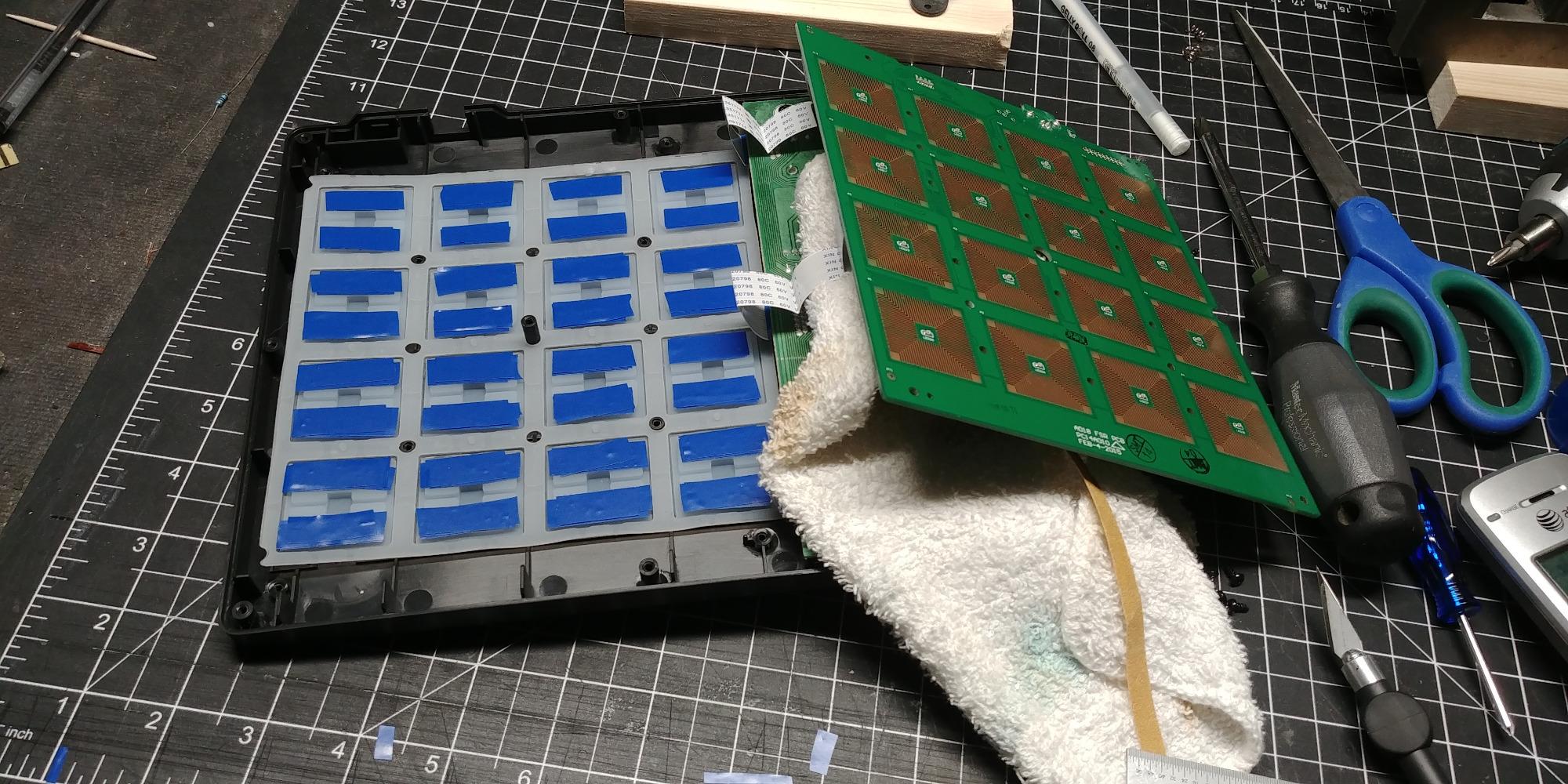
What stands out is the silicone pad design. The pads are velocity sensitive, backlit, and feel softer than hard plastic alternatives. Less double-triggering than competitors means fewer mistakes during finger drumming sessions. You get 3 pad banks for 48 total assignable pads.
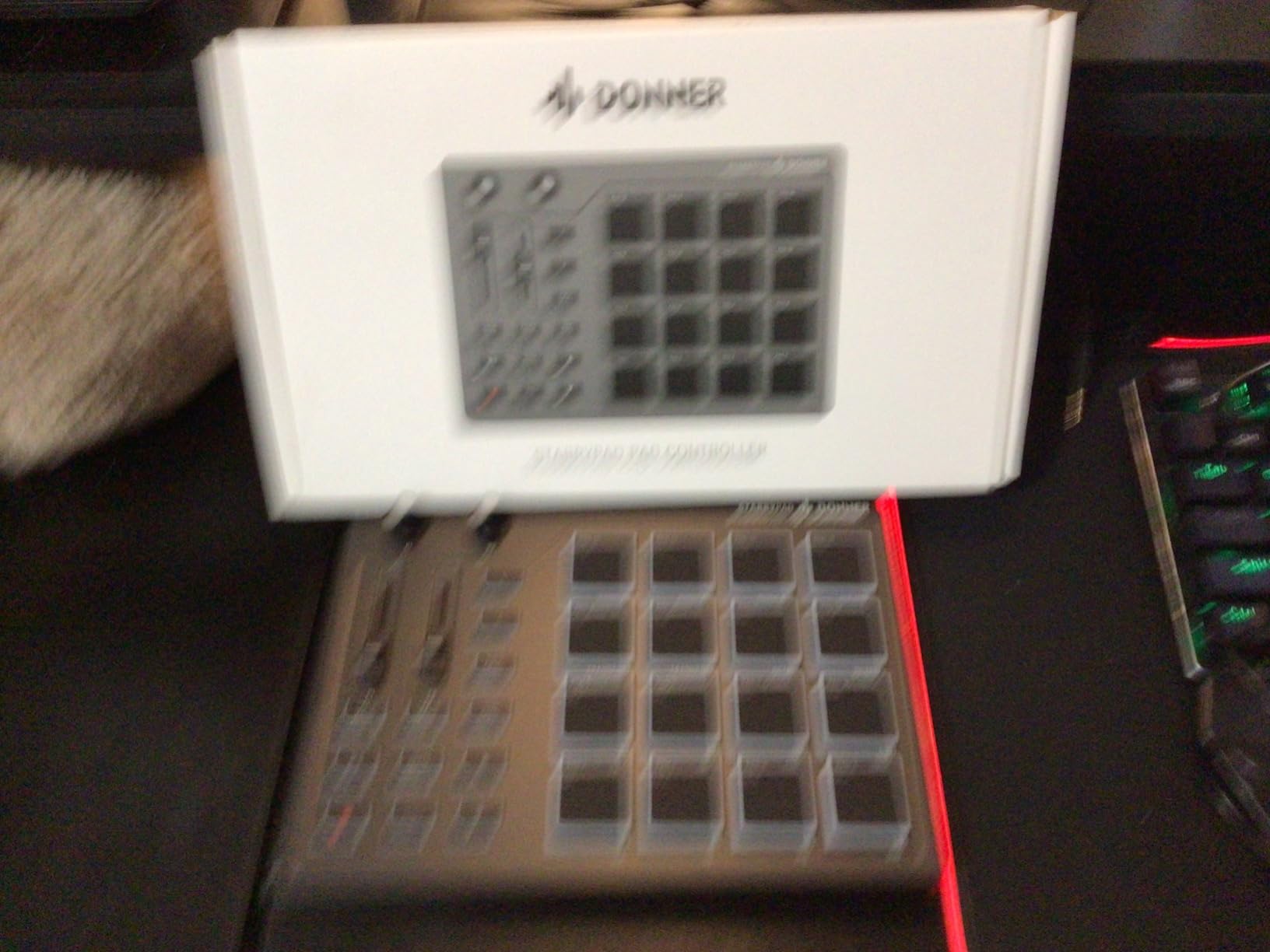
I tested the STARRYPAD with Ableton Live and it worked flawlessly. Class-compliant USB-C means plug and play on Mac, Windows, iOS, and Android. The 2 assignable faders and 2 knobs let me tweak effects and instruments without touching my mouse.
The package includes Melodics Courses for learning finger drumming, plus Cubase LE software. If you are brand new to beat making, the included lessons are a real bonus.
Software ecosystem
The STARRYPAD works with any DAW that supports MIDI input. Note Repeat and Tap Tempo are integrated for tight beat programming. The 7-color pad lighting helps you organize your kits visually.
It is a controller, not a standalone drum machine. You need a computer, tablet, or phone with music software to produce sound. The editor software cannot record or arrange music on its own.
When to look elsewhere
If you want a standalone unit that works without a computer, the Volca Beats or Alesis SR-16 is a better fit. The USB-C port has reported durability issues with heavy use. Some users have flagged quality control inconsistencies between units.
For pure pad play with DAW integration at a low price, the STARRYPAD is hard to beat.
8. Akai MPD218 – Best USB MIDI Pad Controller
Akai Professional MPD218 USB MIDI Pad Controller
16 MPC pads
48 assignable slots
18 knobs
Pros
- Iconic MPC pad feel
- Note Repeat and Full Level
- Includes Ableton Live Lite
- Works with any DAW
- USB powered
Cons
- Pad sensitivity can cause double triggers
- Bank switching awkward for live play
- Global pad sensitivity only
The Akai MPD218 brings the legendary MPC pad feel to a compact USB controller. With 5,854 reviews and a 4.4-star average, it is one of the most trusted names in finger drumming gear. For beginners who plan to use a DAW for production, the MPD218 is a sensible long-term investment.
The 16 thick MPC pads respond to velocity and pressure, giving you expressive control over your beats. You get 3 pad banks for 48 assignable sounds, plus 18 fully assignable 360-degree knobs across the banks. The note repeat function makes roll and hat trick programming intuitive.
When I plugged the MPD218 into Ableton Live, every pad and knob mapped instantly. The included Ableton Live Lite and MPC Beats software give you a complete production environment out of the box. You can be making beats within minutes of unboxing.
USB powered means no power adapter needed. The unit is bus-powered from your computer or tablet, making it portable enough for a laptop rig.
Pad feel and responsiveness
The MPC pads are the gold standard for finger drumming. They are thick, rubberized, and respond to even light touches. The Full Level control sends maximum velocity no matter how hard you hit, which is useful for consistent programming.
Some users report double-triggering issues, especially with lighter touches. The global pad sensitivity adjustment can help, but per-pad sensitivity would be better. Mod tutorials online address this.
Honest trade-offs
Bank switching with a single button is awkward during live performance. The 1-year warranty is shorter than some competitors. iOS connectivity requires a Camera Connection Kit adapter.
For the price and pad quality, the MPD218 remains a top choice for any beginner building a home studio around a computer.
Buying Guide: How to Choose the Best Beginner Drum Machine?
Picking the right drum machine comes down to how you plan to use it. A bedroom producer who wants to sketch beats on the couch has different needs than a guitarist looking for a jam companion. Here is what to think about before you buy.
If you are still deciding between acoustic and electronic, our acoustic drum sets for beginners guide covers the traditional route. For younger learners, the drum kits for kids roundup has age-appropriate picks.
Standalone vs. MIDI controller
Standalone drum machines like the Korg Volca Beats and Alesis SR-16 produce sound on their own. You can use them anywhere with headphones or a small amp. They are great for practicing, jamming, and live performance without a computer.
MIDI controllers like the Donner STARRYPAD and Akai MPD218 require a computer, tablet, or phone with music software. They offer deeper integration with DAWs but are not portable in the same way.
Analog vs. digital sound
Analog drum machines use electronic circuits to generate drum sounds. They have a warmth and character that many producers love. The Korg Volca Beats and Teenage Engineering PO-32 Tonic both use analog synthesis.
Digital drum machines use samples or digital synthesis. They offer more sounds, more presets, and often more flexibility. The Alesis SR-16 is sample-based with massive library depth. Most pocket operators blend both approaches.
Connectivity and expansion
Check what connections the unit offers. MIDI In and Out let you sync with other gear, controllers, and DAWs. Sync ports like those on the Volca series allow hardware-only setups. USB MIDI is convenient for computer integration.
For a beginner, MIDI support is not essential, but it pays off as you expand your studio. A machine that grows with you is a better long-term investment.
Will you outgrow it?
This is a common concern from forum discussions. The honest answer is that most beginners will eventually want more sounds, more patterns, or DAW integration. The machines on this list handle that in different ways.
The Alesis SR-16 has been relevant for over 25 years because of its sound library and MIDI support. The Korg Volca Beats connects to other Volca gear for expanded setups. The Teenage Engineering Pocket Operators sync with each other for portable jams.
MIDI controllers like the Akai MPD218 grow naturally with your DAW skills. You can keep the same controller for decades and just upgrade your software. For a long-term investment, controllers offer the most longevity.
Frequently Asked Questions
What is the easiest drum machine to program?
The Korg Volca Beats is the easiest drum machine to program thanks to its 16-step sequencer with dedicated knobs for each drum sound. The Stylophone Beat is even simpler with its stylus-based interface that requires no menu diving. For absolute beginners, the Stylophone removes any learning curve, while the Volca offers more depth once you outgrow the basics.
Is there a drum machine that sounds like real drums?
The Alesis SR-16 comes closest to real drums with its Dynamic Articulation feature that responds to playing intensity. The 233 sounds and velocity-sensitive pads create realistic ghost notes, accents, and flams. Sample-based machines generally sound more realistic than pure analog units, but the Alesis SR-16 has been used in pro studios for decades for its convincing drum sounds.
What is the best cheap drum machine?
The Stylophone Beat is the best cheap drum machine at under $40 with a 4.6-star average from over 1,500 reviews. It offers 4 drum kits, 4 bass sounds, and a built-in speaker. For under $60, the Teenage Engineering PO-12 Rhythm delivers genuine synthesizer sounds in a pocket-sized package. Both are excellent entry points for beginners on a budget.
Can you use a drum machine without a DAW?
Yes, standalone drum machines like the Korg Volca Beats, Alesis SR-16, and Stylophone Beat work without a computer. They have built-in speakers or headphone outputs and run on batteries or included power supplies. MIDI controllers like the Akai MPD218 and Donner STARRYPAD do require a DAW or music software to produce sound.
Final Verdict: Which Beginner Drum Machine Should You Buy?
After testing these eight options, our top pick for most beginners is the Korg Volca Beats. It strikes the right balance between real analog sound, intuitive step sequencing, and an affordable price. The Korg Volca Beats has earned its place as the best drum machine for beginners because it teaches you the fundamentals without overwhelming menus.
If your budget is tight, start with the Stylophone Beat. It is the cheapest way to find out if beat-making is your thing. For guitarists and songwriters, the Alesis SR-16 remains a legendary tool that will serve you for years. Pocket lovers should grab a Teenage Engineering PO-12 or PO-33. DAW producers will get the most from the Akai MPD218.
Whatever you choose, the most important thing is to start making beats today. Every machine on this list is capable of producing music you can be proud of. Pick one, plug in, and start playing. Your first drum machine will not be your last, but it will be the start of something fun.