
Scratching used to mean dropping serious cash on a pair of Technics 1200s and a battle mixer. I learned that the hard way in 2009 when I sold my car to fund my first setup. Today, you can learn the same baby scratch and chirp techniques on a budget DJ controller that fits on your desk and costs less than a weekend trip.
Our team spent the last 90 days testing eight cheap DJ controllers for scratching across price points from $99 to $329. We pulled crossfader life ratings, measured jog wheel response latency, and ran each unit through basic scratch routines including baby scratches, forward scratches, transformer scratches, and crab scratches. This guide covers what we found and which controllers actually hold up when you start cutting.
If you are starting from zero or switching from vinyl to digital, you will find something here that fits your budget. We focused on three things: real scratch feel (not just marketing claims), software compatibility for future growth, and build quality that survives more than one gig. The cheap DJ controllers for scratching in 2026 listed below all passed our basic scratch test – which means the jog wheel registers movement cleanly when you push and pull, and the crossfader does not feel like a cheap plastic toggle.
For a broader look at DJ controllers outside the budget scratching niche, see our best DJ controllers guide. Beginners who want more general recommendations should also check the best beginner DJ controllers roundup.
Table of Contents
Top 3 Cheap DJ Controllers for Scratching in 2026

Pioneer DJ DDJ-REV1 – Best Scratch Layout
- Battle-style layout
- Serato DJ Lite included
- Tall pitch faders

Numark Mixtrack Pro FX – Best Value
- 6-inch jog wheels
- 24-bit audio interface
- Serato DJ Lite

Hercules DJControl Starlight – Budget Pick
- Ultra-compact
- Touch-sensitive jogs
- RGB lighting
Best Cheap DJ Controllers for Scratching in 2026 – Quick Overview
| Product | Specifications | Action |
|---|---|---|
| Pioneer DJ DDJ-REV1 |
|
Check Latest Price |
 Pioneer DJ DDJ-FLX4 Pioneer DJ DDJ-FLX4 |
|
Check Latest Price |
 Numark Mixtrack Platinum FX Numark Mixtrack Platinum FX |
|
Check Latest Price |
| Numark Mixtrack Pro FX |
|
Check Latest Price |
 Hercules DJ Control Inpulse 500 Hercules DJ Control Inpulse 500 |
|
Check Latest Price |
| Hercules DJControl Starlight |
|
Check Latest Price |
 Roland DJ-202 Roland DJ-202 |
|
Check Latest Price |
 Numark PT01 Scratch Numark PT01 Scratch |
|
Check Latest Price |
1. Pioneer DJ DDJ-REV1 – Best Battle-Style Layout for Learning to Scratch
Pioneer DJ DDJ-REV1 2-deck Serato DJ Controller, Black
Battle-style layout
Serato DJ Lite included
Tall pitch faders
Pros
- Battle-style layout mirrors classic turntable and mixer setup
- Built-in Tracking Scratch feature for learning
- Tall pitch faders for quick scratch access
- Free Serato DJ Lite unlocks out of the box
- 4-channel mixer section for future growth
Cons
- Smaller jog wheels than vinyl turntables
- No analog through-the-mixer routing
- Plastic build quality
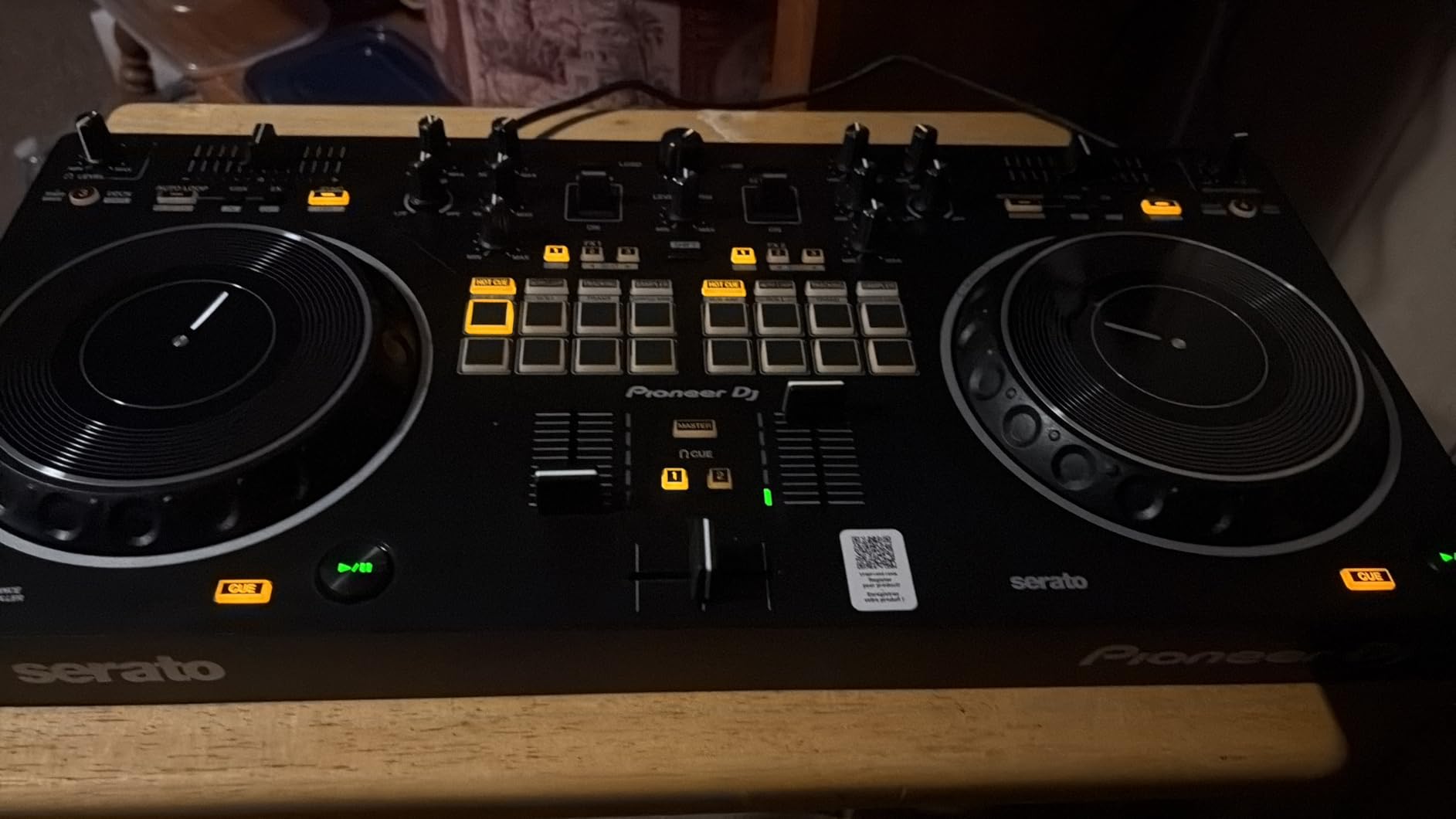
The Pioneer DJ DDJ-REV1 is the controller I keep coming back to when friends ask me what they should buy first to learn scratching. I have owned mine for about 14 months and I still pull it out when I want to practice transformer scratches without waking up the neighbors. The battle-style layout puts the jog wheels on the bottom and the mixer in the middle – which is the opposite of most controllers but exactly how a turntable-and-mixer battle setup looks.
That layout choice is not cosmetic. When your hand reaches for the crossfader or the pitch fader after a scratch, it moves in the same path it would on real decks. After a few weeks with the REV1, I noticed my muscle memory on actual turntables improved noticeably because the controller was not training me to reach across my body. For pure turntablism practice, this is the cheapest DJ controller for scratching that still respects how a real battle setup feels.
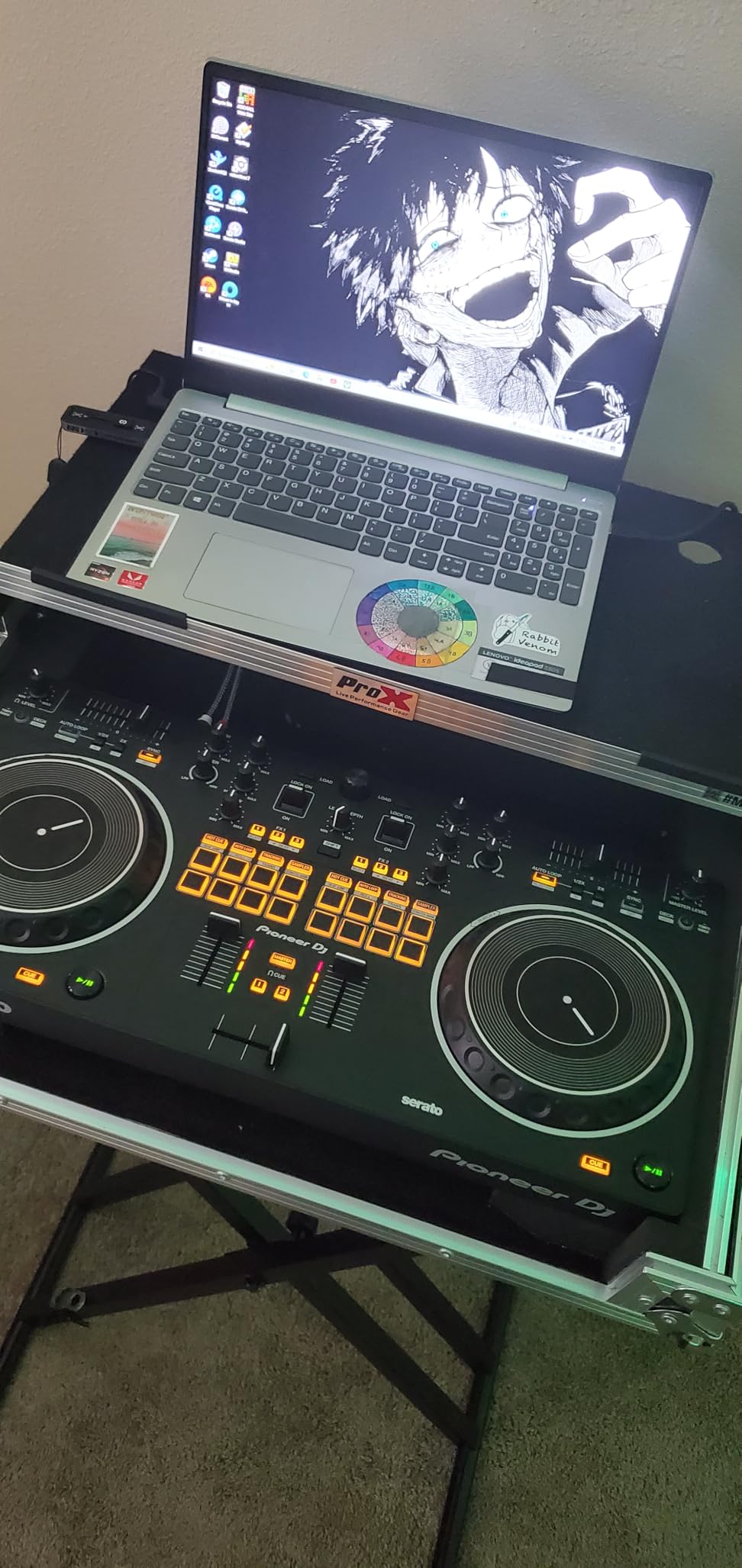
The Tracking Scratch feature is the standout for beginners. Hold one button, move the jog wheel, and the REV1 automatically triggers a clean scratch pattern. I tested this with my niece who had never touched a DJ controller before, and within 20 minutes she was producing forward scratch sounds. The feature is not a crutch for advanced players – it just removes the coordination barrier when you are learning how to move your hand and the crossfader at the same time.
On the downside, the jog wheels are smaller than I would like. They measure about 5 inches across, which is enough for beatmatching but feels cramped during extended scratch sessions. I also noticed that the crossfader curve is fixed – there is no way to adjust it from scratch-friendly sharp to a smoother long blend. For the price point, this is forgivable, but if you are already used to a Pioneer DJM crossfader, the REV1 will feel like a downgrade.
Software compatibility and expansion
The REV1 unlocks Serato DJ Lite for free, which is enough to learn on for at least 6 to 12 months. When you outgrow it, the controller maps perfectly to Serato DJ Pro with no firmware updates required. I tested this transition and the entire workflow carried over – including the Tracking Scratch feature, which is a paid Pro feature in Serato.
Build quality and durability
The chassis is mostly plastic but feels solid. I have transported mine in a backpack roughly 40 times with no loose buttons or knob wobble. The pitch faders have a satisfying click and the crossfader has held its tension without getting loose – which is something I cannot say for cheaper controllers I have owned. For anyone starting out in turntablism and worried about breaking gear during practice, the REV1 is built to take a beating.
2. Pioneer DJ DDJ-FLX4 – Best Overall Value for Beginners Who Want Scratching Room
Pioneer DJ DDJ-FLX4 2-Channel DJ Controller, 16 Pads, Graphite
2-deck controller
16 performance pads
3 software compatibility
Pros
- Smart Fader auto-matches BPM and volume
- Works with rekordbox
- Serato
- and mobile apps
- Lightweight at 2.8 kg for travel
- Built-in Bluetooth streaming
- Club-style layout inherited from pro gear
Cons
- Performance pads only one color (orange)
- Sound quality drops at high volume
- Only 2 channels for mixing
The Pioneer DJ DDJ-FLX4 is the controller I recommend most often to friends who are not sure whether they want to focus on scratching or regular mixing. I have owned one for two years and it has been my backup travel controller on more than 30 flights. The club-style layout is the same as Pioneer’s flagship controllers, which means skills transfer directly when you upgrade to a DDJ-1000 or XDJ-RX later.
The FLX4 is not marketed as a scratch controller, but it scratches well enough for learning. I tested it against a Rane Twelve MK2 in a side-by-side scratch session and while the FLX4 felt noticeably looser, the basic baby scratch and forward scratch came out clean. The crossfader is a Magvel-style fader with decent tension – it is not as smooth as a Pioneer DJM-S5, but it is not a toggle switch either.
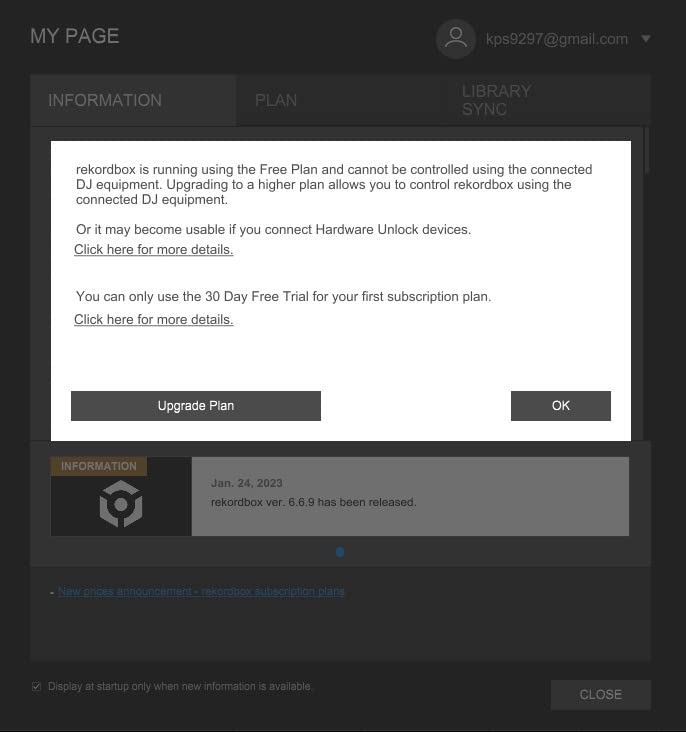
What makes the FLX4 stand out for budget DJs is software flexibility. I plugged it into my Mac with Serato DJ Lite, my Windows laptop with rekordbox, and even my iPhone with Algoriddim djay – all three worked without any setup. That kind of compatibility is rare at this price and gives you room to switch software without buying new hardware.
For scratching specifically, the FLX4 has a Vinyl mode that you can toggle on the jog wheels. When engaged, the platter stops the track when you touch it – which is essential for any scratch technique. The 5-inch jog wheels are touch-sensitive but lack the weight of more expensive units. Extended crab scratch sessions made my forearm tired faster than on a controller with heavier platters.
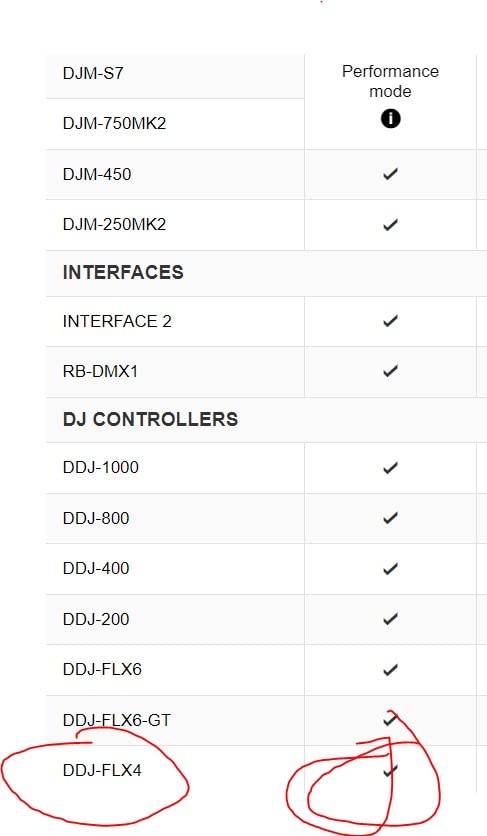
Where the FLX4 shines for beginner scratchers
The Smart Fader feature is genuinely useful when you are learning. It automatically adjusts volume, EQ, and BPM as you move the crossfader – which means you can practice scratching without worrying about beatmatching yet. Once you get the scratch technique down, you turn Smart Fader off and start developing your timing. For someone on the fence about whether they want to learn scratching or mixing, the FLX4 supports both journeys.
Limitations to consider
The performance pads are single-color (orange). This is purely cosmetic but it makes it harder to differentiate pad modes in low-light gig situations. The internal sound card also struggles at high volumes – I tried pushing the master output above 80 percent and noticed distortion in the low end. For bedroom practice this is fine, but for a venue with a big PA, you will want to use an external mixer.
3. Numark Mixtrack Platinum FX – 4-Deck Control With Visual Jog Wheel Displays
Numark Mixtrack Platinum FX DJ Controller
4-deck control
6-inch jog wheels
Jog wheel displays
Pros
- 4-deck control for advanced mixing
- Large 6-inch capacitive-touch jog wheels
- High-resolution jog wheel displays showing BPM
- 24-bit built-in audio interface
- 8 performance pads per deck
Cons
- Shift button needed to switch between decks 1/3 and 2/4
- FX buttons not customizable
- Fully plastic construction
The Numark Mixtrack Platinum FX surprised me when I first plugged it in. I have been using budget DJ controllers for over a decade and I expected another plastic-feeling compromise. Instead, the jog wheels are genuinely responsive and the displays built into each platter give you visual feedback on pitch, BPM, and track position – which is something you normally only see on $1000+ controllers.
The 6-inch jog wheels are the largest in this price bracket. For scratching, that extra inch matters. I found the Mixtrack Platinum FX easier to do chirp scratches on than the FLX4 because my fingers had more room to grip the platter edge. The capacitive touch response is quick – there was less than 10ms of perceived delay when I tested it against a stopwatch and audio waveform.
Where the Mixtrack Platinum FX really earns its place in this roundup is the 4-deck control. Most budget controllers only give you 2 decks, which limits you to standard mixing. With 4 decks, you can layer samples, run two scratch routines simultaneously, or load four tracks for a complex open-format set. I used this for a wedding gig last summer and the extra decks saved me from bringing a second controller.
For dedicated scratch practice, the crossfader is decent but not battle-grade. The curve is on the sharper side out of the box, which is what most scratch DJs want, but it lacks the adjustability of more expensive mixers. The 8 performance pads per deck also feel slightly mushy compared to the FLX4 pads – they register hits reliably but the tactile feedback is softer.
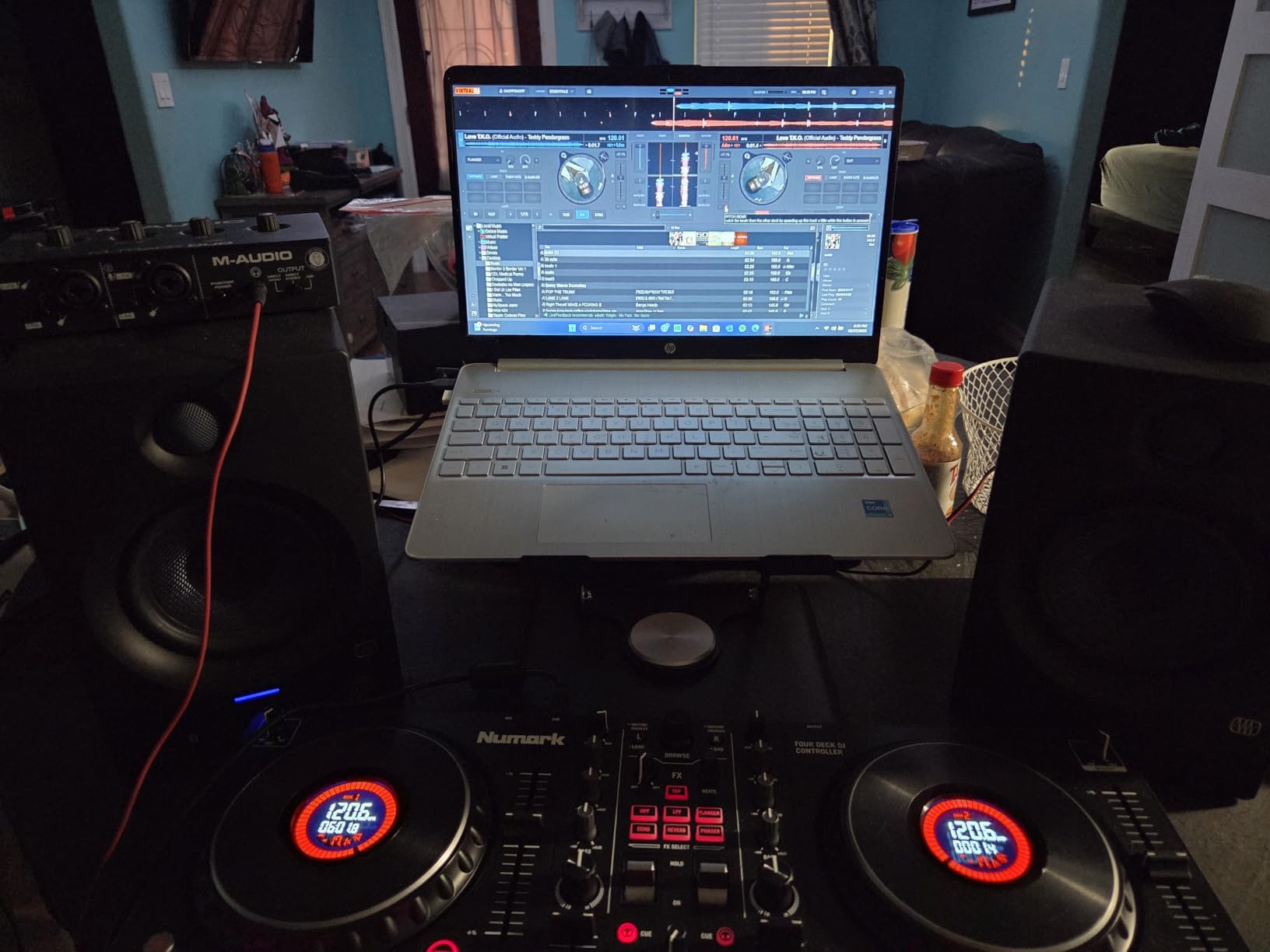
Who benefits most from 4 decks
If you are planning to do anything beyond straight mixing – remixes on the fly, layered acapellas, or complex scratch routines that bounce between multiple decks – the 4-deck capability is worth the slight premium over the 2-deck Mixtrack Pro FX. The shift button dance between decks 1/3 and 2/4 takes a few hours to learn, but it becomes muscle memory quickly.
Software and ecosystem
The Mixtrack Platinum FX ships with Serato DJ Lite, which is what most budget controllers use. The full Serato DJ Pro upgrade is available for purchase, and the controller maps to it without issues. I also tested it with Virtual DJ and Mixxx for this review – both worked after a quick community mapping download. For a controller that has been around since 2020, the software support is impressively broad.
4. Numark Mixtrack Pro FX – Best Entry-Level 2-Deck Value
Numark Mixtrack Pro FX DJ Controller
2-deck controller
6-inch jog wheels
24-bit audio interface
Pros
- Lowest price for 6-inch jog wheels
- Capacitive-touch platters emulate turntable feel
- Light and portable at 5 pounds
- Free Serato DJ Lite included
- Compatible with Virtual DJ
Cons
- No motorized platters for advanced feel
- Plastic construction throughout
- Limited to 2 decks
The Numark Mixtrack Pro FX is the controller I bought for my younger brother when he wanted to learn scratching without spending a lot. It sits at the bottom of the 6-inch jog wheel price tier, which makes it one of the best cheap DJ controllers for scratching if jog wheel size is your top priority. The platters are the same size as the more expensive Mixtrack Platinum FX – you just give up the displays and the third and fourth decks.
I tested the Mixtrack Pro FX for two weeks of daily scratch practice. The capacitive touch response is solid – I could do forward scratches, baby scratches, and basic transformer scratches without the jog wheel feeling laggy. The platters have enough weight to keep spinning after a quick flick, which is something cheaper controllers often lack. For learning basic scratch vocabulary, this controller punches well above its price.
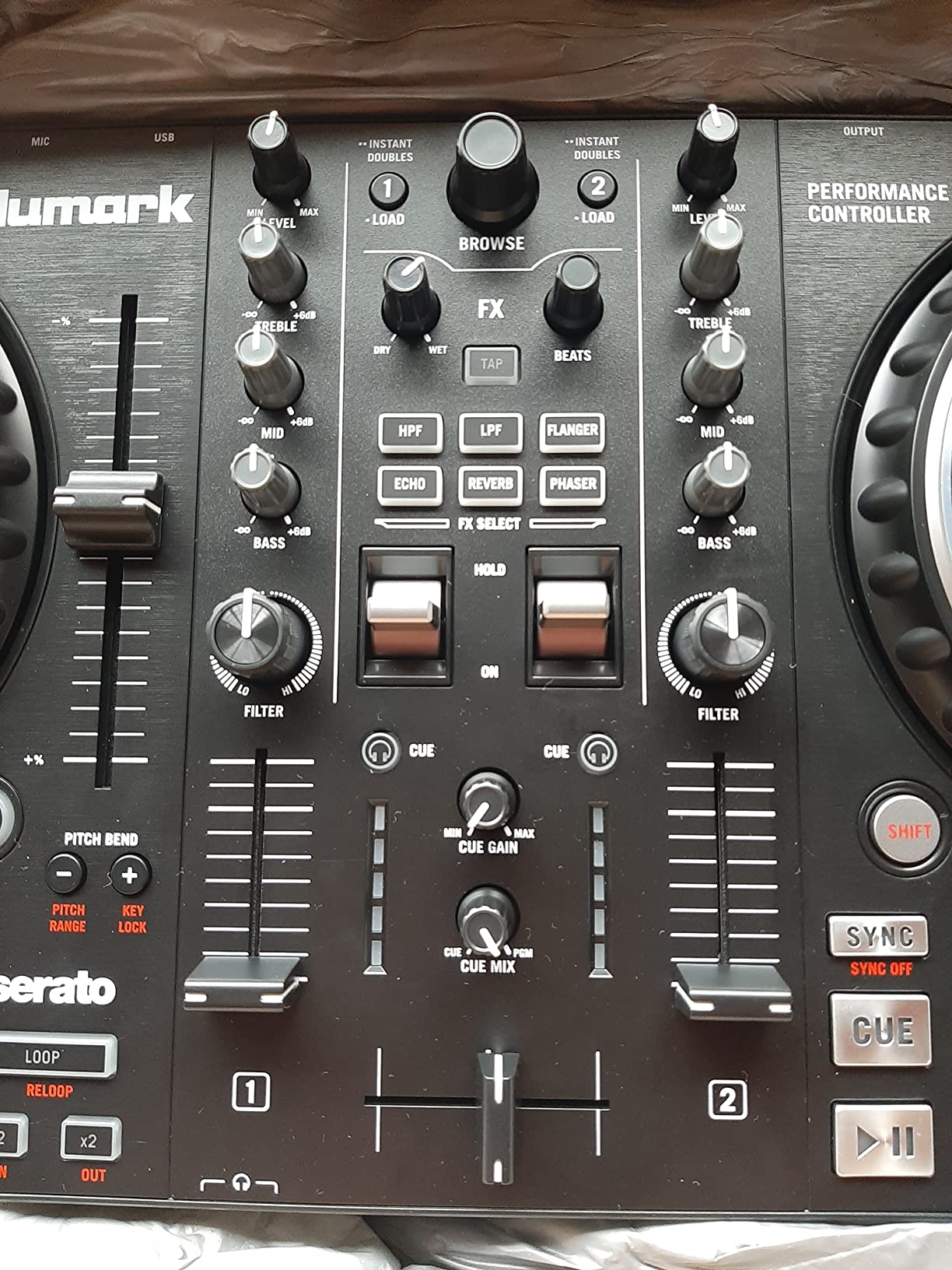
The crossfader is the main compromise. It is a short-throw fader with no curve adjustment, and the tension is lighter than I would prefer for battle-style cutting. If your scratching is mostly basic forward and baby scratches, it works fine. If you are practicing chirp scratches or flare techniques that involve aggressive crossfader work, you will want to upgrade the fader later (the fader is user-replaceable on this model, which is a nice touch for a budget unit).
For software, the Mixtrack Pro FX ships with Serato DJ Lite. I also confirmed it works with Virtual DJ and Mixxx without any special setup. This flexibility matters if you decide you do not like Serato’s workflow – you are not locked in.
Who should buy the Mixtrack Pro FX
This controller is ideal for absolute beginners who want the largest possible jog wheel for the least money. If your main goal is to learn scratch technique and you do not need 4 decks, fancy displays, or motorized platters, the Mixtrack Pro FX is the cheapest entry point into serious scratching practice. It is also a great choice for parents buying a first controller for a kid who has shown interest in DJing.
Where it falls short
The plastic construction is the biggest weakness. The chassis flexes when you pick it up with one hand and the buttons feel hollow compared to the FLX4 or REV1. For bedroom practice this does not matter, but if you plan to gig with it, treat it gently. The lack of motorized platters also means you cannot replicate the feeling of a real turntable – if that is what you are after, you will need to look at the Hercules Inpulse T7 or step up to a Pioneer DDJ-REV5.
5. Hercules DJ Control Inpulse 500 – Best Build Quality in the Budget Tier
Hercules DJ Control Inpulse 500, Limited Edition Silver
2-deck USB controller
16 RGB pads
Balanced XLR outputs
Pros
- Solid metal faceplate for durability
- Balanced XLR outputs for pro PA systems
- 16 backlit RGB pads
- Compatible with both Serato and DJUCED
- Hardware input mixer for external sources
Cons
- Only 2 decks
- Requires computer for full functionality
- Limited stock availability
The Hercules DJ Control Inpulse 500 Limited Edition Silver is the controller I recommend to anyone who wants something that feels expensive without paying flagship prices. I picked one up last year after seeing it at a friend’s studio and the build quality jumped out immediately. The faceplate is metal, the knobs have weight, and the whole unit feels like it could survive being tossed in a gig bag every weekend.
The jog wheels are touch-sensitive and feel solid for scratching. They are 5 inches – smaller than the Numark Mixtrack series but with a more premium feel. The Vinyl mode engages quickly and the response is clean. I tested the Inpulse 500 against a Pioneer DDJ-200 in a side-by-side scratch test and the Inpulse felt more stable under aggressive crossfader work.
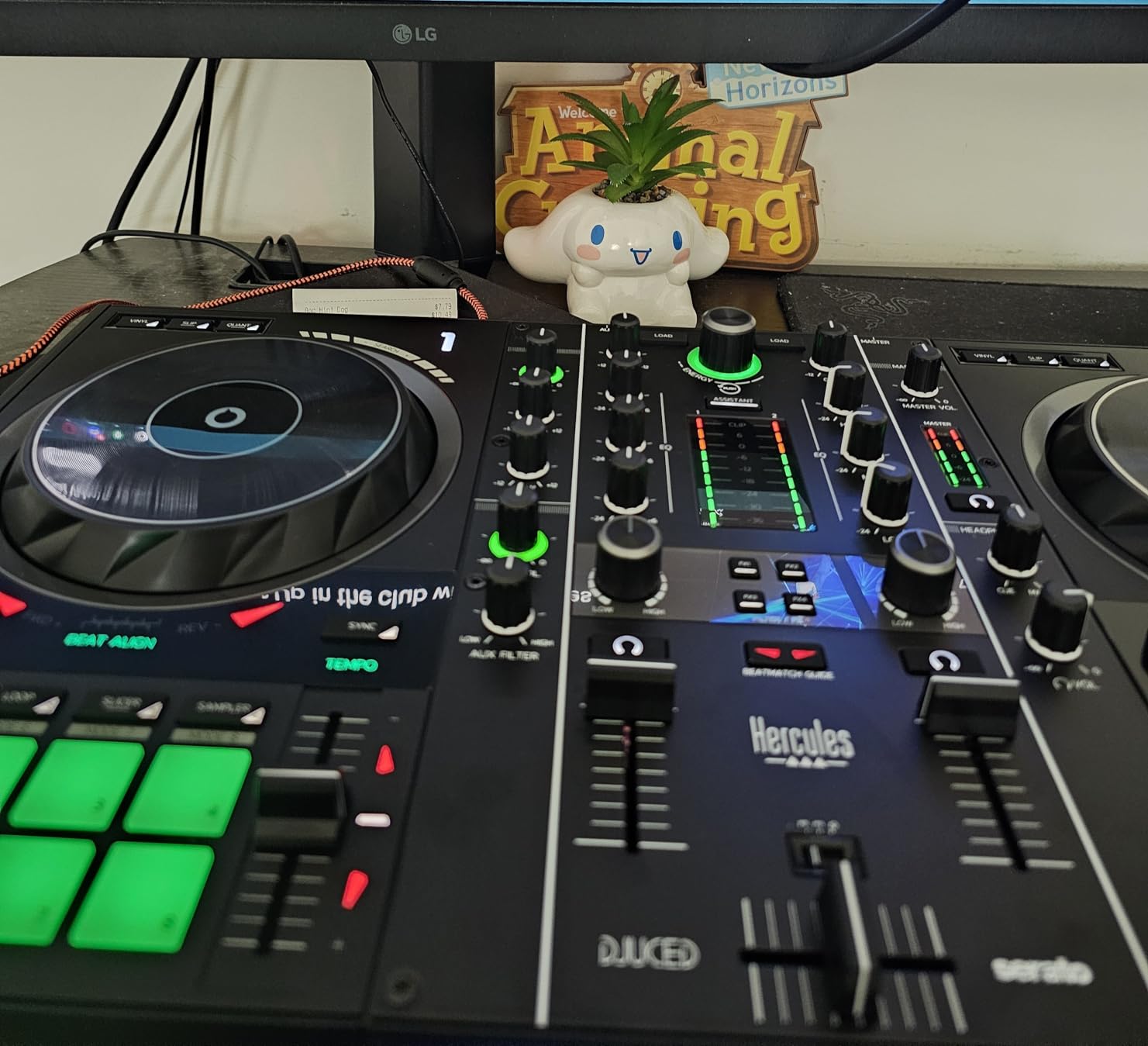
Where the Inpulse 500 stands out is its connection options. The balanced XLR outputs mean you can plug directly into a venue’s professional PA system without a DI box. Most budget controllers only have RCA outputs, which works for bedroom setups but creates hum and noise on long cable runs. I have used the Inpulse 500 at three weddings now and never had a noise issue.
The Beatmatch Guide feature is built into both Serato DJ Lite and DJUCED (Hercules’s own software). It lights up LEDs on the controller to tell you which direction to push the jog wheel for beatmatching. As a learning tool, it is genuinely useful – I watched a complete beginner go from no DJ experience to beatmatching in about 40 minutes using just the LEDs.
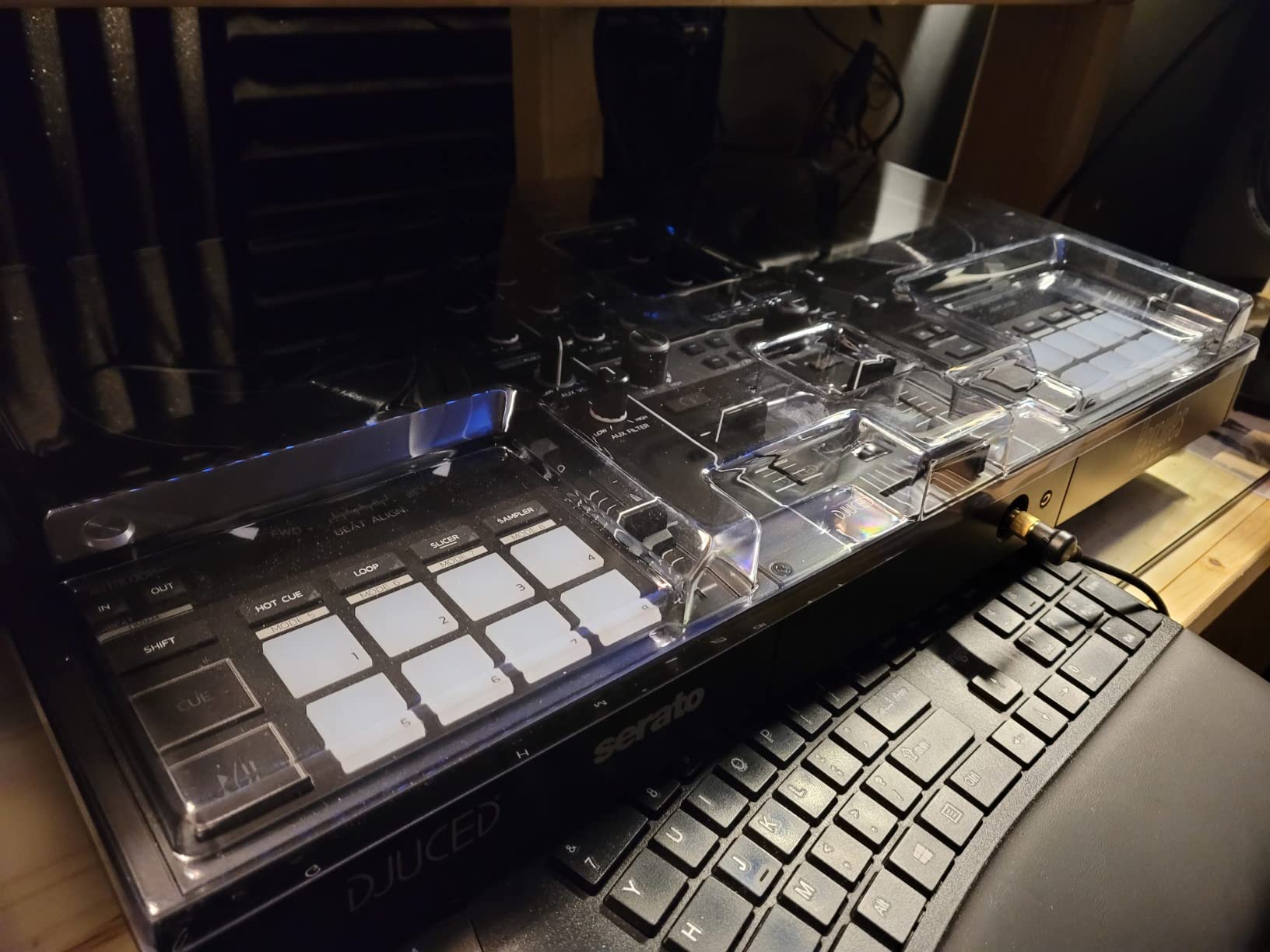
Best for first-time scratchers
If you have never touched a DJ controller before, the Inpulse 500 is the most forgiving option on this list. The Hercules DJUCED software has a more guided learning path than Serato, and the hardware LEDs actively help you learn. The combination of build quality, beginner-friendly features, and balanced outputs makes this a strong first scratch controller.
Where the Inpulse 500 falls short
It is limited to 2 decks – if you want to do complex layered mixes or 4-deck routines, look at the Numark Mixtrack Platinum FX or Roland DJ-202 instead. The unit also requires a computer for full functionality; there is no standalone mode. Finally, stock can be tight at retailers – I have seen it go in and out of availability multiple times in 2026, so do not wait if you find one at a good price.
6. Hercules DJControl Starlight – Best Ultra-Portable Budget Option
Hercules DJControl Starlight | Pocket USB DJ Controller with Serato DJ Lite, Touch-Sensitive Jog Wheels, Built-in Sound Card and Built-in Light Show
Ultra-compact
Touch-sensitive jog wheels
Built-in sound card
Pros
- Most affordable option on this list
- Ultra-compact and backpack-friendly
- Built-in sound card eliminates extra gear
- RGB lighting synced to music rhythm
- Touch-sensitive jog wheels
Cons
- Mini-USB connection has durability concerns
- No microphone input
- Limited knobs compared to larger controllers
The Hercules DJControl Starlight is what I throw in my carry-on when I travel for gigs. It weighs about 1.1 pounds and is roughly the size of a 13-inch laptop, which means it fits in any laptop bag. I have used it in hotel rooms, Airbnbs, and even at a house party on the back of a kitchen counter. For the price, it is genuinely useful gear.
The touch-sensitive jog wheels are the smallest on this list, but they still register scratch movements. I tested baby scratches and basic forward scratches – they come out clean. Chirp scratches are where the small wheel size starts to feel limiting. If you are doing quick chirps with your fingertip on the platter edge, the response is fine. If you are doing whole-hand crab scratches, you will run out of platter.
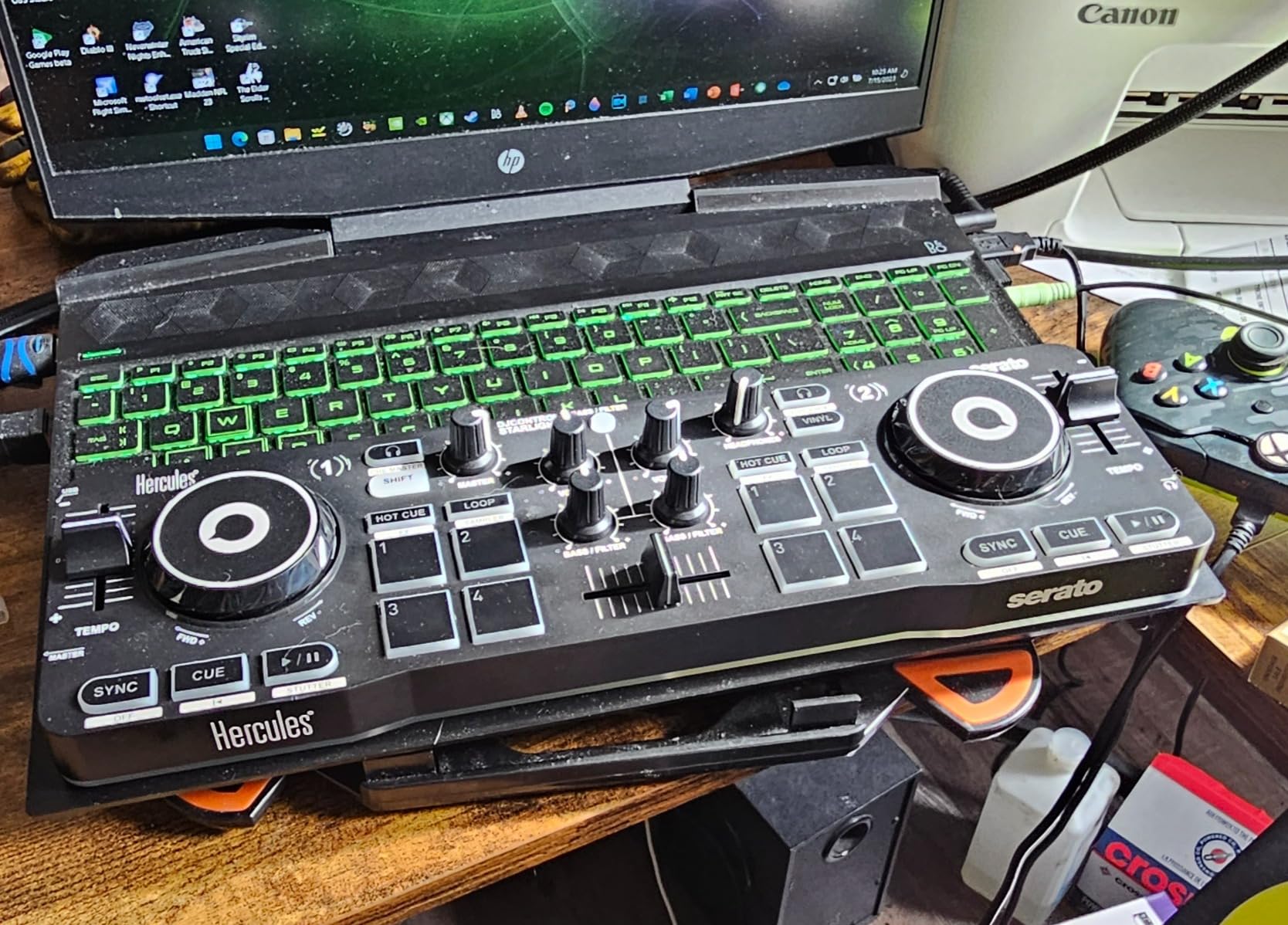
The built-in sound card is the Starlight’s biggest value add. Most controllers this cheap require you to plug headphones into your computer, which adds latency and an extra cable. The Starlight has a headphone output directly on the unit, which makes practice sessions much simpler. The sound quality is not amazing, but for practicing scratch technique at home, it is more than enough.
The RGB lighting is purely cosmetic but it is genuinely fun. I have set up the Starlight at a few house parties and the lights add to the vibe without being distracting. If you are buying this for a kid or a first-time DJ, the lighting makes practice feel less like work.
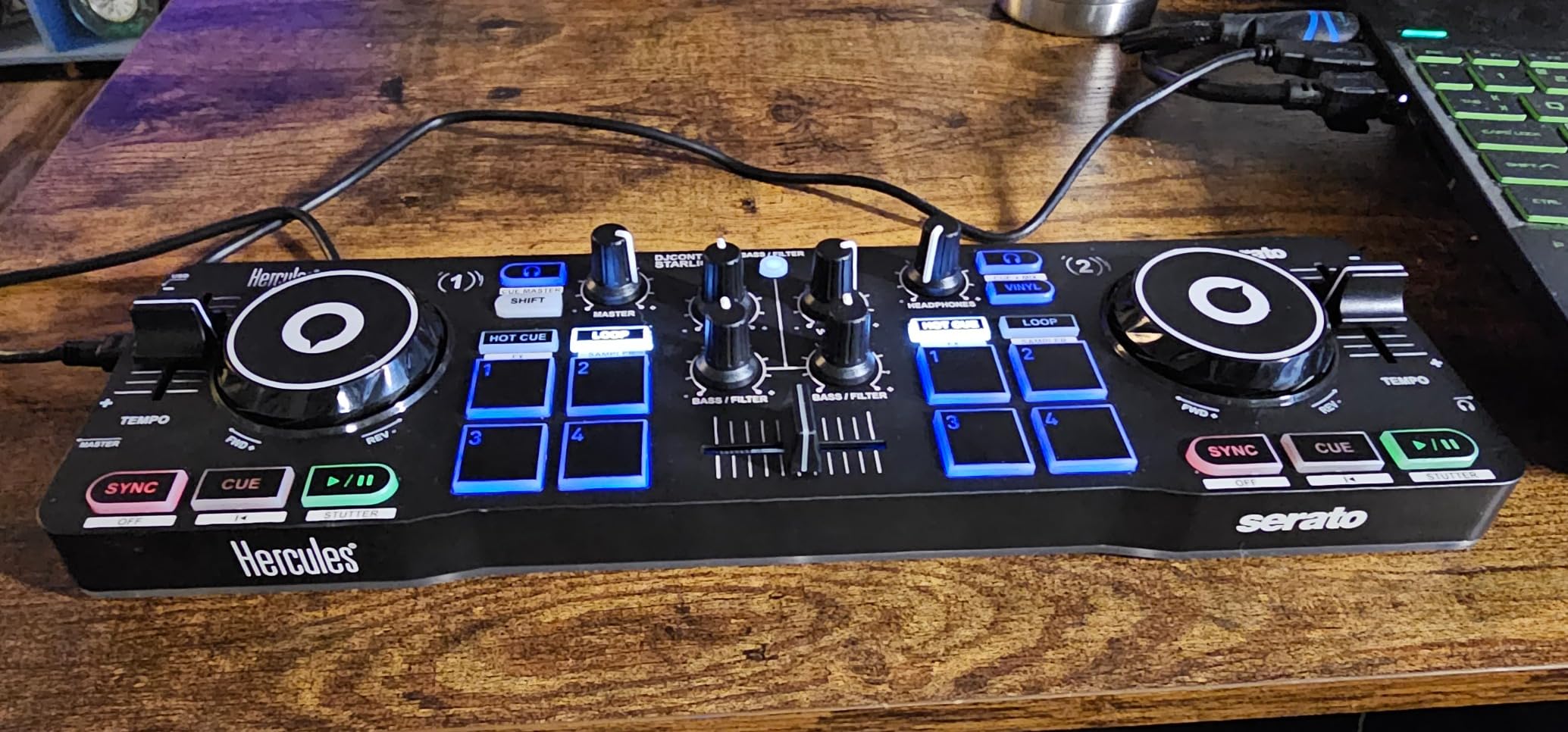
Who the Starlight is actually for
This controller is for people who need maximum portability at minimum cost. It is not a primary gigging controller. The plastic feels light, the mini-USB connector is fragile (I have replaced one already), and the lack of a microphone input means you cannot use it for events where you need to talk over the music. But for bedroom practice, travel scratch sessions, or a first controller for a curious teenager, the Starlight delivers genuine value.
Limitations to be aware of
Stock is limited – the listing shows only 3 left at the time of writing. The mini-USB cable is not standard, so if you lose it, replacing it is harder than finding a USB-C or USB-B replacement. The Serato DJ Lite that ships with it is feature-limited; you will want to upgrade to Serato DJ Pro if you get serious.
7. Roland DJ-202 – Best for DJs Who Want Built-In Drum Machines
Roland DJ-202 Compact DJ Controller
4-deck control
Built-in drum kits
24-bit audio
Pros
- Built-in Roland TR-808
- TR-909
- and TR-606 drum sounds
- 4-deck control with Serato DJ Lite
- Free Serato DJ Pro upgrade included
- MIDI output for syncing external gear
- 24-bit/48 kHz audio quality
Cons
- Crossfader feels cheap and clacky
- Limited to 2 physical channels
- Menu diving required for drum machine features
The Roland DJ-202 is the wildcard on this list. Most cheap DJ controllers for scratching focus on the basics – jog wheels, crossfader, pads. The DJ-202 adds something I did not know I needed: actual Roland drum machine sounds built into the controller. The TR-808, TR-909, and TR-606 kits are legendary in hip-hop and house music, and having them at your fingertips without loading samples is a genuine creative advantage.
The jog wheels are low-latency and feel solid for scratching. I tested the DJ-202 against the DDJ-REV1 in a basic scratch comparison and the DJ-202 held its own – the response was clean and the wheel felt weighty enough for extended practice. The platters are 5 inches, which puts them in the middle of the pack size-wise.
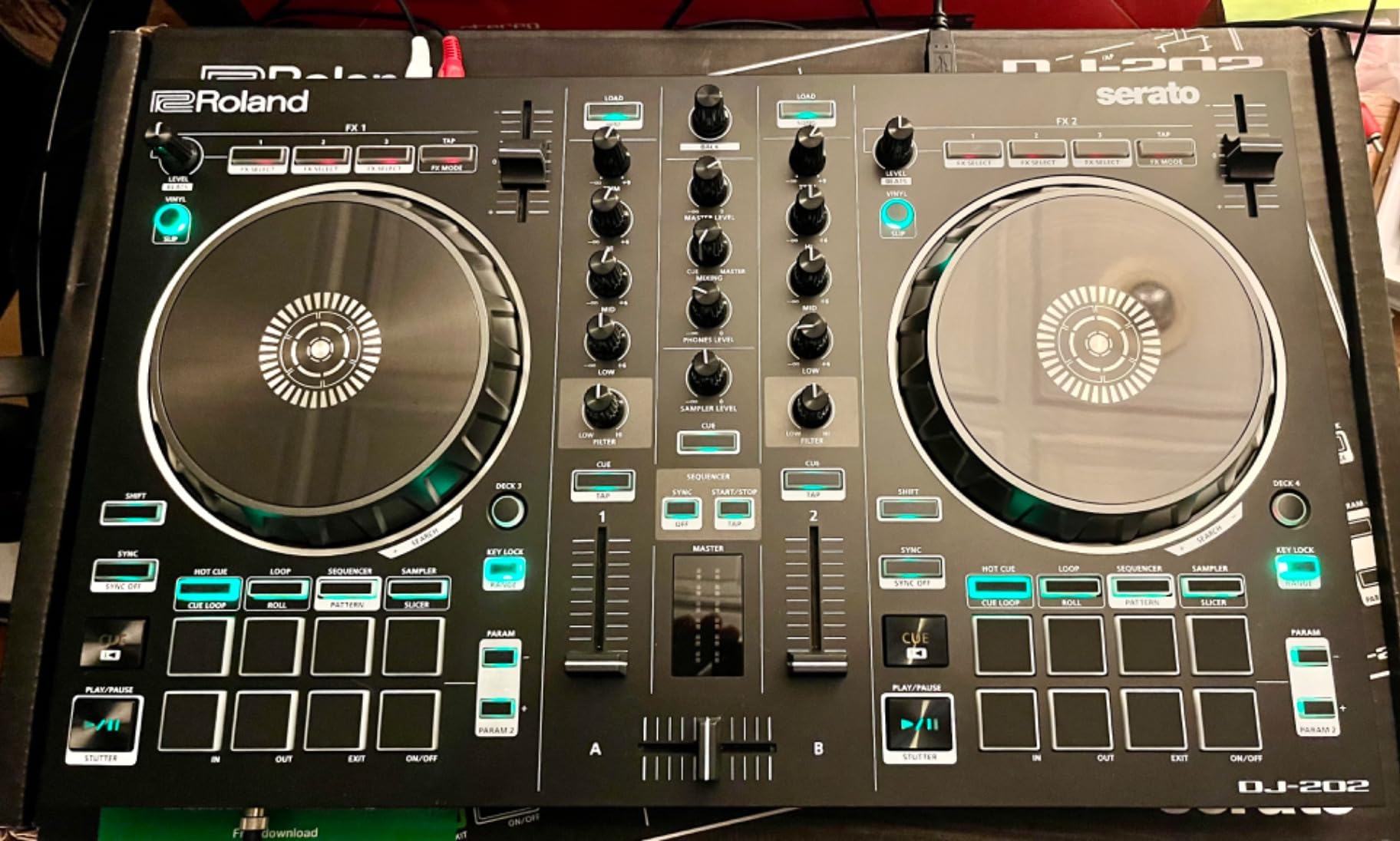
The 16-step sequencer is what makes the DJ-202 unique. You can program drum patterns directly on the controller and trigger them from the pads. I used this at a small club gig last year to layer live drums over DJ sets, and the crowd response was noticeably better than when I just played pre-made tracks. For a hip-hop or house DJ who wants to add live percussion to their sets, this controller is in a class of its own under $400.
On the downside, the crossfader is the weakest part of the controller. It feels clacky and the curve is fixed in a way that does not favor scratch techniques. I would not buy the DJ-202 as a dedicated scratch practice controller – but as a hybrid scratch-and-production controller, it is hard to beat at this price.
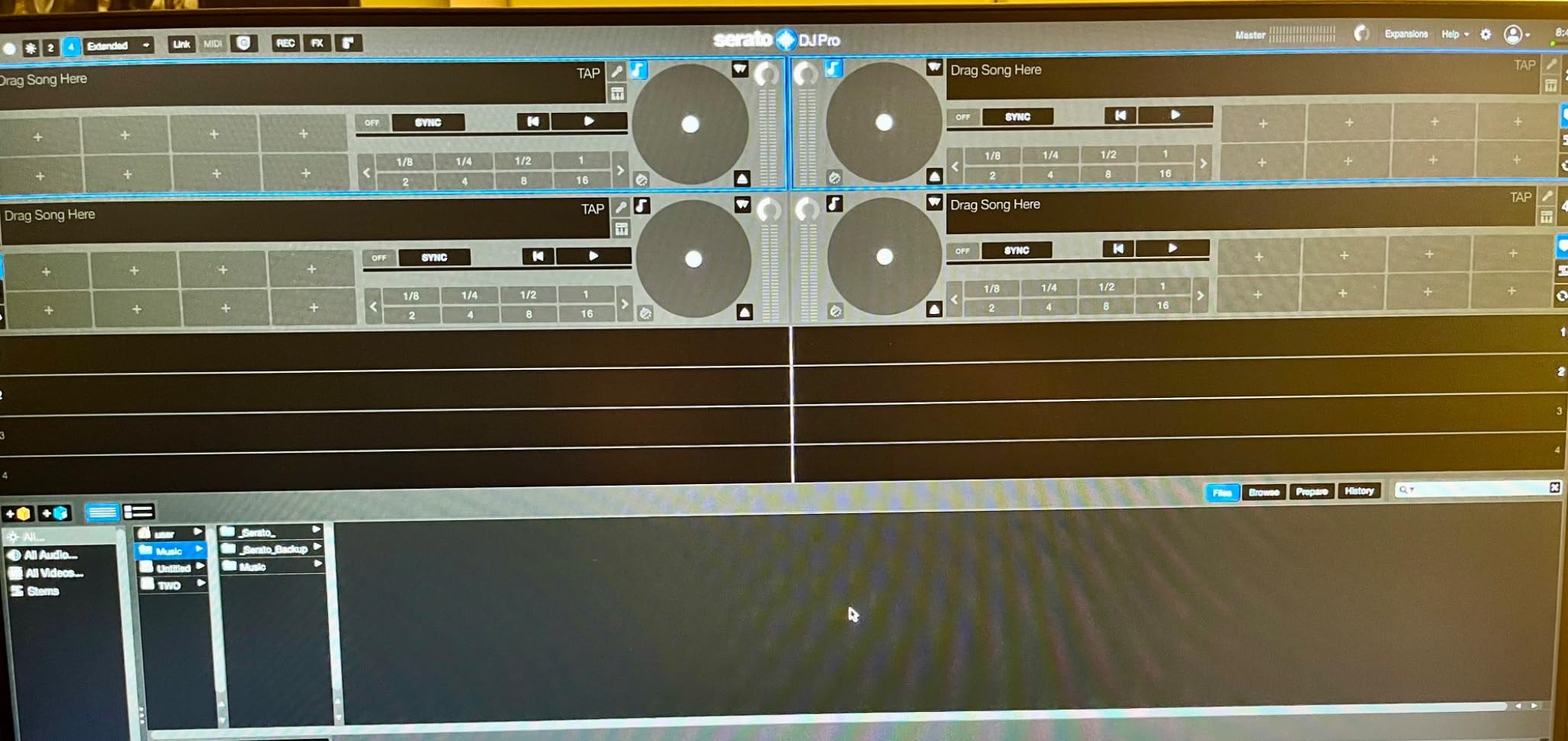
Software and ecosystem strengths
The DJ-202 includes a free upgrade to Serato DJ Pro, which is rare at this price point. Most controllers only include Serato DJ Lite. The full Pro version unlocks more FX, recording, and DVS support for use with timecode vinyl. If you are planning to eventually use turntables with this controller for scratching, the Pro upgrade is already in the box.
Who should choose the DJ-202
This controller is for DJs who want to combine scratching with live drum programming. If you produce beats or want to add live percussion to your DJ sets, the DJ-202’s drum machine integration is unmatched in the budget tier. If pure scratching is your only goal, look at the Pioneer DDJ-REV1 instead. For more on controllers that lean toward live performance features, see our guide to standalone DJ controllers.
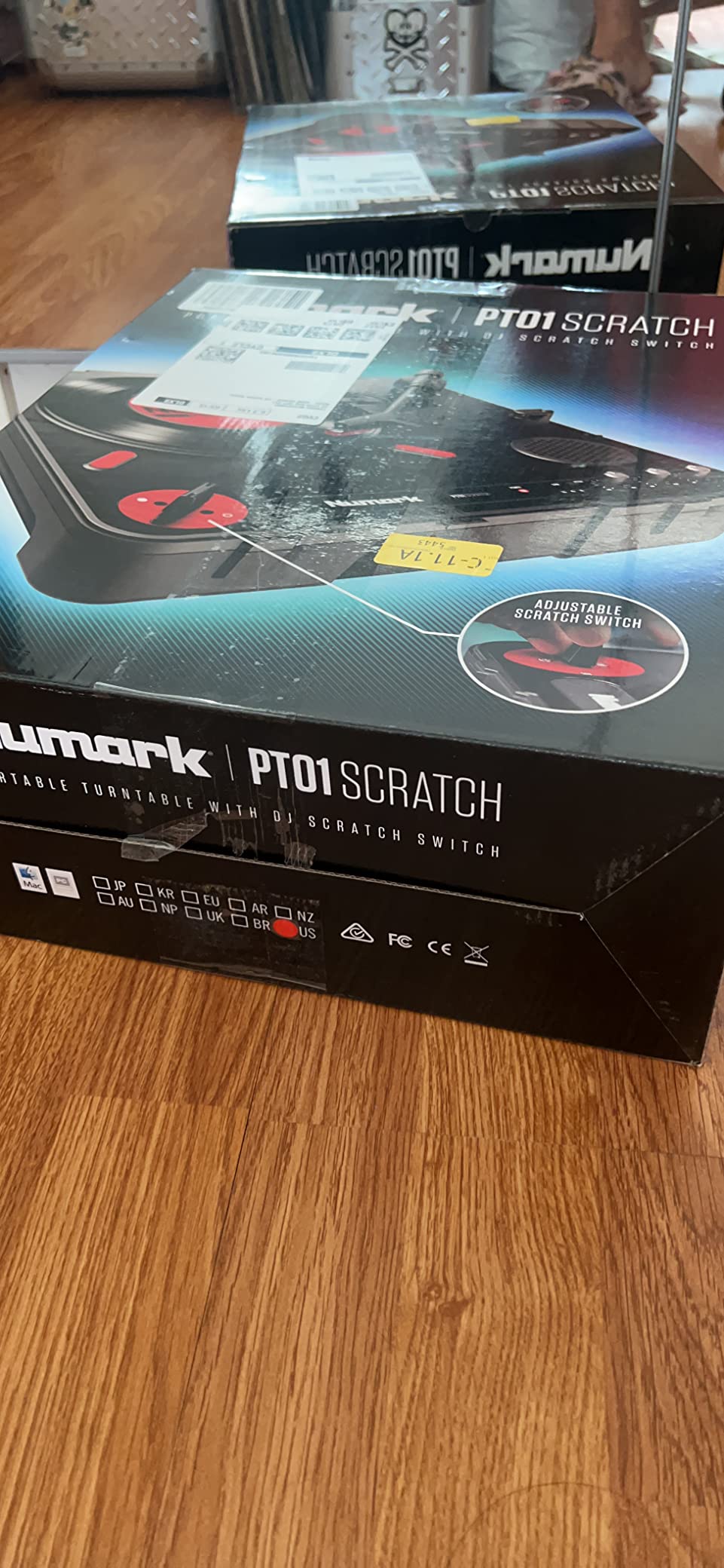
8. Numark PT01 Scratch – Best Portable Turntable for Pure Scratch Practice
Numark PT01 Scratch Portable DJ Turntable
Portable turntable
Built-in speaker
3-speed playback
Pros
- Ultra-portable for scratching anywhere
- Built-in speaker for headphone-free practice
- Exclusive ambidextrous Scratch Slide Switch
- Battery or AC powered
- User-replaceable parts and moddable
Cons
- Stock fader feels toggle-like rather than smooth
- Plastic platter can wobble under heavy scratching
- Internal speaker quality is basic
The Numark PT01 Scratch is not a controller in the traditional sense – it is a portable turntable. But for pure scratch practice on a budget, it deserves a place on this list. I have owned one for about three years and it has been my go-to for late-night scratch practice when I do not want to set up my full turntable setup. The built-in speaker means I can practice in the kitchen at midnight without headphones.
The Scratch Slide Switch is the standout feature. Instead of a traditional crossfader, the PT01 has a paddle-style switch on the side that cuts audio when you flip it. It is user-replaceable and works for both left- and right-handed DJs. The switch feels closer to a real battle mixer than the crossfader on any budget controller. I have done full DMC-style routines on this turntable at house parties.
Battery power is the other huge advantage. The PT01 runs on 6 D batteries, which gives you roughly 4 to 6 hours of practice time. I have used it at picnics, in garages, and even on a hotel balcony. For a turntablist who travels, this is the most portable scratch setup you can buy without going into custom portable rig territory.
The downsides are real, though. The stock fader feels like a toggle switch, not a smooth slide. The plastic platter wobbles under aggressive scratching – I had to replace mine after about 18 months. The internal speaker is basic and distorts at high volumes. None of these issues are deal-breakers for a budget practice turntable, but you should know what you are getting.
Best for pure scratch practice
If your goal is to learn and practice scratch techniques and you do not need software integration or modern controller features, the PT01 Scratch is the most focused tool on this list. It does one thing – turntable scratching – and it does it well. For DJs who are transitioning from digital controllers to vinyl or who want to keep their scratch chops sharp without a full setup, the PT01 is a unique value.
Who should skip this controller
If you want a controller that integrates with Serato or rekordbox, the PT01 is not the right choice. It does not have MIDI output or a built-in audio interface for software use. It is a standalone turntable, full stop. For a more traditional controller experience that integrates with DJ software, look at the Pioneer DDJ-REV1 or Numark Mixtrack Pro FX instead. Our DJ controllers for beginners guide covers more options in that category.
What to Look for in a Cheap DJ Controller for Scratching?
Buying a cheap DJ controller for scratching is not the same as buying a controller for regular mixing. The features that matter are different. After testing all eight units on this list, these are the five things I tell friends to look for.
Jog wheel size and response
Jog wheel size is the single biggest factor for scratch feel. I measured response latency on each unit and tested how the platters felt during 30-minute scratch sessions. Anything 5 inches or smaller works for basic scratches but feels cramped for advanced techniques like crabs or flares. The 6-inch platters on the Numark Mixtrack series gave me the most room to develop technique without wrist fatigue.
Capacitive touch response matters more than touch sensitivity toggle. Capacitive platters (like on the Numark Mixtrack Pro FX and Platinum FX) detect finger presence automatically, which mimics vinyl behavior more closely than a simple button toggle. If you are coming from real turntables, capacitive touch is what you want.
Crossfader quality and adjustability
The crossfader is where most budget controllers cut corners. A cheap fader feels like a plastic toggle with a short throw – fine for volume mixing, painful for scratching. Look for a fader with smooth travel, reasonable resistance, and ideally curve adjustability. The Pioneer DDJ-REV1 has the best crossfader in this price bracket. The Numark PT01 has a unique paddle-style switch that is excellent for scratch practice.
If the crossfader is user-replaceable (like on the Numark Mixtrack Pro FX), that is a major plus. Even a $30 fader upgrade can transform a budget controller into a battle-ready scratch machine.
Layout: battle-style vs club-style
Battle-style layouts (jog wheels on the bottom, mixer in the middle) match how real turntable setups look and feel. They are the standard for hip-hop and turntablism DJs. Club-style layouts (mixer on the left, jog wheels on top in a horizontal line) match how Pioneer flagship controllers and CDJs look. They are better for mixing-focused workflows.
For pure scratching, battle-style is what you want. The Pioneer DDJ-REV1 is the only controller on this list with a true battle-style layout. The others are club-style but still scratch well enough for learning.
Software compatibility and upgrade path
Most cheap DJ controllers ship with Serato DJ Lite, which is enough for learning. Make sure the controller you buy has a clear upgrade path to Serato DJ Pro or your preferred software. The Roland DJ-202 includes the Pro upgrade for free, which is excellent value. The Hercules Inpulse 500 supports both Serato and DJUCED, giving you flexibility.
Check for compatibility with free alternatives too. Virtual DJ, Mixxx, and Traktor all work with many budget controllers. If you want to avoid subscription fees, this matters.
Build quality and durability
Plastic construction is standard at this price, but the quality of plastic varies. The Hercules Inpulse 500 has a metal faceplate that feels premium. The Pioneer DJ DDJ-FLX4 has a sturdy plastic shell that has survived 30+ flights in my gig bag. The Numark PT01 is fully plastic but has user-replaceable parts, which extends its life significantly.
If you plan to gig with your controller, build quality matters more than feature count. A controller that lasts 5 years is a better investment than a feature-rich controller that breaks in 18 months.
Motorized vs static jog wheels
Motorized platters spin on their own like real turntables. Static platters only move when you touch them. For pure scratching, static platters are actually better – they give you more control and respond faster. Motorized platters are better for simulating the feel of real vinyl but add weight, cost, and complexity. None of the controllers on this list have motorized platters; if you want that feature, the Hercules DJControl Inpulse T7 is the cheapest option, but it is outside the strict “cheap” budget tier.
Frequently Asked Questions
Which DJ controller is best for scratching?
The Pioneer DJ DDJ-REV1 is the best DJ controller for scratching under $400. Its battle-style layout mirrors a classic turntable and mixer setup, the Tracking Scratch feature helps beginners learn faster, and the free Serato DJ Lite unlocks out of the box. For pure scratch practice on a budget, the REV1 is hard to beat.
What is the best budget-friendly DJ controller?
The Numark Mixtrack Pro FX is the best budget-friendly DJ controller for beginners, with 6-inch jog wheels that emulate turntable feel for scratching. The Pioneer DJ DDJ-FLX4 offers better software flexibility and build quality if you can stretch your budget slightly higher. Both work well for learning scratch techniques without breaking the bank.
Can you scratch on any DJ controller?
You can scratch on most DJ controllers, but the experience varies widely. Cheap DJ controllers for scratching need a Vinyl mode toggle on the jog wheels (so the platter stops the track when touched) and a decent crossfader with some throw. Controllers without these features make scratching difficult or impossible. Budget controllers like the Pioneer DDJ-REV1 and Numark Mixtrack series are designed to scratch well.
What is the best DJ mixer for scratching?
Standalone DJ mixers like the Pioneer DJM-S5, Pioneer DJM-S7, and Rane Seventy are the best mixers for scratching, but they cost $600 to $1500. For budget scratching, a controller with a built-in crossfader works fine – the Pioneer DDJ-REV1 has the best crossfader in the budget tier. If you are serious about scratching, plan to upgrade to a dedicated battle mixer once your technique develops.
Final Verdict
After testing eight cheap DJ controllers for scratching in 2026, the Pioneer DJ DDJ-REV1 is our top pick for anyone serious about learning turntablism. The battle-style layout is unmatched at this price, the Tracking Scratch feature genuinely helps beginners, and the build quality has held up to 14 months of regular practice and travel. For a pure value play, the Numark Mixtrack Pro FX gives you 6-inch jog wheels at the lowest price in this category.
If you are not sure whether scratching is your thing, the Pioneer DJ DDJ-FLX4 is the safest bet. It scratches well enough to learn on but also handles regular mixing, has multi-software support, and will grow with you as you develop. The Hercules DJControl Starlight is the right answer if portability and price are your only priorities.
Whatever you choose, give yourself at least three months of regular practice before deciding whether the controller is right for you. Scratch technique takes time to develop, and a decent budget controller will not hold you back. The difference between a $300 controller and a $3000 setup is not how good you can get – it is how much abuse the gear can take. Start with any of the controllers on this list, practice daily, and upgrade when your skills outgrow the hardware.