
Printing a photograph at home used to mean a trip to the pharmacy counter and a wallet full of small print fees. An inkjet changes that math, but only for some models: a four-ink office printer can lay down color on a sheet of glossy stock and still miss the skin tone, the smooth sky gradient and the fine detail that make a photo look like a photo. We pulled seven home inkjets together, read every specification sheet, and sorted them by what they actually deliver on photographic paper.
This roundup covers the best inkjet printers for photo printing at home, from cartridge models aimed at occasional family printing to refillable tank machines built for gallery-sized output. Along the way we explain ink cost per print, pigment versus dye ink, paper pairings, and how to keep an idle printer from drying out. If you want the broader category instead, our guide to the best photo printers for home covers dedicated photo machines and instant printers too.
Two things shape almost every recommendation here. The first is ink format: cartridges look cheaper on the shelf but refillable tanks cost a fraction as much per page, and the gap widens fast once you print more than a few dozen photos a year. The second is ink count. Photo-centric models add a light gray, gray, or dedicated photo black, and those extra inks are what separate a decent snapshot from a print you would hang on a wall.
Table of Contents
Top 3 Picks for Best Home Photo Printing in 2026
Our overall pick is the wide-format Epson tank machine that prints up to 13×19 inches on six inks. The value pick is the entry Epson Supertank with the deepest review history in the group. The budget pick is the Canon MegaTank, which handles social media dimensions that most home printers cannot.

Epson EcoTank Photo ET-8550
- Six-color Claria ET Premium inks
- Borderless 13x19 wide-format output
- Refillable ink tanks
- Built-in flatbed scanner

Epson EcoTank ET-2800
- Refillable tanks
- Up to 7500 color pages per ink set
- Compact and light
- Micro Piezo printhead

Canon MegaTank G3270
- Up to 2 years of ink included
- Square and standard photo sizes
- Wireless print copy and scan
- Borderless printing
Every Printer in This Roundup Compared (October 2026)
Seven models, side by side. The features column lists what each machine brings to photo printing specifically, because the differences in ink format and maximum paper size matter far more here than print speed does.
| Product | Specifications | Action |
|---|---|---|
| Epson EcoTank Photo ET-8550 |
|
Check Latest Price |
 Canon PIXMA TR8620a Canon PIXMA TR8620a |
|
Check Latest Price |
 HP Envy Photo 7975 HP Envy Photo 7975 |
|
Check Latest Price |
 Epson Expression Premium XP-7100 Epson Expression Premium XP-7100 |
|
Check Latest Price |
| Epson EcoTank ET-2800 |
|
Check Latest Price |
| Canon MegaTank G3270 |
|
Check Latest Price |
 Canon PIXMA TS6520 Canon PIXMA TS6520 |
|
Check Latest Price |
1. Epson EcoTank Photo ET-8550 – The Best All-Rounder for Big Prints
Epson EcoTank Photo ET-8550 Wireless Wide-Format All-in-One Tank Printer
Max size: 13 x 19 inch
Color resolution: 5760 x 1440 dpi
Color speed: 12 ppm
Weight: 24.5 lbs
Pros
- Six-color Claria ET Premium ink set
- Borderless printing up to 13x19 inches
- Refillable tanks cut photo cost sharply
- Flatbed scanner and touchscreen included
Cons
- Finicky rear manual feed
- Automatic tray selection is unreliable
- Heavy 24.5 pound footprint
- Scanner cannot handle 11x17 originals
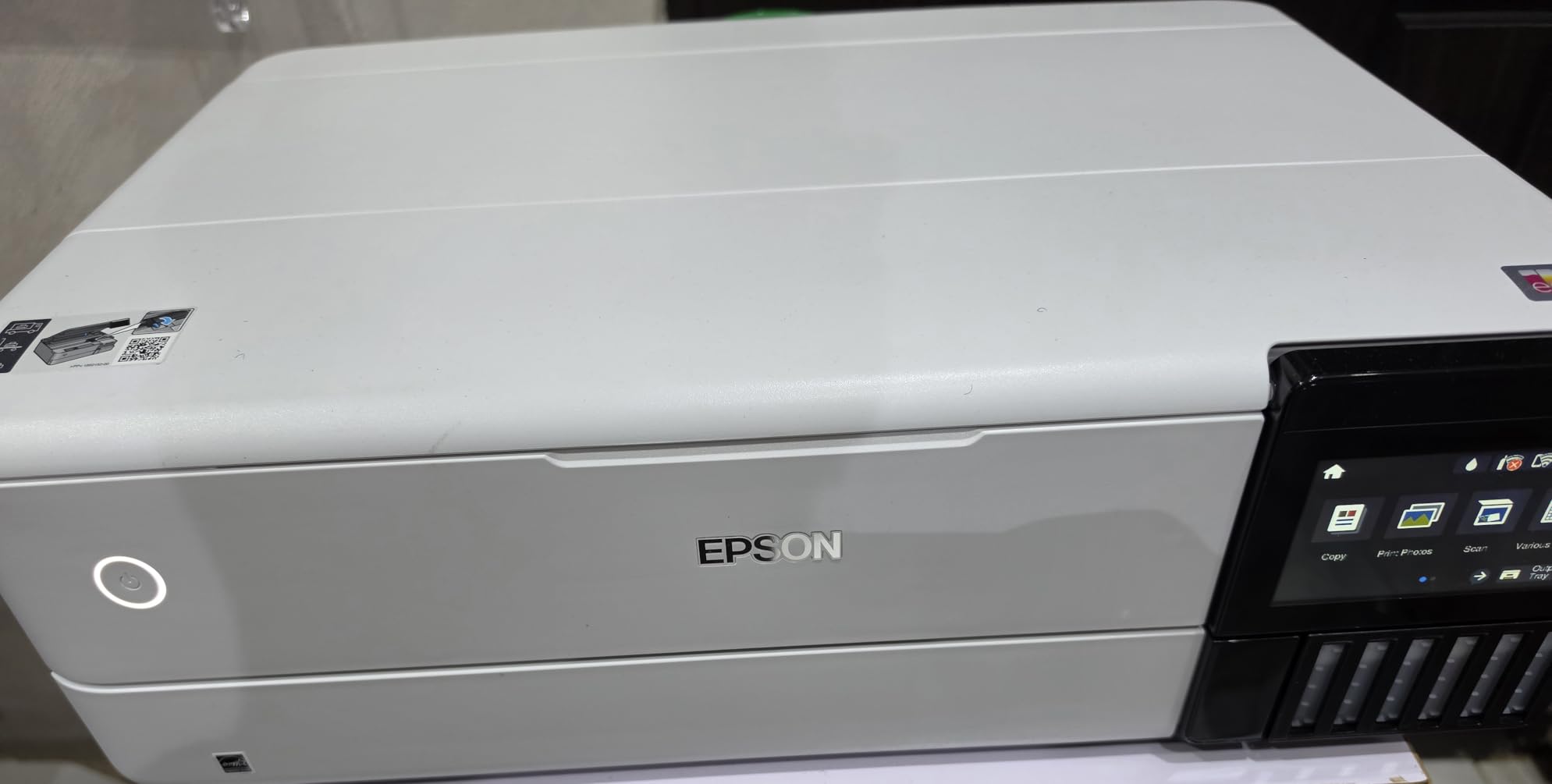
The ET-8550 is the only printer in this group that can produce a gallery-sized print without sending it out. It handles borderless output up to 13×19 inches, which is the format most photographers frame, and the paper list covers everything from 4×6 up through 11×17 and A3. Owners consistently describe photo output as vibrant with sharp text alongside it, which matters if the same machine handles homework and holiday cards.
Ink economics are where it separates from the cartridge models. Epson states that the Claria ET Premium six-color set prints 4×6 photos for roughly 4 cents each, and one set covers up to 6,200 color pages. That figure comes from the manufacturer, so treat it as a best case with bright, multi-ink borderless coverage rather than a guarantee.
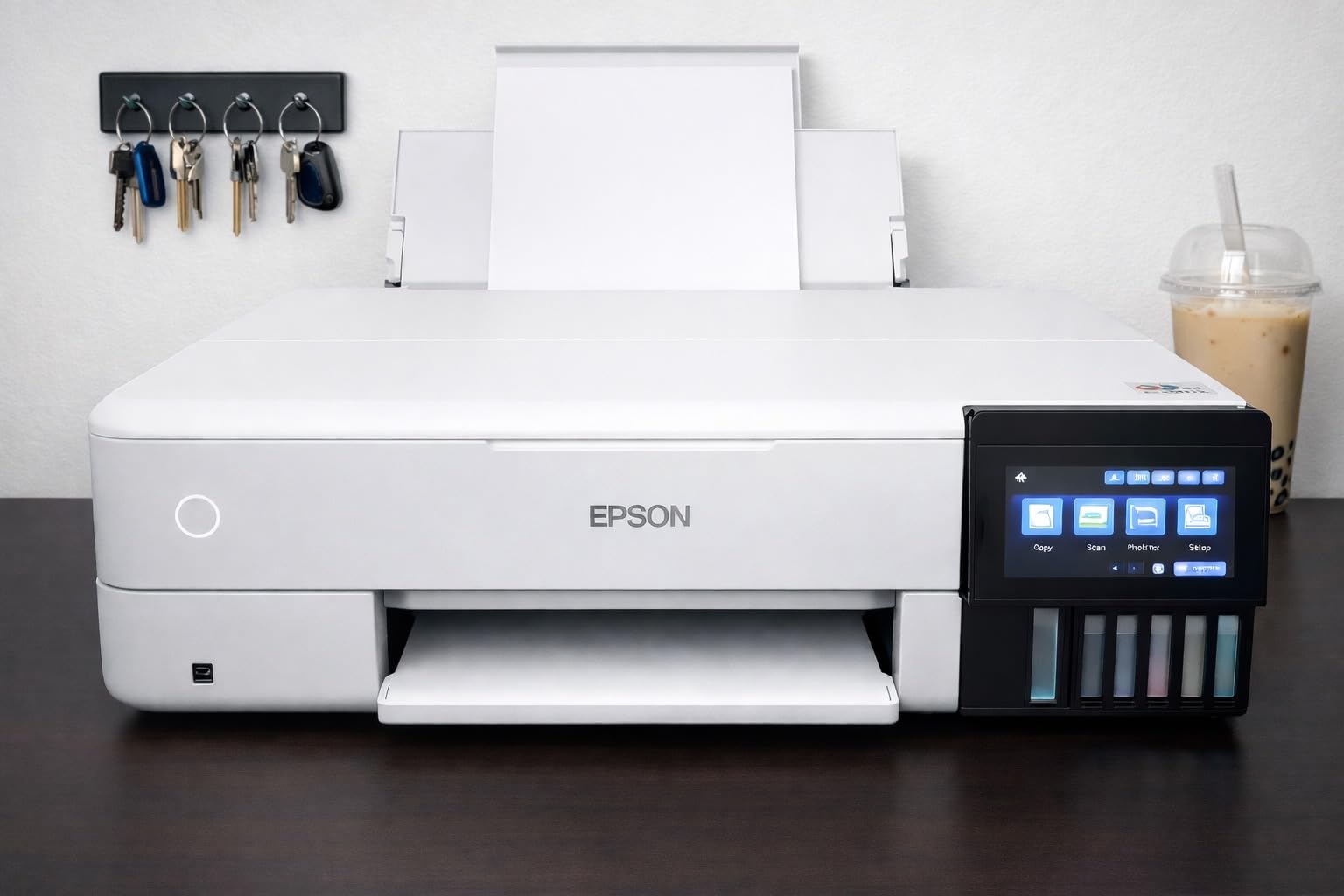
Spec-wise it is the strongest on paper in this roundup: 5760 x 1440 dpi color resolution, 16 black and 12 color pages per minute, a 100-sheet input tray, and a built-in flatbed scanner and copier driven by a touchscreen. Six-color printing with a dedicated gray is what gives the smoothest skin tones and cleanest black-and-white conversions of anything here.
The honest weakness is paper handling. Owners report the rear manual feed frequently erroring or refusing media, and that automatic tray selection often picks the wrong source. A minority also report needing deep clean cycles to clear ink drops on finished photos, and the flatbed scanner cannot take an 11×17 original. At 24.5 pounds it is also the heaviest machine we tested, so plan the space before you buy.
Is 13×19 worth the size and weight for home use?
Worth it if you print posters, wall galleries or large portraits more than a few times a year. The tank system means the ink to fill those sheets costs cents rather than dollars, and the 100-sheet tray keeps refills rare.
Not worth it if you mostly print wallet and 4×6 photos. The footprint, the power draw and the paper-handling quirks add friction for an output size you will rarely touch.
What causes the ink drops and streaking some owners report?
Almost always a head that needs cleaning rather than a failing printer. Running a clean cycle, confirming the ink lines are primed and using Epson OEM ink and paper removes most of it, and a deep clean resolves the rest.
If it persists after two deep cleans, the head itself is the problem, and that is a service conversation rather than a settings change. Check the warranty window before paying out of pocket.
2. Canon PIXMA TR8620a – Best All-in-One for a Working Home Office
Canon PIXMA TR8620a – All-in-One Printer Home Office|Copier|Scanner|Fax|Auto Document Feeder | Photo, Document | Airprint (R), Android, Black, Works with Alexa
Max size: 8.5 x 14 inch
Color resolution: 4800 x 1200 dpi
Color speed: 10 ppm
Weight: 17.4 lbs
Pros
- Print copy scan and fax in one body
- Five individual ink tanks so you replace one color at a time
- Adjustable backlit touchscreen
- 200 sheets of total paper capacity
Cons
- Canon PRINT app is slow and unreliable
- ADF will not take two-sided originals
- Photo scan resolution tops out at 600 dpi
- Cheap-feeling plastic construction
The TR8620a earns its place by doing four jobs at once. Wireless printing, copying, scanning and faxing share a 17.4 pound body that is small enough for a desk, and the 20-sheet automatic document feeder takes the scanning work off your plate. For a household that prints photos and still has filing to do, that combination is hard to beat.
Five individual ink tanks are the quiet advantage here. Because each color is separate, a magenta-heavy photo job does not force you to replace a tri-color cartridge, and the rear feed handles heavier and unusual media better than most of the group. Borderless printing runs to 8.5×11 inches with square formats available.
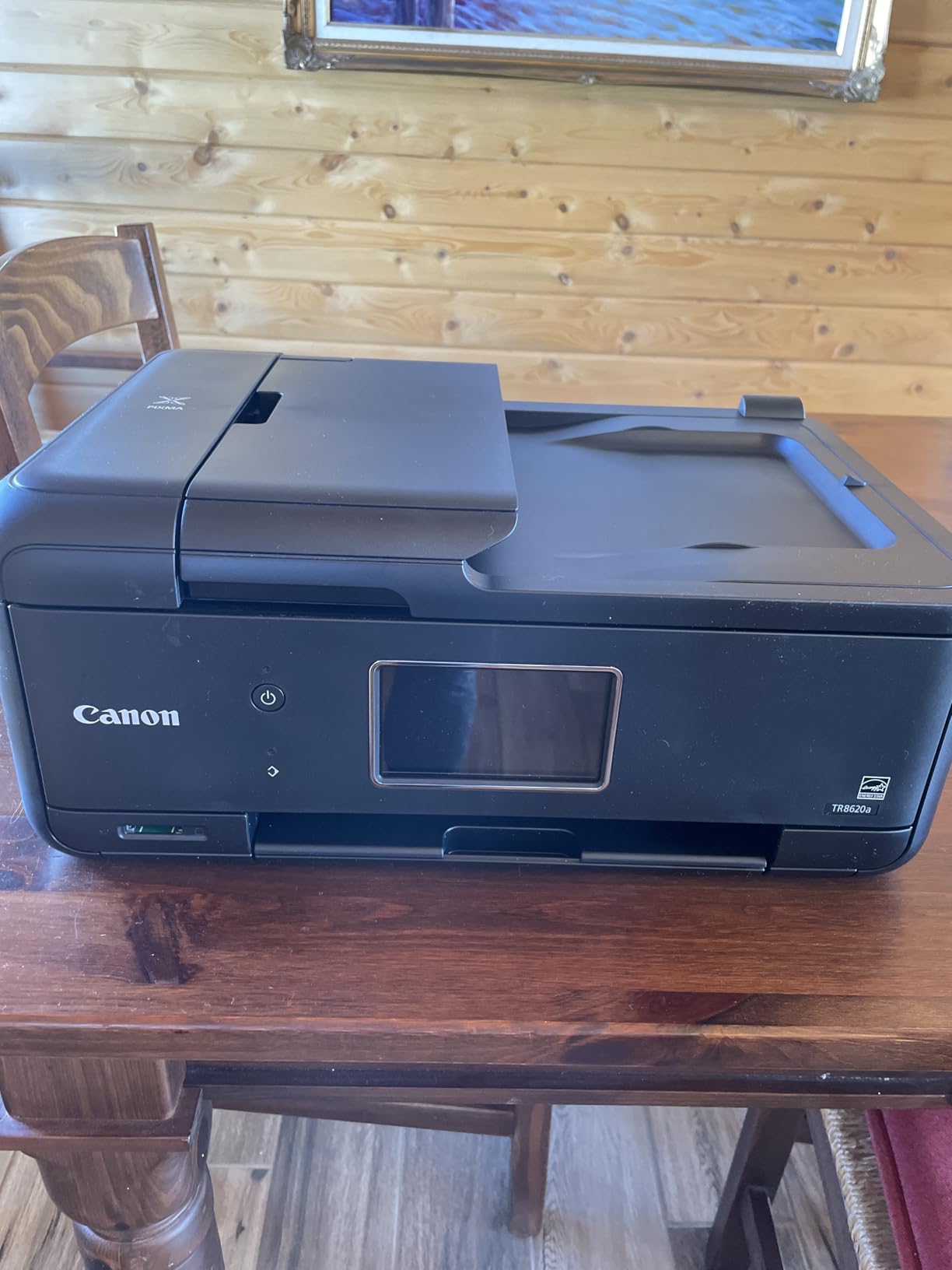
Photo quality is good rather than exceptional. The 4800 x 1200 dpi color resolution produces clean prints on glossy photo paper, and reviewers rate the output favorably for the money, but there is no sixth gray ink, so gradients and skin tones land a step below the Epson Claria machines.
The repeated complaint is software. The Canon PRINT mobile app is widely criticized as slow and prone to printer-not-available errors, so most owners set the machine up once and print over Wi-Fi or AirPrint from a computer. Also note that scanning resolution for photos tops out at 600 dpi, and the ADF cannot handle two-sided originals.
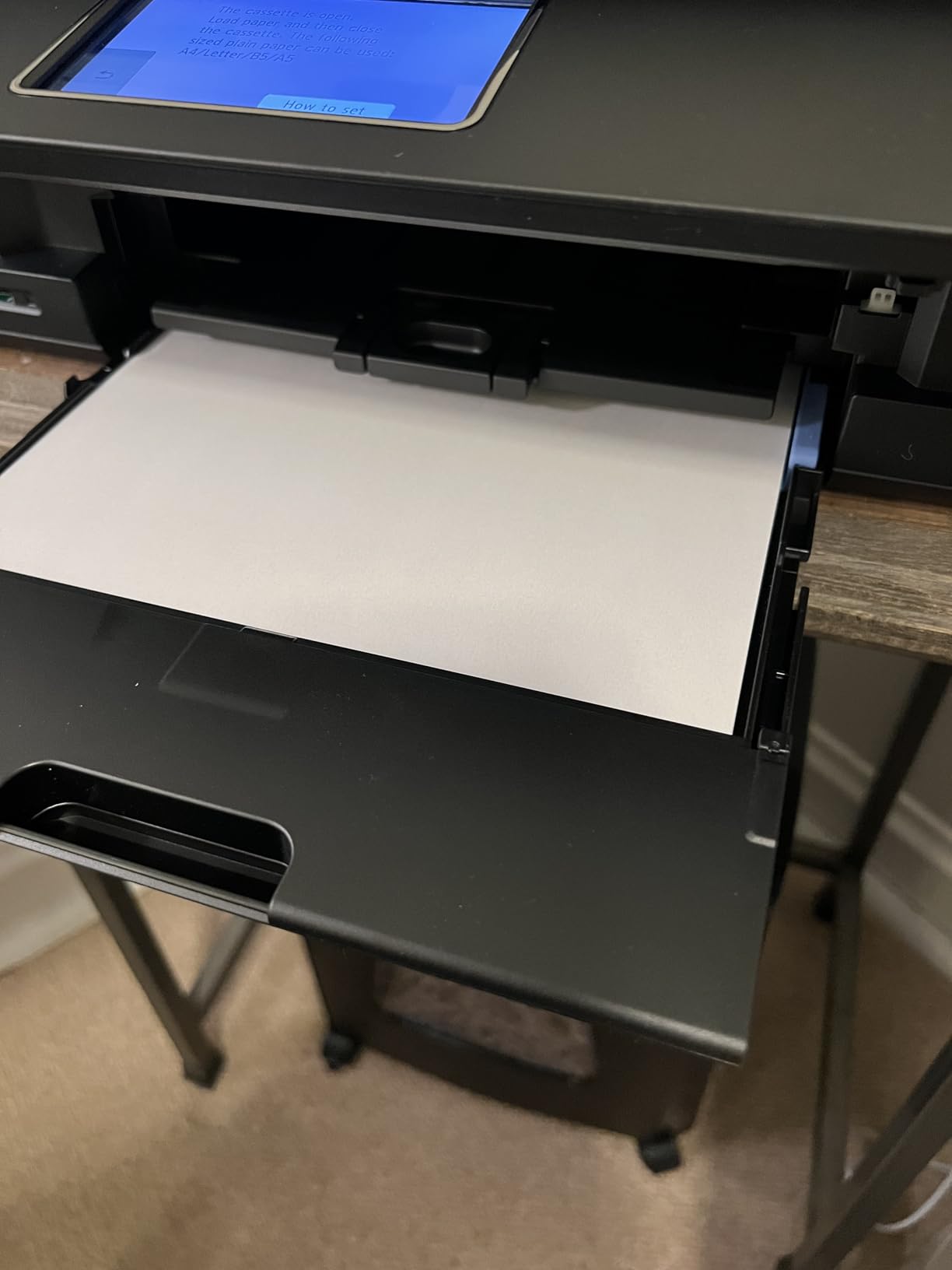
Does the Canon PRINT app make this printer frustrating to live with?
Out of the box, yes for some people. Owners report slow pairing and printers that appear offline in the app repeatedly, which is the single most repeated theme in the reviews.
Most work around it by printing from a computer over Wi-Fi or using AirPrint, which sidesteps the app entirely. If you rely on app-only control, test the pairing before committing.
Can it scan photos well enough to reprint old prints?
For scanning 4×6 prints to files at web and screen sizes, yes. The 600 dpi ceiling is fine for archiving and resizing, and the flatbed handles single prints without fuss.
For cropping prints into large formats or for scanning film or slides, no. You will want a dedicated scanner or a higher-resolution flatbed elsewhere.
3. HP Envy Photo 7975 – Simplest Setup for First-Time Photo Printing
HP Envy Photo 7975 Wireless Color Inkjet Photo Printer, Print, scan, Copy, Easy Setup, Mobile Printing, Best-for-Home, 3 Month Instant Ink Trial Included, AI-Enabled (B63K3A)
Max size: 8.5 x 11.7 inch
Color resolution: 4800 x 1200 dpi
Color speed: 10 ppm
Weight: 17.9 lbs
Pros
- Borderless photos that look right on screen
- Separate dedicated photo tray
- 35-sheet ADF plus automatic duplex
- 2.7 inch color touchscreen is easy to navigate
Cons
- HP 64 and 64XL cartridges run out fast for photos
- Only black plus tri-color ink limits tonal range
- Recurring wireless and print queue issues
Everything about the 7975 is designed to remove decisions. A dedicated photo tray means you load glossy paper without hunting for a setting, the 2.7 inch color touchscreen walks you through it, and HP AI-enabled printing strips out web page clutter before jobs reach the page. Owners describe borderless photos as true to what they saw on screen.
It also handles paper like a serious office machine. A 35-sheet automatic document feeder, automatic two-sided printing and a 125-sheet main tray mean it can double as a workhorse, and wireless mobile printing works well once configured.
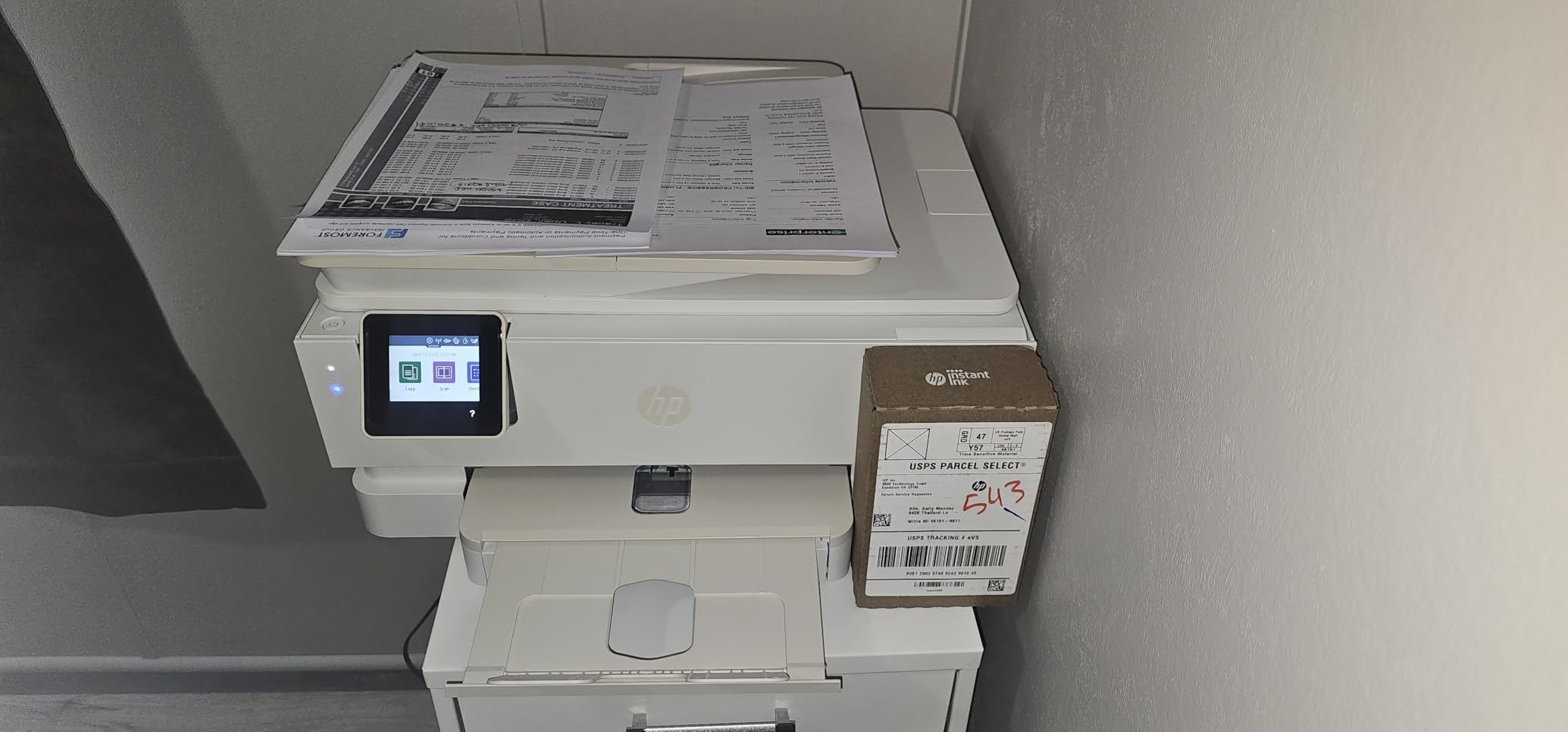
The catch is the ink. Two colors, black and tri-color, in small HP 64 and 64XL cartridges, mean fewer ink colors, less tonal range and more frequent replacements. That is exactly the wrong shape for someone printing lots of photos, though it costs little to keep running for the occasional school project or holiday print.
Wireless reliability is the other recurring theme, with some owners reporting dropped connections and stalled print queues. The review base here is also the smallest in the roundup at 514 ratings, so there is less long-term data on head longevity or paper feed durability than we have for the Canon and Epson models.
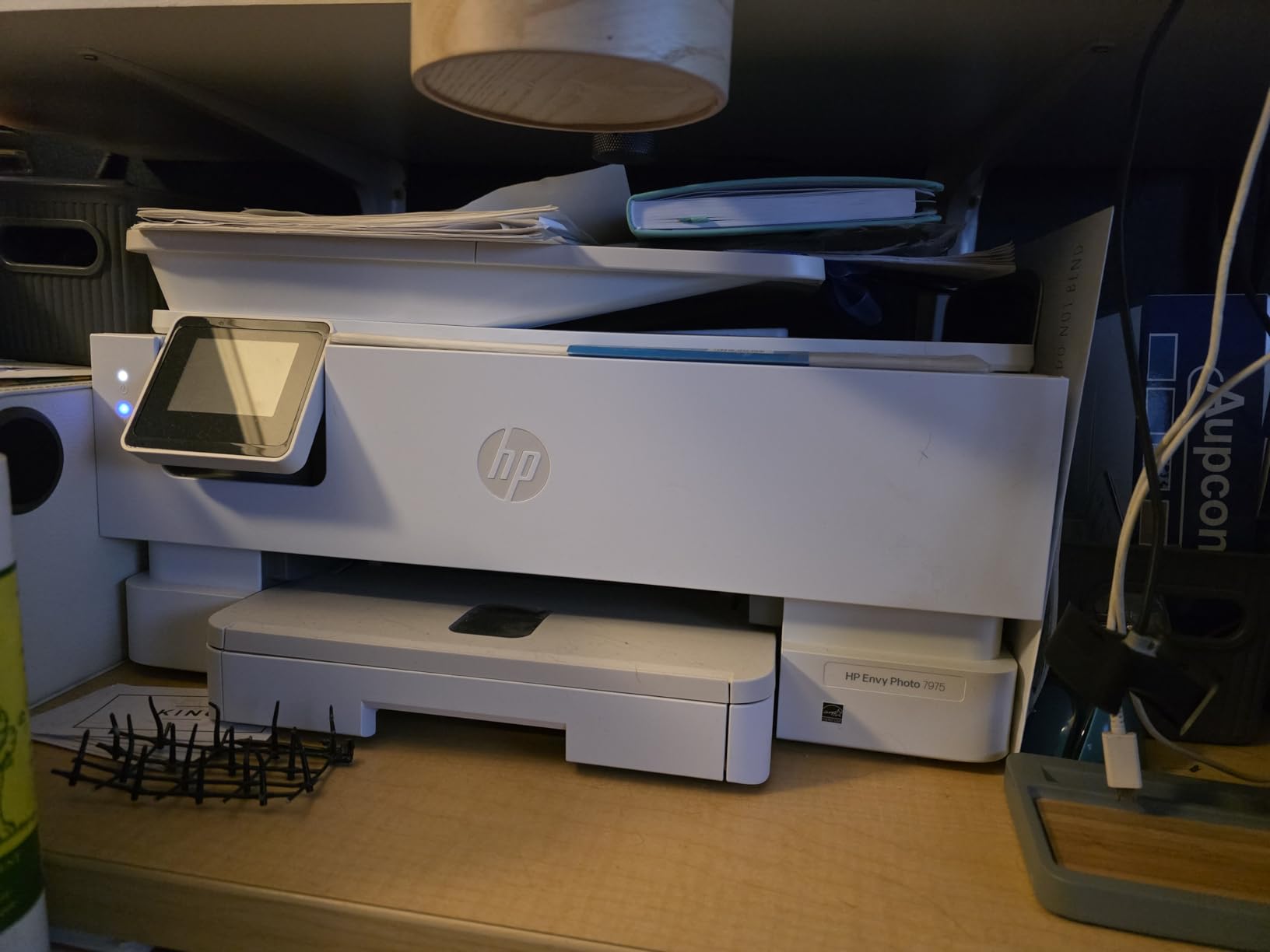
Is this the right printer if I print photos only a few times a month?
Yes. Occasional printing spreads cartridge cost so thin that the refillable-tank advantage barely registers, and you get a touchscreen, an ADF and duplex printing for less than the tank models.
It stops being the right answer once you print photo volumes weekly. At that point cartridge replacements and the two-color ink system start showing up in both cost and output quality.
How does HP Instant Ink change the cost picture?
A subscription bundles page credits and can be cheaper than cartridges for steady, predictable volume, which fits families who print regularly rather than occasionally.
It is a poor fit if your printing is bursty. Credits that expire or sit unused waste money, and the per-photo economics are poor for large borderless sheets.
4. Epson Expression Premium XP-7100 – Best Feature Set for Scrapbookers
Epson Expression Premium XP-7100 Wireless Color All-in-One Inkjet Printer
Max size: 8.5 x 11 inch
Color resolution: 4800 dpi
Color speed: 1 ppm
Weight: 21.5 lbs
Pros
- Five Claria Premium inks including a photo black
- Borderless prints up to 8x10 inches
- 30-page ADF with duplex print copy and scan
- Large 4.3 inch touchscreen with USB and SD preview
Cons
- Small cartridges are expensive to keep running
- Only three color inks limits photo vibrancy
- Scans can come out skewed
- Main tray is low capacity
The XP-7100 is the craft and scrapbook machine of this group. It prints borderless photos up to 8×10 inches, handles CDs and DVDs, accepts specialty paper and takes a 30-page automatic document feeder with duplex print, copy and scan. The 4.3 inch touchscreen is the largest on test, and it previews images straight from USB or an SD card without a computer.
Five Claria Premium inks including a dedicated photo black give it noticeably better shadow detail than a three-color machine, and owners rate photo output as sharp and vibrant. It also connects three ways: wireless, Wi-Fi Direct and Ethernet, which matters in older homes with flaky routers.
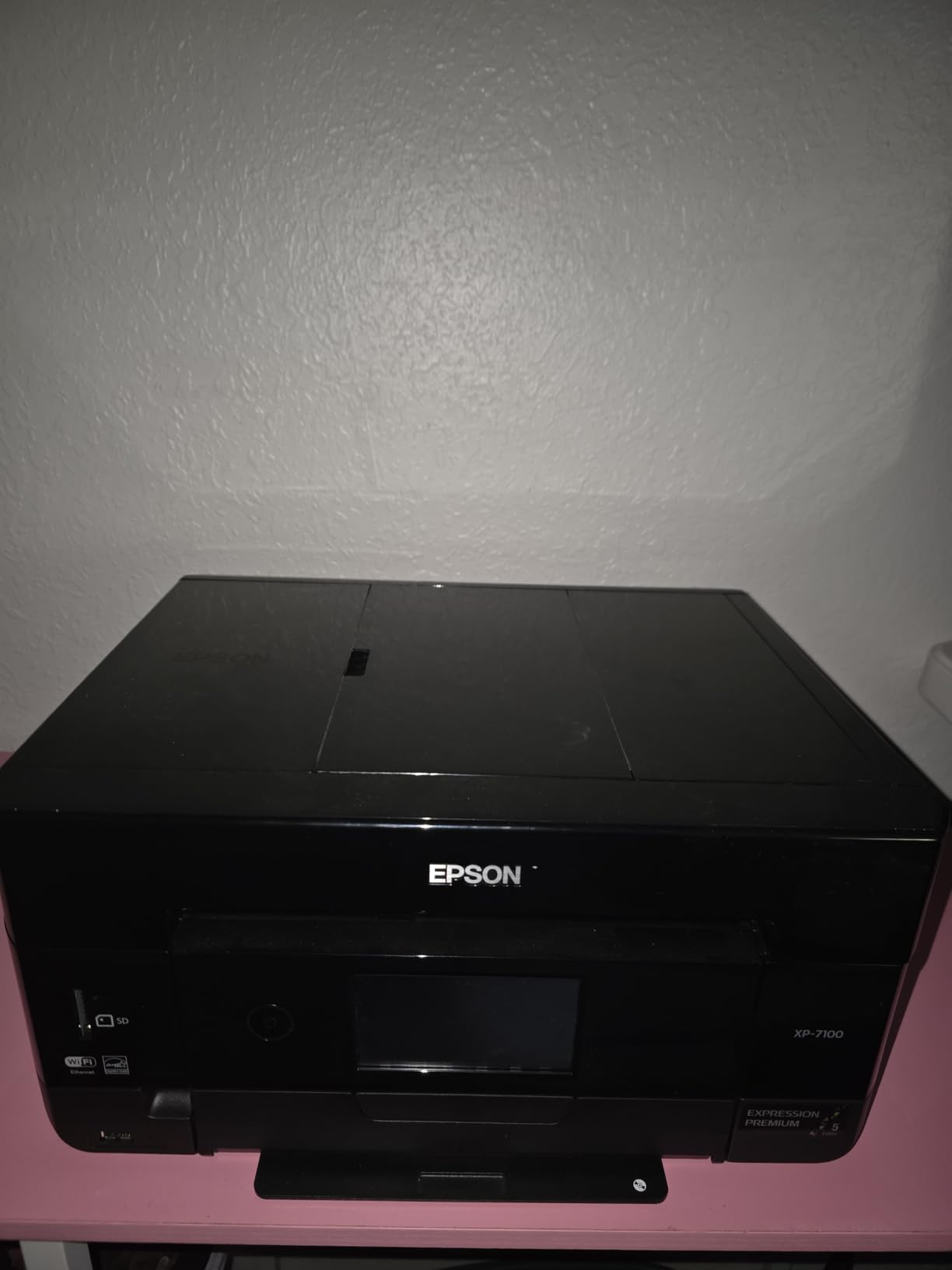
The ink system works against it for volume. These are small cartridges that add up quickly, and only three of the five inks are color, so some photos come out less vivid than on higher-end Epson models. Buyers who upgraded from older Artisan units report duller photo colors, which is a fair warning.
Then there are the niggles: flatbed and ADF scans can arrive skewed or distorted, the main tray is low capacity and feels flimsy, Wi-Fi can drop enough to require a reboot or reinstall, and the on-screen scan and copy workflow is multi-step. The color print speed of 1 page per minute is slow for anything beyond a short batch.
Can it handle cardstock and specialty craft media?
Yes, this is where it earns its place. It prints on specialty paper and discs, and the rear tray takes heavier stock that lighter machines reject.
Watch the main tray capacity. At 30 sheets you will refill often if you batch craft projects, and you need to confirm your exact media weight is supported before buying.
Why do some owners report duller photos than older Epson models?
Because three color inks cannot render the same range as a five or six ink set. Expect good contrast and sharp text, but less vivid skin tones and weaker saturation in blues and greens.
If color accuracy is the priority rather than the feature list, move up to a Claria ET Premium six-ink model instead of adding third-party cartridges to this one.
5. Epson EcoTank ET-2800 – Cheapest Per Photo Without the Tank Upfront
Epson EcoTank ET-2800 Wireless Color All-in-One Supertank Printer – Black
Max size: 8.5 x 14 inch
Color resolution: 5760 x 1440 dpi
Color speed: 5 ppm
Weight: 11.4 lbs
Pros
- One ink set replaces roughly 90 cartridges
- Up to 4500 black or 7500 color pages per set
- Light 11.4 pound body moves easily
- Micro Piezo heat-free printhead
Cons
- Simplex only with no duplex
- No automatic document feeder
- Four-ink system limits photo color depth
- Slower than cartridge models
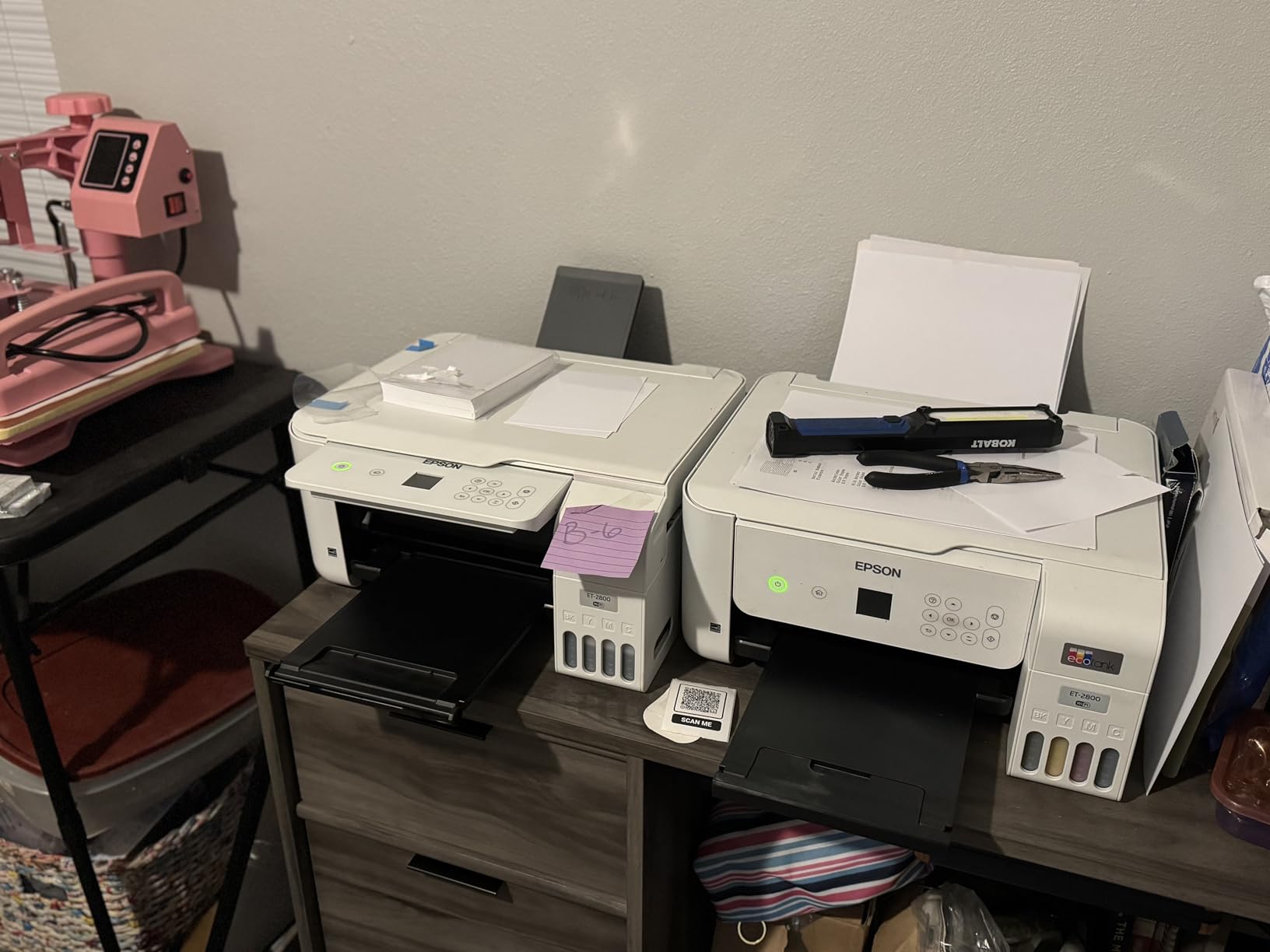
On raw cost per photo, the ET-2800 is the clear value pick. Epson states one set of refill bottles replaces roughly 90 cartridges and covers up to 4,500 black or 7,500 color pages, with up to two years of ink in the box. At about 11 pounds it is also the lightest machine here, so it moves between a home office and a craft room without a fight.
The Micro Piezo heat-free printhead produces vivid, detailed color, and it handles 4×6 and 5×7 photo paper directly. Its 5760 x 1440 dpi color resolution is technically the highest number in this group, though the four-ink system limits what those dots can actually resolve tonally.
It is built for documents first and photos second. There is no automatic duplex and no document feeder, so scanning multiple pages is a manual, page-at-a-time job. Output runs at 10 pages per minute black and 5 color, both slower than cartridge-based rivals.
With 18,215 ratings, this is by far the deepest review base we analyzed, and sentiment is strongly positive on the running cost and the freedom from tracking cartridge levels. That track record is exactly why it tops our value ranking even though a six-ink tank model prints better photographs.
Is a four-ink tank still good enough for family photos?
For everyday prints, yes. Skin tones, skies and school projects come out well, and the cost per print is dramatically lower than cartridges, which is where most family printing goes.
For portraits you intend to frame, the missing gray and extra color inks show. Judge it as a document and school-work machine with a capable photo mode, not a gallery printer.
What happens if I only print a few photos a month?
You still pay less overall, but tank ink can dry in the tubes if a machine sits unused, and a clogged head costs more to fix on a tank model than a cartridge swap does.
Run a nozzle check and a full clean cycle every few weeks if the printer is idle. That habit removes most of the risk with this design.
6. Canon MegaTank G3270 – Best for Square and Social Photo Sizes
Canon MegaTank G3270 All-in-One Wireless Color Printer
Max size: 8.5 x 14 inch
Color resolution: 4800 x 1200 dpi
Color speed: 6 ppm
Weight: 13.2 lbs
Pros
- Up to 6000 black or 7700 color pages per ink set
- Up to 2 years of ink included
- Borderless photos plus square 3.5 and 5 inch formats
- Compact 13.2 pound body
Cons
- Single-sided printing only
- No automatic document feeder
- Only three color inks plus pigment black
- Slow at 11 ppm black and 6 ppm color
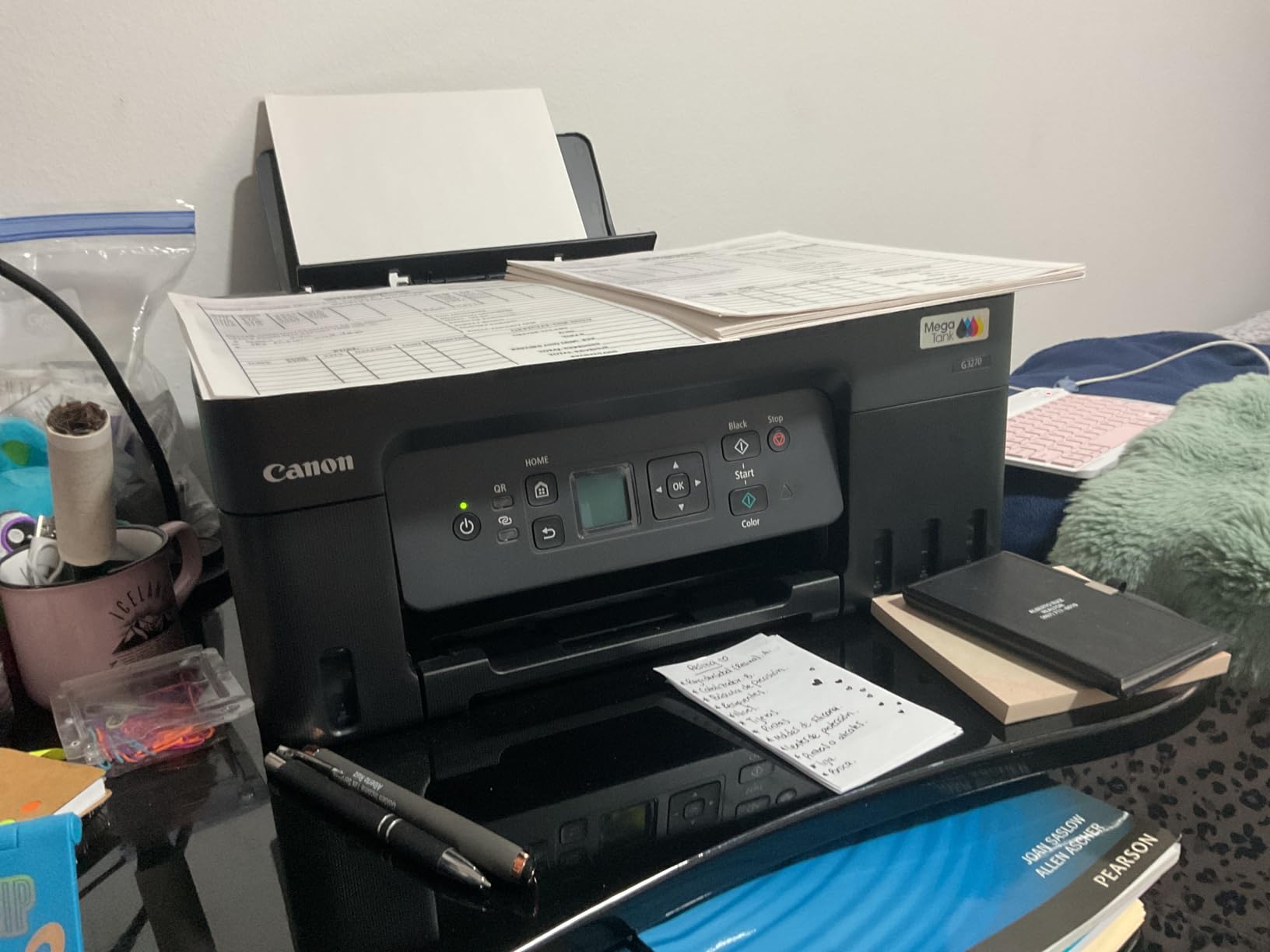
The G3270 stands out on paper formats rather than color science. It is one of the few home printers here that prints square sizes, including 3.5×3.5 inch and 5×5 inch, alongside standard 4×6, 5×7 and 8×10 sheets. If your output is aimed at social feeds or small albums, that is a genuine advantage most rivals cannot match.
Running costs are the other strength. Canon states up to 6,000 black or 7,700 color pages per ink set and up to two years of ink in the box, with inexpensive GI-21 refill bottles. Owners rank it number two in Ink Tank Printers on Amazon, and the 5,138 ratings we analyzed reflect a broadly satisfied group.
Borderless photo output is good for the class, with the 1.35 inch square LCD handling basic status and ink levels. It also prints on card stock and glossy photo paper, and wireless print, copy and scan covers the everyday all-in-one needs without a large footprint.
The limits are the usual tank trade-offs: single-sided printing only, no document feeder for multi-page scanning, and three color inks plus pigment black that restrict tonal range for photos. It is also slow, at 11 pages per minute black and 6 color. A few owners also report difficulty sourcing GI-21 bottles outside the usual channels.
Why do square photo sizes matter for home printing?
Square is the native shape of most phone photography and of every social platform profile grid, so a square borderless print needs no cropping and loses none of the frame.
On a letter-size printer you end up with white bars or a trimmed image. That is why this model and a handful of others stand apart from the standard 4×6 and 5×7 crowd.
Can this replace a dedicated photo printer for framed prints?
For 4×6 and 5×7 prints in an album, yes. Owners rate the color and sharpness as good for the money, and borderless output looks clean on glossy stock.
For large frameless prints or anything with demanding skin tones, move up to a six-ink model. Three color inks cannot reach the gamut or the smoothness a wider system gives you.
7. Canon PIXMA TS6520 – Best Small-Desk Printer With Duplex
Canon PIXMA TS6520 Wireless Color Inkjet Printer, Duplex Printing, Copier/Scanner, 1.42″ OLED Display, Compact, White
Max size: Letter 8.5 x 11 inch
Color resolution: 1200 x 1200 dpi
Color speed: 9 ppm
Weight: 15.4 lbs
Pros
- Automatic two-sided printing at the entry level
- Dual-band Wi-Fi on 2.4 and 5 GHz
- Compact 14 inch wide footprint
- 1.42 inch OLED shows ink levels
Cons
- Two-cartridge hybrid system limits photo depth
- Single paper tray with limited capacity
- No automatic document feeder
- 1200 x 1200 dpi is below photo printers
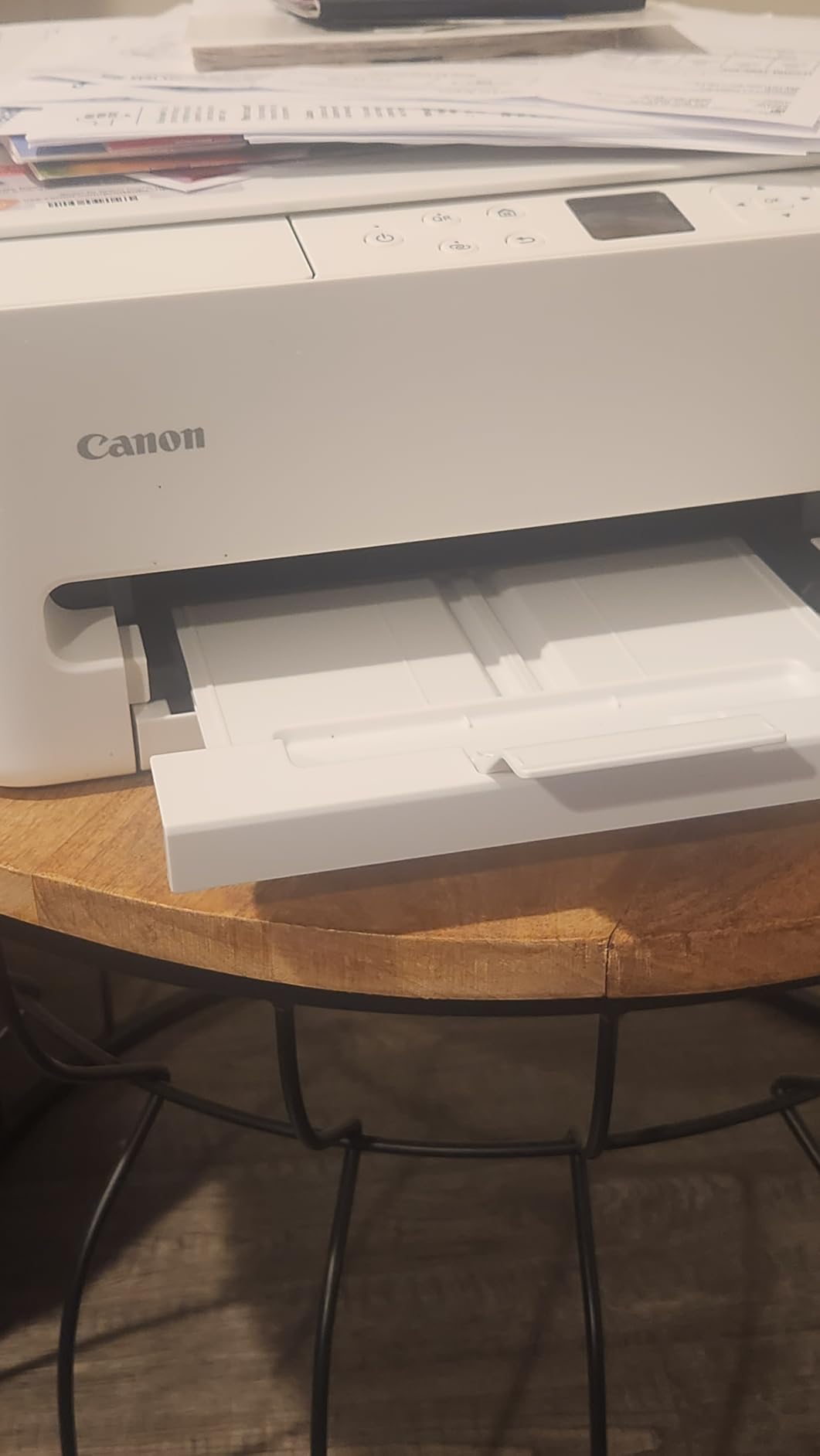
The TS6520 answers a narrow question well: how do you get automatic duplex printing in a box small enough for a tight workspace. At 14 inches wide and 15.4 pounds, it is compact, and the 1.42 inch monochrome OLED shows ink levels and status at a glance without a full touchscreen.
Connectivity is unusually modern for the class, with dual-band Wi-Fi on both 2.4 and 5 GHz for a more stable link, plus AirPrint, Mopria and mobile printing through Canon PRINT. Output is crisp and vibrant for documents and casual photos, and it reaches 14 pages per minute black and 9 color.
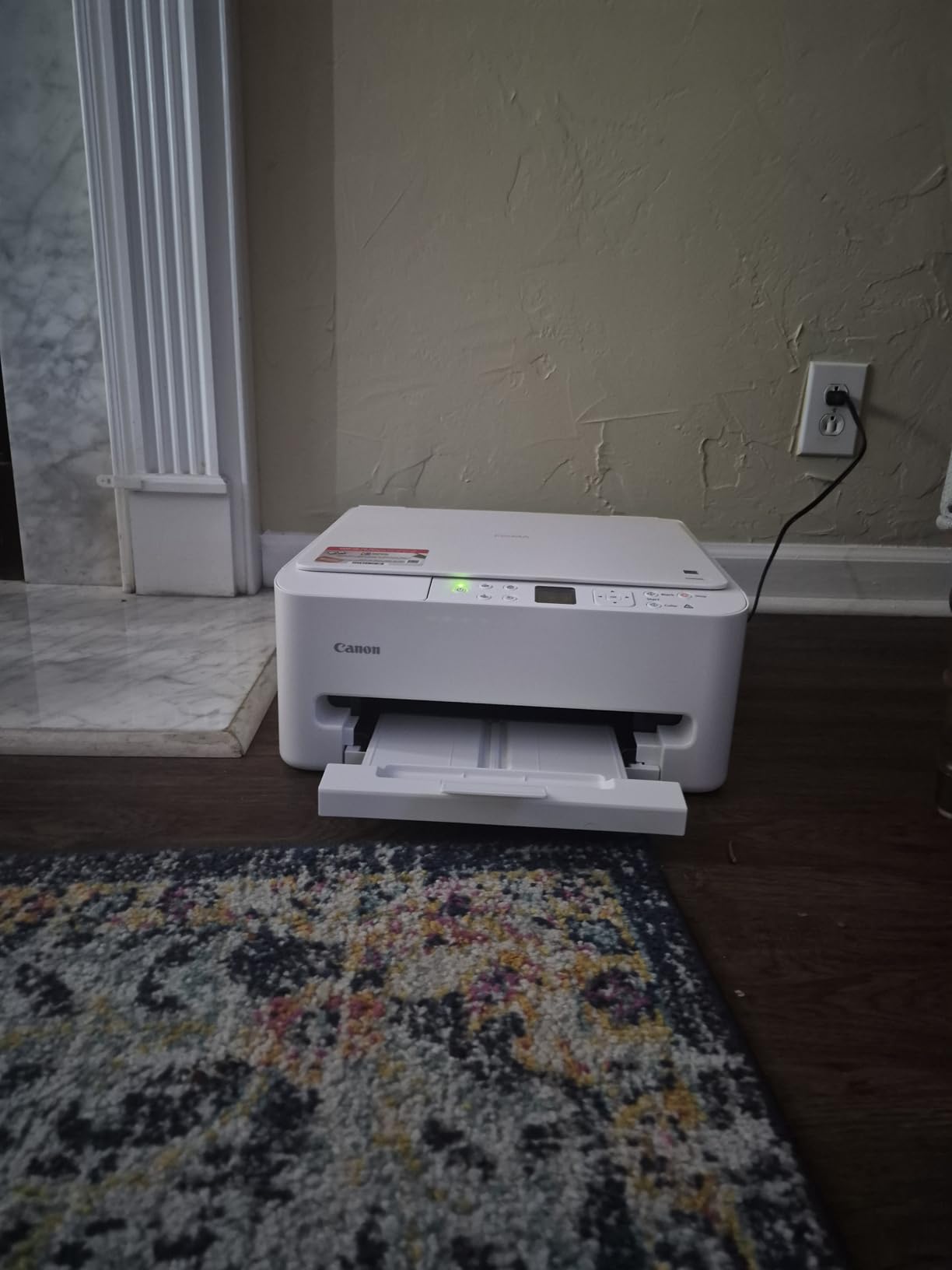
Photo quality is the limitation, and it is structural. The PG-295 pigment black plus CL-286 dye color cartridge is a two-cartridge hybrid, so there are fewer inks feeding color than in any other machine here, and the 1200 x 1200 dpi resolution is well below what a real photo printer delivers.
Paper handling is the other constraint. There is a single tray with a listed capacity of one sheet for some media, plus a single sheet feeder for larger or specialty stock, and no document feeder. The three-year manufacturer warranty is a genuine plus in a category where most rivals offer one year.
Is the resolution low enough to show on glossy photo paper?
At 1200 x 1200 dpi it is below what photo-centric models deliver, and the difference shows in fine detail and smooth gradients rather than in overall color.
For occasional 4×6 prints viewed at arm’s length it is perfectly serviceable. For close inspection or frameless enlargements, choose a higher-resolution photo engine.
What does dual-band Wi-Fi actually fix here?
It separates your printer from crowded 2.4 GHz networks, which is the band most older routers and smart devices fight over. That reduces dropouts and stalled print queues.
It does not fix every wireless issue. Placement still matters, and keeping the printer in the same room and on the 5 GHz band is the fastest fix when problems appear.
4 Factors That Decide Photo Quality and Cost
These four factors explain most of the spread between a printer that makes prints you frame and one that makes prints you hand around. Ignore everything else on the spec sheet until you have settled them.
1. Ink format and cost per photo. Refillable tanks and refill bottles deliver the lowest running cost by a wide margin. Epson quotes roughly 4 cents per 4×6 photo on the ET-8550 and states one ET-2800 ink set replaces about 90 cartridges. Cartridge models look cheaper to buy and cost far more per page over three years of regular photo printing.
2. Ink count, which sets your ceiling on quality. Four inks cover everyday color. Five add a dedicated photo black for better blacks and grays. Six-color systems add a gray or light inks that smooth gradients and skin tones dramatically, and that is the single clearest quality jump in this roundup.
3. Maximum paper size and borderless support. If you print larger than 8×10 inches you need a wide-format machine, and the only one here is the 13×19 Epson. Borderless support matters more than resolution because it is what lets a photo fill the sheet edge to edge.
4. Features that compete for the same budget. Automatic duplex, a document feeder and a touchscreen all improve daily usability but consume dollars that could buy a better ink system. Our general rule: buy the ink system first, then take the duplex and feeder if the money is left.
For the wider printer category beyond photo work, our roundup of the best inkjet printers goes deeper on document speed and running cost.
Ink Tank vs Cartridge: What a Photo Really Costs
Run the math on cartridges and the numbers get uncomfortable fast. Photo printing consumes far more ink per page than text because coverage is dense and every sheet cycles several colors, so cartridge owners replace sets far more often than a document workload would suggest.
The tank models invert that logic. One ET-2800 ink set covers up to 7,500 color pages, and one ET-8550 set covers up to 6,200 color pages. The Canon G3270 claims up to 7,700 color pages per set. None of these figures assume borderless multi-ink coverage, so real photo counts land lower.
Cartridges still make sense in two cases. If you print a handful of photos a year, cartridge cost barely registers. And if you want to switch to a six-ink photo engine later, cartridges avoid any risk of the head and ink cost of a tank machine.
One hidden tank cost is the printhead. A clogged or damaged head on a refillable machine is a far bigger repair than a cartridge swap, which is why the next section matters if your printer sits idle.
Pigment vs Dye Ink for Home Photos
Dye inks give you brighter, more saturated color and are the better choice for color snapshots. That is why the CL-286 color cartridge and the GI-21 color bottles in this roundup are dye-based, and why dye systems usually cost less per print.
Pigment ink is more resistant to fading and water, and modern pigment blacks are dense enough for gallery work. It is the right choice for black-and-white prints, portraits you intend to keep for decades, and any image that will sit in direct sunlight.
Most home photo printers here use both: pigment black for text and monochrome, dye color for photographs. The Canon TS6520 makes that split explicit with a PG-295 pigment black and a CL-286 dye color tank. Mixed systems need no special workflow as long as you pick the right media setting.
Manufacturer longevity claims are not real-world fade data. Forum users with printers in daily use consistently argue that fade resistance comes down to the pairing of OEM ink with OEM paper, and that third-party refill inks never match the OEM permanence claims on glossy stocks. If longevity matters, keep both the ink and the paper from the same maker.
Keeping an Idle Inkjet From Clogging
Nozzle clogs after weeks of inactivity are the single most common complaint in printer forums, and they hit photo printers hardest because blocked nozzles show up as missing color in a gradient. Four habits prevent most of them.
First, power the printer down rather than leaving it plugged in, so the carriage parks and seals against the caps. Second, run a nozzle check and a clean cycle every two to four weeks during periods when you are not printing. Third, keep the cartridges or tanks above minimum fill, because a starved head is a dry head.
Fourth, print something small and colorful every month. A single 4×6 test page moves ink through every nozzle and costs a fraction of one service visit. Storage drawers and closets are where clogs really develop, so keep the machine somewhere air moves.
If you travel often or need prints away from a desk, our guide to the best handheld inkjet printers covers portable options separately.
Photo Paper Pairings for Each Printer
Using the wrong paper wastes good ink. Photo paper has a coated surface that must match the ink system, and cheap multipurpose paper has no coating at all, so dye ink beads and smears instead of setting.
The ET-8550 takes glossy photo paper across the full range from 4×6 to 13×19, which is the widest compatibility in this roundup. The TR8620a and the HP 7975 both handle glossy photo paper to letter size, and the HP adds a dedicated photo tray so you never have to guess which slot to load.
The XP-7100 supports borderless 4×6 and 8×10 sheets plus specialty paper and discs. The ET-2800 lists 4×6 and 5×7 photo paper among its supported media. The G3270 accepts glossy photo paper, card stock and high-resolution paper, and the TS6520 does borderless printing to 8.5×11 inches.
Two rules cover most situations. Buy the same branded paper the printer’s ink was designed for, and always select the correct media type in the driver. Selecting plain paper for a glossy sheet is the most common cause of washed-out, streaky prints on any of these machines.
If you want a broader view of home printer categories, our best inkjet printers for home use guide compares photo models against document-first machines.
Frequently Asked Questions
What is the best printer for home photo printing at home?
For most home users, a six-color refillable tank model like the Epson EcoTank Photo ET-8550 delivers the best combination of color depth and running cost. If your photo volume is low, a five-ink cartridge machine such as the Canon PIXMA TR8620a or the Epson XP-7100 produces good prints for less money.
Is Canon or Epson better for photo printing?
Epson leads on ink count and detail, with six-color Claria ET Premium sets that include gray inks for smoother gradients. Canon leads on paper format flexibility, offering square photo sizes and inexpensive GI-21 tank refills. Canon dye inks also tend to deliver punchier color out of the box, while Epson models hold shadow detail better.
Are ink tank printers good for photos?
Yes. Ink tank printers produce identical photo quality to cartridge models of the same ink count, because quality comes from the ink chemistry and paper rather than the container. The tank benefit is cost per photo, not color. The exception is that tank models use more durable printheads, which matters if you are considering third-party refill ink.
Do inkjet printers dry out if they are not used?
Yes. Inkjet printheads can clog after a few weeks of inactivity, especially in cool or dry rooms and in models that stay plugged in. Power the printer down so the carriage parks, run a clean cycle every two to four weeks while idle, keep ink above minimum fill, and print one small colorful page monthly to keep every nozzle moving.
What paper is best for inkjet photo printing at home?
Use a branded glossy or luster photo paper made for your printer’s ink system, and always select the matching media type in the print driver. Borderless prints need paper that matches the image ratio. Matte and fine art papers suit pigment ink and black-and-white work, while glossy stocks show dye ink at its brightest.
How much does it cost to print a photo at home compared with a lab?
With refillable ink, a 4×6 print lands in the low single-digit cents per sheet according to manufacturer estimates, versus several times that with cartridges and far more at a retail photo counter. Add paper cost, which is often comparable across all three options. Home printing wins clearly above roughly twenty prints a month.
Final Verdict
The Epson EcoTank Photo ET-8550 is our choice for the best inkjet printers for photo printing at home, because six-color ink and 13×19 borderless output in a refillable tank body solve the two problems home printers usually fail at, quality and cost per sheet. It asks more of your floor space and demands patience with its rear feed, and both are worth accepting if you print photographs worth framing.
Buy the ET-2800 if you want cheap prints and mostly smaller formats. Buy the Canon MegaTank G3270 if square social-sized prints matter. Buy the TR8620a or the XP-7100 when the printer has to share the room with an office. Whichever you choose, pair it with the manufacturer paper and run a clean cycle whenever the machine sits idle.