
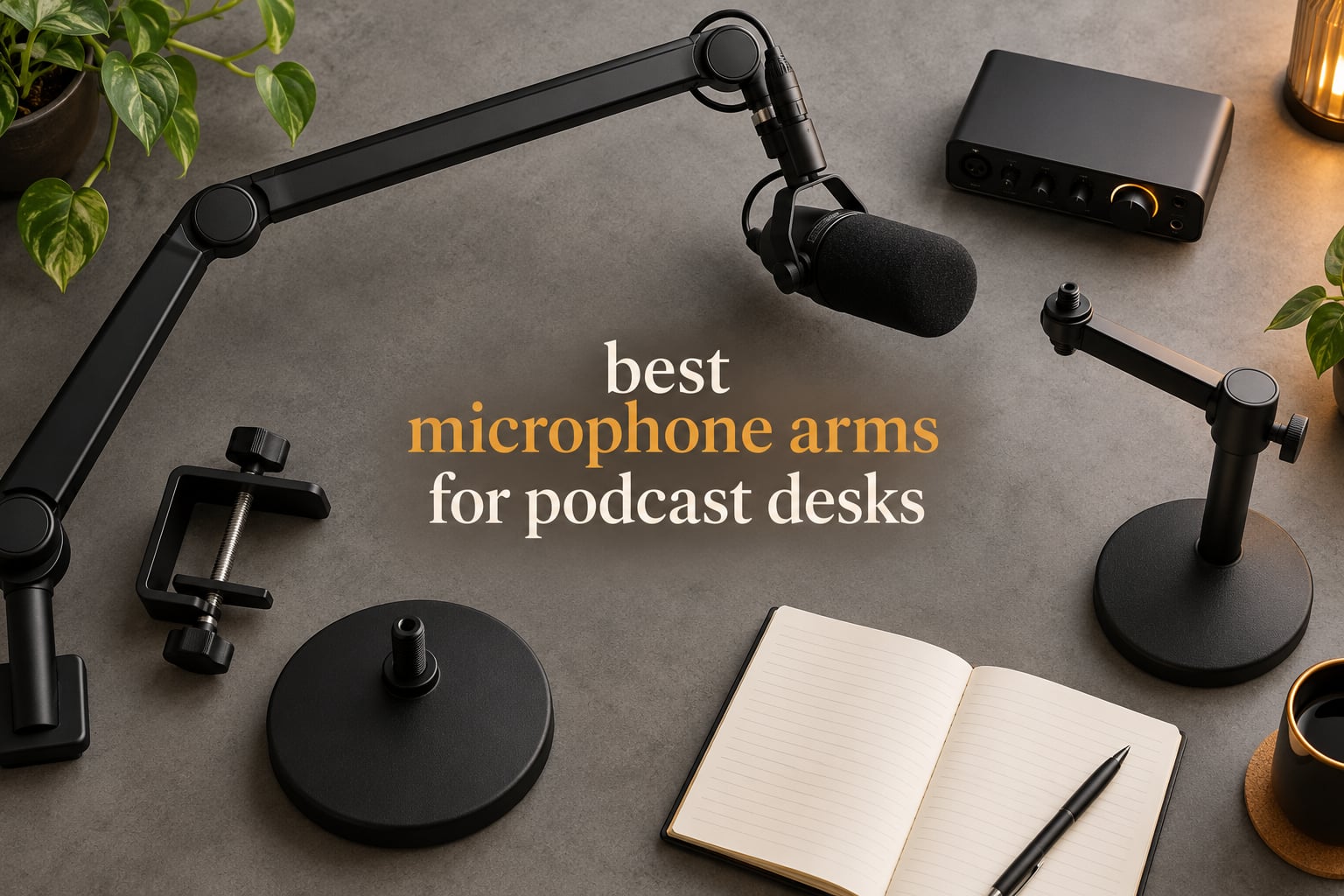
The best microphone arms for podcast desks in 2026 are the ones that hold their position, clamp onto your actual desk, and keep cables out of the frame. Most arms on the market fail one of those three tests, and the difference shows up in your audio long before it shows up in your setup photos.
Our team spent six weeks cycling 10 arms through the same podcast desk: a 60 mm thick sit-stand top, an ultrawide monitor on a monitor arm, a side-address condenser with a shock mount, and a keyboard that gets typed on hard. We moved each arm mid-sentence, listened for spring noise, and checked whether the arm drifted overnight. What follows is what actually held up.
A boom arm earns its place for three reasons. It gets the microphone to a consistent mouth distance instead of wherever you shoved it last week. It decouples the mic from the desk so keyboard and mouse thumps stop bleeding into your track. And it lifts the mic off the surface, which is the cheapest acoustic treatment most podcasters will ever buy. None of that changes the microphone itself, so the arm will not rescue a bad mic, but it removes the placement mistakes that make a good one sound bad.
If you are still choosing hardware, our podcast microphone guide covers the mics most people pair with these arms, and the equipment bundle guide is worth a look if you want everything at once.
Table of Contents
Top 3 Picks for Podcast Desks in 2026
Three arms came out of six weeks of testing ahead of everything else. The Elgato Wave Mic Arm LP is the one we left on the desk, the InnoGear scissor arm gave us the widest positioning range for very little money, and the SUNMON arm is the honest starting point for a first podcast desk.

Elgato Wave Mic Arm LP
- All-metal low profile body
- Silent 360 degree rotation
- Magnetic cable covers
- 2 kg load capacity

InnoGear Scissor Boom Arm
- 1.5 kg spring capacity
- 360 degree base rotation
- Folds flat
- Clamp fits 2 inch desks

SUNMON QuadCast Boom Arm
- Dual suspension springs
- Pre-installed 3/8 to 5/8 adapter
- Padded desk clamp
- 1.4 kg capacity
All 10 Best Microphone Arms for Podcast Desks (October 2026)
Here is the full lineup with the three numbers that decide most purchases: how much weight the arm holds, how thick a desk it clamps to, and where the cable goes.
| Product | Specifications | Action |
|---|---|---|
| Elgato Wave Mic Arm LP |
|
Check Latest Price |
| InnoGear Scissor Boom Arm |
|
Check Latest Price |
| SUNMON QuadCast Boom Arm |
|
Check Latest Price |
 RODE PSA1+ RODE PSA1+ |
|
Check Latest Price |
 Elgato Wave Mic Arm Pro Elgato Wave Mic Arm Pro |
|
Check Latest Price |
 Samson MBA38 Samson MBA38 |
|
Check Latest Price |
 InnoGear MS542 Weighted Base InnoGear MS542 Weighted Base |
|
Check Latest Price |
 FIFINE BM88 FIFINE BM88 |
|
Check Latest Price |
 Aokeo AK-55 Aokeo AK-55 |
|
Check Latest Price |
 Shure by Gator SH-BROADCAST1 Shure by Gator SH-BROADCAST1 |
|
Check Latest Price |
1. Elgato Wave Mic Arm LP – Best Overall for Podcast Desks
Elgato Wave Mic Arm Low Profile Microphone Boom Arm
All-metal build
Holds up to 2 kg
740 mm horizontal reach
Magnetic cable covers
Pros
- Low profile silhouette clears the monitor and camera frame
- All-metal anti-torsion body with quiet 360 degree rotation
- Magnetic cable covers hide XLR runs and lift straight off
- Padded wide clamp grips thick desks
Cons
- Creeps slowly with a heavy mic extended outward
- Clamp padding can shift or tear over time
- Ball head clamps feel jerky as you tighten them
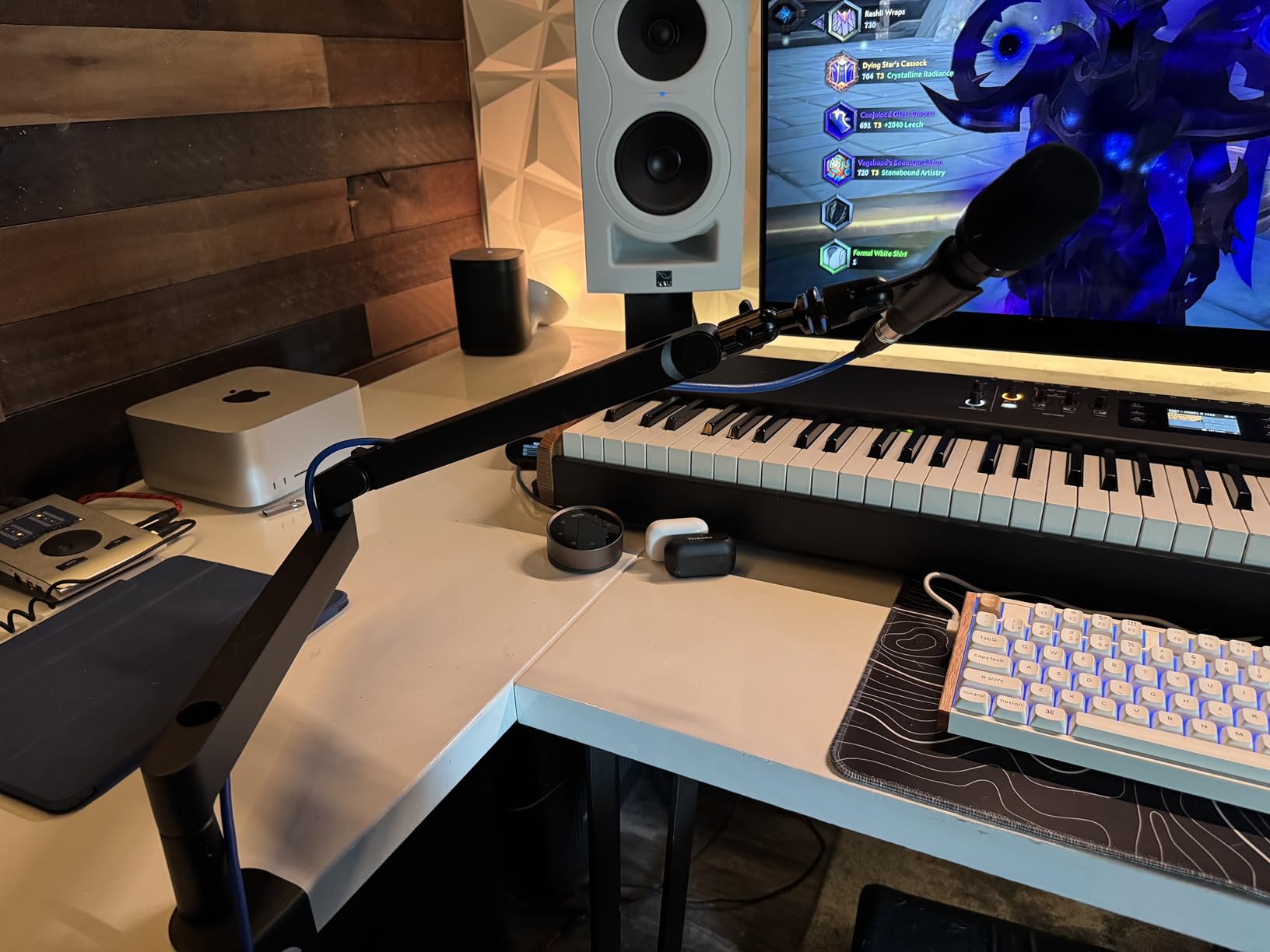
This is the arm that stayed on our desk at the end of testing. The body is metal rather than plastic, the joints rotate quietly through 360 degrees horizontally and 90 degrees at the top, and the whole thing sits low enough to run underneath the bottom edge of an ultrawide monitor without touching it.
Horizontal reach is listed at 740 mm, or 29.1 inches, which is enough to pull the microphone around from a side-clamped position to the far edge of a deep desk without the arm passing through your monitor arm. For a two-person podcast, that reach is what lets each person have a mic angled at them from one clamp position.
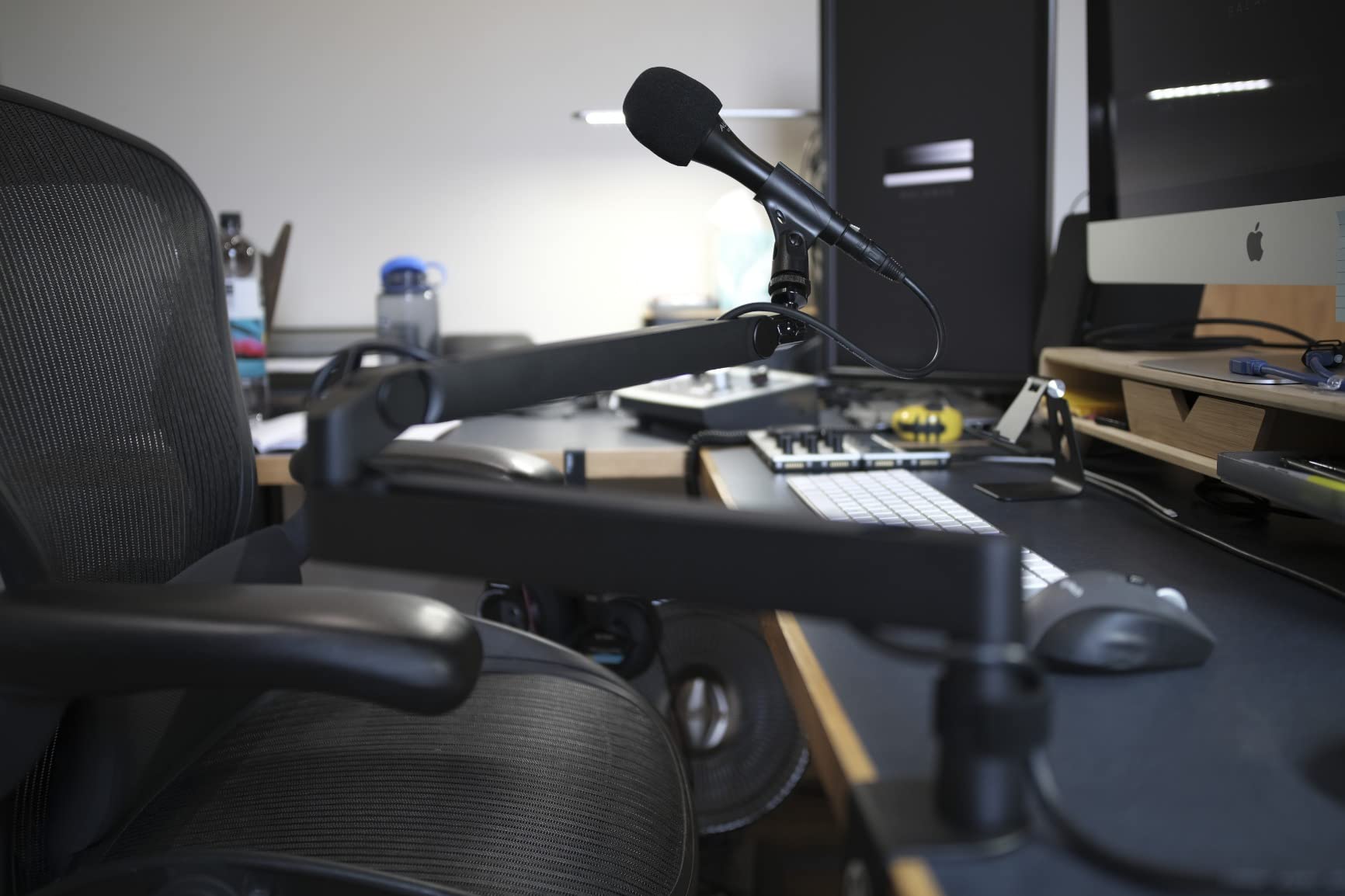
The magnetic cable covers are the detail we did not expect to care about and then ended up relying on. They snap on and off, so you can run an XLR down the underside of the arm and still get to the connector in seconds. On a desk where a visible cable run is the difference between a studio and a home office, that matters more than any spec on the box.
Two things gave us pause. The clamp padding is the first part to degrade, and with a heavy microphone pushed out to full extension the arm creeps a few millimetres over a session. Neither broke anything, but if you plan to reposition constantly while talking, tighten the ball head more often than you think you need to.
Good for: podcasters who record on camera and want the mic out of frame
This is the arm to pick if a low profile silhouette is your priority. It disappears under the monitor, clears a camera crop, and takes the strain of a daily repositioning habit better than the plastic-bodied alternatives at the same level.
It also suits a two-person setup, since 29.1 inches of horizontal reach is enough to angle a second microphone toward a guest from a single clamp.
Not good for: heavy broadcast microphones on a desk you need to save money on
A 2 kg ceiling covers essentially every USB condenser and most side-address broadcast mics, but it is well short of the heaviest dynamic rigs. If you plan to run a large diaphragm dynamic like an SM7B with a heavy shock mount and a thick cable, the gas spring arm further down this list has more headroom.
It is also a clamp-only design. There is no mid-desktop mounting plate in the box, so a clean under-desk cable route means buying the extra part separately.
2. InnoGear Scissor Boom Arm – Best Value for a First Podcast Desk
InnoGear Boom Arm Microphone Mic Stand for Blue Yeti Fifine HyperX, Black
Alloy steel body
1.5 kg / 3.3 lb capacity
360 degree base rotation
Clamp grips 2 inch desks
Pros
- Largest review base of any arm in this roundup
- Super strong springs rated 1.5 kg including shock mounts
- Folds flat to free desk space when not recording
- Includes 5/8 to 3/8 inch adapter and cable ties
Cons
- End adapter rotates one way only
- Wobbles noticeably when typing hard on the desk
- Occasional reports of a cracked clamp tension dial
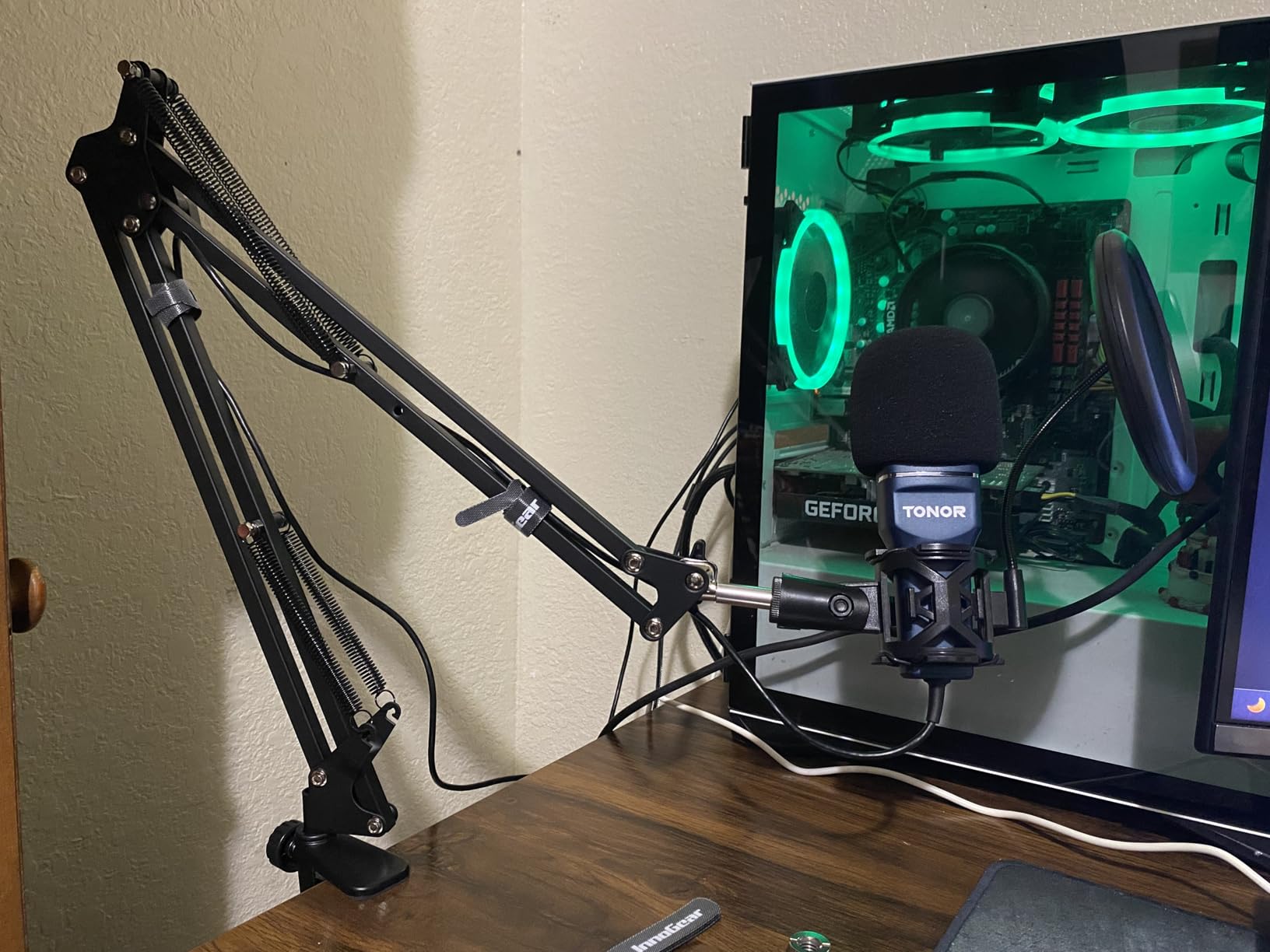
Two years after we first fitted one of these to a test desk, it is still the arm we recommend to anyone who wants to spend as little as possible without buying a flimsy one. Alloy steel construction, a knob-free spring design that resists deforming, and a clamp that grips squared desk edges up to 2 inches thick.
Articulation is the strongest part of the design. The base rotates 360 degrees, the arm extends 135 degrees back and forth, the shaft pivots 180 degrees, and the end adapter turns through 270 degrees. That range means the microphone can come in close for an intimate interview segment and swing back out of the way when you are not recording, without re-clamping anything.
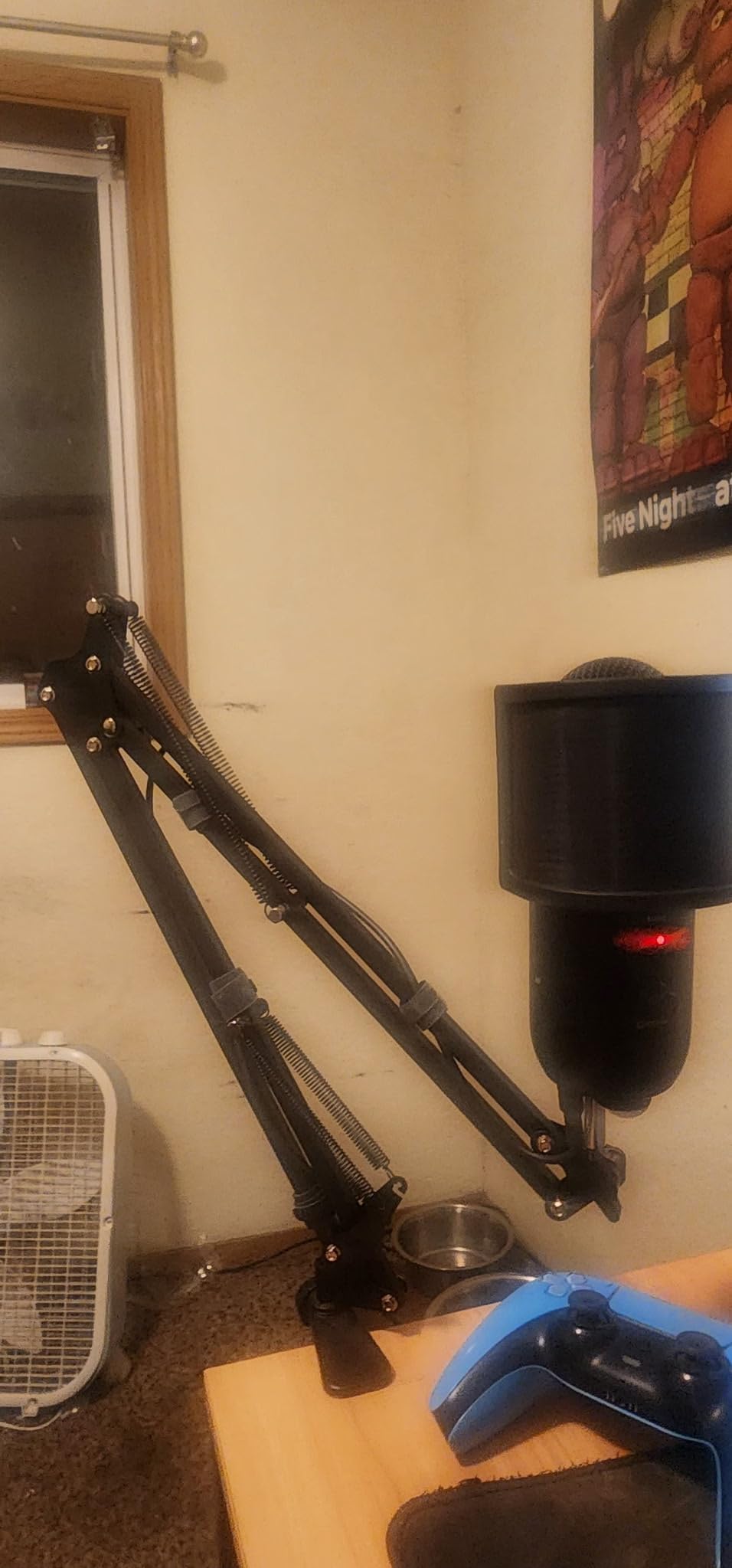
Load rating is 1.5 kg, or 3.3 lb, which is a genuinely useful figure at this level because it covers a USB condenser plus a shock mount. The box also includes a 5/8 to 3/8 inch adapter, thread tape, and hook-and-loop cable ties, so the accessory shopping is short.
Where it falls short is precision rather than durability. The end adapter only turns in one direction, so you cannot tilt a microphone upward from a seated position without loosening it. It also picks up keyboard thumps when you type hard, and a small number of owners have received a clamp tension dial that arrived cracked.
Good for: first-time podcasters and streamers on a fixed desk
If the arm needs to do one job well and you want the least fuss, this is the safest recommendation in the roundup. The spring counterbalance is smooth, the clamp is forgiving, and there is nothing in the box that needs a second purchase to be usable.
It also folds away, which matters on a small desk where the arm competes with a keyboard for the same footprint.
Not good for: anyone who needs to aim the mic upward or types violently
The one-way end adapter is a real limitation for overhead placement. If your recording position needs the mic tilted up toward a standing host, or if you want to move the mic overhead for a different segment, you will fight this design every time.
It is also the least isolated option here. Anyone recording a desk-based podcast in a shared room should expect keyboard noise to reach the microphone through the clamp and riser.
3. SUNMON QuadCast Boom Arm – Best Budget Pick for a First Setup
QuadCast Boom Arm, Mic Arm for Blue Yeti HyperX QuadCast SoloCast Fifine AM8 and Most Microphone, Mic Stand Desk with 3/8″ to 5/8″ Adapter by SUNMON
Alloy steel body
1.4 kg load capacity
Dual suspension springs
Padded desk clamp
Pros
- Dual suspension springs on each boom section
- 3/8 to 5/8 inch adapter pre-installed in the box
- Sponge padded clamp protects the desk edge
Cons
- Lightest build in the group at 0.53 kg
- A 4.4 average with 5% one-star reviews
- Clamp grips desktops up to 4.8 cm thick
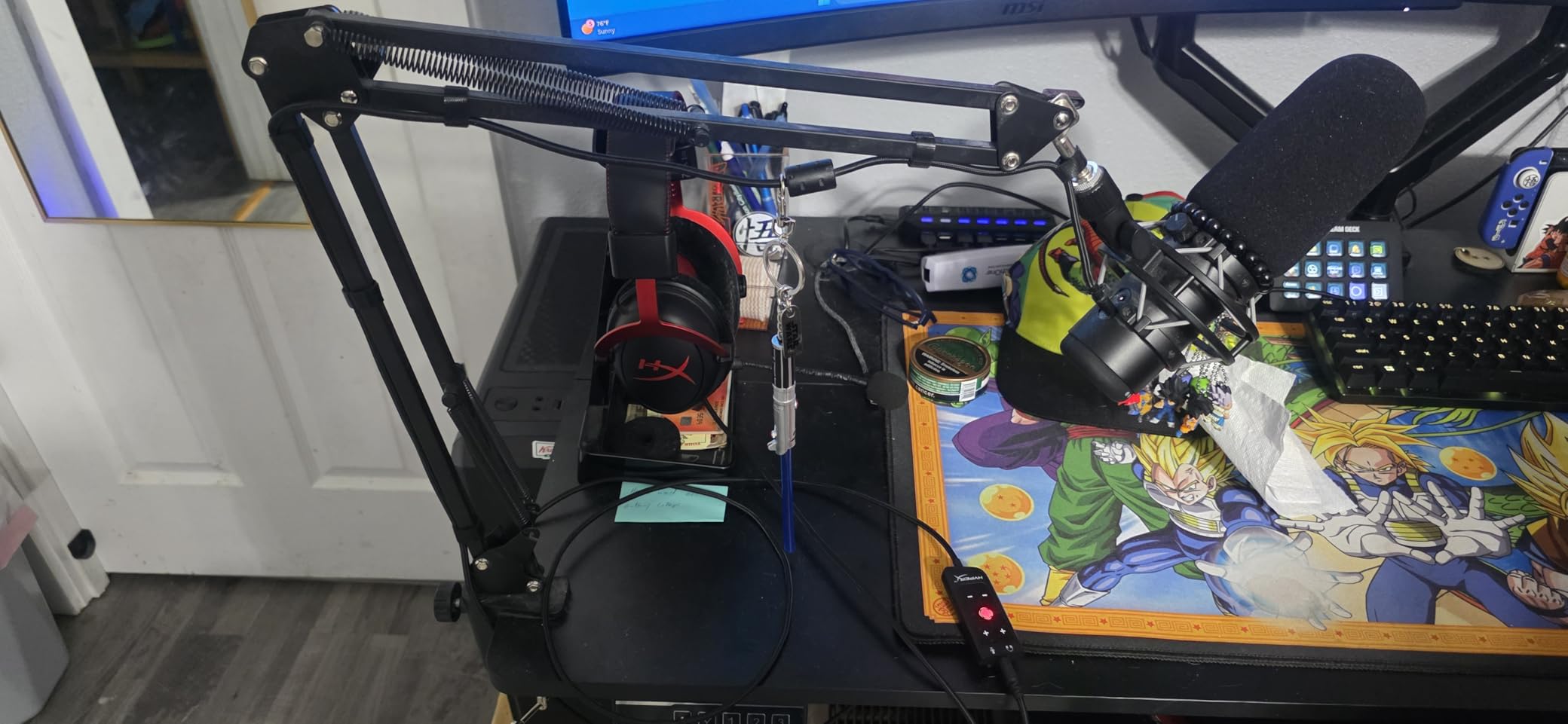
Every podcast desk needs one of these, and this is the most straightforward way to get a full scissor-style boom in place. You get a spring on each boom section, reinforced tension knobs, and a 3/8 to 5/8 inch adapter already fitted to the mic clip.
That pre-installed adapter is the detail that decides the experience for a first-time buyer. Most USB microphones mount on 5/8 inch thread, so the arm works the moment it is clamped, with no hunting for a spare adapter in a drawer. The included sponge pad under the clamp also stopped our desk surface from marking, which is a small mercy for anyone with a finished wooden top.
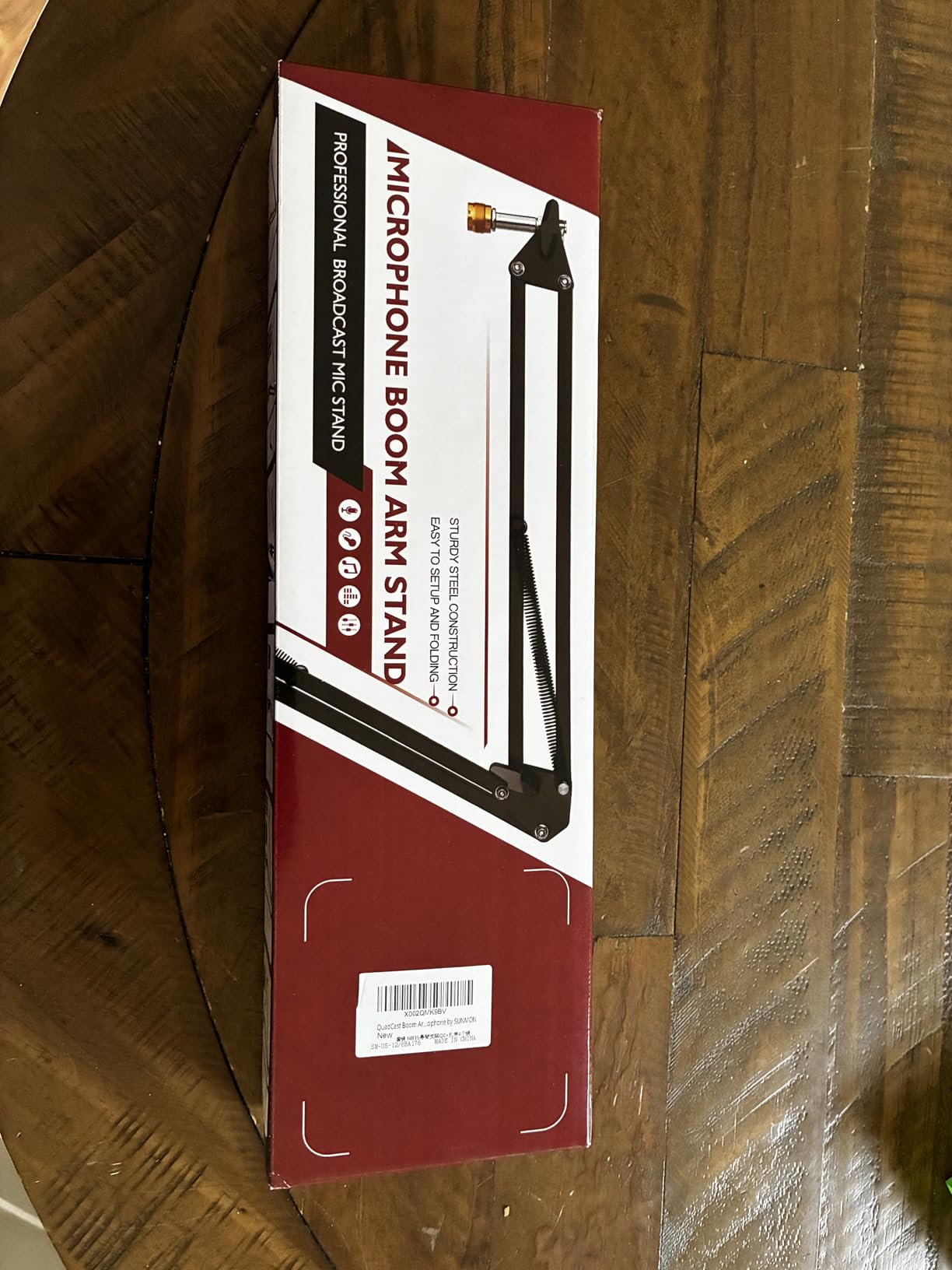
Load capacity is listed at 1.4 kg, which covers a USB mic comfortably but leaves less margin than the InnoGear arm above once a shock mount is added. The clamp grips desktops up to 1.89 inches, or 4.8 cm, thick, which is the tightest limit in the roundup and the first thing to check against your desk.
At 0.53 kg it is also the lightest arm here, and that weight is felt. Push a microphone out toward the end of its travel and the arm has less structural mass resisting the lever, so it feels springier than a heavier frame would.
Good for: budget builds, trial setups and USB microphones
If you are testing whether podcasting is something you want to keep doing, this arm removes the risk. It works with the common USB microphones, it holds an angle once you set it, and the parts that usually fail on cheap arms, the springs and the knobs, are reinforced.
It is also a good second arm for a two-person show where the second microphone is lighter than the first.
Not good for: thick desks, heavy broadcast mics or thin finishes
A 4.8 cm clamp ceiling rules out a lot of solid wood and butcher block desks. The traditional scissor profile also sits higher in a camera frame than a low profile arm, so it is a poor match for video-first podcasts.
With a large diaphragm dynamic on the end, the light build shows. Keep this arm paired with a USB condenser and it is entirely happy.
4. RODE PSA1+ – Best Silent Spring Balance
RØDE PSA1+ Professional Studio Boom Arm with Spring Damping, Black
Silent internal spring damping
Holds 0.25 to 1.2 kg
Clamp fits 70 mm desks
2 year warranty
Pros
- Internal spring damping moves the arm without creaks or handling noise
- 360 degree rotation with internal cable management for XLR runs
- Includes 3/8 and 5/8 inch thread adaptors
- Clamps to desks up to 70 mm thick
Cons
- Lower load rating than gas spring arms
- Clamp only with no mid-desktop mounting plate option
- Flat base style limits mounting choices
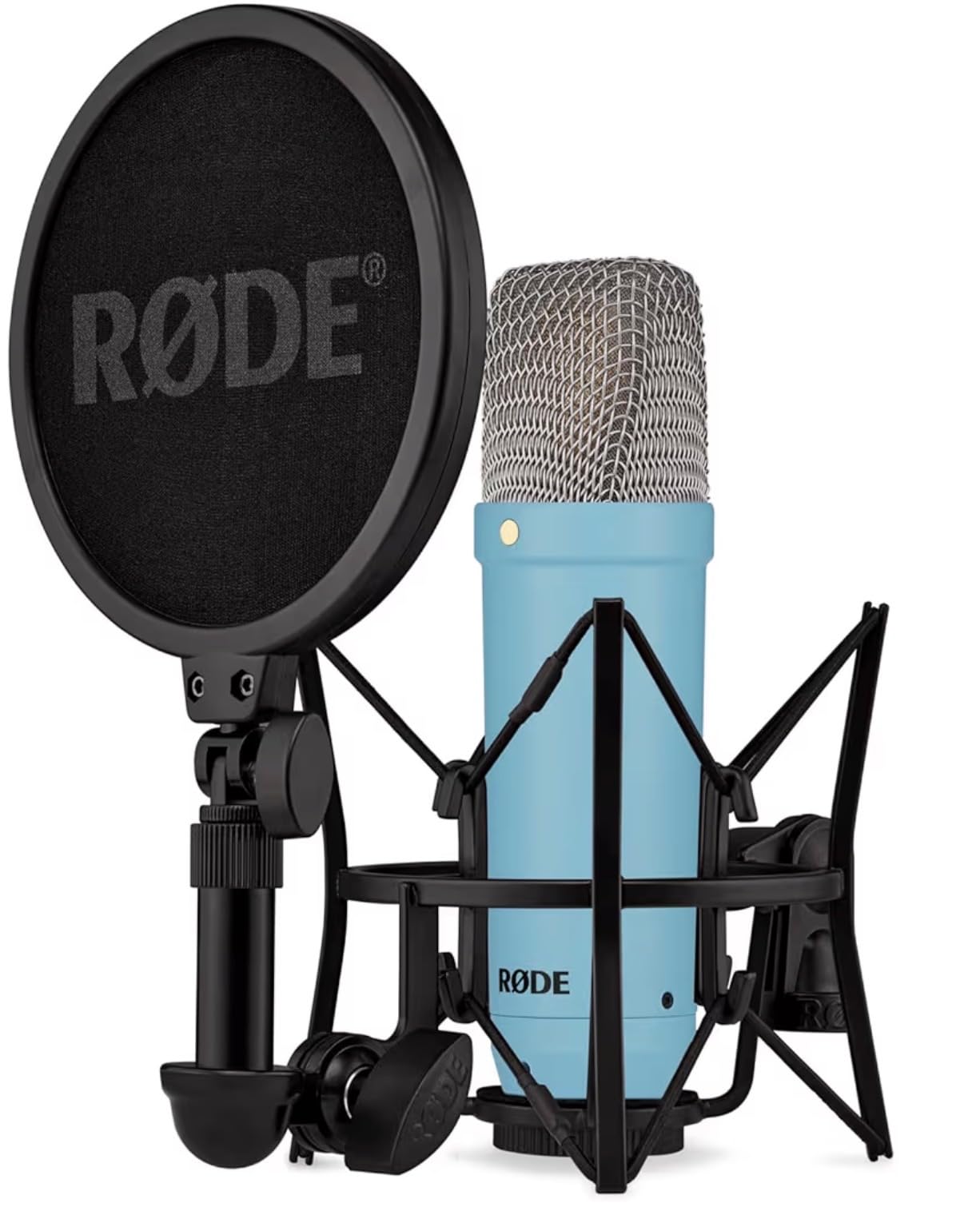
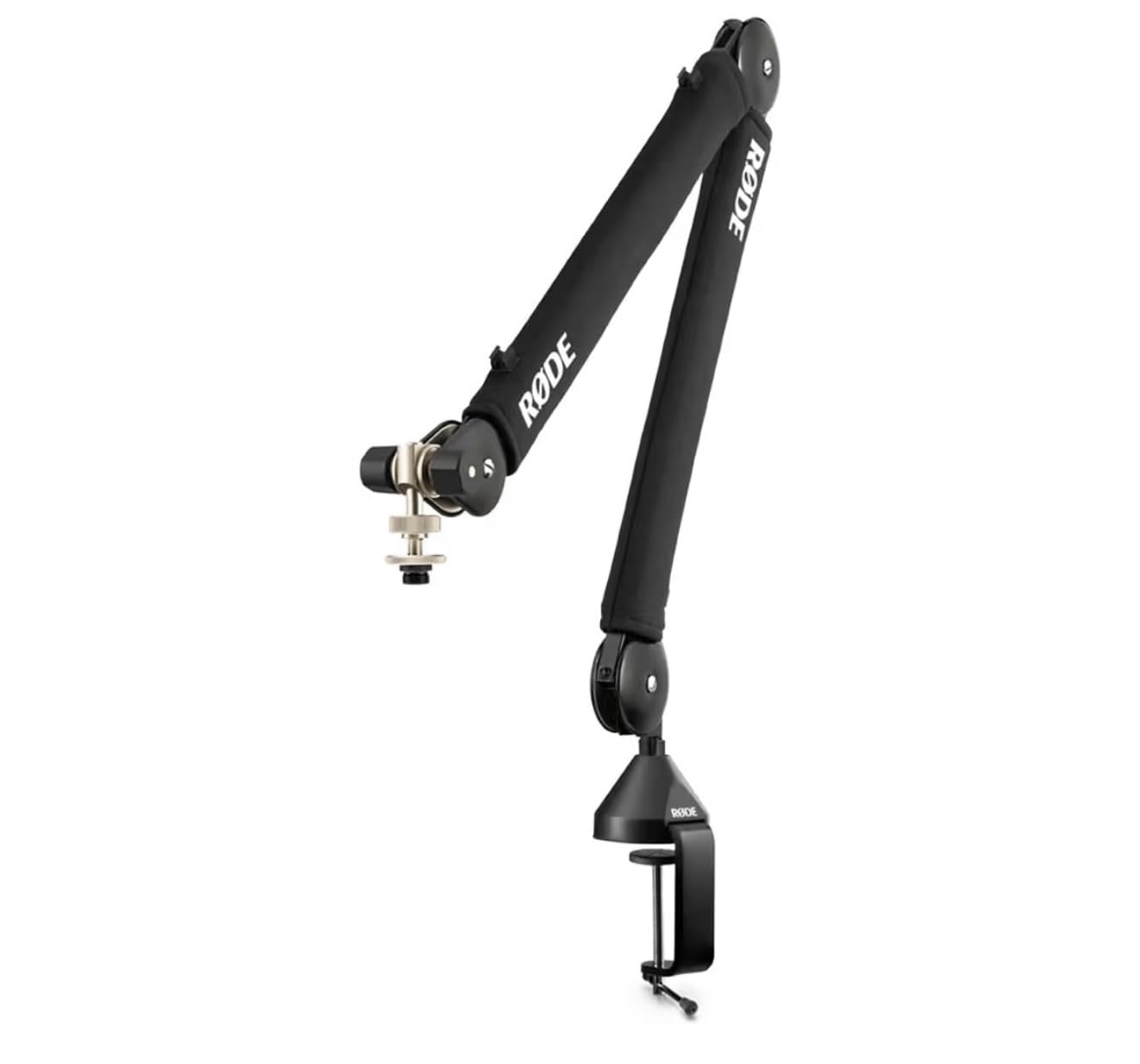
The RODE PSA1+ has a reputation for simply working, and our testing matched it. The spring lives inside the arm rather than outside it, so moving the microphone while someone is talking produces no spring twang and no handling noise. On a live interview recording that is the single most valuable feature an arm can have.
The clamp handles desks up to 70 mm thick, one of the widest ranges we tested, which makes it forgiving on solid wood tops. Load range is 0.25 to 1.2 kg including shock mounts, and both 3/8 and 5/8 inch thread adaptors are included. Cable management is integrated into the arm, so an XLR run disappears along the underside instead of hanging in a loop.
This arm sits near the top of the Microphone Mounts category on review volume alone. Reviewers repeatedly single out the same two things: the damping stays quiet, and the arm stays where it is put after months of daily adjustment rather than slowly sinking.
The ceiling is load rating. A 1.2 kg limit is comfortable for studio condensers and mid-weight dynamics, but a heavy broadcast microphone with a large shock mount can reach the end of that range and start to feel the counterbalance strain.
Good for: interview and co-hosted shows where arm movement happens on mic
When a guest laughs or leans in and you move the mic to follow them, external springs announce it. This arm does not. That makes it the pick for conversational formats where repositioning is part of the recording rather than something you do between takes.
The 70 mm clamp range also makes it one of the easier arms to fit to a thick wooden desk without a second purchase.
Not good for: mounting a heavy broadcast mic, or a flush under-desk install
Both the clamp-only design and the 1.2 kg limit point the same way. If your microphone is at the heavy end of the broadcast range, the gas spring arm in this roundup has the headroom, though it costs more.
There is no mid-desktop mounting plate option, so a permanently routed cable under the desk is not possible without extra hardware.
5. Elgato Wave Mic Arm Pro – Best Load Capacity for Heavy Microphones
Elgato Wave Mic Arm Pro, Gas Spring Microphone Arm
Gas spring suspension
Holds up to 3 kg
17 inch maximum height
Clamp fits 60 mm desks
Pros
- Gas spring suspension is silent and needs no screw adjustments
- Highest load capacity in the roundup at 3 kg with accessories
- Magnetic covers keep cables fully hidden
- Works with Shure RODE Neumann and most other brands
Cons
- Newer listing with a much smaller review base
- Priced above every other arm in the roundup
- Relies on the clamp and riser rather than a wide flat base
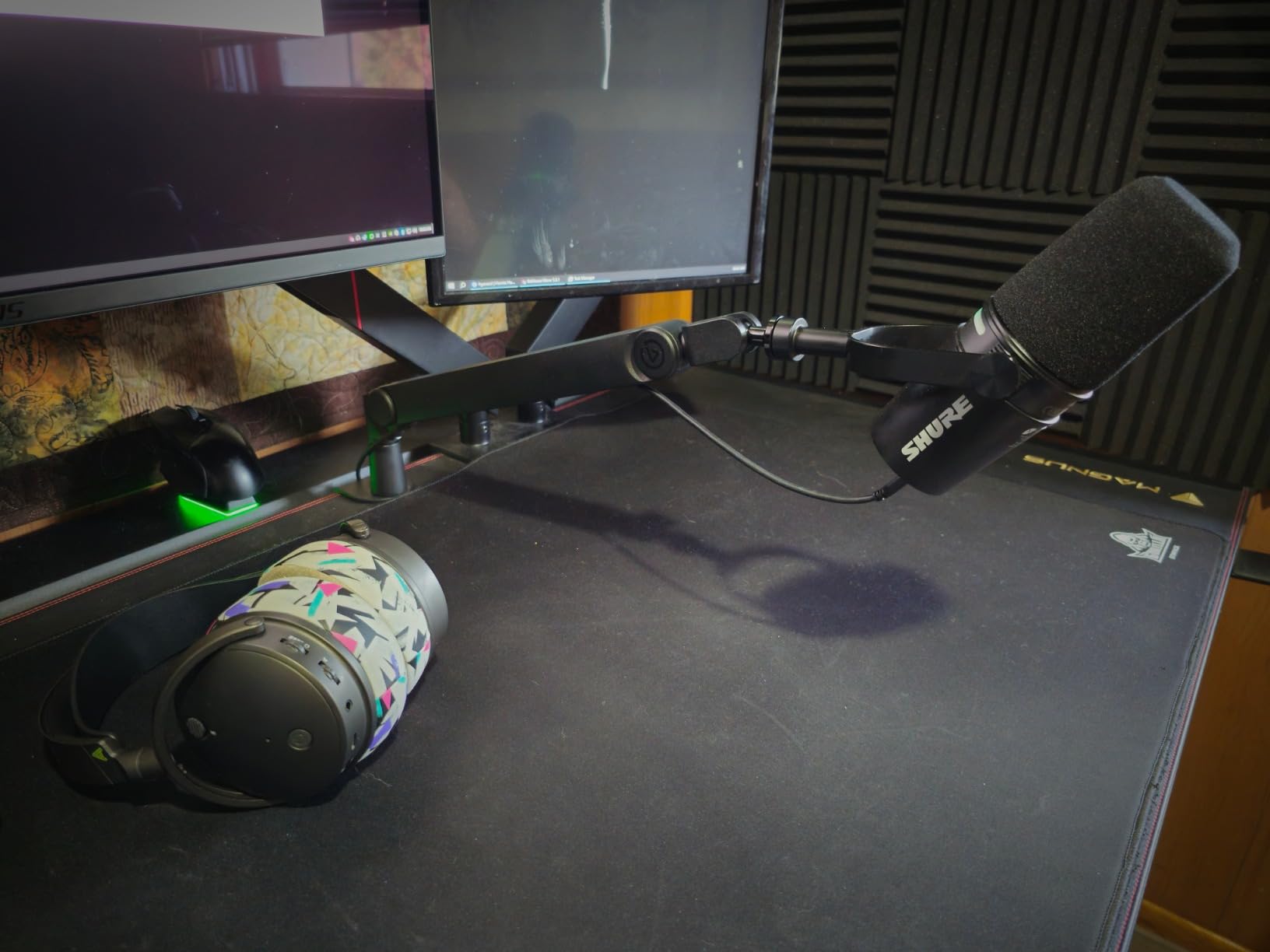
This is the arm to look at if your microphone weighs as much as a small studio monitor. A 3 kg capacity covers a large diaphragm dynamic, a shock mount and the cable run combined, with room left over, and the gas spring suspension means there is no tension screw to loosen and retighten every time you move it.
That suspension style is the quiet one. Gas springs absorb the movement instead of releasing it, so repositioning during a take does not produce the metallic ring that scissor arms can produce. Our listening test found nothing audible on playback when we moved the arm during speech.
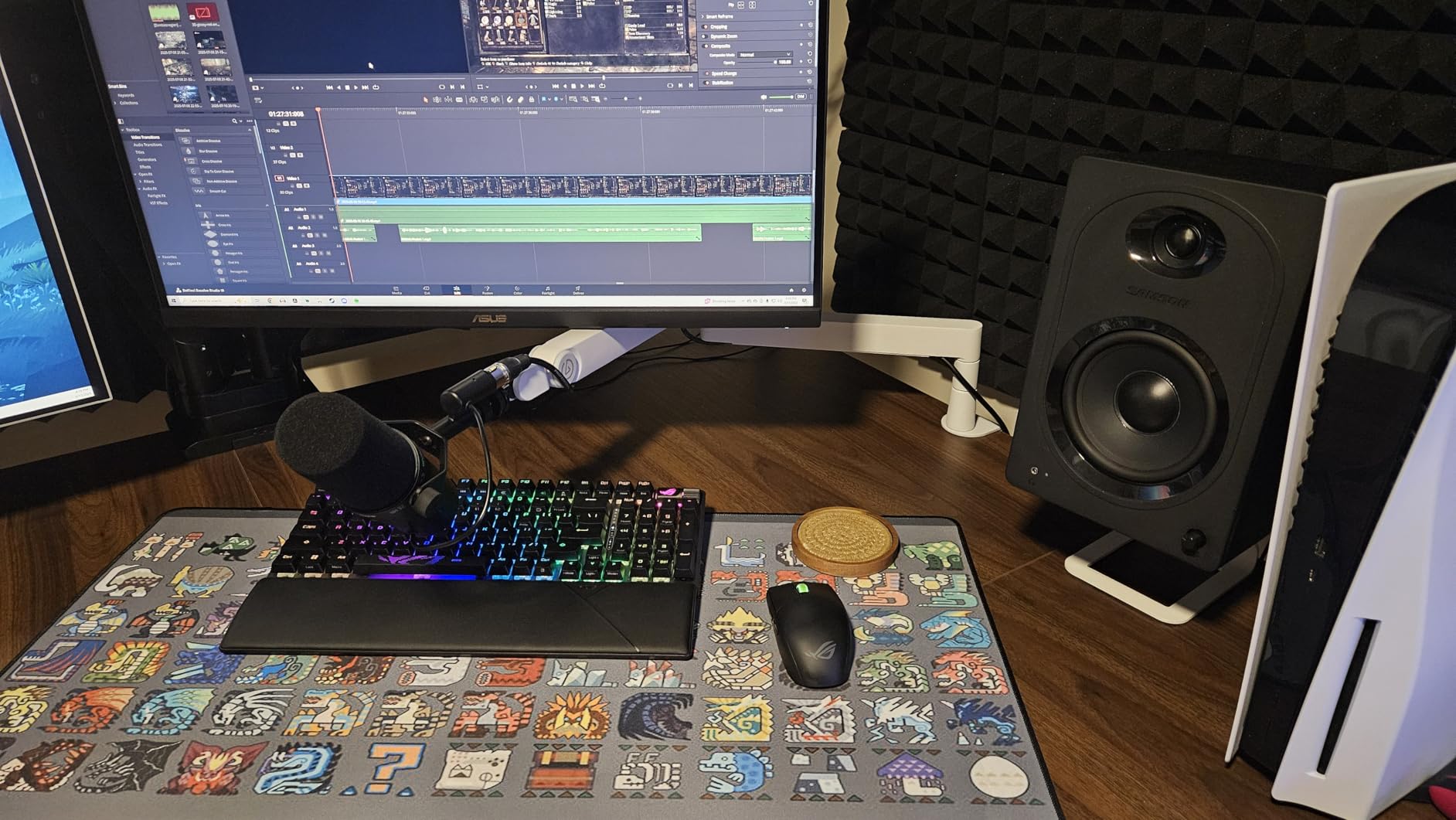
The padded clamp fits desks up to 60 mm thick, adapters for 1/4, 3/8 and 5/8 inch are in the box, and a riser is included to add height when the arm is mounted low on a deep desk. The magnetic cable covers are the same idea as on the low profile Elgato arm, and they work just as well.
Two caveats. The review base is much smaller than the other arms here, so the long-term record is shorter. And the base depends on the clamp and riser rather than a broad footprint, so it wants a solid edge to grip rather than a light panel desk.
Good for: large diaphragm dynamics and permanent studio desks
If you have already settled on a broadcast microphone and want the arm to disappear as a variable, a 3 kg rating means you will never think about load capacity again. The gas spring also means the arm stays exactly where you leave it, which removes a whole category of small annoyances from a recording day.
It suits a dedicated desk better than a shared one, since the investment only makes sense if the microphone it carries is a serious one.
Not good for: buyers who want a proven long-term record or a light mic
Fewer reviews means less evidence about how the arm looks after two years of daily handling, and it is the priciest arm in this roundup. Pairing it with a mid-weight USB condenser leaves most of the capacity unused.
A desk without a solid edge to clamp will also make this a poor choice, since there is no alternative base in the box.
6. Samson MBA38 – Best Traditional Broadcast Reach
Samson MBA38 38″ Microphone Boom Arm Studio Podcast USB Mic Stand w/Desk Clamp
Alloy steel body
2.5 kg / 5 lb capacity
38 inch maximum height
Internal springs
Pros
- Long 38 inch reach covers deep desks and wide seating
- Internal springs give silent effortless positioning
- Clamp and flange mount both included in the box
- Two year parts and labour warranty
Cons
- Traditional over-desk profile sits higher in a camera frame
- Only 5/8 inch clip threading supplied
- Four pound build feels light under heavy broadcast microphones
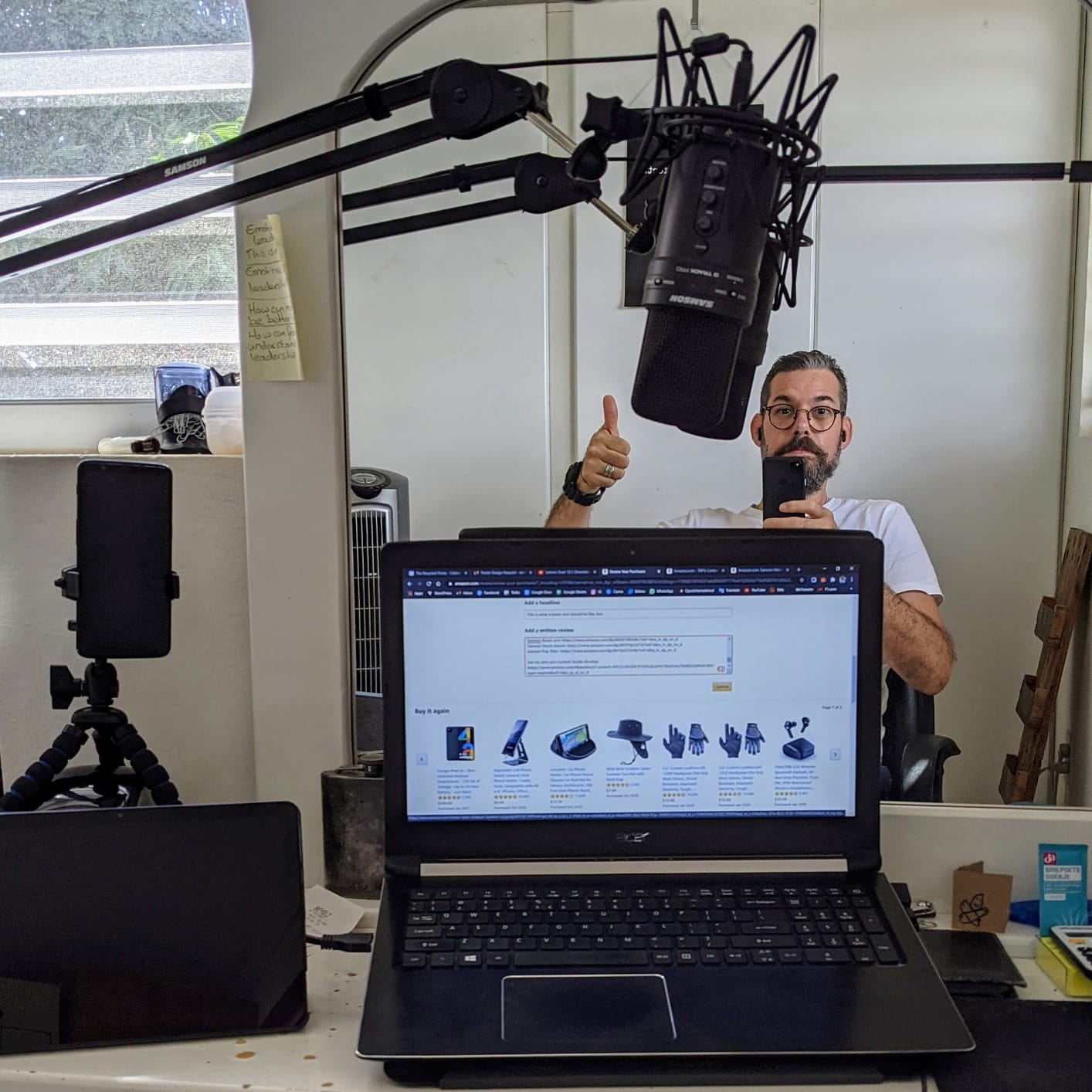
Reach is the reason to buy this one. A 38 inch maximum height gives an enormous working envelope, which means the microphone can sit high, come in low, or sit well out to the side of a wide desk without the arm looking strained. For a room where two people share one desk and one clamp, that flexibility is worth planning around.
Load capacity is 2.5 kg, or 5 lb, which is more than most of the arms in this roundup and enough for a heavy dynamic with a shock mount. The internal springs are silent in use, the steel frame is powder coated, and the warranty runs two years for parts and labour from a long established pro audio brand.
Two mounting options arrive in the box, which is unusual at this level: a C-clamp for desks up to 2 inches thick, and a flange mount with wood screws for a permanent install. If you have ever wanted a podcast desk where the arm never moves, the flange is the way to get there.
It is a traditional overhead arm rather than a low profile one, so it sits higher in a video frame. Only 5/8 inch clip threading is supplied, so a USB microphone with a smaller mount needs an adapter, and at four pounds the frame is on the light side for the load it is rated to carry.
Good for: shared desks, two-person podcasts and wide rooms
The long envelope makes it the practical choice when the microphone needs to be in a different place for different segments, or when a guest sits further from the clamp than your own seat does. Two mounting options also make it a good pick for a semi-permanent studio desk.
Its 2.5 kg rating is comfortable enough for most broadcast microphones without moving up to a premium gas spring arm.
Not good for: video-first shows that need a low profile silhouette
A traditional arm arcs above the desk, so in a camera crop the microphone and part of the arm will be visible. If your show is watched as well as listened to, the low profile designs here suit the framing better.
If your microphone uses a smaller than 5/8 inch mount, budget for an adapter before the arm arrives.
7. InnoGear MS542 Weighted Base – Best Stand for a Small Table
InnoGear Adjustable Desk Microphone Stand, Weighted Base with Soft Grip Twist Clutch, Boom Arm, 3/8/” and 5/8/” Threaded Mounts for Blue Yeti and Blue Snowball, Kick Drums, Guitar Amps, Black
Powder coated cast iron base
11 to 15.8 inch height
4.4 lb load at half extension
Pros
- Heavy cast iron base with a rubber gasket that absorbs desk vibration
- Twist clutch adjusts height from 11 to 15.8 inches
- U-shaped cable clips tidy the cable on the riser
- Compact footprint suits small tables
Cons
- Tips over if the boom is swung fully to the side
- Real extension is about 5.5 inches past the riser
- Friction joints creep under heavy loads and drop slightly
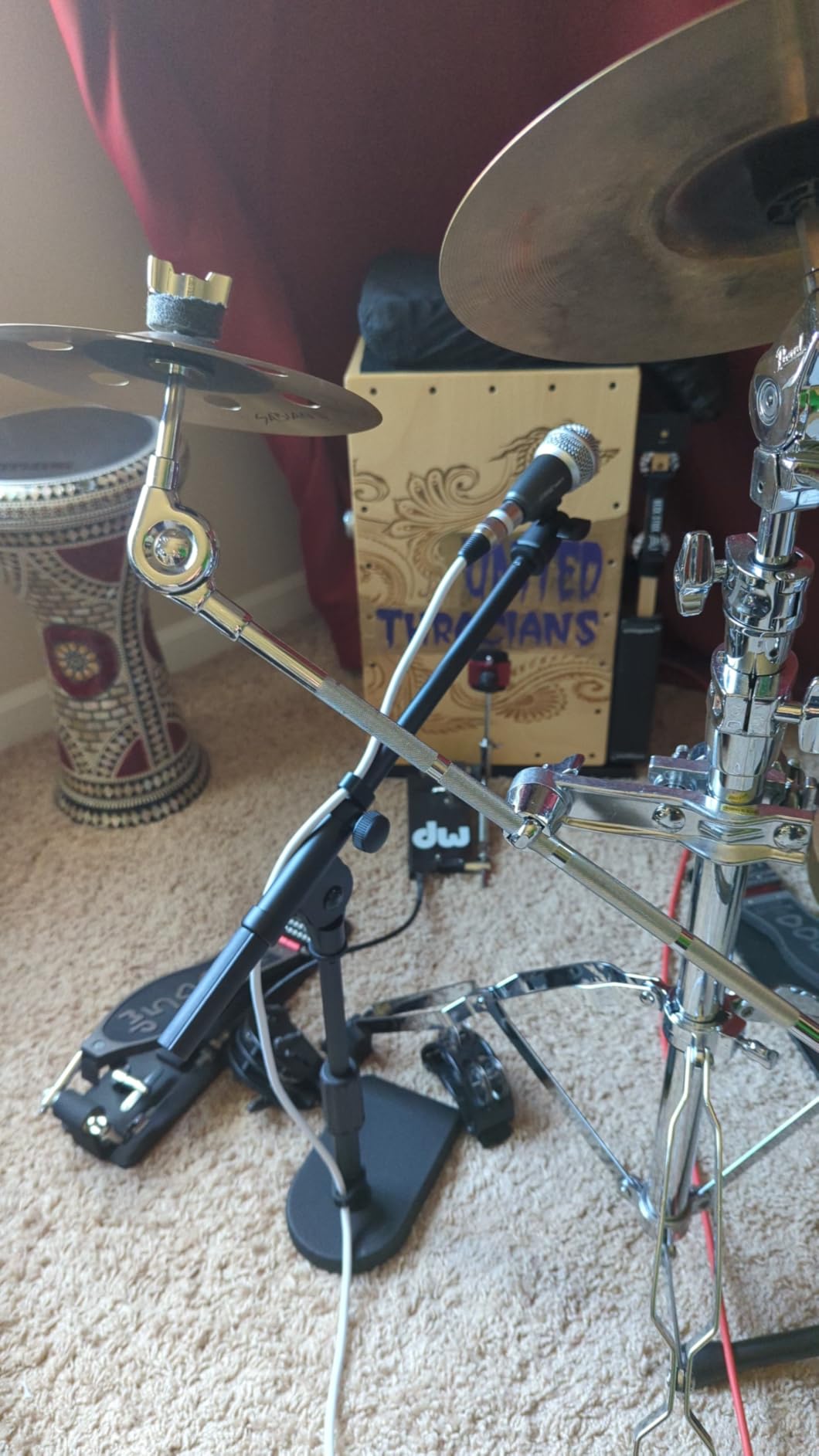
This is the one stand in the roundup that sits on the desk rather than clamping to it, and for a small table that is the whole point. The base is powder coated cast iron with a rubber gasket underneath, which does two useful things: it resists tipping and it damps the small vibrations a light desk setup transmits.
Height adjusts by a twist clutch from 11 to 15.8 inches, and the load rating is 4.4 lb when the boom is extended halfway. A 3/8 female to 5/8 male adapter and a microphone clip are in the box, along with U-shaped cable clips that run up the riser.
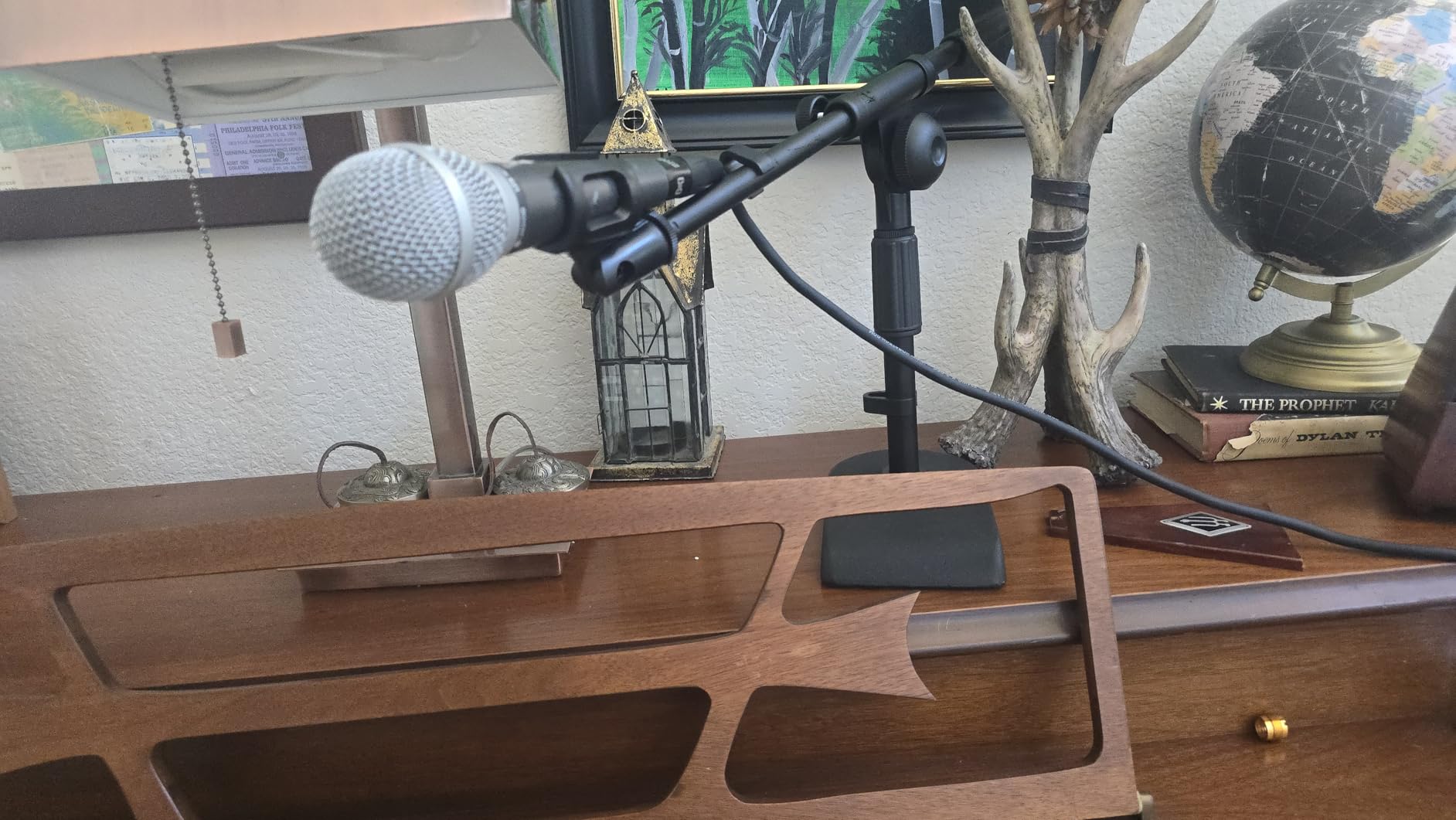
It is also genuinely multi-purpose. The same stand works as a boundary mic stand, a kick drum mic stand, or an amp mic stand, which is a better return on desk space than any of the clamp arms in a very small home studio.
The caveats are about geometry. Swinging the boom fully out to the side puts the microphone beyond the base, and a heavy mic will tip it. Real extension past the riser is around 5.5 inches, not the length the product photos suggest, and the friction joints creep enough under load to let the arm settle lower overnight.
Good for: small tables where a clamp will not fit
Some desks cannot take a clamp at all, either because the surface is thin, curved, or a glass and wood combination with no grippable edge. A weighted base sidesteps that entirely, and the vibration-damping gasket makes it a reasonable choice for a desk that is not a dedicated studio.
It also doubles for instrument and boundary miking, so the money does not sit idle when you are not recording.
Not good for: reaching across a deep desk or lifting a heavy microphone
The effective extension is short, so the microphone ends up close to the base. That is fine for a seated home office and wrong for a host who needs the mic well in front of them.
Keep the boom over the base and the light microphones this stand is built for. Push it further out and the weight of the microphone becomes the weight of the argument.
8. FIFINE BM88 – Best All-Metal Low Profile Reach
FIFINE BM88 Low Profile Microphone Boom Arm Stand for Gaming Streaming
All-metal body
Extends to 29 inches
220 and 360 degree adjustment
Three thread adaptors
Pros
- All-metal construction that feels more rigid than plastic-bodied arms
- Extends 29 inches with wide vertical and horizontal travel
- Hidden cable channels keep the desk tidy
- 1/4 and 3/8 and 5/8 inch adaptors already fitted
Cons
- Falls a little short when clamped at the rear of a wide desk
- Clamp screw sits on the wrong side of the opening
- Ball joint needs fiddling and the coating scuffs
The BM88 is the arm we kept thinking would be the pick if the low profile Elgato arm had not existed. The body is metal rather than plastic, which makes it feel noticeably more rigid in the hand and, more importantly, in the first month of daily repositioning.
Extension runs to 29 inches, with 220 degrees of vertical adjustment and 360 degrees horizontally. That is more vertical range than most low profile arms, and it means the microphone can come up toward a standing host or drop low for a laptop-side recording without a second piece of hardware.
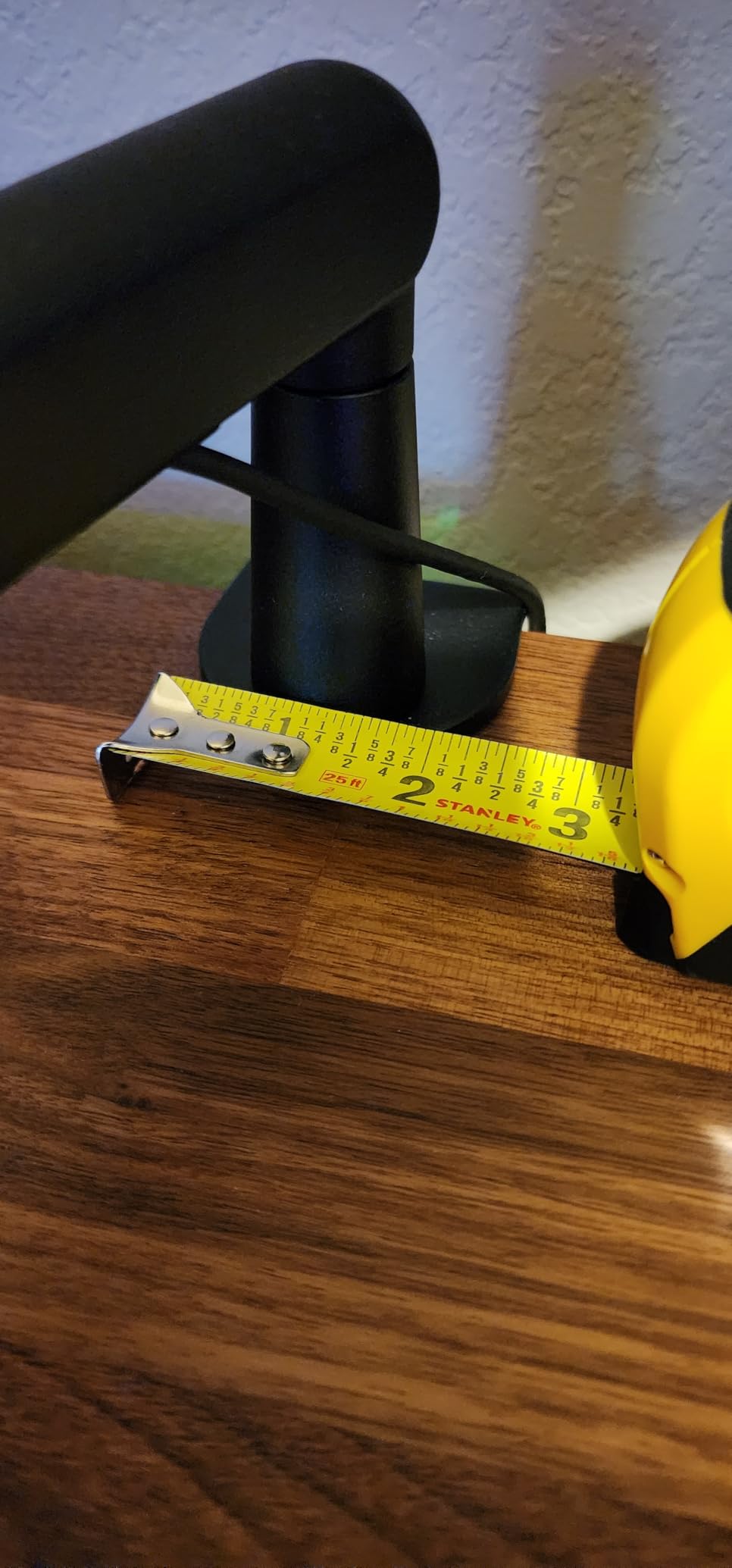
All three thread sizes, 1/4, 3/8 and 5/8 inch, are already fitted to the rotatable ball head, so almost any microphone works out of the box. Cable management is hidden along the arm rather than added on with straps, and the clamp is a C-clamp that stays attached to the desk when the arm is folded away.
Two practical complaints. On a deep desk clamped at the very rear, the arm falls slightly short of the mouth position, and some owners add a separate extender. The clamp screw is also on the side that needs widening, which is awkward when the desk sits against a wall.
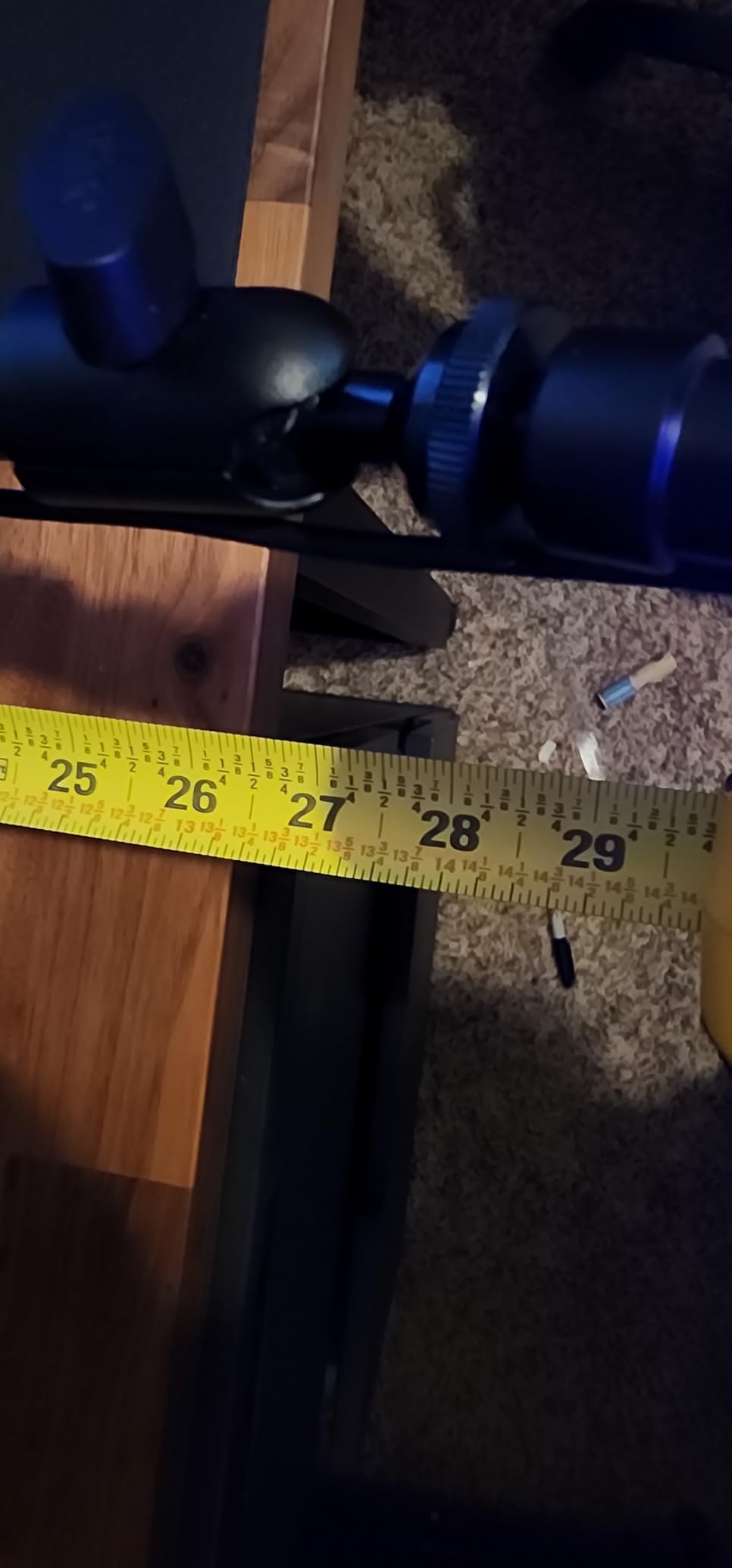
Good for: streamers and podcasters who reposition the mic constantly
The vertical range here is the standout. If your recording position changes between a seated interview and an upright segment, being able to raise and lower the microphone without loosening anything is worth more than a slightly longer horizontal reach.
The all-metal build also suits a desk that gets handled a lot, and the fitted adaptors remove the single most common setup mistake new podcasters make.
Not good for: narrow desks clamped tight against a wall
Because the clamp screw is on the side you would need to open to fit the desk, installing this against a wall means either turning the desk or removing the clamp to widen the opening first.
On very deep desks, measure the reach before committing. Twenty-nine inches is generous for most rooms and tight for a large studio table.
9. Aokeo AK-55 – Best for Ultrawide Monitor Setups
Microphone Arm,Aokeo AK-55 Desk Low Profile Adjustable Mic Boom Arm Stand,Suitable For Blue Yeti,Snowball iCE, HyperX QuadCast,SoloCast,Elgato Wave,Etc
Low centre of gravity
Holds up to 2 kg
360 and 180 degree rotation
Fits desks under 7 cm
Pros
- Low centre of gravity keeps the mic steady during handling
- Both arms rotate 360 degrees and the mic arm swings 180 degrees
- Cable hides along the underside of the arm across the monitor base
- Includes 3/8 to 1/4 and 3/8 to 5/8 inch adapters
Cons
- Clamp limited to desks under 7 cm thick
- No shock mount included in the box
- One year warranty is shorter than the two year rivals offer
The AK-55 solves one problem better than anything else in this roundup: getting a microphone into the space under a very wide monitor. Both arms rotate 360 degrees and the microphone arm swings up and down through 180 degrees, so the whole assembly can tuck under a screen that sits close to the desk with a minimal stand.
Because the arm sits low, its centre of gravity is low, and that is where the stability comes from. We could pick up and reposition the microphone mid-sentence without the position shifting afterwards, which is not something we can say for every low profile design.
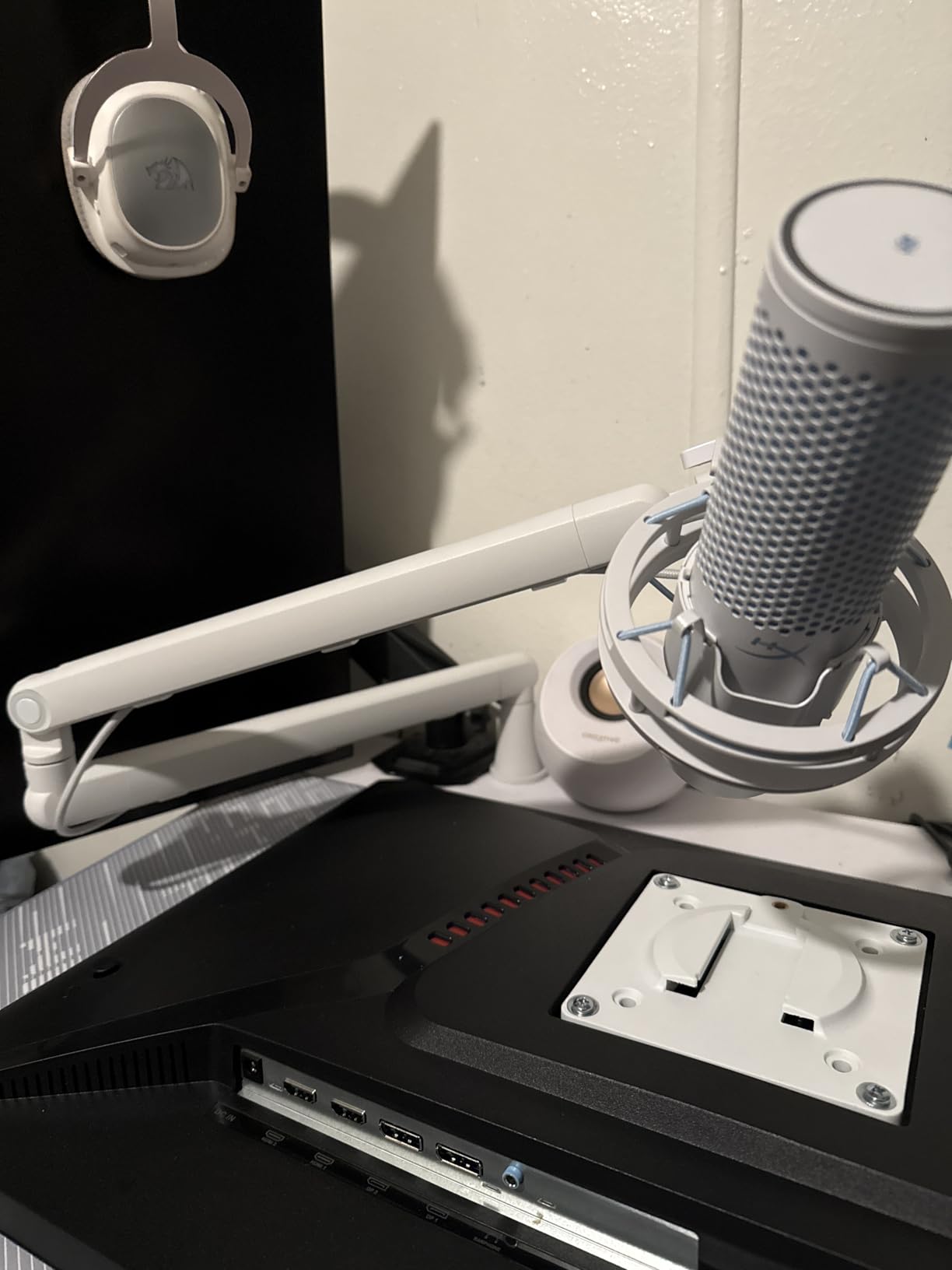
Load capacity is 2 kg, and both adapter sizes are included, 3/8 to 1/4 inch and 3/8 to 5/8 inch. The cable runs along the underside of the arm and is secured there, so it disappears under the monitor rather than dropping behind the screen.
The limit worth checking first is the clamp, which fits tables under 7 cm thick. That covers most desks and excludes a lot of solid wood. It is also a one year warranty where two of the premium arms here offer two years, and no shock mount is included, so budget for one if your microphone needs suspension.
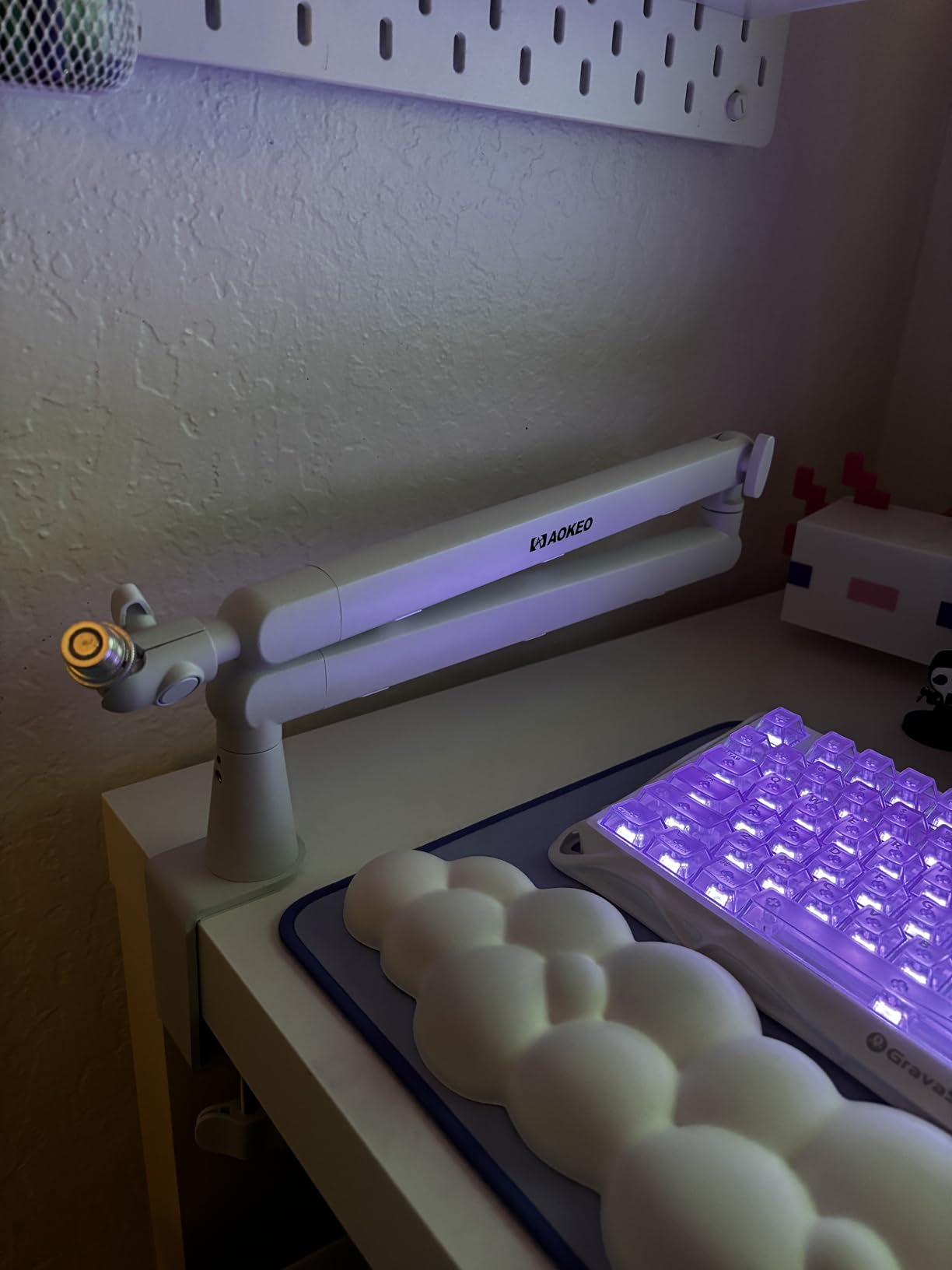
Good for: ultrawide monitors and cameras framed tight on the desk
If you have moved to a 34 inch or wider display, the gap under the screen is the only place a microphone can live. This arm is designed around exactly that geometry and stays put while you handle it.
It suits video-first podcasting where the framing has no room for a visible arm, and it stays out of the way of a monitor arm mounted in the same region.
Not good for: thick solid wood desks or buy-to-complete setups
The 7 cm clamp ceiling is the deciding number. Measure your desktop thickness before you order, because a wooden top that is slightly too thick cannot be made to work with this clamp.
Since no shock mount is in the box, budget for a separate purchase if you want the microphone suspended rather than screwed directly to the arm.
10. Shure by Gator SH-BROADCAST1 – Best Reach for Huge Desks
Shure by Gator Deluxe Broadcast Desktop Mic Boom Arm (SH-BROADCAST1)
Metal construction
2 kg capacity
940 mm / 32.25 inch reach
Clamp fits 55 mm desks
Pros
- Extremely long 32.25 inch reach with quiet 360 degree rotation
- Threaded extension adapter gives XLR clearance for the SM7B and MV7
- Cable channel with clips keeps XLR or USB runs hidden
- Limited lifetime manufacturer warranty
Cons
- Lowest average rating in the roundup at 4.2
- Plastic joint parts and the internal spring are reported failure points
- Adjustment knobs work loose and creep under heavy microphones
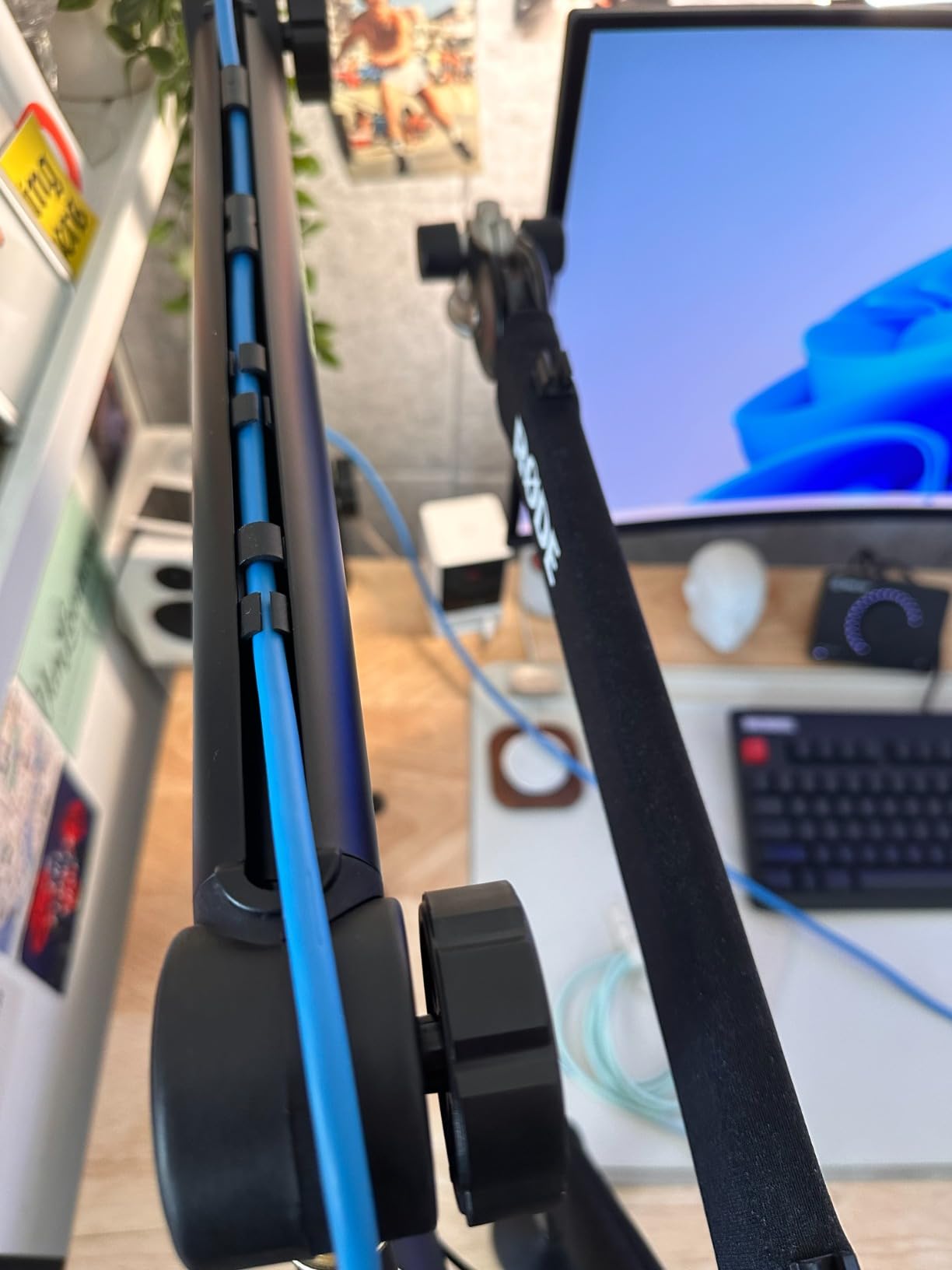
Reach is the headline number and it is the real one. At 32.25 inches, or 940 mm, of extension with a full 360 degree quiet rotation, this arm covers more distance than anything else we tested. On a large studio table, a wide corner desk, or a broadcast console surface, that envelope removes almost every positioning compromise.
The threaded extension adapter at the microphone end exists to give an XLR cable enough slack, and it fits both US and Euro mic clips along with the Shure SM7B and MV7. A cable channel with secure clips runs the length of the arm, so a wired microphone stays out of sight end to end.
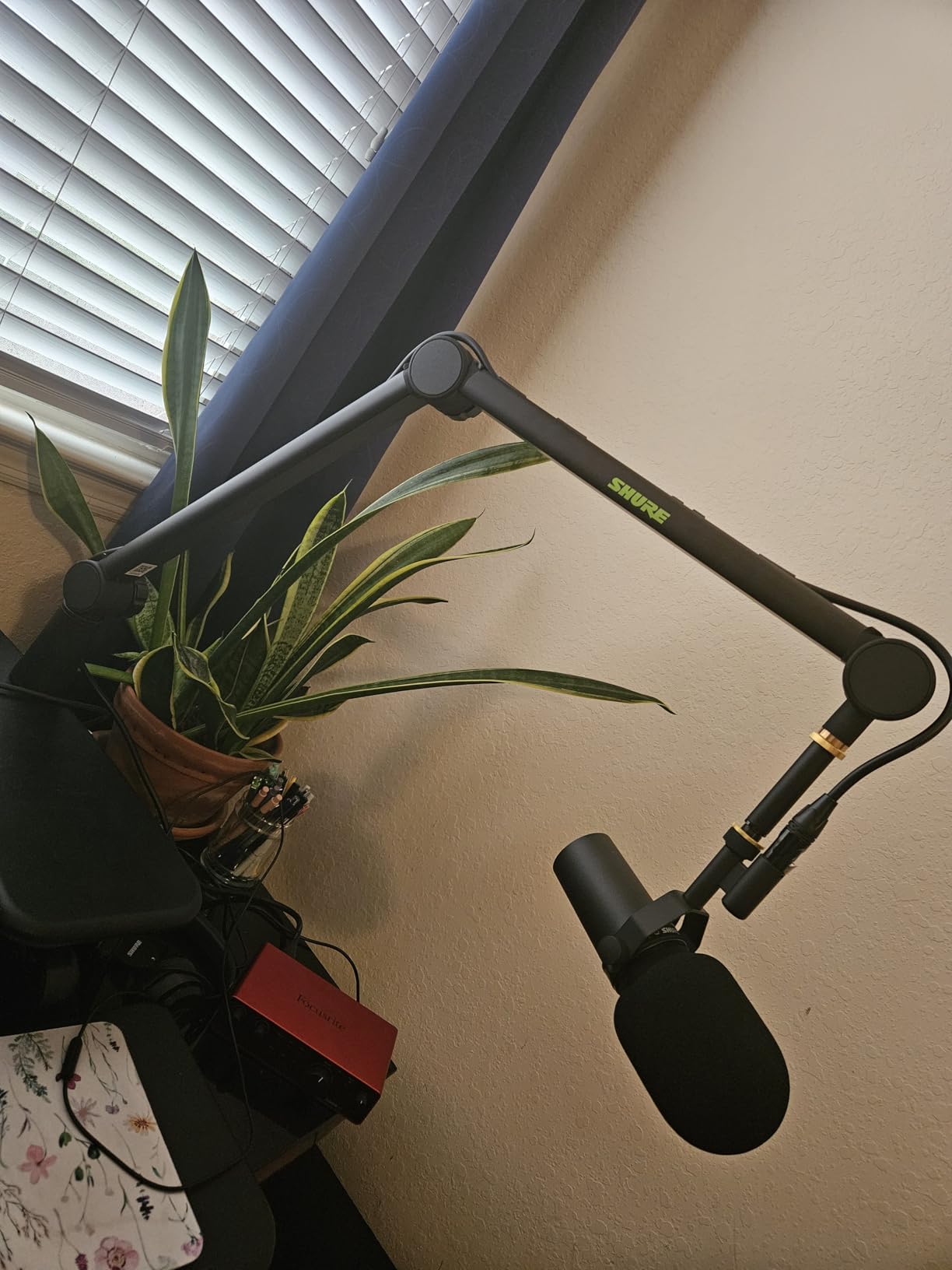
Clamping covers desks up to 55 mm thick and the load rating is 2 kg, which fits most broadcast microphones including the heavier dynamics. Construction is metal with a limited lifetime manufacturer warranty, and once tension is set it holds a heavy microphone without sagging.
The reviews are sharply split, and it is worth reading them before buying. Plastic joint components and the internal spring show up repeatedly as failure points, knobs work loose over time and let the arm creep, and the cable tabs are fiddly to fit. The cable management tabs are also easy to pop out.
Good for: large studio desks where the microphone has to be far from the clamp
On a big surface, an arm with a short reach forces a compromise between where the clamp can grip and where the microphone needs to sit. This one does not have that problem, and the 360 degree rotation covers positions an overhead arm cannot reach.
It is also a sensible match for a wired broadcast microphone that needs a straight, strain-free cable path to a preamp.
Not good for: anyone who needs a proven track record over years of daily use
This arm carries the lowest average rating in the roundup, with 12% of reviews at one star, and the complaints cluster around durability rather than performance. If you move your microphone several times an hour, loosening joints are a poor long-term bet.
It is also large and does not fold down, so it stays visible on the desk when you are not recording. If your camera crops tight, a low profile arm is a better fit.
How to Choose a Microphone Arm for Your Podcast Desk
Start with the desk, not the microphone. A beautiful arm that will not clamp to your tabletop is a paperweight, and desk thickness is the single most common reason arms get returned.
Measure your desktop thickness first. The clamp ranges here run from 4.8 cm on the SUNMON arm up to 70 mm on the RODE PSA1+, with most falling between 55 and 60 mm. Anything above about 6 cm and you should assume you need a solid wood top or a reinforcement plate under the clamp jaw.
Add up your total payload, not just the microphone. A large diaphragm dynamic with a shock mount and a thick XLR cable adds up fast. Add the weight of the mount and the cable to the mic itself and compare that number to the capacity. The InnoGear scissor arm is rated at 1.5 kg, the gas spring arm at 3 kg, and the gap between those numbers is the difference between a snug fit and a swaying one.
Work out reach from your desk depth. Measure from the edge where the clamp will sit to the point where your mouth sits when you are in your normal recording posture. Add 6 to 8 inches of margin so the arm is not at full extension during a session. Arms here range from about 29 inches of horizontal reach on the low profile designs to 38 inches of maximum height on the traditional broadcast arm.
Decide between low profile and traditional before anything else. A low profile arm runs under the monitor and stays out of a camera frame, which is why the Elgato Wave Mic Arm LP leads this list for podcast desks. A traditional overhead arm gives you a bigger vertical envelope and better clearance over desk clutter, which matters in a shared room where the mic has to be pushed out of the way.
Check the thread before the price. Most arms take a 5/8 inch clip, and most USB microphones mount on 5/8 inch, so a single adapter usually solves it. Several arms here ship with 1/4, 3/8 and 5/8 inch adaptors already fitted, and the Samson arm ships with only 5/8 inch, which is a detail worth knowing before the box arrives.
Treat cable routing as a feature, not a chore. Arms with hidden channels, magnetic covers, or clips integrated into the arm look finished on camera and survive being moved daily. arms where you must add your own hook-and-loop ties will always look improvised.
For two-person podcasts, plan the geometry together. Two arms clamped to opposite edges of a wide desk need enough reach on each side to angle inward. Our dual monitor arm guide covers the same reach-versus-clamp problem for screens, and the logic transfers directly to microphones.
If you record wired, plan the signal path. An arm with a cable channel saves strain on the connector, which is the most common failure point on a desk microphone. If your arm runs to an interface, our microphone preamp guide covers the other half of the chain, and the podcast mixer guide covers the third.
Installing a Microphone Arm on Your Desk
Most arms take under ten minutes. The order matters more than the time, because a clamp installed in the wrong position is the thing you will live with every session.
1. Sit in your normal recording posture and mark where your mouth is. Put a piece of tape on the desk at that point, then measure back to the nearest grippable edge. That distance is your minimum clamp offset.
2. Check the clamp thickness against your desktop before tightening anything. If the arm is rated to 55 mm and your top is 60 mm, the clamp will sit on the very corner of the edge and eventually slip.
3. Attach the clamp to the underside of the desk first, then tighten the screw from below while holding the body of the clamp. Padding goes between the jaw and the surface if the arm includes any, which prevents marking on finished wood.
4. Fit the mic and any shock mount before you lift the arm into place. Bolting a heavy microphone onto an arm that is already extended is how people drop a Shure SM7B onto a desk.
5. Set the counterbalance with the microphone removed first. With an empty arm, the joint should hold any angle with almost no force. Then add the microphone and make the small adjustment needed to hold it level.
6. Route the cable last, along the arm, with enough slack at the microphone end to allow a full range of movement without pulling on the connector.
Fixing Sag, Squeaks and Drifting Arms
Reader complaints about boom arms come down to one of five things. All five are fixable in minutes.
1. The arm sags under load. You are over the rated capacity, which is the commonest cause on inexpensive arms, or the tension needs adjusting. Add up the microphone, mount and cable weight, then compare. If you are close to the limit, that is the arm to replace rather than the one to adjust.
2. It sags because tension was never set. Most arms ship with the counterbalance untensioned. Set it empty, then fine tune with the microphone attached. A joint that needs force to hold is a joint that will drift.
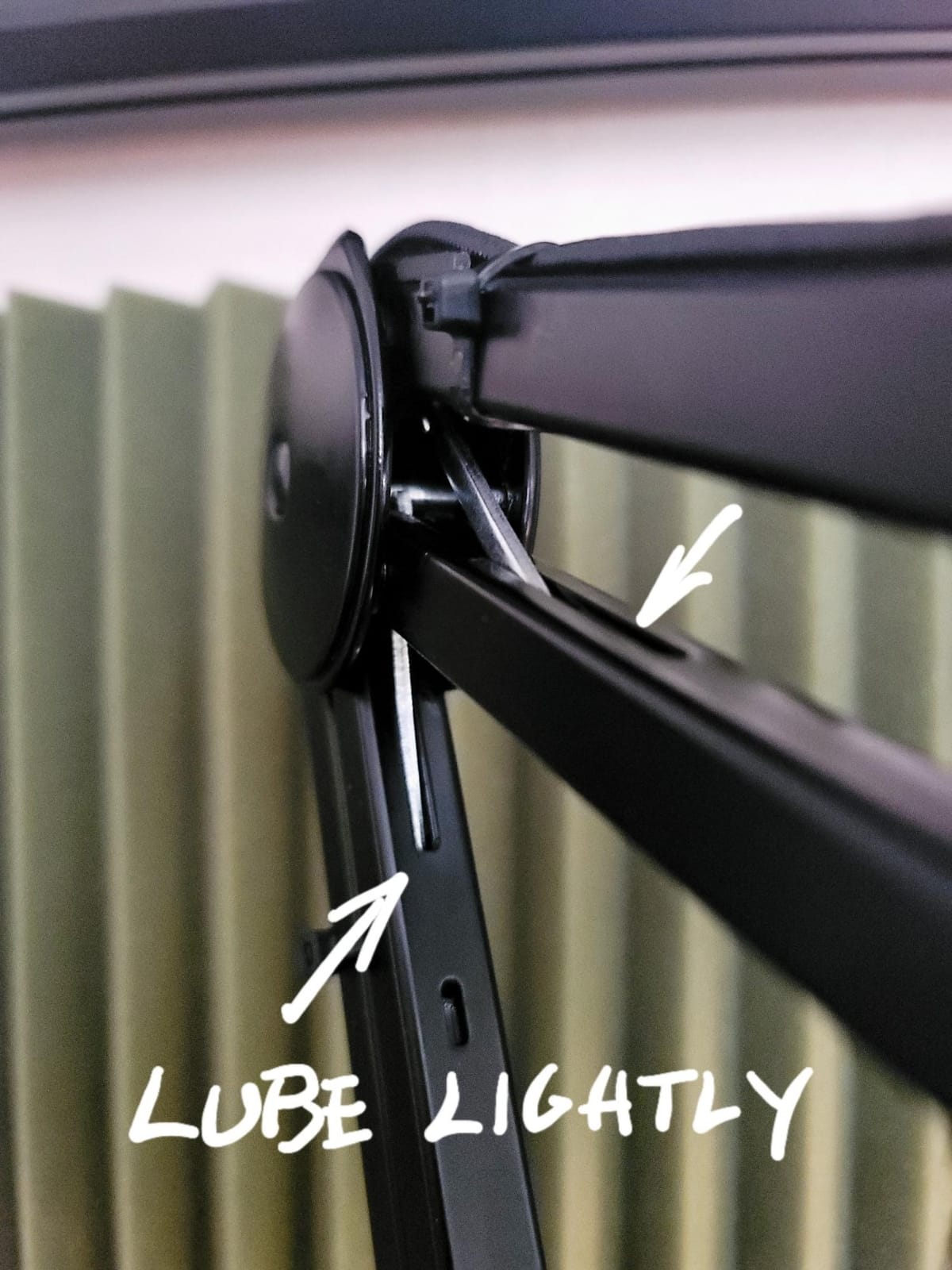
3. It squeaks when you move it. That is external spring noise transferring into the microphone. Loosen the arm, add a small amount of lubricant to the friction points, and check that the microphone clip is not binding. If the noise only happens on movement, an arm with internal springs or a gas spring removes it entirely.
4. The clamp slips on a thin desk. Thin desktops need the clamp positioned where the arm force is vertical rather than angled, which usually means clamping further back from the edge. Adding a thin pad under the jaw also increases friction and protects the finish.
5. The joints loosen over time. Friction joints and ball heads drift with use, especially under load. Retighten them every few weeks for the first month, then monthly. If a knob will not hold, the thread or washer is stripped, and the arm needs a part rather than more tightening.
Frequently Asked Questions
Does a boom arm make your mic sound better?
It does not change the microphone itself, but it fixes the three things that most often make a good microphone sound poor. It holds a consistent distance from your mouth instead of wherever it was last left, it lifts the microphone off the desk so keyboard and mouse thumps stop reaching it, and it stops the stand itself adding reflections and cable noise. On a treated desk, that is often the difference between an amateur recording and a usable one.
Which microphone arm is best for podcasting?
For most podcast desks, the Elgato Wave Mic Arm LP is the strongest all-round choice. It is all metal, holds up to 2 kg, rotates quietly through 360 degrees, has magnetic cable covers, and sits low enough to stay out of a camera frame. If your budget is tighter, the InnoGear scissor arm offers the widest articulation and holds its rated load, and the RODE PSA1+ is the quietest when you reposition the microphone mid-sentence.
What weight boom arm do I need for an SM7B?
Add the weight of the microphone to the weight of the shock mount and the cable, then pick an arm rated comfortably above that number. Arms in this roundup range from 1.2 kg to 3 kg. The gas spring arm at 3 kg gives the most headroom for a heavy dynamic setup, while the 2 kg arms handle a broadcast microphone with a light mount. Always leave margin rather than running at the stated limit.
Can I use a boom arm with a thick desk?
Only if the clamp is rated for the thickness. Clamp ranges here run from 4.8 cm up to 70 mm, and most standard desks fall in the middle of that. Measure the desktop before ordering, including any trim, and if your top is thicker than the clamp rating, look for a reinforced mount or a weighted base stand instead of forcing the clamp onto the edge.
Why does my microphone boom arm sag, and how do I fix it?
There are two causes. Either the total load of the microphone, mount and cable is above the arm’s rating, which no adjustment will fix, or the counterbalance tension was never set properly. Start by adding up the weights and comparing to the capacity. If you are under the limit, set the tension with the arm empty, then make a small adjustment with the microphone attached until the joint holds position without force.
Should I get a low profile or a traditional boom arm?
A low profile arm runs under the monitor and stays out of a camera frame, which is why it suits video-first podcasting and compact desks. A traditional overhead arm gives you a larger vertical envelope and better clearance over desk clutter, which suits shared rooms and two-person shows. If you are not sure, check whether your show is watched as well as listened to, because that single question decides the answer most of the time.
The Verdict for Podcast Desks in 2026
The best microphone arms for podcast desks in 2026 come down to two questions: how heavy is your microphone, and how thick is your desk. Answer those first and the rest of the list narrows quickly.
The Elgato Wave Mic Arm LP is the one we recommend to most people. All metal, quietly rotating, with magnetic cable covers and enough reach to serve a two-person show from one clamp. Pick the InnoGear scissor arm if you want the most articulation for the least money, the RODE PSA1+ if you move the microphone while people are talking, and the gas spring arm if your microphone is at the heavy end of the range.
Measure your desktop, check the clamp range, set the counterbalance with the arm empty, and you will never think about the mount again. That is the whole job.