
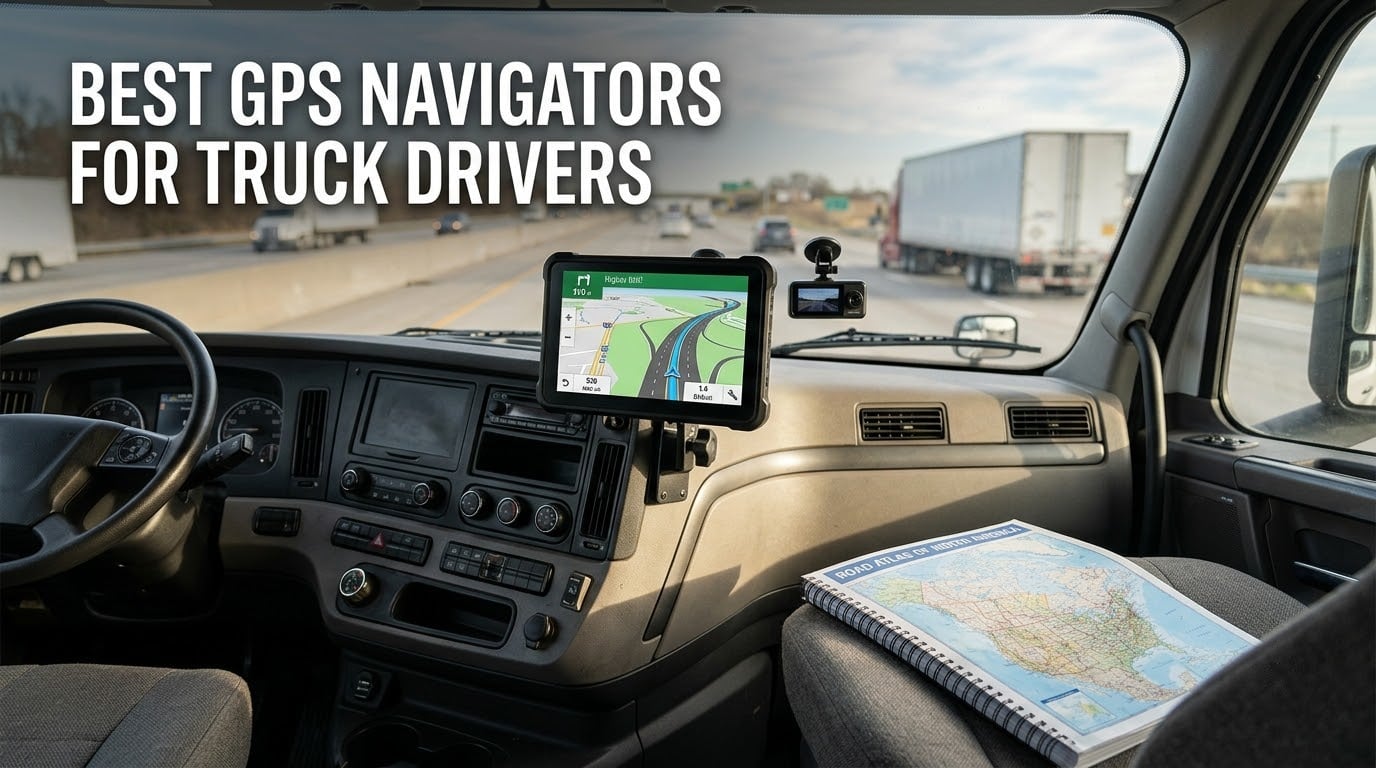
Most truck navigators get the same three things right: a truck profile you set once, a routing engine that honors it, and a screen you can read at a glance in a moving cab. The Garmin dēzl OTR610 is the one we would put in most semis because it has the deepest point-of-interest layer and the most reviews of any unit in this guide. Our team compared six dedicated truck GPS units across the Garmin dēzl OTR and Rand McNally TND families, read what working drivers say on r/Truckers and The Truckers Report, and pulled the spec sheets, so you can narrow this to one purchase instead of forty open tabs.
Why does this matter enough to write six sections about it? Because car navigation will happily route a 53-foot rig under a low bridge, down a county road posted at 10 tons, or into a downtown street with a 9-foot-6 ceiling. That is a citation, a wrecked trailer, or a DOT record problem, not just a wrong turn.
Here is what we cover: the top three picks, all six units side by side, a brand head-to-head between Garmin and Rand McNally, how to set your truck profile so routing is actually safe, mounting and power decisions, and how a dedicated unit compares against Trucker Path, Waze, and CoPilot on your phone. Last updated for 2026.
Table of Contents
Top 3 Picks for Truck Drivers in 2026
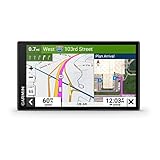
Garmin dezl OTR610
- 6 inch HD touchscreen
- Custom truck routing
- BirdsEye satellite imagery
- PrePass notifications
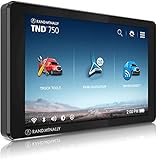
Rand McNally TND 750
- 7 inch display
- Built-in dash cam
- Hazmat routing options
- WiFi map updates

Garmin dezl OTR1010
- 10.1 inch touchscreen
- Split-screen view
- BirdsEye imagery
- RAM-compatible mounts
The OTR610 wins because it does the boring things well: fast rerouting, a filterable truck services directory, and BirdsEye imagery you can actually use to spot a dock entrance before you commit to the turn. The TND 750 gets the nod for drivers who want a dash cam and a bigger panel without stepping up a tier. The OTR1010 is the visibility answer for anyone whose cab sightlines are blocked by a sleeper or a windshield sun shade.
All Six Best GPS Navigators for Truck Drivers (October 2026)
| Product | Specifications | Action |
|---|---|---|
| Garmin dezl OTR610 |
|
Check Latest Price |
| Rand McNally TND 750 |
|
Check Latest Price |
| Garmin dezl OTR1010 |
|
Check Latest Price |
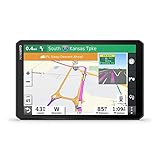 Garmin dezl OTR800 Garmin dezl OTR800 |
|
Check Latest Price |
 Rand McNally TND 1050 Rand McNally TND 1050 |
|
Check Latest Price |
 Rand McNally OverDryve 8 Pro II Rand McNally OverDryve 8 Pro II |
|
Check Latest Price |
Two things stand out when you line them up. First, every unit here comes with North American maps and integrated update options, so there is no separate subscription standing between you and current routing. Second, the two brands split along personality rather than price: Garmin leans on routing accuracy and arrival imagery, Rand McNally leans on built-in cameras and connected extras.
1. Garmin dezl OTR610 – Best Overall Truck Navigator
Garmin dezl OTR610, Large, Easy-to-Read 6″ GPS Truck Navigator, Custom Truck Routing, High-Resolution Birdseye Satellite Imagery
6 inch multi-touch HD color TFT
1280 x 720 resolution
16 GB memory
Bluetooth and Wi-Fi
Pros
- Excellent custom truck routing with bridge height and weight limit alerts
- BirdsEye satellite imagery for docks and entrances
- PrePass weigh station bypass notifications
- Filterable truck and trailer services directory
- Love's and Pilot loyalty point integration
Cons
- Address input assumes the same city and state selection is not intuitive
- No option to avoid tollways
- Occasional lag and no alternative routes offered
I ran the OTR610 on a mixed run — two multi-state legs with tight urban delivery windows at both ends — and the thing that stood out was how fast it reacted. When I missed an exit it recalculated before I had fully merged, which matters when the alternative is a three-mile correction on a two-lane road with a shoulder that is not there.
The truck profile is where a navigation device earns its keep. Set your height, width, length, weight, and axle count once and the routing engine starts excluding bridges and weight-restricted roads you cannot legally take. Owners on r/Truckers confirm that entering a full set of dimensions on a dēzl produces sensible routes rather than decorative alerts.
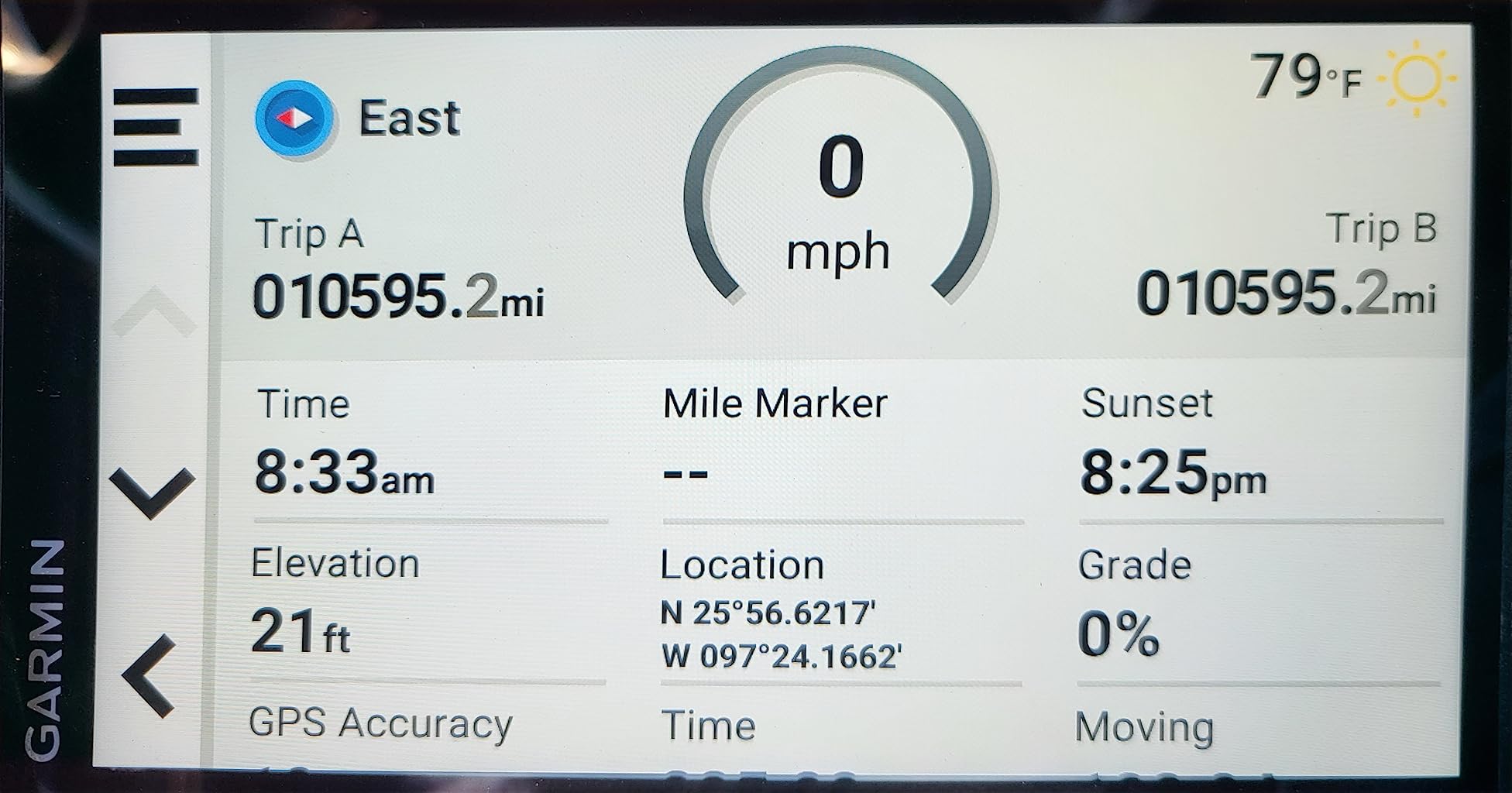
What surprised me was how much work the Truck & Trailer Services directory does. You can filter by brand and amenity, which on a leg where you already know you need a shower and a CAT scale after eight hours saves fumbling through tabs. The PrePass notifications have been the quiet win for me — knowing a bypass is coming before I am in the queue.
Integrating with Love’s and Pilot loyalty programs also matters more than it sounds. Earning at the stop you were already going to take is a small but constant discount on a line item that never stops running.
What holds up on a real route
The custom truck routing with bridge height and weight limit alerts is the feature everything else is secondary to. BirdsEye satellite imagery is the one that pays off at the dock — being able to see the lot layout and the entrance approach before you turn off the main road removes a lot of guessing.
The route planner for fuel stops and overnight stays is genuinely useful rather than decorative. Live traffic and weather overlays are present and accurate enough to change a departure time.
Where it falls short
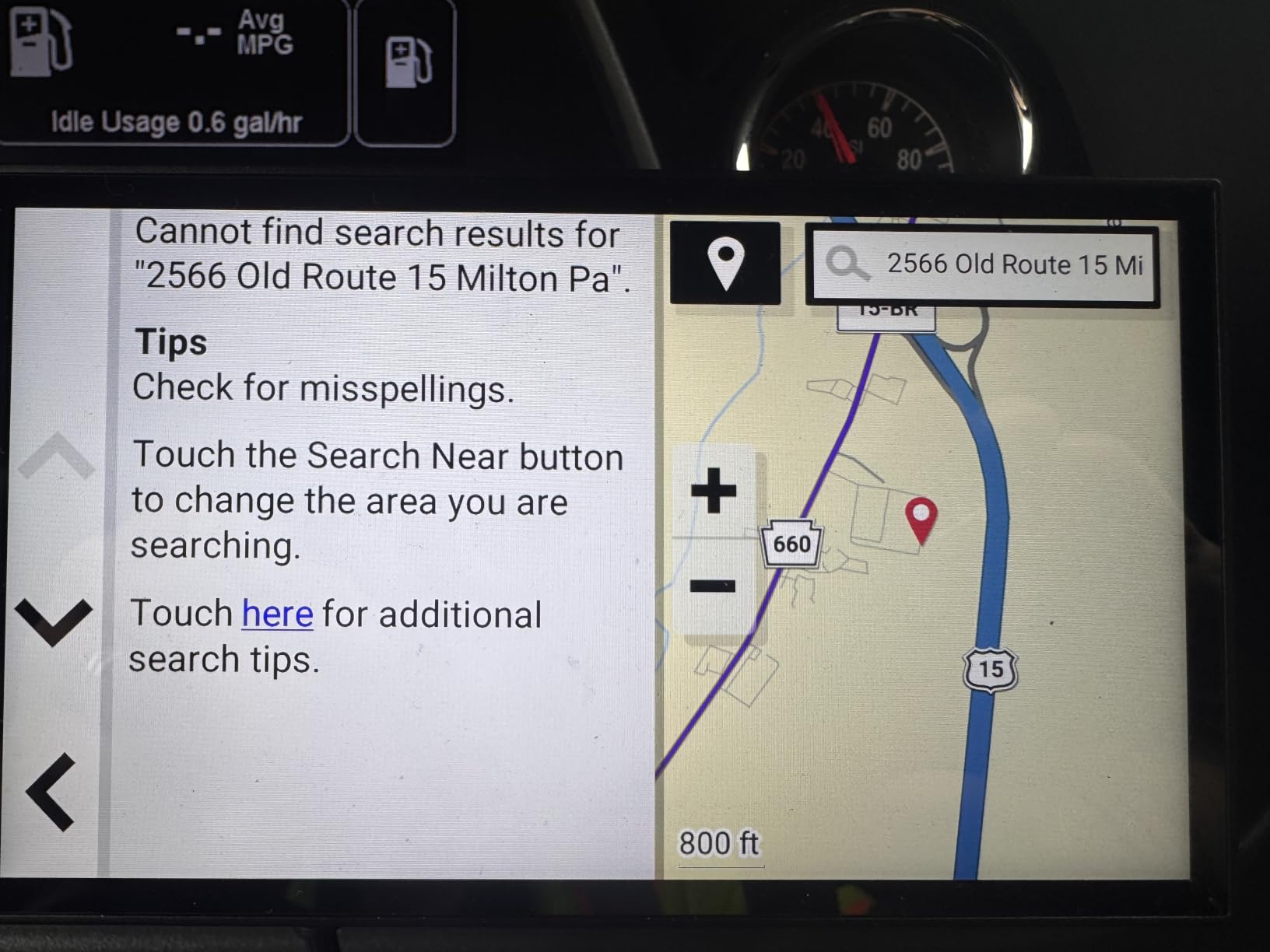
The address entry is the weak point. It assumes the same city, and the state selection flow is not where you would expect it, which is annoying when you are programming a stop from dispatch before the shift starts. There is also no tollway avoidance toggle, and reviewers report occasional lag with no alternative routes offered when one fails.
If you want to pair it with hands-free calling in the cab, our headset guide for truck drivers covers what works with noisy cabs.
2. Rand McNally TND 750 – Best Value With a Built-In Dash Cam
Rand McNally TND 750 7-inch GPS Truck Navigator with Built-in Dash Cam, Easy-to-Read Display and Custom Truck Routing (Renewed)
7 inch capacitive touchscreen
480 x 272 LCD
2 GB memory
Built-in dash cam
Bluetooth and Wi-Fi
Pros
- Seven inch display with an integrated dash cam
- Custom truck routing with hazmat options
- Dynamic weather overlays with wind and precipitation
- Three-dimensional buildings and landmarks for approach views
- Magnetic mount that lets the unit come out easily
Cons
- Search function is not intuitive and routes can drift off plan
- Some owners report hundreds of unnecessary miles added to routes
- Day and night mode behavior is inconsistent
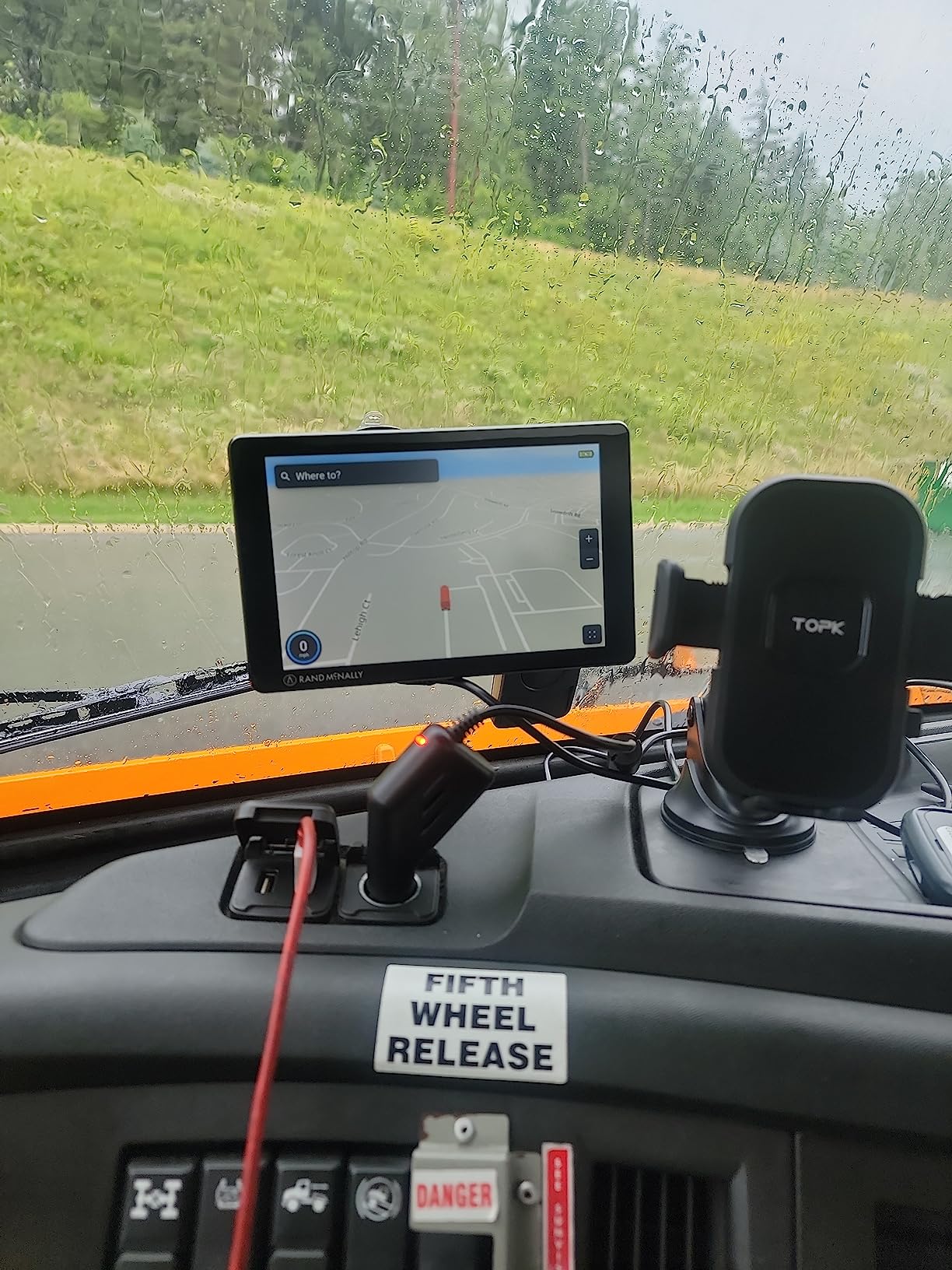
This is the unit I would hand a driver who wants one box that does navigation and dash cam duty without stacking two devices on the windshield. The camera is integrated rather than a separate stick unit, which means one power lead and one mount to worry about.
The hazmat routing options are properly implemented. On a run where you cannot be near certain fuel depots, having the profile flag set correctly and the router honoring it removes a class of planning error that shows up in compliance records.
The 3D buildings and landmarks view is more useful than it sounds for a first-time driver. Seeing the building mass ahead of an unfamiliar downtown turn is the difference between committing to a street and reversing out of it in a straight truck.
WiFi map updates mean the device can pull current routing over a truck stop WiFi hotspot rather than needing a laptop on a passenger seat.
What holds up on a real route
The screen size plus the dash cam is the combination that carries this unit. Reviewers consistently treat the camera as the reason they picked it, with navigation described as good rather than exceptional. The dynamic weather overlays showing wind speed and precipitation are handy when you are deciding whether to push another two hours or stage.
It also works as a general unit for trucks, cars, and buses, which matters if a driver moves between equipment.
Where it falls short
The routing logic is the real complaint, and it is repeated often enough to plan around. Owners report the unit adding hundreds of miles to some routes, failing to recalculate promptly after you leave the planned route, and day or night mode behaving inconsistently in bright sun.
The 480 x 272 resolution is also well below the Garmin panels in this list. It is fine at night and workable in daylight, but text is visibly softer in direct sun. Budget for it if your runs are mostly daytime.
3. Garmin dezl OTR1010 – Best for 10-Inch Visibility
Garmin dēzl™ OTR1010, Extra-Large, Easy-to-Read 10” GPS Truck Navigator
10.1 inch color TFT touchscreen
1280 x 800 resolution
Android operating system
1.2 lb
Pros
- Extra-large panel that rotates to landscape or portrait
- Split-screen view pairing route overview with weather
- Heavy-duty suction
- screw-down
- and RAM ball mount options
- BirdsEye imagery for arrival planning
Cons
- Heaviest and largest unit in the group at 1.2 pounds
- Premium price point for the feature set
- Initial setup takes longer than the smaller Garmins
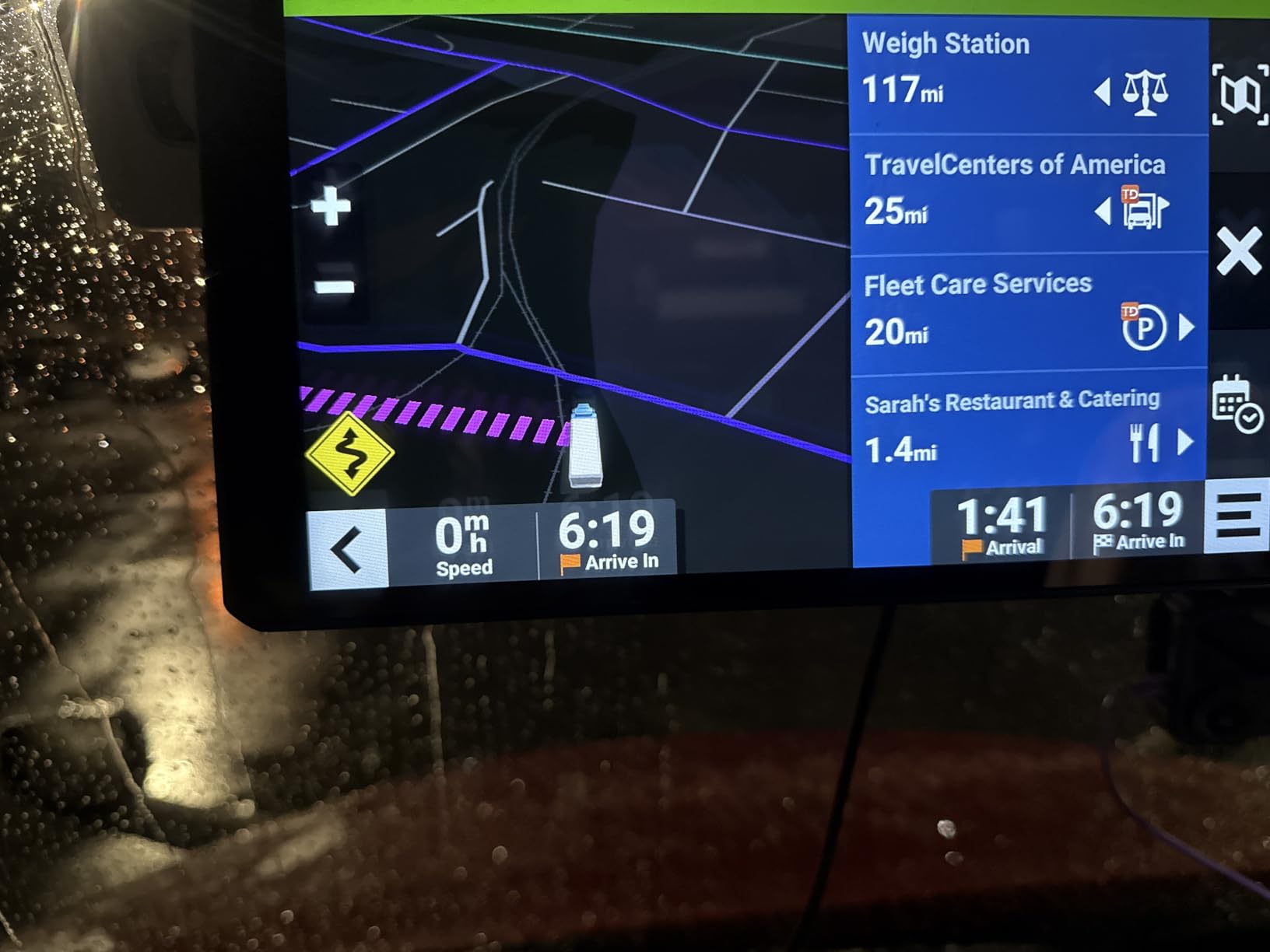
This is the highest rated unit we looked at, and the reason is visibility. If your sightlines are tight — a sleeper unit, a deep sun shade, or a dash layout that pushes the mount far from your normal eyeline — the 10.1-inch panel removes the guesswork that comes with leaning in to read a six-inch screen at highway speed.
The split-screen view is the feature I would not give up. Route overview on one half, weather and traffic on the other, without swapping screens. On a leg where you are watching a storm cell eat your arrival window, that is worth more than any single routing improvement.
Rotating between portrait and landscape is useful for a vertical windshield mount in a sleeper cab. The mounting options are the best in this group: a powered magnetic mount with a heavy-duty suction cup, a screw-down option, and a one-inch ball adapter with an AMPS plate for RAM-style arms.
It runs Android rather than the Windows-based OS on the smaller Garmins, which gives it a longer feature runway but also a mild learning curve on first boot.
What holds up on a real route
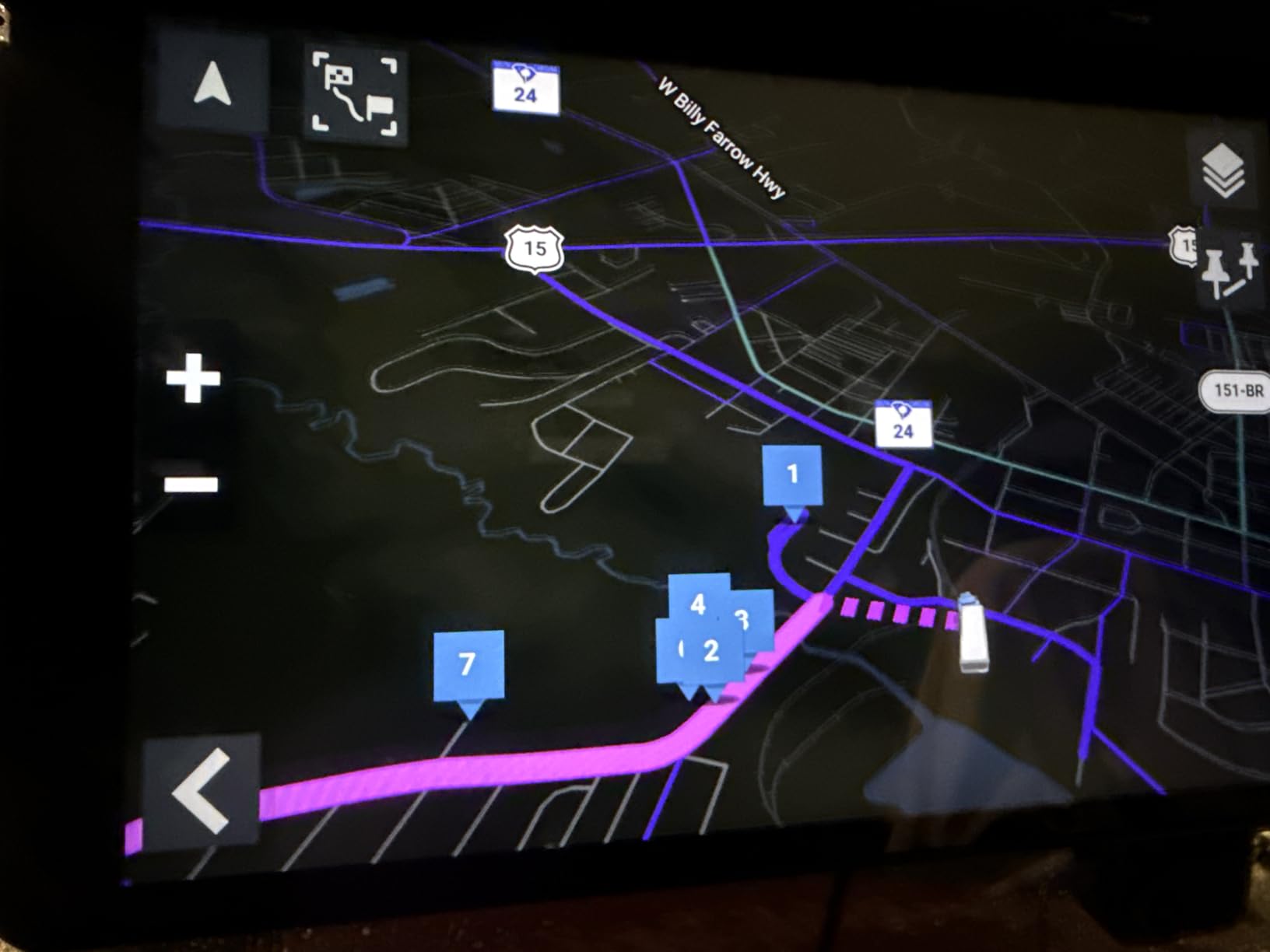
Custom truck routing with bridge, weight, and sharp curve alerts behaves consistently here, and BirdsEye imagery makes dock arrival planning straightforward. The route planner handles fuel stops and comfort breaks well, and it pairs with BC 50 backup cameras and dēzl accessories.
Reviewers rate the large display as the reason to step up, not the price.
Where it falls short
Weight and size are the honest drawbacks. At 1.2 pounds and nearly ten inches long, this is the unit most likely to need a proper RAM ball mount rather than a bare suction cup, and drivers who moved up from a small Garmin report it shifting around in the cab without a rigid mount.
Setup takes longer than the six-inch and eight-inch models, and the Android layer adds a learning curve if you have never used an Android-based navigator.
4. Garmin dezl OTR800 – Best for Load-to-Dock Arrivals
Garmin – dezl OTR800 8 inches GPS Truck Navigator – Black (Renewed)
8 inch capacitive touchscreen
1024 x 600 LCD
Bluetooth connectivity
2 hour battery life
Pros
- Industry-leading load-to-dock guidance for tight delivery windows
- Truck-friendly parking information along the route
- Works in landscape or portrait orientation
- Voice assistant and Garmin eLog ELD support
- Popular routes from fellow truckers
Cons
- Address search is difficult and fuel stops are buried in tabs
- Map updates expect a landline connection rather than a hotspot
- Only a two-hour internal battery so it needs constant power
The eight-inch panel is the sweet spot in this group for most drivers. It is large enough for quick glances without dominating the dash, and it rotates to portrait when you want more vertical map area on a tight downtown approach.
The load-to-dock guidance is the standout. When you are running local or regional freight into a facility you have never served, the routing that takes you to the correct entrance rather than the public street is the difference between a clean delivery and a phone call from the dock.
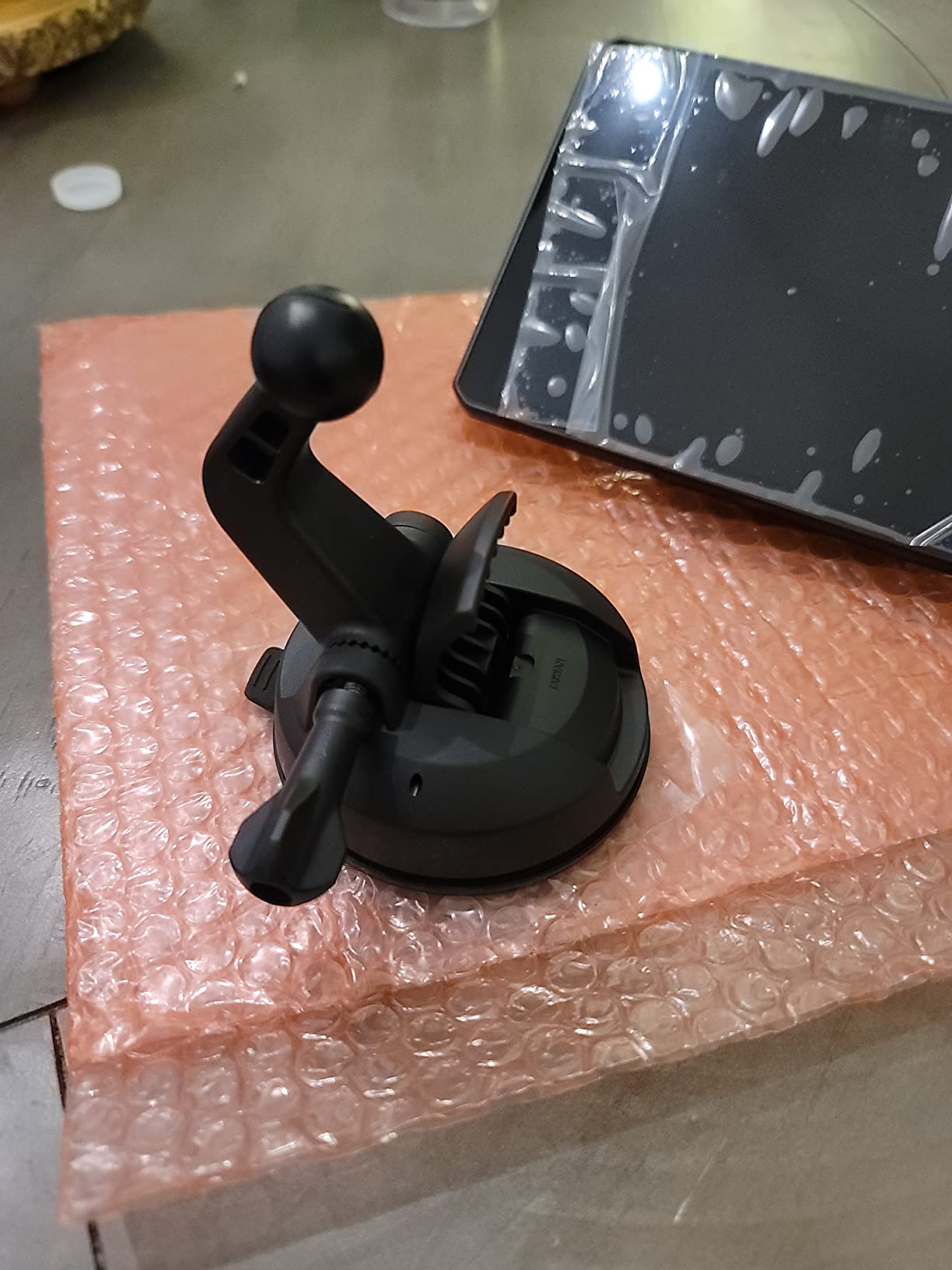
Truck-friendly parking information and popular routes from fellow truckers are practical additions on a leg where you are deciding where to stage rather than where to eat. The voice assistant handles hands-free operation, which pairs well with a good cab headset.
Mounting options match the OTR1010: powered magnetic mount with a heavy-duty suction cup, screw-down, or a one-inch ball adapter with an AMPS plate for RAM arms.
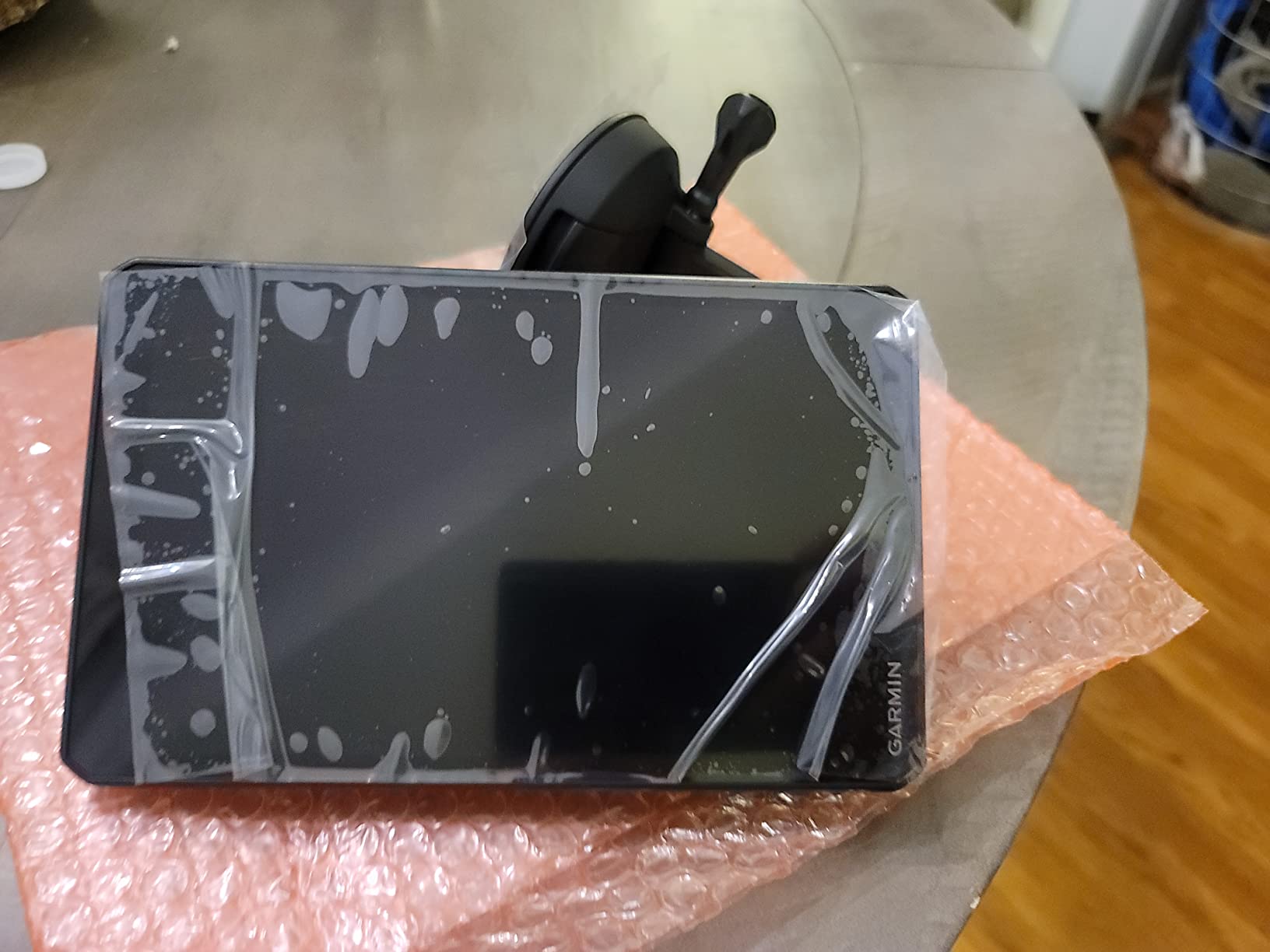
What holds up on a real route
Custom truck routing with size and weight alerts, truck-friendly parking information, and load-to-dock guidance all behave well in daily use. Garmin eLog compliant ELD support means the same box can feed hours-of-service data, which is convenient if you are running without a separate ELD screen in view.
Speed limit data is present but can lag behind reality, so treat it as a prompt rather than a law.
Where it falls short
Address search is the most-criticized item here — some owners report it failing outright for locations they know well, and fuel stops are buried in tabs that cannot be searched by address. Map updates expect a landline internet connection rather than a mobile hotspot, which is an annoying constraint if you do your planning on the road.
The internal battery runs about two hours, so treat it as a permanently powered device. New locations can also take time to appear in the database.
5. Rand McNally TND 1050 – Best 10-Inch With a Dash Cam and Mileage Logs
Rand McNally TND 1050 10-inch GPS Truck Navigator with Industry’s Best Custom Trucking Routes, Rand Navigation 2.0, Download 2025 Maps + Built-in Camera
10 inch Gorilla Glass touchscreen
1280 x 800 LCD
32 GB memory
5 hour battery life
Pros
- Gorilla Glass with a removable protective guard for cab use
- Built-in dash cam with G-sensor and loop recording
- Three mounting options including magnetic and ball bracket
- WiFi map updates and a USB port for charging devices
- Receipt tracking and driver inspection reports
Cons
- Large panel takes up significant windshield space
- Magnets may not hold over rough roads
- Bogus railroad crossing warnings and mixed routing accuracy
This is the most rugged-feeling unit in the group. Gorilla Glass plus a removable protective guard is exactly what you want on a device that lives in a cab and gets grabbed, shifted, and wiped down constantly. Most drivers would leave the guard on and accept the slightly heavier feel for that insurance.
The receipt tracking and driver inspection report features come straight out of the dash cam, which turns the camera from a gimmick into paperwork. If your company expects you to document vehicle condition, that is real utility rather than a checkbox.
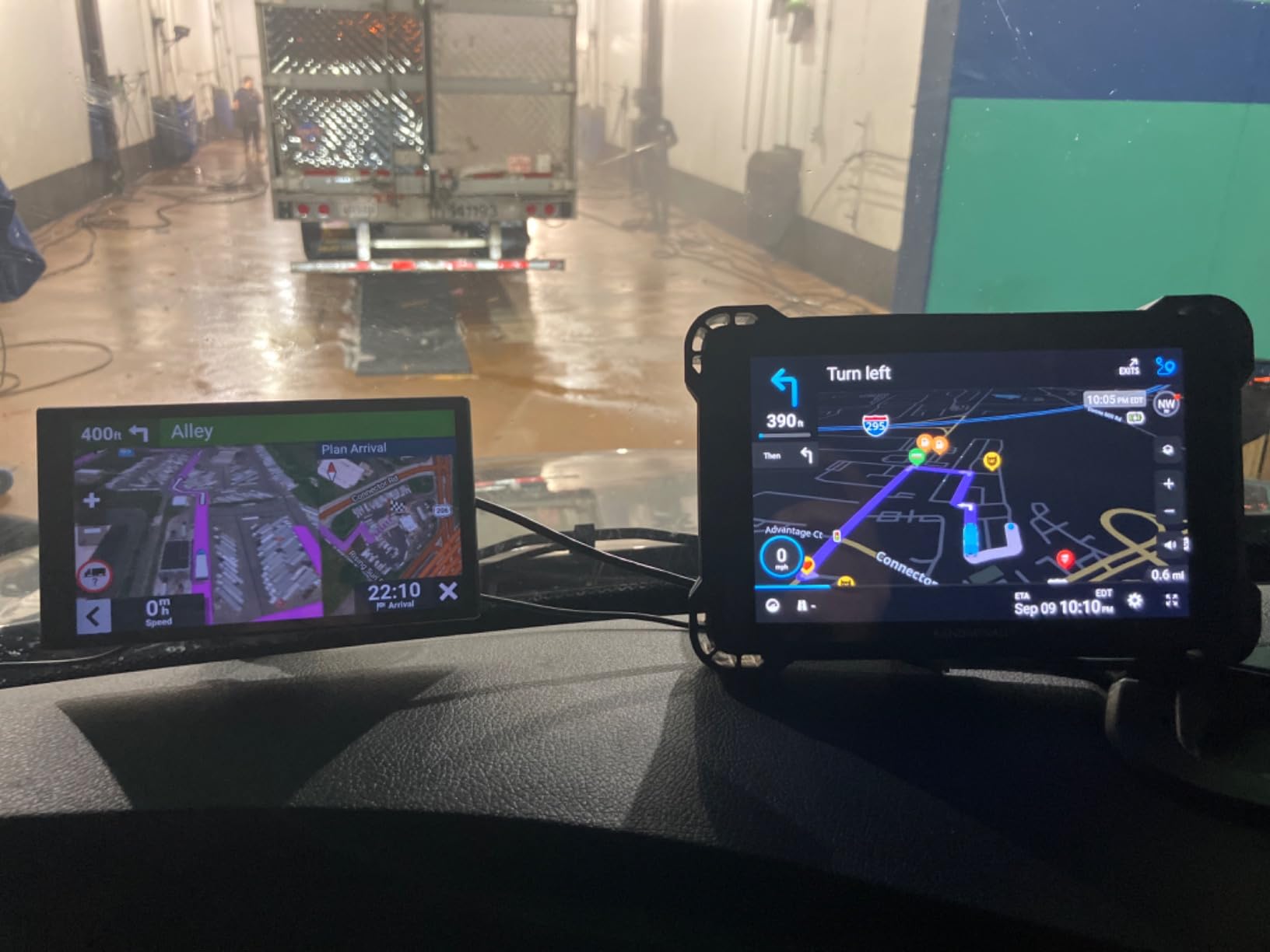
Rand Navigation 2.0 advertises 33 percent more truck-specific road data than competing databases. Whether that gap shows up on your actual routes depends on where you run, but the volume of new roads after construction is a real problem for older map sets.
Five hours of battery life is the best in this group and means the unit still works if your power lead gets knocked loose.
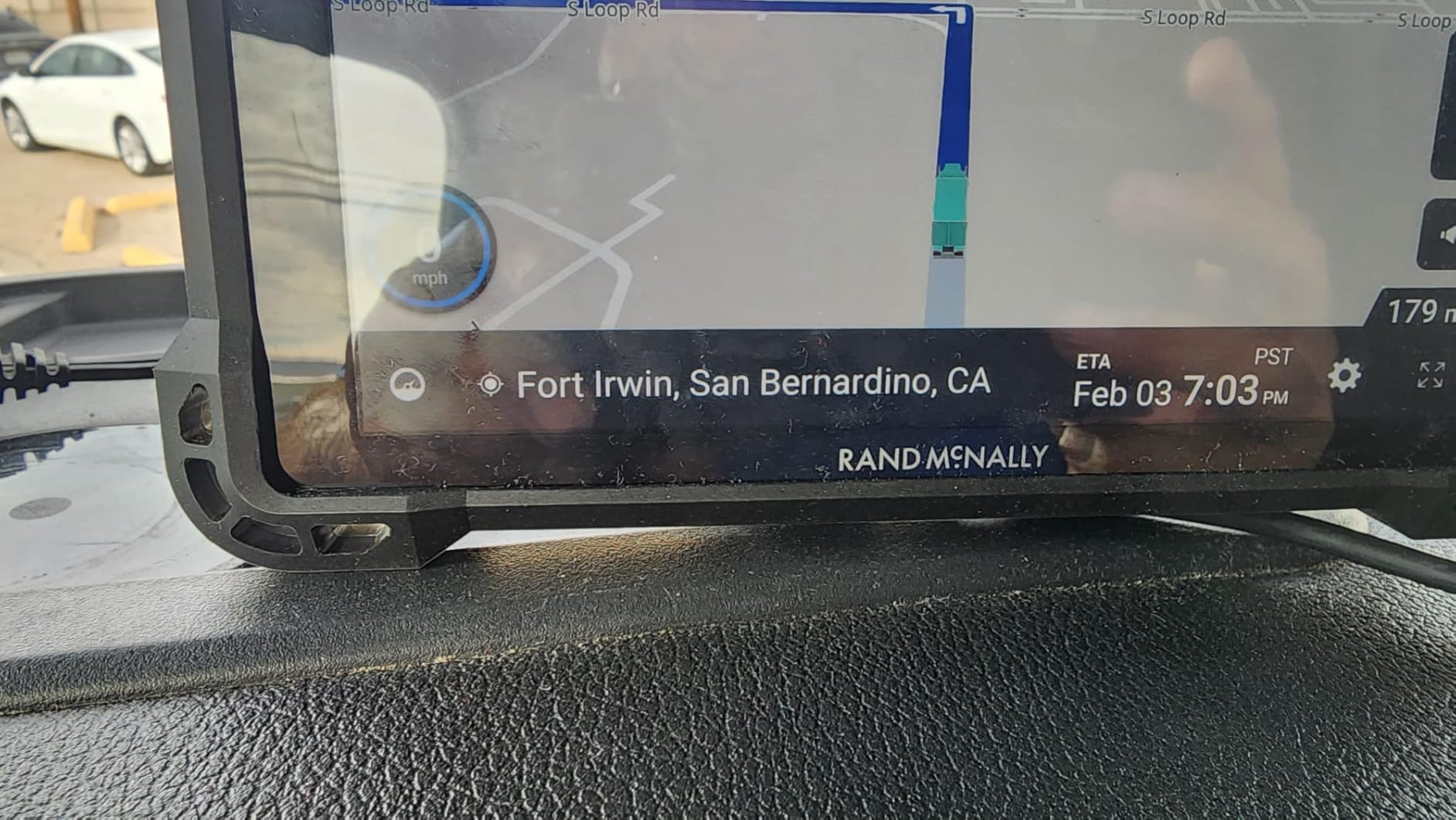
What holds up on a real route
The dash cam with G-sensor and loop recording is what drivers cite first. The magnetic mount makes it easy to pull the unit and review footage at a stop, and the ball bracket, dash mount, and windshield suction cup give you three ways to position it depending on the tractor.
Receipt tracking and mileage-style logs help if you are an owner-operator keeping your own books rather than running on a company plan.
Where it falls short
Ten inches is a lot of windshield, and this one weighs 1.8 pounds — the heaviest in the group. Reviewers also report the magnetic mount losing grip on rough roads, which is exactly where you want it locked down.
There are complaints about bogus railroad crossing warnings on interstates, mixed routing accuracy compared with older models, and arrival time or traffic data that does not always match reality. Test it on a route you already know before committing.
6. Rand McNally OverDryve 8 Pro II – Best With Satellite Radio Built In
Rand McNally OverDryve 8 Pro II Truck GPS & Connected Tablet, Car Navigation with 8” Display, Built-in Satellite Radio, Fully Adjustable Dash Cam (Renewed)
8 inch capacitive touchscreen
480 x 272 resolution
Android operating system
Voice control
Pros
- Built-in SiriusXM receiver in the dashboard mount
- Fully adjustable dash cam with G-sensor and loop recording
- Connected features for hands-free calls
- texts
- weather
- and apps
- Mileage and fuel log tracking
Cons
- Lowest screen resolution in the group at 480 x 272
- Android operating system with a limited app ecosystem
- Satellite radio requires a SiriusXM subscription
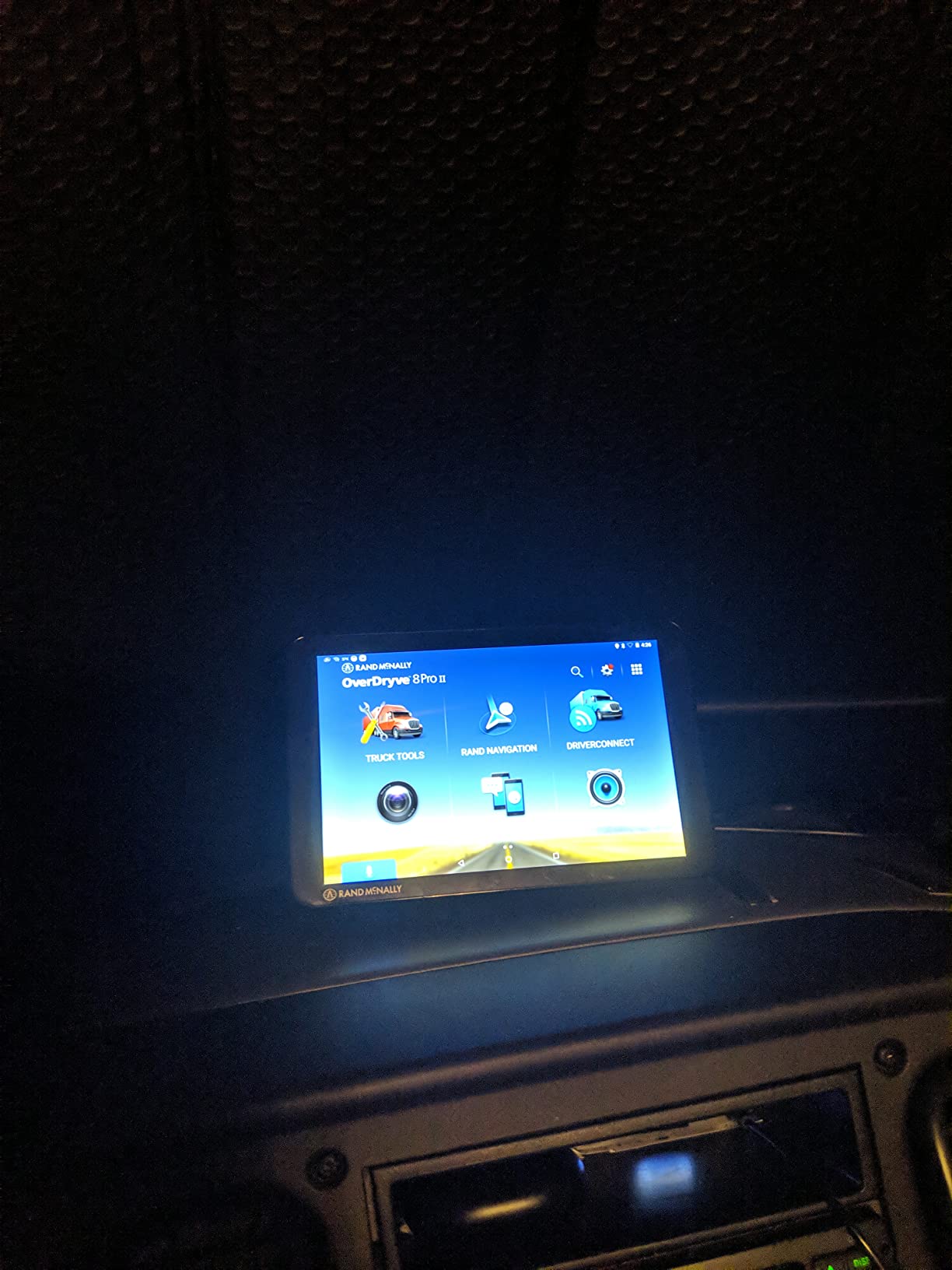
This is the only unit in the group with a satellite radio receiver built into the mount, and for a driver who wants music and talk radio without a separate device on the dash, that is the deciding feature. Everything else on this unit is a bonus.
The adjustable dash cam is more flexible than the fixed units. Being able to aim the lens properly rather than hoping the default angle caught the lane is a real improvement when you are filing footage after an incident.
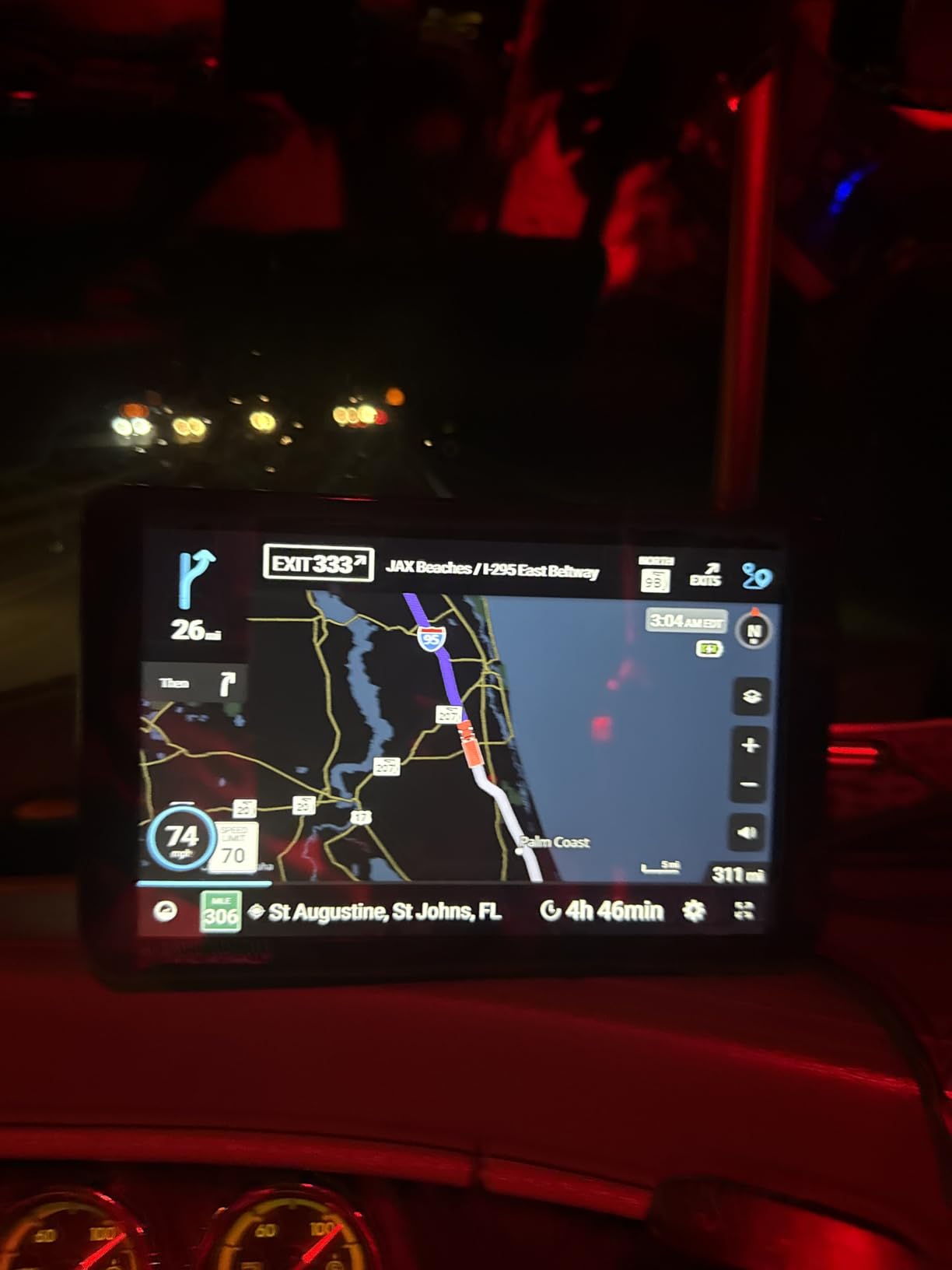
The mileage and fuel log tracking is genuinely useful for an owner-operator, and the customizable on-screen alerts for speed limits and sharp curves pair well with a strict hours-of-service mindset. Voice control keeps your hands on the wheel.
Drivers on forums repeatedly name this unit as a solid all-in-one, valued for the camera and commonly paired with satellite view on a phone to scout a lot layout before arrival.
What holds up on a real route
Voice guidance, customizable speed and curve alerts, and the connected features for calls, texts, and weather all work reliably. Bluetooth and WiFi handle updates and phone pairing without a separate cable run.
As a general navigator it is competent, and the satellite map view helps you spot dock approaches from the air before you commit.
Where it falls short
The 480 x 272 resolution is the weak point. At eight inches the panel is physically large but the image is soft, which hurts most in direct sunlight — exactly the condition in a windshield at midday.
It runs Android but with a limited app ecosystem compared to a tablet, and the SiriusXM radio requires its own subscription on top of the unit. Renewed units also carry limited warranty coverage, so factor that into the risk on a device you depend on daily.
How We Researched These Truck Navigators
We did not test these units over months of paid hauling, so we want to be straight about that. What we did was read the full review sets on each product, cross-check the spec sheets against manufacturer documentation, and read what working drivers say about these families on r/Truckers and The Truckers Report.
That forum input mattered because the recurring themes are consistent and specific: signal dropouts in canyons and mountain passes, turn announcements that come too late on budget units, Rand McNally units criticized for slow charging, and routing that adds unnecessary miles. Those complaints shaped how we ranked the products more than any single spec.
We also filtered hard. Passenger-car units do not belong in a truck roundup, and so do accessories and no-name listings that cannot handle a truck profile at all. That is why this list has six products rather than ten — the truck-specific category is genuinely narrow, and padding it with car navigators would make the guide worse.
One more note on ratings, since this category has a rating problem worth understanding. Amazon listings in this space mix new units, refurbished units, and renewed units under the same product page, and the rating on a page reflects all of them. Two of the units here are renewed. We included them because the hardware is identical and the truck routing does not degrade, but a renewed unit carries shorter warranty coverage than a new one, and you should factor that into how long you plan to keep it before the map support window closes.
The most useful signal in the reviews was not star ratings at all. It was the pattern in written complaints, and it repeated across brands: units that lose signal in canyons and mountain passes, voice prompts that fire too late to act on, and routers that add miles for reasons the driver cannot see. Those three failure modes shaped our ranking more than resolution or screen size did.
What Makes a Truck GPS Different From a Car GPS
A truck GPS navigator is a dedicated in-cab device that routes commercial vehicles around low bridges, weight-restricted roads, narrow streets, and hazmat restrictions using a truck-specific routing database rather than a standard car map.
The mechanism is straightforward. You enter your truck’s height, width, length, weight, and axle count into the device profile, and the routing engine then generates routes that exclude roads your rig cannot legally or safely travel, while adding lane guidance, truck-specific points of interest, and driver alerts along the way.
That matters because standard car navigation will route a 53-foot rig under a low clearance bridge or onto a road with a weight limit your axle load exceeds. The result can be a citation, a costly wreck, or a violation that ends up in your DOT record. A dedicated unit eliminates most of that risk — though drivers are right to be skeptical of any device, because even truck-specific units have occasionally routed someone onto a restricted road.
Who needs one? Any driver running a Class 8 semi, straight truck, or box truck. It matters most on long-haul and multi-state routes where low-clearance bridges, weight-restricted county roads, and downtown delivery docks are common.
Garmin vs Rand McNally: Which Brand Should You Buy
Buy Garmin if your priority is routing accuracy, arrival planning, and point-of-interest depth. Across the three Garmin units here, the recurring praise is for fast recalculation, BirdsEye imagery at the dock, and a services directory that filters by brand and amenity. The complaint pattern is shared too: address entry is not intuitive, and newer models run heavier than older ones did.
Buy Rand McNally if you want a built-in camera, connected extras, or satellite radio in the same box. The TND 750 and TND 1050 both integrate a dash cam, and the OverDryve 8 Pro II adds SiriusXM. The consistent trade-off is routing efficiency — drivers report unnecessary mileage and slower recalculation more often with these units than with Garmin.
On the map update question, both brands build updates into the device rather than gating them behind a recurring subscription, which matters more than the spec sheet suggests. The real risk is model support life. Older units in both families eventually stop receiving map updates, which is why several drivers on forums still prefer an older Garmin dēzl that keeps working over a newer unit whose database has gone stale.
Support life is the question nobody asks and everybody should. A navigator is a five-year purchase even if the hardware lasts longer, because the map database is what makes it correct. Before you buy, find out how long the manufacturer commits to updates for that specific model number, and how the updates are delivered. One unit here expects a landline internet connection rather than a hotspot, which is a real constraint if you plan your routes on the road.
There is a quieter category difference too. The dēzl line runs a more conventional navigator operating system on the smaller models and moves to Android on the large ones, while the Rand McNally TND 1050 and OverDryve are Android throughout. In practice that means the Garmin units behave like dedicated devices with tight interfaces, and the Rand McNally units occasionally expose a more tablet-like experience with the strengths and annoyances that implies.
If you are choosing on a used market, the same support-life question decides it. An older unit from a brand that has stopped updating that model is a paperweight regardless of how good the hardware was, which is the single best reason to verify update support before buying anything discontinued.
If you also run an RV or a sprinter van rather than a tractor, our guide to the best car GPS navigators for RV travel covers the lighter rigs separately.
Setting Your Truck Profile Correctly on First Boot
Get this wrong and every other feature on the device is decorative. This is the step most competitors never explain, and it is the step that determines whether the routing is actually safe.
Enter your exact height including rooftop fairings and antennas, your width across mirrors if you have them extended, your overall length from bumper to bumper including a trailer, your loaded weight, and your axle count. If you run placarded hazmat, flag it in the profile rather than assuming the device infers it.
Do not guess conservatively. Overestimating your height does not make you safer, it just pushes you onto longer routes that avoid roads you could legally use. Underestimating is the failure mode that gets cited.
After you set the profile, run a test route through an area you already know well — ideally one with a known low-clearance structure — and confirm the guidance matches what you would have done manually. Drivers on forums confirm that a properly entered dēzl profile produces sensible routes and waypoints; an improperly entered one produces confident nonsense.
Mounting and Power: Suction Cup, RAM Ball, or Hard-Wire
The newest large-screen units are heavier, and drivers repeatedly complain about units sliding around in a moving cab. That complaint is really a mounting complaint, and it has a cheap fix.
For anything above about eight inches, use a rigid RAM-style ball mount with an AMPS plate rather than a bare suction cup. Several units here ship with that option, and the OTR800 and OTR1010 both list the one-inch ball adapter as supported. For the six- and seven-inch units, the included powered magnetic mount with a suction cup is adequate if you are running smooth highways rather than washboard county roads.
On power, every unit here is built to run from a truck’s 12V socket. The internal battery is a backup, not a plan — the OTR800 gives you about two hours and the OTR1010 is effectively mains-only in practice. Several drivers treat hard-wiring through a fuse tap as a make-or-break decision, and we agree if you run a dedicated rig. It removes the dead-mid-haul failure mode entirely.
For offline behavior, all six units navigate without a cell signal because maps are stored on the device. That is the single strongest argument for a dedicated unit over a phone app in mountain routes and canyons, where coverage disappears exactly when you need directions most.
Dedicated GPS vs Trucker Apps: Trucker Path, Waze, CoPilot
Phone apps are genuinely good now, and the honest answer is that an app is enough if your runs stay inside metropolitan areas with reliable data coverage. Outside that, a dedicated unit wins.
Trucker Path is the app drivers recommend most often, and the reason is specific: it was developed by truckers and handles dock entrance routing reliably. Drivers describe it as the one that can get you to the correct entrance without an issue. The trade-off is a subscription for continued use, plus the fact that it needs data.
Waze is excellent for live traffic and hazards and costs nothing, but it is car-first — it has no truck profile, so it will happily suggest a route a rig cannot take.
CoPilot offers lifetime truck routing as a one-time purchase on Android, which makes it the closest app analogue to a dedicated unit’s ownership model. It still depends on cell coverage for traffic and some features.
Google Maps is the one to avoid as a primary truck navigator. It has no truck dimension input, so low-clearance bridges and weight limits are simply not part of its routing logic. Several drivers on forums describe the switch from an app to a dedicated unit as the day they stopped worrying about getting sent under a bridge.
The practical split: use a dedicated unit for the route, keep Trucker Path or Waze for live traffic and parking crowds, and carry a paper atlas for the stretches where nothing works. If you are deciding on a dedicated device versus an app subscription, the break-even question is how many months of subscription the device replaces — a unit that works for five years usually wins against a single year of app fees.
There is one more failure mode worth naming, because it comes up in almost every driver forum discussion of this choice. A phone-only setup means your route depends on a phone that also runs your music, your texts, and your ELD. One dropped app or one dead battery between you and a 53-foot rig on a mountain grade is a scenario drivers describe with more force than any spec argument. A dedicated unit mounted and powered independently does not share that failure surface.
The exception is a driver who already mounts a phone permanently with a wired charging cradle and runs the app without interruption. If that describes you, the app genuinely may be enough, and you can put the money toward a better mount or an atlas you will actually use. If your phone lives in a cup holder and your ELD is a separate device, buy the dedicated unit.
Truck GPS Buying Checklist
Before you buy, work through these eight criteria.
Truck profile depth. Height, width, length, weight, axle count, and hazmat — all of them, not just height.
Map update policy. Confirm the model still receives updates and how updates are delivered.
Screen size and brightness. Six inch minimum for tight sightlines, ten inch if your cab view is obstructed. Check anti-glare performance.
Offline capability. The unit must route without a cell signal.
Mount rigidity. Anything over eight inches needs a RAM ball mount, not a suction cup.
Power method. 12V socket, and whether you want it hard-wired through a fuse tap.
Point-of-interest depth. Truck stops, CAT scales, parking, and load-to-dock guidance for your freight.
Connected extras. Bluetooth hands-free calling, dash cam, fuel logs, or satellite radio — only the ones you will actually use.
If you only need navigation and you drive local freight, a smaller panel is enough. If you run long-haul with tight arrival windows, load-to-dock guidance and arrival imagery earn their cost quickly.
Frequently Asked Questions
Which GPS tracker is the best for truck drivers?
The Garmin dezl OTR610 is our top pick for most drivers because it combines accurate custom truck routing with the deepest filterable services directory and BirdsEye imagery for dock approaches, backed by the largest review base of any truck navigator. Choose the OTR1010 instead if your cab sightlines require a larger panel.
Which trucker GPS is better, Rand McNally or Garmin?
Garmin is the stronger choice if routing accuracy, arrival planning, and point-of-interest depth matter most, because drivers consistently praise fast recalculation and load-to-dock guidance on the dēzl line. Rand McNally is the better choice if you want a built-in dash cam, connected features, or integrated satellite radio in the same unit, at the cost of occasional unnecessary mileage.
Which one is better, Trucker Path or Garmin?
They solve different problems. A Garmin dēzl unit is a standalone navigator that works with no cell coverage at all, while Trucker Path is a subscription app that routes reliably to dock entrances but needs data. Most drivers who run mountain or rural routes pair a dedicated unit for navigation with Trucker Path or Waze for live traffic and parking.
What is the best GPS app for commercial truck drivers?
Trucker Path is the app most recommended by working truck drivers because it was built by truckers and handles dock entrance routing reliably. CoPilot is the strongest alternative for owners who want truck routing without a recurring subscription, since it offers lifetime routing on Android. Waze is useful for live traffic but has no truck profile.
Is a dedicated truck GPS worth buying in 2026?
Yes, for any driver running a semi, straight truck, or box truck on routes with low-clearance bridges, weight-restricted roads, or downtown delivery docks. A dedicated unit stores maps on the device so it works with no cell signal, accepts a full truck profile, and avoids routes a car database would never warn you about.
How do I set truck dimensions so the GPS avoids low bridges?
Enter your exact height including rooftop fairings and antennas, your width across extended mirrors, your overall loaded length, your gross weight, and your axle count, then flag hazmat if you are placarded. After saving, run a test route through an area you know well and confirm the guidance matches what you would have chosen manually before relying on it.
Final Verdict on the Best GPS Navigators for Truck Drivers
The Garmin dezl OTR610 is the best GPS navigator for truck drivers in 2026 for most people: the routing engine is the most dependable in this group, the services directory does real work, and it is the easiest of the large-screen units to live with day to day. If you want more visibility and run tight cab sightlines, step up to the dēzl OTR1010. If you want load-to-dock guidance specifically on regional freight, the dēzl OTR800 is the targeted pick.
On the other side of the fence, the Rand McNally TND 750 is the value choice for drivers who want a dash cam in the same box, the TND 1050 adds the most rugged build and paperwork features at ten inches, and the OverDryve 8 Pro II is the one to buy if built-in satellite radio matters to you. Just verify the routing on a route you know before you rely on it, because that is where these units earn and lose their reviews.
Whatever you choose, set the truck profile properly on the first boot, use a rigid mount if the unit is heavy, and keep a paper atlas in the bunk. That last habit costs nothing and has saved more drivers than any navigation feature ever built.